Rain Bird ESP-RZX Instruction Manual
Rain Bird ESP-RZX


Rain Bird ESP-RZX Instructions
Here we offer the Rain Bird ESP-RZX manual completely free and in English. We have cataloged this manual in the Irrigation Controllers section on Manualverse, and it has been rated by 1 users with an average rating of 5. If you have any specific questions about Rain Bird ESP-RZX, we suggest checking the Frequently Asked Questions (FAQs) section of this manual.
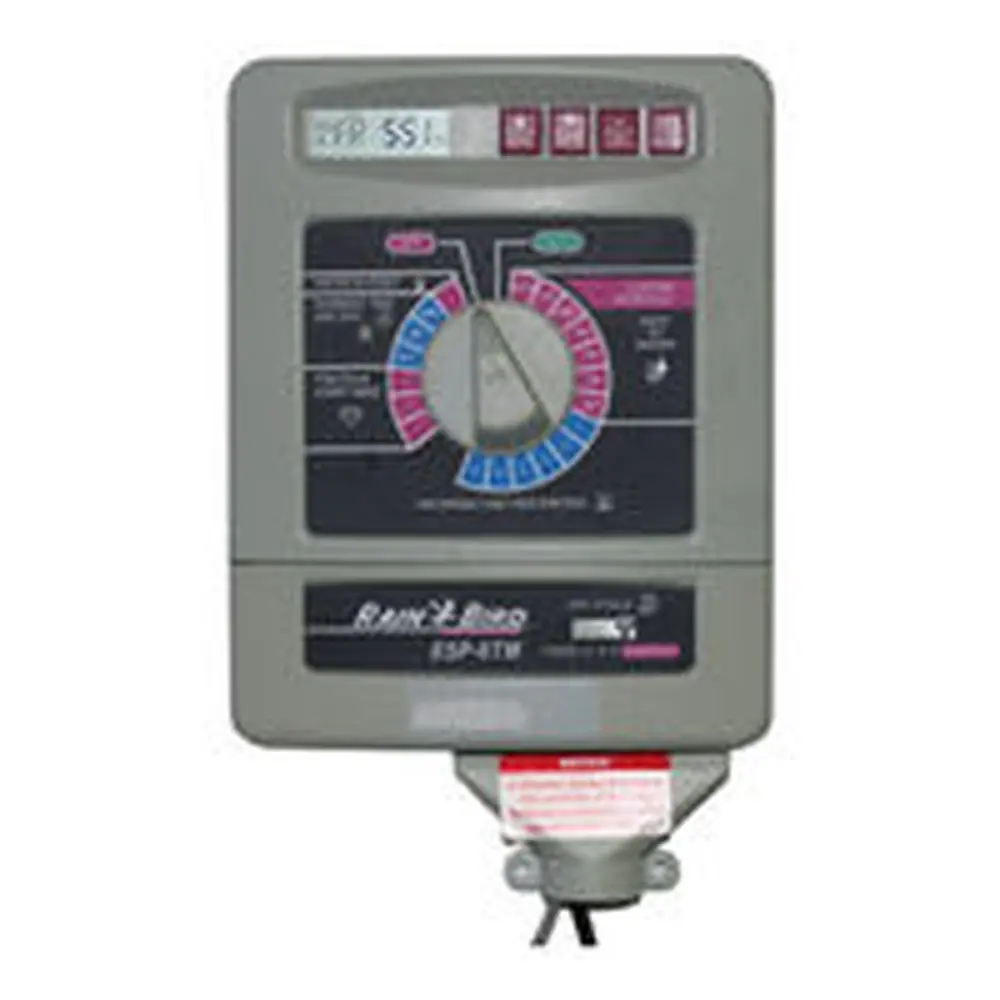
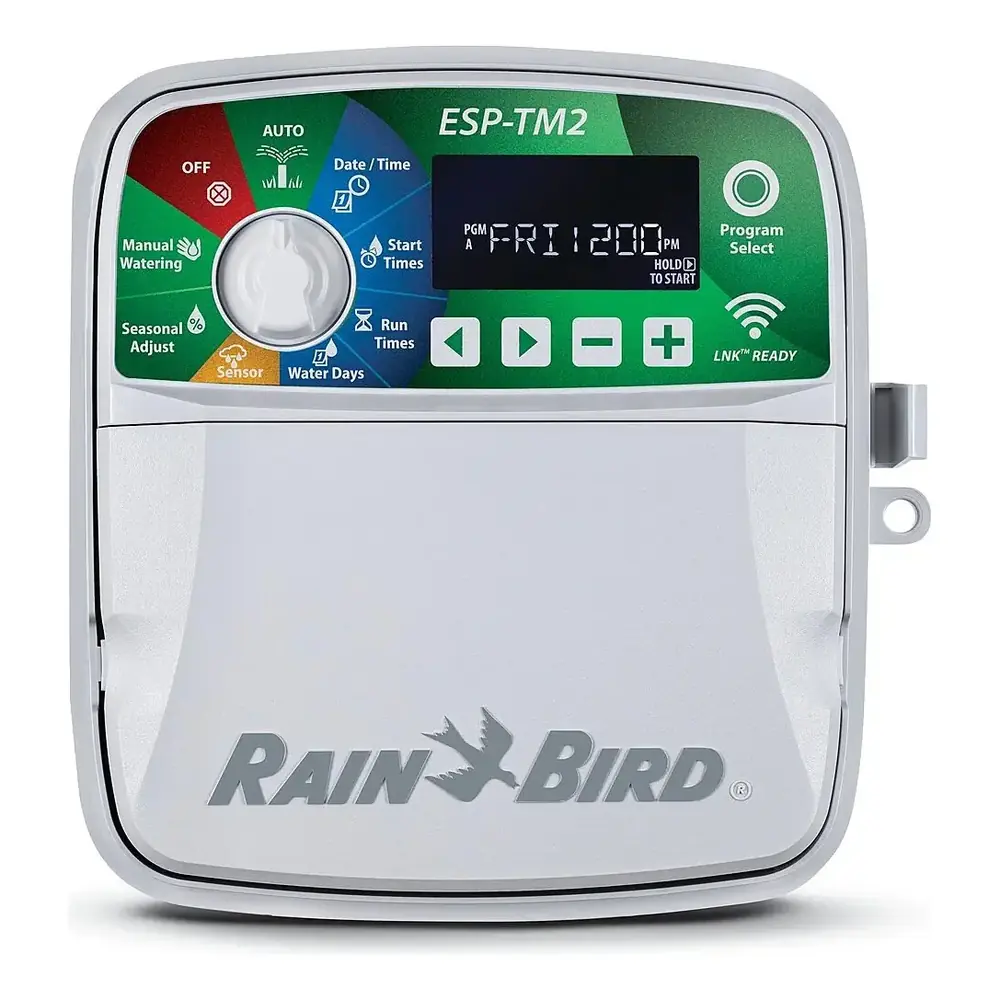
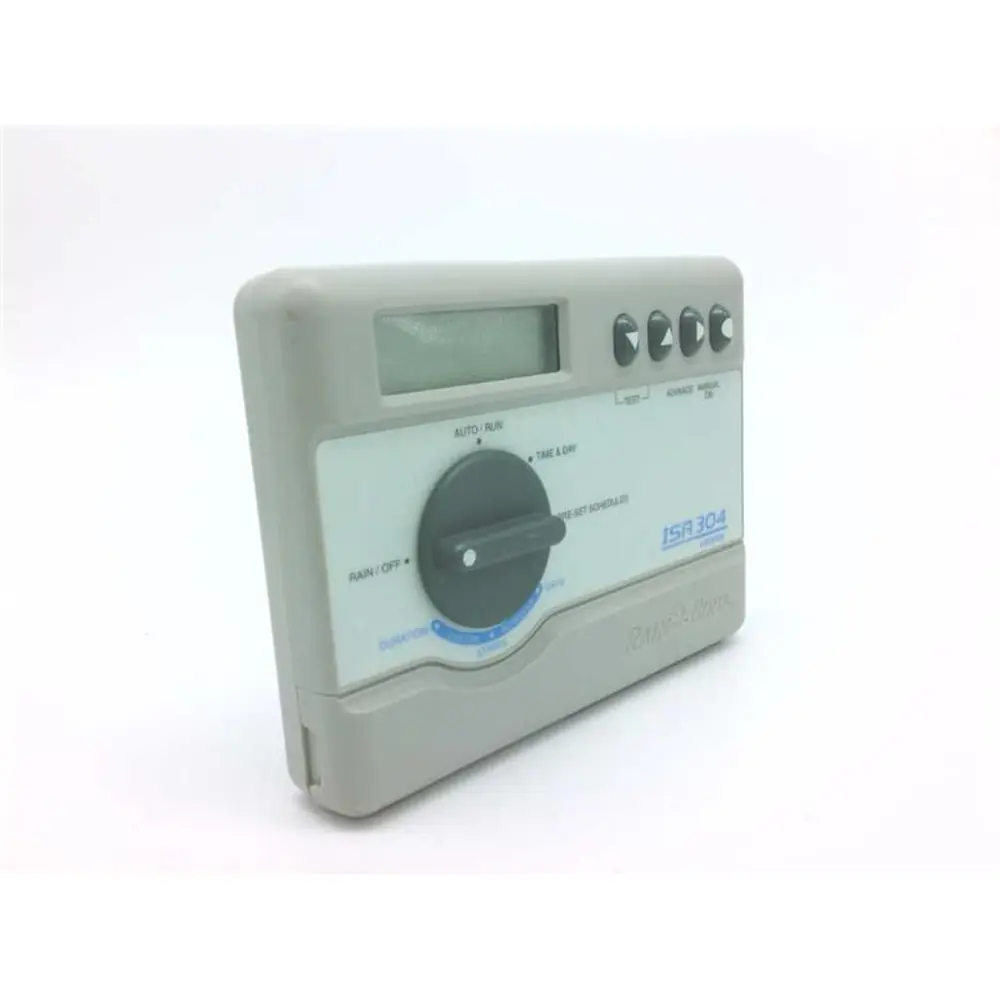
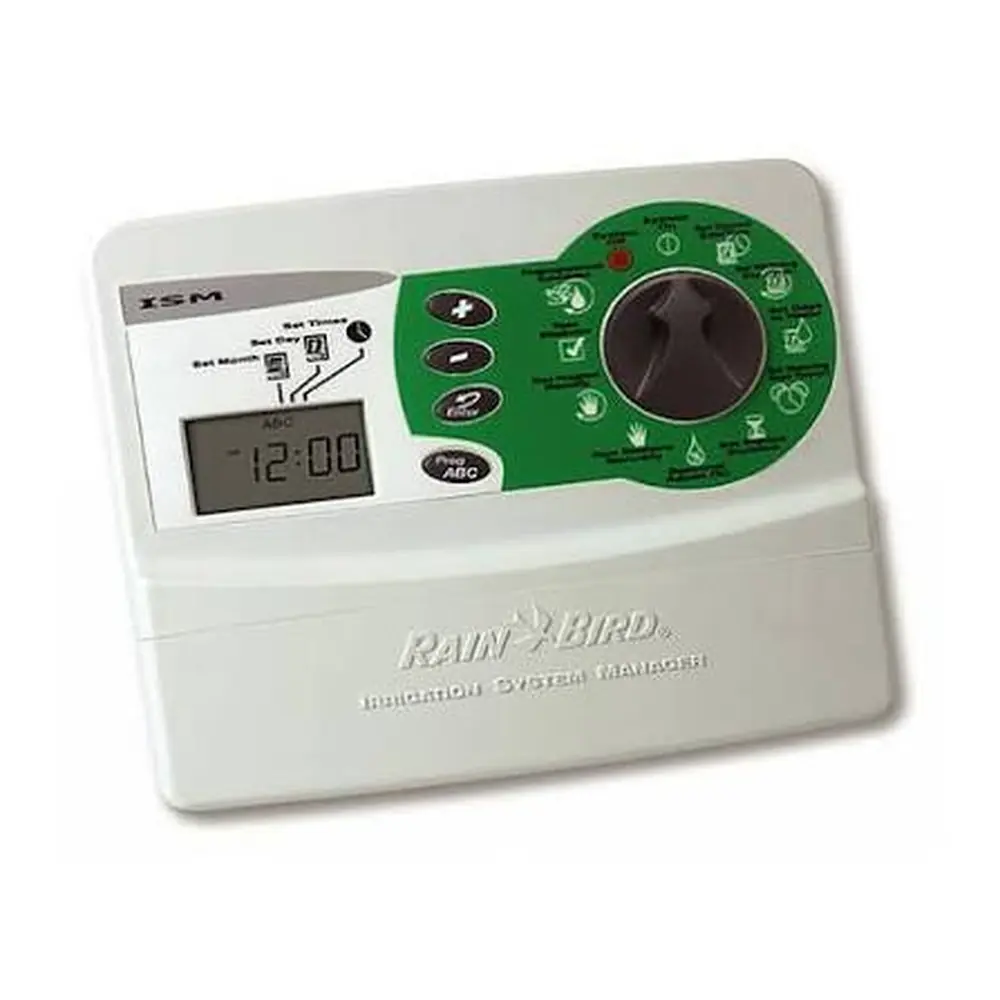
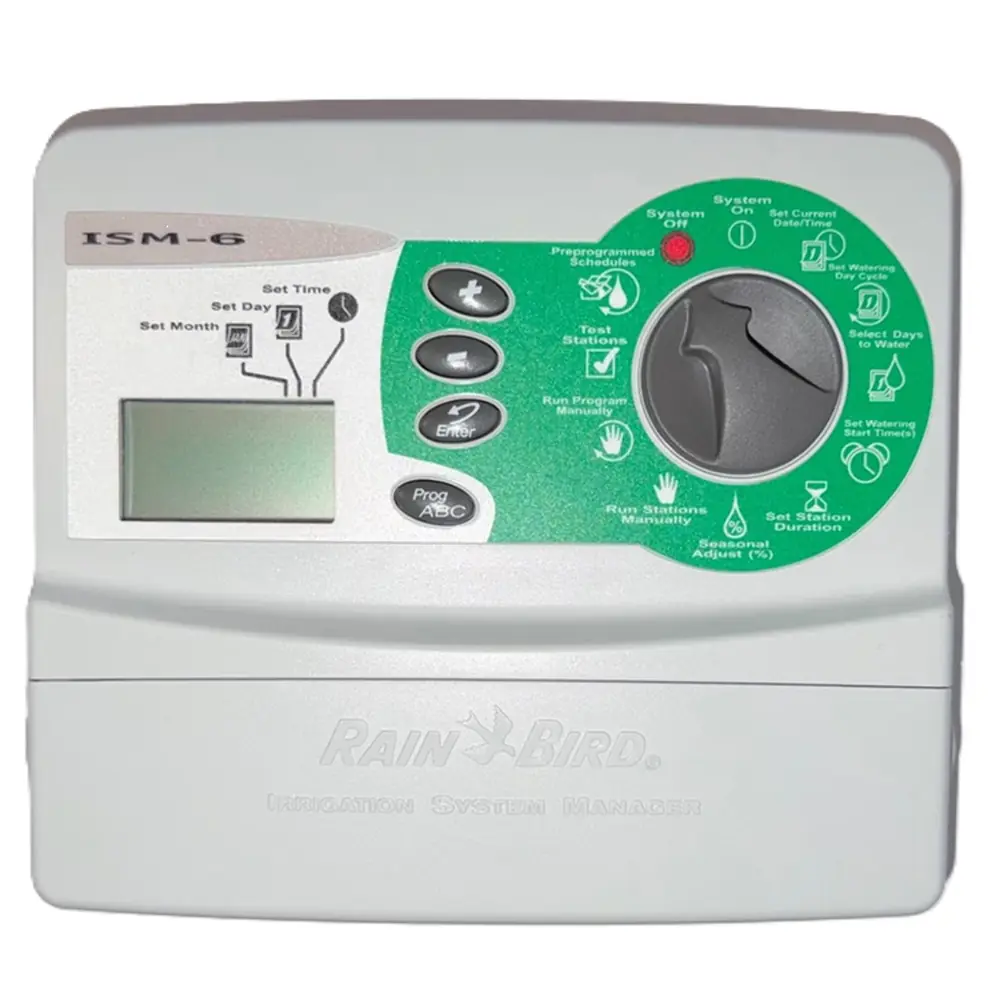
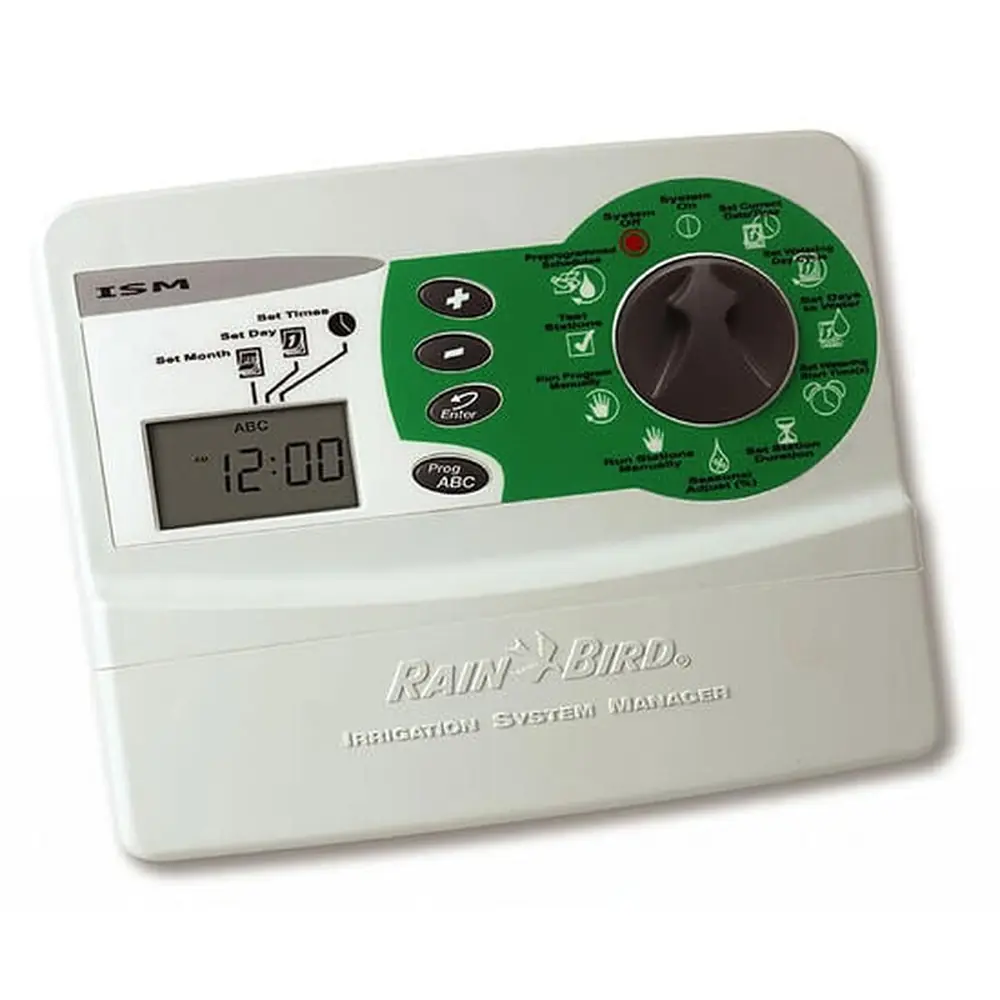
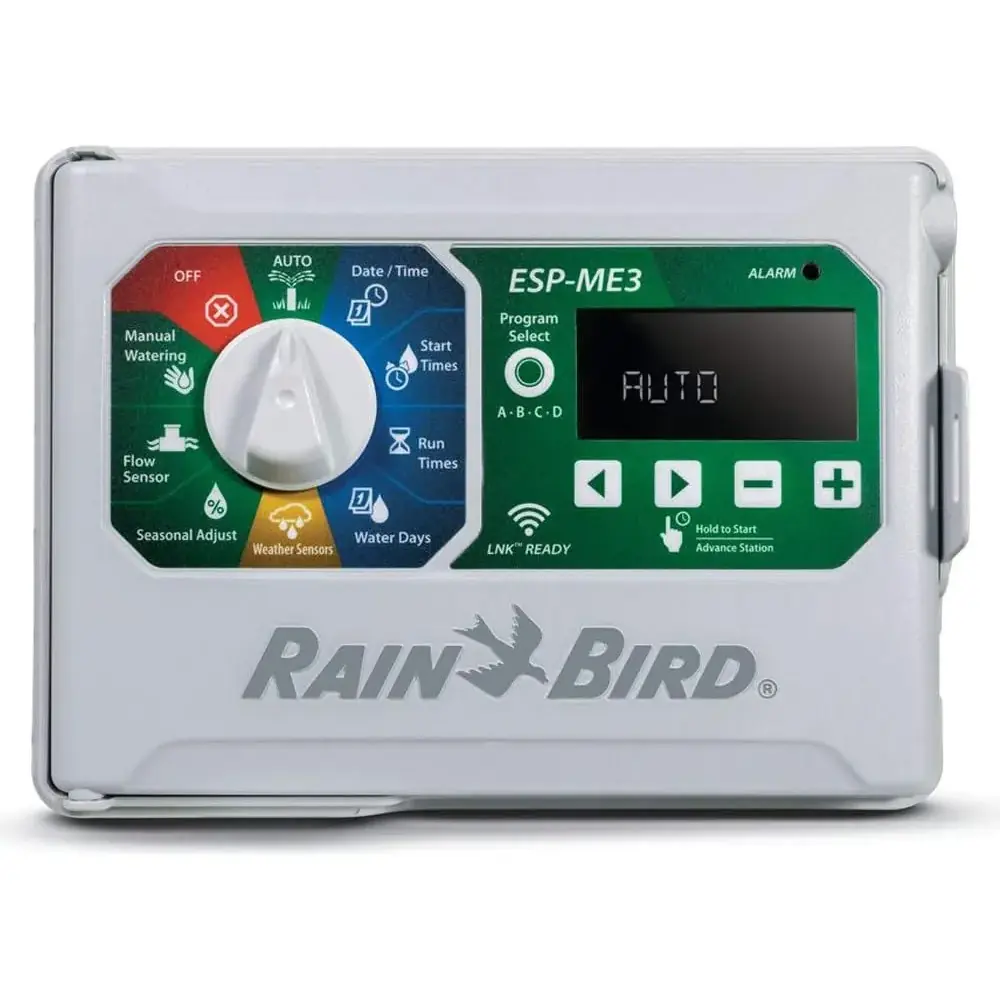
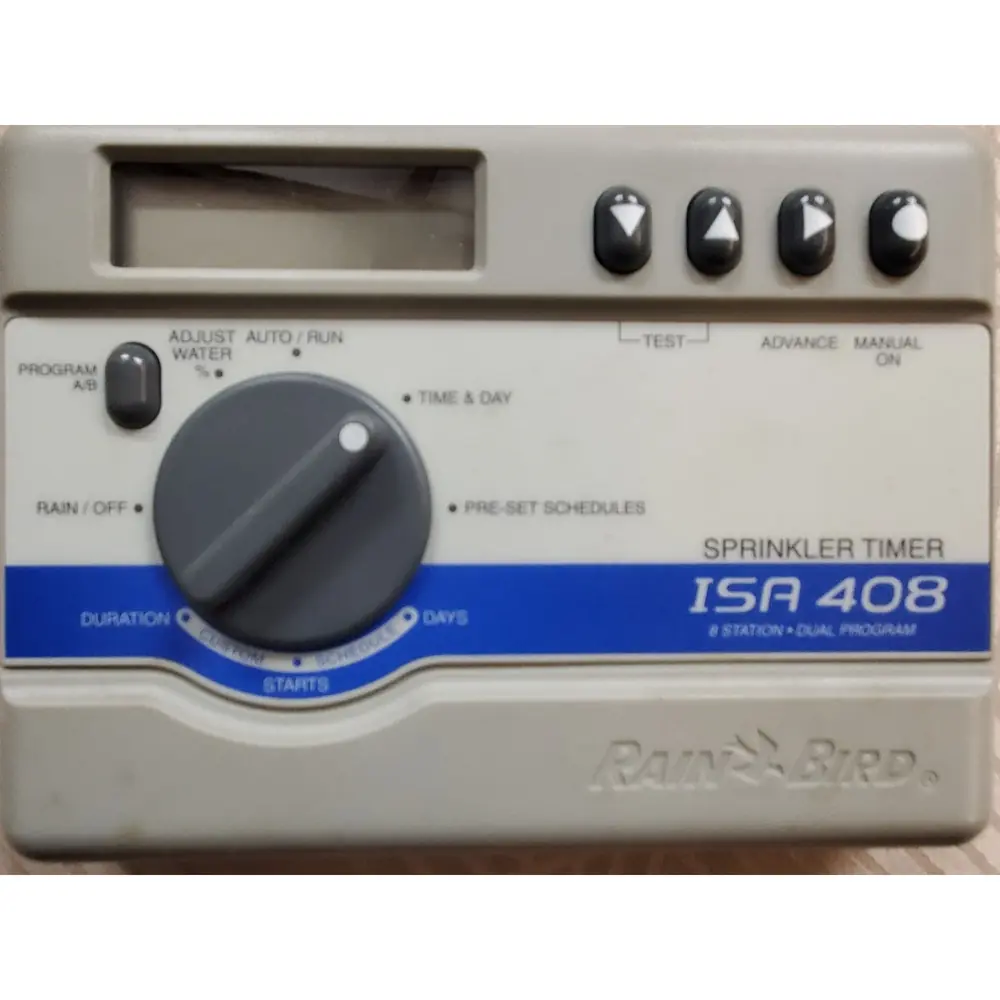
Product Images
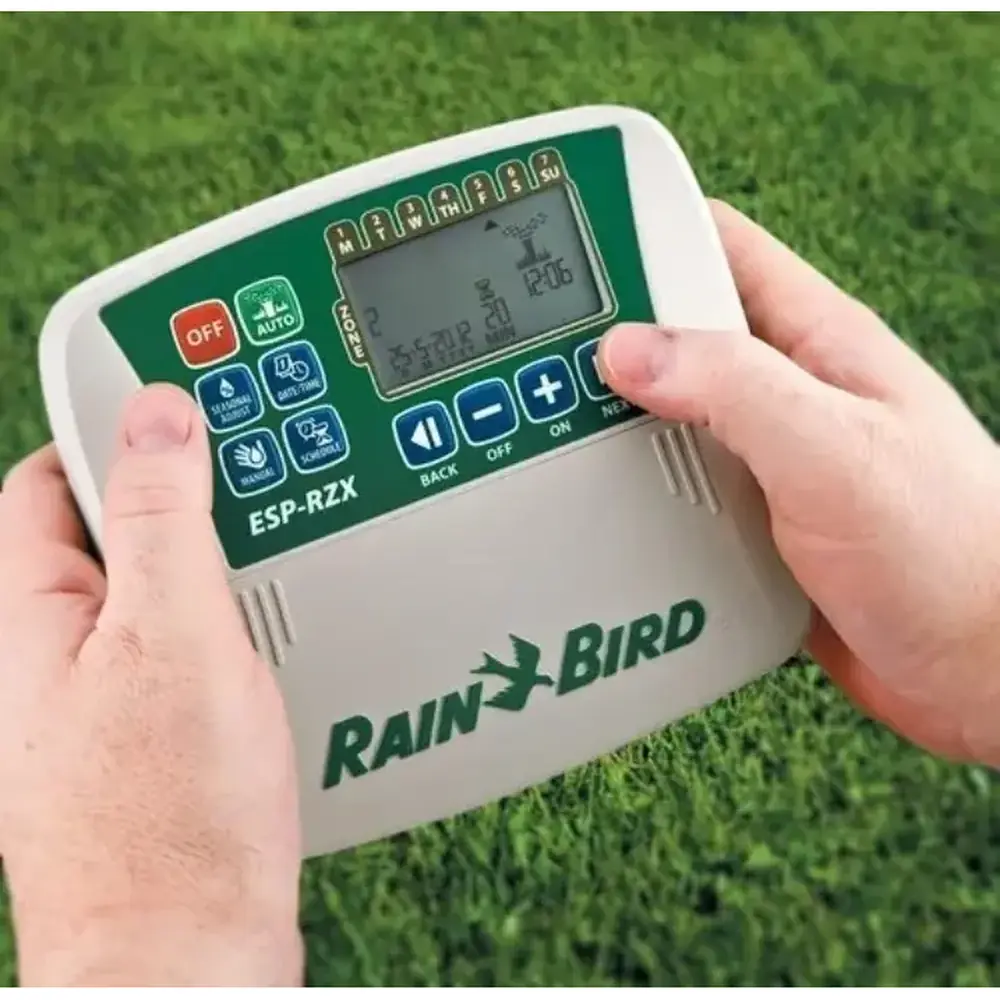
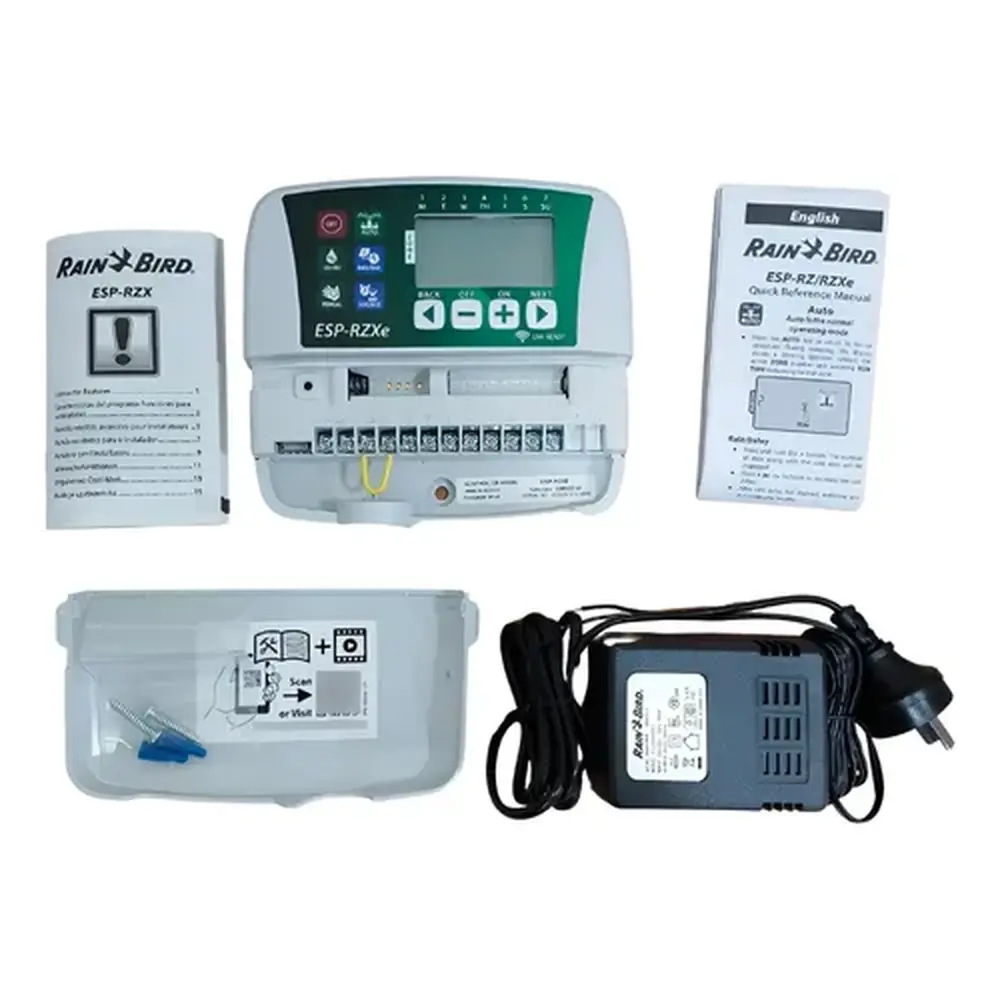
Rain Bird ESP-RZX Specifications
| Feature | Specification |
|---|---|
| Maximum Zones | 8 Zones |
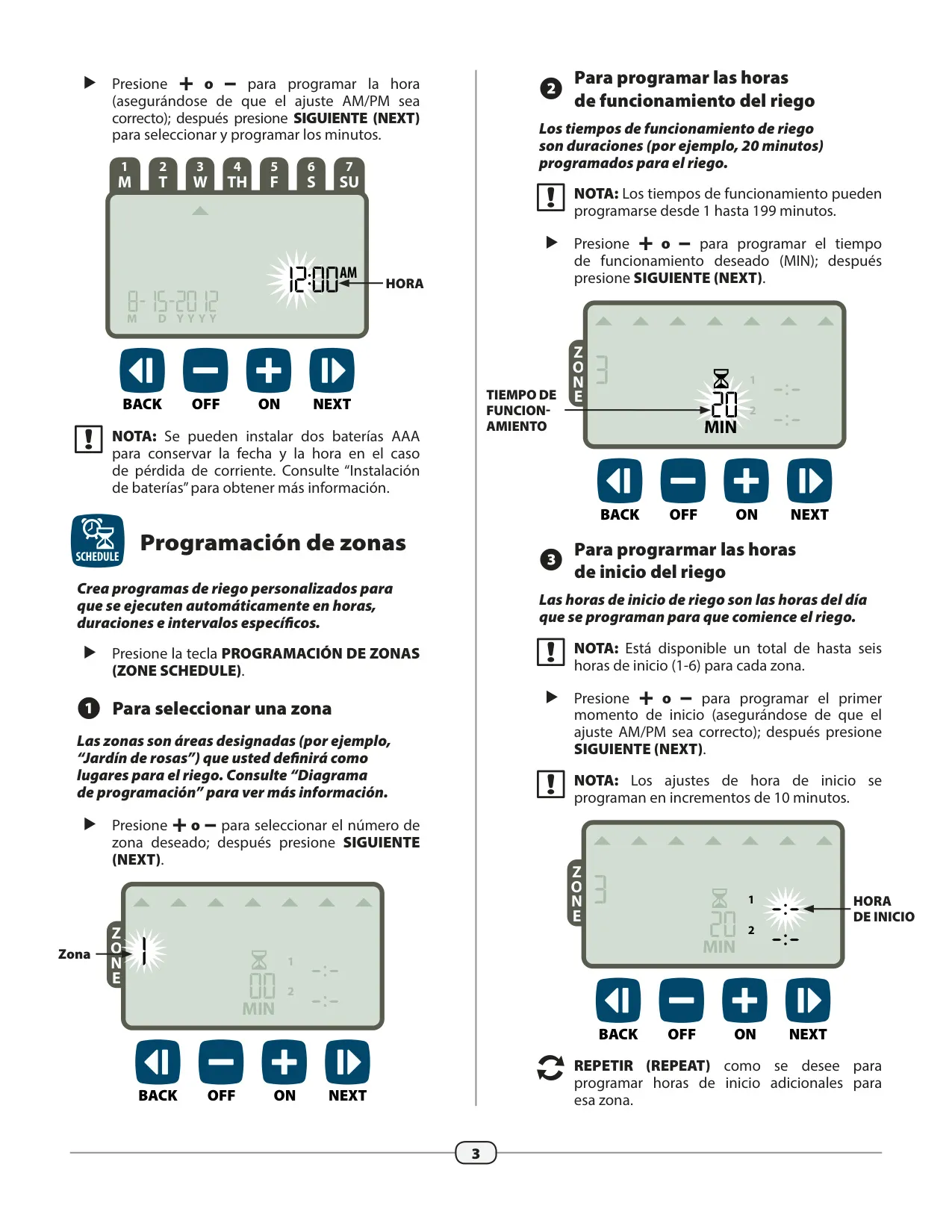
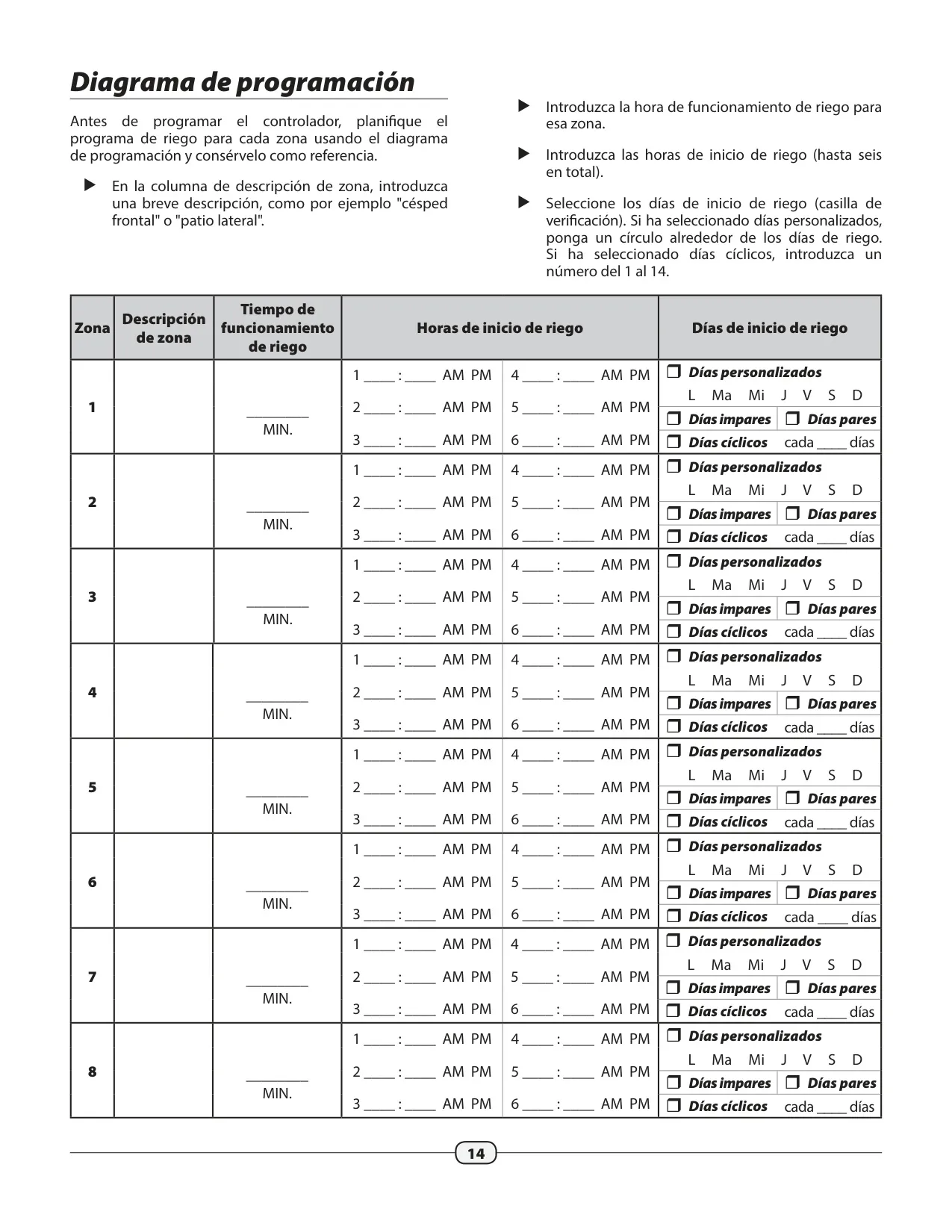
| Watering Run Times | 1 to 199 minutes per zone |
| Watering Start Times | Up to 6 per zone |
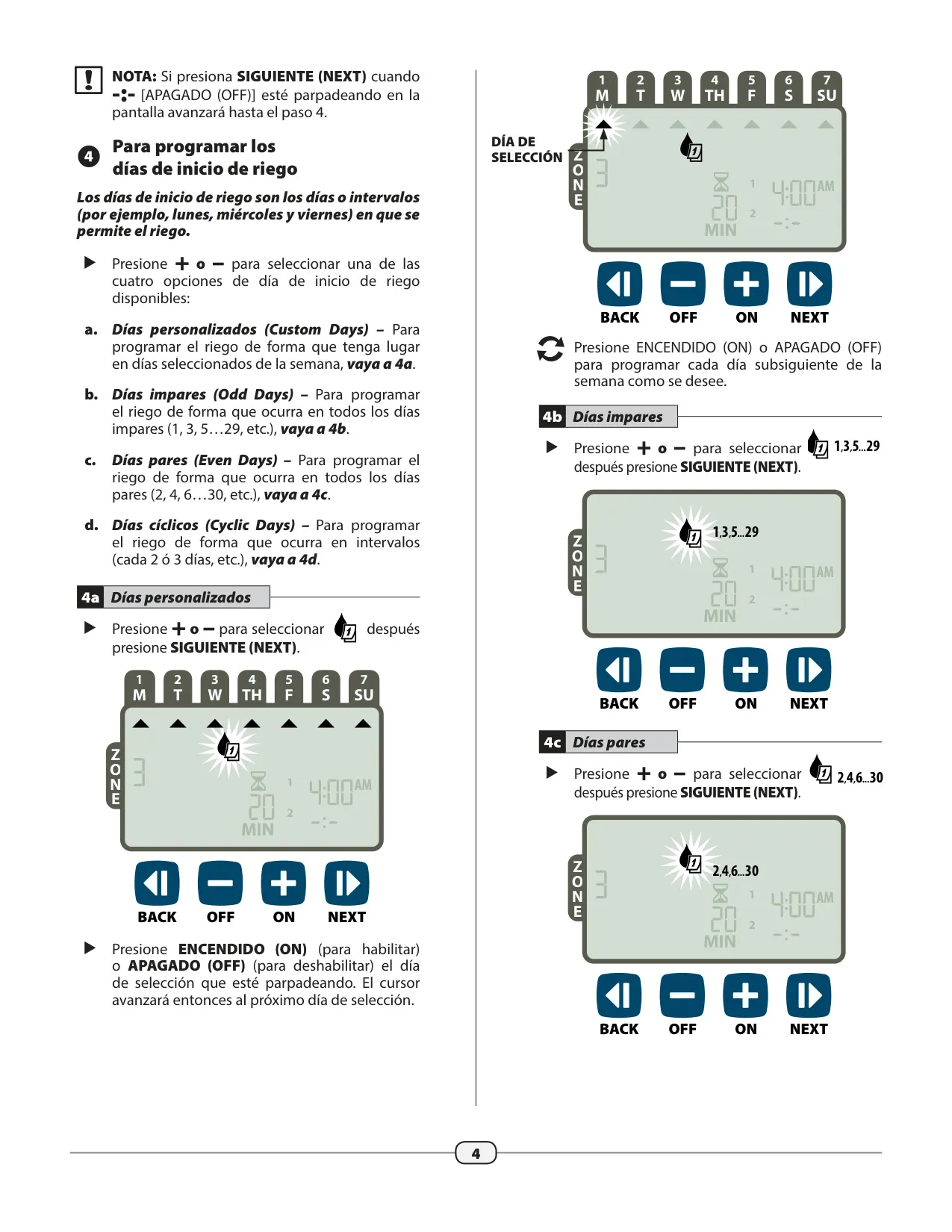
| Watering Start Days Options | Custom Days, Odd Days, Even Days, Cyclic Days |
| Cyclic Interval | Every 1-14 days |
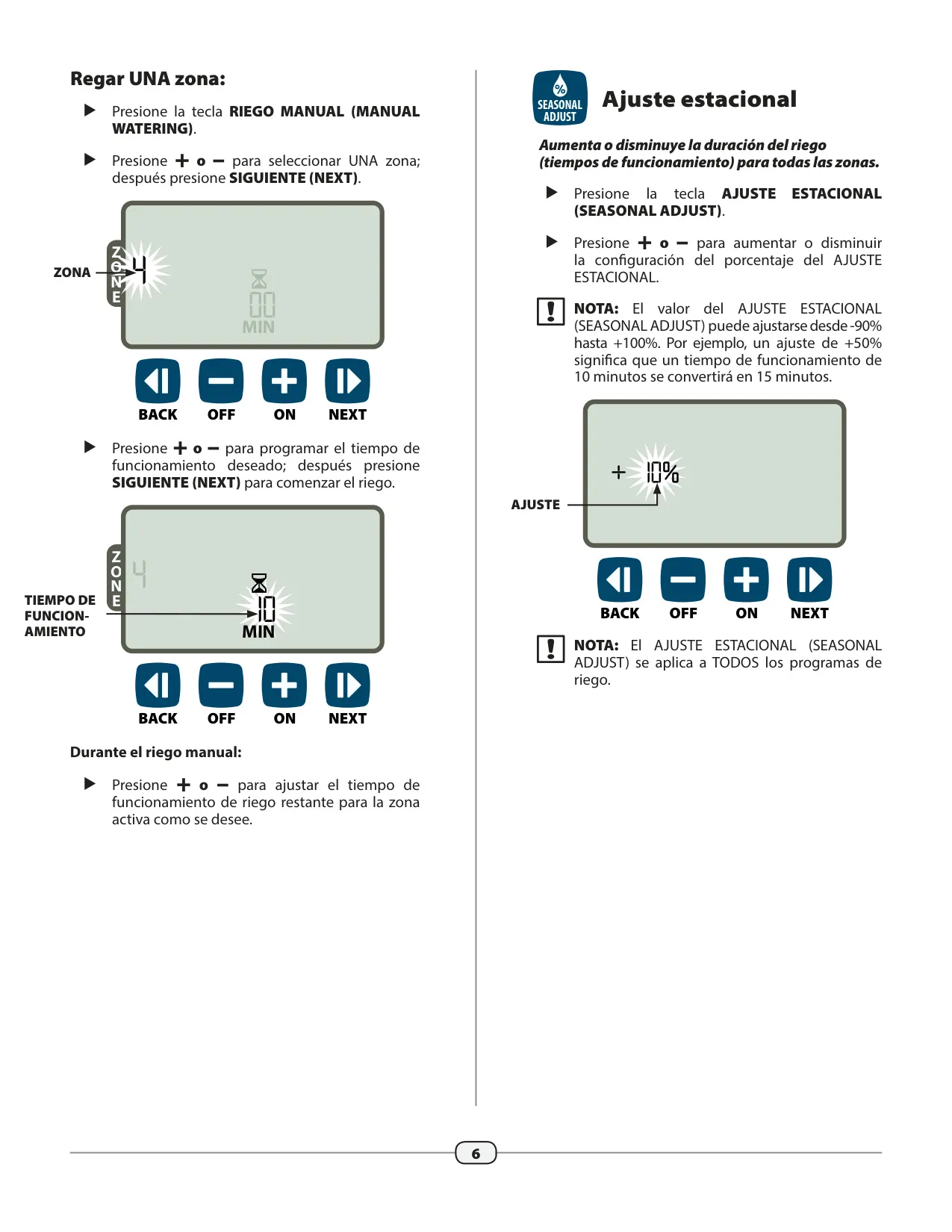
| Seasonal Adjust Range | -90% to +100% |
| Power Input (Indoor Model) | 120 VAC (U.S.), 230 VAC (International), 240 VAC (Australia) |
| Power Input (Outdoor Model) | 120 VAC (U.S.), 230 VAC (International), 240 VAC (Australia) |
| Power Output | 24 VAC |
| Battery Backup | 2x AAA (retains Date/Time only, programming is non-volatile) |
| Accessory Connections | Master Valve, Pump Start Relay, Rain Sensor |
| Error Detection | Electrical short circuit or overload on Zone output line |
| Memory Type | Non-Volatile (retains programming without power) |
Rain Bird ESP-RZX Details
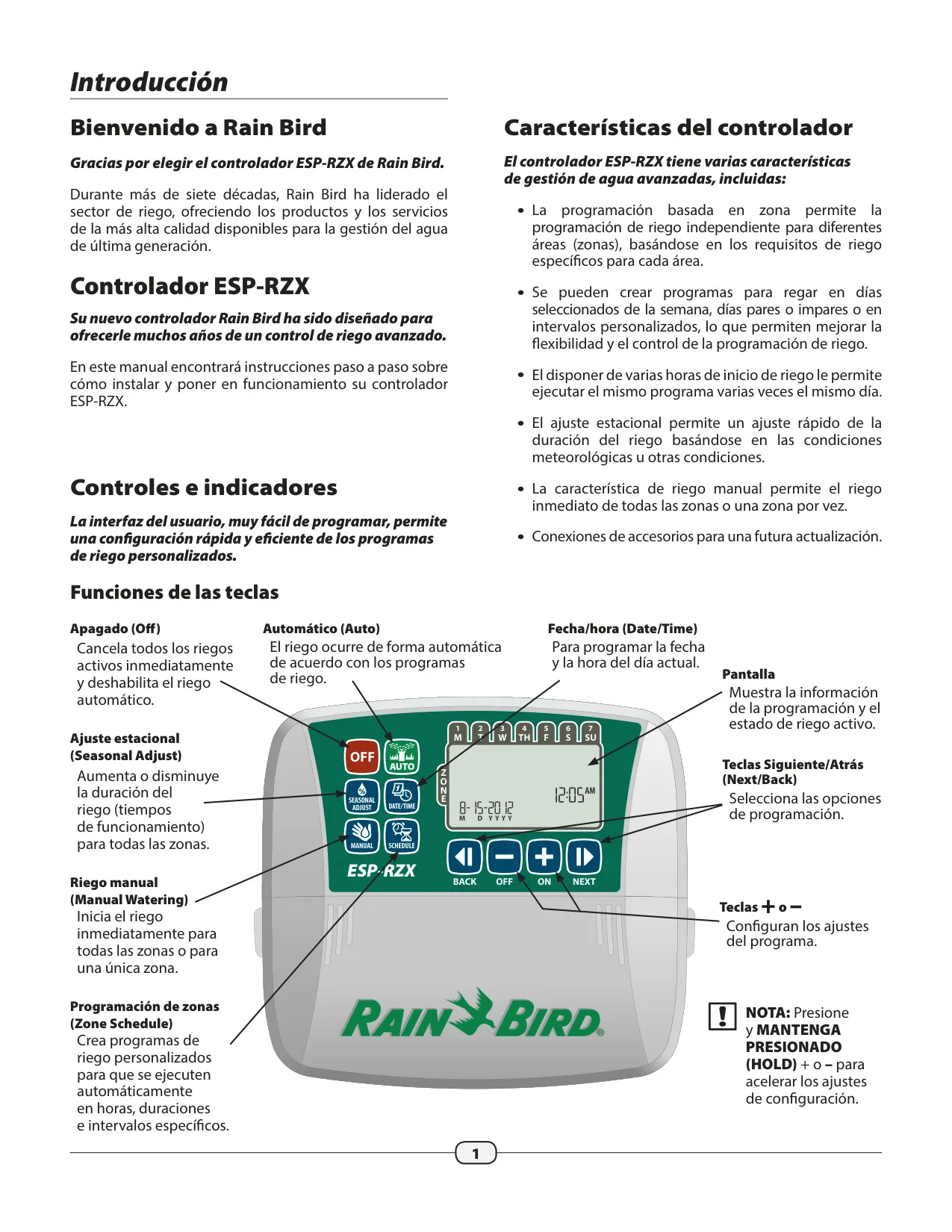
The Rain Bird ESP-RZX controller is engineered to deliver years of advanced irrigation control, combining sophisticated water management with an intuitive user experience. Its core strength lies in zone-based programming, enabling independent scheduling for different areas based on their unique watering requirements. This flexibility ensures optimal hydration for varied landscapes, from rose gardens to expansive lawns, preventing over or under-watering in specific zones.
Programming options are extensive, allowing users to tailor schedules precisely. You can select specific days of the week, choose all odd or even calendar days, or implement cyclic intervals, where watering occurs every 2 to 14 days. This adaptability is crucial for adhering to local watering restrictions or adjusting to seasonal changes, ensuring your irrigation system works efficiently and responsibly.
Beyond basic scheduling, the ESP-RZX offers multiple watering start times, letting you run the same program up to six times on the same day for a single zone. This feature is particularly useful for challenging soil conditions or for establishing new plantings that require frequent, shorter watering cycles. The Seasonal Adjust function further enhances efficiency, allowing a quick, universal adjustment of watering durations for all zones, from a 90% reduction to a 100% increase, ideal for responding to real-time weather changes without reprogramming each zone.
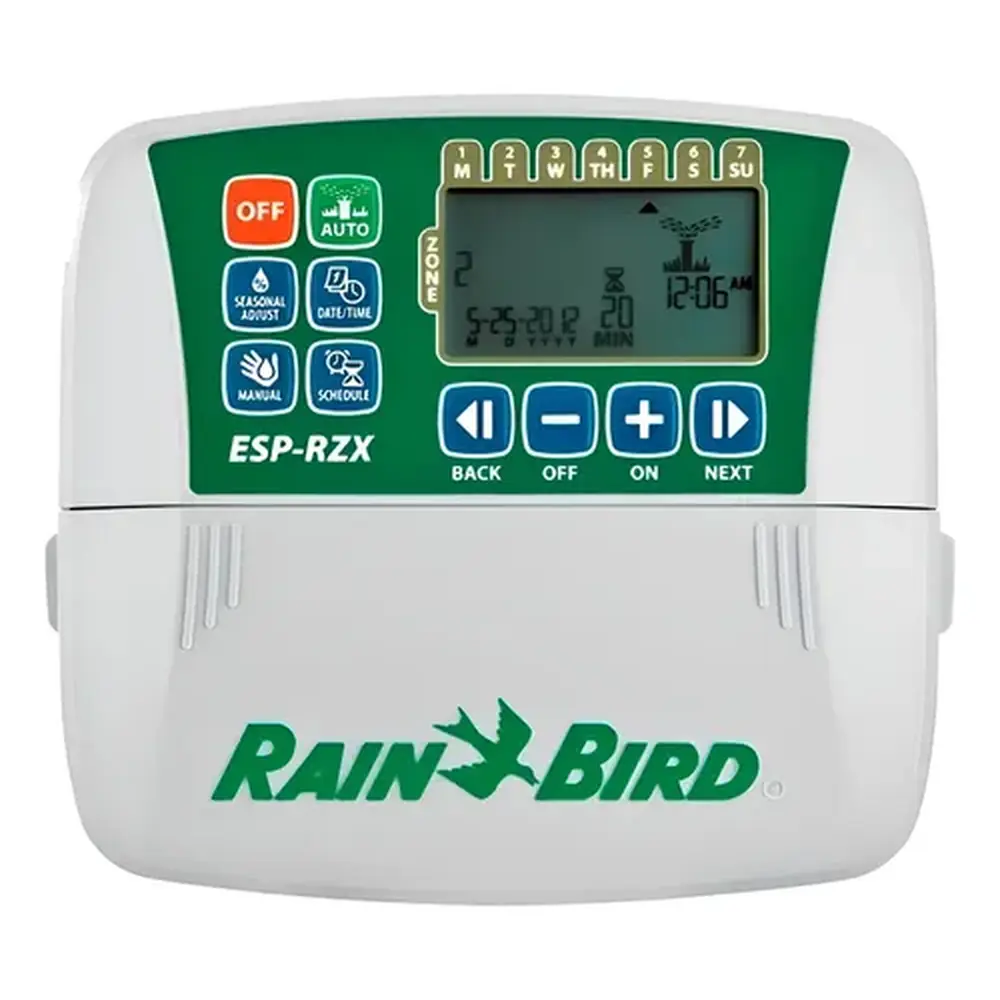
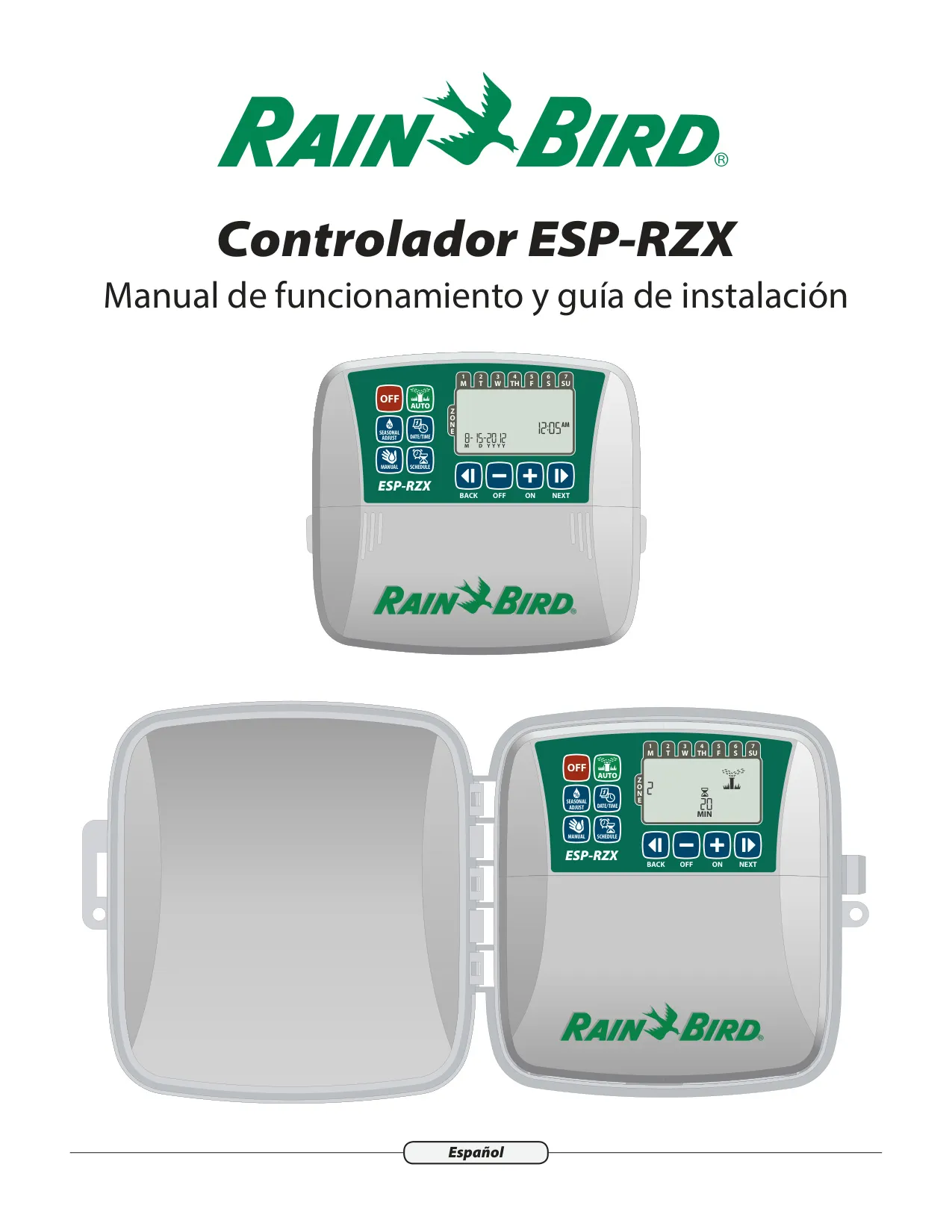
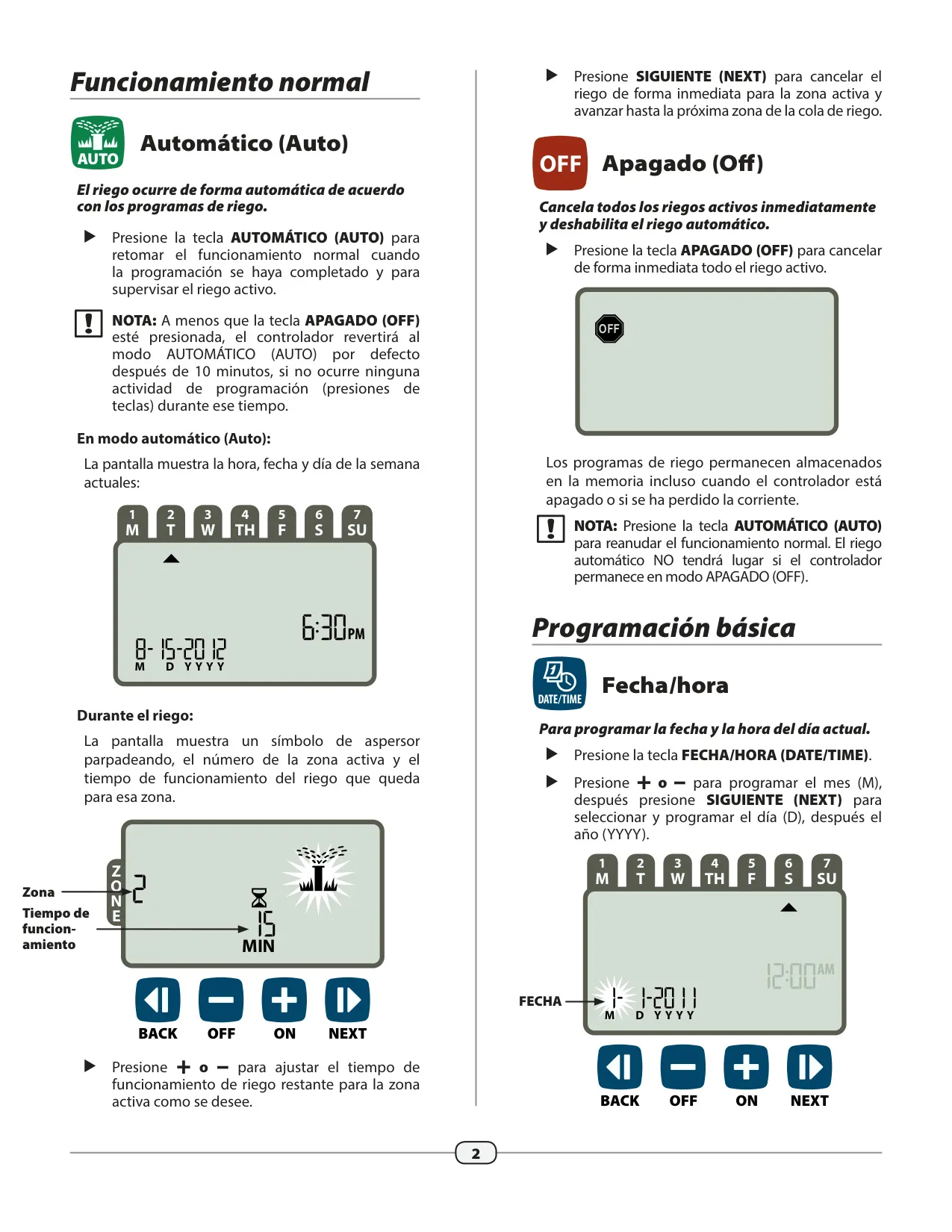
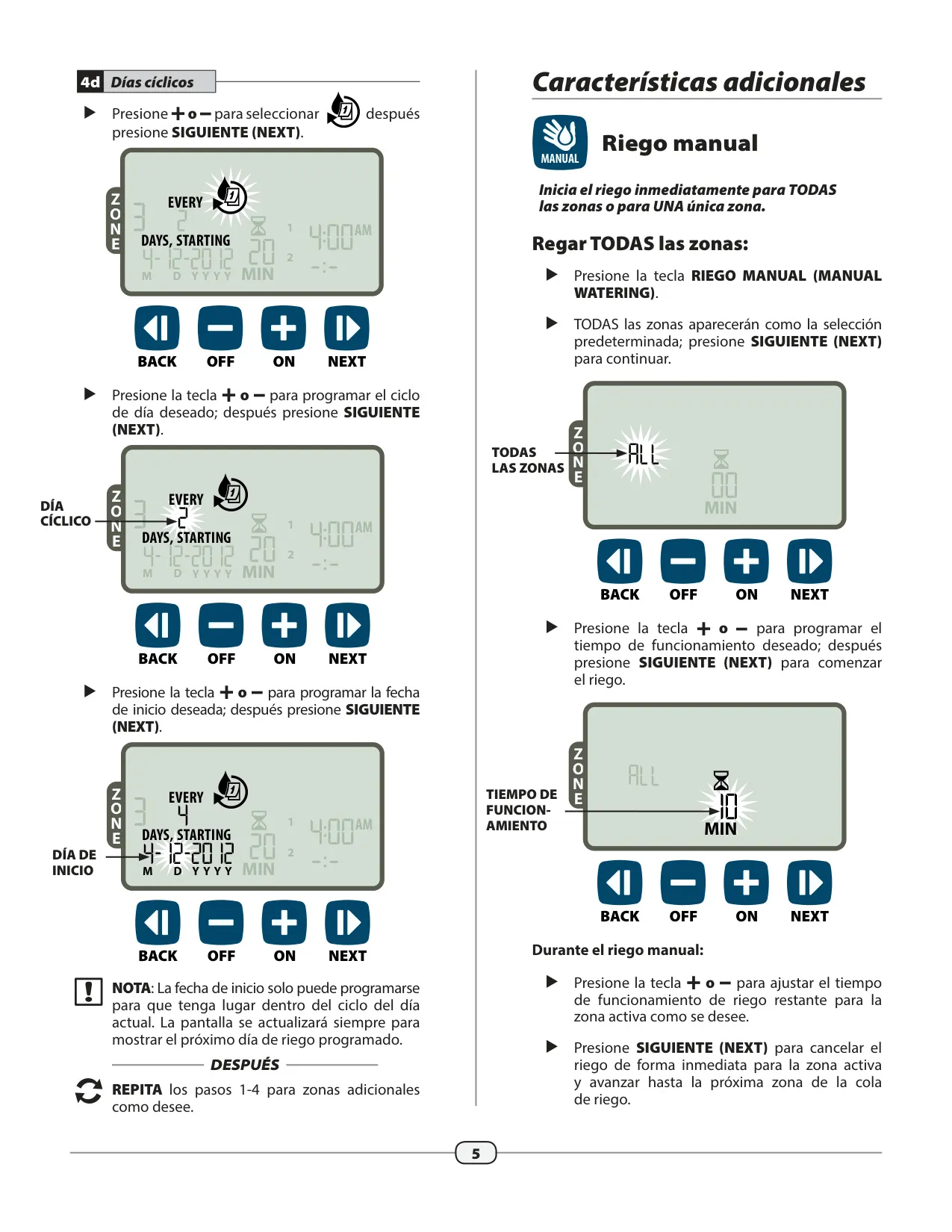
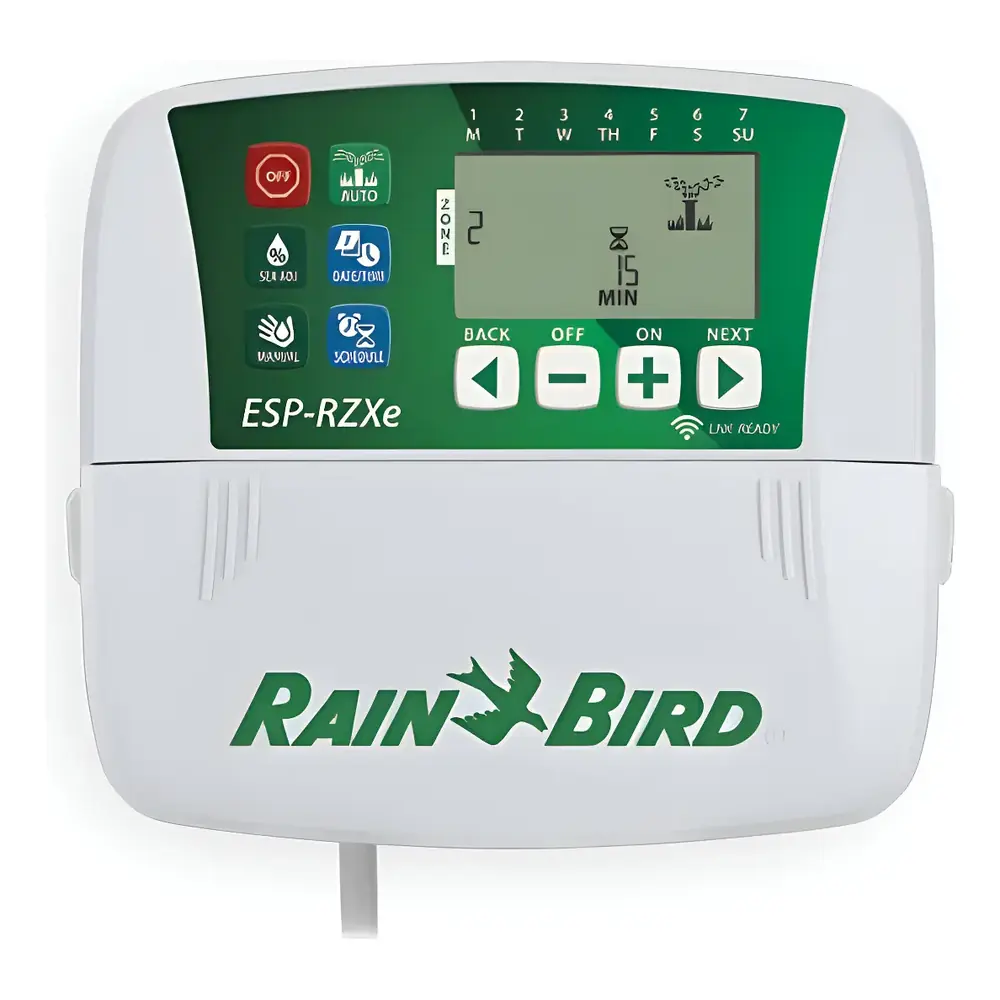
Manual watering provides immediate control, enabling you to activate all zones simultaneously for a set duration or target a single zone. This is invaluable for testing individual sprinklers, applying spot treatments, or providing extra water to specific areas as needed. The easy-to-program interface, featuring dedicated keys like AUTO, OFF, DATE/TIME, MANUAL, SCHEDULE, SEASONAL ADJUST, and intuitive +/- and NEXT/BACK buttons, simplifies setup and operation for all users.
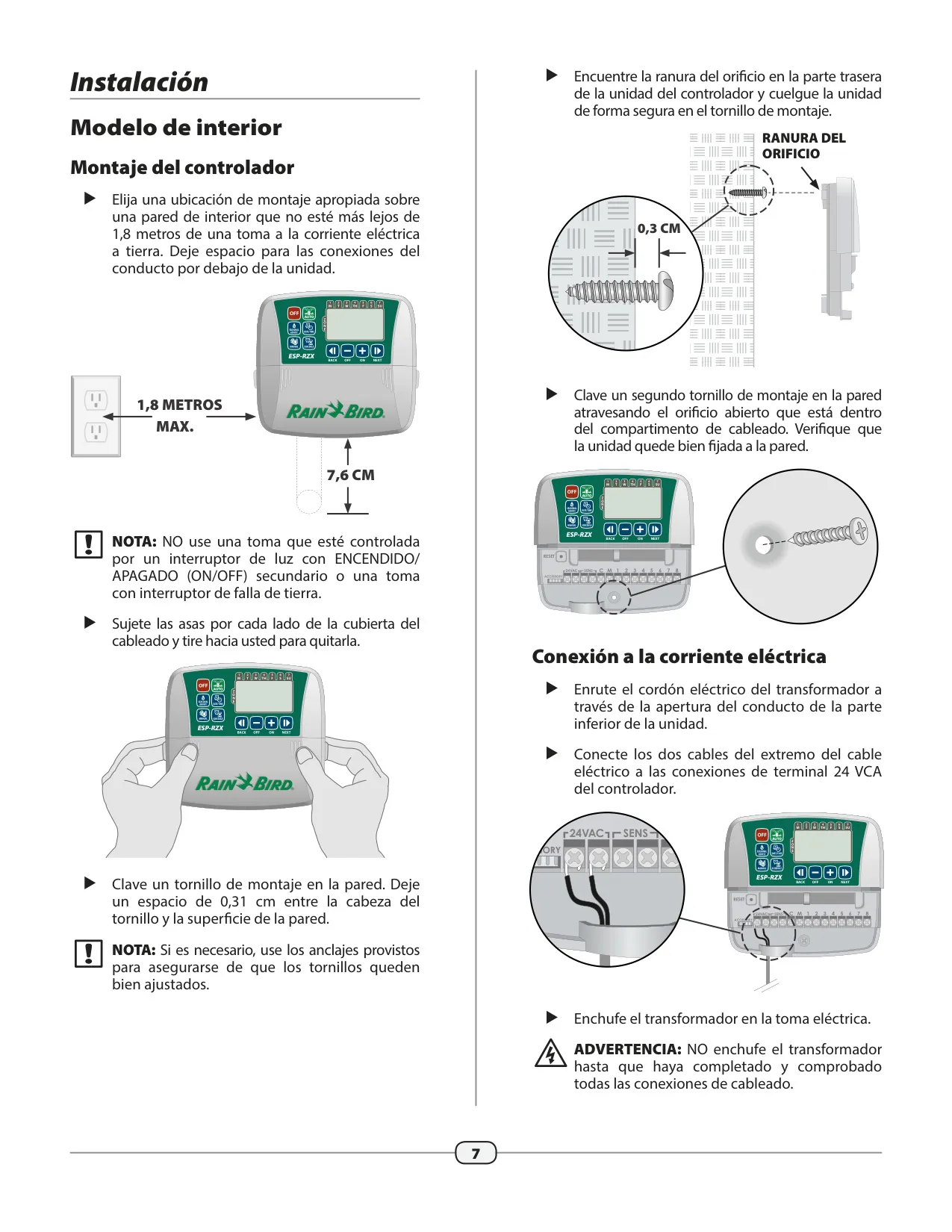
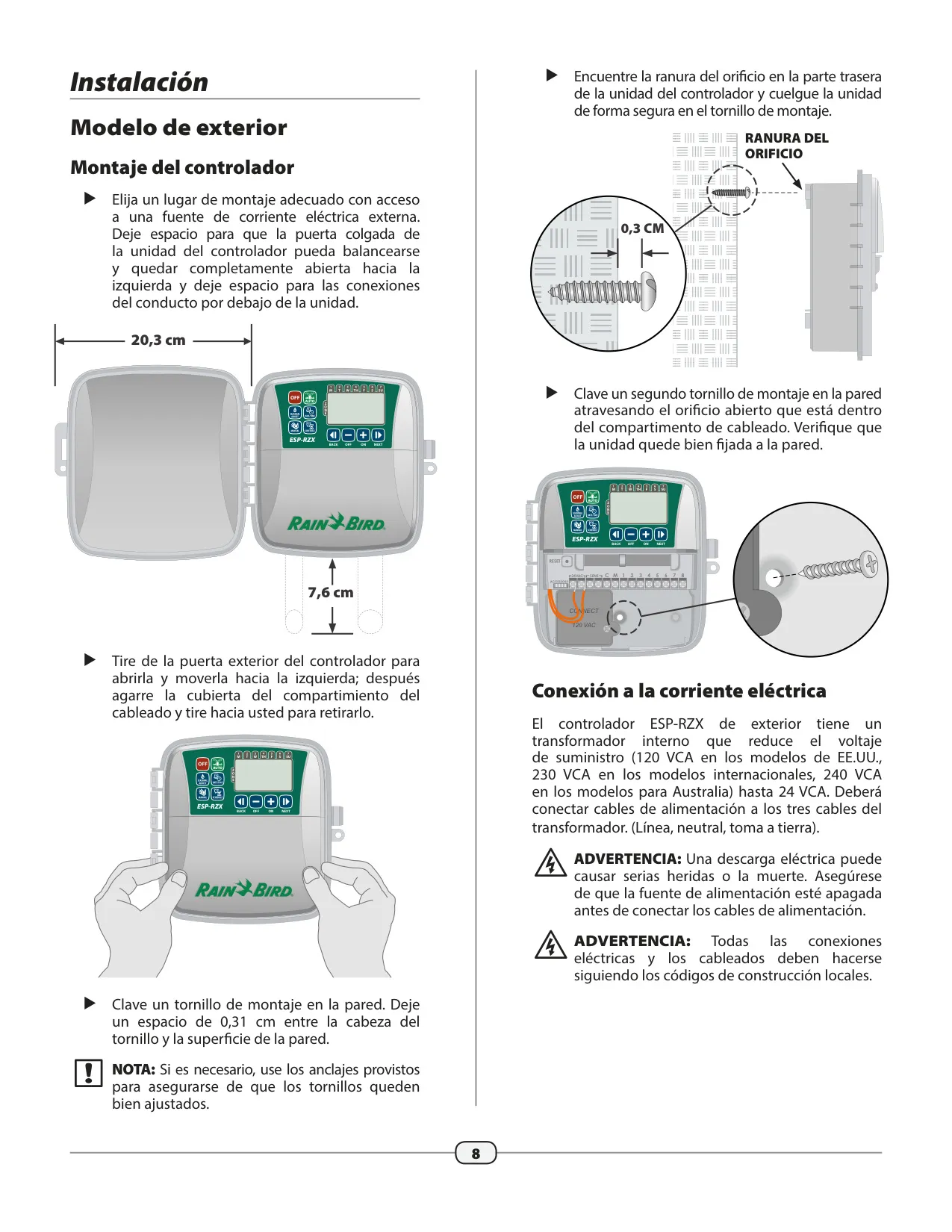
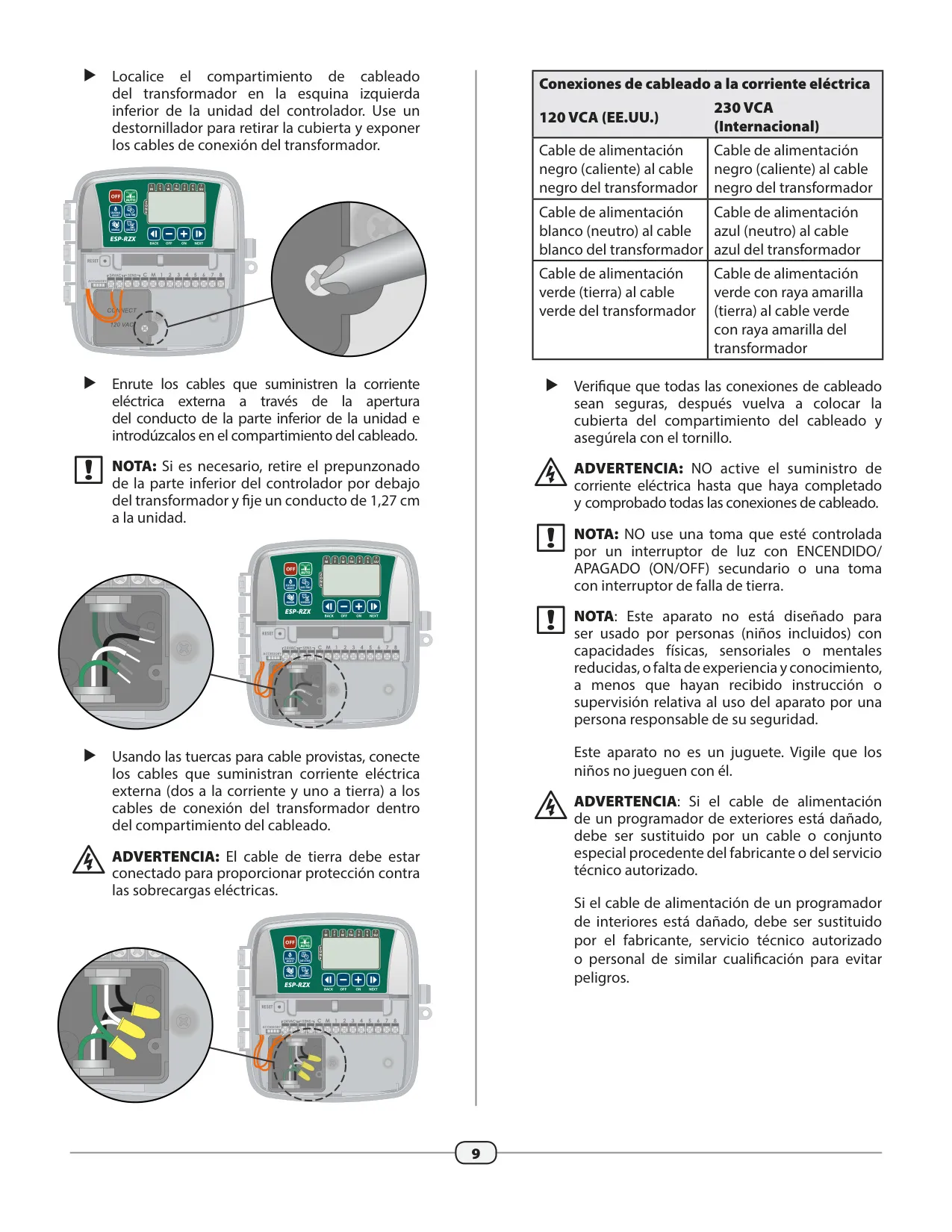
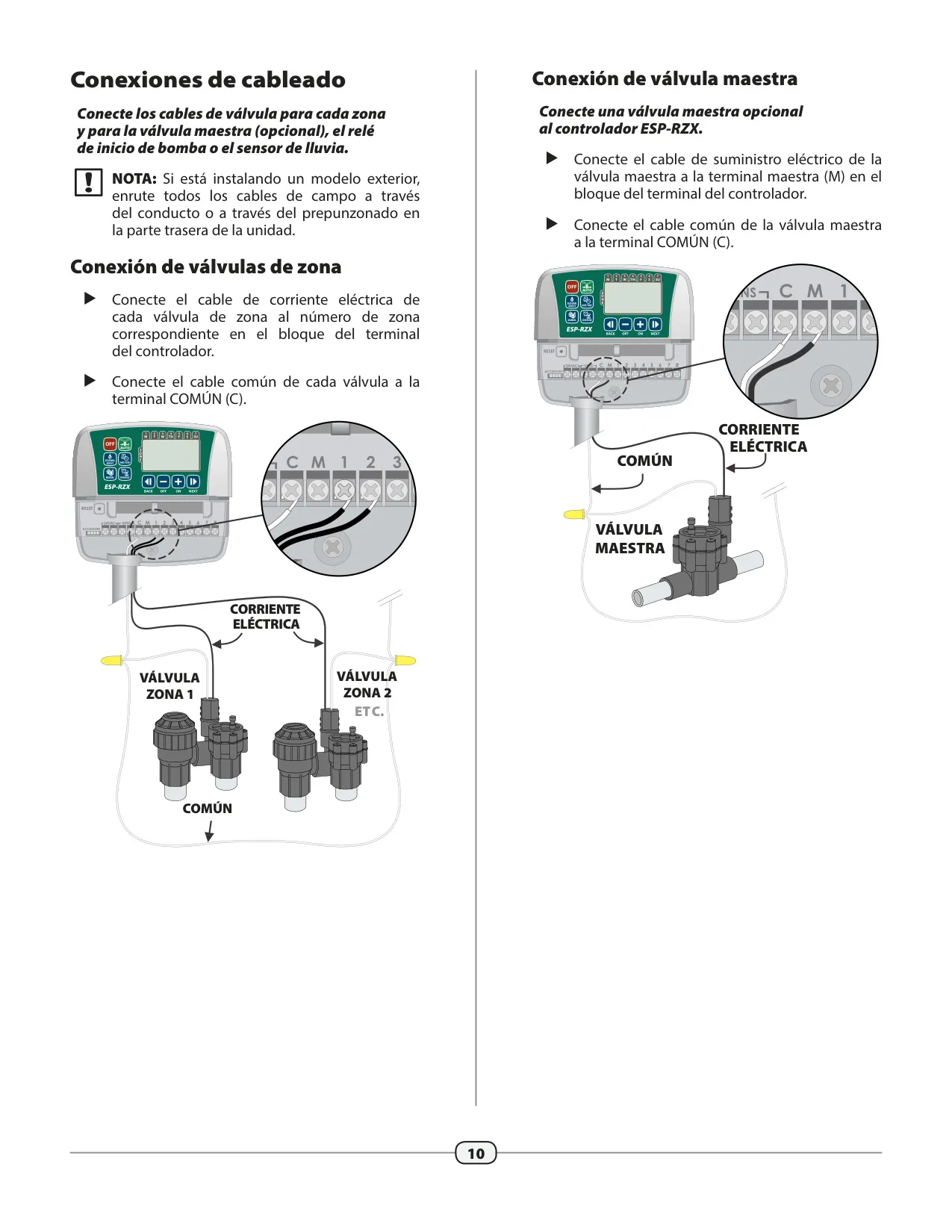
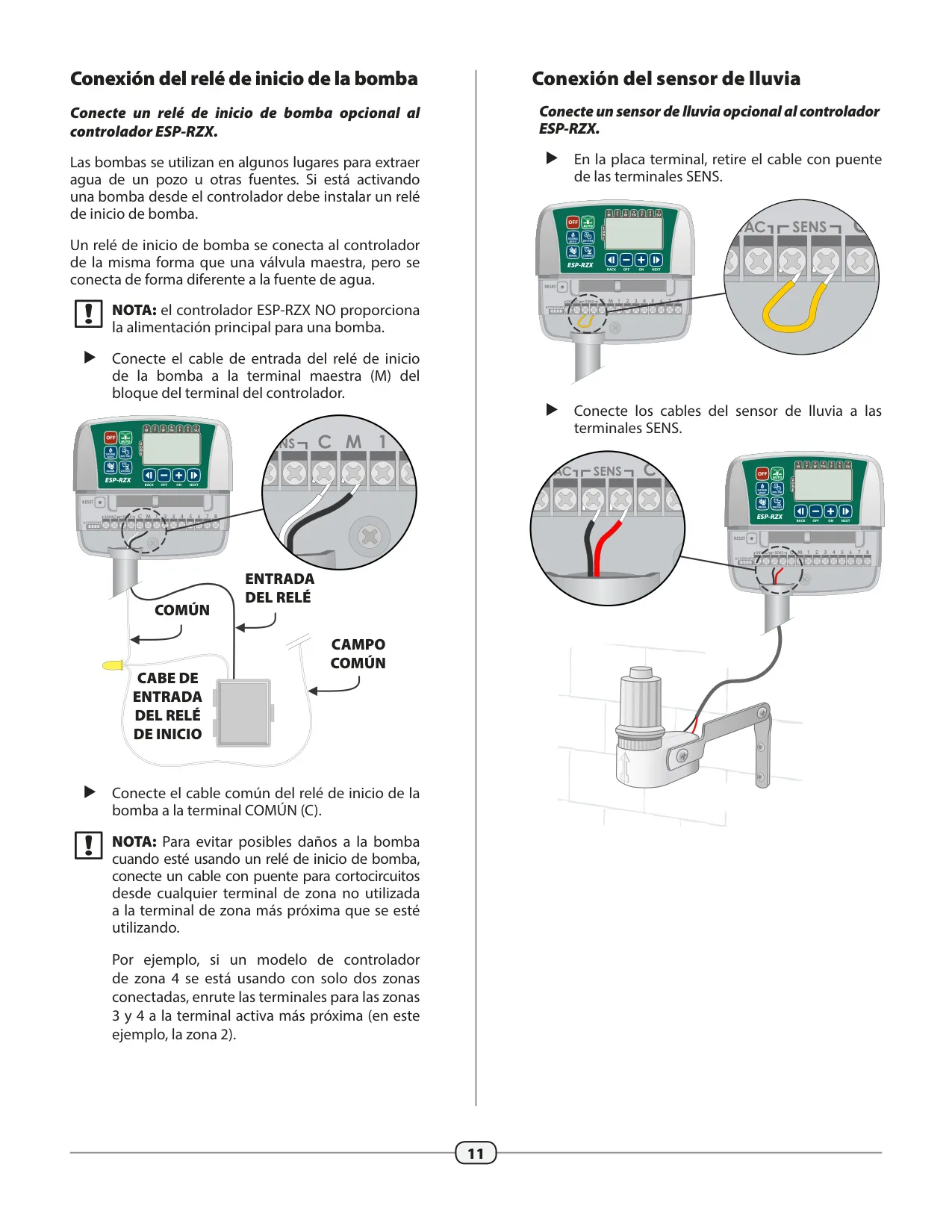
Installation is straightforward for both indoor and outdoor models, with clear guidelines for mounting and power connections. Outdoor models include a robust, hinged door for protection and an internal transformer handling various international voltages. The controller supports essential accessory connections, including a Master Valve for main water flow control, a Pump Start Relay for well-fed systems, and a Rain Sensor to automatically suspend watering during precipitation, promoting water conservation.
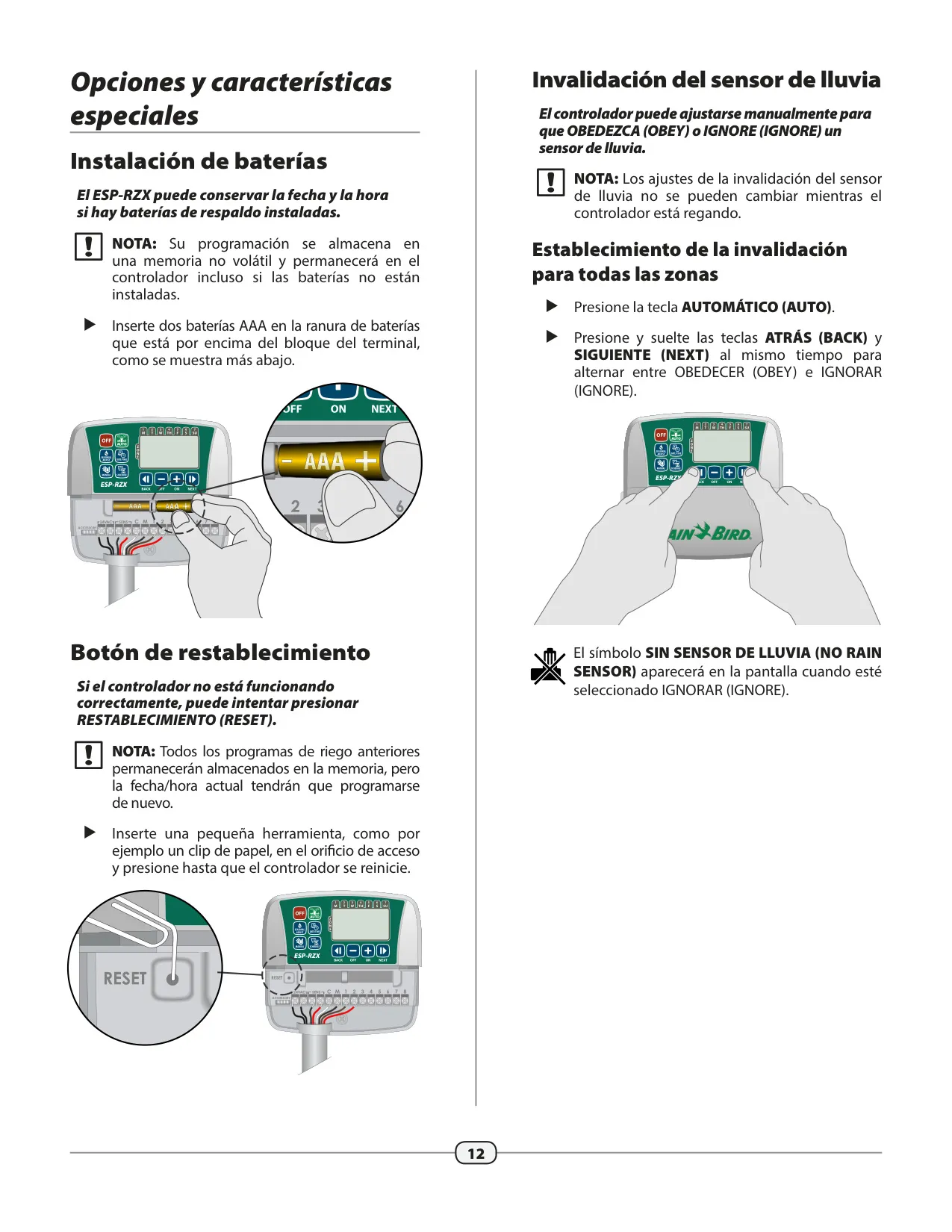
For added convenience, two AAA batteries can be installed to retain the current date and time during a power outage, although all programmed schedules are safely stored in non-volatile memory. A reset button is available to resolve any functional anomalies without erasing your carefully crafted watering programs. Furthermore, the controller allows manual bypass of the rain sensor, giving you complete command over when your system irrigates.
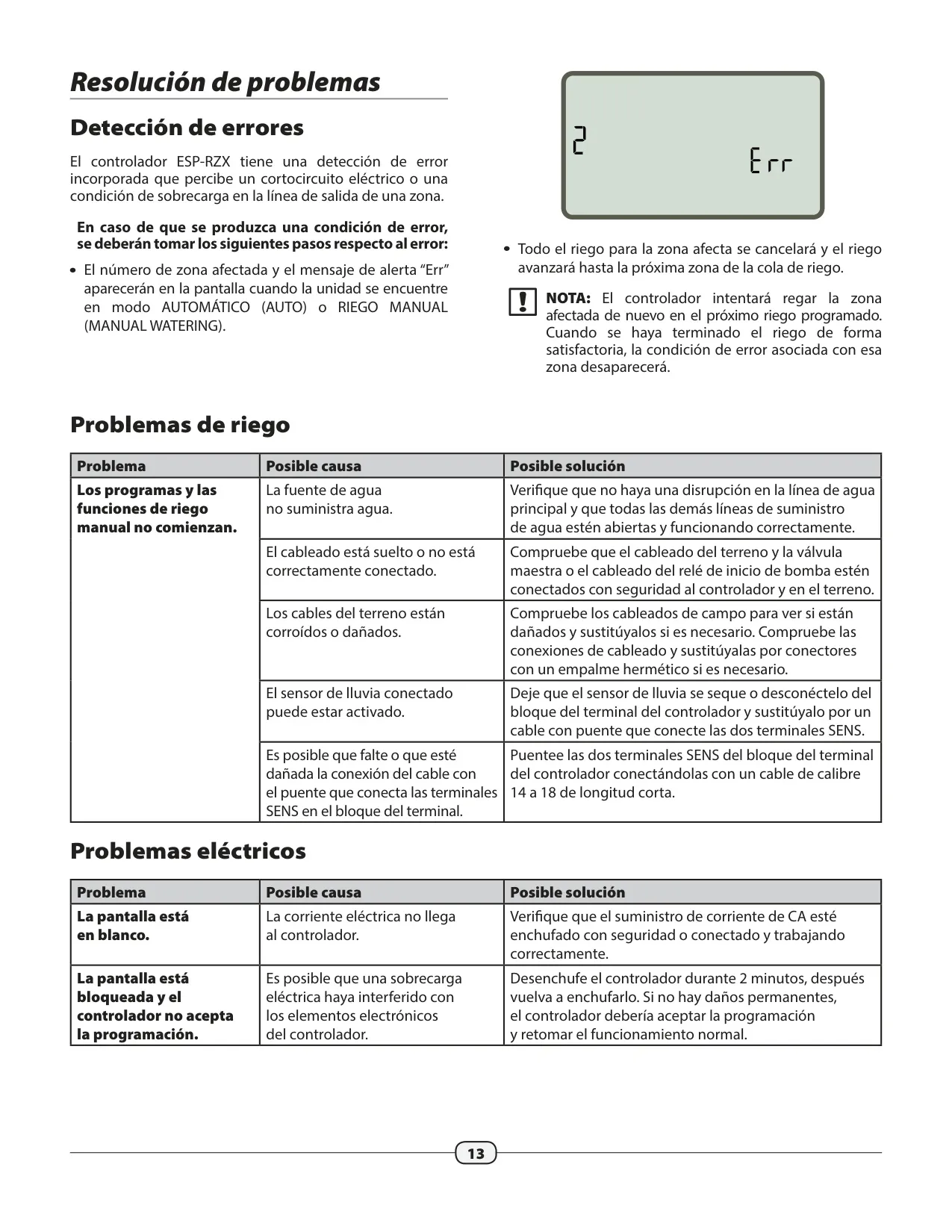
The ESP-RZX includes a built-in error detection system that identifies electrical short circuits or overloads on a zone's output line. If an error occurs, the affected zone number and an "Err" message appear, and watering for that zone is suspended while other operable zones continue as scheduled. This intelligent feature helps protect your system and provides clear indicators for troubleshooting, ensuring reliable and continuous operation.
Frequently Asked Questions (FAQs)
Can't find the answer you need? Here are some frequently asked questions about the Rain Bird ESP-RZX, and we answer them below.