Rain Bird ESP-TM2 Instruction Manual
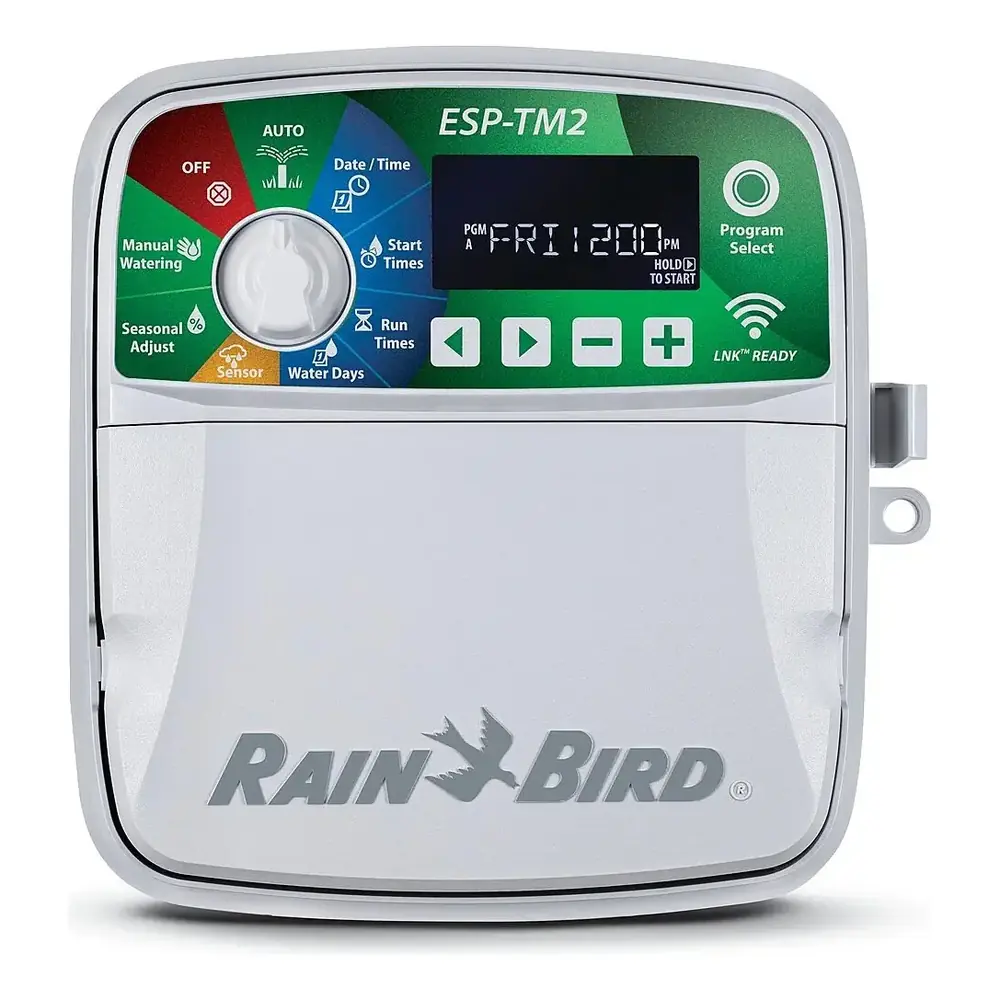
Rain Bird ESP-TM2
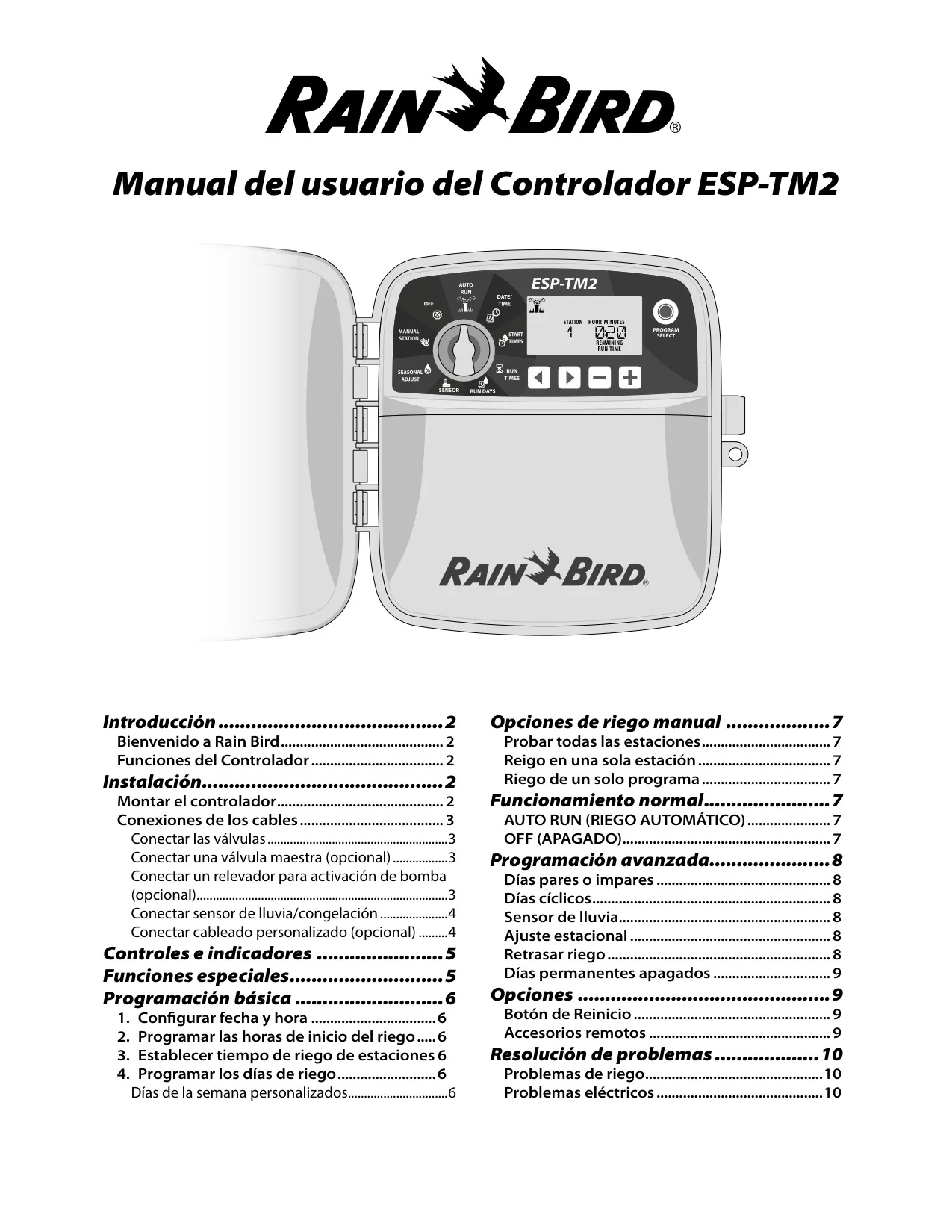
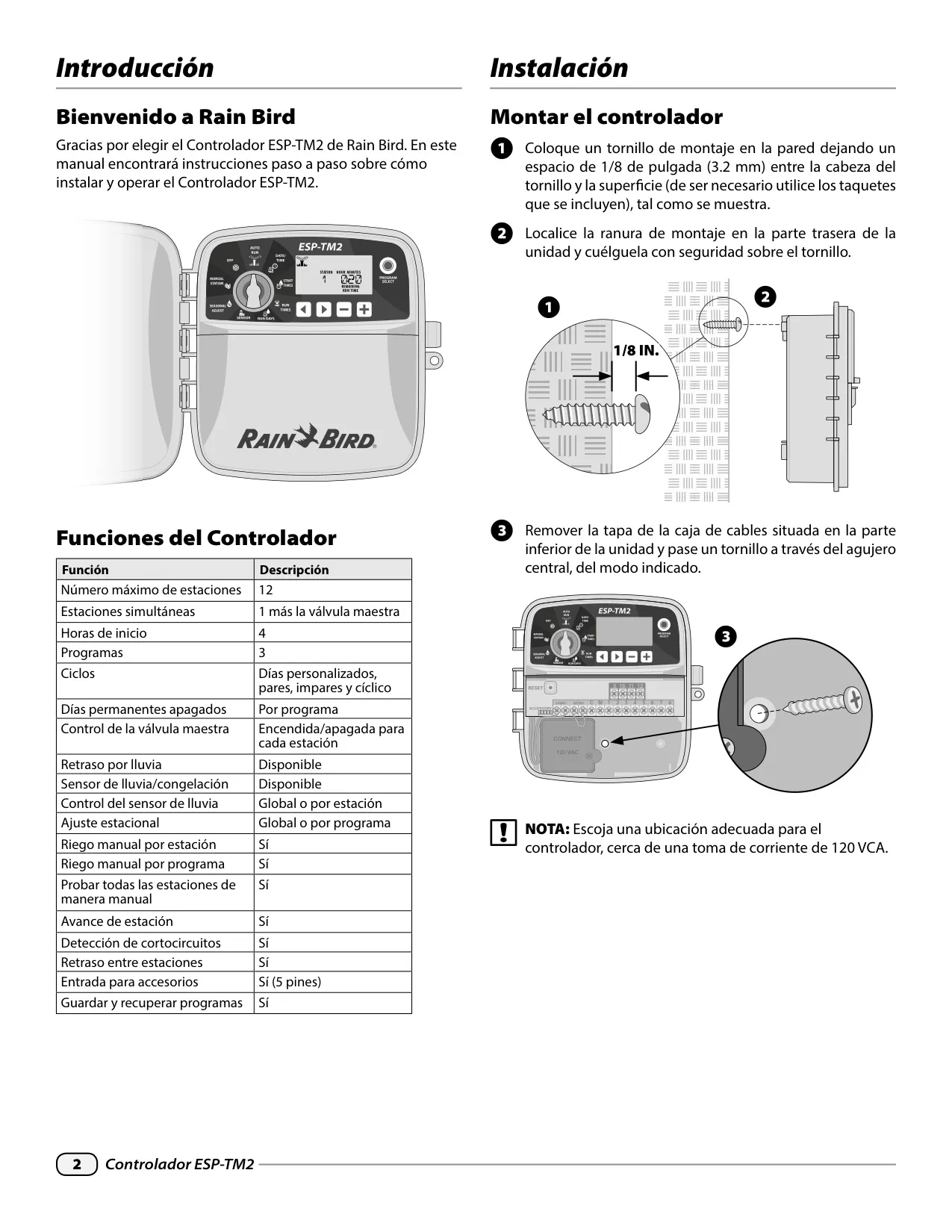


Rain Bird ESP-TM2 Instructions
Here we offer the Rain Bird ESP-TM2 manual completely free and in English. We have cataloged this manual in the Irrigation Controllers section on Manualverse, and it has been rated by 1 users with an average rating of 5. If you have any specific questions about Rain Bird ESP-TM2, we suggest checking the Frequently Asked Questions (FAQs) section of this manual.
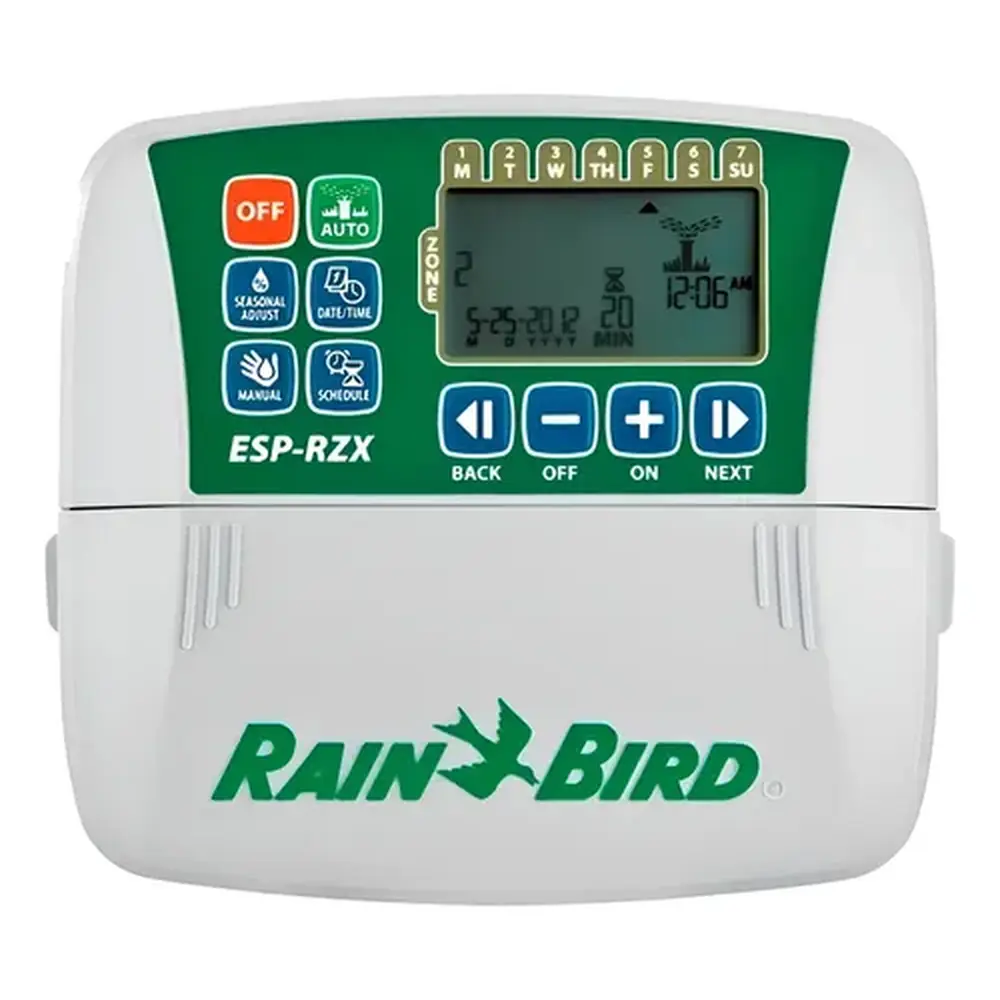
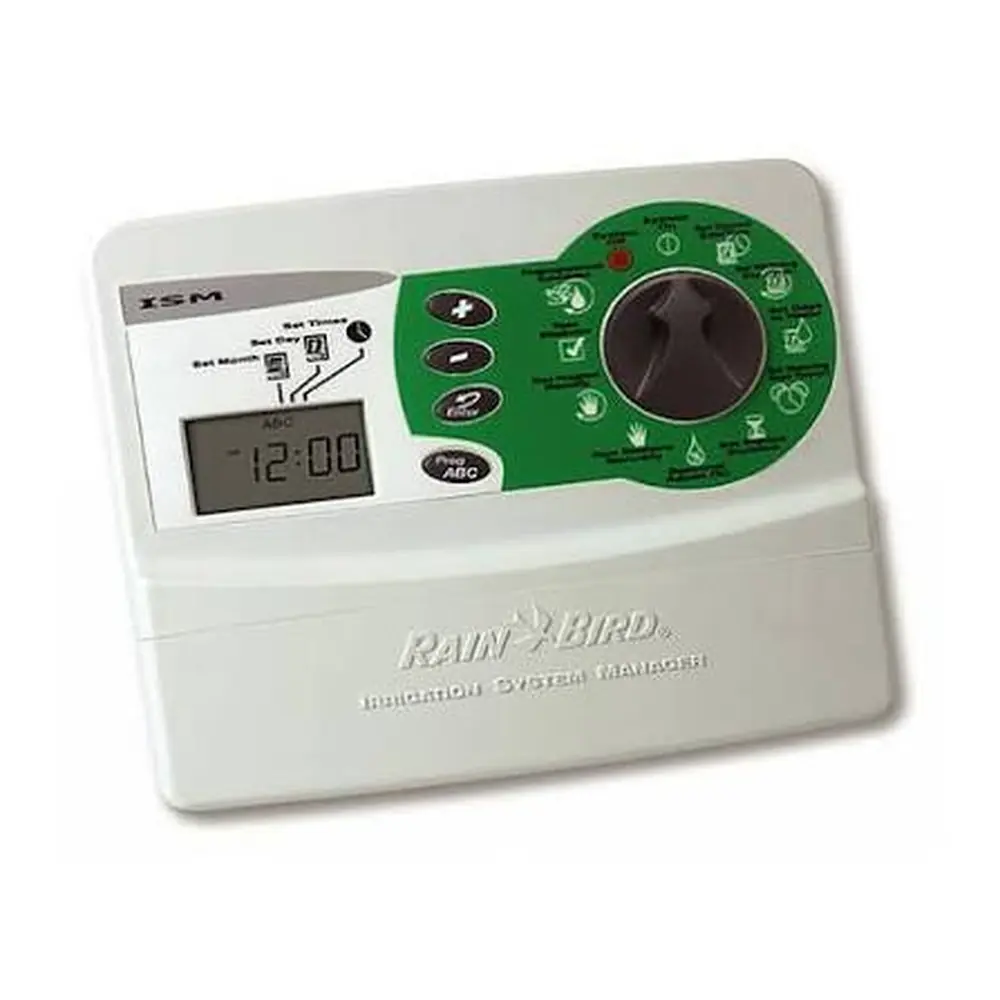
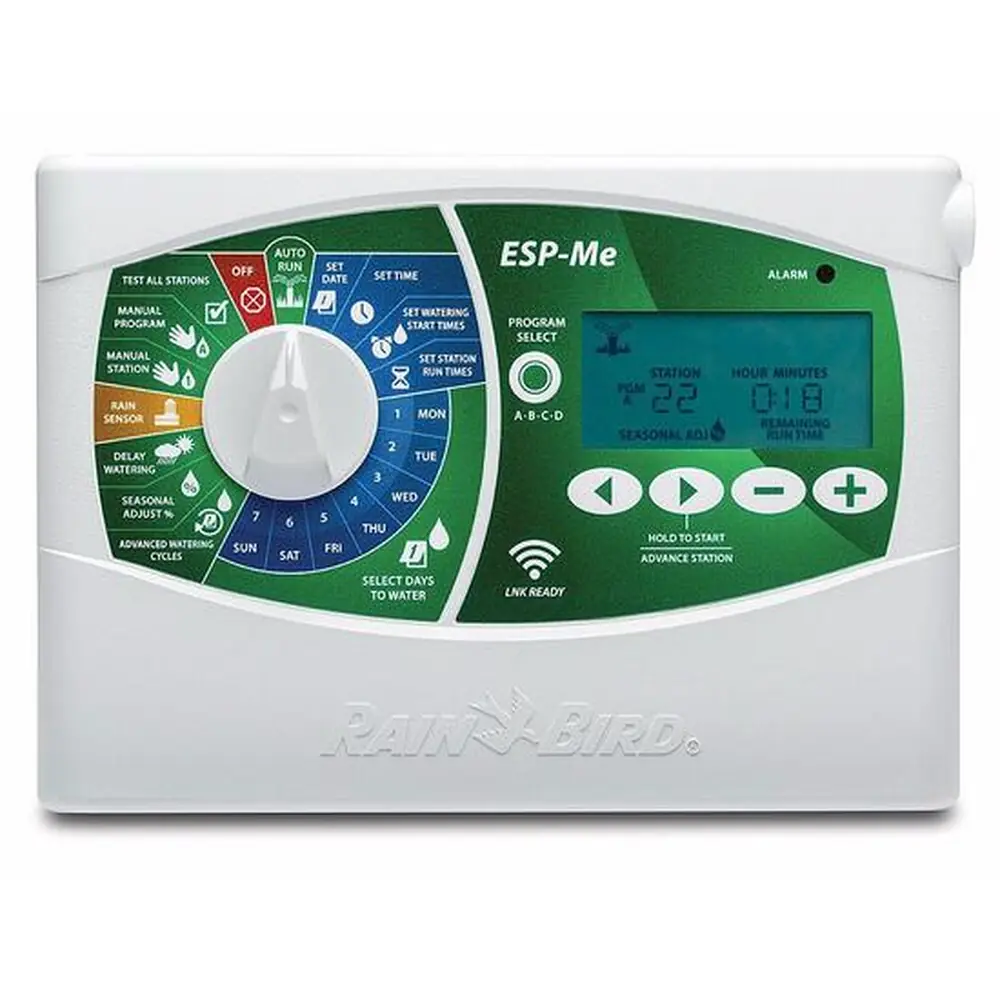
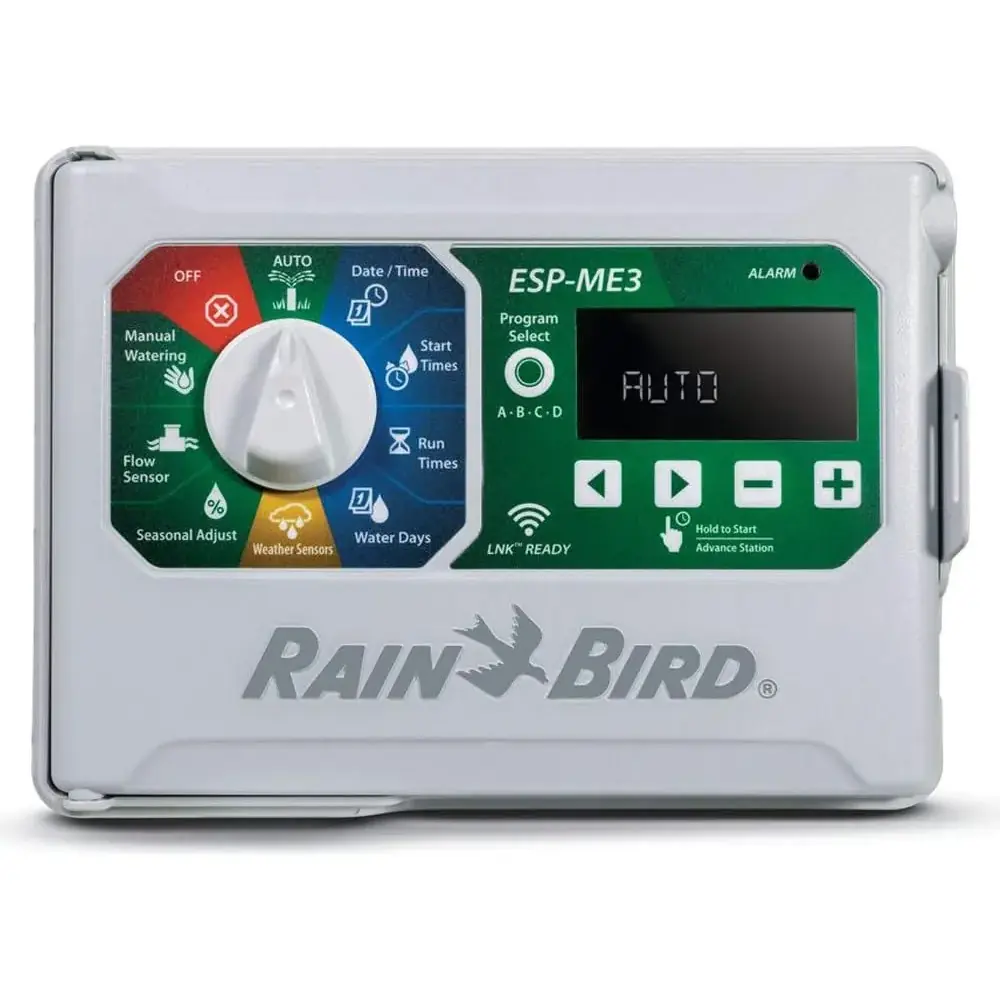
Product Images
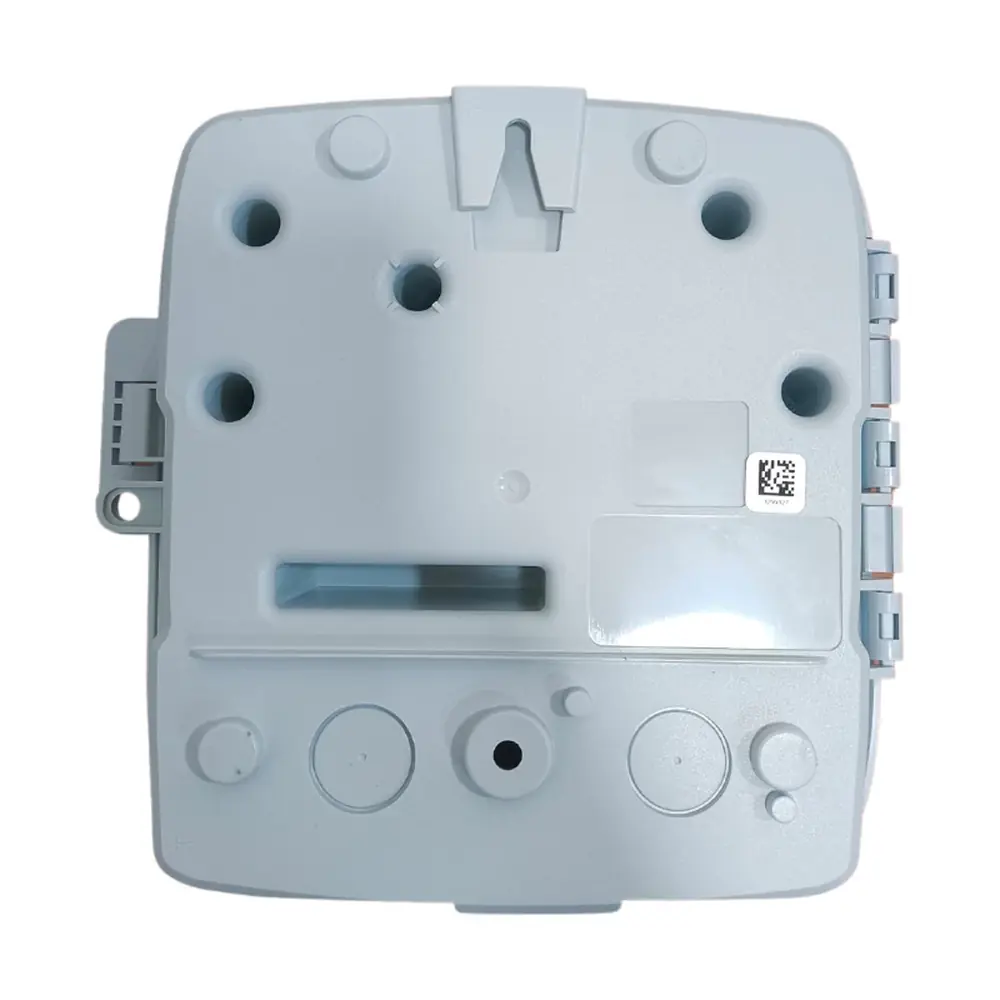
Rain Bird ESP-TM2 Specifications
| Feature | Description |
|---|---|
| Maximum Stations | 12 |
| Simultaneous Stations | 1 plus master valve |
| Start Times | 4 per program |
| Programs | 3 (A, B, C) |
| Program Cycles | Custom Days, Odd, Even, and Cyclic |
| Permanent Days Off | Per program |
| Master Valve Control | On/Off per station |
| Rain Delay | Supported (up to 14 days) |
| Rain/Freeze Sensor | Supported (normally closed sensors) |
| Rain Sensor Control | Global or by station |
| Seasonal Adjust | Global or by program (5% to 200%) |
| Manual Station Run | Yes |
| Manual Program Run | Yes |
| Manual Test All Stations | Yes |
| Station Advance | Yes |
| Short Detect | Yes |
| Delay Between Stations | Yes (1 second to 9 hours) |
| Accessory Port | Yes (5-pin) |
| Save & Restore Programming | Yes |
Rain Bird ESP-TM2 Details
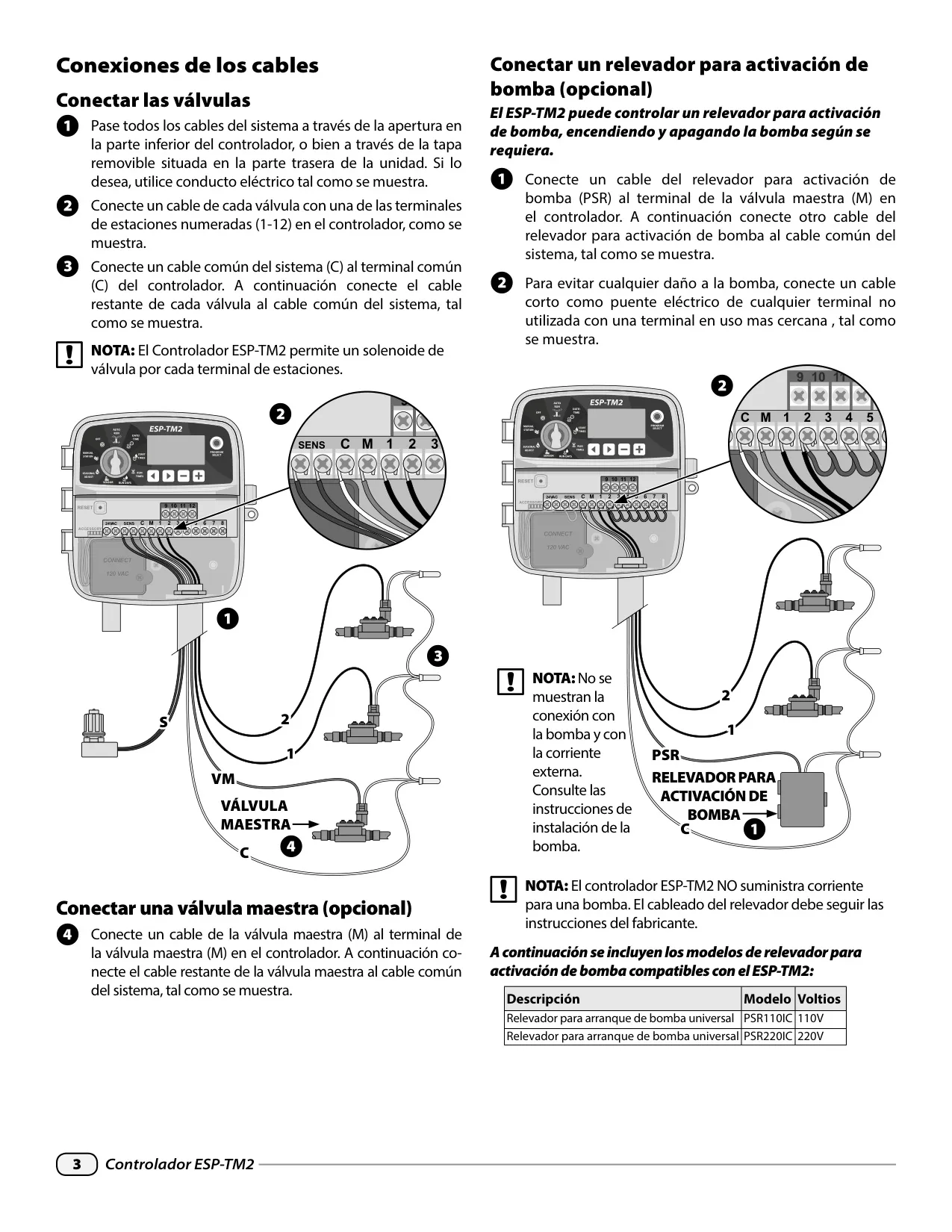
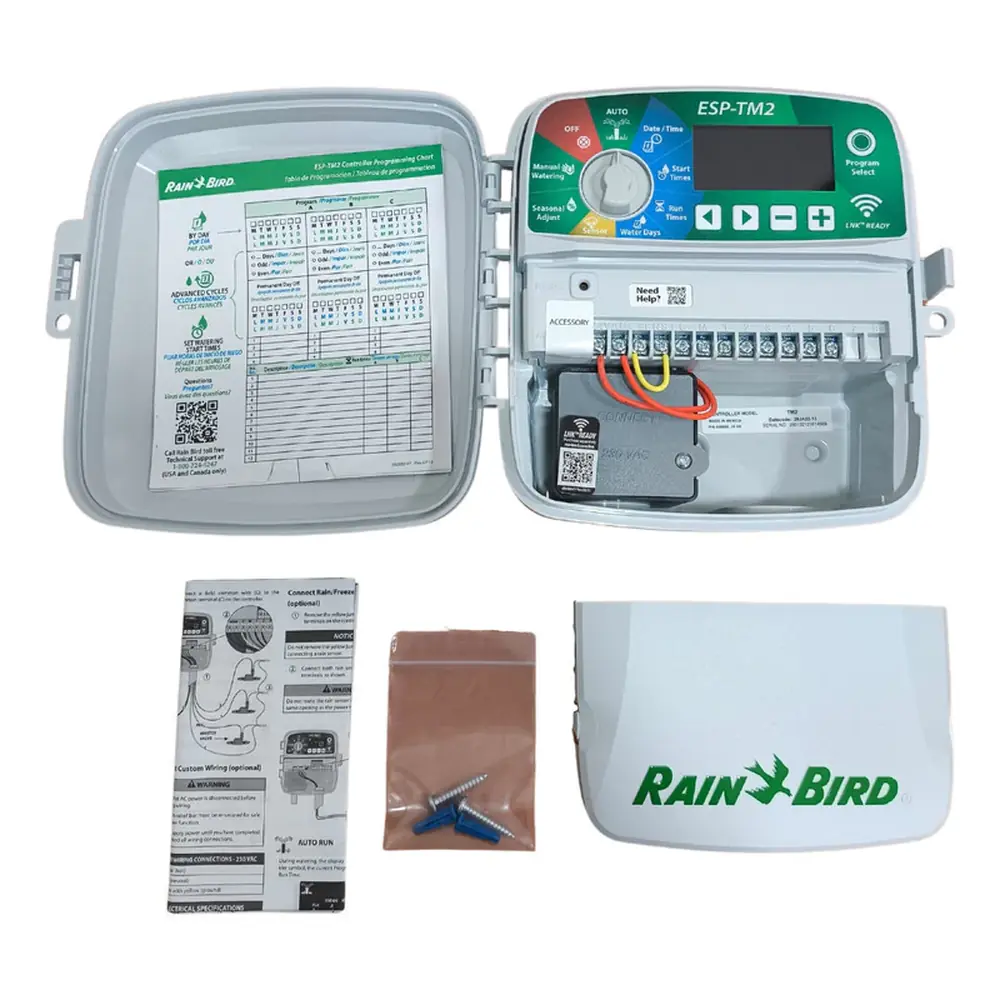
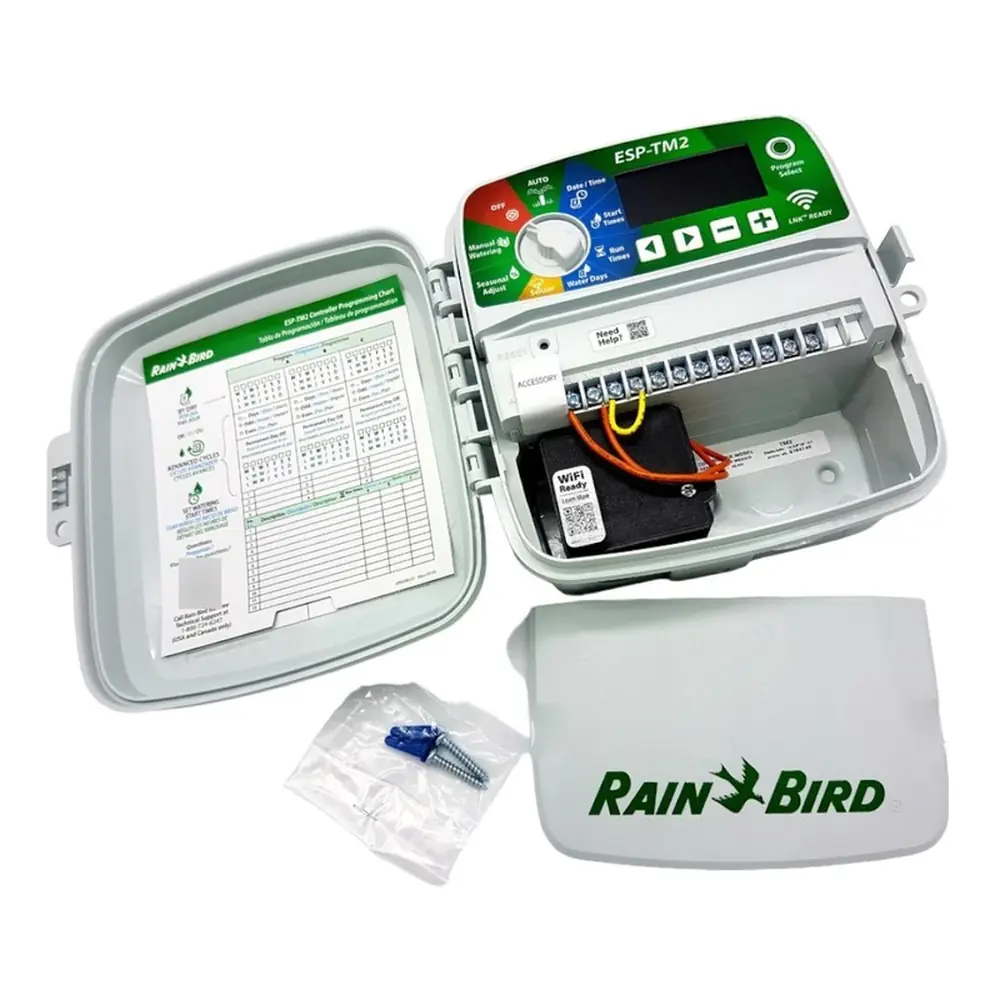
The Rain Bird ESP-TM2 controller is designed for straightforward installation and user-friendly operation. Mounting involves securing the unit to a wall, ensuring a close proximity to a 120 VAC outlet. Wiring connections are clearly laid out, supporting standard valve connections, optional master valves, and pump start relays. The controller is compatible with Rain Bird pump start relay models PSR110IC and PSR220IC, which connect to the master valve terminal. It's crucial to note that the controller does not power the pump; the relay must be wired per manufacturer instructions.
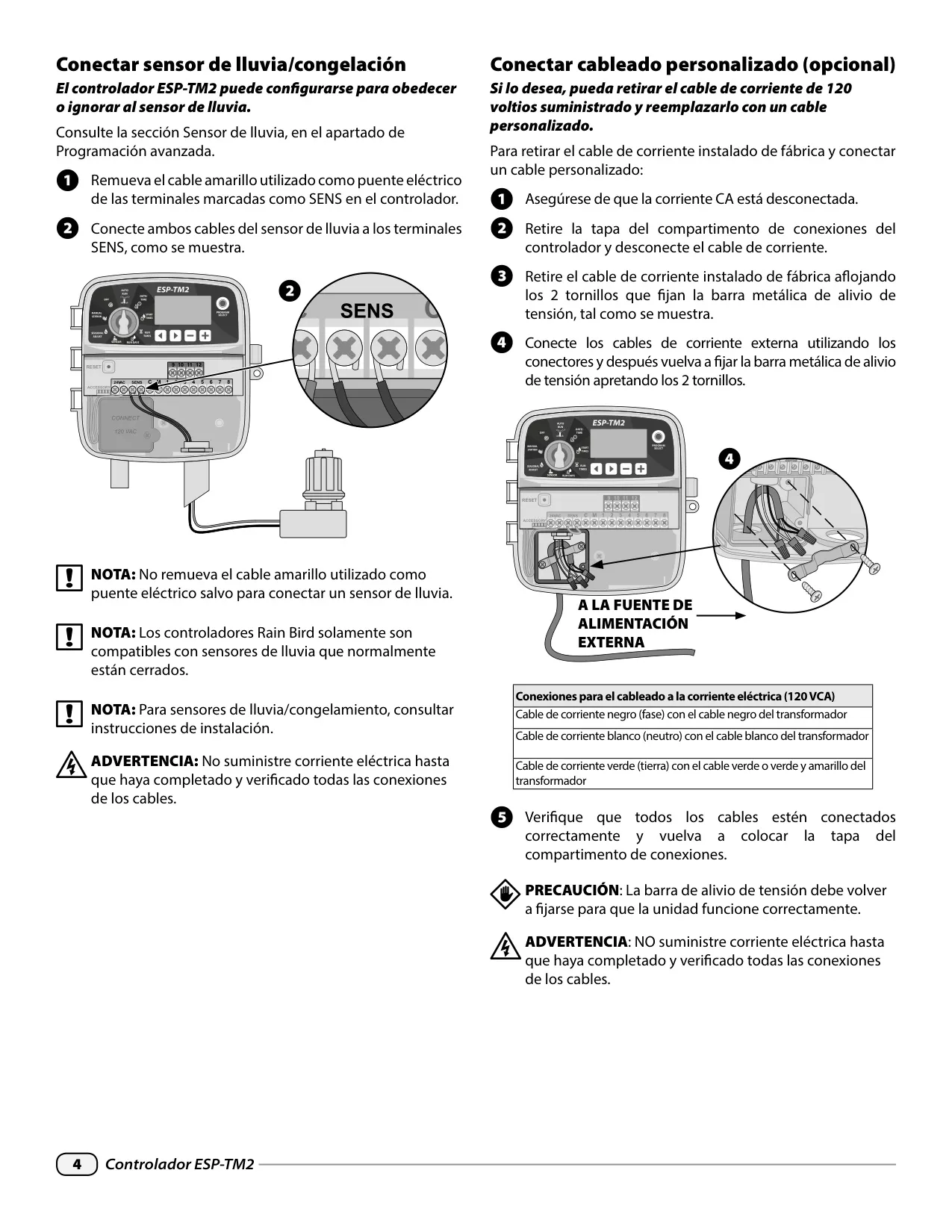
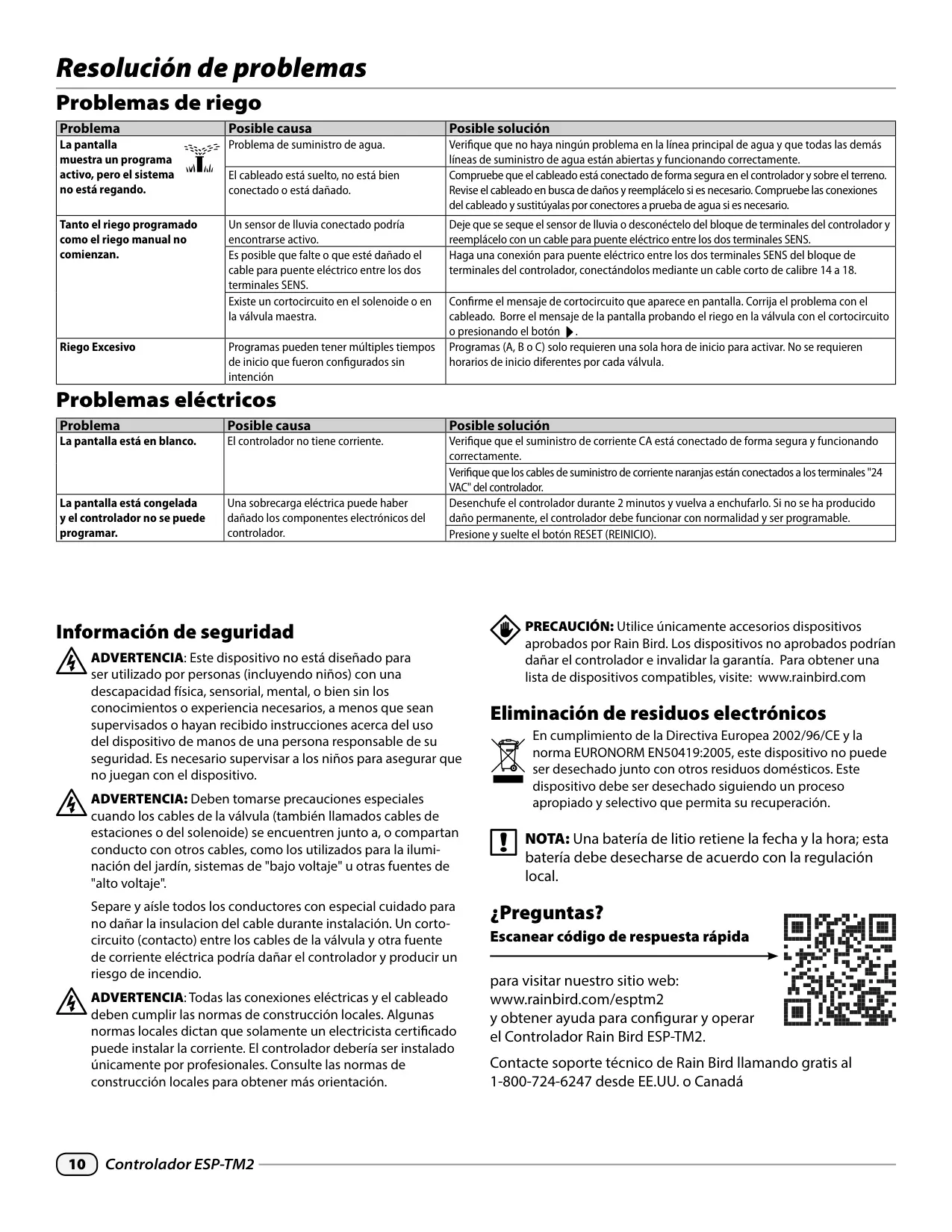
For enhanced water conservation, the ESP-TM2 supports rain/freeze sensors, which are connected by removing a yellow jumper wire from the SENS terminals. The controller is only compatible with normally closed rain sensors. Users have the flexibility to set the controller to obey or ignore the rain sensor either globally or on a per-station basis, providing granular control over irrigation based on rainfall.
Custom wiring options are available, allowing the factory-installed 120-volt power cord to be replaced. This process requires disconnecting AC power, removing the junction box cover, and securely connecting external power supply wires (black to black, white to white, green to green/yellow) with wire nuts. Re-securing the metal strain-relief bar is essential for proper function and safety. All electrical work must comply with local building codes, and professional installation is recommended where required.
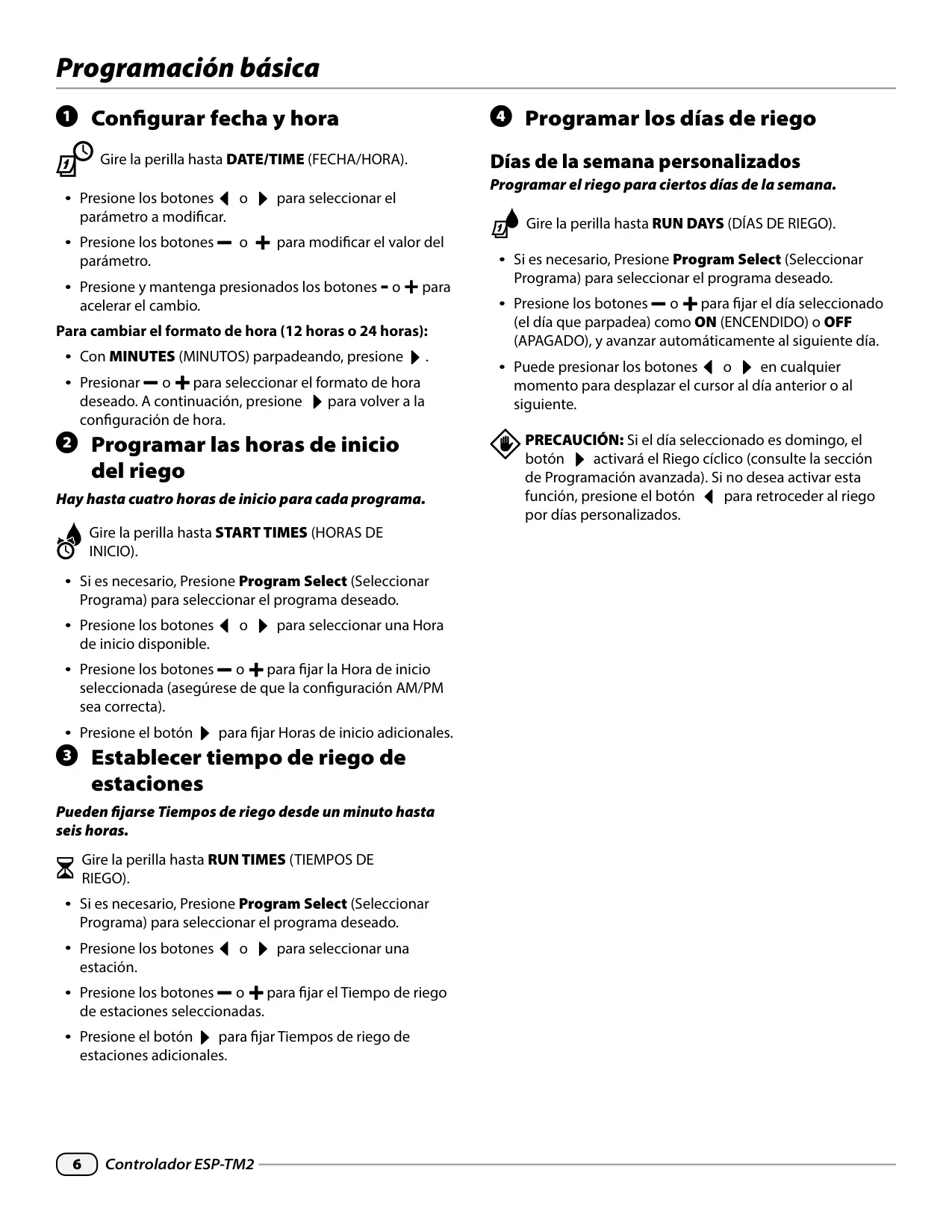
Programming the ESP-TM2 is intuitive, starting with setting the current date and time. Users can adjust the time format between 12-hour and 24-hour displays. Up to four watering start times are available for each of the three independent programs (A, B, C), offering significant flexibility for scheduling. Station run times can be precisely set from a minimum of one minute up to a maximum of six hours, catering to diverse landscaping needs and plant types.
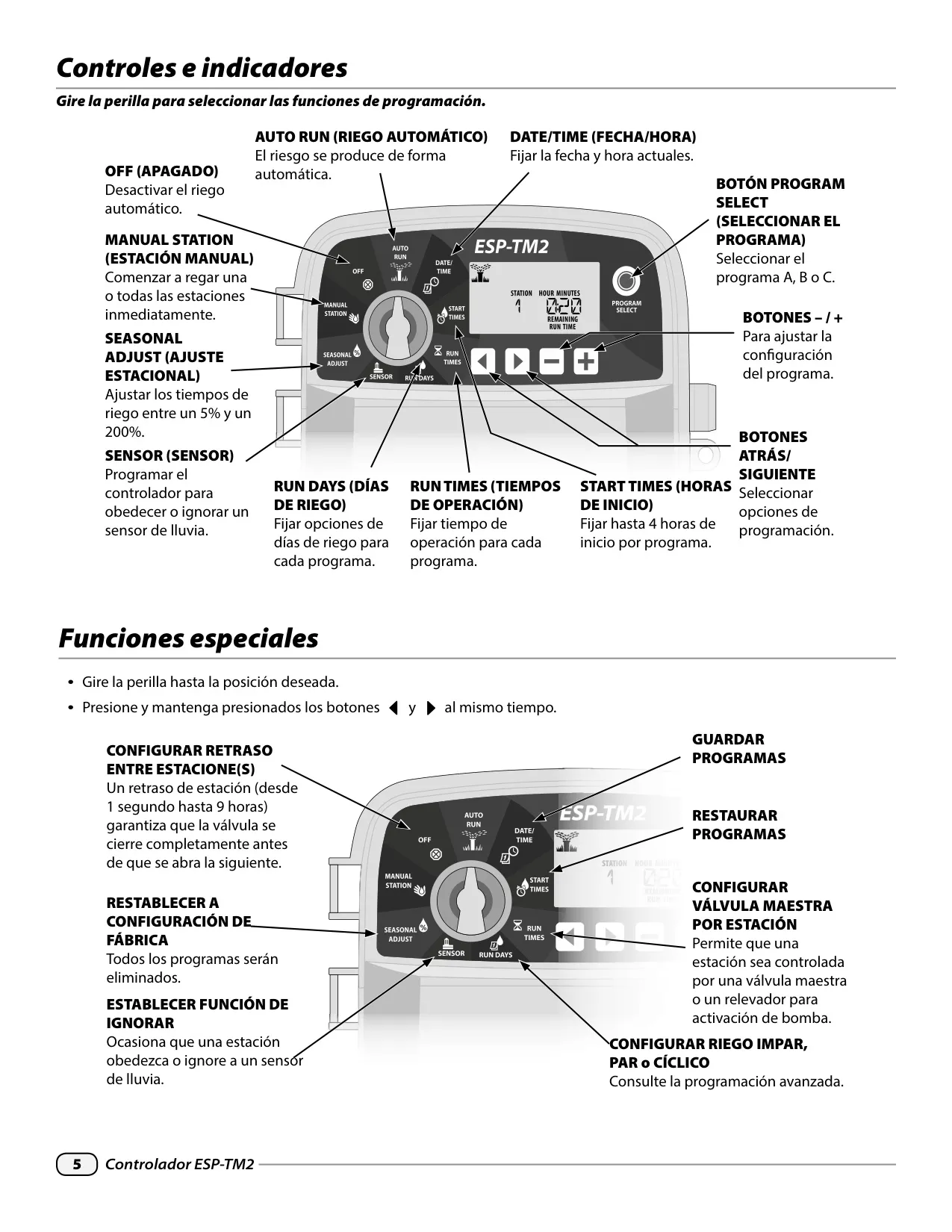
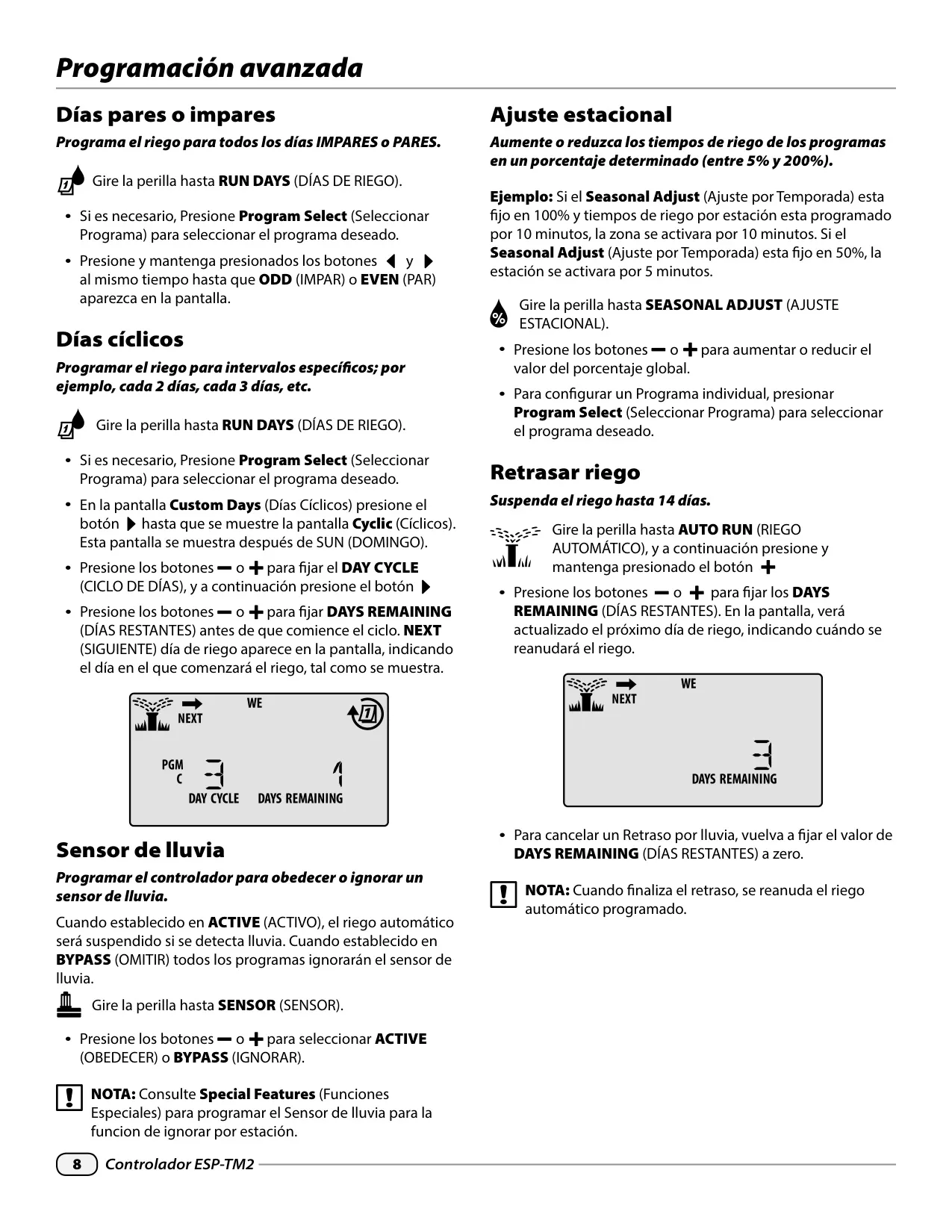
The controller offers various watering day options beyond simple custom days of the week. Users can choose to water on Odd or Even calendar days or set Cyclic schedules, allowing watering at specific intervals like every two or three days. Seasonal Adjust enables users to globally or program-specifically increase or decrease run times from 5% to 200%, adapting to changing weather conditions without reprogramming individual station times.
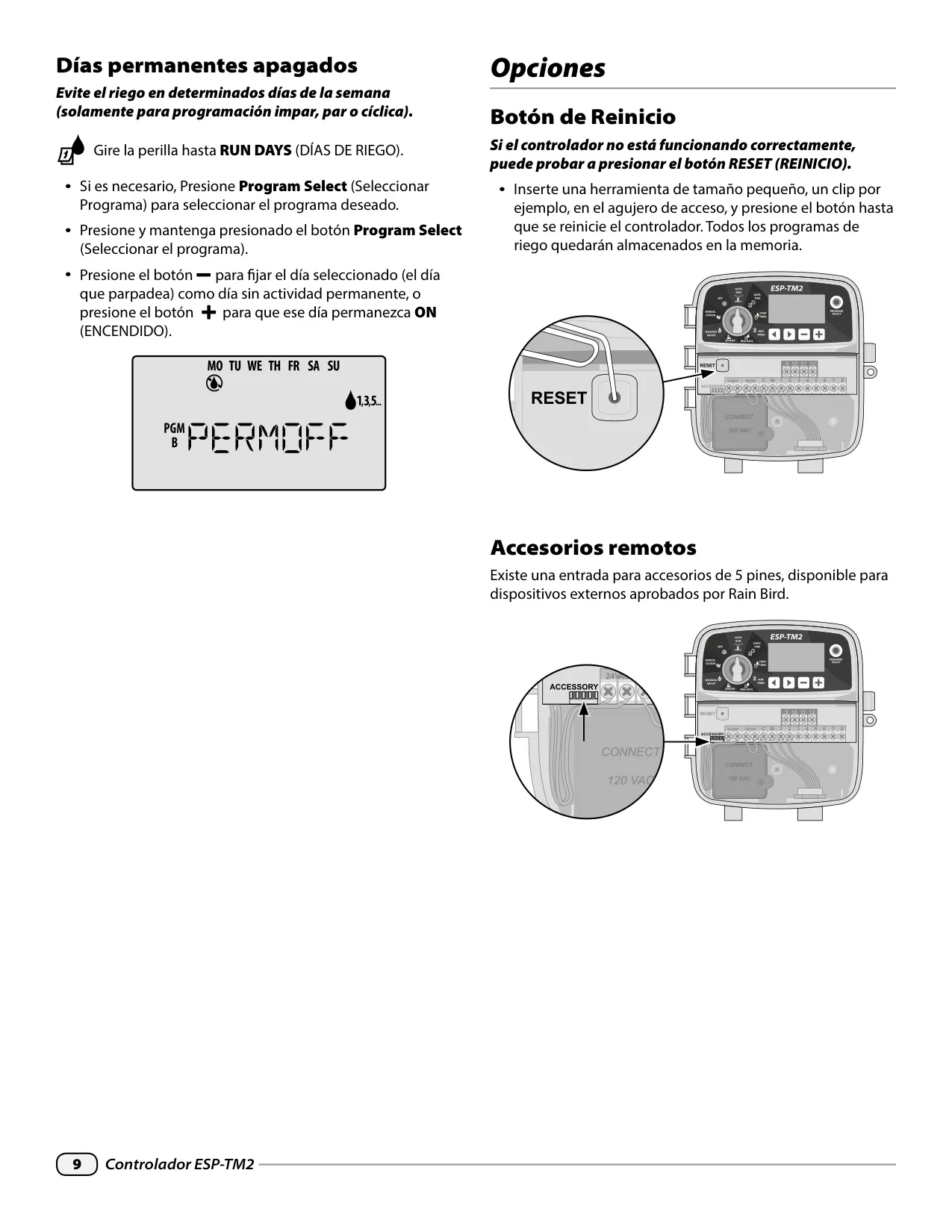
For temporary interruptions, a Delay Watering feature allows suspending irrigation for up to 14 days, ideal for periods of heavy rainfall or when away from home. Additionally, Permanent Days Off can be set for Odd, Even, or Cyclic programs, preventing watering on specific days regardless of the cycle. This is useful for weekly maintenance or community restrictions.
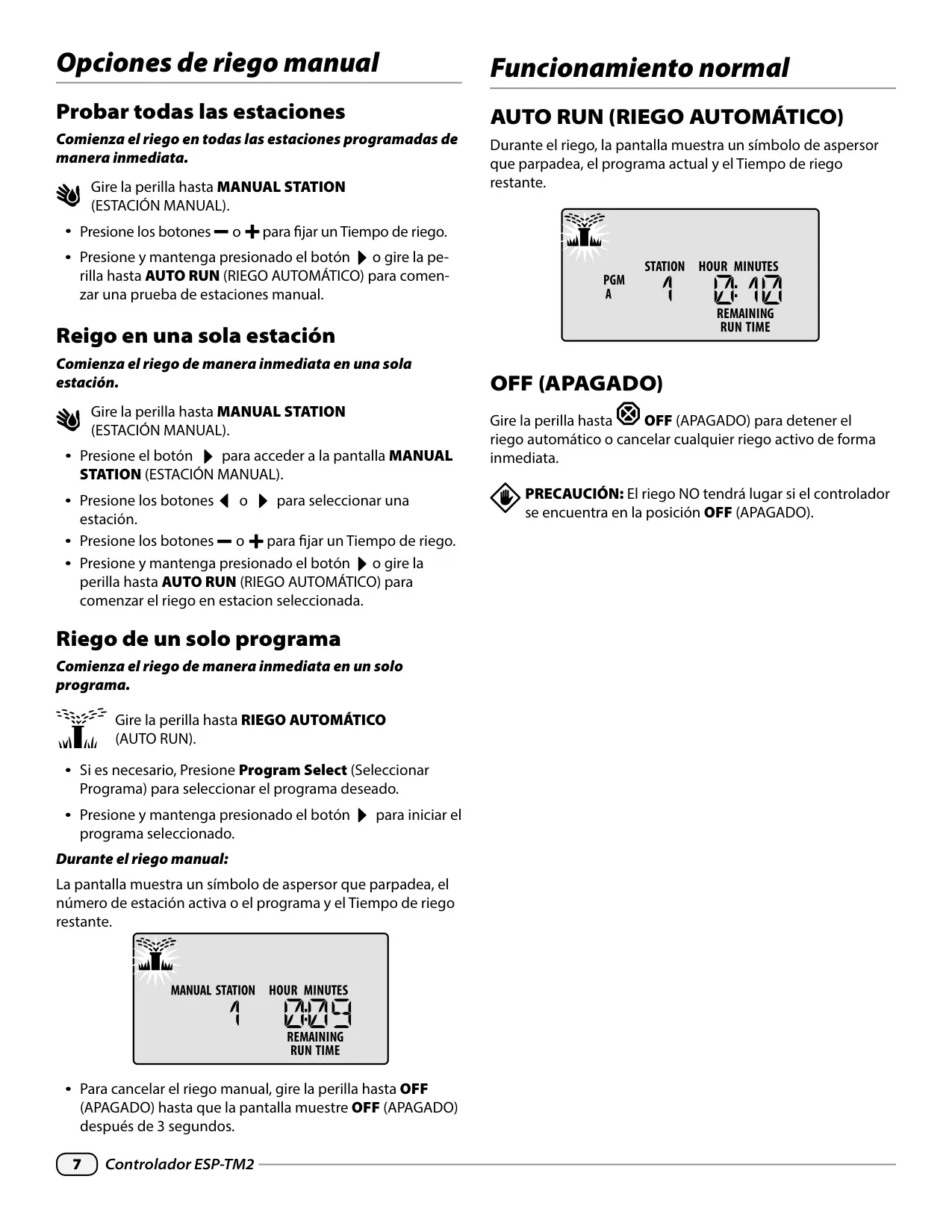
Manual watering options include testing all stations, running a single station, or activating a single program immediately, providing quick control when needed. The RESET button offers a quick way to restart the controller in case of malfunctions without erasing all programmed schedules. A 5-pin accessory port is also available for approved Rain Bird external devices, extending the controller's functionality.
Frequently Asked Questions (FAQs)
Can't find the answer you need? Here are some frequently asked questions about the Rain Bird ESP-TM2, and we answer them below.