Rain Bird ESP-ME3 Instruction Manual
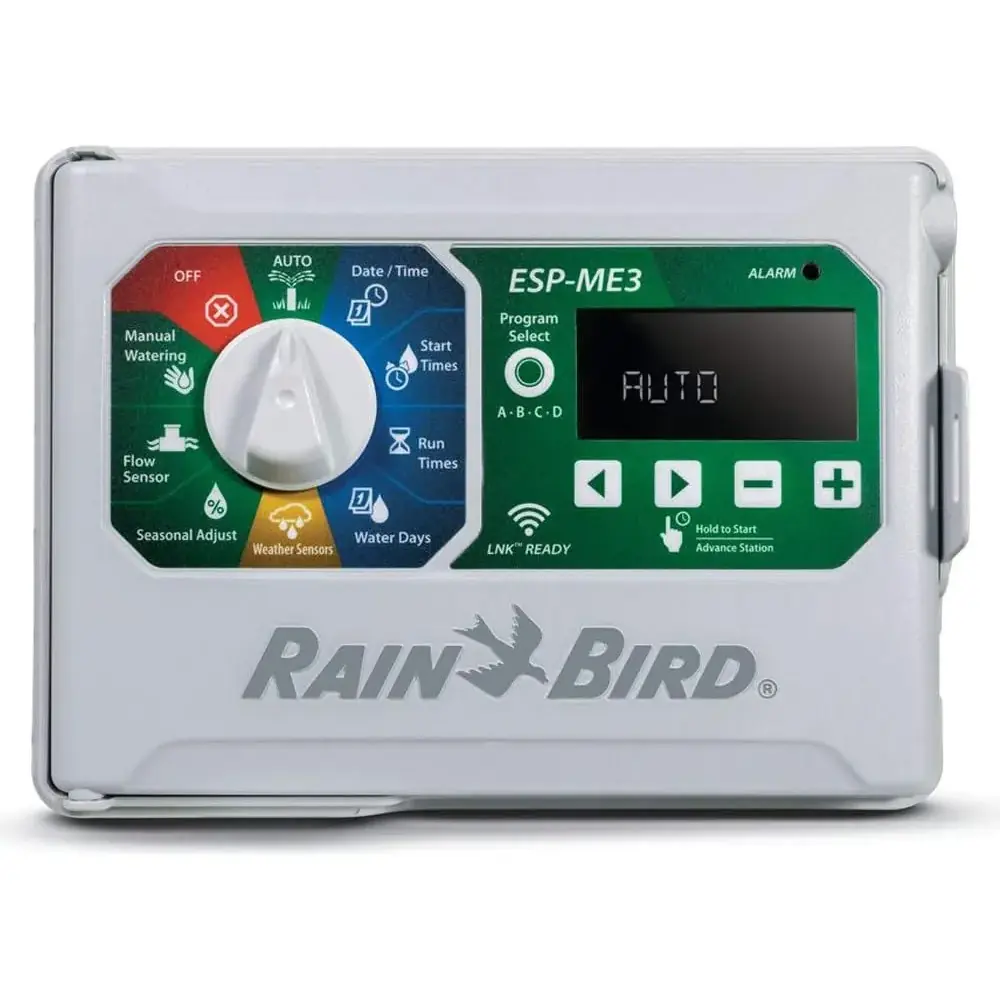
Rain Bird ESP-ME3
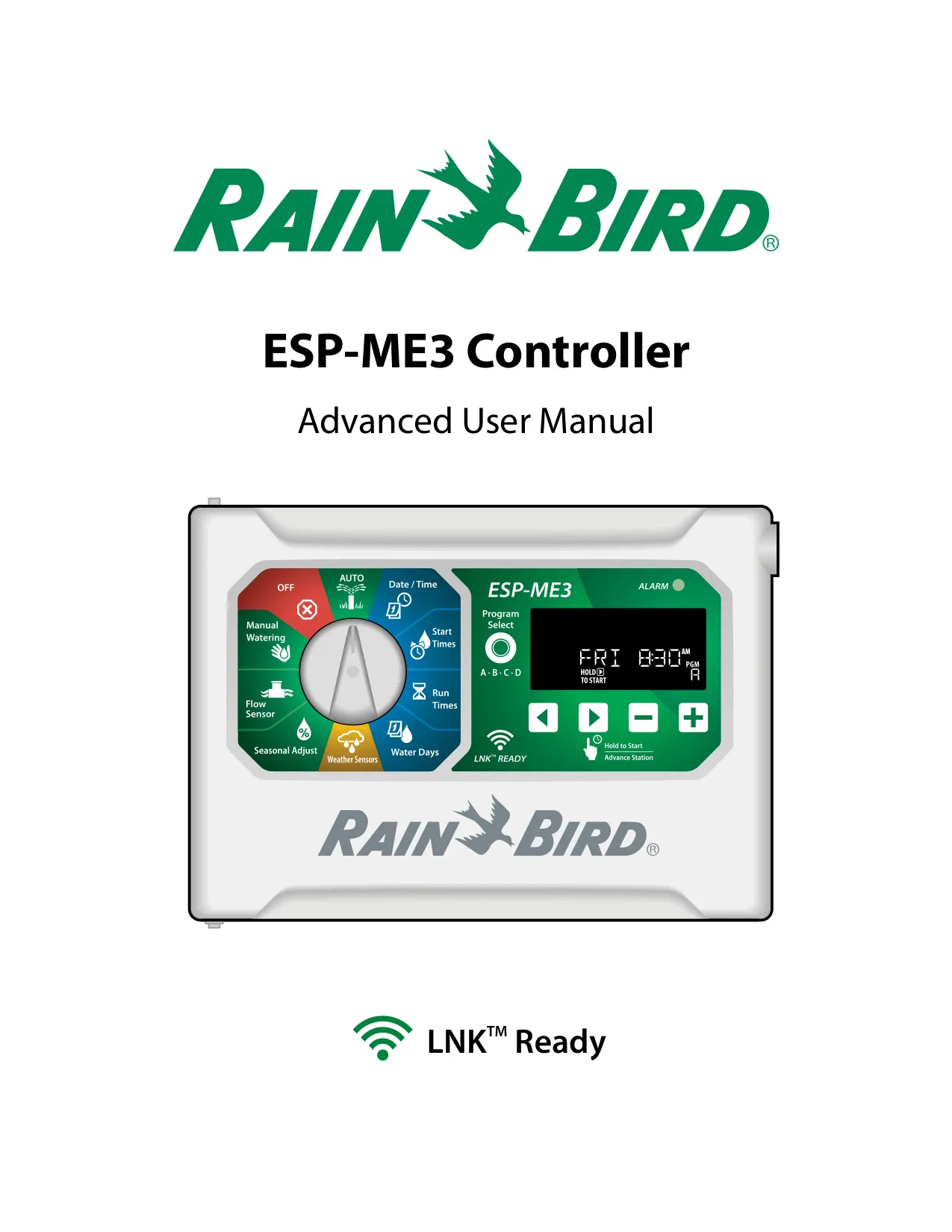
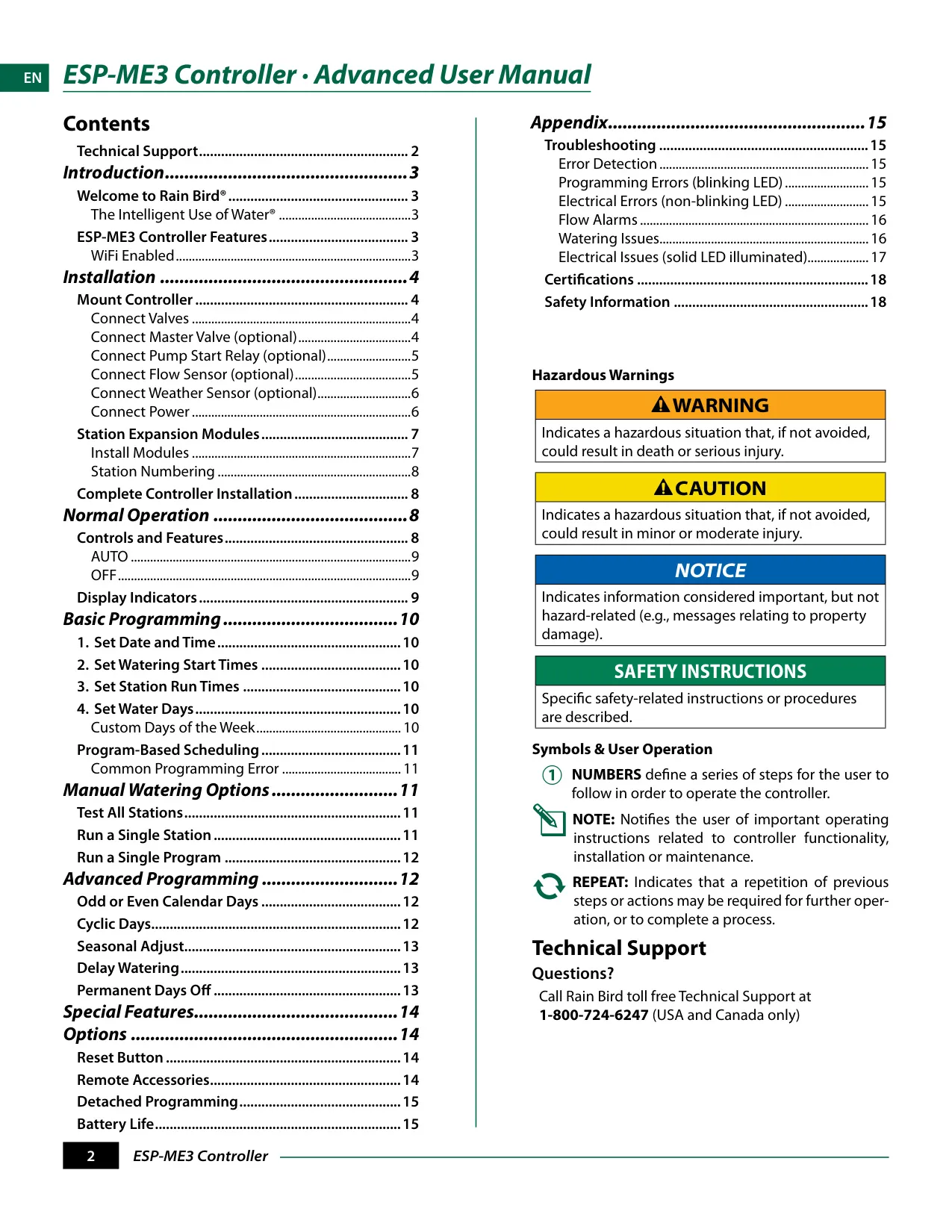
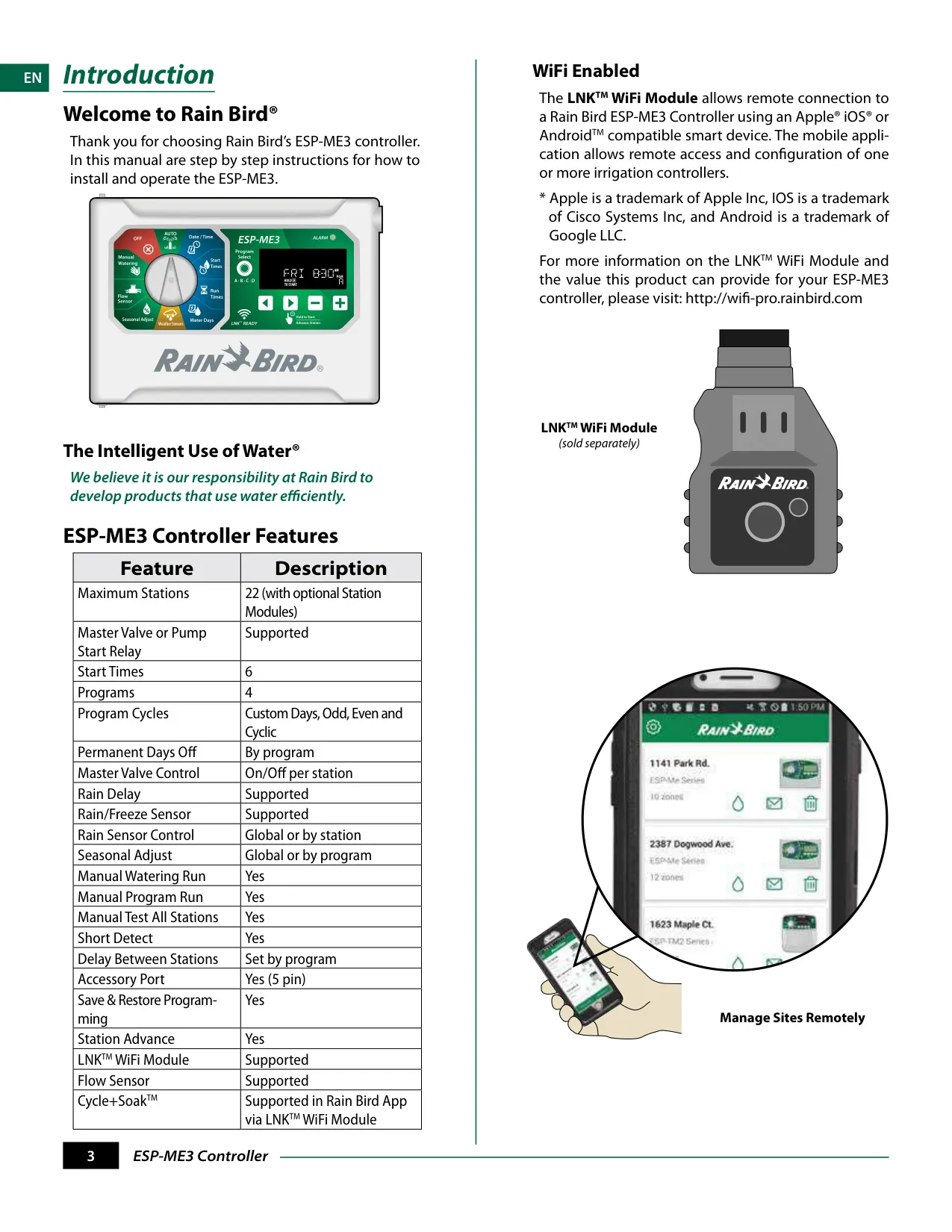


Rain Bird ESP-ME3 Instructions
Here we offer the Rain Bird ESP-ME3 manual completely free and in English. We have cataloged this manual in the Irrigation Controllers section on Manualverse, and it has been rated by 1 users with an average rating of 5. If you have any specific questions about Rain Bird ESP-ME3, we suggest checking the Frequently Asked Questions (FAQs) section of this manual.
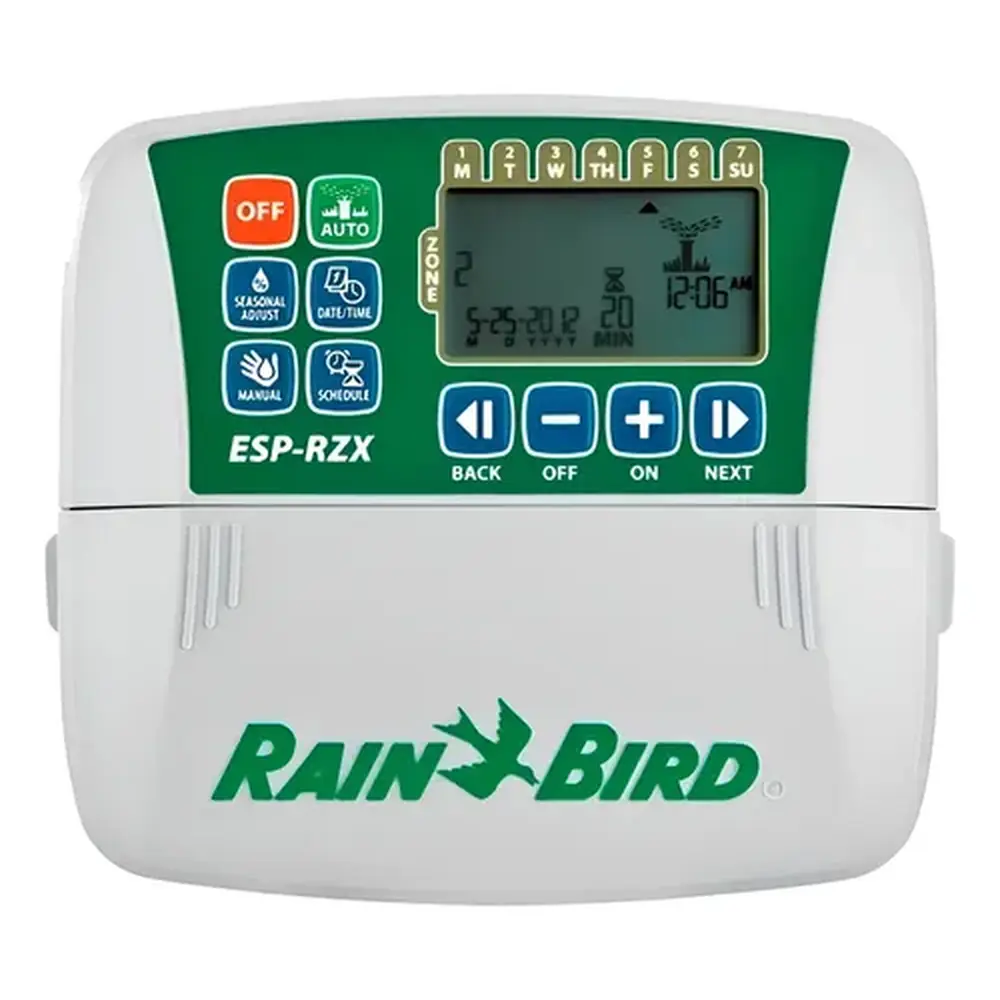
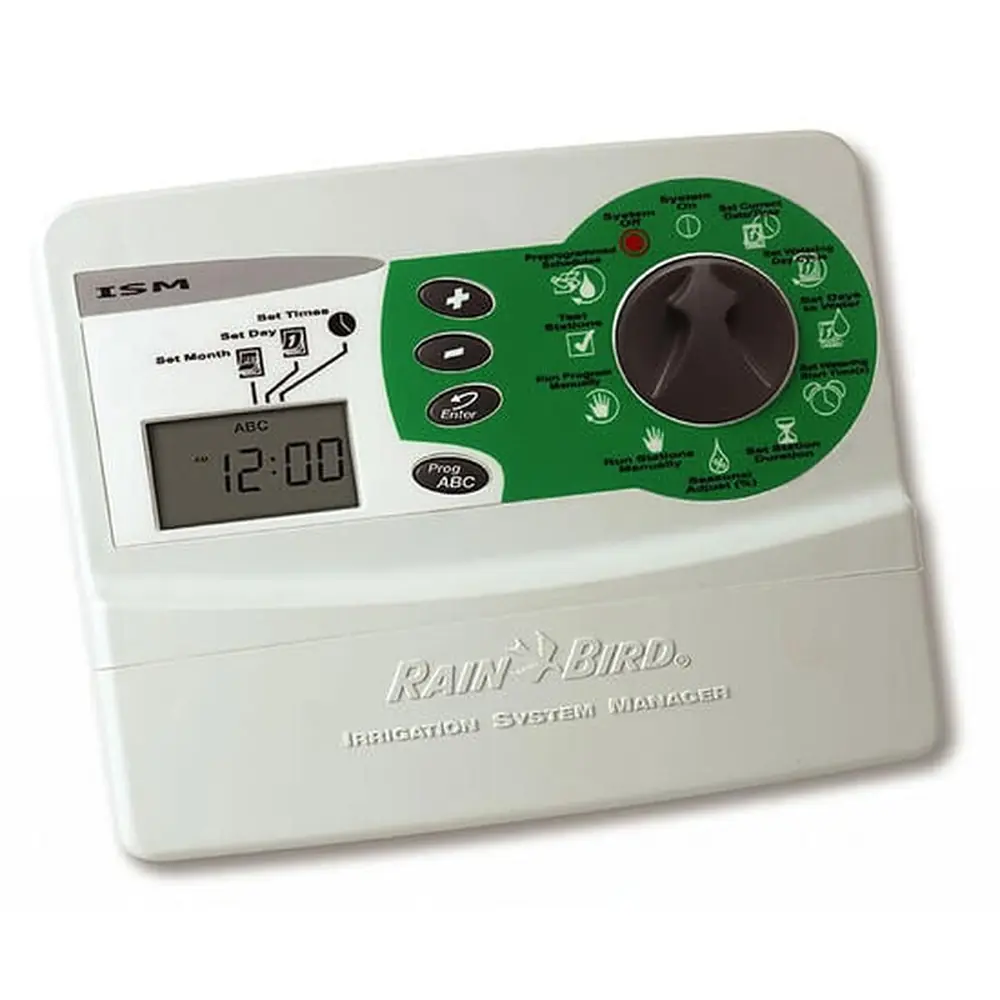
Product Images
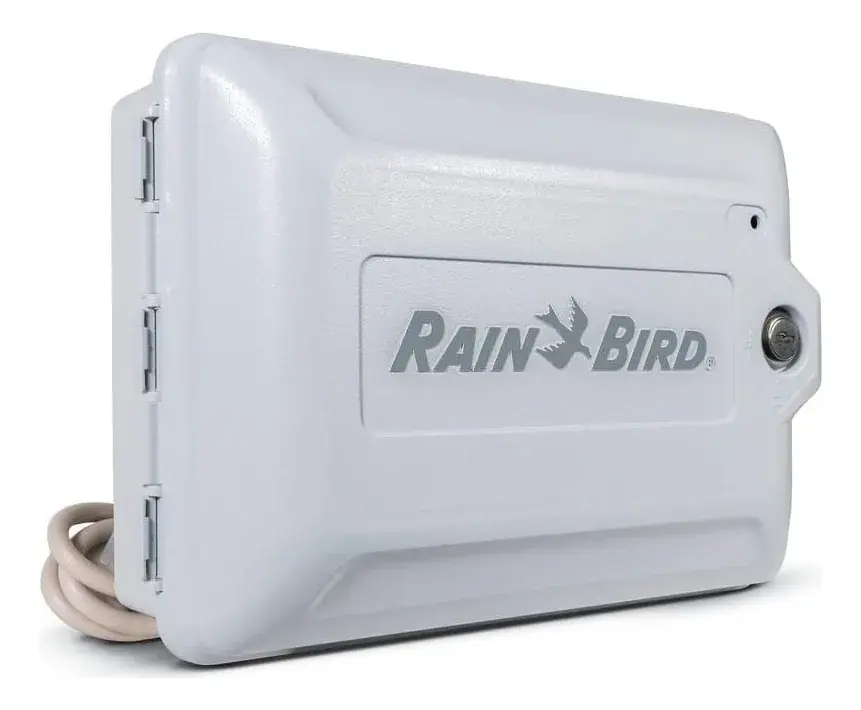
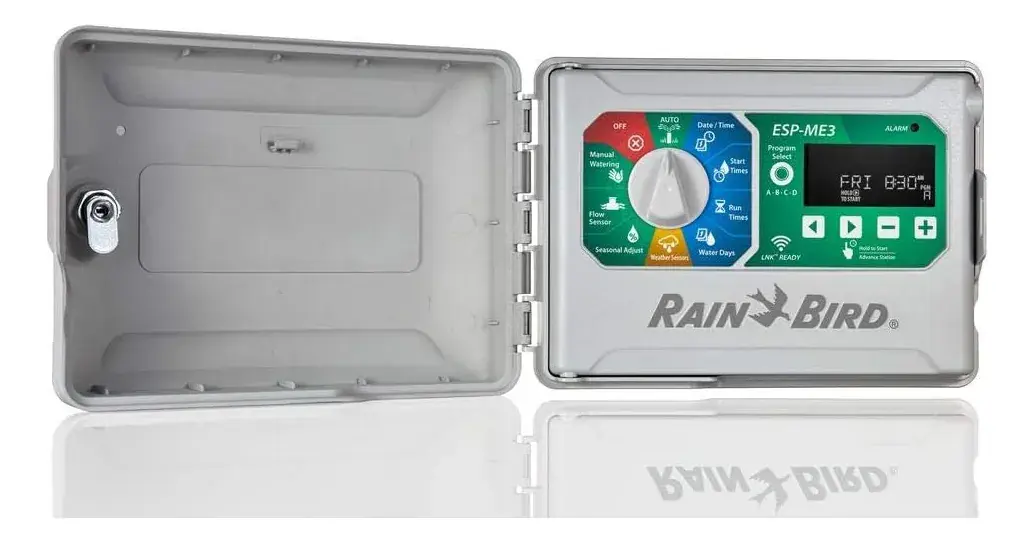
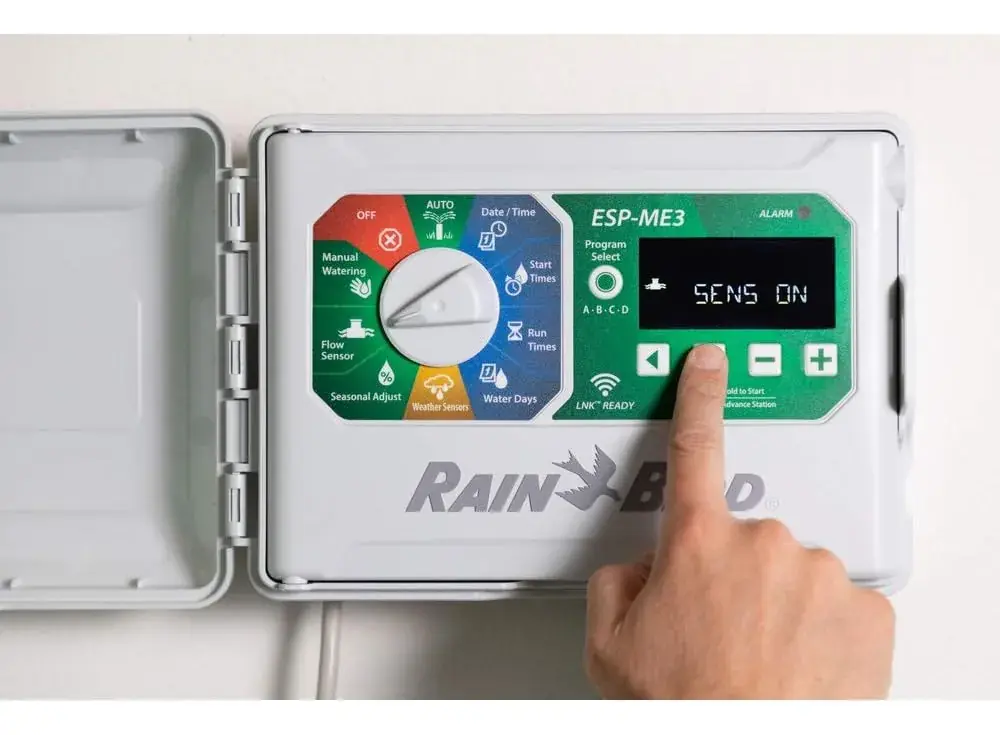
Rain Bird ESP-ME3 Specifications
| Feature | Description |
|---|---|
| Maximum Stations | 22 (with optional Station Modules) |
| Master Valve or Pump Start Relay | Supported |
| Start Times | 6 |
| Programs | 4 |
| Program Cycles | Custom Days, Odd, Even and Cyclic |
| Permanent Days Off | By program |
| Master Valve Control | On/Off per station |
| Rain Delay | Supported |
| Rain/Freeze Sensor | Supported |
| Rain Sensor Control | Global or by station |
| Seasonal Adjust | Global or by program |
| Manual Watering Run | Yes |
| Manual Program Run | Yes |
| Manual Test All Stations | Yes |
| Short Detect | Yes |
| Delay Between Stations | Set by program |
| Accessory Port | Yes (5-pin) |
| Save & Restore Programming | Yes |
| Station Advance | Yes |
| LNK™ WiFi Module | Supported |
| Flow Sensor | Supported |
| Cycle+Soak™ | Supported in Rain Bird App via LNK™ WiFi Module |
Rain Bird ESP-ME3 Details
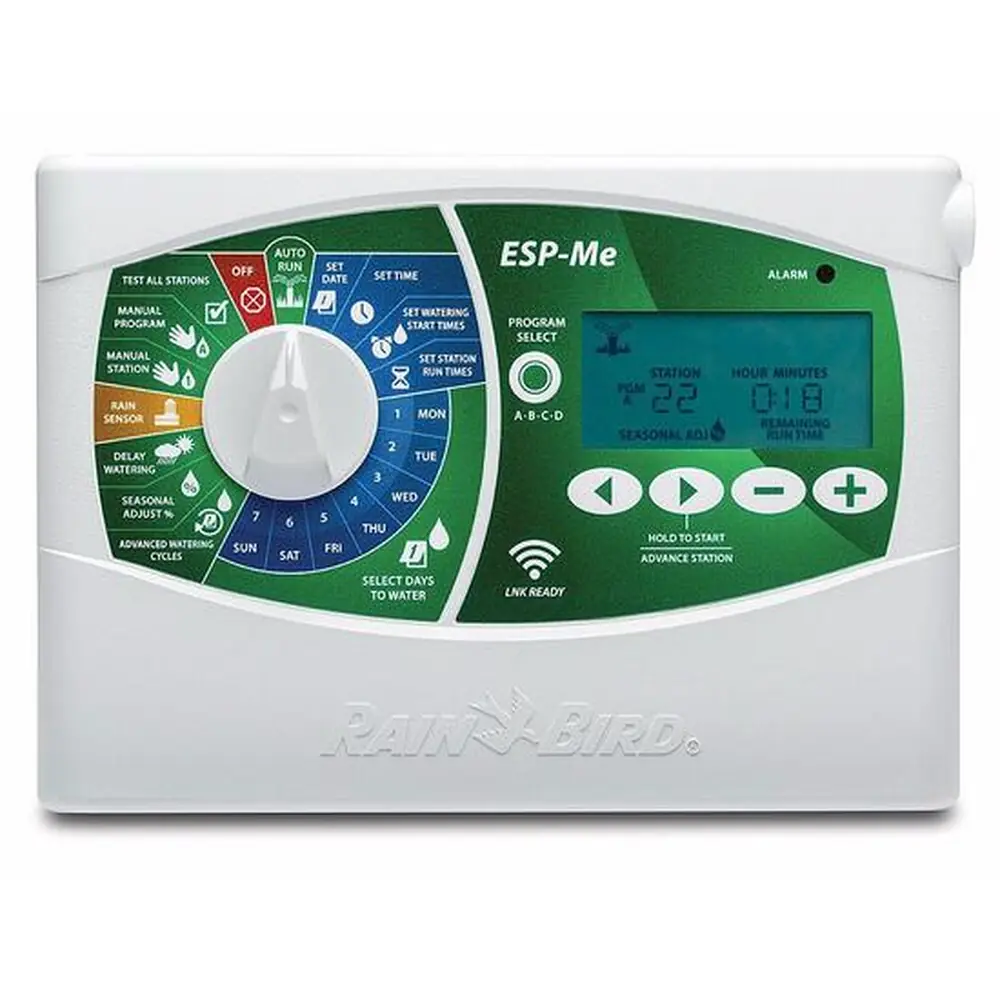
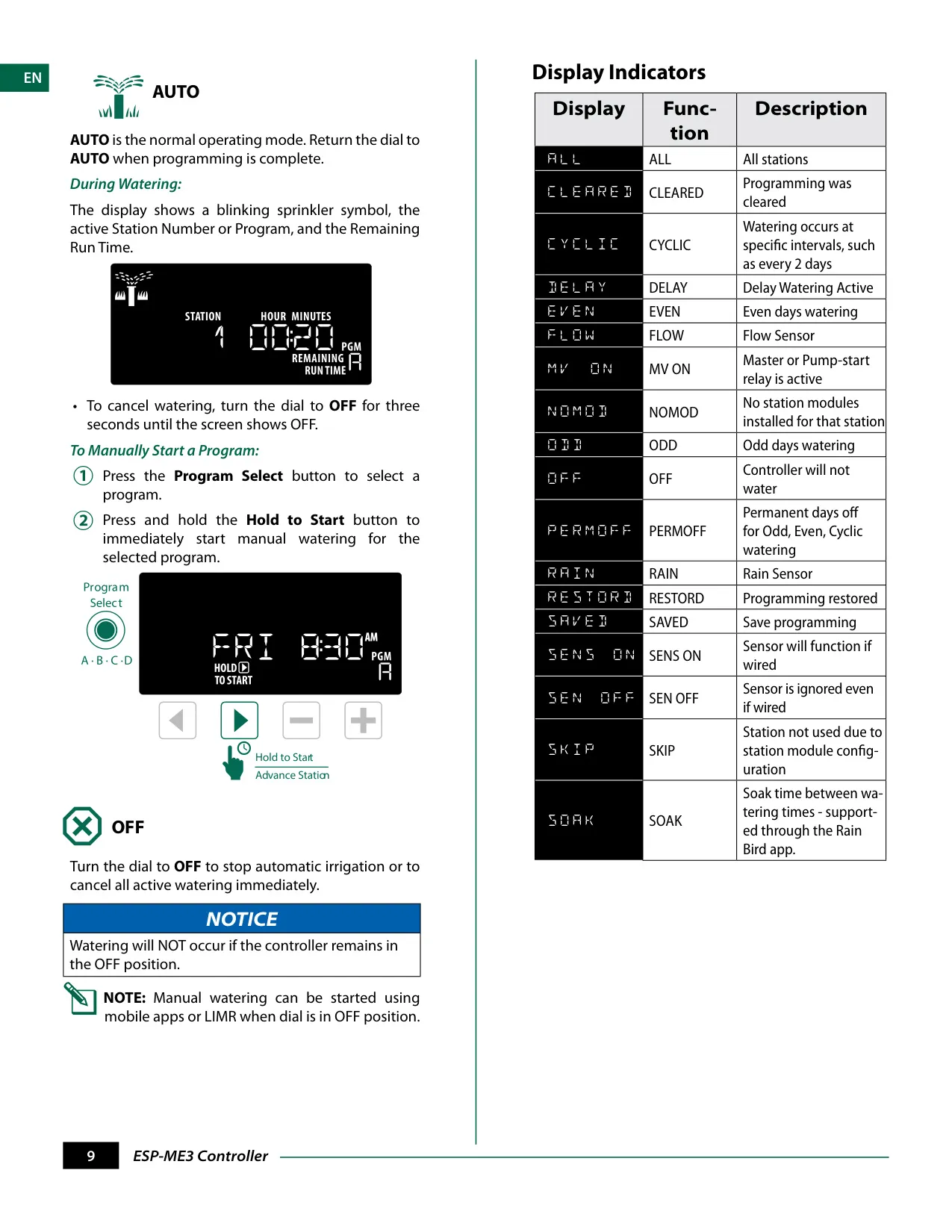
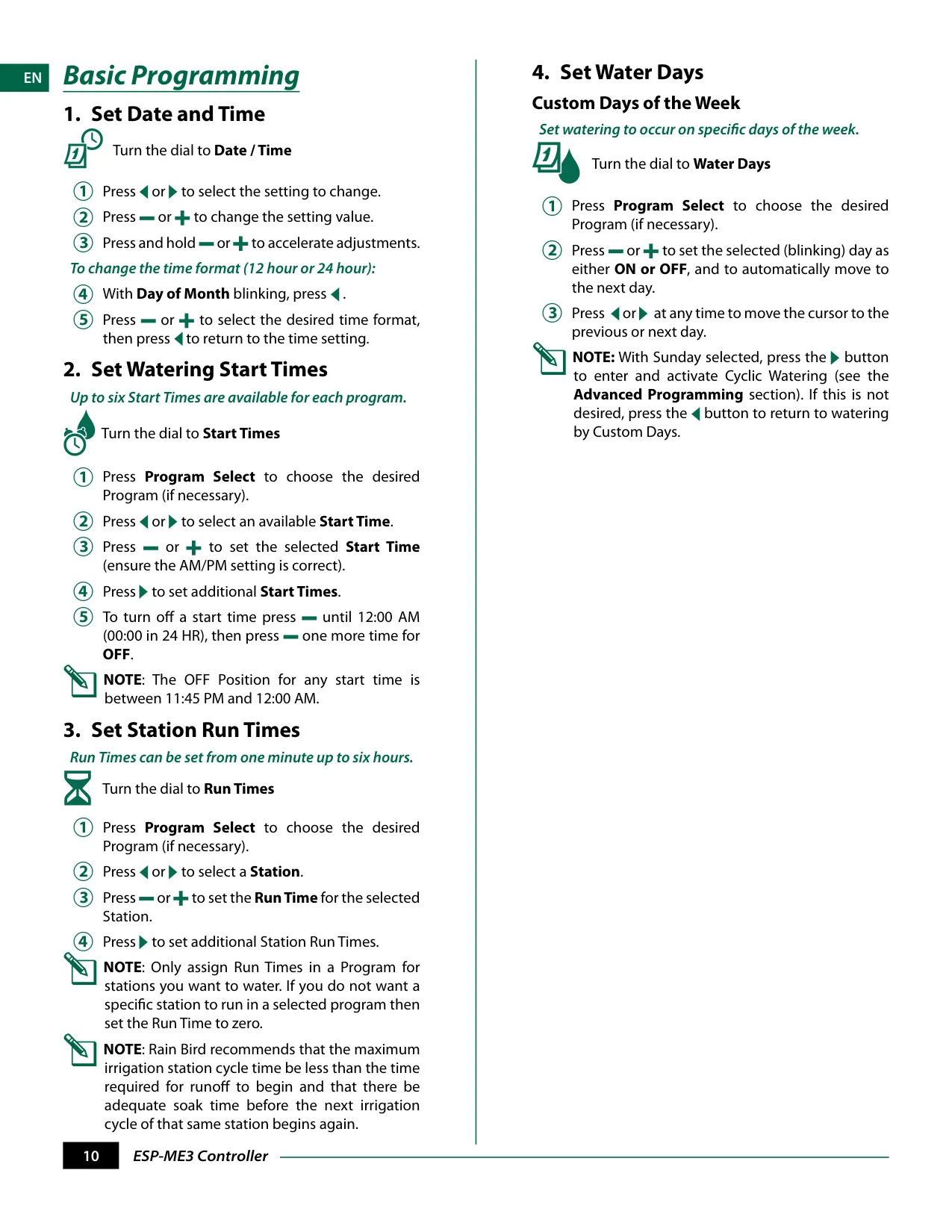
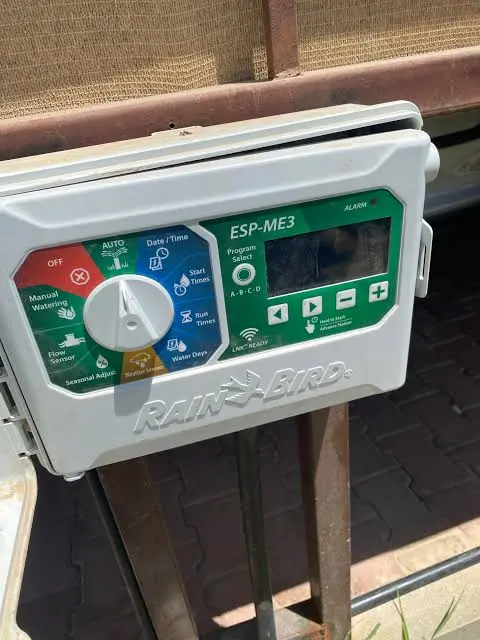
The Rain Bird ESP-ME3 controller is engineered for efficient water usage, supporting "The Intelligent Use of Water®." It features a user-friendly interface with an intuitive dial and display indicators, making programming straightforward. The controller's primary operational modes are AUTO for automatic irrigation and OFF to immediately halt all watering activities, ensuring flexibility in managing your watering schedule.
One of its standout capabilities is its WiFi Enabled functionality, primarily through the LNK™ WiFi Module (sold separately). This module allows remote connection and configuration of one or more irrigation controllers using an Apple® iOS® or Android™ compatible smart device, providing convenient management from anywhere.
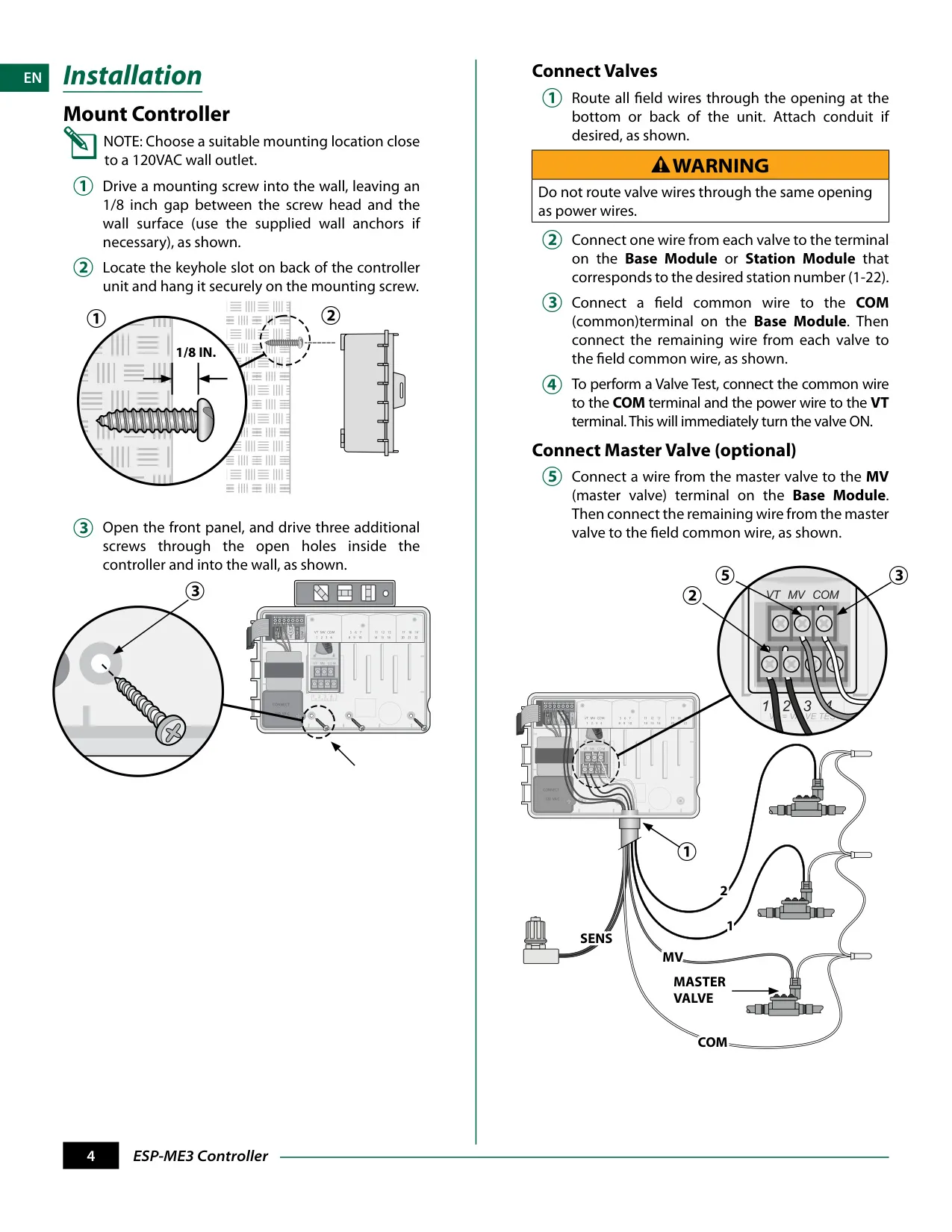
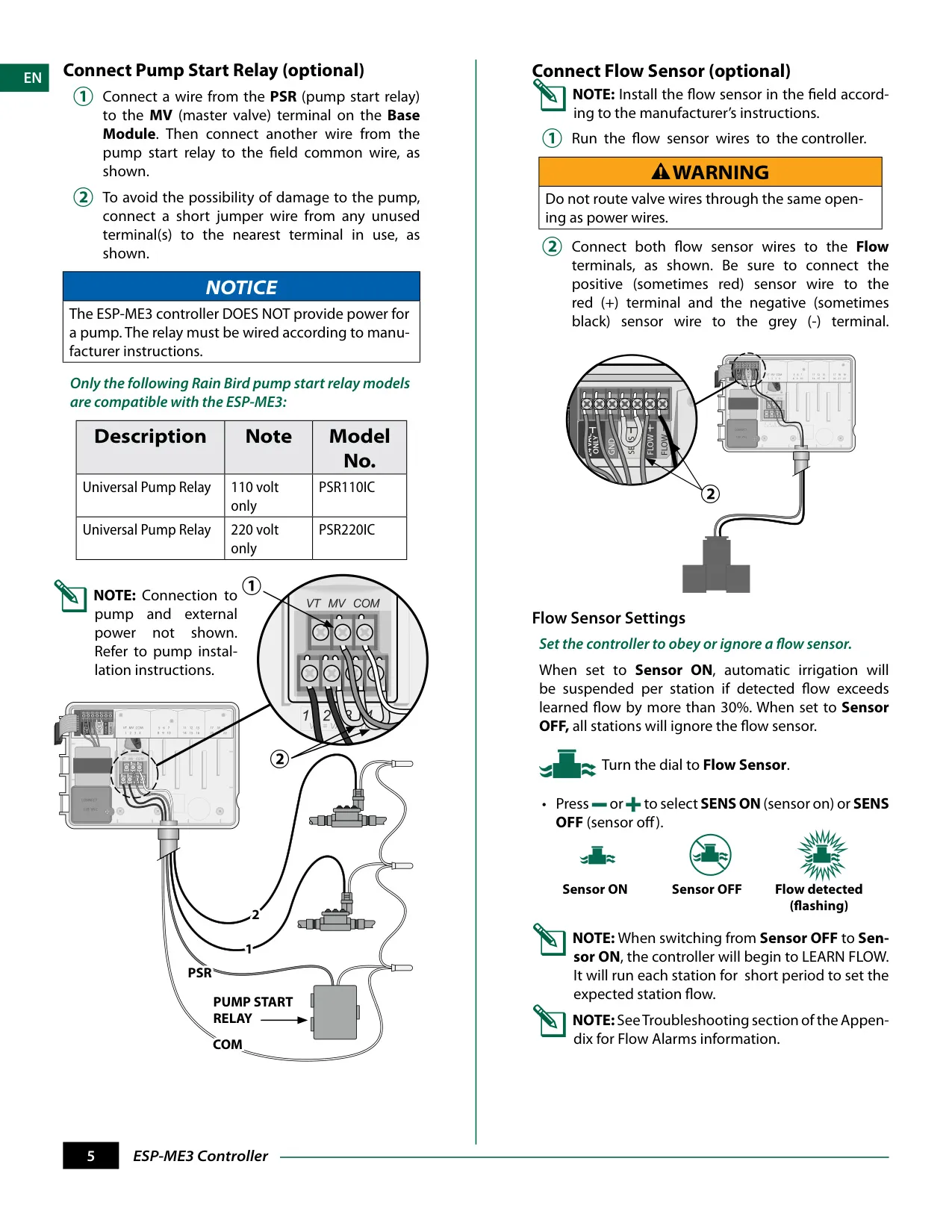
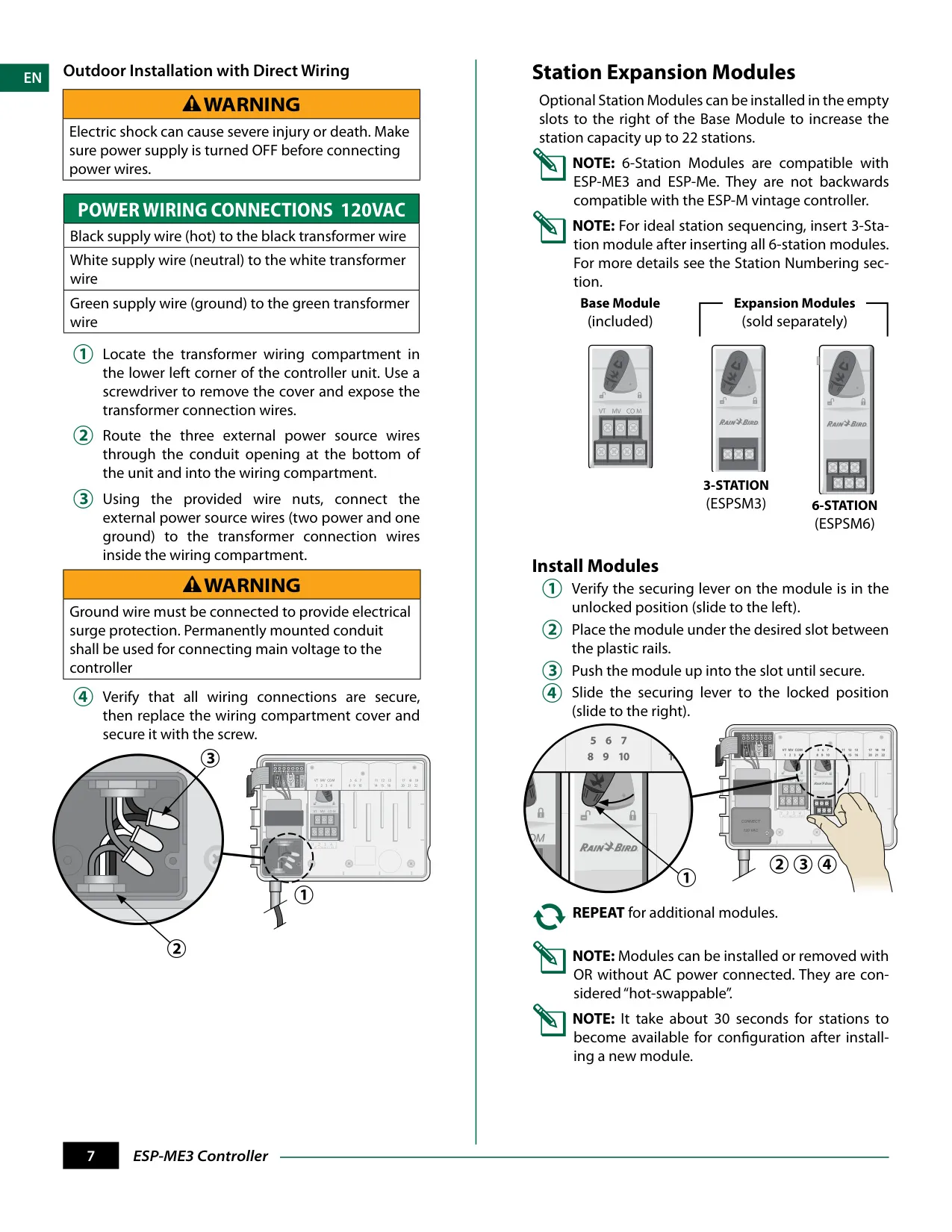
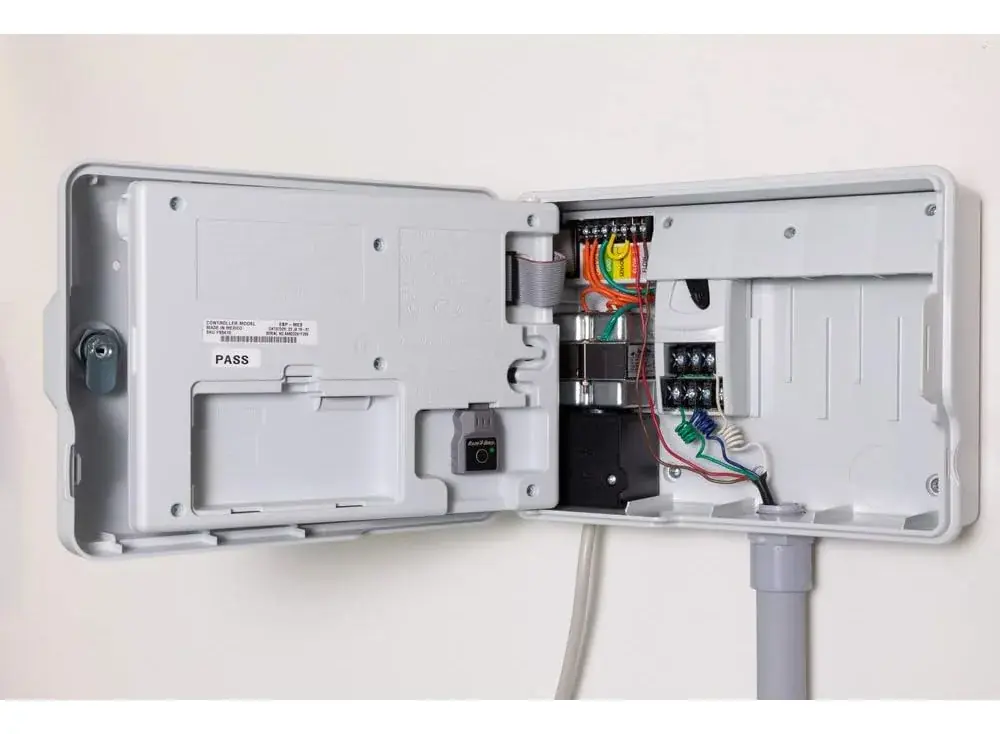
Installation is designed for versatility. The ESP-ME3 supports the connection of various field devices, including valves, a master valve, and a pump start relay. Comprehensive instructions guide users through safe wiring practices, emphasizing the separation of valve wires from power lines to prevent hazards.
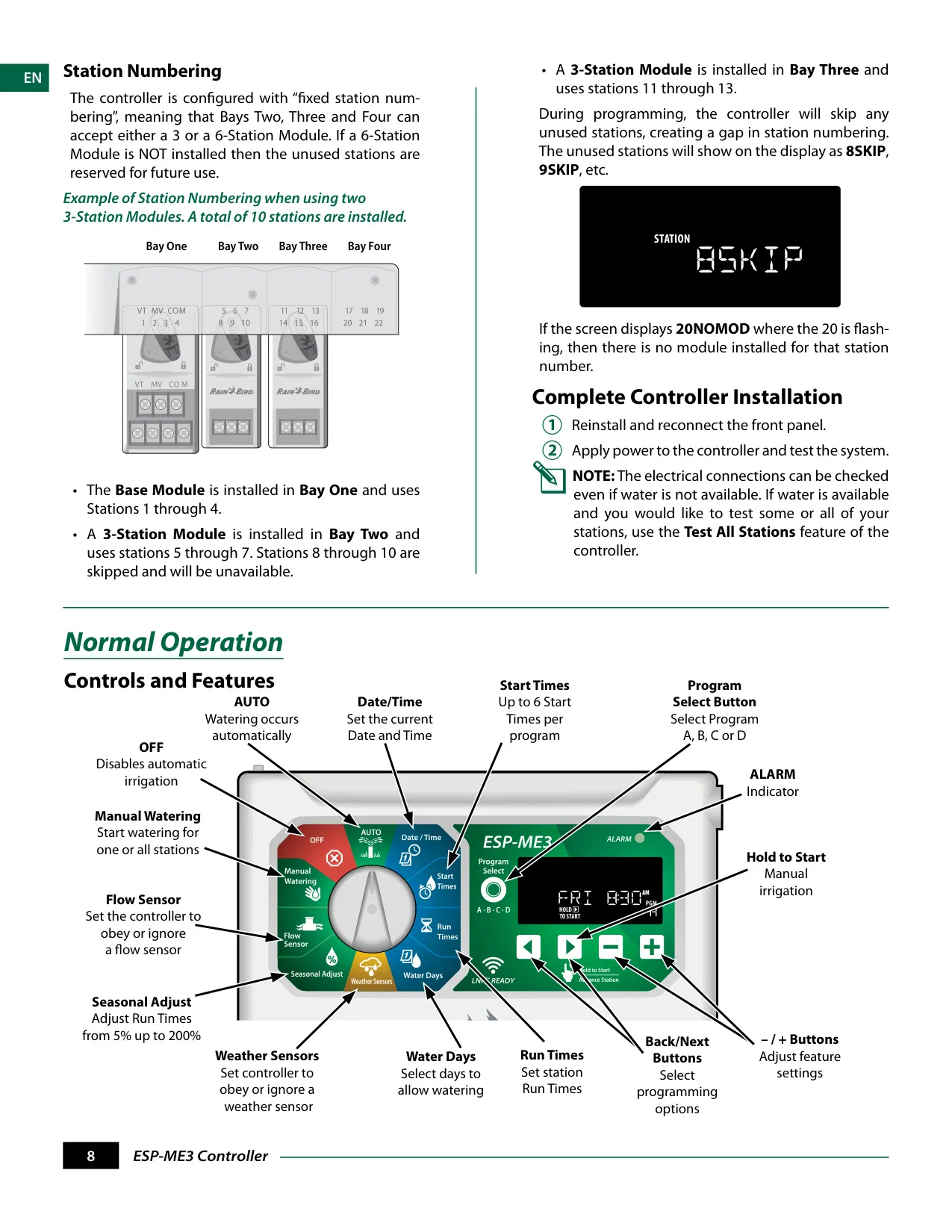
The system's modular design allows for Station Expansion Modules, enabling the controller to expand its capacity up to 22 stations. These modules are "hot-swappable," meaning they can be installed or removed with or without AC power connected. The system employs fixed station numbering, accounting for skipped or uninstalled modules in the display.
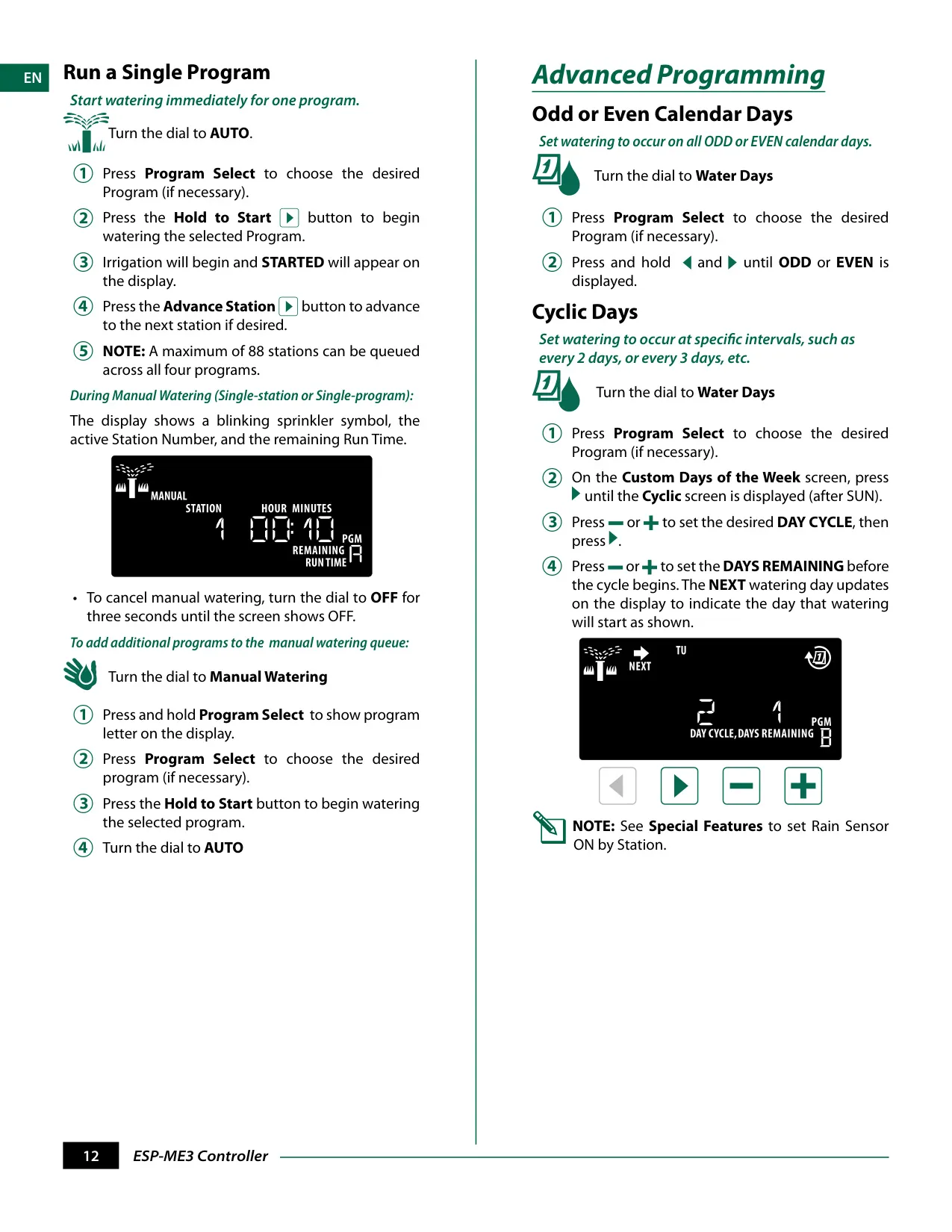
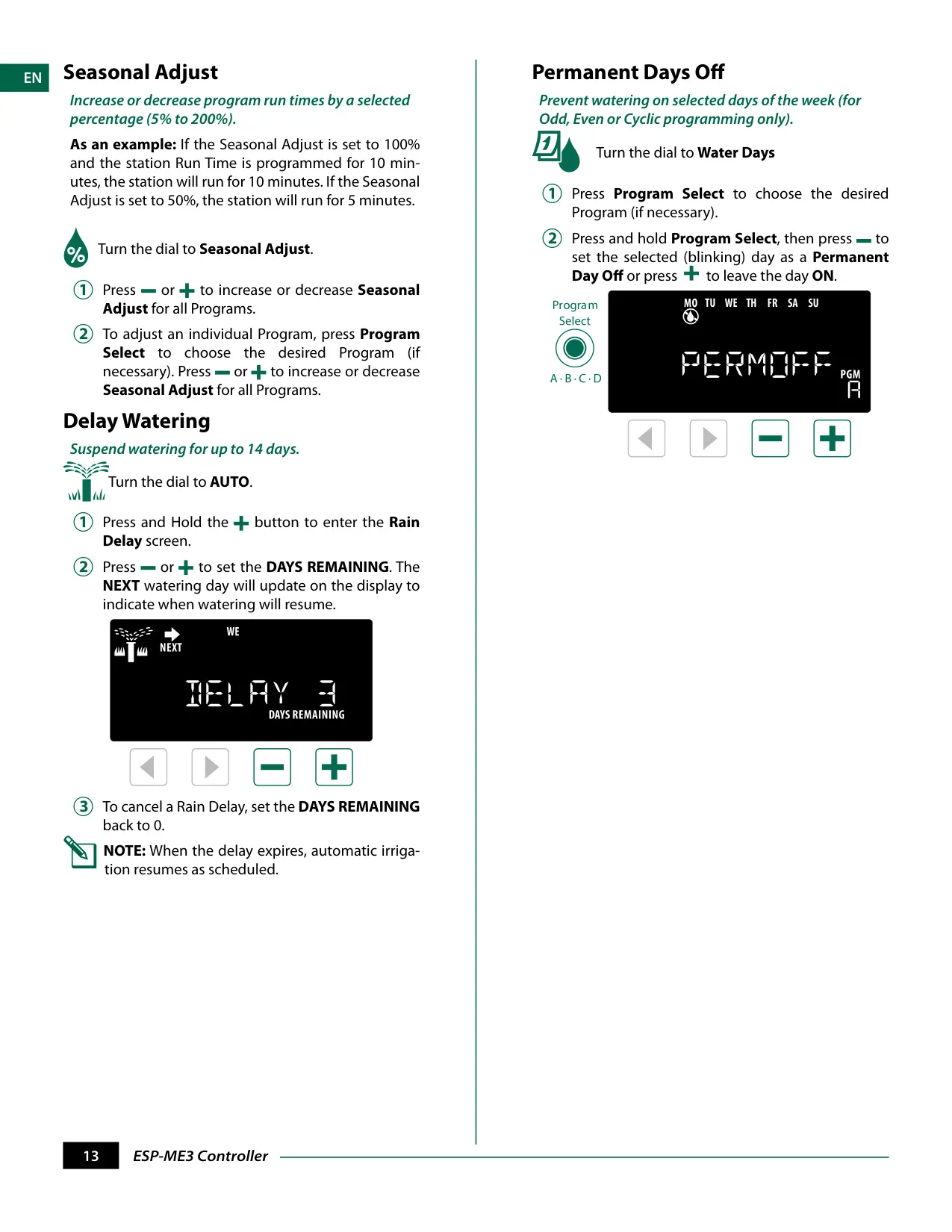
Beyond basic programming, the ESP-ME3 offers advanced scheduling options. Users can configure watering for Odd or Even Calendar Days, or set Cyclic Days for specific intervals (e.g., every 2 or 3 days). The Seasonal Adjust feature allows global or program-specific modification of run times from 5% up to 200%, adapting to changing weather conditions without reprogramming.
Additional operational conveniences include a Delay Watering function, which can suspend irrigation for up to 14 days, and the ability to set Permanent Days Off for Odd, Even, or Cyclic watering programs. This prevents watering on specific days, useful for maintenance or local restrictions.
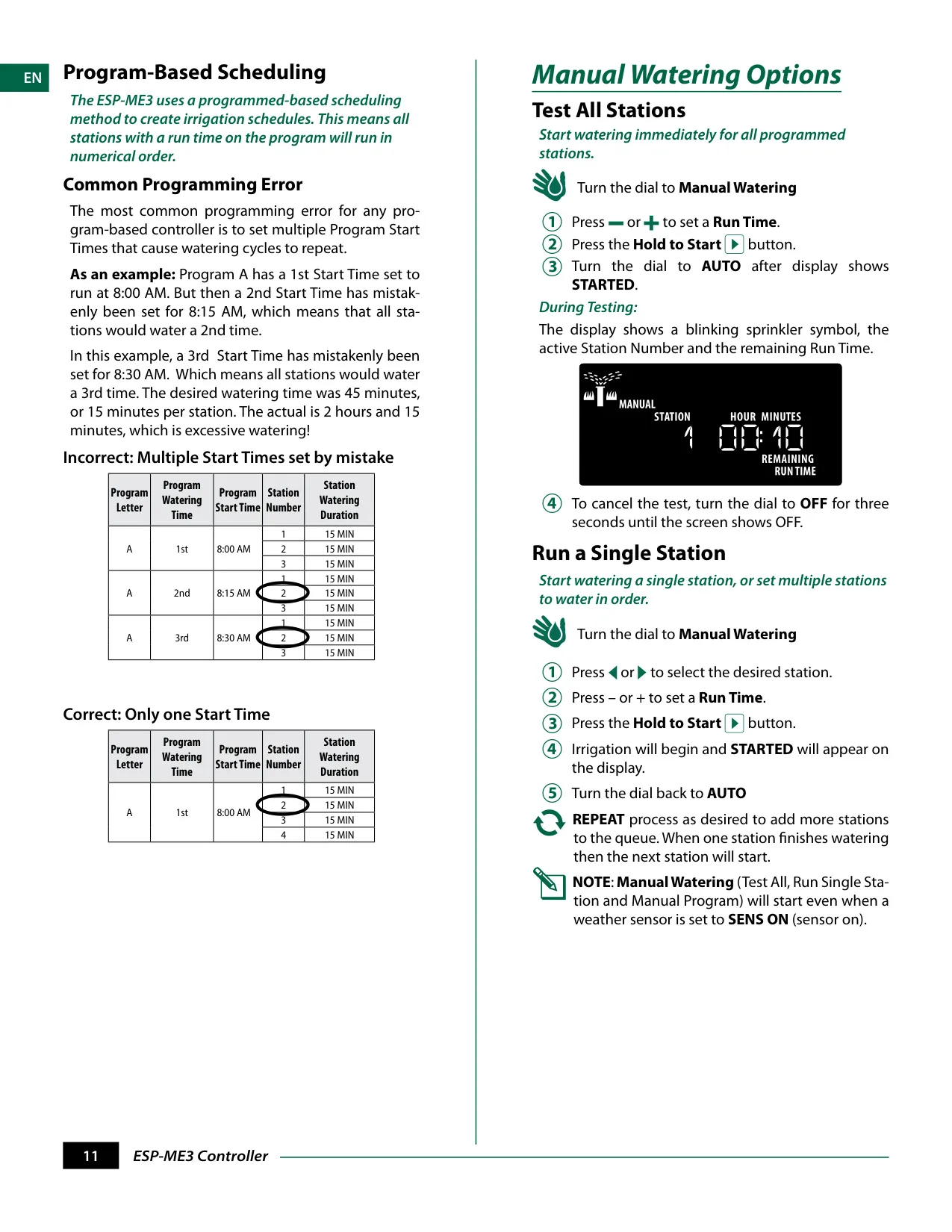
For immediate needs, the controller provides Manual Watering Options, including "Test All Stations," "Run a Single Station," and "Run a Single Program." These manual operations can even be initiated when a weather sensor is active, overriding automatic suspension when necessary.
The ESP-ME3 incorporates robust Error Detection. It automatically generates an ALARM for programming errors (indicated by a blinking LED) or electrical short conditions (a solid LED). Specific messages appear on the display to pinpoint issues like "NO START TIMES" or "STATION 'X' WIRE SHORTED."
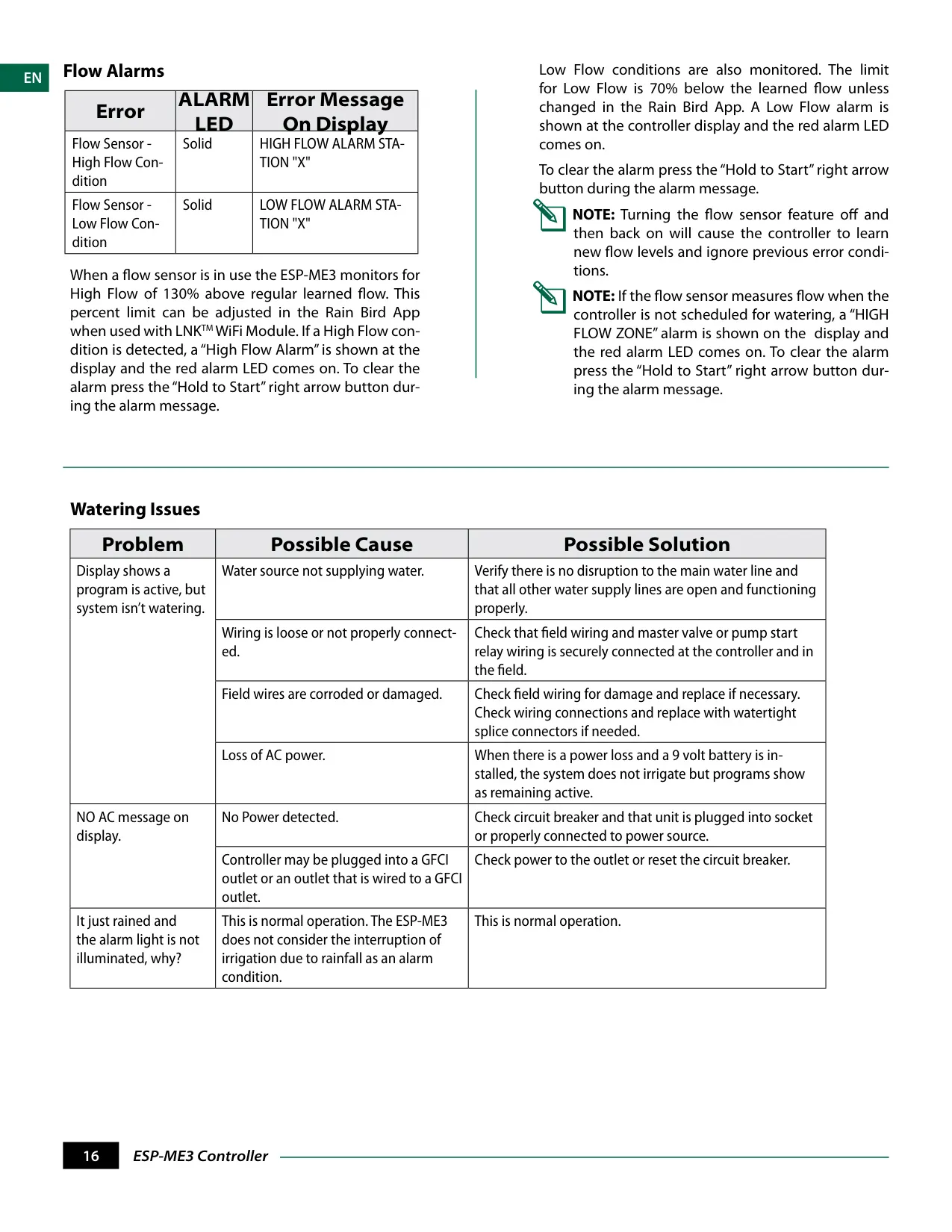
Flow Alarms are another critical safety feature. When a flow sensor is in use, the controller monitors for both high and low flow conditions, providing alerts if detected flow deviates significantly from learned patterns. These alerts help identify leaks or blockages in the irrigation system early on.
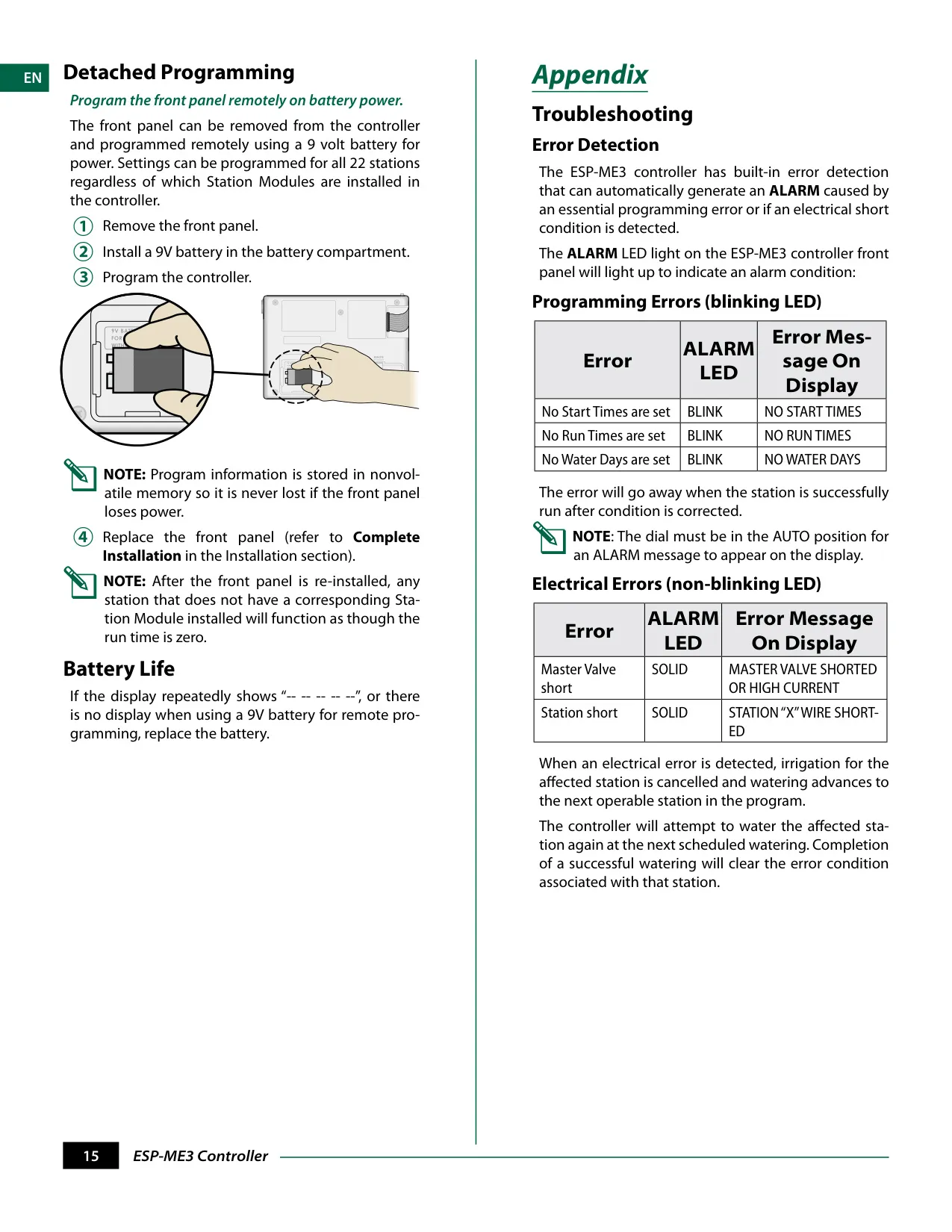
A unique feature is Detached Programming, which allows the front panel to be removed and programmed remotely using a 9-volt battery. All settings are retained in non-volatile memory, ensuring that programming is never lost even if the battery or AC power is disconnected.
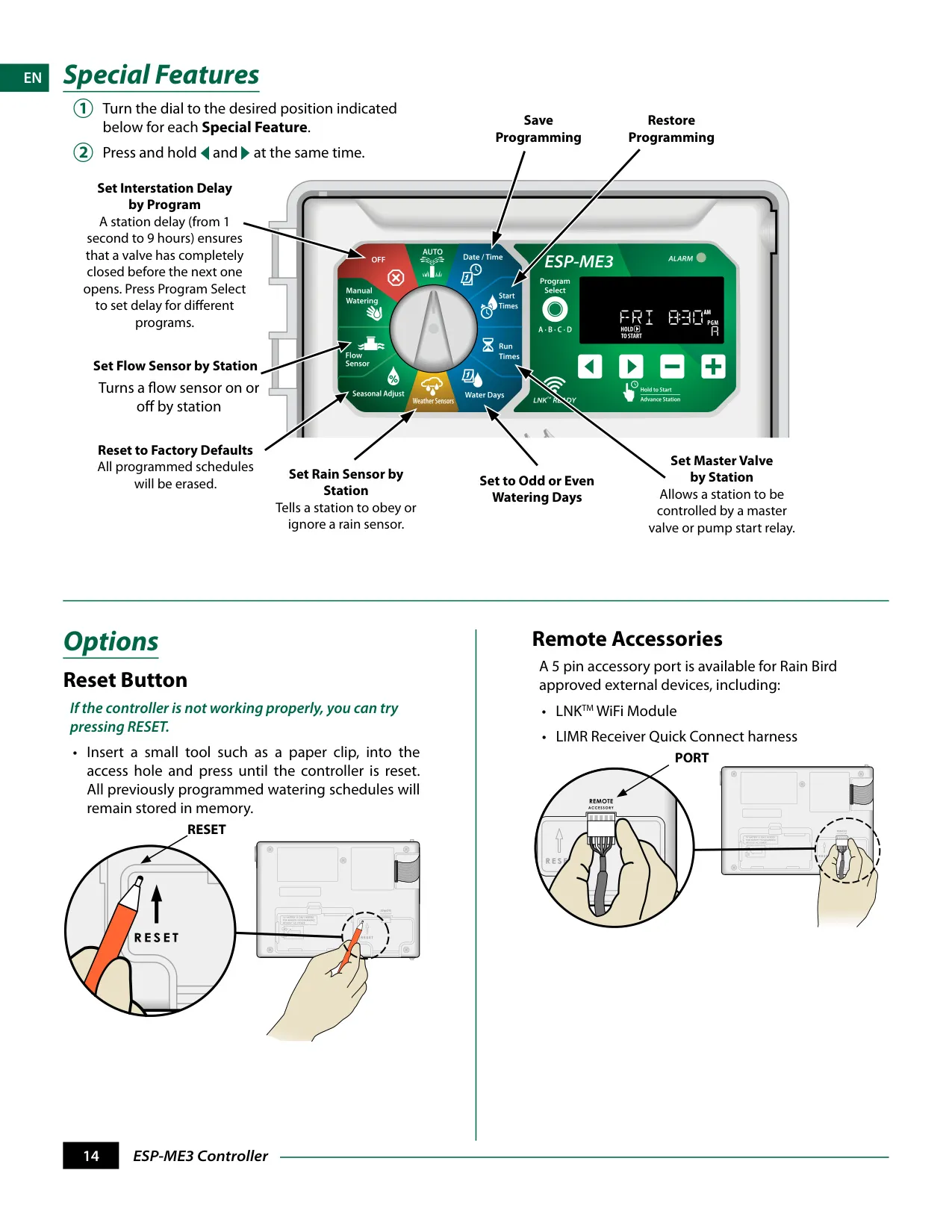
Finally, the controller includes a Reset Button. In case of abnormal operation, pressing this button with a small tool resets the controller without erasing any previously programmed watering schedules, ensuring minimal disruption to your setup.
Frequently Asked Questions (FAQs)
Can't find the answer you need? Here are some frequently asked questions about the Rain Bird ESP-ME3, and we answer them below.