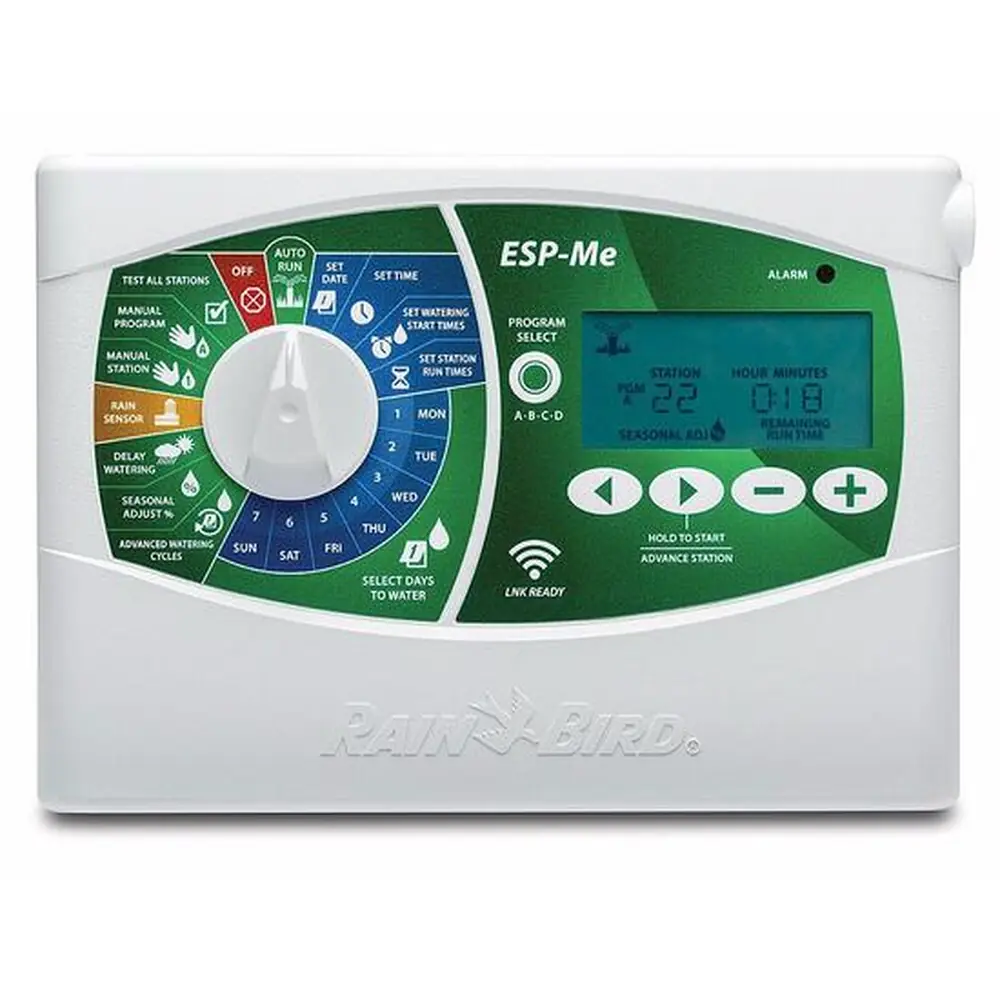
Rain Bird ISM-6 Instruction Manual
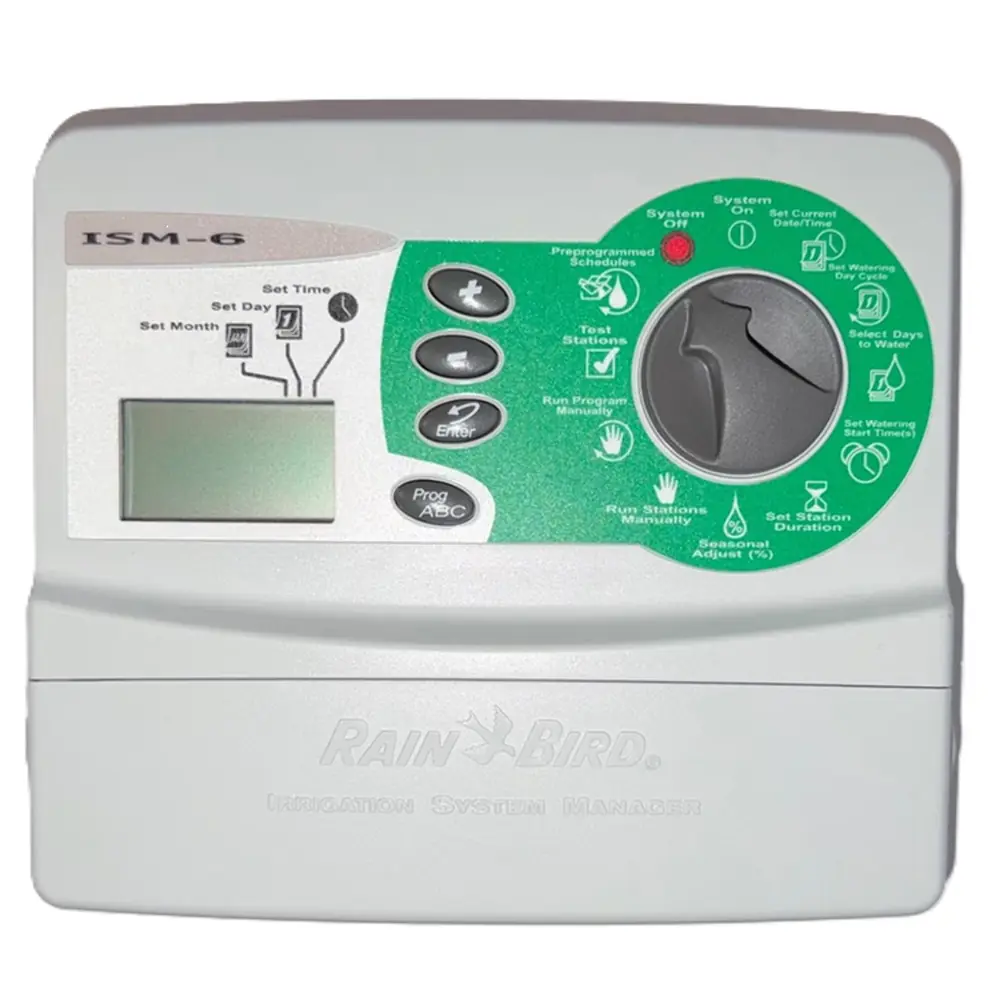
Rain Bird ISM-6
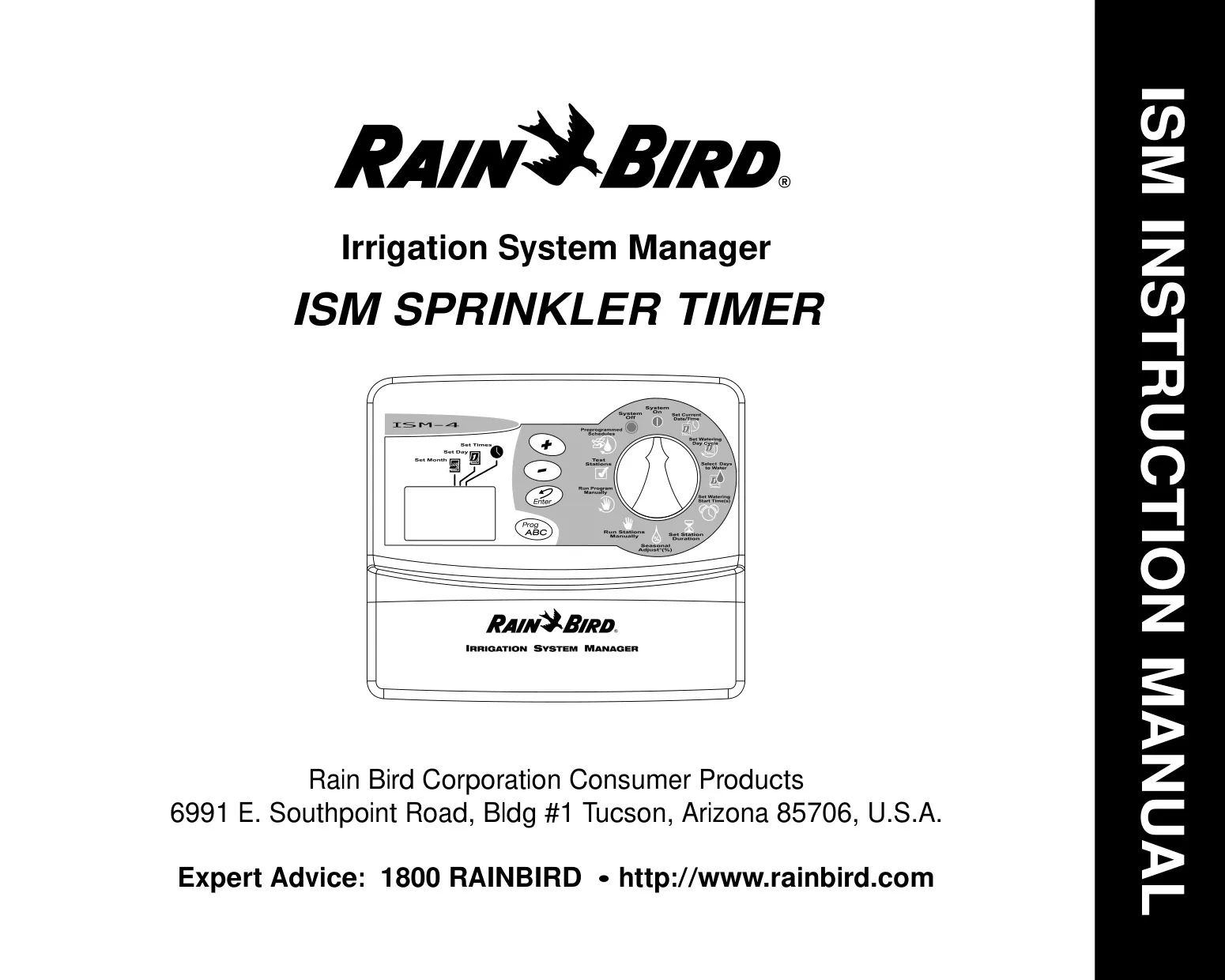


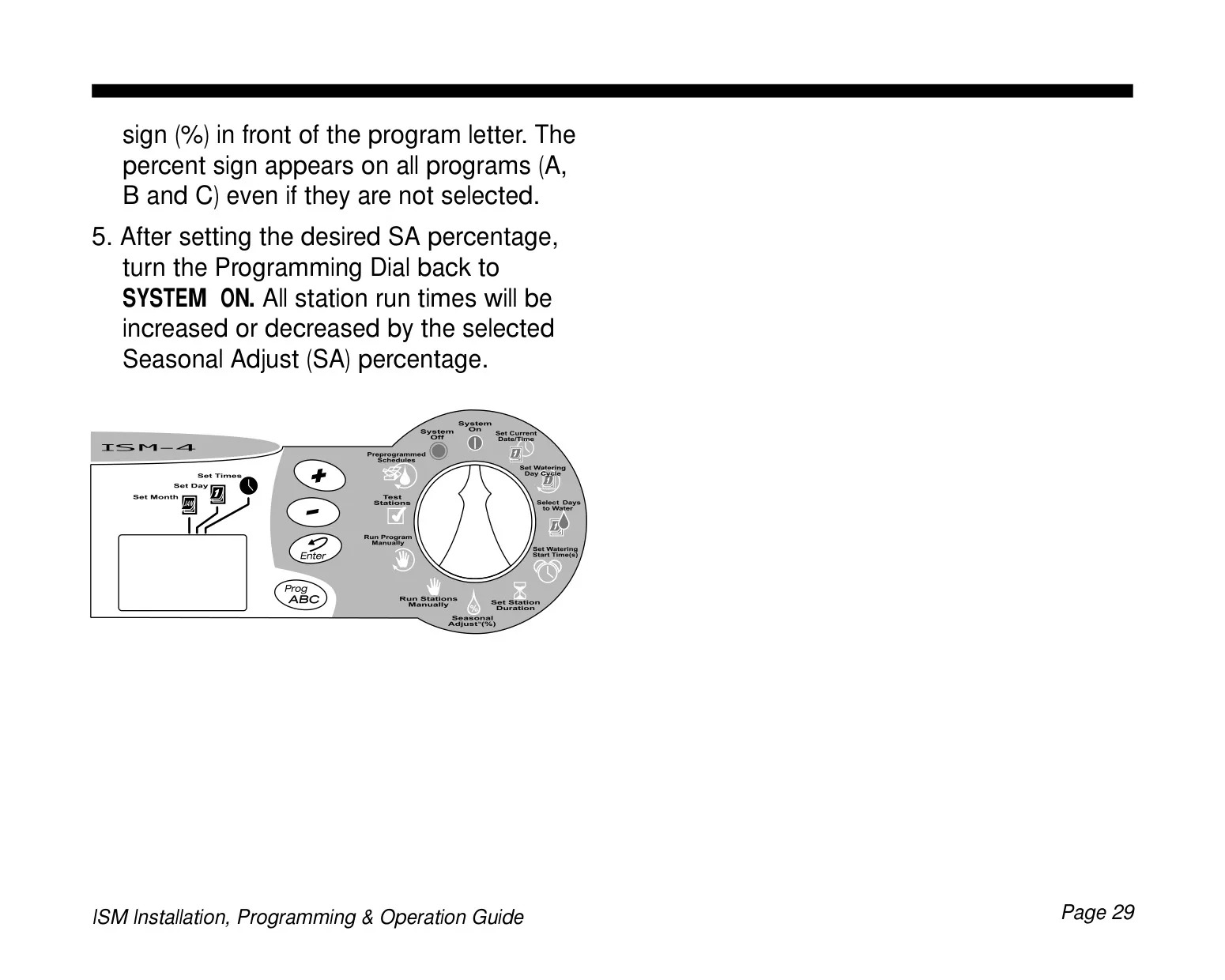
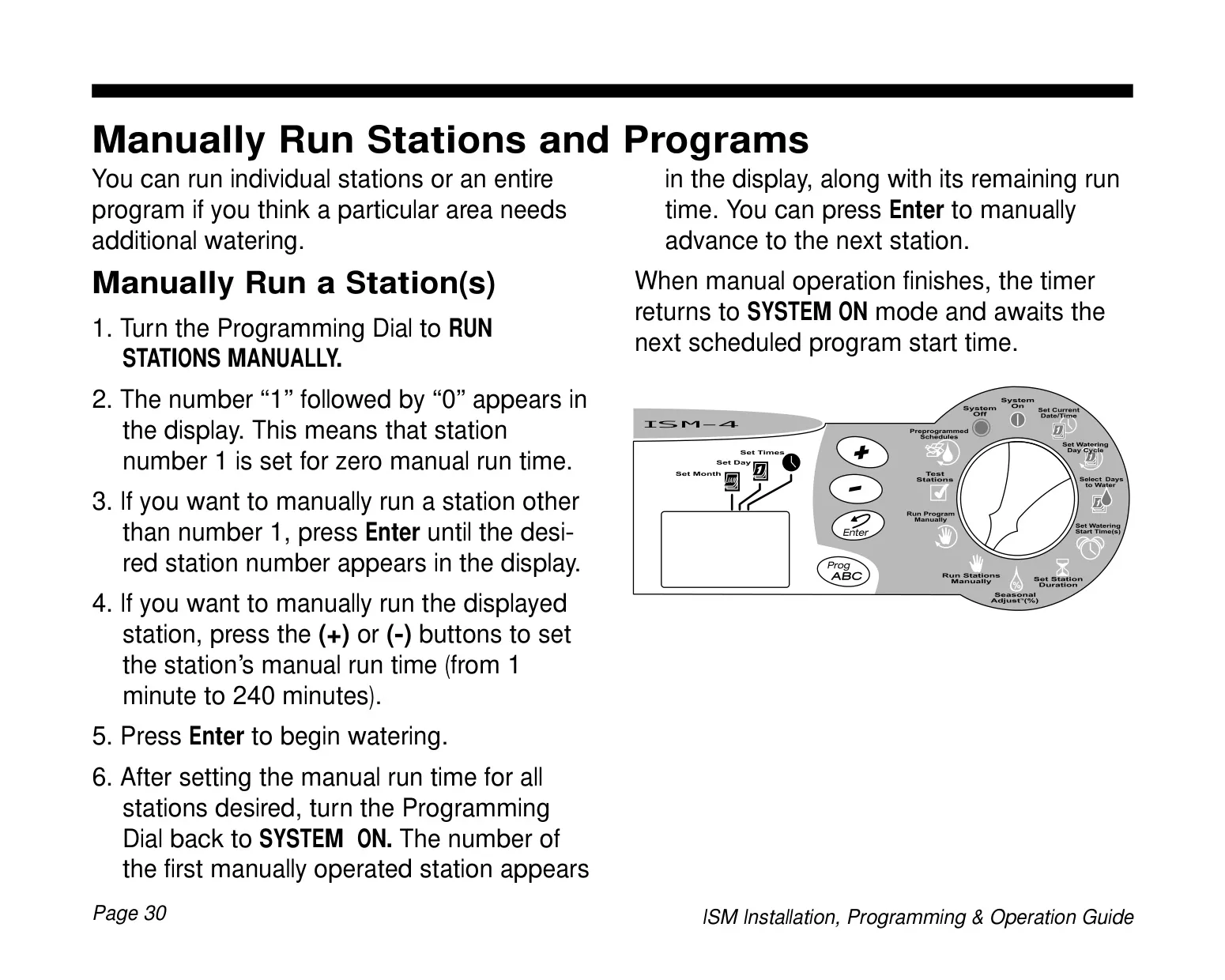
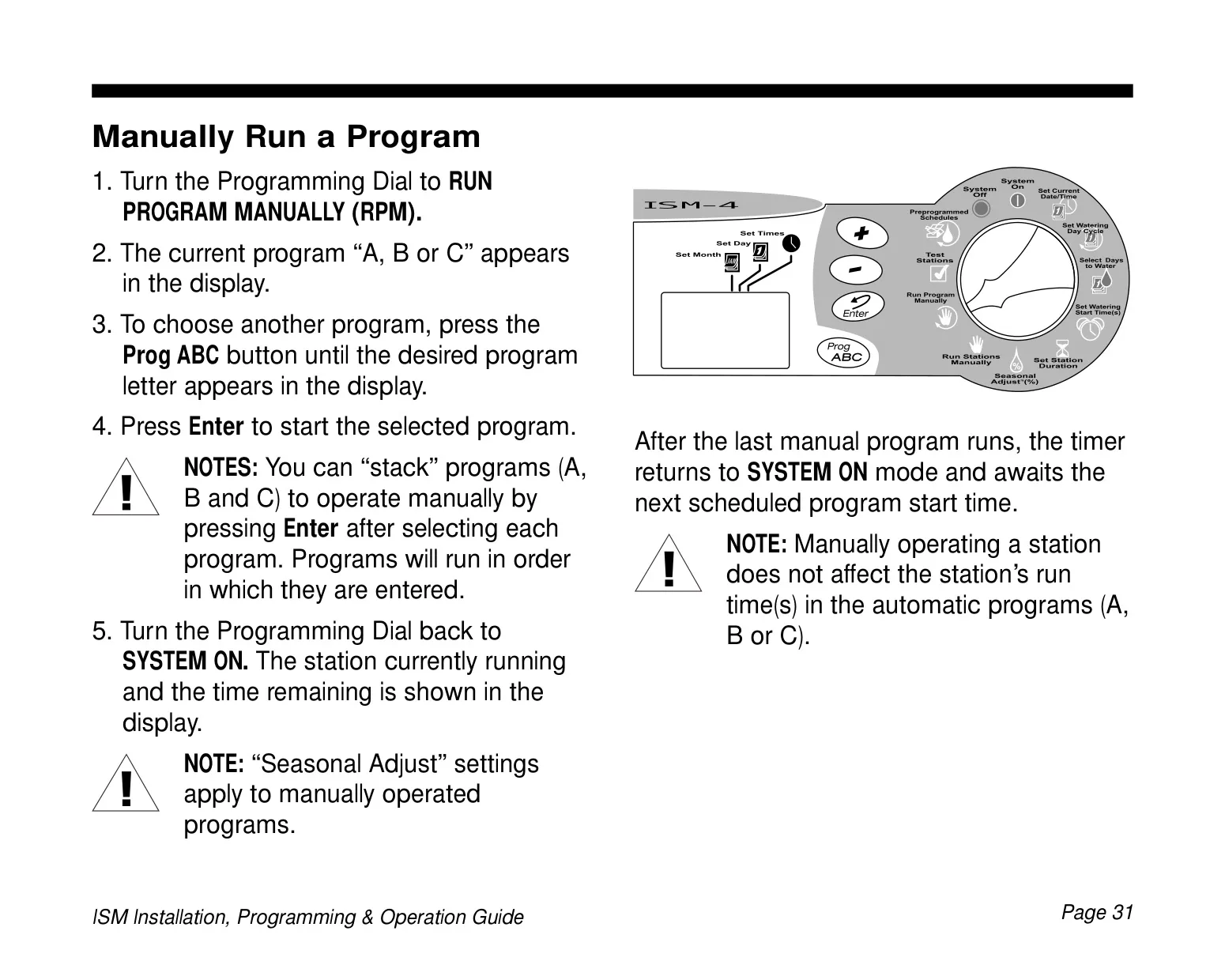
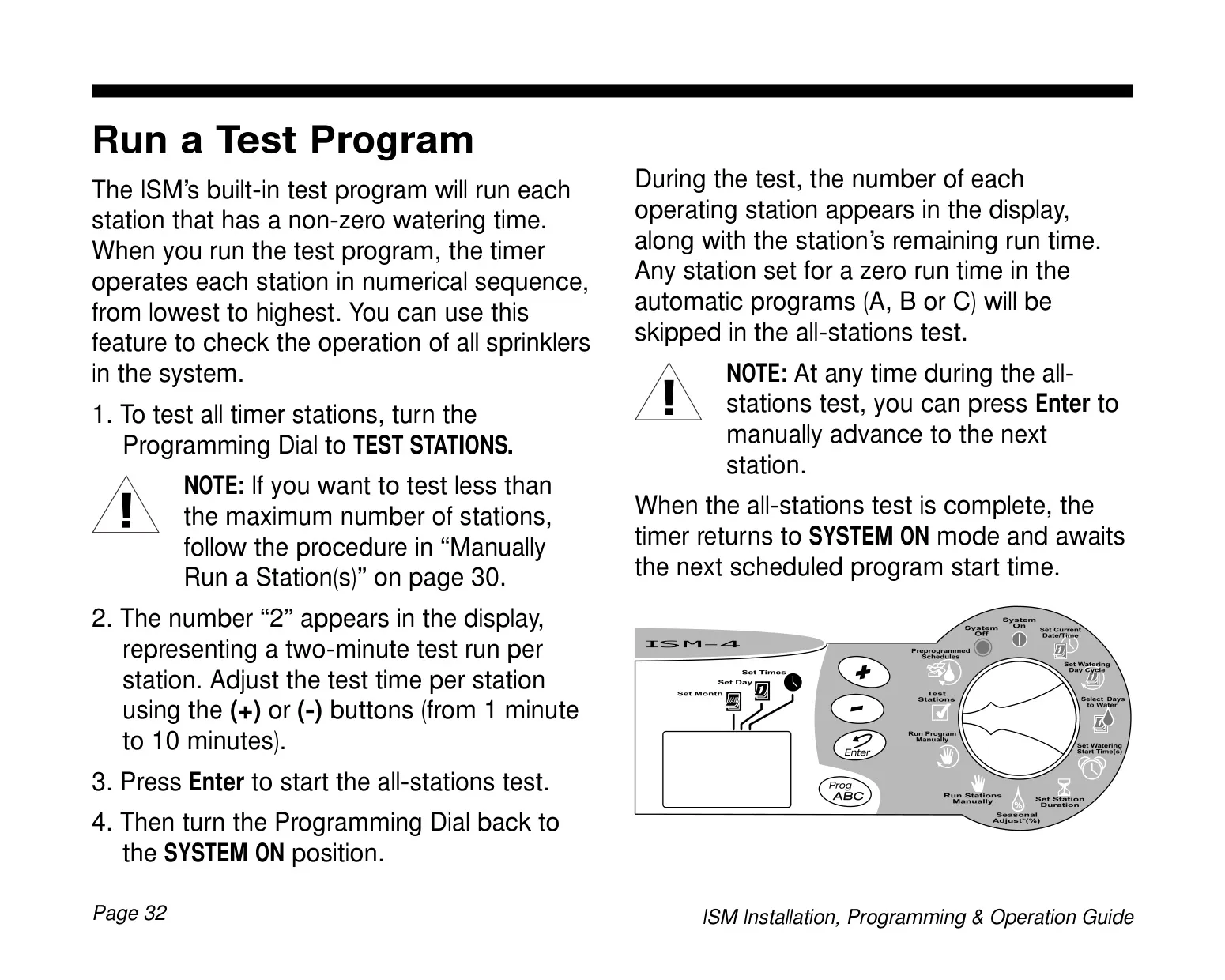




Rain Bird ISM-6 Instructions
Here we offer the Rain Bird ISM-6 manual completely free and in English. We have cataloged this manual in the Irrigation Controllers section on Manualverse, and it has been rated by 1 users with an average rating of 5. If you have any specific questions about Rain Bird ISM-6, we suggest checking the Frequently Asked Questions (FAQs) section of this manual.
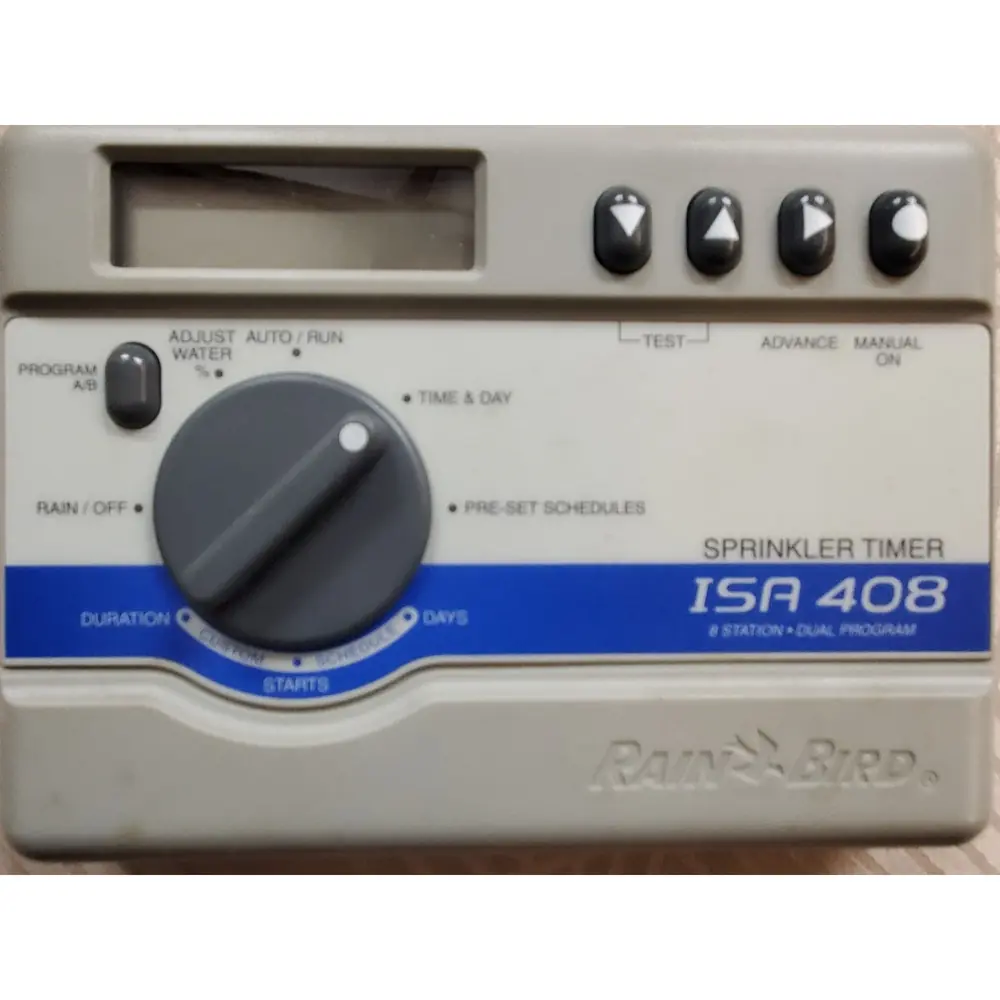
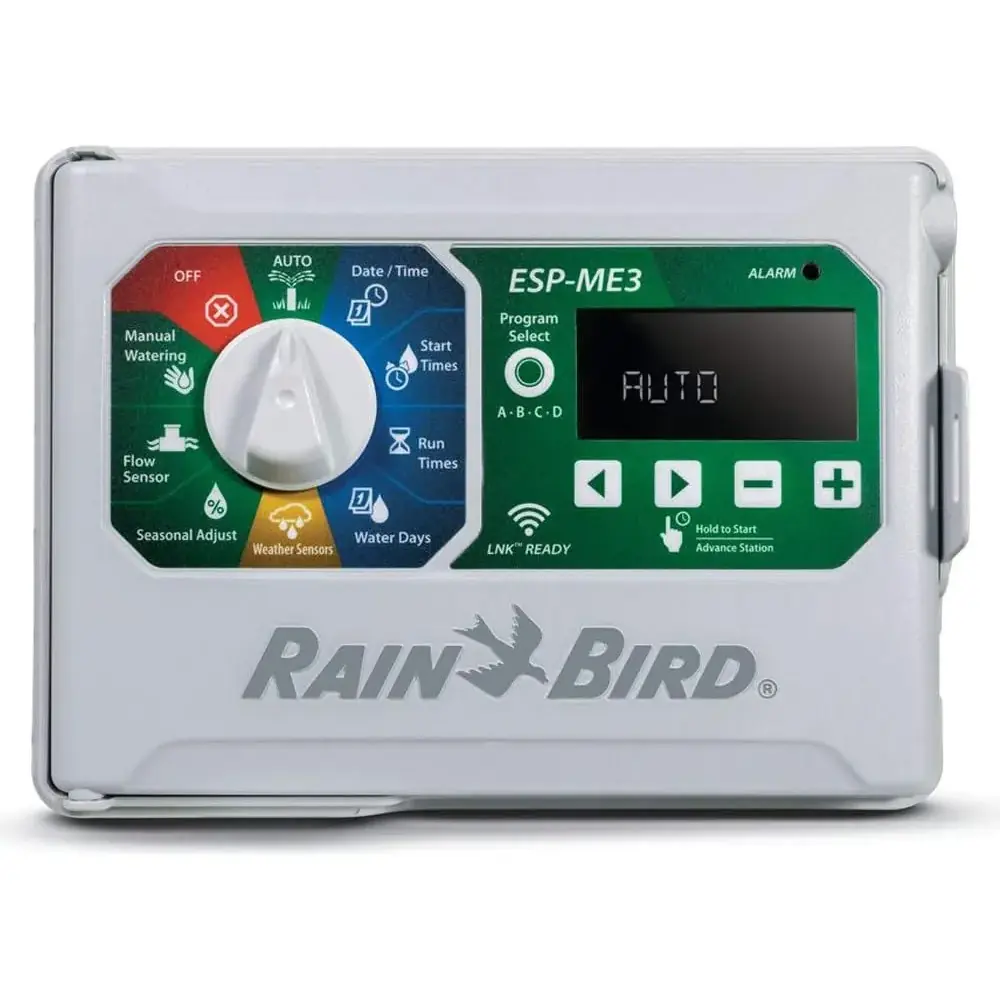
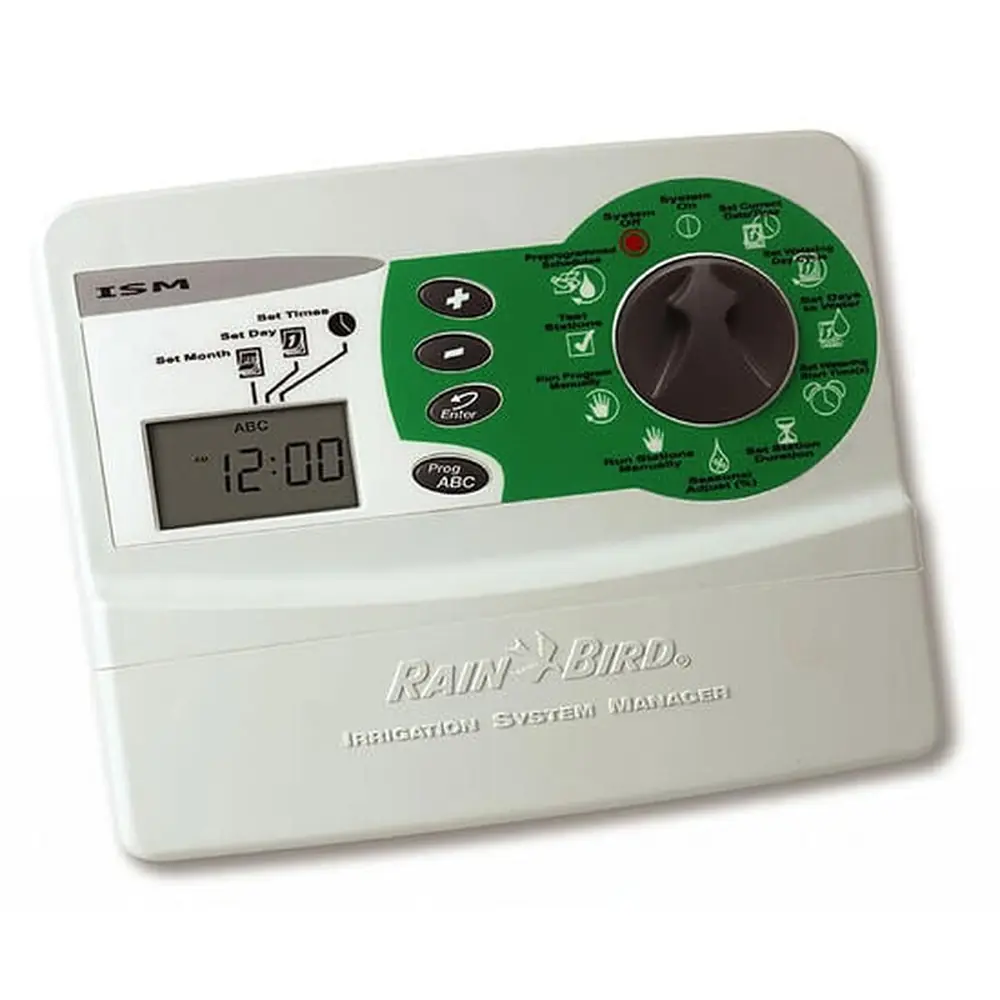
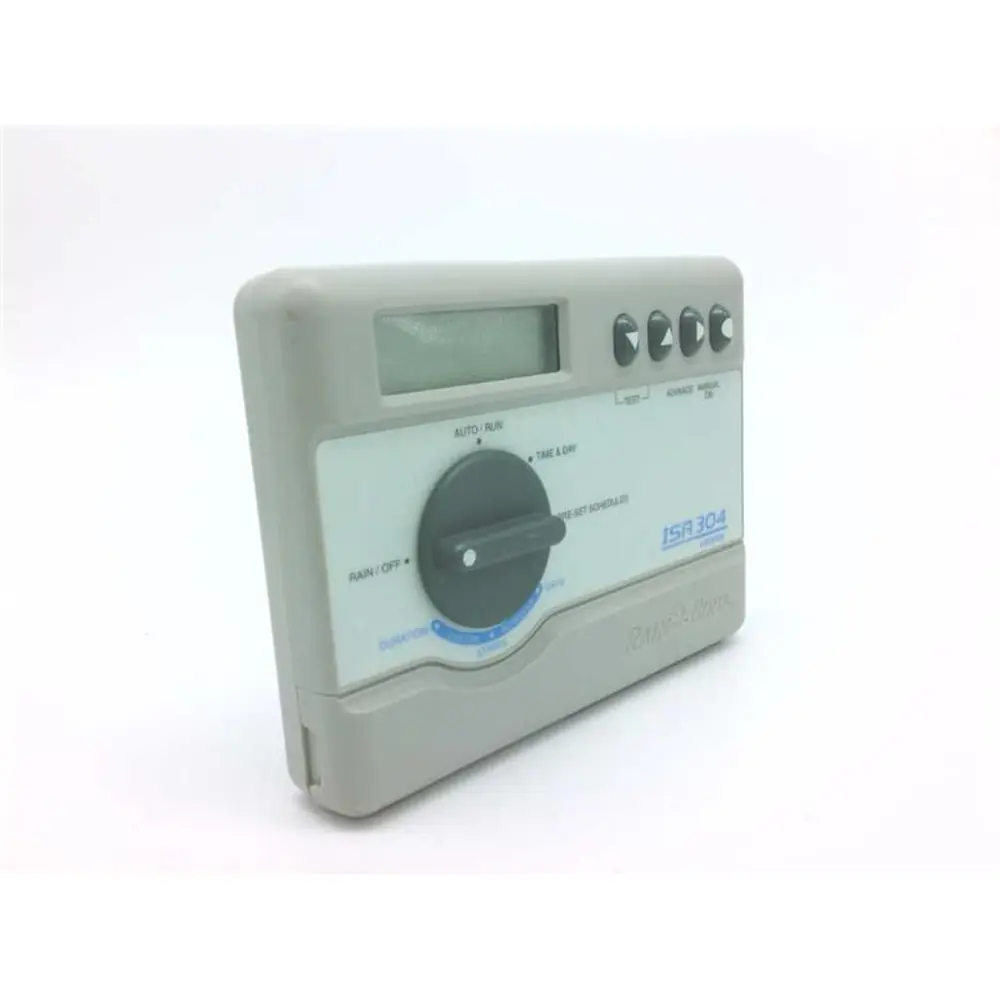
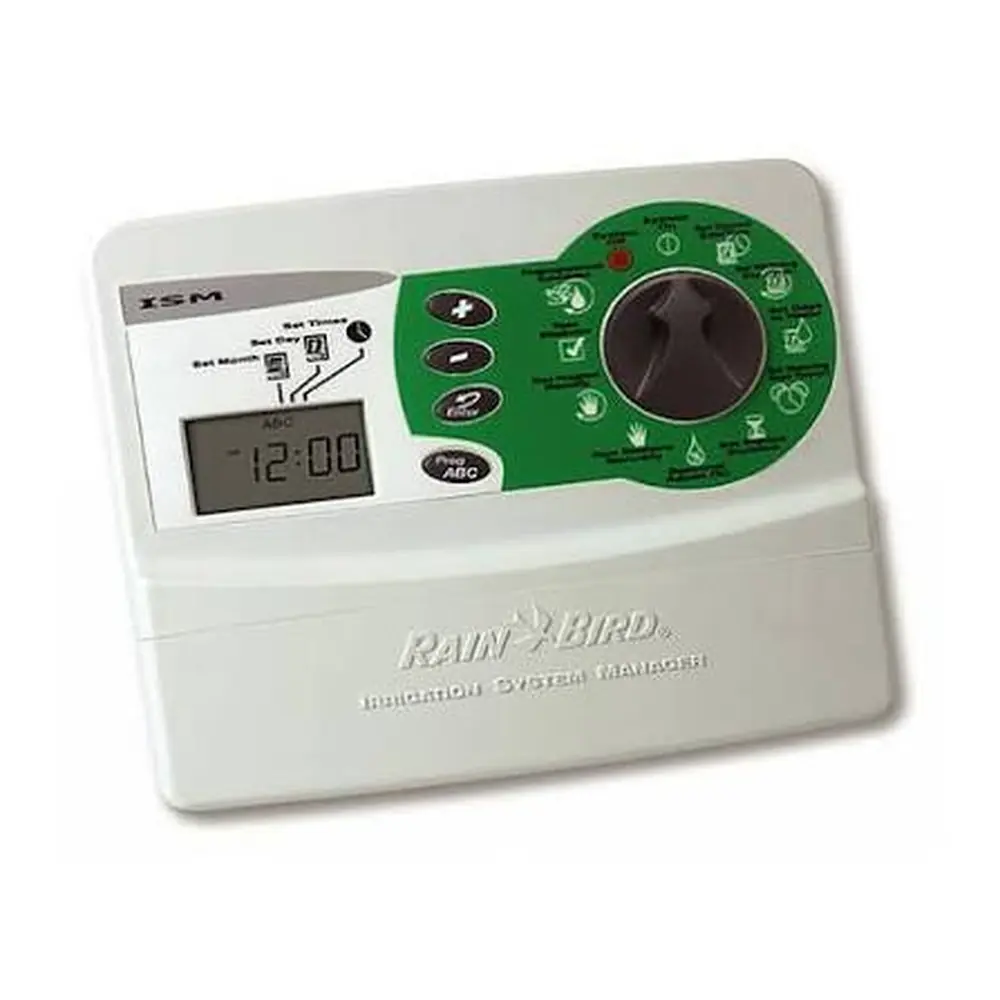
Product Images
Rain Bird ISM-6 Specifications
| Feature | Specification |
|---|---|
| Model | Rain Bird ISM-6 |
| Number of Stations | 6 |
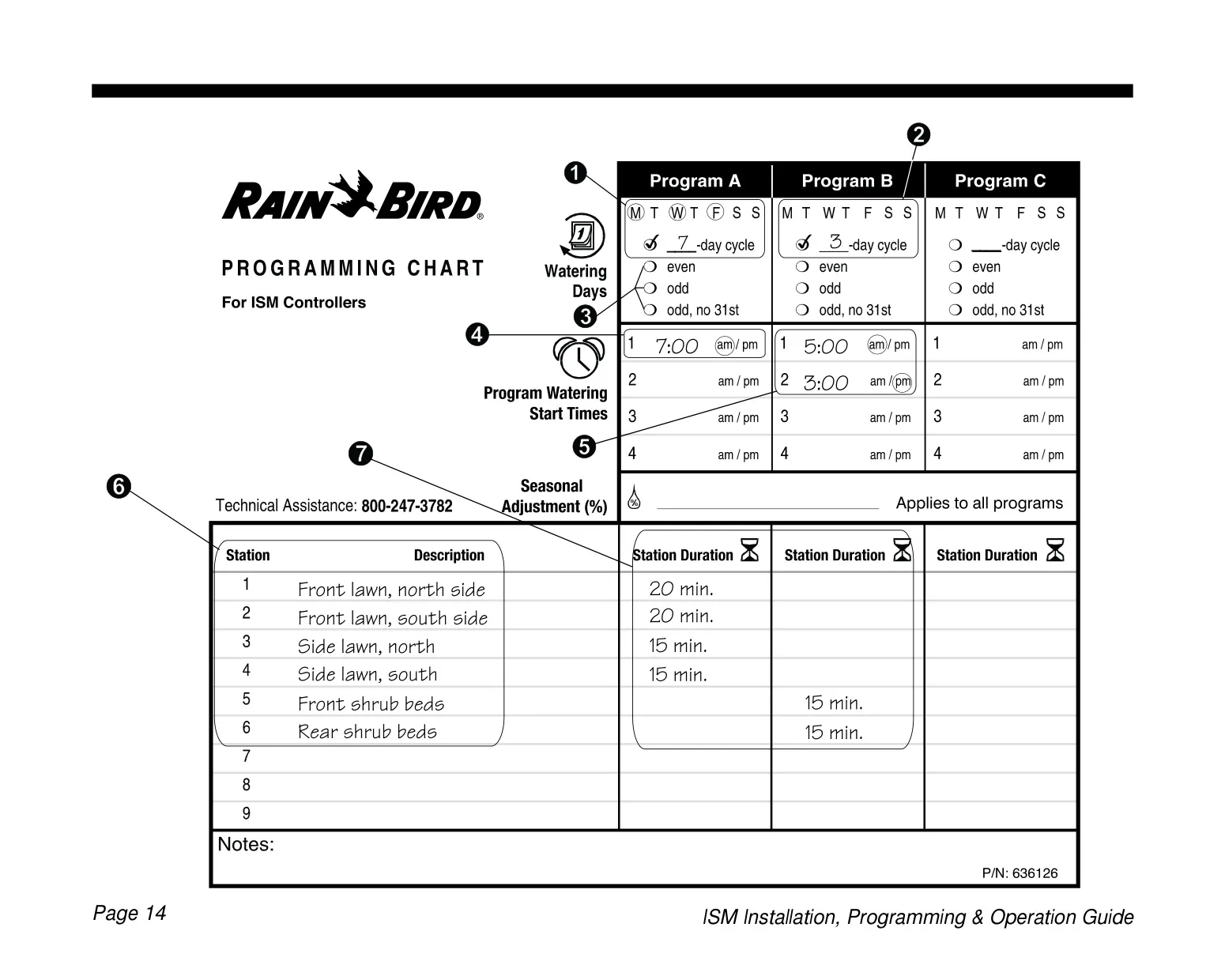
| Programs | 3 independent programs (A, B, C) |
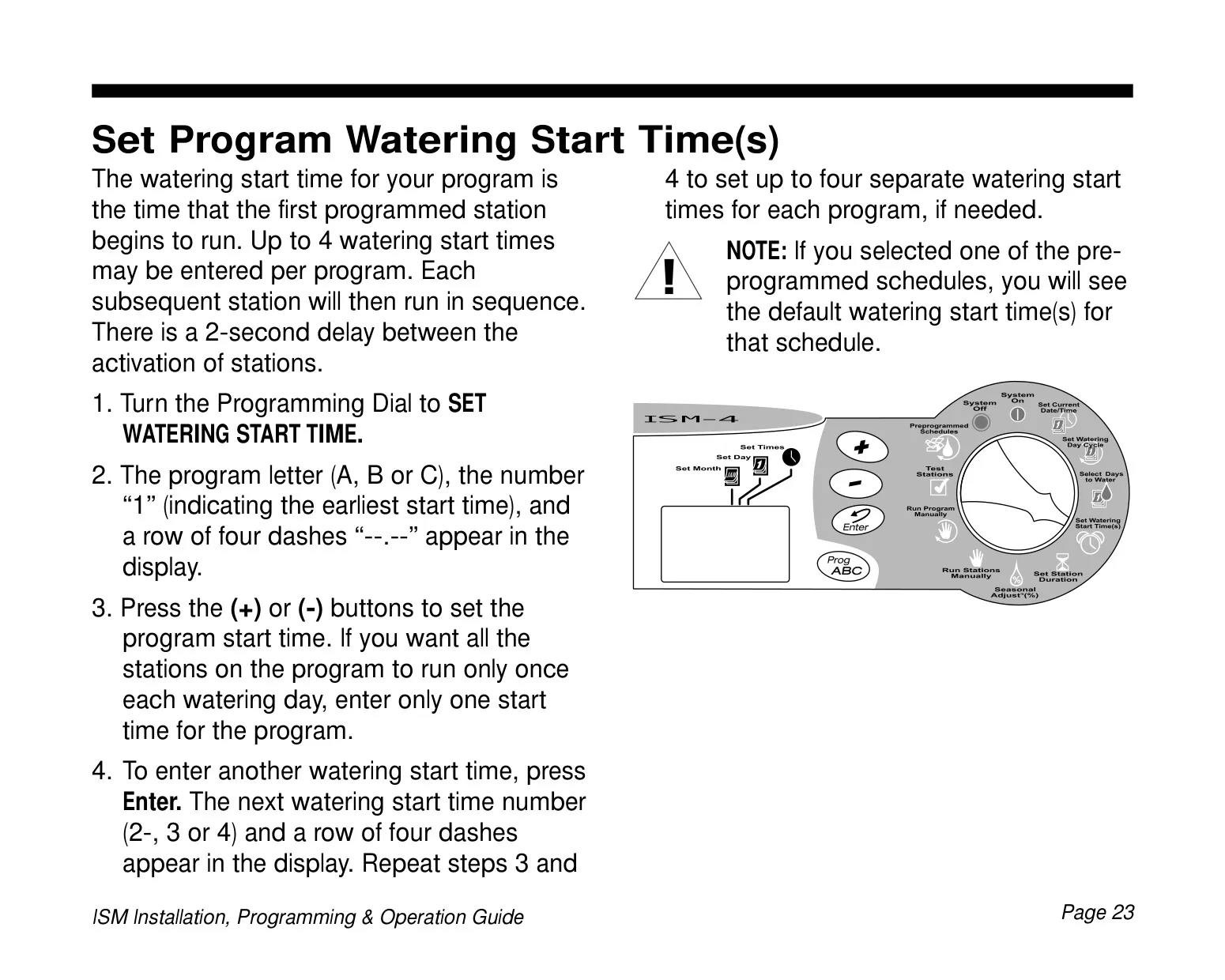
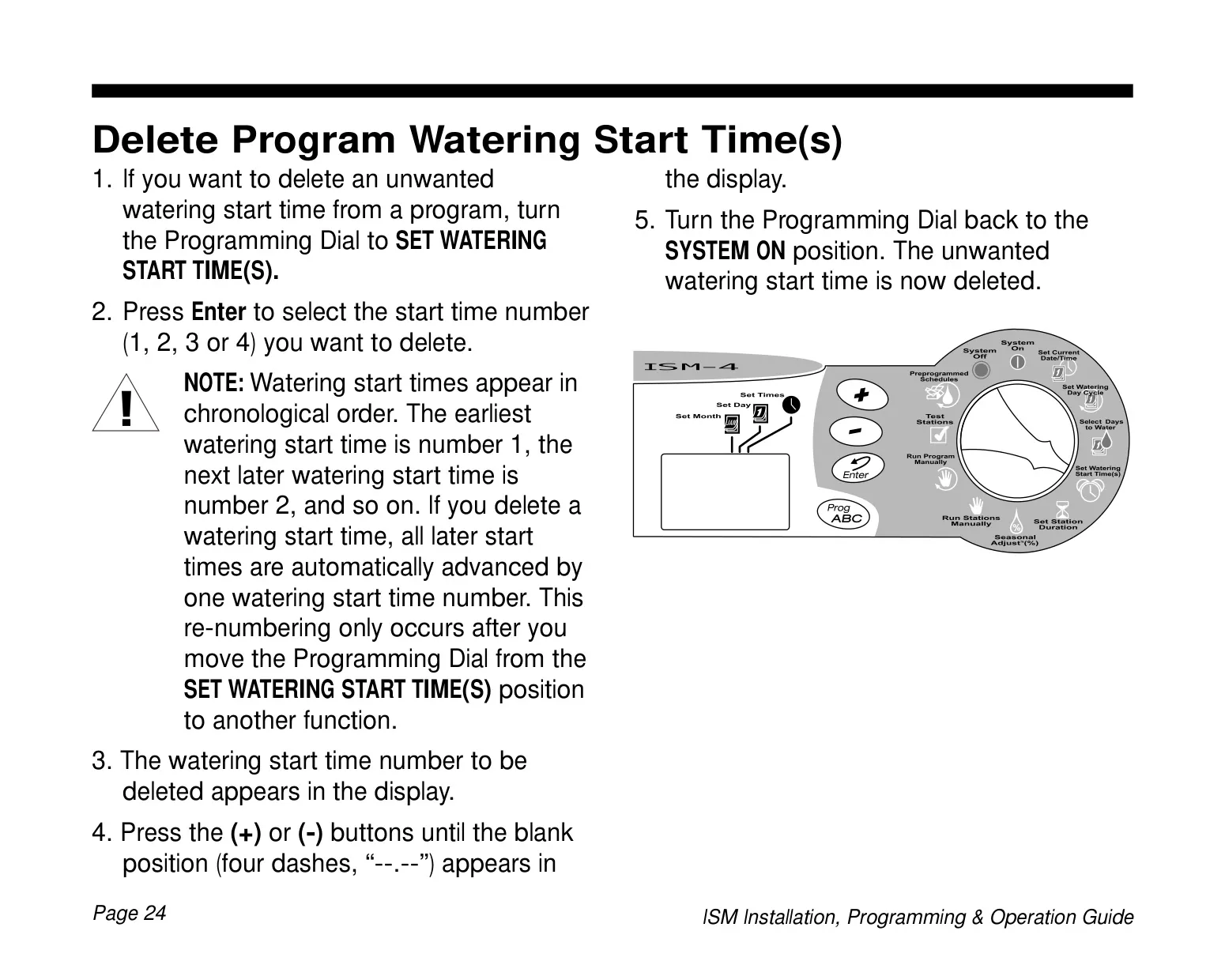
| Watering Start Times per Program | Up to 4 |
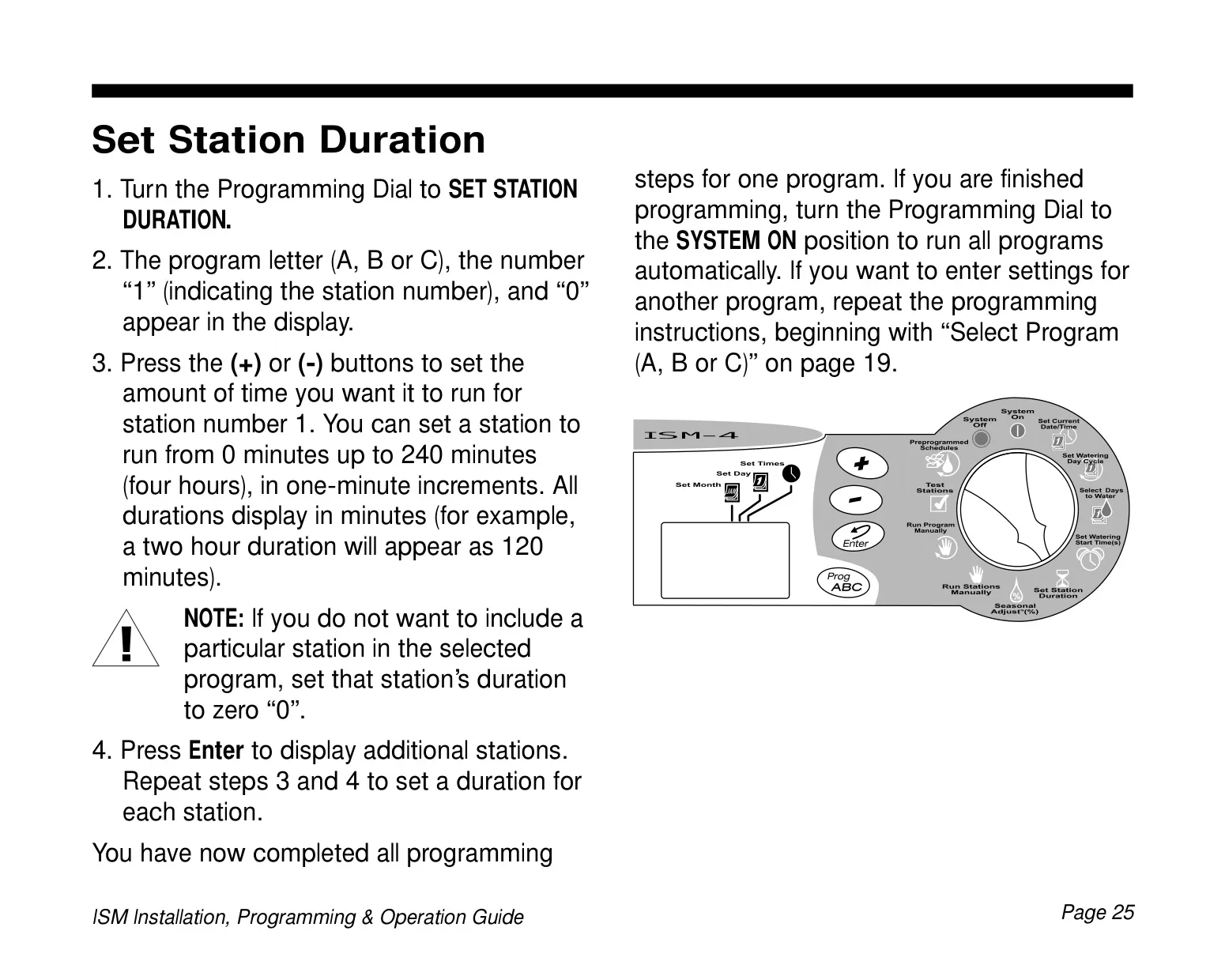
| Station Duration Range | 0 to 240 minutes (4 hours) in 1-minute increments |
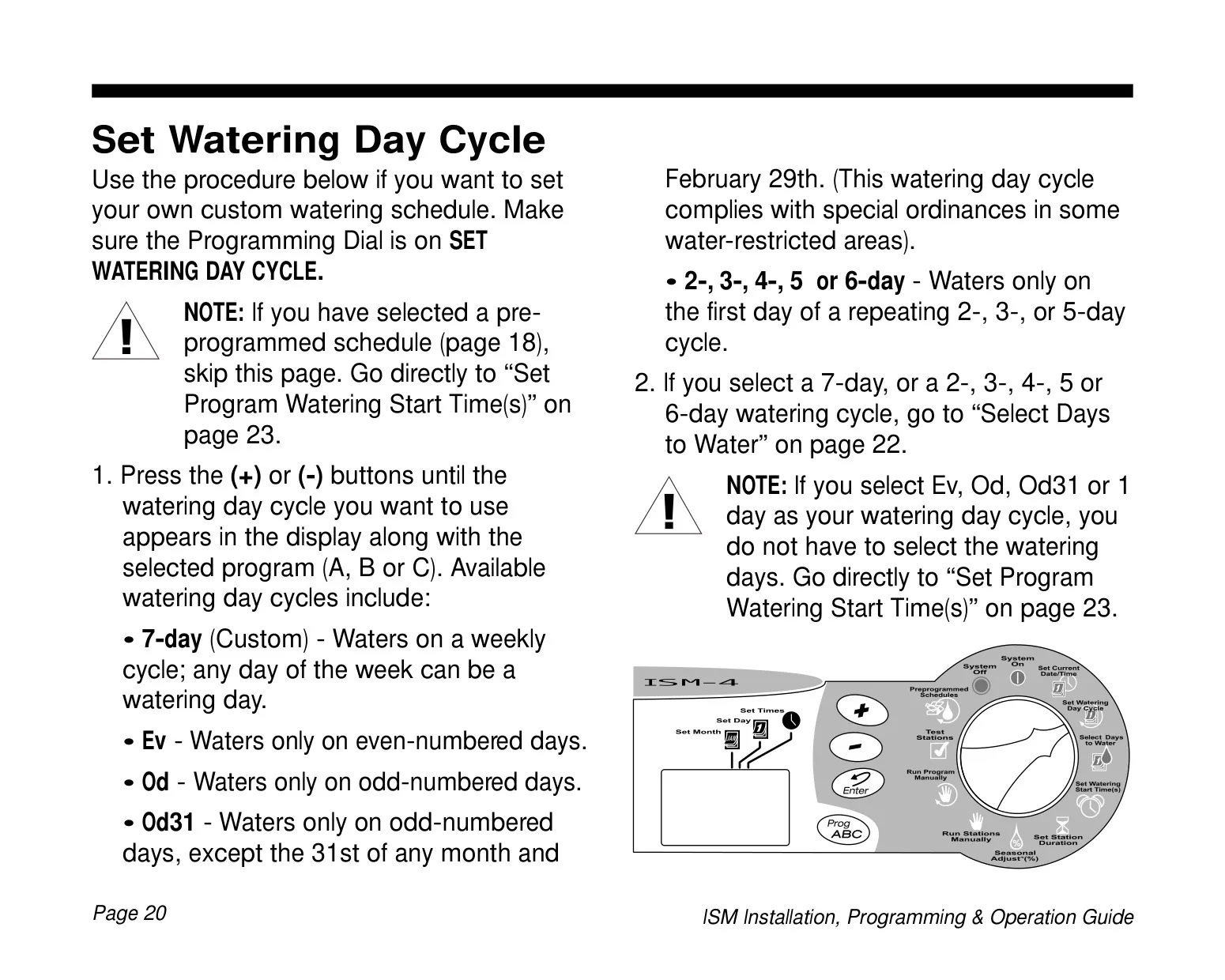
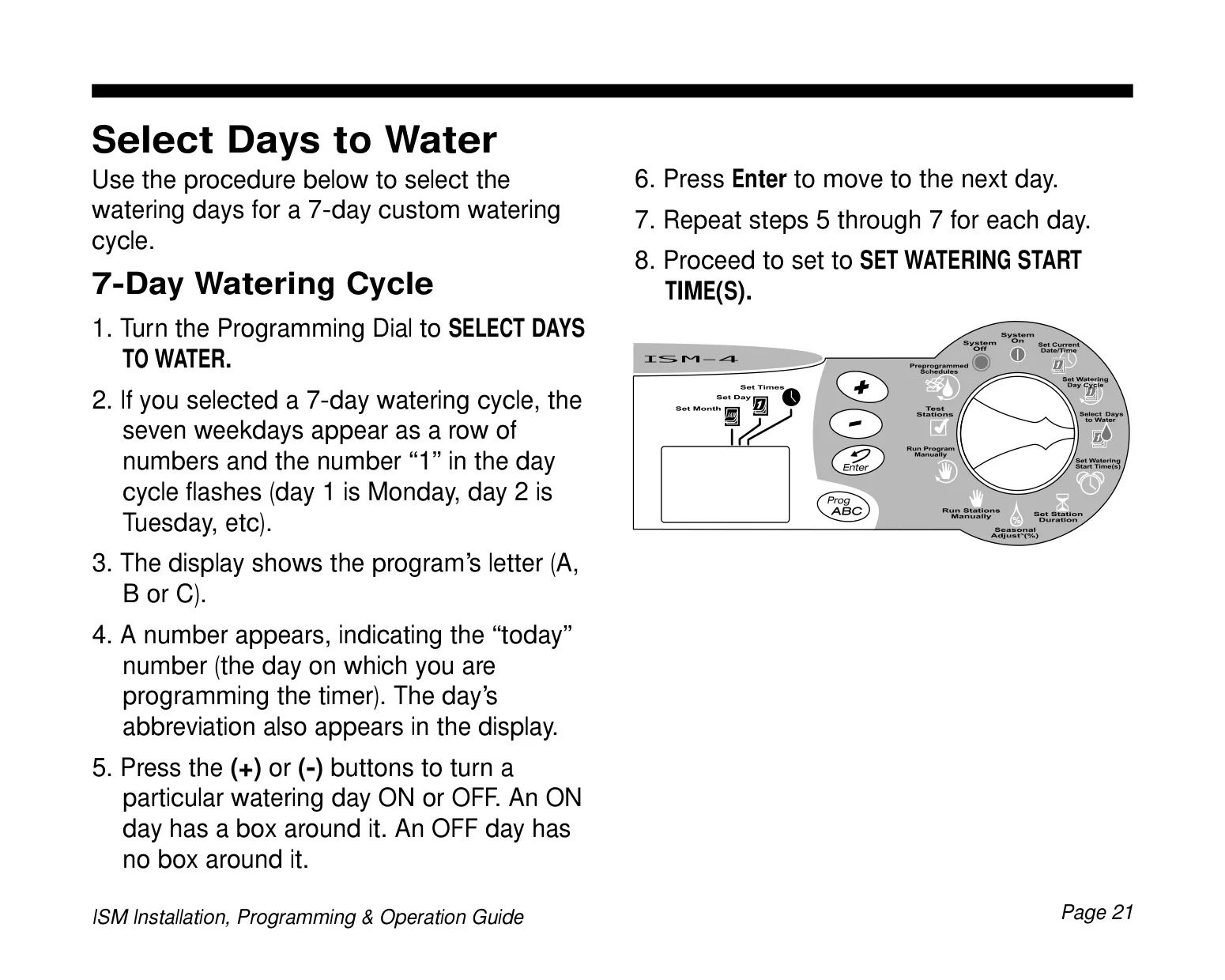
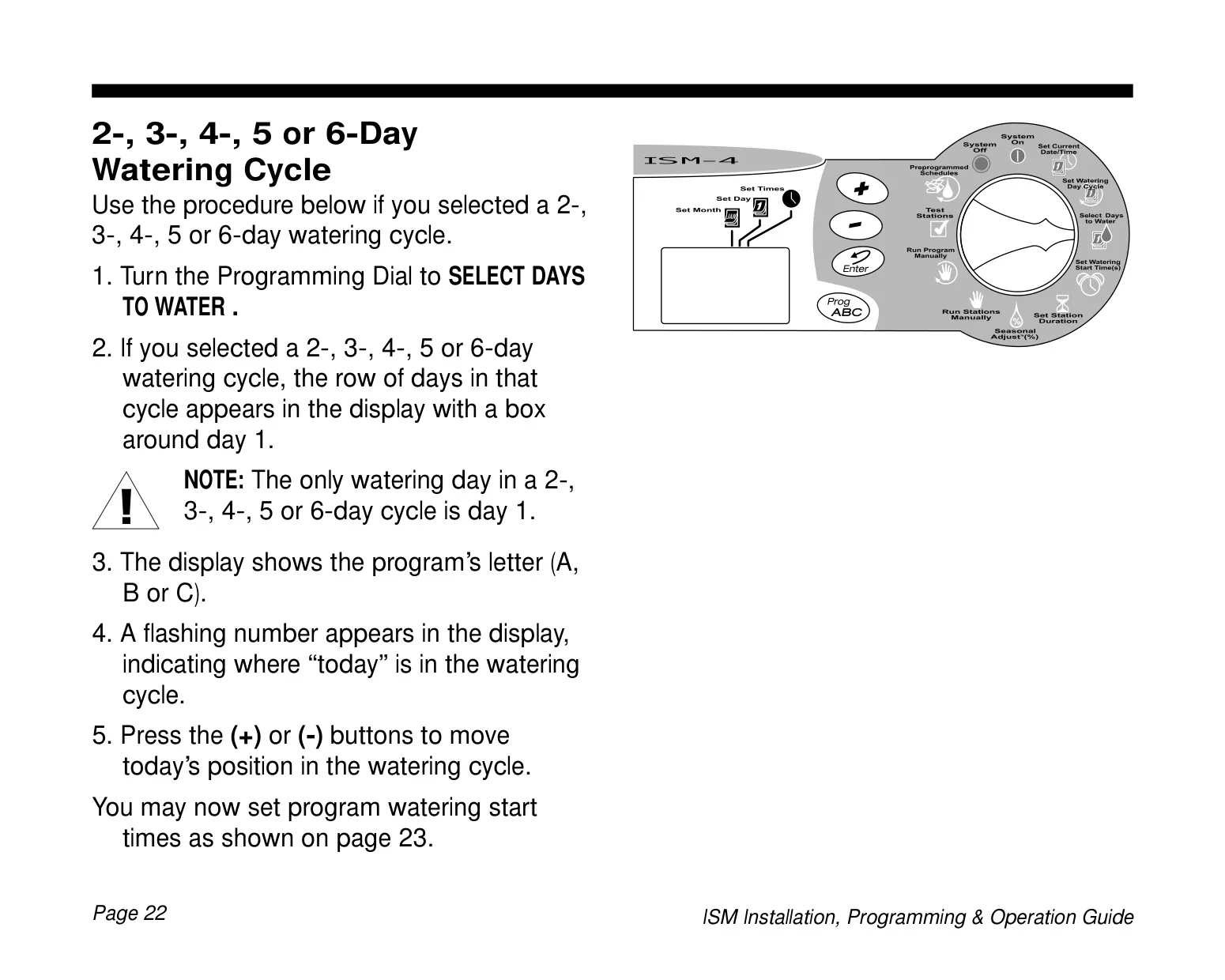
| Watering Day Cycles | 7-day (custom), Even days (Ev), Odd days (Od), Odd days excluding 31st and Feb 29 (Od31), 2-day, 3-day, 4-day, 5-day, 6-day |
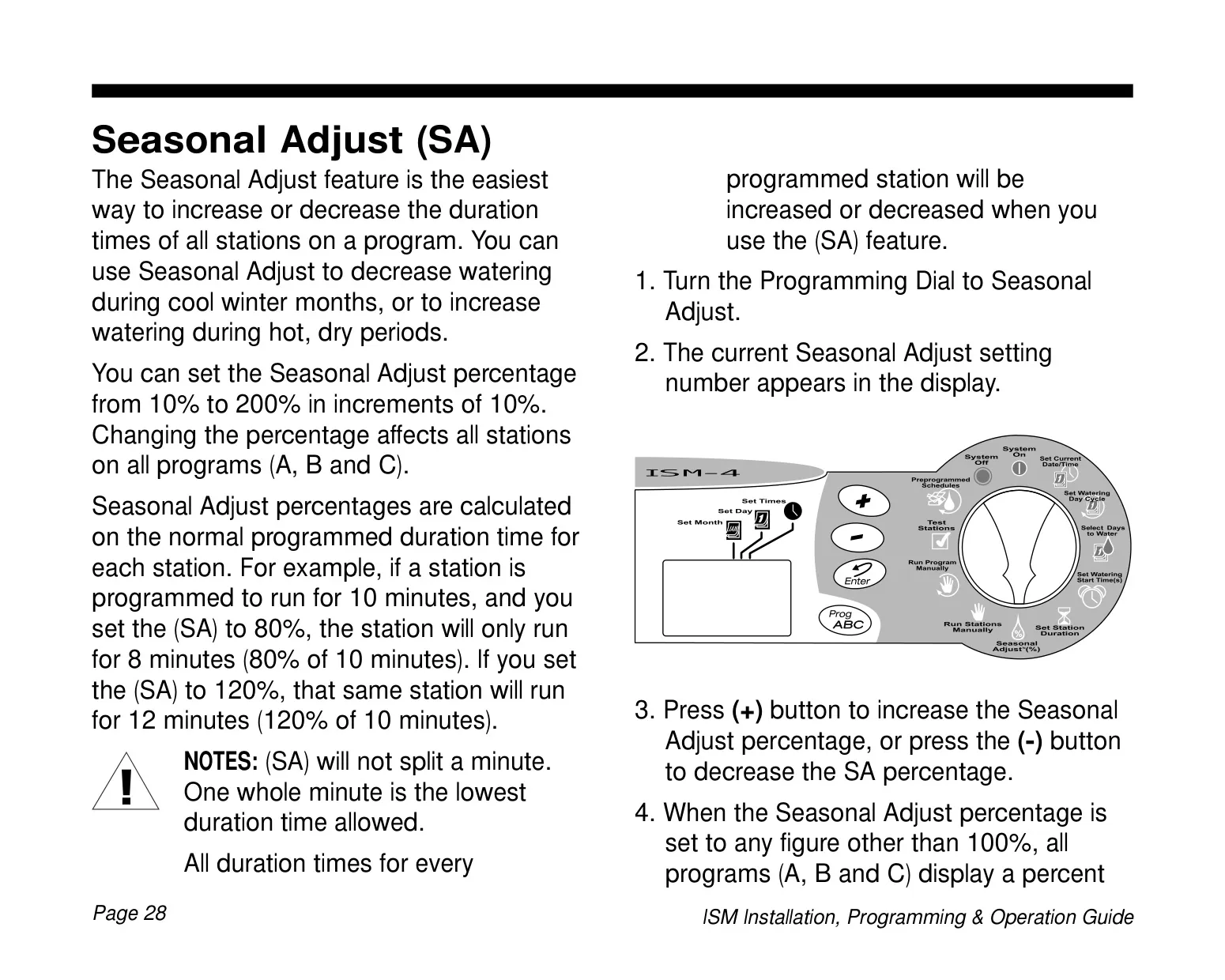
| Seasonal Adjust Range | 10% to 200% (in 10% increments) |
| Power Supply | External transformer, reduces to 24 VAC |
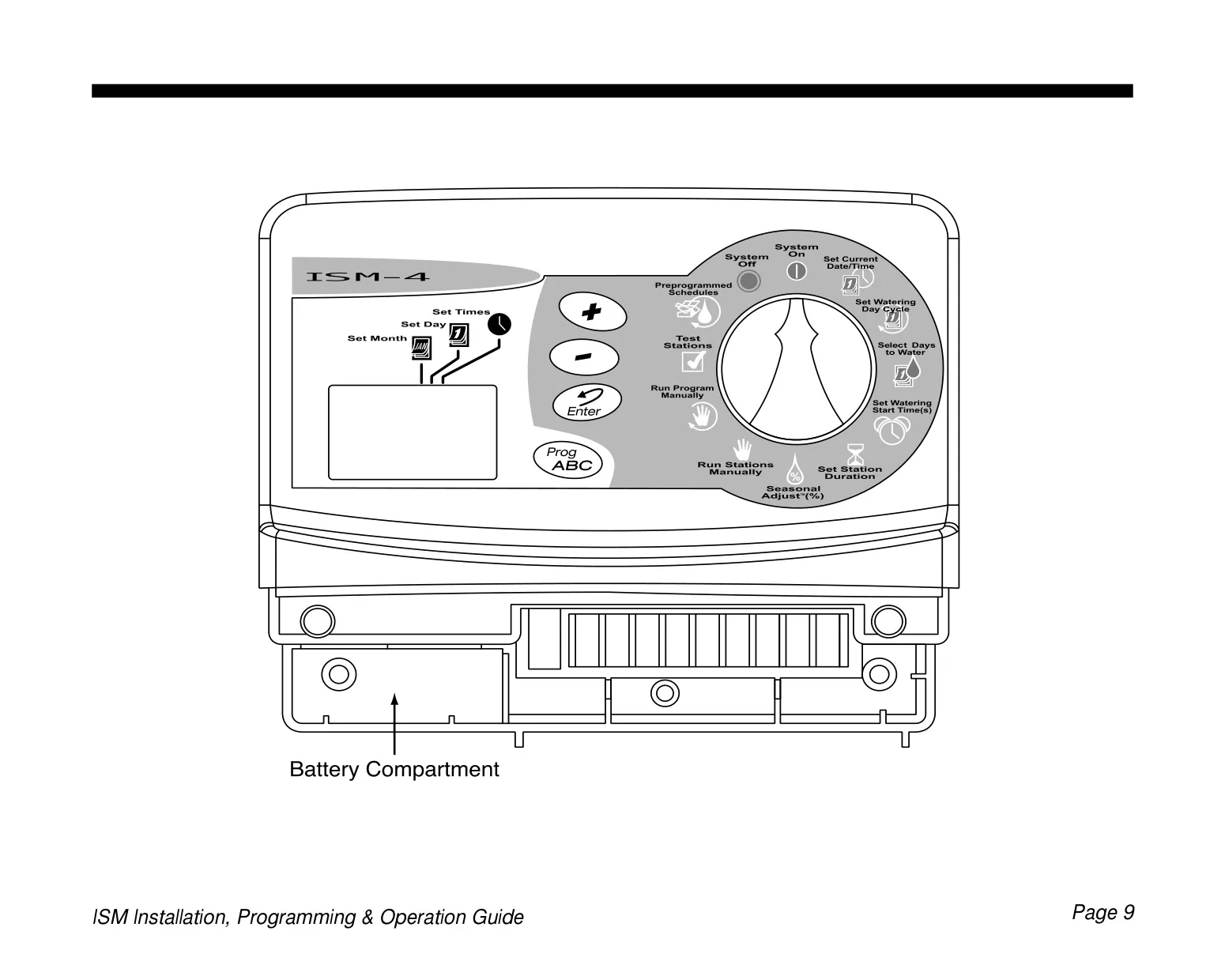
| Memory Backup Battery | 9-Volt alkaline battery (retains time, date, programming) |
| Battery Life (typical) | Up to one year |
| Station Activation Delay | 2 seconds between stations |
| Installation Environment | Indoors only (outdoor requires water-resistant cabinet) |
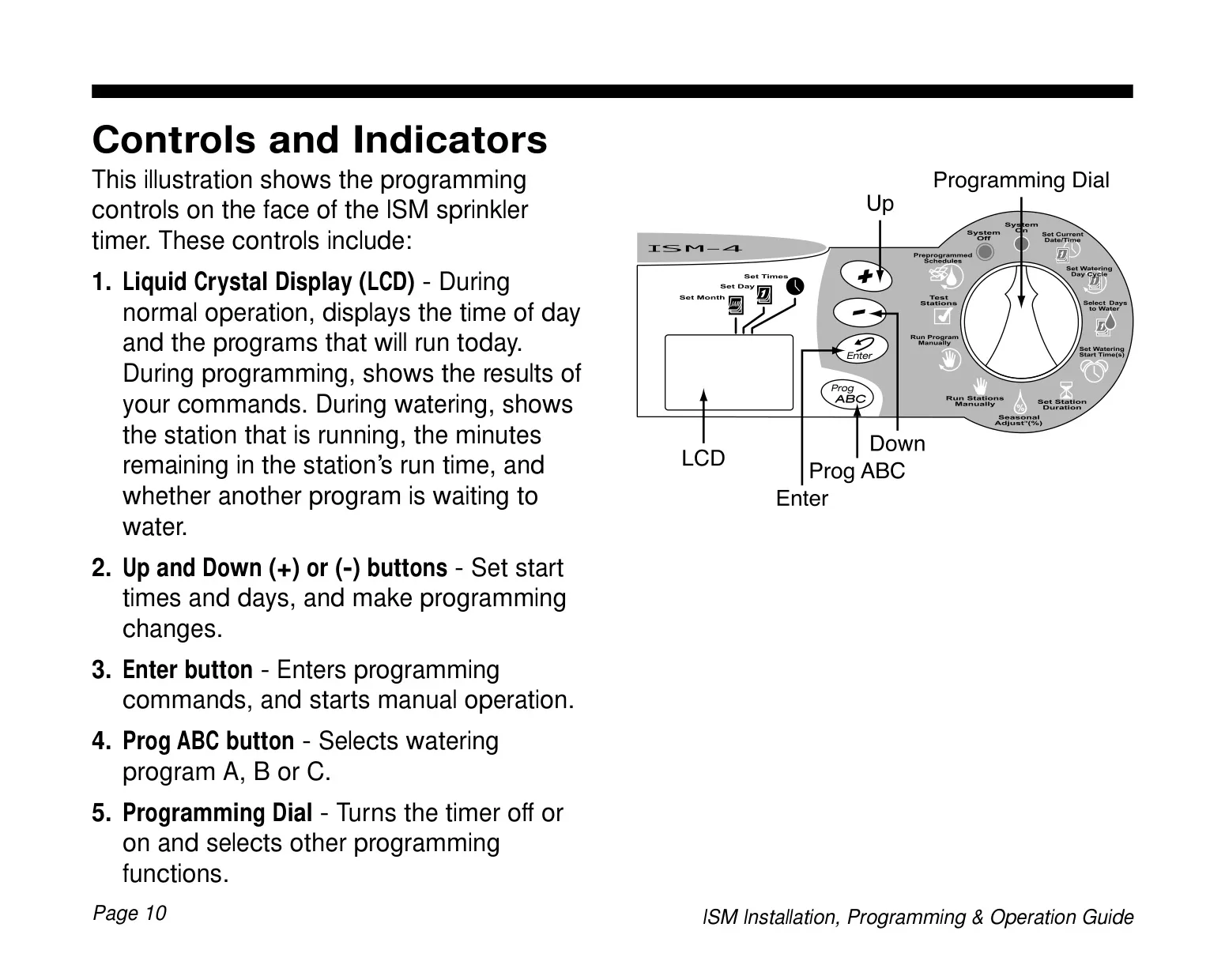
| Display | Liquid Crystal Display (LCD) |
| Error Detection | Short circuit detection with "Err #" display |
Rain Bird ISM-6 Details
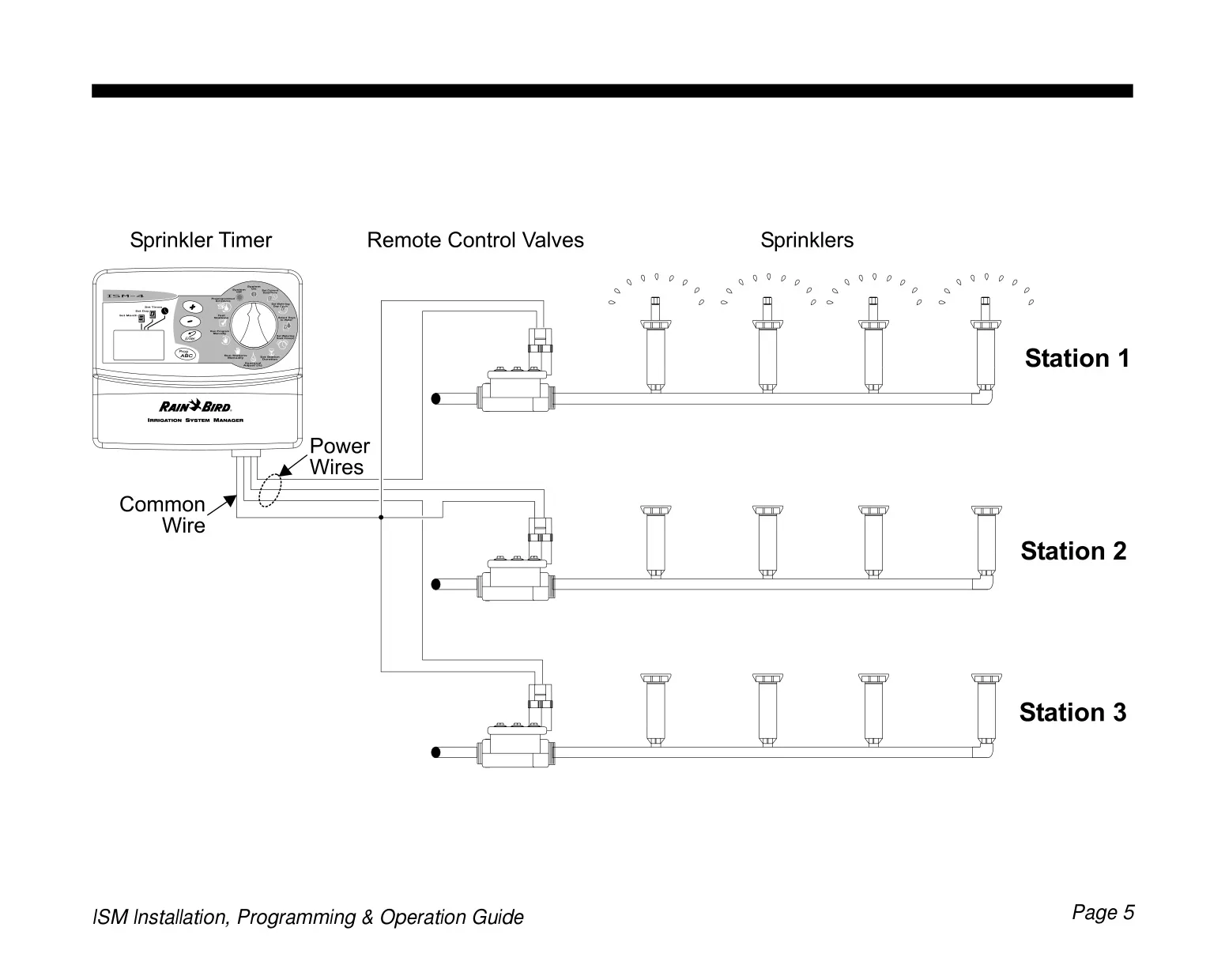
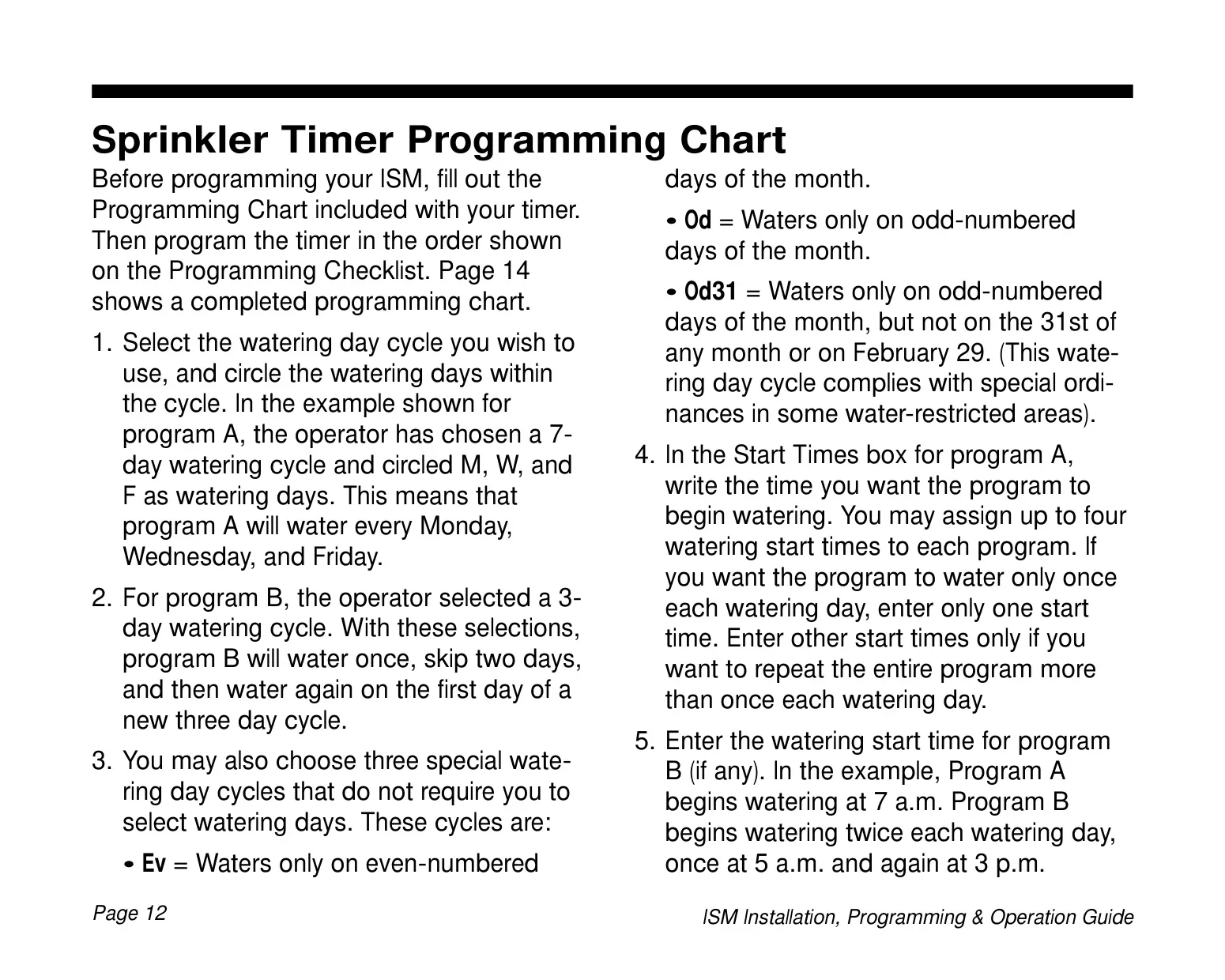
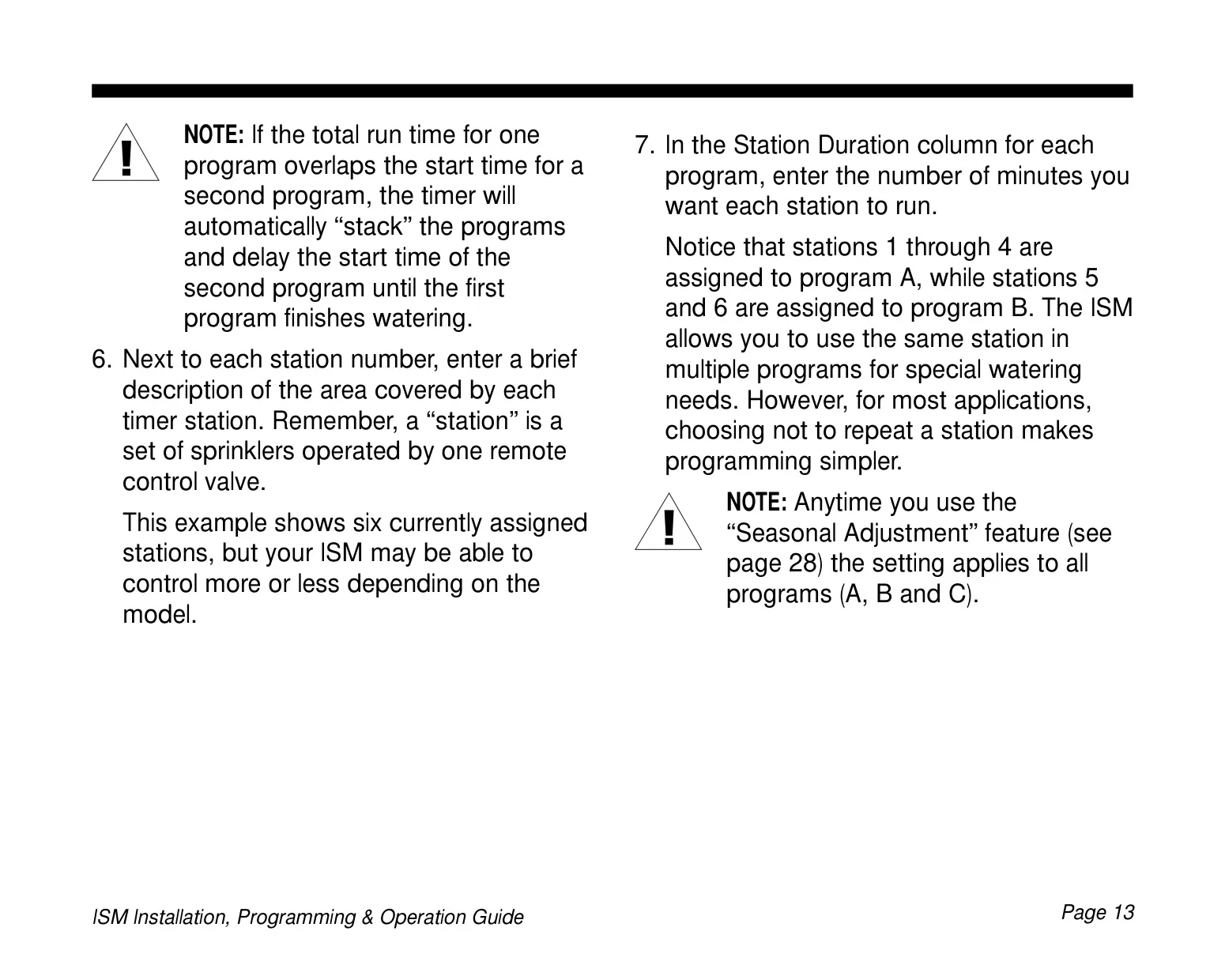
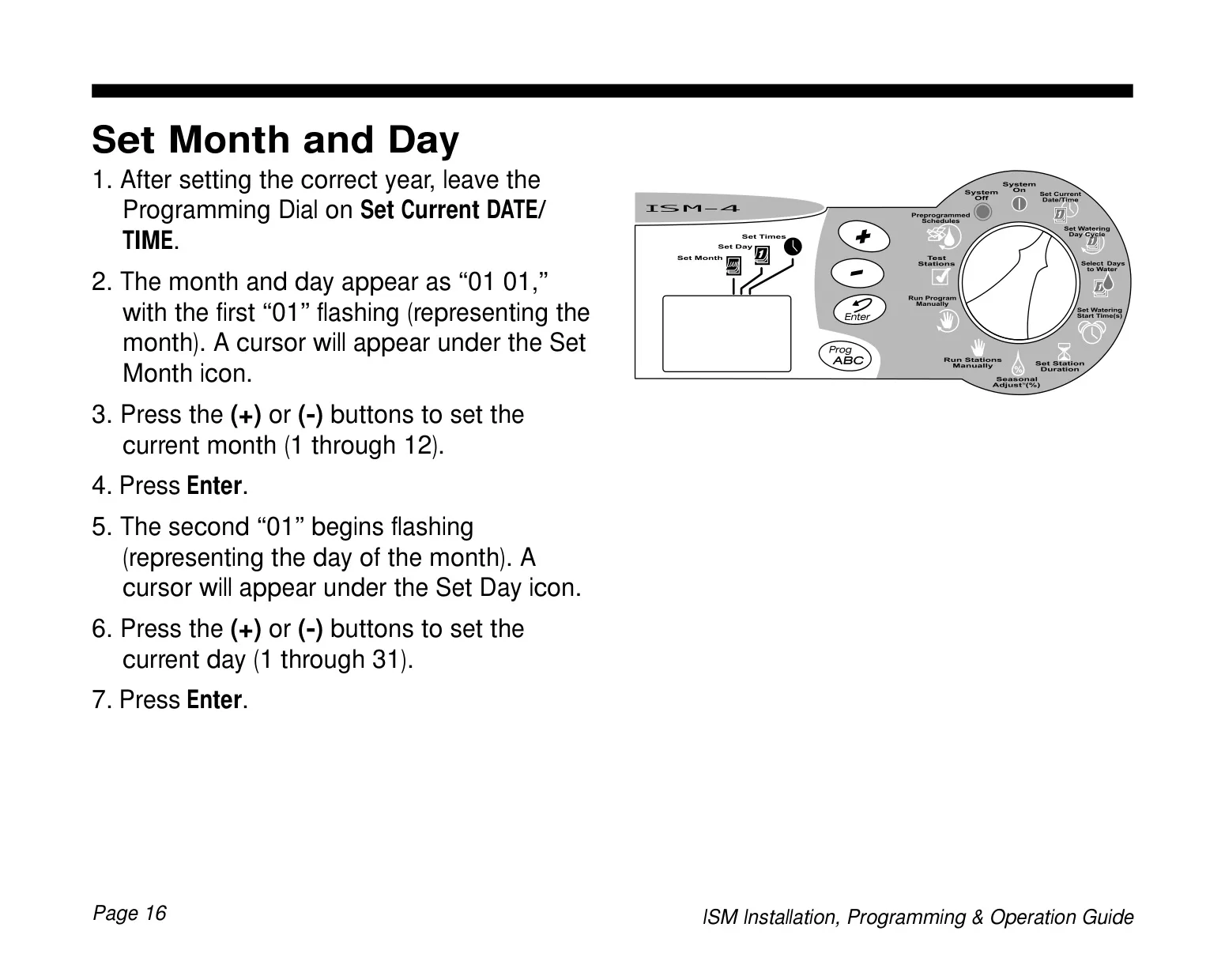
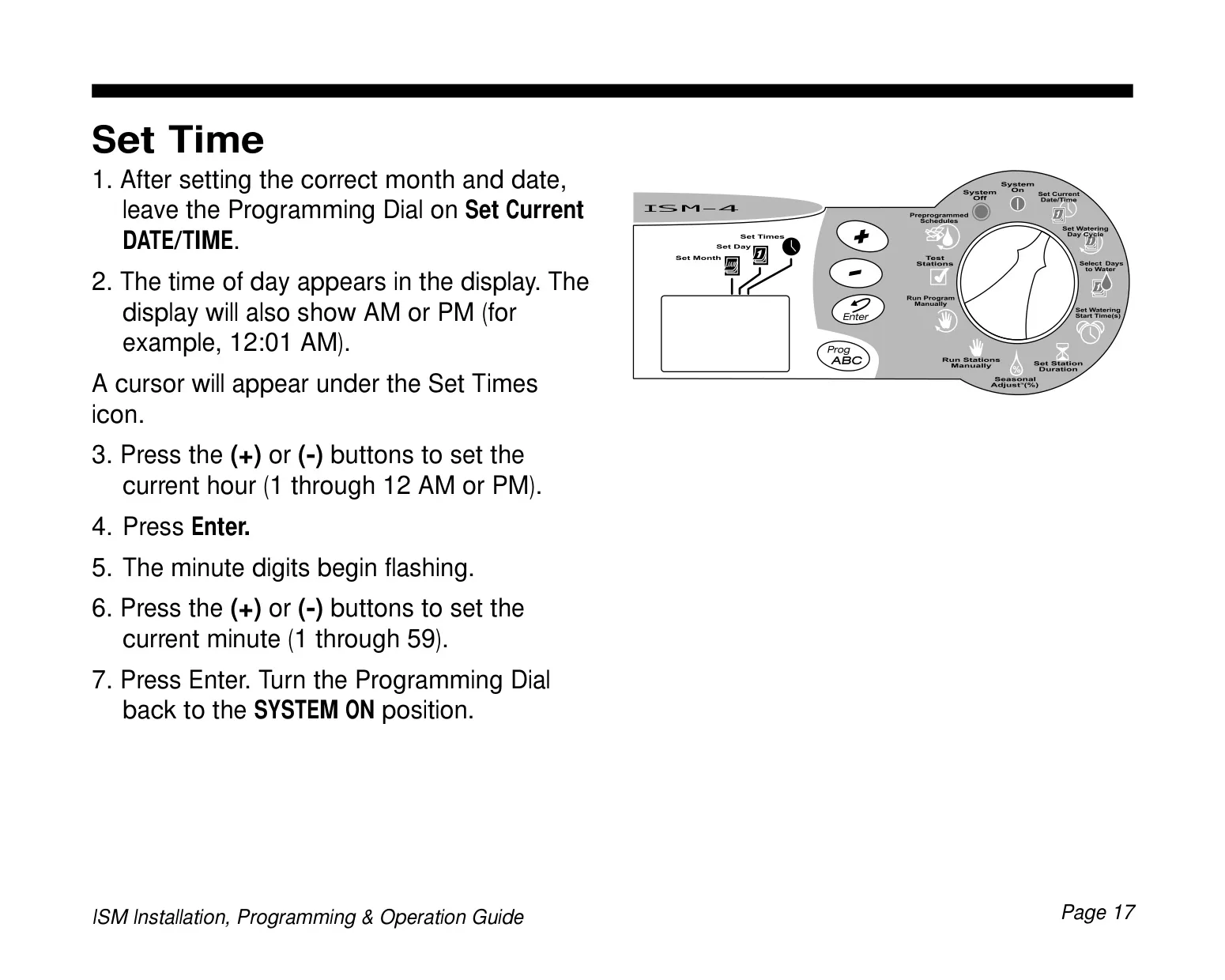
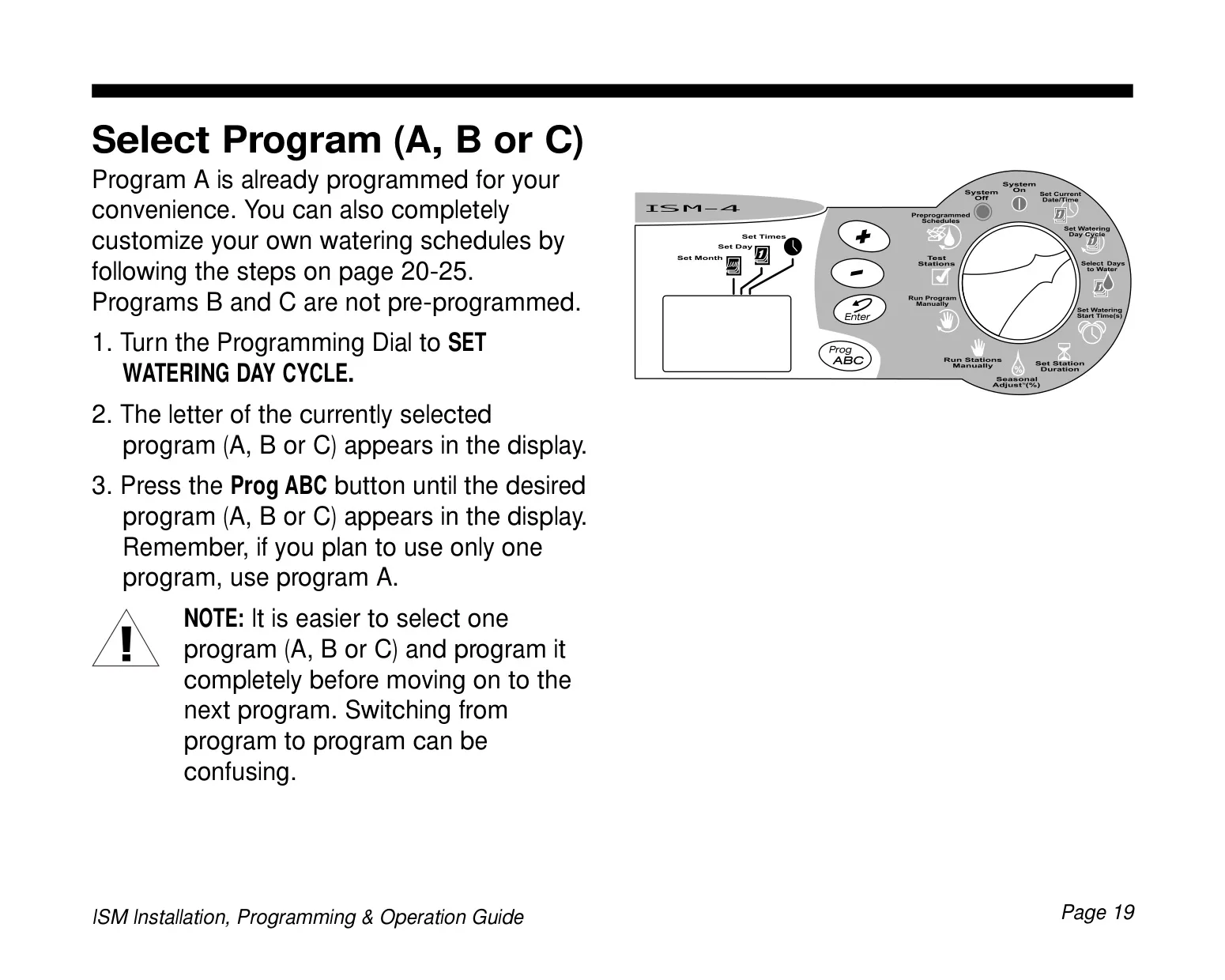
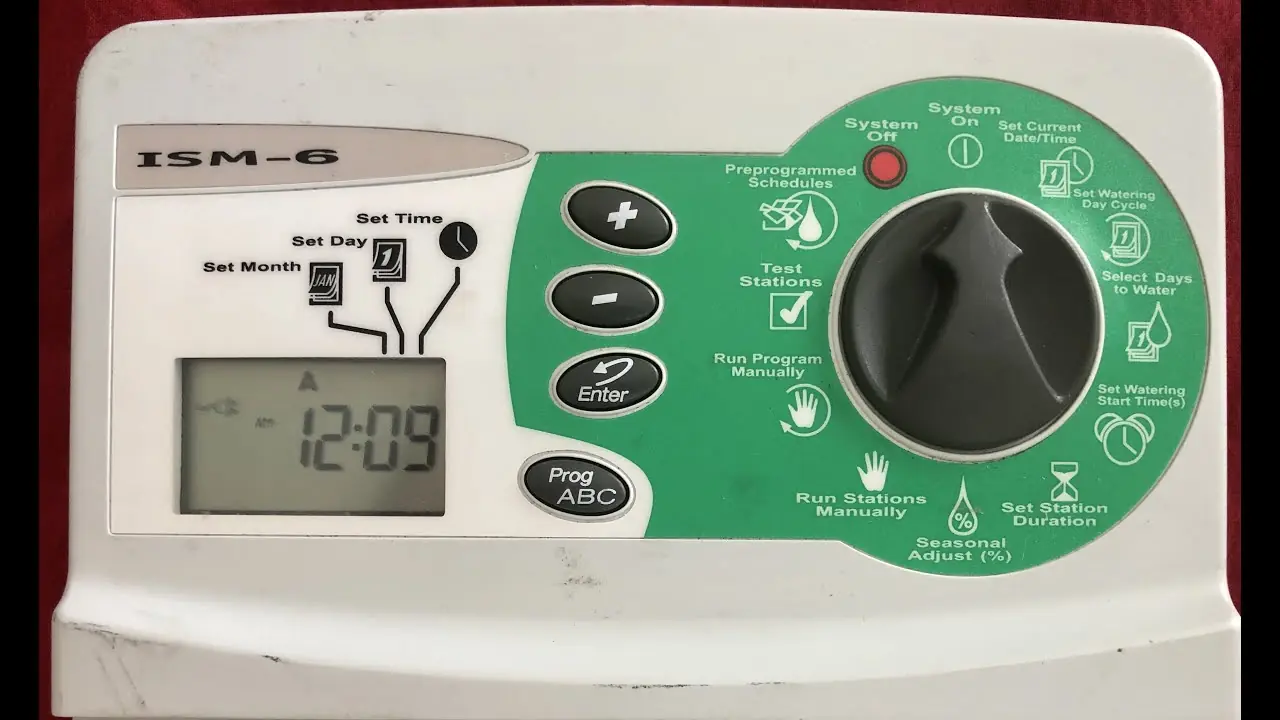
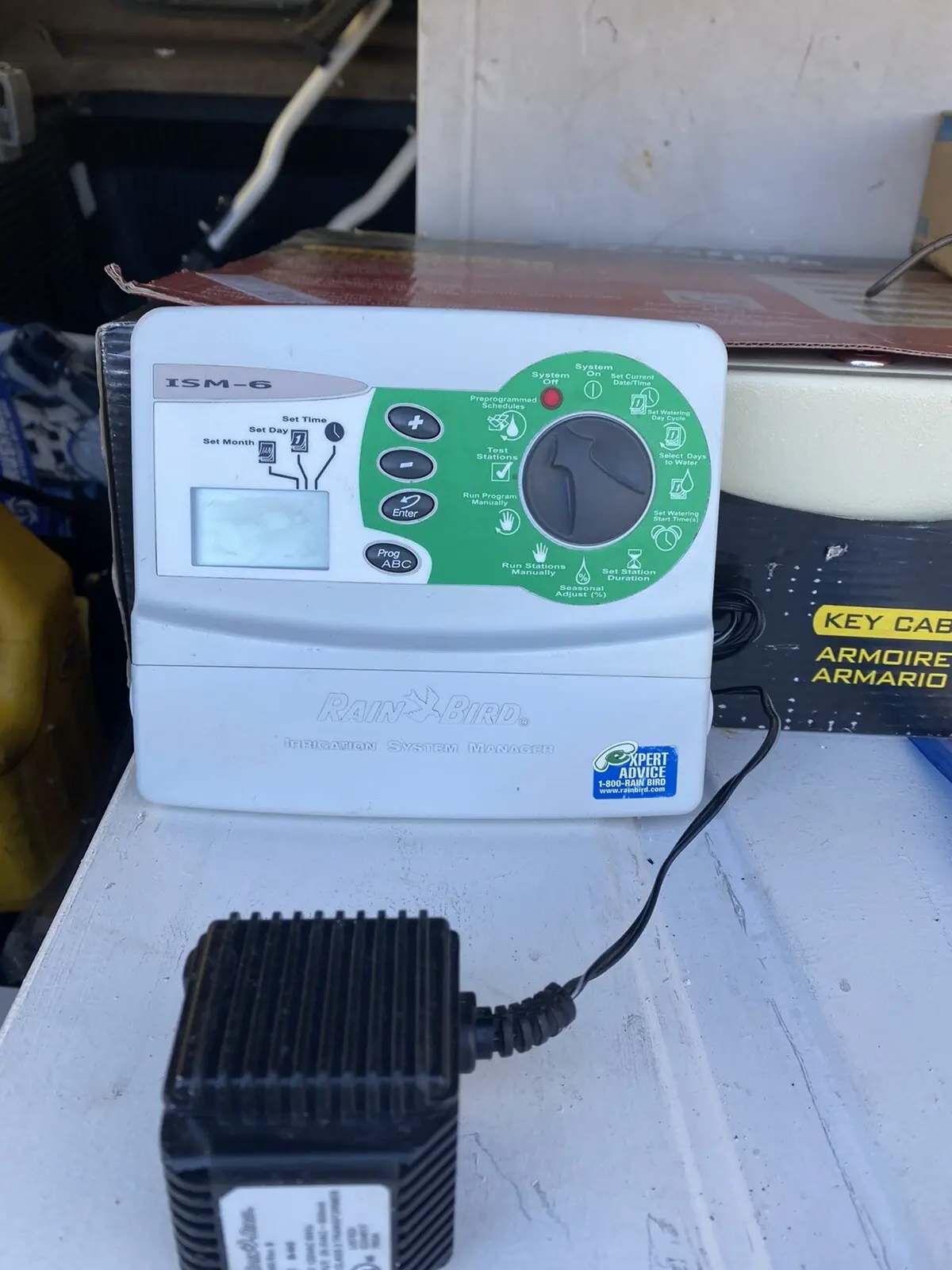
The Rain Bird ISM-6 Sprinkler Timer is designed for ease of use and offers comprehensive control over irrigation systems. It features a compact design and an intuitive interface that simplifies programming and operation for both novice and experienced users. The timer's ability to store three independent programs (A, B, and C) allows for highly customized watering schedules tailored to specific plant types, soil conditions, or sun exposure across different zones.
Each program can be configured with up to four distinct watering start times, providing flexibility for multiple watering cycles within a single day. This is particularly useful for new plantings or areas requiring more frequent, shorter watering intervals. The timer also offers a variety of watering day cycles, including a customizable 7-day week, even or odd day watering, and specific multi-day cycles (2, 3, 4, 5, or 6 days), accommodating diverse watering restrictions or preferences.
A standout feature is the Seasonal Adjust (SA) function, which allows users to collectively increase or decrease the duration of all programmed stations across all active programs. This adjustment can range from 10% to 200% in 10% increments, making it simple to adapt watering schedules to seasonal changes like hot, dry summers or cool, wet winters without reprogramming each station individually. This smart feature ensures water conservation and optimal plant health.
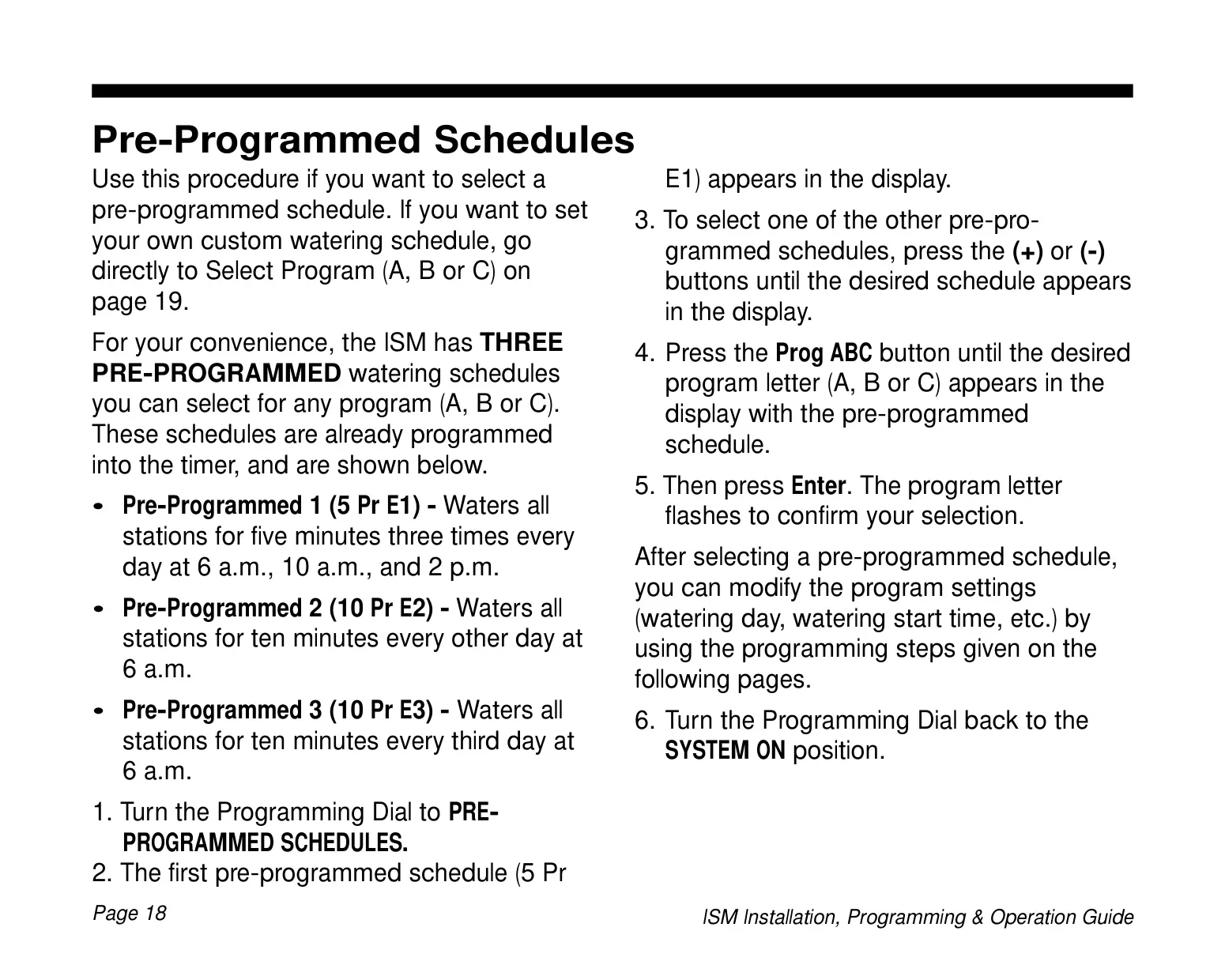
For added convenience, the ISM-6 includes three pre-programmed schedules. These allow for quick setup if the default settings (e.g., 5 minutes, 3 times daily; 10 minutes every other day; 10 minutes every third day) meet the user's basic needs. These pre-programmed options can also be modified to serve as a starting point for custom schedules, reducing initial programming effort.
The timer incorporates a battery backup system, utilizing a 9-Volt alkaline battery, which safeguards all time, date, and program settings during power outages. This ensures uninterrupted operation even if the main power supply is temporarily lost. Additionally, the unit can be programmed while running on battery power, offering the convenience of programming prior to full installation or in locations without immediate AC access.
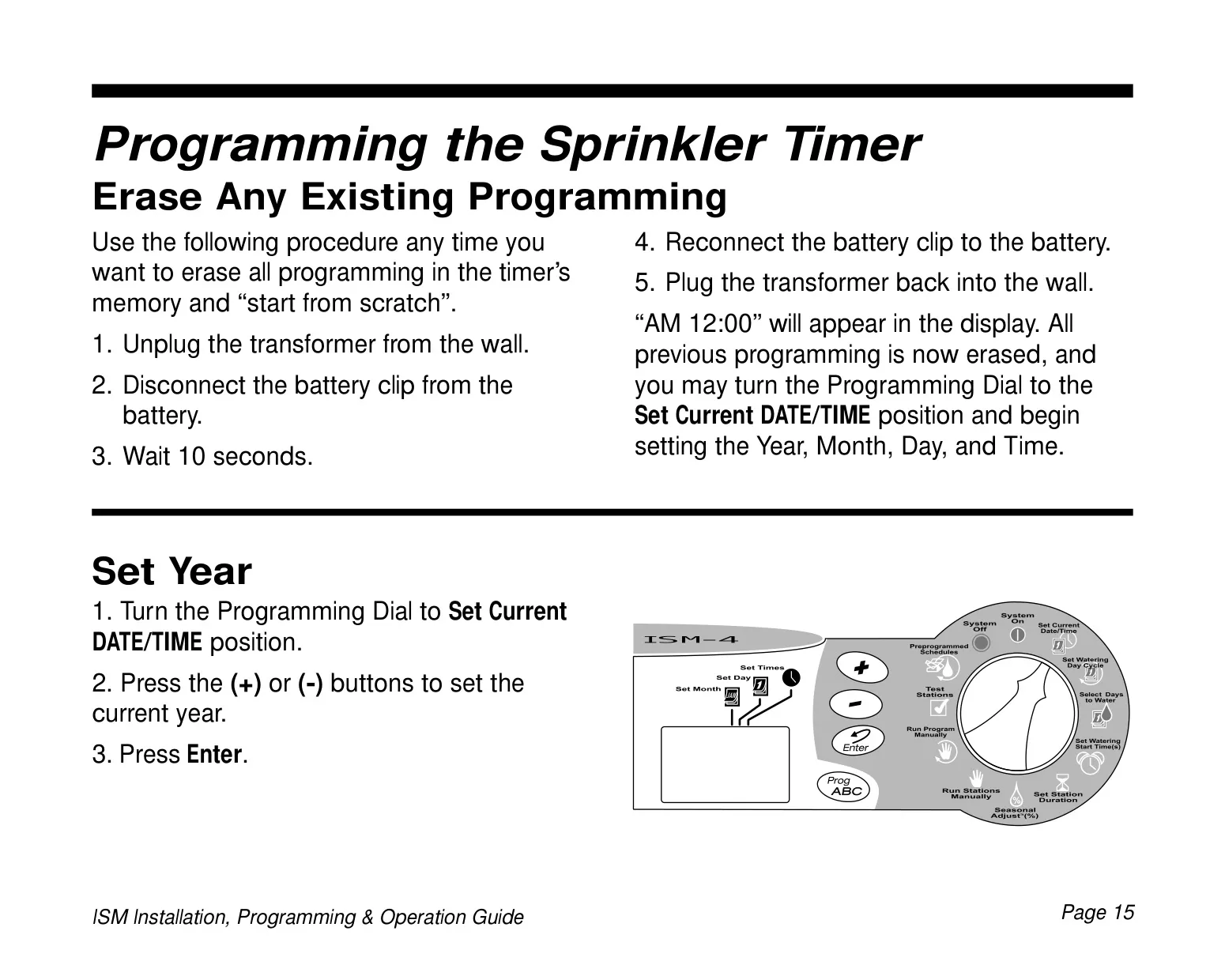
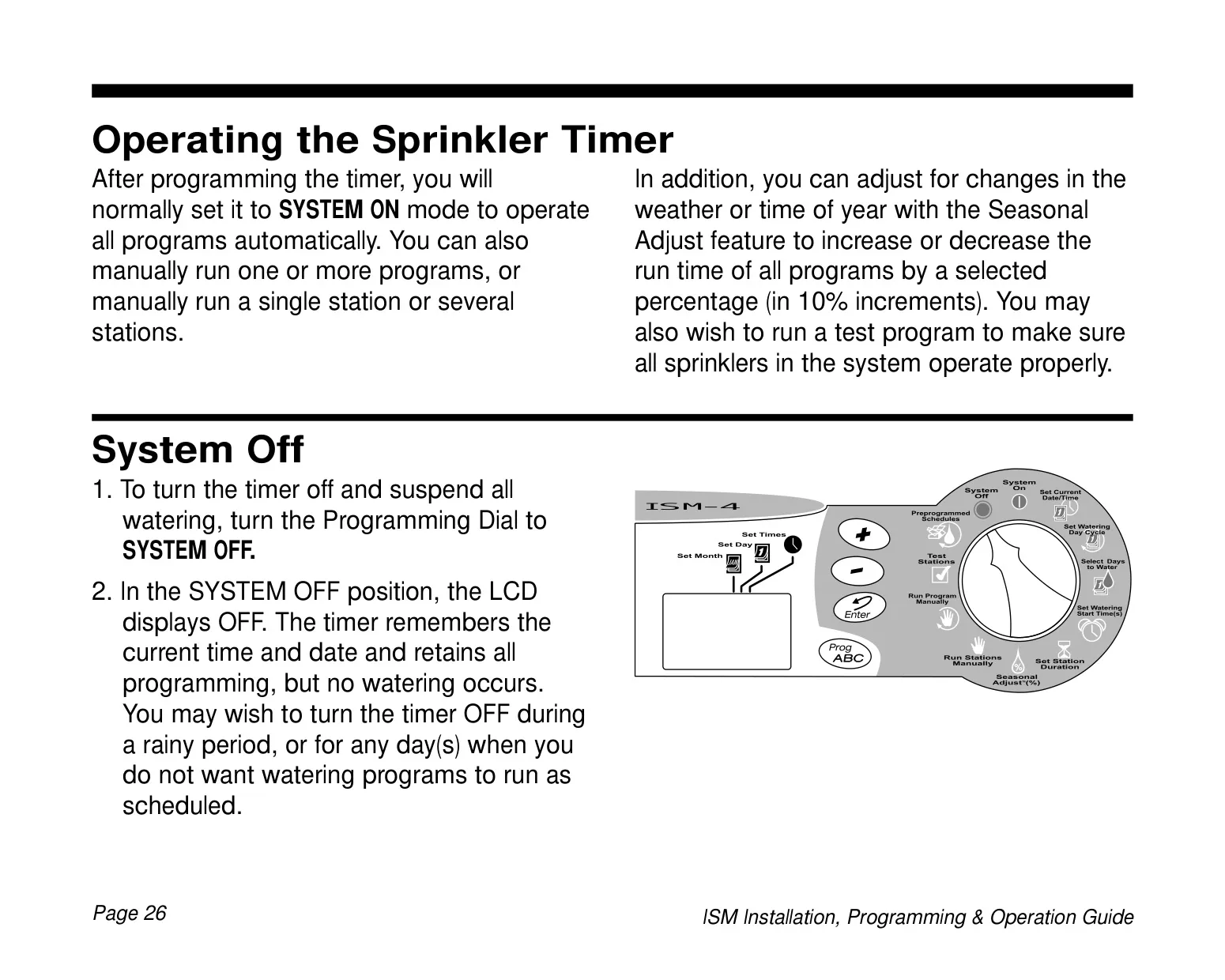
Operating the ISM-6 is straightforward, with dedicated modes for system control. Users can manually run individual stations or entire programs, which is ideal for testing or providing extra water to specific areas as needed. The built-in test program further enhances usability by running each station with a non-zero watering time sequentially, allowing for easy verification of sprinkler system functionality. The LCD display provides clear feedback on current operations, program status, and error messages.
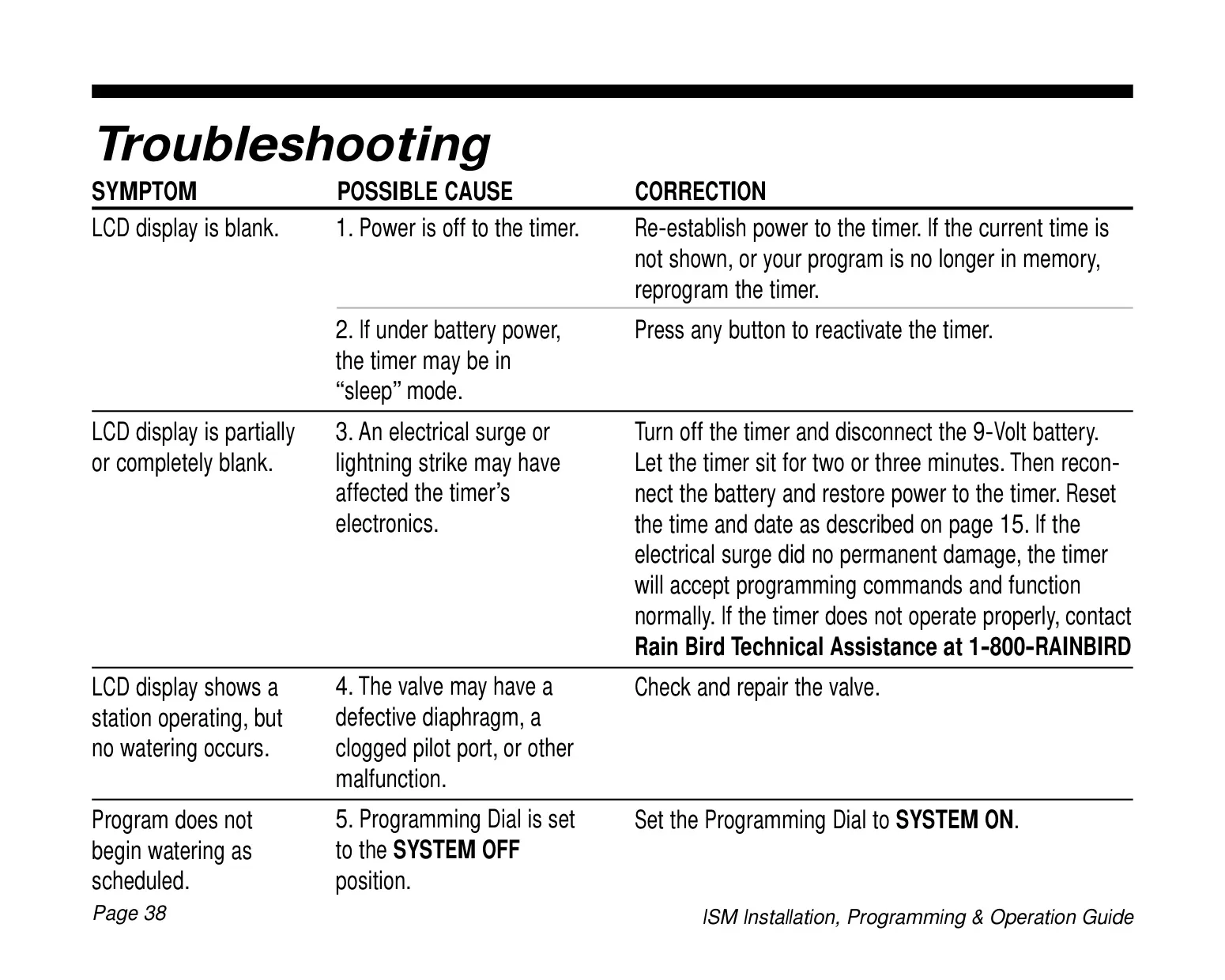
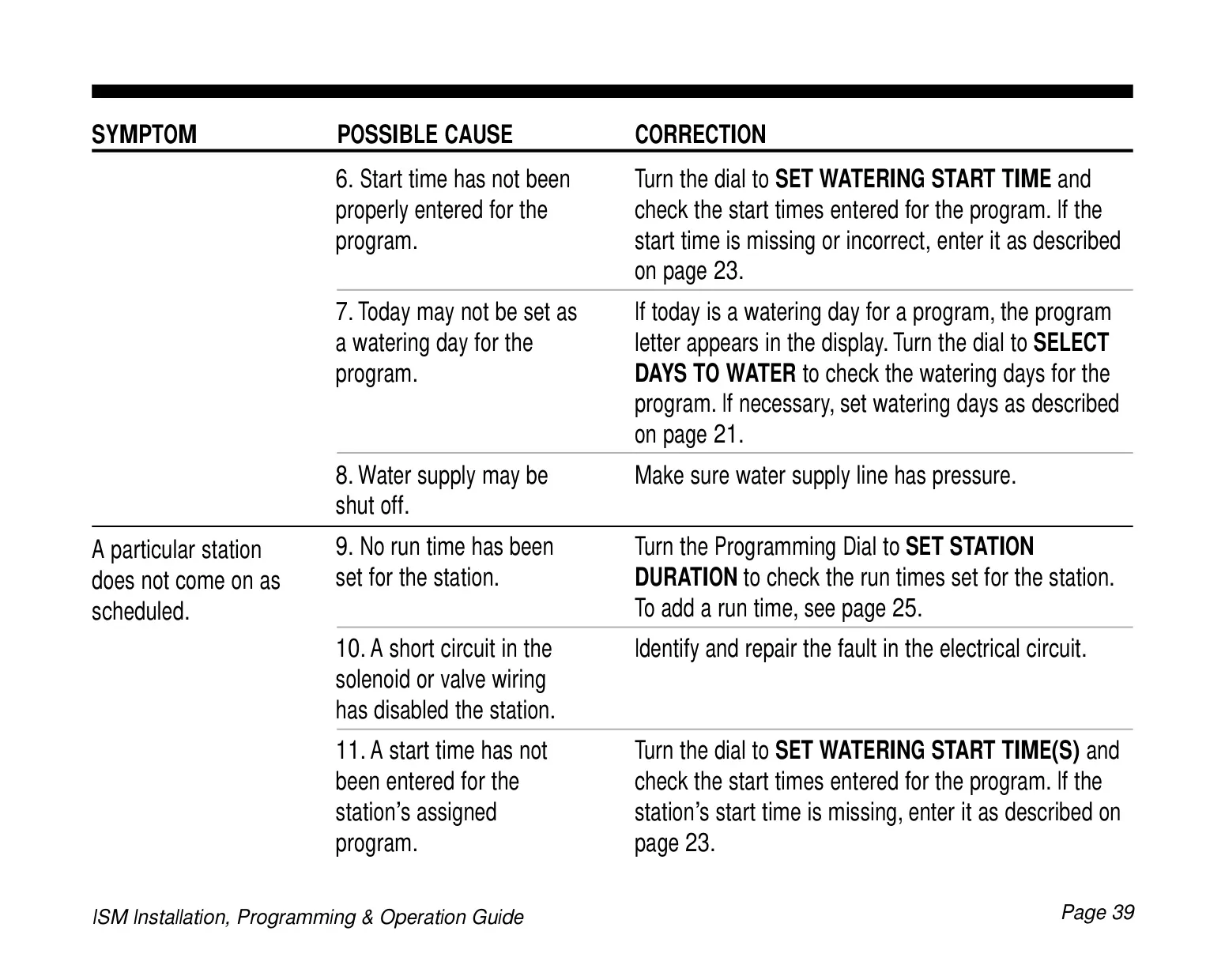
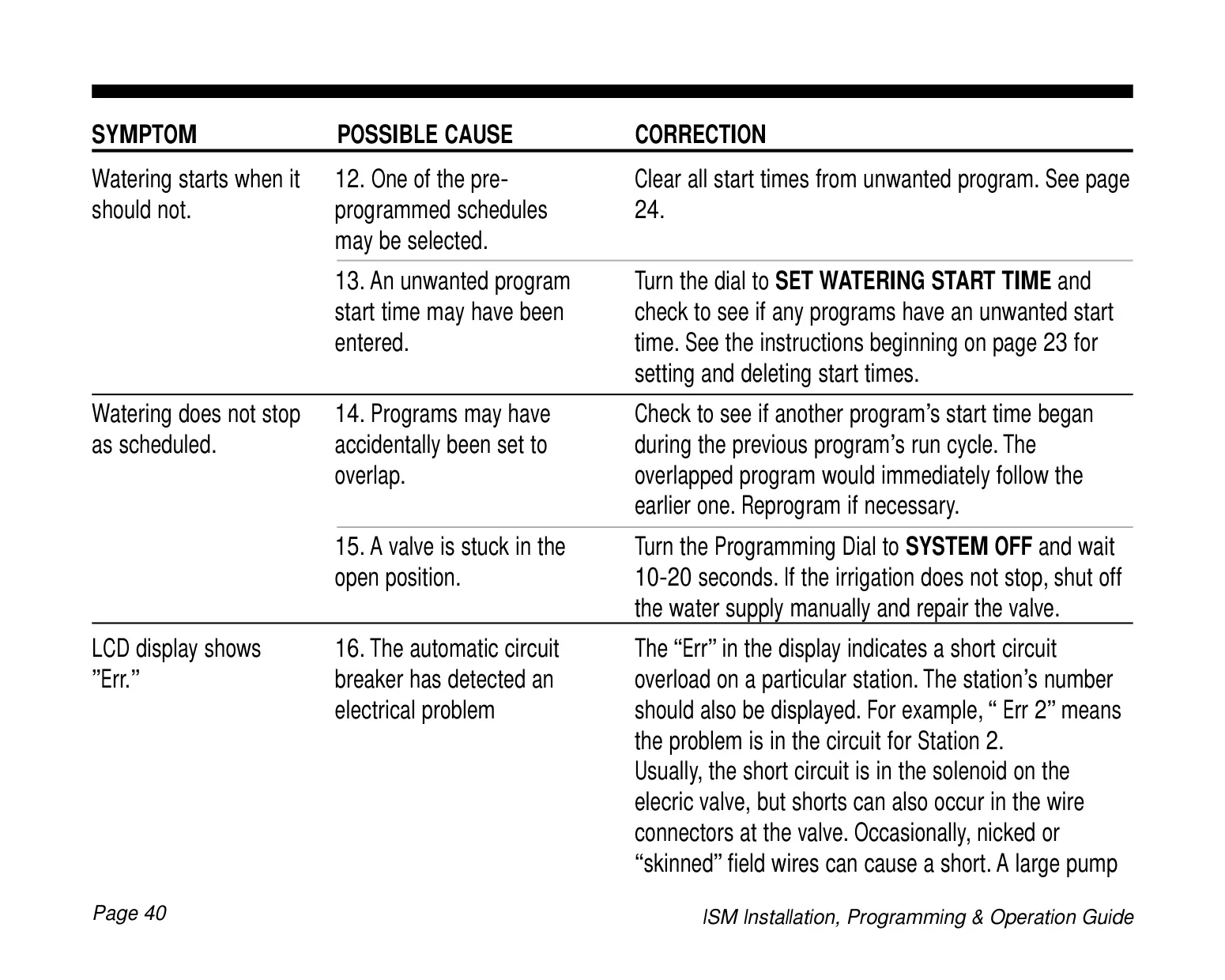
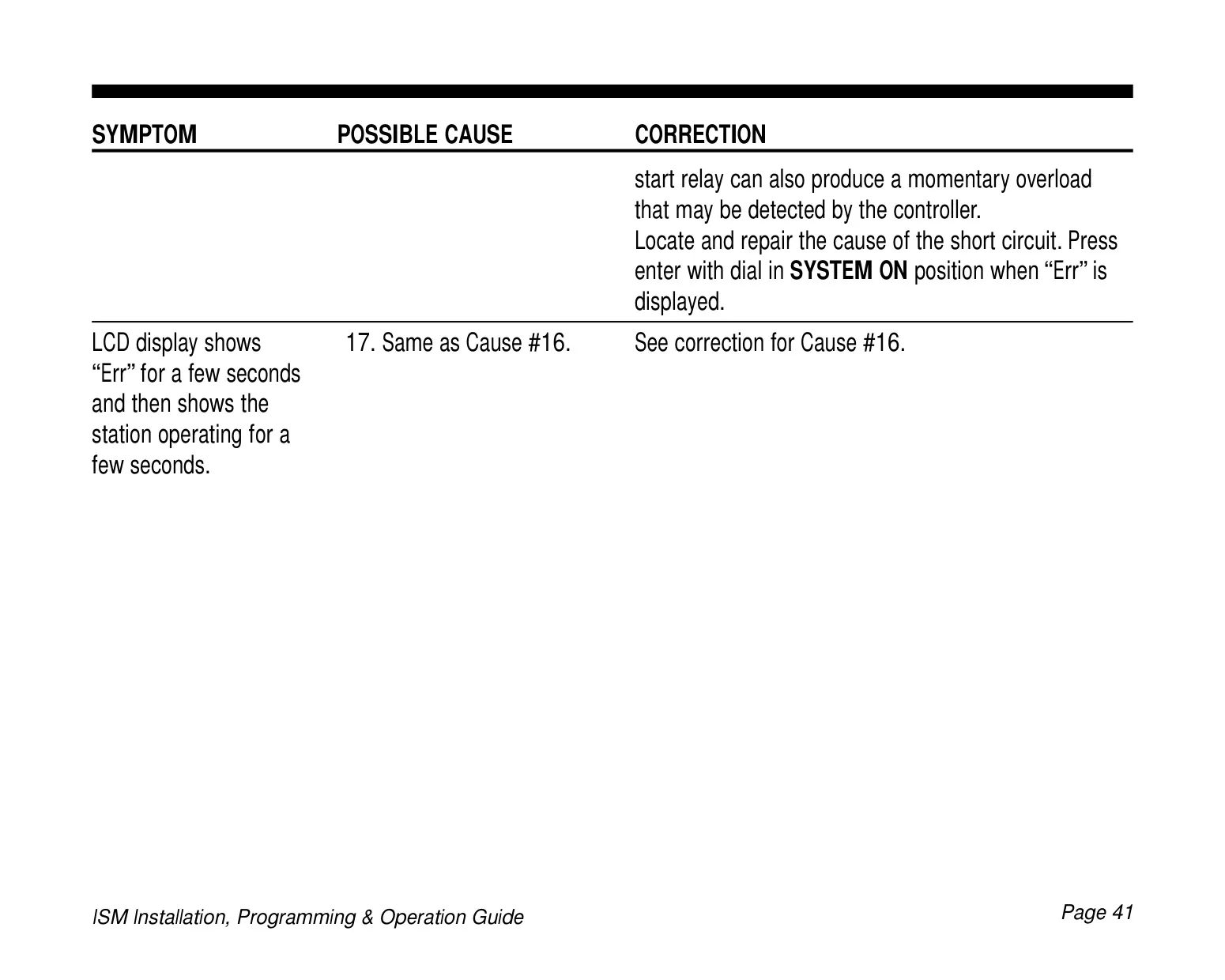
Troubleshooting is made easier with specific error codes displayed on the LCD, such as "Err #" for short circuits in a station's wiring or solenoid. This immediate feedback helps users quickly diagnose and address issues, ensuring continuous and reliable irrigation. The robust design and thoughtful features make the Rain Bird ISM-6 a reliable and efficient choice for managing residential or light commercial irrigation systems.
Frequently Asked Questions (FAQs)
Can't find the answer you need? Here are some frequently asked questions about the Rain Bird ISM-6, and we answer them below.