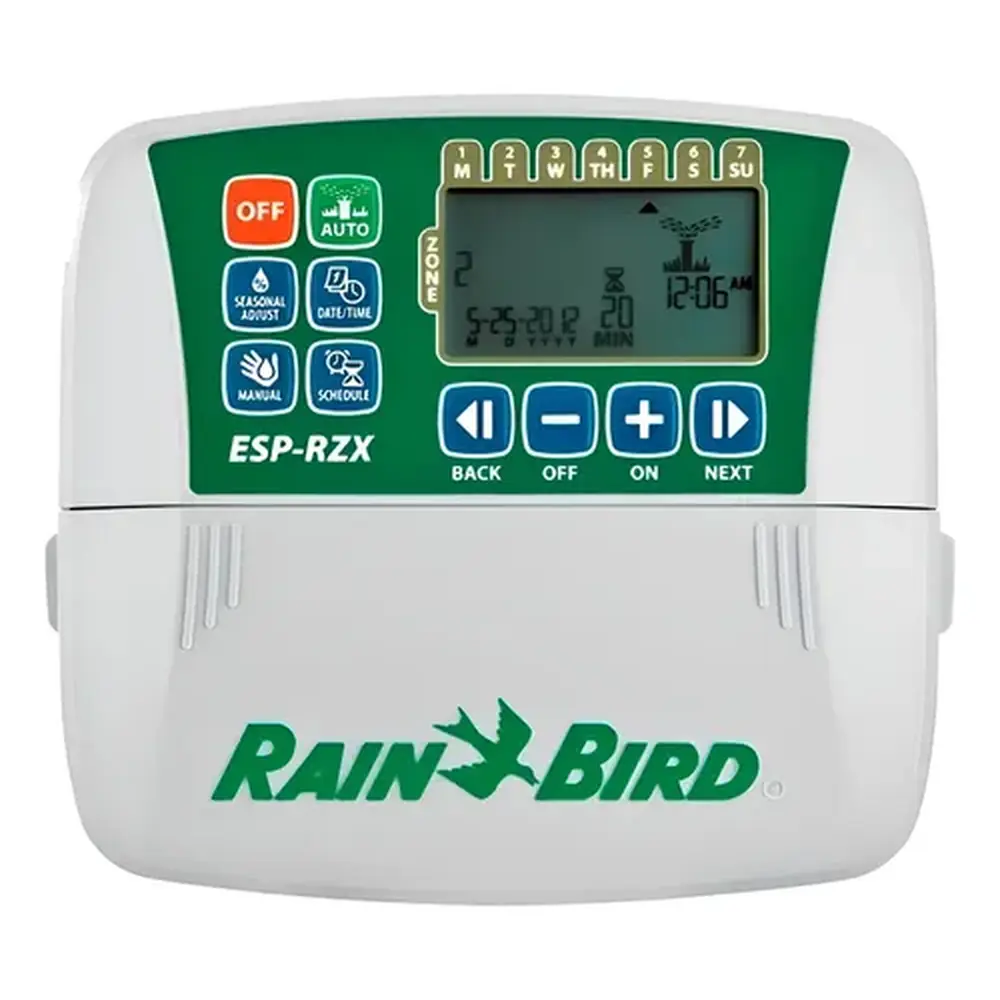
Rain Bird ESP-ME Instruction Manual
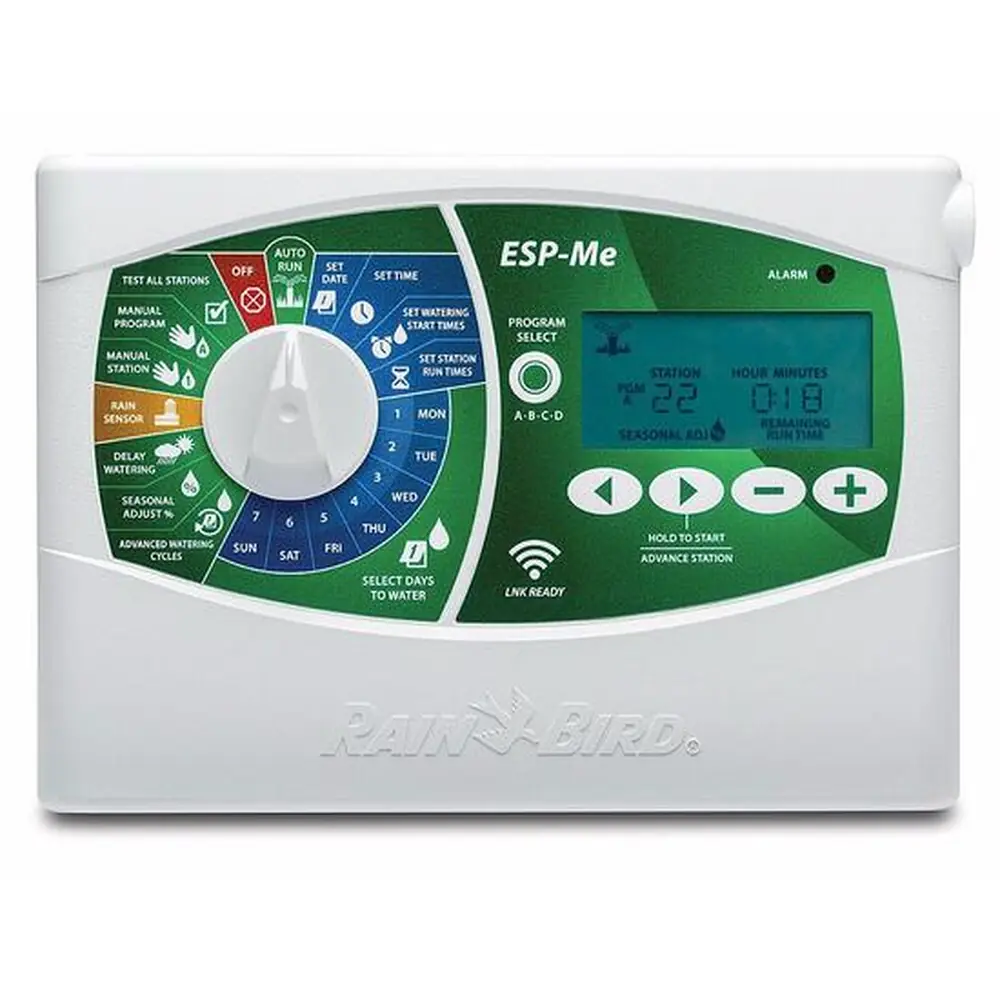
Rain Bird ESP-ME
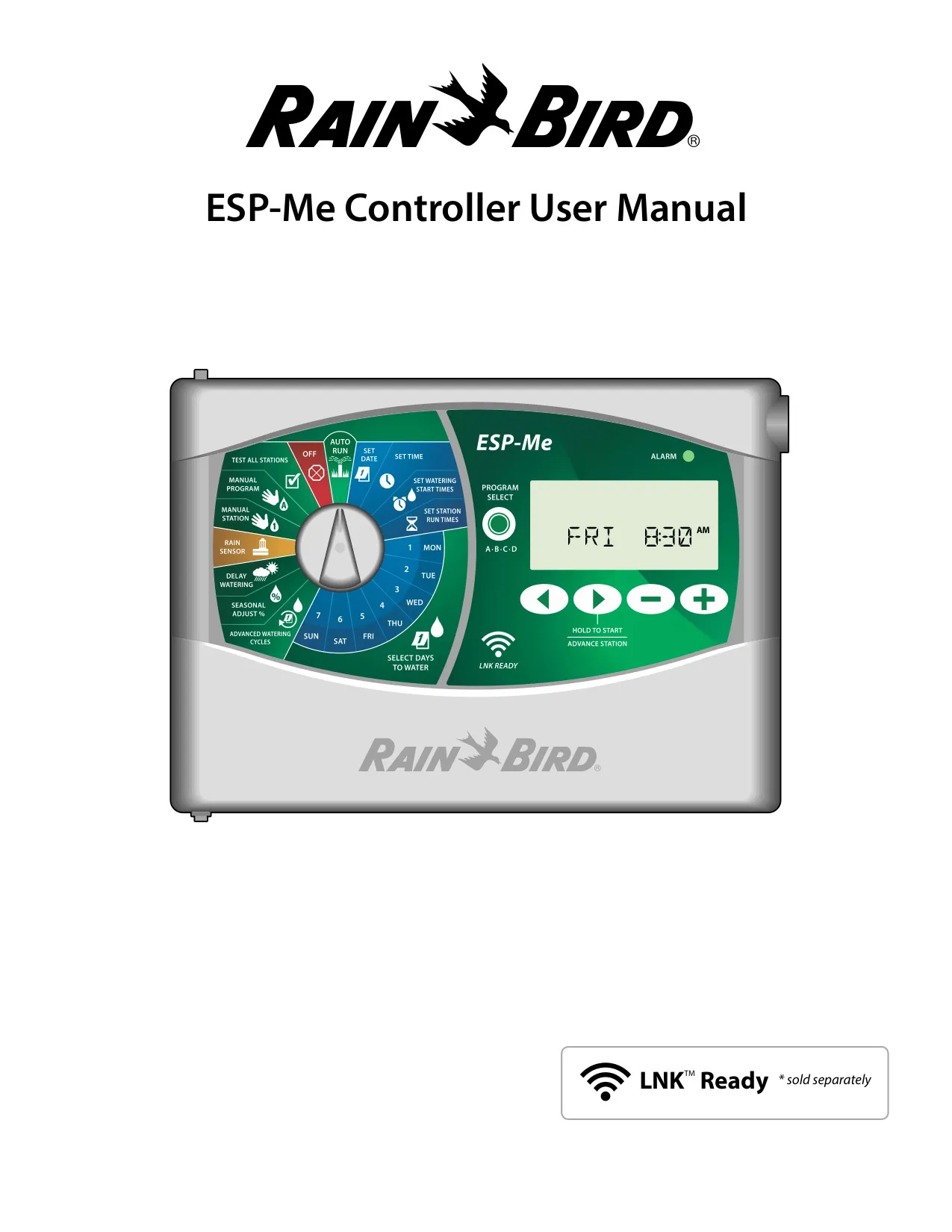
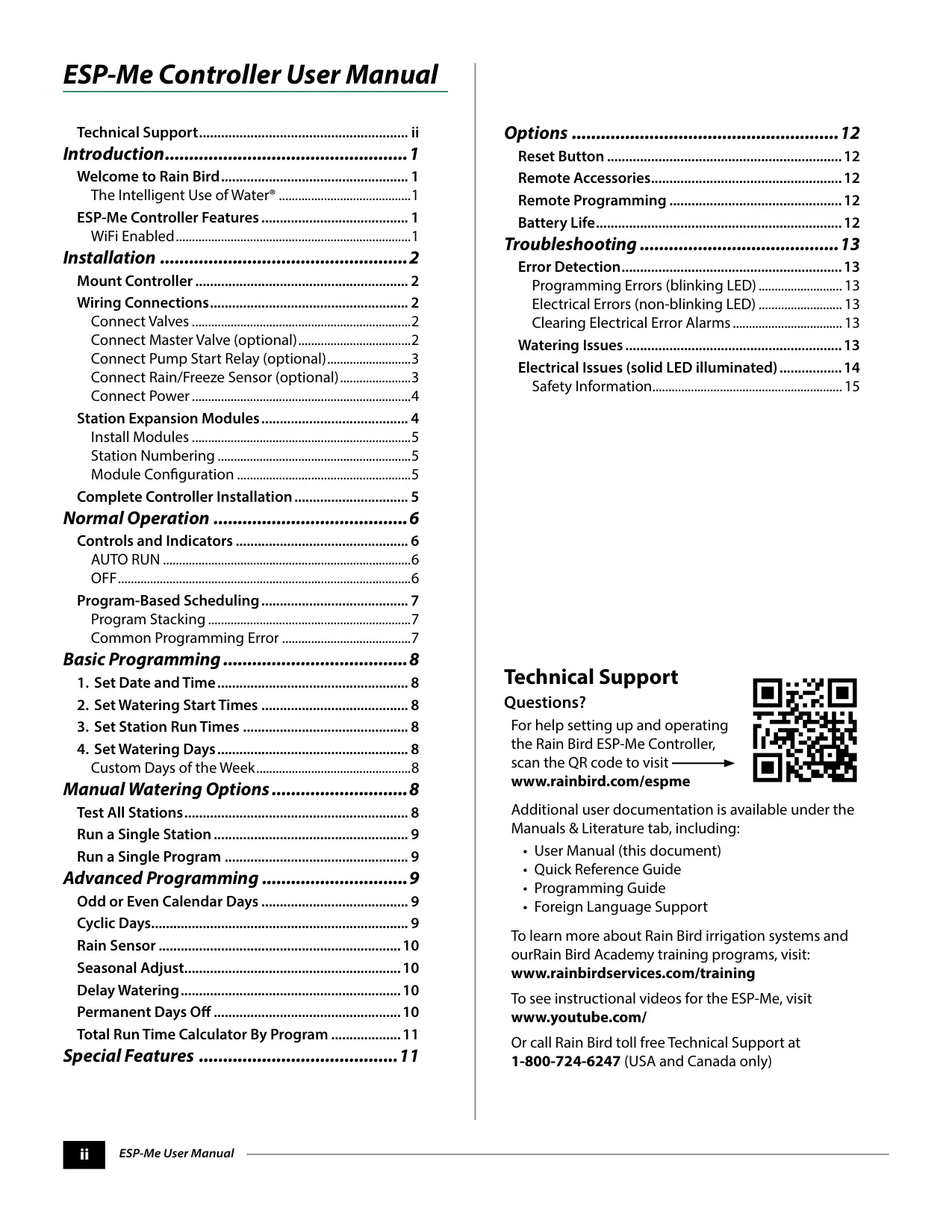
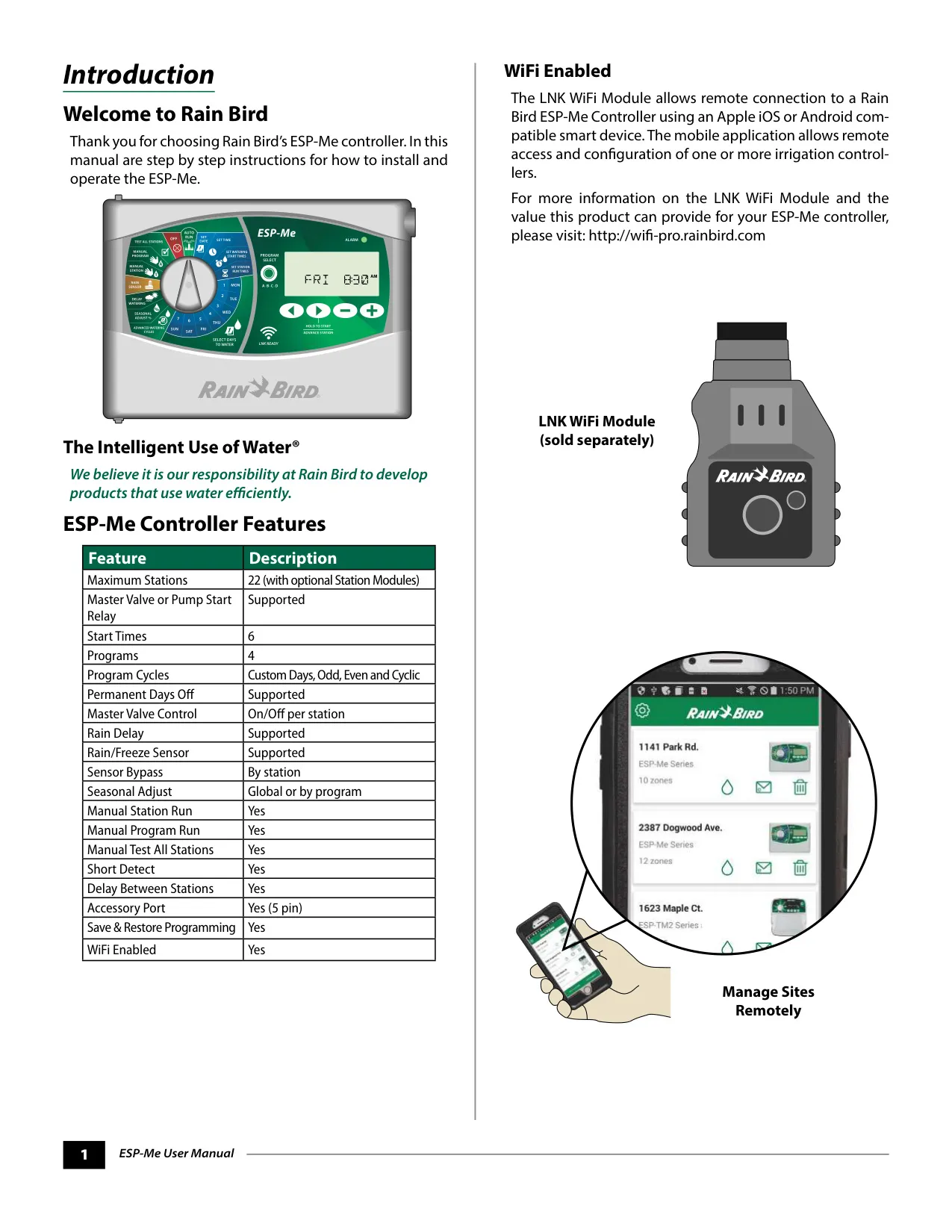


Rain Bird ESP-ME Instructions
Here we offer the Rain Bird ESP-ME manual completely free and in English. We have cataloged this manual in the Irrigation Controllers section on Manualverse, and it has been rated by 1 users with an average rating of 5. If you have any specific questions about Rain Bird ESP-ME, we suggest checking the Frequently Asked Questions (FAQs) section of this manual.
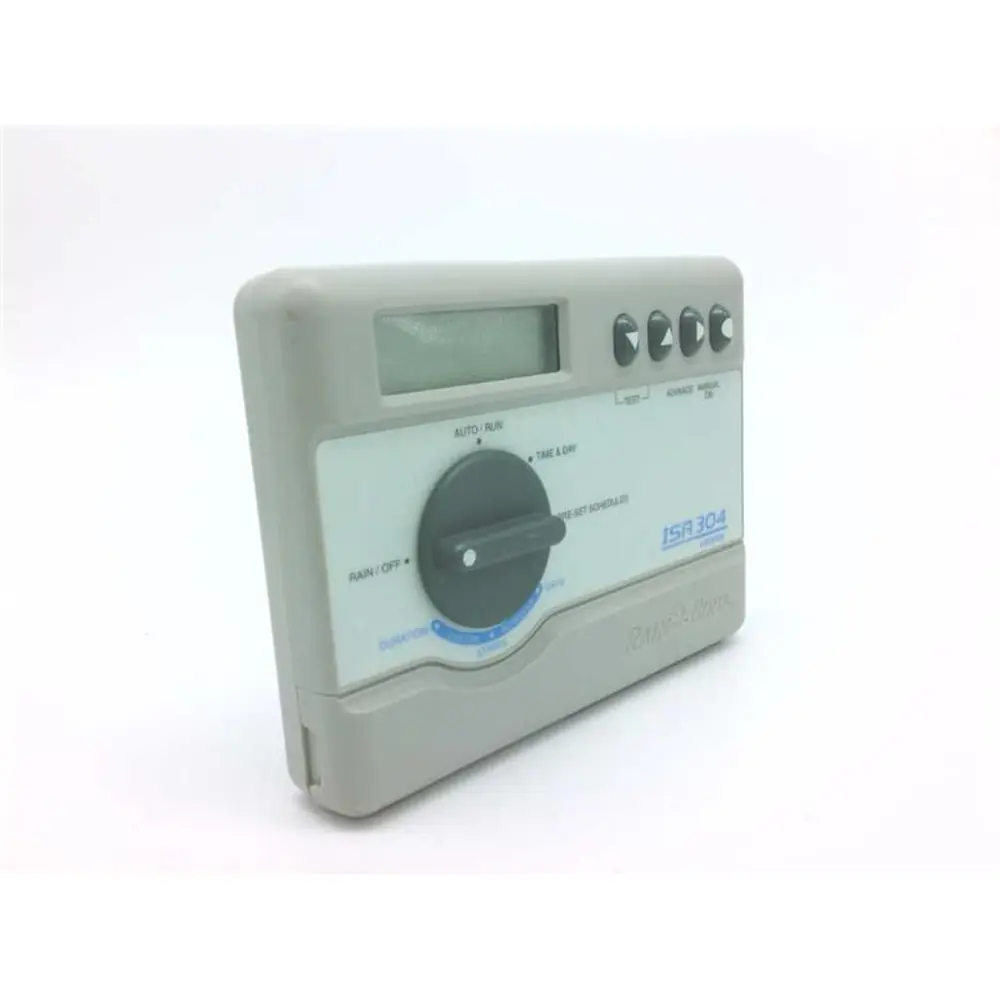
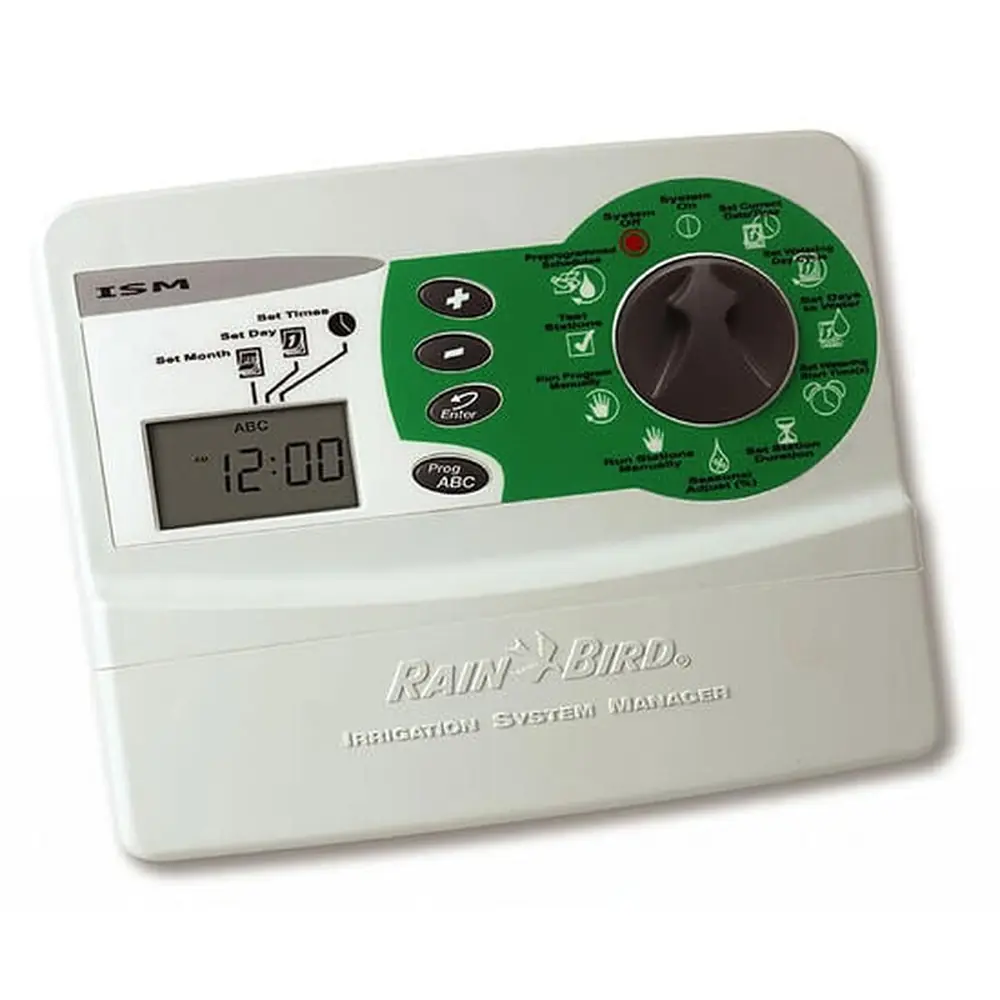
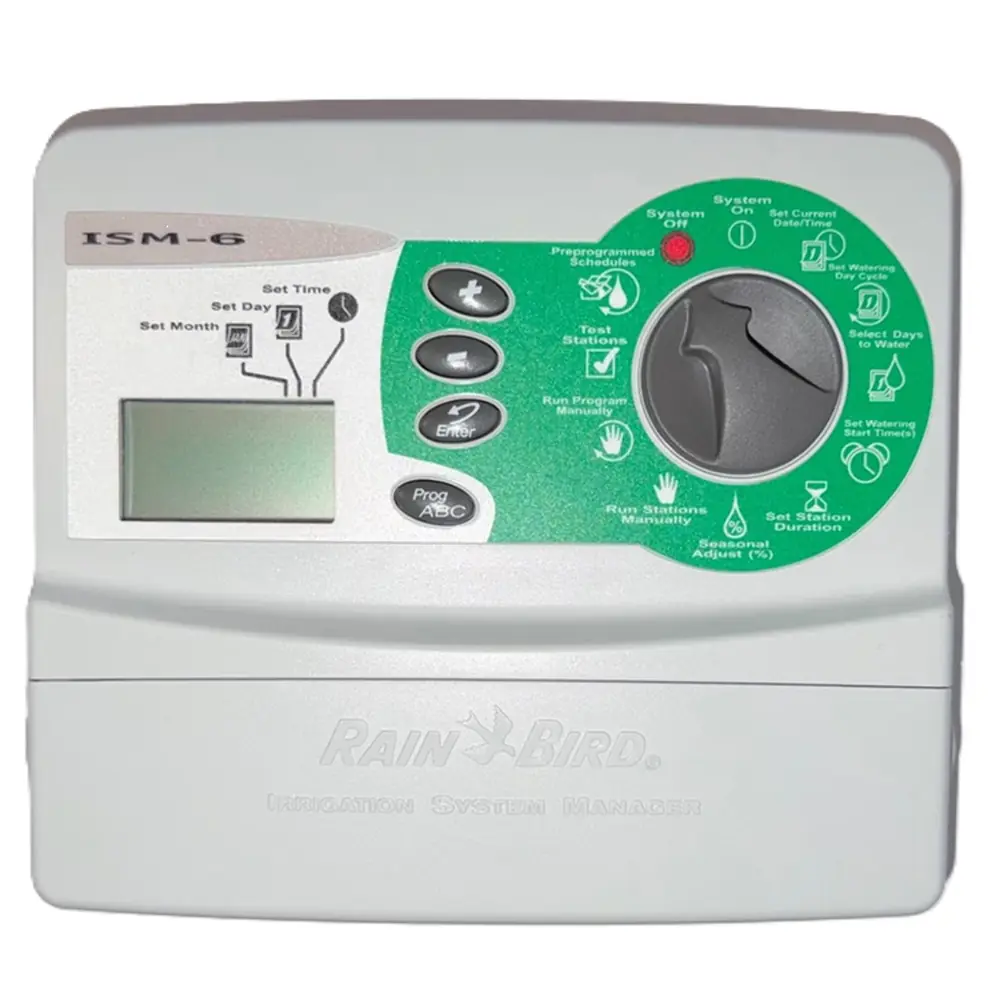
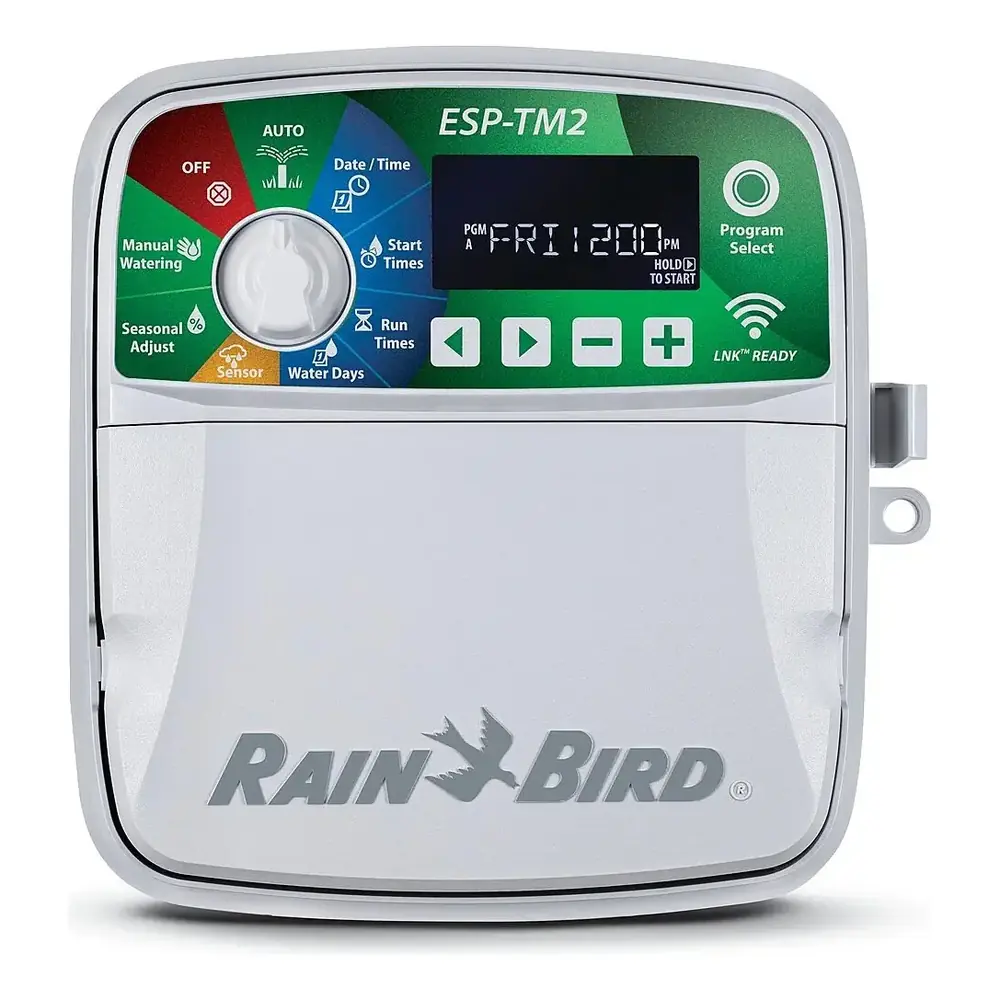
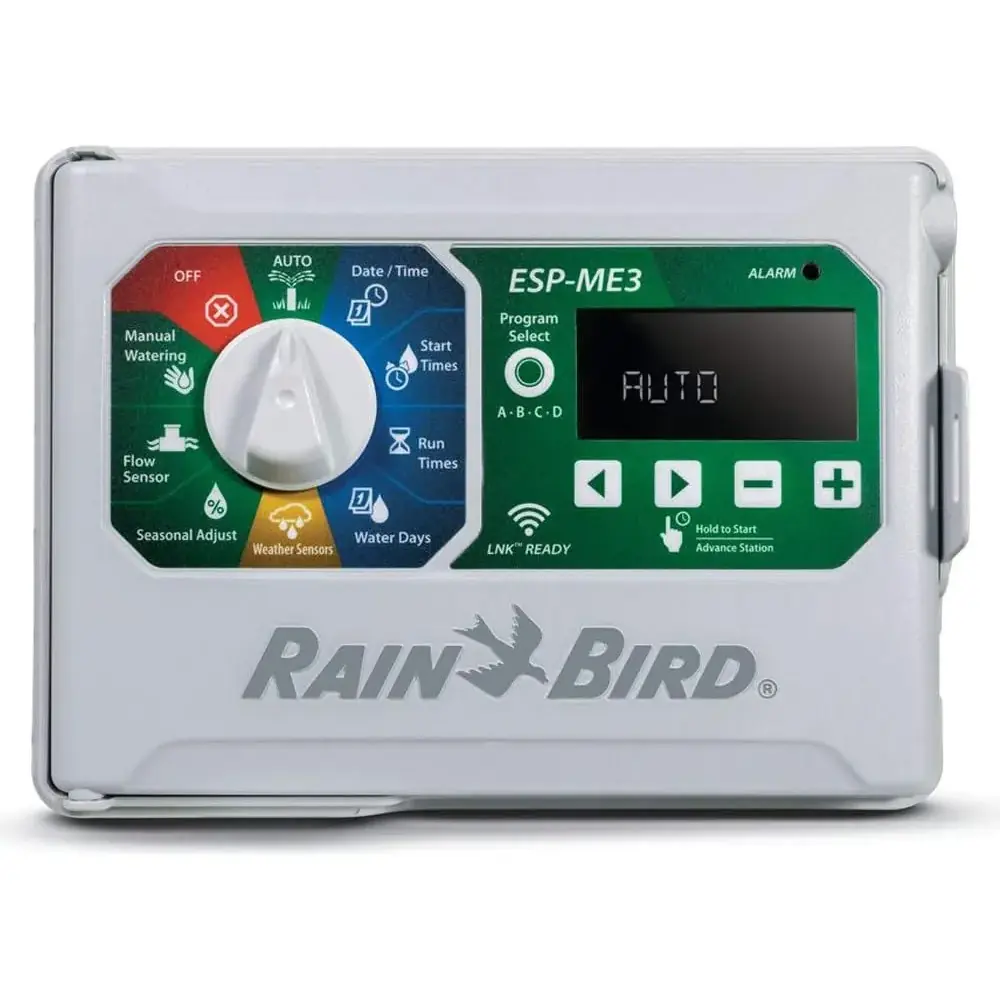
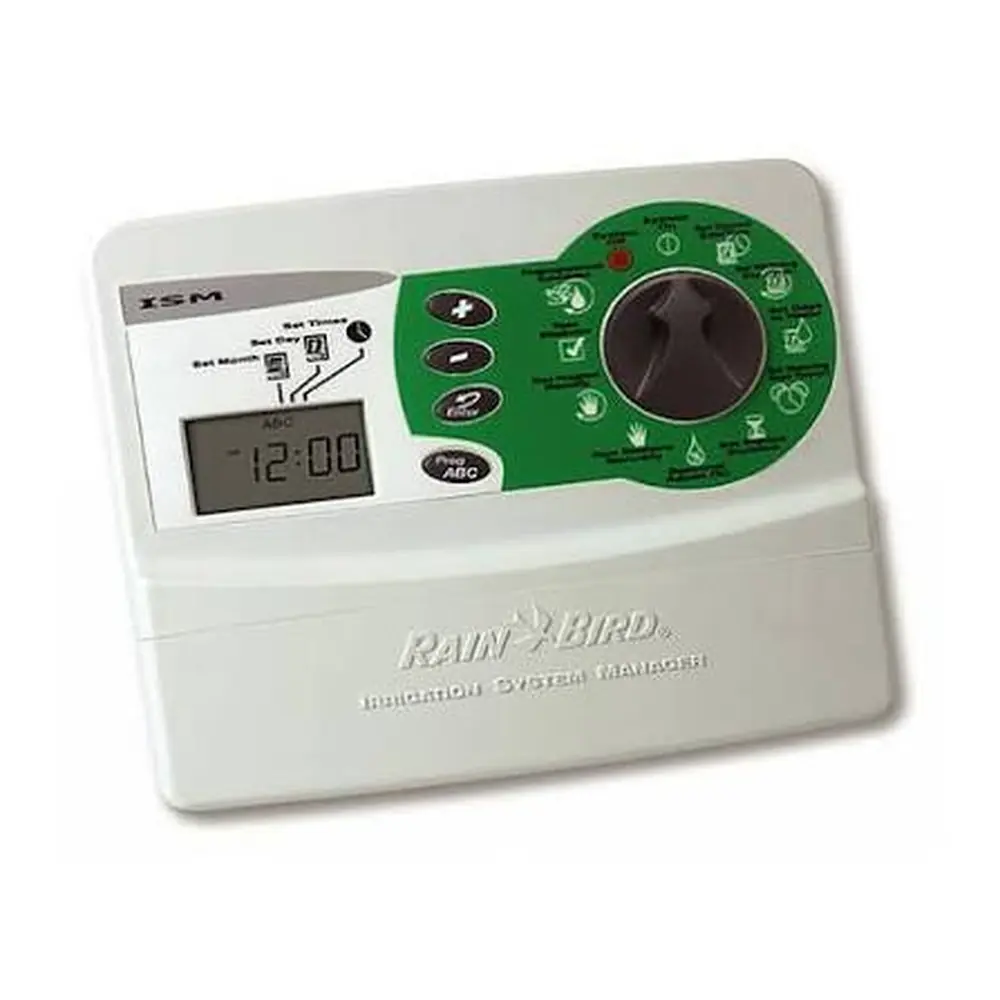
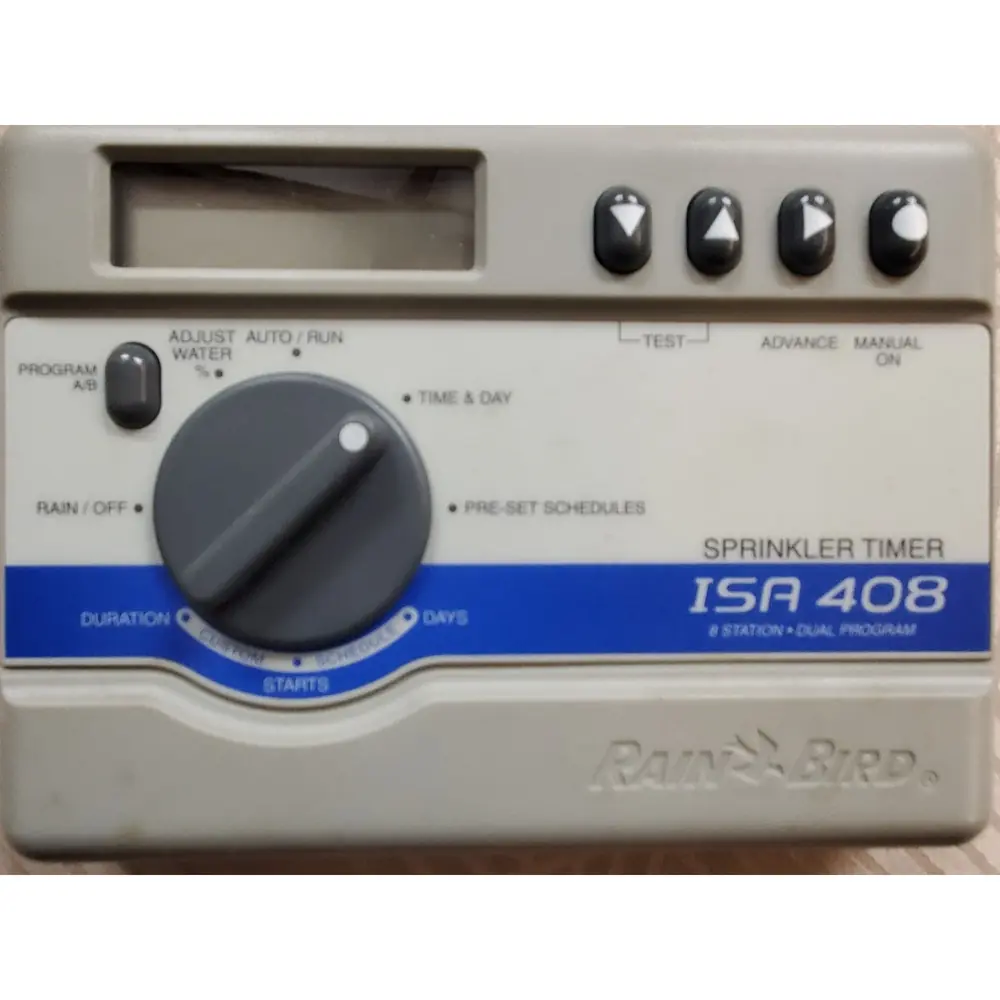
Product Images
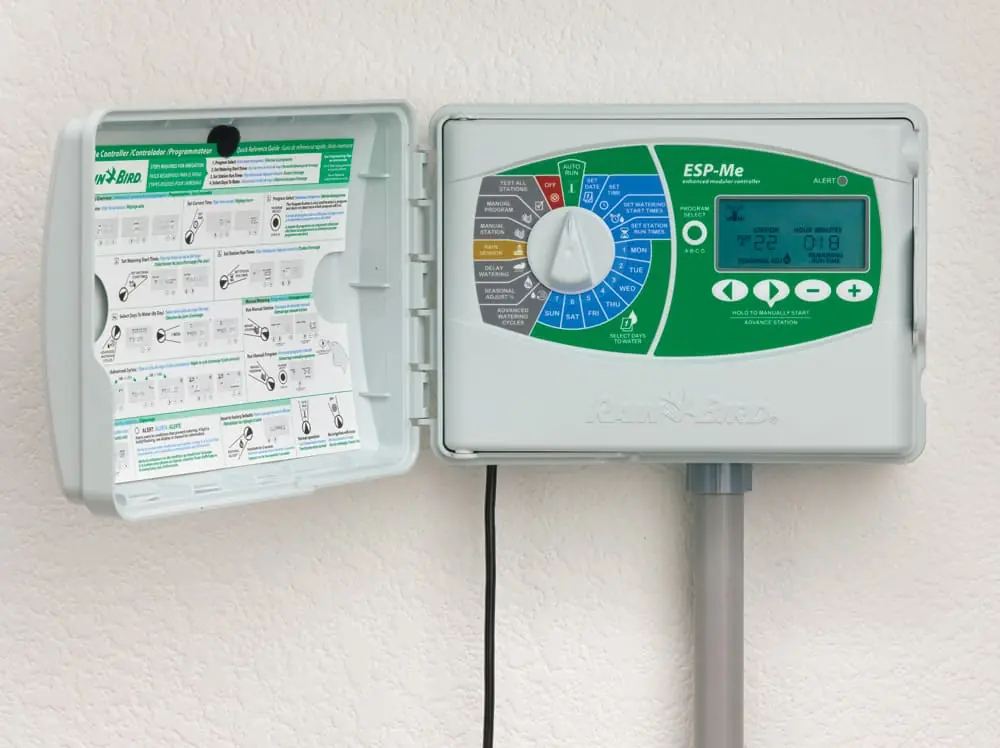
Rain Bird ESP-ME Specifications
| Feature | Description |
|---|---|
| Maximum Stations | 22 (with optional Station Modules) |
| Master Valve or Pump Start Relay | Supported |
| Start Times | 6 |
| Programs | 4 |
| Program Cycles | Custom Days, Odd, Even and Cyclic |
| Permanent Days Off | Supported |
| Master Valve Control | On/Off per station |
| Rain Delay | Supported |
| Rain/Freeze Sensor | Supported |
| Sensor Bypass | By station |
| Seasonal Adjust | Global or by program |
| Manual Station Run | Yes |
| Manual Program Run | Yes |
| Manual Test All Stations | Yes |
| Short Detect | Yes |
| Delay Between Stations | Yes |
| Accessory Port | Yes (5 pin) |
| Save & Restore Programming | Yes |
| WiFi Enabled | Yes |
Rain Bird ESP-ME Details
The Rain Bird ESP-Me controller offers robust functionality for residential and light commercial irrigation needs, emphasizing The Intelligent Use of Water®. Its modular design allows for expansion up to 22 stations, providing flexibility for various landscape sizes. The unit supports both Master Valve and Pump Start Relays, integrating seamlessly into more complex watering systems. Installation involves secure wall mounting, careful wiring of valves, and optional components like rain/freeze sensors.
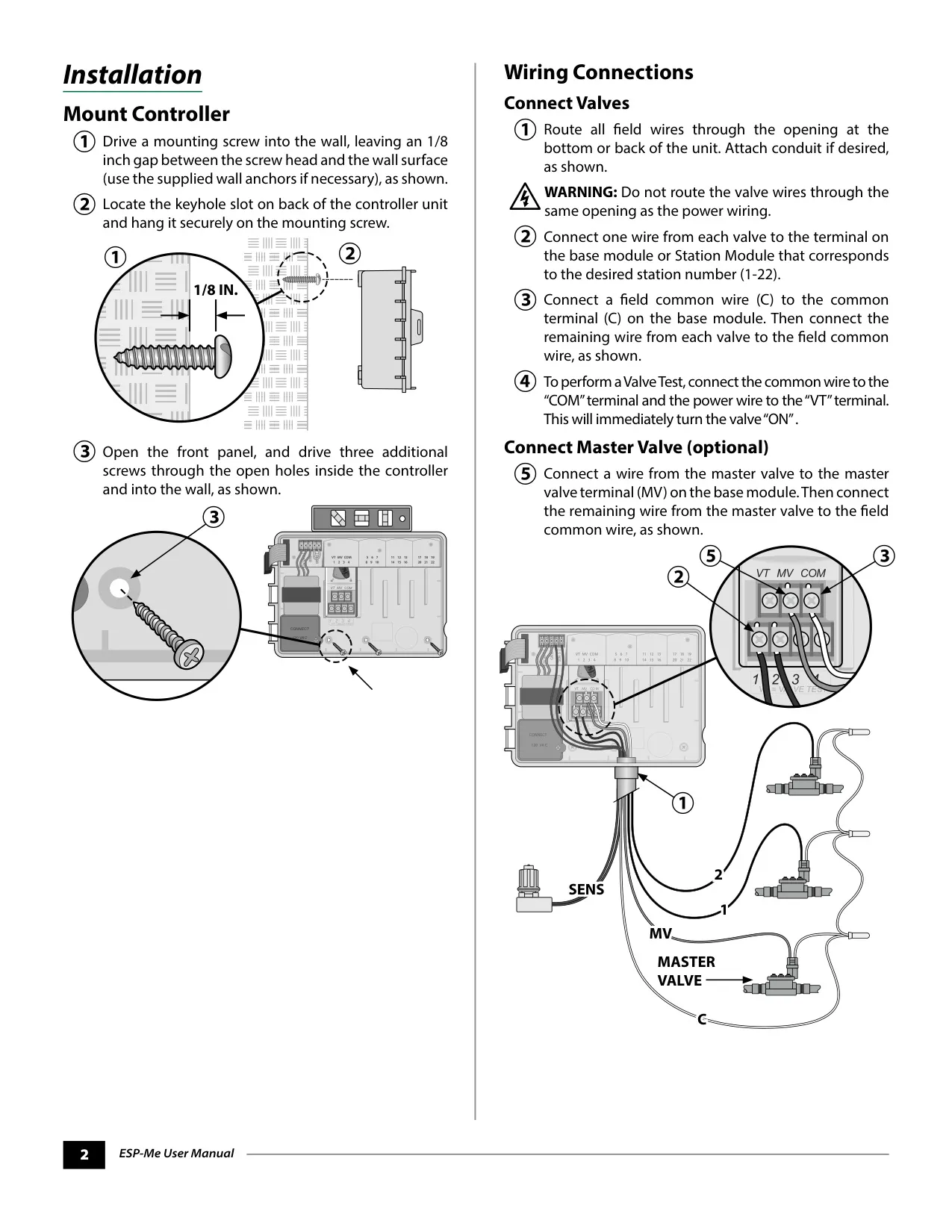
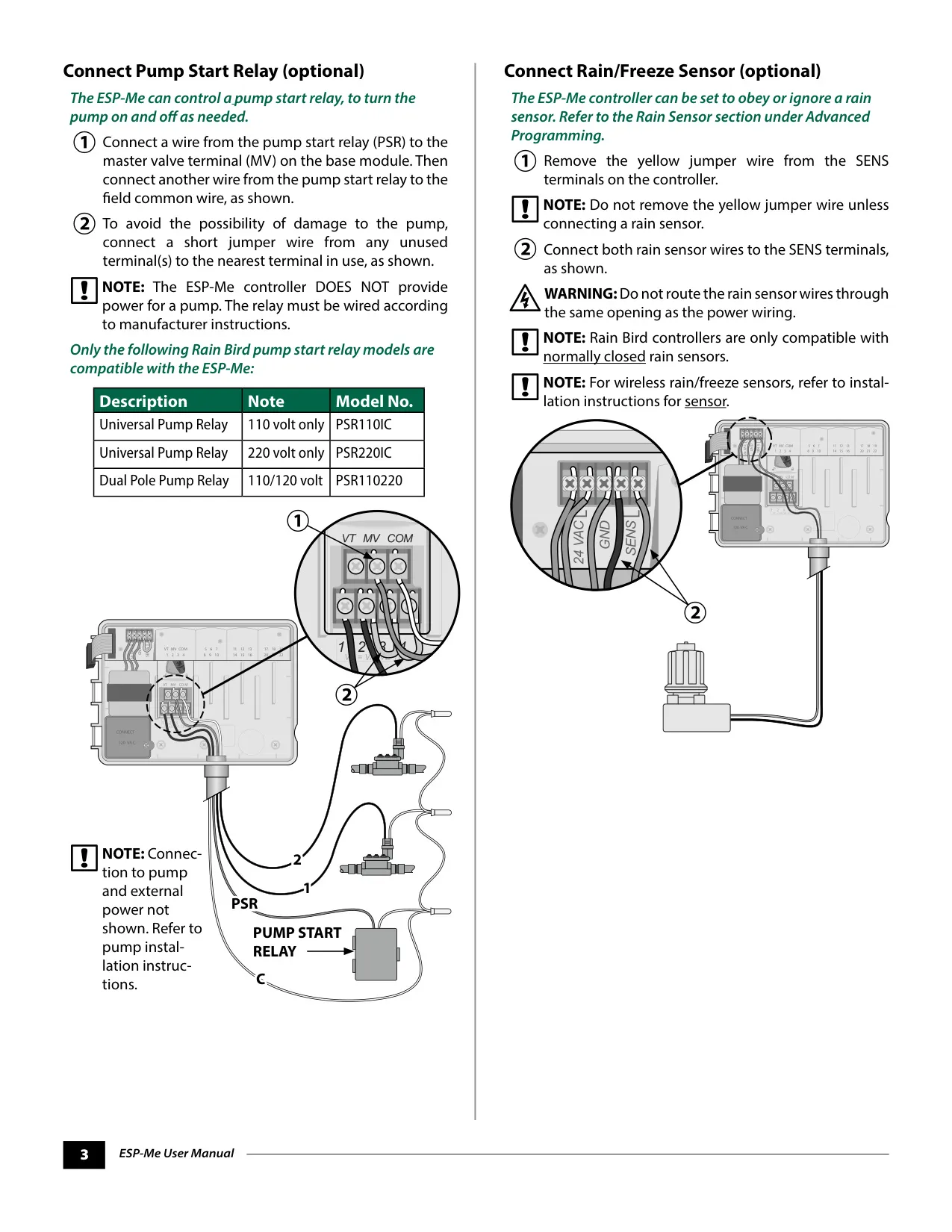
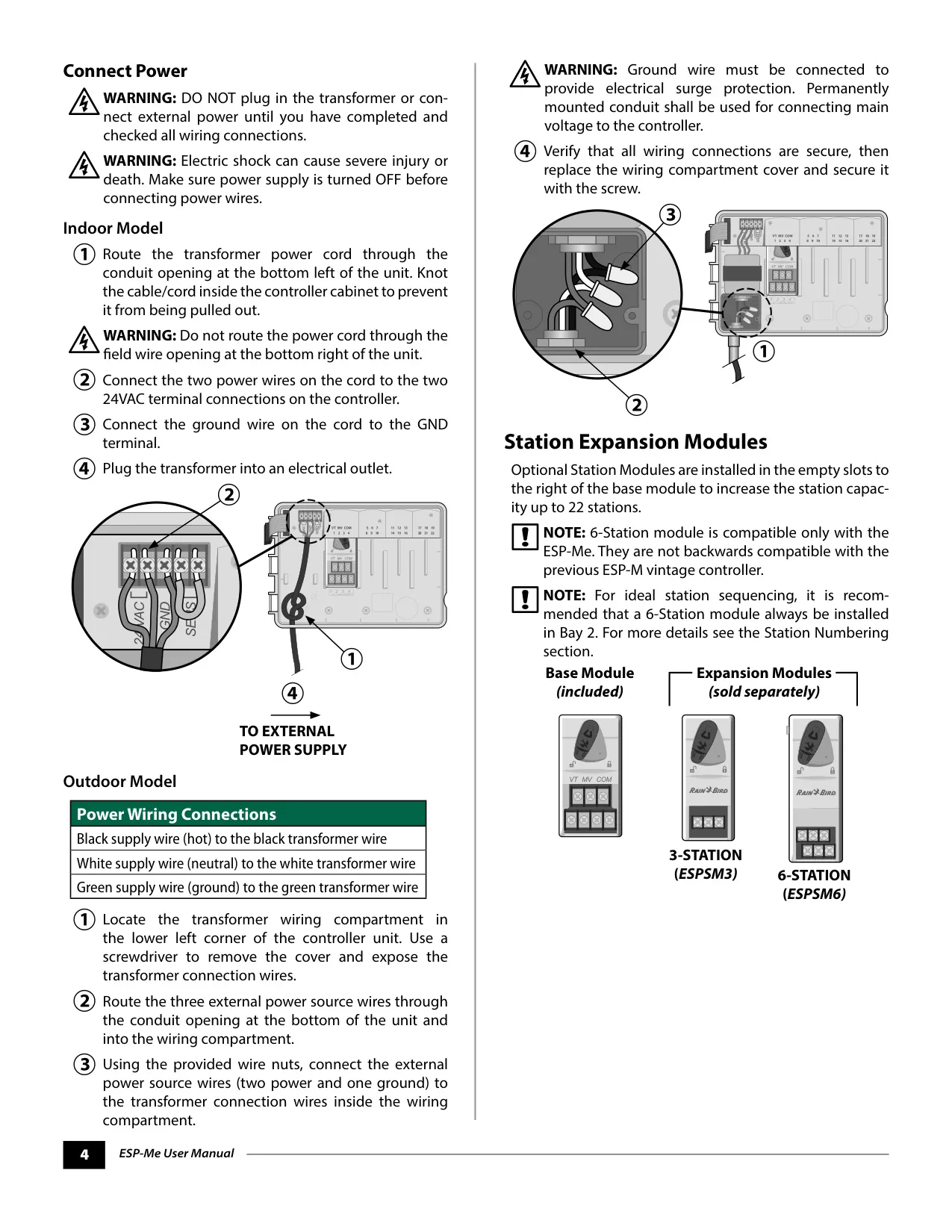
Wiring connections are crucial for optimal performance, requiring attention to detail when linking valves, the common wire, and any optional master valve or pump start relay. Users must ensure that valve wires are not routed through the same opening as power wiring to prevent damage. The controller is compatible with normally closed rain sensors, and the yellow jumper wire must be removed when connecting one. Power connections differ slightly for indoor and outdoor models, with a critical warning to connect the ground wire for surge protection.
A standout feature is its WiFi Enabled capability, thanks to the optional LNK WiFi Module (sold separately). This module allows remote connection to the ESP-Me controller via an Apple iOS or Android compatible smart device, enabling users to access and configure their irrigation system from anywhere. This remote management significantly enhances convenience and control, allowing for real-time adjustments and monitoring.
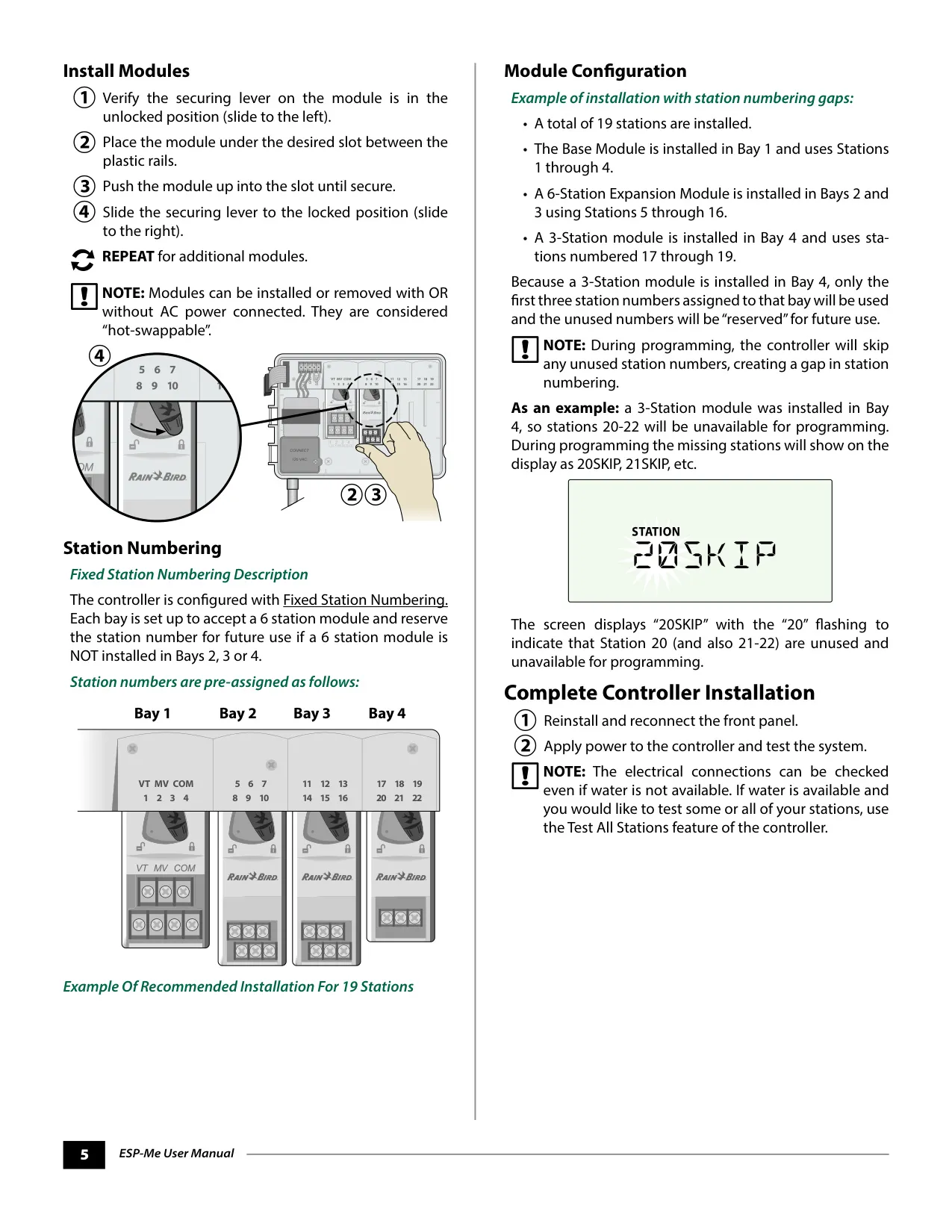
Station expansion is facilitated by "hot-swappable" 3- or 6-Station modules, which can be installed or removed even with AC power connected. The controller utilizes fixed station numbering, meaning each bay reserves specific station numbers. If a module with fewer stations is installed, the unused numbers will be "skipped" during programming, indicating their unavailability. For instance, a 3-station module in Bay 4 would show stations 20-22 as "SKIP."
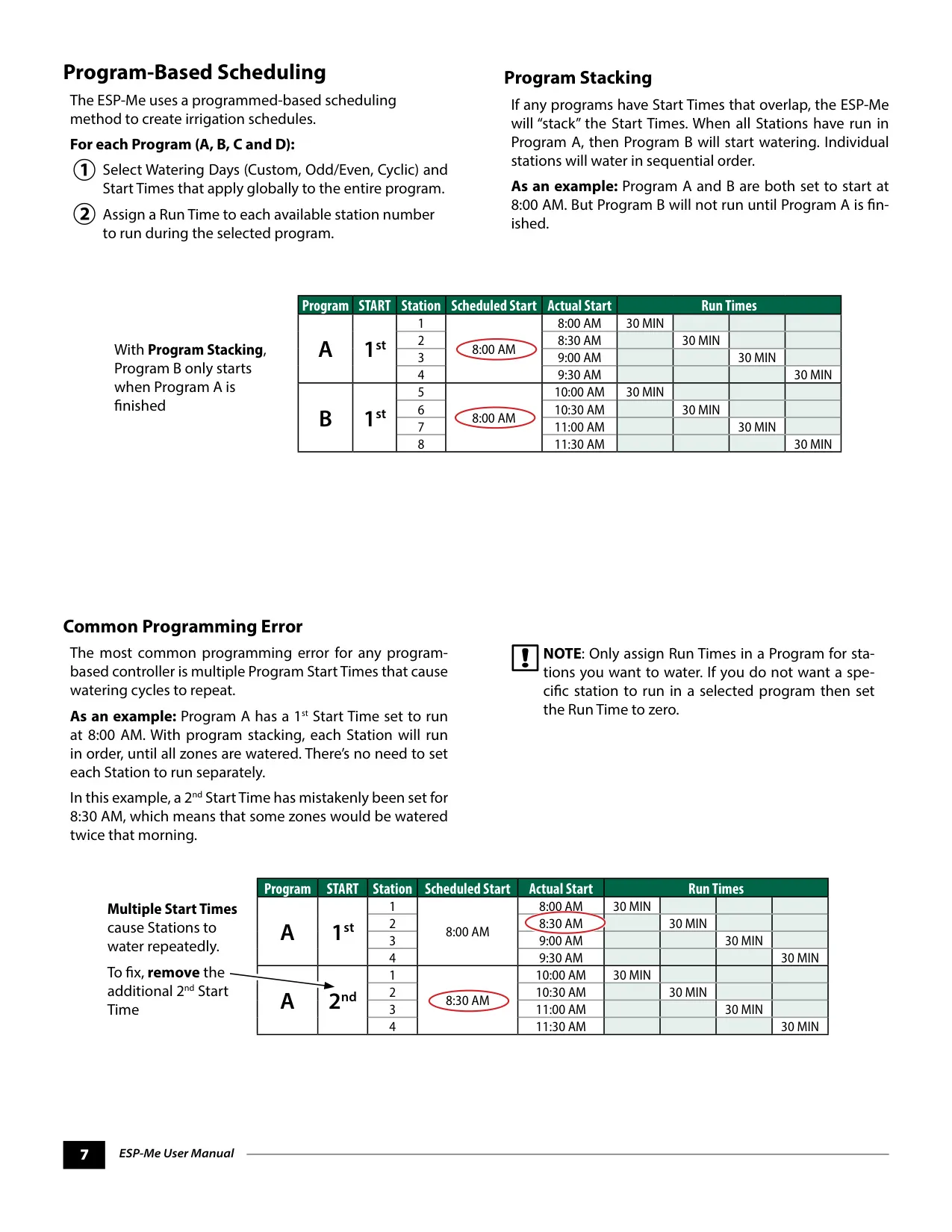
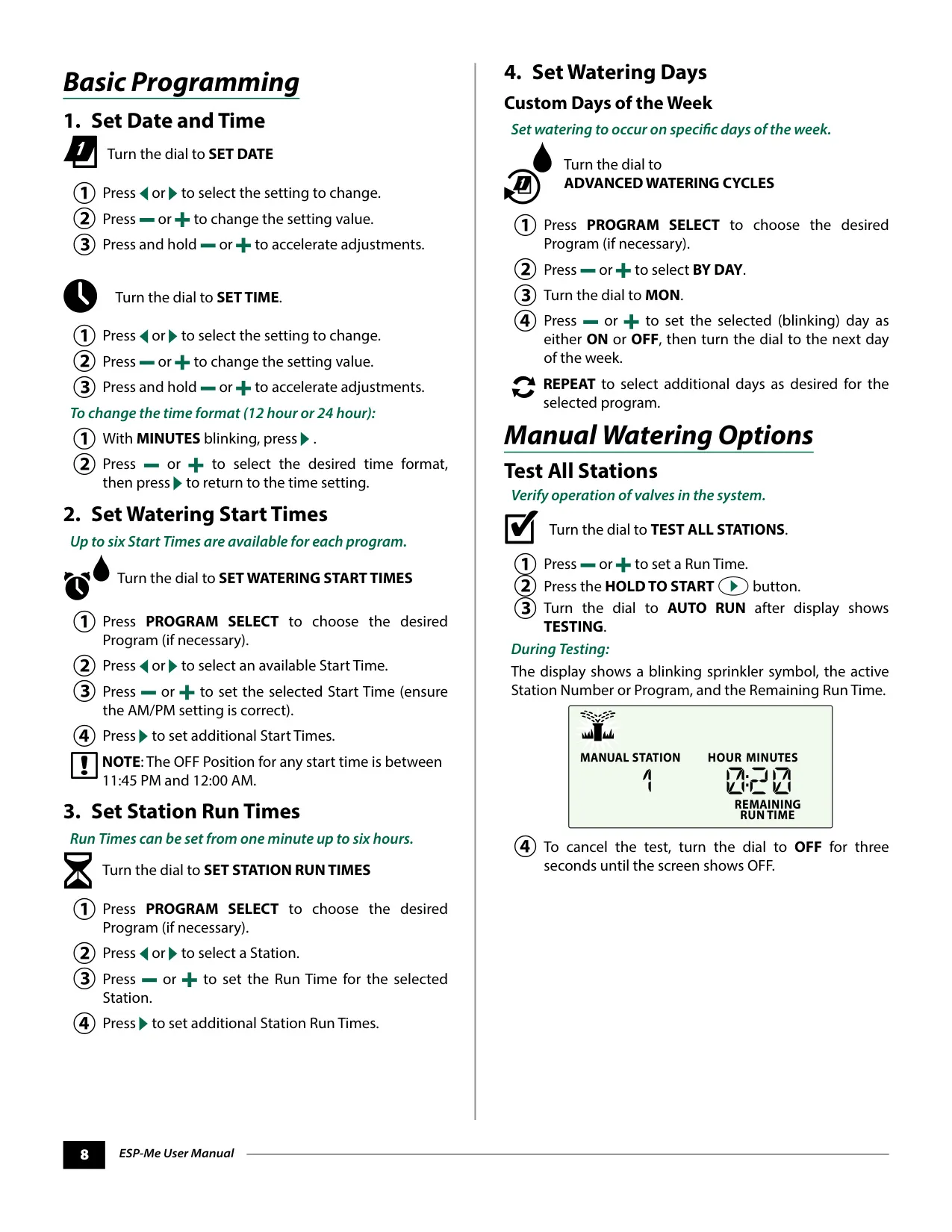
The ESP-Me employs a program-based scheduling method with four independent programs (A, B, C, D). Each program can have up to six start times, and users can customize watering days (custom, odd, even, or cyclic). A common programming error to avoid is setting multiple start times within the same program, which can lead to redundant watering cycles. The controller's Program Stacking feature intelligently sequences overlapping programs, ensuring one program completes before the next begins.
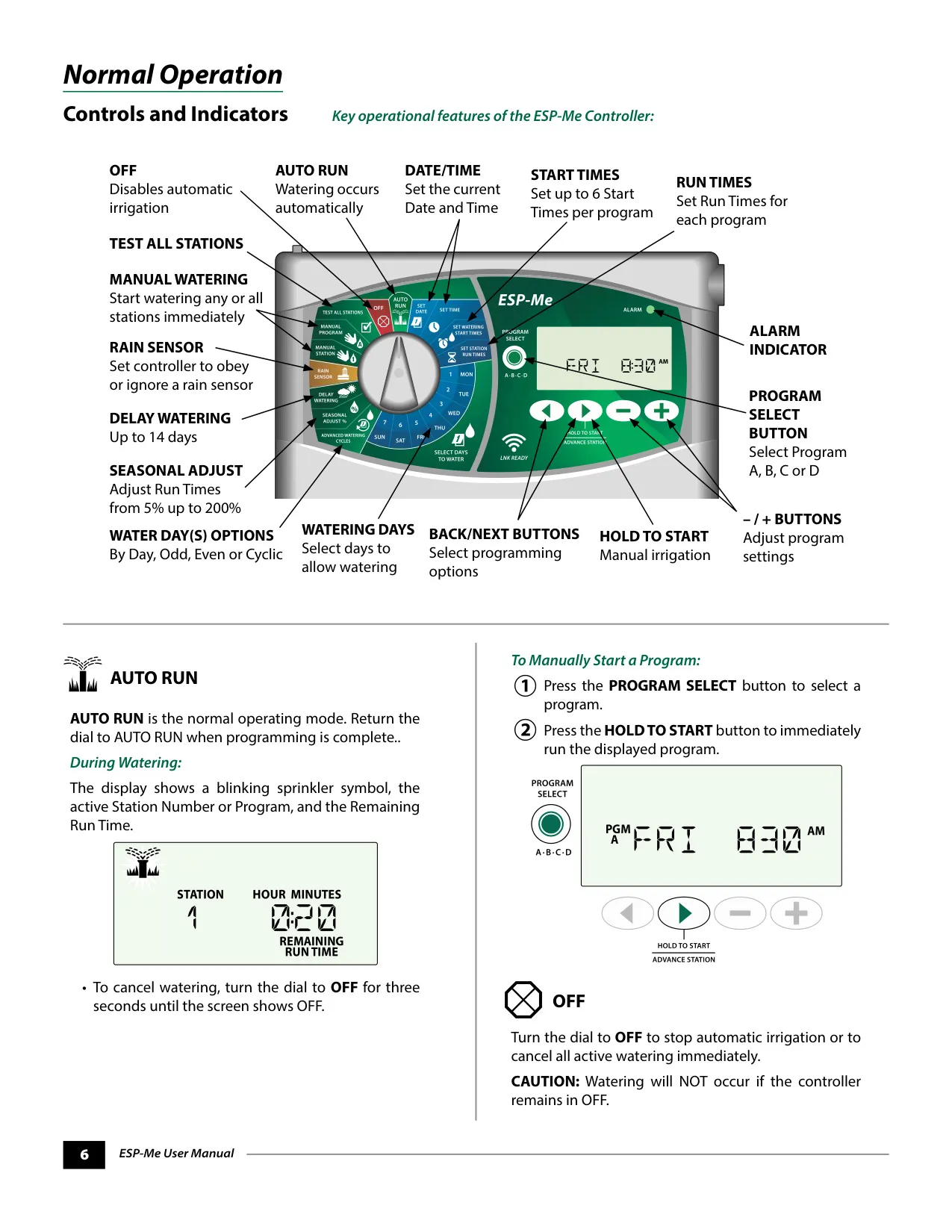
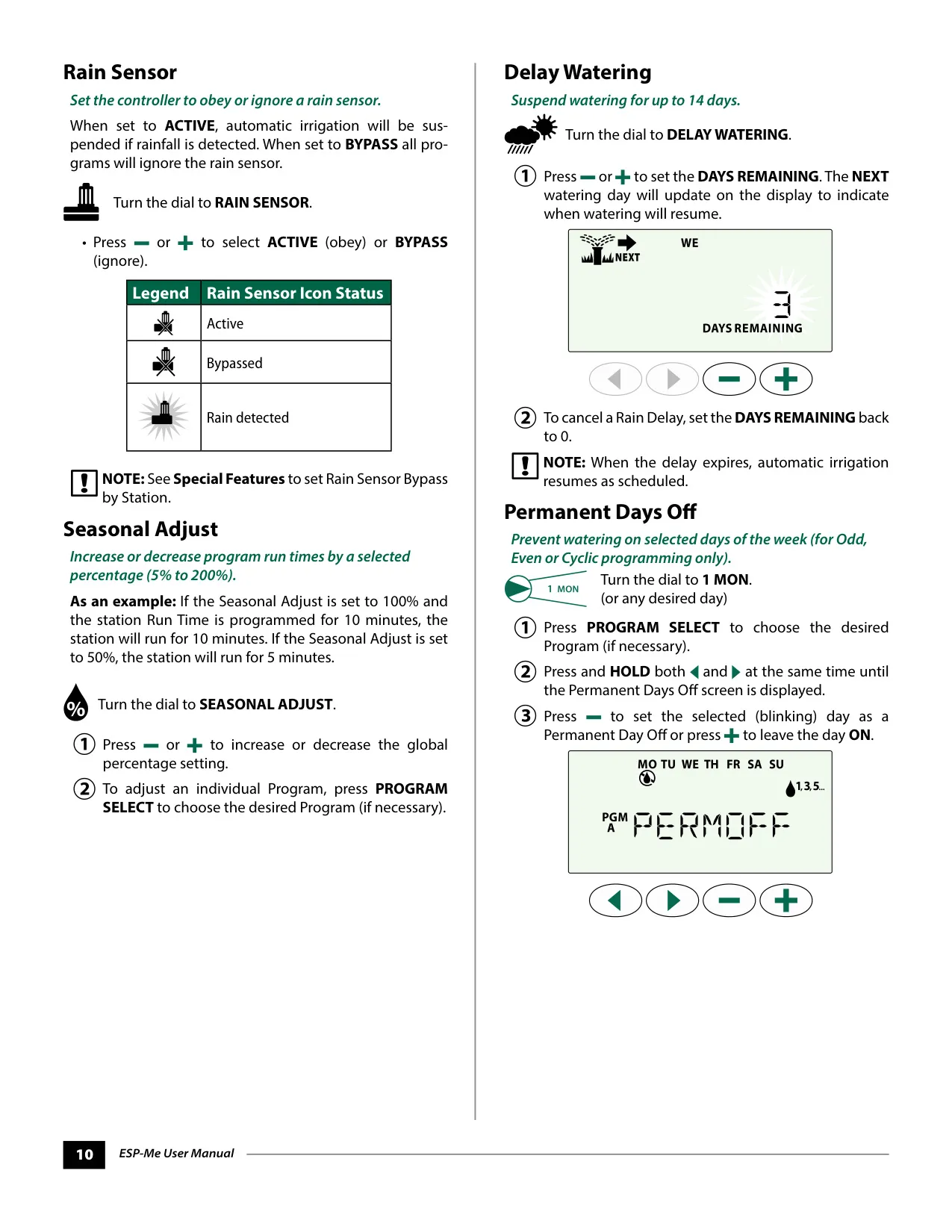
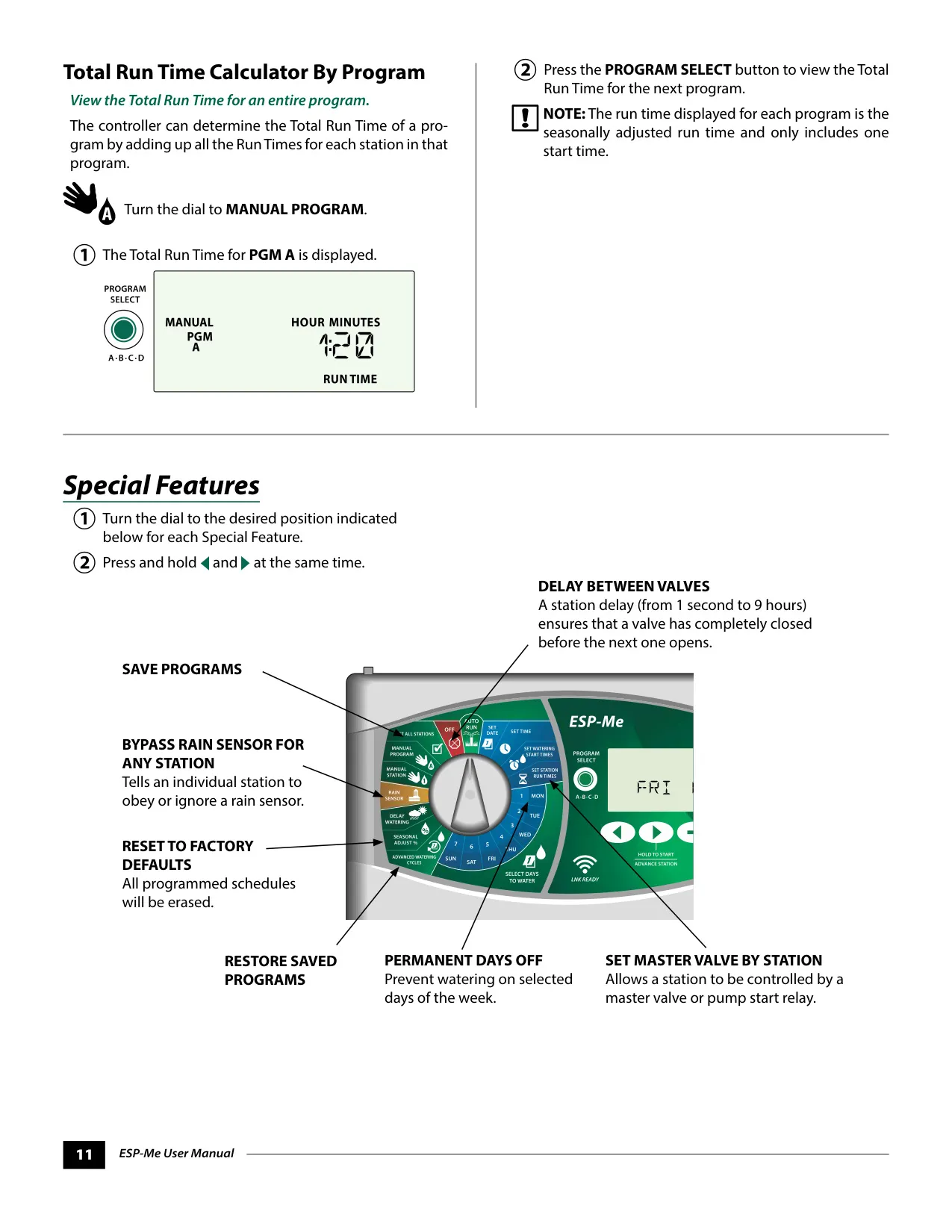
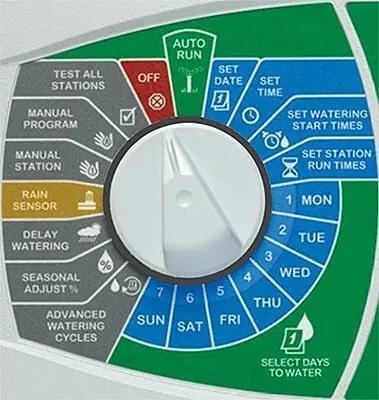
Advanced programming options further enhance control. The Seasonal Adjust feature allows global or program-specific adjustment of run times from 5% to 200%, ideal for adapting to changing weather conditions. Users can also implement a Delay Watering period for up to 14 days, suspending irrigation for a set duration. Unique "Special Features" are accessible by holding specific buttons, offering capabilities like setting a delay between valves (1 second to 9 hours) or bypassing the rain sensor for individual stations.
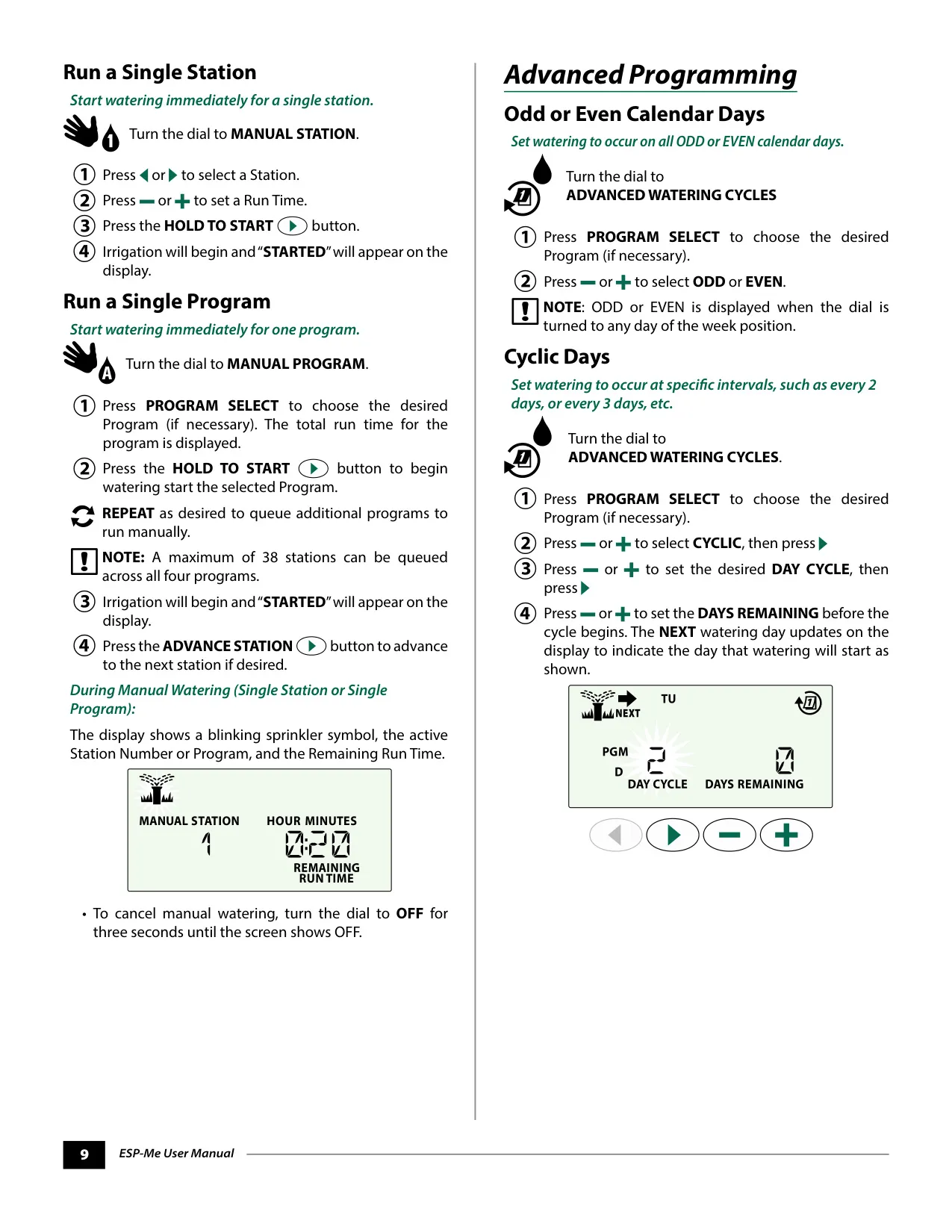
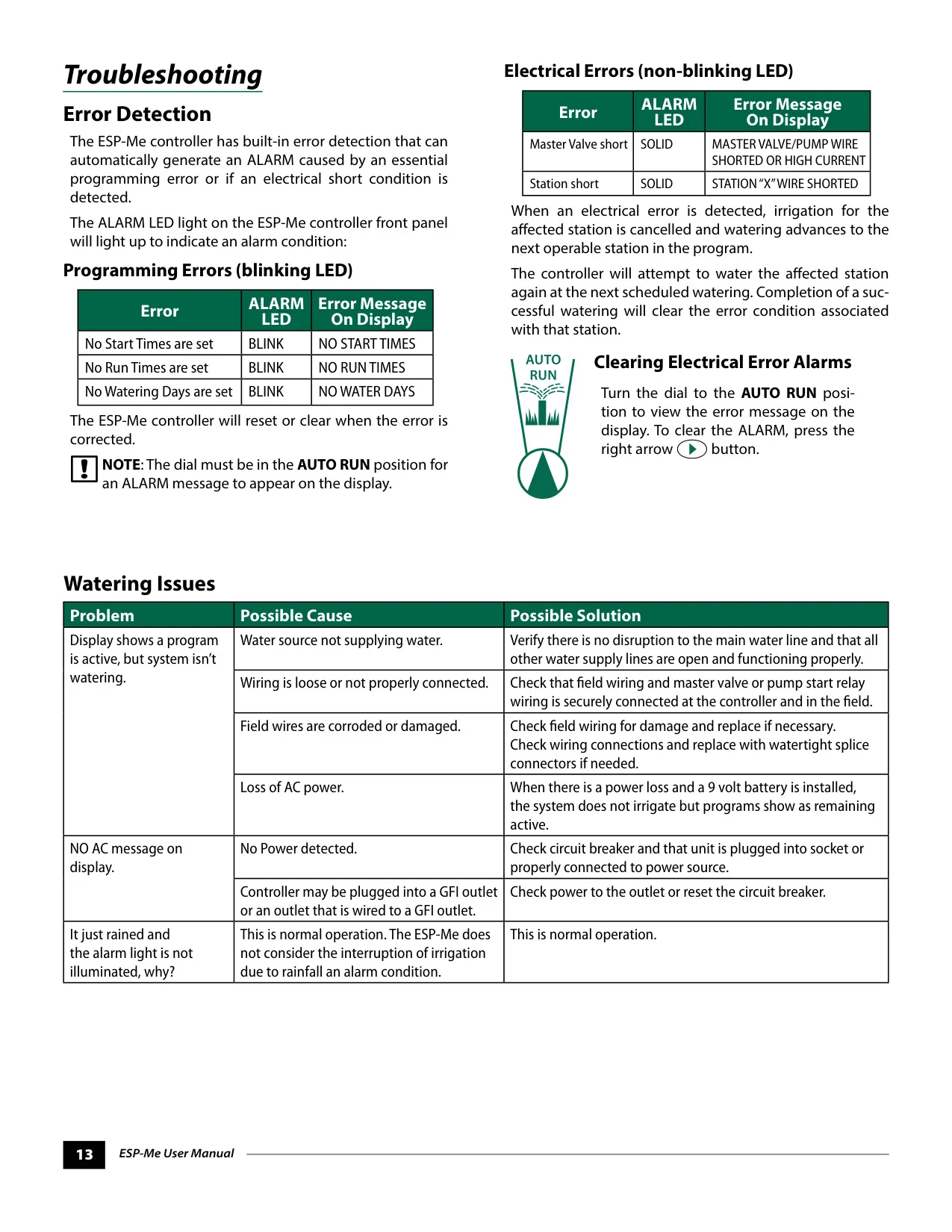
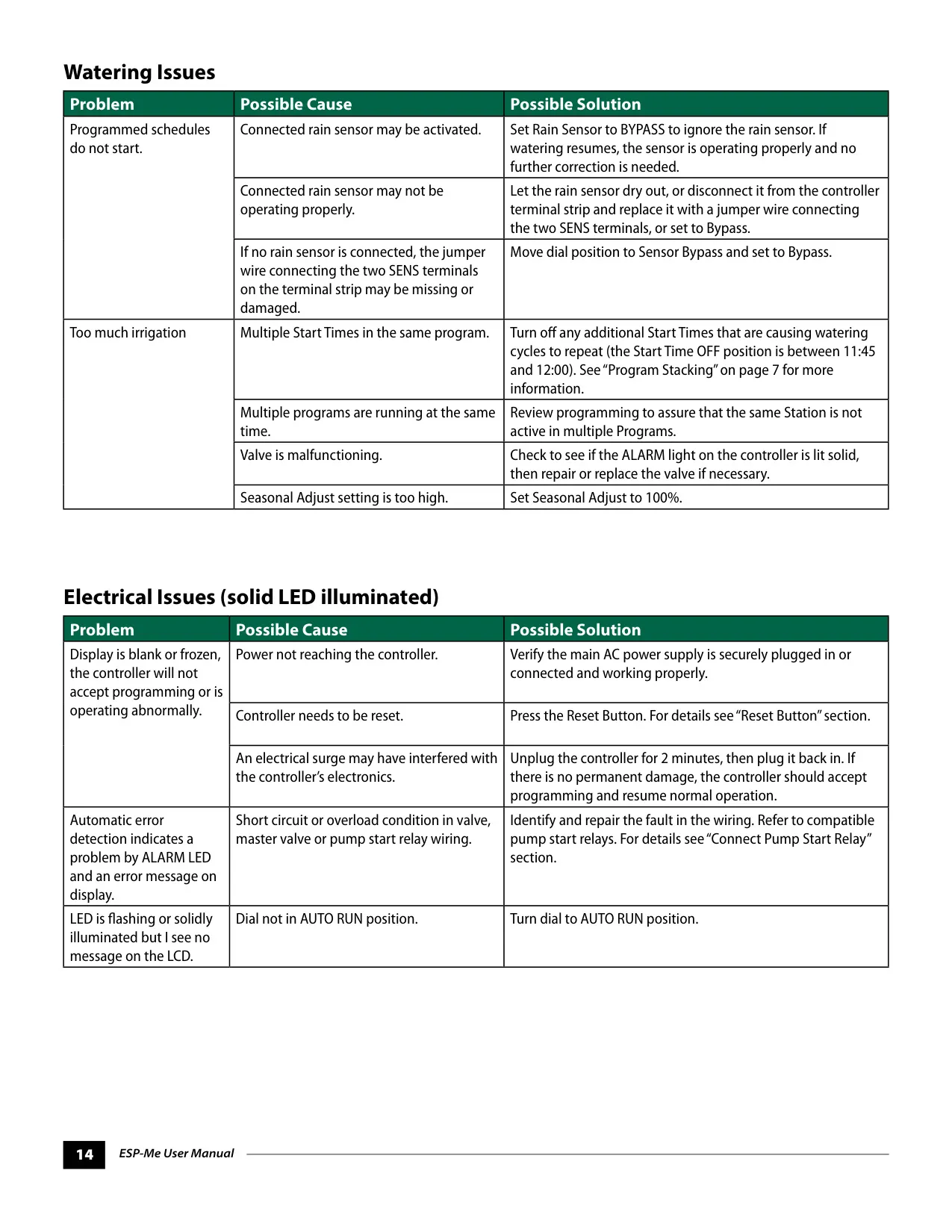
Manual watering options include testing all stations, running a single station, or initiating a single program immediately. The controller’s diagnostic capabilities include Error Detection, indicated by a blinking (programming errors) or solid (electrical errors) ALARM LED. Programming errors are corrected when the issue is resolved, while electrical errors cause the controller to skip the affected station and attempt to water it again at the next scheduled time, clearing the alarm upon successful completion.
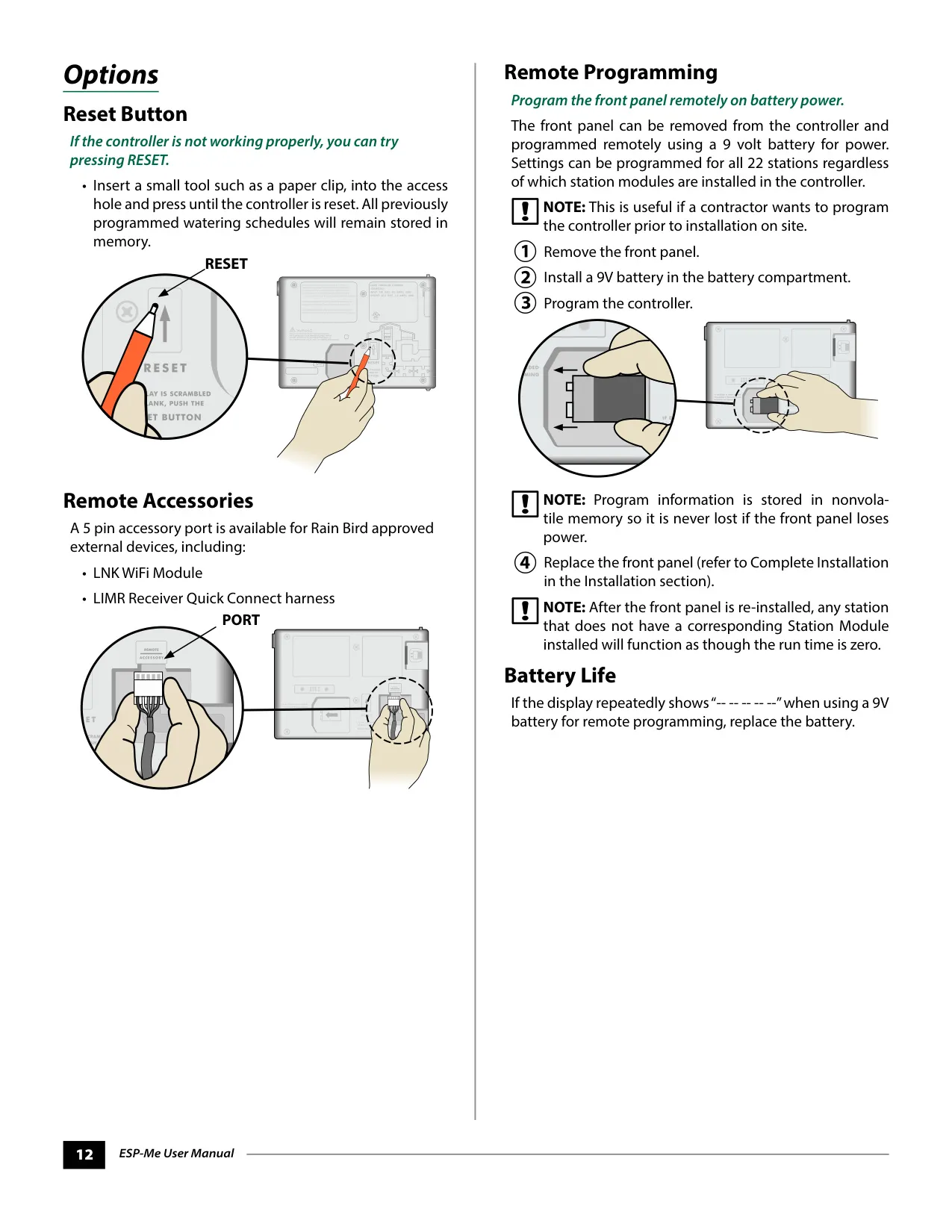
For added convenience, the front panel can be removed and programmed remotely using a 9V battery. This allows contractors to pre-program settings before installation, and the non-volatile memory ensures schedules are retained even if power is lost. The controller also includes a reset button that clears minor glitches without erasing programmed schedules. Overall, the Rain Bird ESP-Me offers comprehensive, user-friendly control over irrigation, backed by thoughtful design and troubleshooting support.
Frequently Asked Questions (FAQs)
Can't find the answer you need? Here are some frequently asked questions about the Rain Bird ESP-ME, and we answer them below.