Rain Bird ISM-9 Instruction Manual

Manual Rain Bird ISM-9 Instruction Manual

Rain Bird ISM-9 Instruction Manual
5/5 (1👤)
📕 Manual PDF 📄 43 Pages
★Rate It★

How many stars do you give this manual?

Rain Bird ISM-9

Full Screen

Rain Bird ISM-9 Instructions

Here we offer the Rain Bird ISM-9 manual completely free and in English. We have cataloged this manual in the Irrigation Controllers section on Manualverse, and it has been rated by 1 users with an average rating of 5. If you have any specific questions about Rain Bird ISM-9, we suggest checking the Frequently Asked Questions (FAQs) section of this manual.


Product Images

Imagen 1
Imagen 2
Imagen 3
Imagen 4
Miniatura 1
Miniatura 2
Miniatura 3
Miniatura 4

Rain Bird ISM-9 Specifications

Specification Detail
Model Rain Bird ISM-9 Sprinkler Timer
Number of Stations 9 watering stations (depending on model, ISM-9 specifically)
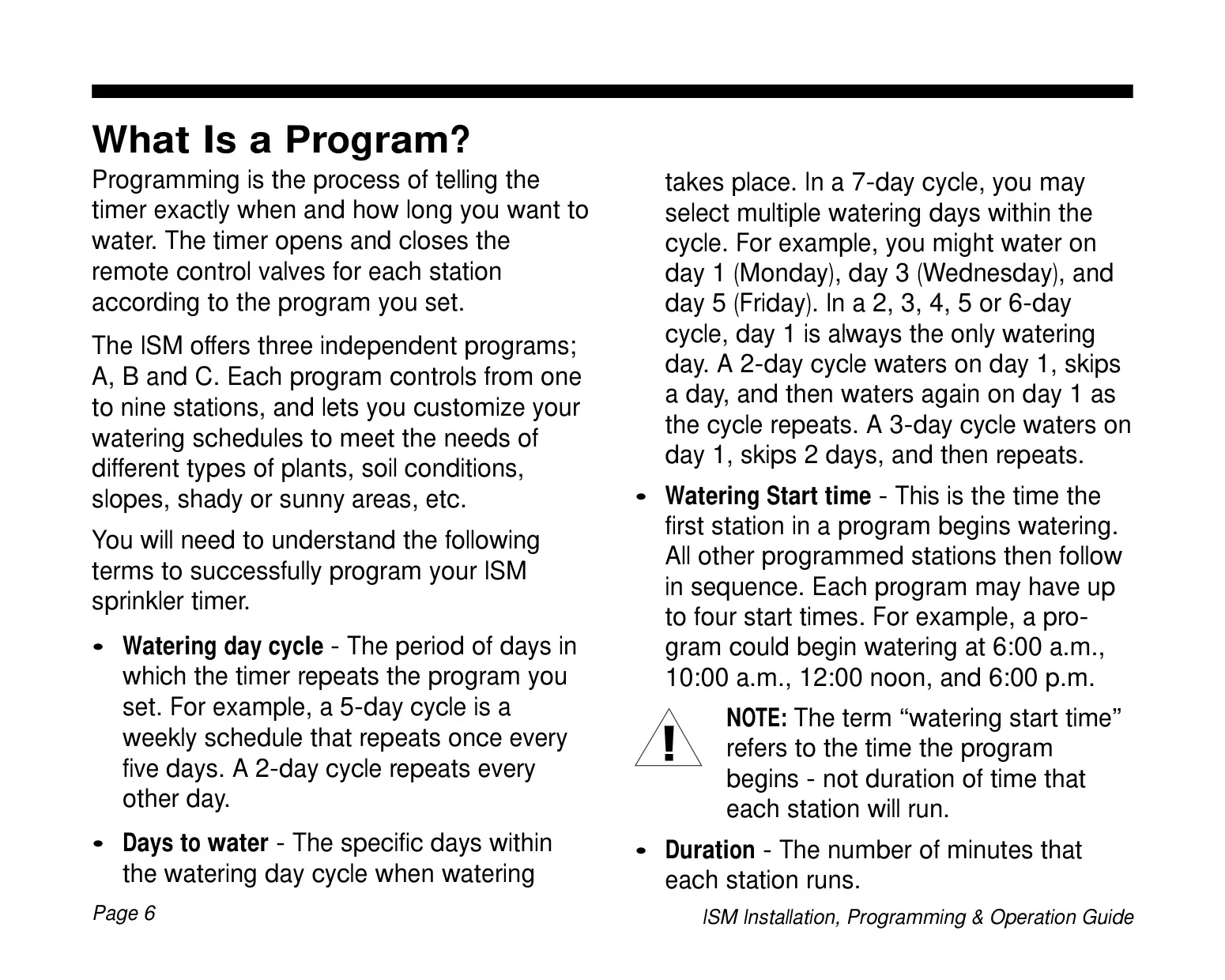
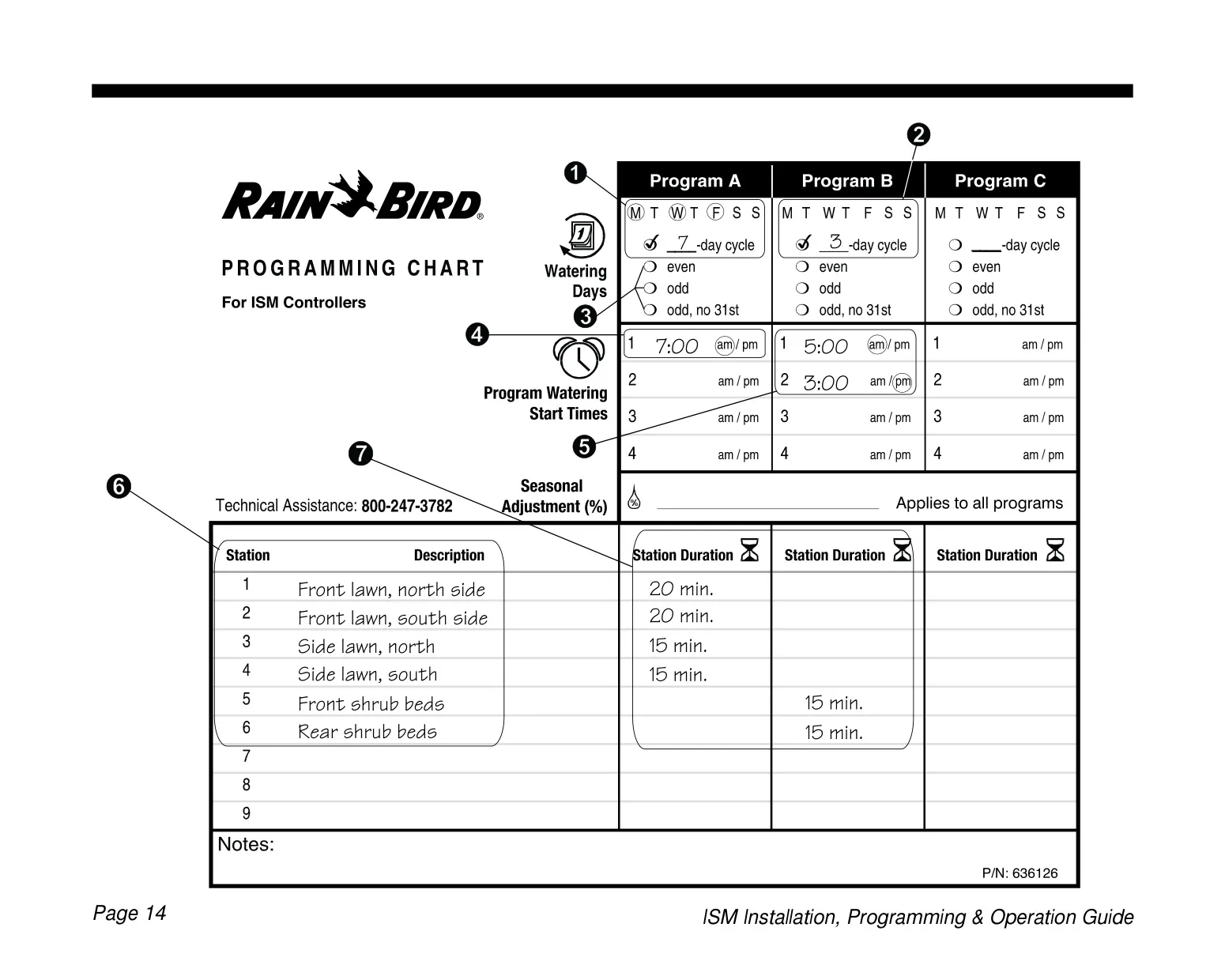
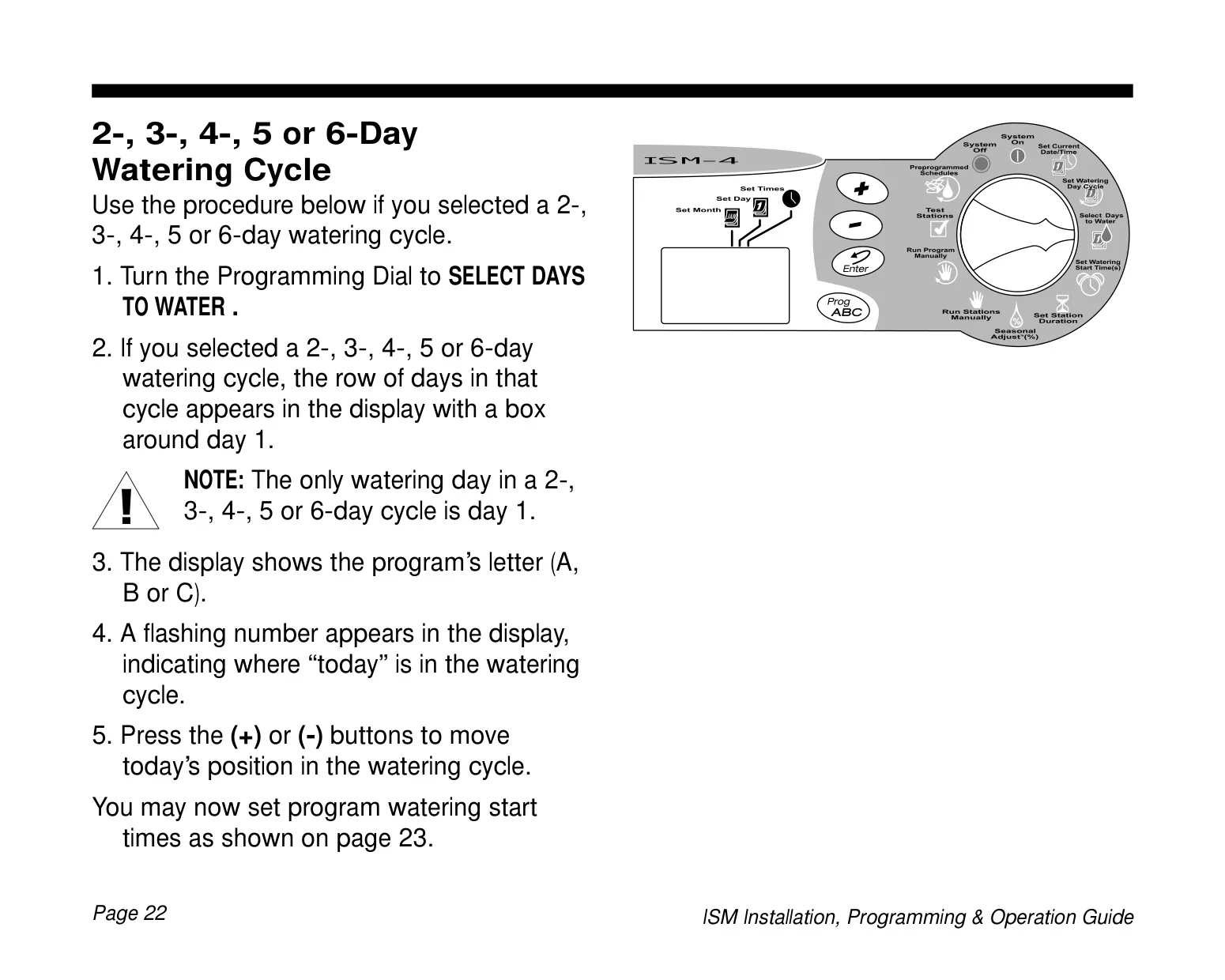
Programs 3 independent programs (A, B, C)
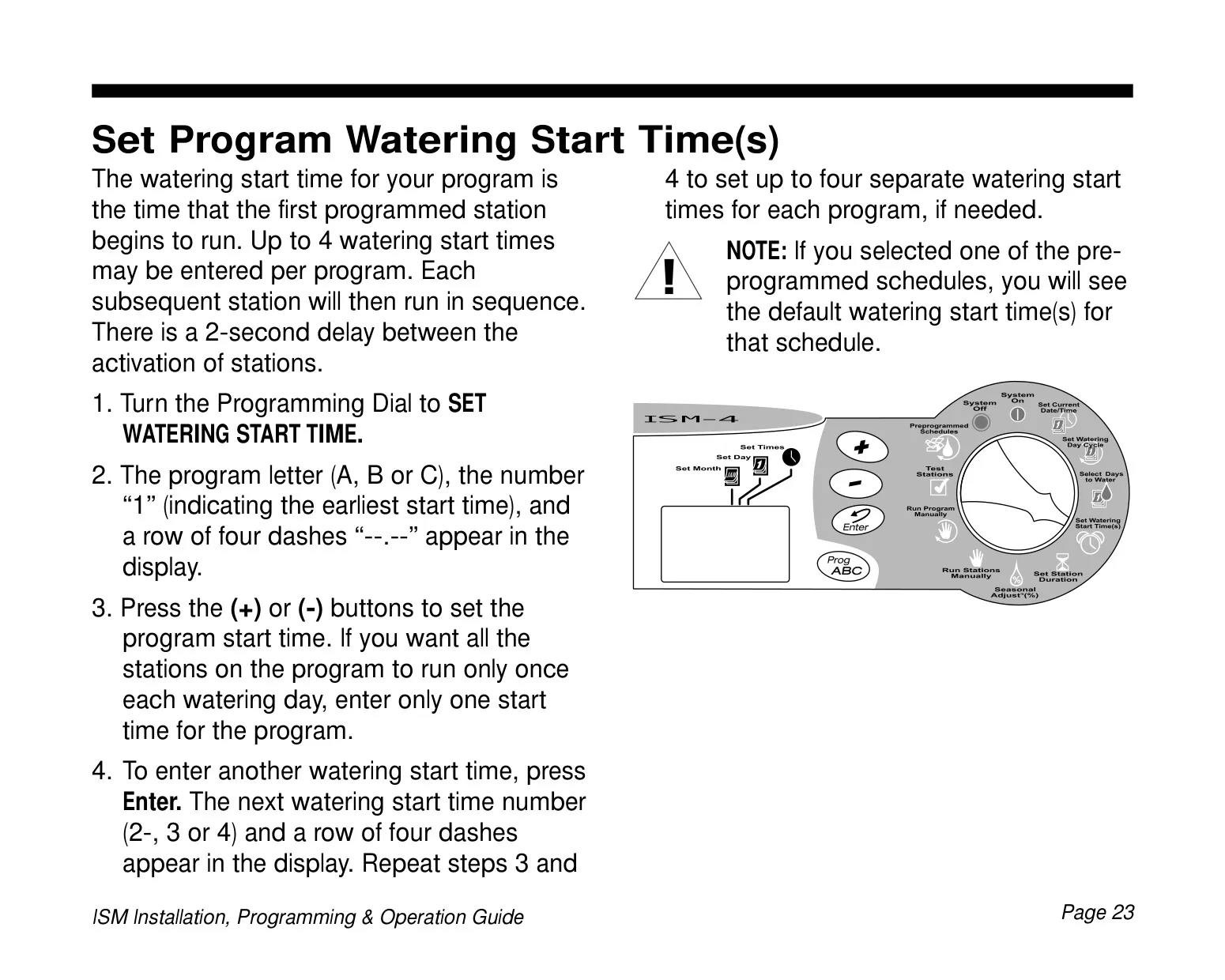
Watering Start Times per Program Up to 4
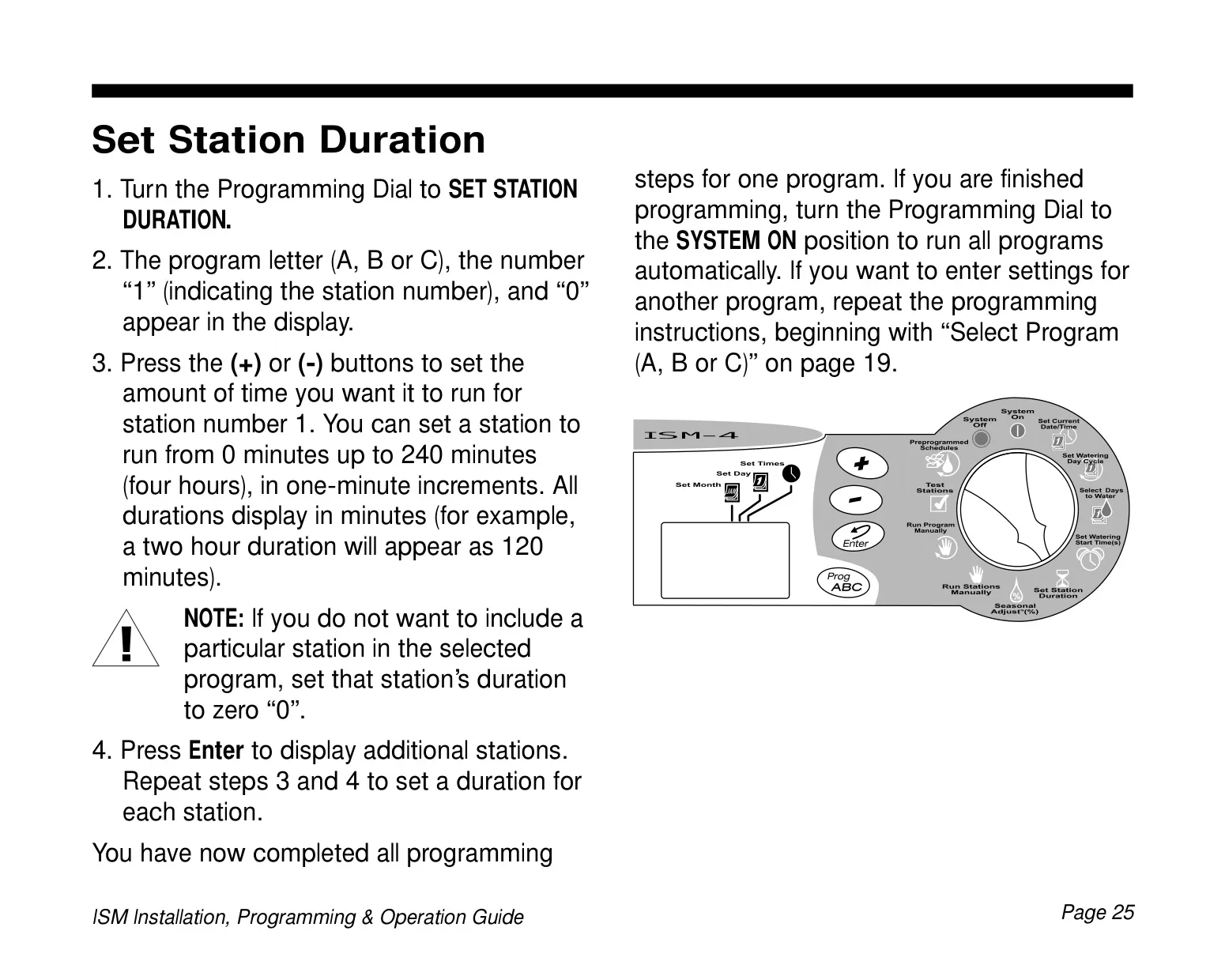
Station Duration Range 0 to 240 minutes (4 hours) in 1-minute increments
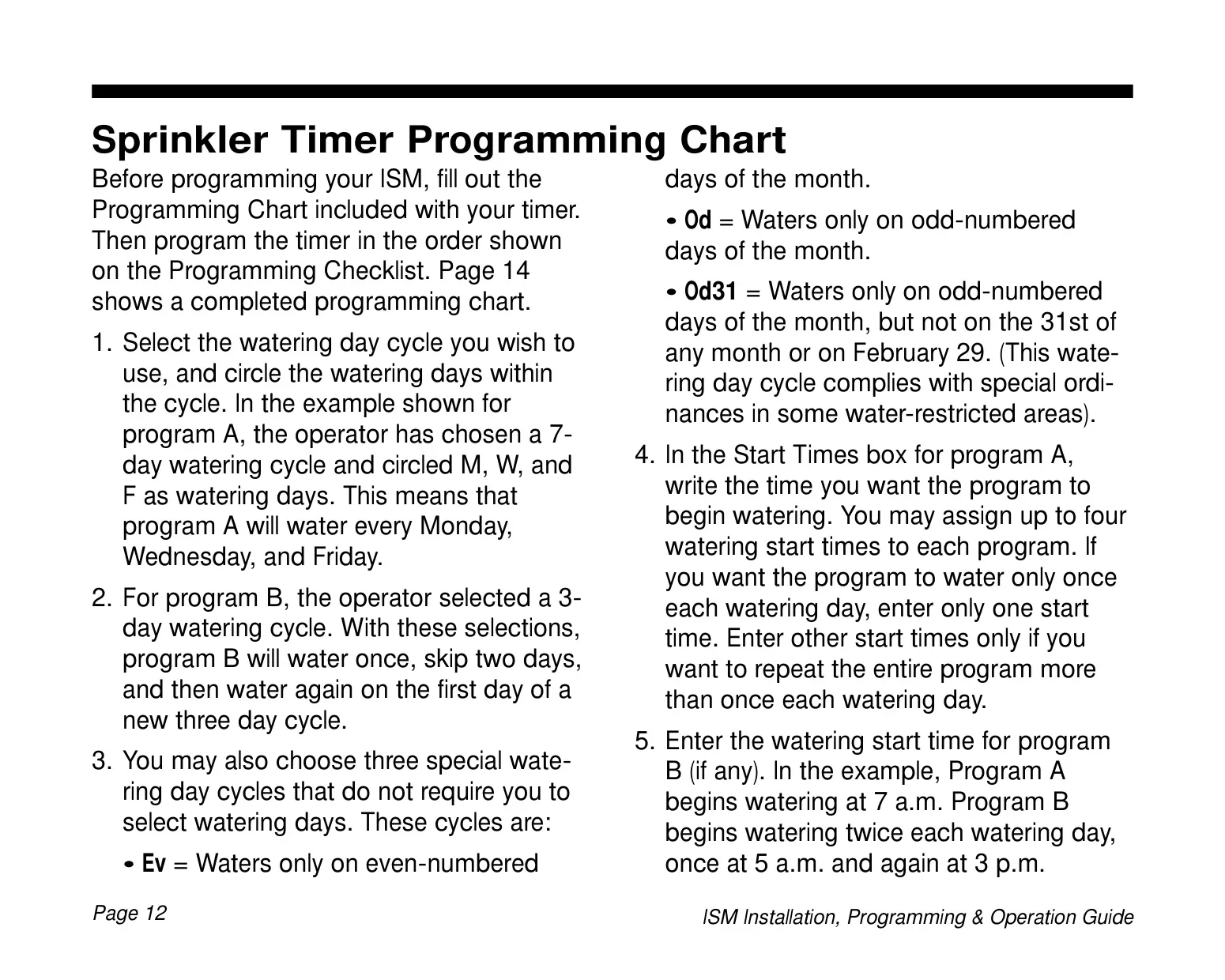
Watering Day Cycles 7-day (Custom), 2-day, 3-day, 4-day, 5-day, 6-day, Even (Ev), Odd (Od), Odd-31 (Od31)
Seasonal Adjust Range 10% to 200% in 10% increments (affects all programs/stations)
Power Input 24 VAC (from external transformer)
Battery Backup 9-Volt alkaline battery (retains time, date, and programming)
Installation Environment Indoor only (requires water-resistant cabinet for outdoor use)
Display Type Liquid Crystal Display (LCD)
Compliance FCC Class B computing device (Part 15, Subpart J)

Rain Bird ISM-9 Details
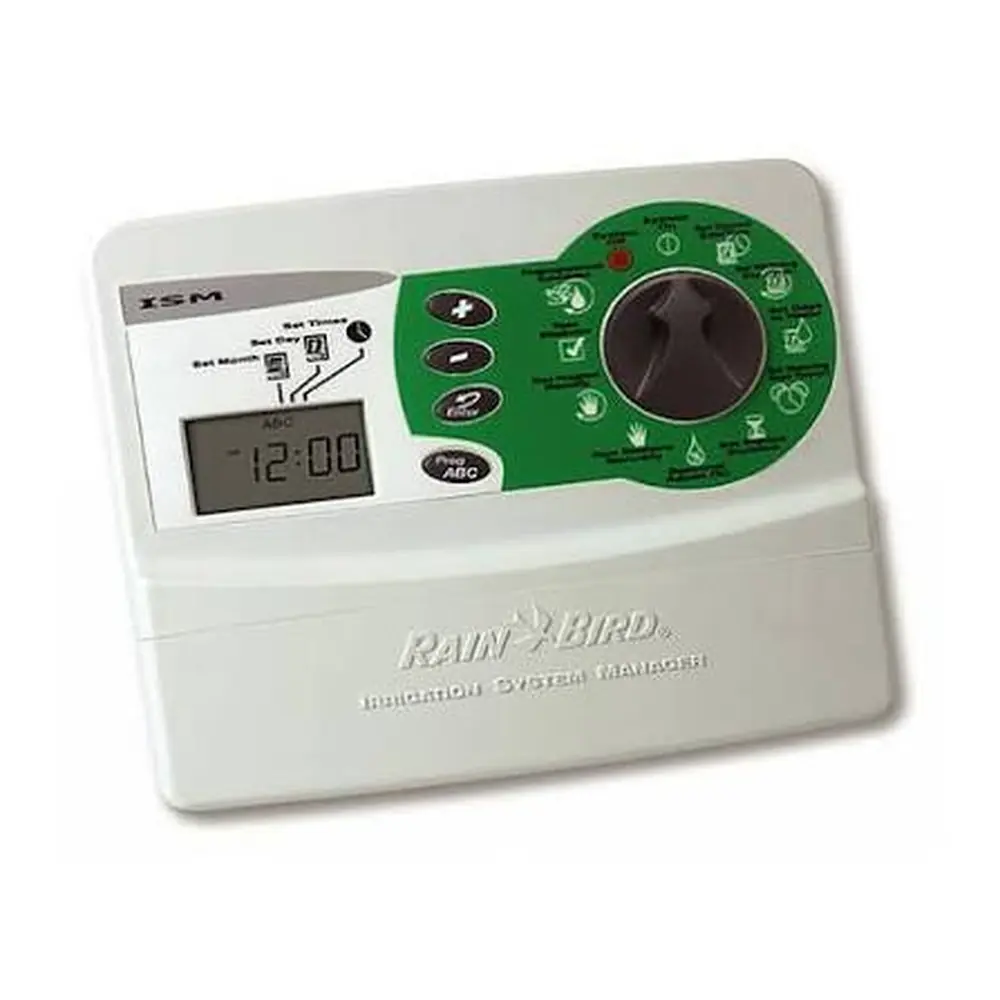
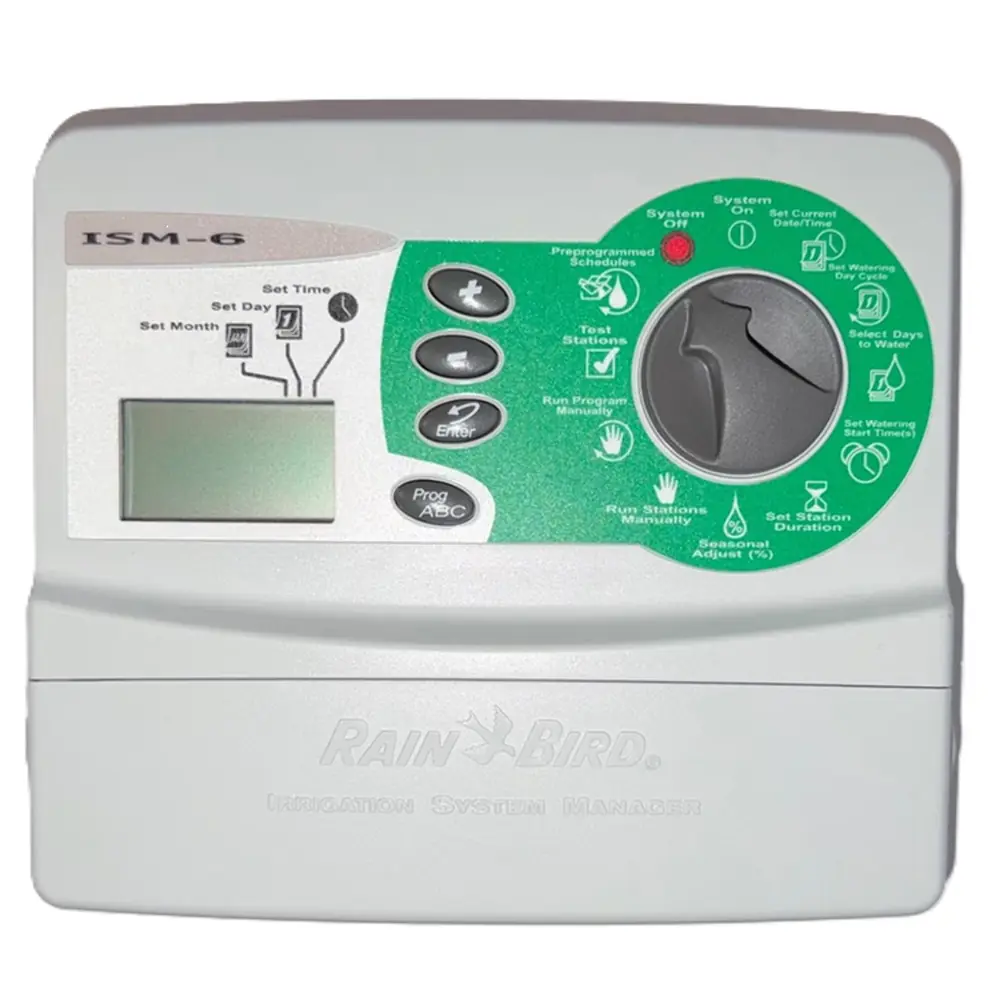
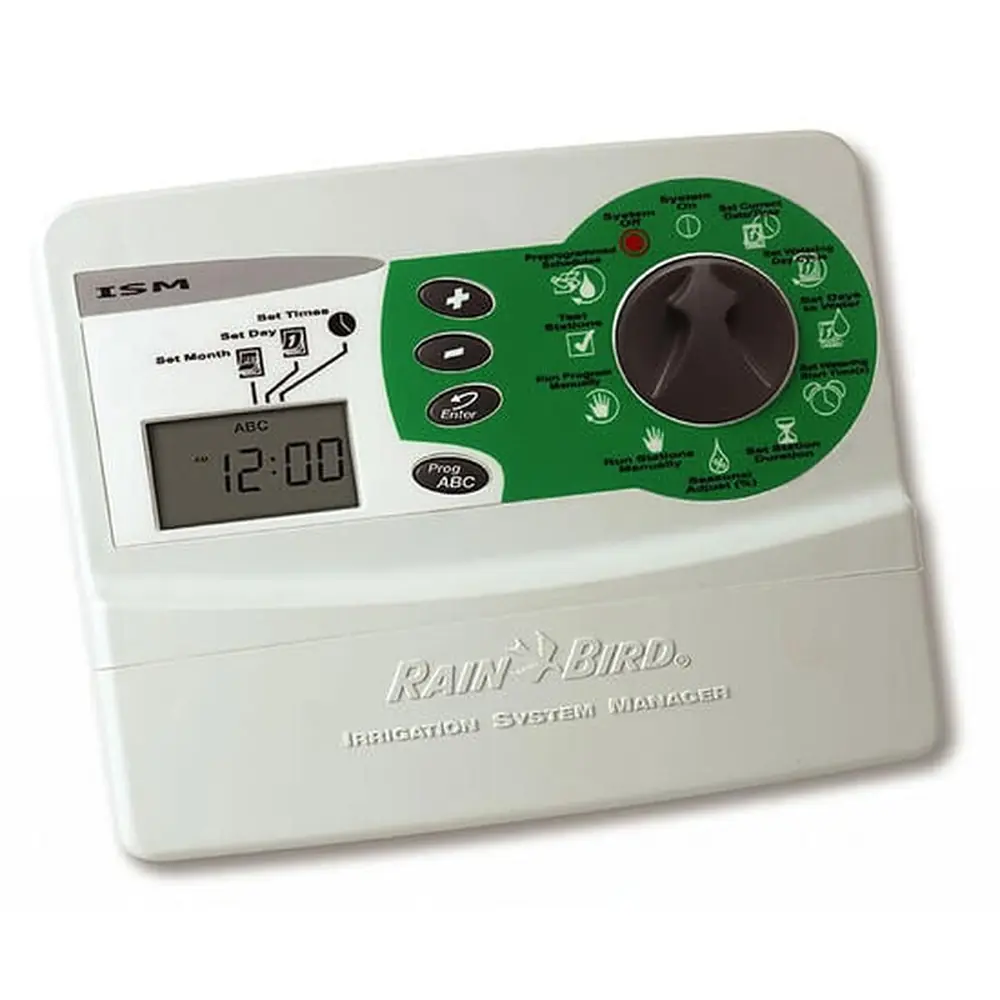
The Rain Bird ISM-9 is a sophisticated yet user-friendly irrigation system manager designed to optimize watering schedules for residential landscapes. Its compact form factor makes it ideal for indoor installation, typically in a utility room or garage, at eye level for easy access and programming. This timer is built to withstand minor power interruptions, featuring a robust 9-Volt alkaline battery backup that safeguards all programmed settings, including the current time and date.
One of the standout capabilities of the ISM-9 is its flexibility in scheduling. Beyond the three independent programs (A, B, C) that allow for tailored watering based on plant types or sun exposure, it offers unique watering day cycles. These include Even (Ev), Odd (Od), and Odd-31 (Od31) day options, the latter accommodating specific water restrictions by avoiding the 31st of any month and February 29th. This level of customization ensures water is applied efficiently.

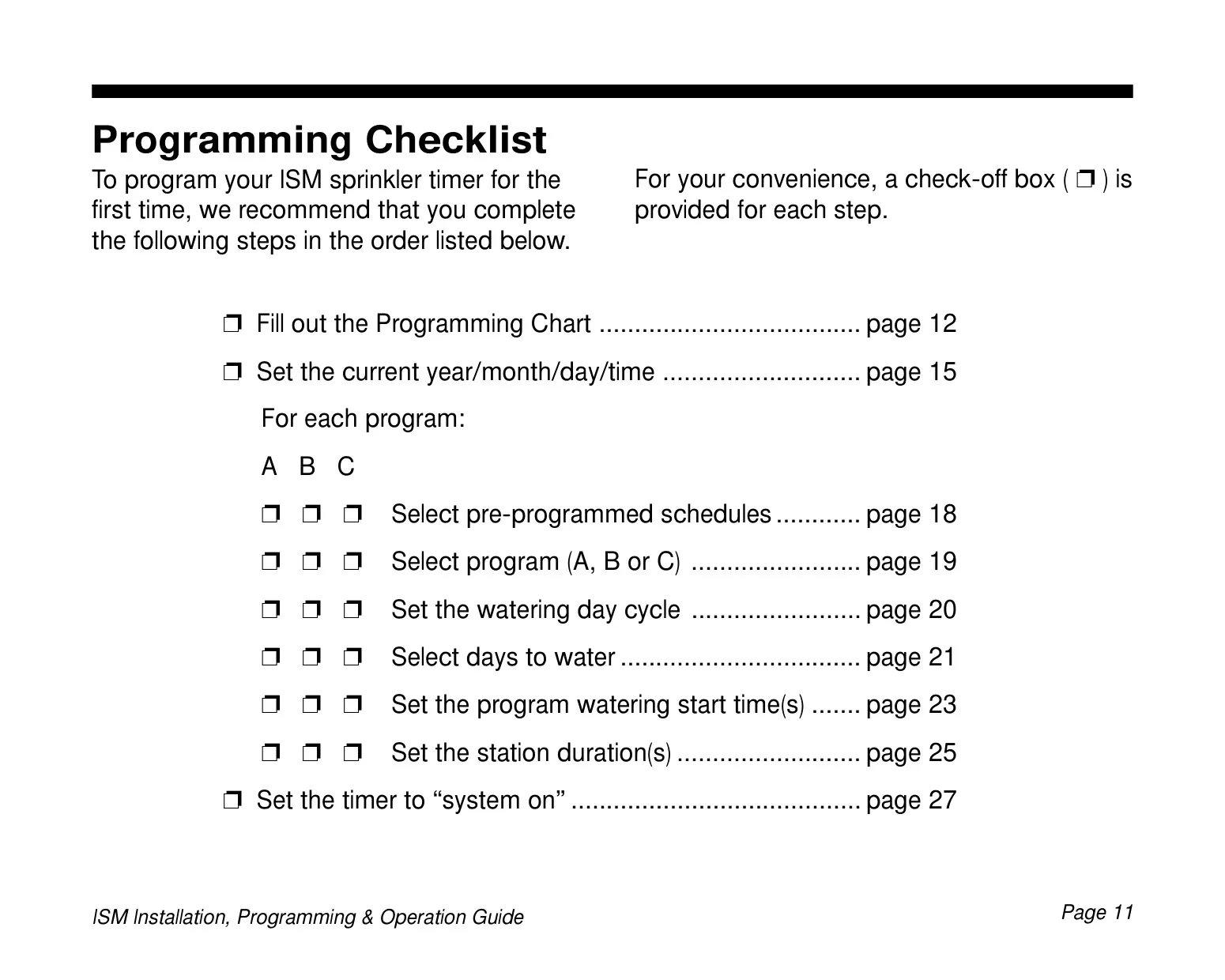
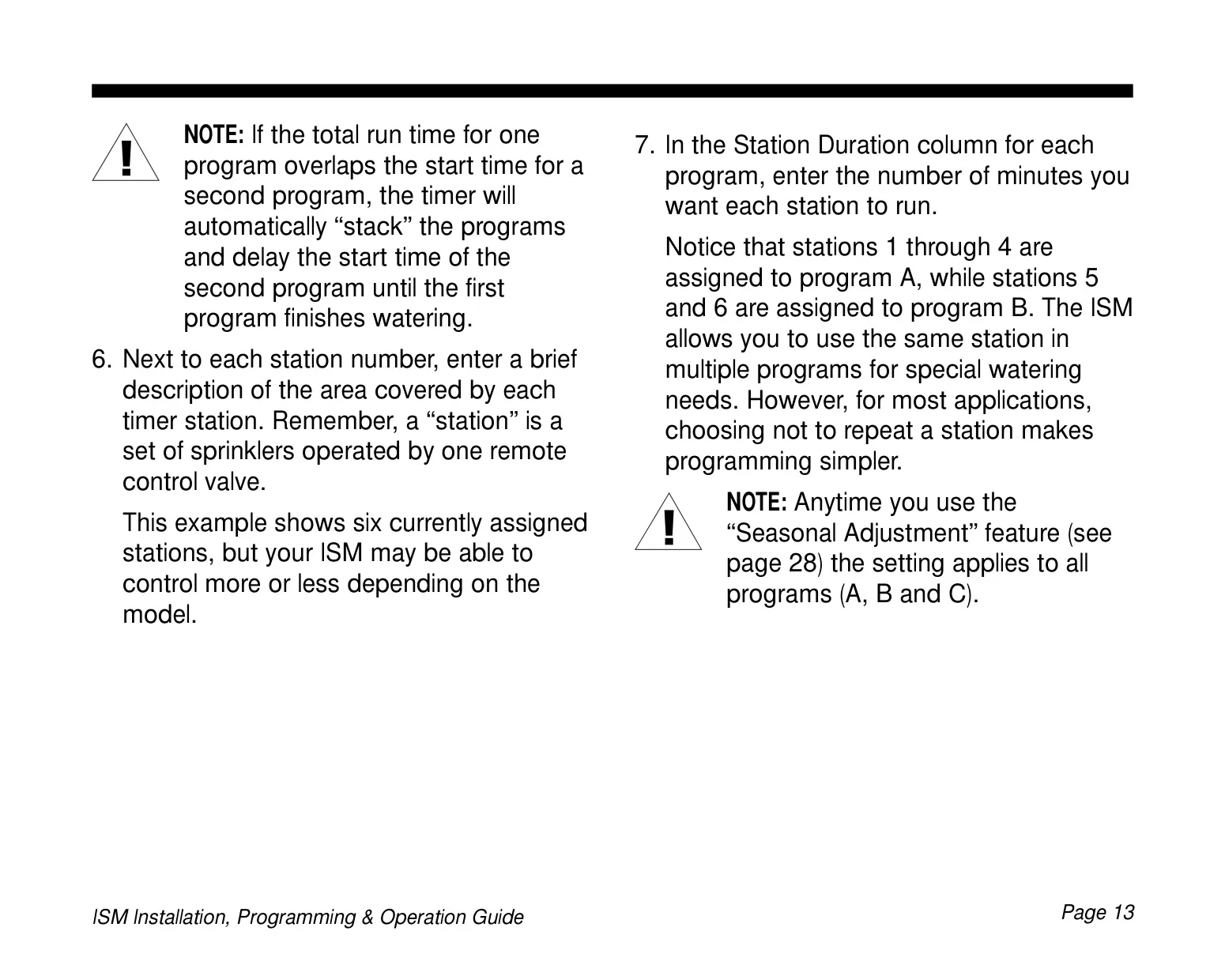
For added convenience, the ISM-9 comes equipped with three pre-programmed watering schedules (e.g., watering all stations for five minutes three times daily, or ten minutes every other day). Users can select these as a starting point and then modify them to perfectly match their specific landscape needs, saving significant setup time. The system intelligently handles overlapping program start times by "stacking" them, ensuring that one program finishes before the next one begins, thus preventing simultaneous operation and potential pressure issues.

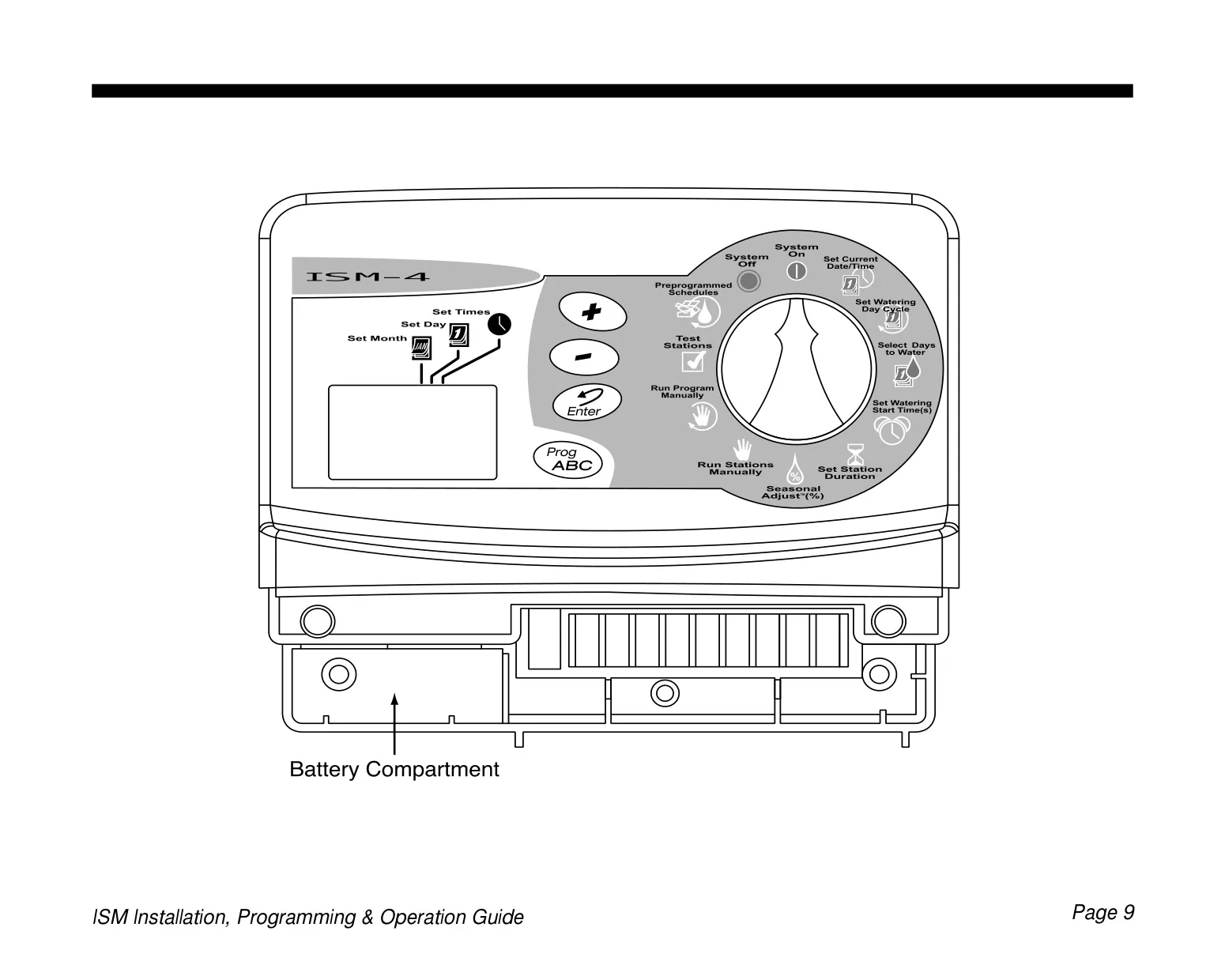
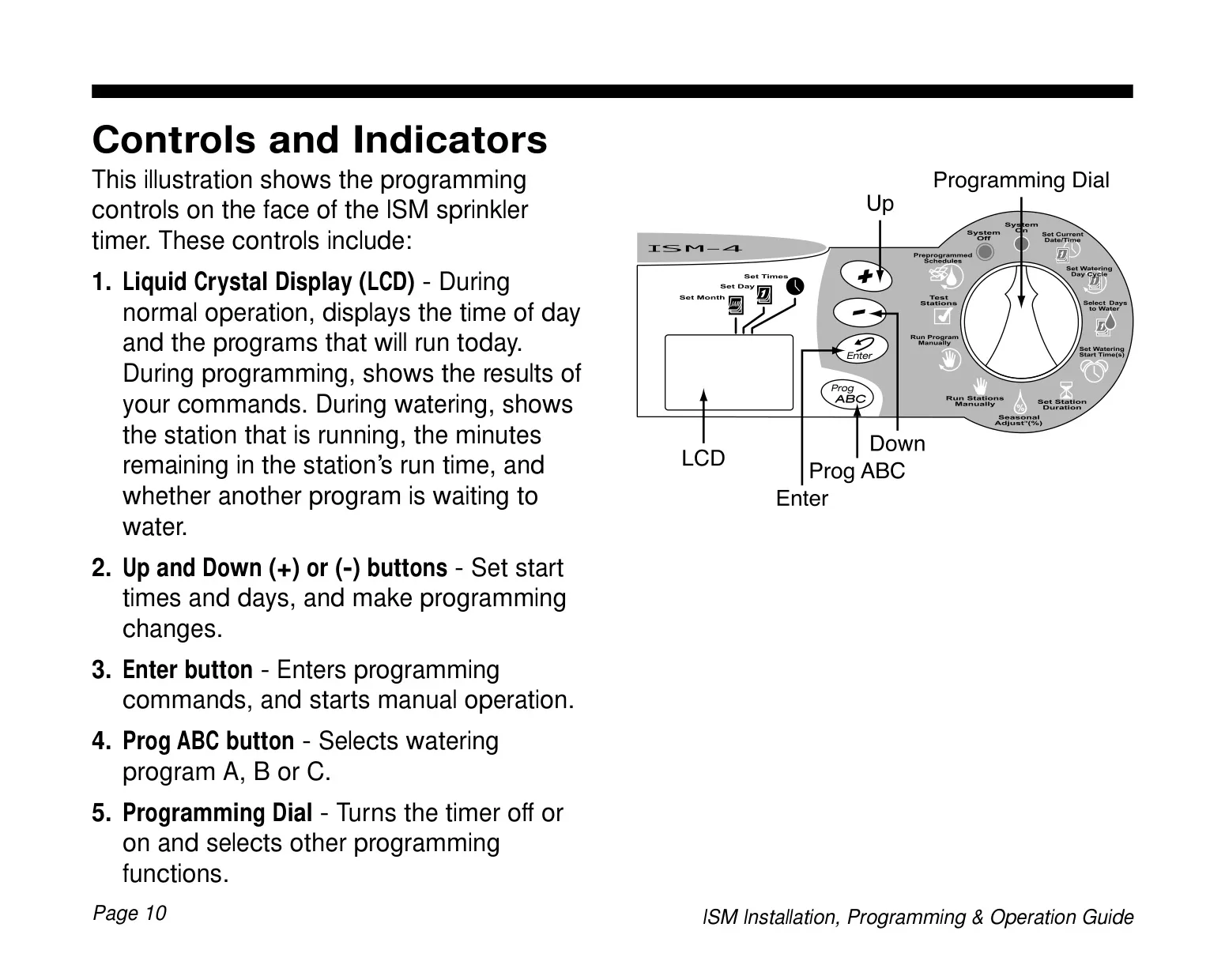
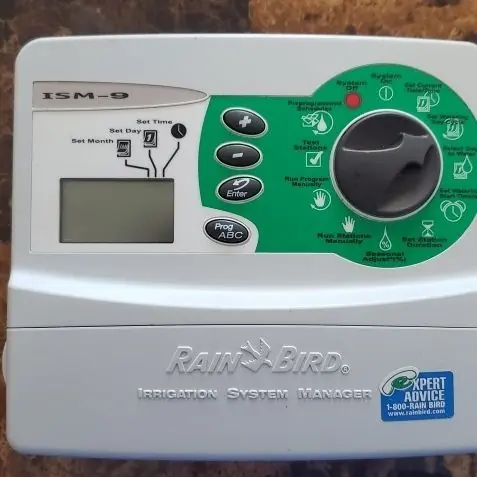
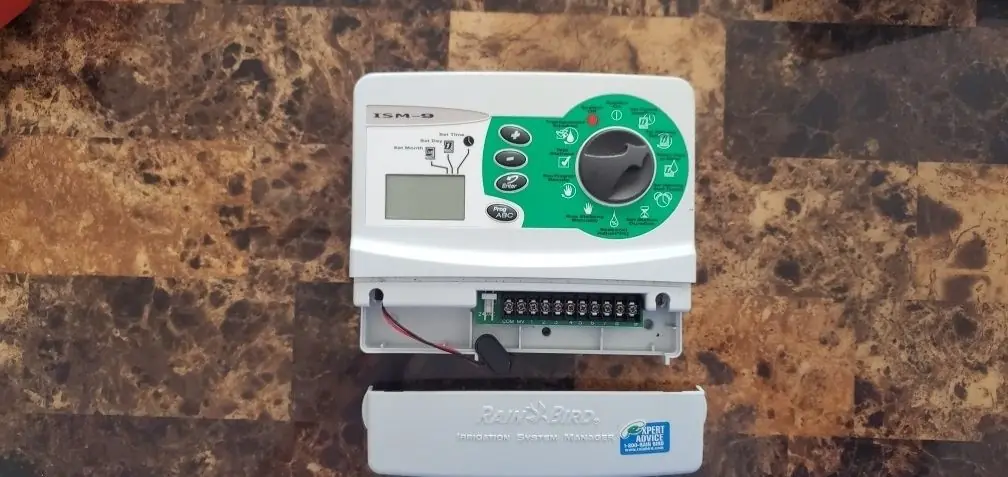
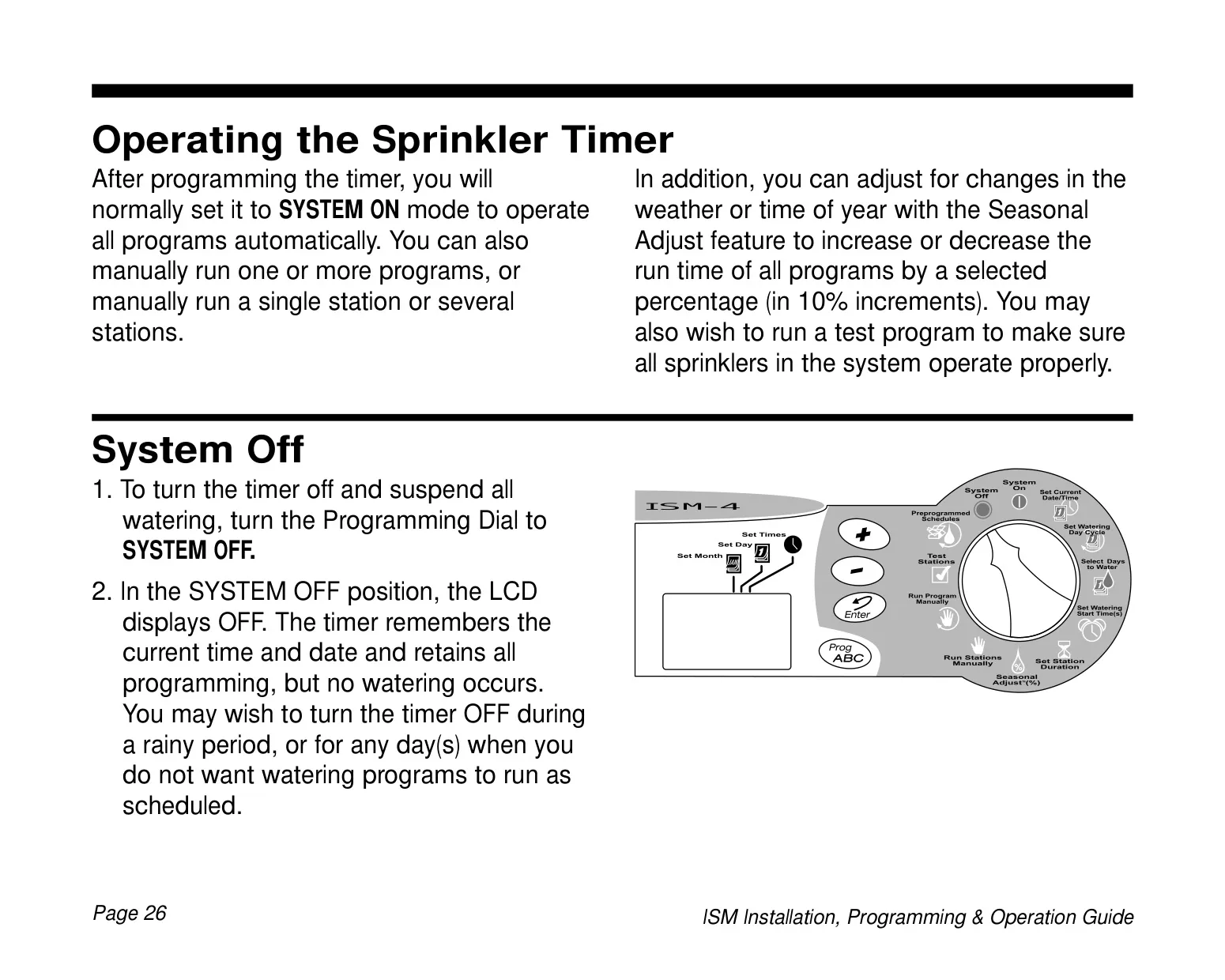
Operating the ISM-9 is intuitive, thanks to its clear Liquid Crystal Display (LCD) and a simple programming dial complemented by (+) / (-) buttons and an Enter button. The LCD provides real-time feedback, showing the active station, remaining run time, and any scheduled programs. During setup, the timer can even be programmed using only battery power, a feature particularly useful if the unit is installed in an inconvenient location or before the main power connection is established.

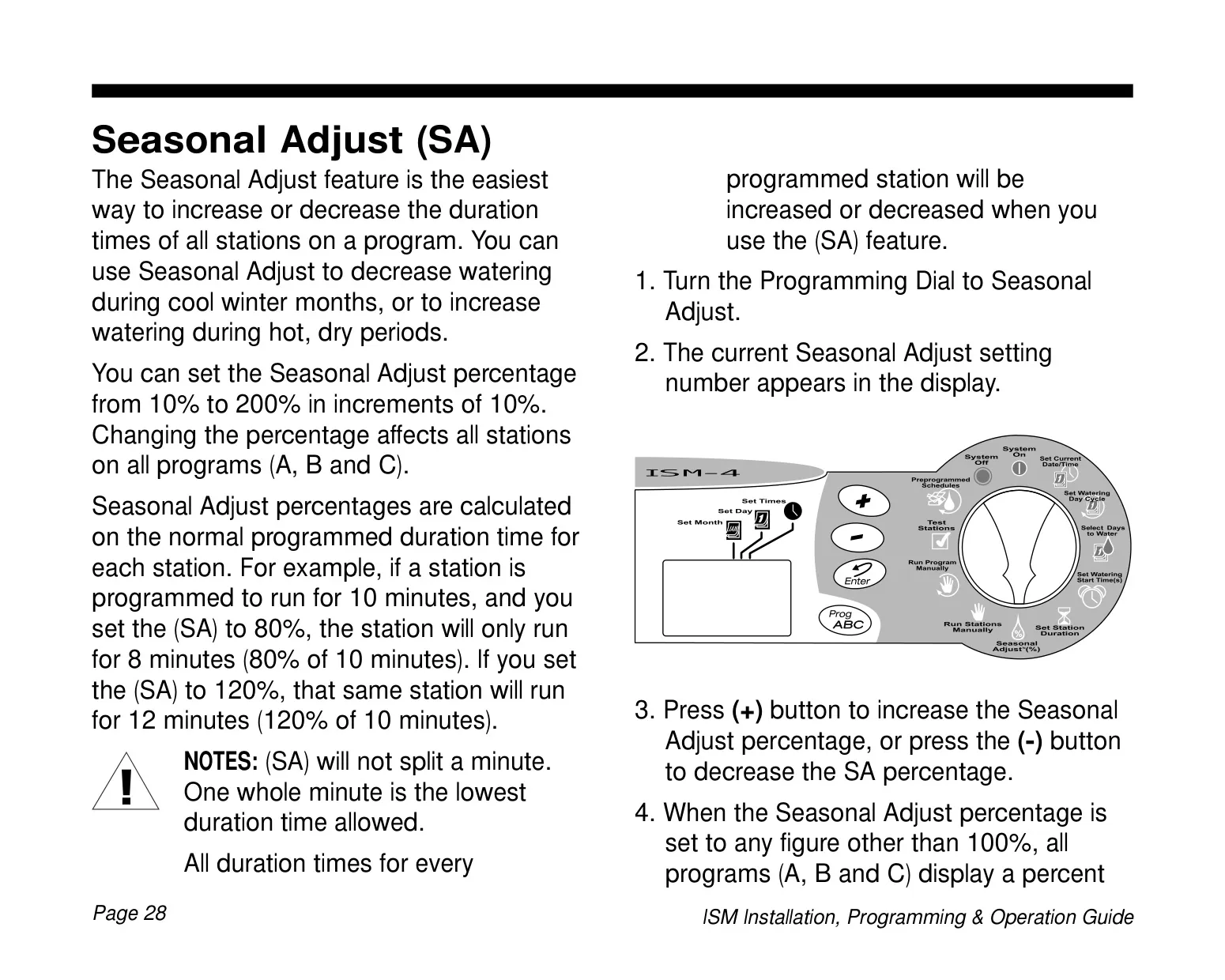
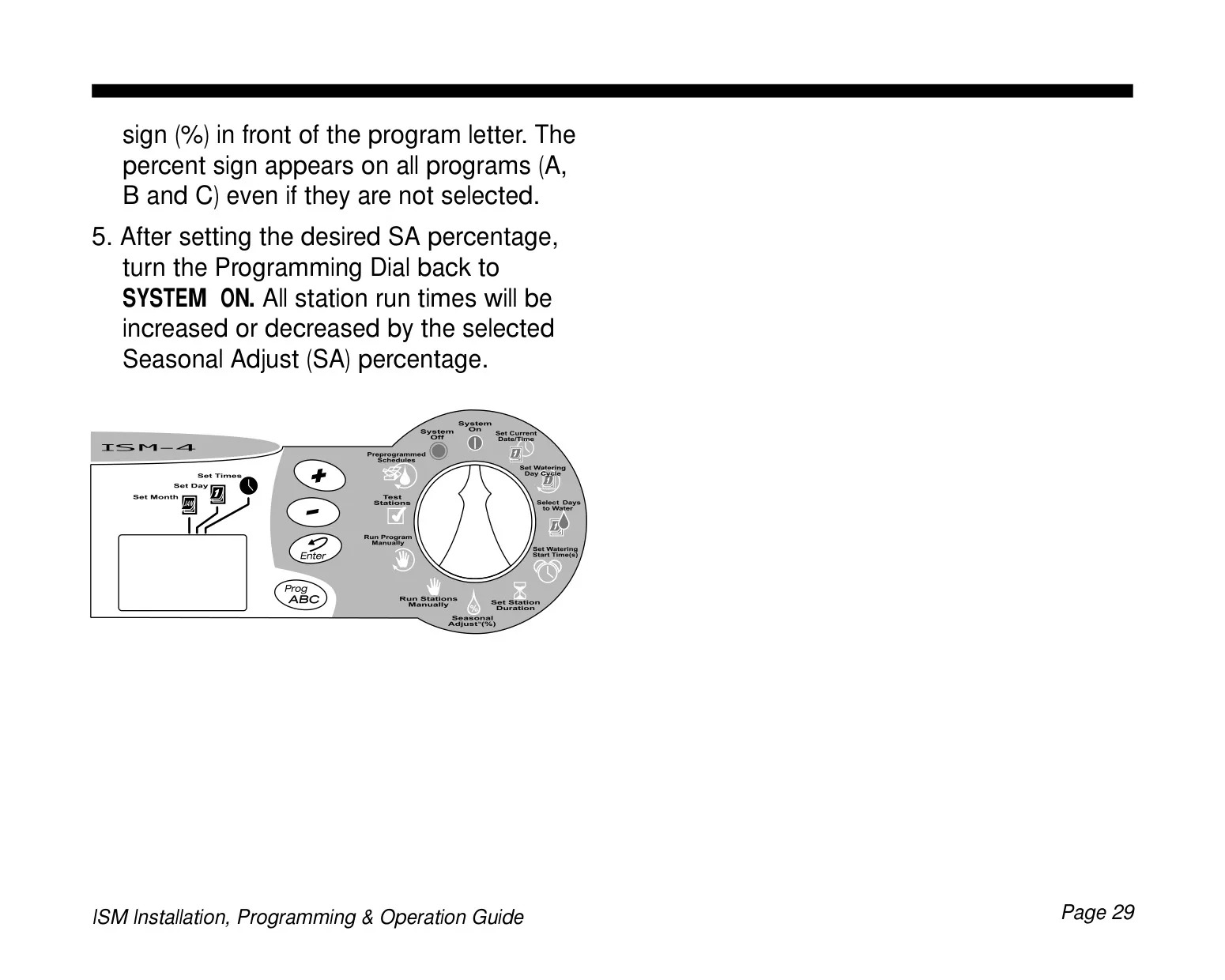
The Seasonal Adjust (SA) feature offers a quick and easy way to modify all programmed station run times across all programs simultaneously. This allows users to increase watering during hot, dry periods or decrease it during cooler, wetter months, from 10% to 200% of the original duration, in 10% increments. This global adjustment eliminates the need to manually alter individual station run times, providing significant time savings and promoting water conservation.

Beyond automated scheduling, the ISM-9 provides robust manual control options. Users can manually run individual stations or entire programs as needed, without altering the established automatic schedules. There's also a built-in test program that cycles through all stations with non-zero durations for a set time (1-10 minutes), ideal for inspecting sprinkler performance. The controller also features an automatic circuit breaker that detects electrical problems, displaying an "Err #" message for rapid troubleshooting of station issues.

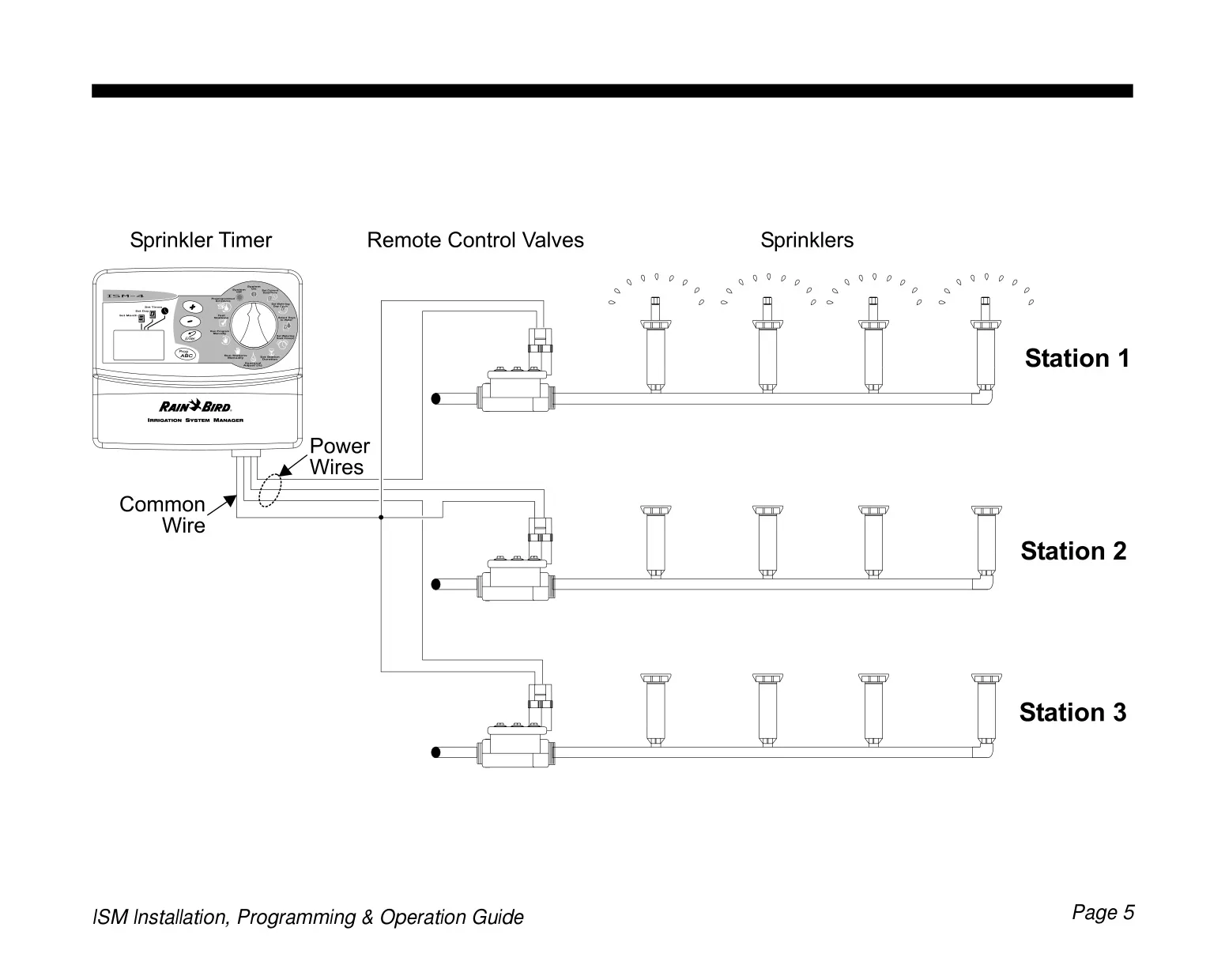
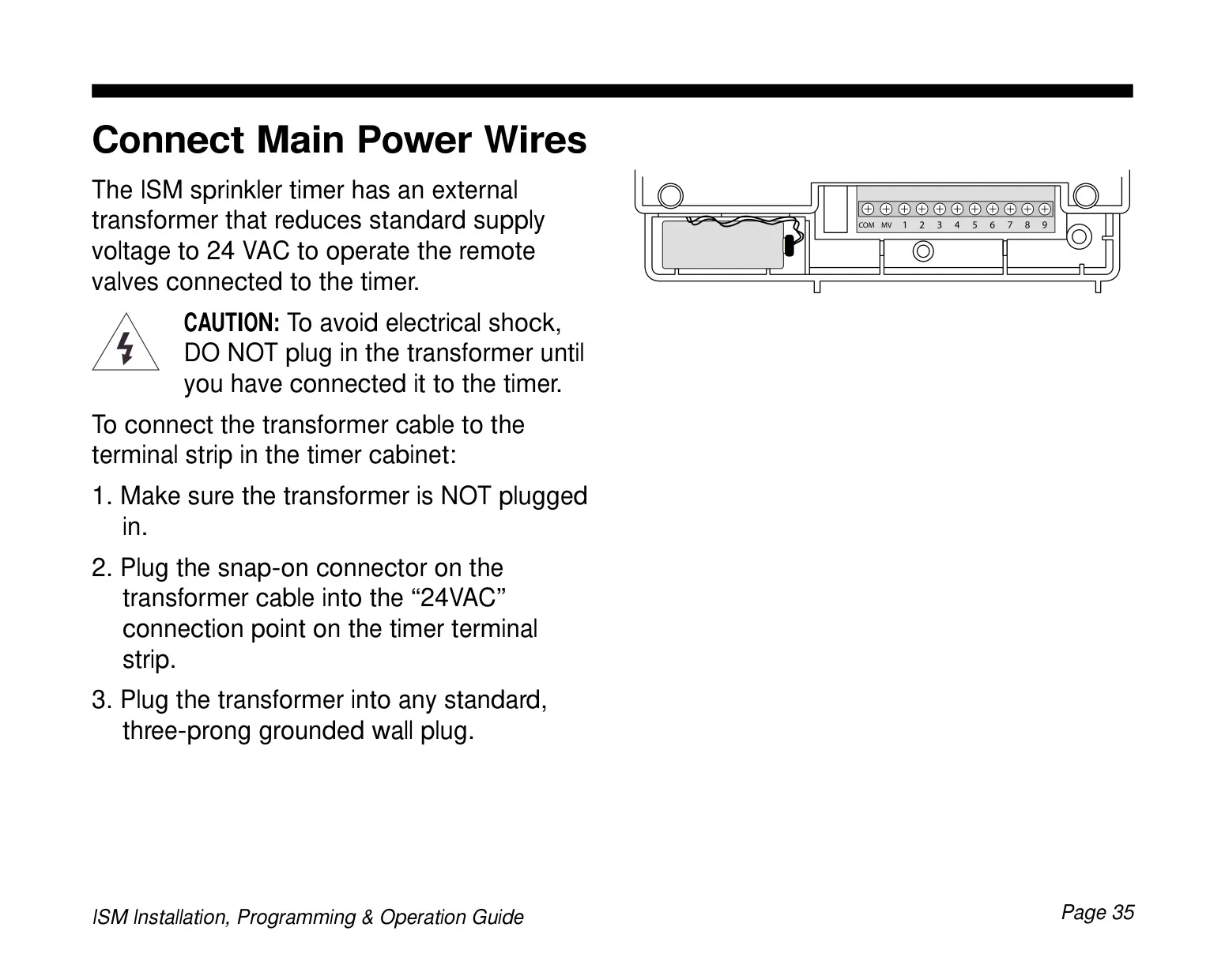
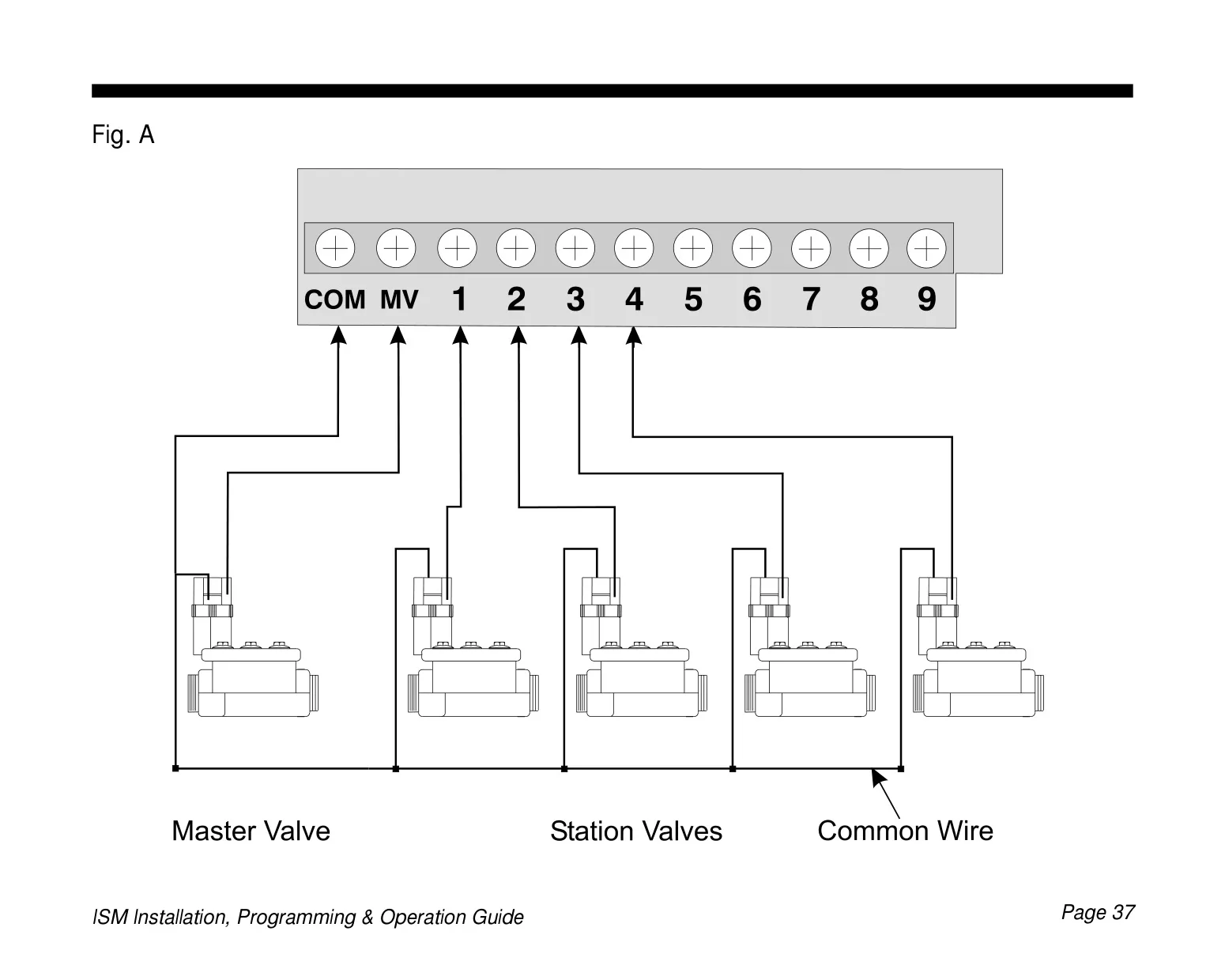
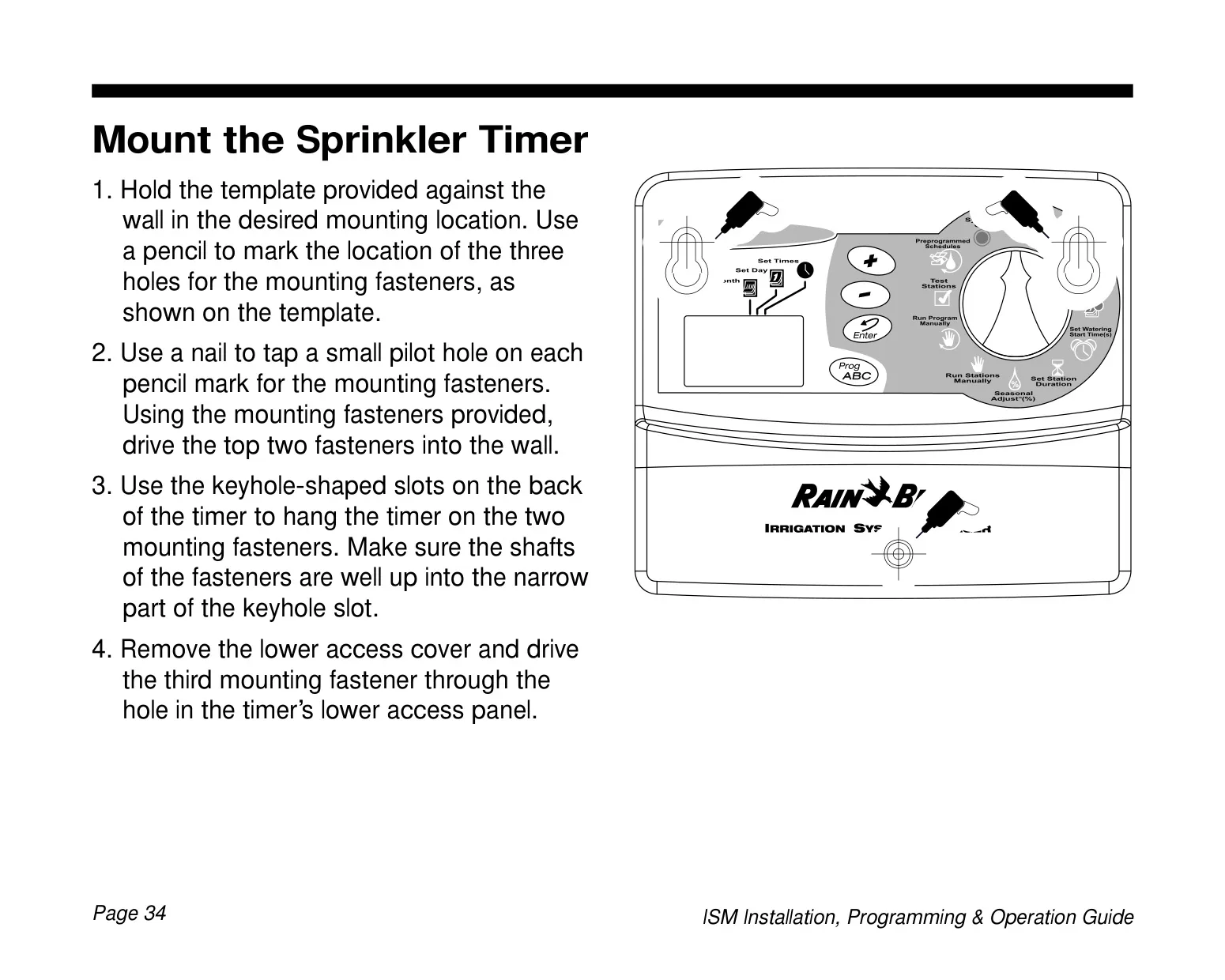
Installation, while requiring adherence to local electrical codes, is straightforward. The timer connects to an external transformer, providing safe 24 VAC power to the remote control valves. Clear instructions guide the connection of individual station wires and a common wire to the terminal strip. For systems with a master valve or pump start relay, a dedicated terminal (MV) is provided, ensuring comprehensive control over the entire irrigation setup. Overall, the Rain Bird ISM-9 is designed for reliability, ease of use, and efficient water management.
Frequently Asked Questions (FAQs)

Can't find the answer you need? Here are some frequently asked questions about the Rain Bird ISM-9, and we answer them below.


Why is my Rain Bird ISM-9's LCD display blank or partially blank?
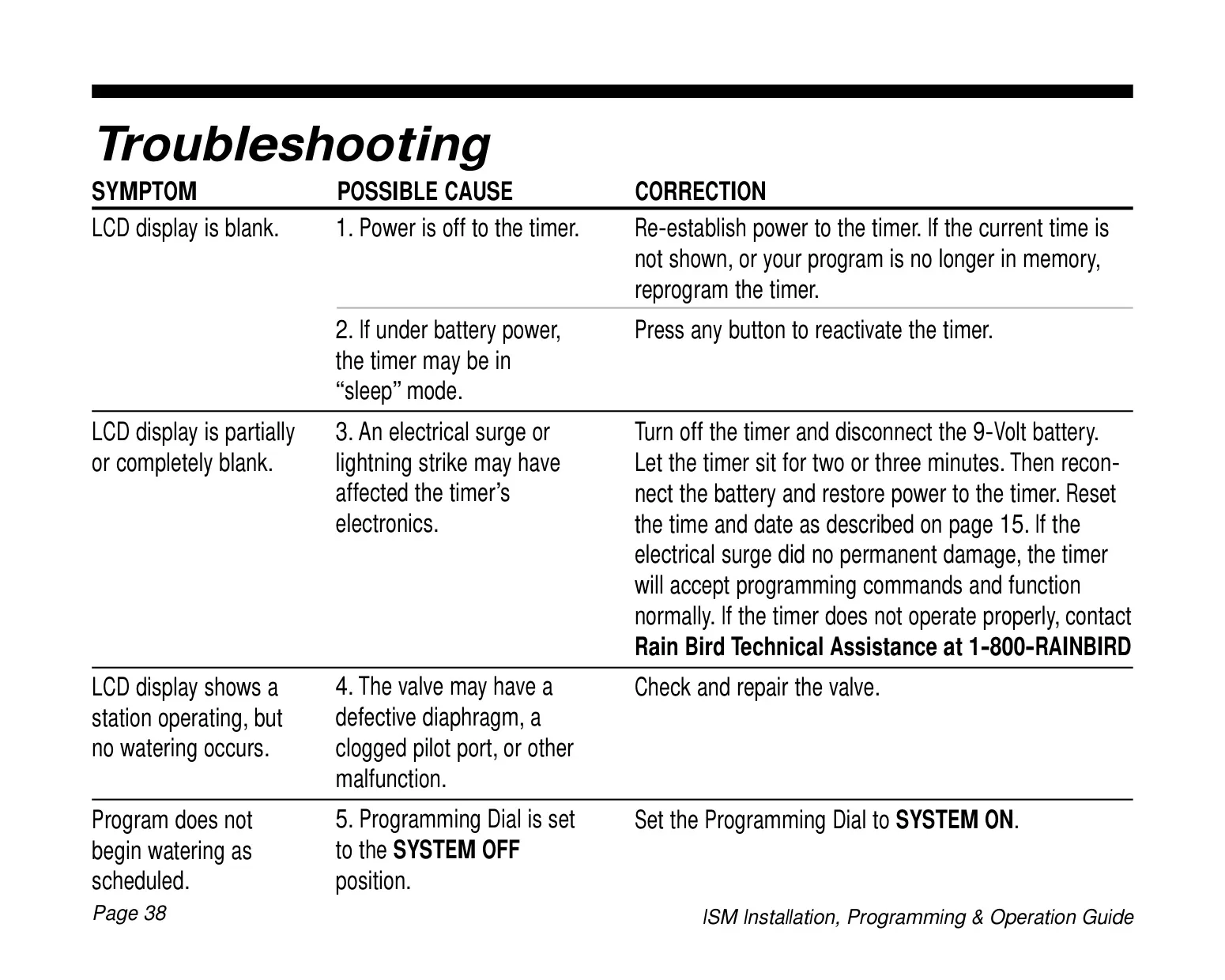
A blank display often indicates a loss of power to the timer or, if running on battery, that the timer is in "sleep" mode. Press any button to reactivate it. If there's no power, check the transformer connection. An electrical surge could also cause this; try disconnecting the battery and power for a few minutes, then reconnecting and resetting the time/date.

What does 'Err #' mean when it appears on the display?
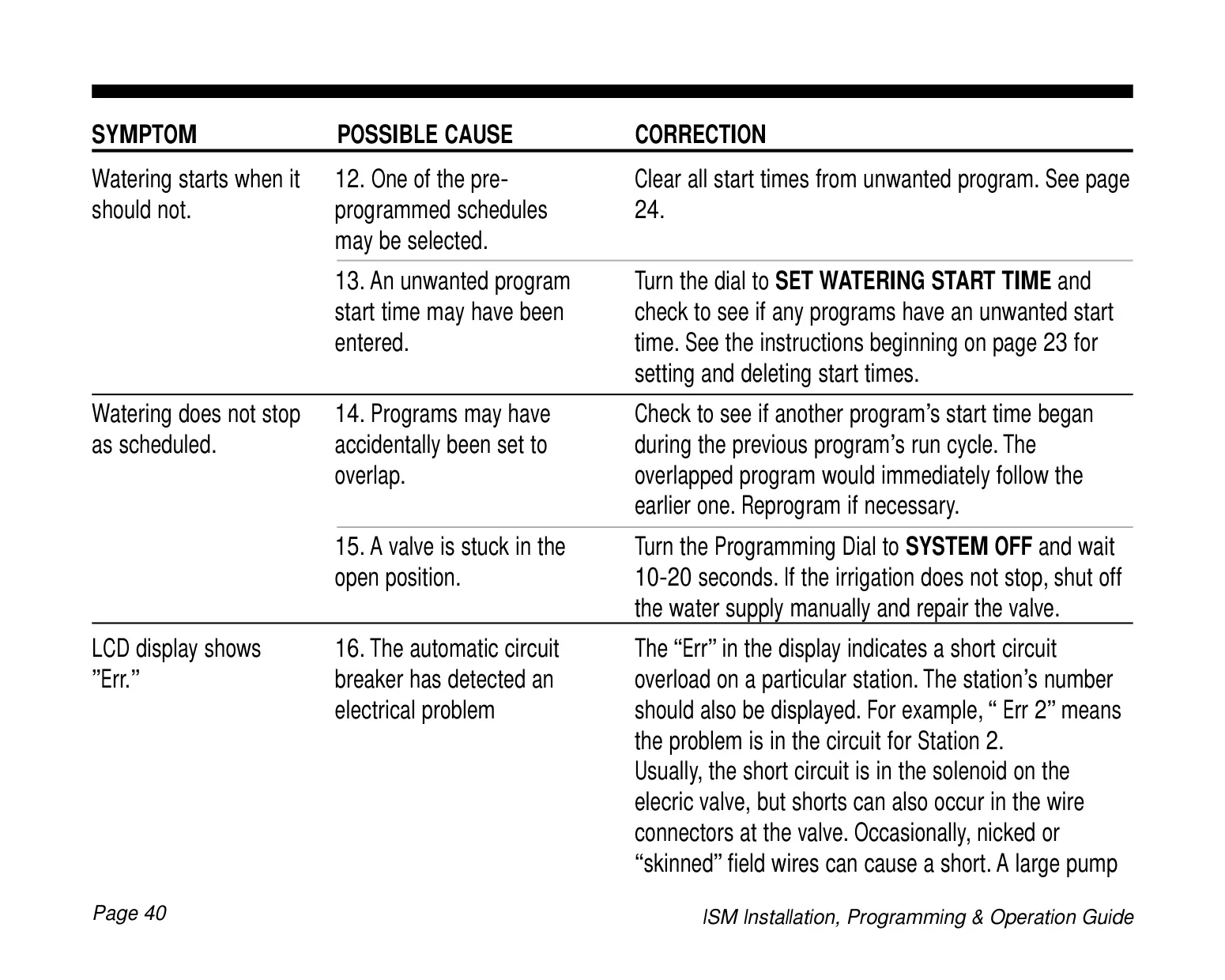
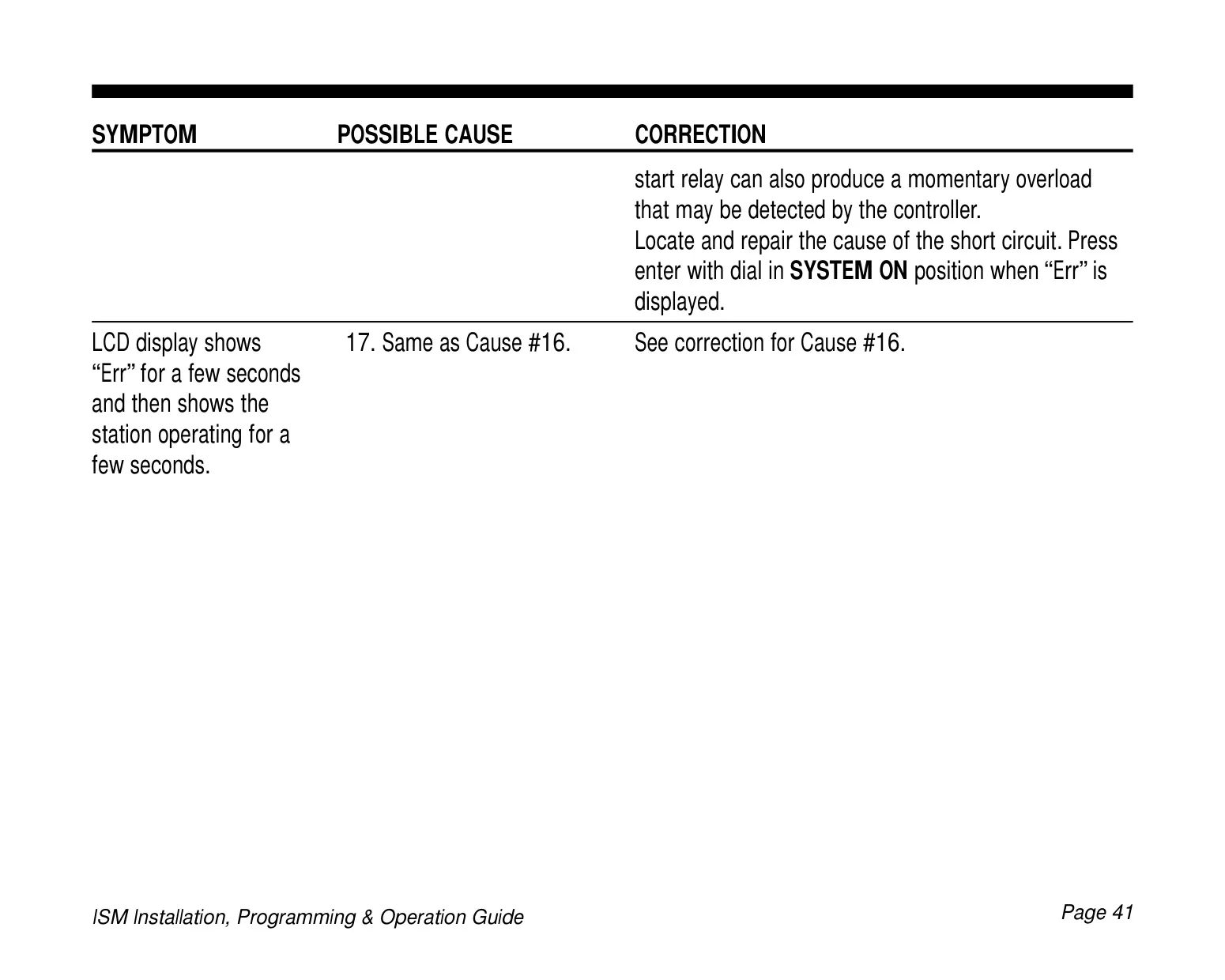
The "Err #" message, where '#' is a station number, signifies a short circuit overload in that particular station's electrical circuit. This could be in the solenoid, valve wiring, or field wires. Locate and repair the cause of the short circuit, then press Enter with the dial in SYSTEM ON position to clear the error.

My sprinklers aren't turning on as scheduled. What are the common causes?
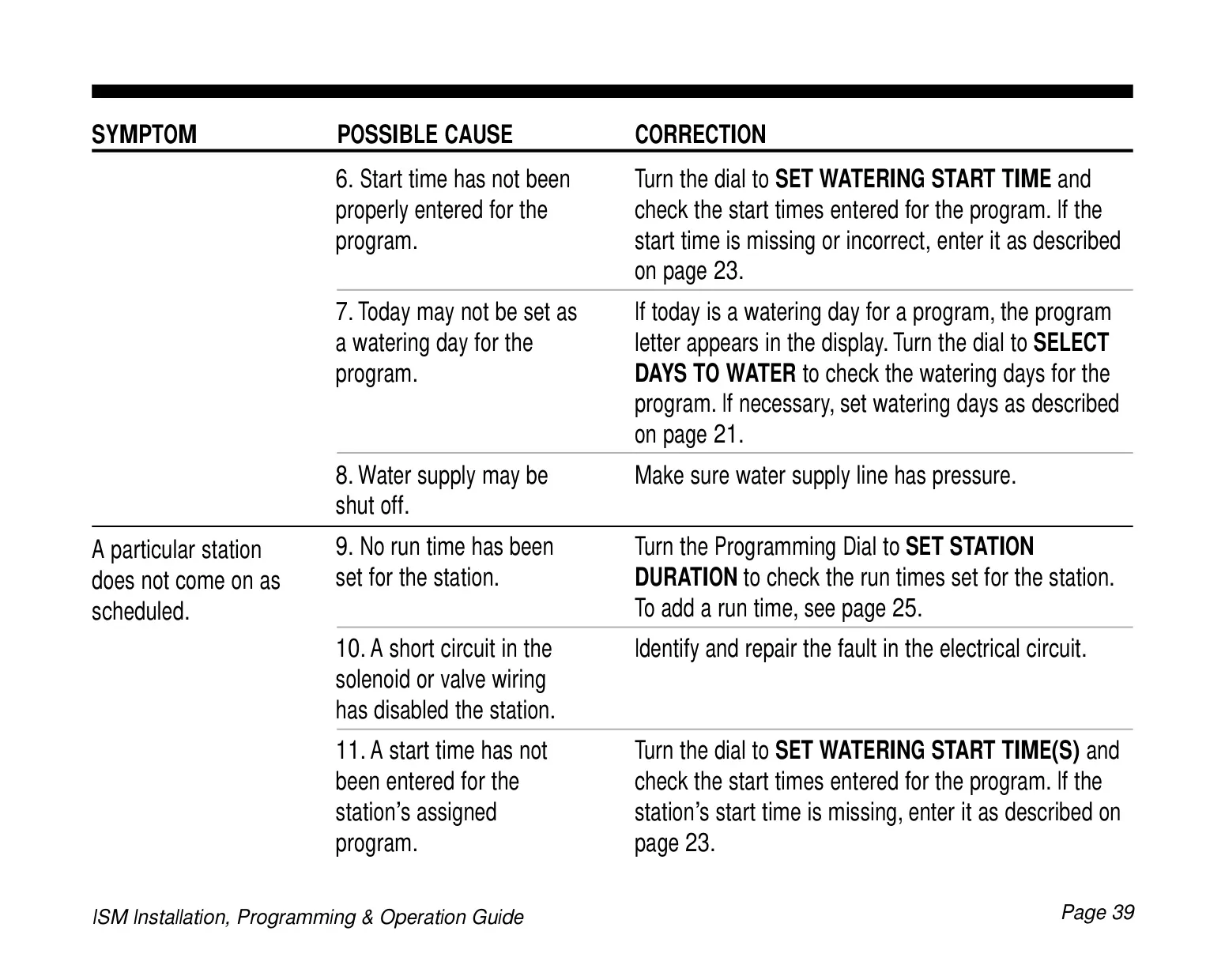
First, check if the Programming Dial is set to SYSTEM OFF; it should be on SYSTEM ON. Verify that a start time has been properly entered for the program and that today is set as a watering day. Also, ensure the main water supply is open and has adequate pressure.

Can I water manually without changing my regular schedule?
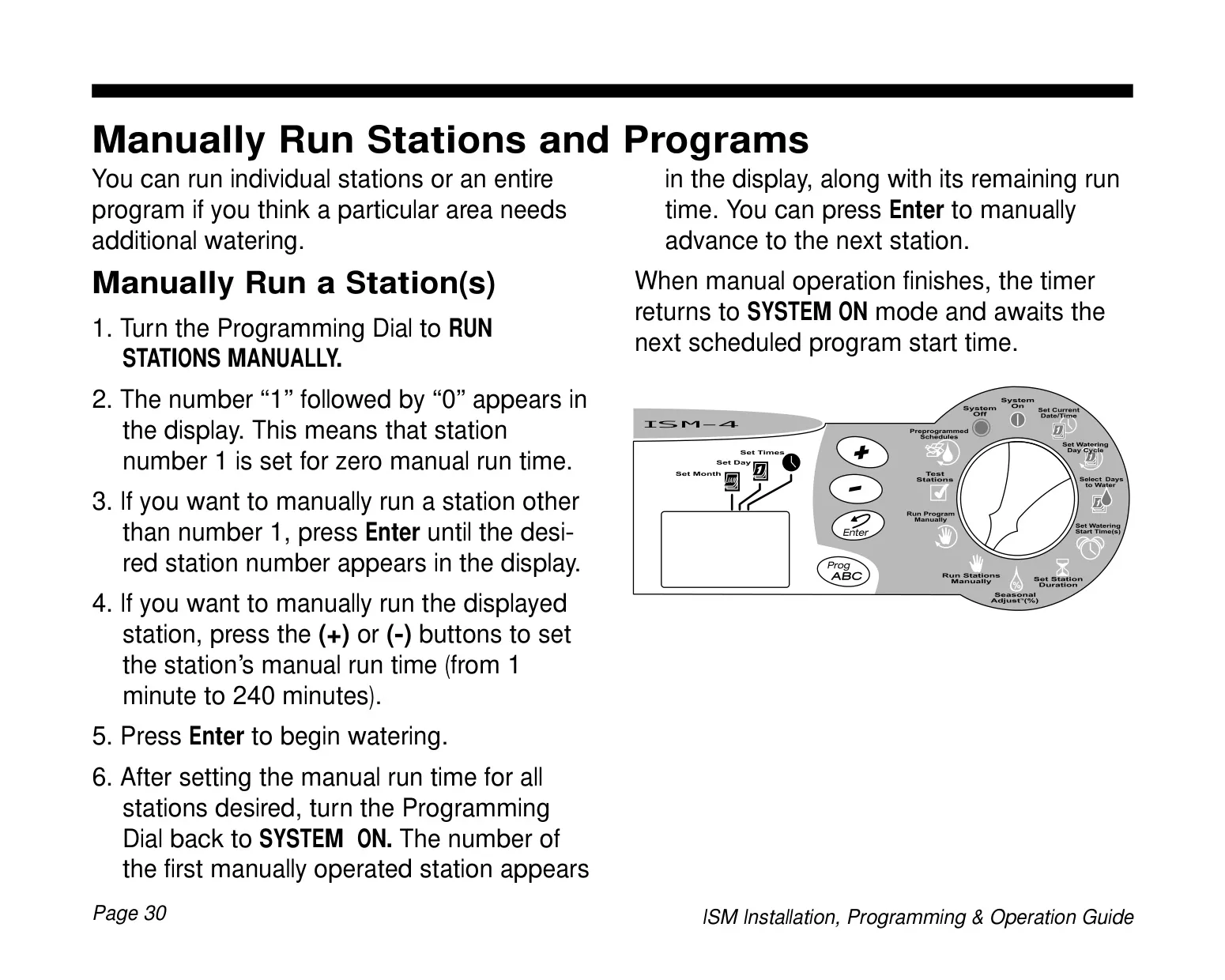
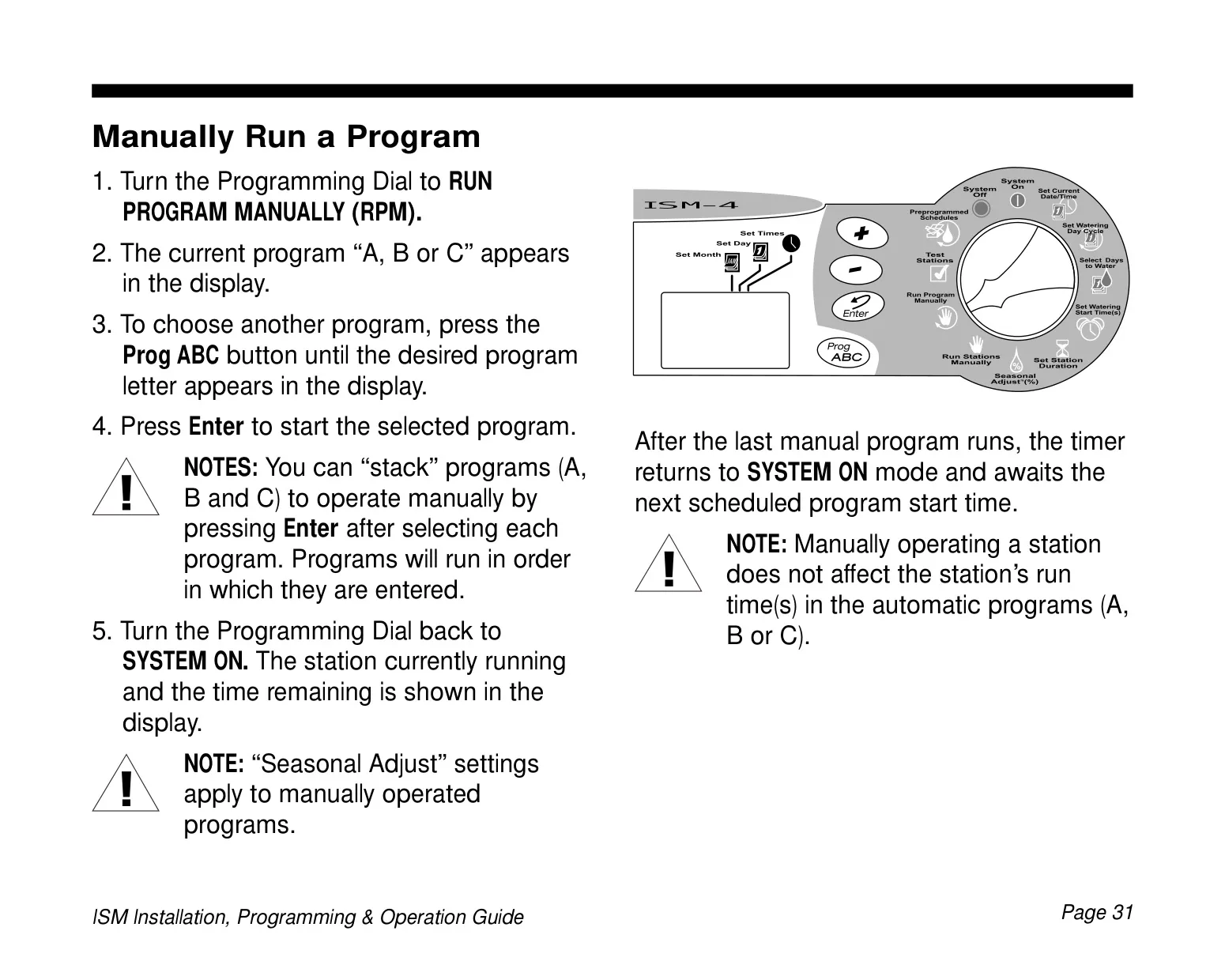
Yes, you can manually run individual stations or an entire program without affecting your programmed automatic schedules. Turn the Programming Dial to RUN STATIONS MANUALLY or RUN PROGRAM MANUALLY, select your desired station(s) or program, set the run time (for stations), and press Enter. The timer will return to SYSTEM ON mode afterward.

How do I adjust watering times for different seasons or weather changes easily?
Use the Seasonal Adjust (SA) feature. Turn the Programming Dial to SEASONAL ADJUST and use the (+) or (-) buttons to increase or decrease the percentage (from 10% to 200%). This adjustment will uniformly apply to all station durations across all programs, making it simple to adapt to seasonal variations.

What happens if two programs are scheduled to start at the same time?
The Rain Bird ISM-9 intelligently handles this by "stacking" the programs. If the total run time for one program overlaps the start time for a second, the timer will automatically delay the start time of the second program until the first program has finished watering.
How do I completely clear all programming from the timer and start fresh?
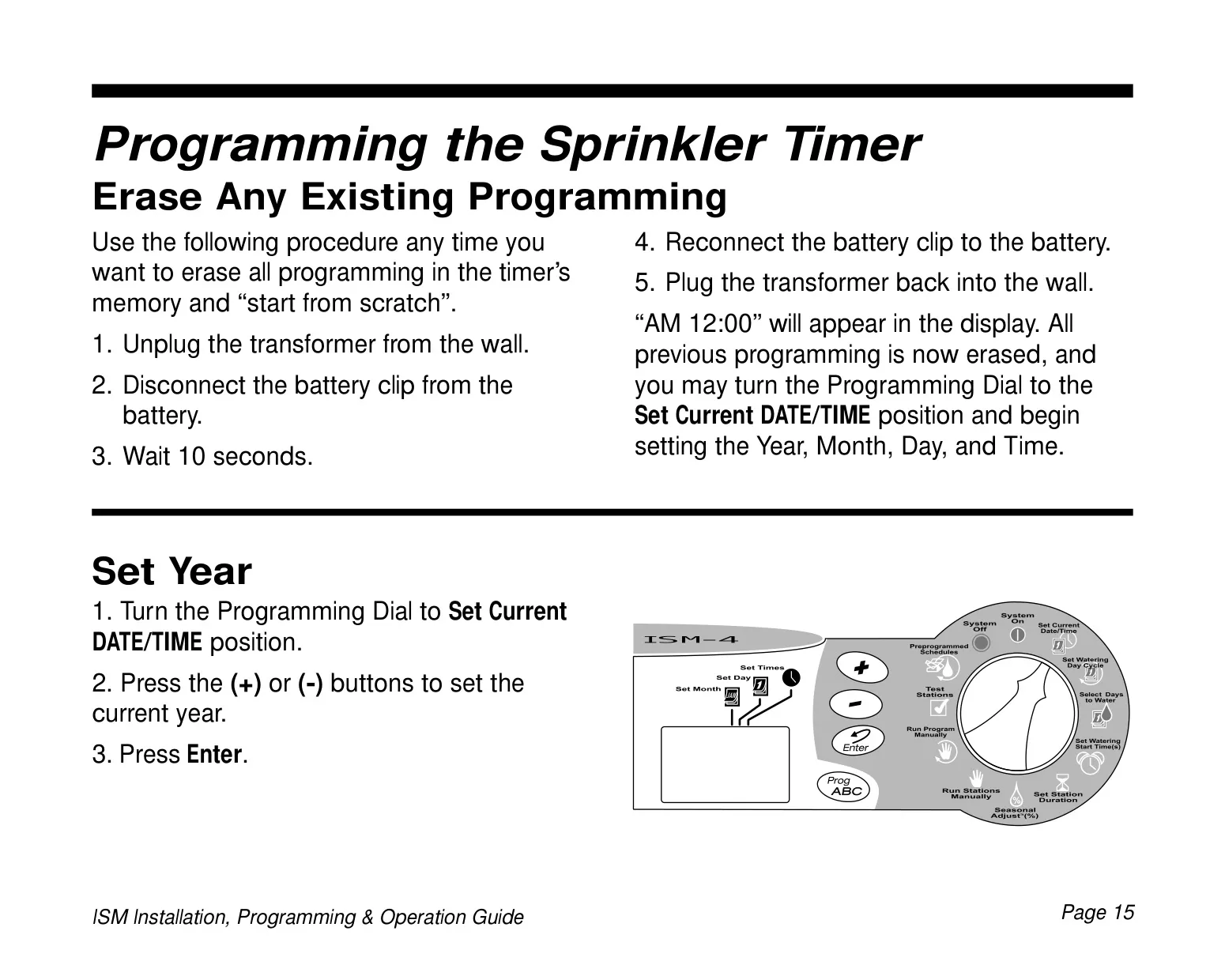
To erase all programming, unplug the transformer from the wall, disconnect the battery clip, wait 10 seconds, then reconnect the battery and plug the transformer back in. "AM 12:00" will appear, indicating all previous programming is erased, and you can proceed to set the date and time.

Can the Rain Bird ISM-9 be installed outdoors?
No, the Rain Bird ISM-9 sprinkler timer is designed for indoor installation only. If outdoor installation is required, it must be housed in a water-resistant cabinet, such as the Rain Bird TC-2 Timer Cabinet, which converts indoor timers for outdoor use.
What is the battery for and how often should I replace it?
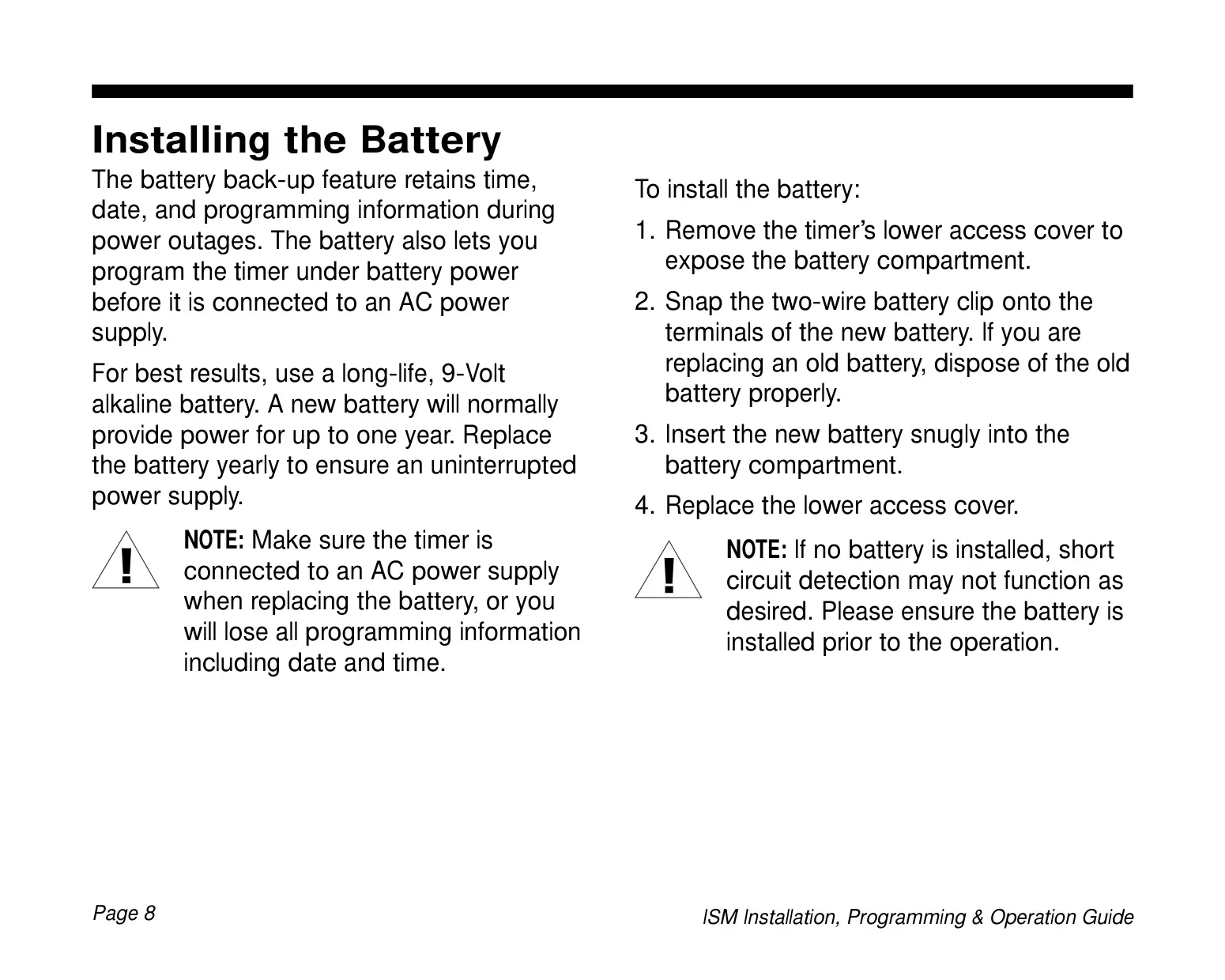
The 9-Volt alkaline battery provides backup power to retain the time, date, and all programming information during power outages. It also allows for programming the timer before AC power is connected. For best results and uninterrupted power supply, the battery should be replaced yearly.

Can I program the timer before it's connected to AC power?
Yes, the Rain Bird ISM-9 can be programmed under battery power alone. This feature is useful if the timer is installed in an area that is not readily accessible or if you wish to enter programming information before the timer is fully installed and connected to an AC power supply.
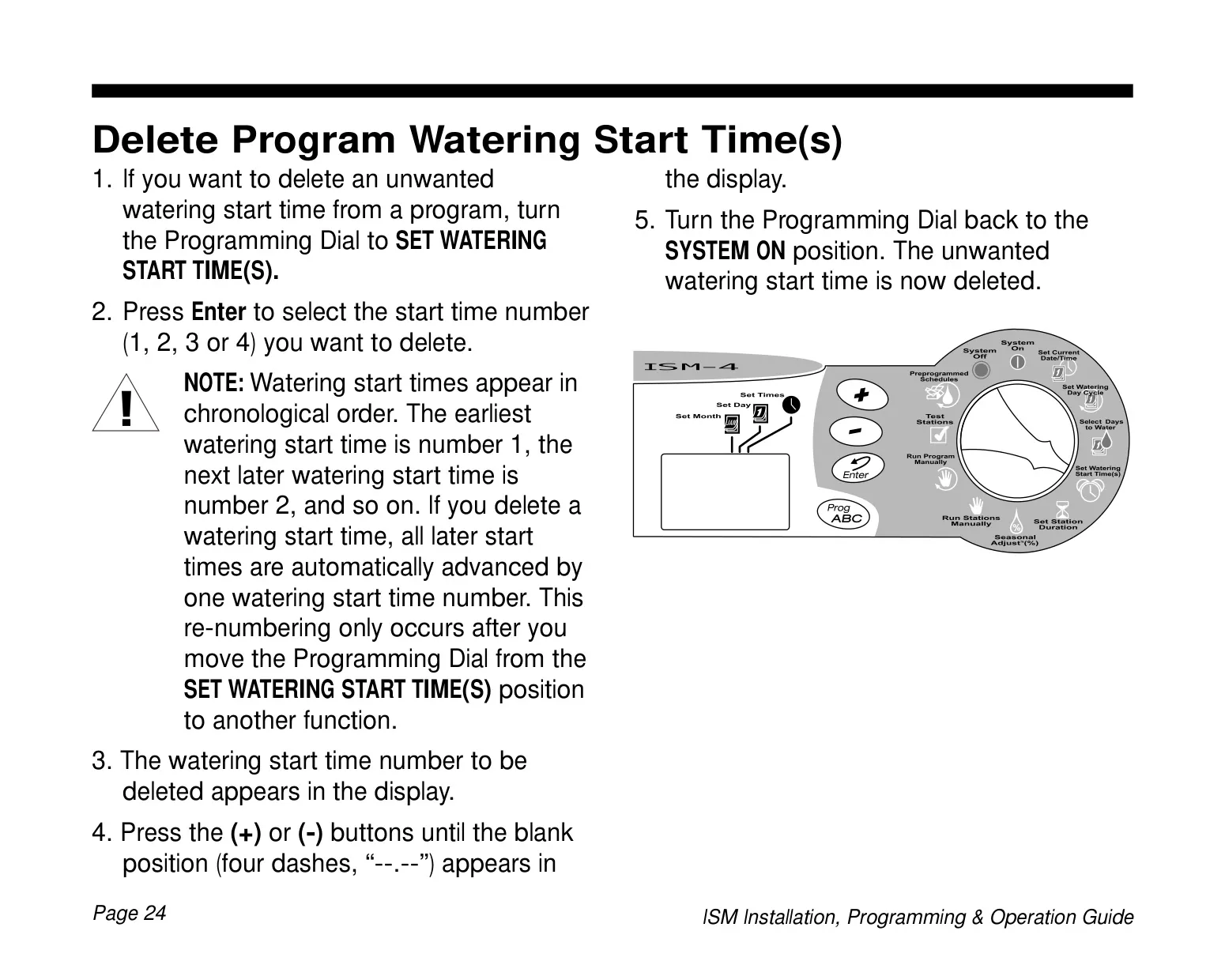
How do I delete an unwanted watering start time from a program?
Turn the Programming Dial to SET WATERING START TIME(S). Press Enter to cycle through and select the start time number you wish to delete. Then, press the (+) or (-) buttons until four dashes ("--.--") appear in the display for that start time. Turn the dial to SYSTEM ON to confirm deletion.

Why is my timer watering when it shouldn't be?
This could be due to an unwanted pre-programmed schedule being selected, or an extra, unwanted program start time entered in one of your programs. Check all programs (A, B, C) for unintended start times or if a pre-programmed schedule is active that you didn't intend to use.

How can I quickly check if all my sprinkler stations are working correctly?
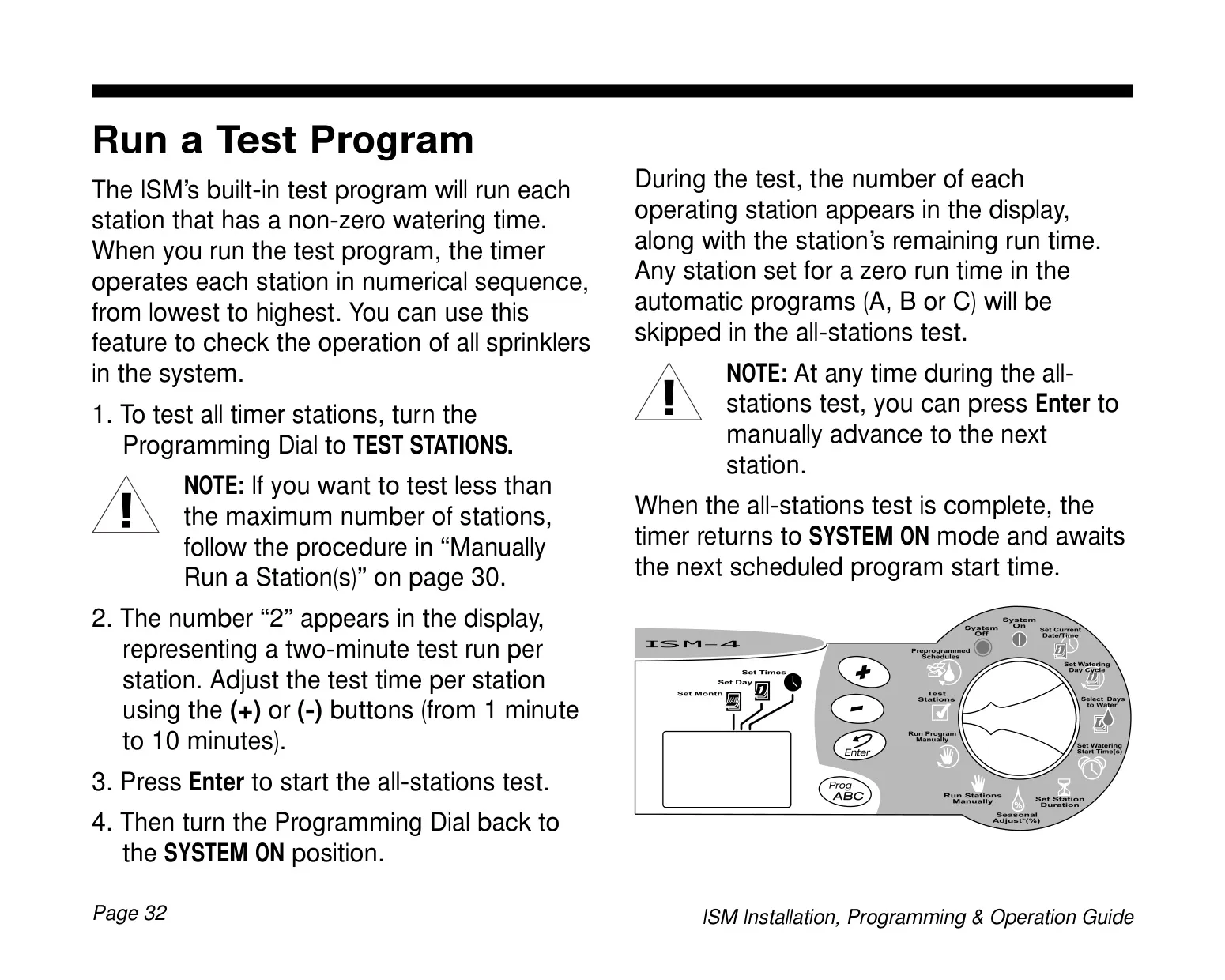
The ISM-9 has a built-in test program. Turn the Programming Dial to TEST STATIONS. You can adjust the test time per station (from 1 to 10 minutes). Press Enter to start the test, and the timer will cycle through each station with a non-zero run time in numerical sequence.
What does the 'Od31' watering cycle mean?
The 'Od31' watering cycle stands for 'Odd-numbered days, excluding the 31st of any month and February 29th'. This specific cycle is designed to comply with special water restrictions or ordinances in some areas that do not permit watering on these particular dates, even if they are odd-numbered.

A particular station does not come on as scheduled, what could be the problem?
Ensure a run time has been set for that specific station within the active program. Also, check for a short circuit in the solenoid or valve wiring which can disable a station. Finally, confirm that a start time has been properly entered for the program to which the station is assigned.

Related product manuals

Go up