Rain Bird ISM-4 Instruction Manual

Manual Rain Bird ISM-4 Instruction Manual

Rain Bird ISM-4 Instruction Manual
5/5 (1👤)
📕 Manual PDF 📄 43 Pages
★Rate It★

How many stars do you give this manual?

Rain Bird ISM-4
Full Screen

Rain Bird ISM-4 Instructions
Here we offer the Rain Bird ISM-4 manual completely free and in English. We have cataloged this manual in the Irrigation Controllers section on Manualverse, and it has been rated by 1 users with an average rating of 5. If you have any specific questions about Rain Bird ISM-4, we suggest checking the Frequently Asked Questions (FAQs) section of this manual.

Product Images

Imagen 1
Imagen 2
Imagen 3
Miniatura 1
Miniatura 2
Miniatura 3

Rain Bird ISM-4 Specifications
Feature Specification
Product Model Rain Bird ISM Sprinkler Timer
Stations Controlled 4 (ISM-4 model)
Number of Programs 3 independent programs (A, B, C)
Watering Start Times per Program Up to 4
Watering Day Cycles 7-day (Custom), Even (Ev), Odd (Od), Odd-31 (Od31), 2-day, 3-day, 4-day, 5-day, 6-day
Station Duration Time 0 to 240 minutes (4 hours), in 1-minute increments
Seasonal Adjust (SA) Range 10% to 200%, in 10% increments (applies to all programs)
Power Supply External transformer (reduces to 24 VAC)
Battery Backup 9-Volt alkaline battery (retains time, date, programming)
Battery Life (typical) Up to 1 year
Display Type Liquid Crystal Display (LCD)
Delay Between Stations 2 seconds
Test Program Duration 1 to 10 minutes per station
Installation Environment Indoors only (outdoor requires separate water-resistant cabinet)

Rain Bird ISM-4 Details

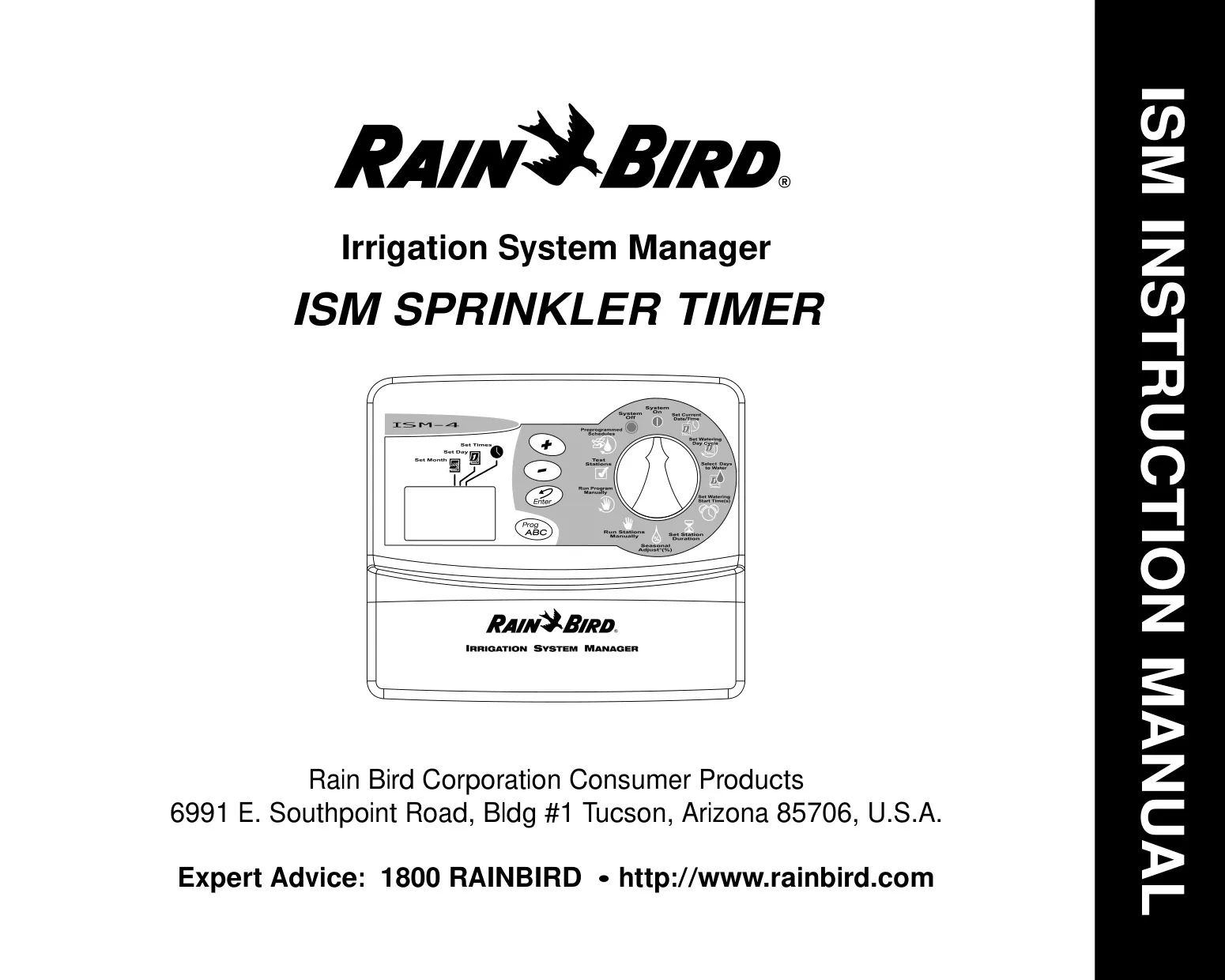
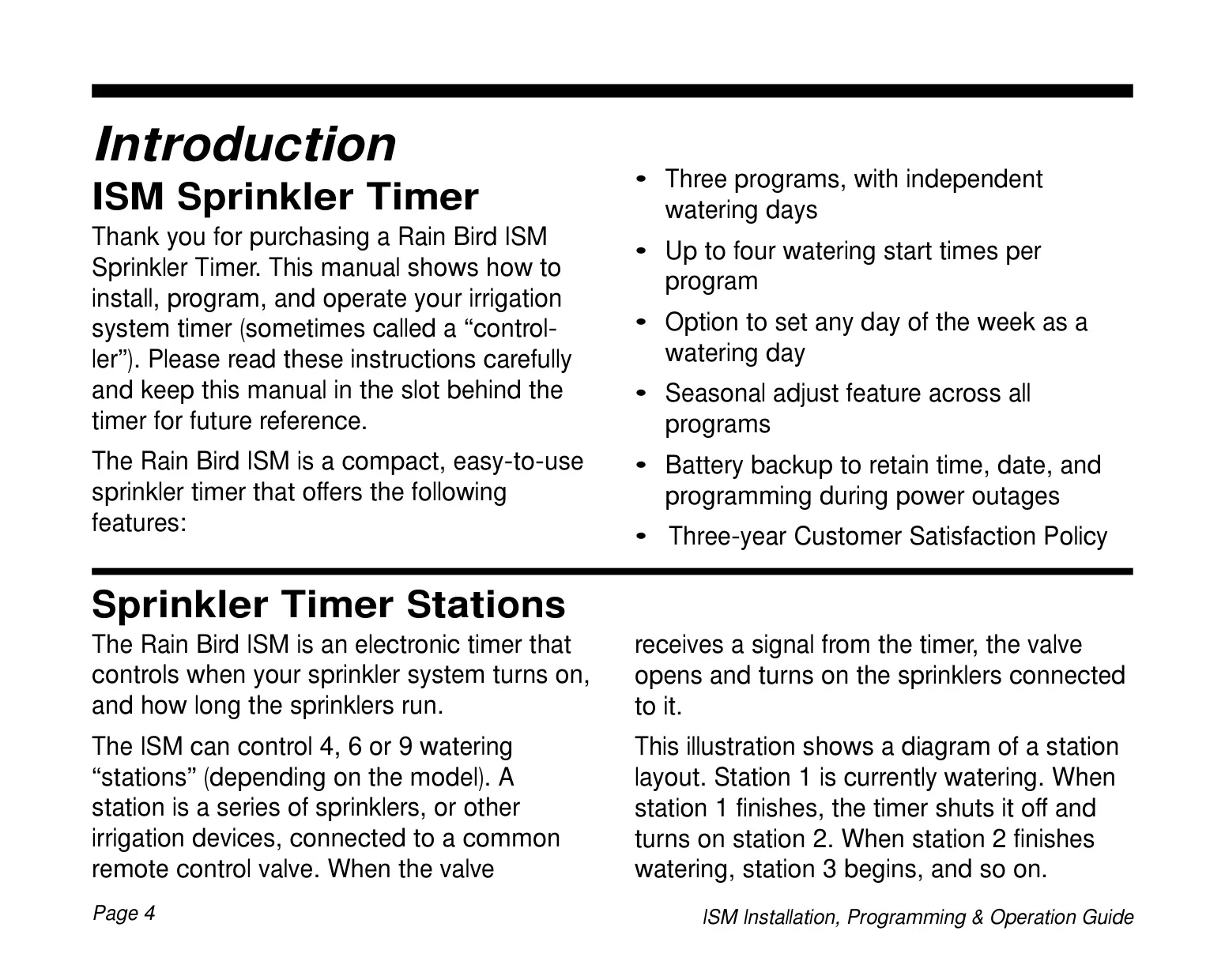
The Rain Bird ISM-4 is a compact, intuitive electronic sprinkler timer designed to simplify and optimize your irrigation system. This guide provides comprehensive instructions for its installation, programming, and daily operation, ensuring you maximize its features for a lush landscape. Its user-friendly design makes it accessible for both first-time users and experienced gardeners.
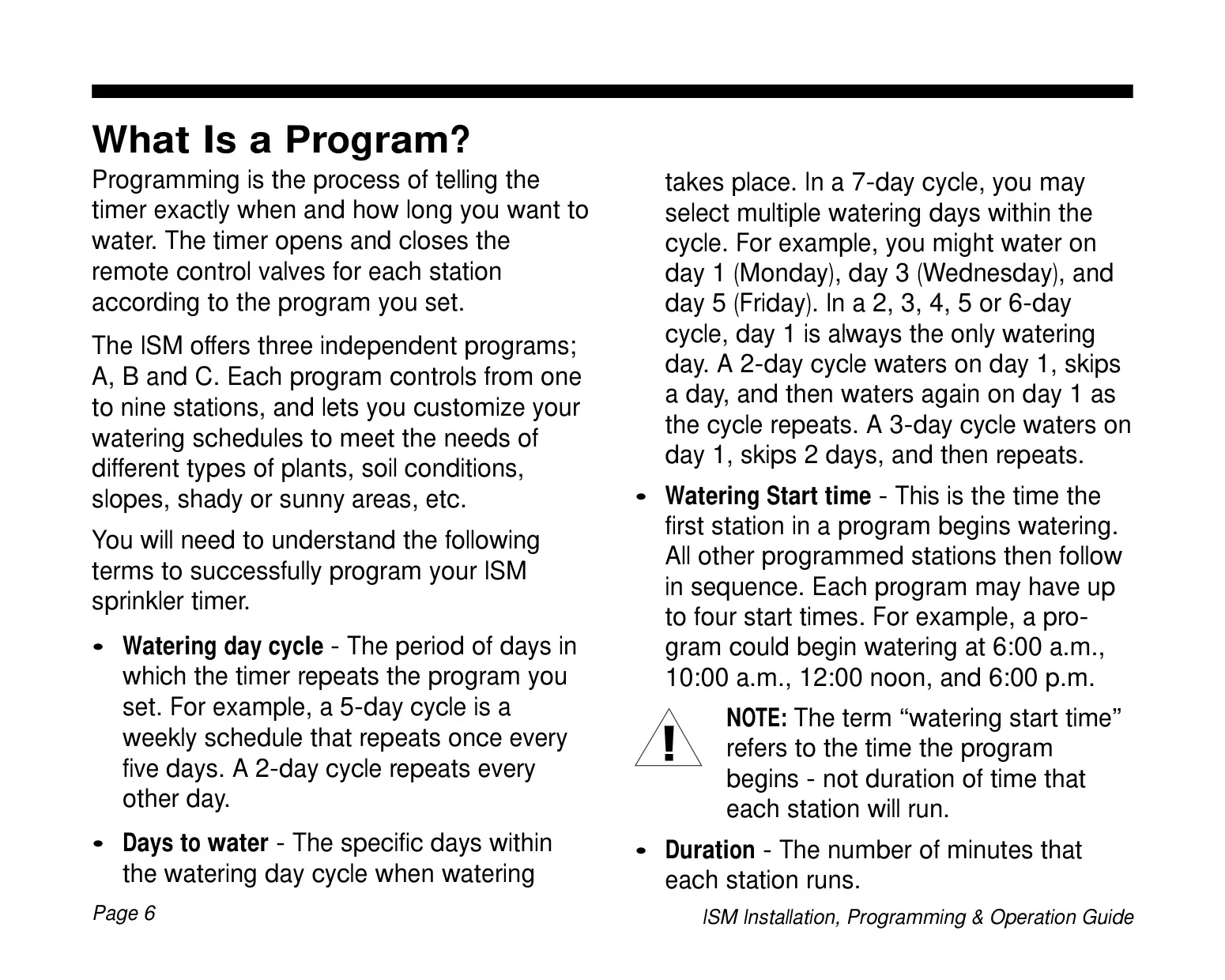
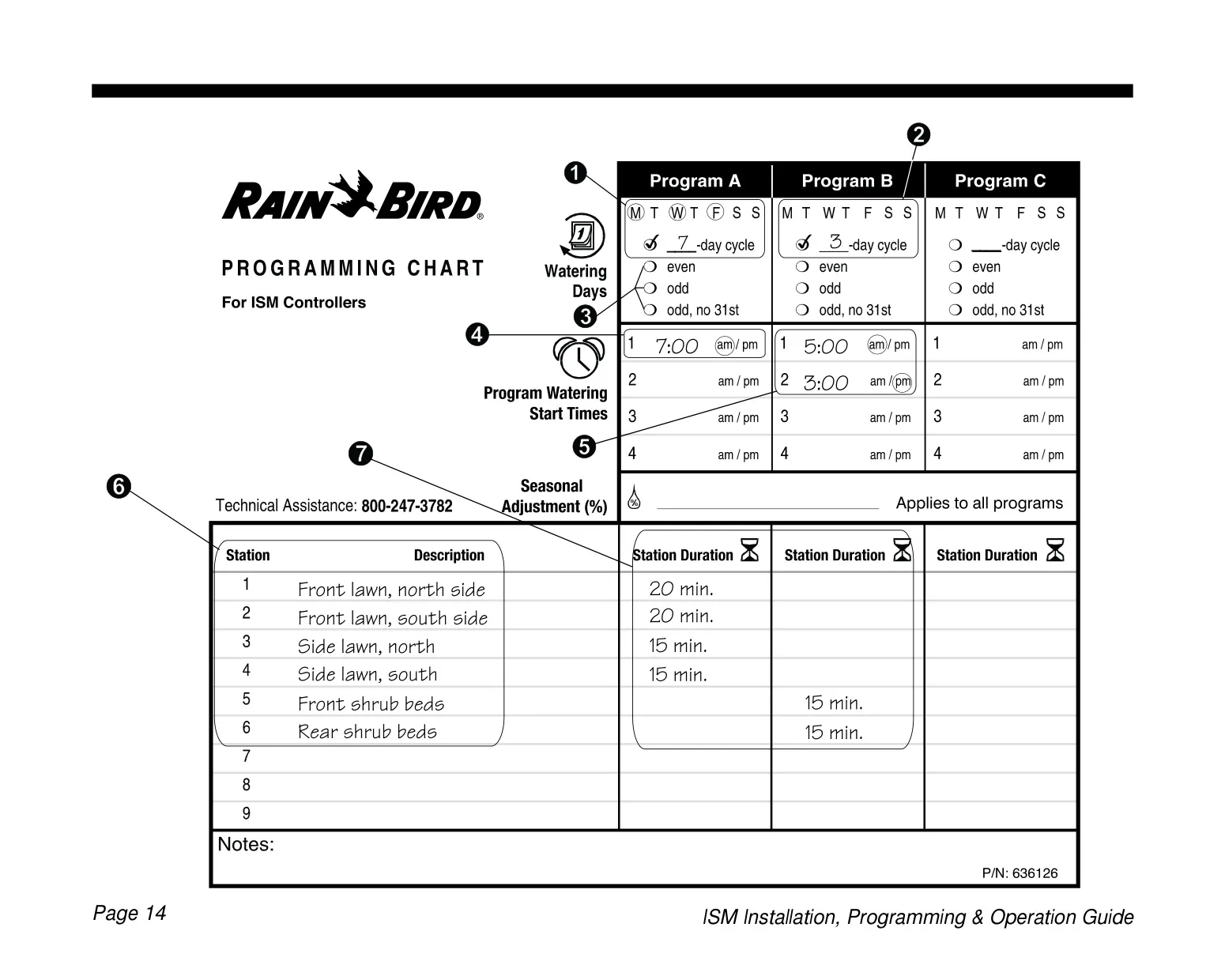
A standout feature is its flexibility in programming. The ISM-4 offers three independent programs (A, B, C), allowing you to tailor distinct watering schedules for various areas of your property. This is particularly useful for zones with different plant types, soil conditions, sun exposures, or slopes, ensuring each area receives optimal hydration.

Each program can be set with up to four watering start times, providing the capability to run the entire program sequence multiple times within a single watering day. This multi-start feature is beneficial for landscapes requiring frequent, shorter watering sessions to prevent runoff or accommodate specific plant needs.

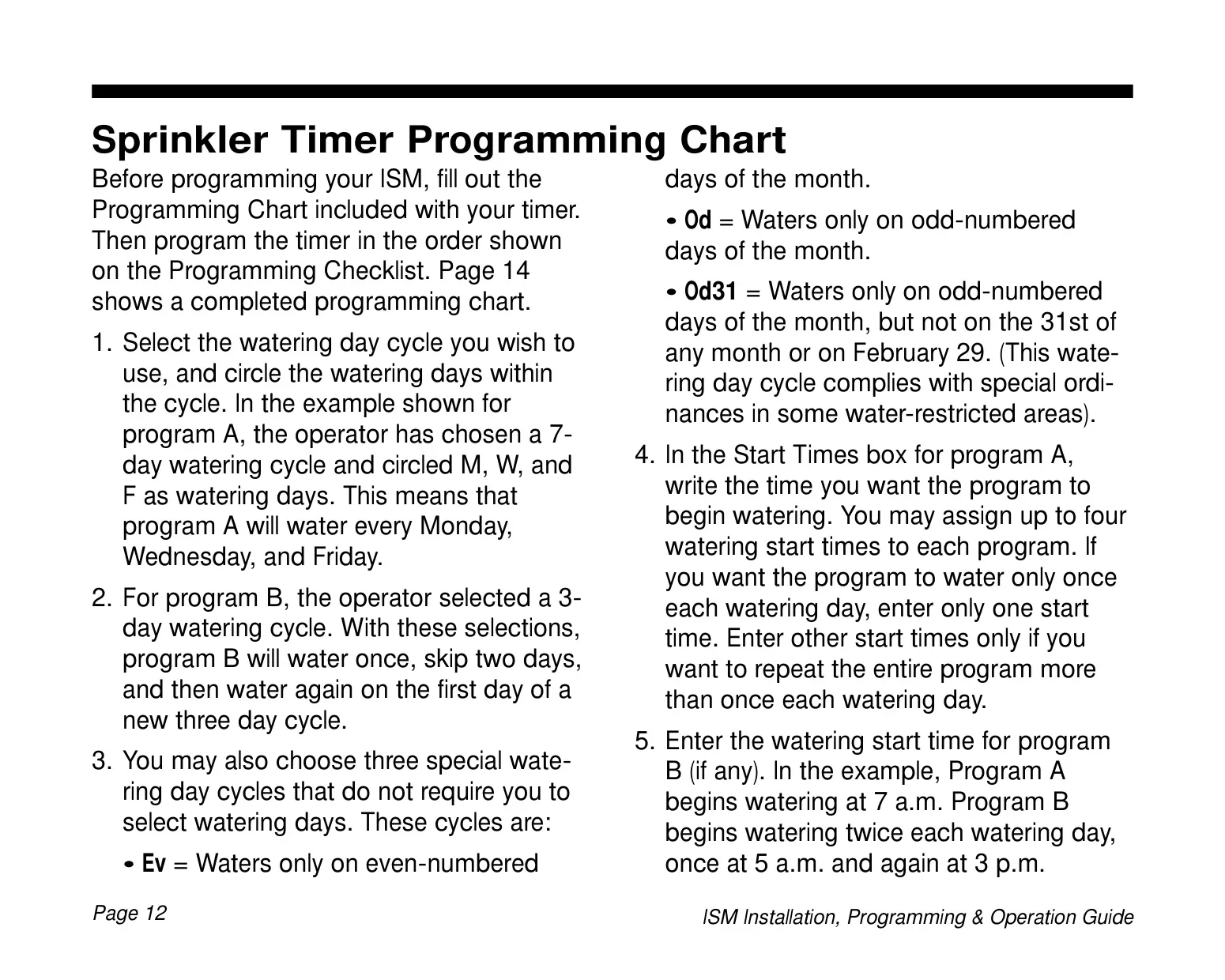
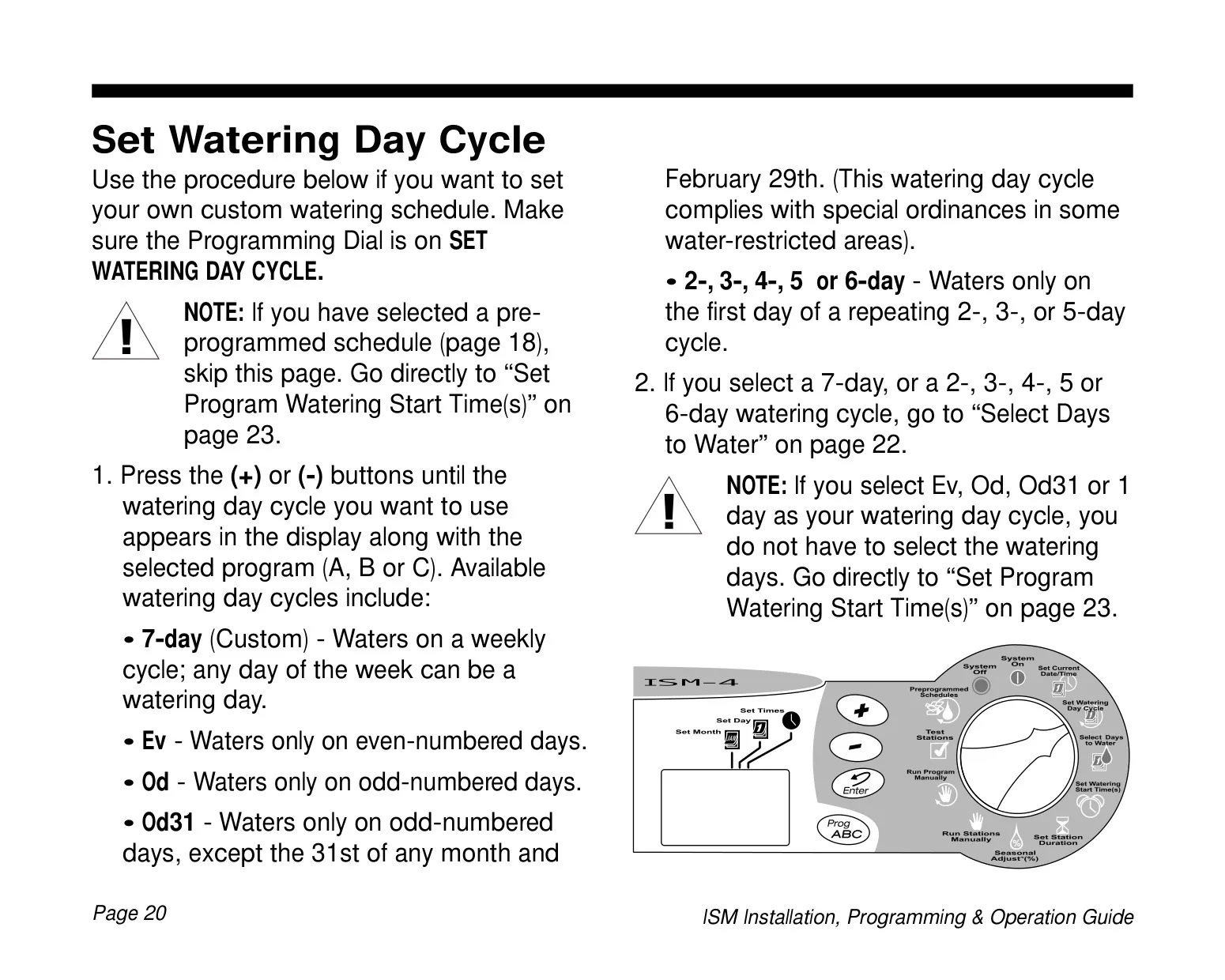
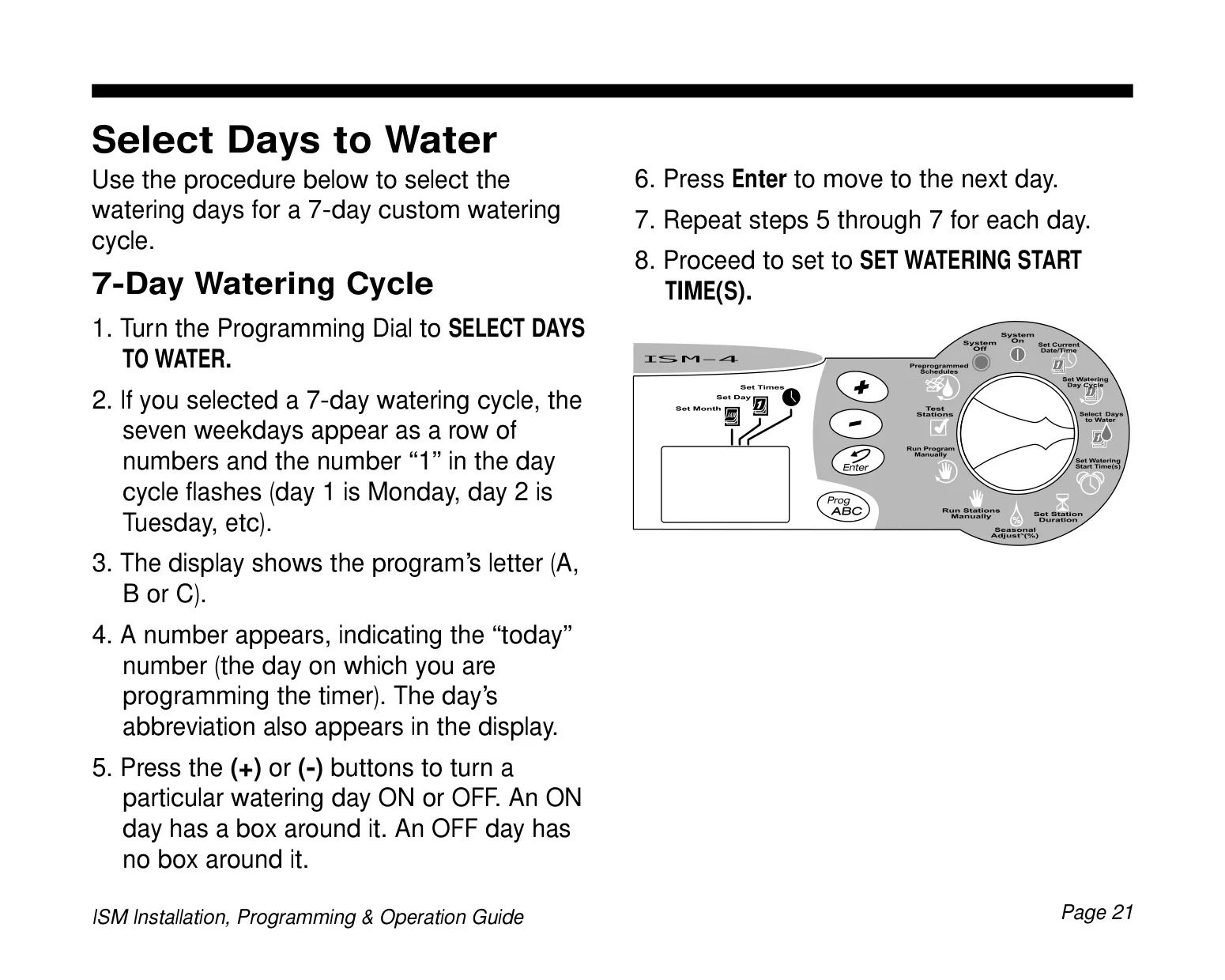
The timer offers a wide array of watering day cycle options, including a custom 7-day weekly schedule, specific even (Ev) or odd (Od) numbered day watering, and special Od31 cycles for compliance with strict water-restricted ordinances. Additionally, repeating cycles like 2, 3, 4, 5, or 6-day options provide further customization for diverse irrigation needs.

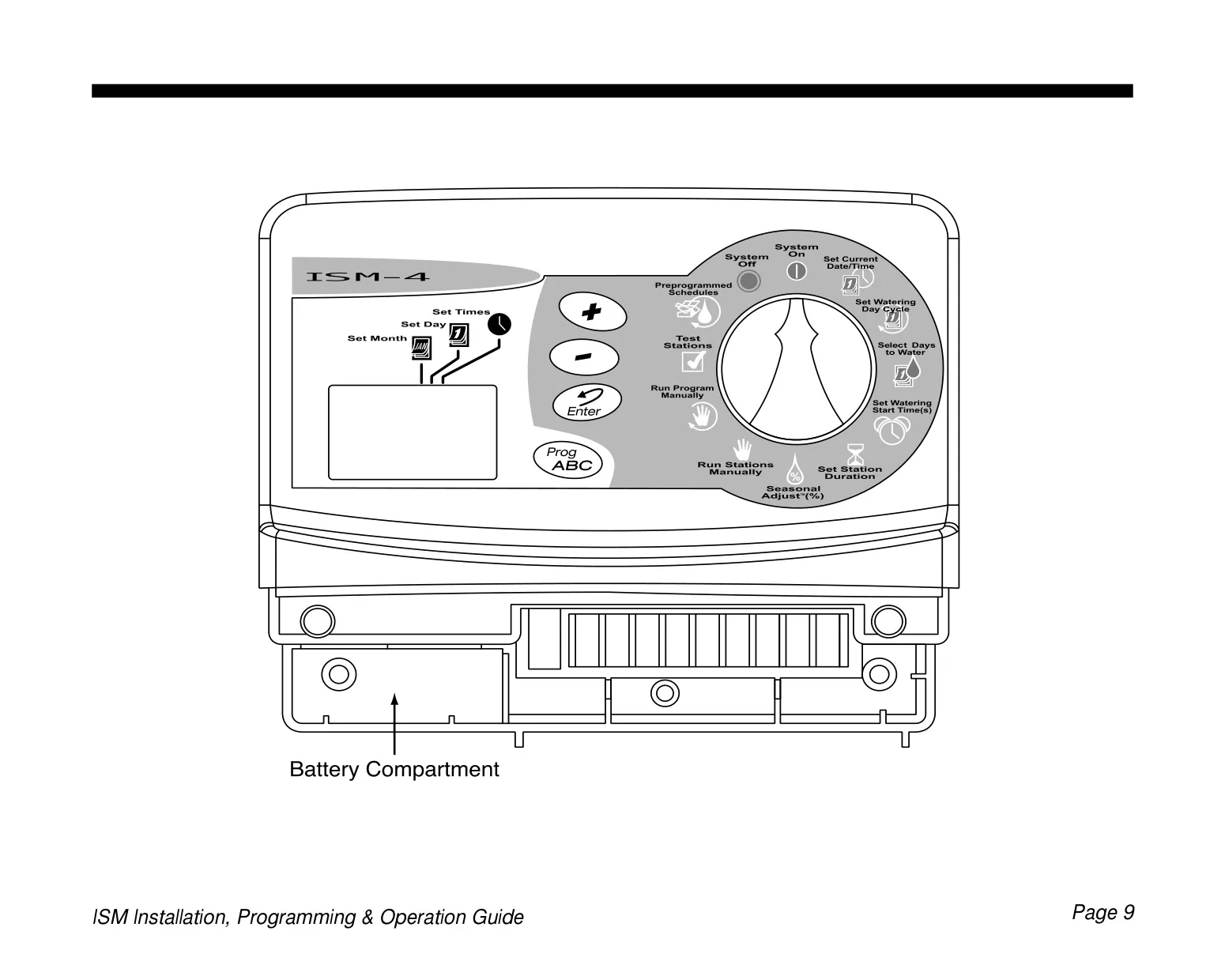
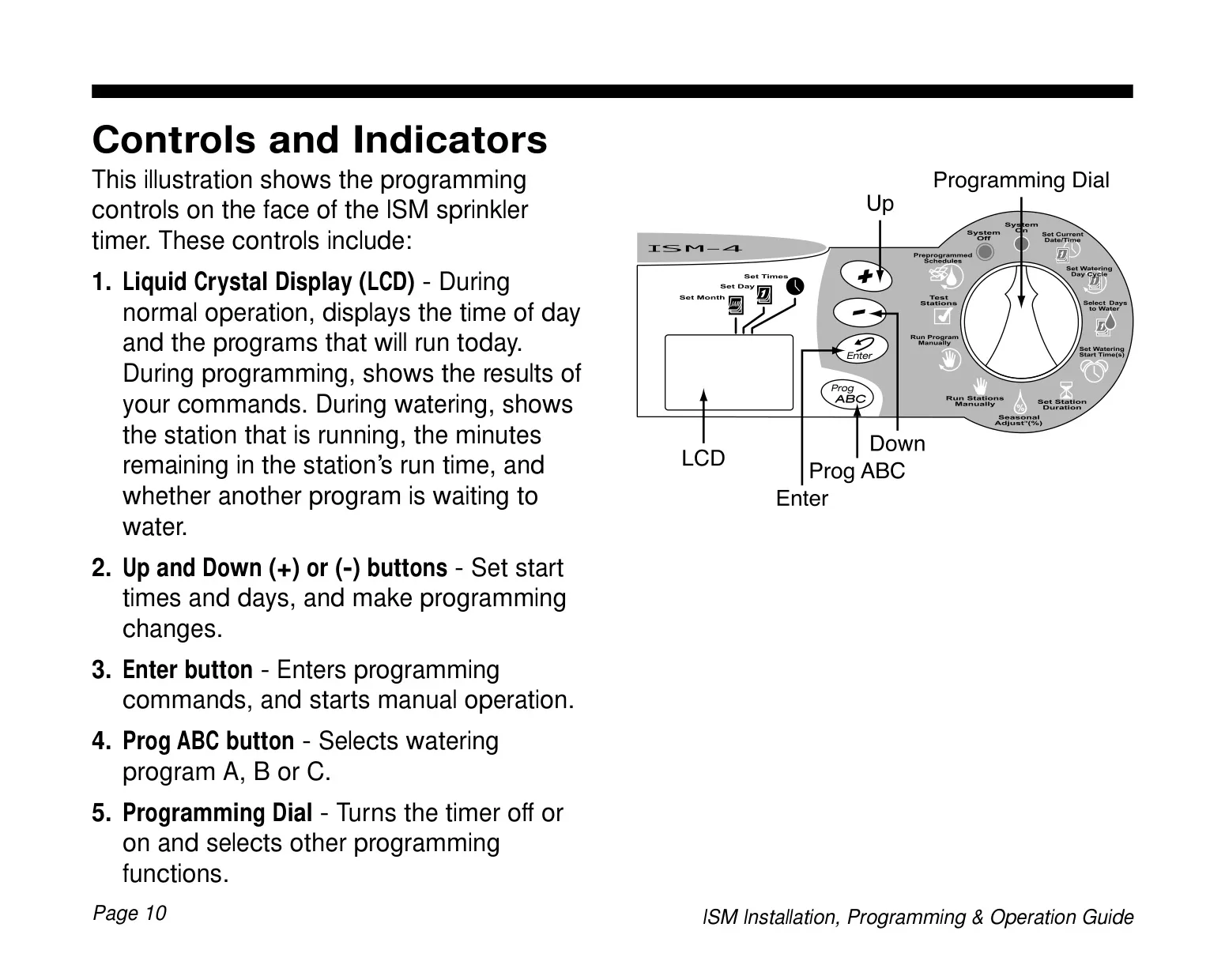
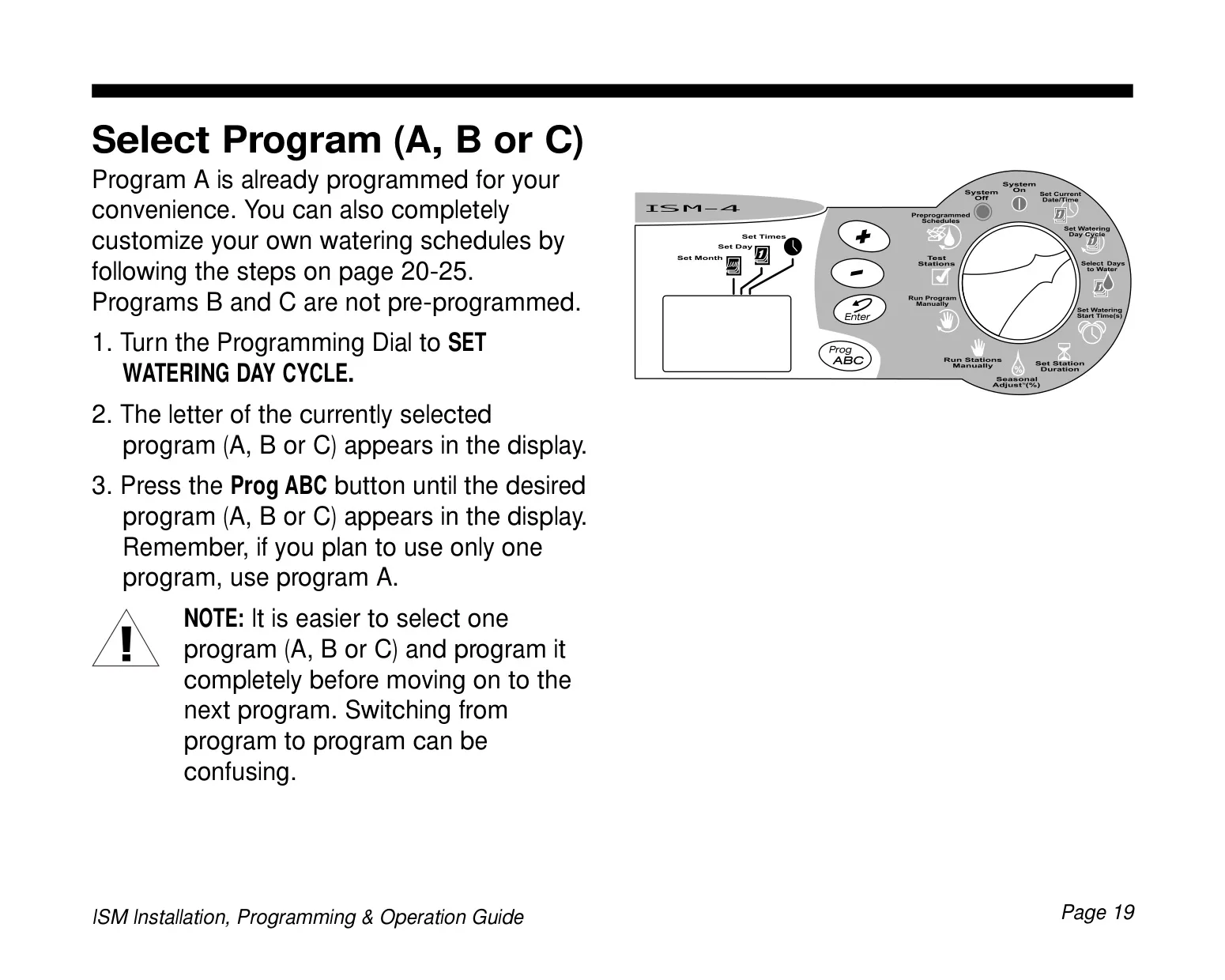
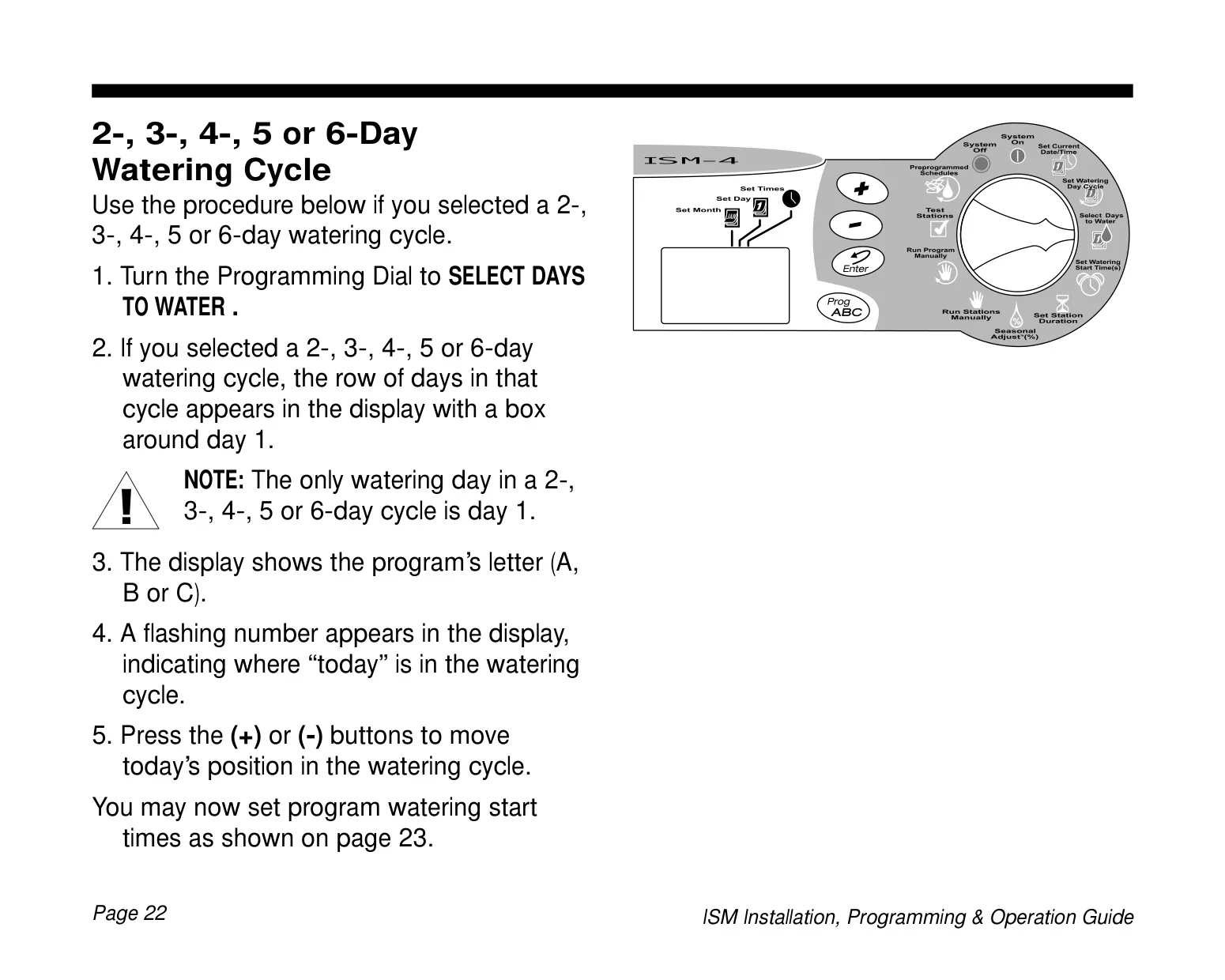
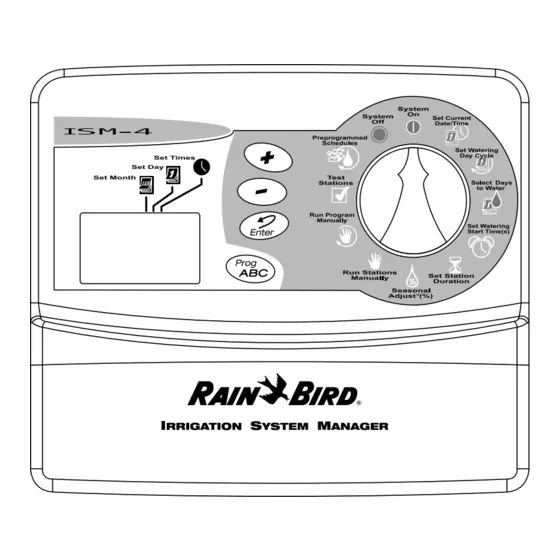
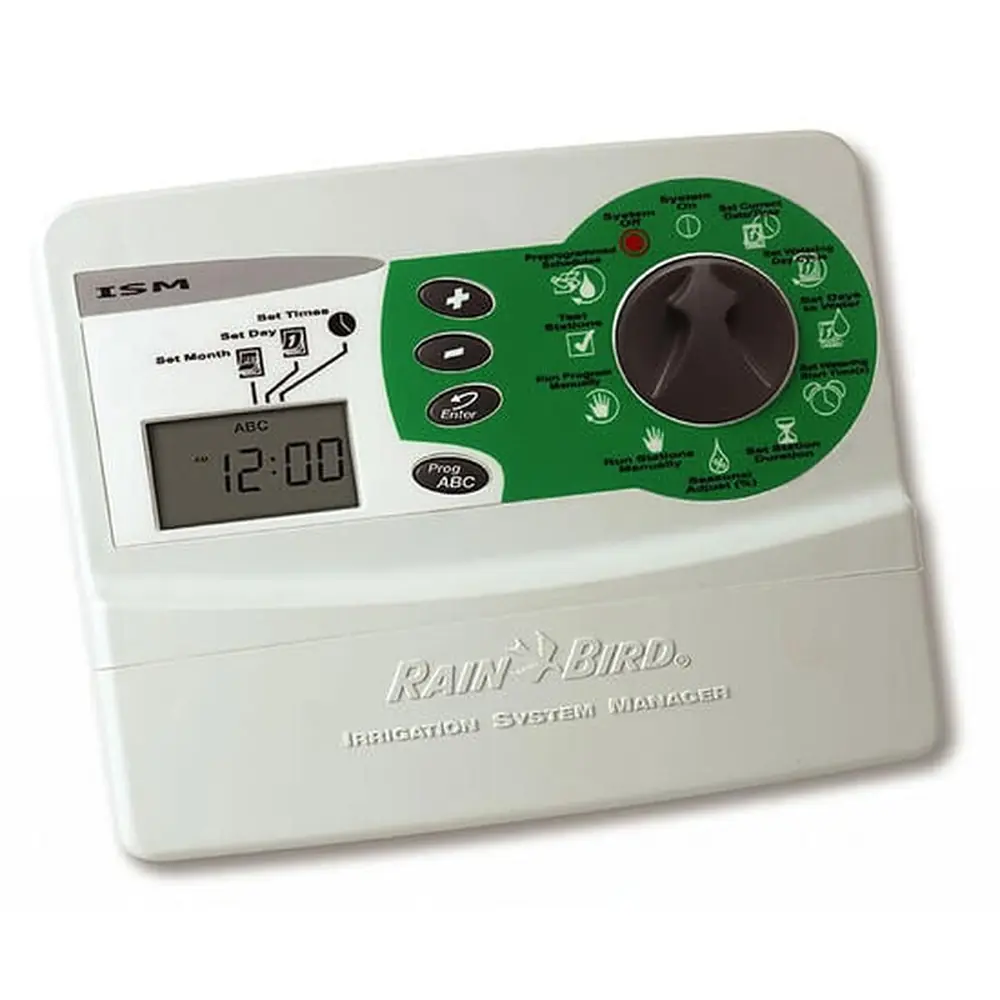
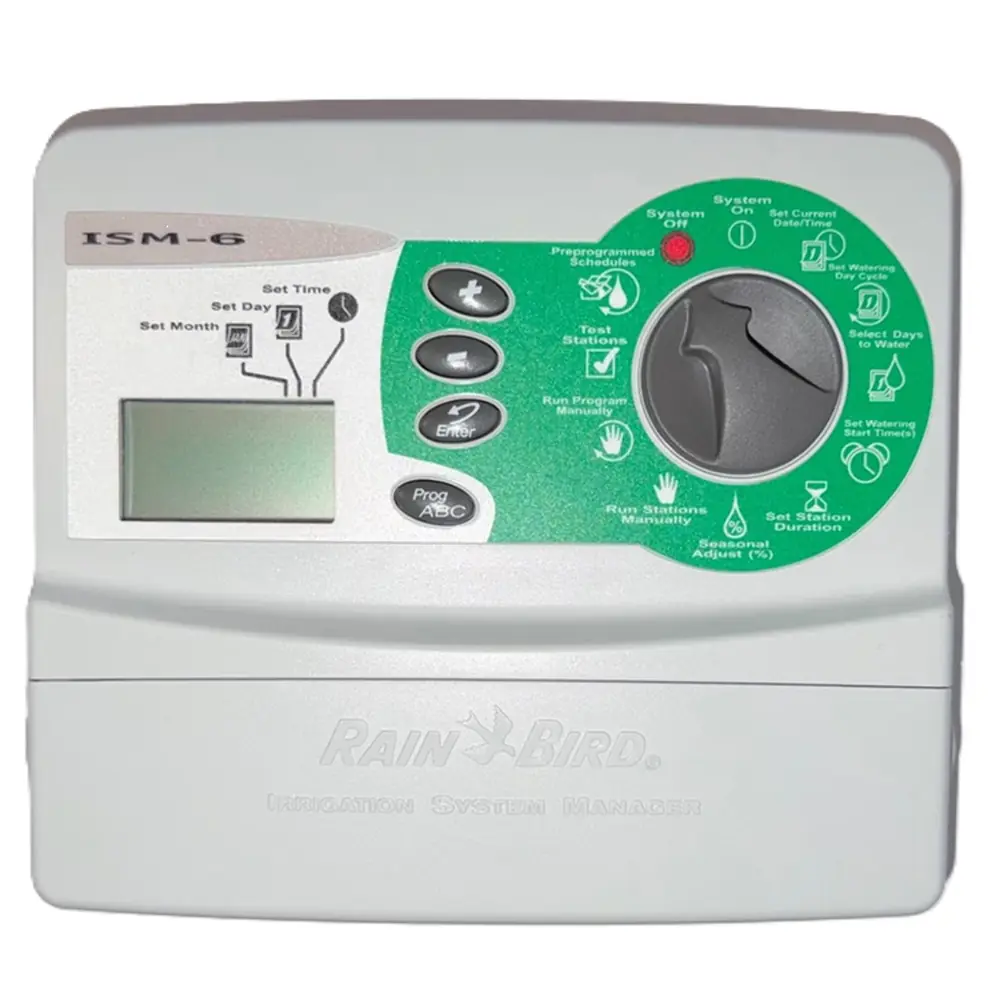
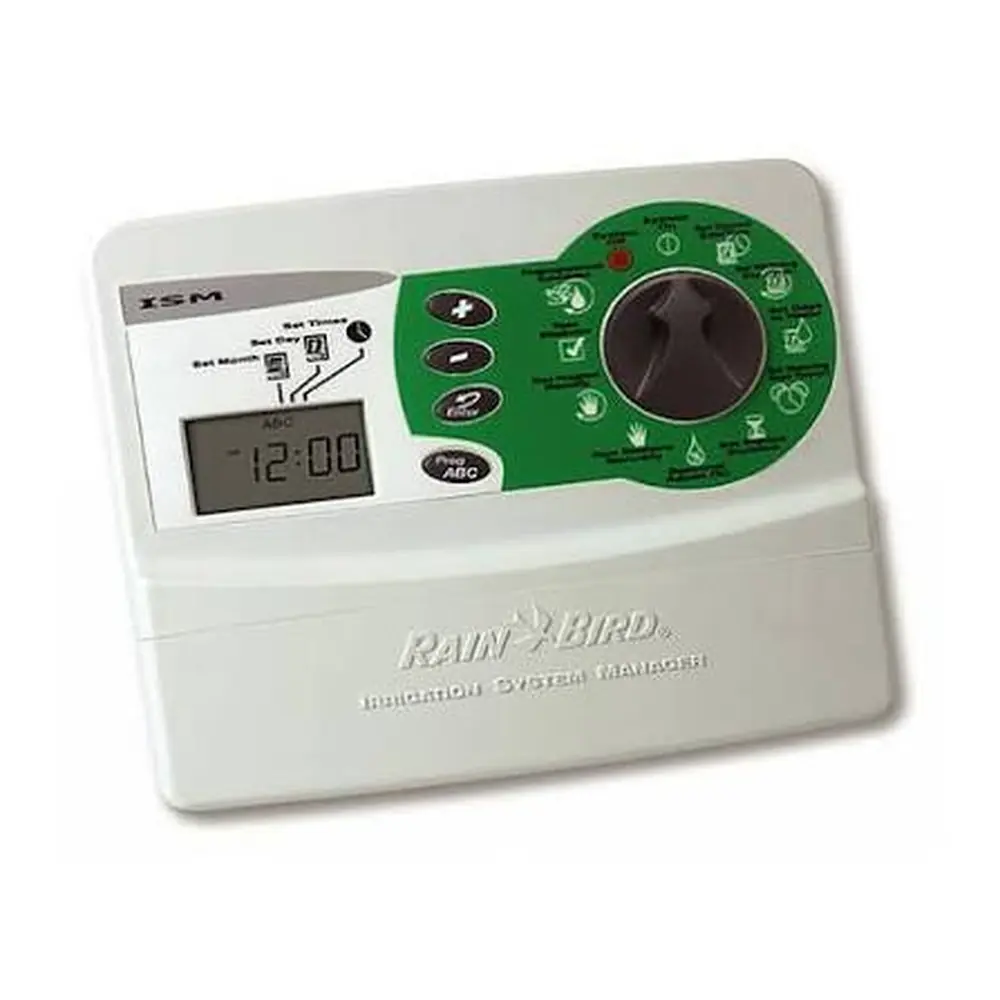
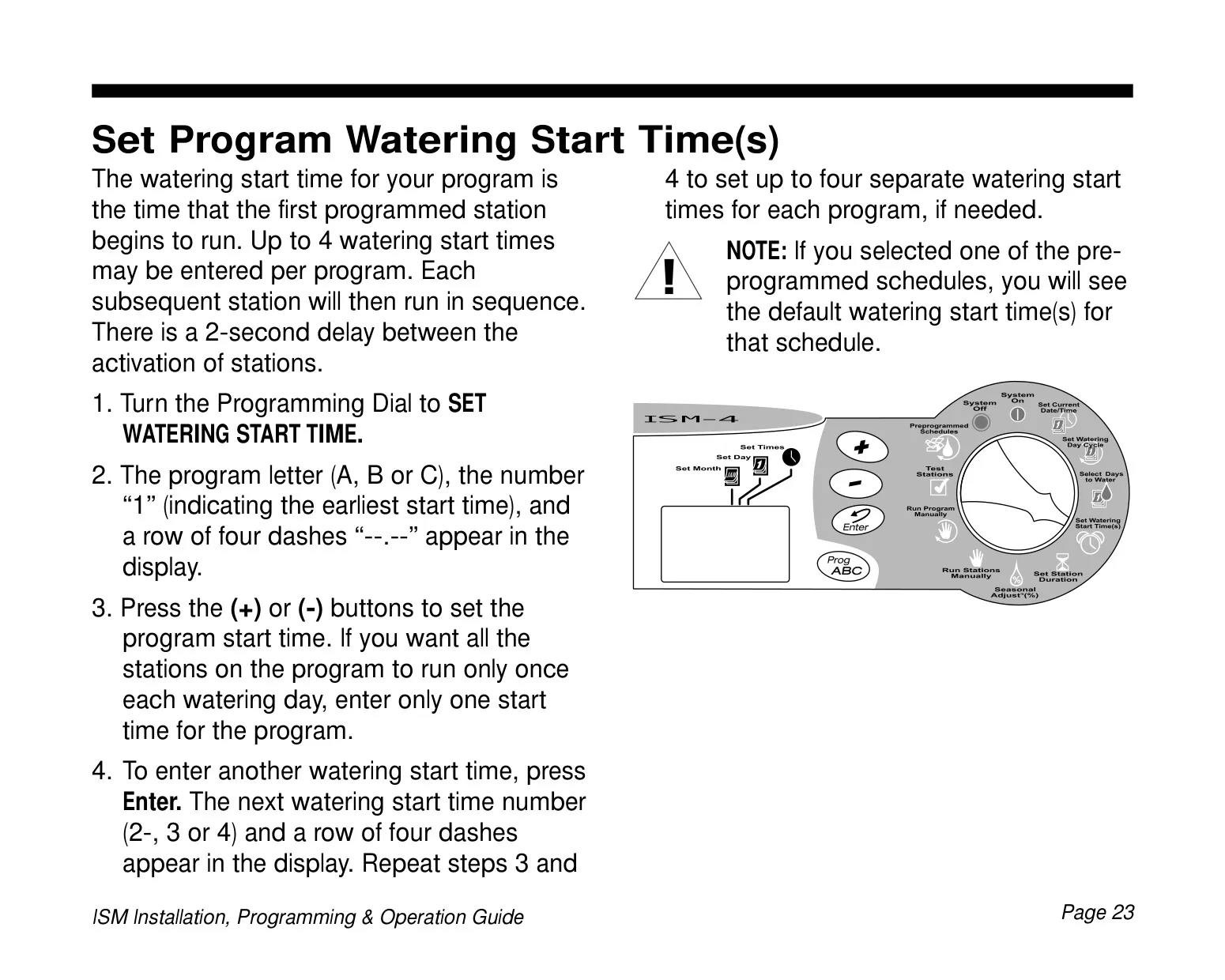
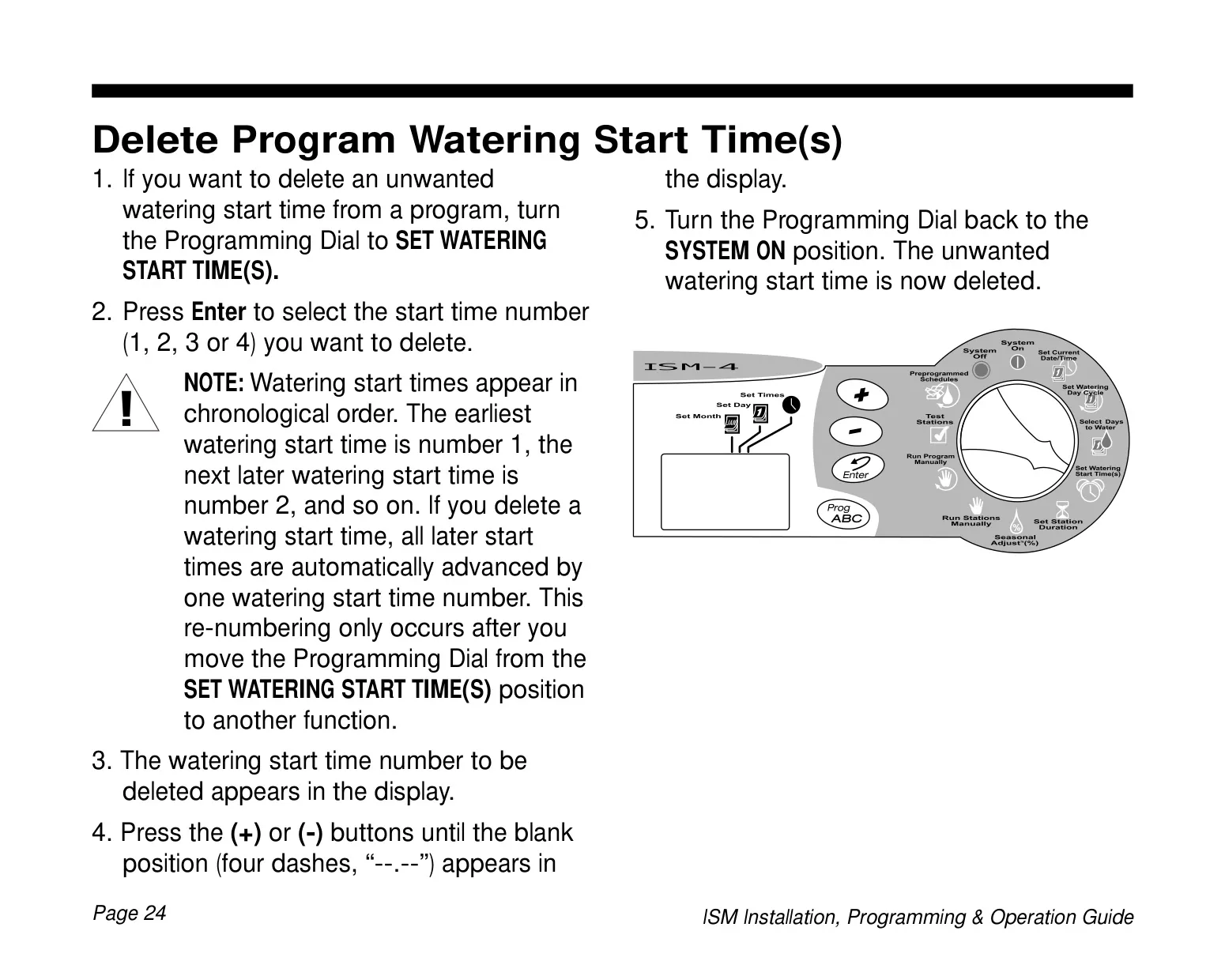
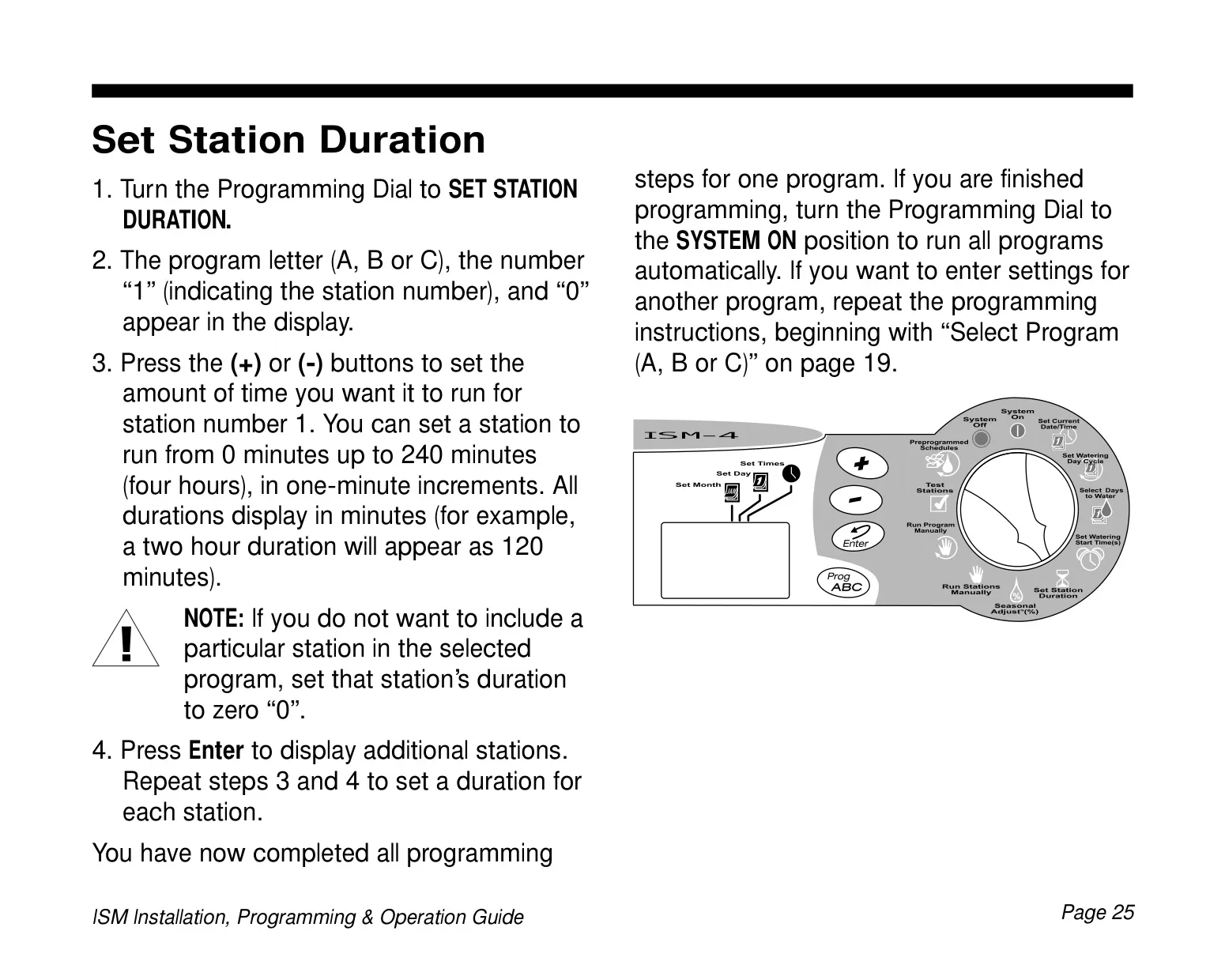
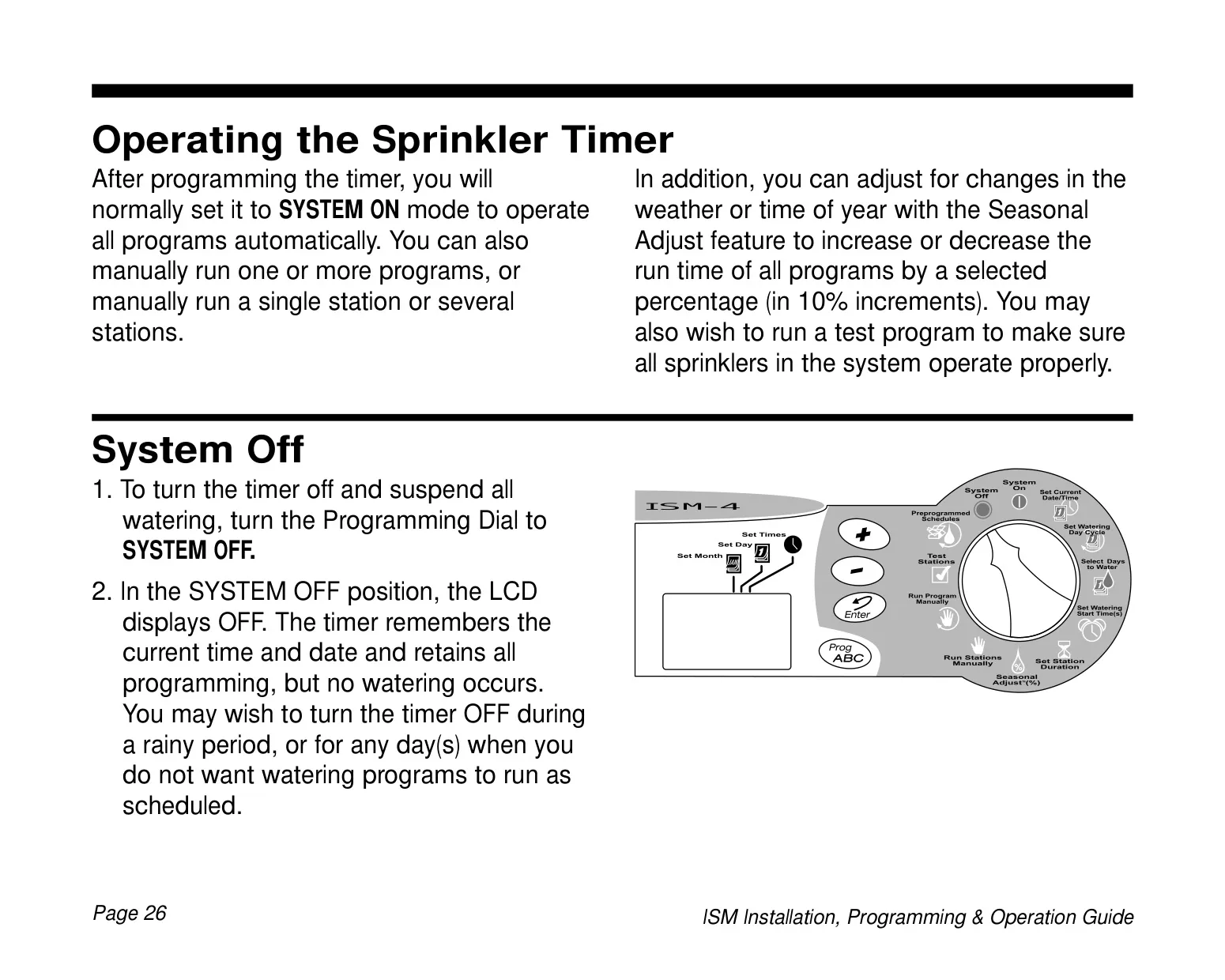
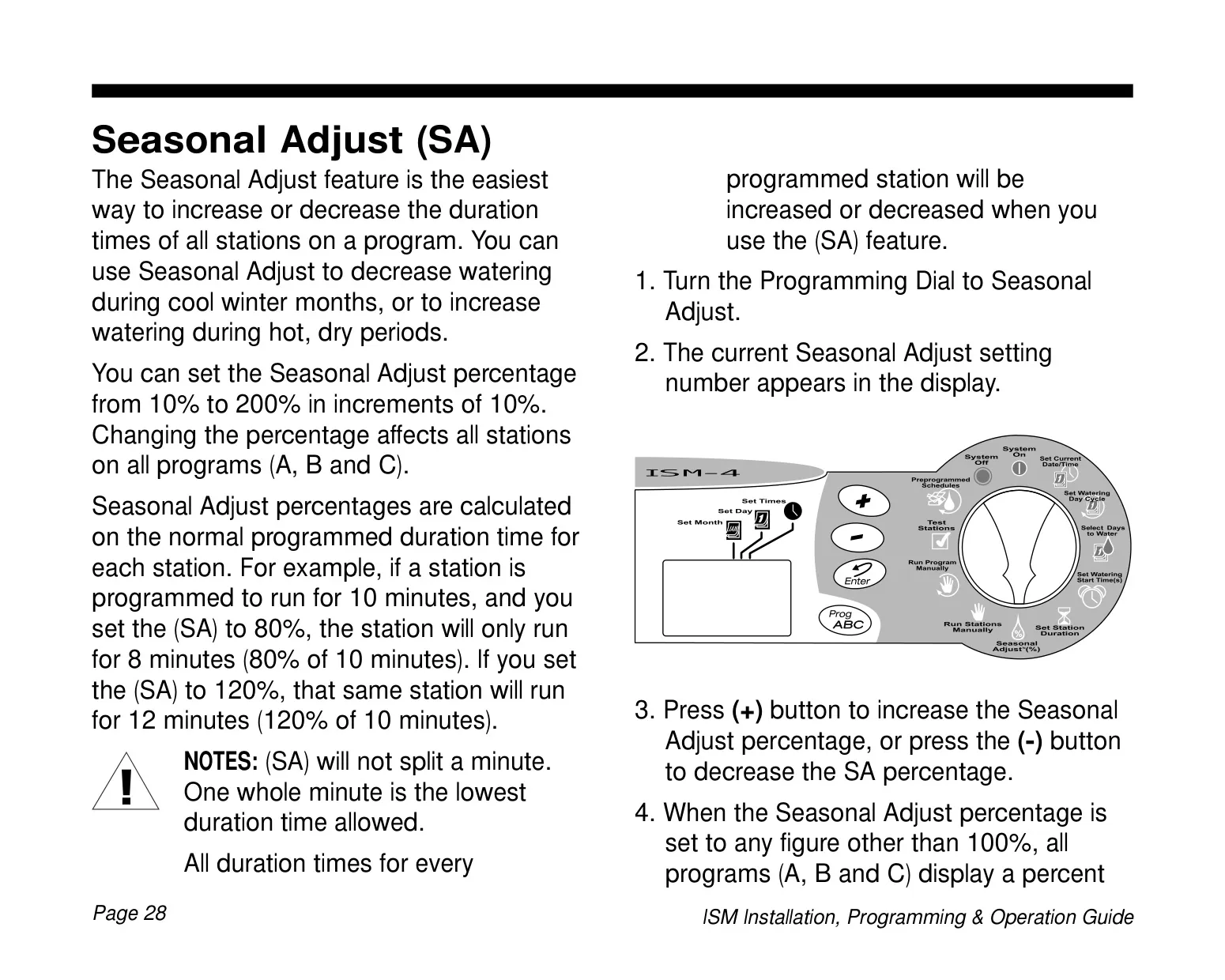
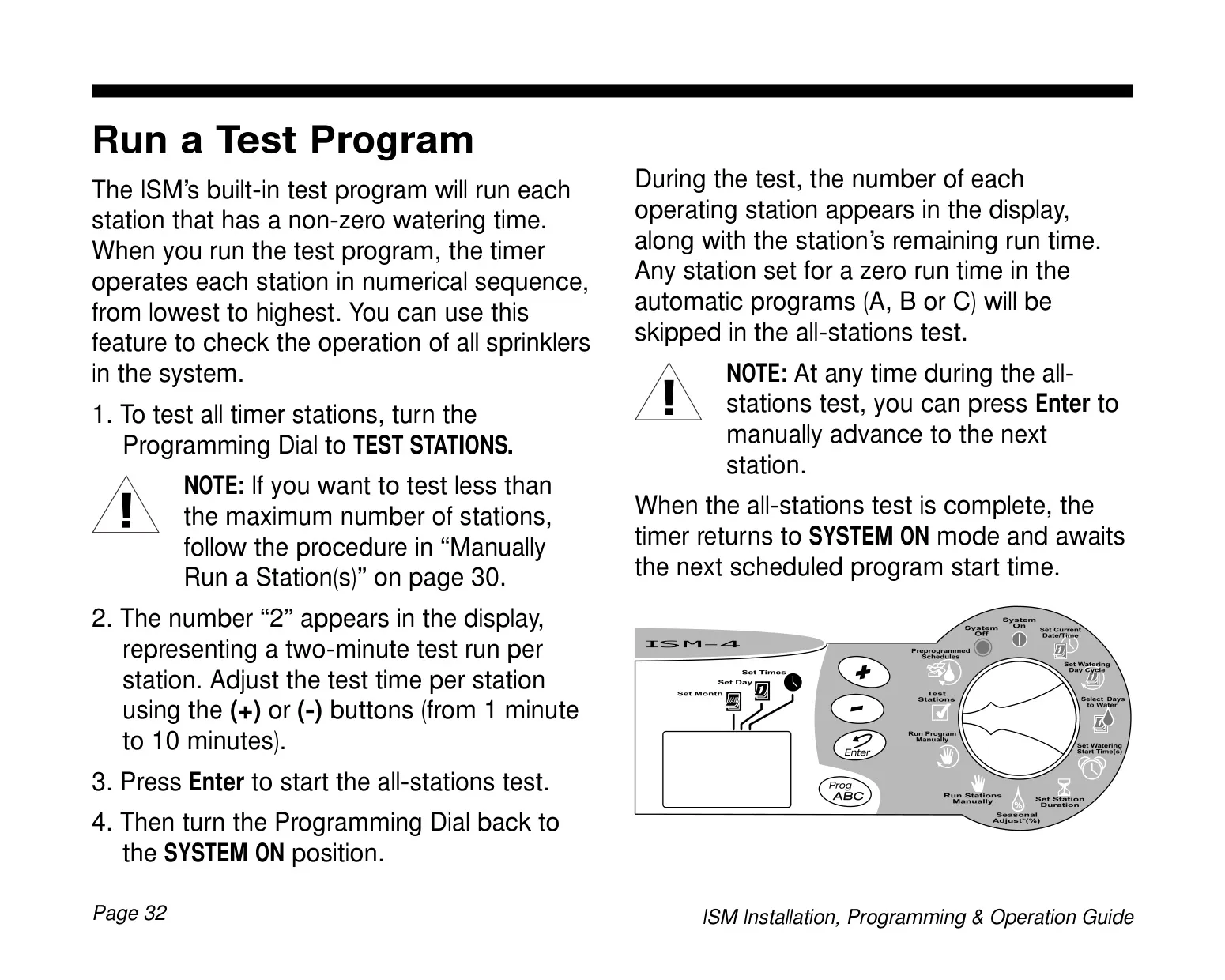
User interaction is streamlined through its clear LCD display, which provides real-time feedback on operations and programming adjustments. Navigation is made easy with intuitive Up/Down (+/-) buttons, an Enter button for command confirmation, a dedicated Prog ABC button for program selection, and a central Programming Dial to switch between functions.

Convenience is enhanced by the battery backup feature, which utilizes a 9-Volt alkaline battery. This not only retains all time, date, and programming information during power outages but also allows for pre-installation programming of the unit. To conserve battery life, the timer intelligently enters a "sleep" mode after periods of inactivity, reactivating with a simple button press.

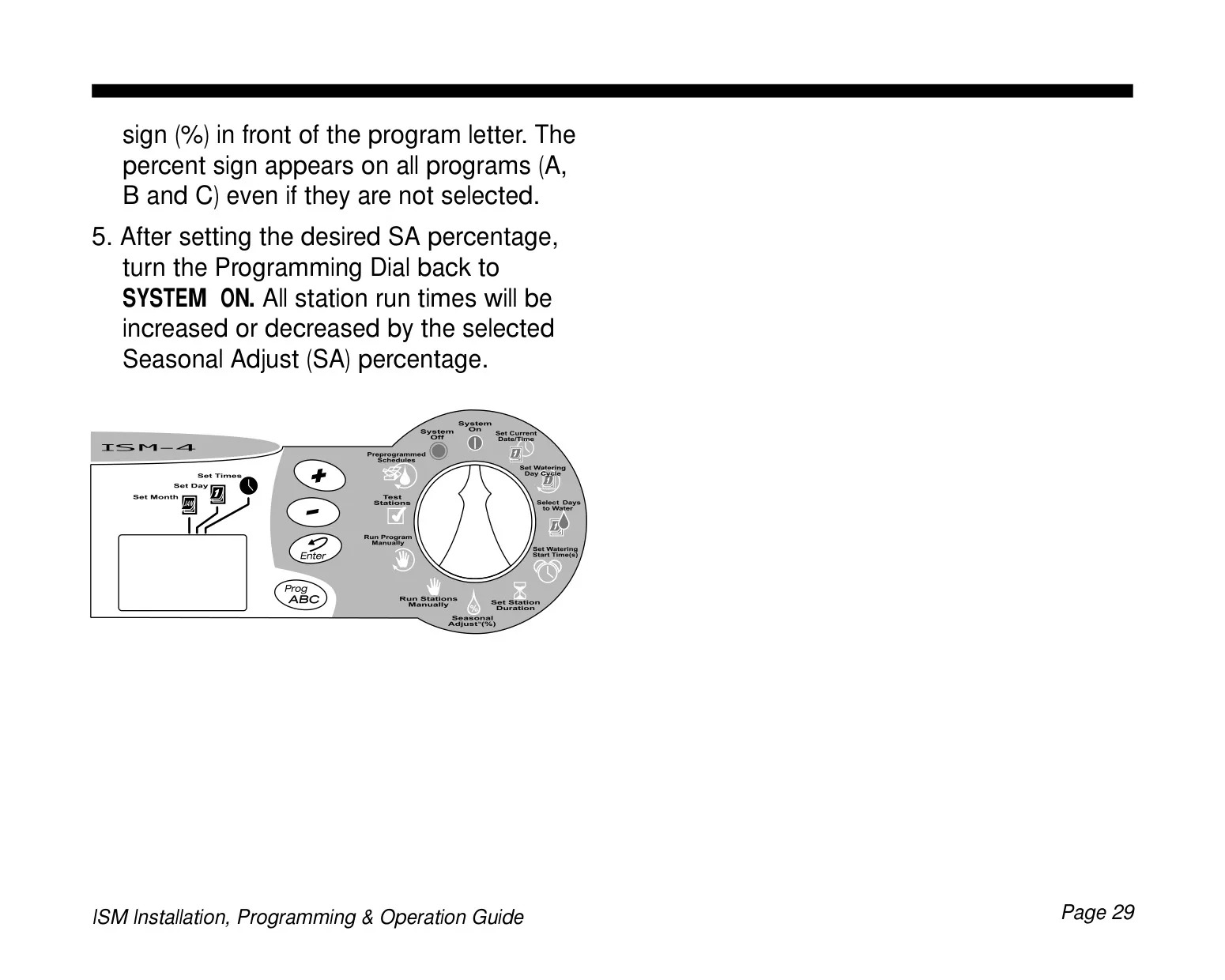
The Seasonal Adjust (SA) feature is a powerful tool for adapting your watering schedule to changing weather conditions without full reprogramming. It allows you to increase or decrease the duration of all stations across all programs uniformly, from 10% to 200% in 10% increments, making seasonal adjustments quick and effortless.

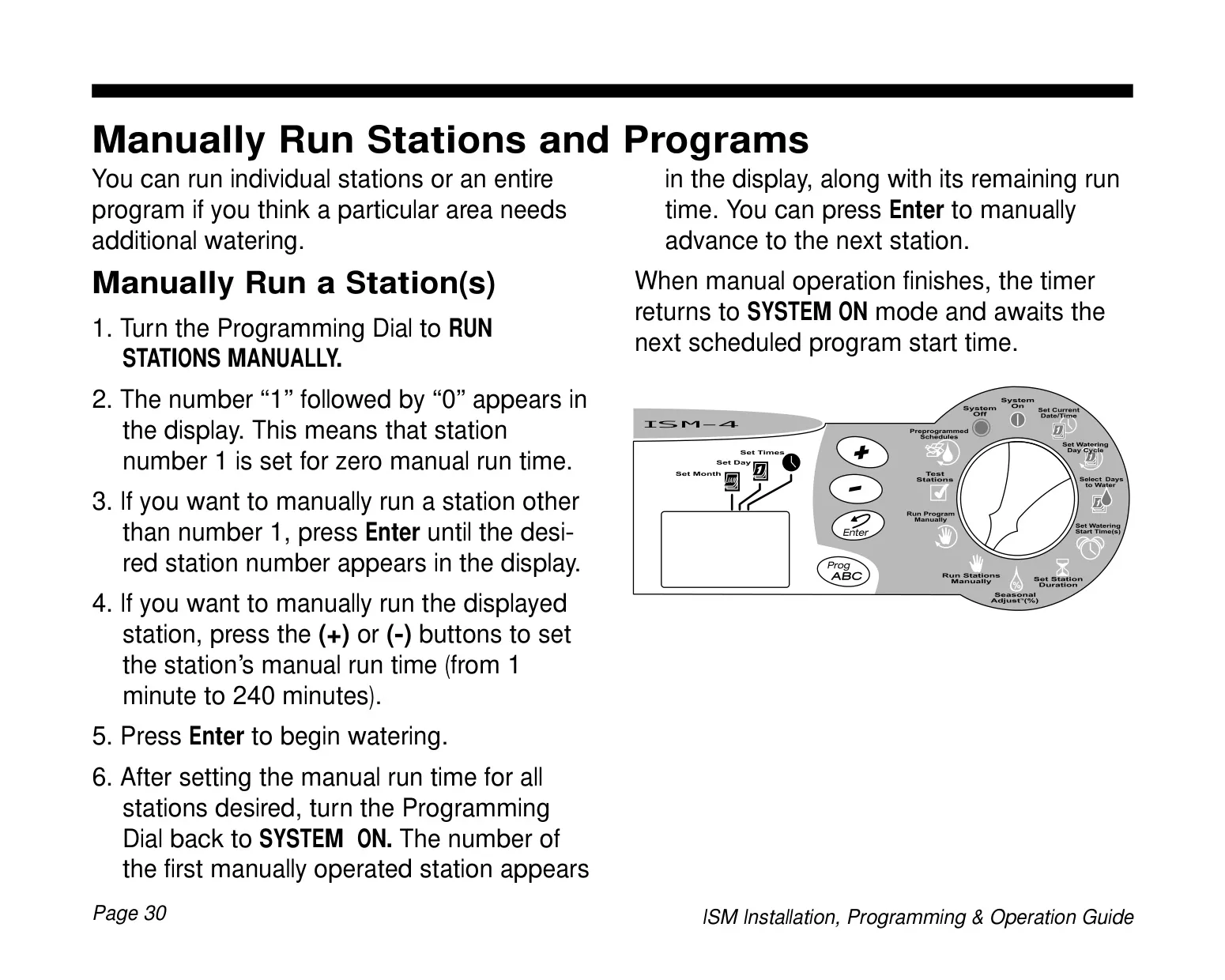
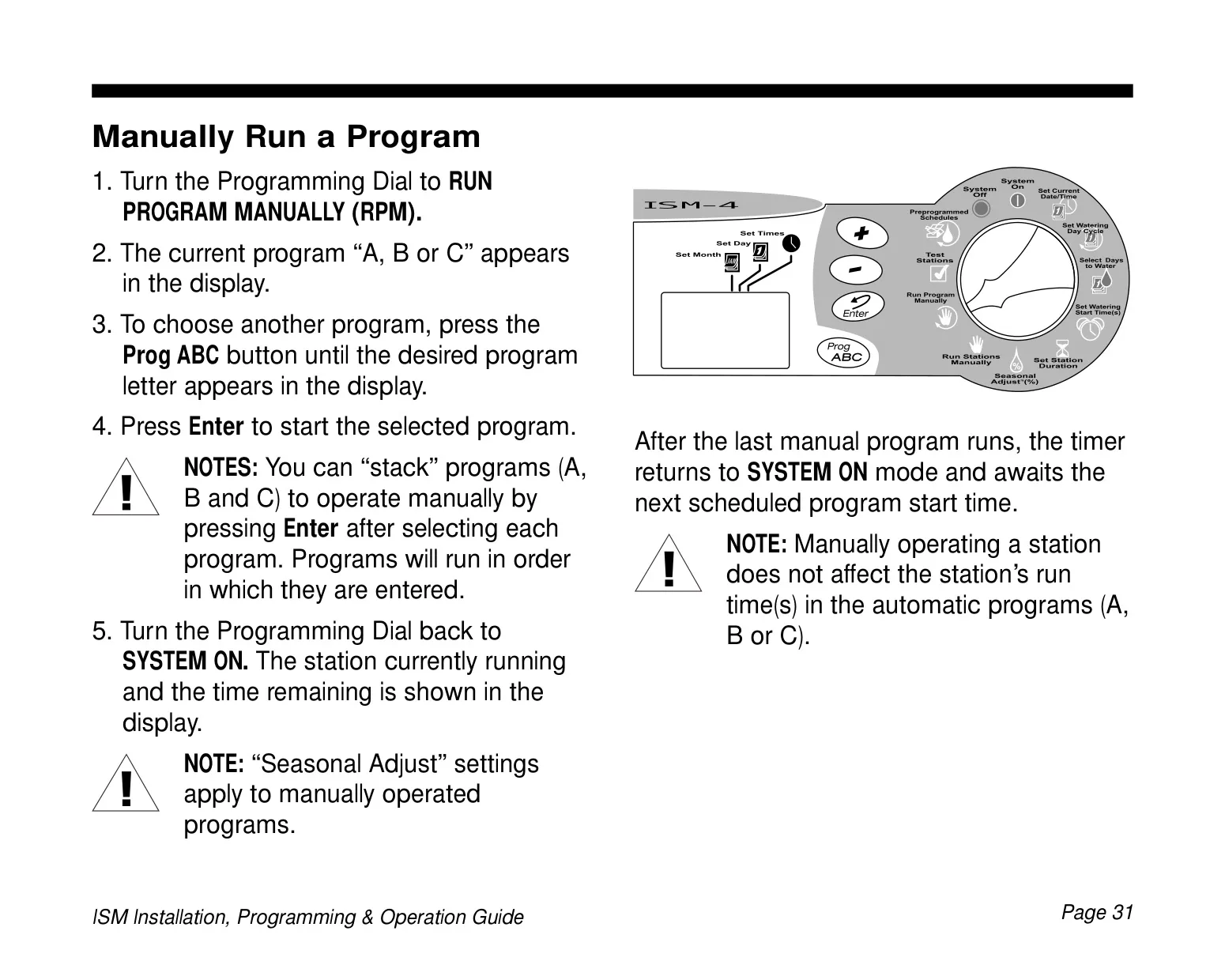
For immediate needs or system checks, the ISM-4 supports manual operation of individual stations or entire programs. You can run a single station for a specific duration or activate a whole program outside its scheduled time. A built-in test program also facilitates system diagnostics by running each active station sequentially for a user-defined period of 1 to 10 minutes, ideal for verifying sprinkler functionality.

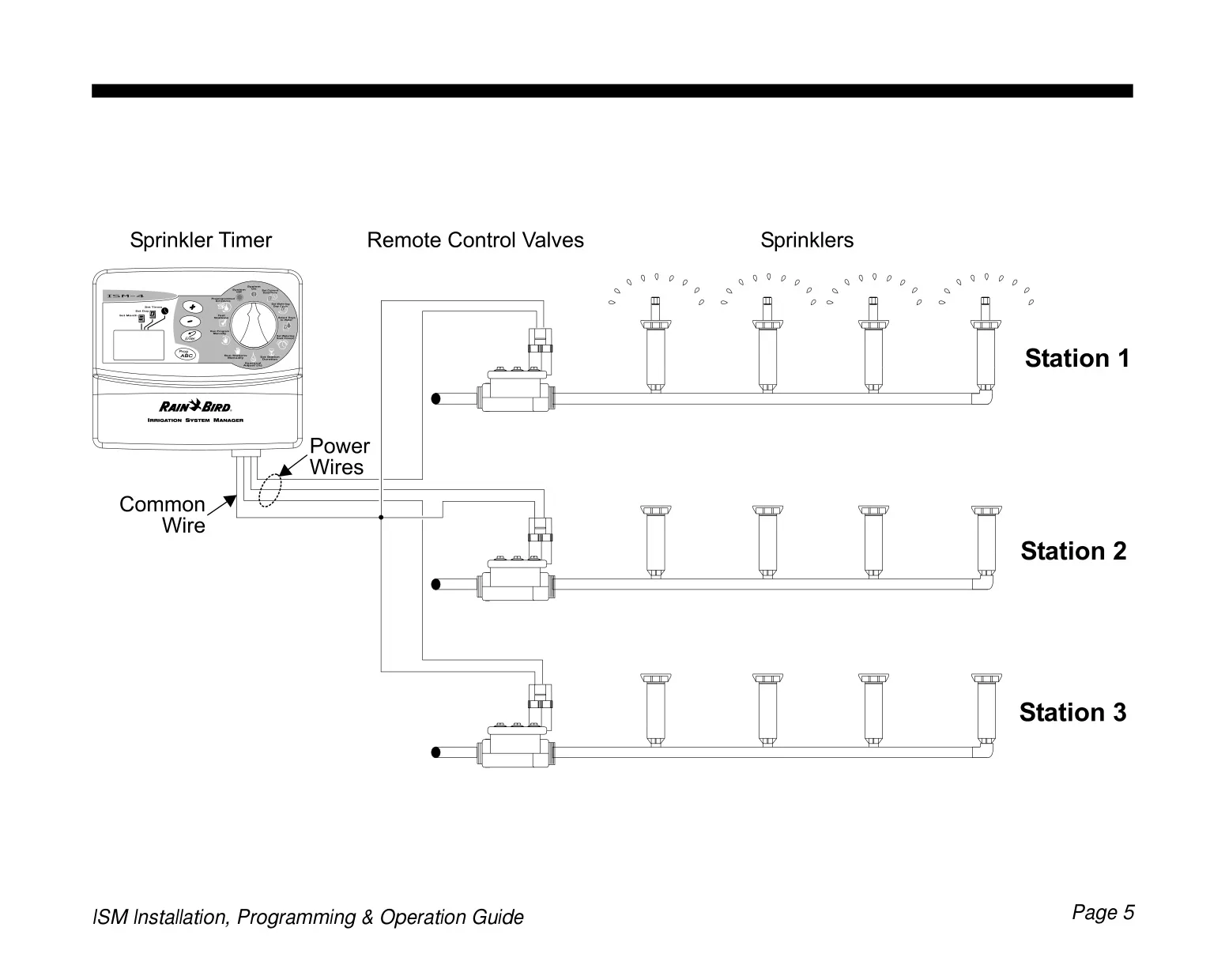
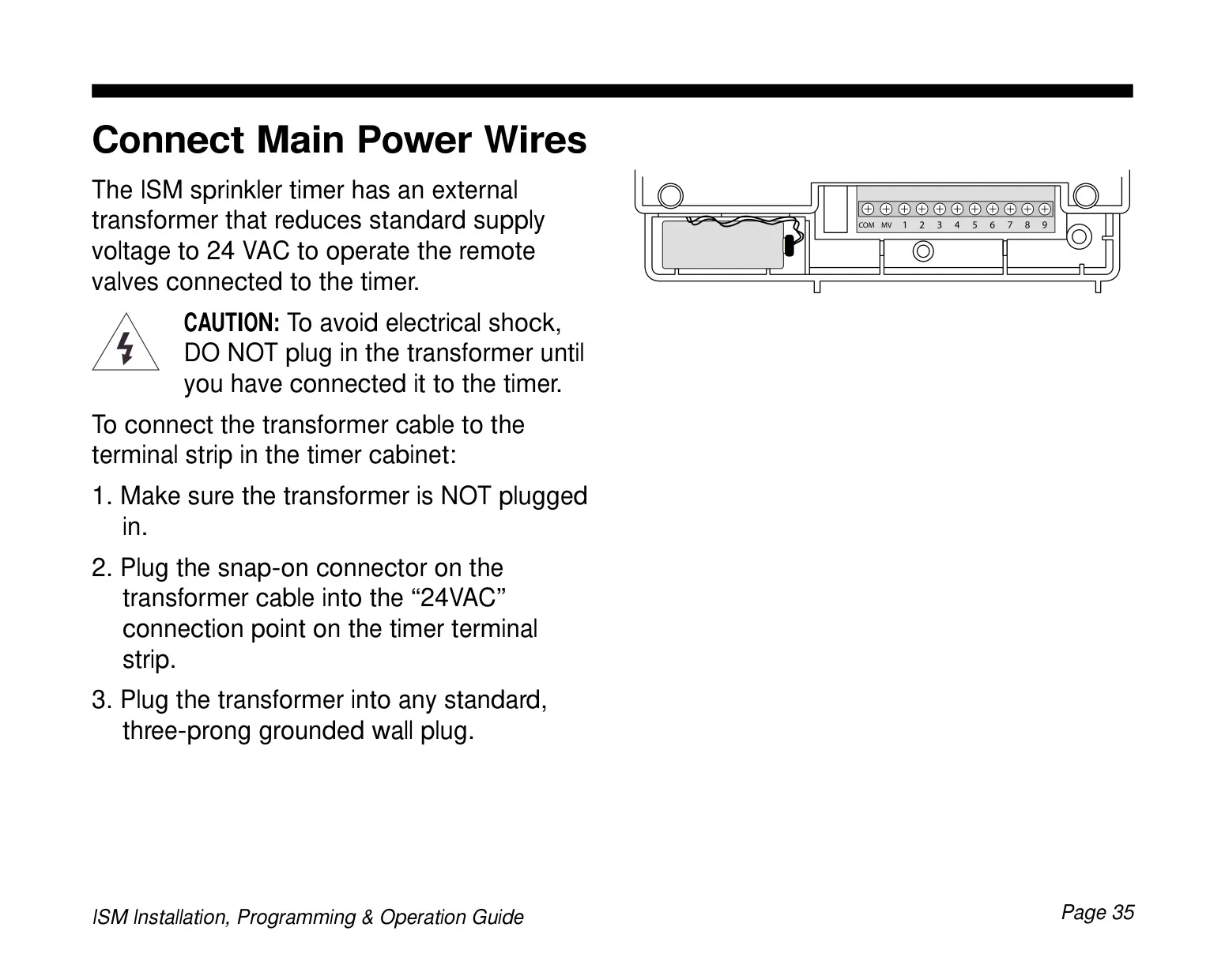
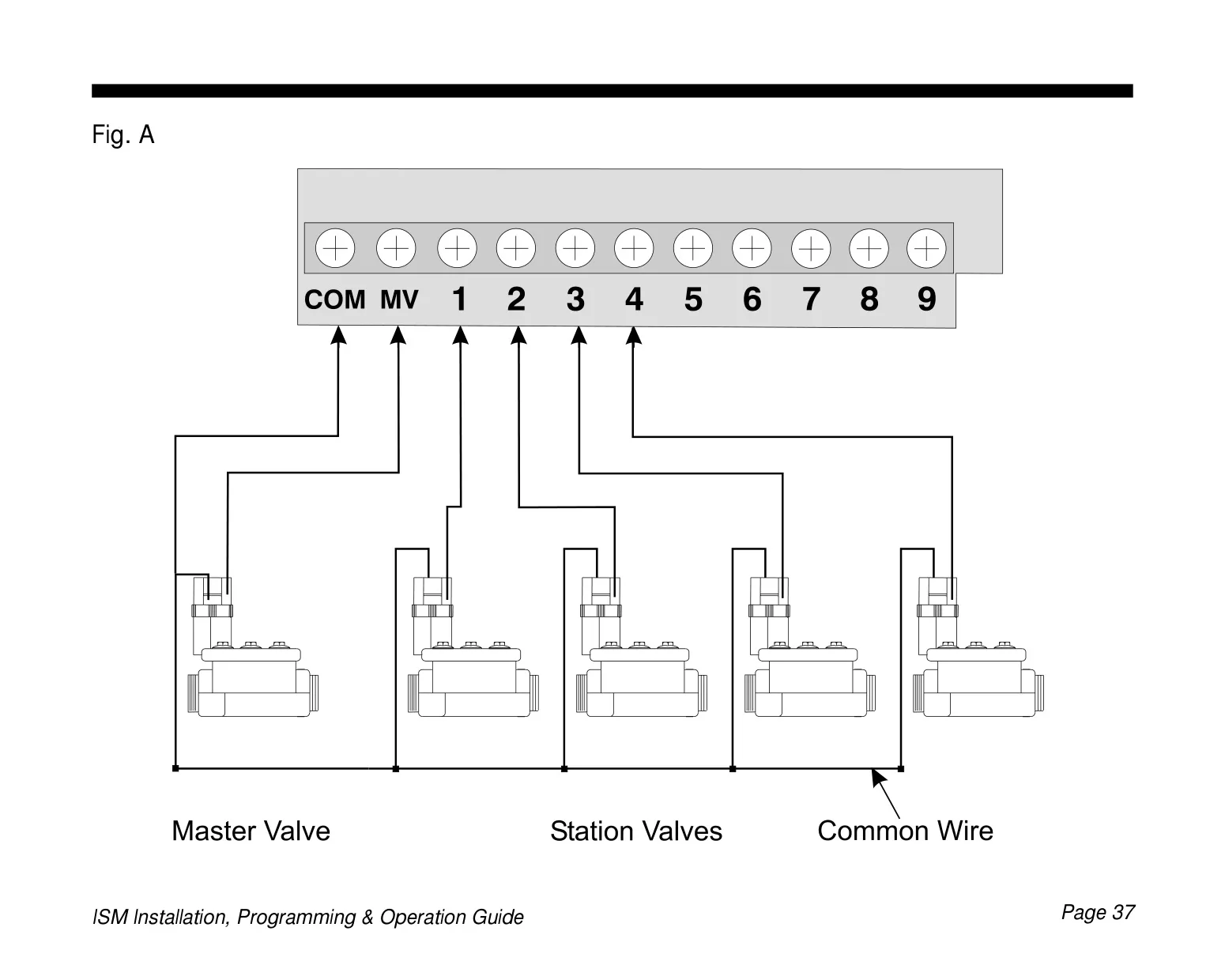
Installation of the ISM-4 is designed for indoor environments and must comply with local electrical codes. The manual meticulously details connections for the external transformer and field wires to remote control valves, including common and master valve (MV) connections. This ensures safe and proper setup, preparing the system for immediate programming and operation.

Frequently Asked Questions (FAQs)

Can't find the answer you need? Here are some frequently asked questions about the Rain Bird ISM-4, and we answer them below.


Why is the LCD display on my Rain Bird ISM-4 blank?
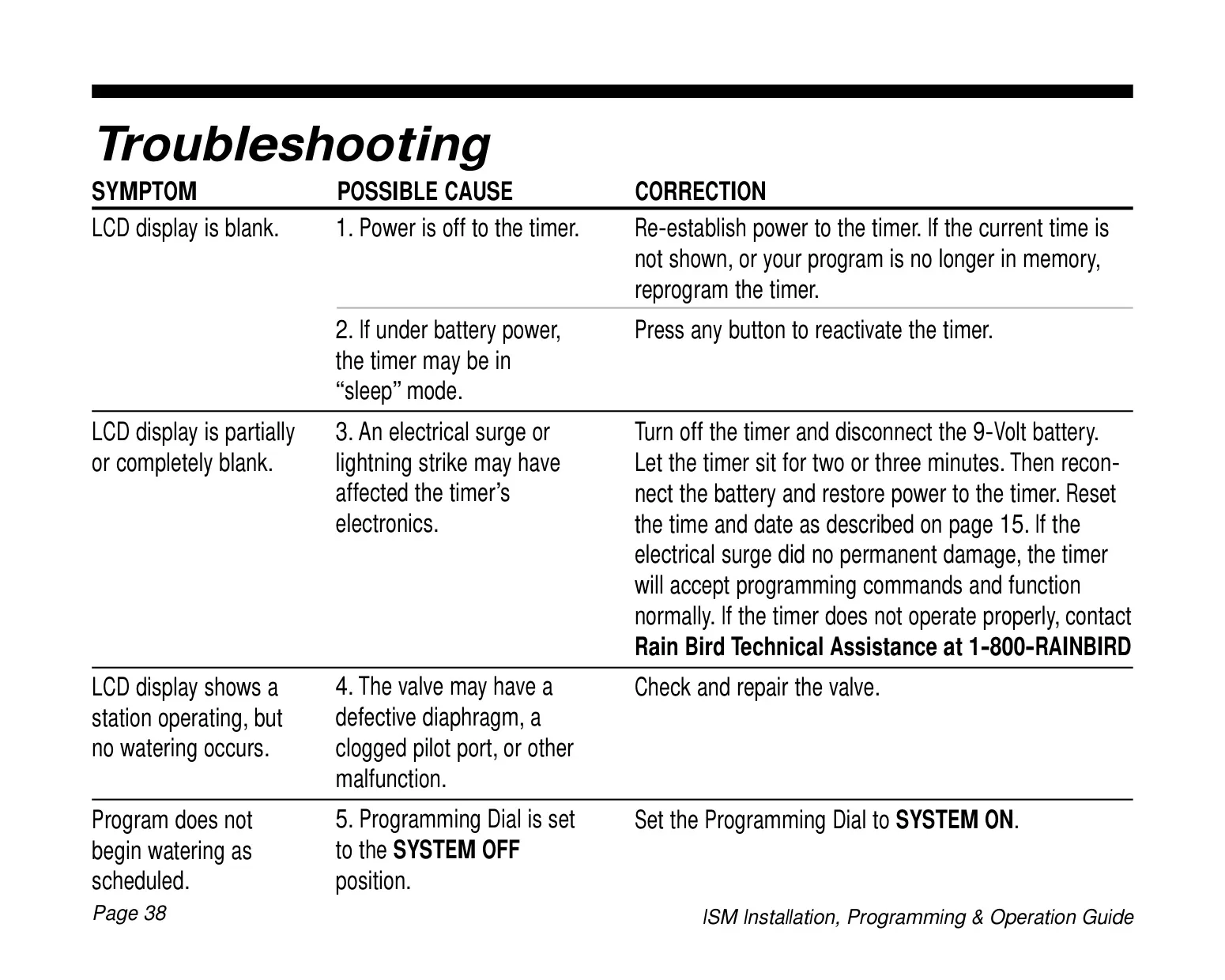
The display may be blank if power to the timer is off. Re-establish power to the unit. If the timer is operating on battery power, it may have entered "sleep" mode; press any button to reactivate it. In rare cases, an electrical surge or lightning strike could affect the electronics; try disconnecting the battery and power for a few minutes before reconnecting and resetting the time/date.

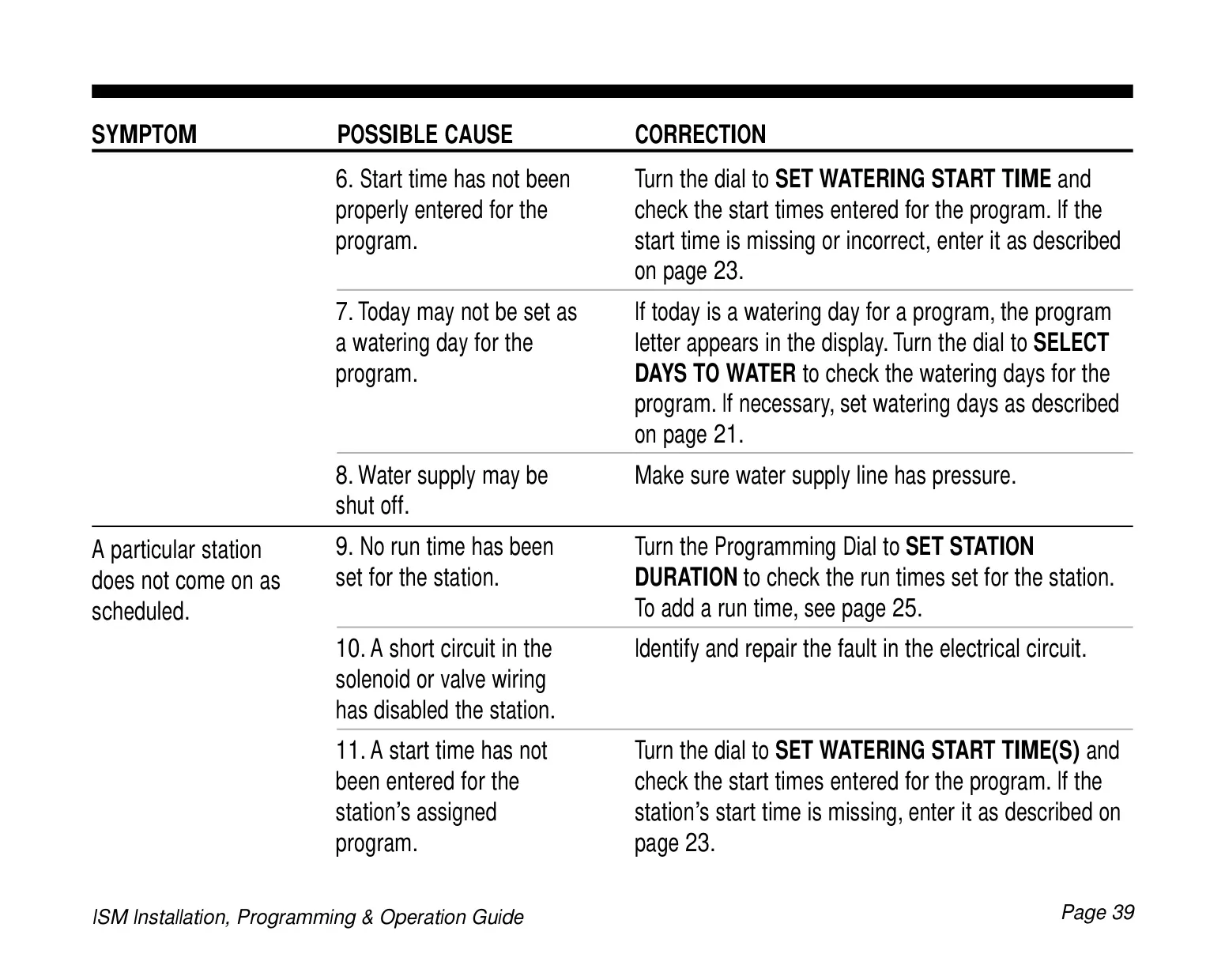
My program is not starting watering as scheduled. What should I check?
First, ensure the Programming Dial is set to the "SYSTEM ON" position. Verify that the start time(s) for the program have been properly entered and that today is designated as a watering day for that specific program. Also, confirm that your main water supply is turned on and providing pressure.

One of my sprinkler stations is not turning on. How do I troubleshoot this?
Check if a run time (duration) has been assigned to that particular station within its program. A duration of "0" minutes will prevent it from running. Additionally, inspect the solenoid or valve wiring for a short circuit, which can disable a station. Identify and repair any detected electrical faults.

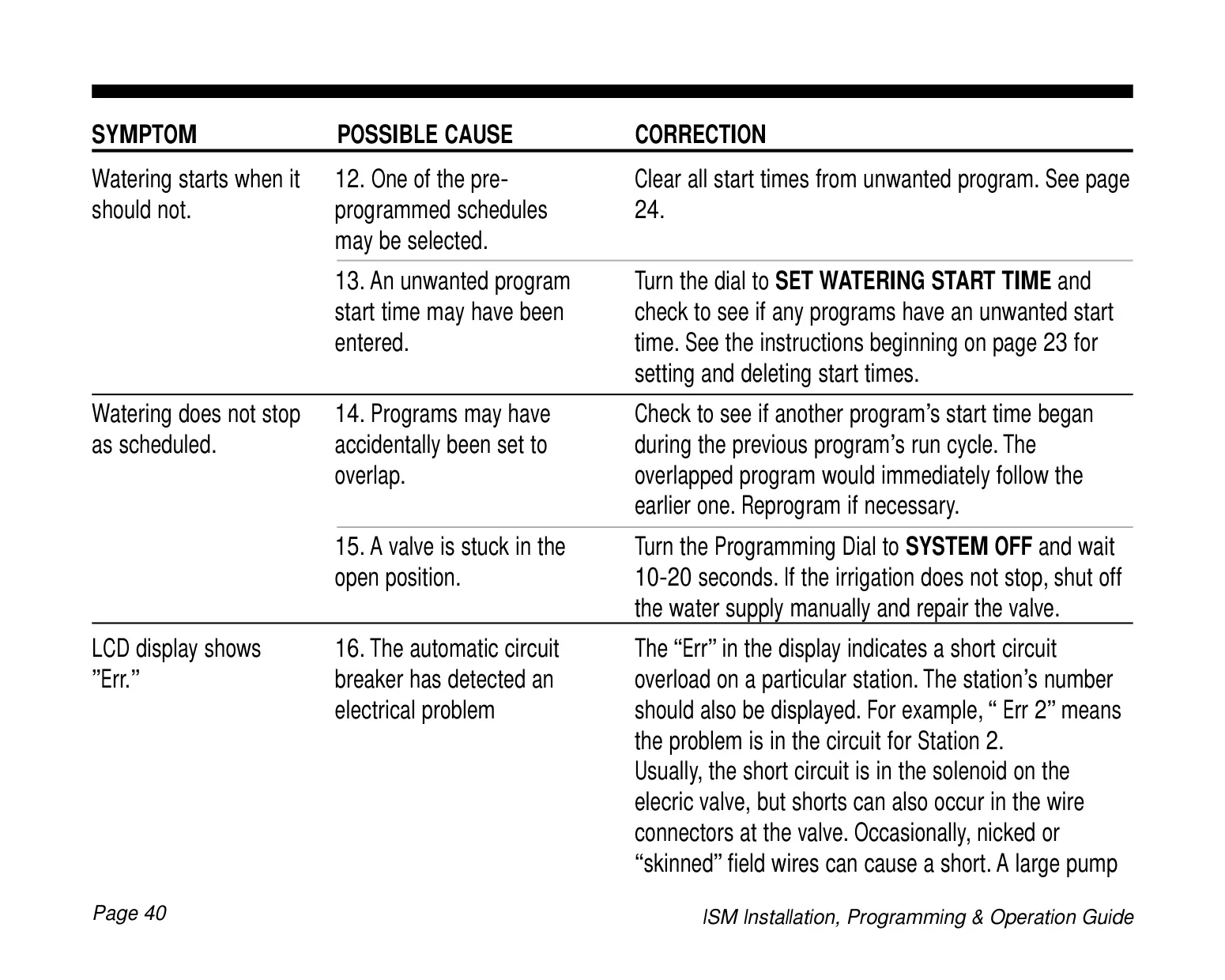
Why is my irrigation system watering at an unexpected time?
This issue could stem from an active pre-programmed schedule that you didn't intend to use, or an unwanted program start time might have been accidentally entered. Review all program start times and clear any that are not desired, as detailed in the programming section of the manual.

My system is not stopping watering at the scheduled time. What could be the cause?
Programs might be overlapping; if one program's start time began during another's run cycle, they will run sequentially. Reprogram to adjust if needed. Another possibility is a valve stuck in the open position. If turning the Programming Dial to "SYSTEM OFF" doesn't stop the watering, manually shut off the water supply and repair the faulty valve.

Pregunta frecuente
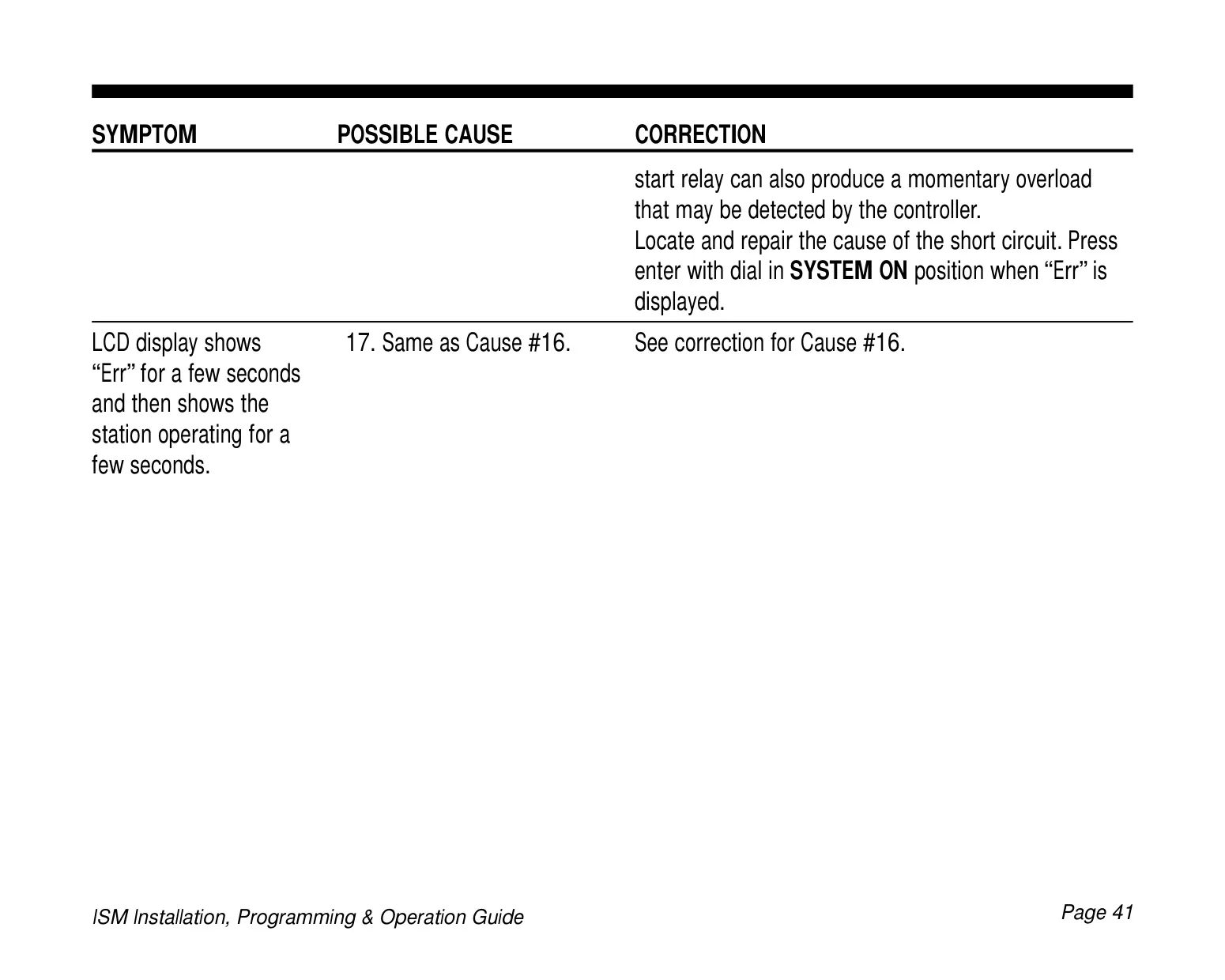
An "Err" message, often accompanied by a station number (e.g., "Err 2"), indicates that the automatic circuit breaker has detected a short circuit overload on that specific station. This fault is commonly found in the solenoid or valve wiring. Locate and repair the cause of the short circuit, then press Enter with the dial in the "SYSTEM ON" position when "Err" is displayed.

Can I program the Rain Bird ISM-4 before it's connected to AC power?
Yes, the Rain Bird ISM-4 features battery backup that allows you to program the timer under battery power. This is useful for entering all your program information before the timer is fully installed and connected to its AC power supply, or if it's in an area without immediate power access.
How do I change or replace the battery in the ISM-4?
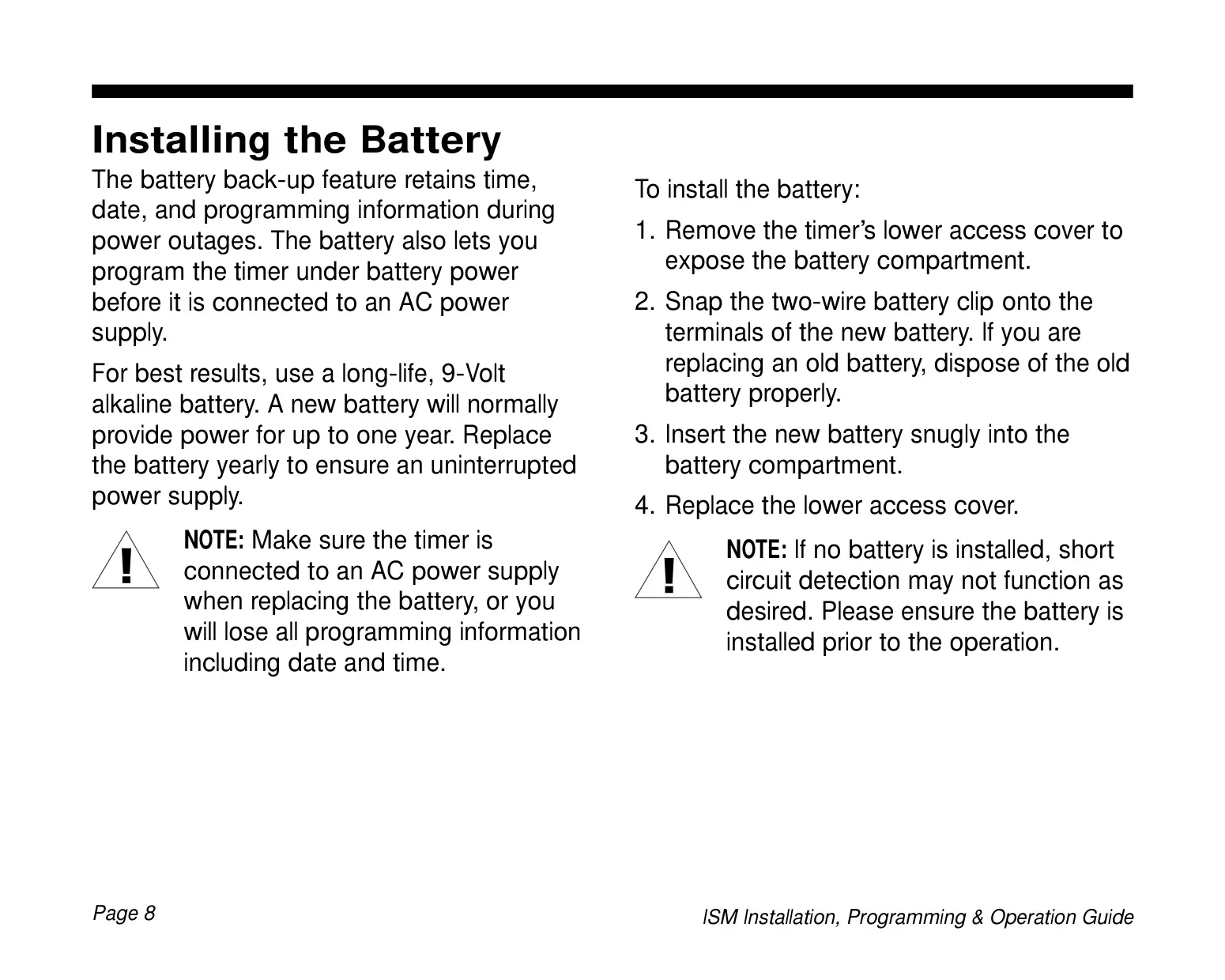
To replace the battery, ensure the timer is connected to AC power to retain settings. Remove the lower access cover, disconnect the old 9-Volt alkaline battery, snap the two-wire clip onto the terminals of the new battery, insert it snugly, and replace the cover. The battery should be replaced yearly.

What is the purpose of the Seasonal Adjust (SA) feature?
The Seasonal Adjust (SA) feature allows you to globally increase or decrease the watering duration of all stations across all programs (A, B, and C) by a percentage (10% to 200% in 10% increments). This is an easy way to adapt your irrigation schedule to seasonal weather changes (e.g., more water in summer, less in winter) without individually adjusting each station's run time.

Can I manually operate specific stations or programs?
Yes, you can manually run individual stations or entire programs outside of their scheduled times. Turn the Programming Dial to "RUN STATIONS MANUALLY" or "RUN PROGRAM MANUALLY (RPM)" and follow the on-screen prompts to select the station or program and set the desired run time.

What is a 'watering day cycle' in the context of the ISM-4?
A watering day cycle refers to the repetitive period over which your programmed watering schedule operates. For example, a "7-day custom cycle" lets you pick specific days of the week, while a "3-day cycle" means watering occurs on Day 1, then skips two days before watering again on the next Day 1 in the cycle.

How many watering start times can I set for each program?
Each of the three independent programs (A, B, and C) on the Rain Bird ISM-4 can have up to four distinct watering start times. This means that if you assign multiple start times, the entire sequence of stations for that program will repeat up to four times on its designated watering days.
Is the Rain Bird ISM-4 designed for outdoor installation?
No, the Rain Bird ISM-4 sprinkler timer is designed for indoor installation only. If you need to install it outdoors, it must be housed within a suitable water-resistant enclosure, such as the Rain Bird TC-2 Timer Cabinet, to protect it from the elements.
Related product manuals

Go up