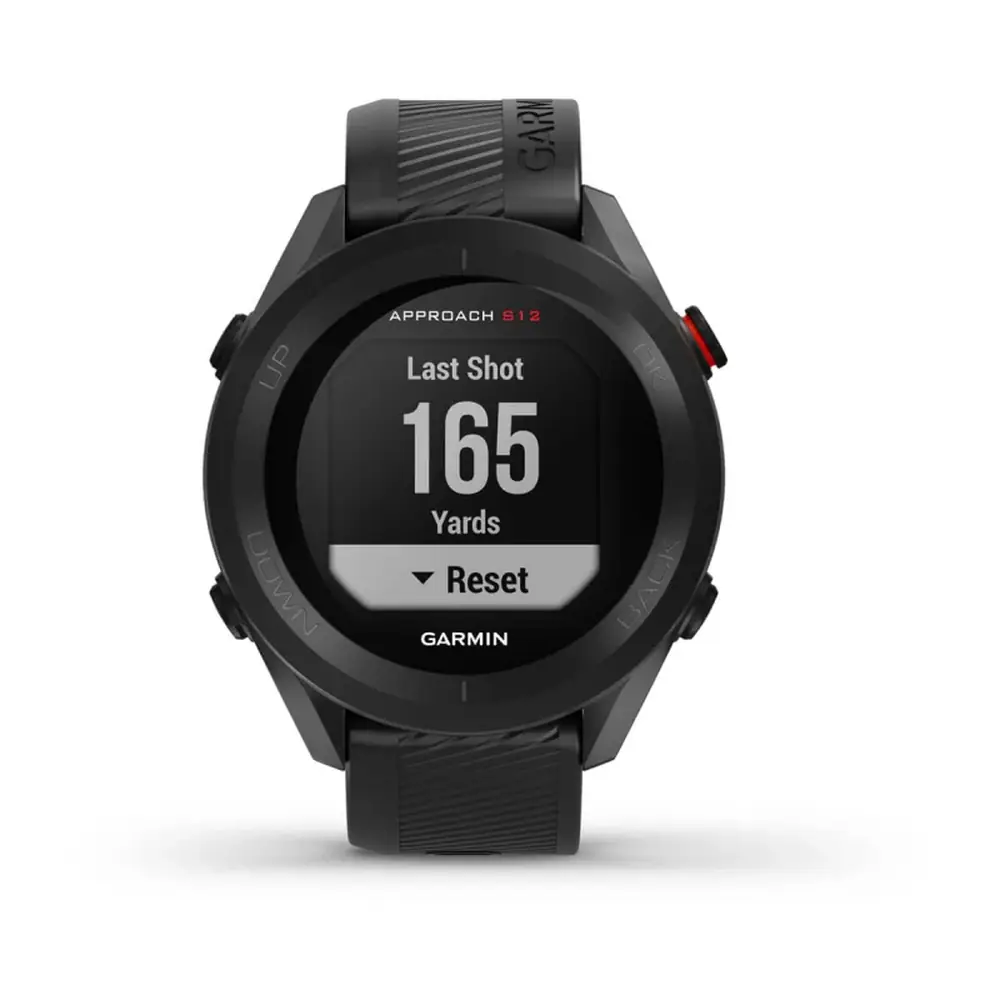
Garmin Approach S60 GPS Receiver Instruction Manual

Garmin Approach S60 GPS Receiver
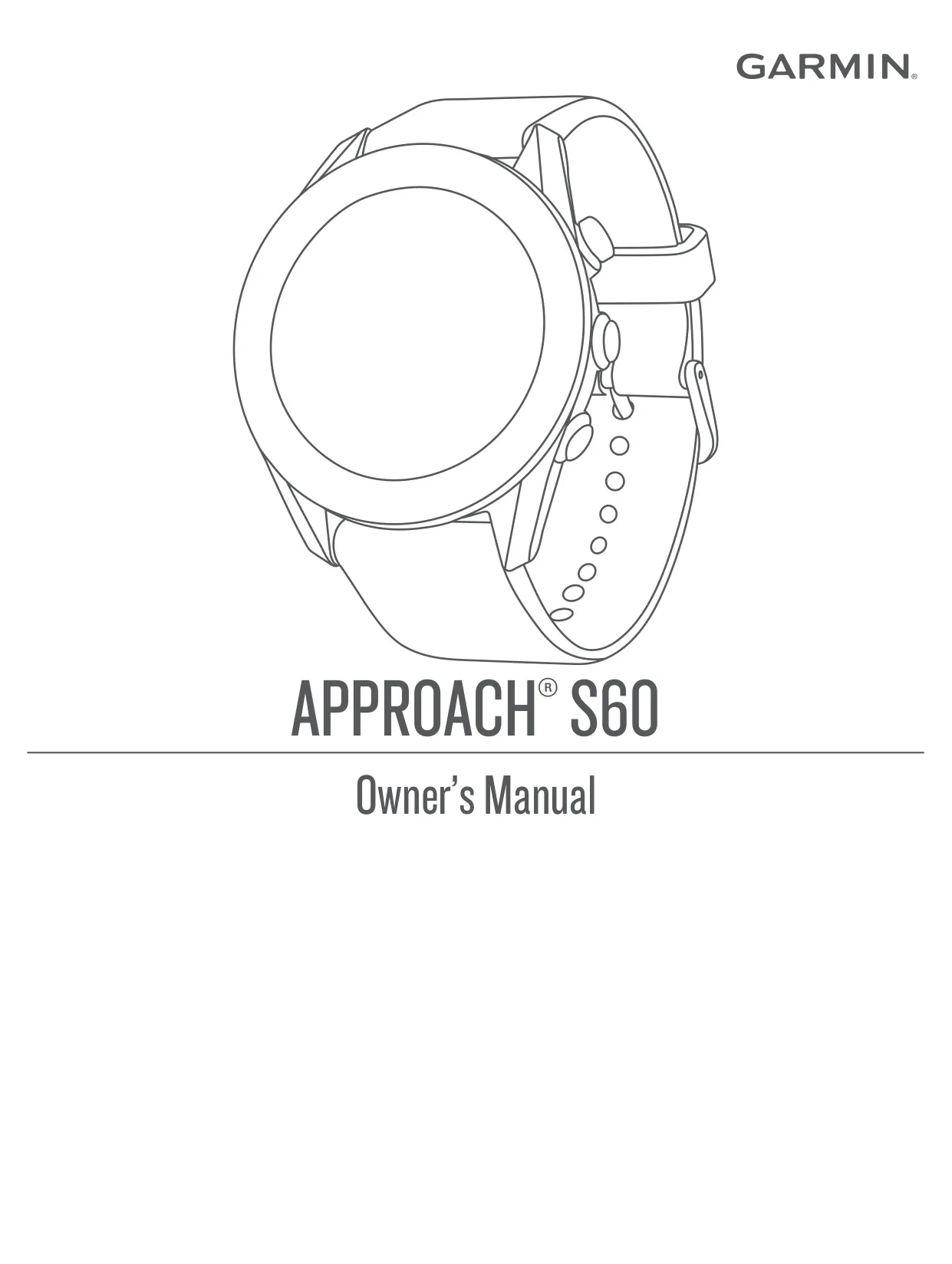
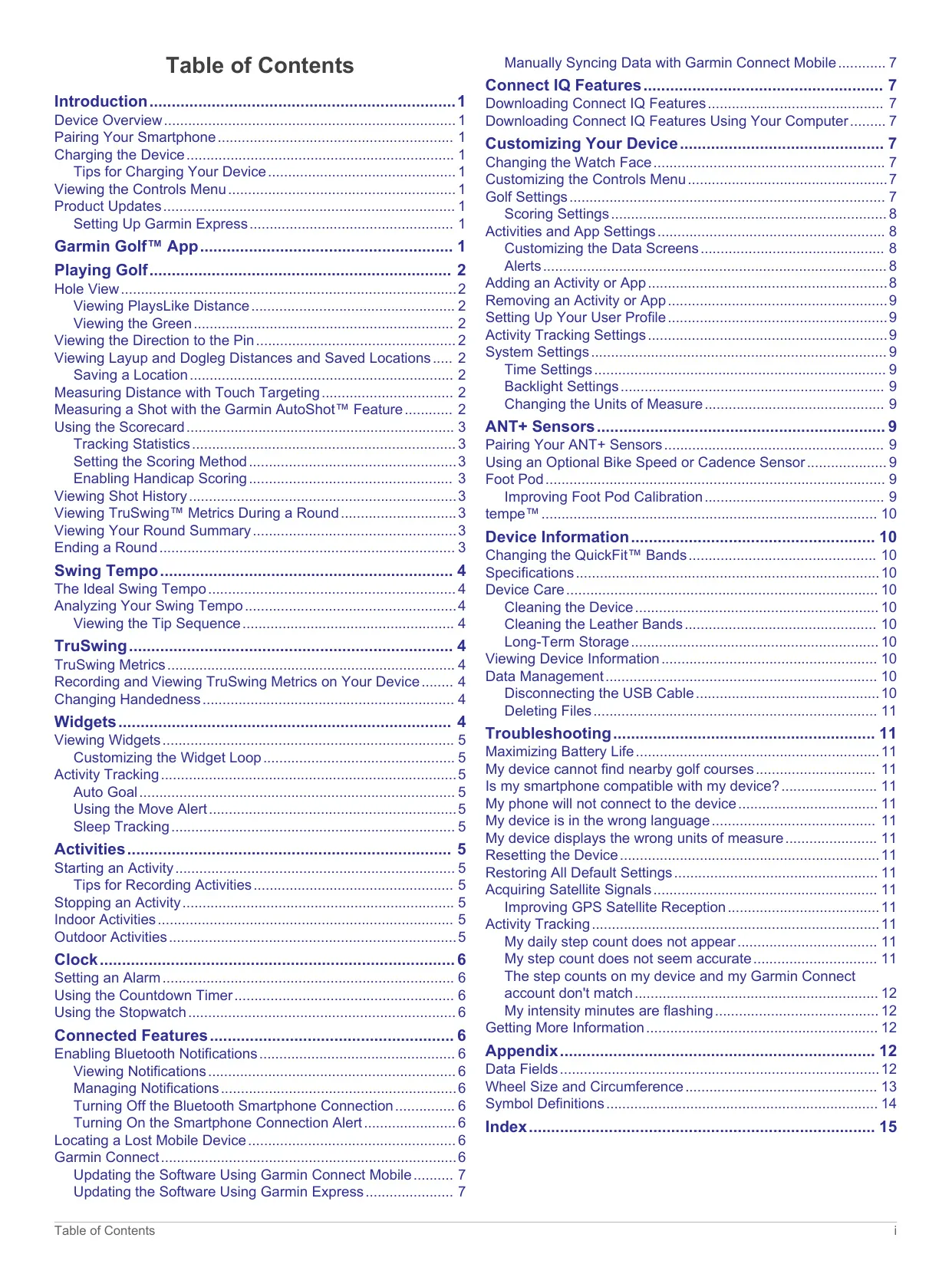

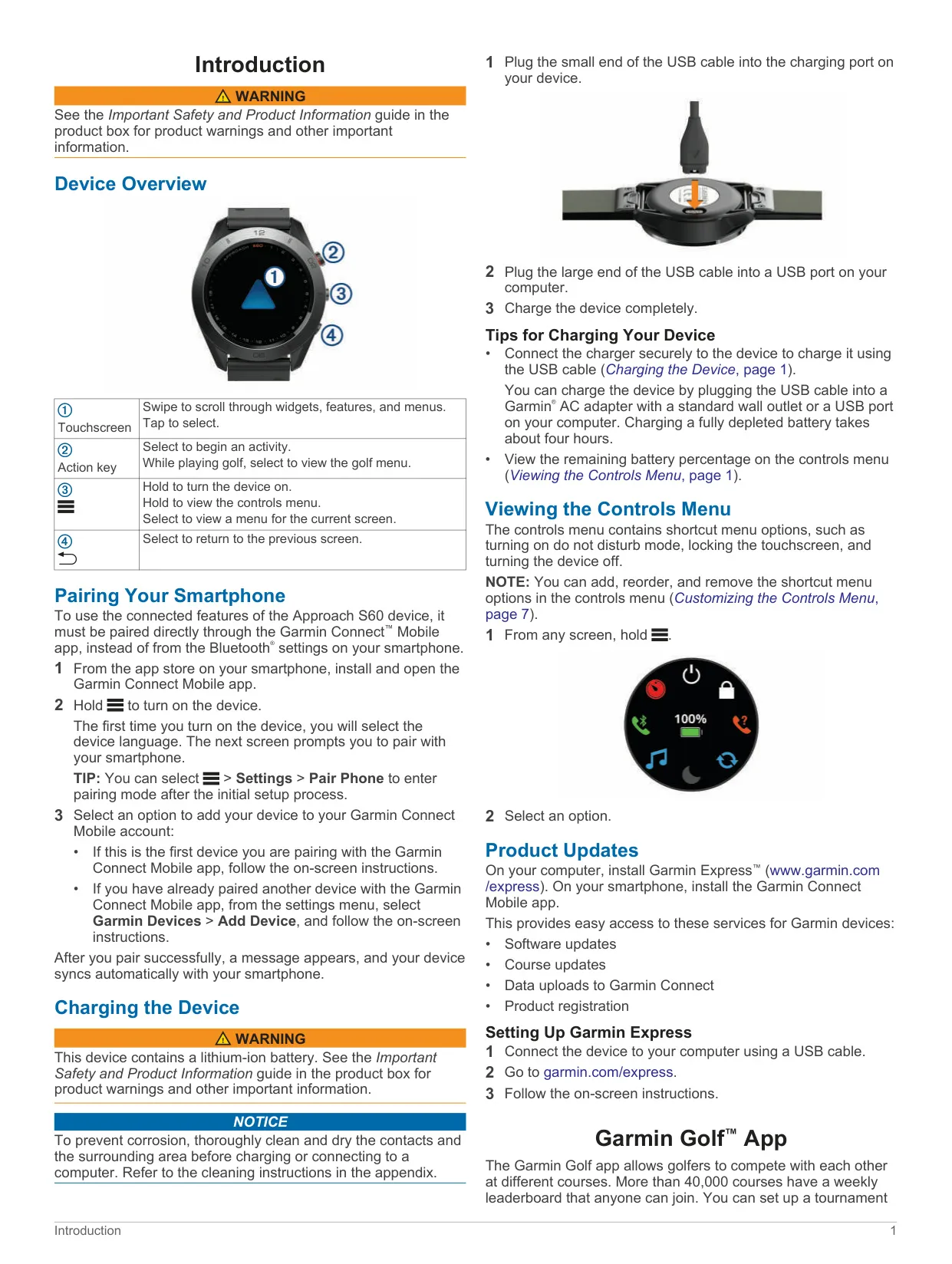
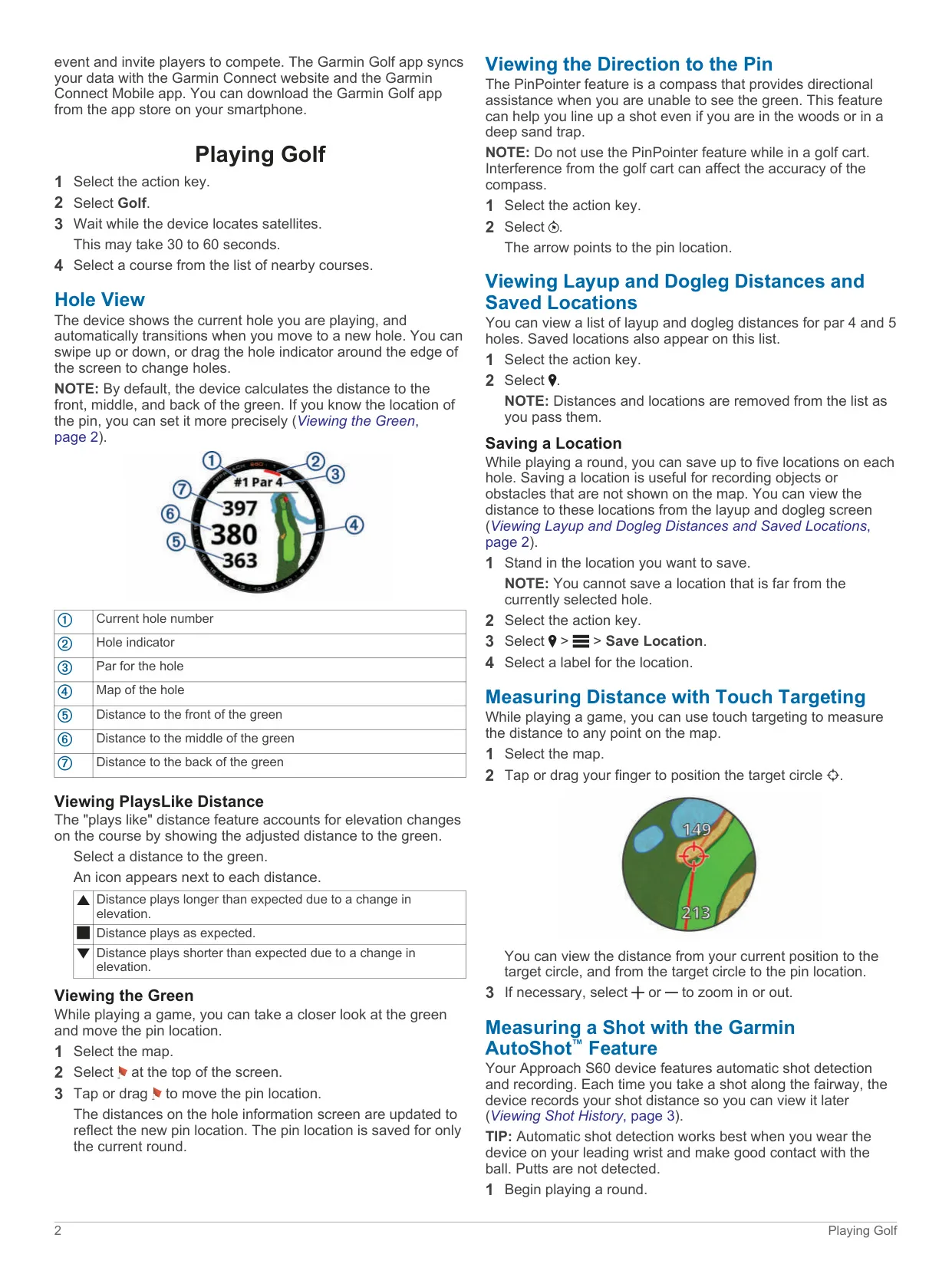
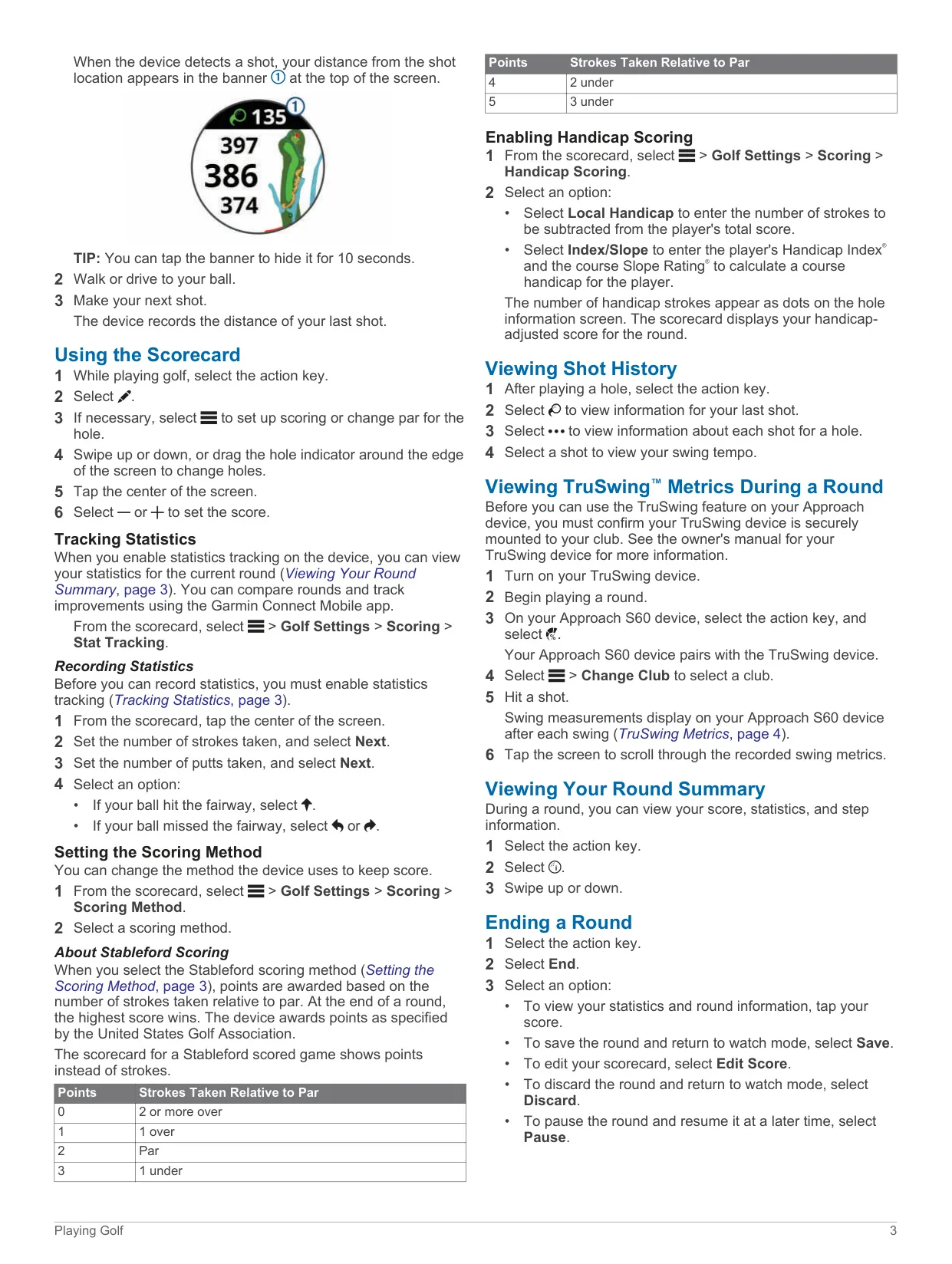




Garmin Approach S60 Instructions
Here we offer the Garmin Approach S60 GPS Receiver manual completely free and in English. We have cataloged this manual in the GPS Receivers section on Manualverse, and it has been rated by 1 users with an average rating of 5. If you have any specific questions about Garmin Approach S60 GPS Receiver, we suggest checking the Frequently Asked Questions (FAQs) section of this manual.
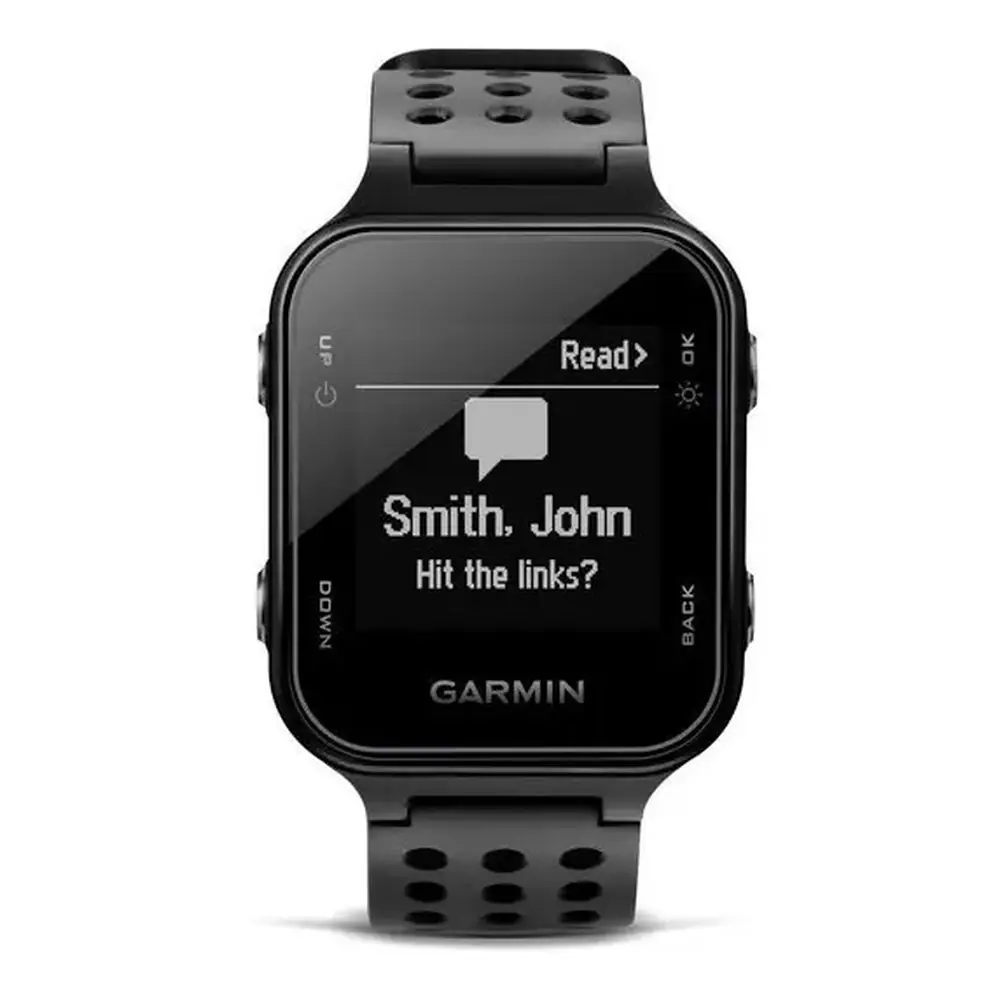
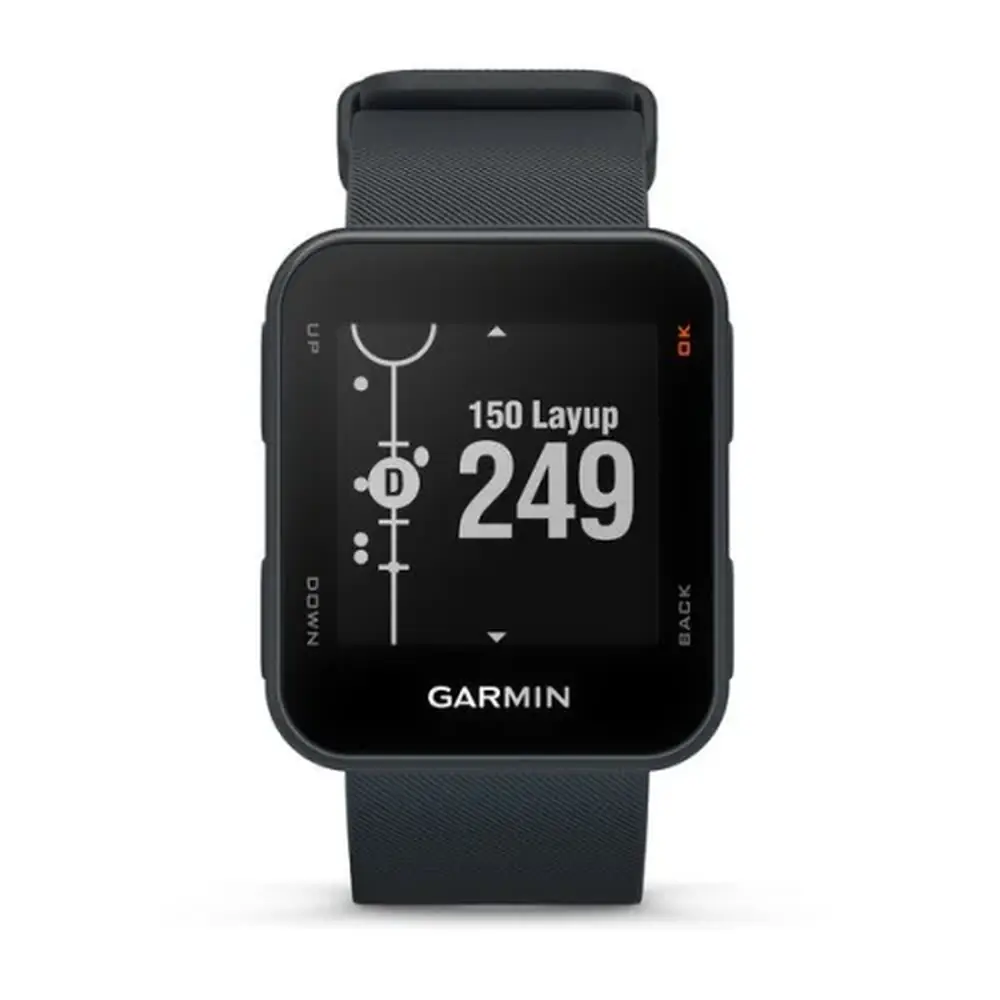
Product Images
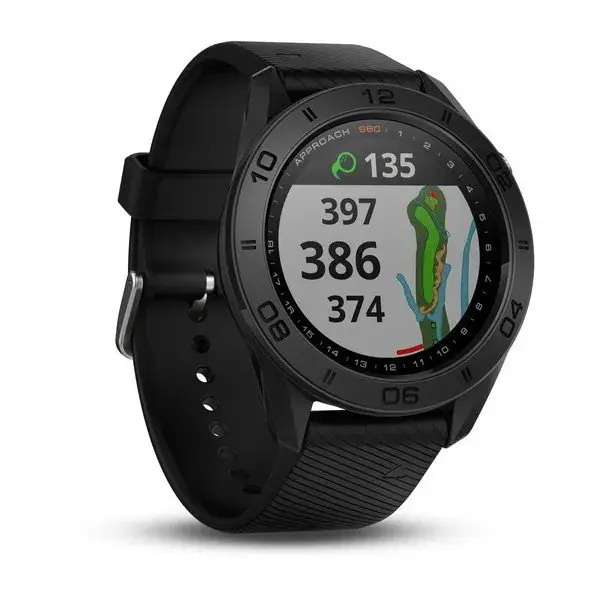
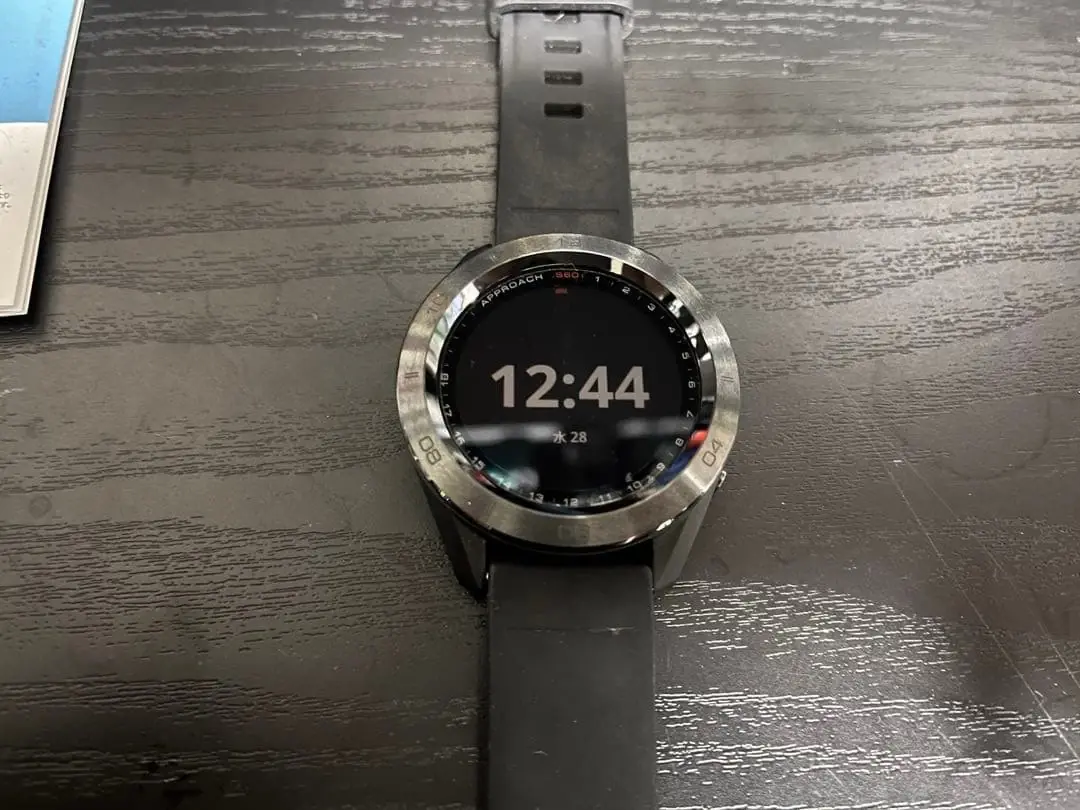
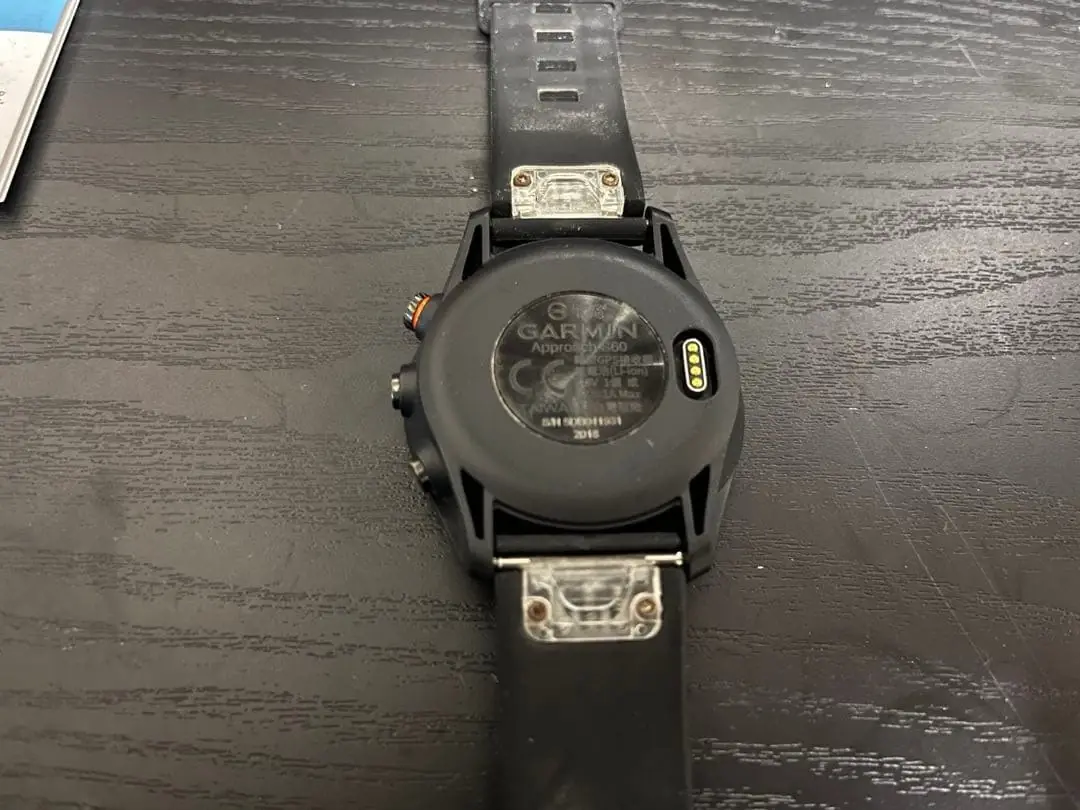
Garmin Approach S60 GPS Receiver Specifications
| Feature | Specification |
|---|---|
| Model number | A03116 |
| Battery type | Rechargeable, built-in lithium-ion battery |
| Battery life (watch mode) | Up to 10 days |
| Battery life (GPS mode) | Up to 10 hours |
| Charging time (fully depleted battery) | About 4 hours |
| Charging method | USB cable to computer USB port or Garmin AC adapter |
| Water rating | 5 ATM (withstands pressure equivalent to a depth of 50 m) |
| Operating temperature range | -20 ºC to 55 ºC (-4 ºF to 131 ºF) |
| Charging temperature range | 0 ºC to 45 ºC (32 ºF to 113 ºF) |
| Wireless frequency/protocol | 2.4 GHz @ 1 dBm nominal |
| Wireless connectivity | Bluetooth wireless technology, ANT+ (certified) |
| Smartphone connection range | Within 10 m (33 ft) |
| ANT+ sensor pairing range | Within 3 m of the sensor; 10 m away from other ANT+ sensors |
| Display | Touchscreen with adjustable backlight |
| Physical keys | Action key and two function keys |
| Satellite acquisition time | 30 to 60 seconds (clear view of the sky) |
| Saved locations | Up to 5 per hole |
| Alarms | Up to 8 separate alarms |
| Time format | 12-hour or 24-hour; automatic (GPS) or manual time source |
| USB mode | Mass storage mode or Garmin mode |
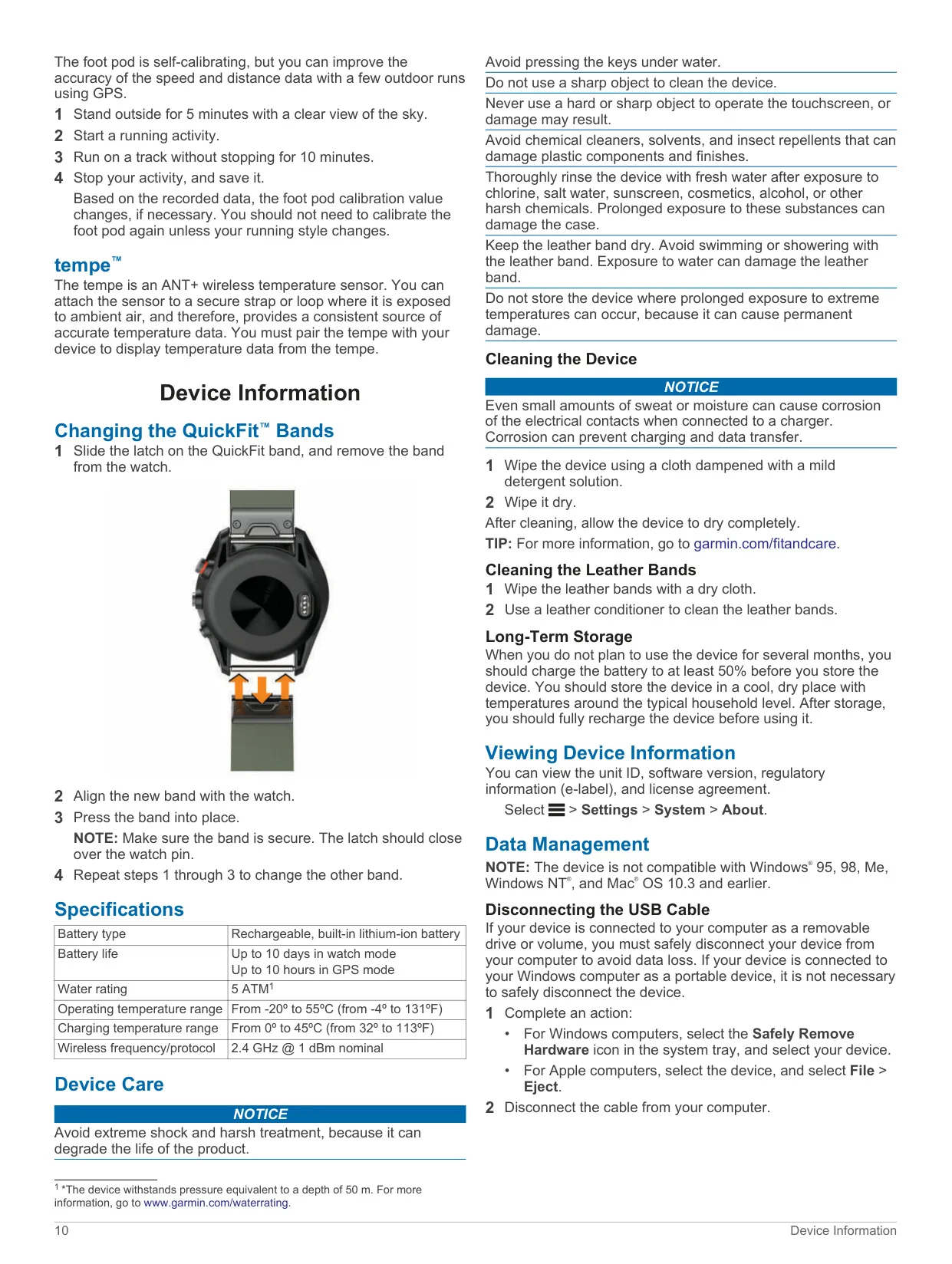
| Bands | QuickFit interchangeable bands (leather option available) |
| Unsupported operating systems | Windows 95, 98, Me, Windows NT, Mac OS 10.3 and earlier |
| Long-term storage charge | At least 50% |
Garmin Approach S60 GPS Receiver Details
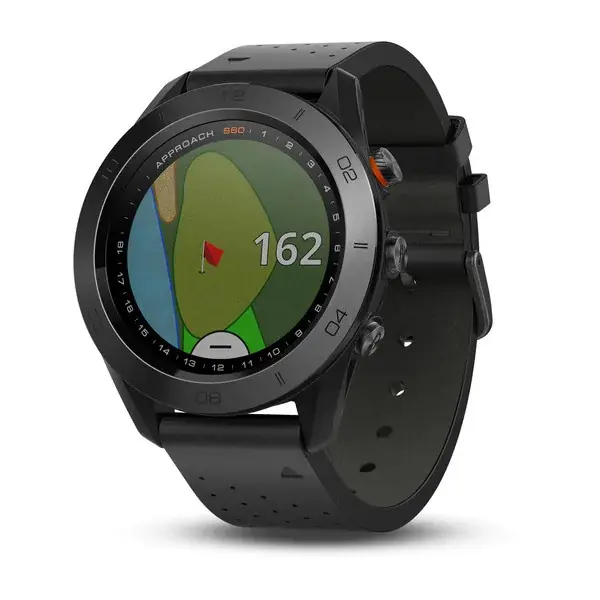
The Garmin Approach S60 is built mainly for golf. After you pick a course from the list of nearby courses, the Hole View screen shows the current hole number, the par, a map of the hole and the distances to the front, middle and back of the green. The screen moves to the next hole automatically as you walk to it. You can also change holes yourself by swiping or by dragging the hole indicator around the edge of the screen. The Big Numbers setting makes the numbers on the hole view easier to read.
Several tools make the distance data more precise. PlaysLike distance adjusts yardages for elevation changes and shows whether a shot will play longer, shorter or as expected. On the green view you can drag the pin to its real position for the current round. Touch Targeting measures the distance to any point on the map, and from that point to the pin. Layup and dogleg distances appear for par 4 and par 5 holes. When you cannot see the green, the PinPointer compass points toward it, but you should not use it in a golf cart.
The Garmin AutoShot feature detects your shots automatically and records how far each one went. It works best when you wear the watch on your leading wrist, and it does not detect putts. You can review your shot history for each hole. The digital scorecard supports stroke play and Stableford scoring, which awards 0 to 5 points relative to par. It also supports handicap scoring with either a local handicap or a Handicap Index and Slope Rating. Stat tracking records putts, greens in regulation and fairways hit, and club tracking logs which clubs you used.
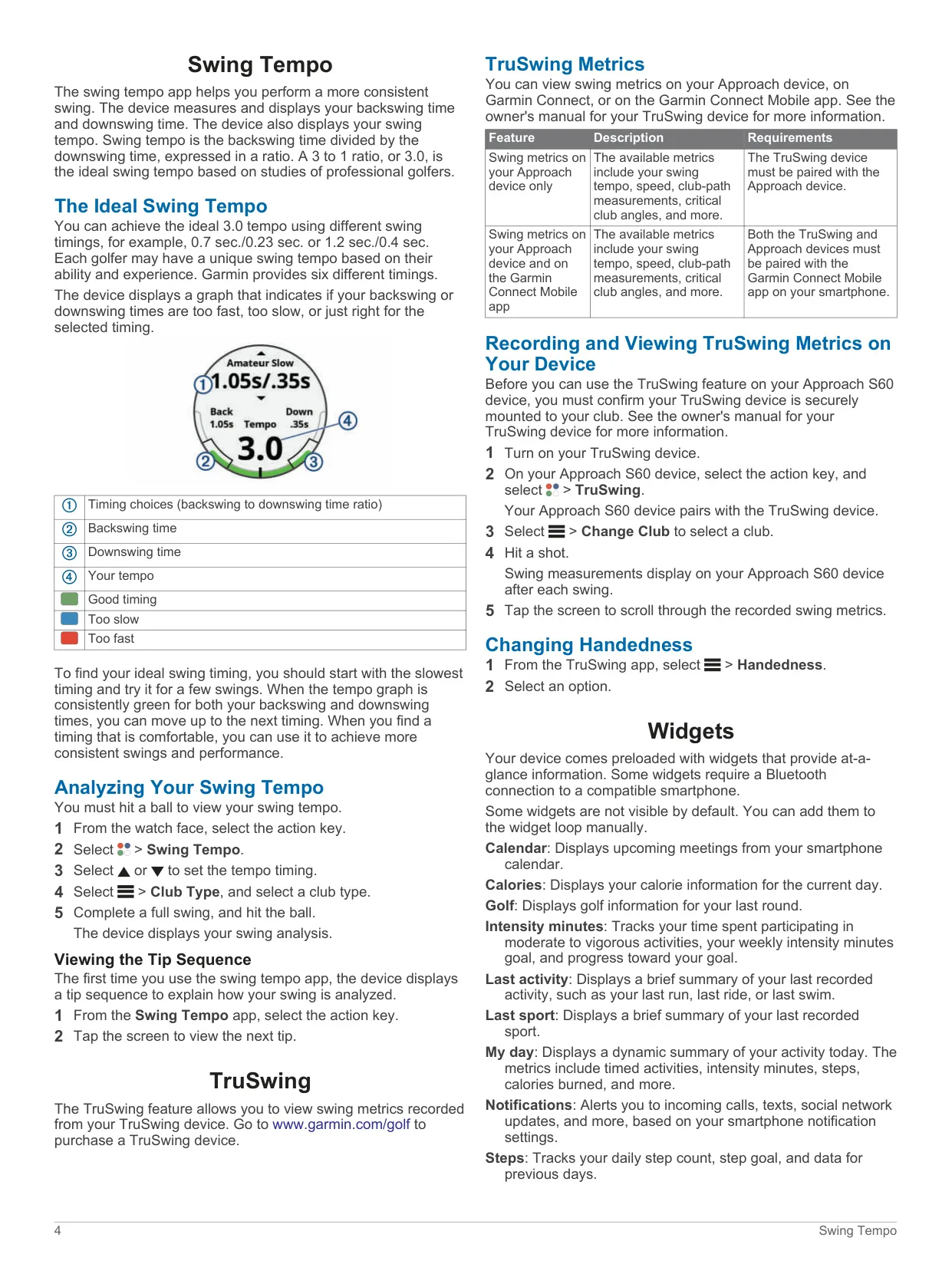
For practice, the Swing Tempo app measures your backswing and downswing times and shows them as a ratio. A ratio of 3.0 is considered ideal, based on studies of professional golfers. Garmin provides six timings, and a colored graph shows whether each part of your swing is too fast, too slow or right. If you pair the watch with an optional TruSwing club sensor, it shows tempo, speed, club-path measurements and critical club angles after each swing. You can choose left or right handedness. Tournament Mode turns off PinPointer and PlaysLike for sanctioned rounds.
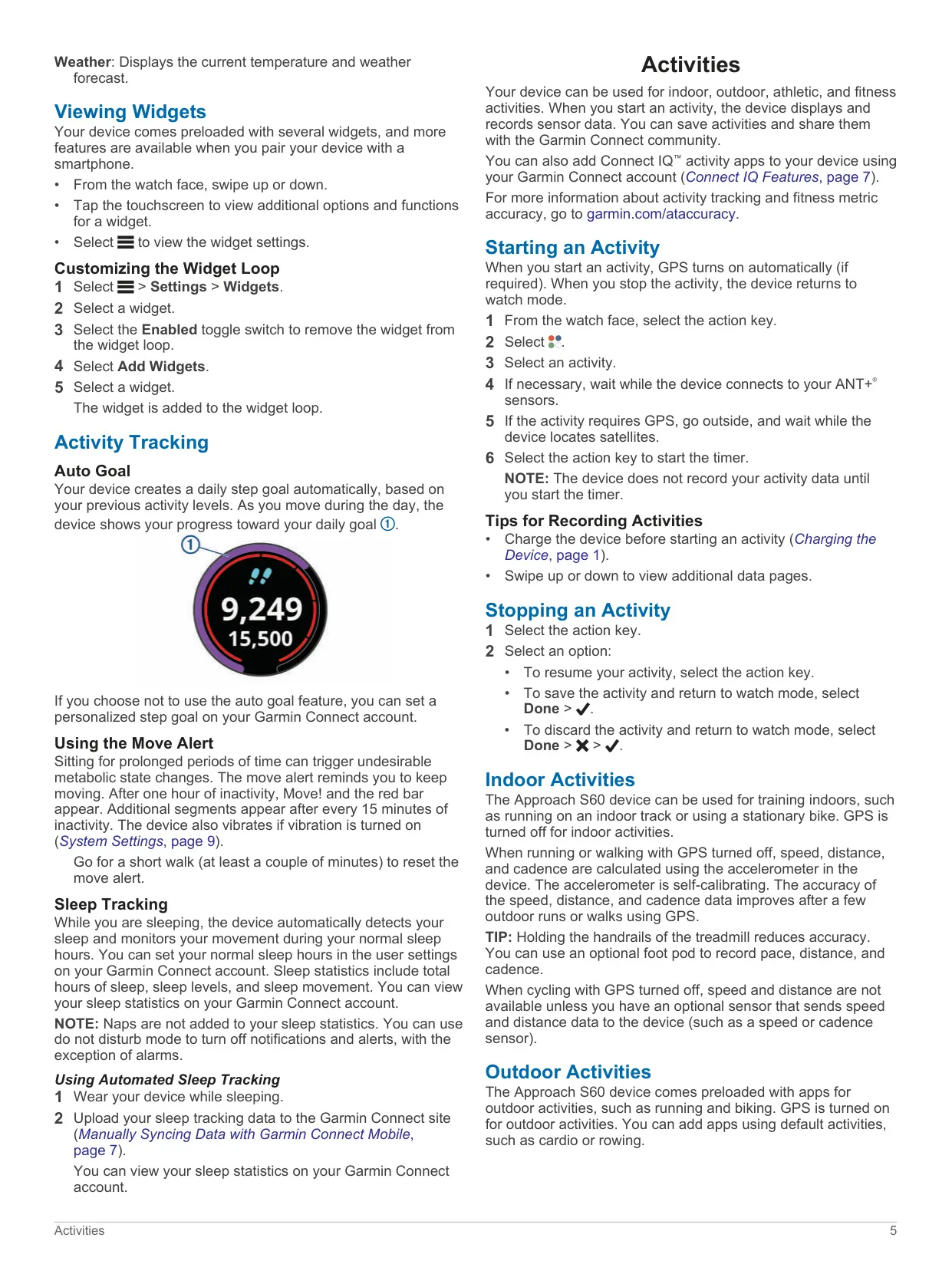
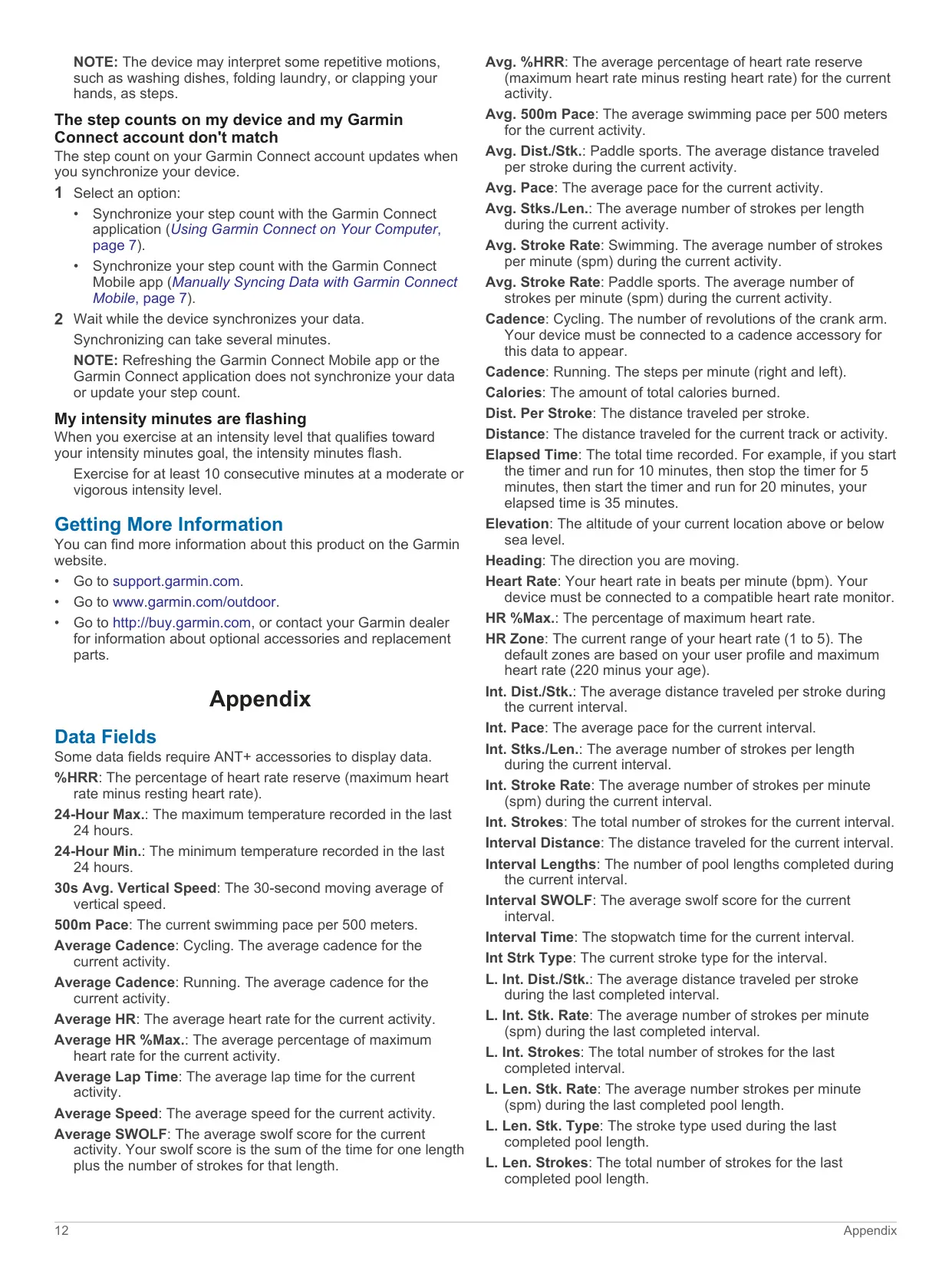
Off the course, the watch also works as an activity tracker. It sets a daily step goal automatically, counts intensity minutes, and shows a Move! bar after one hour without activity, adding a segment every 15 minutes after that. It detects sleep automatically and records total hours, sleep levels and movement. Preloaded indoor and outdoor apps cover running, cycling and swimming. They include Auto Lap, Auto Pause, Auto Scroll, customizable data screens, and event, range and recurring alerts. Indoors, the self-calibrating accelerometer estimates speed, distance and cadence.
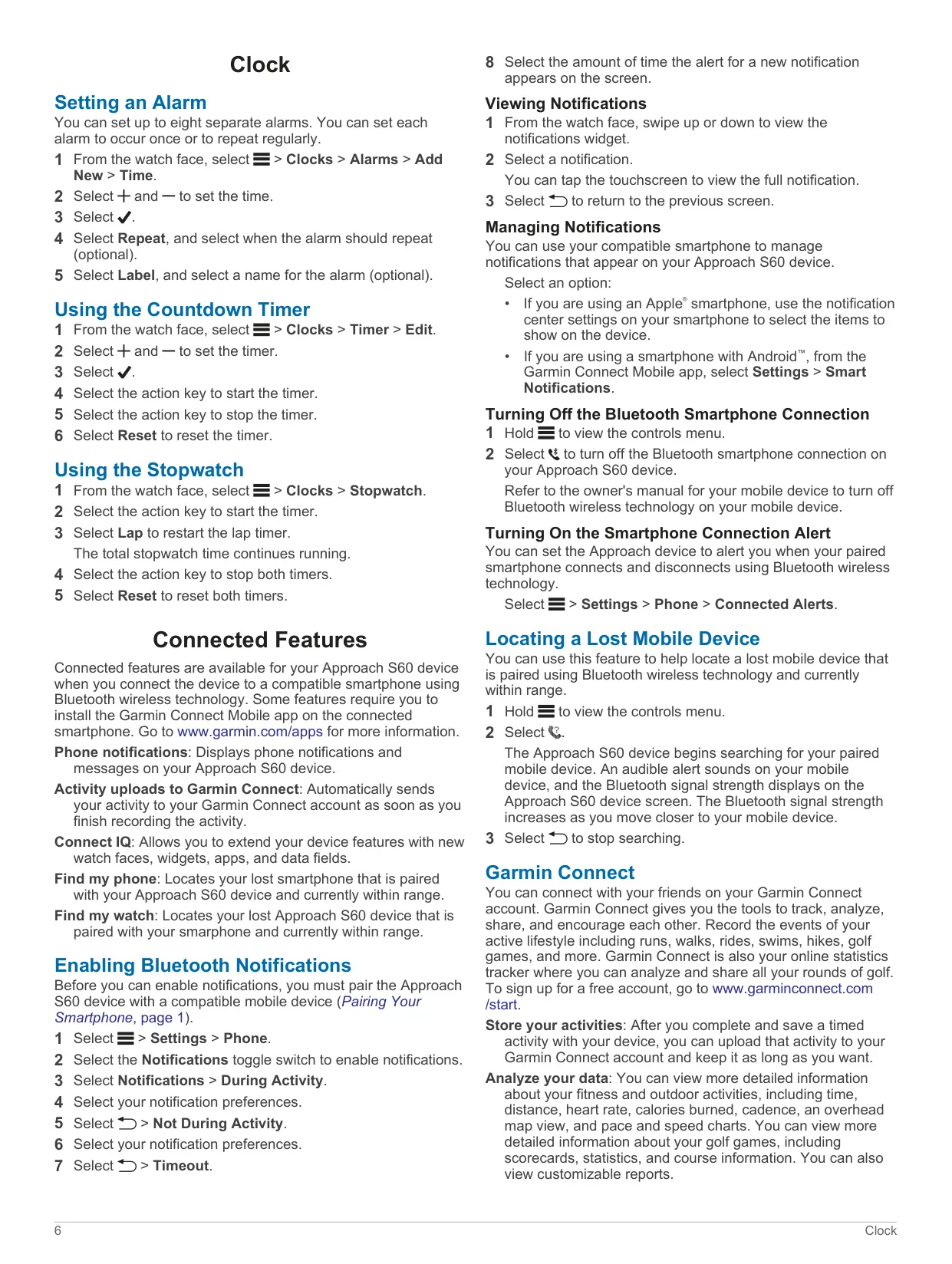
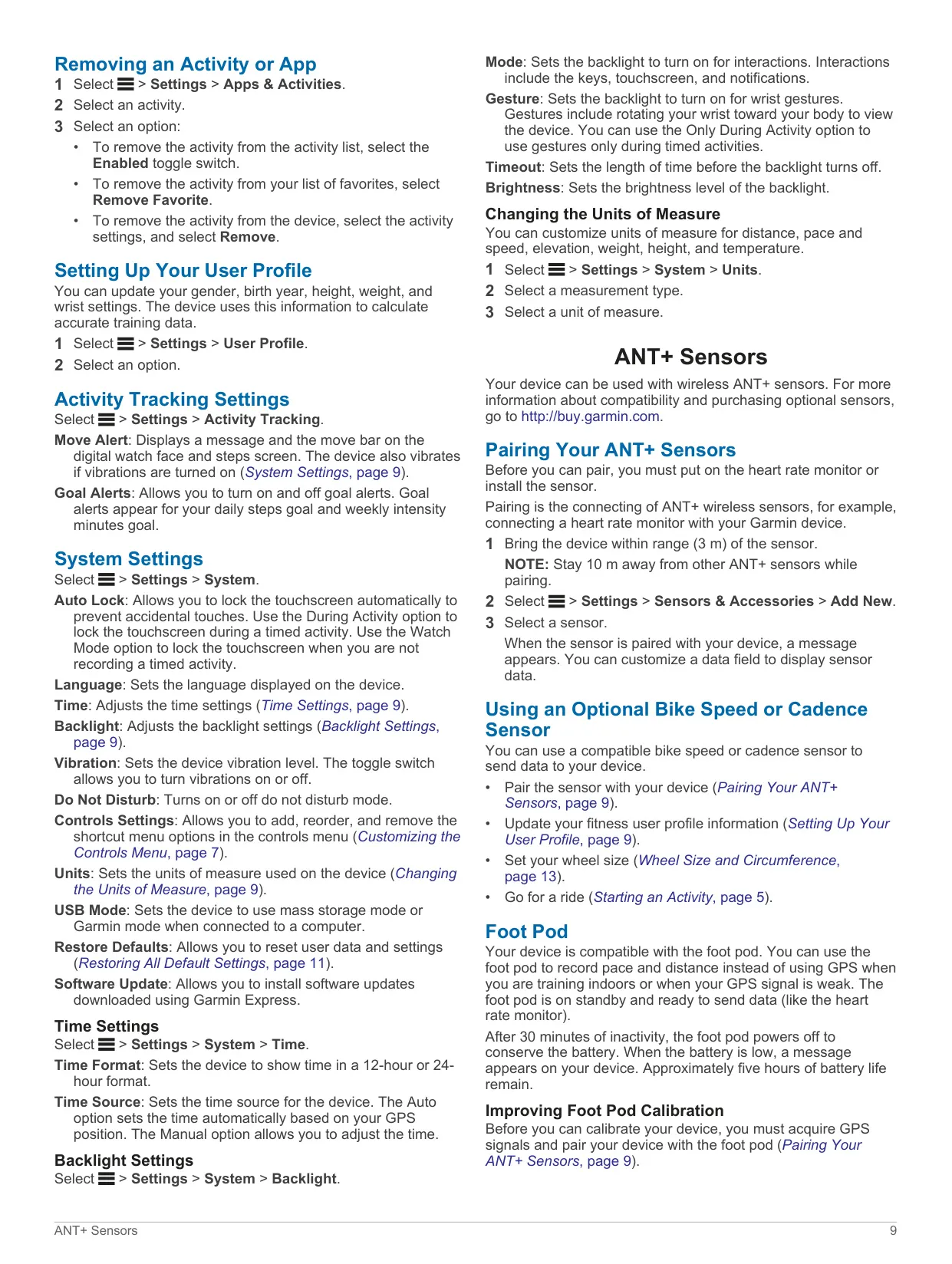
When paired through the Garmin Connect Mobile app, the S60 shows calls, texts and social media alerts, uploads activities automatically, and offers Find my phone and Find my watch. Connect IQ lets you add watch faces, widgets, data fields and apps. Optional ANT+ accessories include heart rate monitors, bike speed and cadence sensors, a foot pod and the tempe temperature sensor. The clock tools include alarms, a countdown timer and a stopwatch with laps. You can also set up the controls menu, the backlight wrist gesture, the vibration level and do not disturb mode.
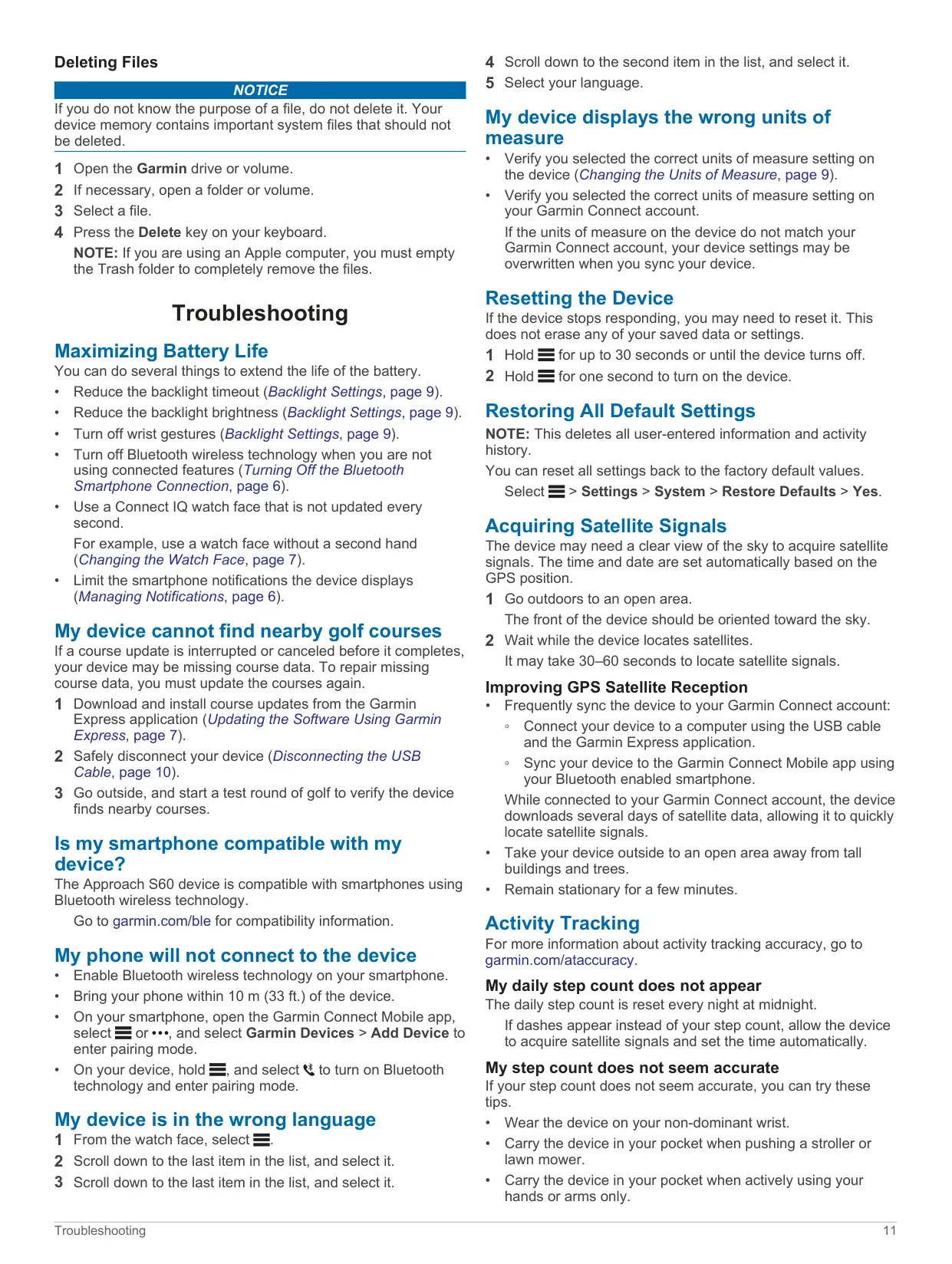
Looking after the watch is simple. Rinse it with fresh water after contact with chlorine, salt water, sunscreen or other harsh chemicals. Clean and dry the charging contacts before you connect it, to prevent corrosion, and keep the leather band dry. If the watch stops responding, hold the key for up to 30 seconds to reset it; this does not erase your data. Install course updates through Garmin Express, and run them again if an update was interrupted.
Frequently Asked Questions (FAQs)
Can't find the answer you need? Here are some frequently asked questions about the Garmin Approach S60 GPS Receiver, and we answer them below.