Hunter XC Irrigation Controller Instruction Manual

Hunter XC Irrigation Controller




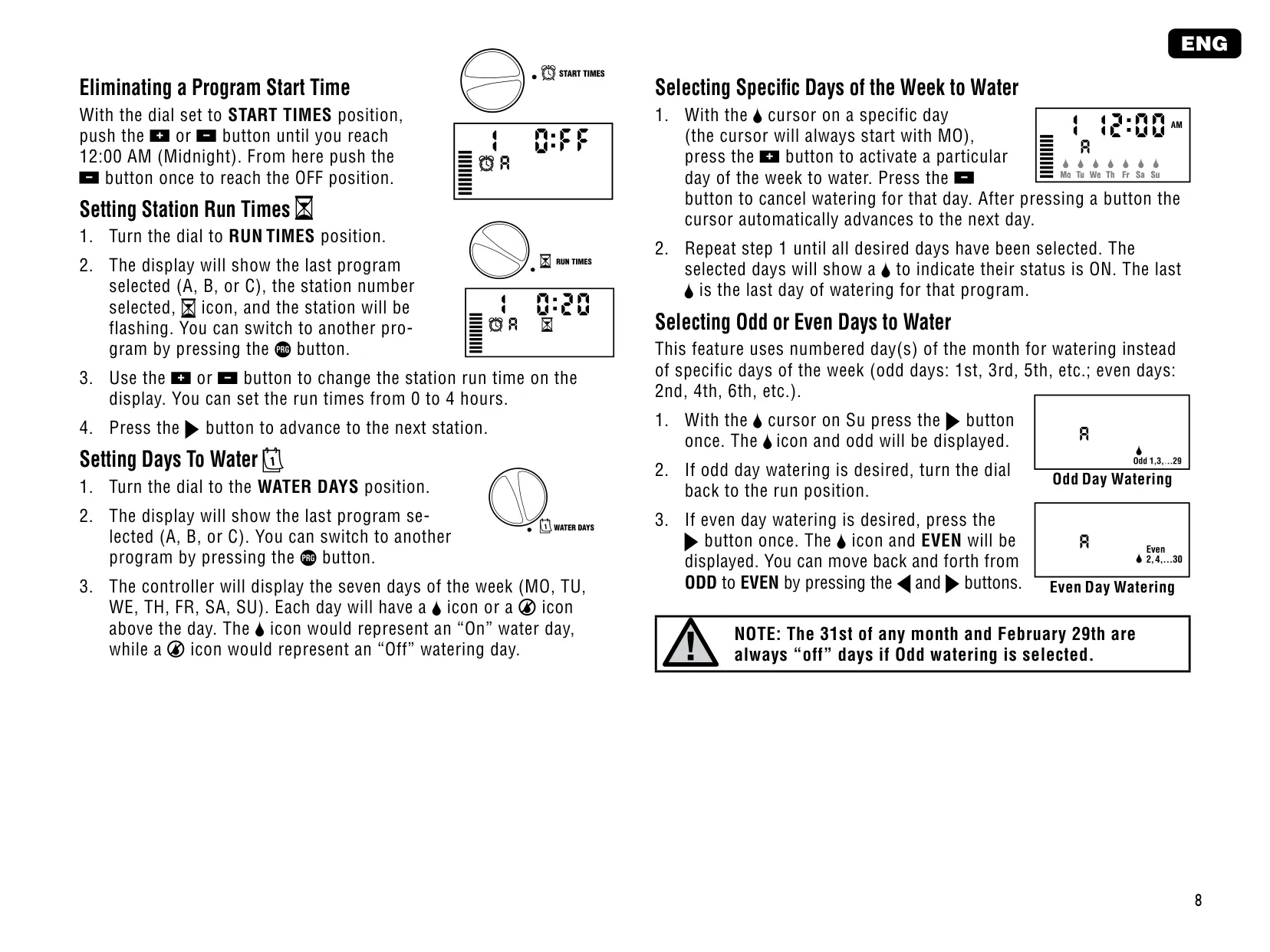


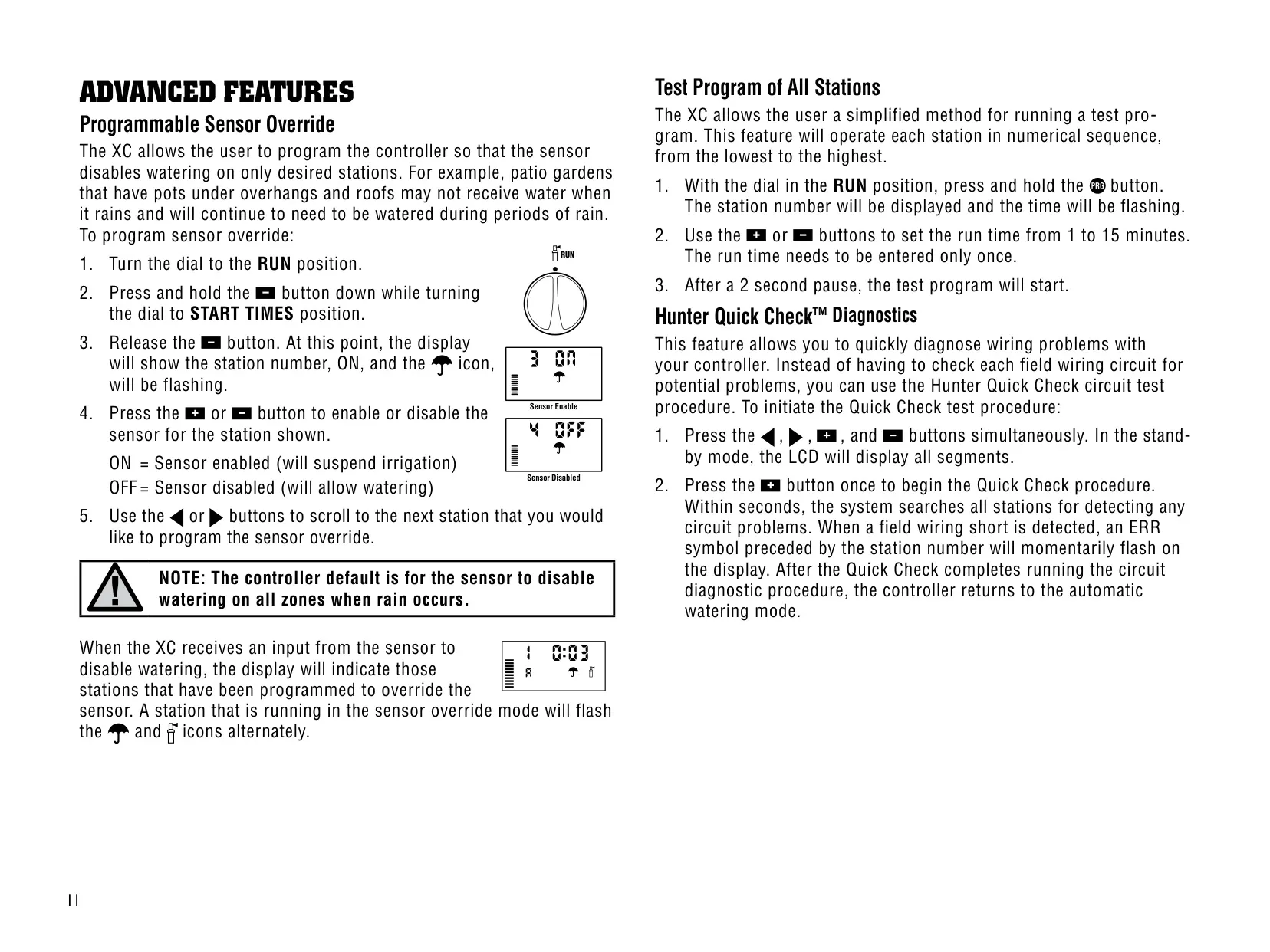




Hunter XC Irrigation Controller Instructions
Here we offer the Hunter XC Irrigation Controller manual completely free and in English. We have cataloged this manual in the Irrigation Controllers section on Manualverse, and it has been rated by 1 users with an average rating of 5. If you have any specific questions about Hunter XC Irrigation Controller, we suggest checking the Frequently Asked Questions (FAQs) section of this manual.
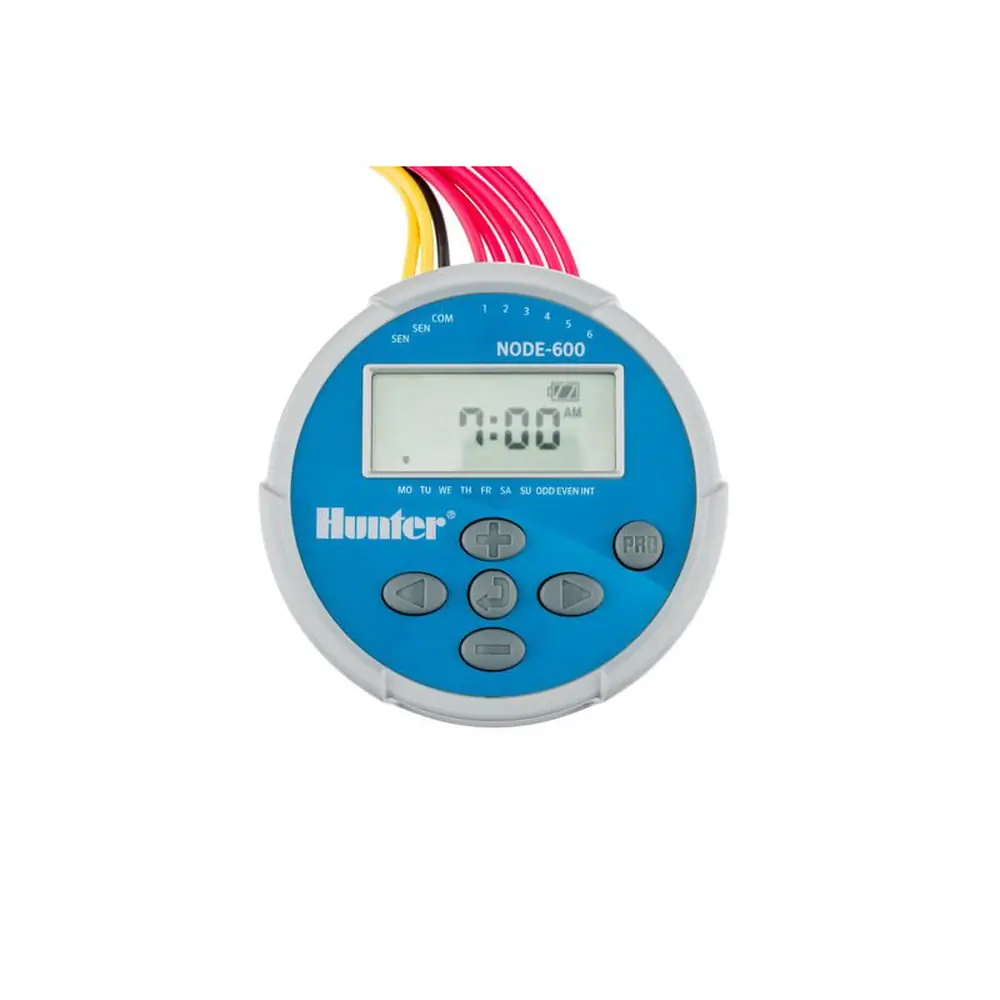
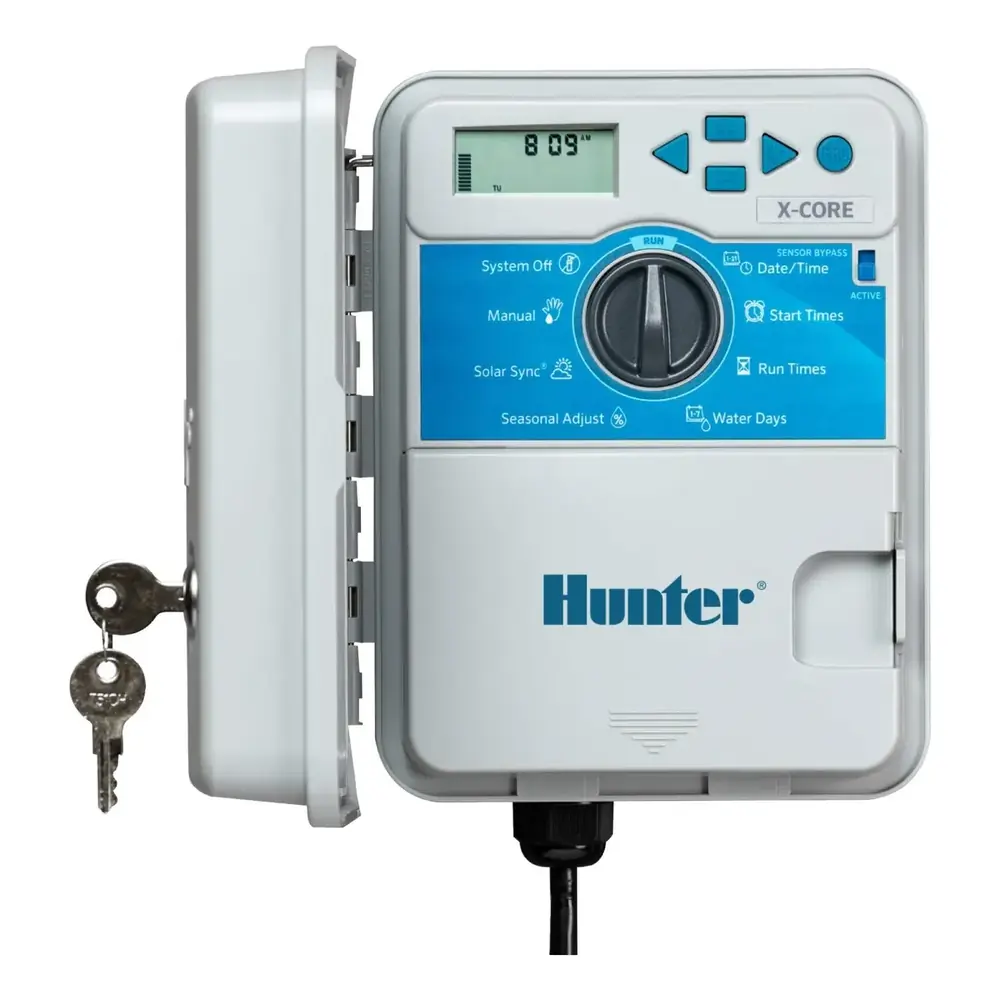
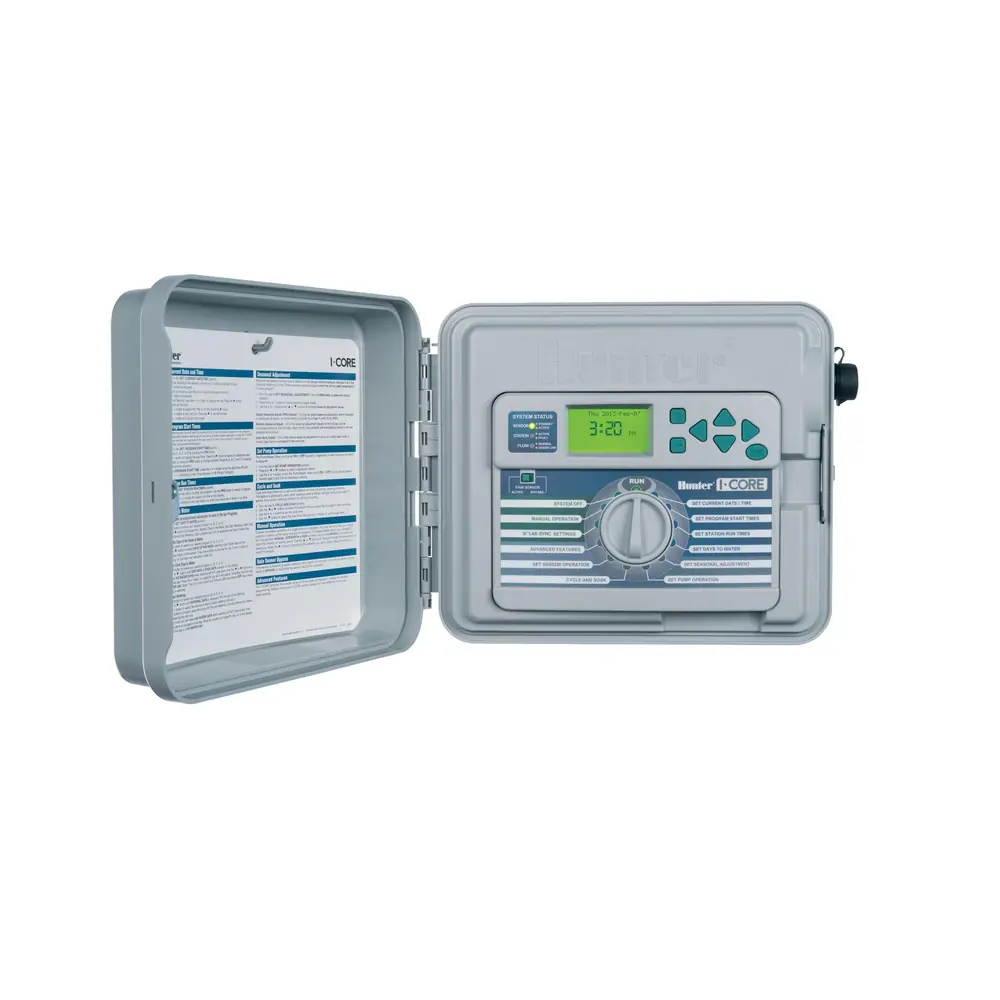
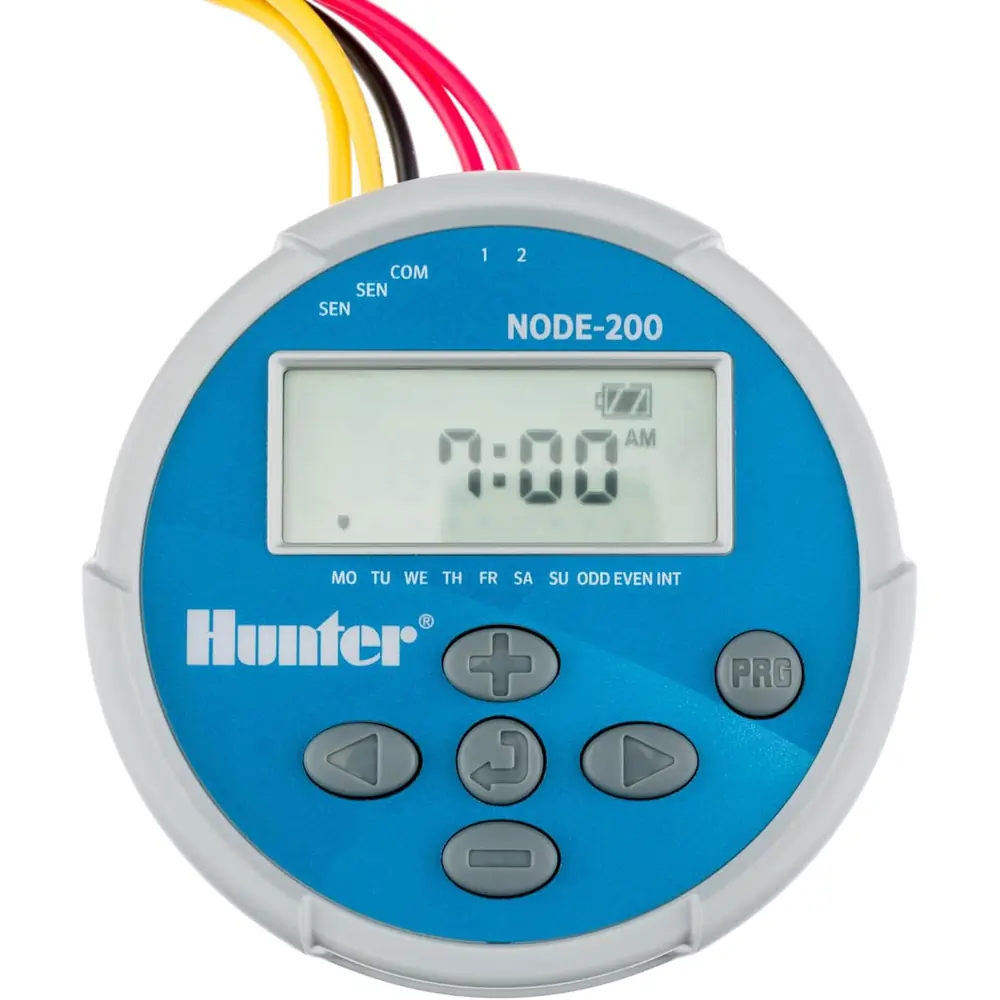
Product Images
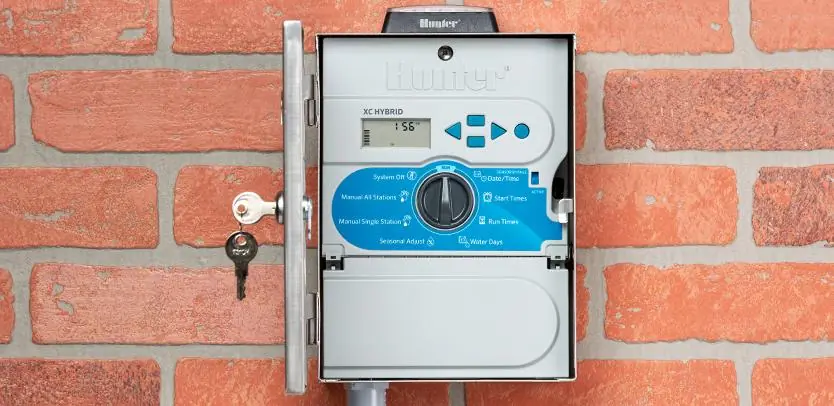
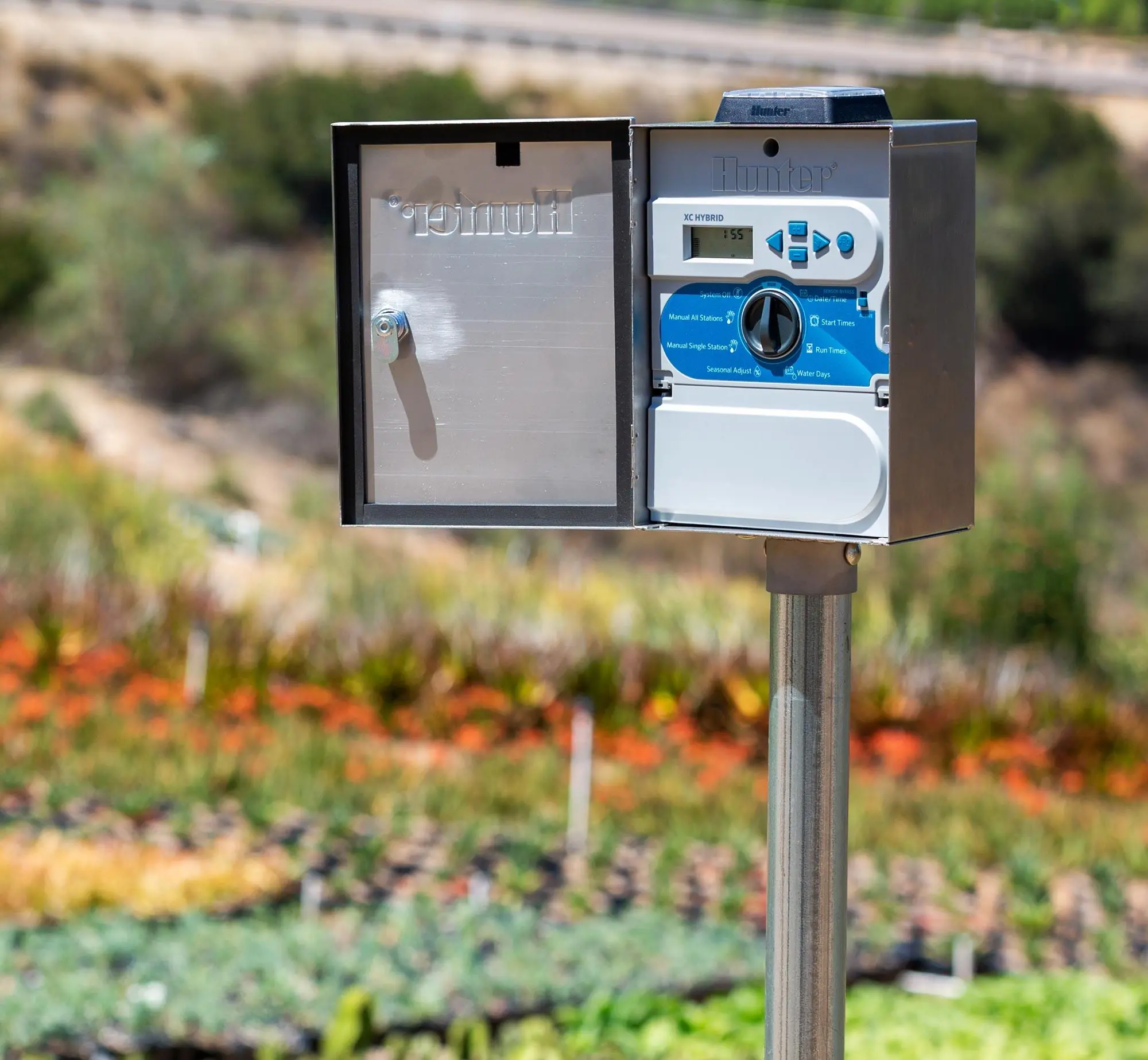
Hunter XC Irrigation Controller Specifications
| Feature | Specification |
|---|---|
| Manufacturer | Hunter Industries Incorporated |
| Model | XC Residential Irrigation Controller (XC-x00i indoor, XC-x00 outdoor) |
| Station Terminals | Up to 8 stations (terminals 1–8) |
| Transformer Input | 120VAC ±10%, 60 Hz (230VAC ±10%, 50/60 Hz on international models) |
| Transformer Output | 24VAC, 1.0 amp |
| Station Output | 0.56 amps per station |
| Maximum Output | 0.90 amps (includes master valve) |
| Pump Start Relay Holding Current | 0.30 amps maximum |
| Backup Battery | CR2032 3V lithium (included), for remote programming and backup timekeeping |
| Independent Programs | 3 (A, B, C) |
| Start Times | 4 per day per program, up to 12 daily starts |
| Start Time Increments | 15 minutes |
| Station Run Times | 0 to 4 hours in 1-minute increments |
| Watering Schedule | 365-day calendar, day of week, odd/even, interval watering (1 to 31 days) |
| Clock | AM/PM or 24-hour |
| Seasonal Adjustment | 10% to 150% (10% per bar) |
| Programmable Rain Delay | 1 to 7 days |
| Test Program Run Time | 1 to 15 minutes per station |
| Memory | Non-volatile memory for program data |
| Protection | Electronic short circuit protection |
| Sensor Features | Sensor bypass switch, sensor override by station |
| Outdoor Enclosure Rating | IP24, Pollution Degree 4 (Model XC-x00) |
| Conduit Opening (Outdoor) | 1/2" (13 mm) |
| AC Supply Wire (-E Models) | 14 AWG (1.85 mm²) or larger |
| Minimum Distance from Pump/Relay | 15 ft (4.5 m) |
| Operating Environment | Sea level to 2000 m, 0–50°C |
| Certifications | UL Listed, CE (EMC 87/336/EEC, Low Voltage 73/23/EEC), FCC Part 15 Class B |
| Cleaning | Cloth dampened with mild soap and water only |
Hunter XC Irrigation Controller Details
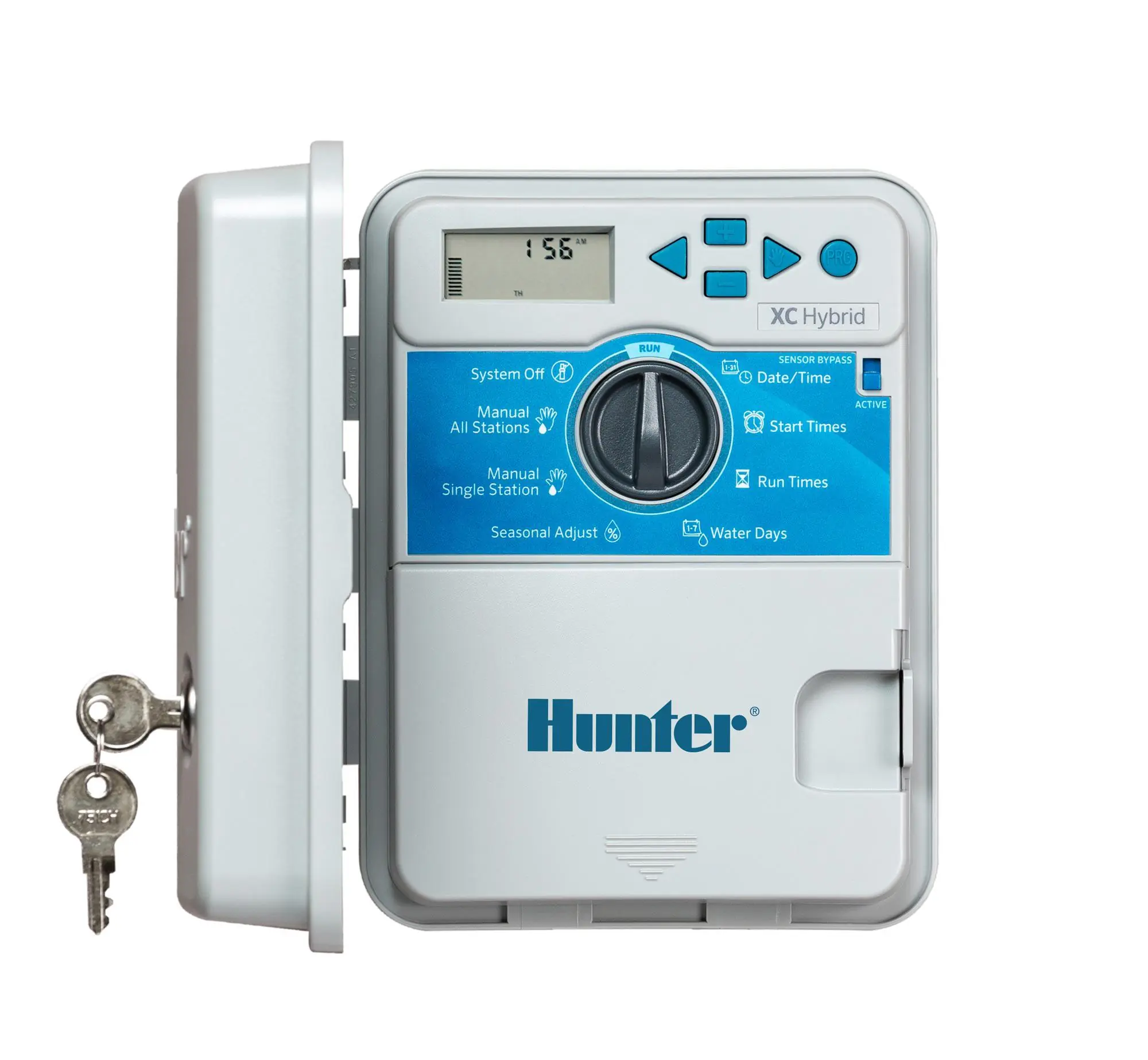
The Hunter XC is a residential irrigation controller built around a simple rotary dial that sets how the unit is programmed. The dial positions are Run, Current Time/Day, Start Times, Run Times, Water Days, Seasonal Adjustment, Manual-One Station, Manual-All Stations and System Off. The core programming rule is easy to remember: whatever is flashing on the LCD is what you are editing. The plus, minus and arrow buttons change values and move between fields.
The LCD uses clear icons to show controller status. A flashing sprinkler means watering is in progress. An umbrella means the rain sensor is active. A rain drop marks a scheduled watering day, and a crossed rain drop marks a day off. A calendar icon confirms that an interval schedule has been set. You select the program with a dedicated PRG button. Because one start time runs every station in a program in sequence, you only need to enter one start time per cycle.
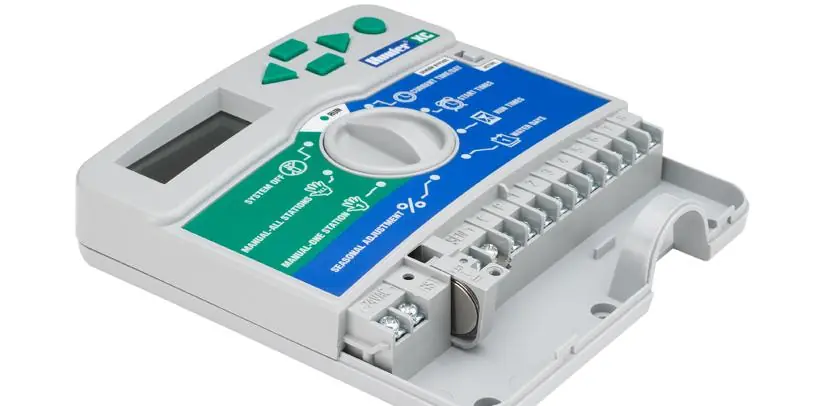
Installation is different for the two versions. The indoor model uses a plug-in transformer and is not weatherproof. The outdoor model has an internal transformer and junction box, and a licensed electrician should connect it to mains power. The unit mounts with a keyhole slot and two lower screws. A valve common wire goes to terminal C. A master valve or pump start relay goes to terminal P. Before you use the backup battery, you must remove its contact insulator.
Weather sensor integration is a standout feature. Any Hunter or micro-switch type sensor, such as the Mini-Clik, connects to the SEN terminals once you remove the factory jumper. A front-panel Sensor Bypass switch lets the user override a sensor that is blocking irrigation. With Programmable Sensor Override, the sensor can stop watering on chosen stations only. This is useful for covered patio pots that need water even when it rains.
Scheduling is flexible. Users can set Event Day(s) Off so watering never happens on specific weekdays, such as mowing day. In odd-day mode, the 31st and February 29th are automatically skipped. The One Touch Manual Start starts a full cycle when you hold the right arrow button for two seconds, with no need to turn the dial. You can also adjust run times and step between stations while the cycle runs.
The Hunter Quick Check diagnostic scans every station circuit in a few seconds. It shows "ERR" next to the number of any station with a field wiring short. The display also reports "P ERR" for faults at the pump relay or master valve, and "No AC" when there is no power. With Easy Retrieve memory, you hold two buttons for five seconds to save a preferred schedule and restore it later.
A Programmable Delay Between Stations adds a pause between zones, which helps slow-closing valves or well recovery. If the controller is badly misprogrammed, a full factory reset clears all data and returns the clock to 12:00 AM. Power outages never erase programs, and the lithium battery keeps the time correct until AC power comes back.
Frequently Asked Questions (FAQs)
Can't find the answer you need? Here are some frequently asked questions about the Hunter XC Irrigation Controller, and we answer them below.