Hunter Node-400 Irrigation Controller Instruction Manual
Hunter Node-400 Irrigation Controller








Hunter Node-400 Instructions
Here we offer the Hunter Node-400 Irrigation Controller manual completely free and in English. We have cataloged this manual in the Irrigation Controllers section on Manualverse, and it has been rated by 1 users with an average rating of 5. If you have any specific questions about Hunter Node-400 Irrigation Controller, we suggest checking the Frequently Asked Questions (FAQs) section of this manual.
Product Images

Hunter Node-400 Irrigation Controller Specifications
| Feature | Specification |
|---|---|
| Manufacturer | Hunter Industries Incorporated |
| Model | NODE-400 |
| Controller Type | Battery-operated, multi-station irrigation controller |
| Number of Stations | 4 (solenoids not included) |
| Power Source | One standard 9 V alkaline battery (two for extended battery life); batteries not included |
| Expected Battery Life | Approx. 1 year with one battery; approx. 2 years with two batteries (normal conditions) |
| Compatible Solenoids | DC latching solenoids operating at 9–11 VDC (Hunter P/N 458200) |
| Incompatible Solenoids | 24 VAC solenoids |
| Programs | 3 (A, B, C) |
| Start Times | Up to 4 per program |
| Start Time Increment | 1 minute |
| Station Run Time | 1 minute to 6 hours |
| Seasonal Adjustment | 10–150% (default 100%), applied to all programs |
| Watering Day Options | Individual days of the week, odd/even days, interval (1–31 days) |
| Programmable Off | 1–99 days |
| Clock Format | AM/PM or 24-hour |
| Sensor Inputs | One |
| Compatible Sensors | Hunter Mini-Clik, Wired Rain-Clik, Freeze-Clik and other non-powered interrupt-type sensors |
| Incompatible Sensors | Hunter Wireless Rain-Clik and other devices requiring 24 VAC power |
| Max. Solenoid Wire Distance | 100 ft (30 m) with 18 AWG (1 mm) minimum wire size |
| Max. Sensor Wire Distance | 100 ft (30 m) with 18 AWG (1 mm) minimum wire size |
| Master Valve Support | Yes, normally closed master valve assigned to Station 1 |
| Memory | Non-volatile; Easy Retrieve permanent program memory |
| Dimensions | 3 ½" (89 mm) diameter, 2 ½" (64 mm) high |
| Operating Temperature | 0 °F to 140 °F (-17 °C to 60 °C) |
| Approvals | IP68, CE, FCC, C-Tick |
| Mounting | Mounts on any Hunter plastic valve using the valve mounting clip (NODE holder) |
Hunter Node-400 Details
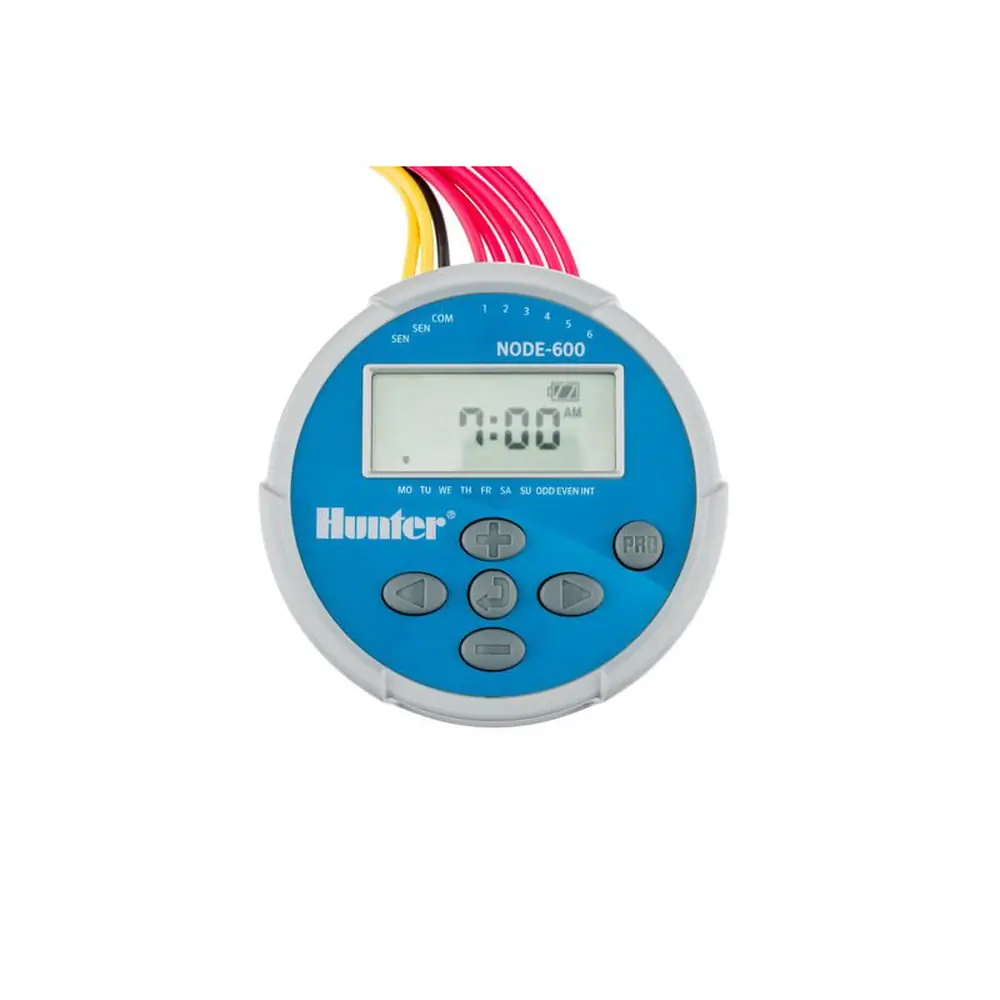
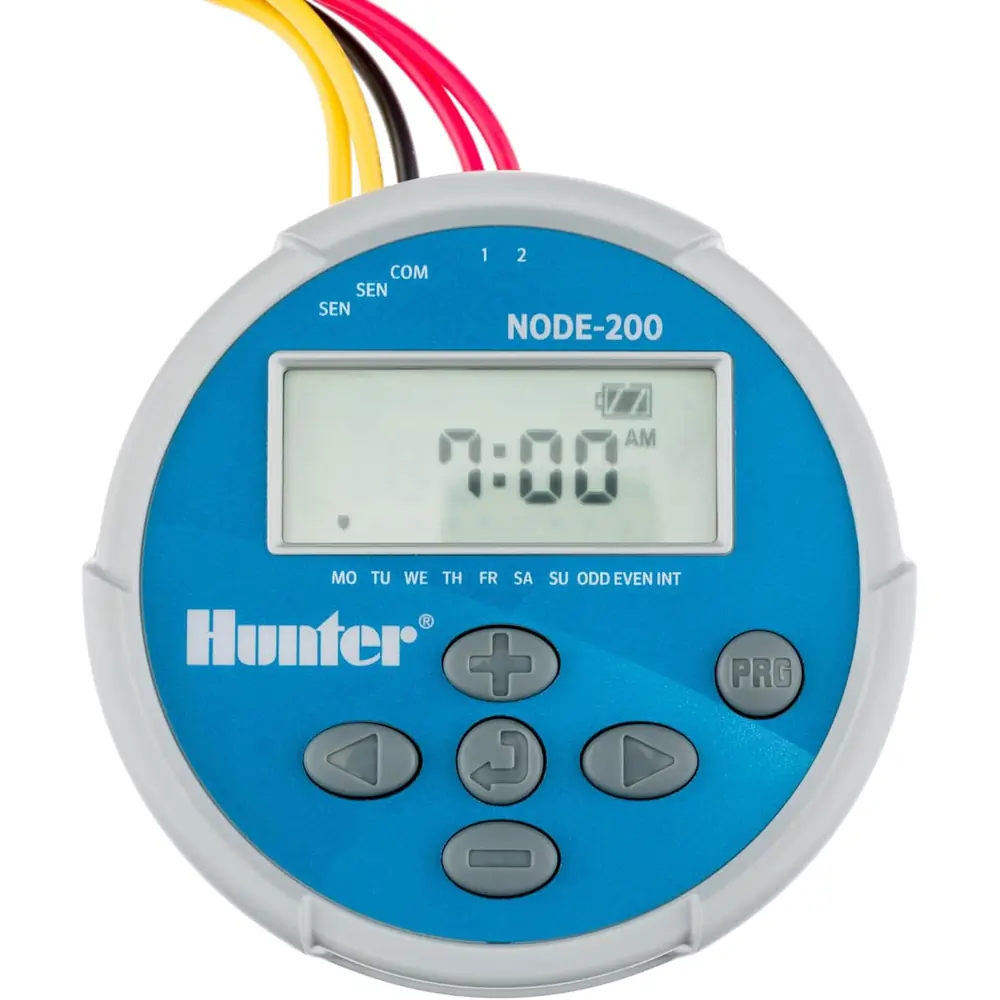
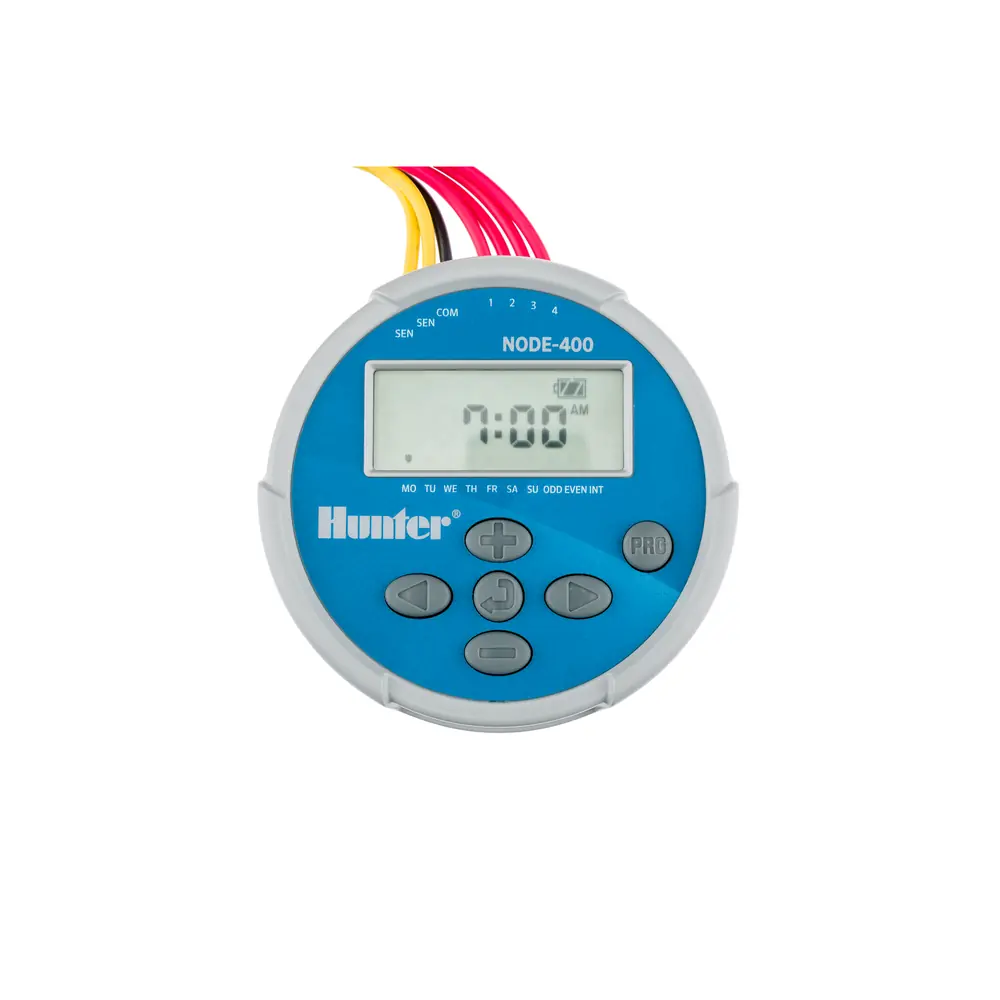
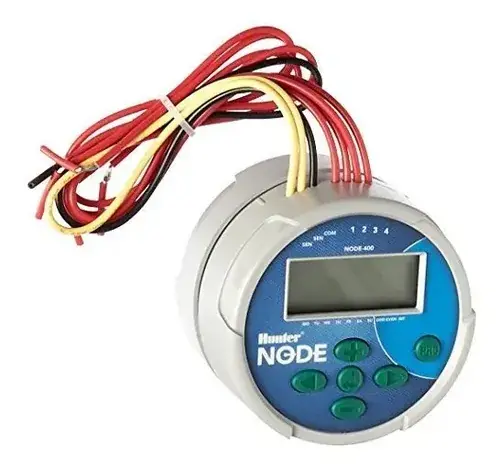
The Hunter NODE-400 is a compact controller that runs on batteries and uses simple push-button programming instead of the rotary dial found on standard Hunter controllers. A large LCD with easy-to-read icons shows the station number, start time number, active program, current time and day, run times, watering days, seasonal adjustment percentage, System Off status, manual watering, the MV indicator, battery status, and rain sensor icons. A Crossed Umbrella icon confirms when the rain sensor has been bypassed manually.
To install the batteries, unscrew the rear body to open the battery compartment. Place one or two batteries in the tray, attach the connector, and check that no water has gotten inside. When you screw the rear half back on, the seal marker must line up with the front half to create a proper watertight seal. Because the memory is non-volatile, you can swap batteries without losing any program data. A protective rubber cover keeps dirt off the face of the controller.
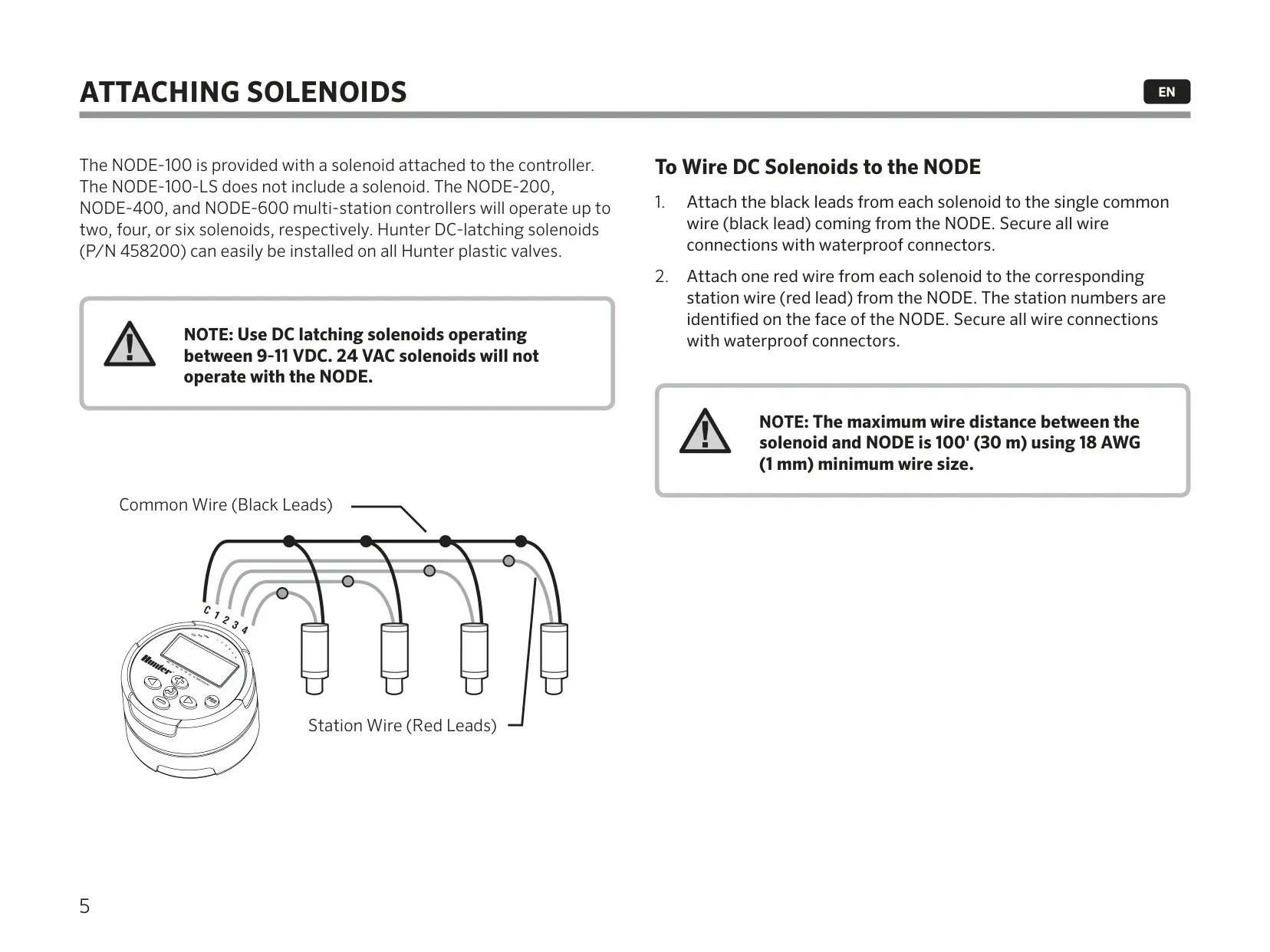
Wiring uses a color-coded layout. Connect the black lead from each solenoid to the single black common wire from the NODE, and connect each red solenoid lead to the matching red station wire. Station numbers are printed on the face of the unit. To connect a weather sensor, cut the yellow wire loop near its middle, strip about ½" (13 mm) of insulation, and join each wire to the sensor. Secure every connection with waterproof connectors.
In idle mode, the screen shows the time, the day of the week, the MV indicator, and the battery level. After a short period of inactivity, the display turns off to save power, and pressing any button wakes it up. When a program is running, the screen shows the station number, program letter, remaining run time, and a blinking Rotor icon. After you set the last station's run time, the Total Run Time Calculator shows the total irrigation time for that program.
Manual watering lets you test a single station or a whole program. The weather sensor is ignored in this mode. While a station is running, the up and down buttons change its run time, and the arrow buttons stop the current station and move to the next or previous one. The sensor bypass is started by pressing and holding a button from idle mode. You can also start any program manually by selecting its letter.
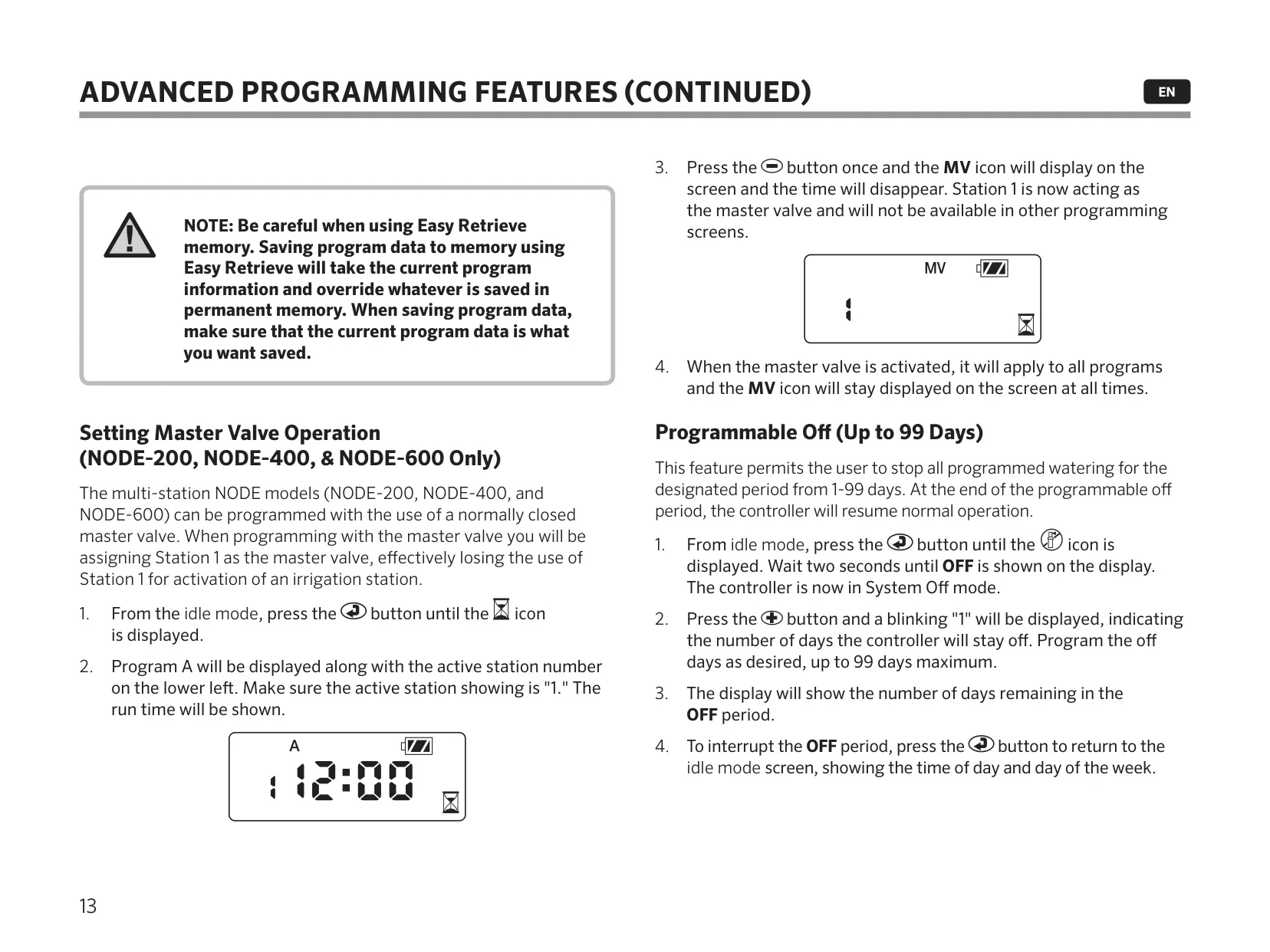
Easy Retrieve memory saves a preferred schedule to permanent memory. To save, hold the assigned buttons for five seconds. Dashed lines move from left to right, then DONE flashes on the screen. To retrieve, use the matching five-second button press; this time the lines move from right to left. Be careful: saving overwrites whatever schedule is already stored. When you turn on master valve mode, Station 1 is reserved for all programs and no longer appears on the other programming screens.
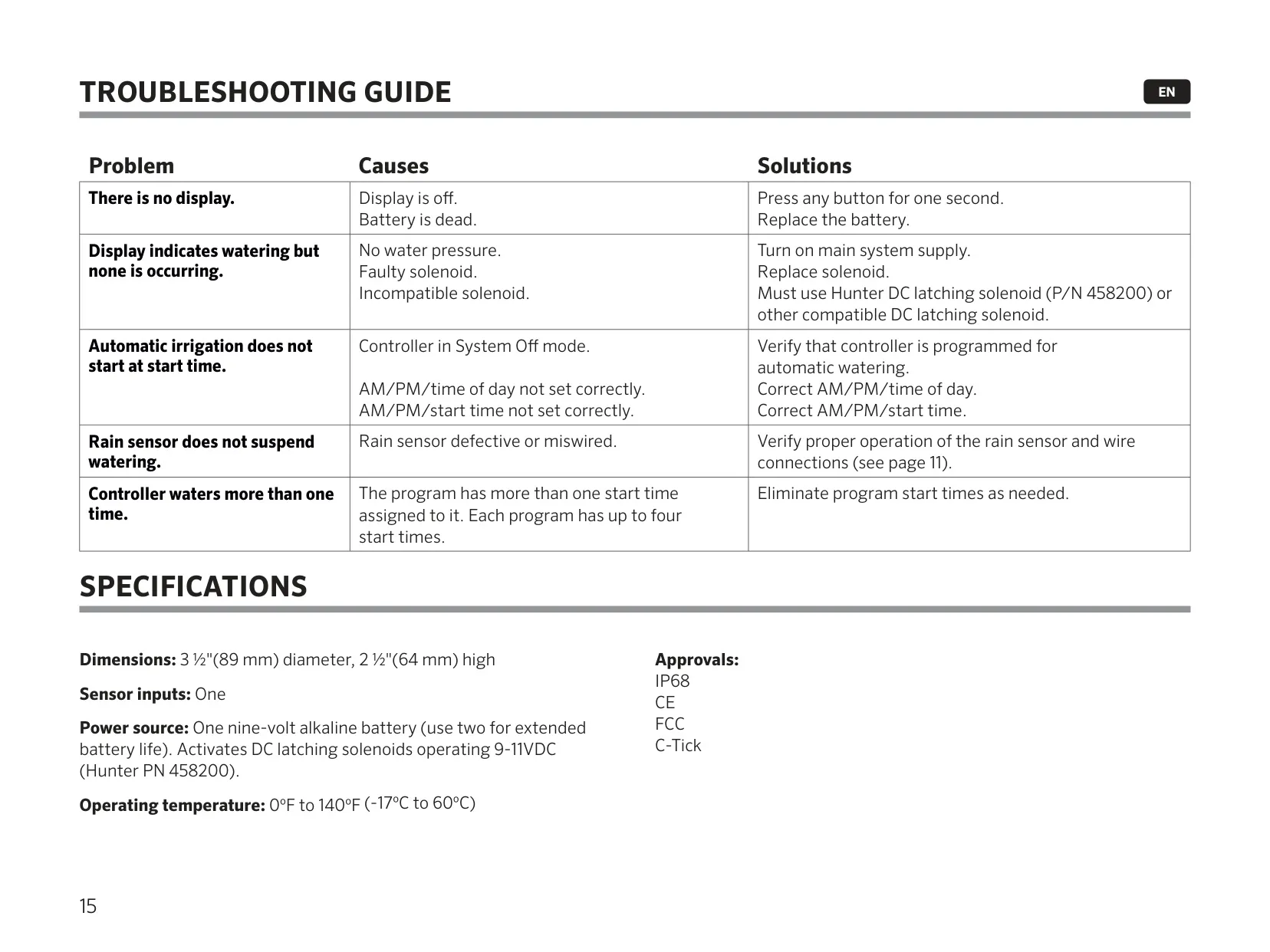
The battery indicator has three levels: Full (100–60%), Med (60–25%) and Low (25–0%). At Low, replace the battery immediately. To reset the controller, hold the three assigned keys until the screen goes blank and 12:00 flashes. A countdown may appear before 12:00 am flashes. A reset erases the current program but keeps the Easy Retrieve backup. The troubleshooting guide covers a blank display, missing water pressure, incompatible solenoids, wrong AM/PM settings, and extra start times.
Frequently Asked Questions (FAQs)
Can't find the answer you need? Here are some frequently asked questions about the Hunter Node-400 Irrigation Controller, and we answer them below.