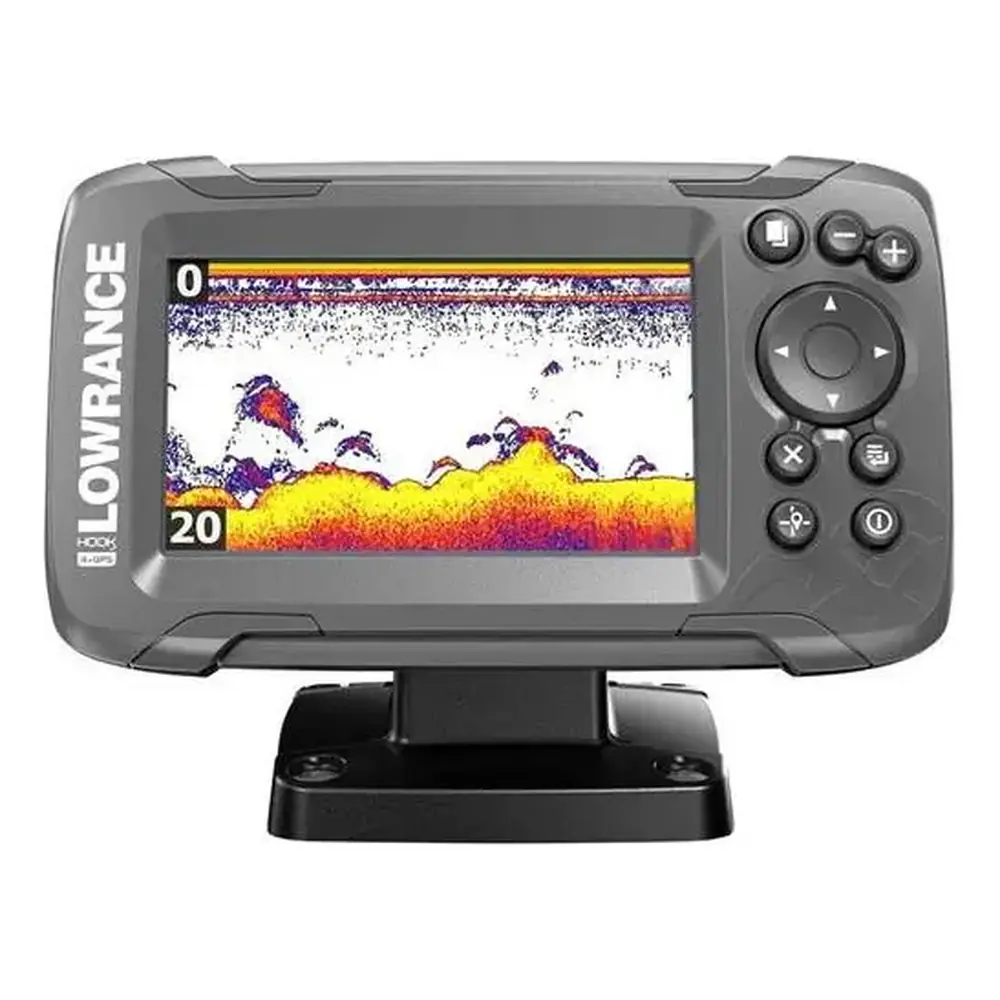
Lowrance Hook Reveal 5x SS Fishfinder Instruction Manual

Lowrance Hook Reveal 5x SS Fishfinder


















Lowrance Hook Reveal 5x SS Fishfinder


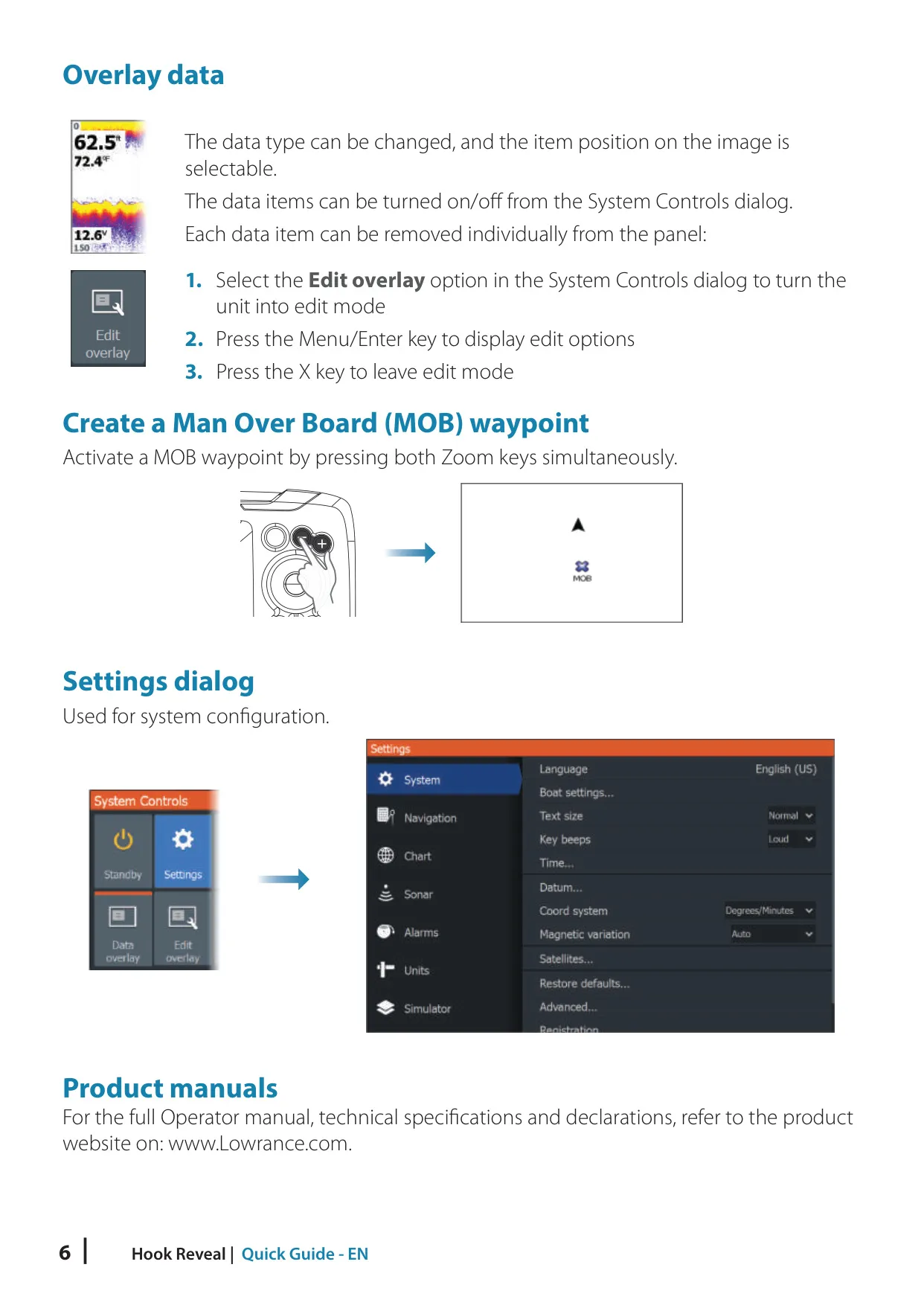
Lowrance Hook Reveal 5x SS Fishfinder
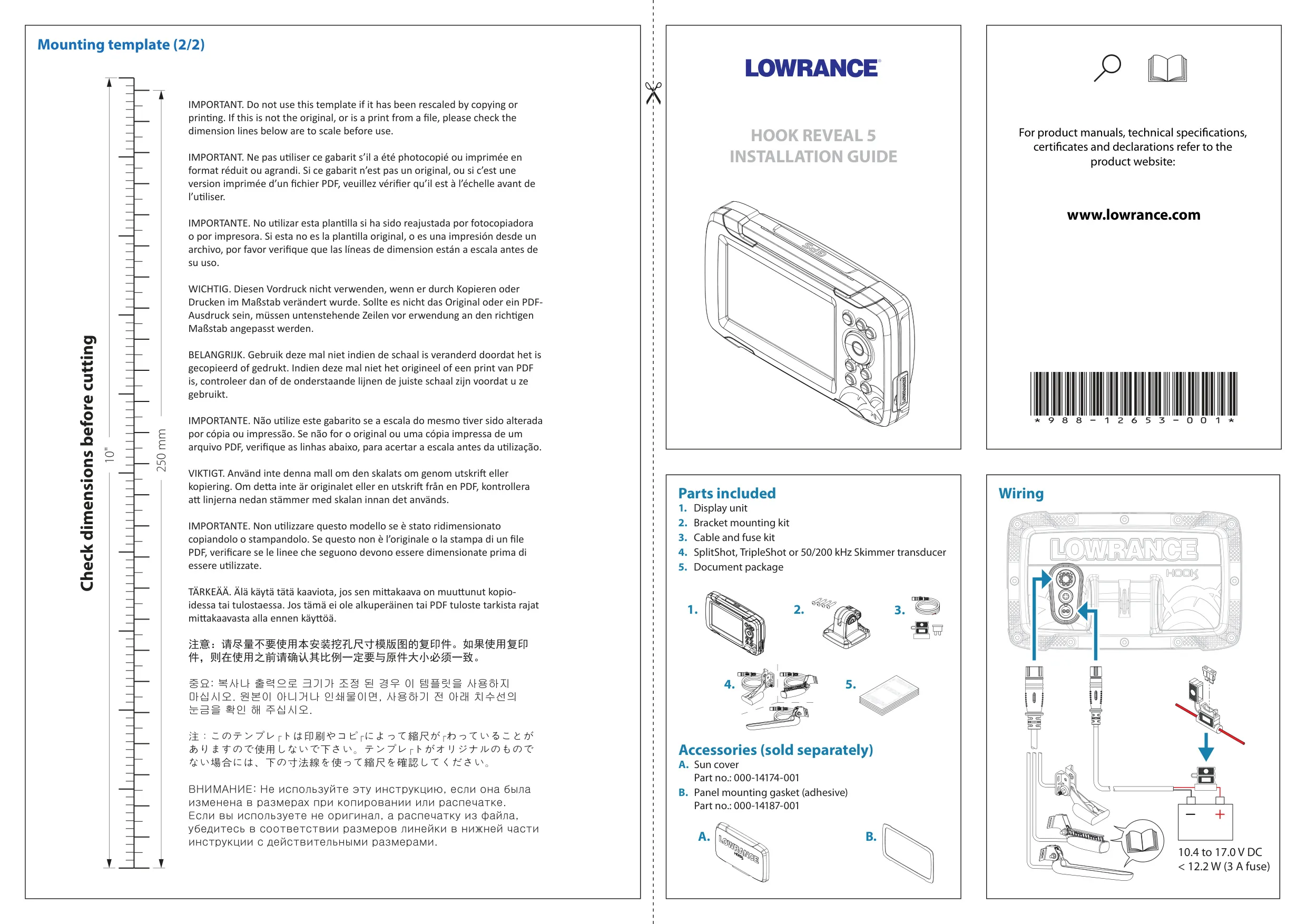

Lowrance Hook Reveal 5x SS Instructions
Here we offer the Lowrance Hook Reveal 5x SS Fishfinder manual completely free and in English. We have cataloged this manual in the Fishfinders section on Manualverse, and it has been rated by 1 users with an average rating of 5. If you have any specific questions about Lowrance Hook Reveal 5x SS Fishfinder, we suggest checking the Frequently Asked Questions (FAQs) section of this manual.
Product Images
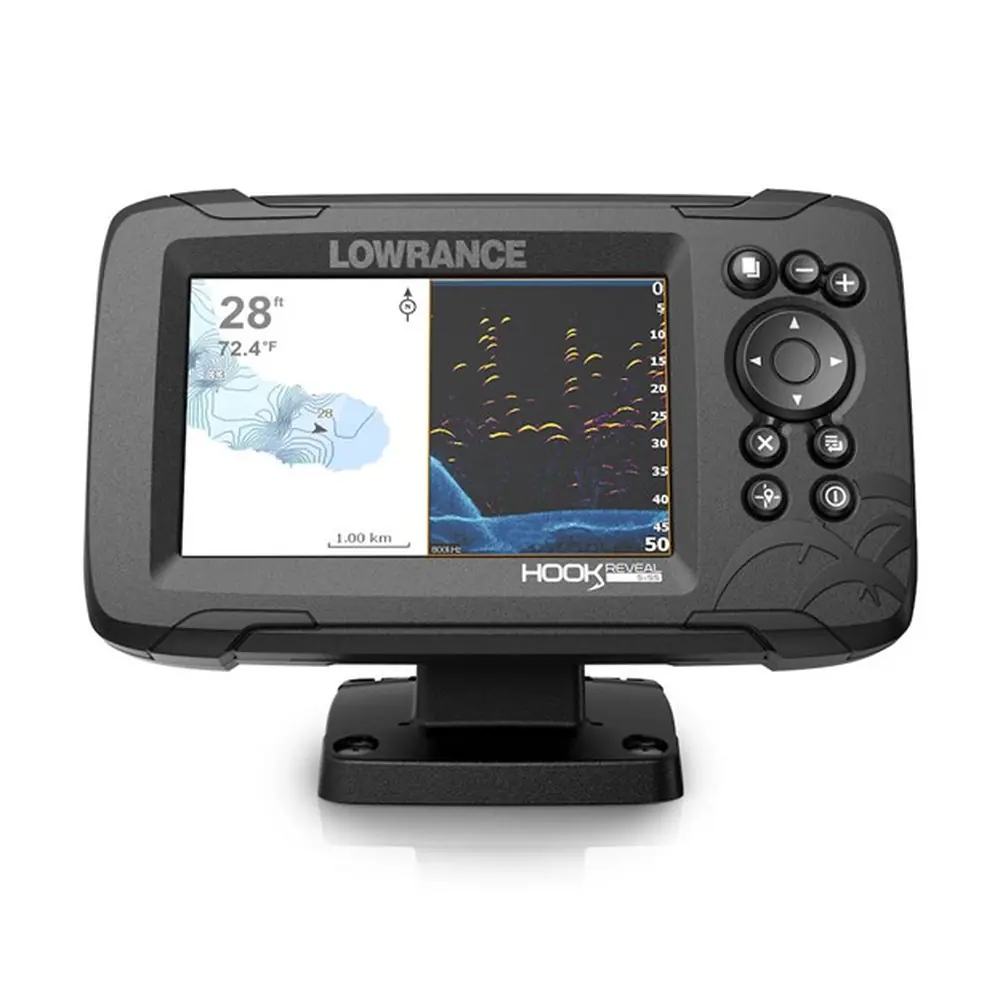
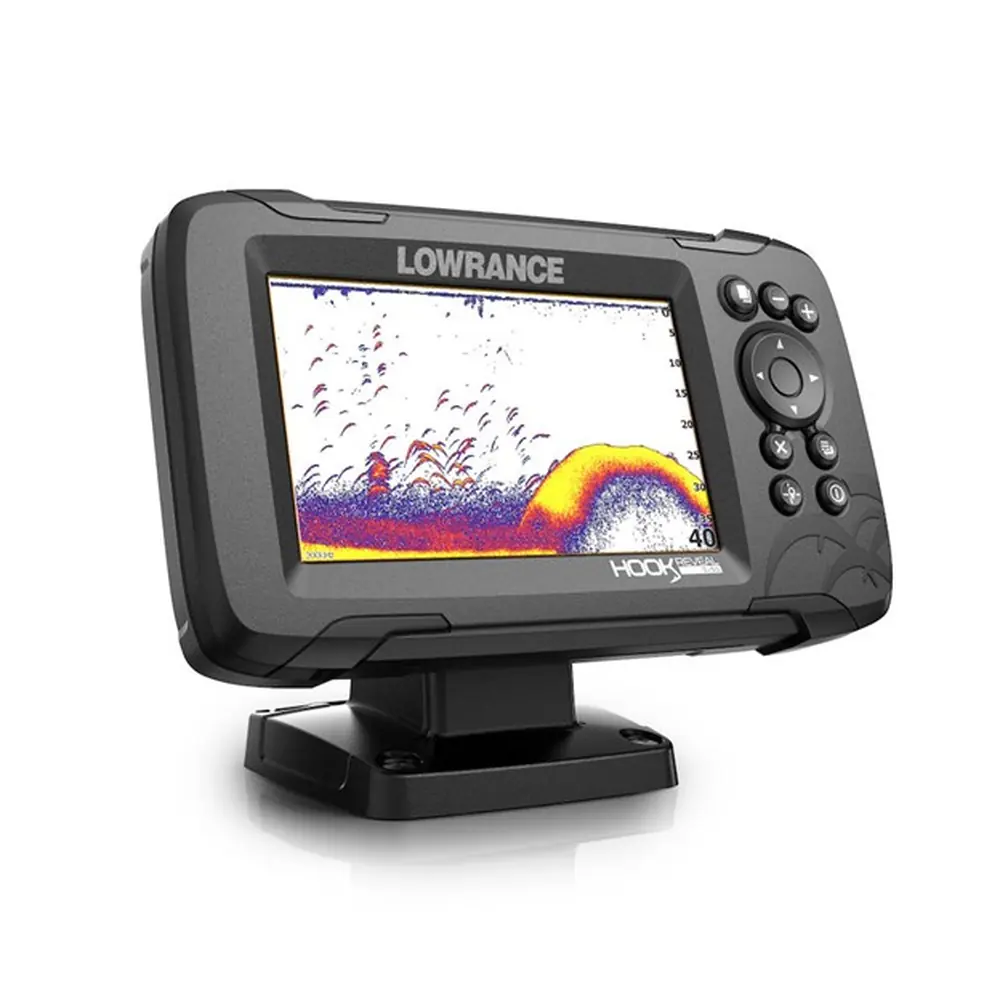

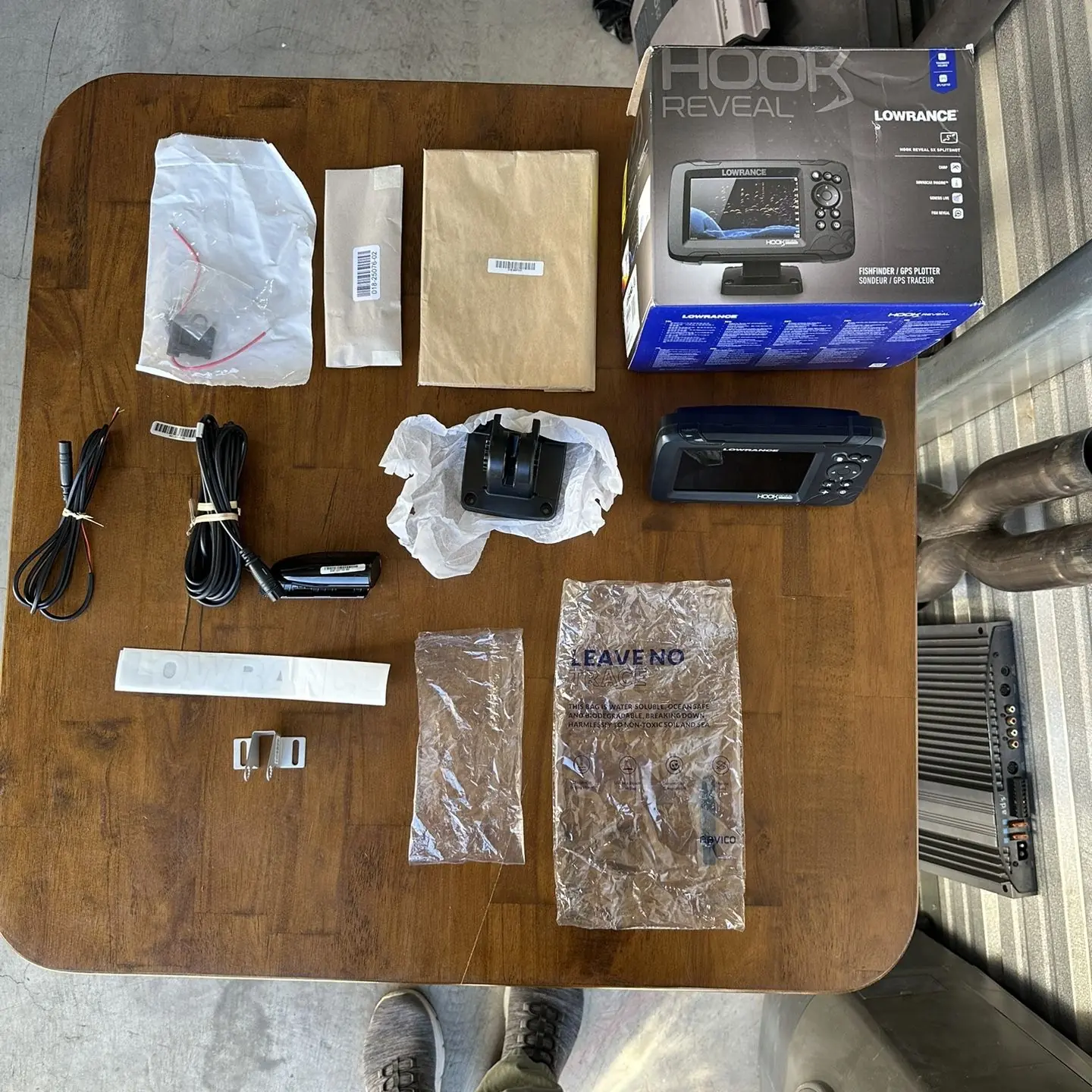
Lowrance Hook Reveal 5x SS Fishfinder Specifications
| Feature | Specification |
|---|---|
| Product series | Hook Reveal X Series (X = GPS plotter models) |
| Manufacturer | Lowrance (Navico Group, a division of Brunswick Corporation) |
| Display size | 5-inch class (from the model designation) |
| Sonar configuration | SS (SplitShot): traditional sonar plus DownScan Imaging |
| SideScan / StructureMap | Not supported (TripleShot models only) |
| DownScan frequencies | 455 kHz (best range) and 800 kHz (highest resolution) |
| Traditional sonar frequencies | Depend on the connected transducer model |
| Sonar modes | Auto (default), Custom, Ice Fishing |
| Split screen zoom | 2x by default, up to 8x |
| Split screen views | Zoom, Bottom lock, Flasher |
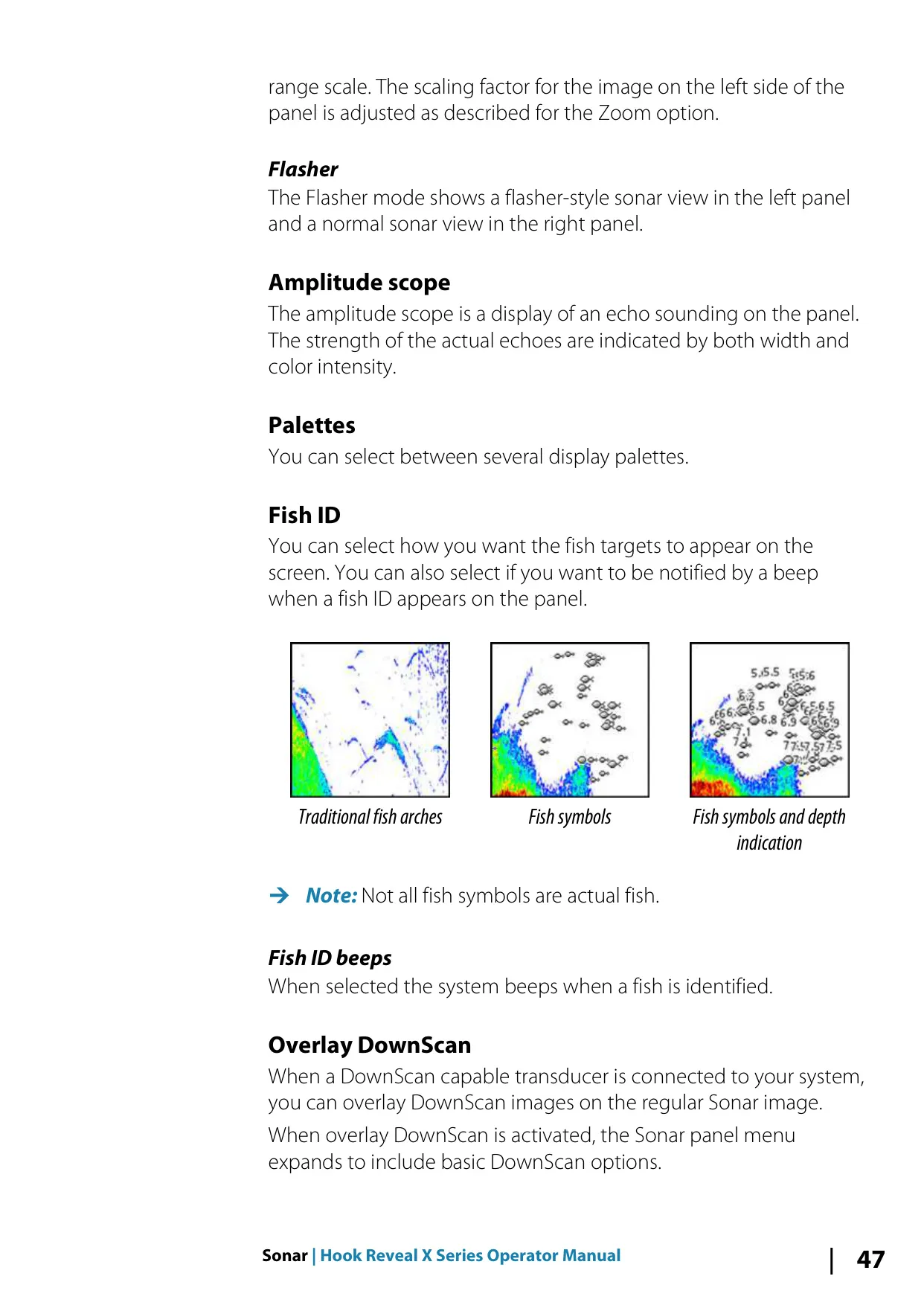
| Fish ID display options | Traditional fish arches, fish symbols, fish symbols with depth |
| FishReveal | Supported (DownScan with fish arch overlay) |
| DownScan Overlay | Supported with a DownScan-capable transducer |
| Navigation | Built-in GPS plotter (no chart support) |
| Genesis Live accuracy | Up to 20 knots (not adjusted for tidal offset) |
| Genesis Live depth palettes | Navigation, Depth shading, Paper chart, Safety shading |
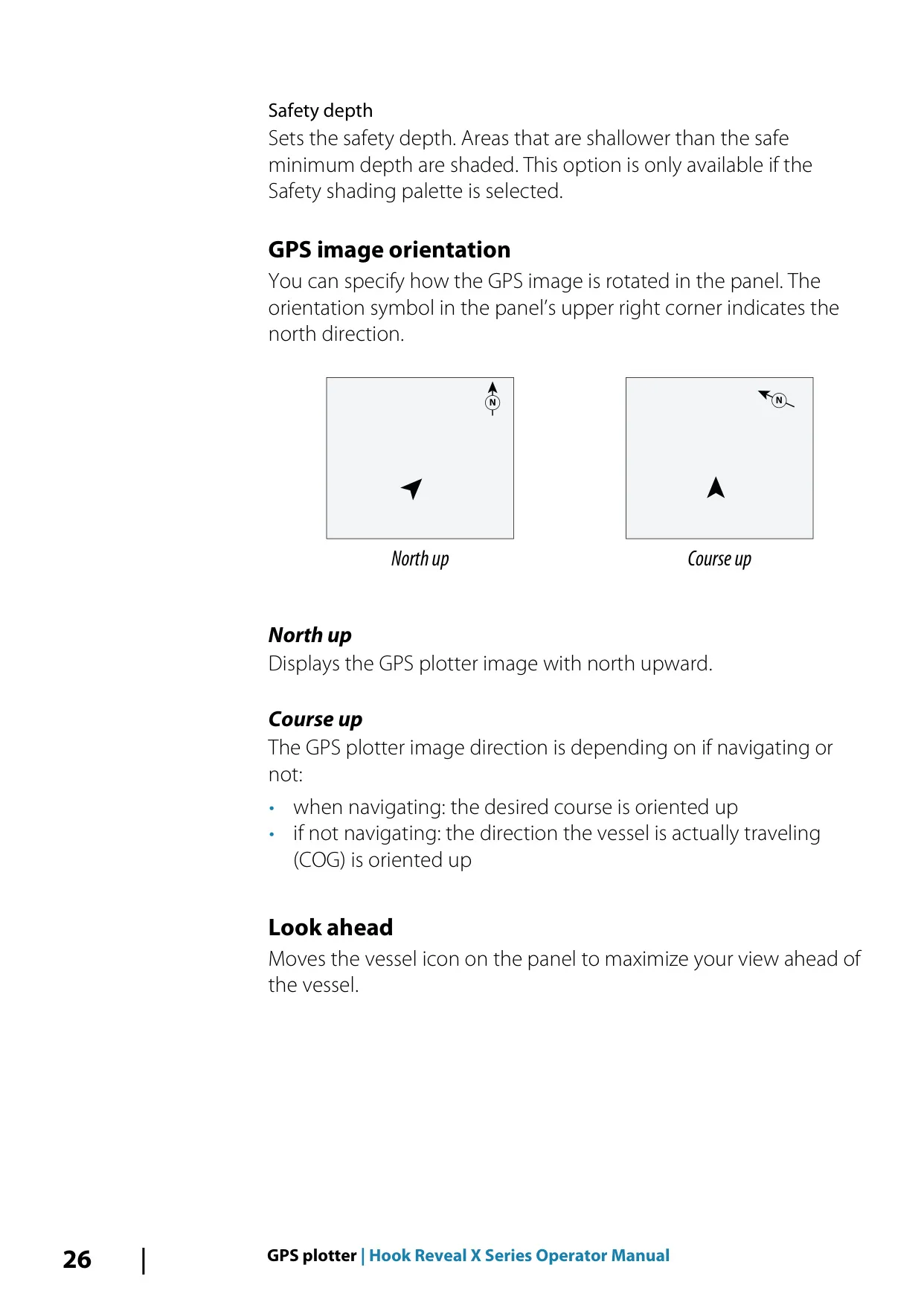
| GPS image orientation | North up, Course up |
| Storage | Internal memory plus a microSD card reader (side or front, depending on model) |
| Chart cards | Not supported |
| Sonar log file formats | .slg (sonar only), .xtf (structure only), .sl2 (sonar and structure) |
| Custom pages | Up to 9 pages, up to 4 panels per page |
| Wallpaper image formats | .jpg, .png |
| Water temperature calibration | -9.9° to +9.9° (default 0°) |
| Depth offset | Negative value for keel offset, positive value for waterline offset, 0 for depth below transducer |
| Trail logging types | Auto, Distance, Time |
| Alarm priority levels | 5 (Red critical, Orange important, Yellow standard, Blue warning, Green lite warning) |
| User data export formats | User Data File v2, v3, v4, v5, v6 and GPX |
| Default datum | WGS84 (adjustable) |
| Service report attachment limit | 20 MB |
| Front controls | 7 keys: Pages, Zoom in/out, Arrows, Exit (X), Menu/Enter, Cursor/Waypoint, Power |
| Compliance | CE under RED 2014/53/EU; level 2 devices of the Radiocommunications (EMC) standard 2017 (Australia/New Zealand) |
| Quick Guide part number | 988-12656-001 |
Lowrance Hook Reveal 5x SS Details
The Lowrance Hook Reveal 5x SS is a compact fishfinder that pairs traditional sonar with DownScan Imaging and a built-in GPS plotter. All operation happens through seven physical keys on the front. Pressing both Zoom keys at the same time creates a Man Overboard waypoint, and pressing the Pages and Power keys together takes a screen capture. When you start the unit for the first time, a series of dialogs walks you through the basic settings. You are also prompted to register the device, either from a smart device or over the phone.
A short press on the Power key opens the System Controls dialog. From there you can adjust the backlight, turn on Night mode, change the data overlays, start sonar logging, or put the unit into Standby mode. Standby turns off the sonar and the screen backlight to save power while the system keeps running in the background. Repeated short presses on the Power key cycle through the preset brightness levels. An orange bar across the top of an icon shows that a function is active.
In Custom or Ice Fishing mode, you can tune the sonar image manually. The available controls include Sensitivity (with adjustable Auto sensitivity), Ping speed, Scroll speed, Noise rejection and Surface clarity. Colorline helps separate fish and structure from the actual bottom. You can display the Amplitude scope and change color palettes, and Fish ID beeps sound an alert when a target is identified. If you change any setting, Restore mode default puts the custom settings back to the factory values.
The DownScan panel shows detailed images of structure and fish directly below the boat. When you enable FishReveal, fish arches appear on the DownScan image, and you can adjust their sensitivity, Colorline, surface clarity and palette. You can also overlay DownScan on the regular sonar image. On any sonar view, placing the cursor pauses the image and shows the depth at that point. Panning with the Arrow keys lets you review the sonar history.
The GPS plotter shows your vessel position, trails, waypoints and routes. If there is no GPS fix, the vessel icon shows a question mark. Genesis Live builds depth contour maps in real time from sonar soundings and saves them to the memory card. Making more passes over an area produces better maps. You can adjust the overlay transparency, contour interval and safety depth shading. Other plotter options include Look ahead, range rings, grid lines and a COG extension line.
To save a waypoint, press and hold the Cursor/Waypoint key. You can set an individual alarm radius for each waypoint. Routes can be drawn on the screen, built from existing waypoints, or converted from recorded trails. While you navigate, you can skip, restart or cancel a route. The Arrival radius, XTE limit and XTE alarm settings let you monitor how far the boat drifts off course.
The Tools panel gives you access to settings, sun and moon times, trip data and file storage. The Service assistant creates a support report that includes the software version and serial number. To update the software, save the update file on a memory card and insert it with the unit powered off. For backups, you can export waypoints, routes, trails or a selected region to the card, along with the settings database.
For maintenance, clean the screen with fresh water and a micro-fiber cloth, without pressing down. Do not use solvents, ammonia, alcohol or high-pressure washing. A separately sold sun cover is recommended to protect the unit when it is not in use. The built-in Simulator and Retail mode let you practice with the unit using the included sonar files or your own recorded logs.
Frequently Asked Questions (FAQs)
Can't find the answer you need? Here are some frequently asked questions about the Lowrance Hook Reveal 5x SS Fishfinder, and we answer them below.