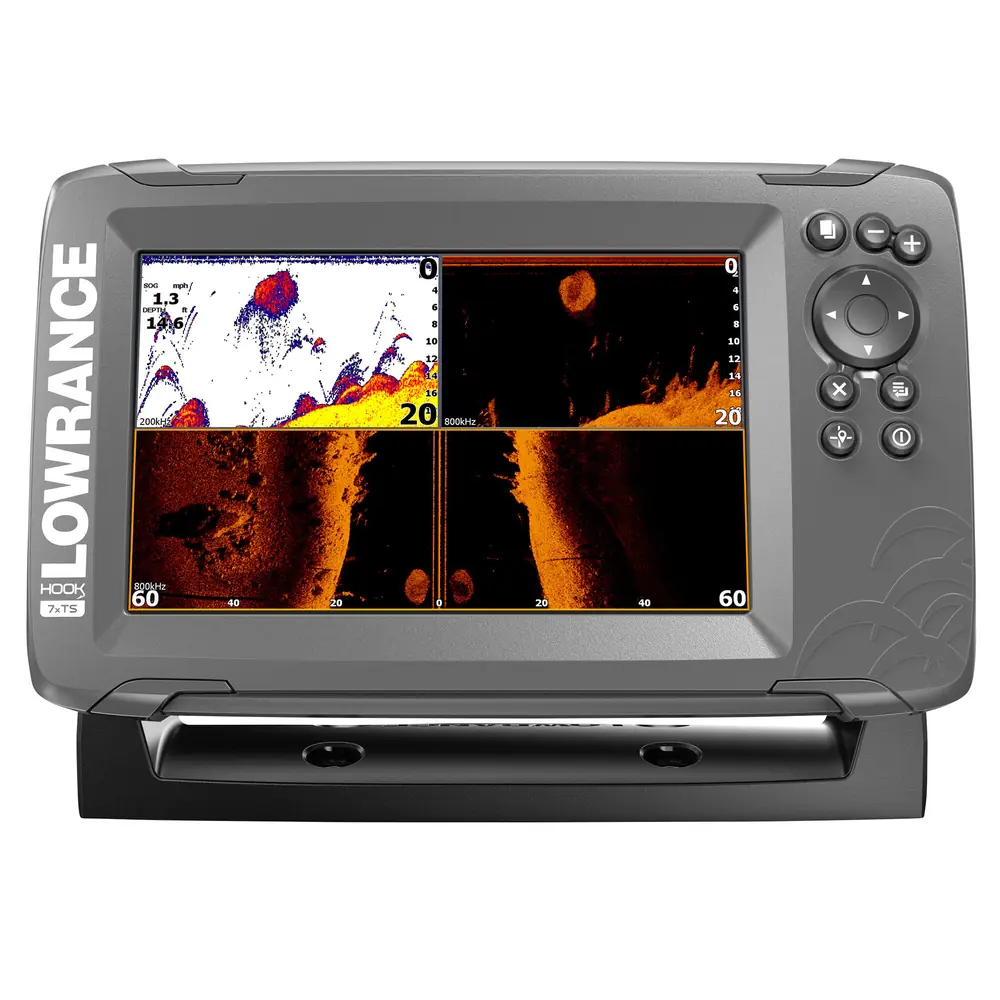
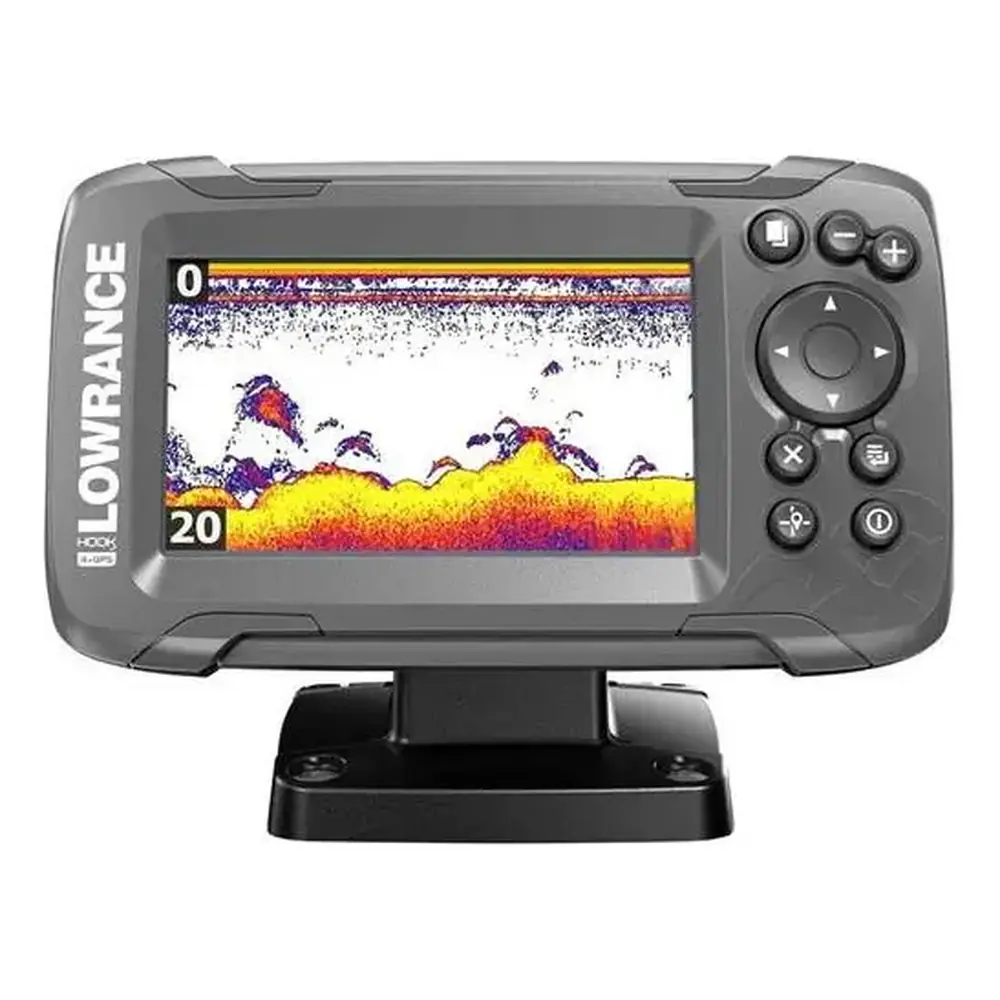
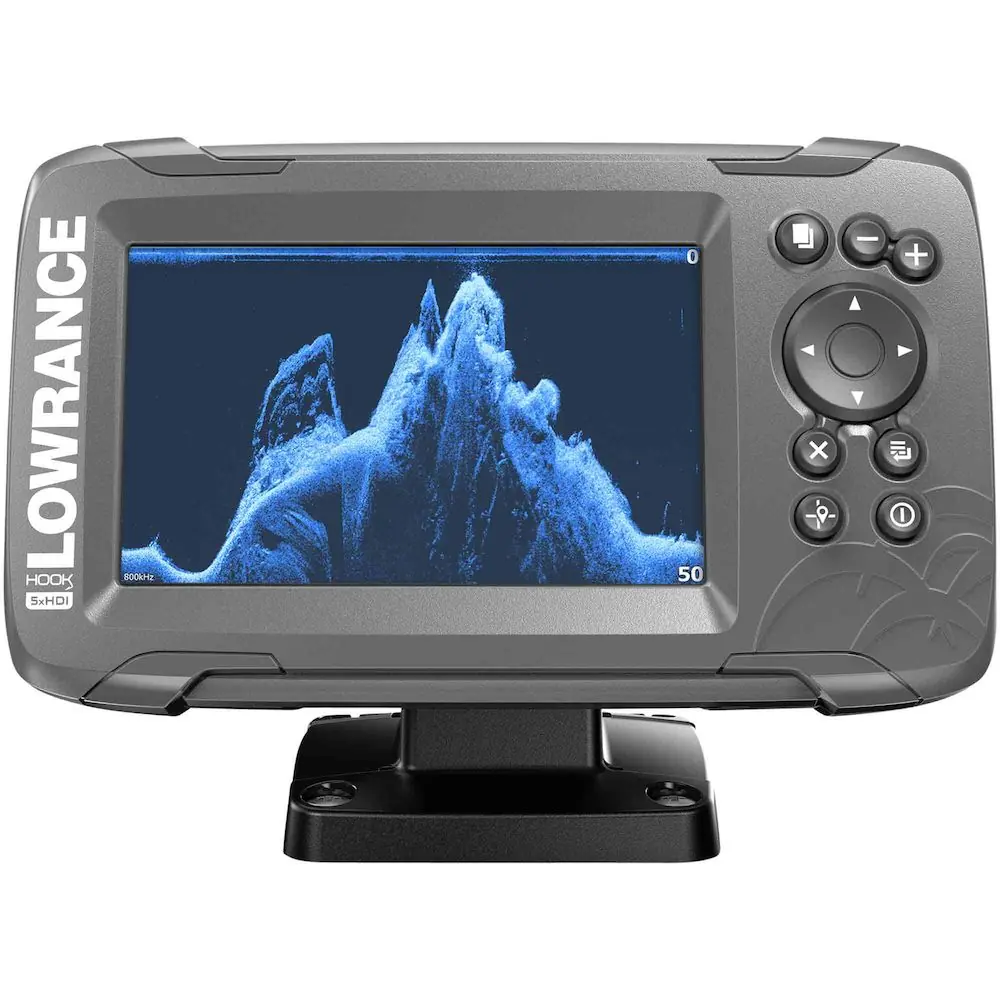
Lowrance Hook-7x Fishfinder Instruction Manual

Lowrance Hook-7x Fishfinder










Lowrance Hook-7x Fishfinder

Lowrance Hook-7x Fishfinder Instructions
Here we offer the Lowrance Hook-7x Fishfinder manual completely free and in English. We have cataloged this manual in the Fishfinders section on Manualverse, and it has been rated by 1 users with an average rating of 5. If you have any specific questions about Lowrance Hook-7x Fishfinder, we suggest checking the Frequently Asked Questions (FAQs) section of this manual.
Product Images
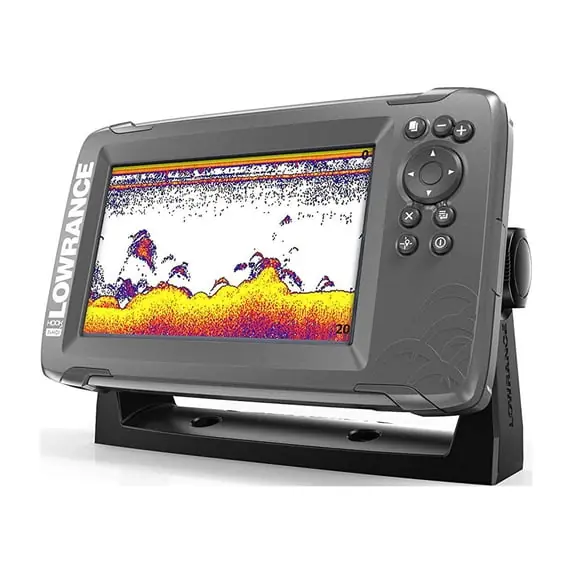

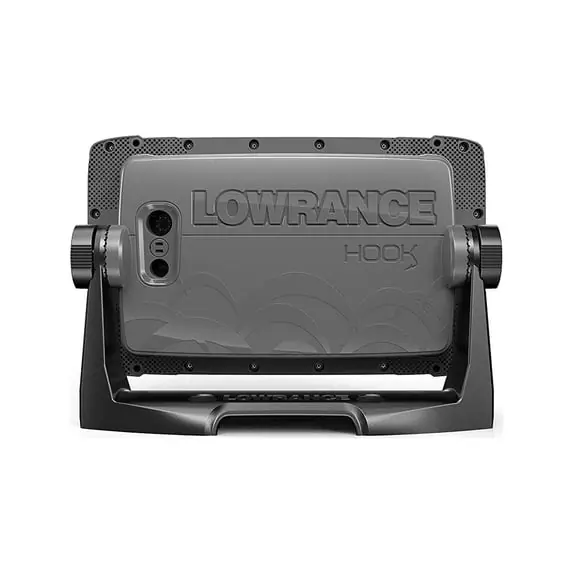
Lowrance Hook-7x Fishfinder Specifications
| Feature | Specification |
|---|---|
| Model | Lowrance HOOK-7x (HOOK-X Series) |
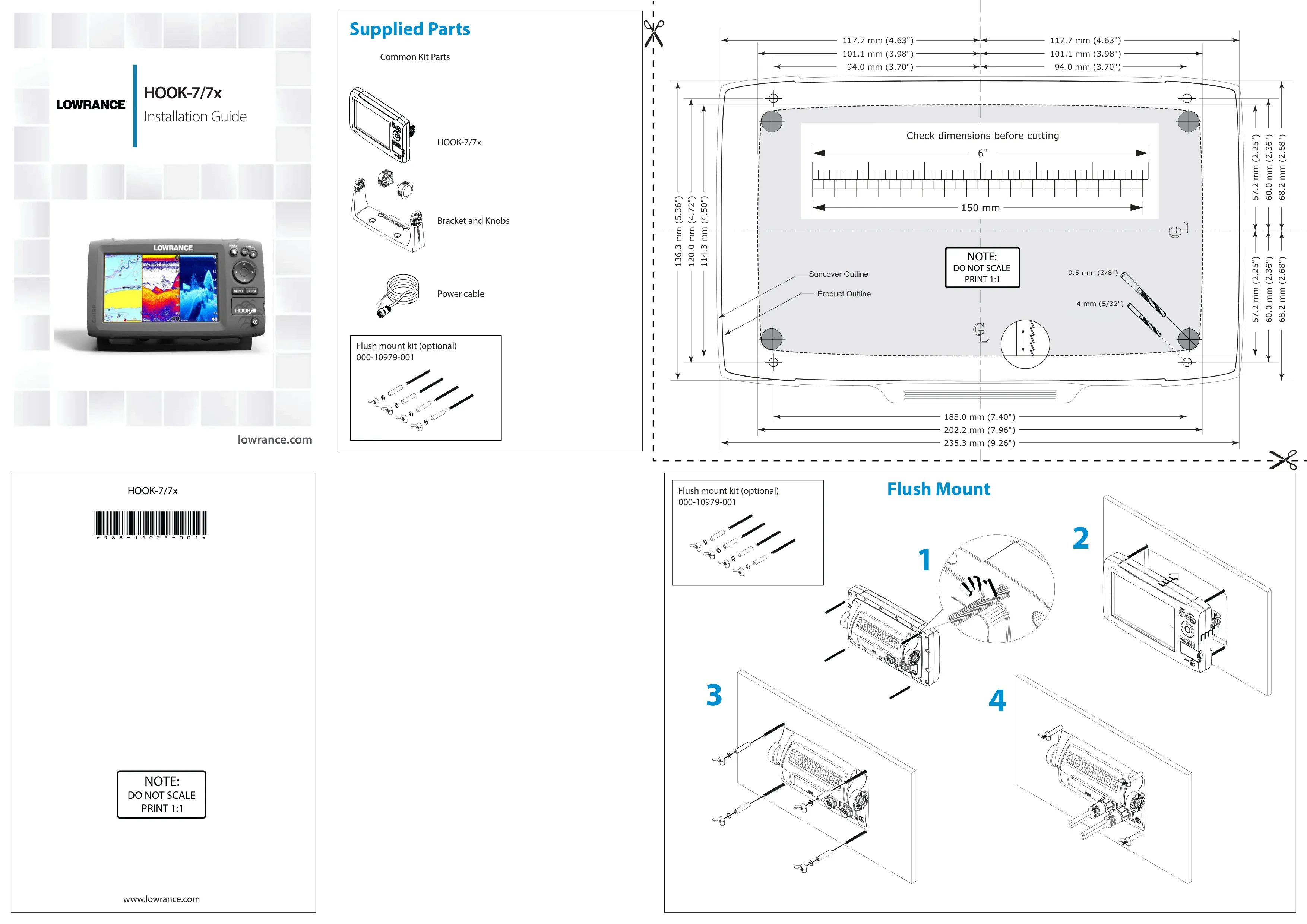
| Case Size | 5.3" H (136 mm) x 9.2" W (234 mm); 5.9" H (151 mm) with bracket |
| Display | 7" diagonal, 16-bit color Full VGA Solar MAX™ color TFT |
| Waterproof Standard | IPX7 |
| Backlight | LED (11 levels) |
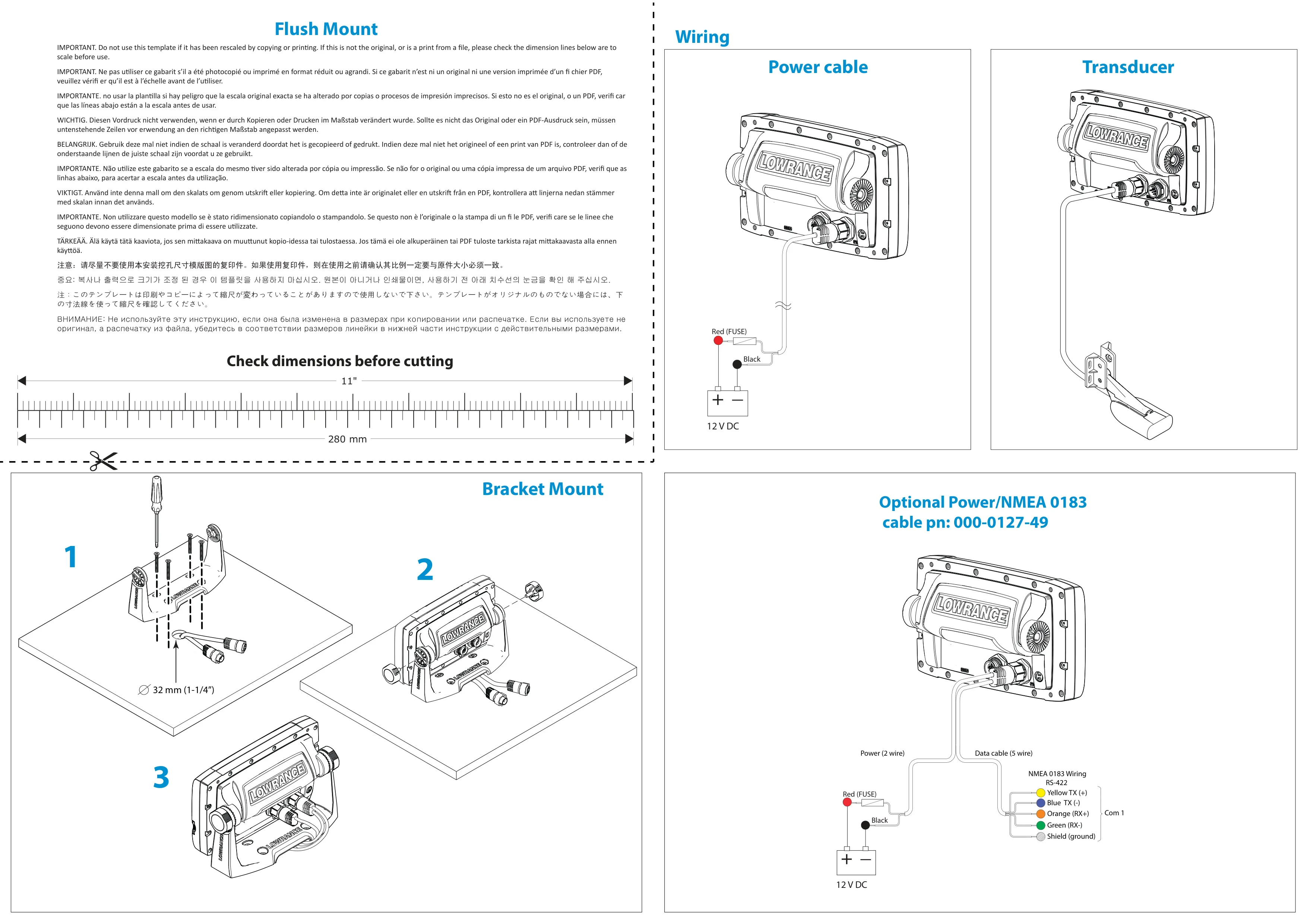
| Communications | NMEA 0183 Output (requires optional Power/NMEA cable 000-0127-49) |
| Transmit Power | 500 W RMS |
| Power Requirement | 12 V |
| Voltage Input | 10 to 17 V |
| Current Drain | Typical: 1.1 A |
| Fuse Type | 3-amp Automotive |
| Max Depth (455/800 kHz) | 300 ft (91 m) |
| Max Depth (83/200 kHz) | 1000 ft (305 m) |
| Max Depth (50 kHz) | 2500 ft (762 m) |
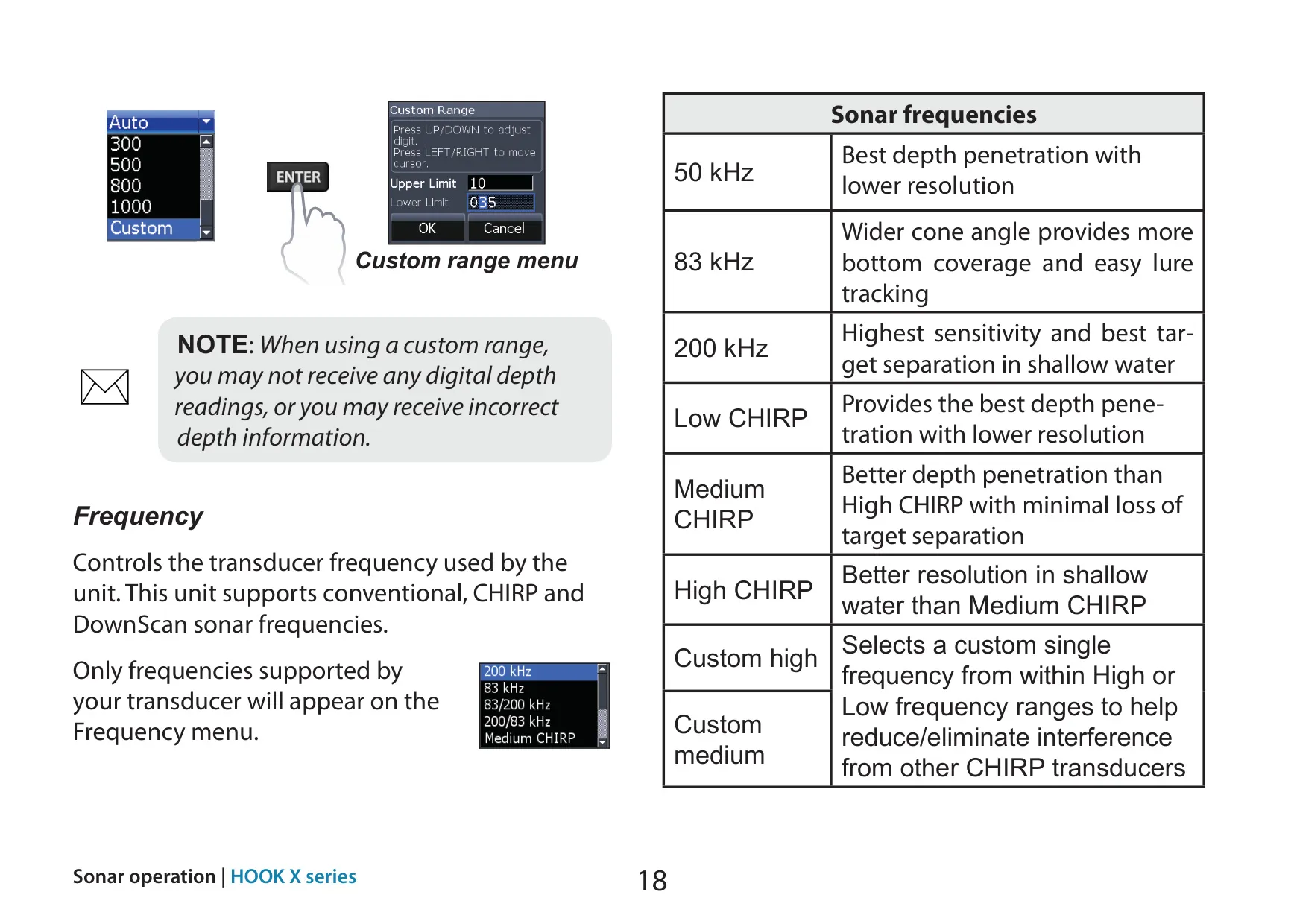
| Available Transducer Frequencies | 455/800 kHz; 50/83/200 kHz; High/Medium/Low CHIRP |
| Max Speed | 70 mph |
| Compatible Transducers | HDI 50/200 kHz (Low/High CHIRP); HDI 83/200 kHz (Medium/High CHIRP); 83/200 kHz (Medium/High CHIRP) |
| Transducer Cable Length | 20 ft (6 m) |
| Sonar Types | Conventional (CHIRP) and DownScan |
| Custom Range Minimum Span | 6.5 ft (2 m) between upper and lower limits |
| Compliance | FCC Part 15.103 (Class B digital device); CE under EMC directive 2004/108/EC; Radiocommunications (EMC) standard 2008, level 2 devices |
Lowrance Hook-7x Fishfinder Details
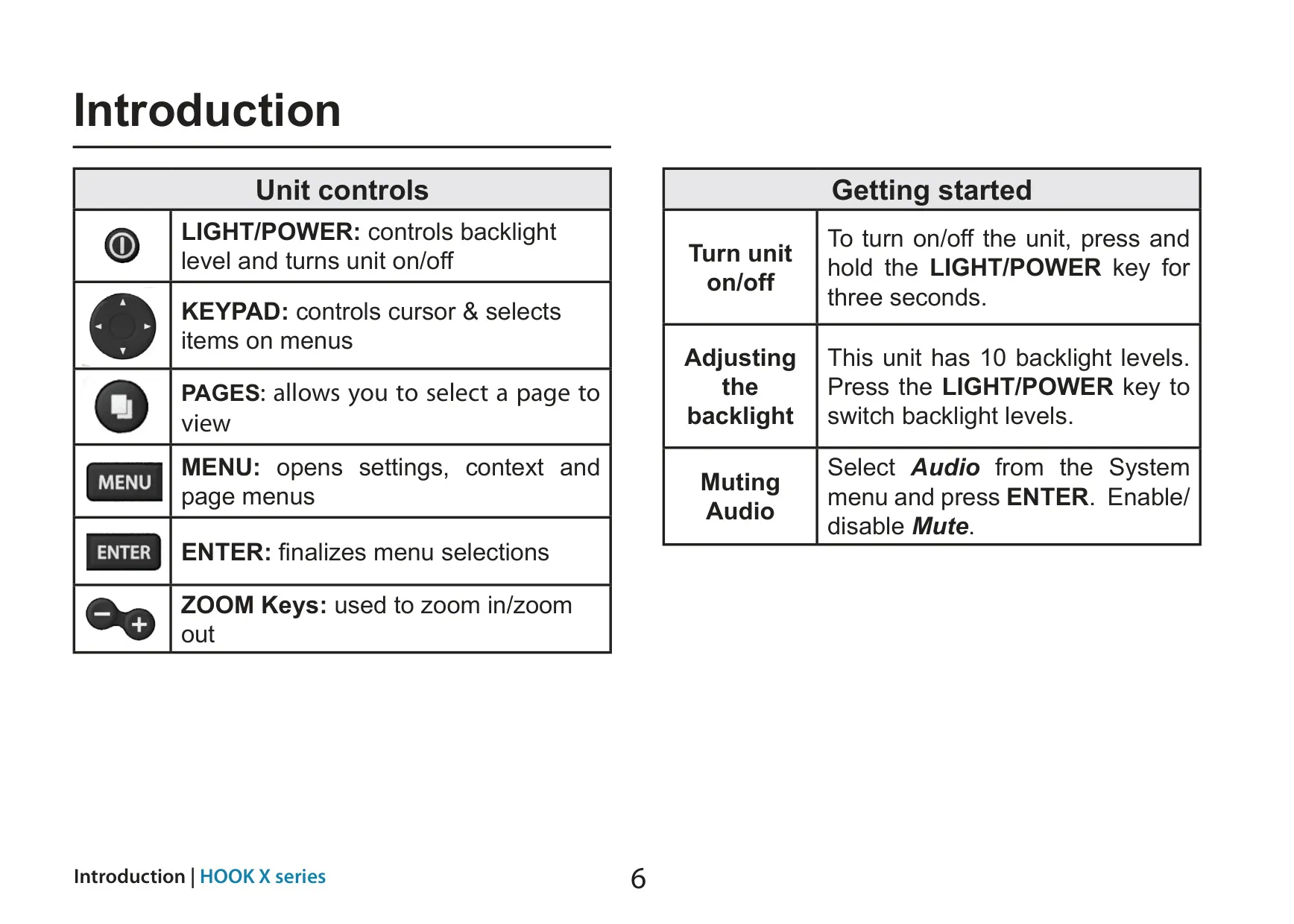
The Lowrance HOOK-7x is the largest model in the HOOK-X series. It is controlled with a simple keypad layout: a LIGHT/POWER key, a directional keypad, PAGES, MENU, ENTER and two Zoom keys. To turn the unit on or off, hold LIGHT/POWER for three seconds. Pressing the same key briefly steps through the backlight levels. A Setup wizard runs the first time you power on. You can skip it and configure the unit manually, or run it again later by restoring the factory defaults.
The screen is organized into pages you choose from a carousel. The main views are the Sonar page, the DownScan page and two preset combo pages, Sonar/DownScan and Sonar/DownScan horizontal. Combo pages can be arranged side by side or one above the other, and you can resize the panels. Pressing PAGES twice switches the active panel, which is marked with an orange border. You can also turn on DownScan Overlay to lay DownScan imagery over the conventional sonar view.
Nine preset Fishing modes tune the conventional sonar settings for specific conditions. They are General Use, Shallow Water, Fresh Water, Deep Water, Slow Trolling, Fast Trolling, Clear Water, Brackish Water and Ice. Each preset is designed for a depth range, from 60 ft or less for shallow weedy bottoms to 1000 ft or more offshore. The manual recommends Fresh Water mode in water shallower than 100 feet so the unit tracks the bottom properly. You can return any mode to its defaults with Reset fishing mode.
CHIRP sonar sends a modulated pulse that sweeps across the transducer's bandwidth. This gives clearer images, better target separation and deeper penetration than a single-frequency ping. Custom high and Custom medium let you pick a single frequency within a band to cut interference from other CHIRP units nearby. Auto Sensitivity is on by default and still allows minor adjustments of up to +/-40%. Colorline shows hard returns in light colors and soft returns in darker colors.
Several tools help clean up and interpret the sonar image. Noise rejection filters interference from pumps, engine ignition systems and water conditions. Surface clarity lowers receiver sensitivity near the surface to reduce clutter. Split zoom and Split flasher divide the screen, and the Amplitude scope shows the strength of the most recent echo. Fish ID replaces fish arches with fish symbols. The manual warns that Fish ID is not the most accurate method, because structure and debris can also appear as fish.
Trackback lets you review recent sonar history by moving the cursor left until the display scrolls in reverse. For DownScan, you can adjust Contrast to separate suspended objects from the background. DownScan also offers color palettes: white for suspended targets, purple for structure detail and bottom hardness, and sepia for bottom detail. Stop sonar turns off transmission to avoid interference with a second sonar unit. However, no history is recorded while sonar is stopped.
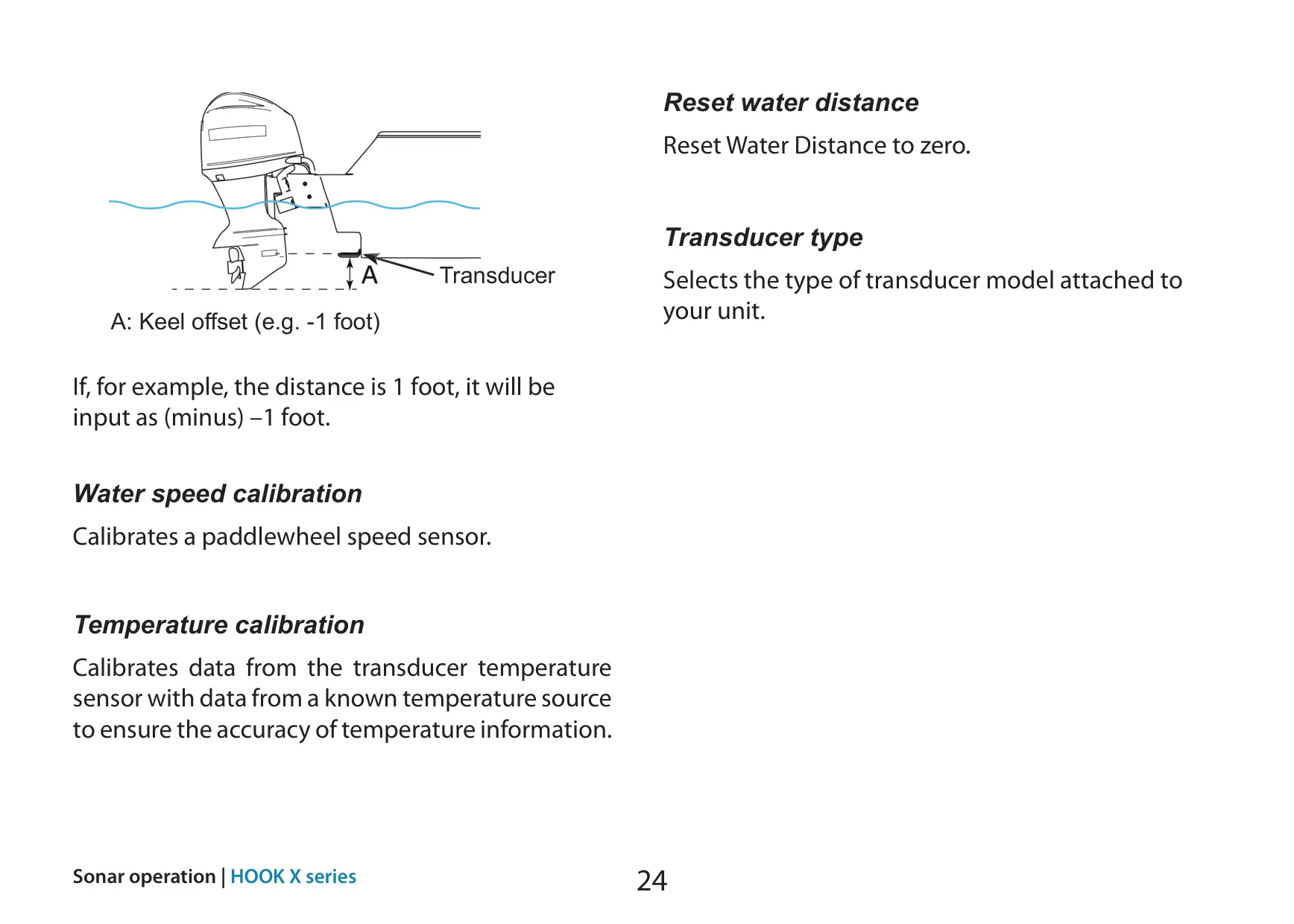
The Installation menu contains Keel offset, entered as a negative value such as –1 foot. It also includes Transducer type selection, paddlewheel Water speed calibration and Temperature calibration. The Alarms menu offers Shallow and Fish alarms. Advanced mode unlocks more unit options and NMEA 0183 output with selectable sentences and baud rate. A Standby mode turns off the sonar and display to save power, and a built-in Simulator recreates sonar activity for practice.
Frequently Asked Questions (FAQs)
Can't find the answer you need? Here are some frequently asked questions about the Lowrance Hook-7x Fishfinder, and we answer them below.