Dyson DC07 Vacuum Cleaner Instruction Manual
Dyson DC07 Vacuum Cleaner
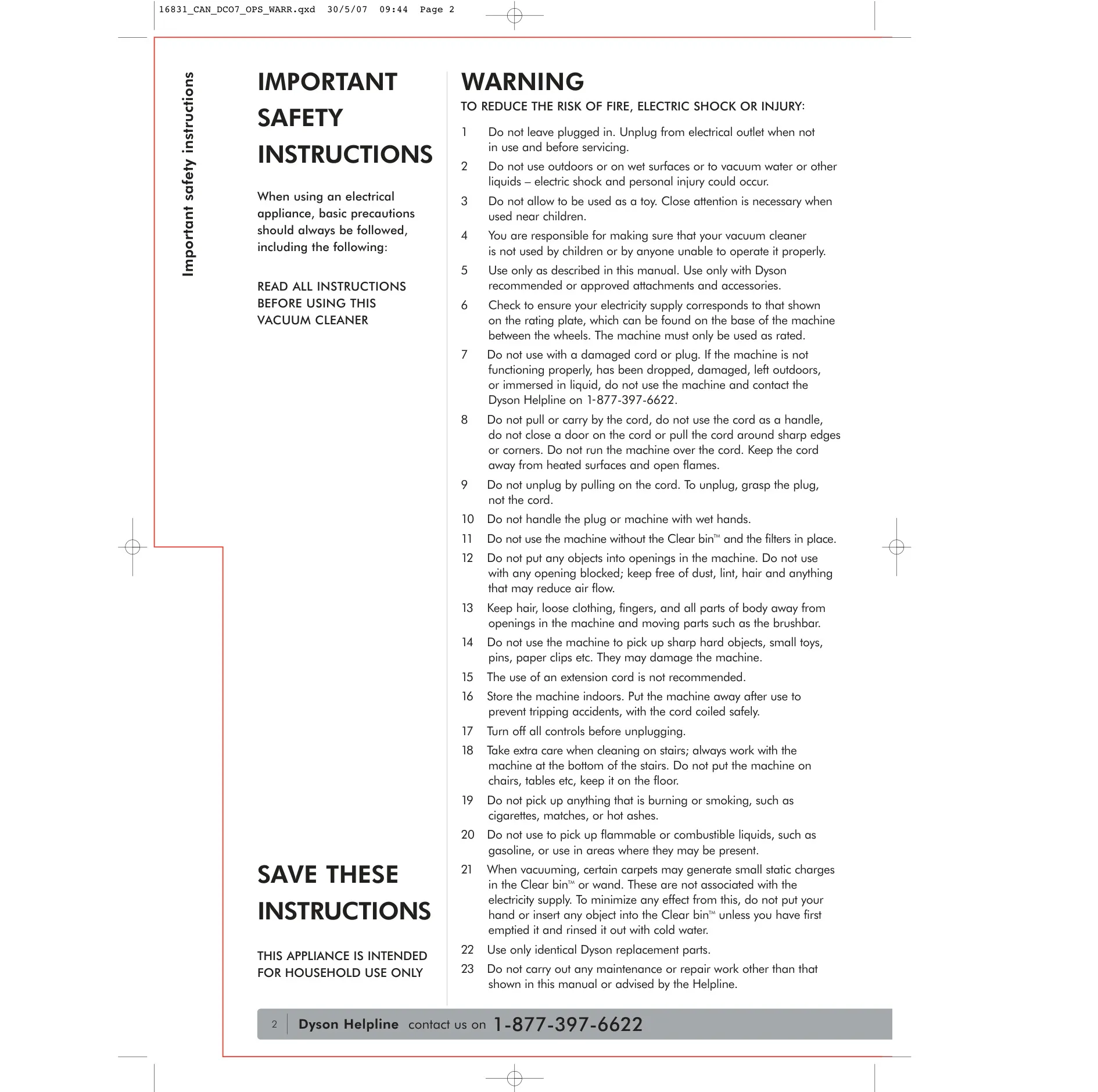





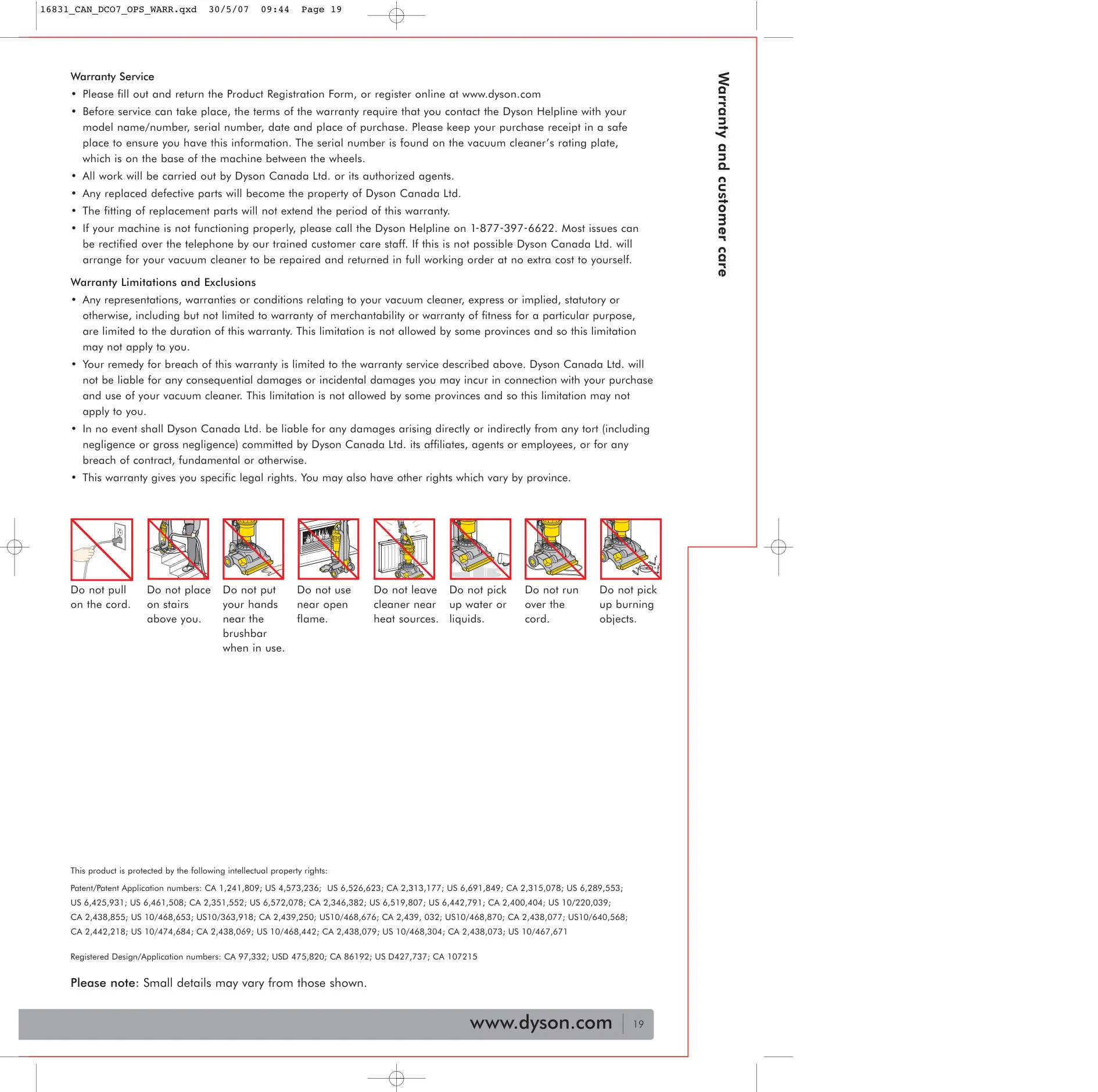



Dyson DC07 Vacuum Cleaner Instructions
Here we offer the Dyson DC07 Vacuum Cleaner manual completely free and in English. We have cataloged this manual in the Vacuums section on Manualverse, and it has been rated by 1 users with an average rating of 5. If you have any specific questions about Dyson DC07 Vacuum Cleaner, we suggest checking the Frequently Asked Questions (FAQs) section of this manual.
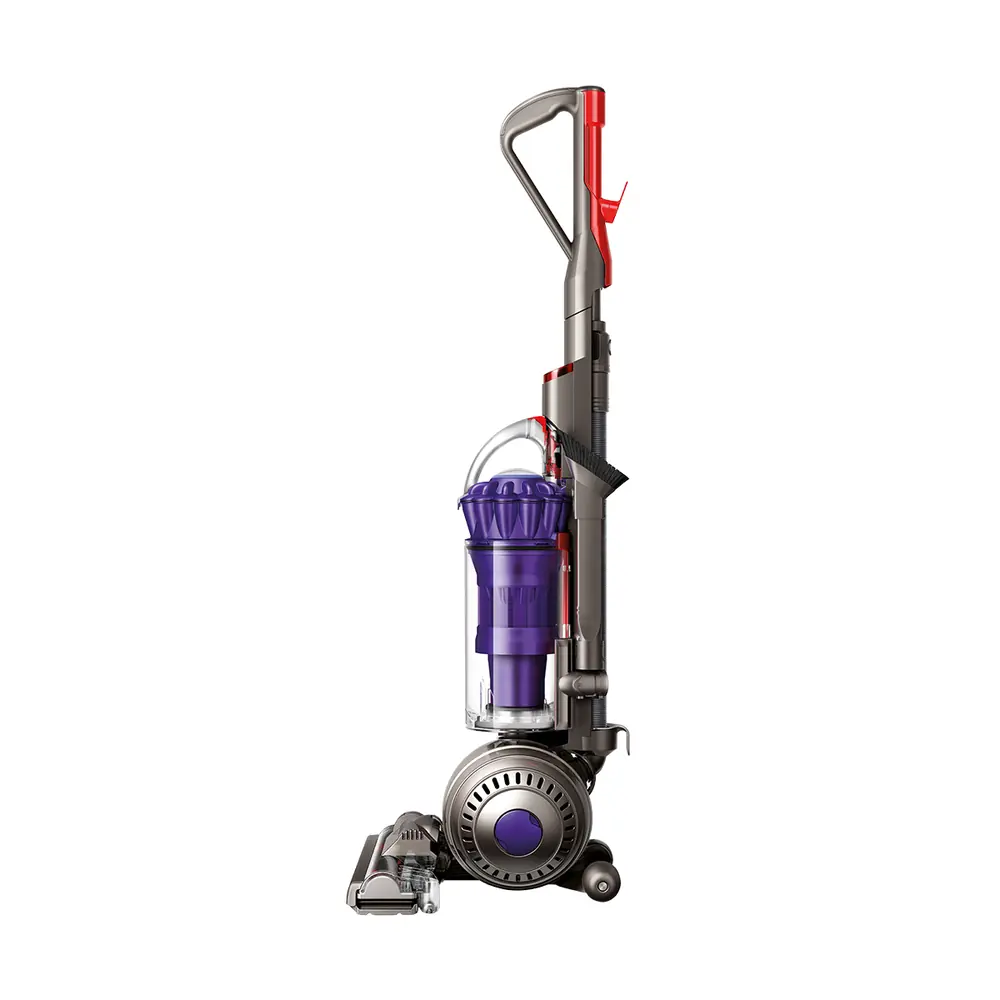
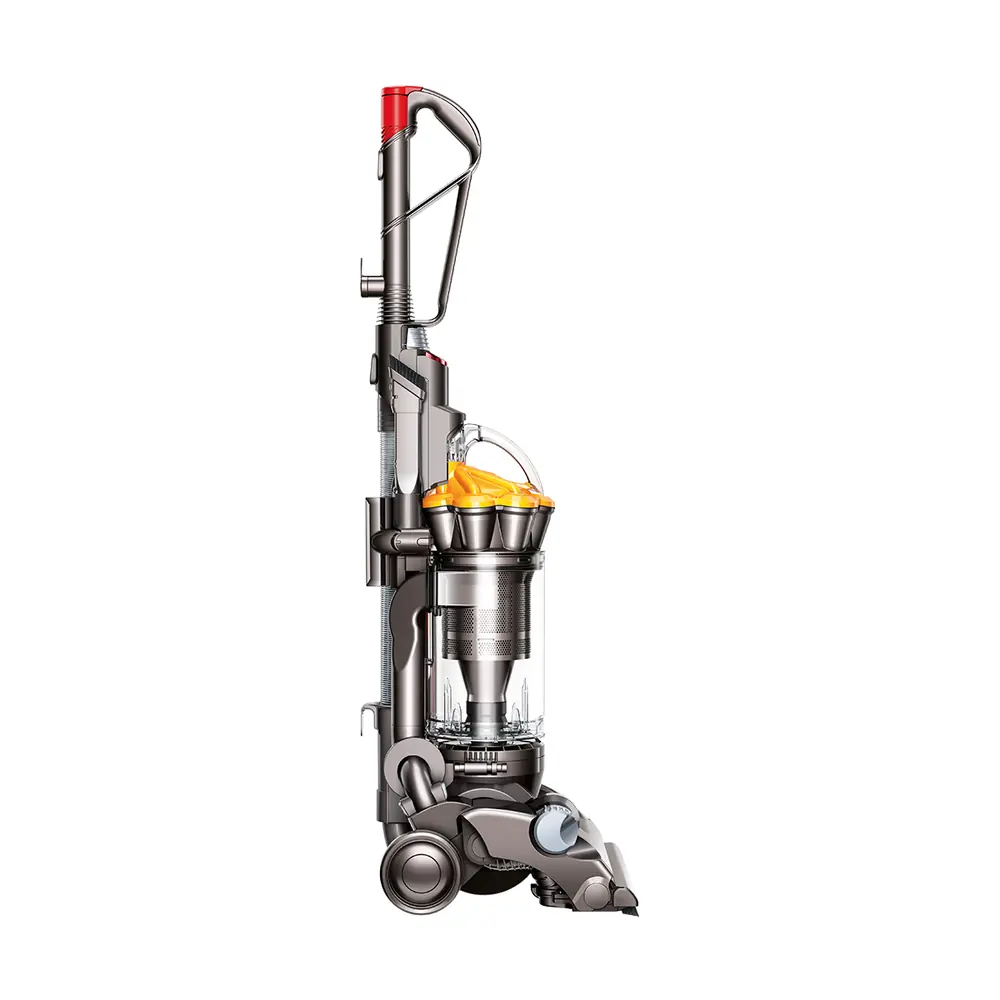
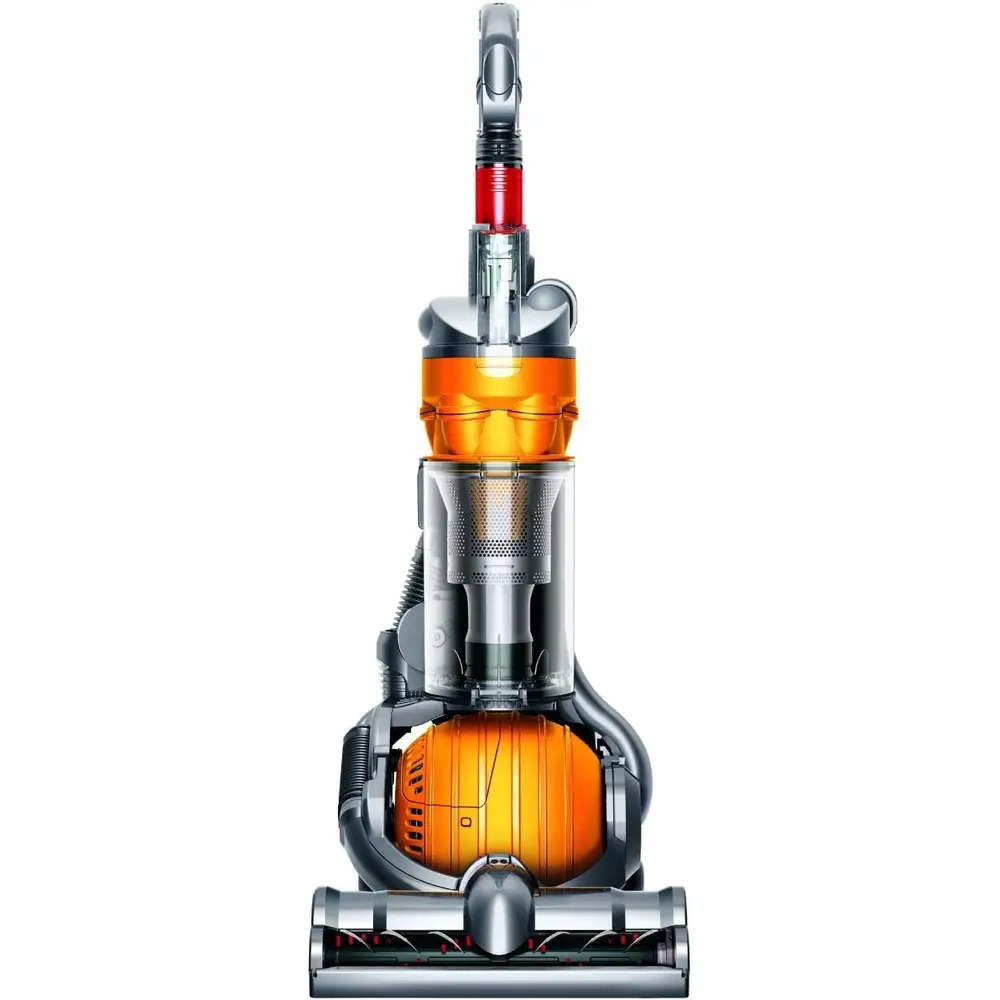
Product Images
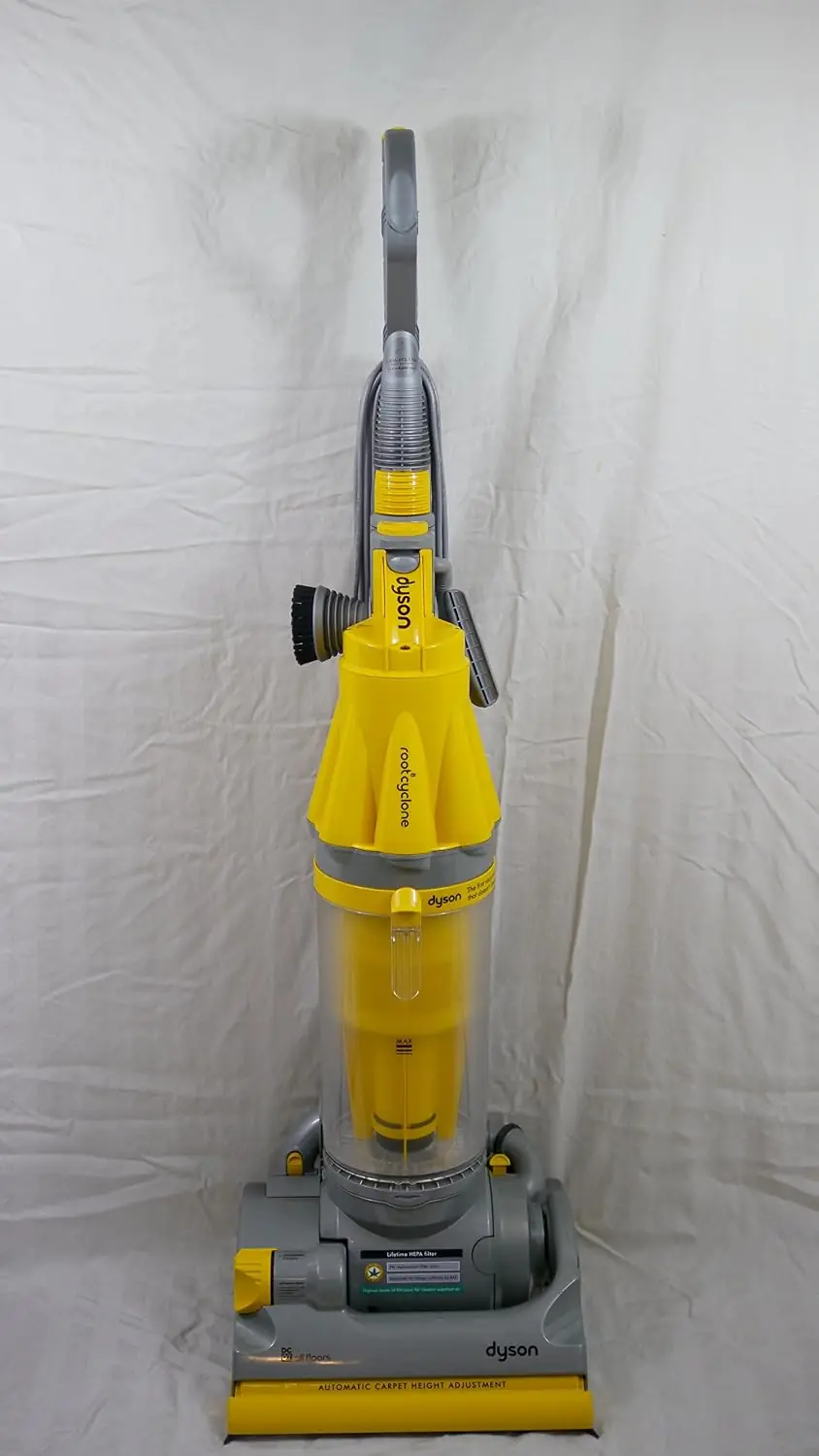
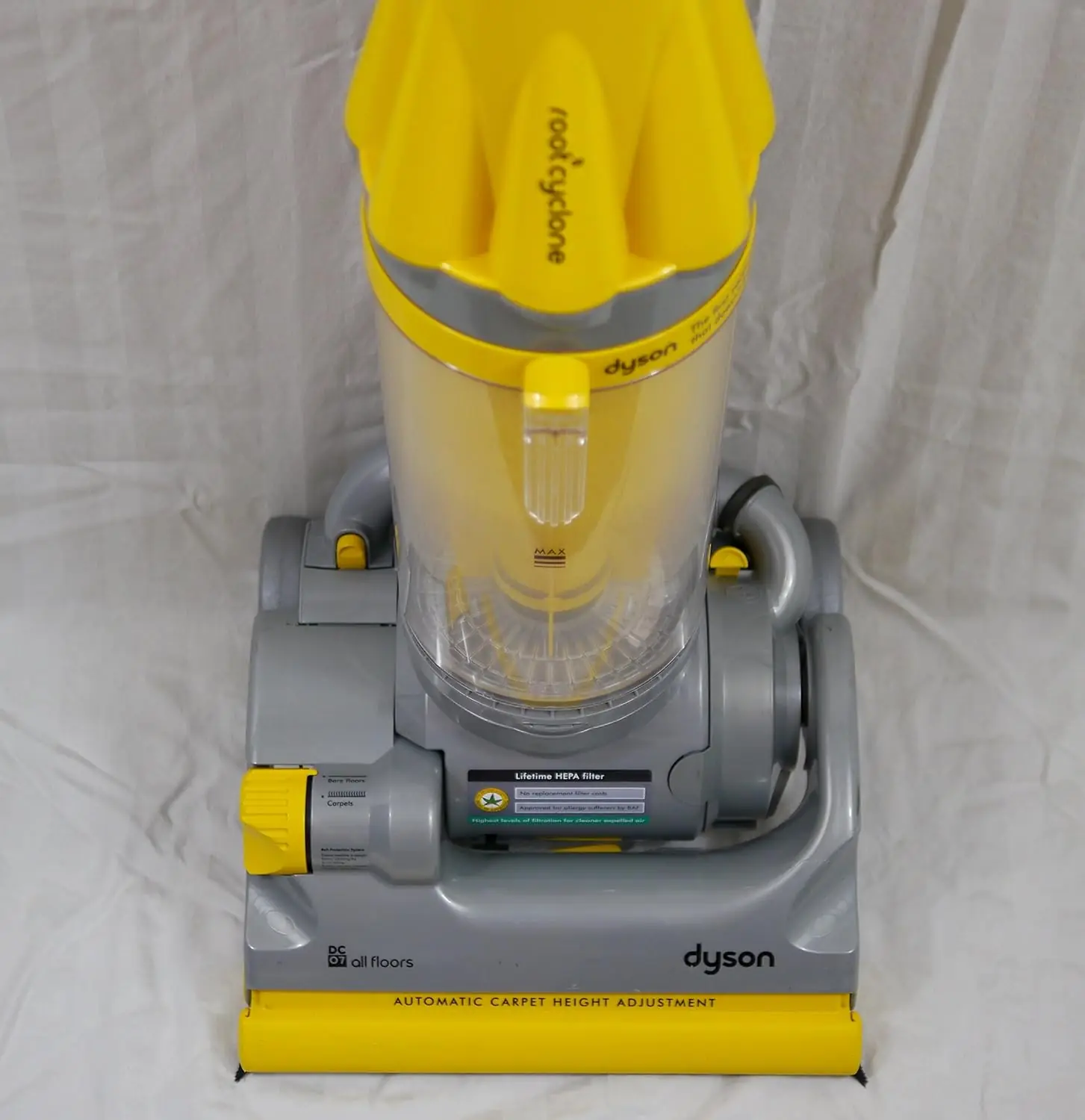
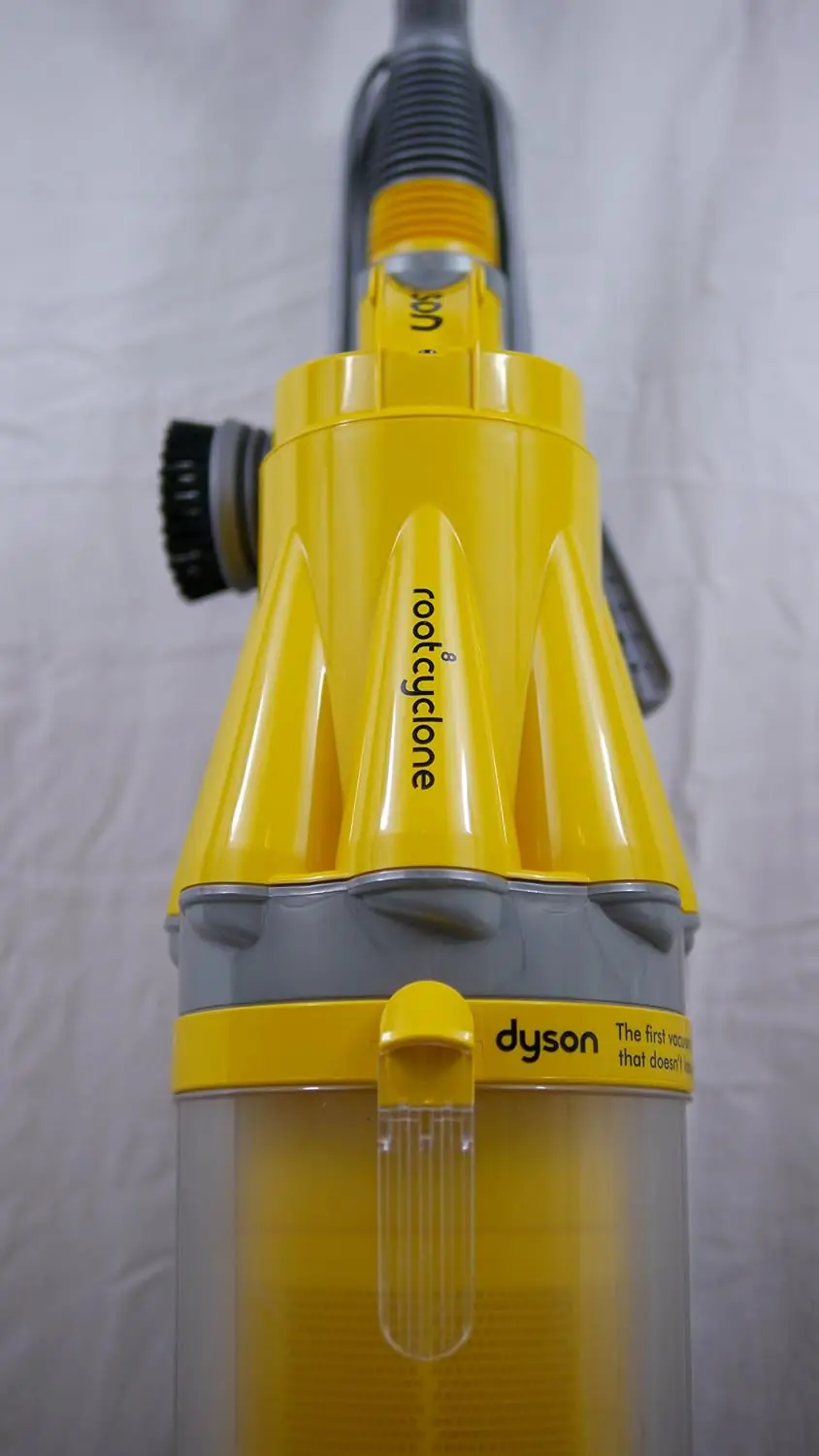
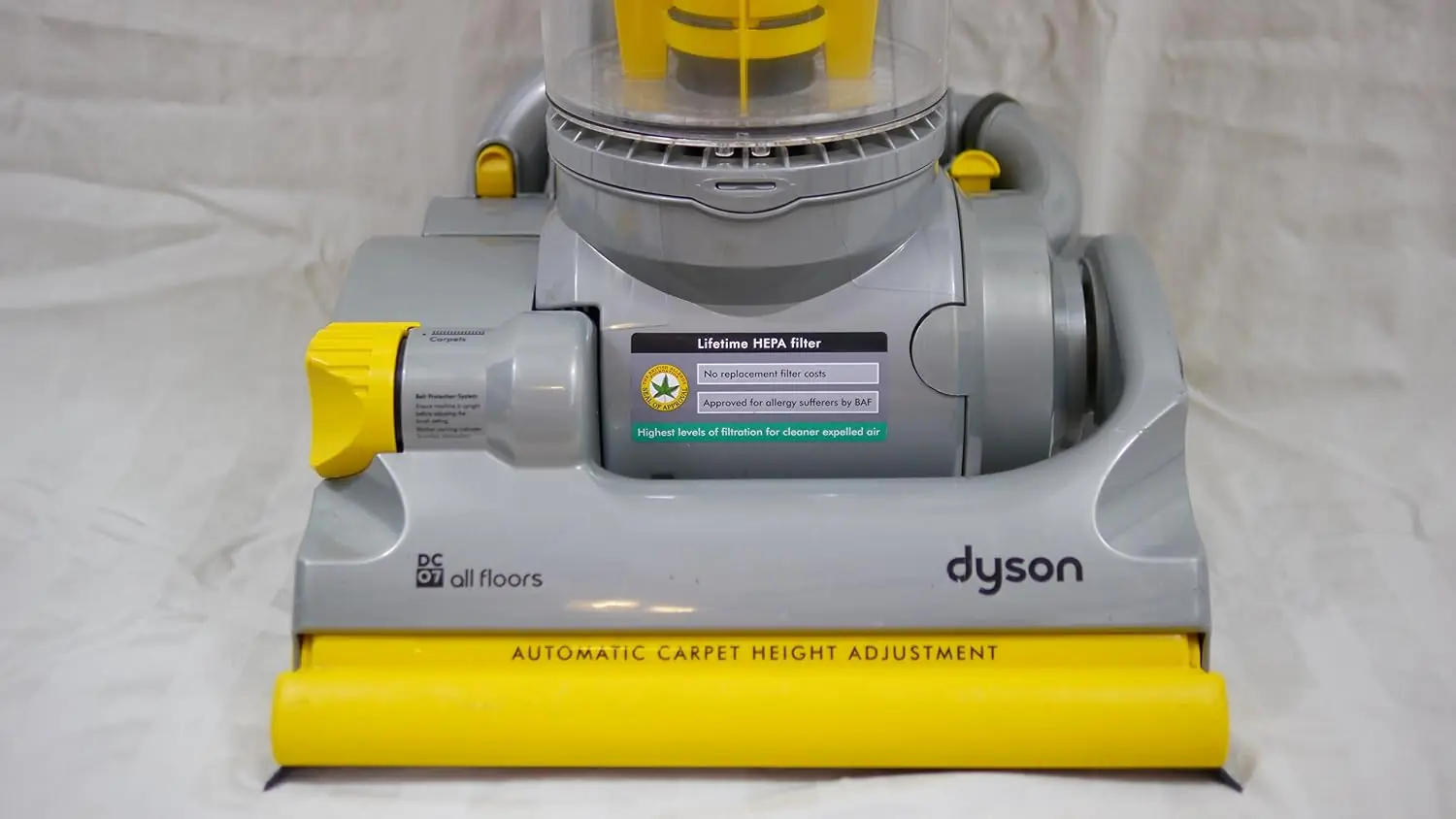
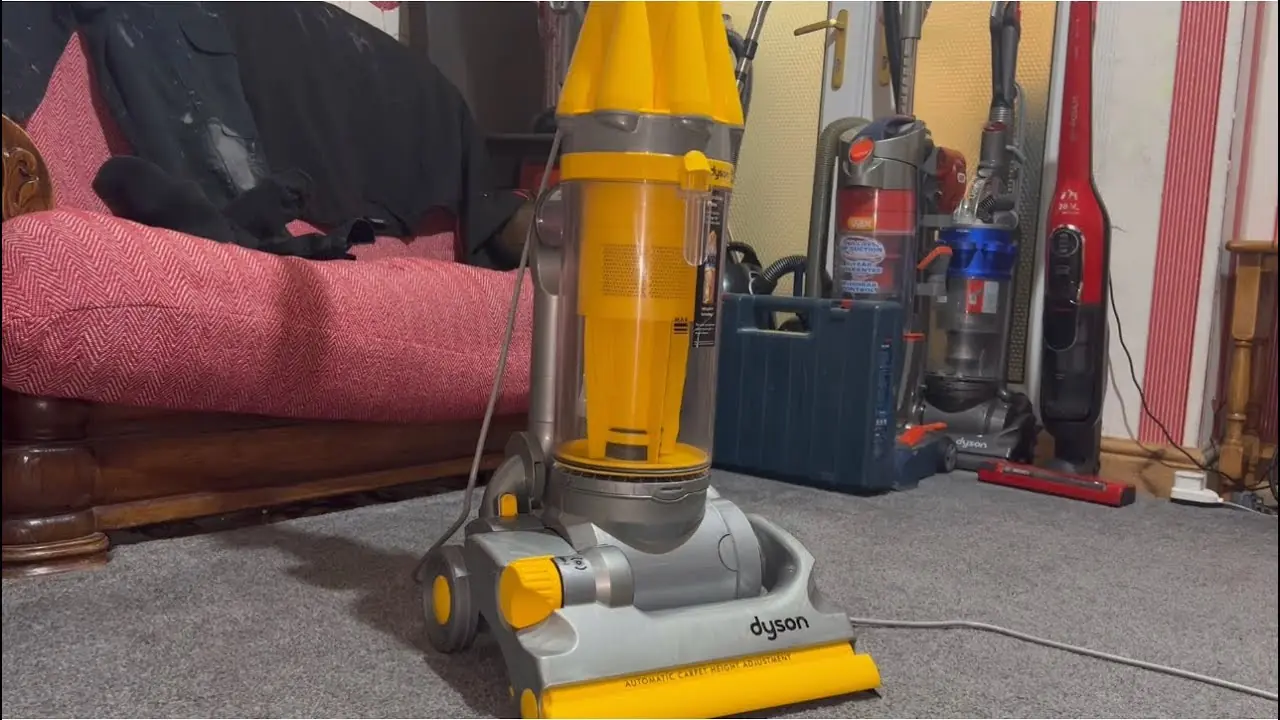
Dyson DC07 Vacuum Cleaner Specifications
| Feature | Specification |
|---|---|
| Model | Dyson DC07 (Canadian edition) |
| Machine Type | Upright bagless cyclonic vacuum cleaner |
| Electrical Rating | 120V, 60Hz, 10.5A |
| Plug Type | Polarized plug (one blade wider than the other) |
| Rating Plate Location | Base of the machine, between the wheels |
| Dust Collection | Clear bin with MAX fill mark and fine dust collector |
| Bin Emptying | Trigger-release base, emptied with the bin removed from the machine |
| Pre-Motor Filter | Washable blue foam pad and yellow cage, rinse at least once every 6 months |
| Filter Drying Time | 12 hours in a warm place |
| Post-Motor Filter | Permanent, needs no rinsing or replacement |
| Brush Control Settings | 2 (Bare floors: brushbar off / Carpets: brushbar on) |
| Brushbar Protection | Belt protection system with ratchet warning noise |
| Motor Protection | Thermal cut-off, cool down for at least 30 minutes after it trips |
| Standard Tools | Wand, hose, brush tool, stair tool, crevice tool |
| Optional Accessories | Mini turbine head, low reach floor tool, cleaning kit, Zorb carpet powder |
| Tool Modes | Wand mode, hose mode, reversed wand mode |
| Cord Storage | Upper and lower cord winders with cord clip (wind counter-clockwise) |
| Intended Use | Household and domestic use only |
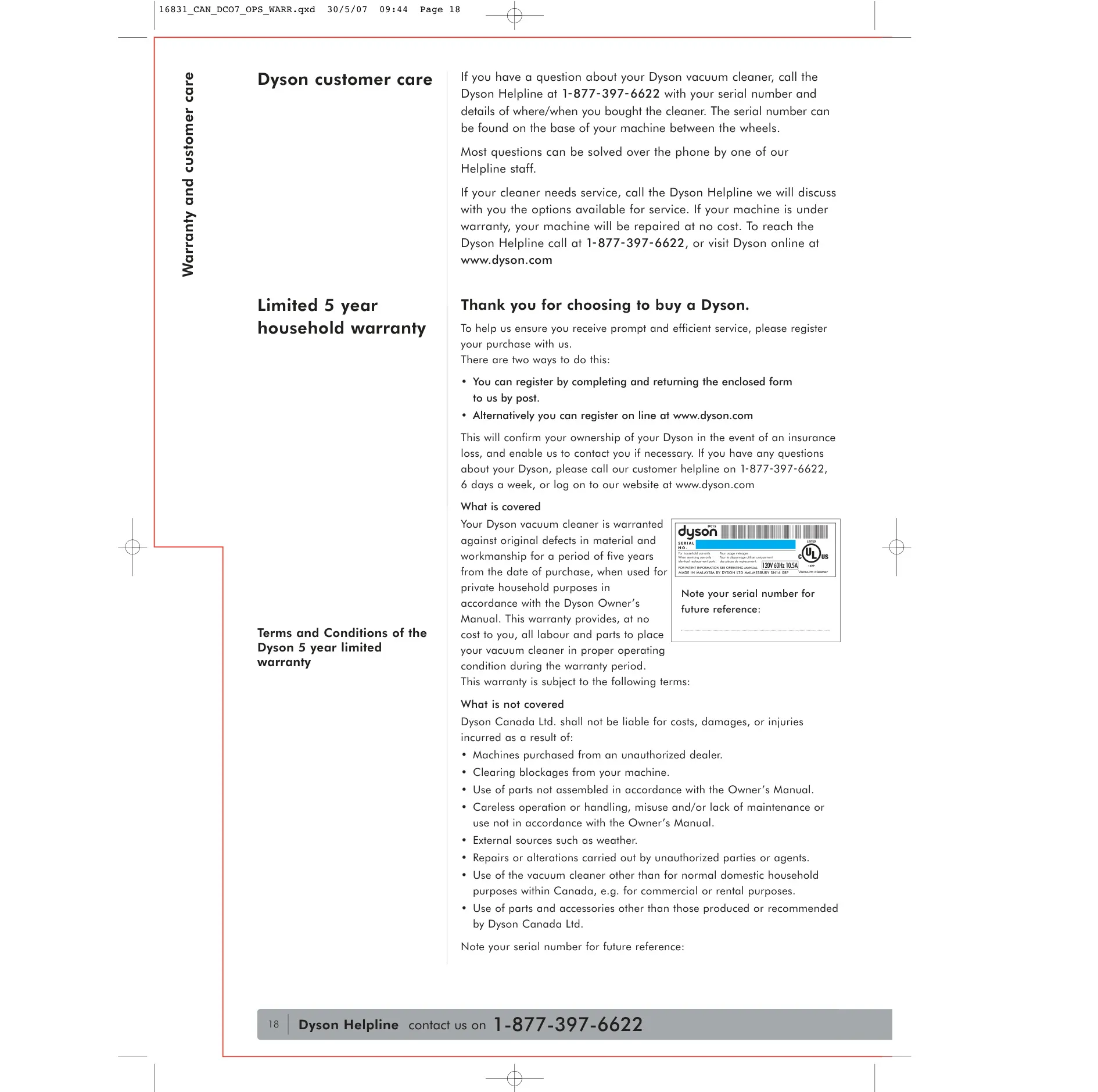
| Warranty | 5-year limited household warranty (parts and labour) |
| Warranty Provider | Dyson Canada Ltd. |
| Customer Helpline | 1-877-397-6622, 6 days a week |
| Website | www.dyson.com |
Dyson DC07 Vacuum Cleaner Details
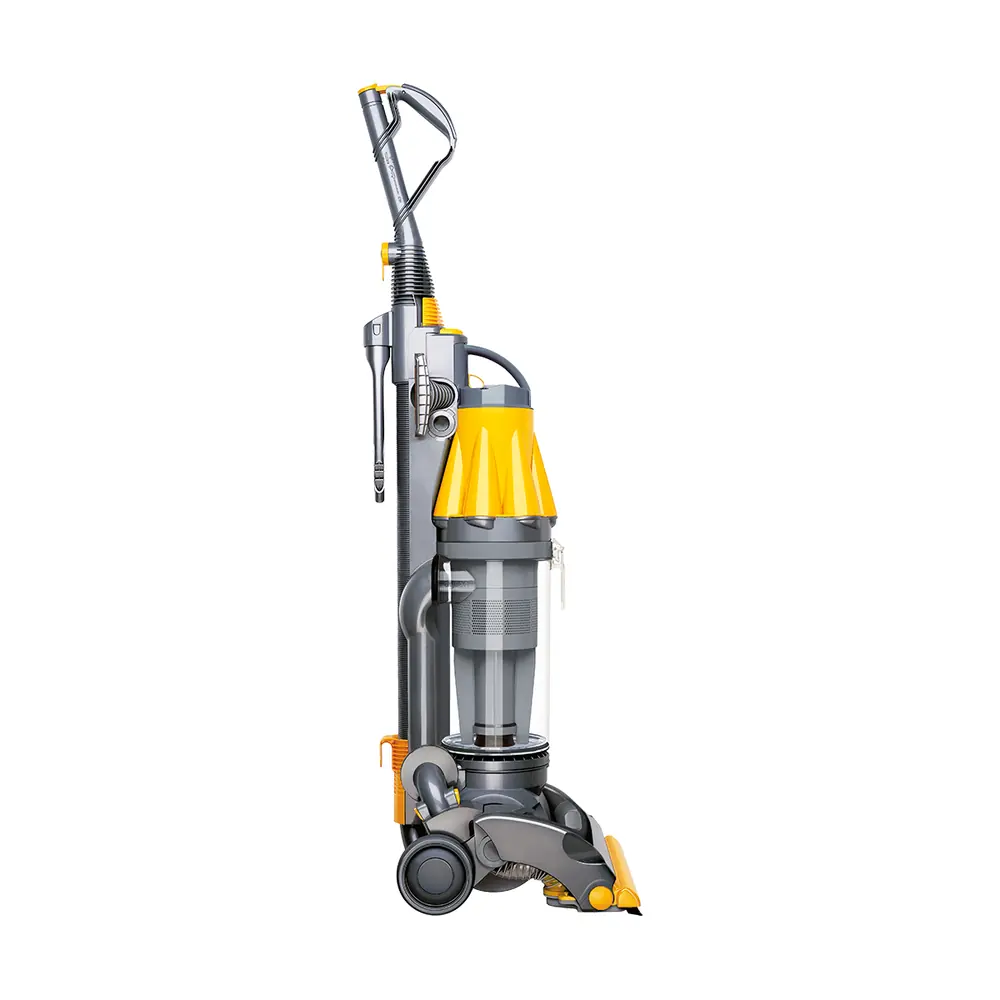
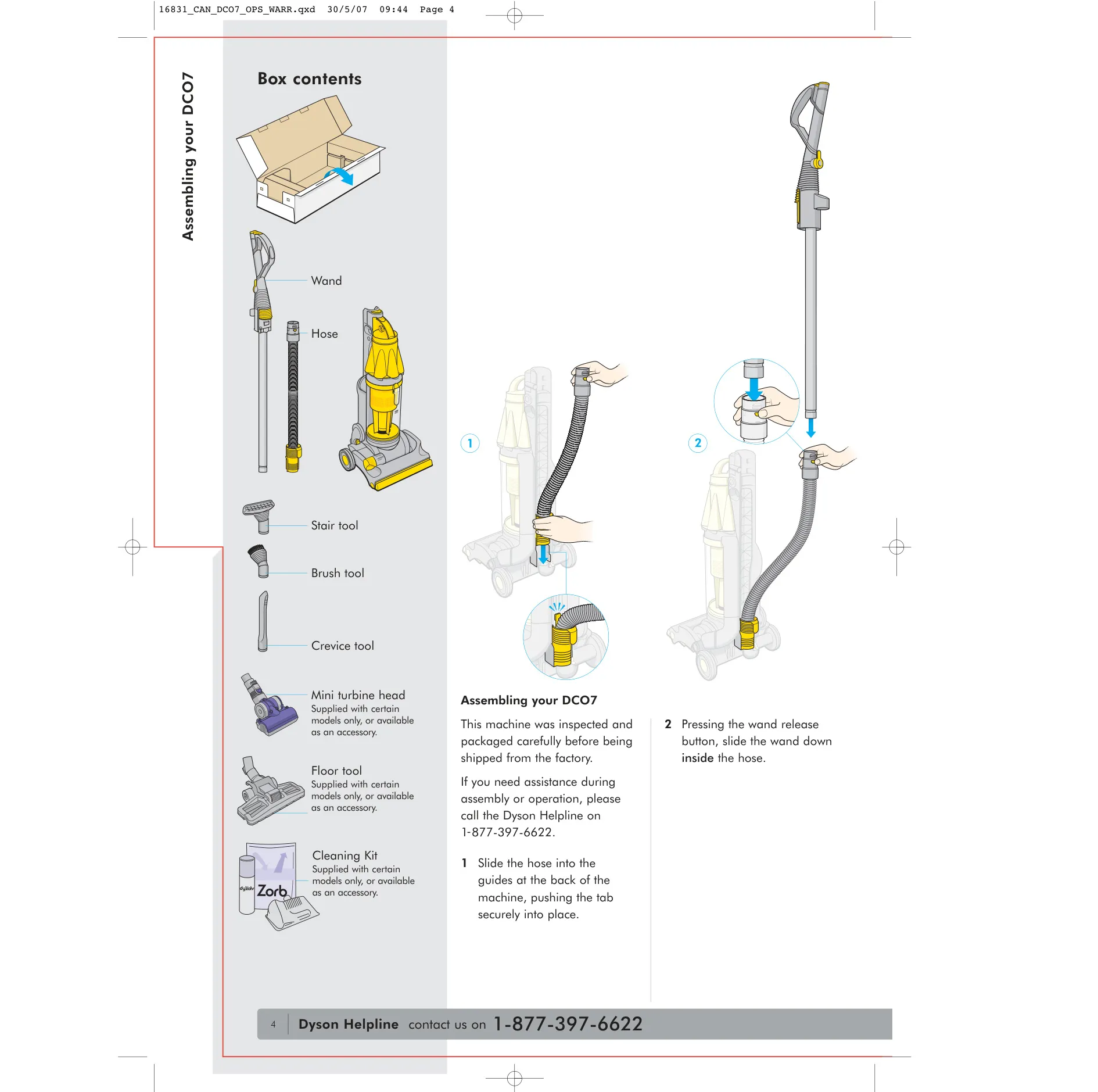
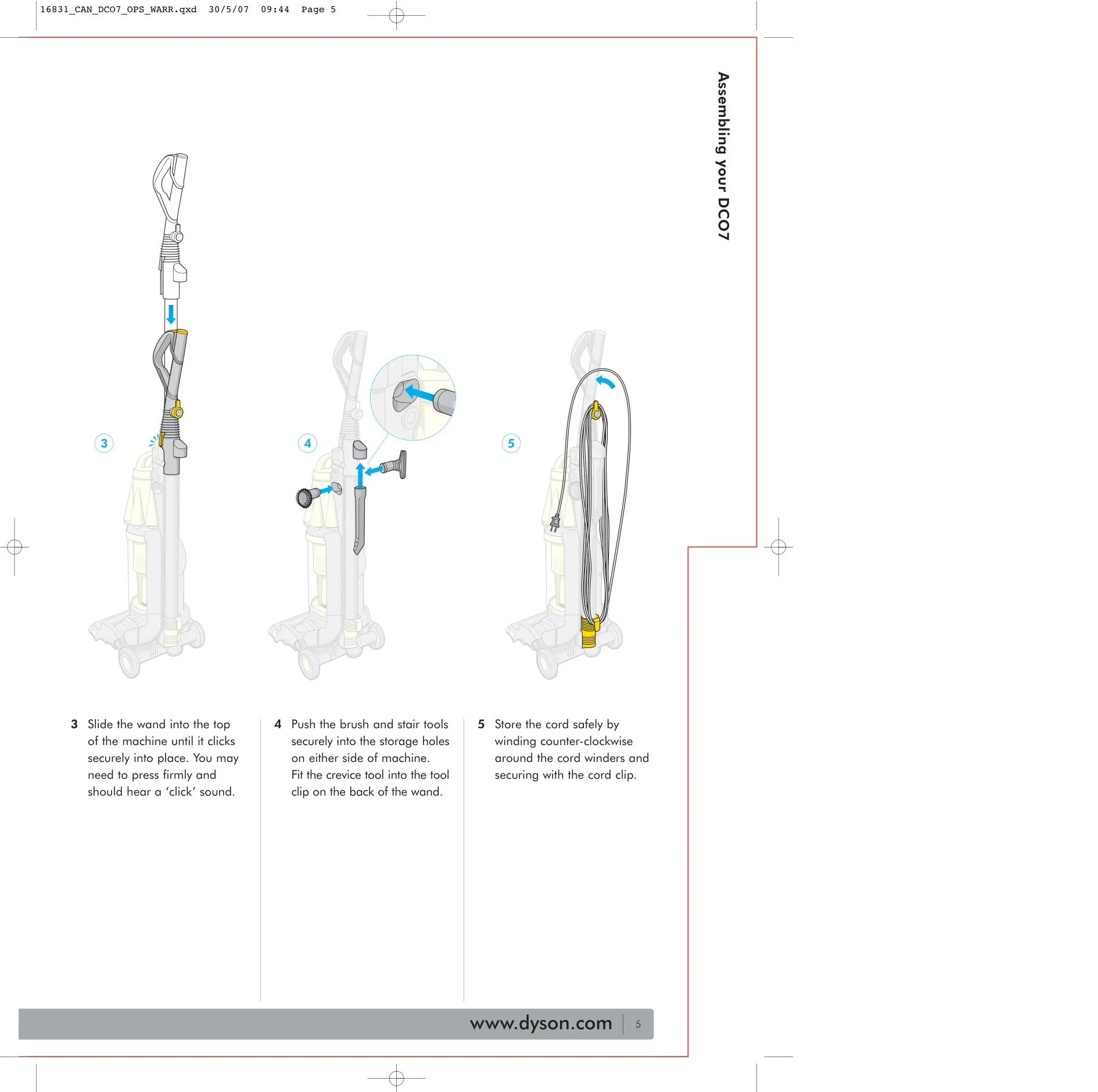
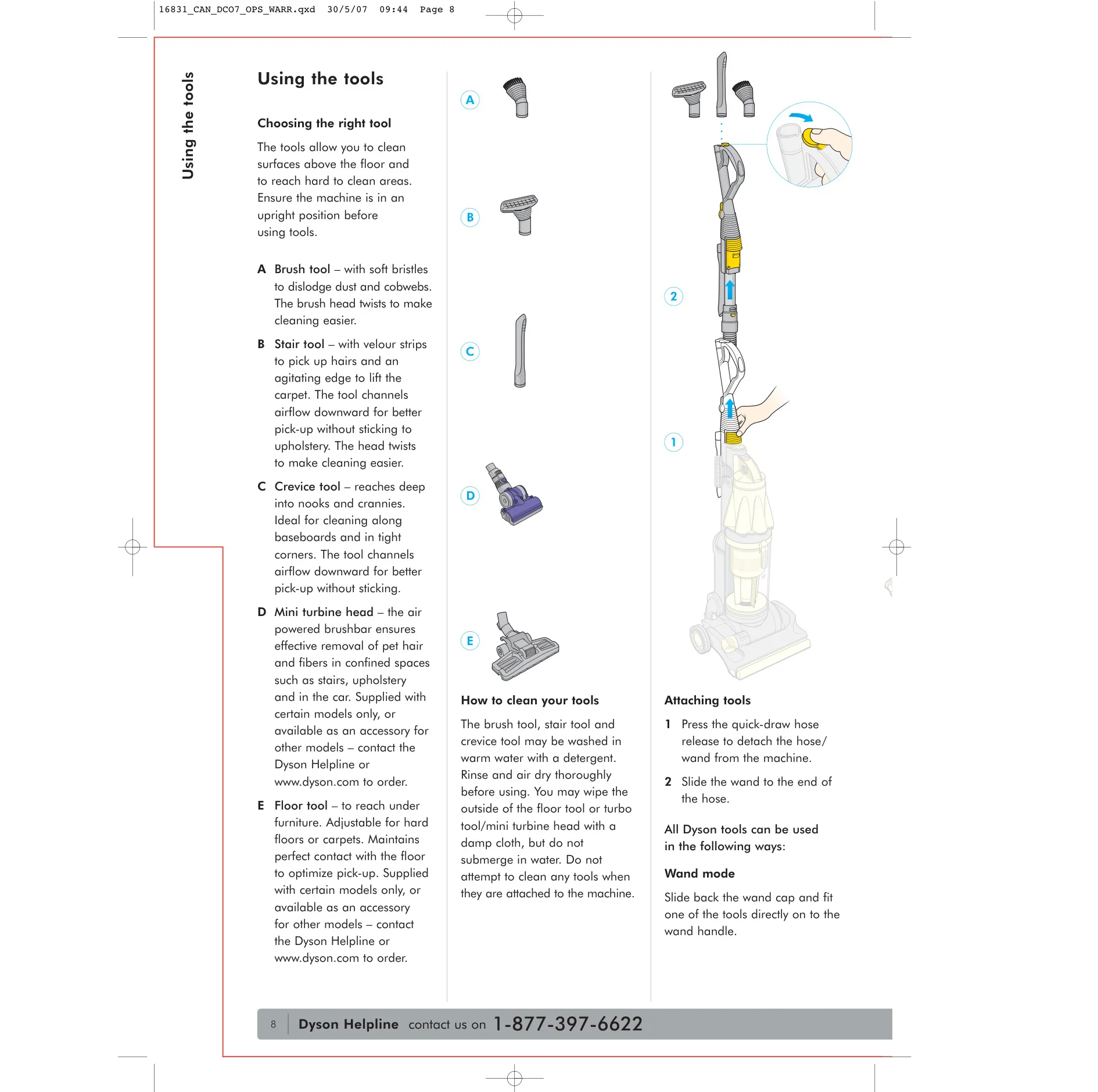
The Dyson DC07 takes very little time to set up. You slide the hose into the guides at the back of the machine and push the tab firmly into place. Then you press the wand release button and slide the wand down inside the hose, and push it into the top of the machine until you hear a click. The brush and stair tools fit into storage holes on either side of the body, and the crevice tool clips onto the back of the wand, so every tool stays close at hand.
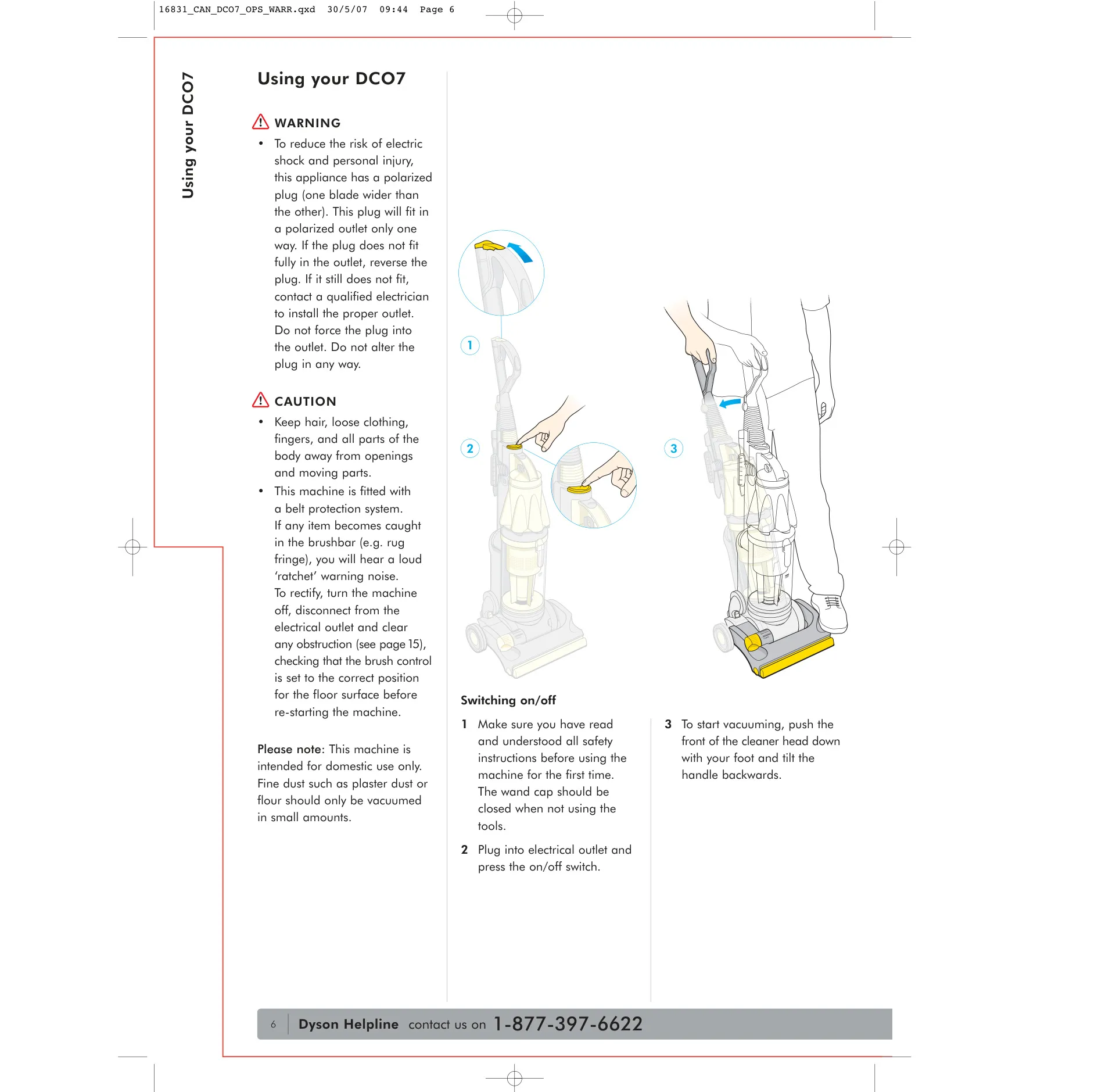
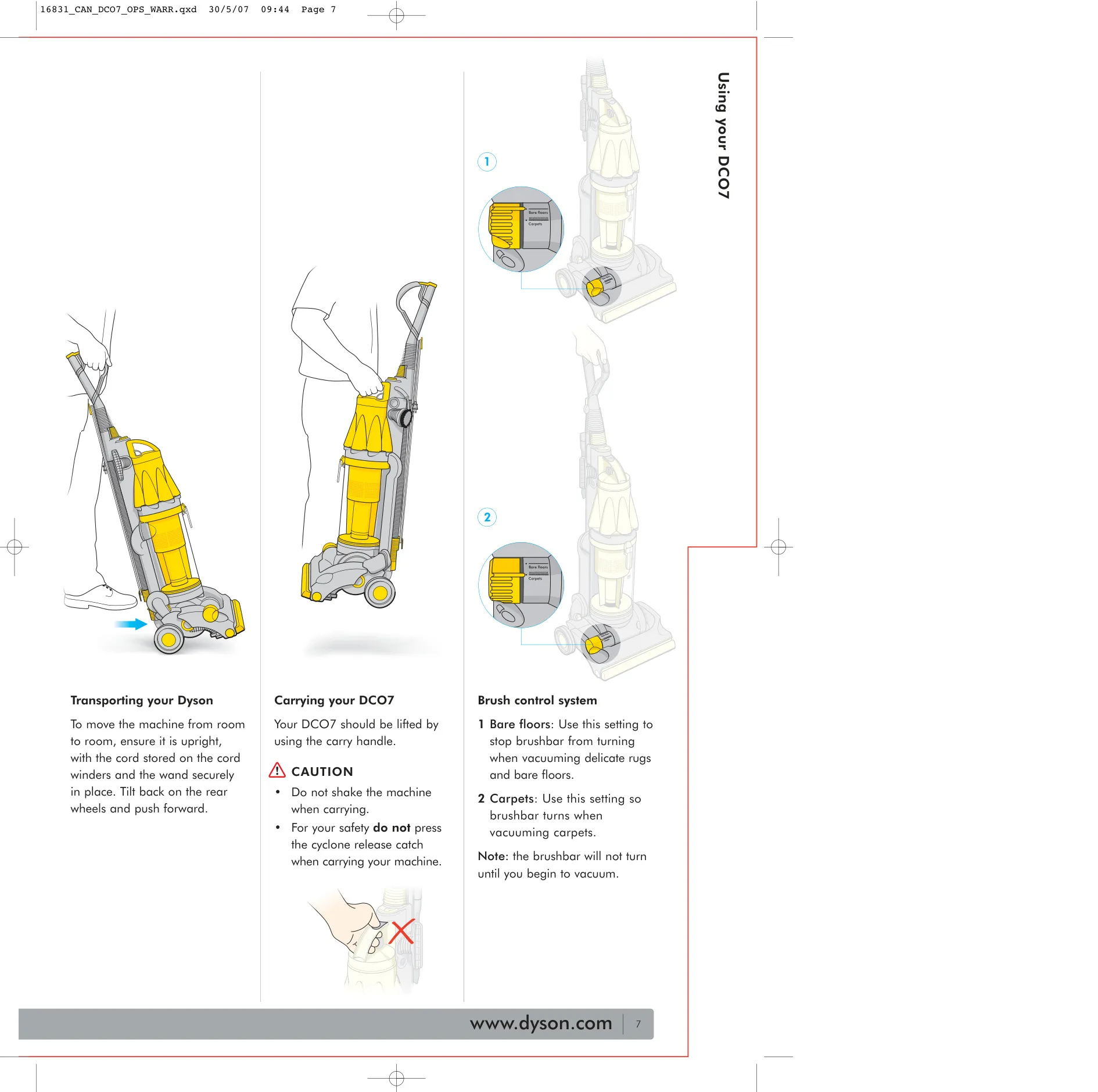
To start, plug the machine in and press the on/off switch. Then push the front of the cleaner head down with your foot and tilt the handle back. Keep the wand cap closed whenever you are not using the tools. The brushbar only starts turning once you begin vacuuming. To move between rooms, keep the machine upright with the cord wound and the wand locked in place, then tilt it back onto its rear wheels and push. To lift it, use the carry handle. Don't press the cyclone release catch or shake the machine while carrying it.
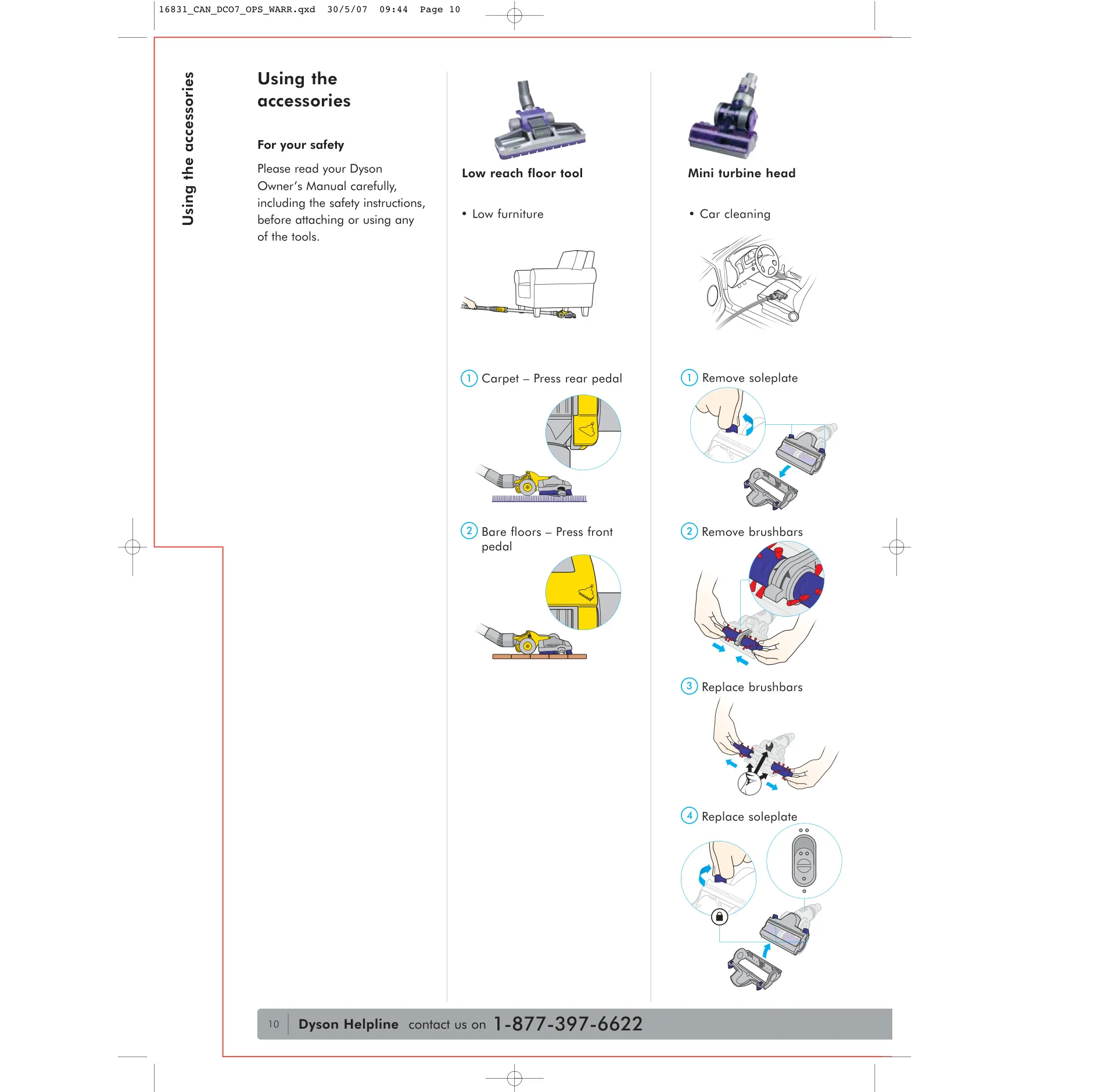
Each tool has a specific job. The brush tool has soft bristles and a twisting head for loosening dust and cobwebs. The stair tool combines velour strips that pick up hair with an agitating edge that lifts carpet pile. It directs airflow downward so it doesn't stick to upholstery. The crevice tool reaches into tight corners and along baseboards. The optional mini turbine head uses an air-powered brushbar to remove pet hair in confined spaces, including cars.
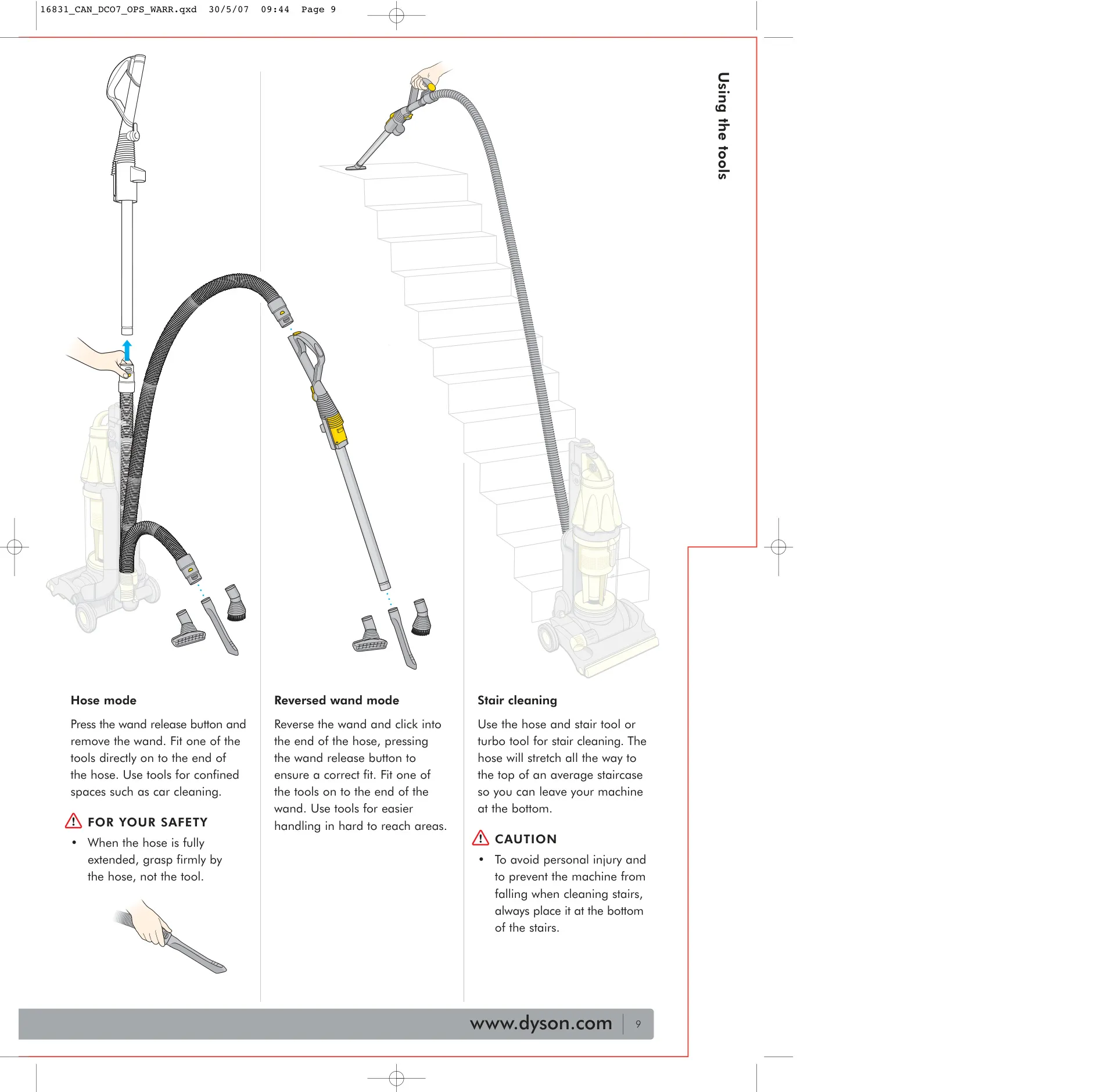
The hose stretches to the top of an average staircase, so the machine can stay safely at the bottom while you clean the steps. In reversed wand mode, you click the wand into the end of the hose for easier handling in hard-to-reach areas. The low reach floor tool slides under low furniture and has two pedals: press the rear pedal for carpet or the front pedal for bare floors. Dyson's Zorb powder is sprinkled on the carpet with the machine switched off, worked into the pile, and then vacuumed up.
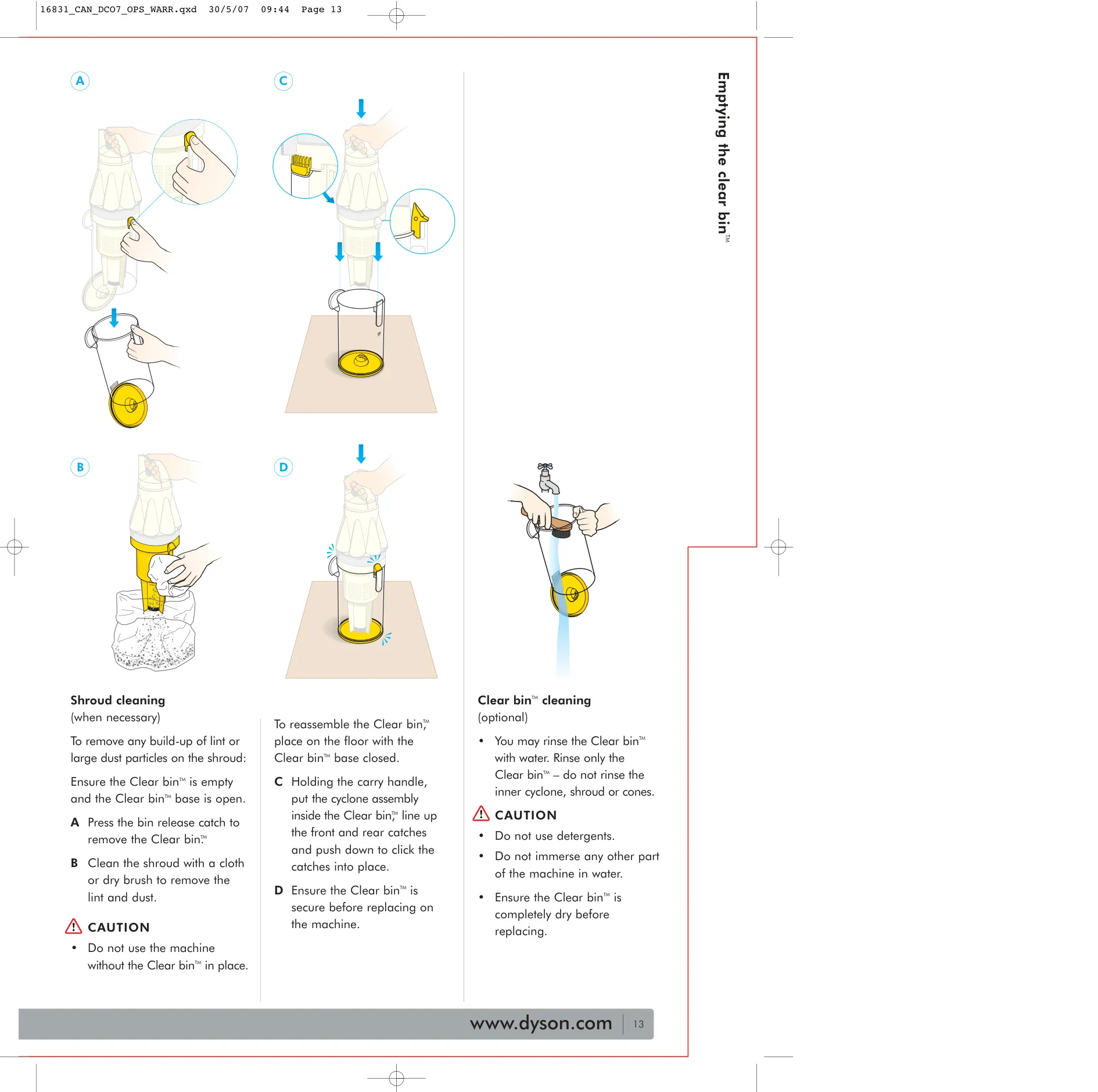
The manual gives two ways to empty the Clear bin. You can release the dust inside a bag that you then seal, which keeps fine particles from escaping. Or you can pull the trigger directly over a garbage can. In both cases, tap the bin firmly to clear out the fine dust collector, then press the centre of the base to close it. If lint builds up on the shroud, wipe it off with a cloth or a dry brush. You can rinse the bin itself with water, but don't use detergents, and never wet the inner cyclone, shroud or cones.
To clean the filter, unplug the machine, press the filter release catch and take the foam pad and cage out of their housing. Rinse them in cold water only, squeezing the pad and tapping the cage until the water runs clear. Don't use a washing machine, dishwasher, oven, microwave, clothes dryer or open flame to wash or dry the parts. Once they are completely dry, put them back in the housing and press points 1 and 2 firmly so it clicks back into place.
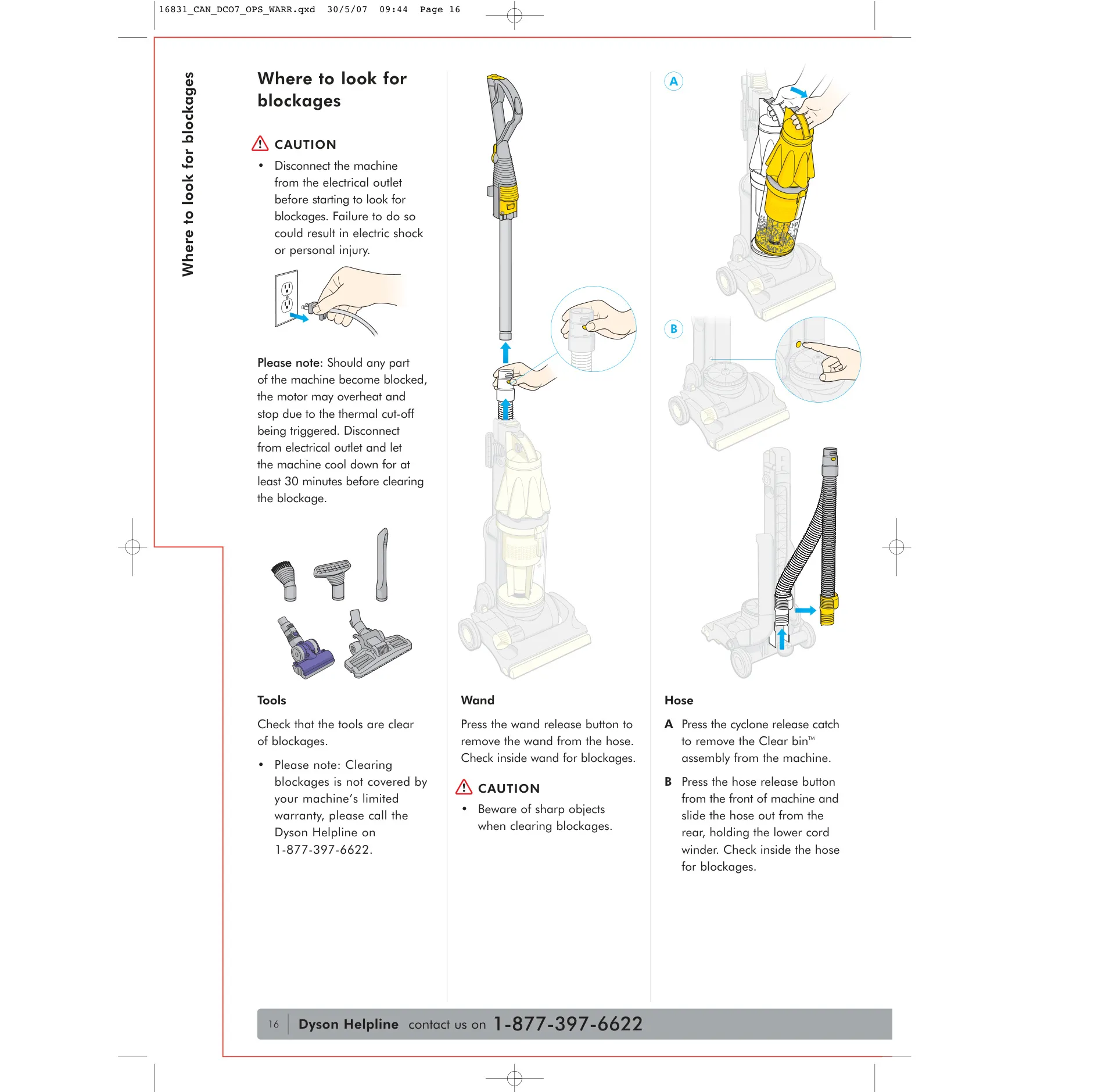
If suction drops, there are several places to check for blockages: the tools, the wand, the hose, the U-bend airway (which slides out when you tilt the machine forward) and the airway inspection valve, which you remove by squeezing its catches. To get at a jammed brushbar, lay the machine on its front, undo the coloured soleplate fasteners with a coin, and carefully cut away any tangled threads with scissors. Note that clearing blockages is not covered by the limited warranty.
Frequently Asked Questions (FAQs)
Can't find the answer you need? Here are some frequently asked questions about the Dyson DC07 Vacuum Cleaner, and we answer them below.