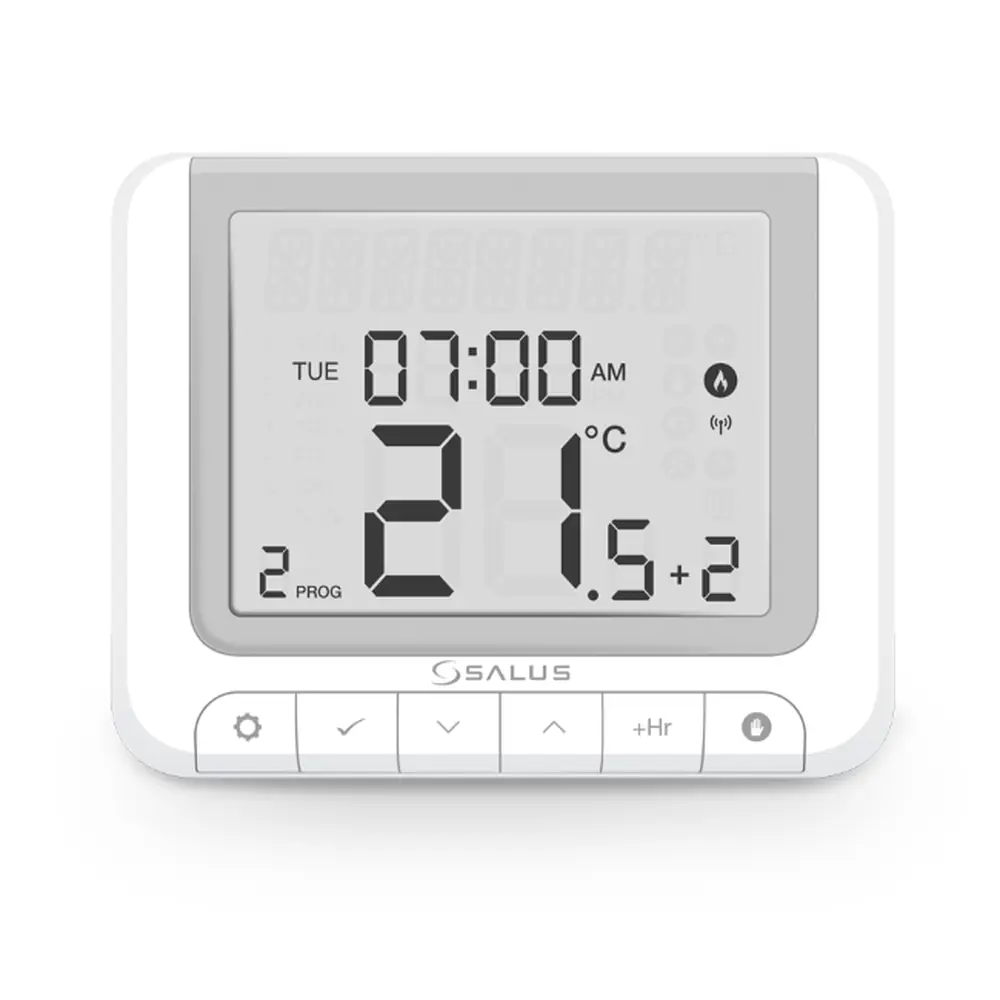
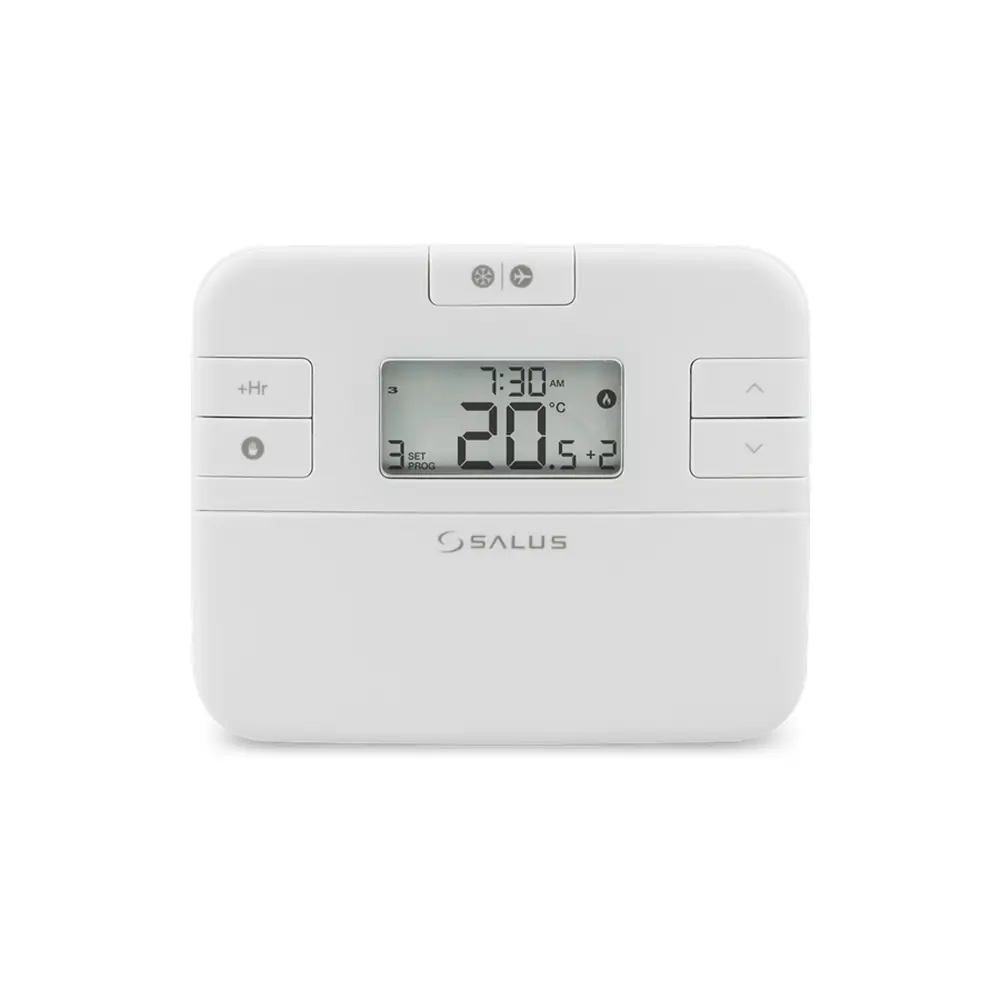
Salus it500 Thermostat Instruction Manual
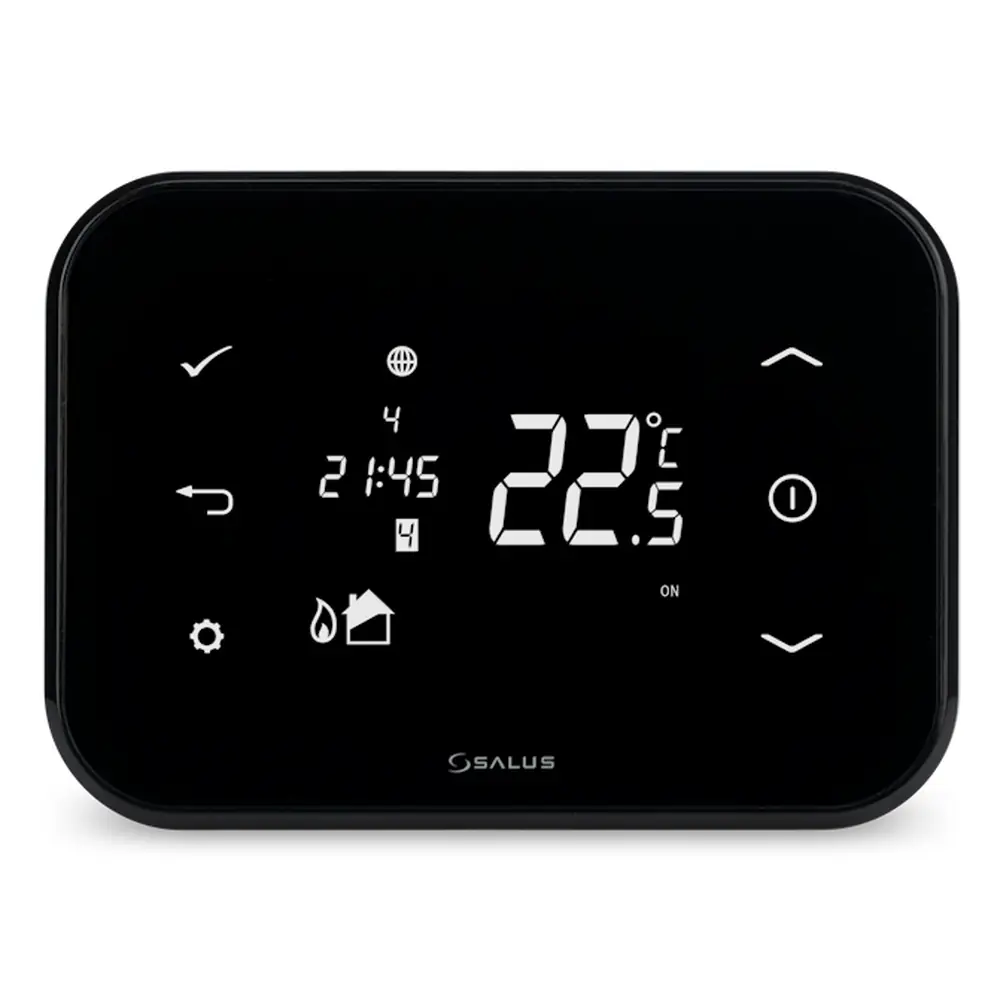
Salus it500 Thermostat
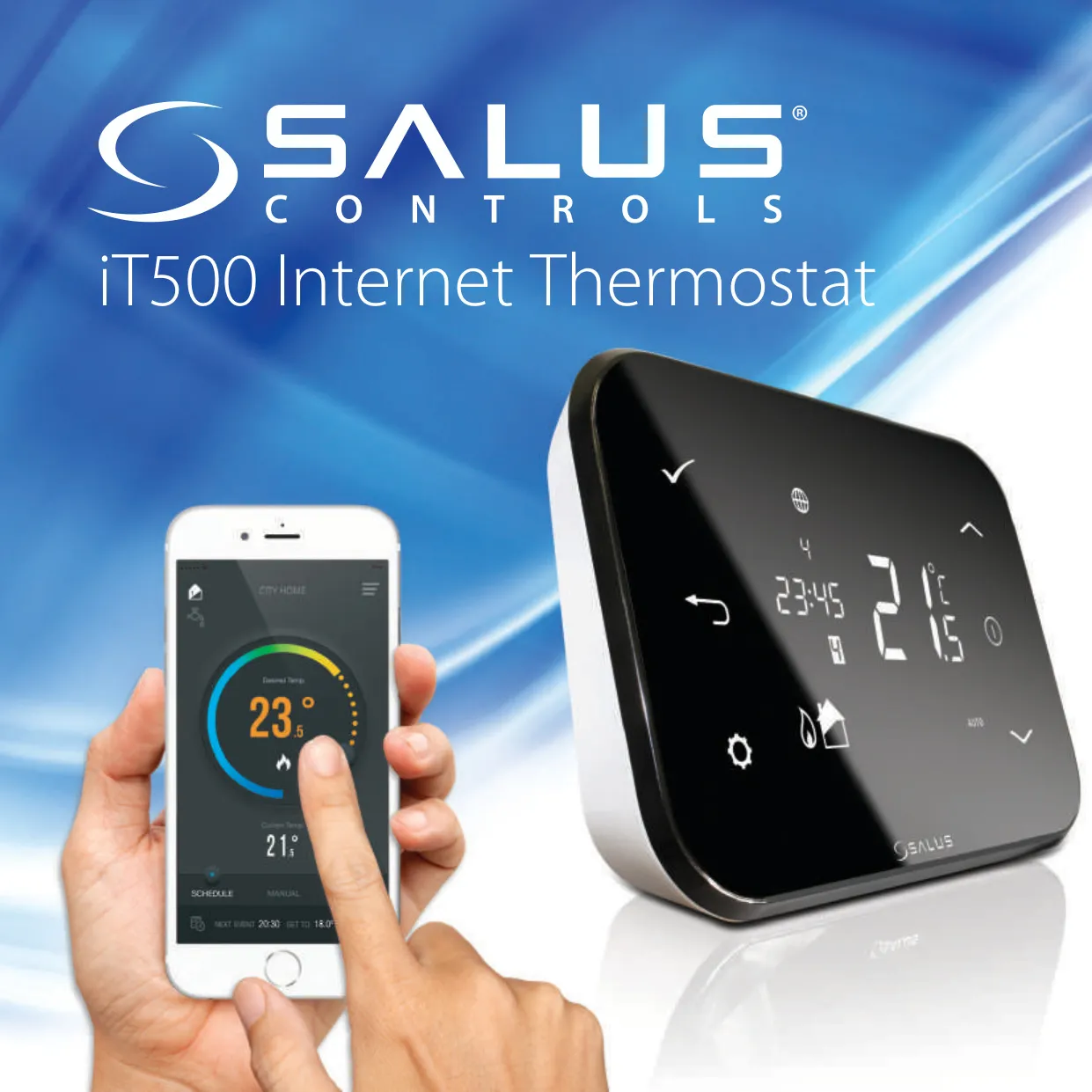


Salus it500 Thermostat
Salus it500 Thermostat Instructions
Here we offer the Salus it500 Thermostat manual completely free and in English. We have cataloged this manual in the Thermostats section on Manualverse, and it has been rated by 1 users with an average rating of 5. If you have any specific questions about Salus it500 Thermostat, we suggest checking the Frequently Asked Questions (FAQs) section of this manual.
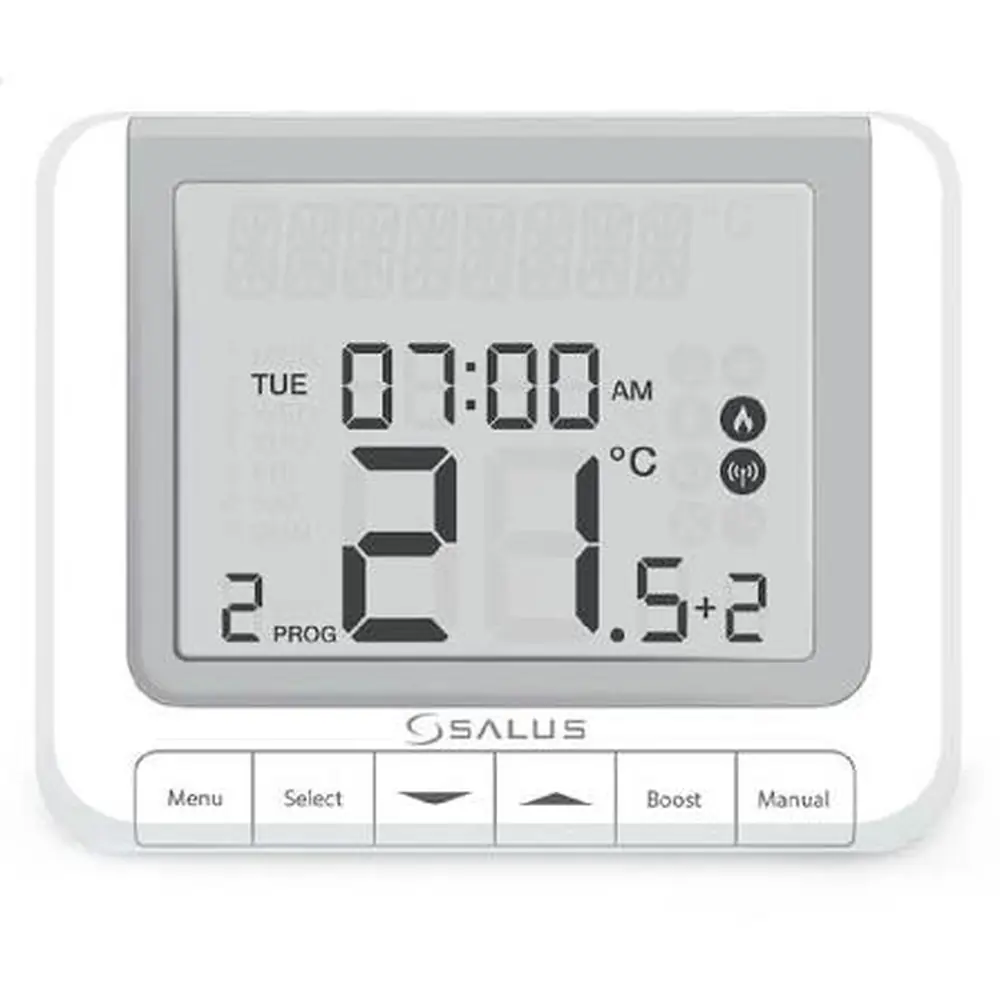
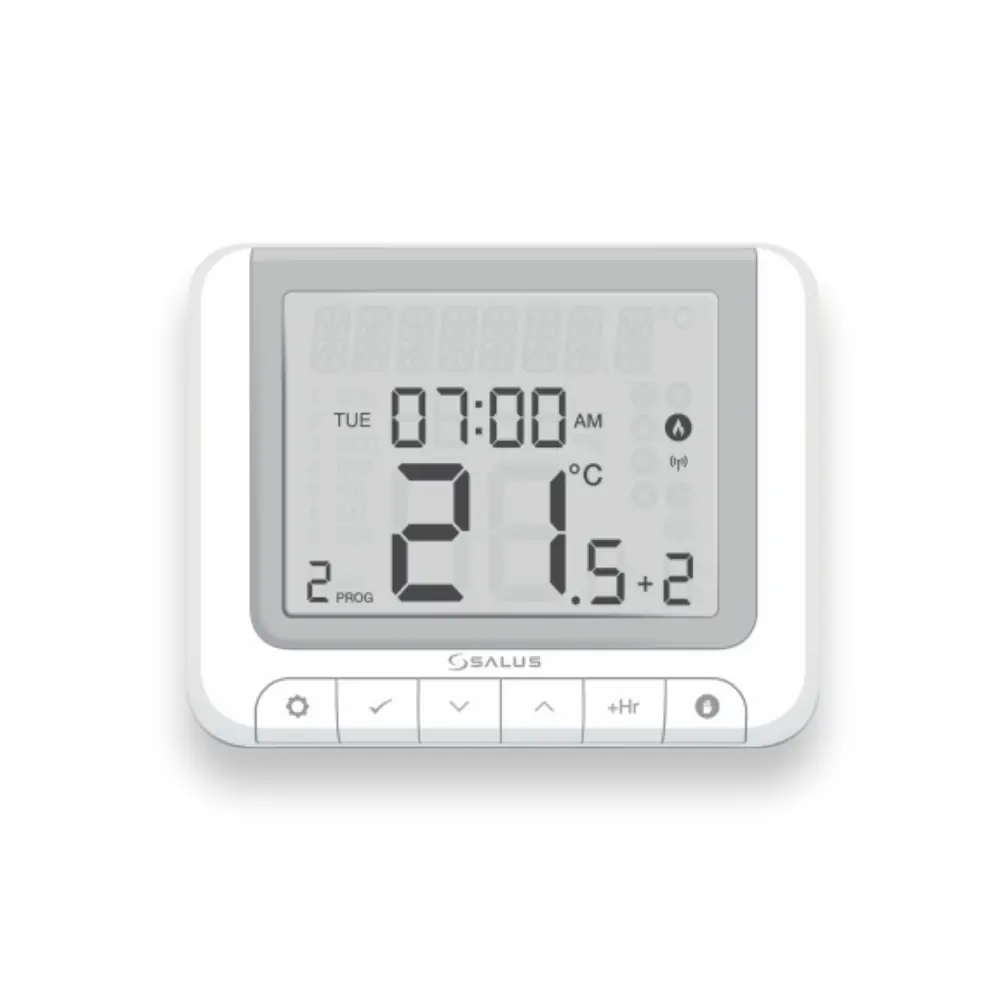
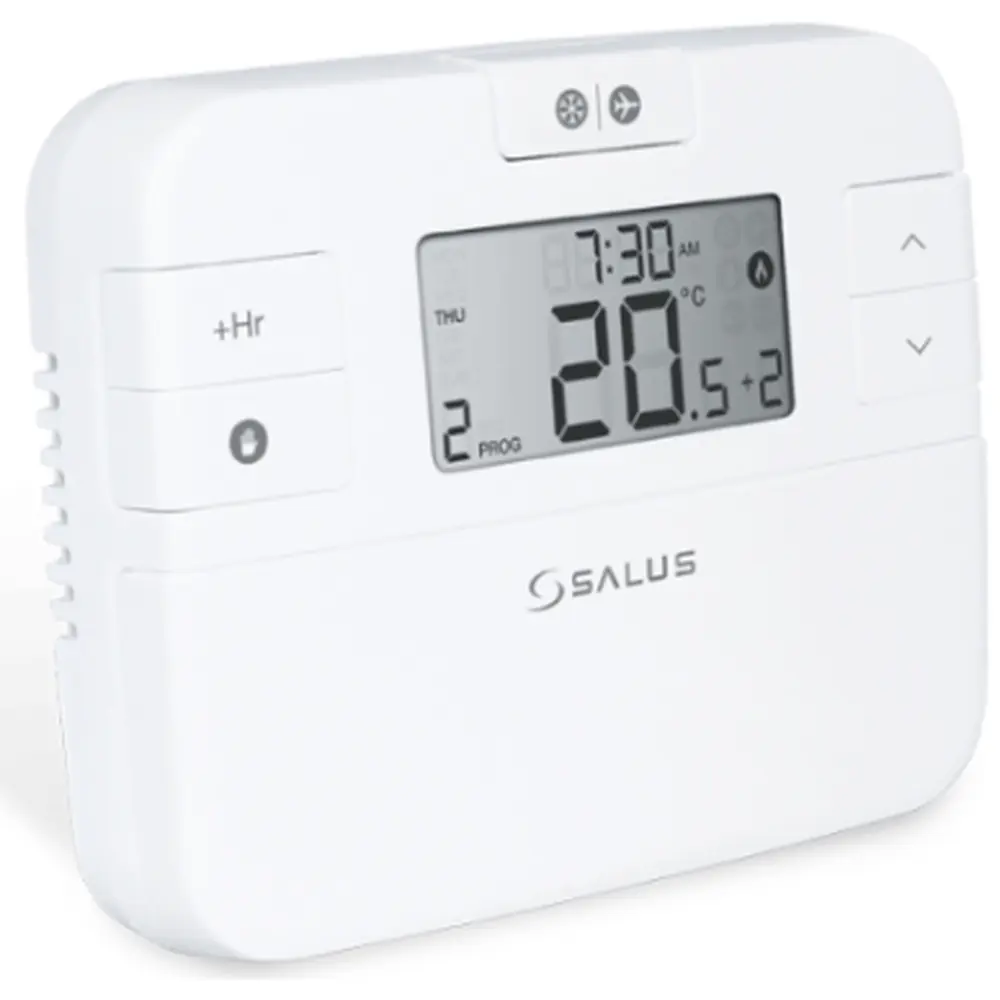
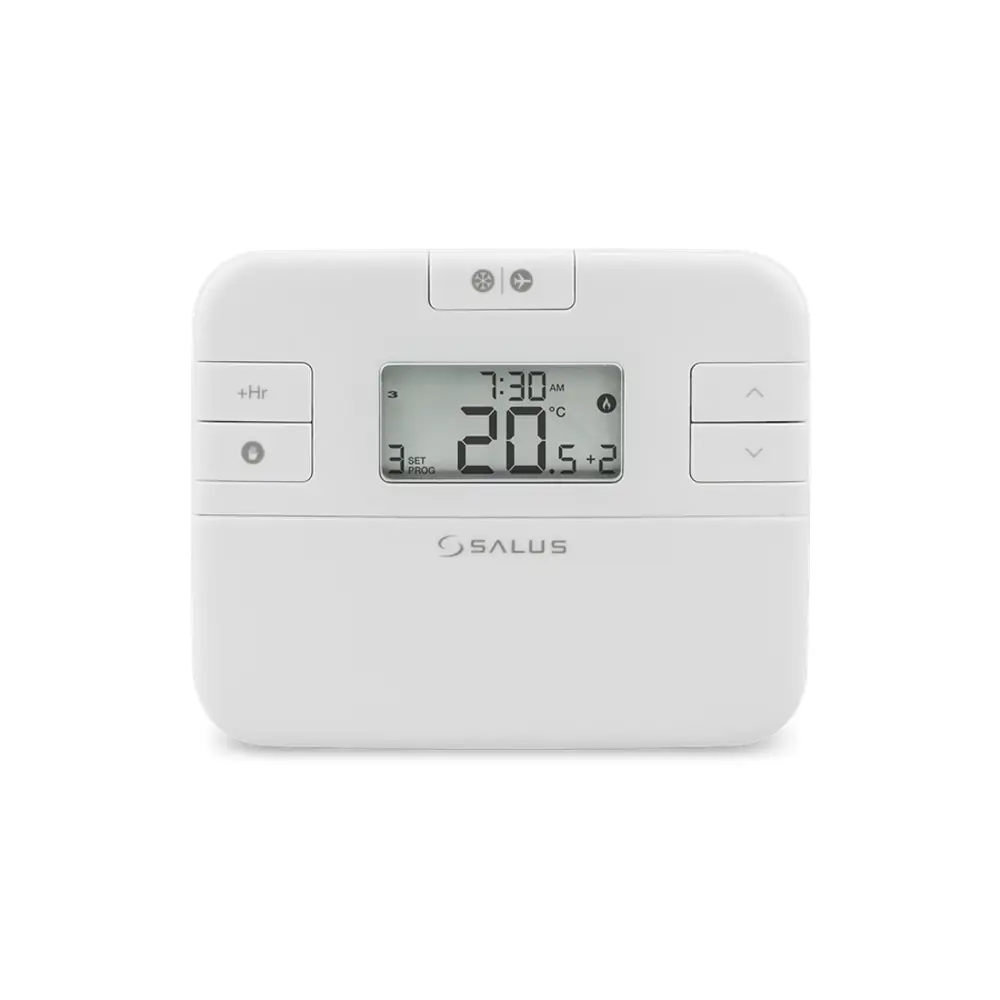
Product Images
Salus it500 Thermostat Specifications
| Feature | Specification |
|---|---|
| Model | Salus iT500 Thermostat |
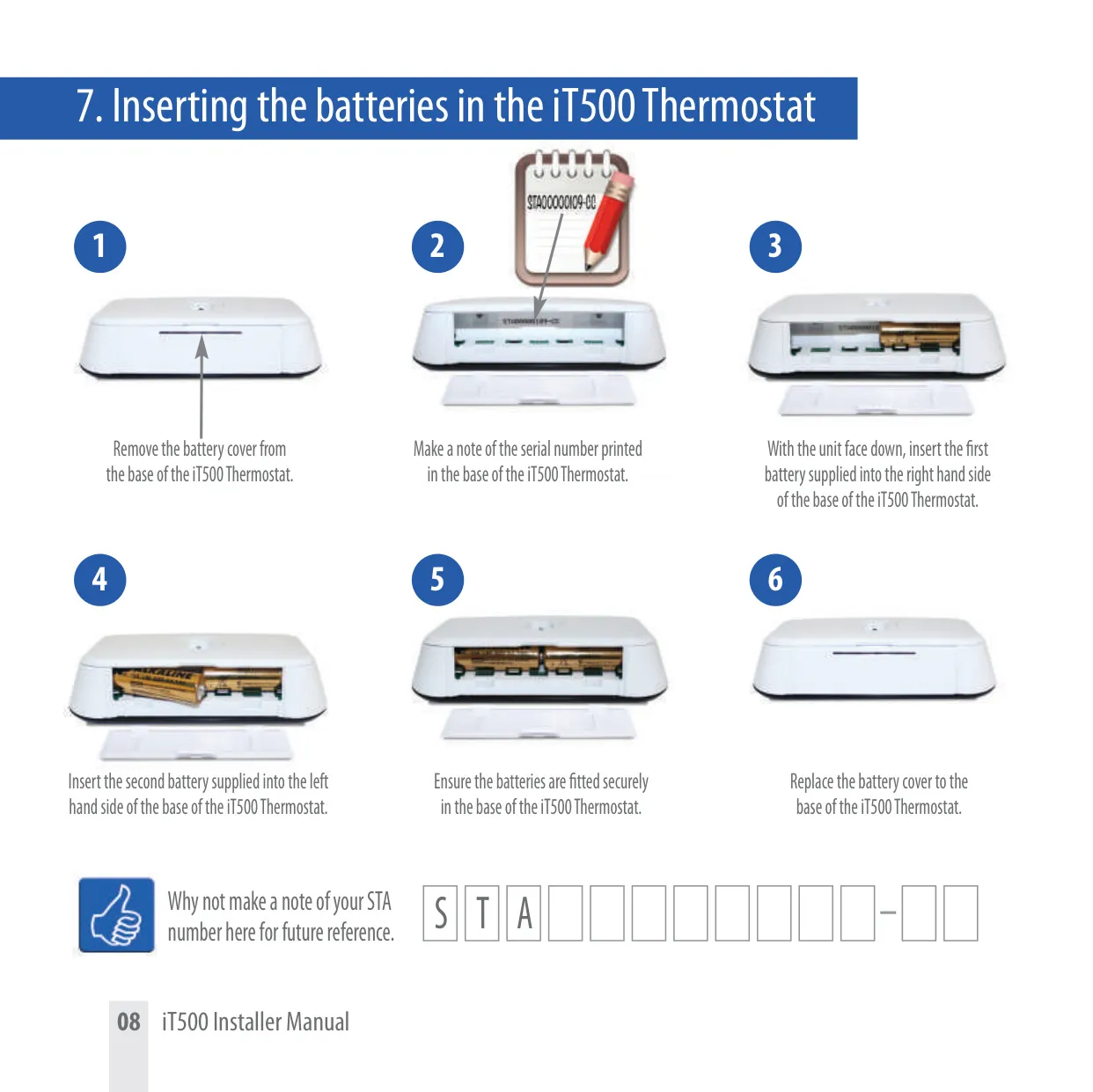
| Thermostat Power Supply | 2 x AA Batteries (non-rechargeable) |
| Receiver Power Supply | 230 VAC 50Hz |
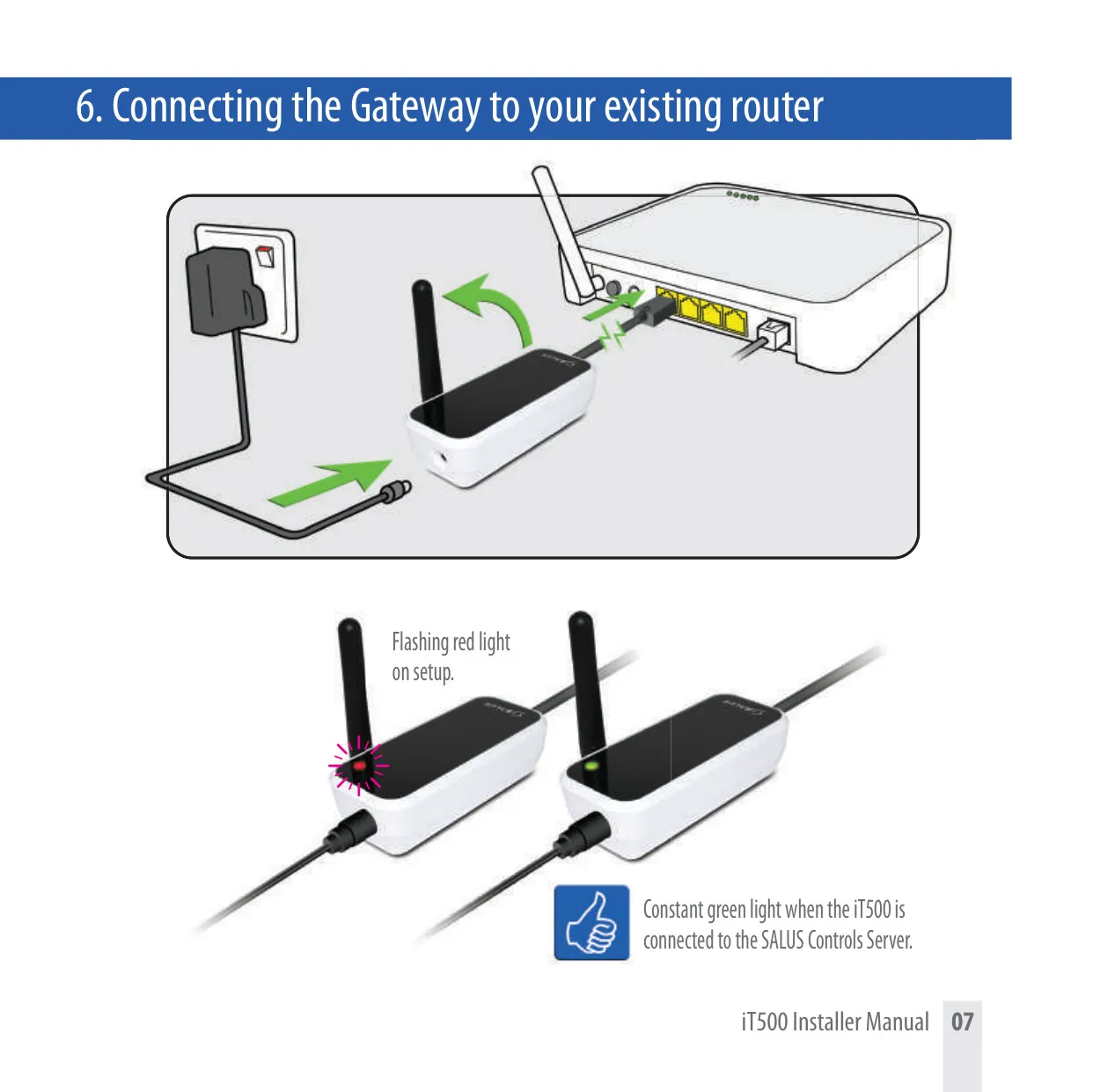
| Gateway Power Supply | iTA500 Power adaptor (230 VAC 50Hz via adaptor) |
| Wireless Communication | RF (Radio Frequency) |
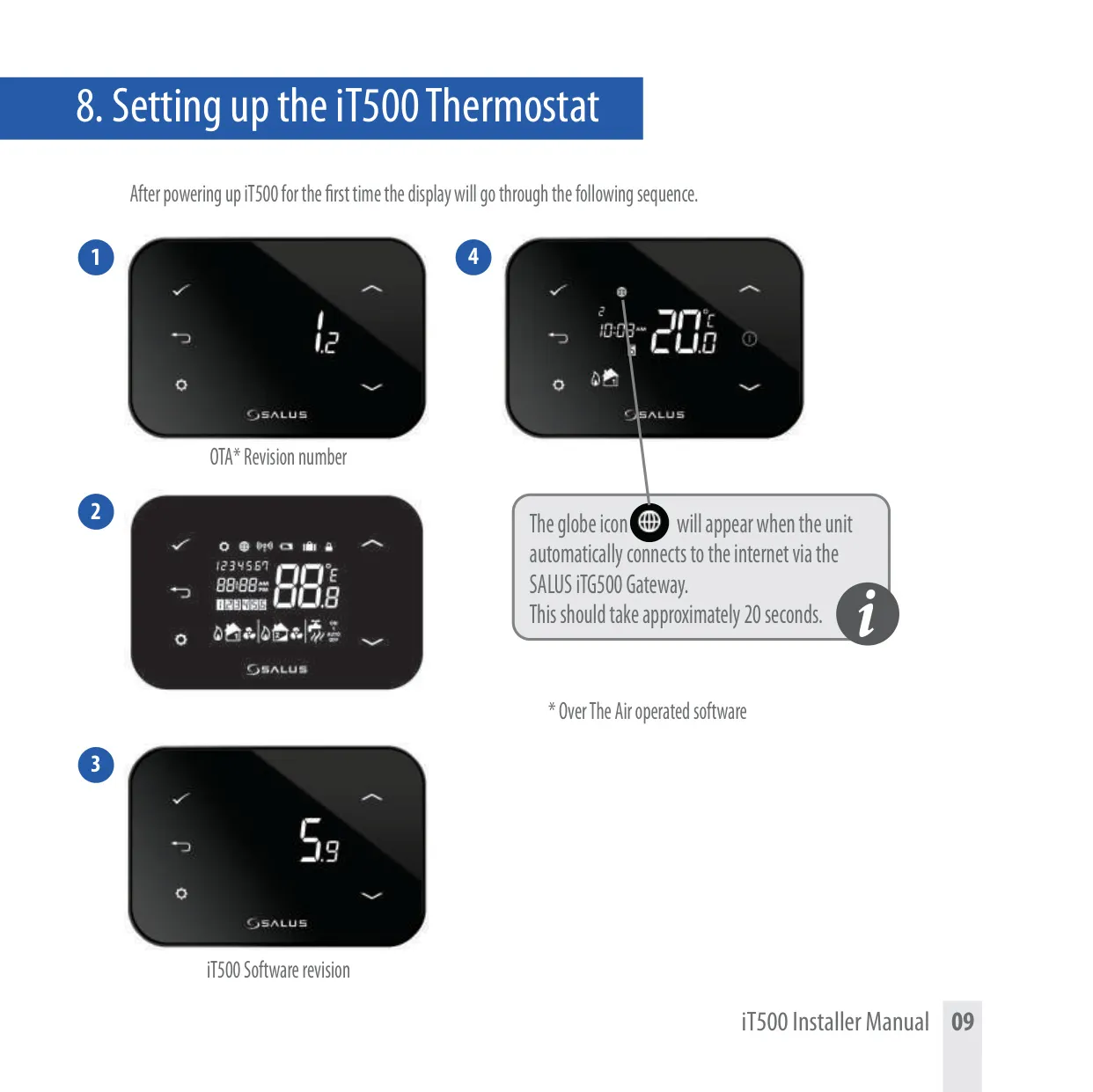
| Internet Connectivity | Via iTG500 Gateway and ADSL cable to router (requires DHCP, open firewall ports 80 (UDP/TCP) & 2165 (TCP)) |
| Optional Sensor (iT300) | 2 x AAA Batteries (for 2 central heating zones configuration) |
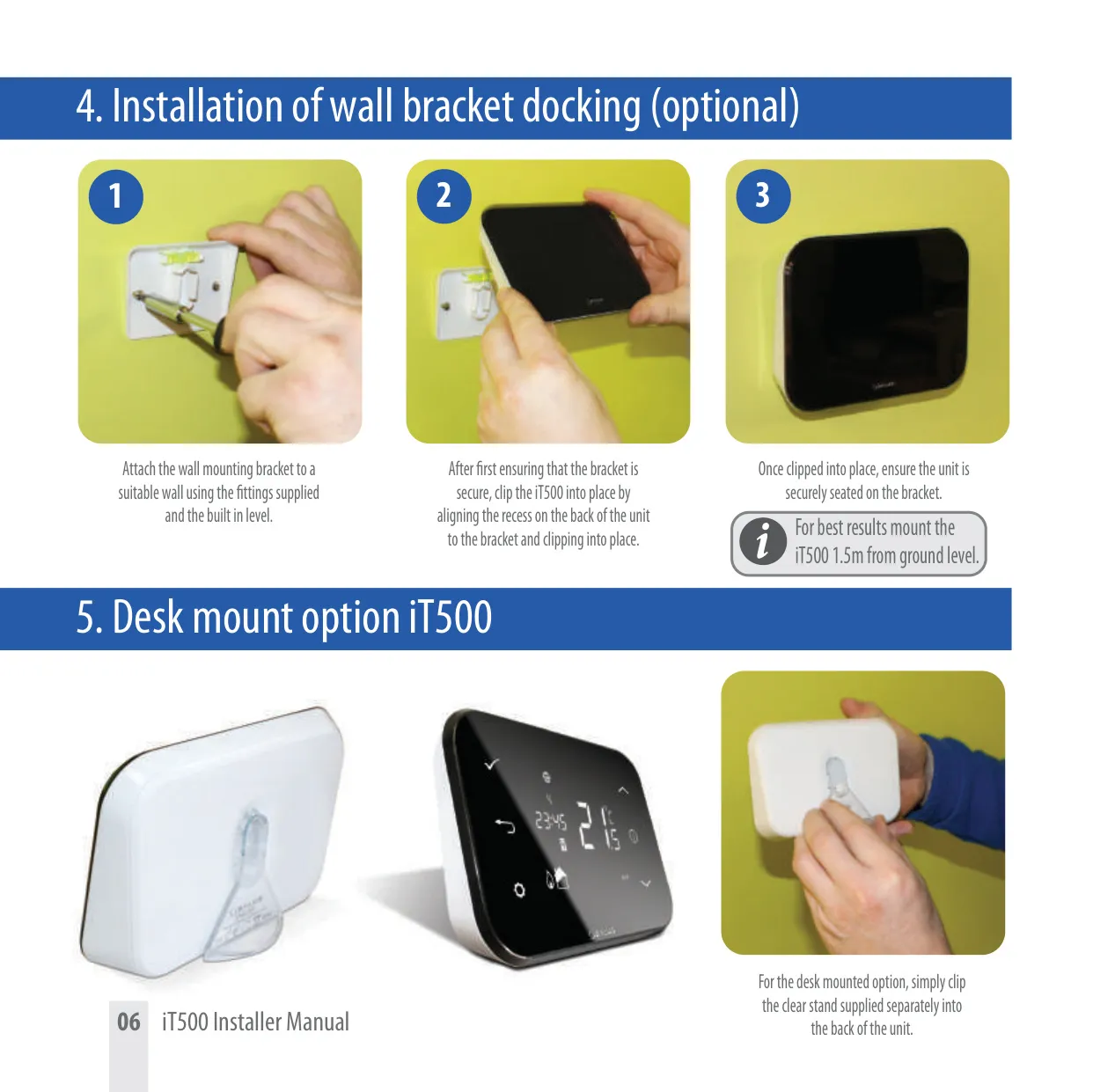
| Thermostat Mounting Options | Wall mount bracket or optional desk stand; Recommended 1.5m from ground level |
| System Configurations | 1 Central Heating Zone; 2 Central Heating Zones (with iT300 sensor); 1 Central Heating Zone + Hot Water |
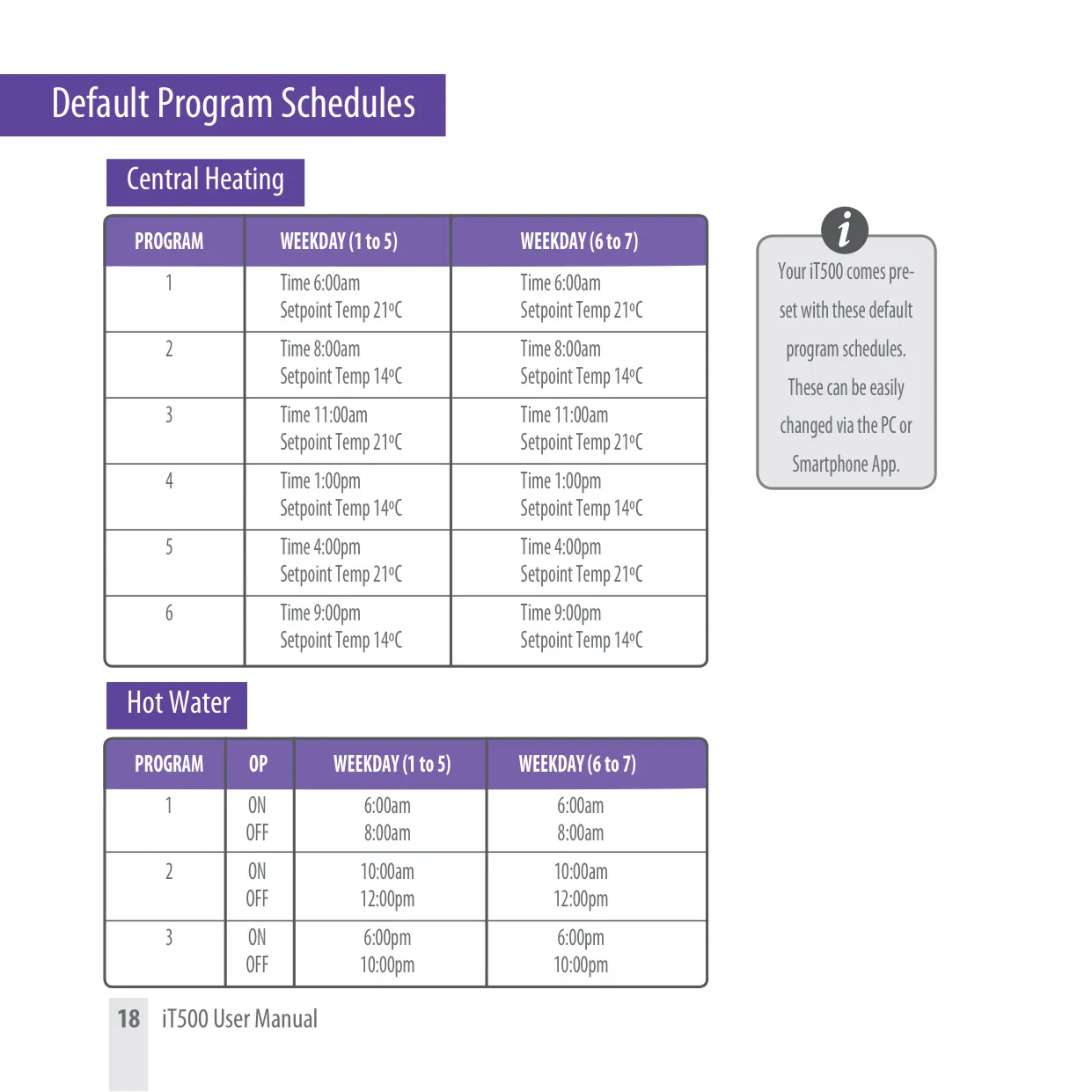
| Default CH Program Schedule | 6 programs per day (Mon-Fri, Sat-Sun); Setpoint temperature range 14ºC to 21ºC |
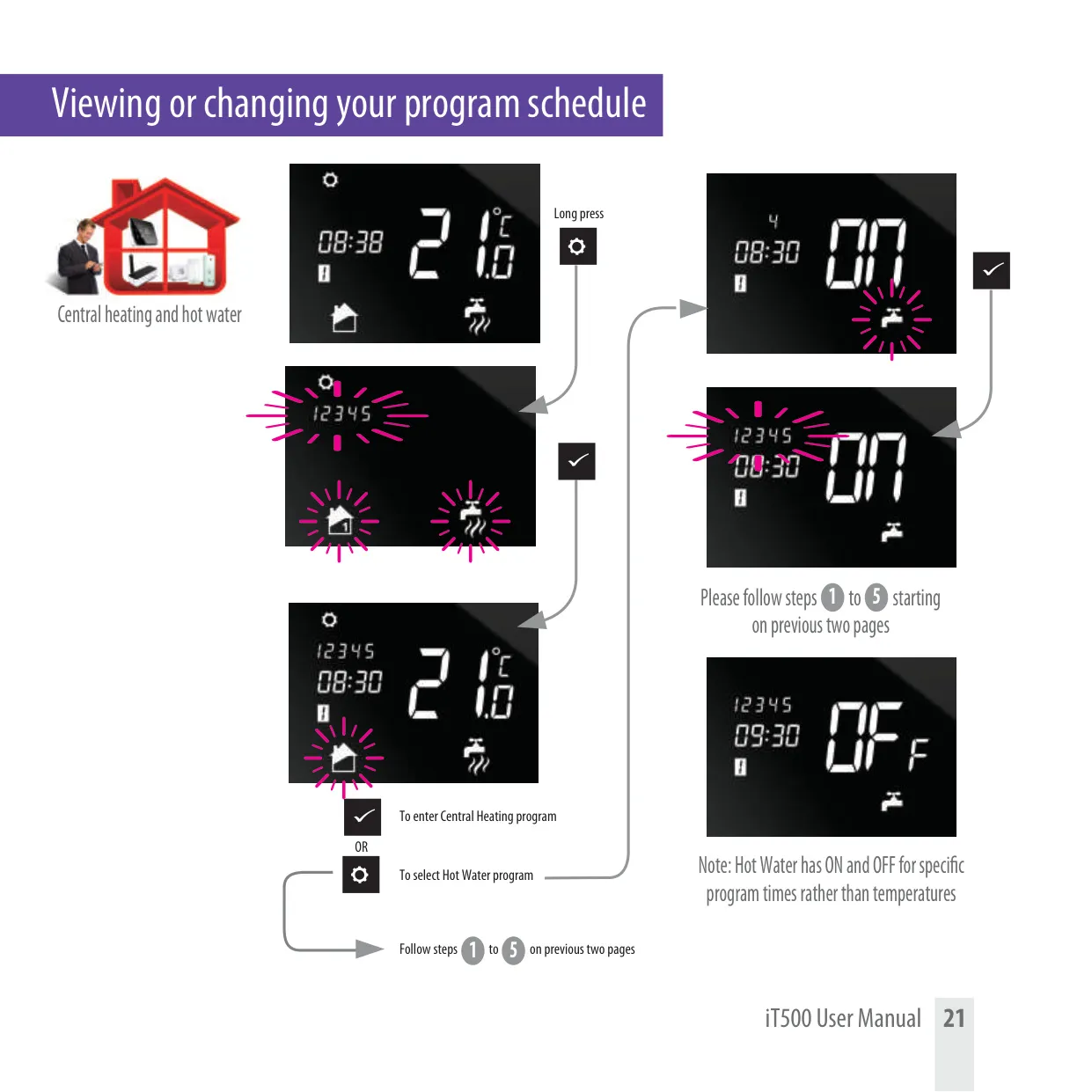
| Default HW Program Schedule | 3 ON/OFF periods per day (Mon-Fri, Sat-Sun) |
Salus it500 Thermostat Details
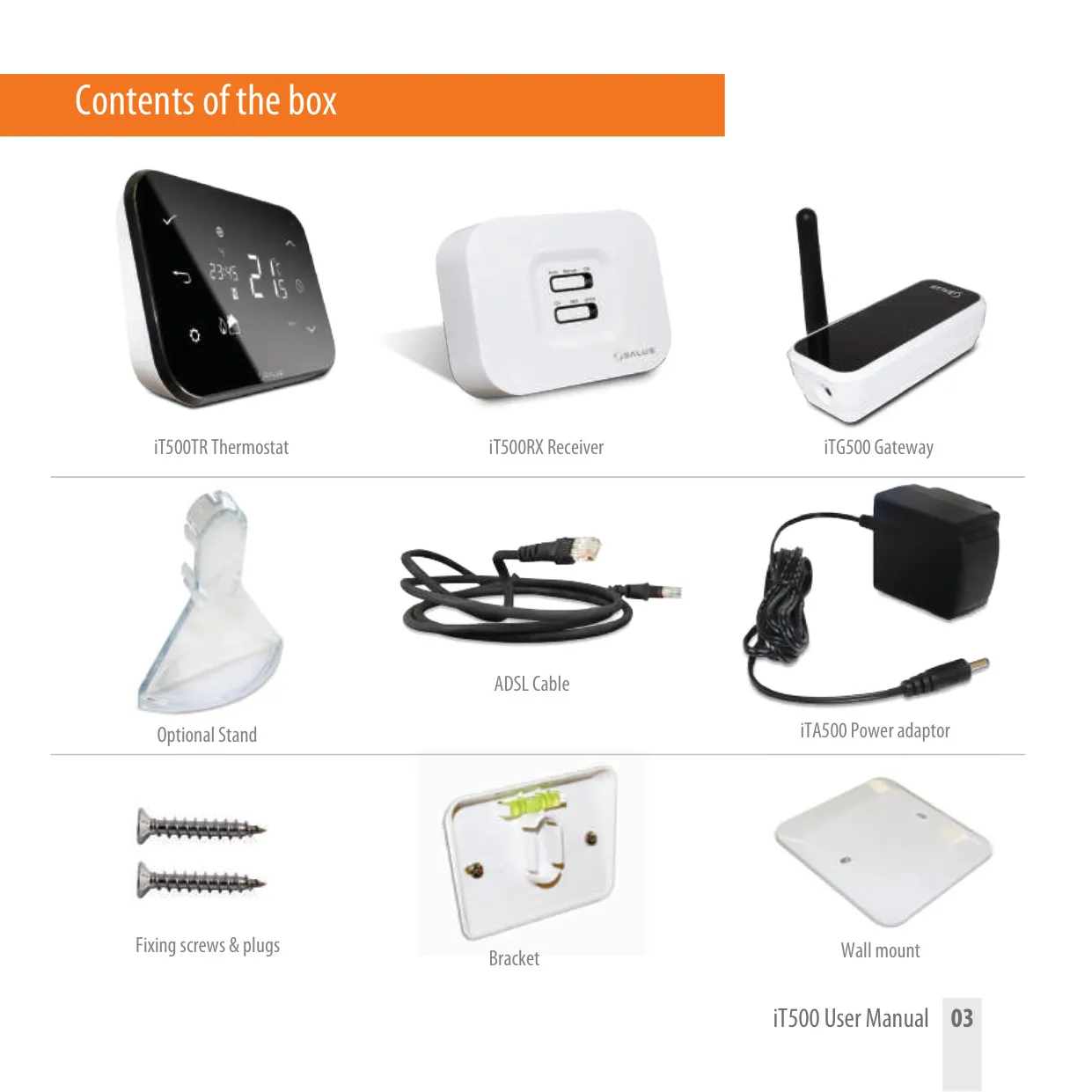
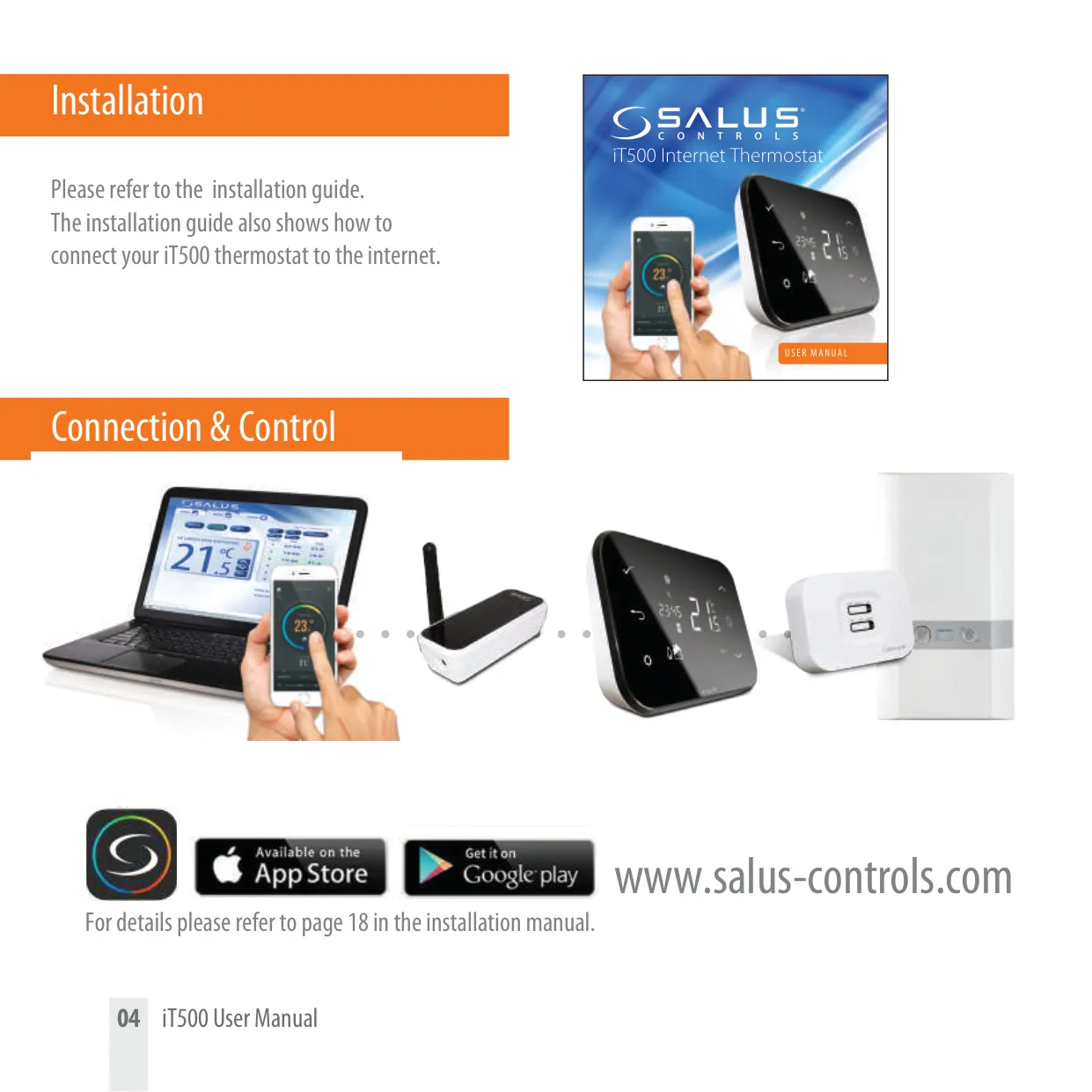
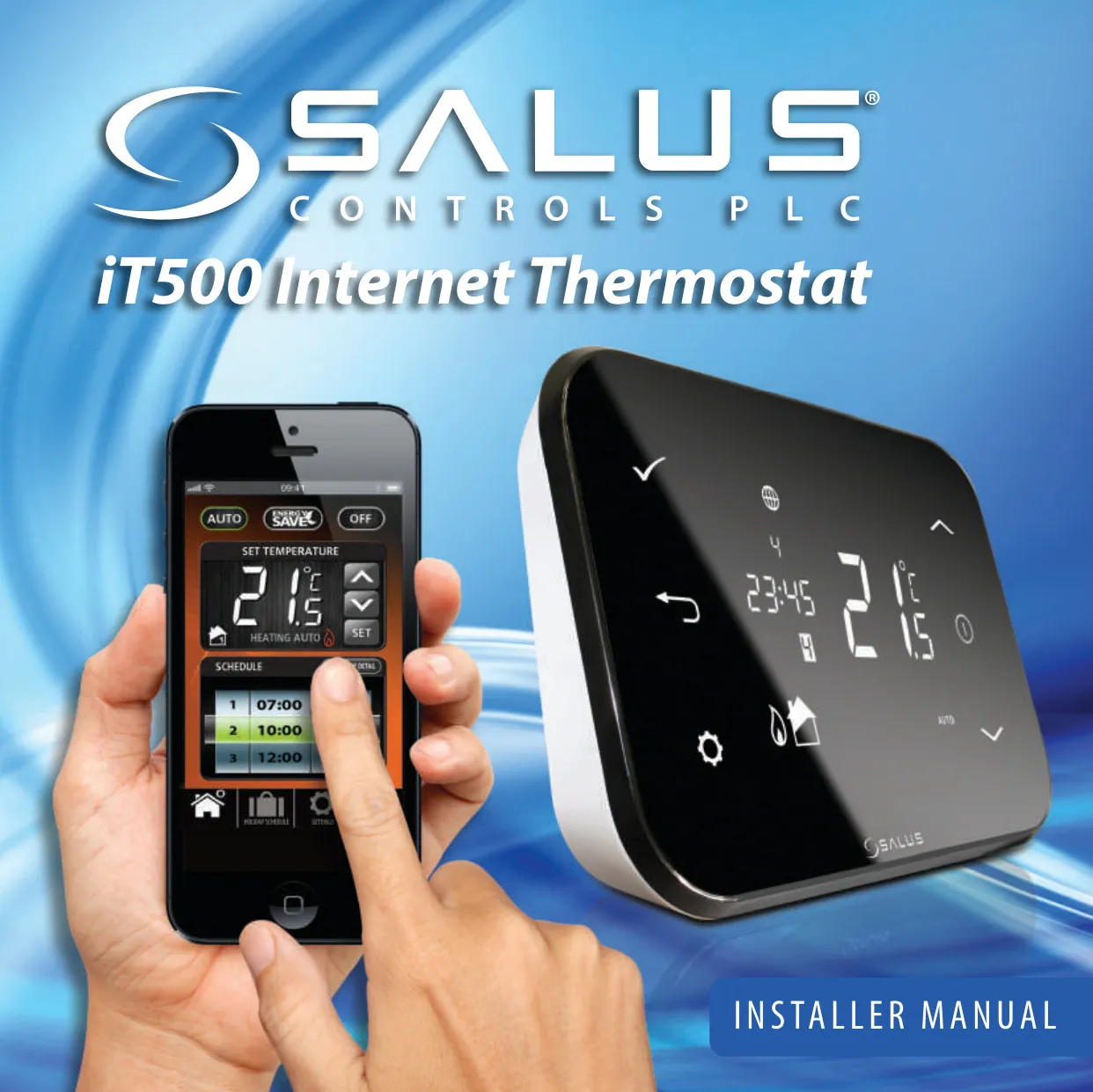
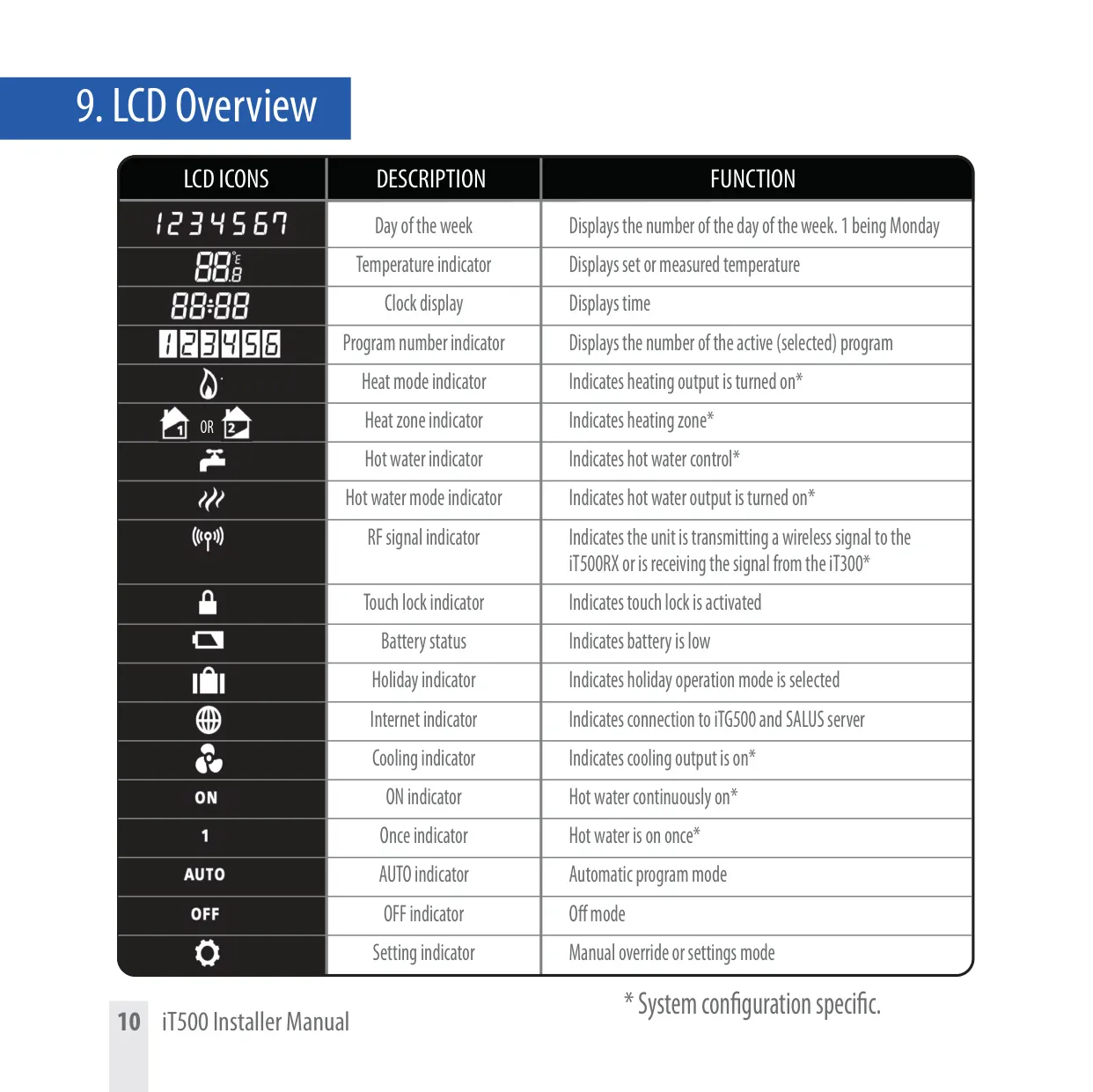
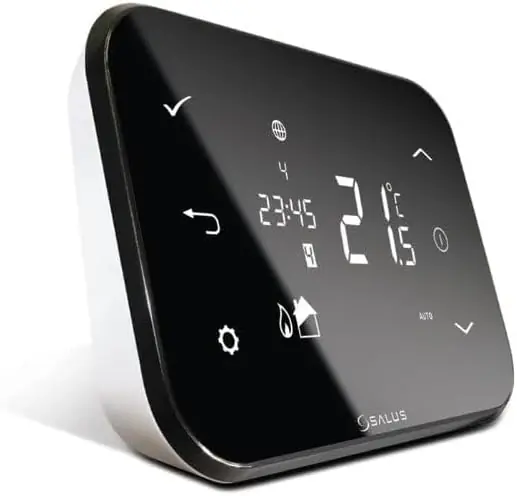
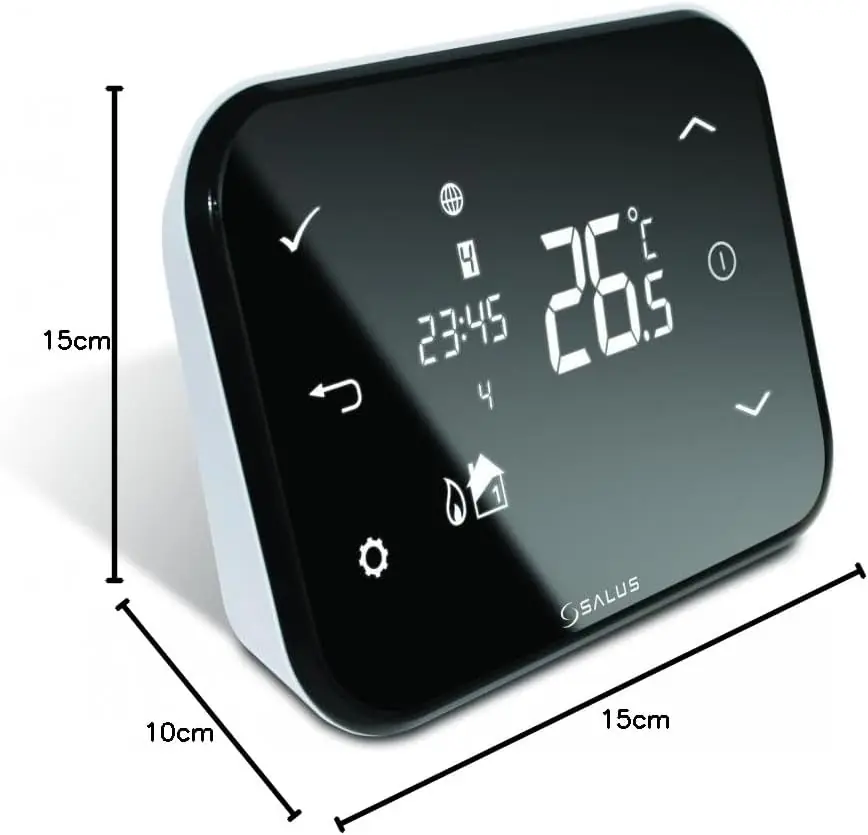
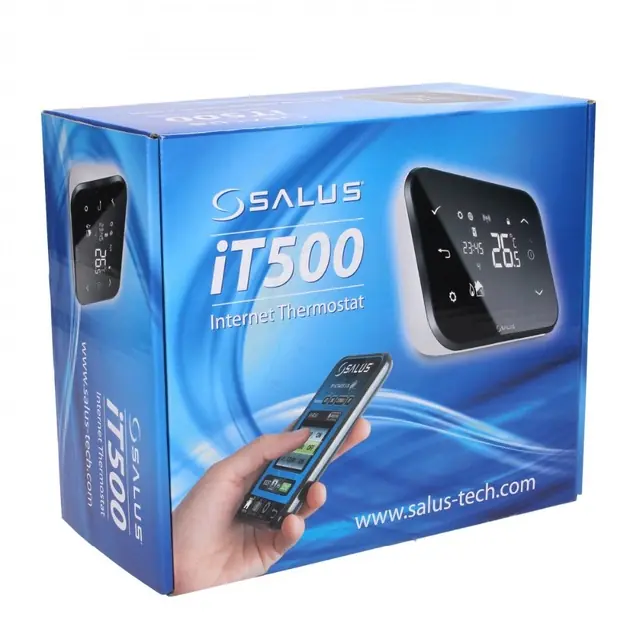
The Salus iT500 is an advanced internet-connected thermostat system designed for flexible home climate management. It provides comprehensive control over central heating, with options for managing two heating zones or integrating domestic hot water. The complete package includes the iT500TR Thermostat for user interaction, the iT500RX Receiver to control the boiler, and the iTG500 Gateway for internet connectivity, along with an ADSL cable and power adaptor. This system leverages wireless communication between its core components, offering a modern solution for comfort.
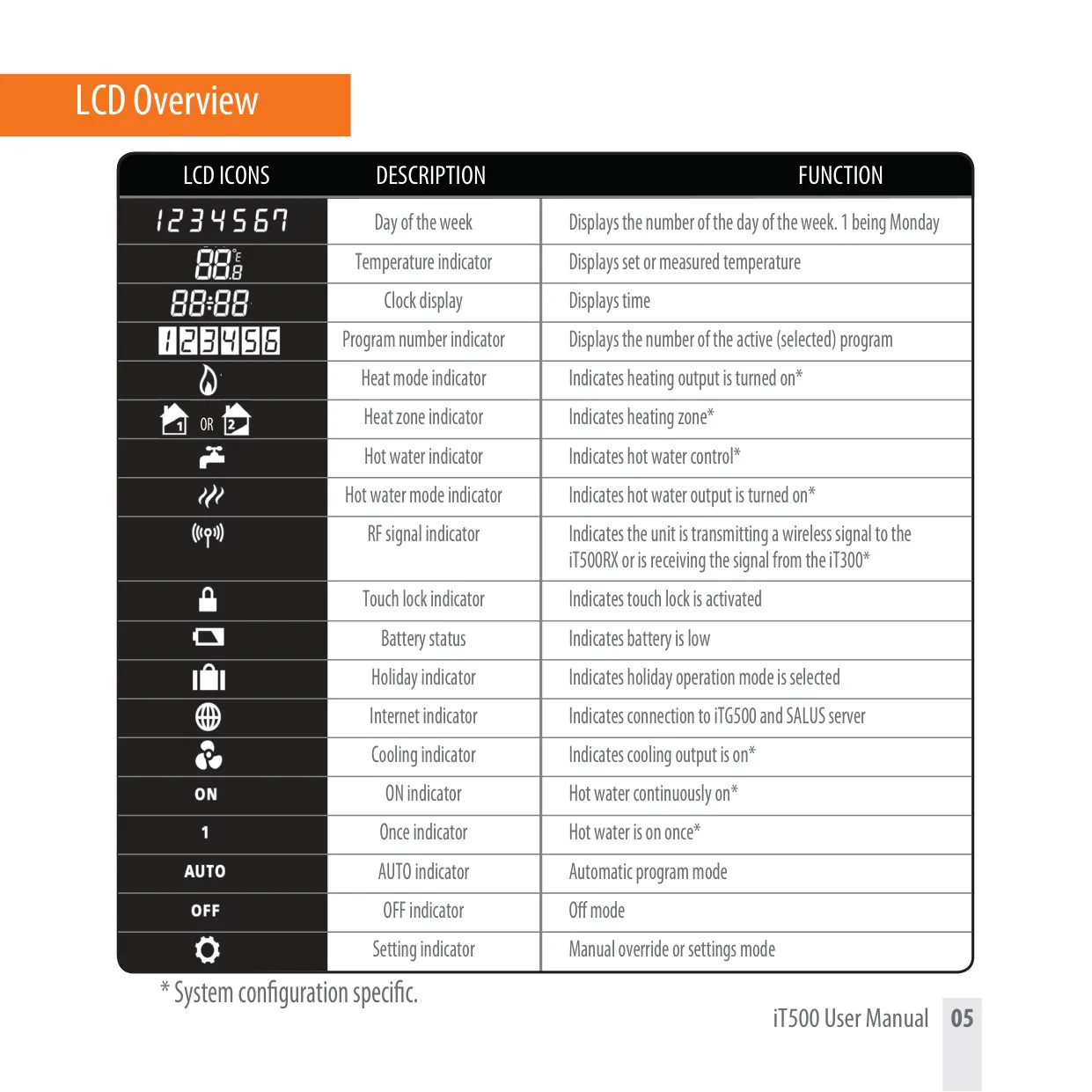
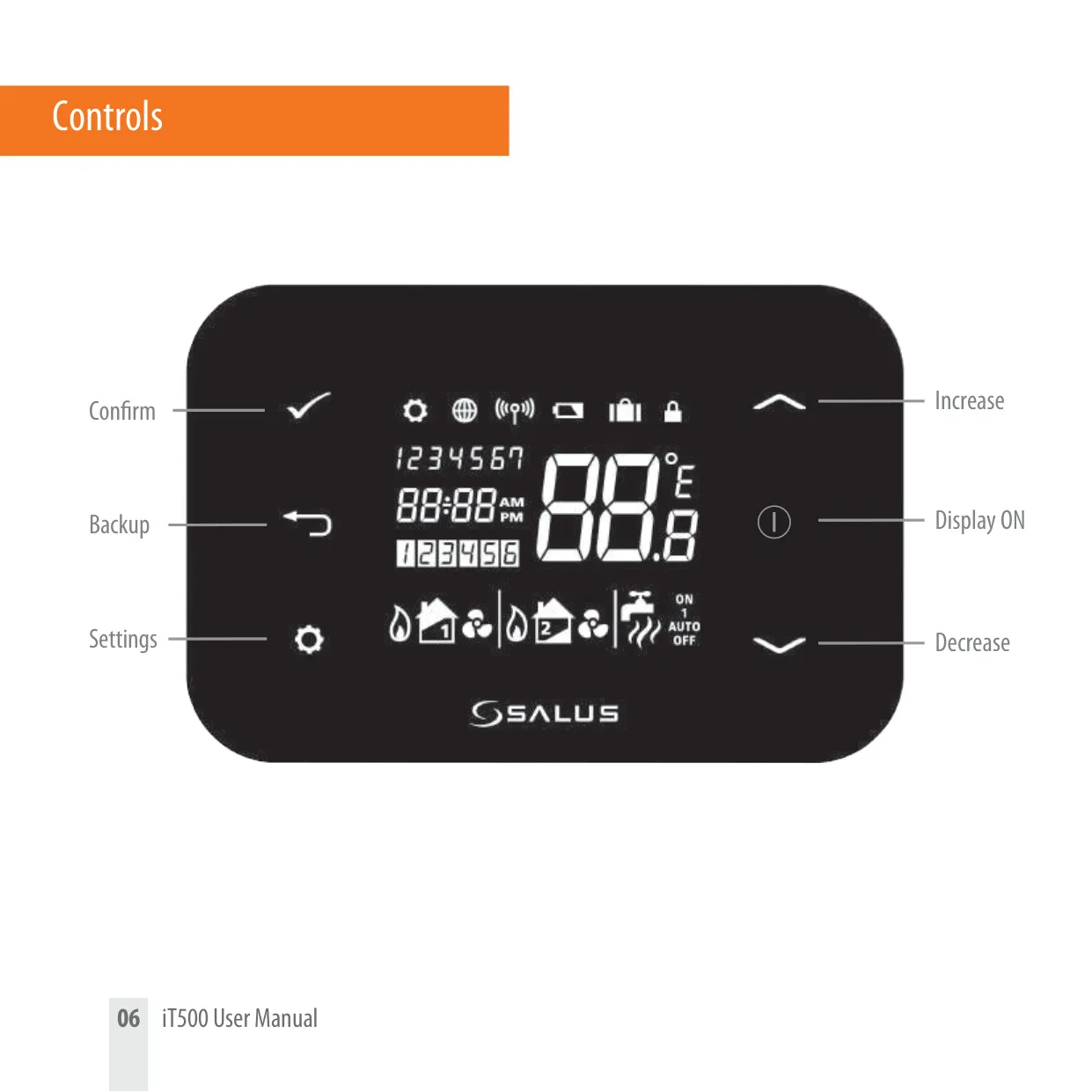
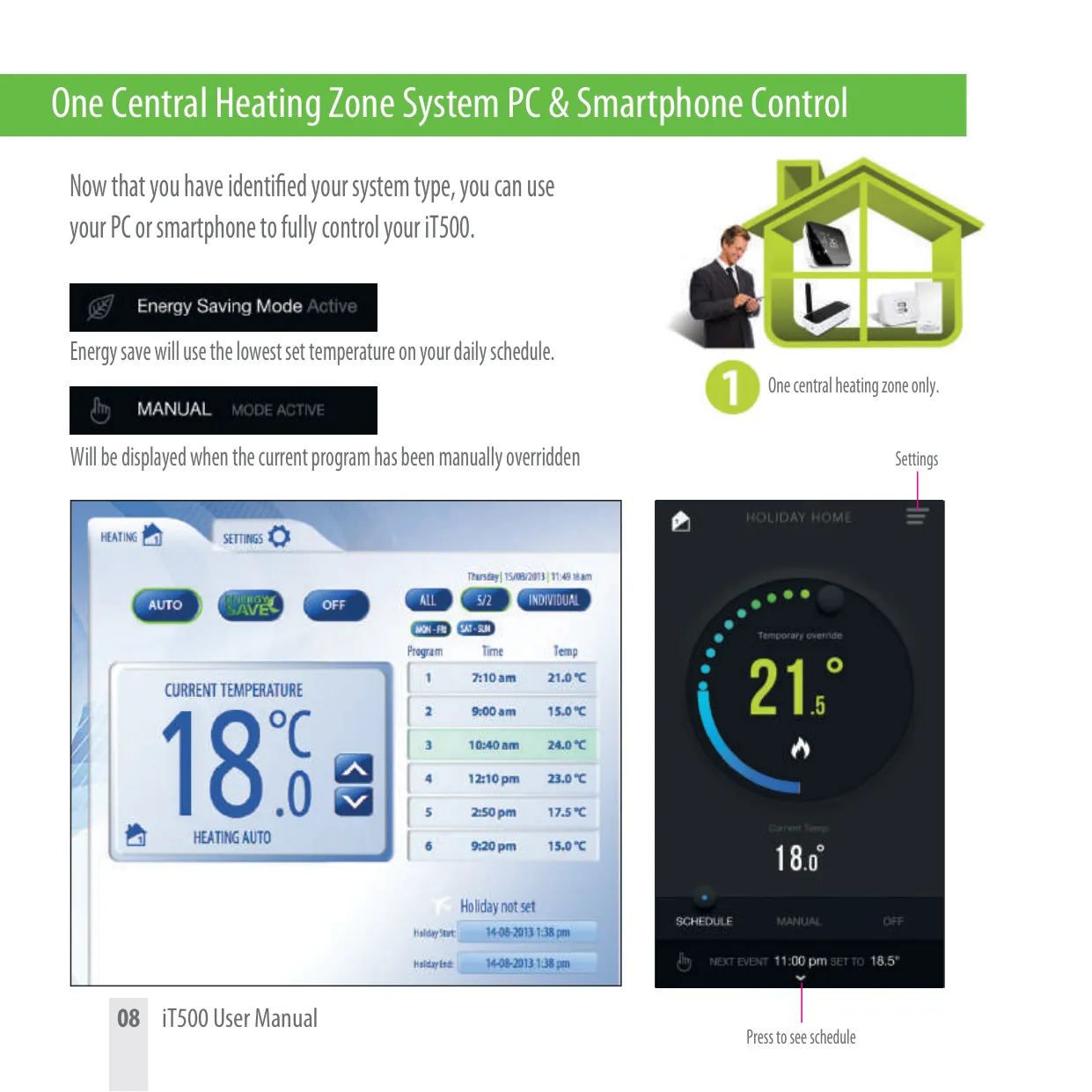
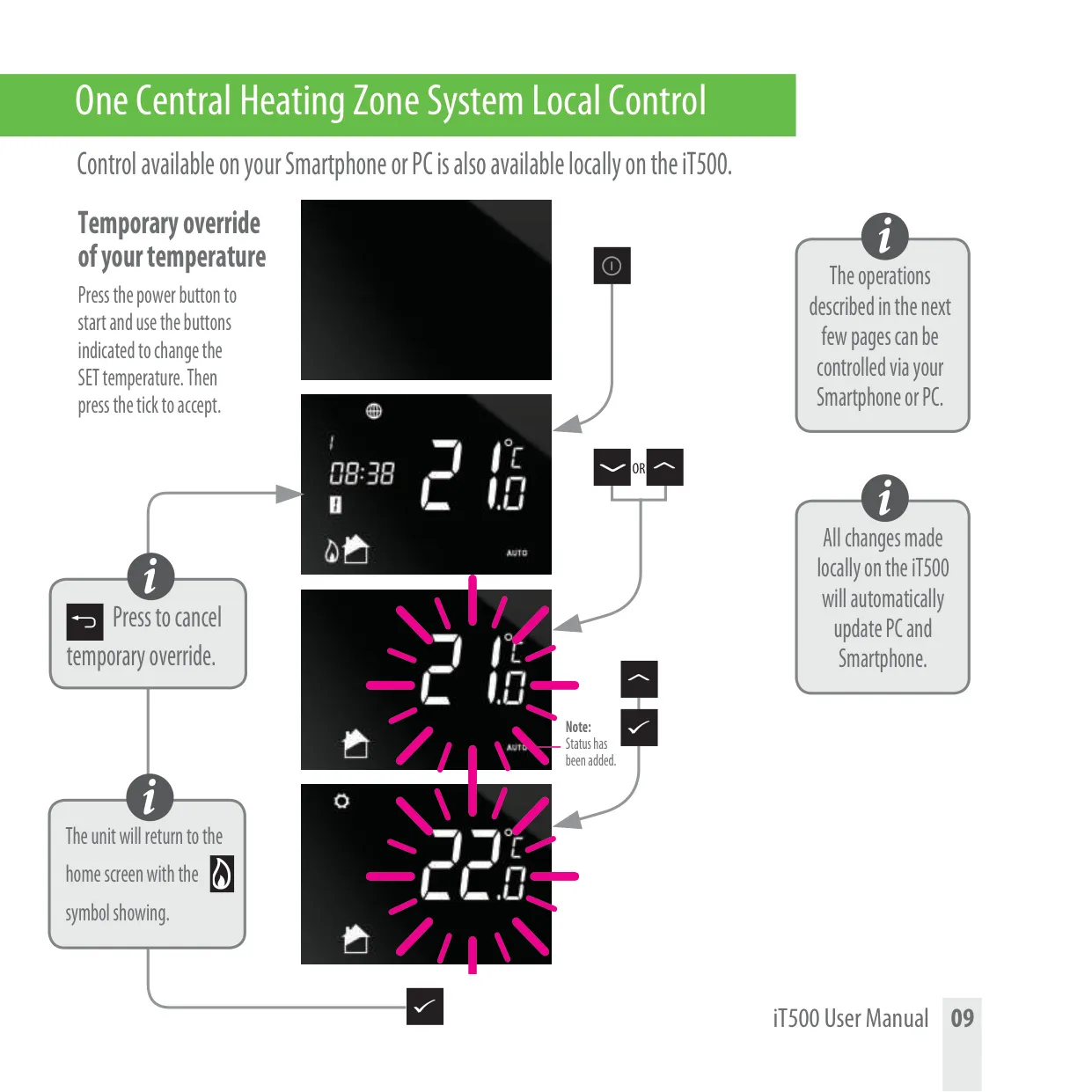
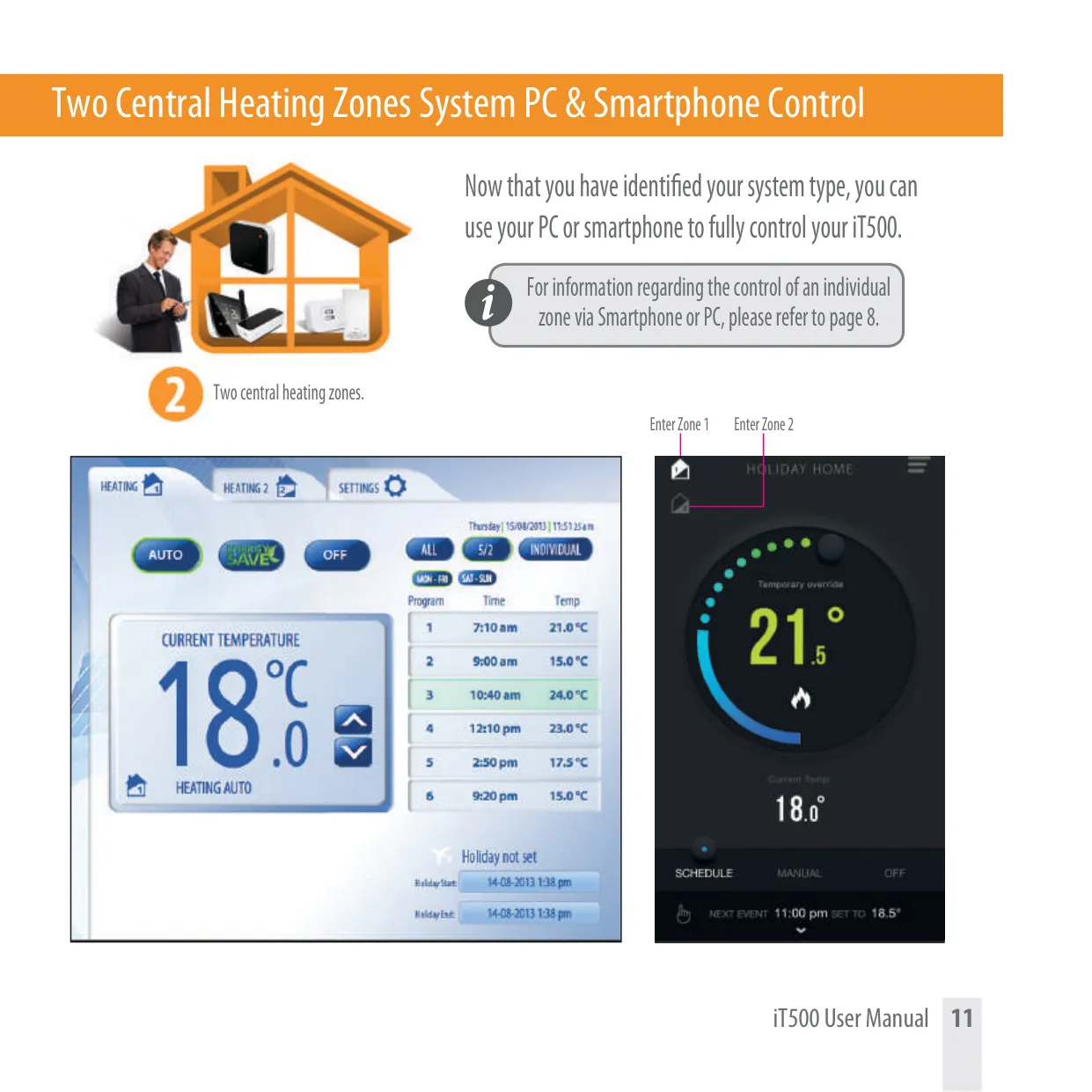
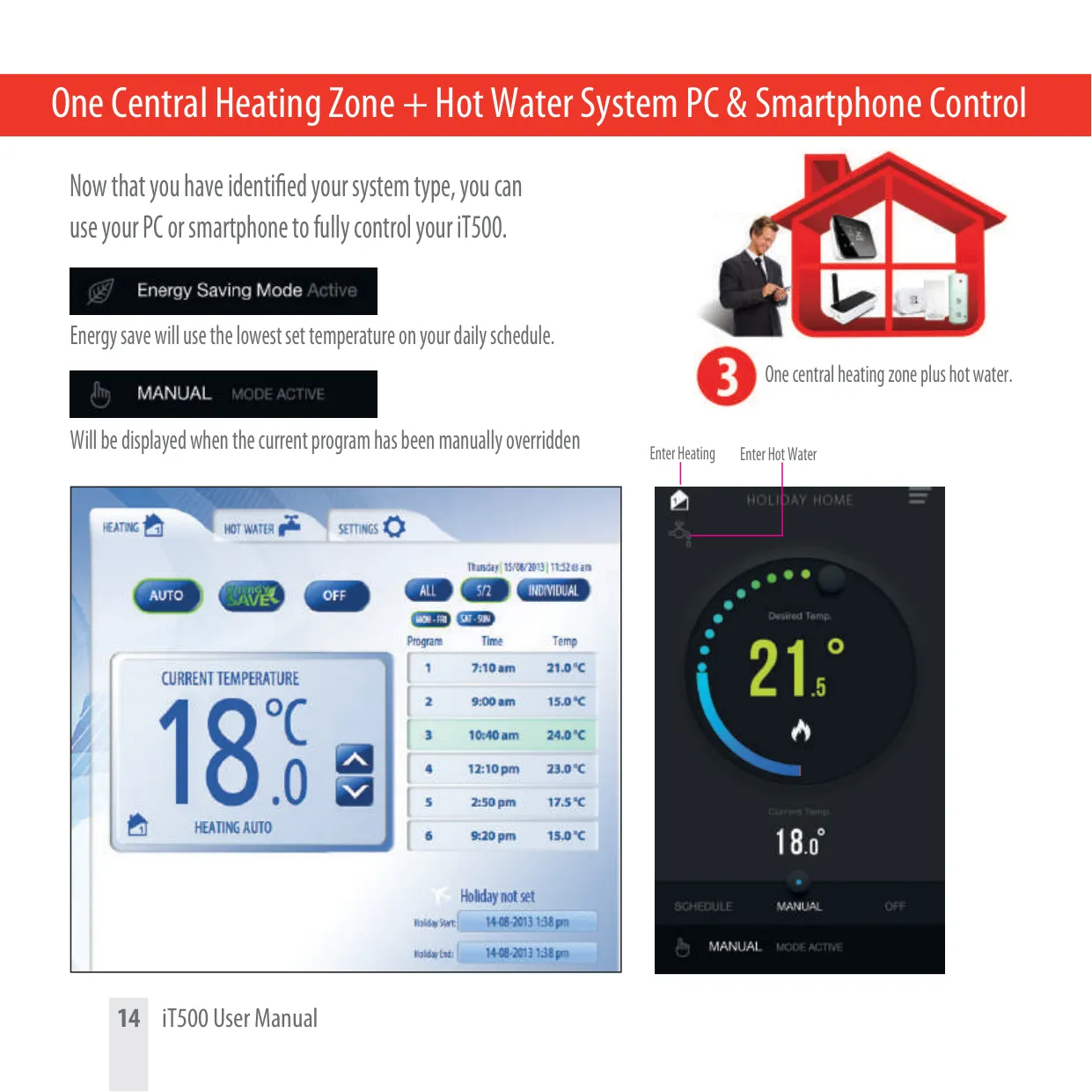
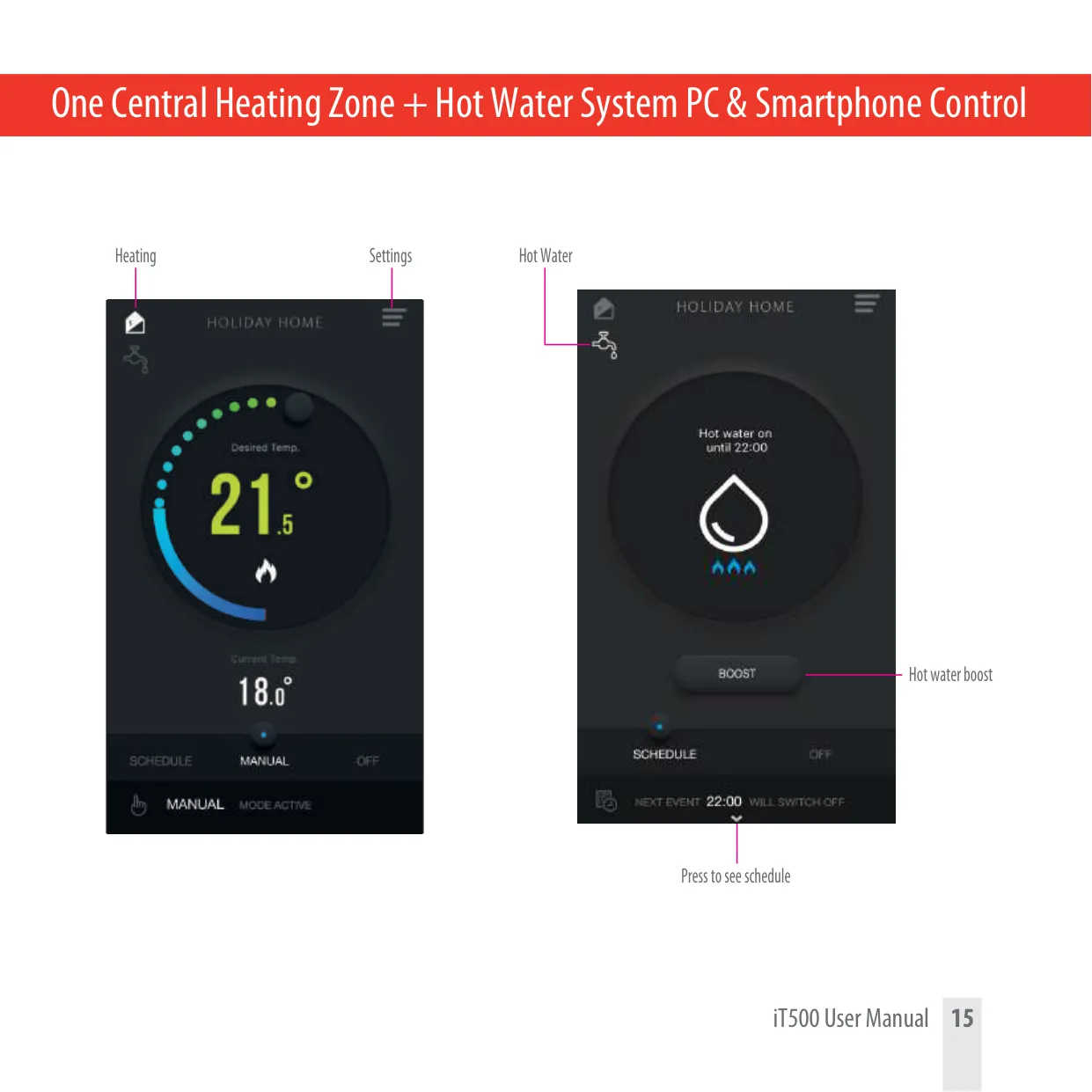
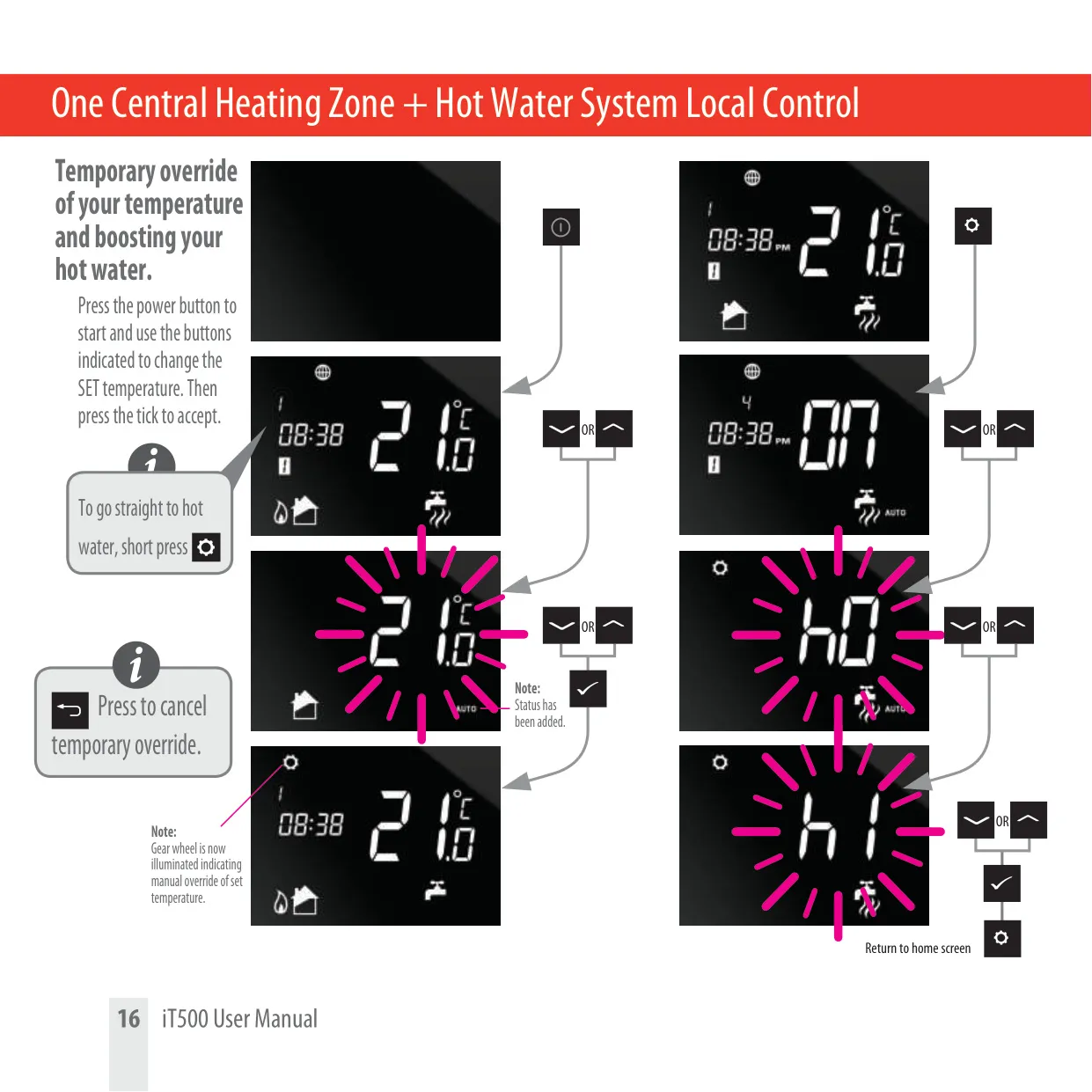
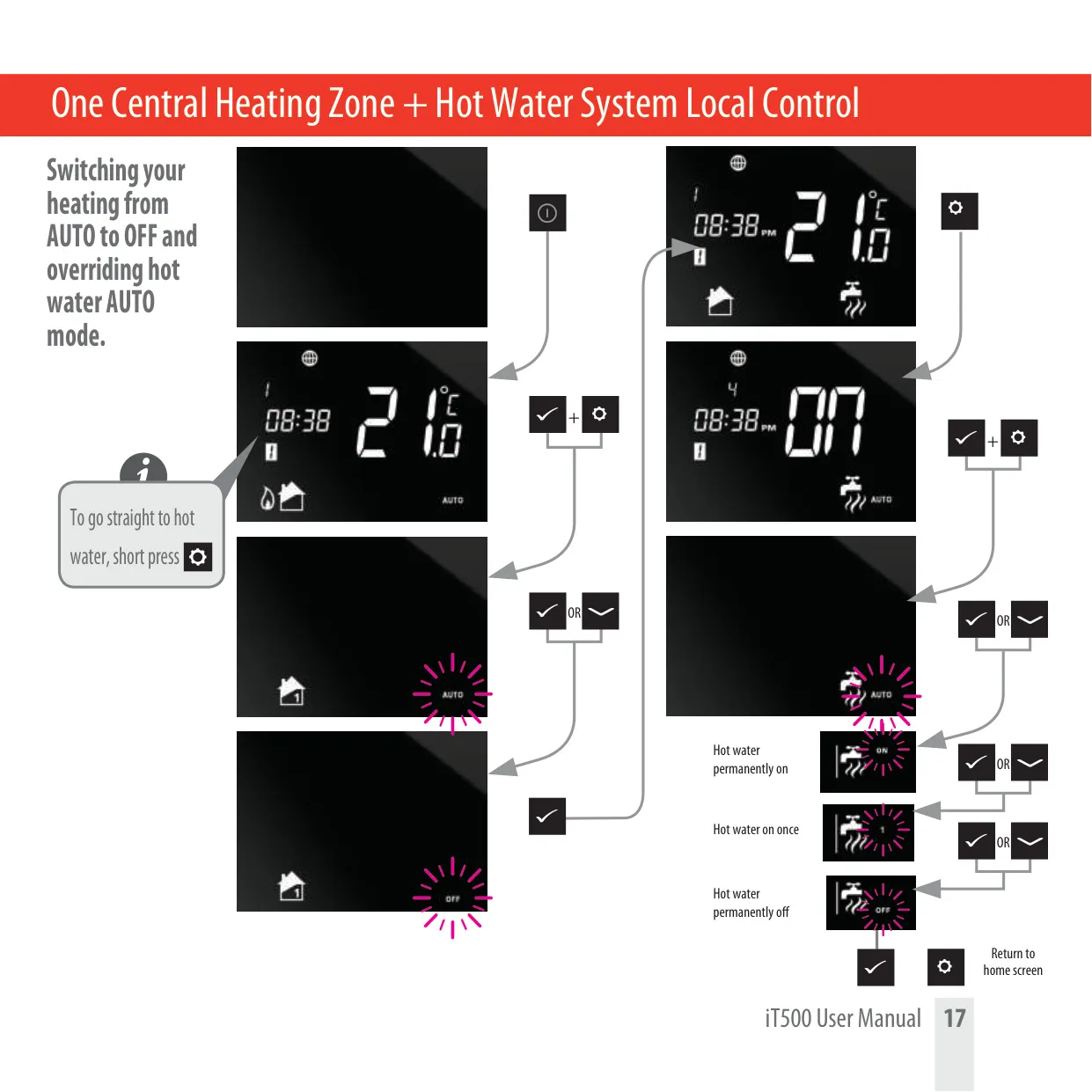
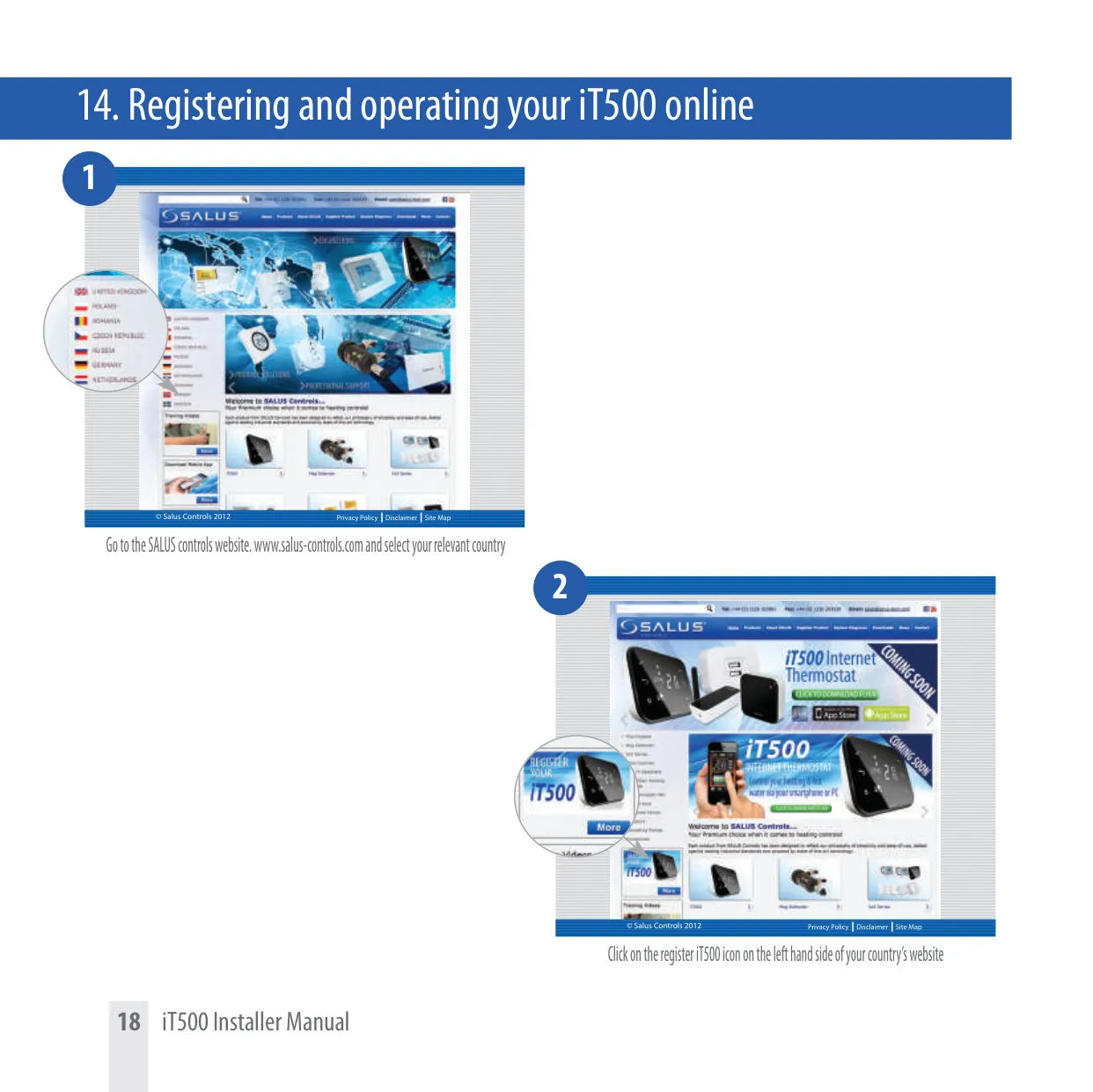
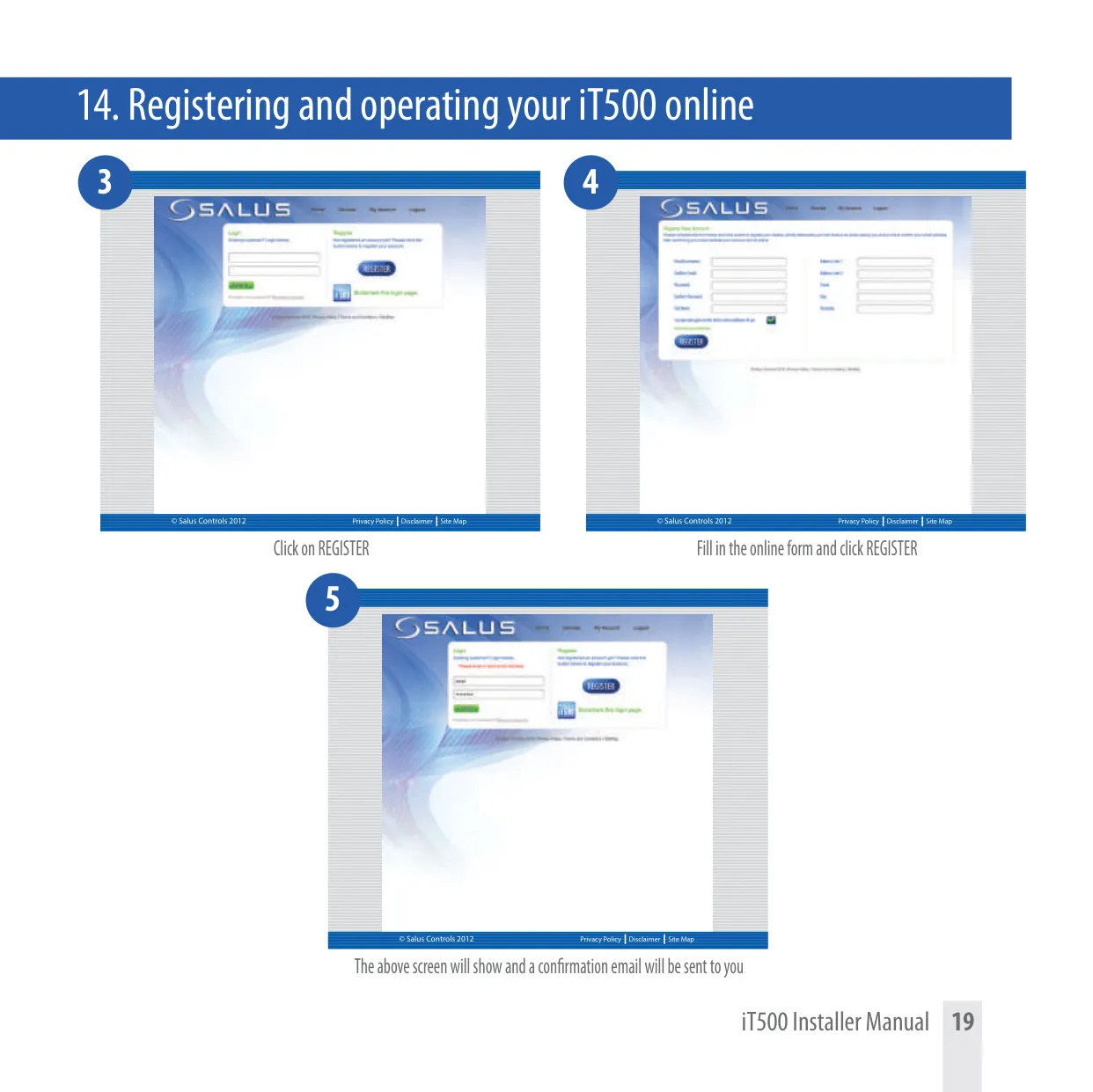
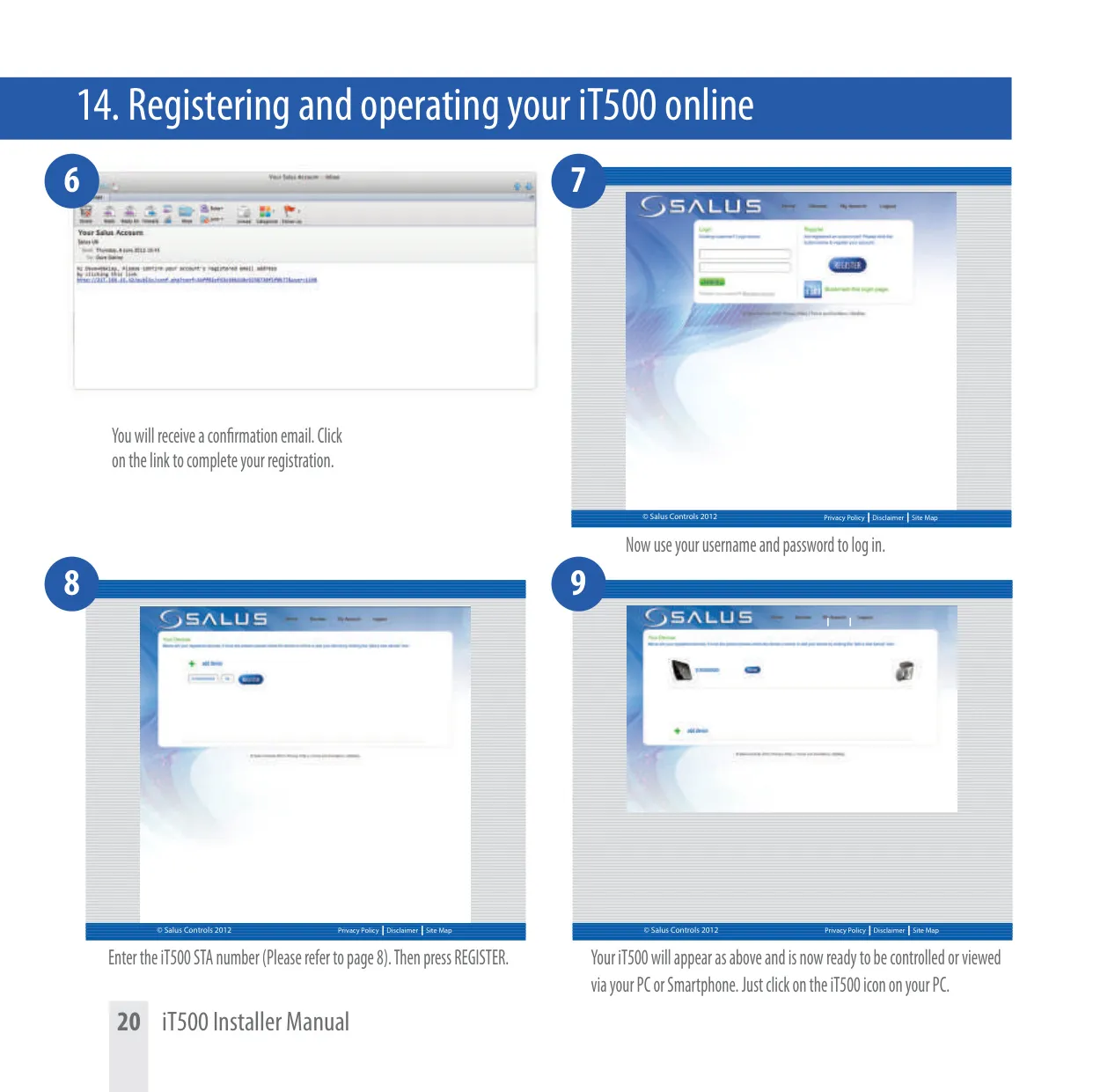
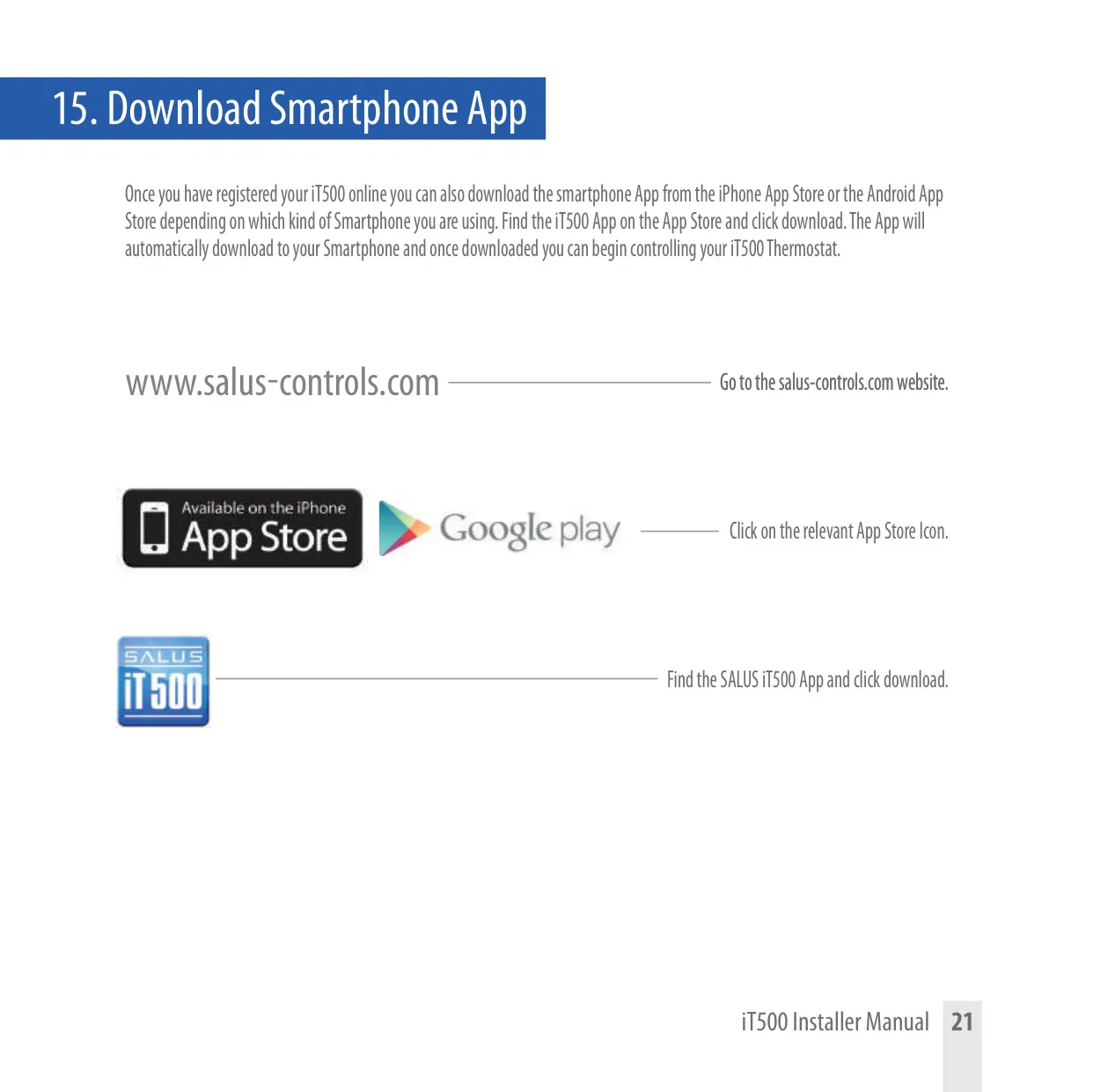
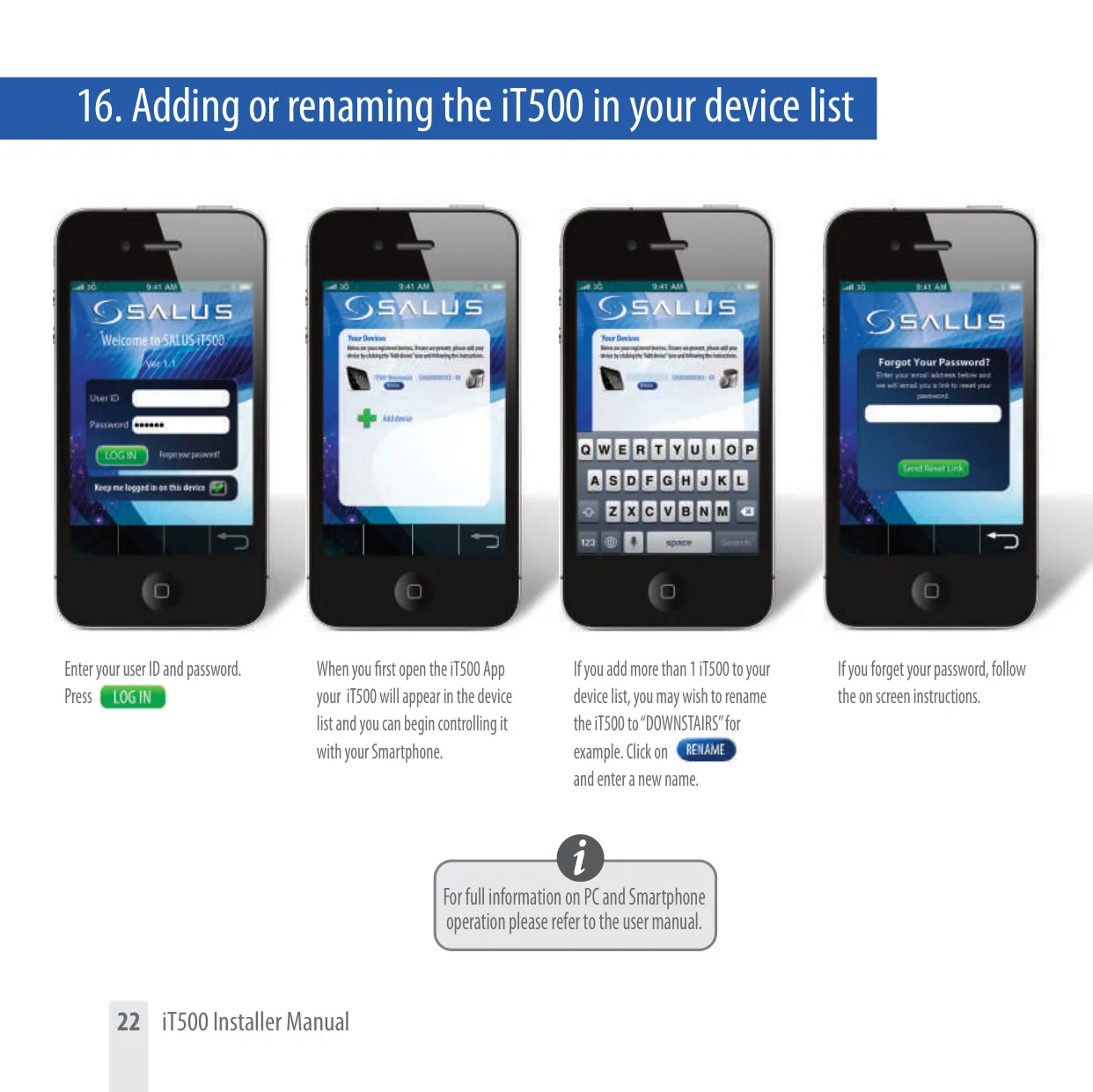
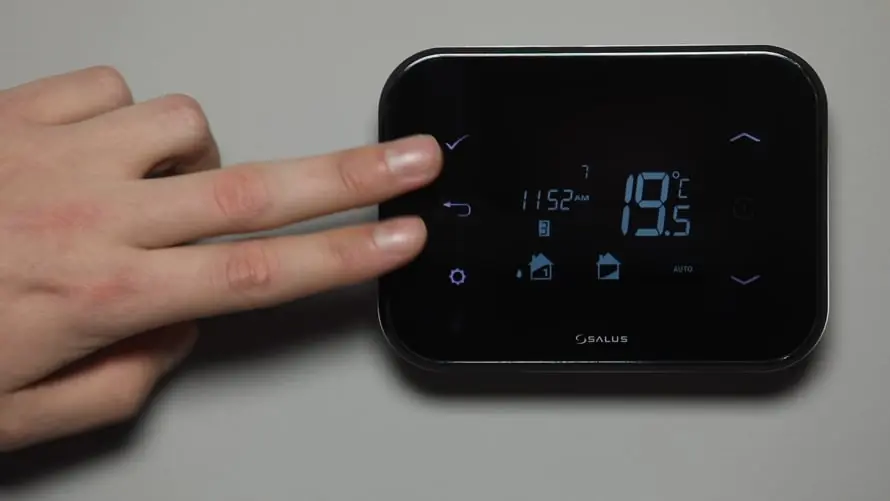
Users benefit from exceptional control flexibility with the iT500. Adjustments can be made directly on the iT500 thermostat unit using its intuitive controls and clear LCD display. This local control mirrors the capabilities available remotely, ensuring seamless operation regardless of access method. For convenience and remote management, the system integrates with dedicated PC and smartphone applications, allowing users to monitor and modify settings from anywhere with an internet connection. Crucially, any changes made locally on the iT500 are automatically updated across all connected platforms.
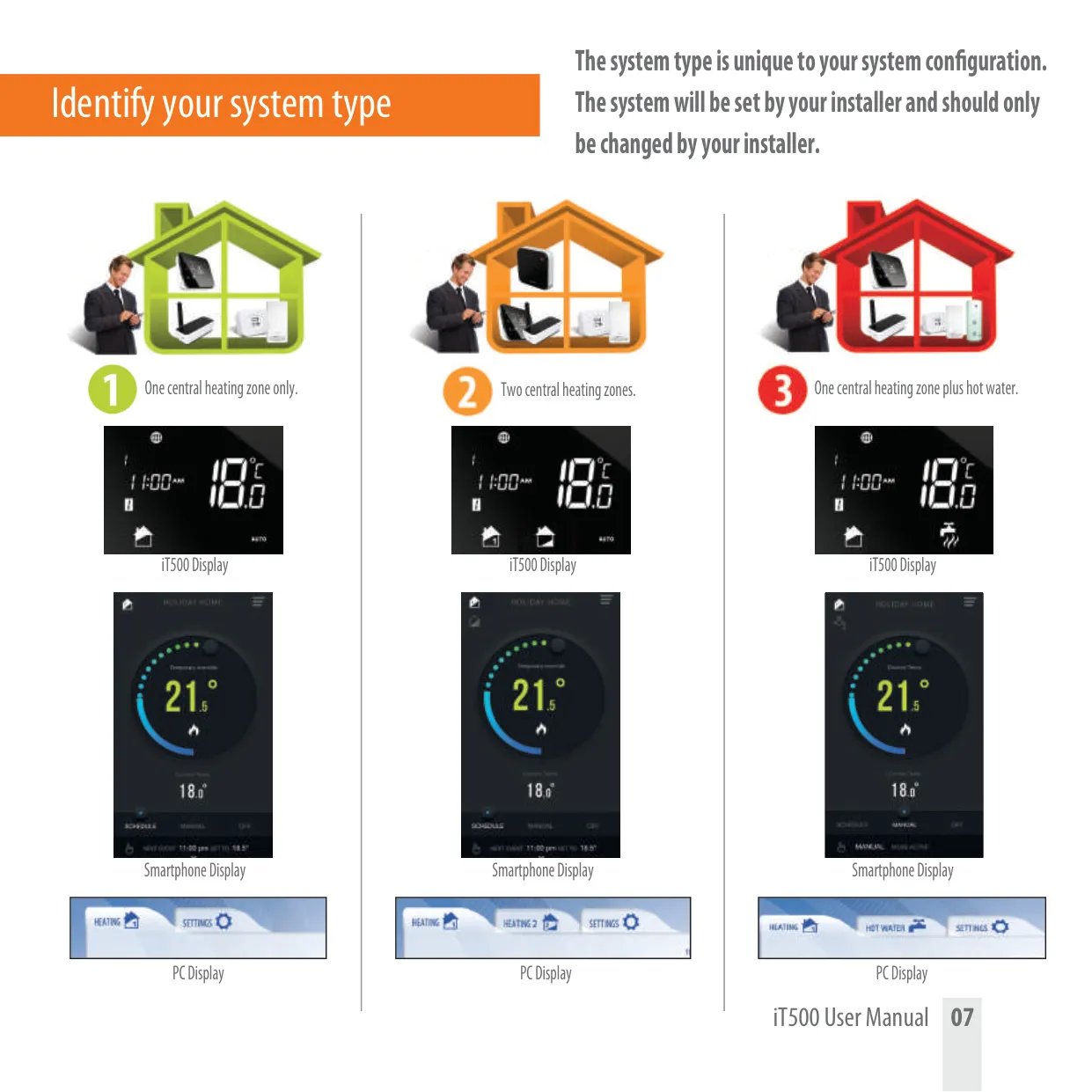
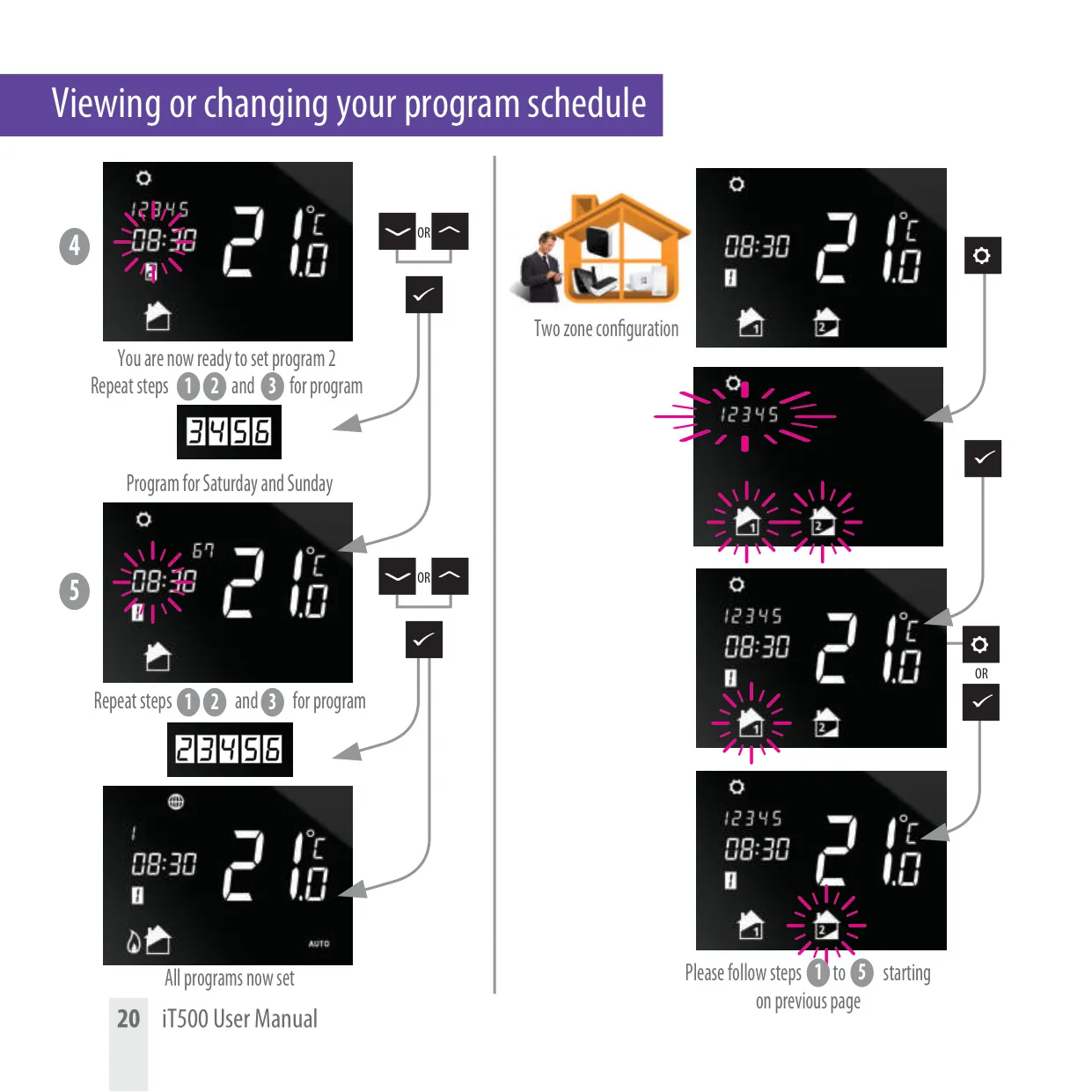
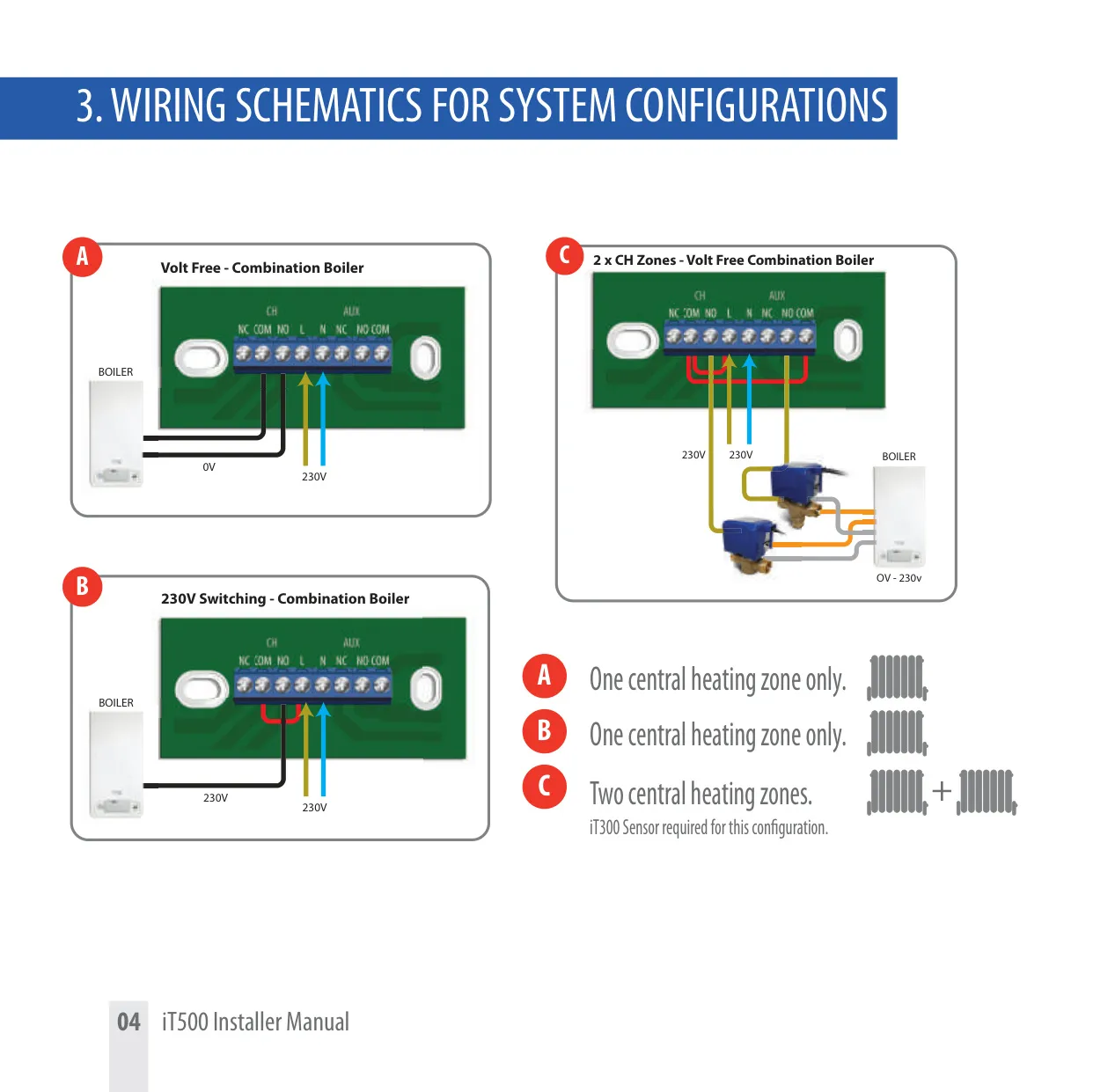
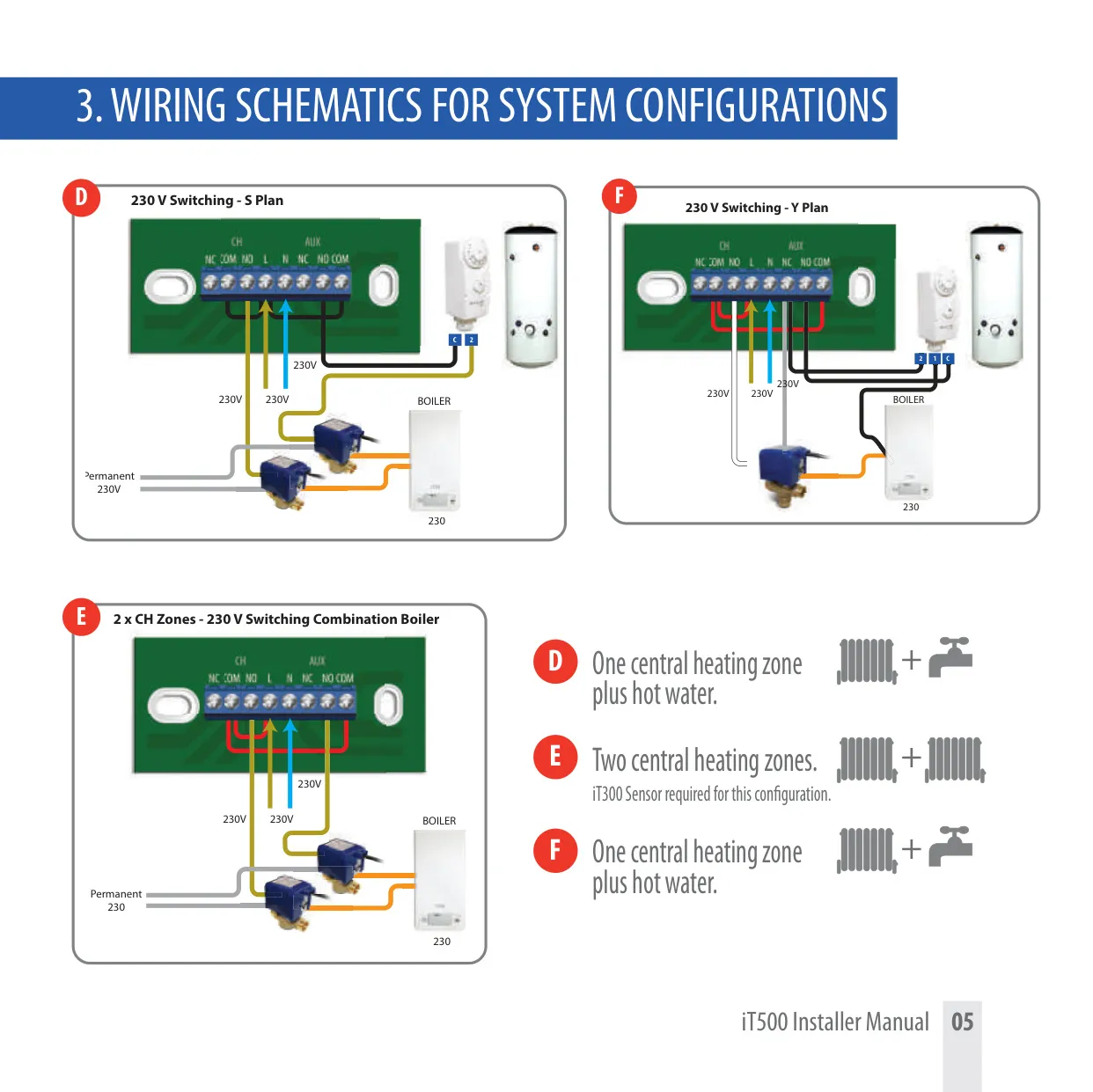
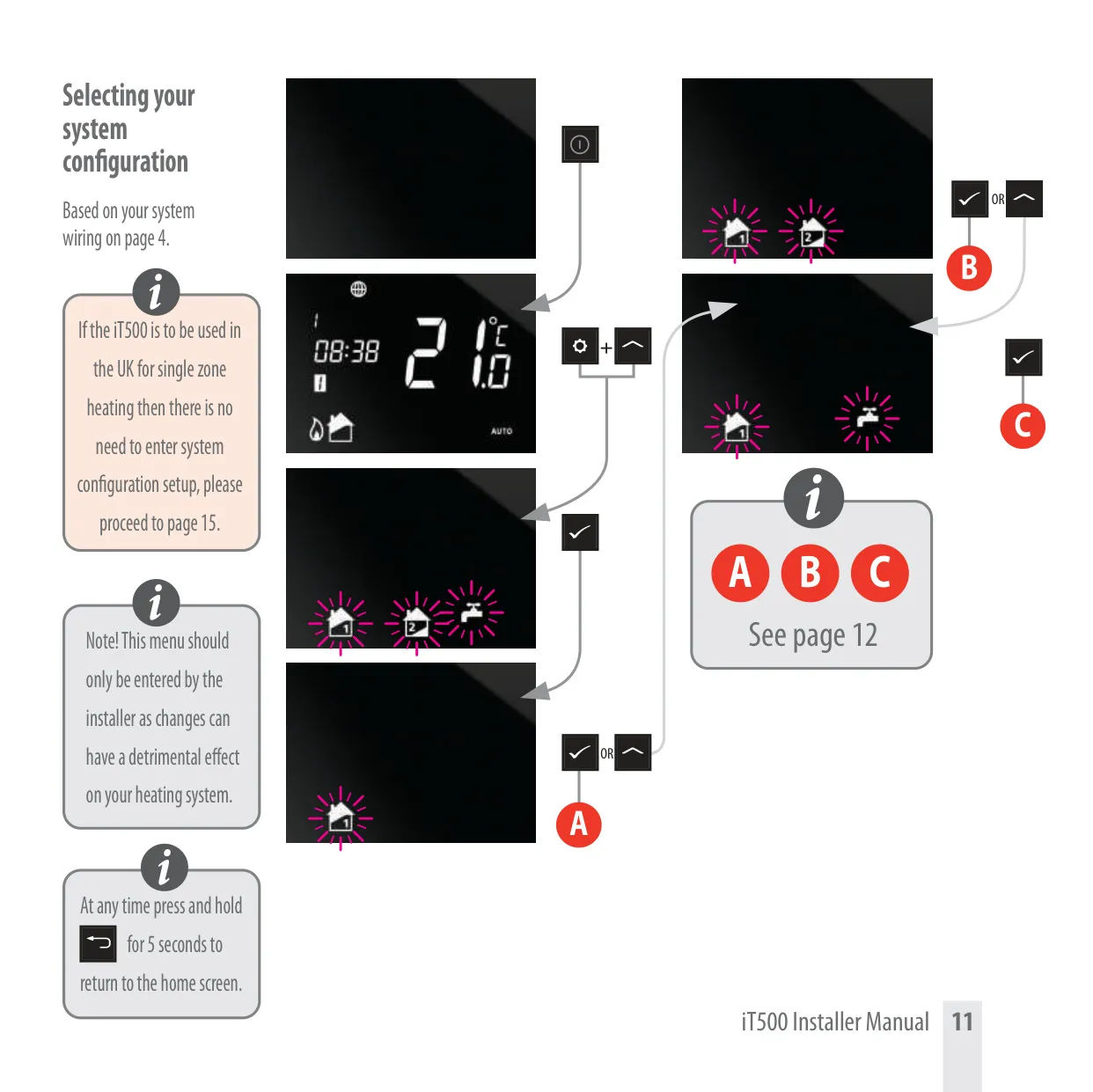
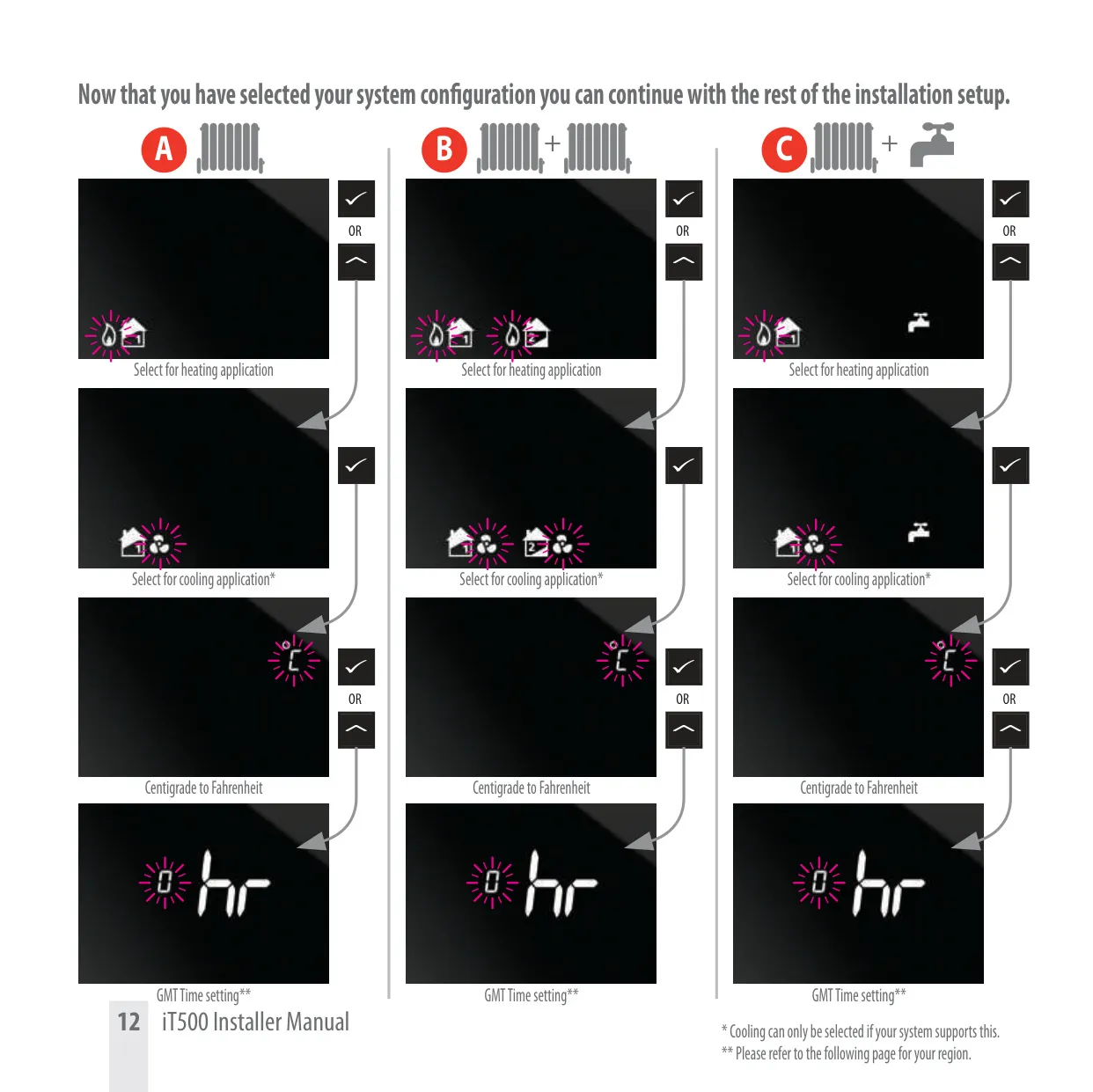
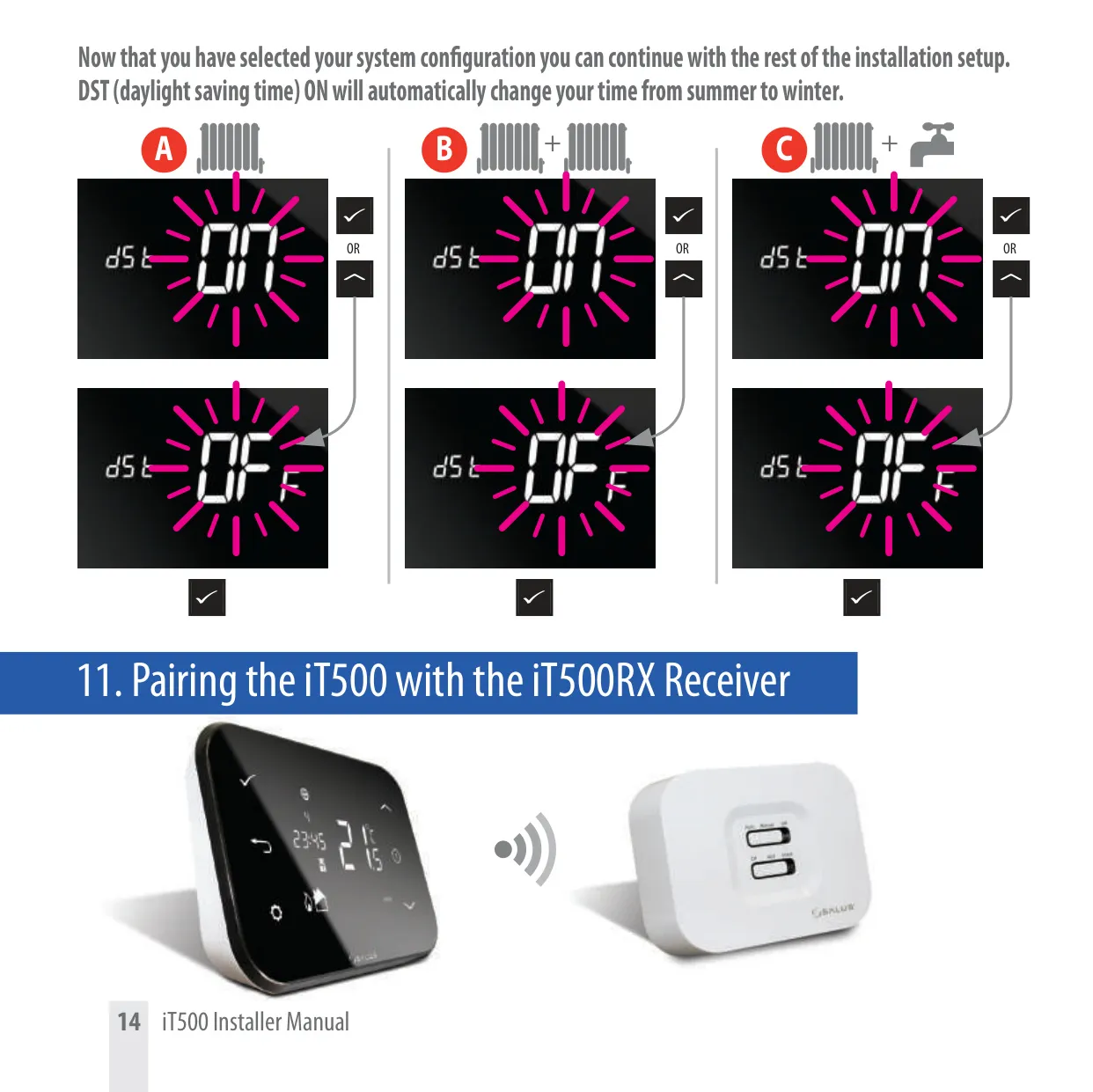
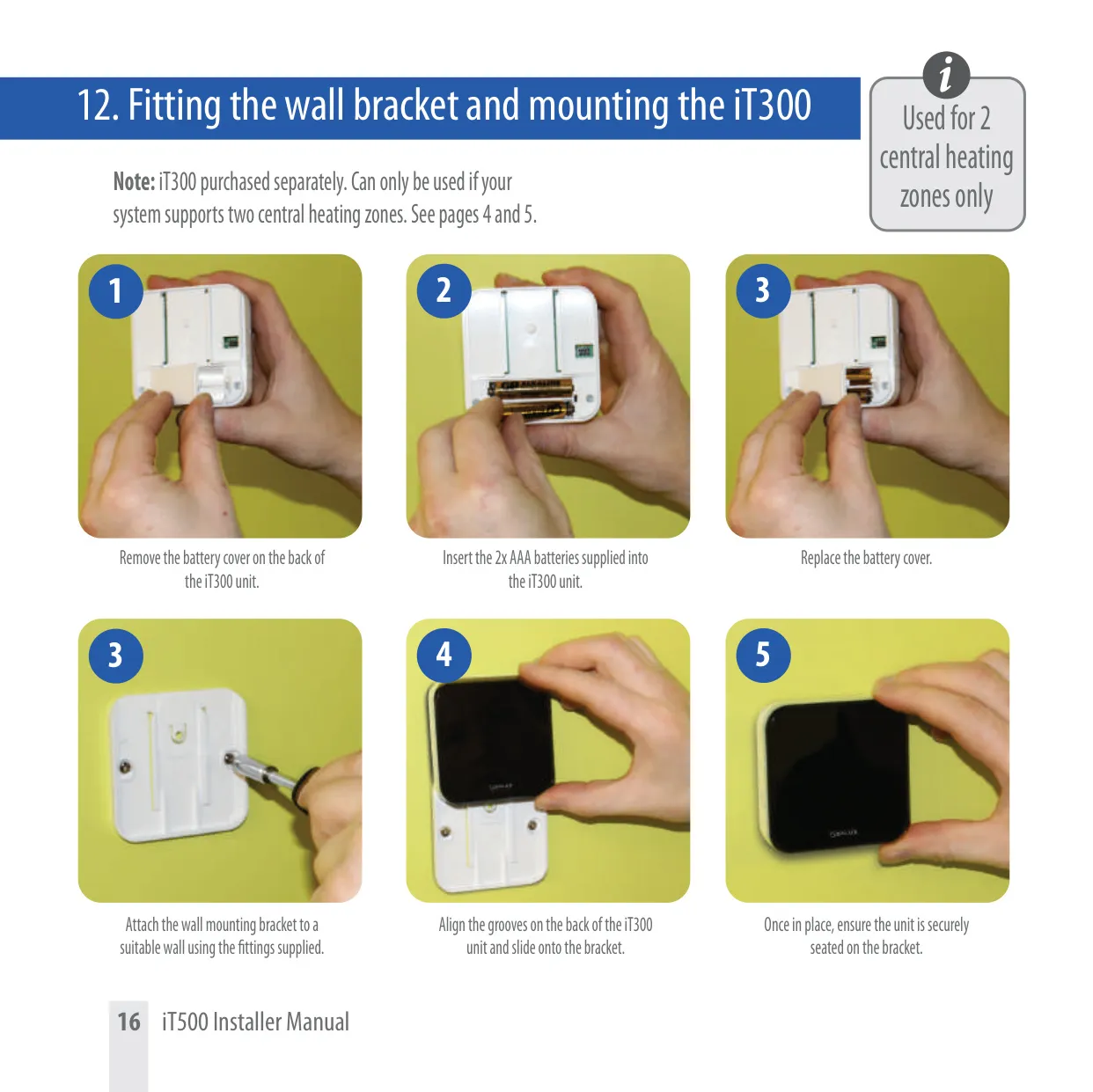
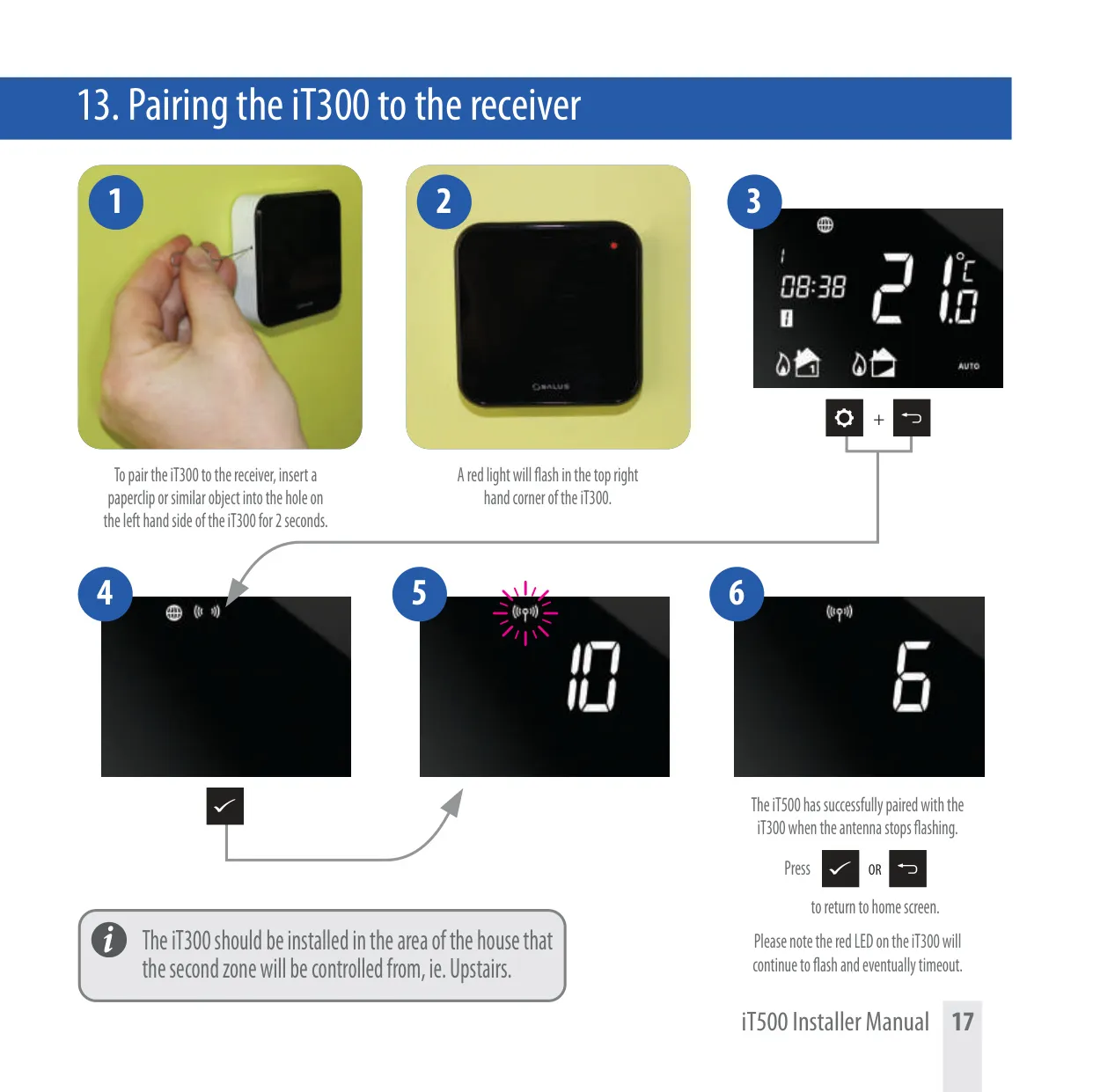
The iT500 system is highly adaptable, supporting several common heating configurations. It can manage a single central heating zone, providing straightforward temperature regulation. For more complex setups, it offers control over two distinct central heating zones, which requires an additional iT300 wireless temperature sensor. Furthermore, the thermostat can intelligently manage a single central heating zone alongside a dedicated hot water system, providing integrated comfort. The specific system type is configured during installation by a qualified professional.
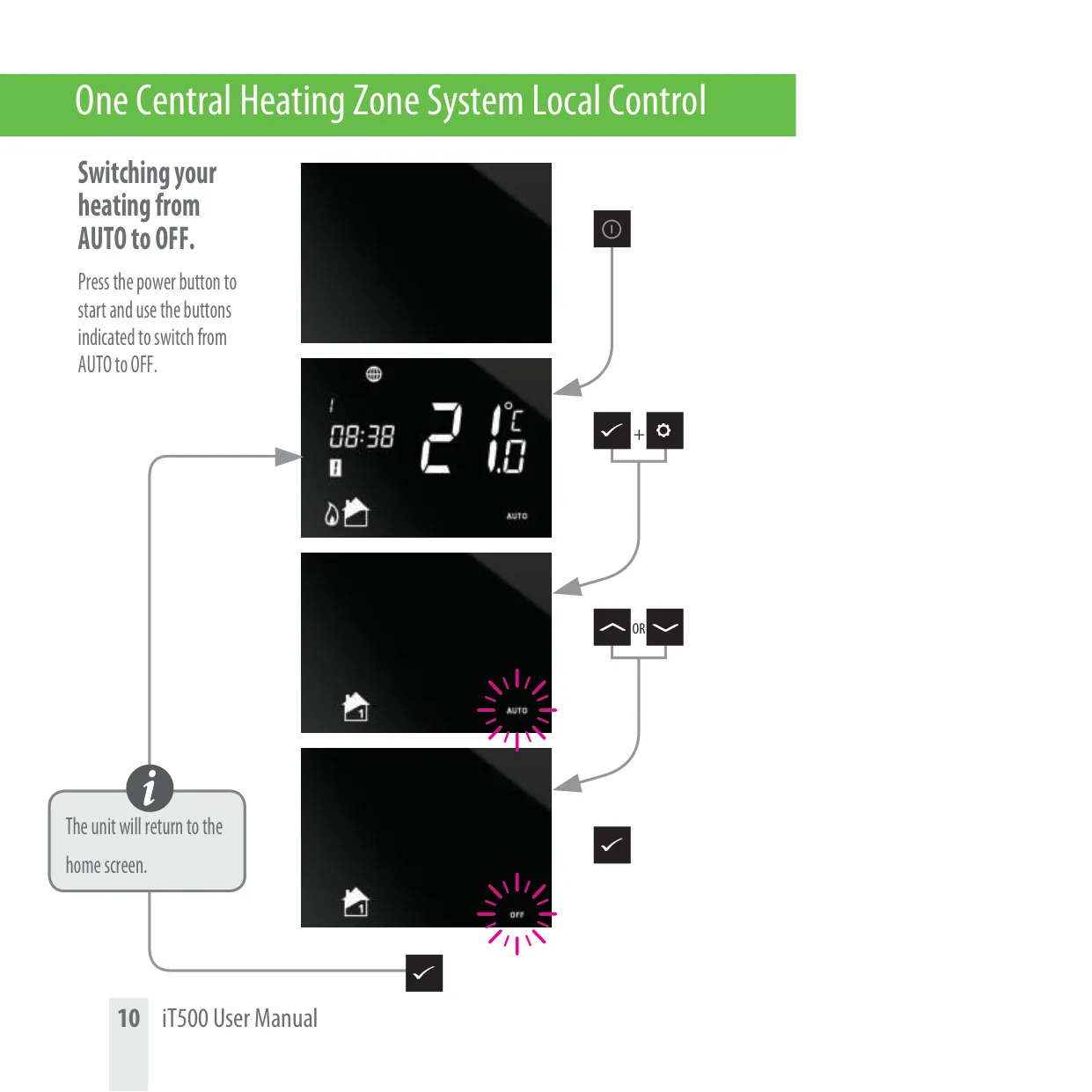
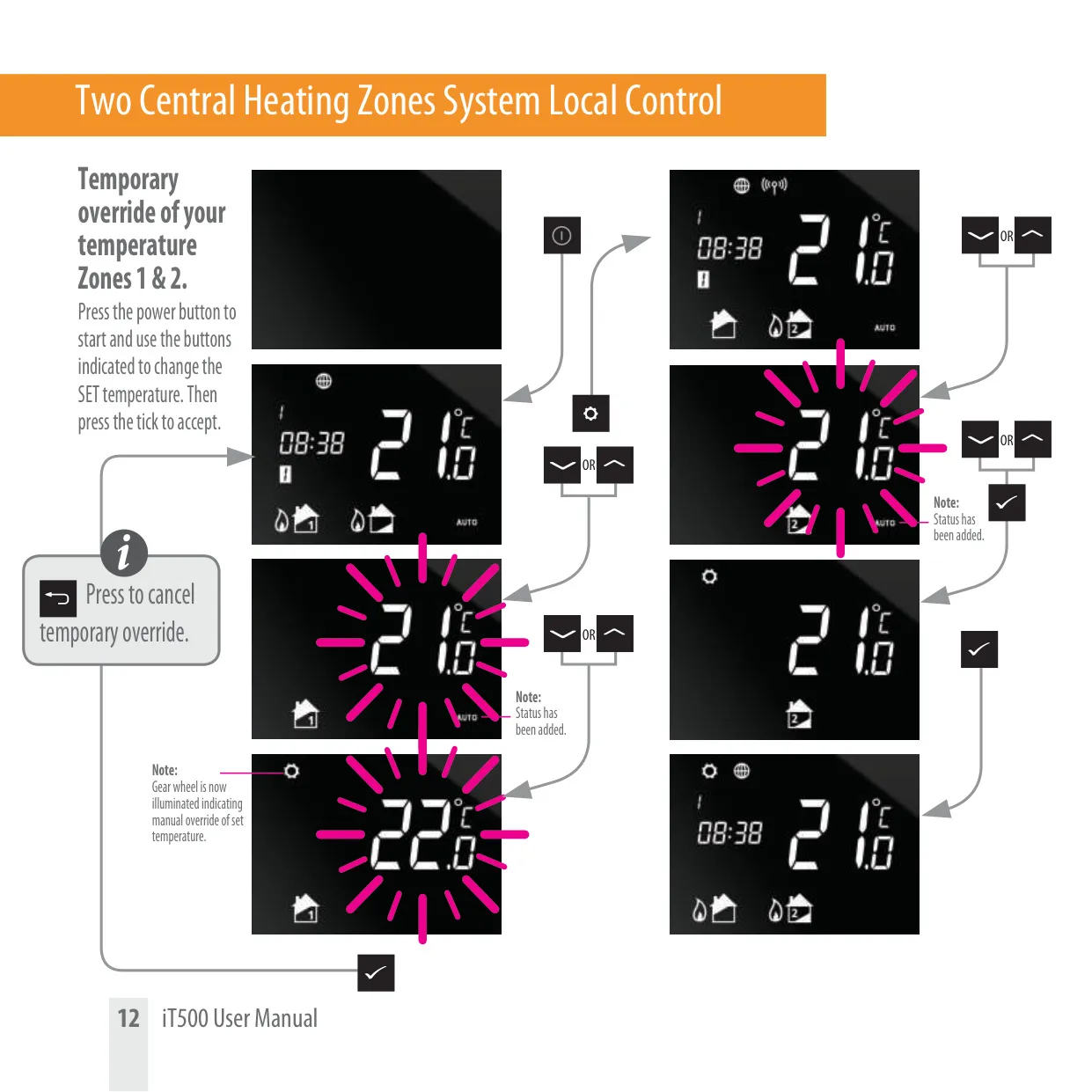
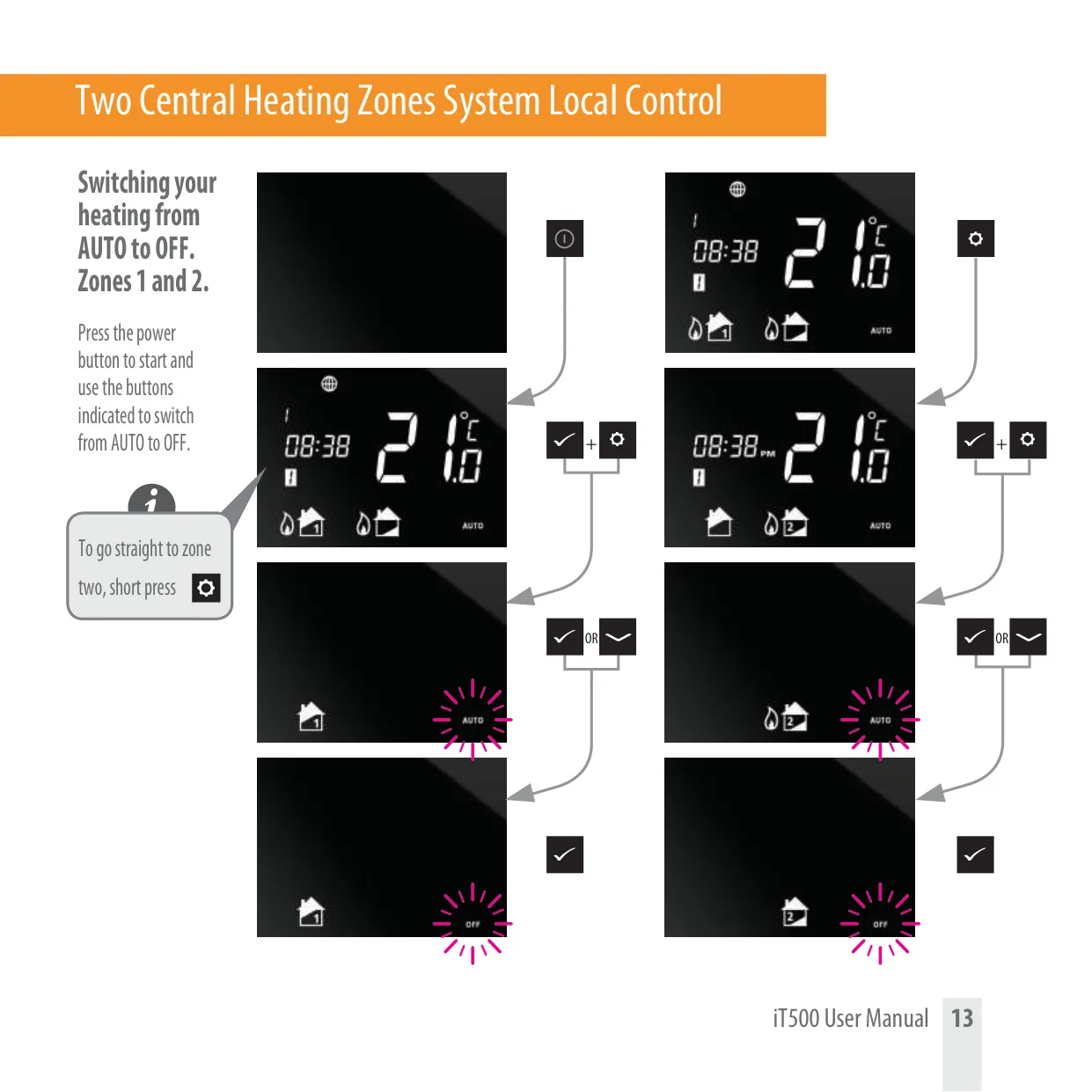
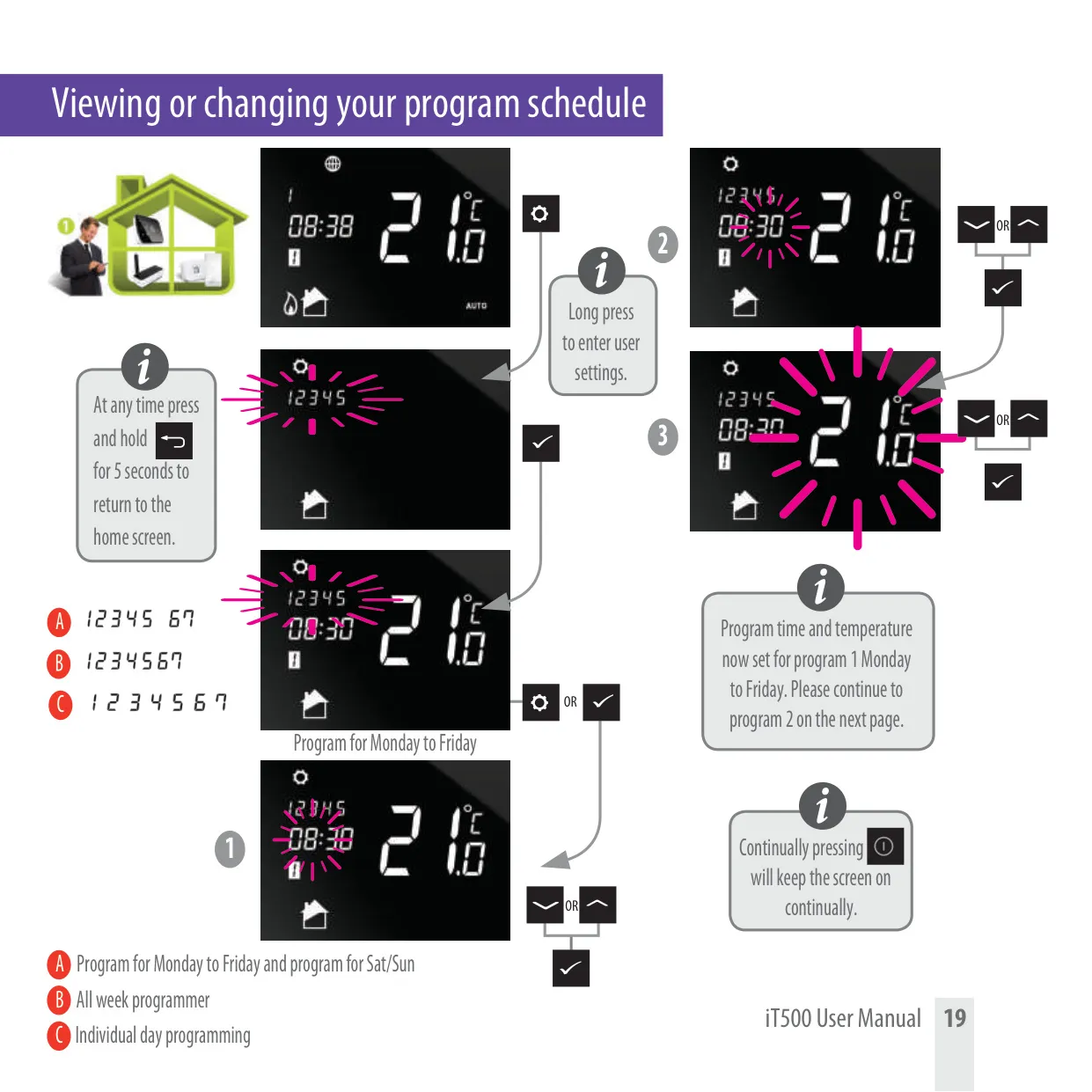
Central to the iT500's functionality are its customizable program schedules. The thermostat comes with default heating and hot water timetables, which are easily modifiable through the PC or smartphone application to suit individual lifestyles. Users can temporarily override the set temperature for immediate comfort changes or switch the heating mode between "AUTO" and "OFF" as needed. These programming options ensure efficient energy use while maintaining desired indoor conditions throughout the day.
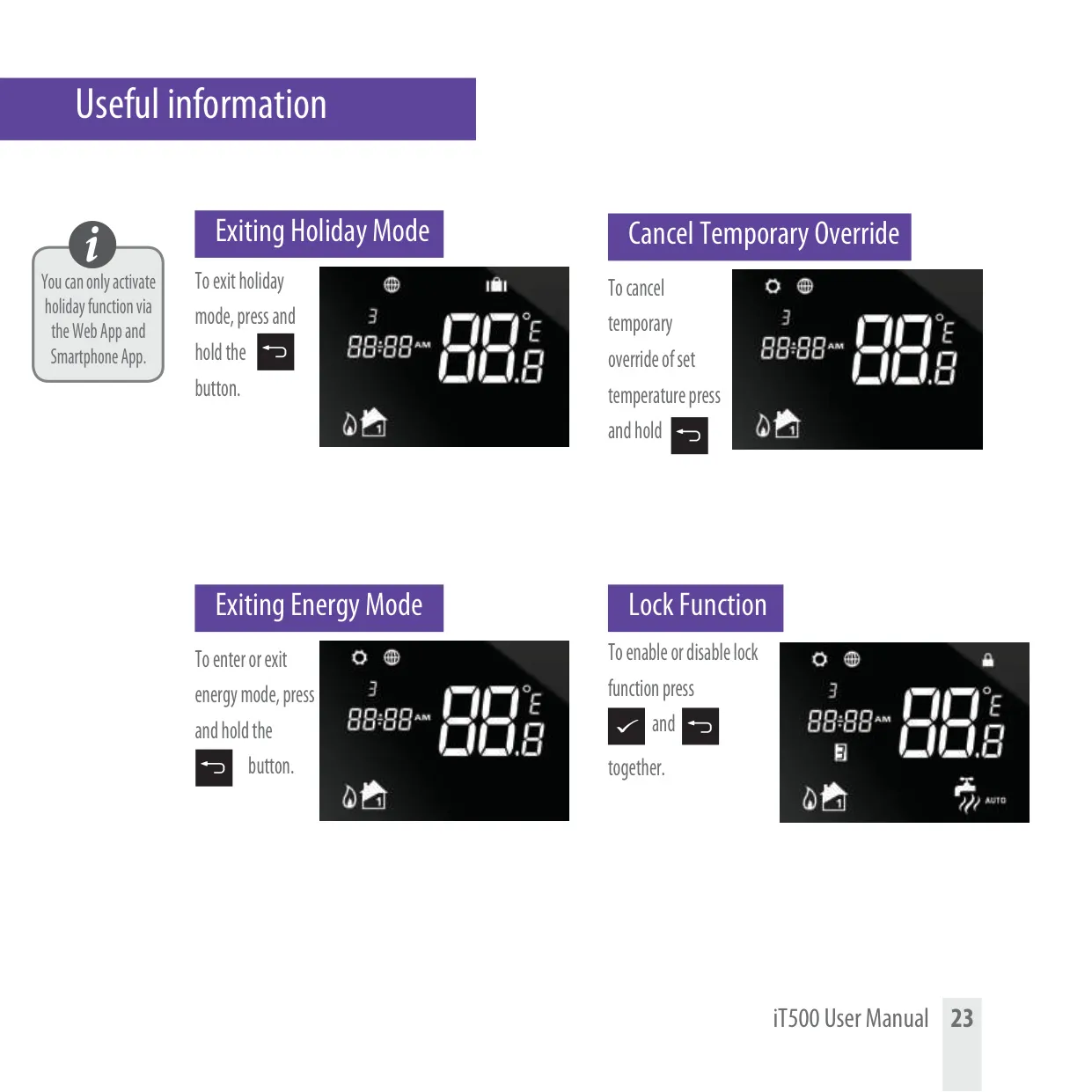
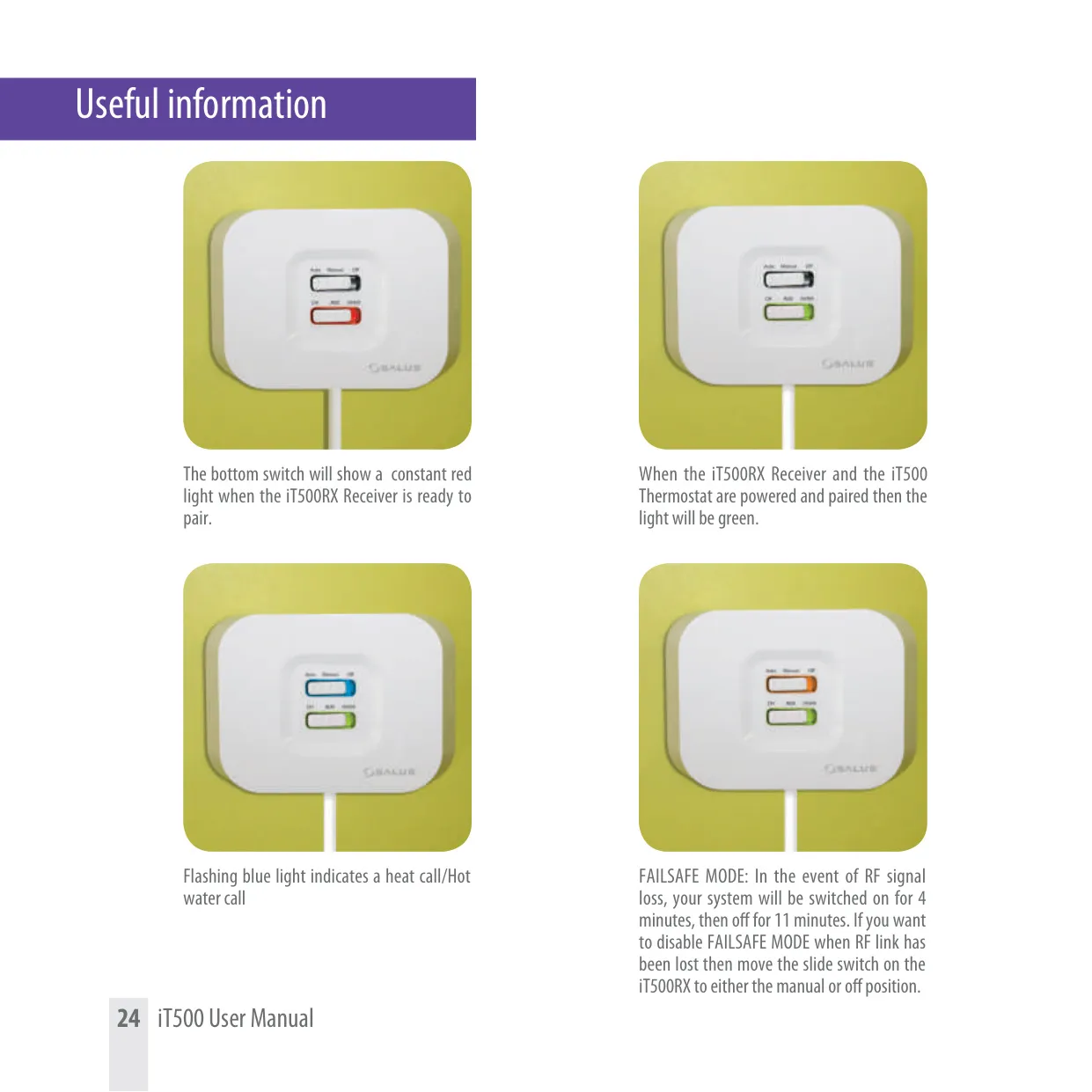
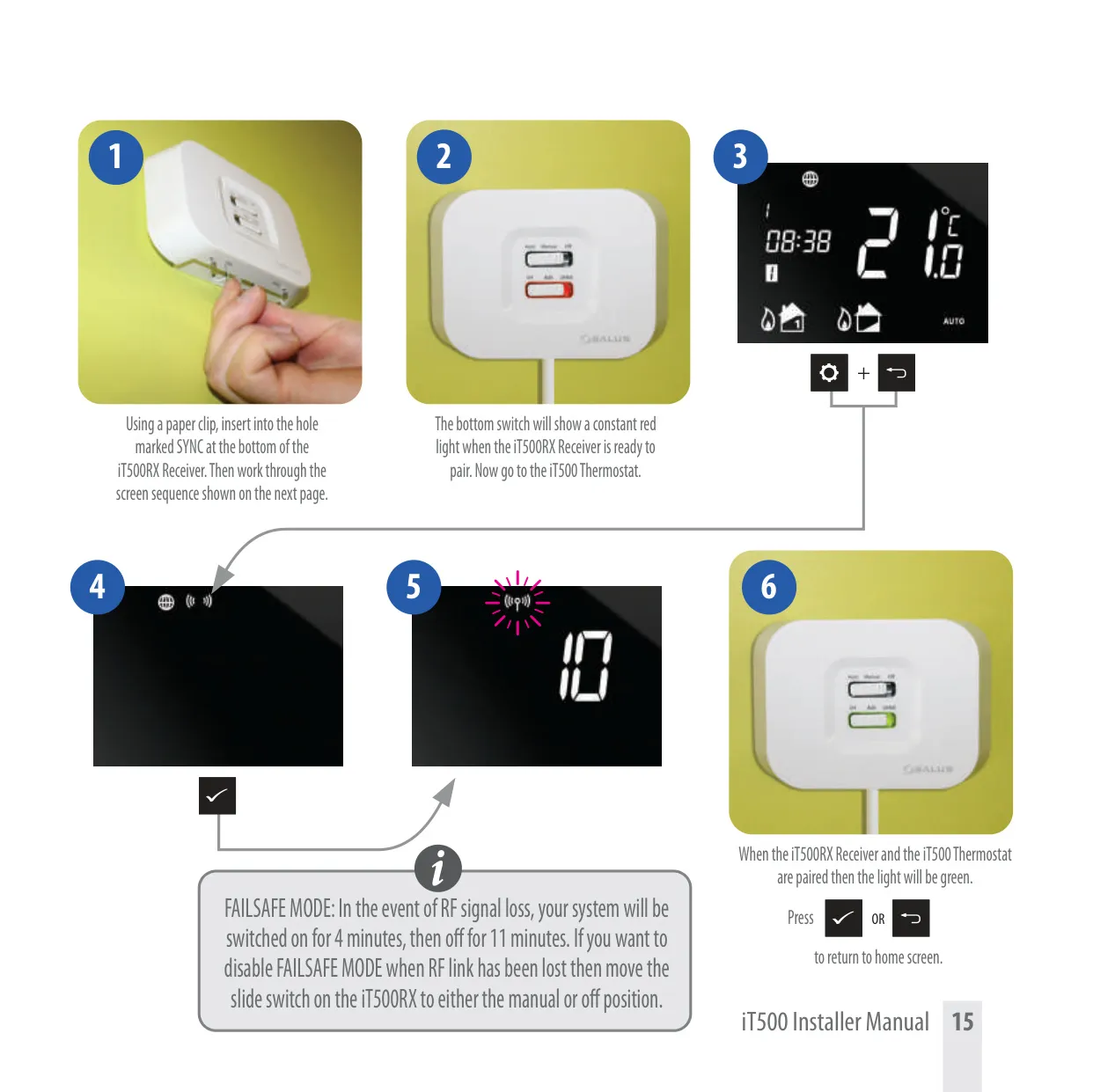
Beyond basic scheduling, the iT500 includes several useful features. A "Holiday mode" can be activated via the web or smartphone app to maintain an energy-saving temperature while you're away. The unit also features a "Touch lock" function to prevent unintended changes on the thermostat itself. For safety, the system incorporates a "FAILSAFE MODE": in the event of RF signal loss between the thermostat and receiver, the heating operates in a 4-minute on, 11-minute off cycle to prevent pipes from freezing. The receiver's LED lights provide clear status indications.
Frequently Asked Questions (FAQs)
Can't find the answer you need? Here are some frequently asked questions about the Salus it500 Thermostat, and we answer them below.