Salus RT510TX Thermostat Instruction Manual
Salus RT510TX Thermostat


Salus RT510TX Thermostat Instructions
Here we offer the Salus RT510TX Thermostat manual completely free and in English. We have cataloged this manual in the Thermostats section on Manualverse, and it has been rated by 2 users with an average rating of 3.5. If you have any specific questions about Salus RT510TX Thermostat, we suggest checking the Frequently Asked Questions (FAQs) section of this manual.
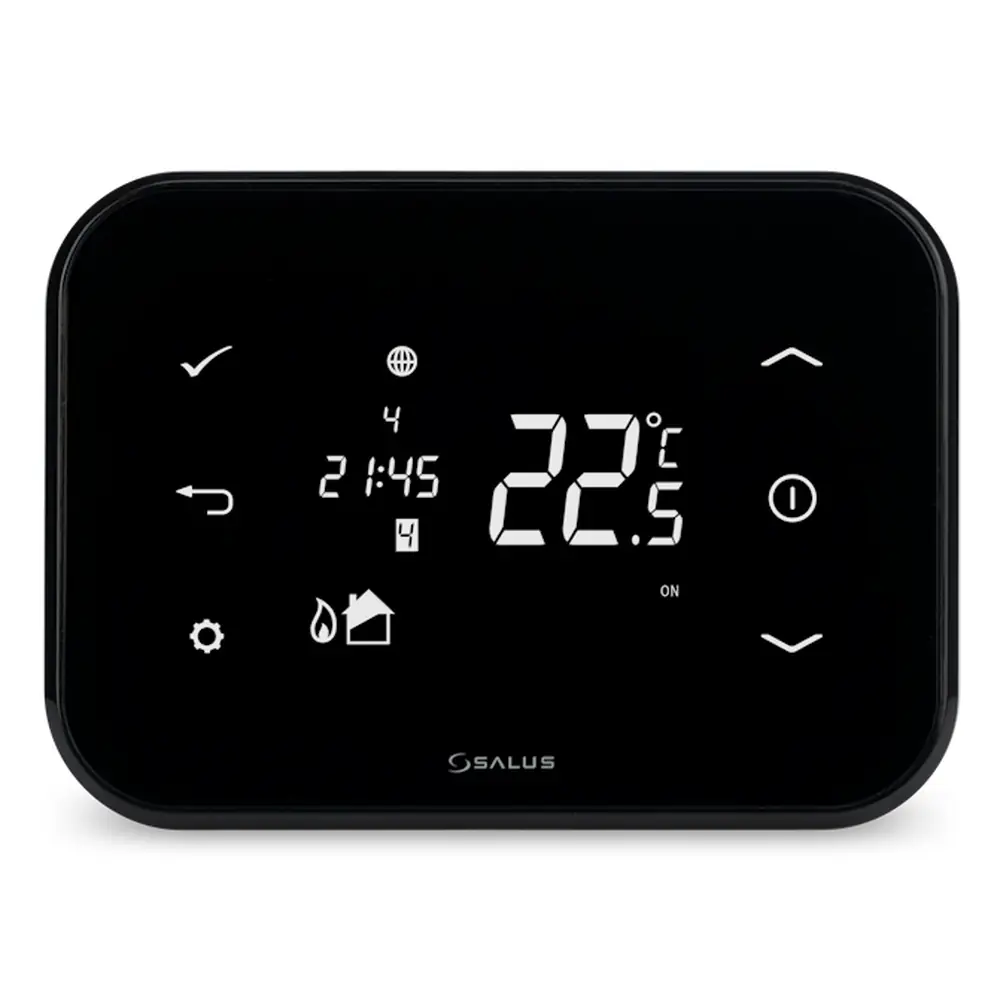
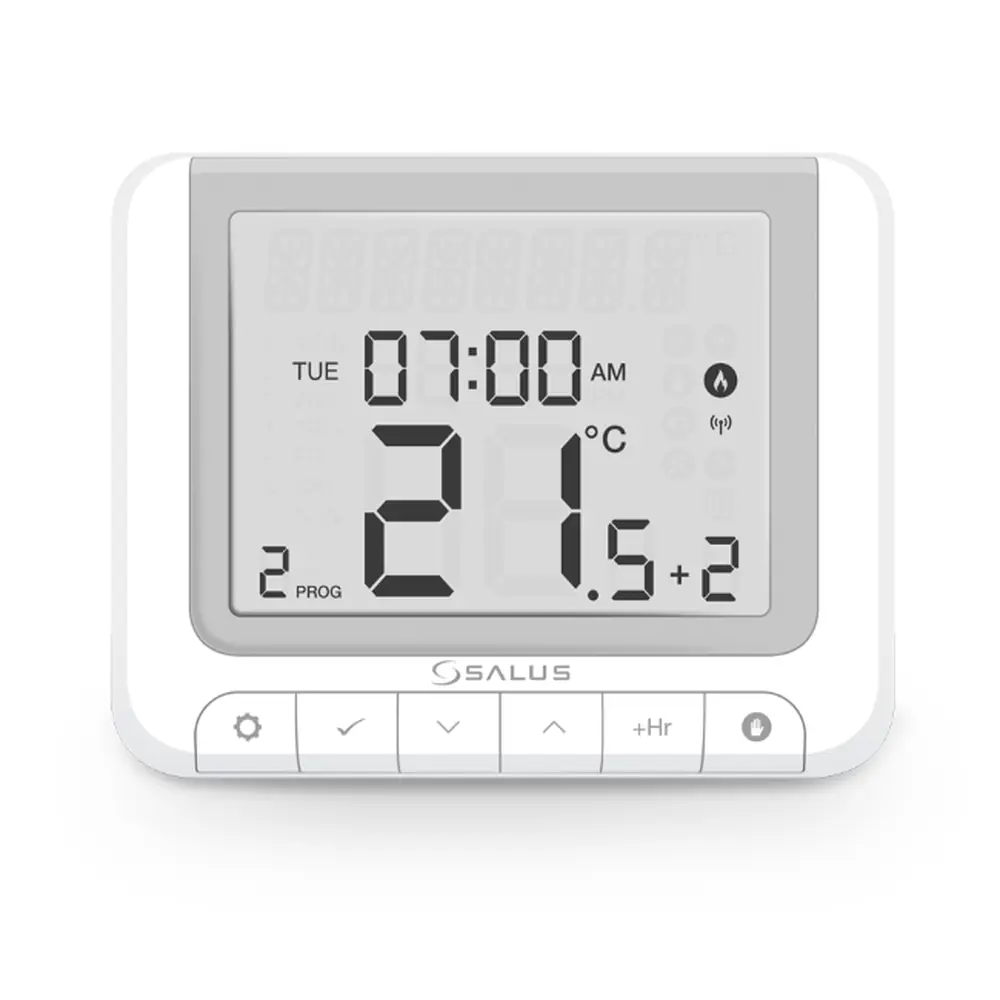
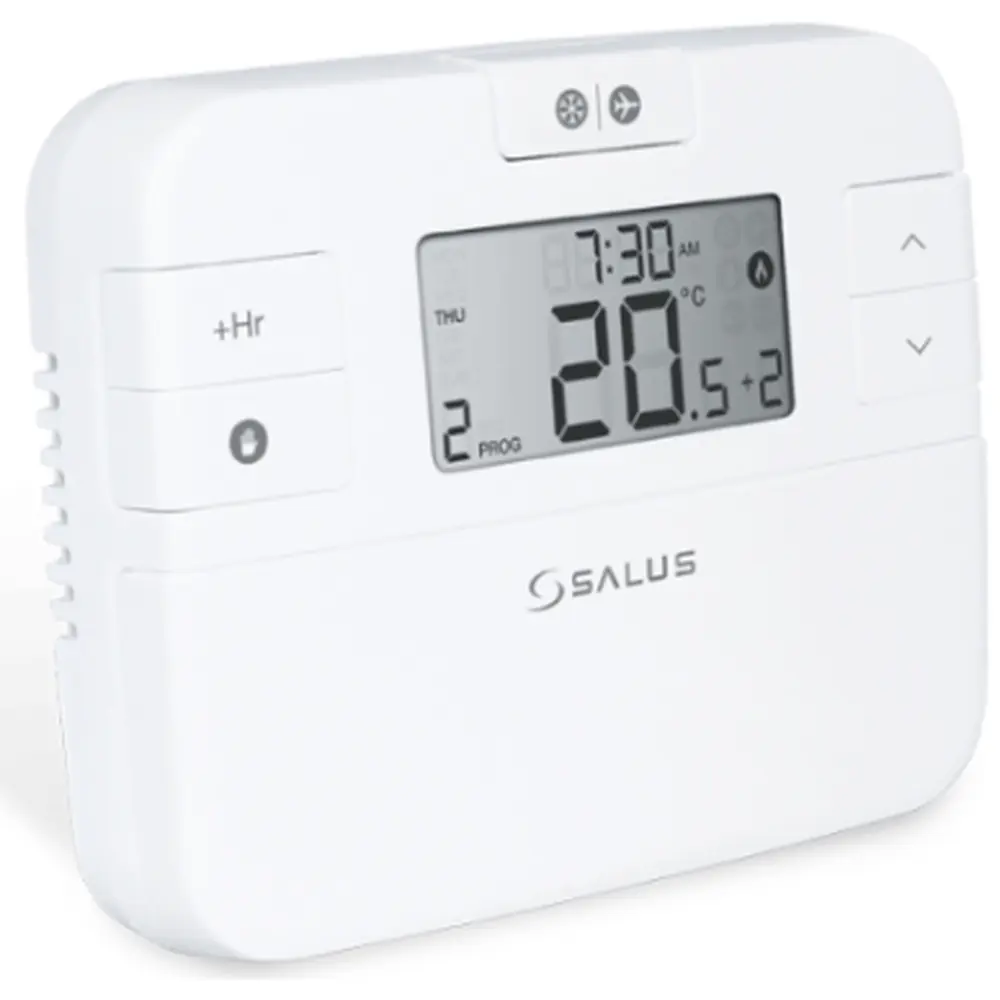
Product Images
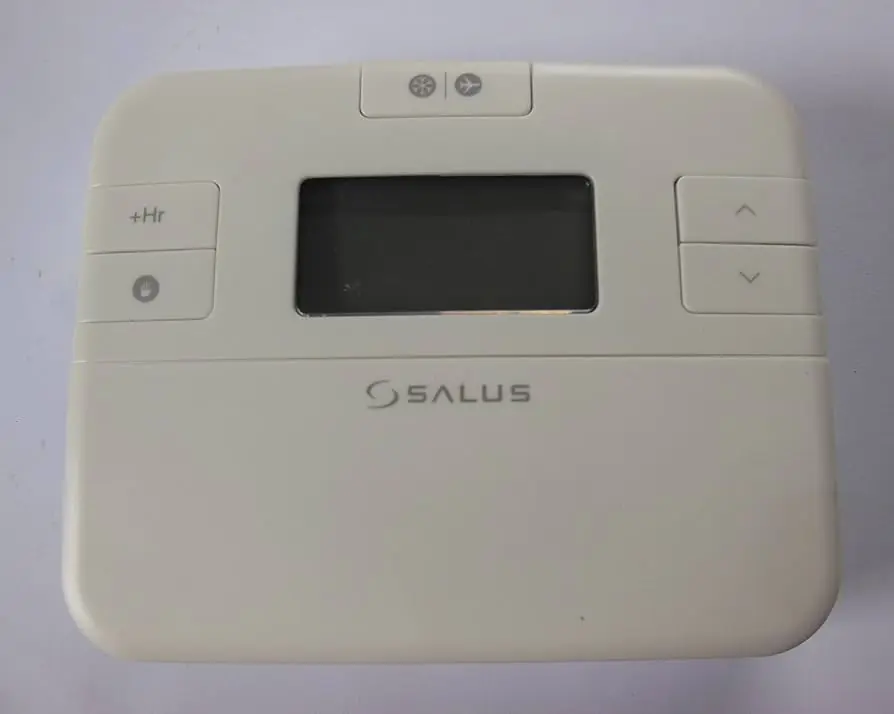
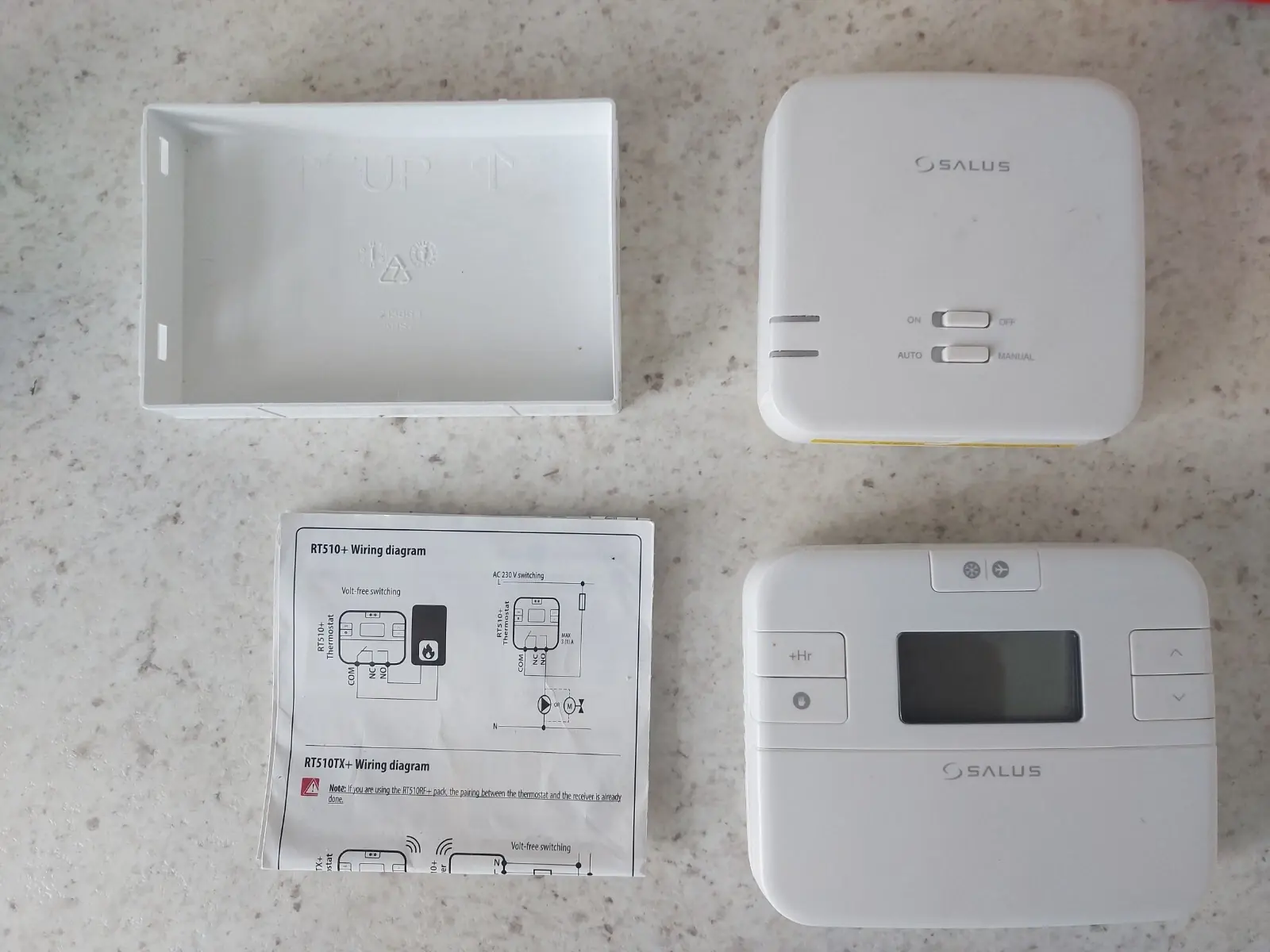
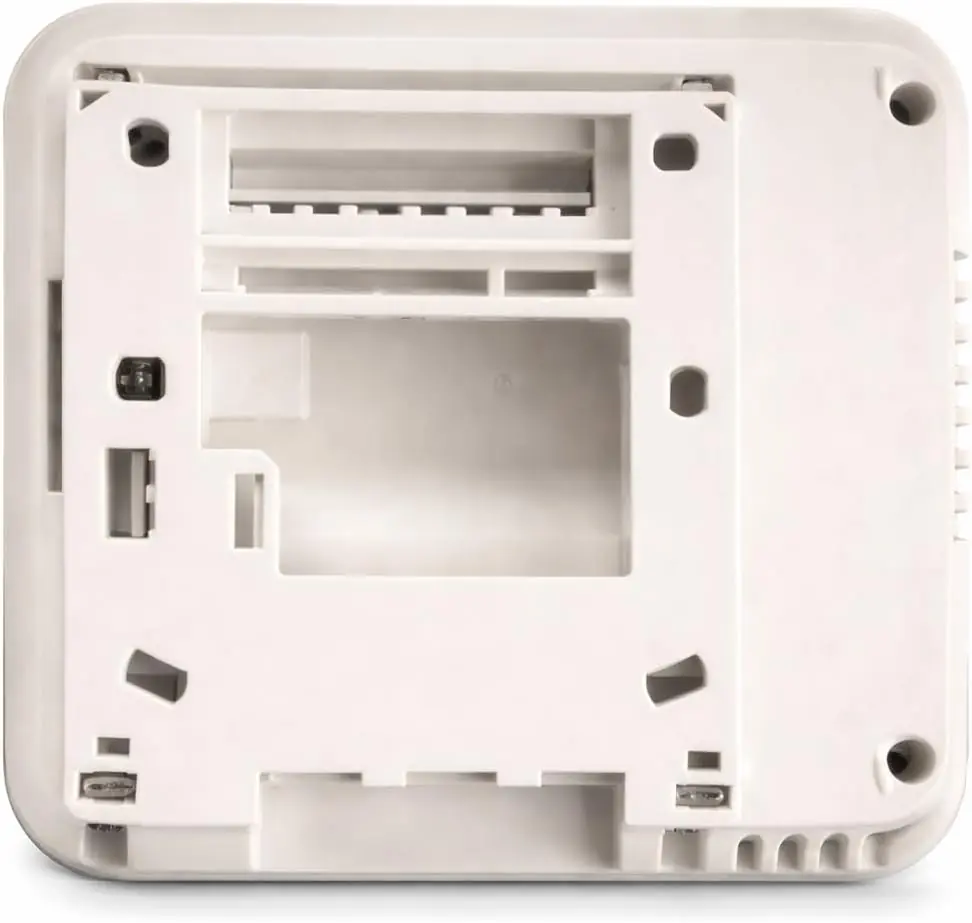
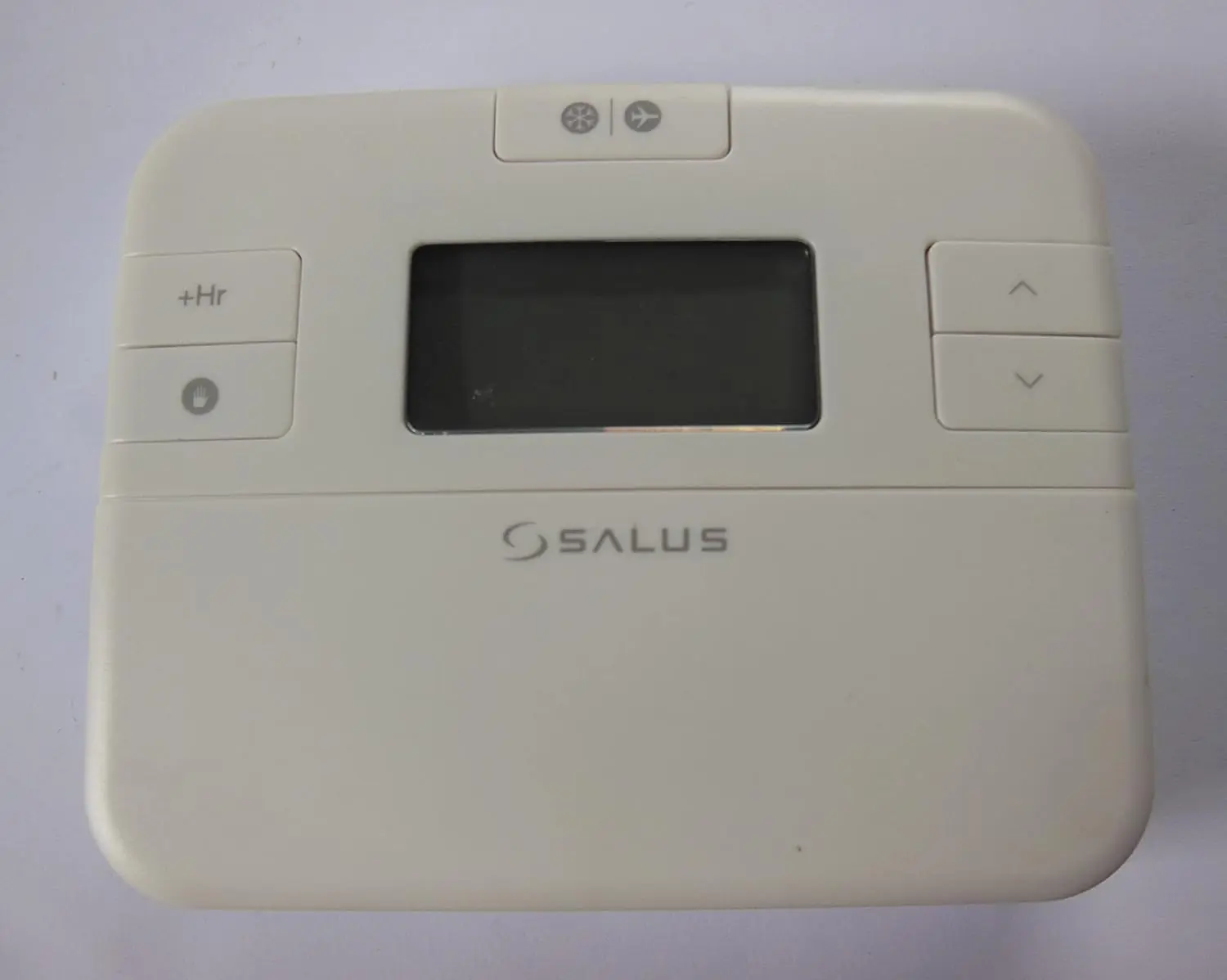
Salus RT510TX Thermostat Specifications
| Feature | Specification |
|---|---|
| Thermostat Supply | 2 x AA alkaline batteries |
| Temperature Range | 5 - 35°C |
| Temperature Accuracy | 0.1°C or 0.5°C |
| Control Algorithm | ITLC / SPAN ± 0.5 °C |
| Radio Frequency | 868 MHz |
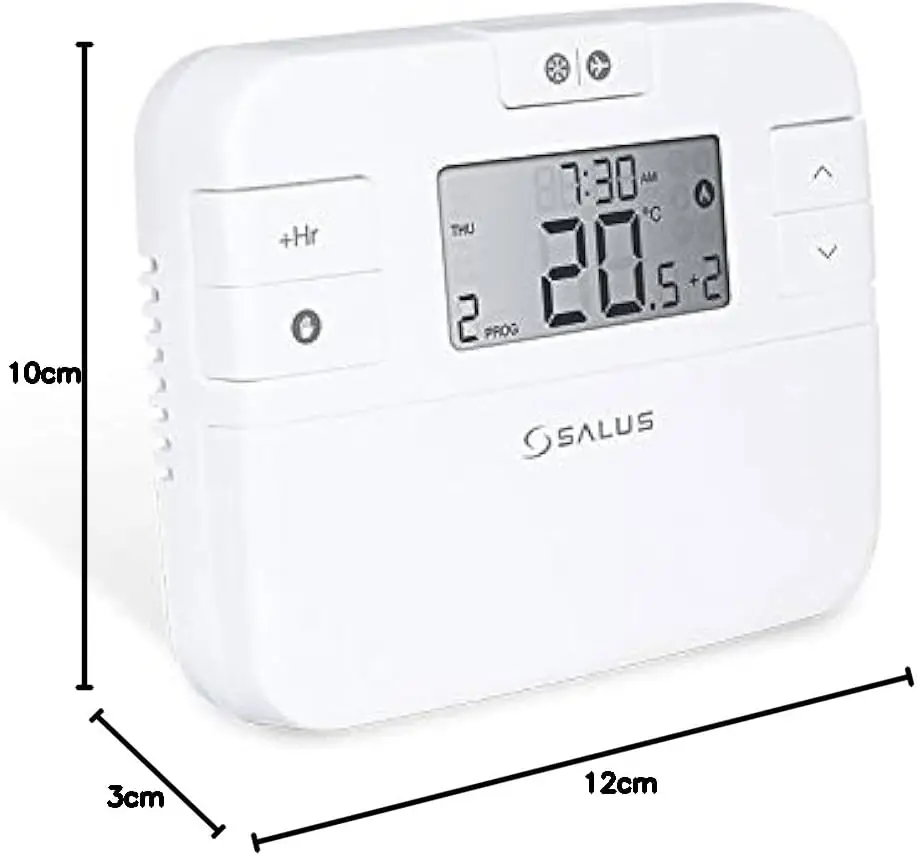
| Dimensions (W x H x D) | 120 x 96 x 27 mm |
Salus RT510TX Thermostat Details
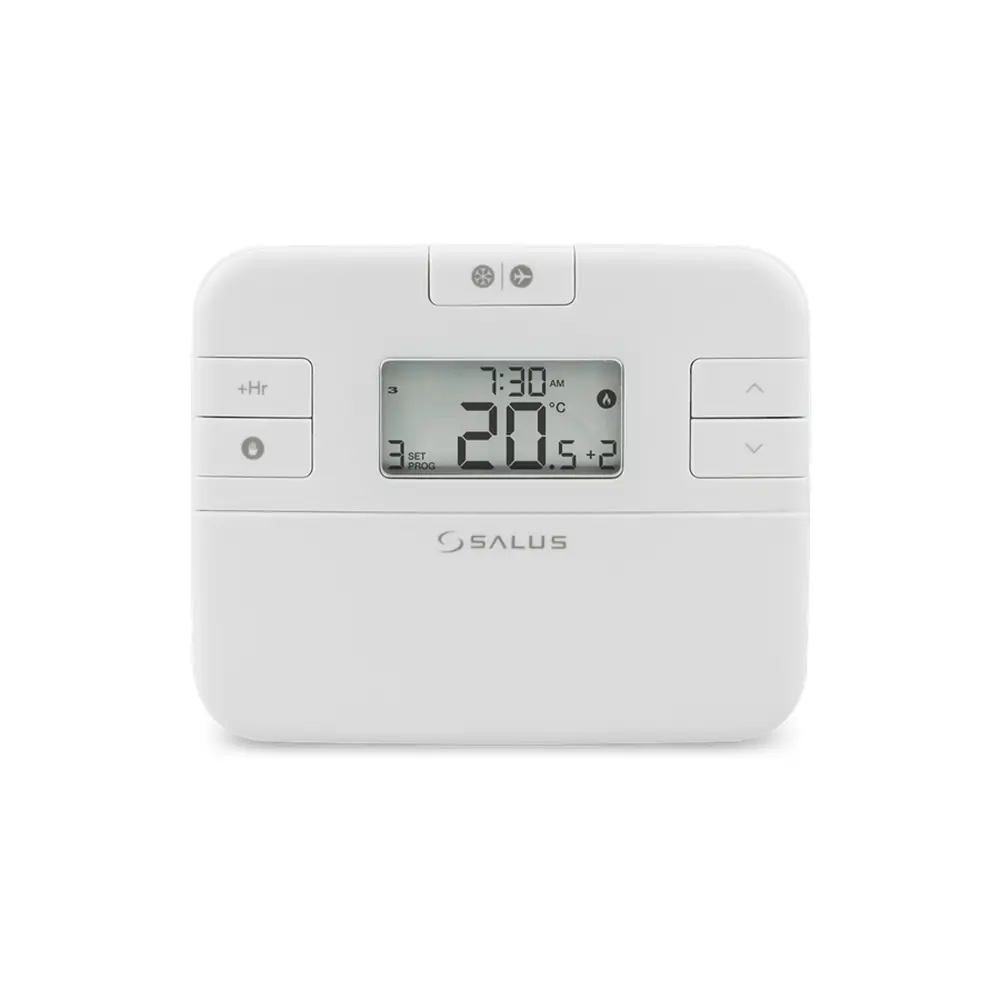
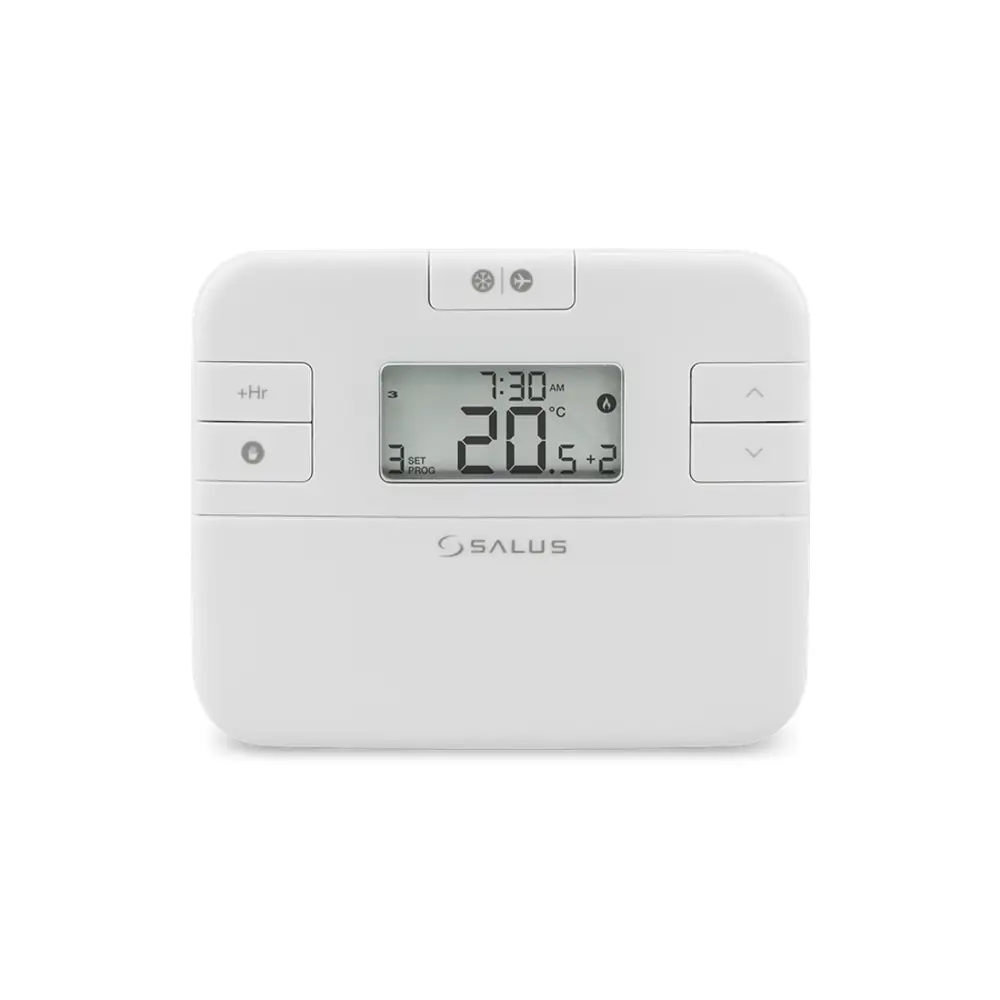
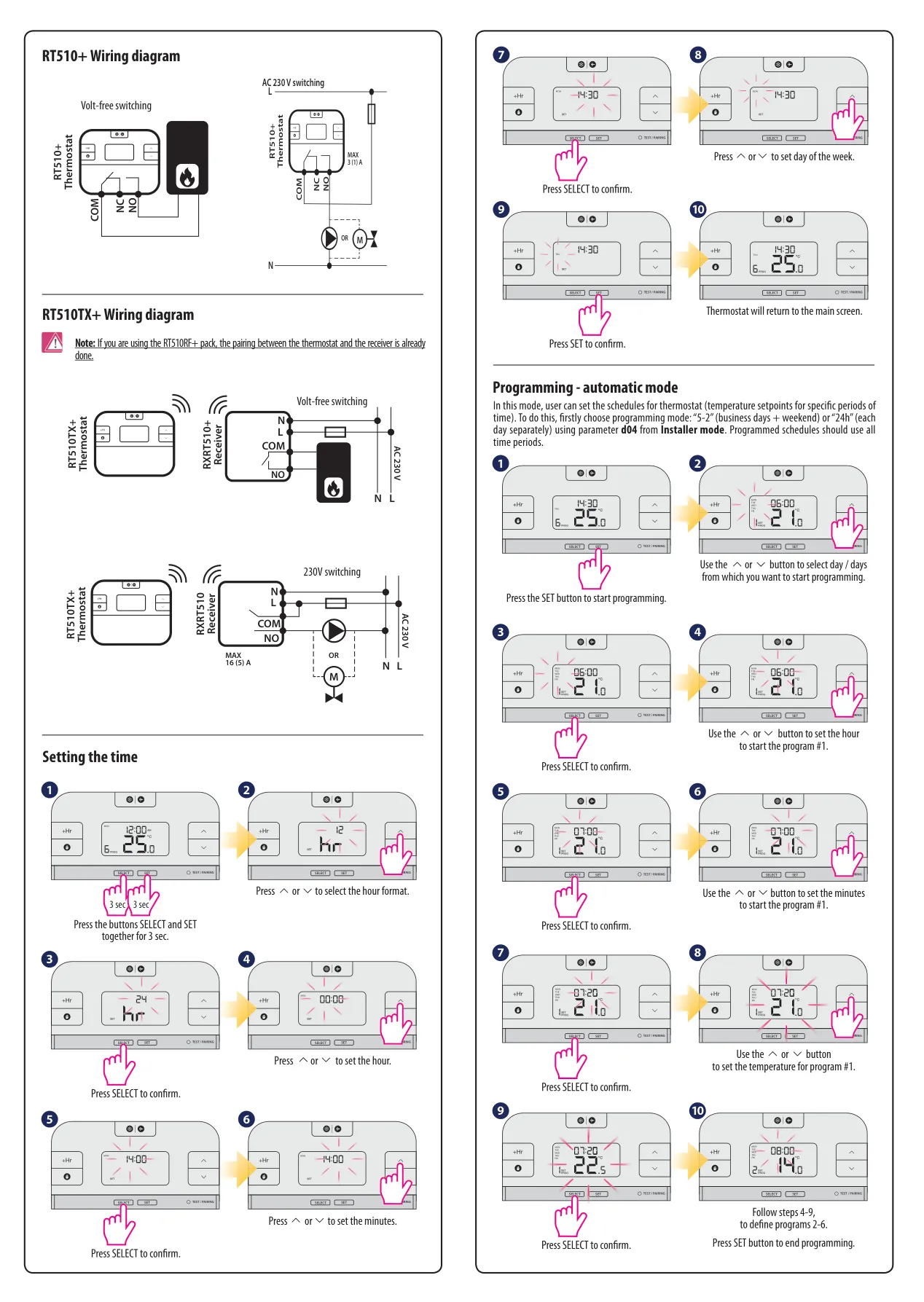
The Salus RT510TX+ is a sophisticated programmable room thermostat designed to efficiently control your heating system. It operates by sending a wireless signal to a paired receiver (RXRT510+) to activate the boiler, with its actions clearly indicated on the LCD display. The thermostat offers multiple operating modes, including automatic (based on time schedules), manual, frost protection, and holiday modes, providing flexible heating management.
Powering the thermostat requires only two AA 1.5V alkaline batteries, ensuring convenient and cordless placement within your home. It is crucial to use only alkaline batteries and to avoid rechargeable types to maintain optimal performance. The device is fully compliant with essential EU Directives, ensuring it meets high standards for safety and environmental responsibility.
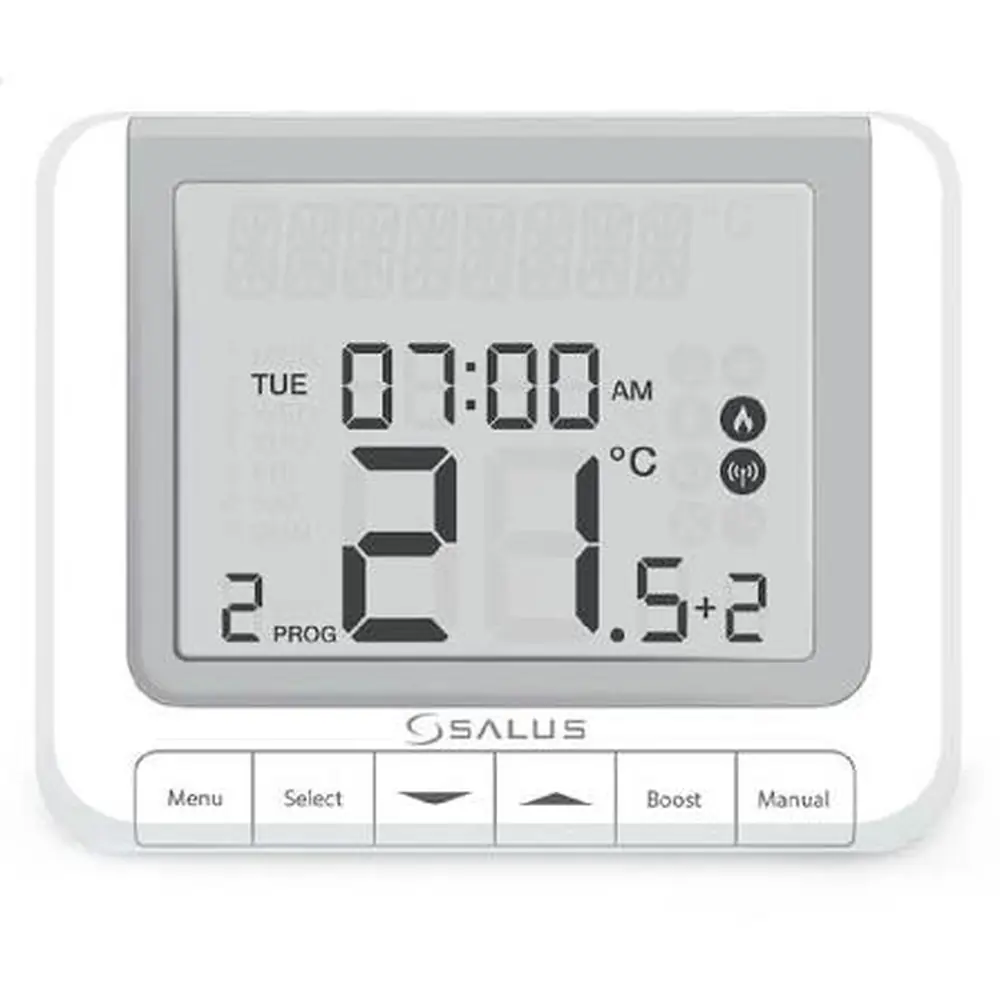
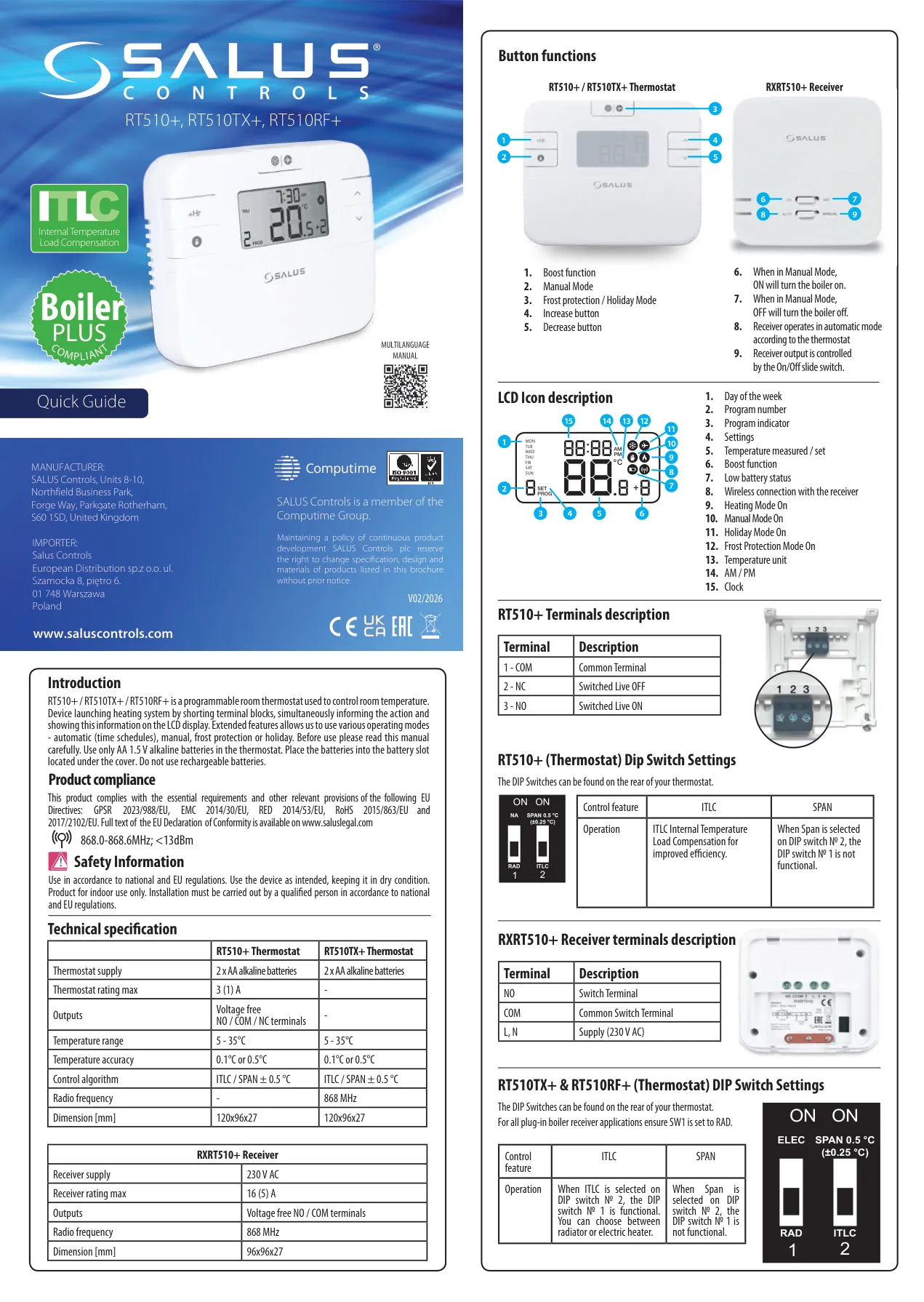
Beyond basic temperature setting, the RT510TX+ features a range of intuitive button functions. Users can engage a Boost function for temporary heating, activate Manual Mode for continuous temperature control, or switch to Frost Protection and Holiday modes for energy saving when away. Dedicated increase and decrease buttons allow for precise temperature adjustments.
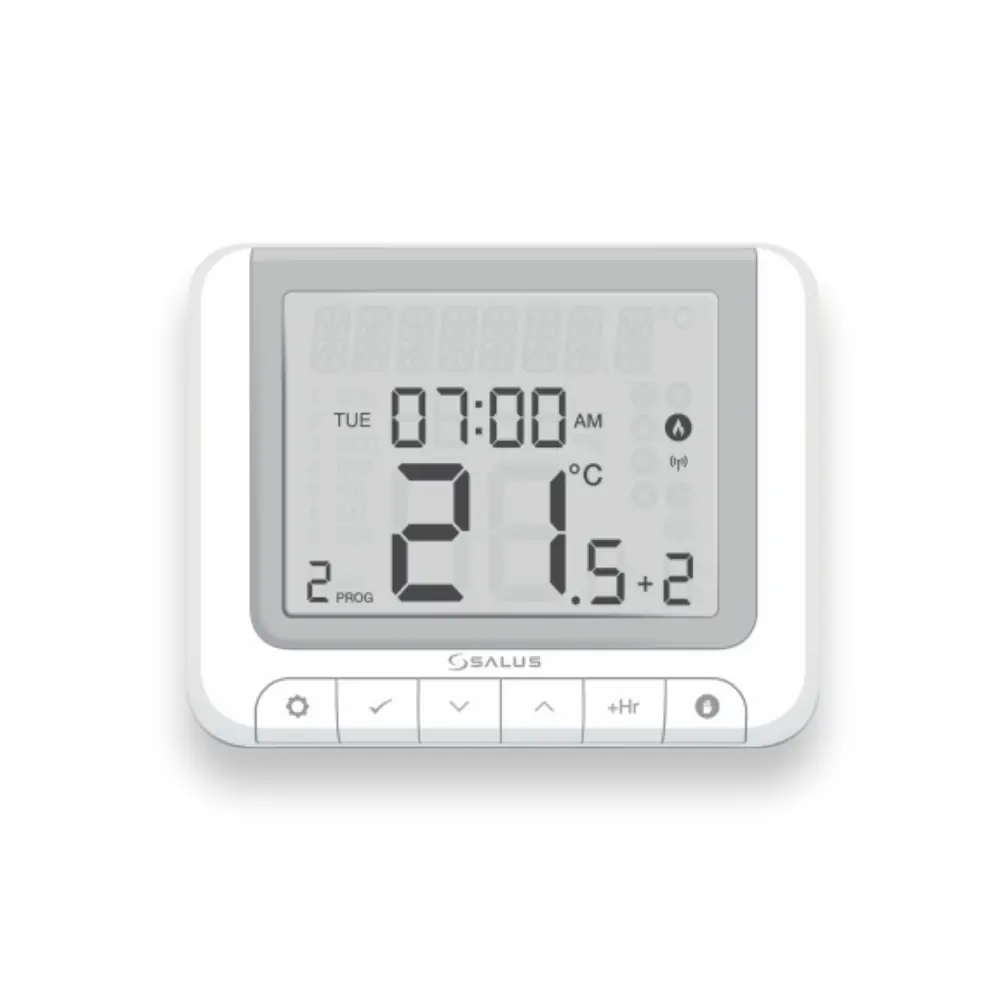
The clear LCD provides a wealth of information at a glance, including the day of the week, program number, current settings, measured or set temperature, and indicators for active functions like Boost, Manual, Holiday, or Frost Protection. It also displays a low battery warning, wireless connection status, and whether heating is currently active.
Advanced configuration is available through DIP switch settings, allowing users to select between ITLC (Internal Temperature Load Compensation) and SPAN control algorithms. When ITLC is chosen, DIP switch № 1 becomes functional, enabling optimization for either radiator or electric heater applications, ensuring efficient operation tailored to your specific heating setup.
Programming the automatic mode is straightforward, allowing you to create custom heating schedules. You can select specific days or groups of days and set desired temperatures for various time periods throughout the day. This flexibility supports up to 7-day or 5/2-day programming, enabling personalized comfort and energy savings.
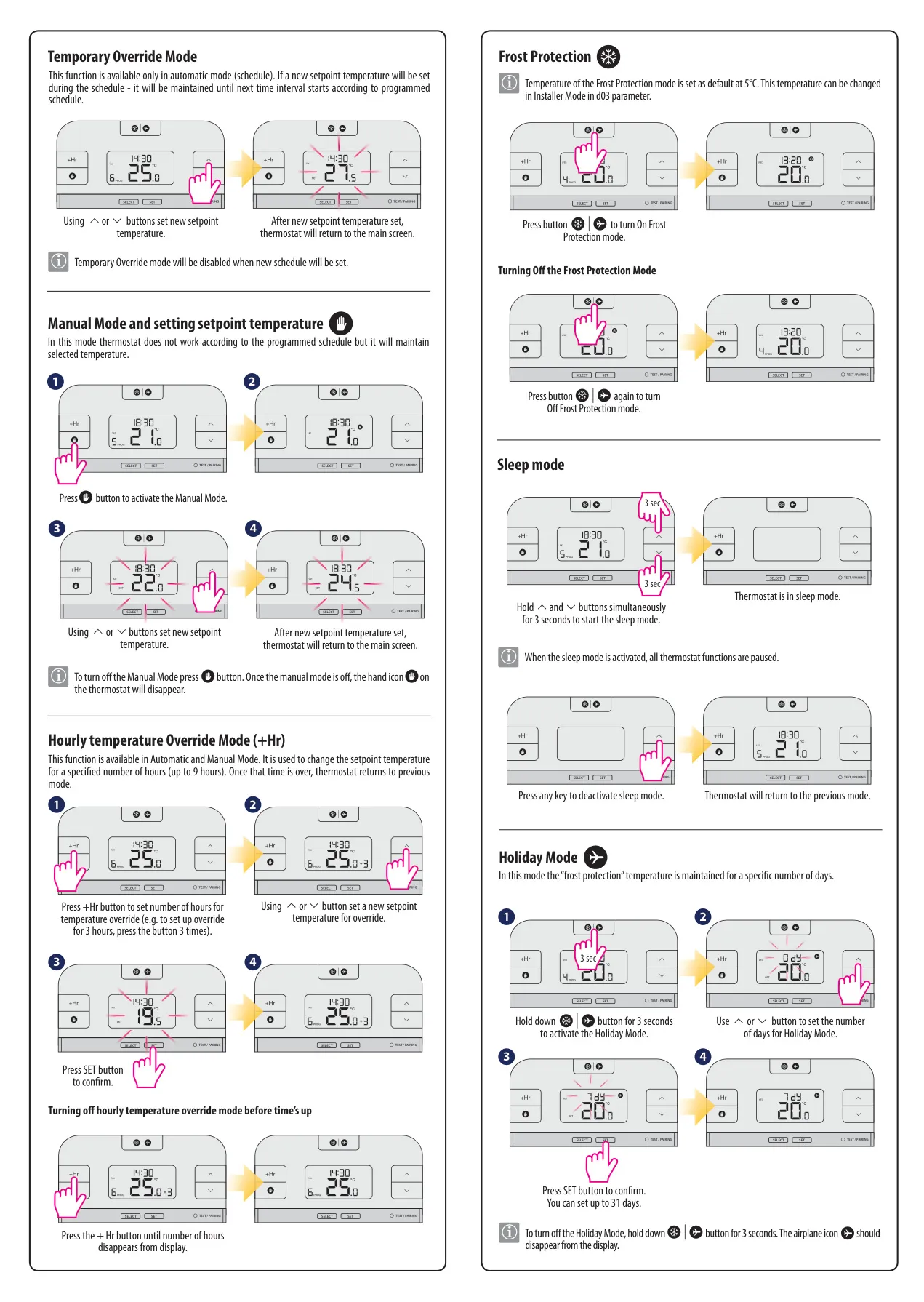
For immediate adjustments, the thermostat offers a Temporary Override Mode in automatic operation, allowing a new setpoint to be maintained until the next scheduled time interval. Similarly, the Hourly Temperature Override Mode (+Hr) enables users to temporarily change the setpoint for a specified number of hours, perfect for unexpected changes in routine.
The Frost Protection mode is a crucial feature, defaulting to 5°C but adjustable via installer settings, preventing pipes from freezing when the property is unoccupied. For longer absences, the Holiday Mode allows users to set a specific number of days (up to 31) during which the thermostat maintains a reduced temperature, resuming normal schedule upon return.
A useful Sleep Mode pauses all thermostat functions, ideal for periods when heating is not desired for an extended time. Activating this mode is done by holding specific buttons simultaneously, and it can be deactivated with any button press. This ensures energy conservation without reconfiguring full schedules.
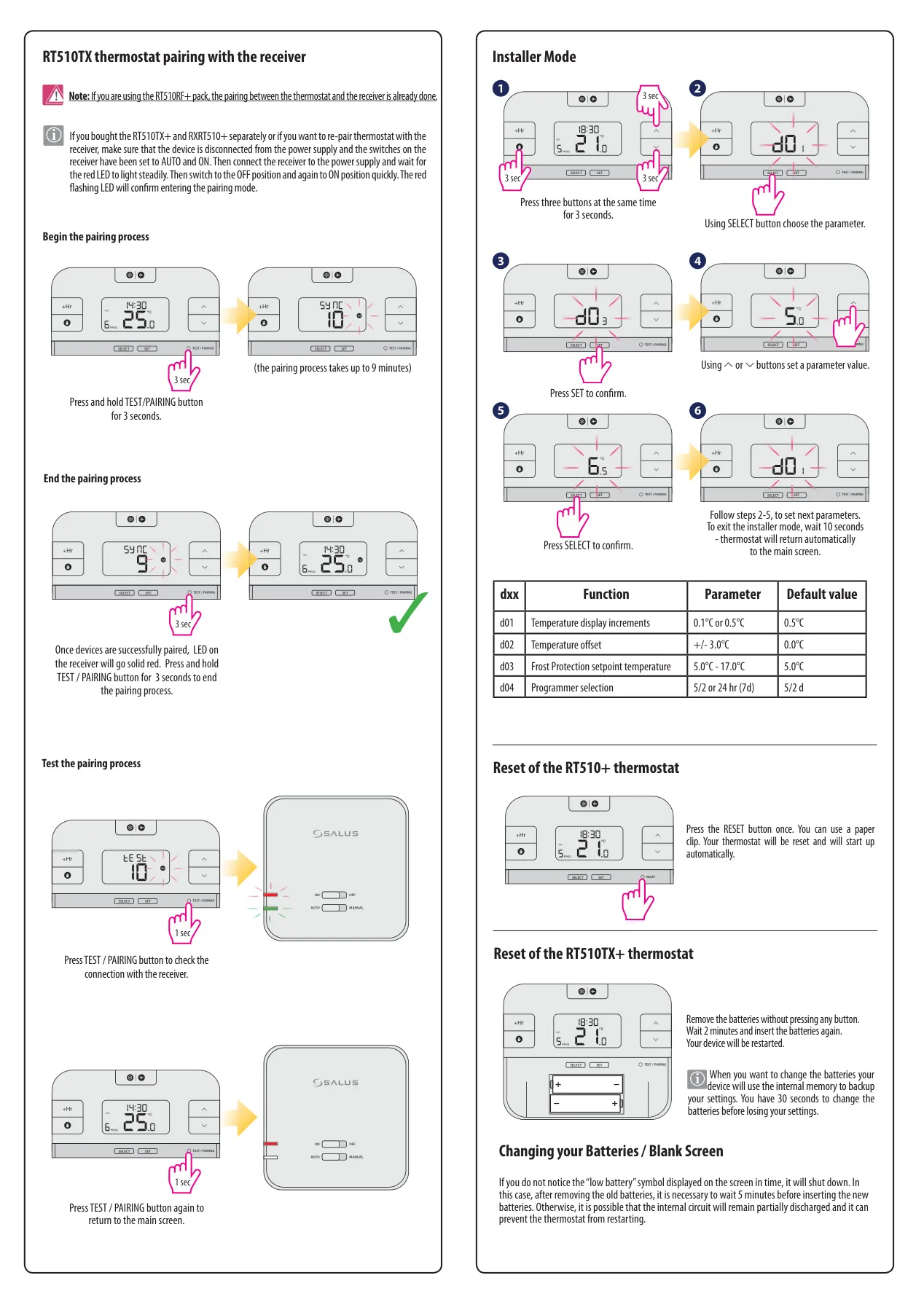
Pairing the RT510TX+ thermostat with its receiver is a simple process, essential if units are purchased separately or require re-pairing. The manual provides clear steps, involving specific switch manipulations on the receiver and button presses on the thermostat, culminating in a solid red LED on the receiver to confirm a successful connection.
Finally, the Installer Mode provides access to advanced parameters, such as adjusting temperature display increments (d01), applying a temperature offset (d02), setting the frost protection temperature (d03), and selecting the programmer type (d04). The thermostat also supports a reset function, either via a physical button (for RT510+) or by temporarily removing batteries (for RT510TX+), with an internal memory backup to preserve settings during battery changes for 30 seconds.
Frequently Asked Questions (FAQs)
Can't find the answer you need? Here are some frequently asked questions about the Salus RT510TX Thermostat, and we answer them below.