Salus RT510 Thermostat Instruction Manual
Salus RT510 Thermostat


Salus RT510 Thermostat Instructions
Here we offer the Salus RT510 Thermostat manual completely free and in English. We have cataloged this manual in the Thermostats section on Manualverse, and it has been rated by 1 users with an average rating of 5. If you have any specific questions about Salus RT510 Thermostat, we suggest checking the Frequently Asked Questions (FAQs) section of this manual.
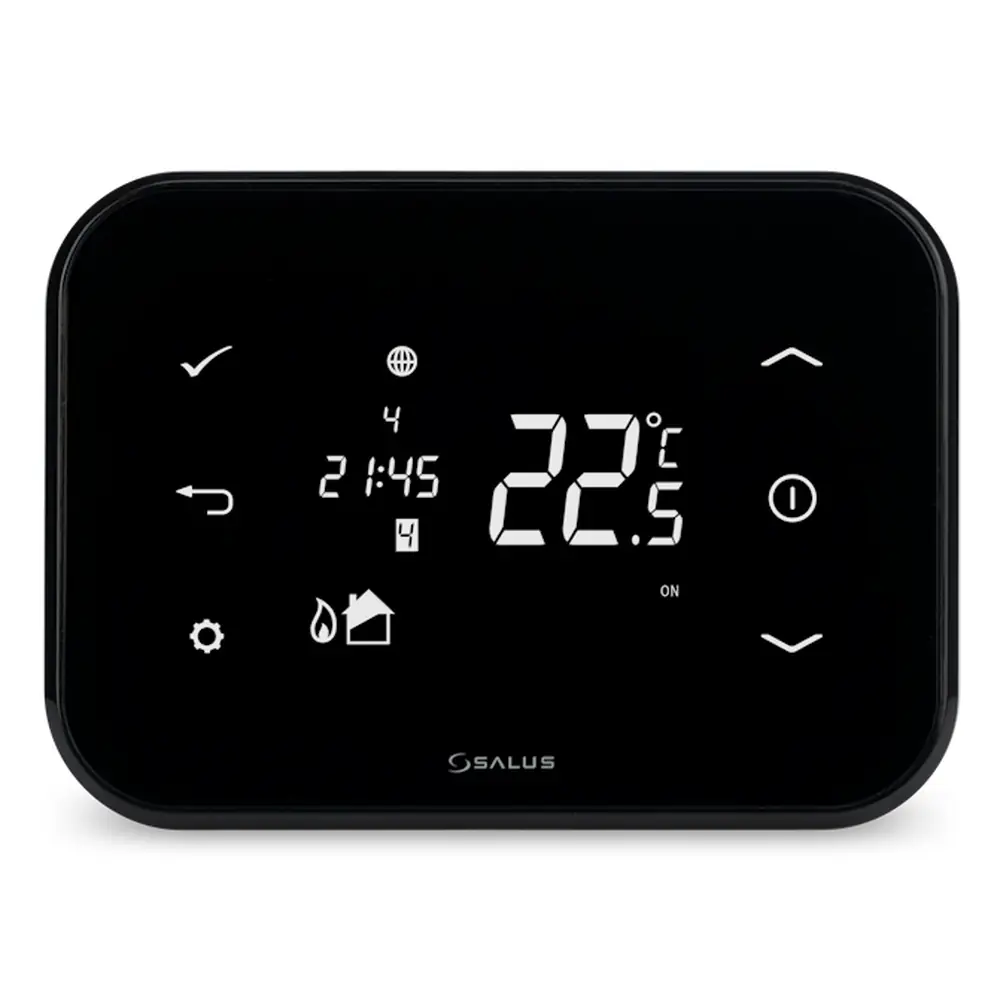
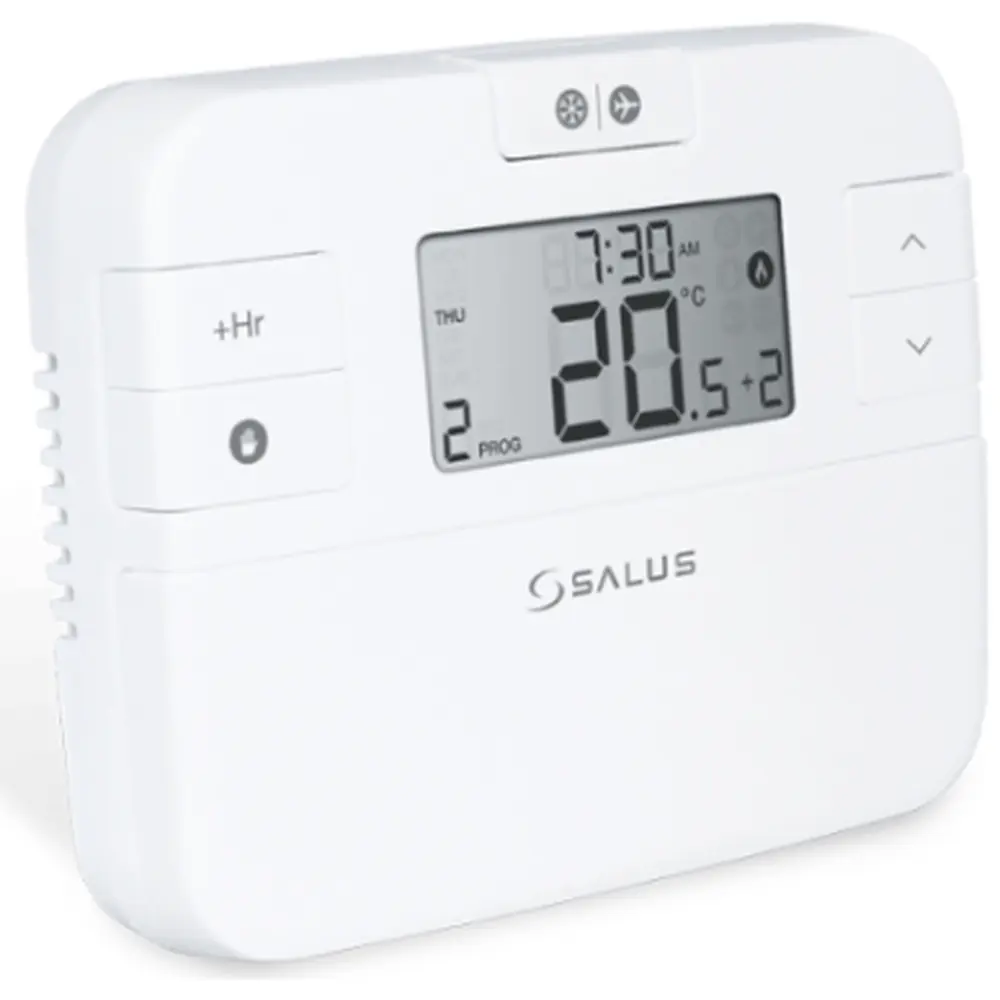
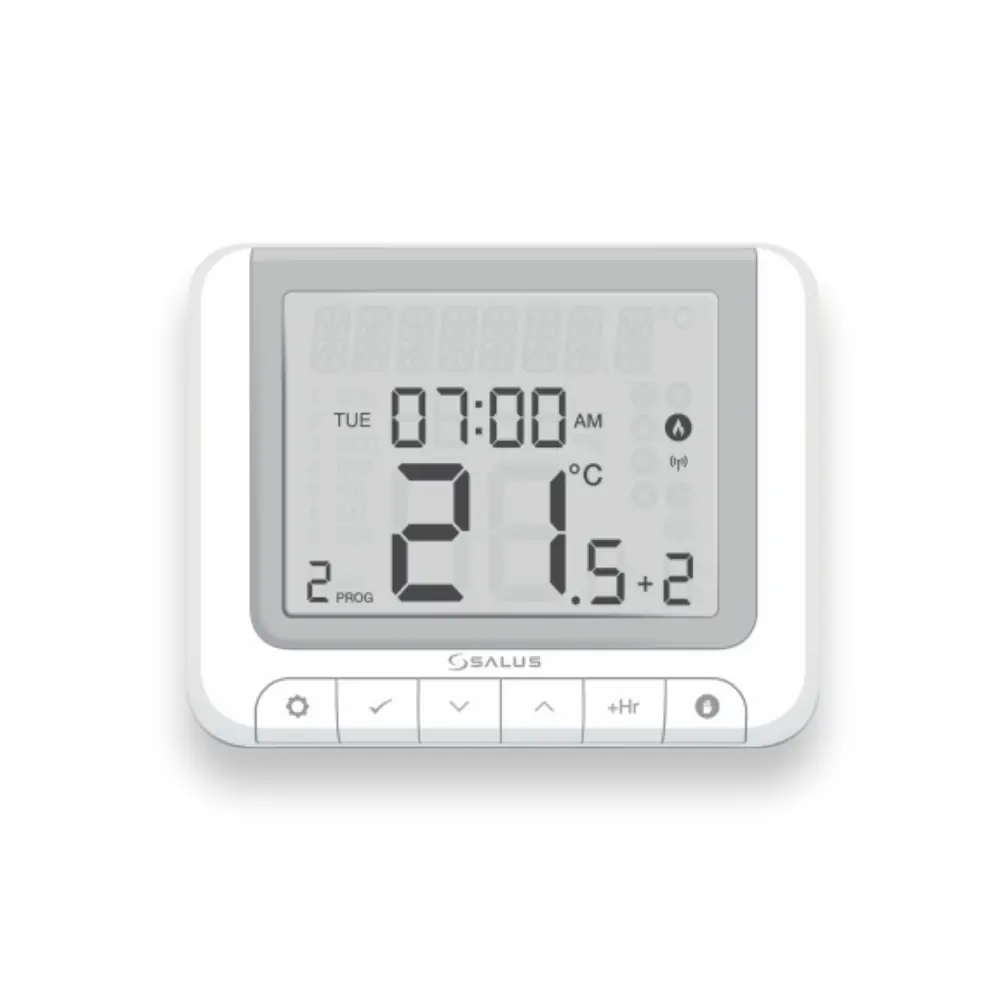
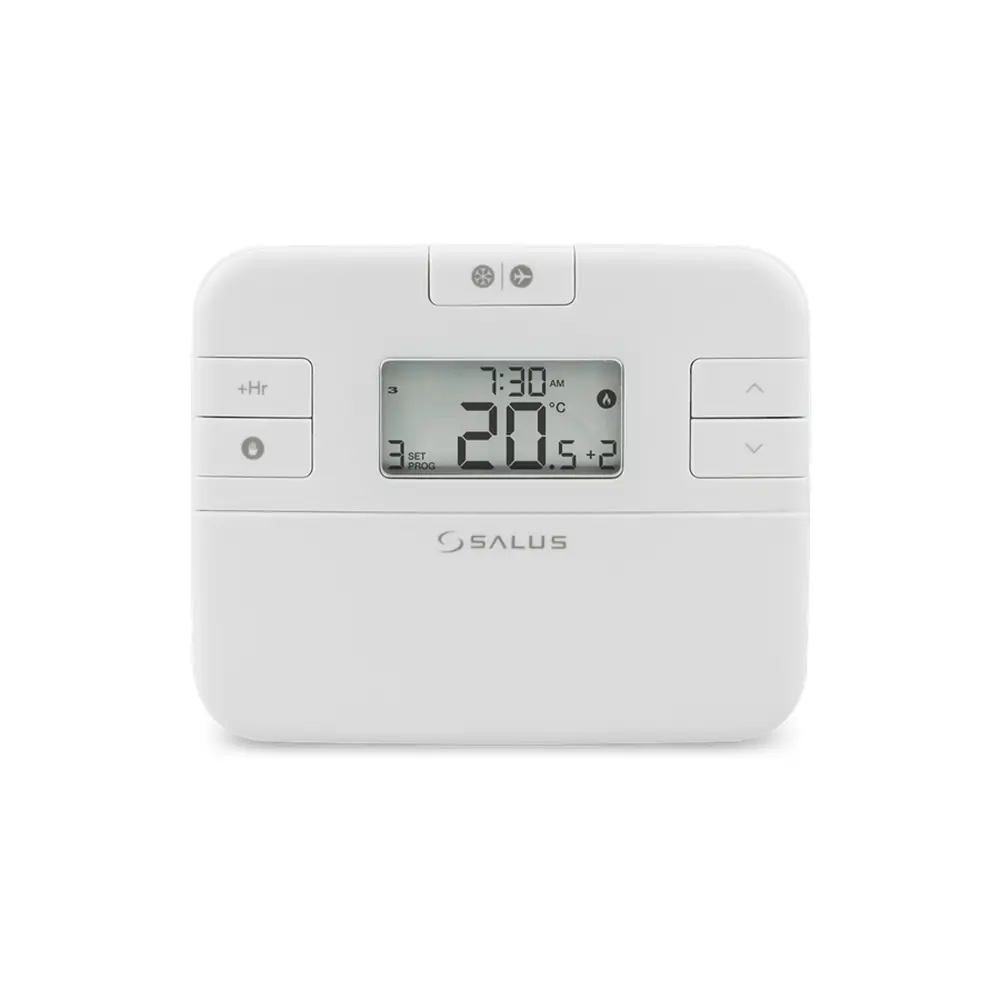
Product Images
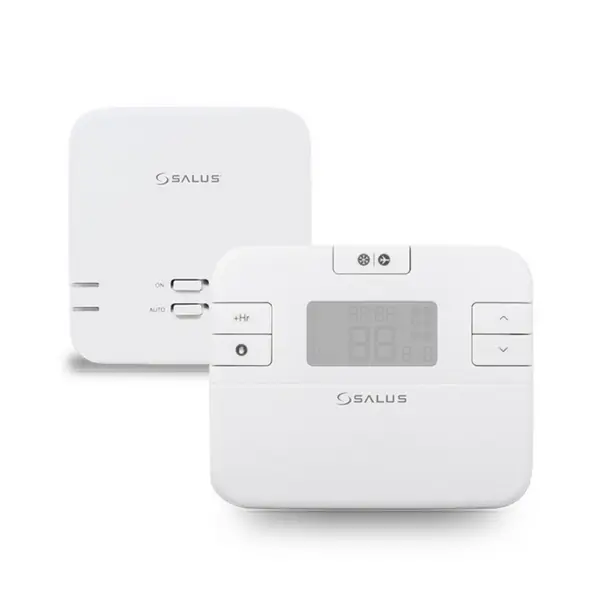
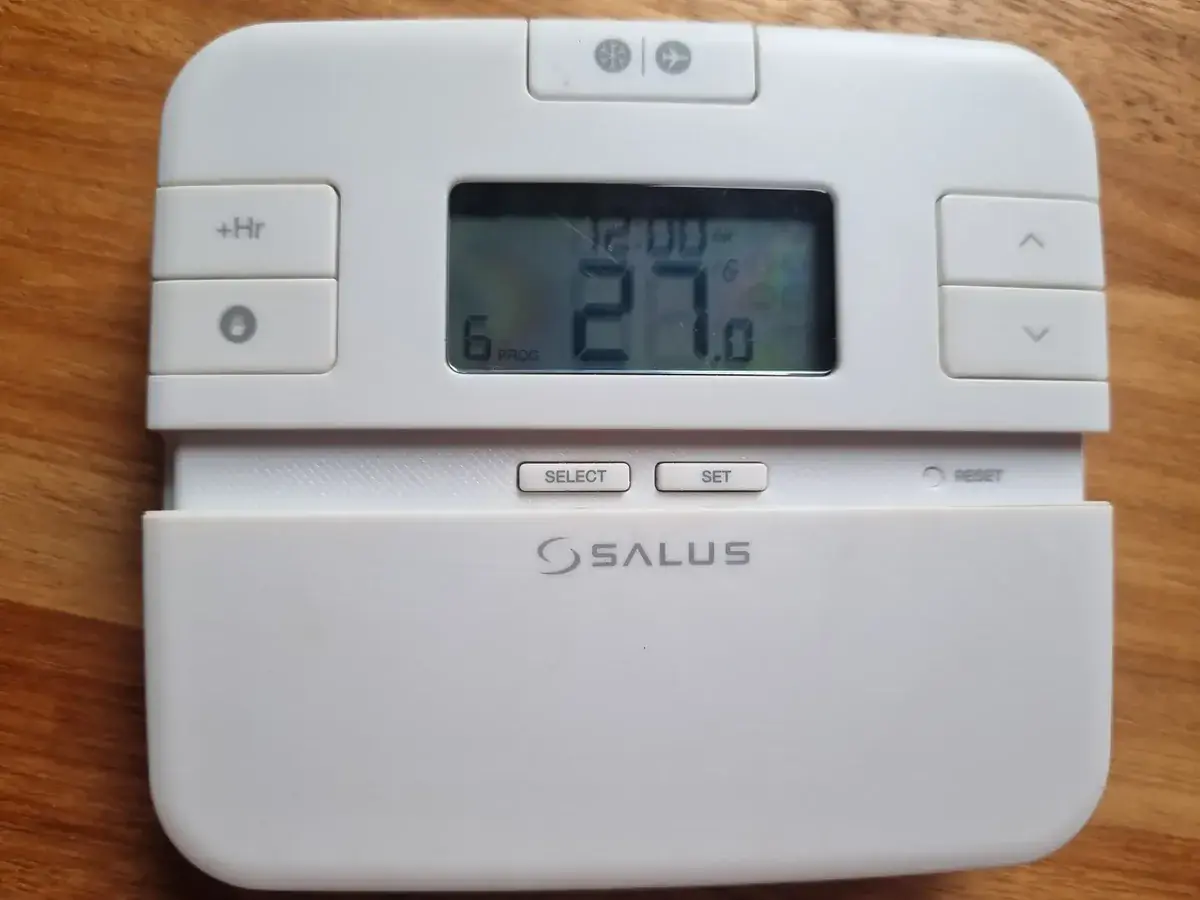
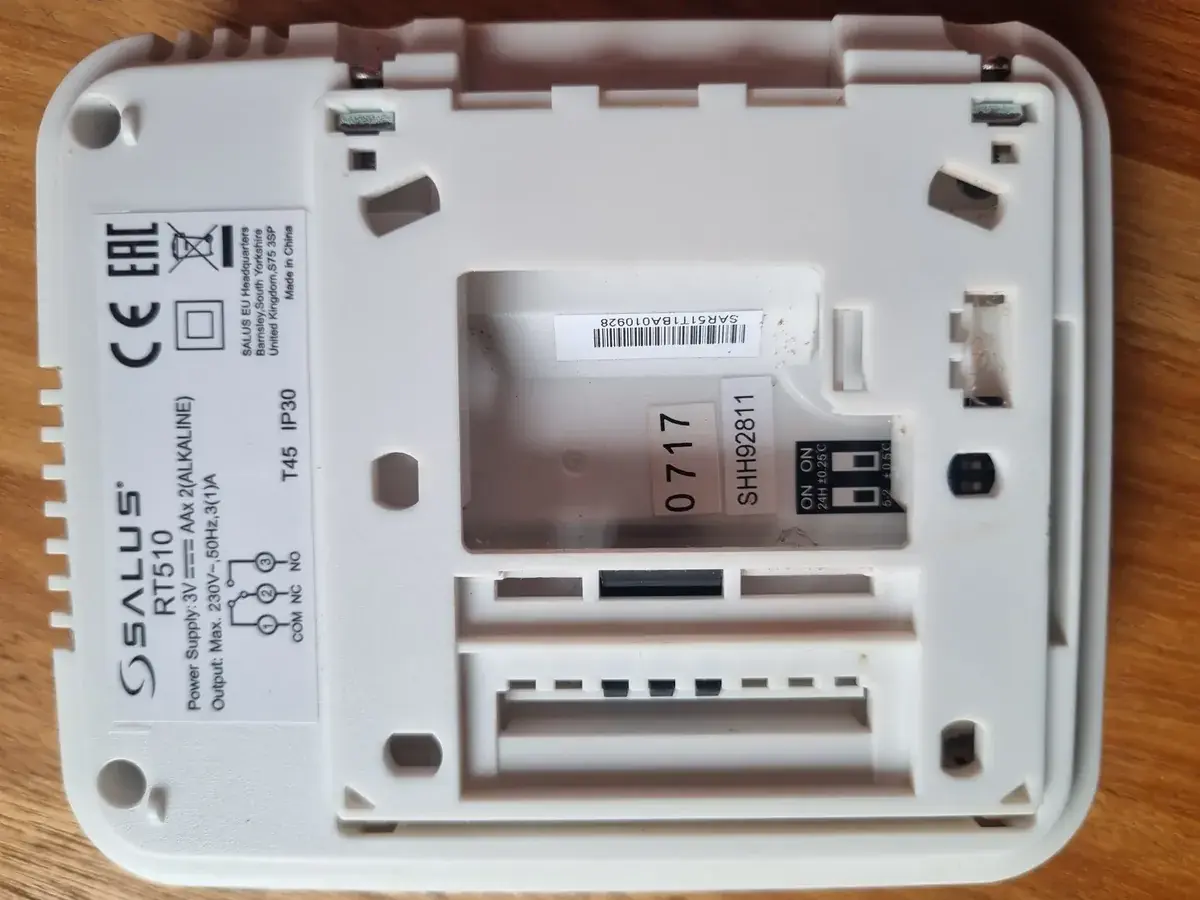
Salus RT510 Thermostat Specifications
| Feature | RT510+ Thermostat | RT510TX+ Thermostat | RXRT510+ Receiver |
|---|---|---|---|
| Supply | 2 x AA alkaline batteries | 2 x AA alkaline batteries | 230 V AC |
| Rating Max | 3 (1) A | - | 16 (5) A |
| Outputs | Voltage free NO / COM / NC terminals | - | Voltage free NO / COM terminals |
| Temperature Range | 5 - 35°C | 5 - 35°C | - |
| Temperature Accuracy | 0.1°C or 0.5°C | 0.1°C or 0.5°C | - |
| Control Algorithm | ITLC / SPAN ± 0.5 °C | ITLC / SPAN ± 0.5 °C | - |
| Radio Frequency | - | 868 MHz | 868 MHz |
| Dimensions [mm] | 120x96x27 | 120x96x27 | 96x96x27 |
Salus RT510 Thermostat Details
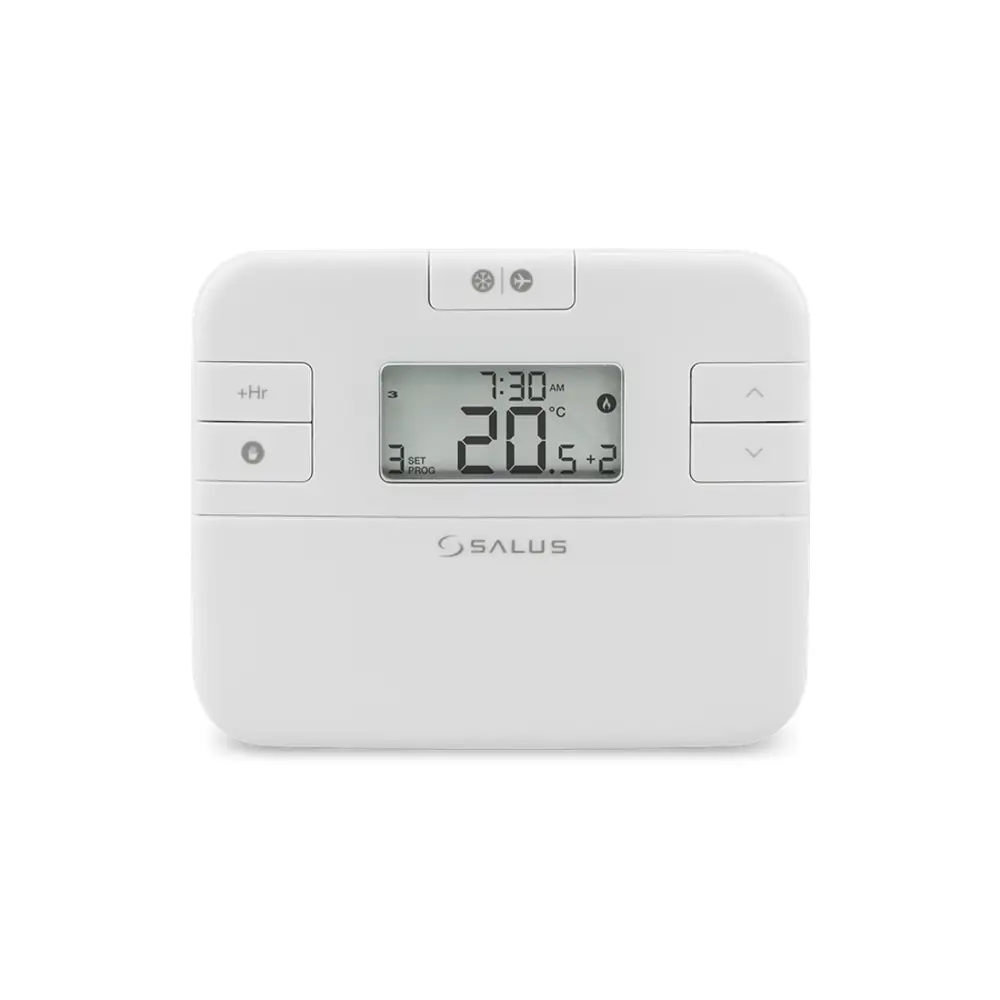
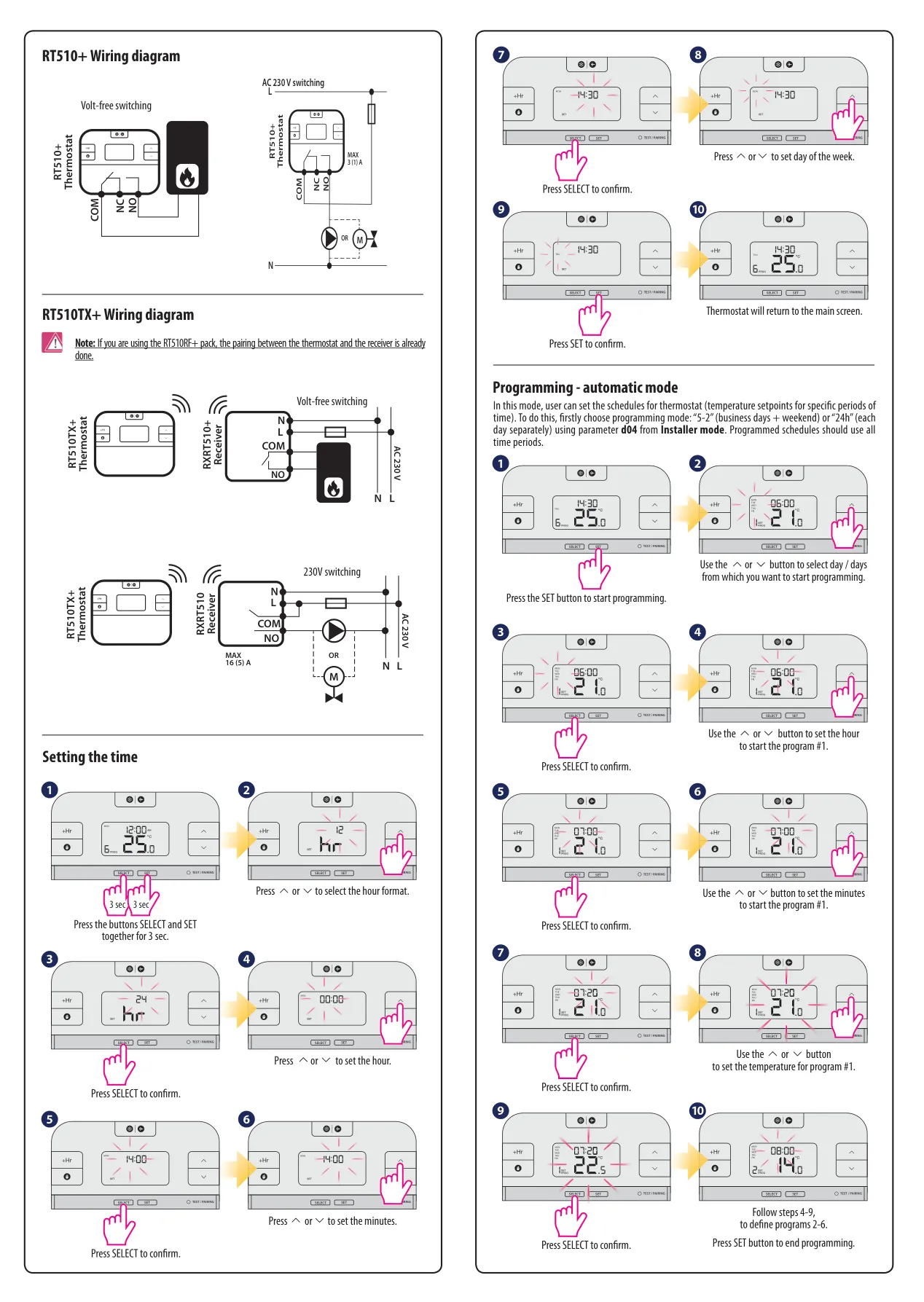
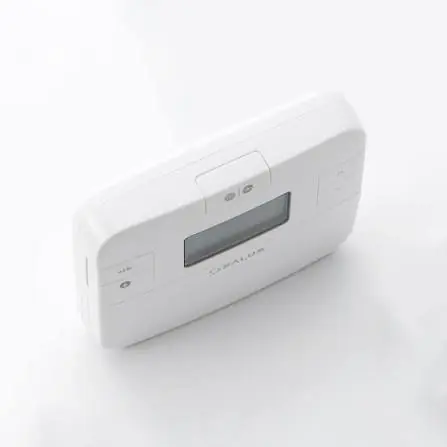
The Salus RT510+ series, encompassing the RT510+, RT510TX+, and RT510RF+ models, functions as a highly versatile programmable room thermostat designed for precise control of your heating system. It activates the heating by shorting terminal blocks, clearly indicating this action on its intuitive LCD display. Users benefit from multiple operating modes including automatic time schedules, manual control, frost protection, and a convenient holiday mode.
For optimal performance, the thermostat exclusively uses 2 x AA 1.5V alkaline batteries, which are placed in a dedicated slot under the cover. Rechargeable batteries are not supported. A low battery icon conveniently alerts users when power is running low. The device fully complies with key EU Directives, including GPSR 2023/988/EU, EMC 2014/30/EU, RED 2014/53/EU, and RoHS 2015/863/EU, ensuring product safety and environmental responsibility.
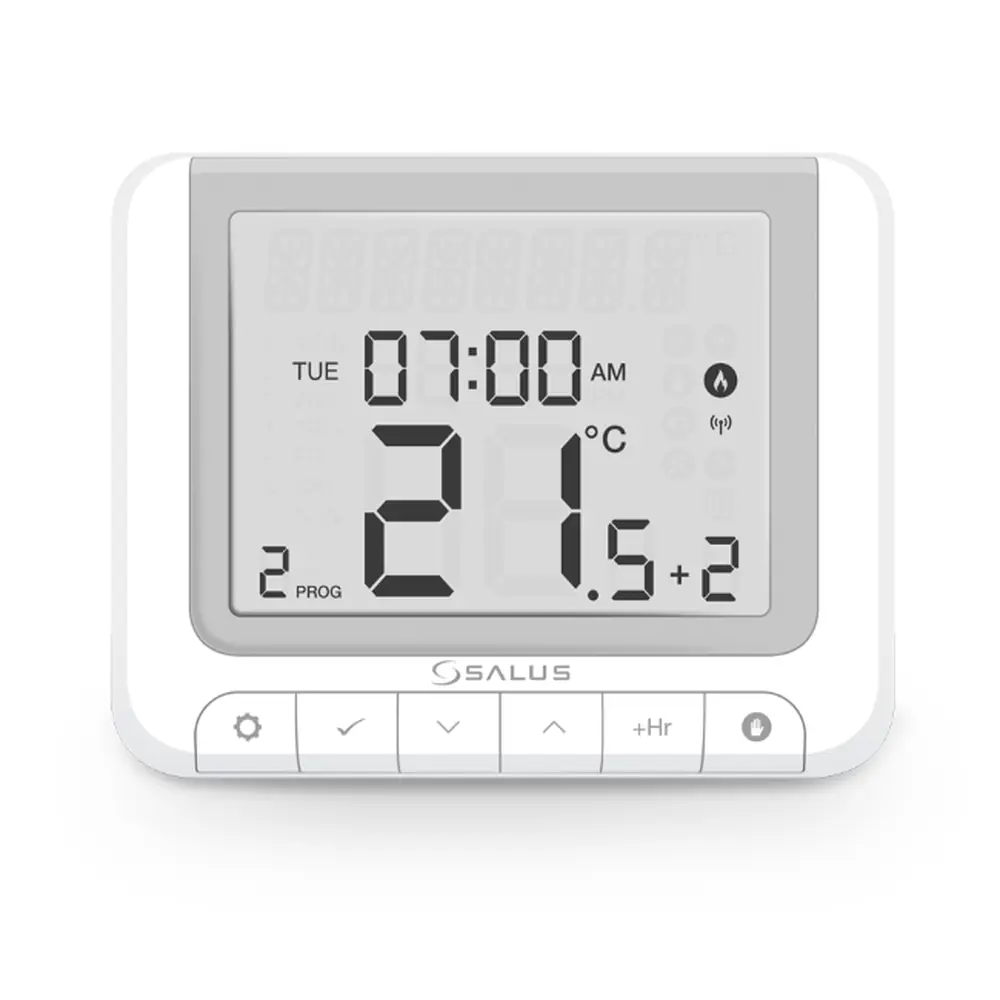
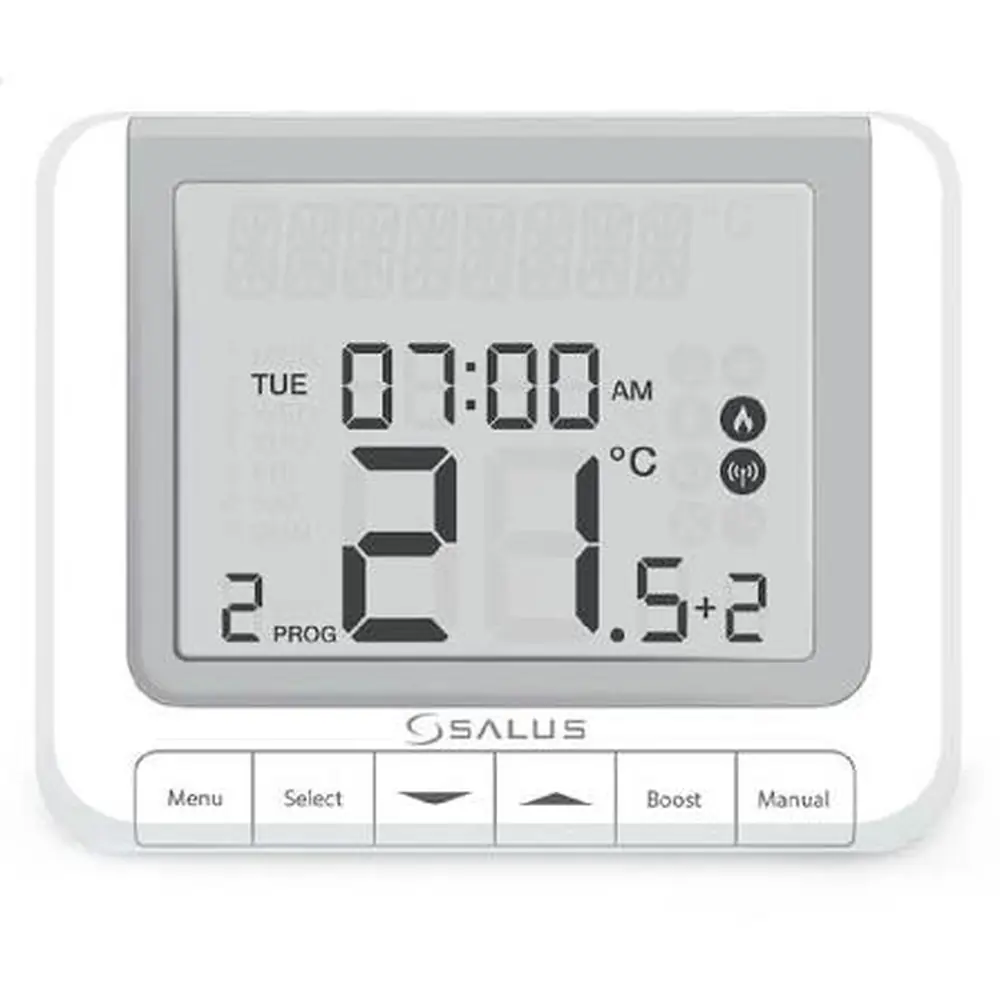
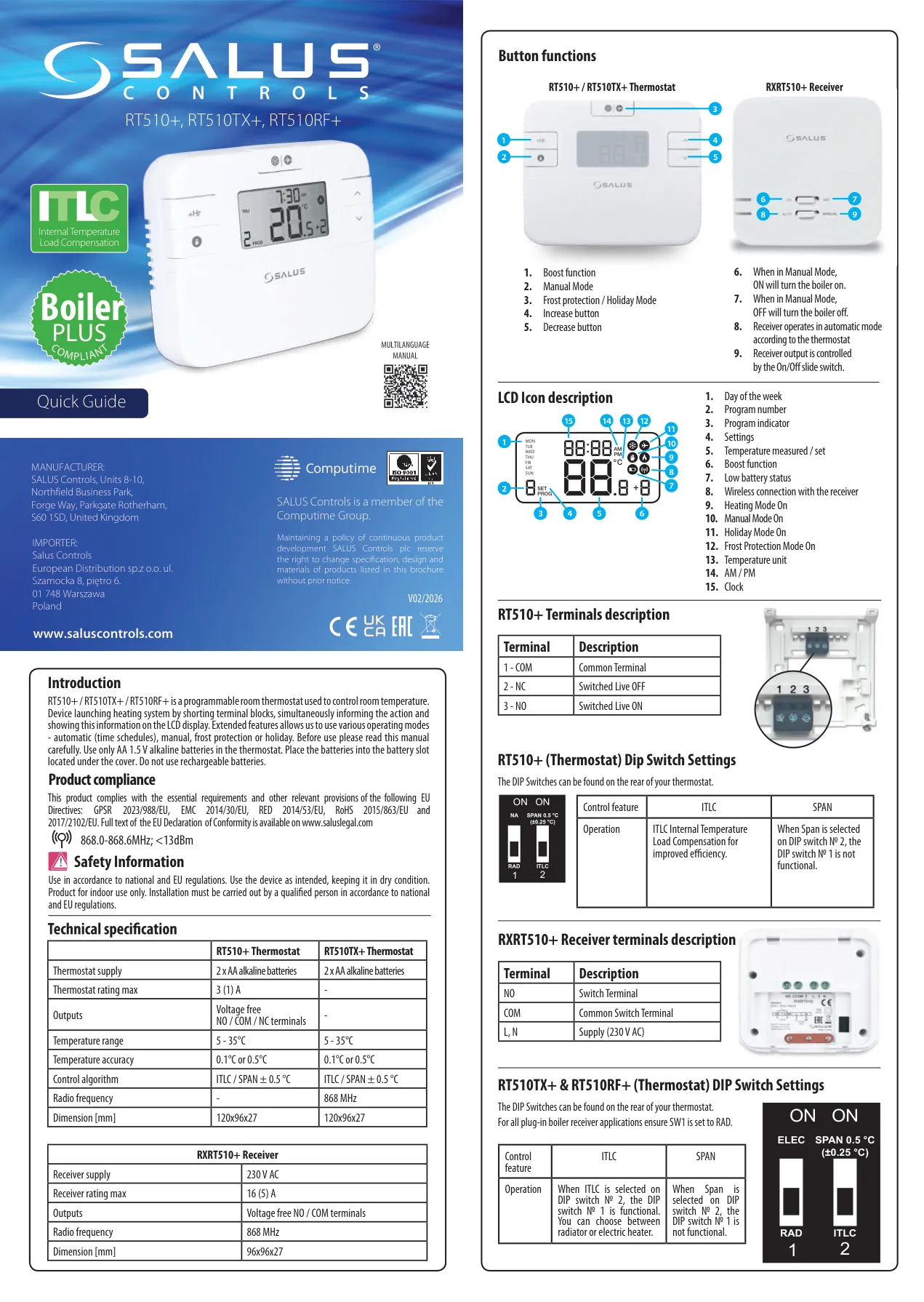
The thermostat's LCD screen provides comprehensive information at a glance. Icons display the day of the week, program number, program indicator, and current settings. It shows the measured or set temperature, indicates Boost function activation, and warns of low battery status. For wireless models, it confirms the connection with the receiver, shows when heating is active, and indicates Manual, Holiday, or Frost Protection modes, along with the temperature unit and clock.
Connectivity for the RT510+ thermostat involves voltage-free COM, NC (Normally Closed), and NO (Normally Open) terminals for boiler control. The wireless RXRT510+ receiver includes NO and COM switch terminals, plus L and N terminals for its 230 V AC power supply. Dip switches on the rear of the thermostat allow for customization, such as selecting between ITLC (Internal Temperature Load Compensation) or SPAN control algorithms, or specifying radiator versus electric heater operation for ITLC mode.
Setting the time and programming heating schedules is straightforward, involving sequential button presses to adjust hours, minutes, and days. The automatic mode allows for detailed programming, typically for 5/2-day or 24-hour schedules, configurable in Installer Mode. The manual also details how to set time periods and temperatures for each program, ensuring your heating adapts to your lifestyle effectively.
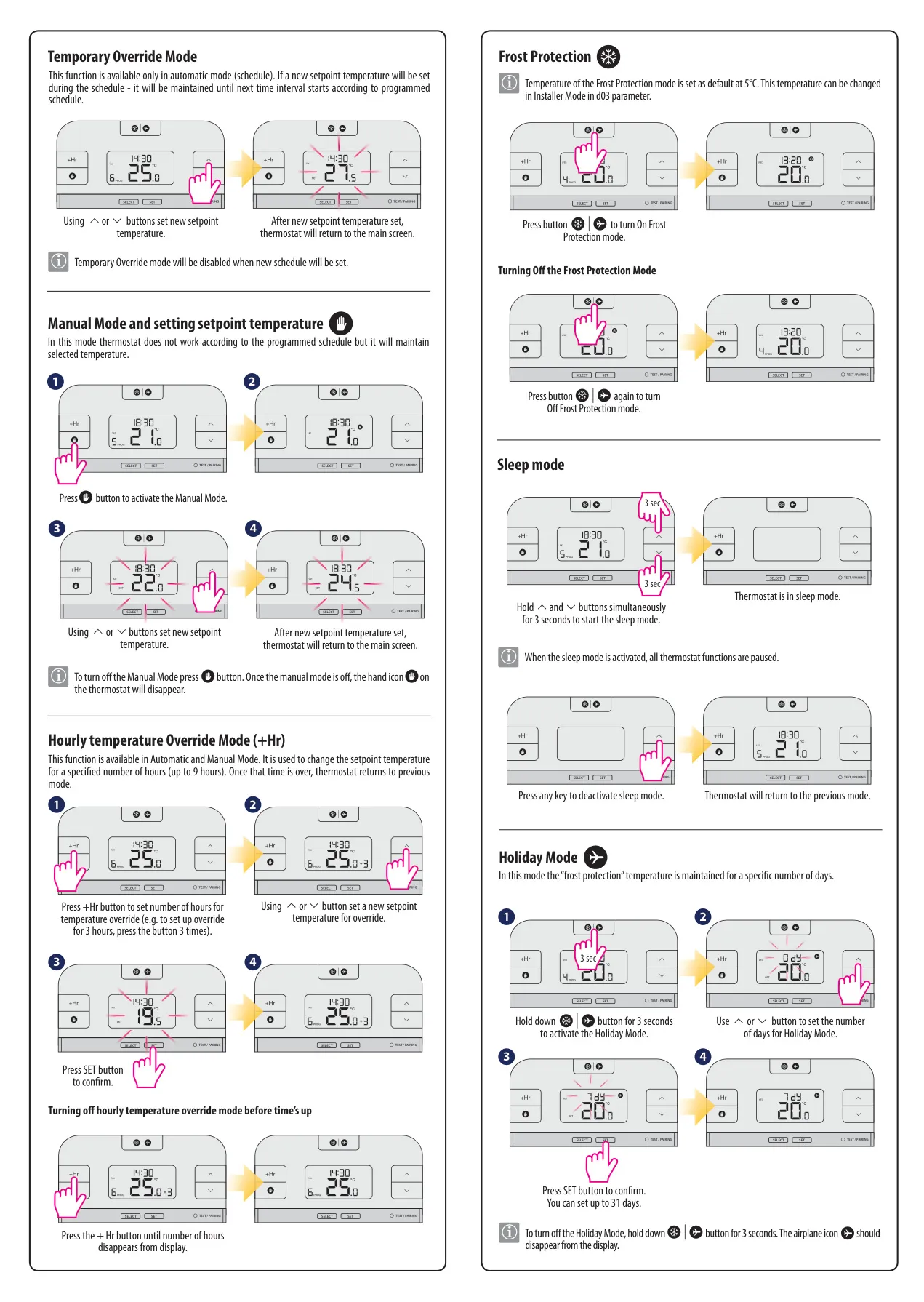
Several temporary override functions enhance flexibility. Temporary Override Mode allows a new setpoint temperature to be maintained until the next programmed time interval. For shorter durations, the Hourly Temperature Override (+Hr) function lets users change the setpoint temperature for a specified number of hours. Both modes are designed to provide quick adjustments without disrupting the main schedule.
For periods away, the thermostat offers dedicated modes. Frost Protection maintains a default temperature of 5°C (adjustable in Installer Mode) to prevent pipes from freezing, easily activated and deactivated with a single button. Holiday Mode allows users to set a specific number of days, up to 31, during which the thermostat will maintain a preset temperature, ensuring energy savings while you're away.
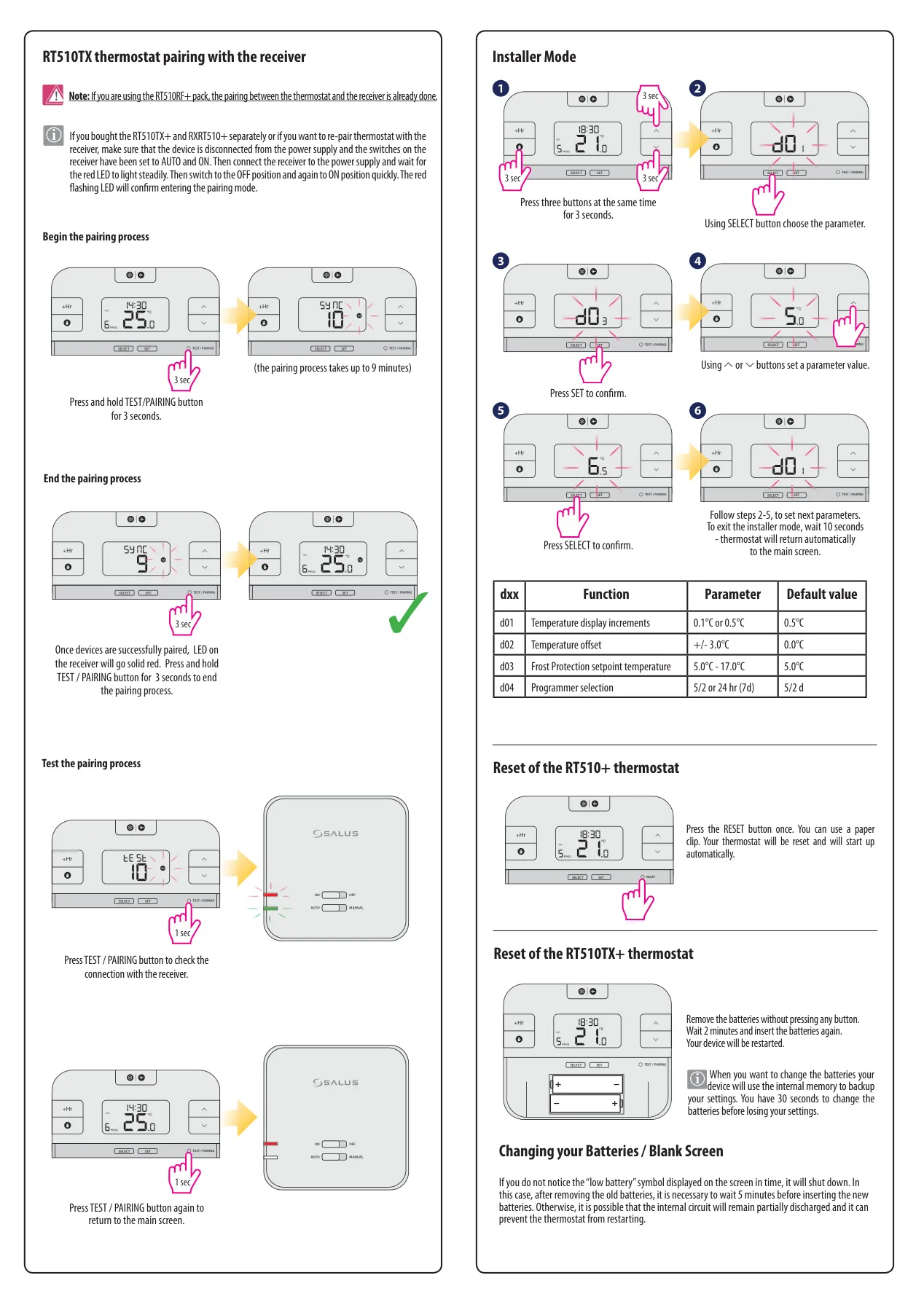
The Sleep Mode pauses all thermostat functions, ideal for extended periods of inactivity, and can be activated by holding specific buttons for 3 seconds, then deactivated by pressing any key. For the RT510TX+ and RXRT510+ pack, pairing is often pre-done. However, the manual provides clear instructions for re-pairing or pairing separate units, involving specific steps with the receiver switches and the thermostat's TEST/PAIRING button, including a test function to confirm connection.
The advanced Installer Mode is accessible by pressing three buttons simultaneously for 3 seconds, allowing configuration of parameters like temperature display increments (0.1°C or 0.5°C), temperature offset (±3.0°C), frost protection setpoint temperature (5.0°C - 17.0°C), and programmer selection (5/2 or 24hr). This mode is crucial for tailoring the thermostat to specific installation requirements and user preferences.
Finally, the manual outlines reset procedures: a simple paperclip press for the RT510+ or battery removal for the RT510TX+. When changing batteries, especially if the screen is blank, waiting 5 minutes before inserting new ones is recommended to prevent internal circuit discharge. This detailed guidance ensures users can manage their heating system effectively and troubleshoot common issues.
Frequently Asked Questions (FAQs)
Can't find the answer you need? Here are some frequently asked questions about the Salus RT510 Thermostat, and we answer them below.