Honeywell TP70WKN Dehumidifier Instruction Manual
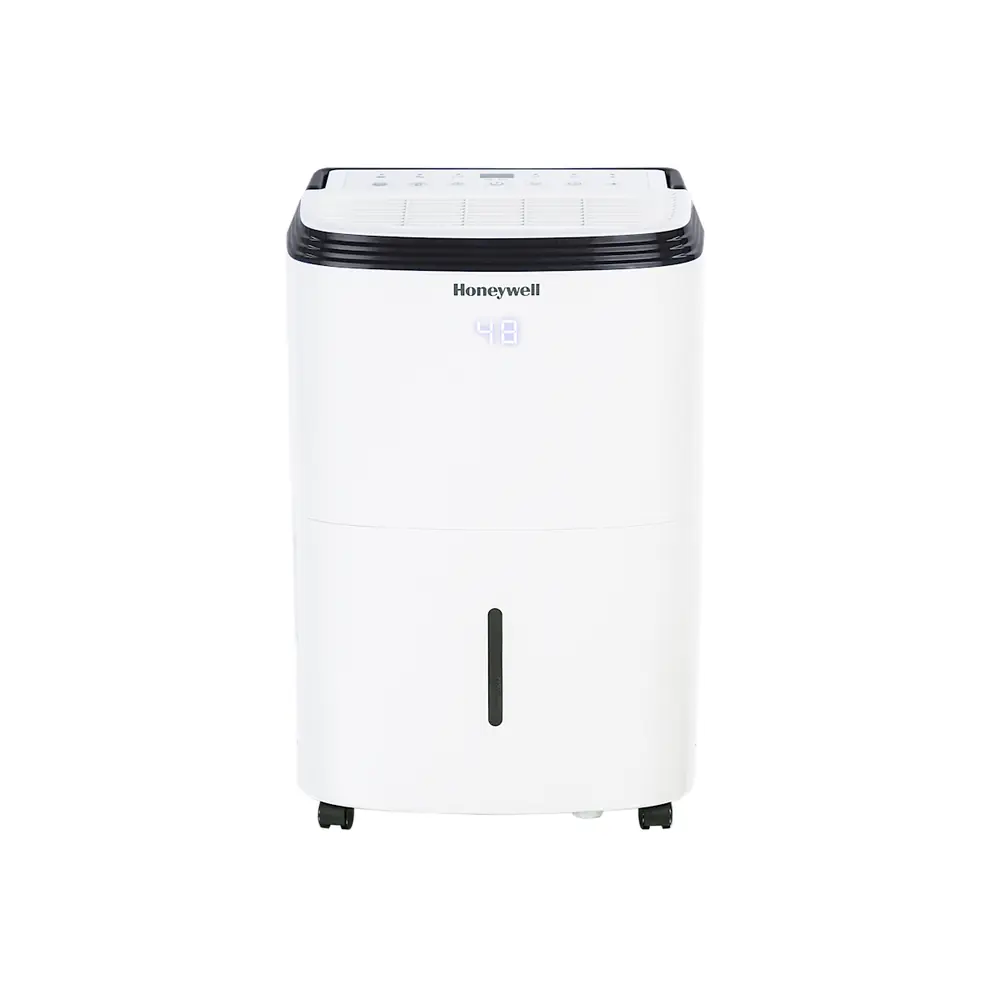
Honeywell TP70WKN Dehumidifier












Honeywell TP70WKN Instructions
Here we offer the Honeywell TP70WKN Dehumidifier manual completely free and in English. We have cataloged this manual in the Dehumidifiers section on Manualverse, and it has been rated by 1 users with an average rating of 5. If you have any specific questions about Honeywell TP70WKN Dehumidifier, we suggest checking the Frequently Asked Questions (FAQs) section of this manual.
Product Images


Honeywell TP70WKN Dehumidifier Specifications
| Feature | Specification |
|---|---|
| Model | TP70WKN |
| Dehumidifier Type | Portable Dehumidifier |
| Operating Temperature Range | 41°F (5°C) - 89°F (32°C) |
| Adjustable Relative Humidity (RH) Range | 30% RH - 90% RH |
| Fan Speeds | High, Low |
| Timer Settings | 0.5 - 24 hours (Auto-Off, Auto-On) |
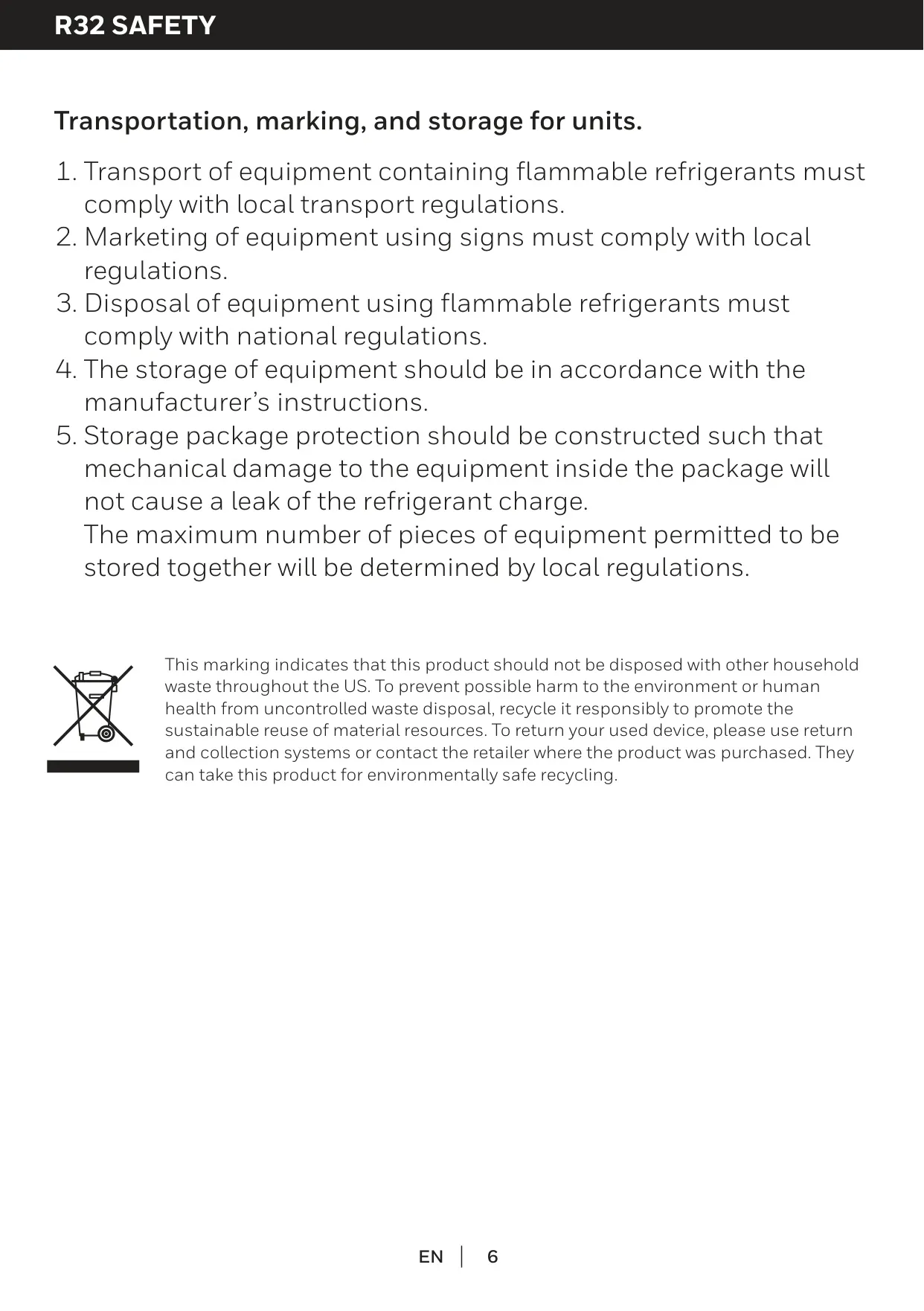
| Refrigerant Type | R32 (Flammable A2L) |
| Refrigerant Charge | Specific amount varies; refer to rating label on unit (Max R32 0.918 kg based on UL60335-2-40) |
| Continuous Drain Tube (Included) | Inner Diameter: 0.47 inch; Length: 3.28 ft. (1 meter) |
| Recommended Clearance from Objects | At least 17.7 inches (45 cm) |
| Power / Capacity | Not specified for this individual model in the manual |
Honeywell TP70WKN Dehumidifier Details
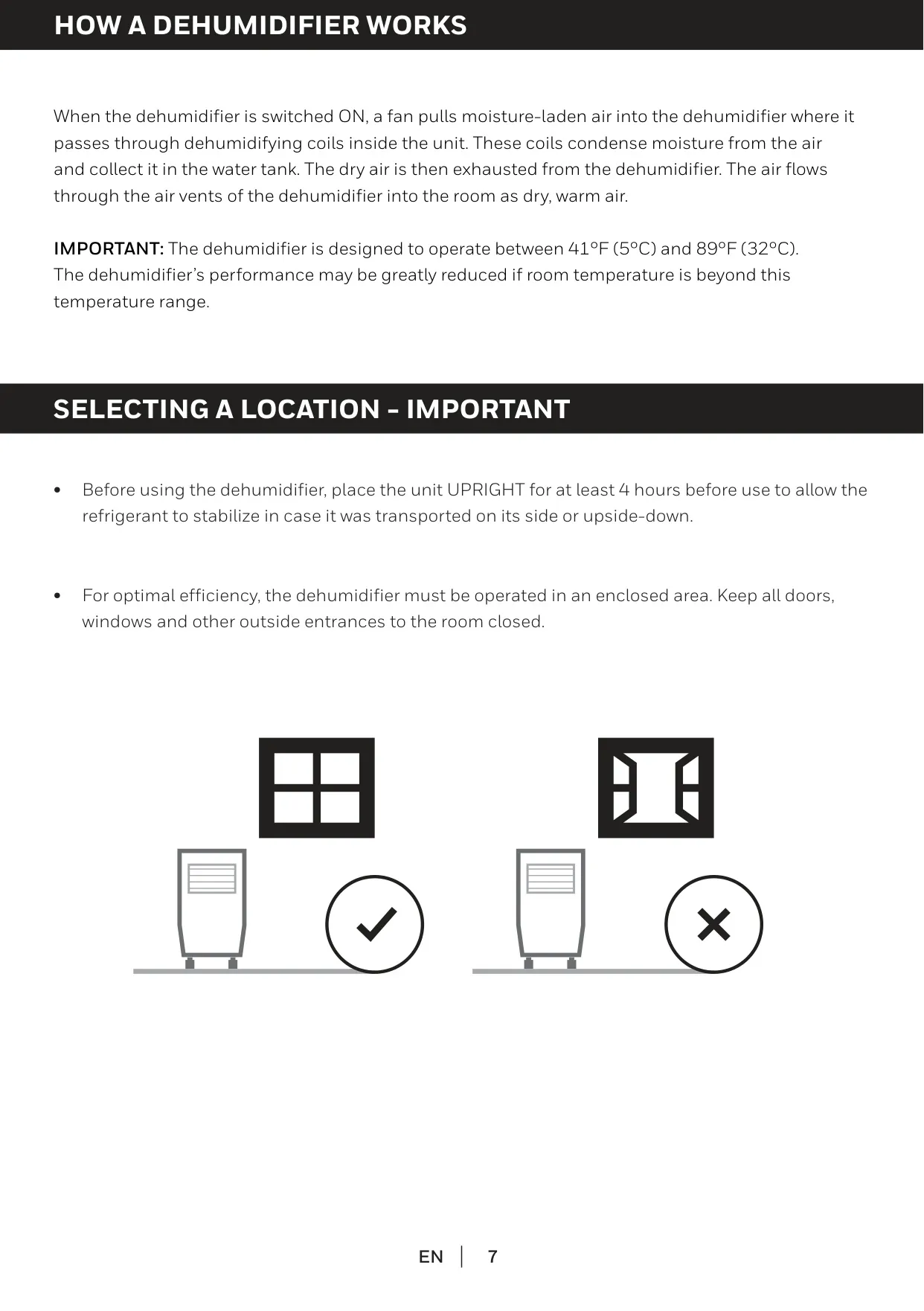
The Honeywell TP70WKN Portable Dehumidifier is engineered to efficiently reduce excess moisture in enclosed spaces, promoting a healthier and more comfortable indoor environment. Its operation involves a fan drawing in humid air, which then passes over internal cooling coils. This process condenses the moisture, collecting it in a removable water tank, while dry, warm air is expelled. For optimal performance, the unit should be placed upright for at least four hours before first use and operated within 41°F (5°C) to 89°F (32°C).
Central to its functionality is an intuitive Control Panel with an LED display showing current humidity. Users can easily adjust the desired Relative Humidity (RH) level between 30% and 90% in 5% increments. Once the set humidity is achieved, the compressor shuts off, and the fan runs briefly to cool the motor, enhancing energy efficiency. Operation automatically resumes when ambient humidity rises 5% above the target, ensuring consistent dehumidification.
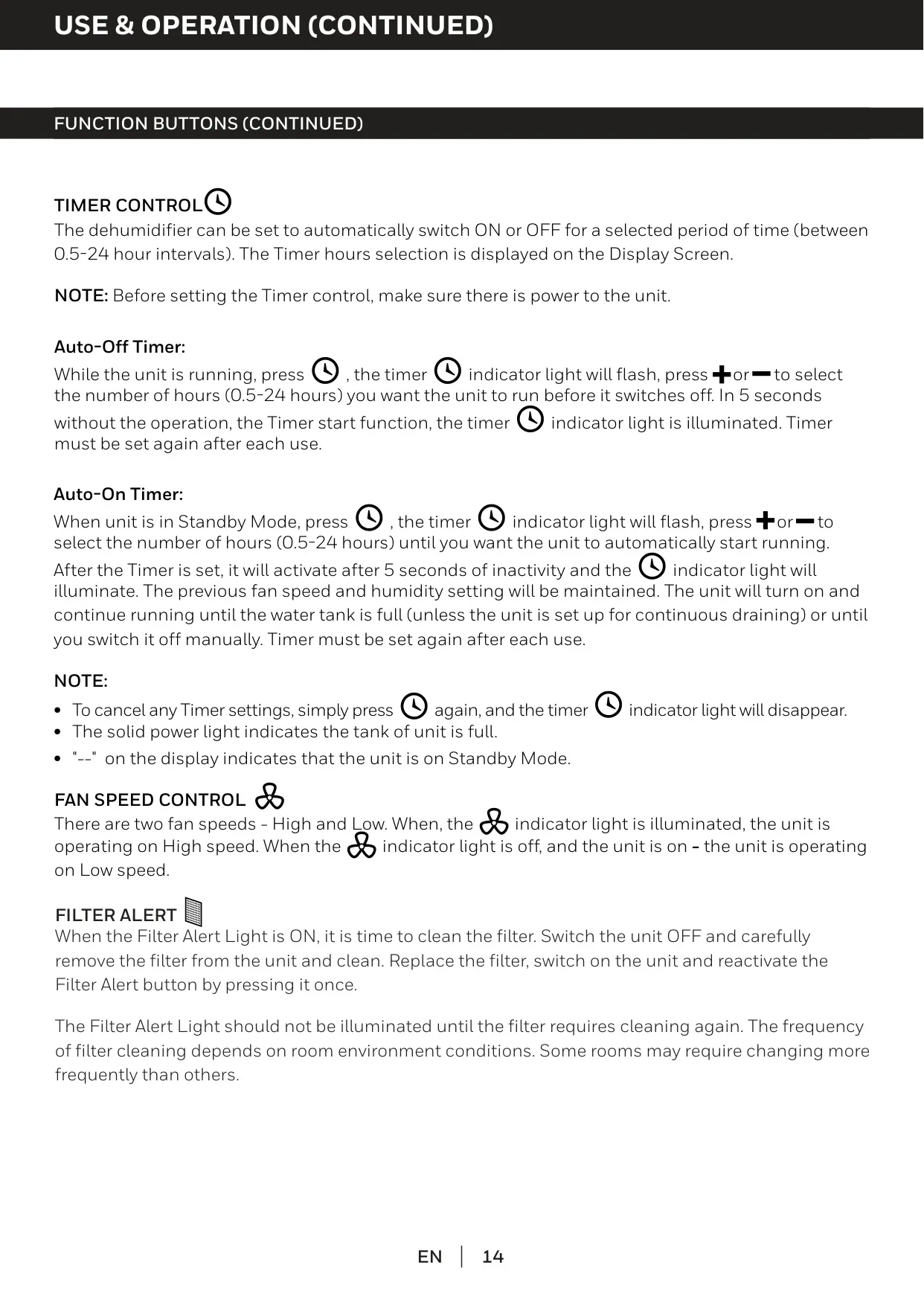
The TP70WKN offers versatile operational modes for user convenience. The Continuous Mode allows the unit to run non-stop, ideal for severely damp areas, overriding the set humidity level. For scheduled operation, the Timer Control enables both Auto-Off and Auto-On functions, programming the dehumidifier to run for 0.5 to 24 hours. This feature is perfect for managing humidity automatically, even when you are away from the unit.
User-friendly alerts enhance safety and maintenance. A prominent Water Tank Full Indicator Light illuminates and beeps when the tank requires emptying, pausing the unit's operation. Additionally, a Filter Alert Light signals when the washable dust filter needs cleaning, recommended every two weeks for optimal airflow and efficiency. The unit also includes a practical Sleep Mode to dim the LED display for an undisturbed night.
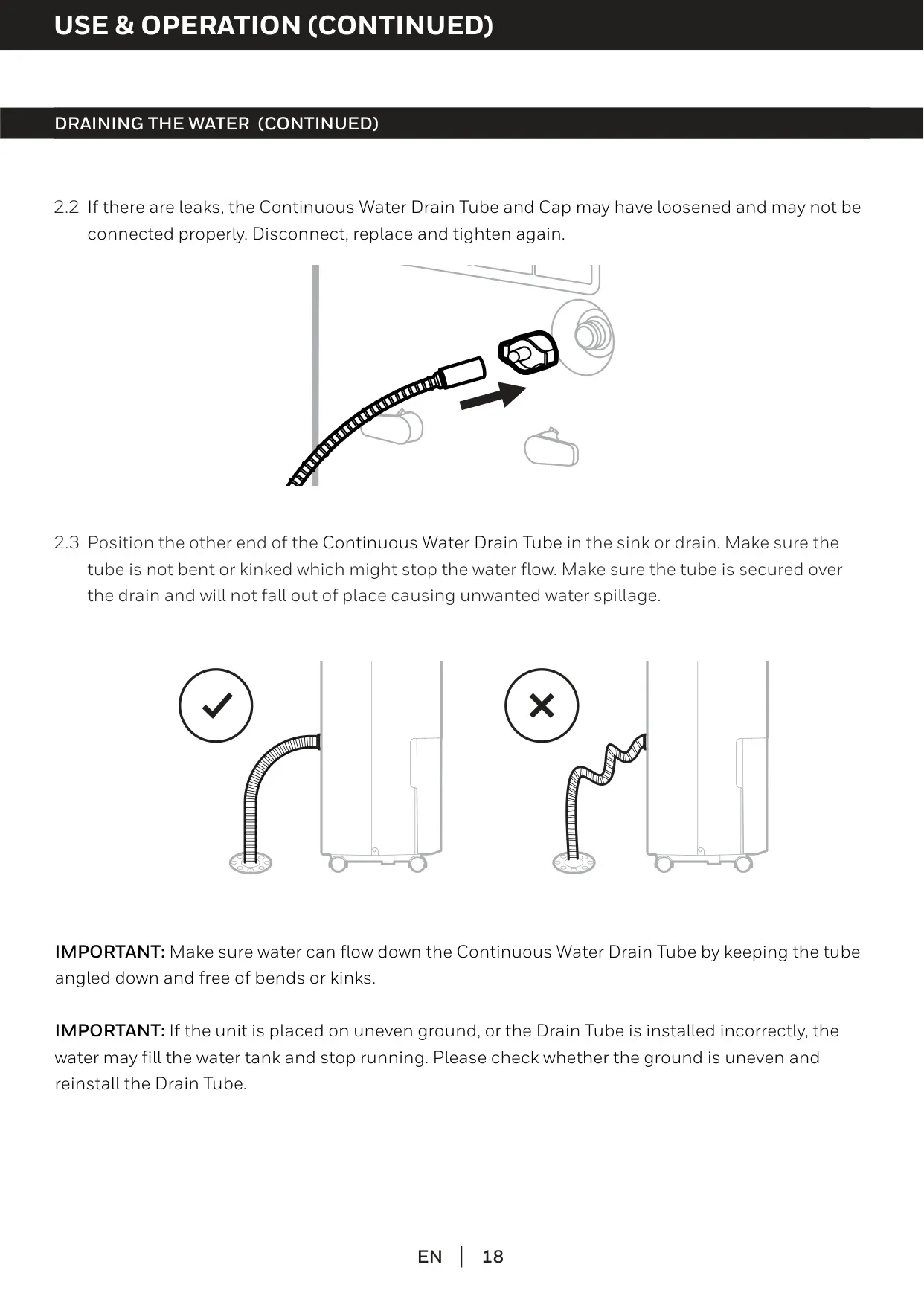
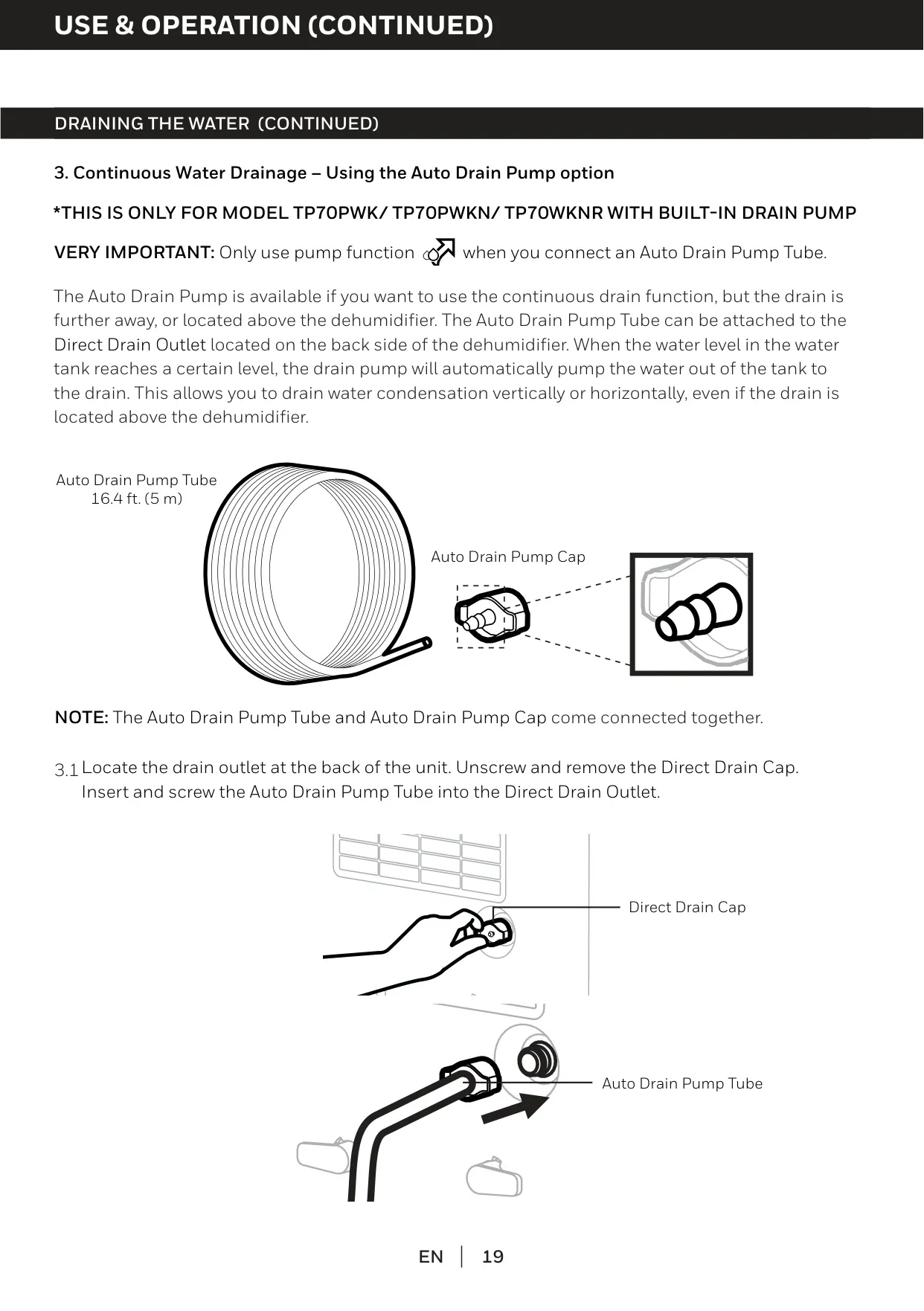
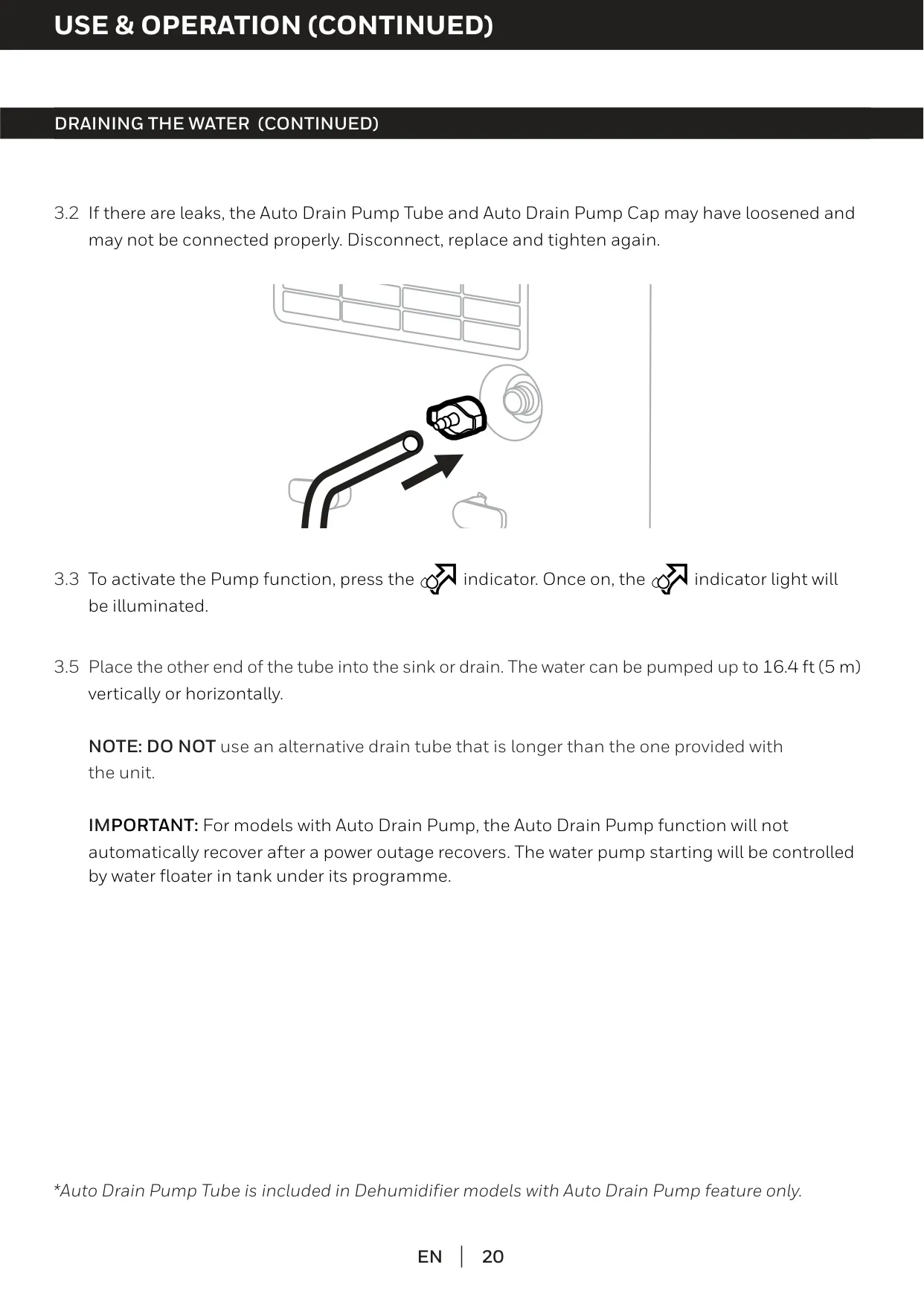
The dehumidifier provides multiple drainage options. For typical use, condensed water collects in the easily accessible front water tank, which includes a handle for emptying. For hands-free operation, a continuous water drain tube (included) can be connected to the direct drain outlet. This allows gravity-fed drainage to a nearby sink or floor drain, requiring the tube to be angled downwards and kept free of kinks to prevent blockages.
Safety is a core design principle for the TP70WKN. The manual outlines critical safety rules, emphasizing unplugging the unit before any cleaning or maintenance. It uses R32 refrigerant, requiring specific handling precautions as detailed by UL standards and qualified personnel for servicing. Furthermore, the unit incorporates an automatic defrost feature that detects and melts frost buildup on internal coils, ensuring reliable and continuous operation in cooler environments.
Frequently Asked Questions (FAQs)
Can't find the answer you need? Here are some frequently asked questions about the Honeywell TP70WKN Dehumidifier, and we answer them below.