Orbit 57594 Easy Dial 4 Station Instruction Manual
Orbit 57594 Easy Dial 4 Station








Orbit 57594 Easy Dial 4 Station Instructions
Here we offer the Orbit 57594 Easy Dial 4 Station manual completely free and in English. We have cataloged this manual in the Irrigation Controllers section on Manualverse, and it has been rated by 1 users with an average rating of 5. If you have any specific questions about Orbit 57594 Easy Dial 4 Station, we suggest checking the Frequently Asked Questions (FAQs) section of this manual.
Product Images
Orbit 57594 Easy Dial 4 Station Specifications
| Feature | Specification |
|---|---|
| Model Number | 57594 |
| Stations | 4 |
| Programs | 2 (A, B) |
| Start Times per Program | Up to 4 |
| Watering Duration per Station | 1 to 240 minutes |
| Watering Frequency Options | Days of the week, Intervals, Odd/Even days |
| Rain Delay Settings | 24, 48, 72 hours |
| Water Budgeting Adjustment | 10% to 200% (in 10% increments) |
| Backup Battery | 1 x Lithium CR2032 (included, annual replacement recommended) |
| Max Loading per Station/Pump | 250mA (one valve) |
| Max Loading for Timer | 500mA |
| Operating Temperature Range | 32°F to 158°F (0°C to 70°C) |
| Transformer Input | 120V AC |
| Recommended Wire Gauge (< 700'/210m) | 20 AWG |
| Recommended Wire Gauge (> 700'/210m) | 16 AWG |
| Warranty | 6 Years |
Orbit 57594 Easy Dial 4 Station Details
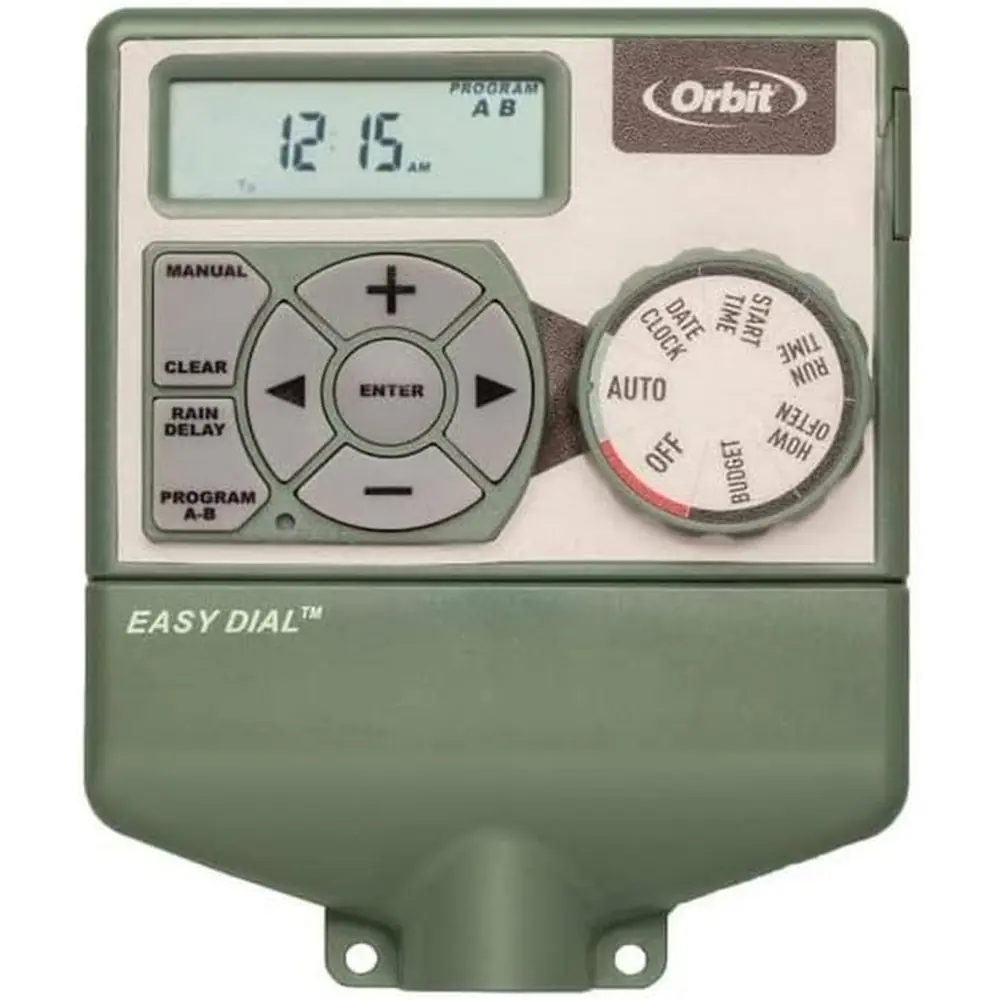
The Orbit 57594 Easy Dial 4 Station timer is designed for straightforward and efficient irrigation management, featuring Orbit’s exclusive Easy-Set Logic™. This system simplifies programming and setup, combining advanced technology with user-friendly controls. It offers exceptional versatility, enabling users to run fully automatic, semi-automatic, or manual watering programs to suit a variety of landscaping needs.
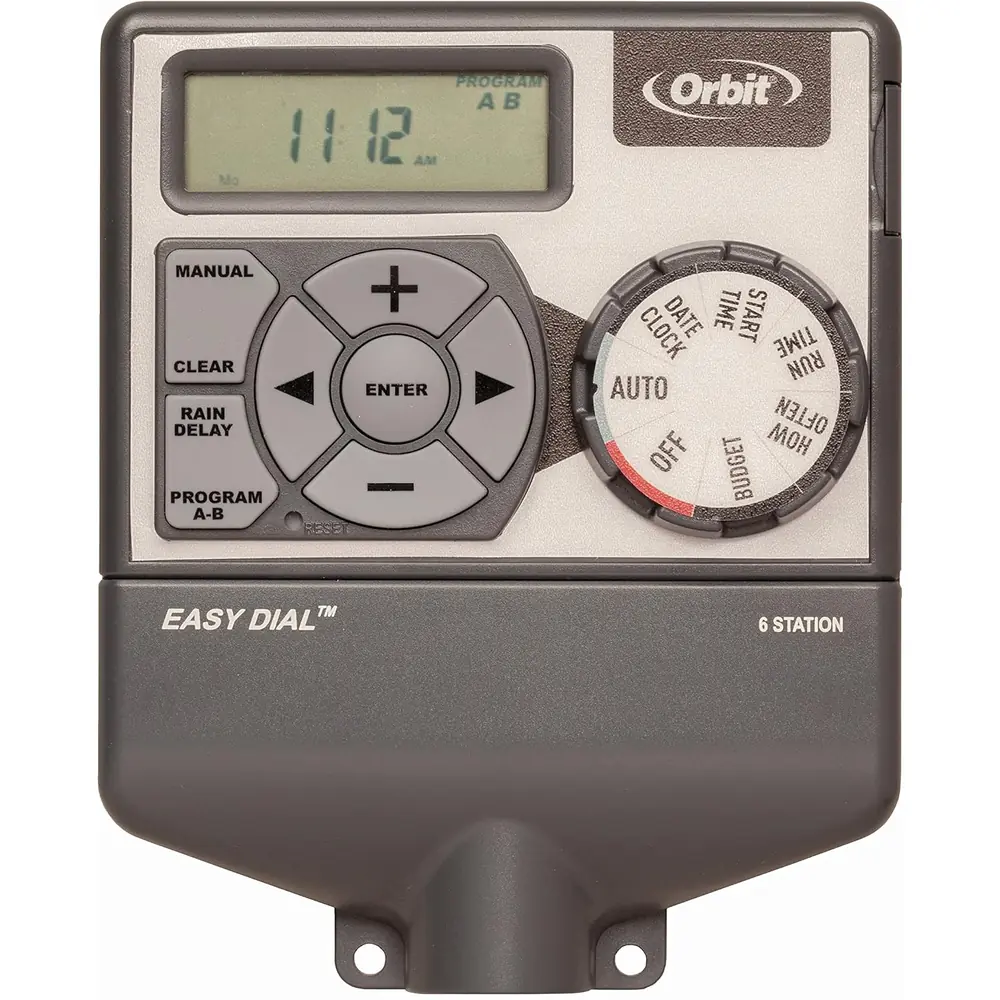
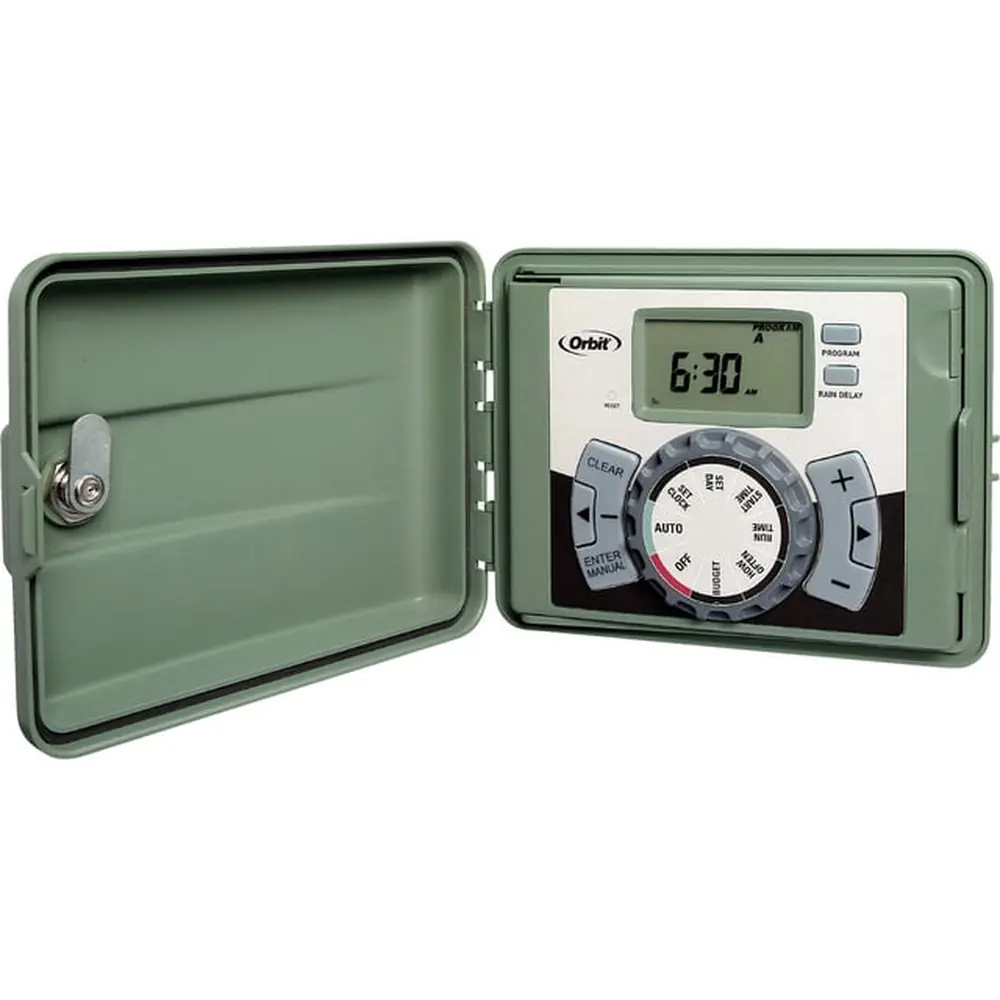
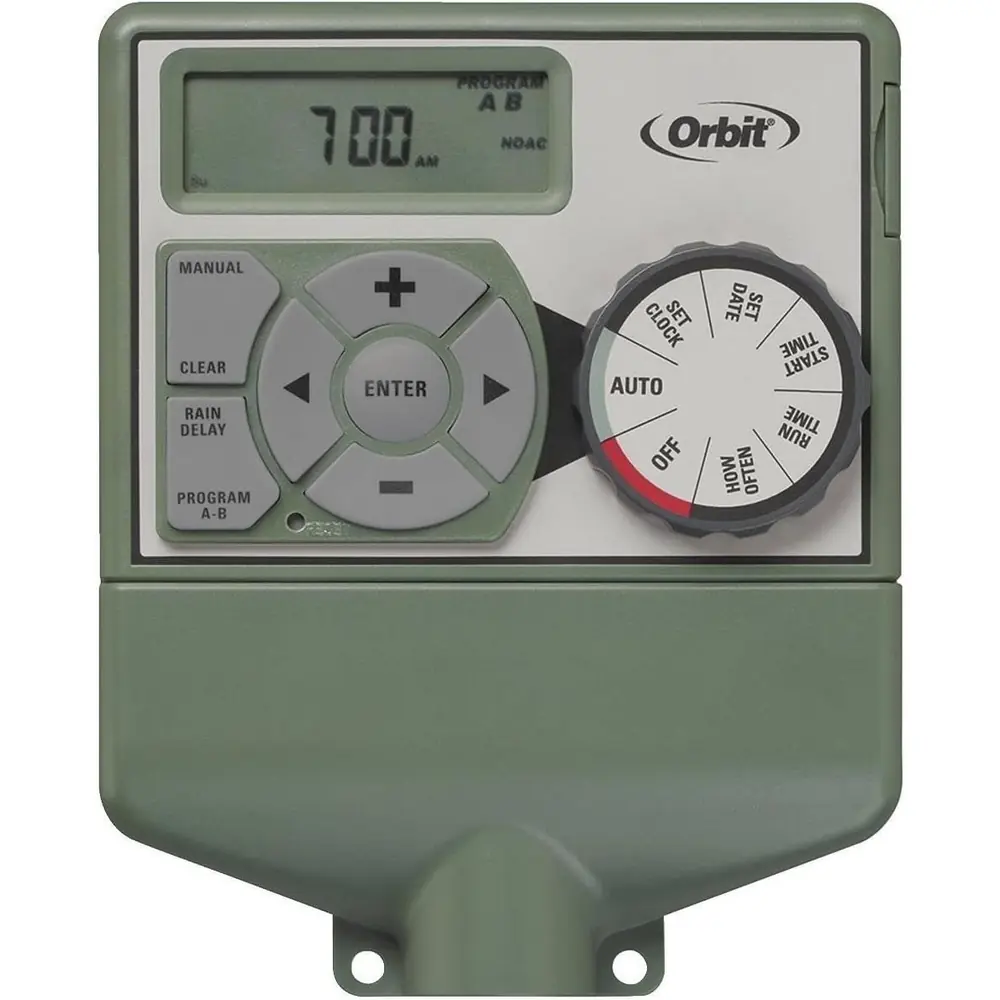
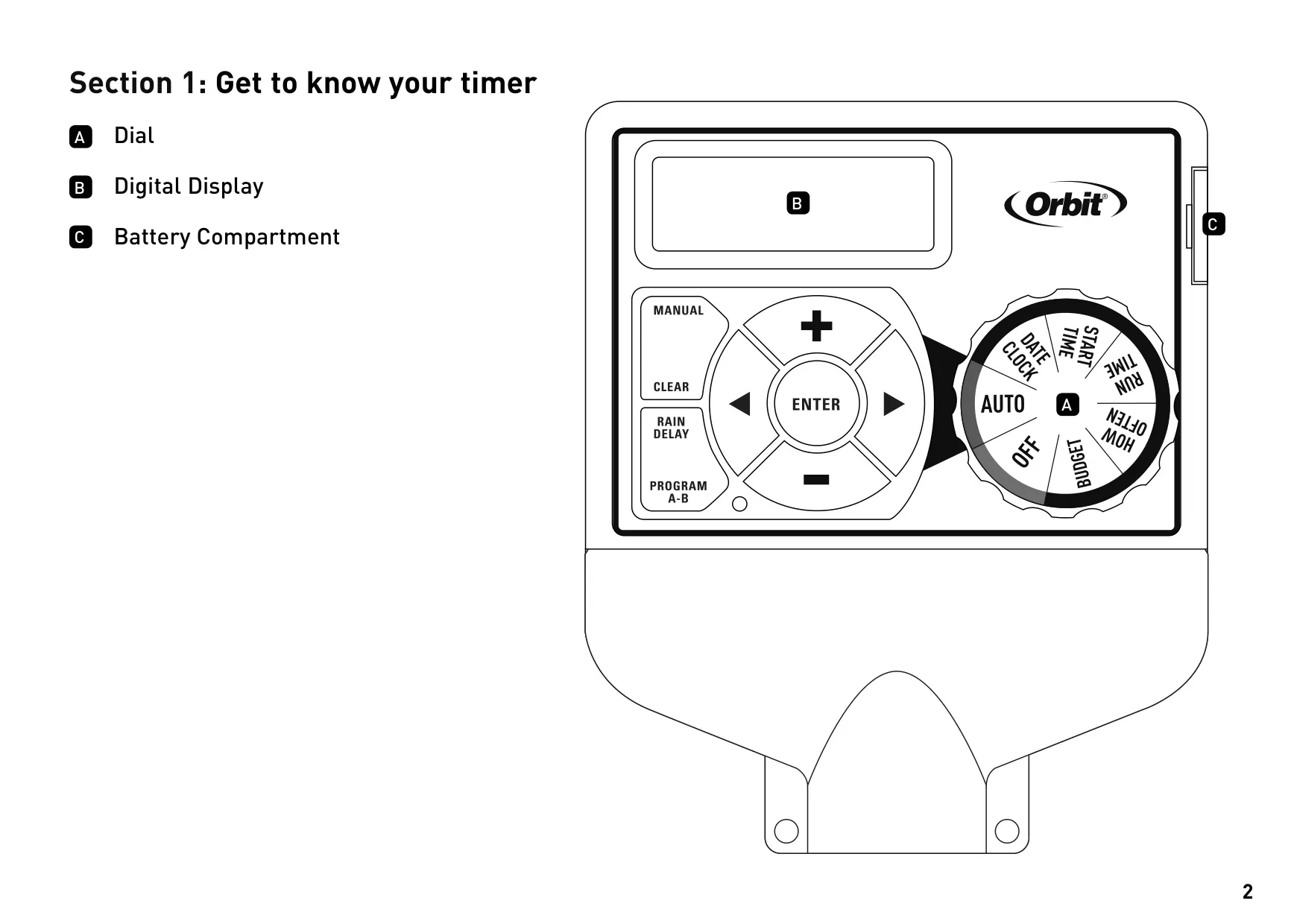
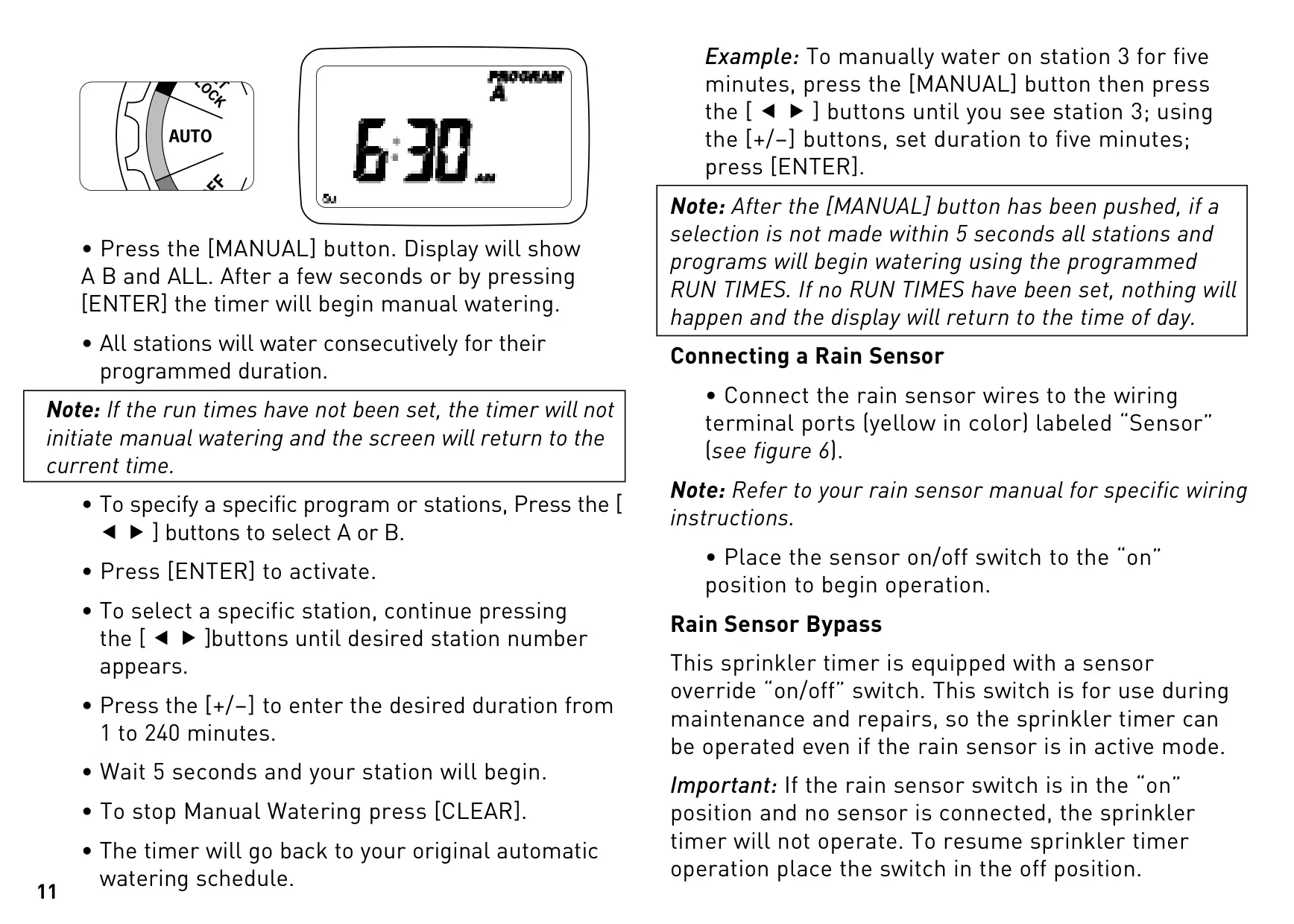
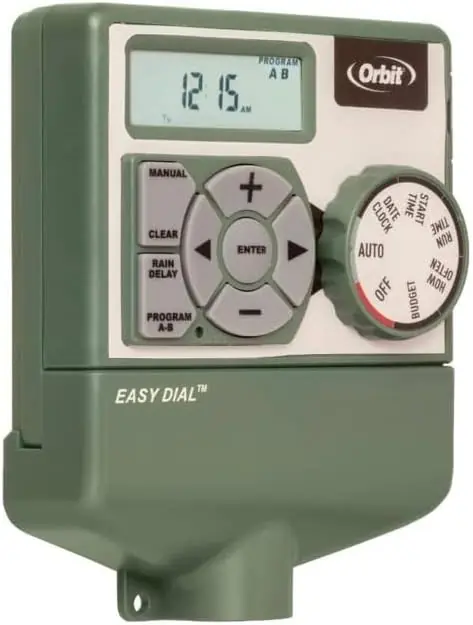
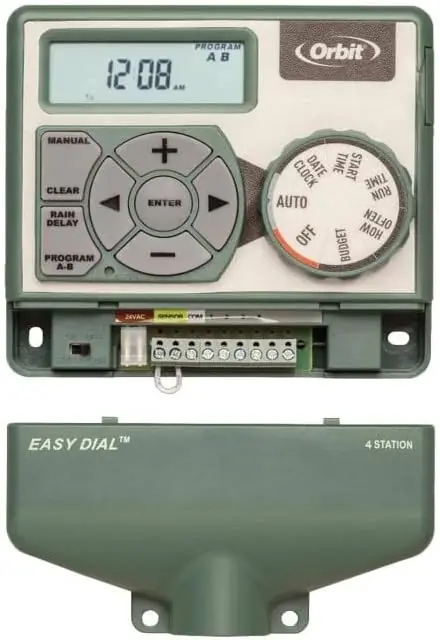
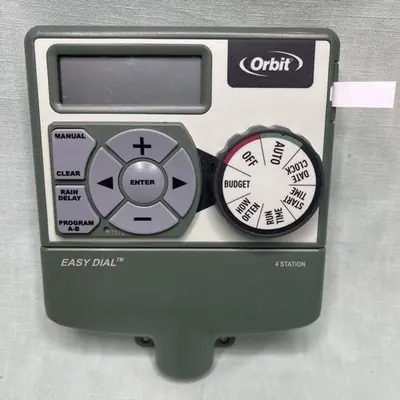
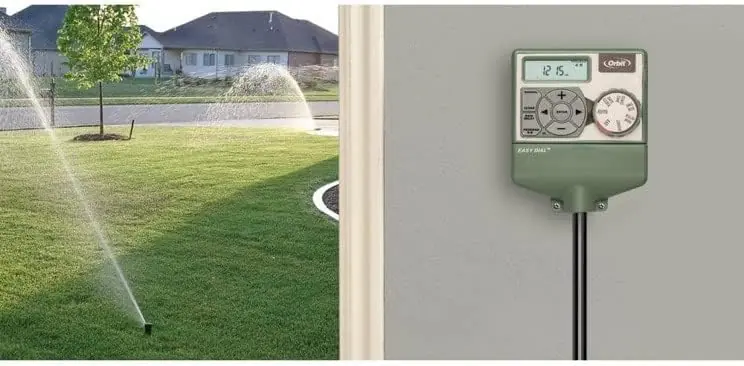
The timer's interface includes a prominent dial and a clear digital display for easy navigation. Key dial positions allow setting the date/clock, start times, run times, and watering frequency. Dedicated buttons provide quick access to functions such as confirming settings (ENTER), manual watering (MANUAL), clearing entries (CLEAR), switching between programs (PROGRAM), adjusting values (+/–), and activating a rain delay.
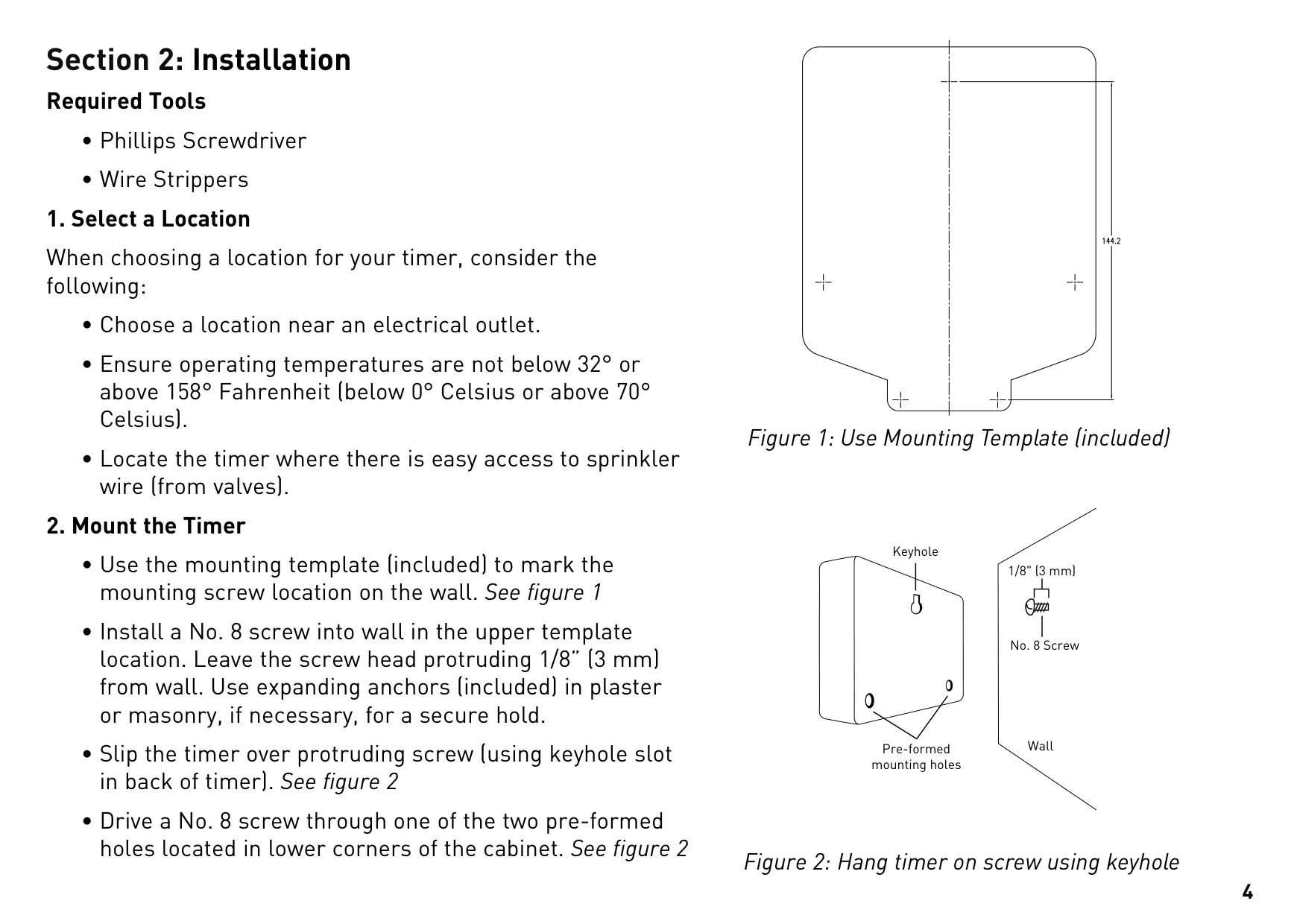
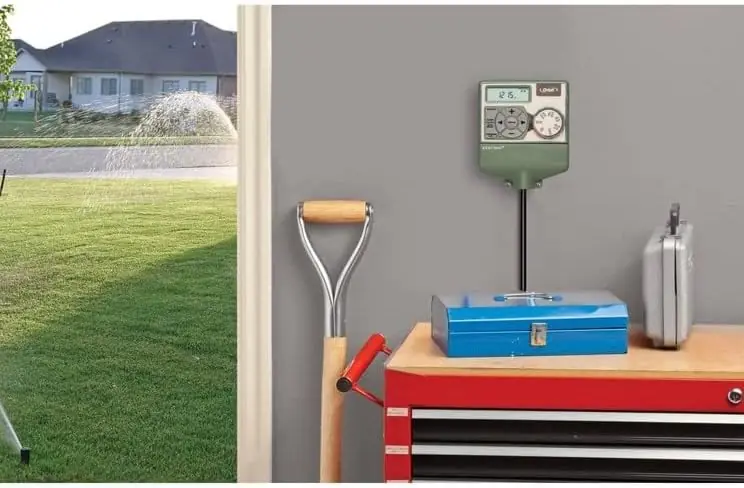
Installation is designed to be convenient, requiring only a Phillips screwdriver and wire strippers. Users should select a location near an electrical outlet, ensuring the operating temperature remains between 32° and 158° Fahrenheit. The timer mounts easily to a wall using an included template and screws, utilizing a keyhole slot and additional pre-formed holes for secure attachment.
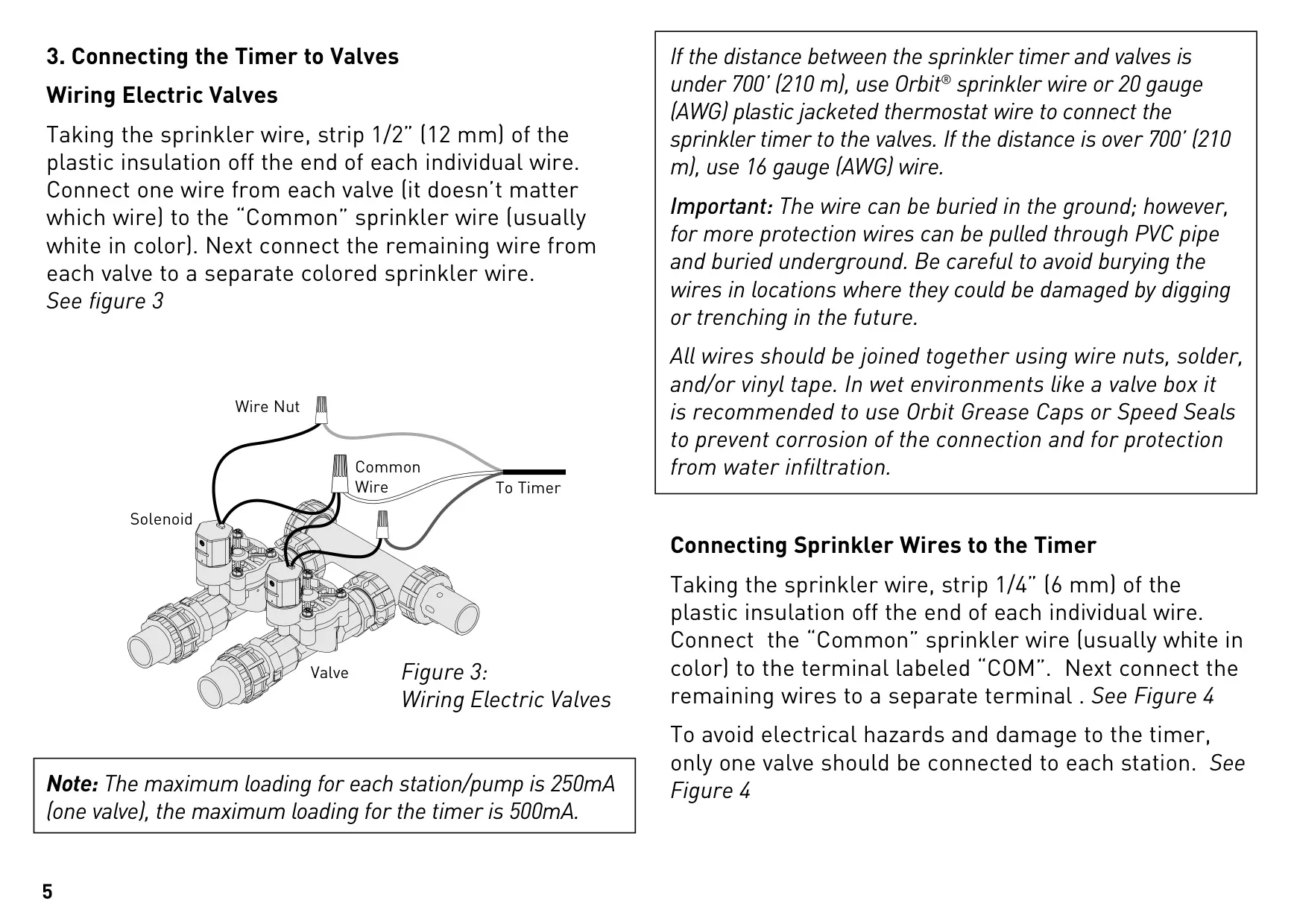
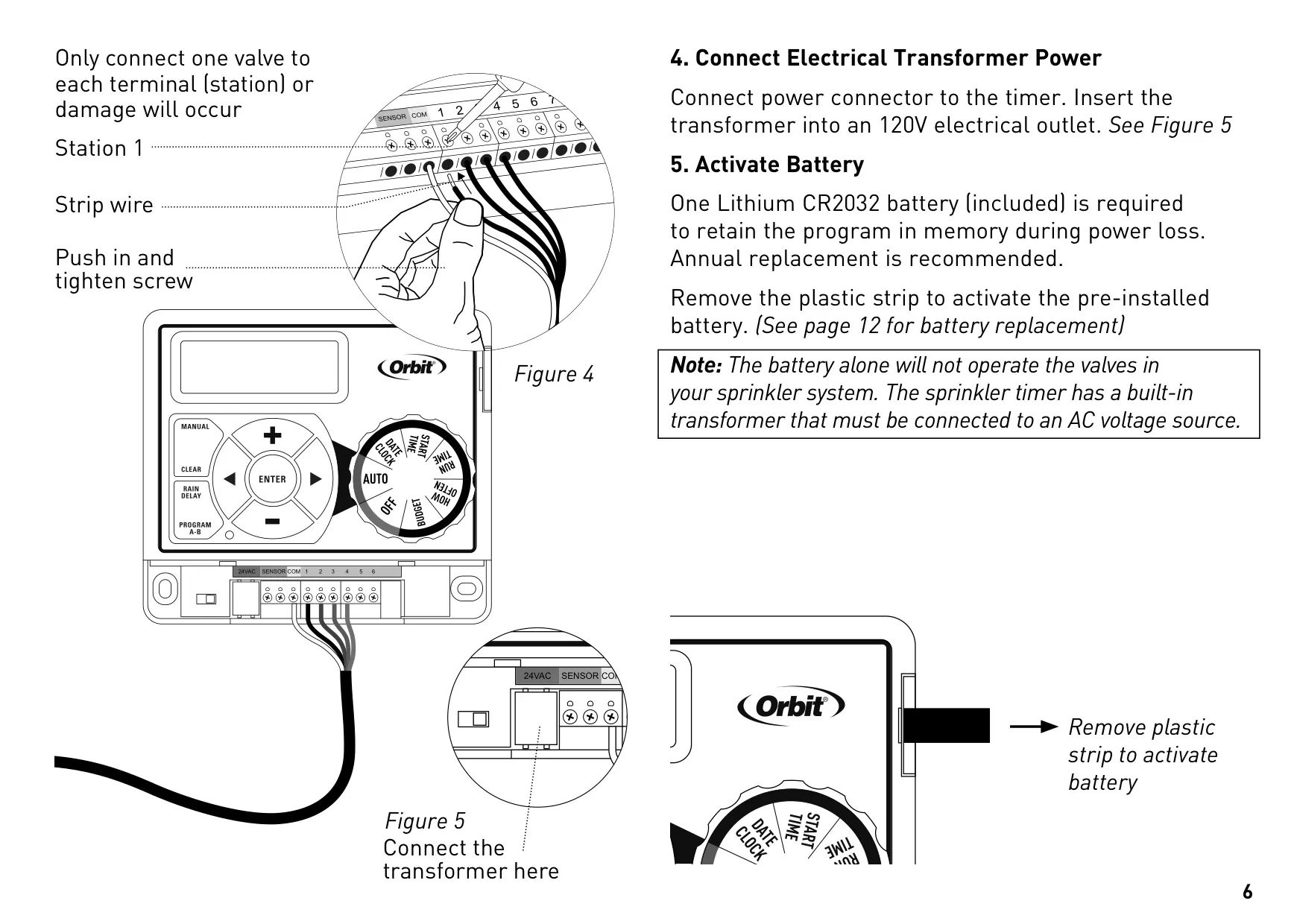
Wiring the timer involves connecting one wire from each valve to a common wire (typically white), then attaching the remaining valve wires to separate colored sprinkler wires. The common wire connects to the "COM" terminal on the timer, with individual station wires going to numbered terminals. It is crucial to connect only one valve per terminal to prevent electrical hazards and potential damage.
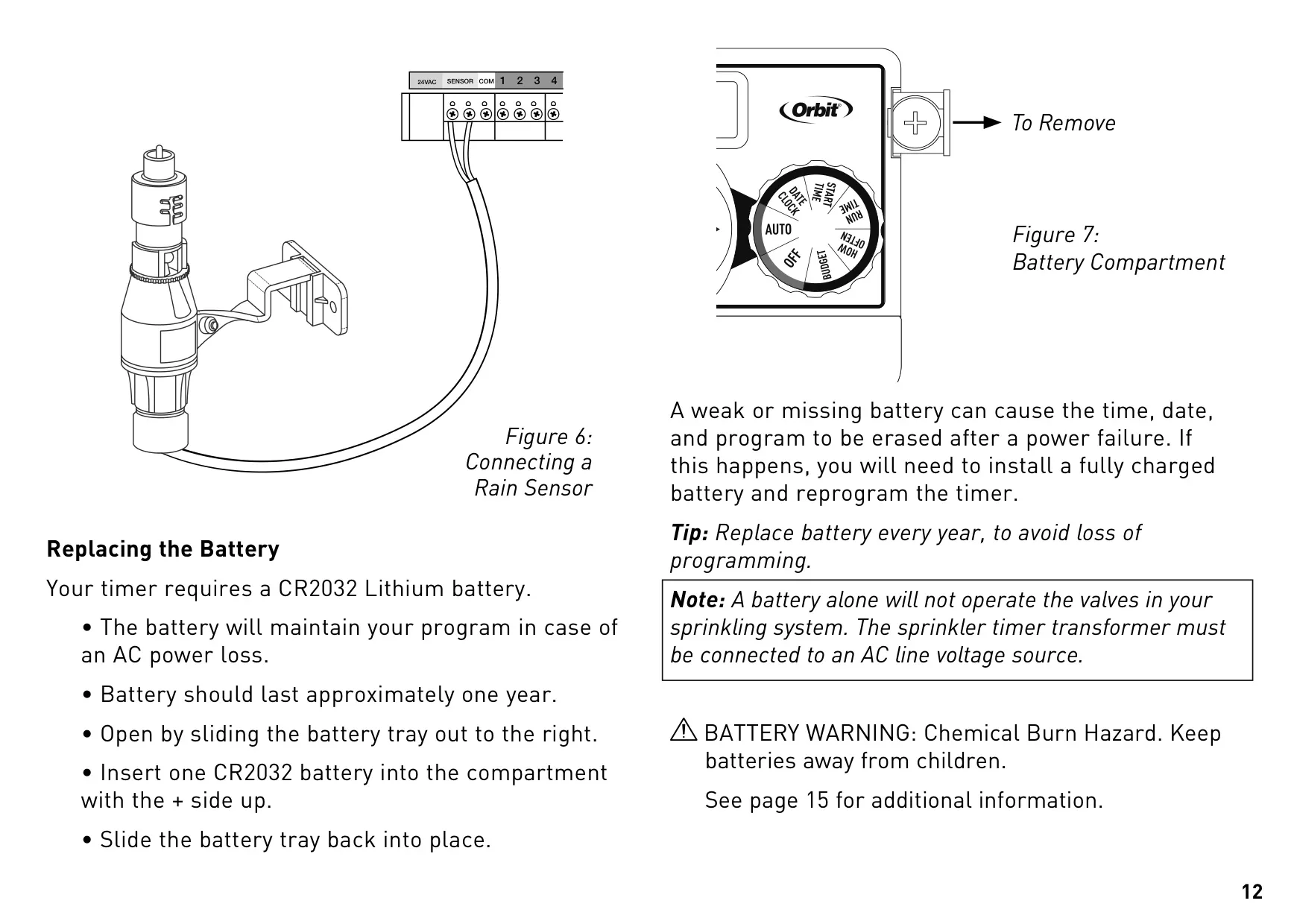
Power is supplied via an included transformer plugged into a 120V electrical outlet. A pre-installed CR2032 Lithium battery acts as a backup, preserving programmed settings during power outages. It's important to remember that this battery alone cannot operate the sprinkler valves; the timer requires AC power for full functionality, and annual battery replacement is recommended.
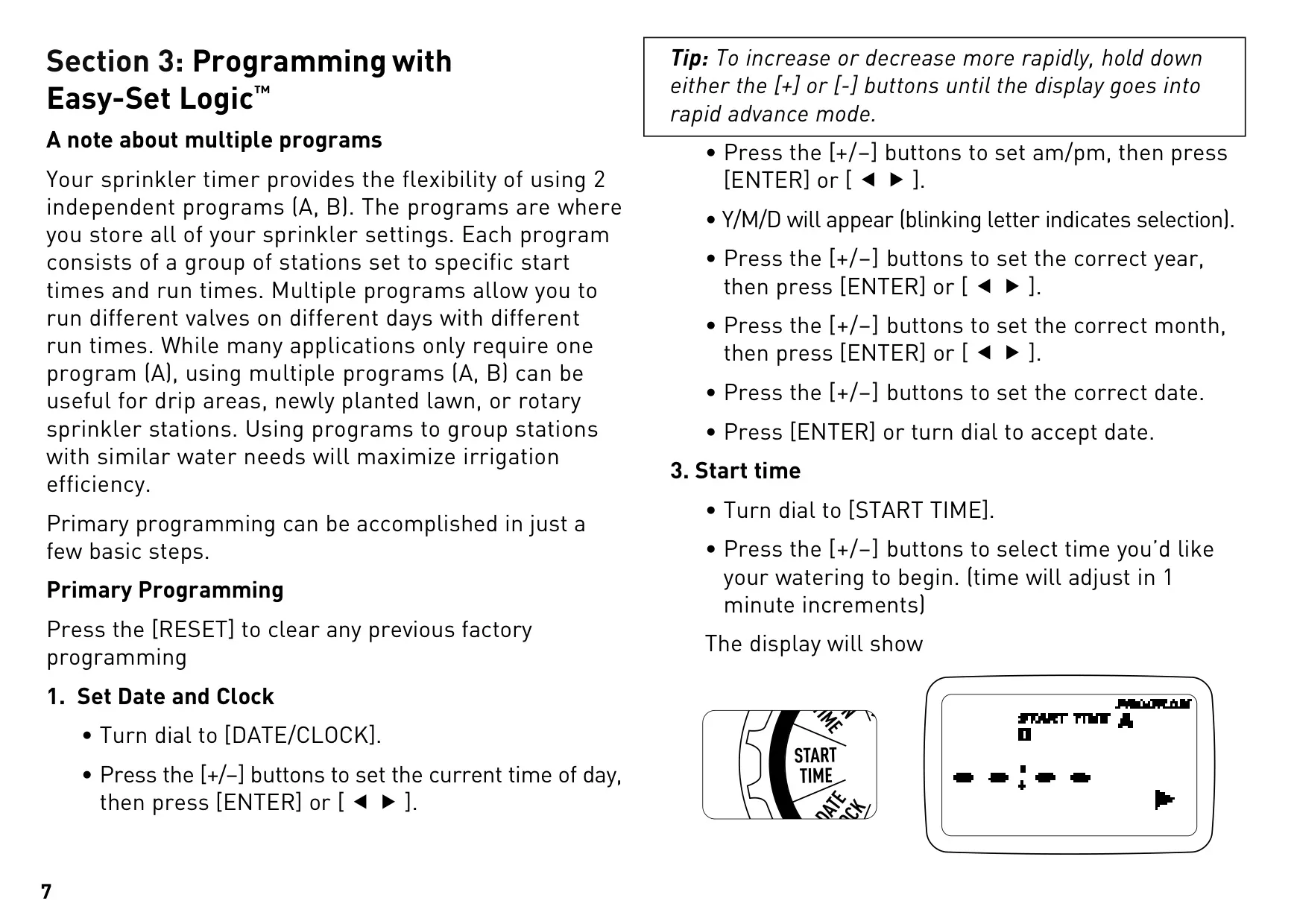
The timer supports two independent programs (A and B), offering flexibility for diverse watering requirements, such as drip zones, newly seeded lawns, or different sprinkler types. This allows for grouping stations with similar water needs, optimizing irrigation efficiency. Users can set up to four start times per program, with a "start-time stacking" feature delaying subsequent start times if a previous program is still running.
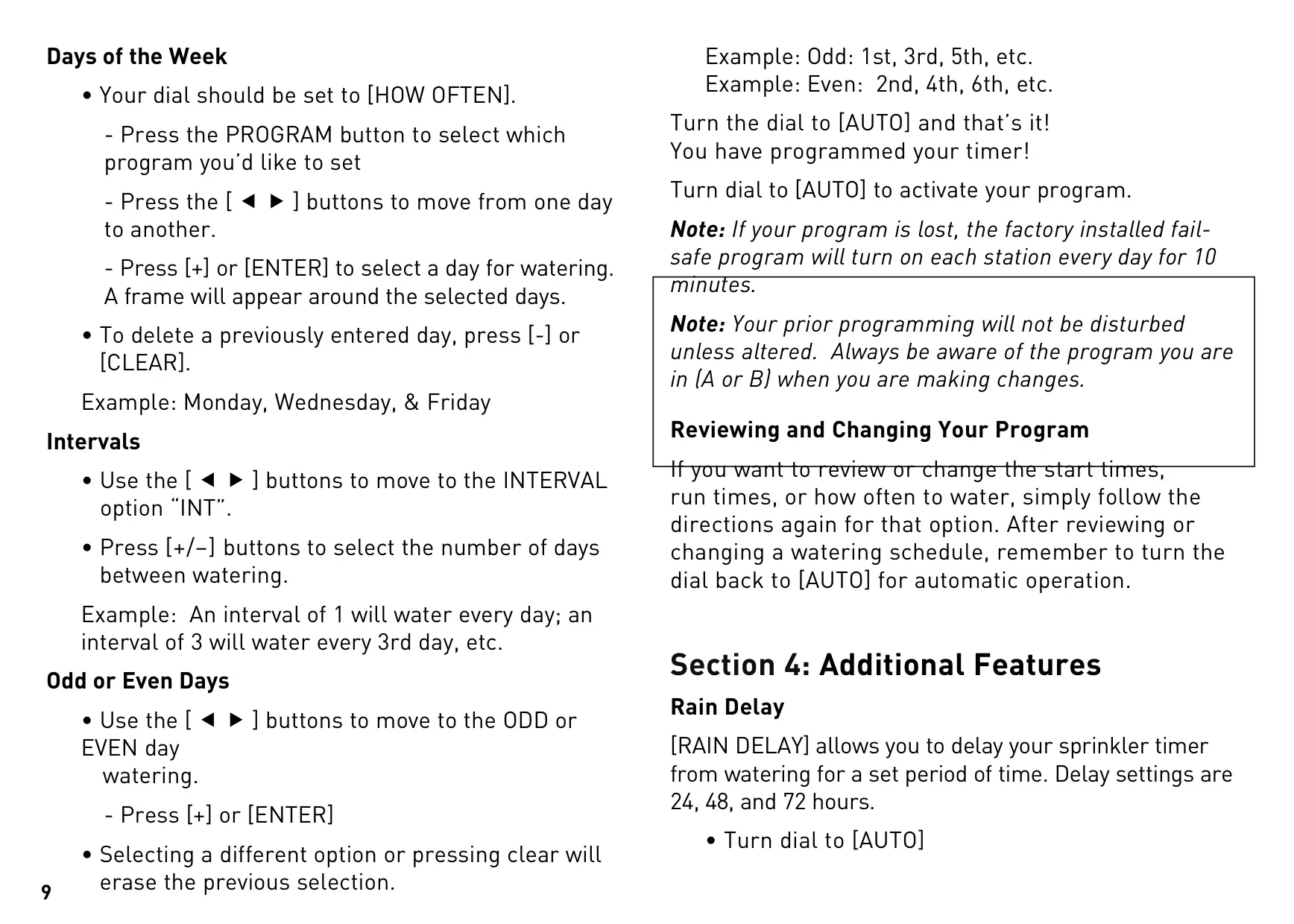
Watering frequency can be customized by selecting specific days of the week, setting an interval (e.g., every 3rd day), or choosing odd or even calendar days. These options provide precise control over when irrigation occurs. Once programming is complete, turning the dial to "AUTO" activates the schedule.
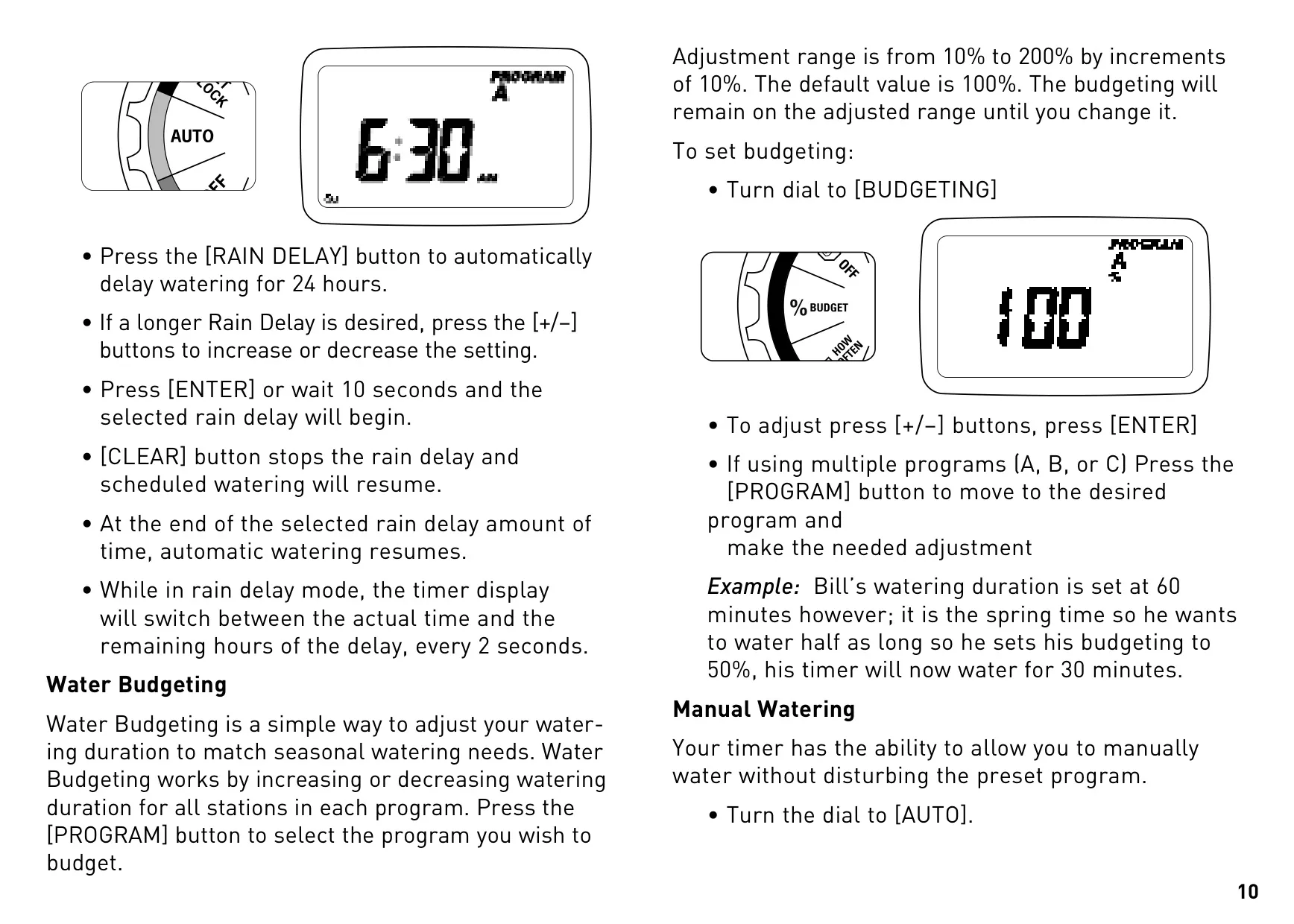
Beyond basic programming, the Orbit 57594 includes advanced features. The Rain Delay function allows users to pause watering for 24, 48, or 72 hours, which is useful after rainfall. Water Budgeting enables seasonal adjustments to watering durations for all stations in a program, with an adjustment range from 10% to 200% in 10% increments.
Manual watering can be initiated without disrupting the programmed schedule, allowing users to water all stations, a specific program, or even an individual station for a custom duration. The timer also supports connecting a rain sensor to automatically halt watering during precipitation, featuring a bypass switch for maintenance or when no sensor is installed. The Orbit B-hyve™ Lite app can provide programming recommendations, though the timer itself is not Wi-Fi enabled.
Frequently Asked Questions (FAQs)
Can't find the answer you need? Here are some frequently asked questions about the Orbit 57594 Easy Dial 4 Station, and we answer them below.