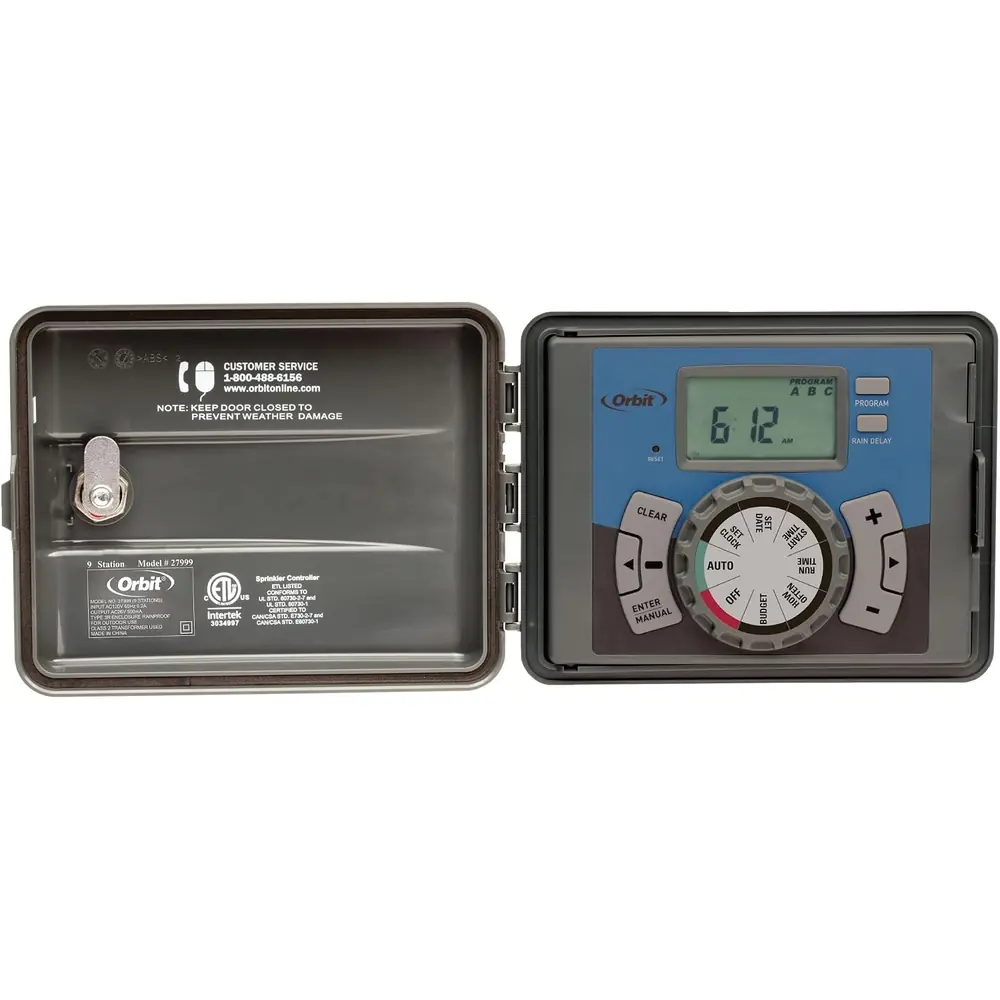
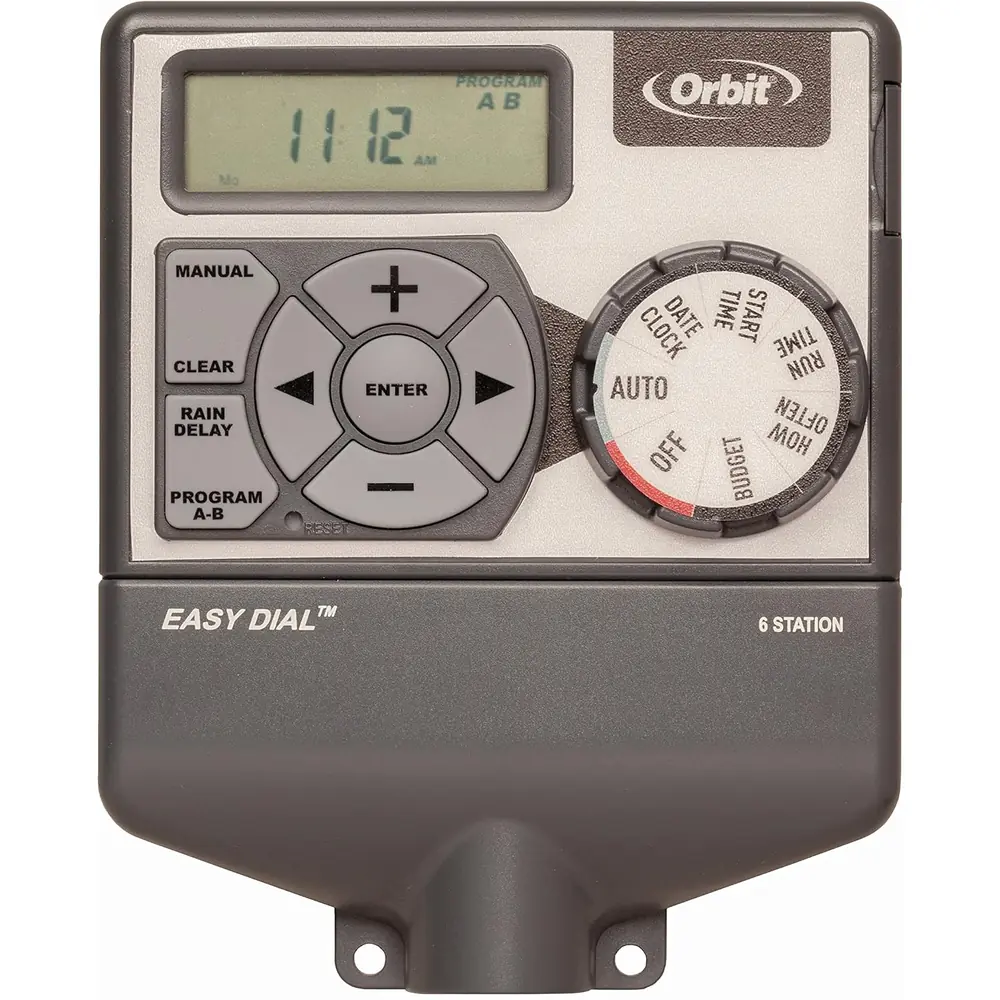
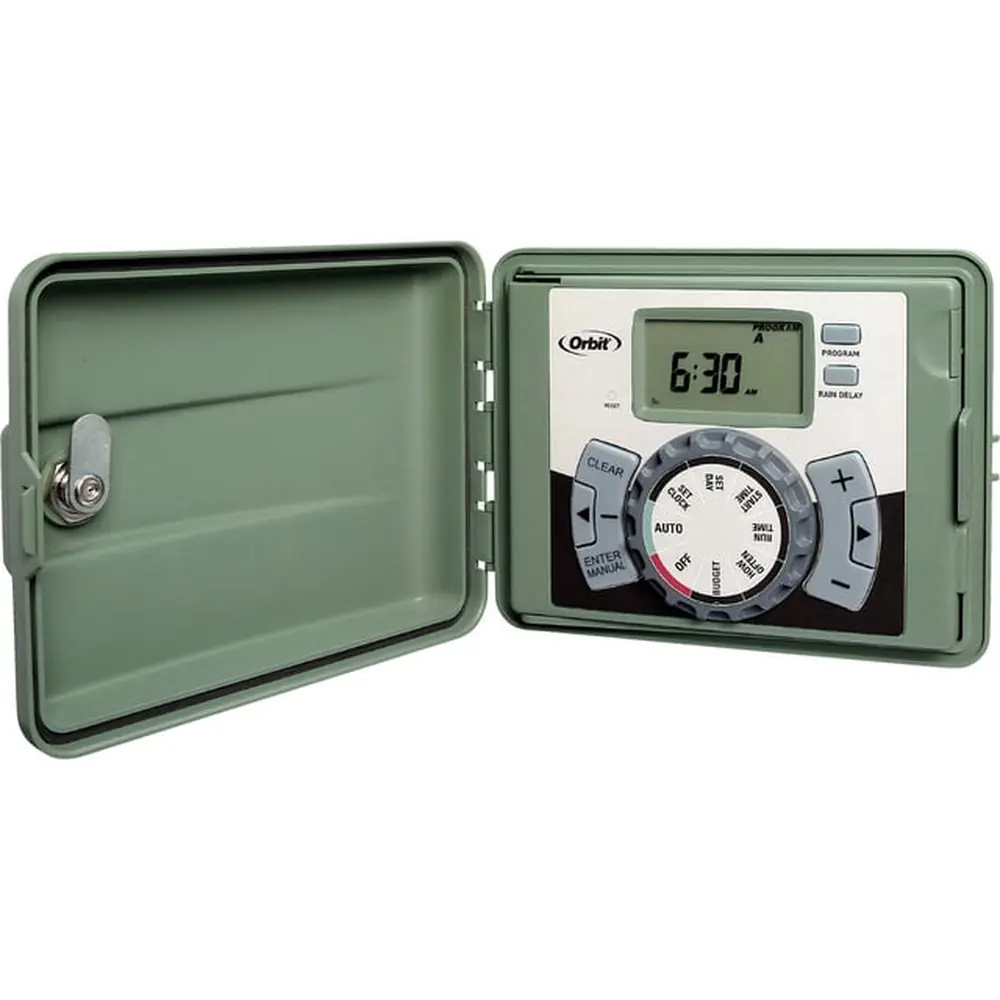
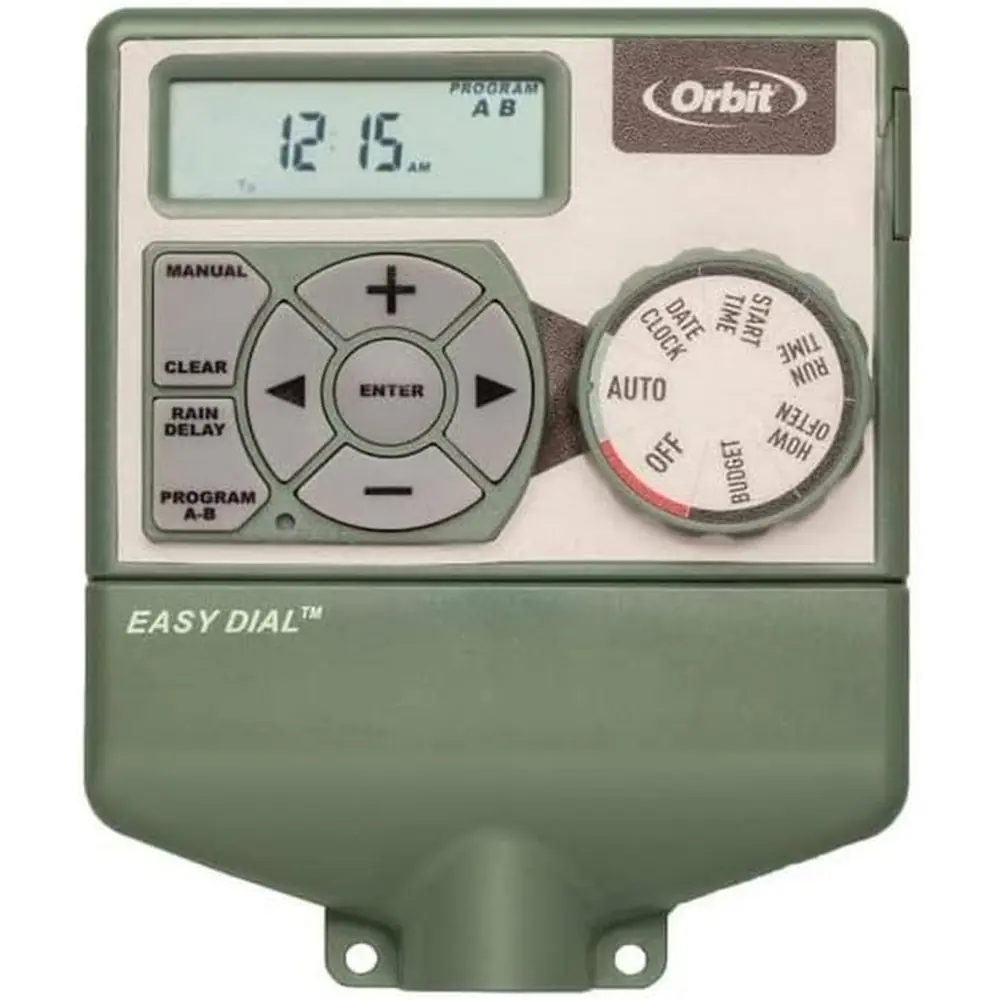
Orbit 62061Z Irrigation Controller Instruction Manual
Orbit 62061Z Irrigation Controller



Orbit 62061Z Irrigation Controller Instructions
Here we offer the Orbit 62061Z Irrigation Controller manual completely free and in English. We have cataloged this manual in the Irrigation Controllers section on Manualverse, and it has been rated by 1 users with an average rating of 5. If you have any specific questions about Orbit 62061Z Irrigation Controller, we suggest checking the Frequently Asked Questions (FAQs) section of this manual.
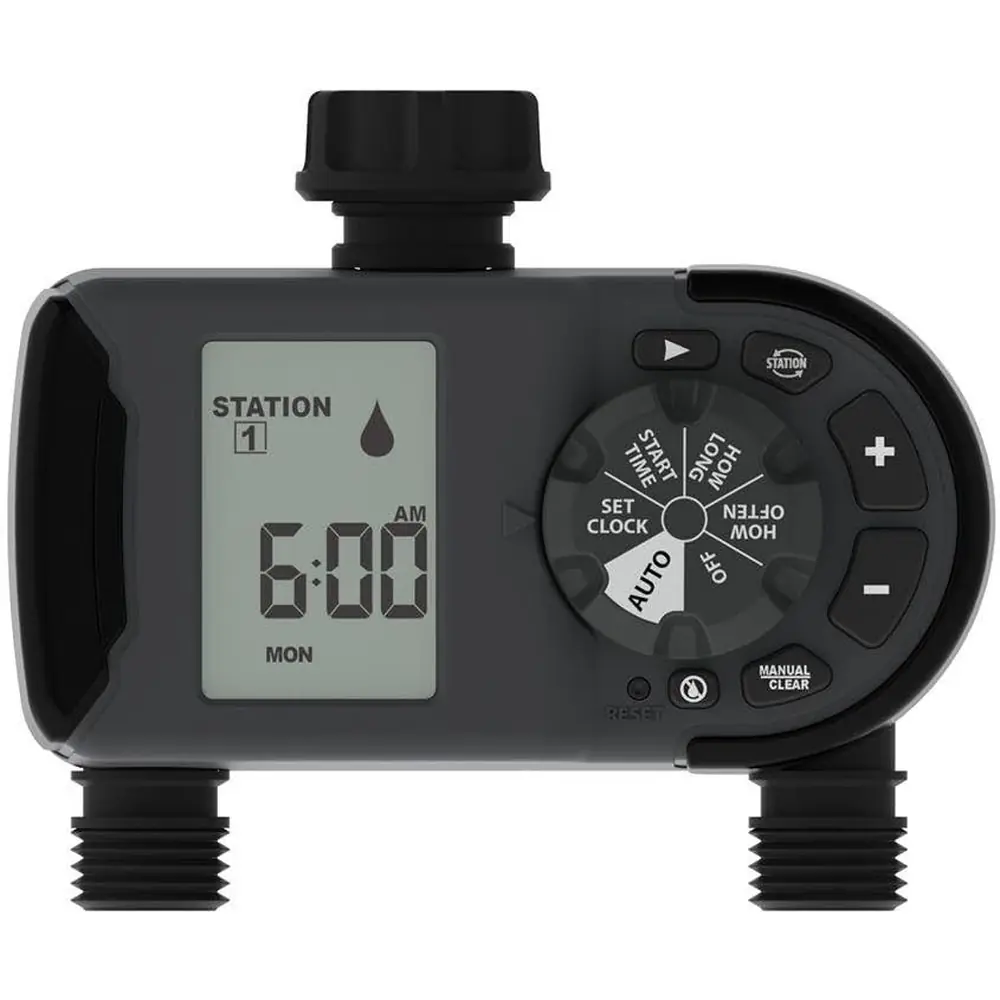
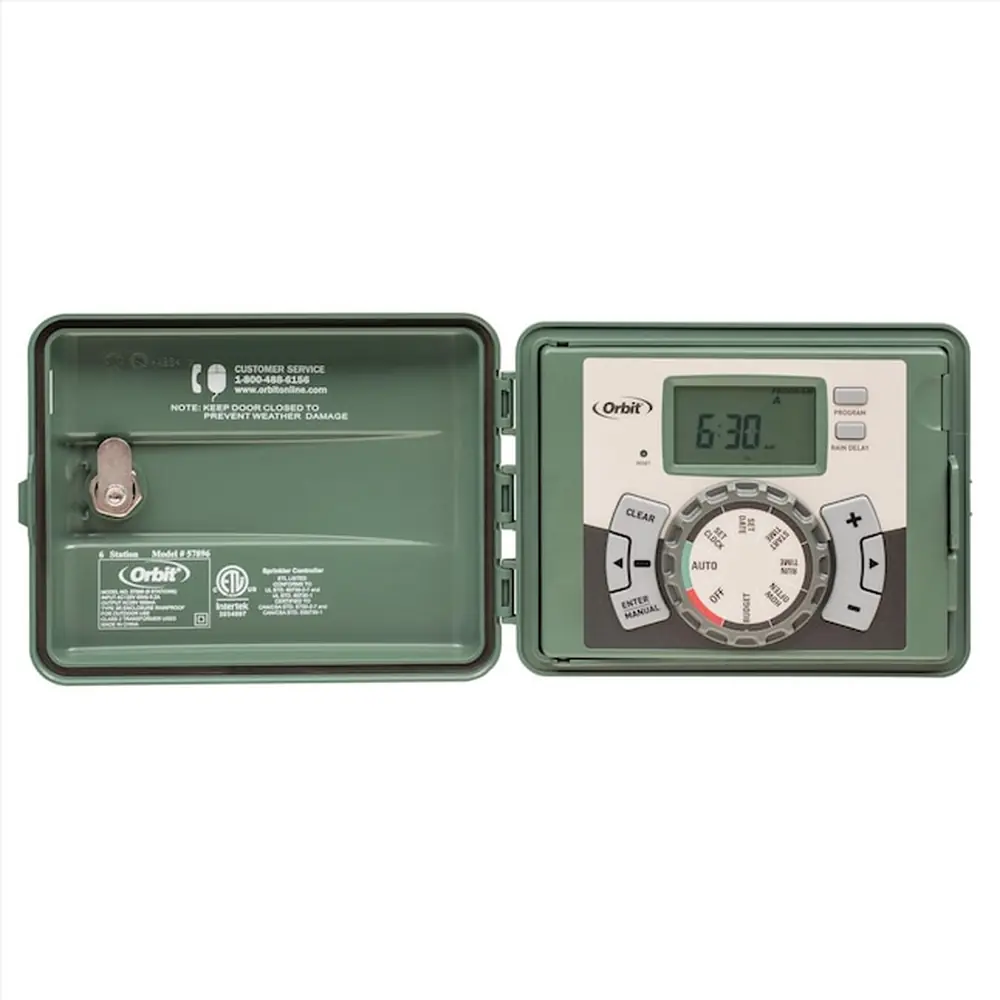
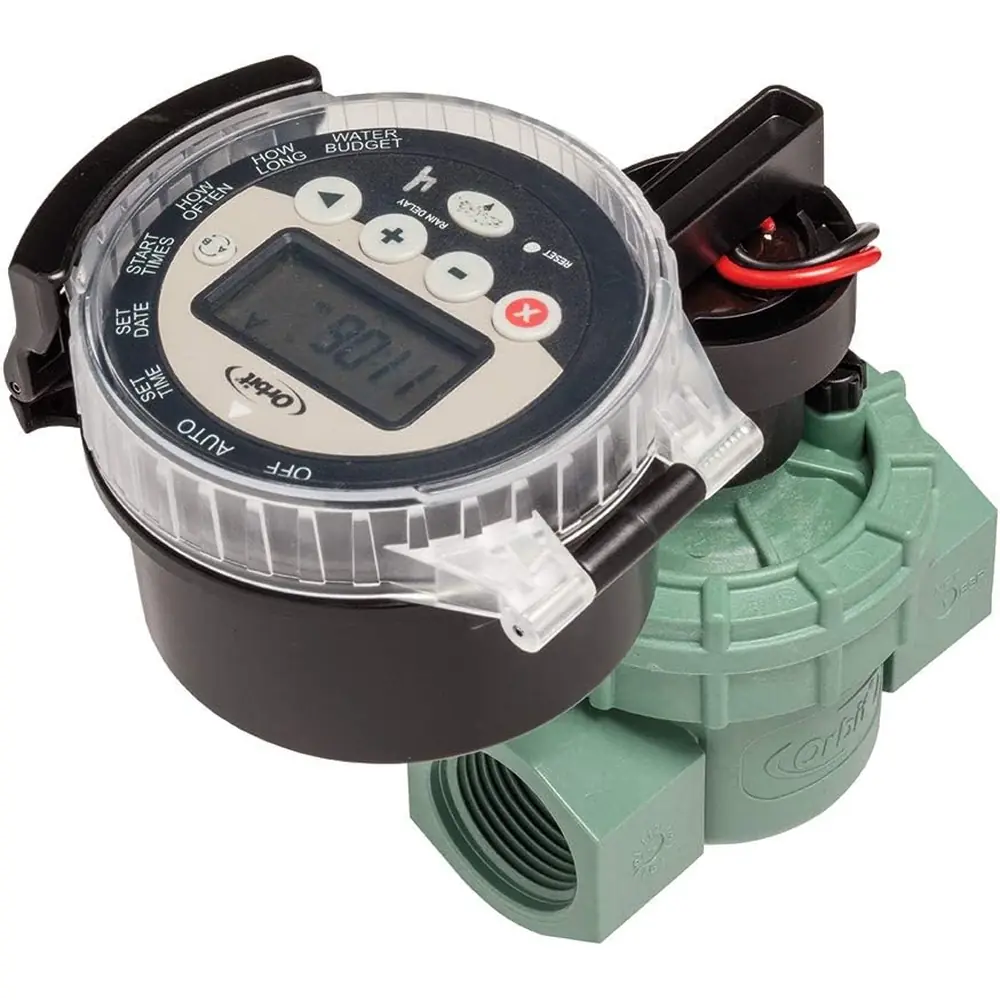
Product Images

Orbit 62061Z Irrigation Controller Specifications
| Feature | Specification |
|---|---|
| Product Type | 1-Outlet Hose Faucet Timer |
| Model Number | 62061Z |
| Power Source | 2 AA (1.5V) alkaline batteries (not included) |
| Watering Duration Range | 1 to 240 minutes |
| Watering Frequency Options | Every 6 hours, 12 hours, or 1 to 7 days |
| Minimum Working Water Pressure | 25 psi |
| Maximum Working Water Pressure | 100 psi |
| Maximum Working Temperature | 120°F (48°C) |
| Minimum Working Temperature | Keep from freezing |
| Intended Use | Cold water outdoor irrigation only |
Orbit 62061Z Irrigation Controller Details
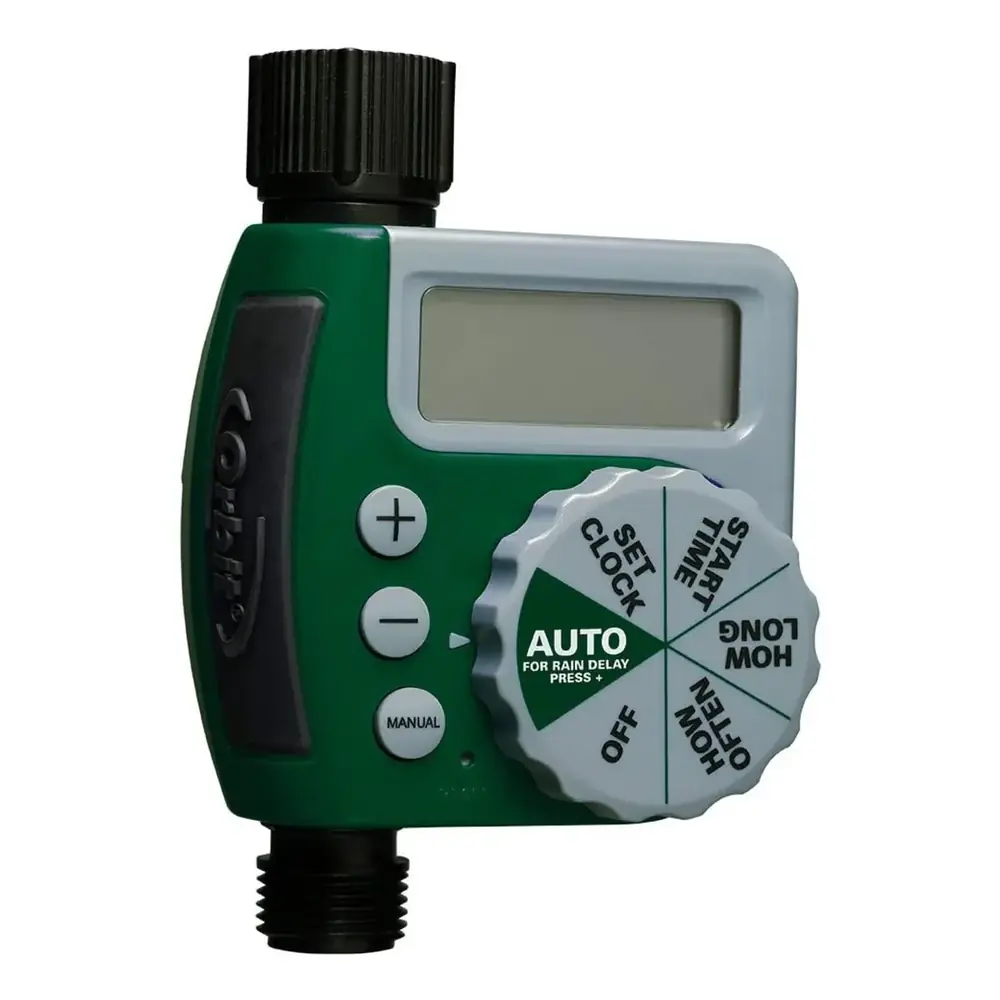
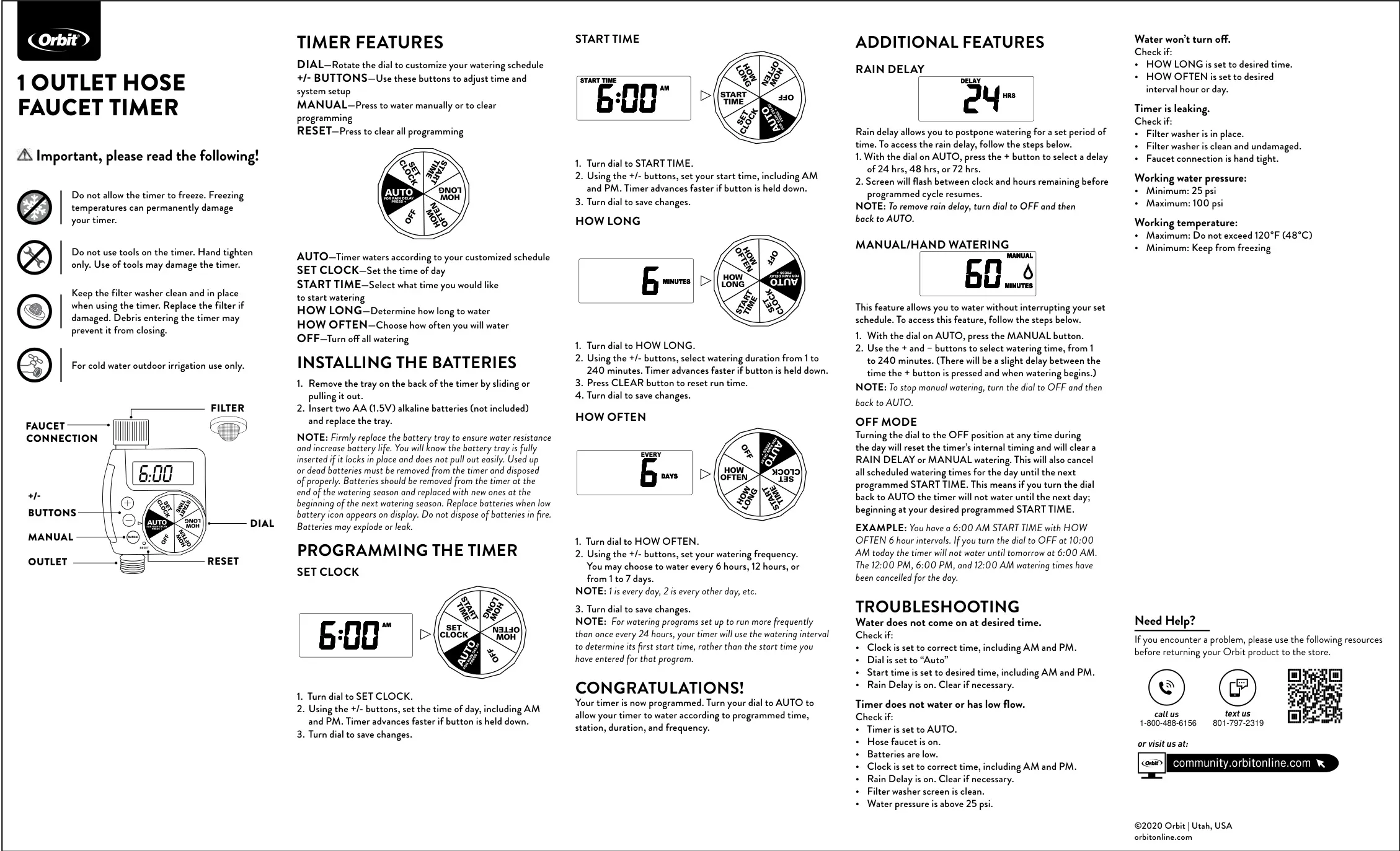
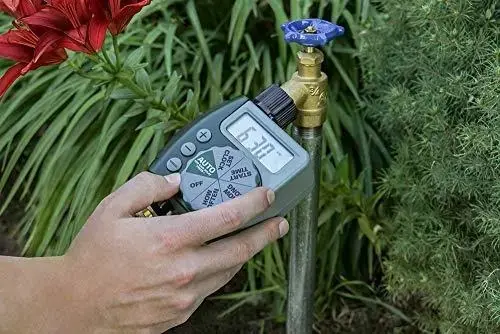
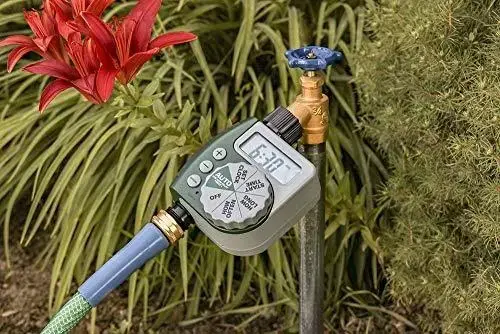
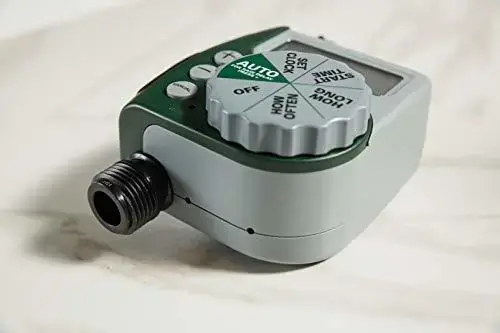
The Orbit 62061Z Irrigation Controller is a user-friendly 1-outlet hose faucet timer designed to automate your outdoor watering schedule. Its intuitive interface features a rotating dial for navigation and +/- buttons for precise adjustments to time and system setup. For immediate needs, a dedicated MANUAL button allows for temporary watering, while a RESET button provides a quick way to clear all programmed settings, ensuring a fresh start.
Installation is straightforward, requiring two AA (1.5V) alkaline batteries, which are not included. The battery tray is located on the back and slides out easily. It's crucial to firmly replace the tray to ensure water resistance and prolong battery life, listening for a secure lock. The timer's display will show a low battery icon when replacement is needed, indicating it's time to swap out old batteries for new ones.
Programming the Orbit 62061Z is a simple four-step process. First, turn the dial to SET CLOCK to establish the current time, including AM/PM. Next, select your desired watering start time under START TIME, again confirming AM/PM settings. Then, determine the duration of each watering cycle, from 1 to 240 minutes, using the HOW LONG setting. The CLEAR button can reset this run time if needed.
Finally, set your watering frequency with the HOW OFTEN option. You can choose to water every 6 hours, 12 hours, or select a specific interval from 1 to 7 days (where 1 means daily, 2 means every other day, and so on). After completing these steps, simply turn the dial to AUTO, and the timer will execute your customized watering schedule efficiently, adhering to the specified start time, duration, and frequency.
Beyond basic programming, the Orbit 62061Z offers several helpful additional features. The Rain Delay function allows you to pause watering for 24, 48, or 72 hours, which is activated by pressing the + button while the dial is on AUTO. The screen will flash, indicating the remaining delay. To cancel it, turn the dial to OFF and then back to AUTO.
For instant watering, the Manual/Hand Watering feature lets you run the system without altering your programmed schedule. Simply press the MANUAL button when the dial is on AUTO, then use the +/- buttons to set a duration from 1 to 240 minutes. There will be a slight delay before watering begins. To stop manual watering, rotate the dial to OFF and then return it to AUTO.
Understanding the OFF Mode is important. Turning the dial to OFF will reset the timer's internal timing and cancel any active Rain Delay or Manual watering. It also cancels all scheduled watering times for the remainder of the current day. This means if you switch back to AUTO, the timer will not water until the *next* programmed start time, effectively skipping any immediate cycles.
Frequently Asked Questions (FAQs)
Can't find the answer you need? Here are some frequently asked questions about the Orbit 62061Z Irrigation Controller, and we answer them below.