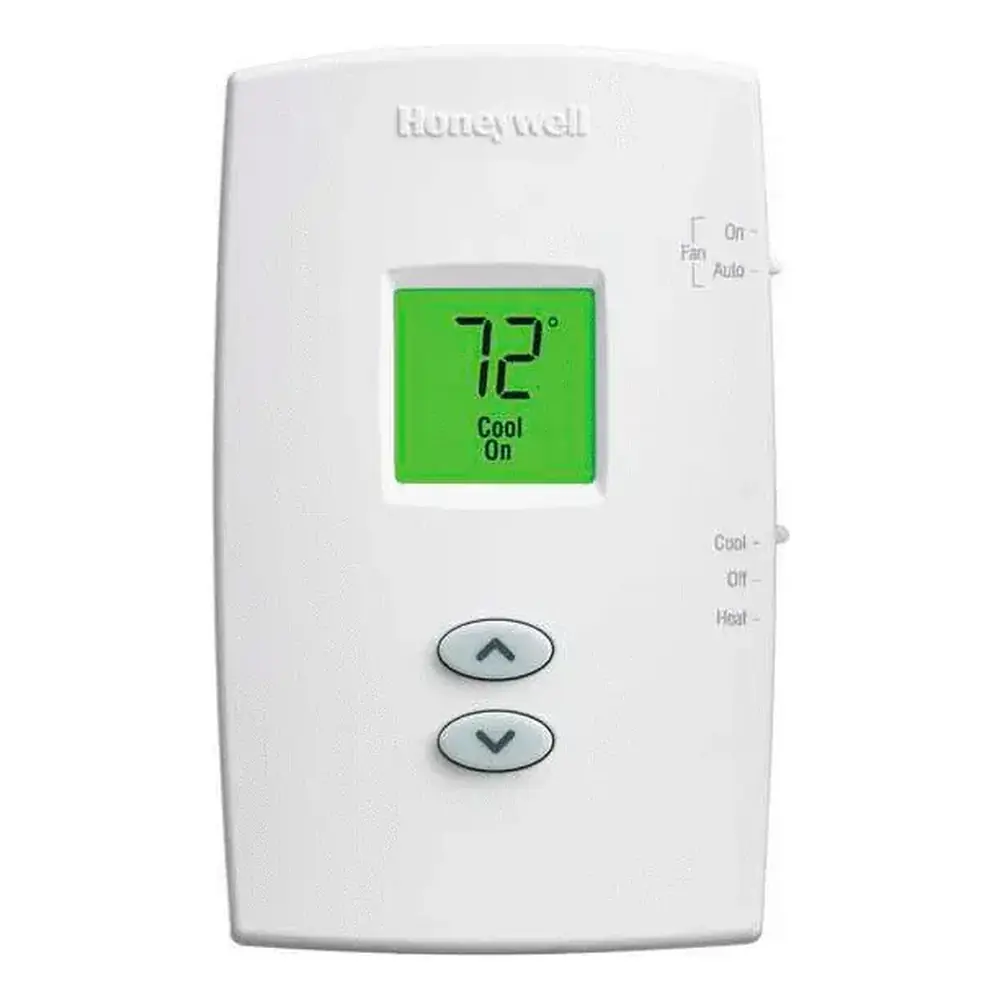
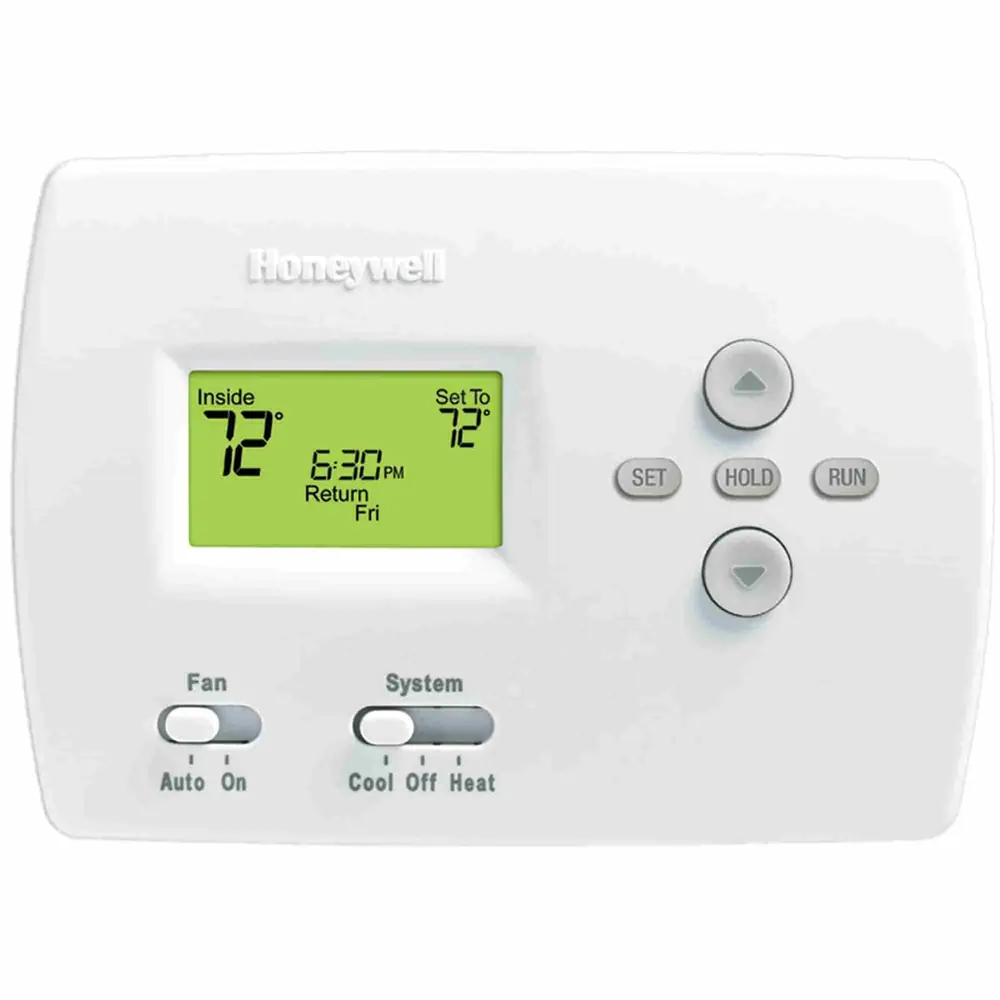
Honeywell Vista 128BPT Security System Instruction Manual
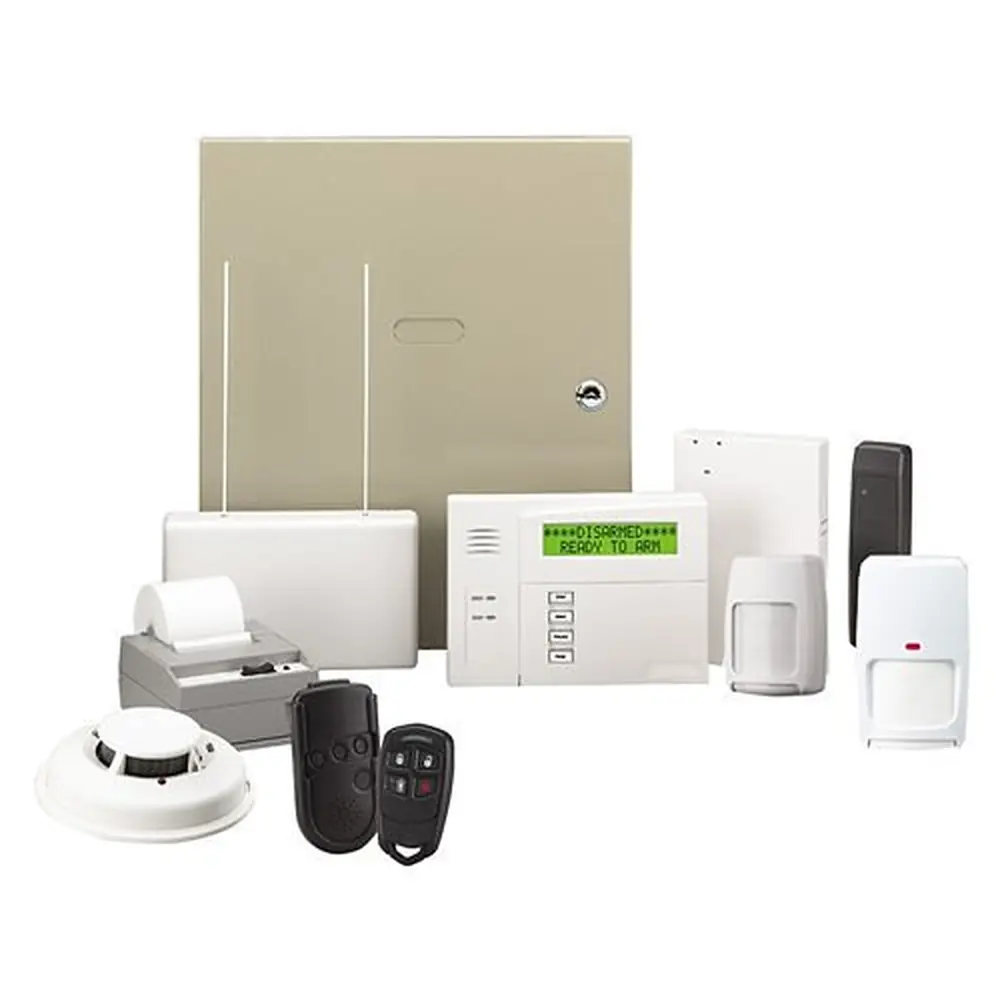
Honeywell Vista 128BPT Security System








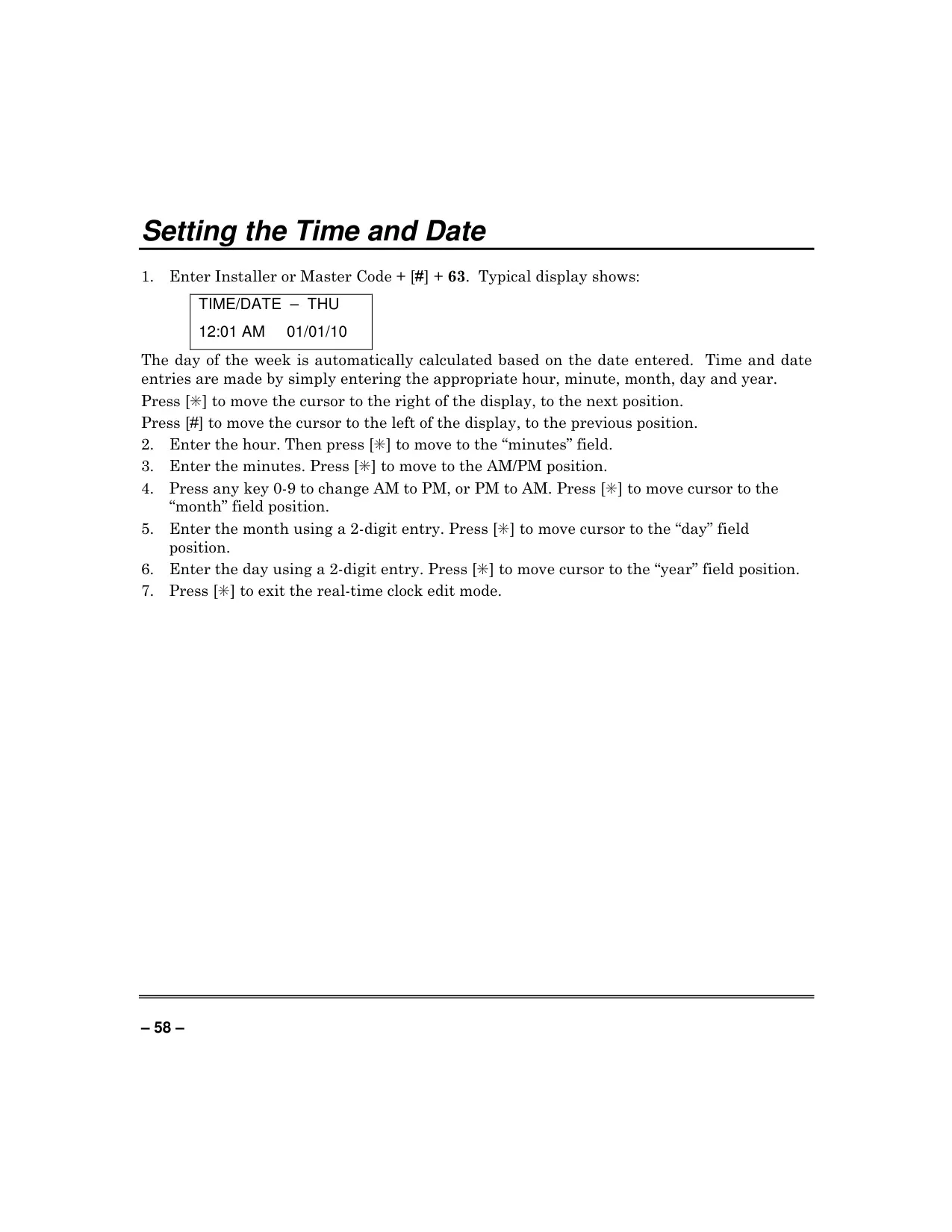
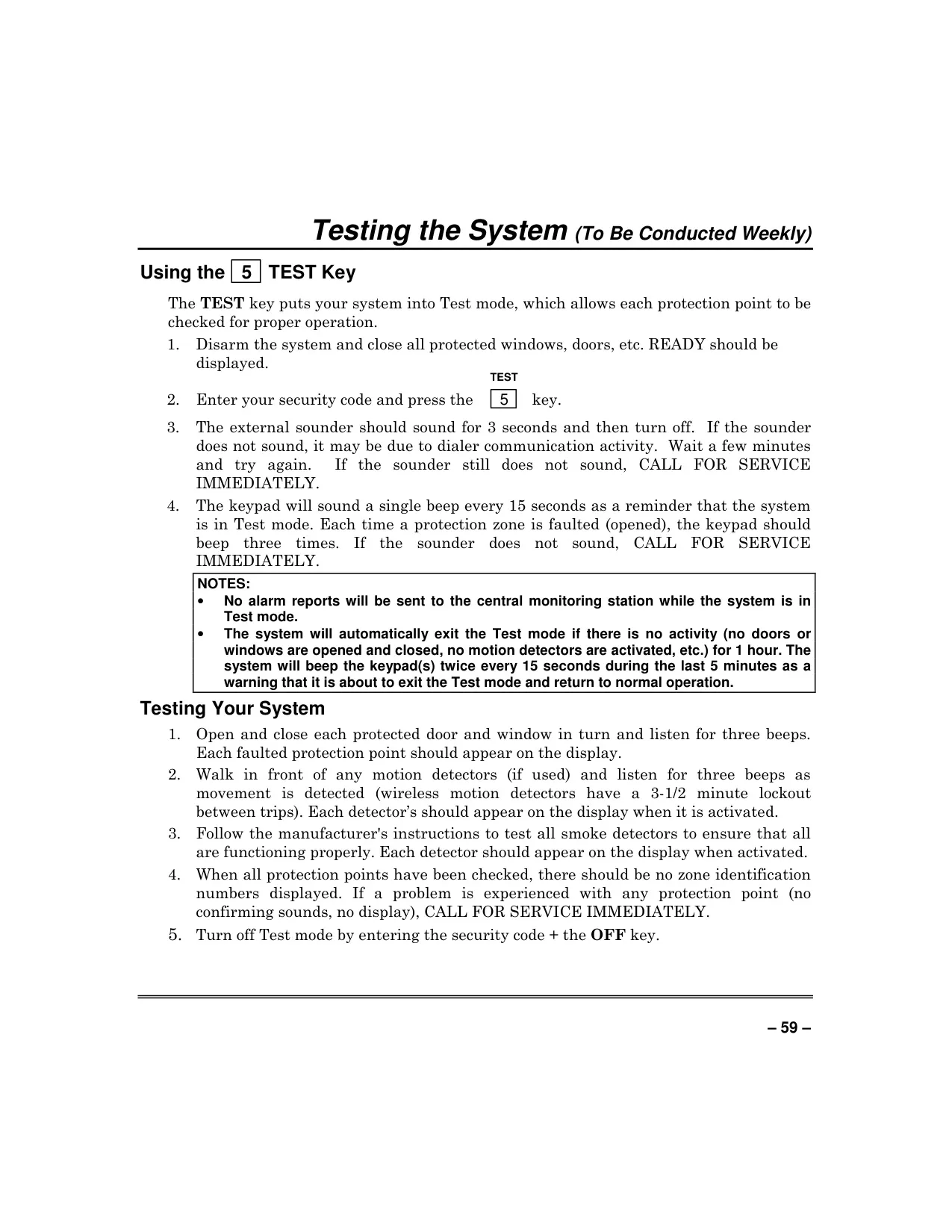
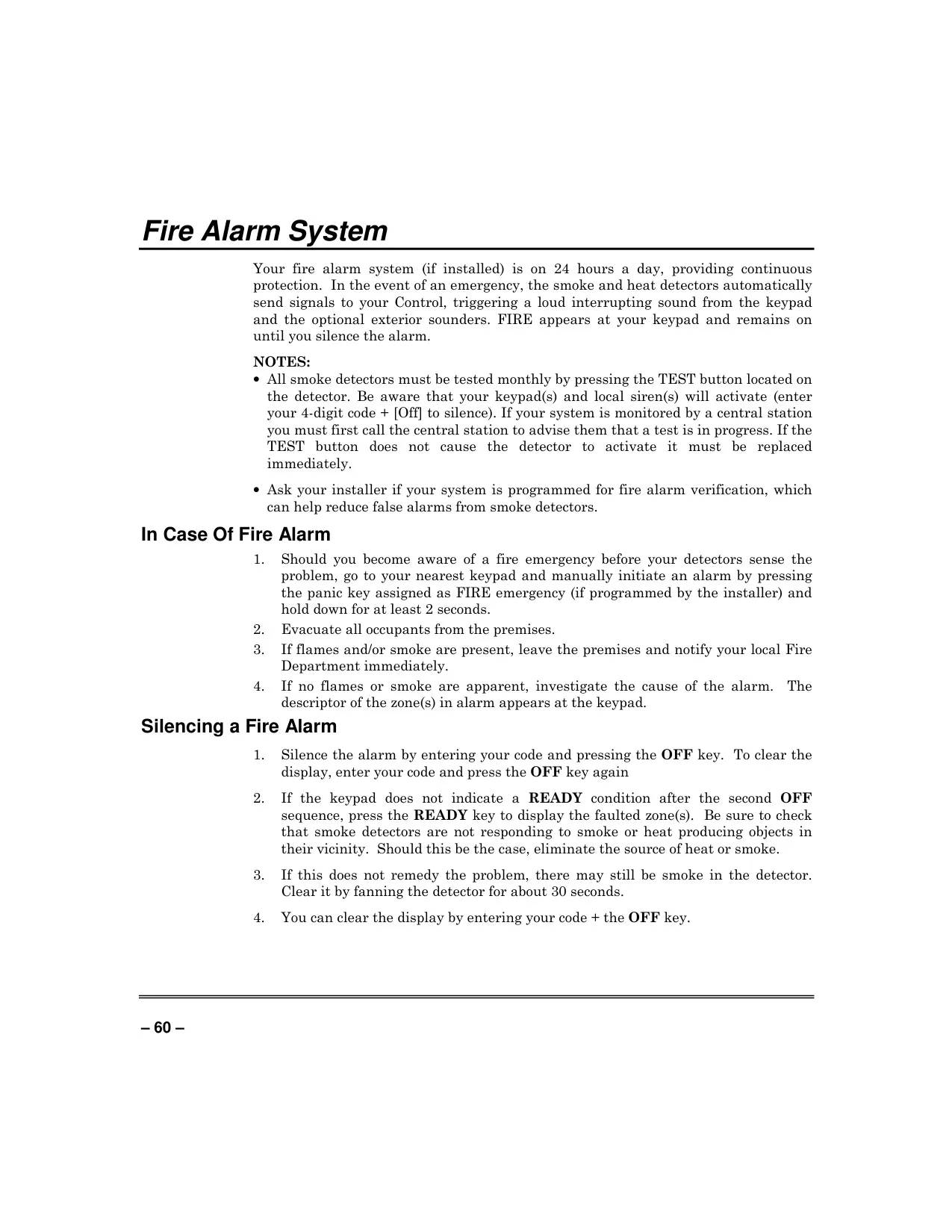
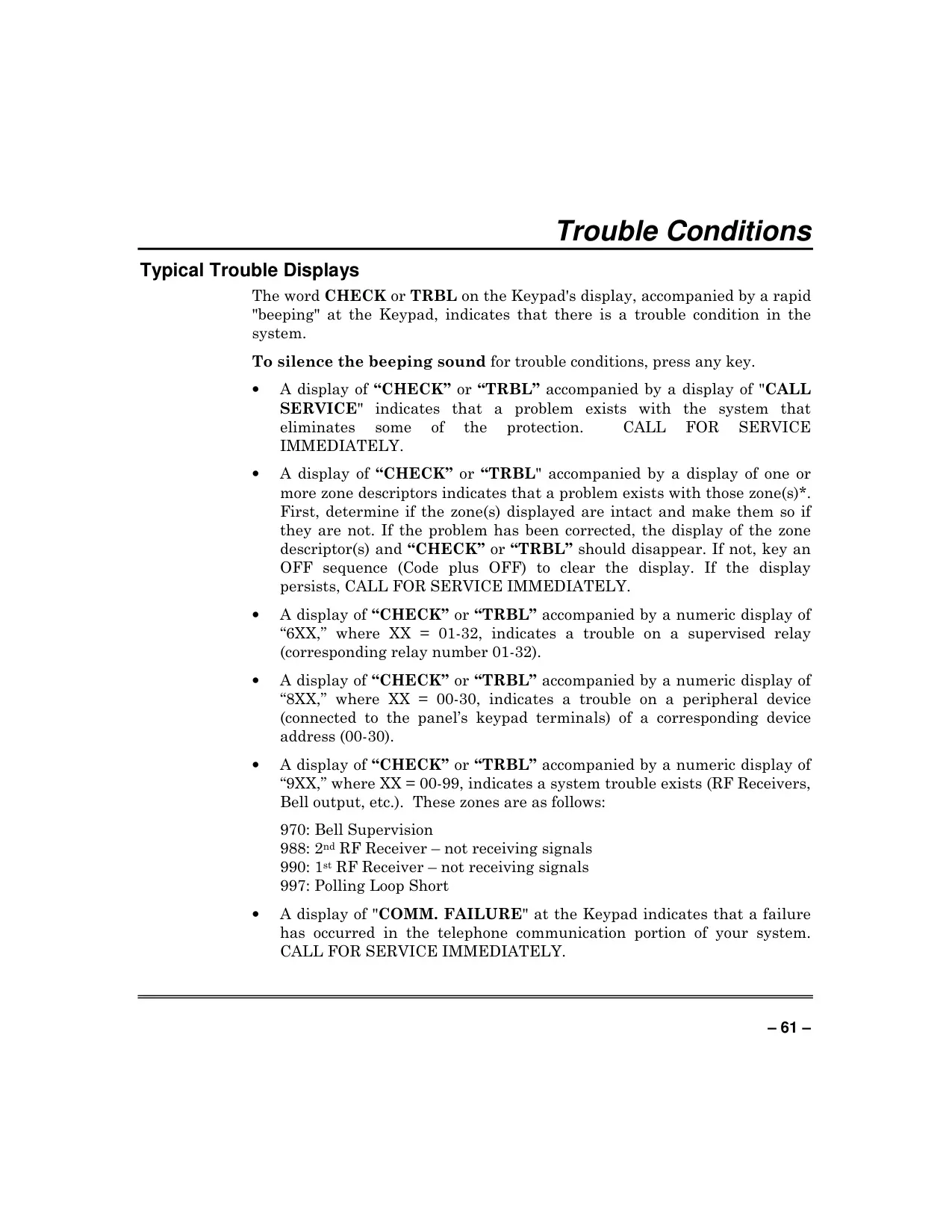






Honeywell Vista 128BPT Security System

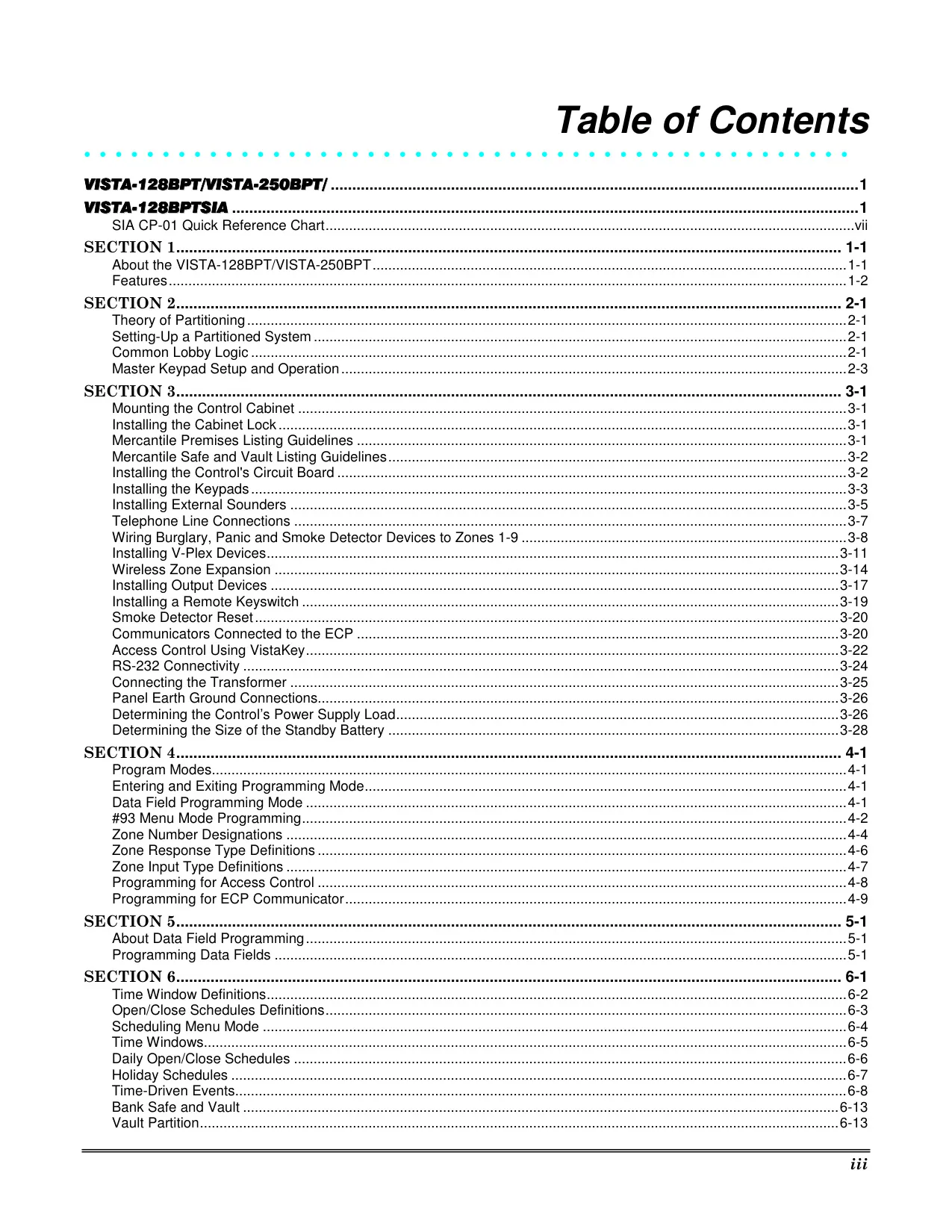
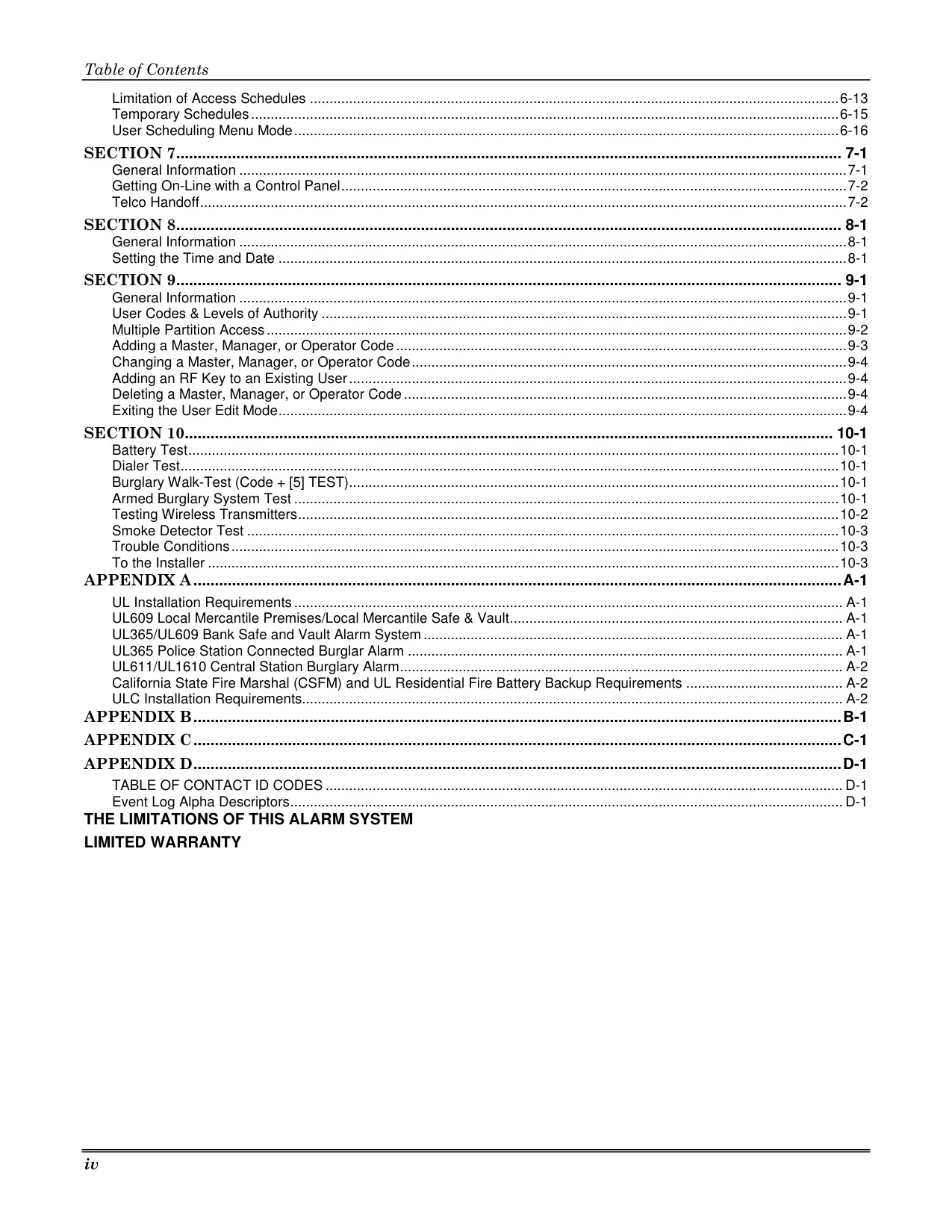
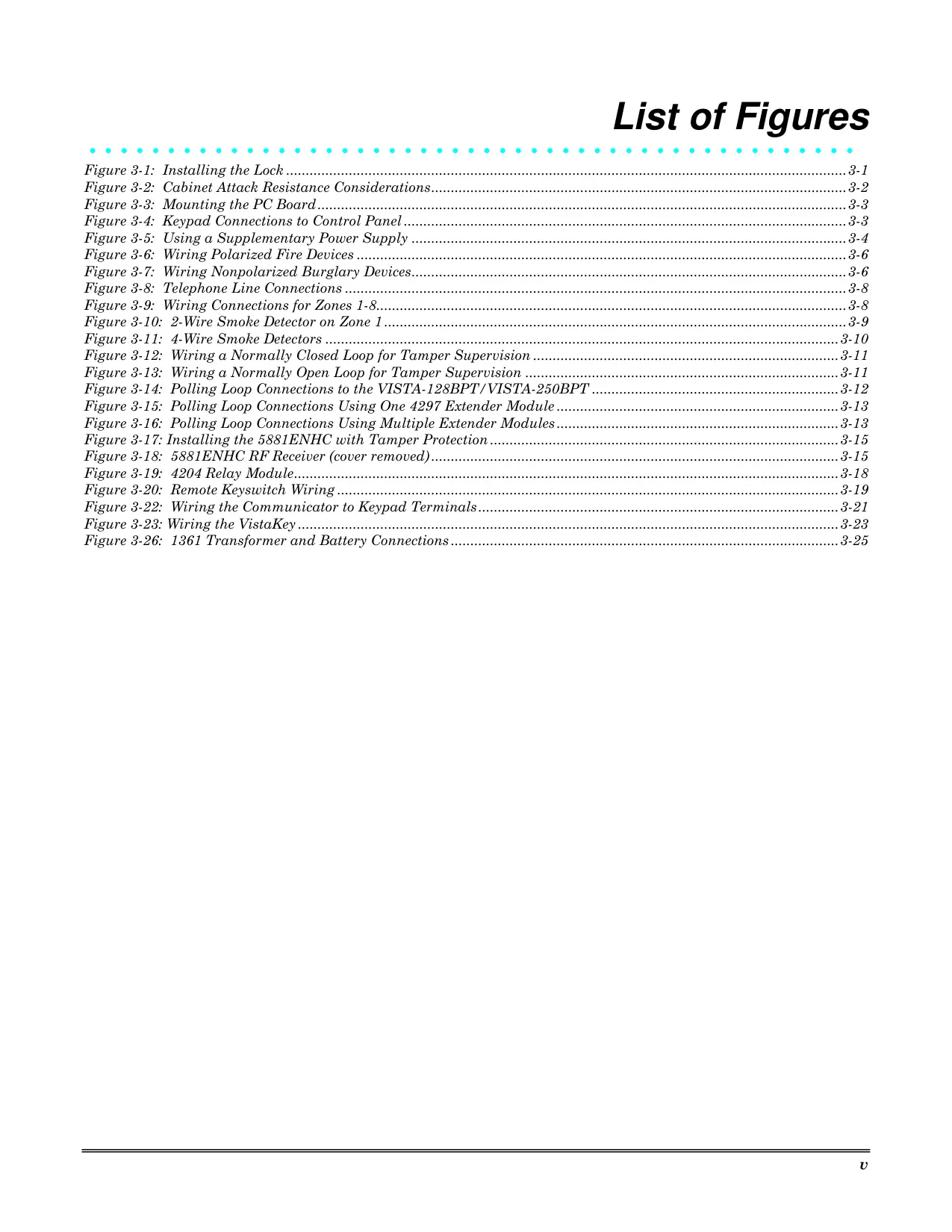
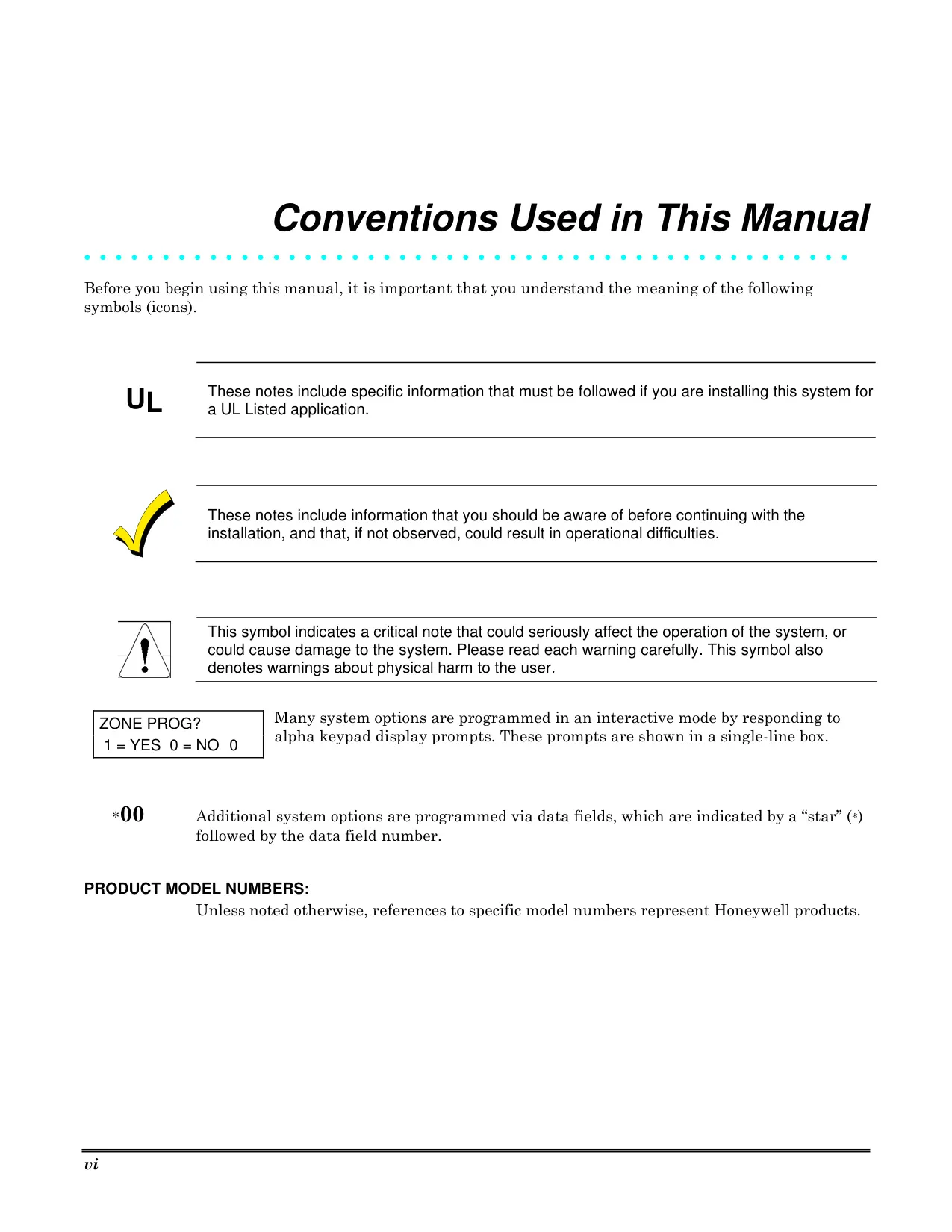
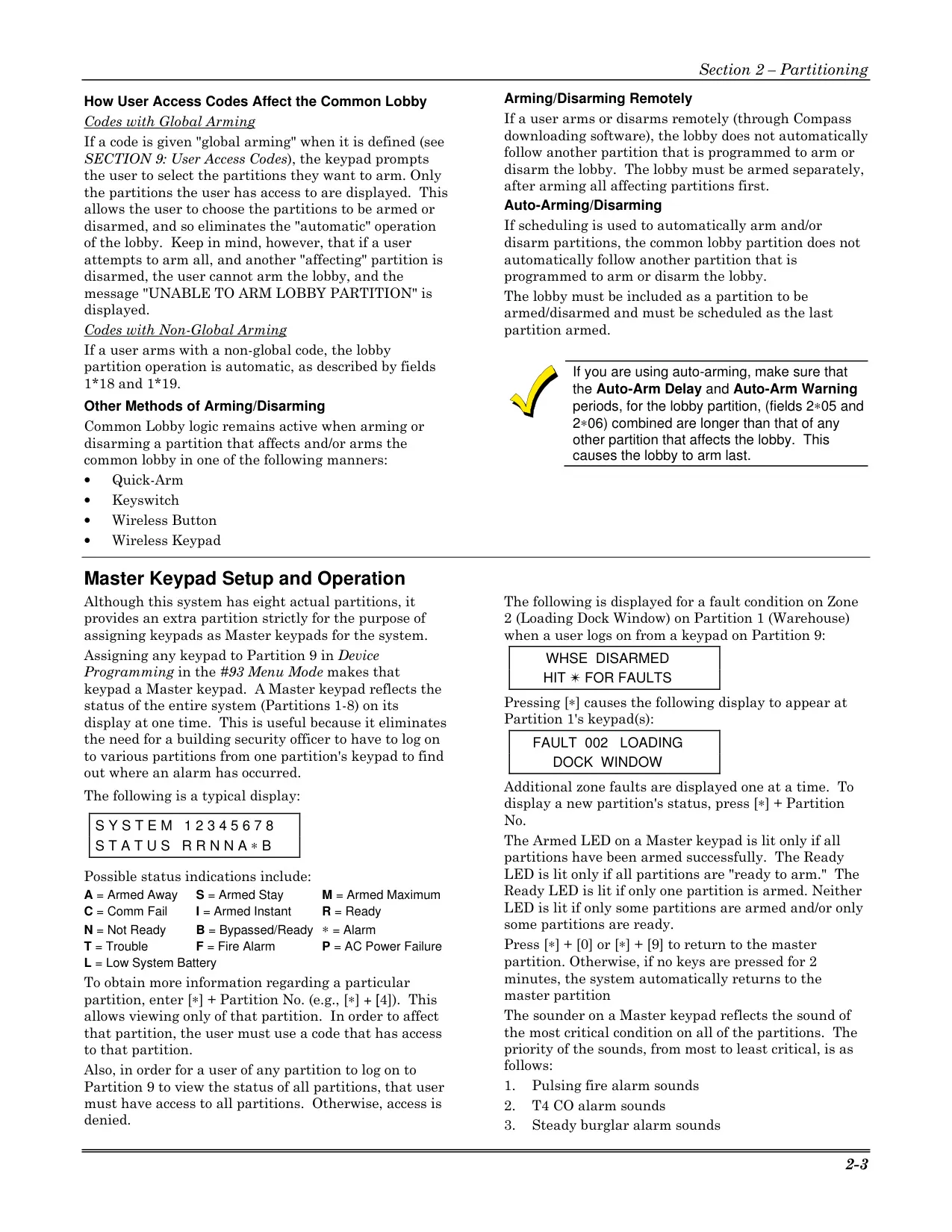
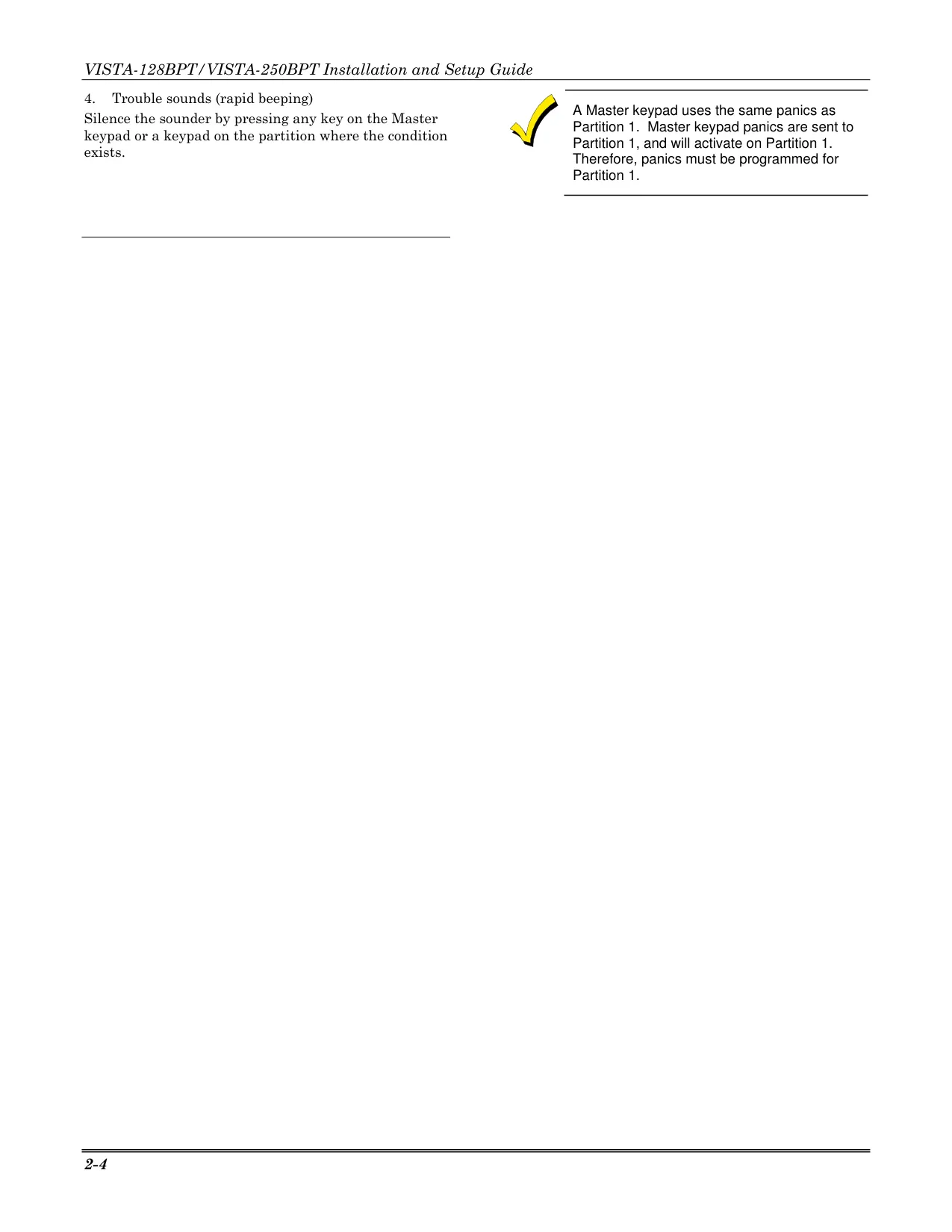
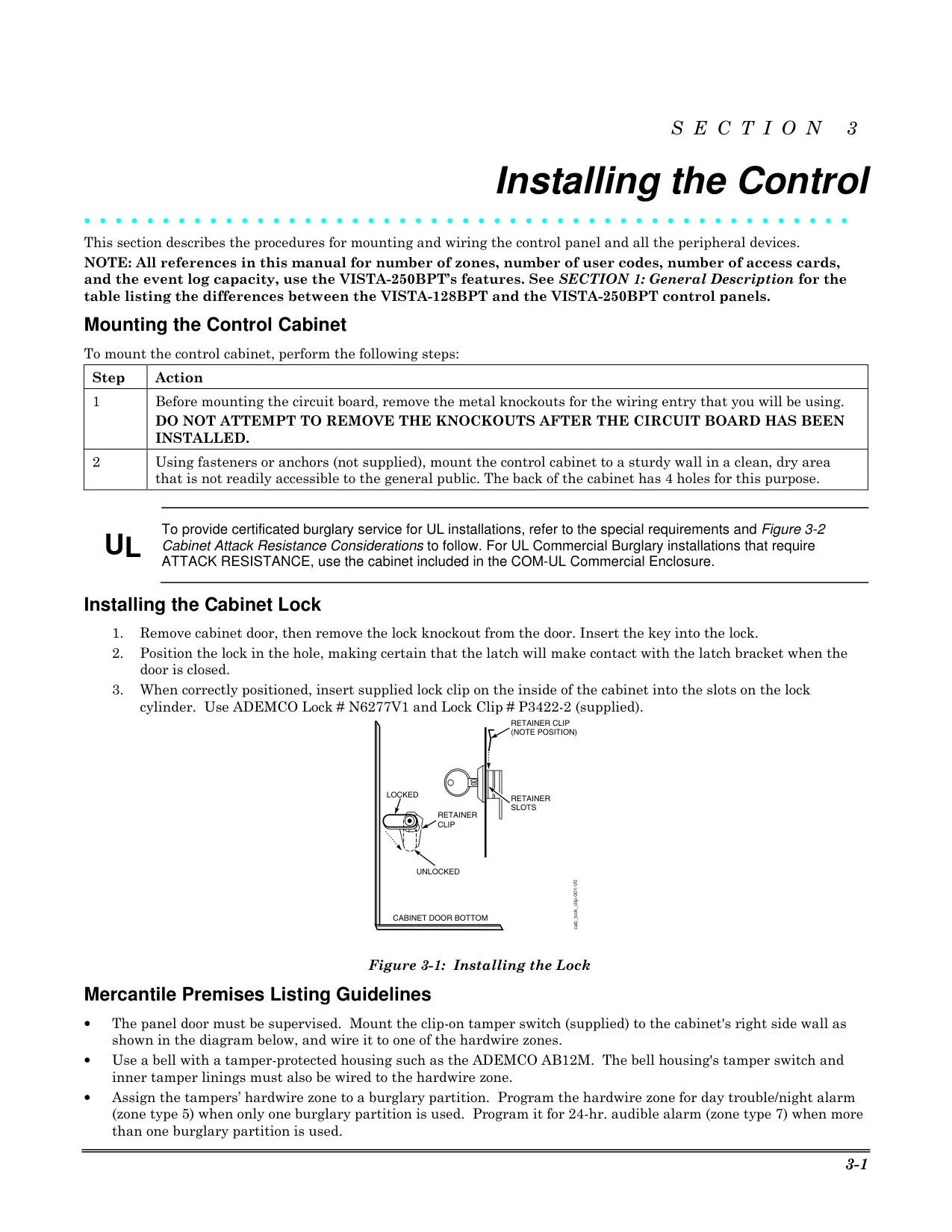
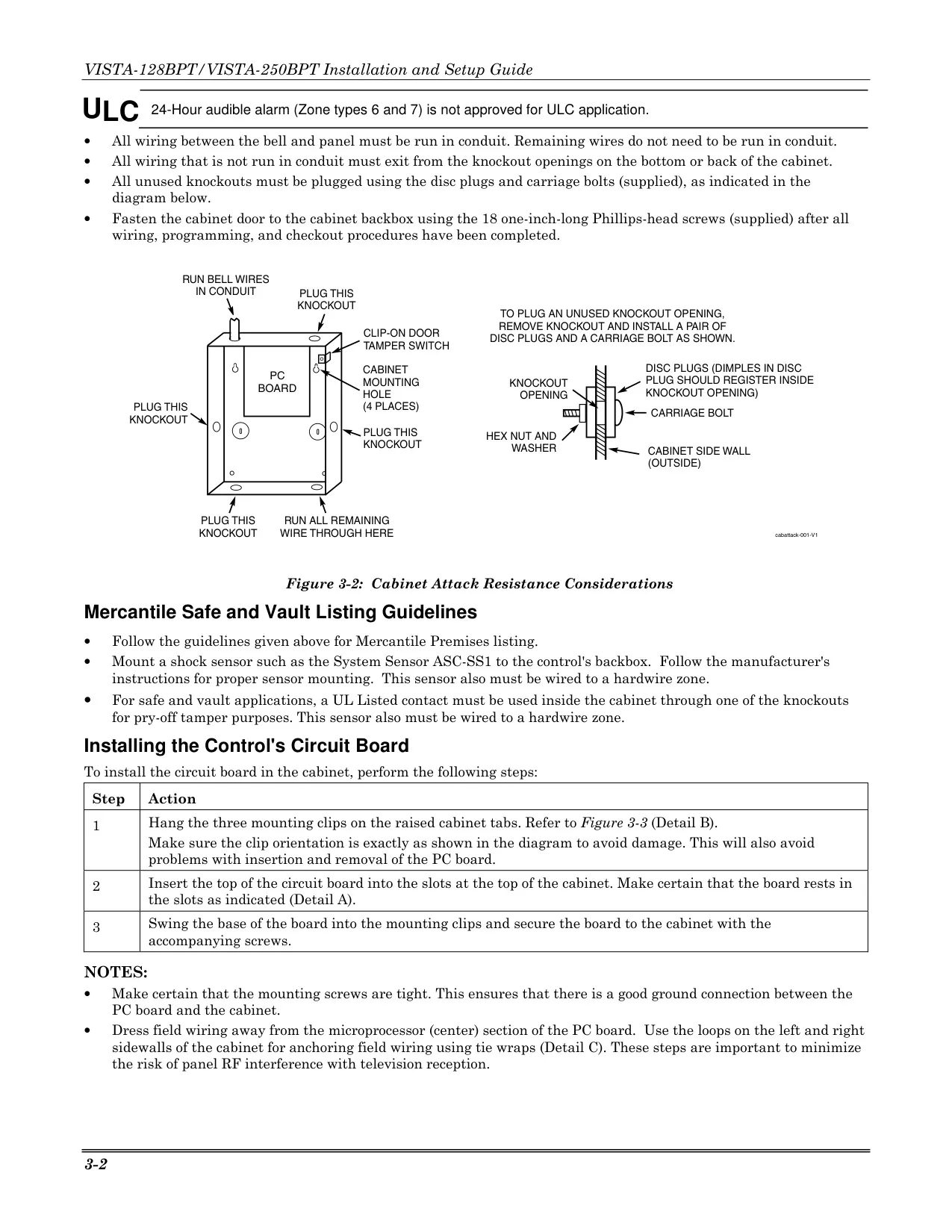

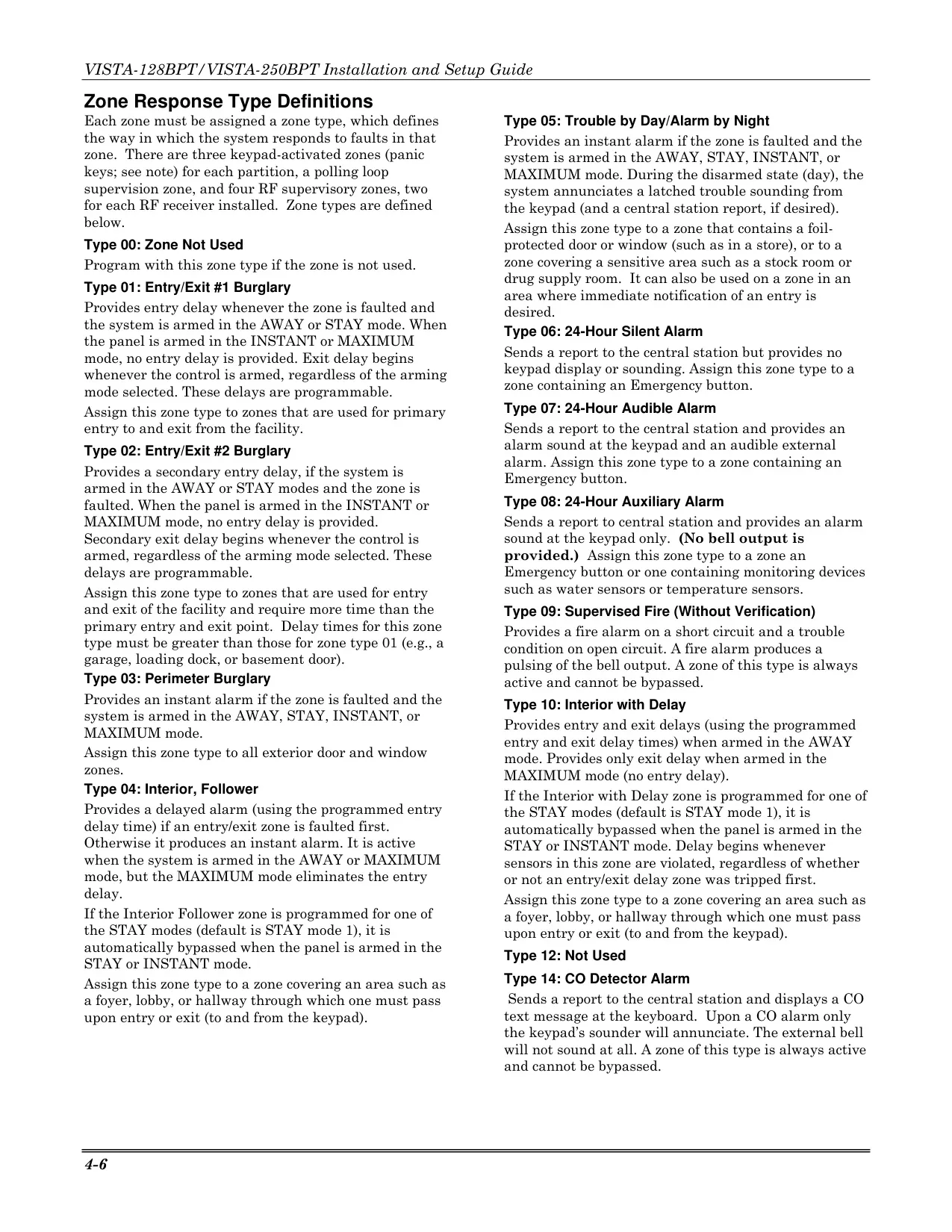
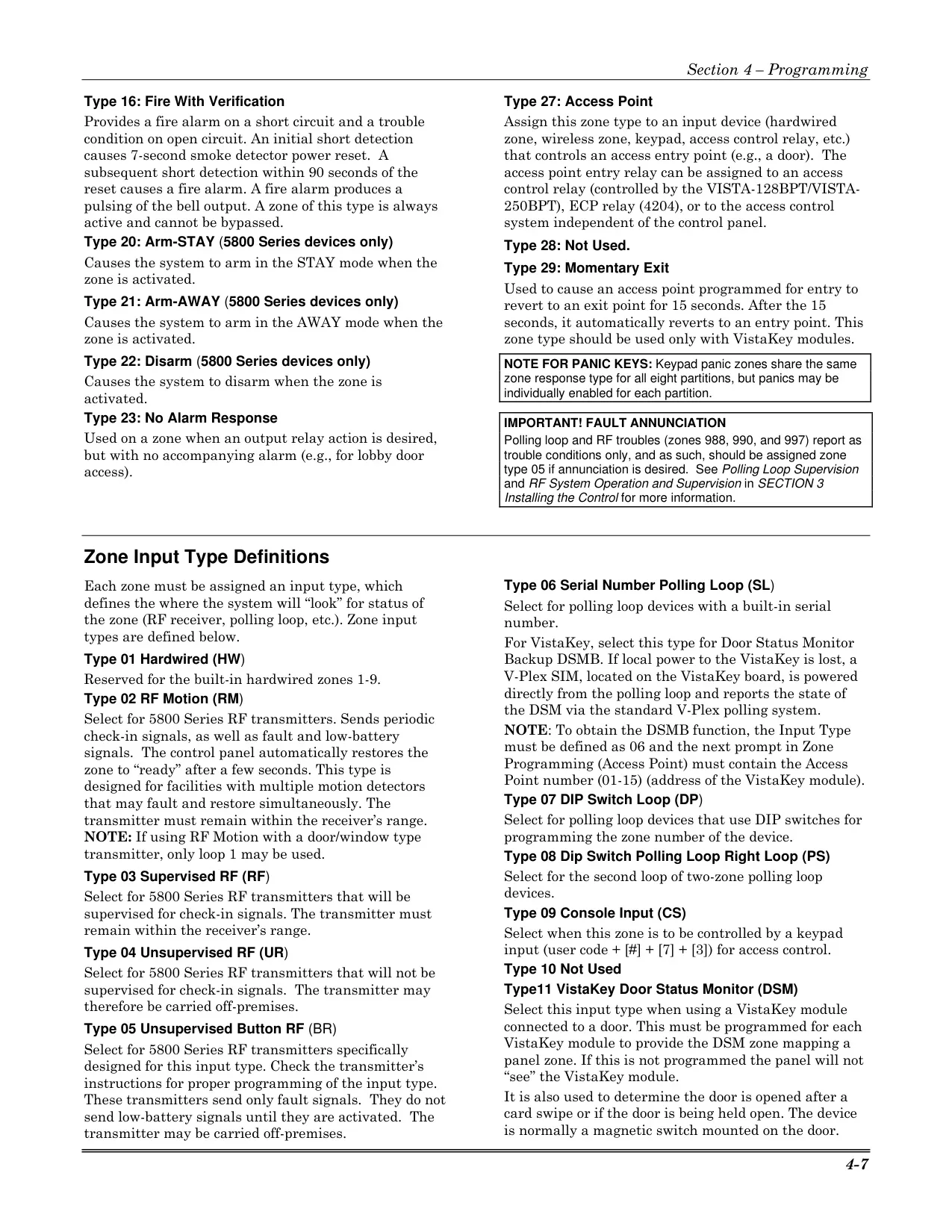
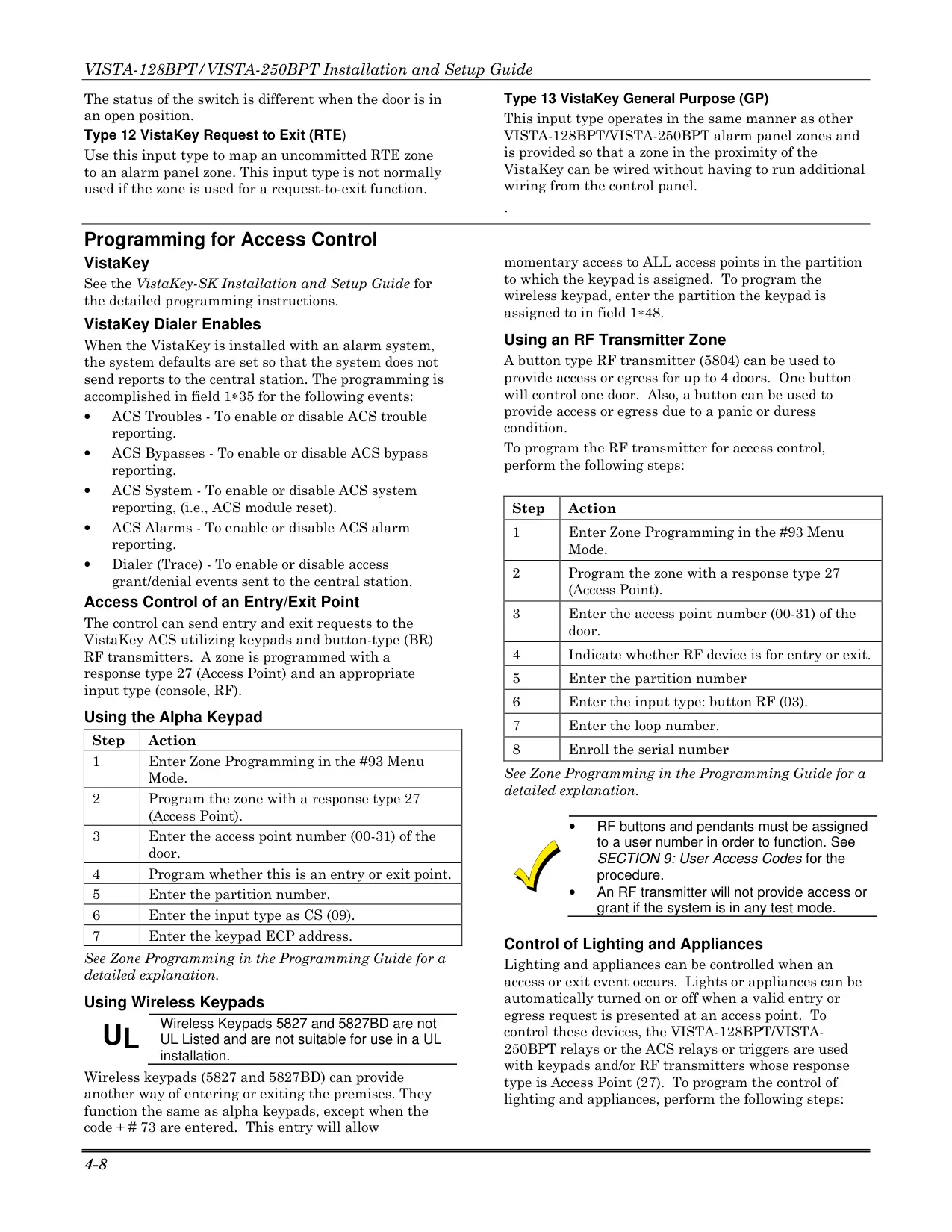
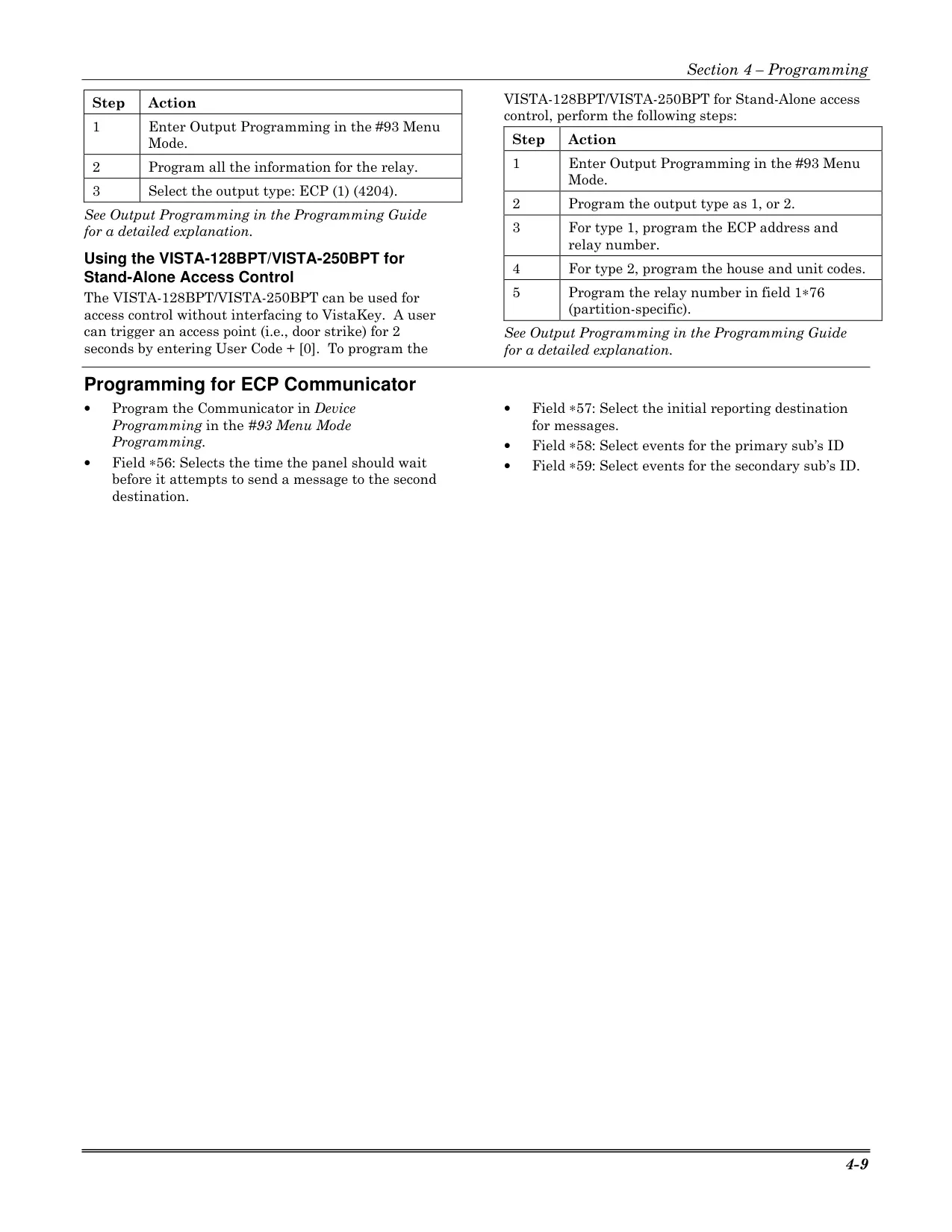
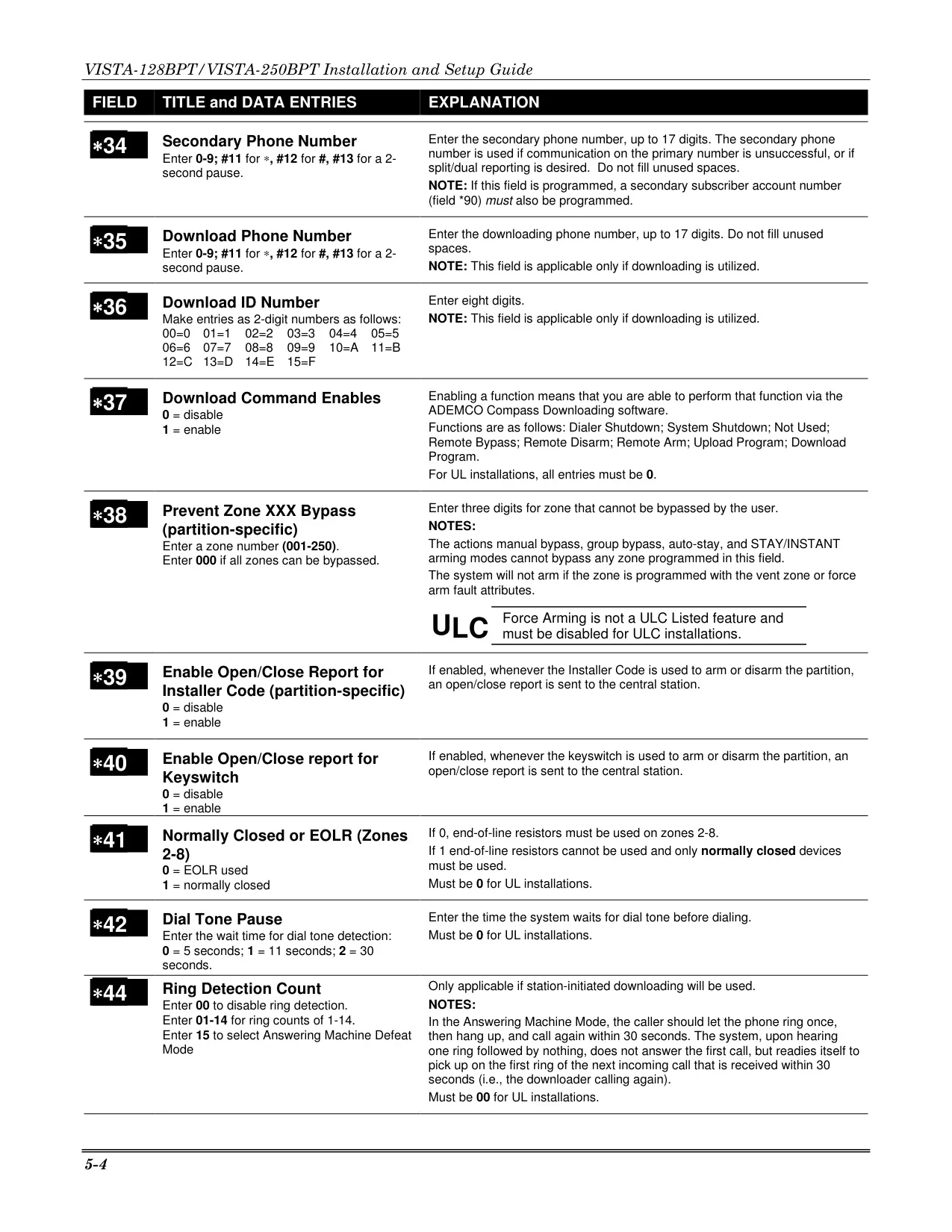
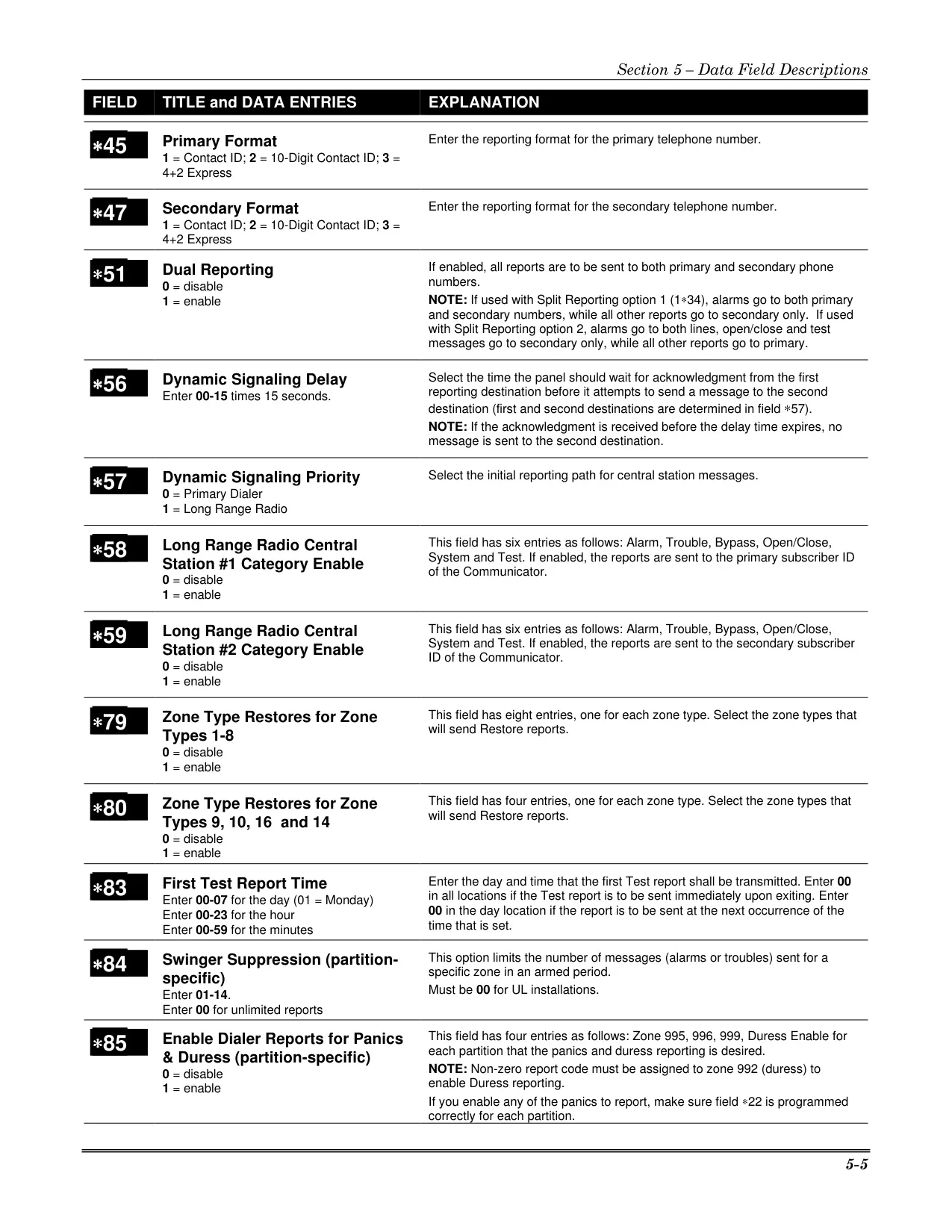
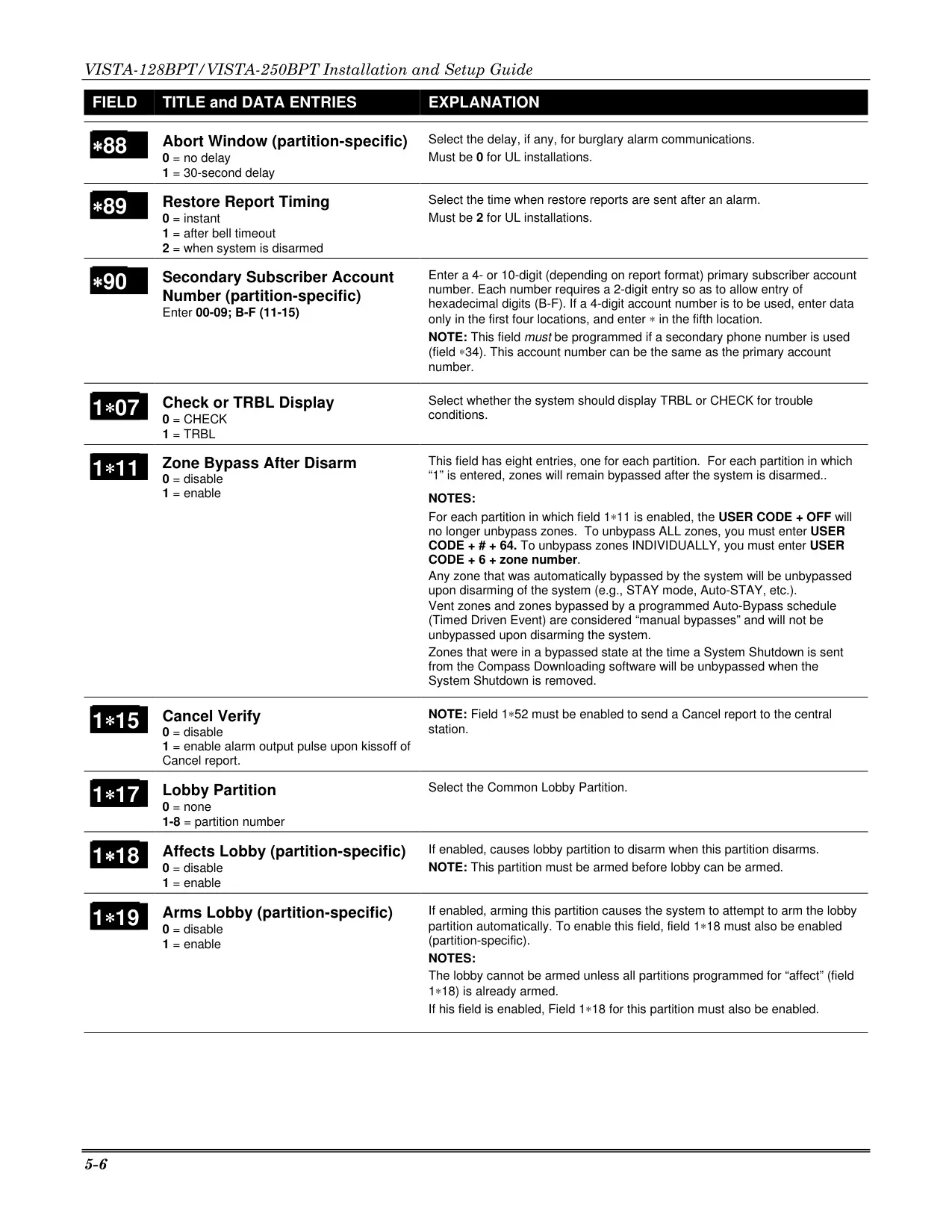
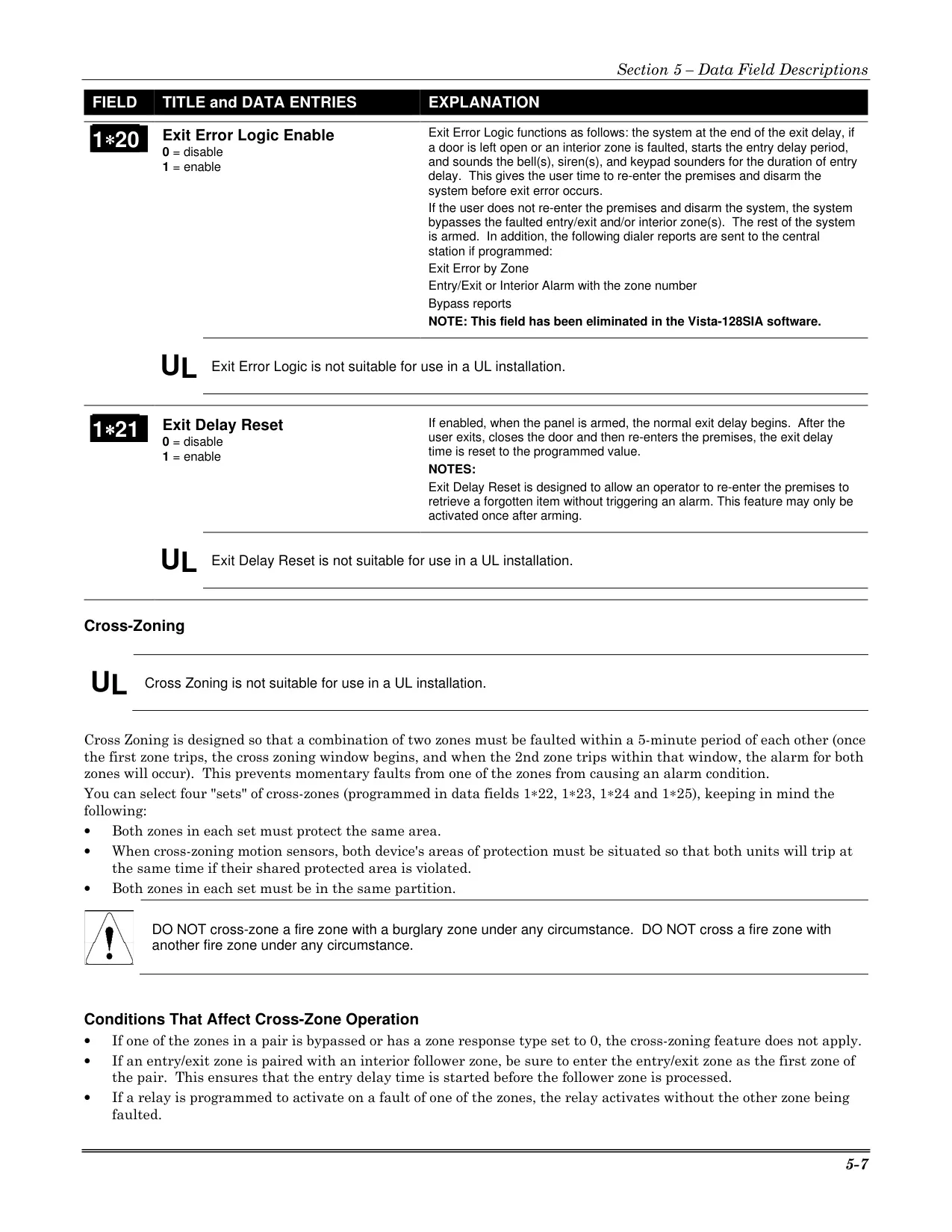
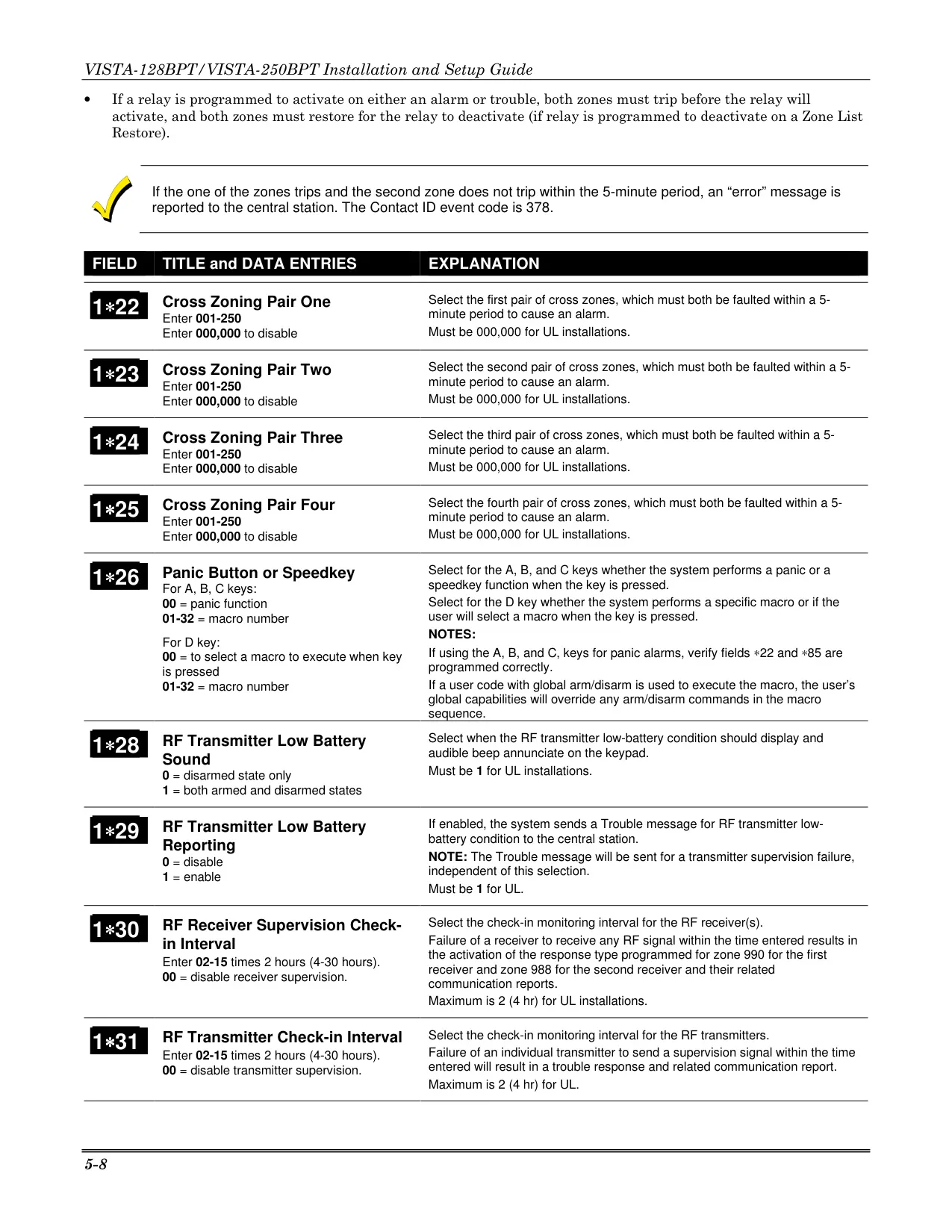
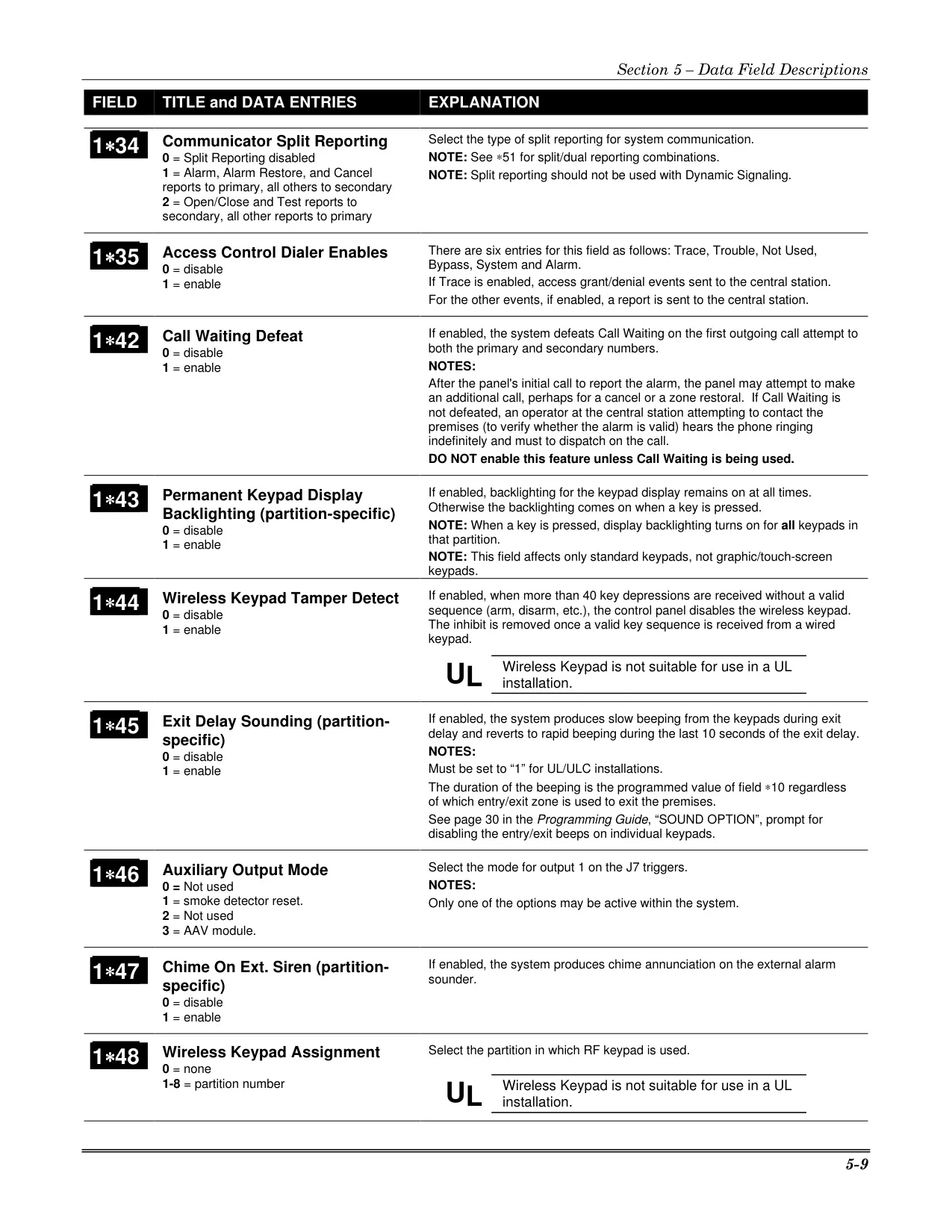
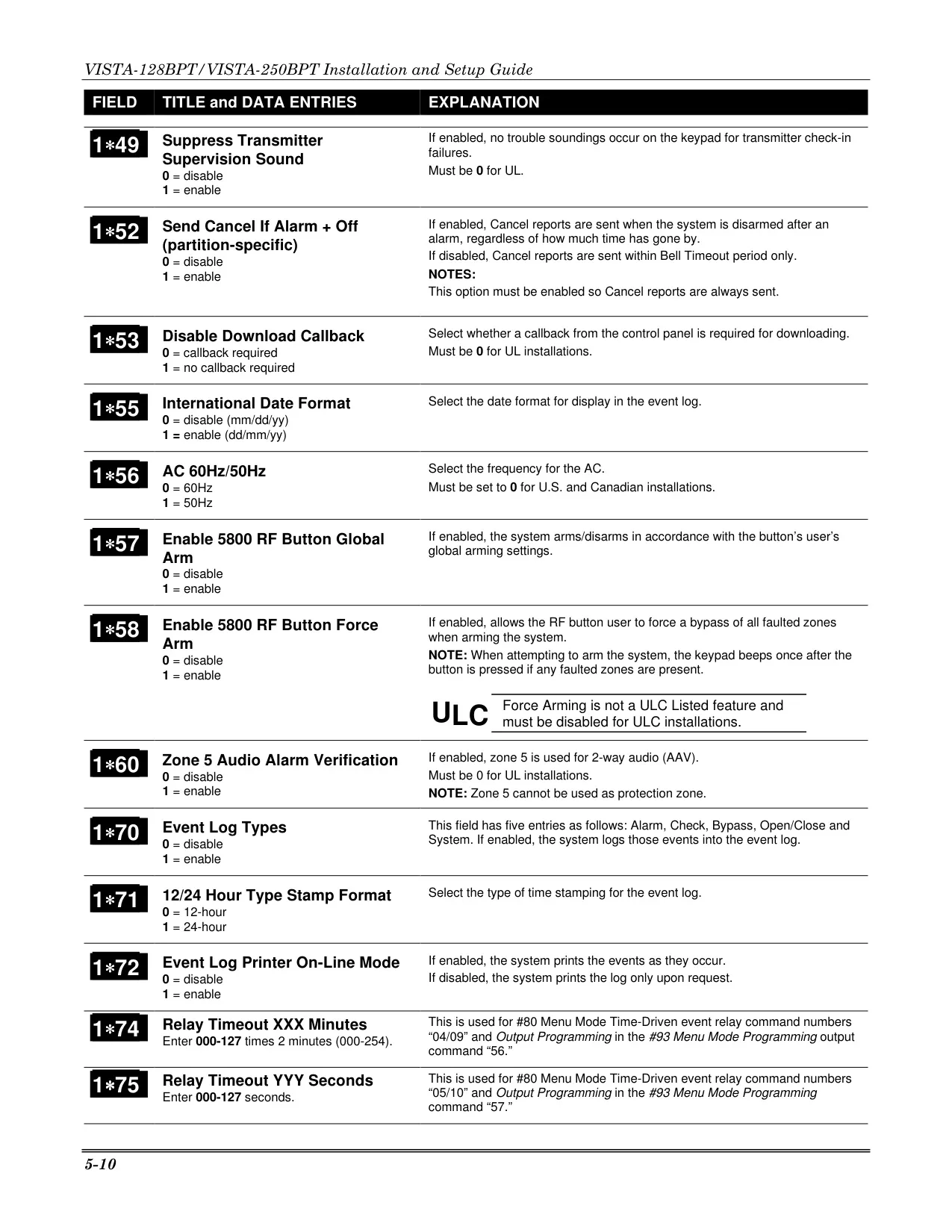
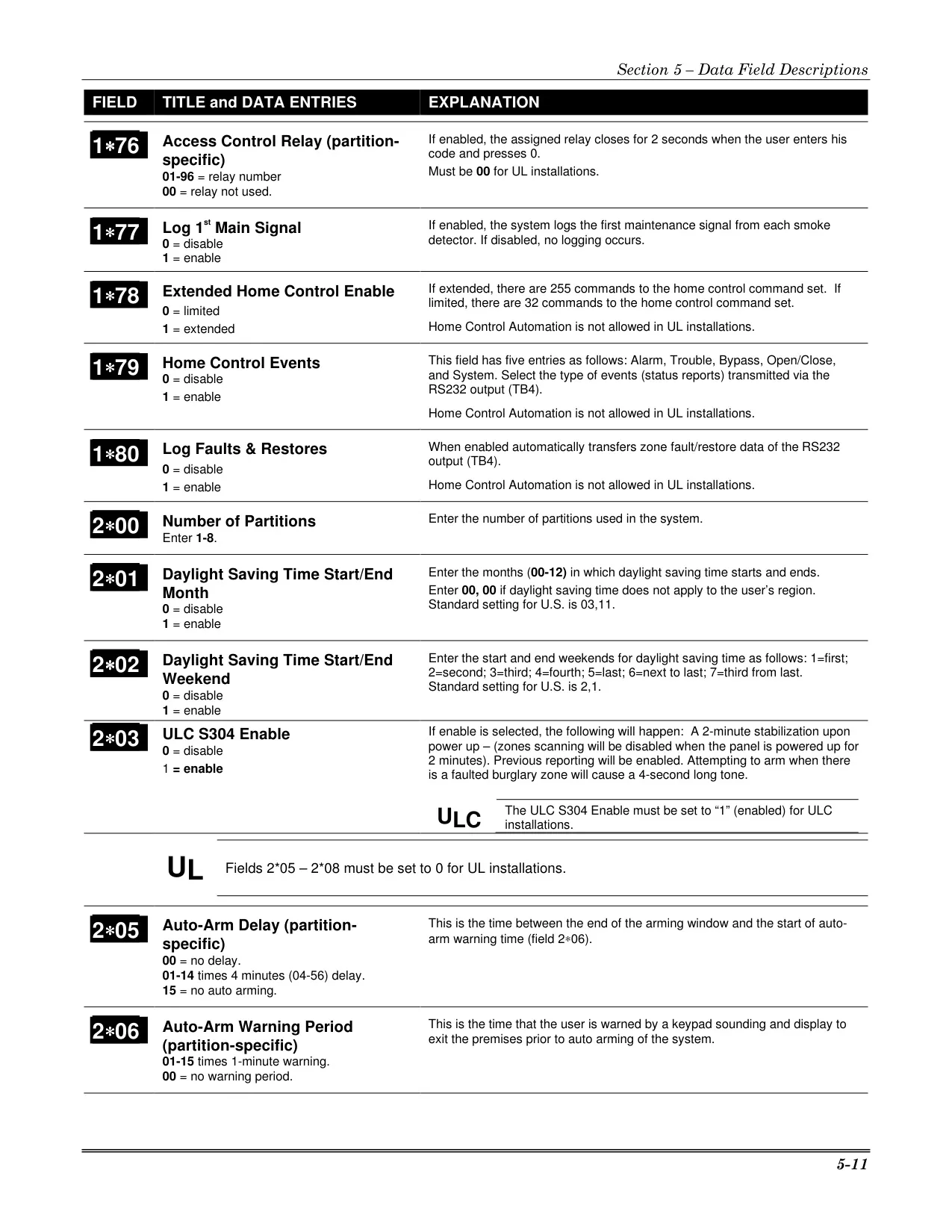


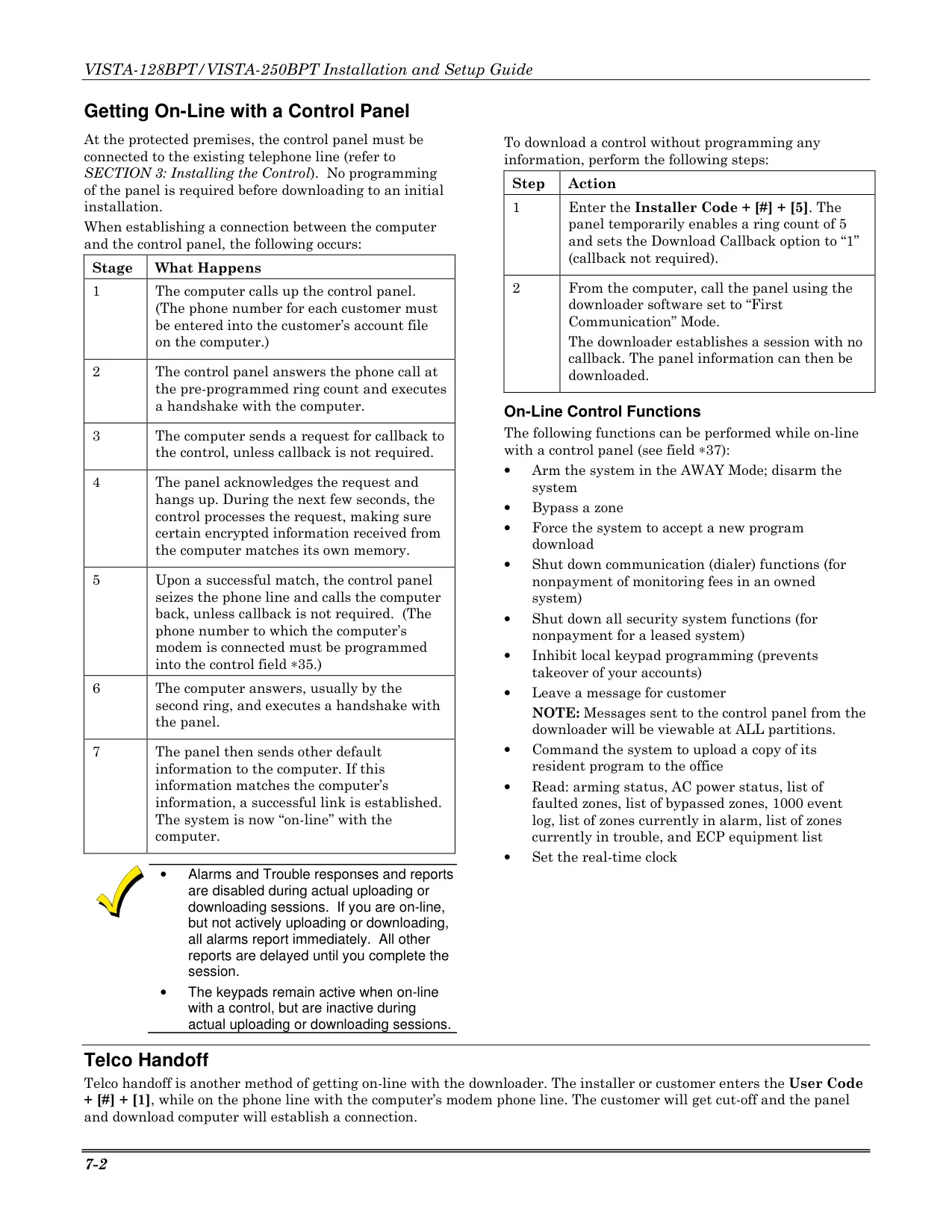
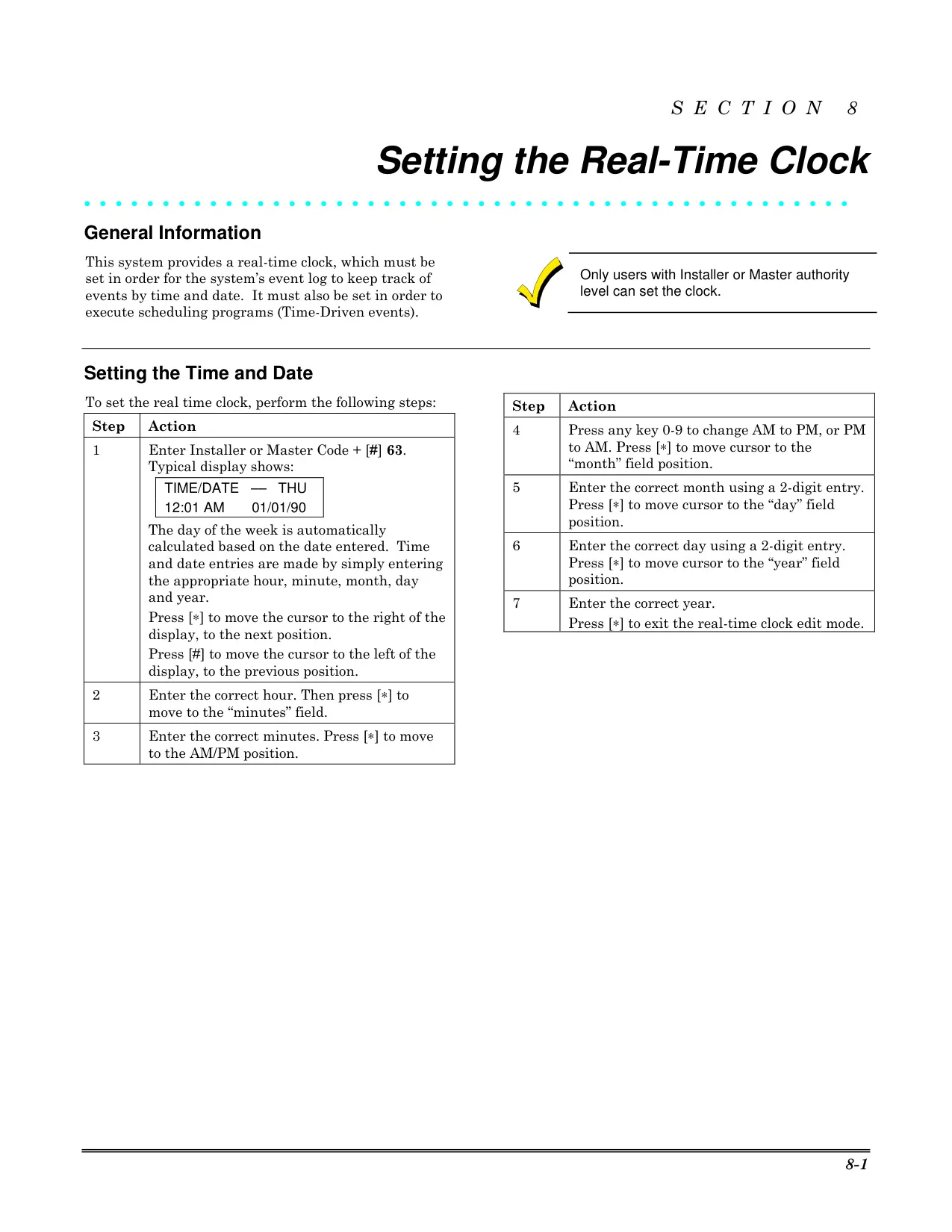
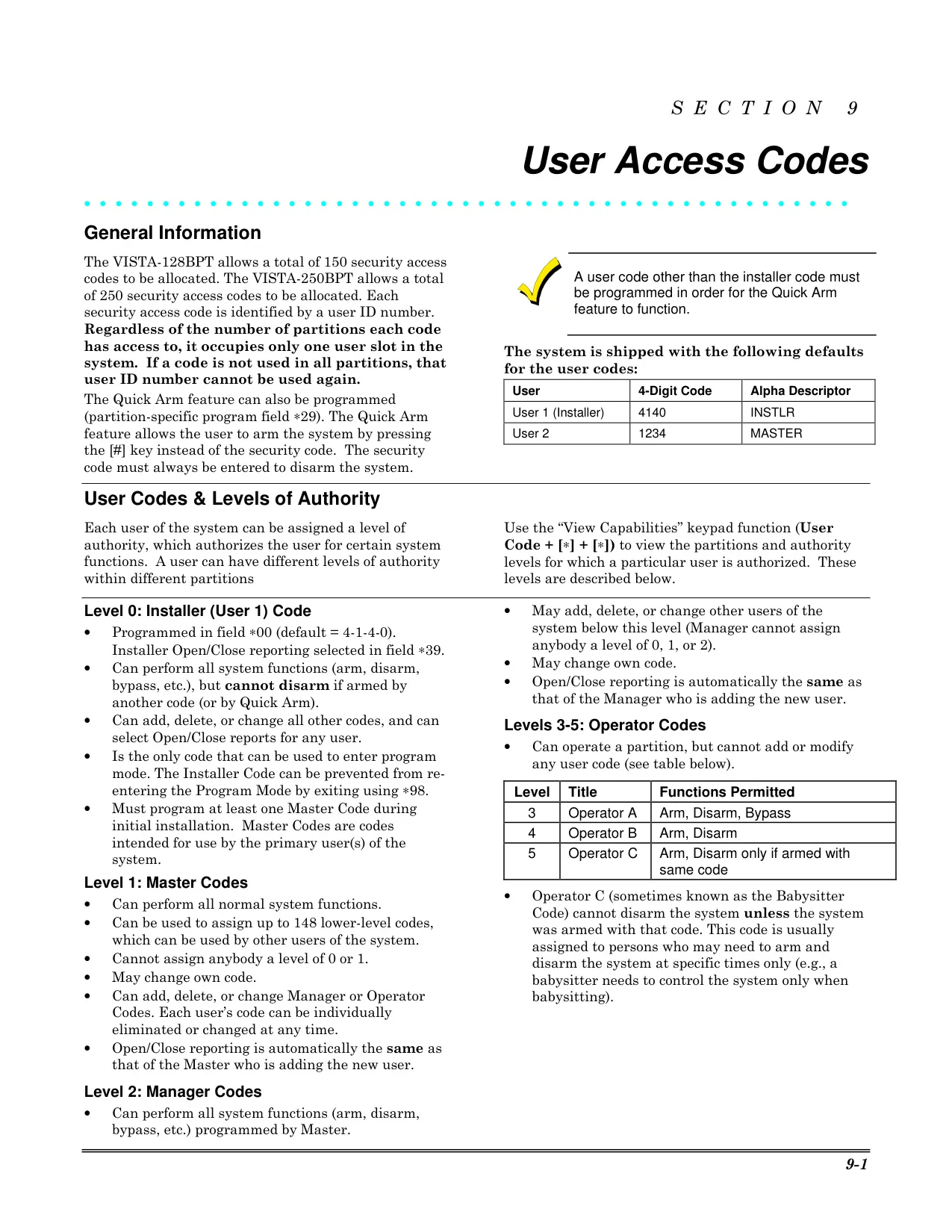
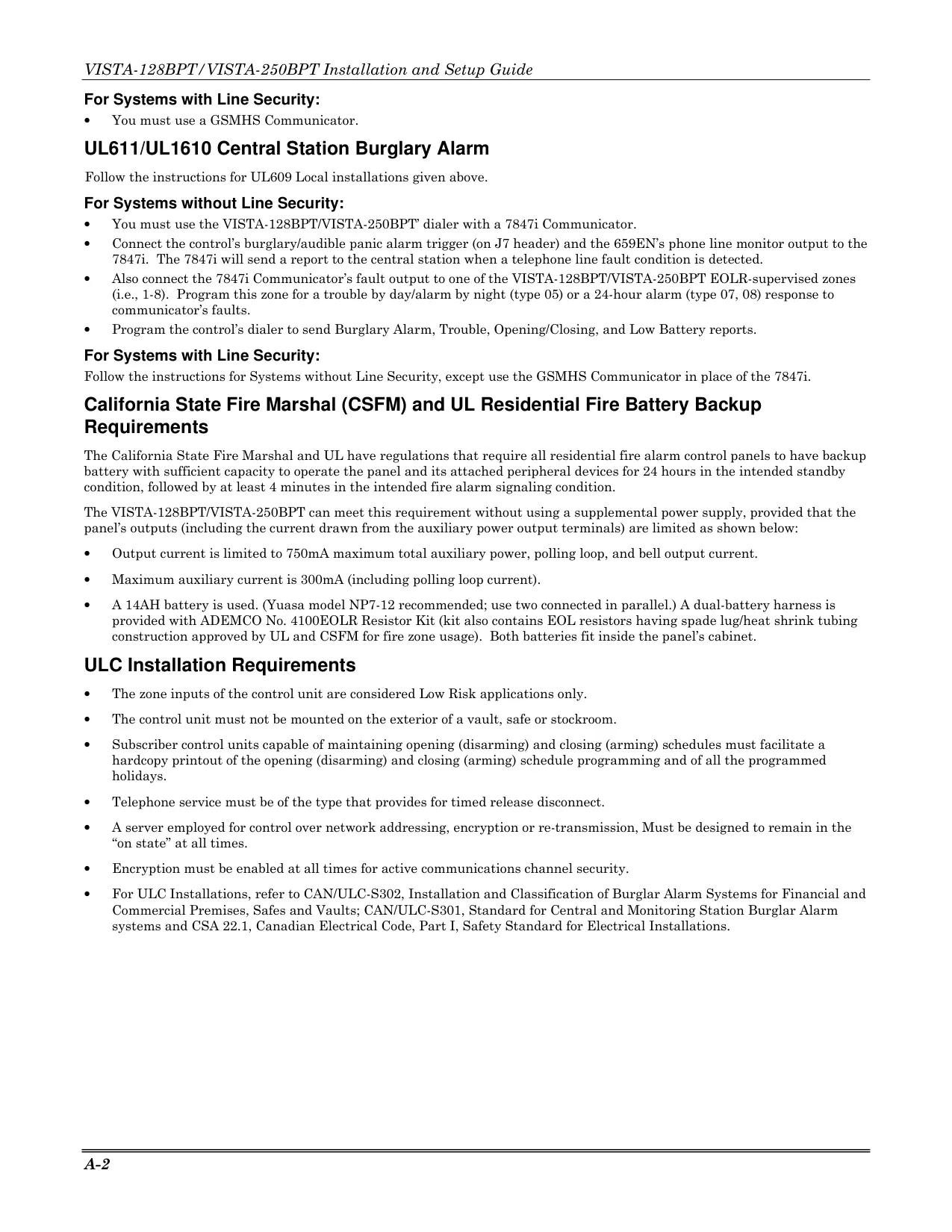
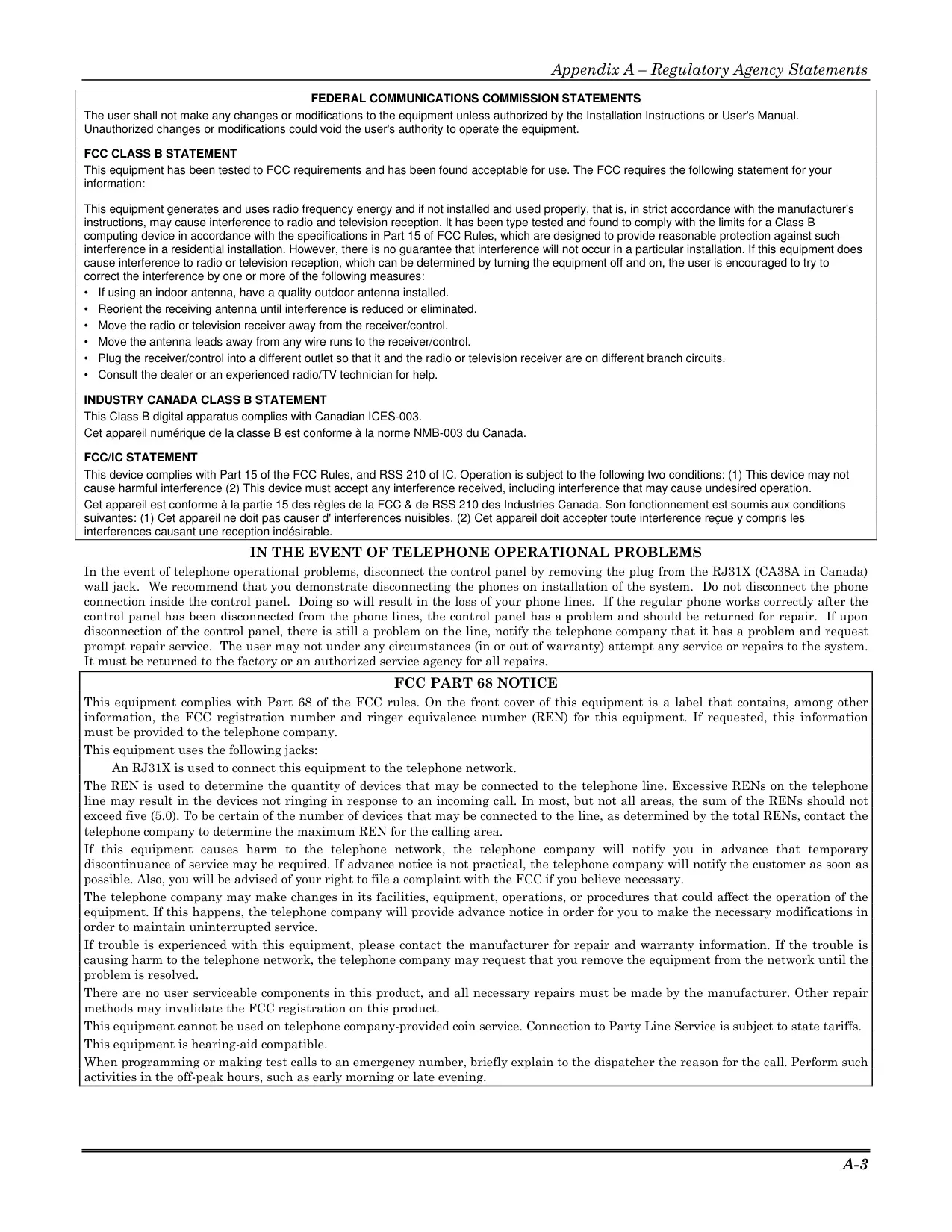
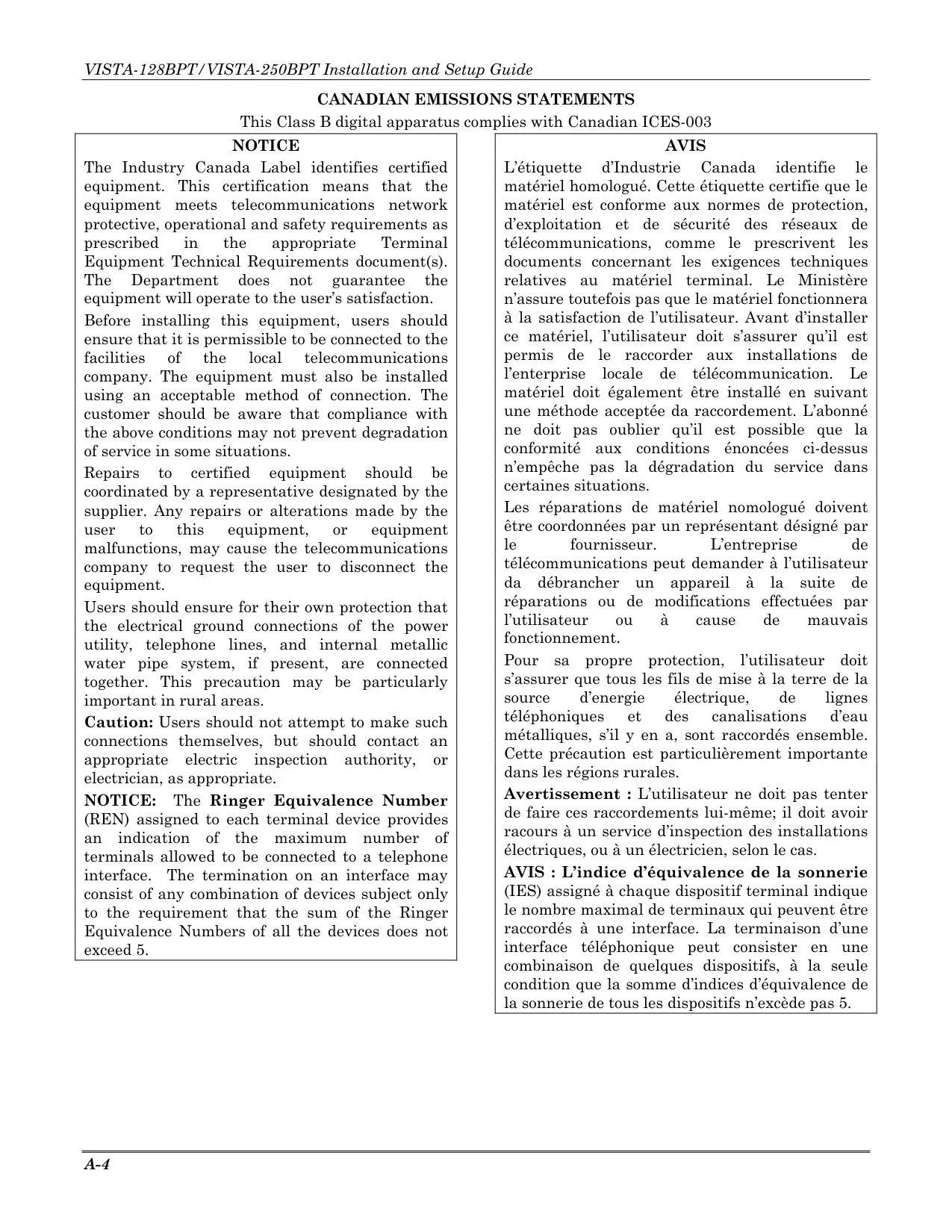
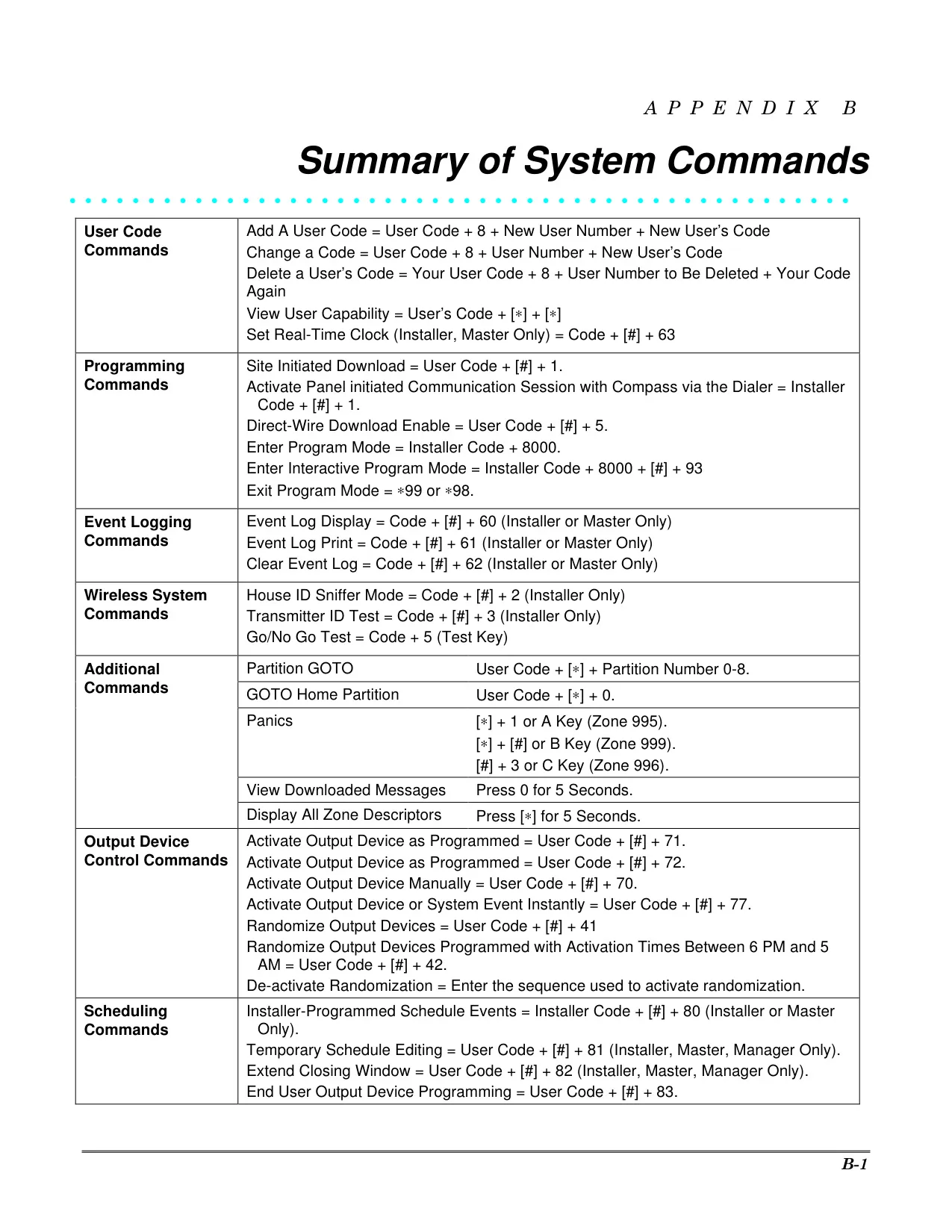
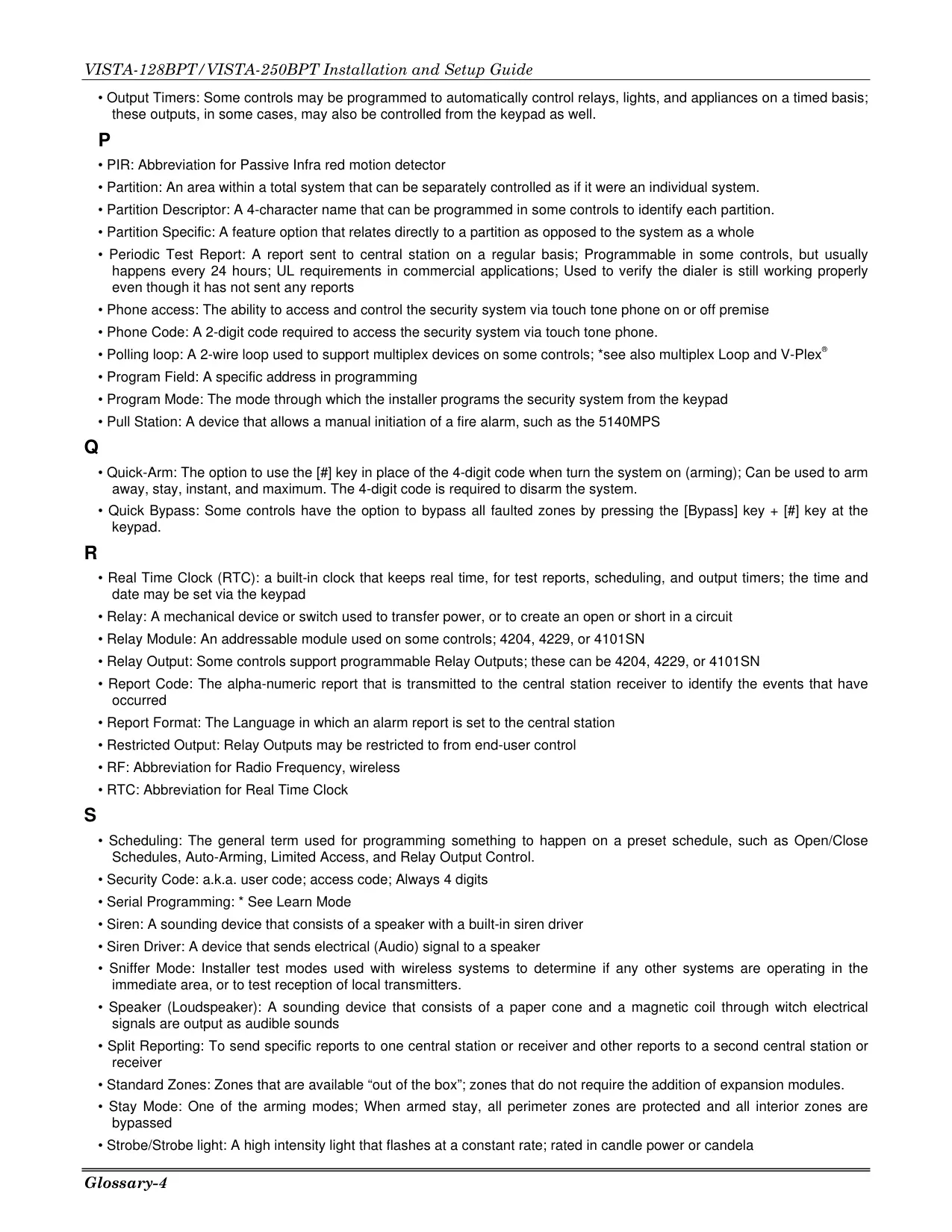
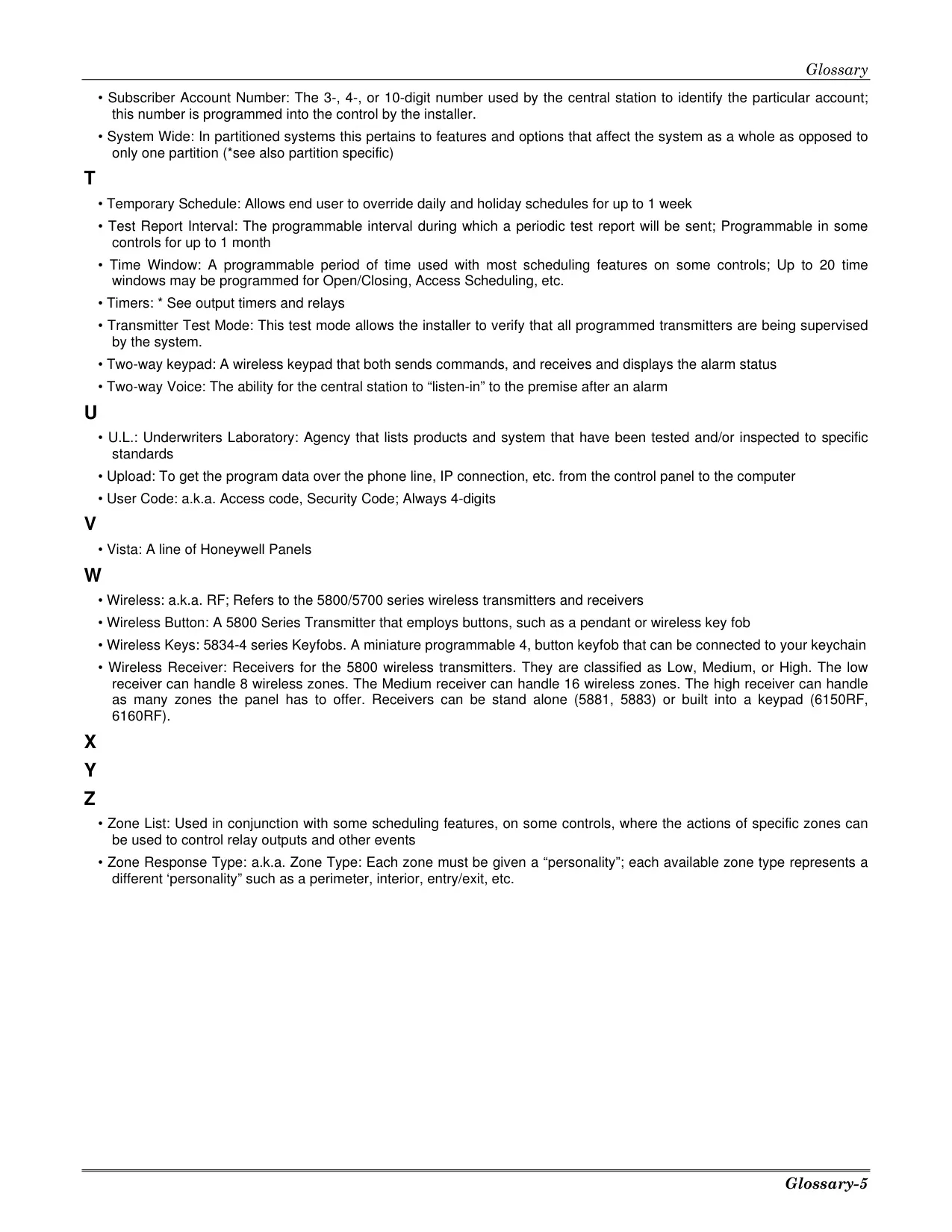
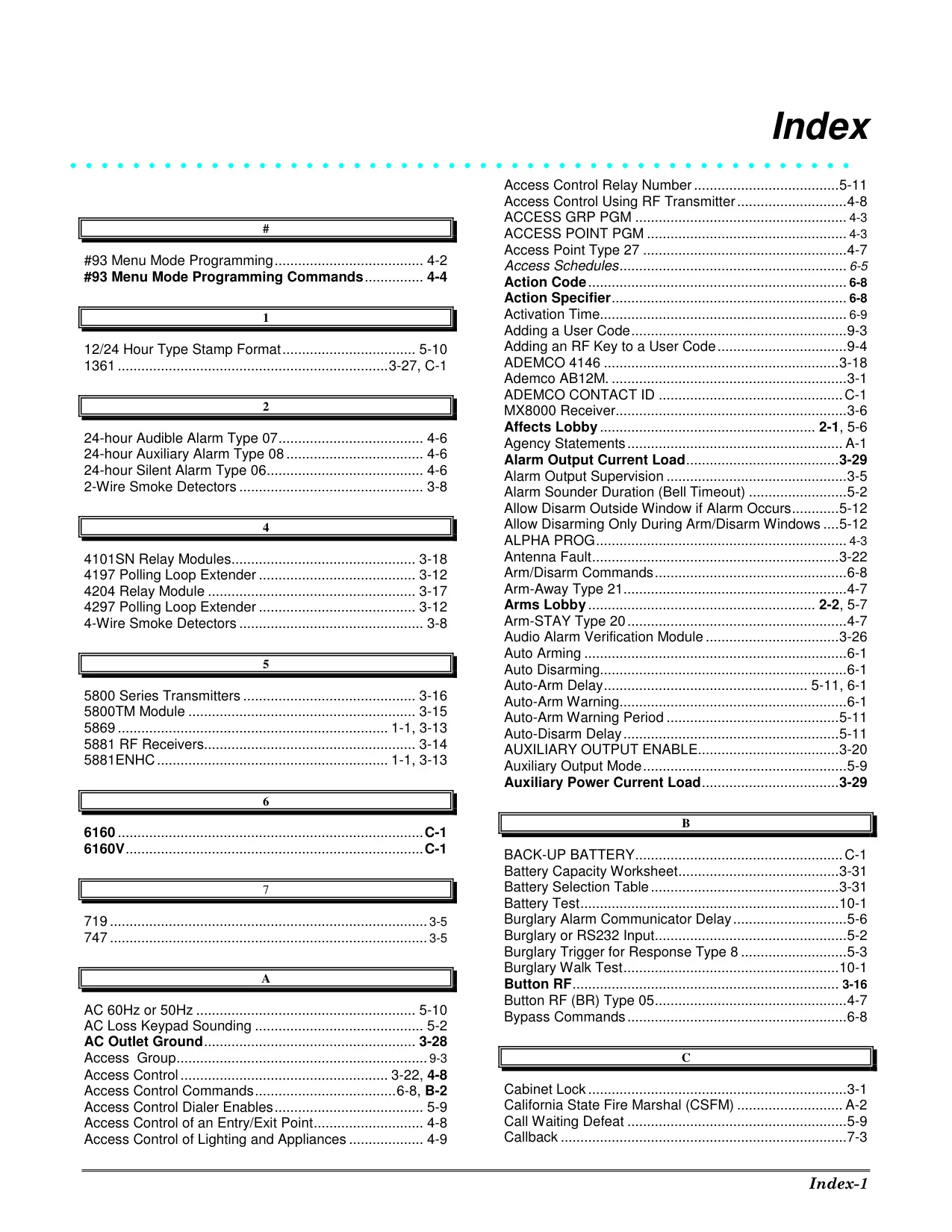




Honeywell Vista 128BPT Security System
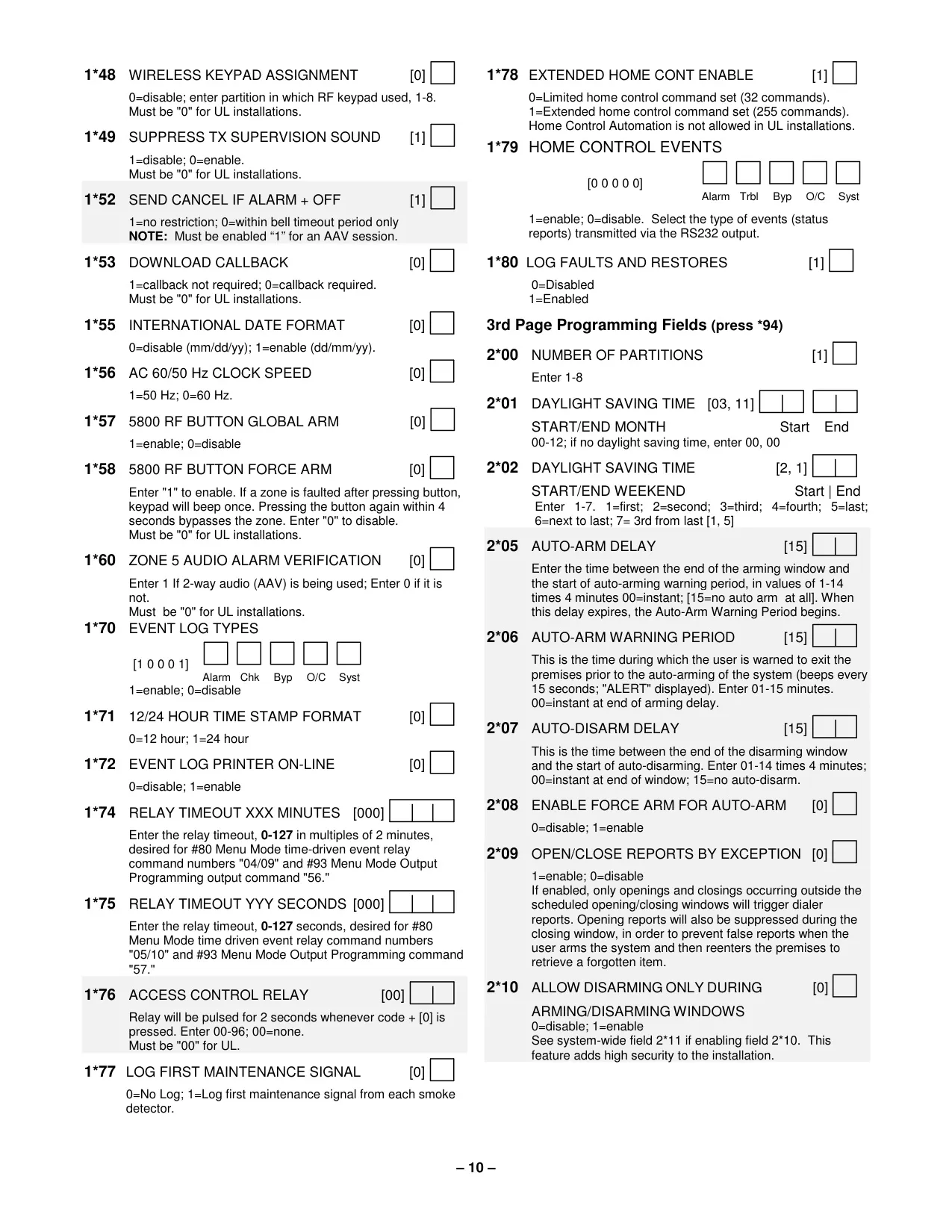
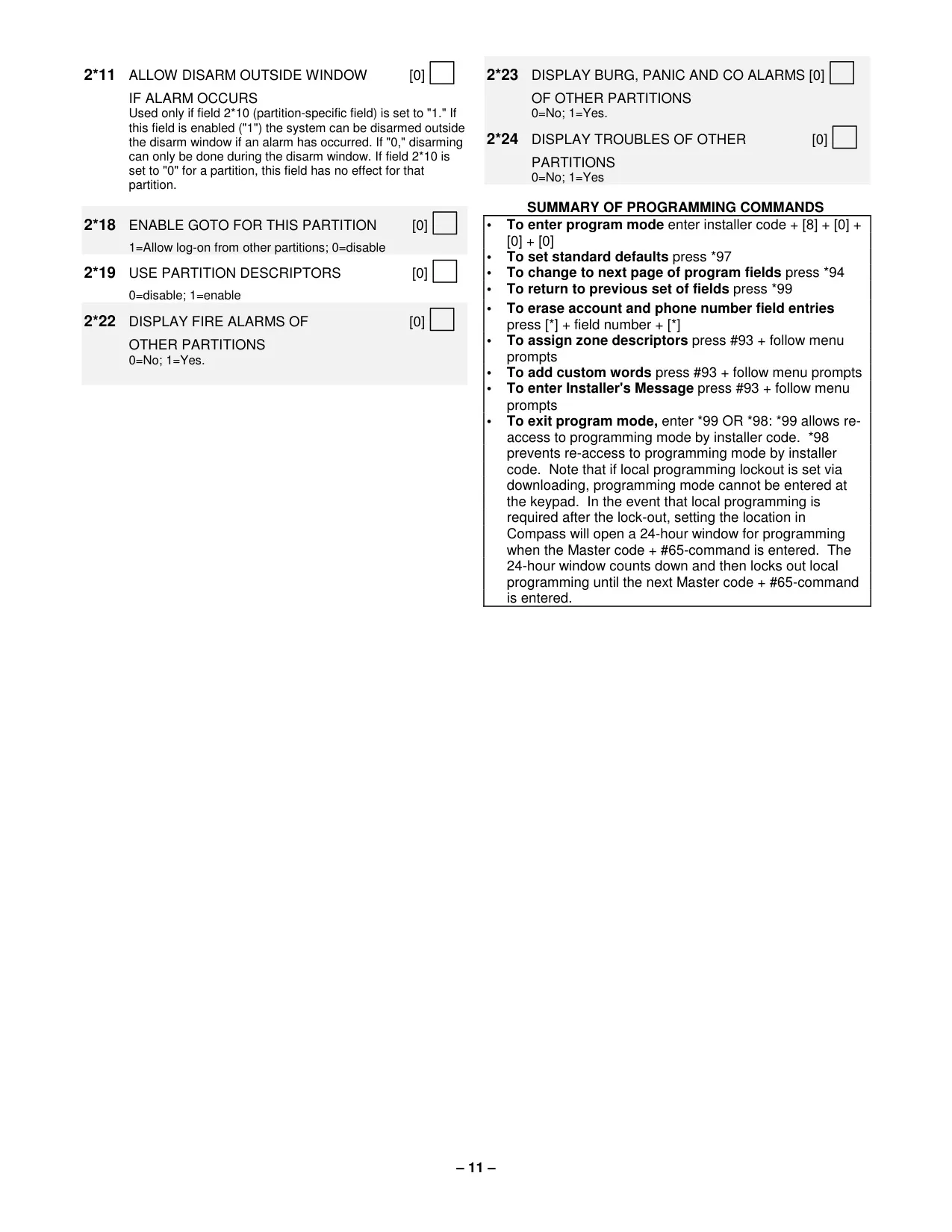
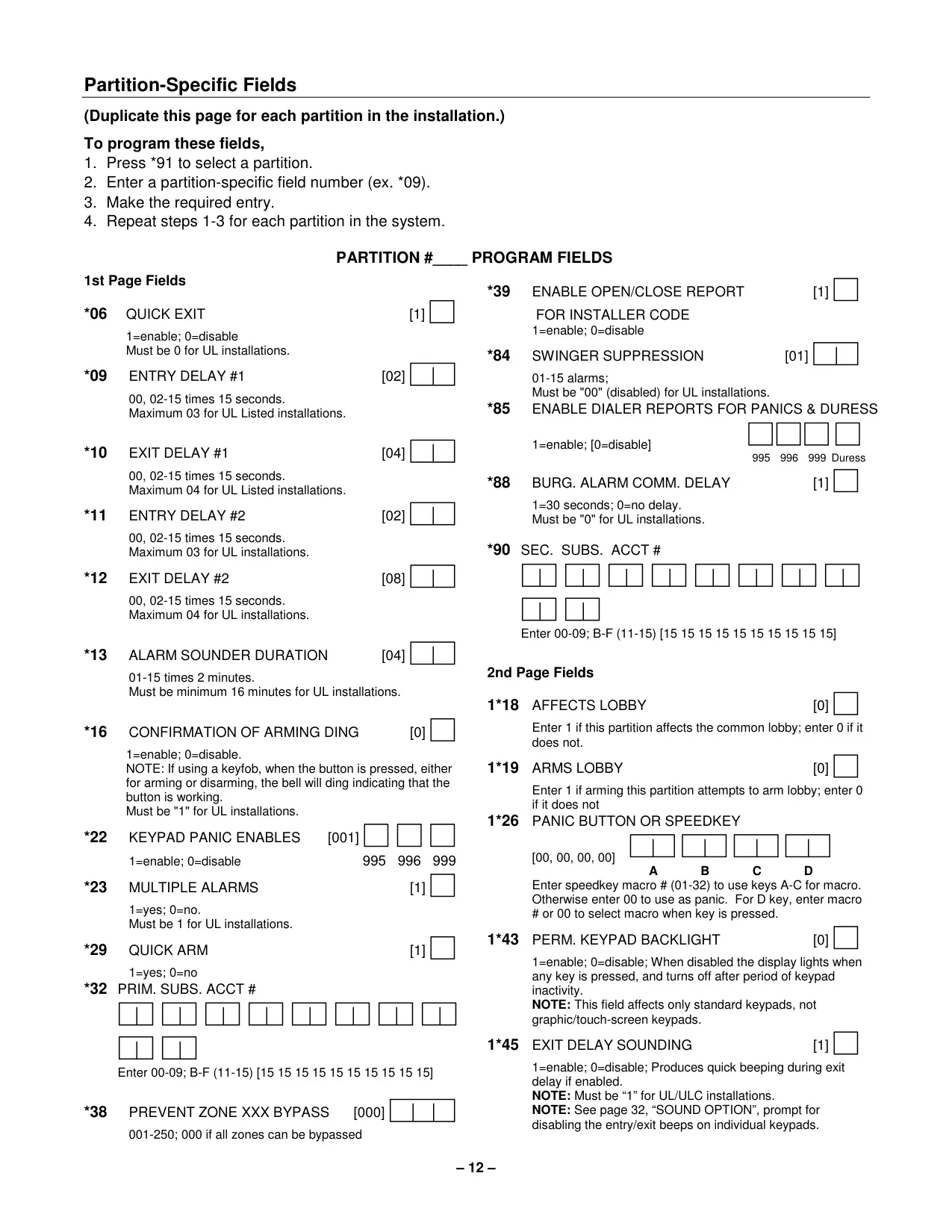
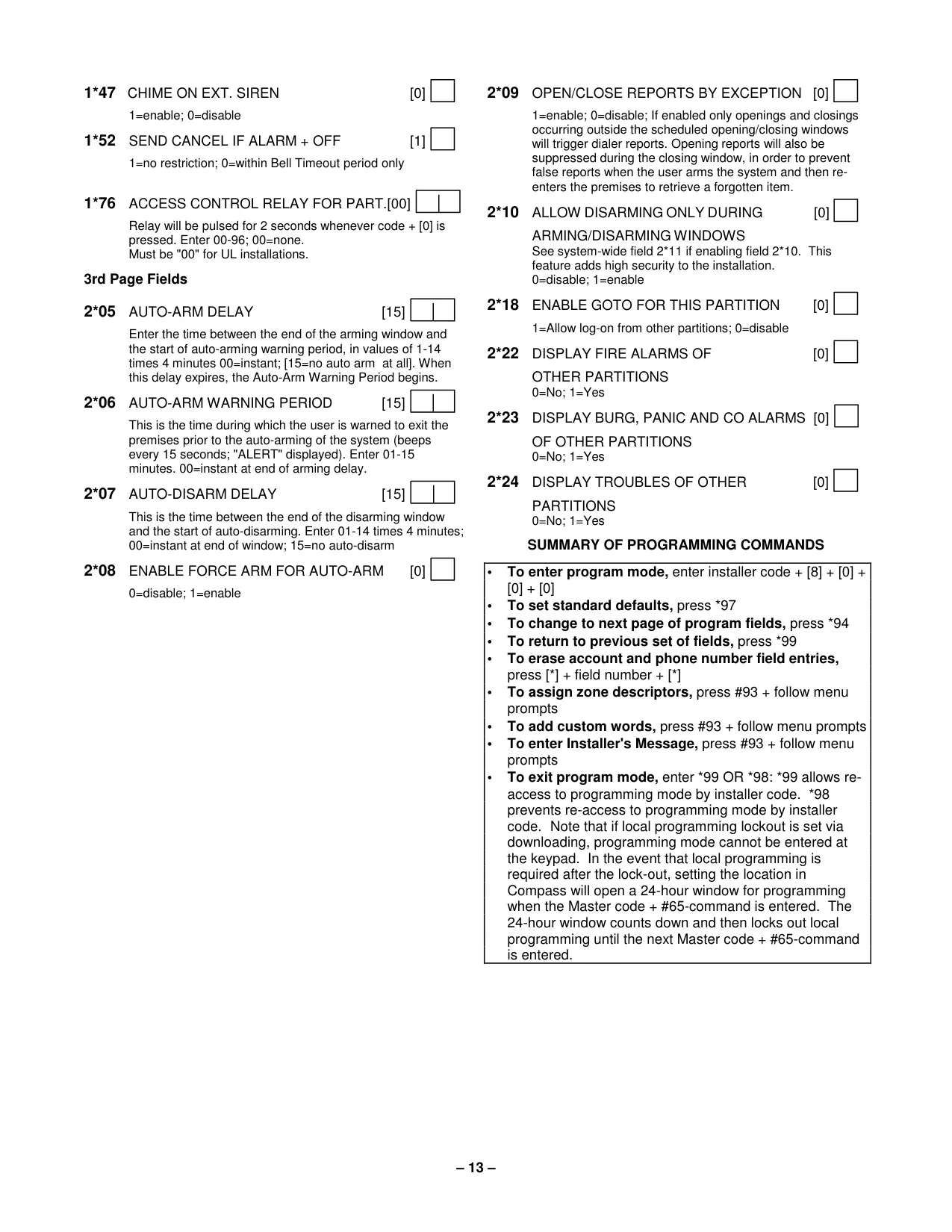
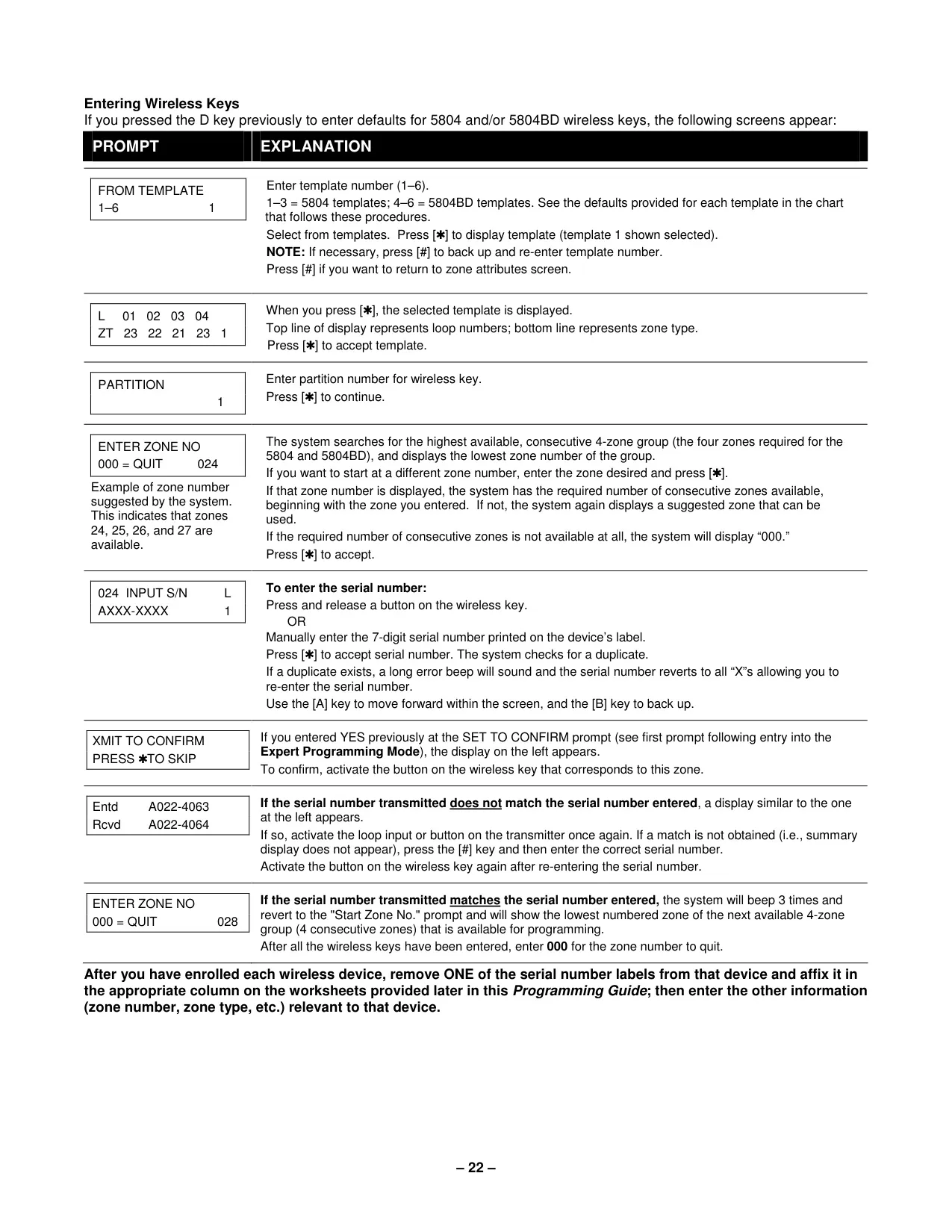
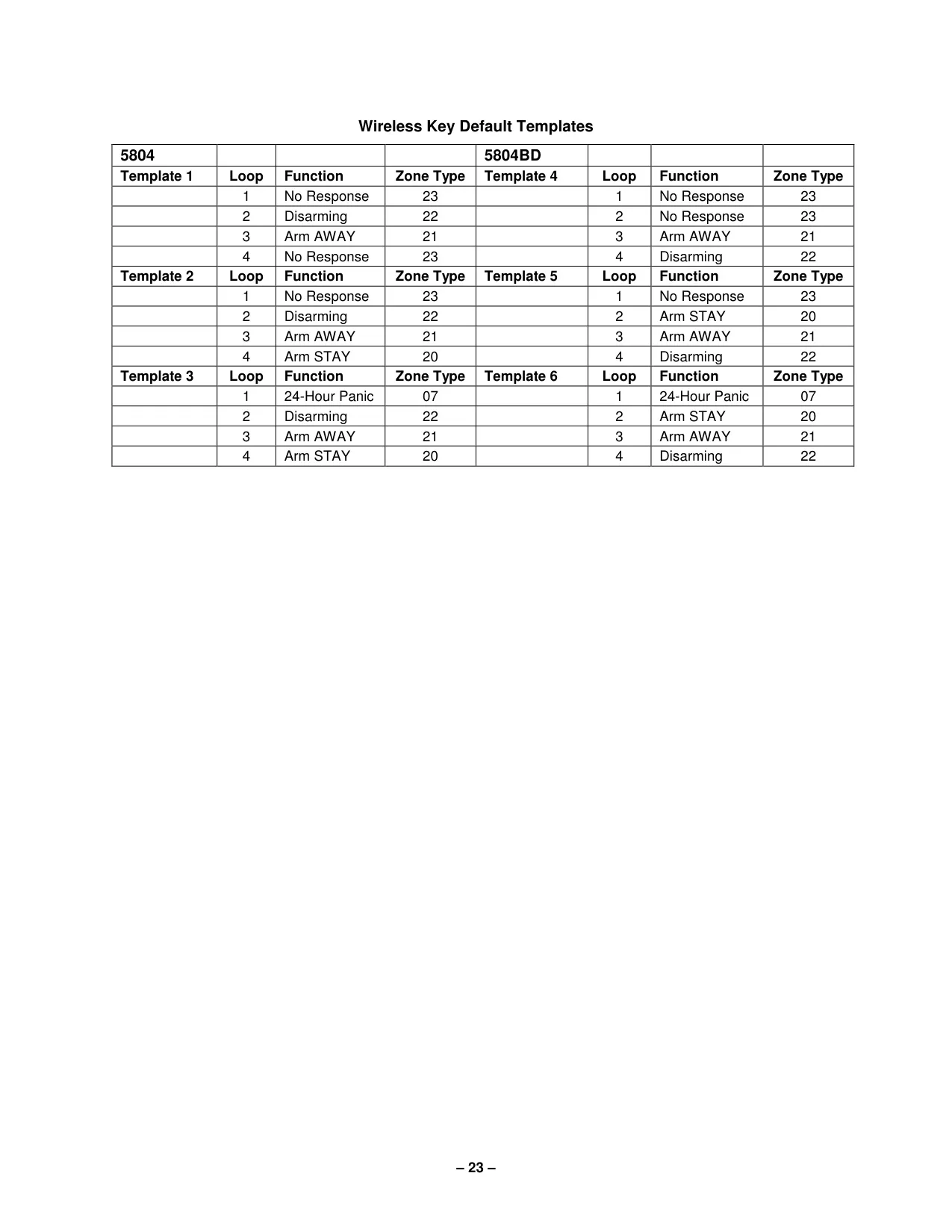
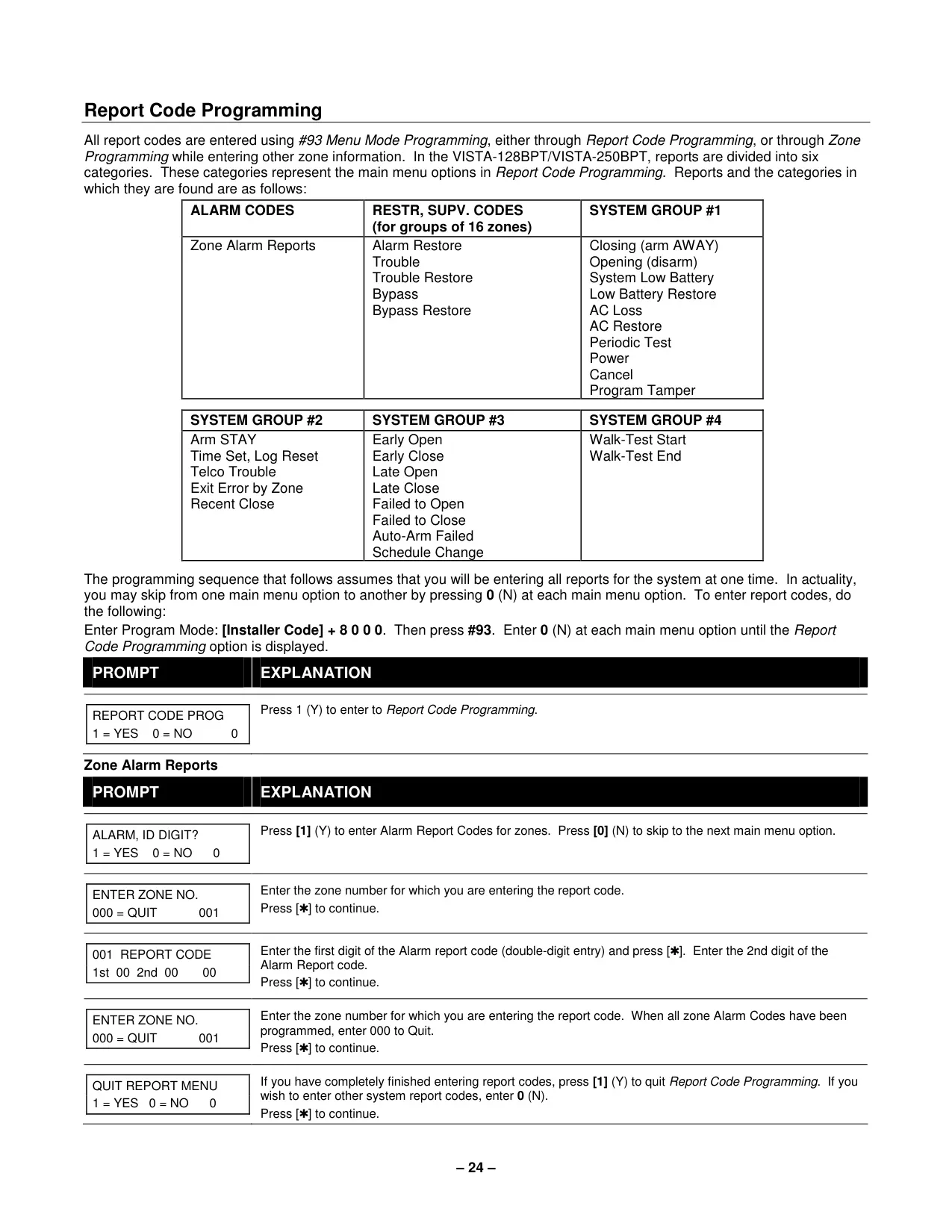
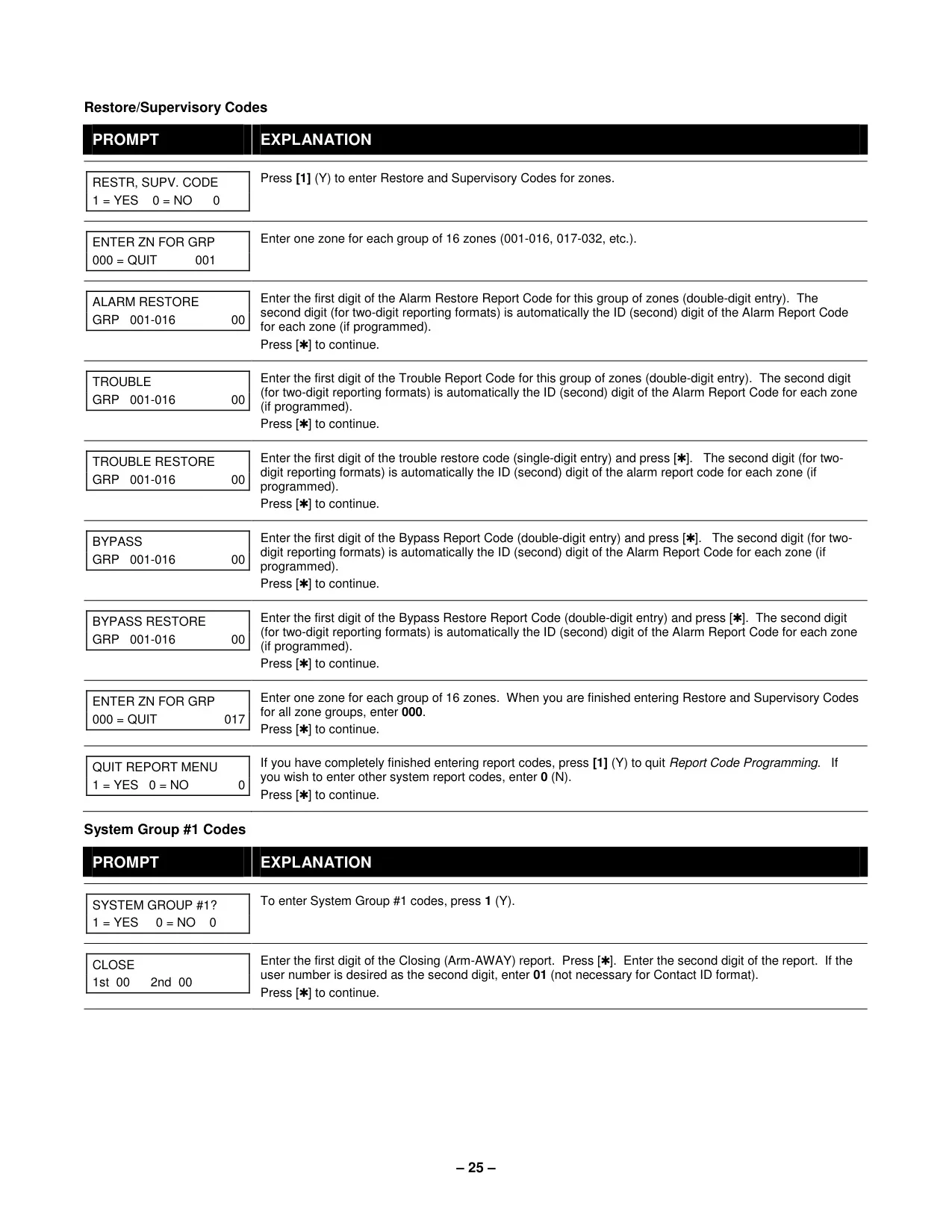
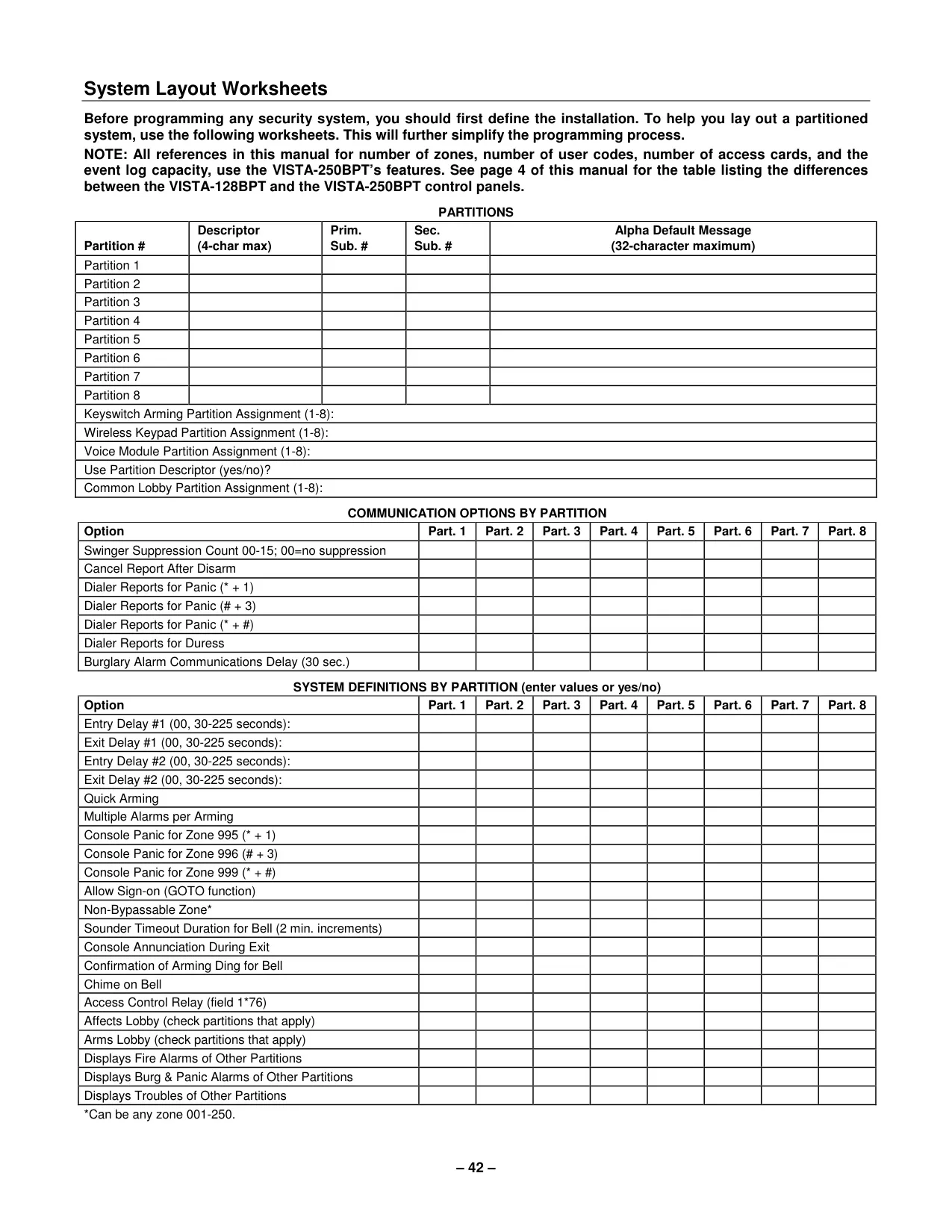
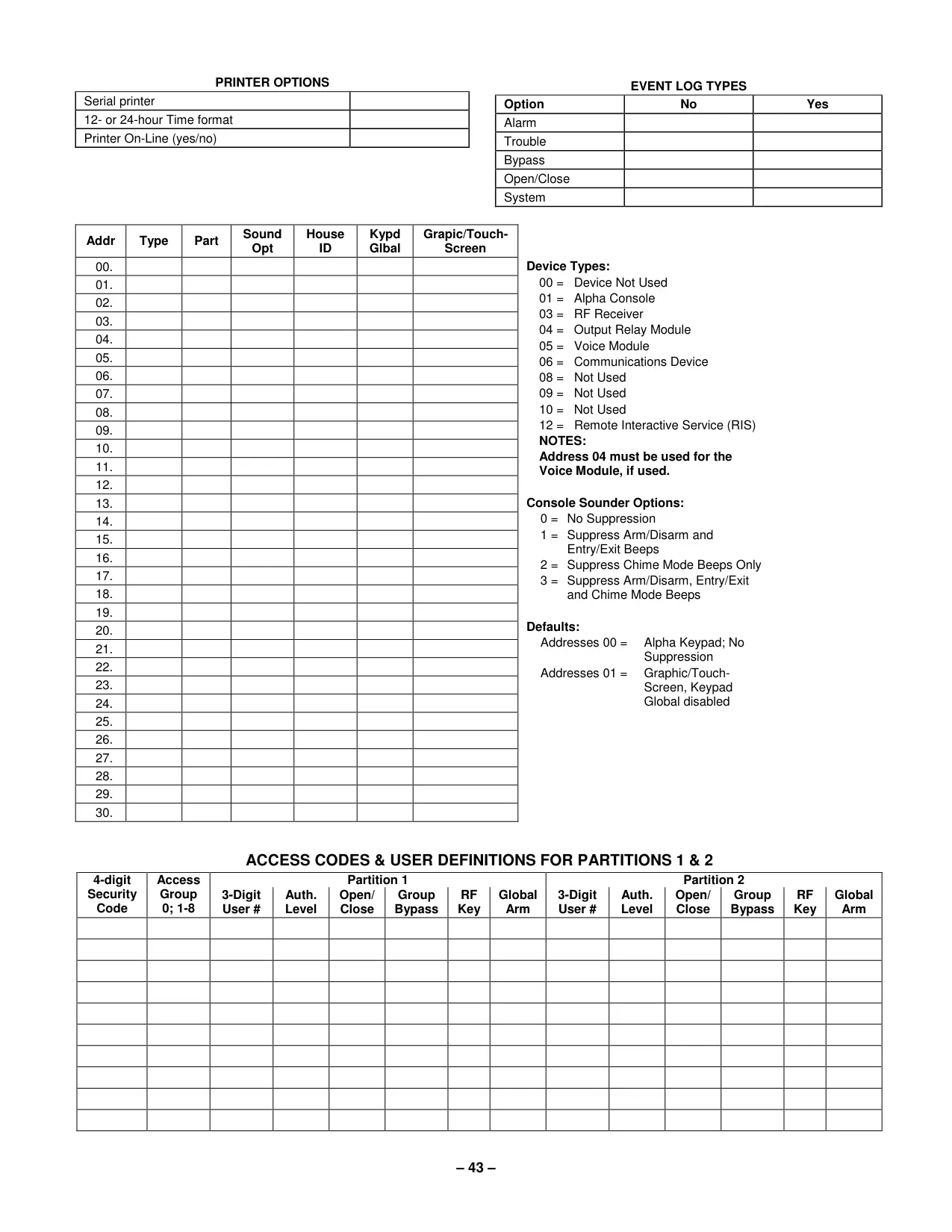
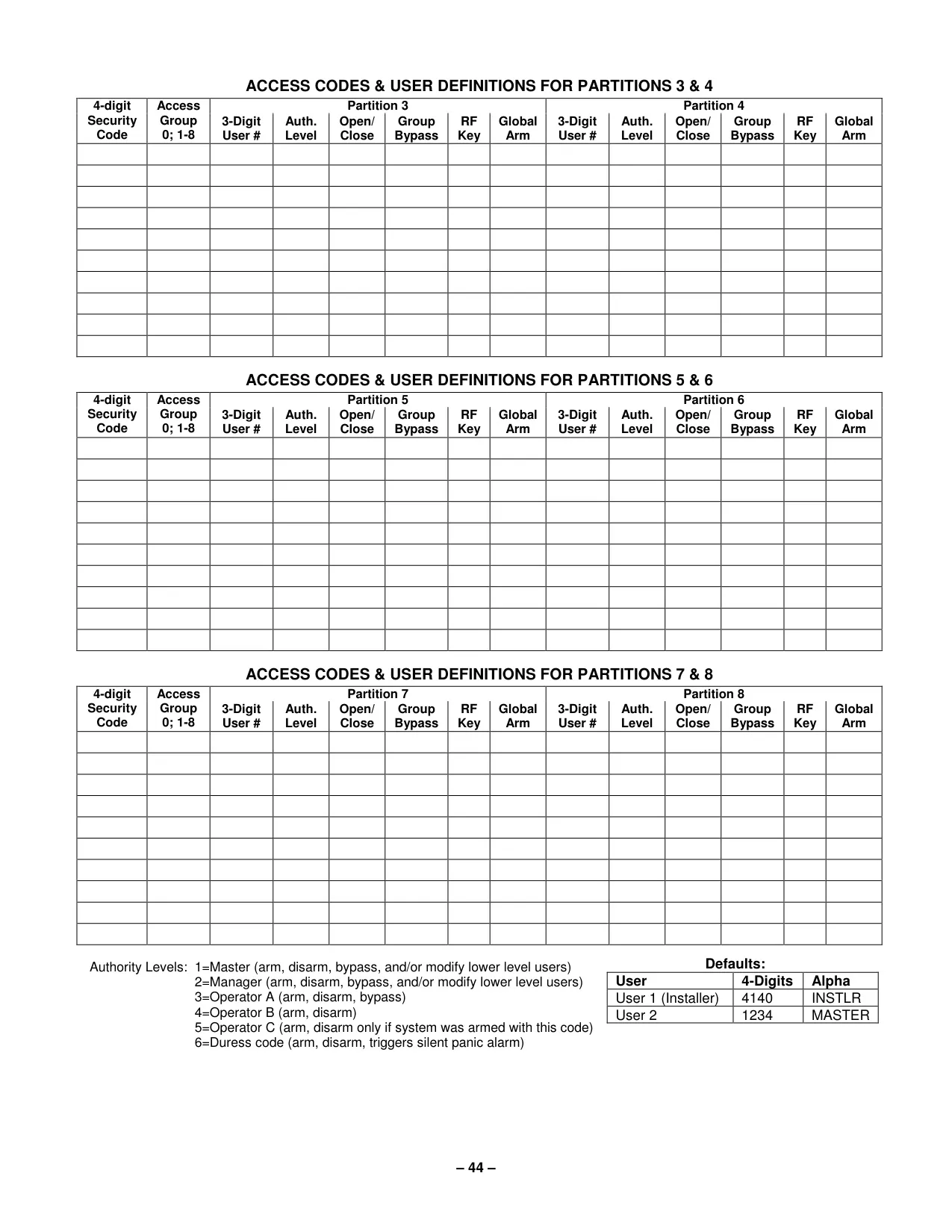
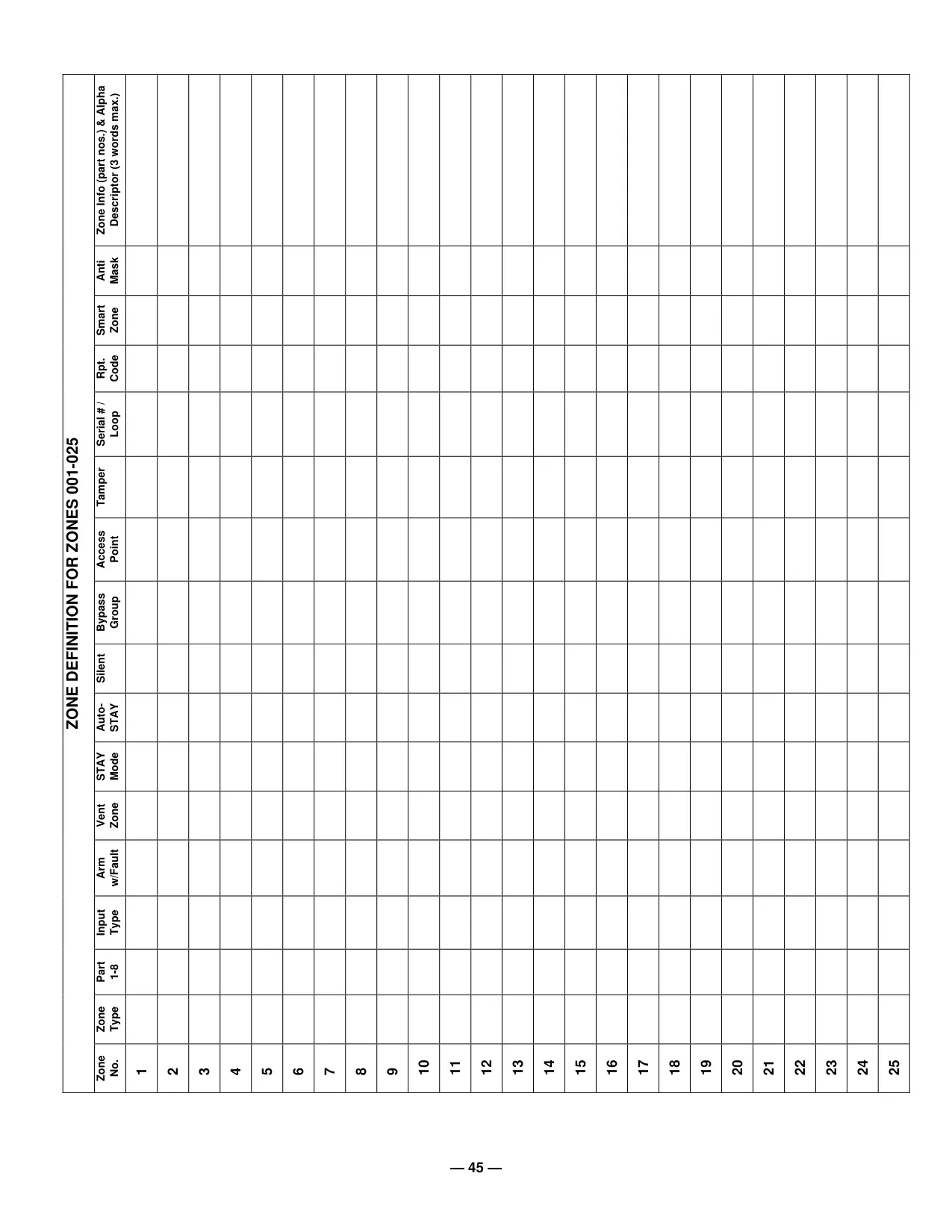
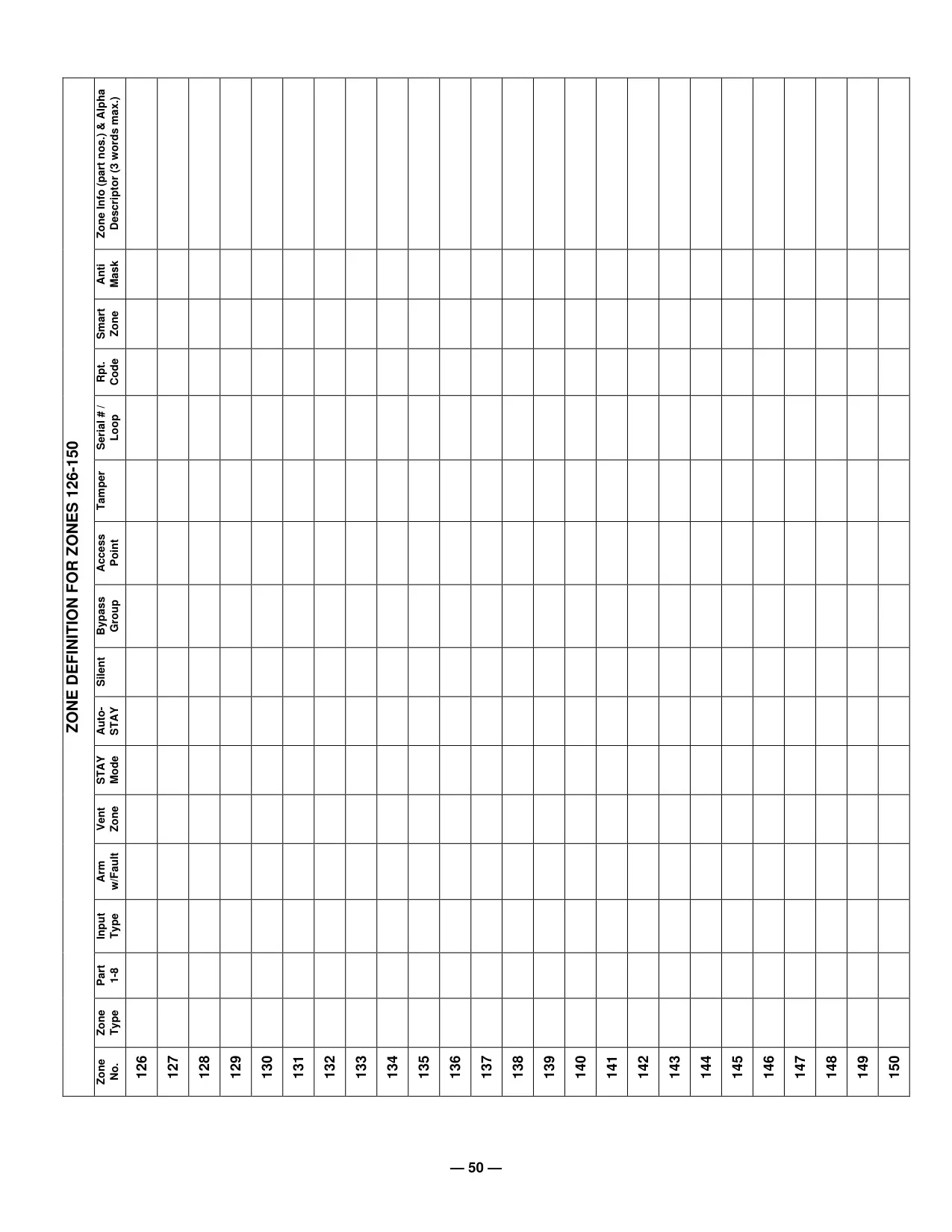
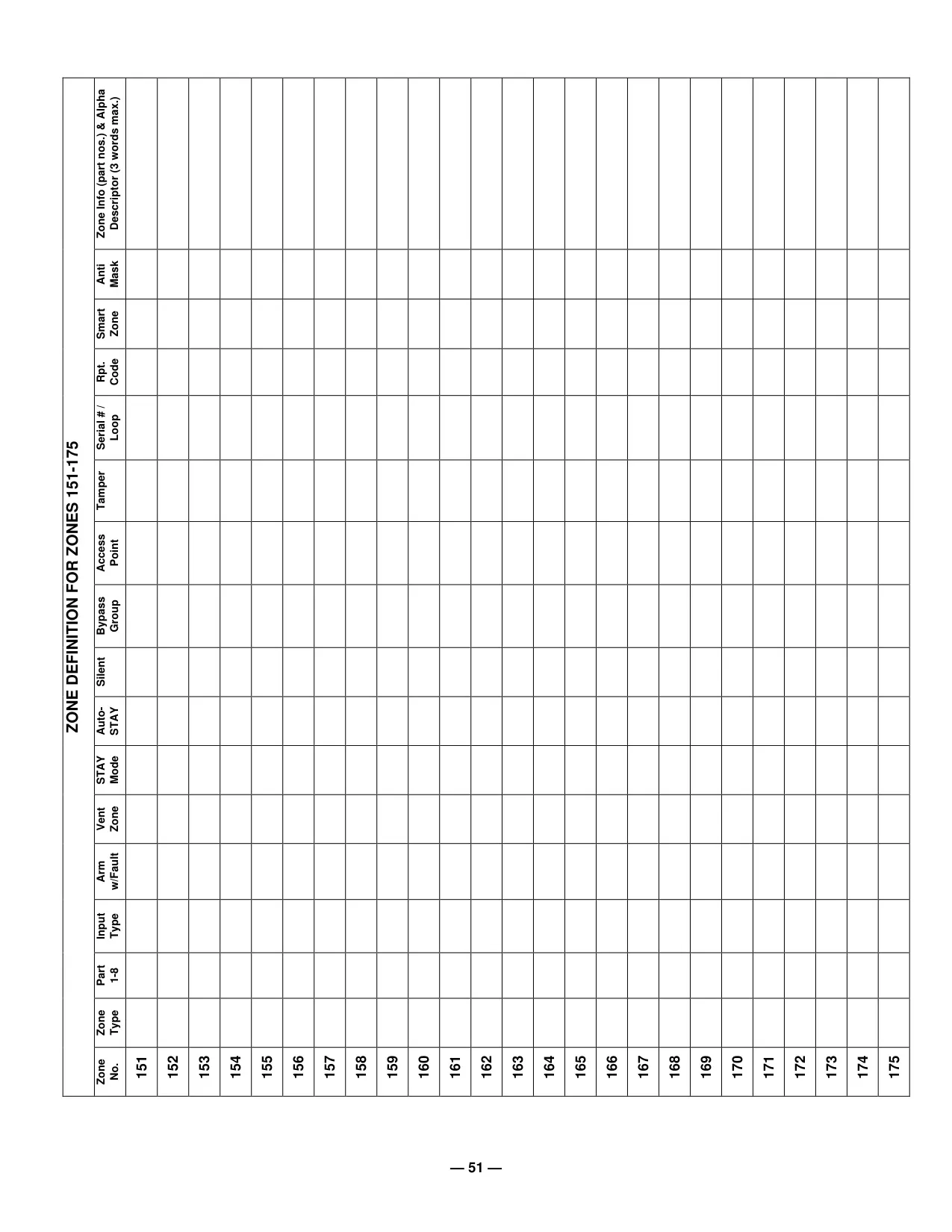
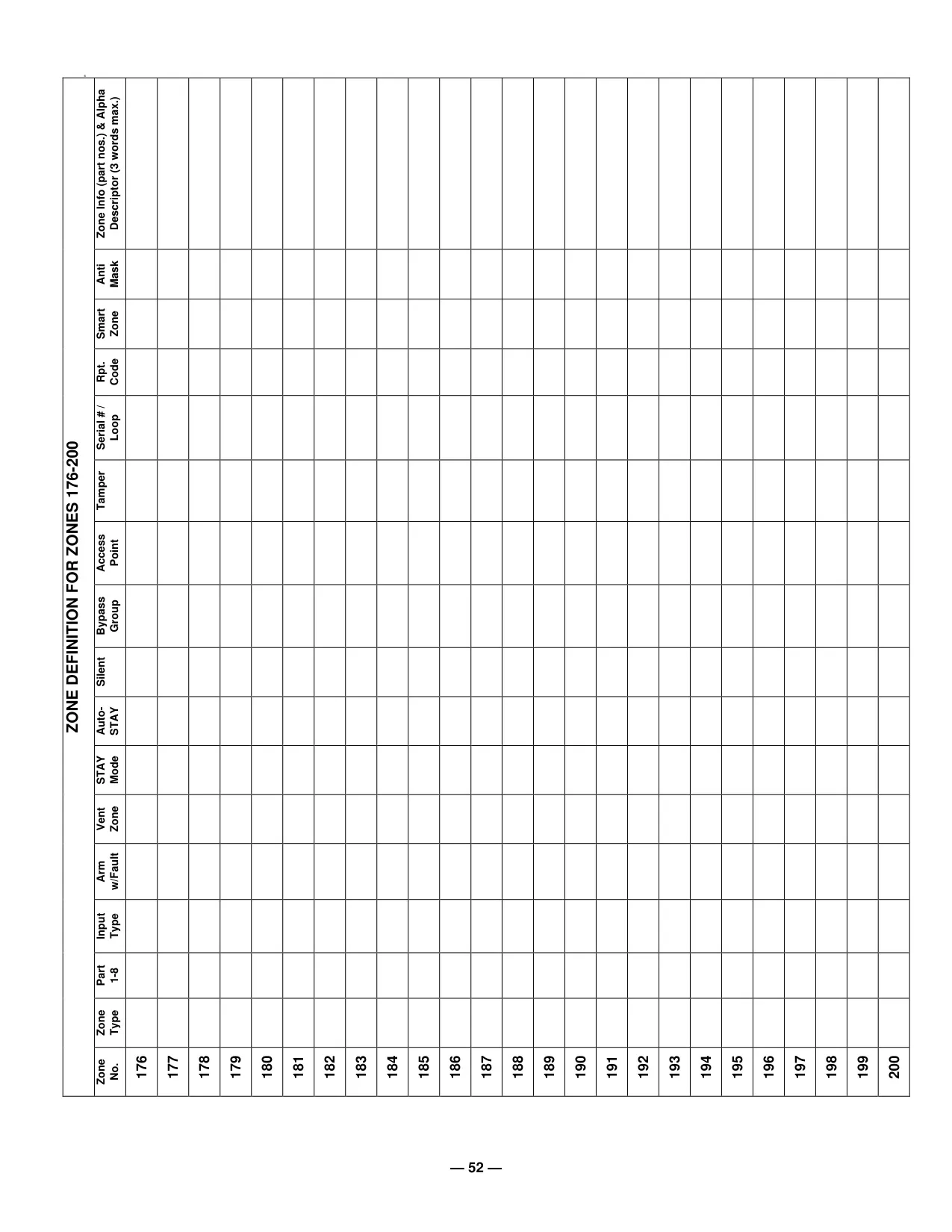
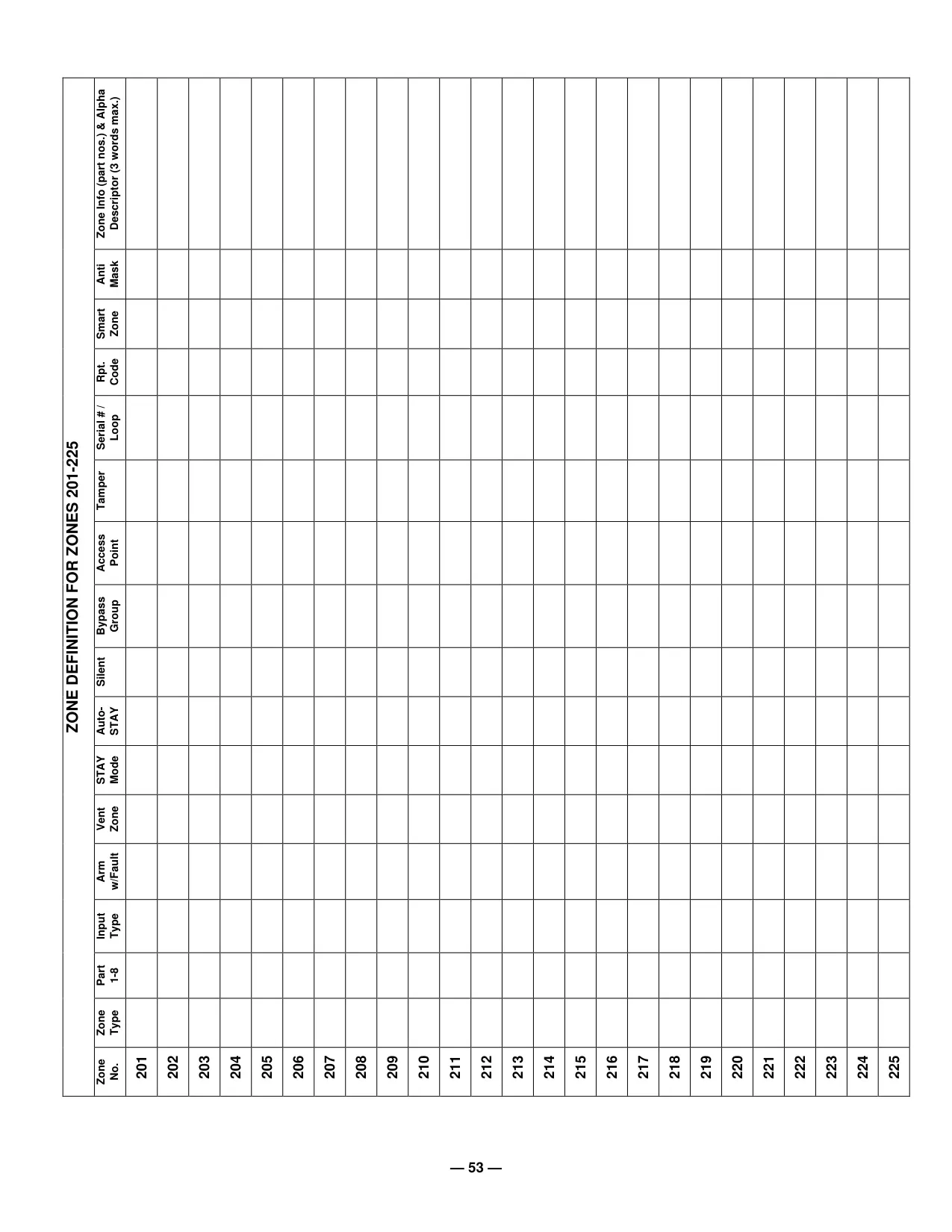
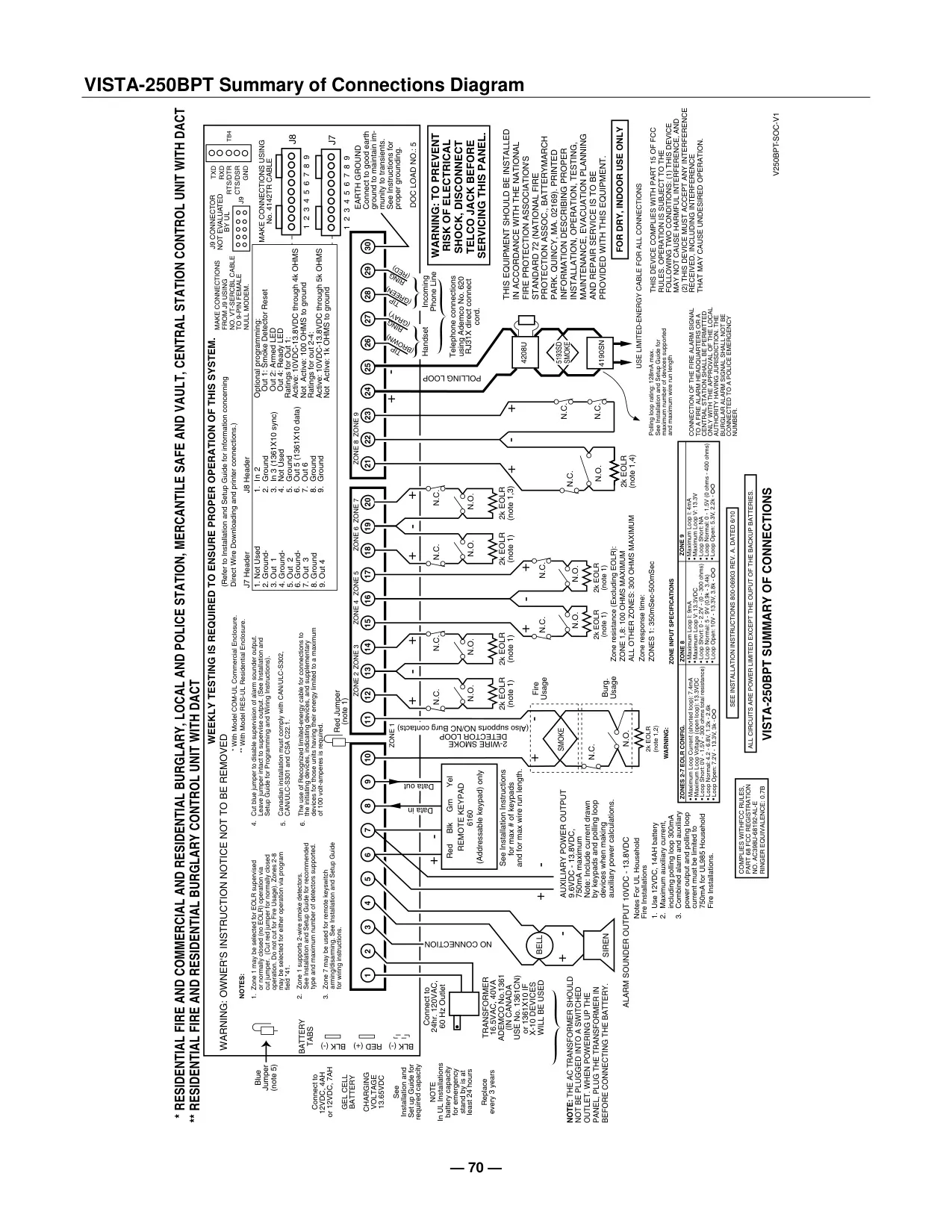
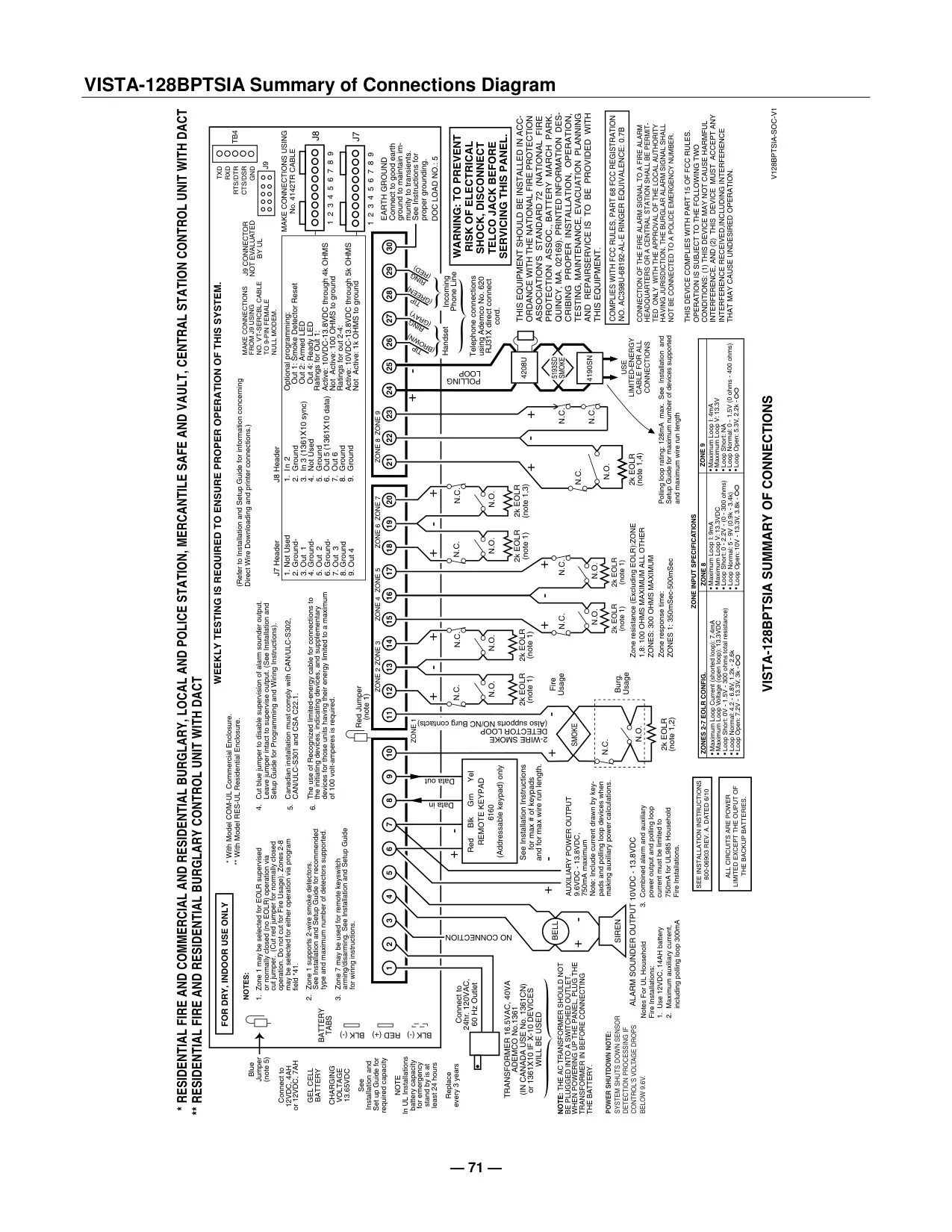
Honeywell Vista 128BPT Security System
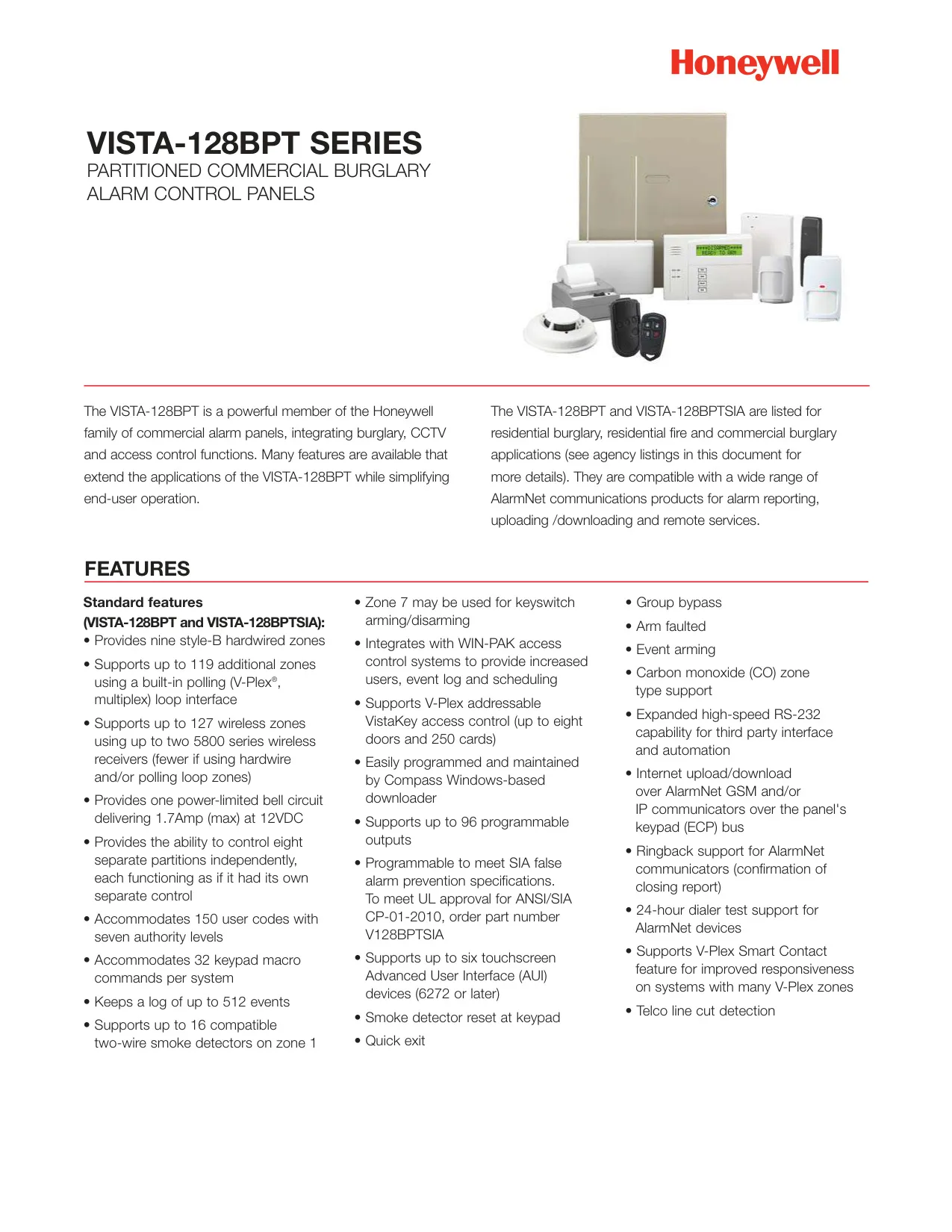
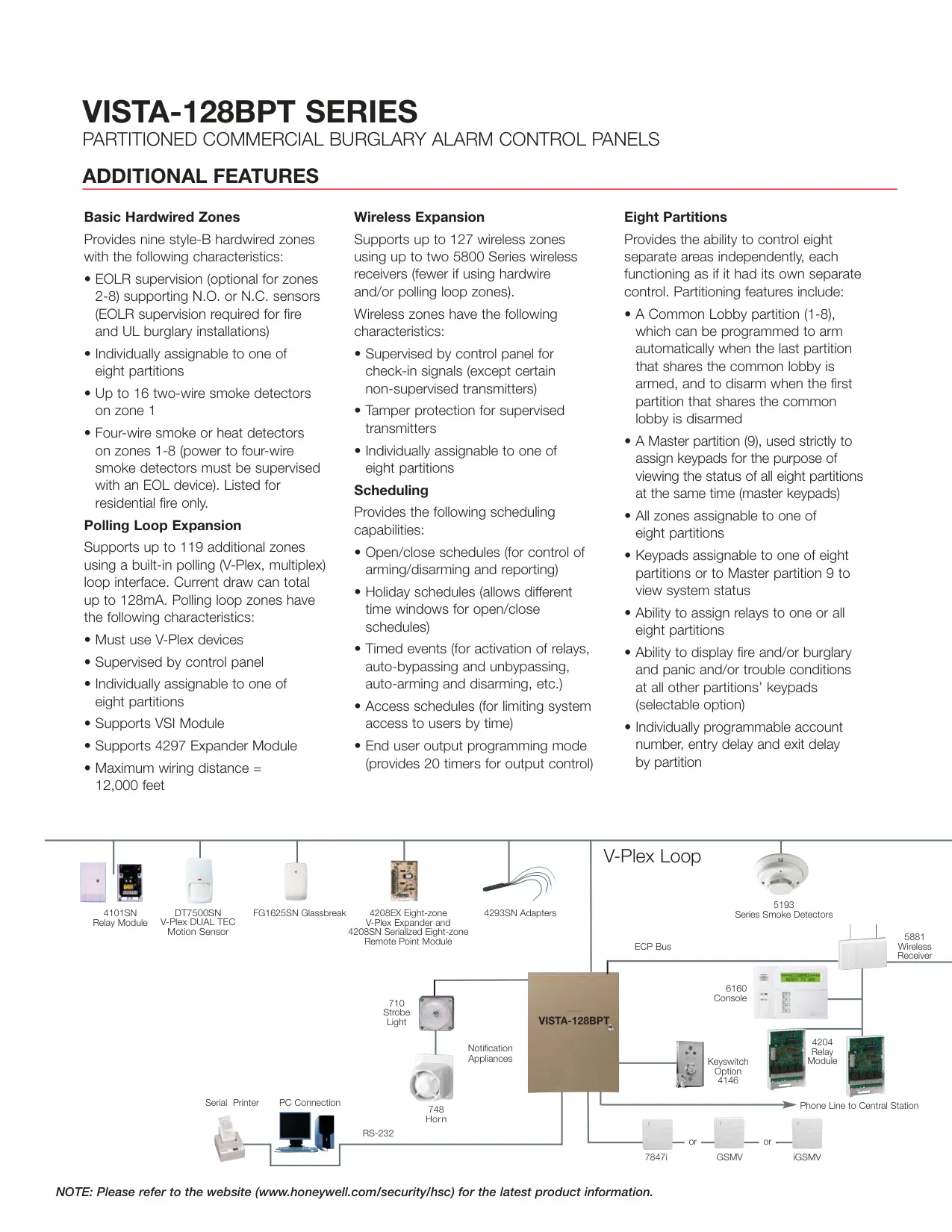
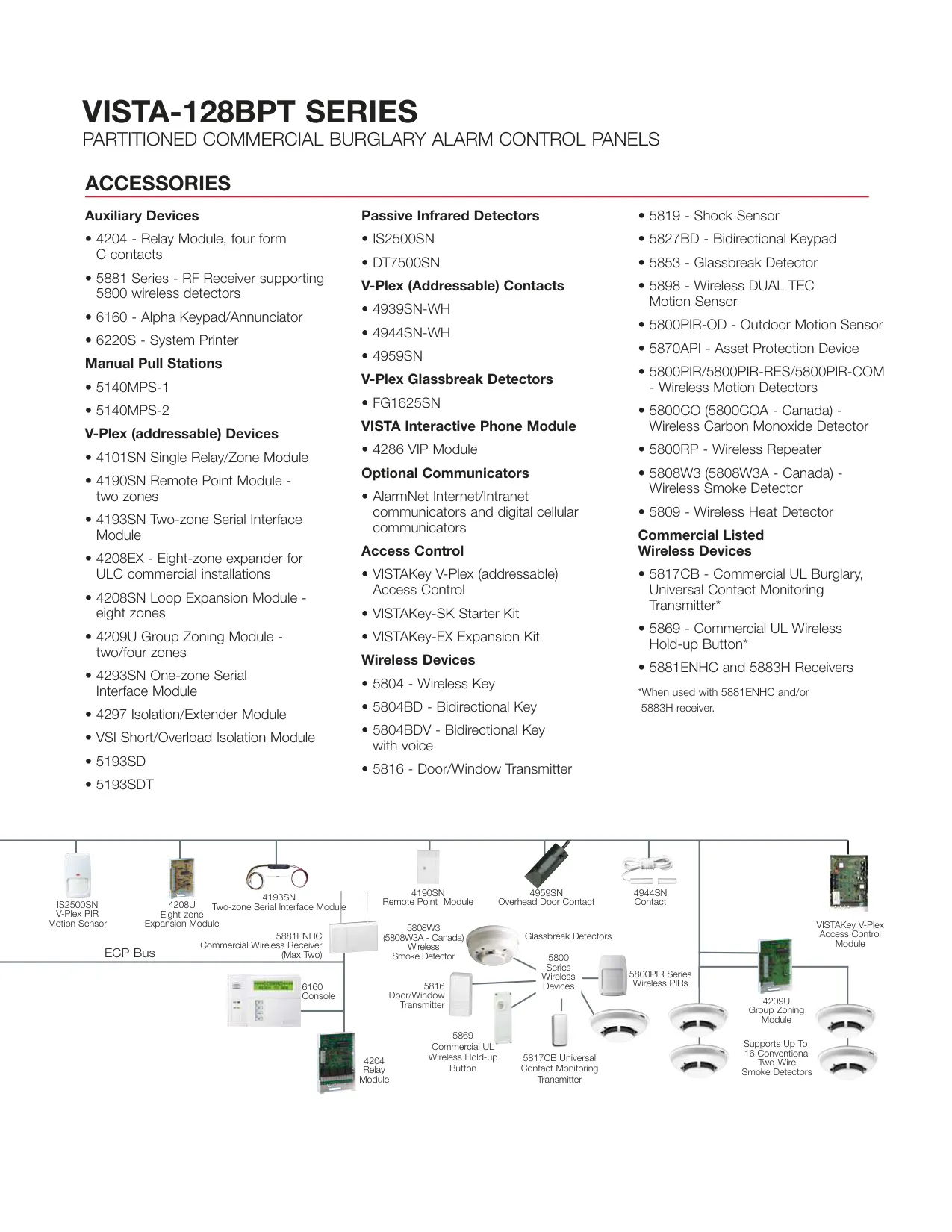
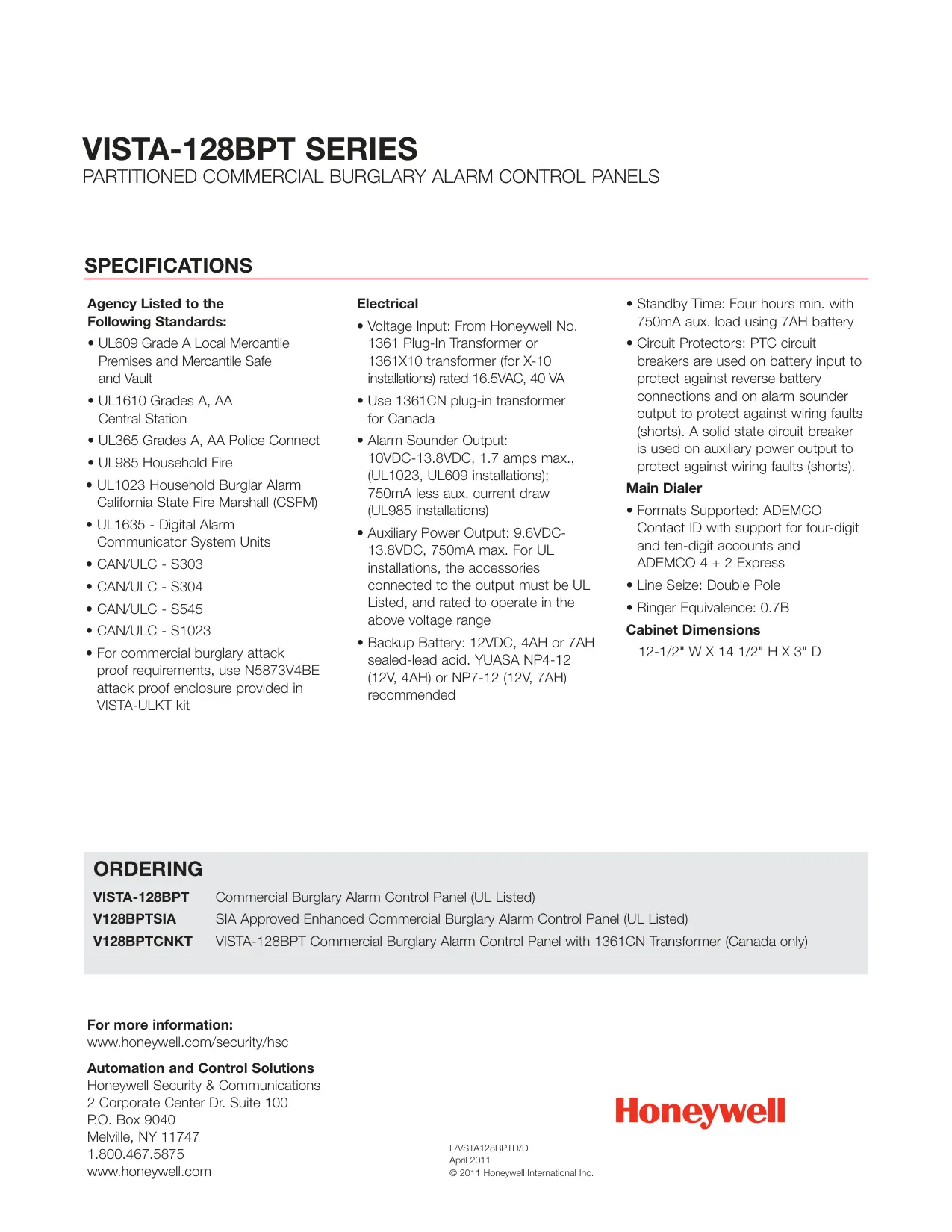
Honeywell Vista 128BPT Instructions
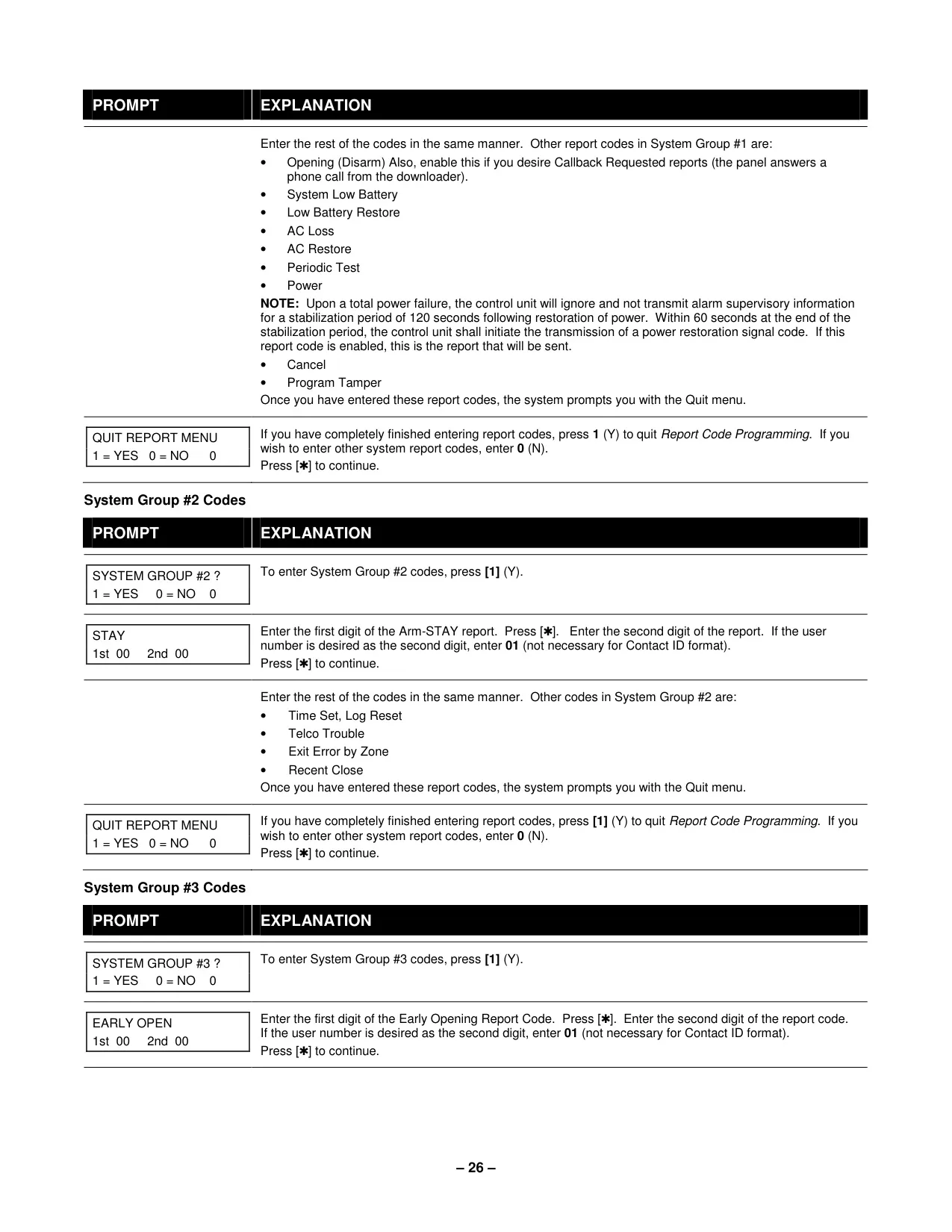
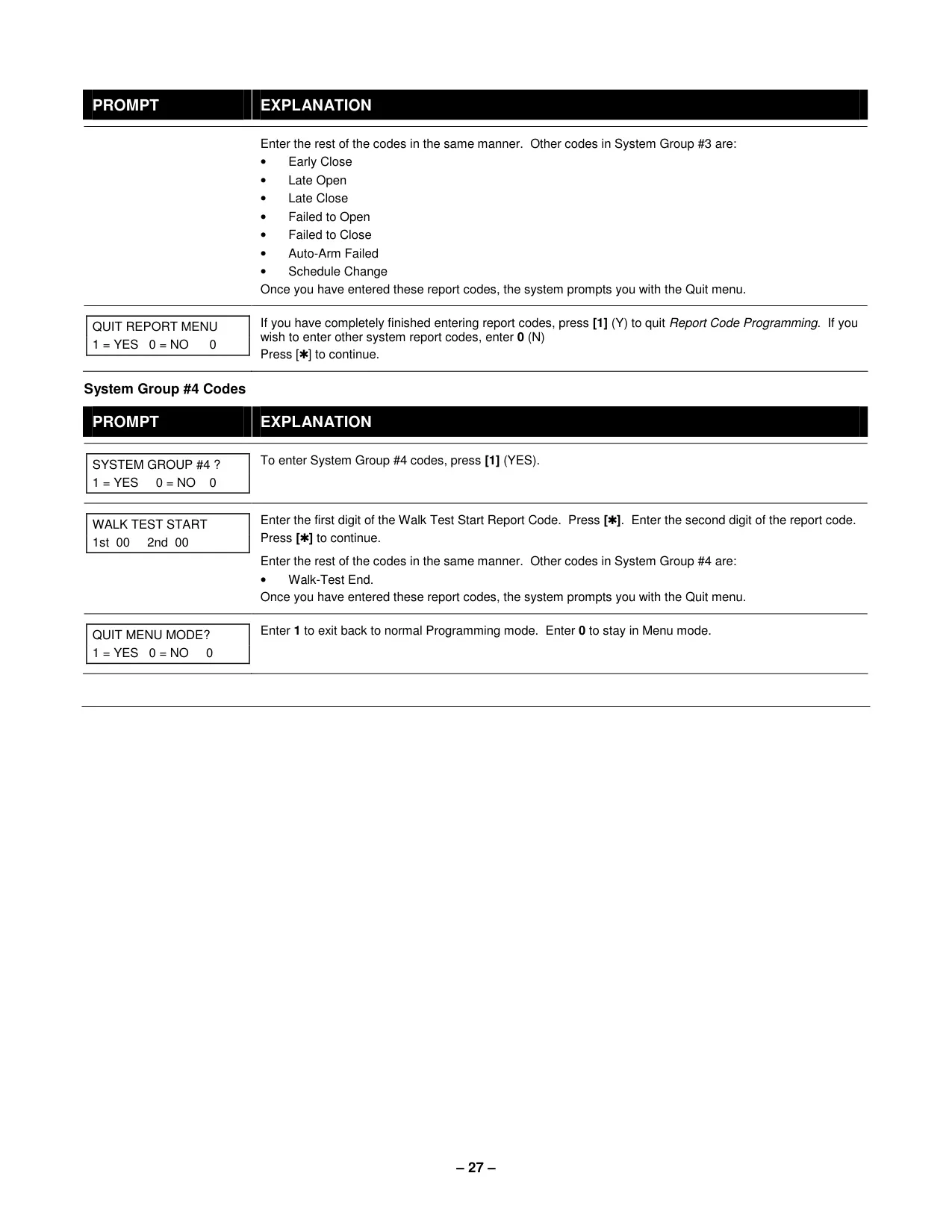
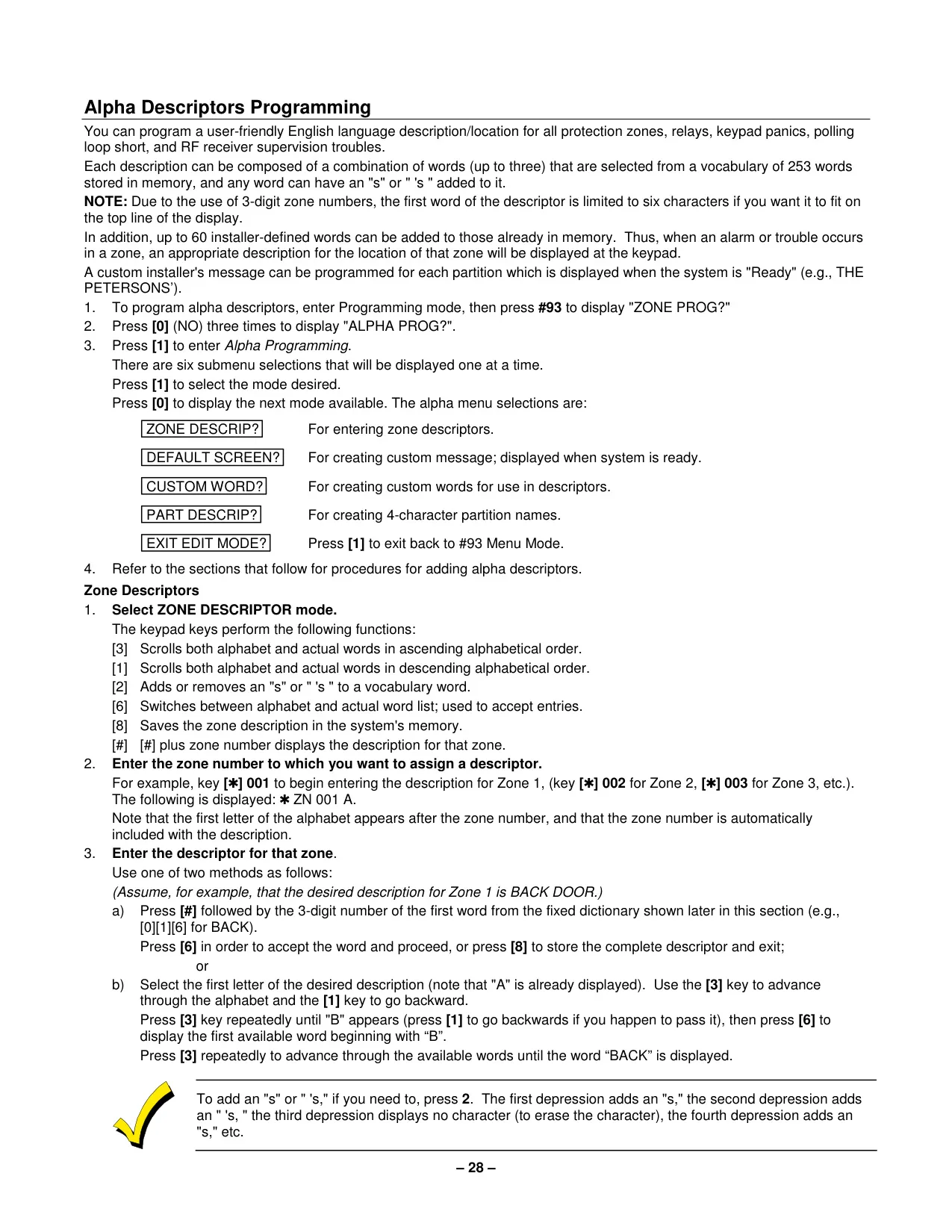
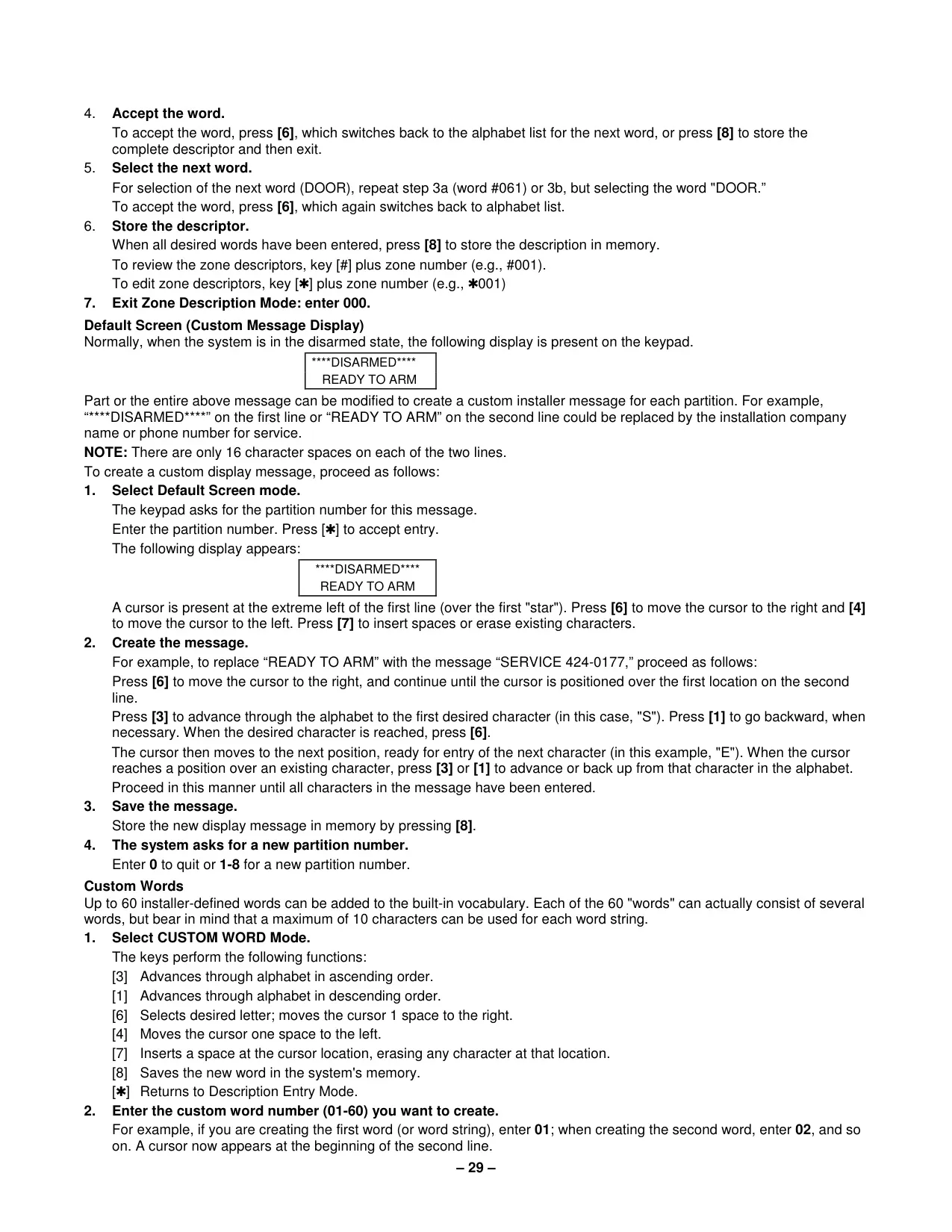
Here we offer the Honeywell Vista 128BPT Security System manual completely free and in English. We have cataloged this manual in the Security Systems section on Manualverse, and it has been rated by 1 users with an average rating of 5. If you have any specific questions about Honeywell Vista 128BPT Security System, we suggest checking the Frequently Asked Questions (FAQs) section of this manual.
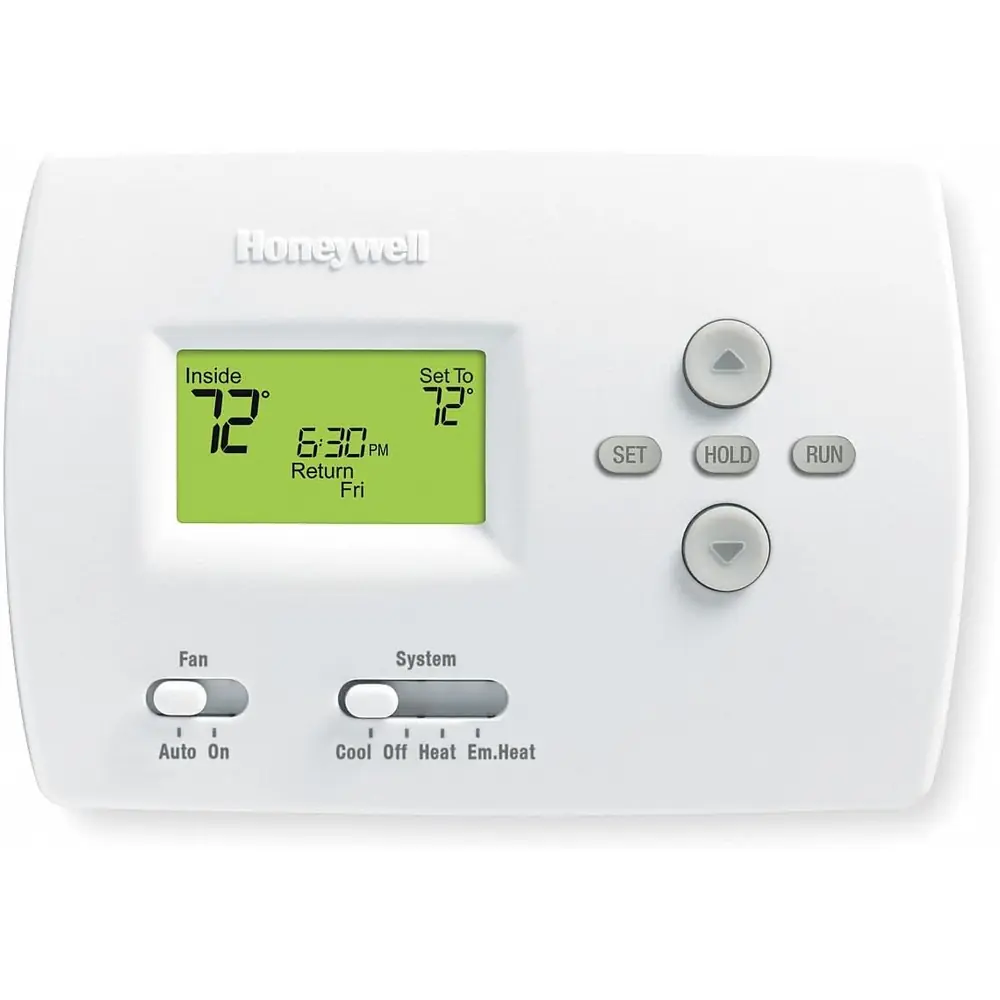
Product Images
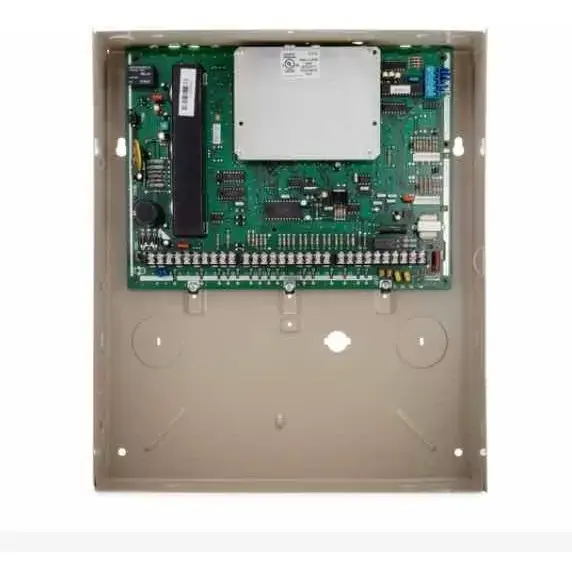
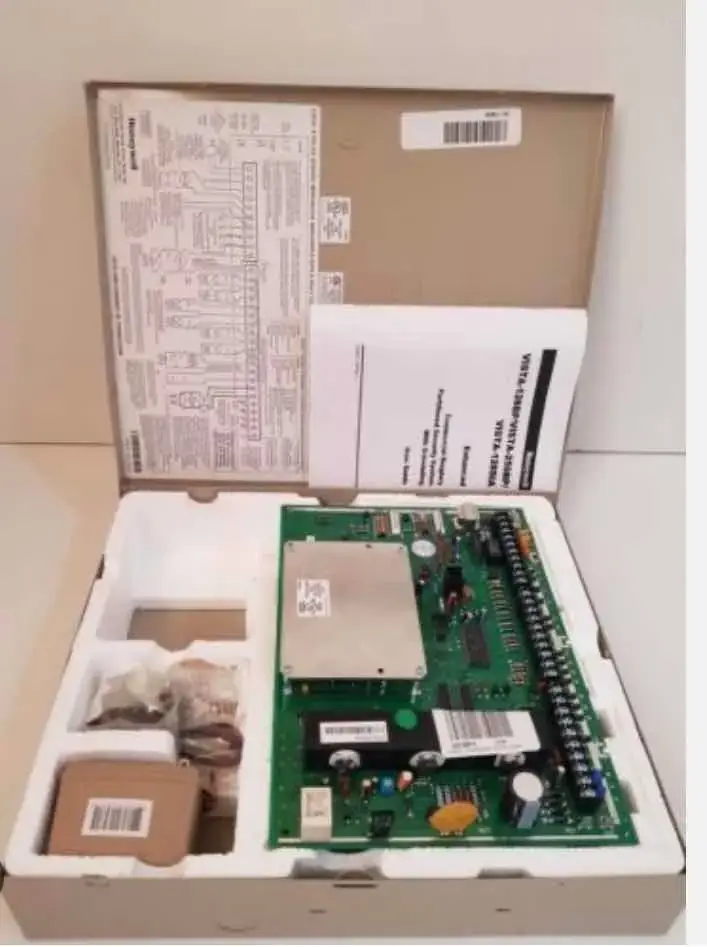
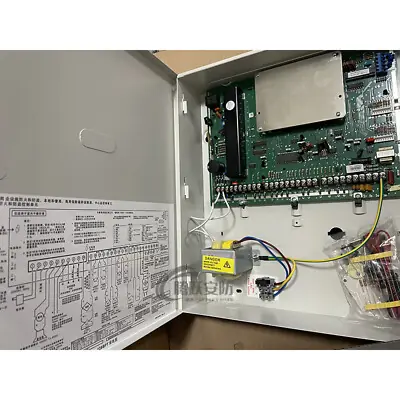
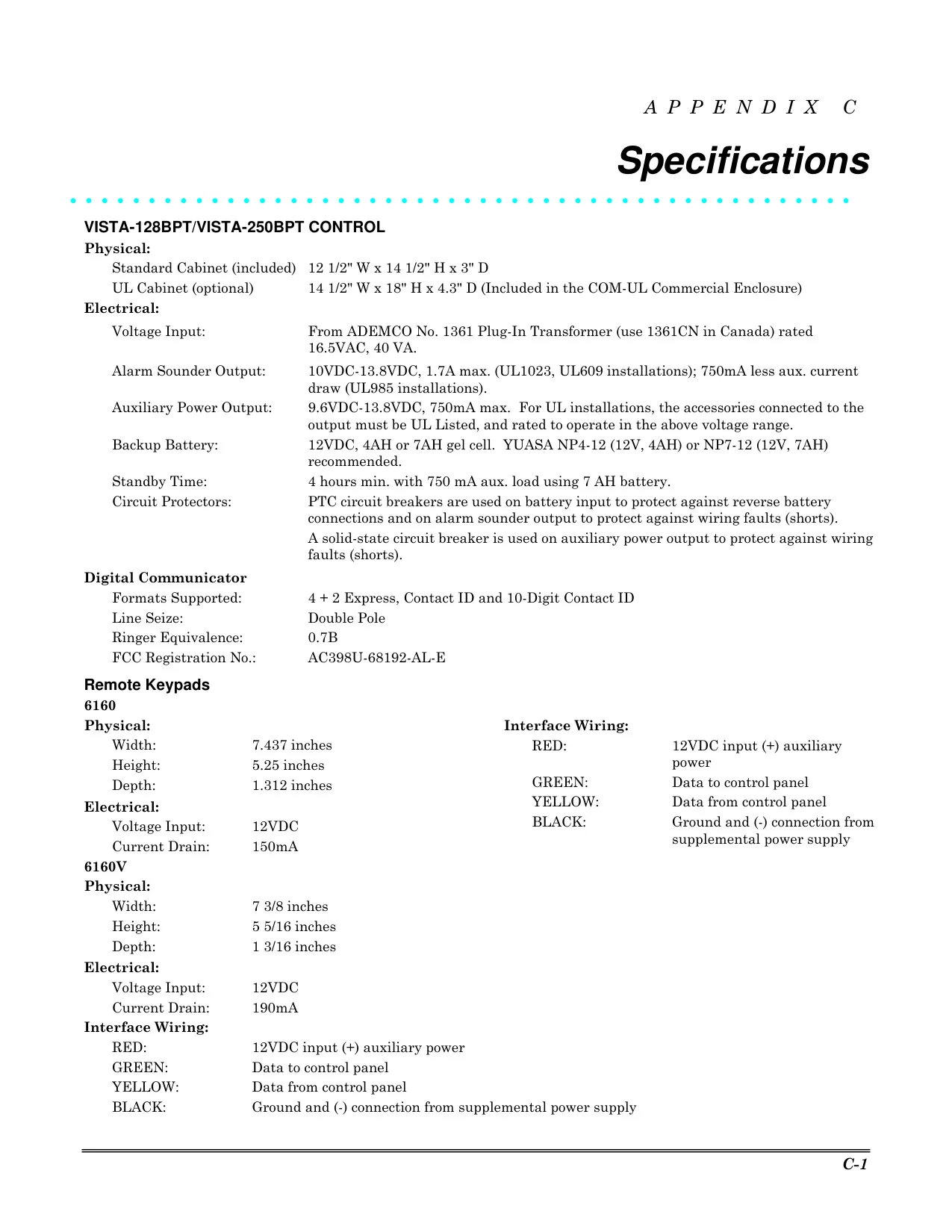
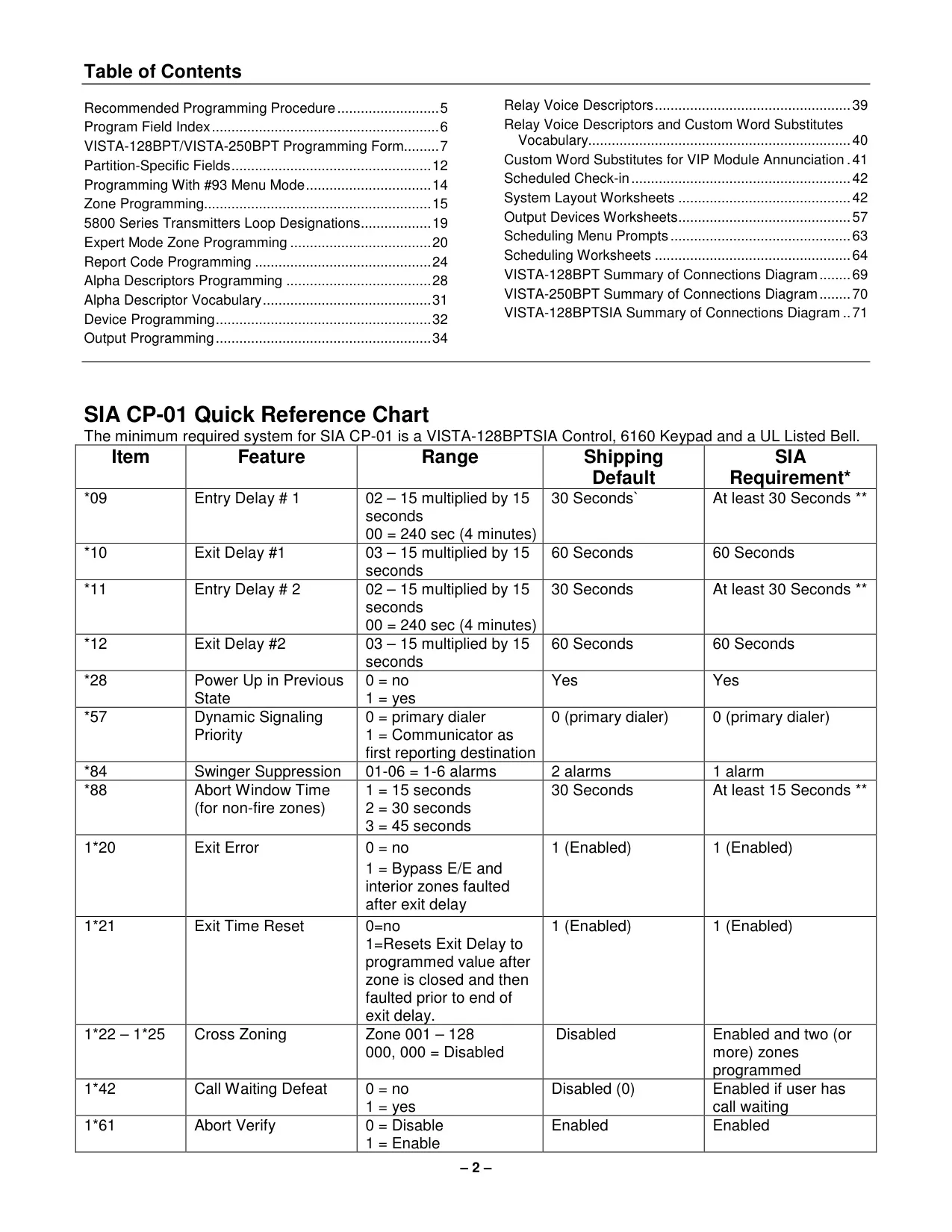
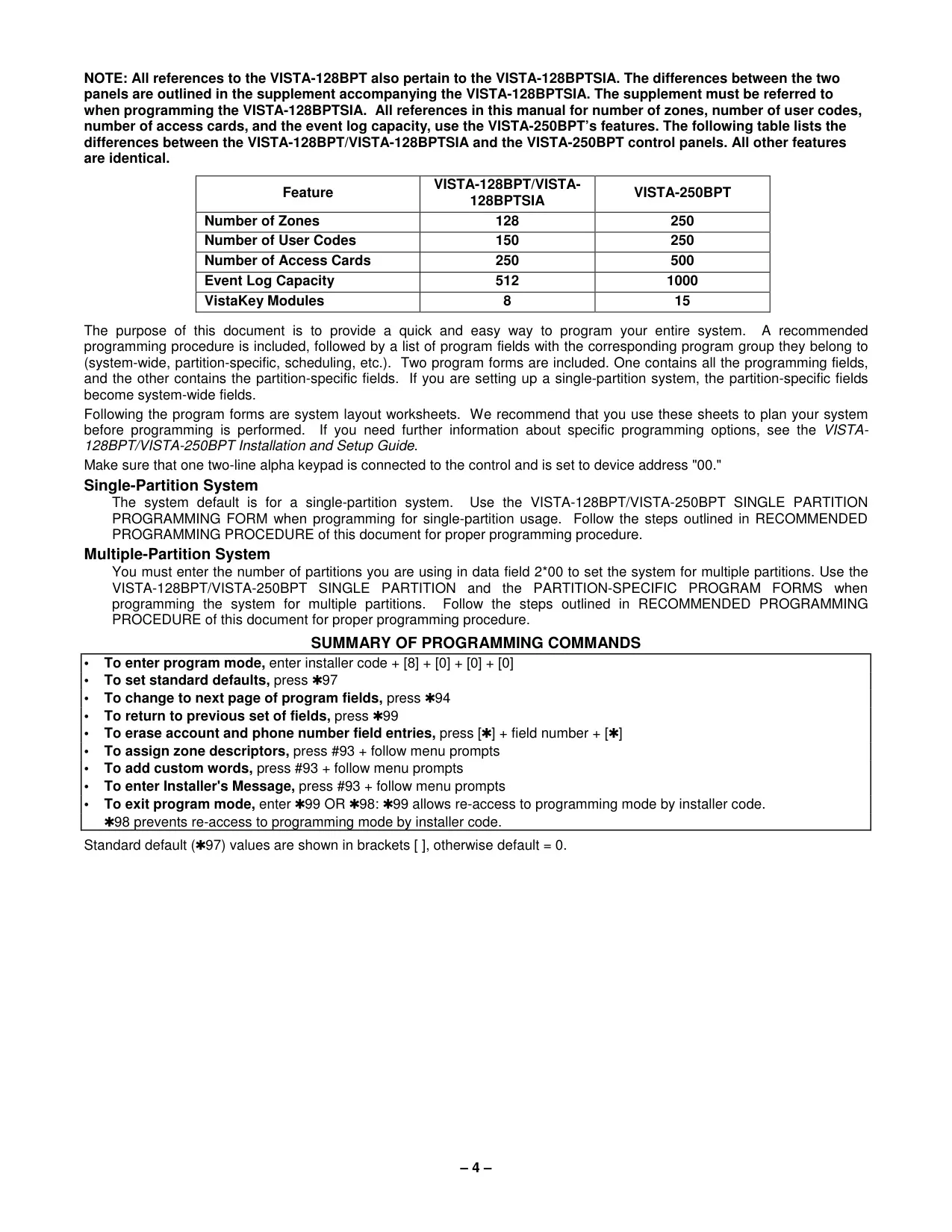
Honeywell Vista 128BPT Security System Specifications
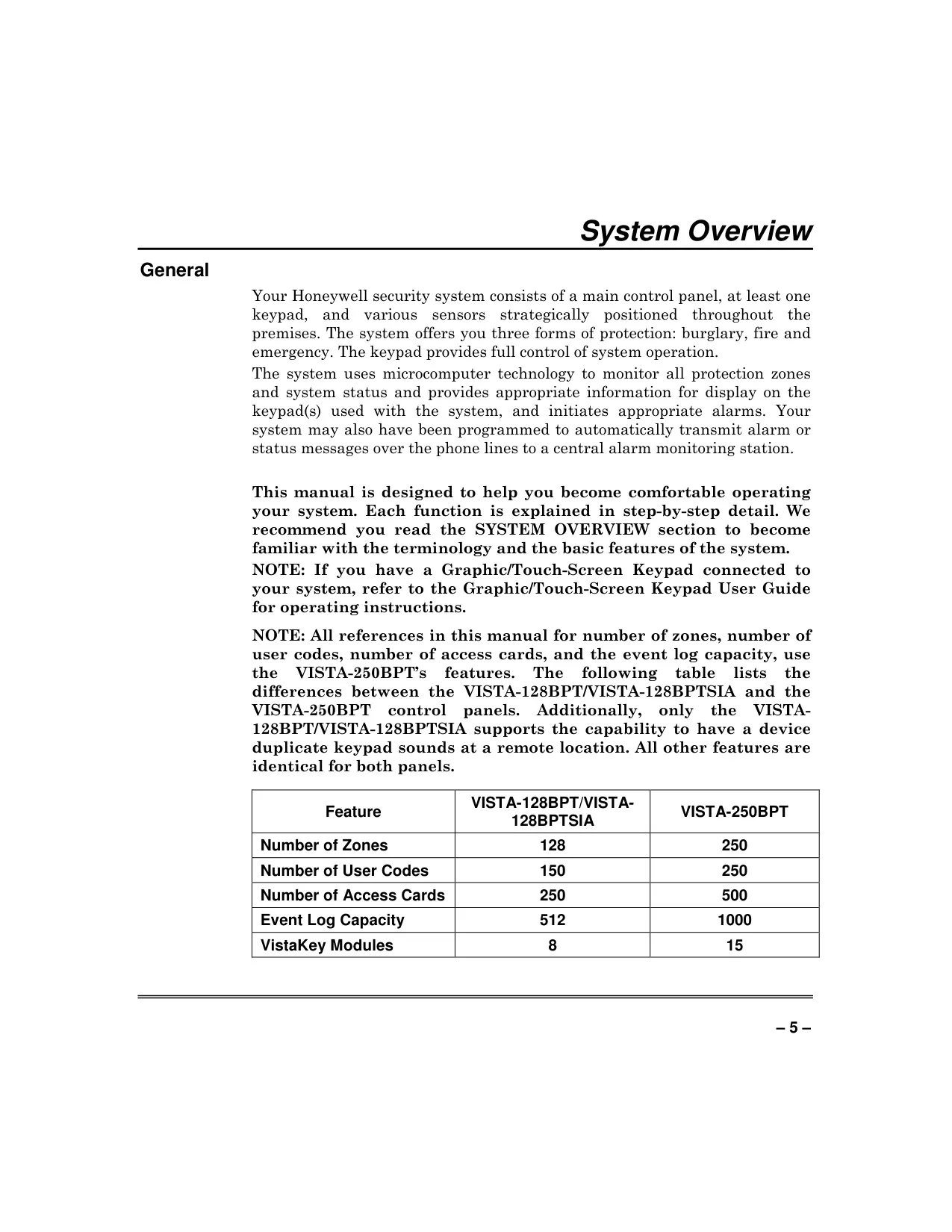
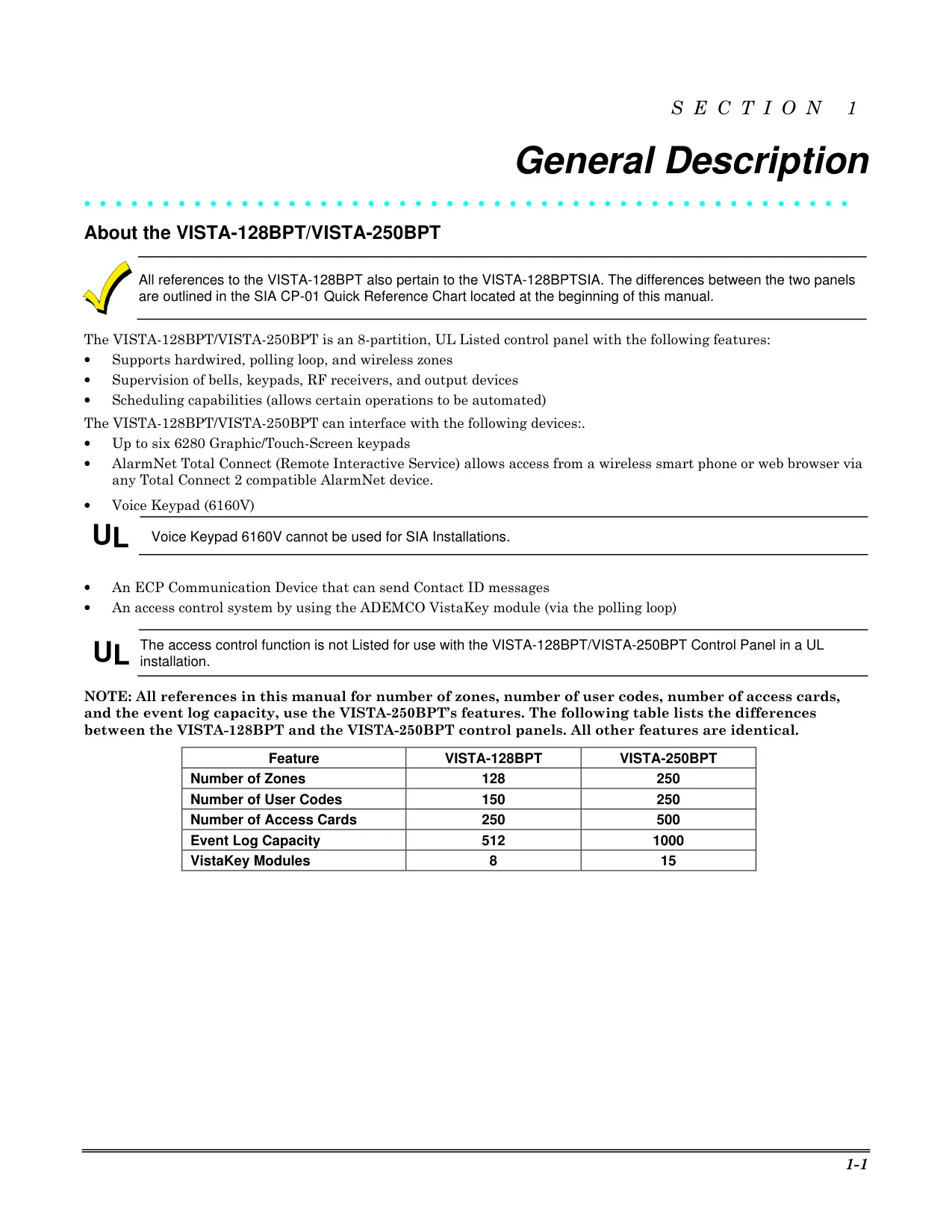
| Feature | Specification (VISTA-128BPT/VISTA-128BPTSIA) |
|---|---|
| Number of Zones | 128 |
| Number of User Codes | 150 |
| Number of Access Cards | 250 |
| Event Log Capacity | 512 |
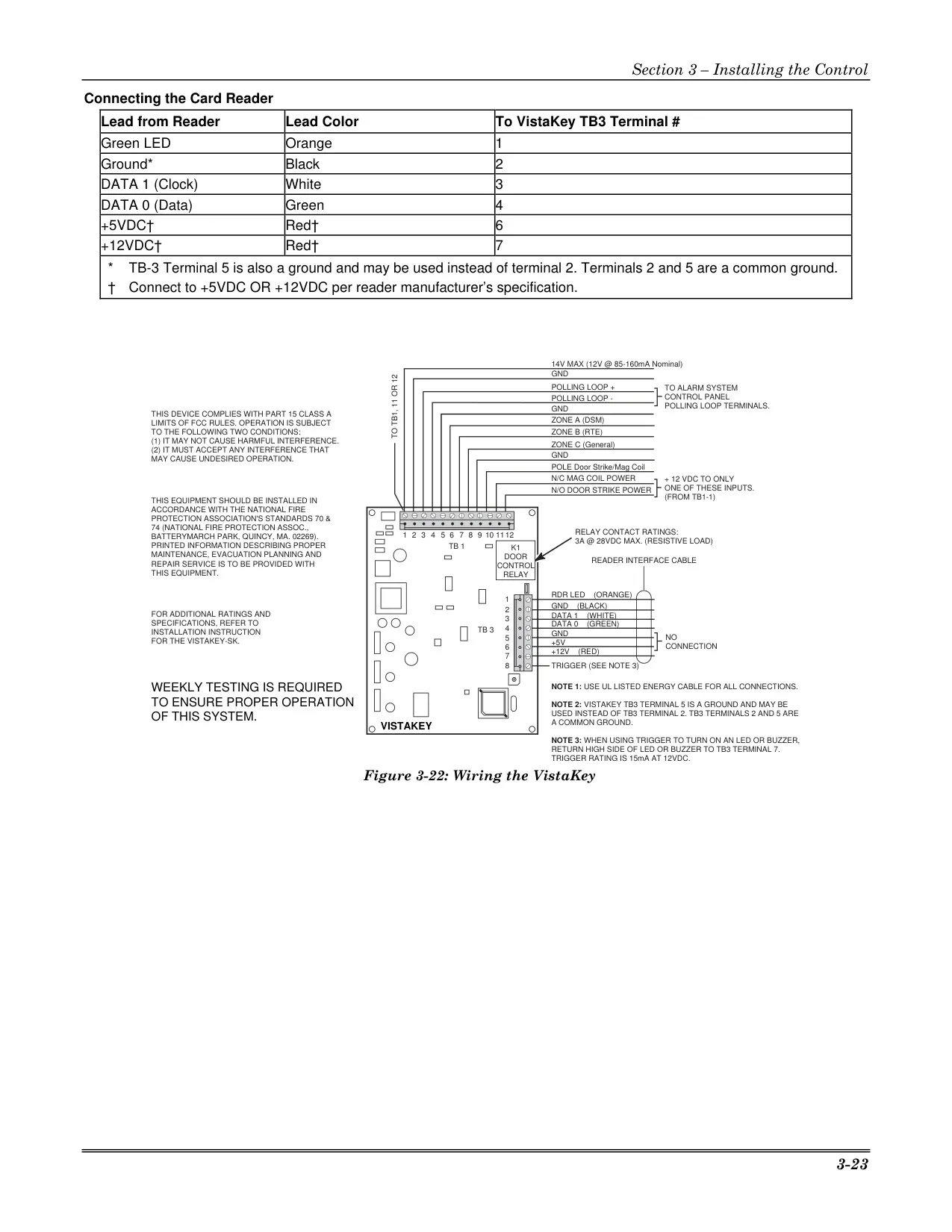
| VistaKey Modules Supported | 8 |
Honeywell Vista 128BPT Details
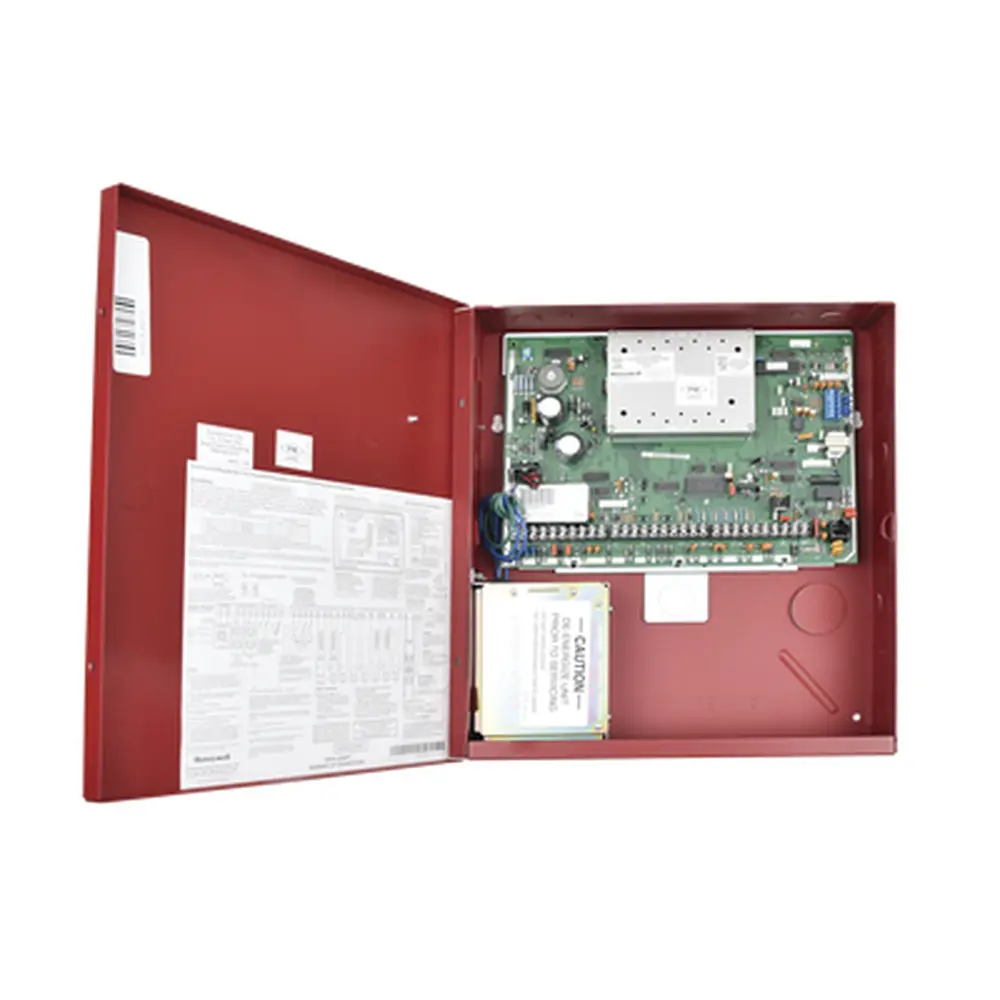
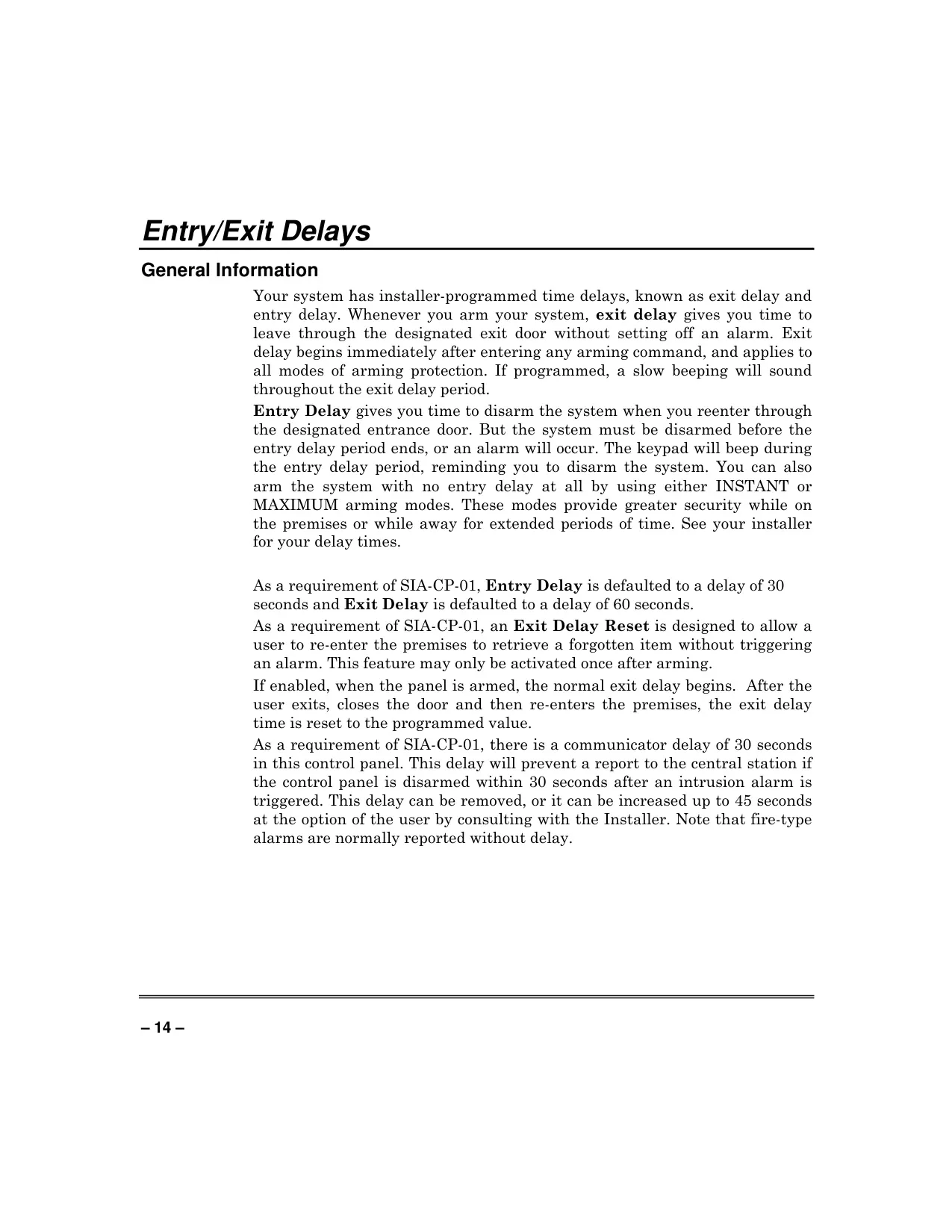
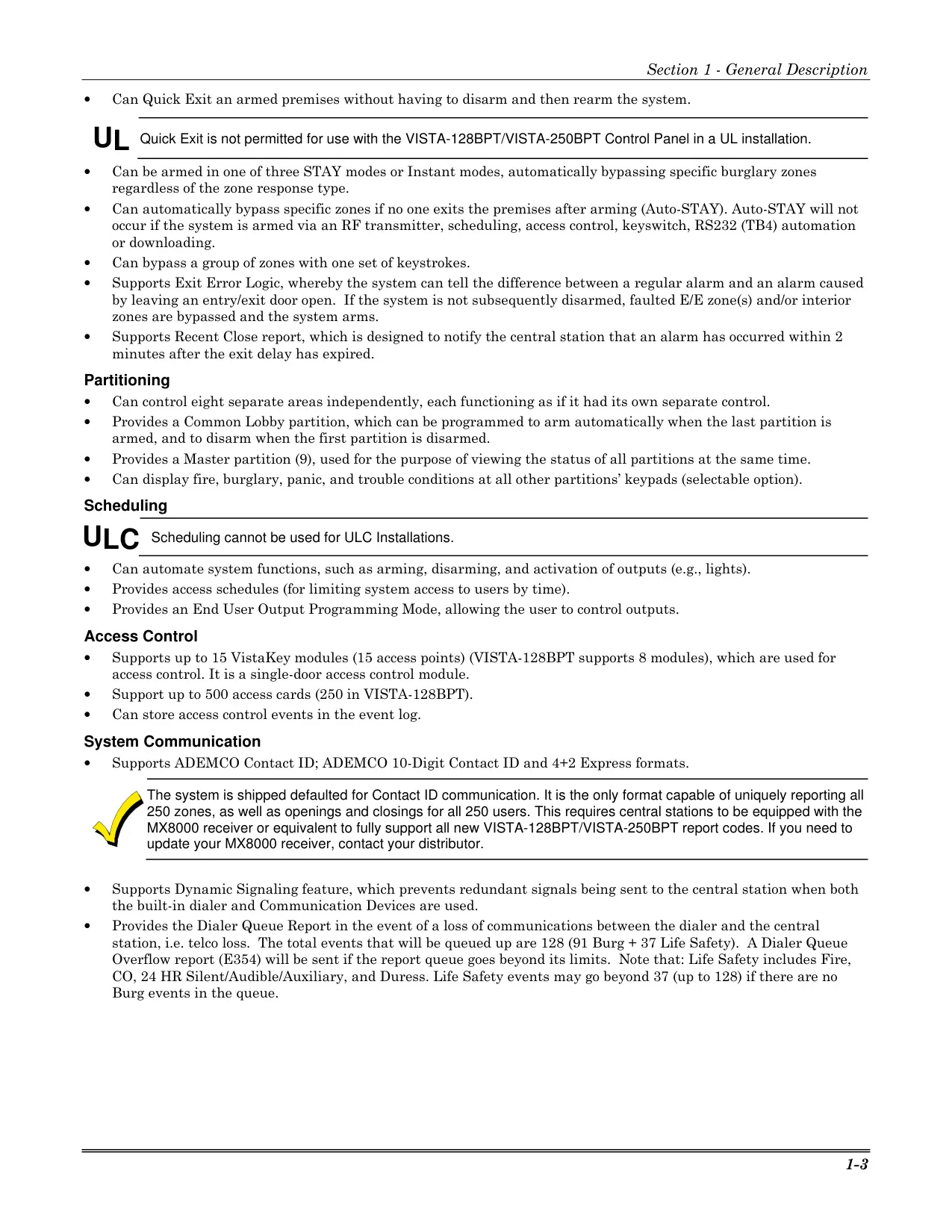
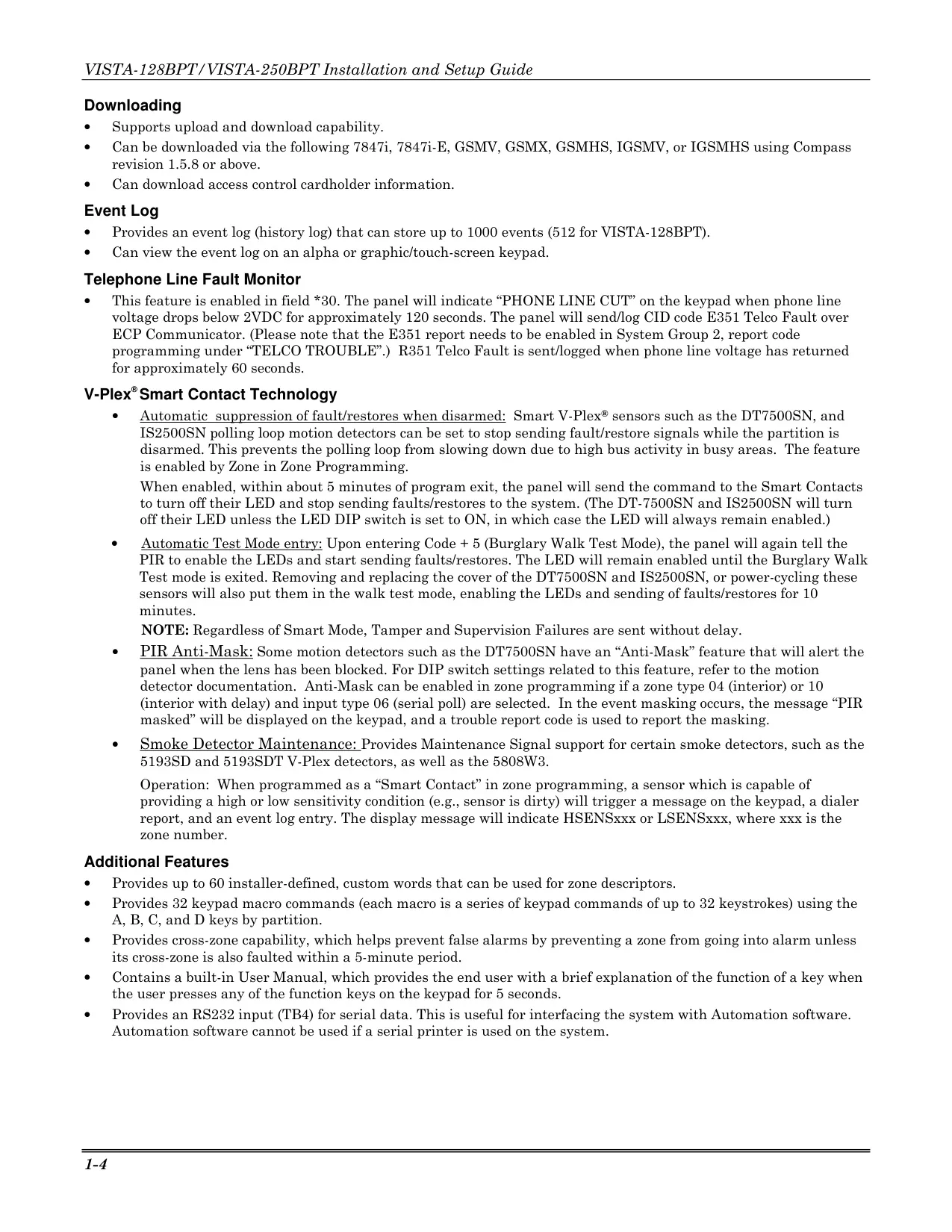
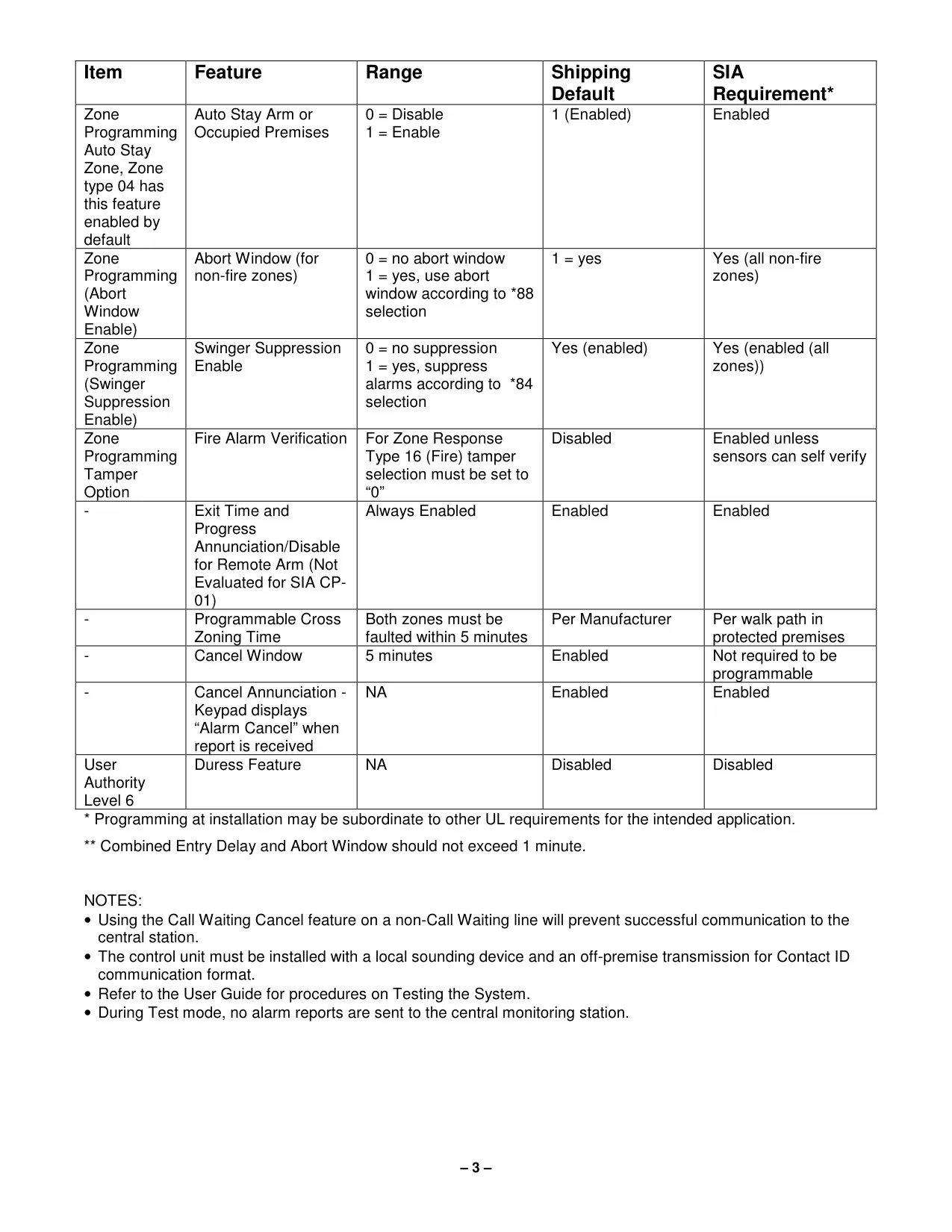
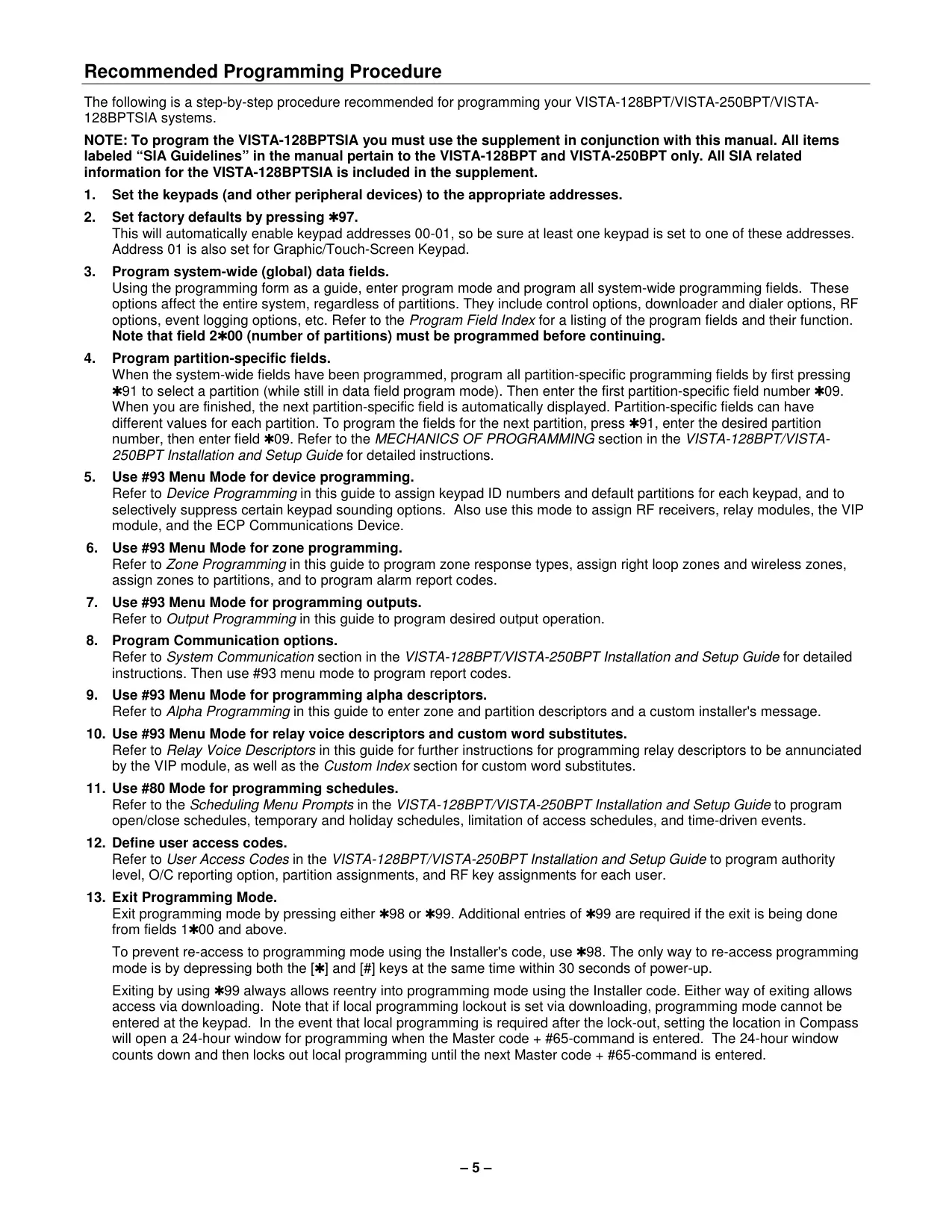
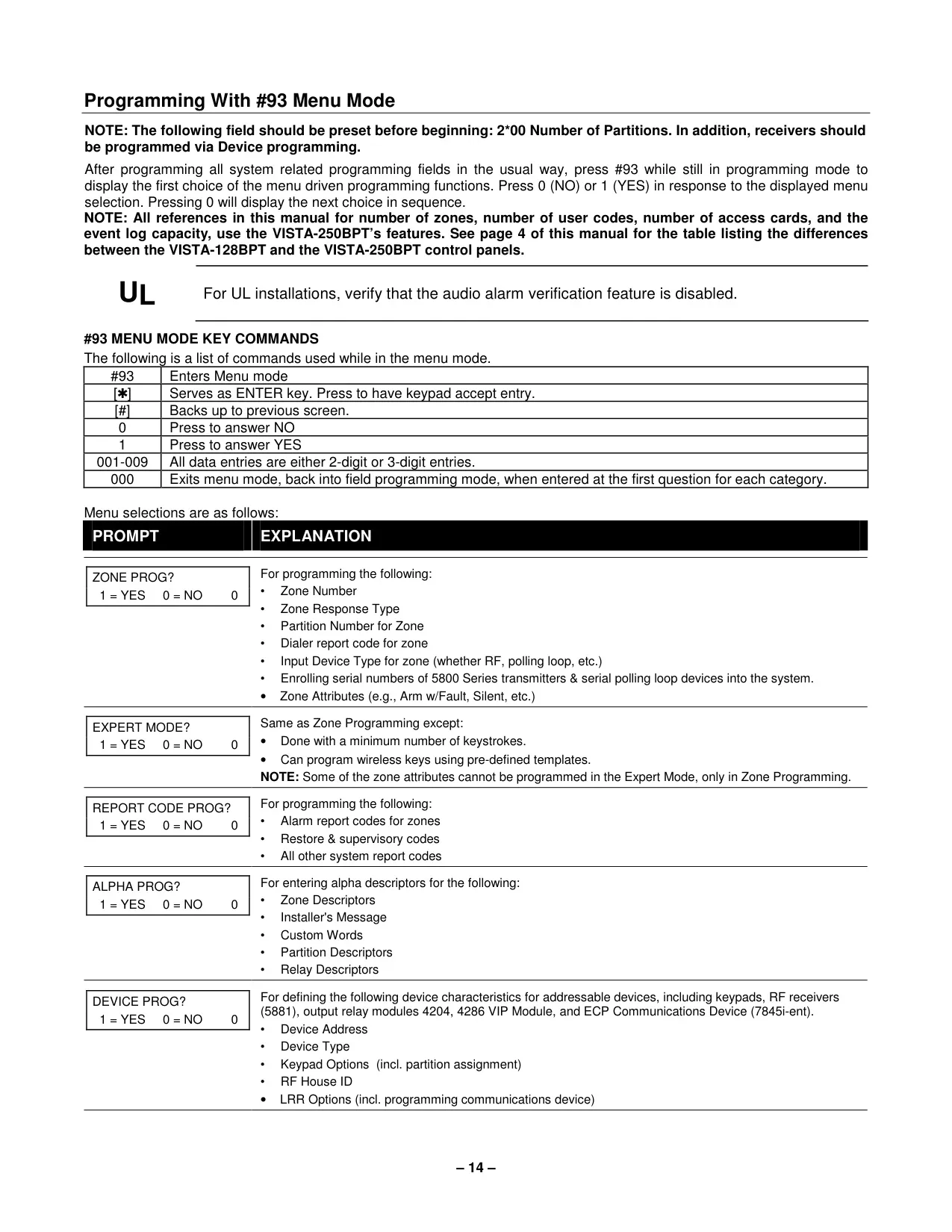
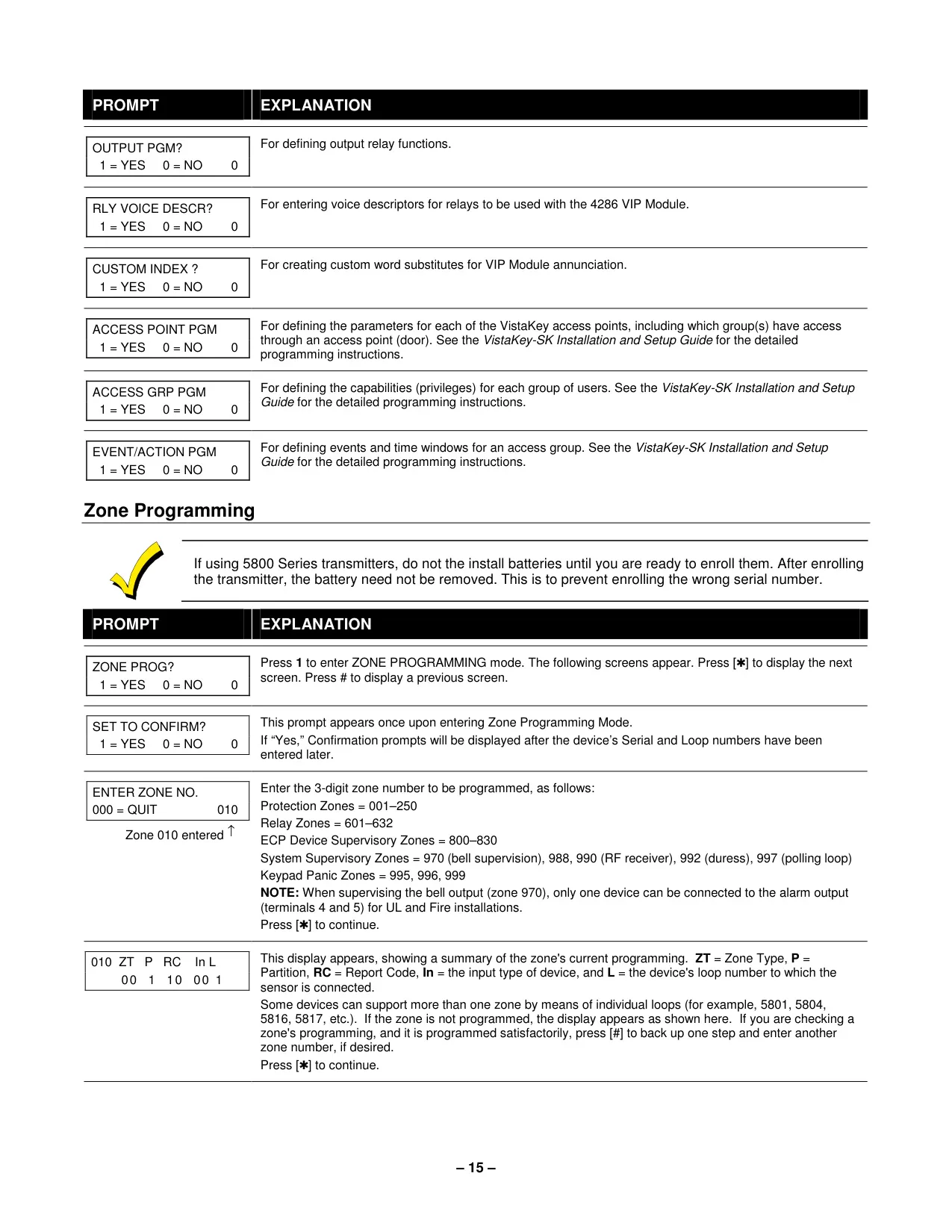
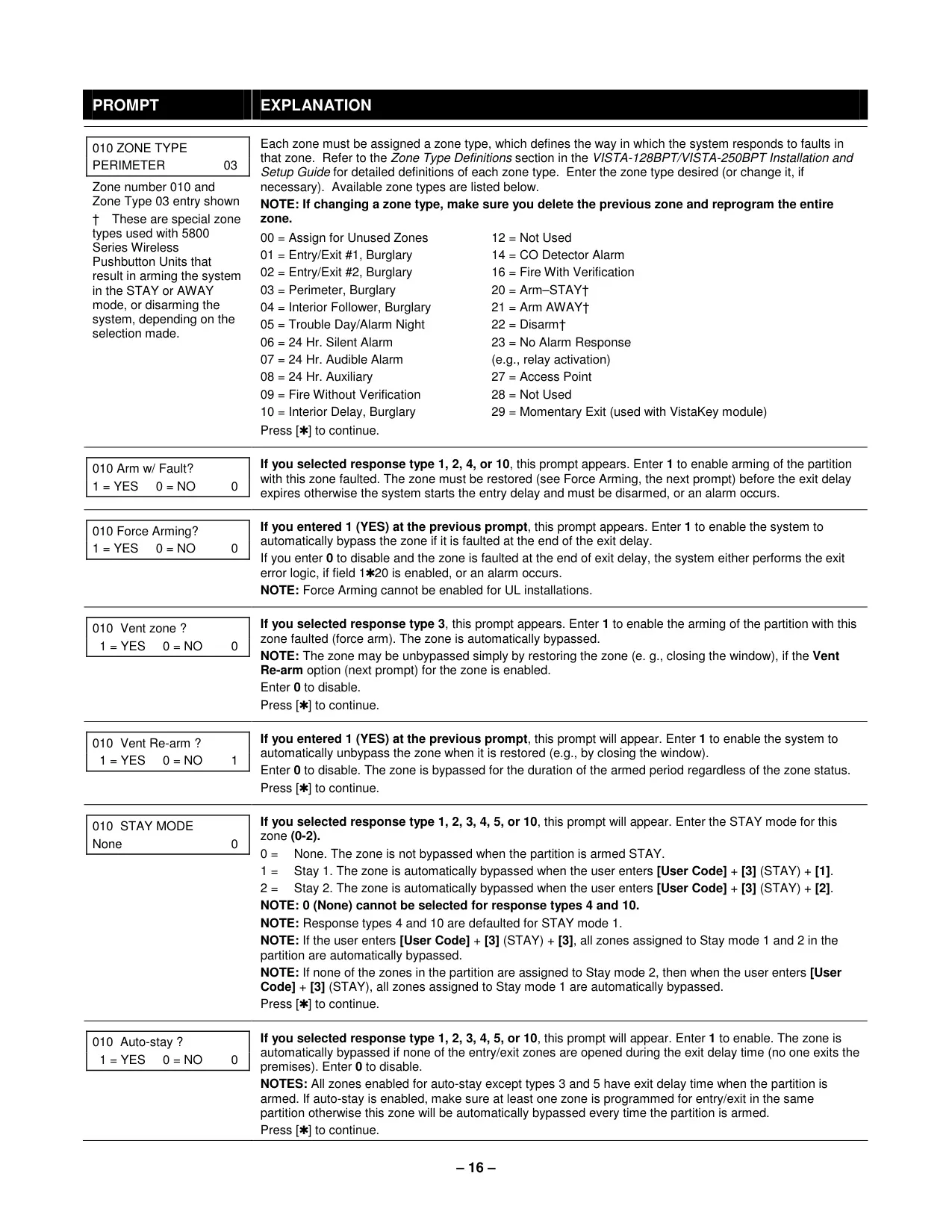
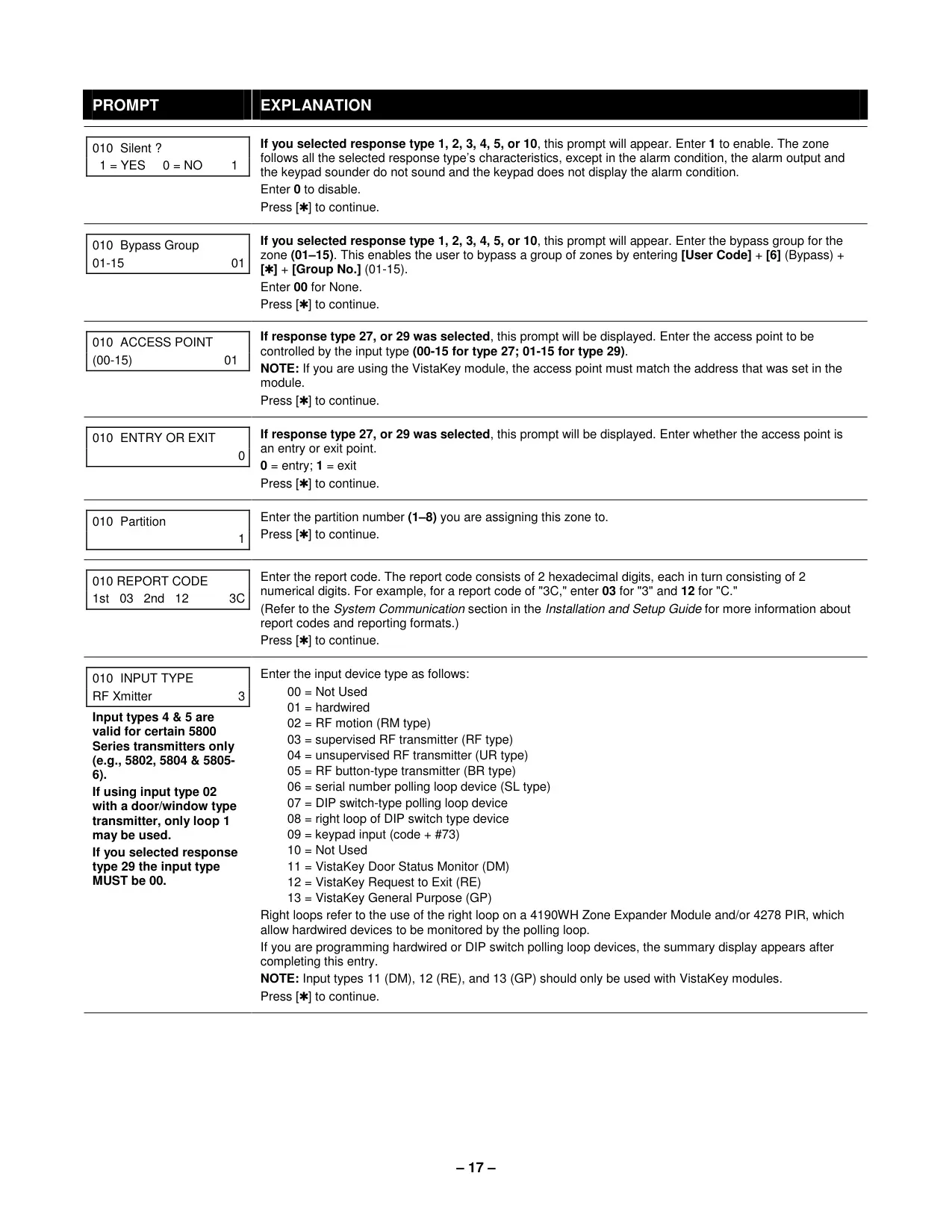
The Honeywell Vista 128BPT is a sophisticated commercial burglary partitioned security system, designed to provide comprehensive protection against burglary, fire, and other emergencies. It leverages microcomputer technology to constantly monitor all protection zones and system status, delivering critical information to keypads and initiating appropriate alarms. The system is highly adaptable, supporting integration with various Honeywell-approved devices to ensure optimal performance.
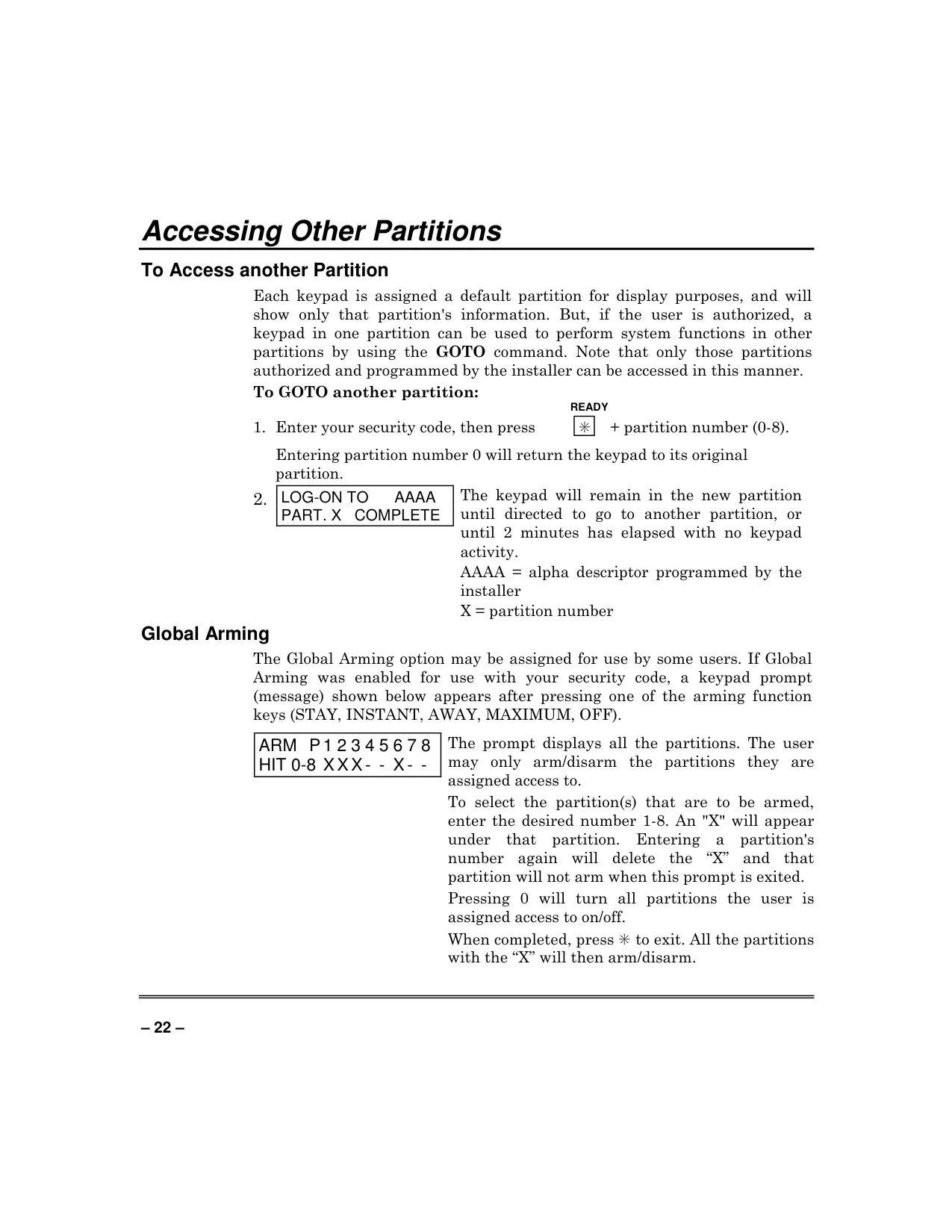
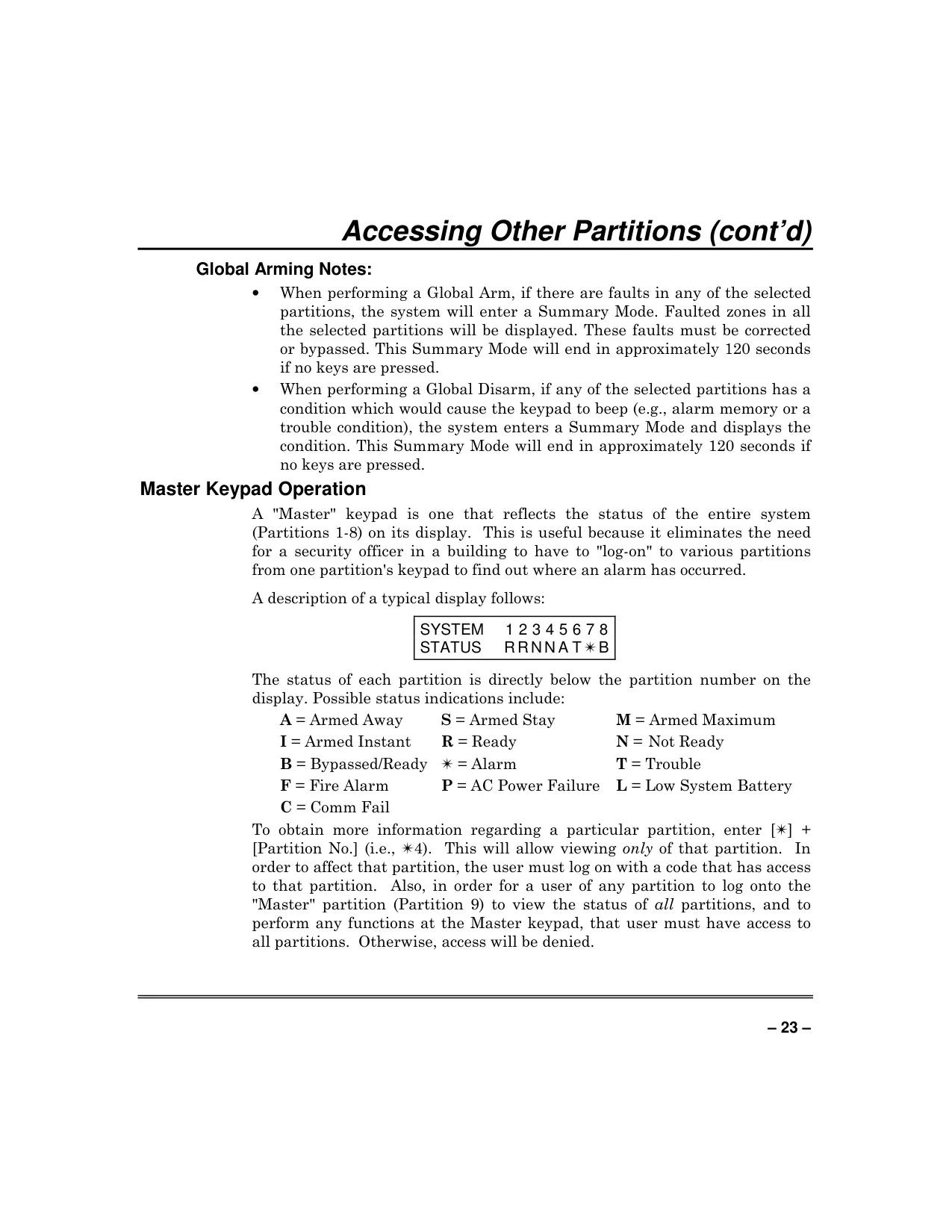
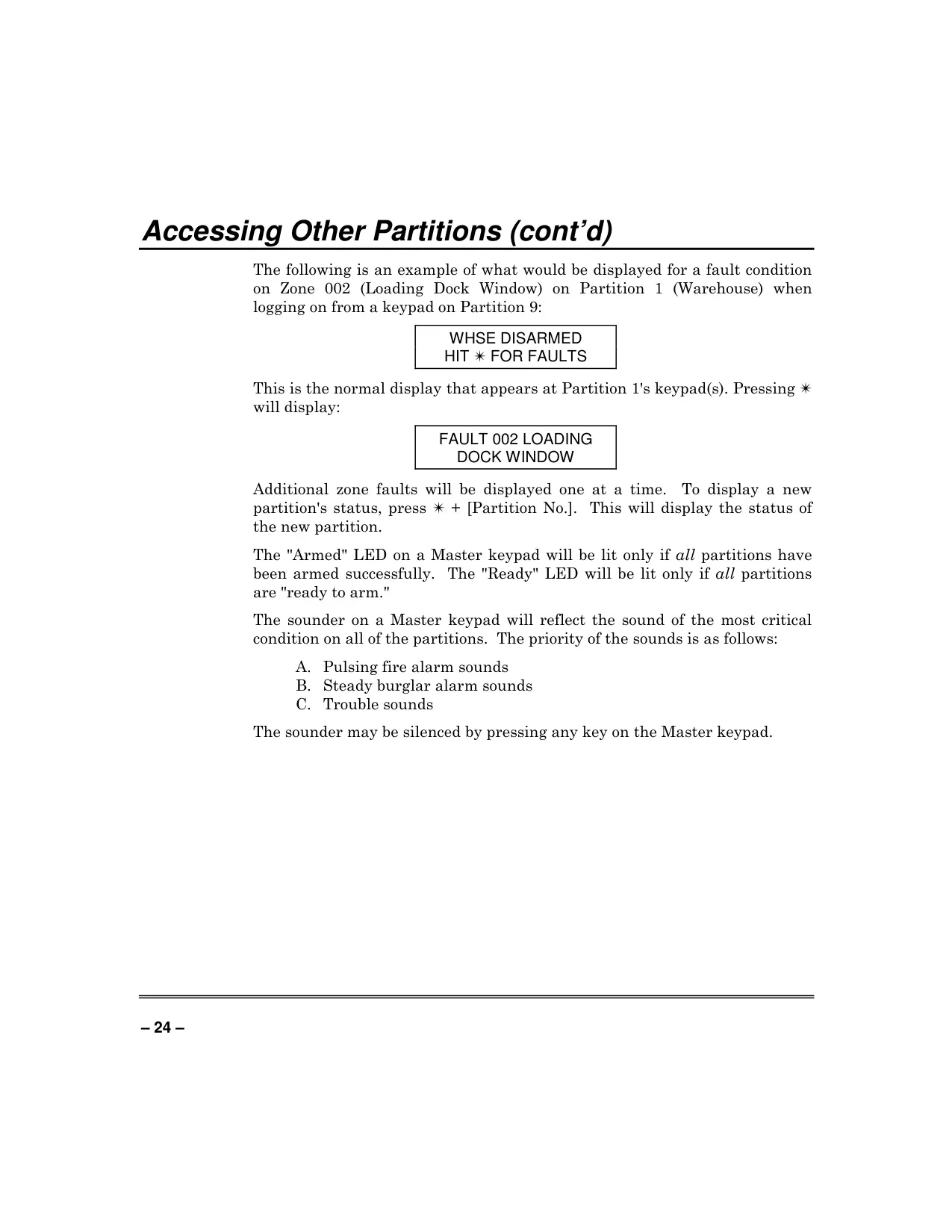
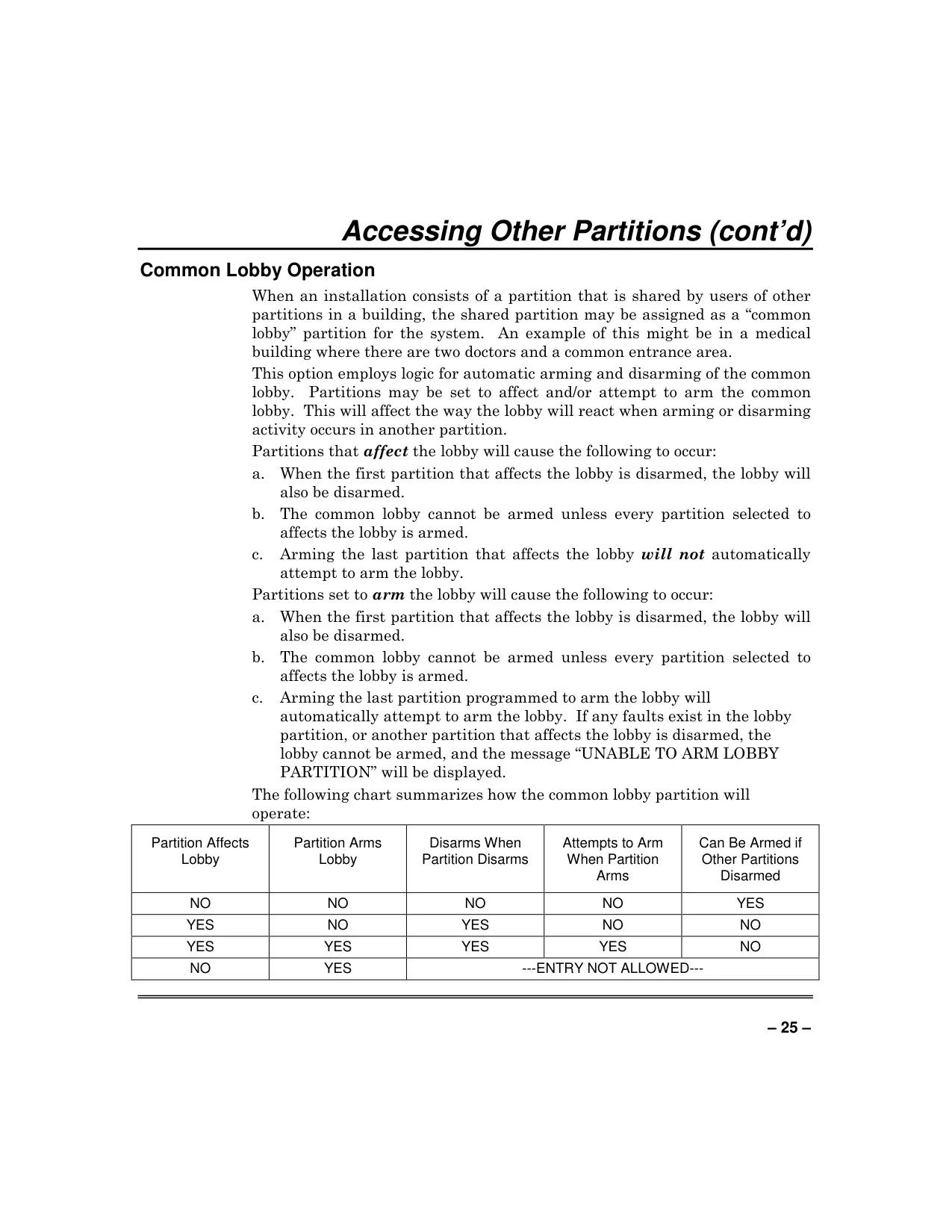
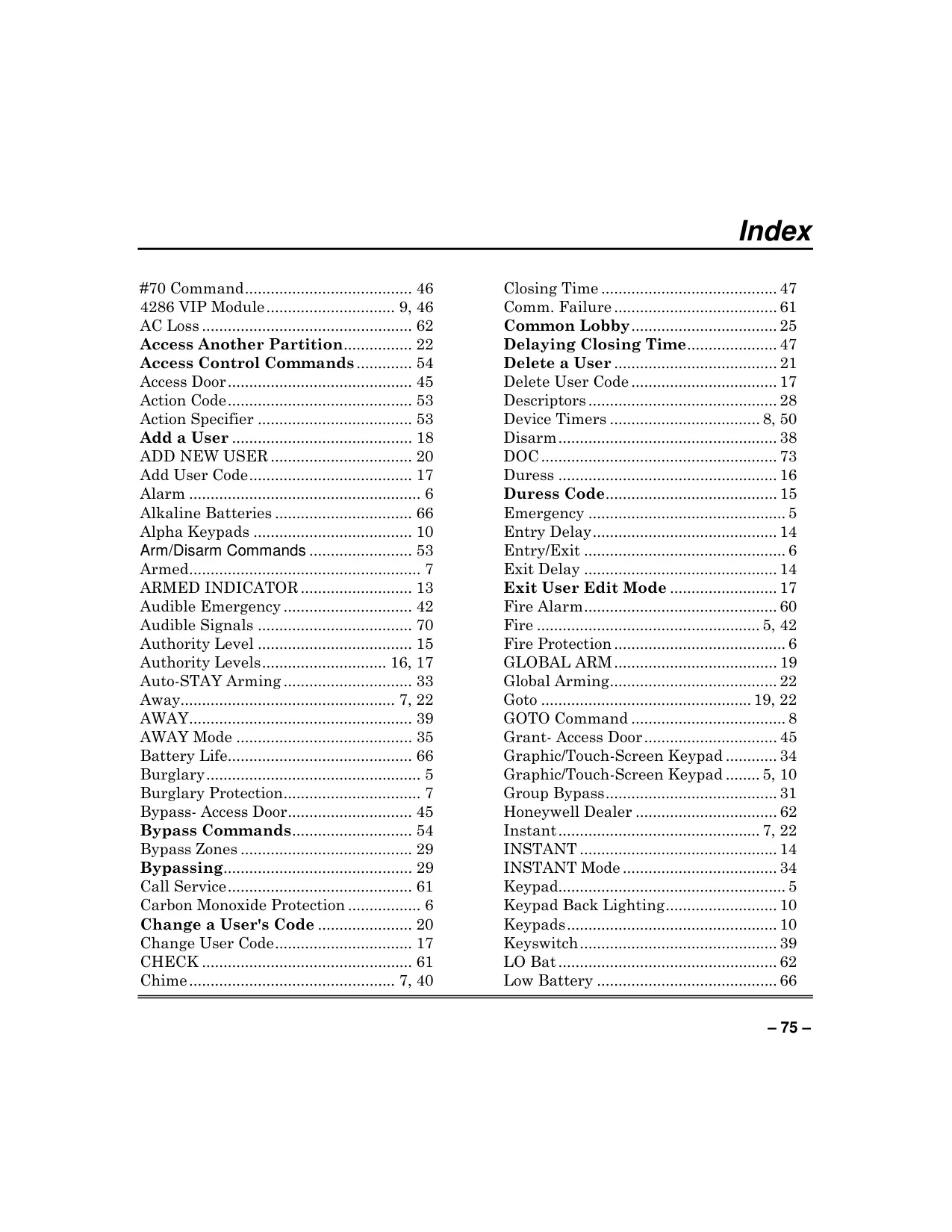
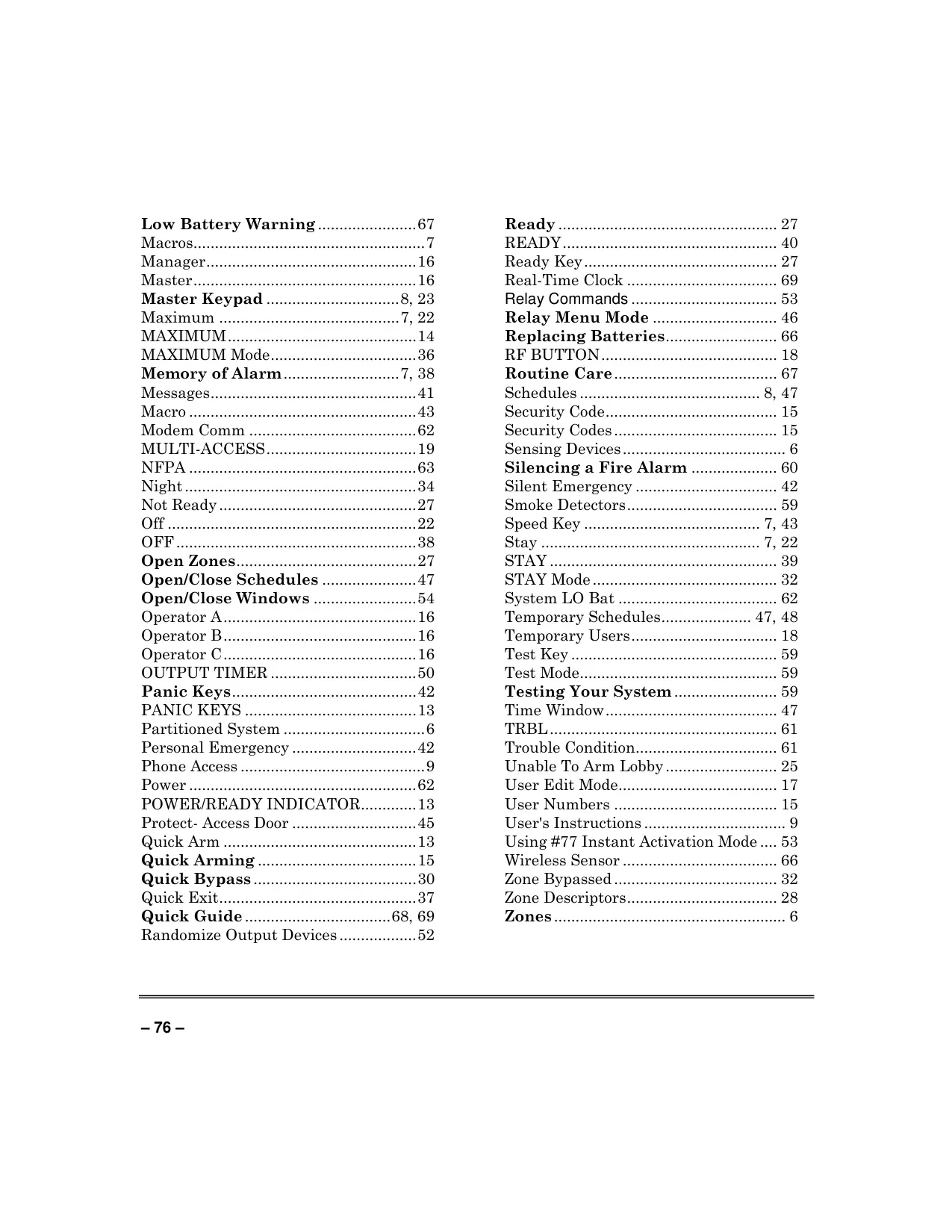
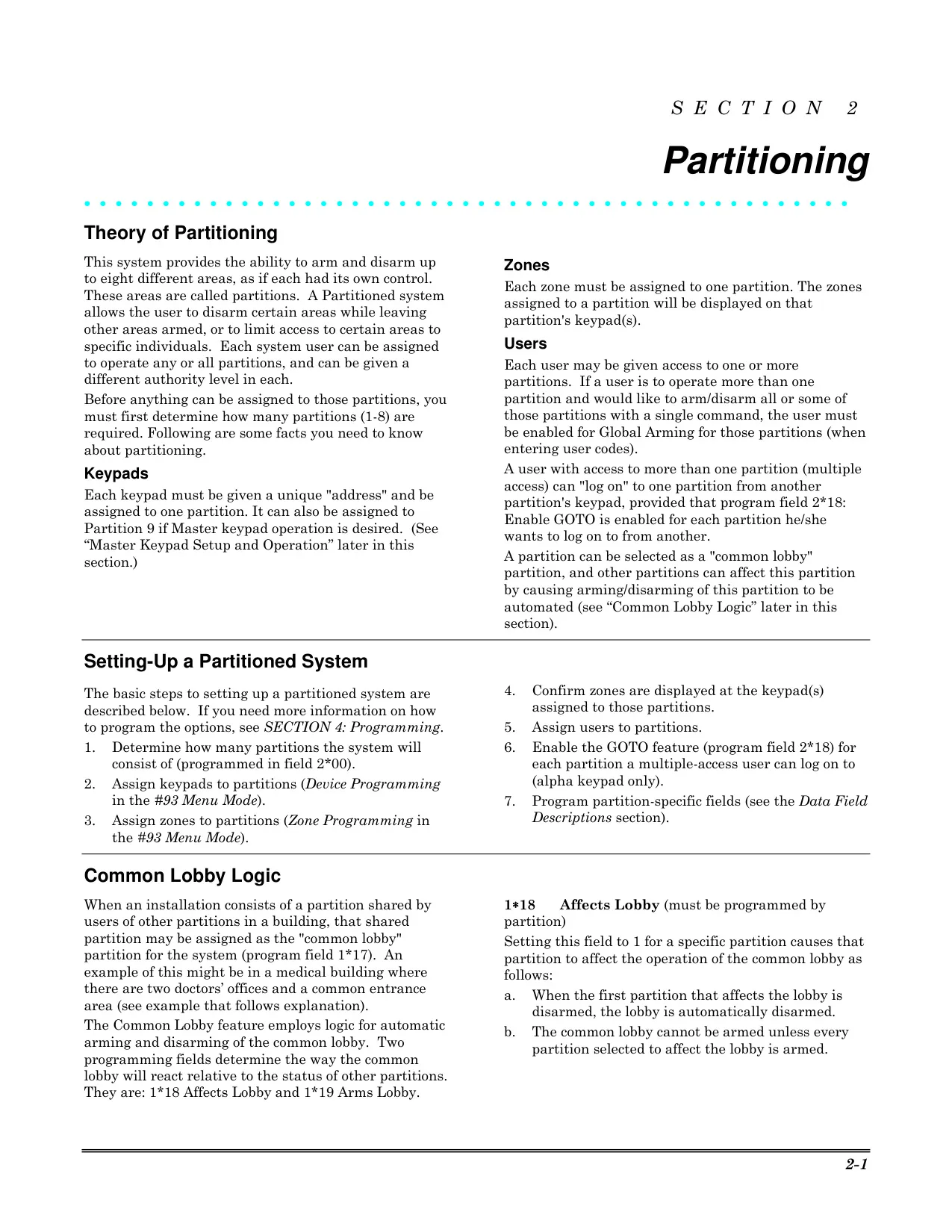
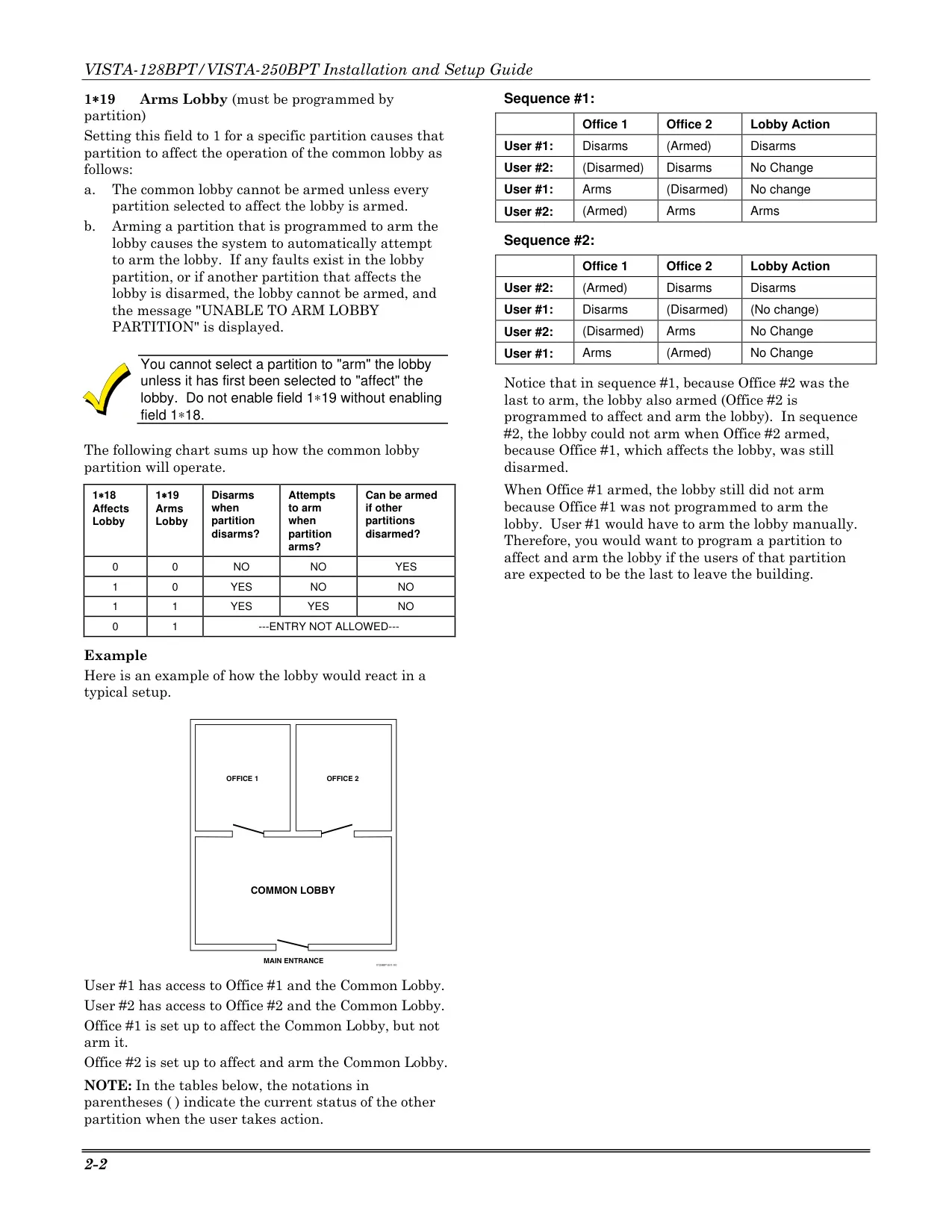
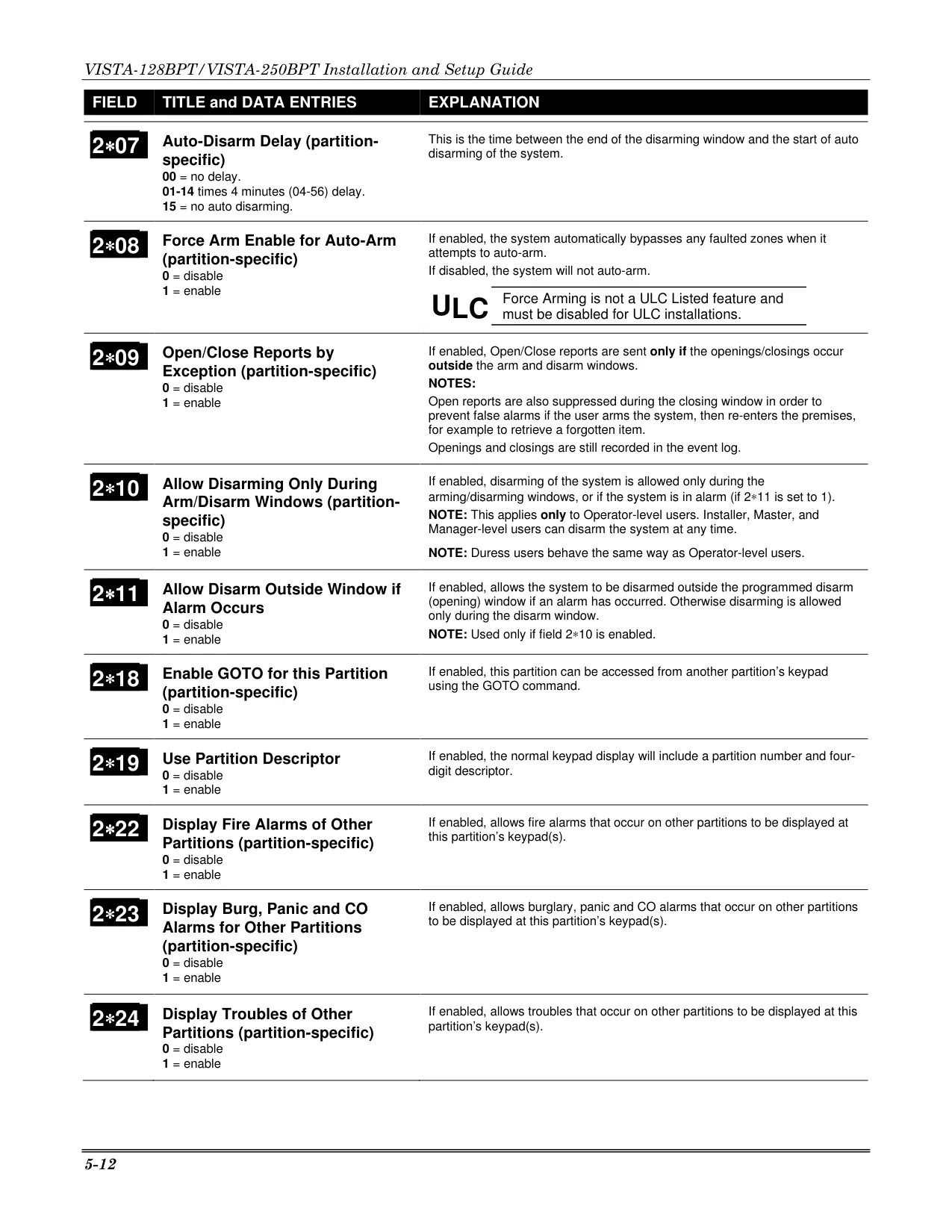
A key feature of the Vista 128BPT is its partitioned system architecture, allowing one physical alarm system to be shared among different users, each with their specific security requirements. While keypads typically display information for their default partition, authorized users can access and control other partitions using the GOTO command. This flexibility is ideal for multi-tenant buildings or diverse operational zones within a single large facility.
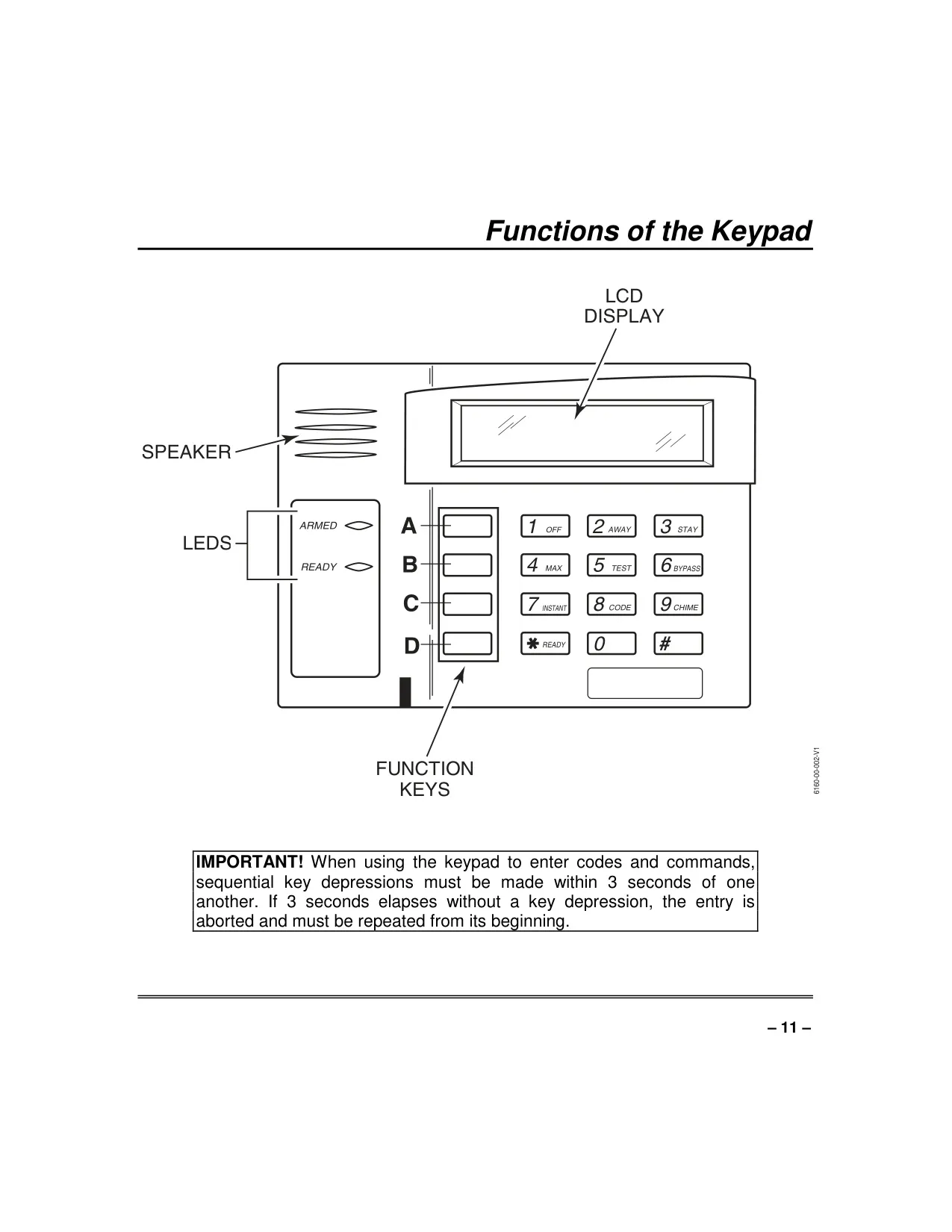
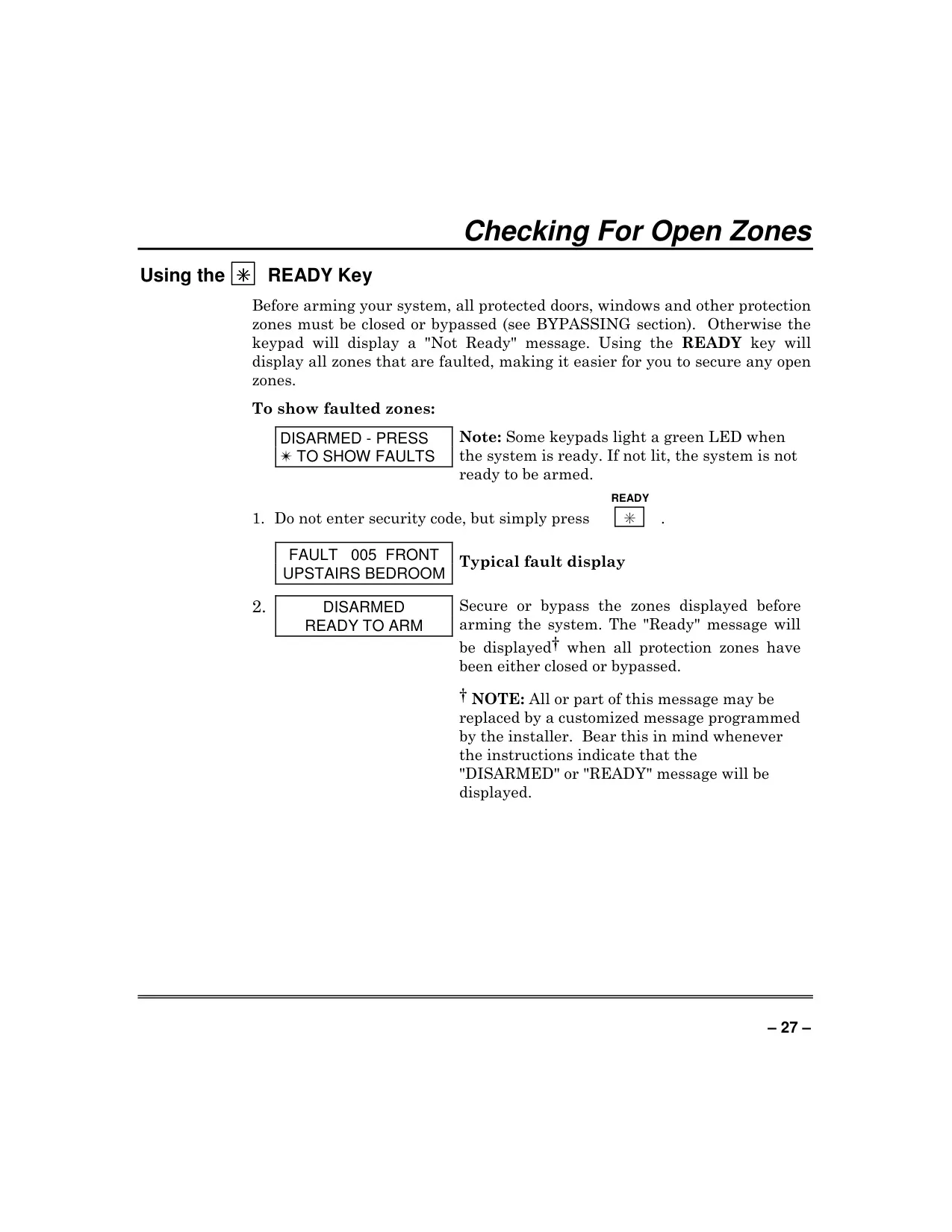
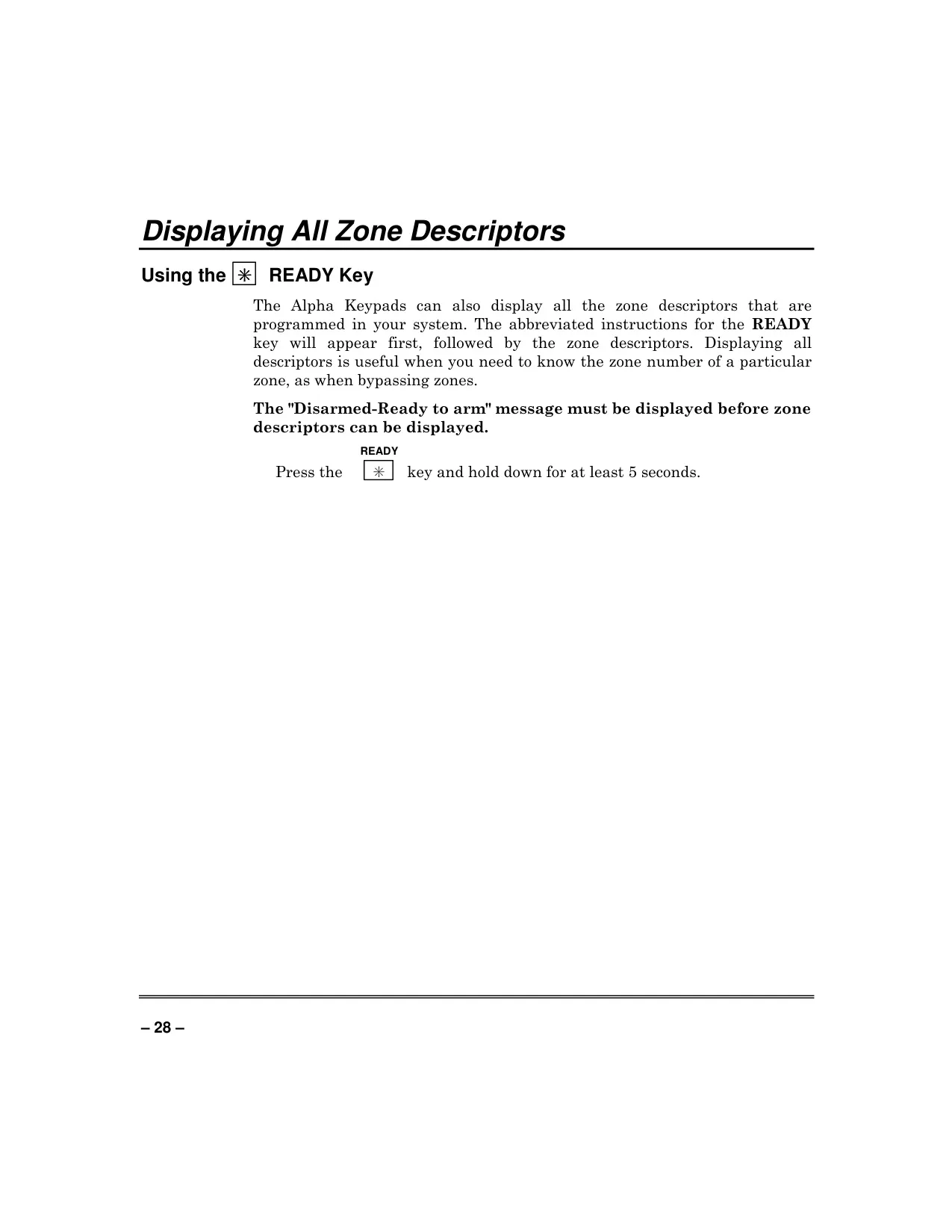
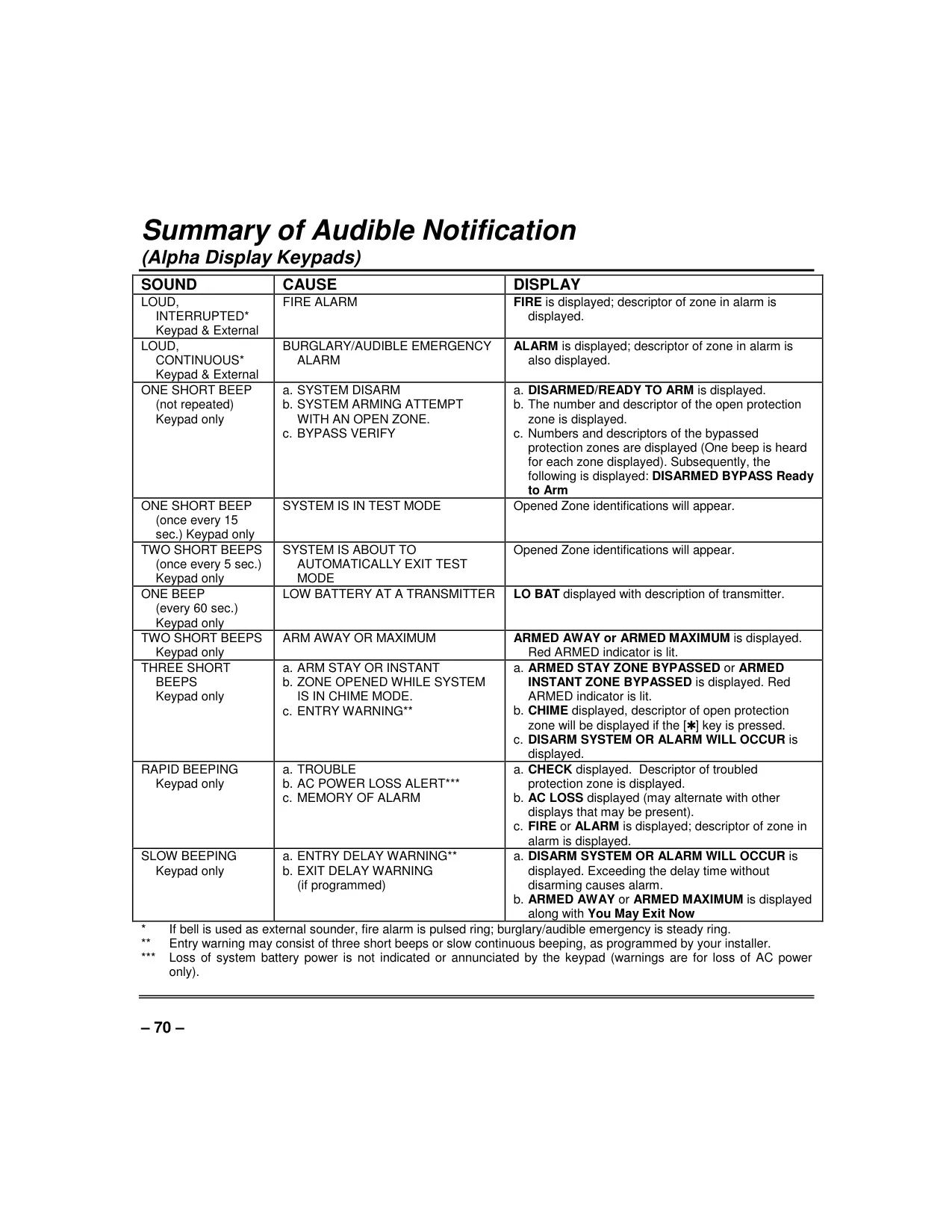
User interaction is facilitated through robust keypads, primarily the Alpha Keypad, which boasts a 2-line, 32-character Liquid Crystal Display (LCD). This display presents system messages in user-friendly English, supports custom zone descriptors, and even offers a built-in self-help feature with abbreviated instructions for various functions. Keypad backlighting and audible beeps are programmable, enhancing user convenience and minimizing disturbance.
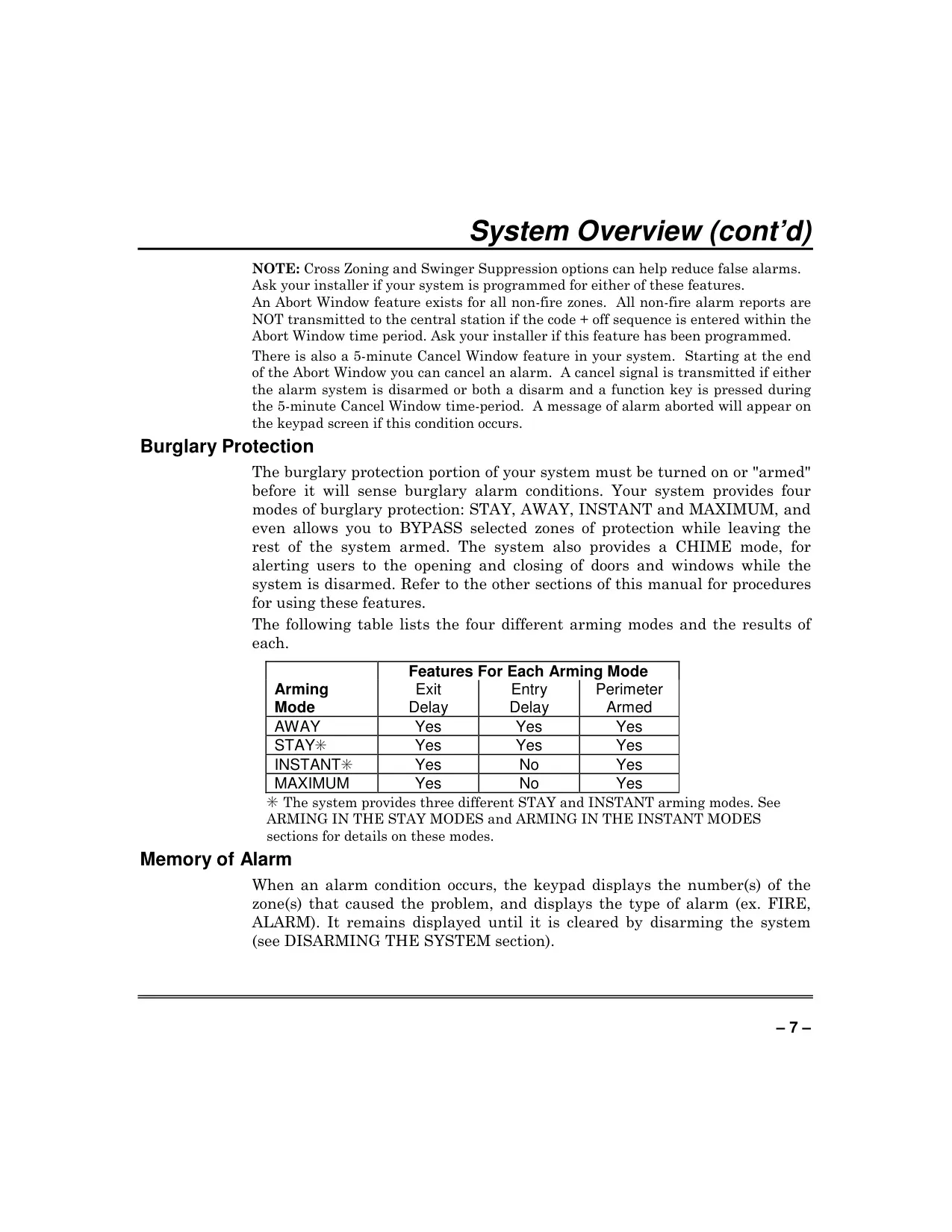
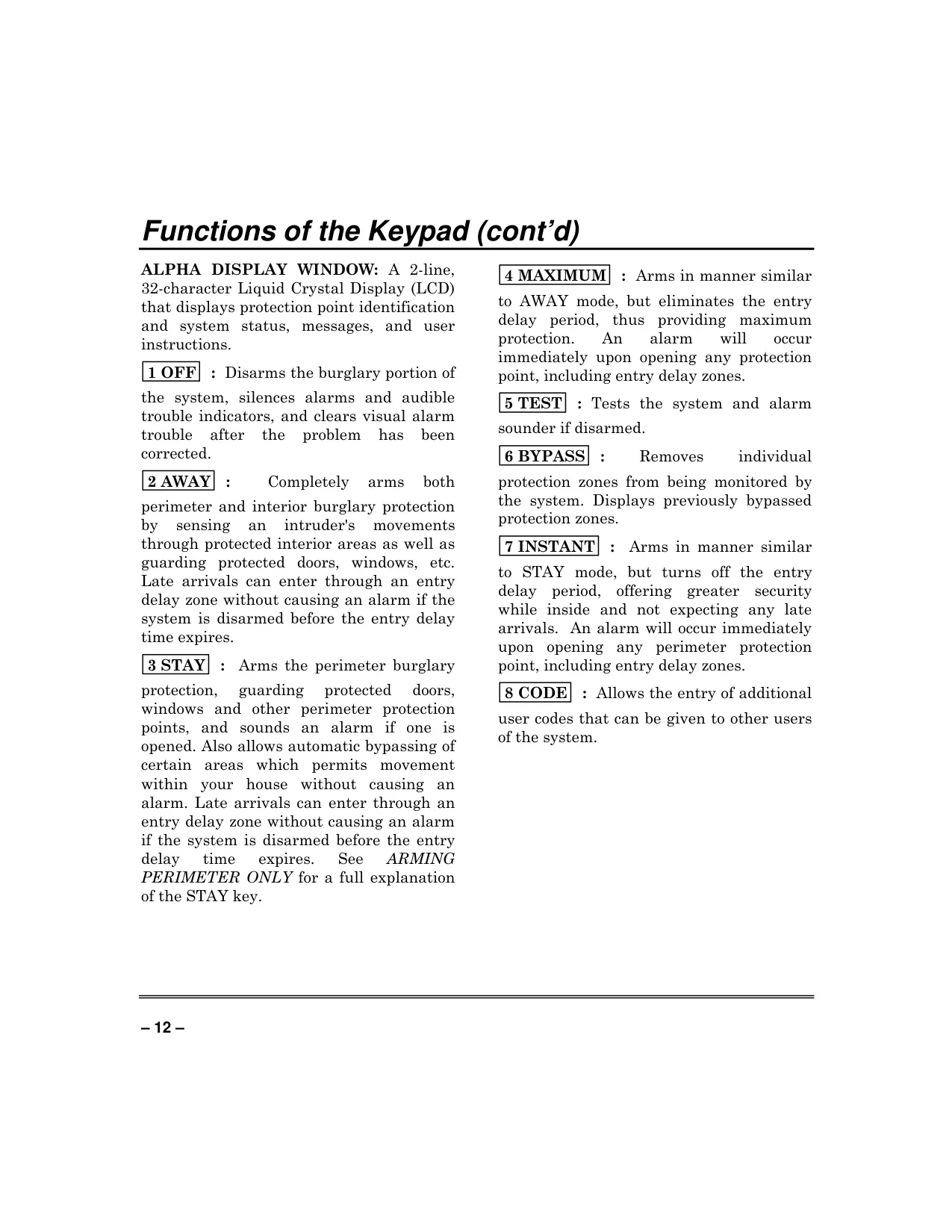
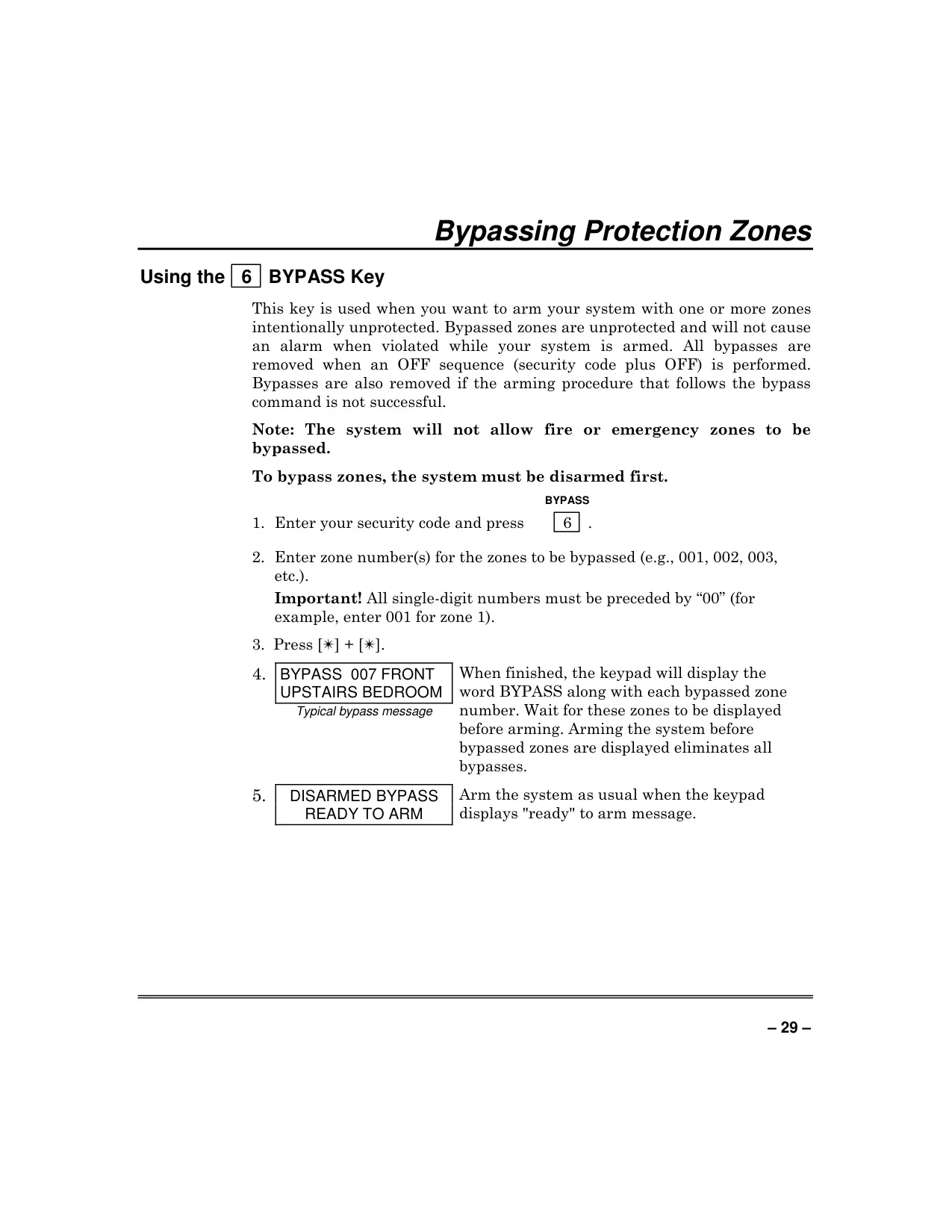
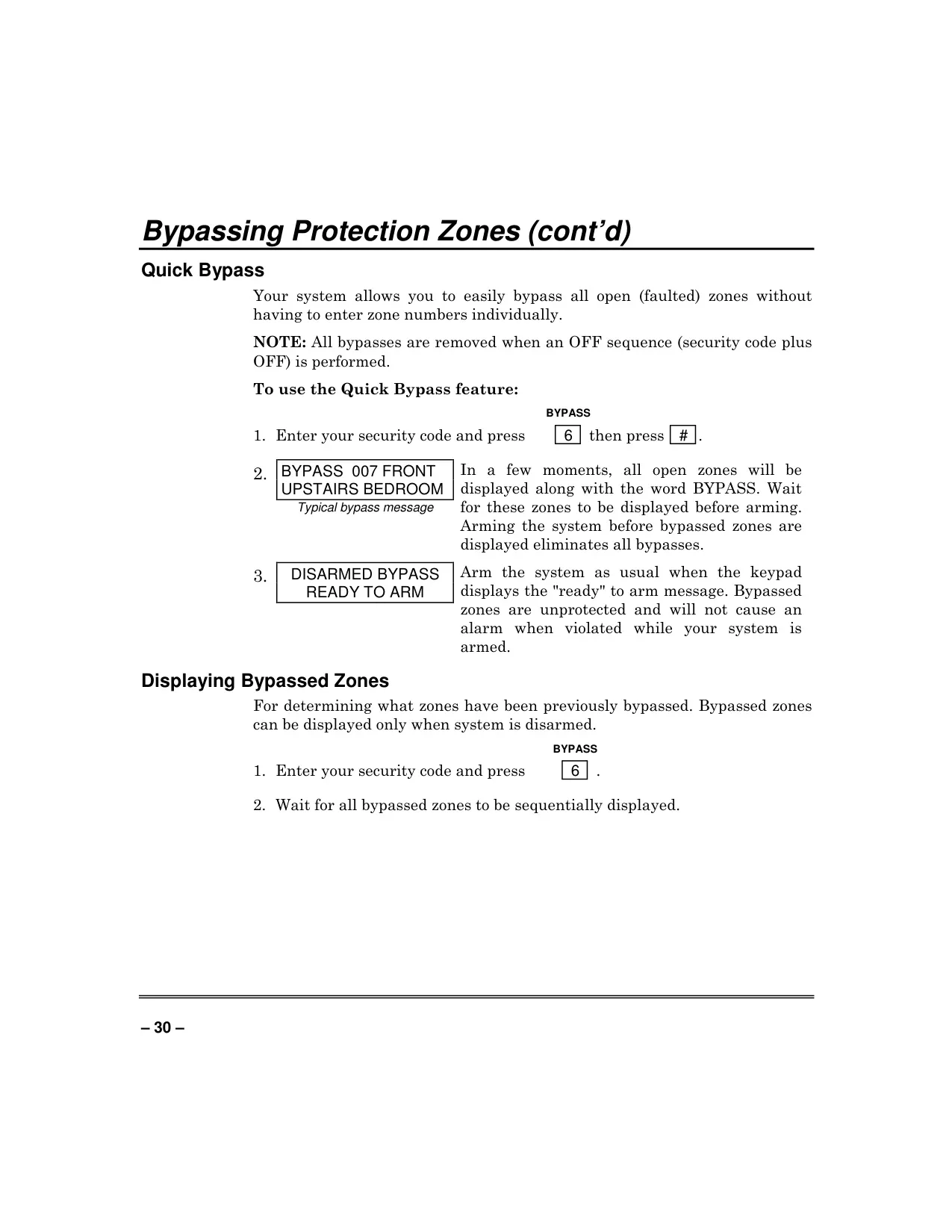
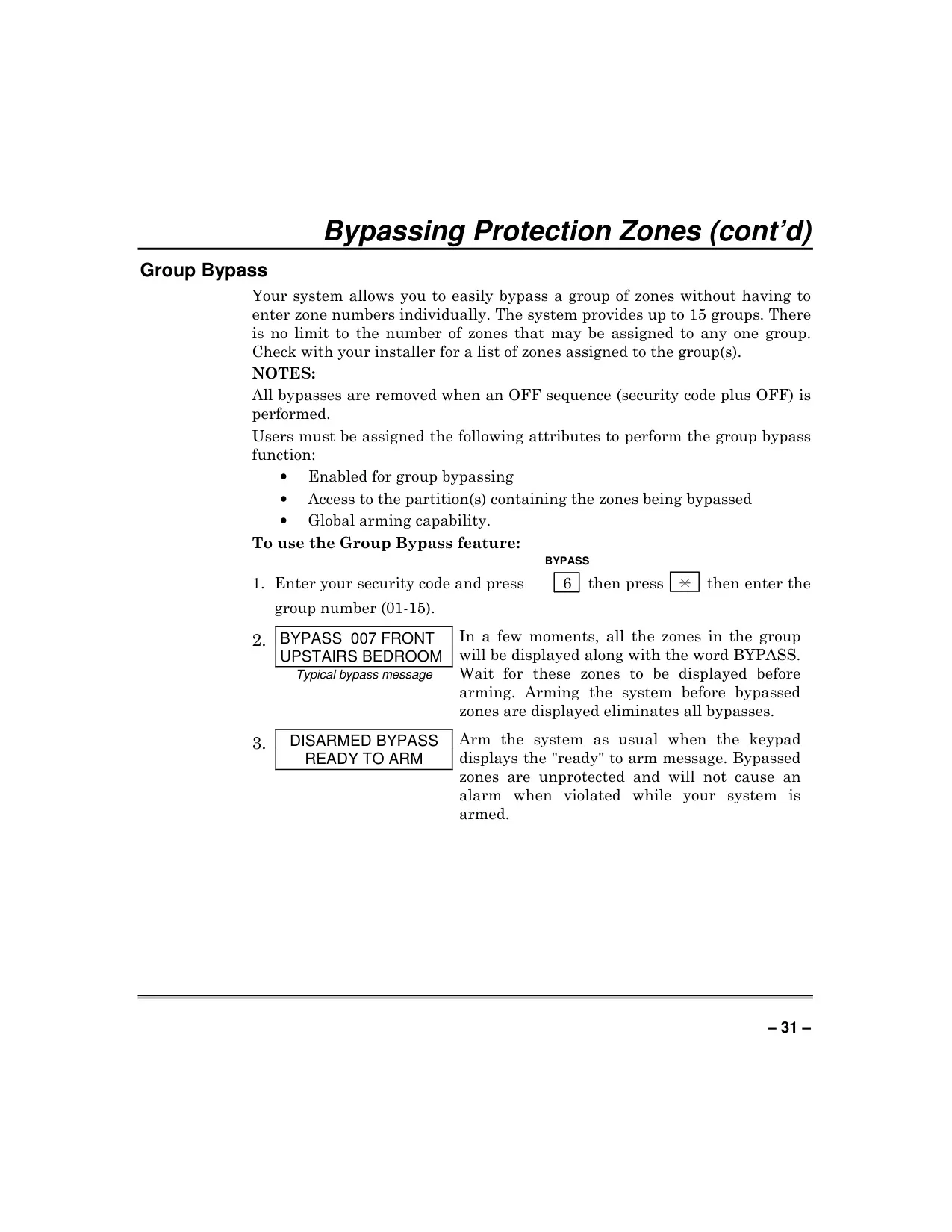
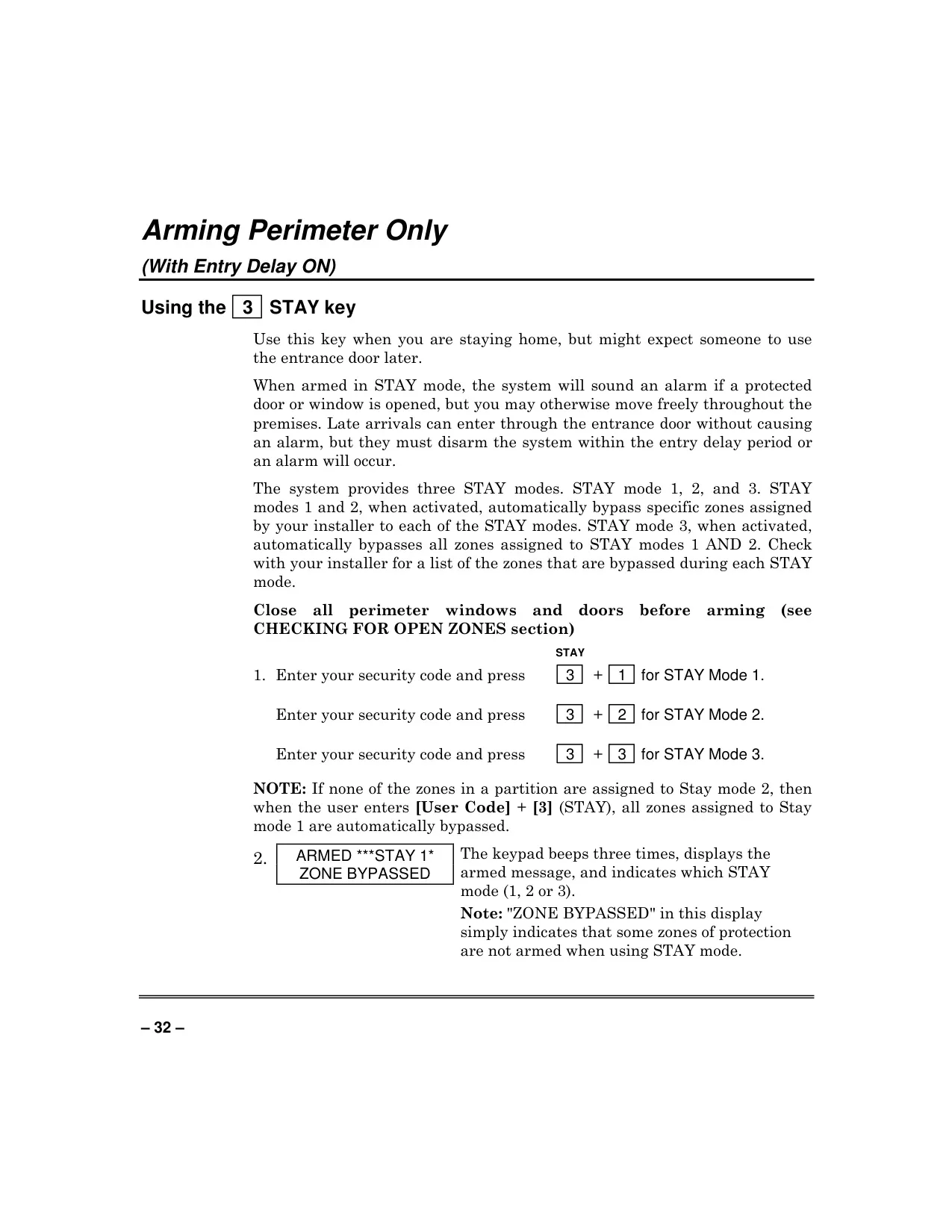
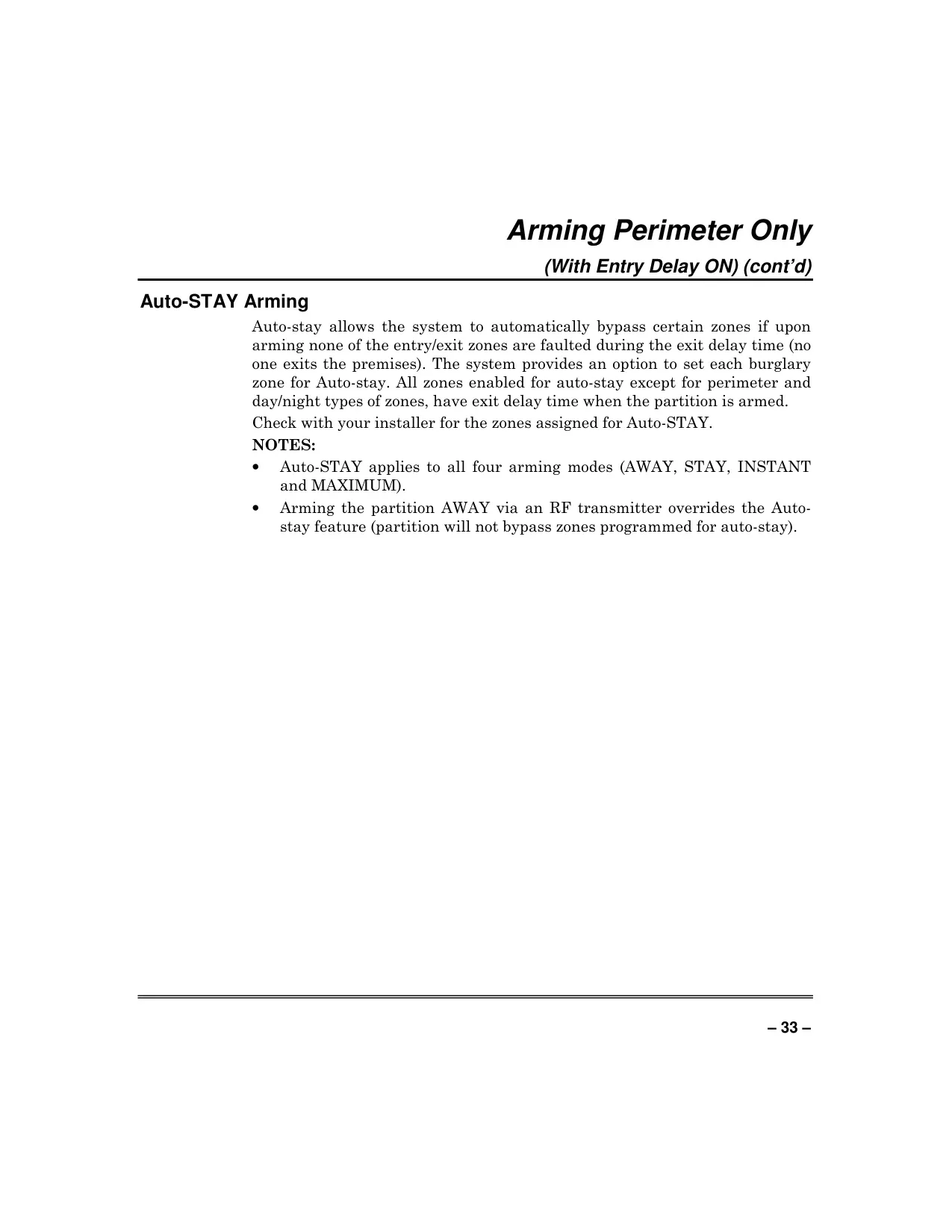
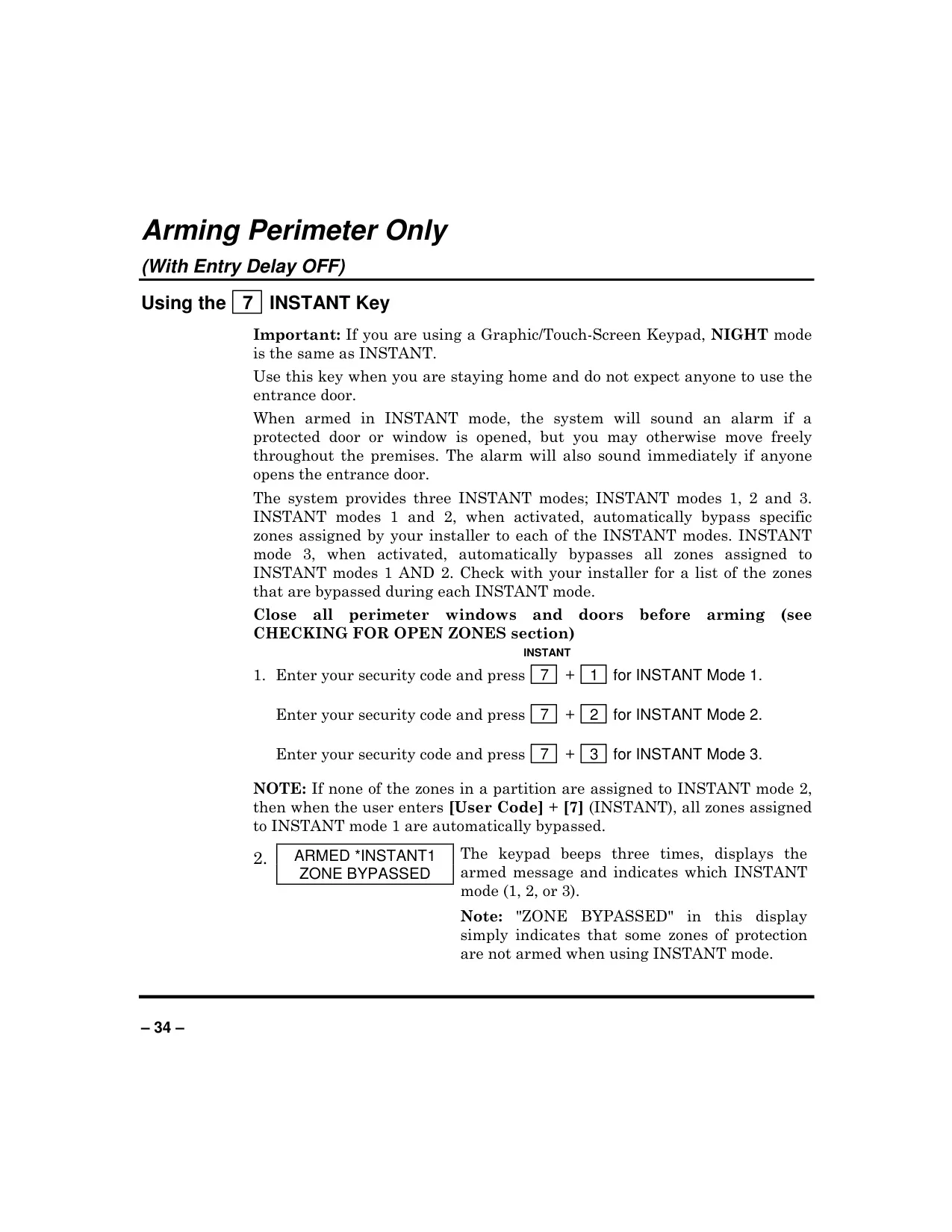
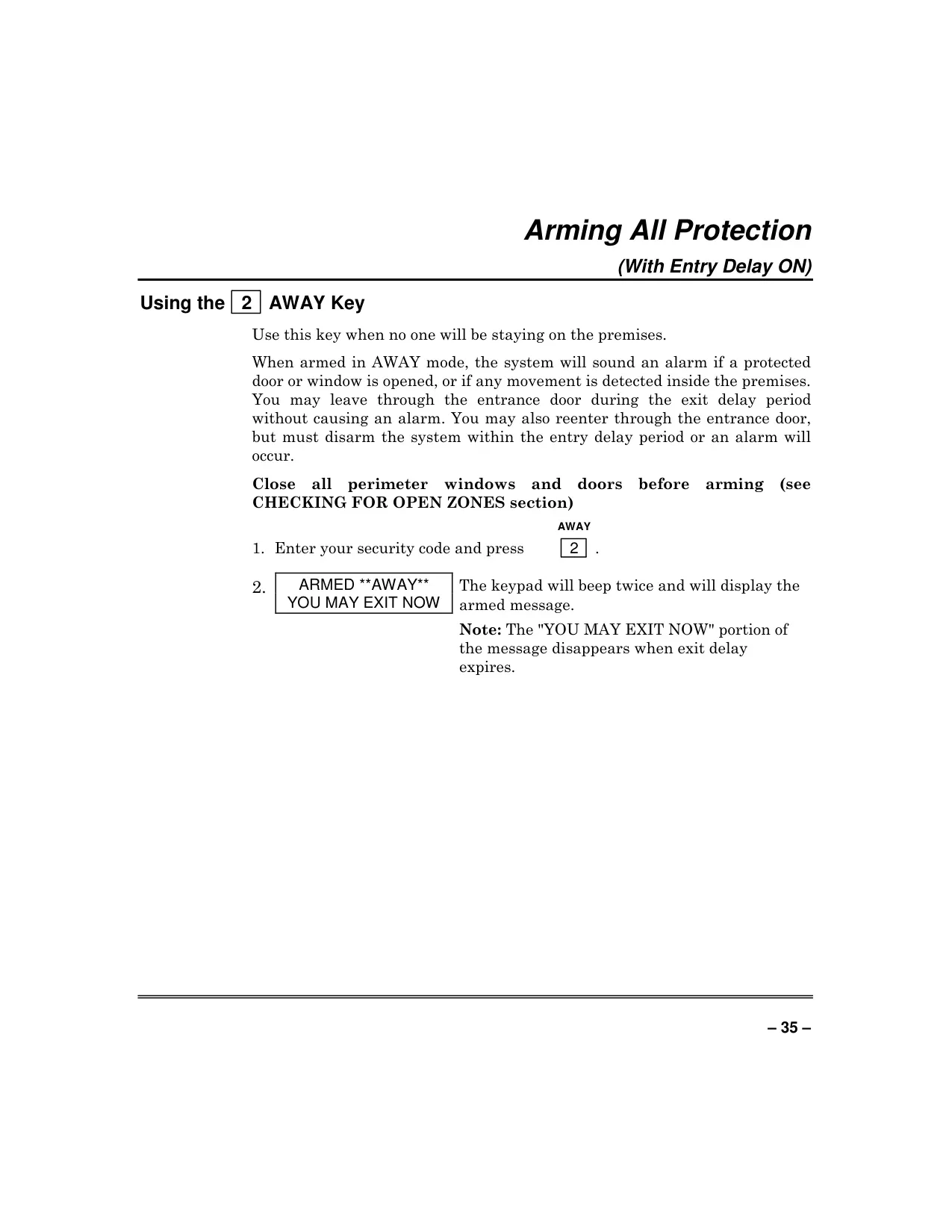
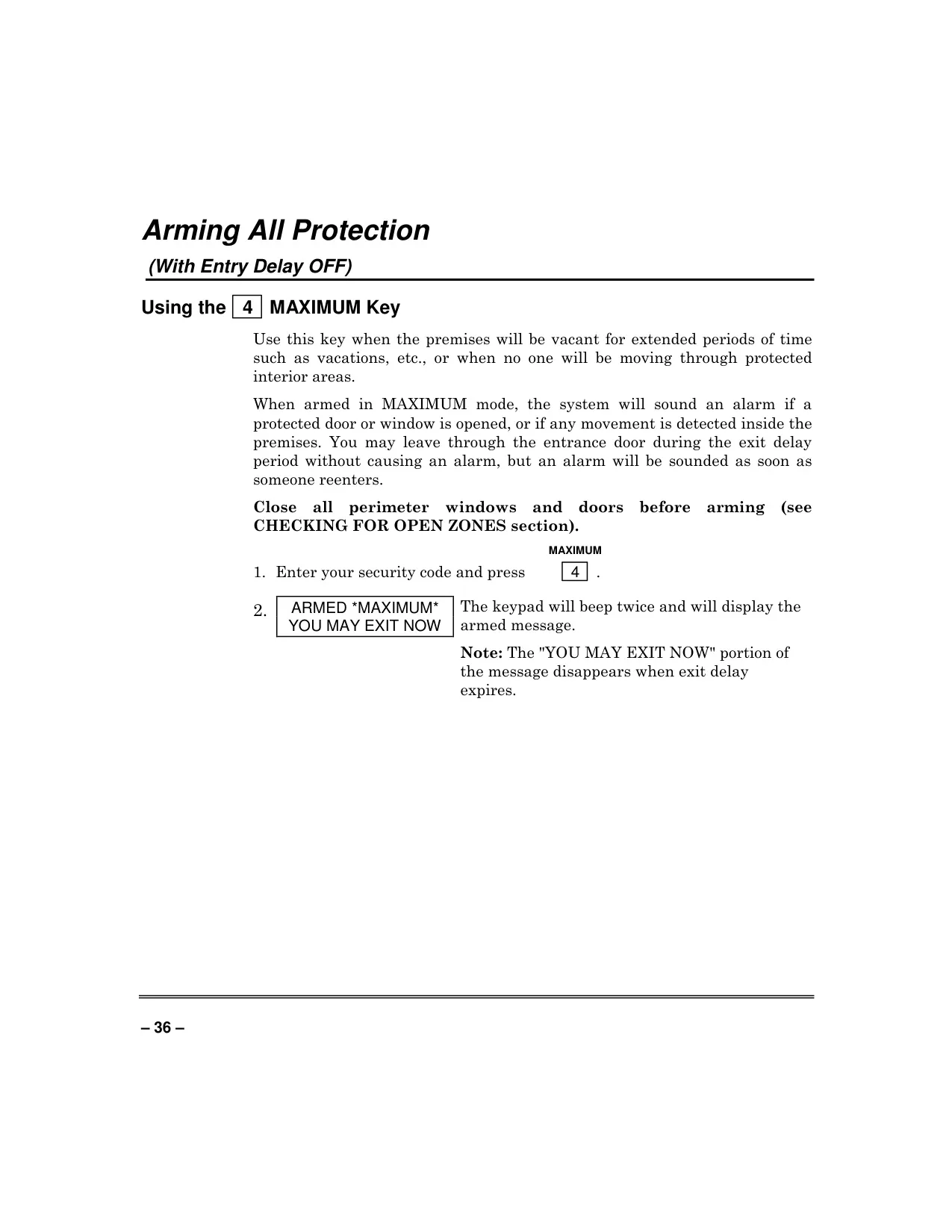
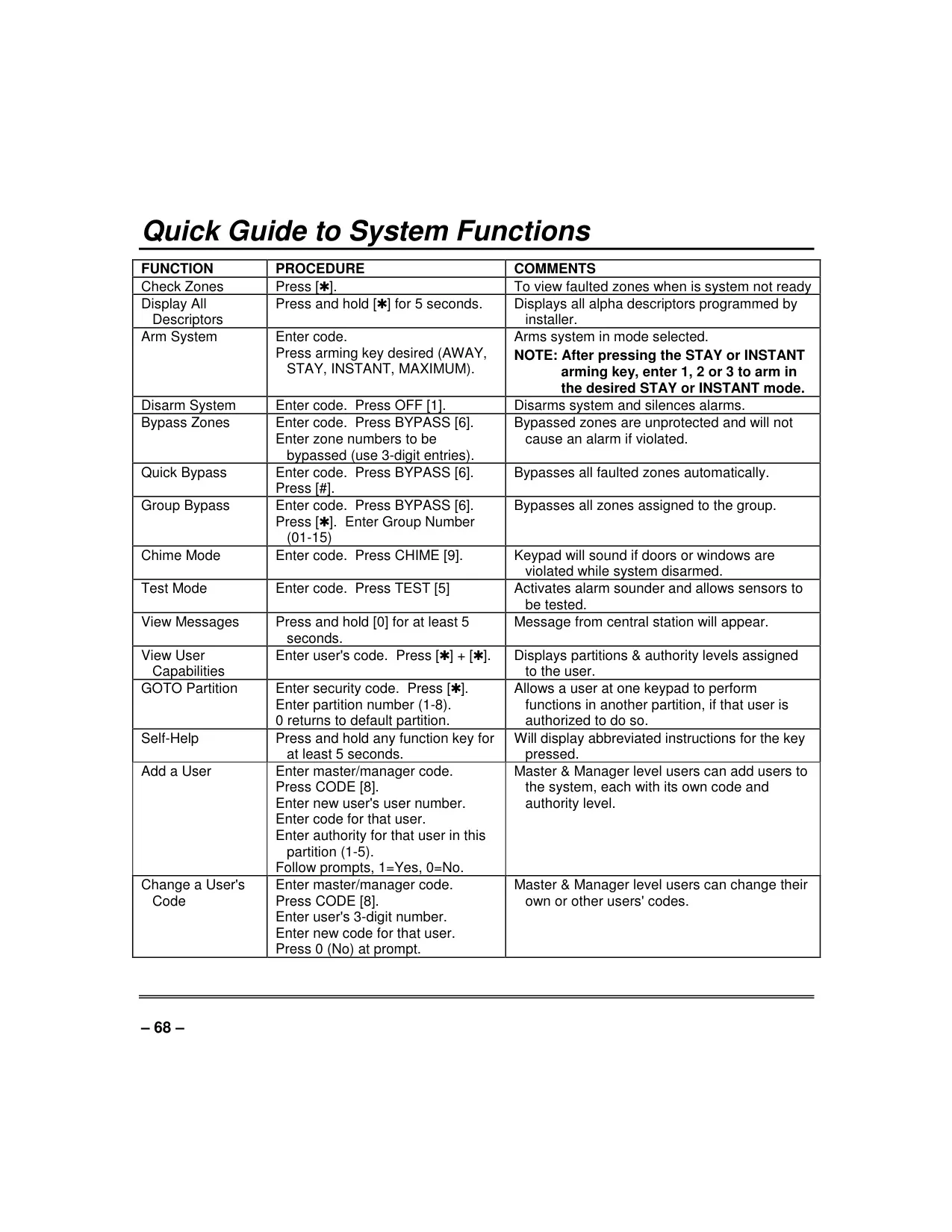
The system offers a comprehensive suite of arming modes to suit different security needs. Beyond the standard AWAY, STAY, INSTANT, and MAXIMUM modes, the STAY and INSTANT modes each feature three sub-modes (1, 2, and 3) that automatically bypass specific zones. An innovative Auto-STAY Arming feature automatically bypasses designated zones if no exit is detected during the exit delay period, ensuring adaptable protection.
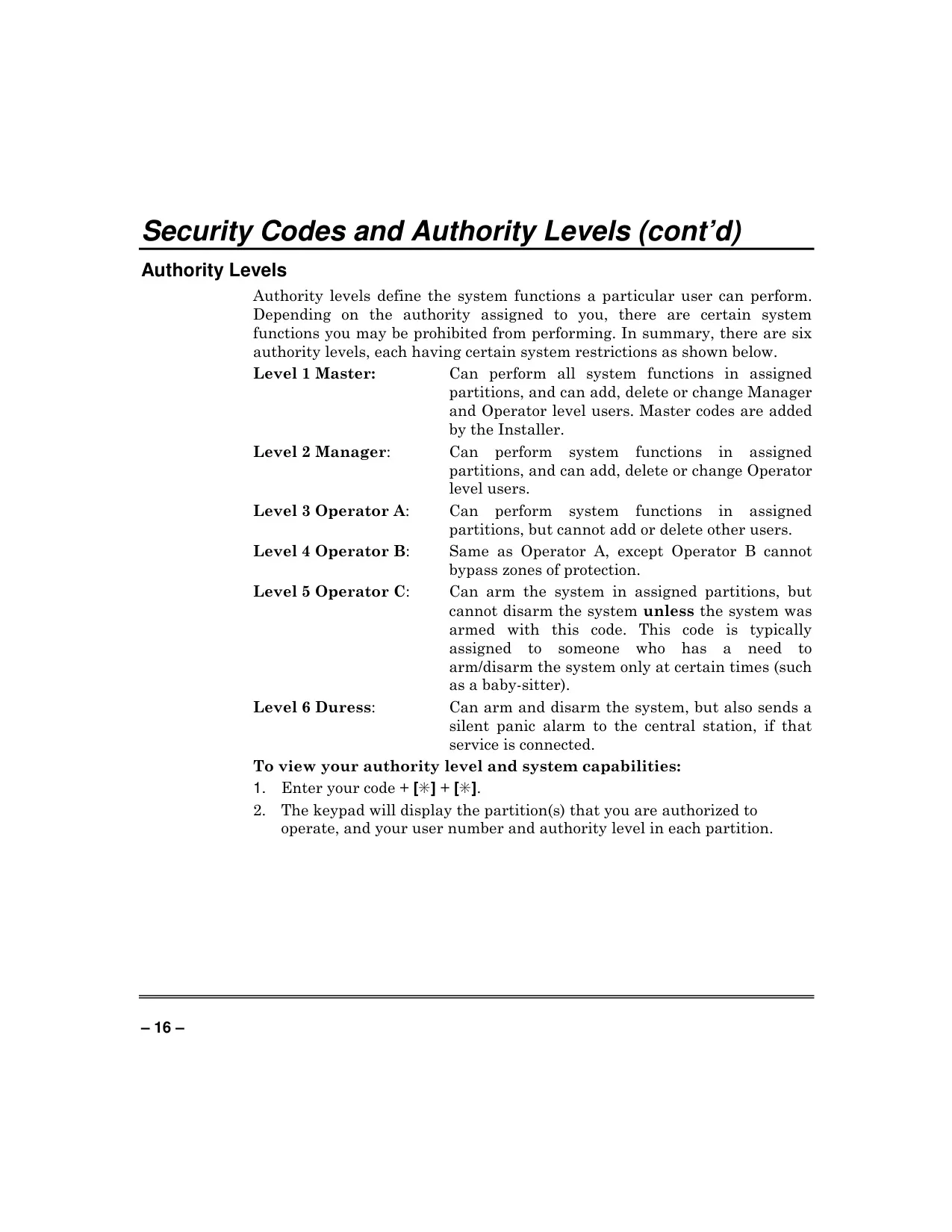
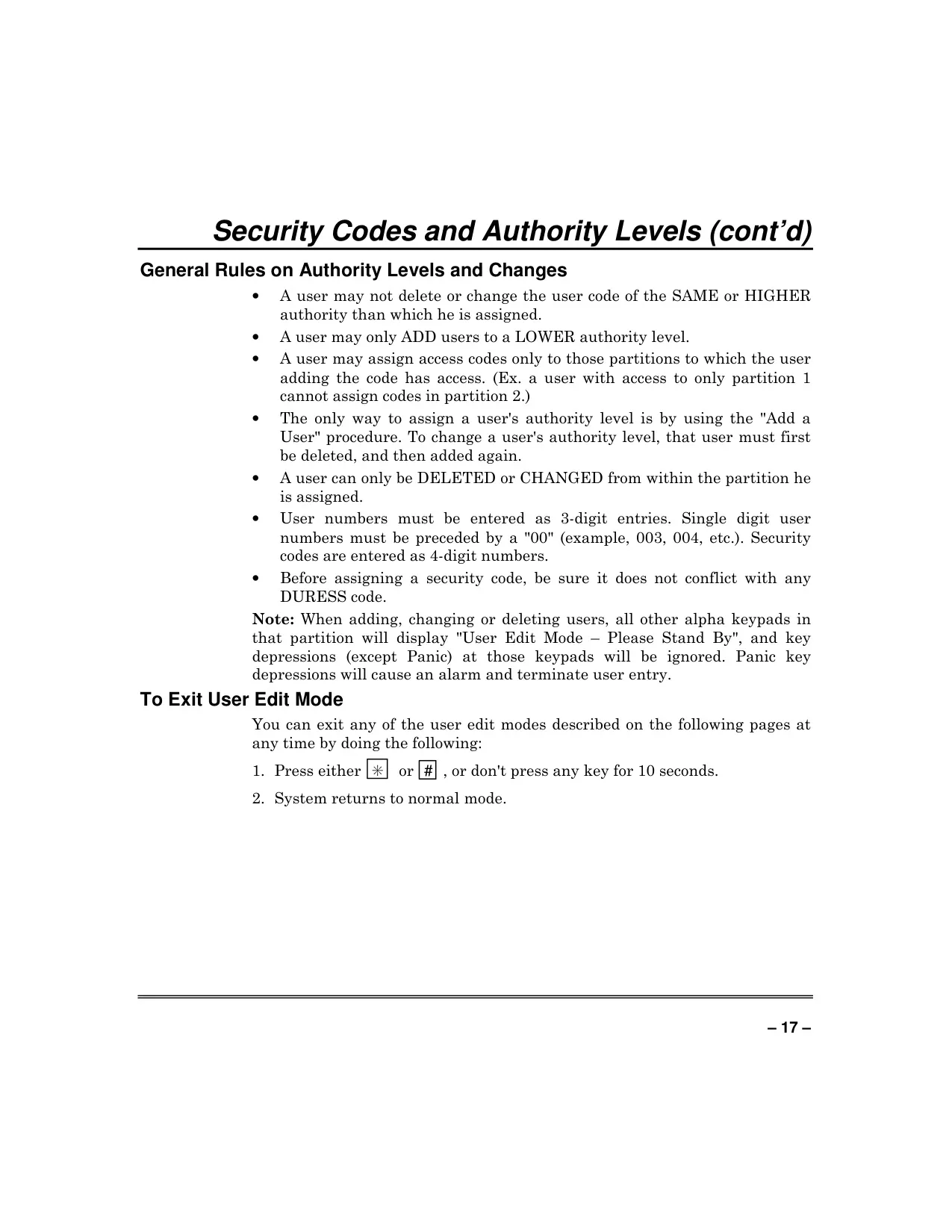
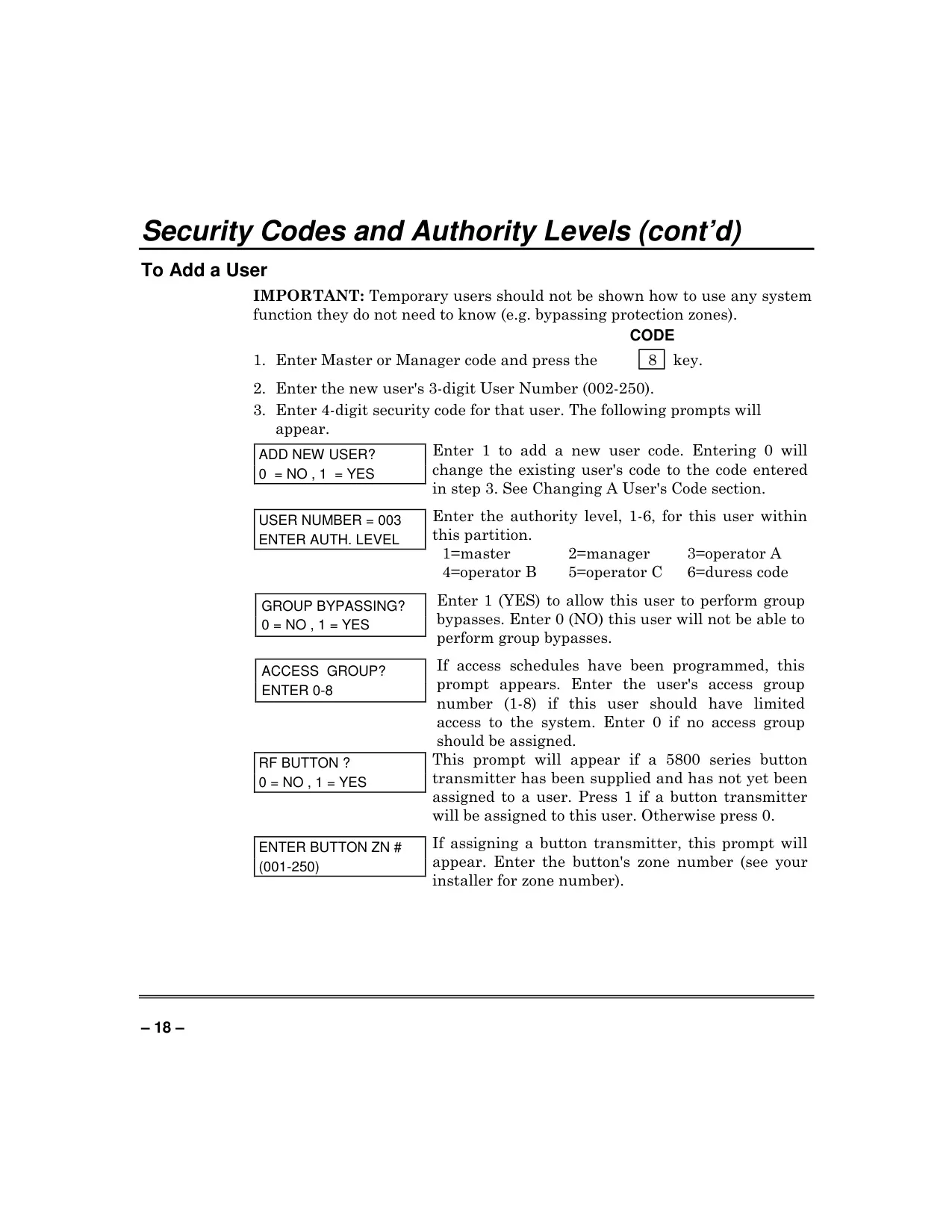
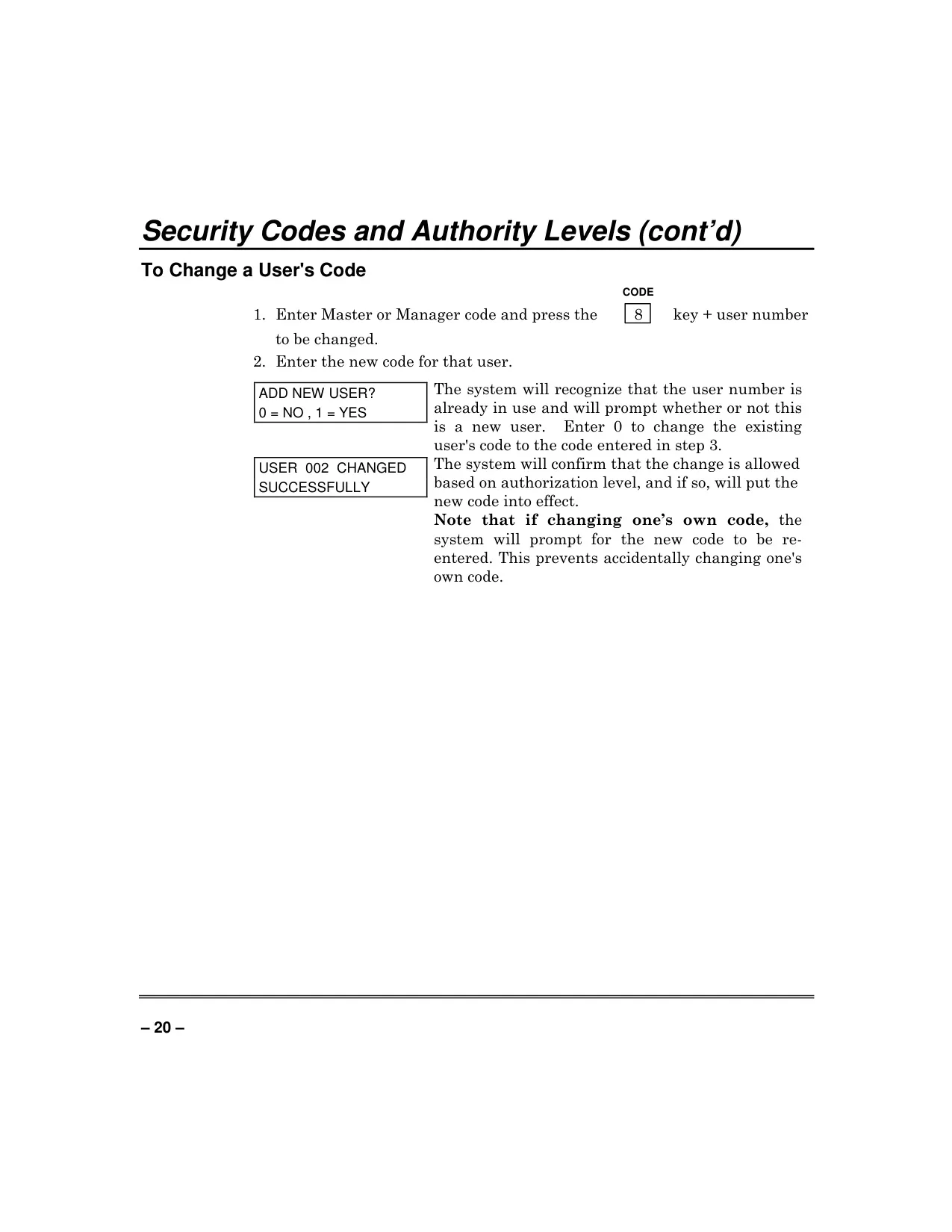
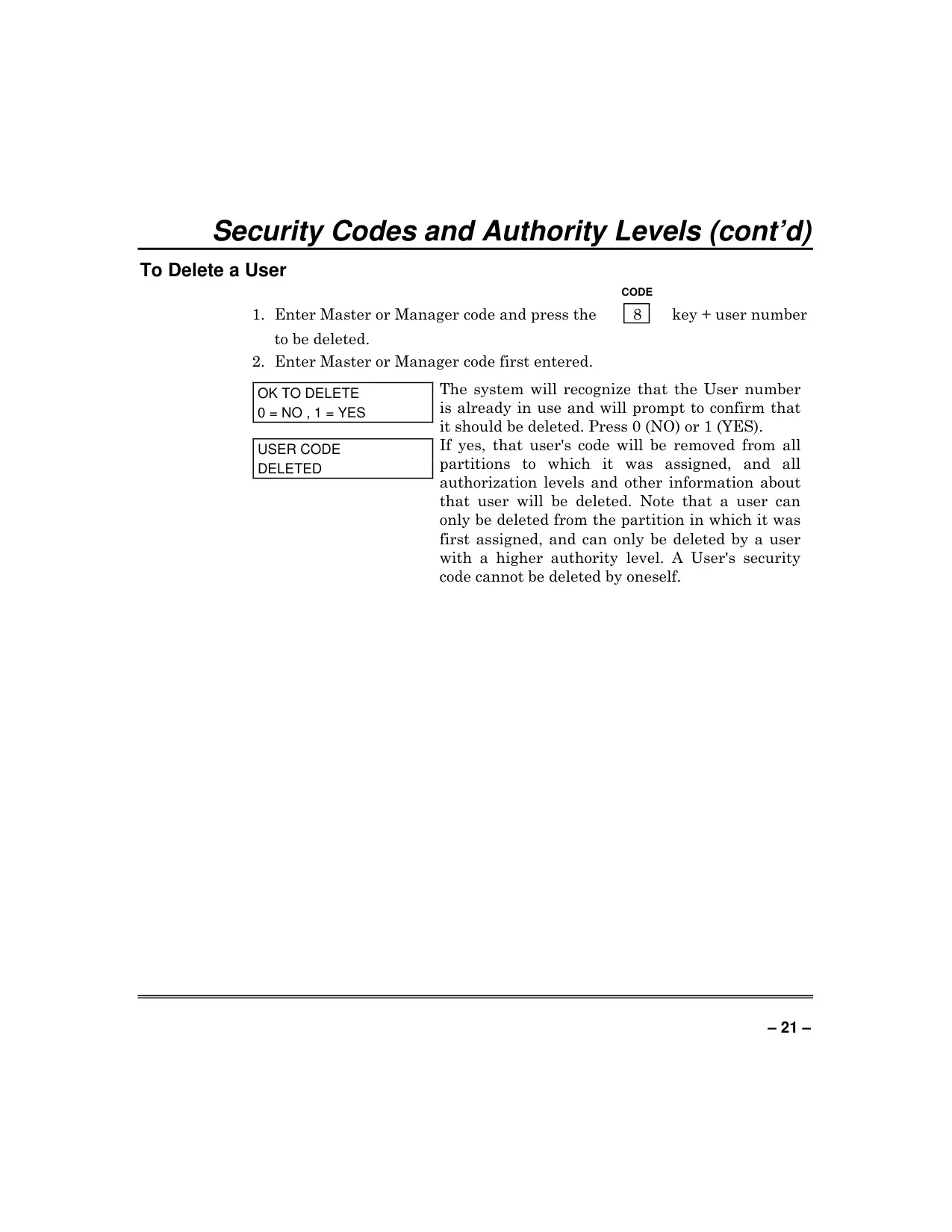
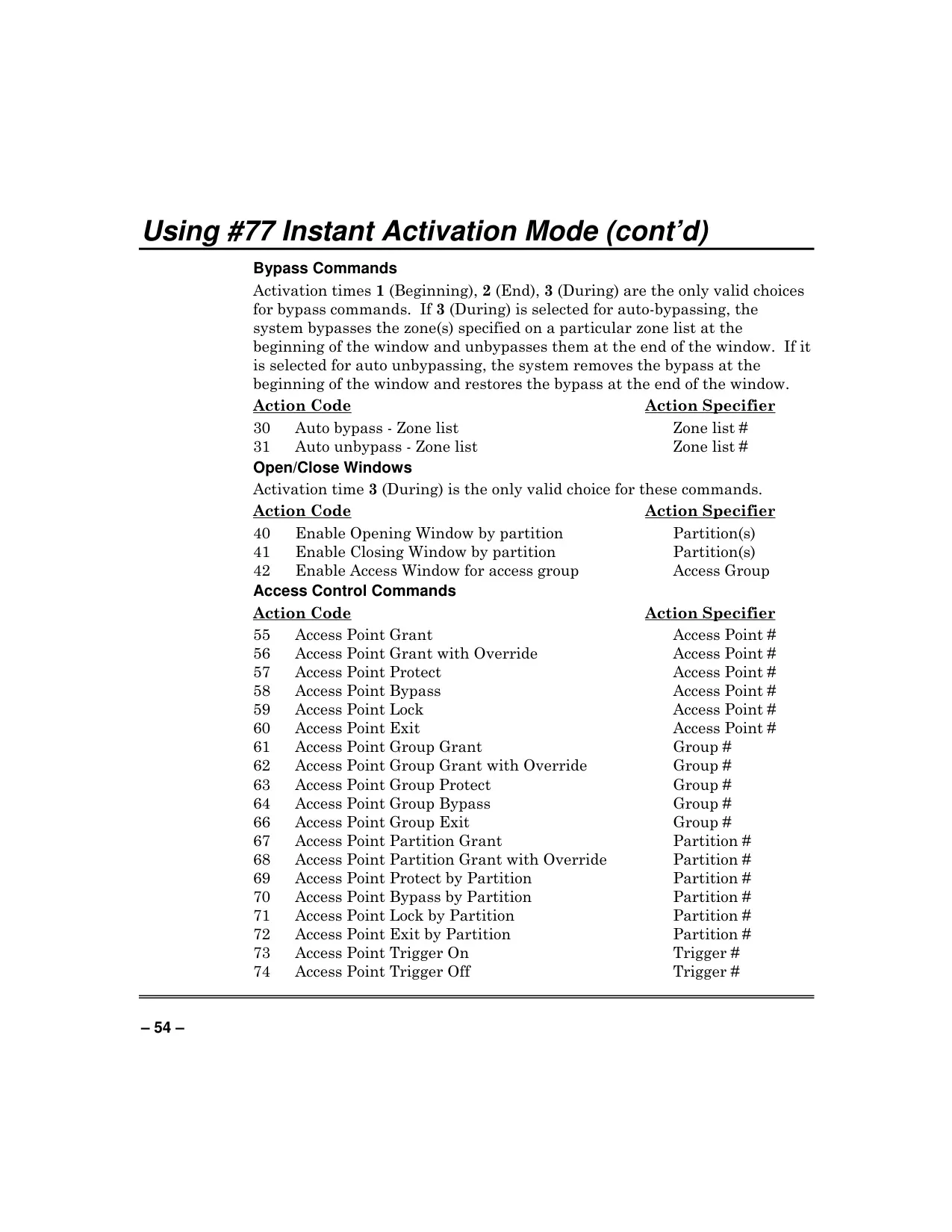
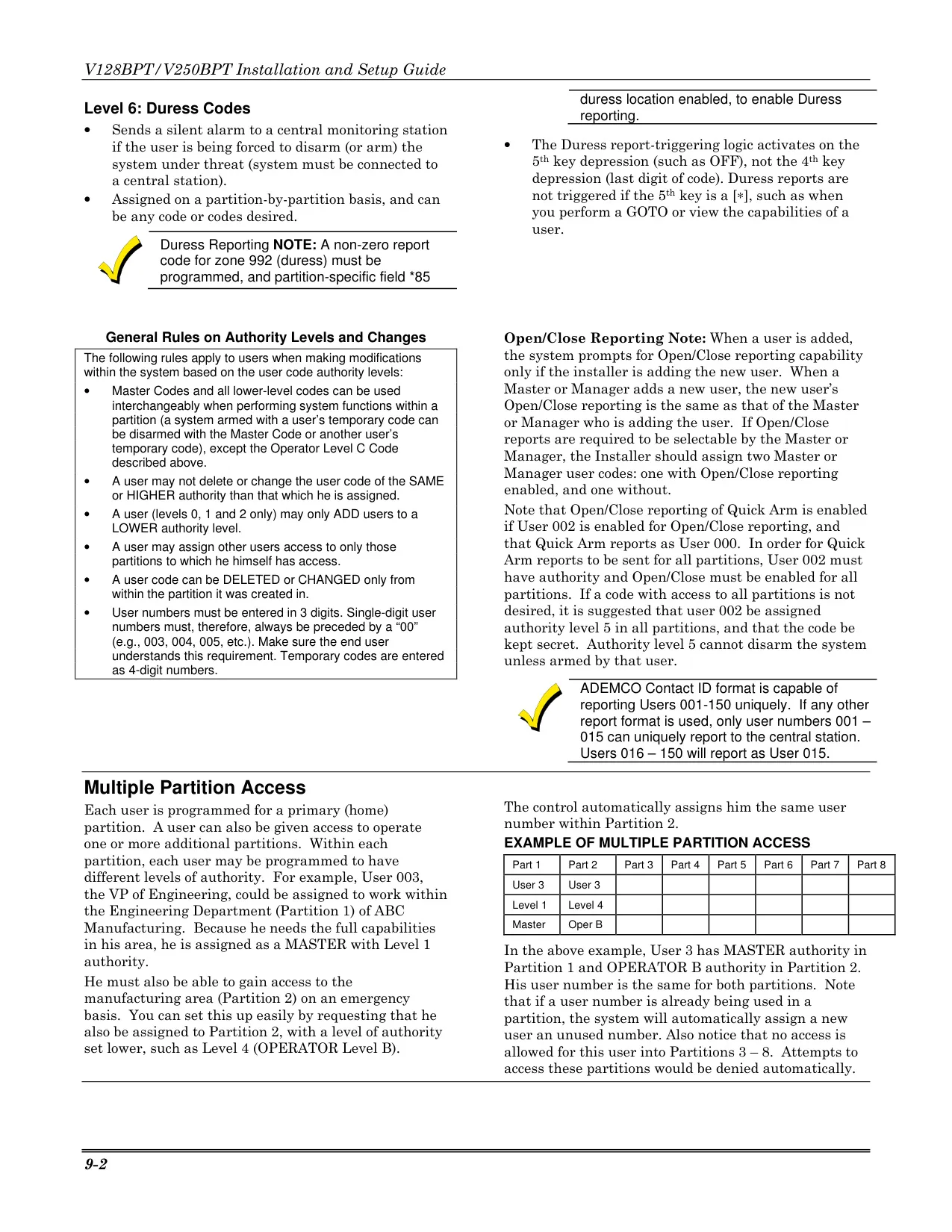
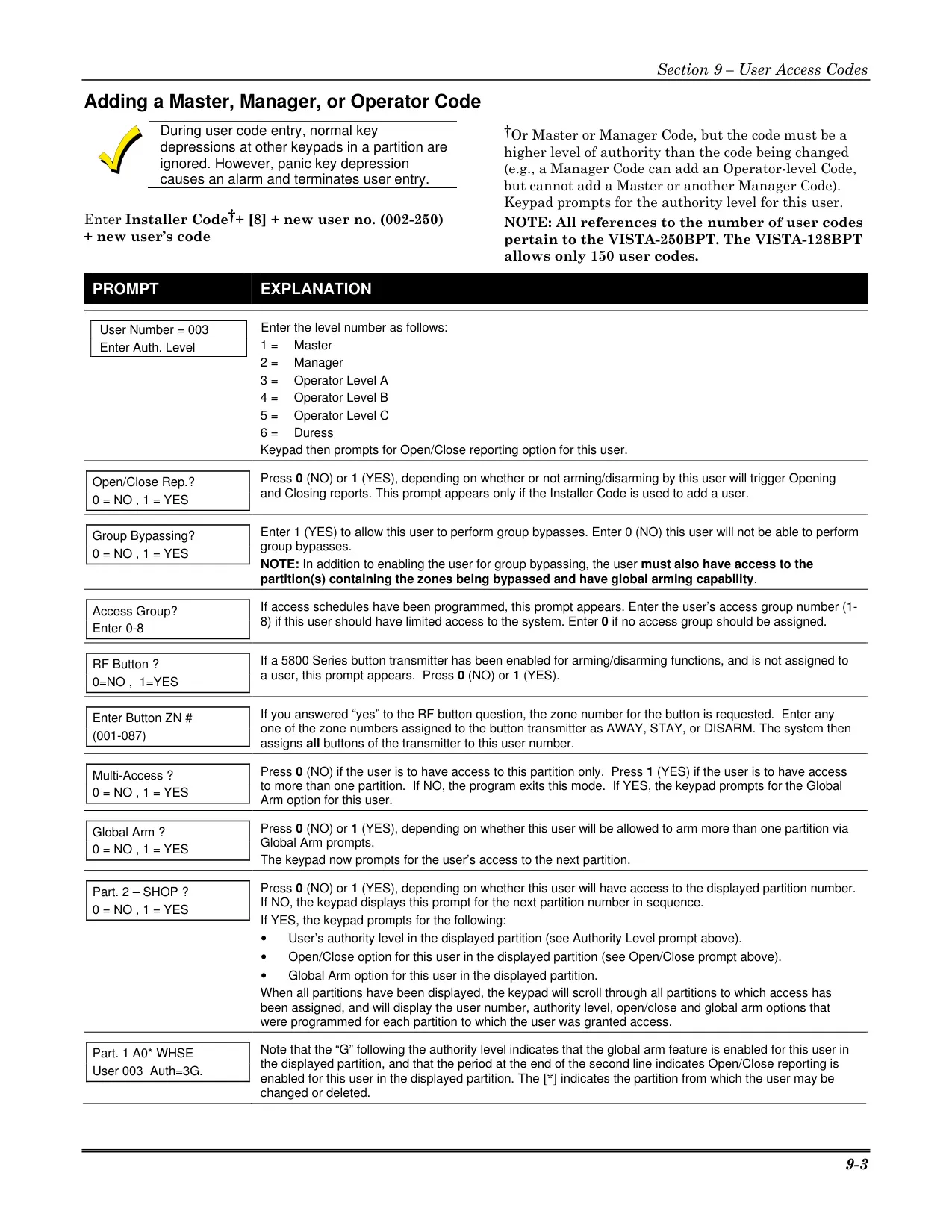
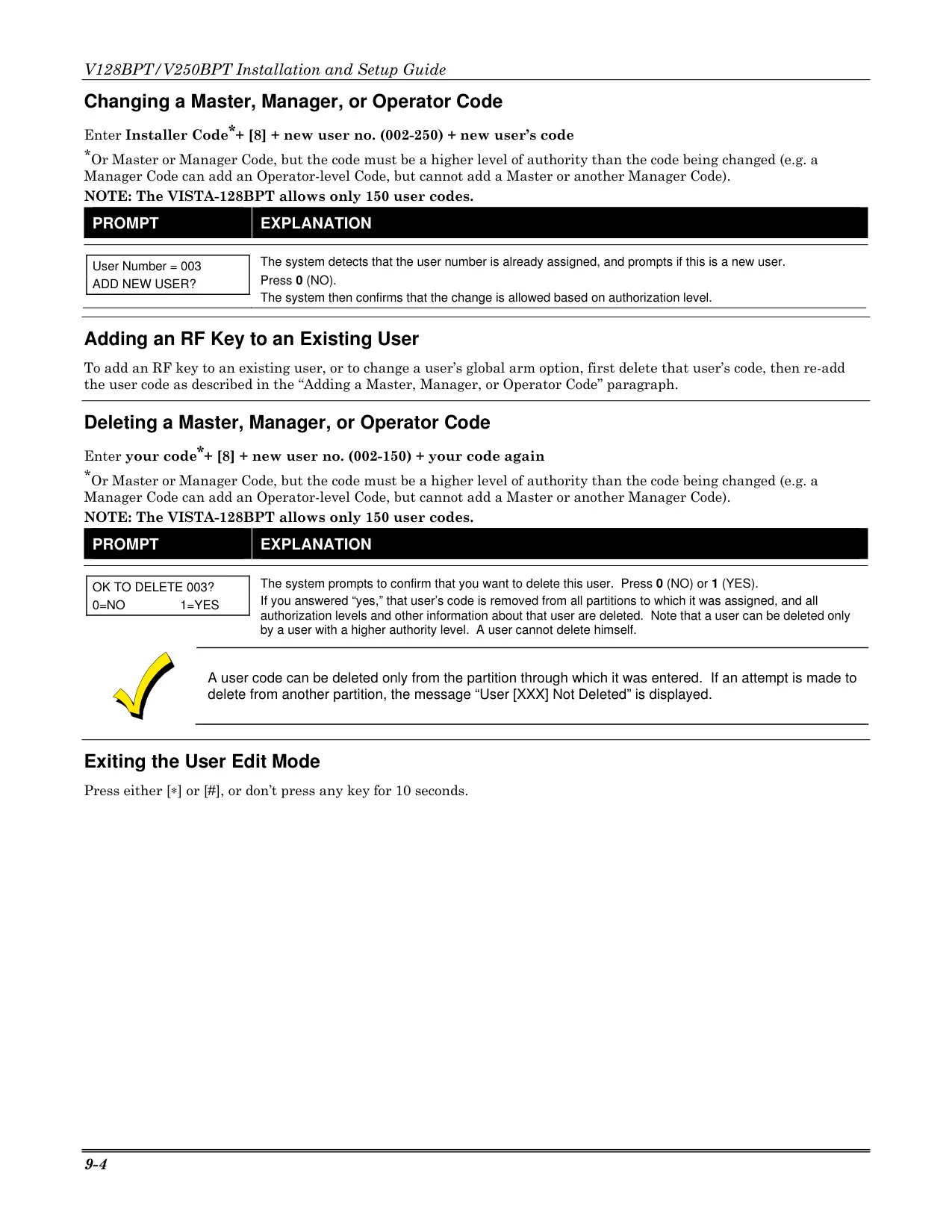
Managing user access is robust, with six distinct authority levels: Master, Manager, Operator A, B, C, and Duress. Master and Manager users possess hierarchical control, enabling them to add, change, or delete users with lower authority levels. This granular control allows precise management of who can perform which system functions, from arming/disarming to bypassing zones.
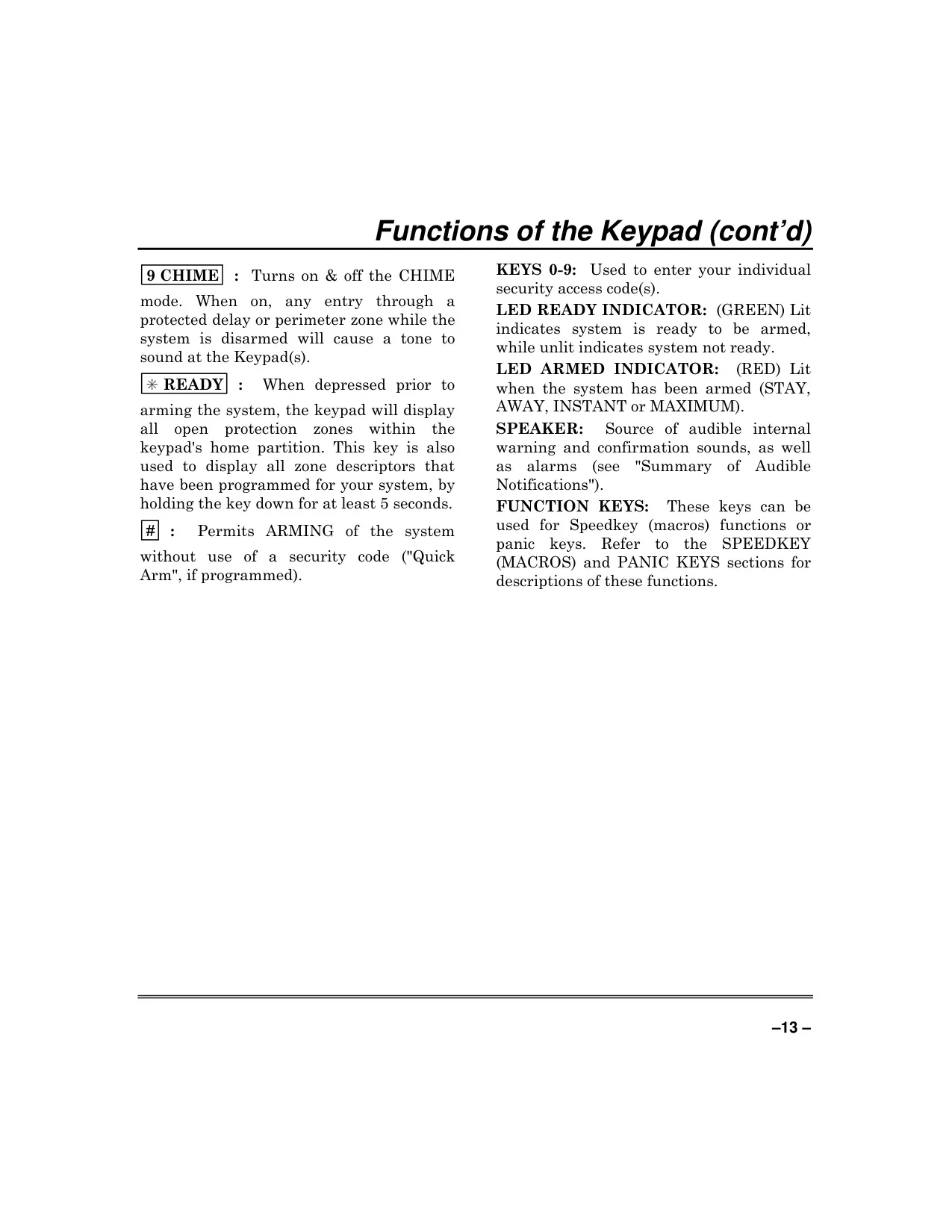
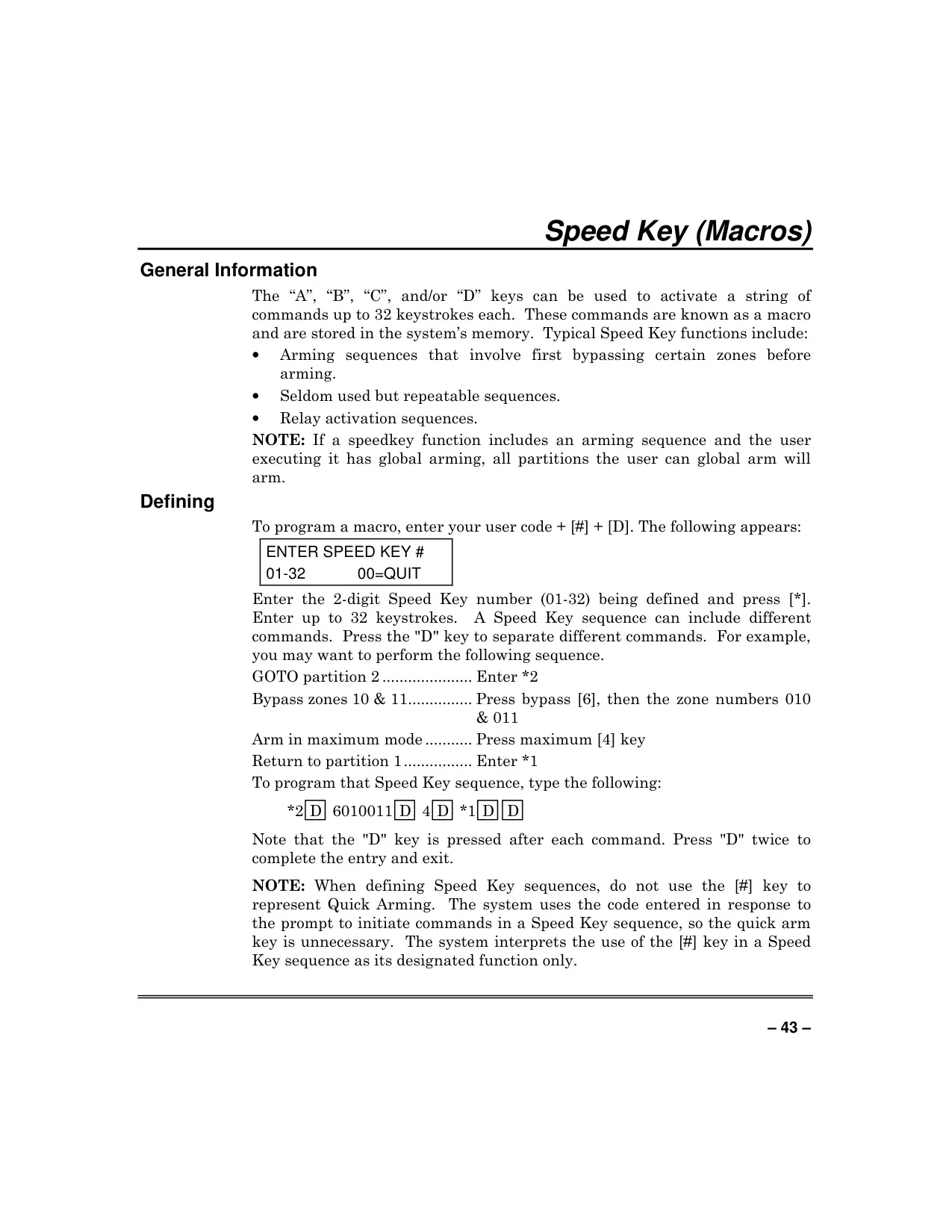
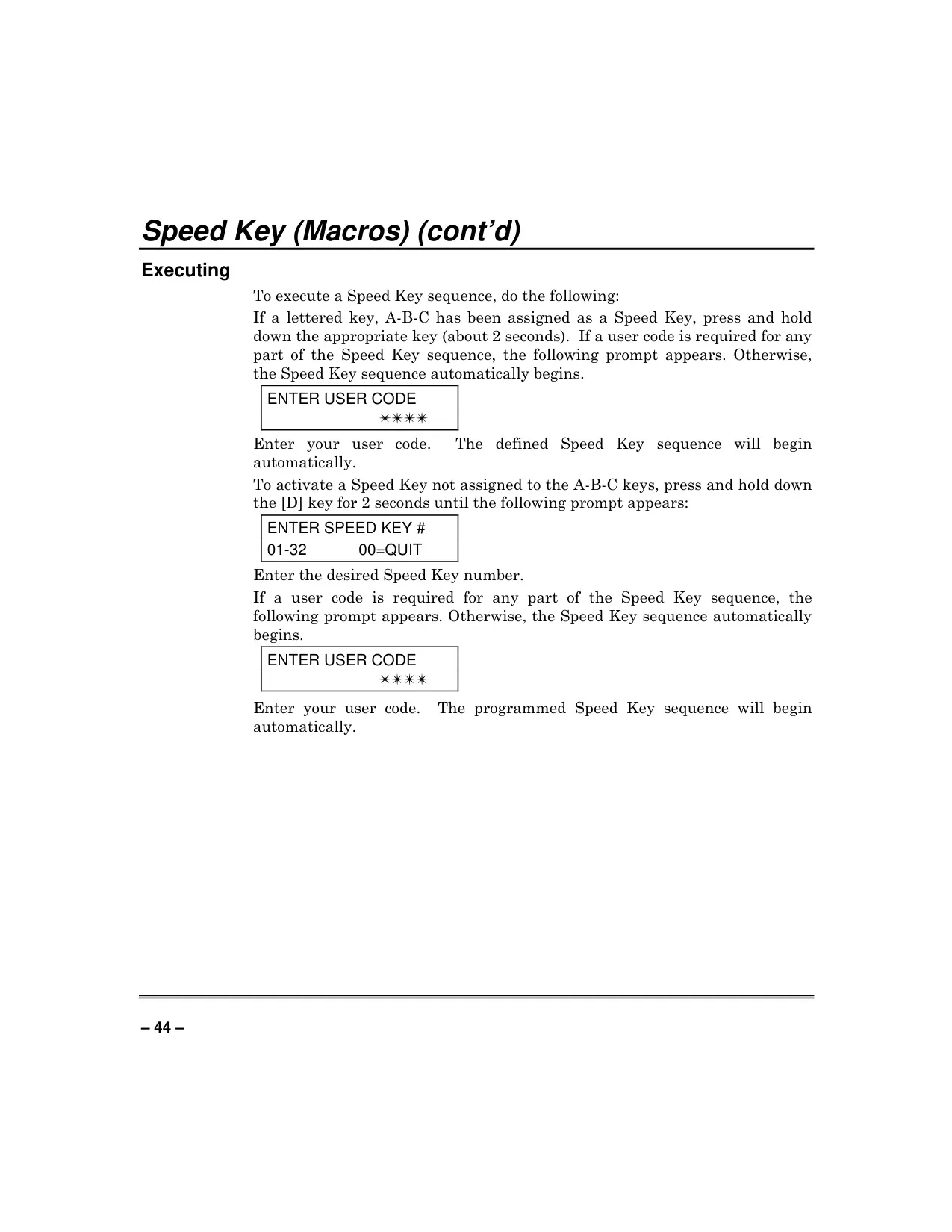
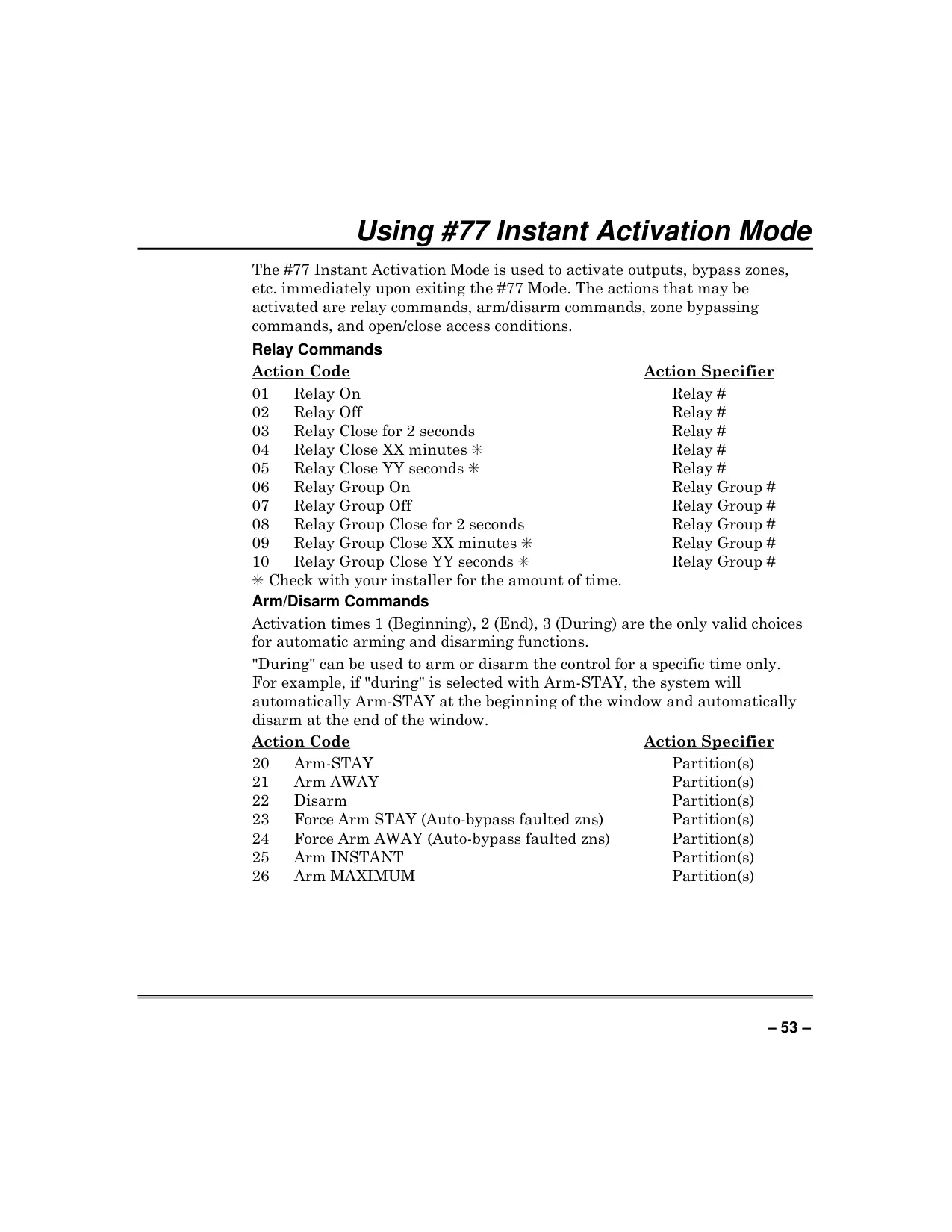
For enhanced operational efficiency, the Vista 128BPT supports Speed Keys (Macros). These allow users to store a sequence of up to 32 keystrokes, activating multiple functions simultaneously or simplifying complex, repetitive procedures by pressing a single "A, B, C, or D" key. This feature streamlines daily security routines and advanced system commands.
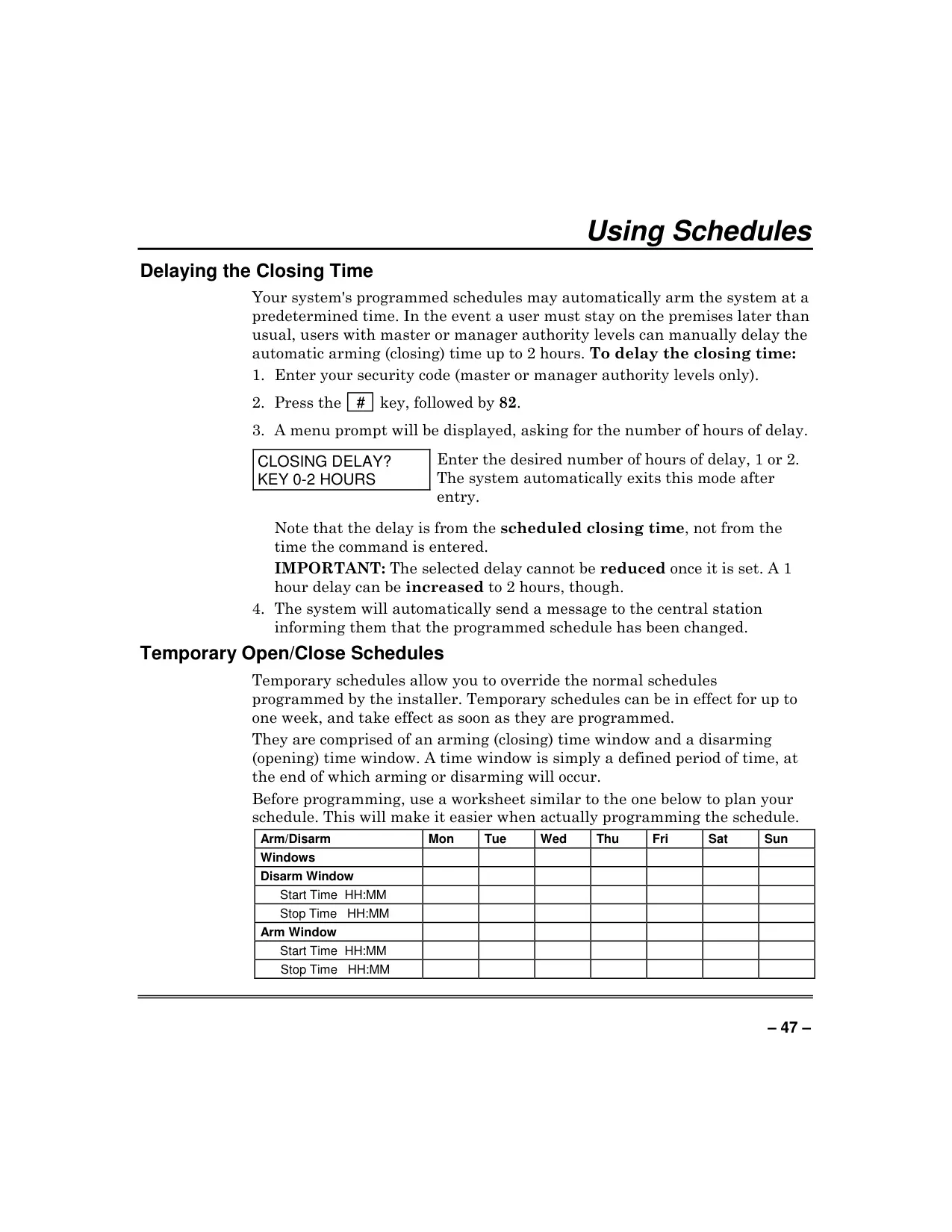
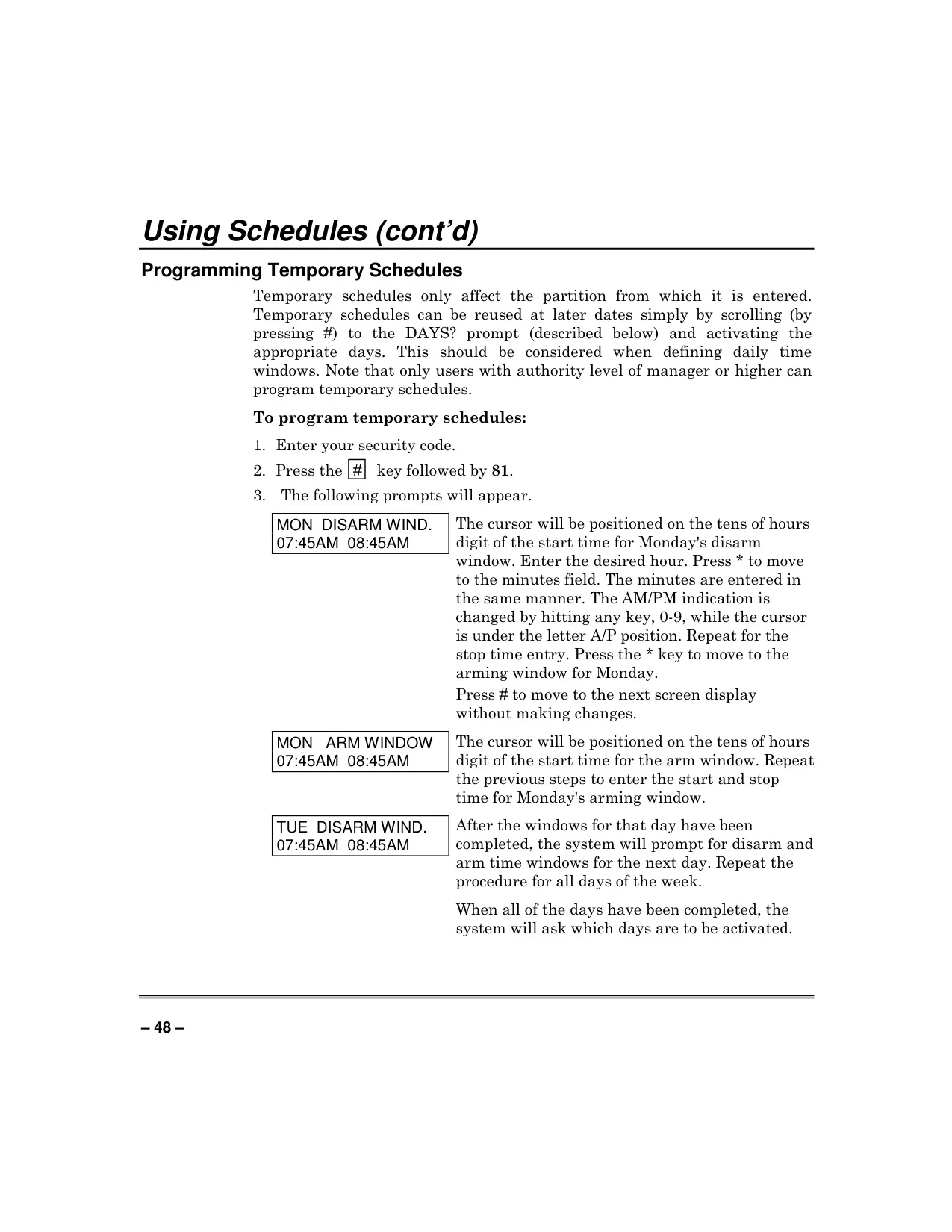
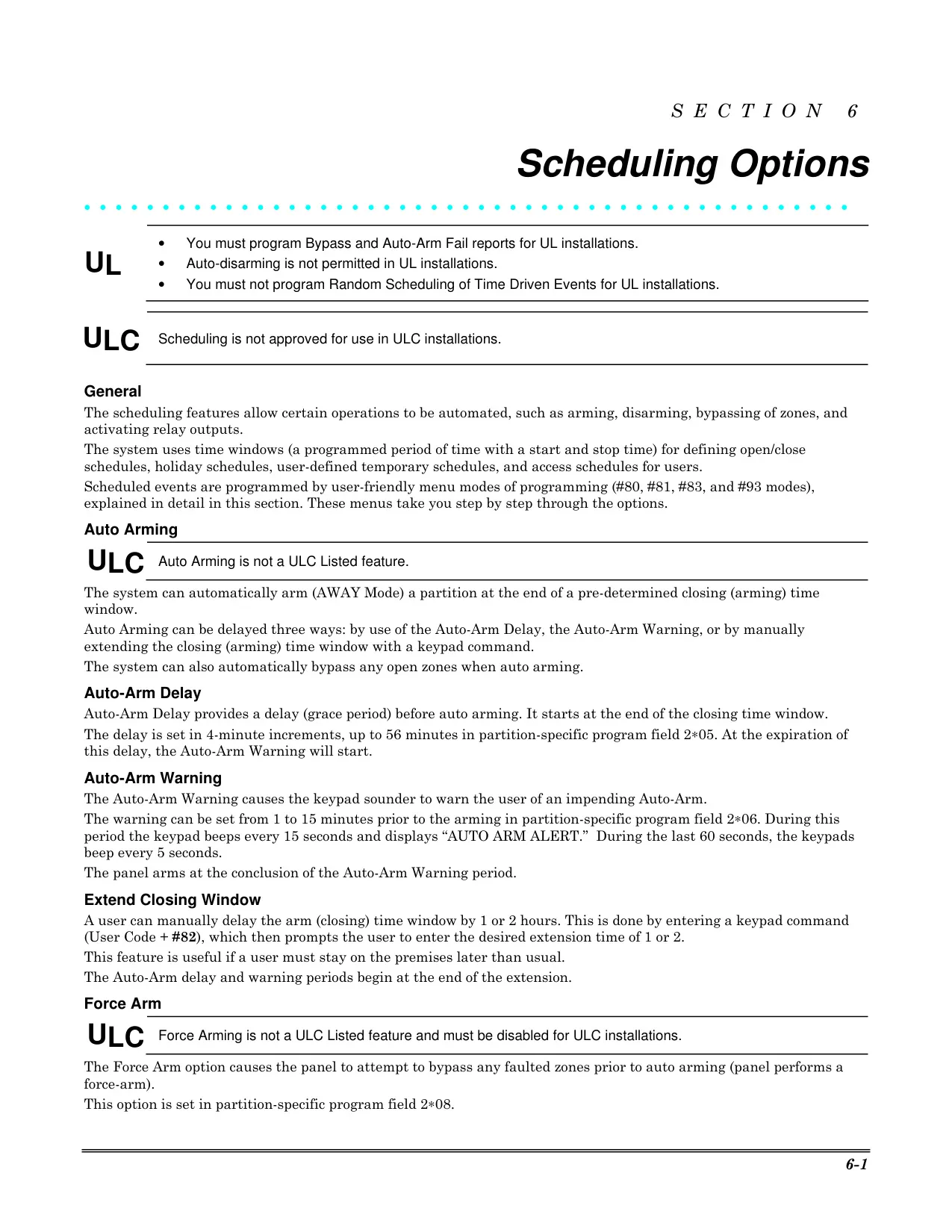
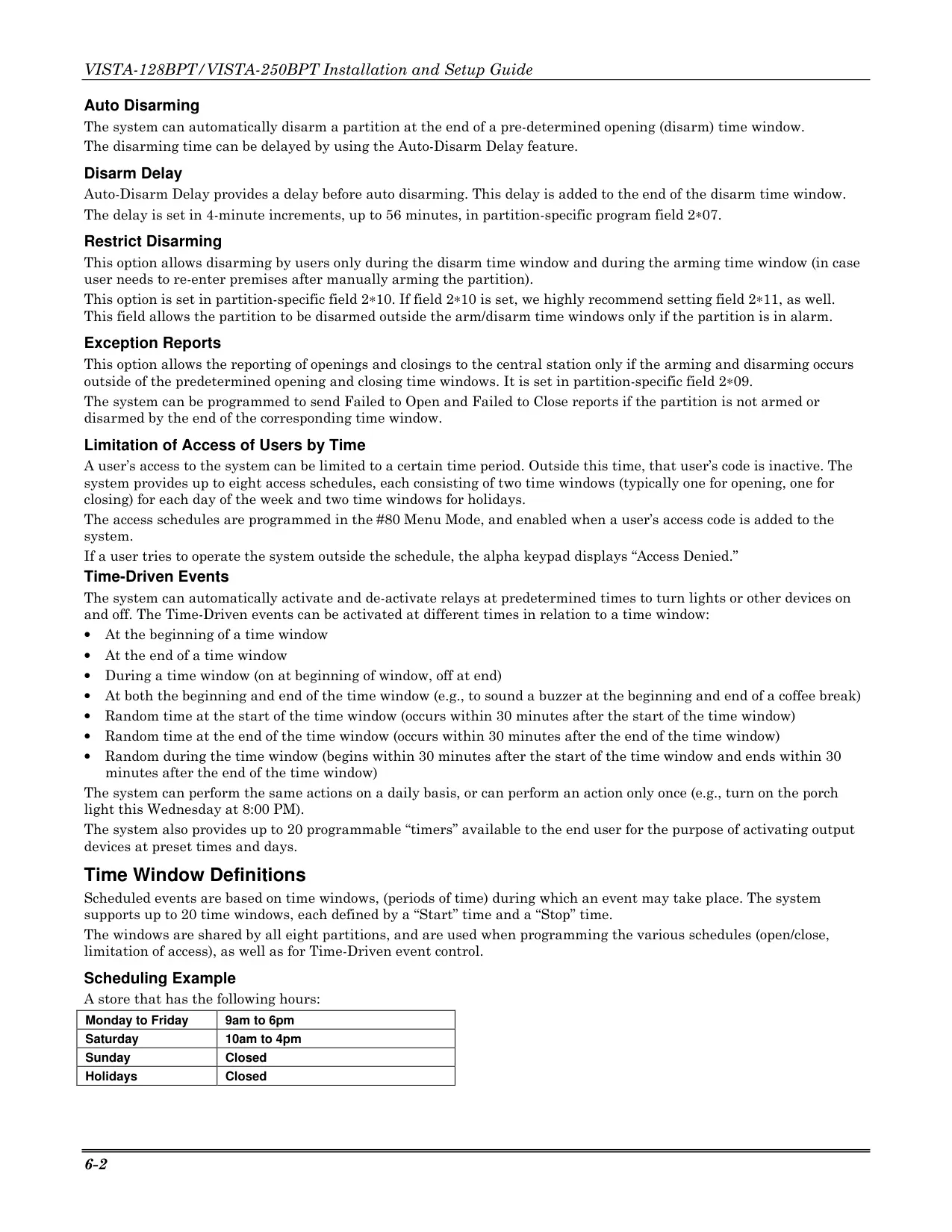
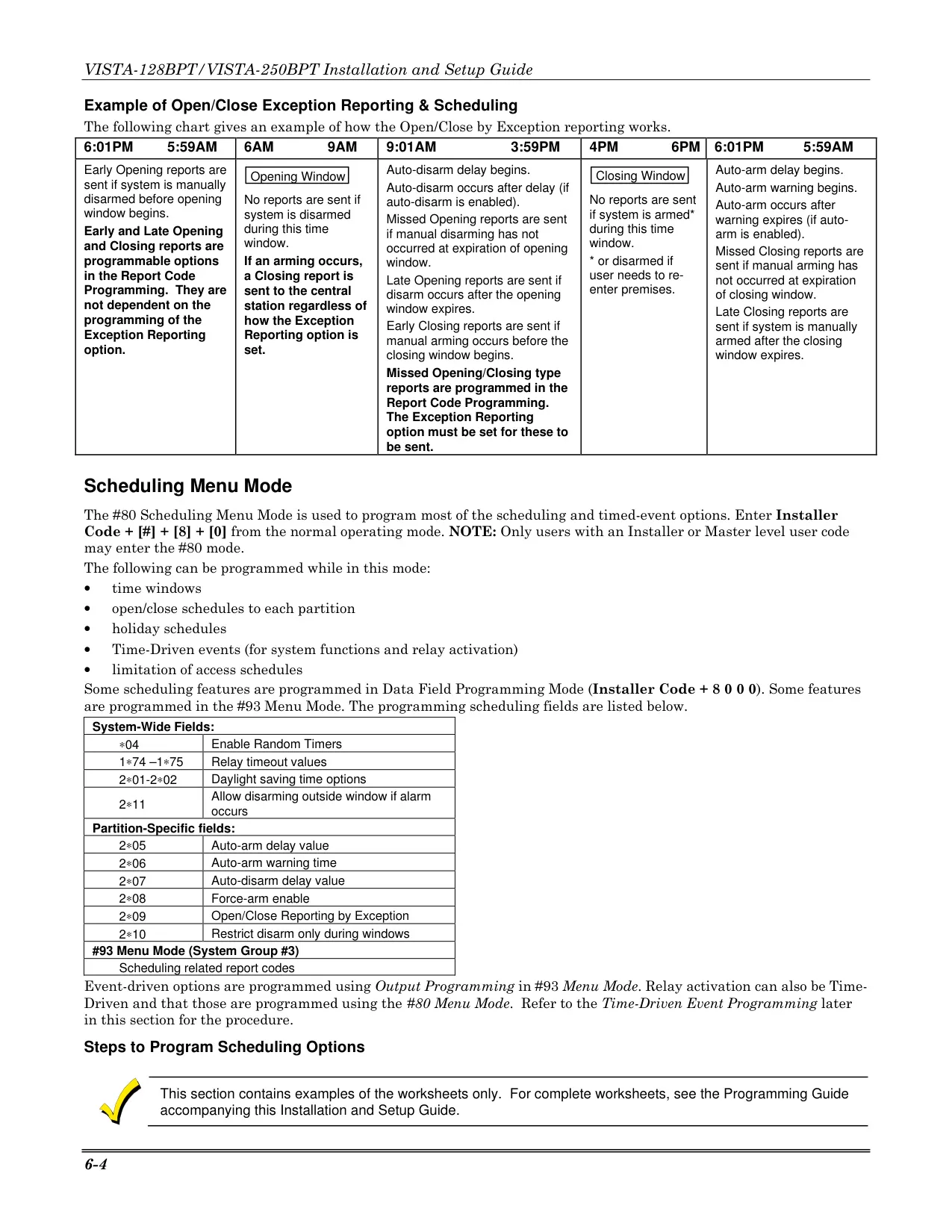
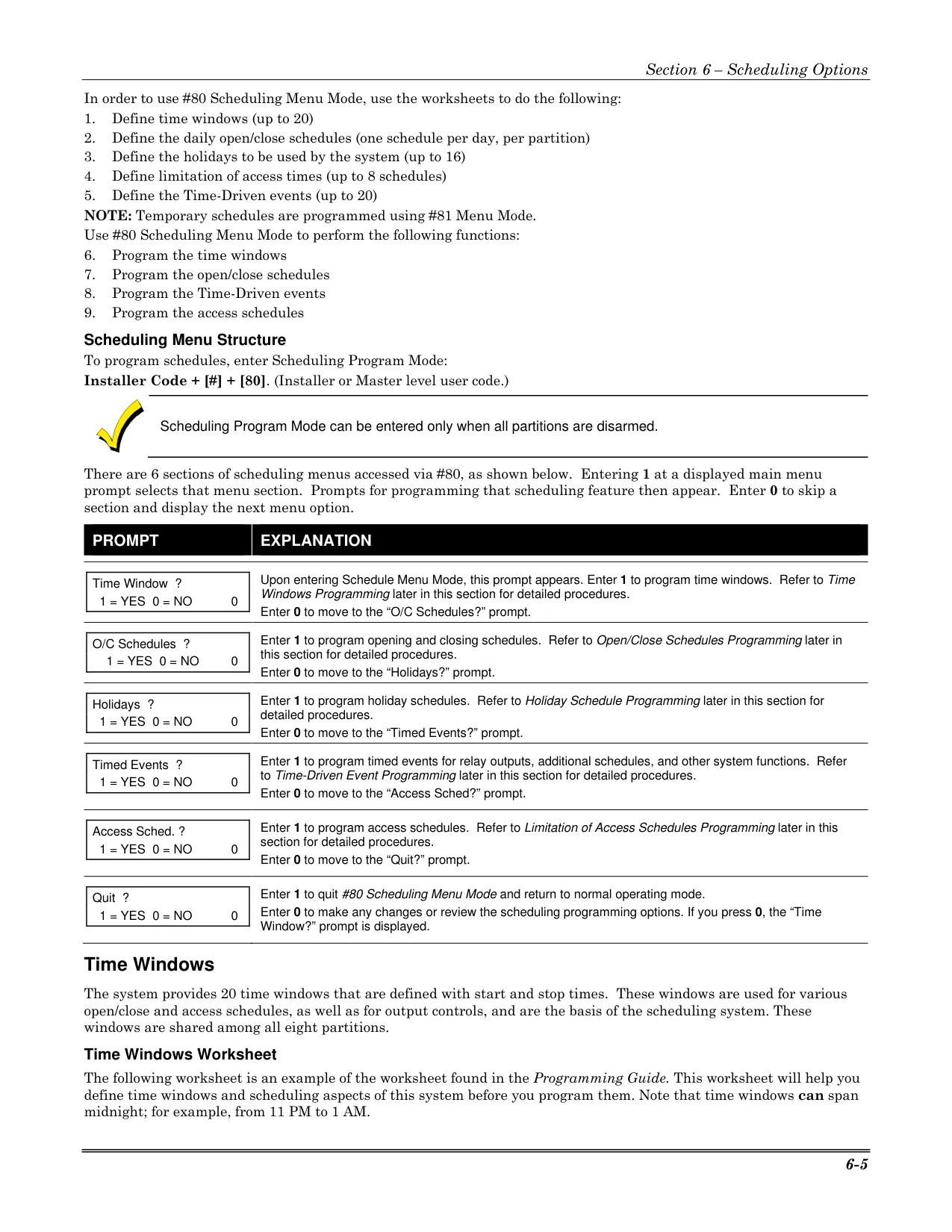
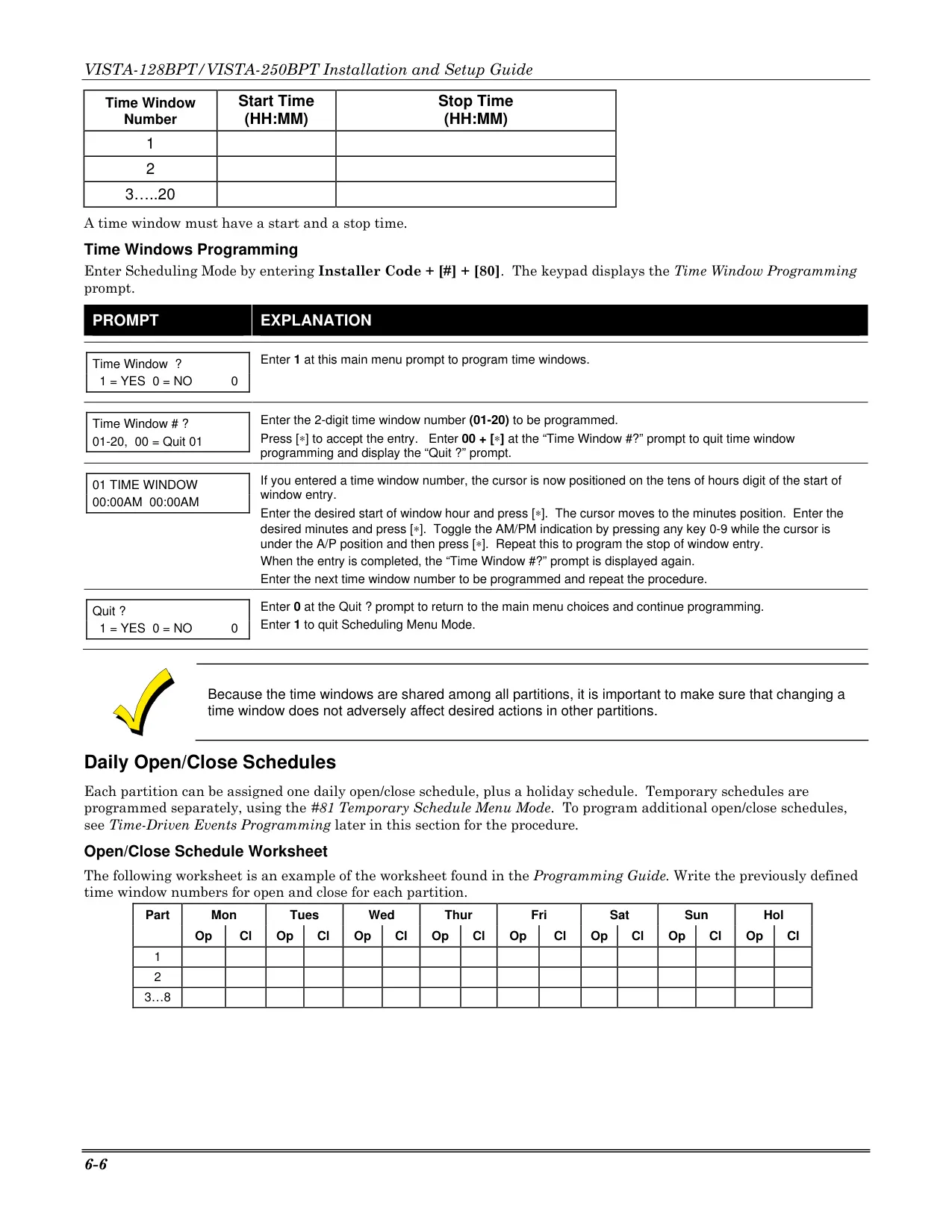
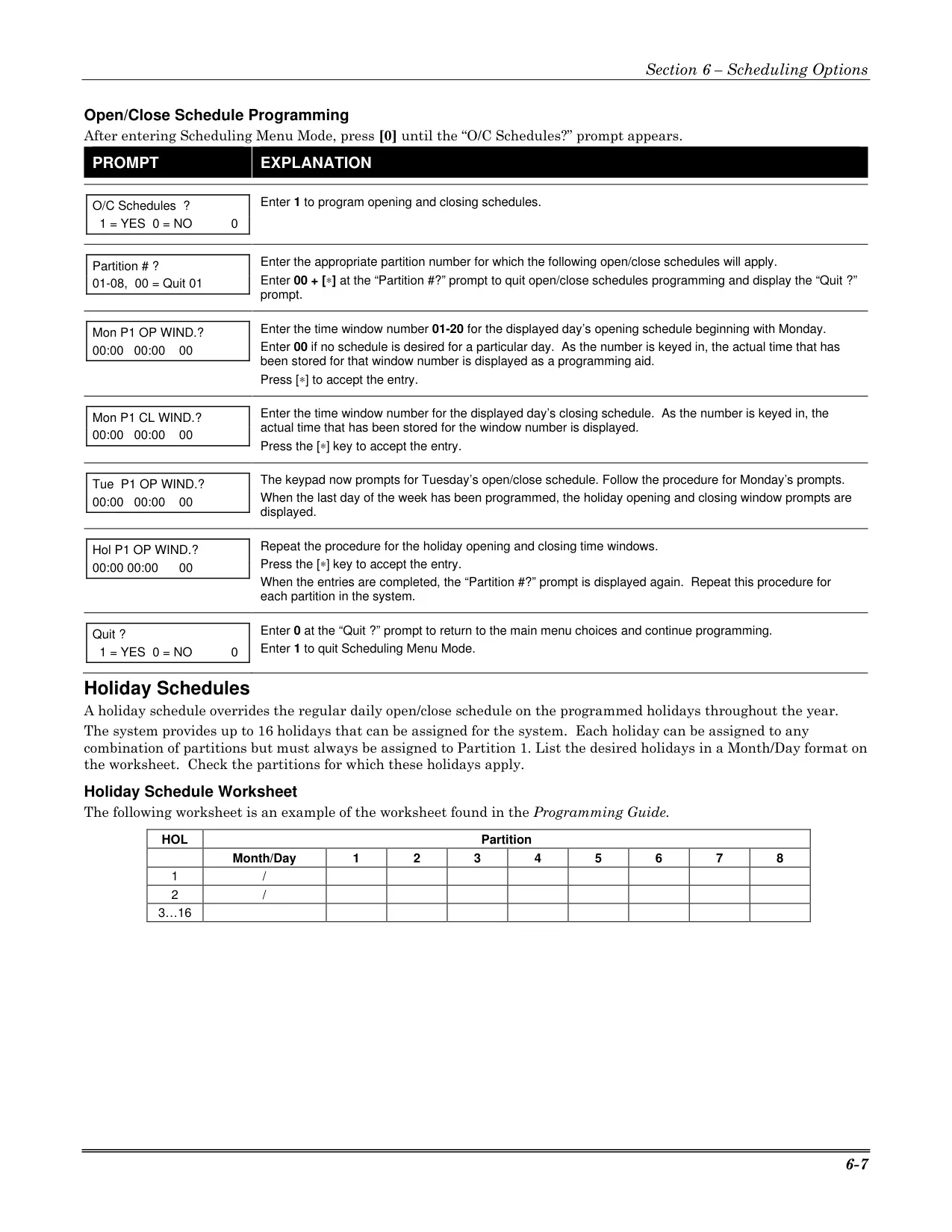
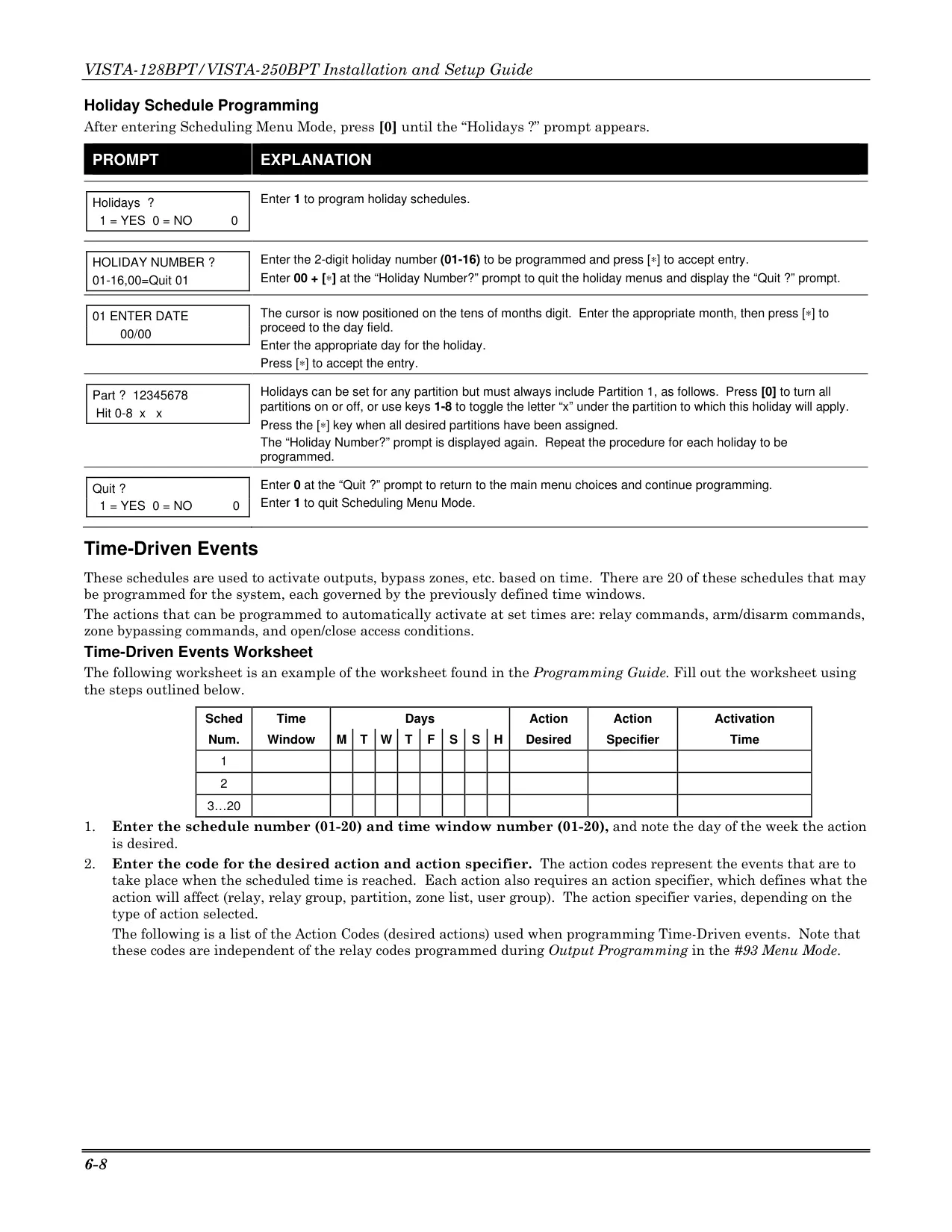
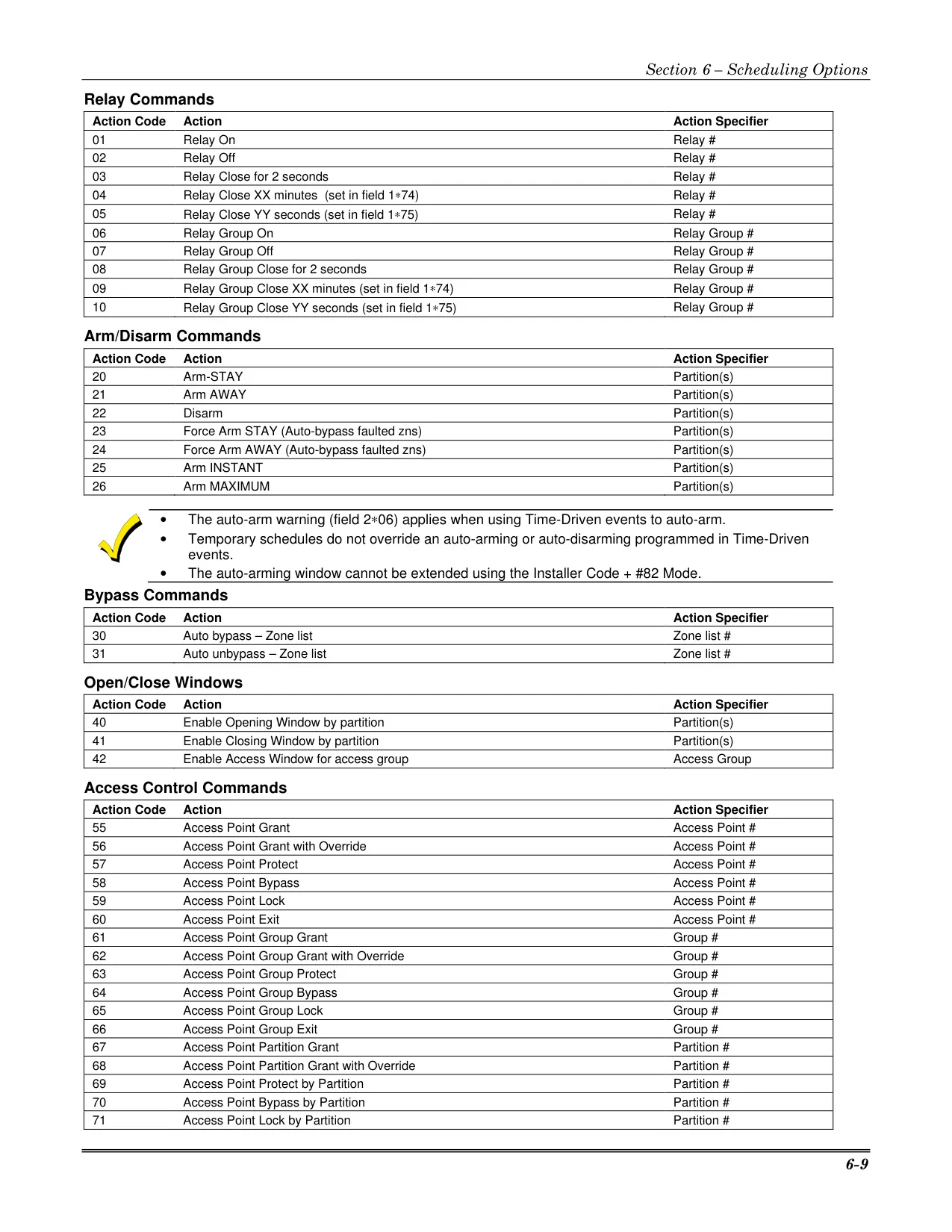
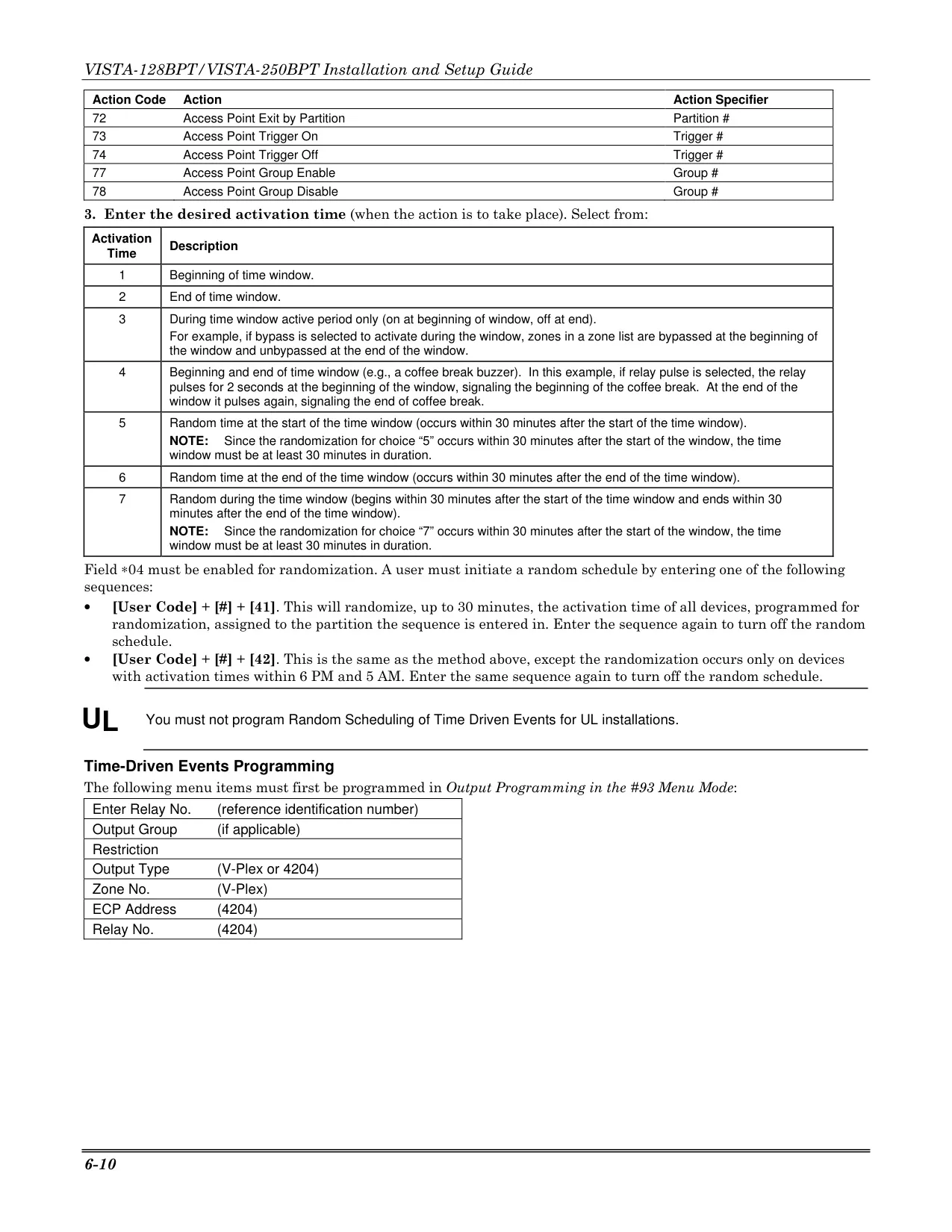
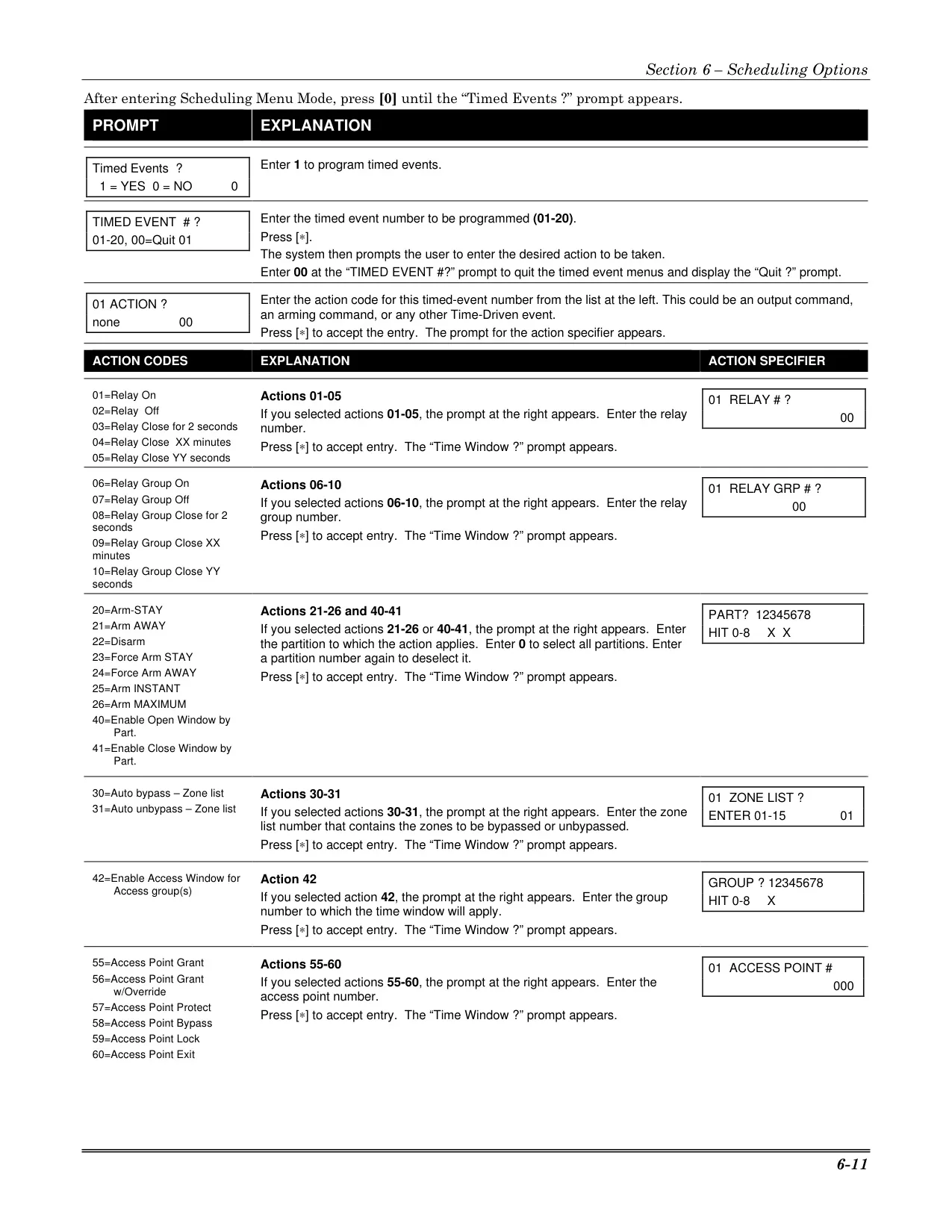
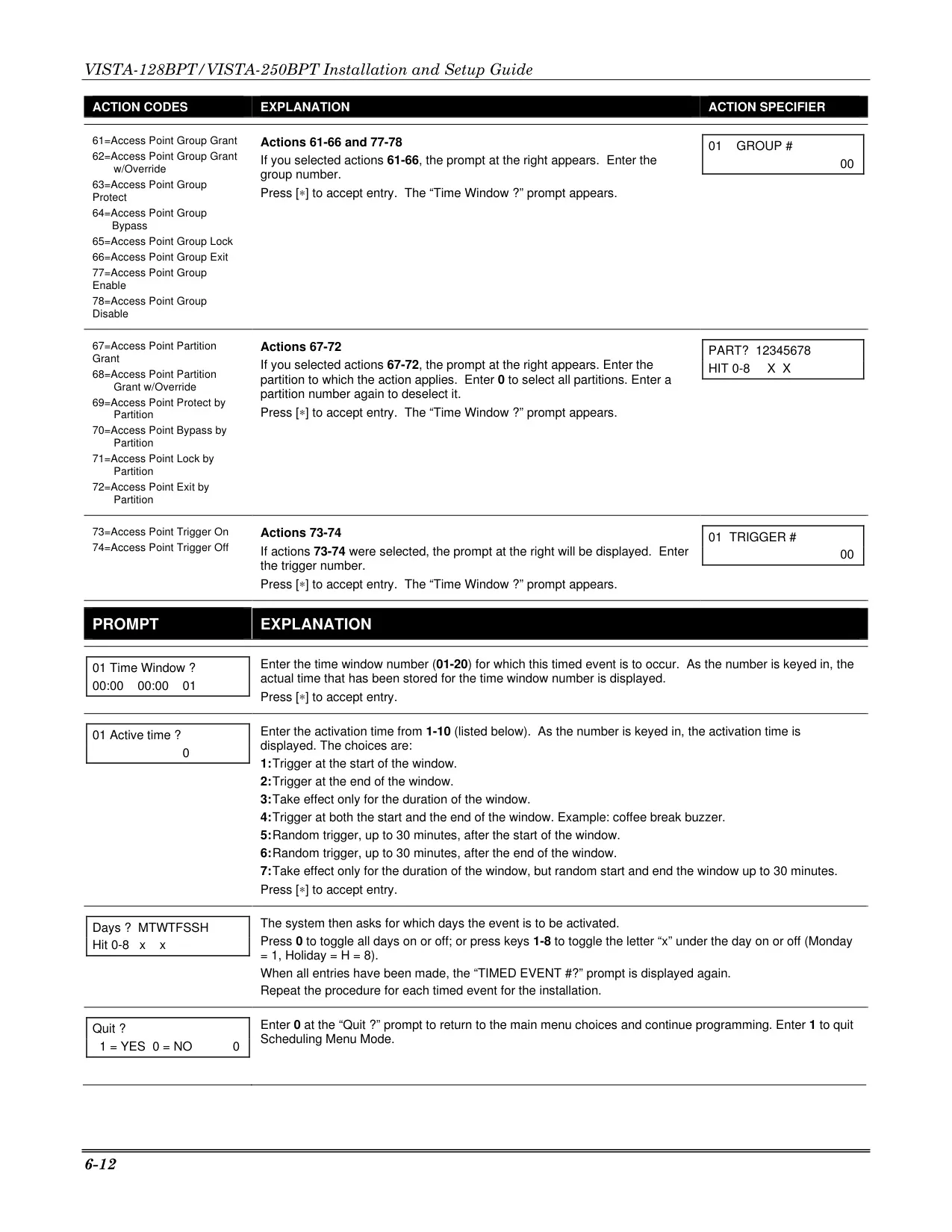
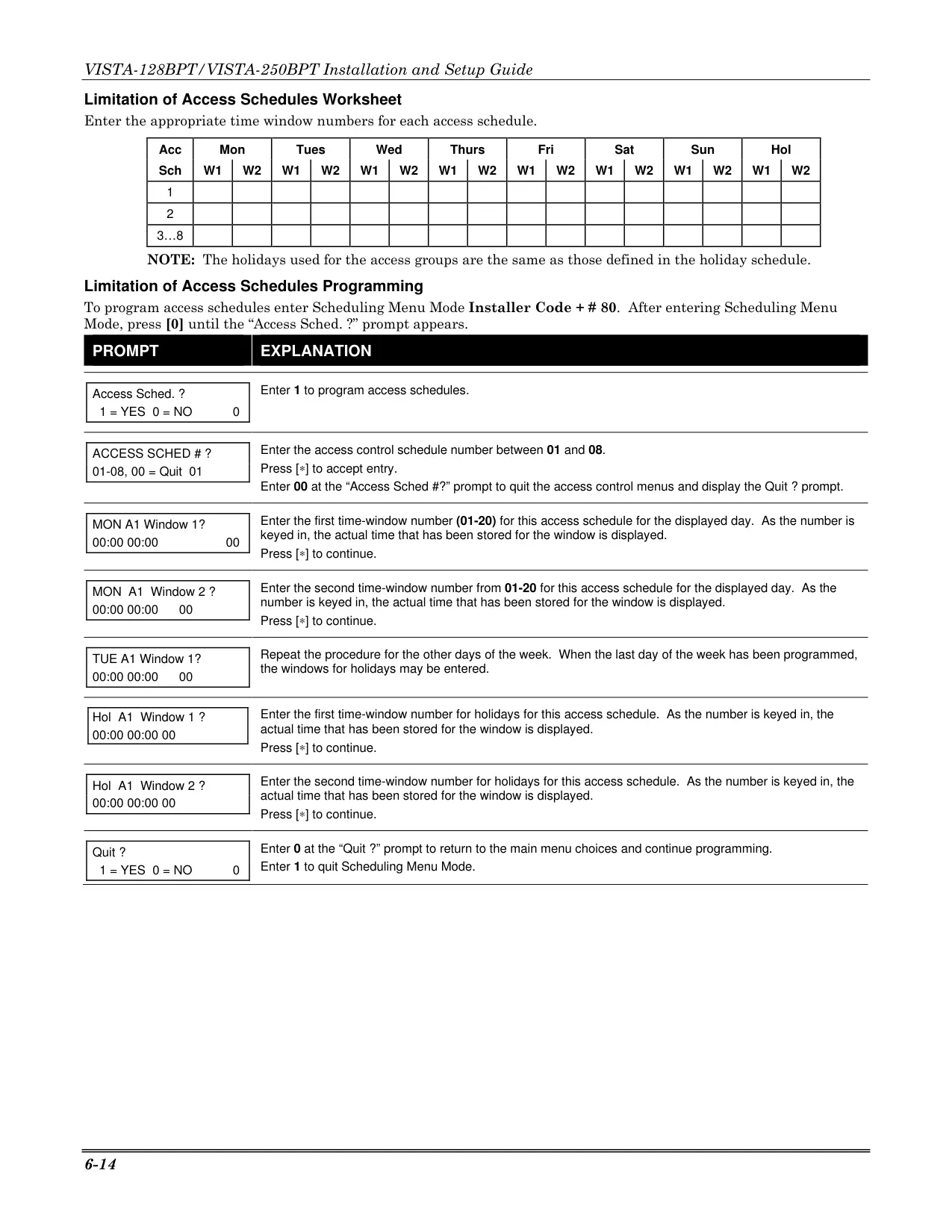
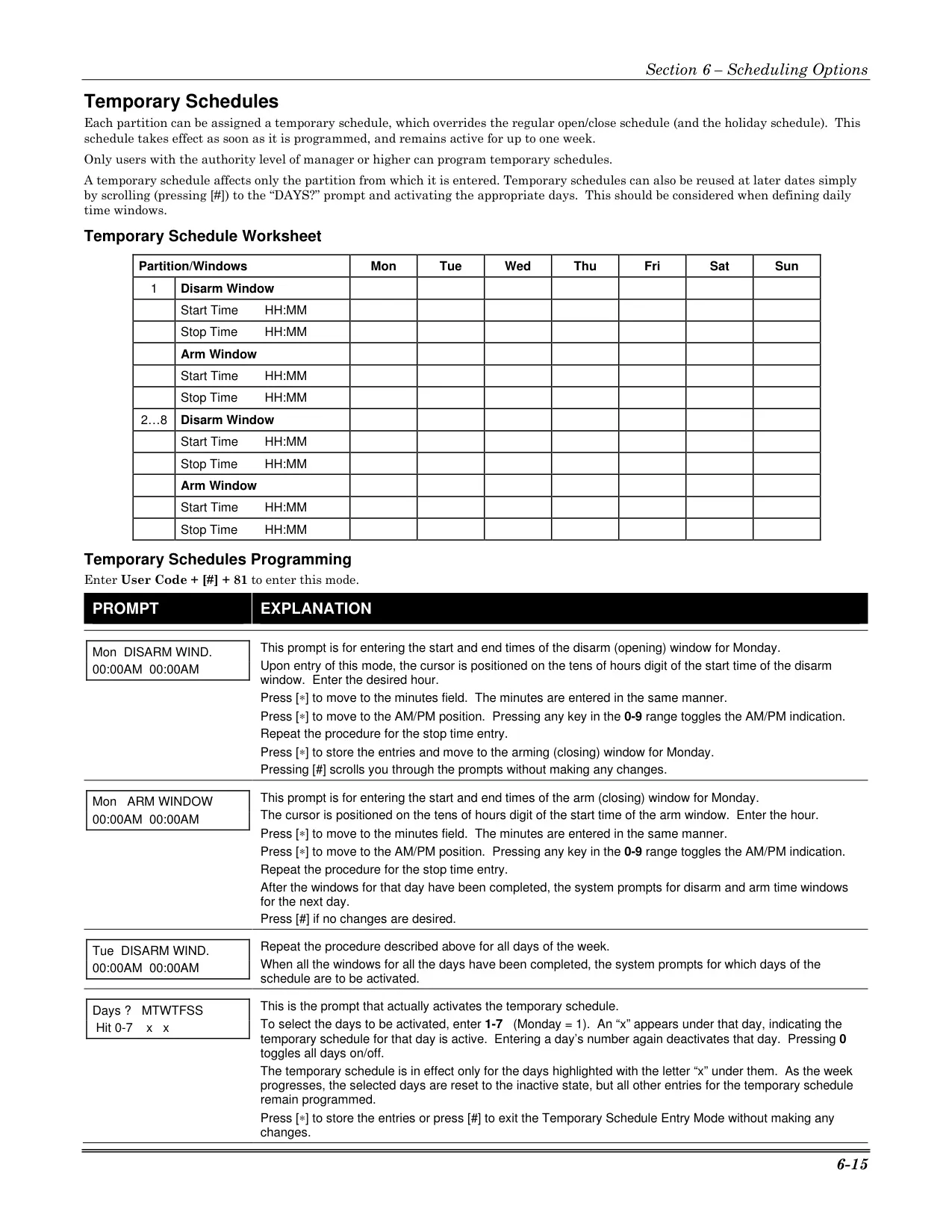
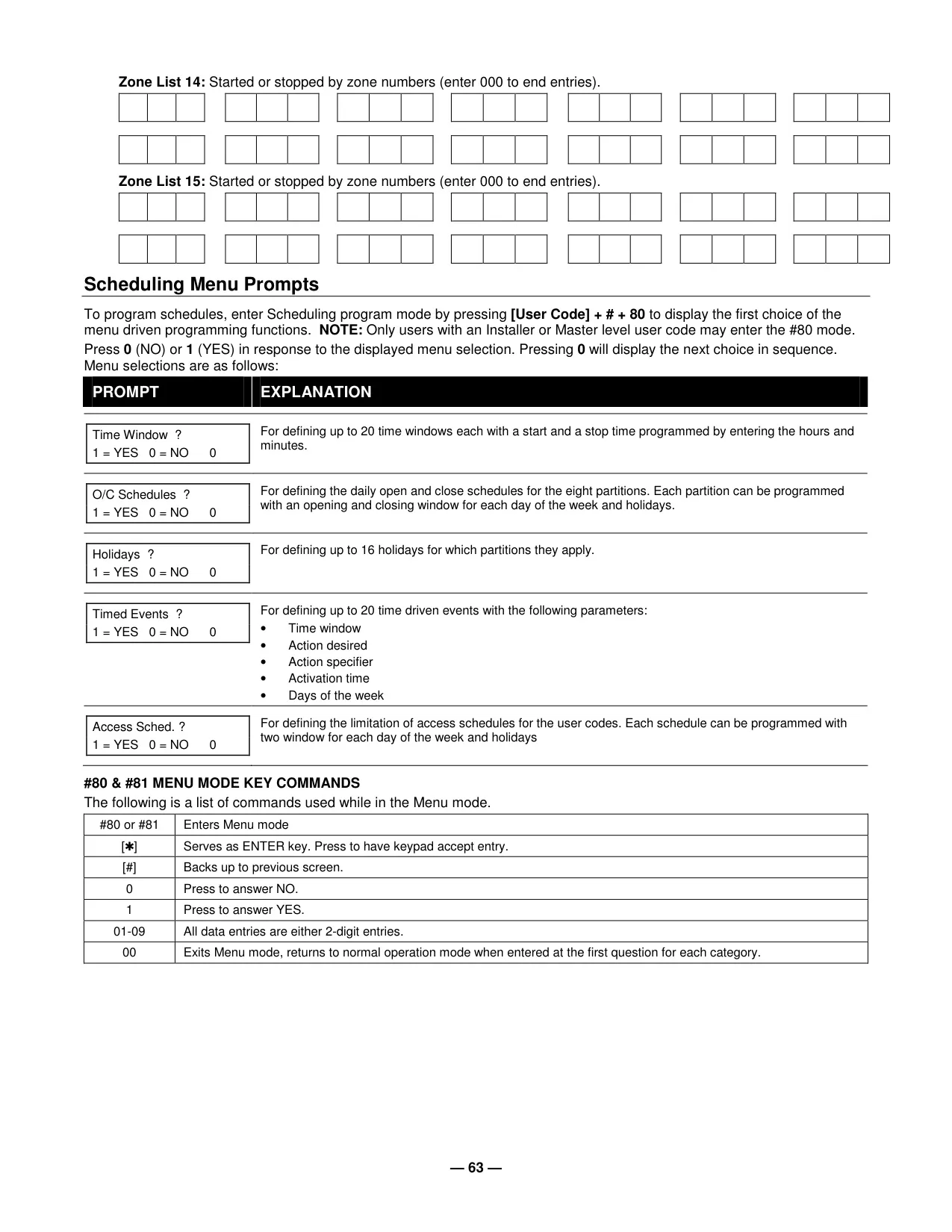
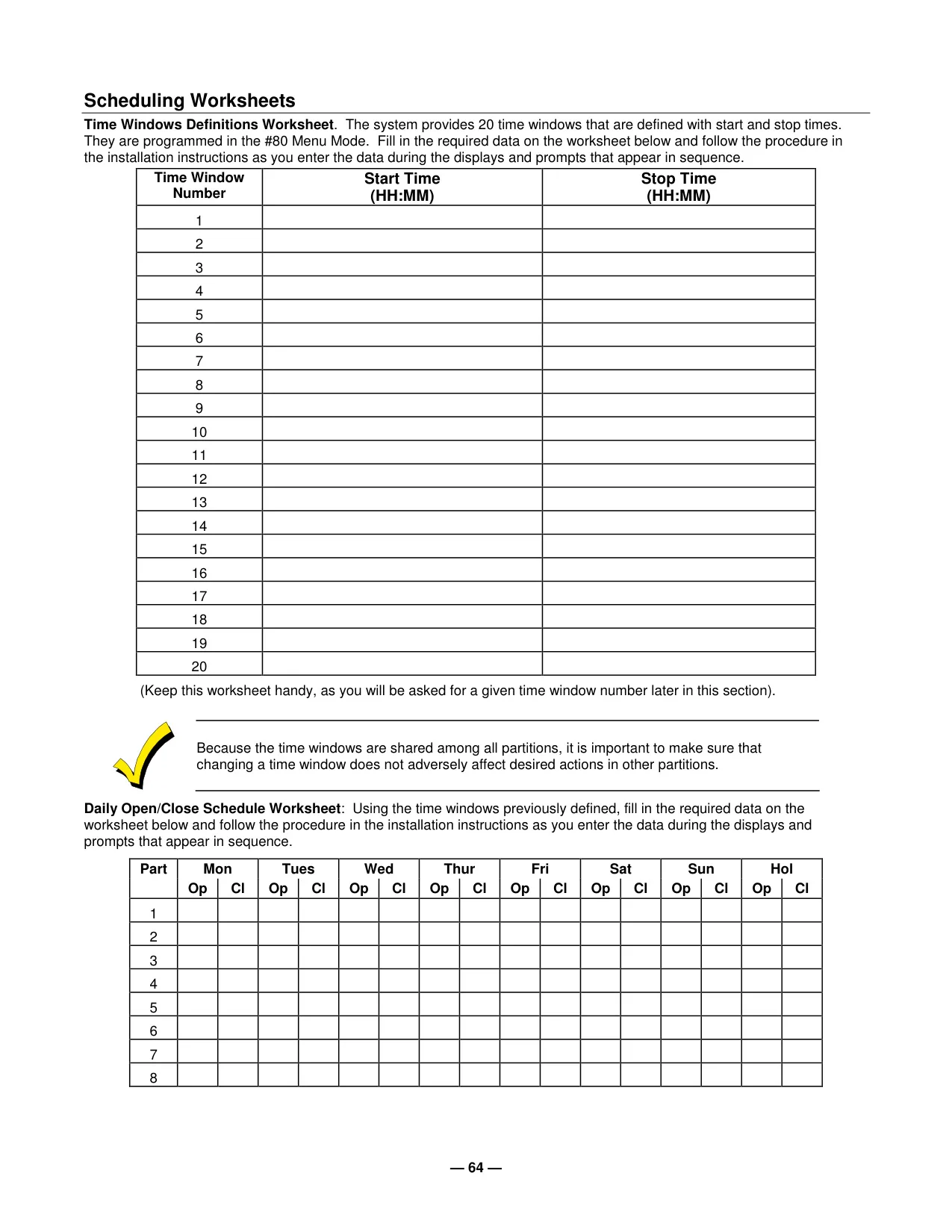
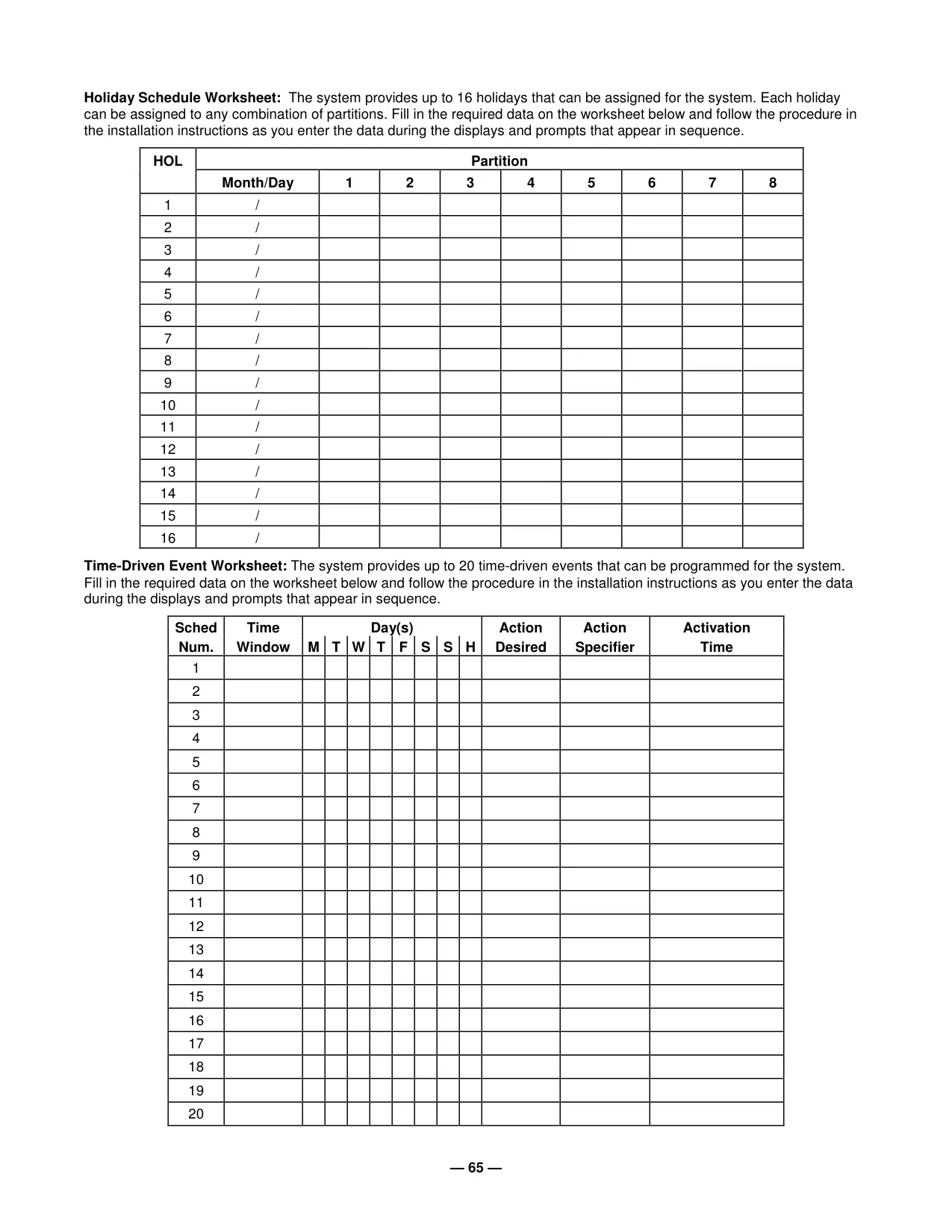
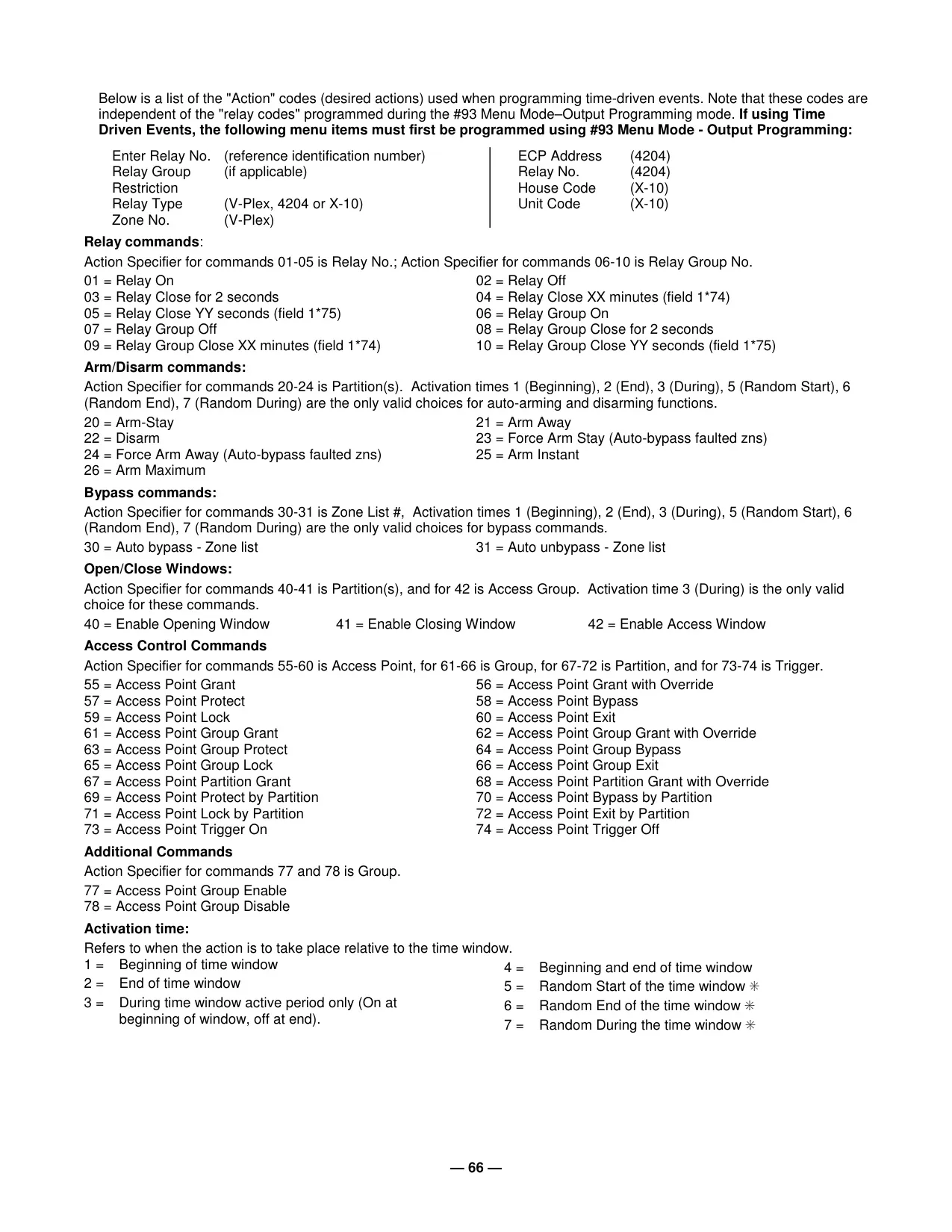
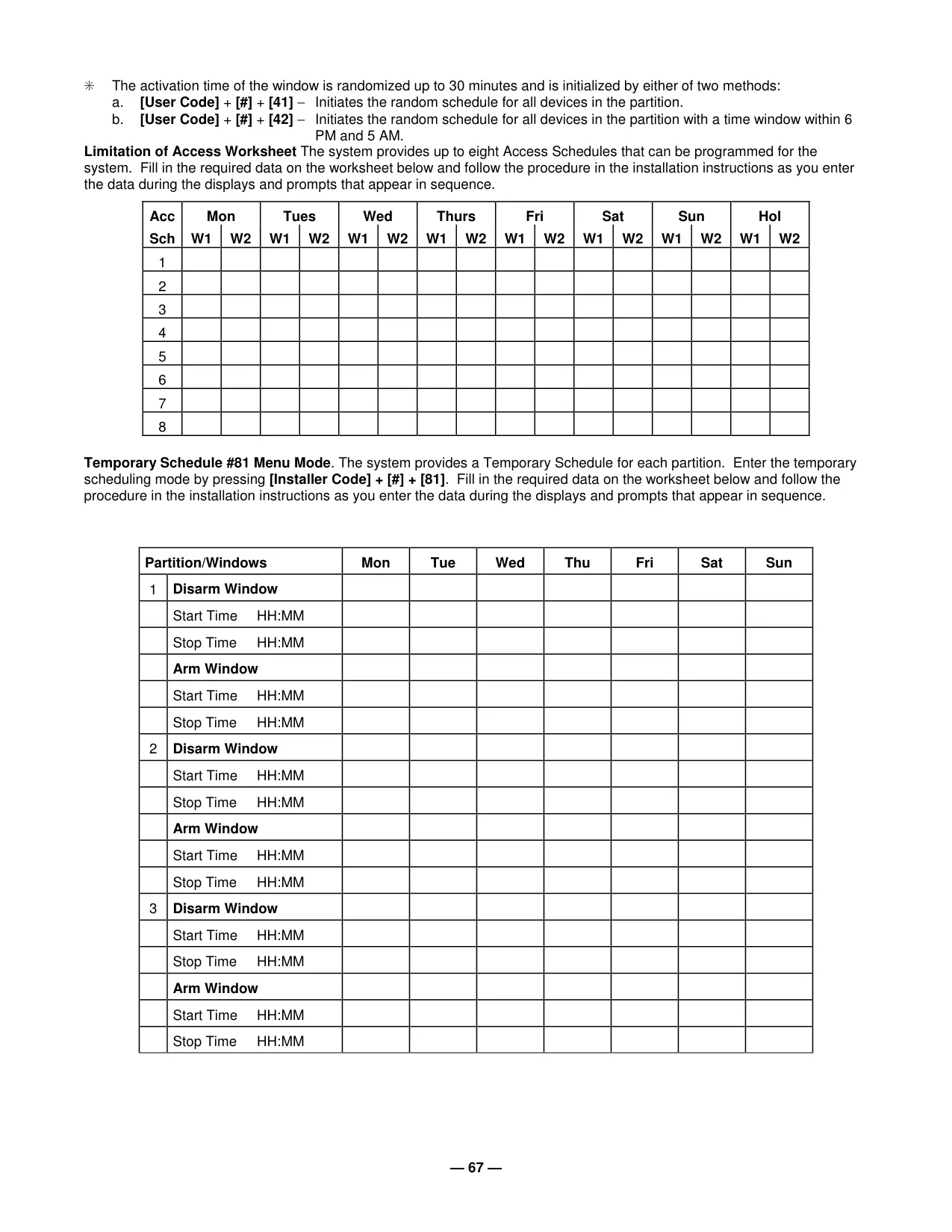
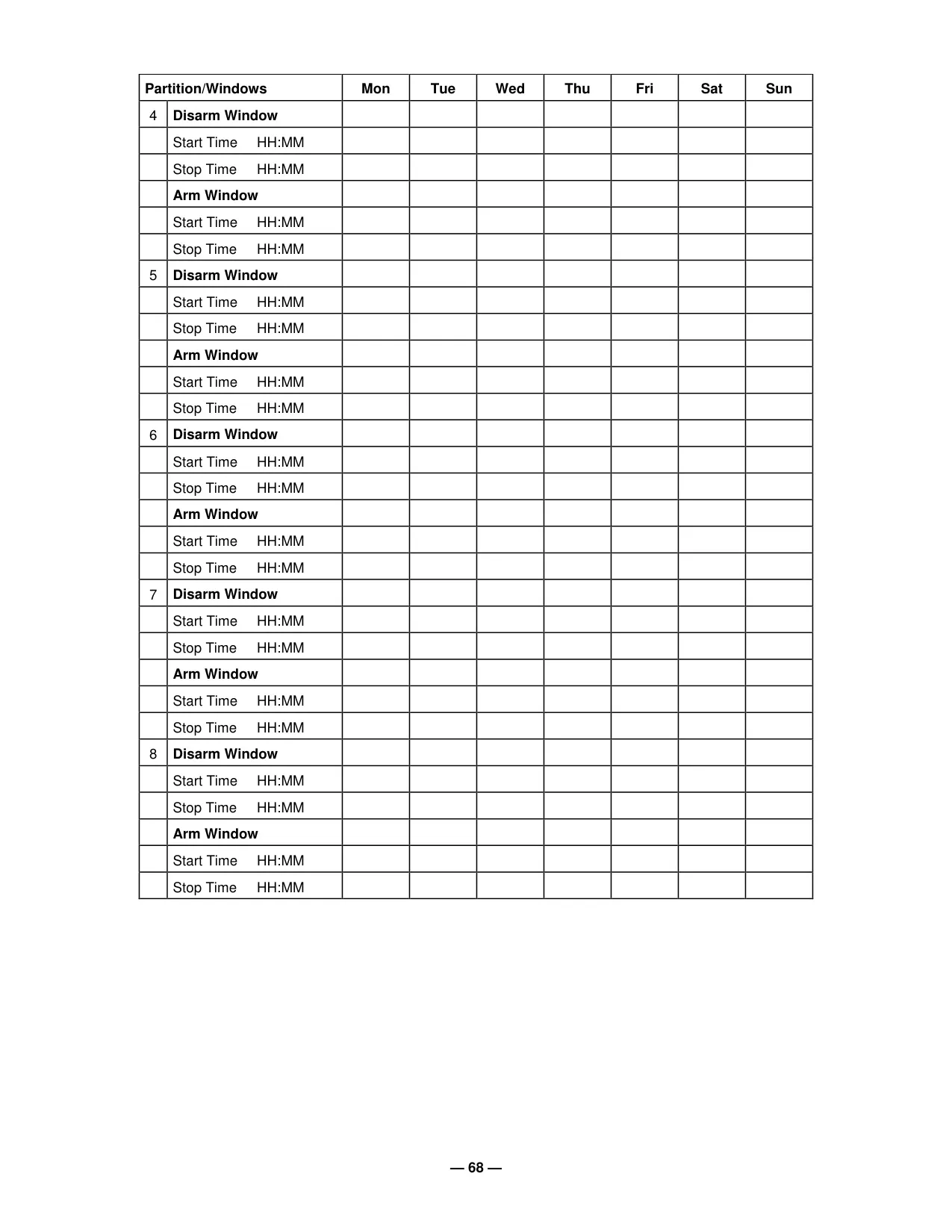
The system incorporates advanced scheduling capabilities, enabling automatic arming, disarming, and activation of various devices at predetermined times. Users with master or manager authority can delay automatic closing times by up to two hours or program temporary schedules that can override normal schedules for up to a week, offering flexibility for changing operational needs.
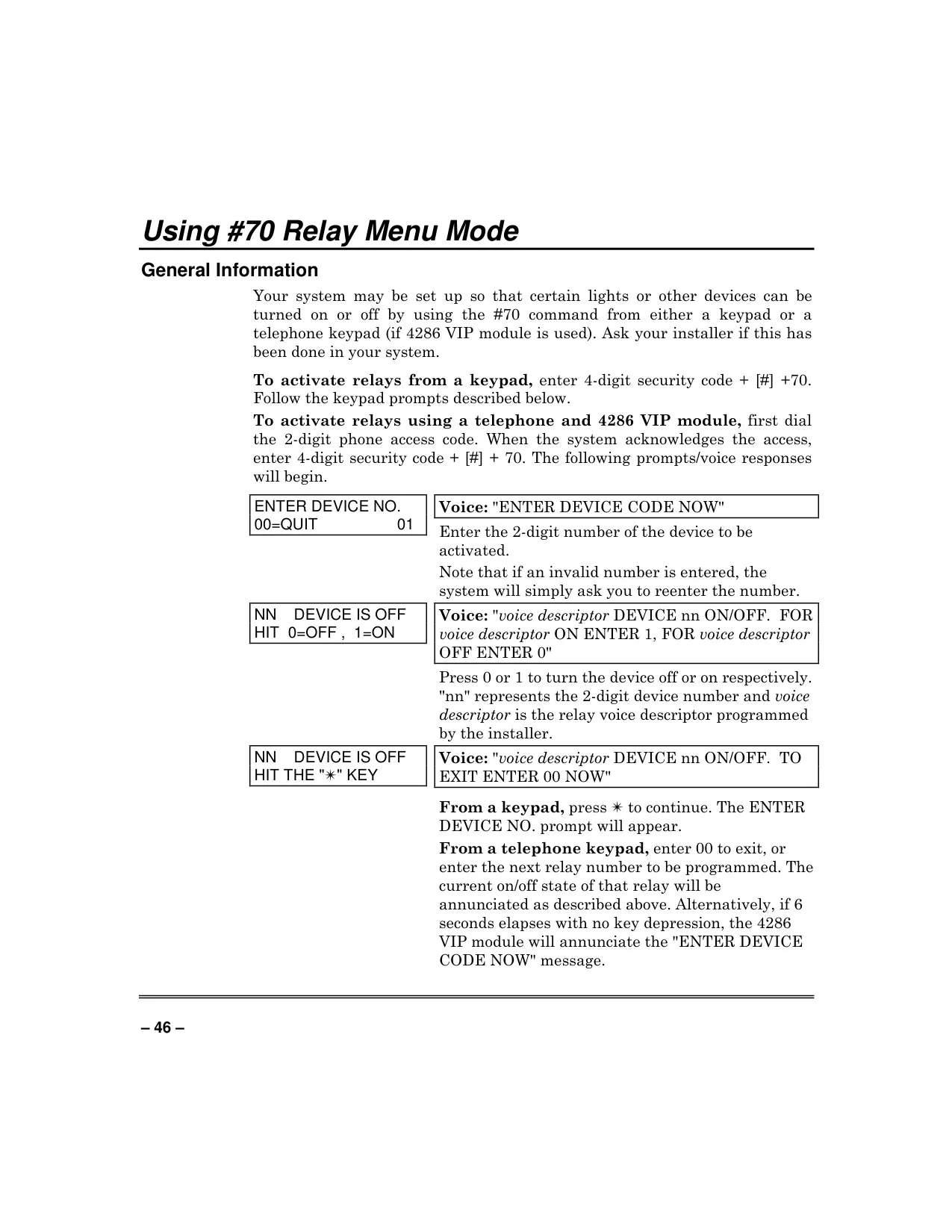
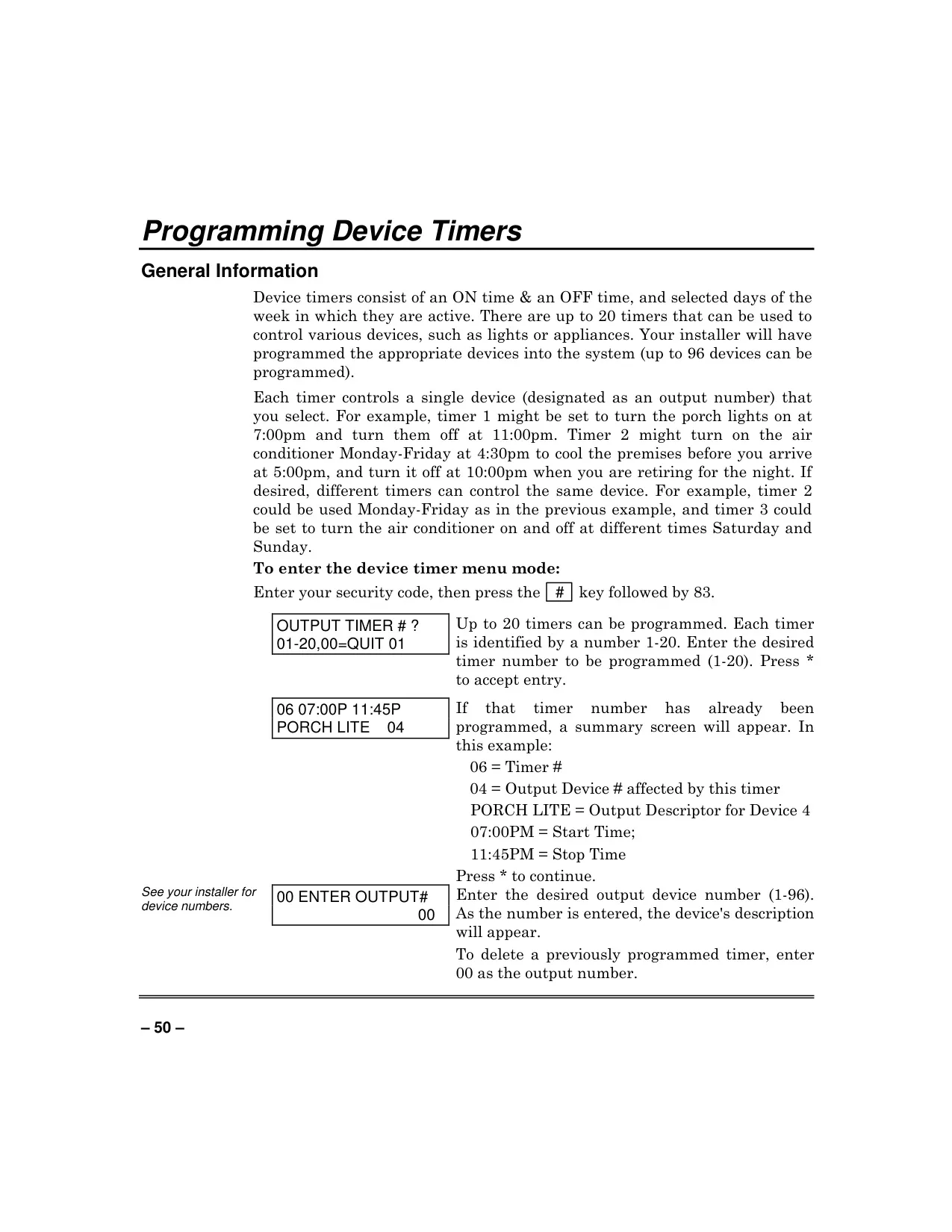
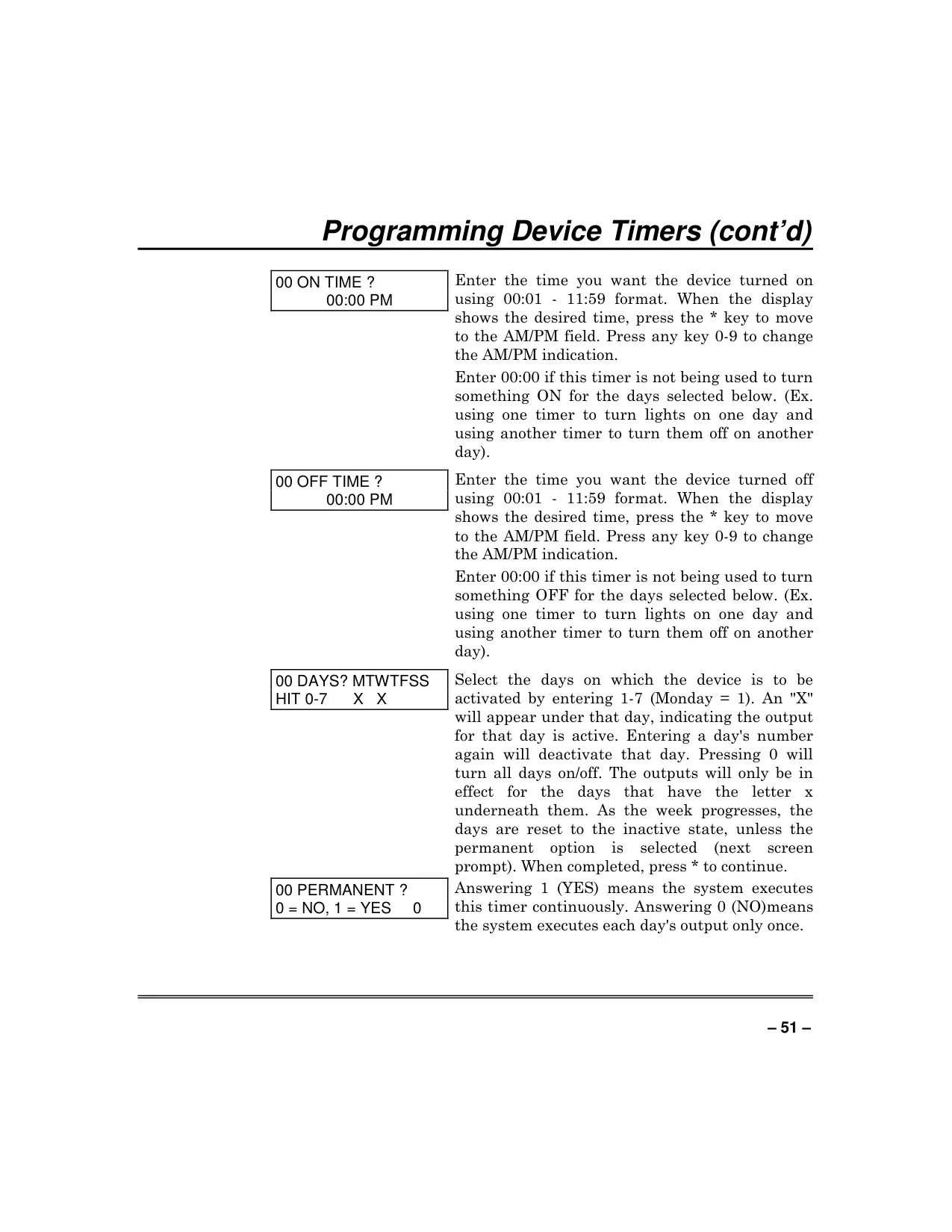
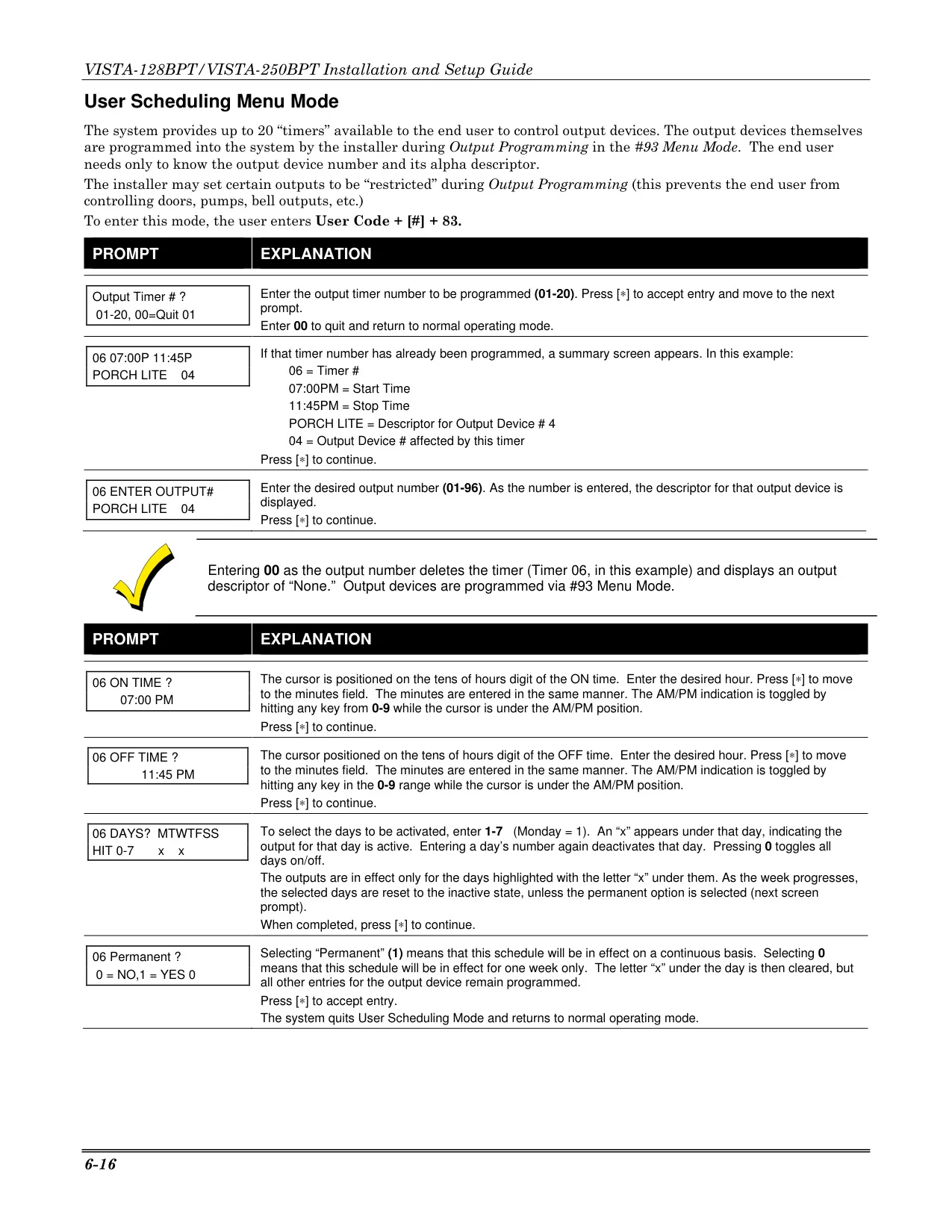
Beyond security, the Vista 128BPT supports up to 20 configurable device timers to control up to 96 lights or appliances. These timers allow for precise scheduling of device activation, including a randomization feature that turns devices on and off at varying times, creating a "lived-in" appearance for enhanced deterrence when the premises are vacant.
The system integrates crucial safety features such as Carbon Monoxide protection (with a 5800CO detector) and a Duress Code that silently notifies the central station in threatening situations. It also includes panic keys for instant activation of Silent, Audible, Personal, or Fire alarms, ensuring immediate response in various emergencies.
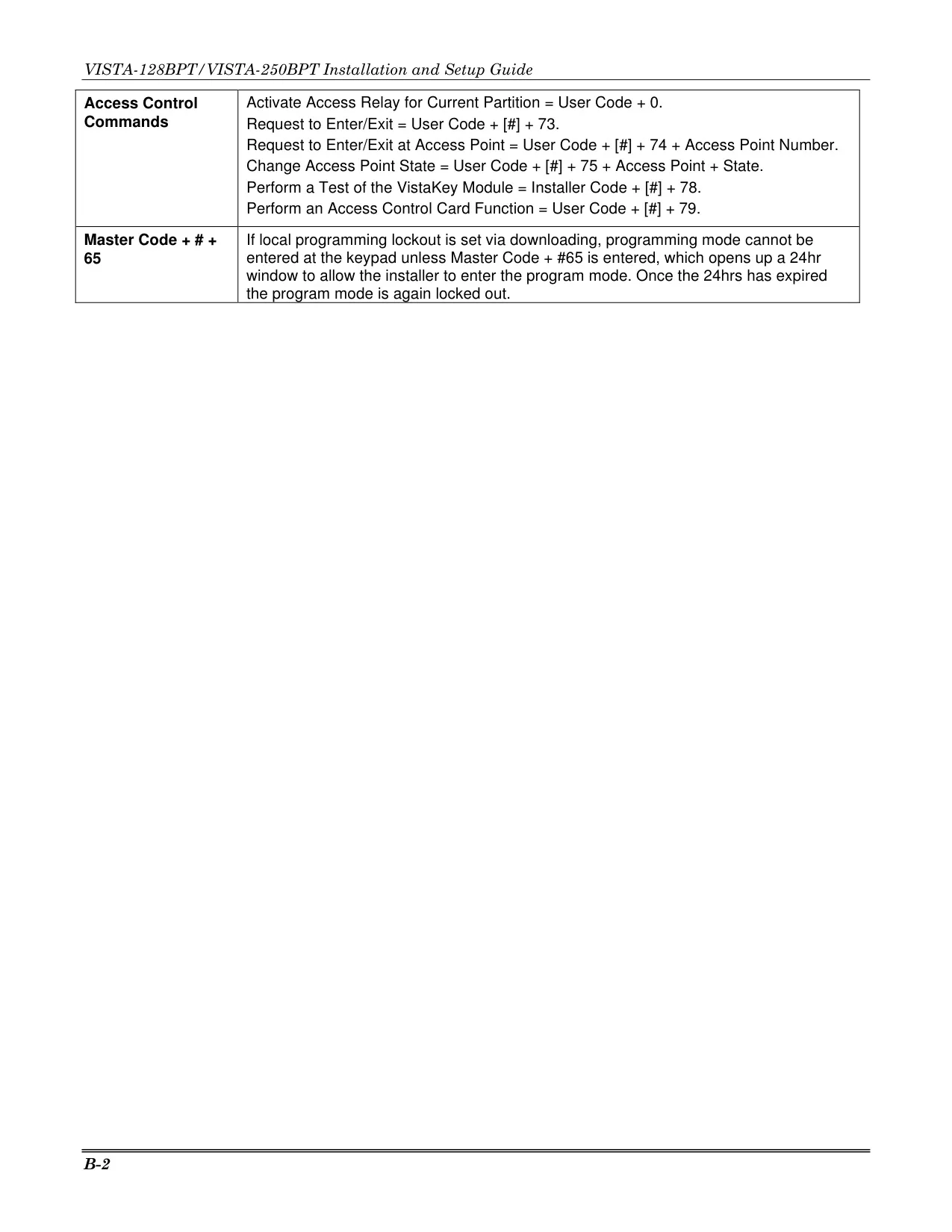
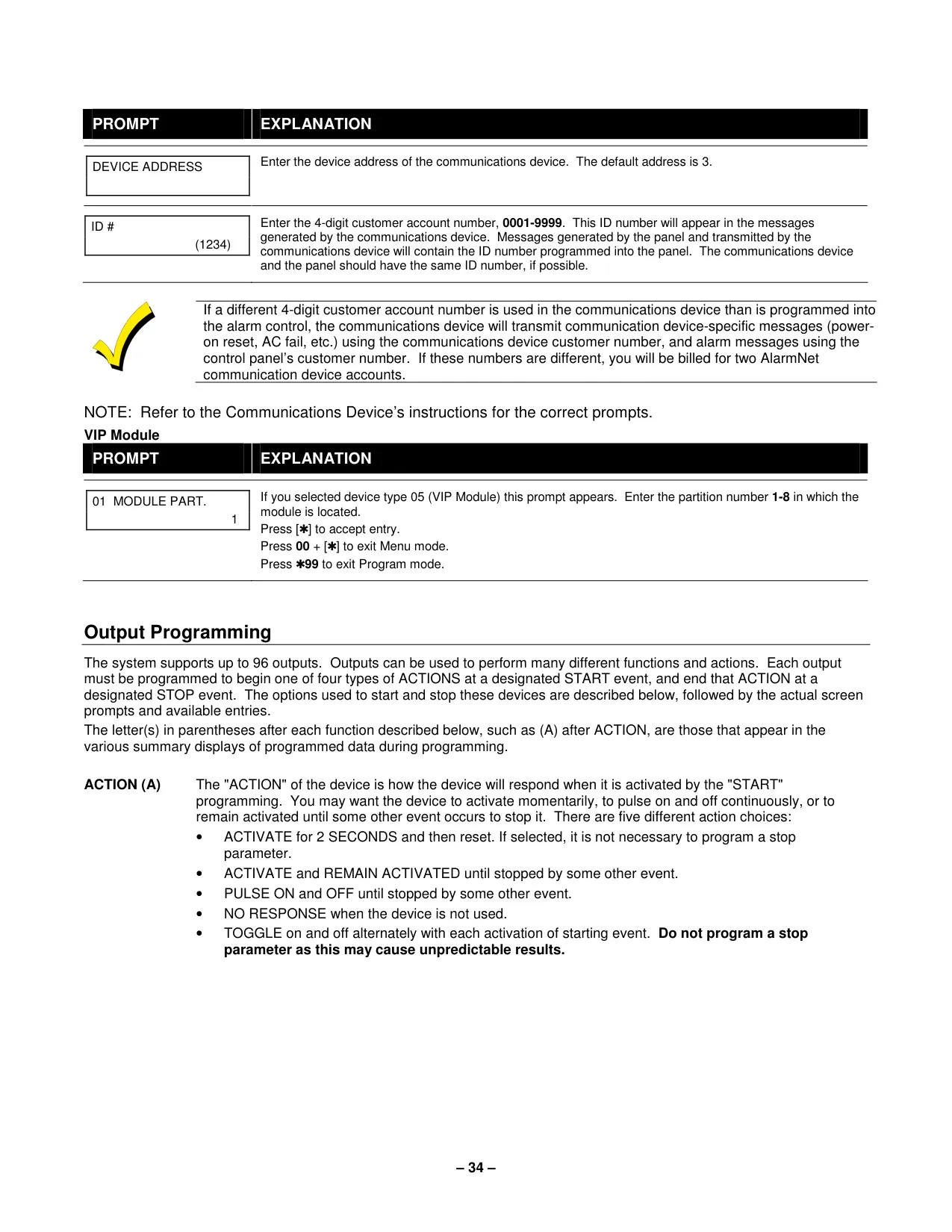
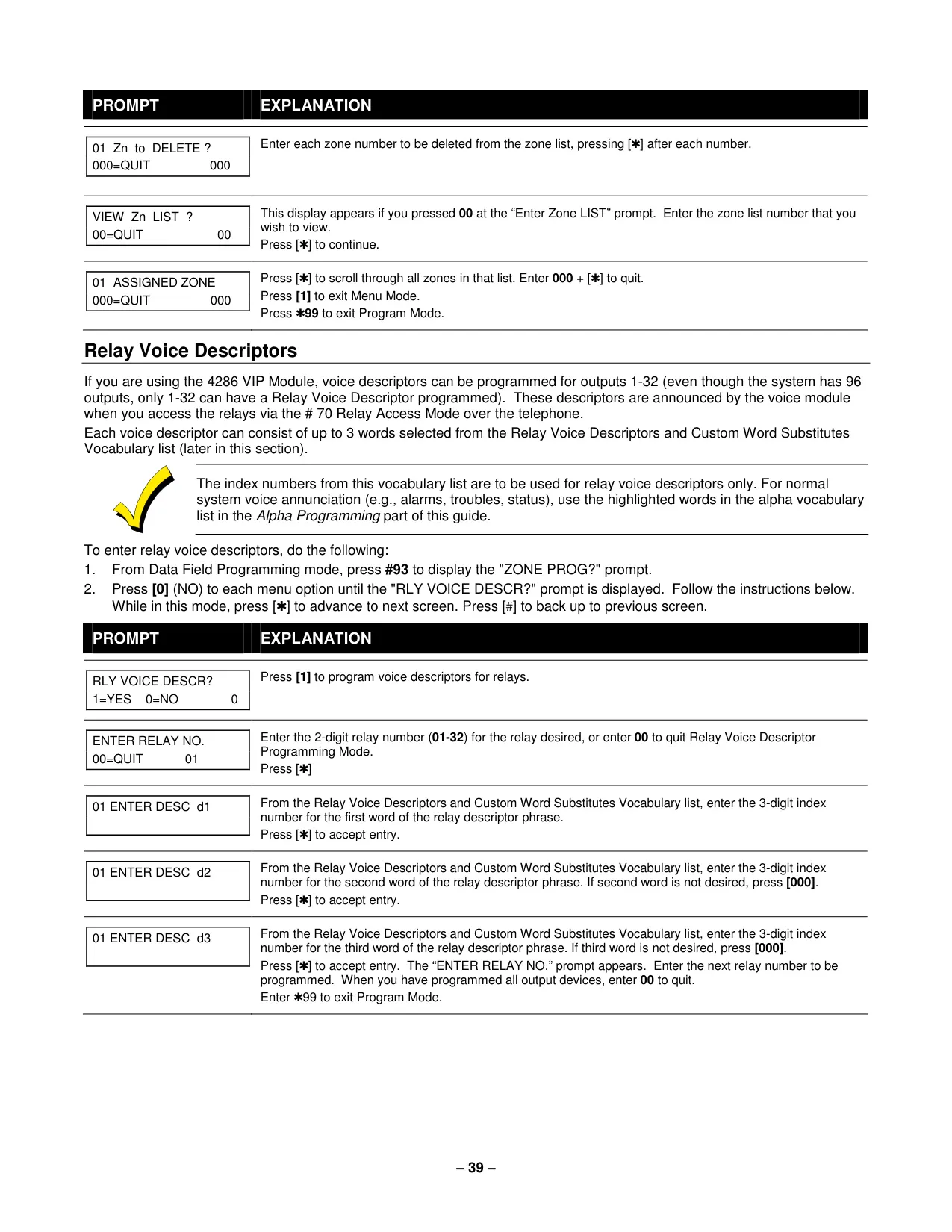
For off-site management, the optional 4286 VIP module enables phone access and voice response capability. Users can dial into the system via a touch-tone phone to receive voice messages about system status, arm/disarm the system, and control connected devices, all with voice confirmation, providing convenient remote control and monitoring.
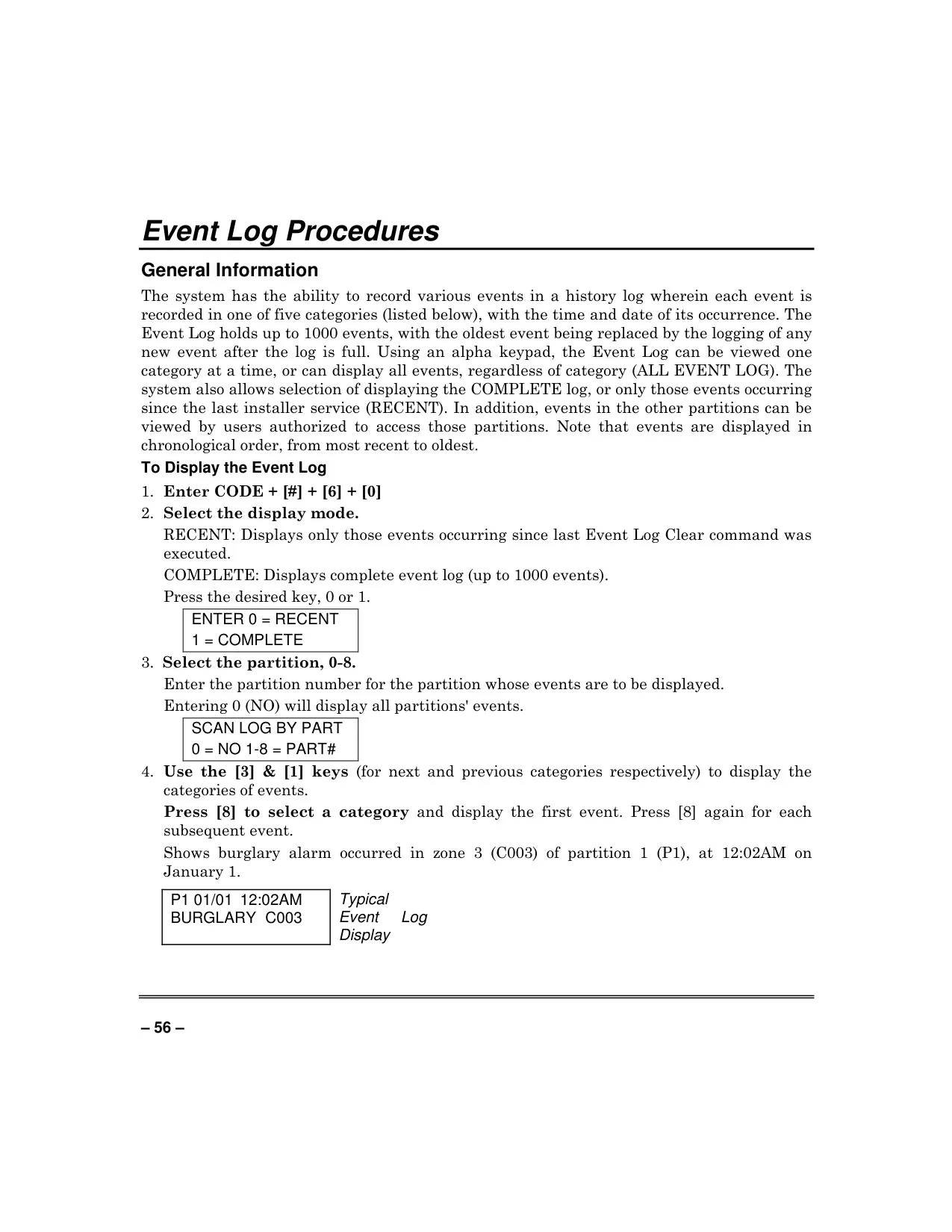
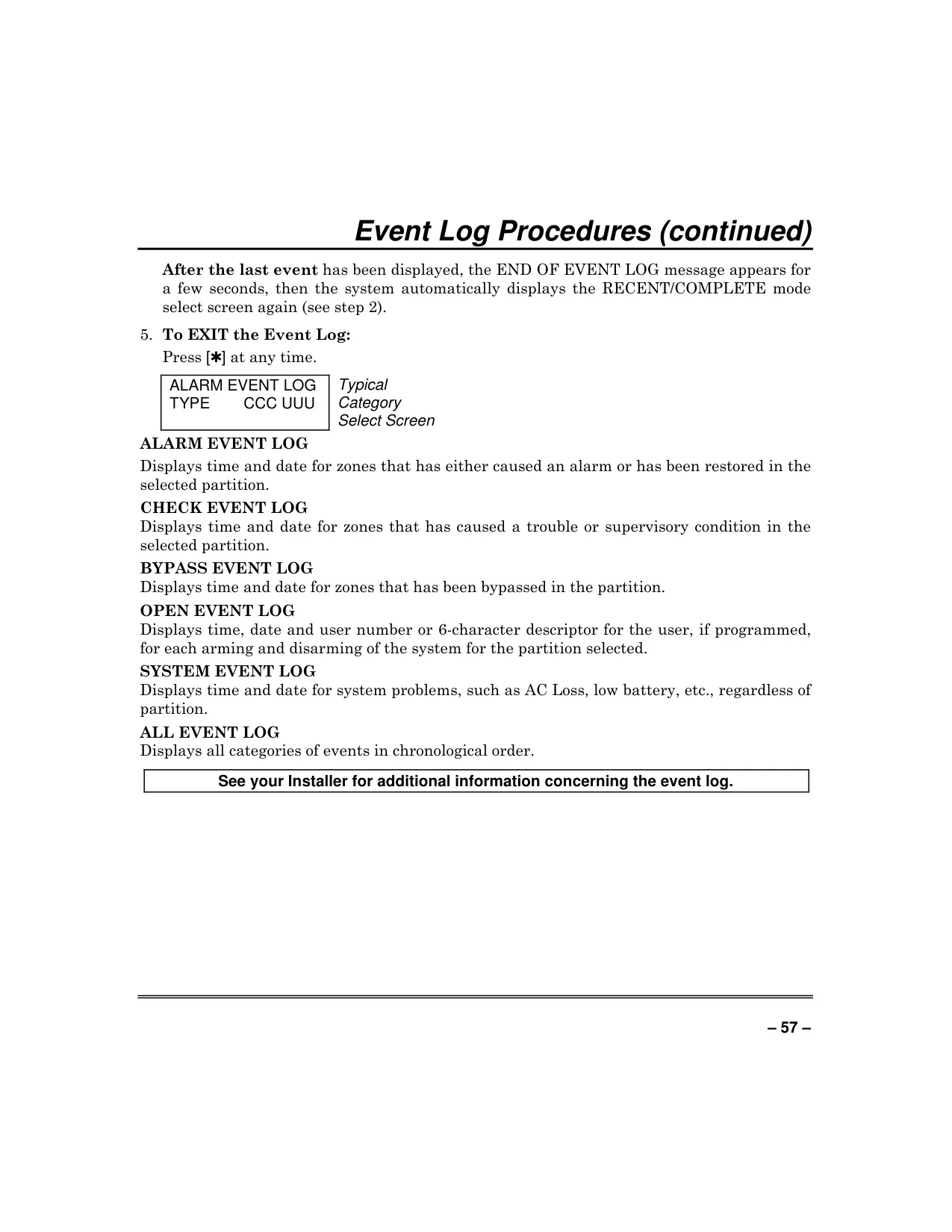
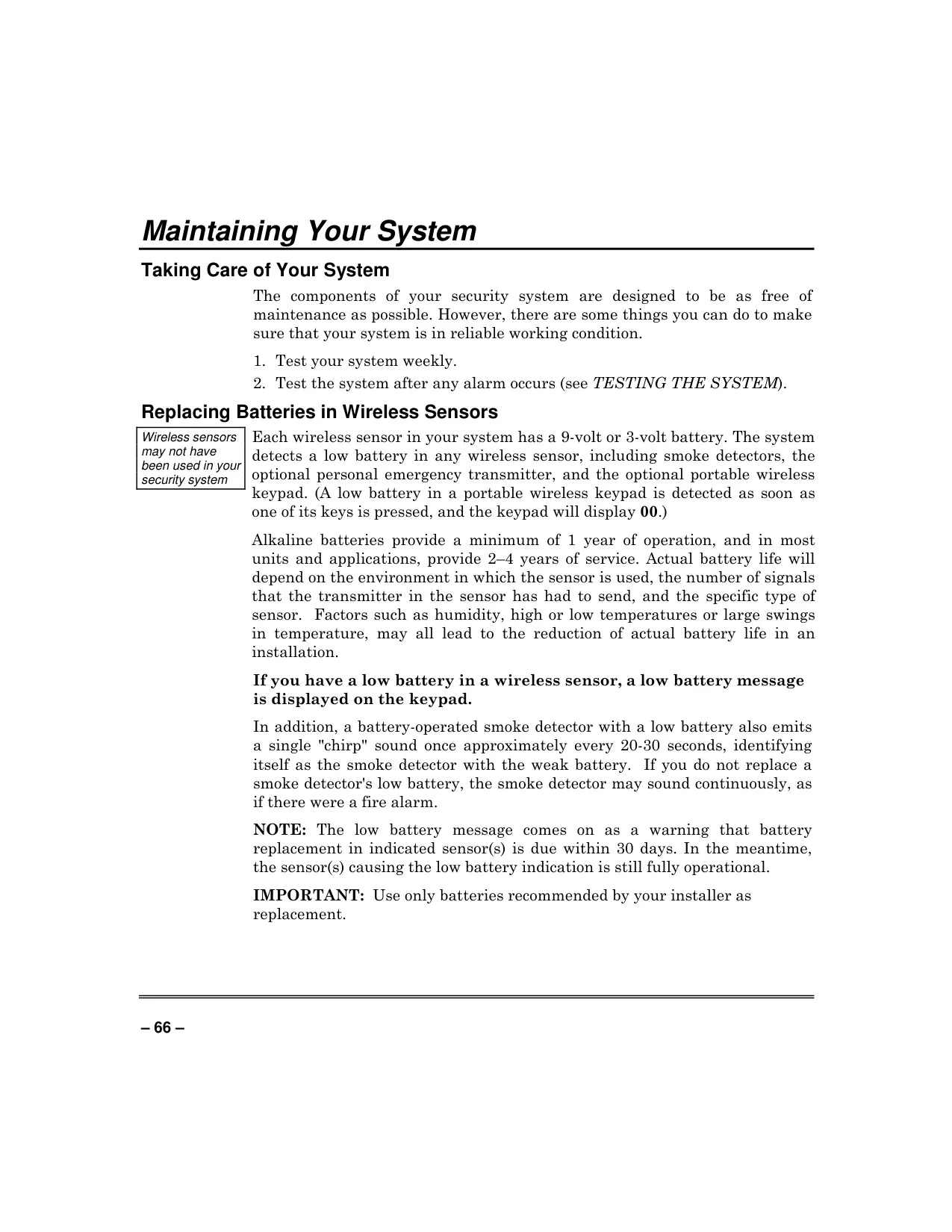
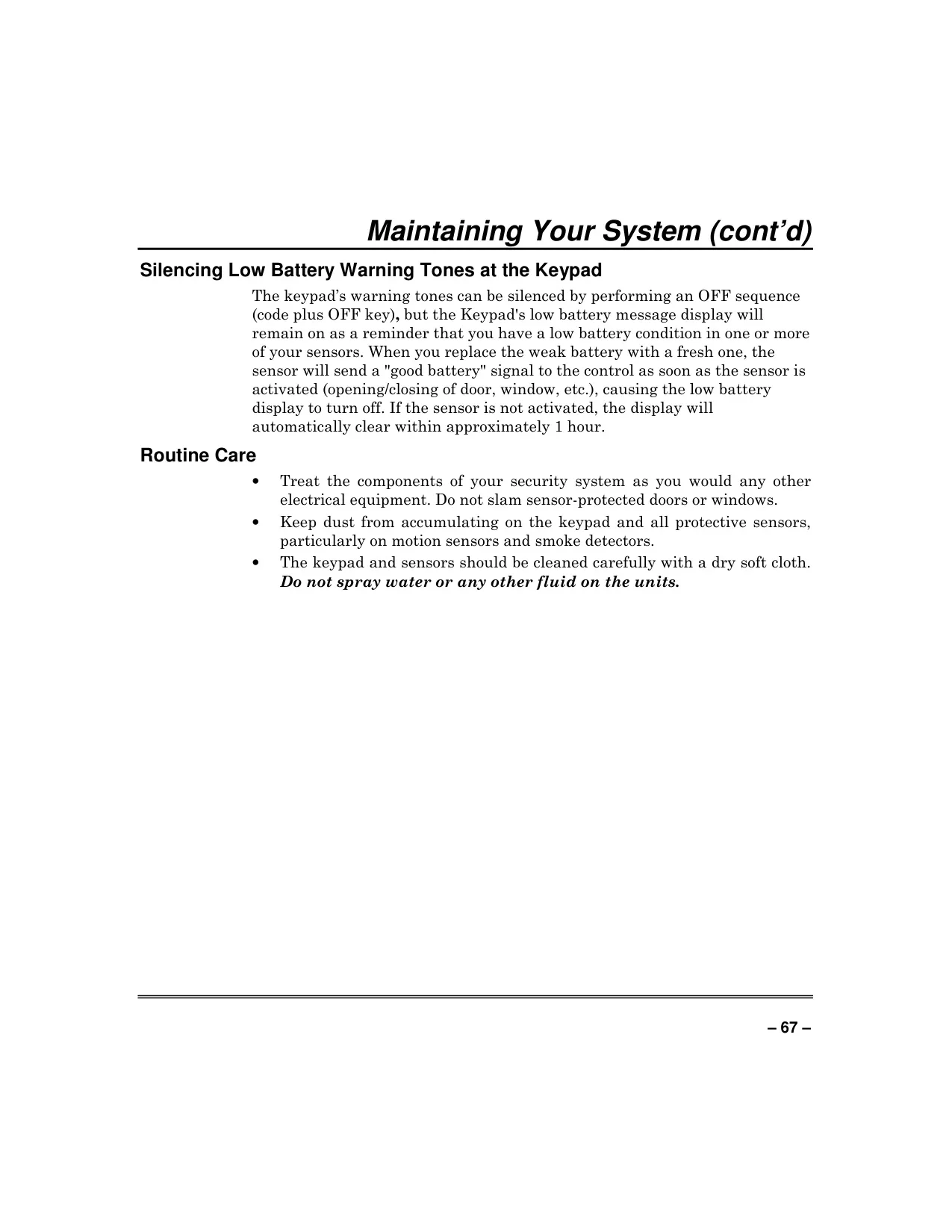
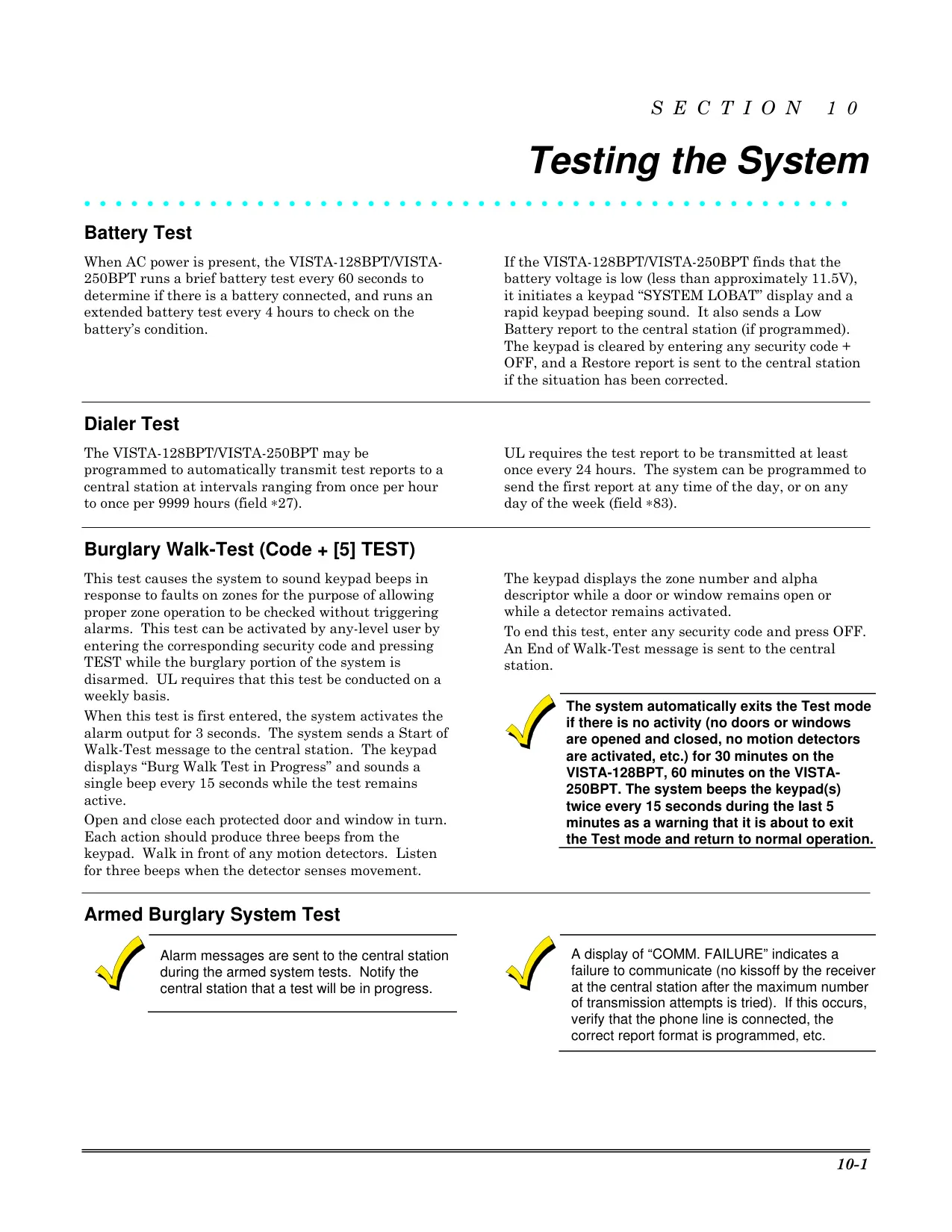
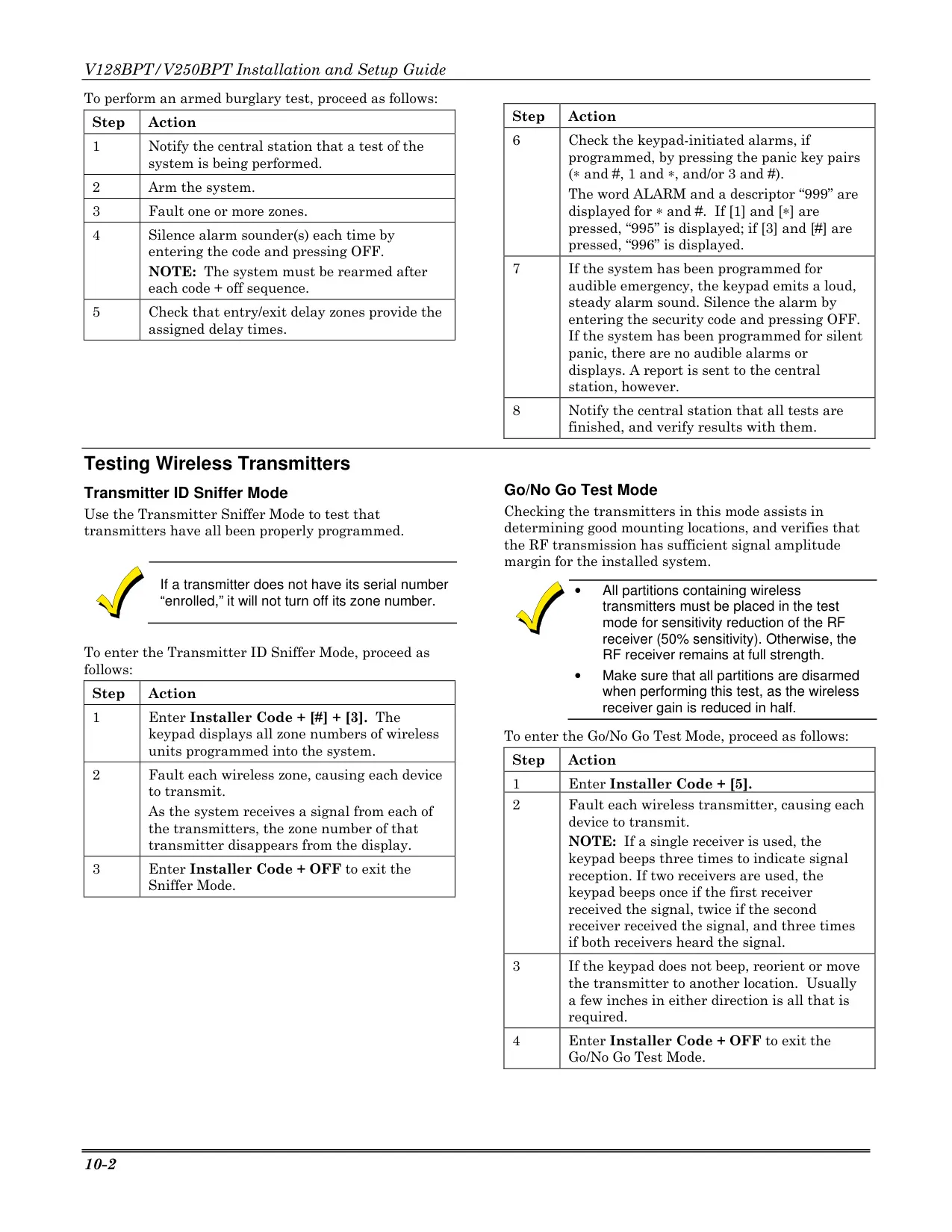
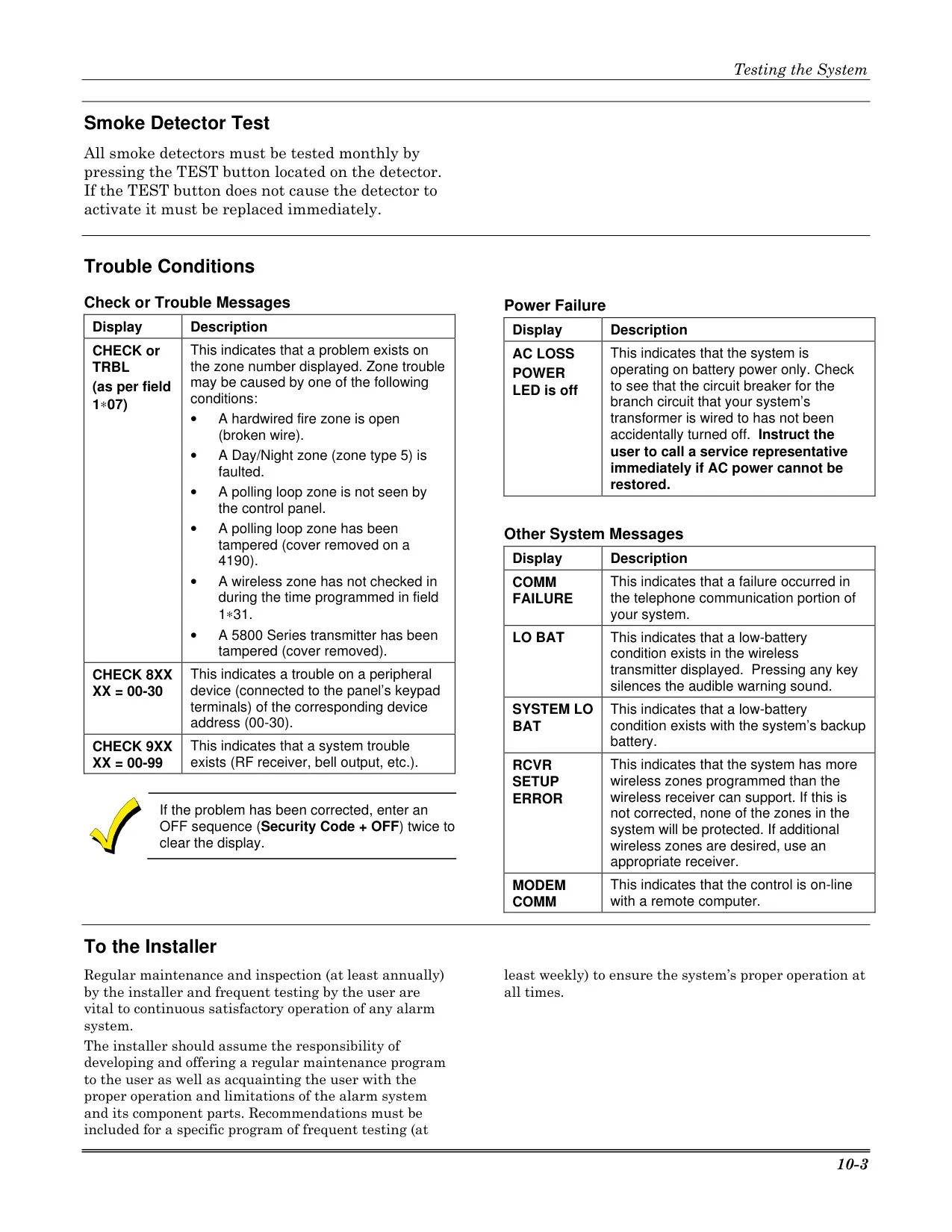
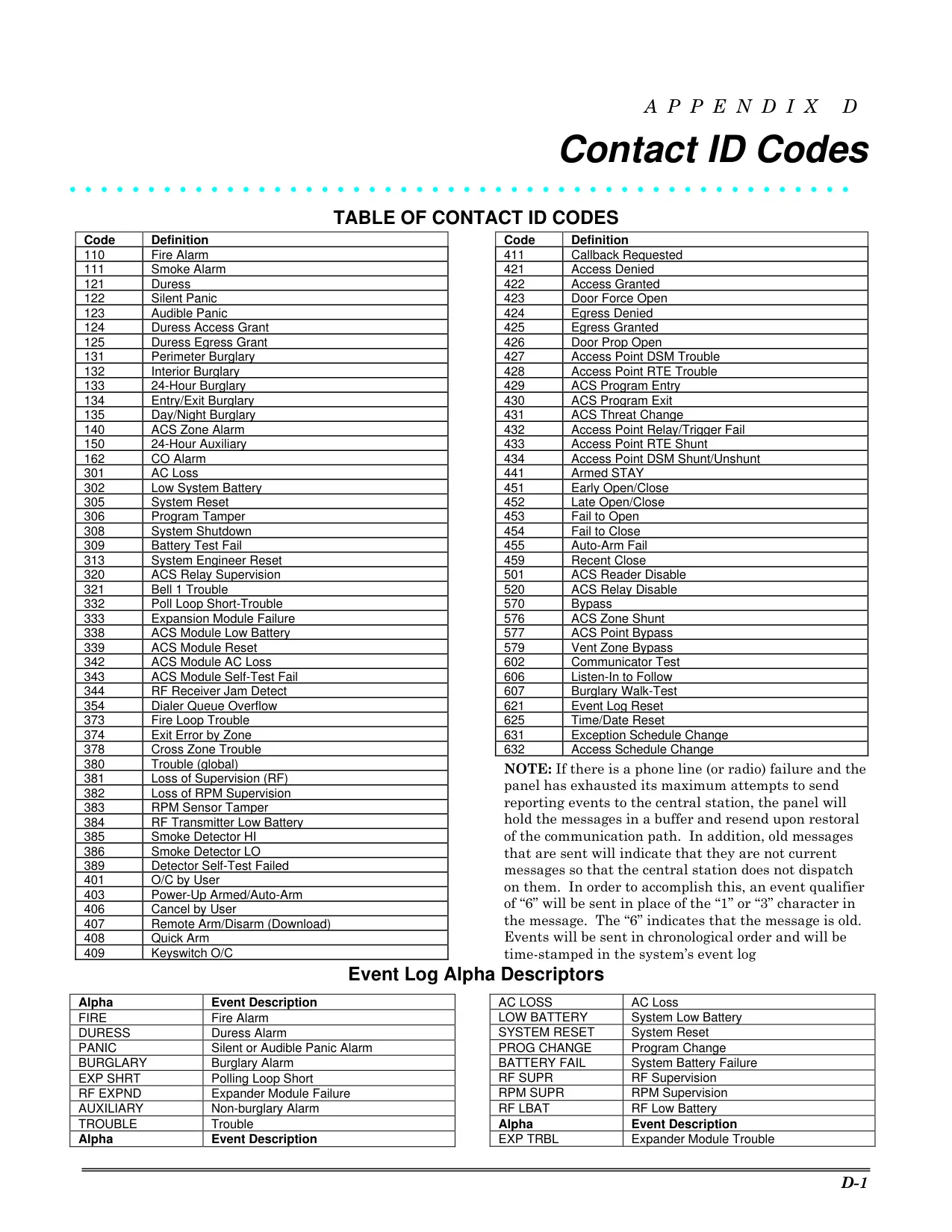
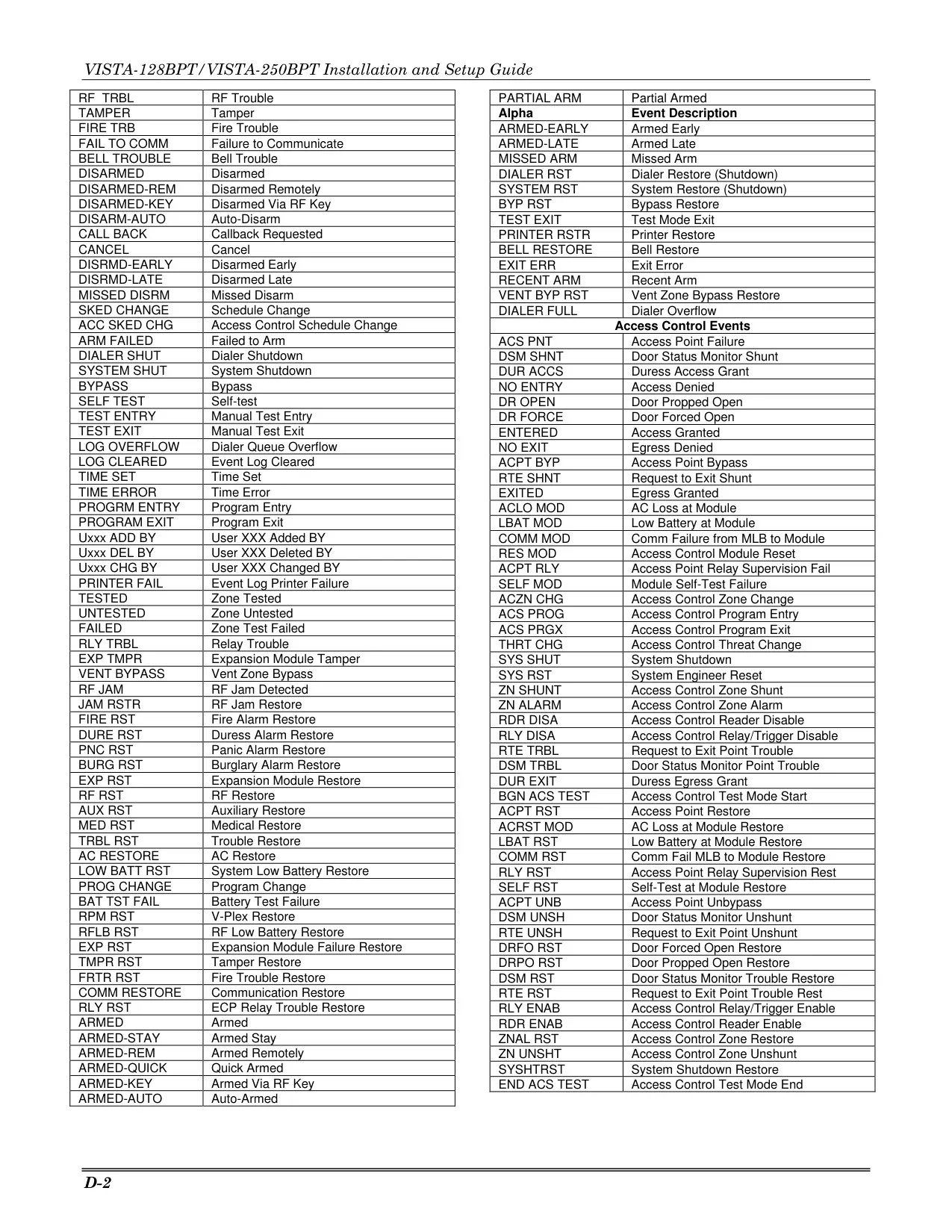
The system also includes essential troubleshooting and maintenance features. It records up to 512 events in a detailed history log, viewable by category and date/time. Comprehensive trouble displays alert users to issues like low batteries in wireless sensors or system components, phone line cuts, and AC power loss, guiding them to appropriate action or service calls.
Frequently Asked Questions (FAQs)
Can't find the answer you need? Here are some frequently asked questions about the Honeywell Vista 128BPT Security System, and we answer them below.