Honeywell Vista 40 Security System Instruction Manual
Honeywell Vista 40 Security System

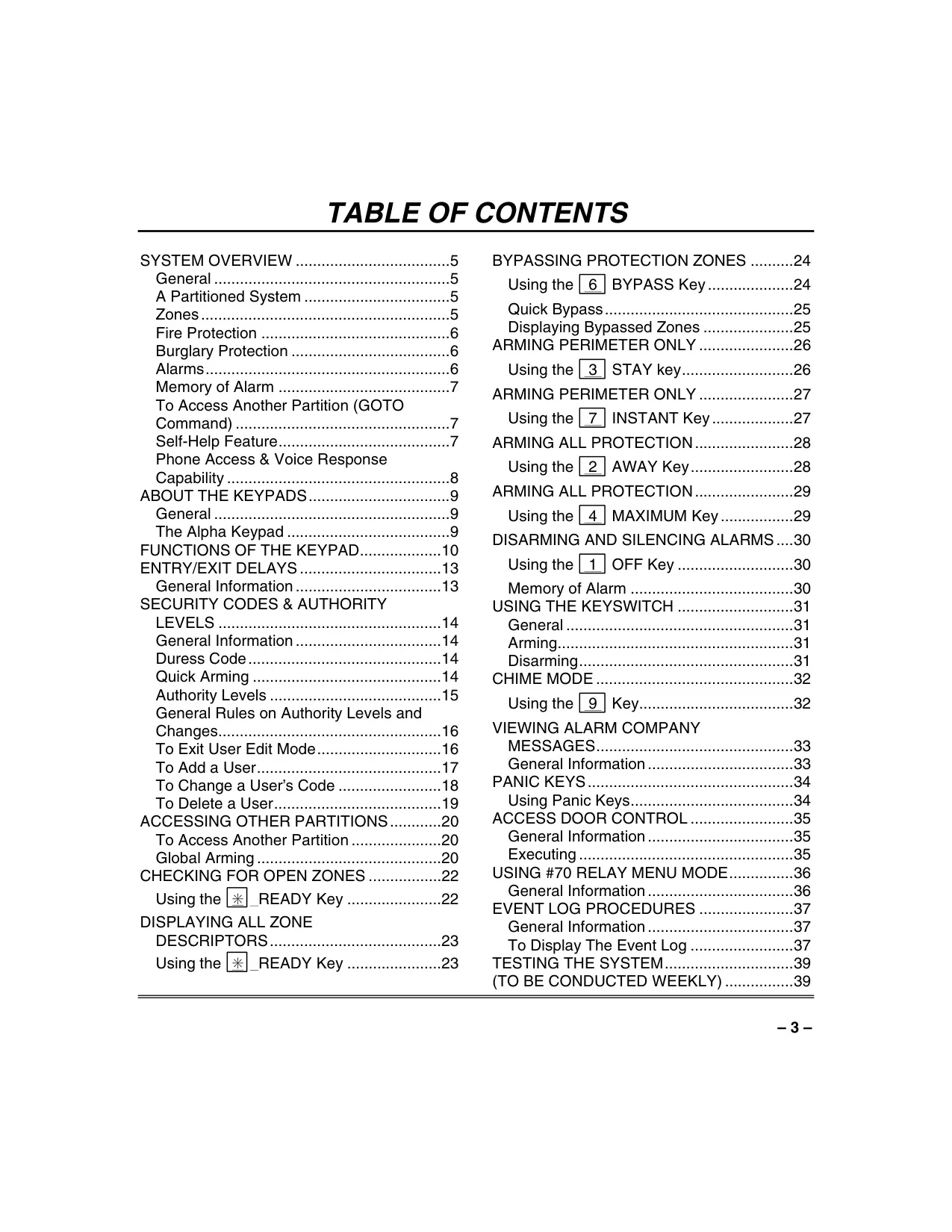

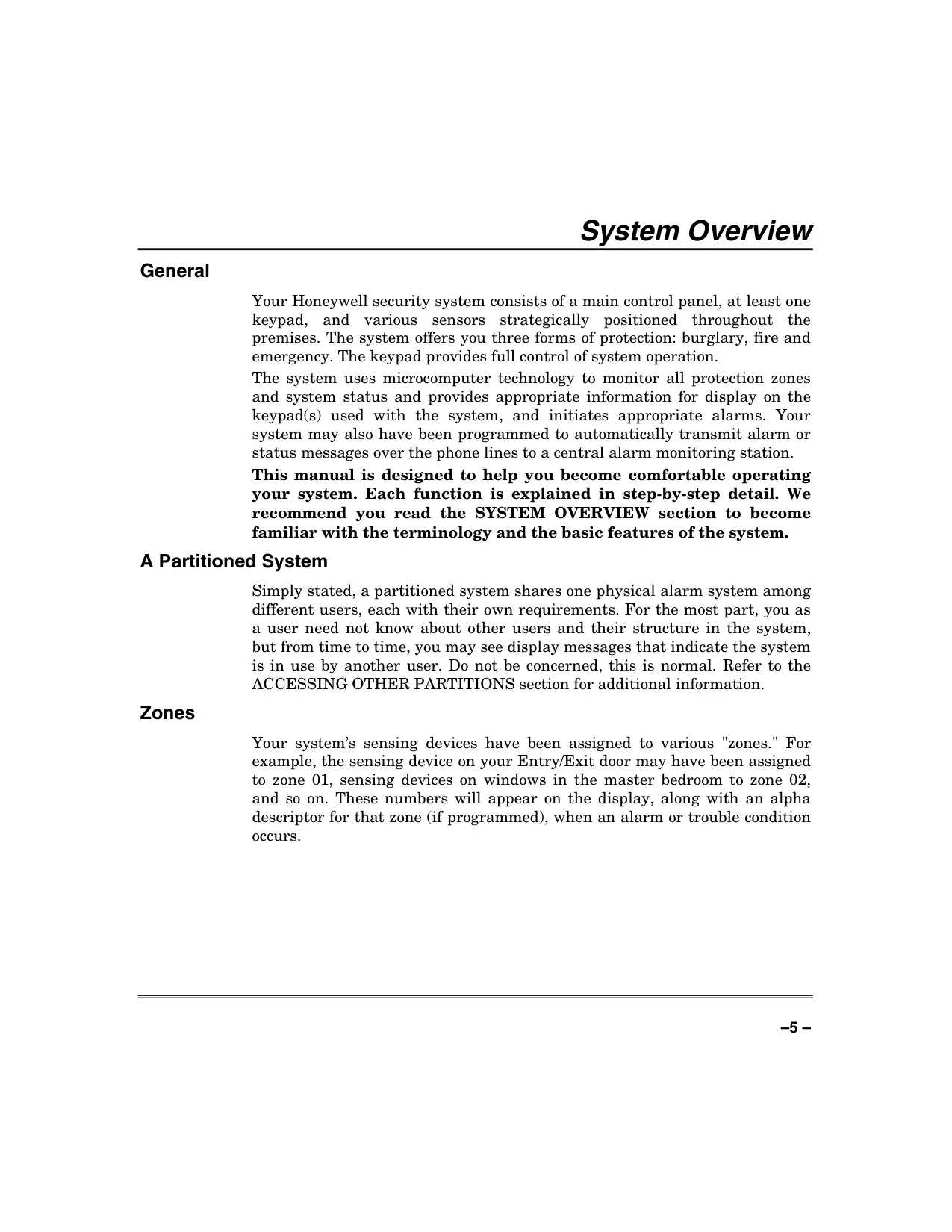
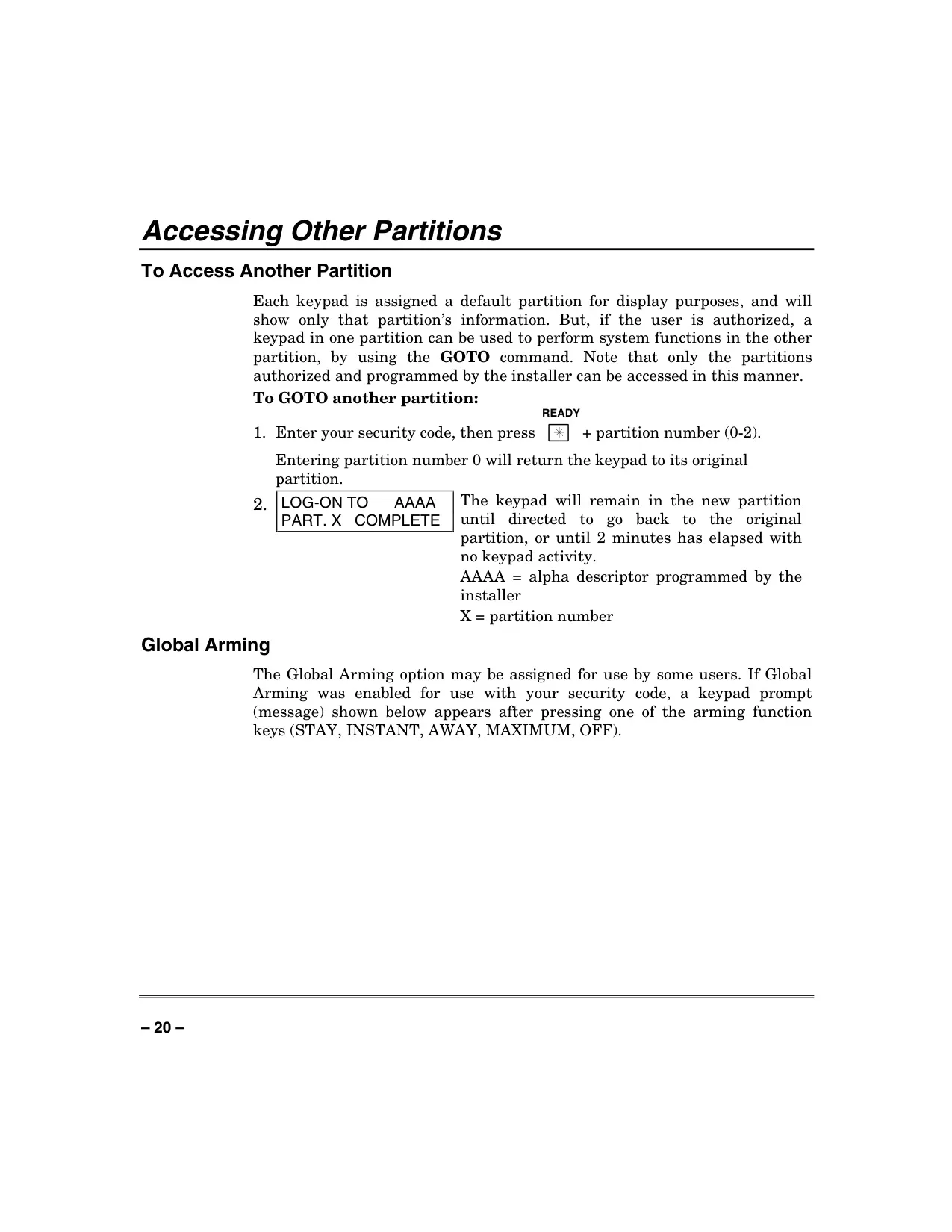
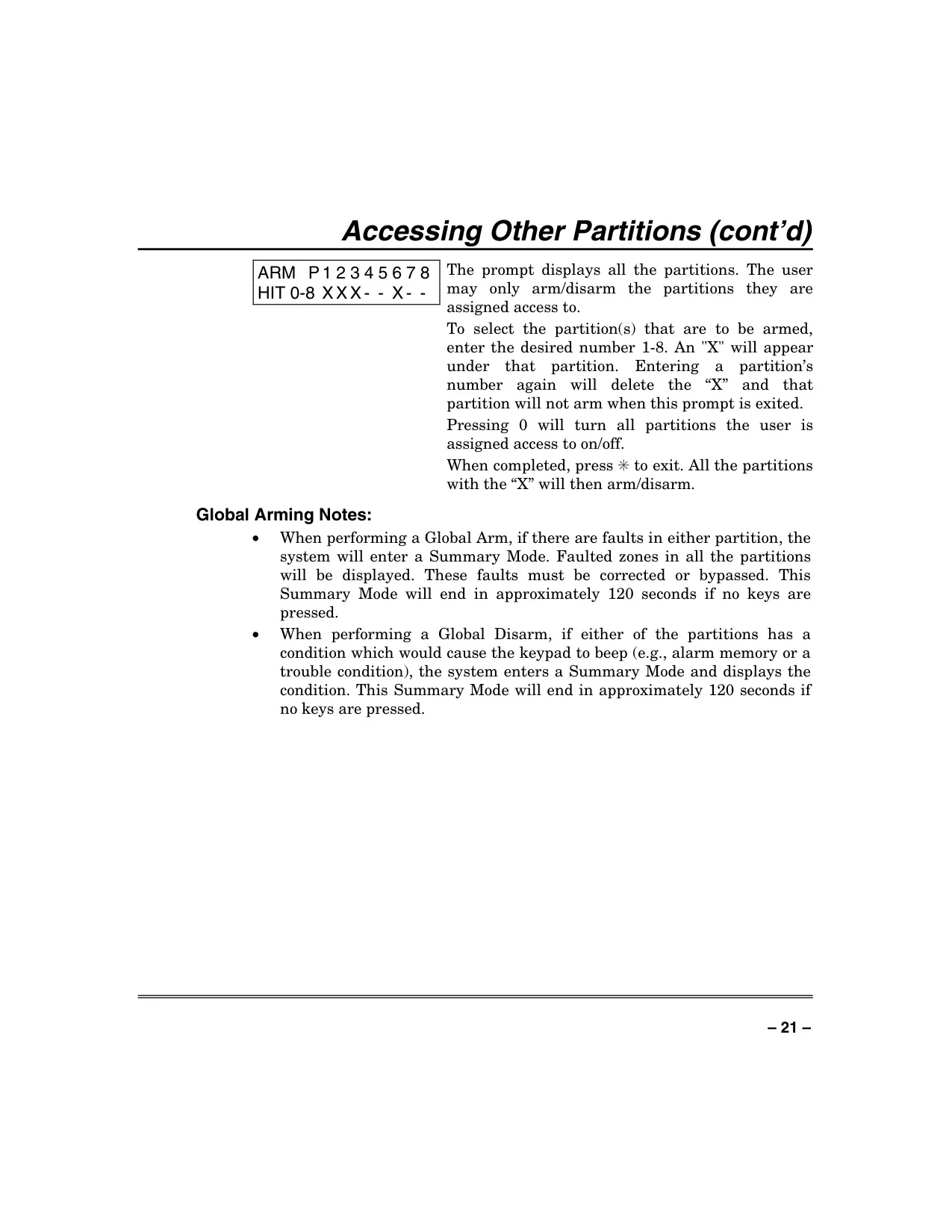
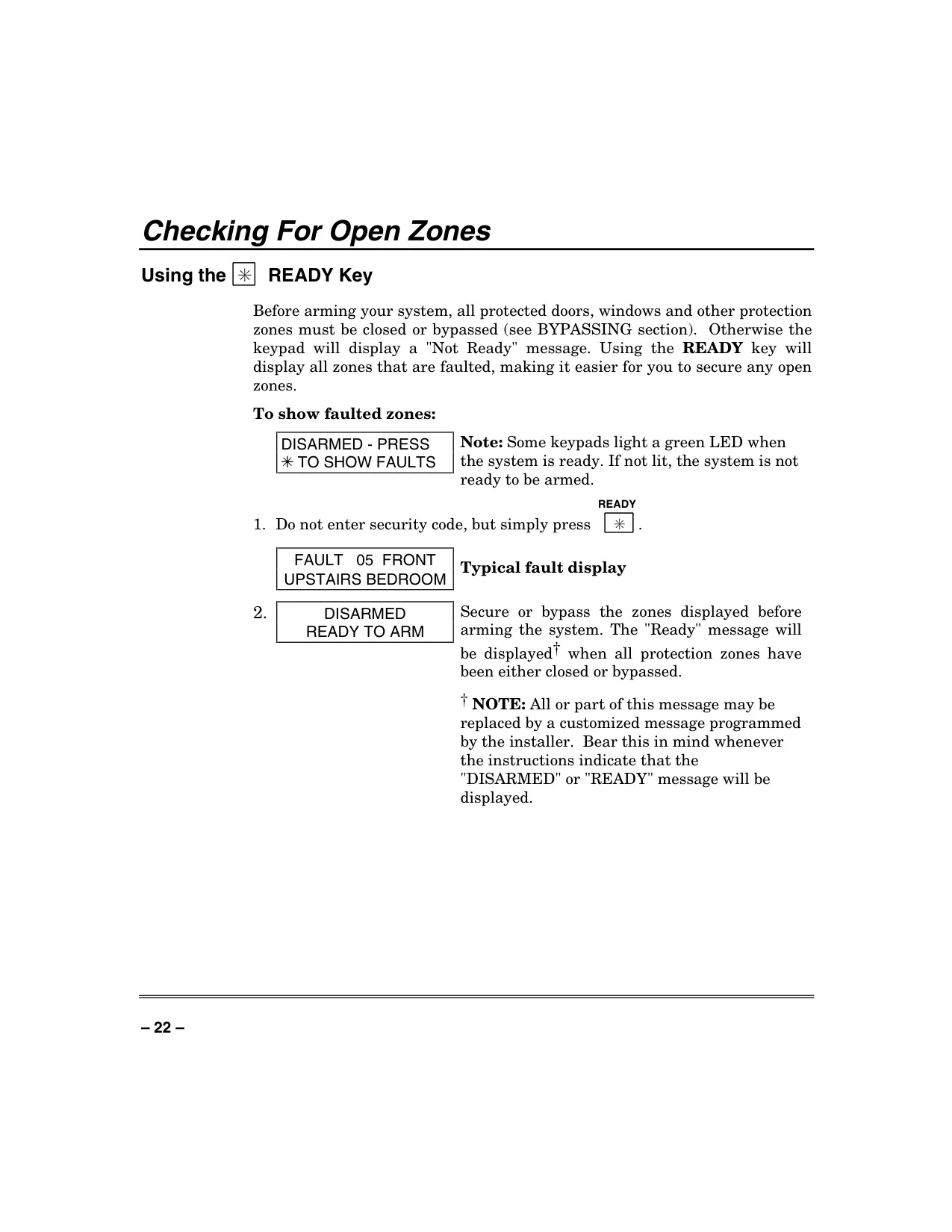
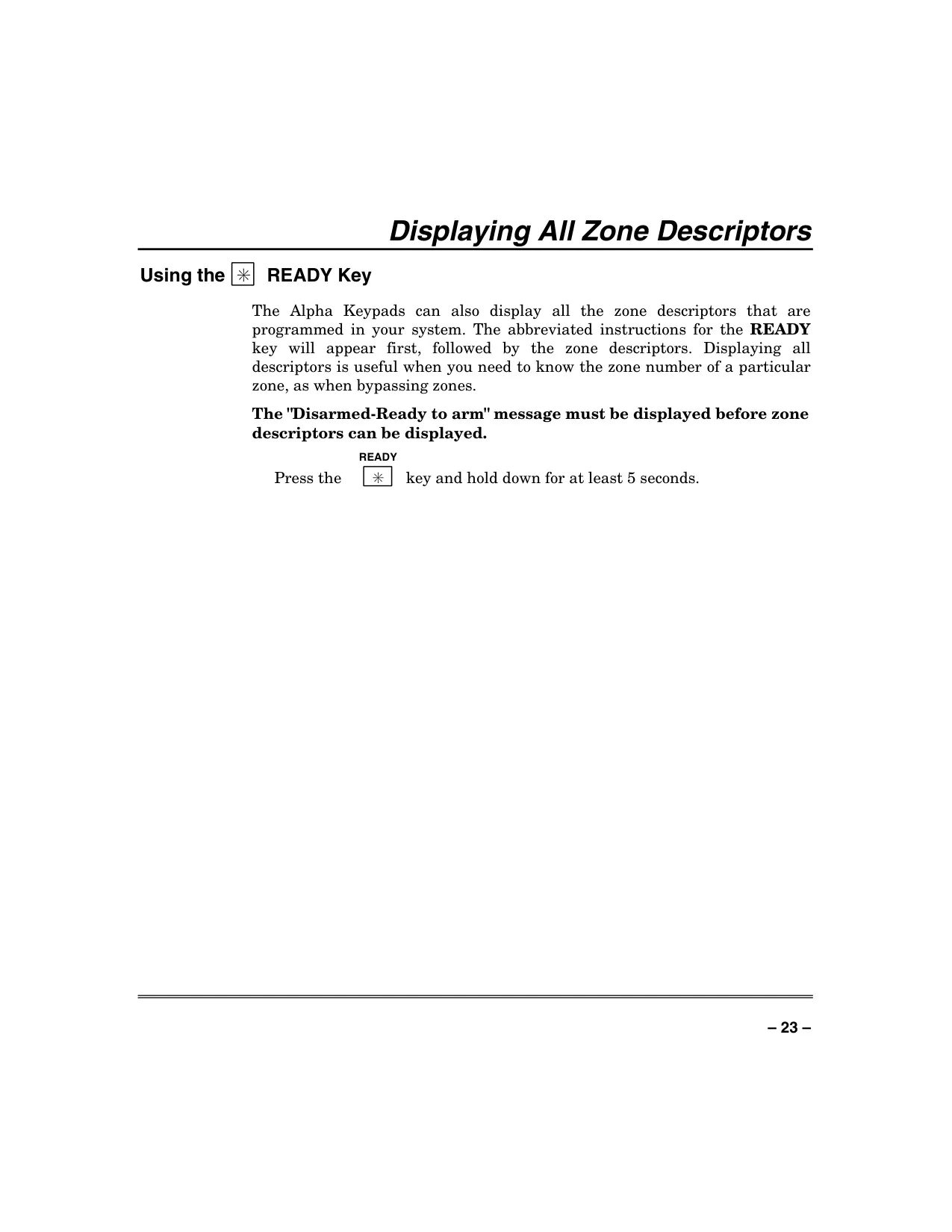
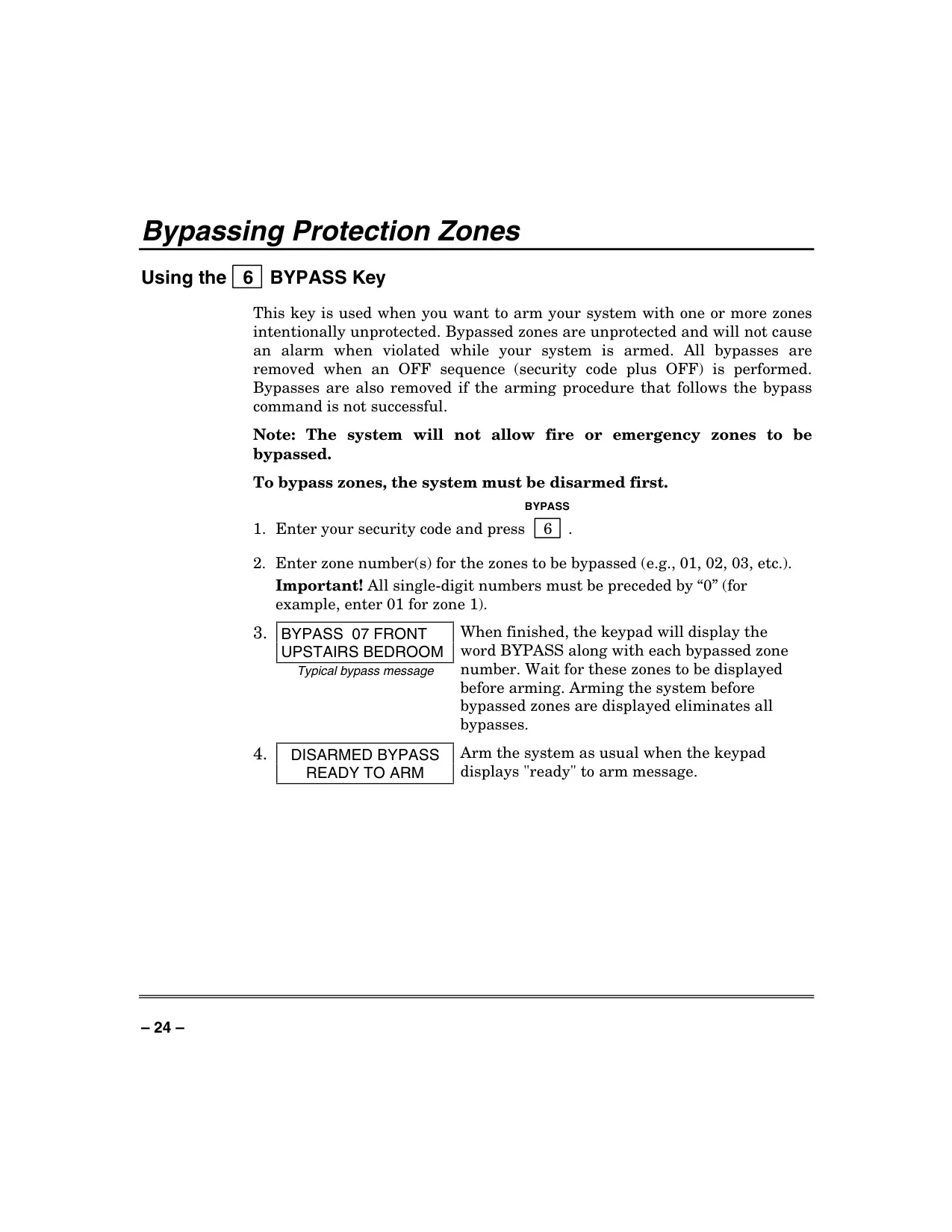
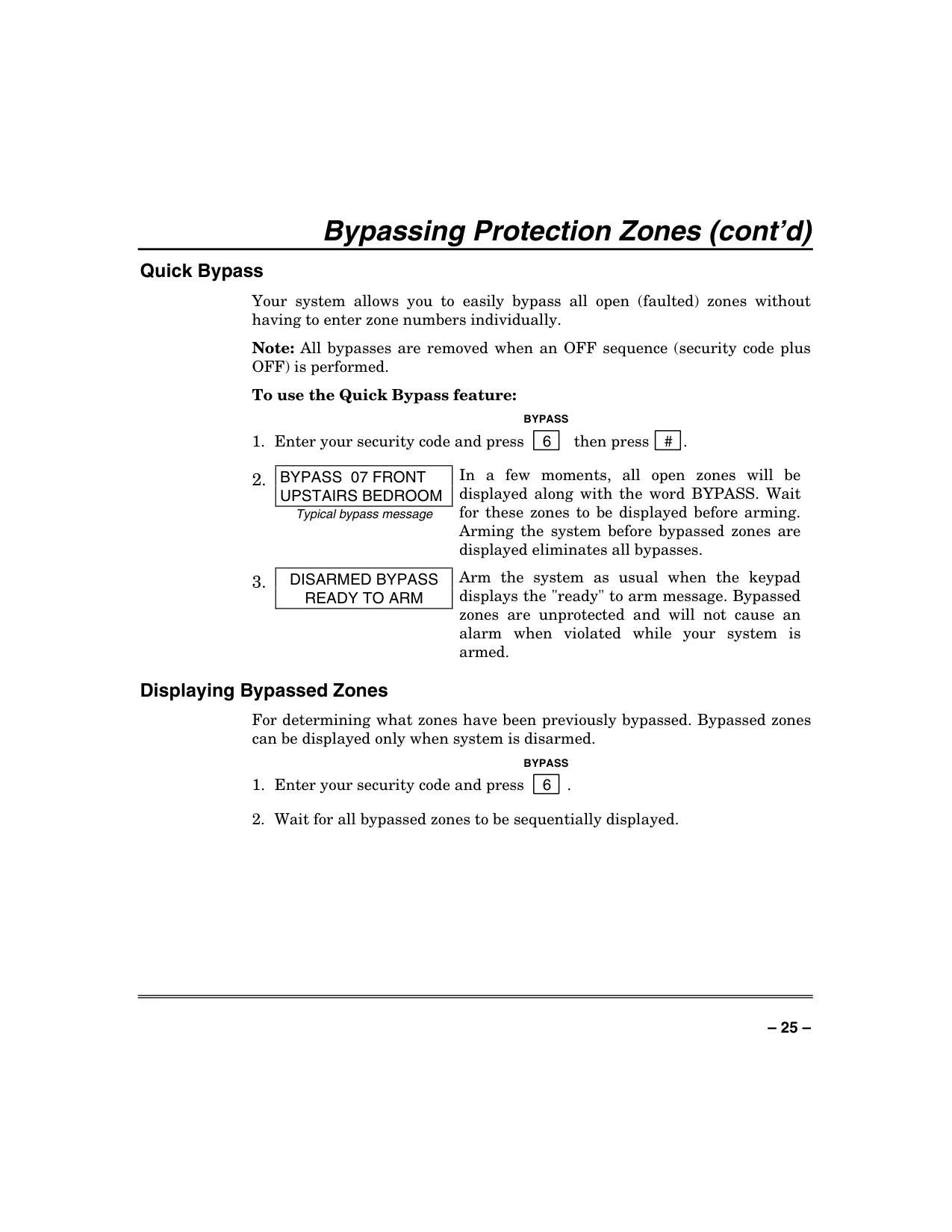
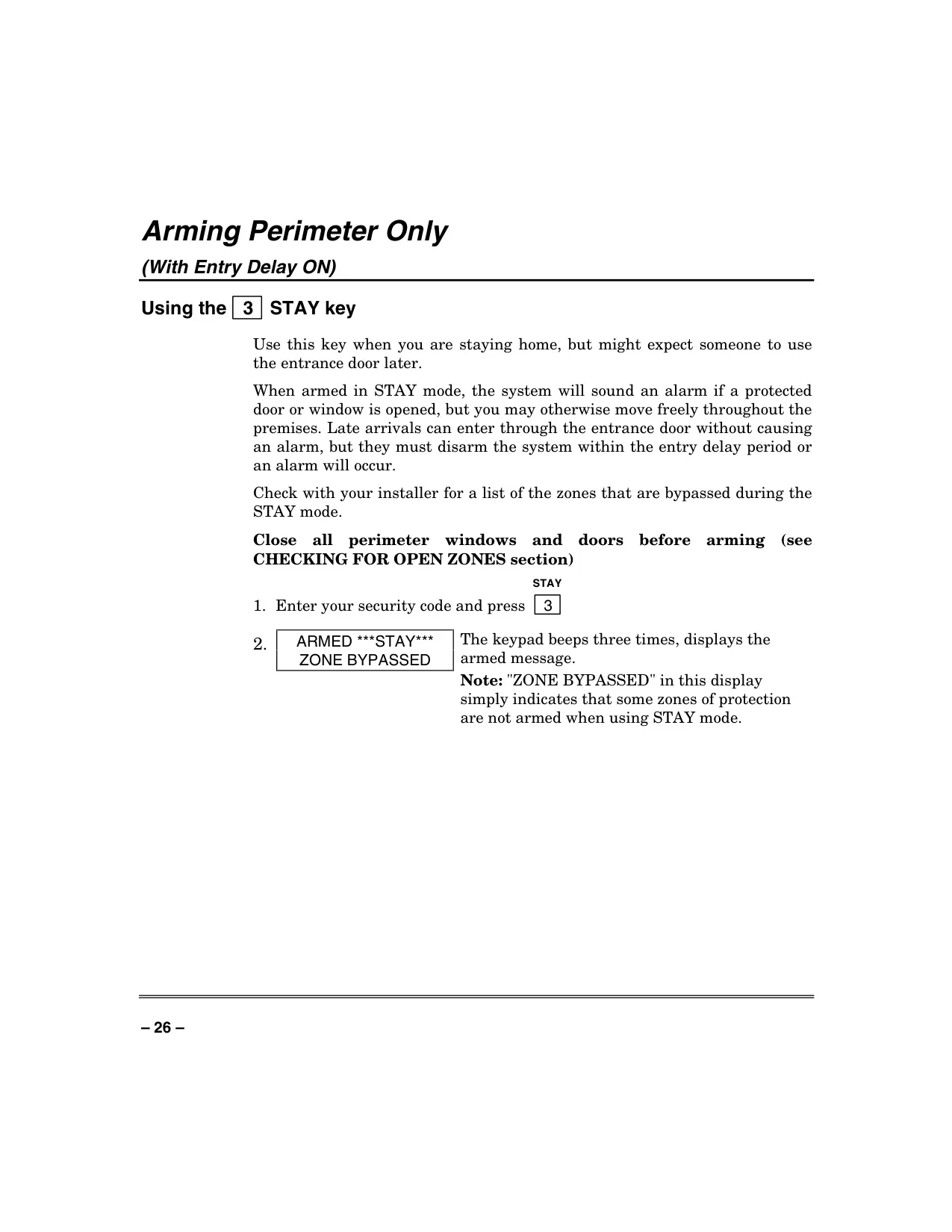
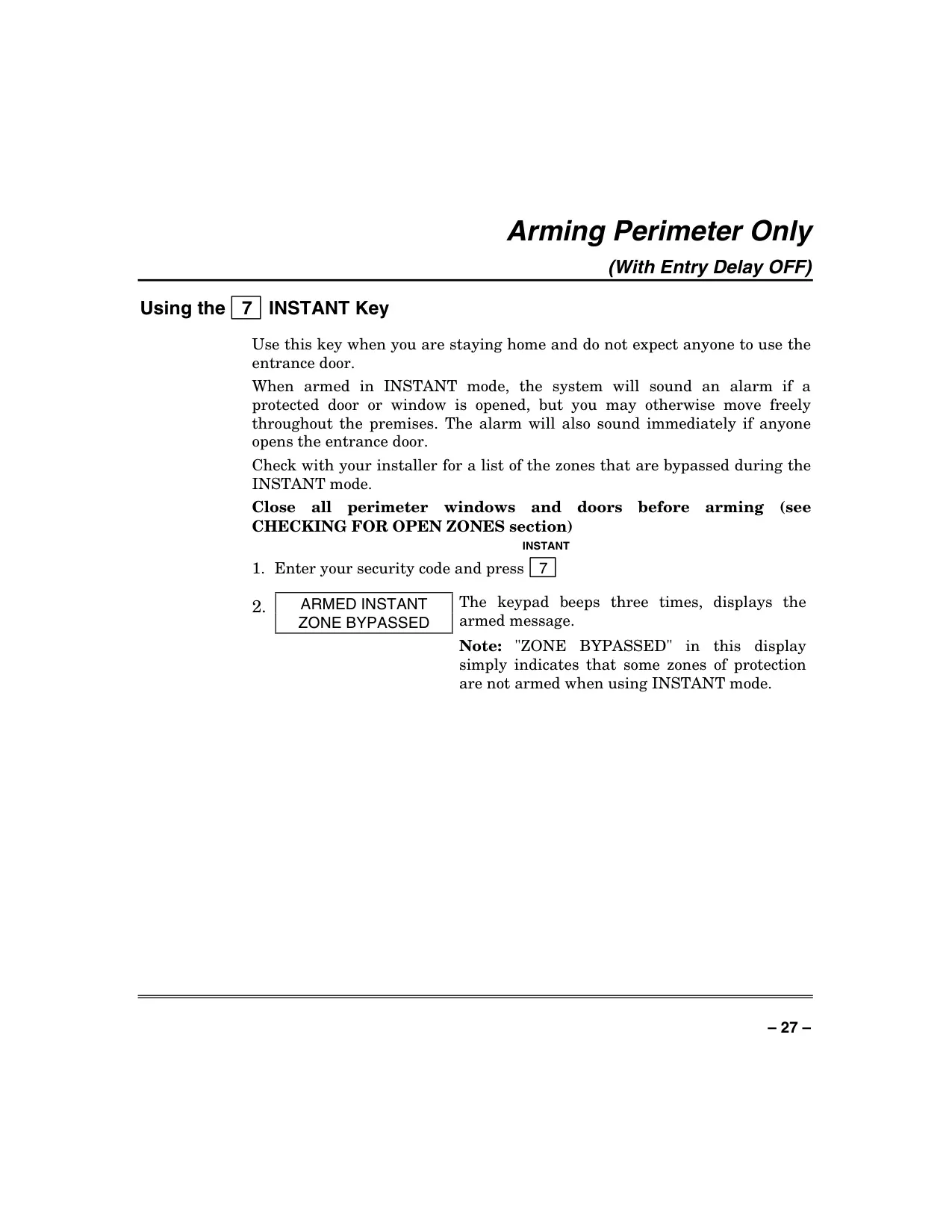


Honeywell Vista 40 Security System
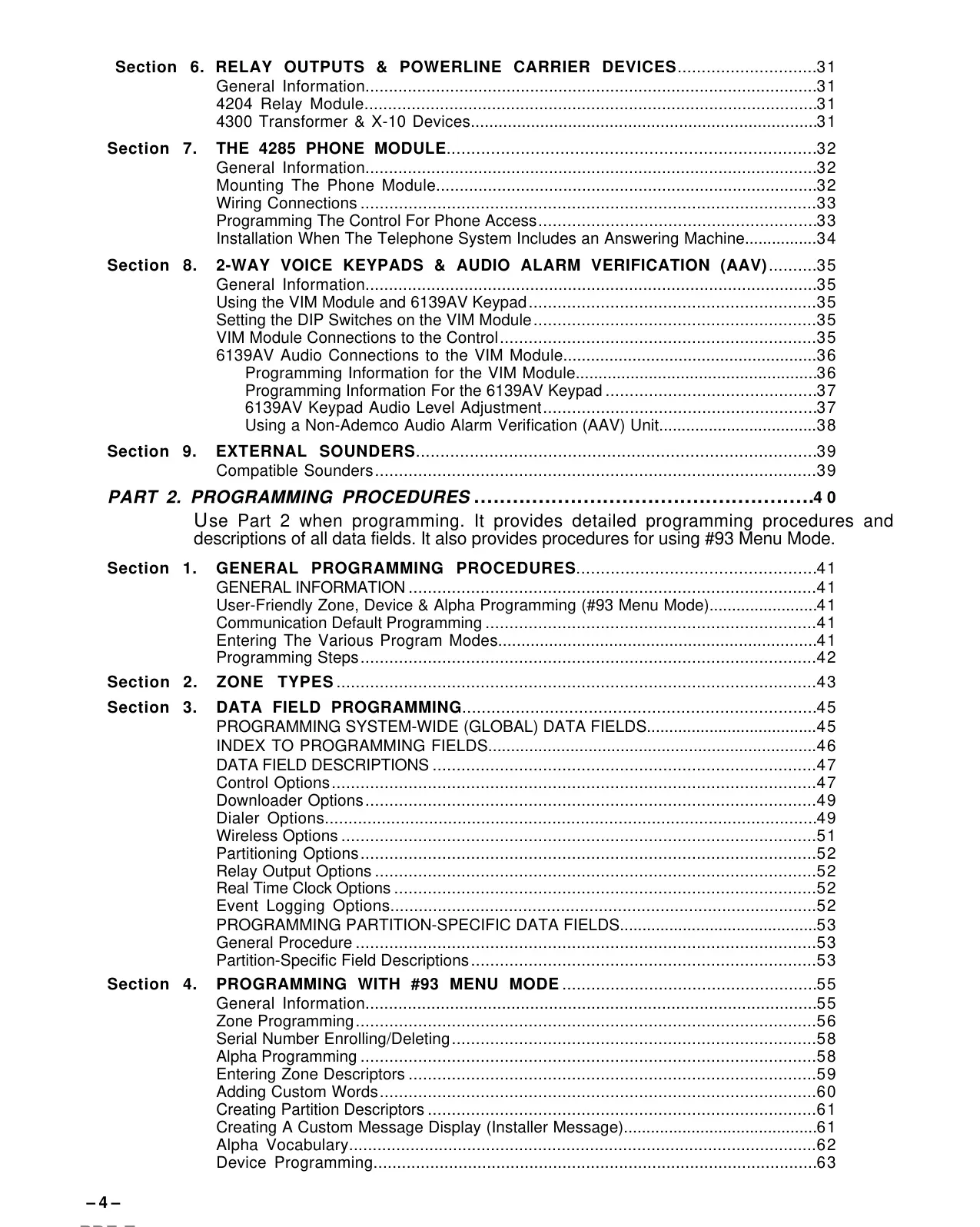
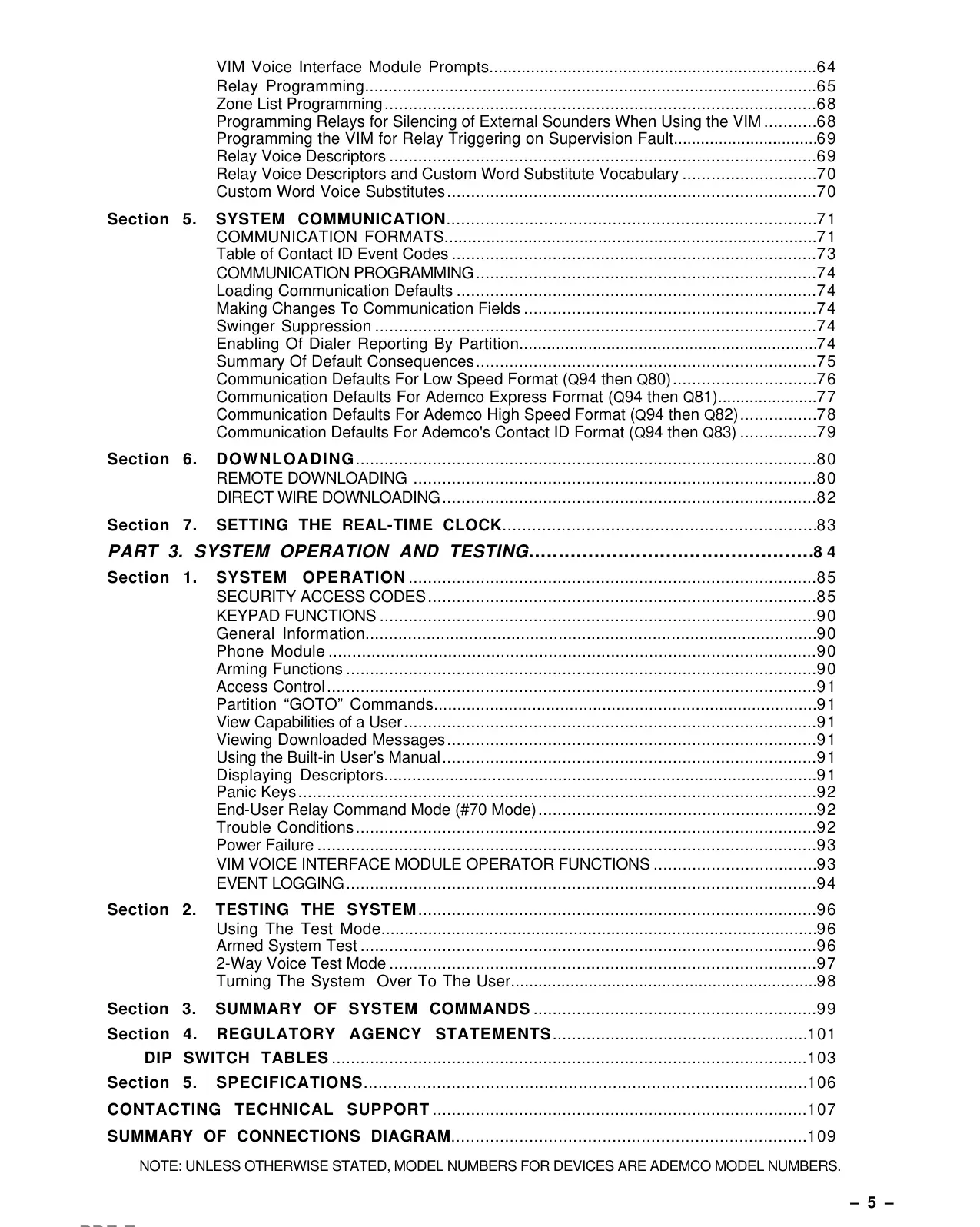
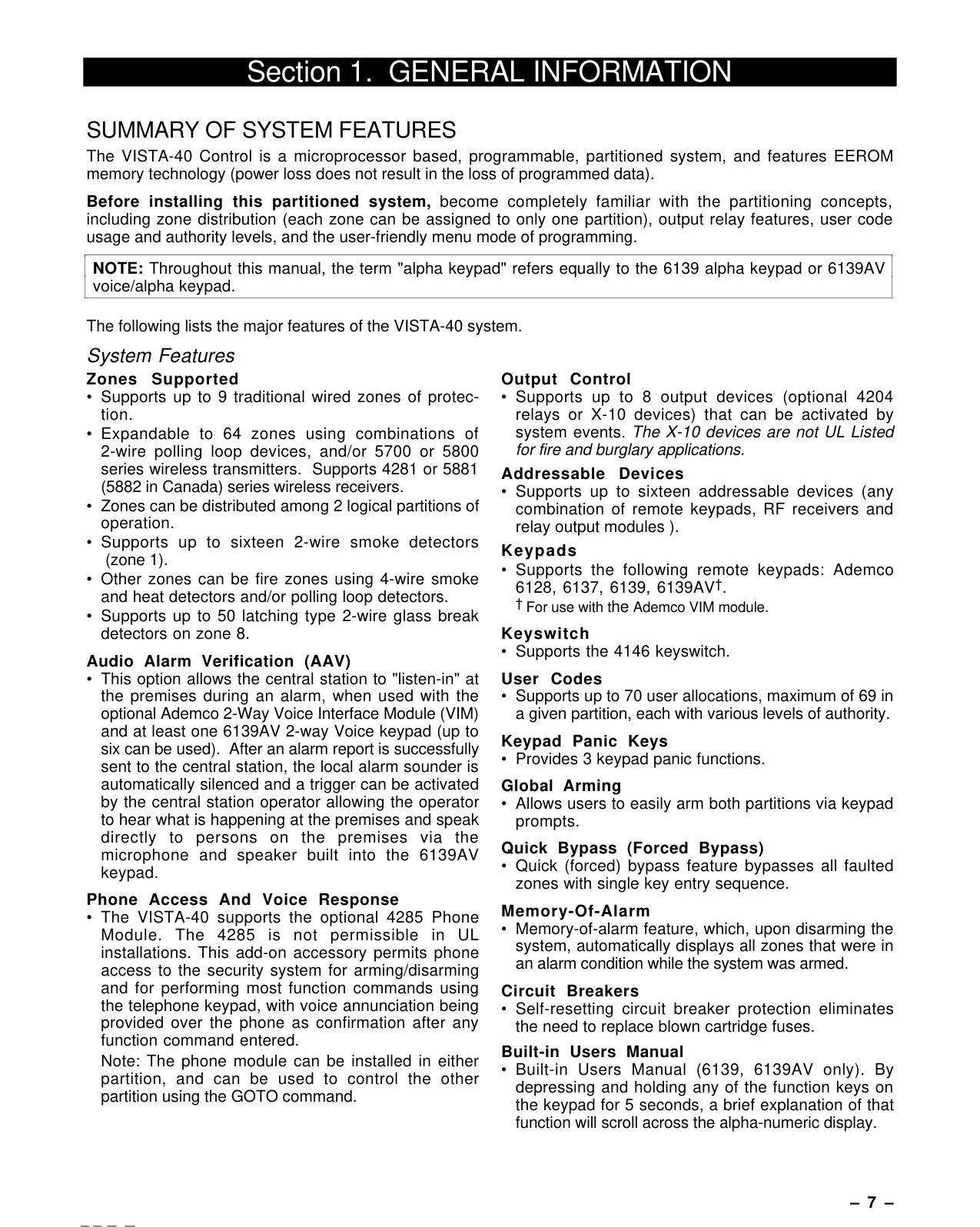
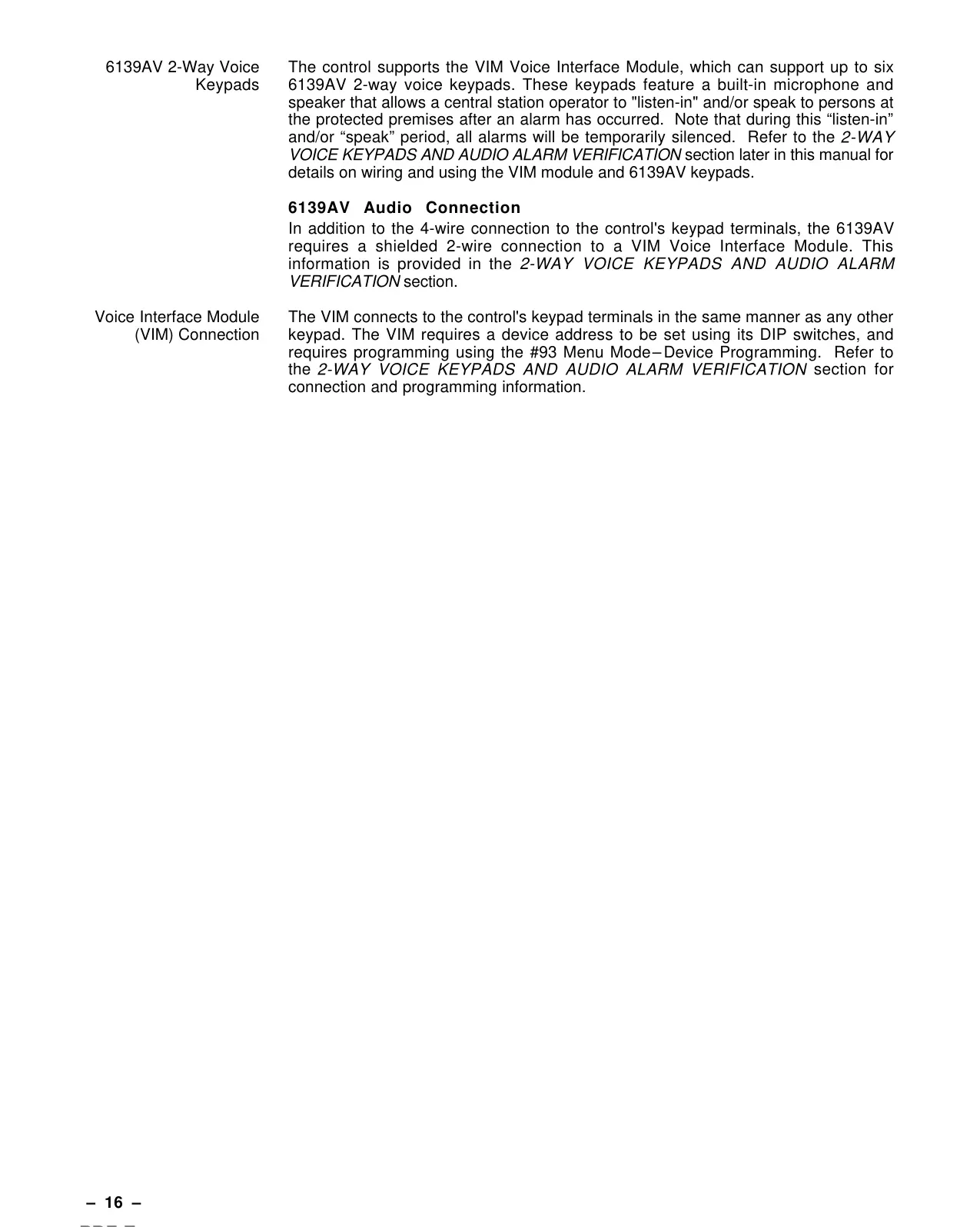
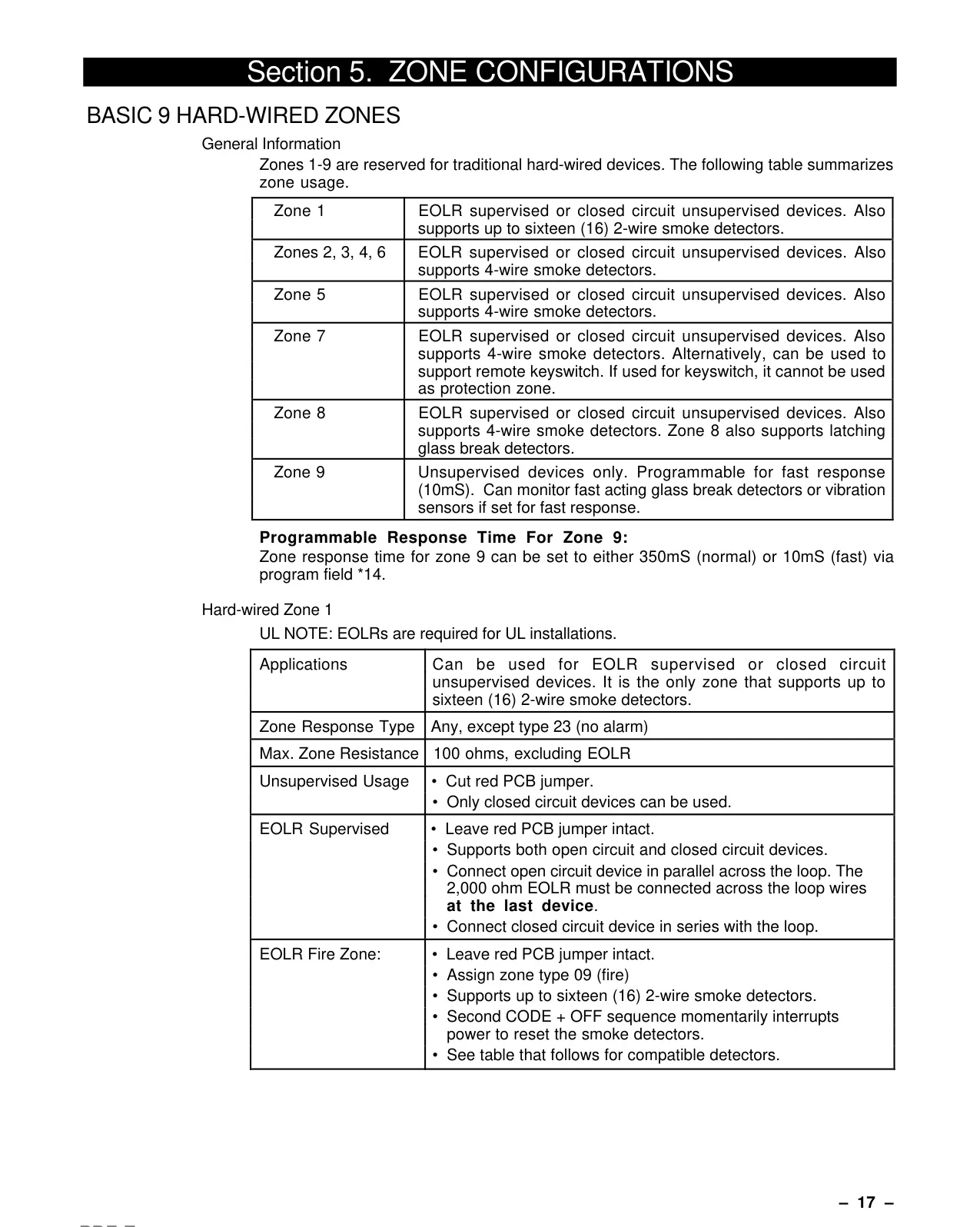
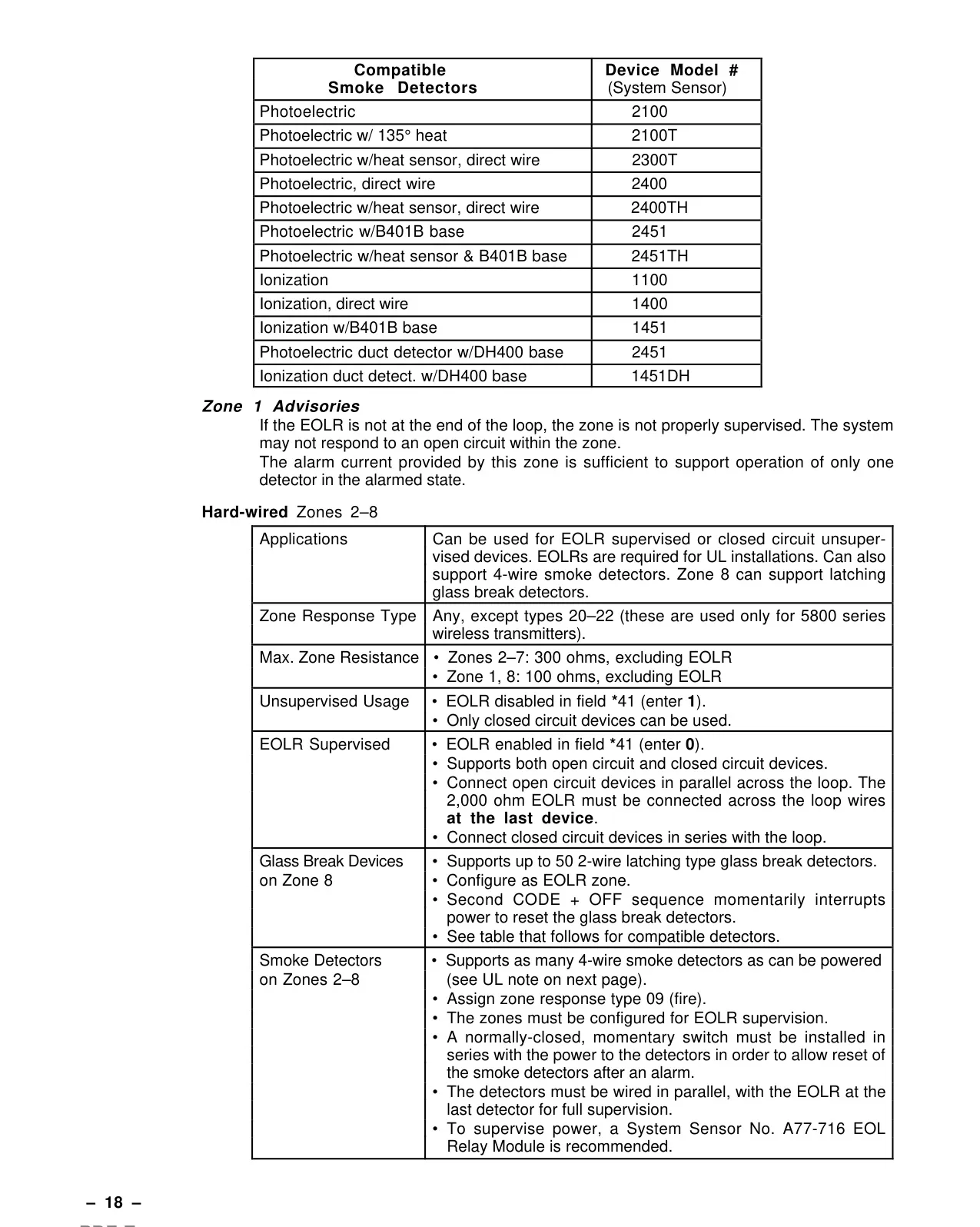
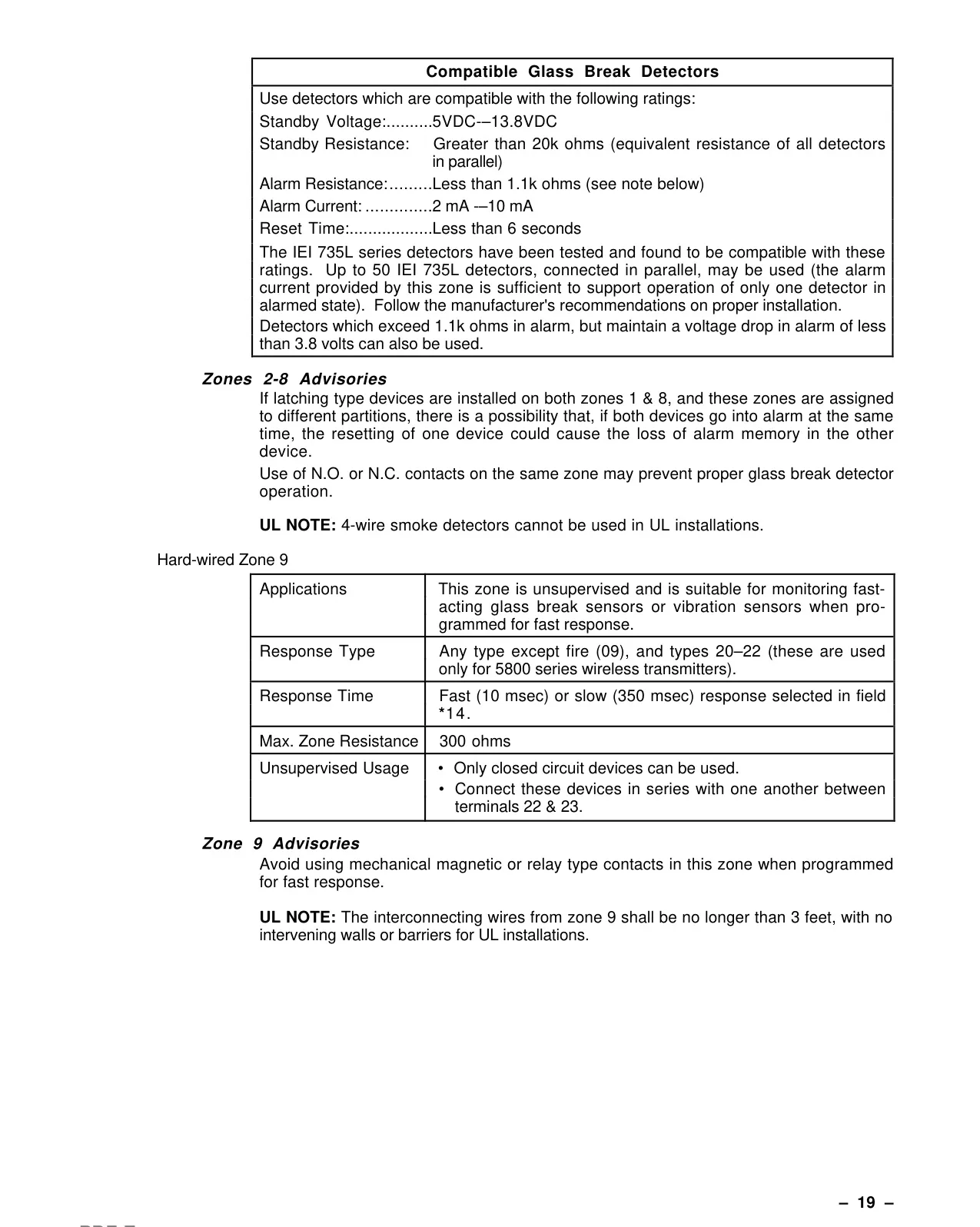
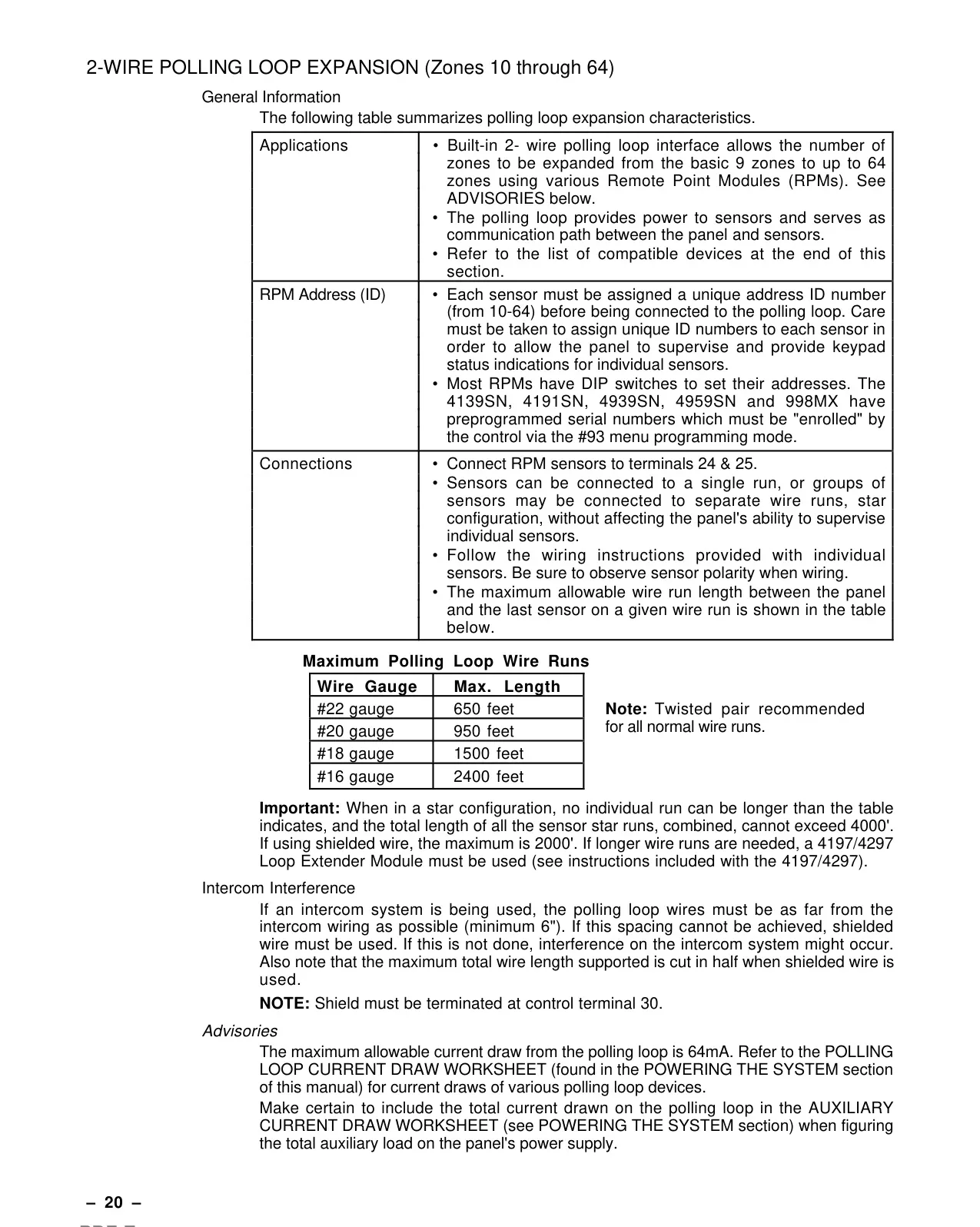
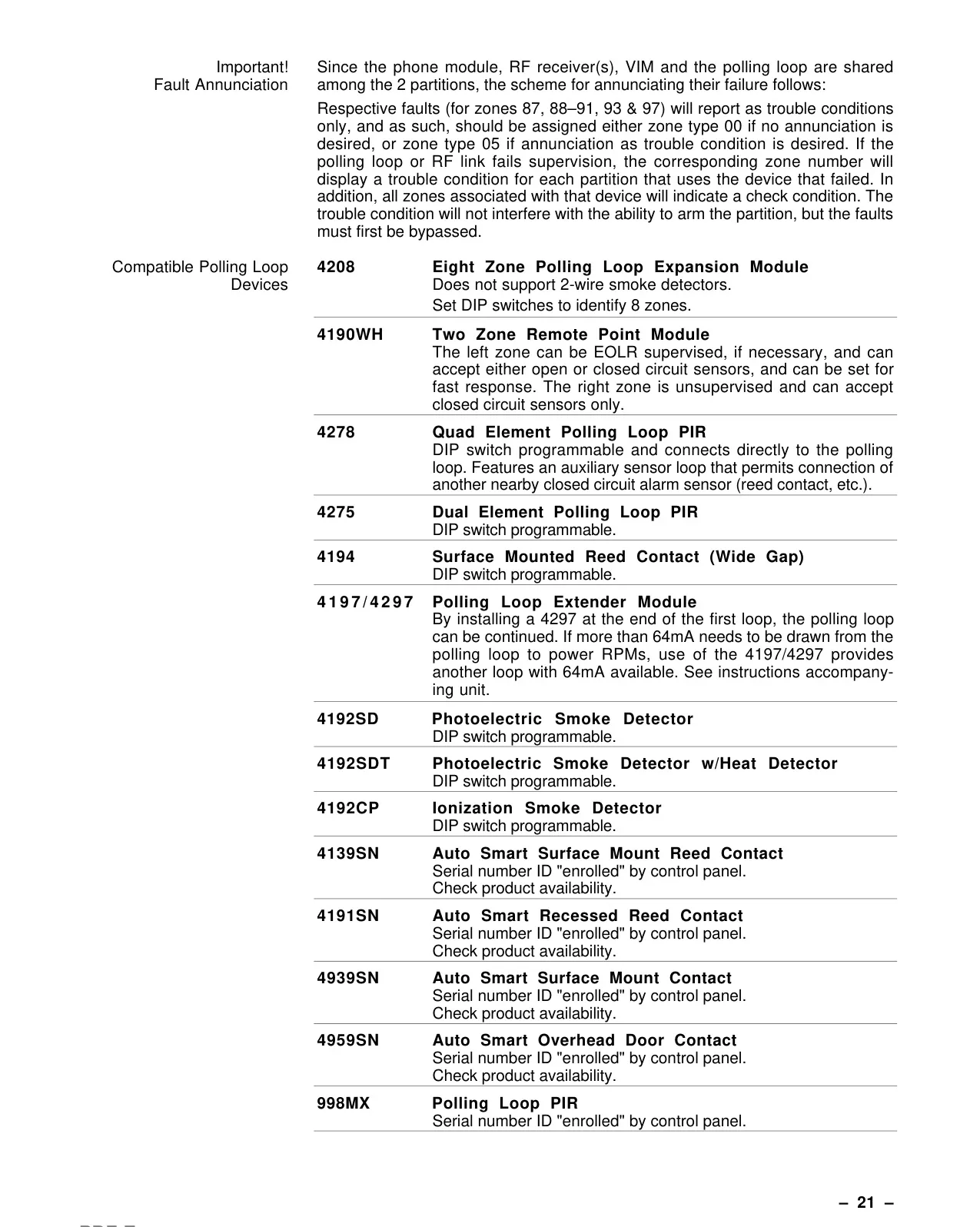
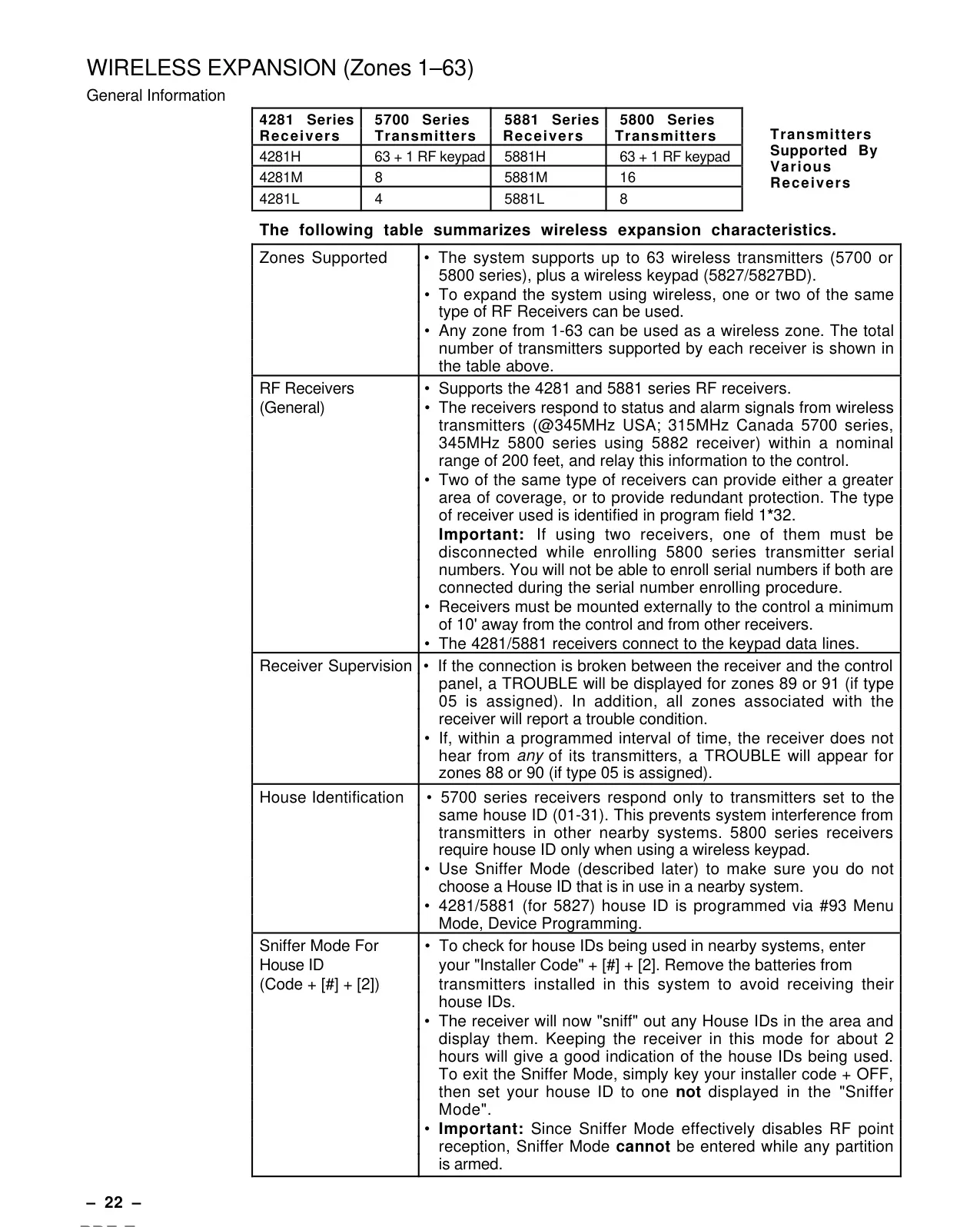
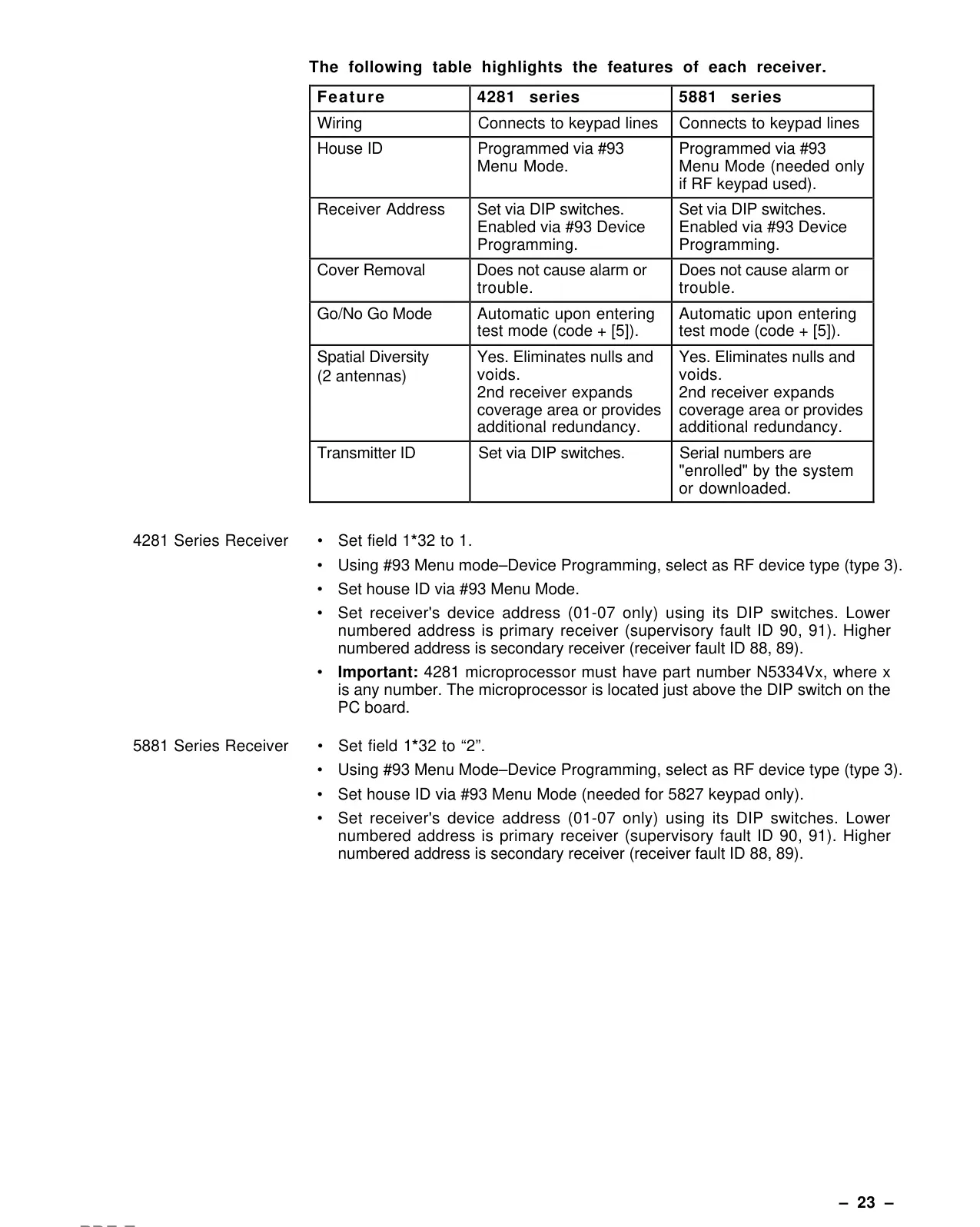
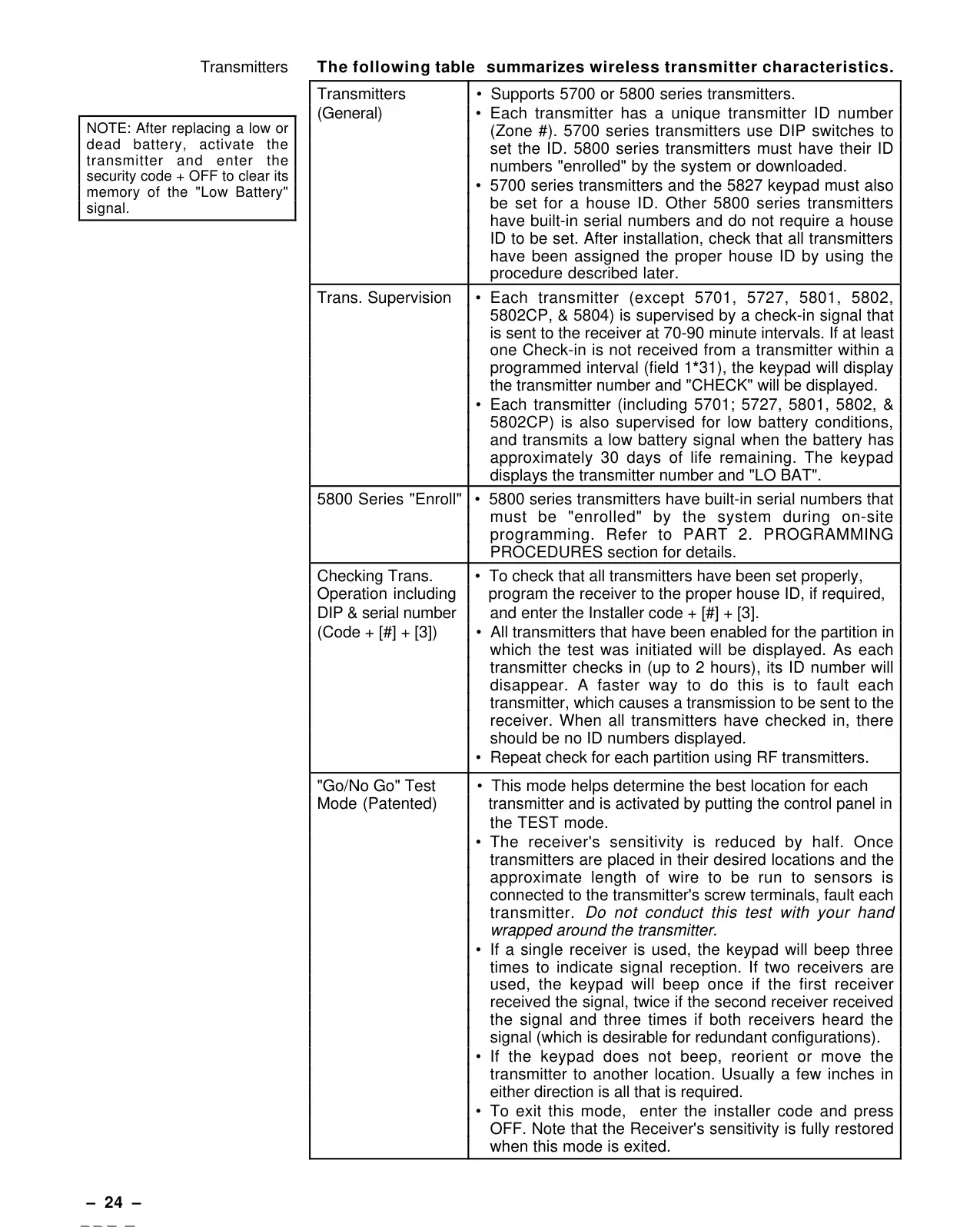
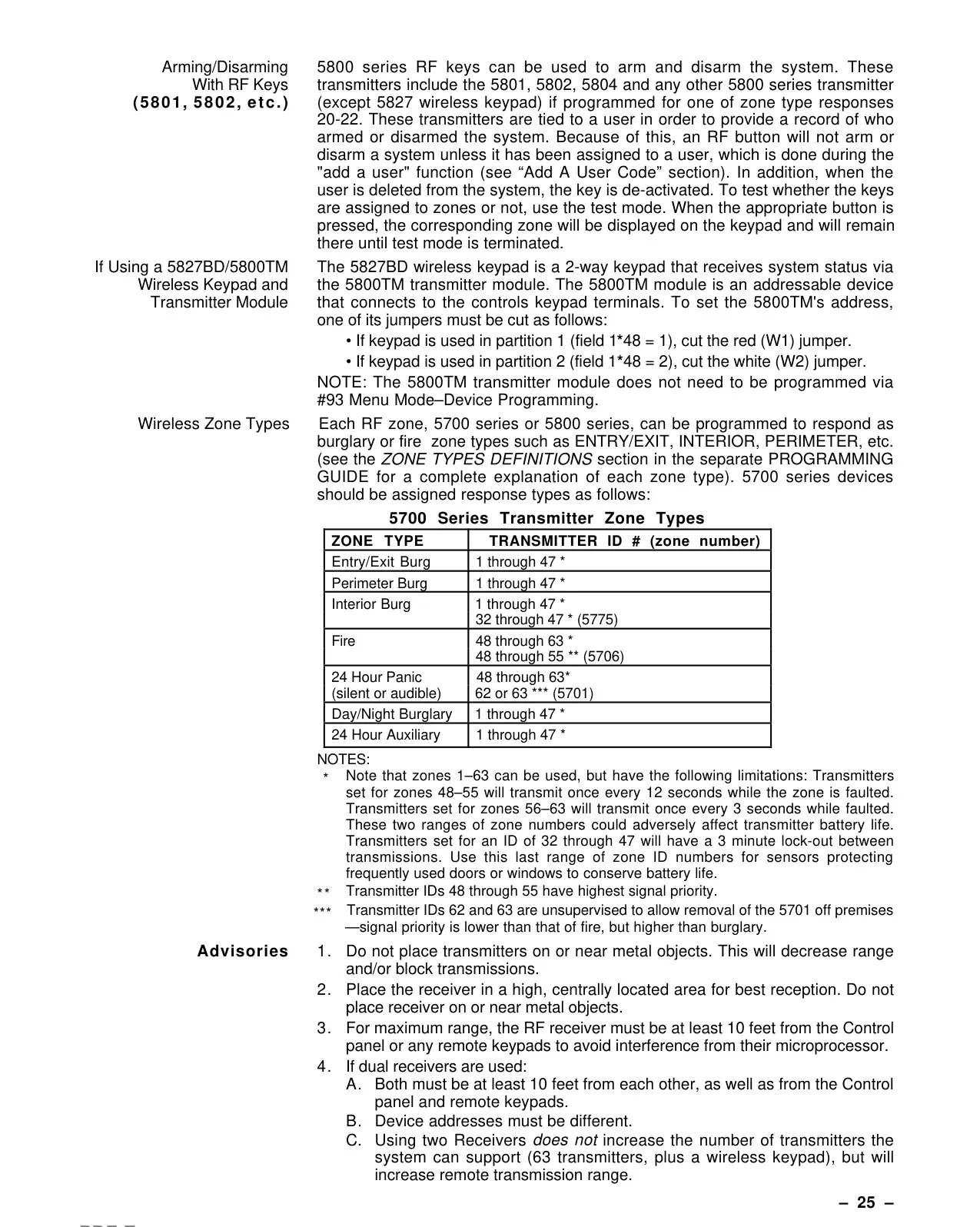
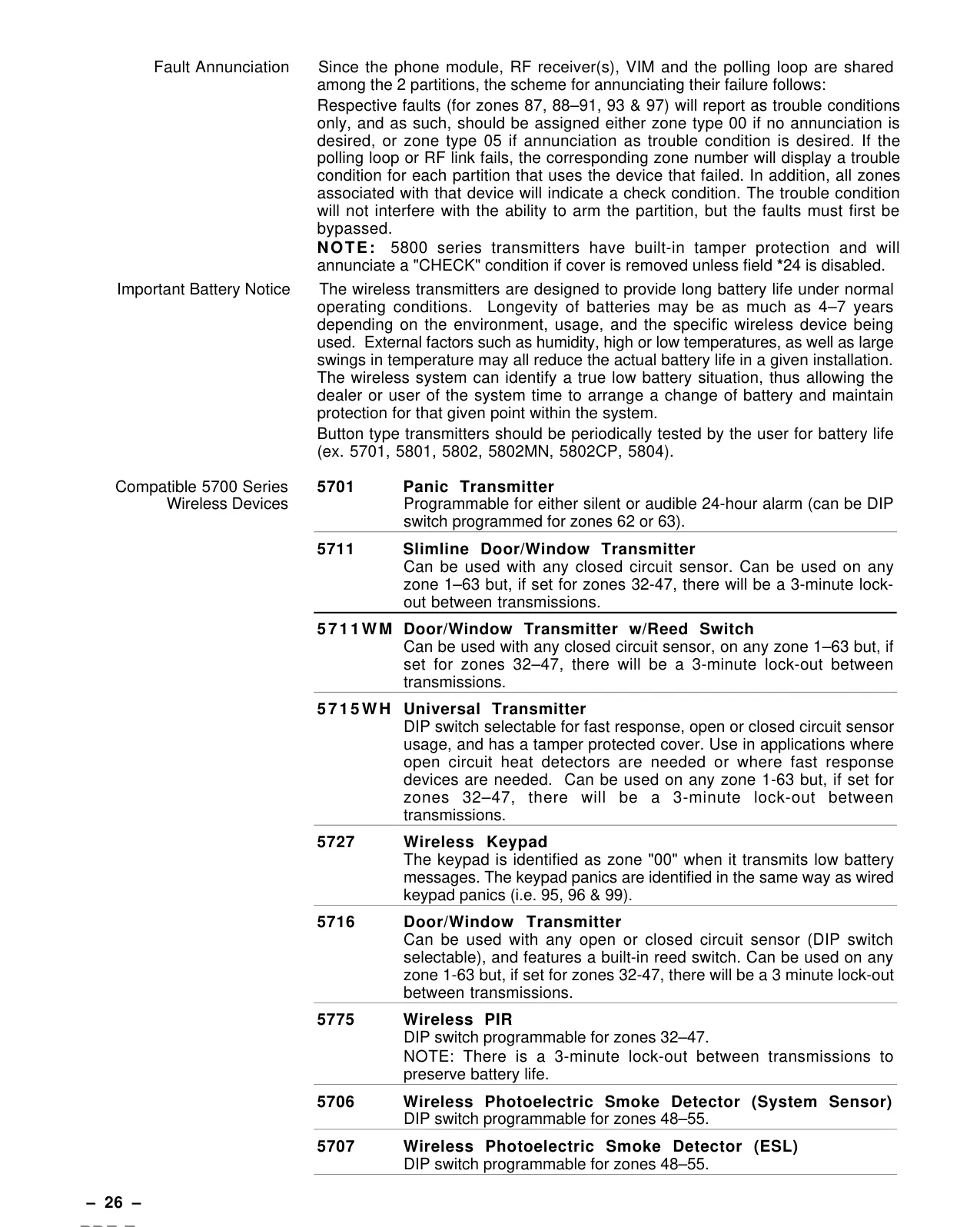
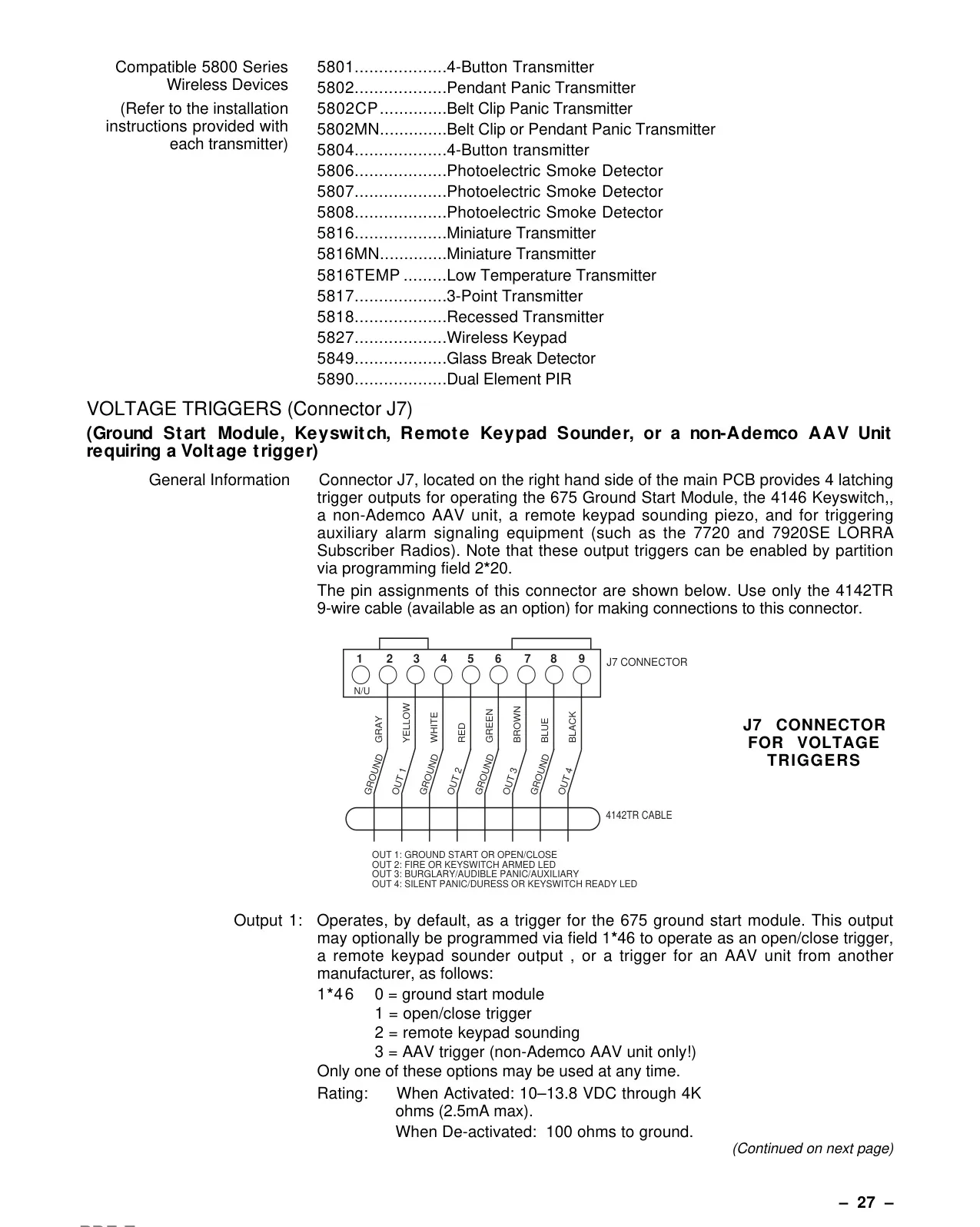
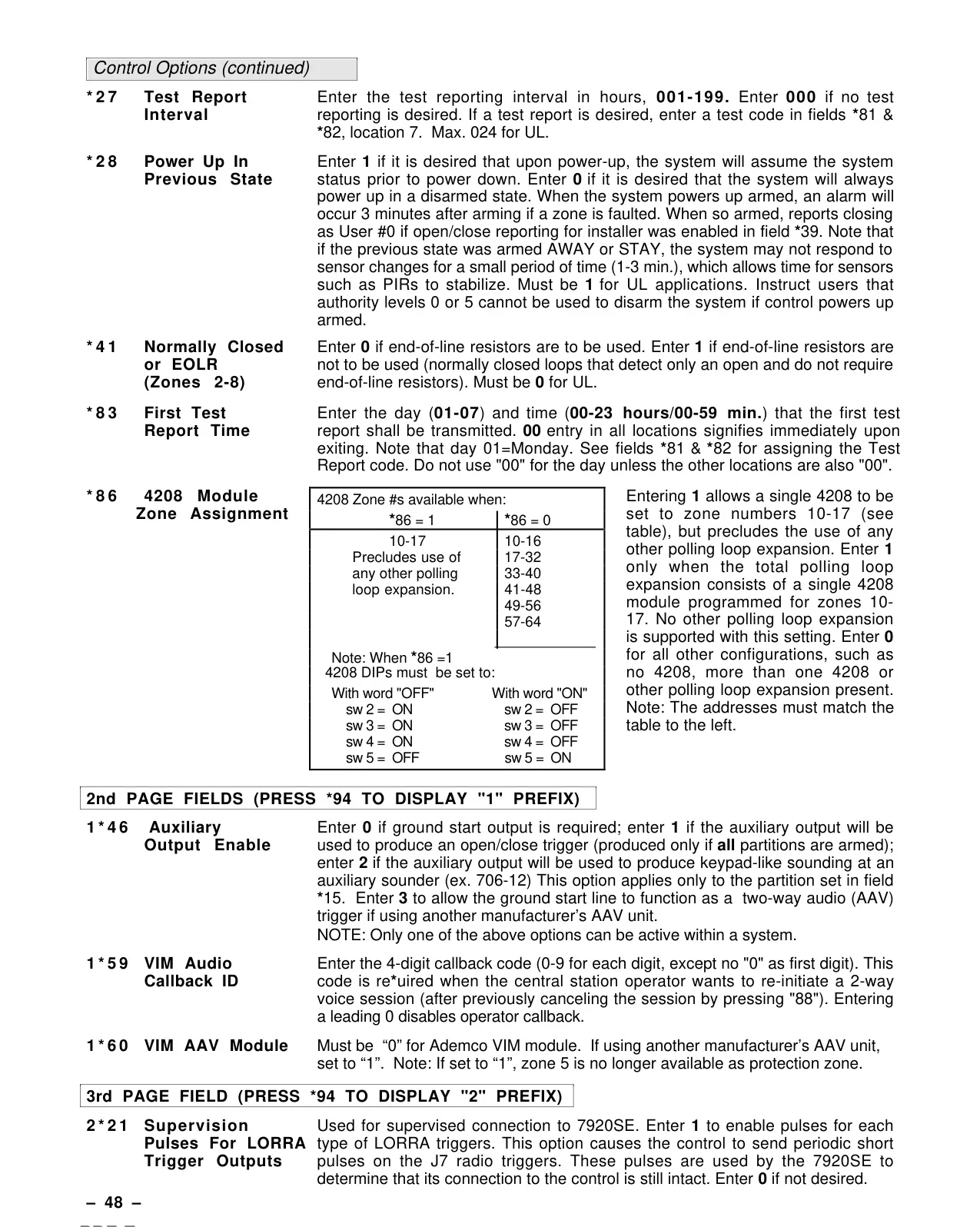
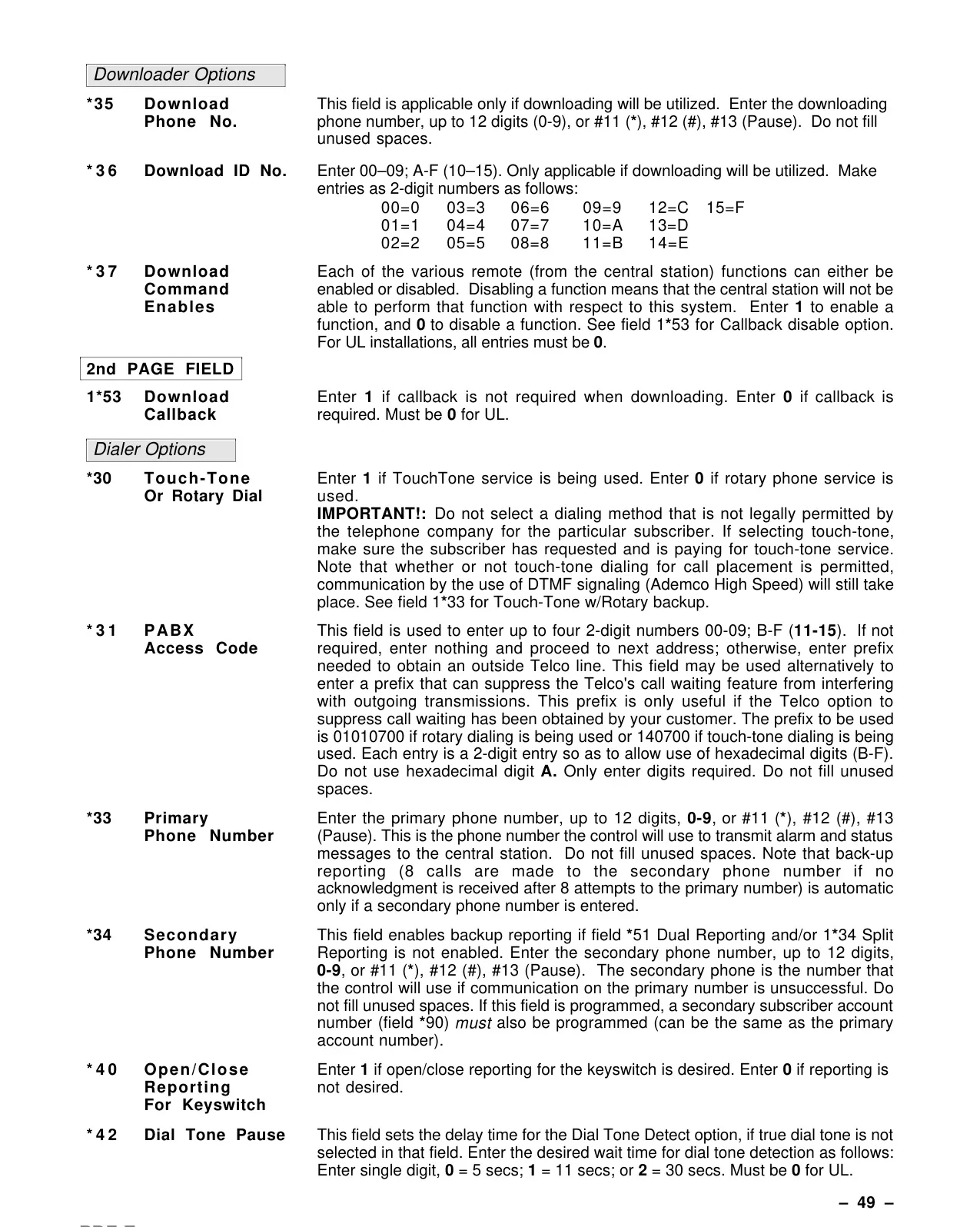
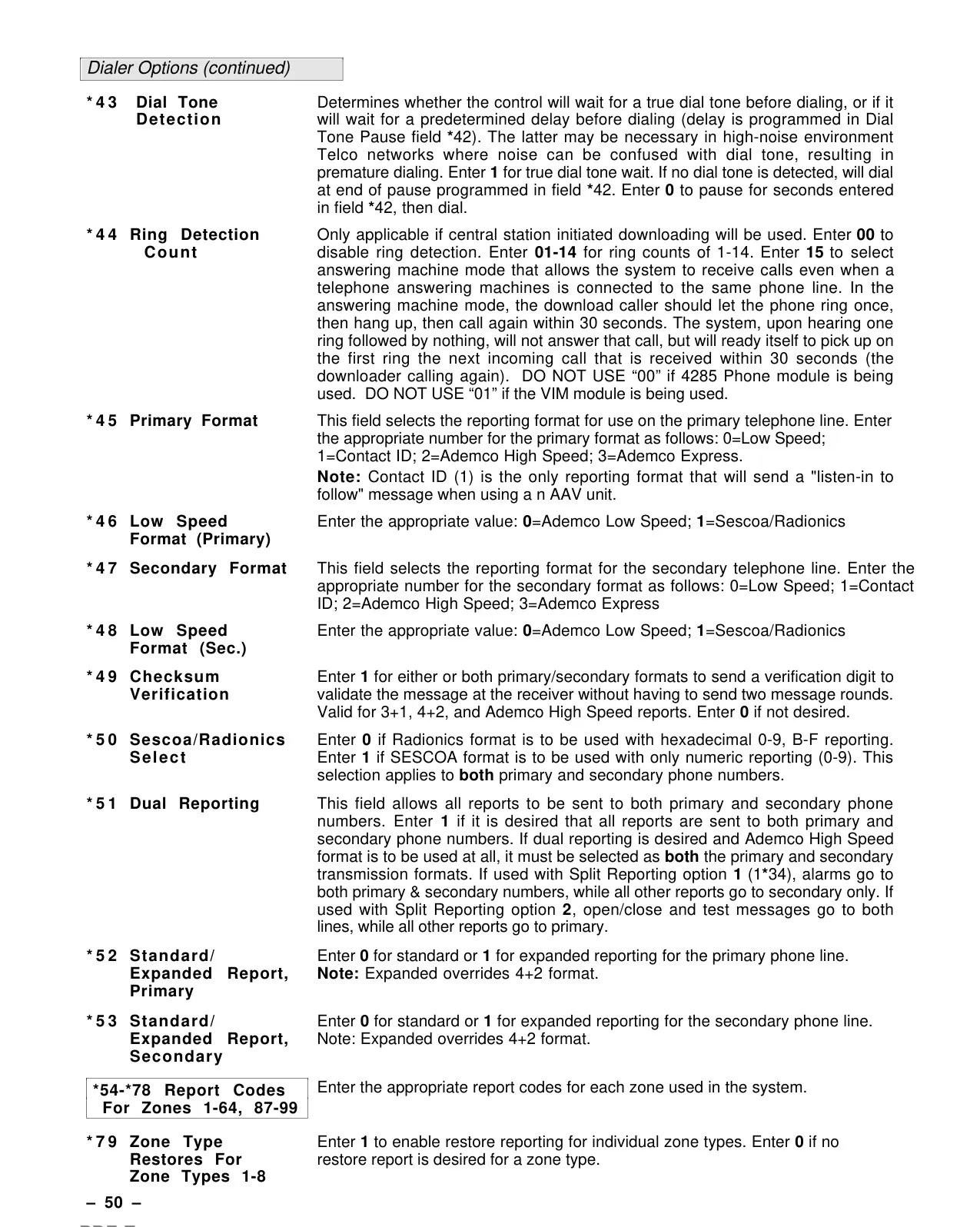
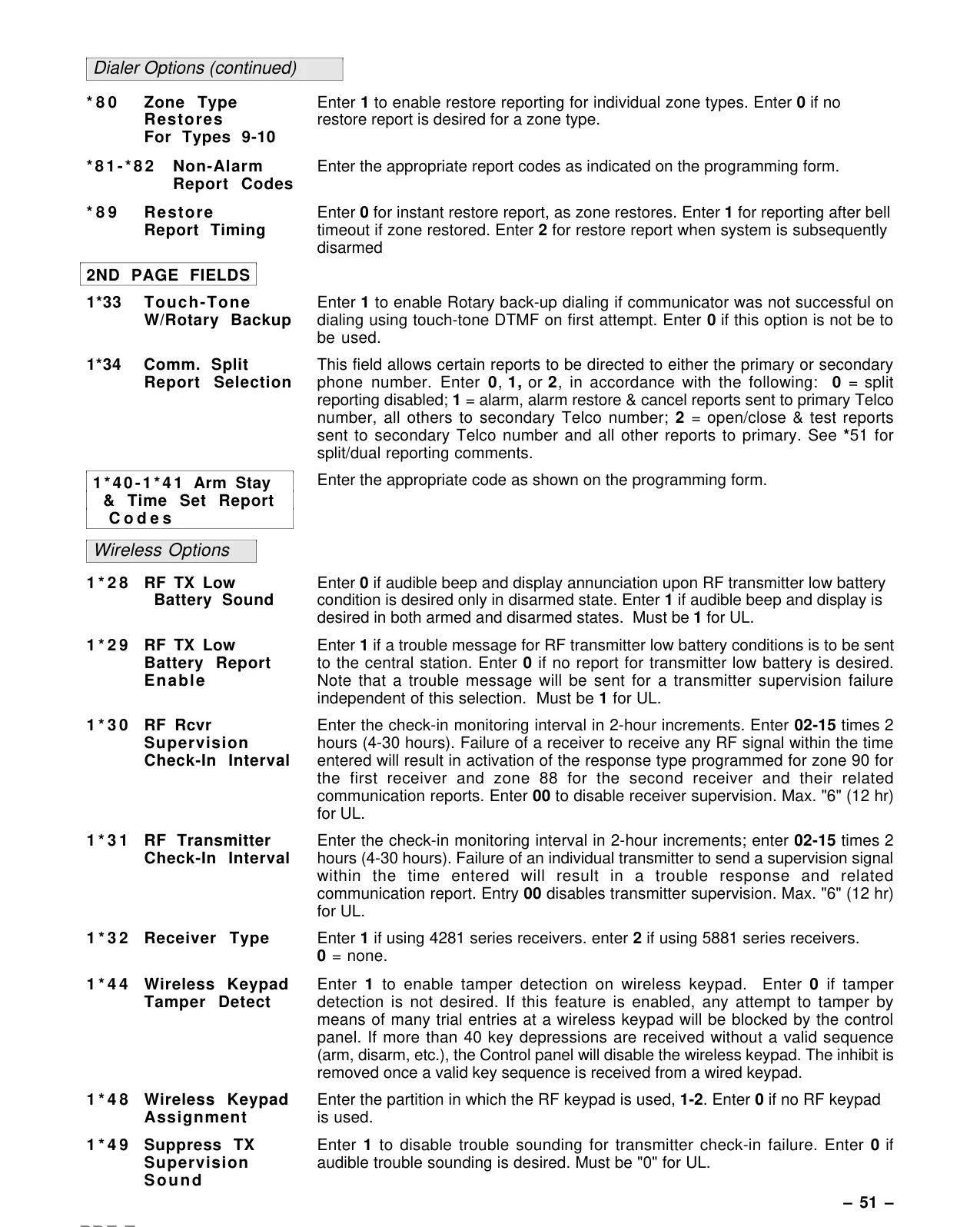
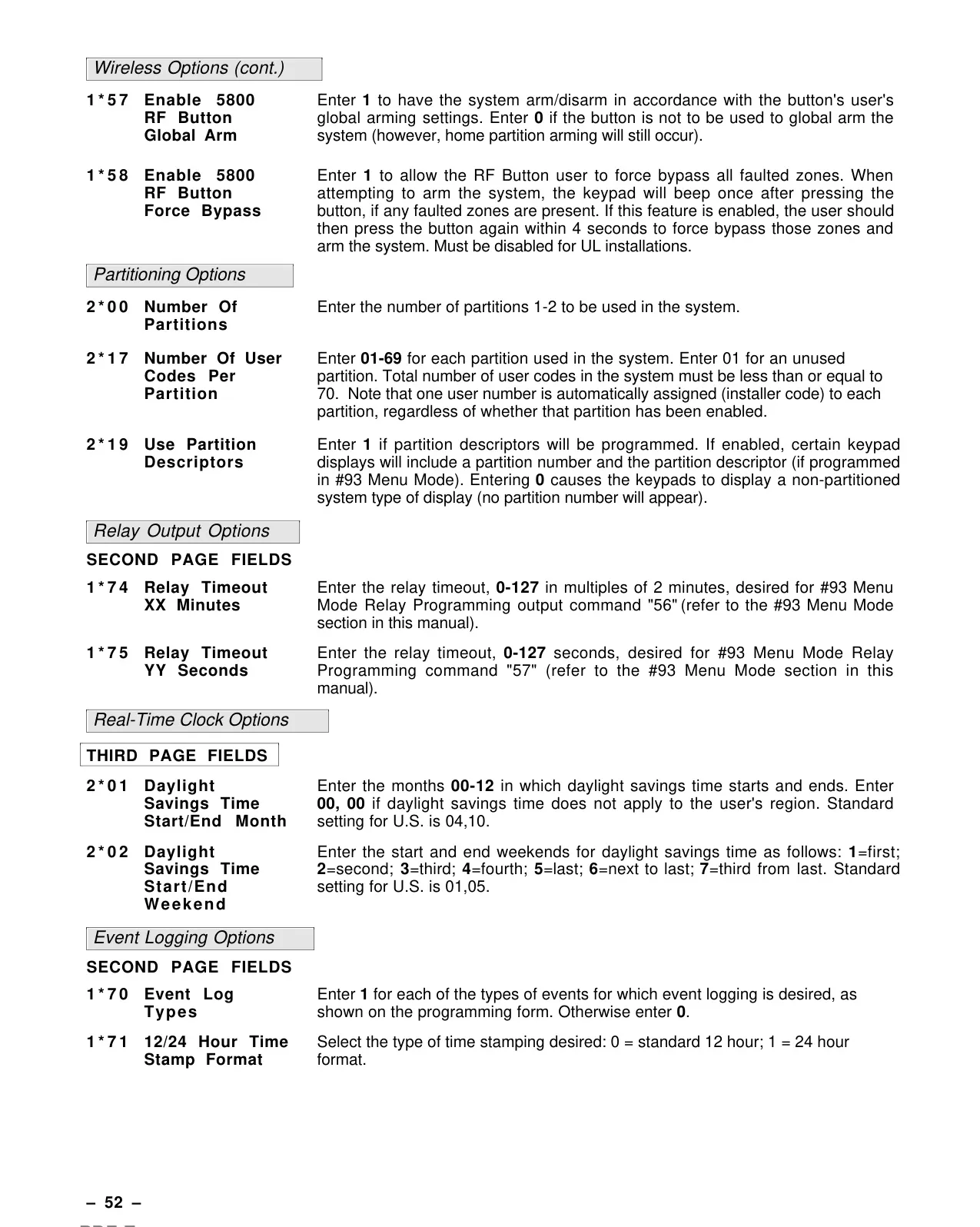
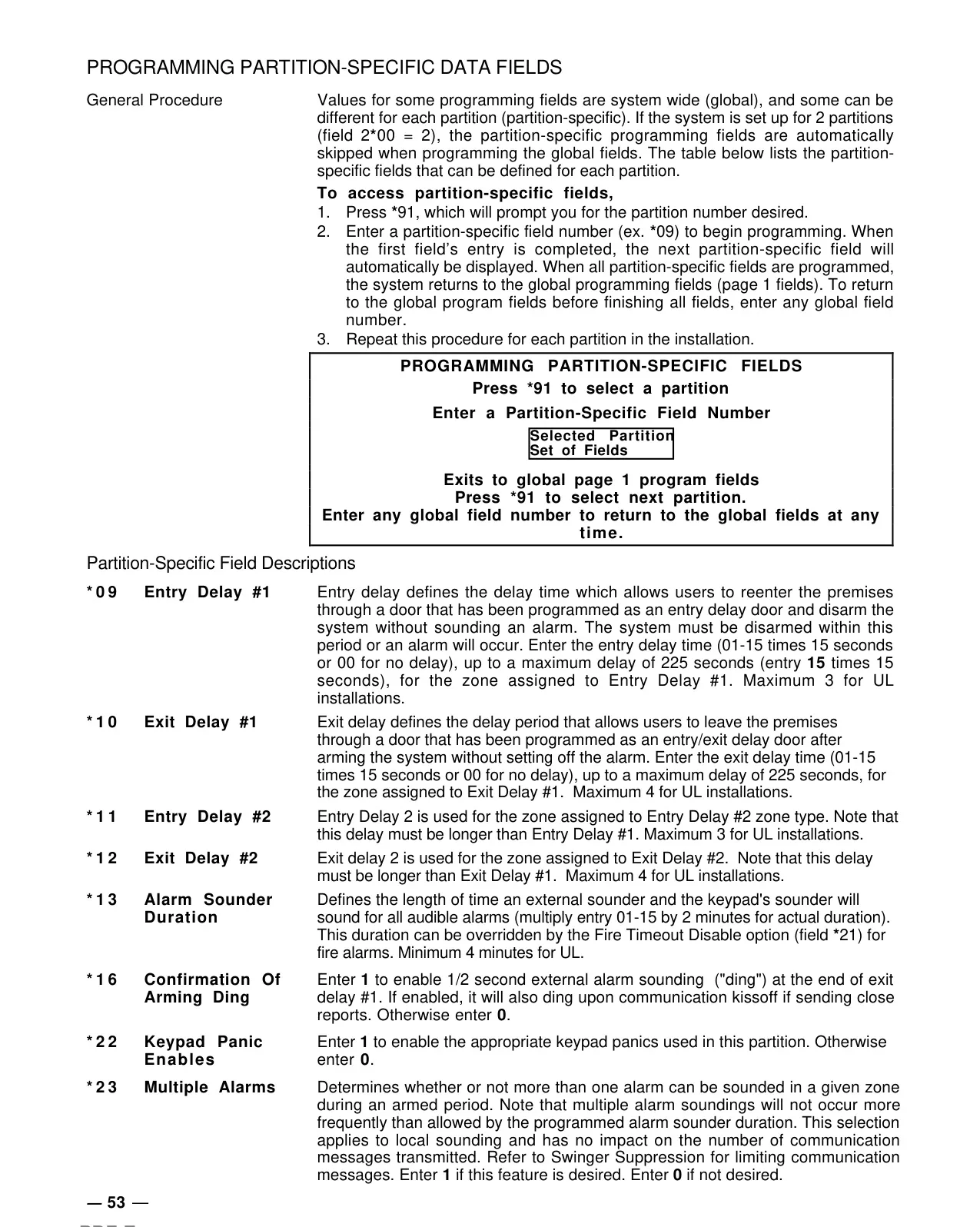
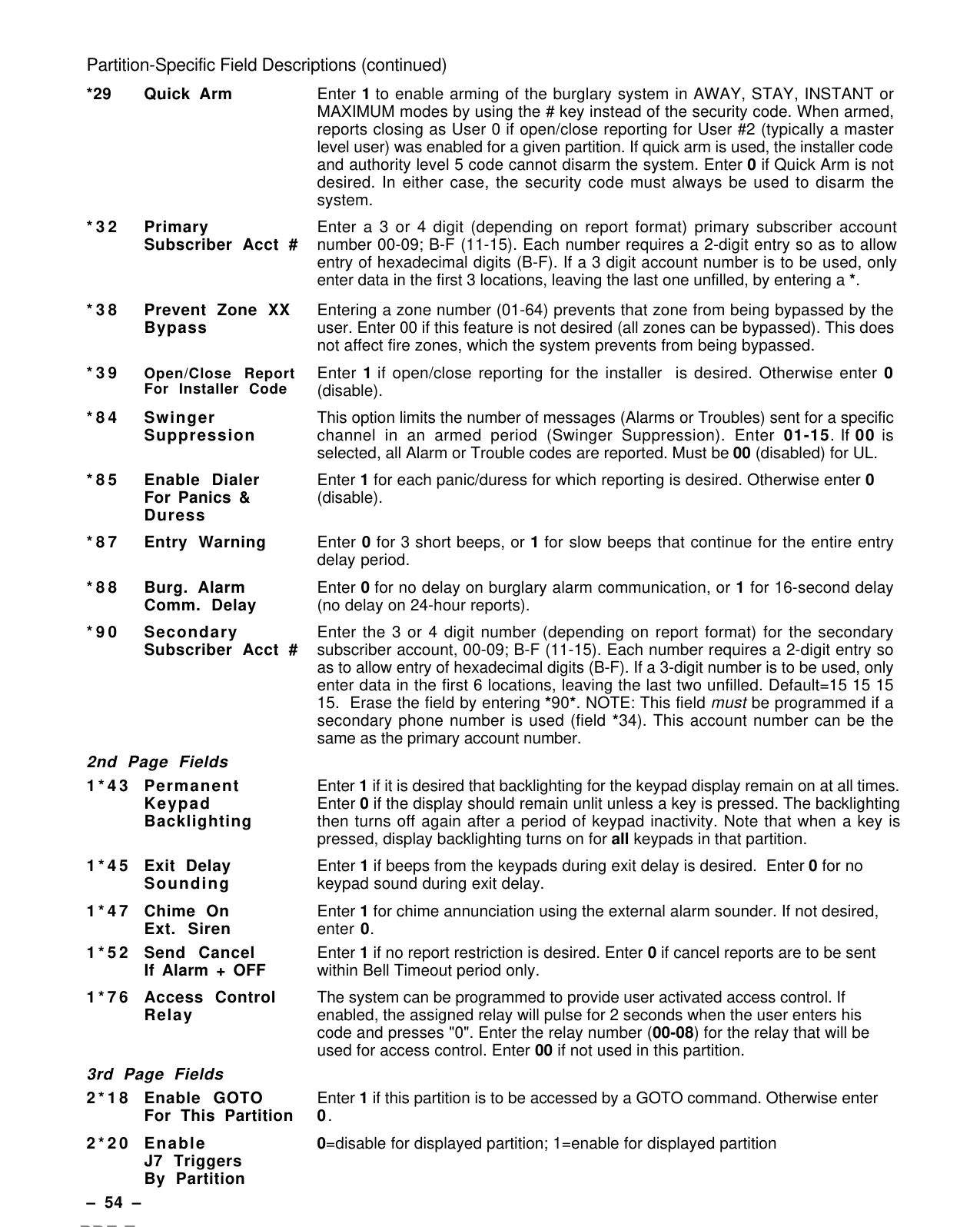
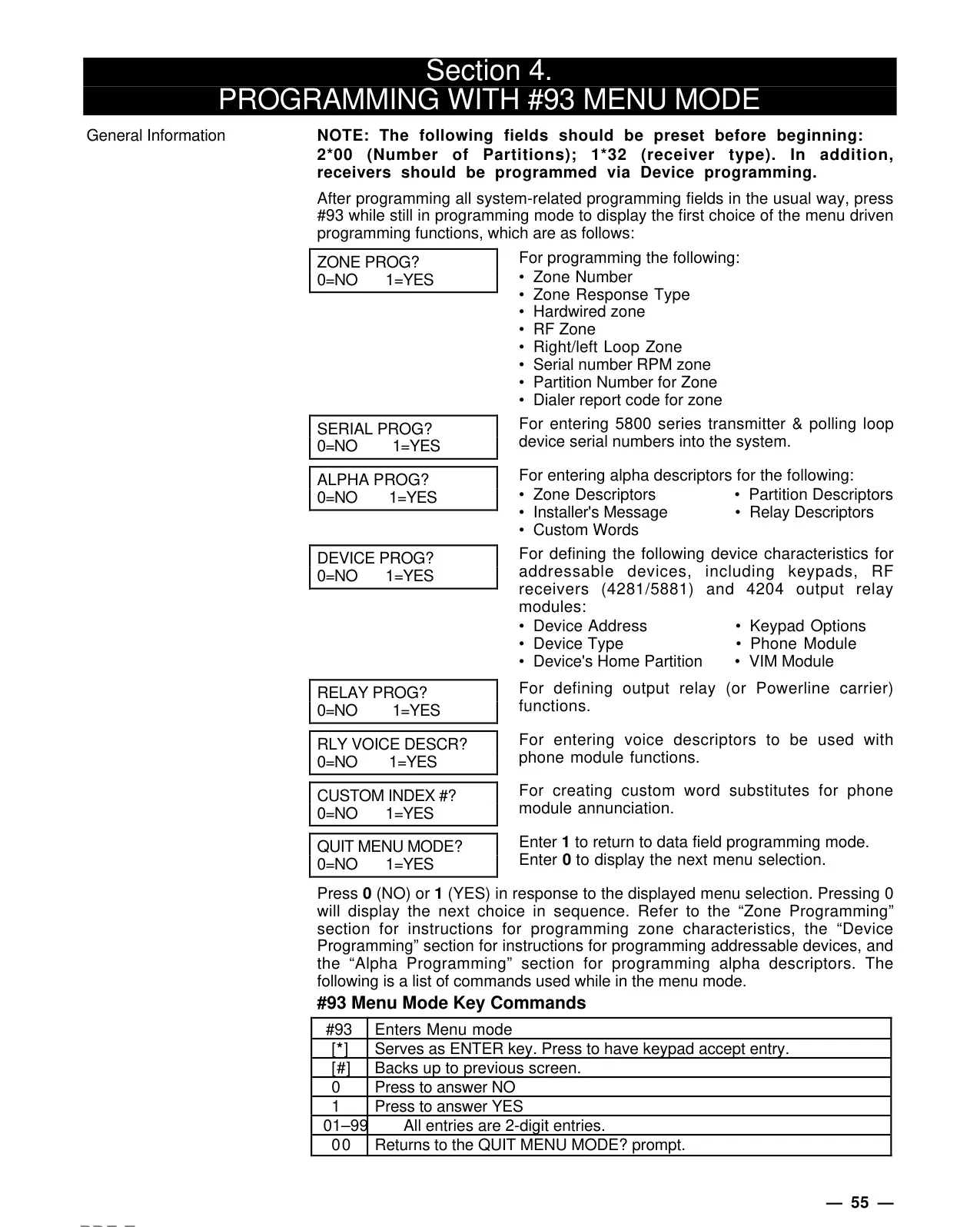
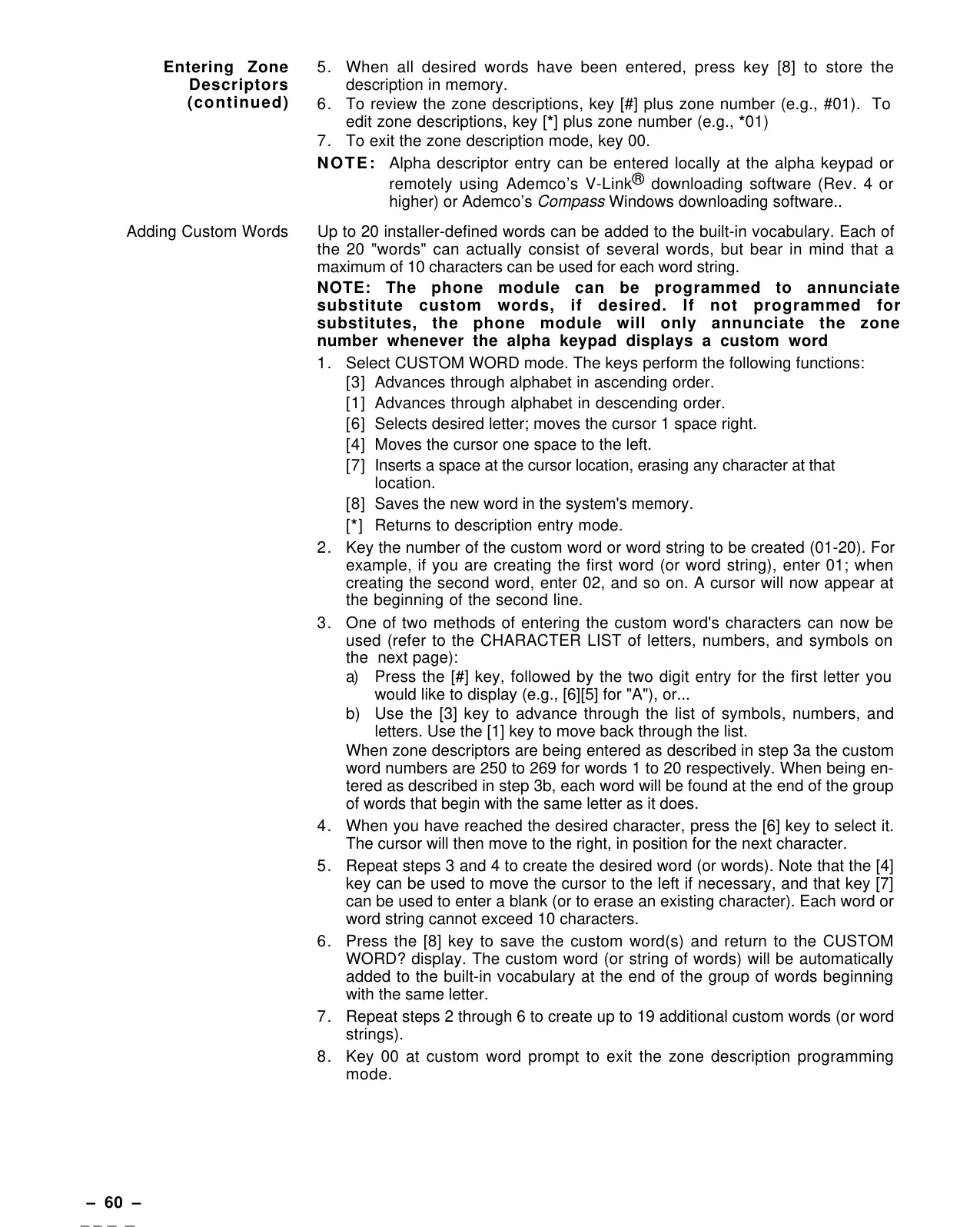
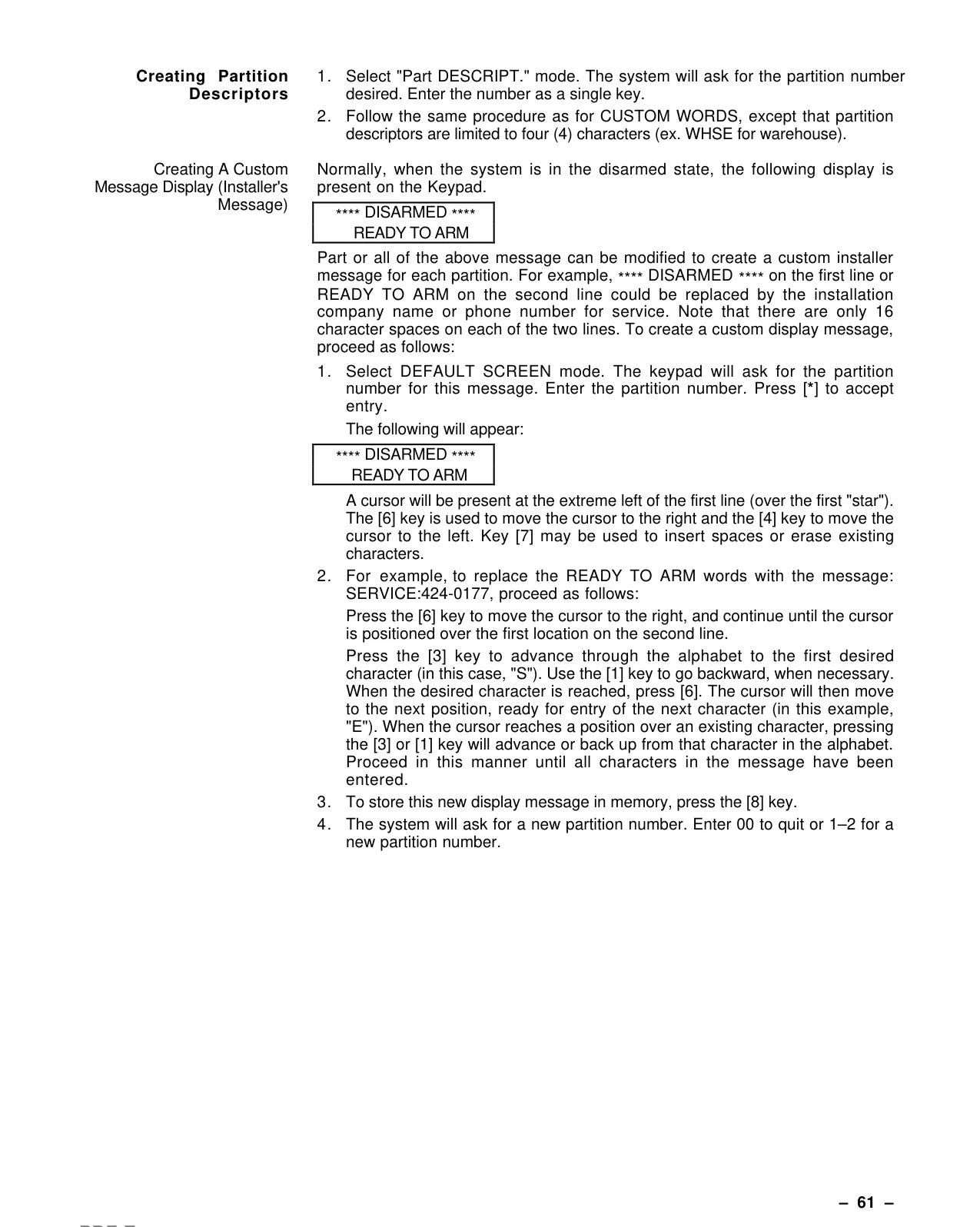
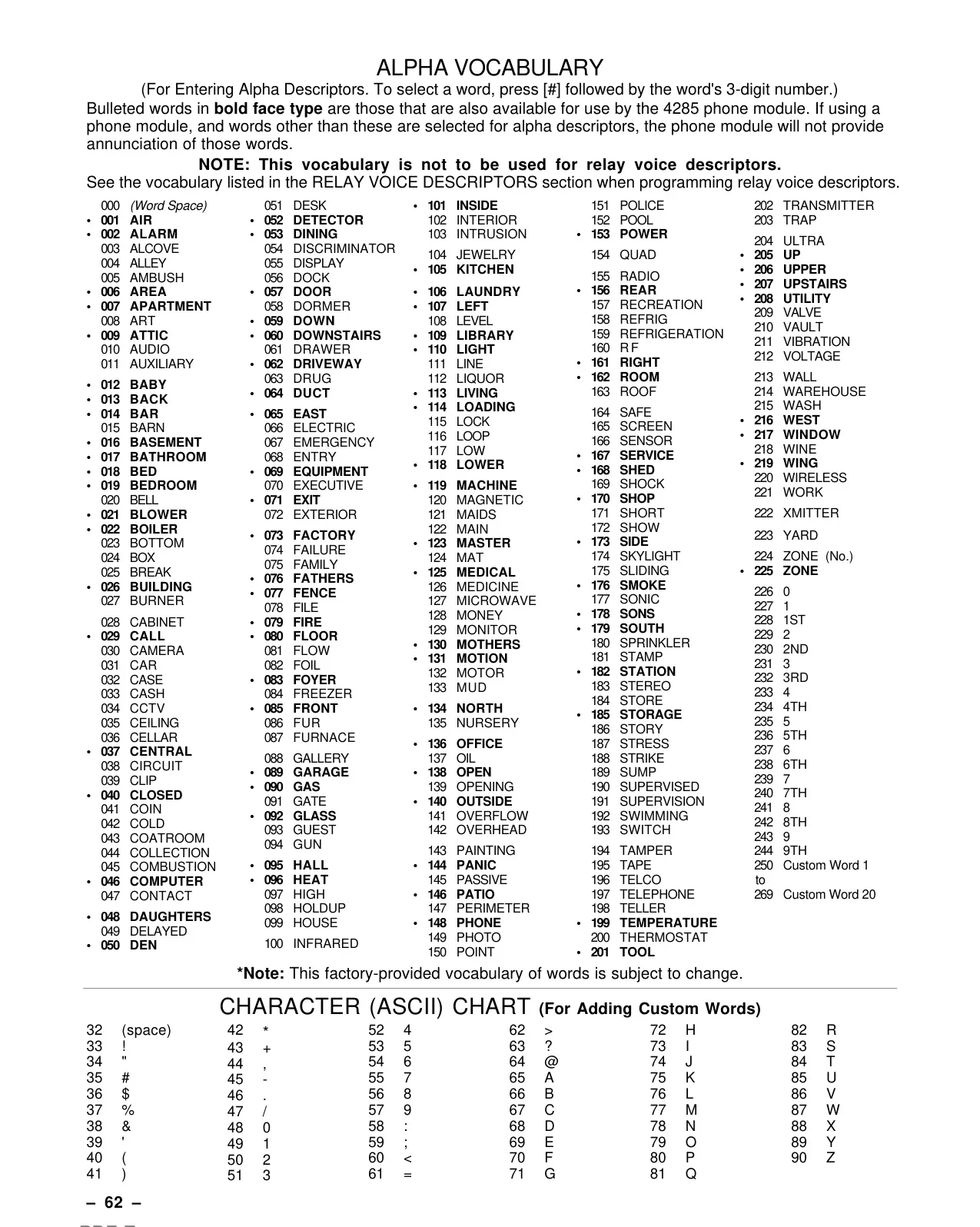
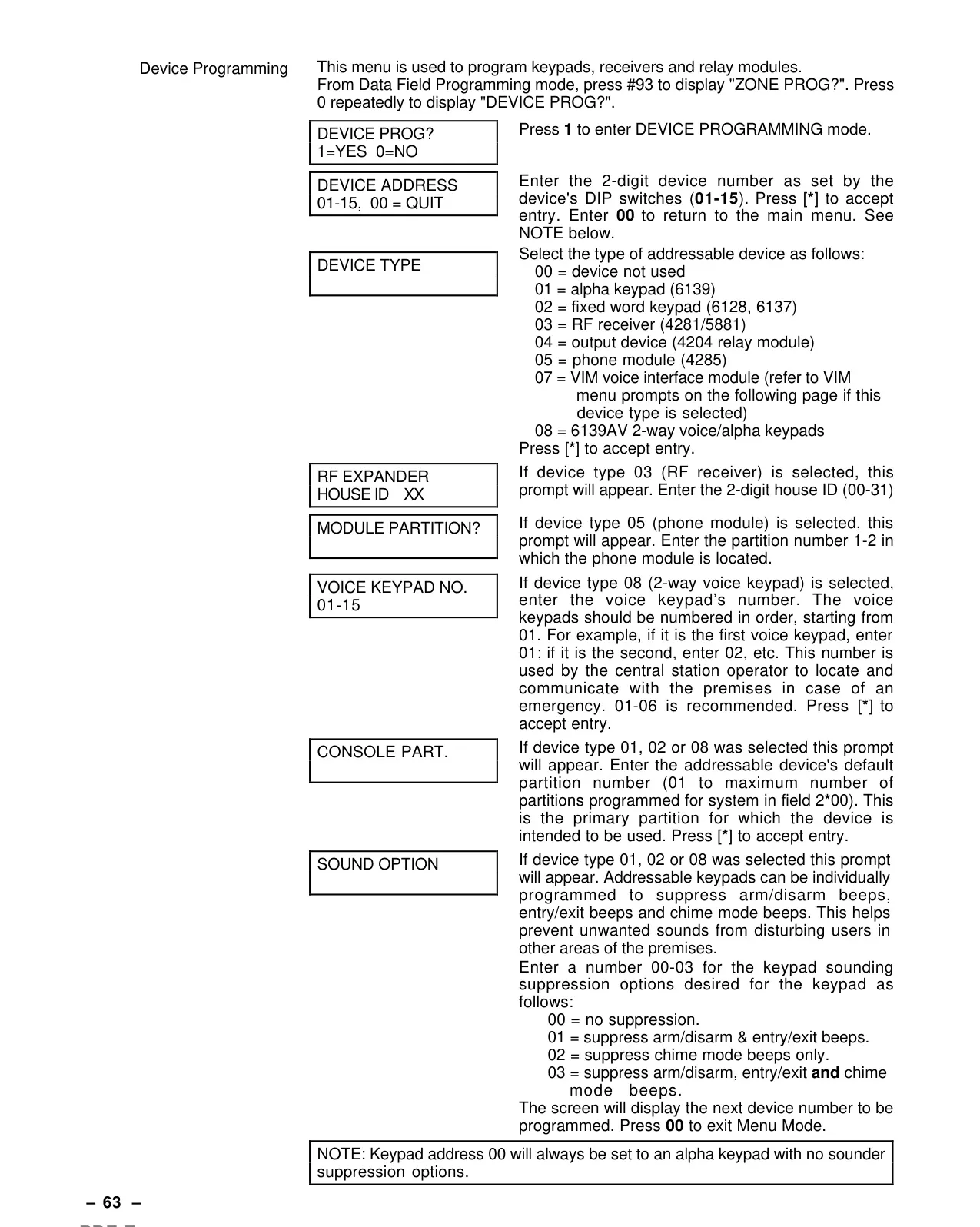
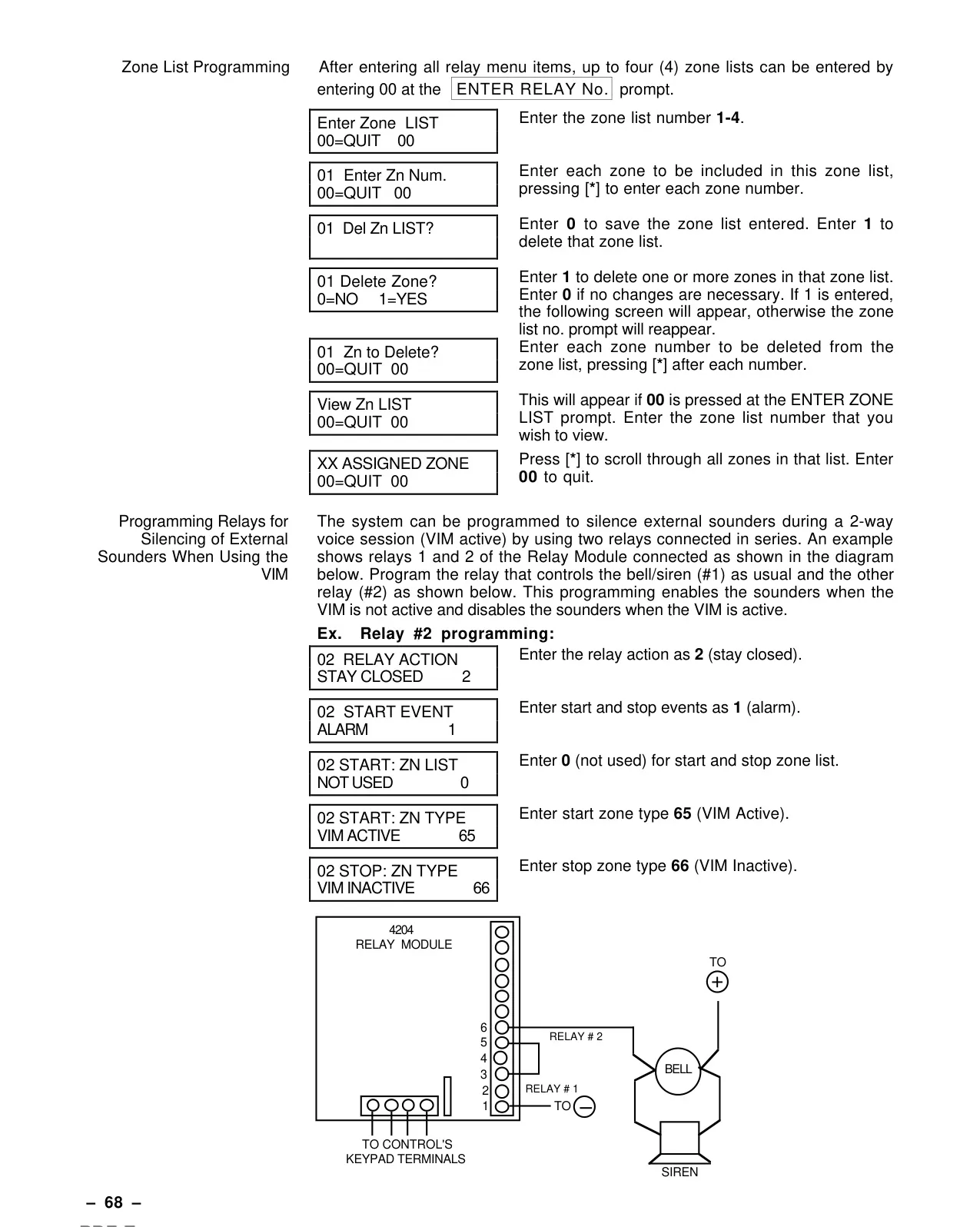
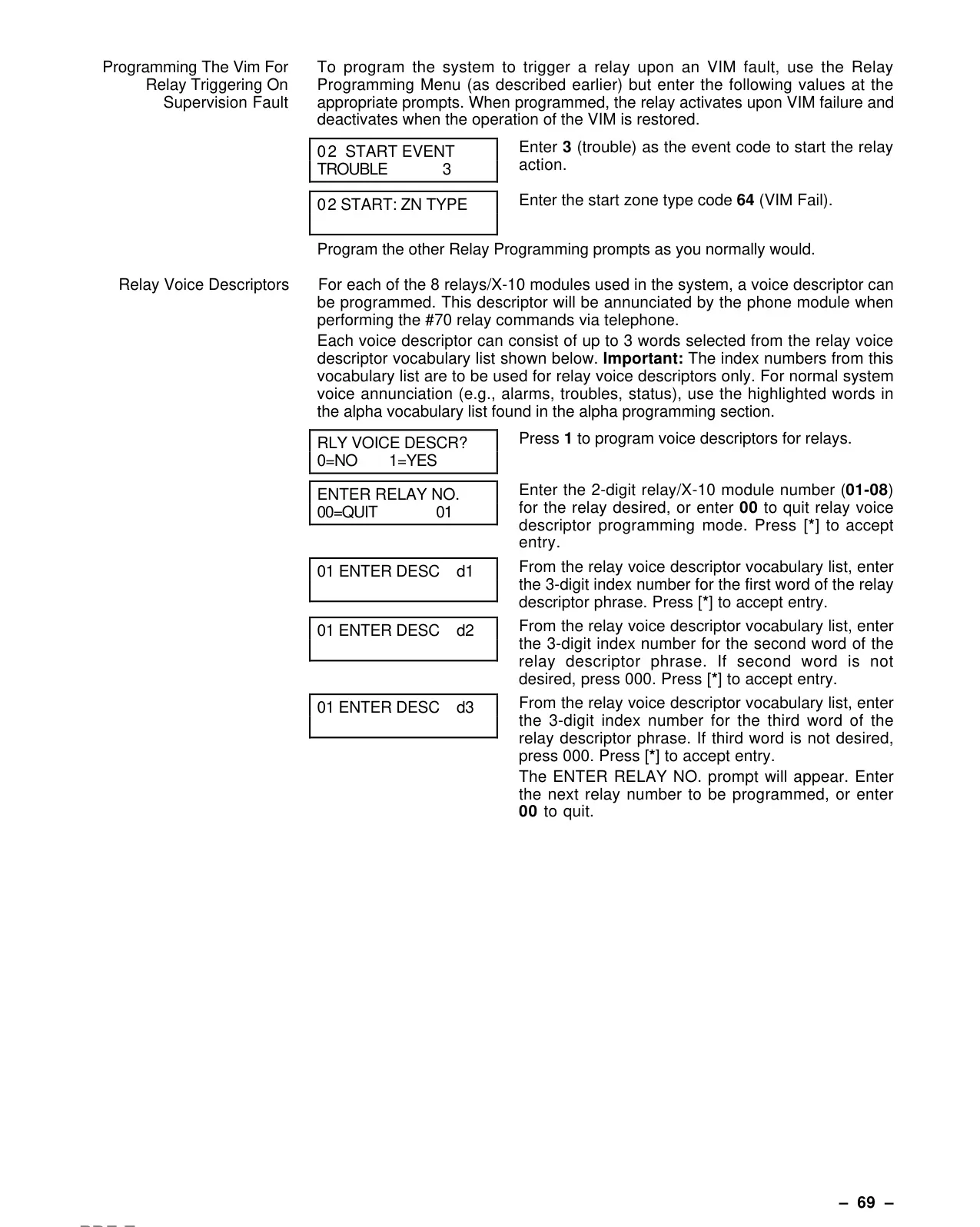
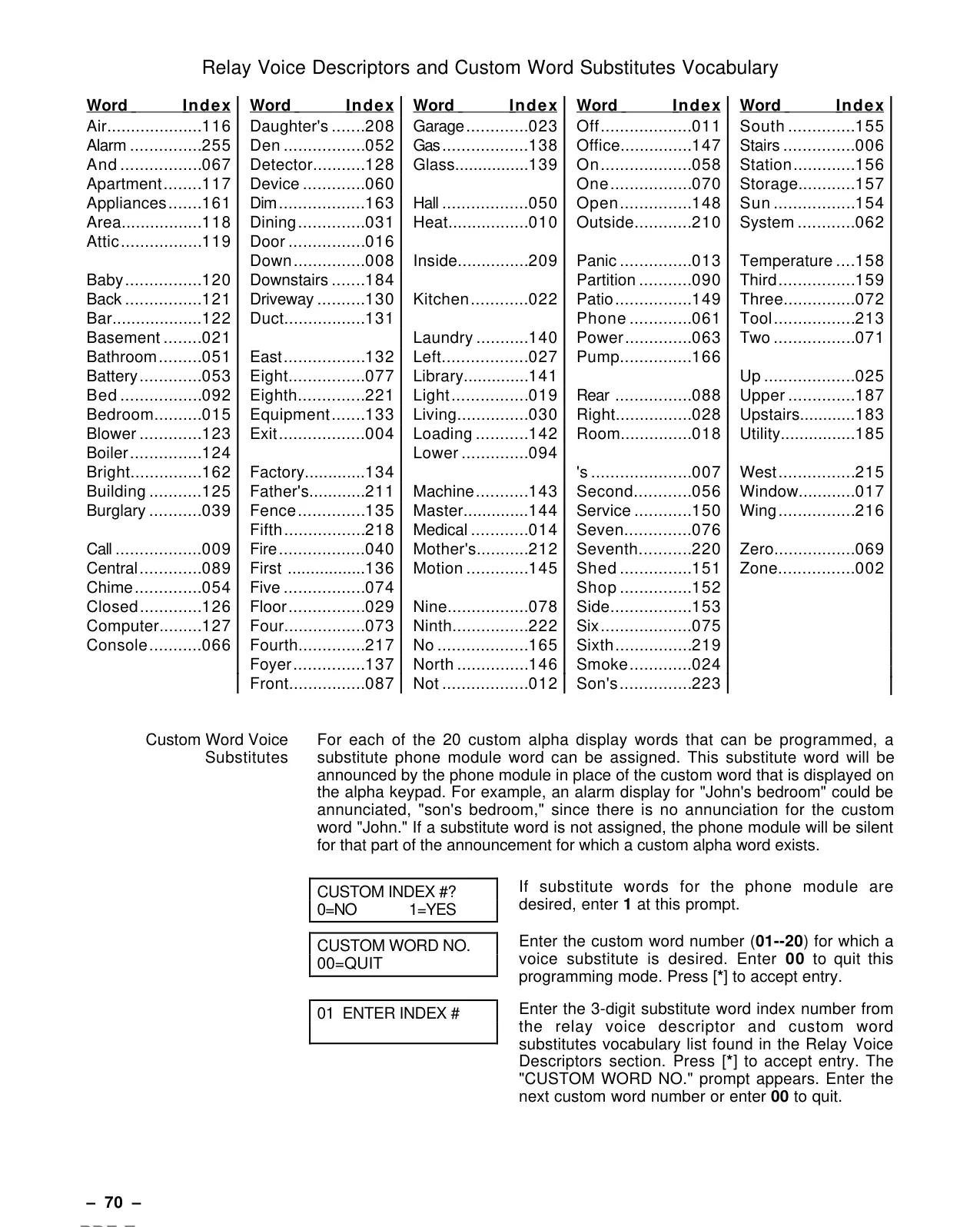
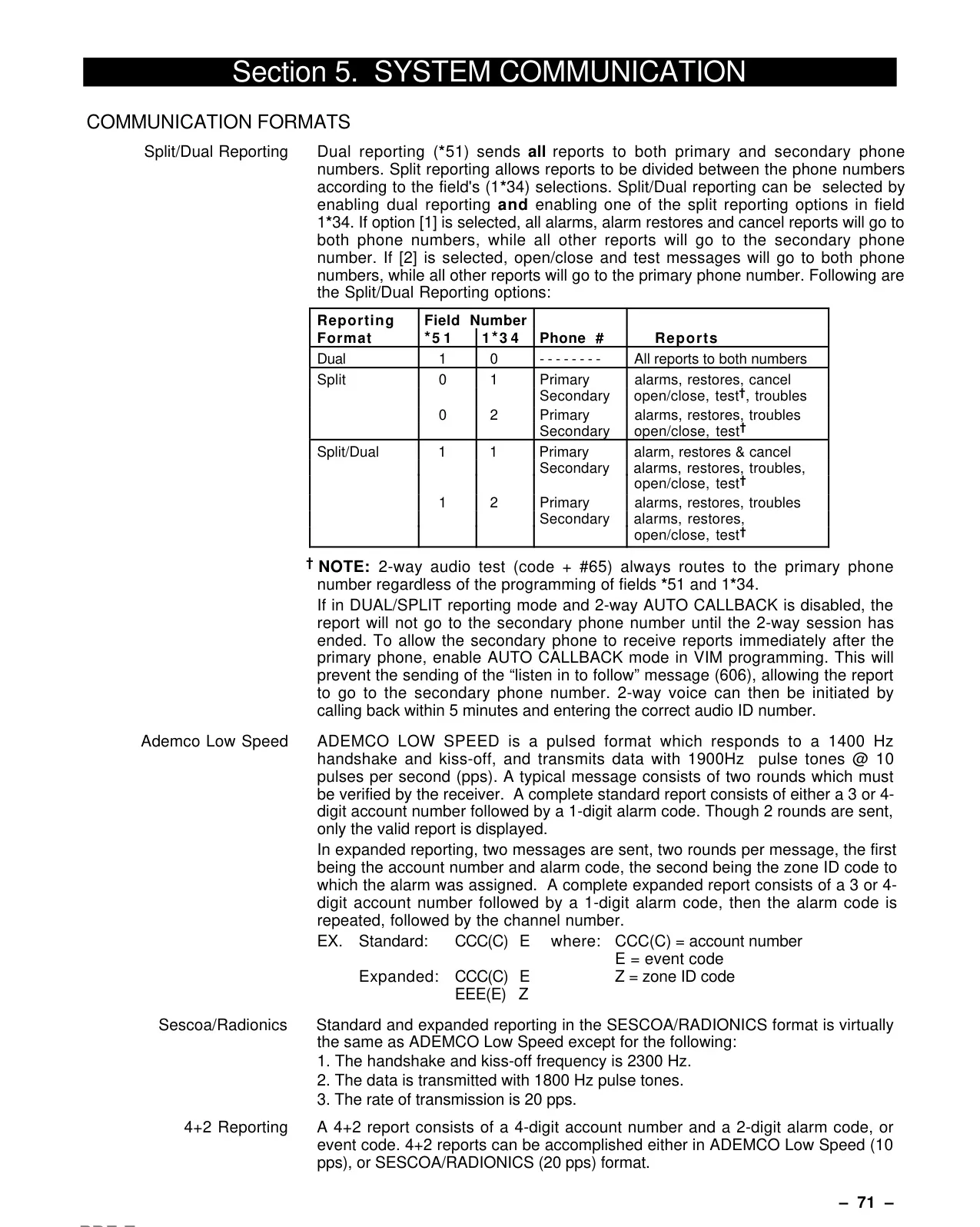
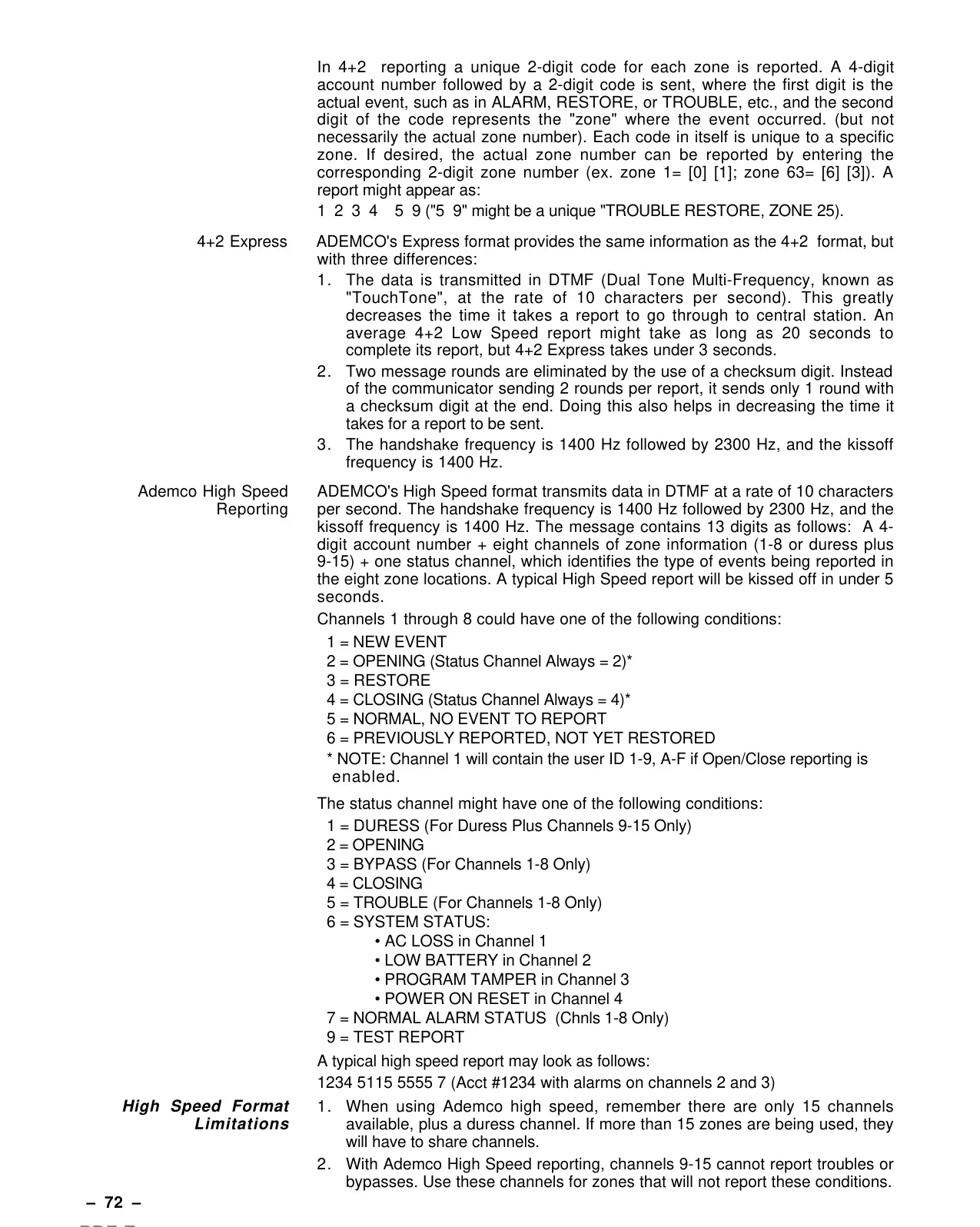

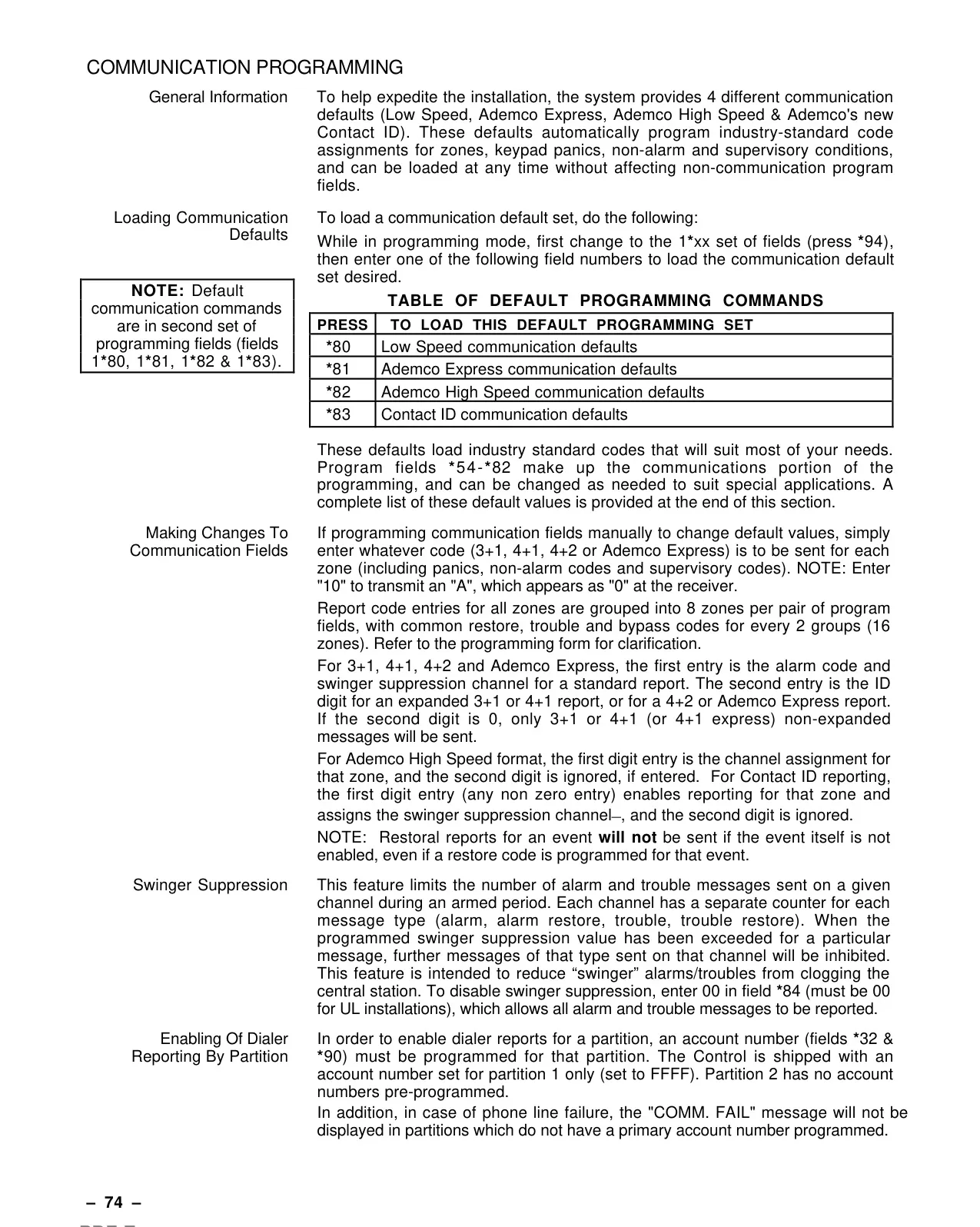
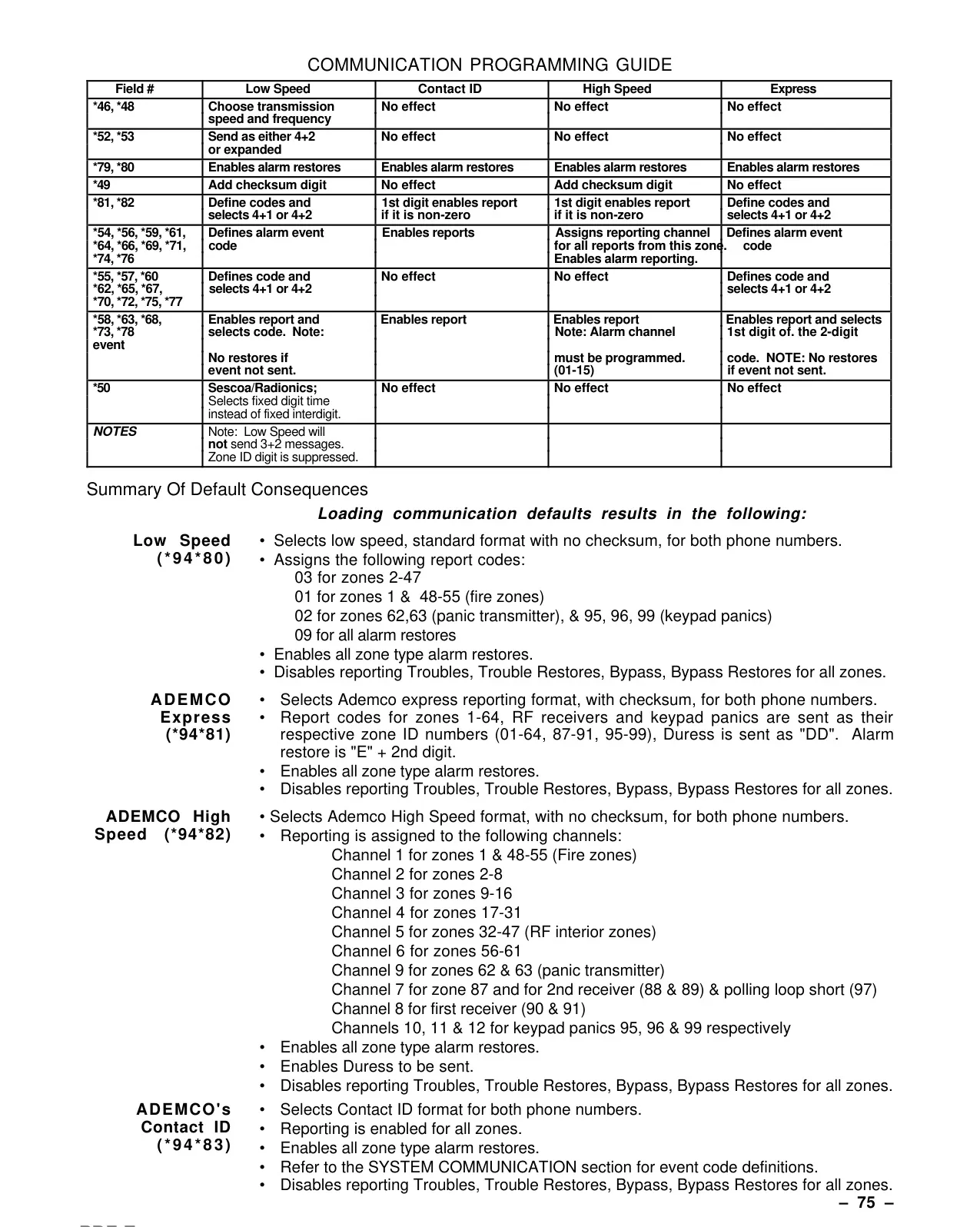
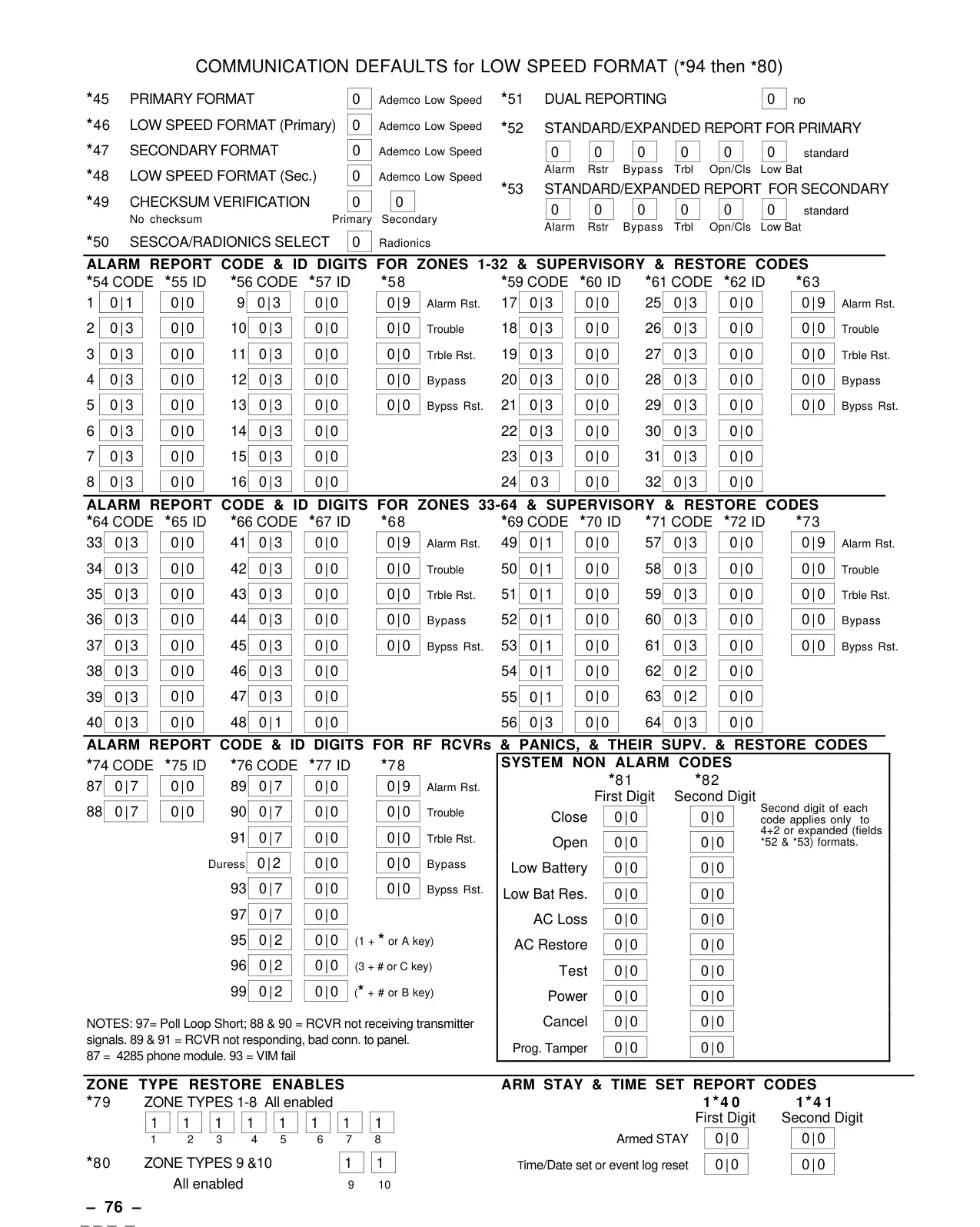
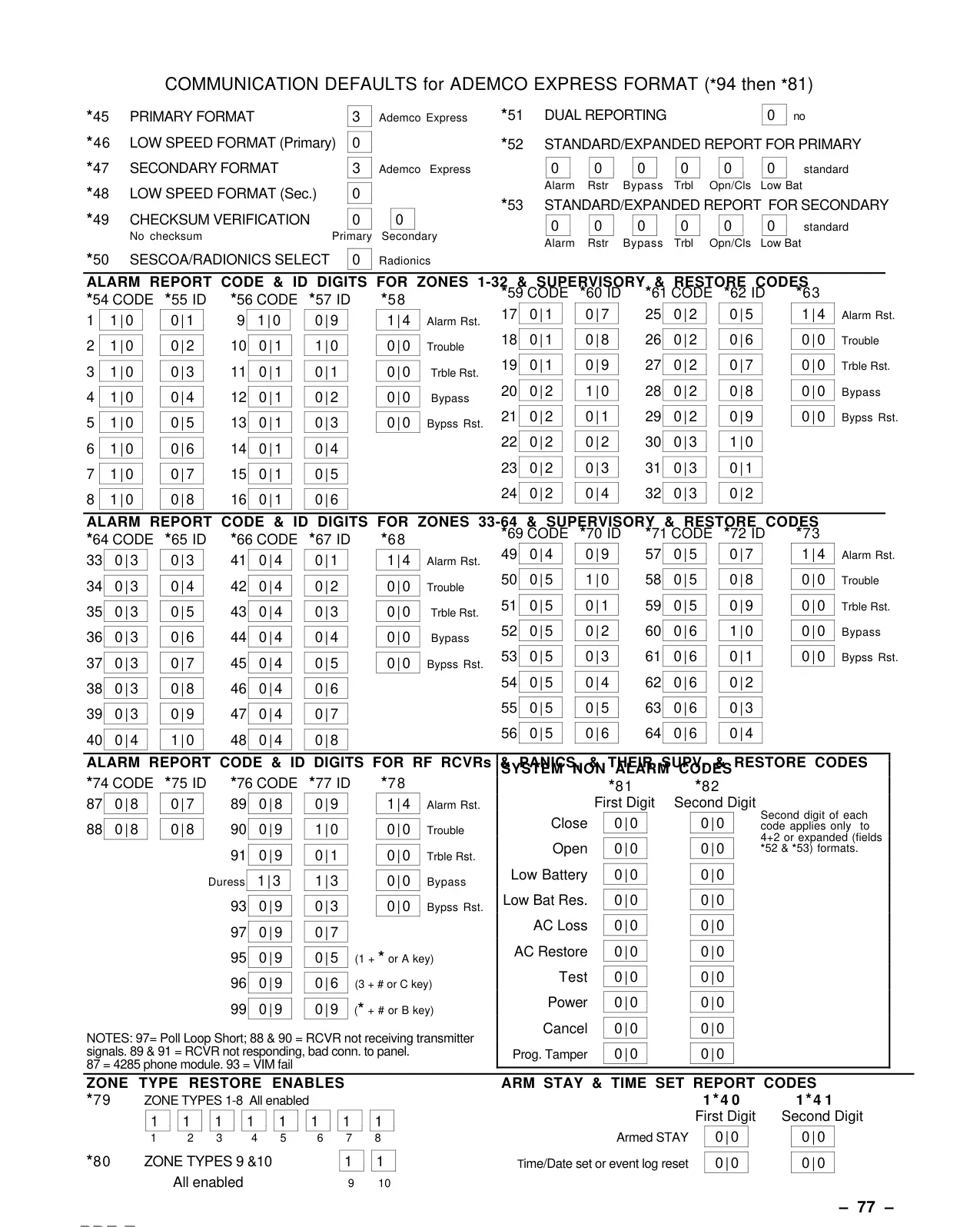
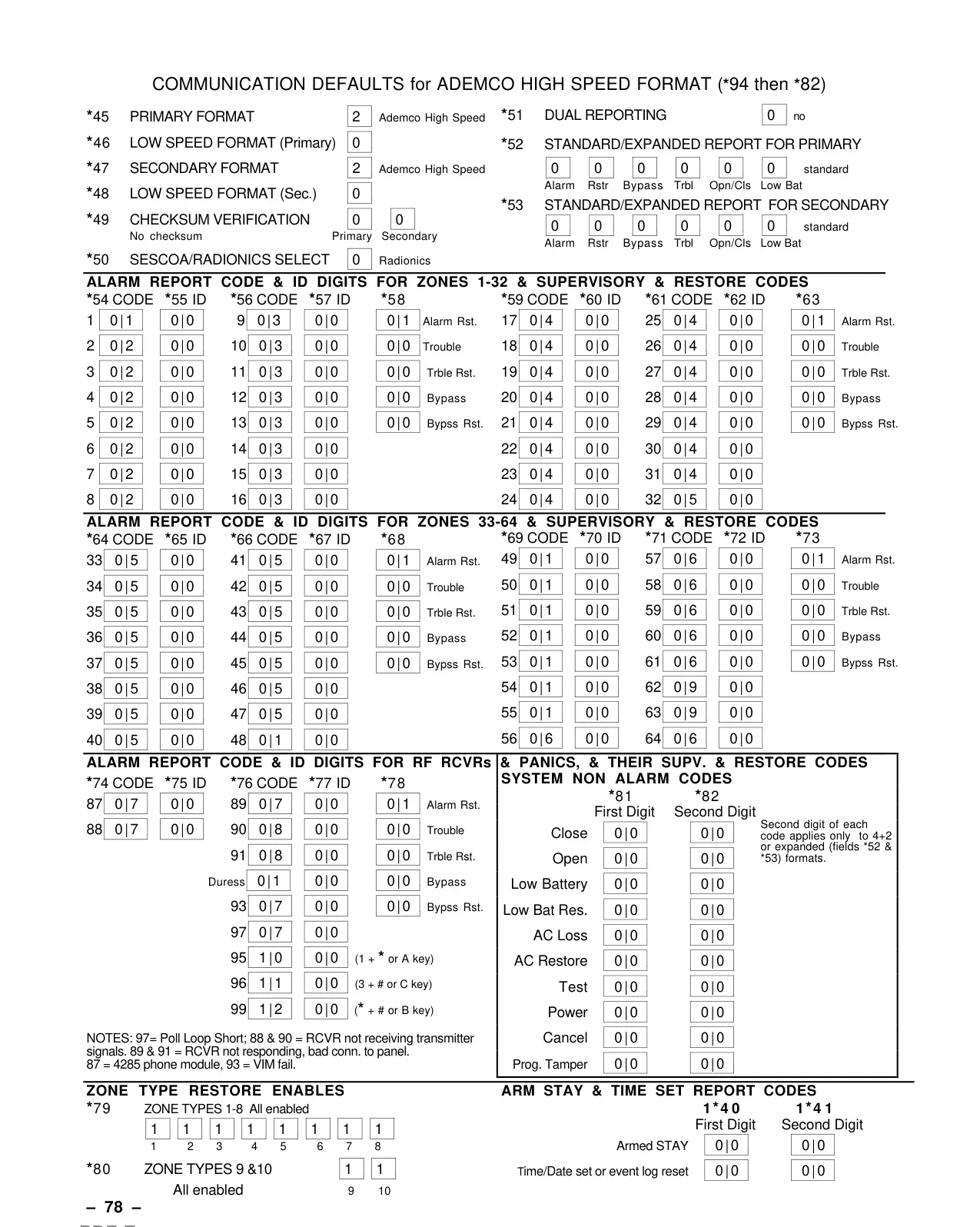
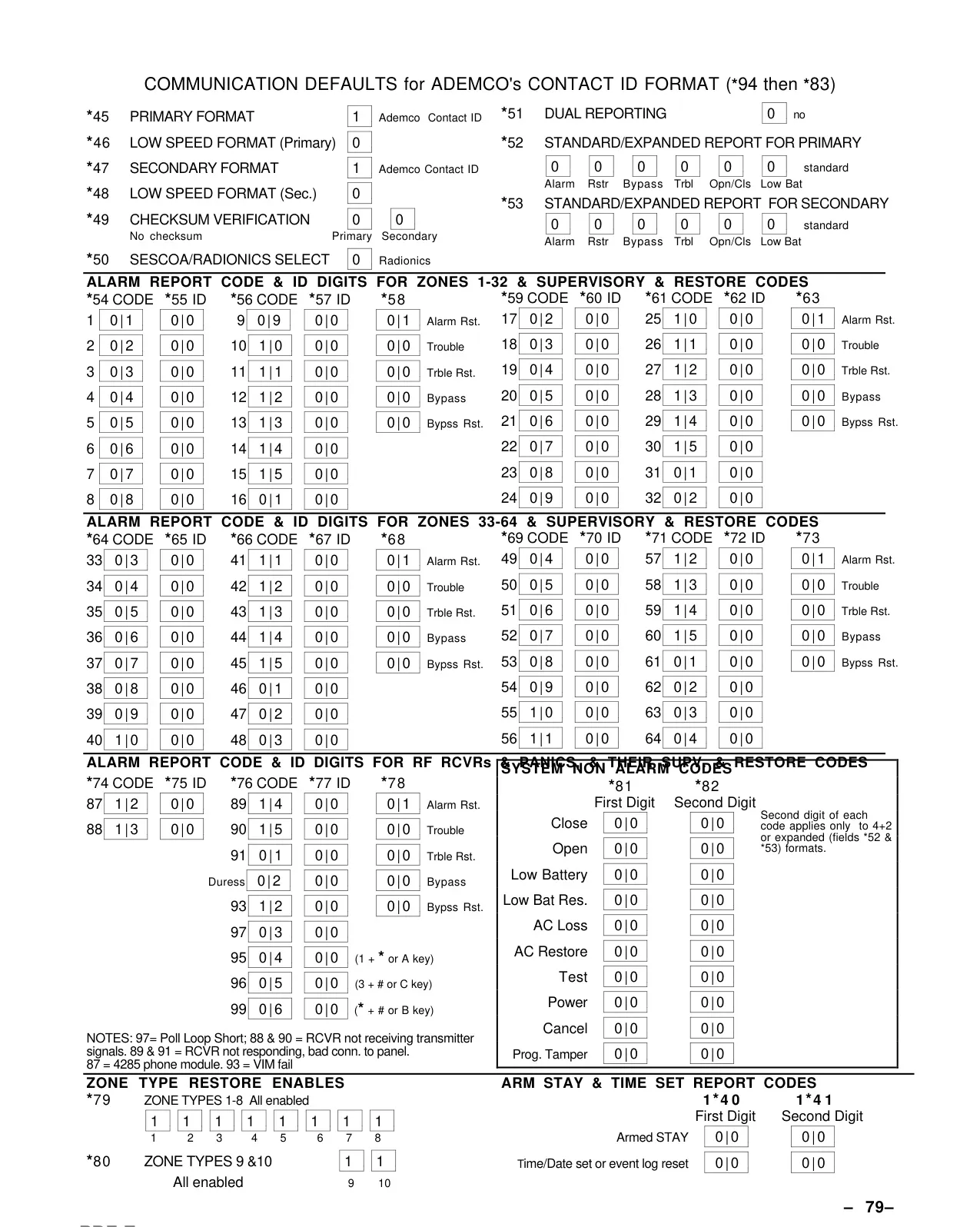
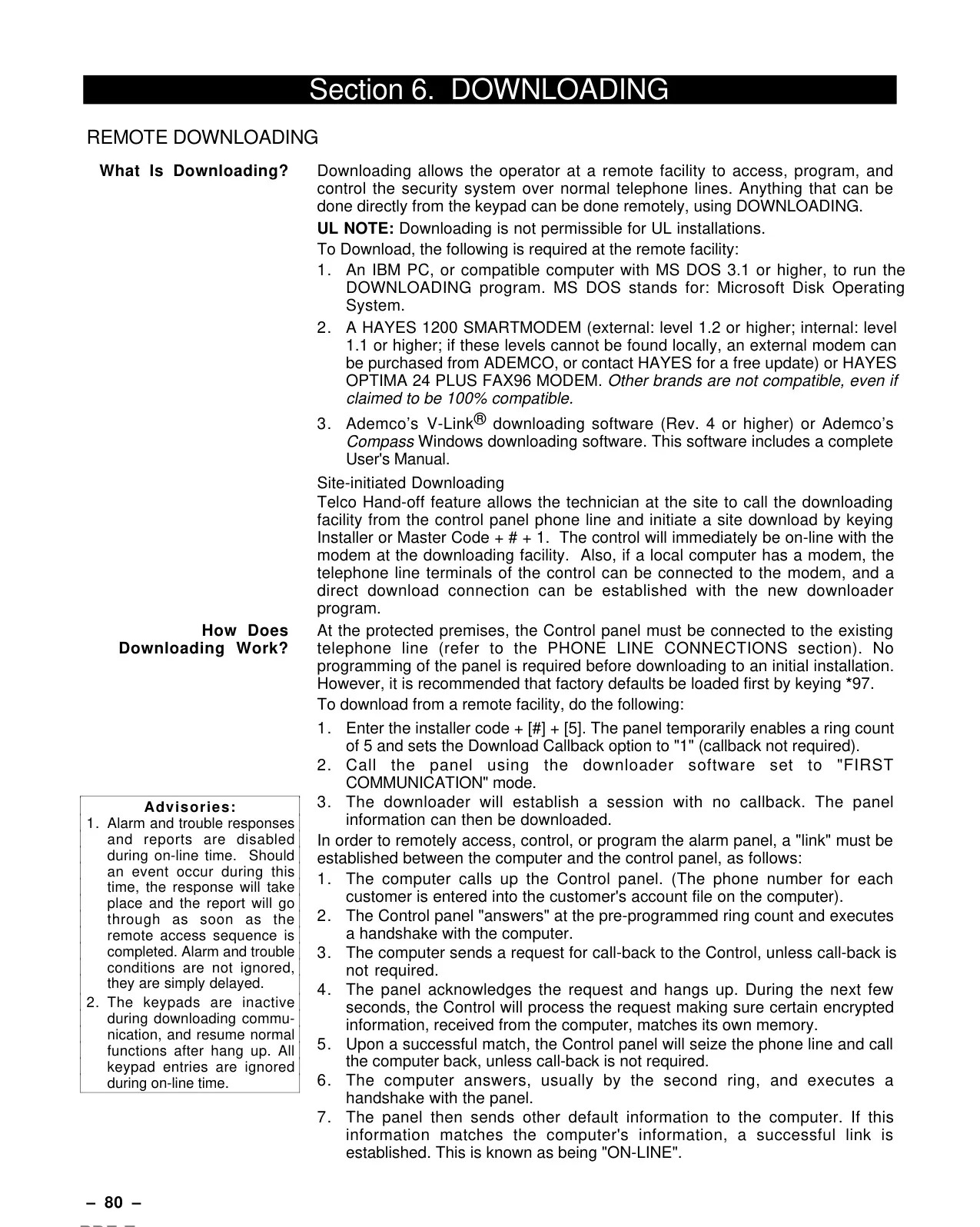
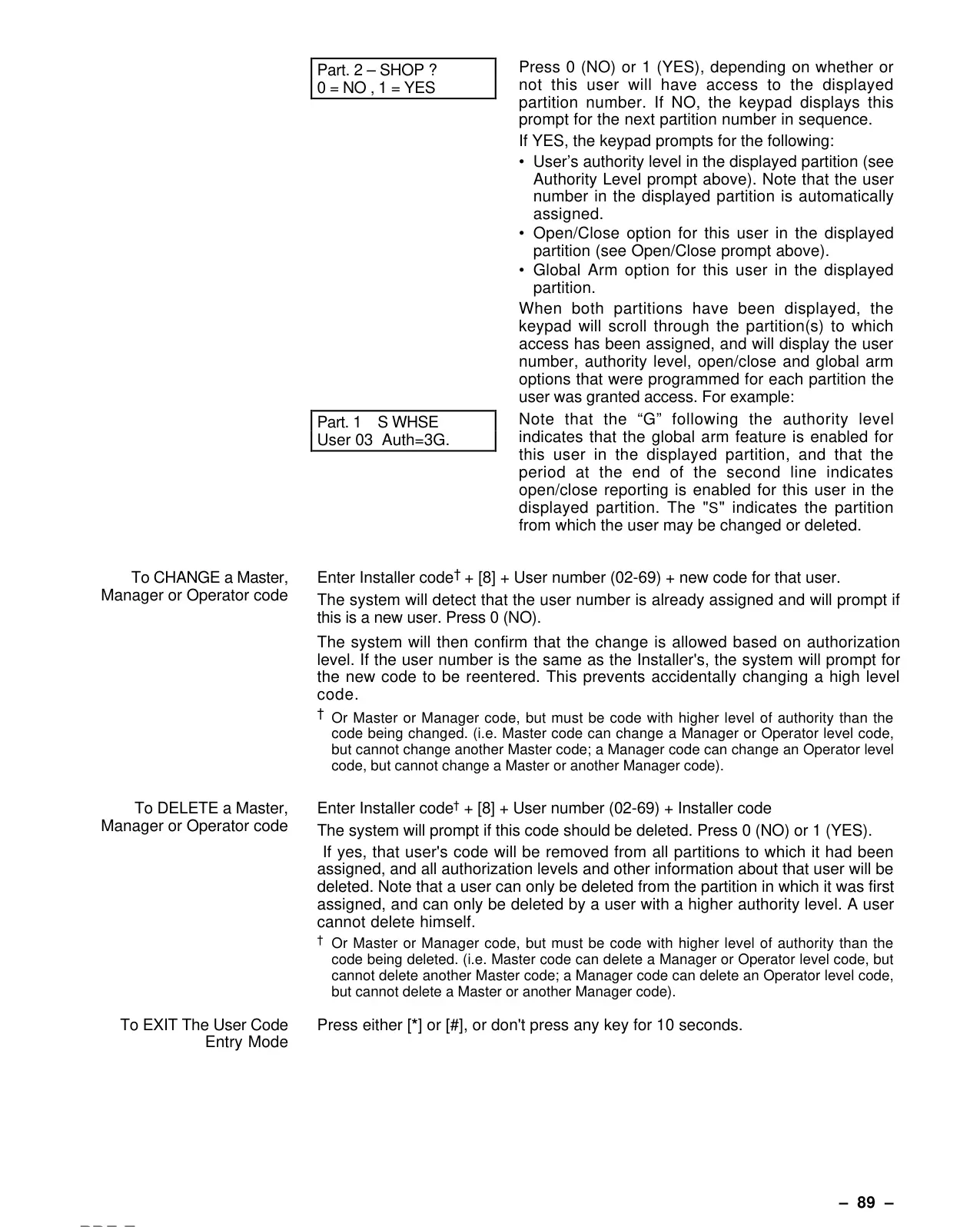
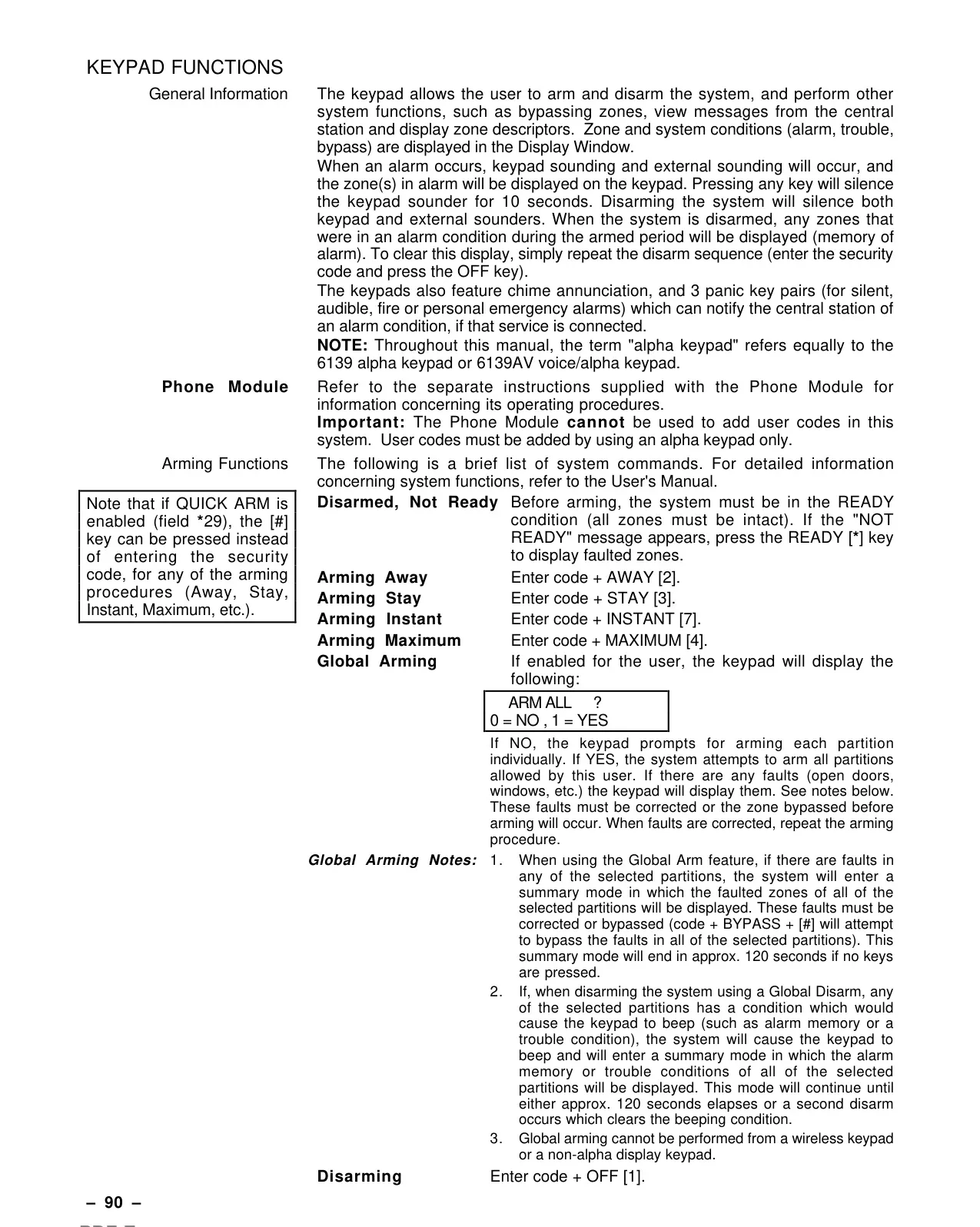
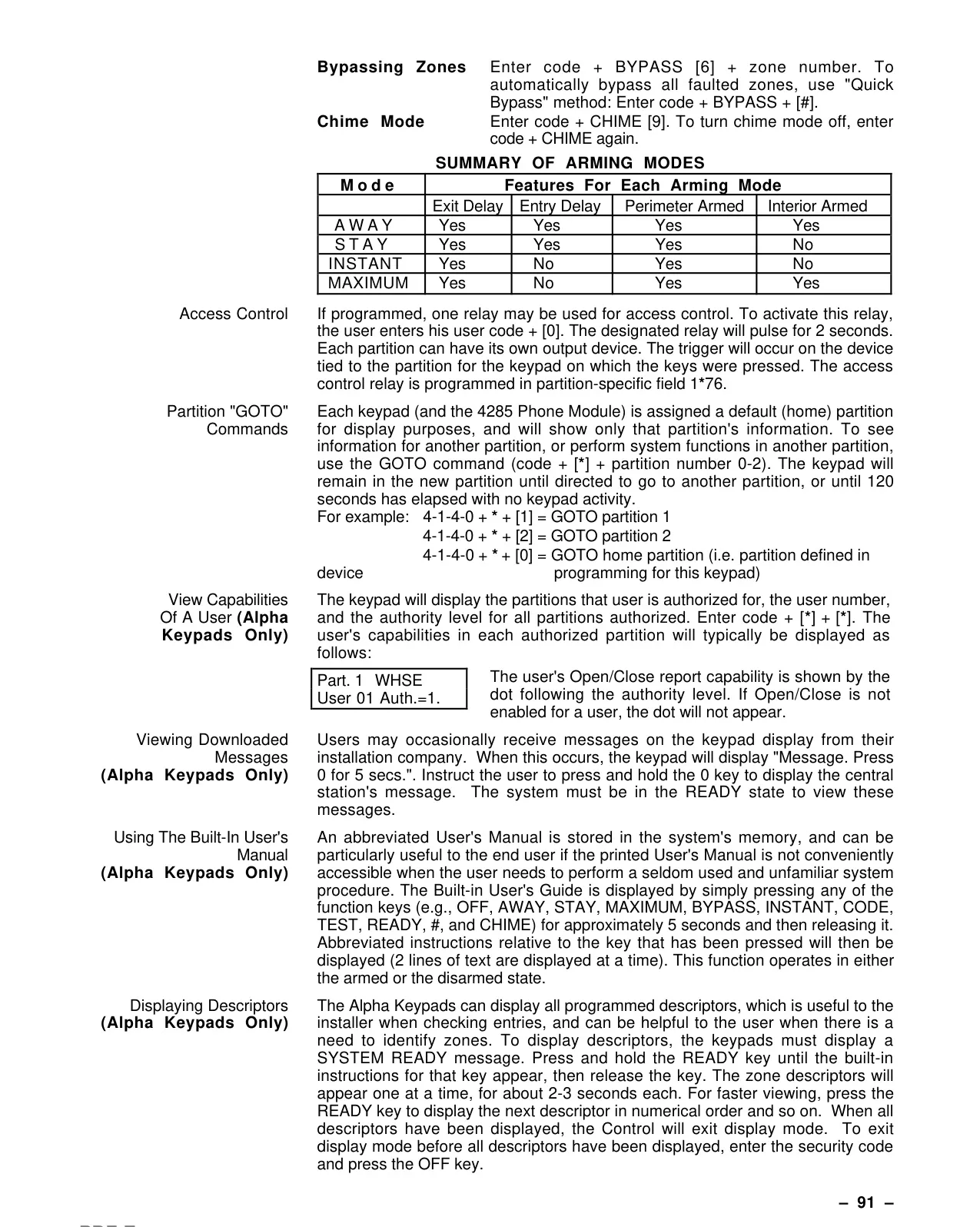
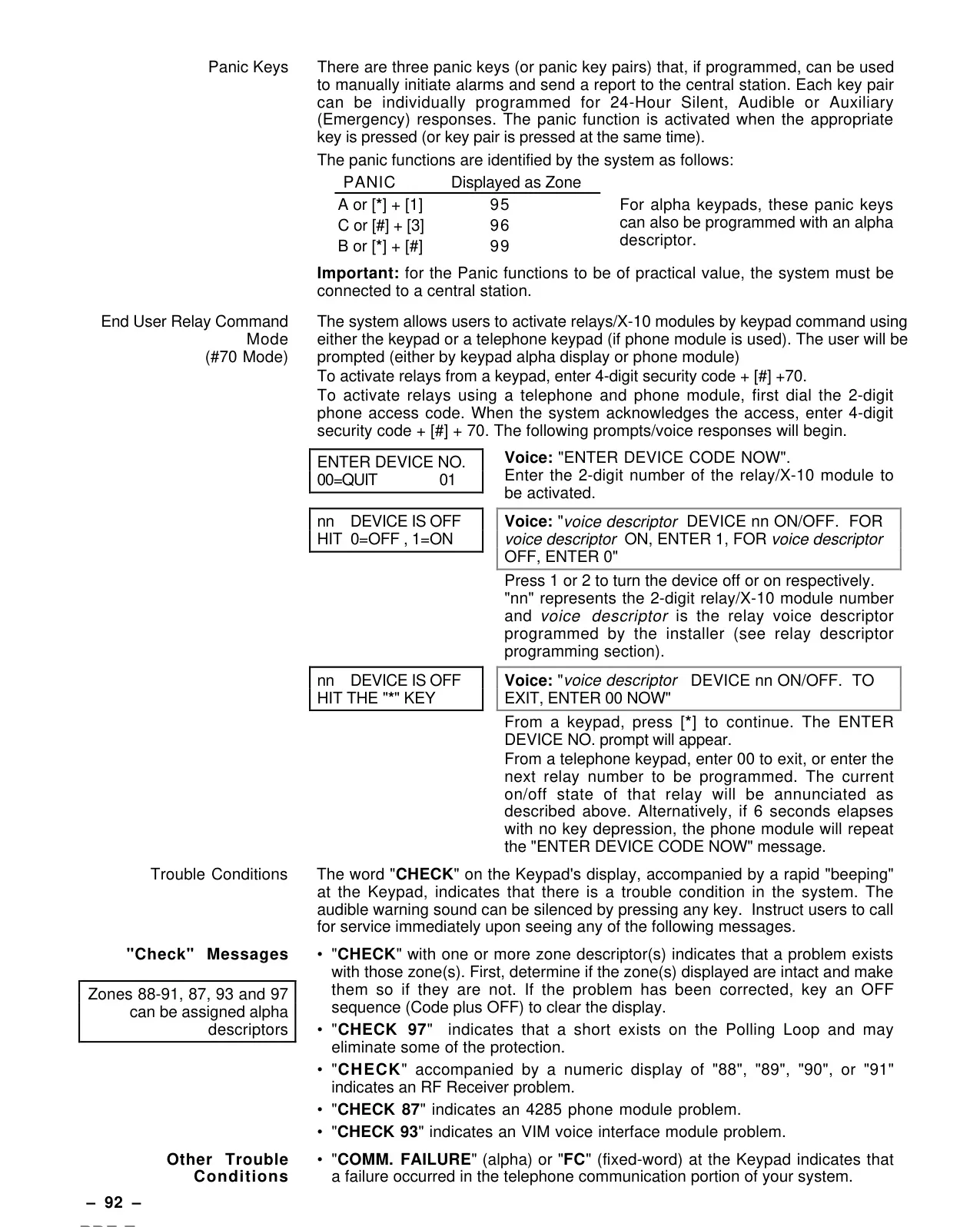
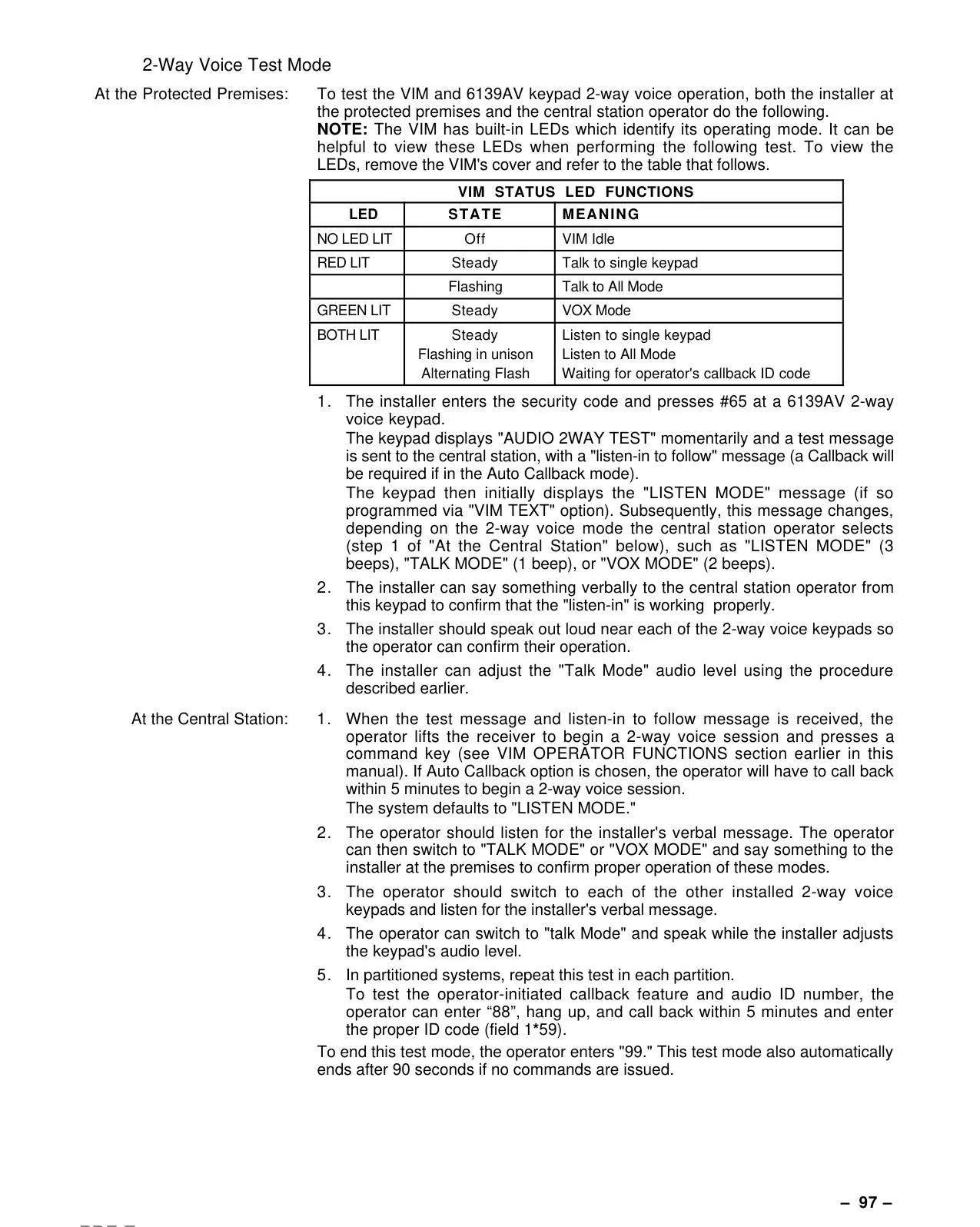
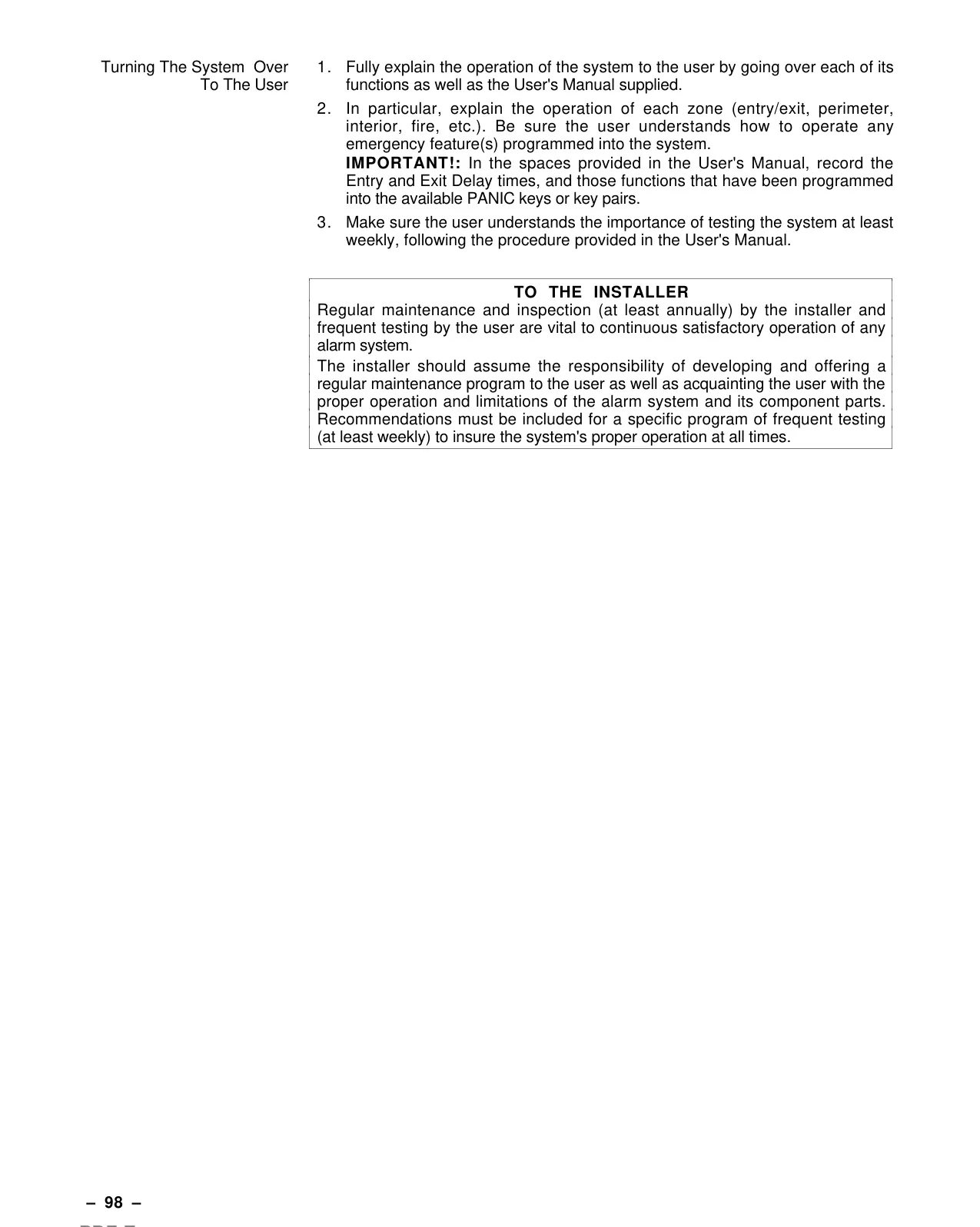
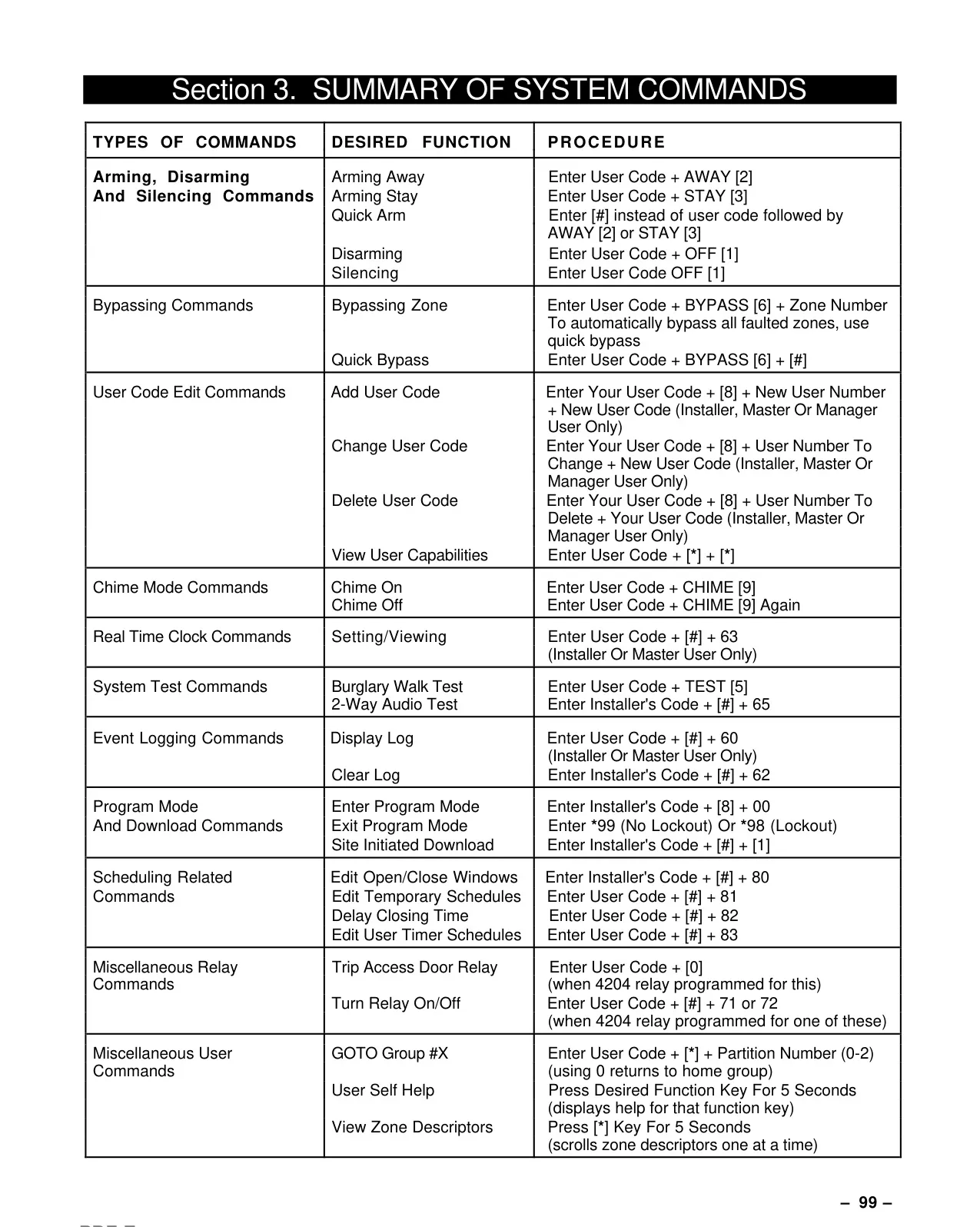
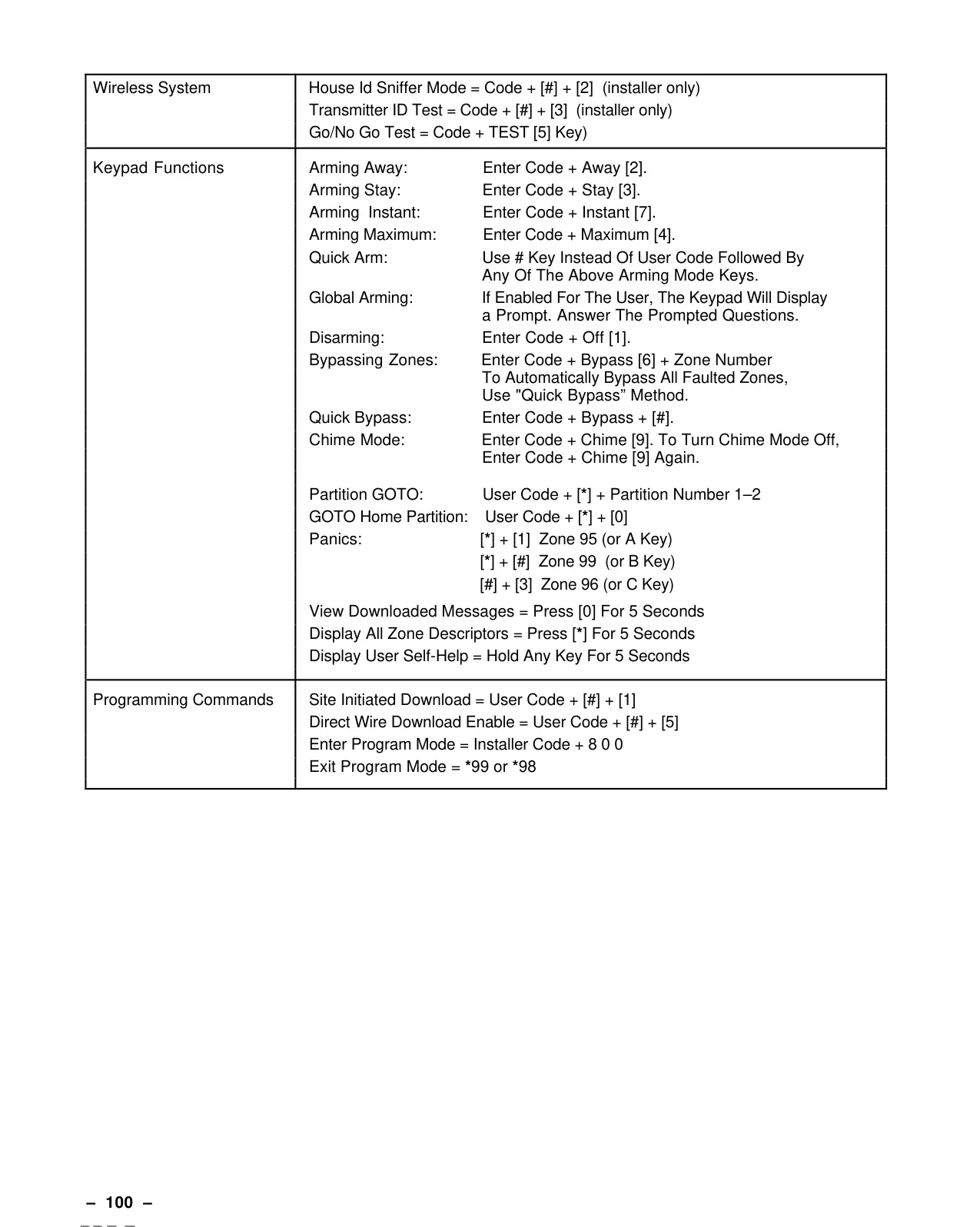
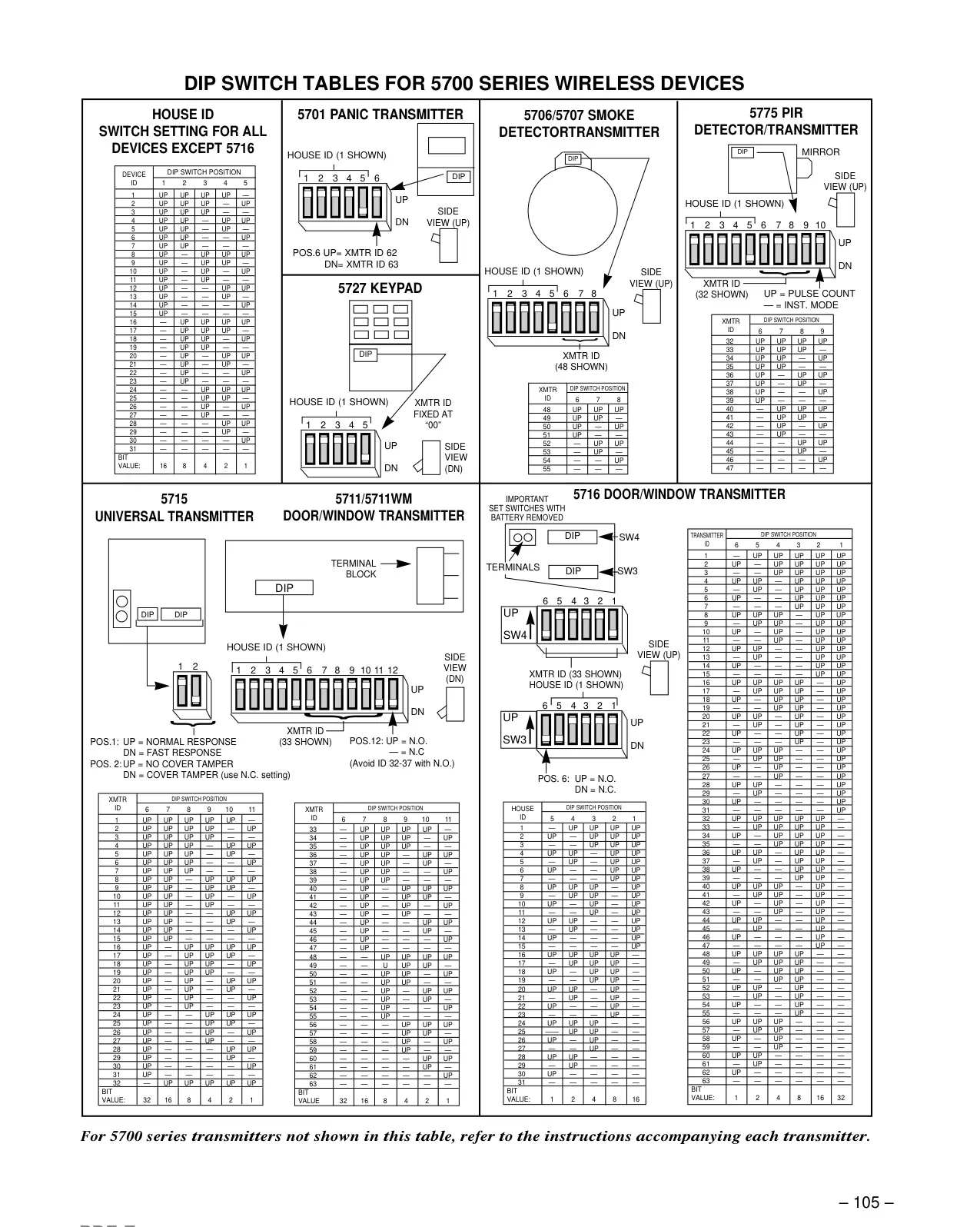

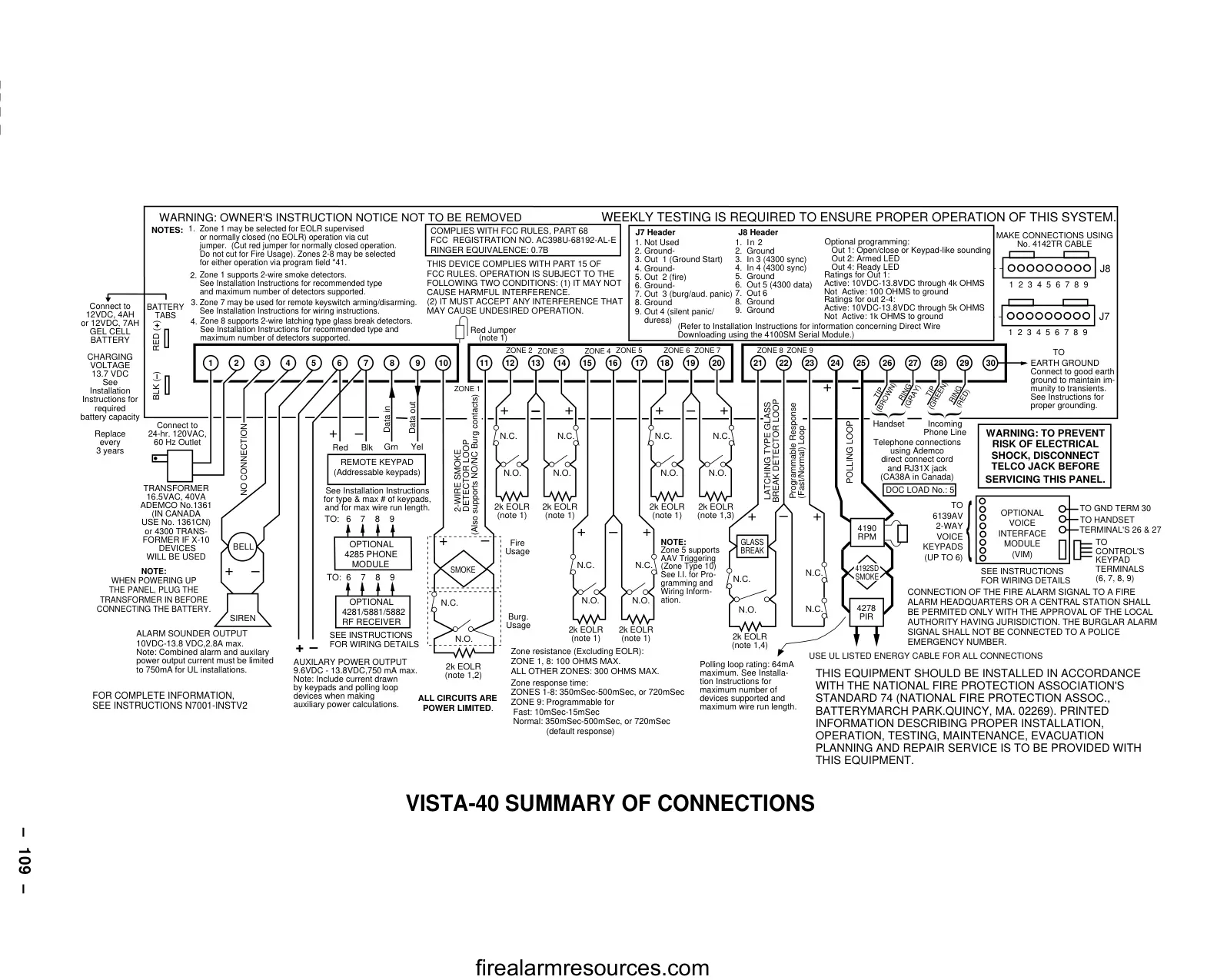
Honeywell Vista 40 Security System
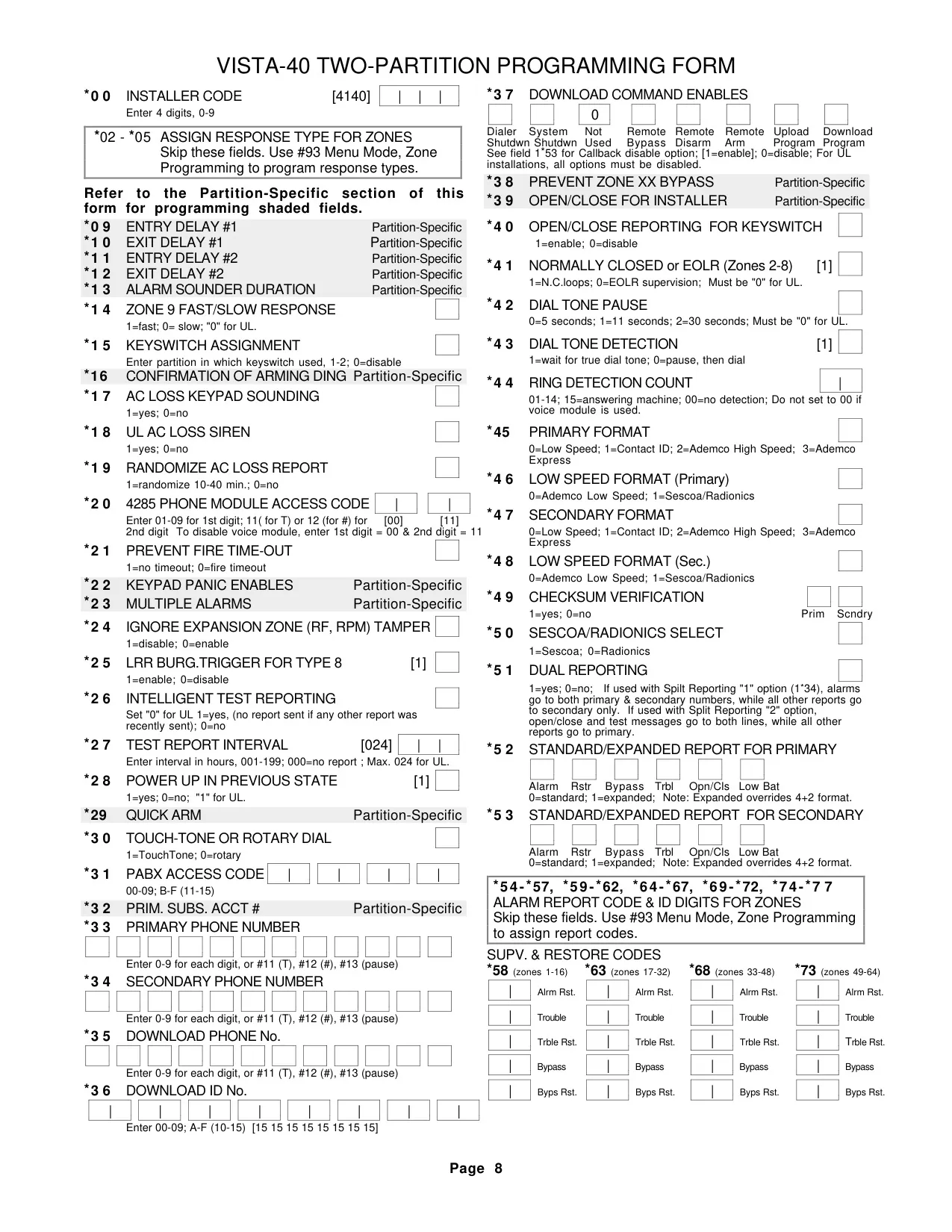
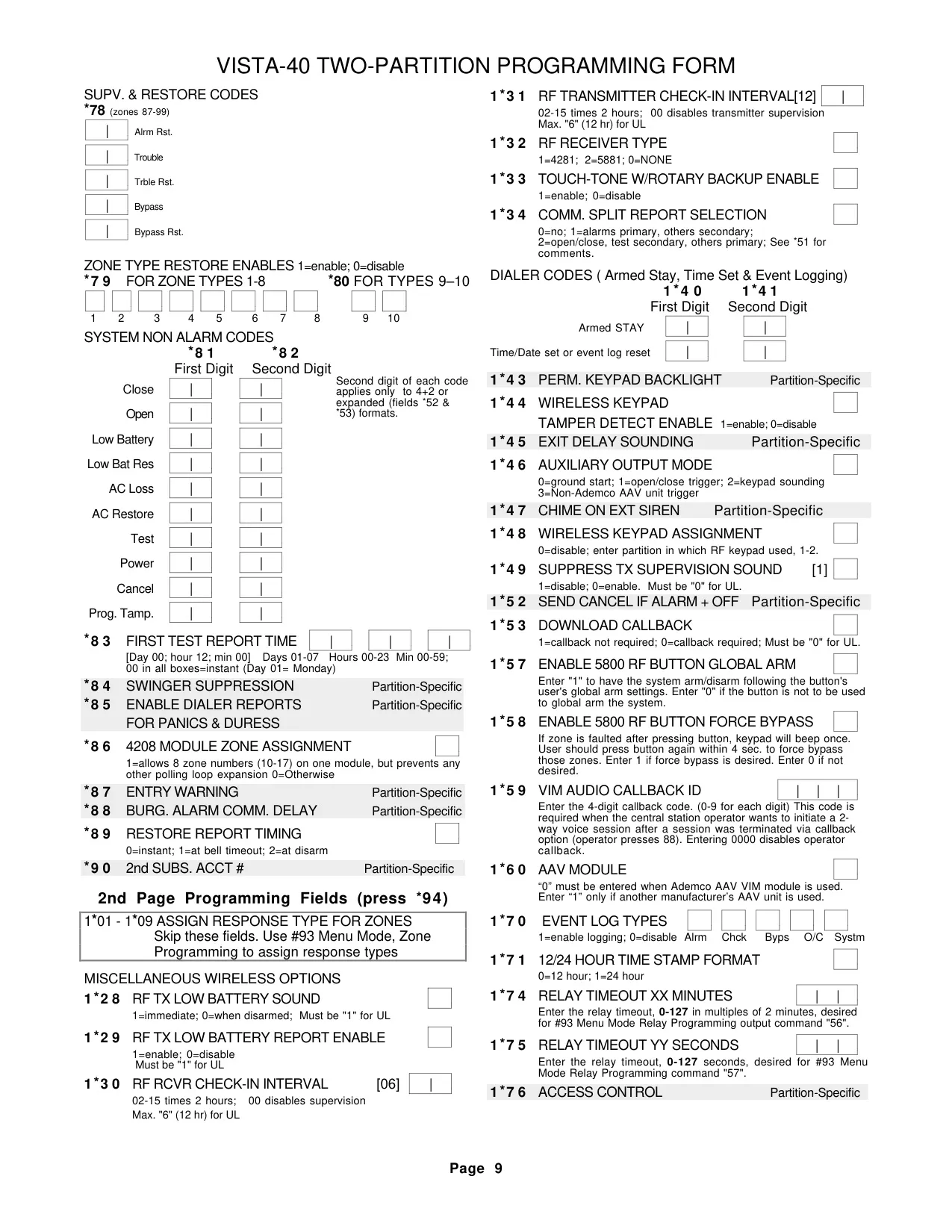
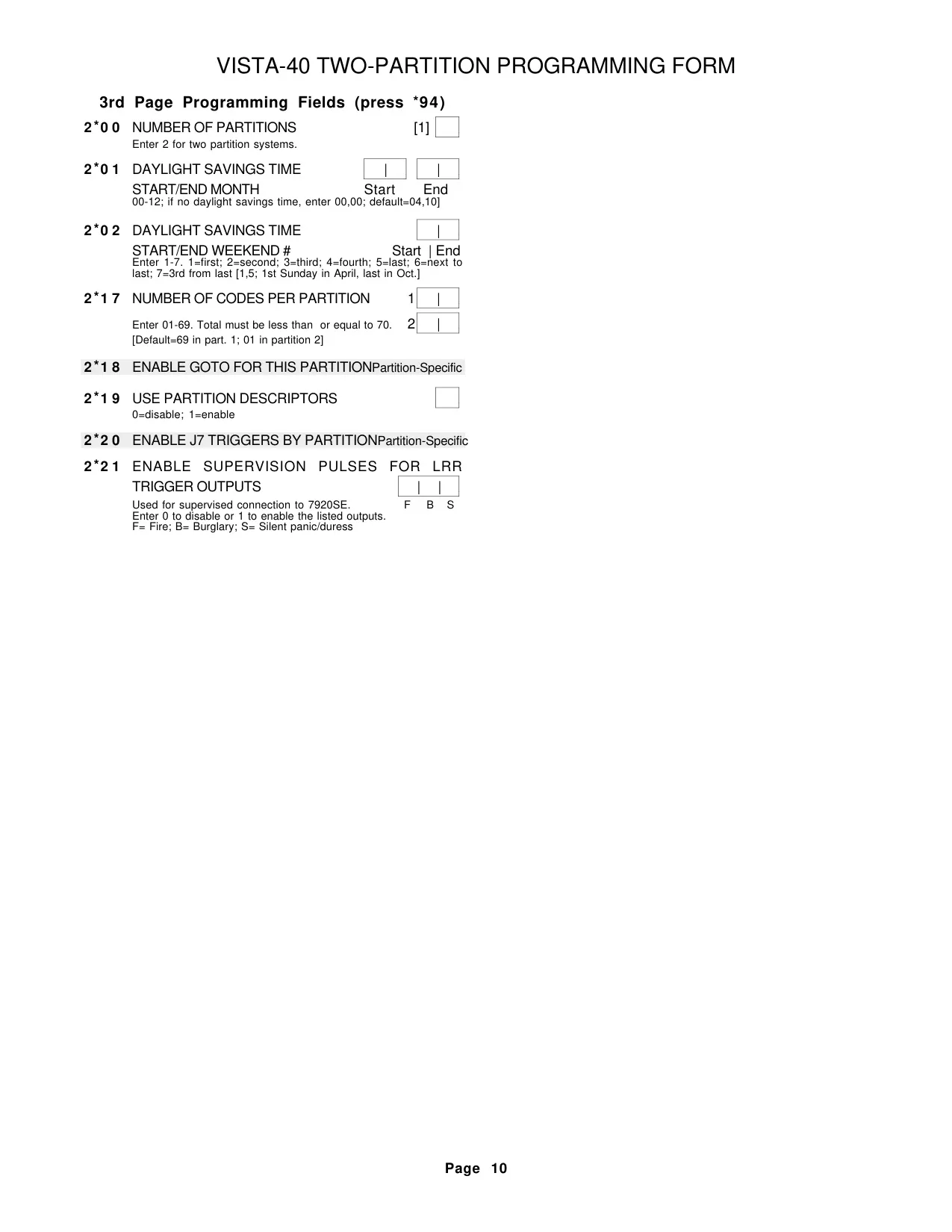
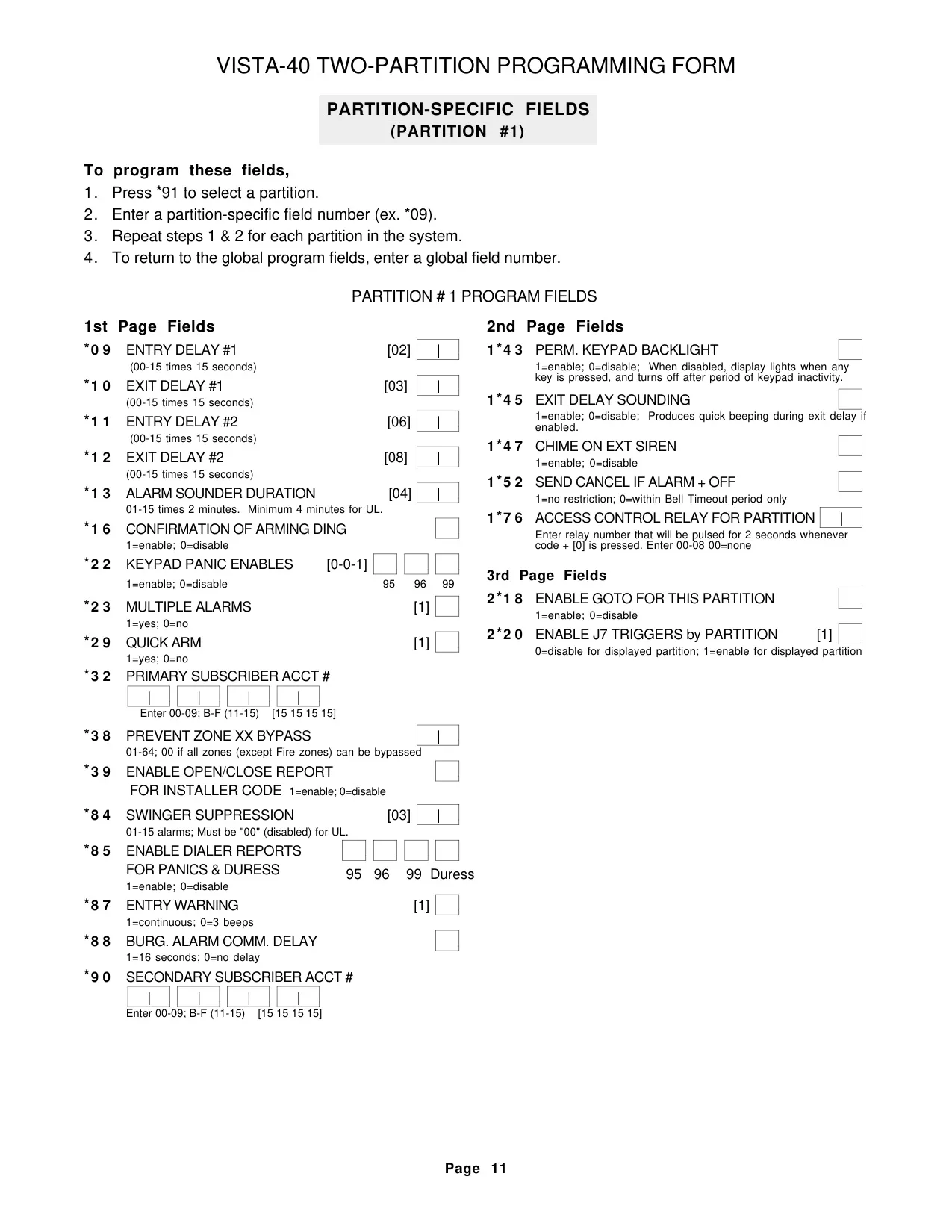
Honeywell Vista 40 Security System

Honeywell Vista 40 Instructions
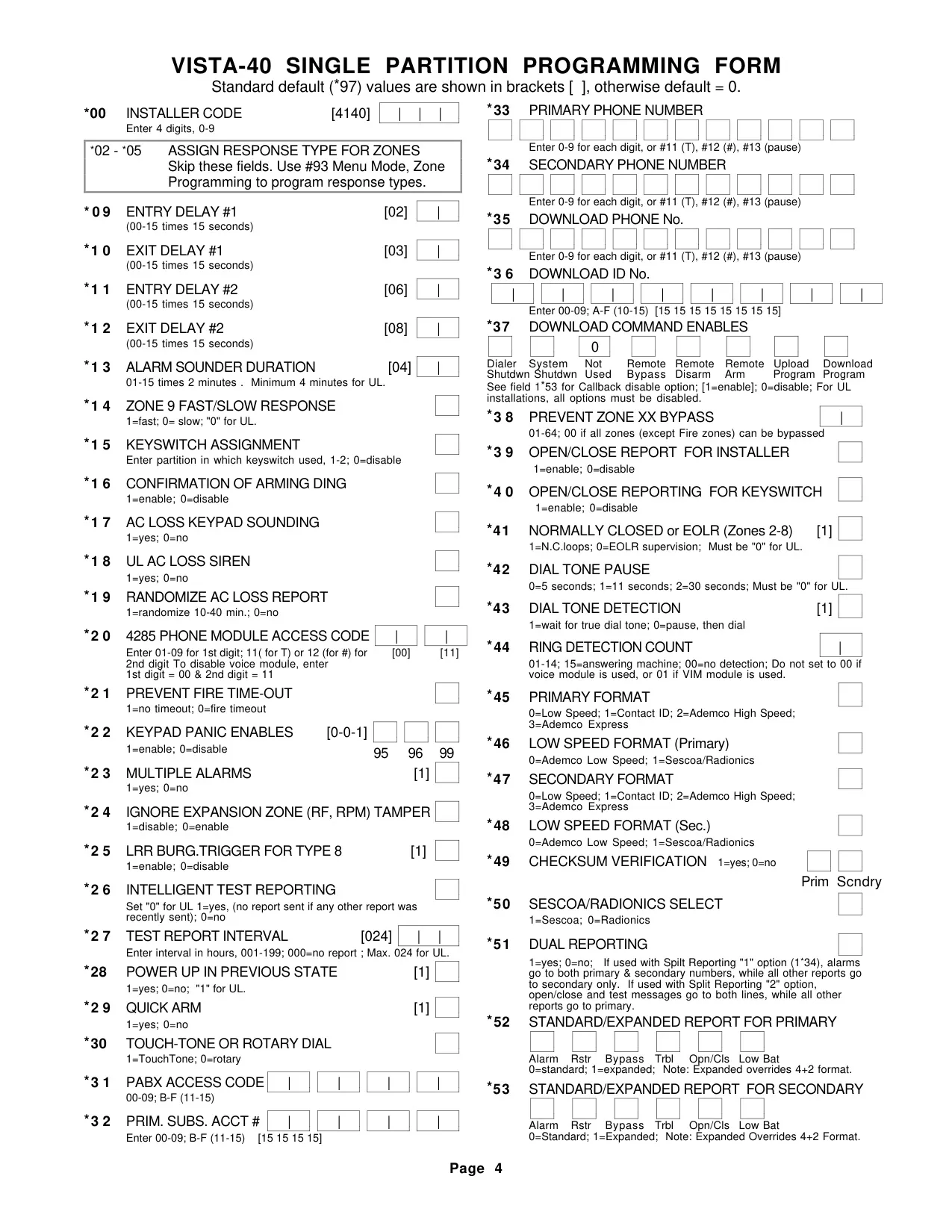
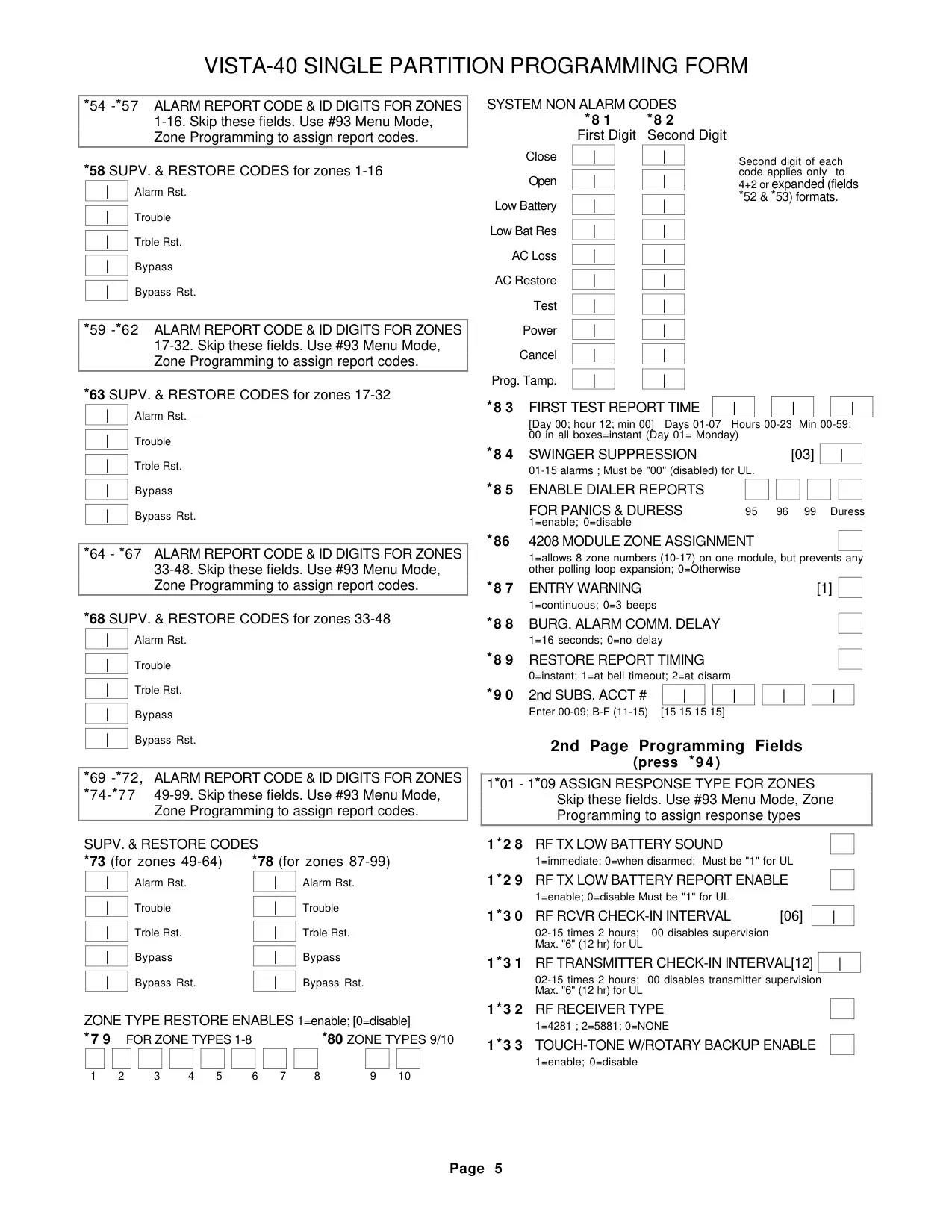
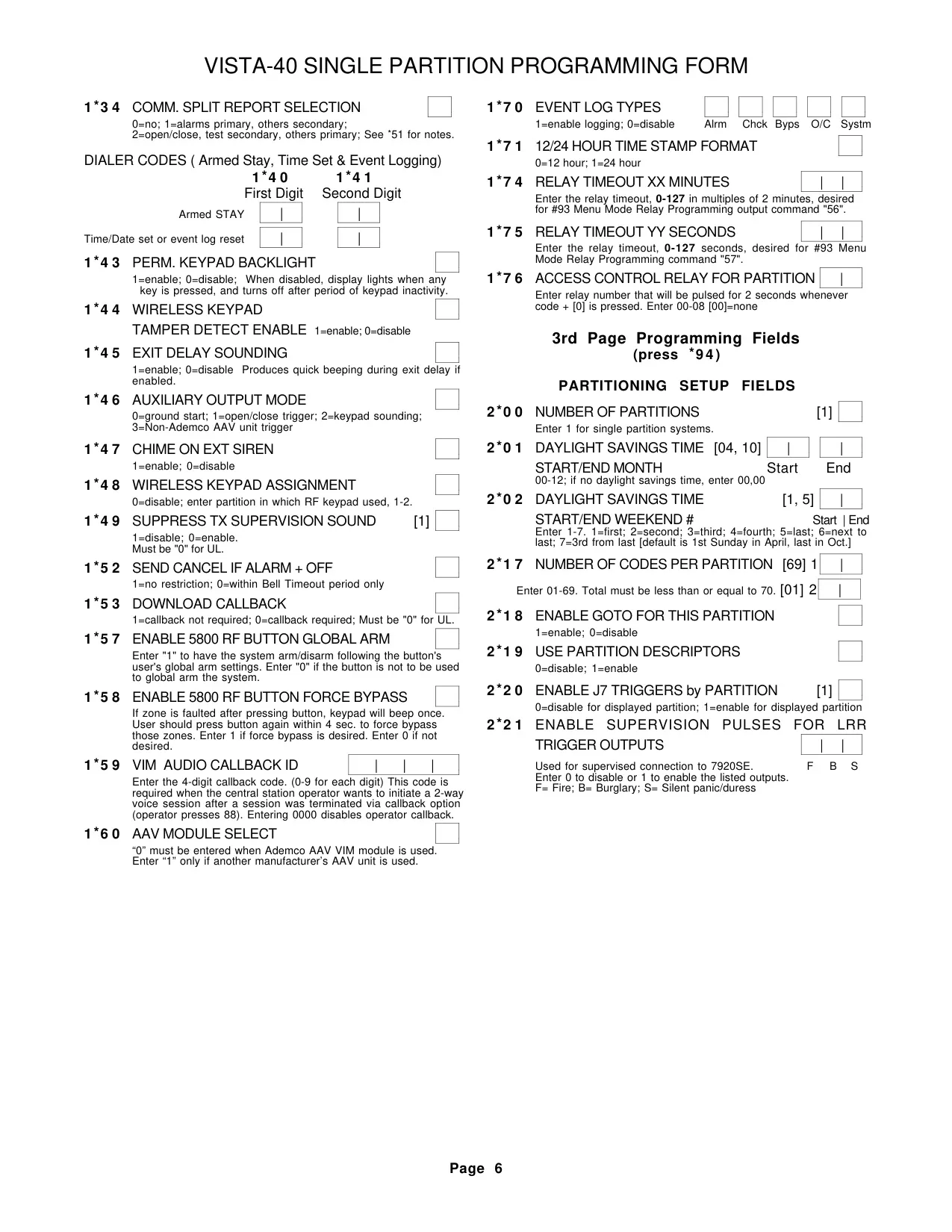
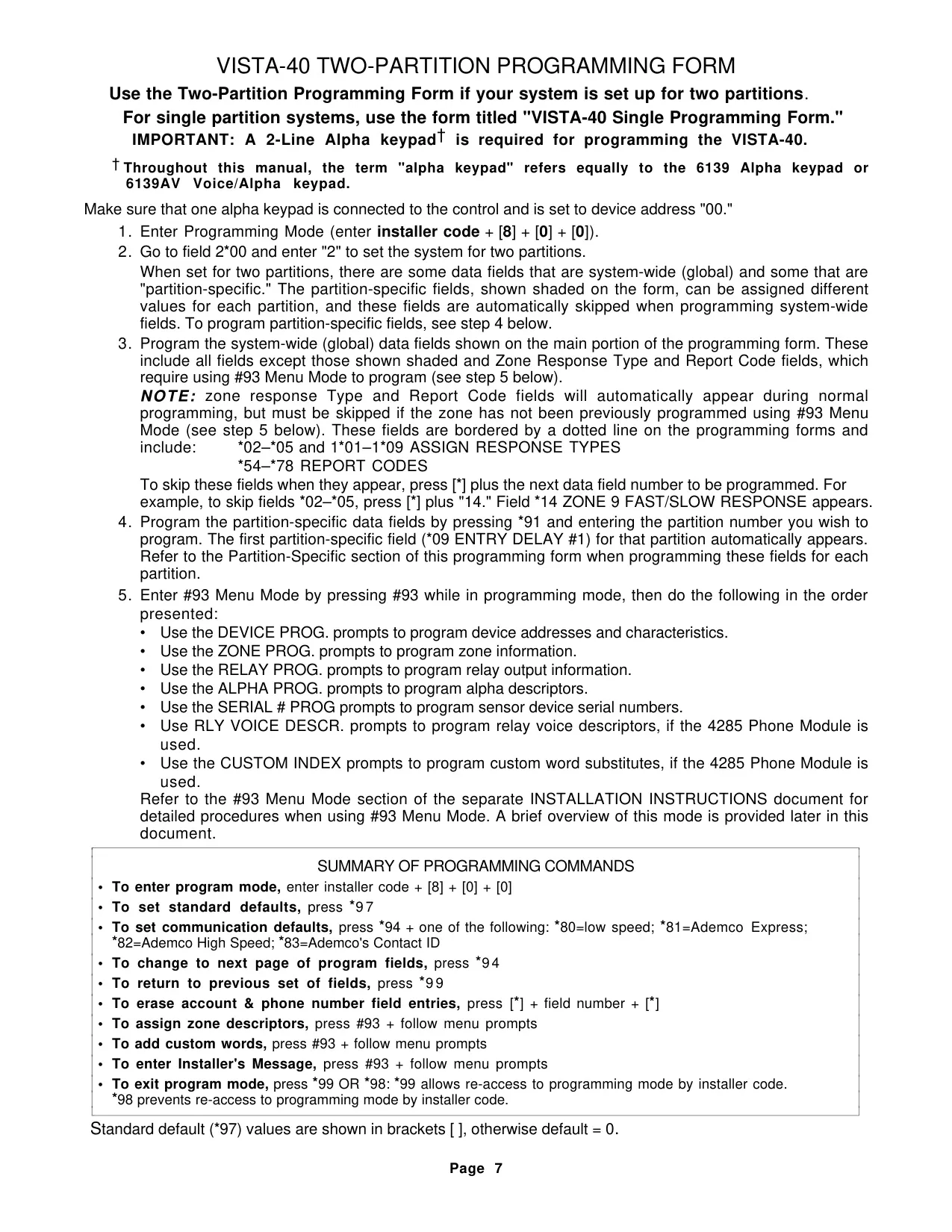
Here we offer the Honeywell Vista 40 Security System manual completely free and in English. We have cataloged this manual in the Security Systems section on Manualverse, and it has been rated by 1 users with an average rating of 5. If you have any specific questions about Honeywell Vista 40 Security System, we suggest checking the Frequently Asked Questions (FAQs) section of this manual.
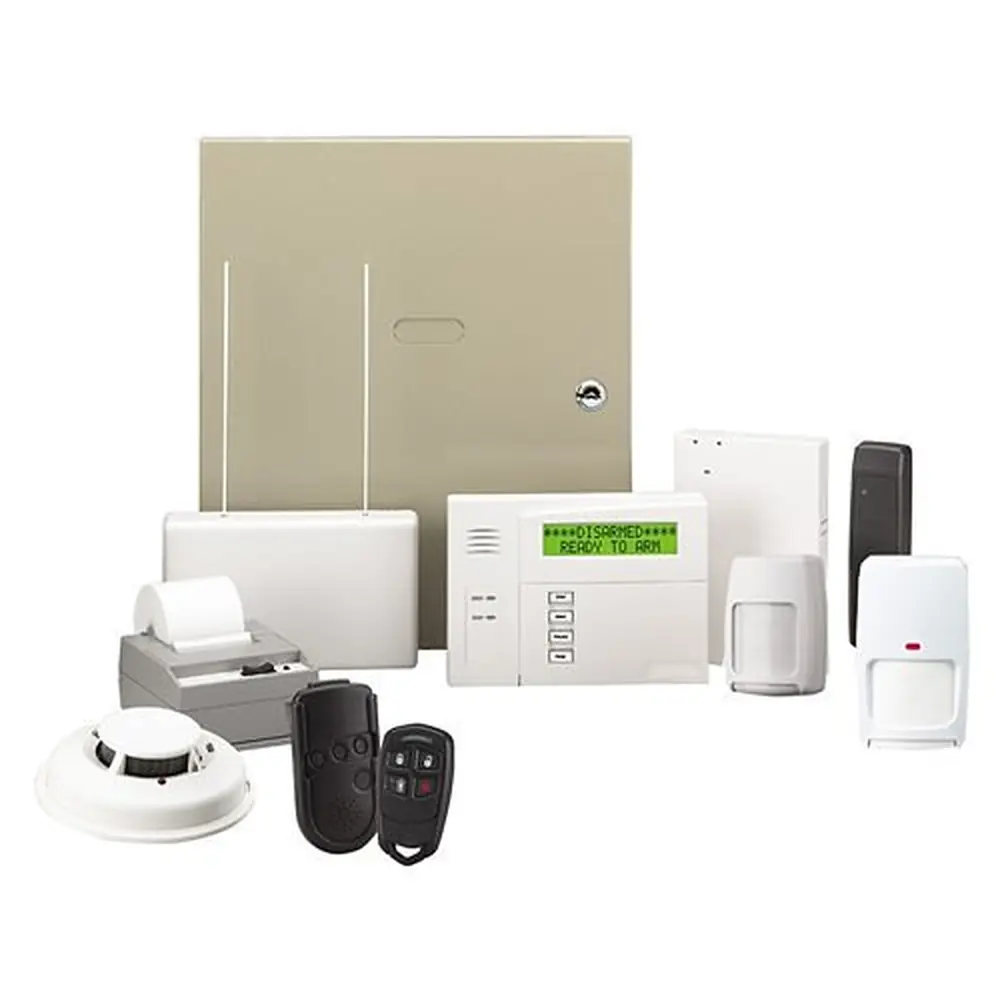
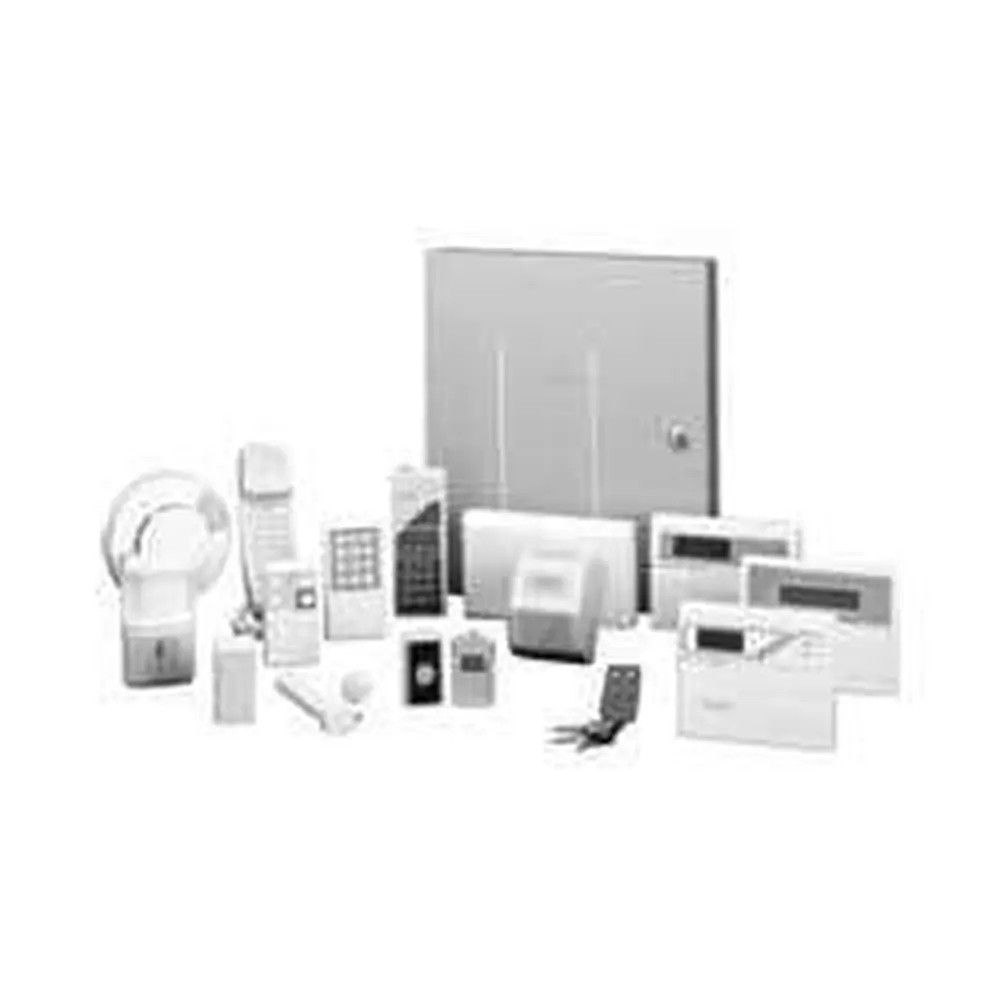
Product Images
Honeywell Vista 40 Security System Specifications
| Feature | Specification |
|---|---|
| System Type | Microcomputer-based security system |
| Protection Types | Burglary, Fire, Emergency |
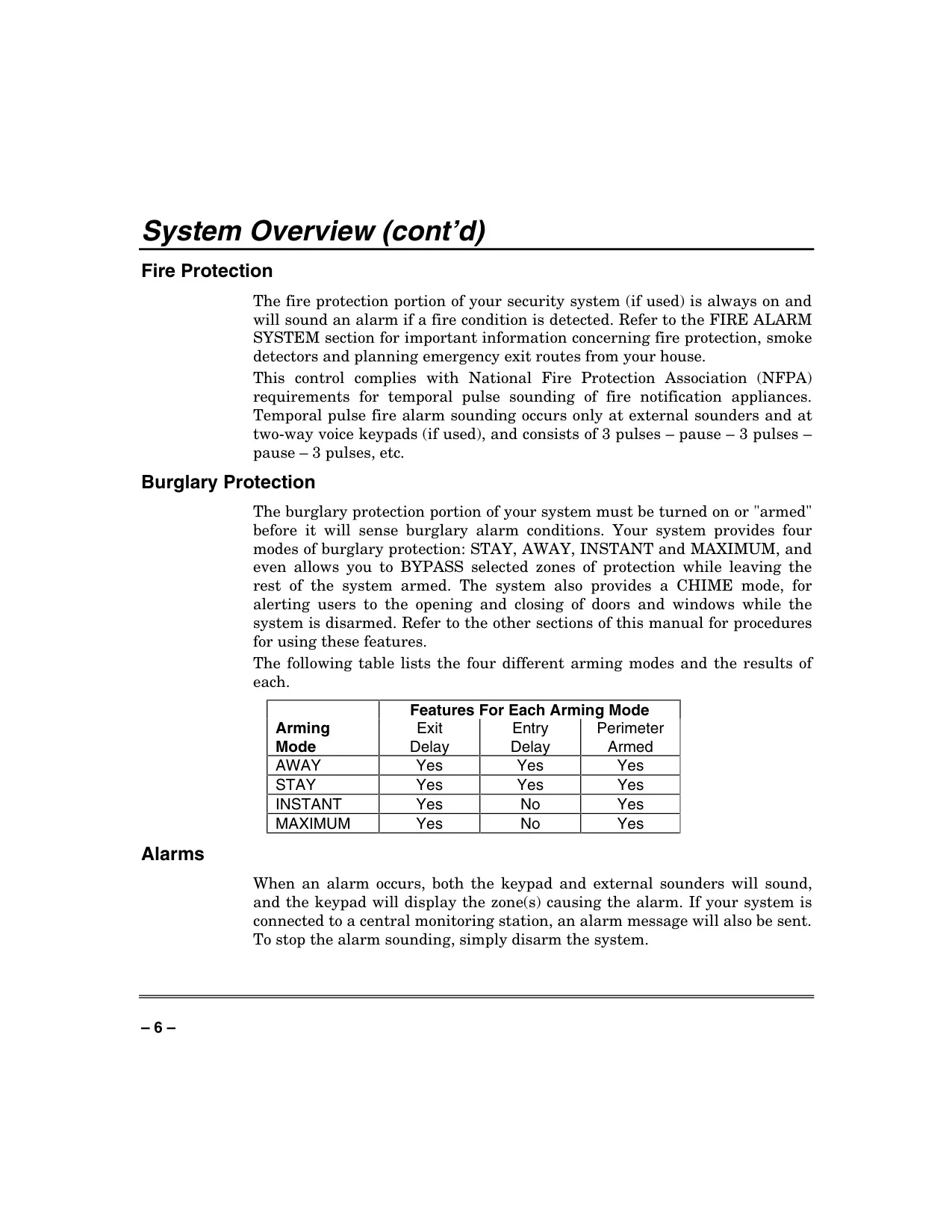
| Burglary Arming Modes | AWAY, STAY, INSTANT, MAXIMUM |
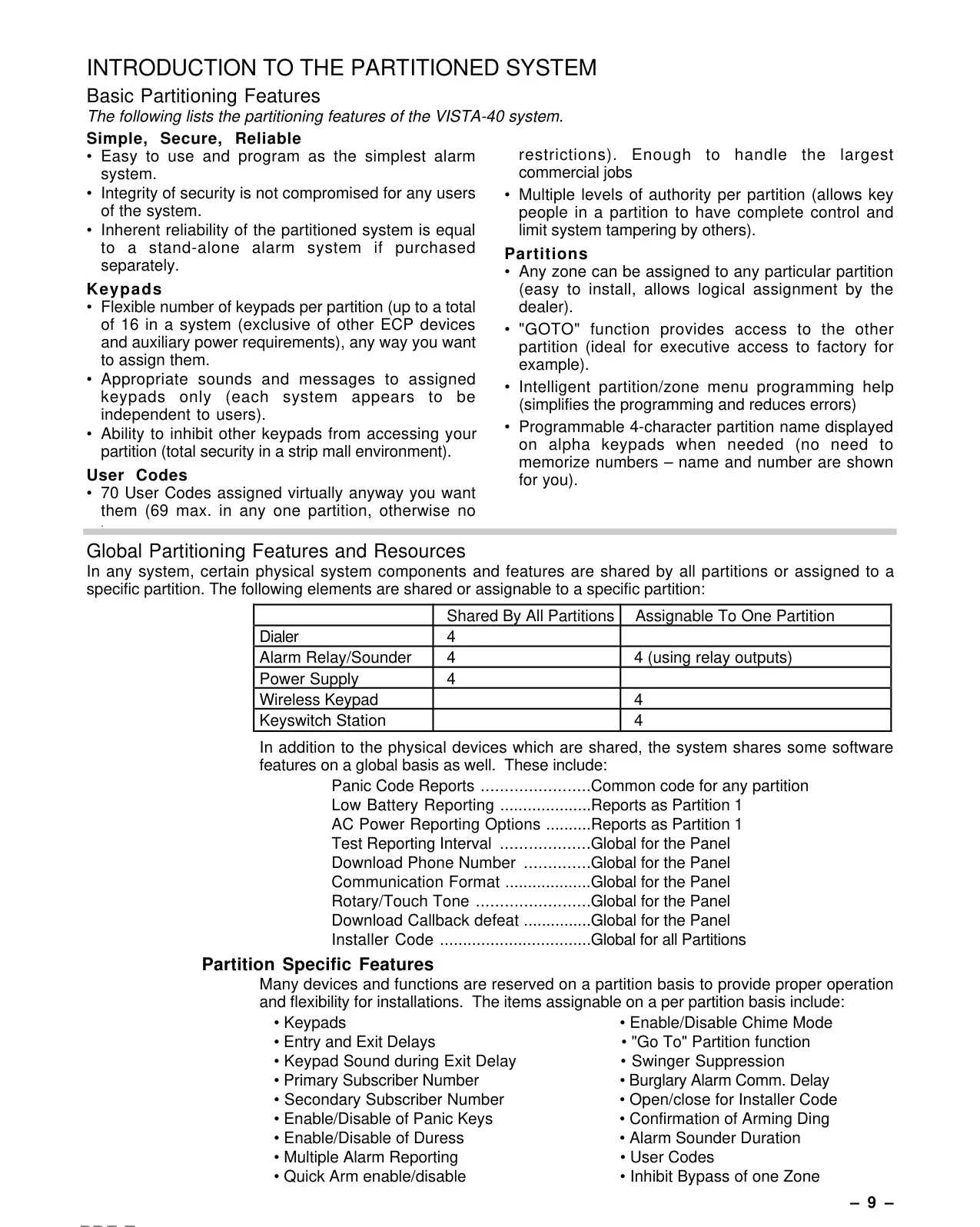
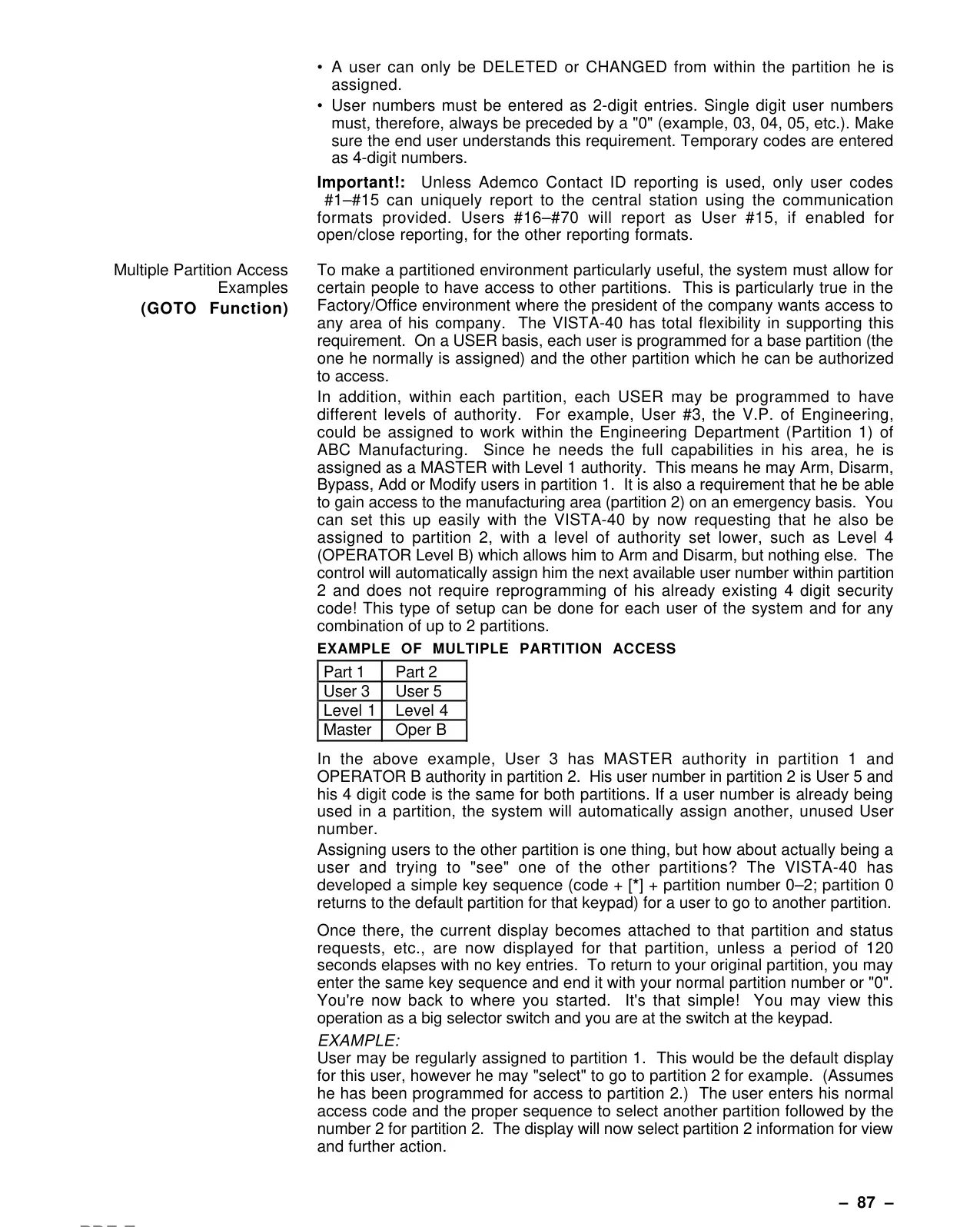
| Partitions Supported | 2 |
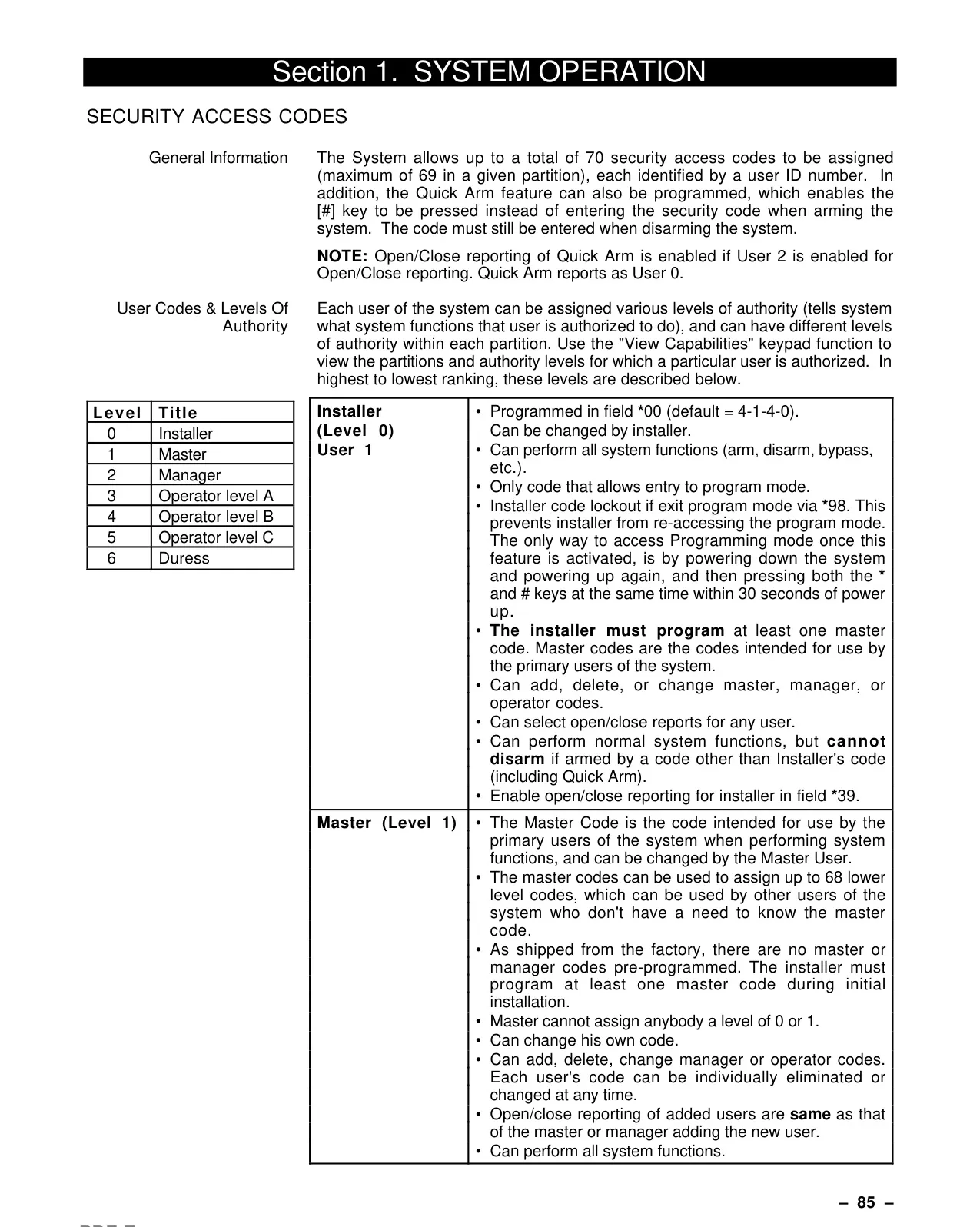
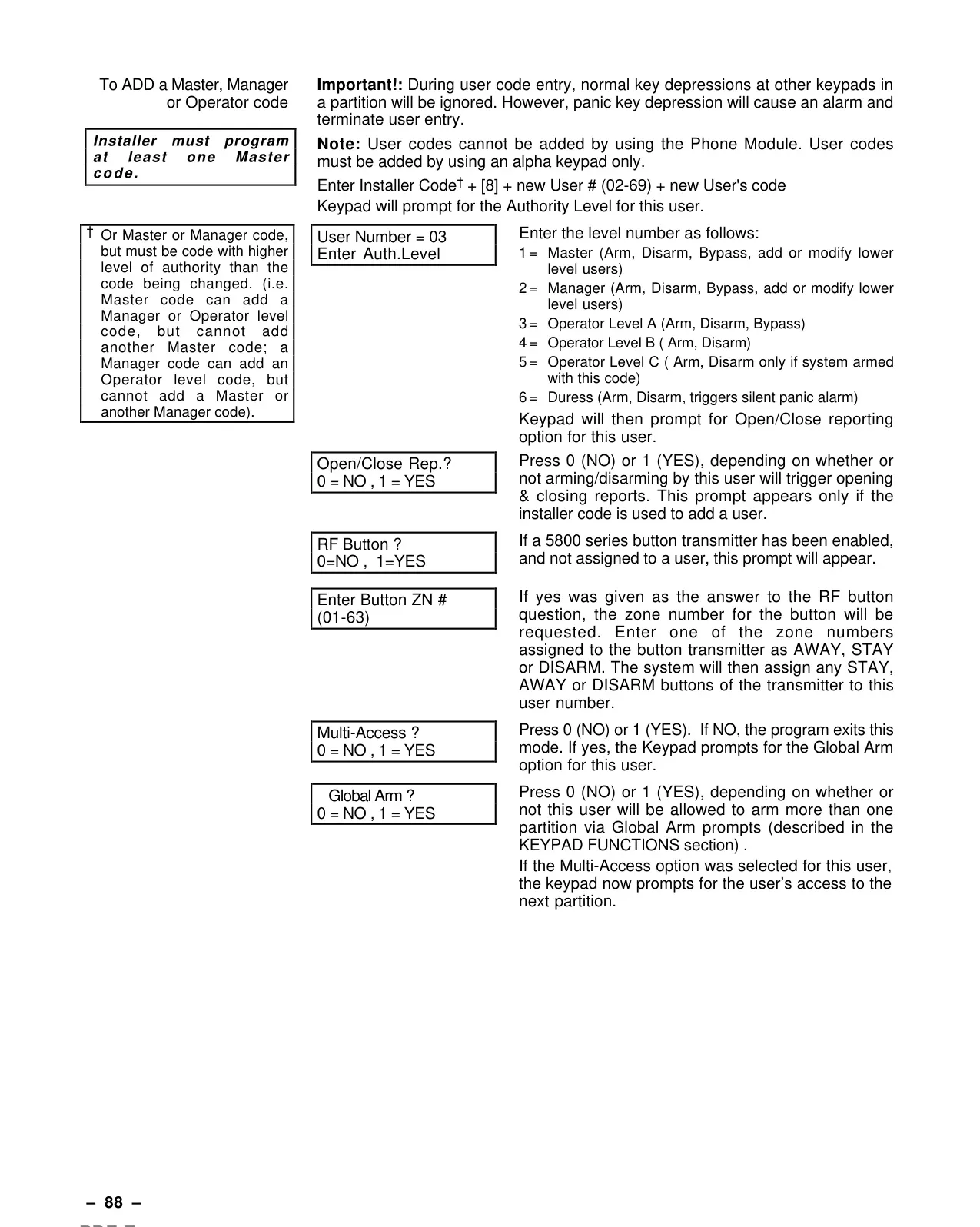
| Max. User Codes | 69 (User numbers 01-69) |
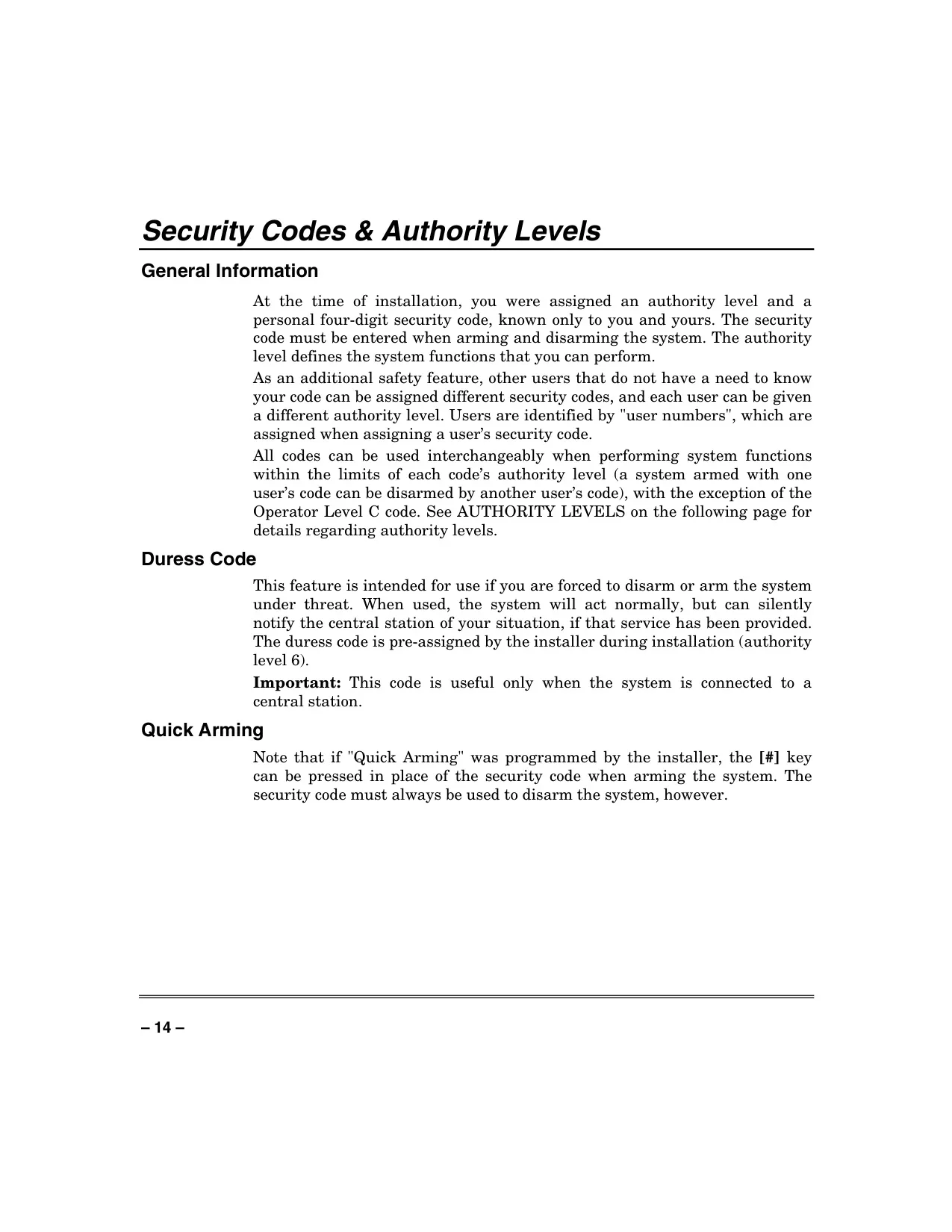
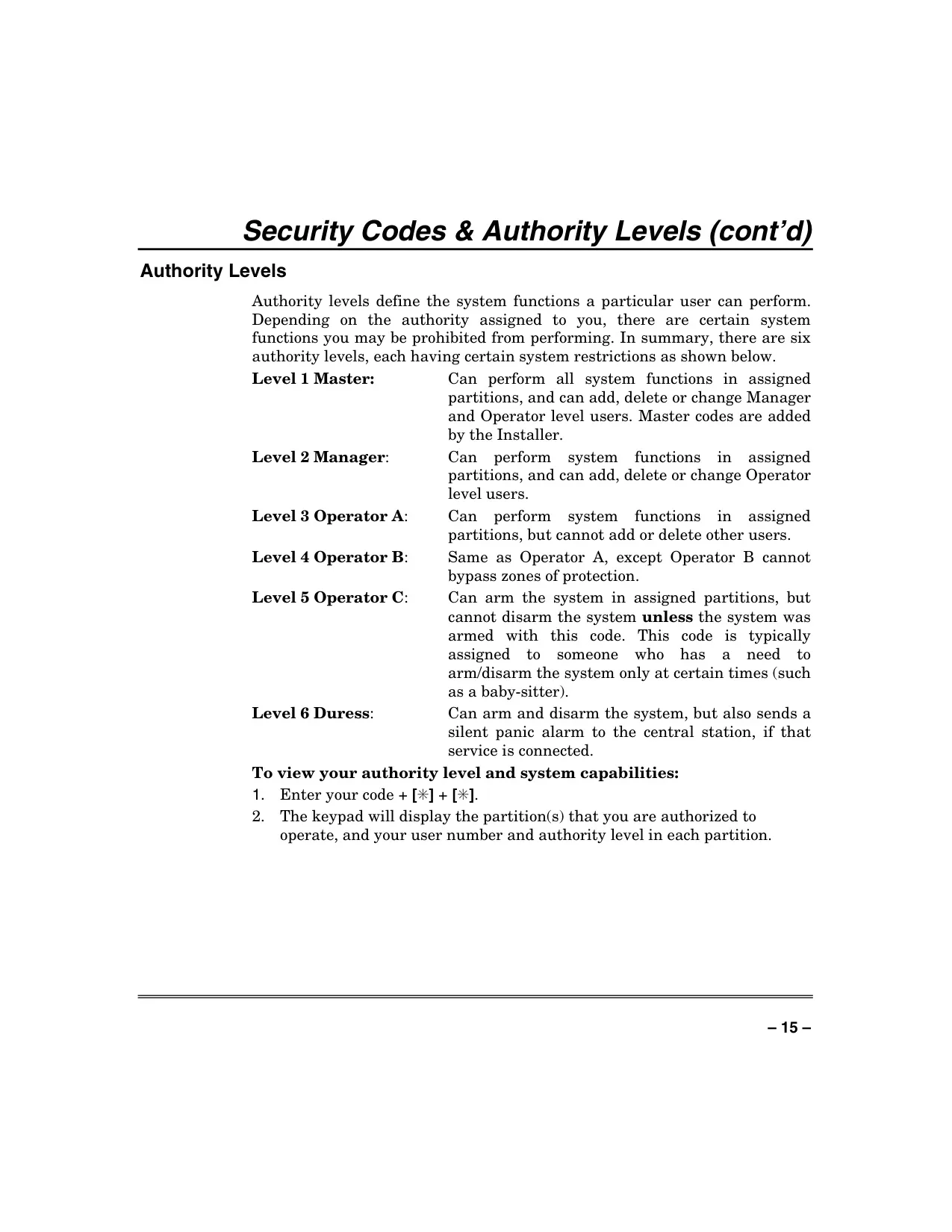
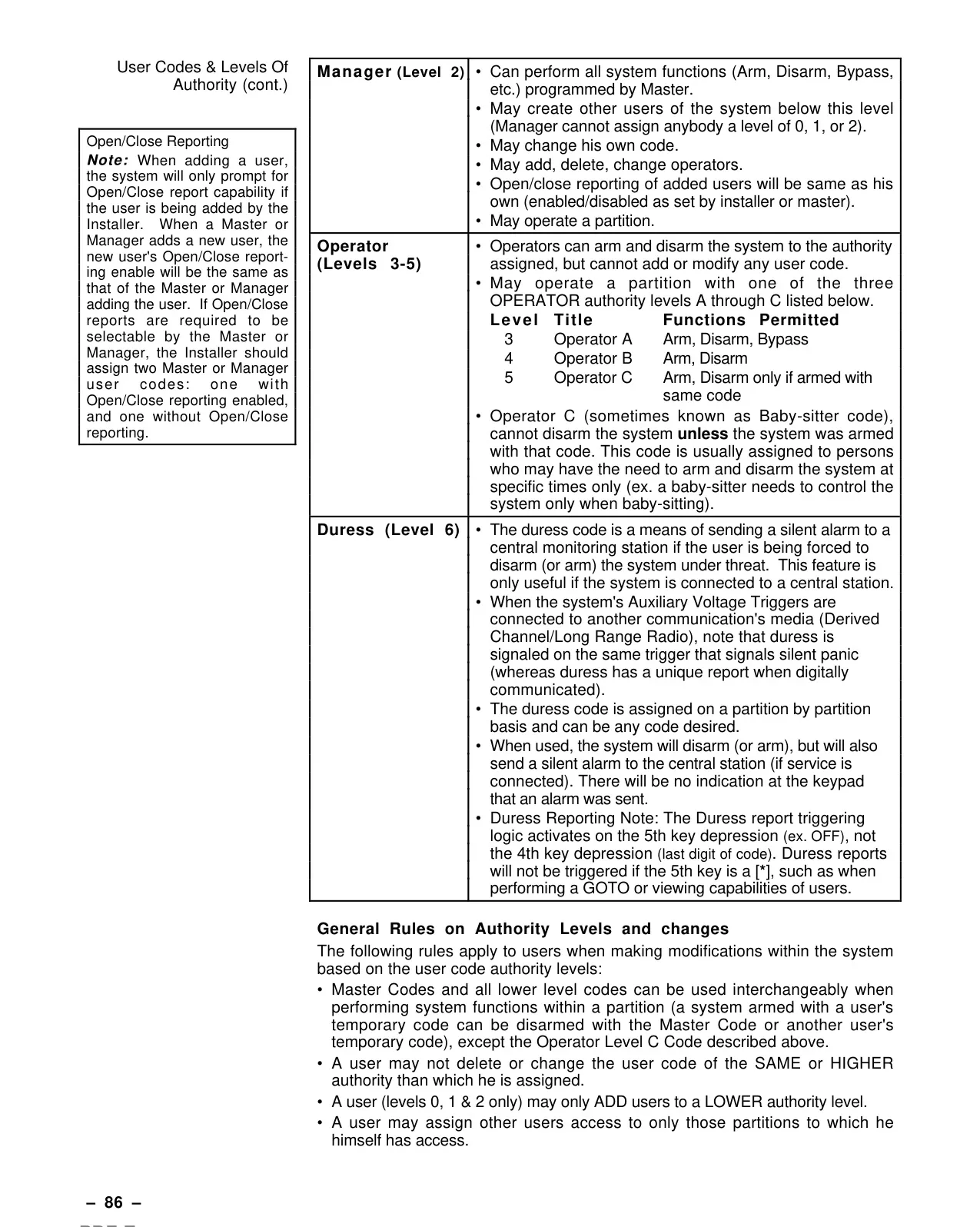
| User Authority Levels | 6 (Master, Manager, Operator A, Operator B, Operator C, Duress) |
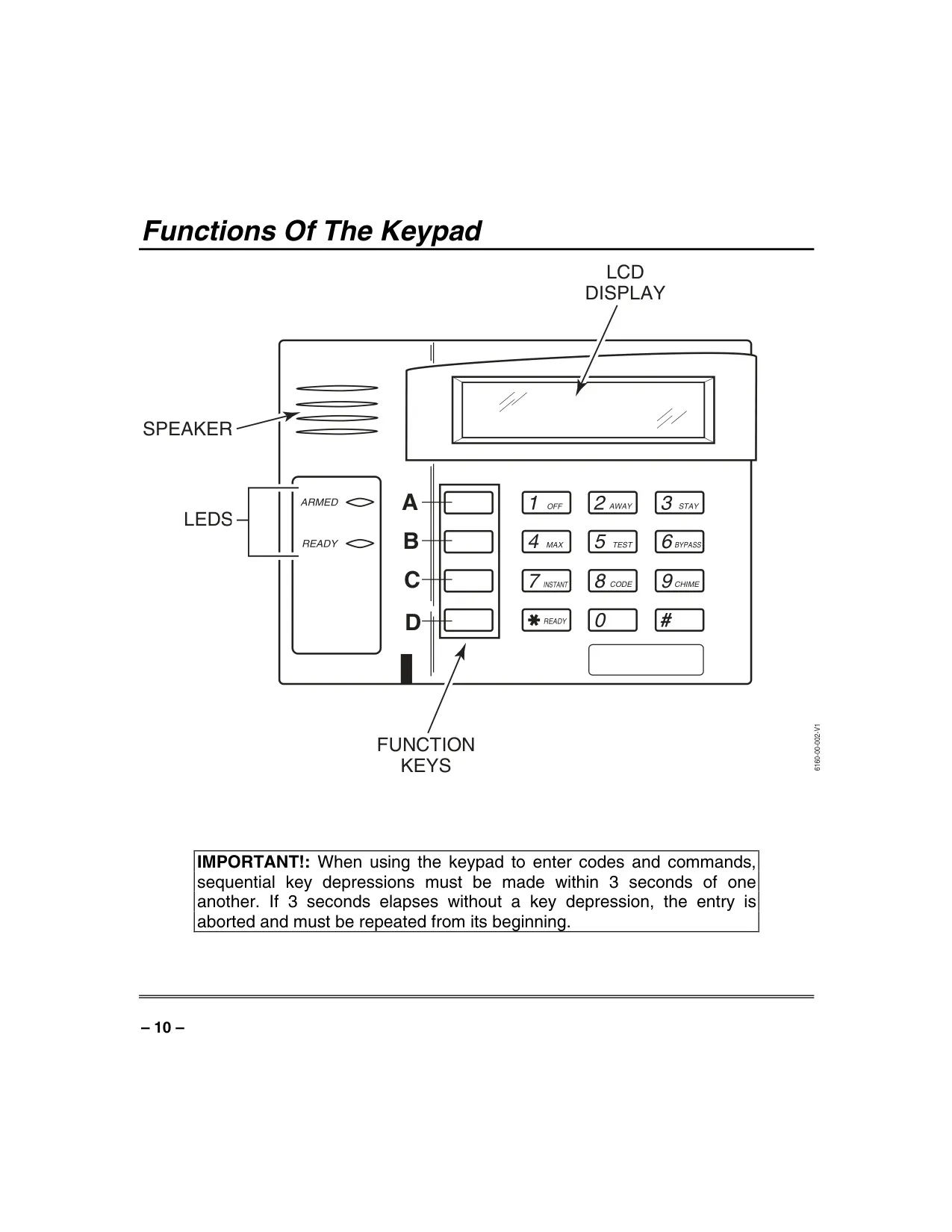
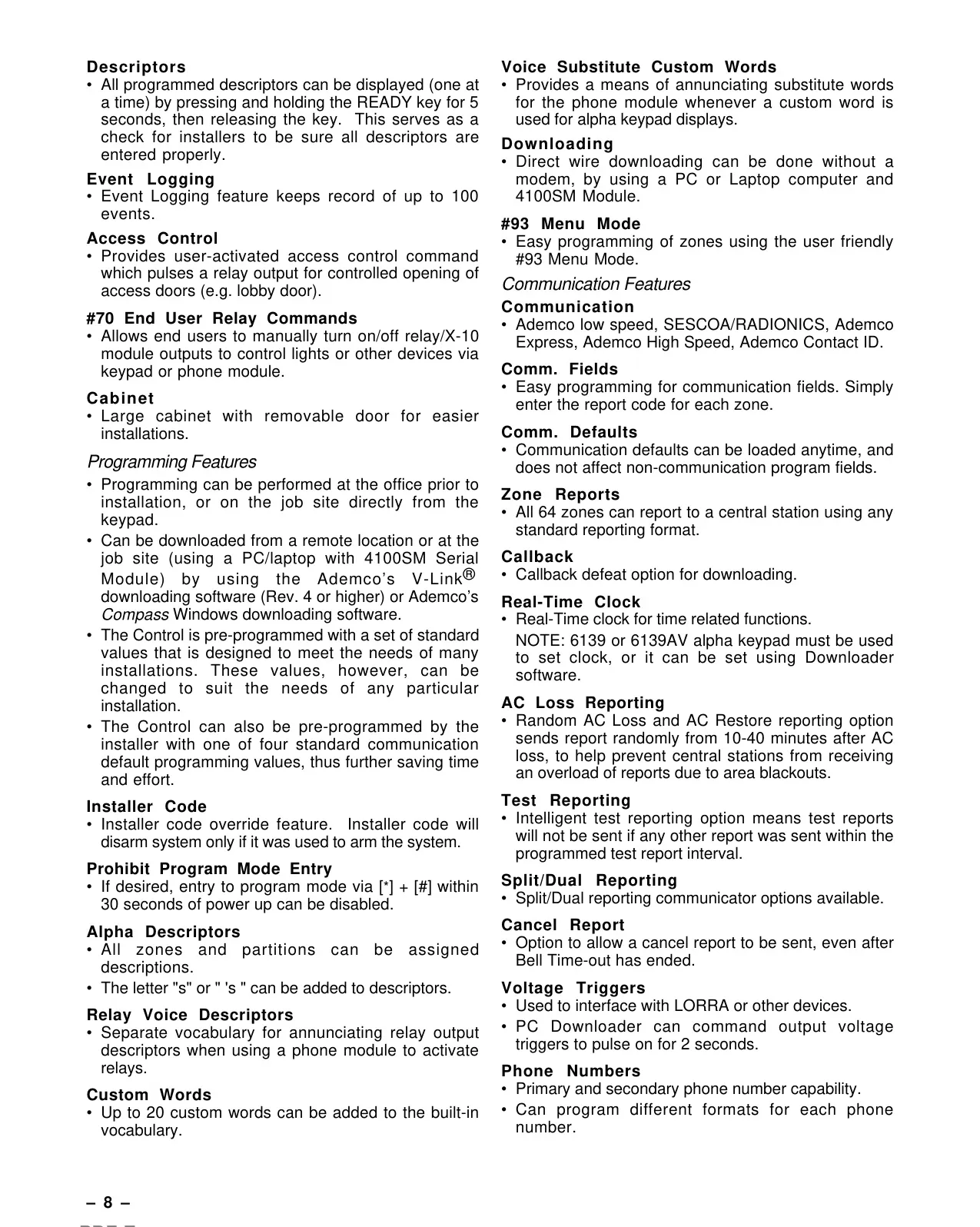
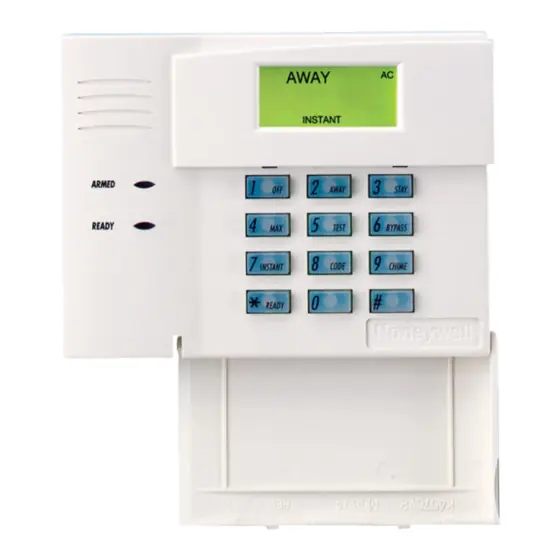
| Keypad Type | Alpha Keypad (2-line, 32-character LCD) |
| Wireless Zone Capacity | Up to 64 (for 5800 series button transmitters) |
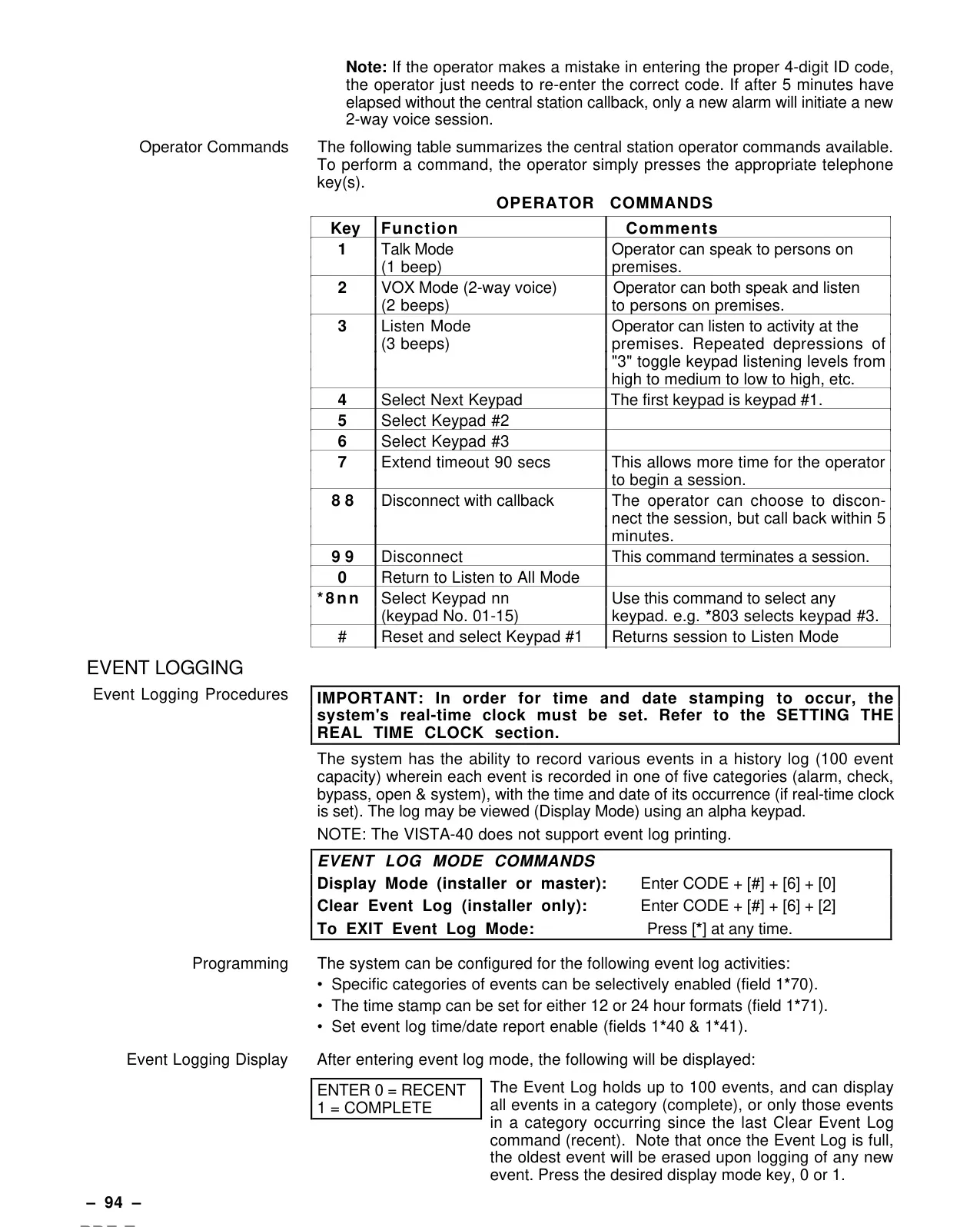
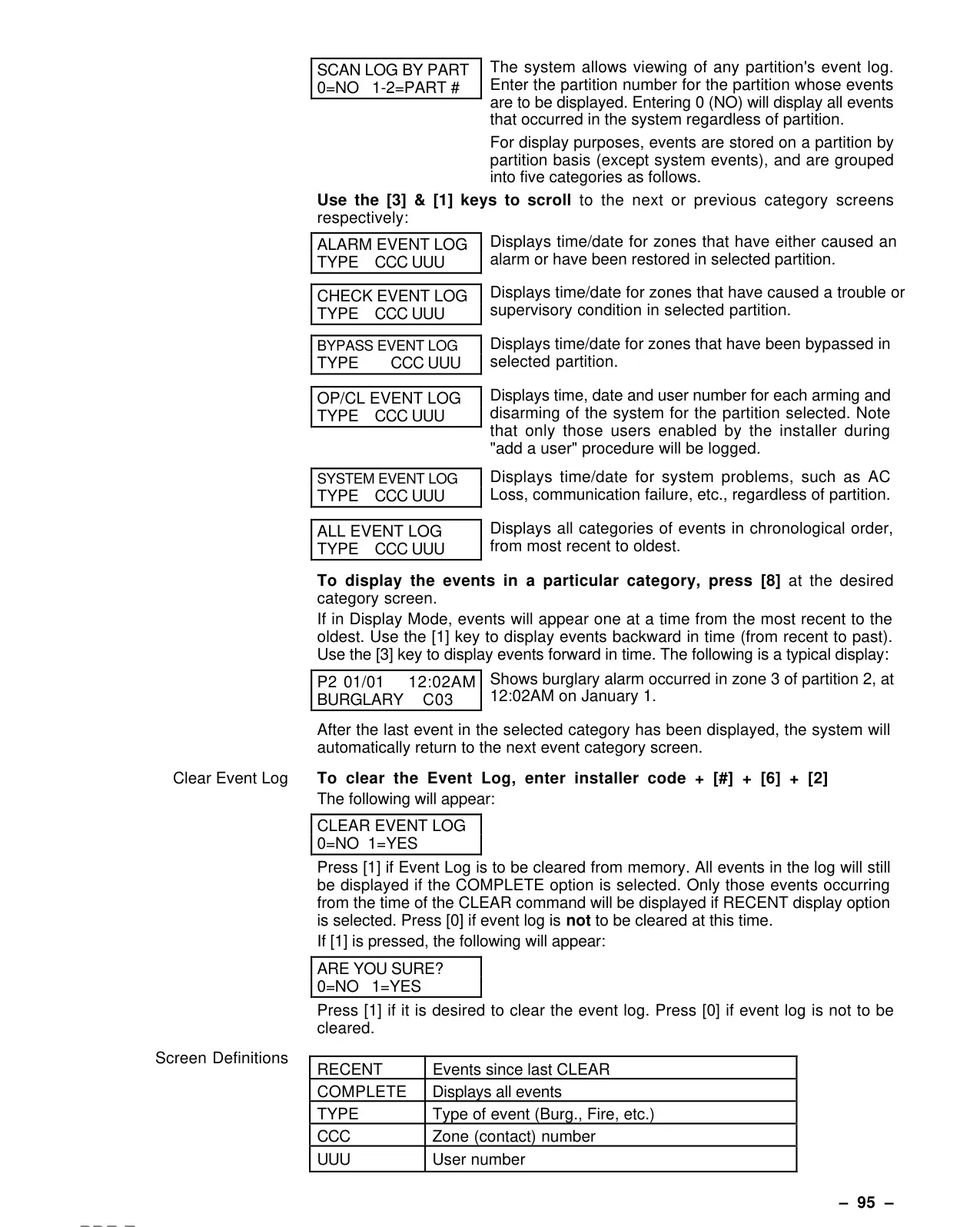
| Event Log Capacity | Up to 100 events (5 categories) |
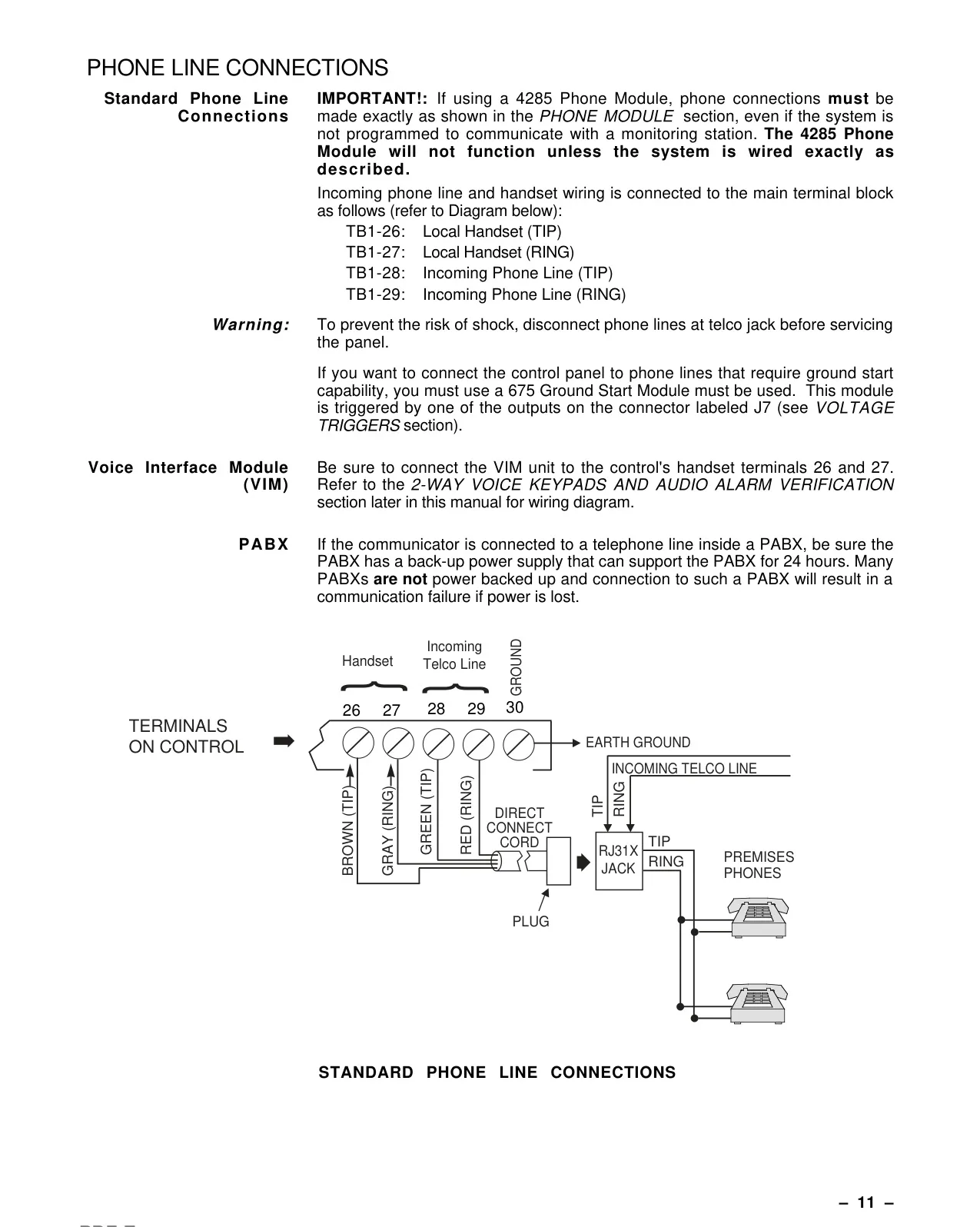
| Optional Phone Access Module | Honeywell 4285 or 4286 VIP module |
| Output Device Control | #70 Relay Menu Mode |
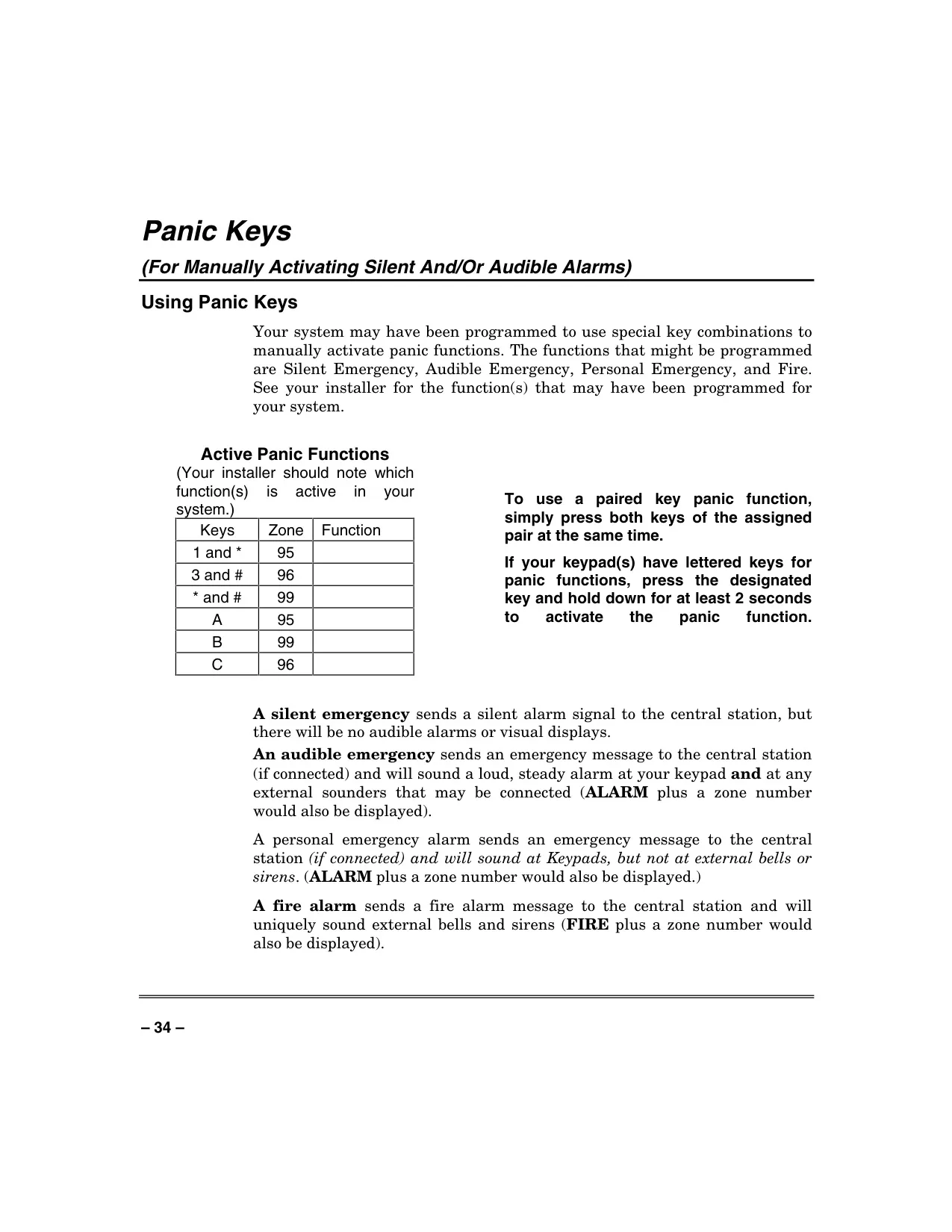
| Panic Functions | Silent Emergency, Audible Emergency, Personal Emergency, Fire (programmable) |
| Power Indicator | Green LED (Ready), Red LED (Armed/Memory of Alarm) |
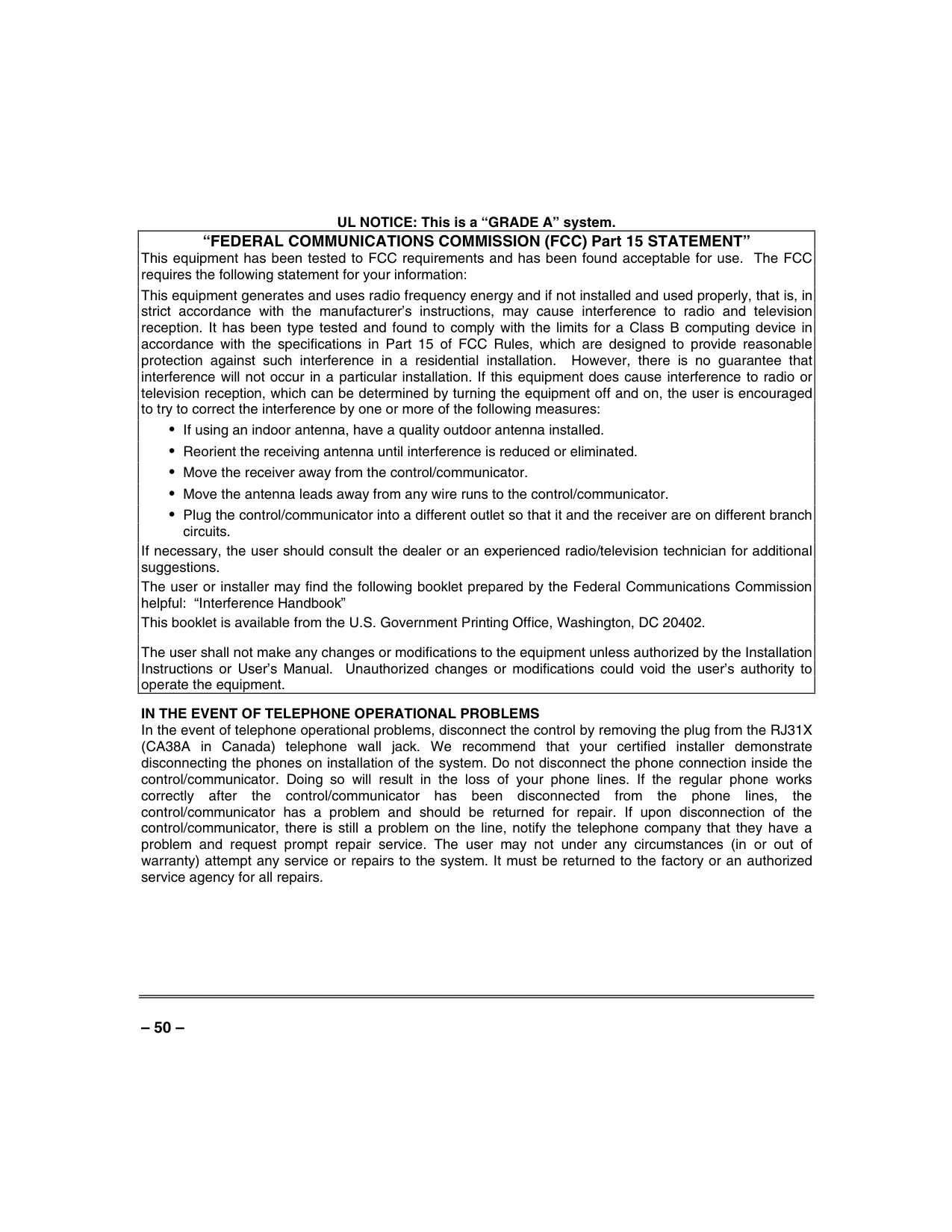
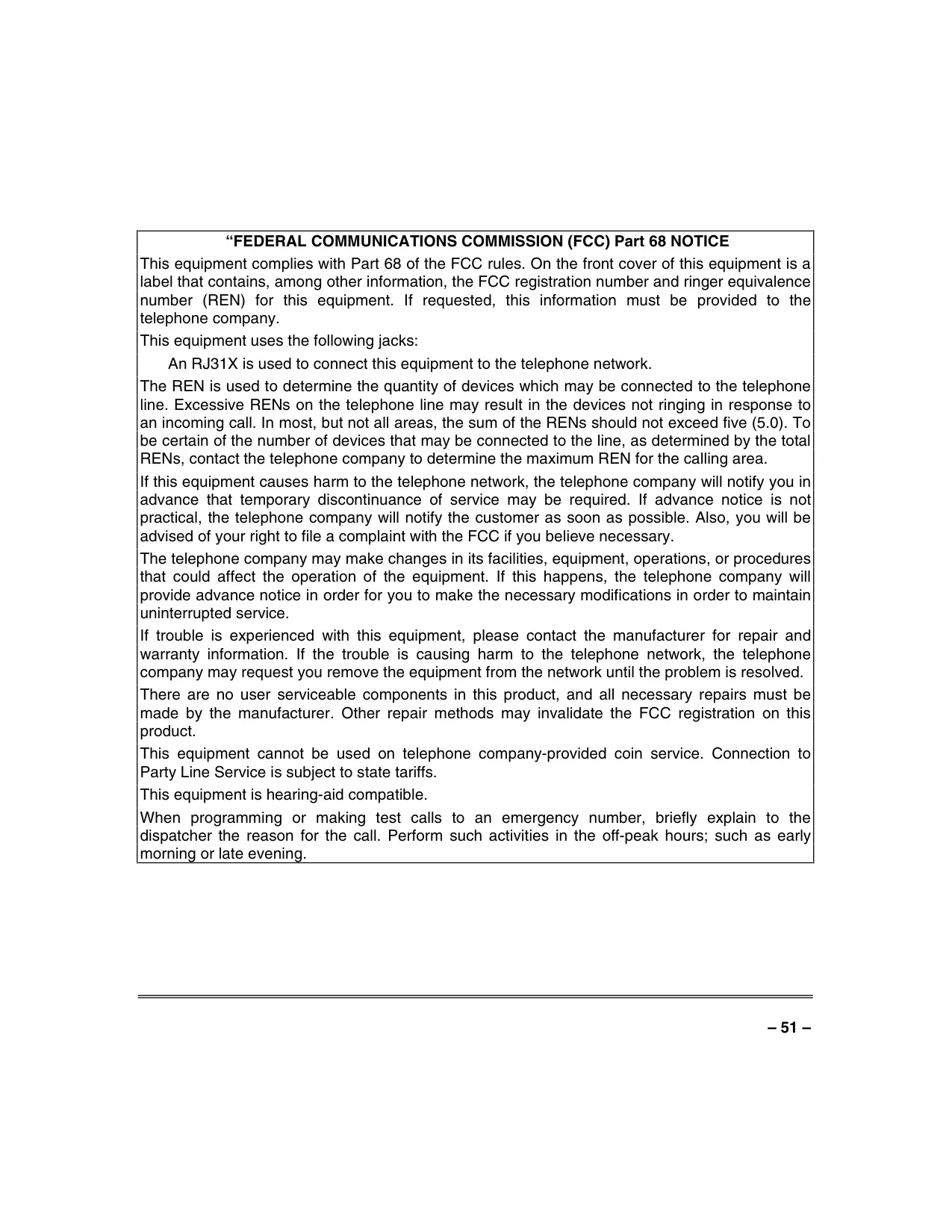
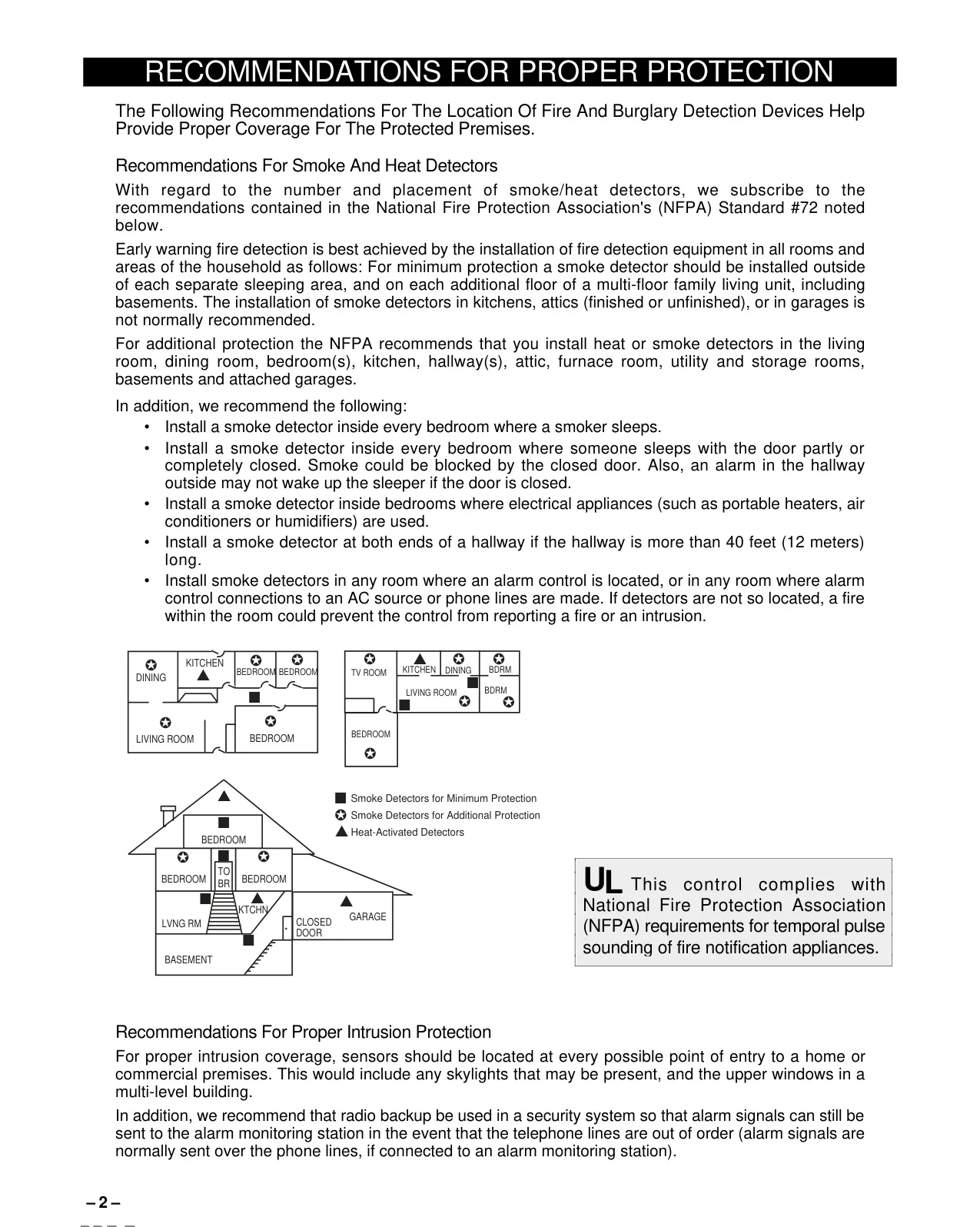
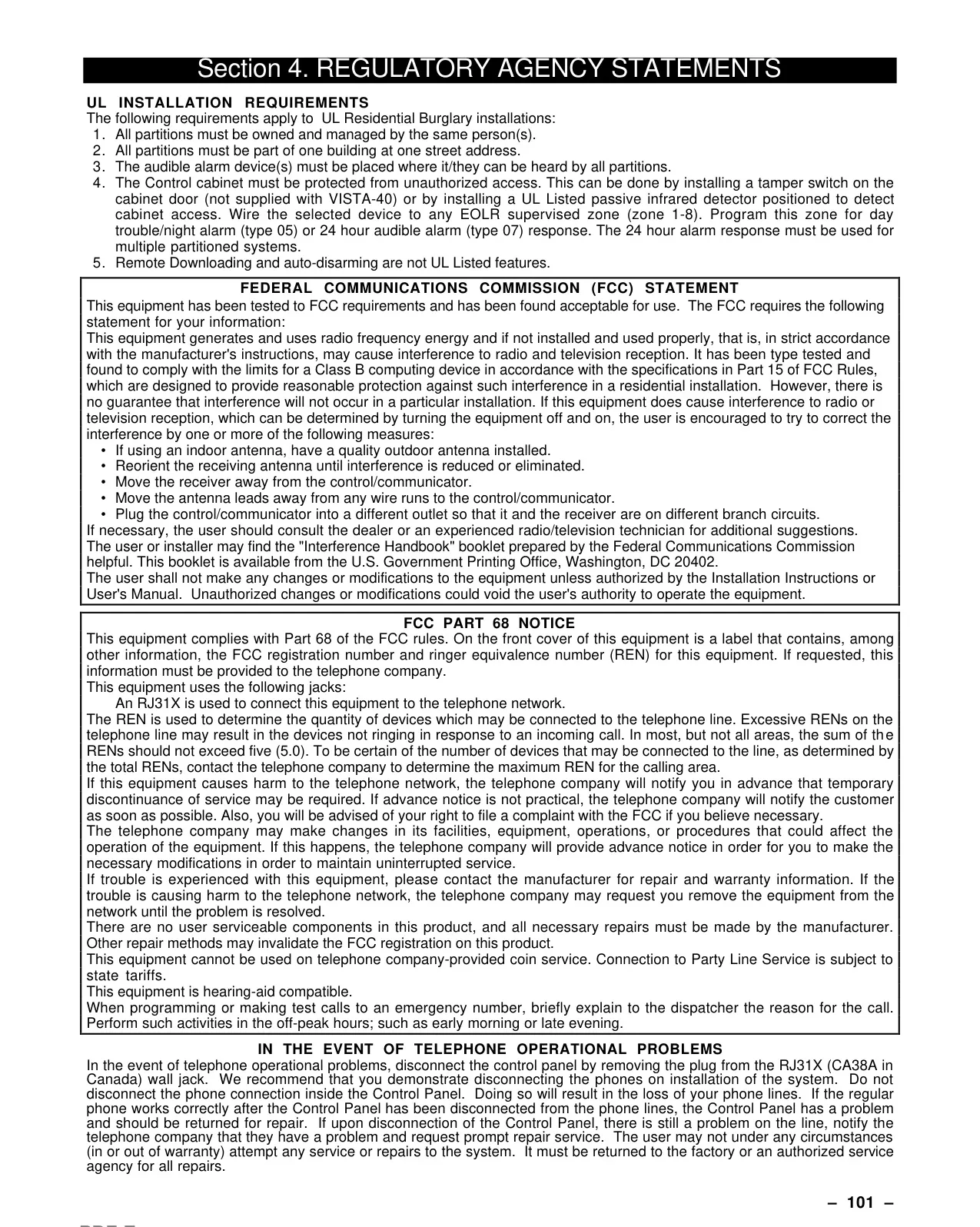
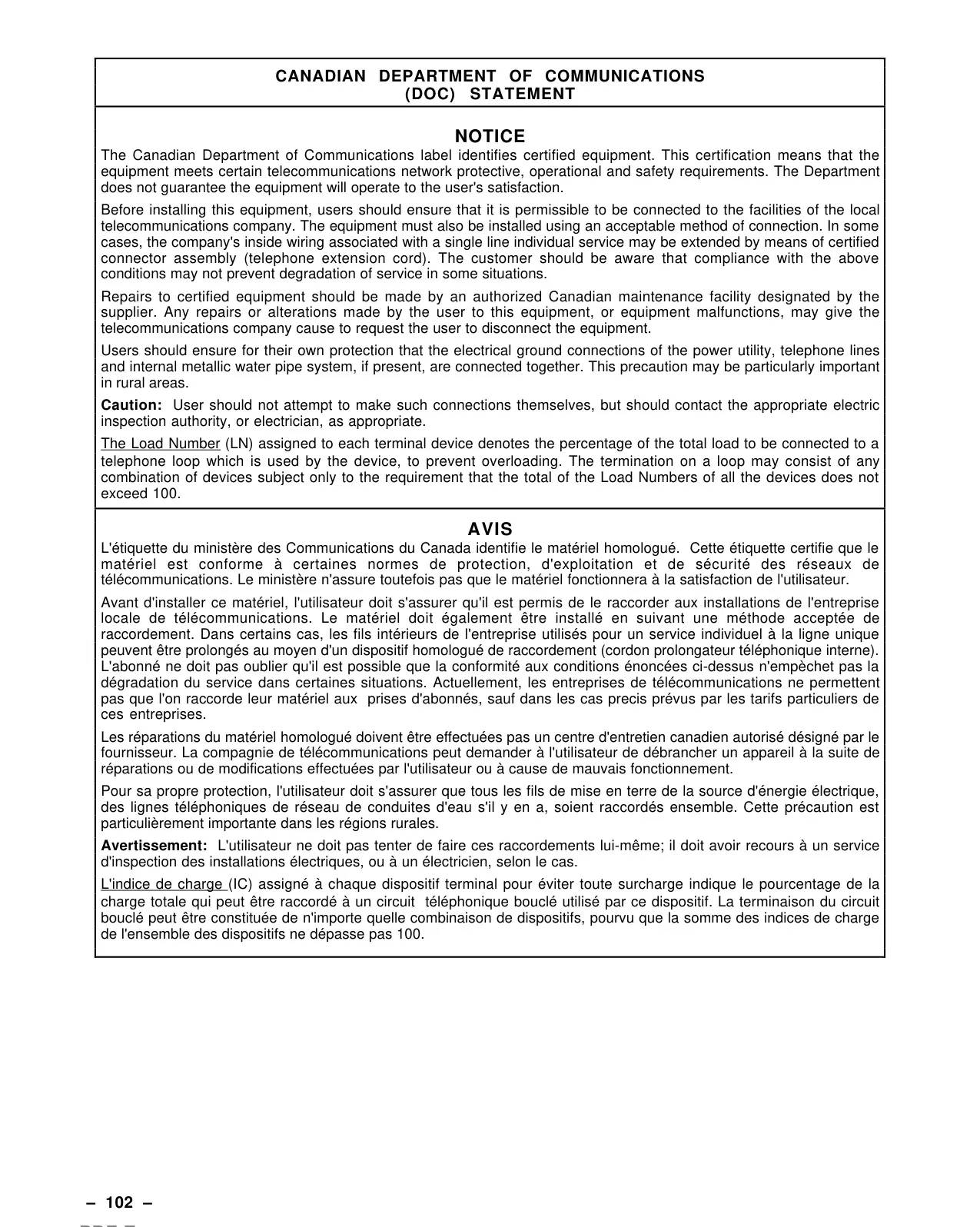
| Regulatory Compliance | NFPA (Temporal Pulse Sounding), FCC Part 15 & 68, Canadian DOC |
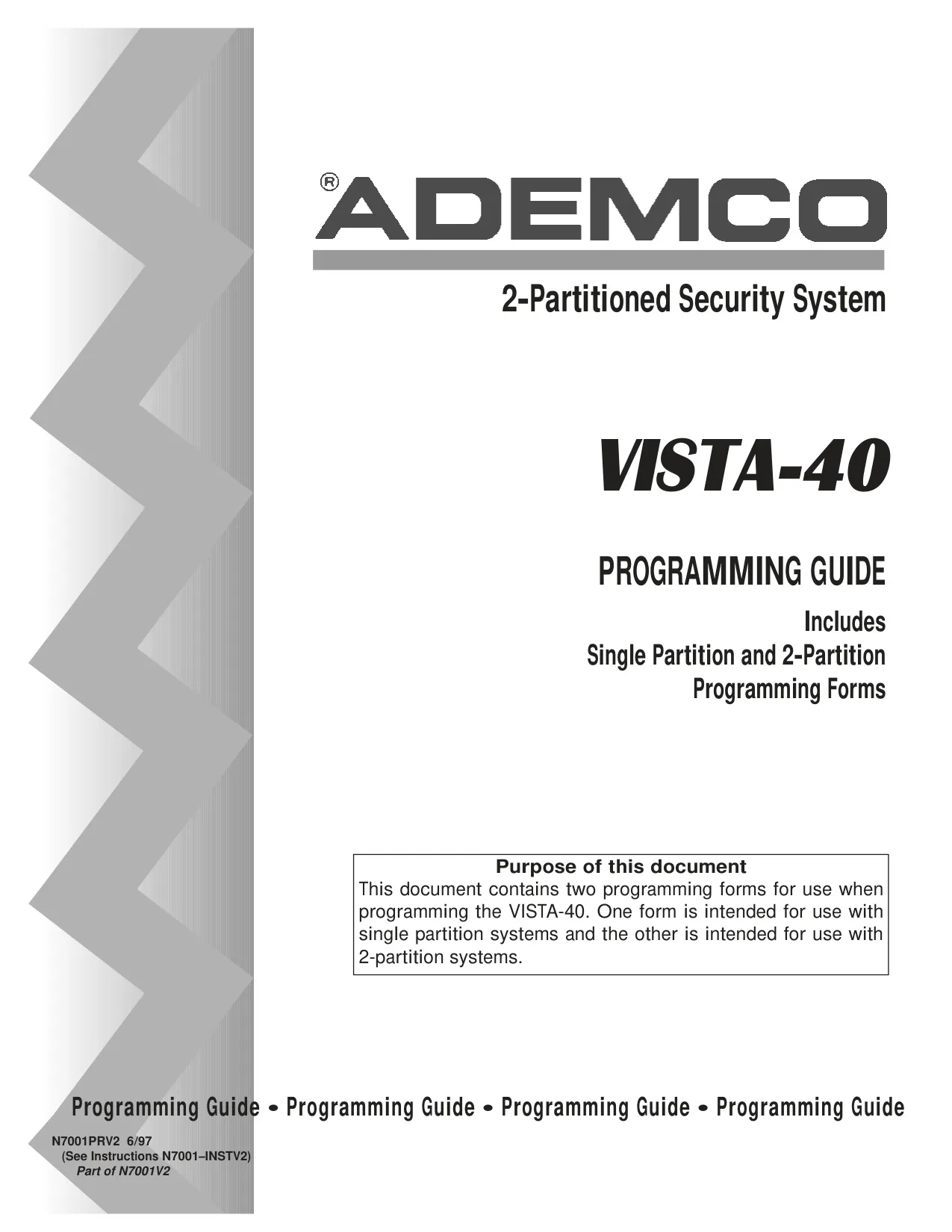
| Warranty | 24 months (date stamp) or 12 months (original purchase) |
Honeywell Vista 40 Security System Details
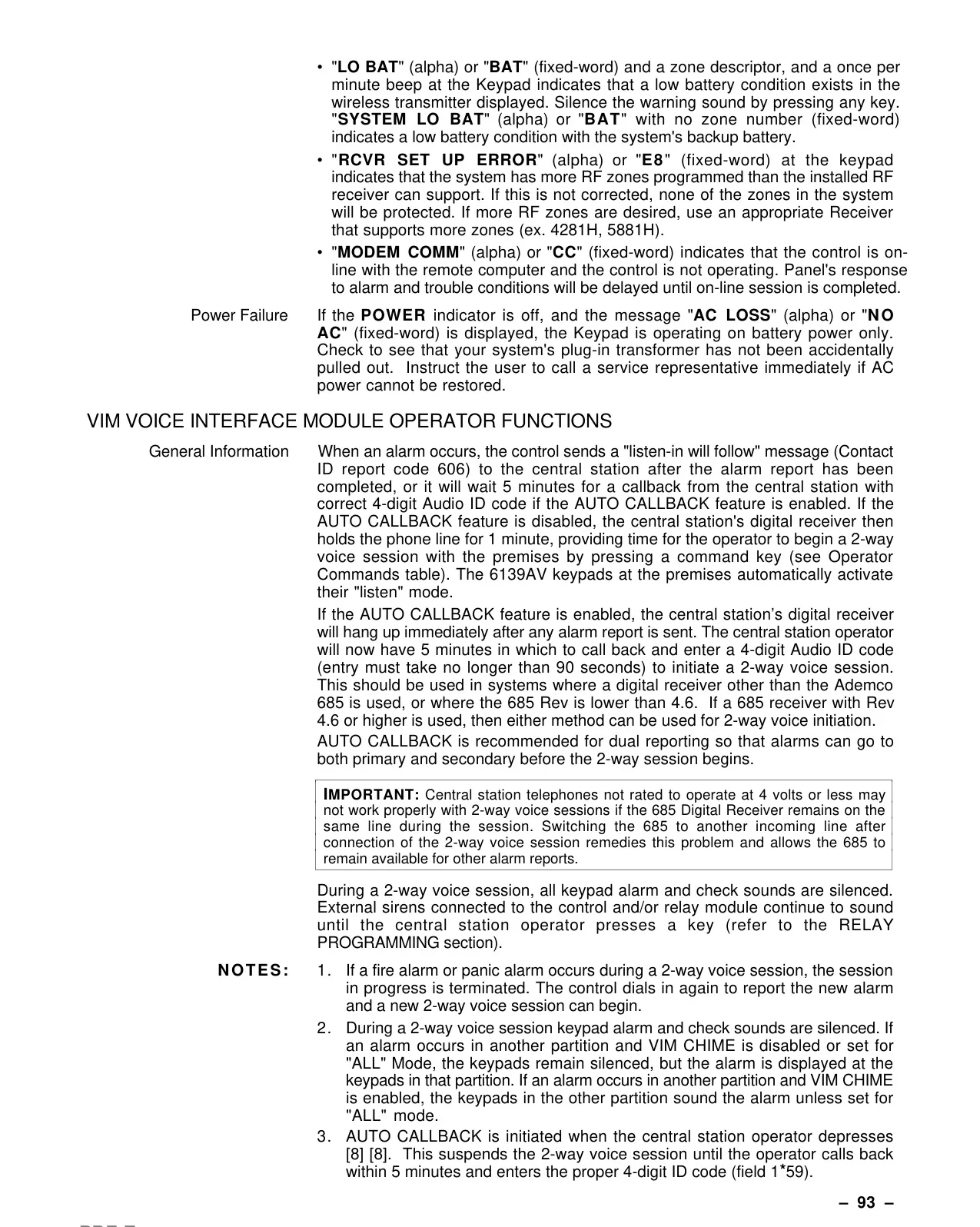
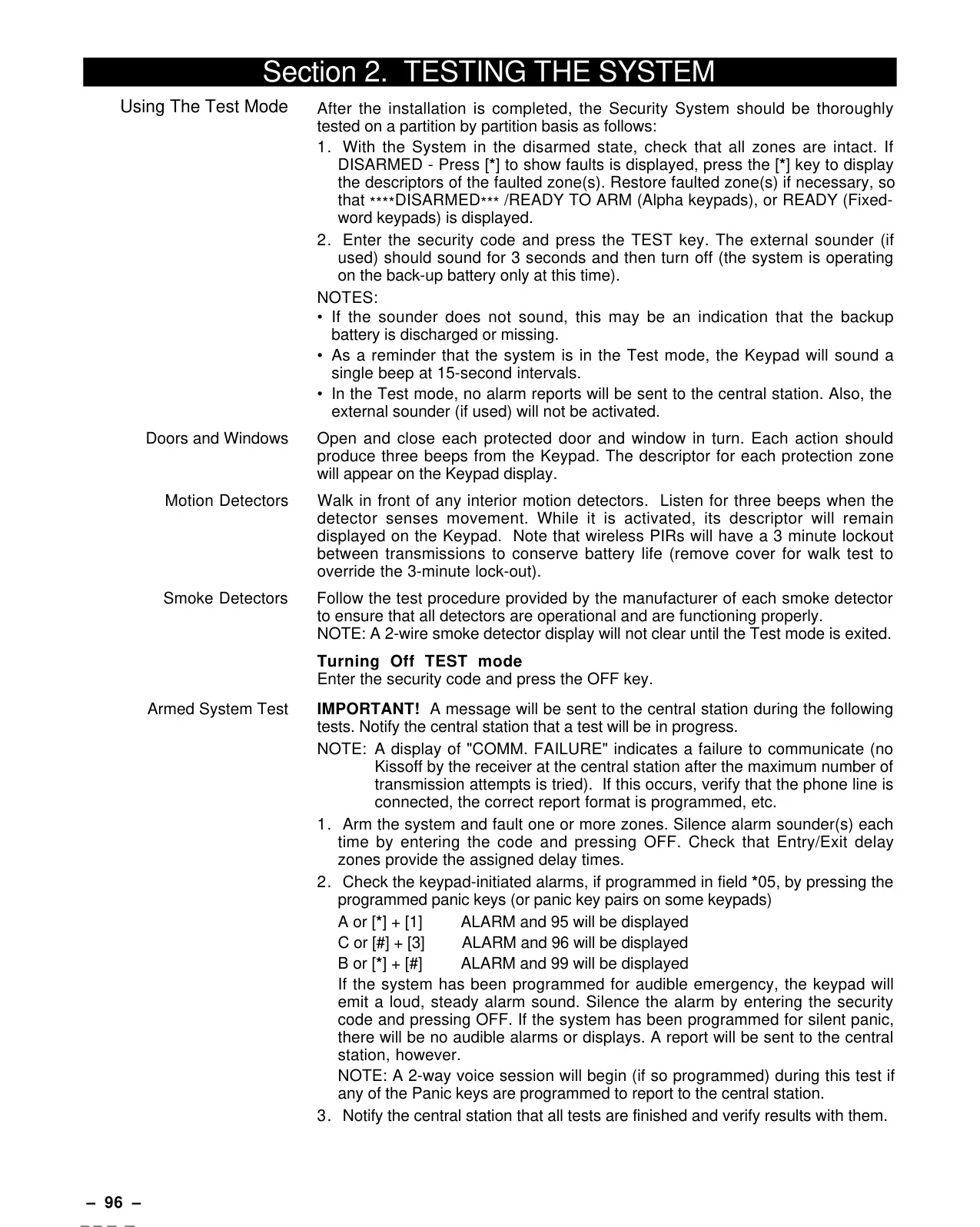
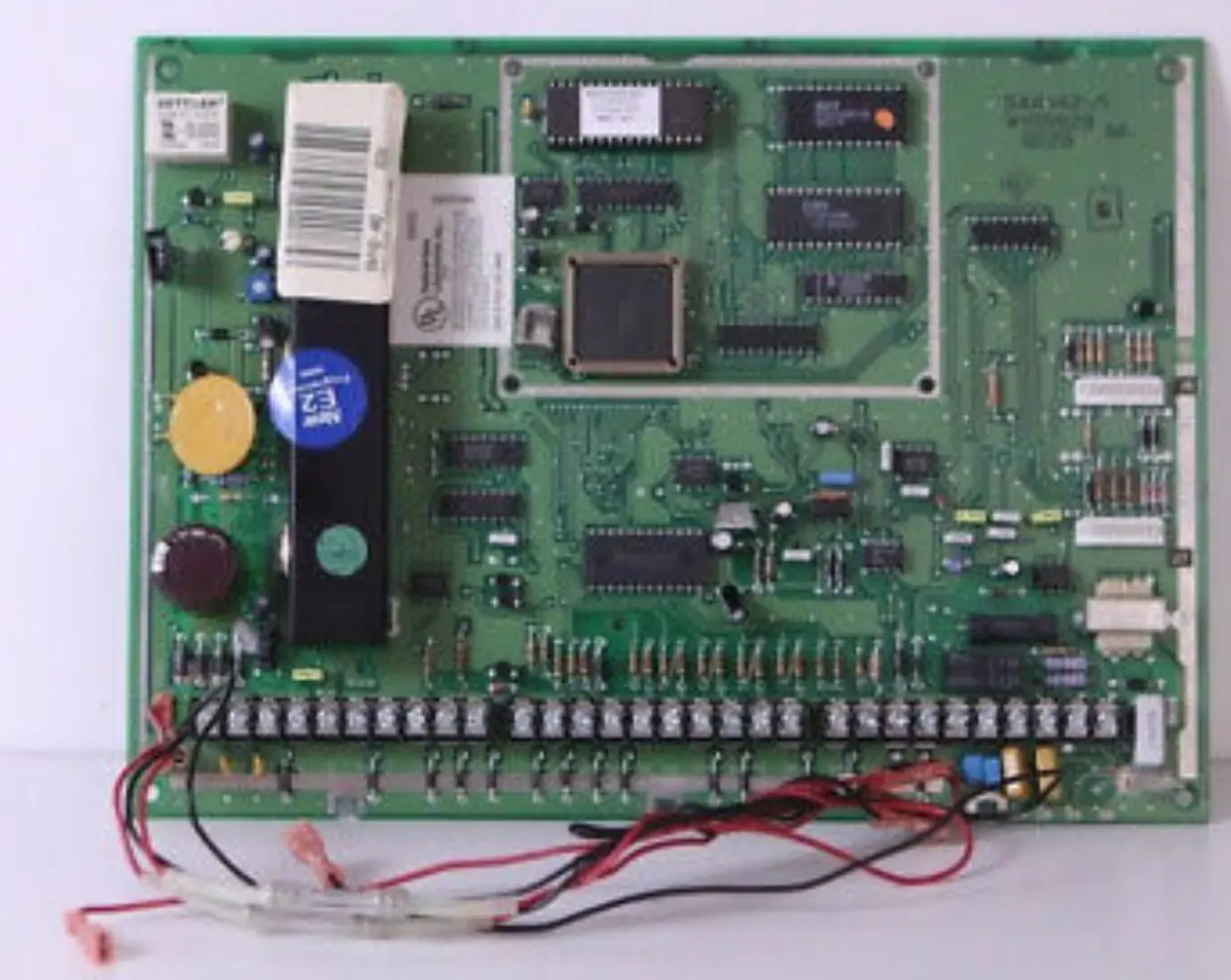
The Honeywell Vista 40 Security System is engineered with advanced microcomputer technology to monitor all protection zones and system statuses. It provides comprehensive information on its alpha keypads, initiating appropriate alarms and optionally transmitting messages to a central monitoring station. This system offers a sophisticated yet user-friendly interface for managing your security needs.
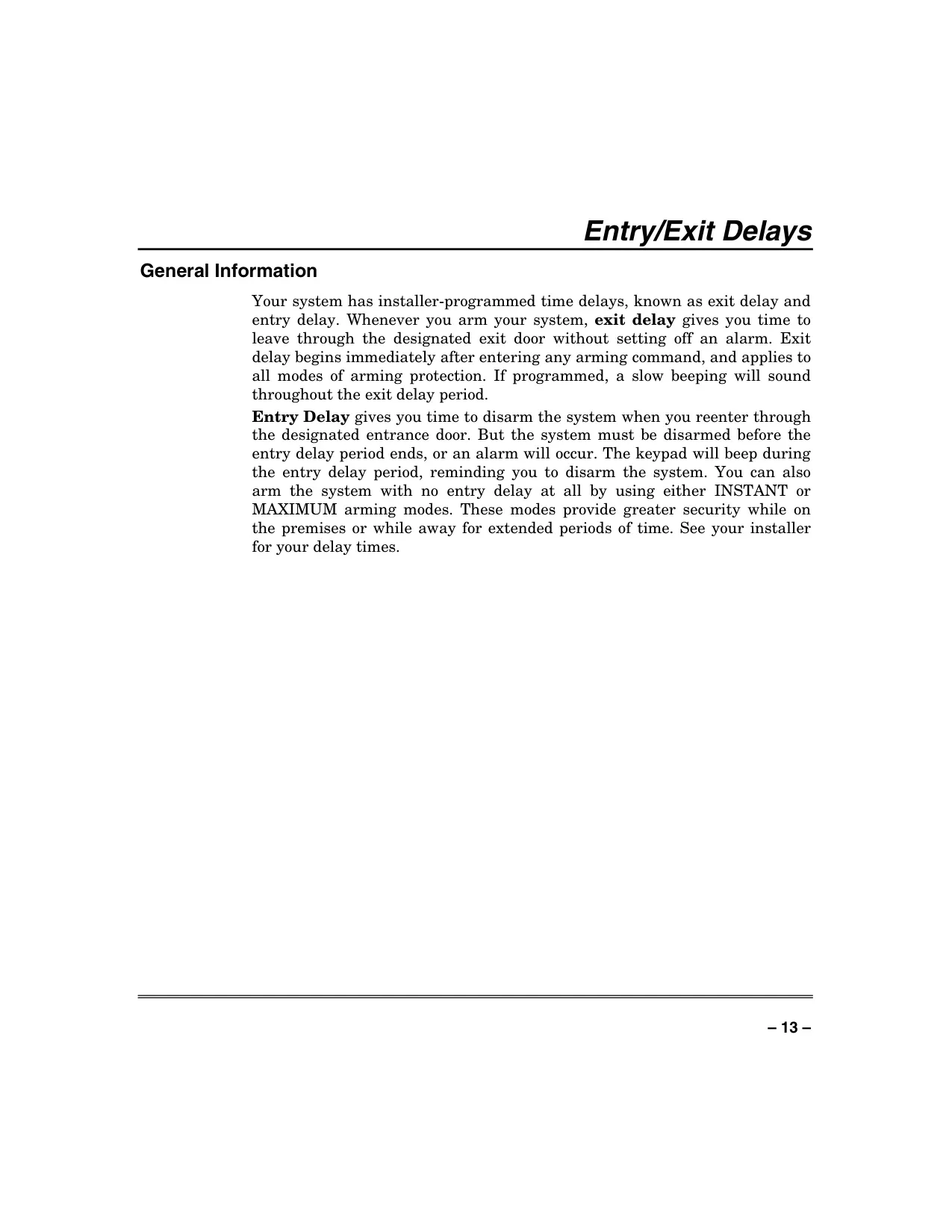
The system features versatile arming options to suit different situations. The AWAY mode activates both perimeter and interior burglary protection, ideal when no one is on the premises. It includes both exit and entry delays, allowing occupants to leave and re-enter without triggering an alarm if disarmed promptly.
For those staying at home, the STAY mode arms only perimeter protection, permitting free movement within the interior while guarding doors and windows. This mode also incorporates exit and entry delays, making it convenient if someone is expected to use the entrance door later. Certain areas are automatically bypassed for convenience.
Increased security while at home is offered by the INSTANT mode. Similar to STAY, it only arms the perimeter but eliminates the entry delay, causing an immediate alarm if any protected point is opened. This is best when no late arrivals are anticipated.
For maximum protection, especially when premises are vacant for extended periods, the MAXIMUM mode arms all protection points and removes the entry delay. Any entry will trigger an immediate alarm, providing the highest level of deterrence. Exit delay is still active to allow safe departure.
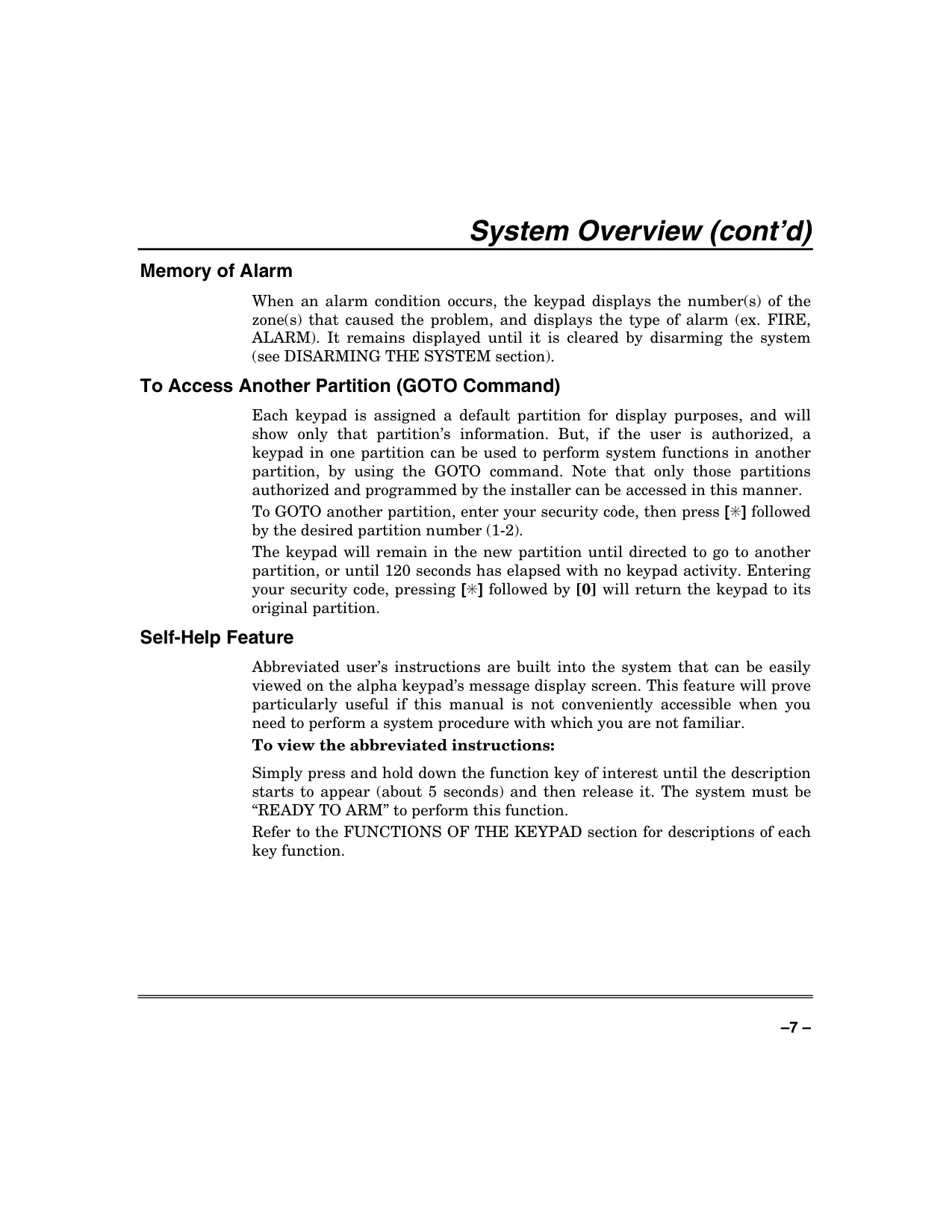
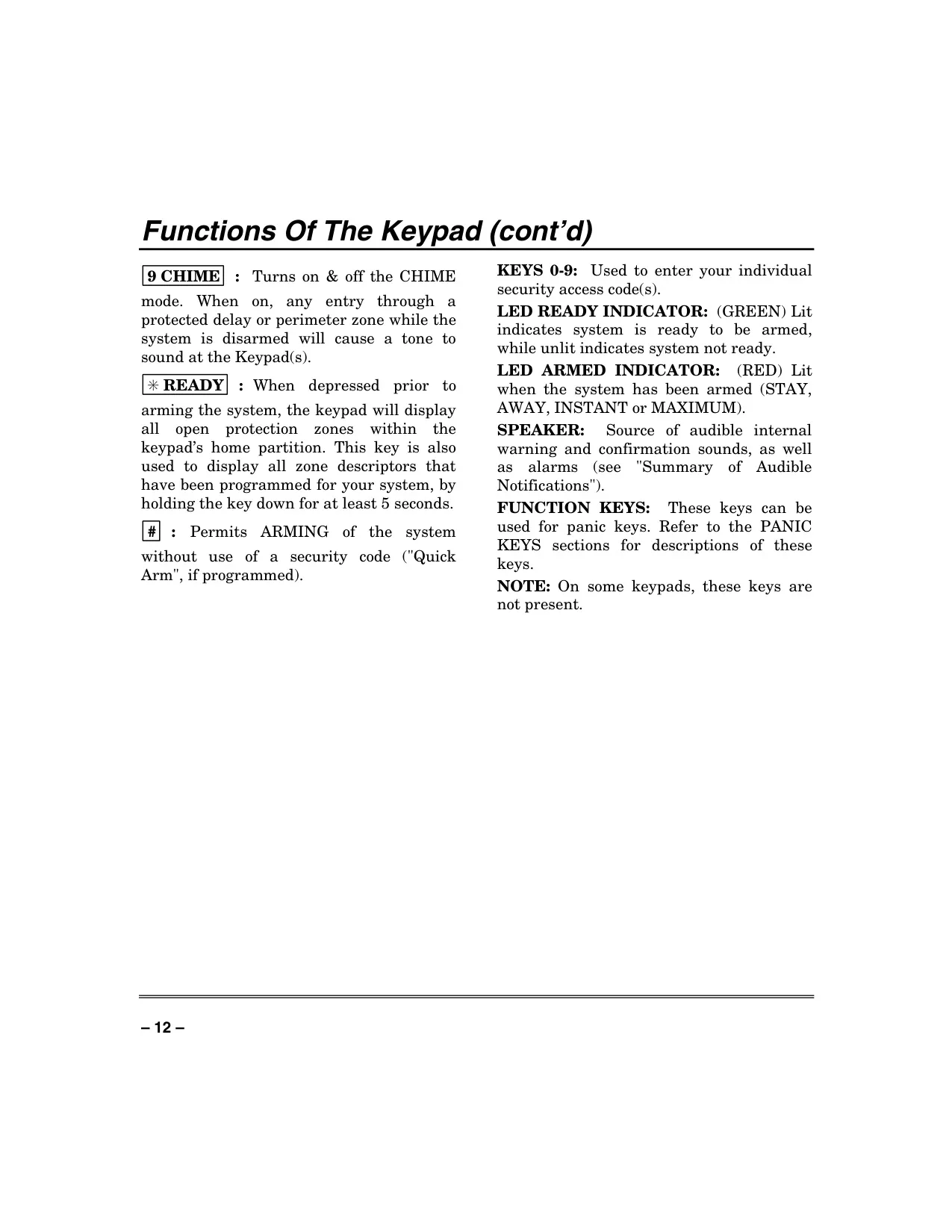
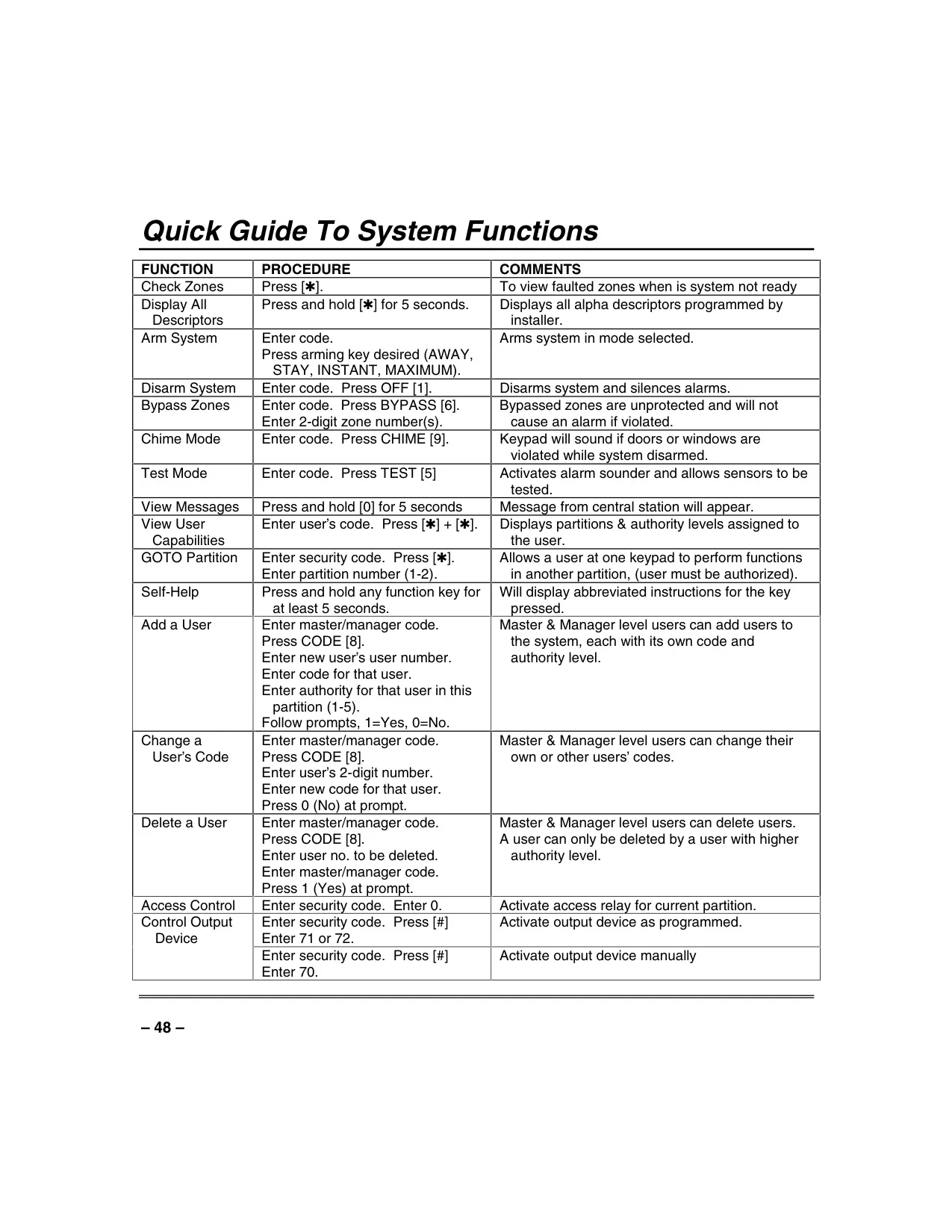
A valuable built-in Self-Help Feature provides abbreviated user instructions directly on the alpha keypad's message display. By pressing and holding a function key for about five seconds, users can quickly access guidance on unfamiliar procedures, enhancing ease of use.
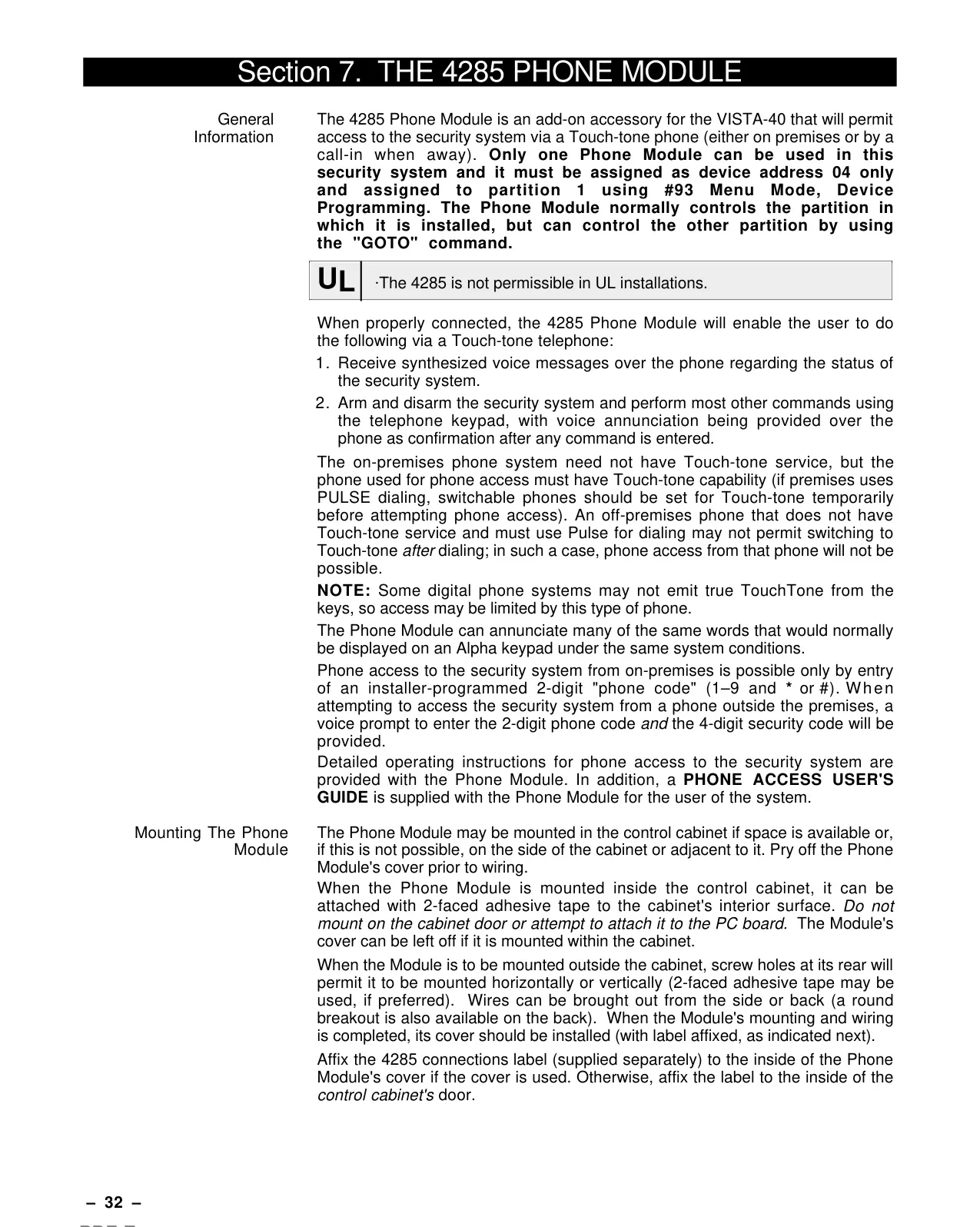
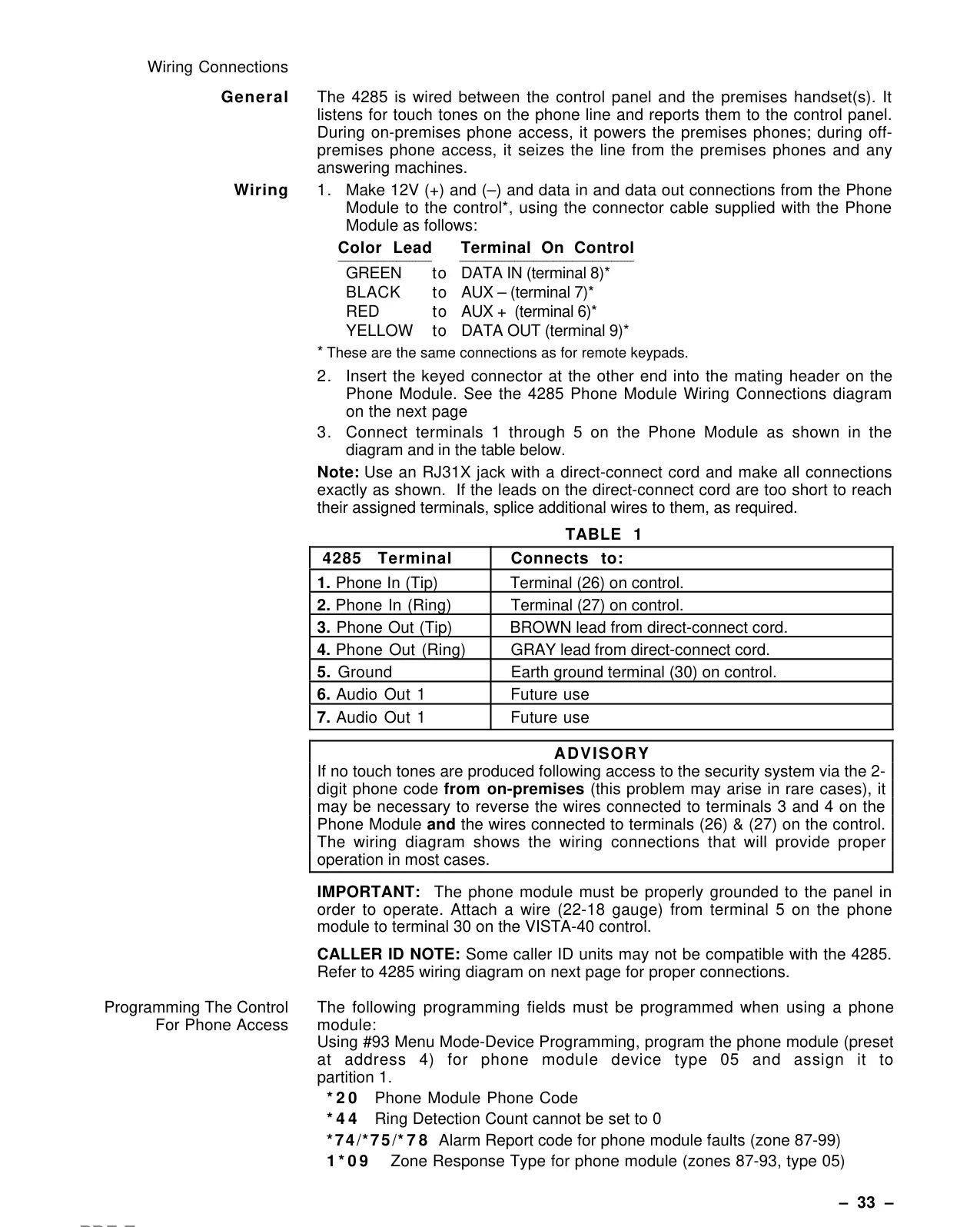
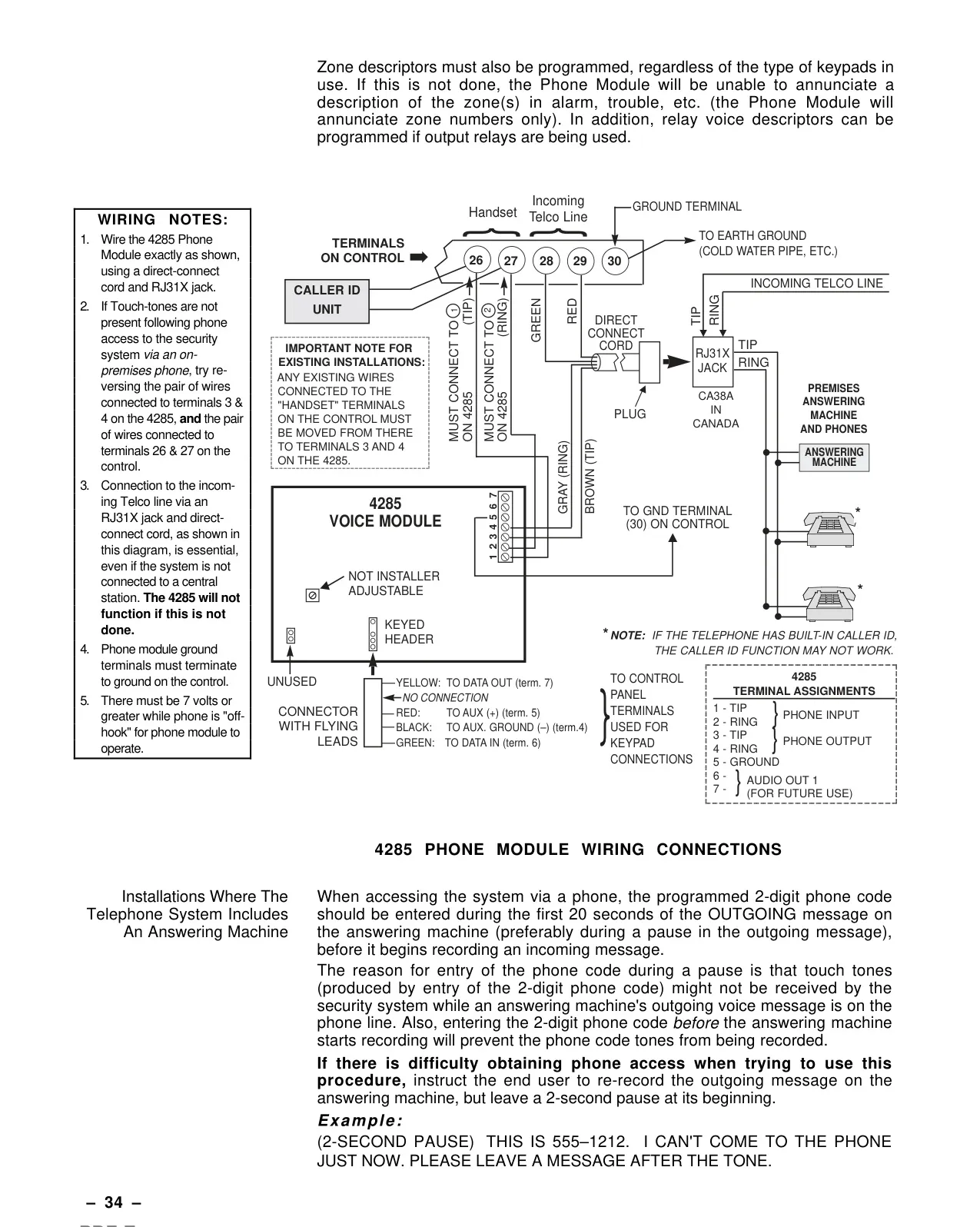
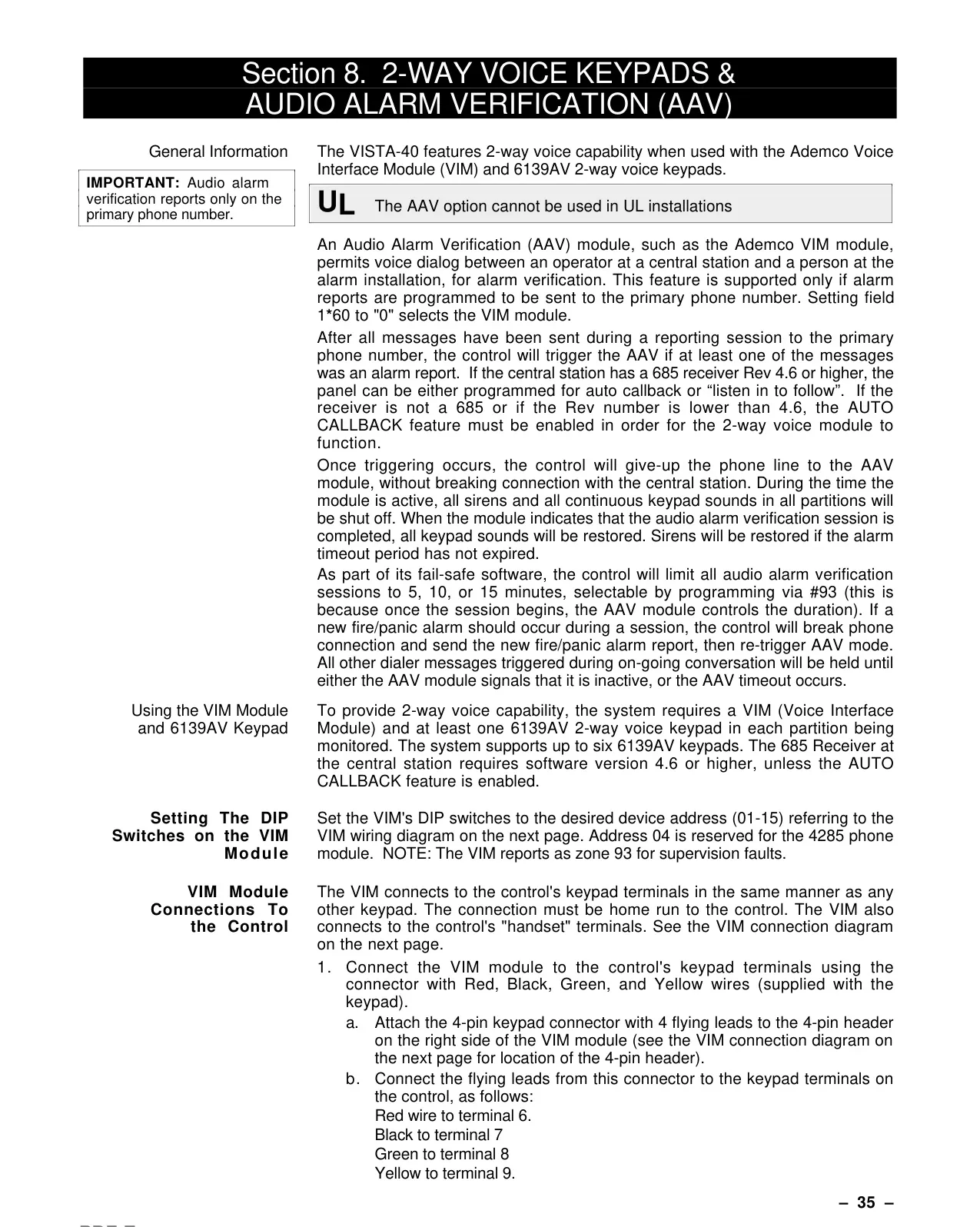
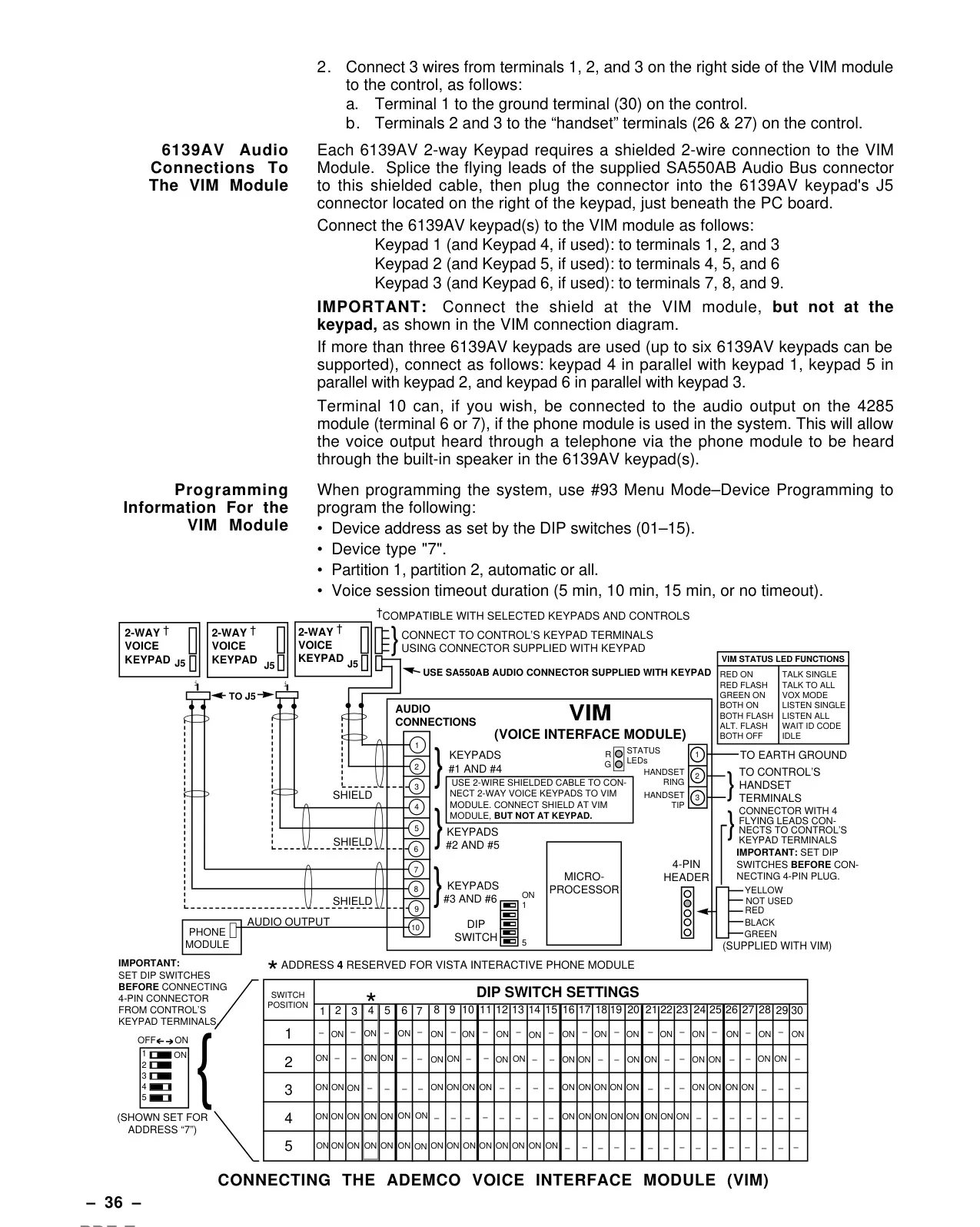
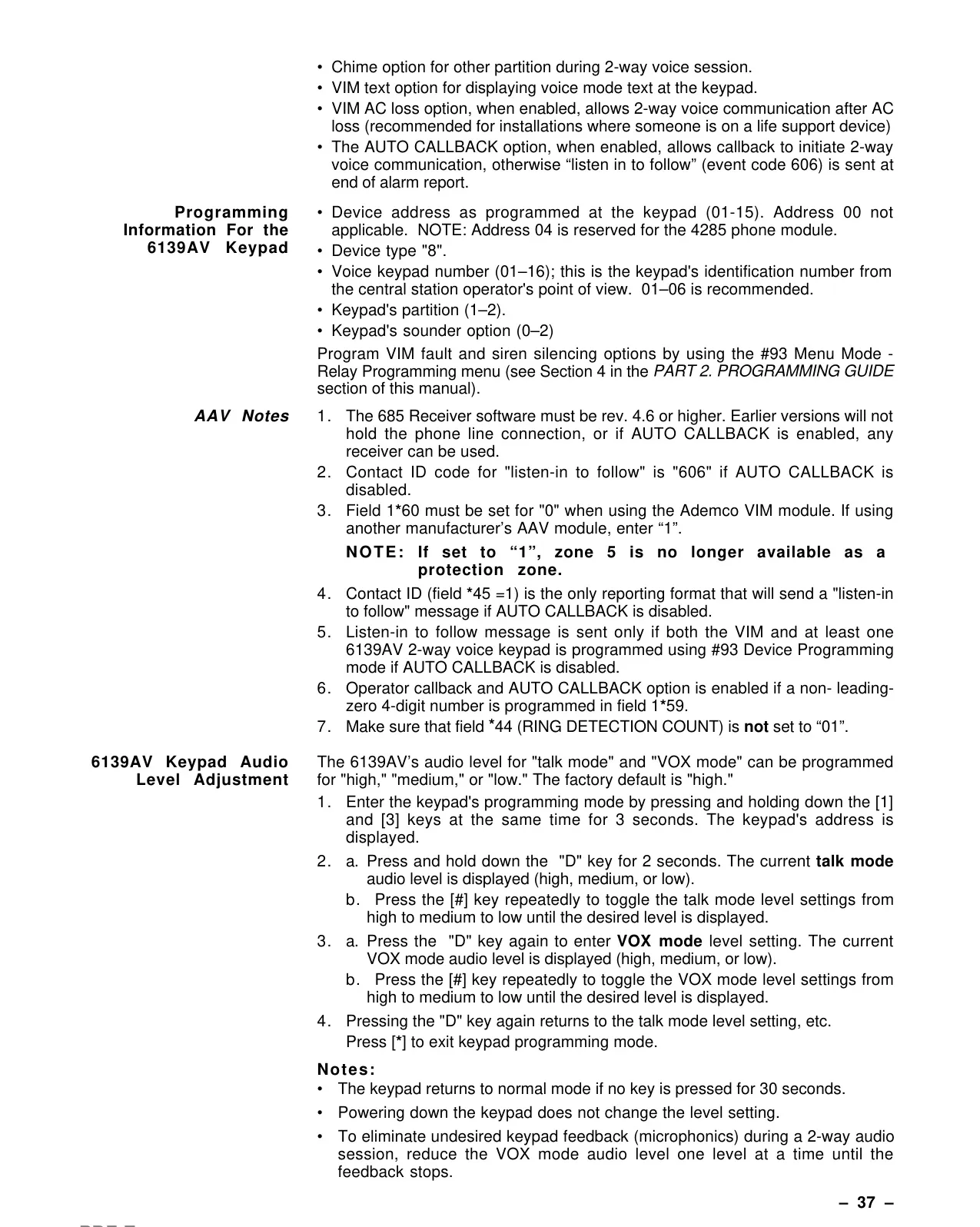
Optional Phone Access and Voice Response capabilities are available with a 4285 or 4286 VIP module. This feature allows users to access the system via a Touch-tone phone, receiving synthesized voice messages regarding system status, and performing arm/disarm functions remotely with voice confirmation.
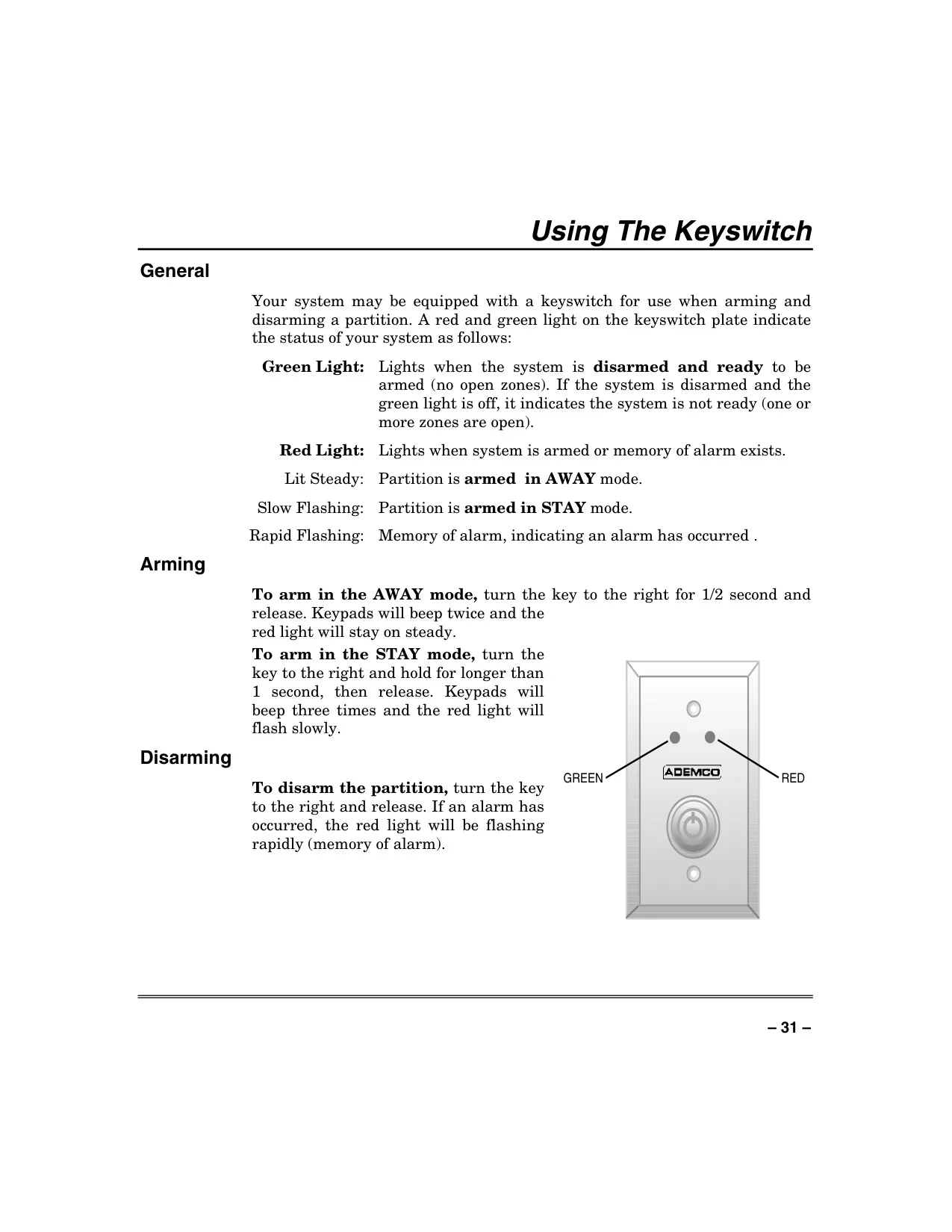
The system can also integrate with a Keyswitch for simplified arming and disarming. This keyswitch features red and green indicator lights to quickly show the system's armed status or if there's a memory of alarm, offering a visual cue for system users.
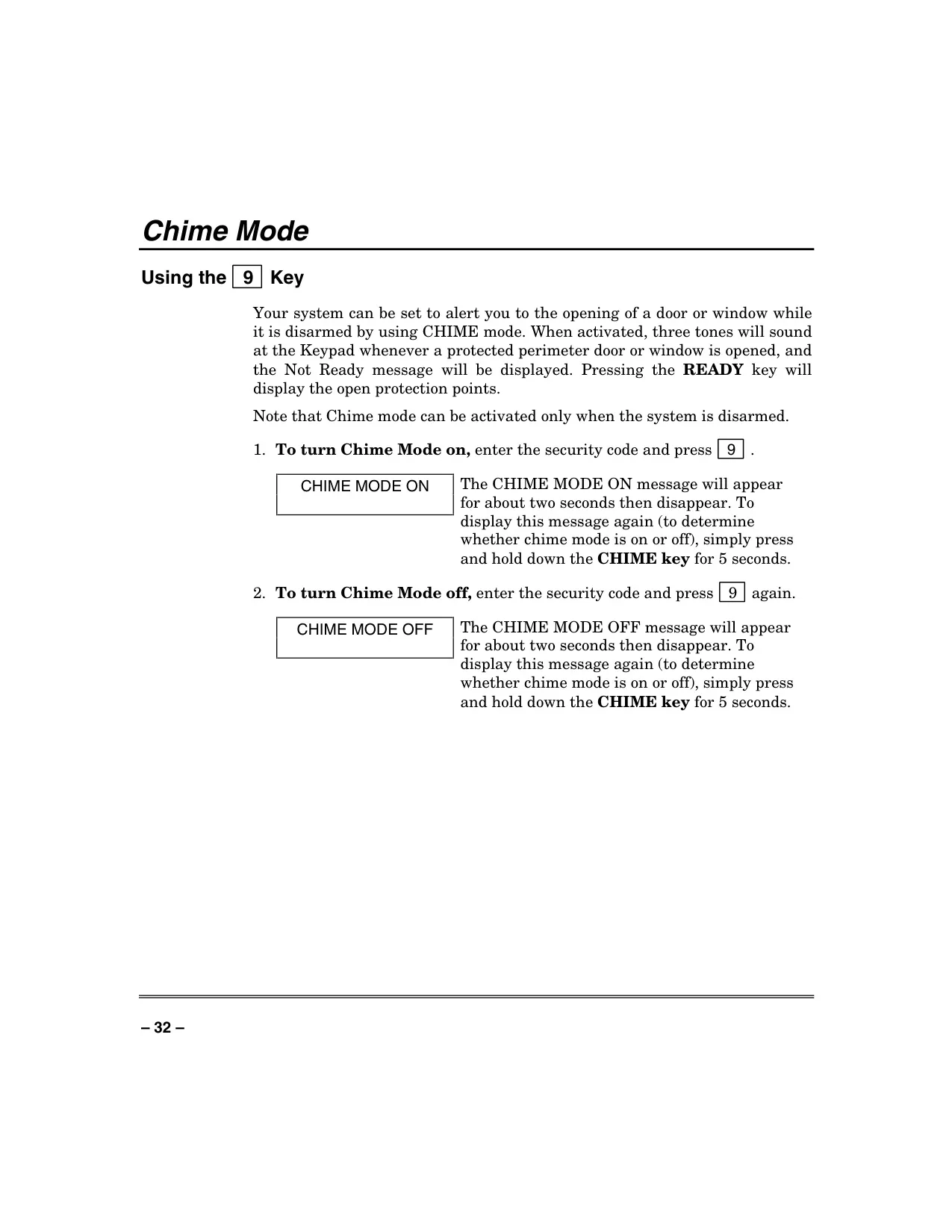
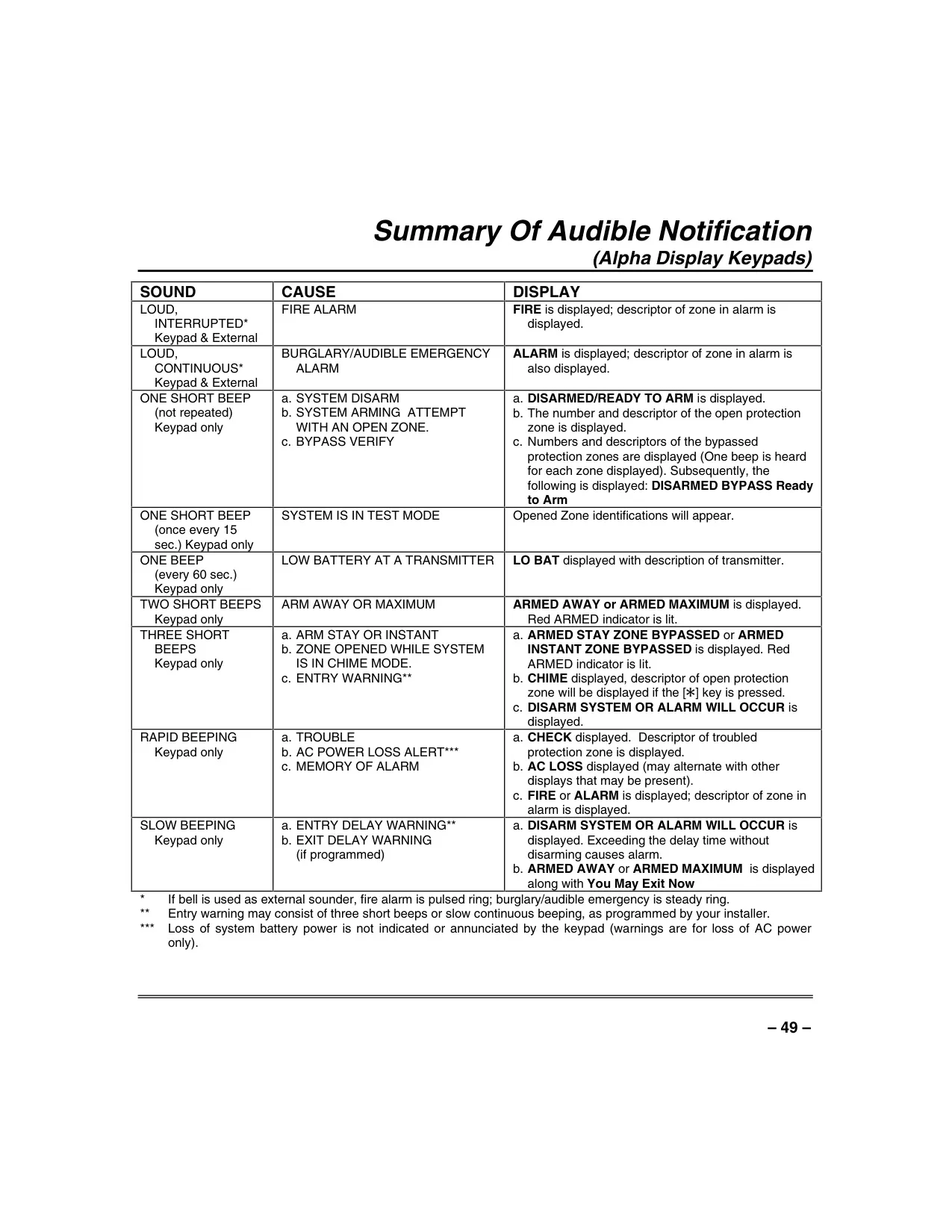
The Chime Mode is a convenient feature that, when activated and the system is disarmed, sounds three tones at the keypad whenever a protected perimeter door or window is opened. This provides an audible alert for entries and exits without fully arming the system.
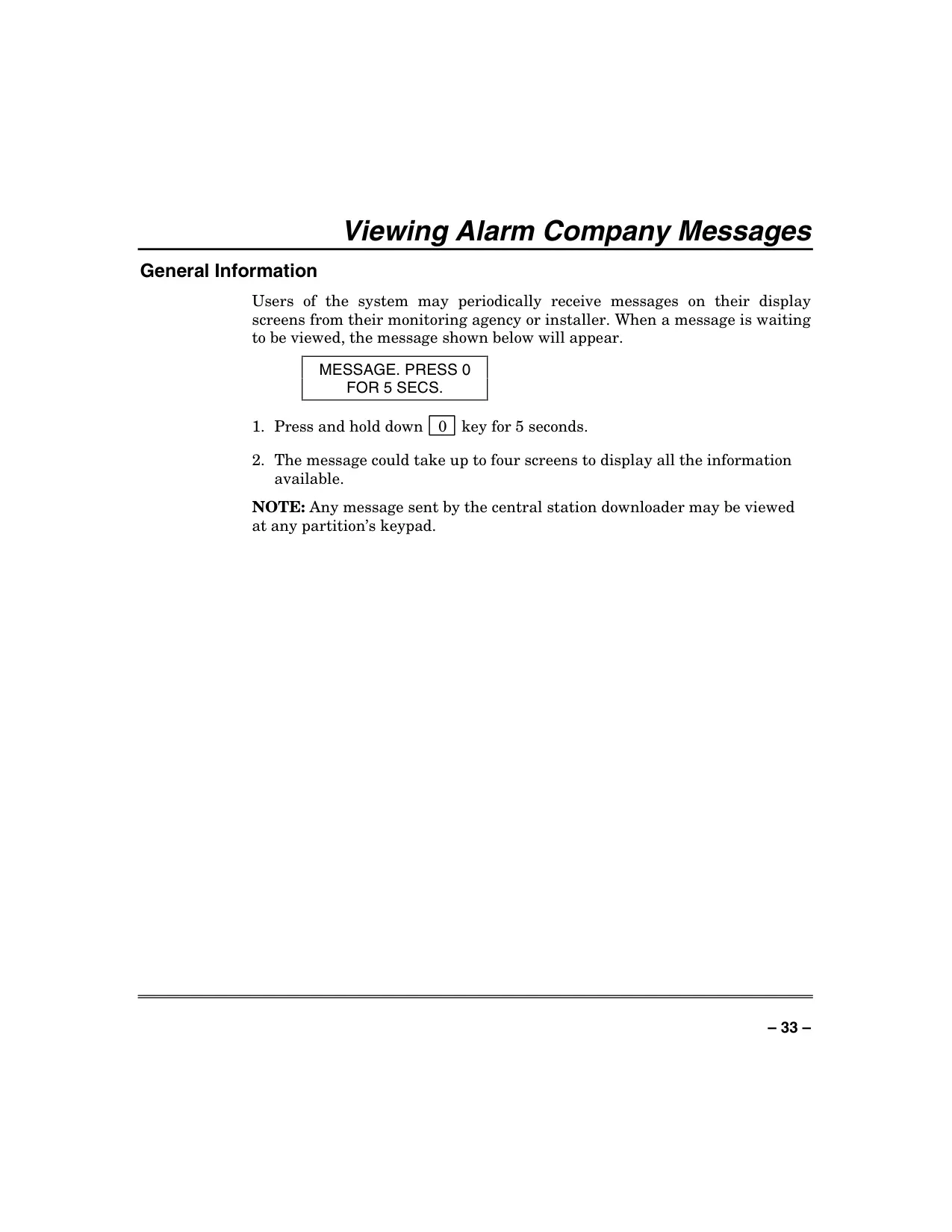
Users can view messages sent from their monitoring agency or installer directly on the keypad display. A "MESSAGE. PRESS 0 FOR 5 SECS." prompt indicates a waiting message, which can span up to four screens for comprehensive information.
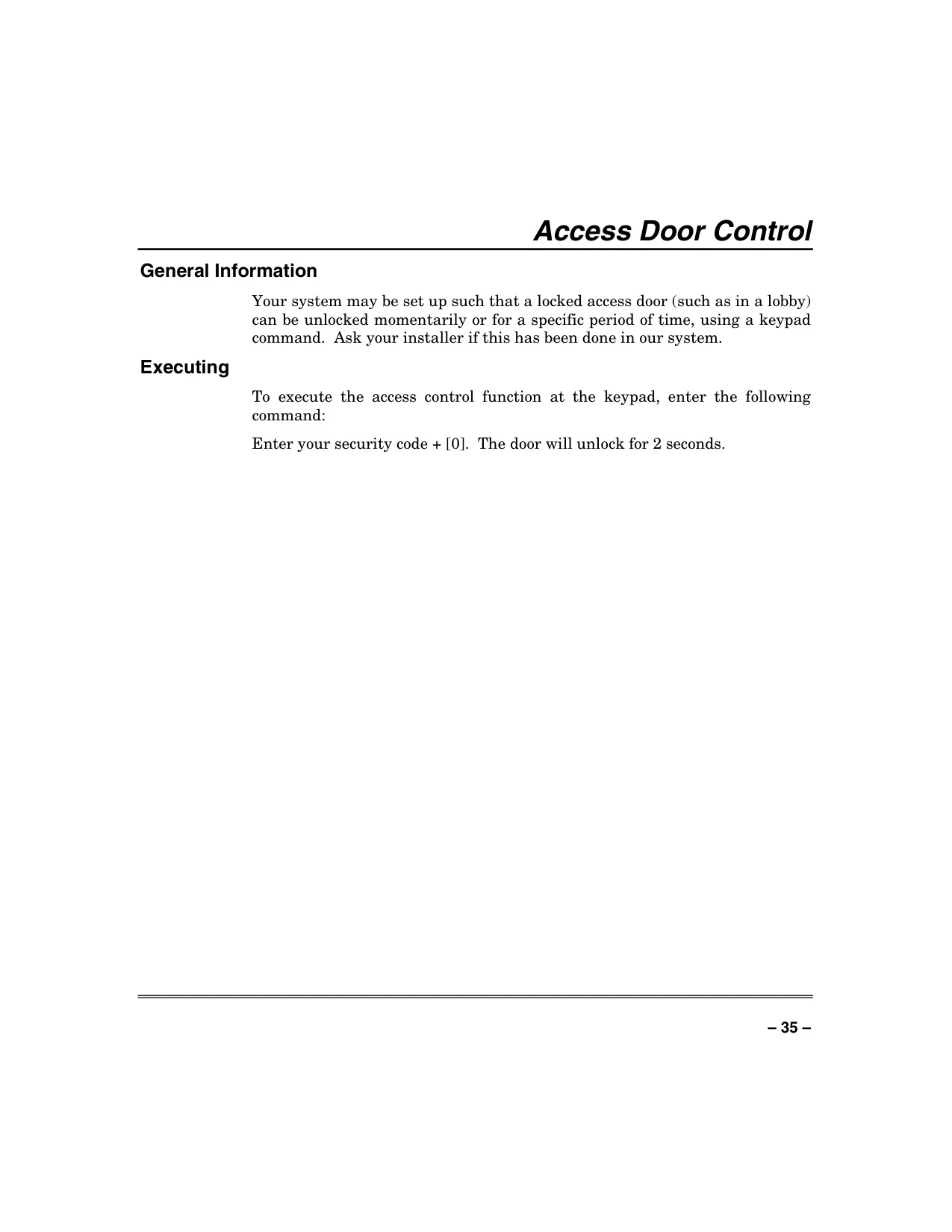
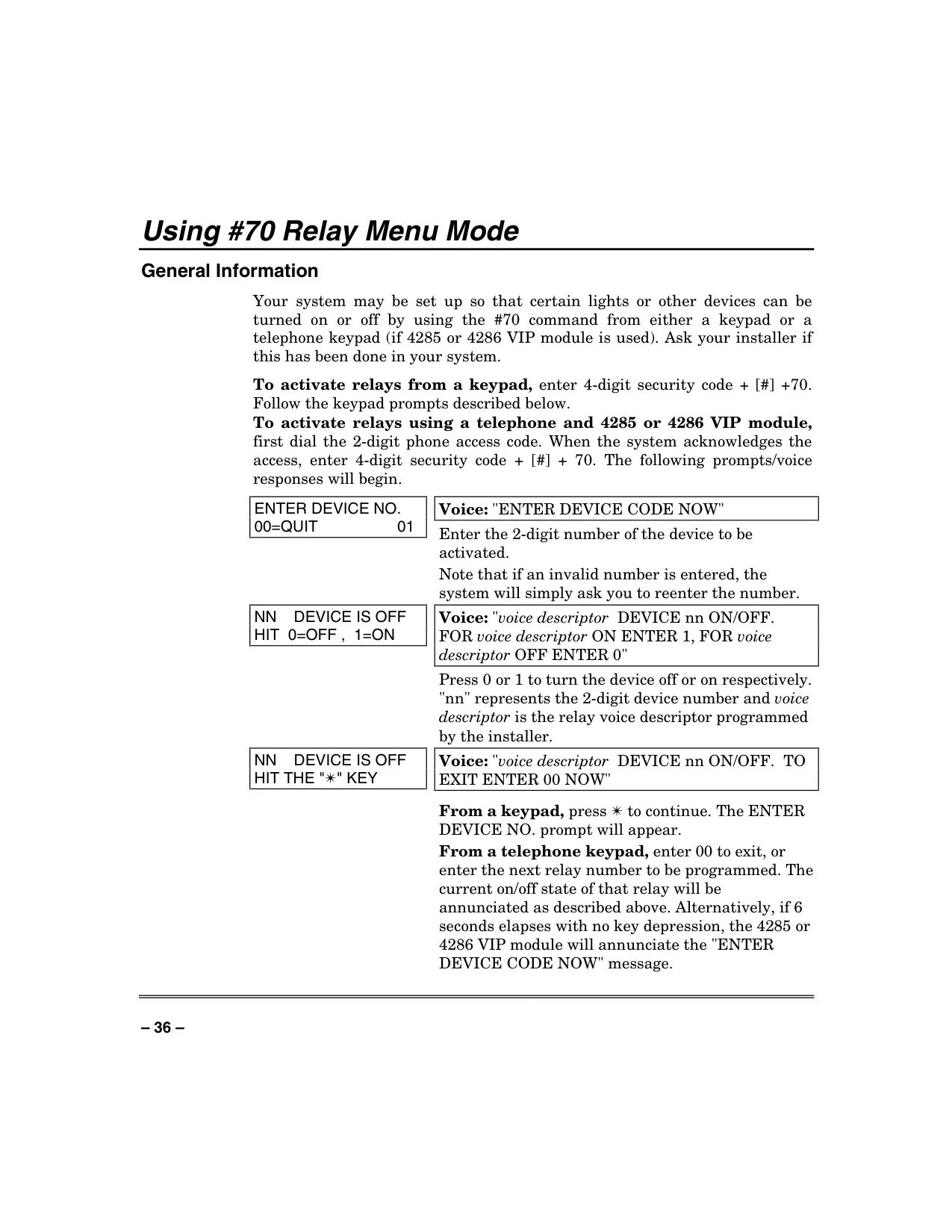
For enhanced control, the system supports Access Door Control, allowing a locked access door to be momentarily or timed-unlocked via a simple keypad command. Additionally, the #70 Relay Menu Mode enables manual activation of lights or other devices, either from the keypad or a phone keypad with the VIP module.
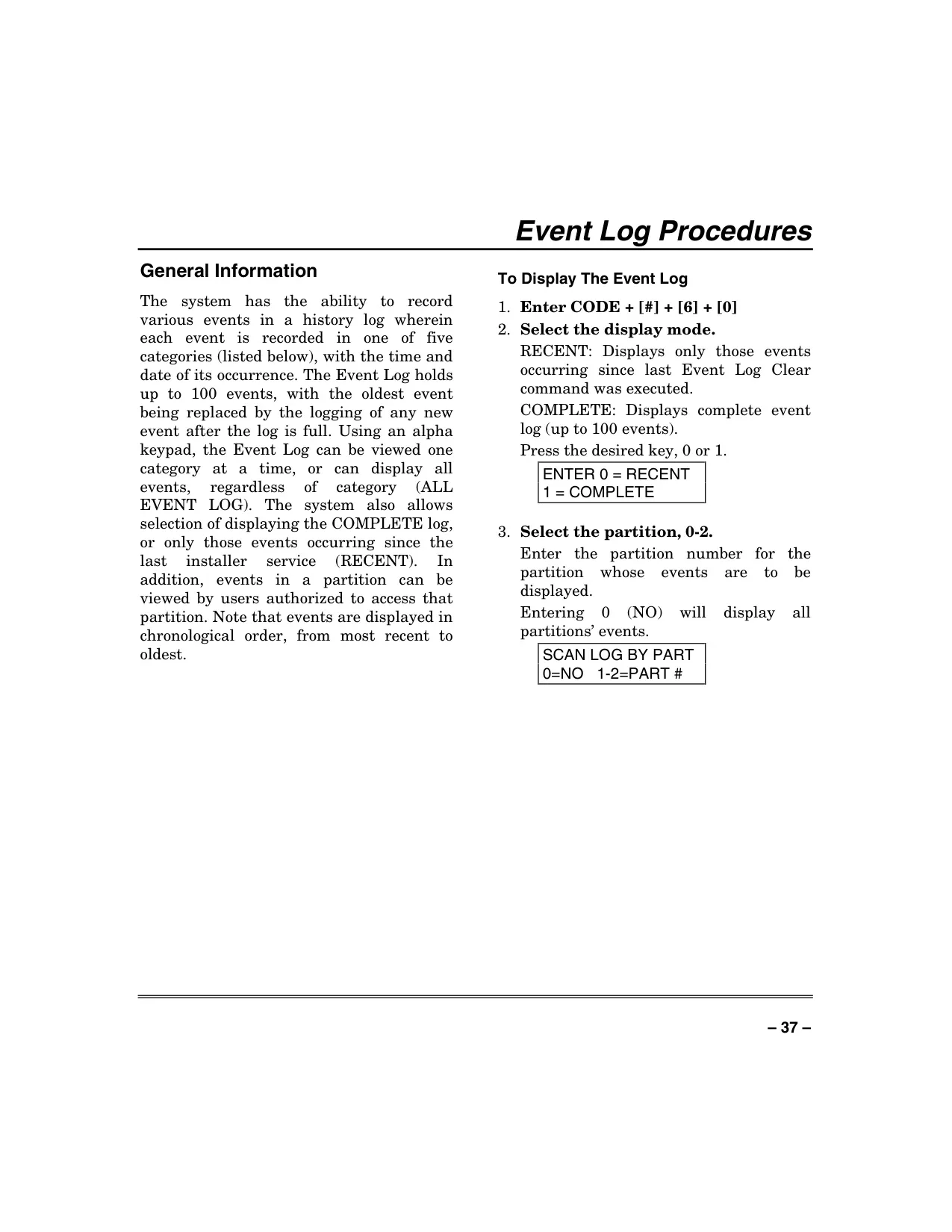
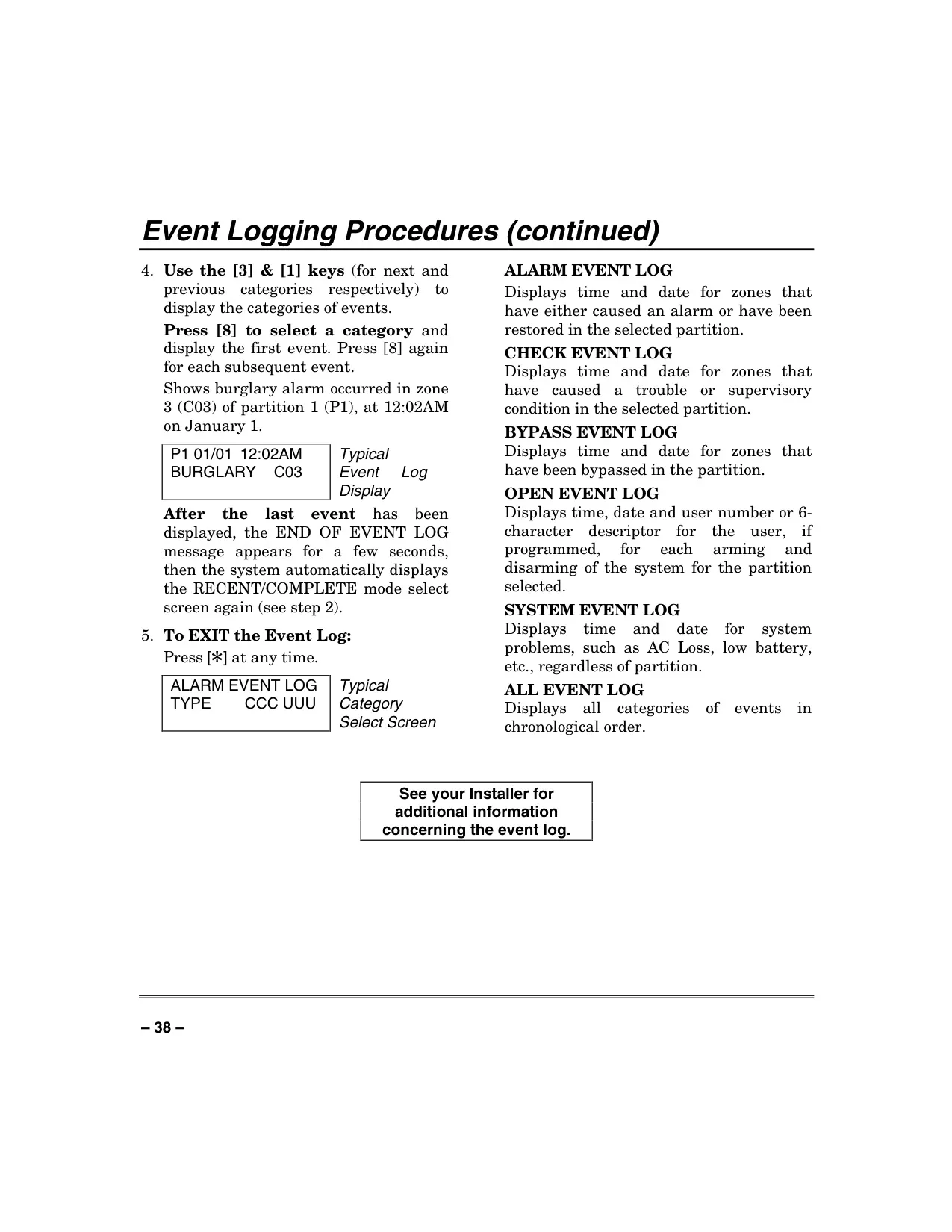
The sophisticated Event Log Procedures record up to 100 historical events, categorized into Alarm, Check, Bypass, Open, and System events. Each event includes its time and date, and can be viewed by category, partition, or chronologically, offering a detailed audit trail for system activity.
Frequently Asked Questions (FAQs)
Can't find the answer you need? Here are some frequently asked questions about the Honeywell Vista 40 Security System, and we answer them below.