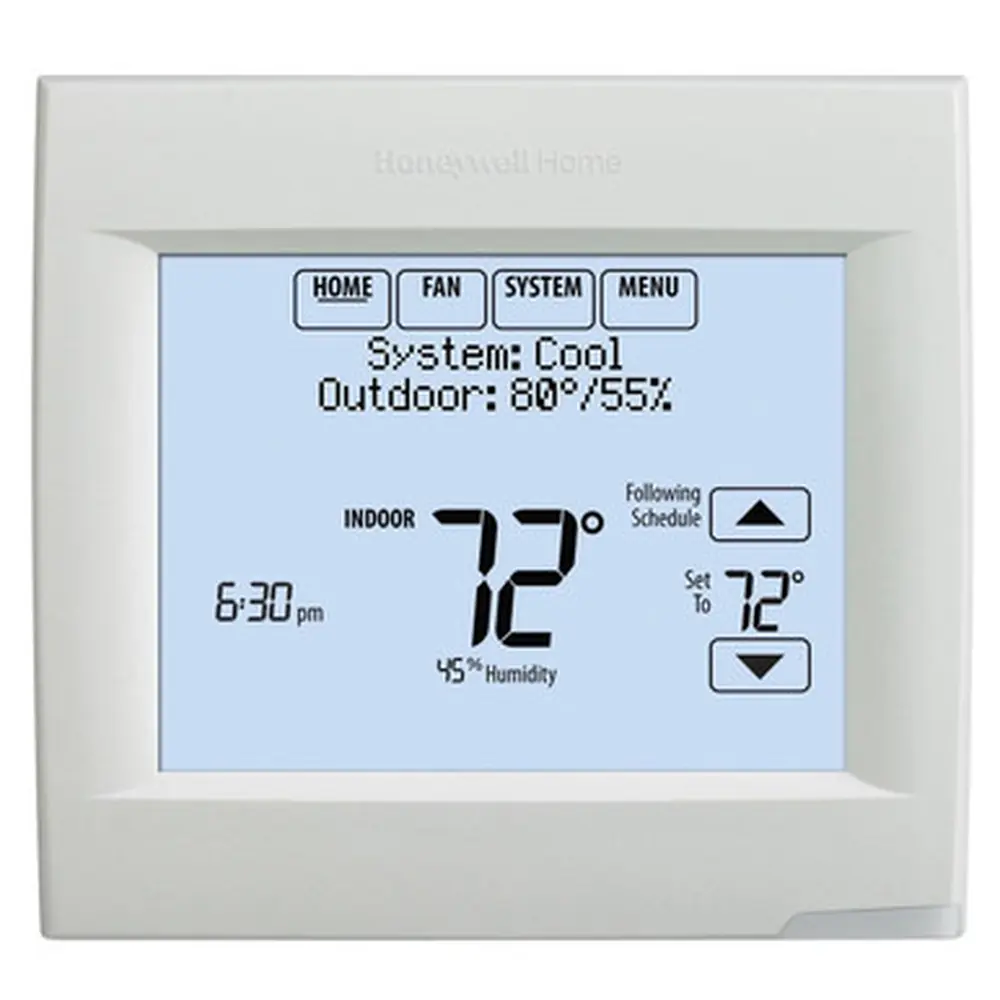
Honeywell TH4110D1007 TH4000 Series Instruction Manual
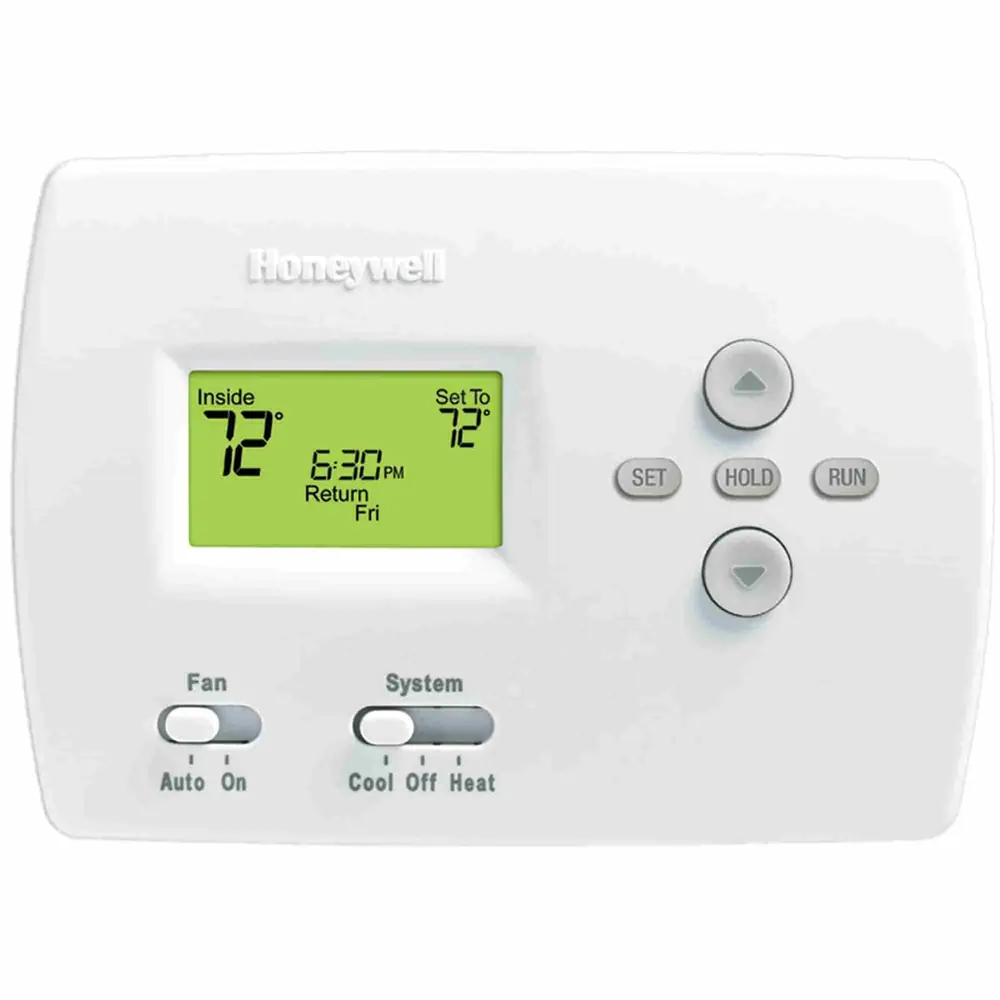
Honeywell TH4110D1007 TH4000 Series
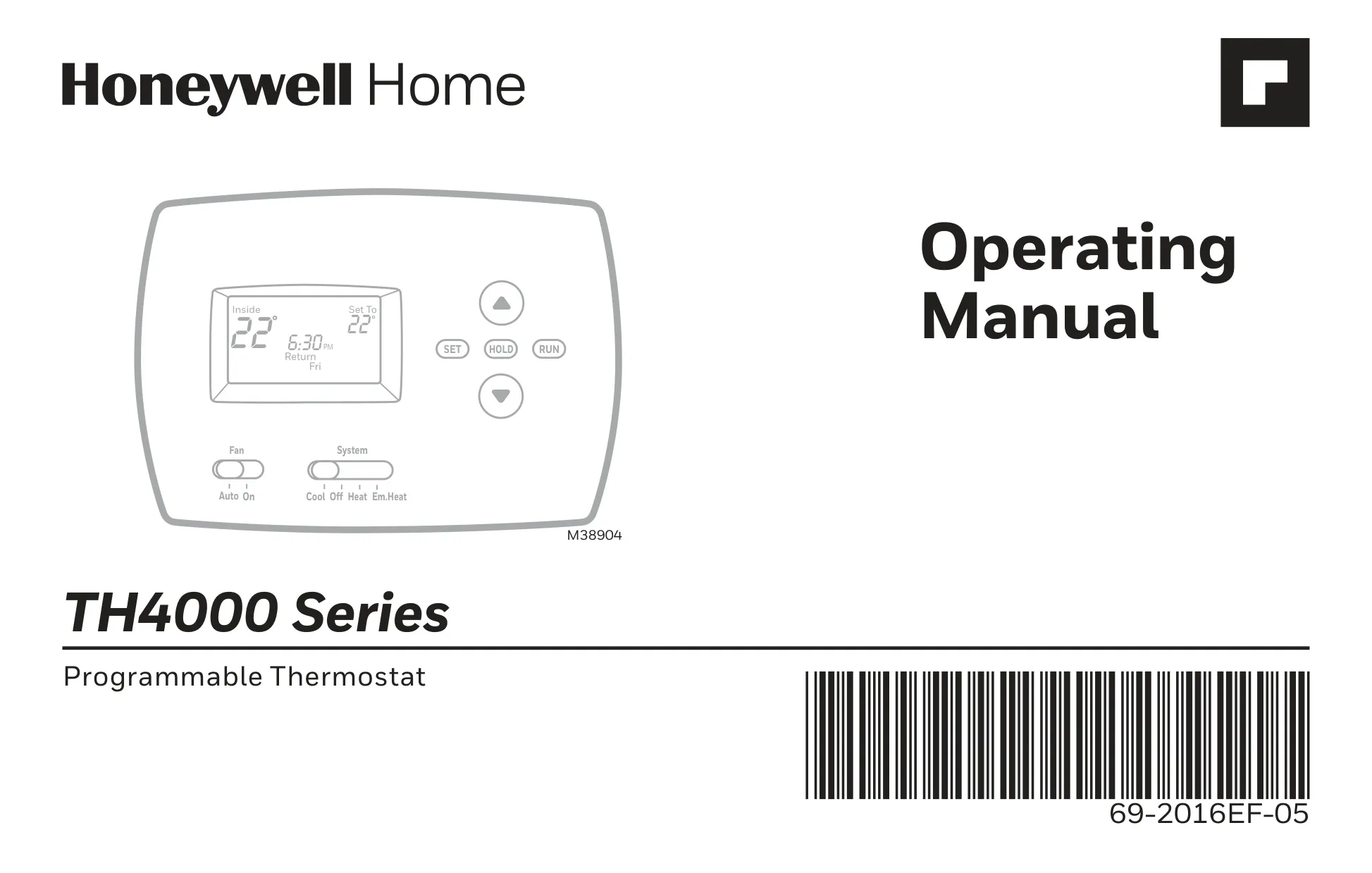
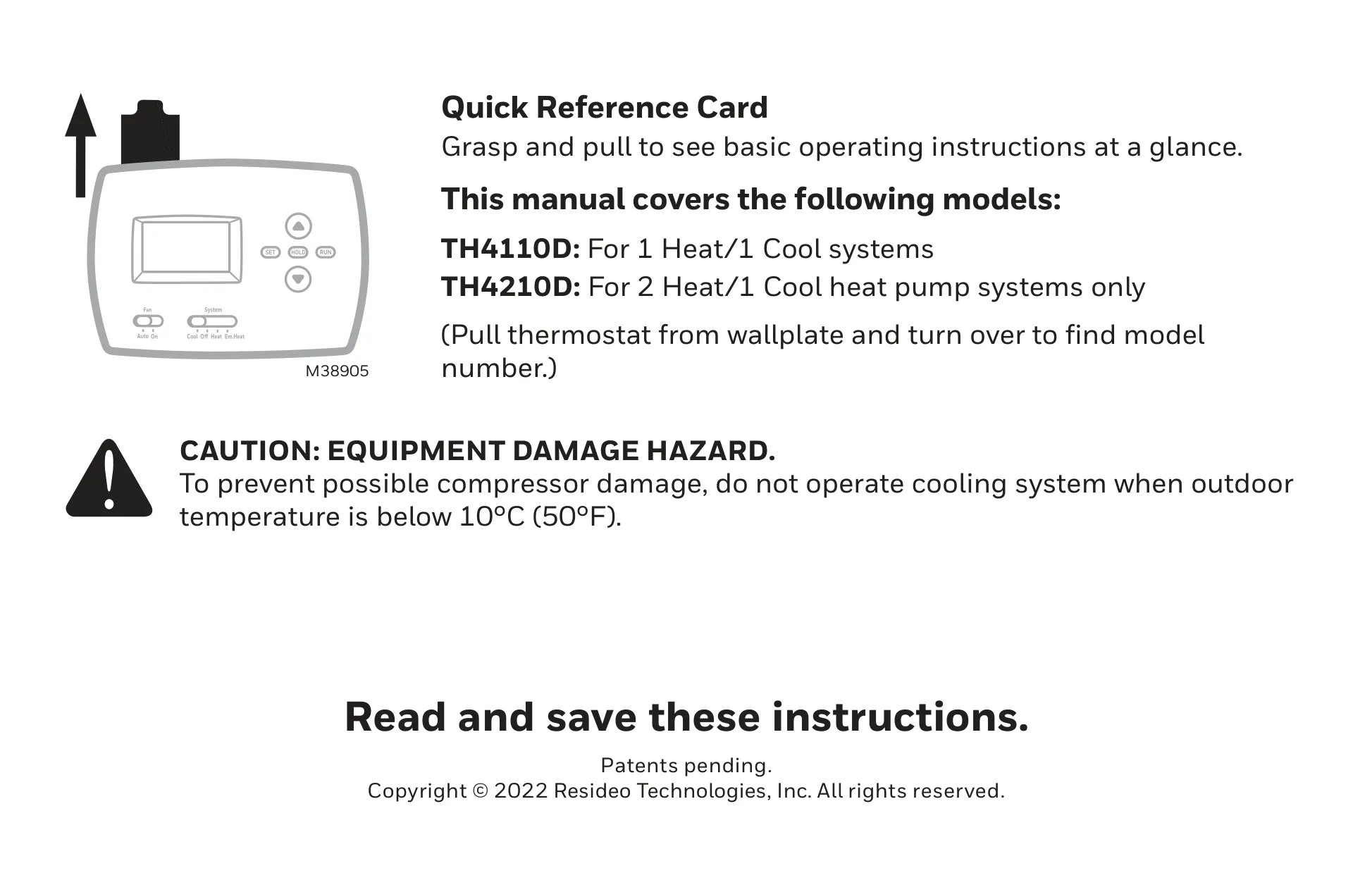








Honeywell TH4110D1007 TH4000 Series

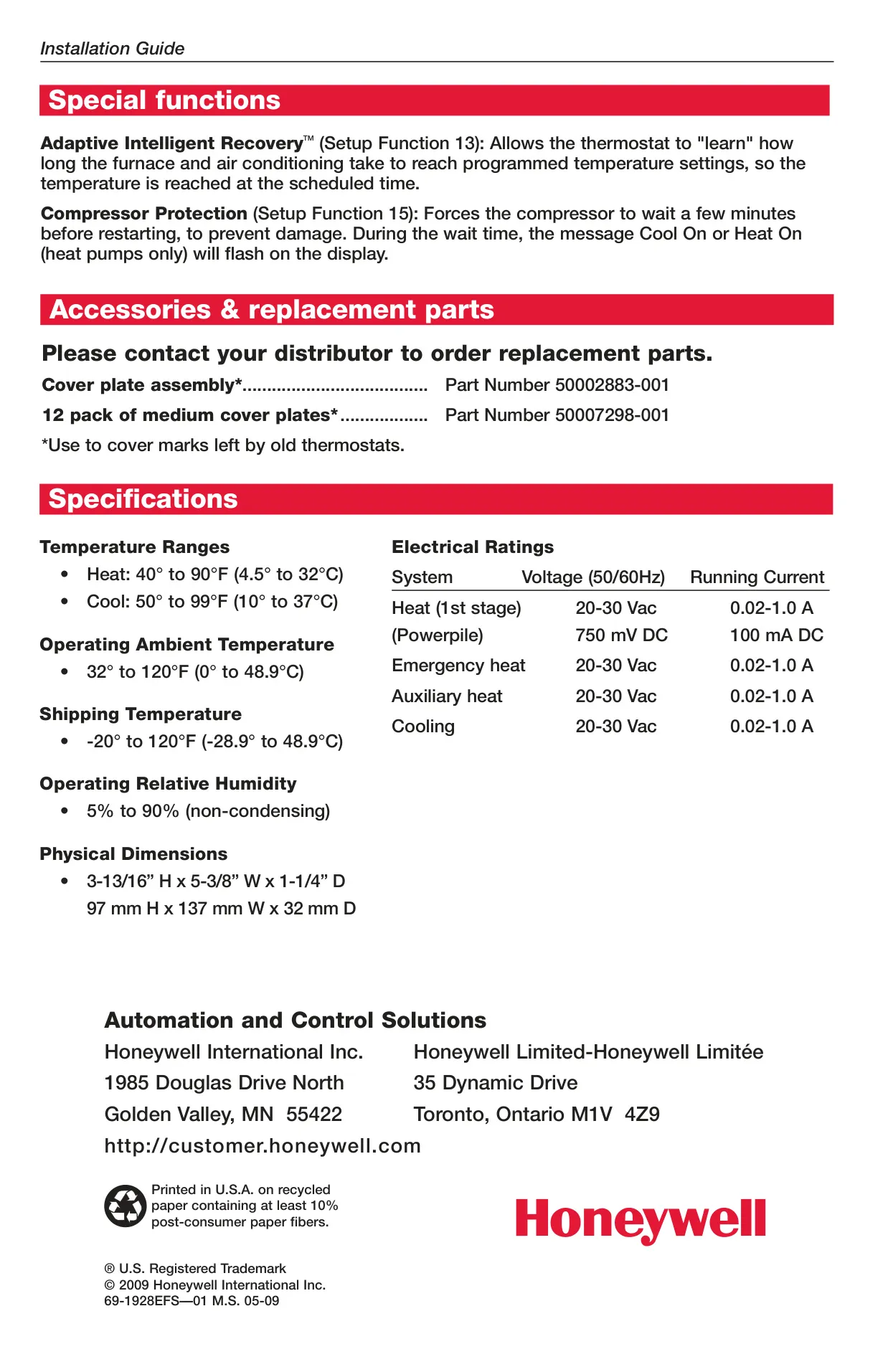
Honeywell TH4110D1007 Instructions
Here we offer the Honeywell TH4110D1007 TH4000 Series manual completely free and in English. We have cataloged this manual in the Thermostats section on Manualverse, and it has been rated by 1 users with an average rating of 5. If you have any specific questions about Honeywell TH4110D1007 TH4000 Series, we suggest checking the Frequently Asked Questions (FAQs) section of this manual.
Product Images
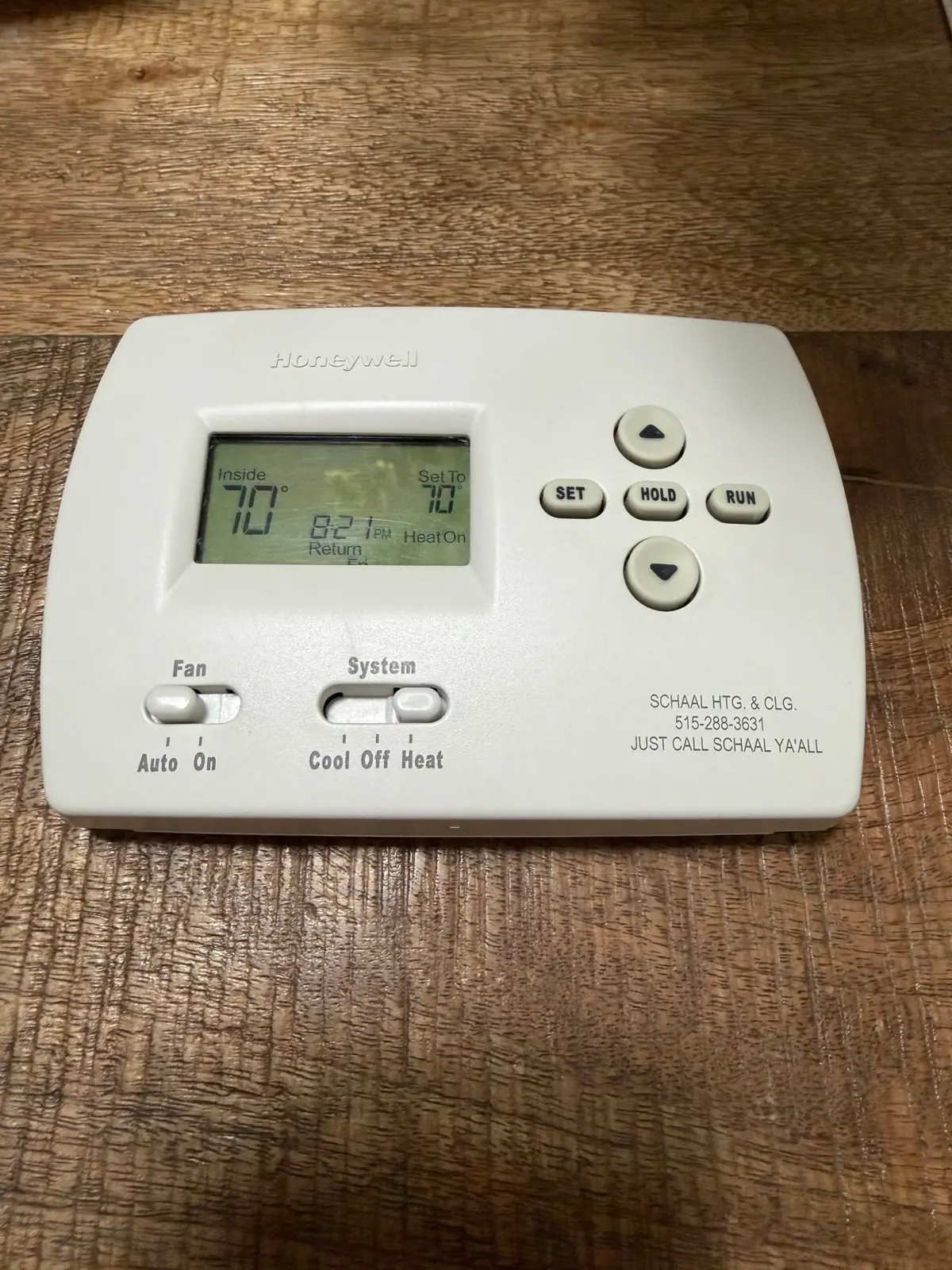
Honeywell TH4110D1007 TH4000 Series Thermostat Specifications
| Feature | Specification |
|---|---|
| Temperature Ranges (Heat) | 40° to 90°F (4.5° to 32°C) |
| Temperature Ranges (Cool) | 50° to 99°F (10° to 37°C) |
| Operating Ambient Temperature | 32° to 120°F (0° to 48.9°C) |
| Shipping Temperature | -20° to 120°F (-28.9° to 48.9°C) |
| Electrical Ratings: Heat (1st stage) | 20-30 Vac, 0.02-1.0 A |
| Electrical Ratings: Powerpile | 750 mV DC, 100 mA DC |
| Electrical Ratings: Emergency Heat | 20-30 Vac, 0.02-1.0 A |
| Electrical Ratings: Auxiliary Heat | 20-30 Vac, 0.02-1.0 A |
| Electrical Ratings: Cooling | 20-30 Vac, 0.02-1.0 A |
| Operating Relative Humidity | 5% to 90% (non-condensing) |
| Physical Dimensions (H x W x D) | 3-13/16” H x 5-3/8” W x 1-1/4” D (97 mm H x 137 mm W x 32 mm D) |
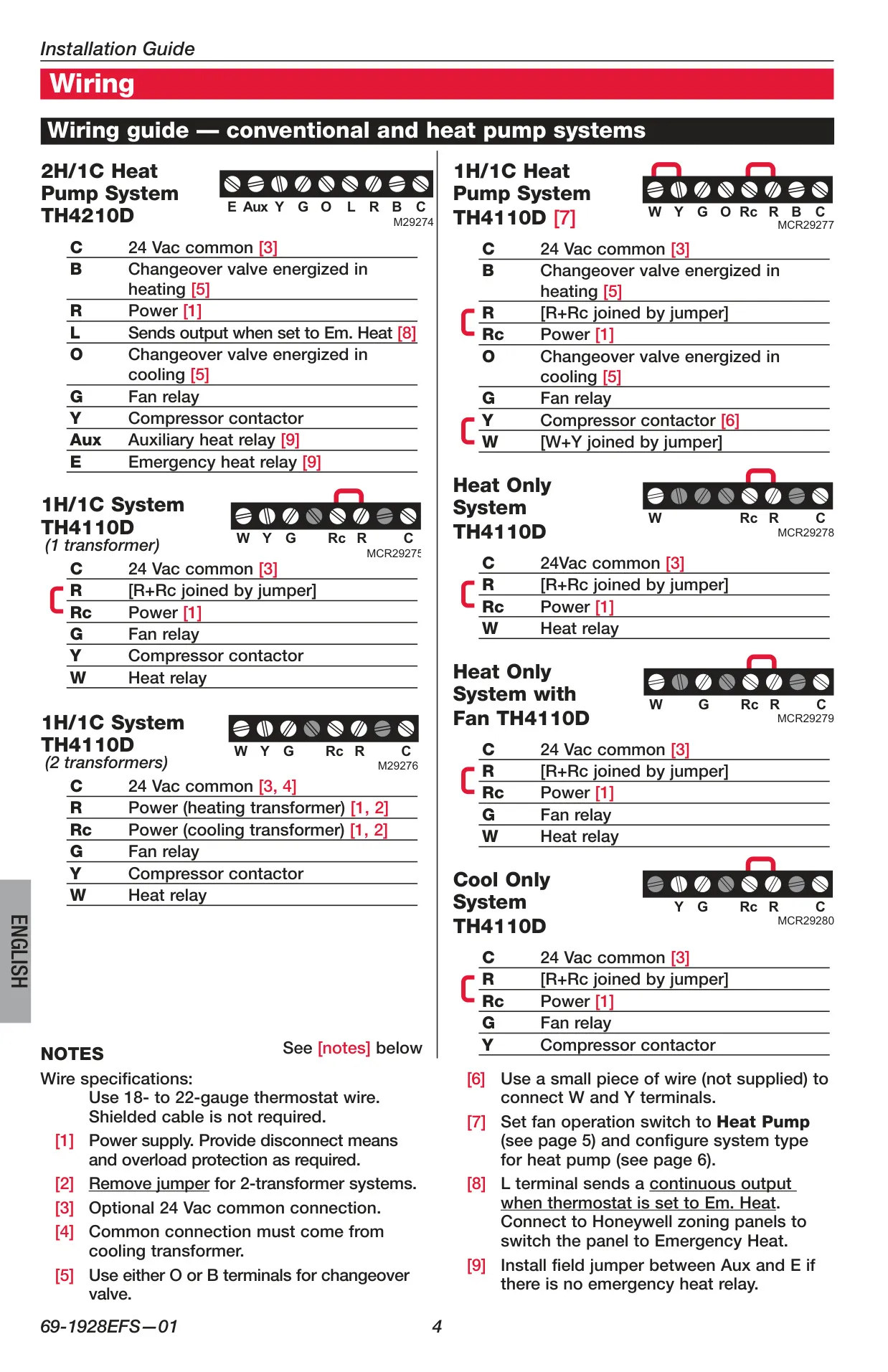
| Model Compatibility (TH4110D) | 1 Heat/1 Cool conventional systems (Gas, oil, electric heat with AC; Heat only; Heat only with fan; Cool only; 750 mV systems) |
Honeywell TH4110D1007 Thermostat Details
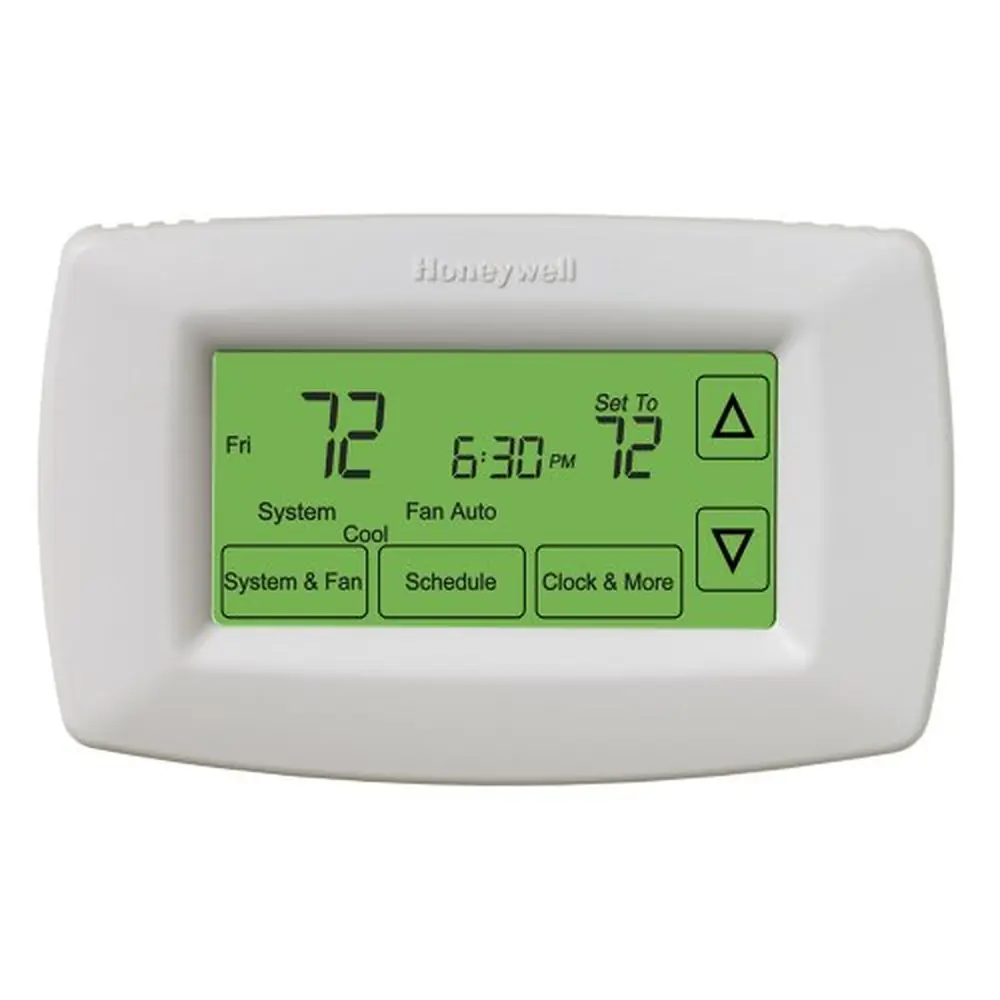
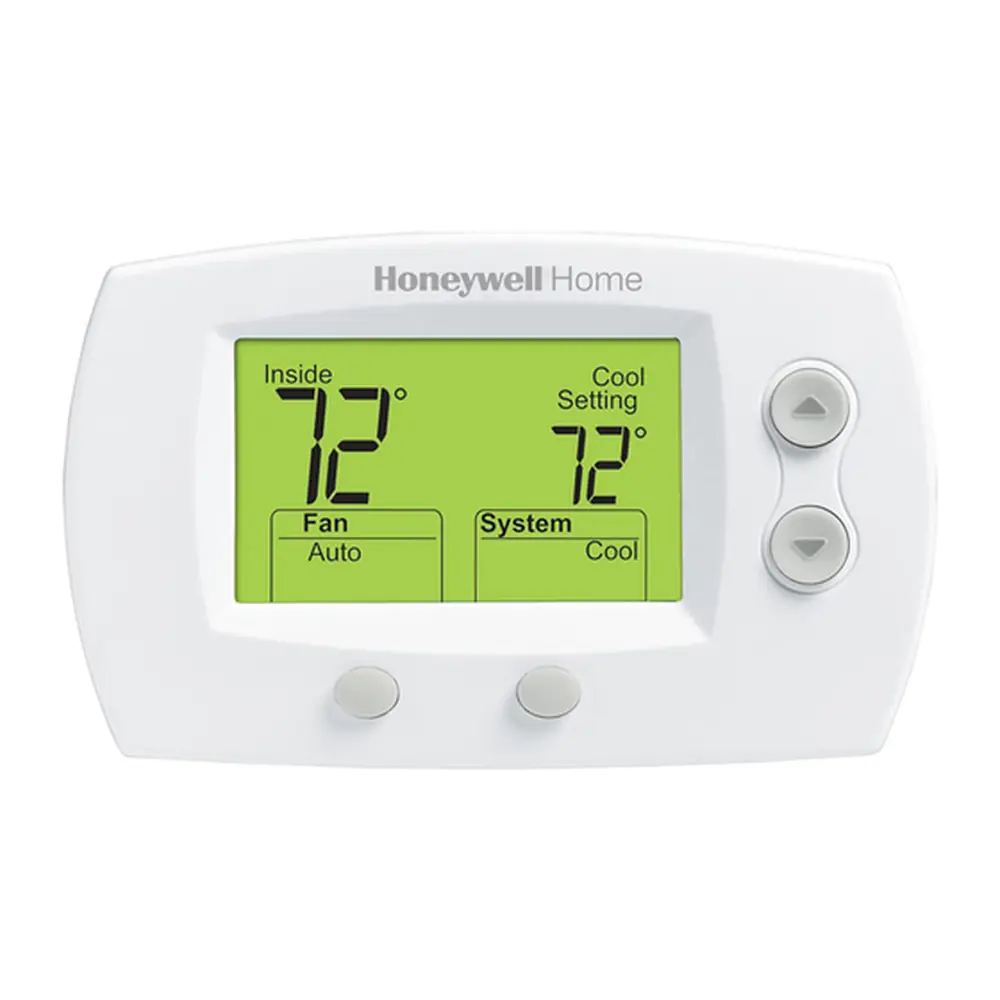
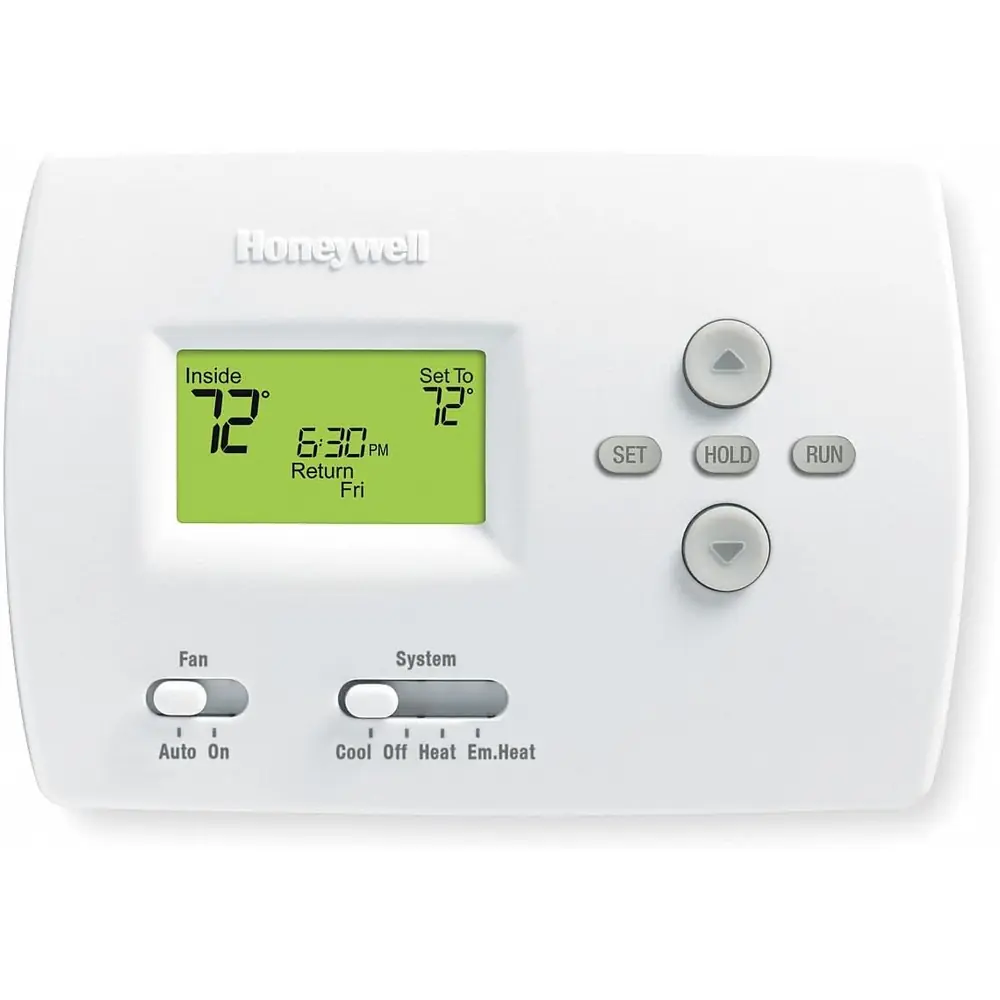
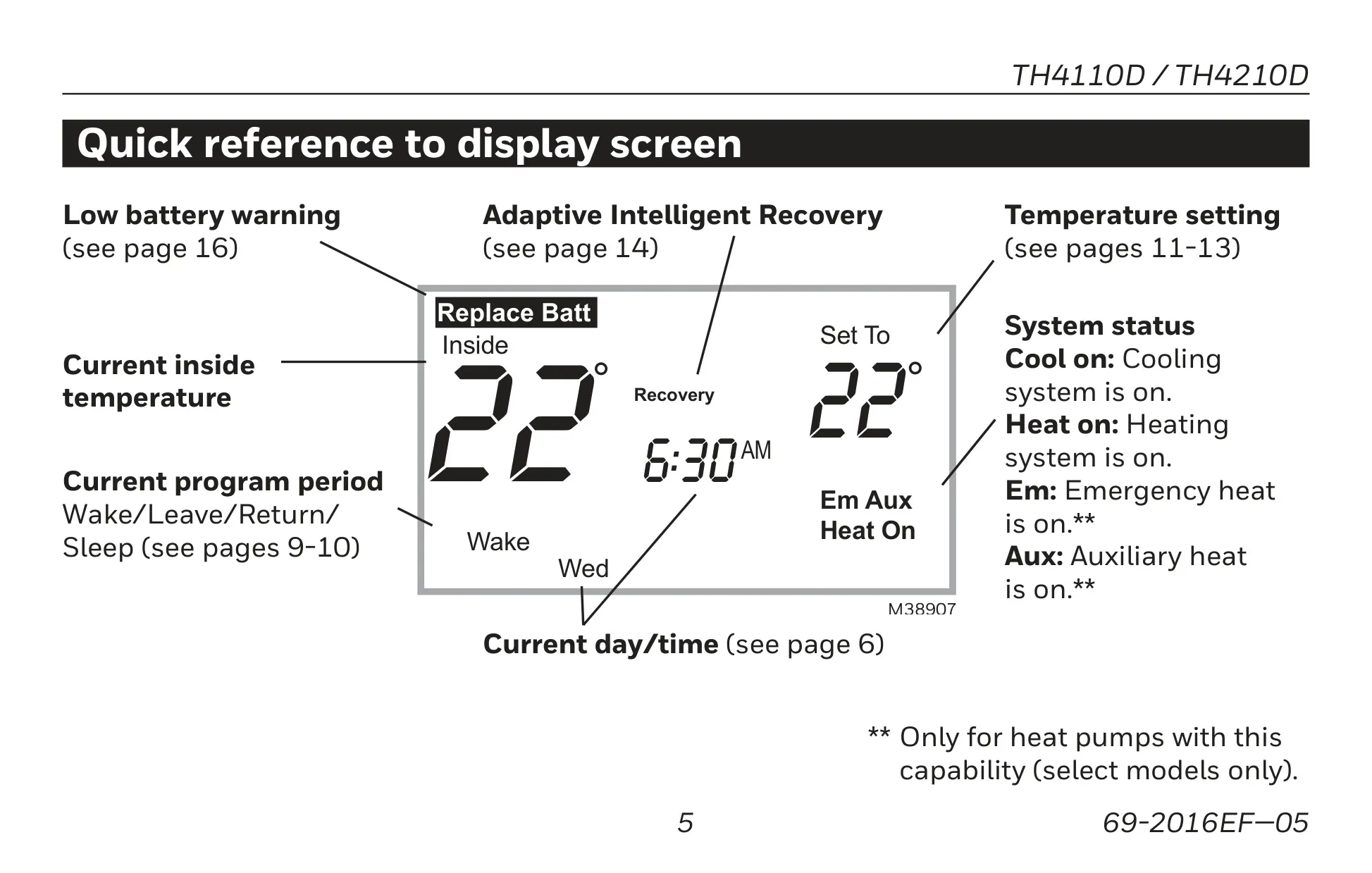
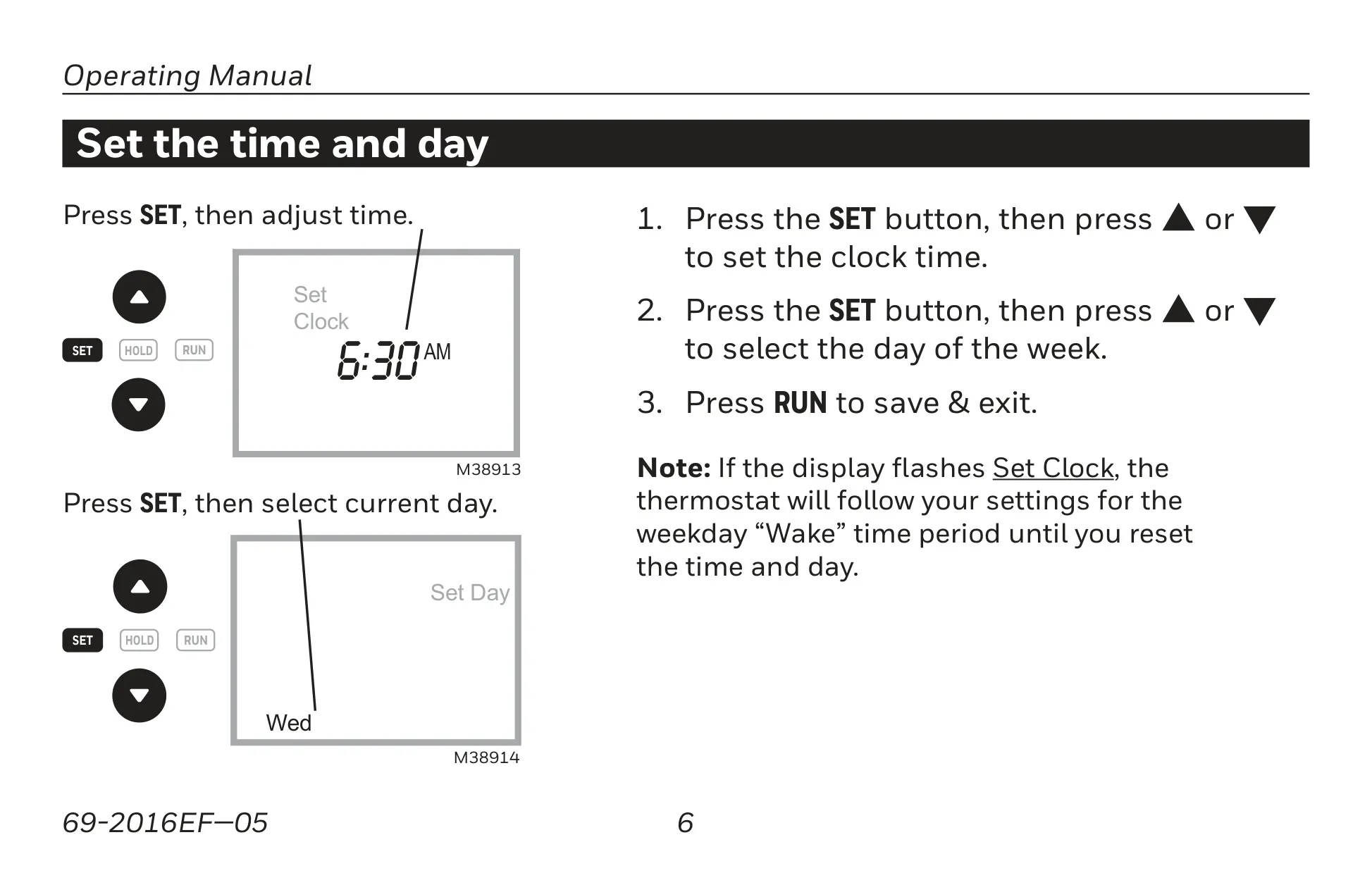
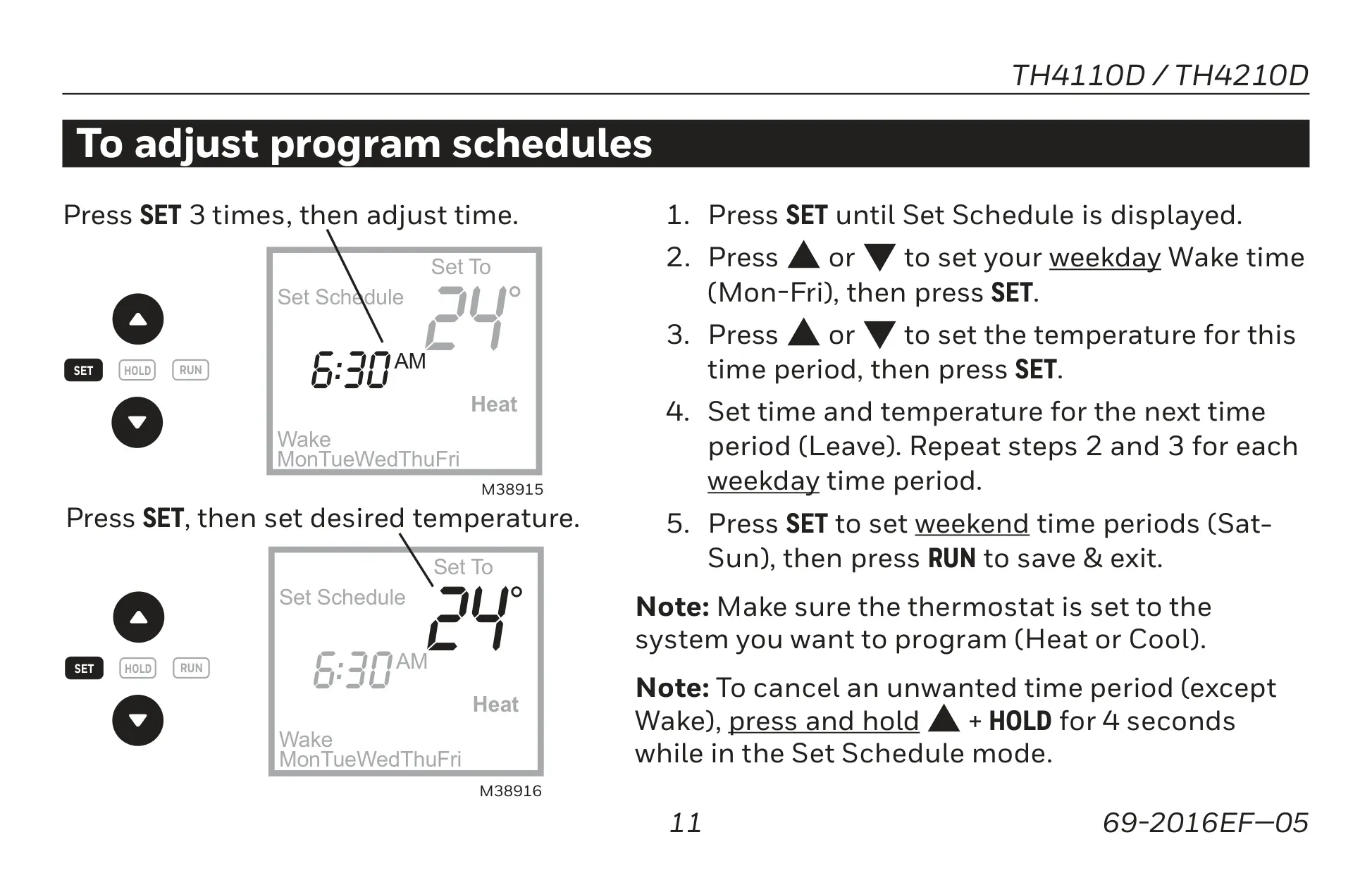
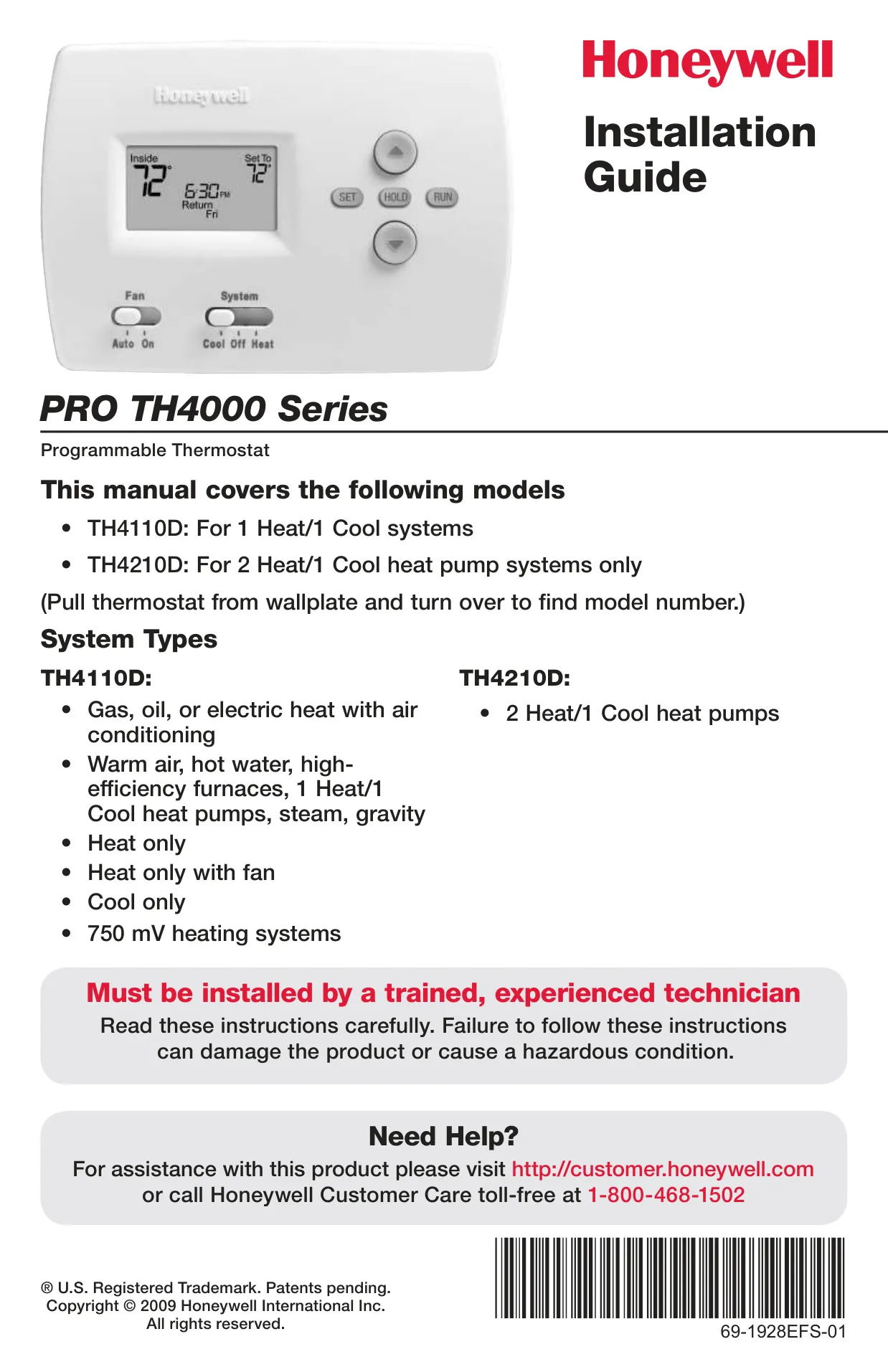
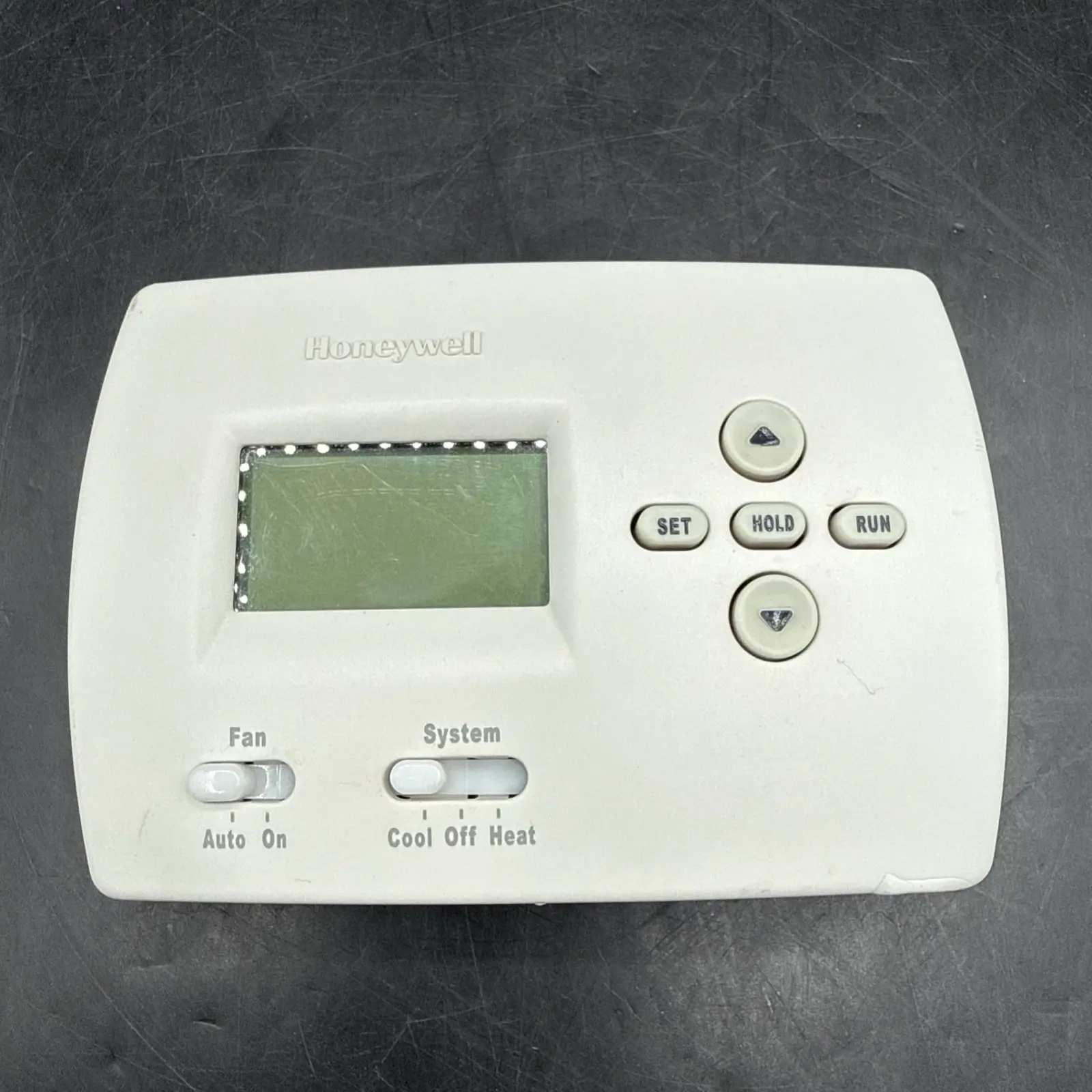
The Honeywell TH4110D1007 TH4000 Series thermostat is designed for reliable service and easy-to-use, push-button climate control. It comes pre-programmed with energy-saving settings, ready for immediate use after setting the time and day. Users can customize four time periods daily, with separately programmable weekday/weekend schedules, allowing for optimal energy management and comfort tailored to their routine. The large, clear, backlit display makes it easy to read current room temperature, the temperature setting, and system status at a glance.
This thermostat excels in offering flexible programming options to maximize cost savings. Users can define specific temperature settings for Wake, Leave, Return, and Sleep periods, ensuring energy isn't wasted when away or asleep. The pre-set energy-saving levels are highly recommended to reduce heating and cooling expenses, contributing to a more sustainable and economical home environment. The intuitive interface simplifies the process of adjusting these times and temperatures for each period, ensuring precise climate control throughout the week.
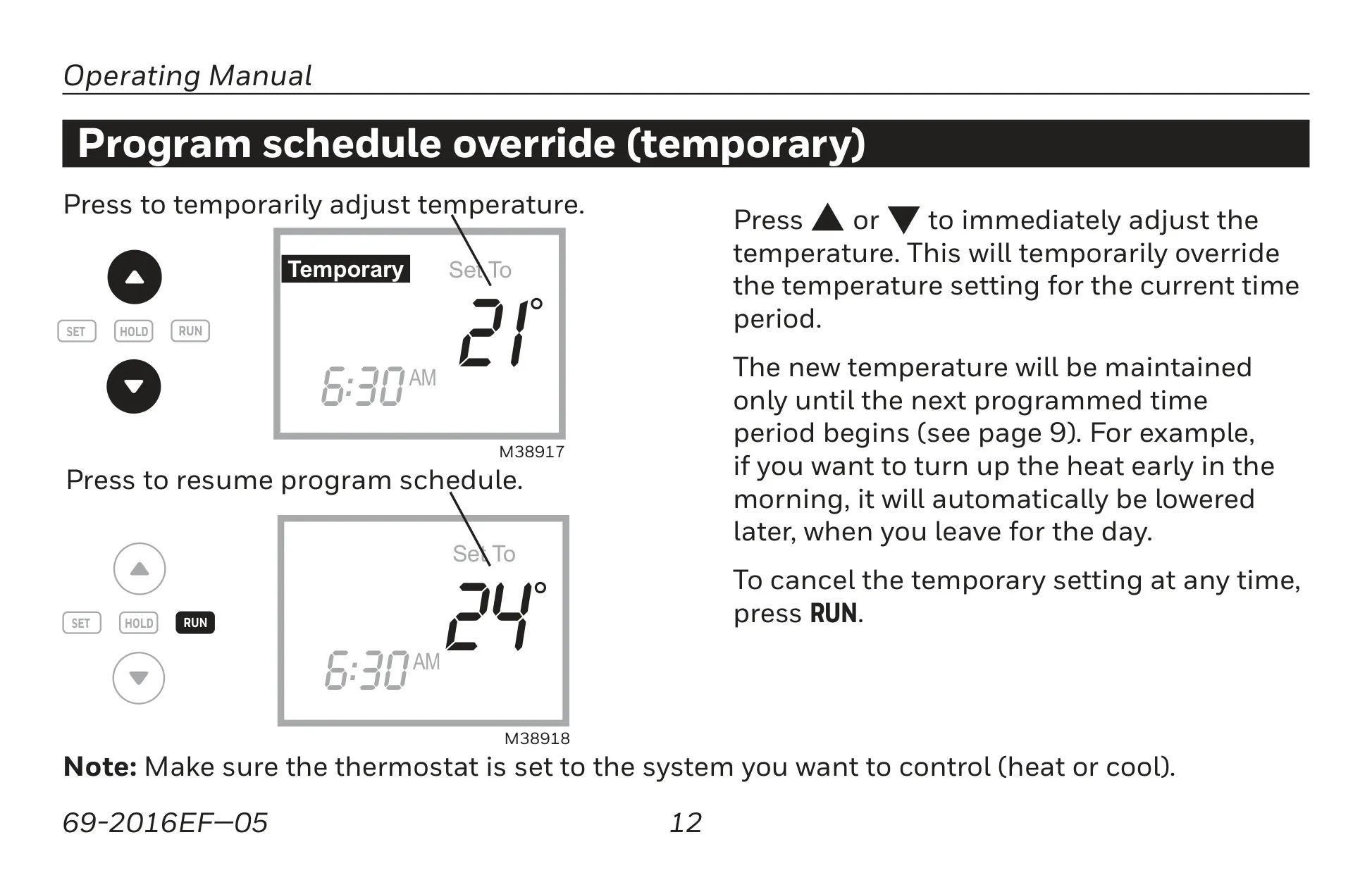
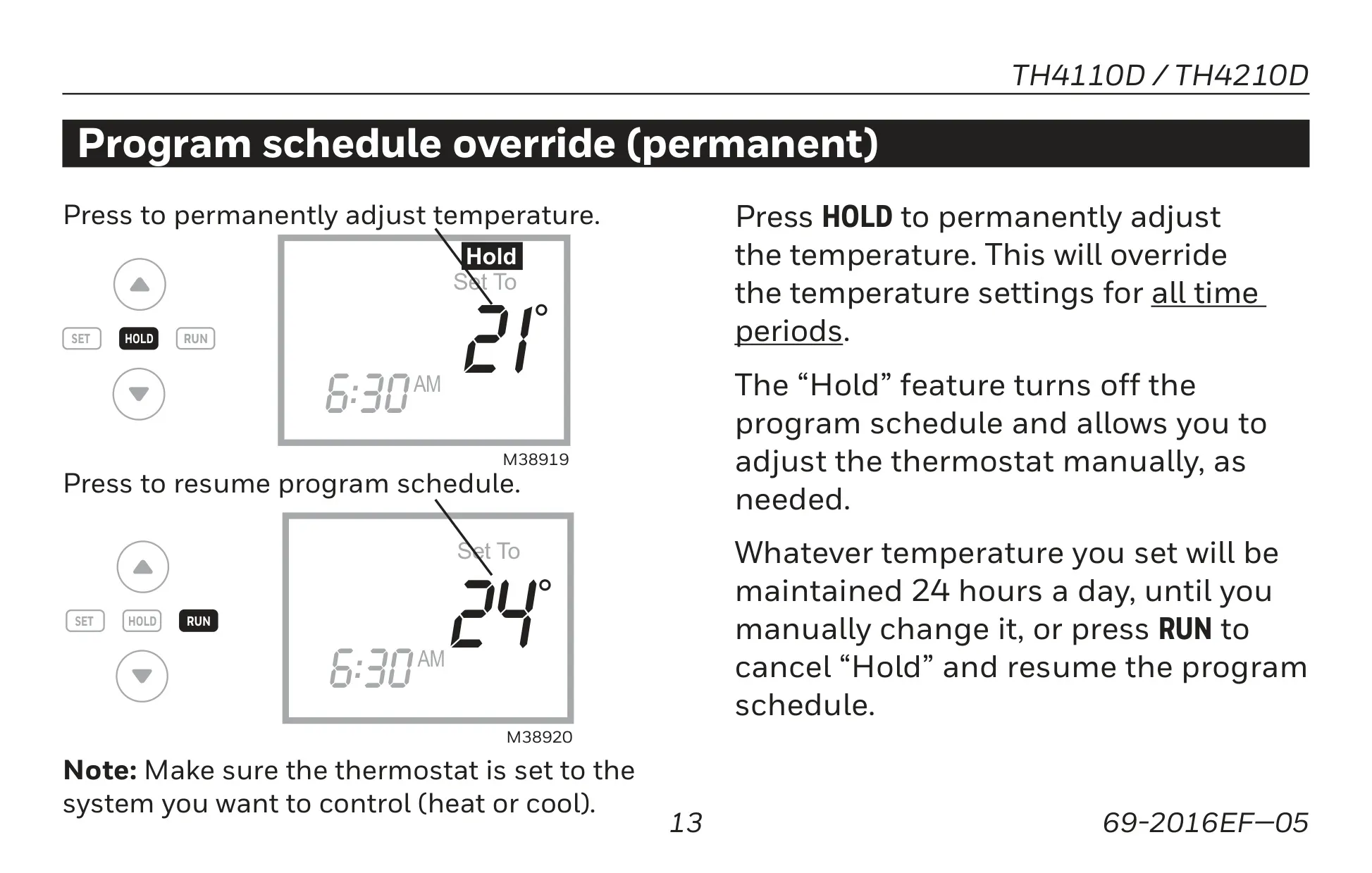
For immediate comfort adjustments, the TH4110D1007 offers one-touch temperature control that temporarily overrides the program schedule. This is perfect for unexpected changes in your day; the thermostat automatically reverts to the schedule at the next programmed period. For longer-term changes, a permanent program schedule override ("Hold" feature) allows manual temperature maintenance 24/7 until canceled, providing ultimate flexibility without reprogramming. The display also provides clear indicators for system status, current program period, and time, enhancing user convenience.
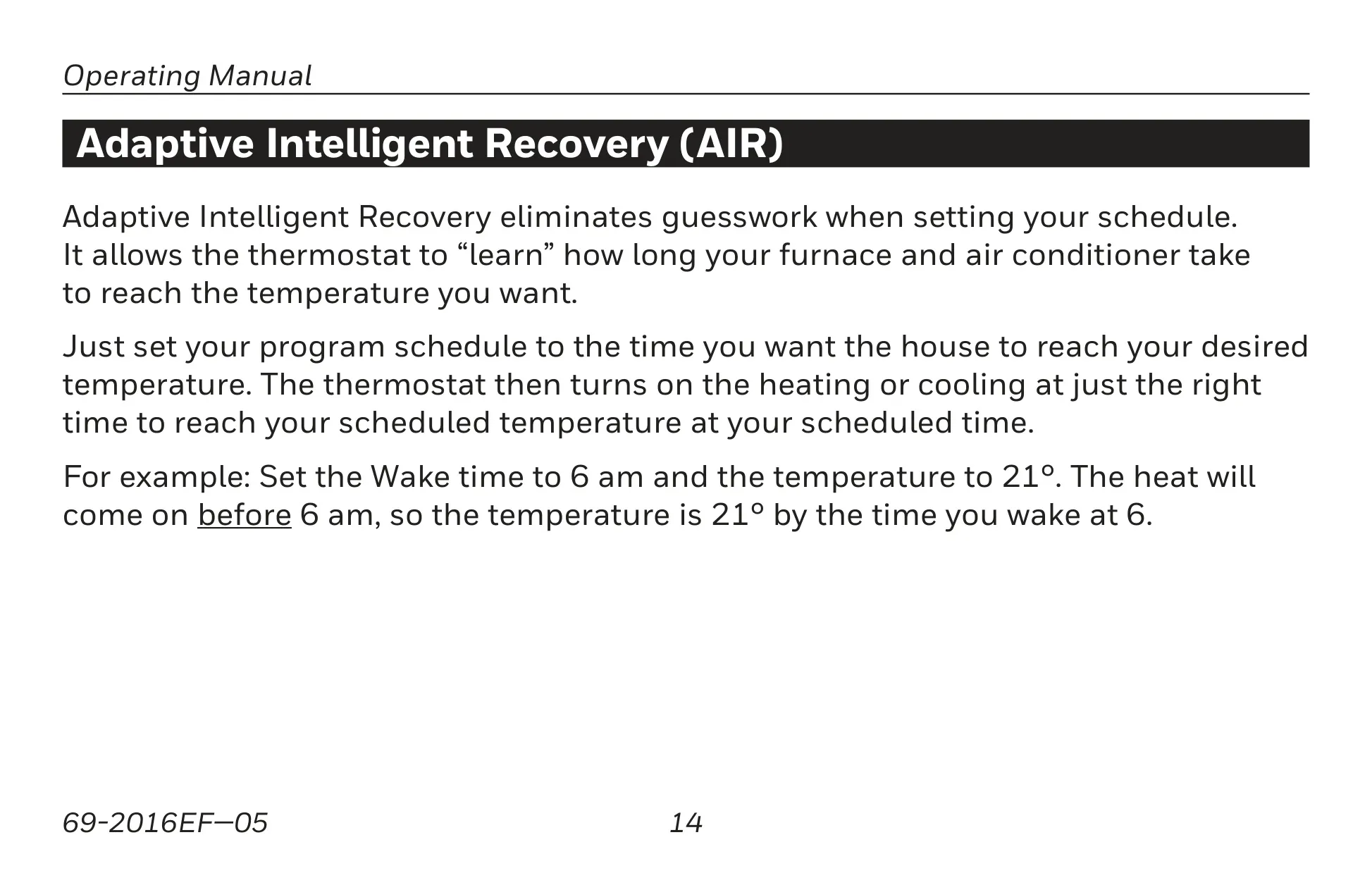
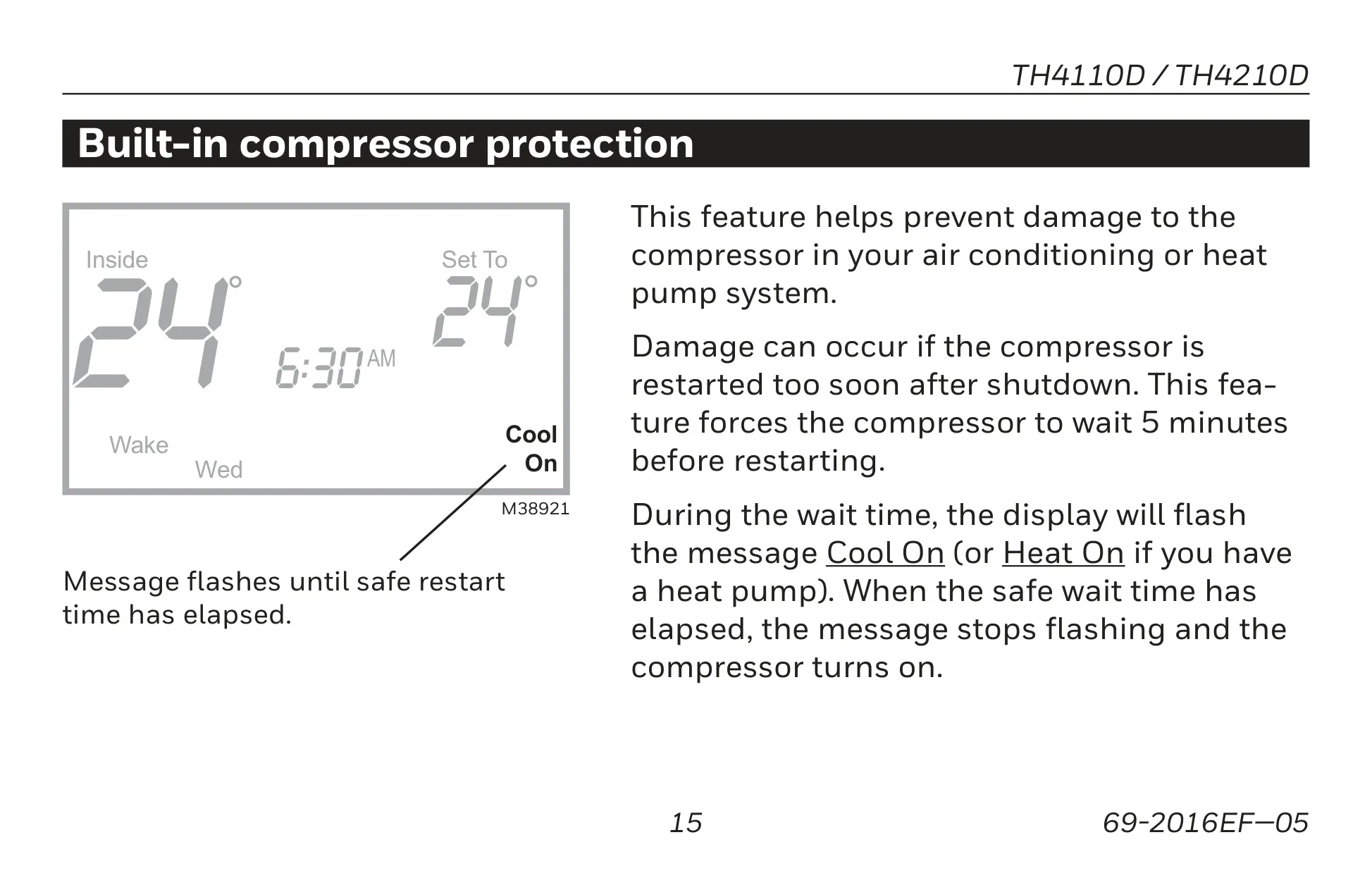
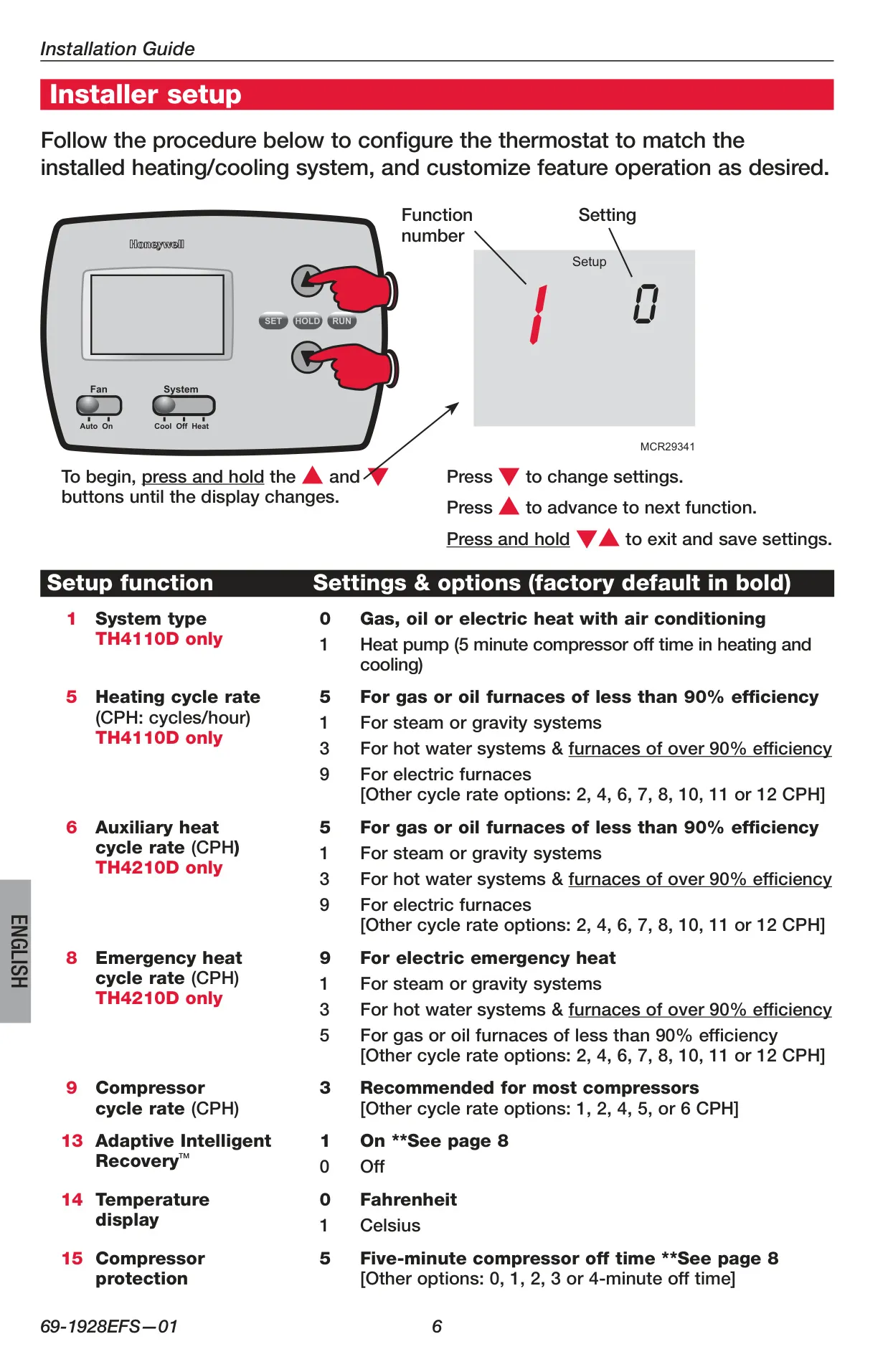
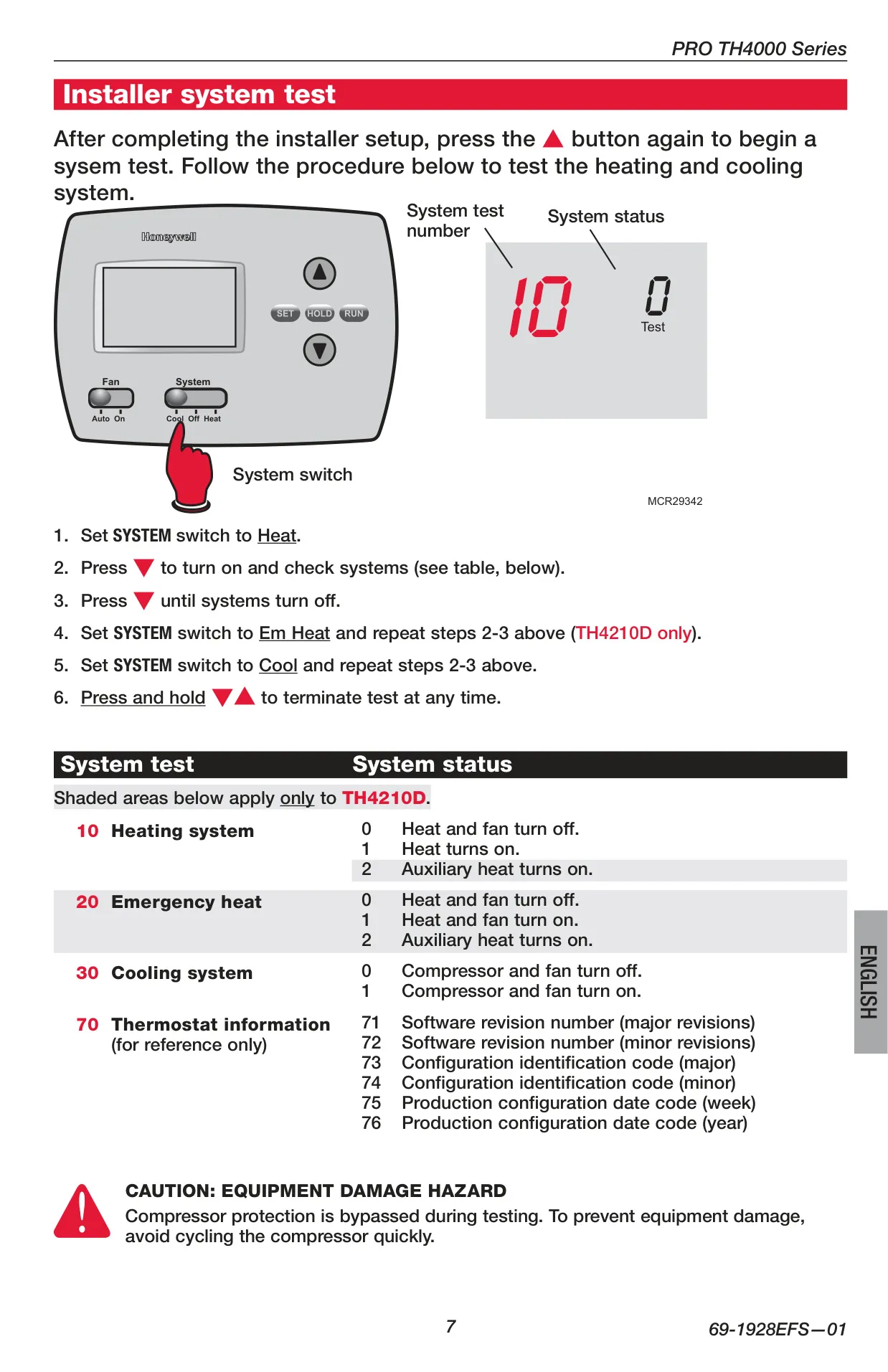
The thermostat integrates advanced functions like Adaptive Intelligent Recovery (AIR), which eliminates guesswork. AIR "learns" how long your HVAC system takes to reach desired temperatures, activating heating or cooling precisely when needed to hit your setpoint at the scheduled time. For instance, the heat might activate before your "Wake" time to ensure the room is already warm when you get up. It also includes built-in compressor protection, preventing damage by enforcing a 5-minute delay before restarting the compressor, thus safeguarding your equipment.
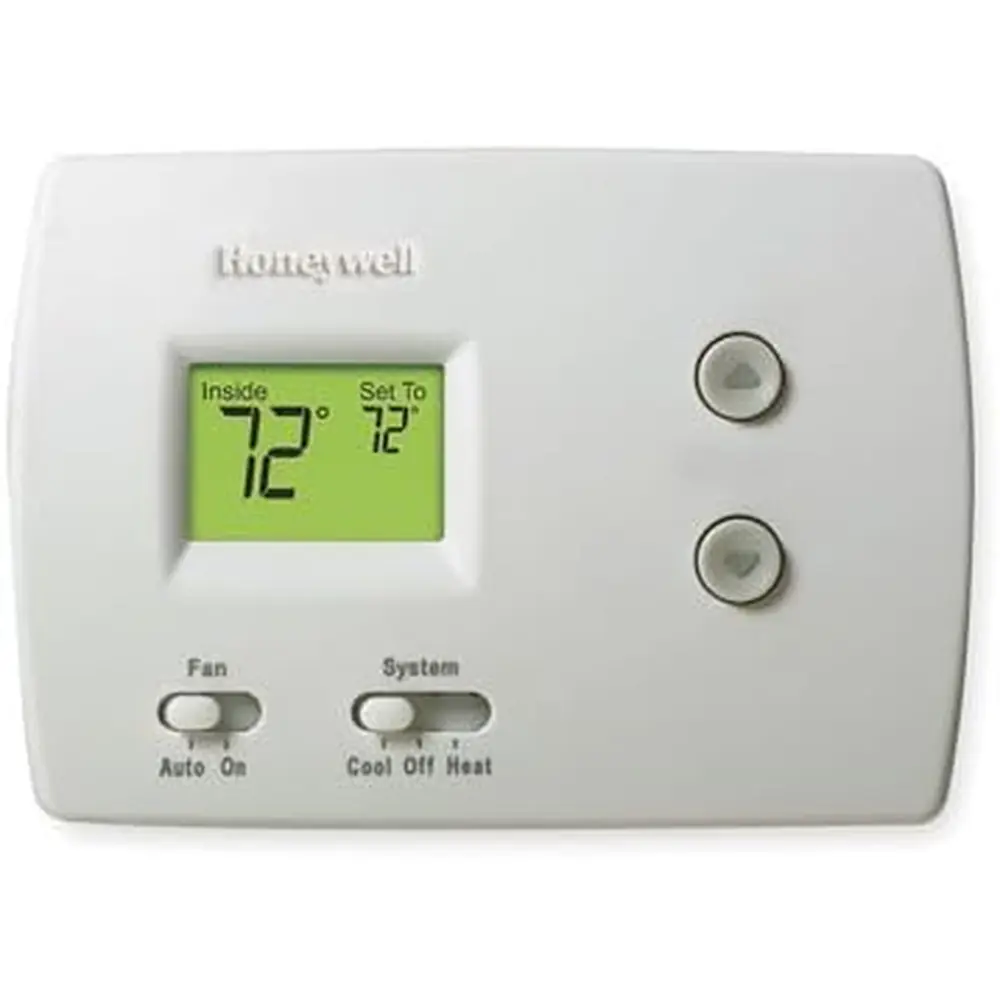
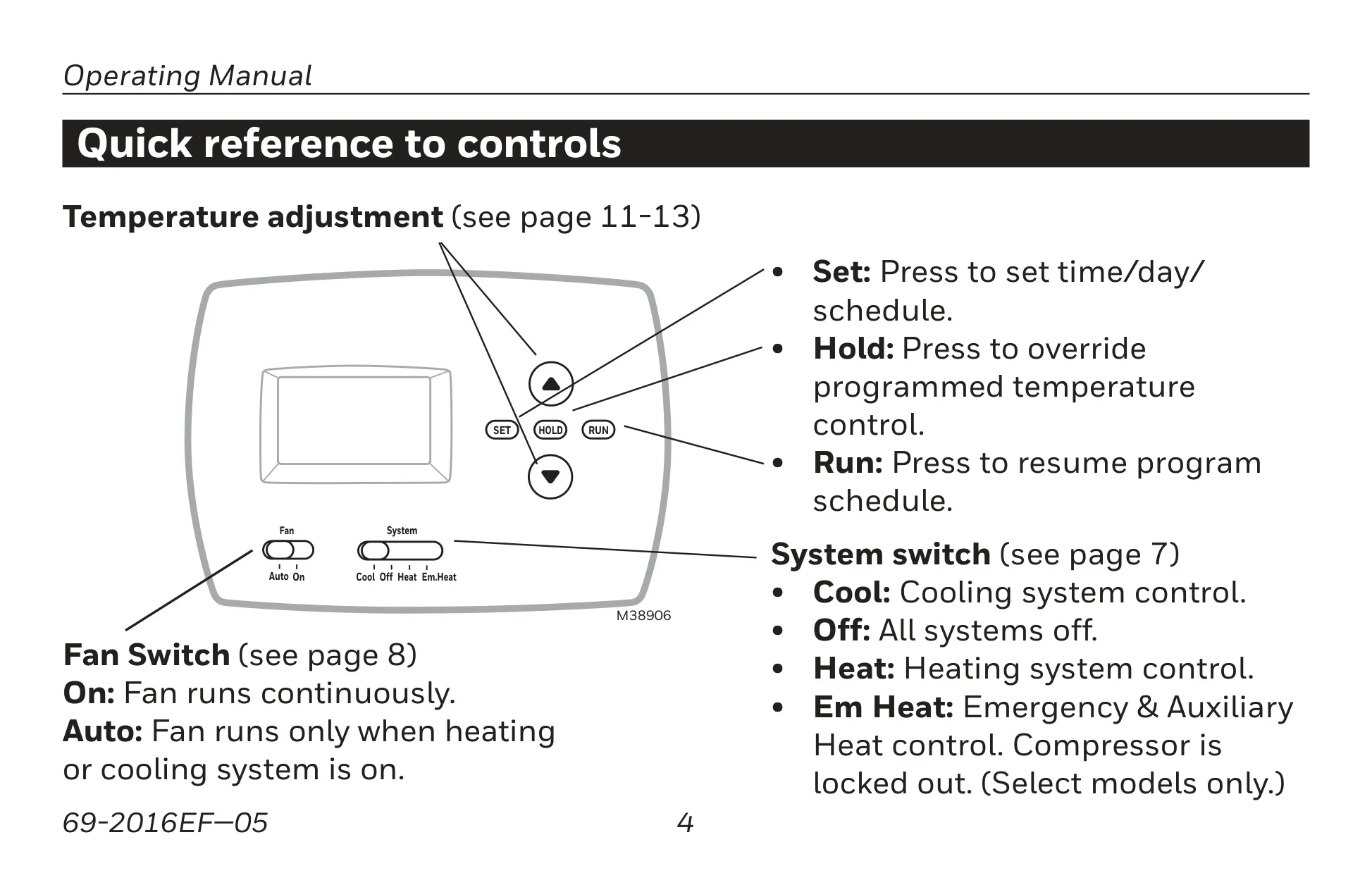
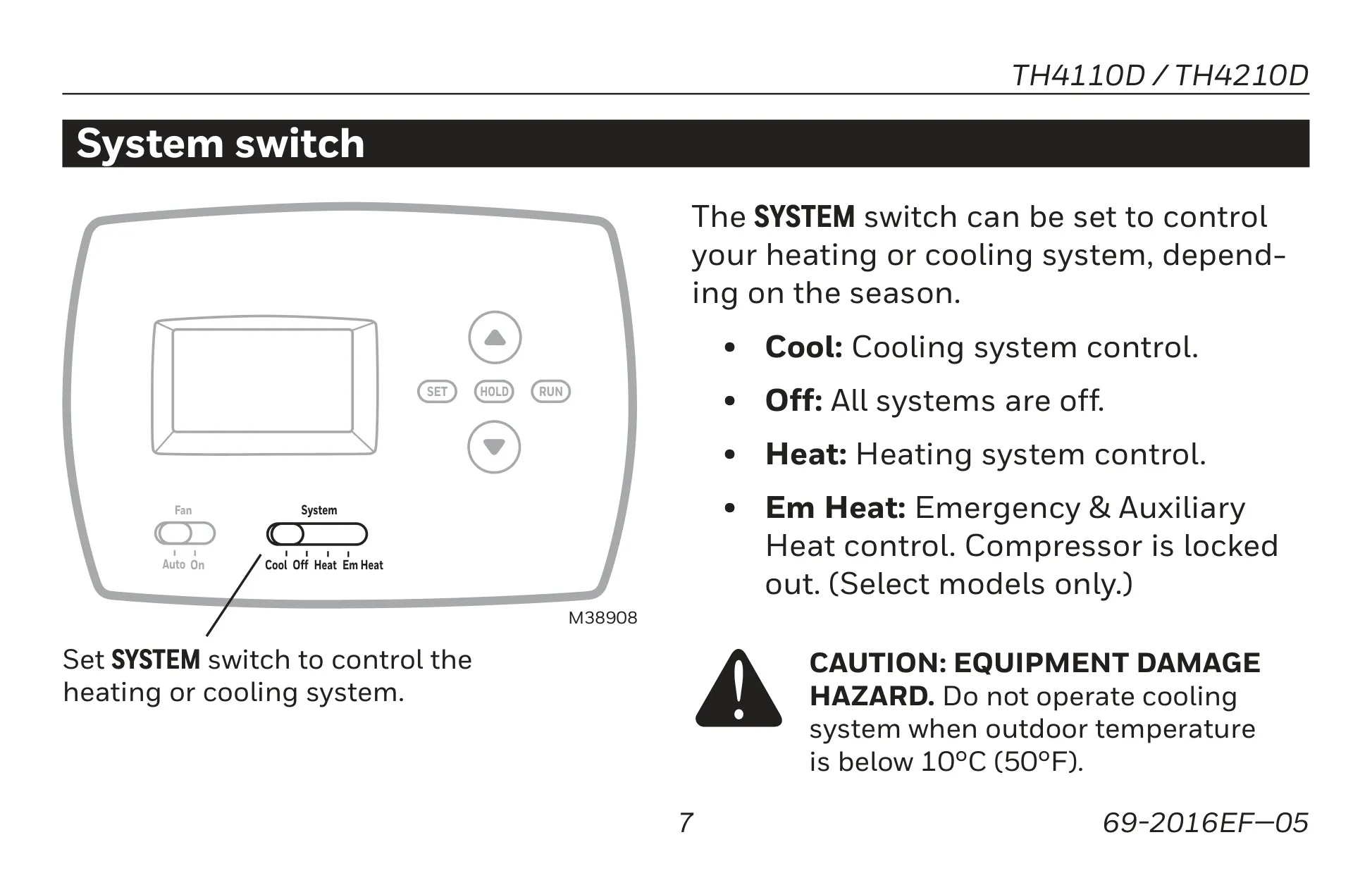
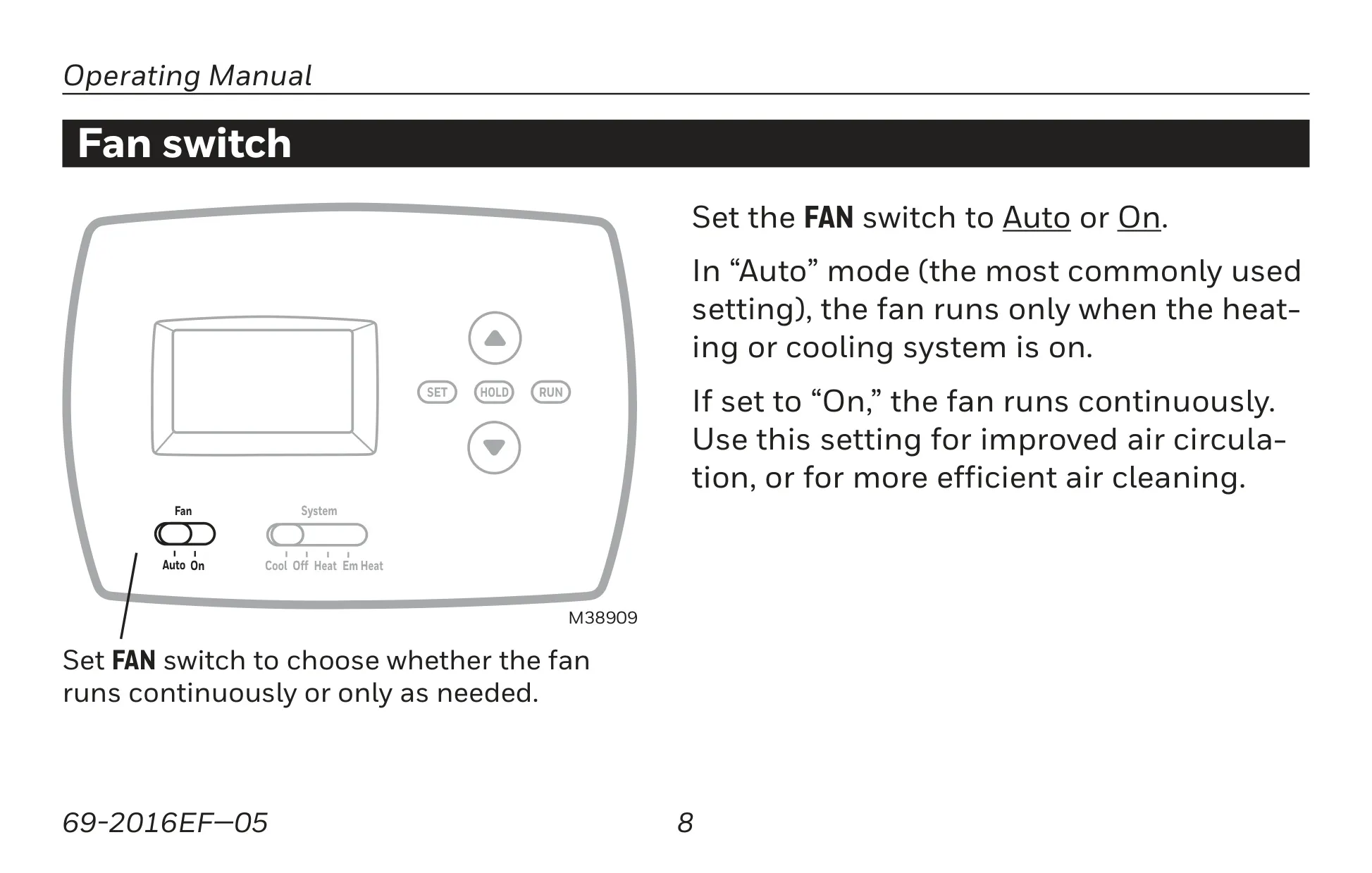
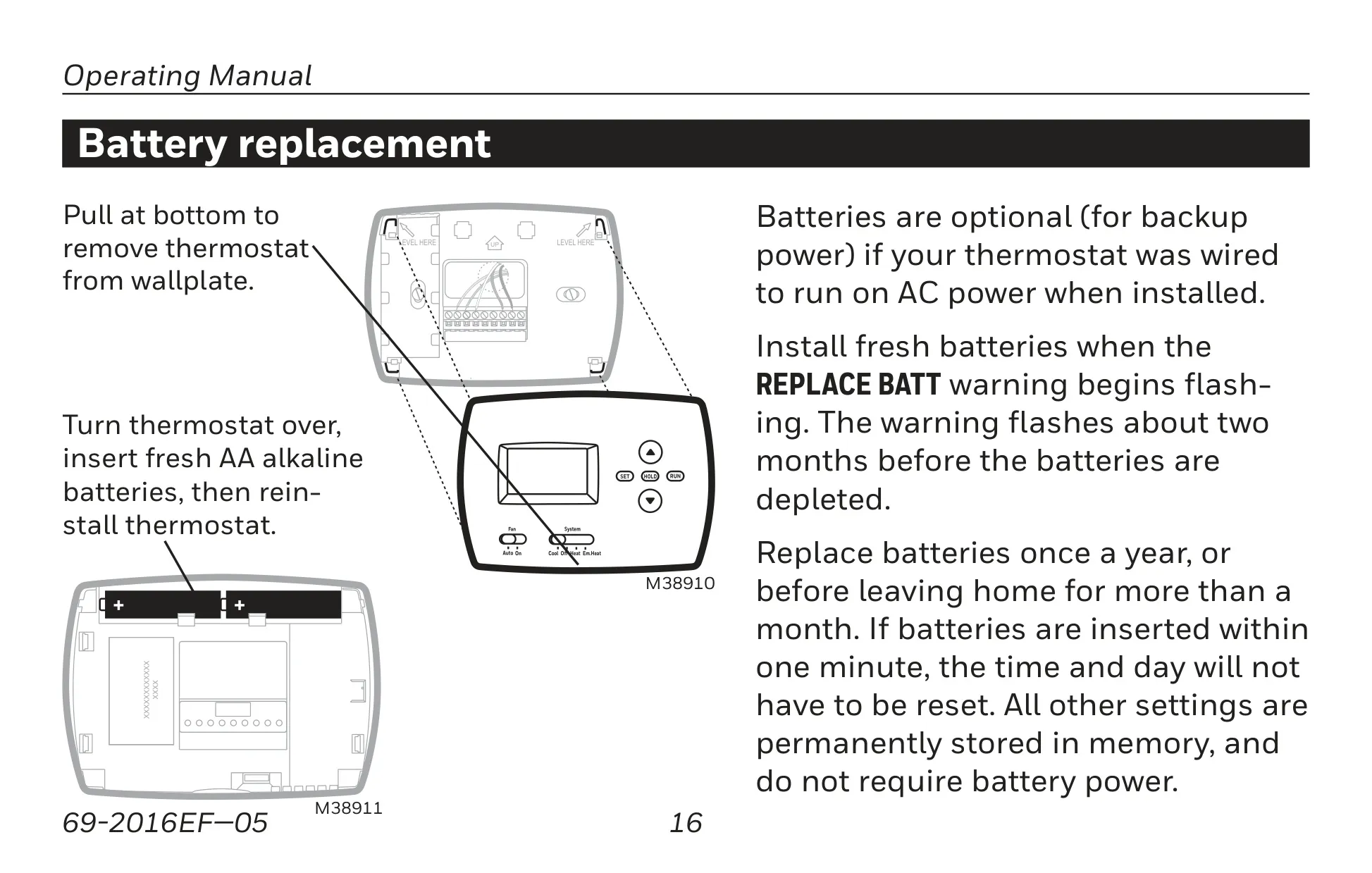
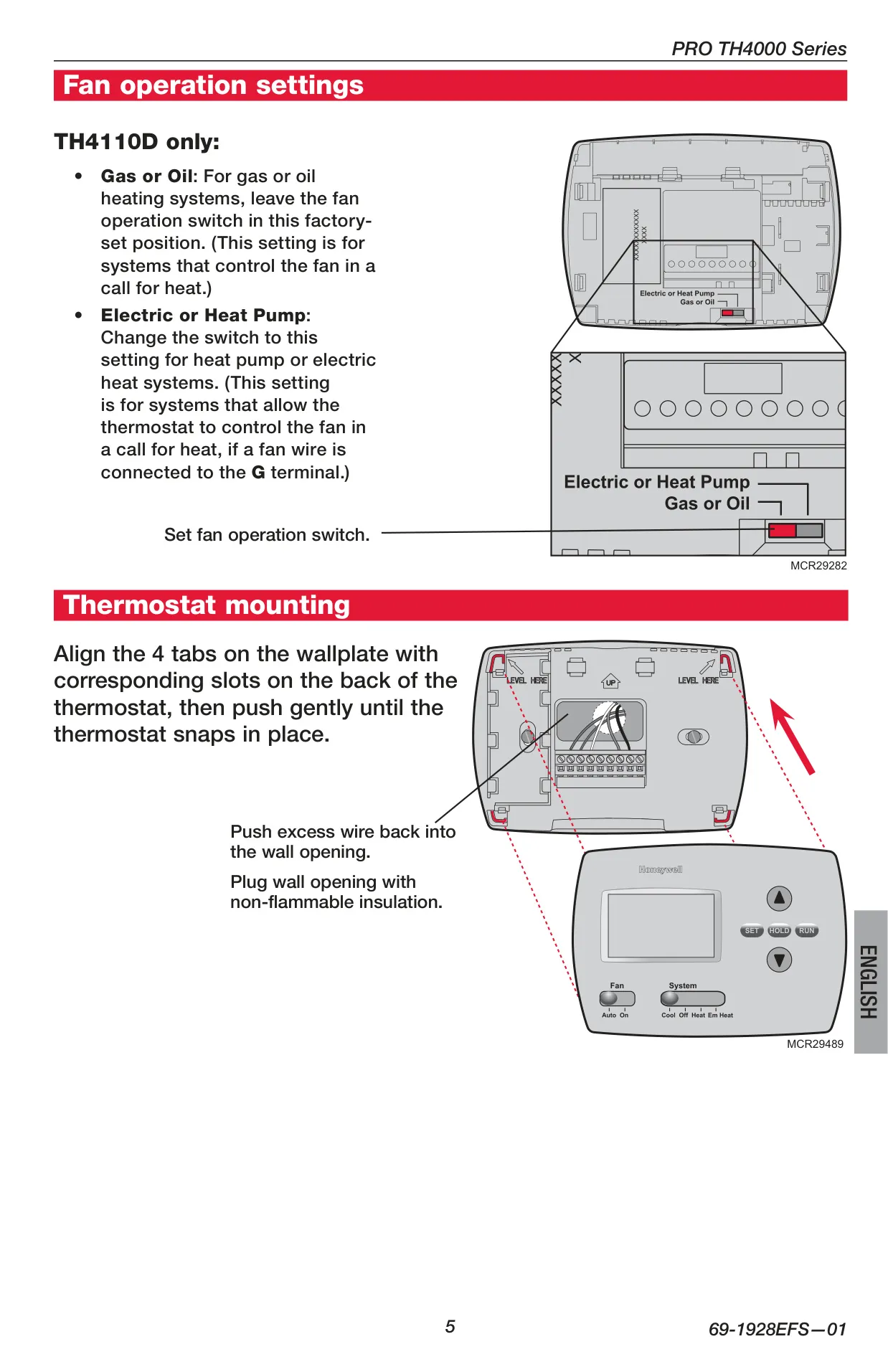
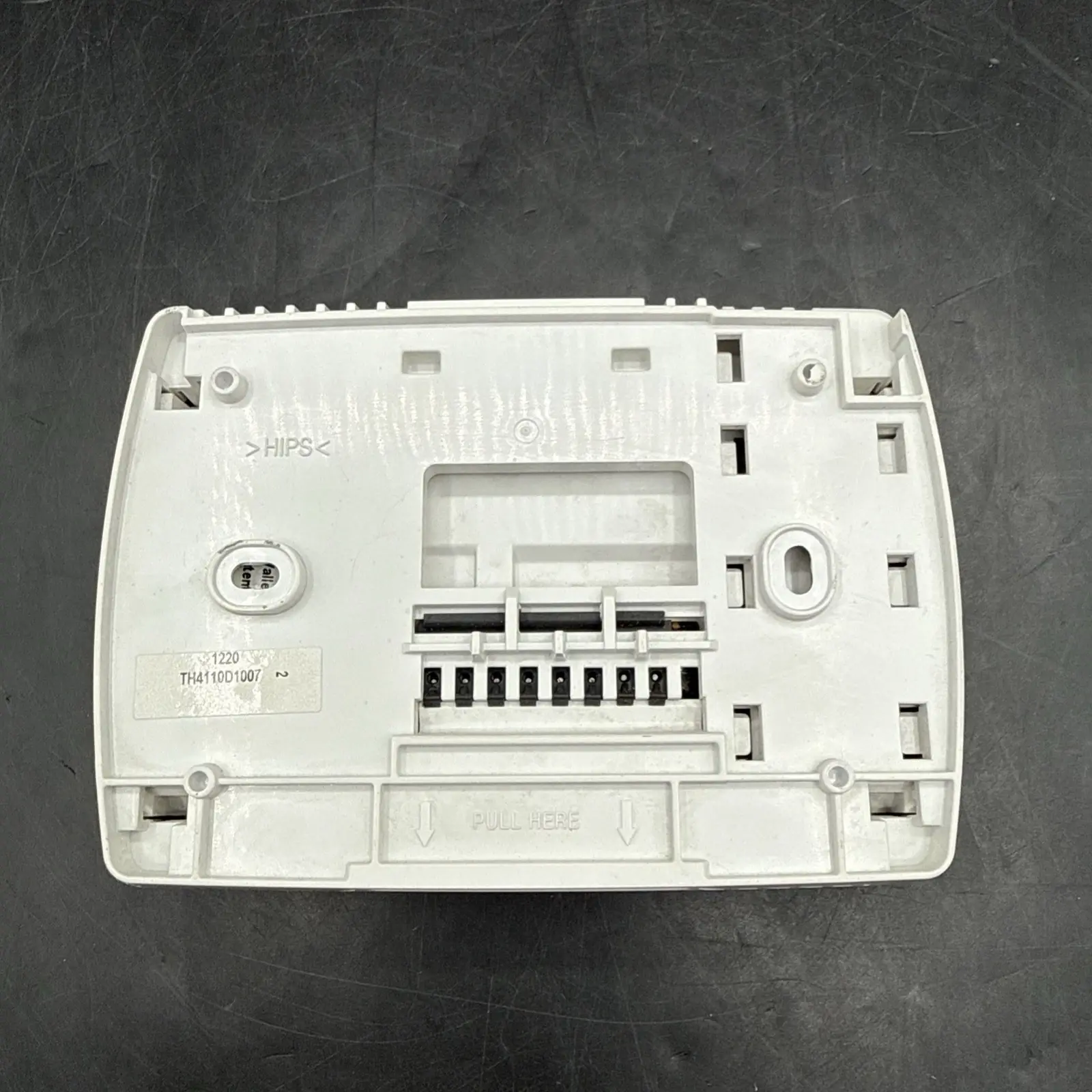
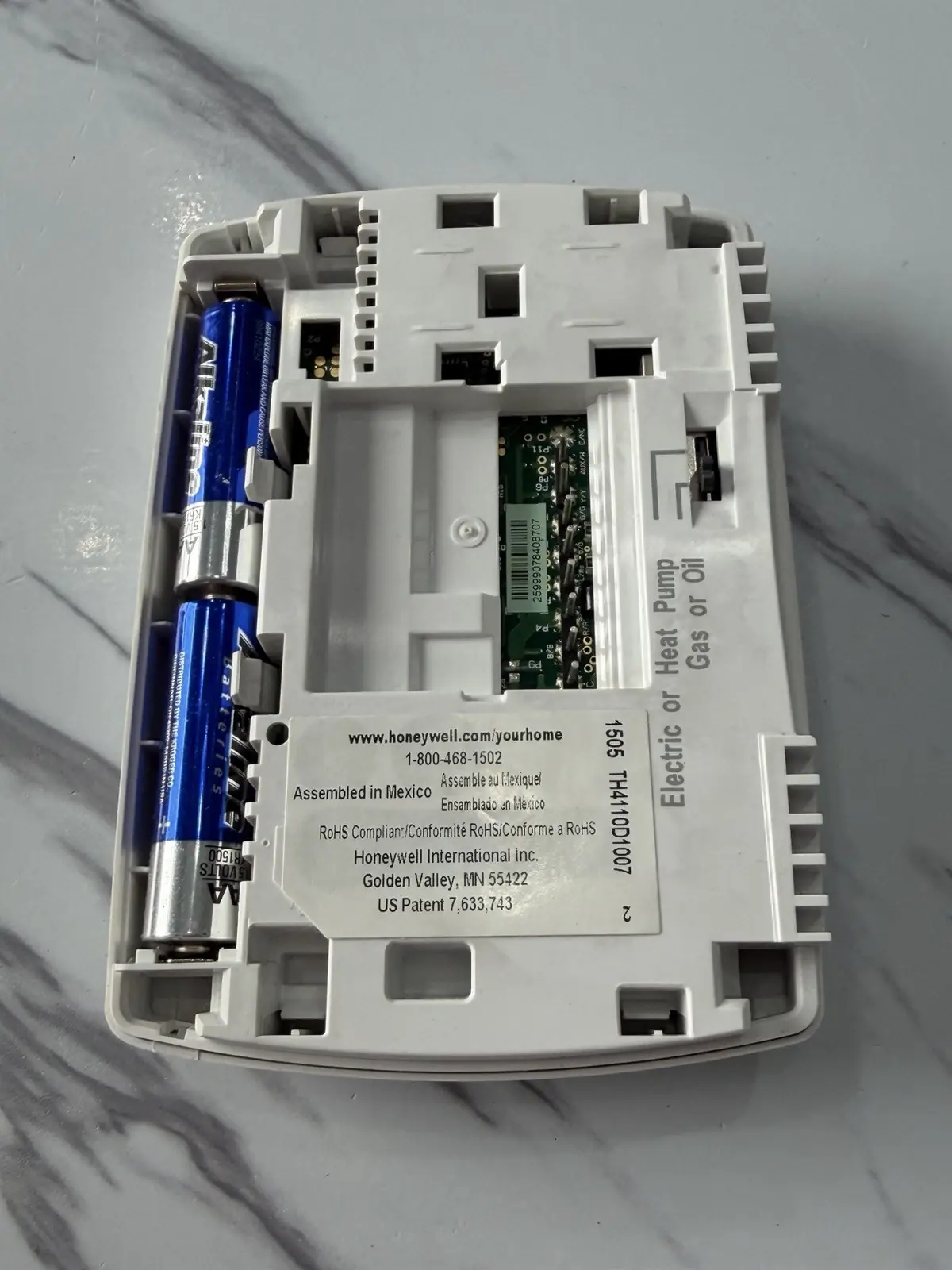
Operational control is streamlined with distinct Fan (Auto/On) and System (Cool/Off/Heat/Em Heat) switches. The "Auto" fan setting runs only when needed, while "On" provides continuous circulation. The system switch manages heating, cooling, or complete shutdown, with an "Em Heat" option for specific heat pump models. The thermostat can run on AC power or optional AA alkaline batteries for backup, with a low battery warning ensuring timely replacement. Instructions for battery replacement are straightforward, requiring removal from the wallplate.
Frequently Asked Questions (FAQs)
Can't find the answer you need? Here are some frequently asked questions about the Honeywell TH4110D1007 TH4000 Series, and we answer them below.