Garmin eTrex 20 GPS Receiver Instruction Manual
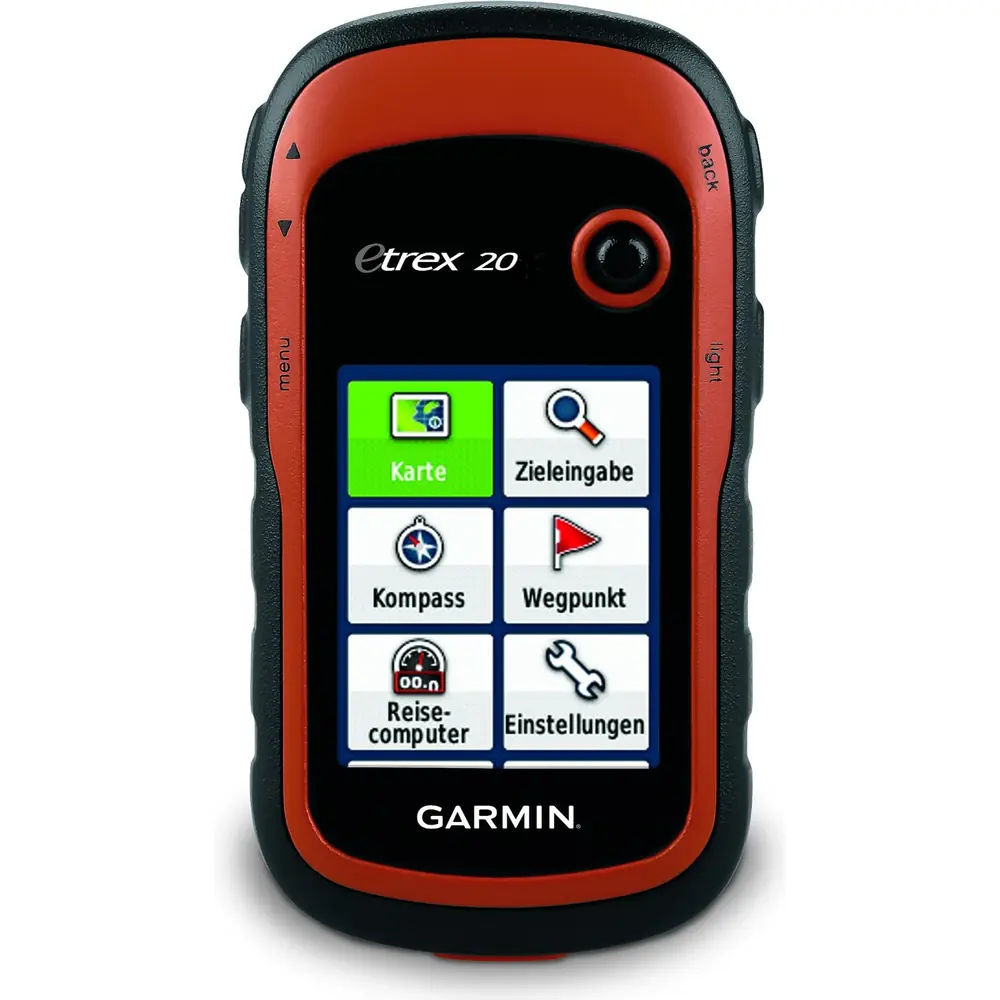
Garmin eTrex 20 GPS Receiver








Garmin eTrex 20 GPS Receiver Instructions
Here we offer the Garmin eTrex 20 GPS Receiver manual completely free and in English. We have cataloged this manual in the GPS Receiver section on Manualverse, and it has been rated by 1 users with an average rating of 5. If you have any specific questions about Garmin eTrex 20 GPS Receiver, we suggest checking the Frequently Asked Questions (FAQs) section of this manual.
Product Images


Garmin eTrex 20 GPS Receiver Specifications
| Feature | Specification |
|---|---|
| Device type | Handheld GPS/GNSS receiver |
| Power source | Two AA batteries (not included) |
| Supported battery types | Alkaline, Lithium, Rechargeable NiMH (selectable in Setup > System > Battery Type) |
| Recommended batteries | NiMH or lithium; lithium for below-freezing conditions |
| Operating temperature range | From -20° to 70°C (from -4° to 158°F) |
| Water rating | IEC 60529 IPX7 (accidental immersion in 1 m of water for 30 minutes) |
| Satellite systems | GPS and GLONASS (GLONASS can be toggled) |
| Satellite augmentation | WAAS/EGNOS |
| Satellite acquisition time | 30 to 60 seconds (outdoors, open area) |
| Position calculation aid | Garmin AutoLocate |
| Compass | GPS-based heading (3-axis electronic compass only on eTrex 30/30x) |
| Barometric altimeter | Not available (eTrex 30/30x only) |
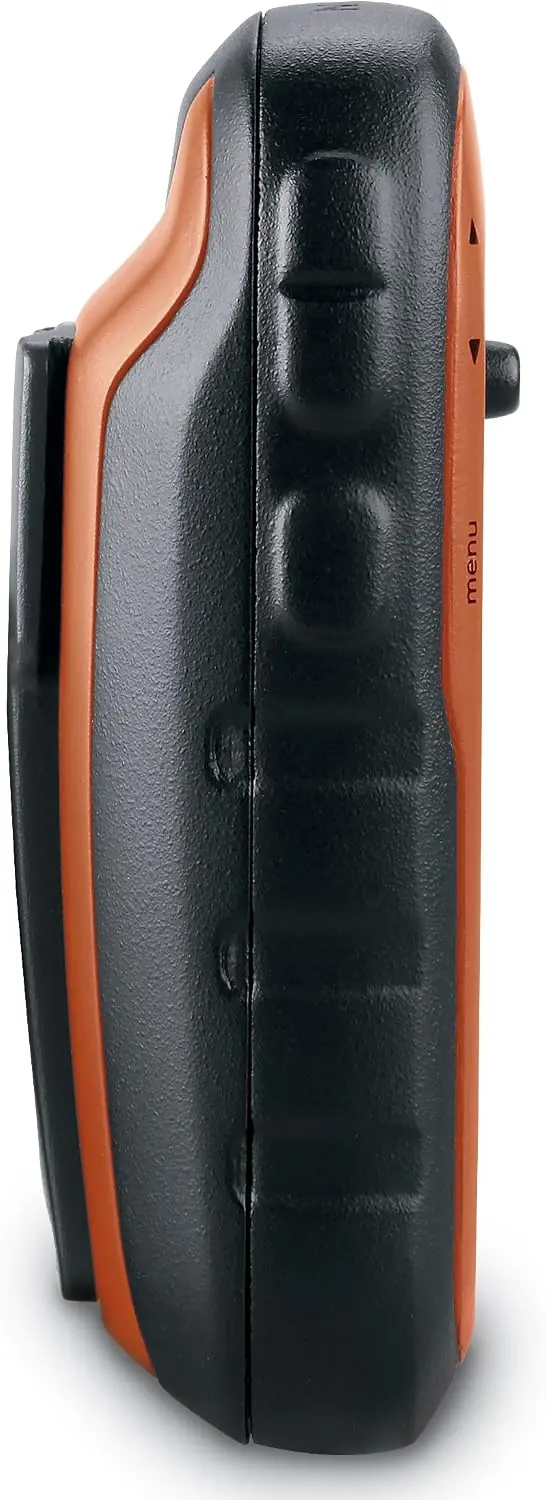
| Controls | Thumb Stick controller, zoom in/out keys, back key, menu key, power/backlight key |
| Computer interface | Mini-USB port (under weather cap) |
| USB modes | Mass storage mode or Garmin mode |
| Memory expansion | microSD memory card slot (under battery) |
| Computer compatibility | Windows 7 and newer; Mac OS 10.4 and newer |
| Supported file format | GPX (waypoints, geocaches) in GPX folder |
| Default map spheroid | WGS 84 |
| Time format | 12-hour or 24-hour; automatic time zone by GPS position |
| Track recording methods | Auto, Distance, Time |
| Map orientation modes | North Up, Track Up, Automotive Mode |
| Optional map support | City Navigator maps for address searching |
| Waypoint averaging recommendation | 4 to 8 samples, at least 90 minutes between samples |
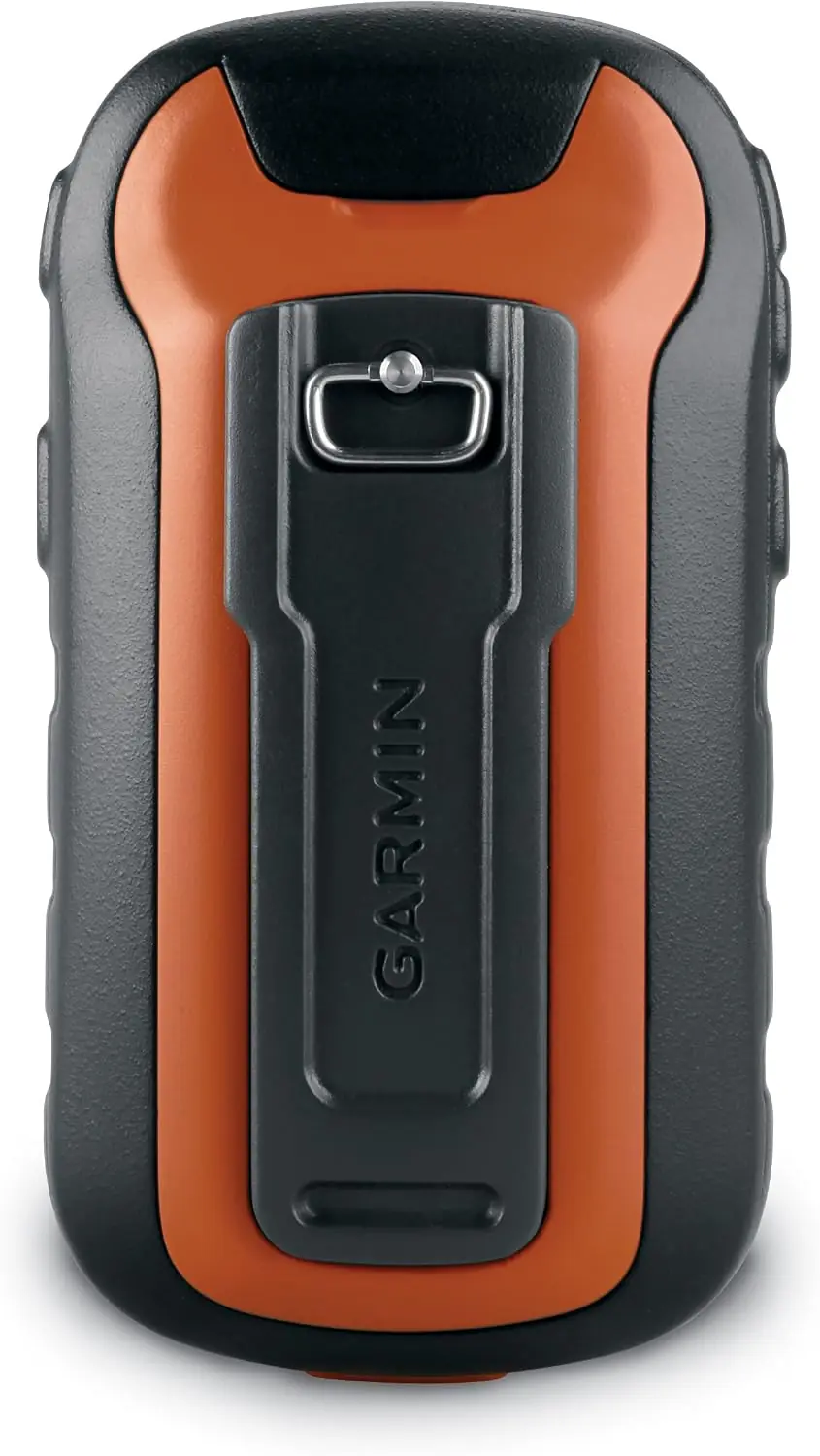
| Mounting | Mounting spine on rear |
| Battery cover | D-ring locking ring |
| Compatible software | Garmin Express, BaseCamp, Garmin Connect app |
| Regulatory label | Electronic e-label (Setup > About) |
Garmin eTrex 20 GPS Receiver Details
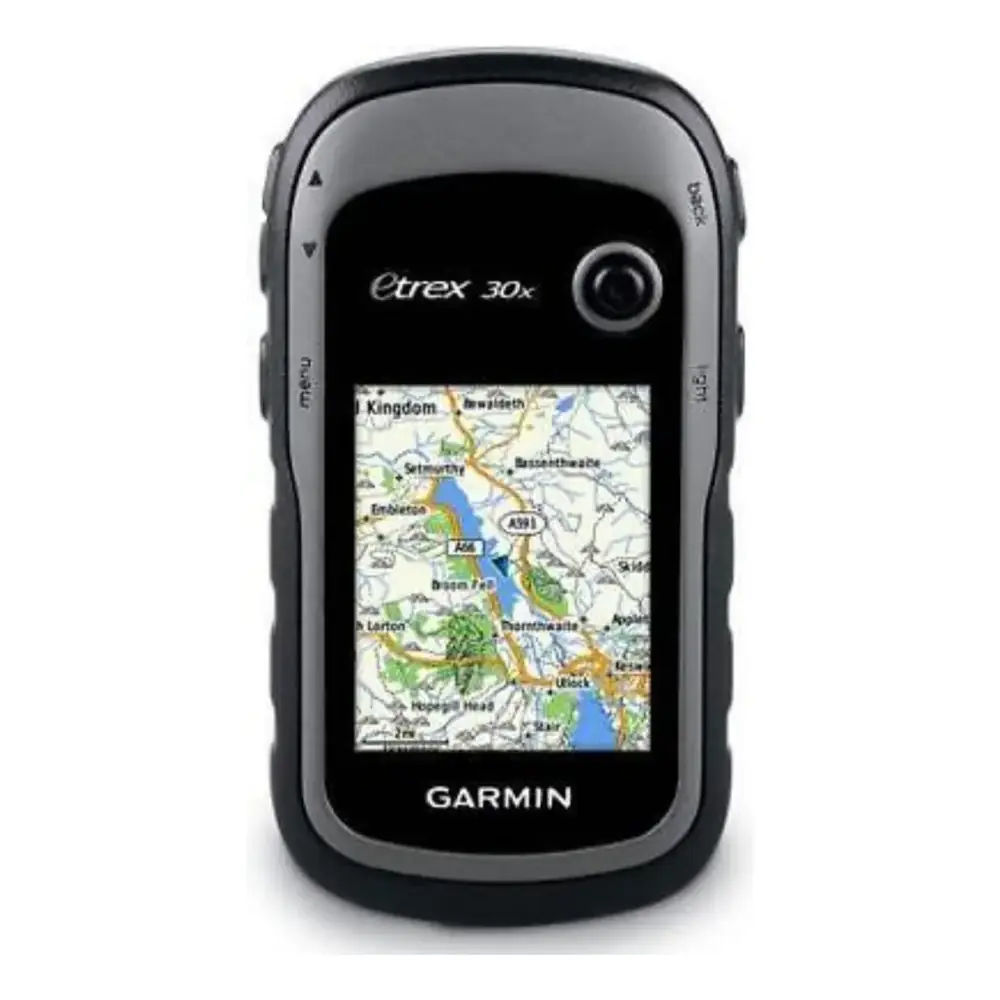
The Garmin eTrex 20 is a compact handheld navigator built for hikers, cyclists, geocachers and outdoor professionals. It is managed through a main menu that opens from any page by pressing the menu key twice. Users can move, insert or remove menu items and change the page sequence, so the most-used screens are always close at hand. Data fields on every main page can also be customized, with dozens of options such as trip odometer, sunrise, ETA at destination, GPS accuracy and velocity made good.
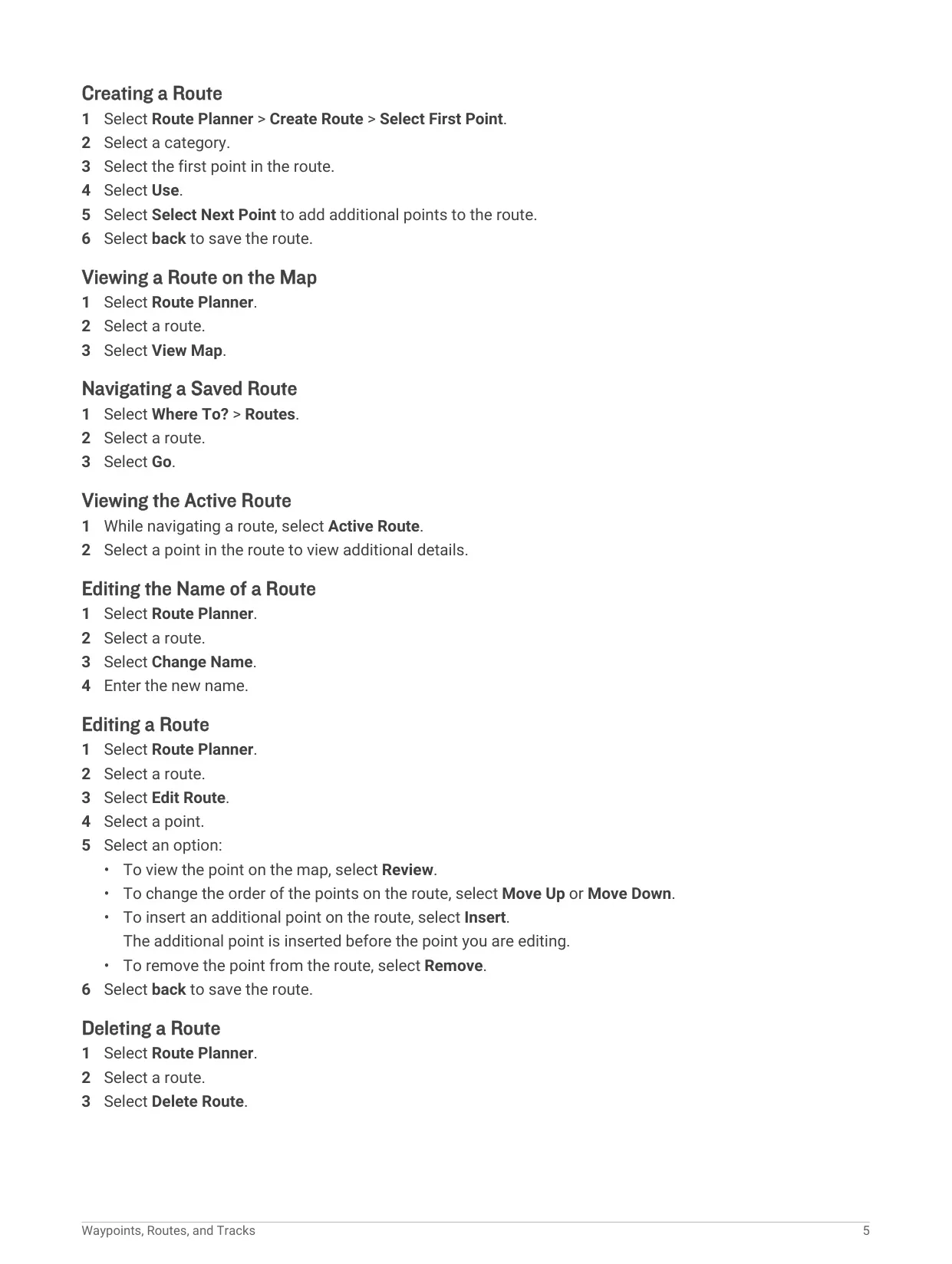
Navigation centers on waypoints, routes and tracks. Waypoints can be marked at the current location, edited, deleted, projected by bearing and distance from an existing point, or refined with waypoint averaging until the confidence bar reaches 100%. The Route Planner builds multi-point routes that can be reviewed on the map, reordered, renamed or reversed. Track logs record time, location and elevation for each point, and can be saved fully or partially, shown on the map in a chosen color, and archived automatically.
The Where To? menu finds destinations by category, by name with Spell Search, or near another location. When navigating, the route is drawn as a magenta line on the map. The included maps support pedestrian and cycling routing on roads and trails, but not automobile navigation. Advanced map settings control auto zoom, zoom levels for map items, guidance text, text size, detail level and shaded relief. A Measure Distance tool calculates the distance between two map locations.
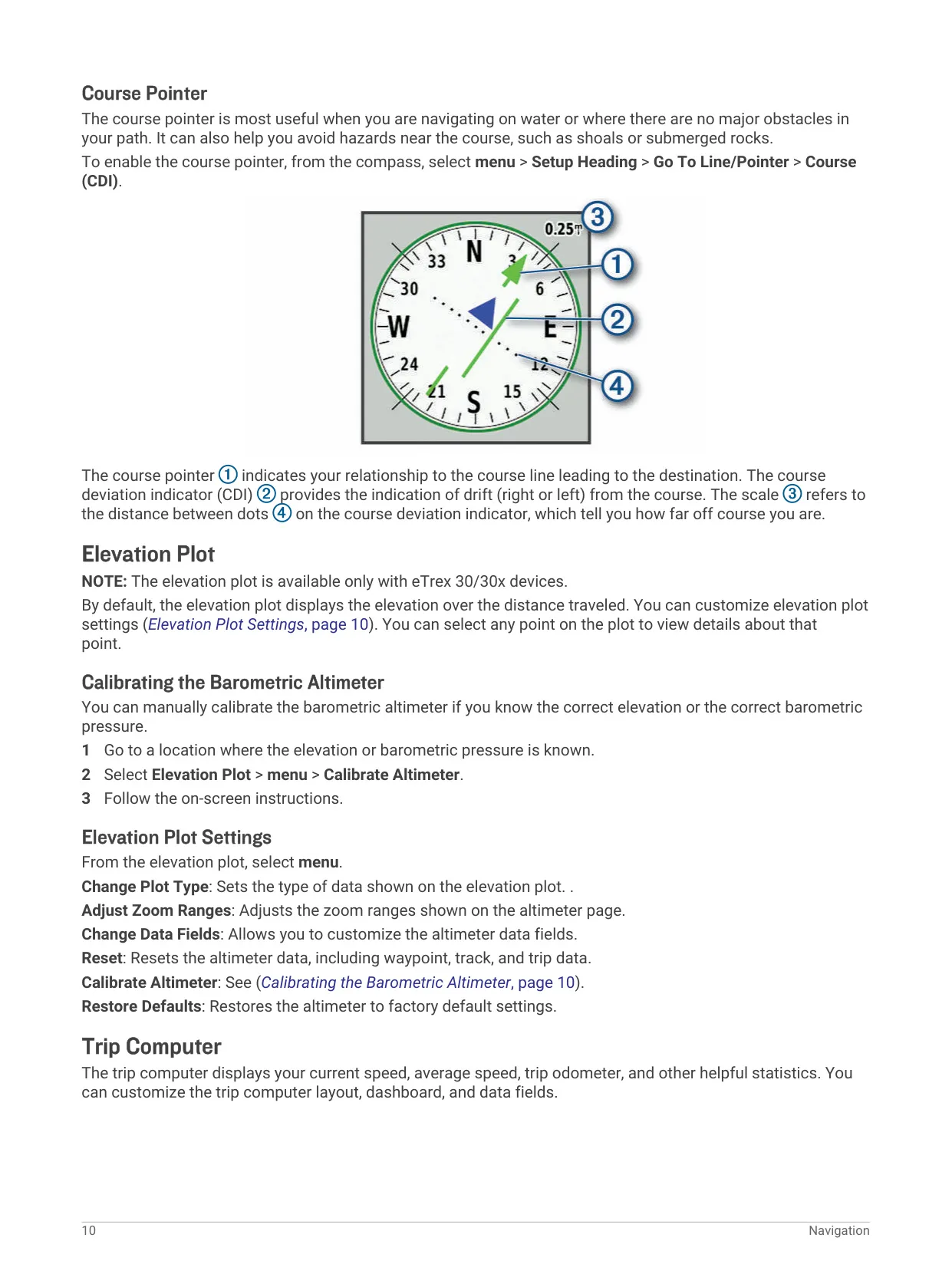
The compass page uses a pointer toward the destination, and a Course Deviation Indicator (CDI) can be enabled to show drift left or right of the course line, useful on water or open terrain. The trip computer displays current speed, average speed, trip odometer and other statistics, with big-number and dashboard options. Routing settings let users optimize calculations by distance, time, on-road or off-road guidance, lock the position onto roads, and set avoidances for road types and terrain.
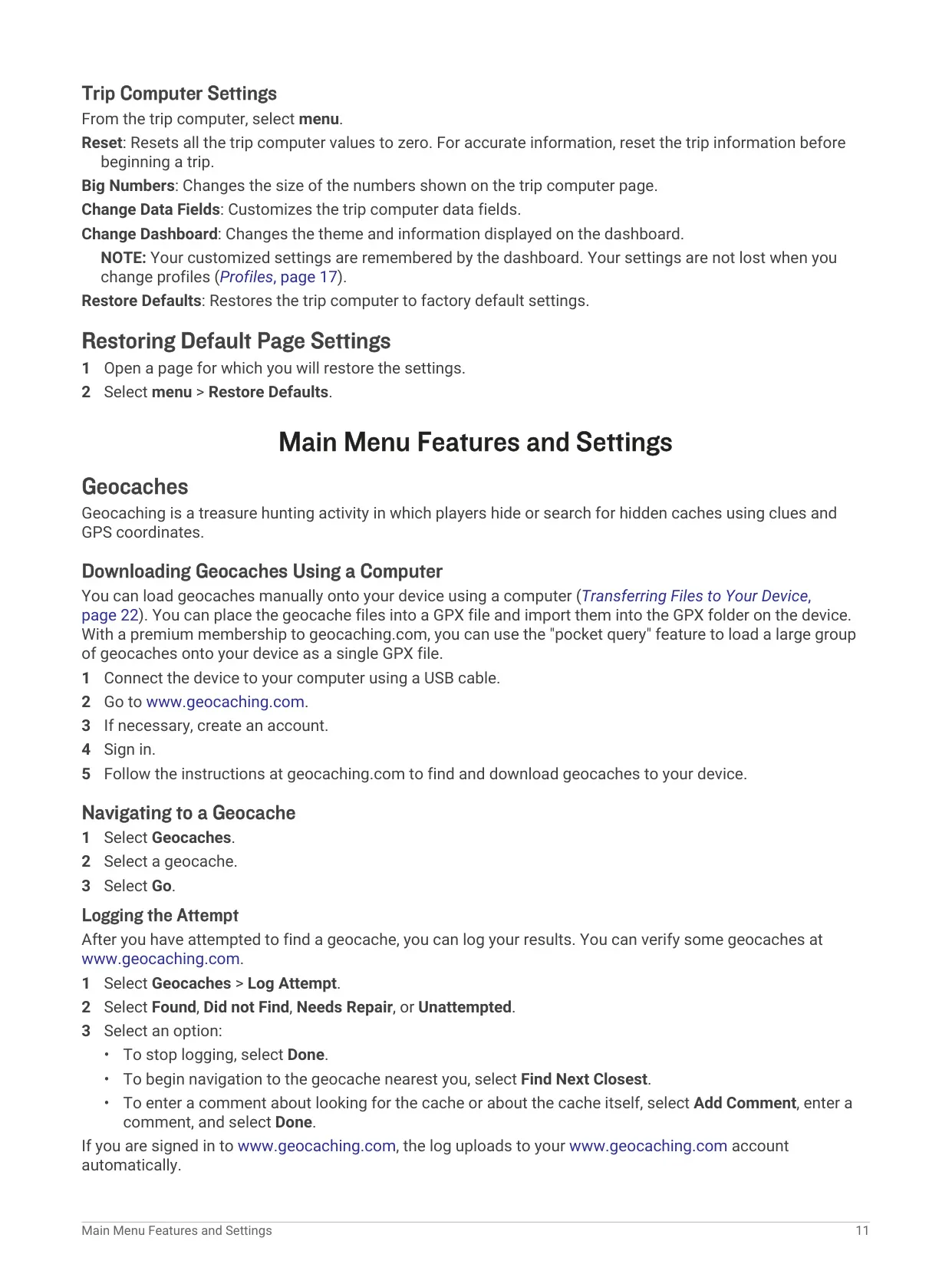
For geocaching, caches can be loaded as GPX files from geocaching.com, including large pocket queries for premium members. After a search, attempts can be logged as Found, Did not Find, Needs Repair or Unattempted, with comments. Other main menu tools include proximity alarms that sound a tone within a set radius, area calculation by walking a perimeter, an alarm clock, calculator, calendar, stopwatch with lap timing, sun and moon data, and predicted hunting and fishing times.
Profiles store settings and data fields for different activities, saving changes automatically. The satellite page shows location, accuracy and signal strength, and the device can run with GPS off to edit data or save battery. Battery life can be extended by lowering backlight brightness and timeout, slowing map drawing and turning off GLONASS. Files transfer by drag and drop or BaseCamp, and the device should be rinsed with fresh water after exposure to salt or chlorinated water.
Frequently Asked Questions (FAQs)
Can't find the answer you need? Here are some frequently asked questions about the Garmin eTrex 20 GPS Receiver, and we answer them below.