Lutron MS-OPS6M2-DV Motion Sensor Switch Instruction Manual
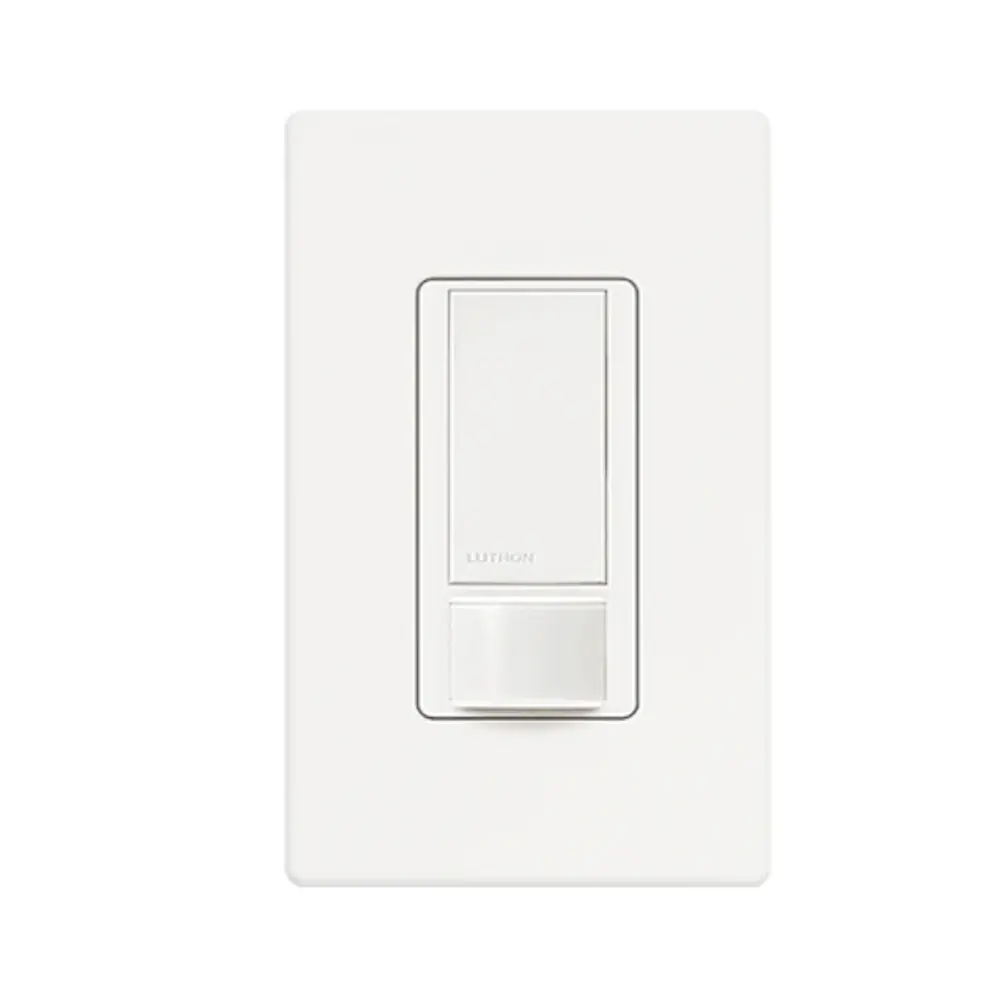
Lutron MS-OPS6M2-DV Motion Sensor Switch
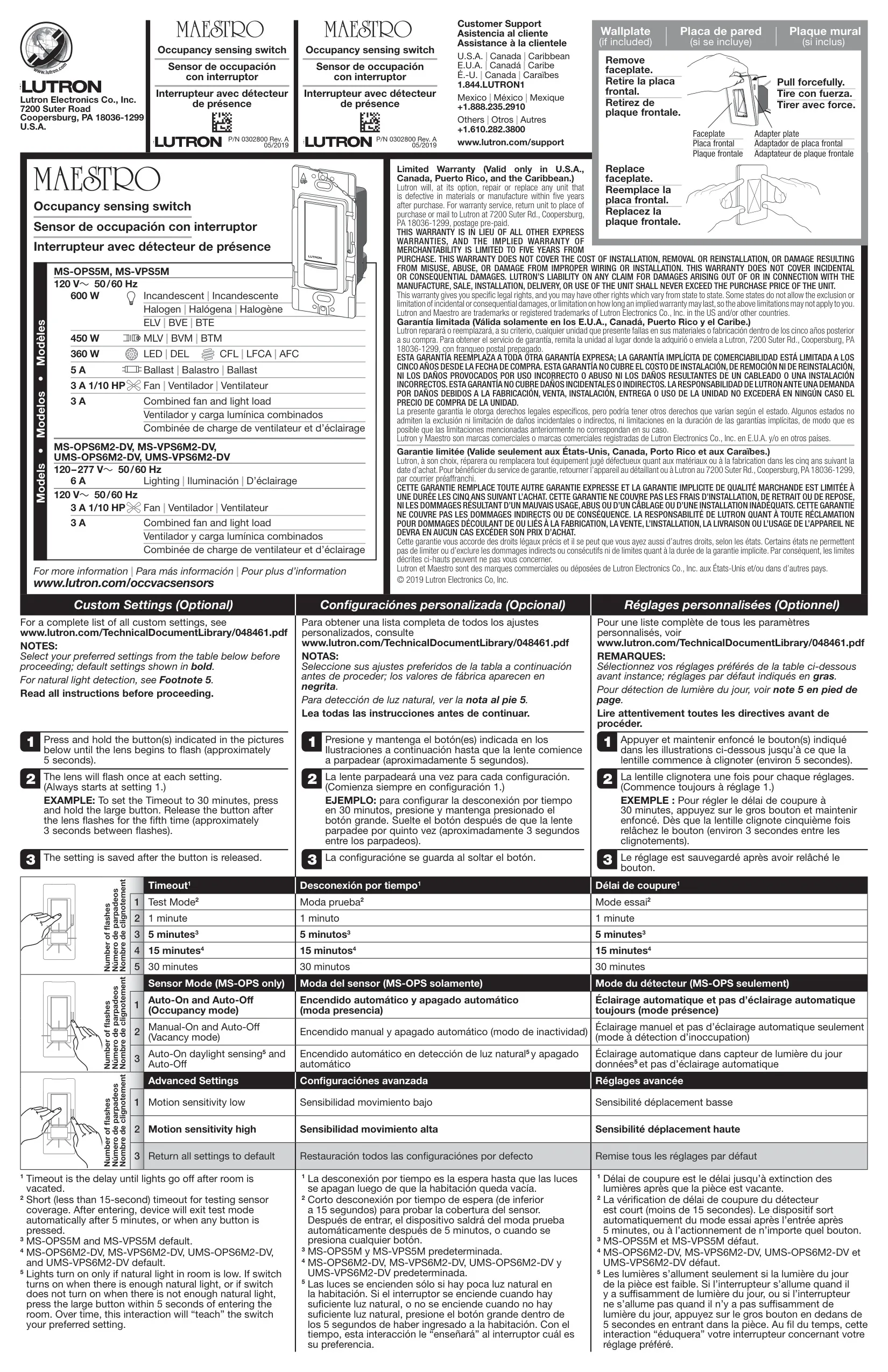



Lutron MS-OPS6M2-DV Instructions
Here we offer the Lutron MS-OPS6M2-DV Motion Sensor Switch manual completely free and in English. We have cataloged this manual in the Motion Sensor Switches section on Manualverse, and it has been rated by 1 users with an average rating of 5. If you have any specific questions about Lutron MS-OPS6M2-DV Motion Sensor Switch, we suggest checking the Frequently Asked Questions (FAQs) section of this manual.
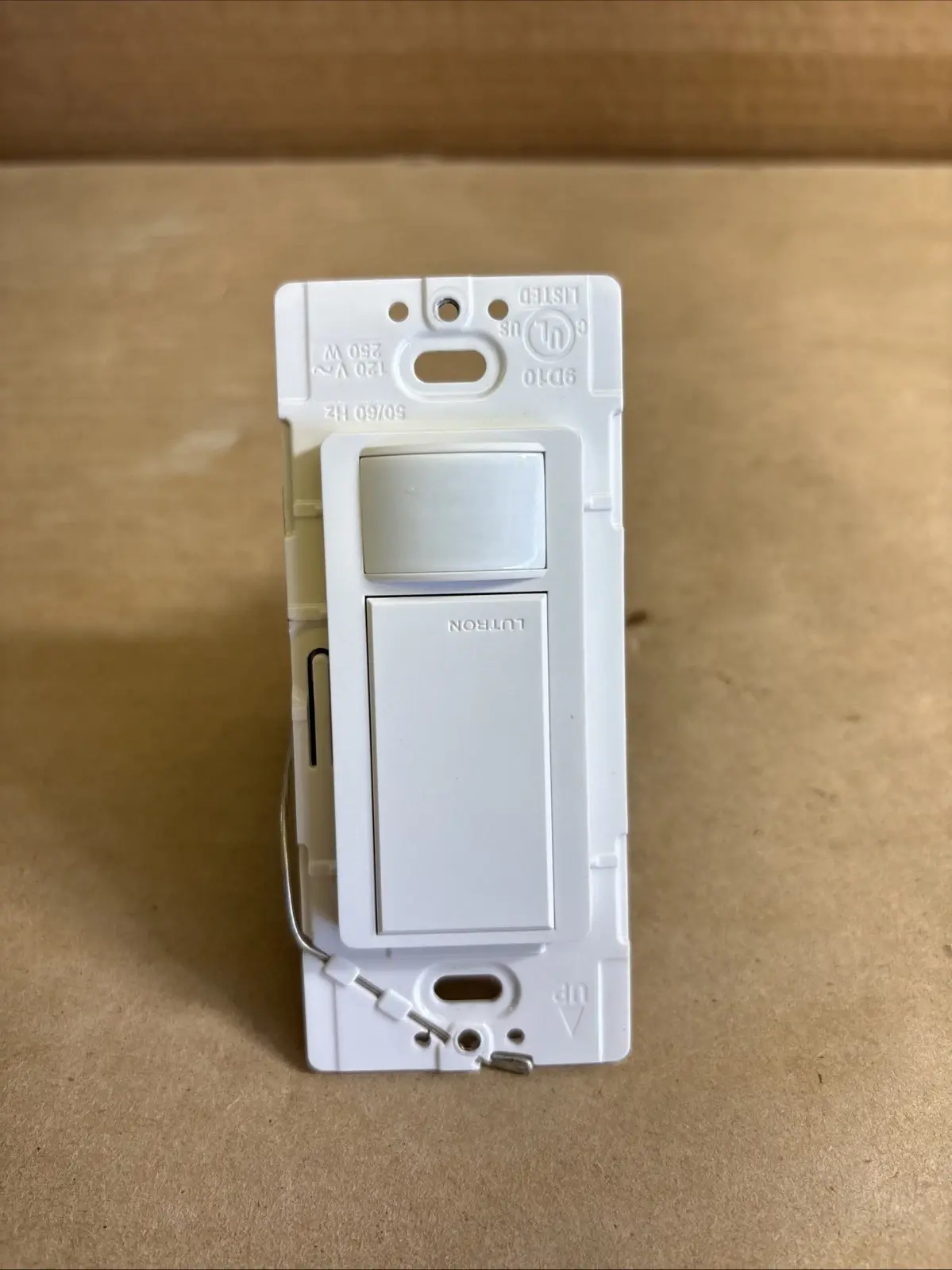
Product Images


Lutron MS-OPS6M2-DV Motion Sensor Switch Specifications
| Feature | Specification |
|---|---|
| Product Type | Occupancy sensing switch (Maestro family) |
| Model | MS-OPS6M2-DV (same manual covers MS-VPS6M2-DV, UMS-OPS6M2-DV, UMS-VPS6M2-DV, MS-OPS5M, MS-VPS5M) |
| Supply Voltage | 120–277 V~ |
| Frequency | 50 / 60 Hz |
| Lighting Load Rating | 6 A |
| Fan Load Rating (at 120 V~) | 3 A, 1/10 HP |
| Combined Fan and Light Load (at 120 V~) | 3 A |
| Wiring Configurations | Single-pole and 3-way / multi-location |
| Sensing Switches per 3-Way/Multi-Location Circuit | 1 maximum |
| Compatible Accessory Switches | MA-AS, MSC-AS, MA-AS-277, MSC-AS-277 |
| Max Devices per Branch Circuit | 20 at 120 V~ / 7 at 277 V~ |
| Timeout Options | Test Mode, 1 min, 5 min, 15 min, 30 min |
| Default Timeout | 15 minutes |
| Test Mode Timeout | Less than 15 seconds (auto-exit after 5 minutes) |
| Sensor Modes | Occupancy (Auto-On/Auto-Off, default), Vacancy (Manual-On/Auto-Off), Auto-On daylight sensing/Auto-Off |
| Motion Sensitivity | Low / High (High default) |
| Ground/Neutral Requirement | Ground connection required; neutral used when available |
| Lead Wires | Black, Blue, White with green sleeve; yellow jumper wire included |
| Power-Up Delay | Manual control in first 30 s; automatic control after 2 min |
| Operating Temperature | 32 °F to 104 °F (0 °C to 40 °C) |
| Environment | Indoor use only |
| Warranty | 5-year limited (U.S.A., Canada, Puerto Rico, Caribbean) |
| Manual Part Number | P/N 0302800 Rev. A, 05/2019 |
Lutron MS-OPS6M2-DV Details
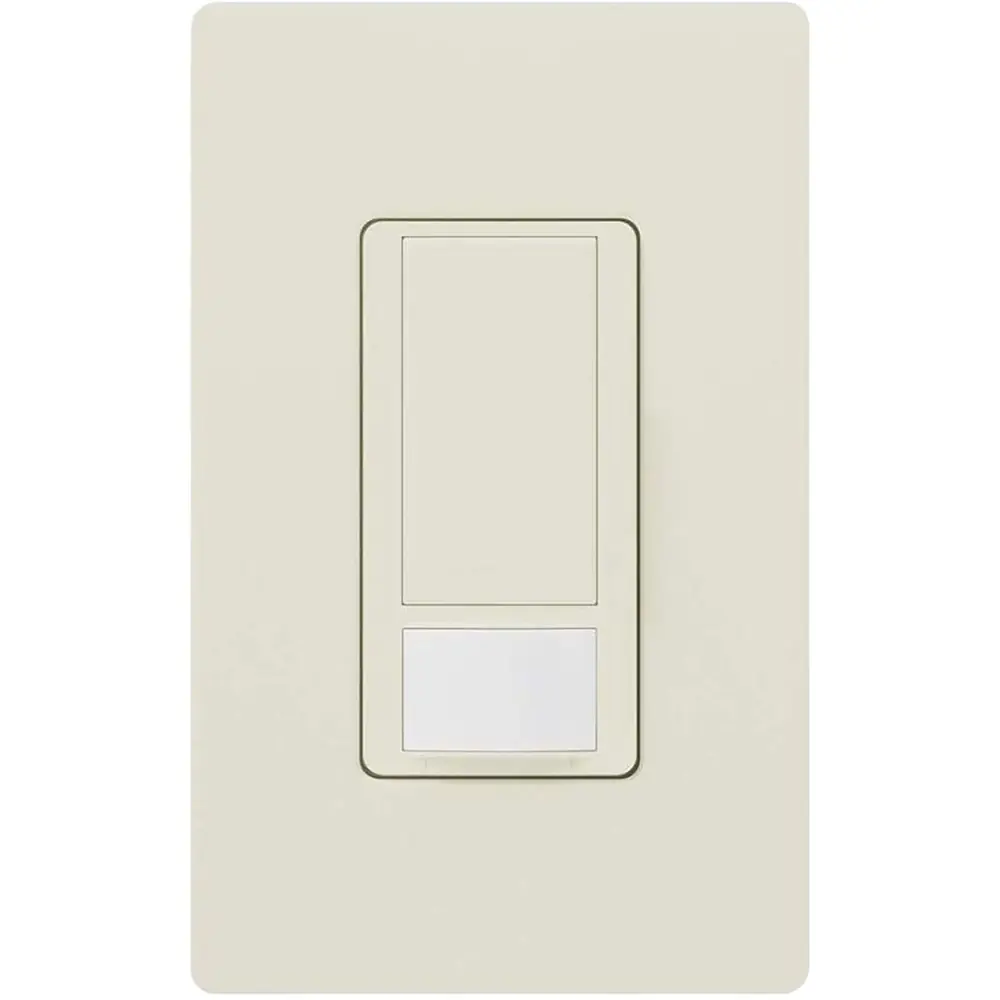
The Lutron MS-OPS6M2-DV is a wall-mounted occupancy sensing switch. It turns lighting on or off depending on whether people are detected in the room. Its dual-voltage design makes it suitable for both residential and commercial circuits. The manual says to install it in accordance with all national and local electrical codes and, for overheating reasons, never to use it to control receptacles.
Custom settings are made entirely with the buttons on the device. Remove the faceplate by pulling it off firmly. Then press and hold the indicated button(s) for about 5 seconds until the lens begins to flash. The lens flashes once for each setting, always starting at setting 1. Release the button at the setting you want and it is saved immediately. For example, to set a 30-minute timeout, hold the large button and release it after the fifth flash. Flashes come roughly 3 seconds apart.
The daylight sensing mode is particularly useful. In this mode, the lights turn on automatically only when natural light in the room is low. If the switch turns on when there is enough daylight, or stays off when the room is too dark, press the large button within 5 seconds of entering. Over time, this interaction teaches the switch your preferred light threshold.
Wiring depends on the electrical box. If a neutral is present, remove the green sleeve and connect the white wire to neutral. In retrofit jobs without a neutral, leave the sleeve on and connect that wire to ground. The device needs one of these connections to work. If neither wire is available, the manual recommends consulting a licensed electrician. For single-pole installations, cap the blue wire.
For 3-way installations, first tag the wire connected to the different-color screw on the existing switch. This is the live or load wire. Install the supplied yellow jumper wire and wire connector as shown in the diagrams. The sensing switch can go in either location. After restoring power, wait 2 minutes before testing. If the sensing switch does not turn the load on and off, swap its traveler wires. If the 3-way switch cannot turn the load back on, swap that switch's travelers instead.
Performance depends on how you place the switch. The sensor needs a clear line of sight to the people in the room, so nothing should block its view. Hot objects and moving air currents can affect detection. Use Test Mode to check coverage. It applies a very short timeout so you can quickly confirm that movement anywhere in the room is detected.
Some behavior is normal and not a fault. The device makes an audible click when it turns on or off, which comes from its internal switching. The load may not respond if the 3-way switch is flipped on and off rapidly. After a power outage, the switch can be operated by hand right away, but automatic sensing resumes only after 2 minutes.
For maintenance, clean the switch only with a soft, damp cloth. Never use chemical cleaners. The settings menu also has a reset option that returns all settings to their factory defaults. Lutron has more documentation online, including a full custom-settings guide (048461.pdf) and a troubleshooting guide (3682373.pdf).
Frequently Asked Questions (FAQs)
Can't find the answer you need? Here are some frequently asked questions about the Lutron MS-OPS6M2-DV Motion Sensor Switch, and we answer them below.