Lutron MSCL-OP153M Sensor Dimmer Instruction Manual

Lutron MSCL-OP153M Sensor Dimmer




Lutron MSCL-OP153M Instructions
Here we offer the Lutron MSCL-OP153M Sensor Dimmer manual completely free and in English. We have cataloged this manual in the Dimmer section on Manualverse, and it has been rated by 1 users with an average rating of 5. If you have any specific questions about Lutron MSCL-OP153M Sensor Dimmer, we suggest checking the Frequently Asked Questions (FAQs) section of this manual.
Product Images

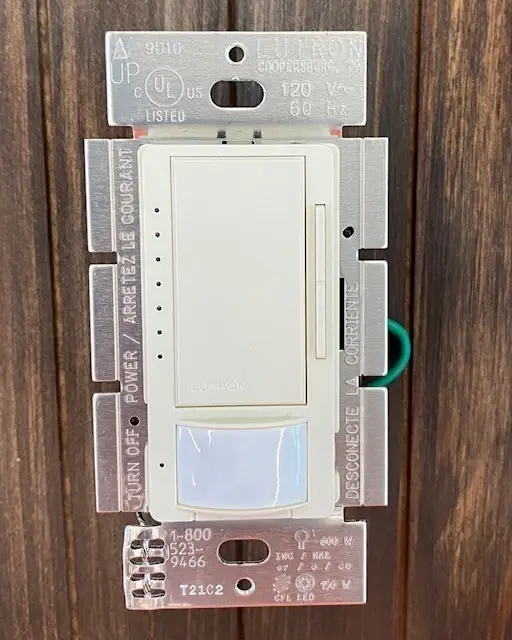


Lutron MSCL-OP153M Sensor Dimmer Specifications
| Feature | Specification |
|---|---|
| Model | MSCL-OP153M (Occupancy version); vacancy version is MSCL-VP153M |
| Product Family | Maestro Sensor C•L Dimmer |
| Supply Voltage | 120 V~, 60 Hz |
| Maximum Incandescent / Halogen Load | 600 W (no other load, no heat fins removed) |
| Maximum Dimmable CFL / LED Load | 150 W |
| Minimum Incandescent / Halogen Load | 10 W |
| Incandescent / Halogen Capacity, One Side Fins Removed | 500 W (with 0 W CFL/LED) |
| Incandescent / Halogen Capacity, Both Sides Fins Removed | 400 W (with 0 W CFL/LED) |
| Compatible Lamp Types | Dimmable screw-in CFL, dimmable screw-in LED, halogen, incandescent |
| Operating Temperature | 32 °F to 104 °F (0 °C to 40 °C), indoor use only |
| Multi-Location Capacity | 1 Sensor Dimmer + up to 9 Maestro Companion Dimmers (MA-R, MSC-AD) |
| Maximum Wire Length to Last Companion / 3-Way Switch | 150 ft (46 m) |
| Wire Strip Length | 3/8 in (10 mm) |
| Included Jumper Wire | 14 AWG (1.5 mm²) |
| Terminals | Screw or push-in; black, brass and blue screws; green ground wire |
| Timeout Options | 1, 3, 5, 15 or 30 minutes (default 5 minutes) |
| Sensitivity Options | High (default) or Low |
| Auto-On Modes | Enabled (default), Disabled, ALD (Ambient Light Detect), OWO (Off While Occupied) |
| Occupied Light Level Options | 100% (default), 50%, Preset |
| Power-Up Calibration Period | 2 minutes |
| Programming Mode Auto-Exit | After 1 minute of inactivity |
| Factory Reset | Hold tap button for 15 seconds during programming entry |
| Service Switch | Front Accessible Service Switch (FASS) |
| Certification Mark | C•L, cULus |
| Warranty | 1 year limited (U.S.A., Canada, Puerto Rico, Caribbean) |
| Document Reference | 030-1660 Rev. A, 12/2012 |
Lutron MSCL-OP153M Dimmer Details
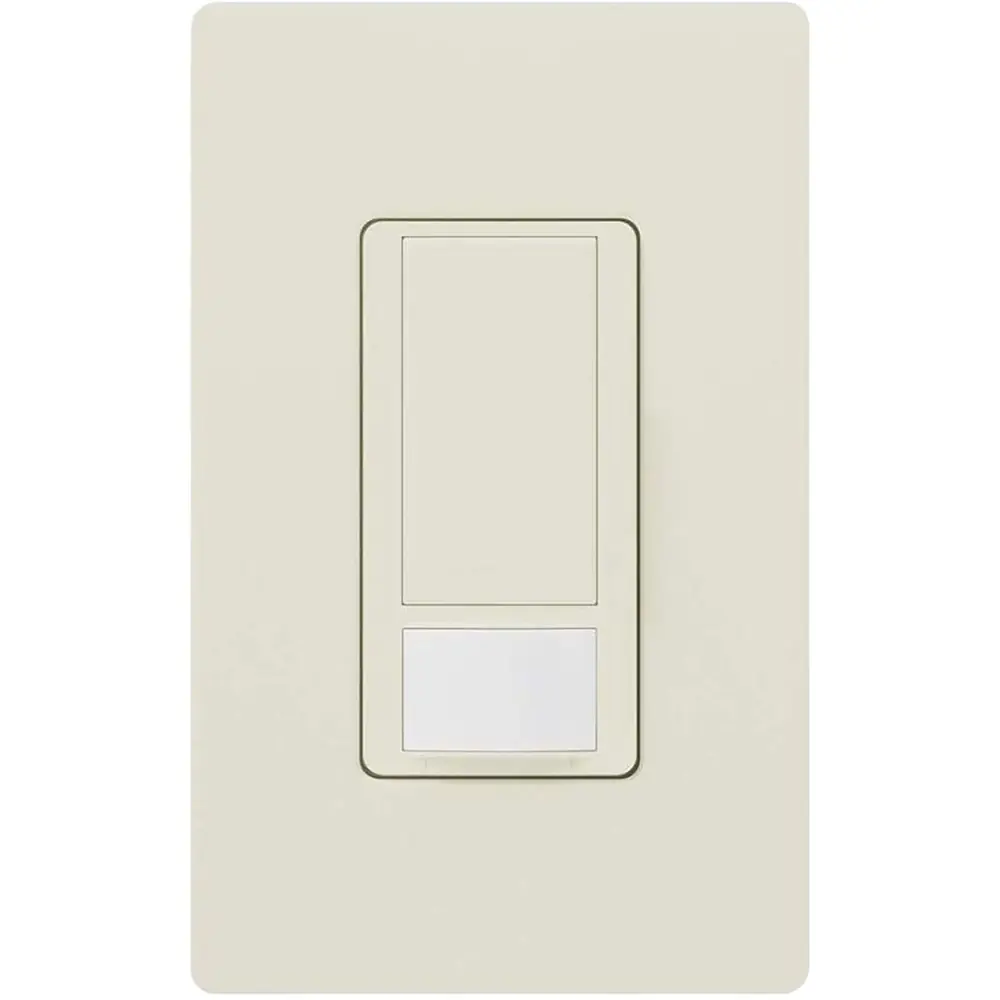
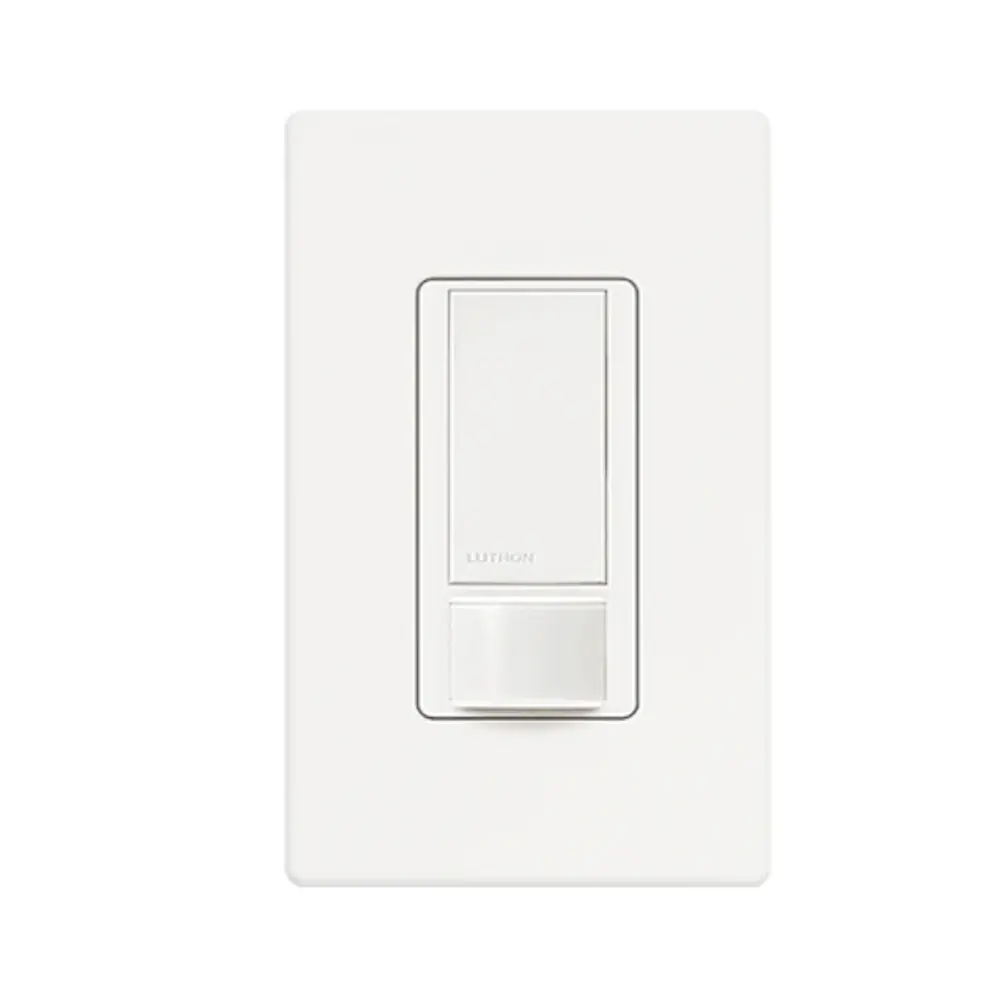
The Lutron MSCL-OP153M combines a Maestro C•L dimmer with an occupancy sensor. When it detects someone in the room, it turns the lights on automatically. When the space has been empty for the set timeout, it turns them off. The vacancy version, MSCL-VP153M, works differently: you have to turn the lights on by hand, and the sensor only turns them off. On both versions, you can turn the lights off at any time by pressing the tap button.
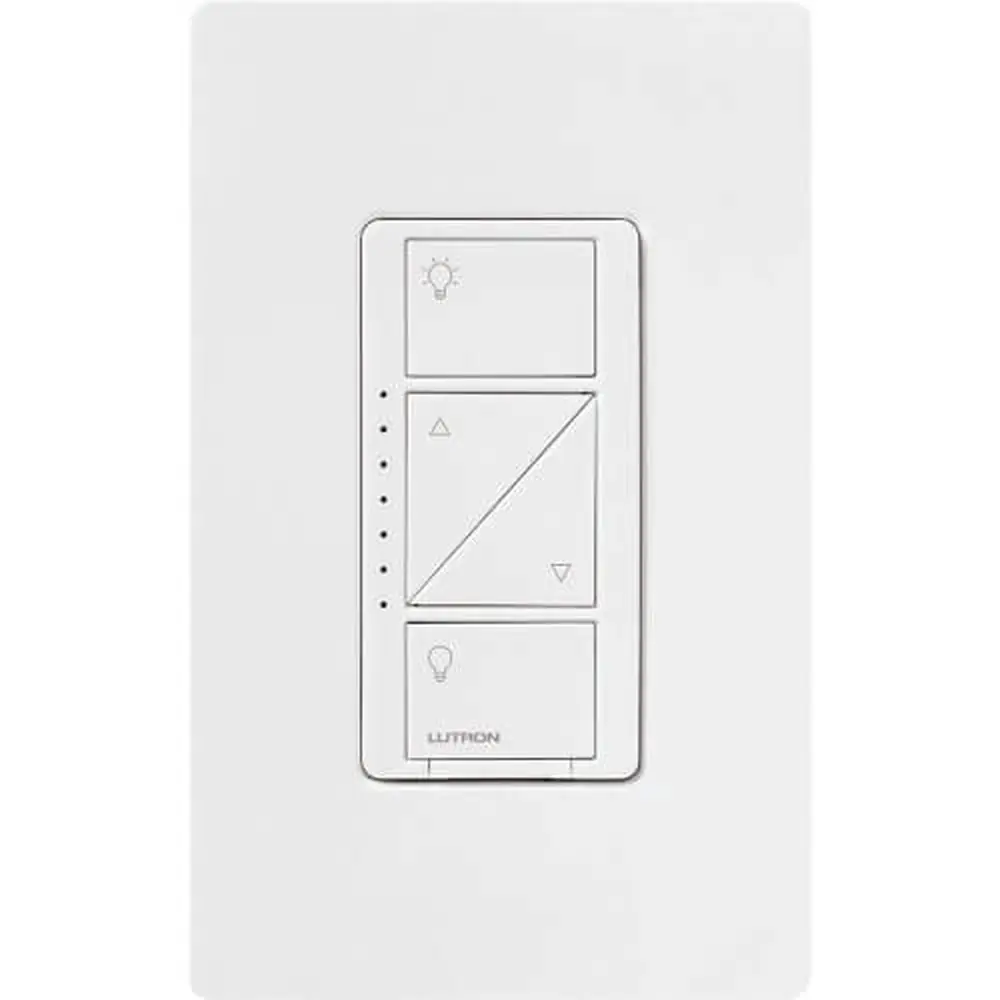
Using the tap button is simple. Tap once to turn the lights on to the preset level, and tap again to turn them off. Double-tap to go straight to full brightness. Separate raise and lower buttons adjust the brightness, and a vertical column of seven indicator lights shows the current level. The dimmer works right out of the box. All the advanced sensor programming is optional.
When you turn the lights off by hand while Auto-On is enabled, the sensor ignores motion for 25 seconds. This gives people time to leave a larger room without the lights turning back on. You can still turn the lights on by hand during that time, and normal operation resumes once it ends. After power is restored, the sensor won't control the load automatically for the first two minutes because it is calibrating.
To enter Programming Mode, pull out the FASS switch to the off position. Then press and hold the tap button, push the FASS back in, and keep holding for about five seconds until the first indicator light blinks quickly. Use the raise and lower buttons to pick Timeout, Sensitivity, Auto-On or Occupied Level. To leave Programming Mode, hold the tap button for five seconds.
ALD (Ambient Light Detect) mode turns the lights on only when there is motion and the room is too dark. If the lights come on when there is enough daylight, or stay off when the room is too dark, press the tap button within five seconds of entering the room. Over time, these presses teach the sensor what you prefer. OWO (Off While Occupied) mode is also available, and Lutron's online install guide covers its uses.
Dimming Range Adjustment (installation step 8) is there for LED and CFL bulbs that flicker or won't turn on at low levels. In adjustment mode, hold the lower button until the first indicator light is reached. Then raise the level until every bulb is on and steady, and save the setting. If the bulbs still don't start reliably from off, repeat the steps and set the level higher.
The dimmer can work with an existing mechanical 3-way switch, but that switch has to be rewired with the included jumper. You also have to complete step 9: choose indicator light 1 for a mechanical switch or indicator light 4 for a companion dimmer. For three or more locations, you must use companion dimmers. The wiring for a two-location setup is different from a standard 3-way circuit.
If you mount several dimmers side by side in the same wallbox, you must remove the heat fins between them. This permanently lowers the dimmer's rated capacity. The derating chart shows the allowed incandescent/halogen wattage for each CFL/LED total. A dimmer next to a mechanical switch doesn't need derating. If a wallbox has no grounding, a nonmetallic faceplate or GFCI protection is required. Clean the dimmer only with a soft, damp cloth.
Frequently Asked Questions (FAQs)
Can't find the answer you need? Here are some frequently asked questions about the Lutron MSCL-OP153M Sensor Dimmer, and we answer them below.