Lutron MACL-153M Dimmer Instruction Manual

Lutron MACL-153M Dimmer




Lutron MACL-153M Dimmer

Lutron MACL-153M Dimmer Instructions
Here we offer the Lutron MACL-153M Dimmer manual completely free and in English. We have cataloged this manual in the Dimmer section on Manualverse, and it has been rated by 1 users with an average rating of 5. If you have any specific questions about Lutron MACL-153M Dimmer, we suggest checking the Frequently Asked Questions (FAQs) section of this manual.
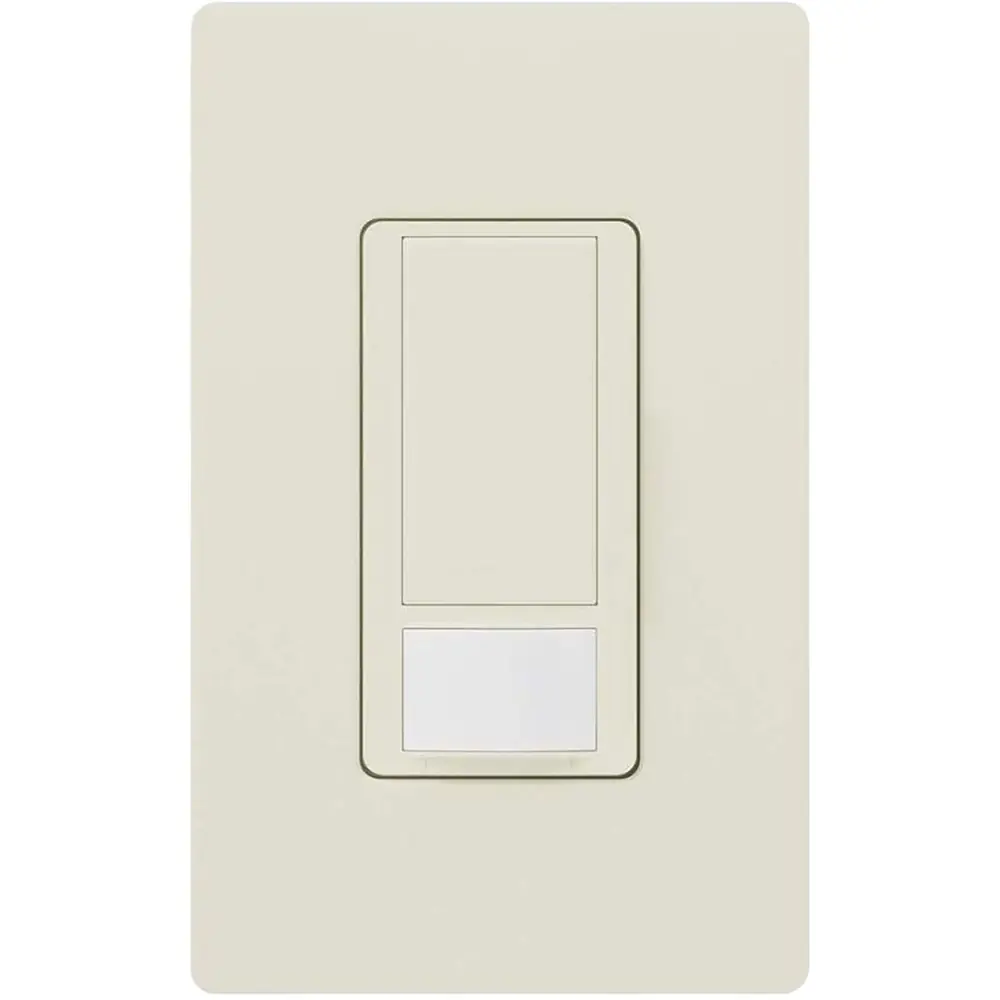
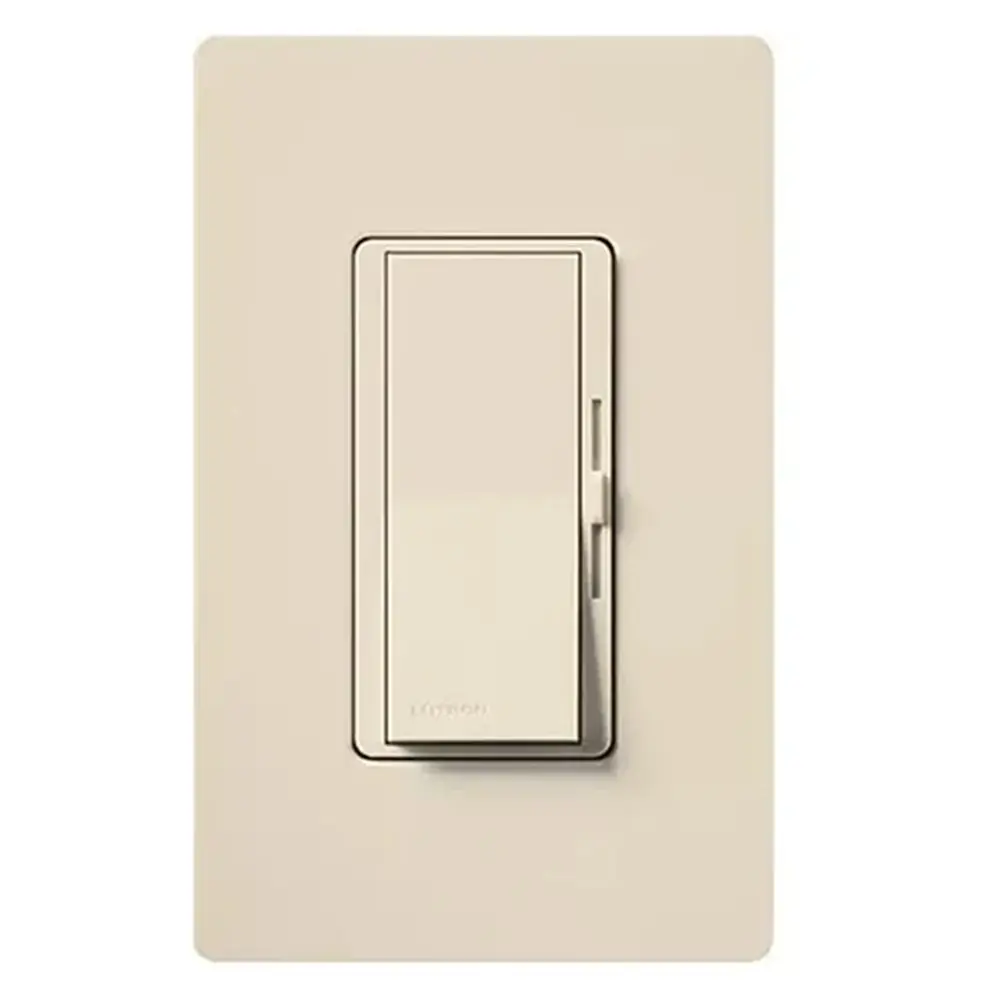
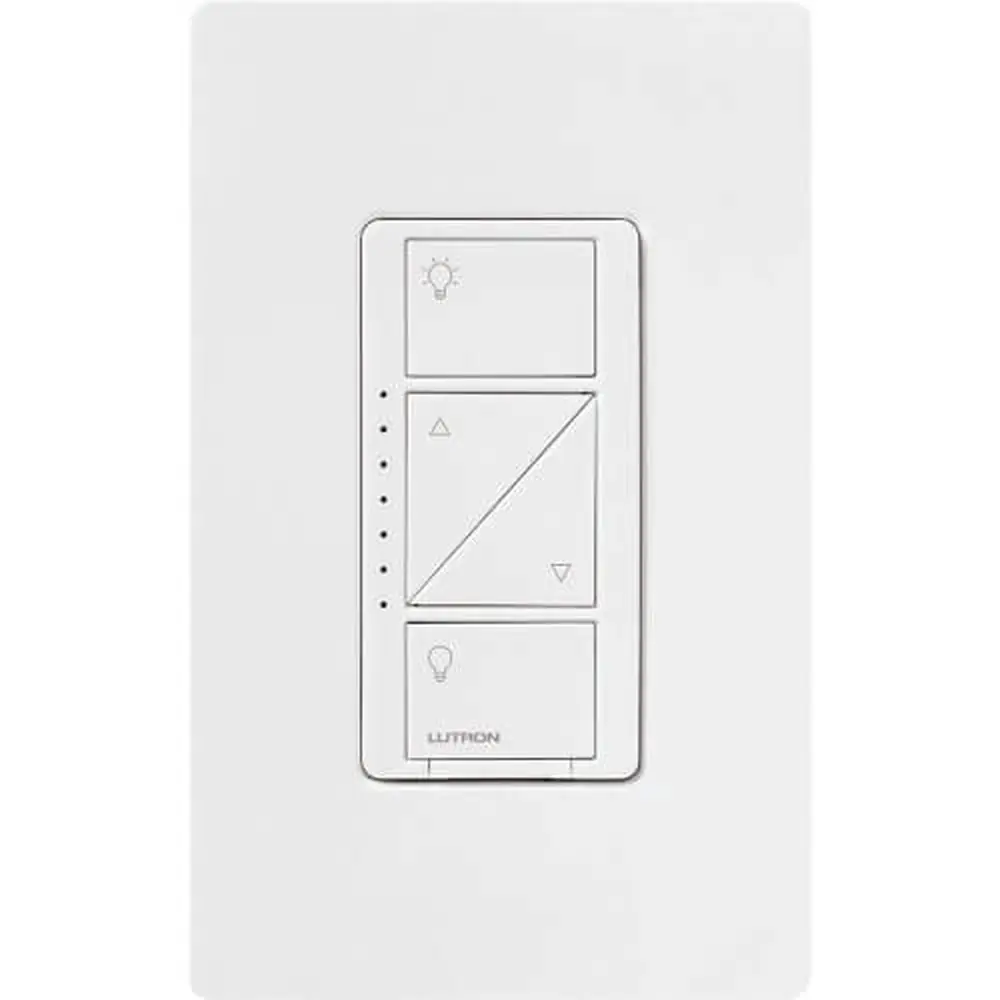
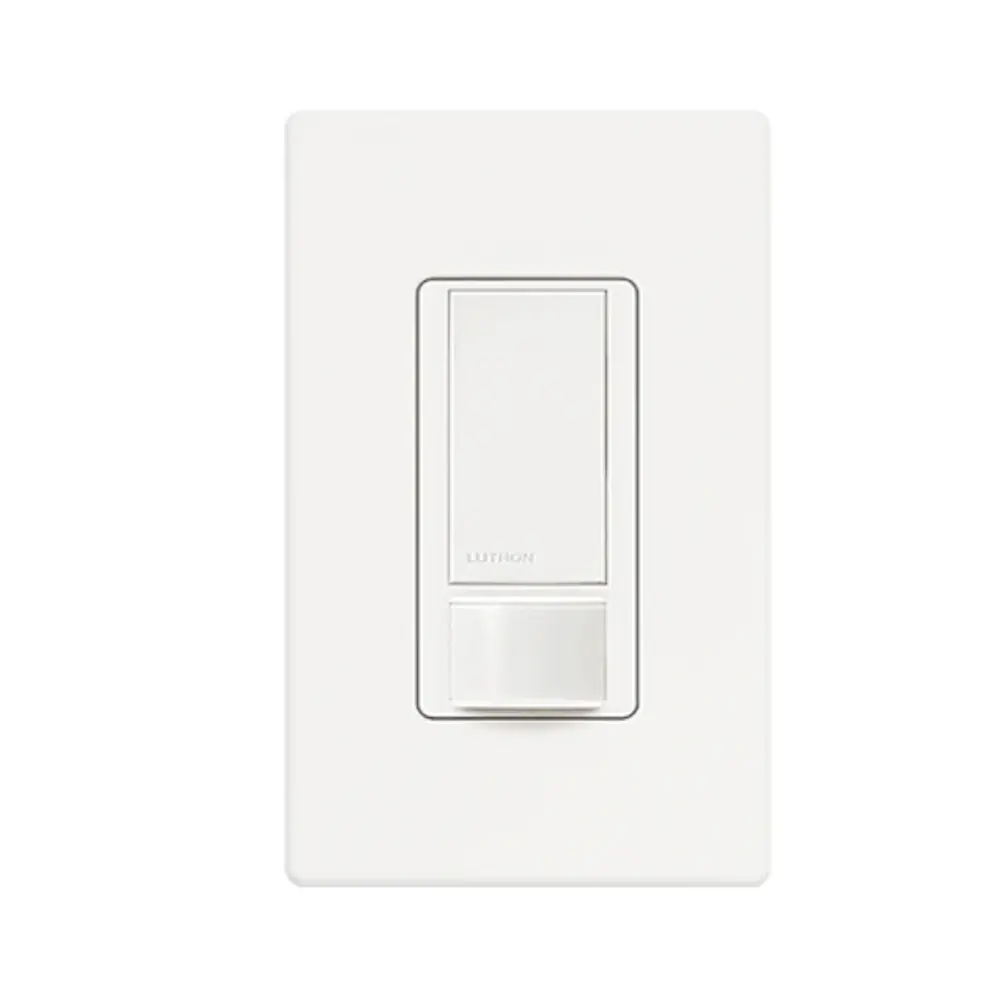
Product Images


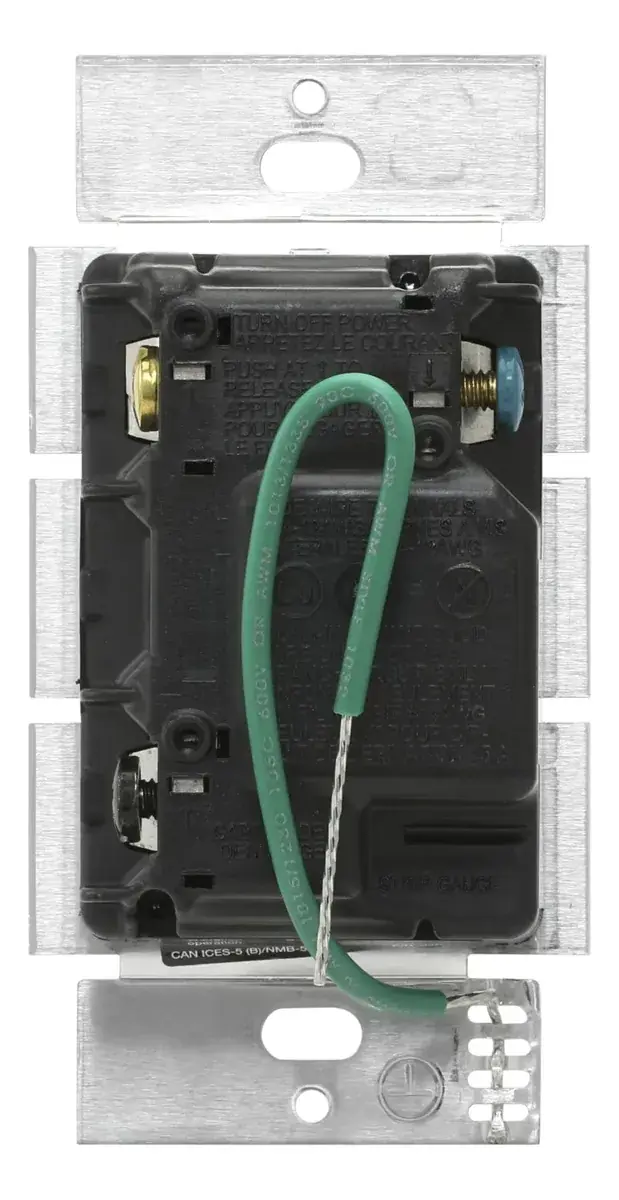

Lutron MACL-153M Dimmer Specifications
| Feature | Specification |
|---|---|
| Model | Lutron Maestro C•L / LED+ Dimmer MACL-153M |
| Product Type | Single-pole / multi-location master dimmer |
| Rated Voltage | 120 V~ |
| Frequency | 60 Hz |
| Maximum CFL / LED Load | 150 W |
| Maximum Incandescent / Halogen Load | 600 W |
| Incandescent / Halogen Rating, No Sides Removed | 600 W |
| Incandescent / Halogen Rating, 1 Side Removed | 500 W |
| Incandescent / Halogen Rating, 2 Sides Removed | 400 W |
| Derating for CFL / LED Loads | Not required |
| Mixed Load: 0 W CFL / LED | + 600 W / 500 W / 400 W incandescent / halogen (no sides / 1 side / 2 sides removed) |
| Mixed Load: 1 W – 25 W CFL / LED | + 500 W / 400 W / 300 W incandescent / halogen |
| Mixed Load: 26 W – 50 W CFL / LED | + 400 W / 300 W / 200 W incandescent / halogen |
| Mixed Load: 51 W – 75 W CFL / LED | + 300 W / 200 W / 100 W incandescent / halogen |
| Mixed Load: 76 W – 100 W CFL / LED | + 200 W / 100 W / 50 W incandescent / halogen |
| Mixed Load: 101 W – 125 W CFL / LED | + 100 W / 50 W / 0 W incandescent / halogen |
| Mixed Load: 126 W – 150 W CFL / LED | + 0 W incandescent / halogen |
| Compatible Lamp Types | Dimmable screw-in CFL, dimmable LED, halogen, incandescent |
| Terminal Types | Screw terminals and push-in terminals |
| Wire Gauge (Screw Terminals) | 12 / 14 AWG |
| Wire Gauge (Push-in Terminals) | 14 AWG |
| Wire Strip Length | 1/2 in (13 mm) |
| Terminals | Brass screw, black screw, blue screw (traveler), green ground wire |
| 3-Way Configuration | One MACL dimmer + one Maestro Companion Dimmer or one existing switch |
| 4-Way Configuration | One MACL dimmer + up to 9 Maestro Companion Dimmers |
| Compatible Companion Dimmers | MA-R, MA-RR, MSC-AD |
| Max. Wire Length to Last Companion | 150 ft (46 m) |
| Indicator Lights | Light-level indicator bar (IL1 to bottom/top positions) |
| Air-Gap Disconnect | FASS (Front Accessible Service Switch) pull tab |
| Operating Temperature | 32 °F to 104 °F (0 °C to 40 °C) |
| Environment | Indoor use only |
| Included Parts | Dimmer, wire nuts (x3), mounting screws (x2), jumper wire |
| Certification Mark | cUL listed |
| Document Part Numbers | P/N 0301771 Rev A (instructions); P/N 0302062 Rev A (Quick Install Guide) |
| Warranty | Limited warranty; extended warranty available via online registration |
Lutron MACL-153M Dimmer Details
The Lutron MACL-153M belongs to the Maestro family and carries Lutron's C•L and LED+ branding. It is built to dim modern LED and CFL bulbs and also handles traditional incandescent and halogen lamps. One device works for a single-location switch or as the master unit in multi-location circuits. That makes it a sensible replacement for an ordinary toggle switch in most homes.
Operation runs through one large tapswitch and a pair of raise and lower buttons. When the lights are off, a single tap brings them back to the last preset level. A double tap jumps straight to full brightness. When the lights are on, a single tap turns them off, while pressing and holding the tapswitch starts a delayed fade-to-off. That gives you time to leave the room before it goes dark. A vertical row of indicator lights shows the current light level.
A key feature is the adjustable low-end trim for LEDs and CFLs. To set it, hold the tapswitch and the lower button until an indicator light blinks. Then lower the setting to the bottom position and use the raise button until every bulb in the room is on and stable without flickering. A single tap saves the setting. Lutron says this step is optional for incandescent and halogen loads.
Installation starts with turning off power at the circuit breaker, since the manual warns of a serious shock hazard. Wires can be fully wrapped around the screw terminals or pushed into the push-in terminals after stripping. In single-pole wiring, the two black wires are interchangeable. If you mount several devices side by side, you can bend the side sections back and forth to snap them off. Doing so lowers the incandescent rating, but LED loads are not derated.
For 3-way circuits with an existing mechanical switch, mark the common wire on both old switches before you remove them. Rewire the existing switch with the included jumper wire. Then reprogram the dimmer by holding the tapswitch and the raise button, selecting IL1 with the lower button and tapping to save. IL4 is the default setting for Maestro Companion Dimmers.
The FASS pull tab lets you cut power to the lamps safely when replacing a bulb. Lutron recommends checking its LED Finder and Compatible Bulb List, because flickering, buzzing or dropout usually means a bulb is not compatible. Keep the dimmer away from dust and dirt while painting or spackling. It is normal for the dimmer to feel warm during operation.
When there is no grounding means in the wallbox, code allows installation with a nonmetallic faceplate and fasteners, or on a GFCI-protected circuit. In either case, cap or remove the green wire before mounting. Do not use the dimmer to control receptacles, motor-driven appliances or transformer-supplied loads. Clean it only with a soft damp cloth.
Frequently Asked Questions (FAQs)
Can't find the answer you need? Here are some frequently asked questions about the Lutron MACL-153M Dimmer, and we answer them below.