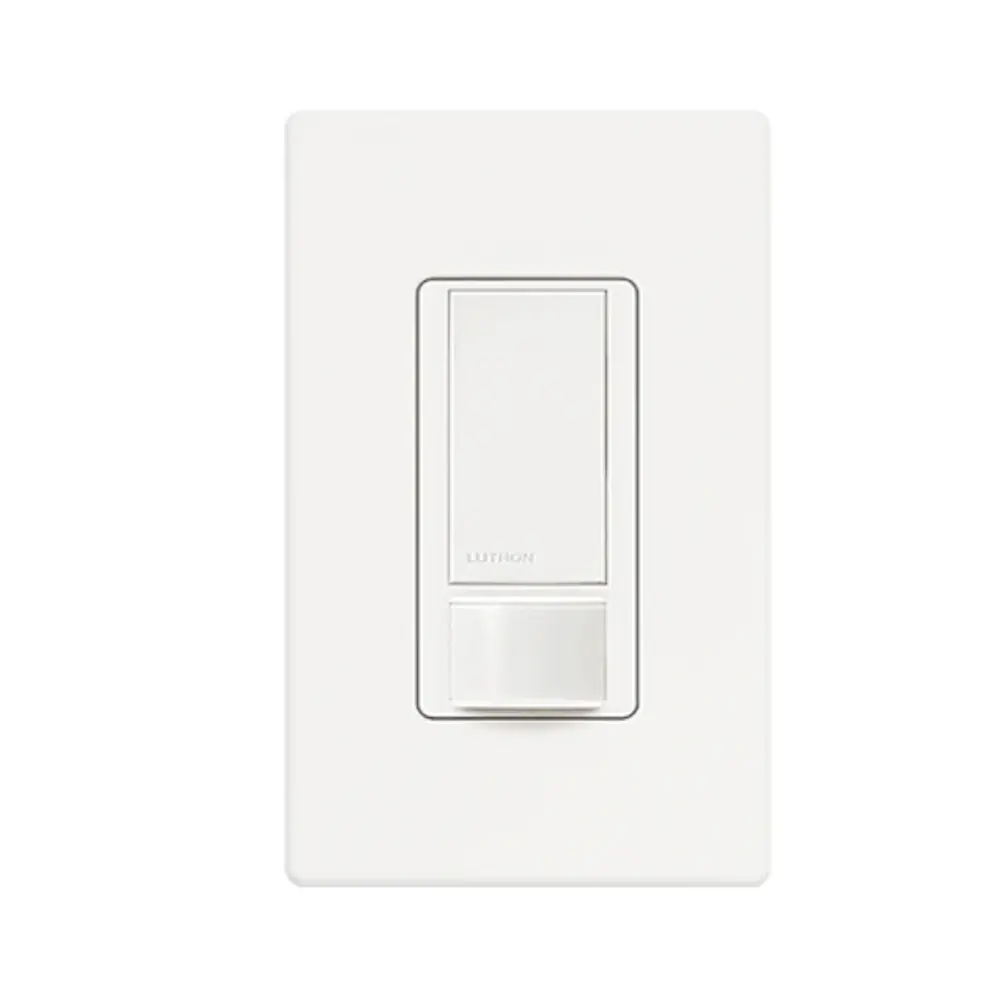
Lutron MS-OPS5M Motion Sensor Switch Instruction Manual
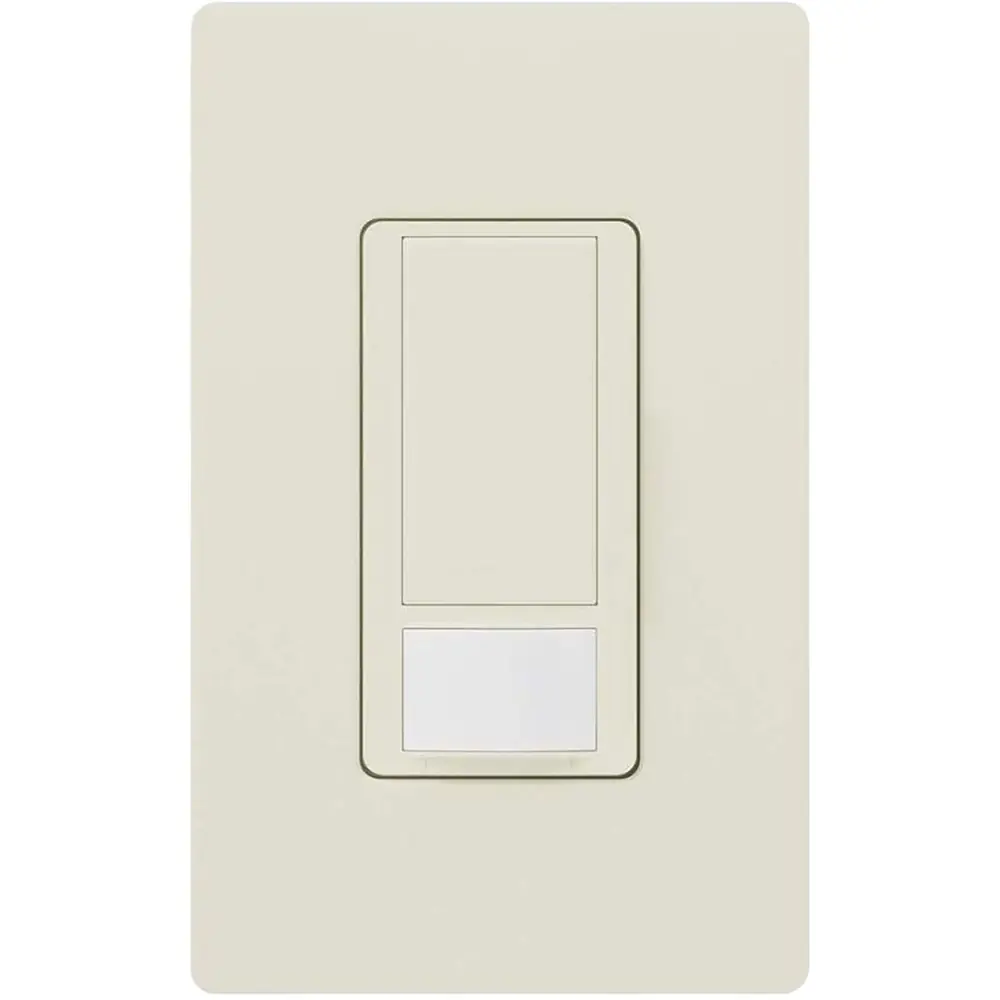
Lutron MS-OPS5M Motion Sensor Switch




Lutron MS-OPS5M Instructions
Here we offer the Lutron MS-OPS5M Motion Sensor Switch manual completely free and in English. We have cataloged this manual in the Motion Sensor Switches section on Manualverse, and it has been rated by 1 users with an average rating of 5. If you have any specific questions about Lutron MS-OPS5M Motion Sensor Switch, we suggest checking the Frequently Asked Questions (FAQs) section of this manual.
Product Images

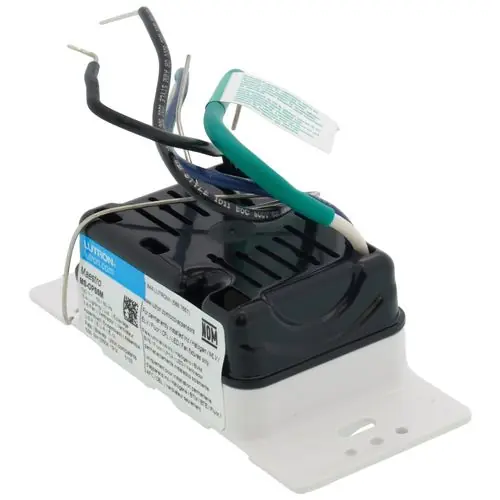

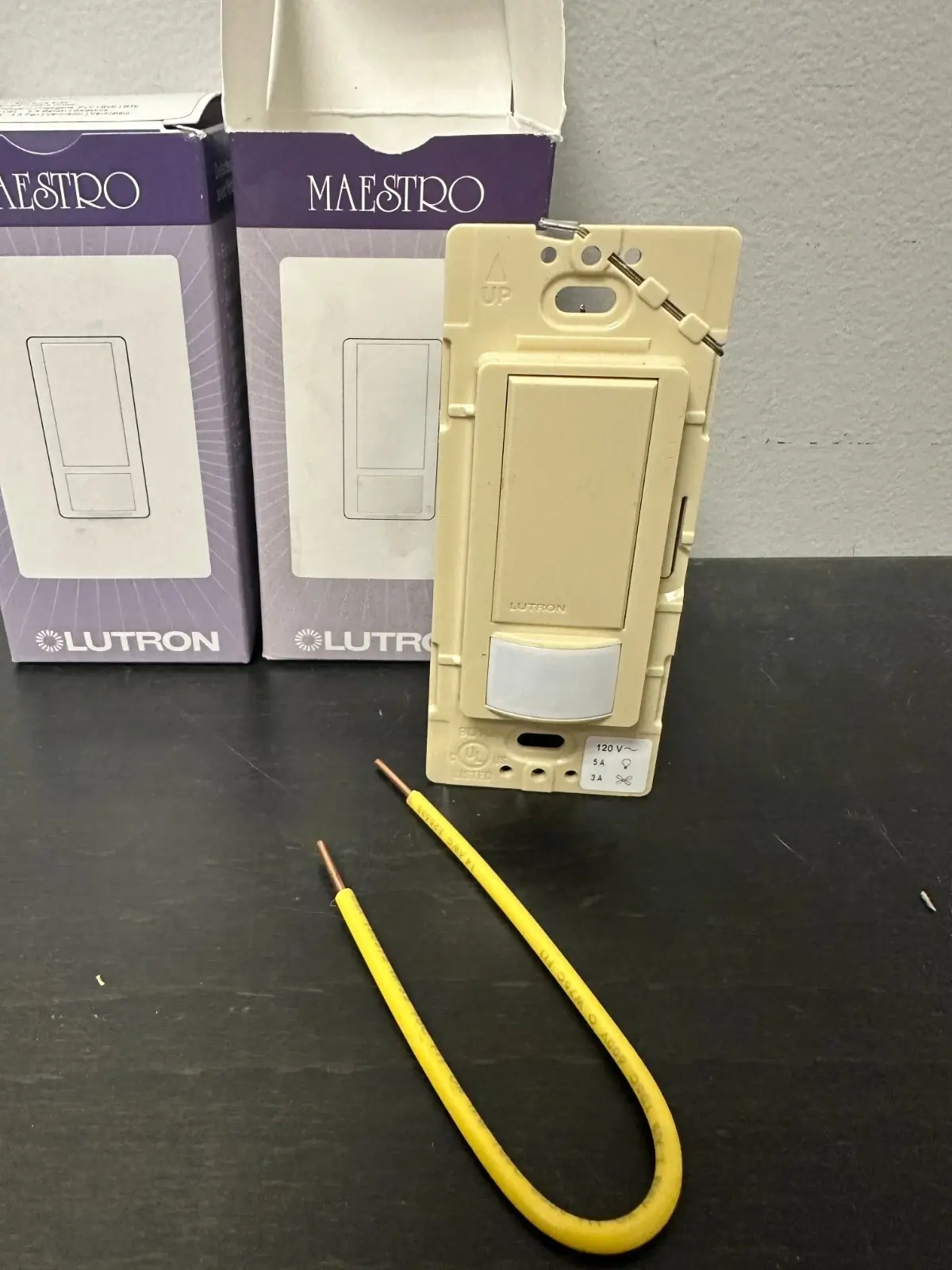
Lutron MS-OPS5M Motion Sensor Switch Specifications
| Feature | Specification |
|---|---|
| Model | MS-OPS5M (Maestro occupancy sensing switch) |
| Manufacturer | Lutron Electronics Co., Inc. |
| Rated Voltage | 120 V~ |
| Frequency | 50/60 Hz |
| Incandescent / Halogen / ELV Load | 600 W |
| MLV (Magnetic Low-Voltage) Load | 450 W |
| LED / CFL Load | 360 W |
| Ballast Load | 5 A |
| Fan Load | 3 A, 1/10 HP |
| Combined Fan and Light Load | 3 A |
| Timeout Options | Test Mode, 1 minute, 5 minutes, 15 minutes, 30 minutes |
| Default Timeout | 5 minutes |
| Sensor Modes | Occupancy (Auto-On/Auto-Off), Vacancy (Manual-On/Auto-Off), Auto-On daylight sensing with Auto-Off |
| Default Sensor Mode | Occupancy (Auto-On and Auto-Off) |
| Motion Sensitivity | Low or High (default: High) |
| Test Mode Timeout | Less than 15 seconds |
| Test Mode Auto-Exit | After 5 minutes or when any button is pressed |
| Wiring Configurations | Single-pole, 3-way, multi-location (with accessory switches) |
| Compatible Accessory Switches | MA-AS, MSC-AS, MA-AS-277, MSC-AS-277 |
| Sensing Switches per 3-Way/Multi-Location Circuit | 1 maximum |
| Maximum Devices per Branch Circuit | 20 at 120 V~ |
| Neutral/Ground Requirement | Ground required; neutral connection used when available |
| Operating Temperature | 32 °F to 104 °F (0 °C to 40 °C) |
| Environment | Indoor use only |
| Included Accessories | Yellow jumper wire and wire connector (for 3-way installation) |
| Warranty | 5-year limited (U.S.A., Canada, Puerto Rico, Caribbean) |
| Document Part Number | P/N 0302800 Rev. A (05/2019) |
Lutron MS-OPS5M Sensor Switch Details
The Lutron MS-OPS5M is a Maestro occupancy sensing switch that replaces a standard wall switch. It turns lights or fans on and off based on detected motion. Unlike the vacancy-only MS-VPS5M variant, the OPS version lets you choose between automatic and manual switching. All of its settings can be changed right at the device using the front buttons. You do not need any tools, apps, or extra hardware to configure it.
To program the switch, remove the faceplate by pulling it off firmly. Then press and hold the indicated button for about 5 seconds, until the lens begins to flash. The lens flashes once for each setting, always starting at setting 1, with about 3 seconds between flashes. Release the button after the flash count that matches your choice. The setting is saved as soon as you release the button. For example, to select a 30-minute timeout, release the large button after the fifth flash.
The daylight sensing mode adds a learning feature. In this mode, the lights turn on automatically only when there is little natural light in the room. If the switch turns on when the room is already bright enough, or stays off when it is too dark, press the large button within 5 seconds of entering. Over time, these corrections teach the switch your preferred light threshold. The advanced settings menu also includes a full reset to factory defaults.
Wiring depends on what is in the wallbox. A ground connection is required for the switch to work. If a neutral is present, remove the green sleeve and connect the white wire to neutral. If there is no neutral, leave the green sleeve on and connect that wire to ground. This option is meant only for retrofit and replacement installations. If neither a neutral nor a ground is available, consult a licensed electrician. In single-pole installations, cap the blue wire.
For 3-way installations, the sensing switch can go in either location. Before removing the old switch, tag the wire connected to the different-colored screw. Next, modify the existing 3-way switch using the supplied yellow jumper wire and wire connector. To test the wiring, wait 2 minutes after restoring power. If the sensing switch does not turn the load on and off, swap its traveler wires. If the 3-way switch cannot turn the load back on, swap that switch's traveler wires instead.
After power is restored, you can turn the switch on or off by hand during the first 30 seconds. However, it will not control the load automatically for the first 2 minutes. You will hear a click when the switch turns on or off, which is normal. The load might not respond if the 3-way switch is toggled quickly. Use Test Mode, which has a very short timeout, to check the sensor's coverage before you reinstall the wallplate.
To detect motion, the sensor needs a clear line of sight to the people in the room, so nothing should block its view. Hot objects and moving air currents can affect its performance. Do not use it to control receptacles, because this can cause overheating and damage other equipment. Clean the switch only with a soft, damp cloth and never use chemical cleaners. Install it in accordance with all national and local electrical codes.
Lutron's limited warranty covers repair or replacement of units with defects in materials or manufacture for five years from purchase. To use the warranty, return the unit to the place of purchase or mail it postage-paid to Lutron in Coopersburg, PA. The warranty does not cover installation, removal, or reinstallation costs. It also excludes damage from misuse, abuse, or improper wiring, as well as incidental or consequential damages.
Frequently Asked Questions (FAQs)
Can't find the answer you need? Here are some frequently asked questions about the Lutron MS-OPS5M Motion Sensor Switch, and we answer them below.