Lutron Toggle TGCL-153P Dimmer Instruction Manual

Lutron Toggle TGCL-153P Dimmer




Lutron Toggle TGCL-153P Instructions
Here we offer the Lutron Toggle TGCL-153P Dimmer manual completely free and in English. We have cataloged this manual in the Dimmer section on Manualverse, and it has been rated by 1 users with an average rating of 5. If you have any specific questions about Lutron Toggle TGCL-153P Dimmer, we suggest checking the Frequently Asked Questions (FAQs) section of this manual.
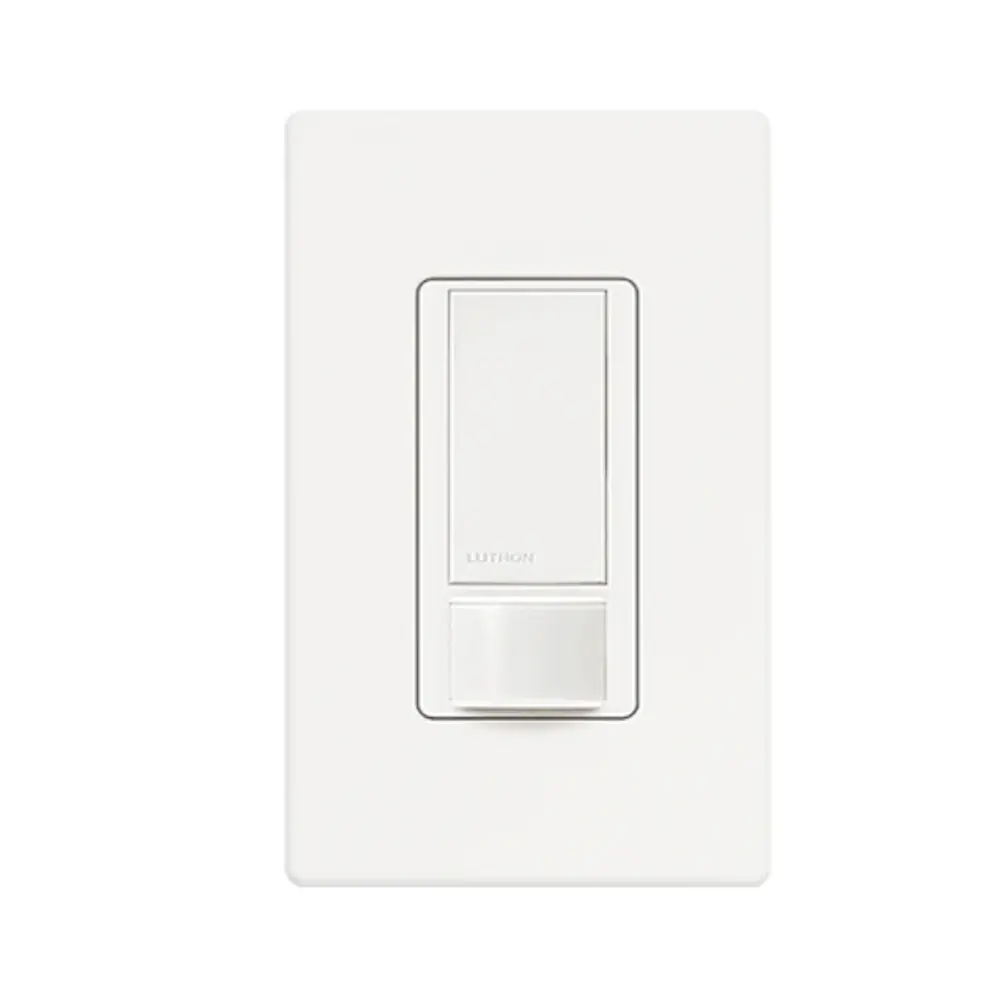
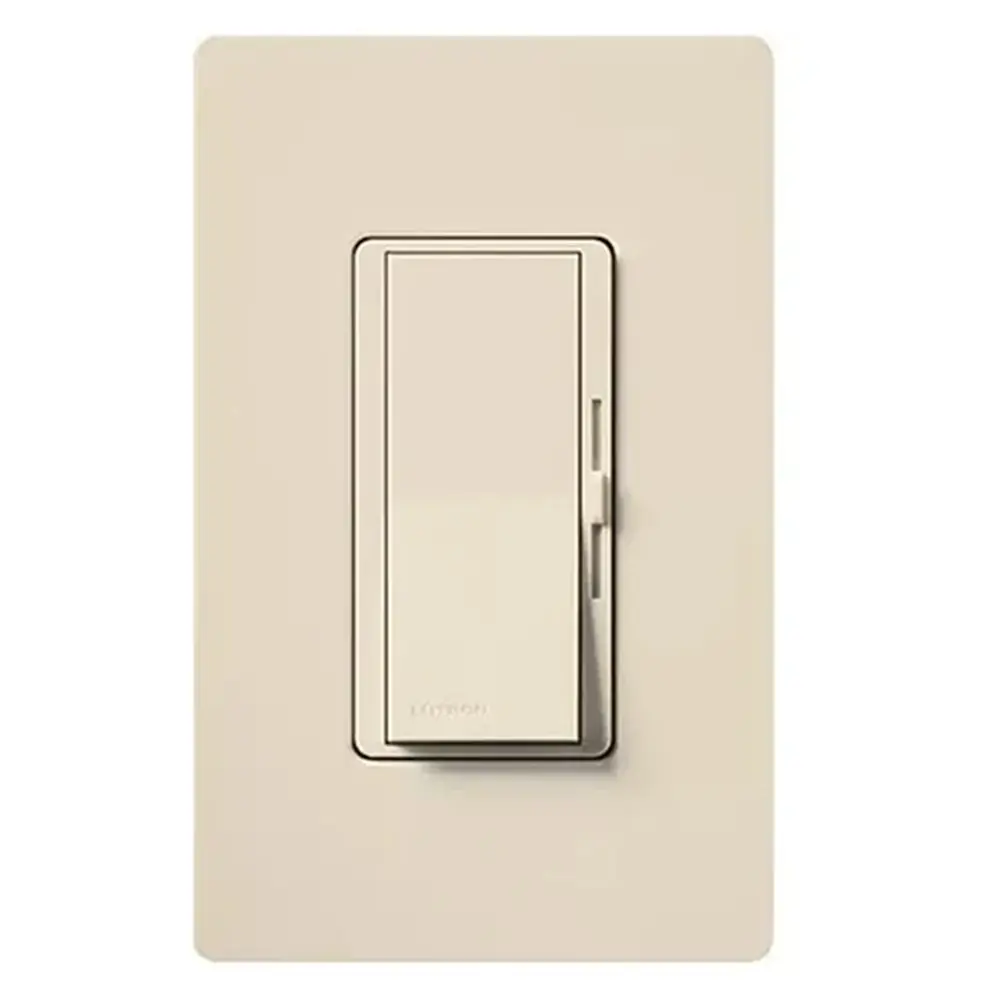
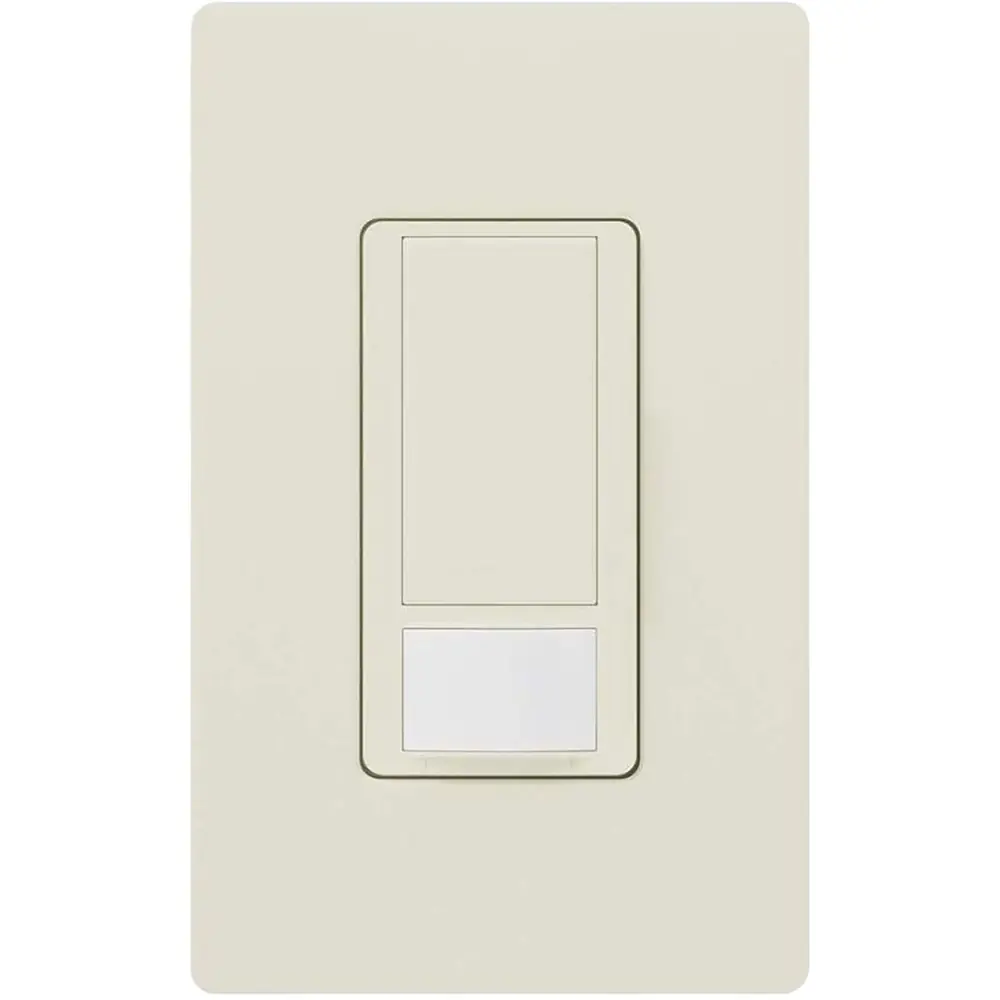
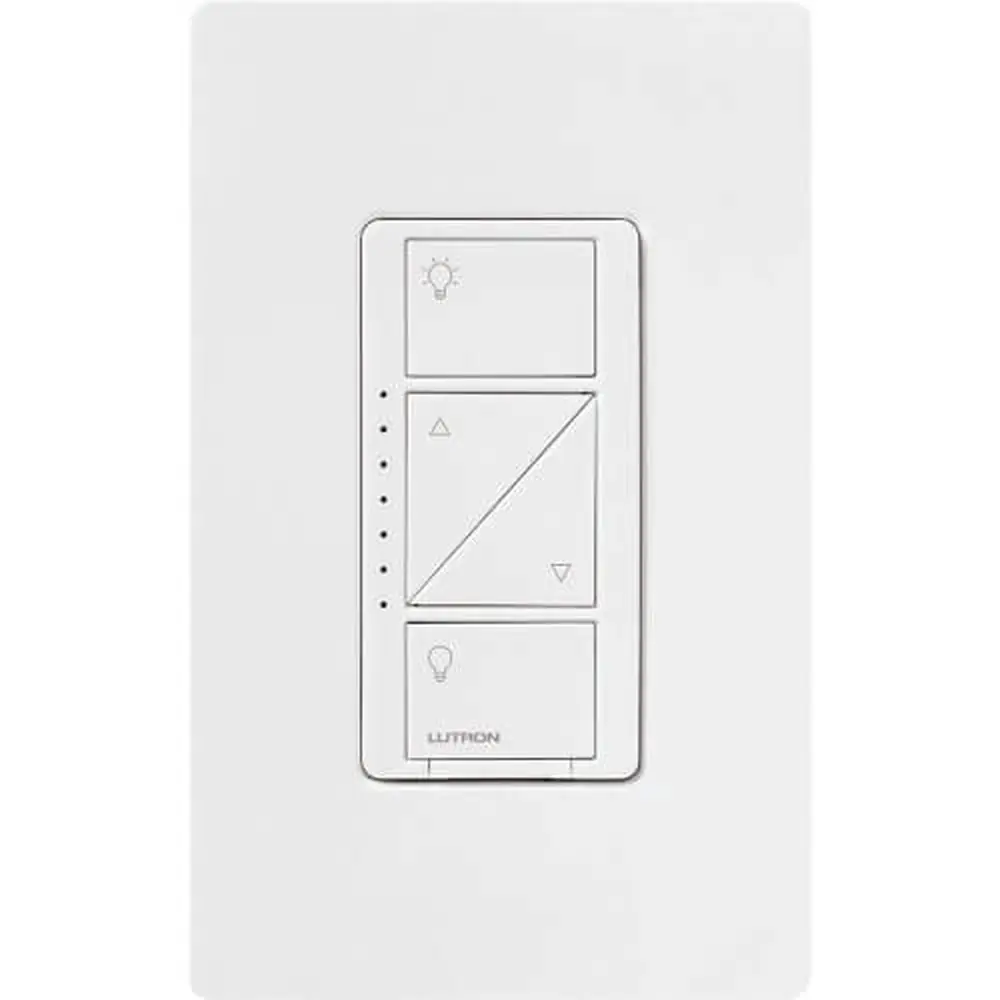
Product Images


Lutron Toggle TGCL-153P Dimmer Specifications
| Feature | Specification |
|---|---|
| Product Line | Lutron LED+ Dimmer (Toggler series) |
| Model | TGCL-153P (shares guide with AYCL-153P and AYCL-253P) |
| Rated Voltage | 120 V~ |
| Frequency | 60 Hz |
| Maximum Dimmable LED / CFL Load | 150 W |
| Maximum Incandescent / Halogen Load | 600 W (no side sections removed) |
| Derated Load, 1 Side Removed | 500 W incandescent / halogen |
| Derated Load, 2 Sides Removed | 400 W incandescent / halogen |
| Compatible Lamp Types | Dimmable screw-in LED, dimmable screw-in CFL, halogen, incandescent |
| Wiring Configurations | Single pole and 3-way (only one dimmer per 3-way circuit) |
| Terminals | 1 copper screw (common), 2 brass screws, green ground wire |
| Screw Terminal Torque | 5 in-lbs (0.55 N•m) |
| Screw Terminal Wire Gauge | 12 / 14 AWG (2.5–1.5 mm²) |
| Push-In Terminal Wire Gauge | 14 AWG only |
| Wire Strip Length | 1/2 in (13 mm) |
| Low-End Adjustment | Adjustment dial/lever for LED and CFL dimming range |
| Environment | Indoor use only |
| Installation Guide Part Number | P/N 0301945 REV A |
| Support Phone | 1.844.LUTRON1 (USA / Canada), +1.888.235.2910 (Mexico) |
Lutron Toggle TGCL-153P Dimmer Details
The Lutron Toggle TGCL-153P is part of Lutron's LED+ family. It is meant to replace a standard wall switch and add smooth dimming for permanently installed light fixtures. Its quick install guide is short and practical. It combines wiring diagrams, safety notes and setup steps on a single sheet, and Lutron backs it up with how-to videos and step-by-step instructions at lutron.com/AYCLwiring.
Lutron puts lamp compatibility first. The dimmer is for permanently installed fixtures only. Do not use it to control receptacles, motor-driven appliances or transformer-supplied appliances, because these loads can cause overheating and damage other equipment. To help you pick suitable bulbs, Lutron offers an online LED Finder tool at lutron.com/LEDfinder that lists LED lamps tested to dim well with this control.
Safety comes first during installation. Always turn off power at the circuit breaker or fuse before you start, because there is a shock hazard that may cause serious injury or death. Installation must follow all national and local electrical codes. If the wallbox has no grounding means, the NEC allows the dimmer as a replacement when you use a plastic faceplate with plastic fasteners or when a GFCI protects the circuit. Lutron wallplates meet this requirement. In that case, cap or remove the green wire.
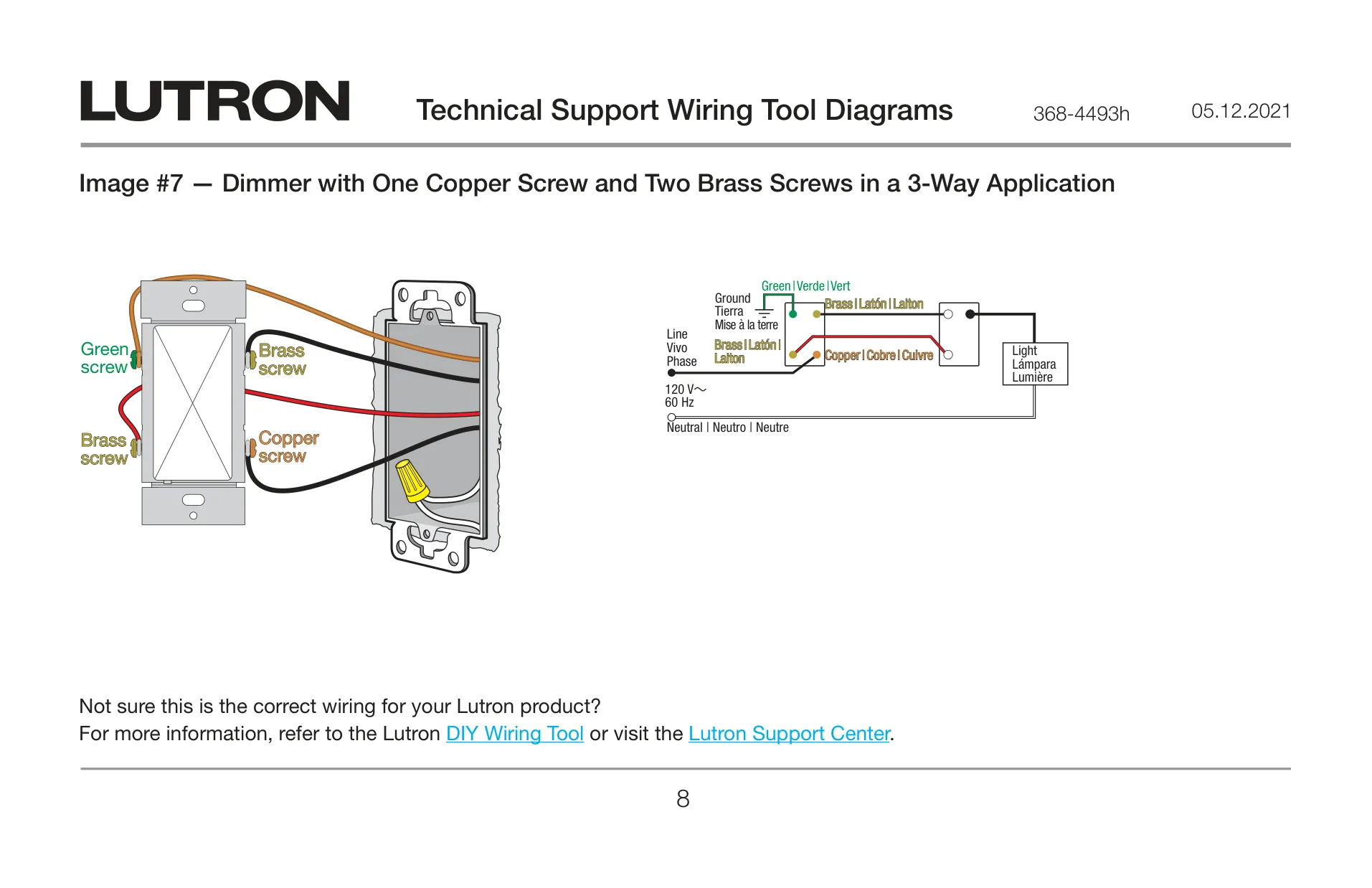
For 3-way installations, Lutron stresses one step: mark or tag the common wire before you remove the old switch. The marked wire goes to the copper screw, and the two traveler wires go to the brass screws. In single-pole setups, one brass screw is not used, and the connections to the bottom screws are interchangeable. Wires can go under the screw terminals or into the push-in holes. Push-in wires must be inserted, then the screw twisted to tighten.
When you mount several devices side by side, you may need to snap off the dimmer's side sections. Bend them back and forth to break them off. Removing sections lowers the dimmer's heat-dissipation capacity, so its maximum incandescent and halogen rating drops. Check the Ganging and Derating chart before you combine the dimmer with other controls in a multi-gang wallbox.
After installation, you can tune the dimmer for LED and CFL lamps. Turn the lights on, move the slider to the bottom, and adjust the lever or dial until the lowest setting is stable and flicker-free. Then turn the lights off and on again to confirm they work properly. This calibration helps different bulbs dim smoothly without dropping out or flickering at low levels.
For care, protect the dimmer from dust and debris when painting or spackling nearby walls. Clean it only with a soft damp cloth and never with chemical cleaners. It is normal for the dimmer to feel warm to the touch while it runs. Lutron provides troubleshooting at lutron.com/support, publishes a limited warranty online and offers an extended warranty when you register at lutron.com/CLregistration.
Frequently Asked Questions (FAQs)
Can't find the answer you need? Here are some frequently asked questions about the Lutron Toggle TGCL-153P Dimmer, and we answer them below.