Hunter ICC2 Irrigation Controller Instruction Manual

Hunter ICC2 Irrigation Controller
















Hunter ICC2 Instructions
Here we offer the Hunter ICC2 Irrigation Controller manual completely free and in English. We have cataloged this manual in the Irrigation Controllers section on Manualverse, and it has been rated by 1 users with an average rating of 5. If you have any specific questions about Hunter ICC2 Irrigation Controller, we suggest checking the Frequently Asked Questions (FAQs) section of this manual.
Product Images
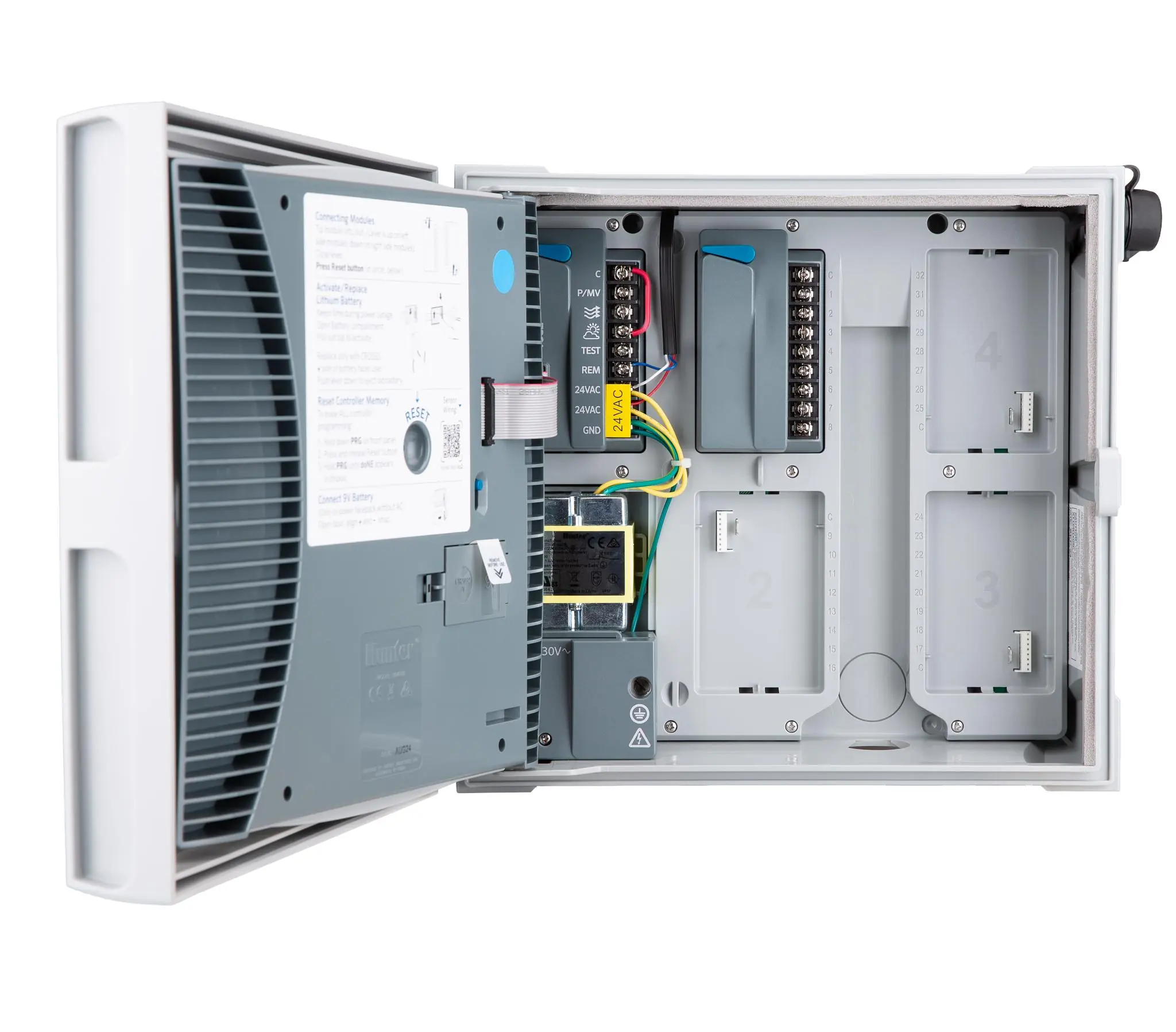
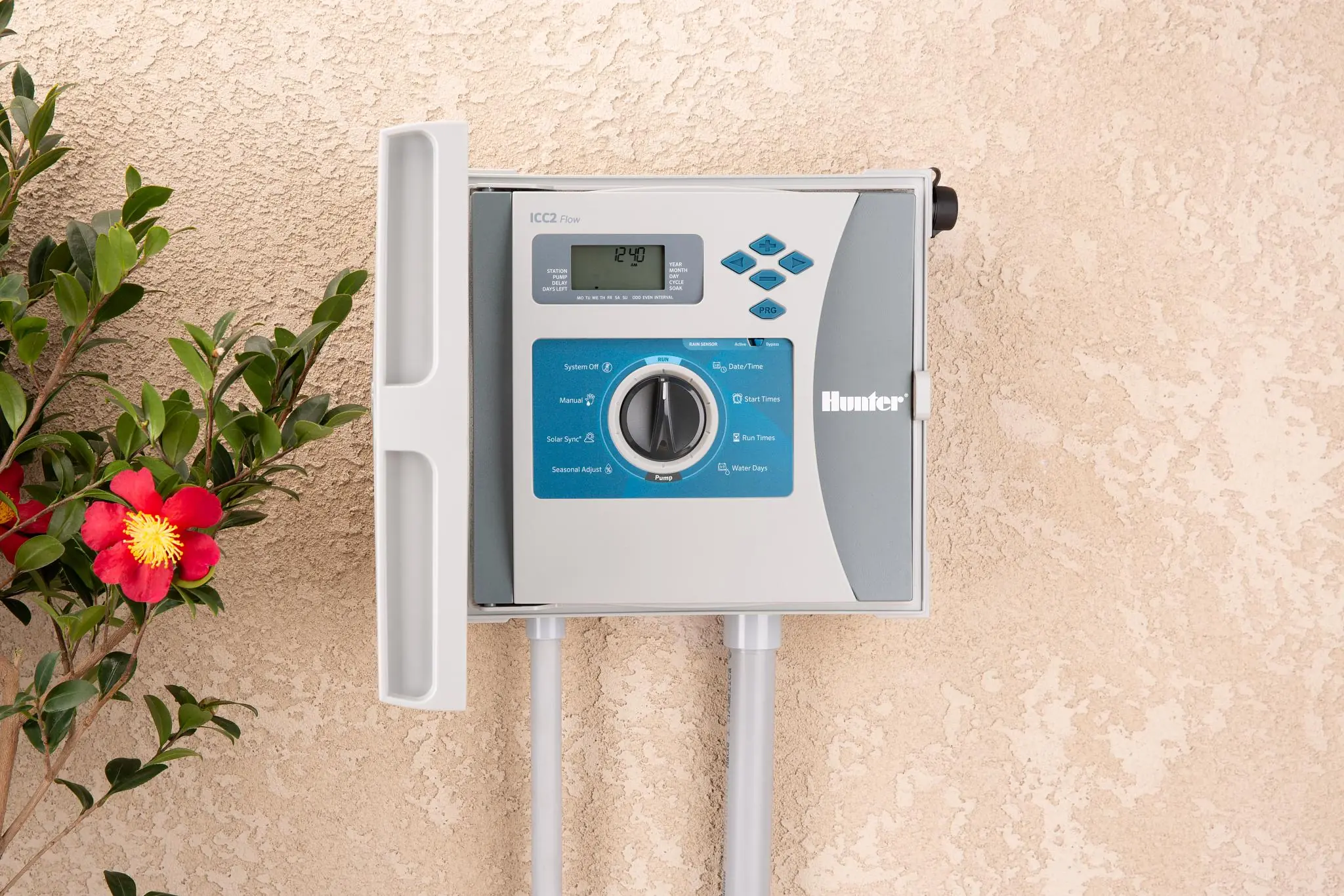


Hunter ICC2 Irrigation Controller Specifications
| Feature | Specification |
|---|---|
| Models | I2C-800-PL (plastic outdoor cabinet), I2C-800-M (grey metal outdoor cabinet), I2C-800-SS (stainless steel outdoor cabinet), I2C-800-PP (plastic pedestal) |
| Base Model Stations | 8 stations (factory-installed ICM-800 module) |
| Number of Stations (Conventional) | 8 to 38 (plastic cabinet); 8 to 54 (metal cabinet and pedestals) |
| Number of Stations (EZDS Two-Wire) | Up to 54 (all cabinet options) |
| Expansion Modules | ICM-400 (4 stations), ICM-800 (8 stations), ICM-2200 (22 stations) |
| Station Run Time | 1 minute to 12 hours |
| Independent Programs | 4 (A, B, C and D) |
| Start Times | 8 per program, in 15-minute increments |
| Simultaneous Program Operation | 2 |
| Sensor Inputs | 1 |
| Pump/Master Valve Outputs | 1 |
| Watering Schedule | 7-day calendar, interval watering up to 31 days, or odd/even day programming |
| Seasonal Adjust Range | 5% to 300% (5% increments) |
| Transformer Input | 120 VAC, 60 Hz (230 VAC, 50/60 Hz international) |
| Transformer Output | 24 VAC, 1.4 A |
| Station Output | 24 VAC, up to 0.56 A (up to two Hunter solenoids simultaneously) |
| Pump/Master Valve Output | 24 VAC, up to 0.56 A |
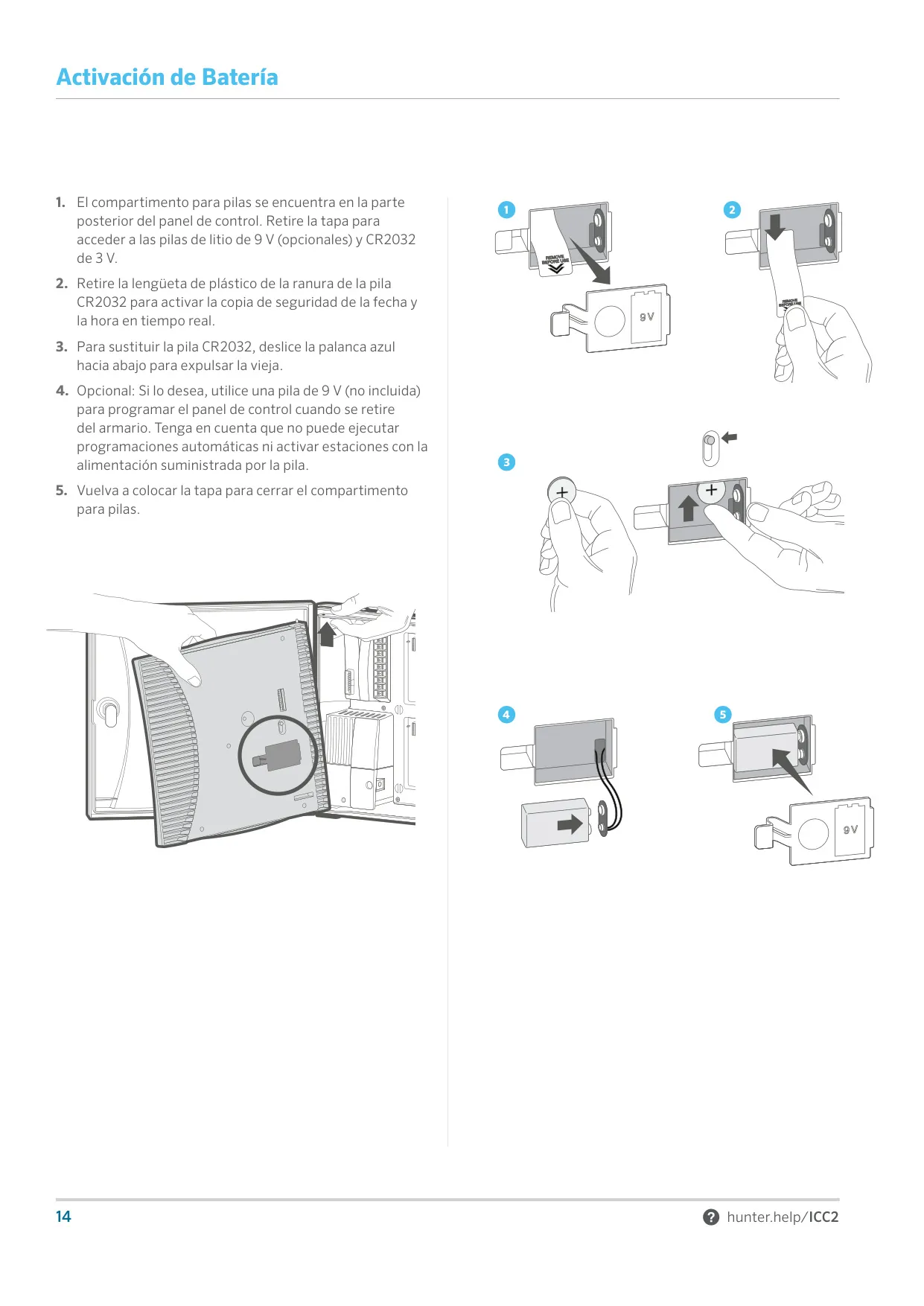
| Battery | 9 V alkaline (not included), for programming without AC only |
| Front Panel Battery | CR2032 3 V lithium (included), for real-time clock |
| Memory | Non-volatile, retains program data during power outages |
| Certifications | CE, UL, cUL, FCC, RCM |
| Plastic Cabinet Rating | IP55, NEMA 3R |
| Metal Cabinet Rating (Grey or Stainless) | IP55, NEMA 3R |
| Metal Pedestal Rating (Grey or Stainless) | IP44, NEMA 3R |
| Plastic Pedestal Rating | IP24, NEMA 3R |
| Plastic Cabinet Dimensions (H x W x D) | 30.5 x 34.8 x 12.7 cm |
| Metal Cabinet Dimensions (H x W x D) | 40.6 x 33 x 12.7 cm |
| Metal Pedestal Dimensions (H x W x D) | 91.4 x 29.2 x 12.7 cm |
| Plastic Pedestal Dimensions (H x W x D) | 99.1 x 61 x 43.2 cm |
| Door Lock | Pre-installed with 751 key (701, 702 or 703 alternatives available) |
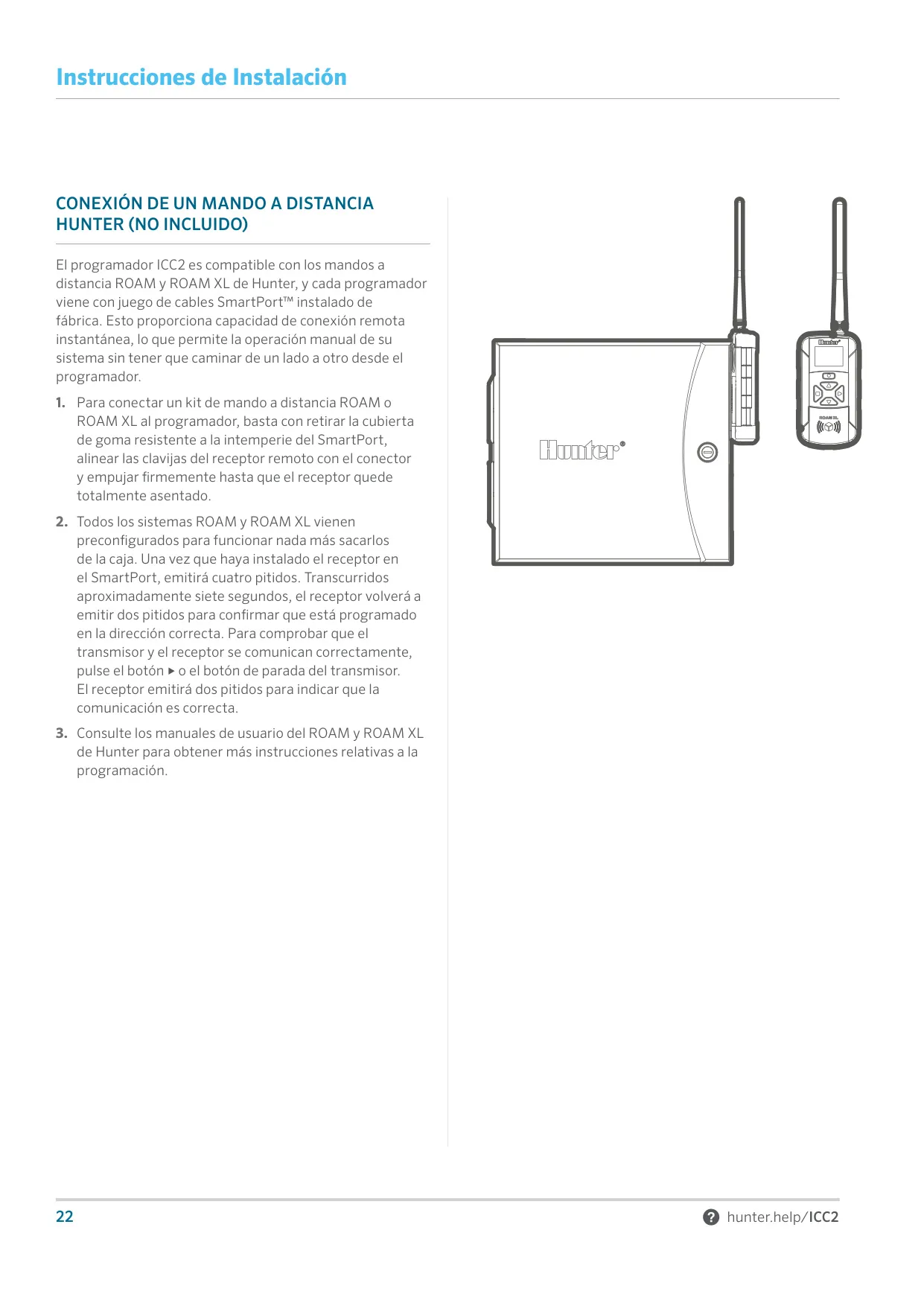
| Remote Compatibility | Hunter ROAM and ROAM XL via factory-installed SmartPort |
| Default Configuration | All stations set to zero run time; Seasonal Adjust 100% |
Hunter ICC2 Irrigation Controller Details
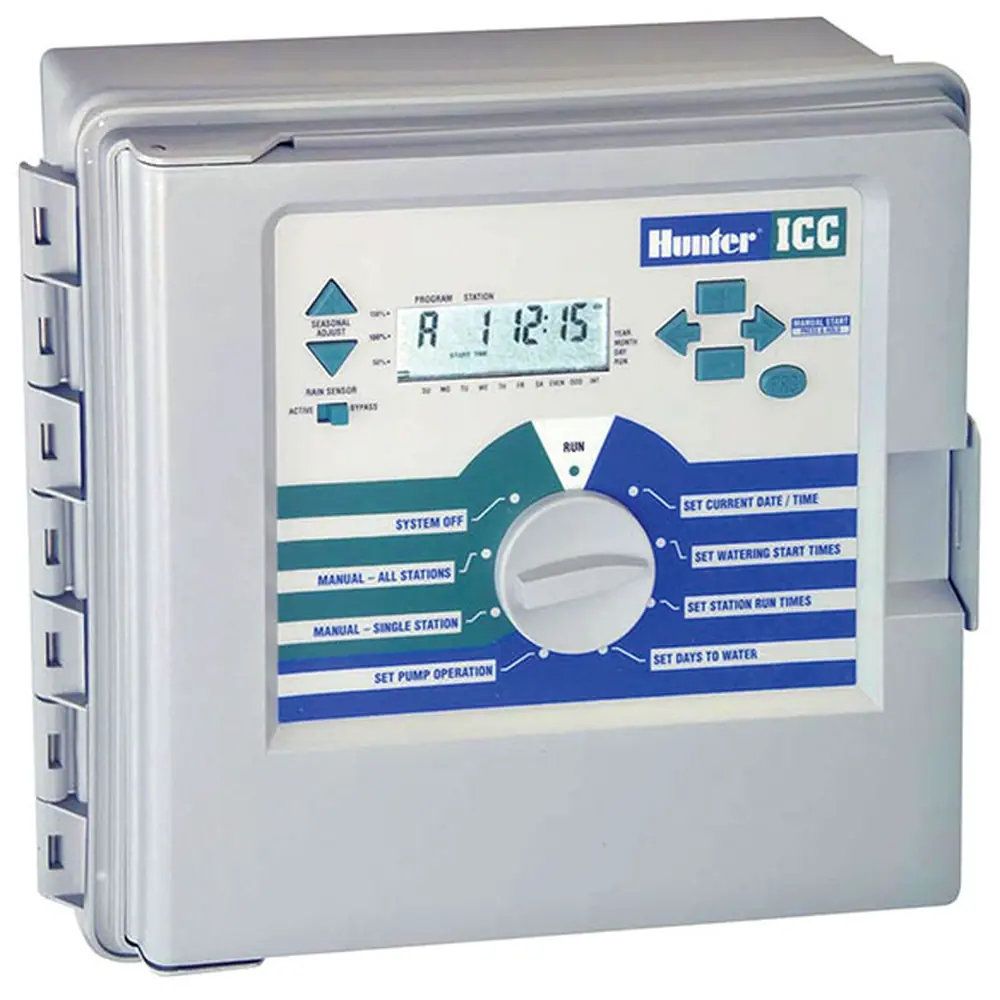
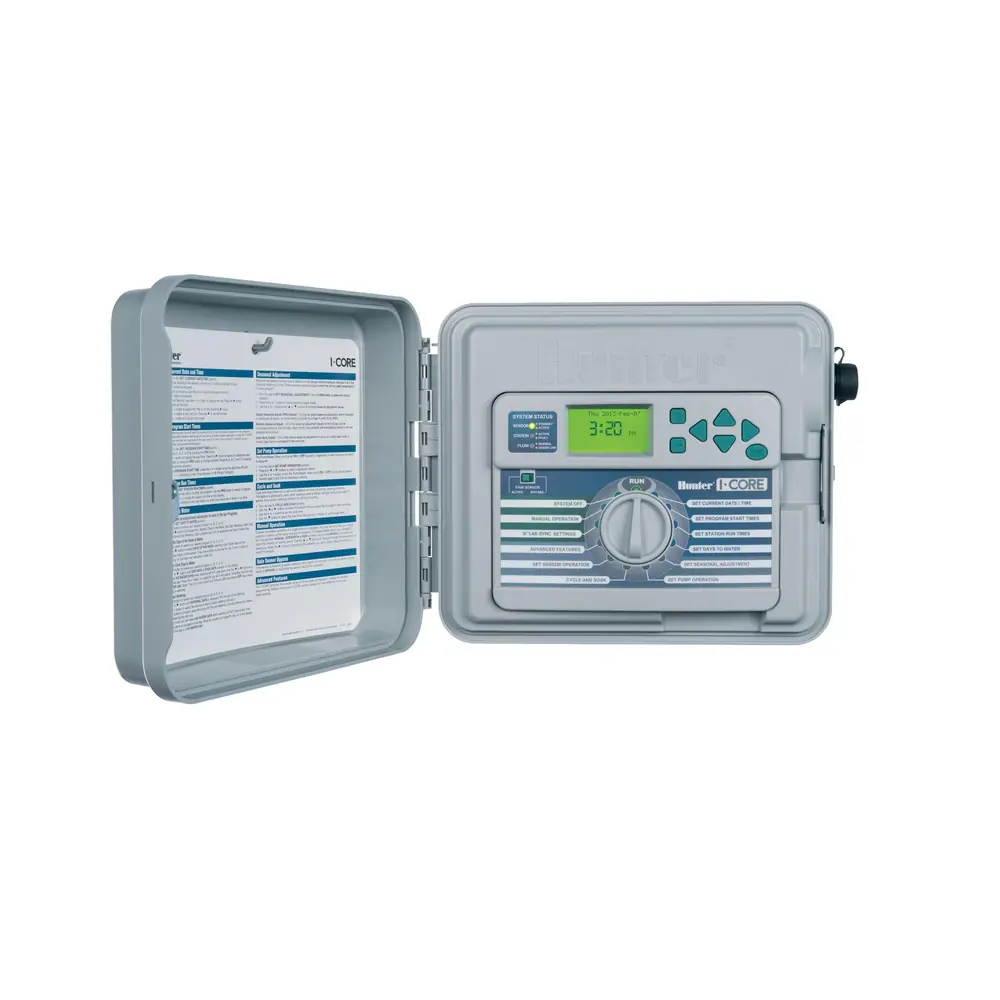
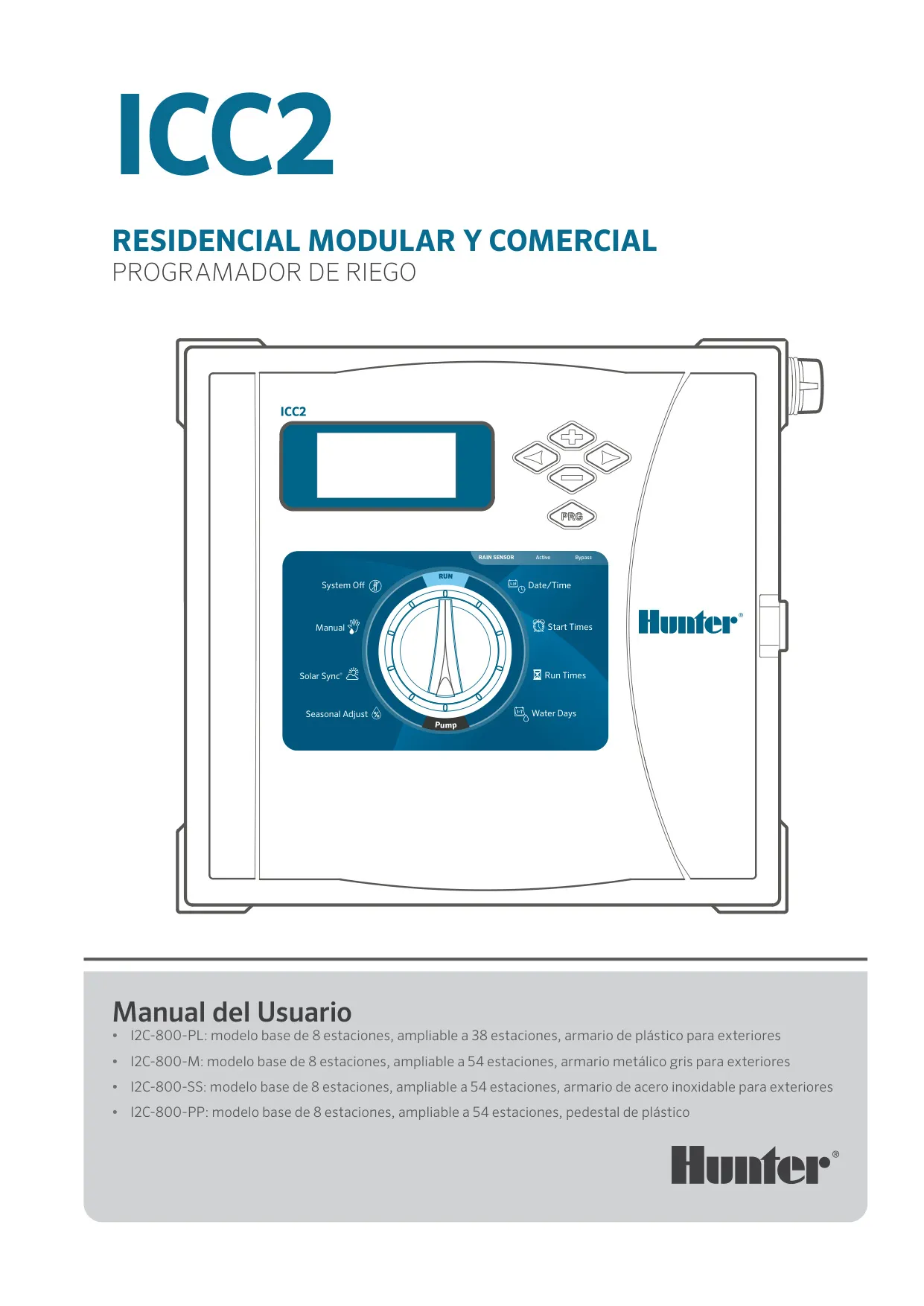
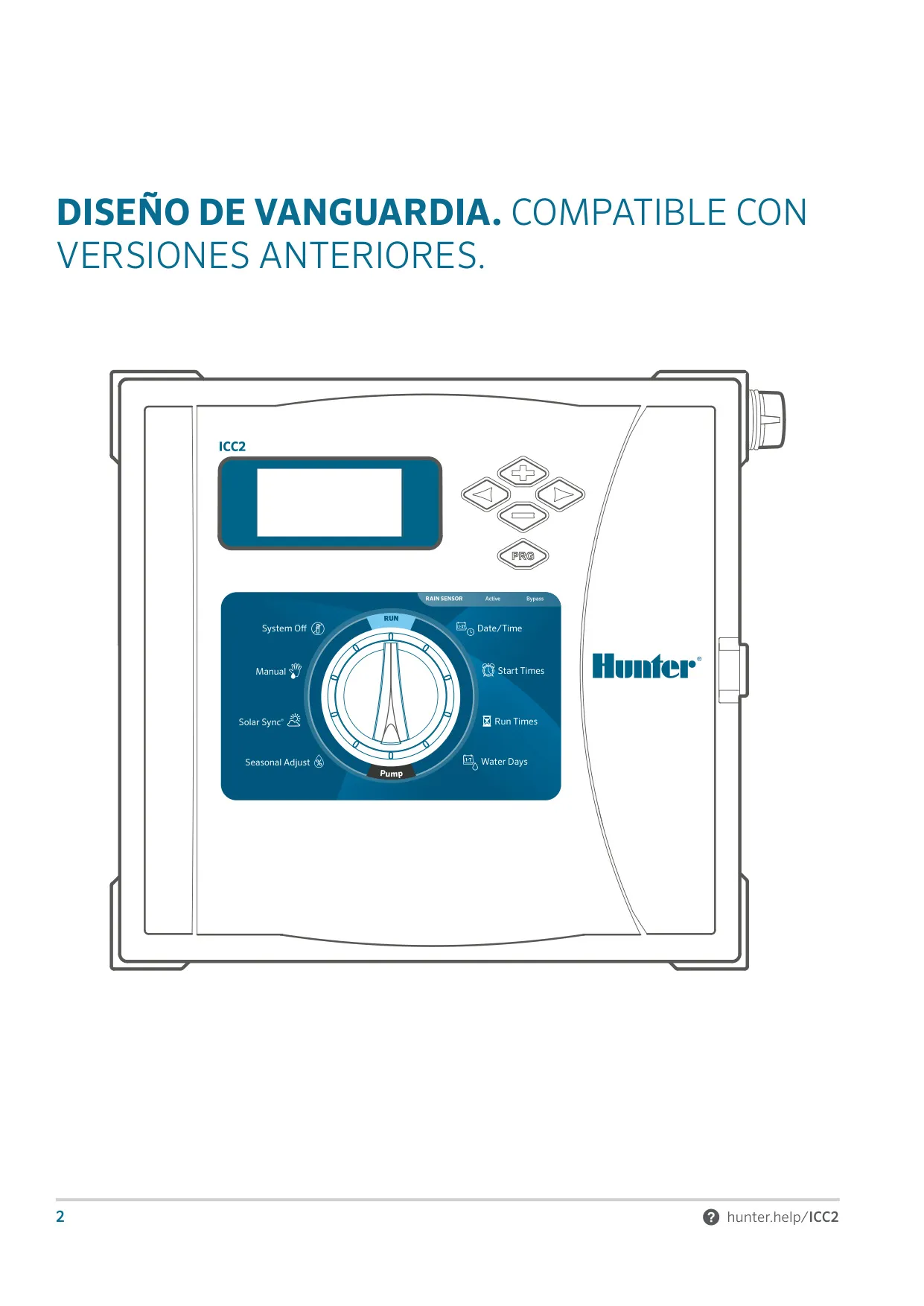
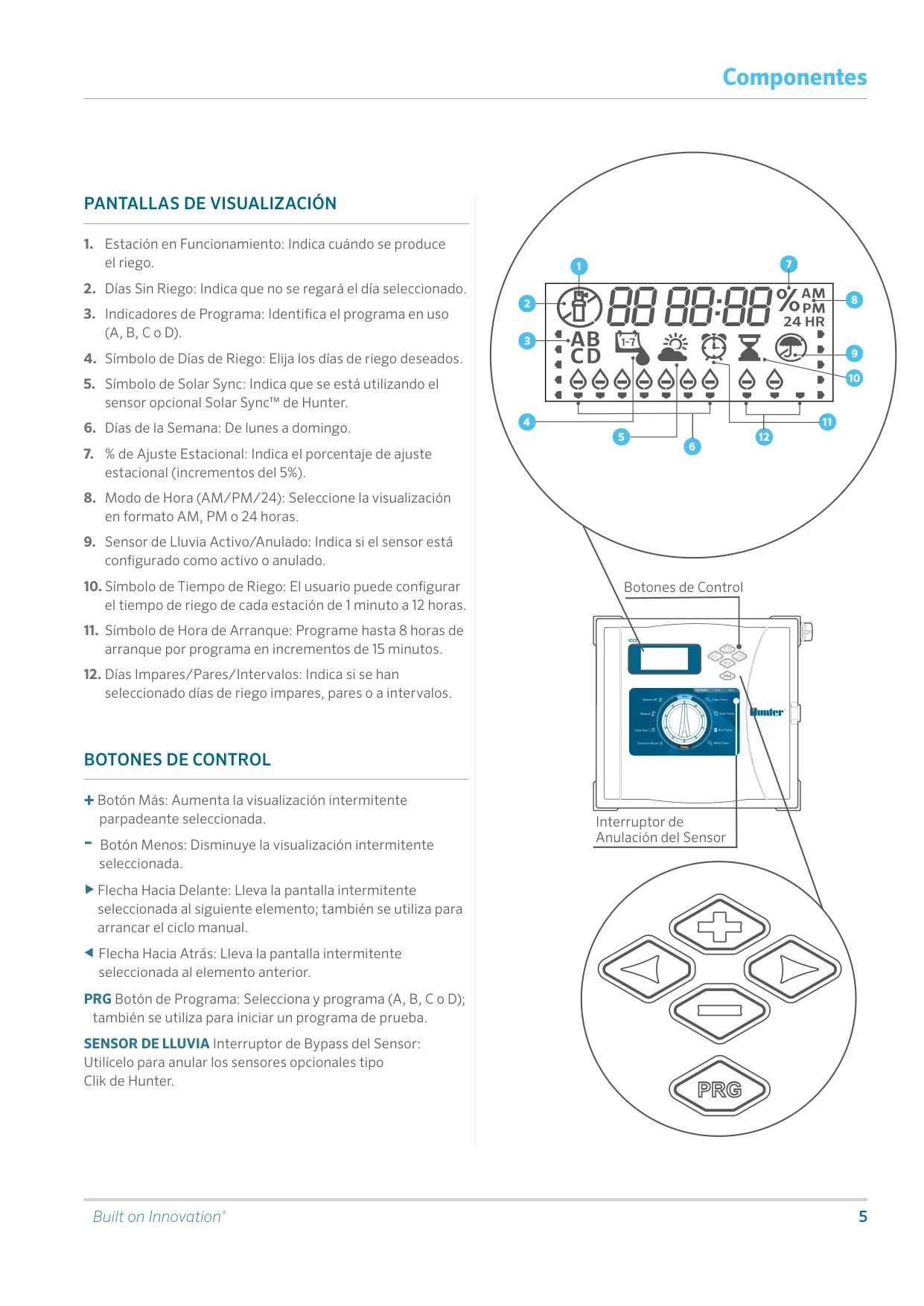
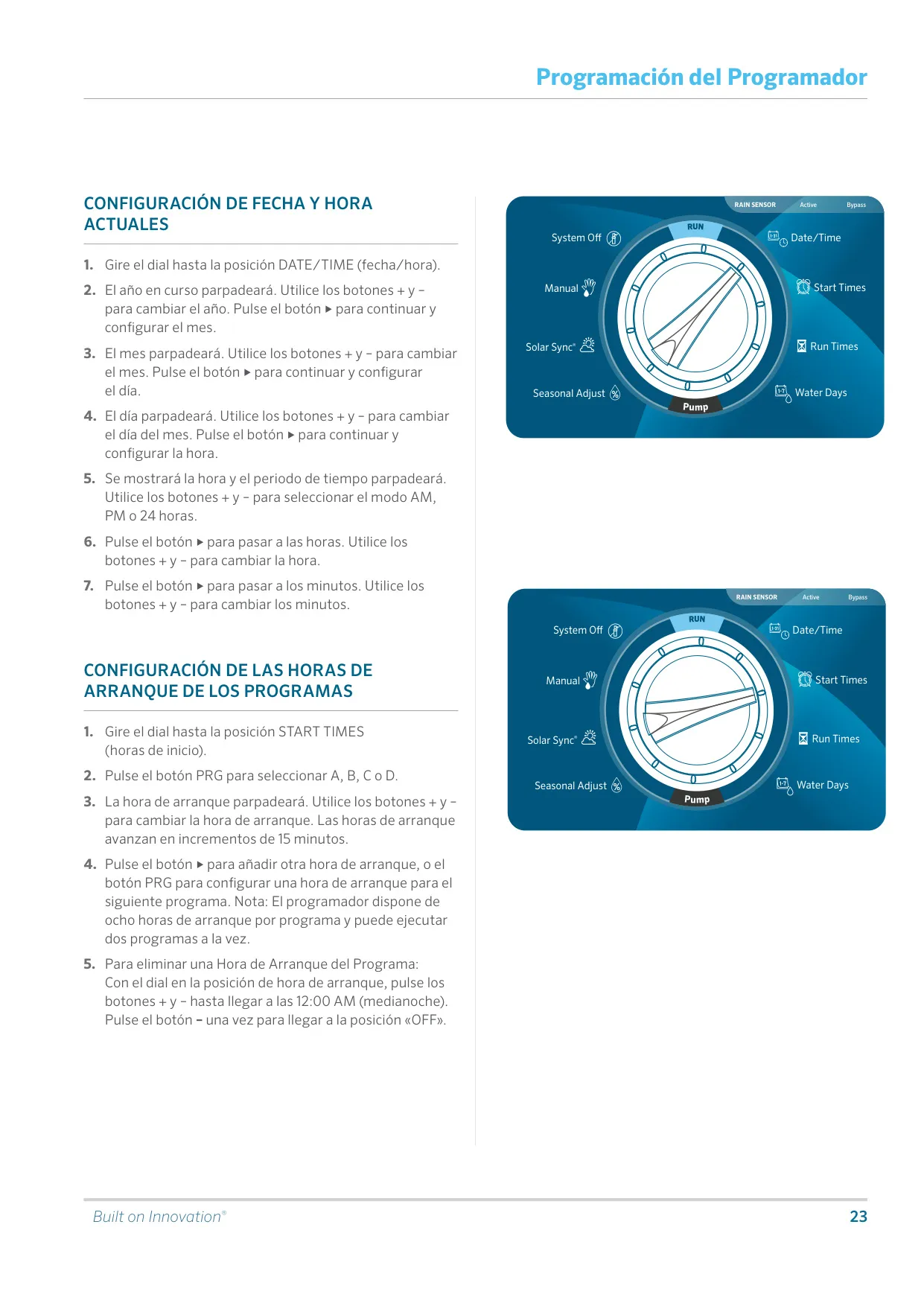
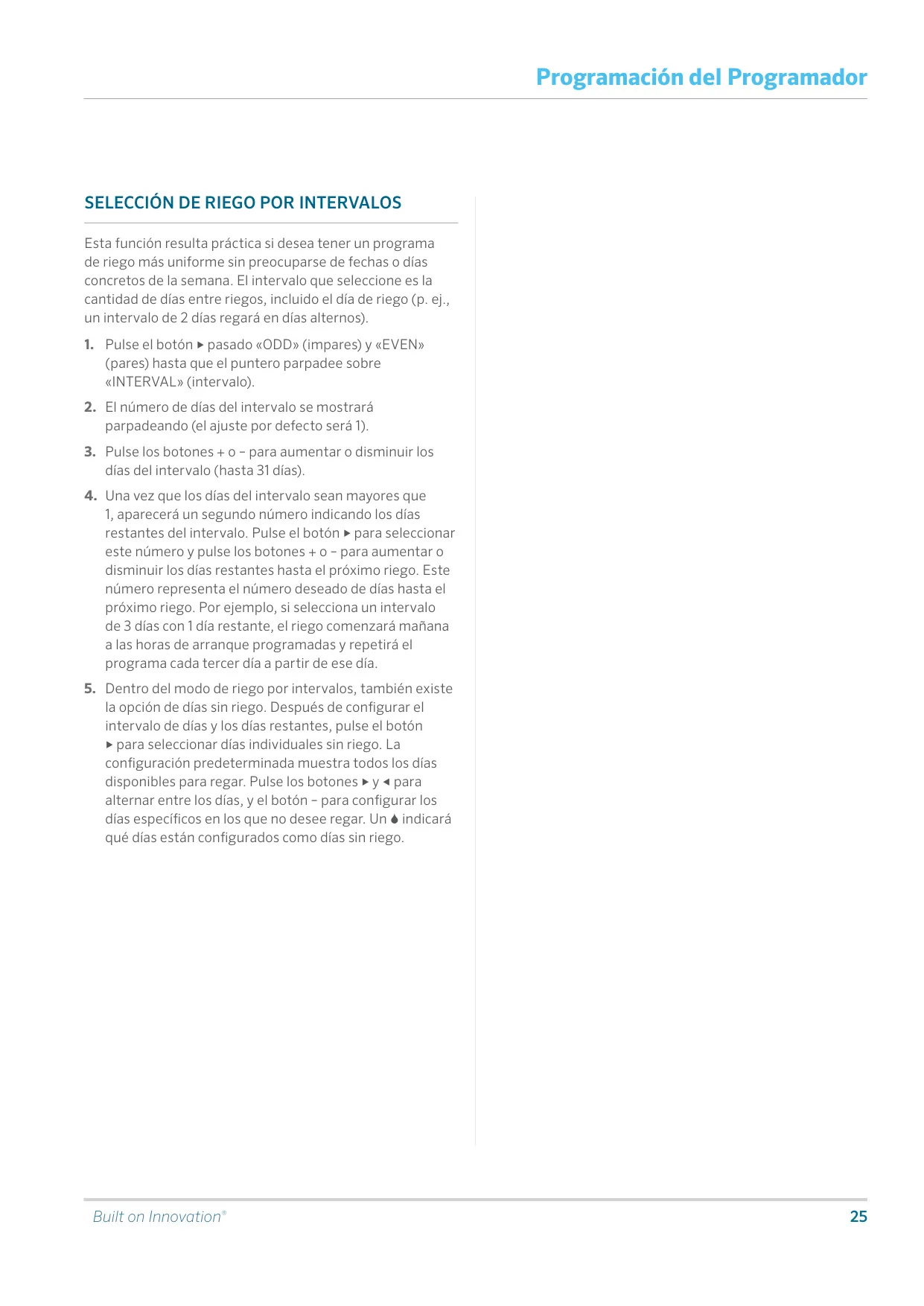
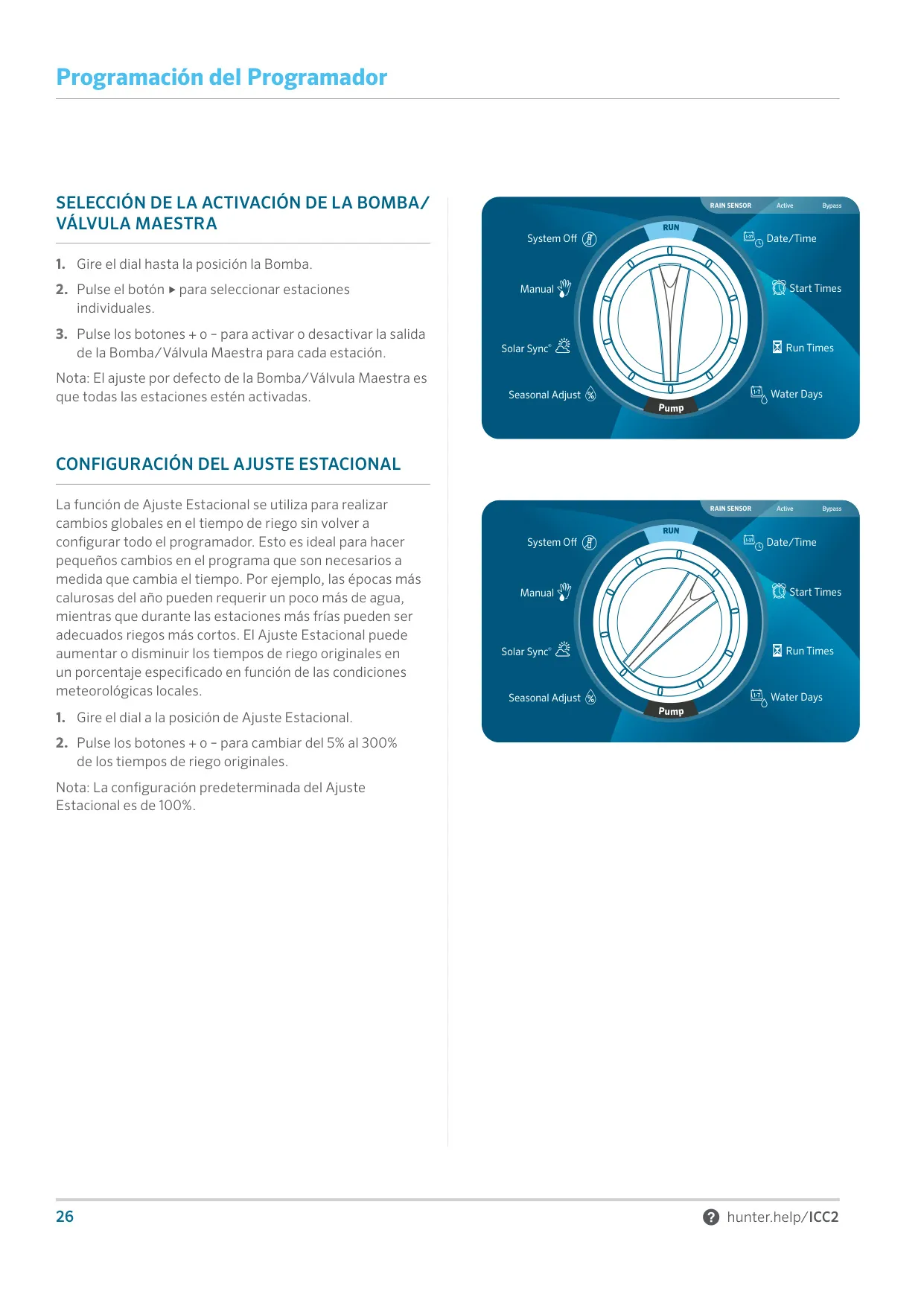
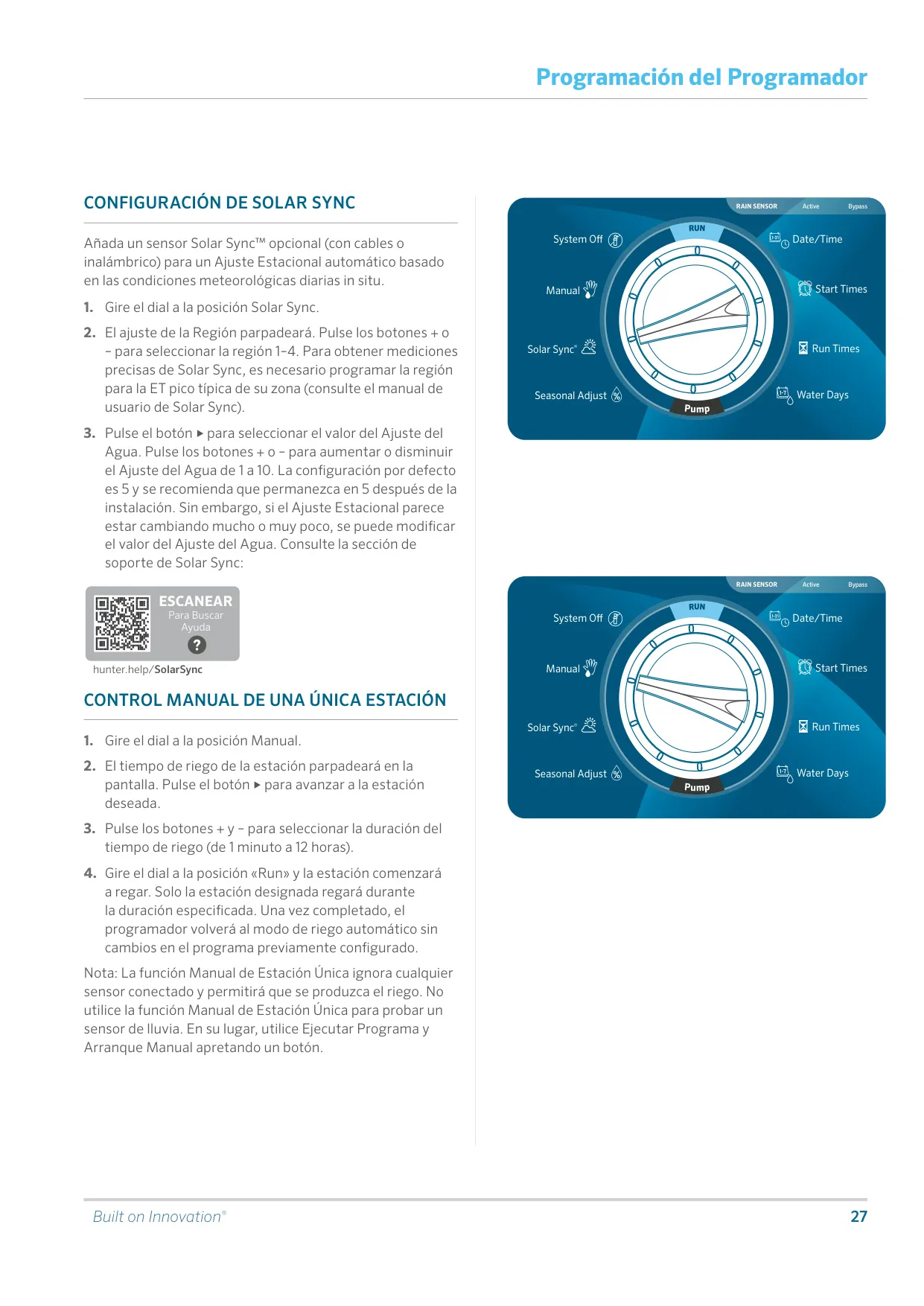
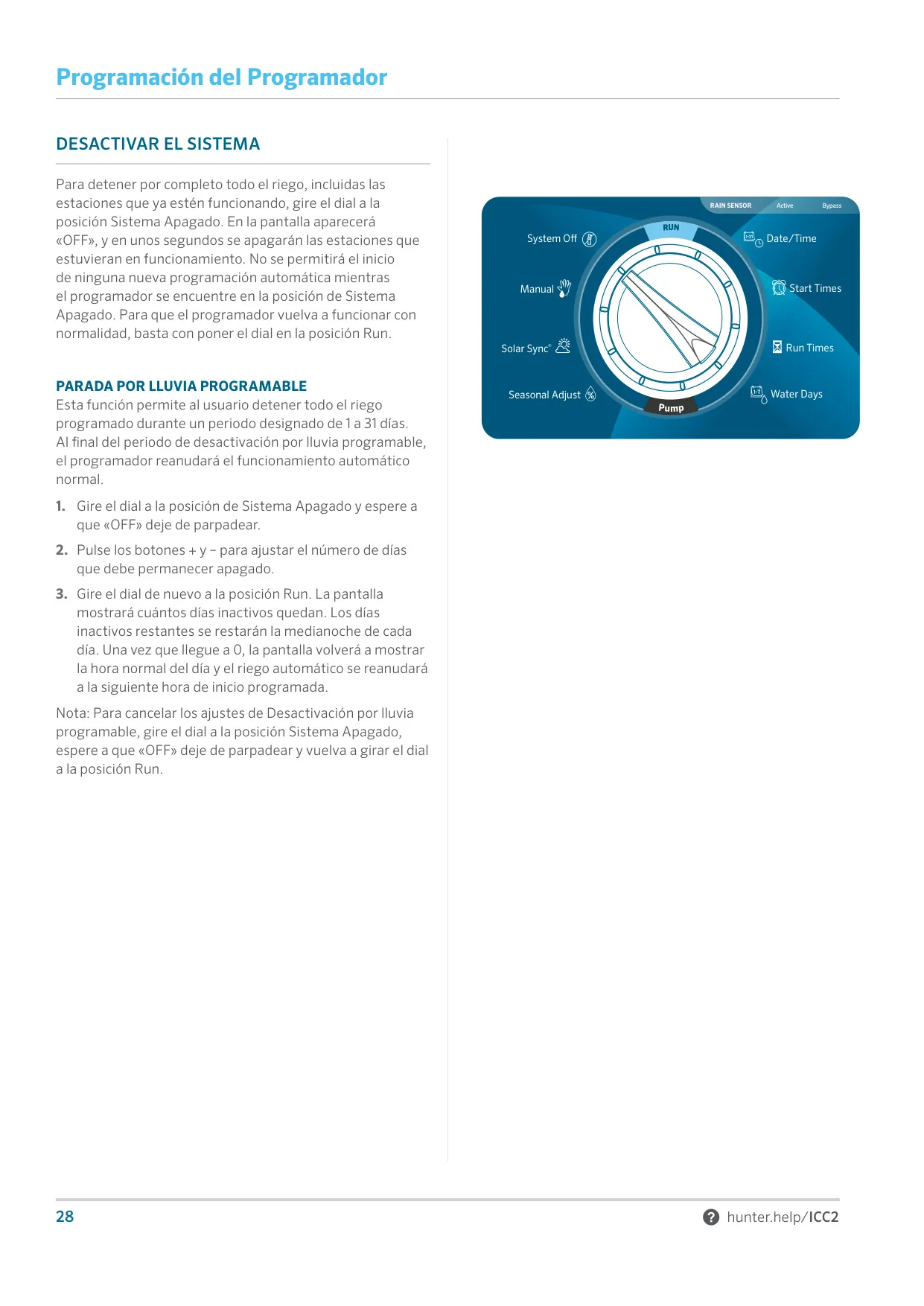
The Hunter ICC2 is a modular controller for residential and commercial irrigation. Its design is backward compatible with earlier ICC controllers. You set it up with a single rotary dial that has ten positions: Run, Date/Time, Start Times, Run Times, Water Days, Pump, Seasonal Adjust, Solar Sync, Manual and System Off. Plus, minus, forward and back arrow buttons and a PRG button edit the flashing value on screen. A front-panel switch puts a connected rain sensor in Active or Bypass mode.
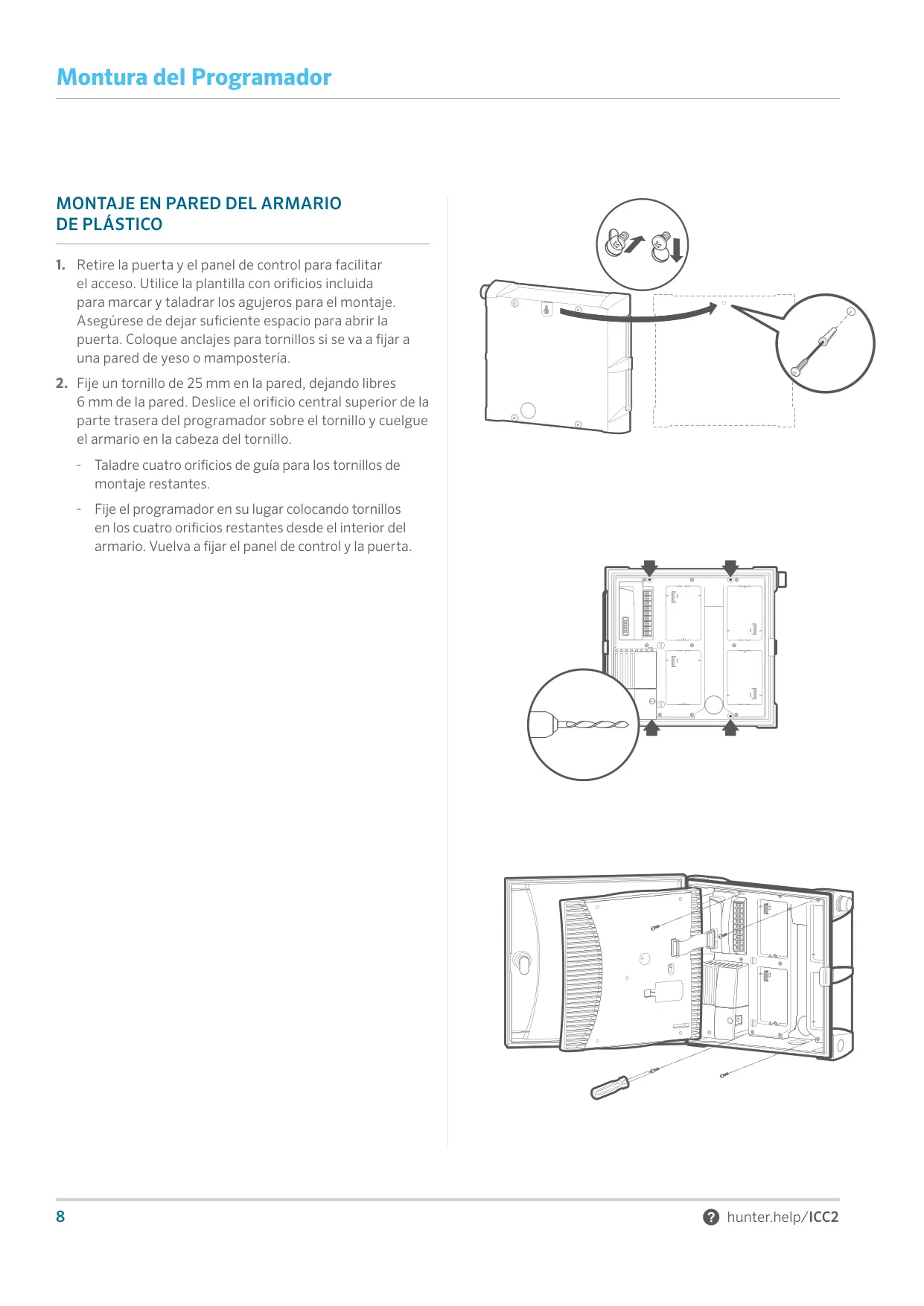
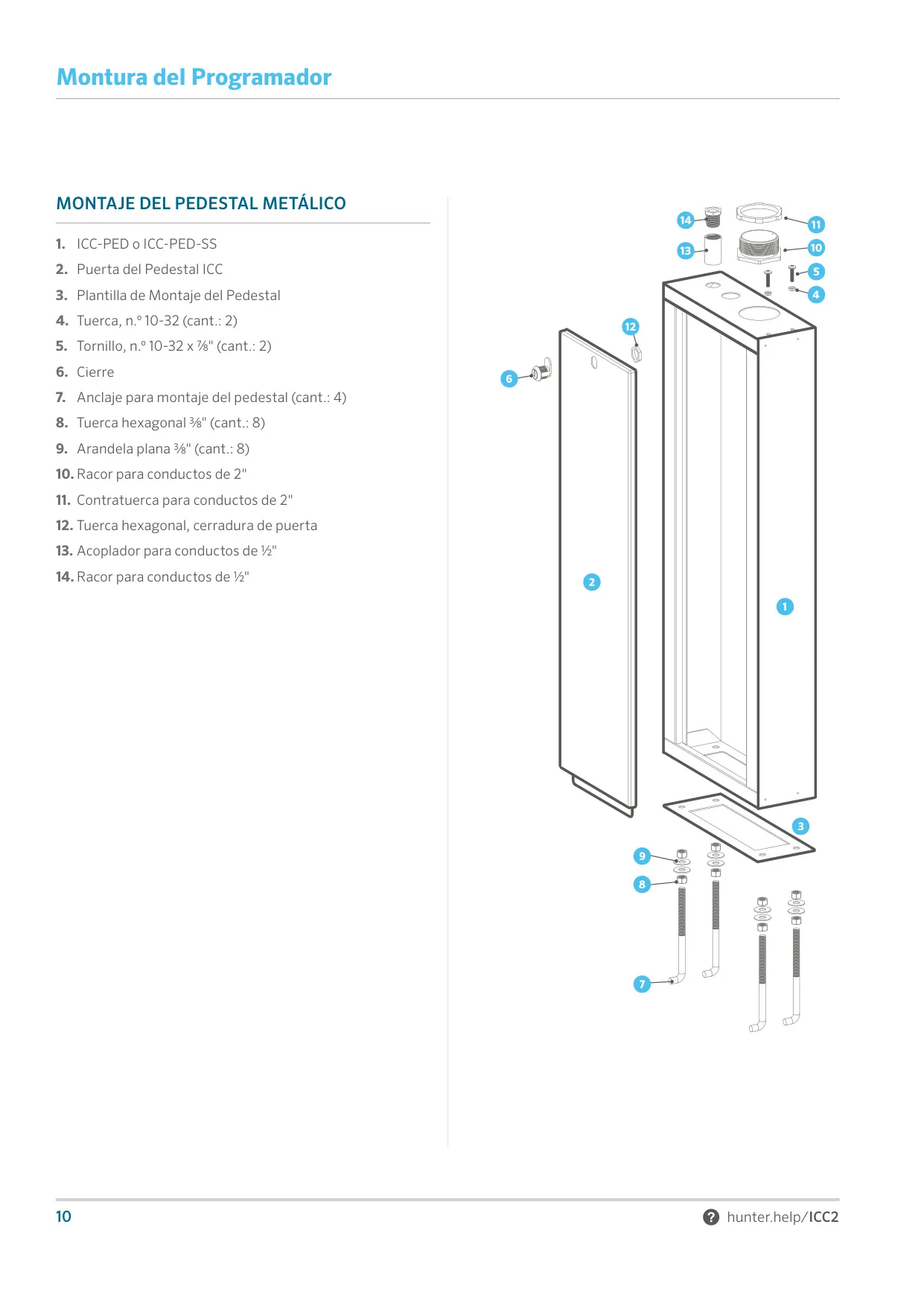
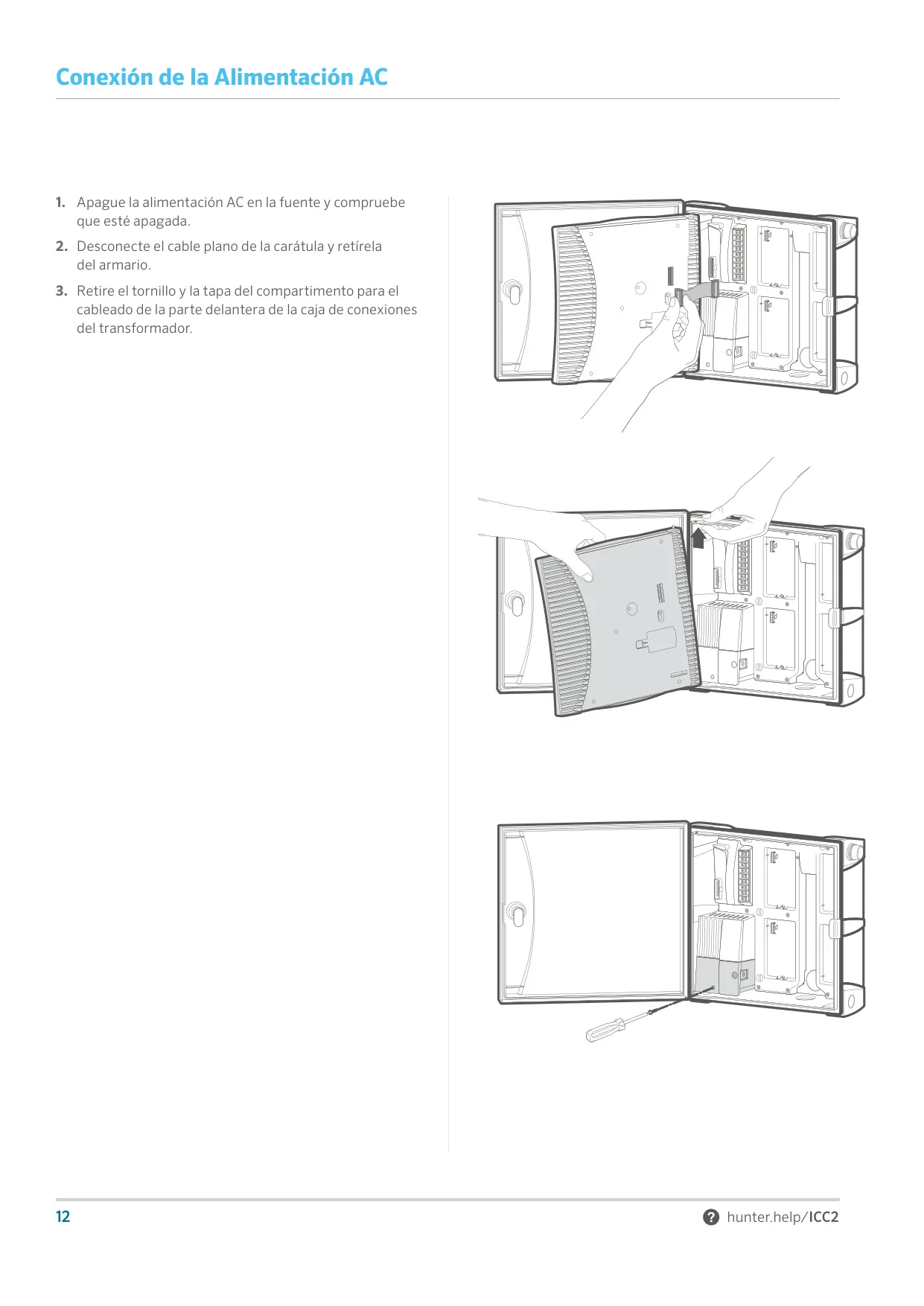
Installation is designed for field technicians. Wall-mounted cabinets hang on a 25 mm screw and are then secured with four more screws from inside the cabinet. Pedestals bolt onto a concrete pad of roughly 50 x 40 x 10 cm. AC power can be connected with wire nuts or a terminal block. Hunter recommends at least a 5 mm² ground wire and copper-clad ground rods or plates that achieve 10 Ω or less, placed at least 2.5 m from the controller. Proper grounding is mandatory for the metal and stainless steel versions.
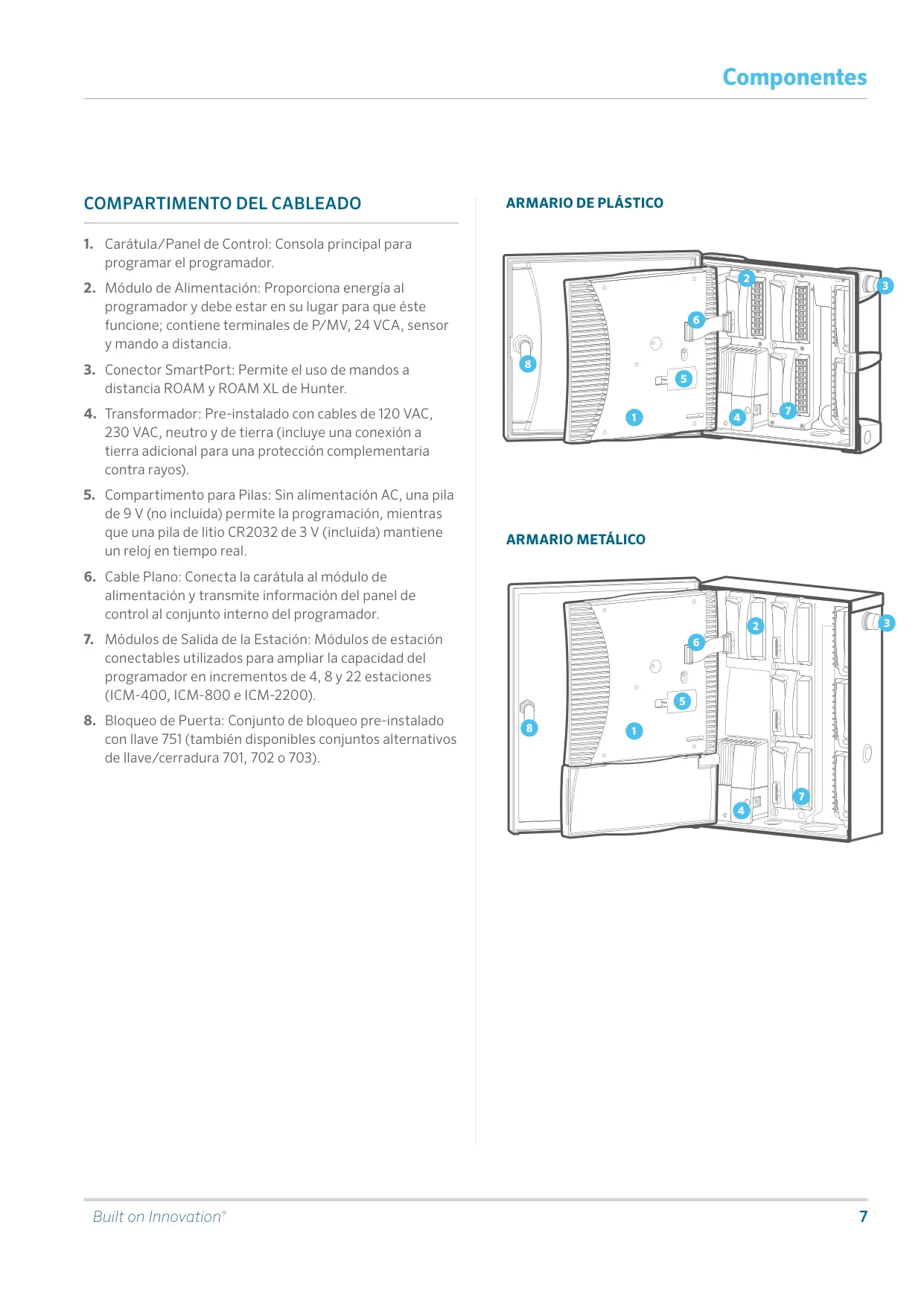
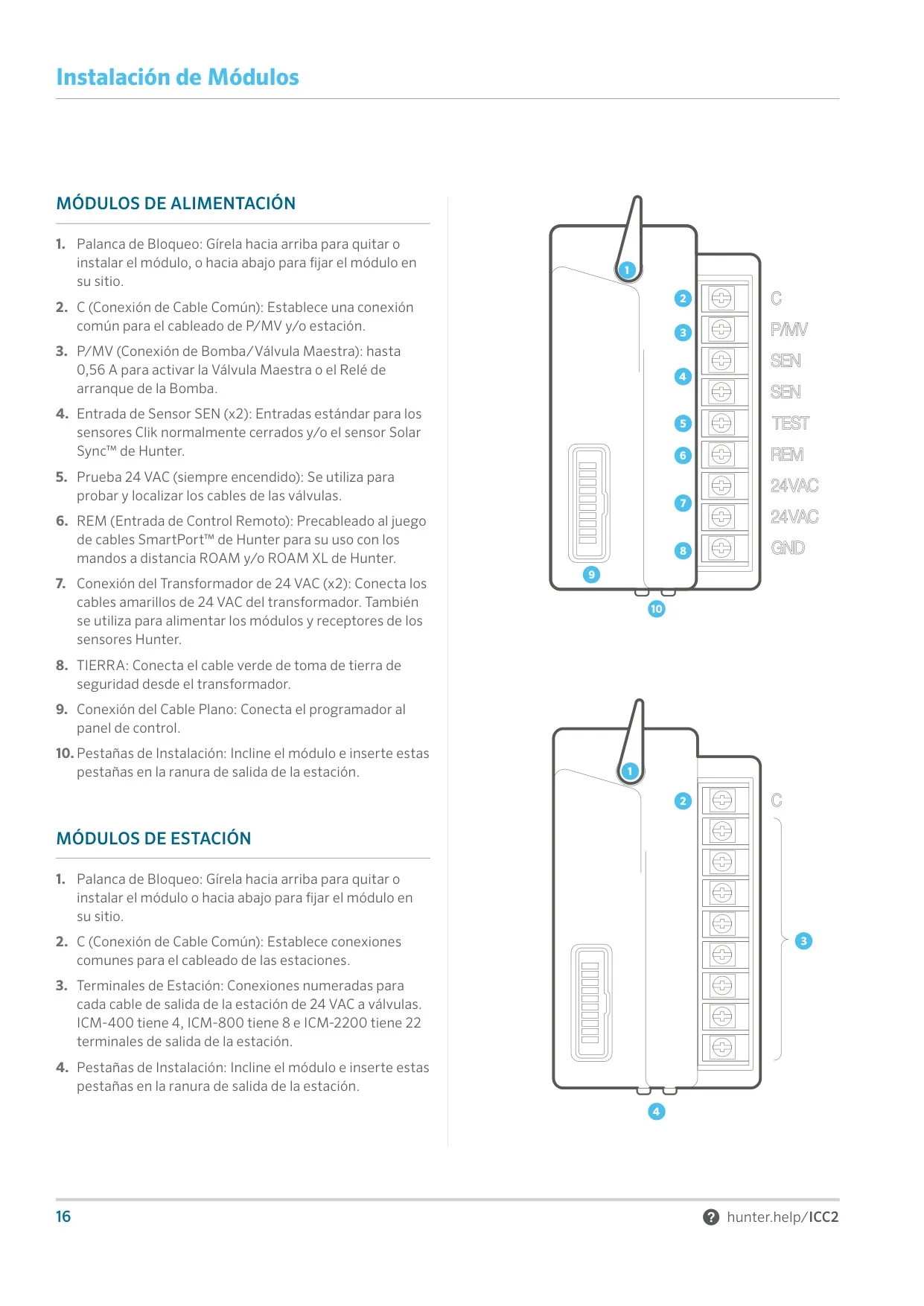
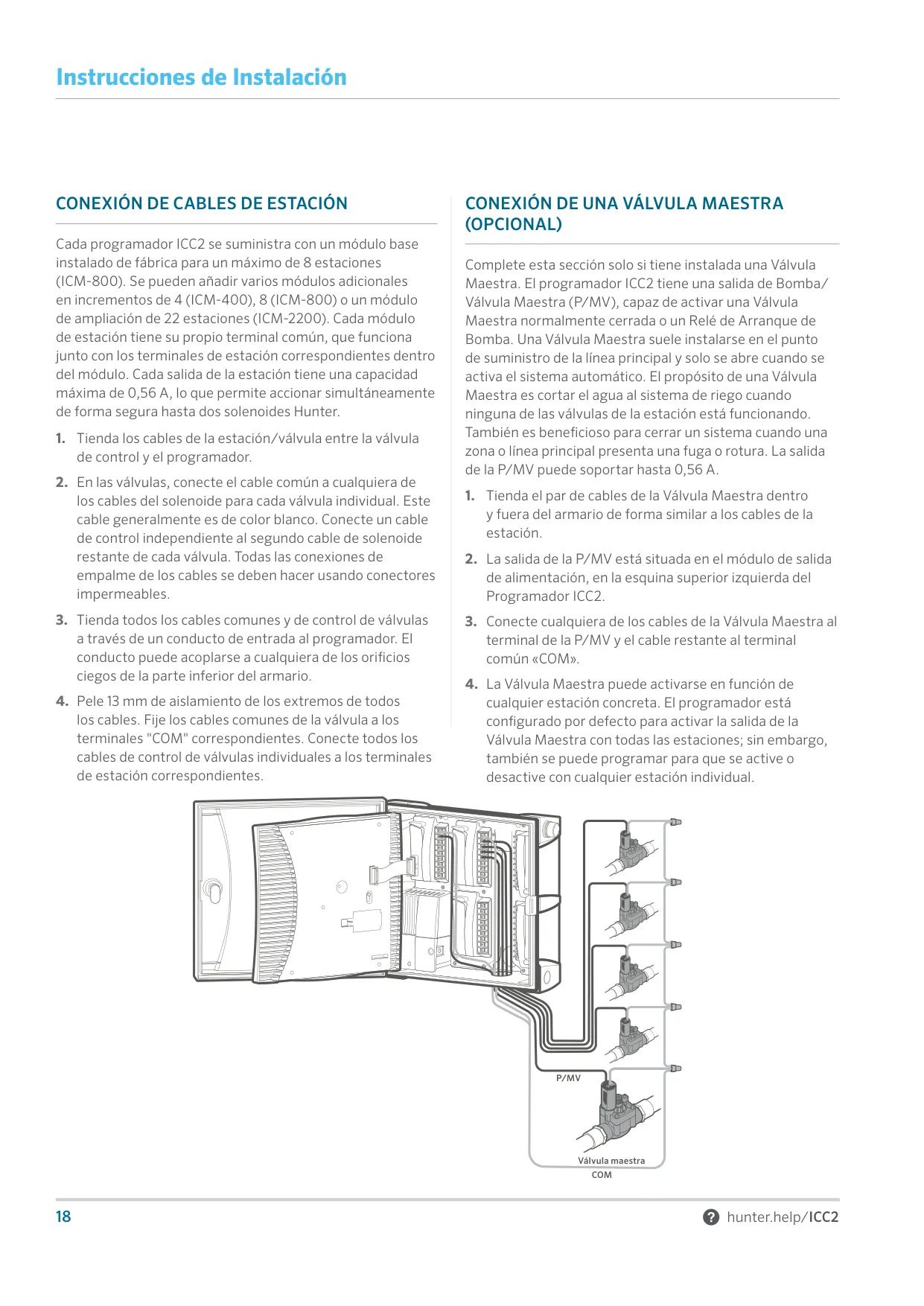
To add a station module, unlock the blue locking lever, seat the module and press RESET on the back of the facepack. The ICM-2200 must go in the two highest slots, with no empty slots before it. The P/MV output can drive a normally closed master valve or a pump start relay. You can turn it on or off for each station. Hunter recommends mounting the controller at least 4.5 m from a pump start relay to reduce electromagnetic noise.
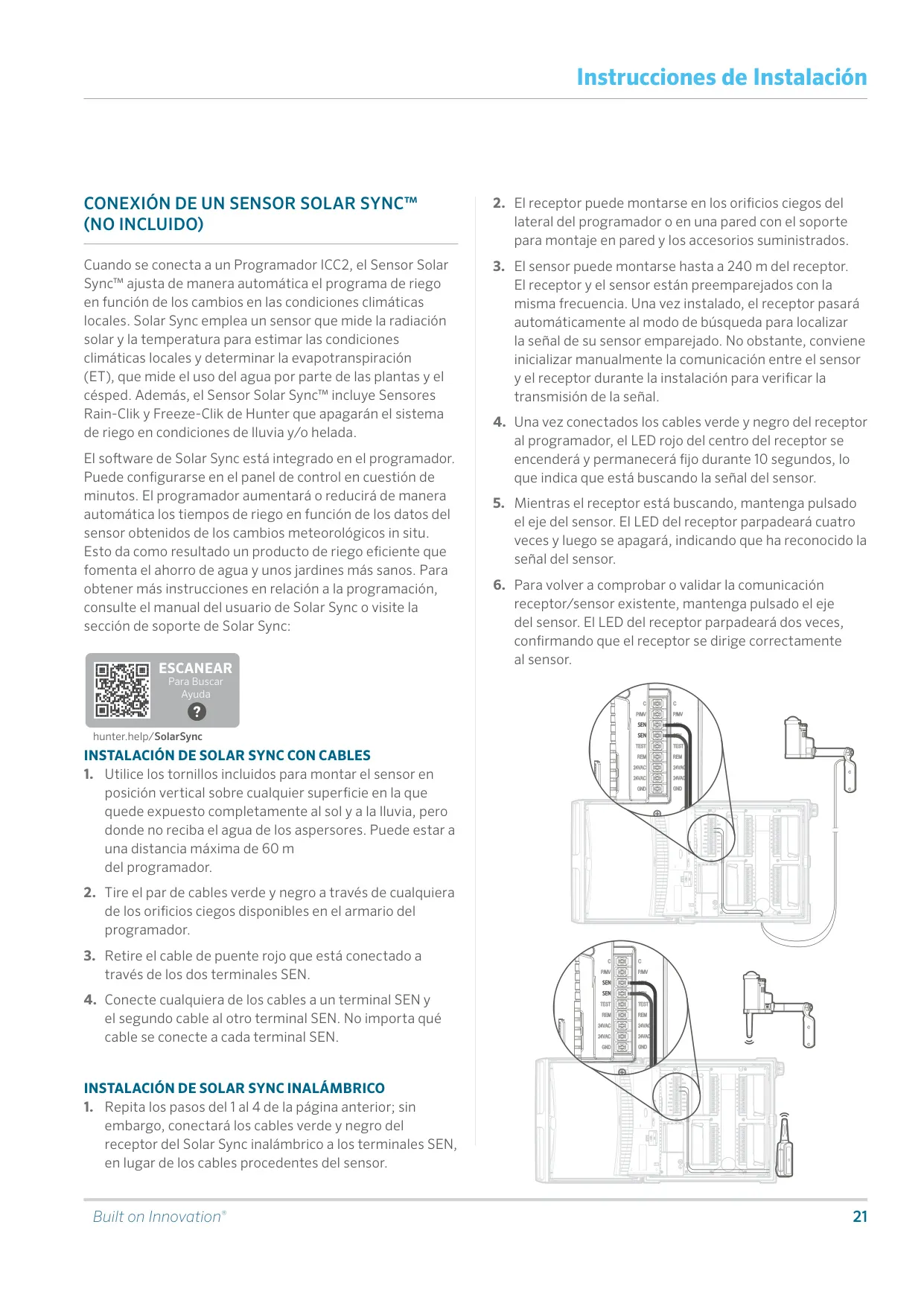
The controller works with the full Clik sensor line: Rain-Clik, Freeze-Clik, Wind-Clik, Soil-Clik, Flow-Clik and Mini-Clik. The optional Solar Sync sensor measures solar radiation and temperature to estimate evapotranspiration. It then adjusts run times automatically and includes rain and freeze shutoff. A wired sensor can be mounted up to 60 m from the controller. The wireless version reaches up to 240 m from its receiver. In Solar Sync settings you choose a region from 1 to 4 and a Water Adjustment value from 1 to 10.
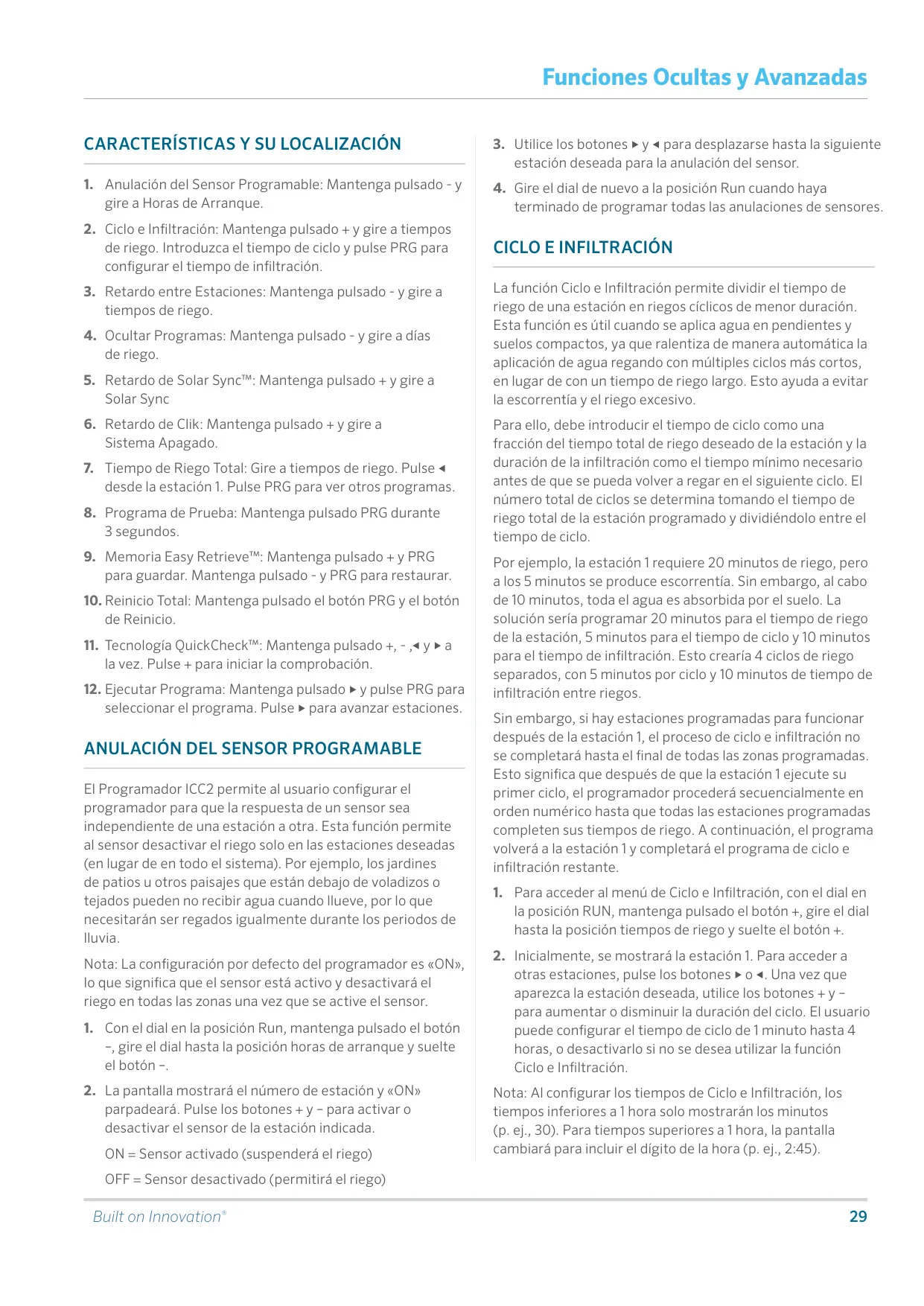
The advanced features are reached by holding a button while turning the dial. Programmable Sensor Override lets you choose which stations the sensor shuts off. Cycle and Soak splits run times into cycles of 1 minute to 4 hours, with a soak period between them. Delay Between Stations can be set from 1 second to 10 hours. During that delay, the pump or master valve circuit stays on for the first 15 seconds. You can also hide programs B, C and D to keep programming simple.
Several features handle the weather. Programmable Rain Off pauses all watering for 1 to 31 days. Clik Delay holds off watering for 1 to 7 days after a sensor event ends. Solar Sync Delay stops Solar Sync from changing run times for up to 99 days, which is useful during overseeding. The sensor still keeps collecting weather data during that time. A total run time calculator shows how long each program will water.
For maintenance, Easy Retrieve saves your preferred schedule and lets you restore it later. A Total Reset erases everything, including the saved schedule. QuickCheck scans every station for wiring shorts and shows "ERR" next to any faulty station. The Test Program runs each station in order for 0 to 15 minutes. One-touch manual start runs any program without using the dial. On-screen codes such as P ERR, SP ERR and NO AC help you diagnose faults quickly.
Frequently Asked Questions (FAQs)
Can't find the answer you need? Here are some frequently asked questions about the Hunter ICC2 Irrigation Controller, and we answer them below.