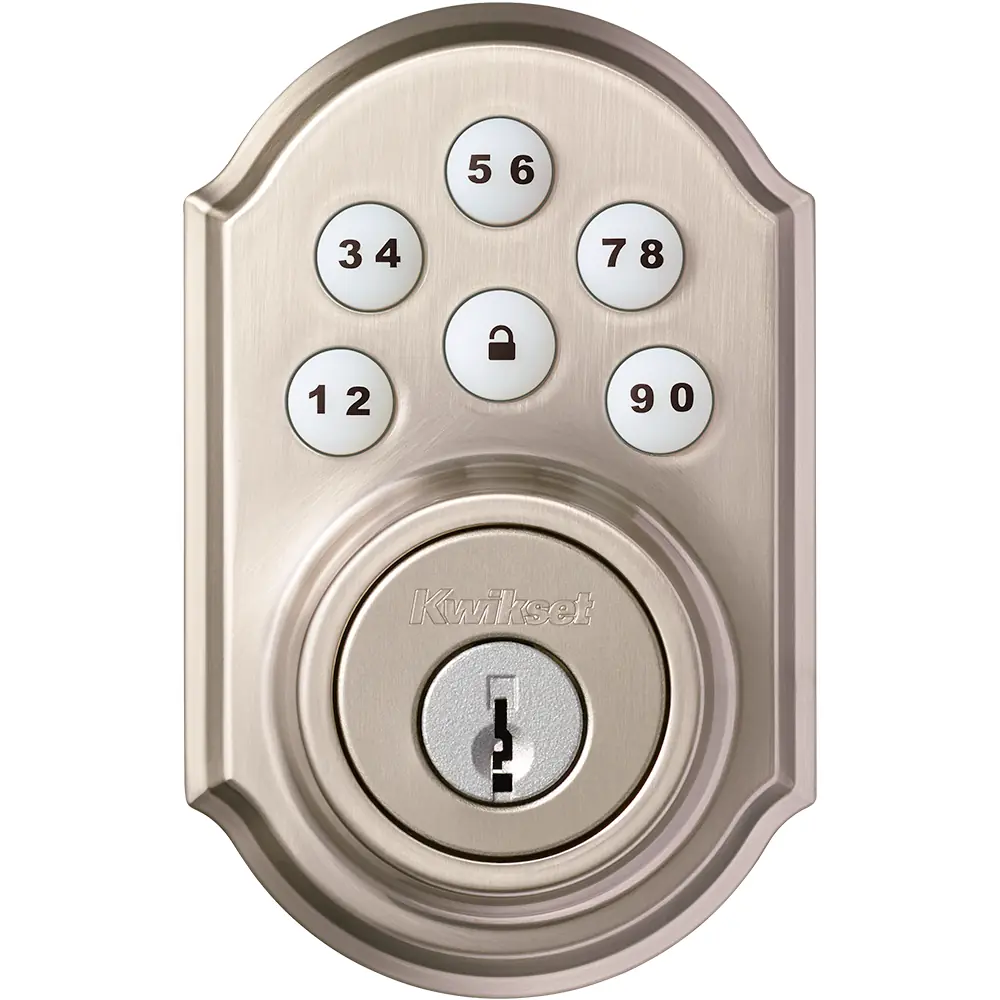
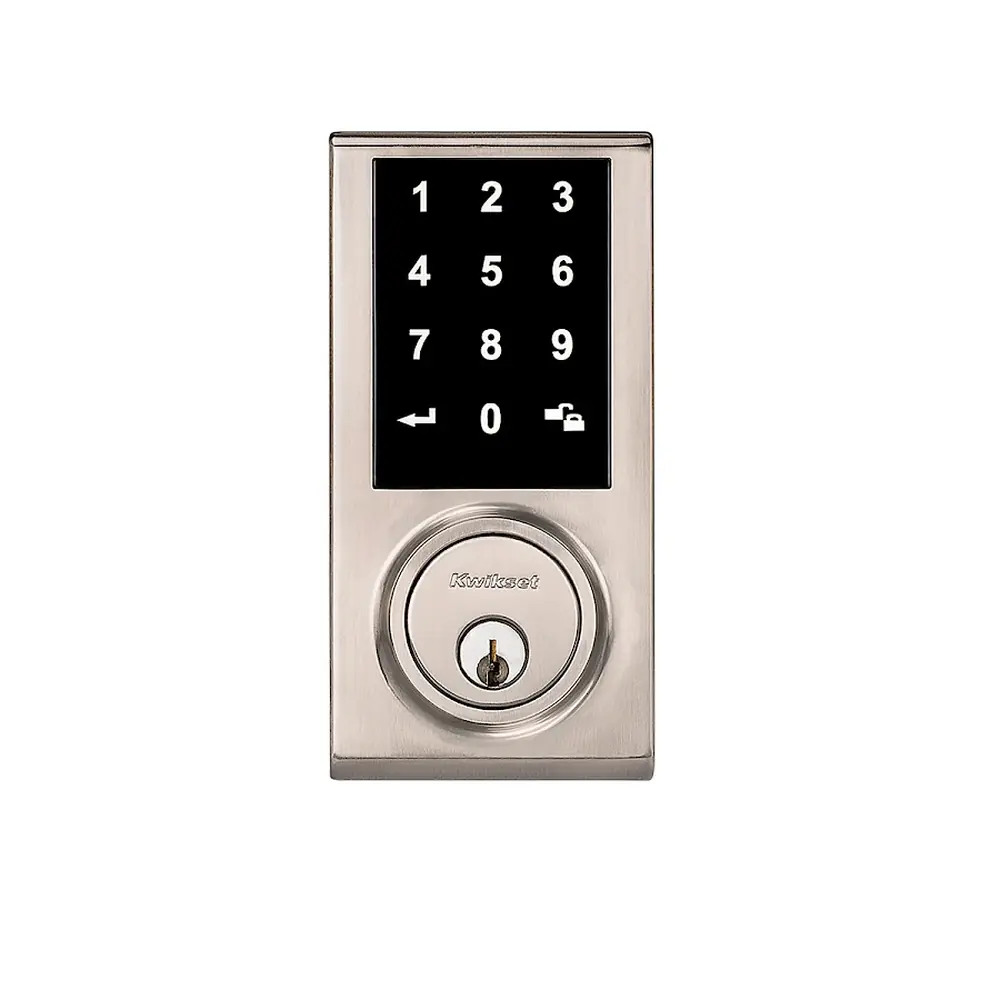
Kwikset 913 Electronic Deadbolt Instruction Manual

Kwikset 913 Electronic Deadbolt










Kwikset 913 Electronic Deadbolt


Kwikset 913 Electronic Deadbolt







Kwikset 913 Instructions
Here we offer the Kwikset 913 Electronic Deadbolt manual completely free and in English. We have cataloged this manual in the Electronic Locks section on Manualverse, and it has been rated by 1 users with an average rating of 5. If you have any specific questions about Kwikset 913 Electronic Deadbolt, we suggest checking the Frequently Asked Questions (FAQs) section of this manual.
Product Images


Kwikset 913 Electronic Deadbolt Specifications
| Feature | Specification |
|---|---|
| Model | Kwikset SmartCode 913 Electronic Deadbolt |
| Lock Type | Motorized keypad deadbolt with SmartKey keyway backup |
| Available Styles | Traditional and Contemporary |
| Power Supply | 4 x AA batteries (new, non-rechargeable alkaline recommended) |
| Battery Life | Over 1 year based on 10 operations per day |
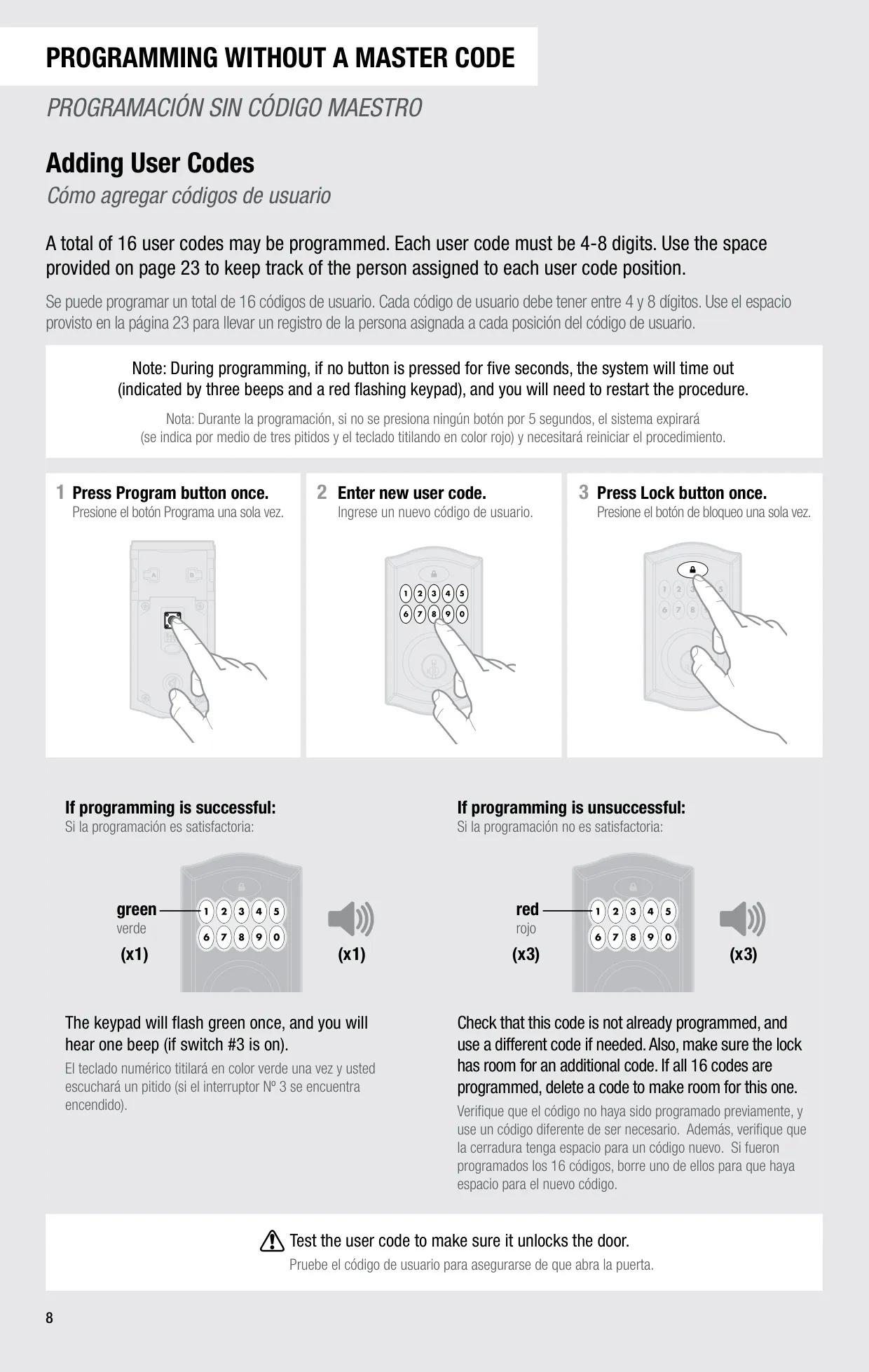
| User Code Capacity | 16 user codes maximum |
| User Code Length | 4 to 8 digits (each code must be unique) |
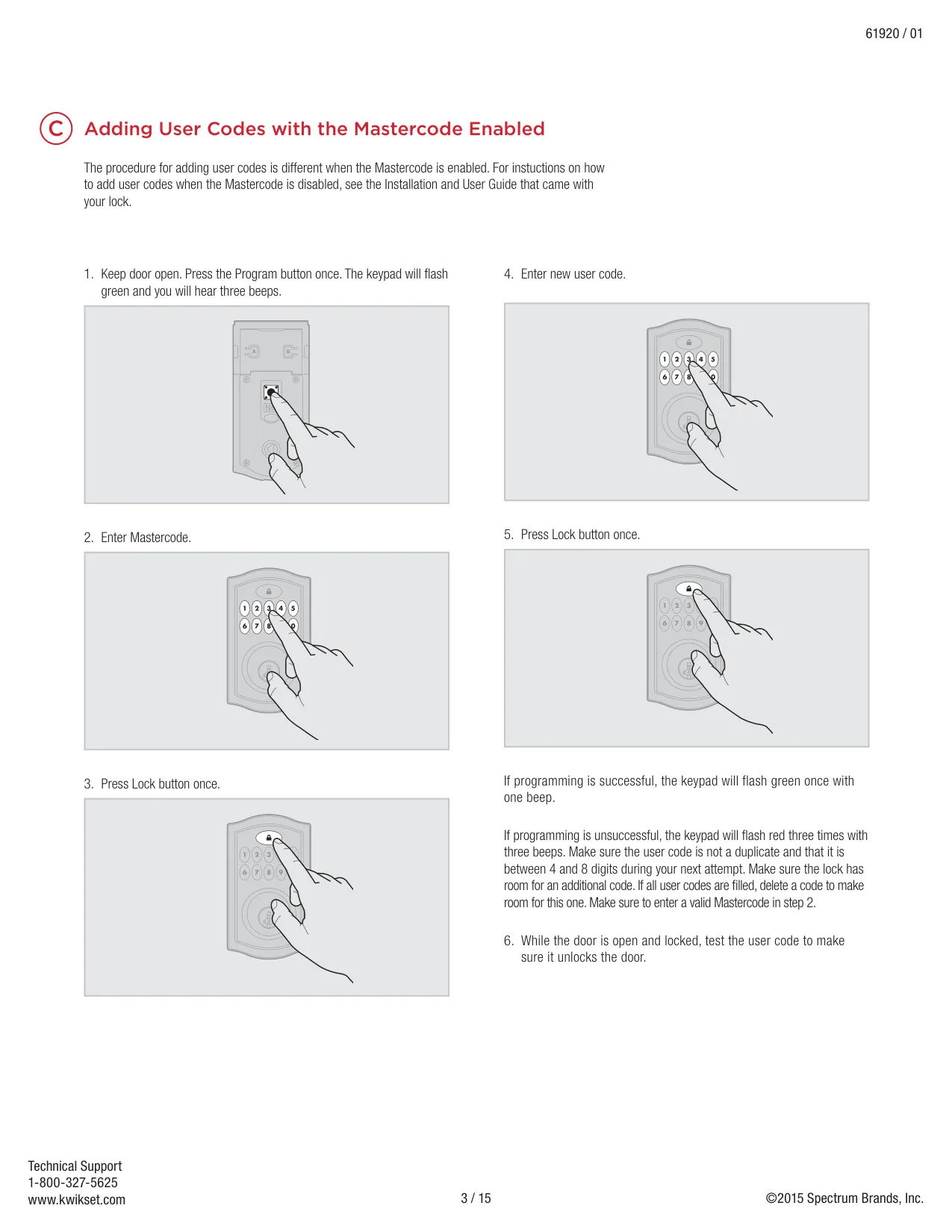
| Master Code | Optional, 4 to 8 digits, disabled by default |
| Auto-Lock Delay | 30 seconds after unlocking (Switch 2, OFF by default) |
| Programming Timeout | 5 seconds without a button press |
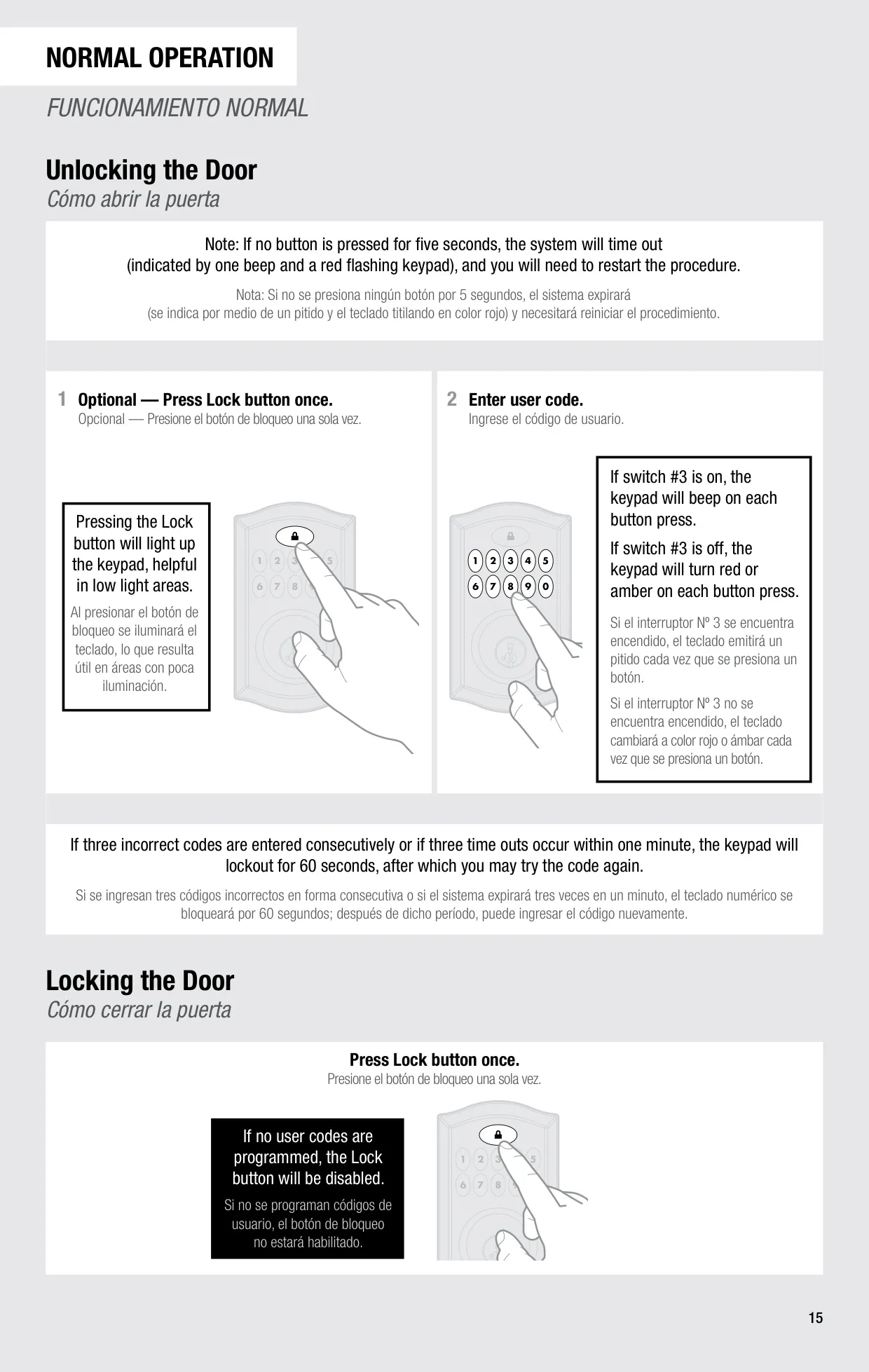
| Keypad Lockout | 60 seconds after 3 consecutive incorrect codes or 3 timeouts within 1 minute |
| Status LED Blink Interval | Every 6 seconds (Switch 1, ON by default) |
| Configuration Switches | 4 DIP switches (LED status, Auto-Lock, Audio, Not used) |
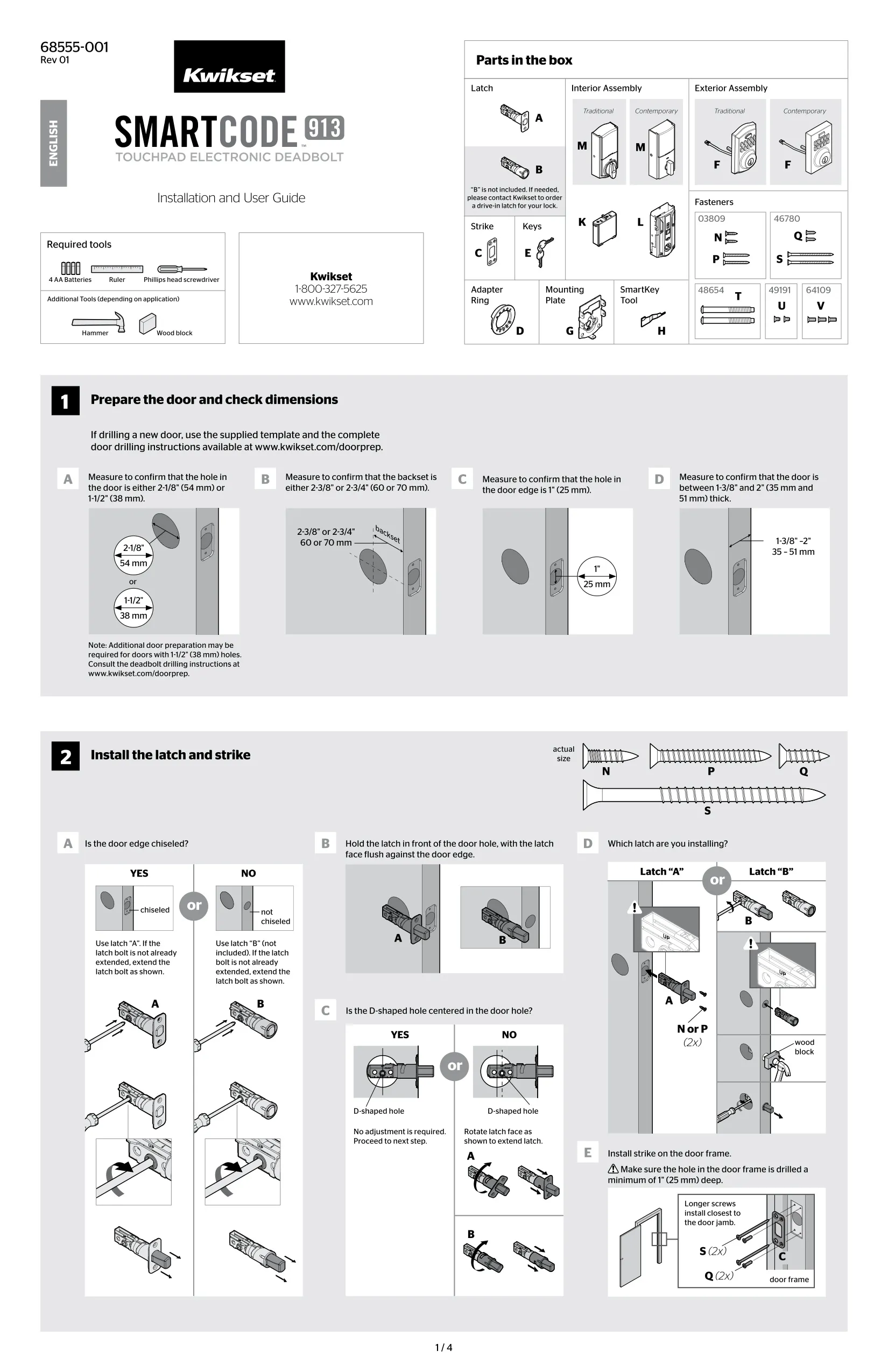
| Door Bore Hole Diameter | 2-1/8" (54 mm) or 1-1/2" (38 mm) |
| Backset | 2-3/8" or 2-3/4" (60 or 70 mm) |
| Door Edge Hole | 1" (25 mm) |
| Door Thickness | 1-3/8" to 2" (35 mm to 51 mm) |
| Strike Hole Depth in Door Frame | Minimum 1" (25 mm) |
| Latch Included | Latch "A" for chiseled door edges; drive-in latch "B" sold separately |
| Factory Reset | Hold Program button 30 seconds while reinserting battery pack |
| Required Tools | Phillips head screwdriver, ruler; hammer and wood block depending on application |
| Regulatory Compliance | FCC Part 15 Class B; Industry Canada ICES-003; CAN/CSA-C22.2 No. 14-05 |
| Technical Support | 1-800-327-5625, Mon-Fri 6:30am-4:30pm PST, Sat 6:30am-4:00pm PST |
Kwikset 913 Electronic Deadbolt Details
The Kwikset SmartCode 913 relies on a step called the door handing process, which teaches the lock which way your door locks and unlocks. With the door open and the latch extended, you hold the Lock button while you insert the battery pack. The latch bolt then retracts about halfway and extends again to learn the direction. If the status LED flashes green, it worked. If it stays solid red, the process failed and you need to repeat it. You also have to repeat it after every factory reset.
The interior assembly has a status LED that shows the lock's condition. Blinking green means unlocked, and blinking amber means locked. If either color alternates with red, the batteries are low. Blinking red means low battery, and it appears even when Switch 1 is off. The keypad also gives alerts. Three red flashes with three beeps mean a wrong code, a timeout or a failed programming attempt. Ten red flashes mean low battery, and 15 flashes signal a keypad lockout. A two-second continuous beep means the deadbolt is jammed.
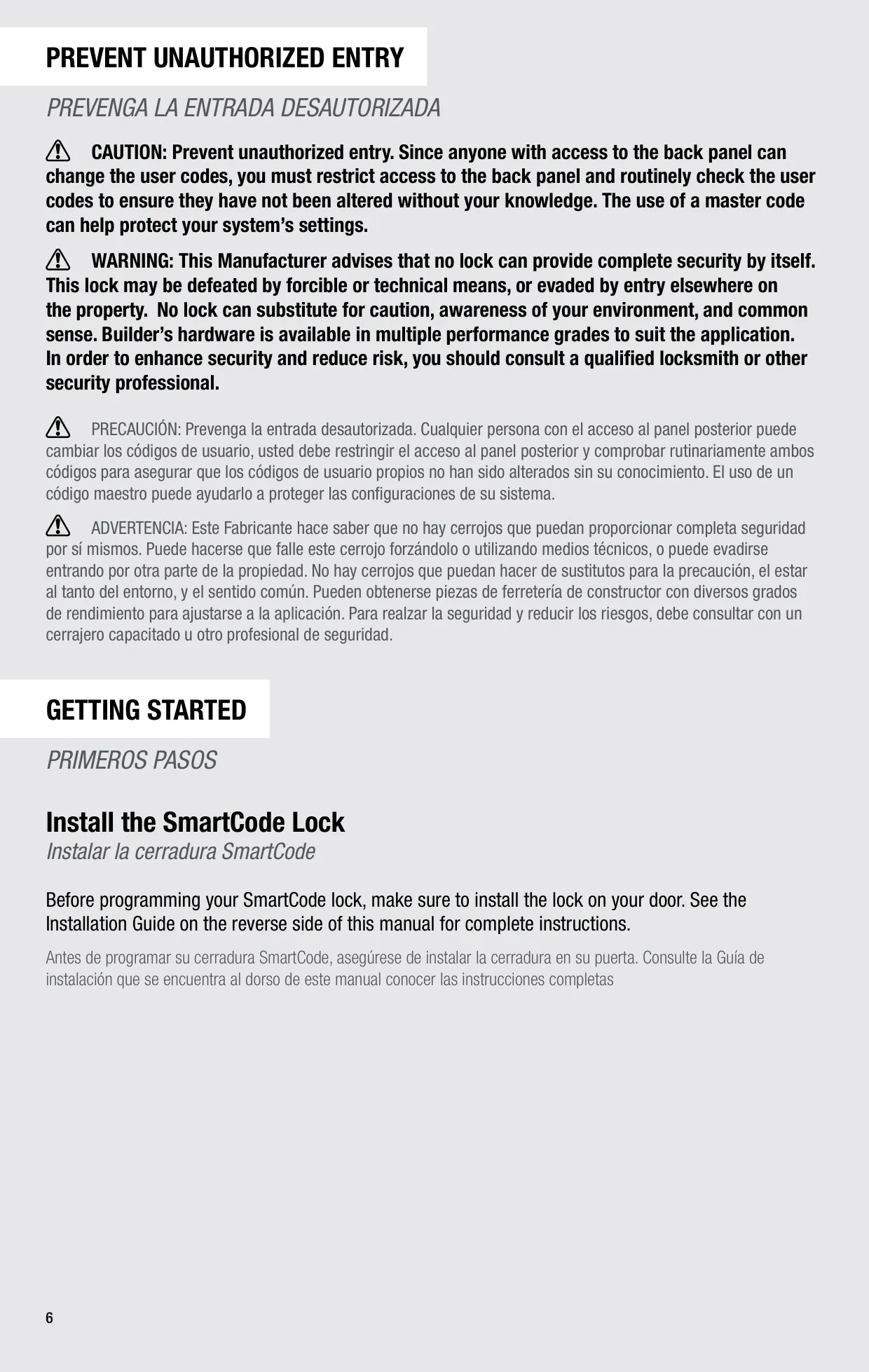
The interior cover has a sliding window that gives you access to the Program button, the switches and the battery pack. By default, a security screw keeps this window locked to stop people from tampering with your settings. You can remove the screw if you want easier access. The manual warns that anyone who can reach the back panel can change user codes. Keep that access restricted and check your codes regularly. Setting up a master code adds another layer of protection.
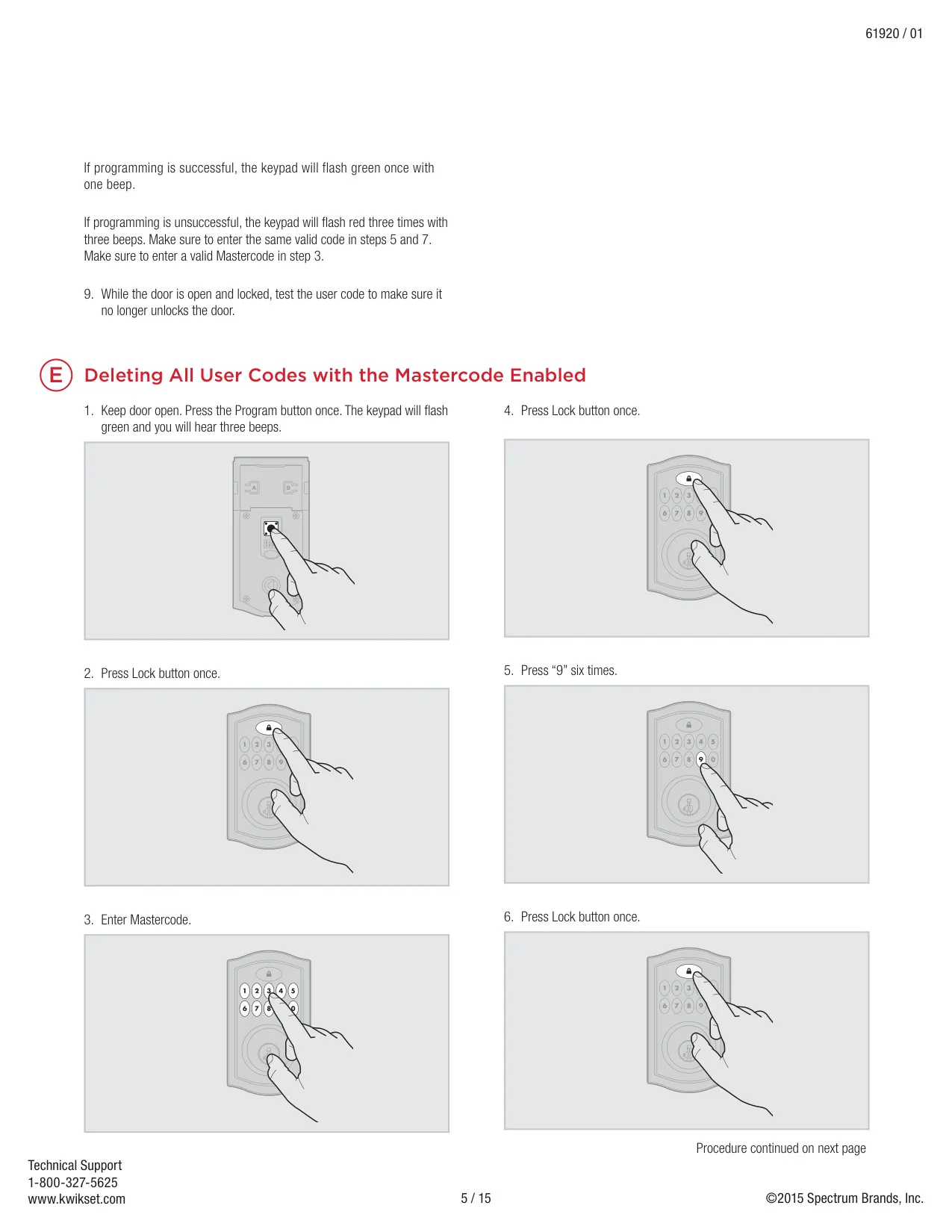
In normal use, you can press the Lock button once before entering a code to light up the keypad, which helps in dim areas. With Switch 3 on, each key press beeps. With it off, the keys light red or amber instead. If no user codes are stored, the Lock button does nothing. To delete all codes at once, you need the master code: enter it, then press "9" six times, press Lock, and repeat the six nines to confirm.
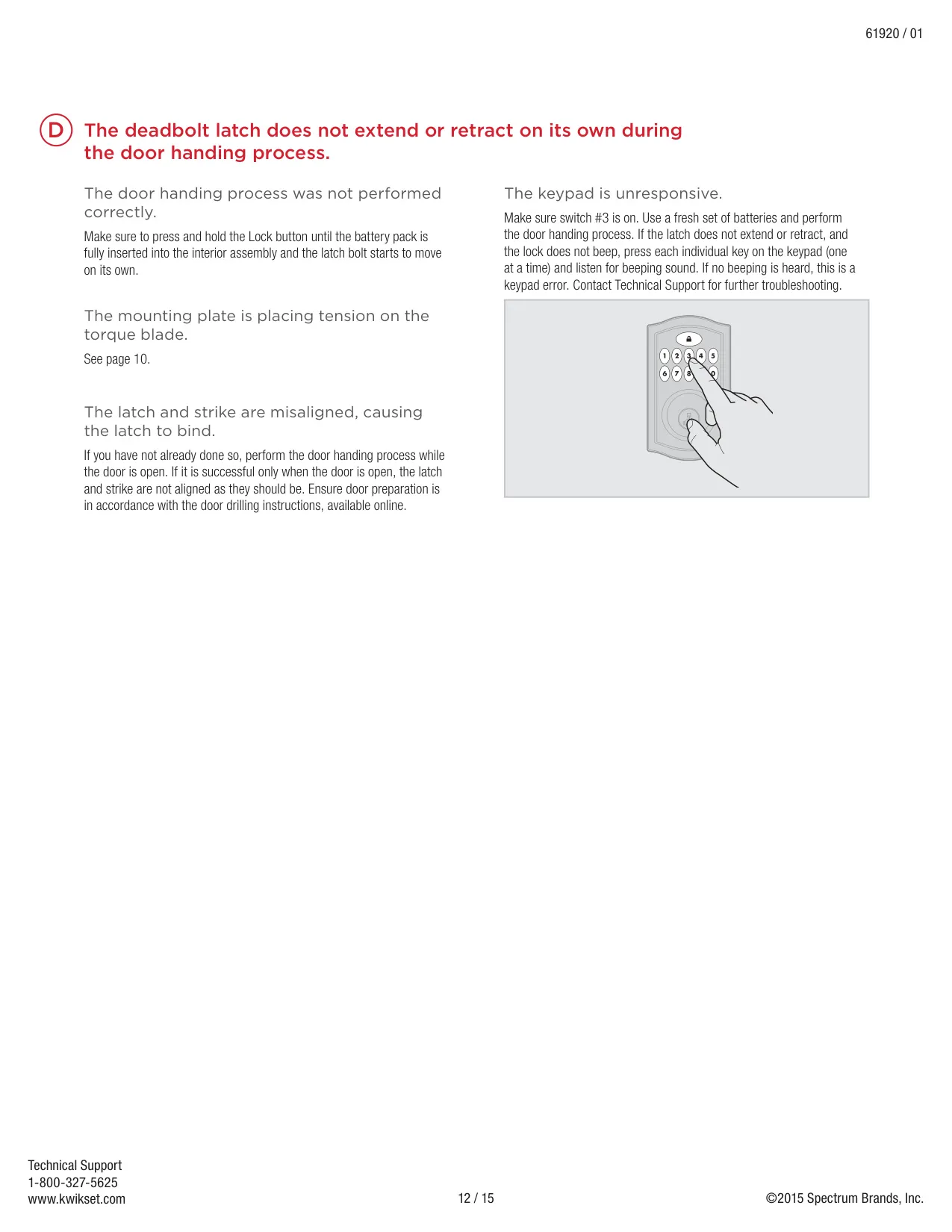
The troubleshooting guide covers several installation problems. If the interior screws are hard to tighten or the assemblies won't sit parallel, the latch may be upside down, and the word "UP" should face upward. SmartCode deadbolts need a tapered latch bolt, so latches from older locks can cause jamming. If the bore is misaligned, reinstall the lock without the adapter ring. If the turnpiece won't turn to vertical, the clutch has disengaged. To fix it, rotate the turnpiece 180° clockwise until it clicks.
To keep batteries lasting, check that the door is aligned so the motor doesn't have to make repeated attempts to lock or unlock. Avoid lighting the keypad when you don't need to. For the longest battery life, set Switches 1, 2 and 3 to OFF. If the batteries drain within one day, the lock needs to be replaced. If they drain within one week, the keypad is likely faulty, and you should run the keypad error test. The SmartKey cylinder lets you re-key the lock to your existing key after you remove the battery pack.
Frequently Asked Questions (FAQs)
Can't find the answer you need? Here are some frequently asked questions about the Kwikset 913 Electronic Deadbolt, and we answer them below.