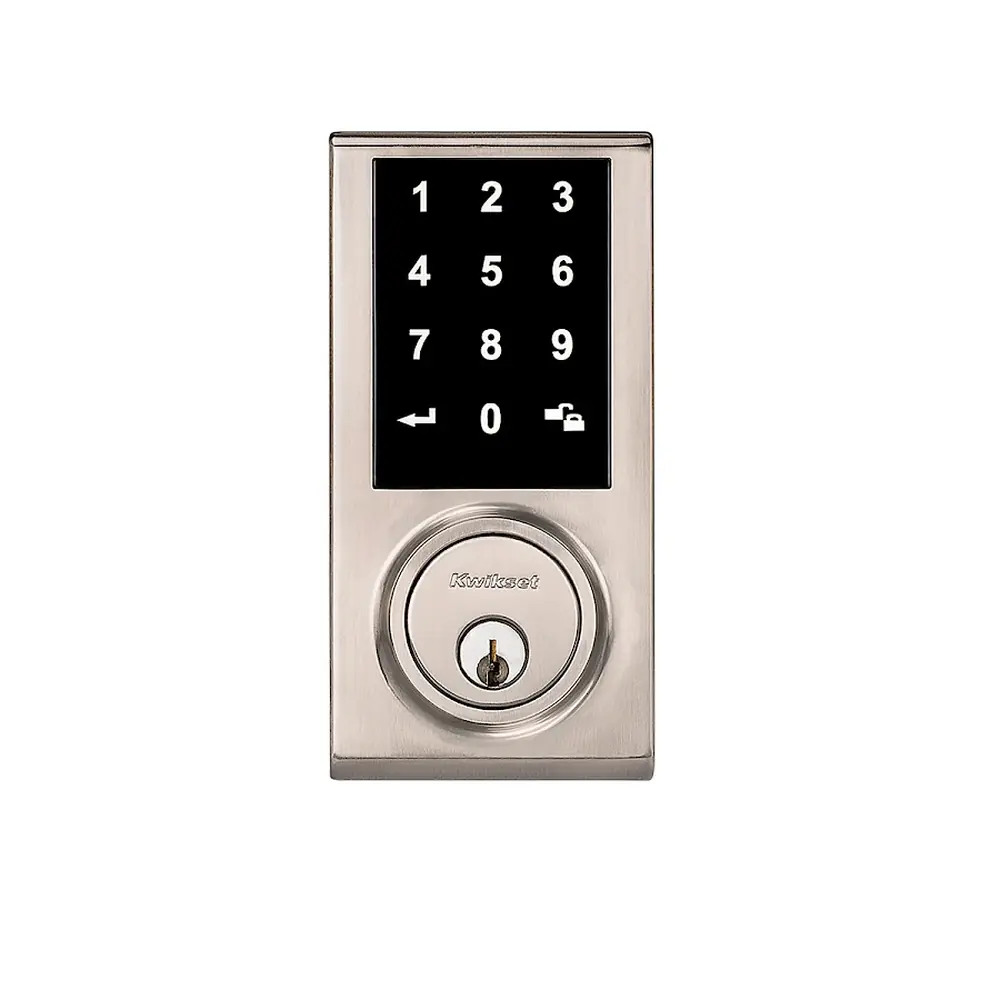
Kwikset 910 Electronic Deadbolt Instruction Manual
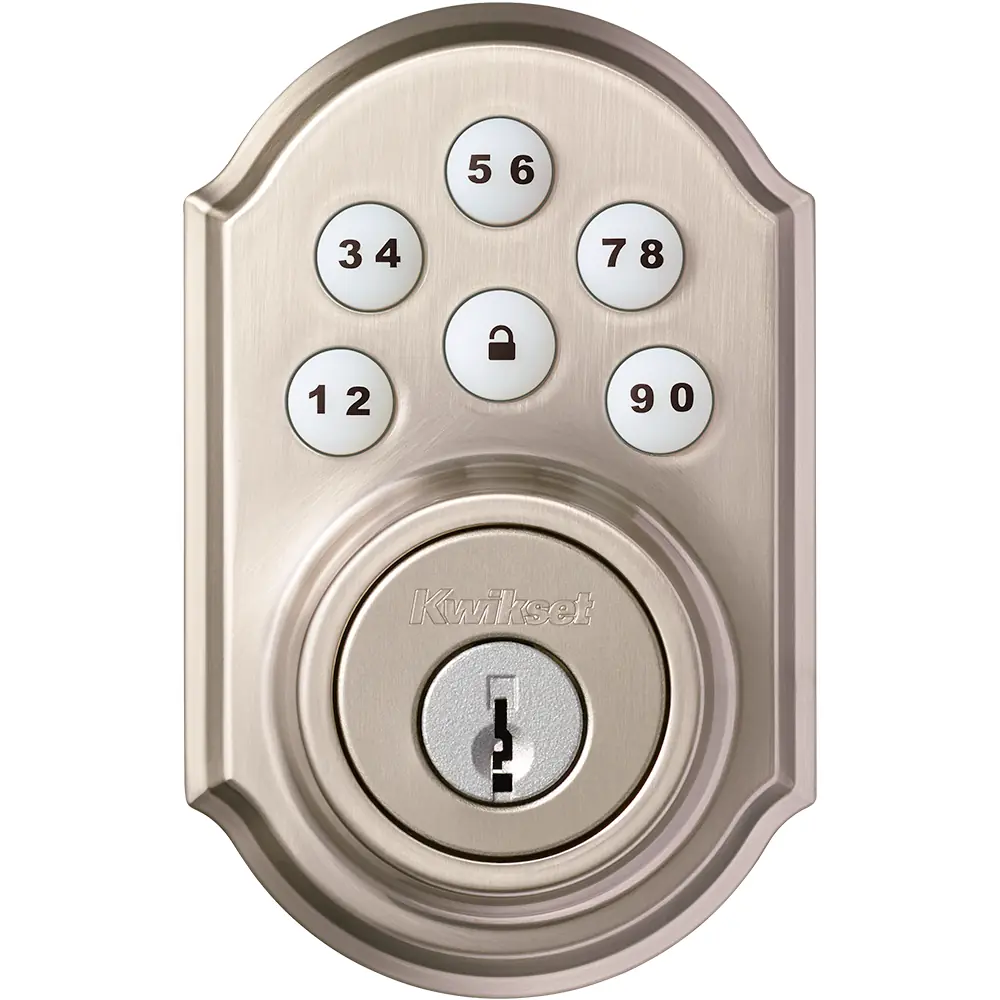
Kwikset 910 Electronic Deadbolt




Kwikset 910 Electronic Deadbolt


Kwikset 910 Electronic Deadbolt Instructions
Here we offer the Kwikset 910 Electronic Deadbolt manual completely free and in English. We have cataloged this manual in the Electronic Locks section on Manualverse, and it has been rated by 1 users with an average rating of 5. If you have any specific questions about Kwikset 910 Electronic Deadbolt, we suggest checking the Frequently Asked Questions (FAQs) section of this manual.
Product Images



Kwikset 910 Electronic Deadbolt Specifications
| Feature | Specification |
|---|---|
| Product Type | SmartCode 910 electronic keypad deadbolt |
| Wireless Protocol | Security-enabled Z-Wave Plus (ZigBee versions also covered in the Quick Start Guide) |
| Typical Installed Distance from Controller | 35 feet or more (depends on building construction and communication path) |
| Power Source | 4 x AA batteries (new, non-rechargeable alkaline recommended) |
| User Code Capacity | 30 user codes |
| User Code Length | 4 to 8 digits (depends on the control system) |
| Mastercode Length | 4 to 8 digits (optional, disabled by default) |
| Keypad Layout | Each button represents two numbers (for example, 1 and 2) |
| Door Thickness | 1-3/8" to 1-3/4" (35 mm to 44 mm); service kits available for 2-1/4" (57 mm) doors |
| Door Bore Hole Diameter | 2-1/8" (54 mm) or 1-1/2" (38 mm) |
| Backset | 2-3/8" (60 mm) or 2-3/4" (70 mm) |
| Edge Bore Diameter | 1" (25 mm) |
| Strike Hole Depth in Door Frame | Minimum 1" (25 mm) |
| Auto-Lock Delay | 30 seconds after unlocking (switch #2) |
| Status LED Blink Interval | Every 6 seconds (switch #1) |
| Programming Timeout | 5 seconds without a button press |
| Keypad Lockout | 60 seconds after 3 incorrect codes or 3 timeouts within one minute |
| Low Battery Alert | Keypad flashes red 10 times with 10 beeps |
| Factory Reset Hold Time | 30 seconds holding the Program button |
| Door Handing Retry Wait | 15 seconds after removing the battery pack |
| Configuration Switches | 4 (switch #4 not used) |
| Re-keying | SmartKey re-key technology (SmartKey tool included) |
| Regulatory Compliance | FCC Part 15, Class B digital device; Industry Canada licence-exempt RSS |
| Warranty | Lifetime warranty (Australia and New Zealand); North America details at www.kwikset.com |
| Technical Support (North America) | 1-866-863-6584 |
| Required Tools | Ruler, Phillips head screwdriver; hammer and wood block depending on application |
Kwikset 910 Electronic Deadbolt Details
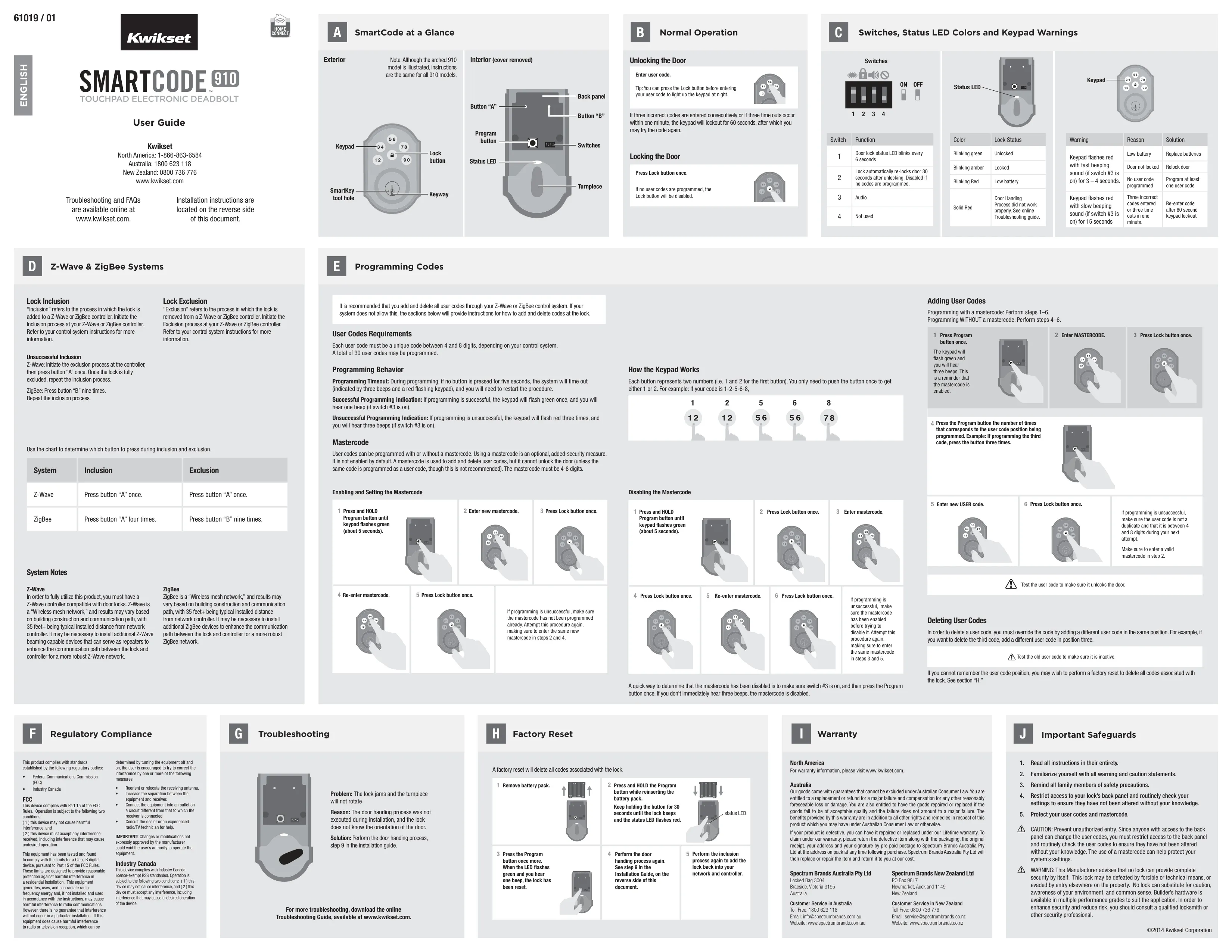
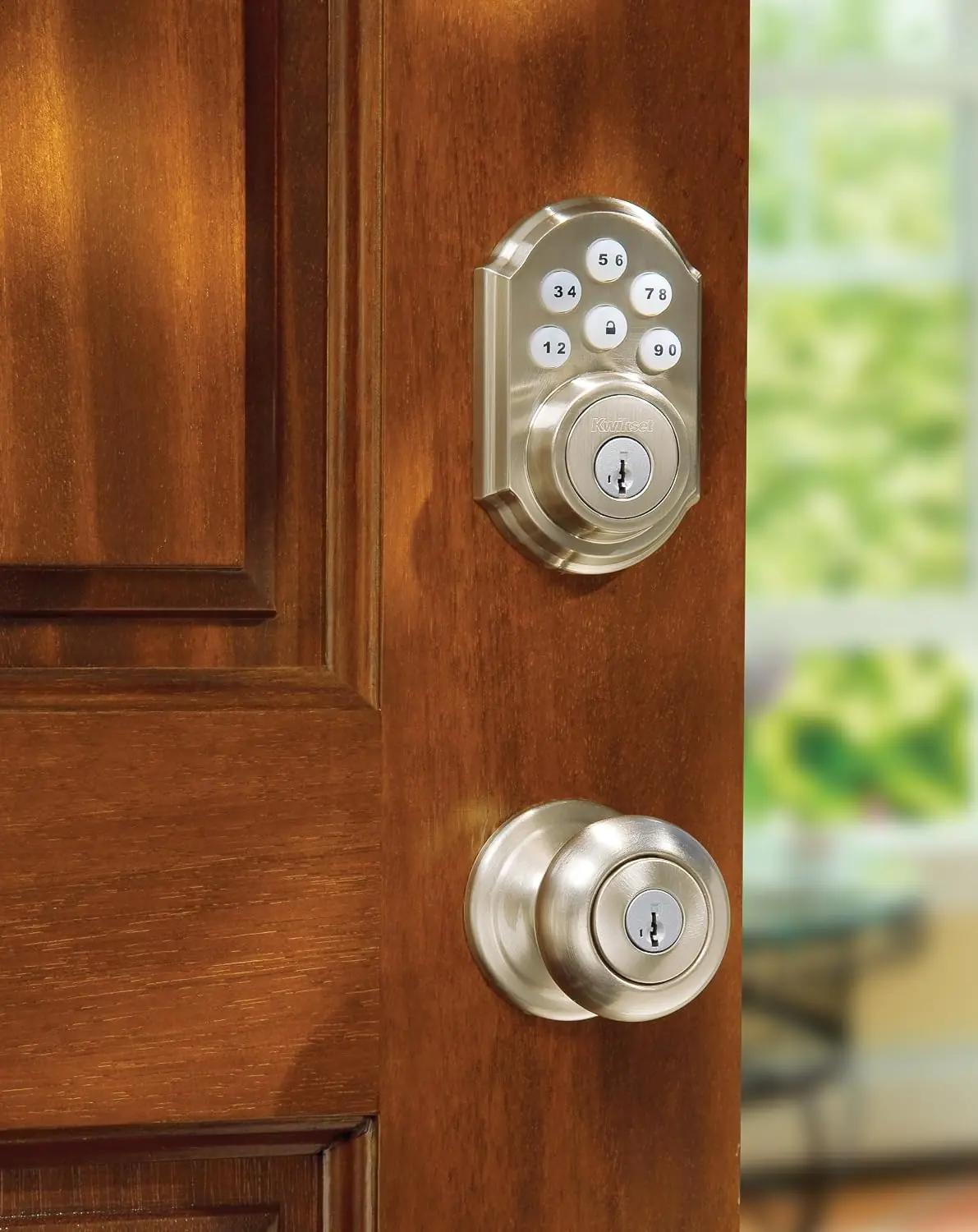
The Kwikset 910 Electronic Deadbolt, part of the SmartCode family, combines a motorized deadbolt with a backlit keypad and smart home connectivity. The manufacturer notes that, although the arched version of the 910 appears in the illustrations, the instructions apply to every 910 model. The exterior assembly has the keypad, a Lock button and a SmartKey keyway. The interior assembly holds the turnpiece, battery pack, Program button, buttons "A" and "B", the configuration switches and a status LED.
Installation starts with checking the door dimensions and choosing the latch. Latch "A" works on doors with a chiseled edge. A drive-in latch, called latch "B", is not included and must be ordered from Kwikset if needed. If the latch holes are not centered in the door hole, you rotate the latch face 180 degrees to adjust the backset. When you install the strike, the longer screws go closest to the door jamb. The exterior cable must run underneath the latch.
A key step is the door handing process, which teaches the lock the orientation of the door. You hold the Lock button while inserting the battery pack until the latch bolt starts moving on its own. If the bolt does not retract and extend by itself, remove the batteries and try again. If this step is skipped, the lock may jam and the turnpiece may not rotate. A solid red status LED also means handing failed.
To connect to a smart home system, start inclusion at the controller. On Z-Wave, press button "A" once, and the red LED lights up when the lock enters Add Mode. On ZigBee, press button "A" four times. For exclusion, press button "A" once on Z-Wave or button "B" nine times on ZigBee. Always-powered nodes from any vendor can act as repeaters, and beaming-capable devices can strengthen the mesh network between the lock and the controller.
Kwikset recommends managing user codes through the smart home controller, but you can also program them at the lock. You press the Program button once for each code position, enter the code, and confirm with the Lock button. One green flash with one beep means the code was saved, and three red flashes mean it failed. To delete a code, you write a new code over the same position. The mastercode, when enabled, protects programming but cannot unlock the door.
Feedback comes through lights and sounds. The beeps are only heard when switch #3 is on. A single red flash means the door jammed while locking, so you may need to reposition the strike. Blinking green means unlocked and blinking amber means locked. Fast red flashing with beeping for 3 to 4 seconds can mean a low battery, a door that did not lock, or that no codes have been programmed. You can press the Lock button to light up the keypad at night.
A factory reset deletes all codes and removes the lock from the network. After the reset, you need to run the door handing process and inclusion again. Among the safety recommendations, Kwikset advises restricting access to the back panel, since anyone who reaches it can change user codes. Keep the Phillips screwdriver tip "S" handy for back-panel access, and dispose of used batteries according to local regulations.
Frequently Asked Questions (FAQs)
Can't find the answer you need? Here are some frequently asked questions about the Kwikset 910 Electronic Deadbolt, and we answer them below.