Kwikset 275 Electronic Deadbolt Instruction Manual
Kwikset 275 Electronic Deadbolt





Kwikset 275 Electronic Deadbolt Instructions
Here we offer the Kwikset 275 Electronic Deadbolt manual completely free and in English. We have cataloged this manual in the Electronic Locks section on Manualverse, and it has been rated by 1 users with an average rating of 5. If you have any specific questions about Kwikset 275 Electronic Deadbolt, we suggest checking the Frequently Asked Questions (FAQs) section of this manual.
Product Images

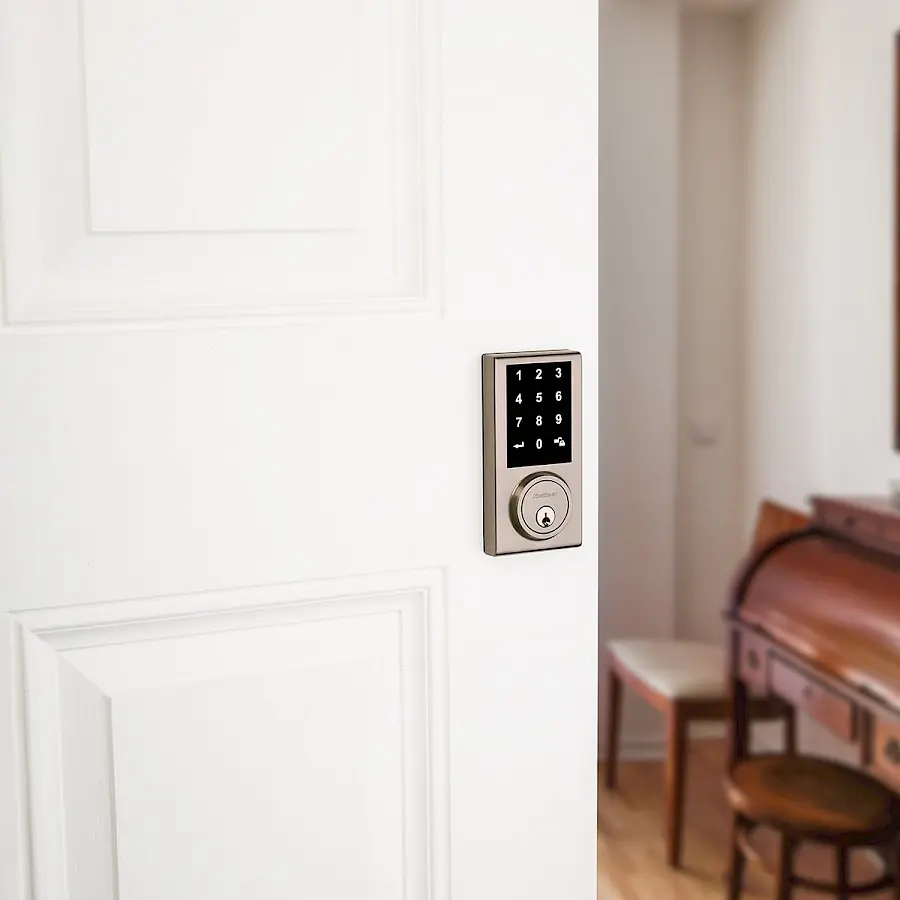
Kwikset 275 Electronic Deadbolt Specifications
| Feature | Specification |
|---|---|
| Product Name | Kwikset 275 Touchscreen Electronic Deadbolt |
| Document Number | 66877-002 Rev 02 |
| Manufacturer | Kwikset (© 2018 Spectrum Brands, Inc.) |
| Power Source | 4 AA batteries (new, non-rechargeable alkaline recommended) |
| Door Cross Bore Diameter | 2-1/8" (54 mm) or 1-1/2" (38 mm) |
| Backset | 2-3/8" or 2-3/4" (60 or 70 mm) |
| Door Edge Bore Diameter | 1" (25 mm) |
| Door Thickness | 1-3/8" to 1-3/4" (35 mm to 44 mm) |
| Strike Hole Depth in Door Frame | Minimum 1" (25 mm) |
| Maximum User Codes | 30 |
| User Code Length | 4 to 10 digits |
| Programming Code Length | 4 to 10 digits |
| Default Programming Code | 0-0-0-0 |
| Default User Code | 1-2-3-4 |
| Auto-Lock Default Delay | 30 seconds (off by default) |
| Auto-Lock Adjustable Delay | 10 to 99 seconds |
| Programming Timeout | 10 seconds without input |
| Wrong Code Lockout | 45 seconds after 5 incorrect codes within 1 minute |
| Factory Reset | Hold Reset button for 5 seconds (3 long beeps) |
| Interior Assembly Screws | 3 |
| Mounting Plate Screws | 2 |
| Latch and Strike Screws | 2 per component |
| Required Tools | Phillips screwdriver, ruler, 4 AA batteries; hammer, wood block and pliers may be needed |
| Regulatory Compliance | FCC Part 15 (Class B digital device), Industry Canada licence-exempt RSS |
| Technical Support | 1-800-327-5625, www.kwikset.com |
Kwikset 275 Electronic Deadbolt Details
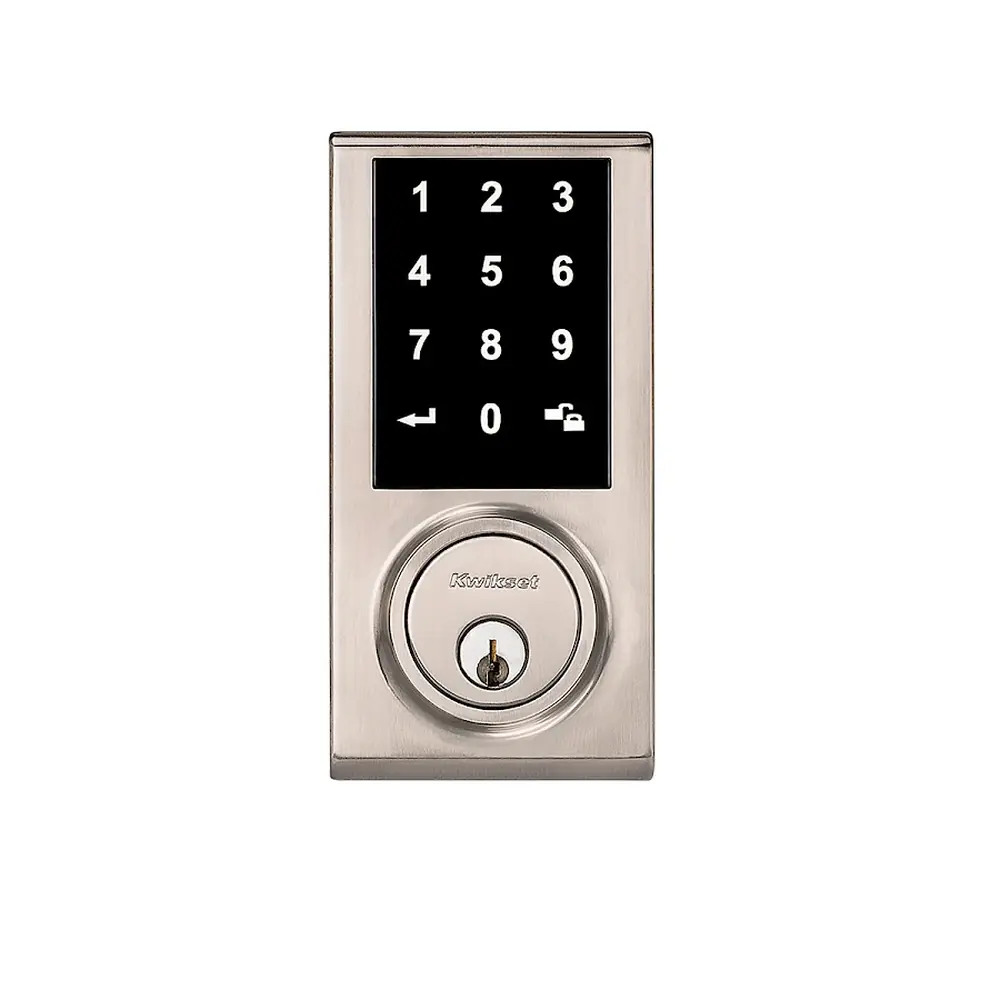
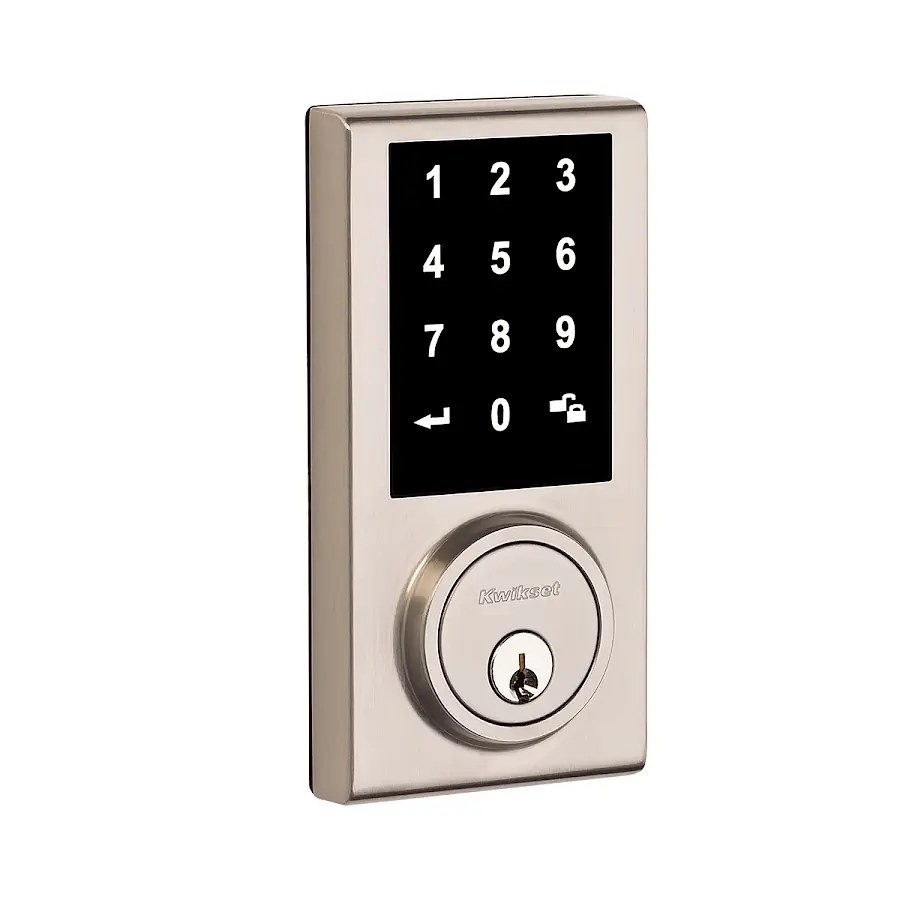
The Kwikset 275 Touchscreen Electronic Deadbolt offers keyless entry through a capacitive touchscreen while keeping a traditional keyed cylinder as a backup. The package contains the latch, drive-in collar, strike, cylinder, exterior assembly, keys, mounting plate, interior assembly, interior cover and three sets of screws. Kwikset recommends that anyone drilling a new door use the supplied template together with the complete door drilling instructions published at www.kwikset.com/doorprep.
The latch fits doors with either chiseled or non-chiseled edges. With a chiseled edge, the latch is fastened using the supplied screws. With a non-chiseled edge, the rectangular face is taken off by lifting its tabs with a flathead screwdriver, and the drive-in collar is tapped into place using a wood block and hammer. When the slotted hole is not centered in the door hole, rotating the latch face 180 degrees extends the latch so it lines up correctly.
Doors with the smaller 1-1/2" bore need two adjustments. First, remove the adapter ring from the exterior assembly's gasket, then reinstall the gasket so it seals tightly. Second, use pliers to break off two tabs from the mounting plate. During installation, the cable runs below the latch, and the torque blade must stay horizontal as it passes through the latch slot and the center hole of the mounting plate.
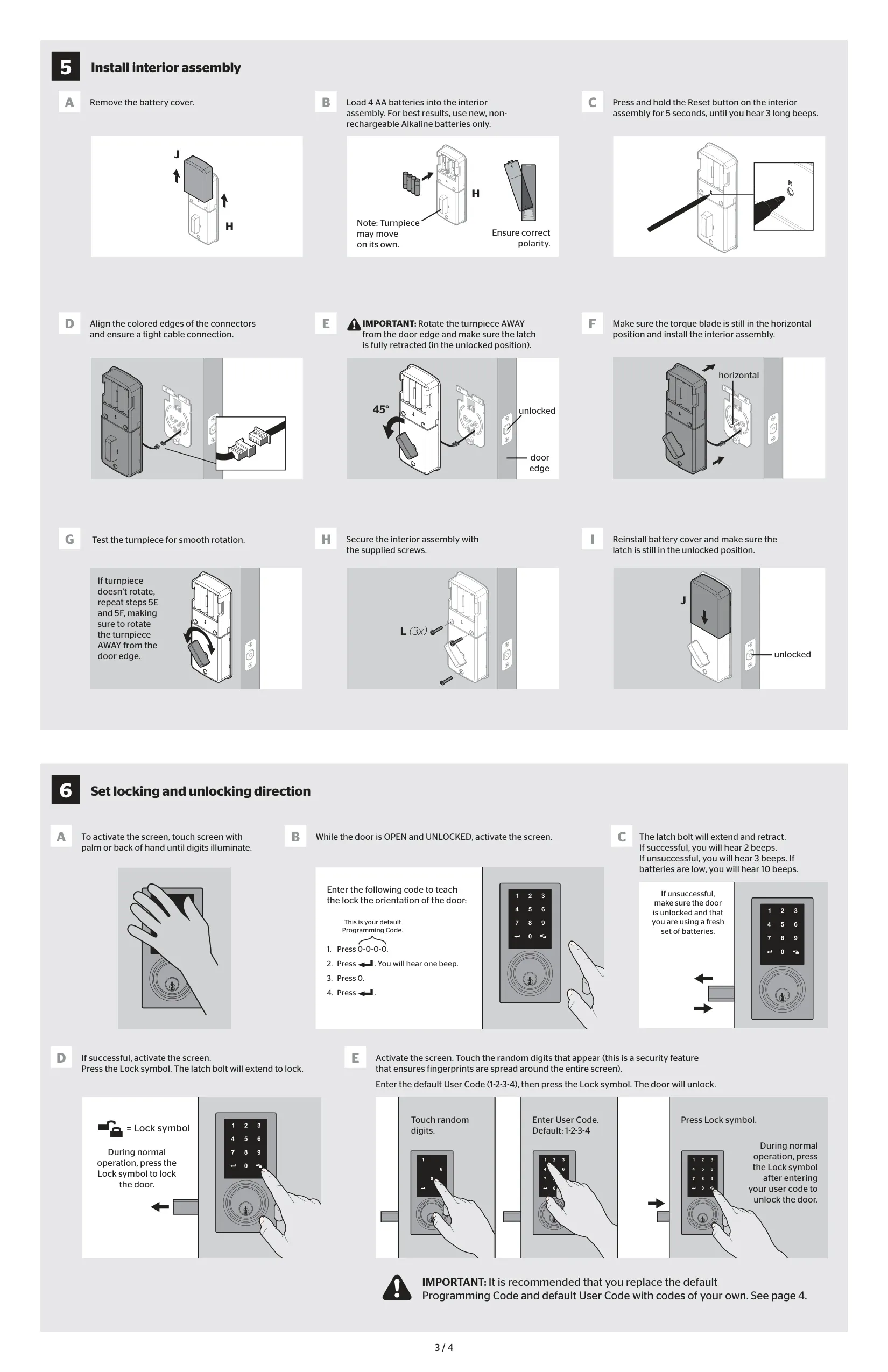
Before the interior assembly goes on, the installer loads the batteries with correct polarity and holds the Reset button until three long beeps sound. Connectors are joined by lining up their colored edges. The turnpiece must be rotated away from the door edge so the latch stays fully retracted. If the turnpiece will not turn afterward, the manual says to repeat those two steps.
Once installed, the lock learns which way the door hangs through a handing procedure. With the door open and unlocked, the user enters the Programming Code, presses the Lock symbol, presses 0, then presses the Lock symbol again. The bolt extends and retracts on its own. Two beeps mean the setup worked, three beeps mean it failed, and ten beeps warn that the batteries are low.
A notable security feature is the random digit display. Every time the screen wakes, the user must touch randomly lit digits before entering a code. This spreads fingerprints across the whole screen, making it harder for anyone to guess a code from smudge marks. The screen is woken by touching it with the palm or back of the hand, and pressing the Lock symbol alone locks the door.
Programming uses numeric function codes. Function 1 adds a User Code, 2 changes the Auto-Lock delay, 3 deletes all User Codes, 4 changes the Programming Code, 5 turns Auto-Lock on or off, 6 deletes an individual User Code, 7 enables or disables User Codes and 8 creates a one-time User Code, which is erased right after its first use. Disabling User Codes, for example during a vacation, leaves only the key and turnpiece working.
The lock reports its status through sounds and lights. One beep confirms an operation, two beeps confirm successful programming, and three beeps signal an error. An X-shaped flash pattern with five beeps indicates the touchscreen lockout, and a slowly flashing Lock button shows the lock is in programming mode. Kwikset stresses that the default codes should be replaced right away and that access to the interior assembly should be restricted, since anyone who can reach it can reset the lock.
The troubleshooting section covers the most common problems. If the touchscreen does not respond, check the cable connections and the batteries. If the bolt jams, the strike hole is probably too shallow or out of line with the bolt. The manual's safeguards also ask owners to protect their codes, routinely check their settings and dispose of used batteries according to local regulations.
Frequently Asked Questions (FAQs)
Can't find the answer you need? Here are some frequently asked questions about the Kwikset 275 Electronic Deadbolt, and we answer them below.