Moultrie W-900i Kit (MCG-13485) Instruction Manual

Moultrie W-900i Kit (MCG-13485)






Moultrie W-900i Kit (MCG-13485)

Moultrie W-900i Kit Instructions
Here we offer the Moultrie W-900i Kit (MCG-13485) manual completely free and in English. We have cataloged this manual in the Digital Game Cameras section on Manualverse, and it has been rated by 1 users with an average rating of 5. If you have any specific questions about Moultrie W-900i Kit (MCG-13485), we suggest checking the Frequently Asked Questions (FAQs) section of this manual.
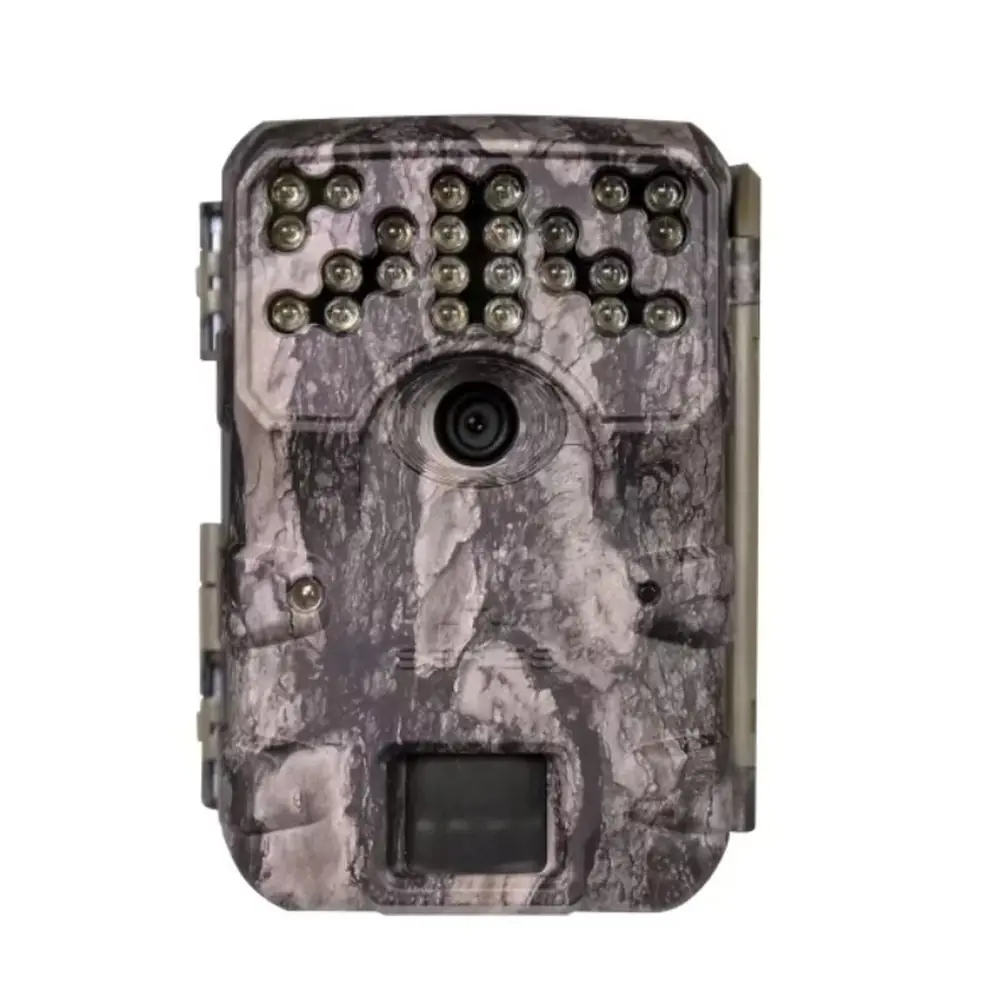
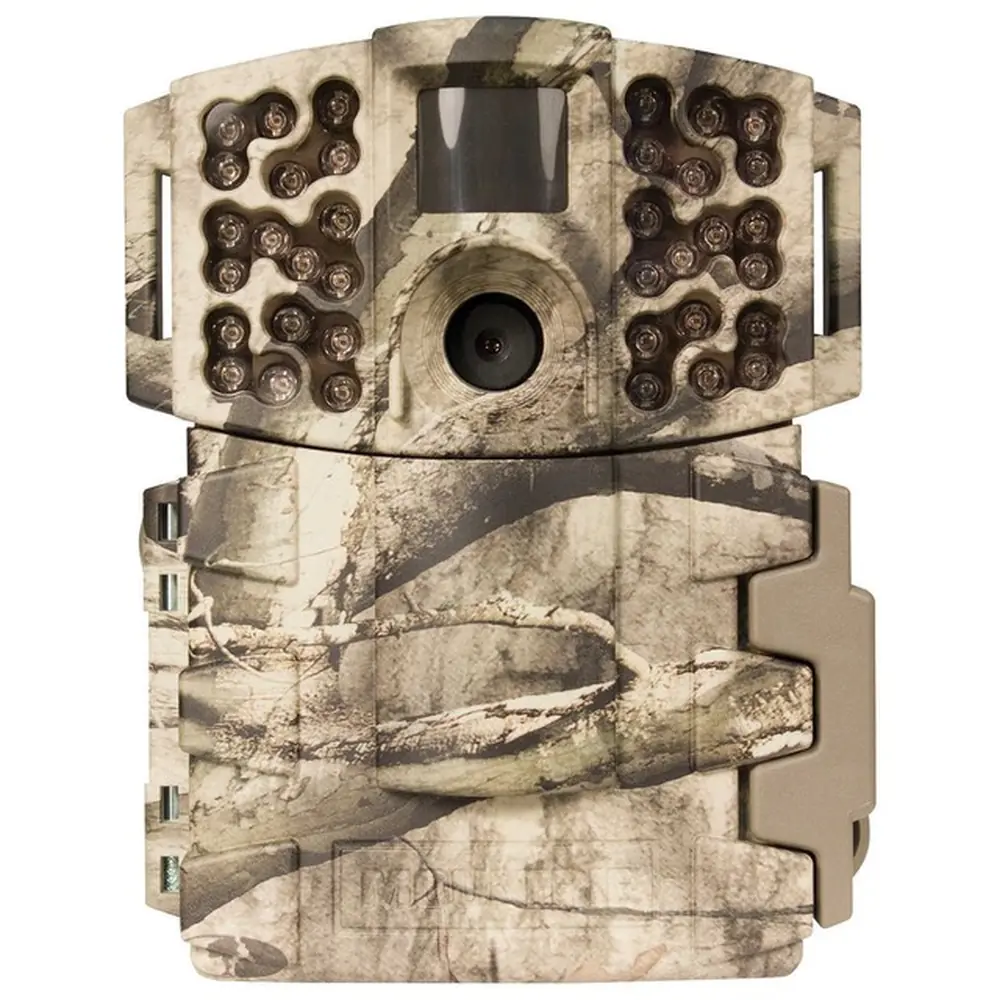
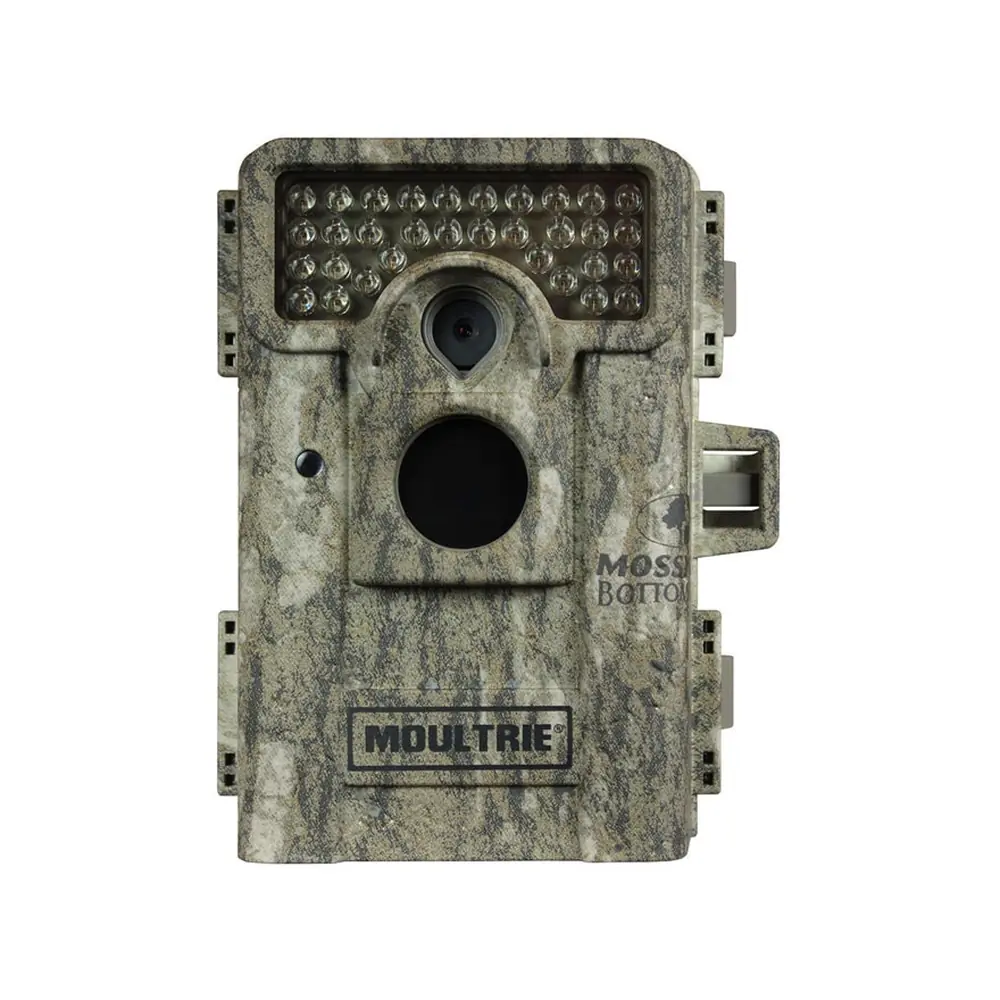
Product Images


Moultrie W-900i Kit (MCG-13485) Specifications
| Feature | Specification |
|---|---|
| Model Number | MCG-13485 |
| Resolution | 30MP |
| Flash Type | Invisible Flash |
| Flash Range | 60 feet |
| Trigger Speed | 0.4 seconds |
| Detection Range | 60 feet |
| Video Capability | HD 720p |
| Multi-Shot Capability | Yes |
| Power Source | 8 AA Batteries |
| Estimated Shots per Battery Set | 19,000 |
| SD Card Support | SDHC Class 10, up to 32 GB recommended |
| External Power Port | 12V |
| Included Accessories | Batteries, SD Card, Mounting Strap |
| Warranty | 1 year (extendable to 2 years with registration) |
| Compatibility | Moultrie Mobile® cellular service (with Field Modem) |
Moultrie MCG-13485 Details
The Moultrie W-900i Kit (MCG-13485) provides an intuitive and straightforward setup process, ensuring users can quickly deploy their camera. To begin, simply open the camera cover and insert eight AA batteries, carefully observing the indicated positive and negative polarities. Following battery installation, an SD card must be inserted into its designated slot until an audible click confirms it is fully seated, as the camera will not operate without one. This process is designed for ease of use, getting you started in moments.
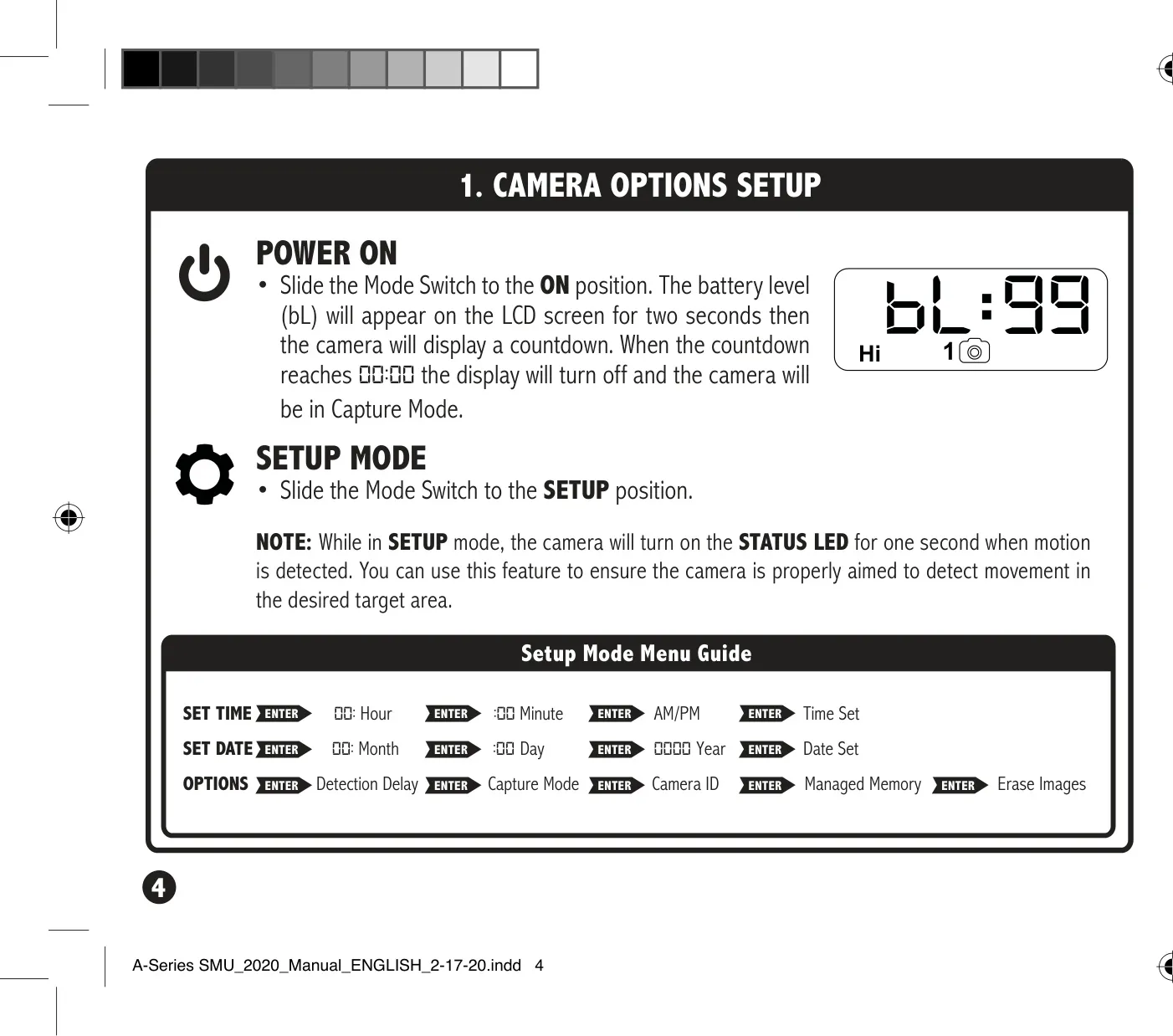
Setting the camera's time and date is also a user-friendly procedure. By sliding the Mode switch to the SETUP position, you can easily access the editing interface. Use the UP and DOWN buttons to adjust hour and minute digits, confirming each selection with the ENTER button. The same method applies to setting AM/PM, month, day, and year, ensuring accurate timestamps for all captured images and videos. This precise timekeeping is crucial for effective game monitoring.
For optimal performance, proper camera mounting is essential. The kit includes a mounting strap, which threads through slots on the back of the camera case, allowing it to be secured to a tree or pole. It is recommended to mount the camera approximately three feet from the ground, with adjustments for uneven terrain. Facing the camera north or south helps to prevent overexposure from direct sunlight, while clearing brush from the front minimizes false triggers caused by vegetation movement.
The SETUP mode offers a valuable feature: the STATUS LED. While in this mode, the camera's STATUS LED will briefly illuminate for one second when motion is detected. This allows users to confirm the camera is accurately aimed at the desired target area, ensuring that valuable wildlife activity is captured without missing crucial moments. It's a practical tool for fine-tuning placement before switching to capture mode.
Customization extends to the Detection Delay, which dictates the waiting period between successive captures after motion is detected. Users can select from 0, 15, or 30 seconds, or 1 or 5 minutes, using the UP/DOWN buttons, then pressing ENTER to lock in the choice. This flexibility allows for tailoring the camera's behavior to specific scouting needs or environmental conditions. Additionally, a Camera ID (from 1-9) can be set, which will be displayed on captured images, aiding in organization when multiple cameras are in use.
Frequently Asked Questions (FAQs)
Can't find the answer you need? Here are some frequently asked questions about the Moultrie W-900i Kit (MCG-13485) Digital Game Camera, and we answer them below.