Moultrie M-888 (MCG-13067) Instruction Manual

Moultrie M-888 (MCG-13067)










Moultrie M-888 (MCG-13067)

Moultrie M-888 (MCG-13067) Instructions
Here we offer the Moultrie M-888 (MCG-13067) manual completely free and in English. We have cataloged this manual in the Digital Game Cameras section on Manualverse, and it has been rated by 1 users with an average rating of 5. If you have any specific questions about Moultrie M-888 (MCG-13067), we suggest checking the Frequently Asked Questions (FAQs) section of this manual.
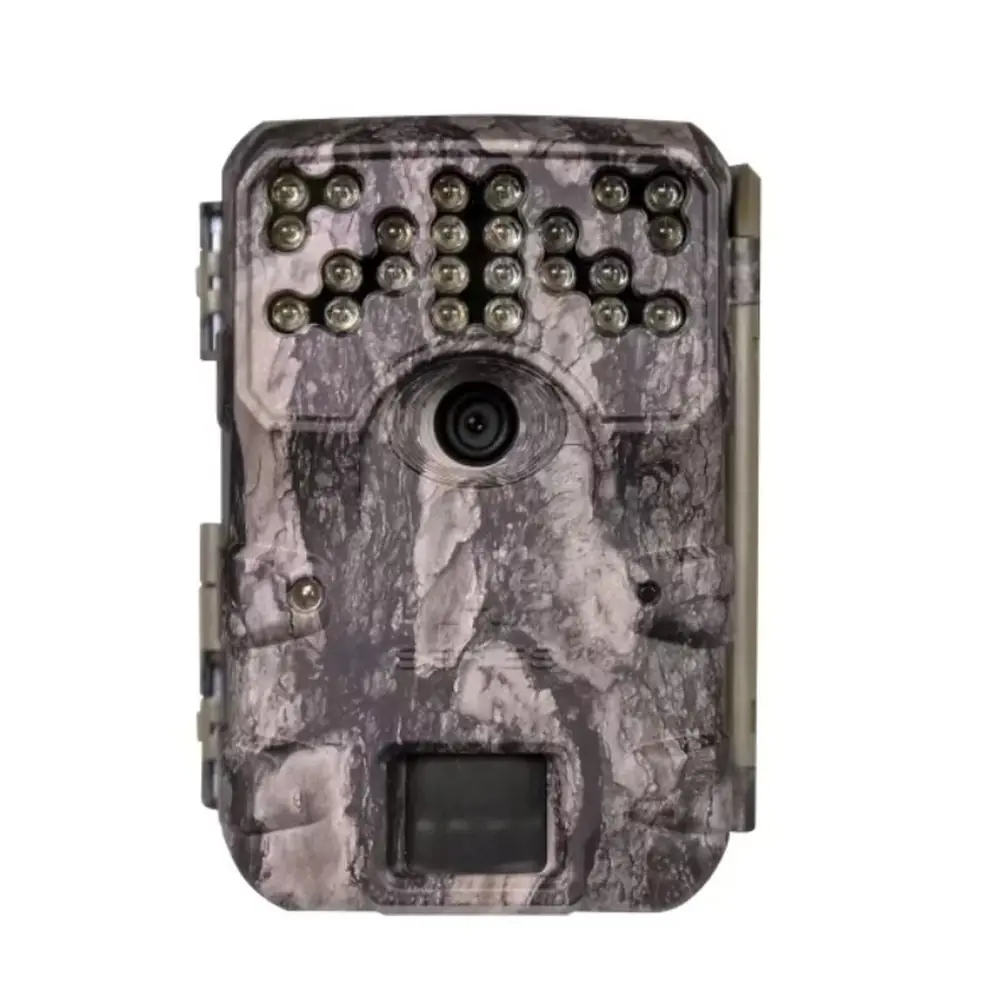
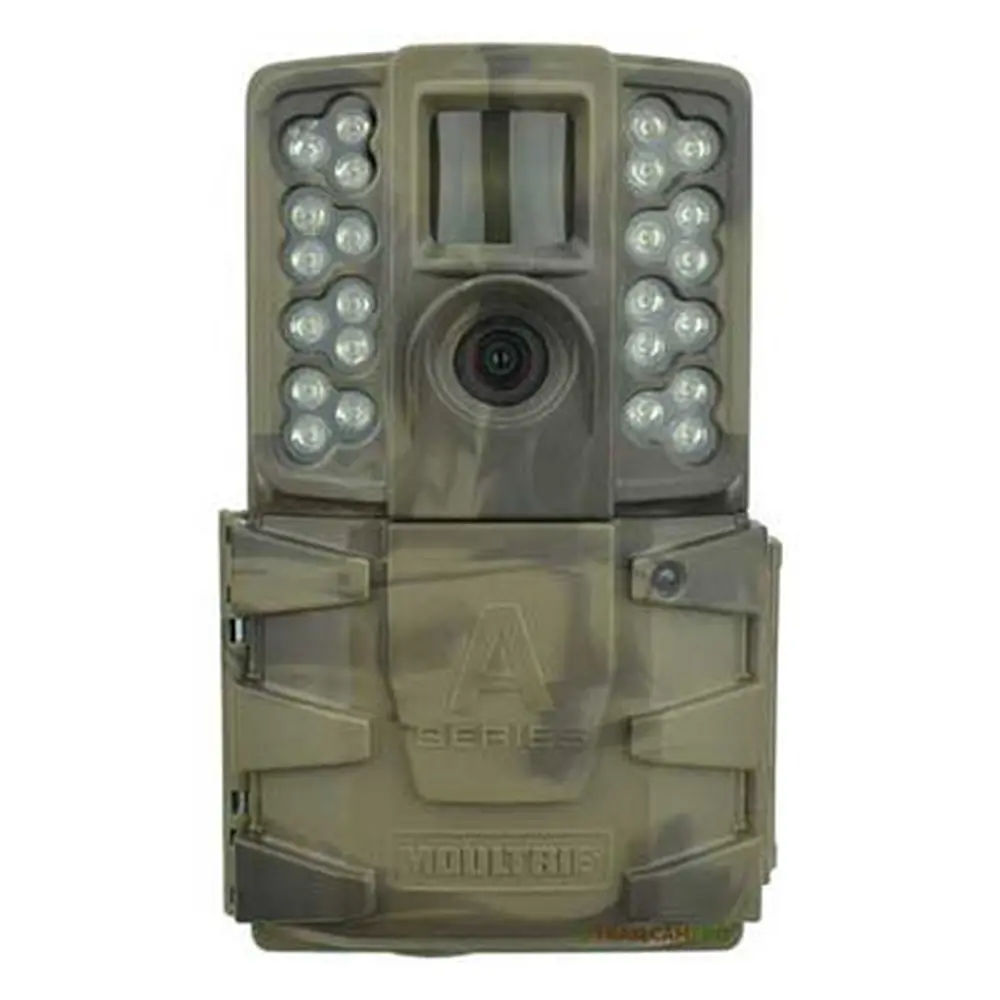
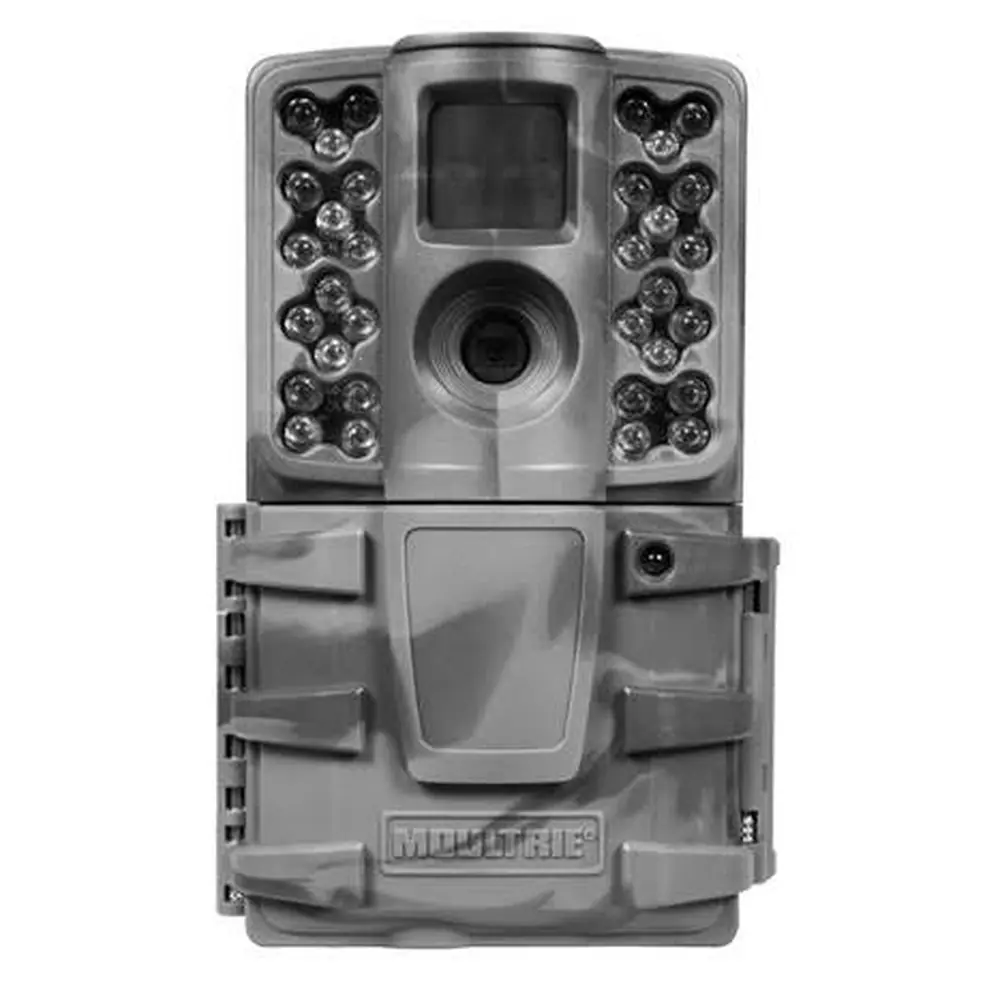
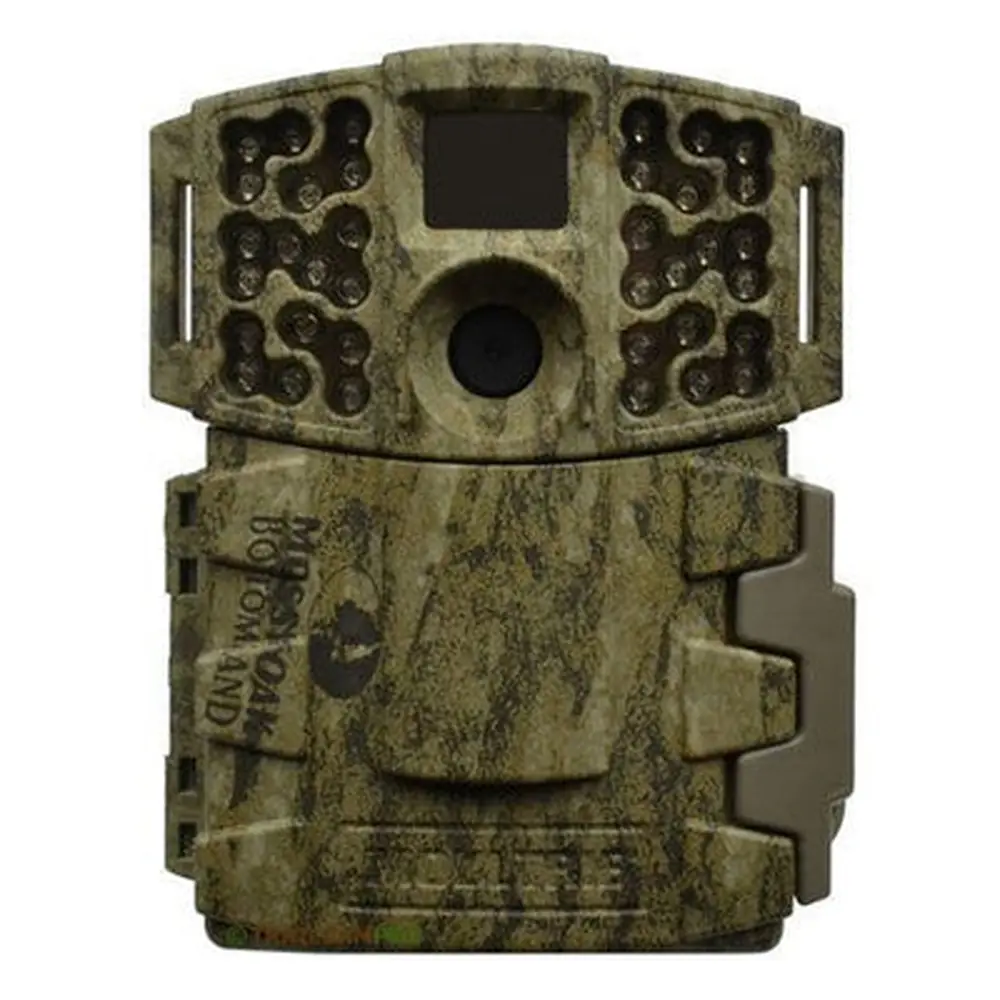
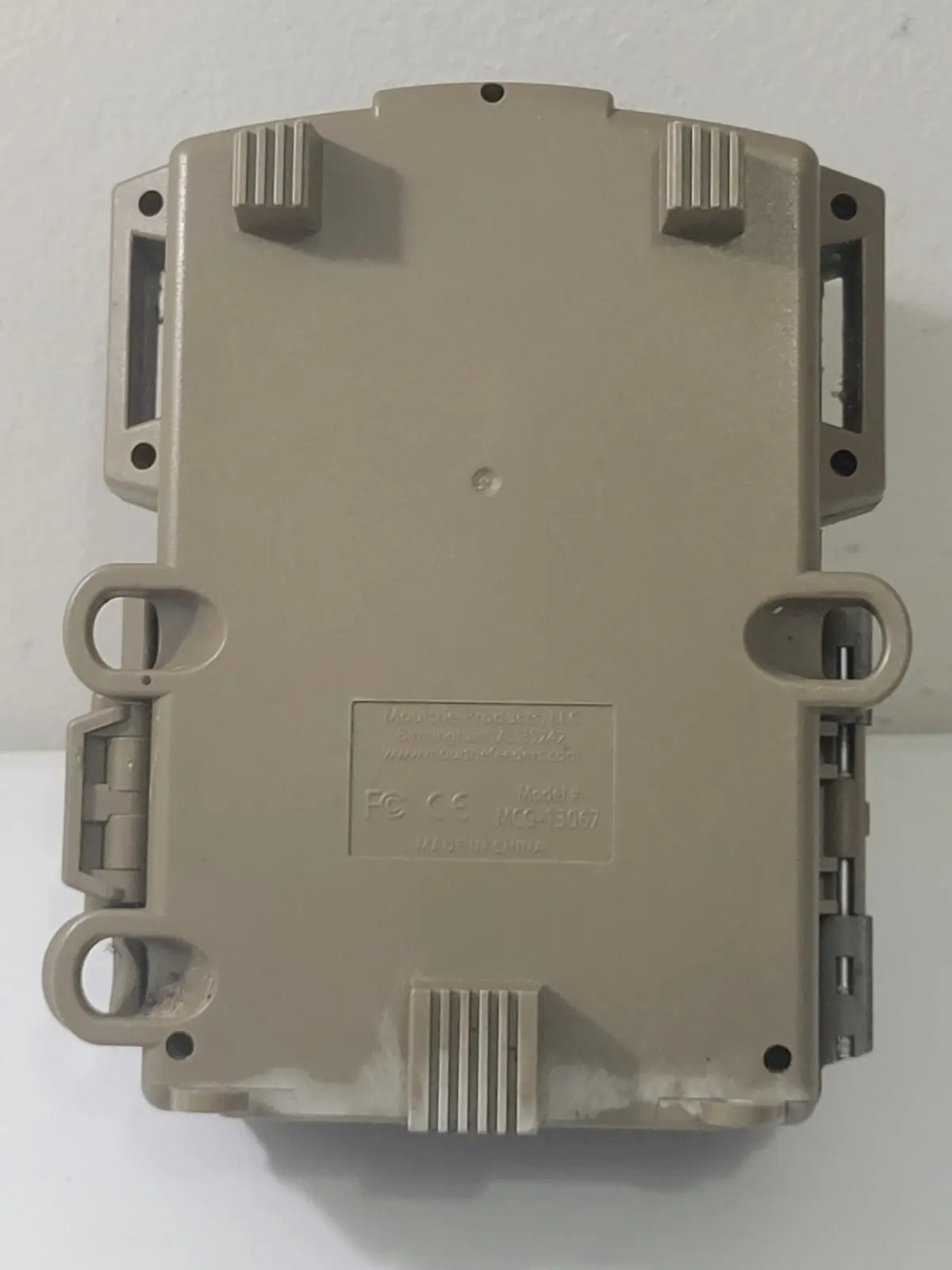
Product Images




Moultrie M-888 (MCG-13067) Digital Game Camera Specifications
| Feature | Specification |
|---|---|
| Operational Modes | Motion Detect / Time Lapse / Motion + Time Lapse |
| Still Photo Resolution (Sensor) | 14.0 MP |
| Still Resolutions (JPEG) | Low 1920 x 1080, Med 2688 x 1512, High 3840 x 2160, Max Zoom 4992 x 2808 |
| Video Resolutions | VGA: 640 x 480, HD 1280 x 720 |
| SD Memory Card Support | Up to 32 GB SD card, Class 4 or higher (not included) |
| Supported Formats | JPEG - Still pictures, AVI - Video clips |
| Power Supply | 8 AA Alkaline or Lithium batteries (not included) |
| Default Photo Quality | MED (4 MP) |
| Default Video Quality | HD (1280 x 720) |
| Default Video Length | 10 SECONDS |
| Default Motion Freeze | ON (FAST FLASH) |
| Default Camera Name | MOULTRIECAM |
| Default Infostrip Active | YES |
| Default Temperature Units | FAHRENHEIT |
| Default AC Connected | NO |
| Default Program Security Code | 00000 |
| Default Managed Memory | DO NOT OVERWRITE |
| Default Detection Delay | 10 SECONDS |
| Default PIR Sensitivity | HIGH |
| Default Multi-Shot | 1 (OFF) |
| Default Photo or Video Capture | PHOTO |
| Default Time Lapse Interval | 10 SECONDS |
| Default Time Lapse Programs/Day | 2 PROGRAM |
| Default T.L. Program #1 Time | Start: 6 AM, Stop: 9 AM |
| Default T.L. Program #2 Time | Start: 4 PM, Stop: 7 PM |
Moultrie M-888 (MCG-13067) Details
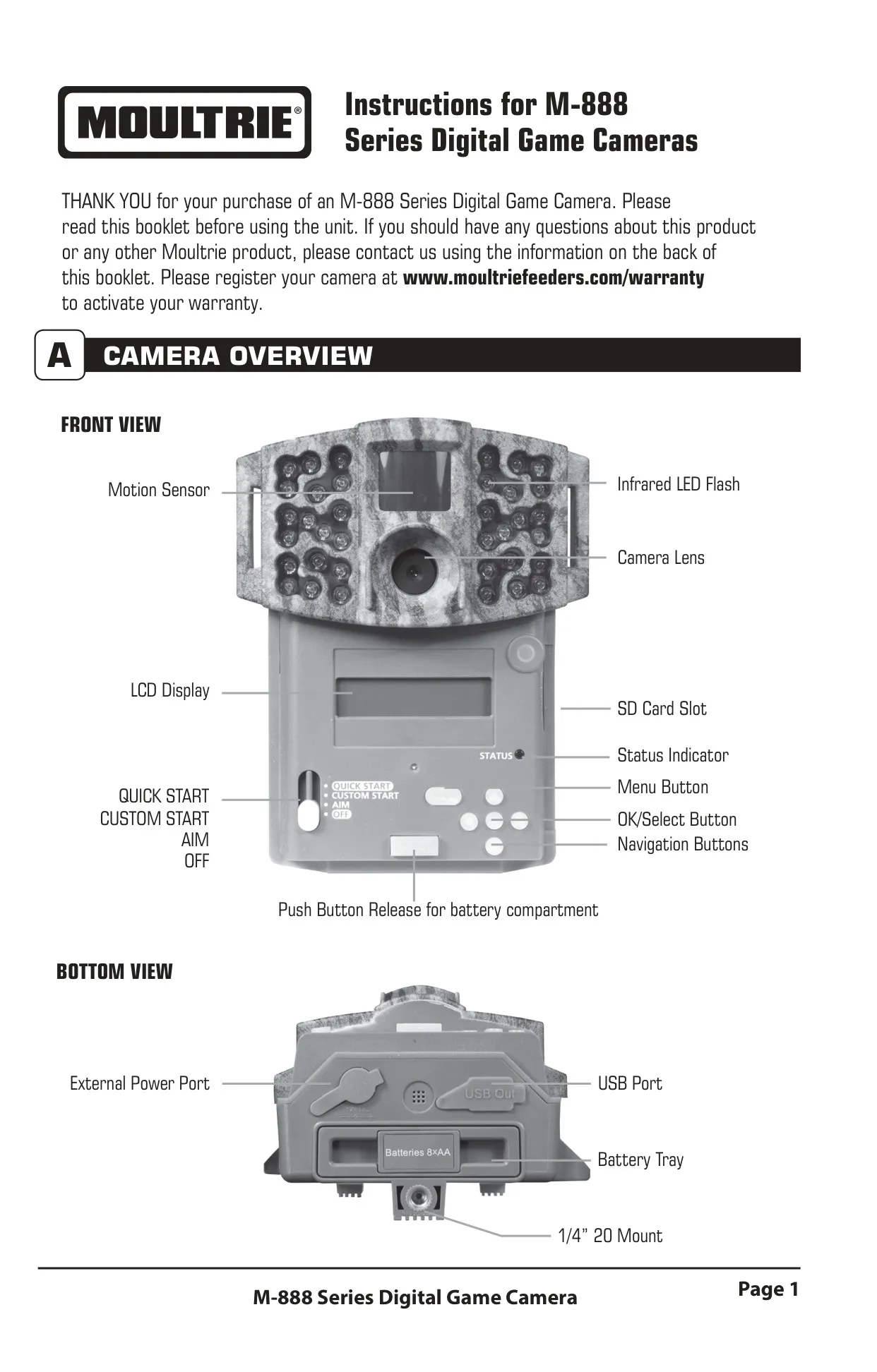
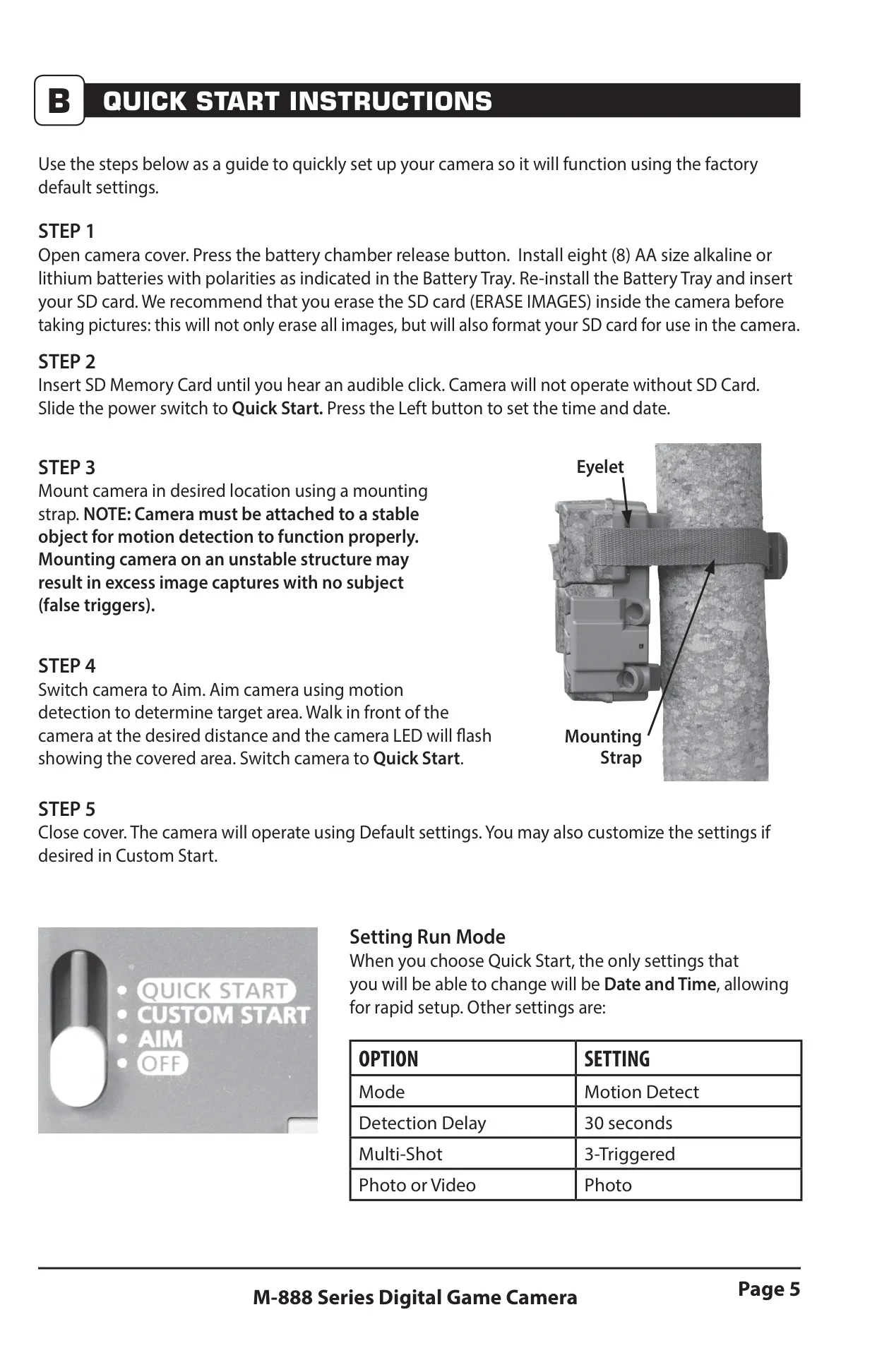
The Moultrie M-888 (MCG-13067) Digital Game Camera is designed for versatile field monitoring, offering intuitive setup and robust performance. Users can quickly prepare the camera using the Quick Start mode, or opt for Custom Start to fine-tune settings. A key feature is the Aim mode, which uses a red LED on the front motion sensor to help position the camera accurately, ensuring the desired target area is covered for motion detection. Physical controls include an LCD Display, SD Card Slot, Menu Button, OK/Select Button, and Navigation Buttons for easy menu navigation and setting adjustments.
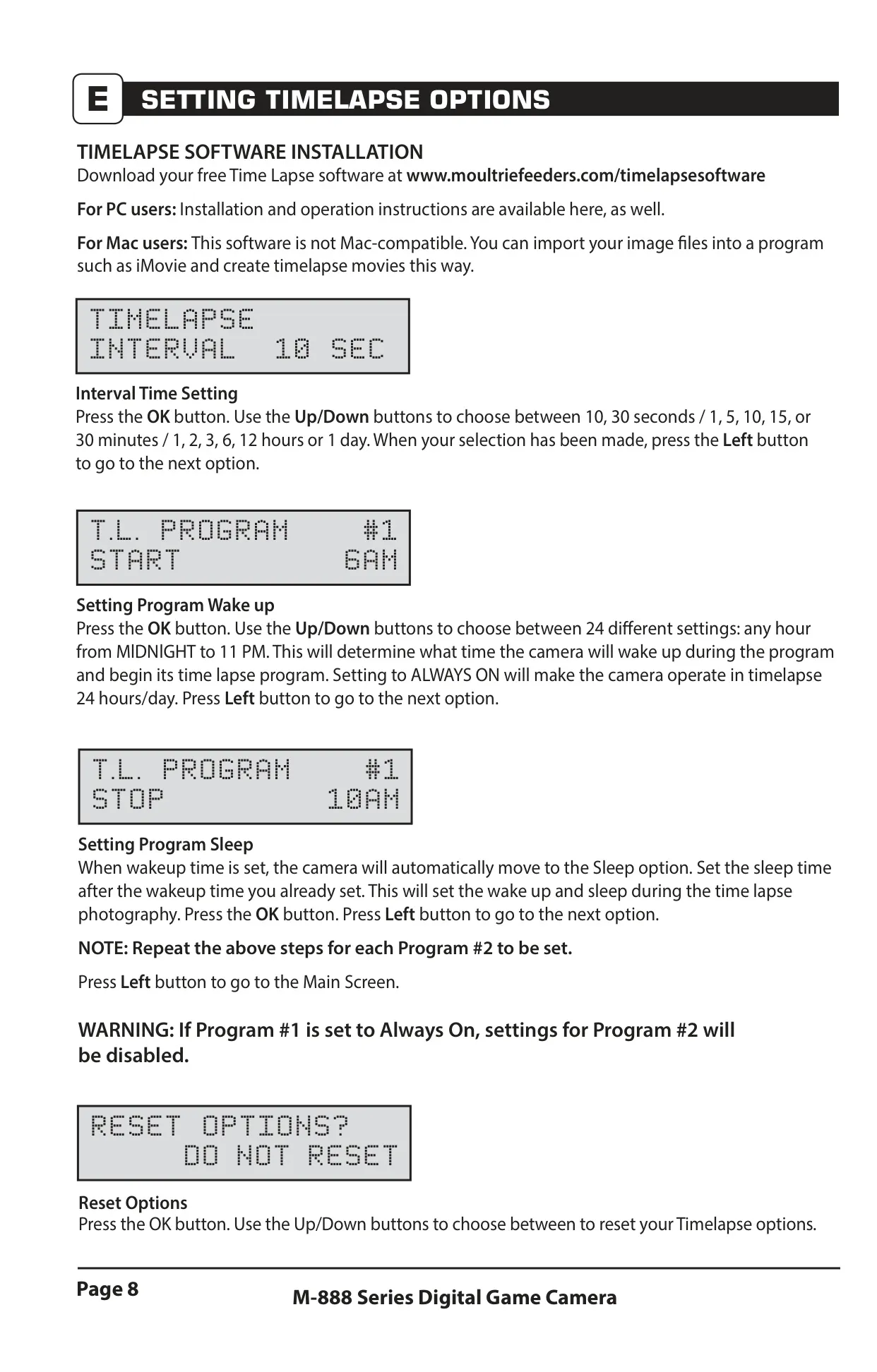
Beyond initial setup, the M-888 provides three primary capture modes: Motion Detect, Time Lapse, and Motion + Time Lapse. Motion Detect captures photos or videos when movement or heat is sensed, with adjustable PIR Sensitivity (High for open areas, Low for close range) and Detection Delay from 0 seconds to 30 minutes to prevent excessive captures. The Time Lapse mode takes pictures at periodic intervals, configurable through two distinct programs, each with specific start and stop times. The versatile Motion + Time Lapse mode combines both functionalities, utilizing Time Lapse during programmed intervals and Motion Detect for the rest of the day.
The camera offers extensive control over photo and video output. Users can choose from four Photo Quality settings, ranging up to Max Zoom (4992 x 2808), and two Video Quality settings (HD or VGA). The Multi-Shot feature allows for single captures, 3 BURST (three rapid photos within one second at up to 4MP), or 3 TRIGGERED (up to three photos with a one-second delay between triggers). For night photography, the Motion Freeze setting enhances clarity by adjusting exposure time to reduce blur, providing brighter and sharper images, though it can be turned off for increased flash range.
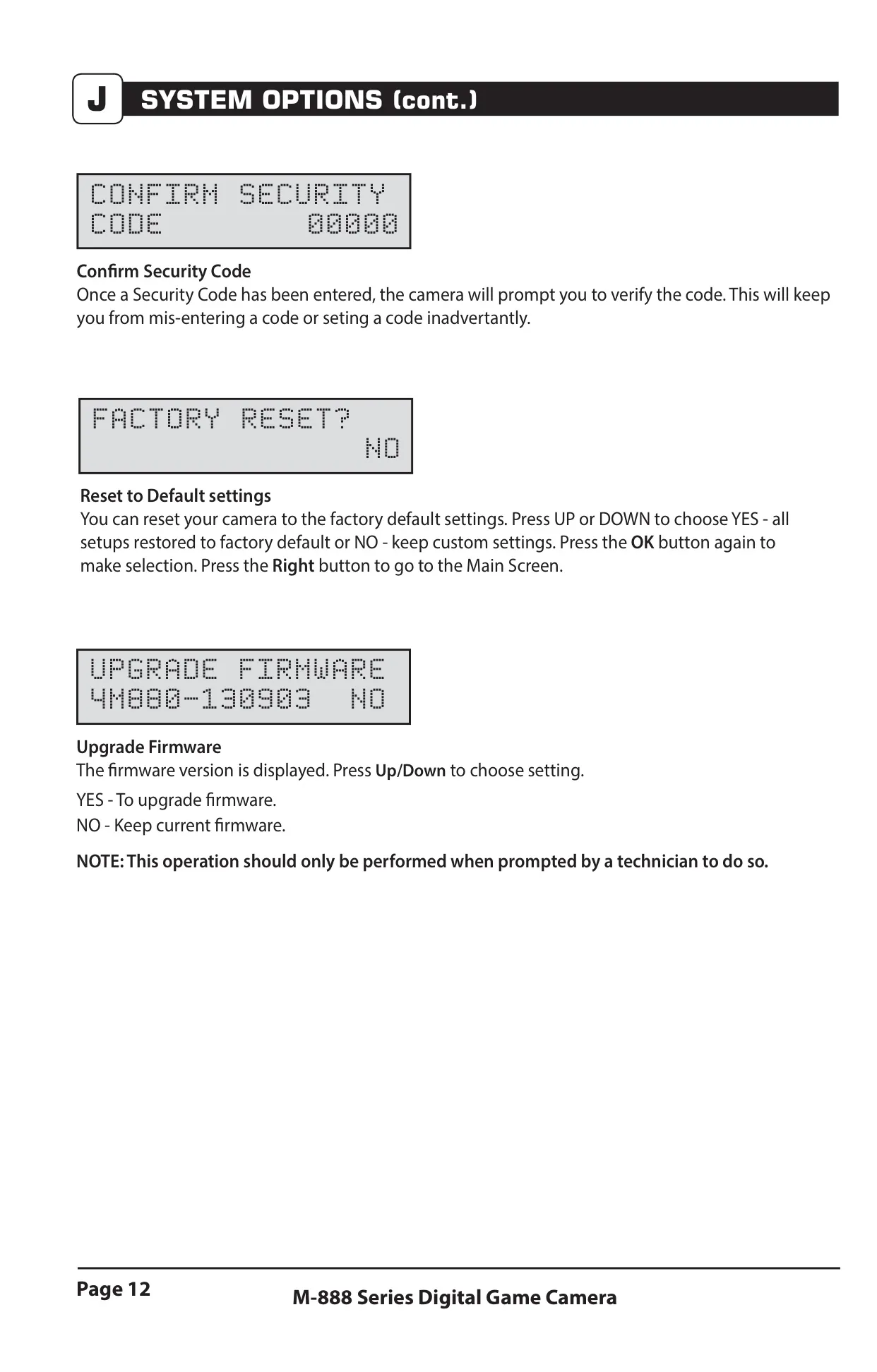
Memory management and system configuration are straightforward. The Managed Memory option dictates whether the camera overwrites the oldest files when the SD card is full or stops capturing images. Users can easily erase all images and format the SD card directly within the camera's menu. For enhanced security, a 5-digit Security Code can be set, protecting camera settings from unauthorized changes. Additionally, the camera supports firmware upgrades when prompted by a technician, ensuring the device remains up-to-date with the latest enhancements and functionalities from Moultrie.
Powering the M-888 is flexible, accommodating eight AA alkaline or lithium batteries, and it includes an External Power Port compatible with Moultrie's PowerPanel, AC Adapter, or Battery Box accessories. The AC Connected setting, when external power is used, keeps the camera active between sequences, significantly improving speed and performance. Viewing captured images and videos is convenient; users can remove the SD card for playback on external devices, or connect the camera directly to a PC or Mac via its USB Port for downloading and editing. The unit functions as a removable drive, simplifying content transfer.
Further expanding its utility, the Moultrie M-888 is compatible with Moultrie Mobile® cellular service when paired with the Field Modem MV1, enabling remote monitoring capabilities, though a firmware update might be necessary for full functionality. The camera also includes an Infostrip feature to imprint details like camera name, date, time, and temperature (in Fahrenheit or Celsius) onto images and videos, providing valuable context. Moultrie stands behind its product with a 2-year limited warranty, requiring registration for activation, and offers comprehensive customer support for troubleshooting and repairs.
Frequently Asked Questions (FAQs)
Can't find the answer you need? Here are some frequently asked questions about the Moultrie M-888 (MCG-13067), and we answer them below.