Orbit 56544 Irrigation Controller Instruction Manual
Orbit 56544 Irrigation Controller




Orbit 56544 Instructions
Here we offer the Orbit 56544 Irrigation Controller manual completely free and in English. We have cataloged this manual in the Irrigation Controllers section on Manualverse, and it has been rated by 1 users with an average rating of 5. If you have any specific questions about Orbit 56544 Irrigation Controller, we suggest checking the Frequently Asked Questions (FAQs) section of this manual.
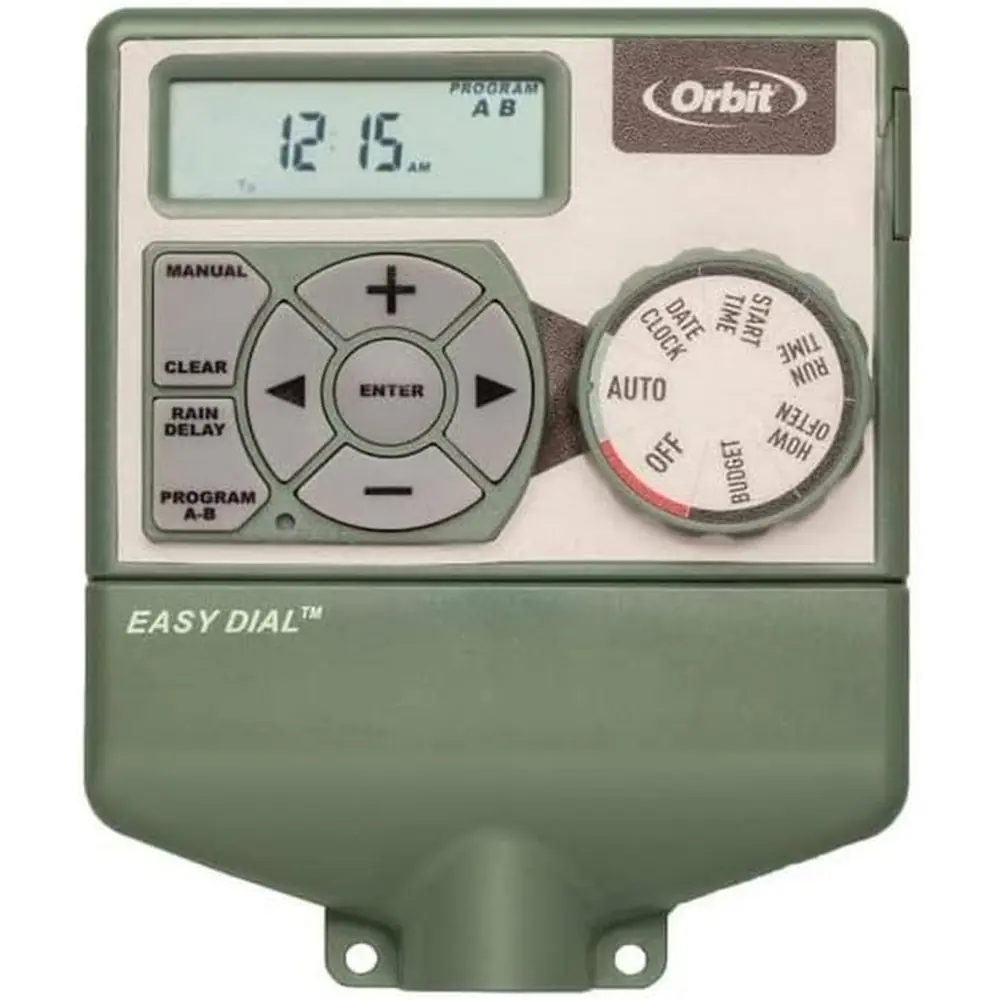
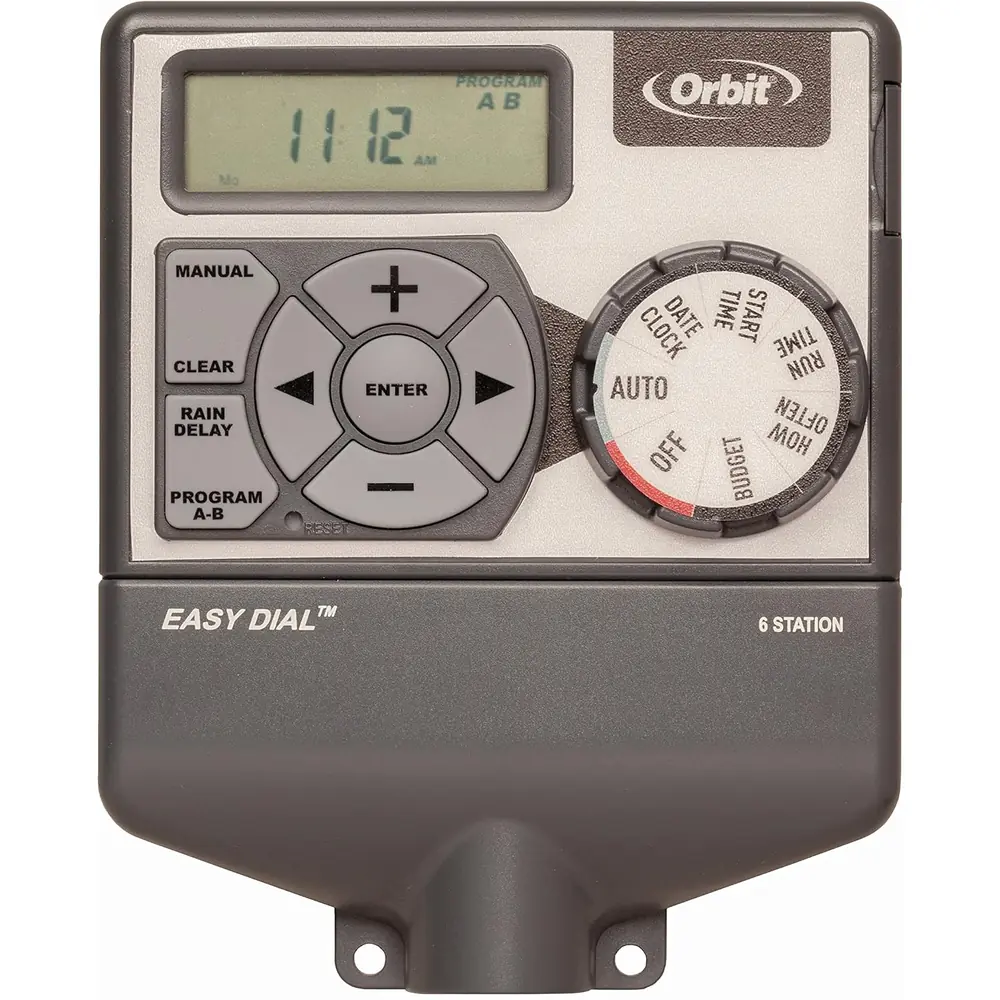
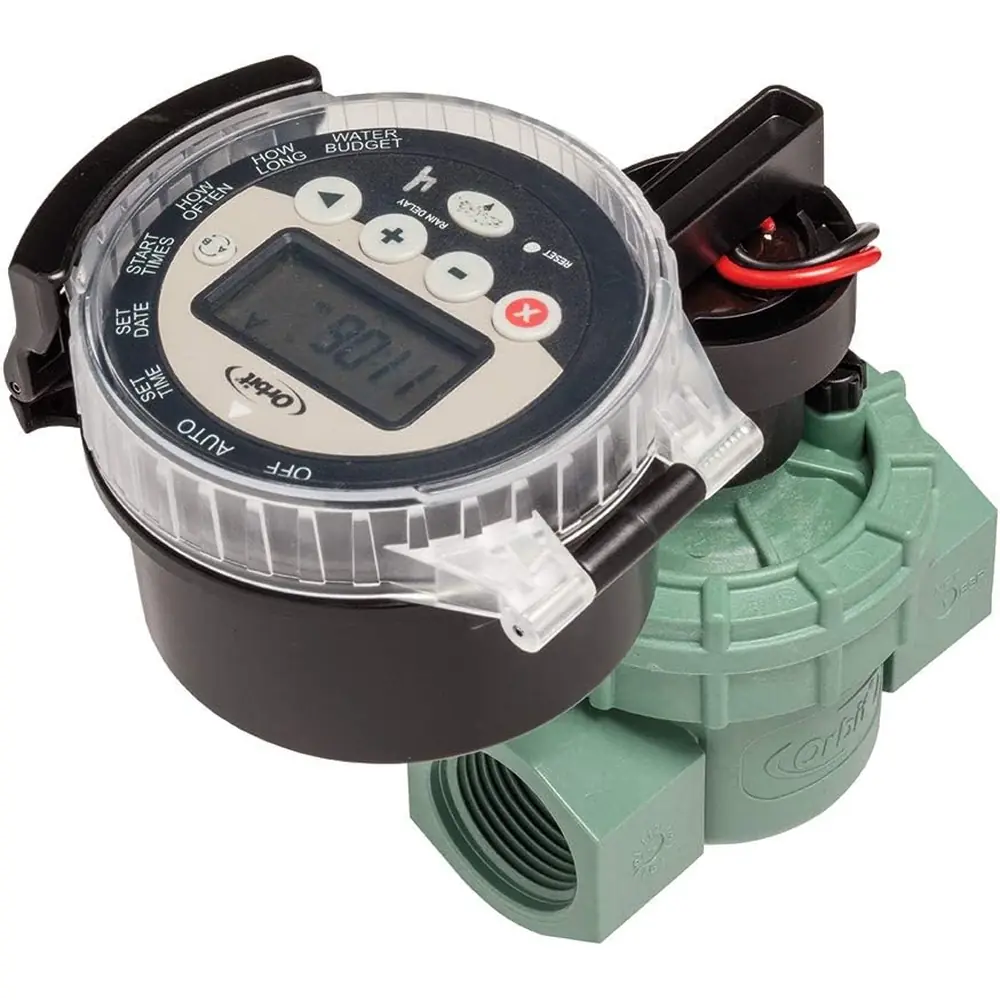
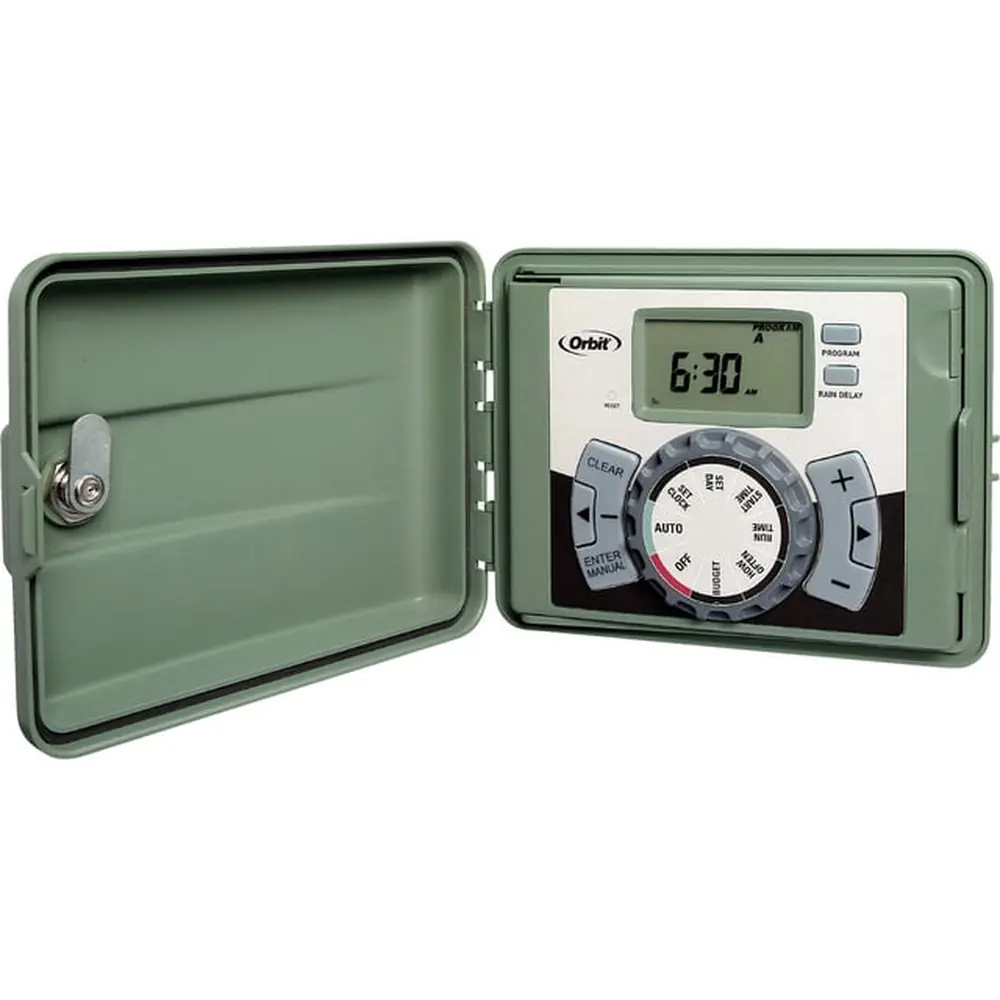
Product Images
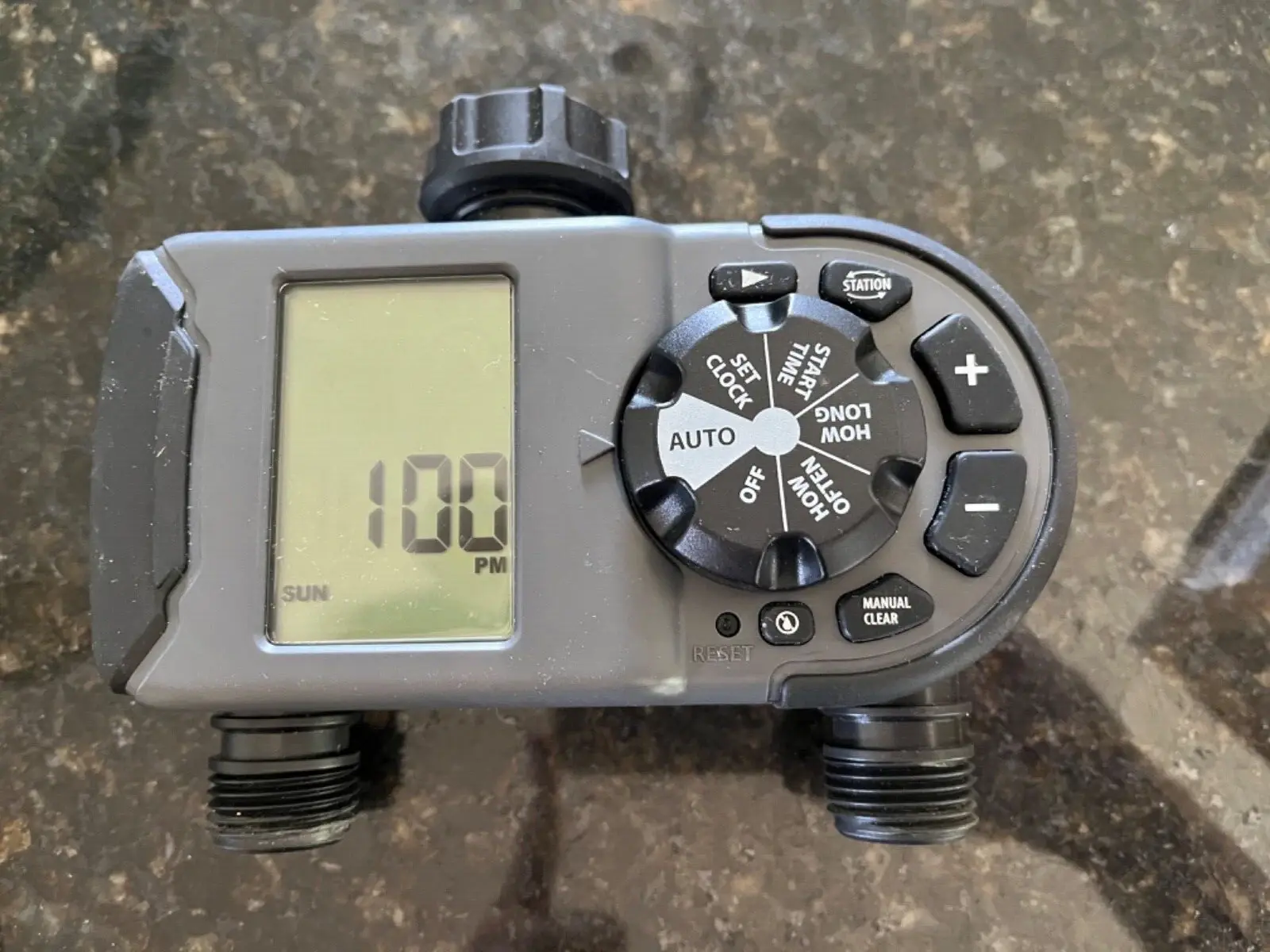
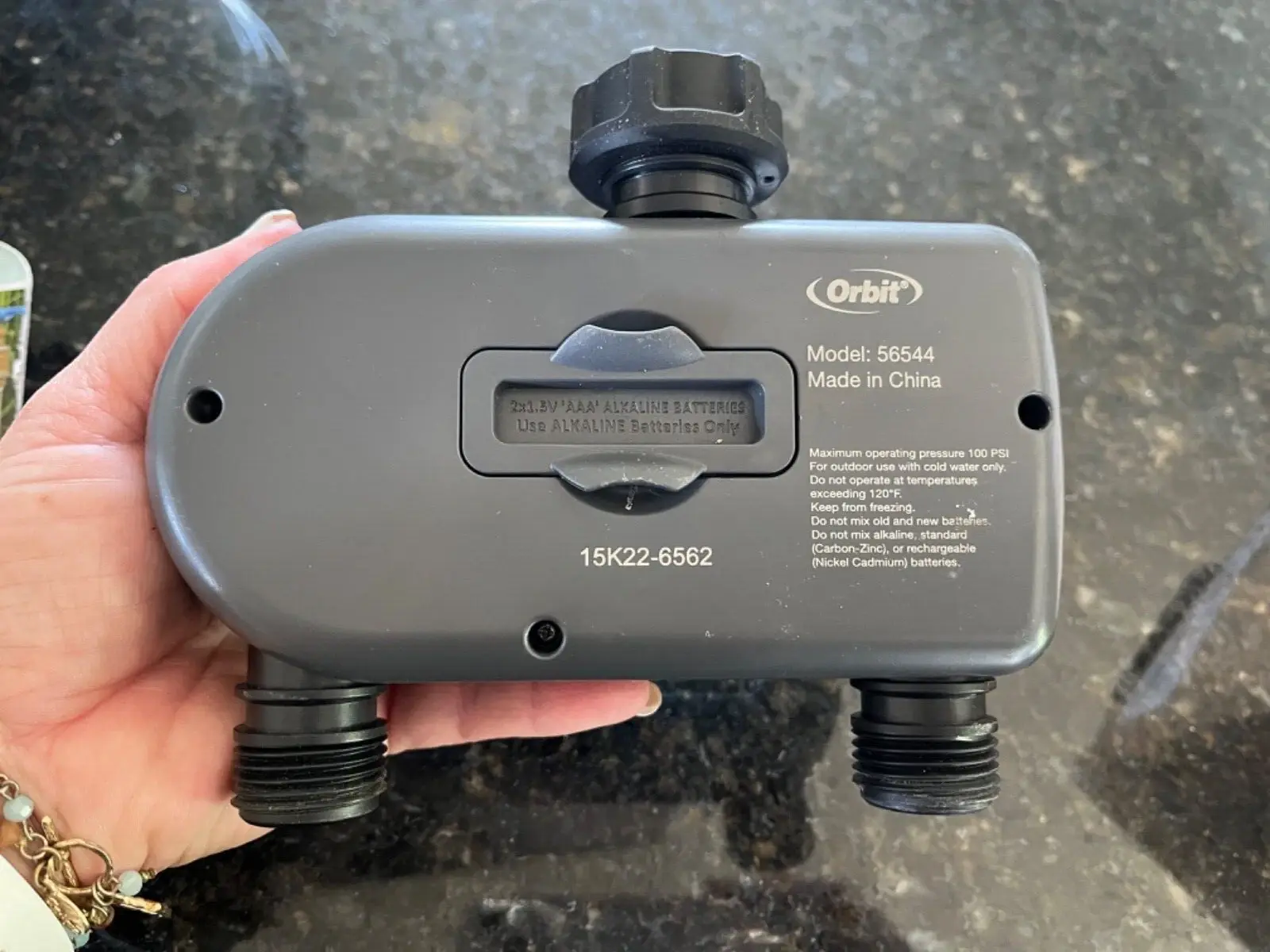
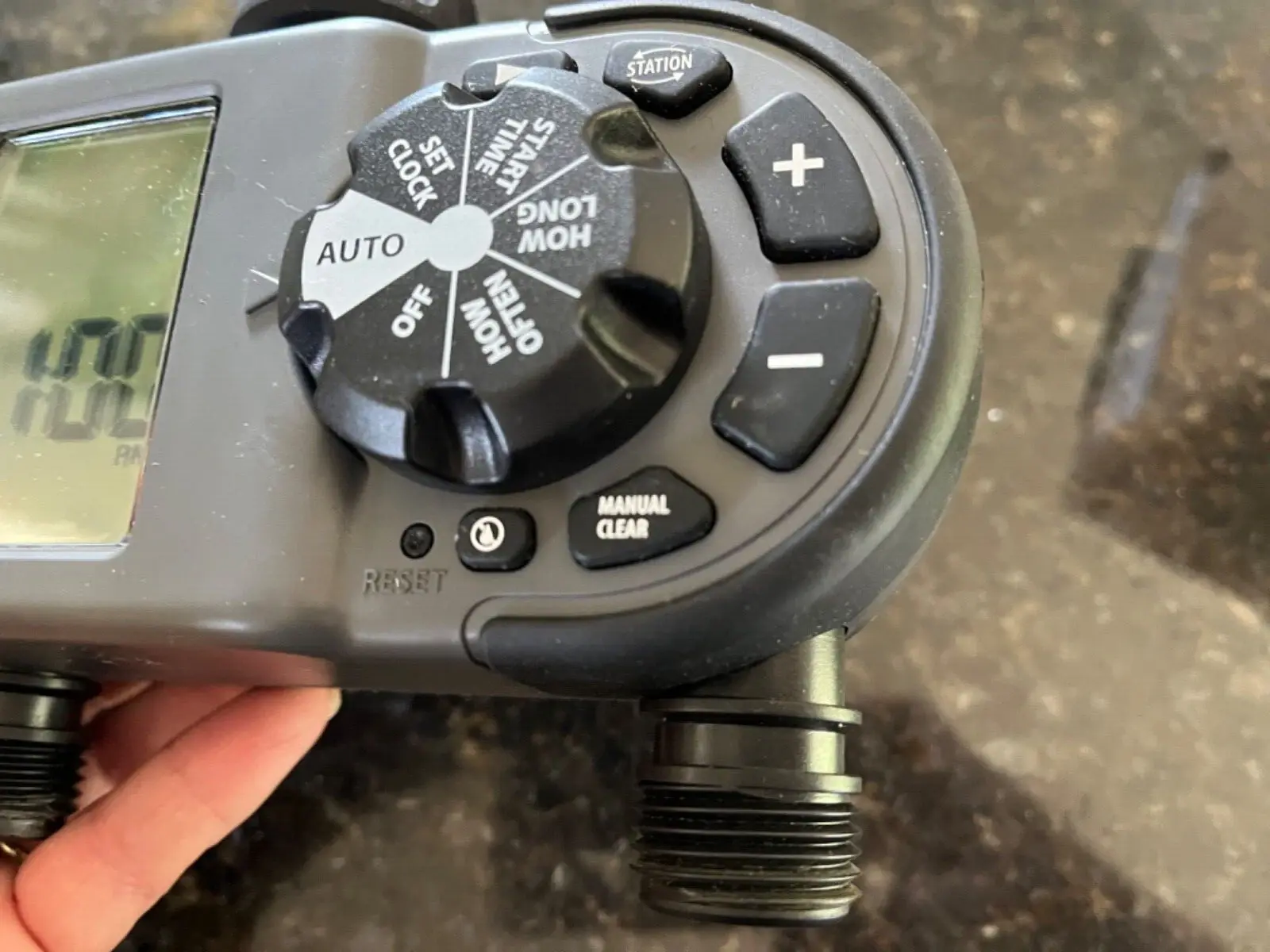
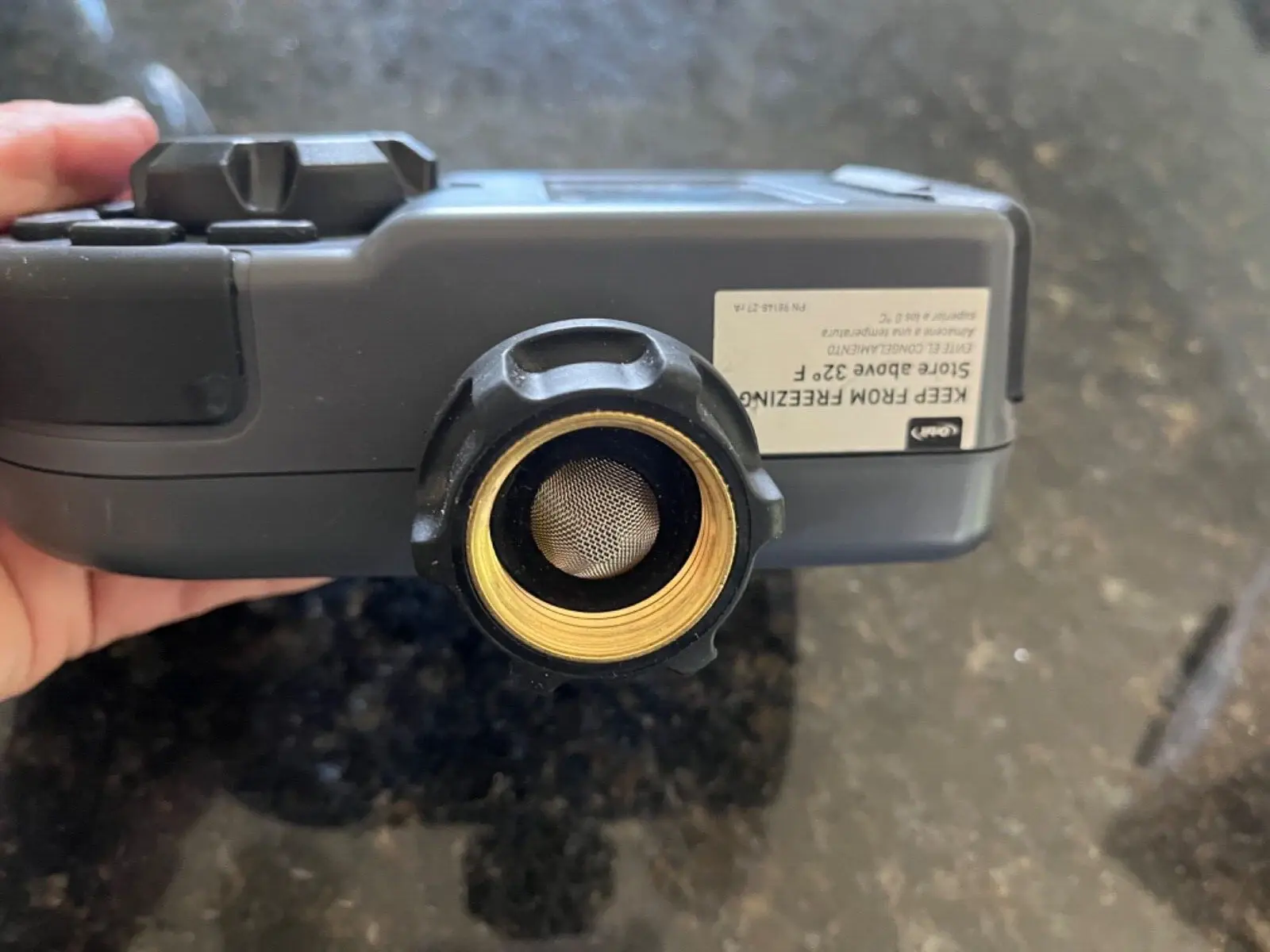
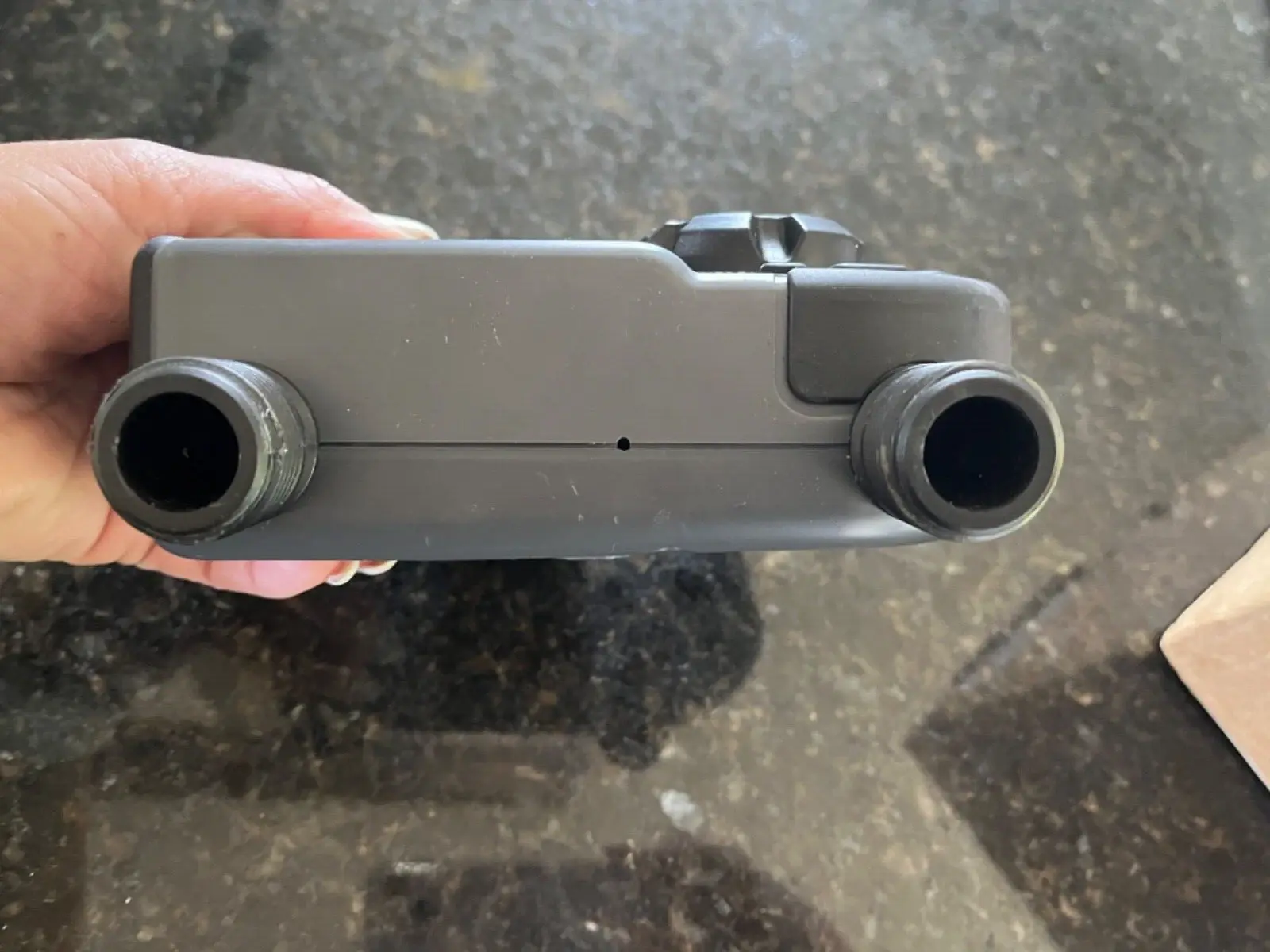
Orbit 56544 Irrigation Controller Specifications
| Feature | Specification |
|---|---|
| Product Model | Orbit 56544 |
| Product Type | 2-Outlet Hose Faucet Timer / Irrigation Controller |
| Number of Stations | 2 |
| Battery Requirement | 2 x AAA (1.5V) alkaline batteries (not included) |
| Minimum Watering Duration | 1 minute |
| Maximum Watering Duration | 360 minutes (6 hours) |
| Rain Delay Duration | 1 to 7 days |
| Watering Frequency Options | Specific days of the week; Intervals (1, 2, 4, 6, 12 hours; 1 to 7 days) |
| Minimum Working Water Pressure | 10 psi |
| Maximum Working Water Pressure | 100 psi |
| Maximum Working Temperature | 120°F (49°C) |
| Minimum Working Temperature | Keep from freezing (32°F / 0°C) |
| Usage Environment | Outdoor, cold water only |
Orbit 56544 Irrigation Controller Details
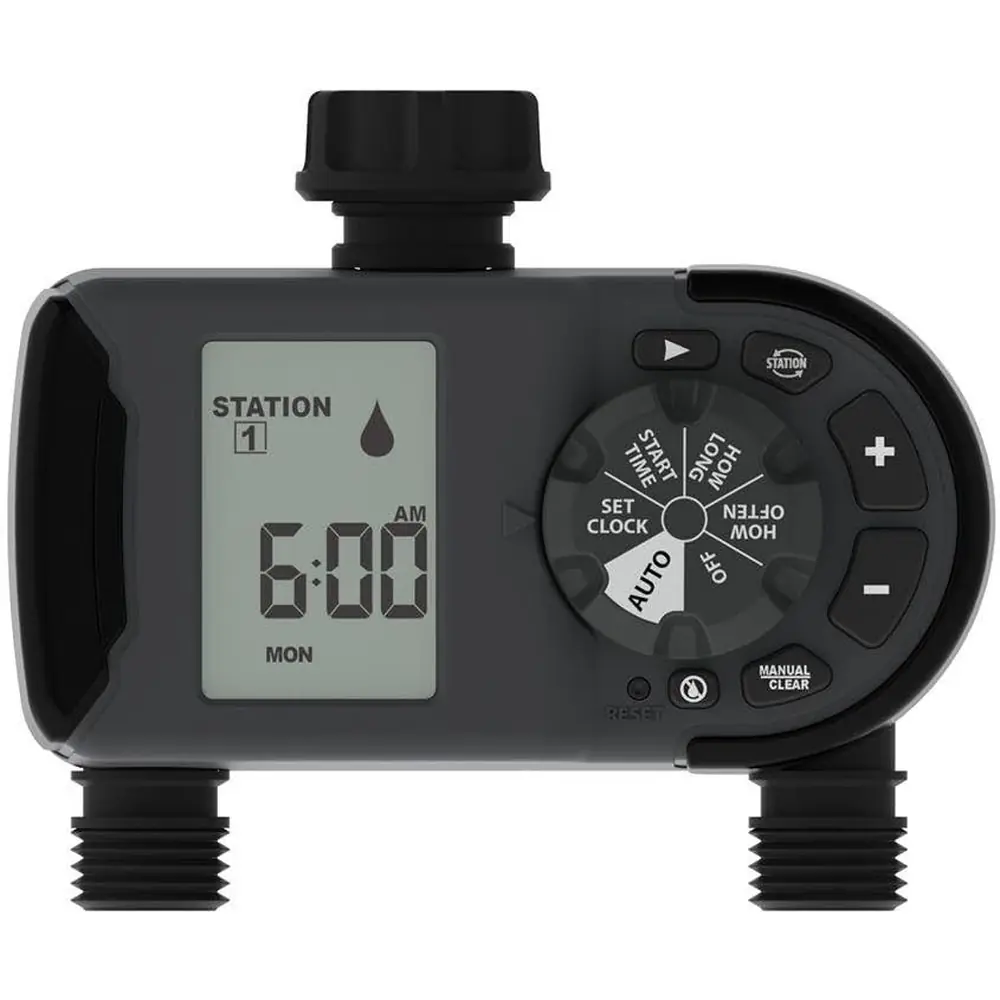
The Orbit 56544 Irrigation Controller is a sophisticated 2-outlet hose faucet timer designed for customizable watering schedules. Its intuitive interface features a central dial for navigation, allowing users to easily select and adjust various programming modes. Dedicated +/- buttons provide precise control over time and program settings, ensuring accuracy in schedule creation.
Key operational functions are accessible via specialized buttons. A dedicated ARROW button facilitates cursor movement during programming, streamlining the setup process. The STATION button enables seamless toggling between Station 1 and Station 2, which is crucial for configuring multi-zone irrigation.
For immediate needs, the MANUAL/CLEAR button offers manual watering capabilities or allows users to clear existing programming. A RESET button is also included, providing a convenient way to revert the controller to its original factory settings should any extensive reprogramming or troubleshooting be required.
The controller supports three independent, customizable watering schedules, labeled A, B, and C. Each schedule can be configured to operate Station 1, Station 2, or both consecutively. This flexibility allows for diverse watering strategies tailored to different areas or plant types, optimizing water usage across your landscape.
Battery installation is straightforward, requiring two AAA (1.5V) alkaline batteries. It is critical to firmly replace the battery tray after insertion to ensure water resistance and prolong battery life. The device includes a low battery indicator, prompting timely battery replacement, which prevents unexpected interruptions to your watering routine.
Programming involves setting the current time and day, defining a start time for watering, specifying the duration for each active station, and choosing the frequency. Users can opt for specific days of the week or select interval-based watering, ranging from hourly to weekly cycles, offering granular control over irrigation timing.
An integrated filter protects the timer from dirt particles, significantly extending its operational lifespan. Regular cleaning of this filter is recommended, and replacement should occur if wear is observed. This simple maintenance step is vital for ensuring consistent performance and preventing clogs within the irrigation system.
The Orbit 56544 also includes a practical Rain Delay function. This feature allows users to temporarily suspend scheduled watering for a period of 1 to 7 days, ideal for conserving water after rainfall. Activation is simple, performed via a dedicated button while the dial is set to AUTO, pausing irrigation without altering the primary program.
For immediate watering requirements, the manual watering feature is invaluable. Users can choose to initiate watering for all programmed stations or select specific stations and define their individual durations, up to 360 minutes. This allows for quick, on-demand irrigation without affecting the underlying automated schedule, perfect for spot watering or new plantings.
The controller is explicitly designed for outdoor use with cold water only and should not be used with appliances. Crucially, in freezing temperatures, the timer must be disconnected from the hose faucet and stored indoors to prevent severe freeze damage, a vital precaution for long-term durability.
Frequently Asked Questions (FAQs)
Can't find the answer you need? Here are some frequently asked questions about the Orbit 56544 Irrigation Controller, and we answer them below.