Trane TCONT802AS32DAA Thermostat Instruction Manual
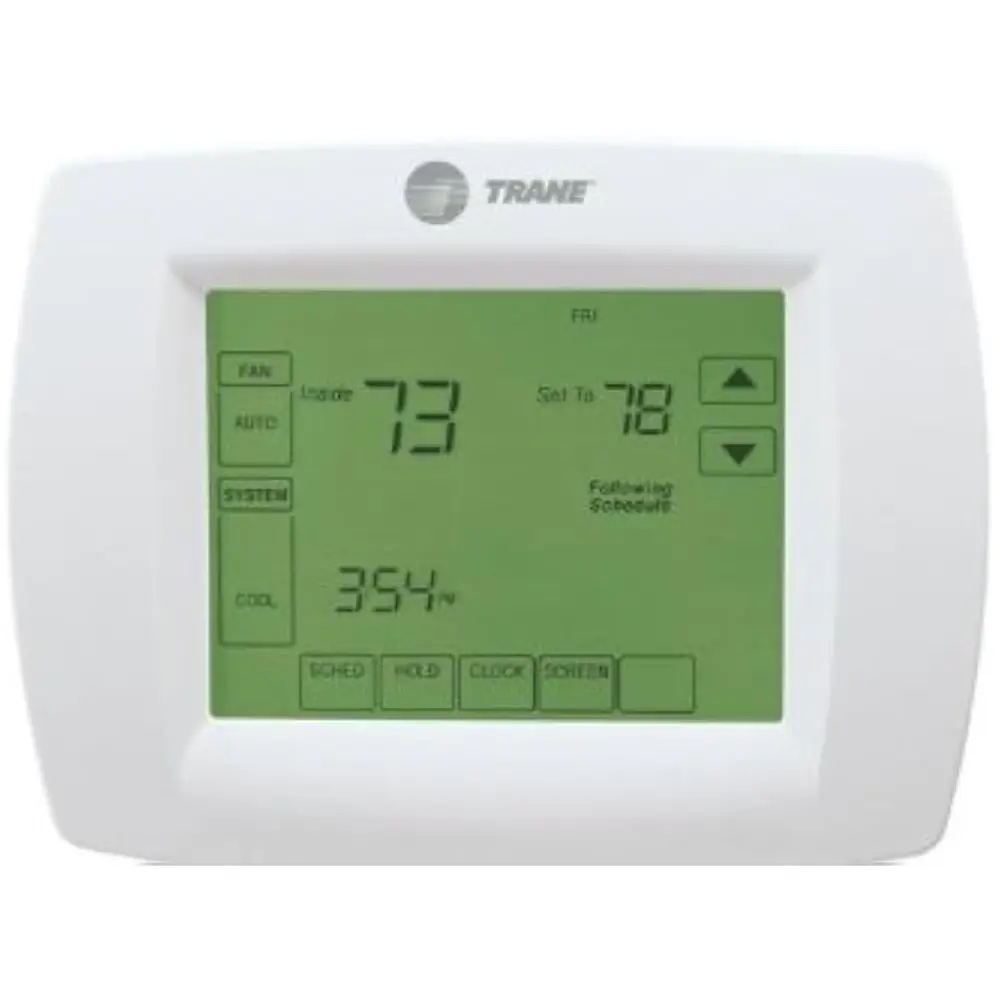
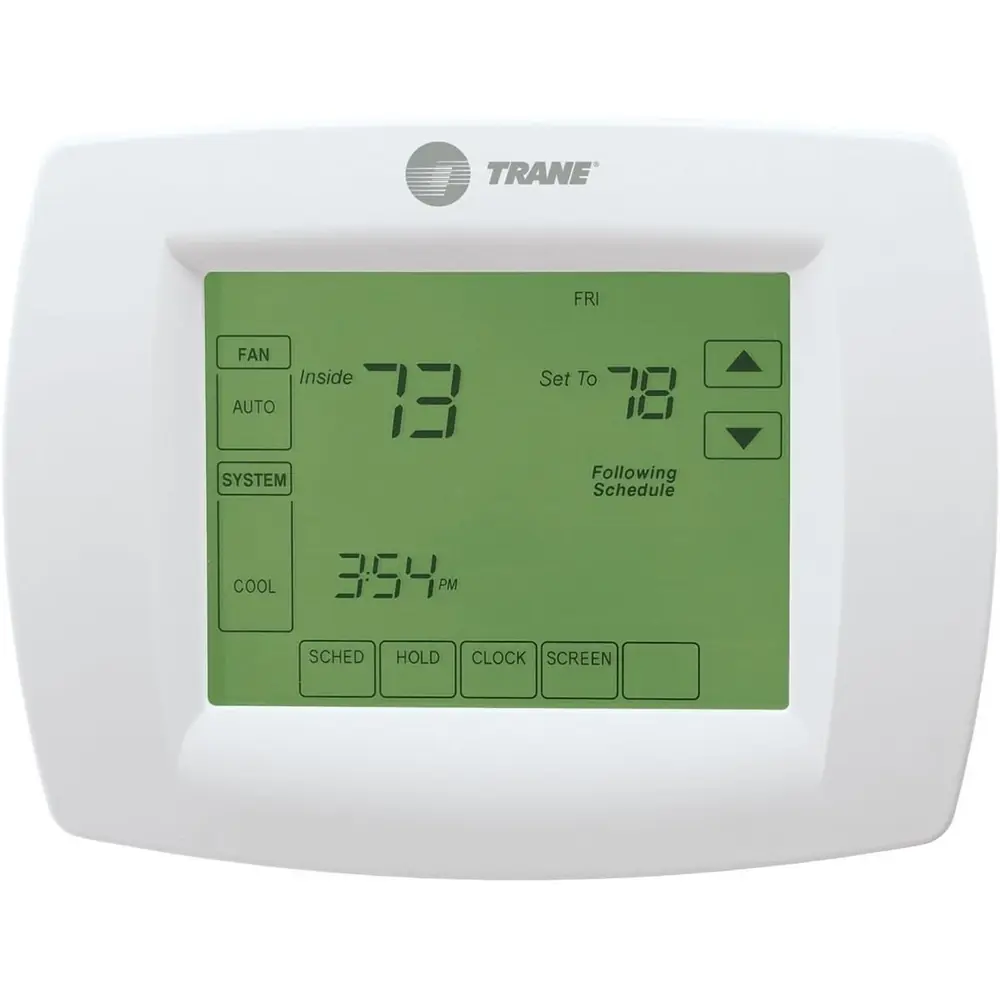
Trane TCONT802AS32DAA Thermostat
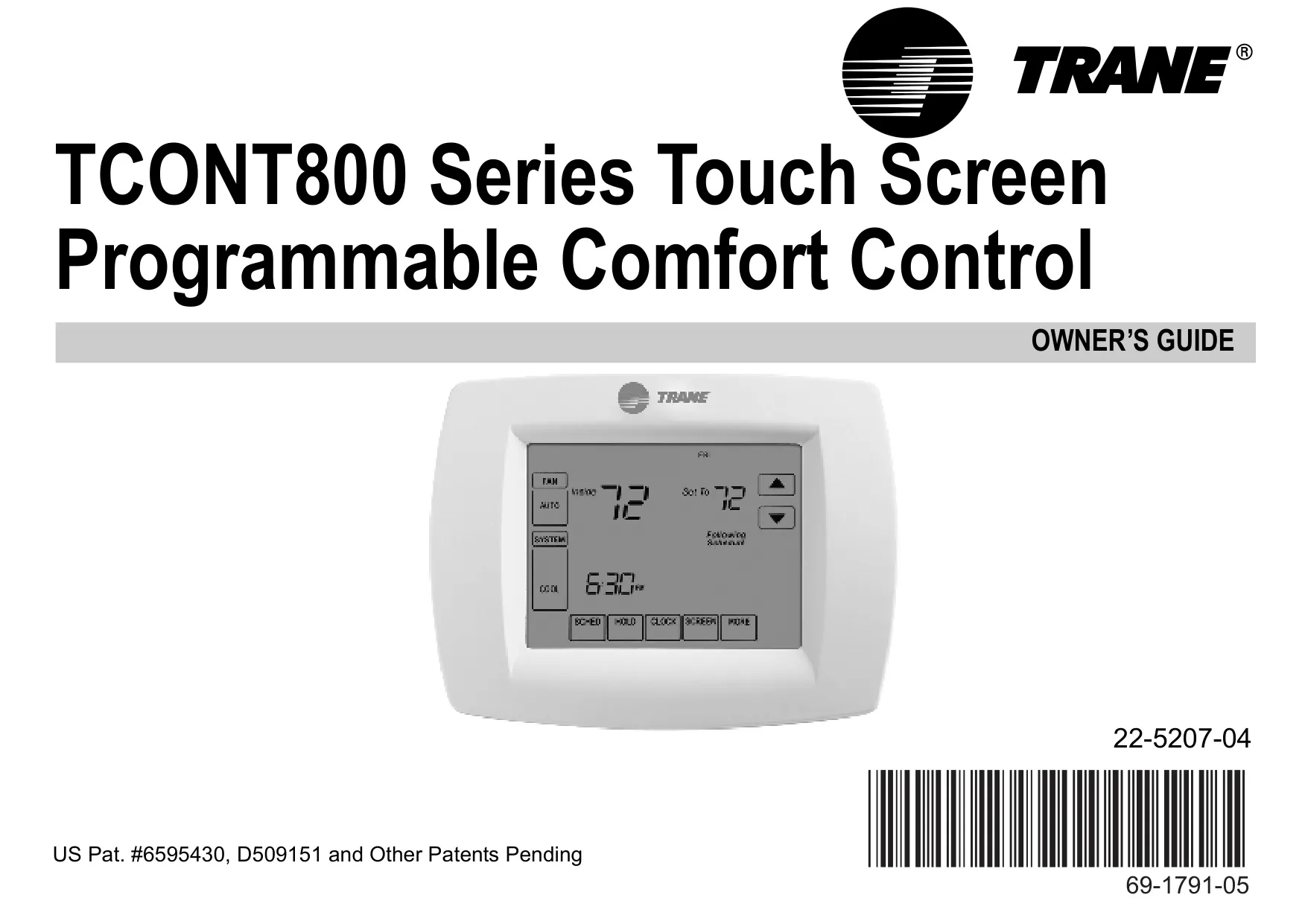
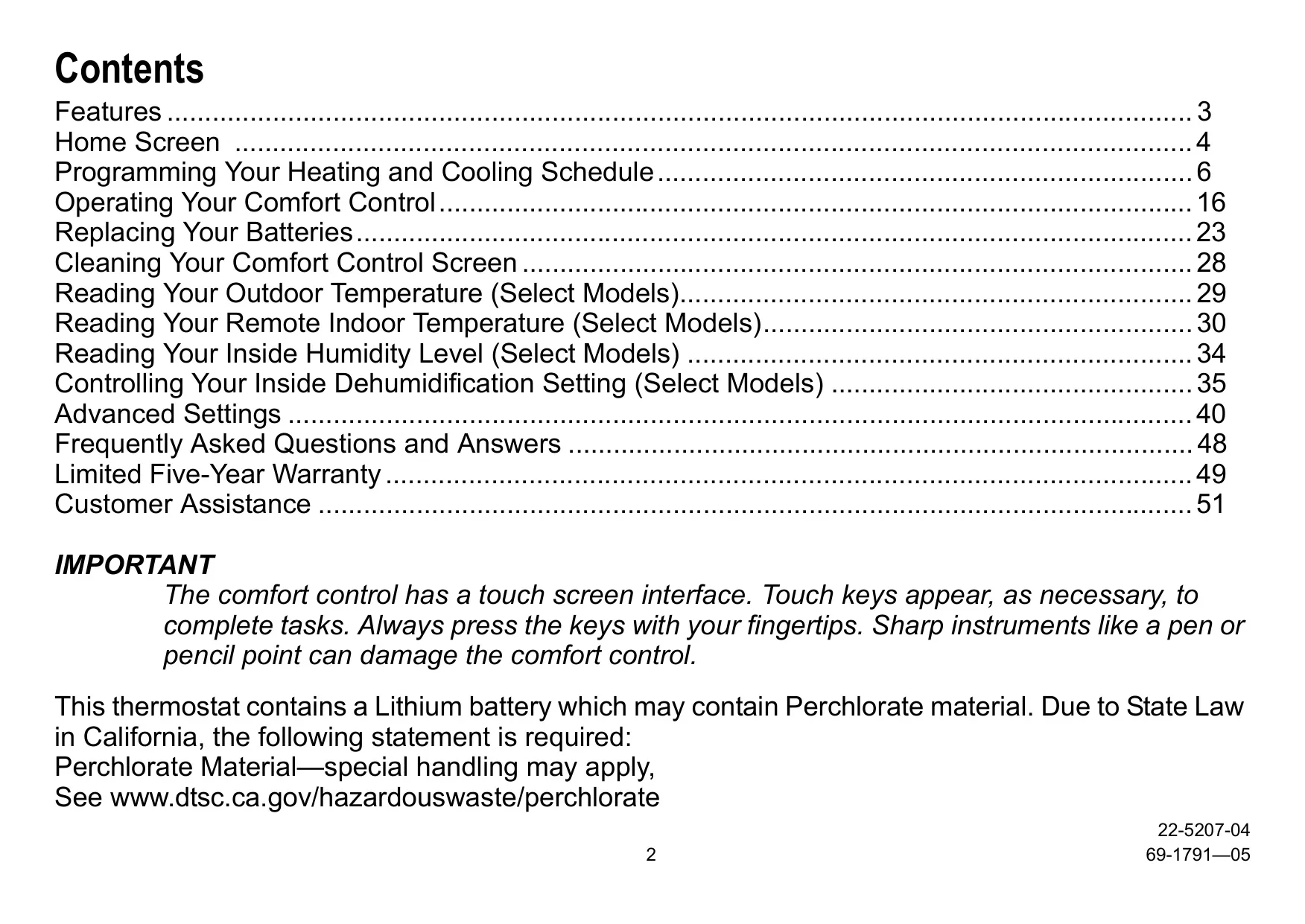
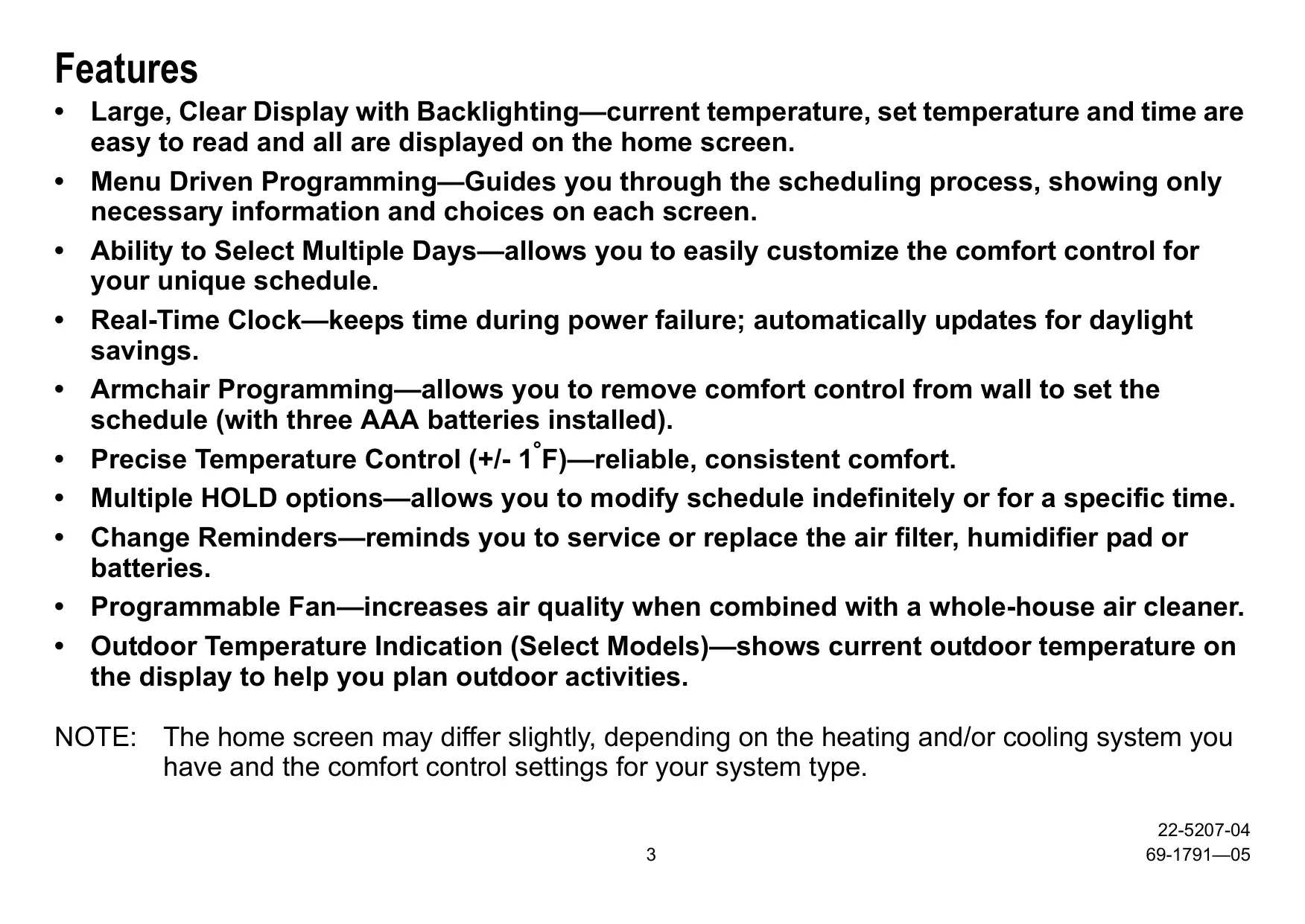



Trane TCONT802AS32DAA Thermostat
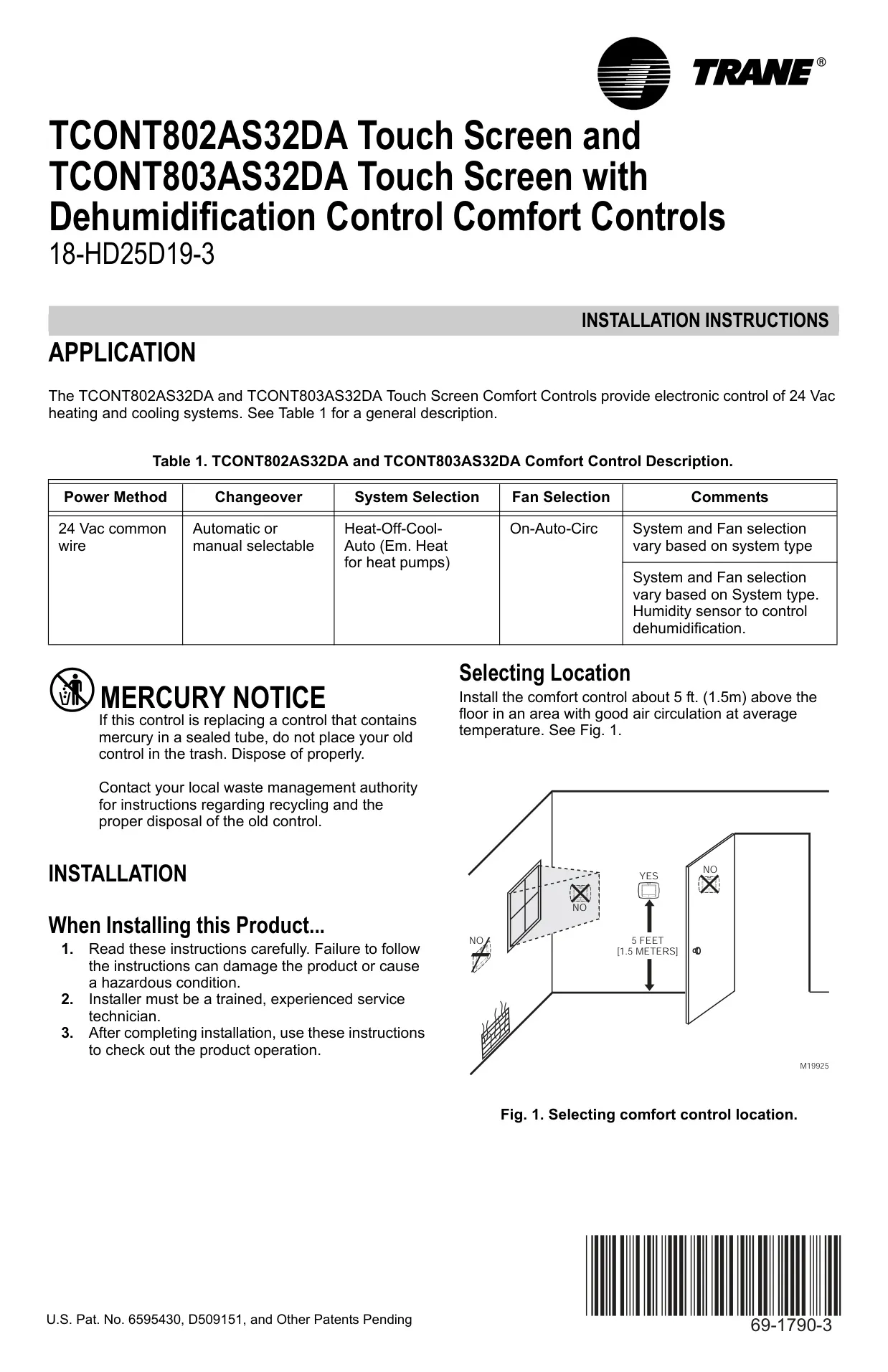
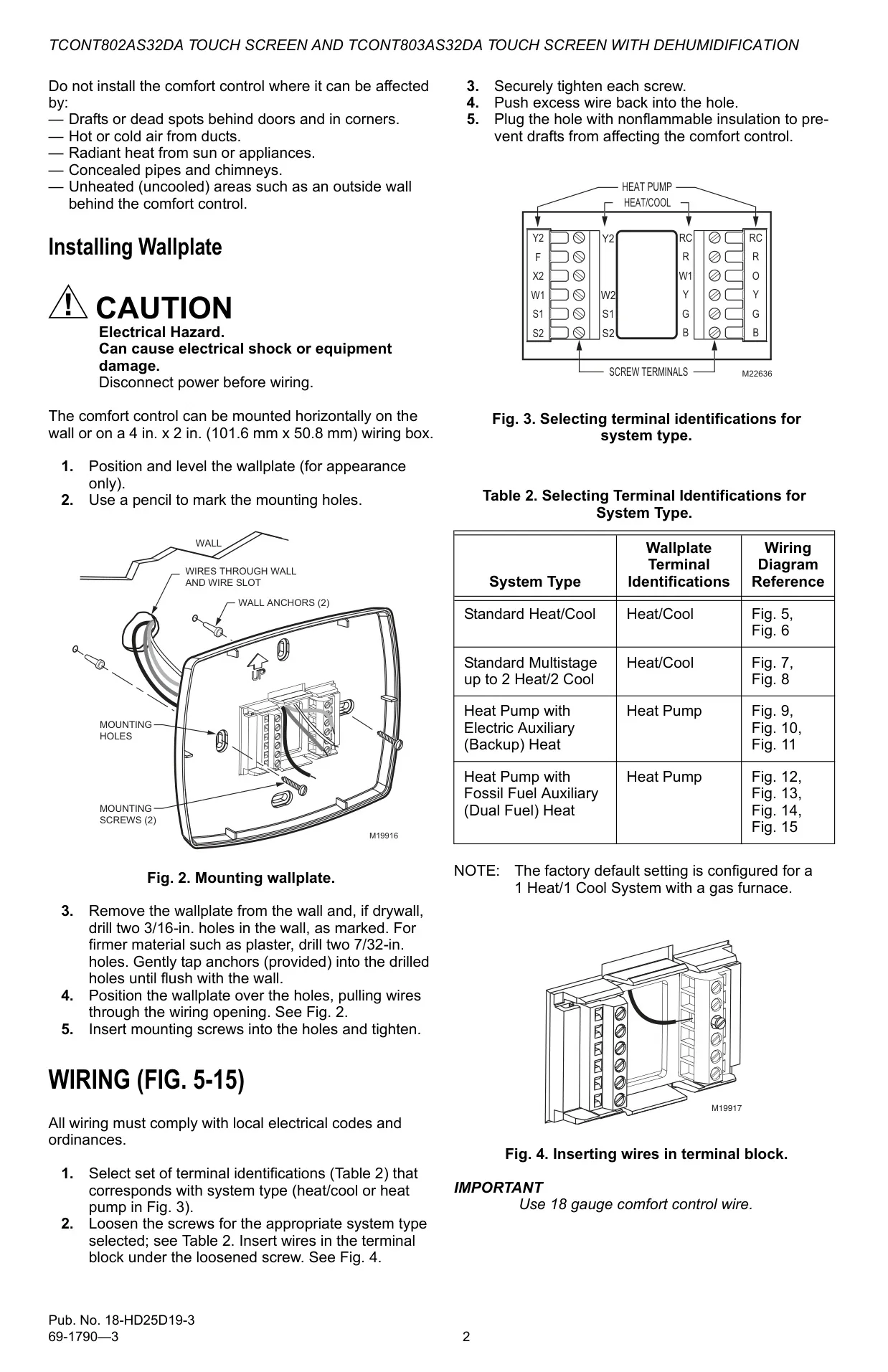
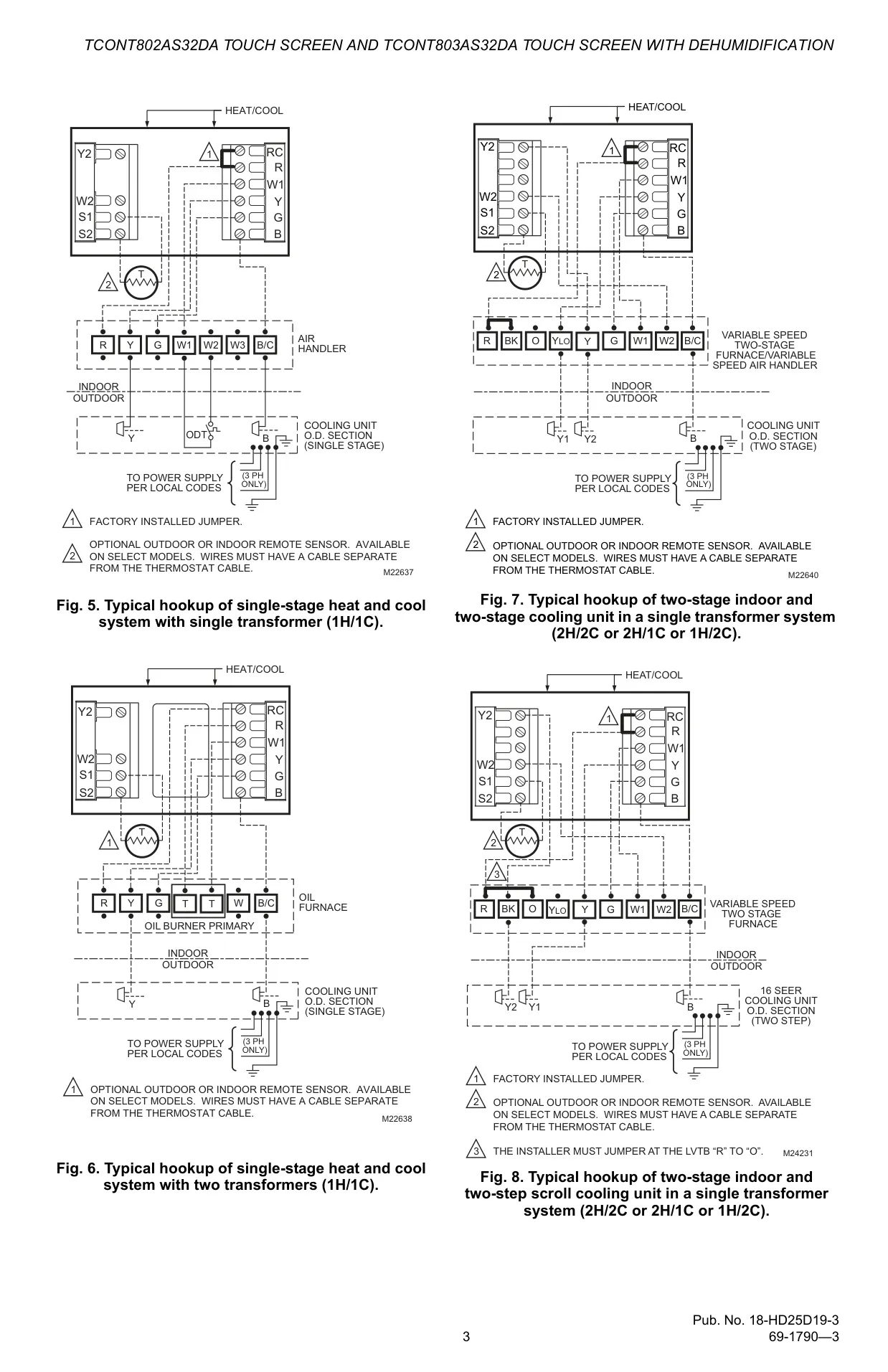
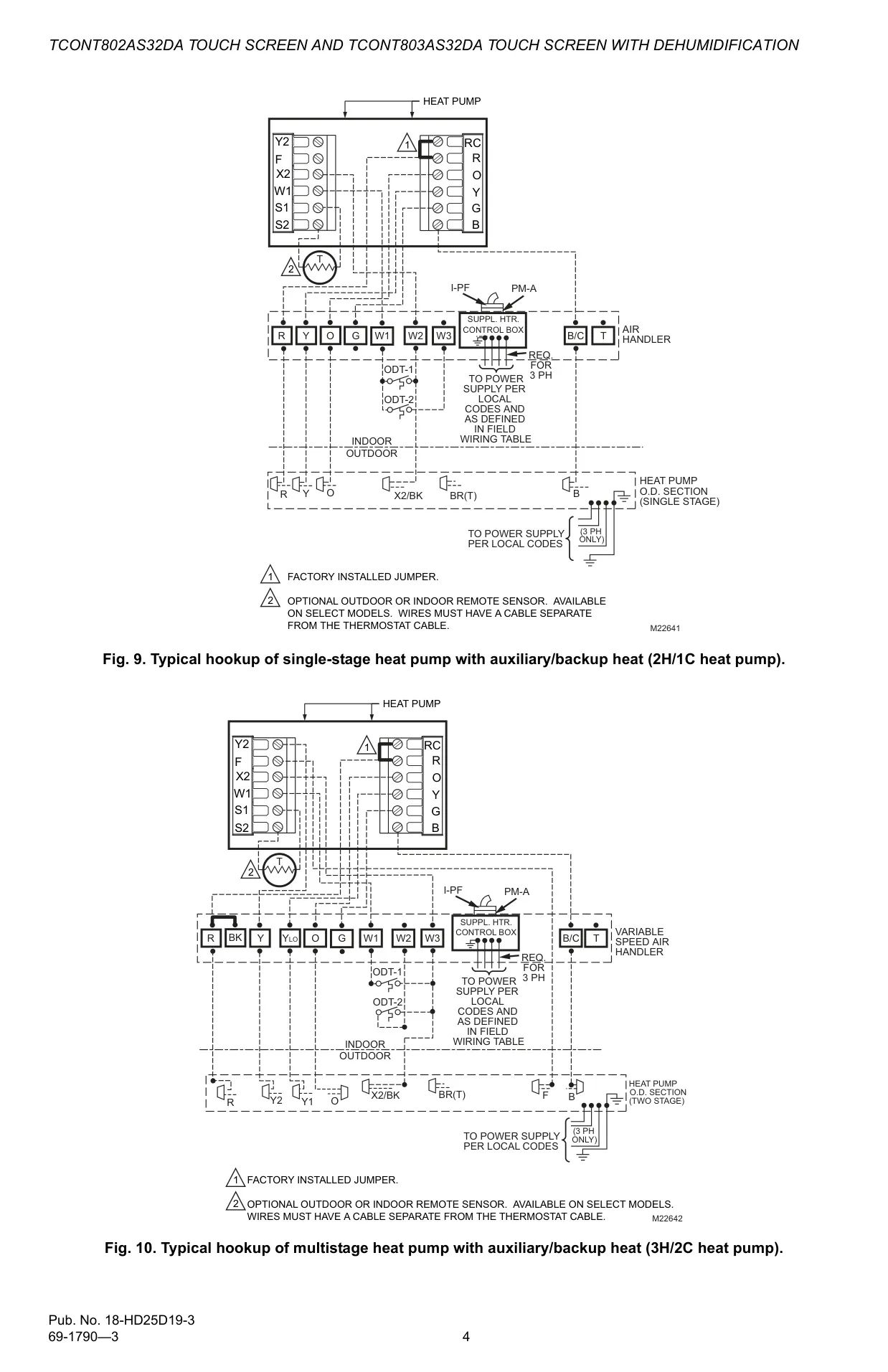
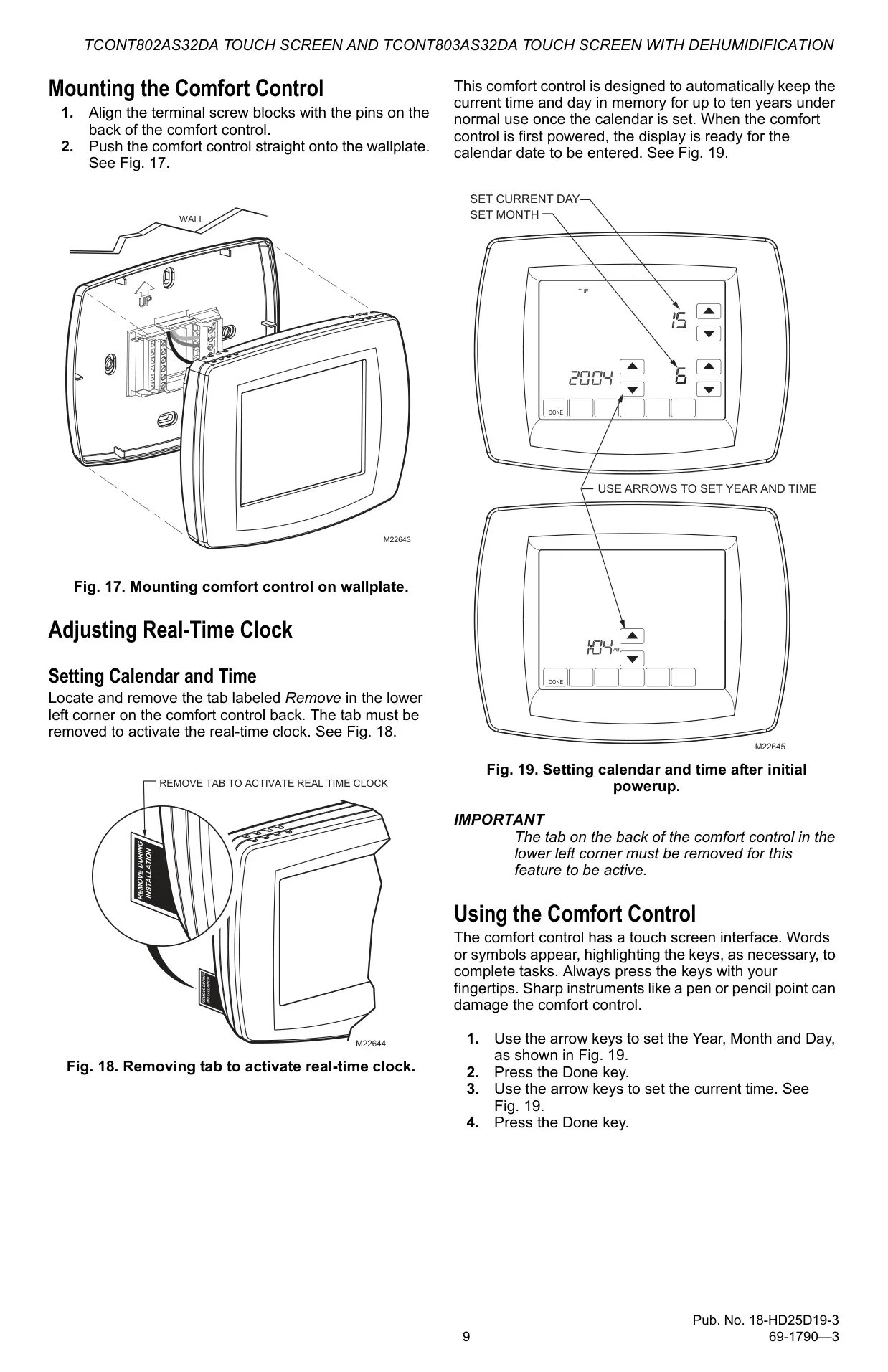
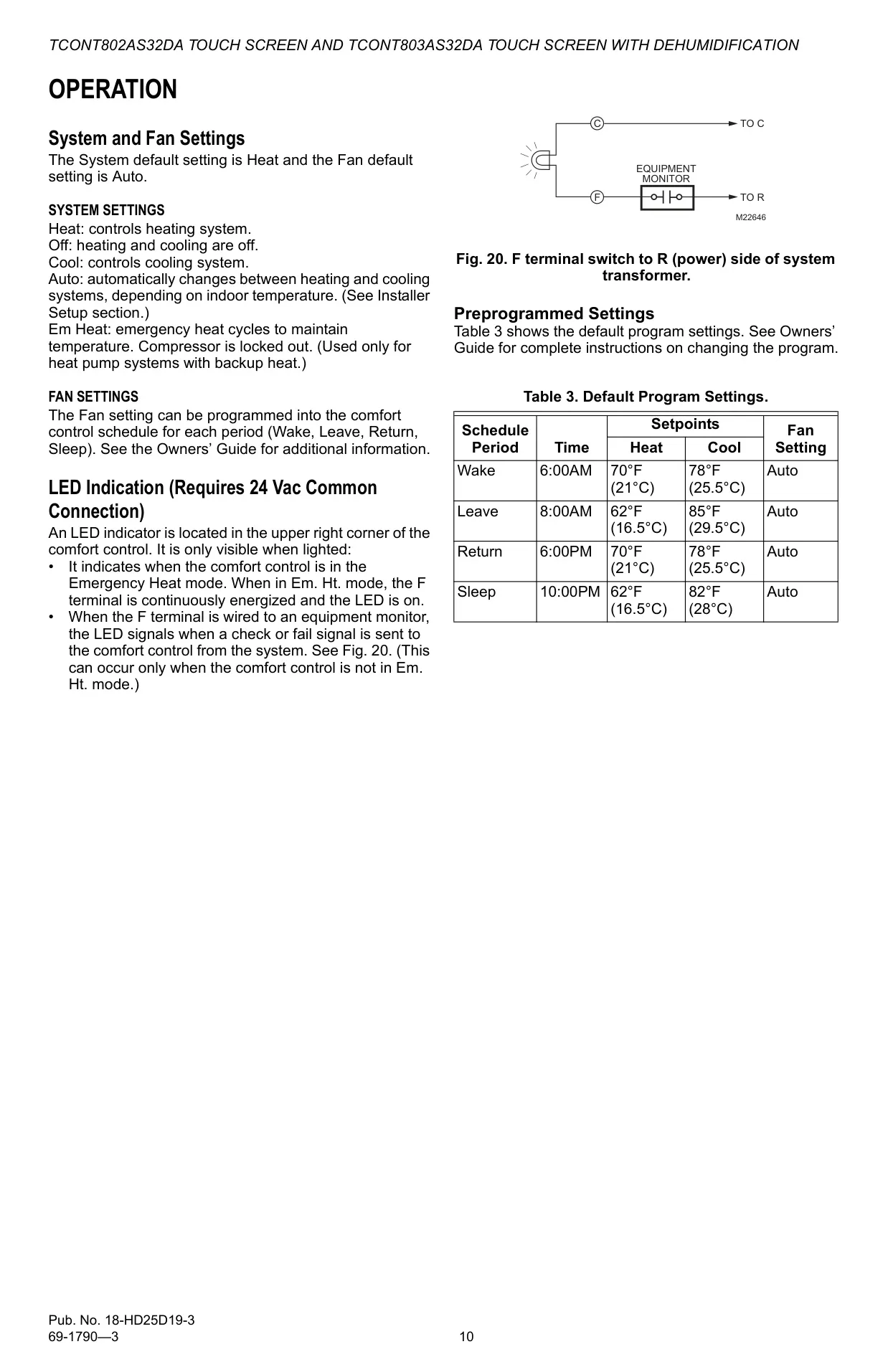

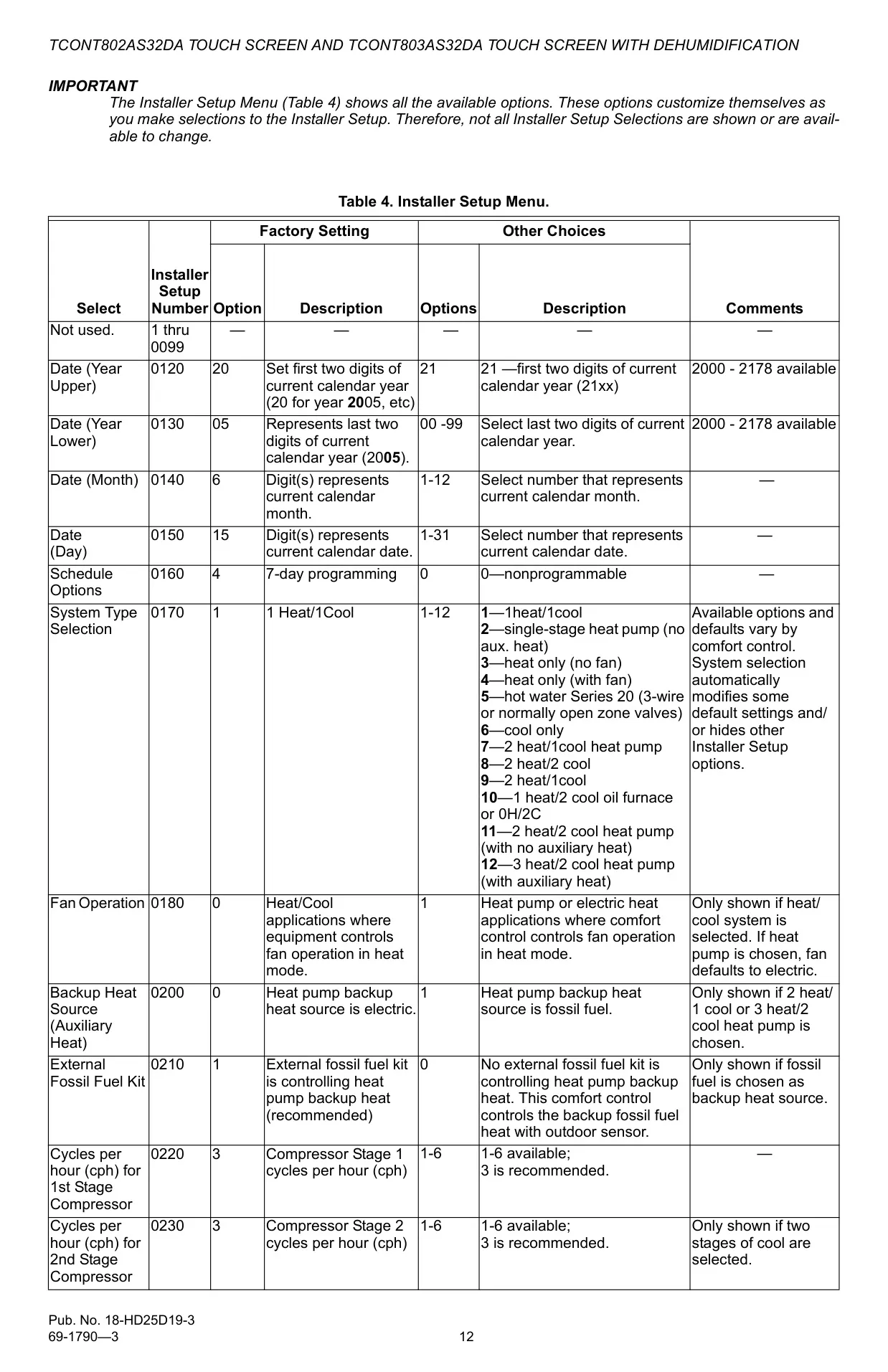
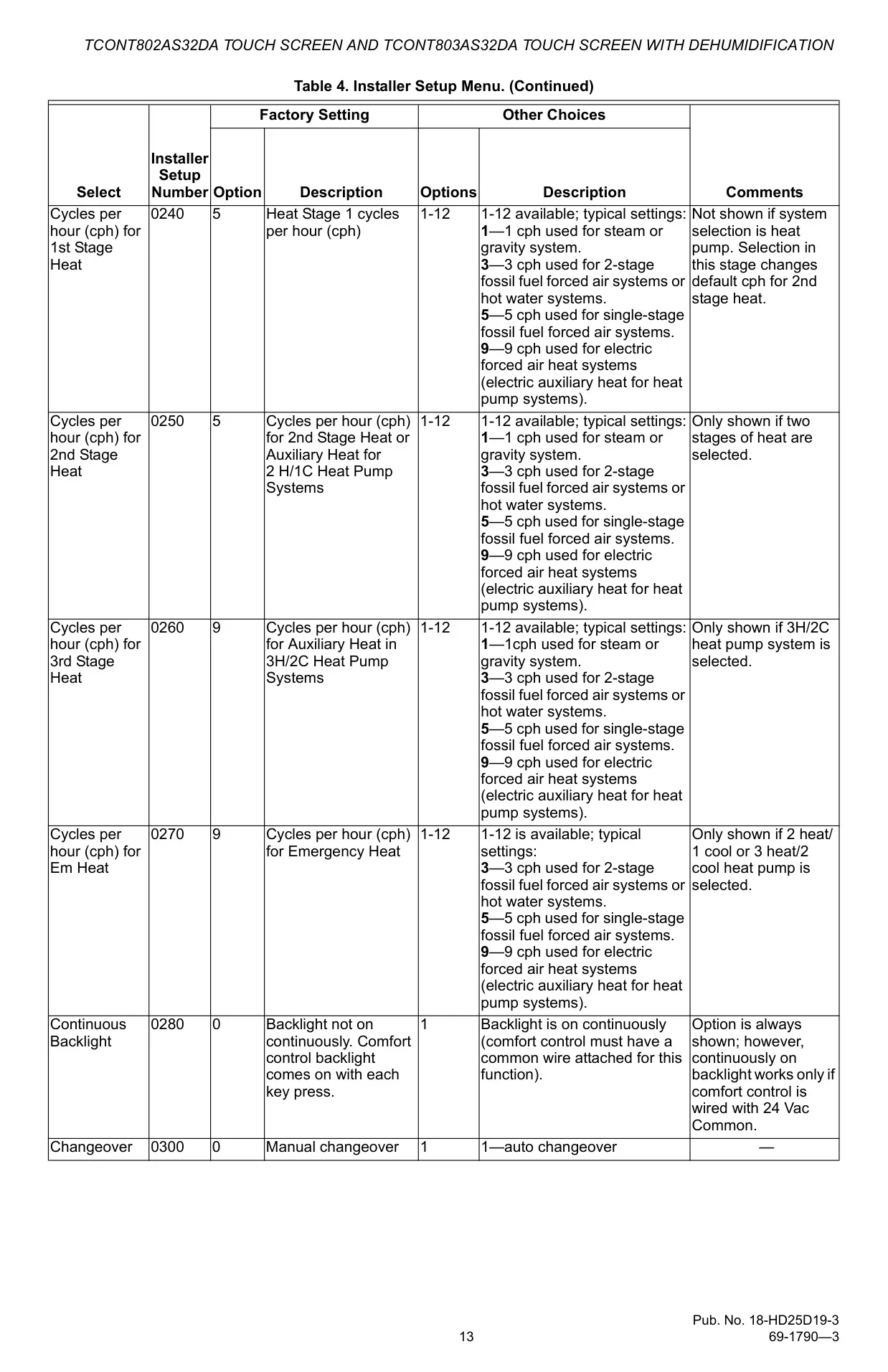
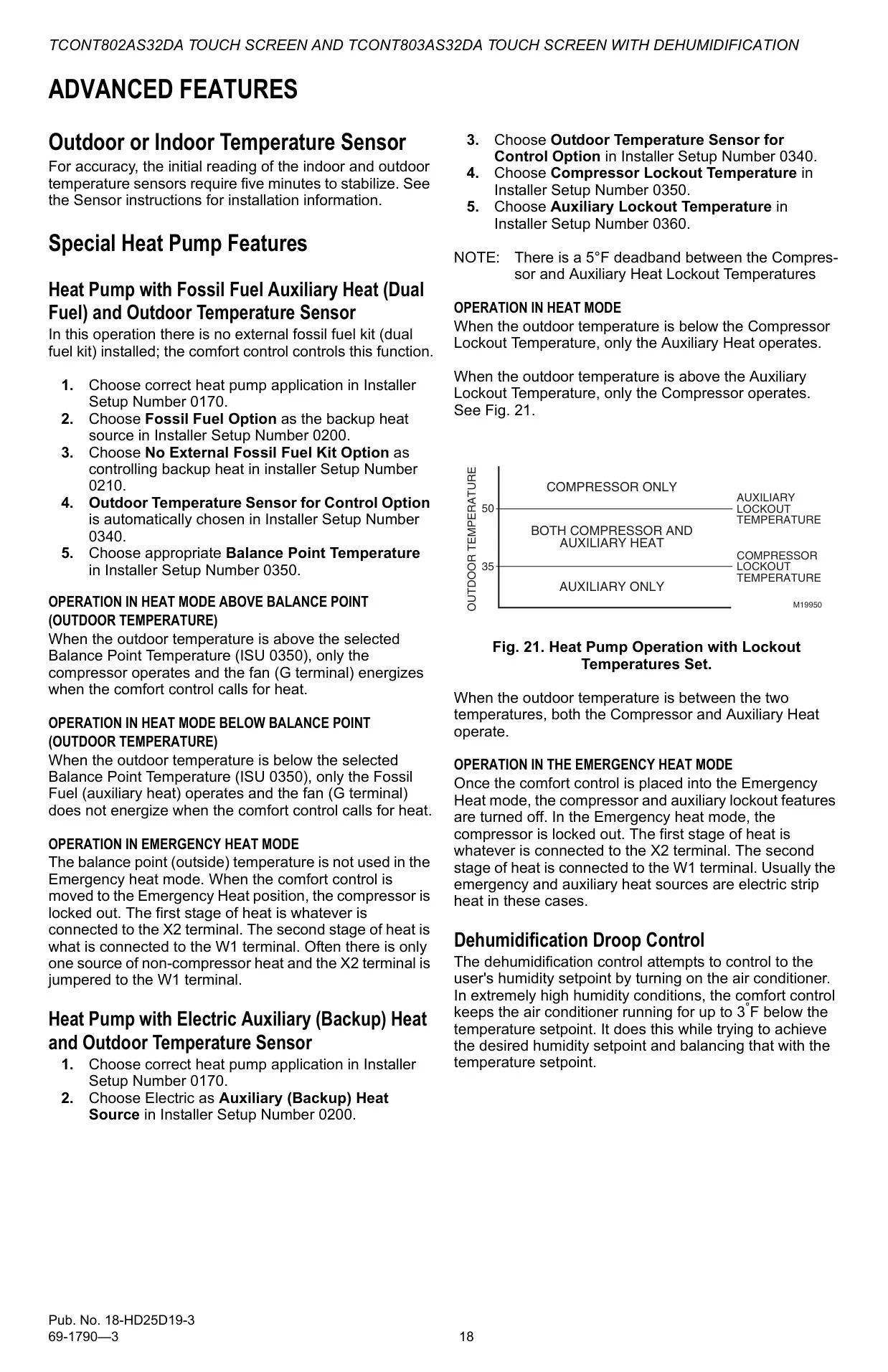

Trane TCONT802AS32DAA Instructions
Here we offer the Trane TCONT802AS32DAA Thermostat manual completely free and in English. We have cataloged this manual in the Thermostats section on Manualverse, and it has been rated by 1 users with an average rating of 5. If you have any specific questions about Trane TCONT802AS32DAA Thermostat, we suggest checking the Frequently Asked Questions (FAQs) section of this manual.
Product Images
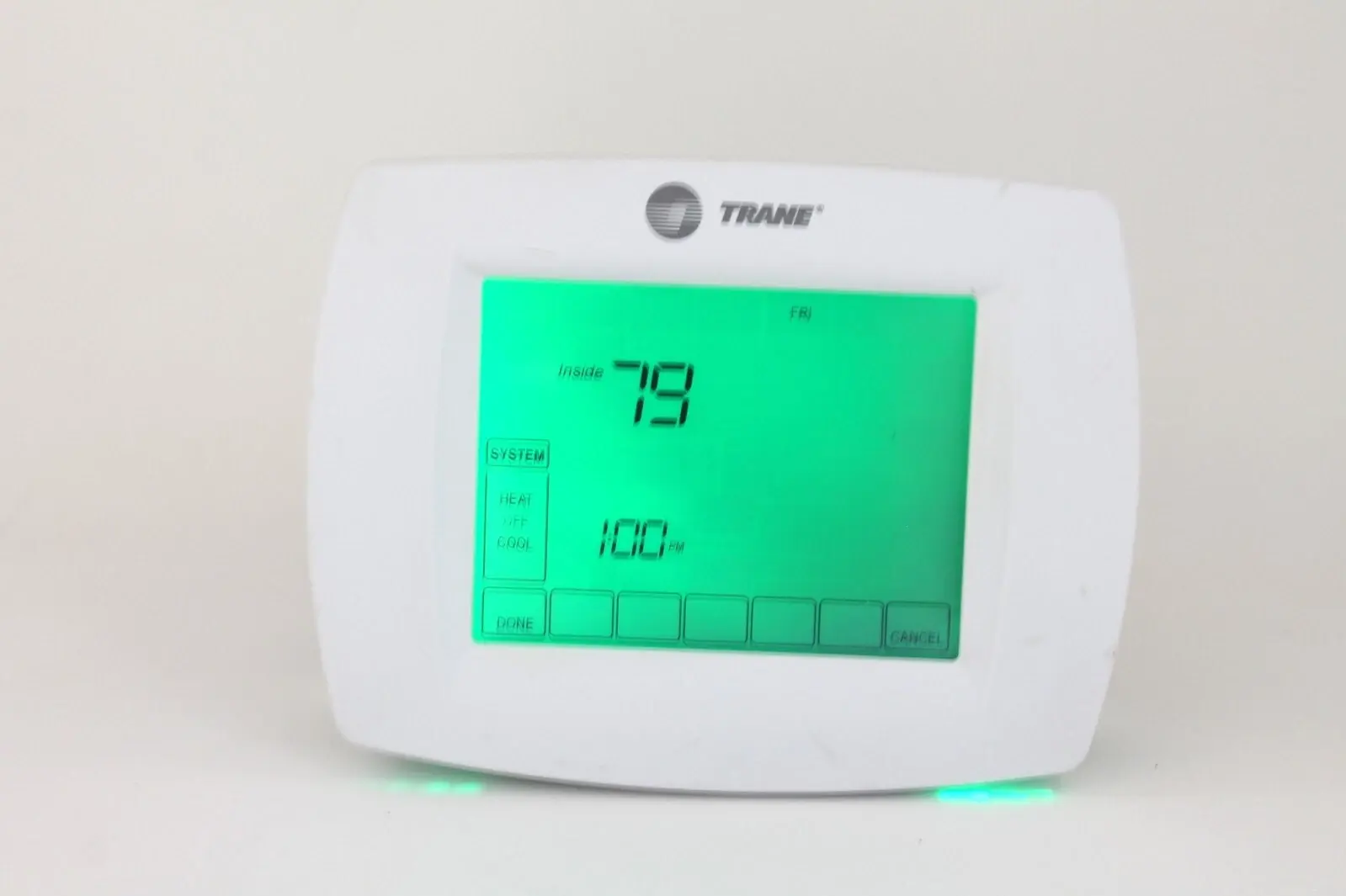
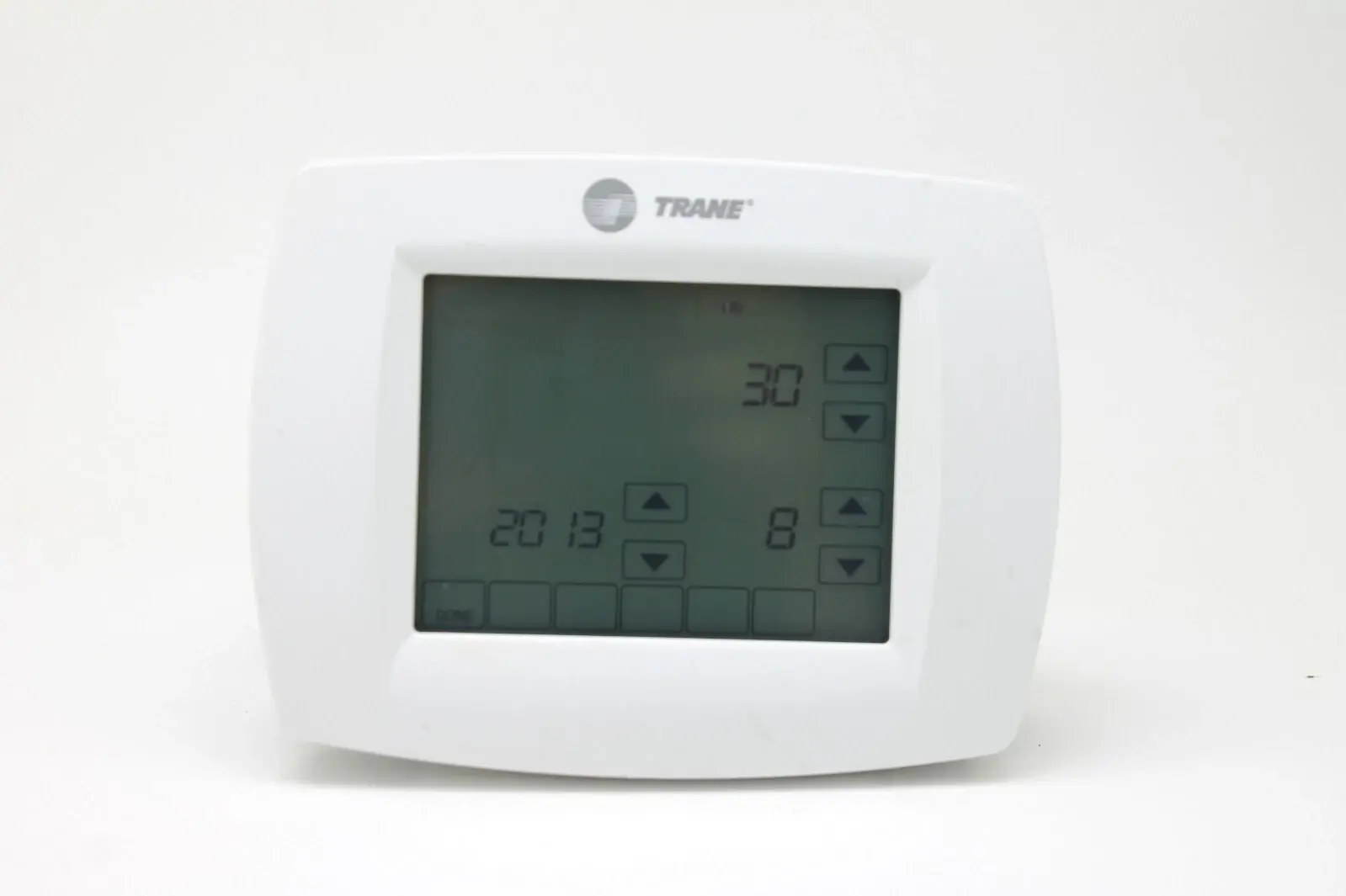

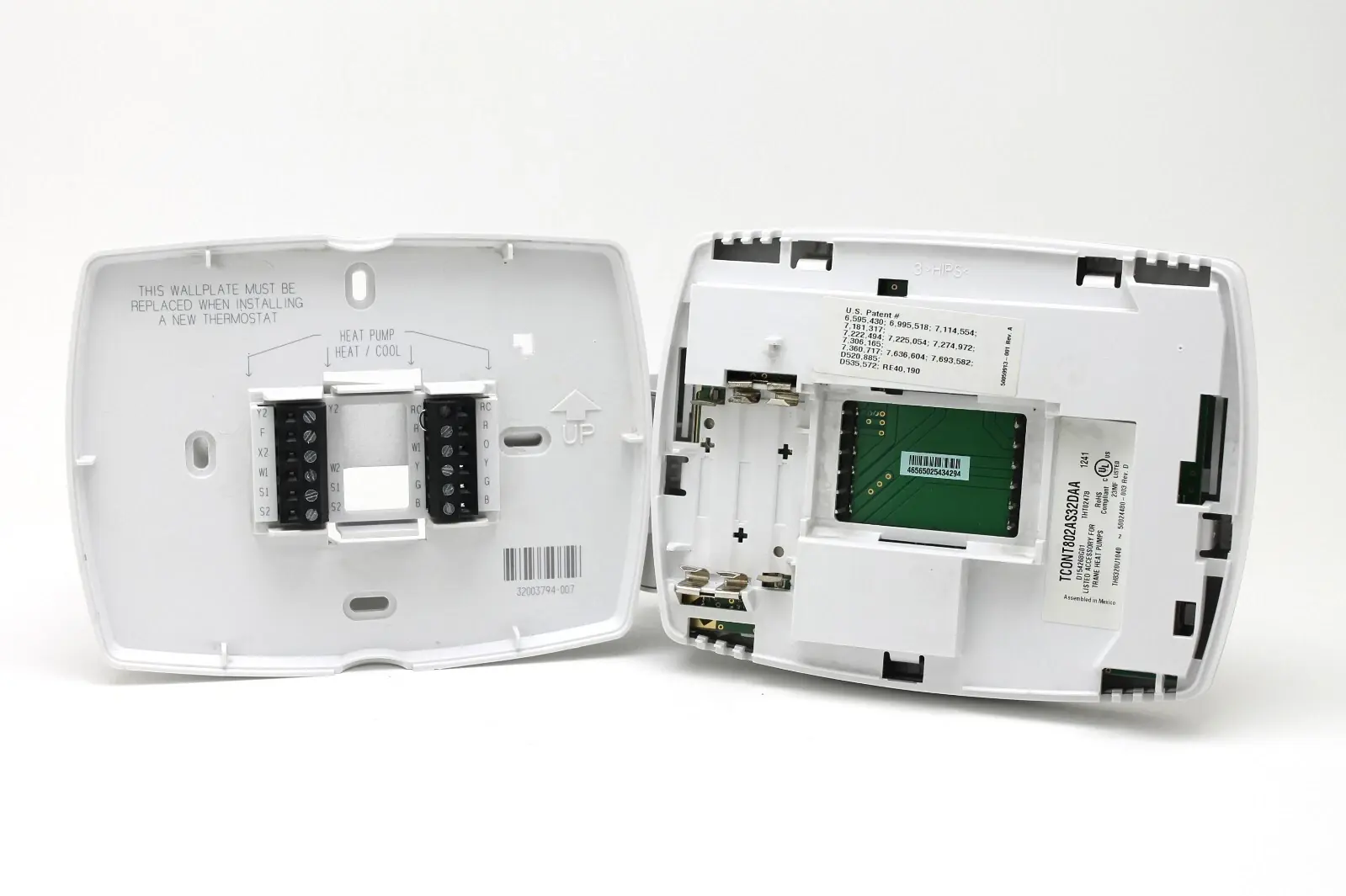
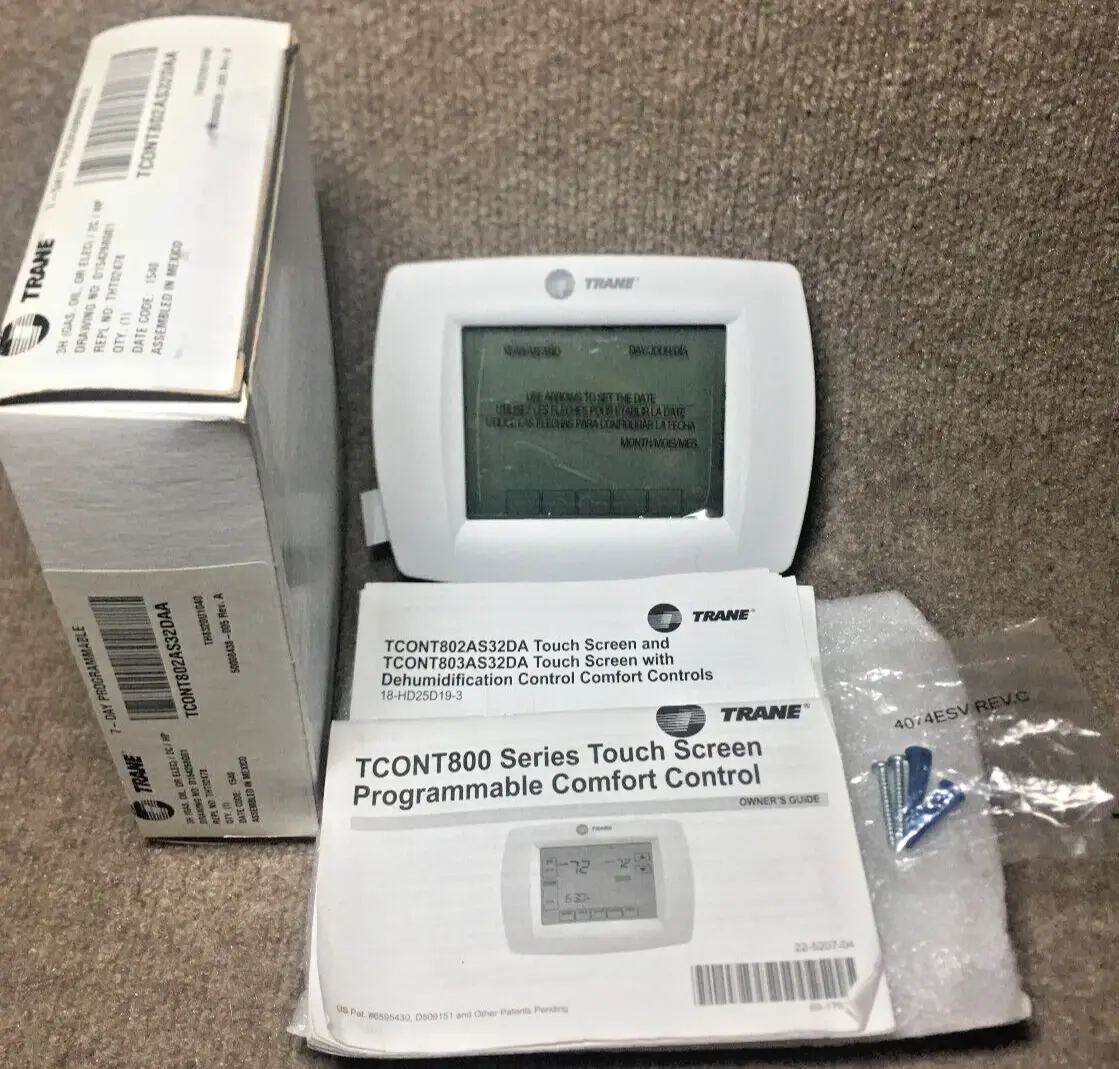
Trane TCONT802AS32DAA Thermostat Specifications
| Feature | Specification |
|---|---|
| Model Series | TCONT800 Series Touch Screen Programmable Comfort Control |
| Power Supply | 24 Vac (common wire recommended); 3x AAA alkaline batteries (optional backup/armchair programming) |
| Battery Type | 3x AAA Alkaline Batteries |
| Display | Large, Clear Backlit Touch Screen Interface |
| Temperature Control Accuracy | ±1°F (0.5°C) |
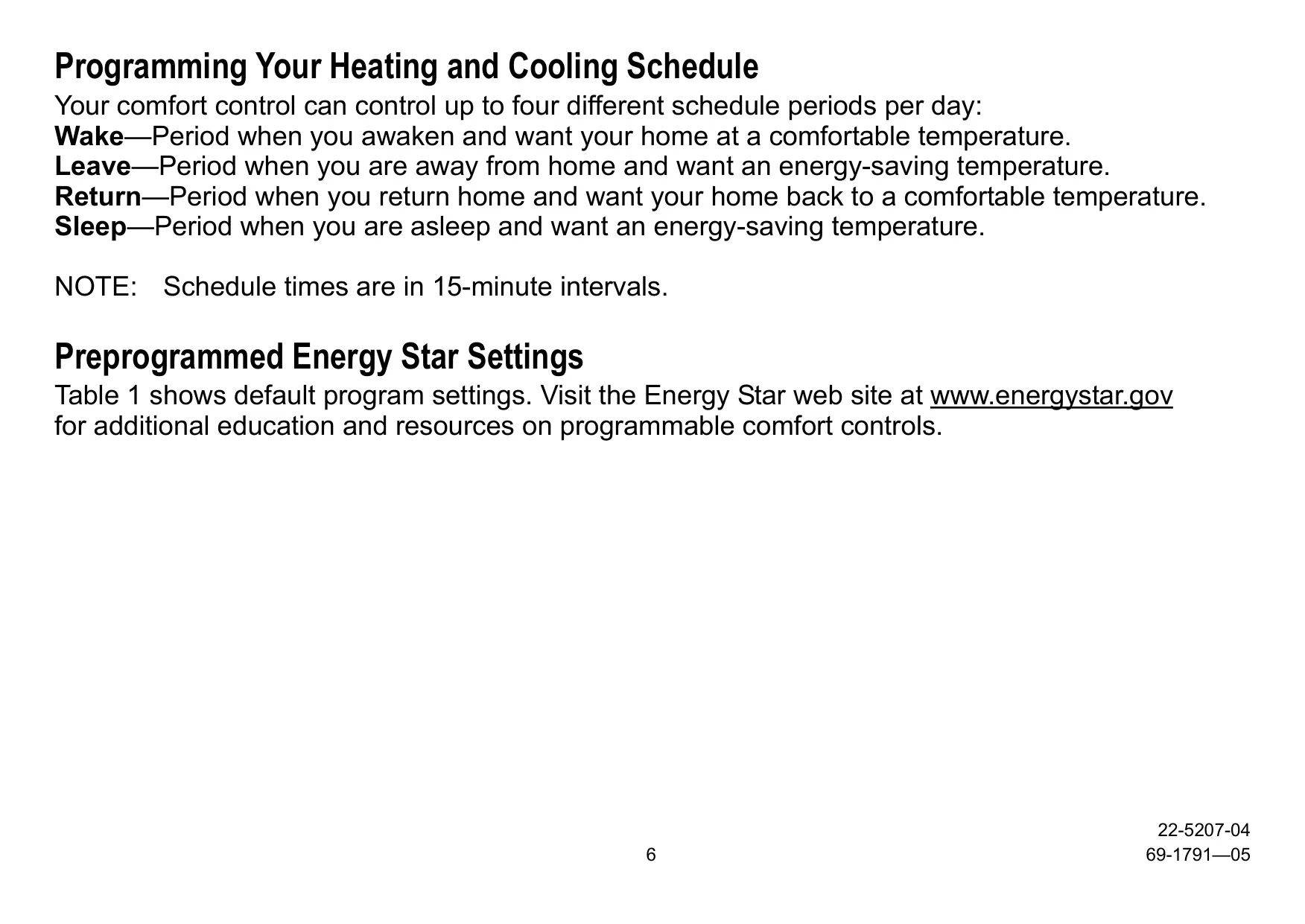
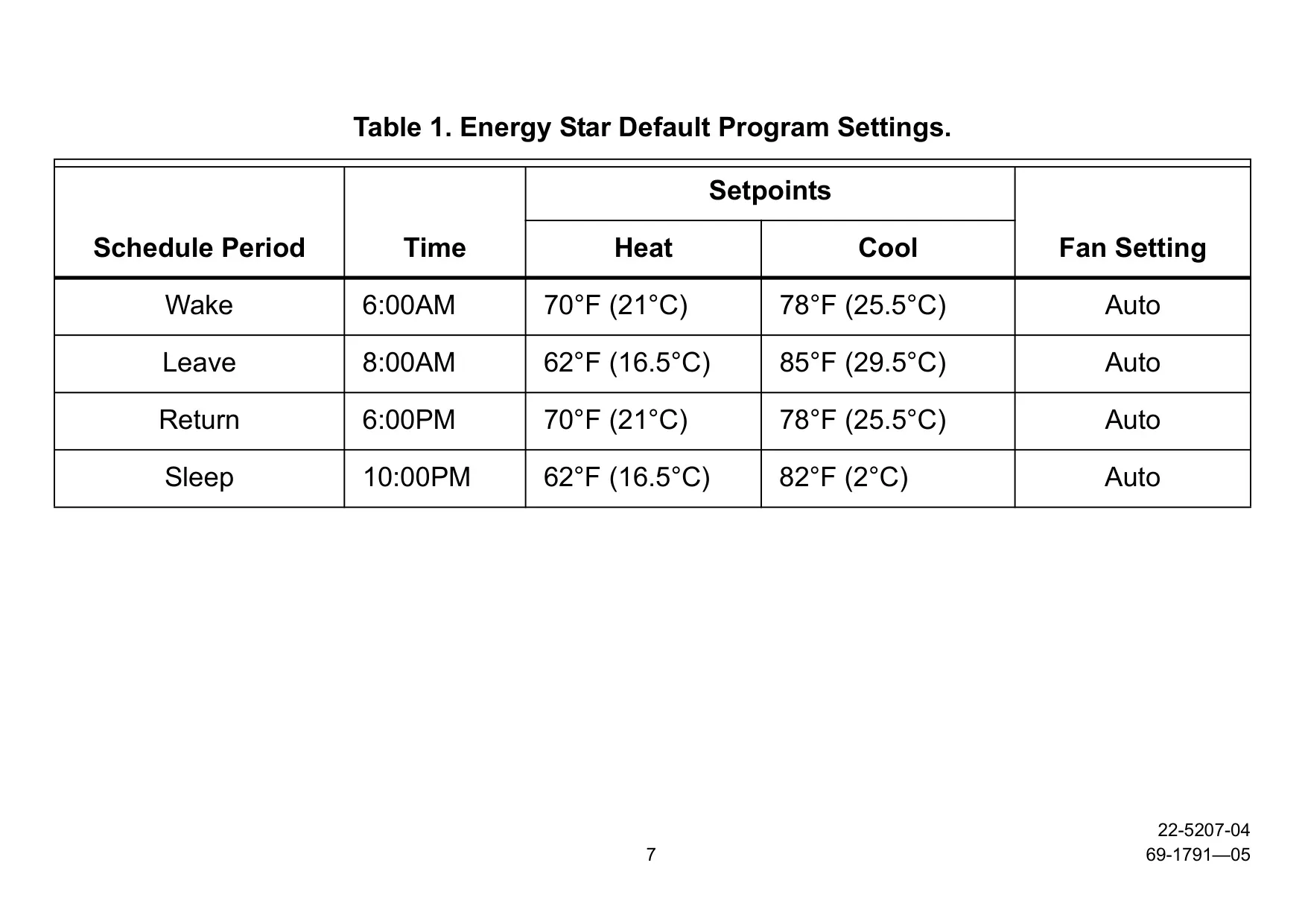
| Programmability | 7-day programming (4 periods/day: Wake, Leave, Return, Sleep); User configurable to 2 periods or non-programmable |
| Schedule Intervals | 15-minute intervals |
| System Modes | Heat, Off, Cool, Auto, Em. Heat (for heat pump systems) |
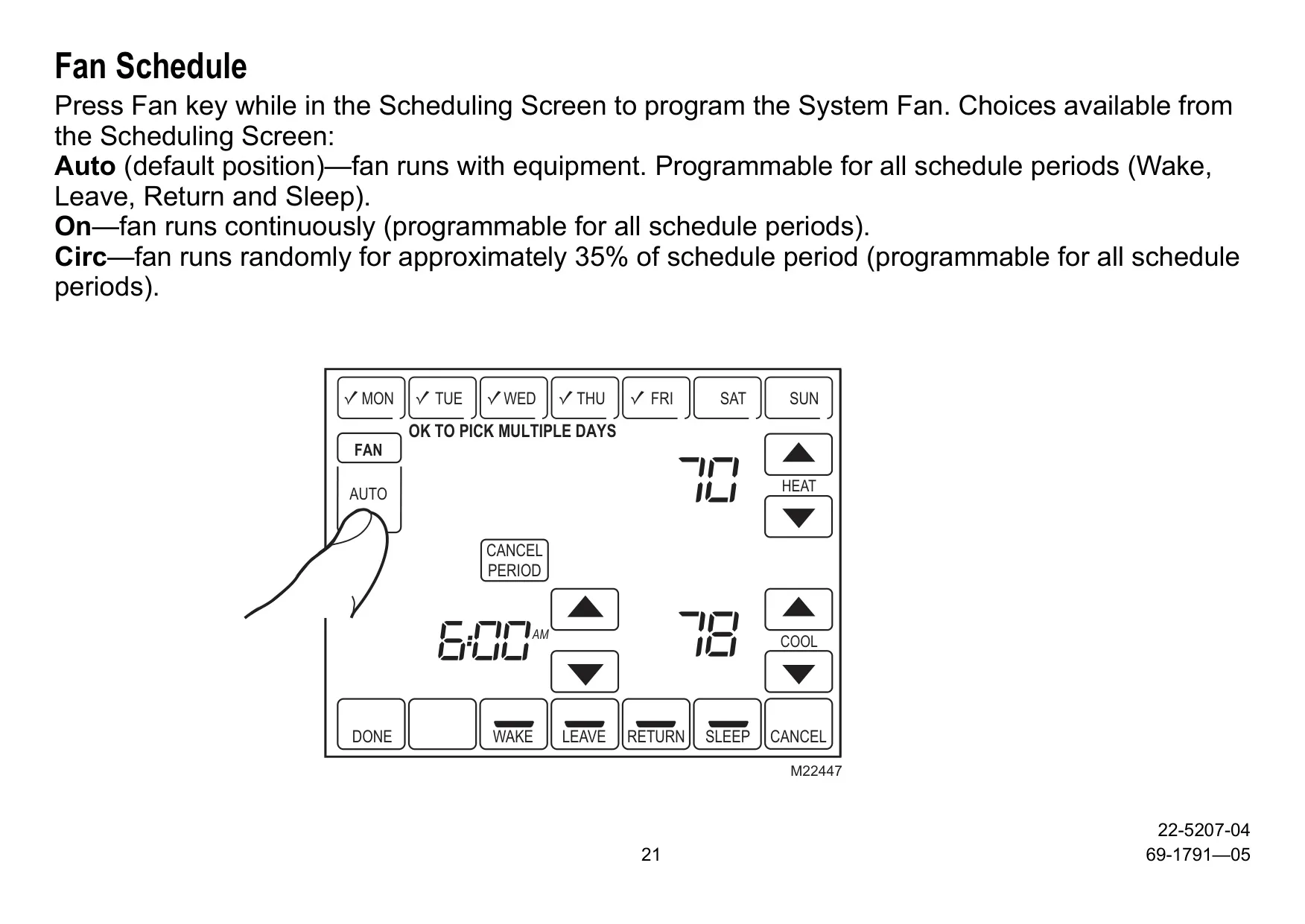
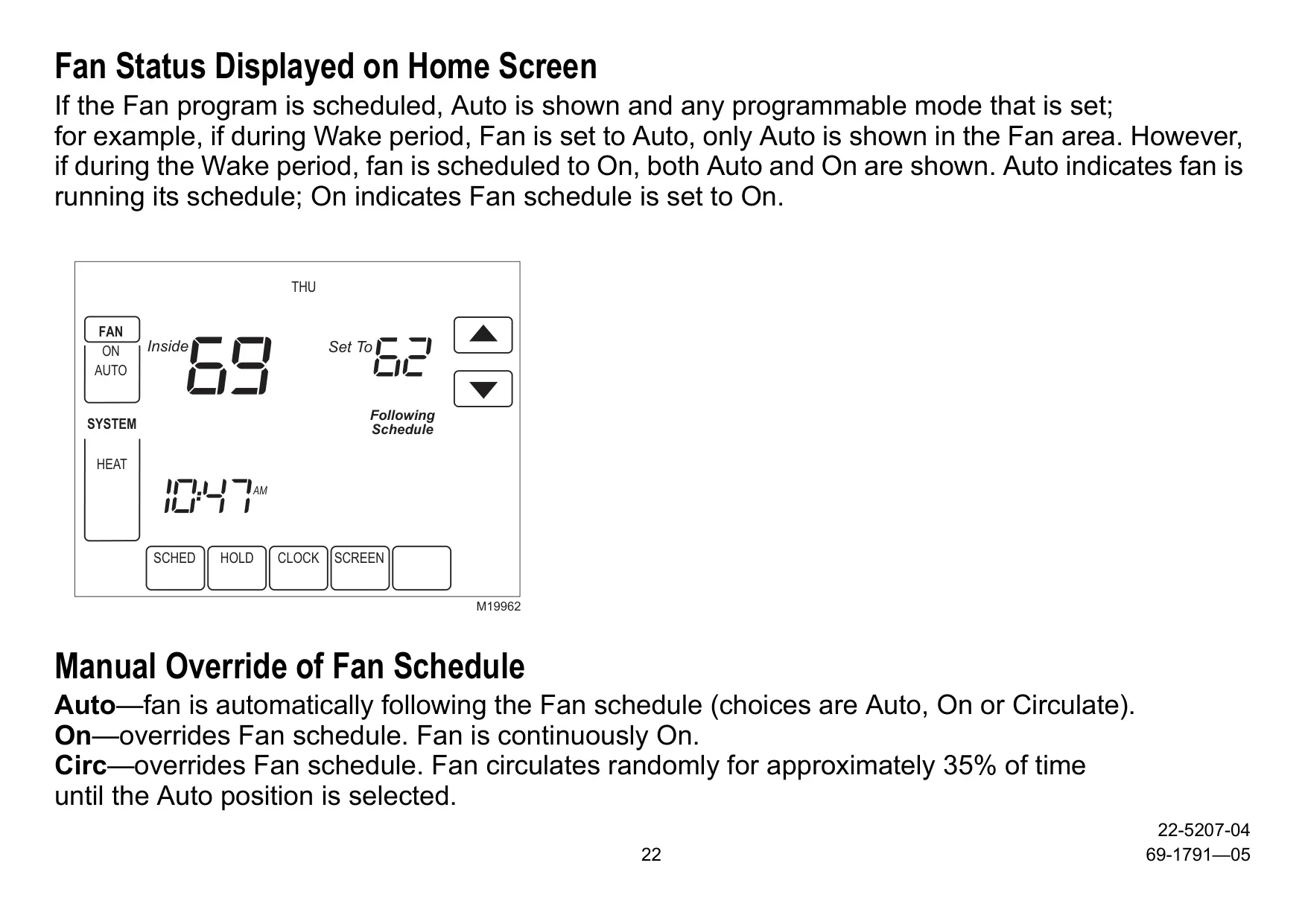
| Fan Settings | On, Auto, Circ (fan runs randomly approx. 35% of time); Programmable per period |
| Changeover | Automatic or Manual Selectable |
| Temperature Scale | Fahrenheit (°F) or Celsius (°C) selectable |
| Clock | Real-Time Clock with automatic Daylight Savings adjustment (user configurable) |
| Compatibility | 24 Vac heating and cooling systems: Single-stage, Multi-stage (up to 2 Heat/2 Cool), Heat Pumps (up to 3 Heat/2 Cool, with/without auxiliary heat, fossil fuel, electric) |
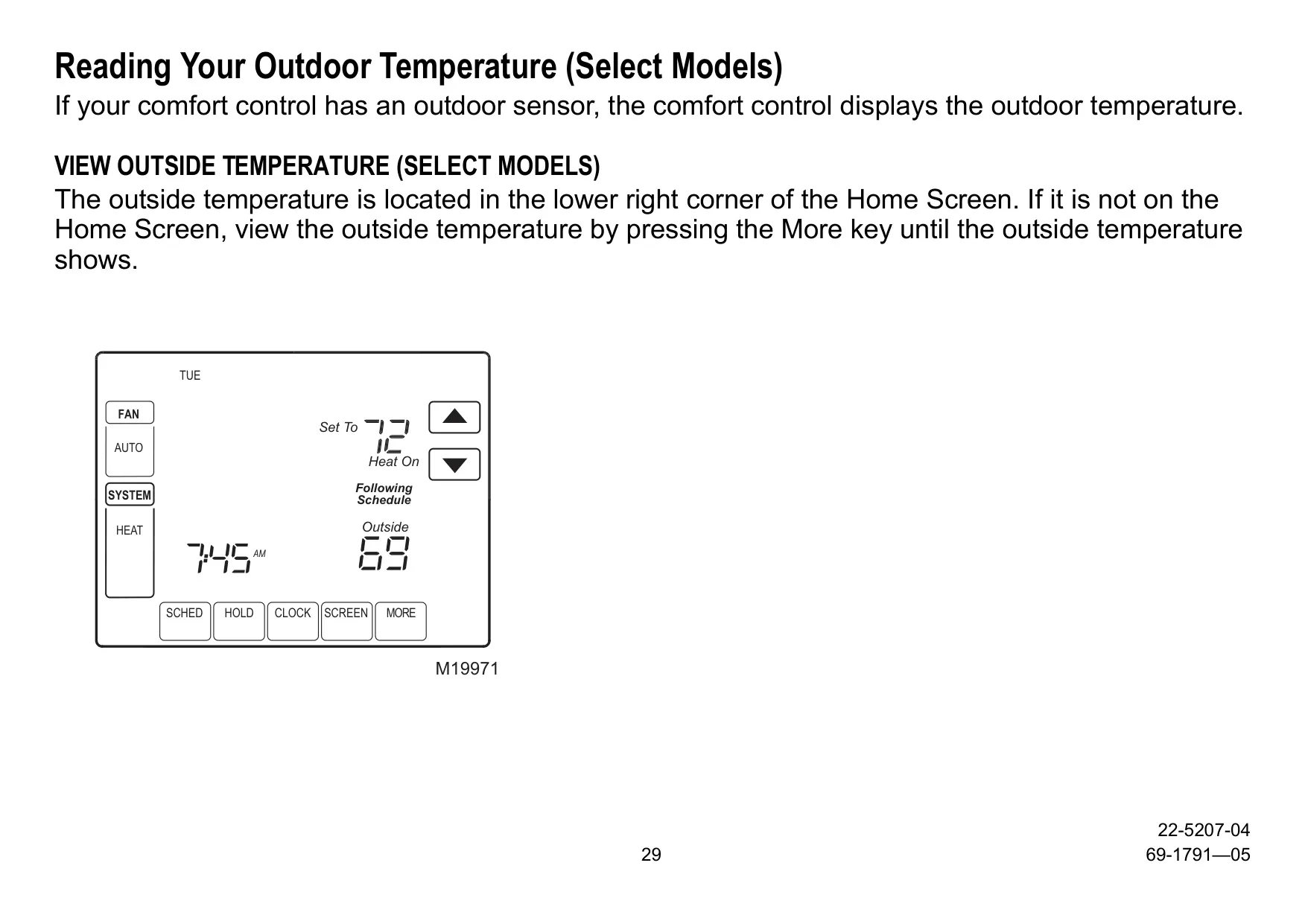
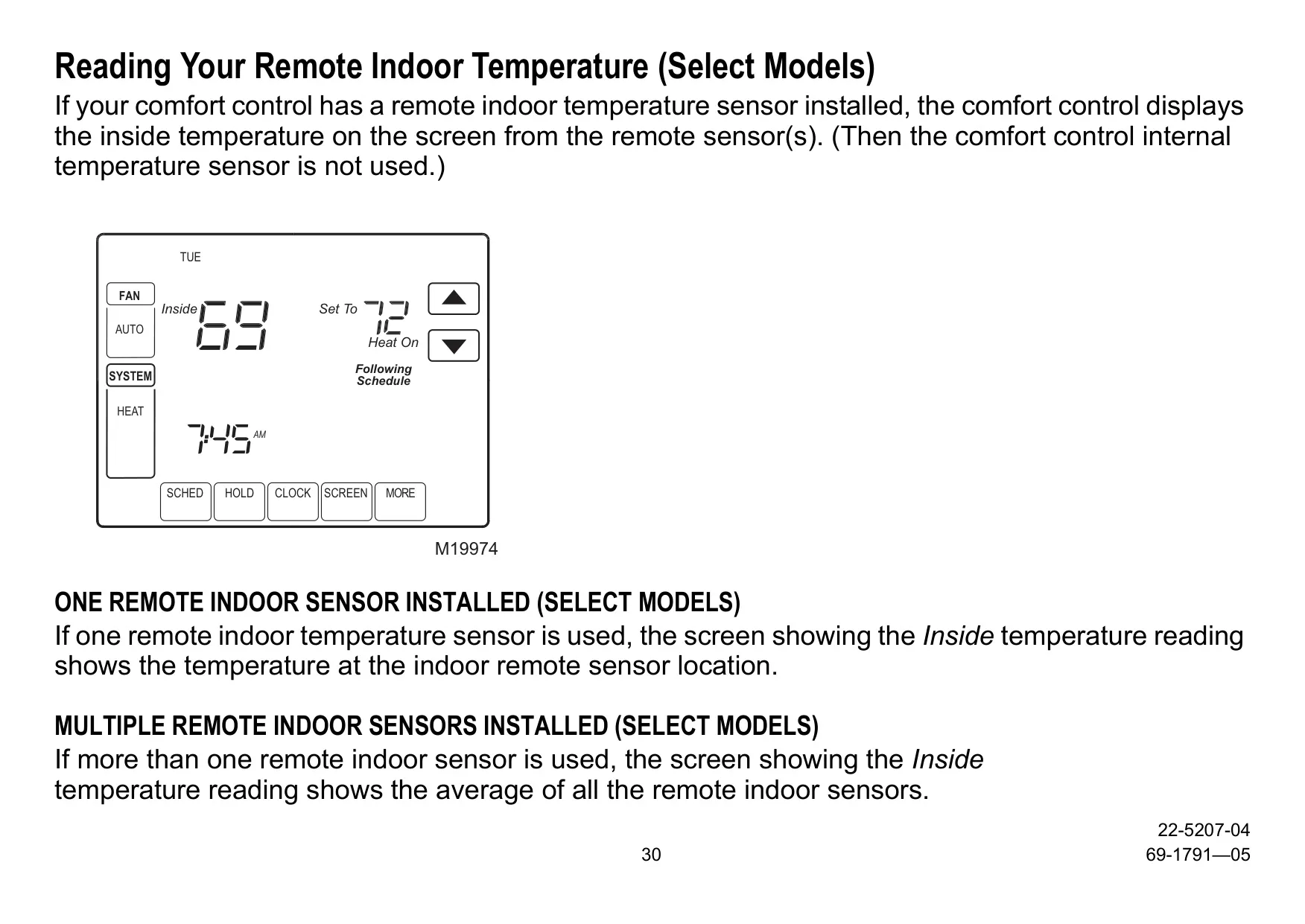
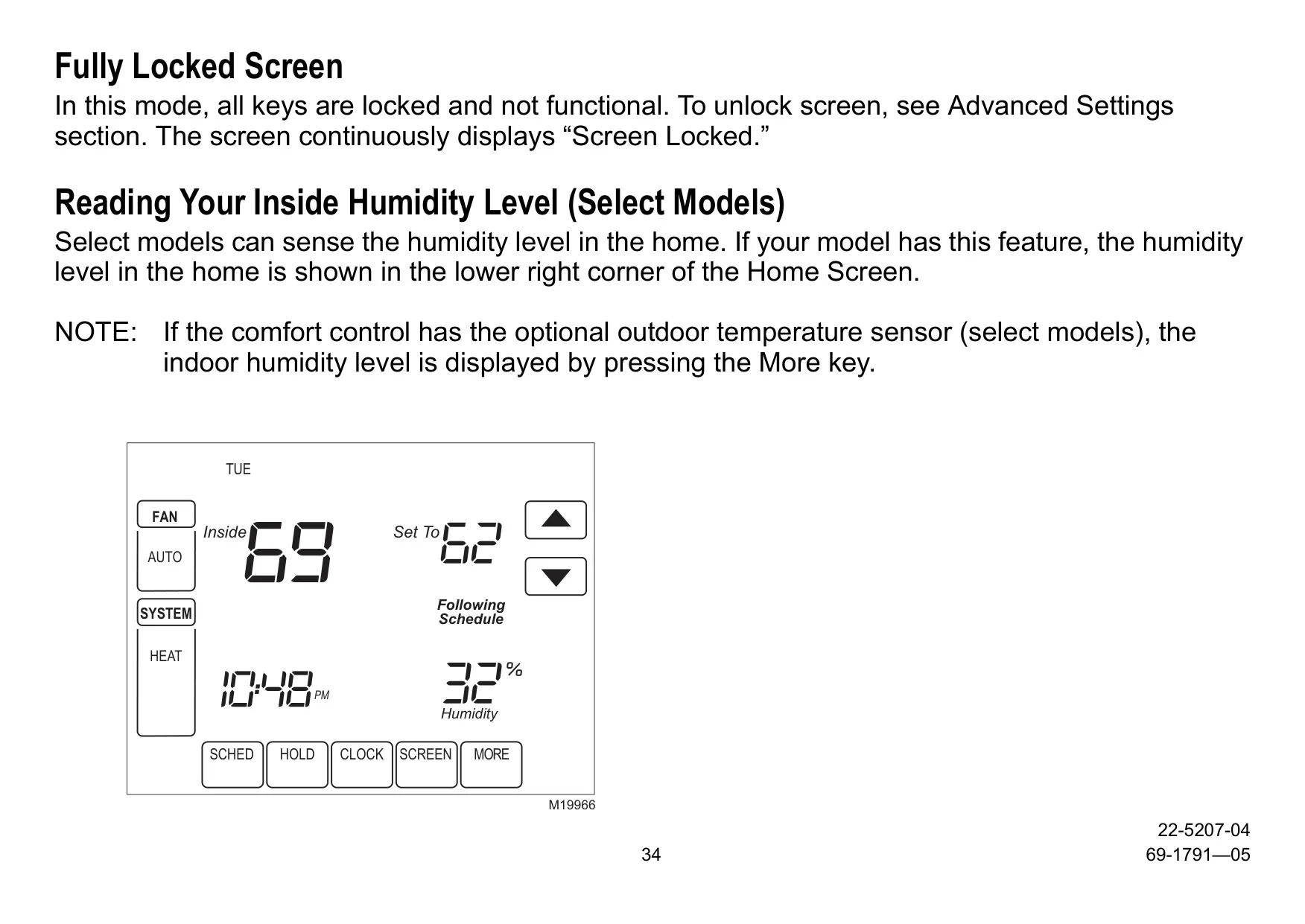
| Optional Sensors (Select Models) | Outdoor Temperature Sensor (for display/control), Remote Indoor Temperature Sensor (single/multiple averaging), Humidity Sensor (for TCONT803AS32DAA, for dehumidification control) |
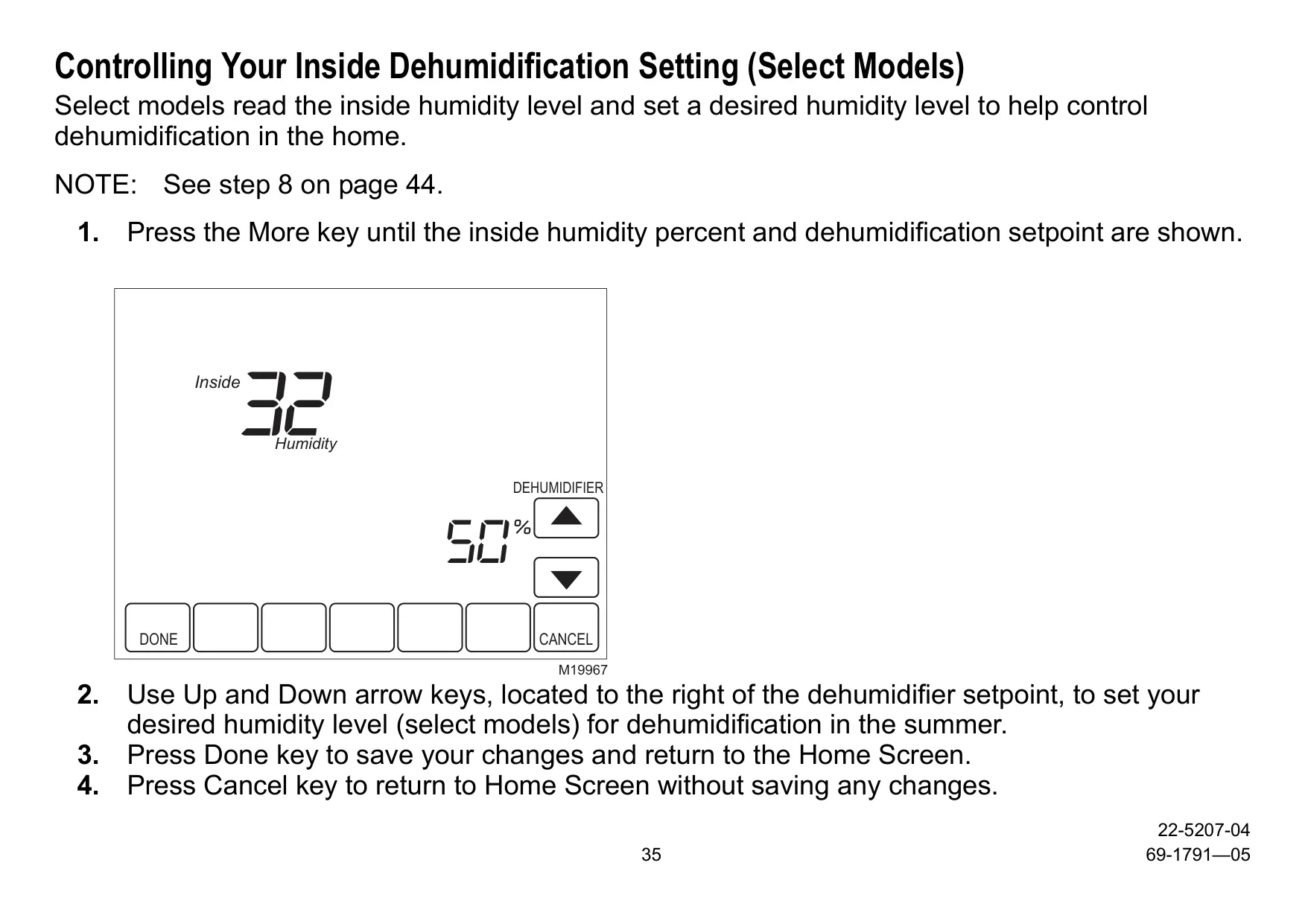
| Dehumidification Control | Yes (for TCONT803AS32DAA models, runs AC up to 3°F below setpoint) |
| Temperature Range (Adjustable Limits) | Heating Setpoint: 40-90°F (4.5-32°C); Cooling Setpoint: 50-99°F (10-37°C) |
| Warranty | 5-Year Limited Warranty (Parts Only) |
Trane TCONT802AS32DAA Details
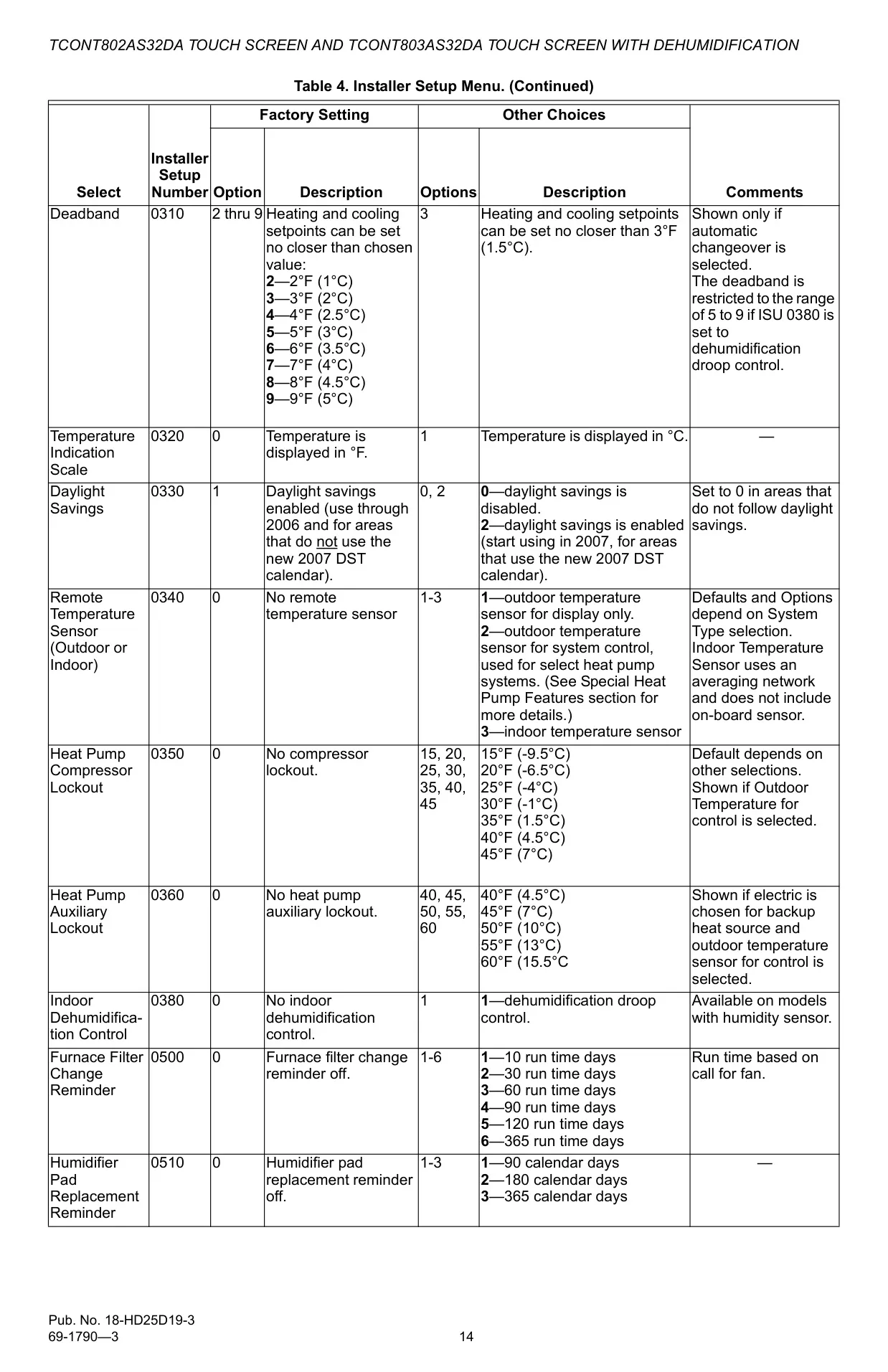
The Trane TCONT802AS32DAA sets a high standard for user interaction with its intuitive menu-driven programming. This feature streamlines the scheduling process, presenting only the necessary information and choices on each screen. Users can effortlessly select multiple days to customize their comfort control, making it simple to adapt to unique weekly routines. The real-time clock, a practical component, not only maintains accurate time during power failures but also intelligently updates itself for daylight savings, ensuring consistent scheduling. This focus on user-centric design removes the common complexities associated with thermostat programming.
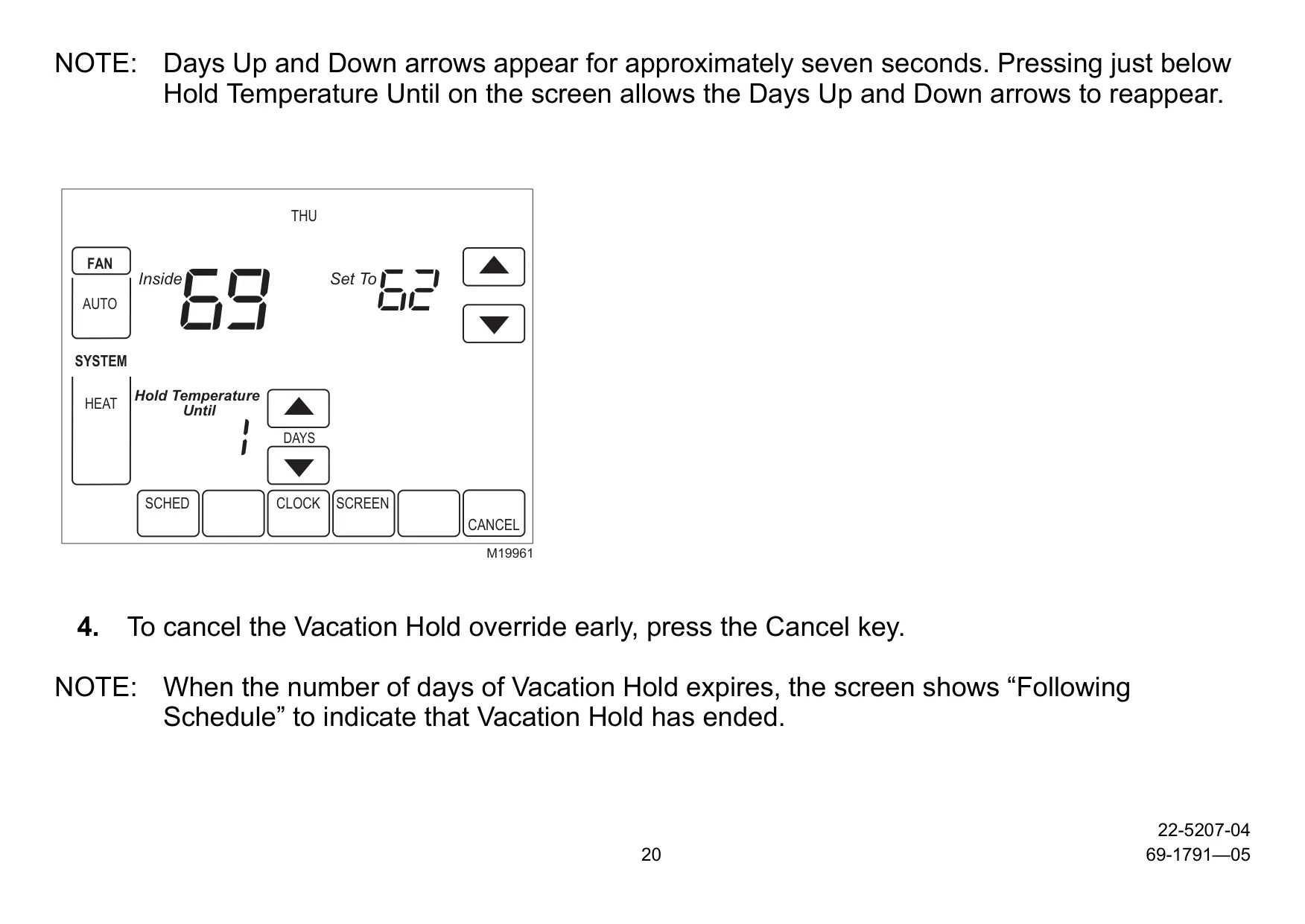
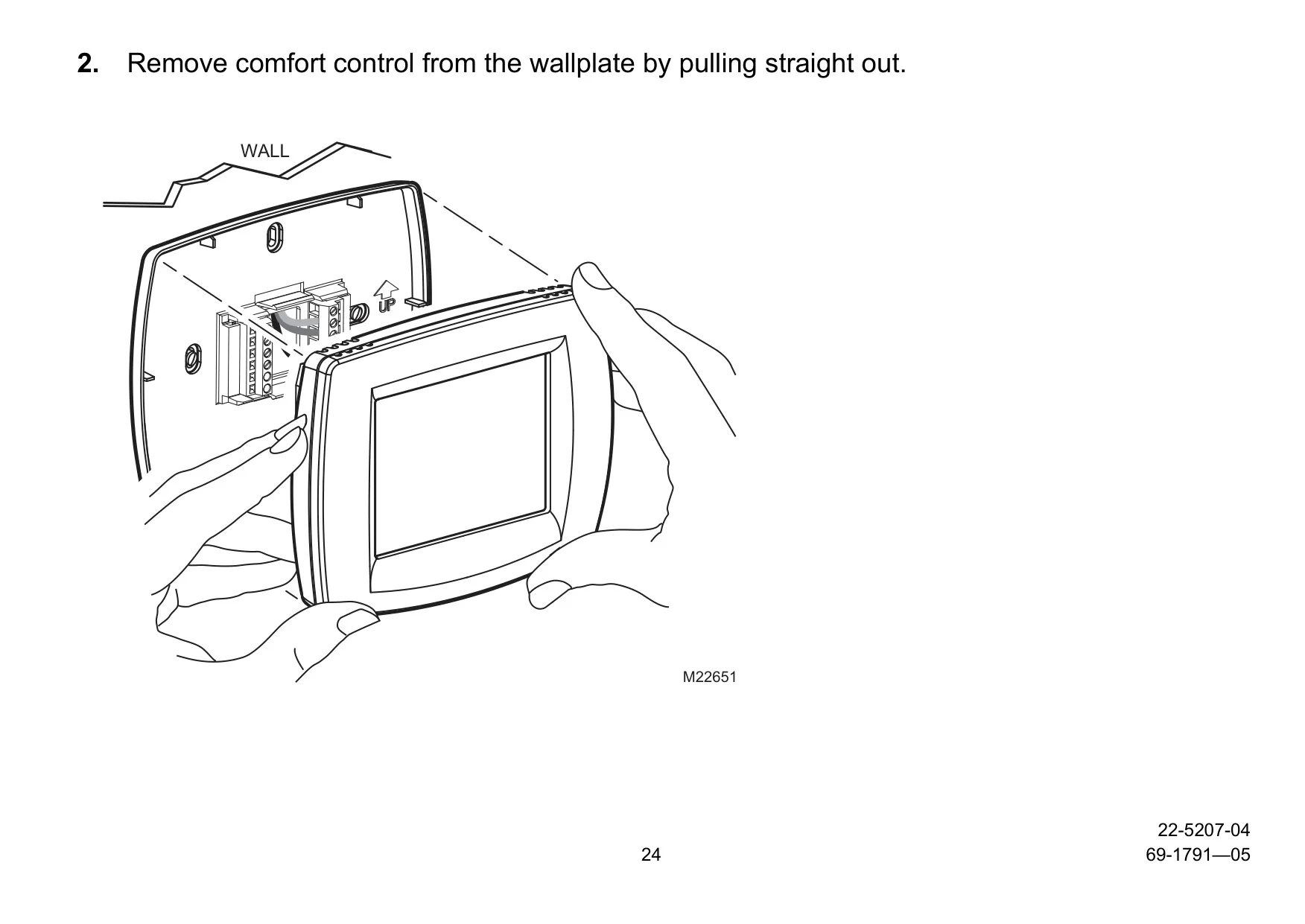
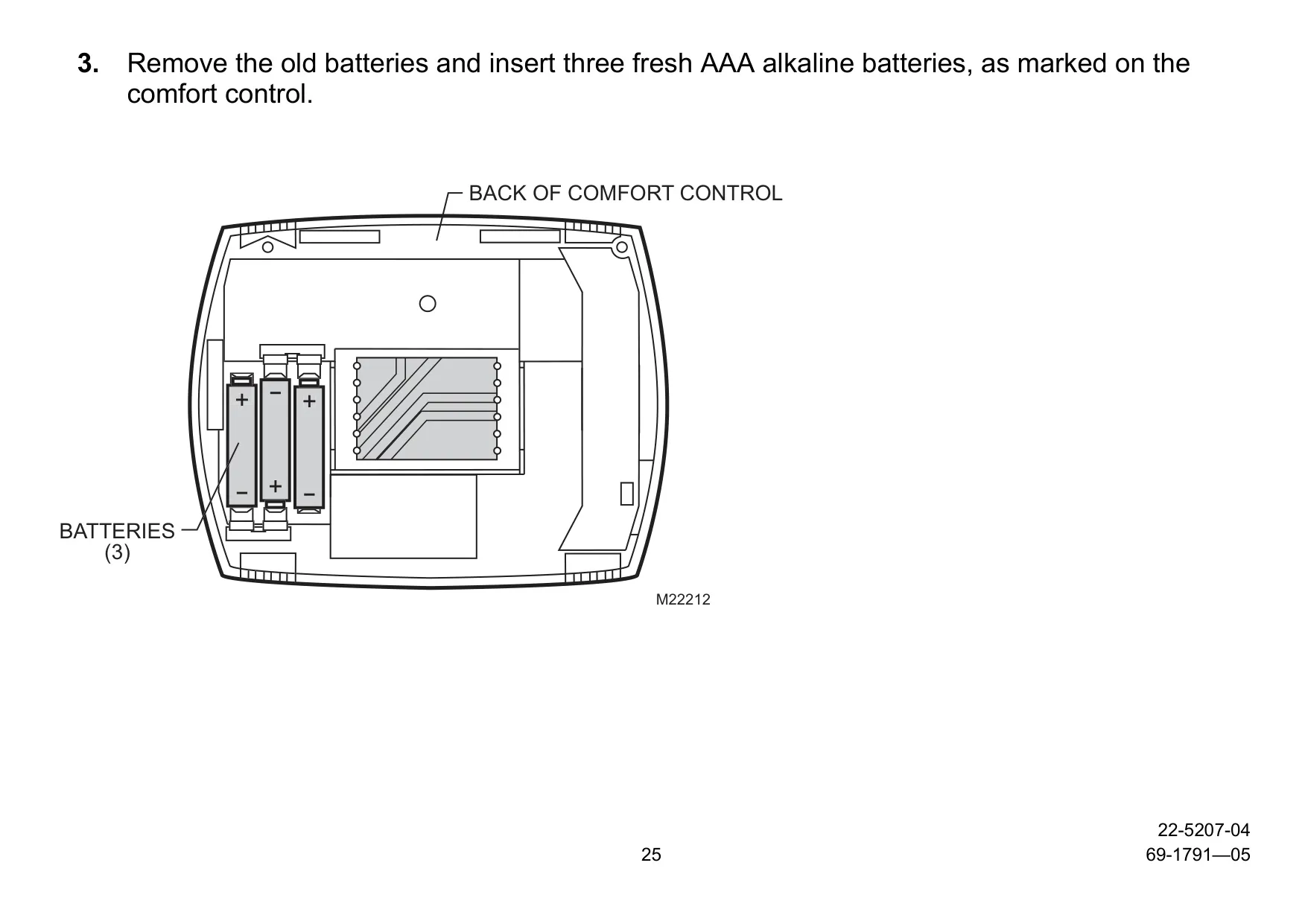
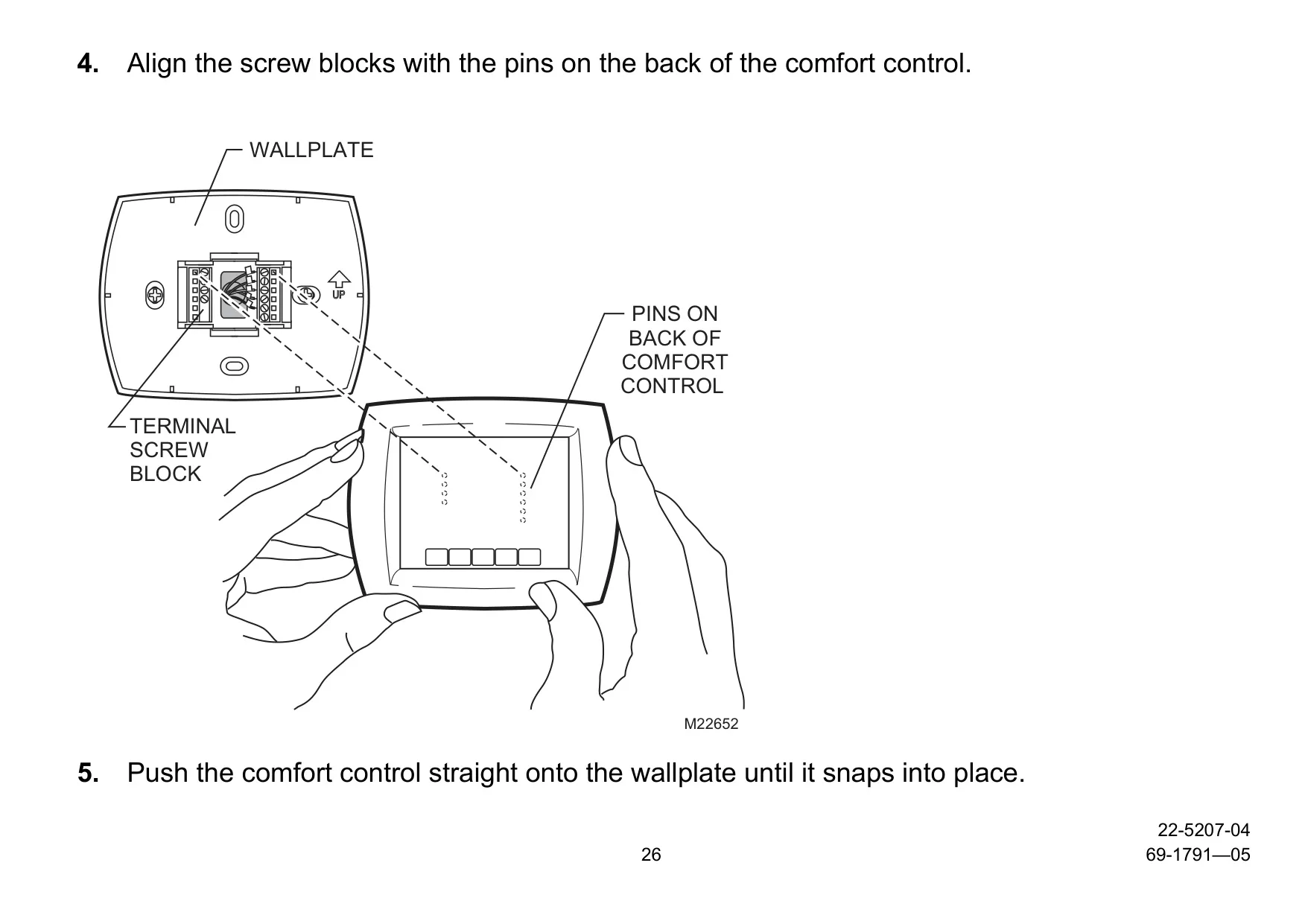
Beyond standard scheduling, this thermostat offers versatile temperature override options tailored for various situations. The Hold Temperature Until feature allows for temporary adjustments until the next scheduled period or a user-specified time, perfect for unexpected changes in your day. For more extended alterations, Permanent Hold maintains a temperature indefinitely until manually cancelled. Furthermore, the Vacation Hold is ideal for longer absences, enabling temperature adjustments for a designated number of days. Adding to user convenience, the Armchair Programming capability allows you to remove the comfort control from its wall plate and set the schedule using three AAA batteries, offering unparalleled flexibility.
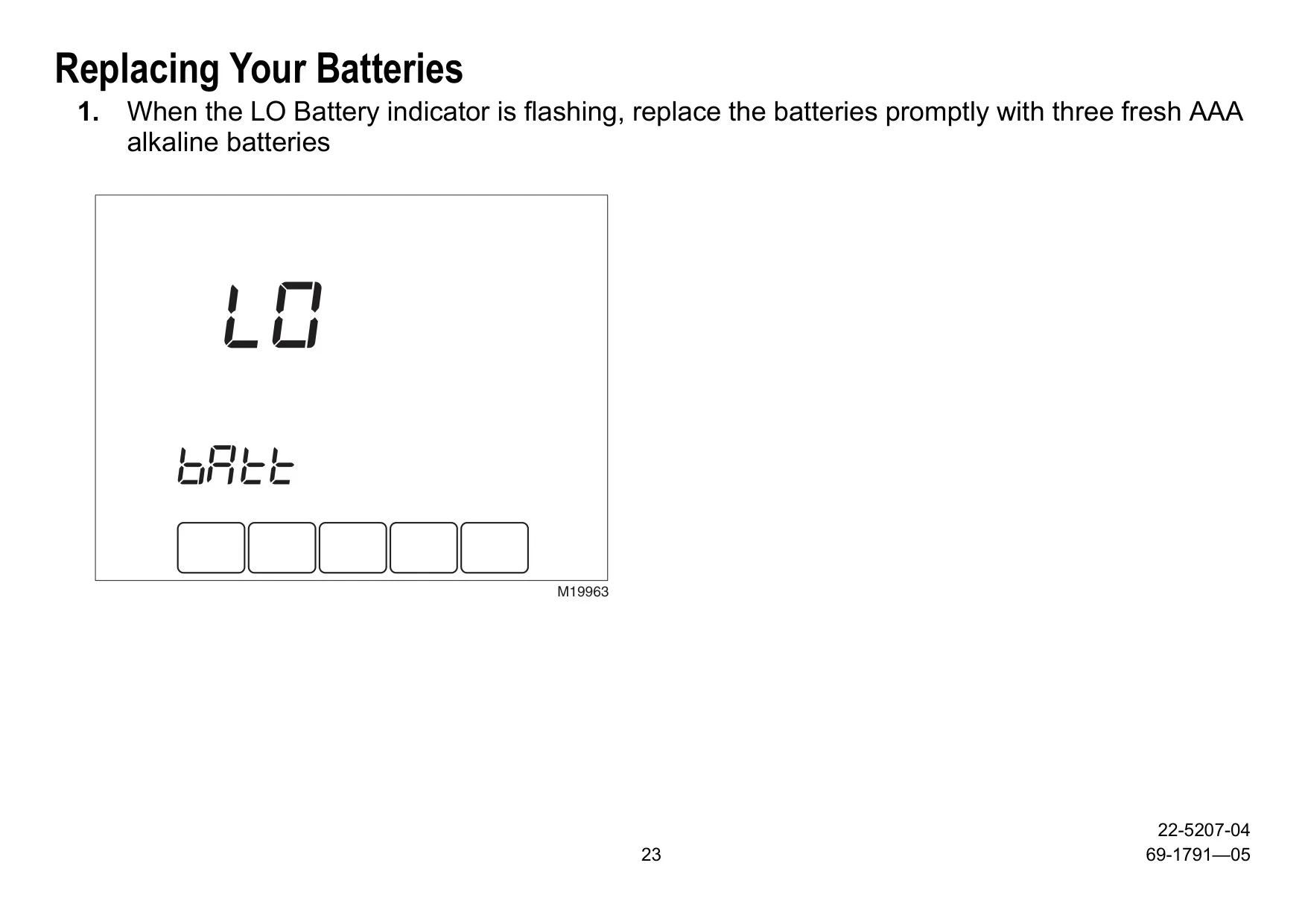
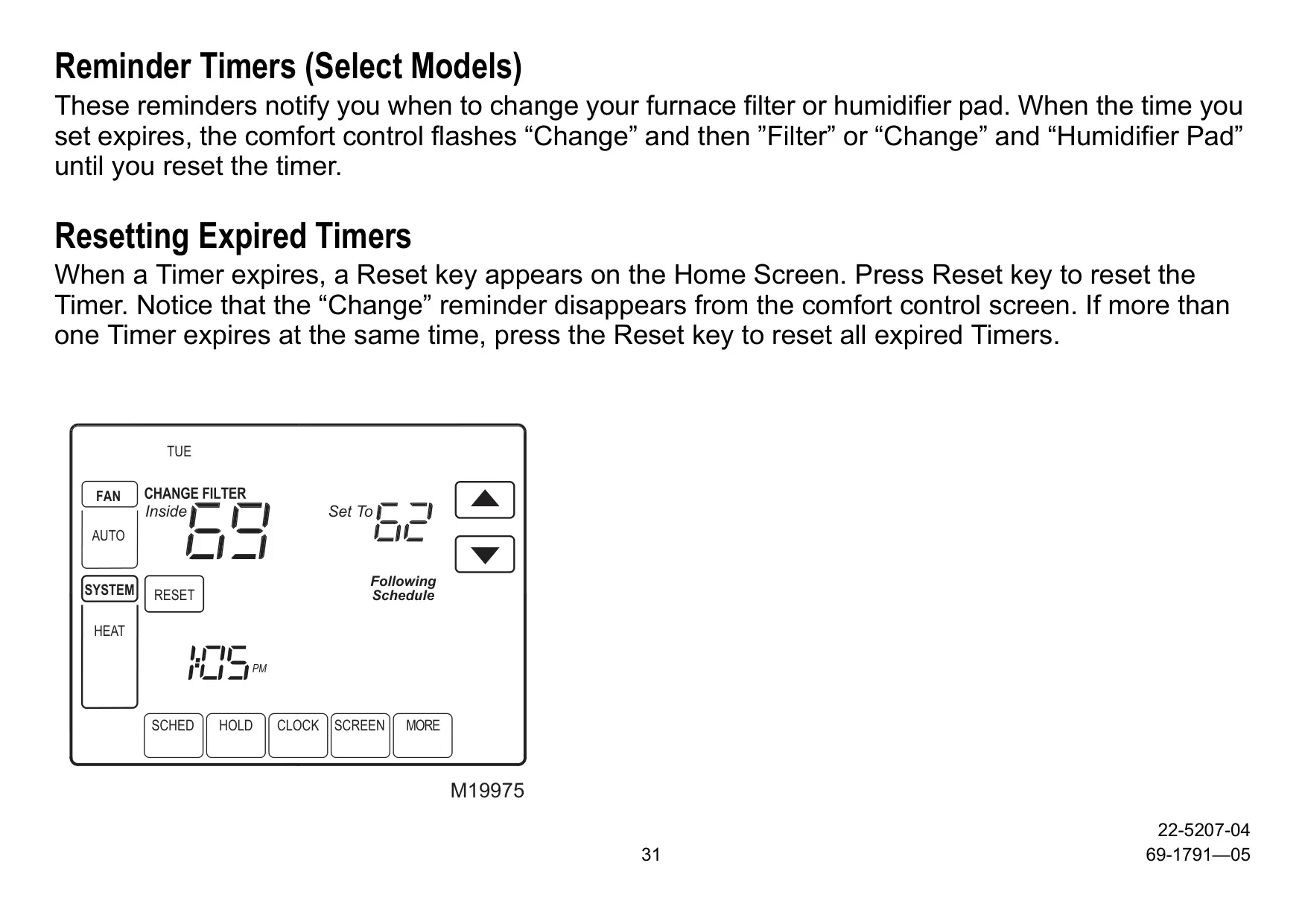
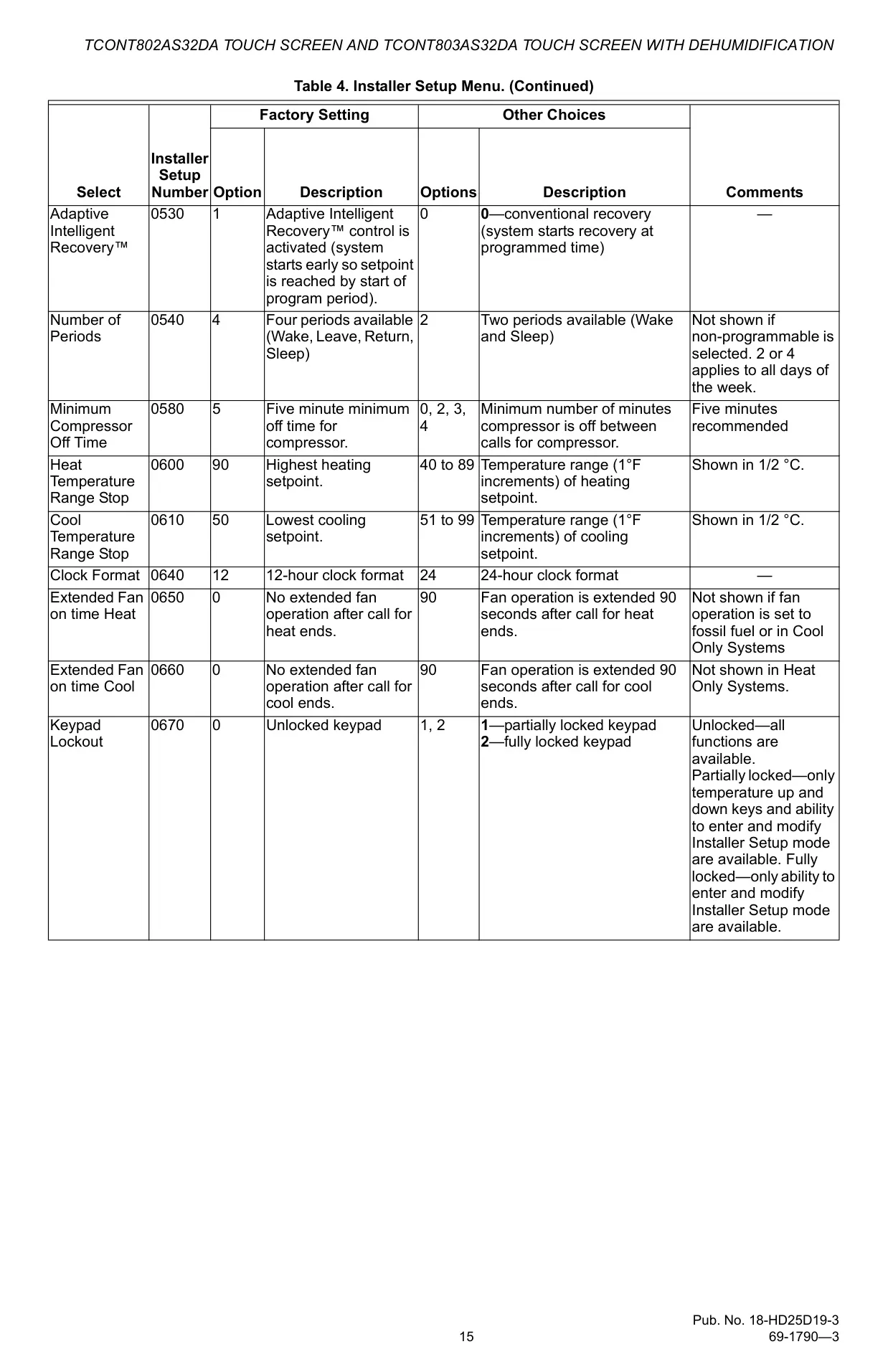
The Trane TCONT802AS32DAA proactively supports home maintenance with its built-in Change Reminders. These timely alerts notify users when it's time to service or replace the air filter, humidifier pad, or batteries. This feature is crucial for maintaining optimal system performance and indoor air quality, preventing potential issues before they arise. Complementing this, the Programmable Fan function significantly enhances air circulation. Beyond the standard "On" or "Auto" settings, the unique "Circ" mode runs the fan randomly for approximately 35% of the time, promoting better air quality when paired with a whole-house air cleaner, all without the fan running continuously.
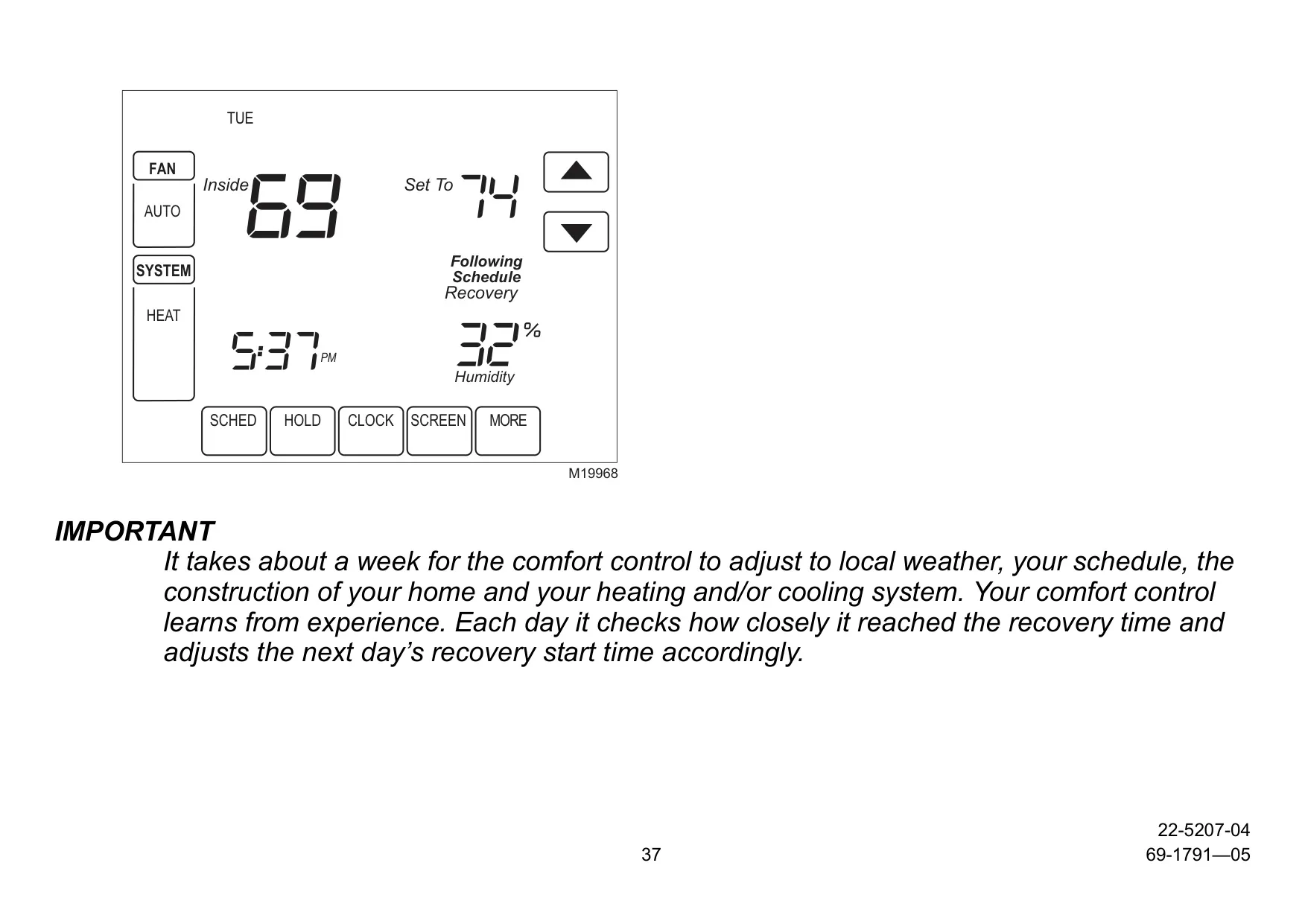
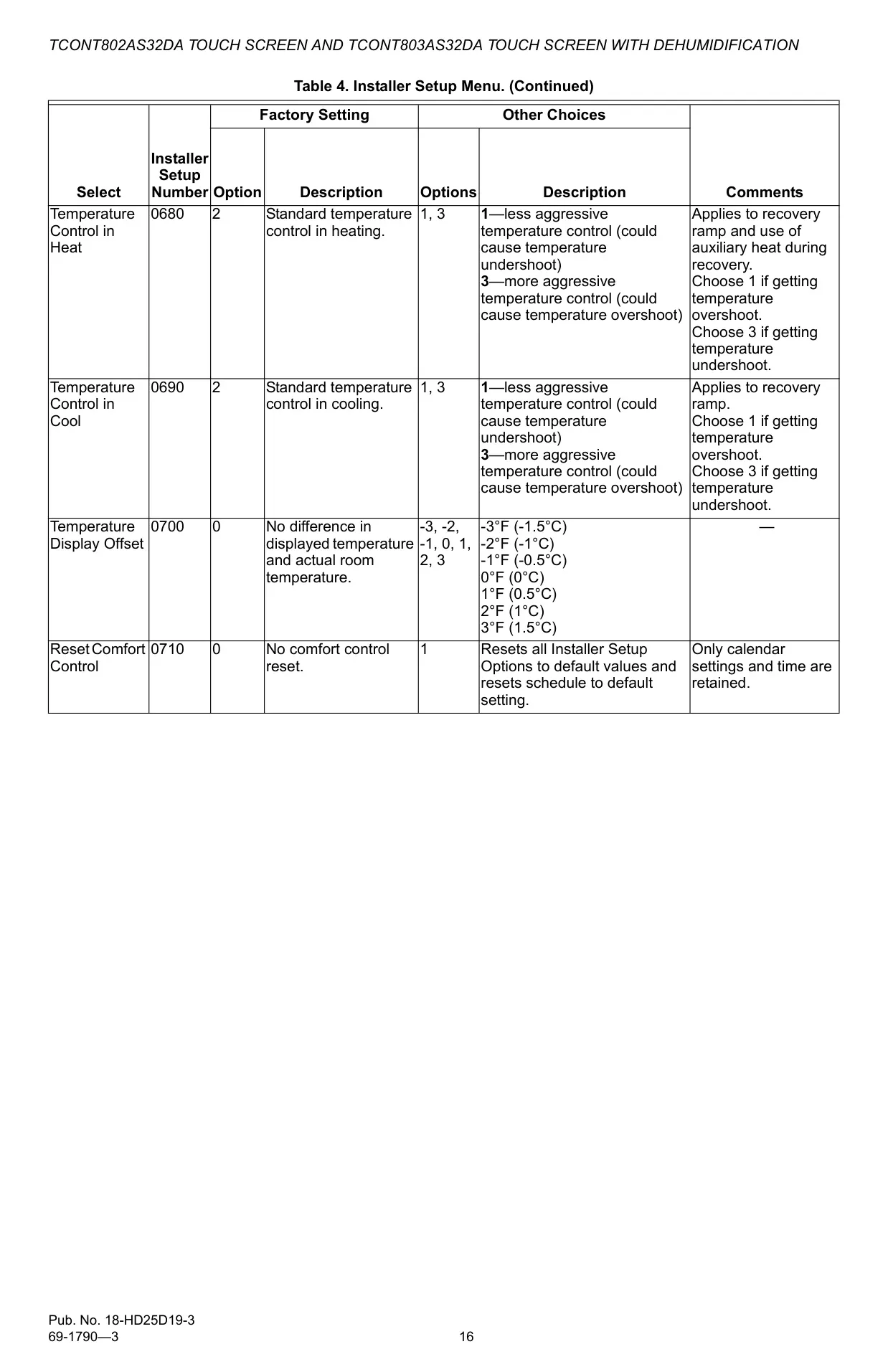
Achieving consistent comfort is effortless thanks to the thermostat's Adaptive Intelligent Recovery™. This advanced feature eliminates the guesswork of pre-heating or pre-cooling. Users simply set their desired comfort temperature for a specific time, and the system learns the necessary lead time to reach that setpoint precisely when scheduled. For instance, if you want your home at 70°F by 6:00 AM, the thermostat will activate heating prior to 6:00 AM, ensuring the target temperature is met exactly on time. This intelligent learning process adapts over about a week to local weather, your schedule, and your home's unique characteristics, optimizing energy use for personalized comfort.
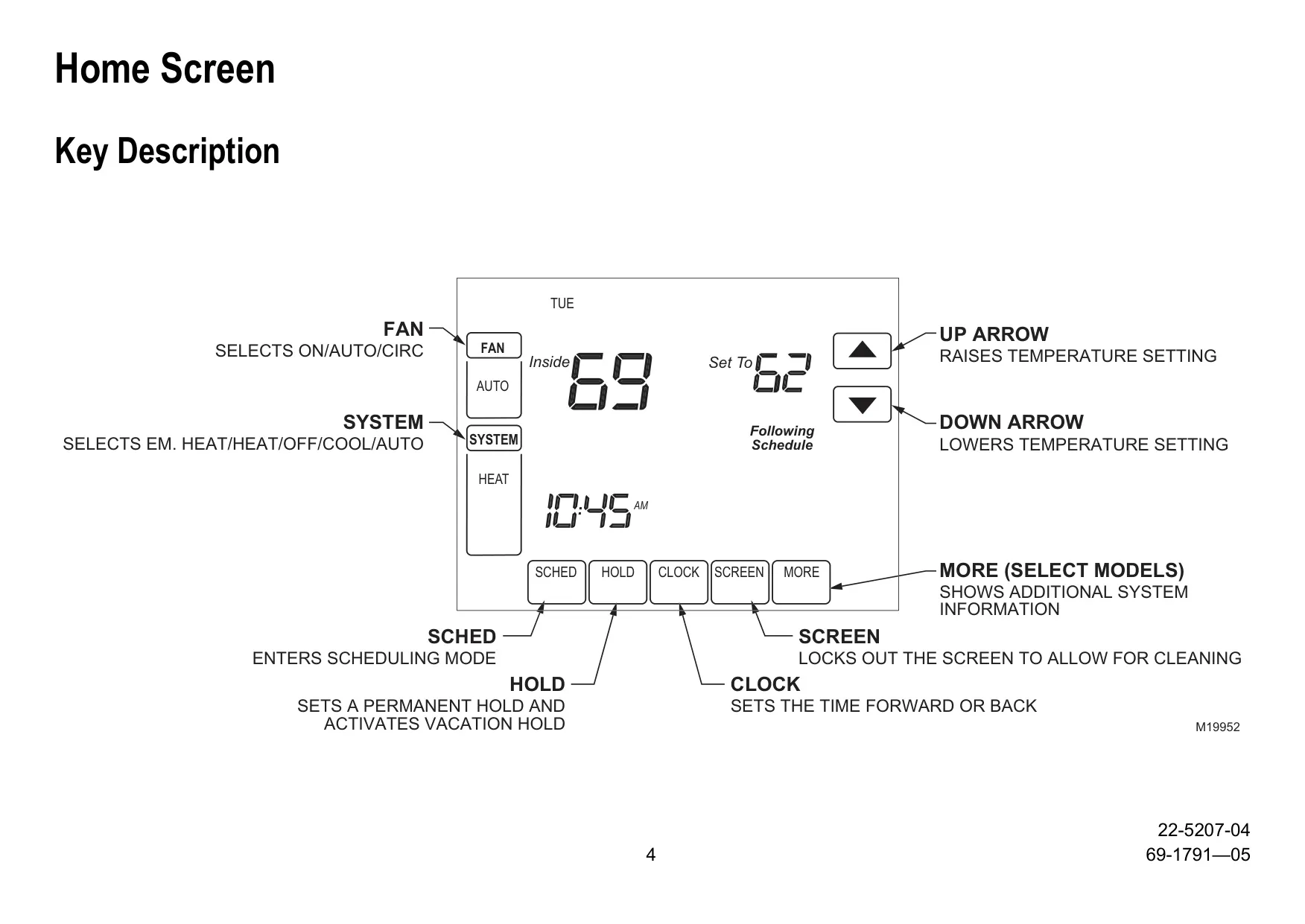
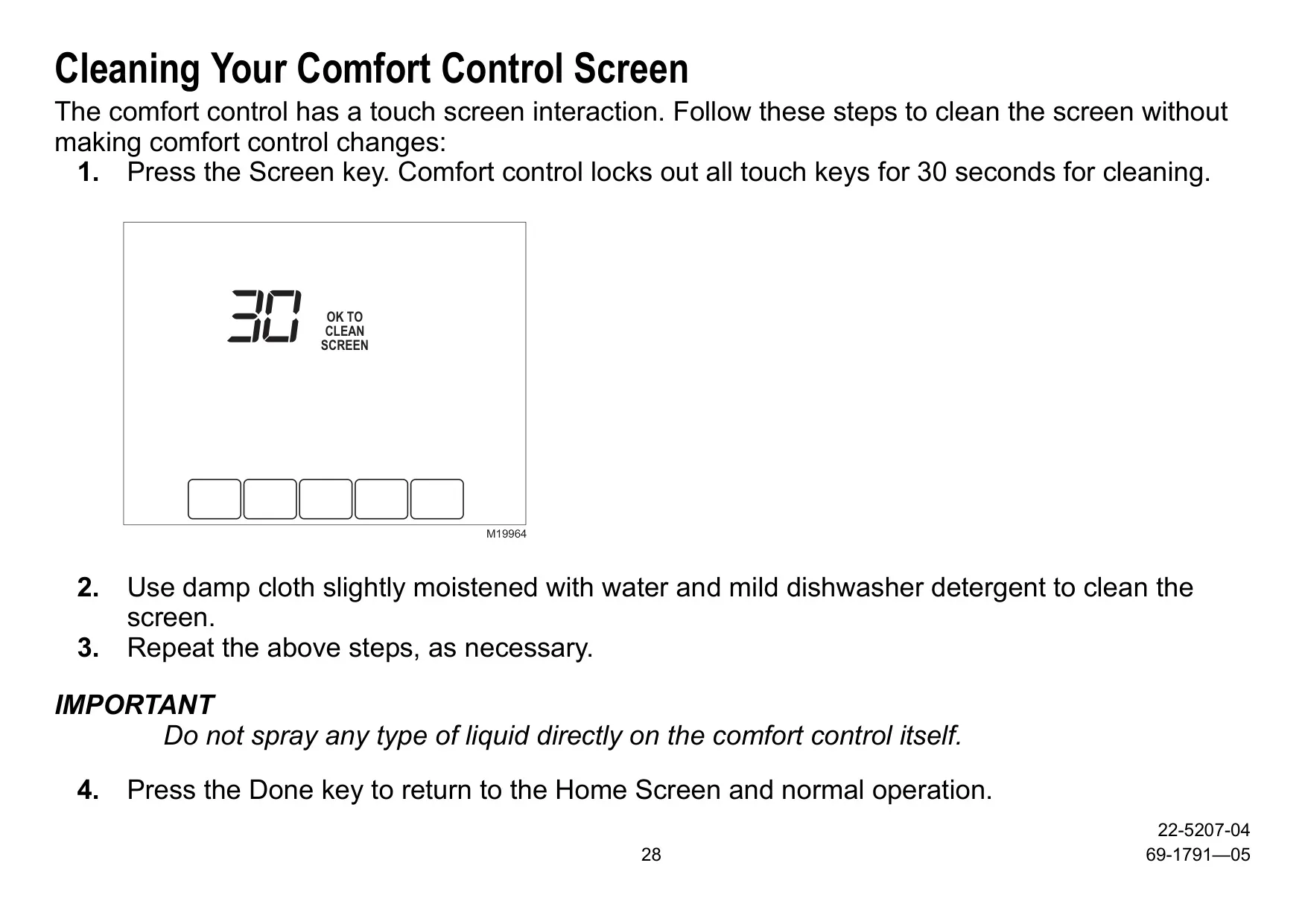
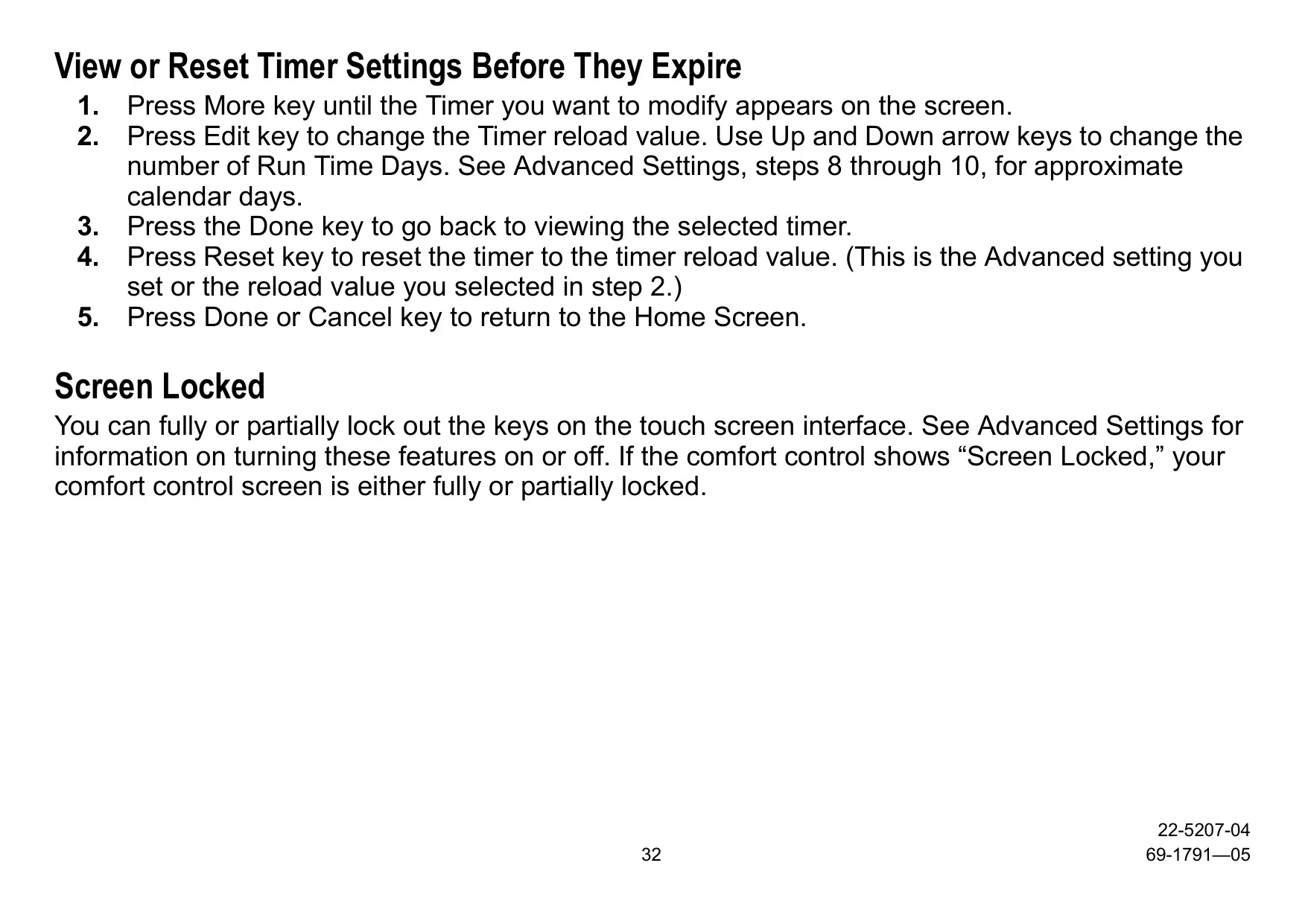
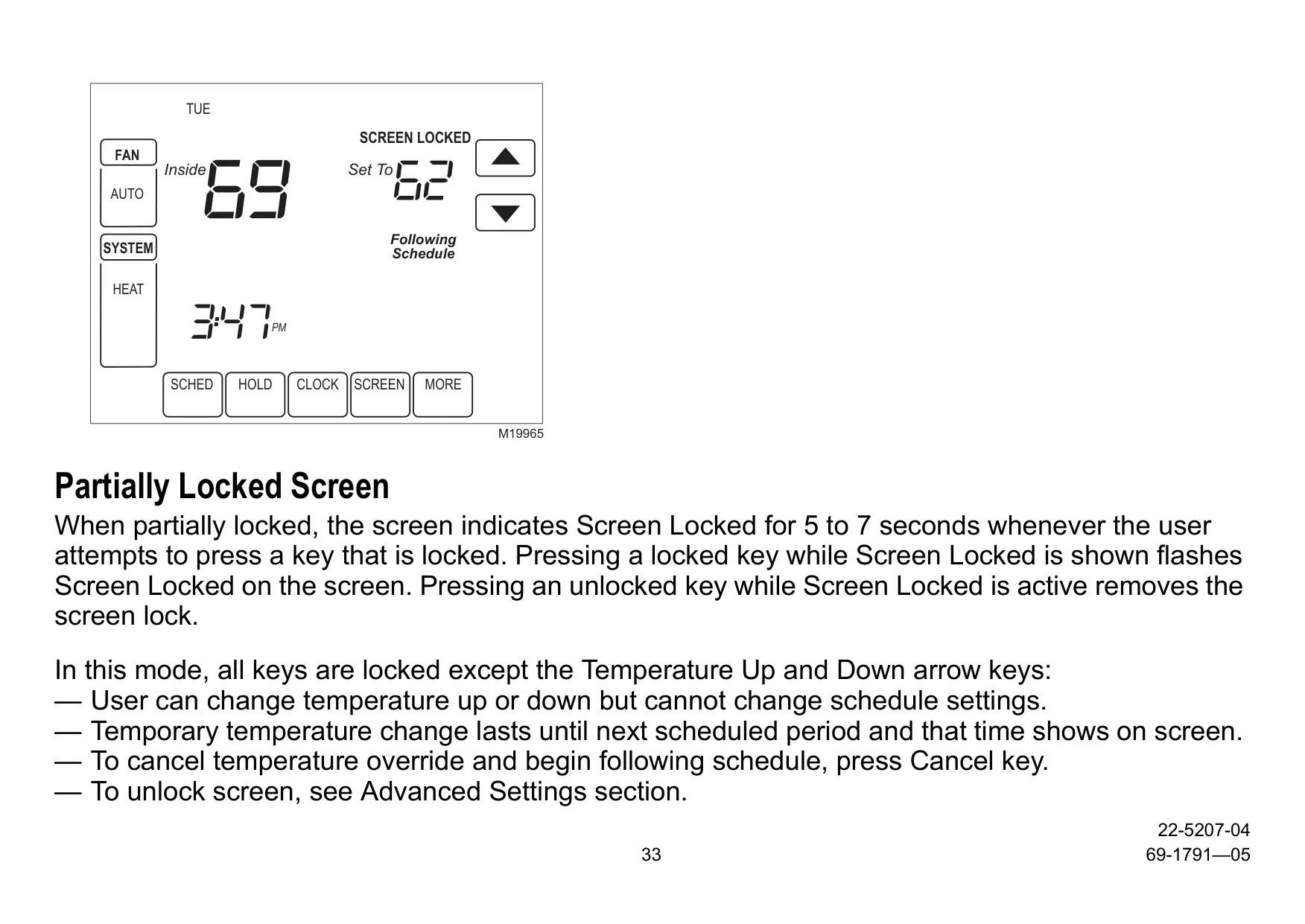
For enhanced control and peace of mind, the Trane TCONT802AS32DAA includes a Screen Lockout Function. This allows users to either partially lock the screen, restricting access to only temperature adjustments, or fully lock it, disabling all touch keys. This is particularly useful in preventing unintentional changes or unauthorized access in busy households or commercial settings. Furthermore, for models with an outdoor sensor, the thermostat offers Advanced Heat Pump Features, including compressor and/or backup heat lockout based on outside temperature. This intelligent control ensures the system operates efficiently, preventing the use of less efficient auxiliary heat when outdoor conditions are favorable for heat pump operation.
Frequently Asked Questions (FAQs)
Can't find the answer you need? Here are some frequently asked questions about the Trane TCONT802AS32DAA Thermostat, and we answer them below.