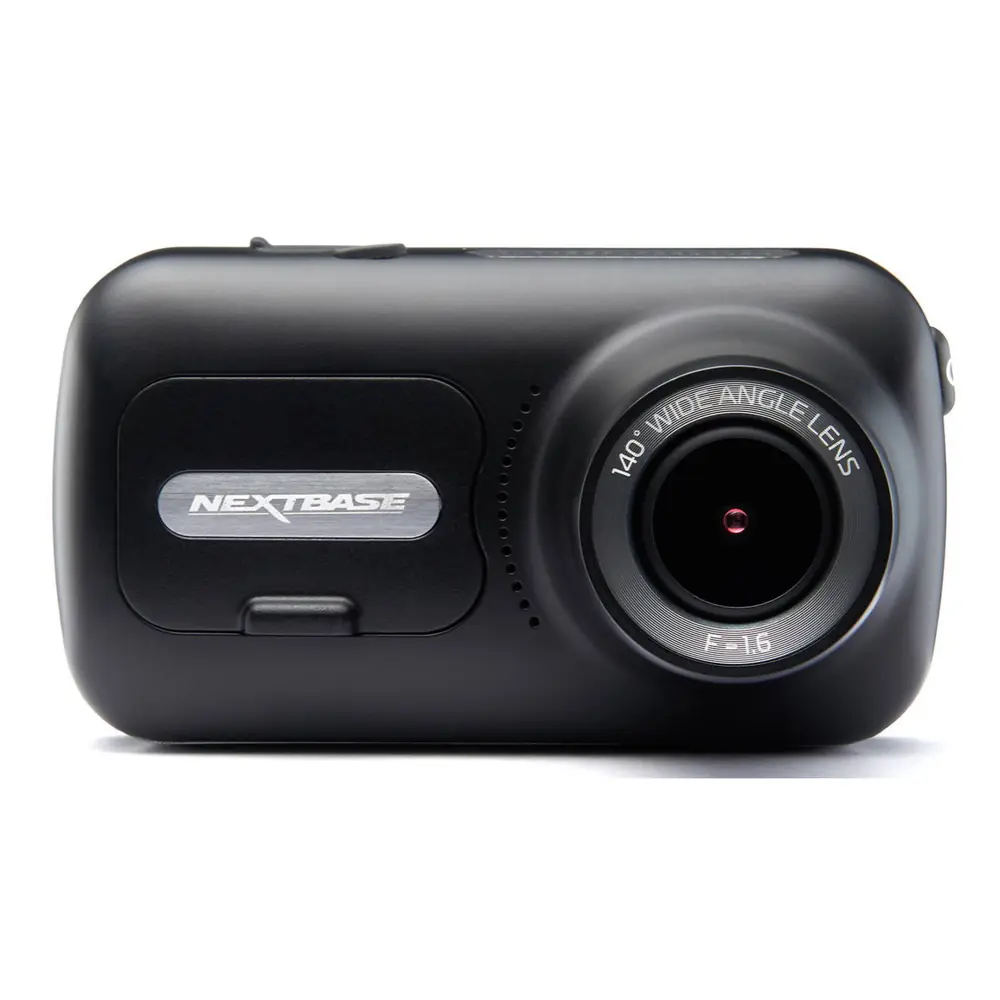
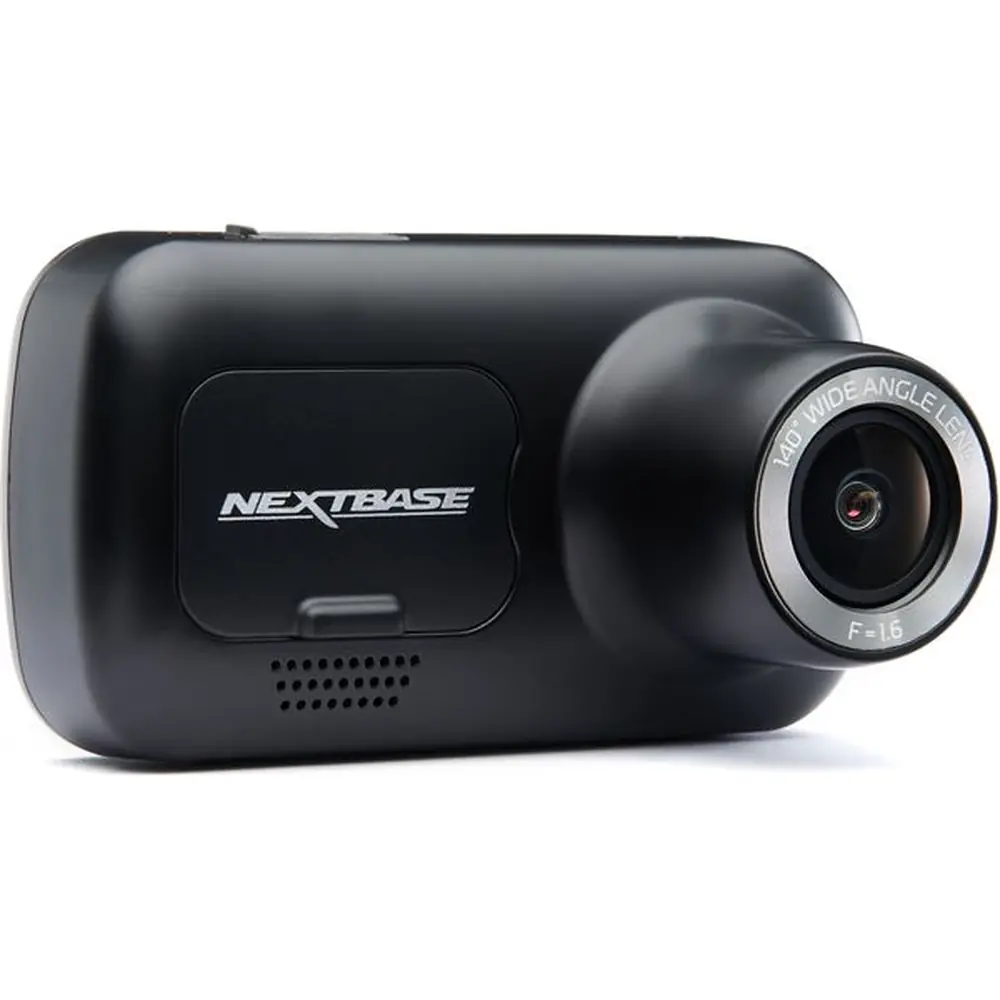
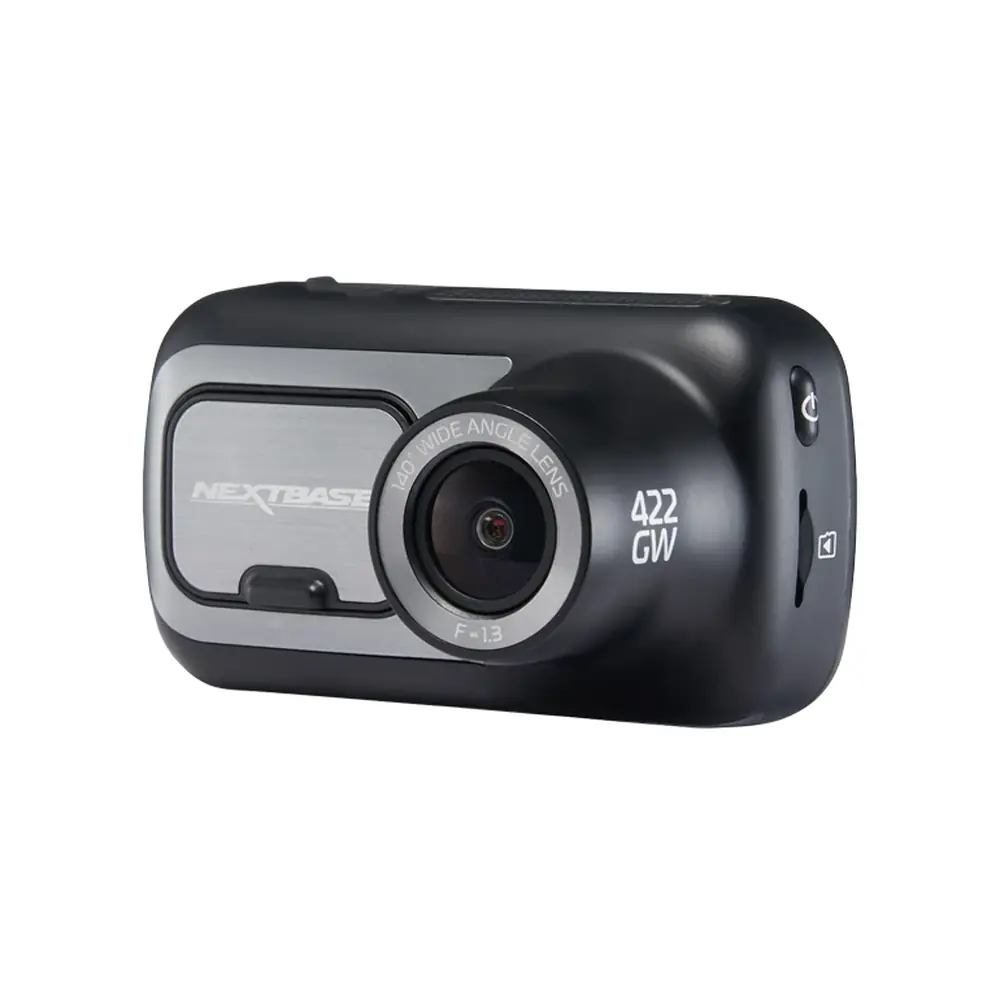
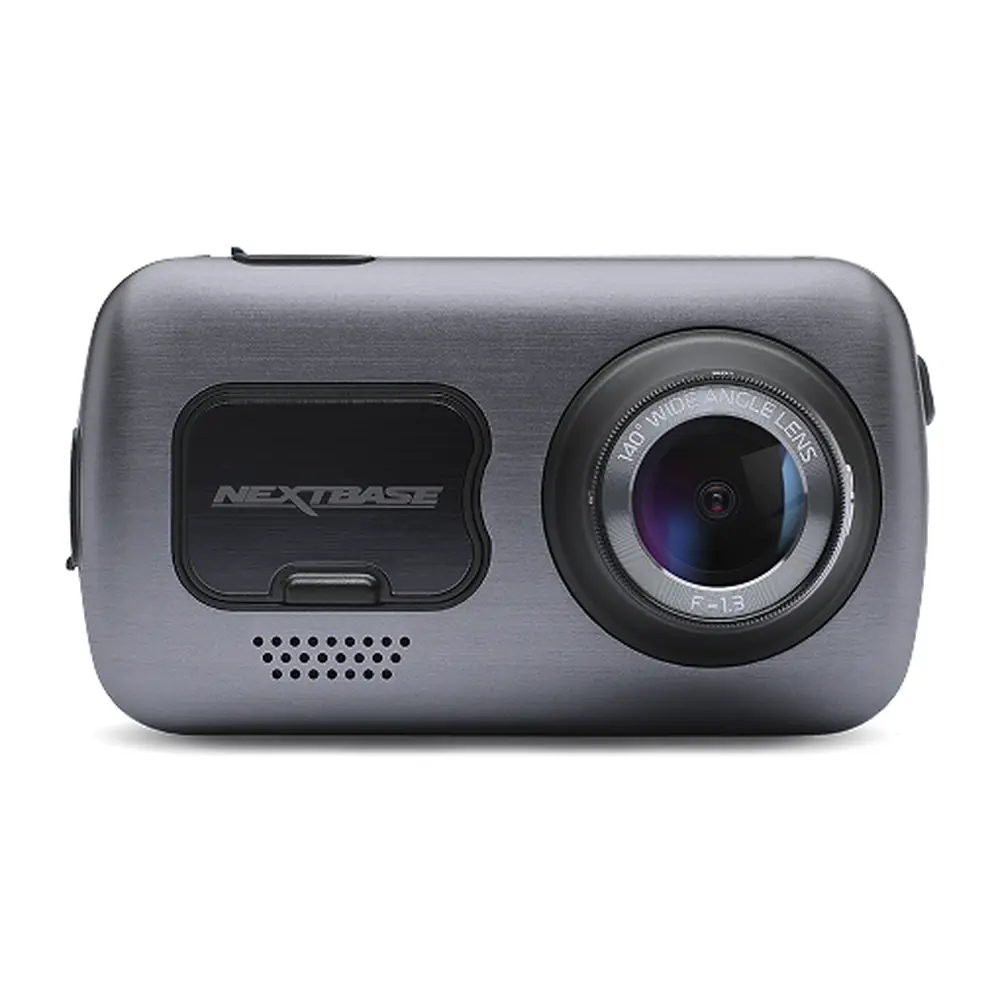
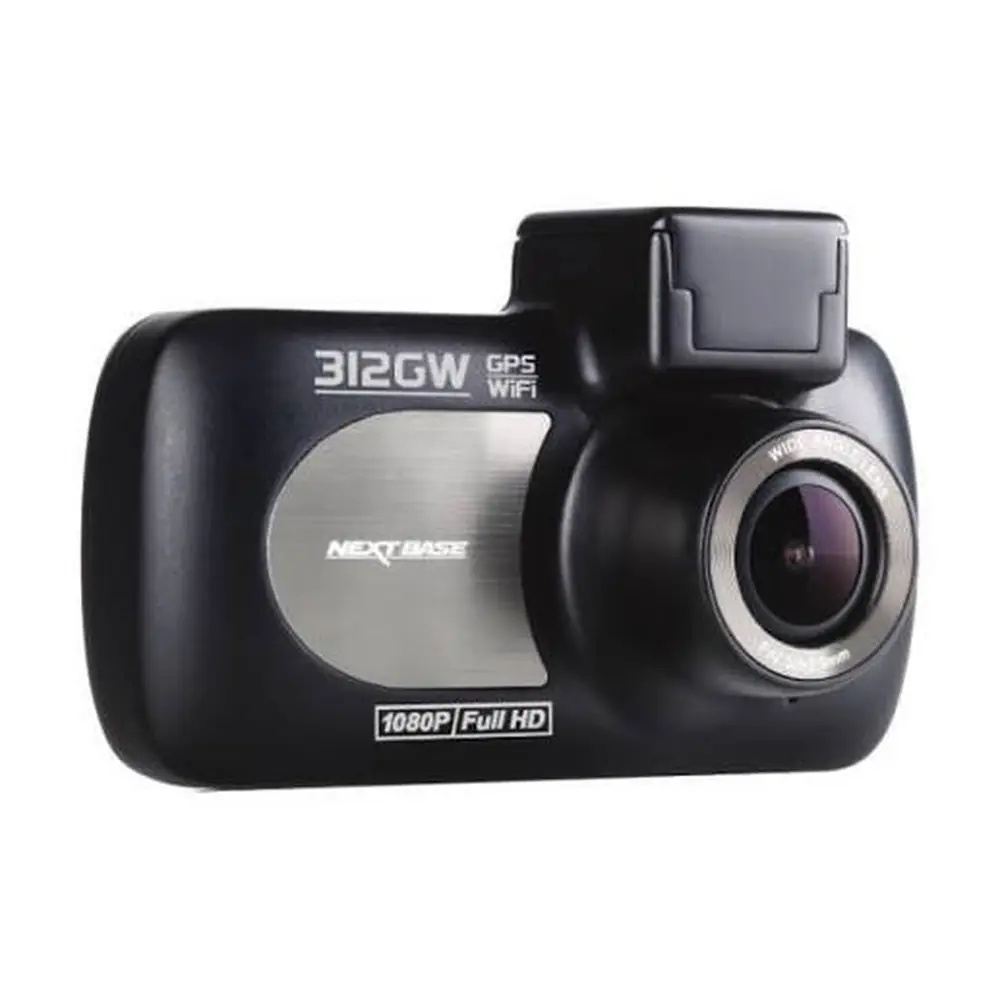
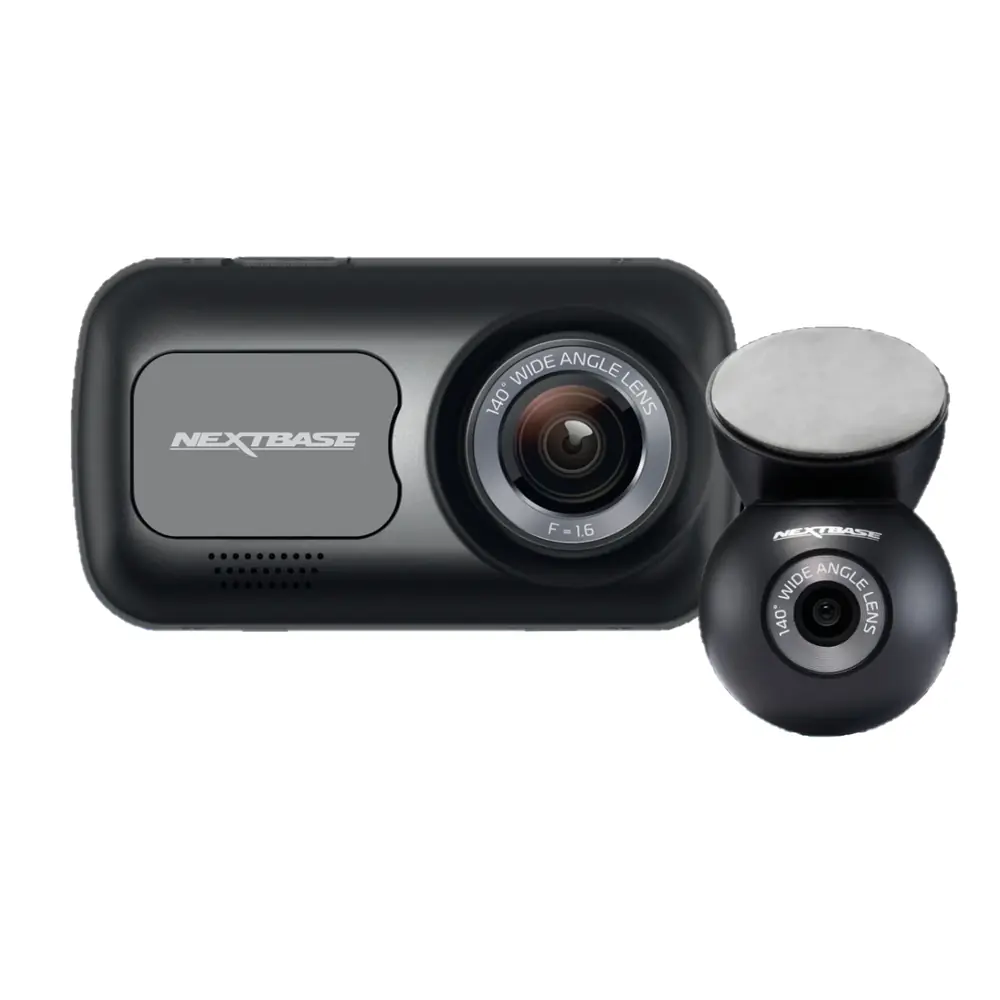
Nextbase 522GW Dash Cam Instruction Manual
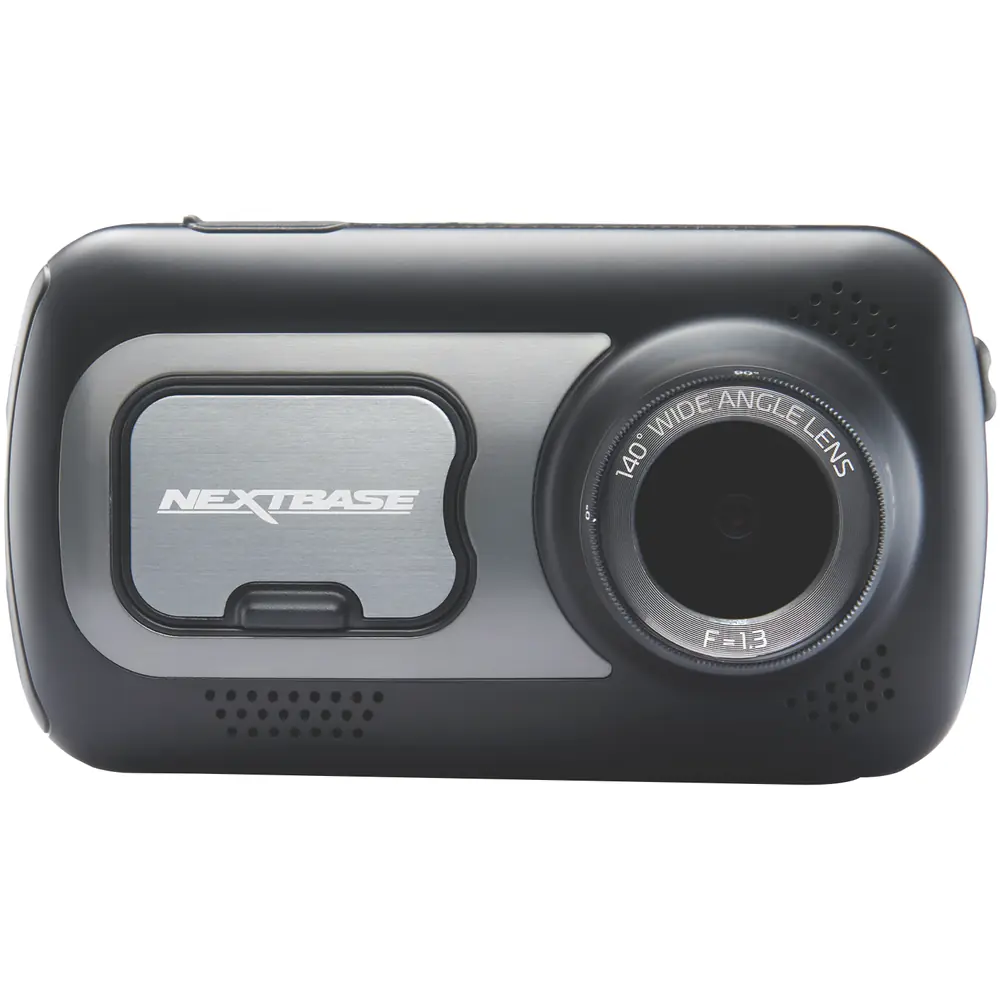
Nextbase 522GW Dash Cam
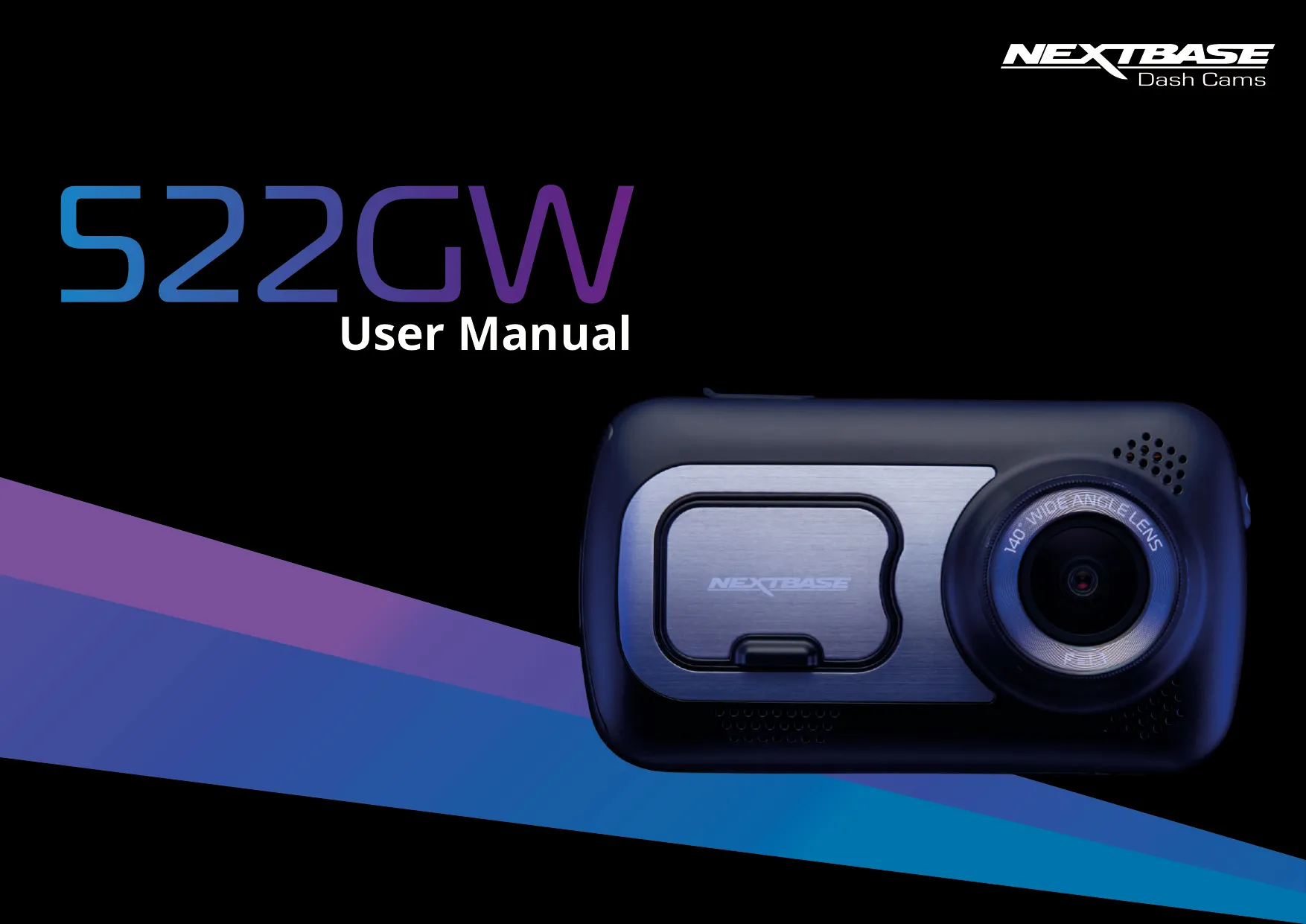


























Nextbase 522GW Dash Cam Instructions
Here we offer the Nextbase 522GW Dash Cam manual completely free and in English. We have cataloged this manual in the Dash Cams section on Manualverse, and it has been rated by 1 users with an average rating of 5. If you have any specific questions about Nextbase 522GW Dash Cam, we suggest checking the Frequently Asked Questions (FAQs) section of this manual.
Product Images
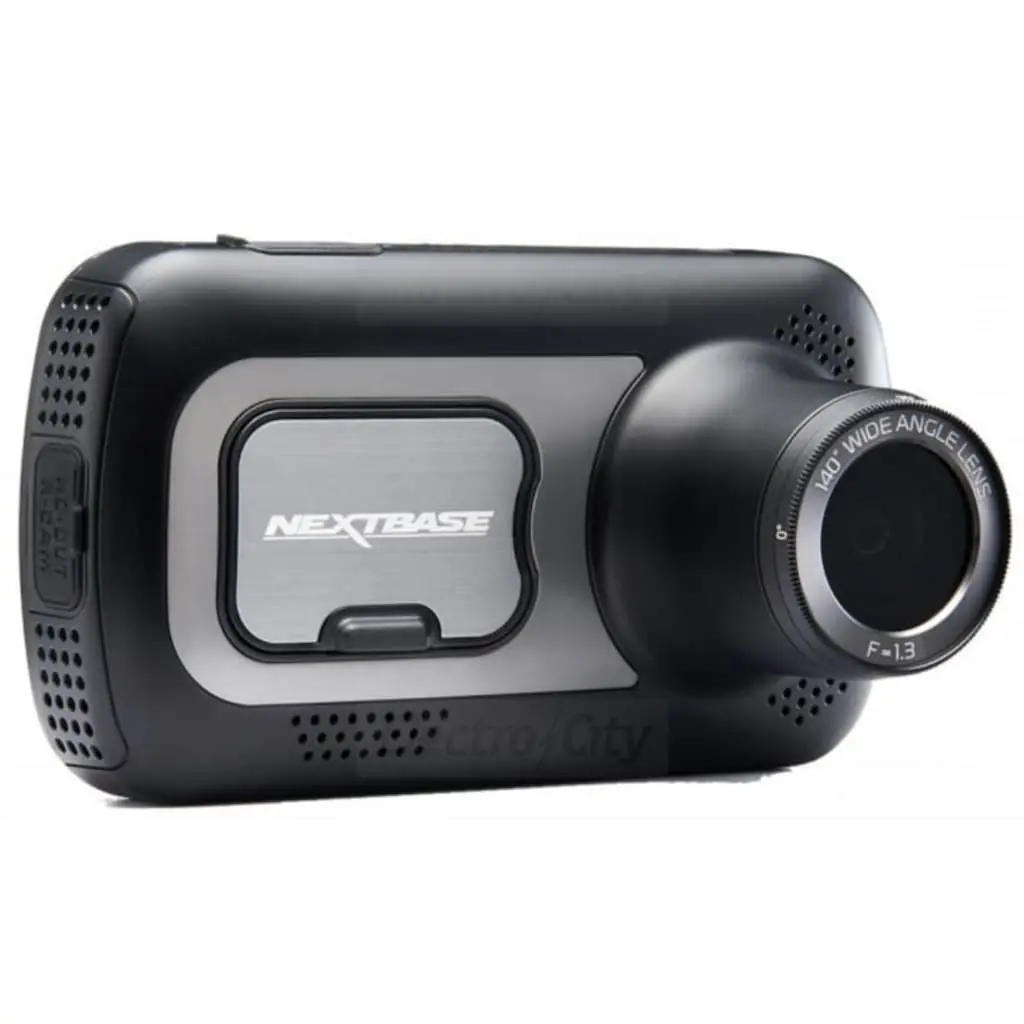
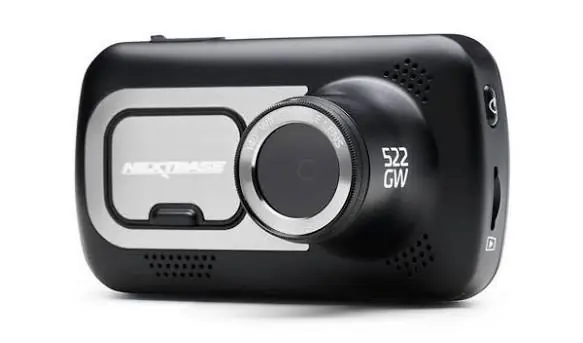
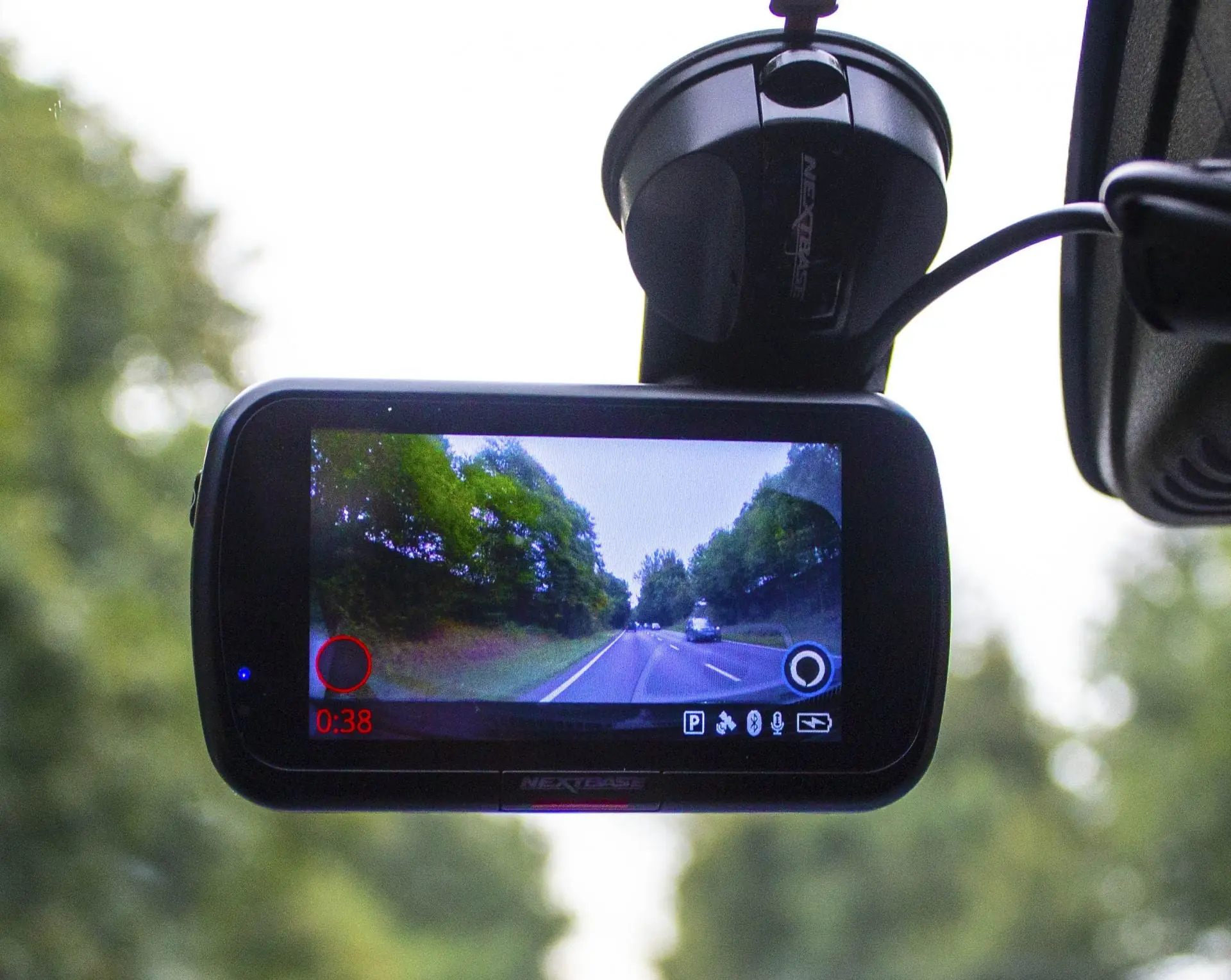
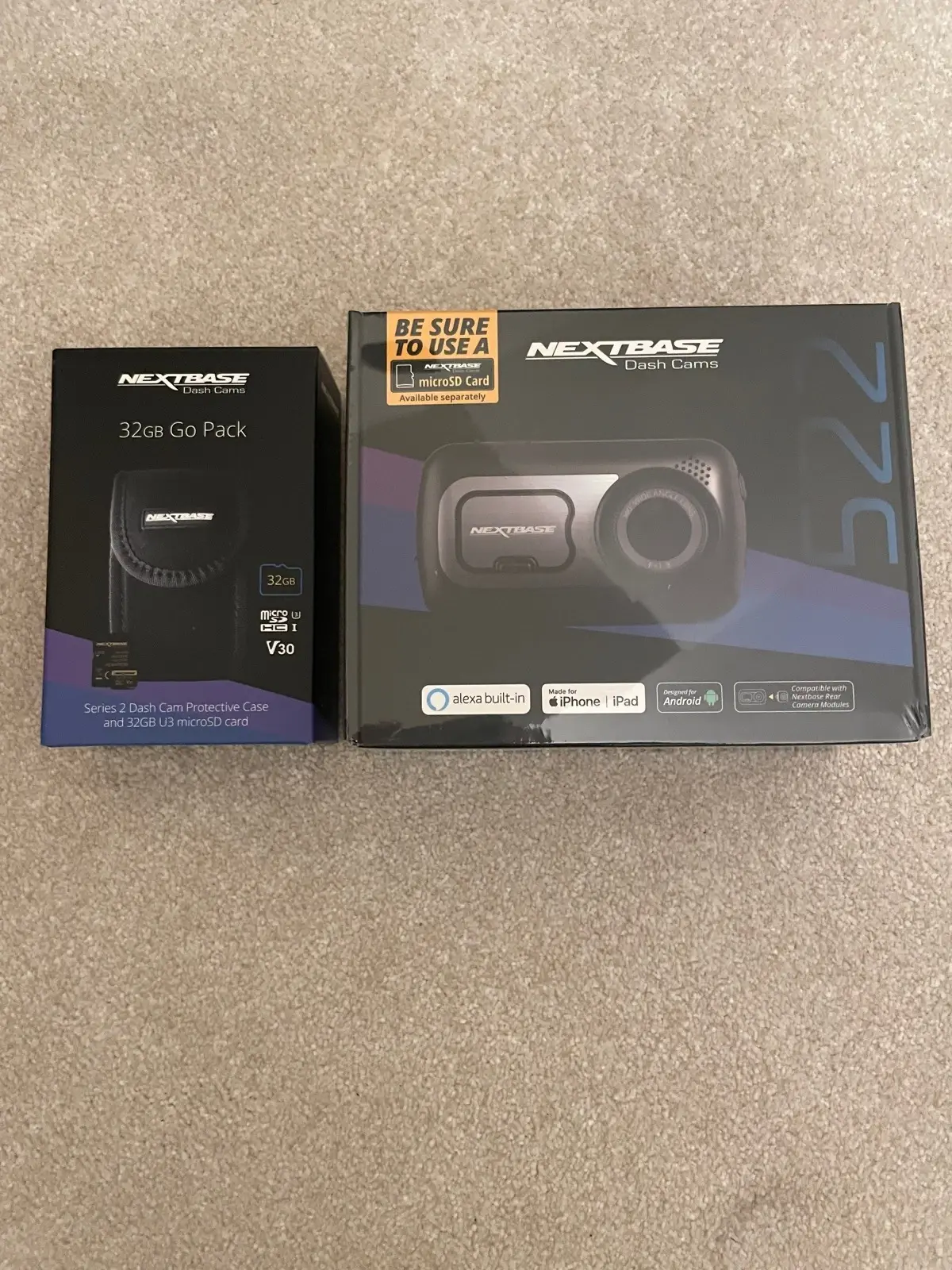
Nextbase 522GW Dash Cam Specifications
| Specification | Detail |
|---|---|
| Model Number / Name | NBDVR522GW |
| Power Requirements | 5V / 1.5A |
| Power Supply | 12-24Vdc Car Power Cable (supplied) Fuse Type: 32mm / 2A Output: 5Vdc Hardwire Kit also available to purchase for a hidden, permanent power supply. |
| Sensor Resolution | 5.14M Pixel (2616 x 1964) |
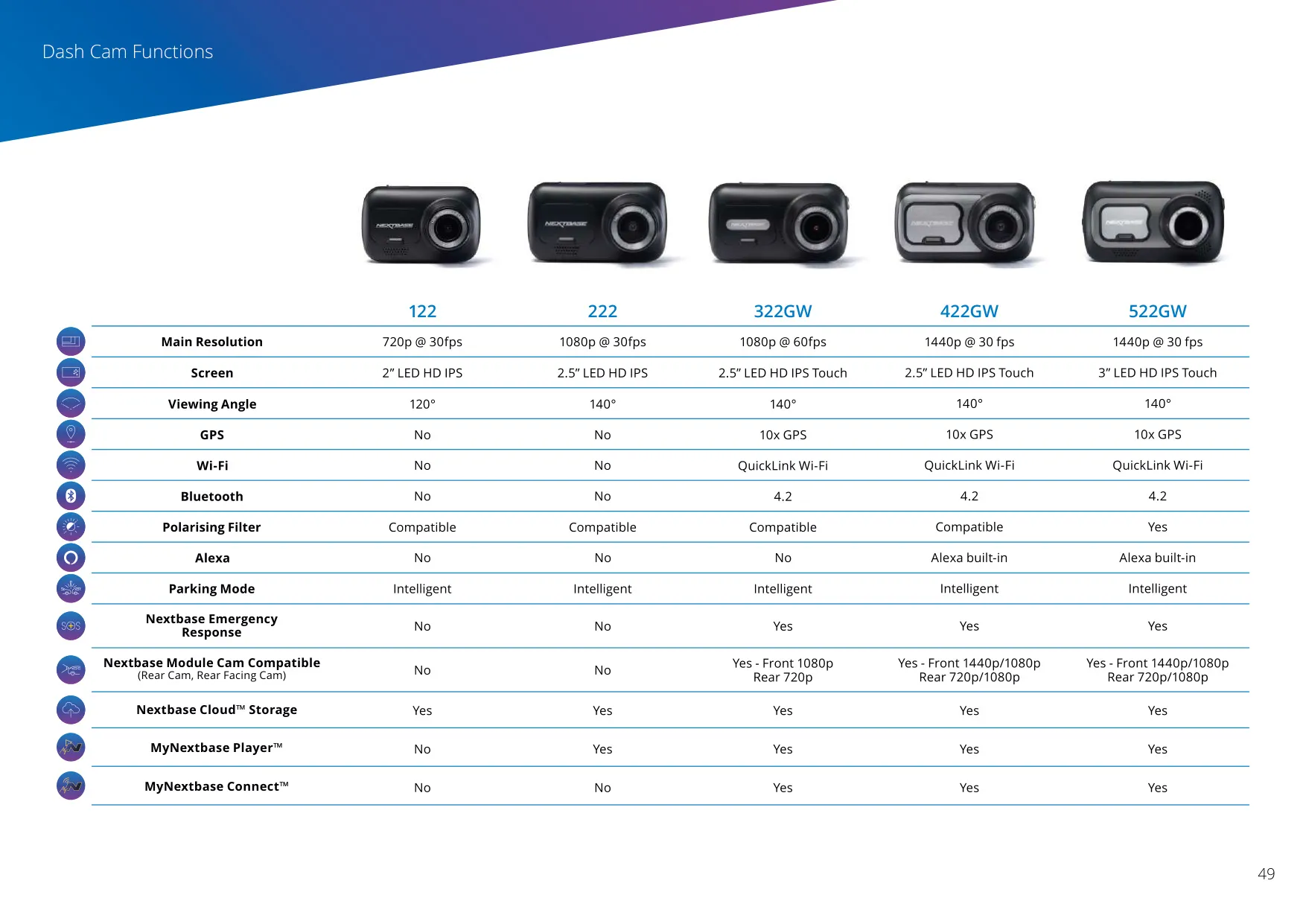
| Lens - Type / Angle / Aperture | 6G / 140° / F1.3 |
| Recording Resolution | 2560×1440 @30fps day & night |
| Screen Size | 3" |
| Screen Resolution | 960 (W) X 480 (H) pixels |
| Screen Ratio | 16:9 |
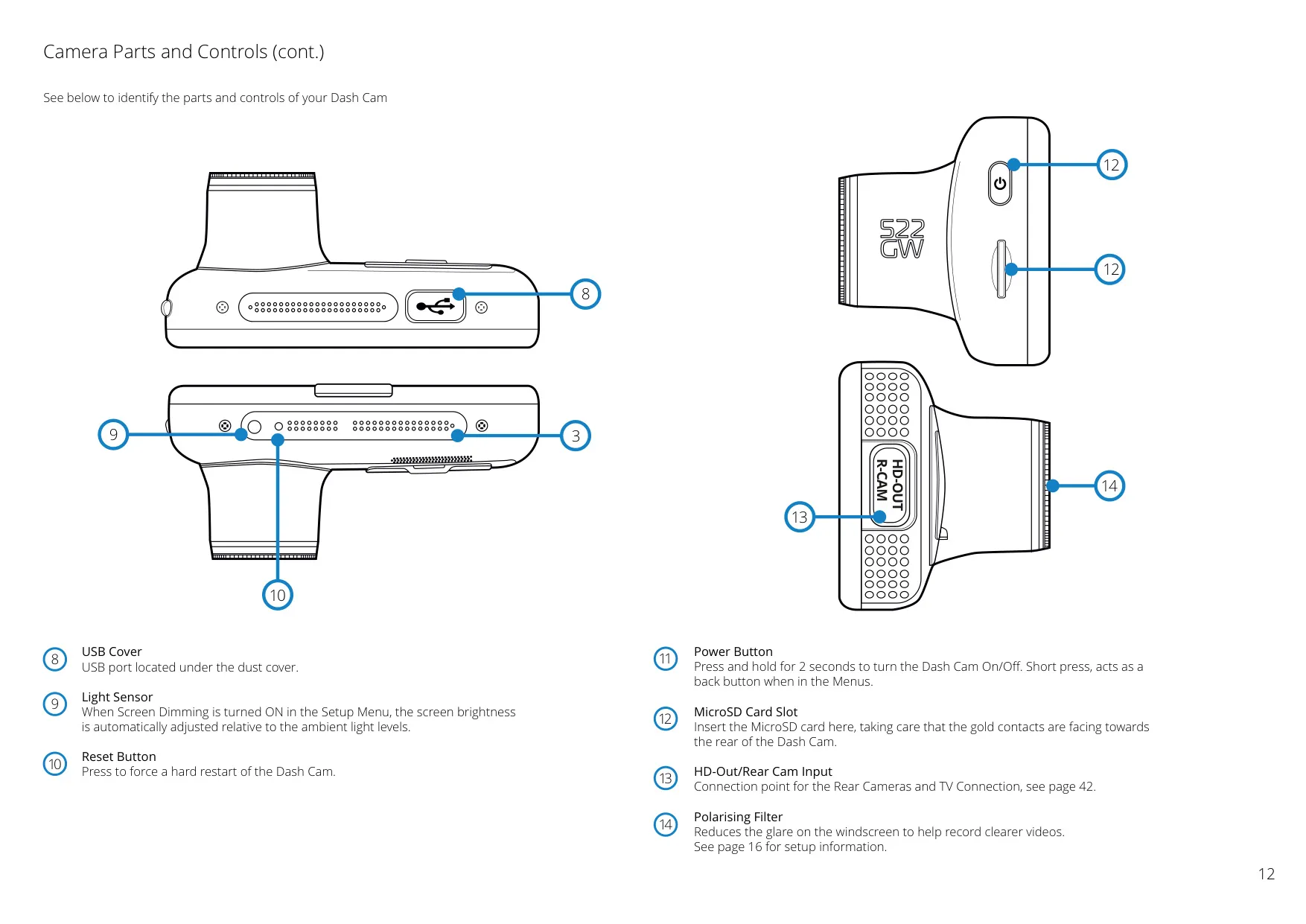
| Card Reader | MicroSD, Class 10, U3, up to 128GB |
| SD Card (Recommended Type) | 8-128GB SDHC, U3, Class 10 (48mb/s) For best results, use a recognized brand. |
| SD Card Recorded File Capacity (based on default settings) | 8GB MicroSD = 60 minutes of recording 16GB MicroSD = 120 minutes of recording 32GB MicroSD = 240 minutes of recording 64GB MicroSD = 480 minutes of recording 128GB MicroSD = 960 minutes of recording |
| Recording Format | MP4 |
| Internal Battery | Lithium-Polymer 3.7V / 320mAh (approx. 15 mins recording time) Battery design allows the 'Auto Power Off' feature to function in event of power loss within the vehicle. It is not intended as an alternative power source to replace the supplied car power cable. |
| GPS Module | Simple / ST702G-15C40 |
| Unit Dimensions (mm) | 94 x 53 x 45 |
| Unit Weight | 125g |
Nextbase 522GW Dash Cam Details
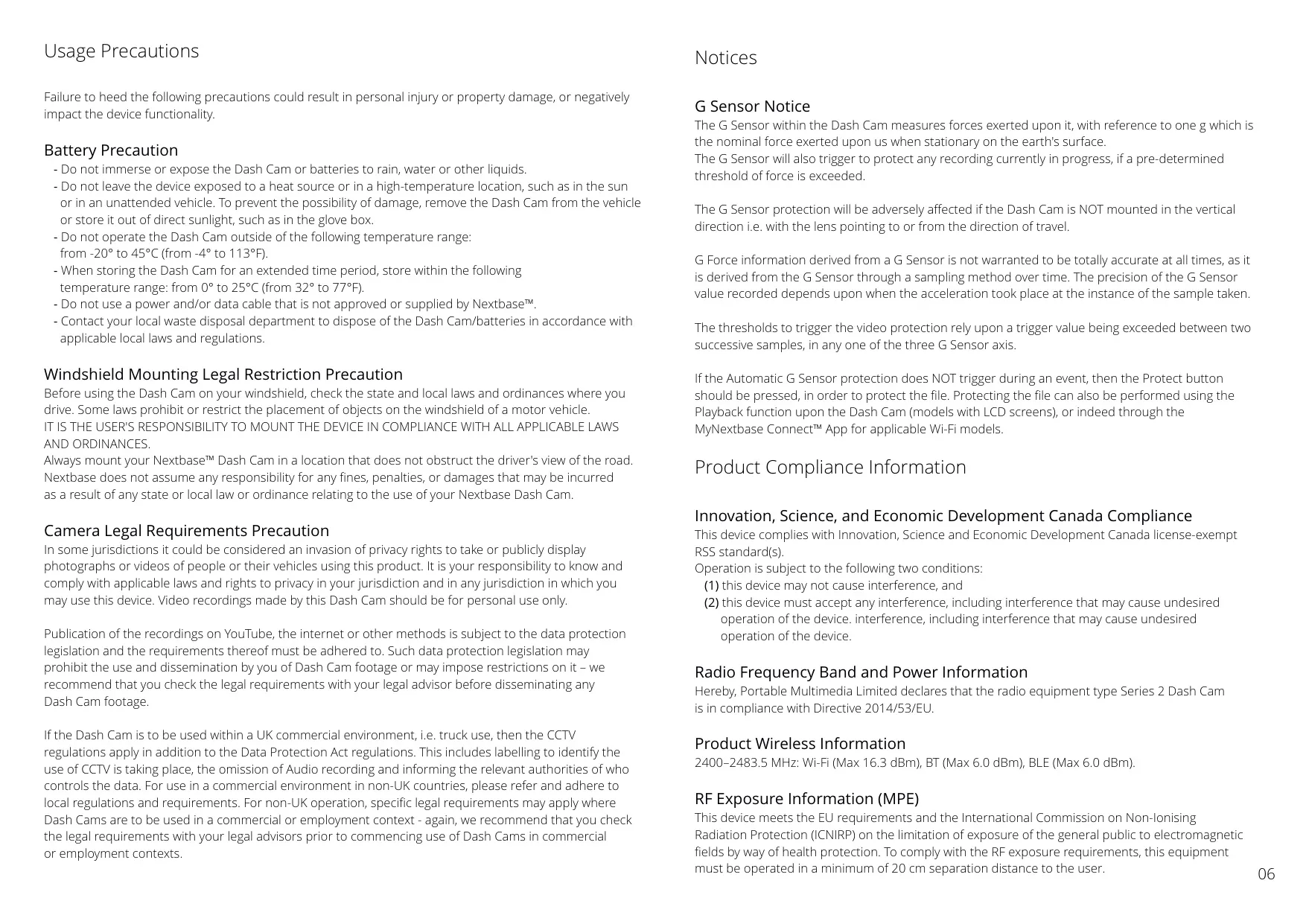
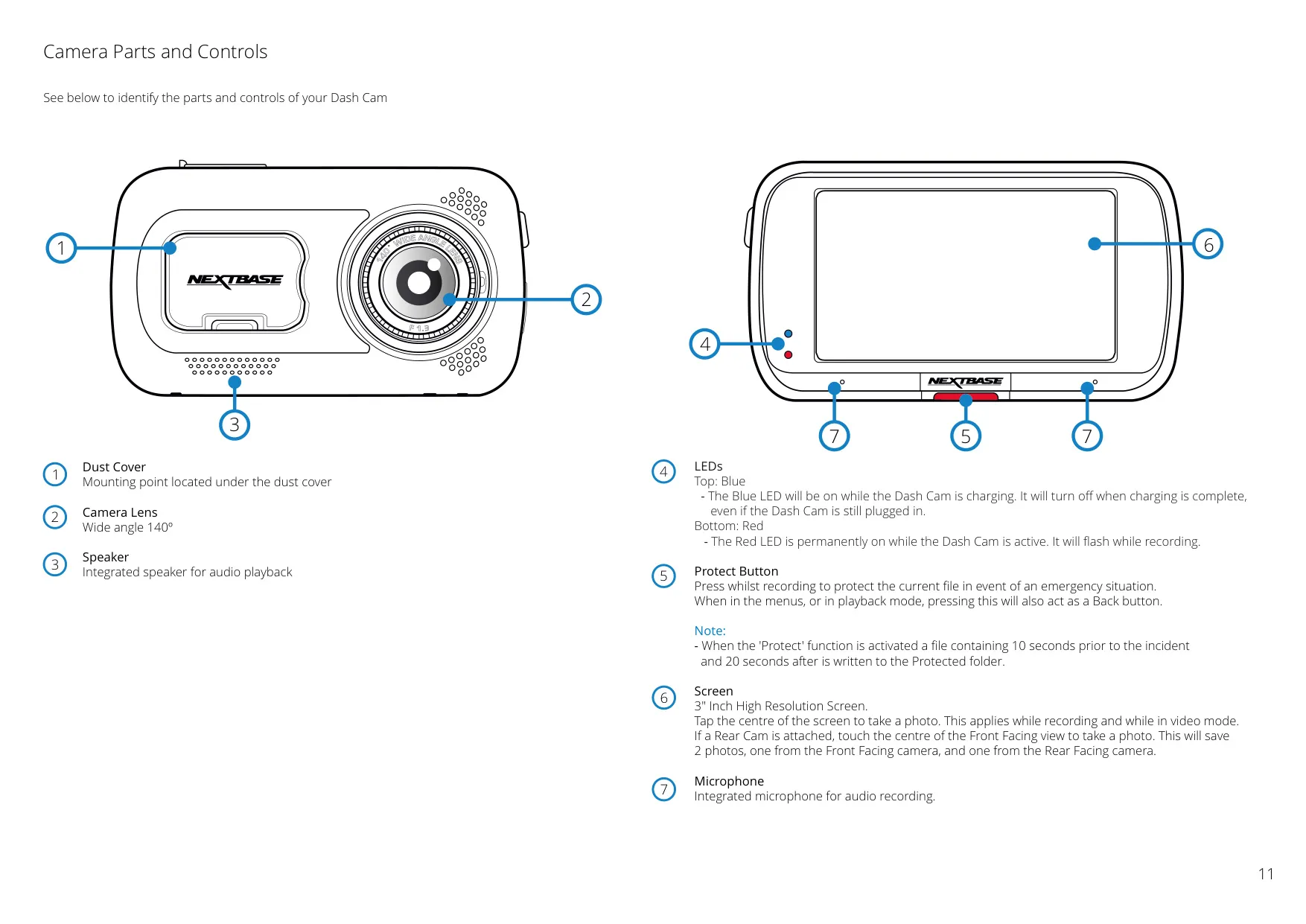
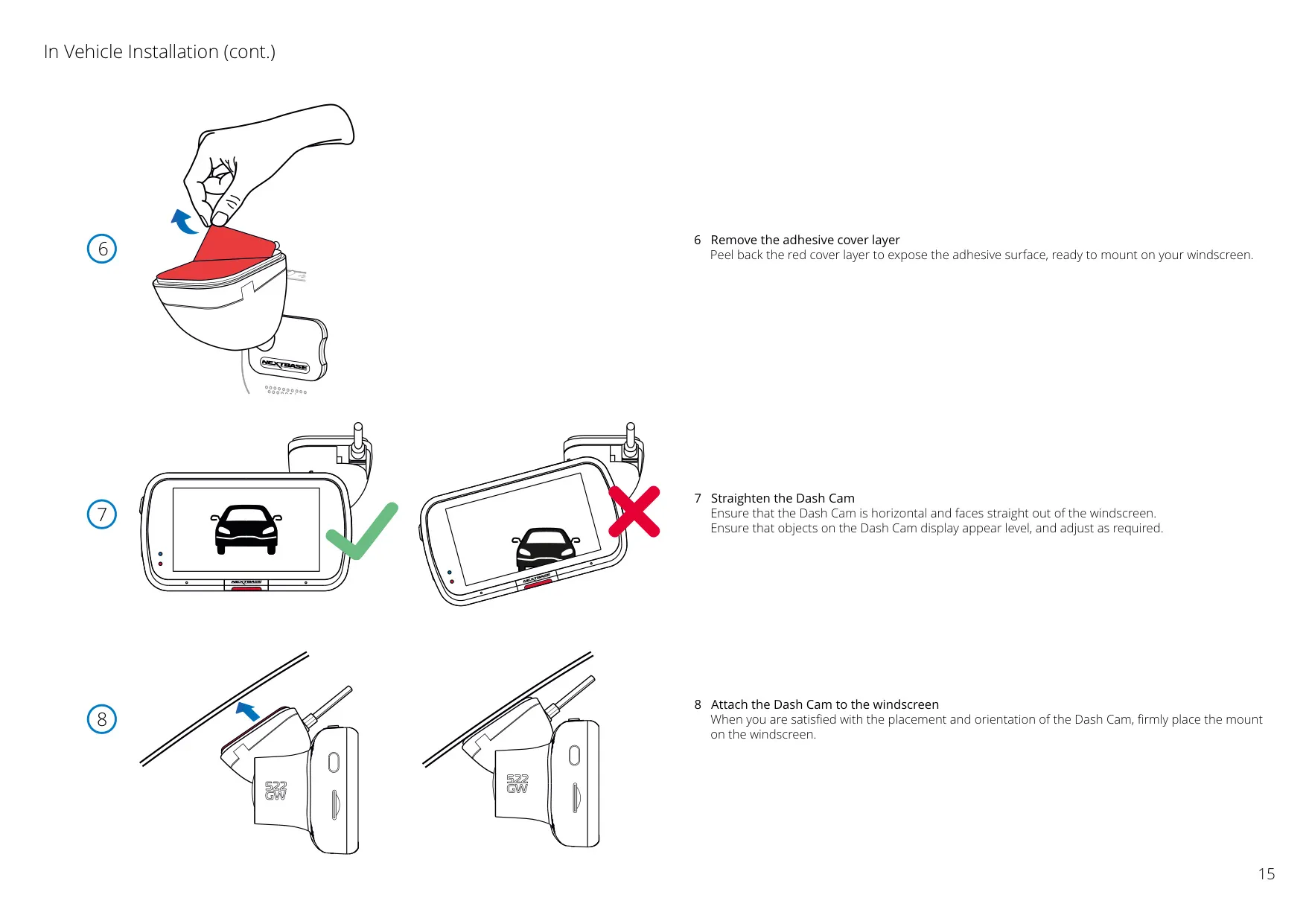
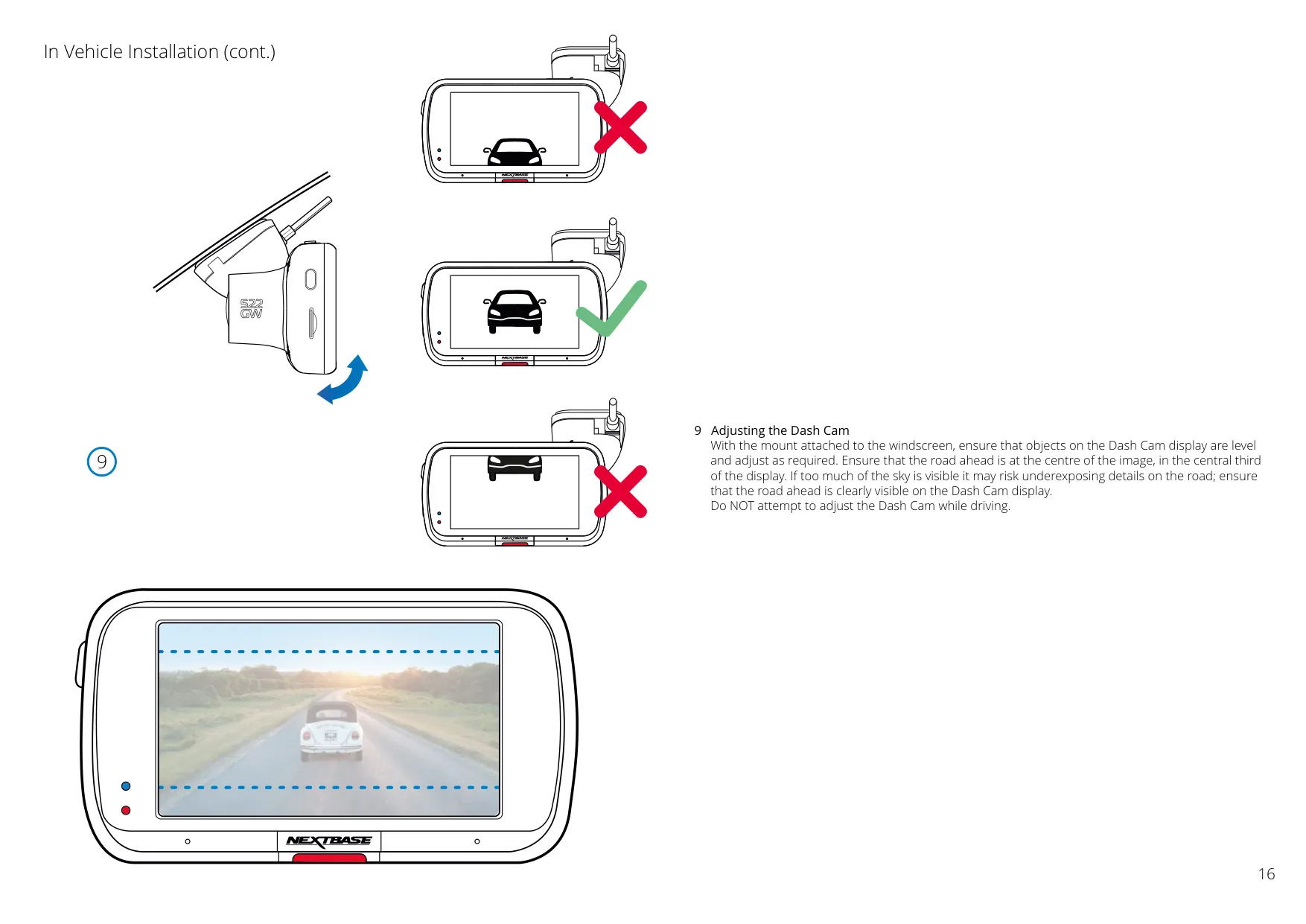
The Nextbase 522GW features a 3" high-definition IPS touch panel display, providing a bright, clear view with wide angles for intuitive menu navigation and video playback. Its exclusive Click & Go Pro powered magnetic mount allows for effortless single-handed installation and removal, automatically supplying power to the Dash Cam. This design prioritizes ease of use and quick setup, supported by both adhesive and suction fittings.
A crucial safety component, the integrated G Sensor automatically protects video files in the event of an impact, saving crucial footage (10 seconds prior, 20 seconds after) from being overwritten. The Dash Cam ensures seamless operation with automatic start/stop technology, powering on with vehicle ignition and shutting down when power is cut, requiring no manual intervention during drives.
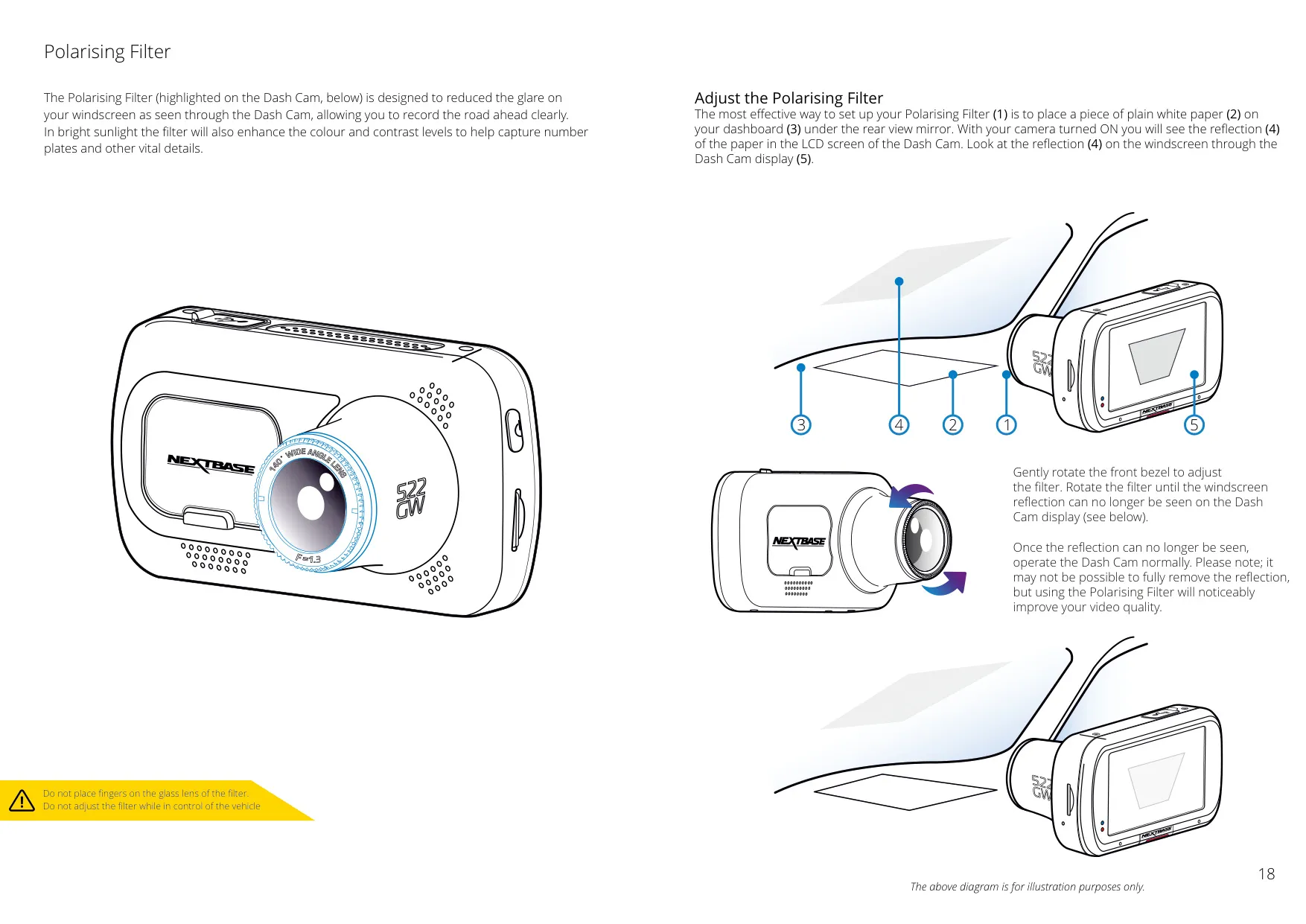
Enhancing vehicle security, the Intelligent Parking Mode activates recording automatically upon detecting motion while parked, providing crucial evidence in case of incidents. To further improve video quality, the 522GW incorporates a built-in polarising filter. This feature significantly reduces windscreen glare and reflections, leading to clearer recordings and better detail capture, particularly in bright sunlight.
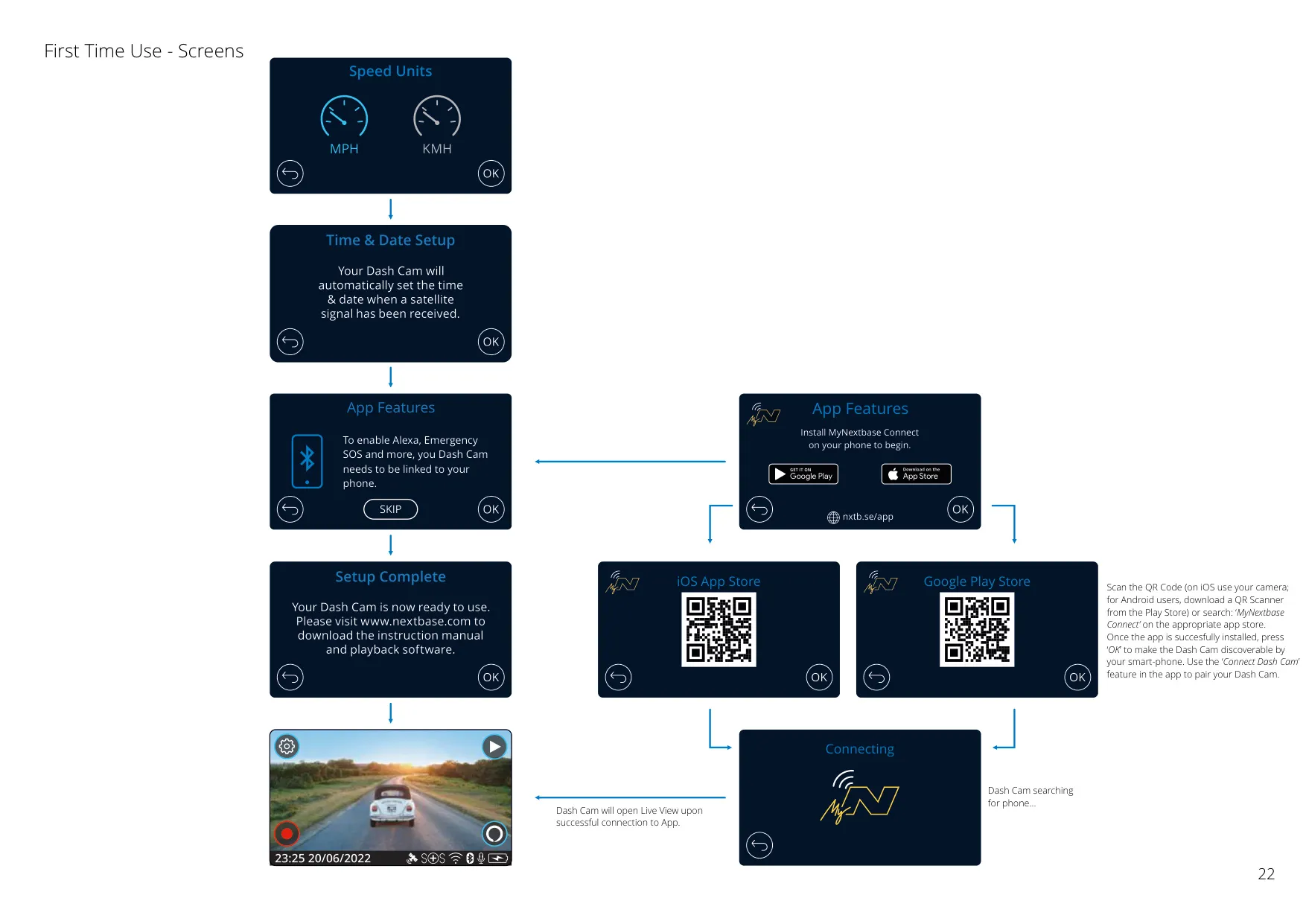
The 522GW offers robust connectivity through the MyNextbase Connect™ app for smartphones, enabling effortless video management, social media sharing, and direct access to emergency services. Complementing this is the Nextbase Cloud™ service, a free online platform for secure video storage and sharing via unique links, ideal for insurance claims, with files expiring after 30 days.
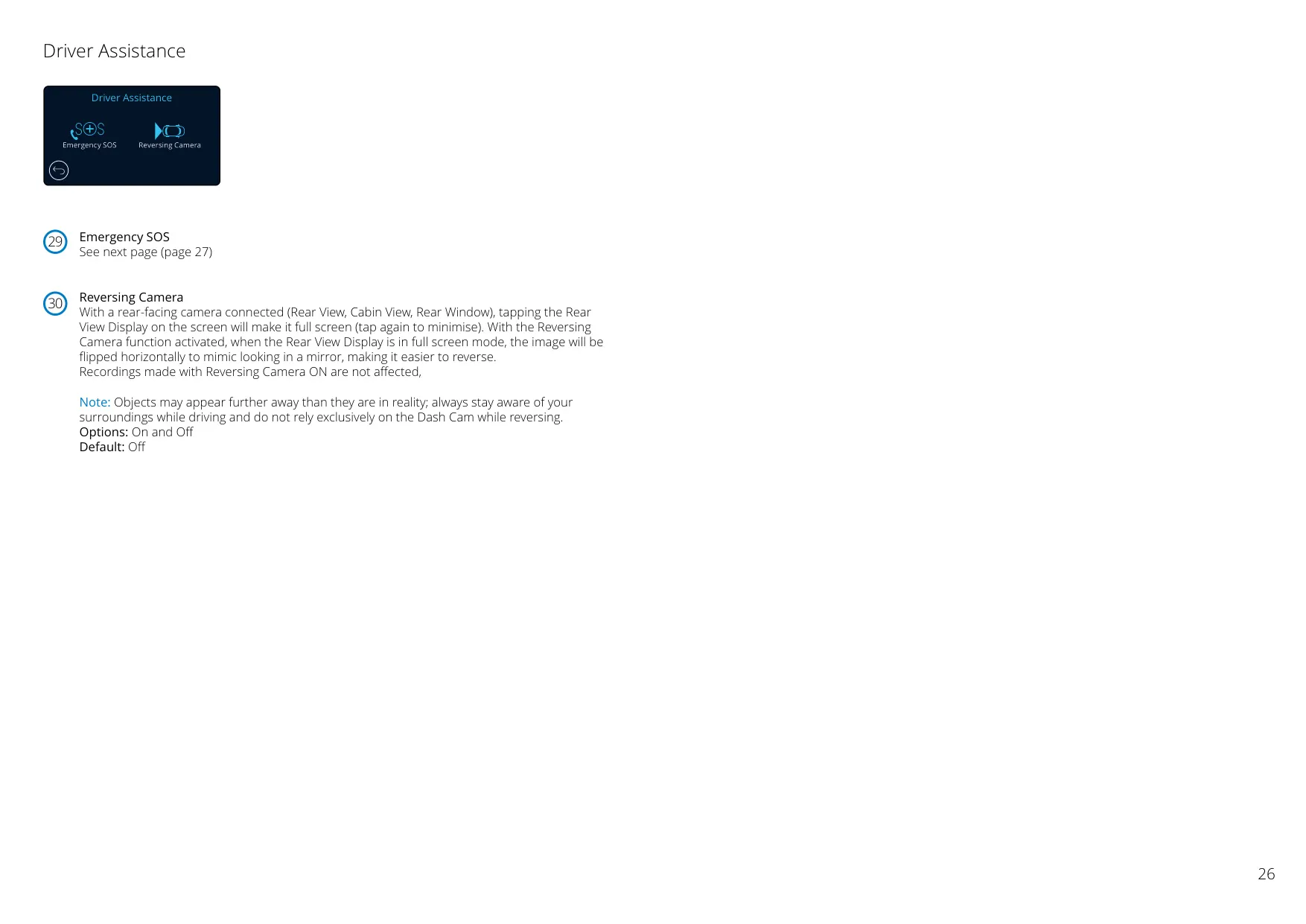
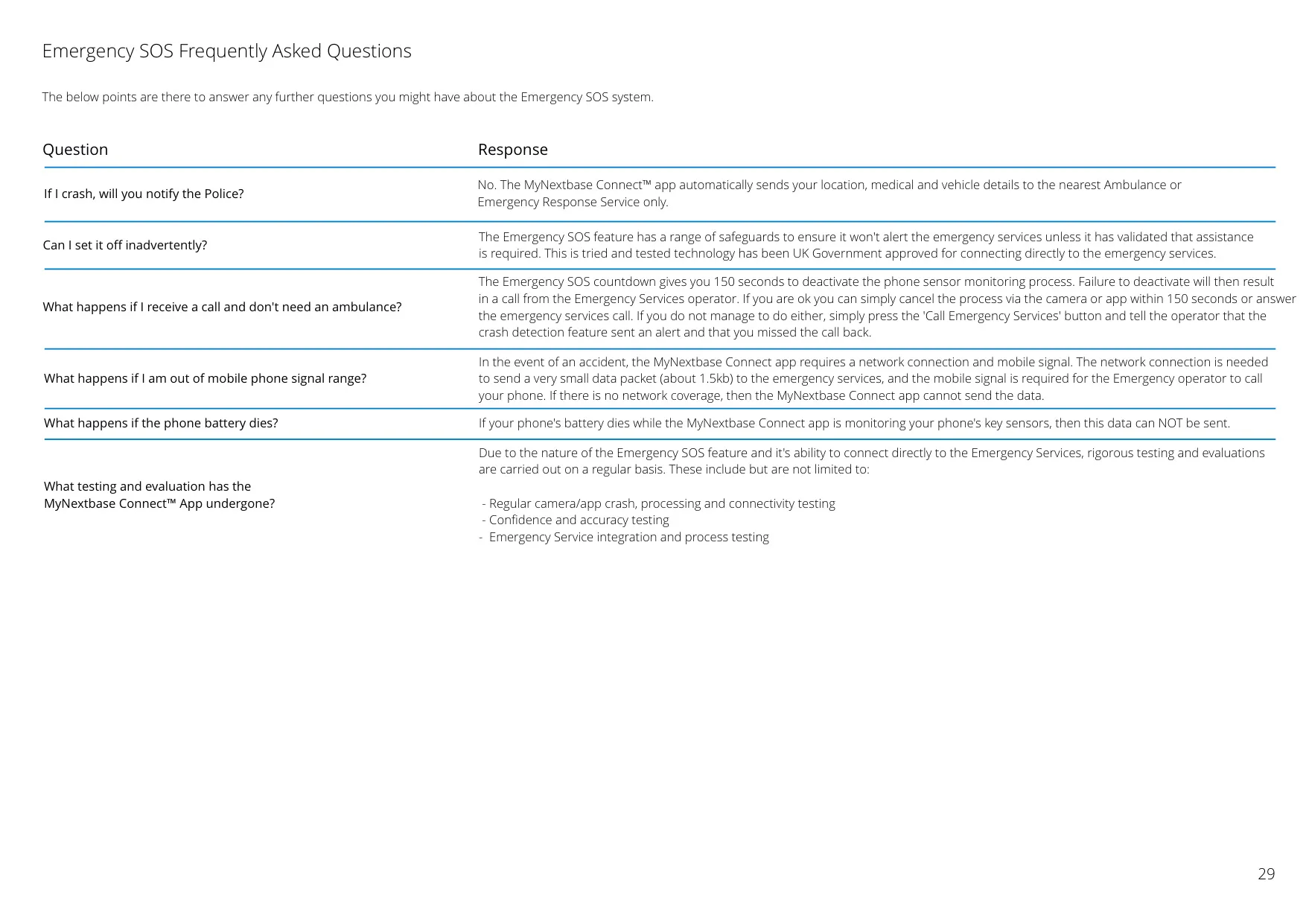
For hands-free operation and enhanced safety, the Dash Cam features Alexa Voice Control, allowing users to manage recordings and access Alexa functions via voice commands when paired with a smartphone. A standout feature is Emergency SOS, which automatically alerts ambulance services with your location and medical details if you're unresponsive after a severe crash, providing a critical layer of protection.
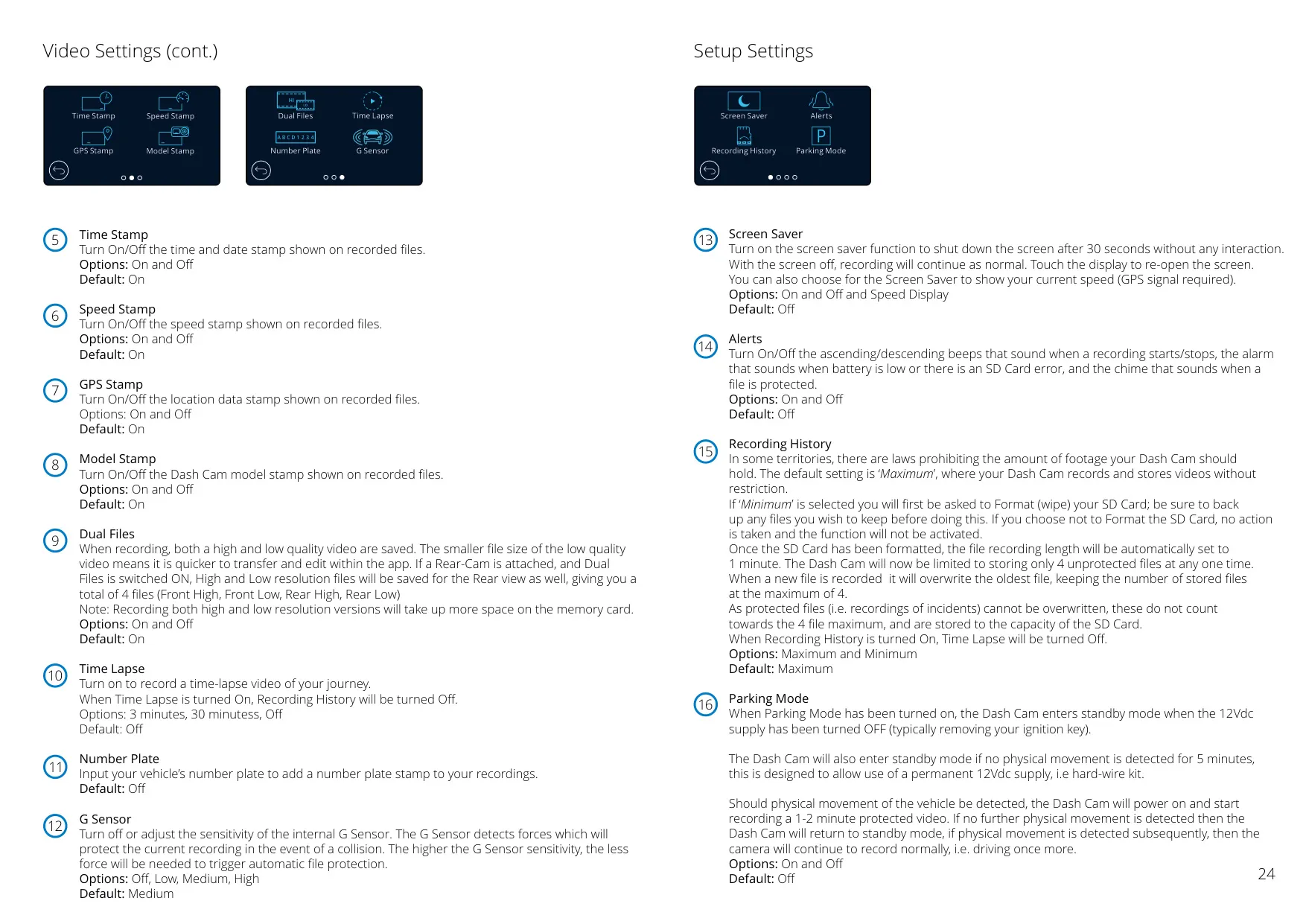
Beyond basic recording, the 522GW offers flexible video settings, including adjustable video length, audio recording, and various data stamps (time, speed, GPS, model, number plate). It also supports optional Nextbase Module Cameras for expanded coverage. For optimal performance, it's recommended to format the MicroSD card every 2-3 weeks directly through the camera, ensuring consistent data writing and longevity.
Frequently Asked Questions (FAQs)
Can't find the answer you need? Here are some frequently asked questions about the Nextbase 522GW Dash Cam, and we answer them below.