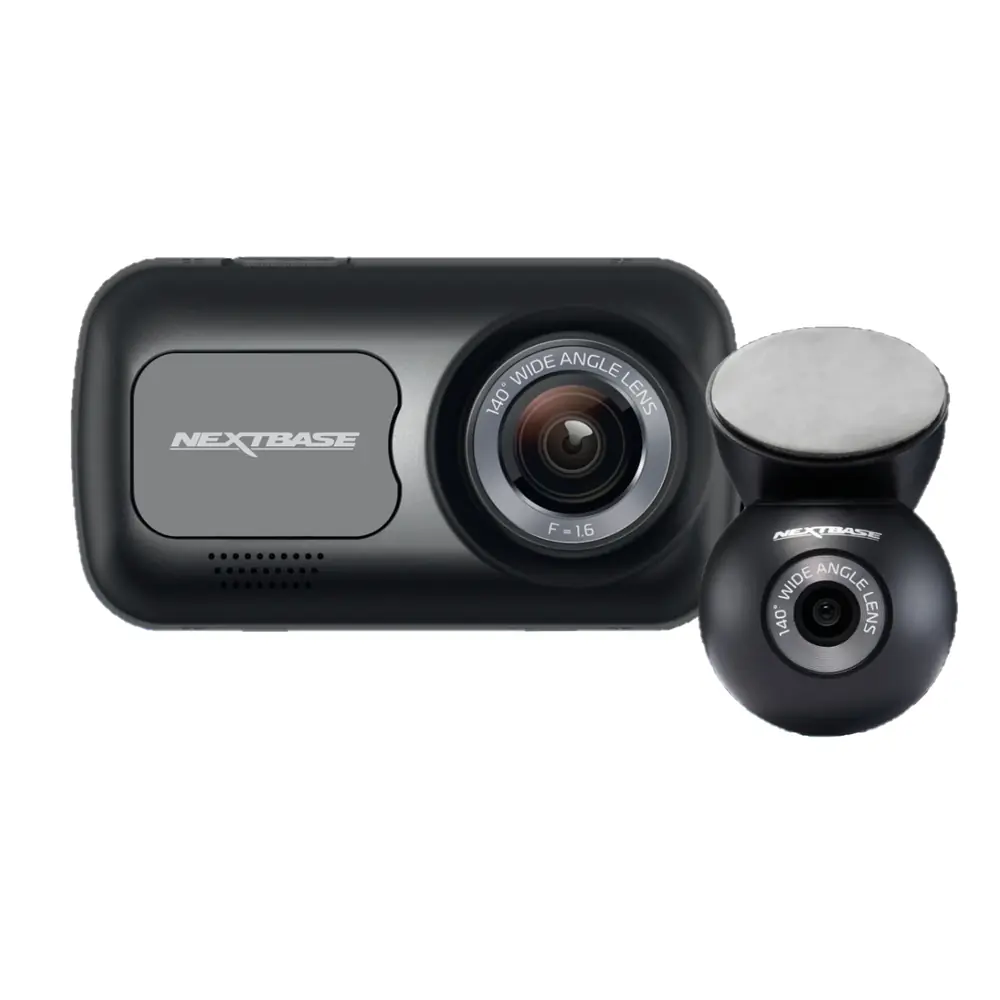
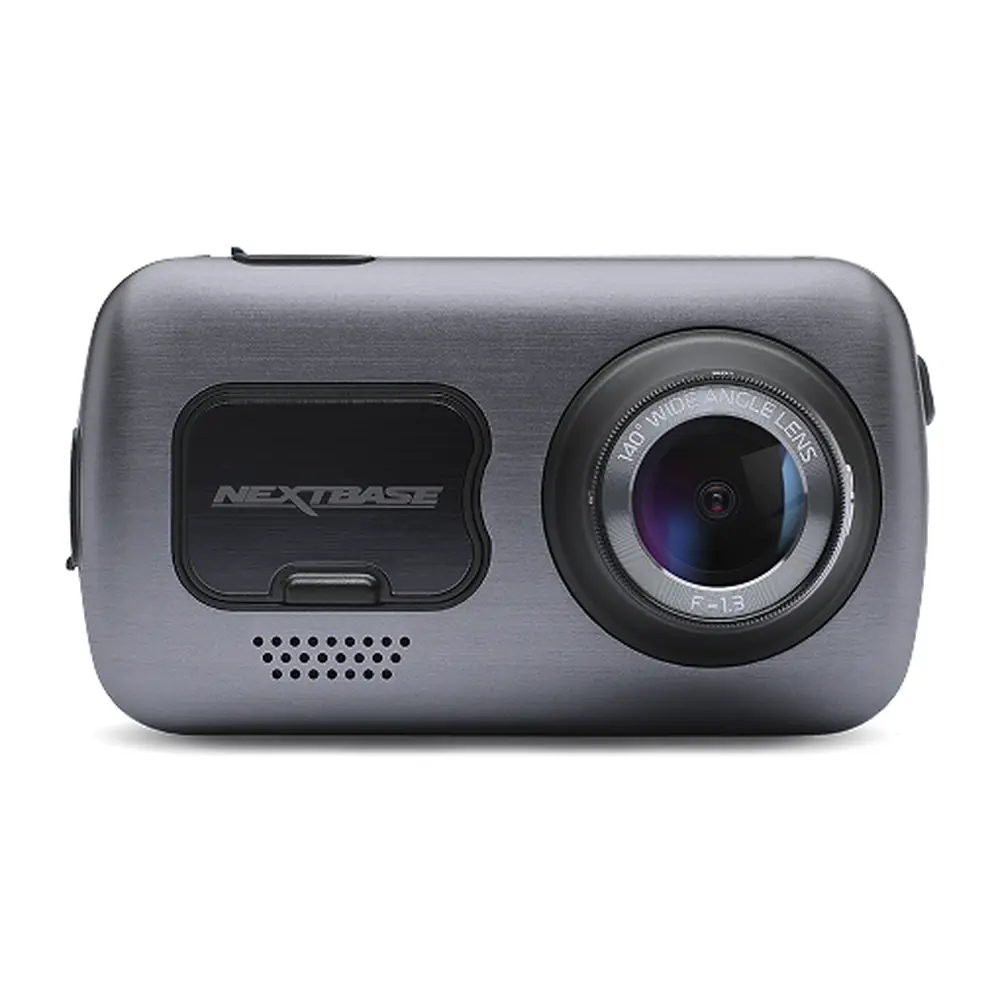
Nextbase 322GW Dash Cam Instruction Manual
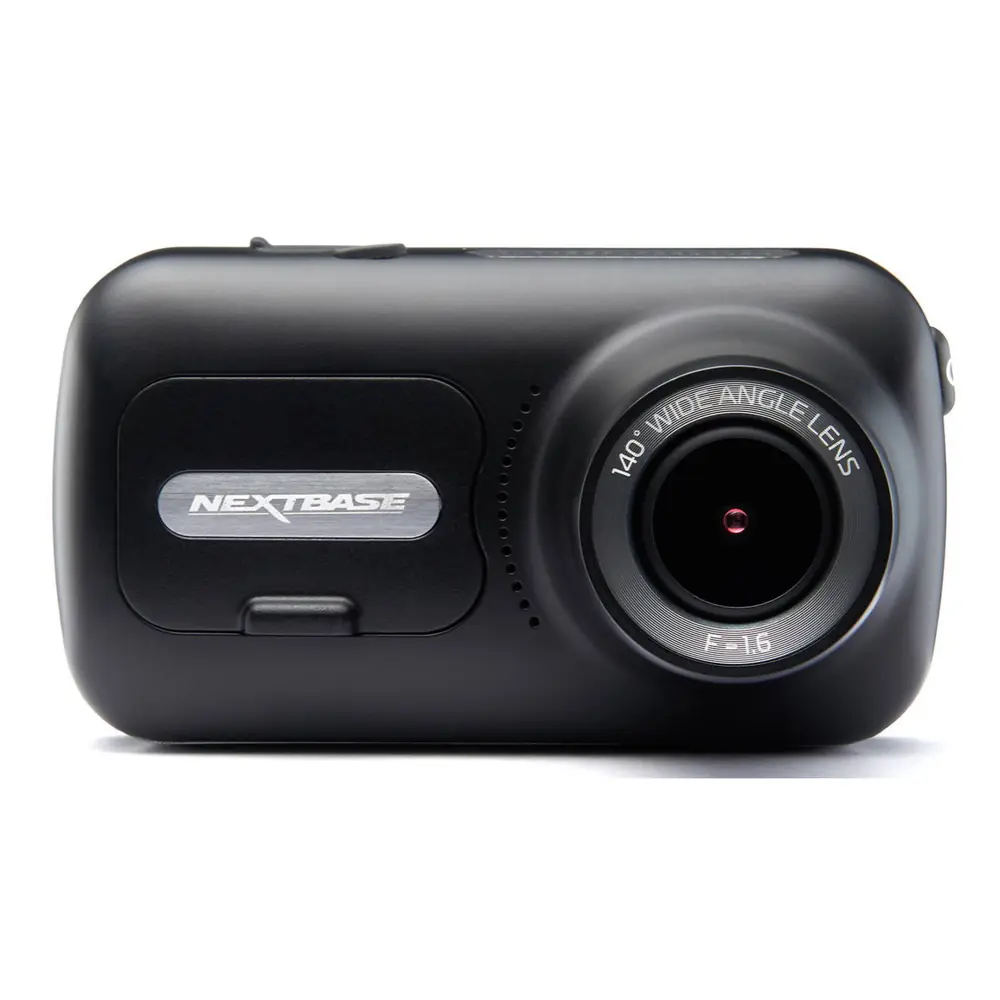
Nextbase 322GW Dash Cam





















Nextbase 322GW Dash Cam Instructions
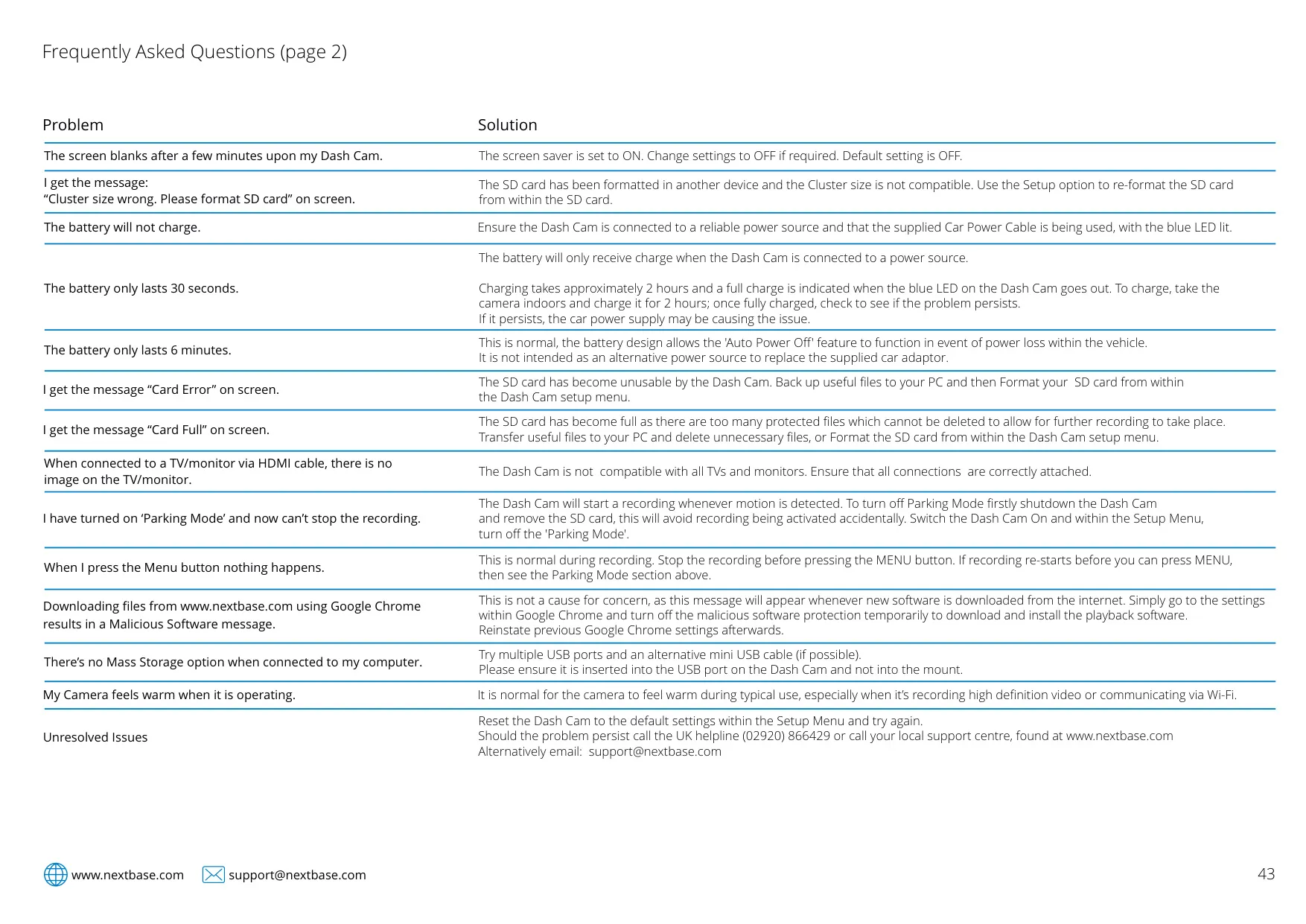
Here we offer the Nextbase 322GW Dash Cam manual completely free and in English. We have cataloged this manual in the Dash Cams section on Manualverse, and it has been rated by 1 users with an average rating of 5. If you have any specific questions about Nextbase 322GW Dash Cam, we suggest checking the Frequently Asked Questions (FAQs) section of this manual.
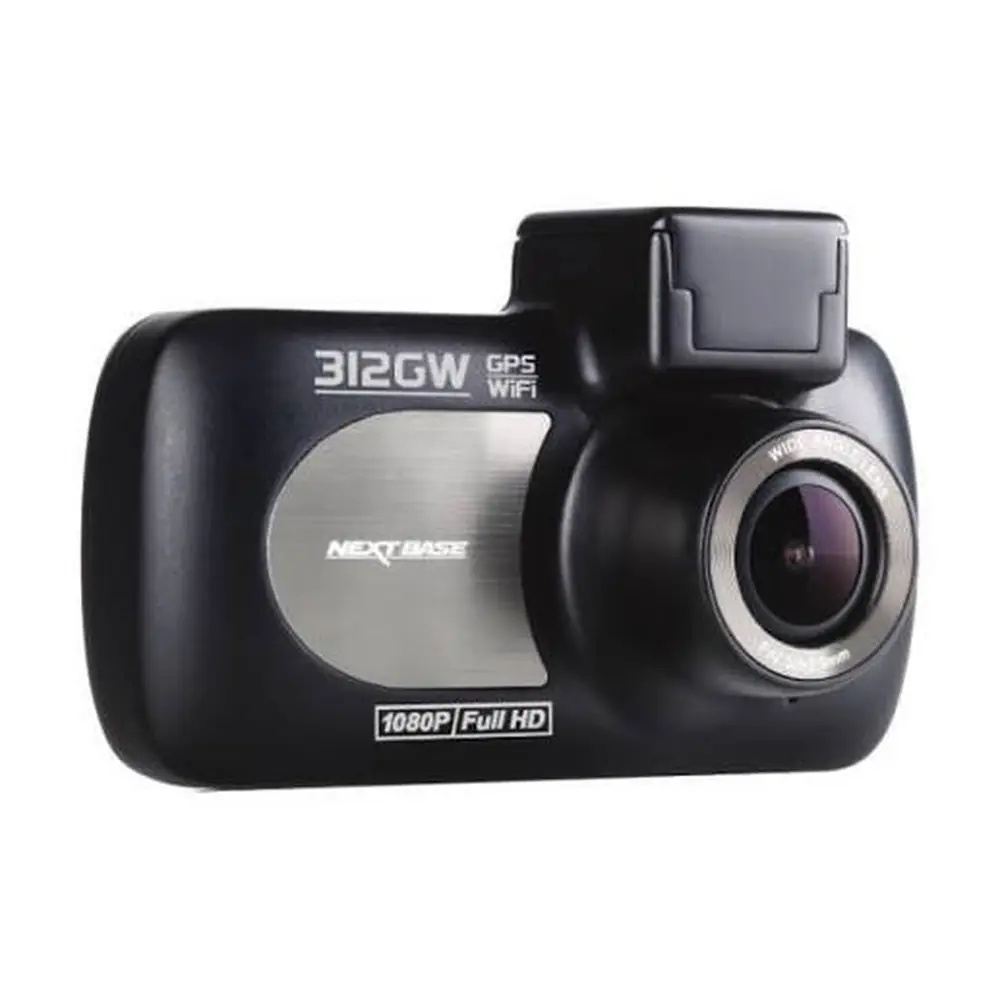
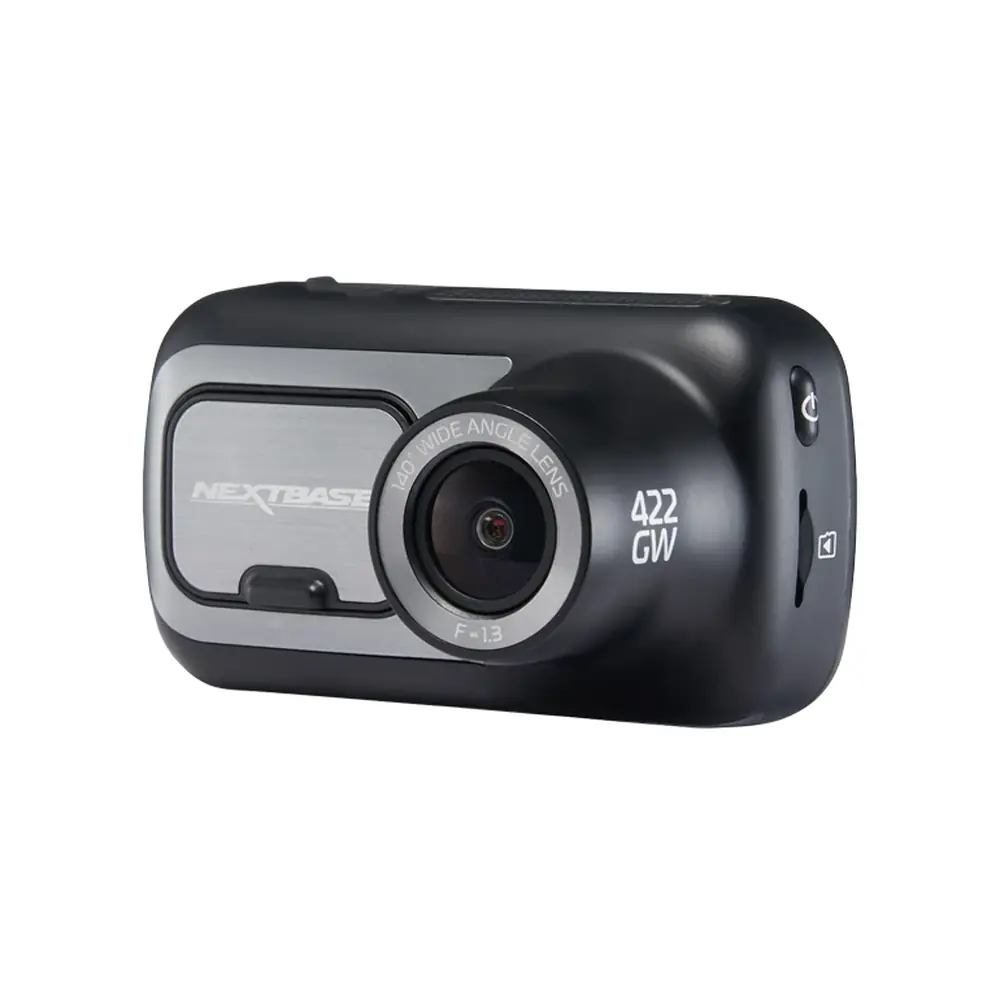
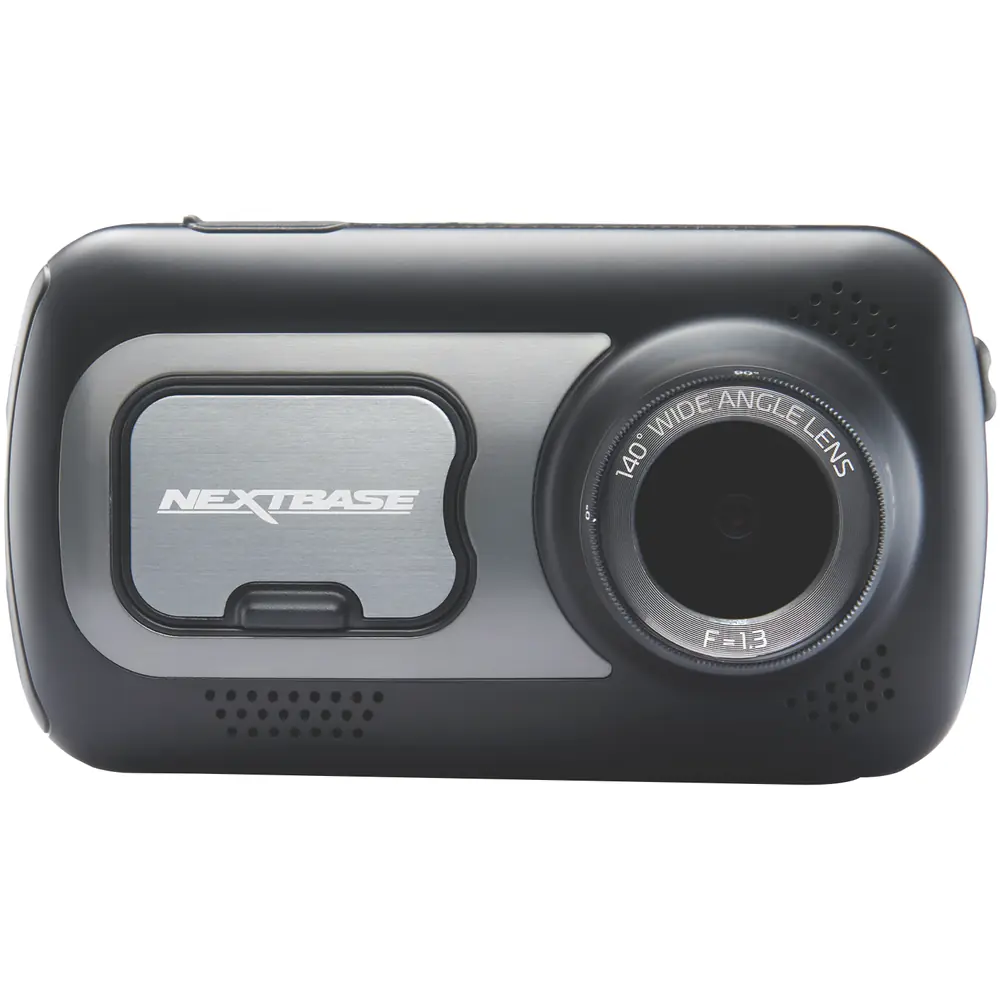
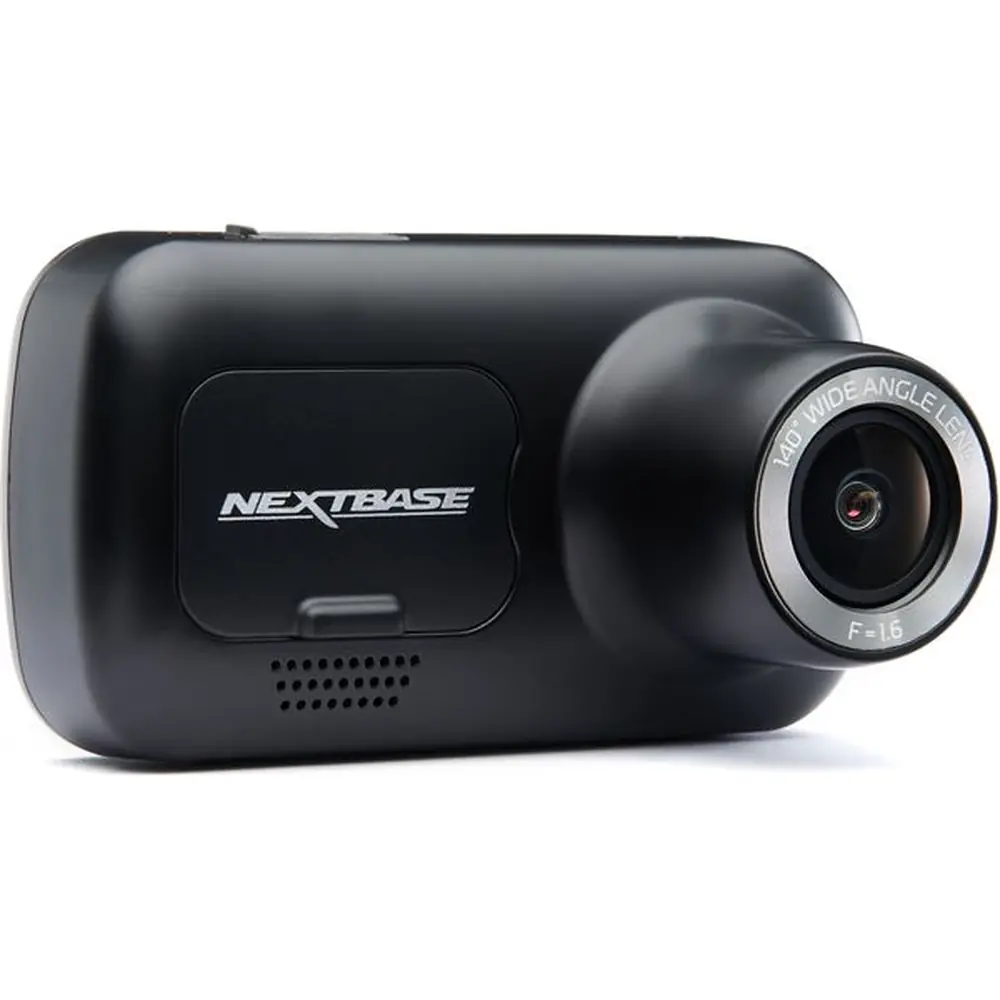
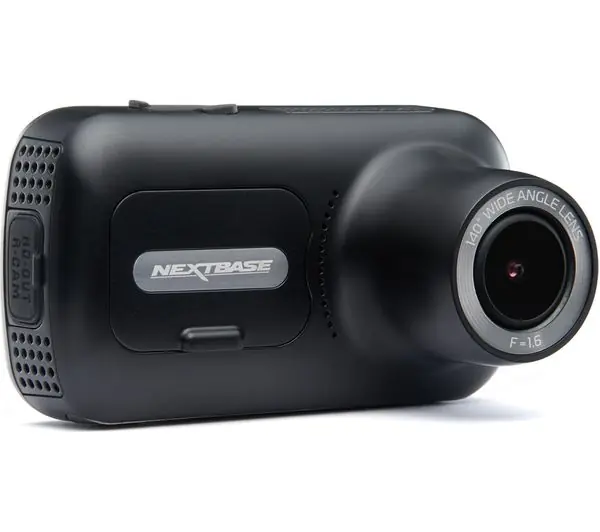
Product Images
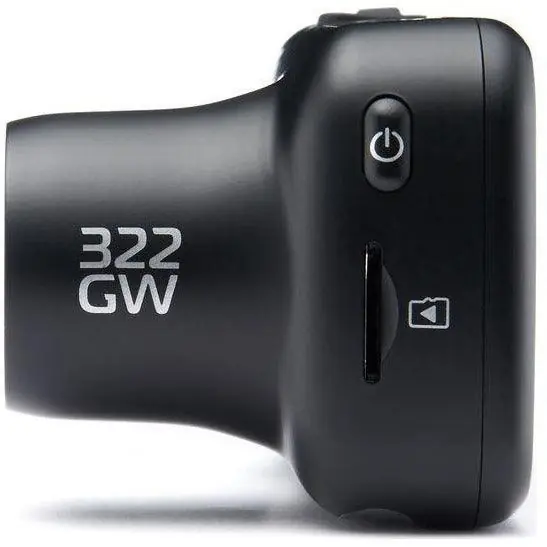
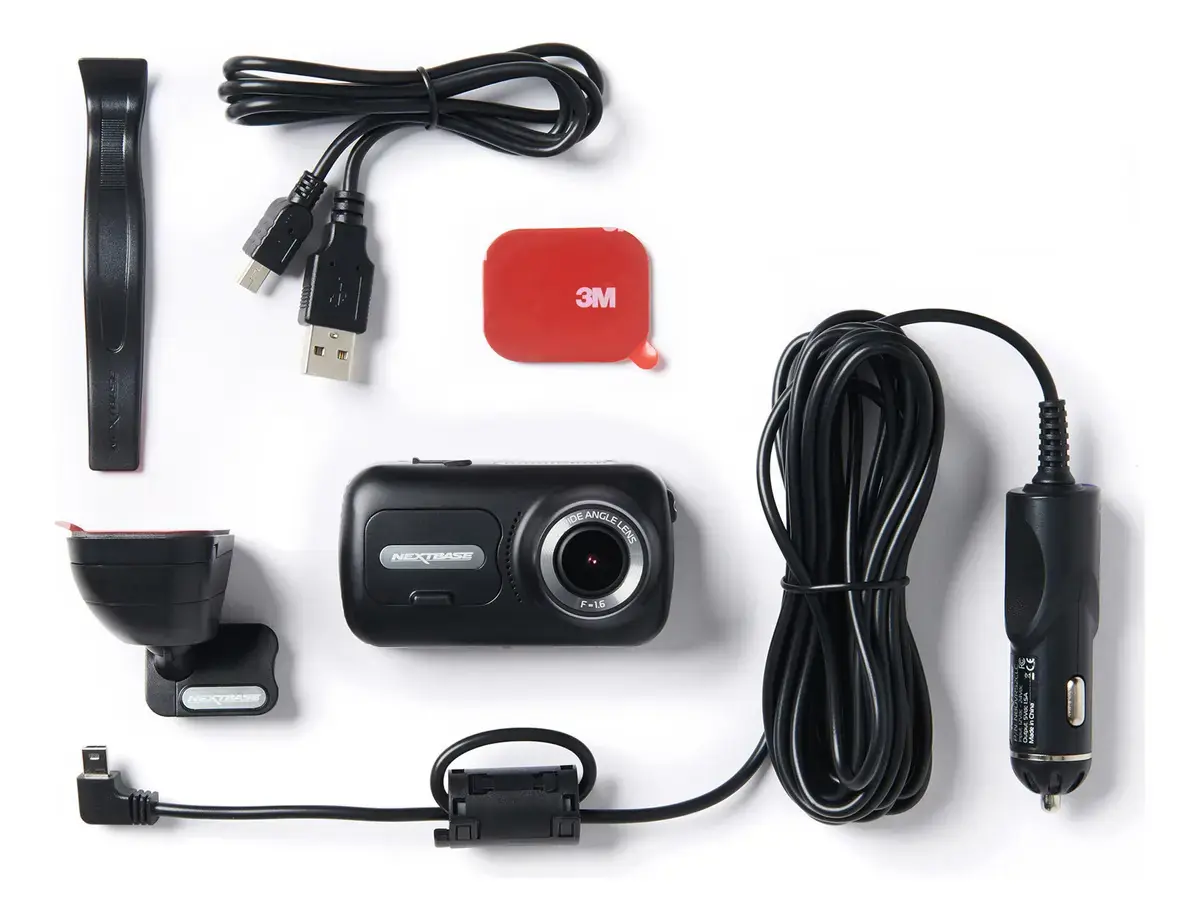


Nextbase 322GW Dash Cam Specifications
| Specification | Value |
|---|---|
| Model Number / Name | NBDVR322GW |
| Power Requirements | 5V / 1.5A |
| Power Supply | 12-24Vdc Car Power Cable (supplied) Fuse Type: 32mm / 2A Output: 5Vdc |
| Sensor Resolution | 2.12M Pixel (1936 x 1097) |
| Lens - Type / Angle / Aperture | 5G / 140° / F1.6 |
| Recording Resolution | 1920 x 1080 @60fps day & night |
| Screen Size | 2.5" |
| Screen Resolution | 732 (W) X 240 (H)pixels x RGB (720) |
| Screen Ratio | 16:9 |
| Card Reader | MicroSD, Class 10, up to 128GB |
| SD Card (Recommended Type) | 8-128GB SDHC, U3, Class 10 (48mb/s) |
| Recording Format | MP4 |
| Internal Battery | Lithium-Polymer 3.7V / 320mAh (approx. 15 mins recording time) |
| GPS Module | Simple / ST702G-15C40 |
| Unit Dimensions | 82 x 46 x 47 |
| Unit Weight | 104g |
Nextbase 322GW Dash Cam Details
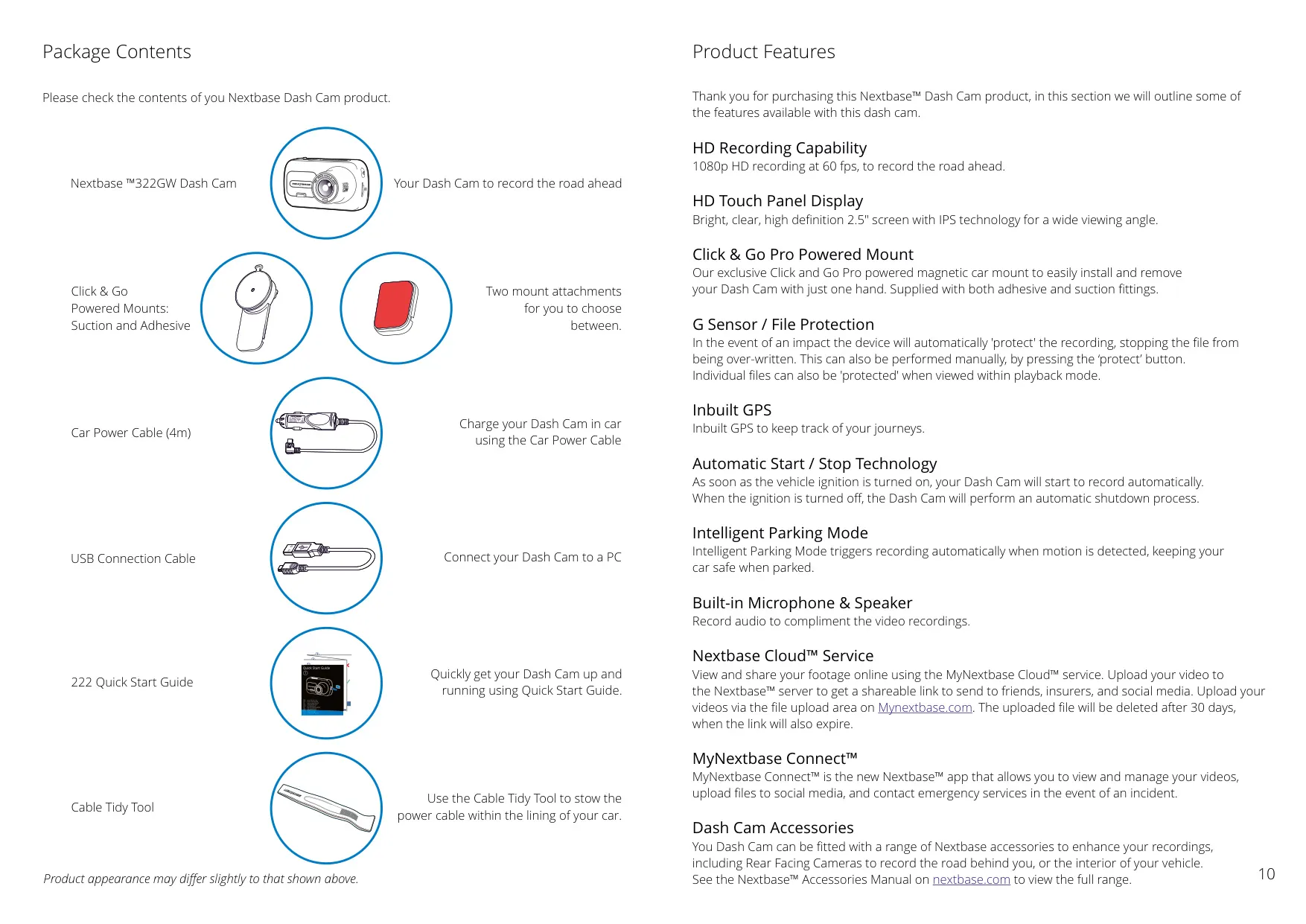
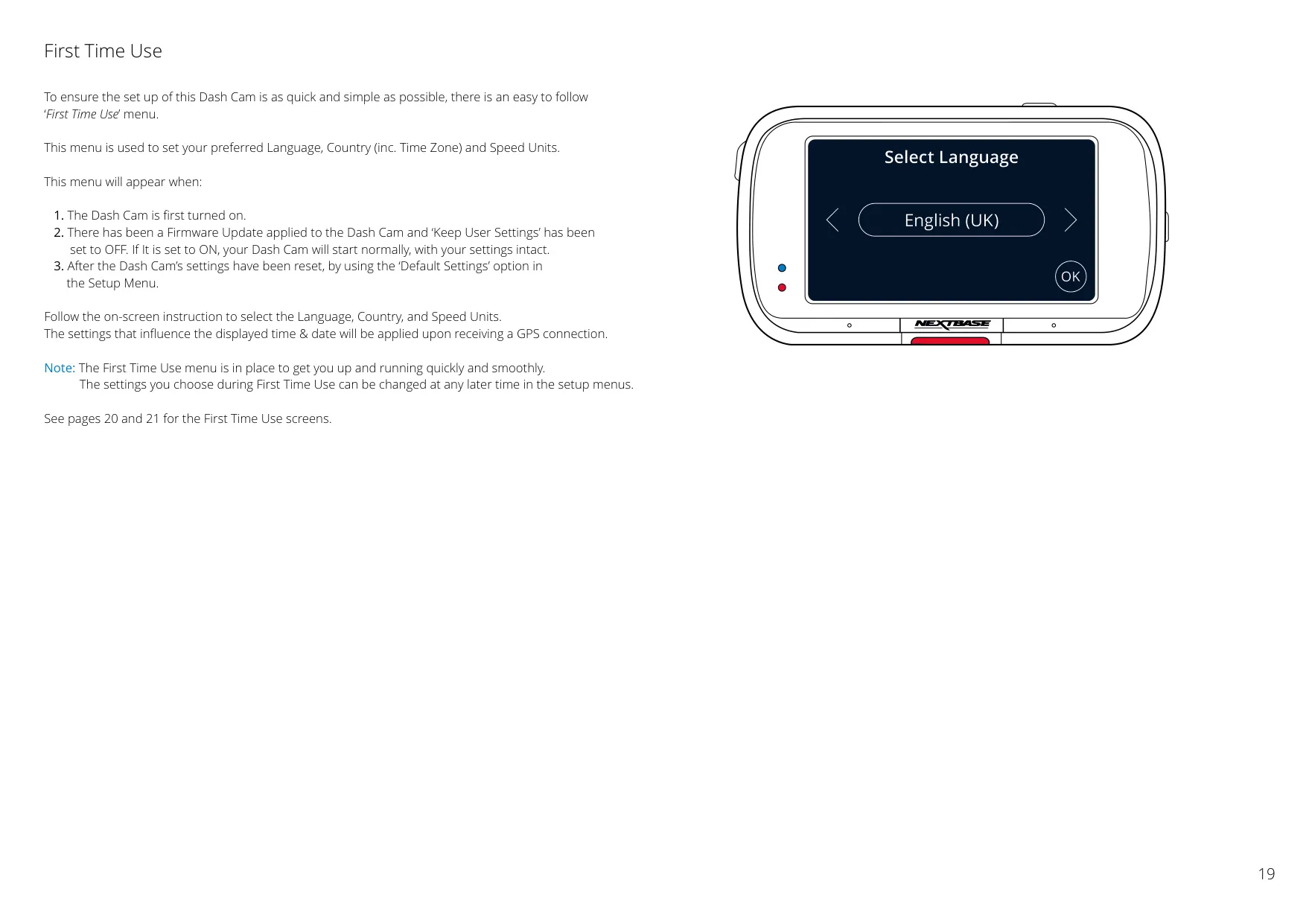
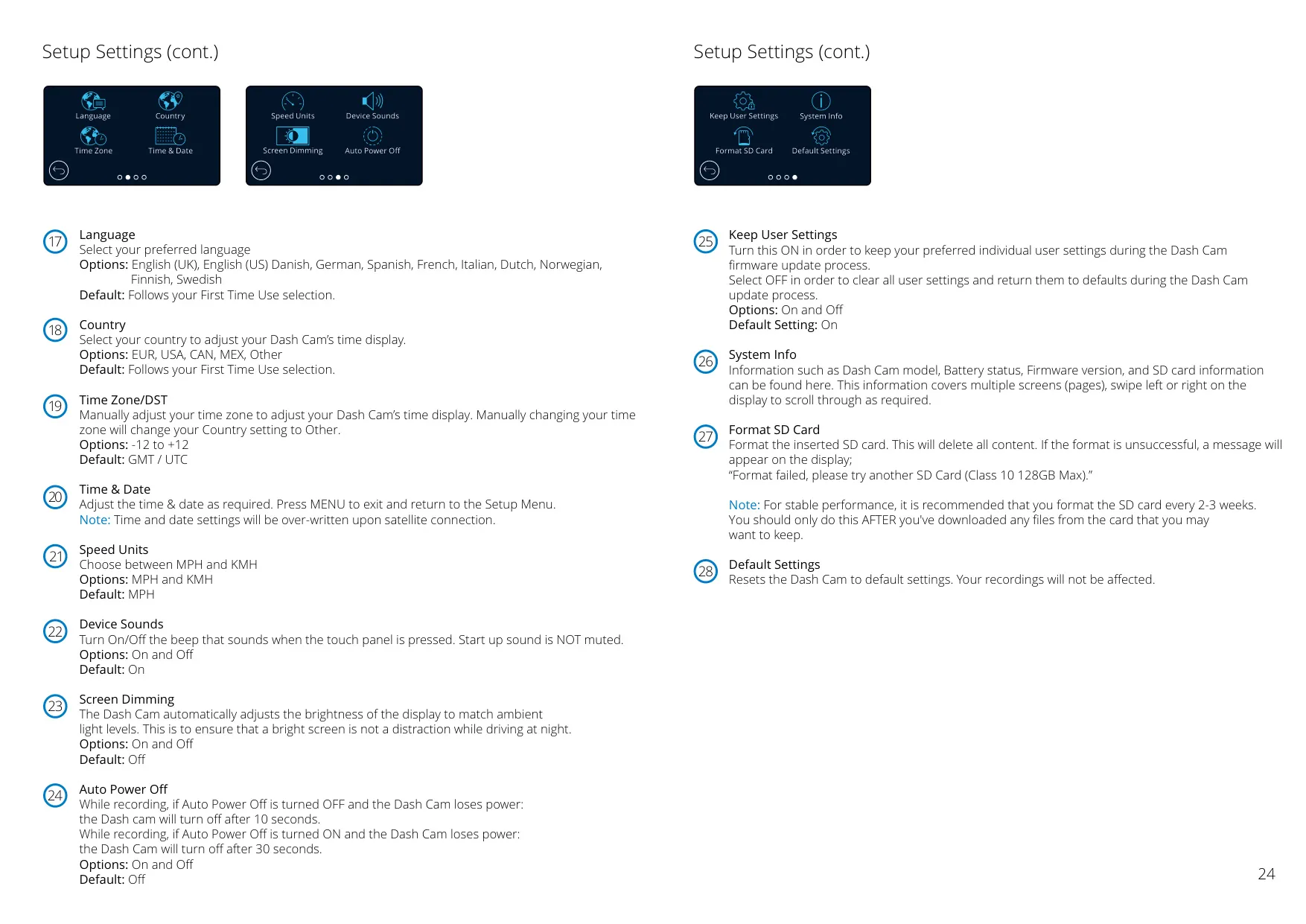
The Nextbase 322GW Dash Cam is engineered for user-friendly operation, incorporating several intuitive features to enhance driver safety and convenience. It features an HD Touch Panel Display, a bright and clear 2.5" screen with IPS technology, ensuring a wide viewing angle for easy navigation and playback.
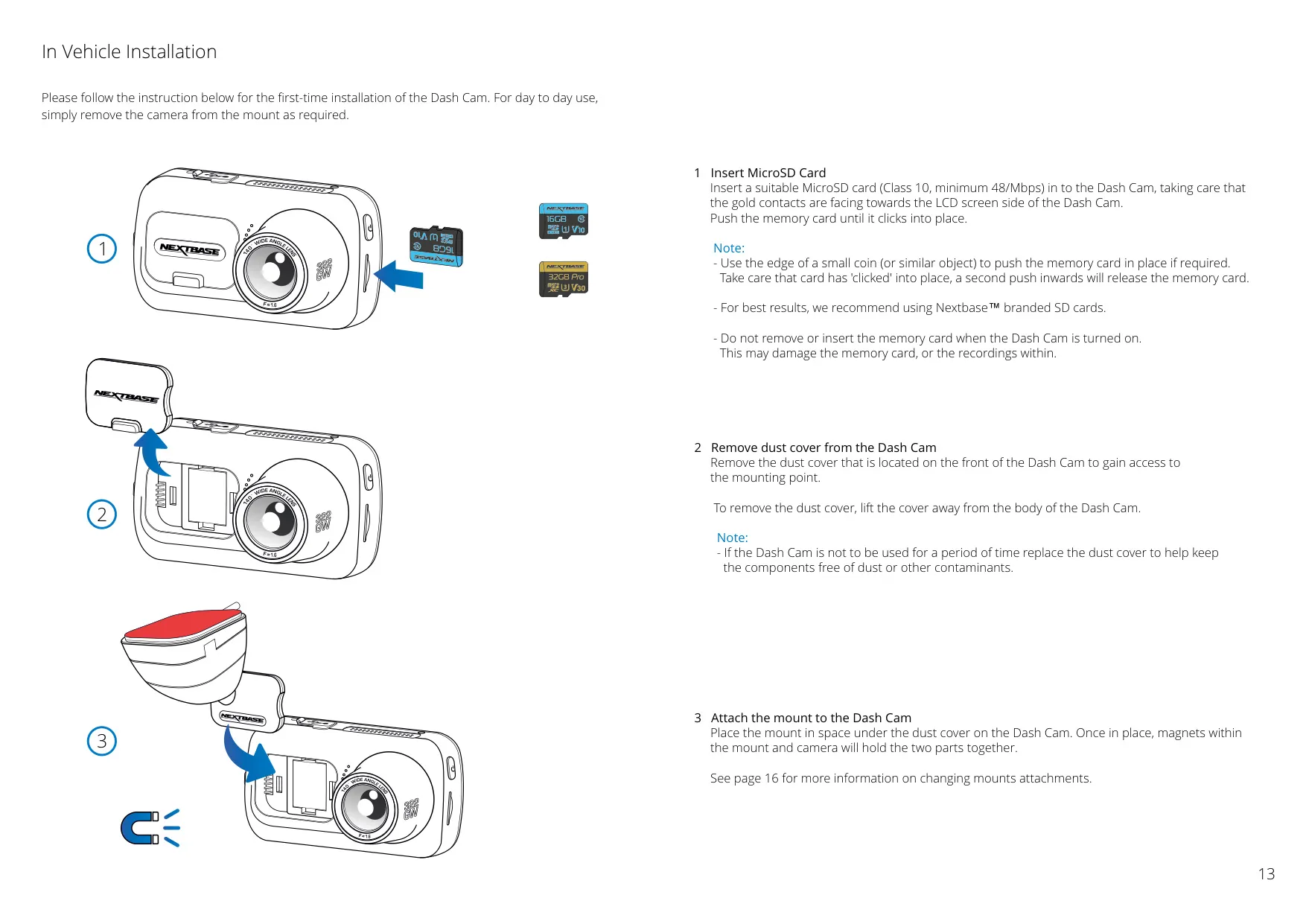
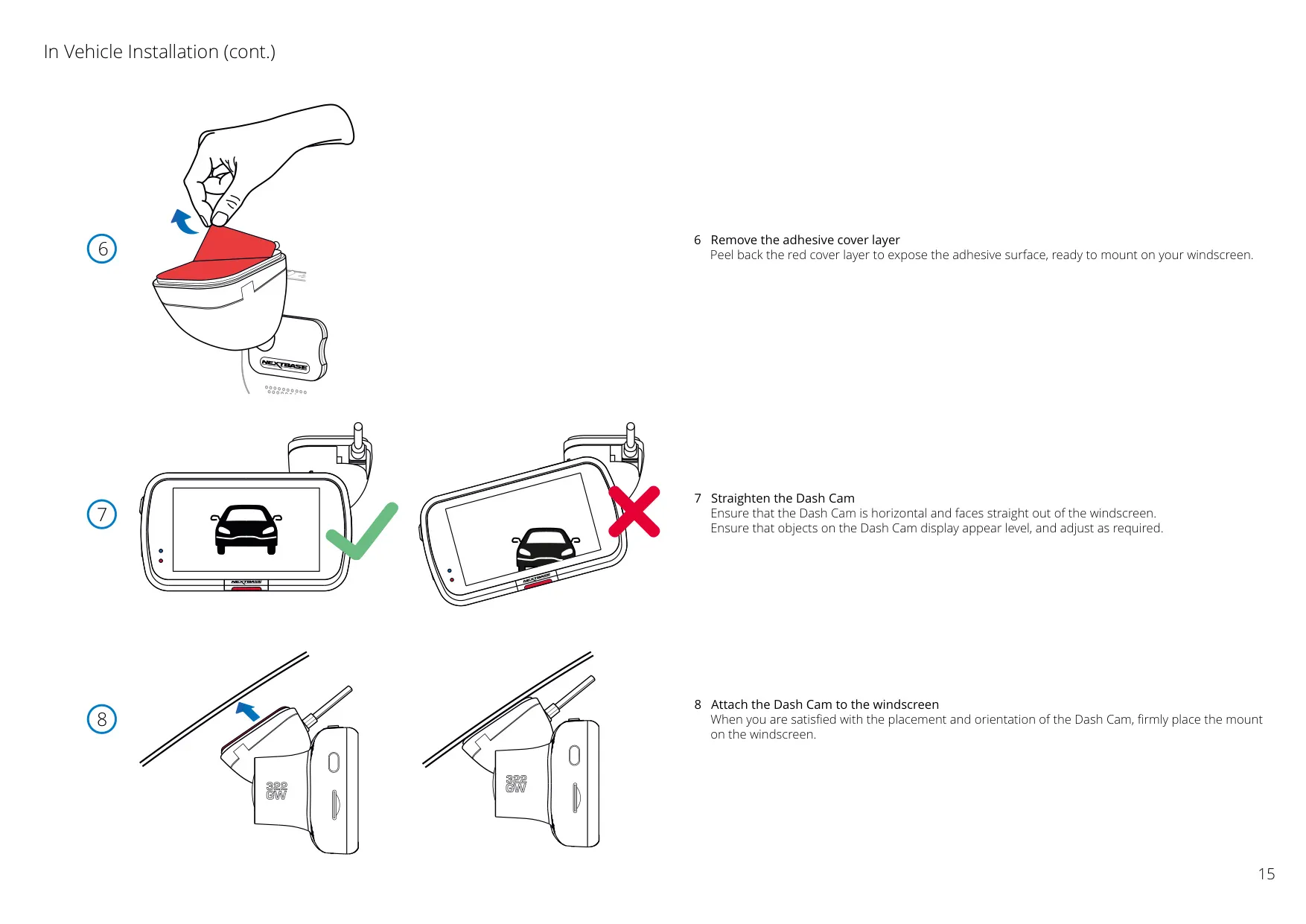
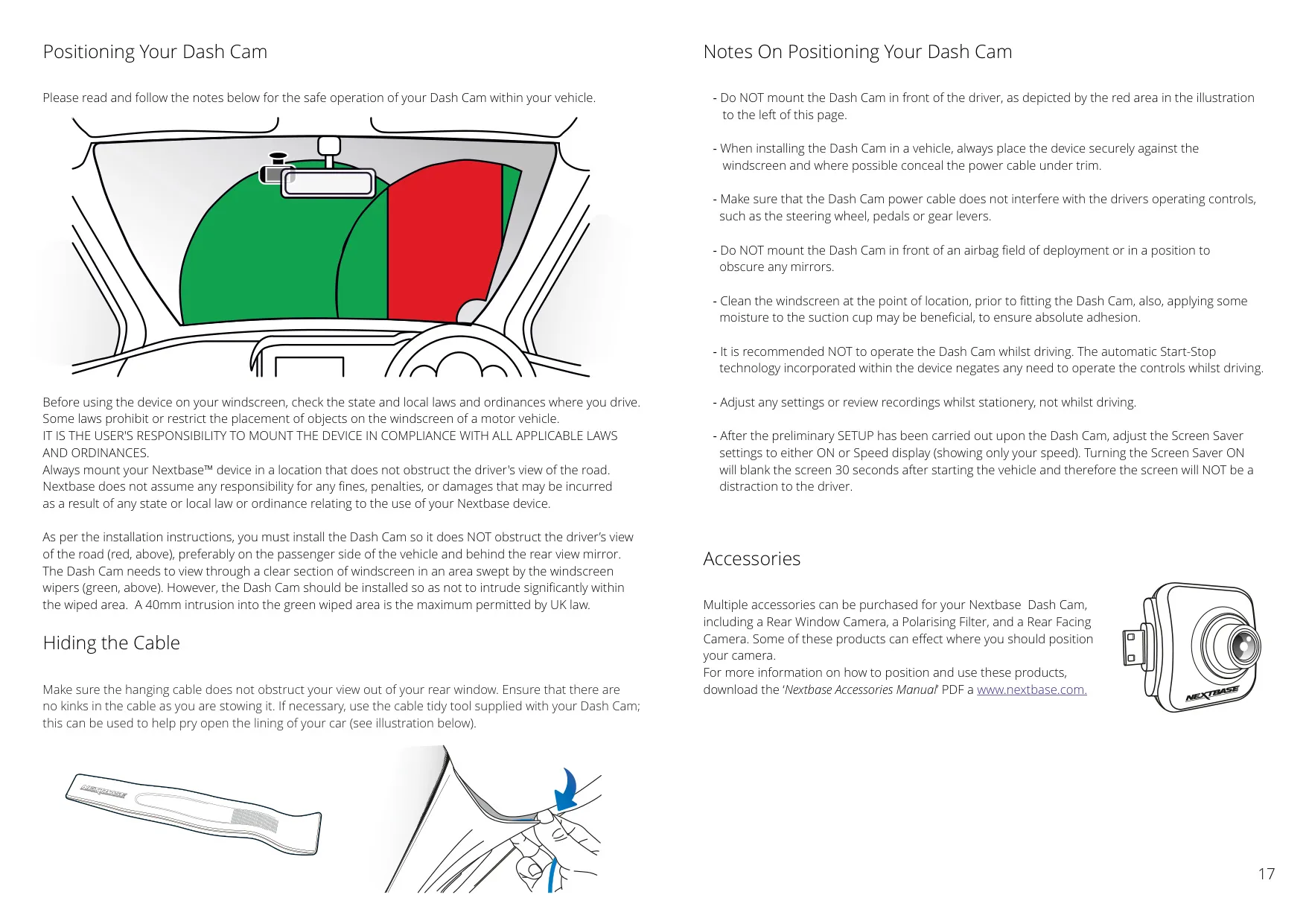
A standout feature is the Click & Go Pro Powered Mount. This exclusive magnetic car mount allows for easy installation and removal of the Dash Cam with just one hand. It comes with both adhesive and suction fittings, providing flexibility for optimal positioning on the windscreen.
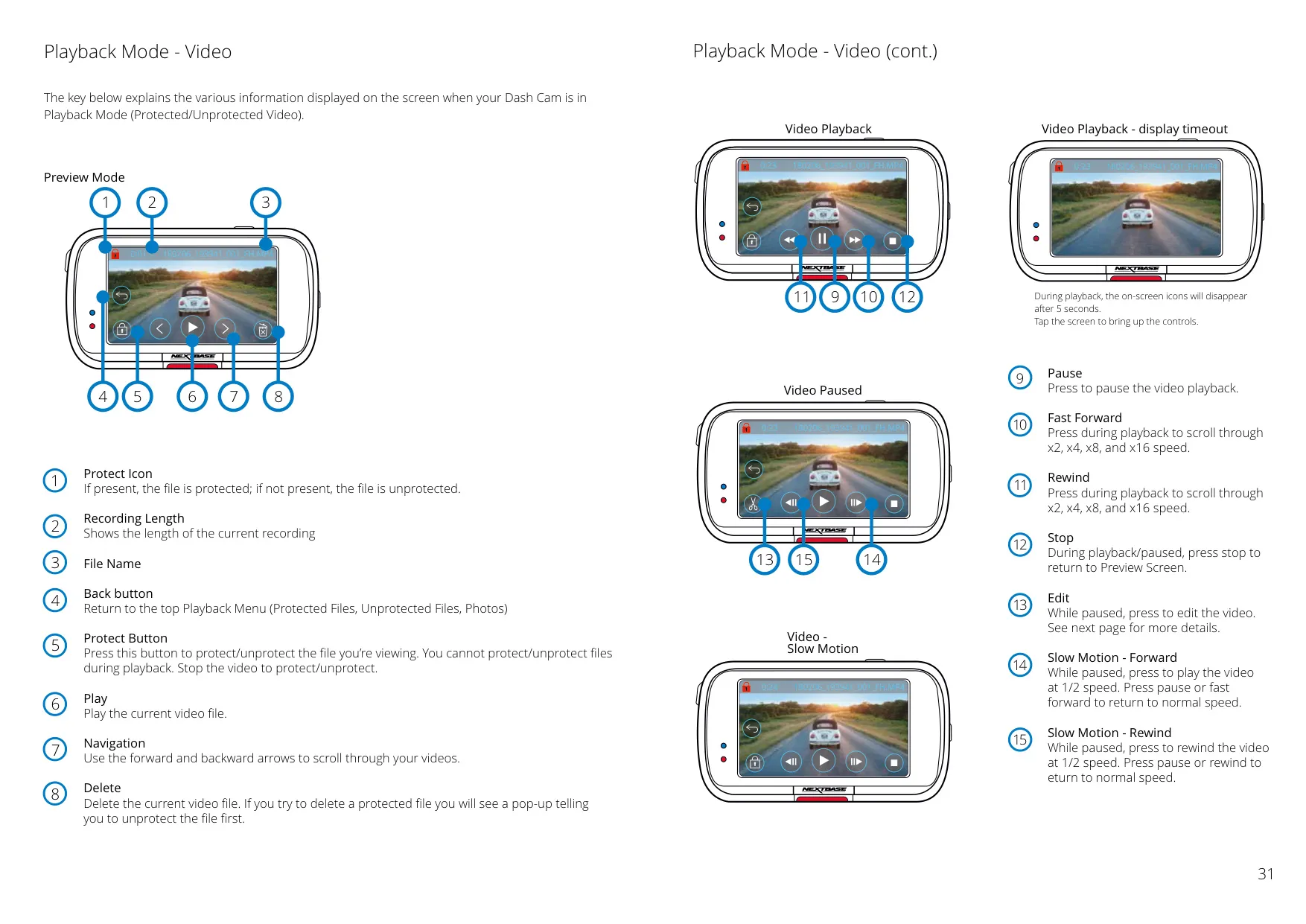
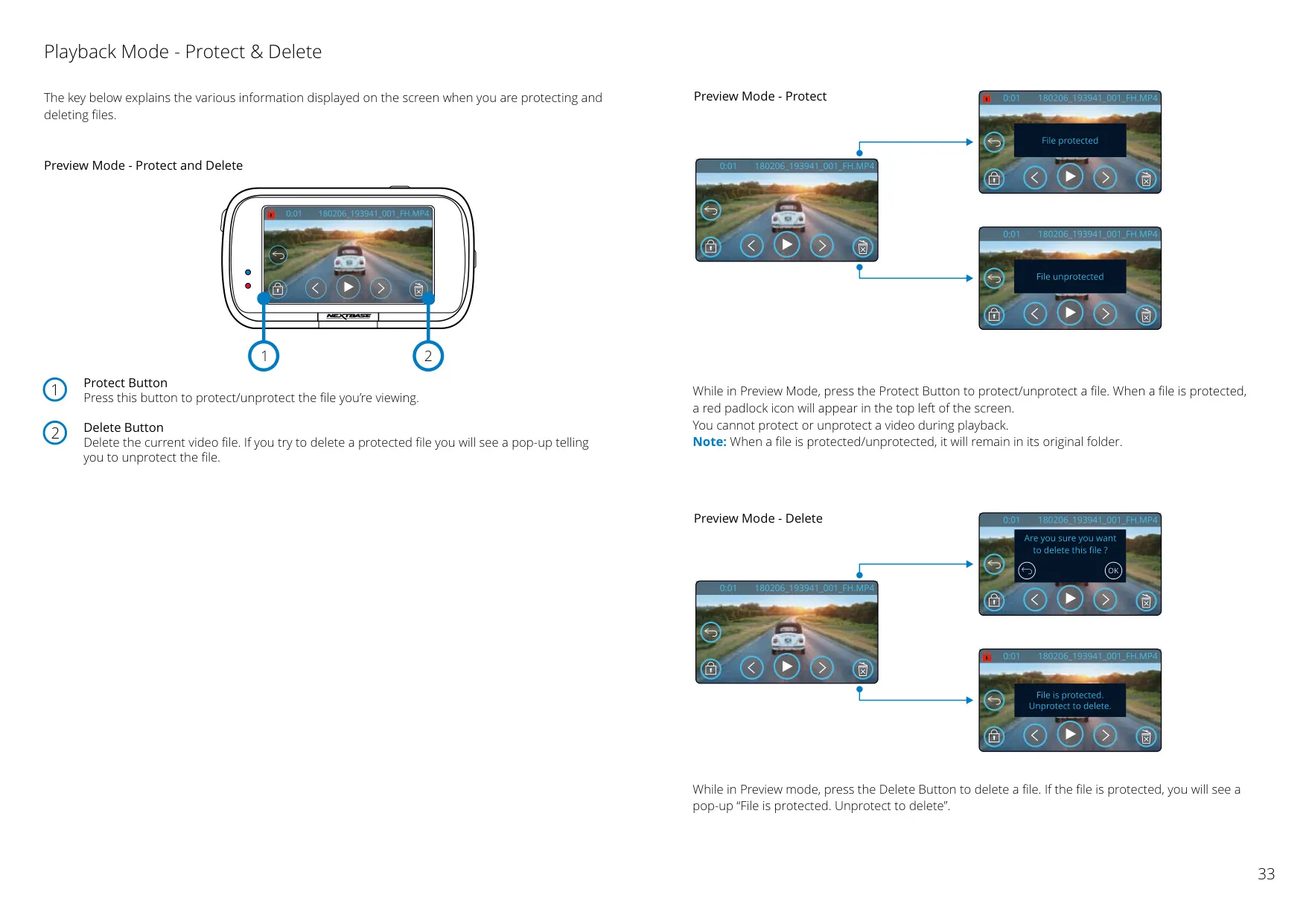
For crucial incident recording, the device includes a robust G Sensor / File Protection system. In the event of an impact, the Dash Cam automatically "protects" the current recording, preventing it from being overwritten. Users can also manually protect files with a dedicated button or through playback mode on the device or app.
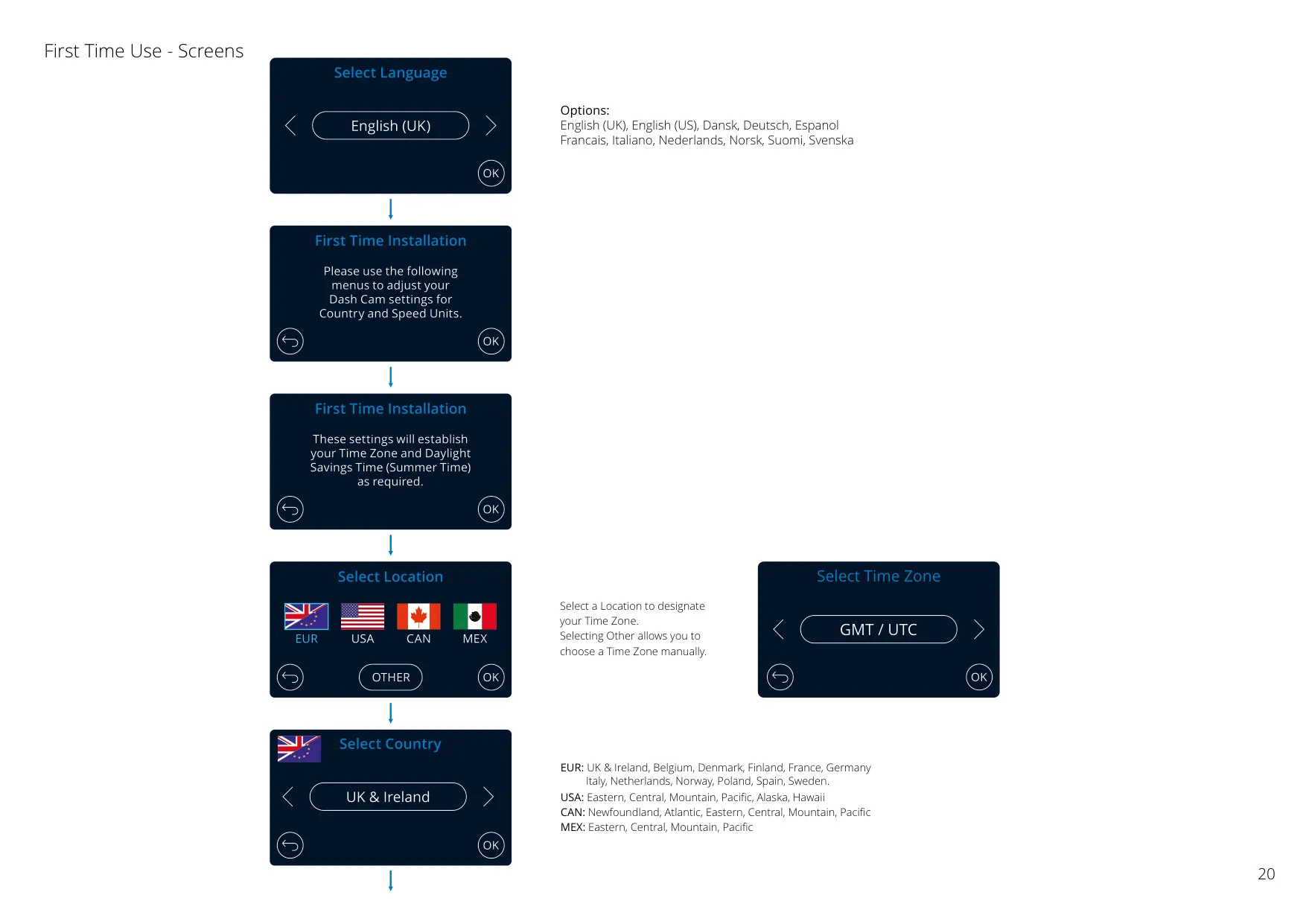
The integrated Inbuilt GPS not only tracks your journeys but also synchronizes the Dash Cam's time and date settings automatically. This ensures accurate location and time stamps on all recordings, valuable information for insurance claims or trip logging.
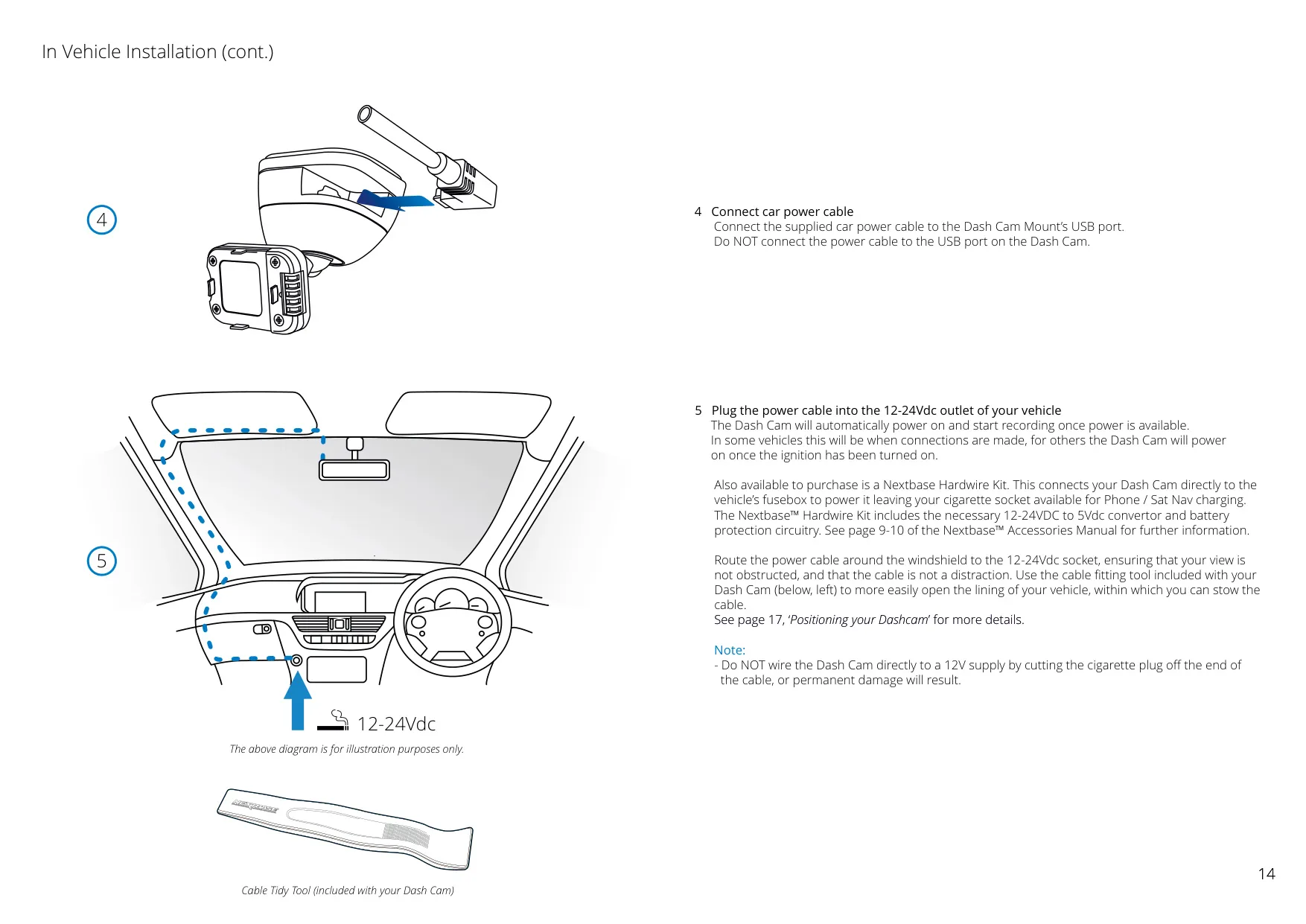
With Automatic Start / Stop Technology, the Dash Cam senses power from the vehicle ignition and begins recording automatically, then performs an automatic shutdown when the ignition is turned off. This means no manual intervention is needed for daily operation.
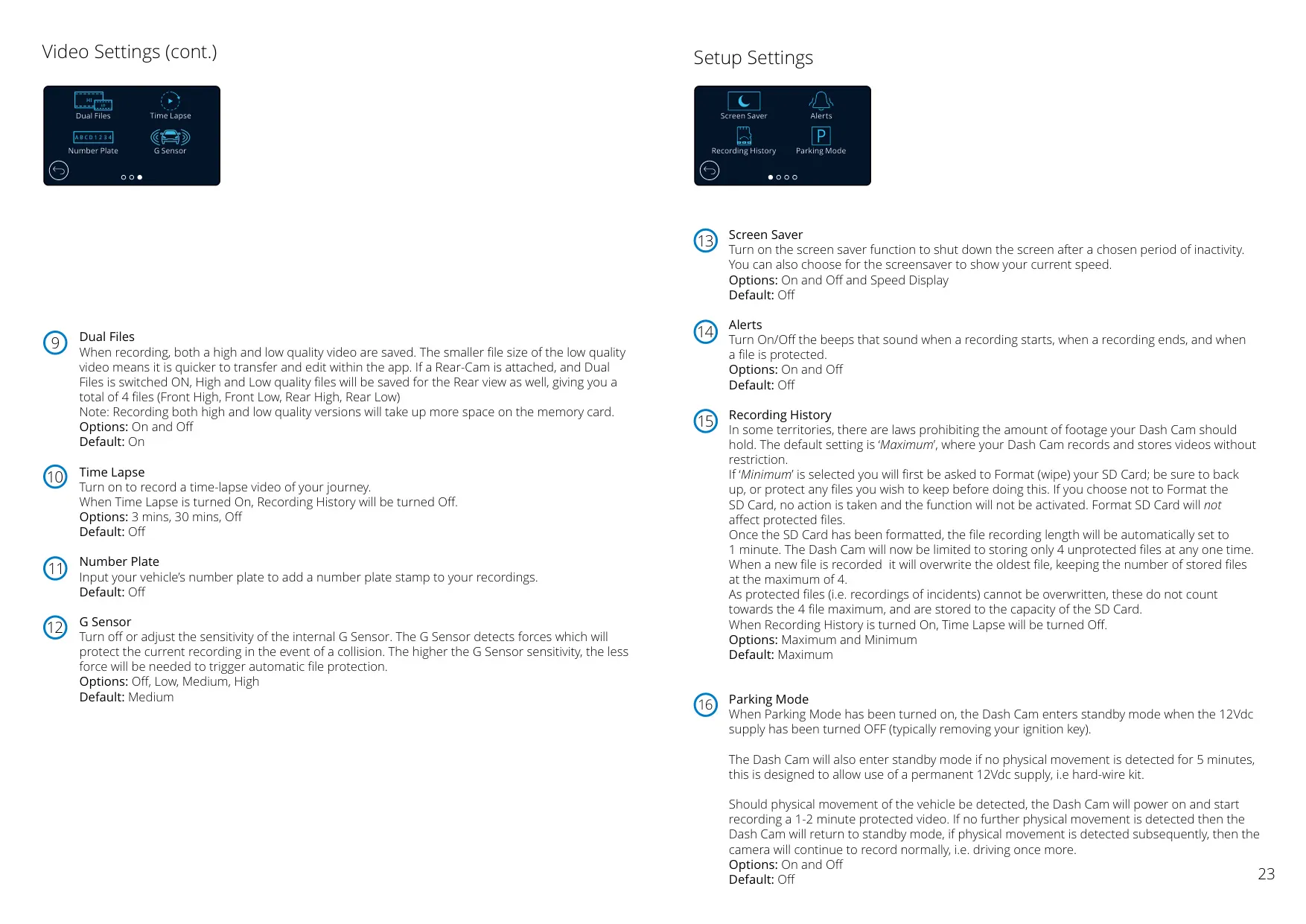
The Intelligent Parking Mode offers peace of mind when your vehicle is unattended. It automatically triggers recording when motion is detected, safeguarding your car against bumps or attempted theft while parked. This feature works even when the vehicle's ignition is off.
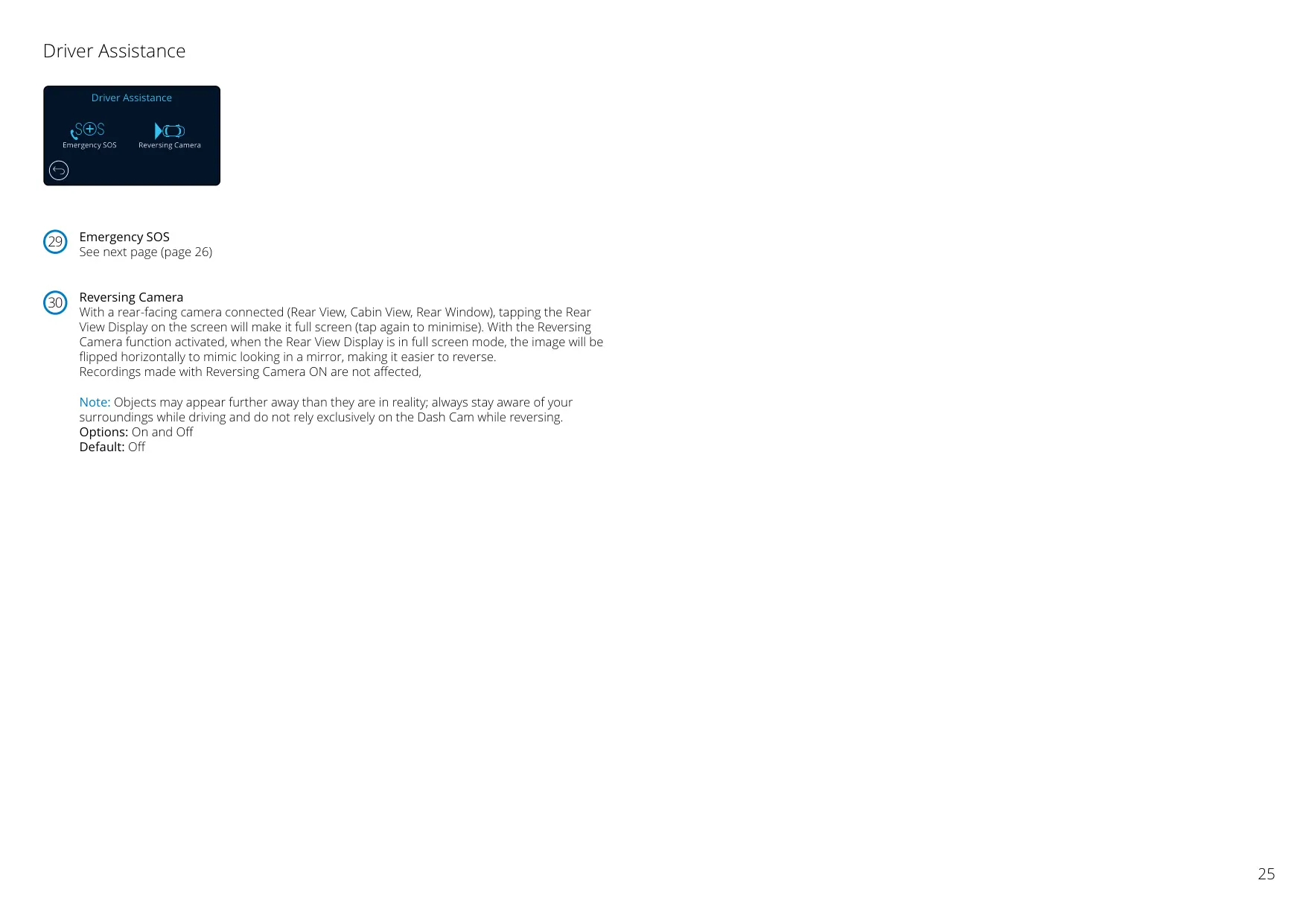
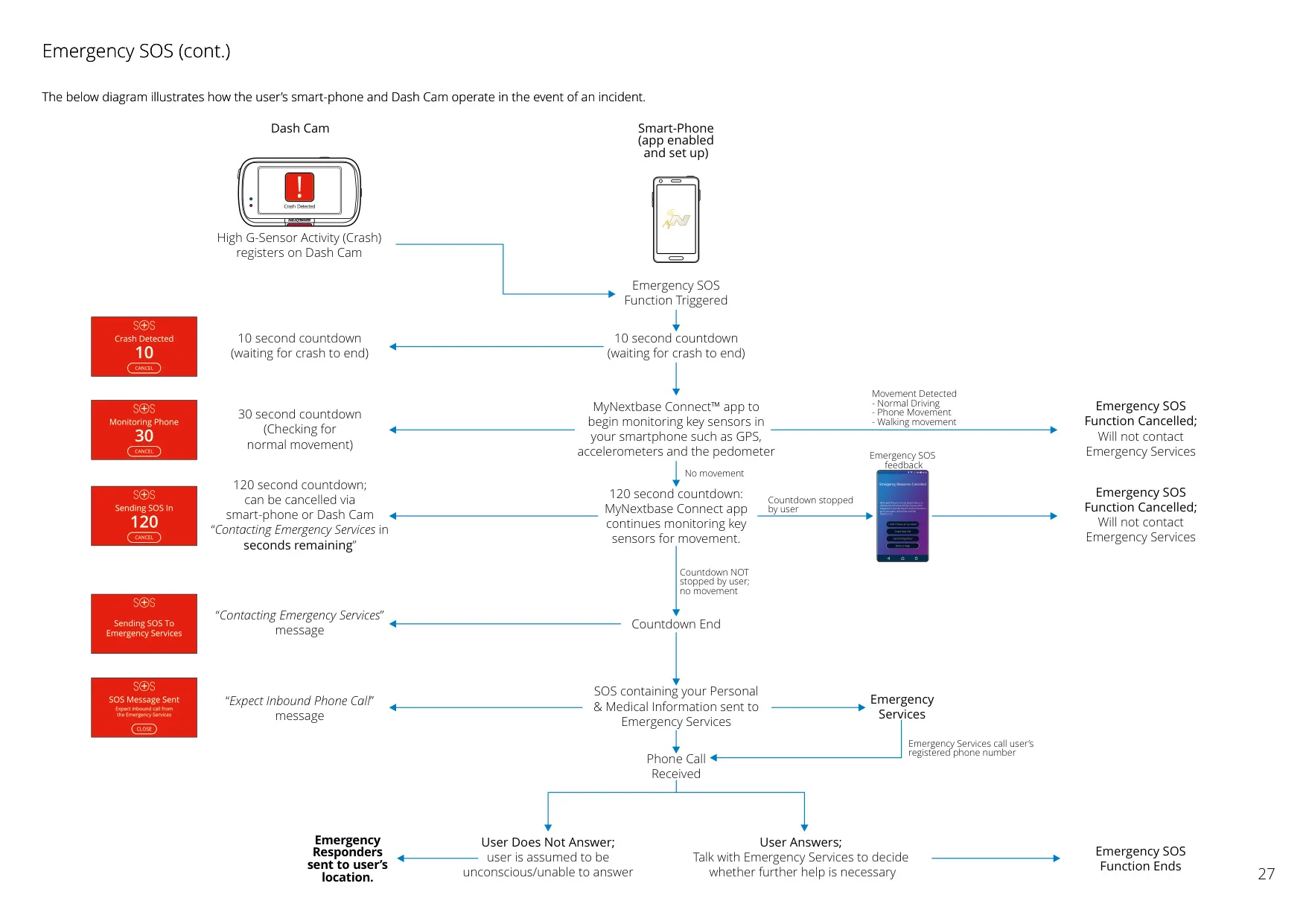
A critical safety feature for this model is Emergency SOS. This life-saving crash detection and emergency alerting technology automatically connects you to the nearest Ambulance Service if a severe accident occurs and you are unresponsive. It transmits your last known GPS location, along with medical and vehicle details, directly to emergency responders via the MyNextbase Connect™ app.
The Nextbase 322GW also boasts an Built-in Microphone & Speaker, allowing for comprehensive audio recording to complement video footage. This can be toggled on or off via the settings menu.
Beyond the dash cam itself, Nextbase offers a suite of complementary software and services. The MyNextbase Connect™ App (for smartphones) facilitates video management, sharing, and is essential for activating the Emergency SOS feature. It also allows for firmware updates and live view from the camera.
For PC and Mac users, MyNextbase Player™ is a free software that enables in-depth analysis of journeys, including speed, GPS data, and G-sensor information. It also provides tools for editing, trimming, annotating, and sharing video footage.
Finally, the Nextbase Cloud™ Service provides a free online platform to view and securely share your Dash Cam footage. Users can upload videos to the Nextbase server, receiving a shareable link that can be sent to friends, insurers, or social media, with files automatically deleted after 30 days.
Frequently Asked Questions (FAQs)
Can't find the answer you need? Here are some frequently asked questions about the Nextbase 322GW Dash Cam, and we answer them below.