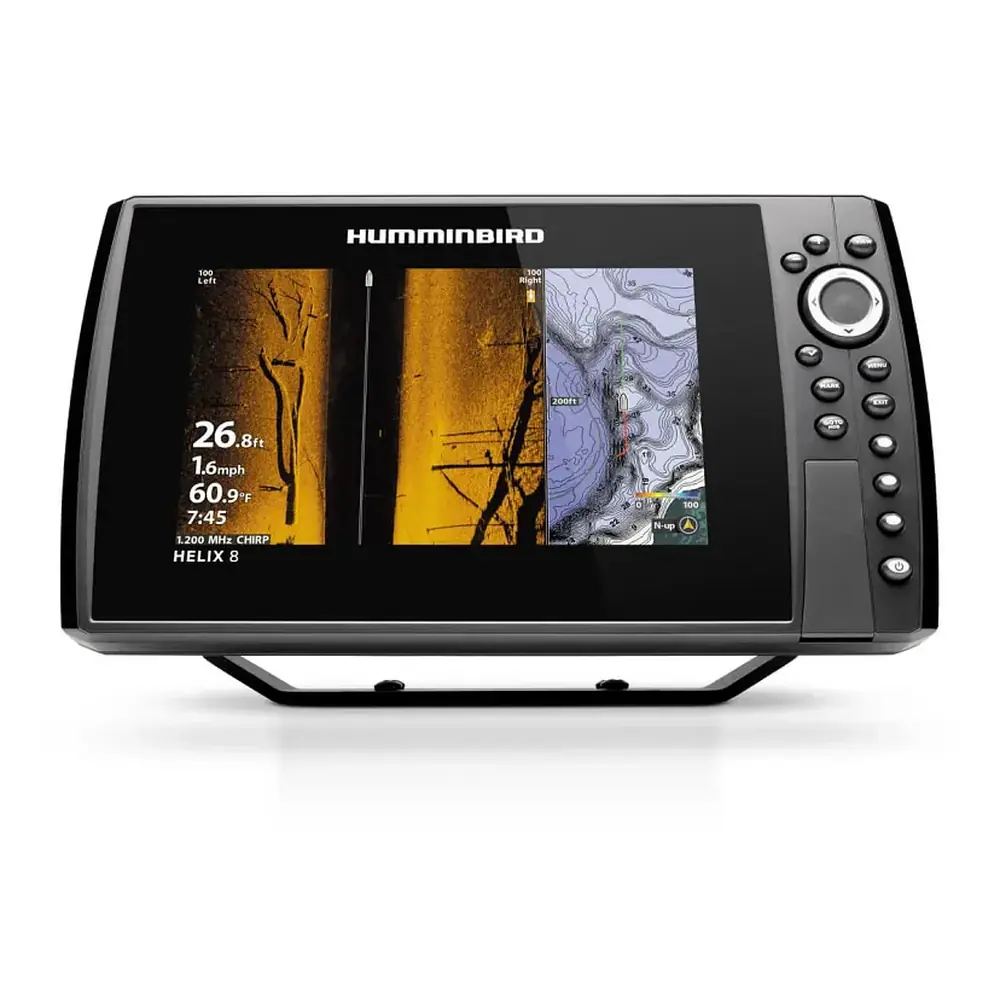
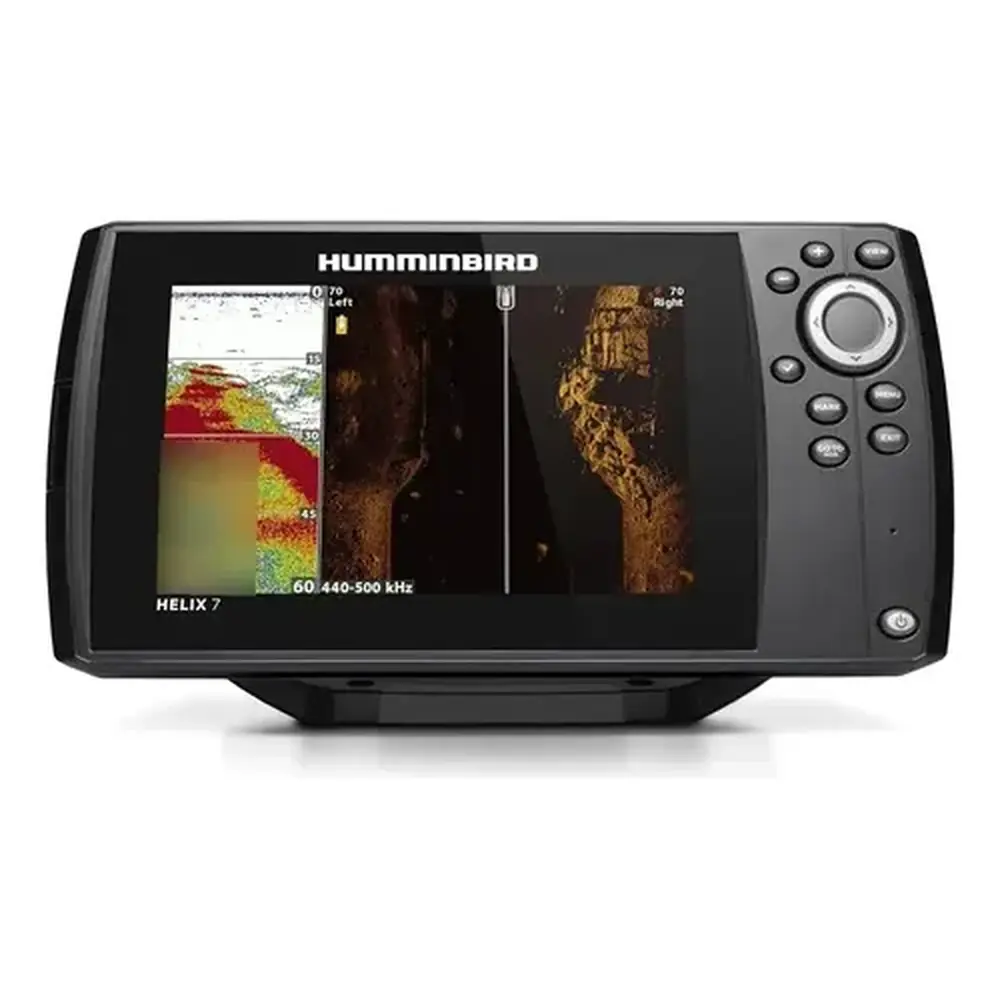
Humminbird Helix 9 Fishfinder Instruction Manual
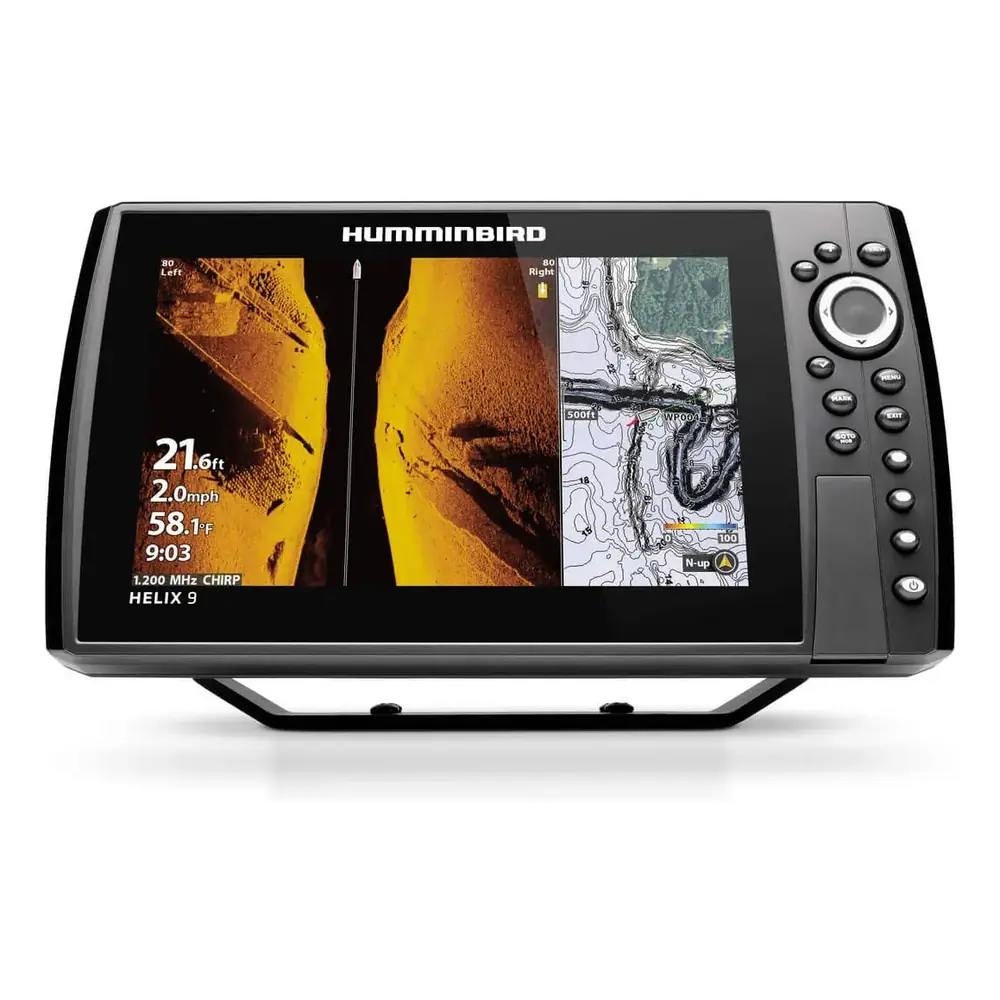
Humminbird Helix 9 Fishfinder











































































Humminbird Helix 9 Fishfinder






Humminbird Helix 9 Fishfinder

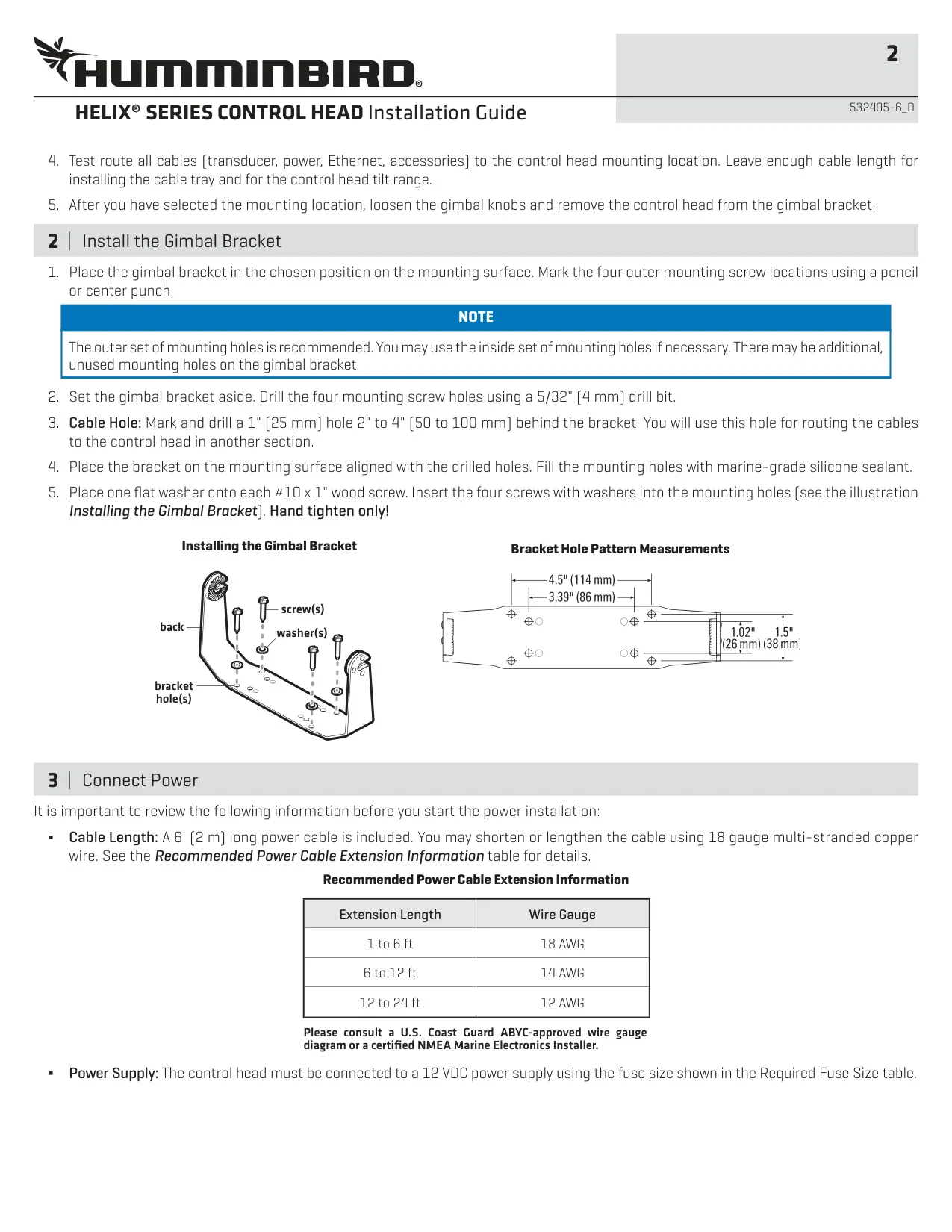
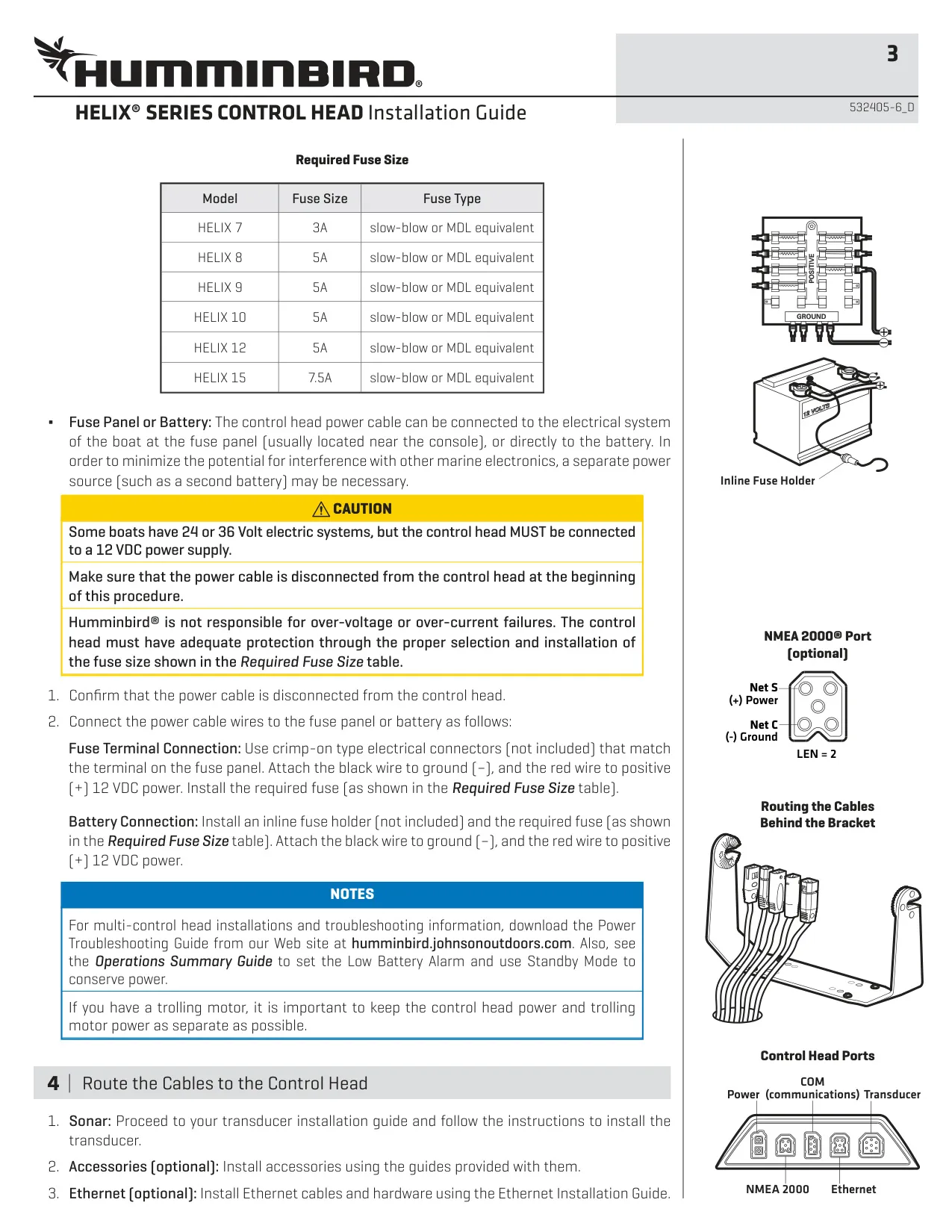


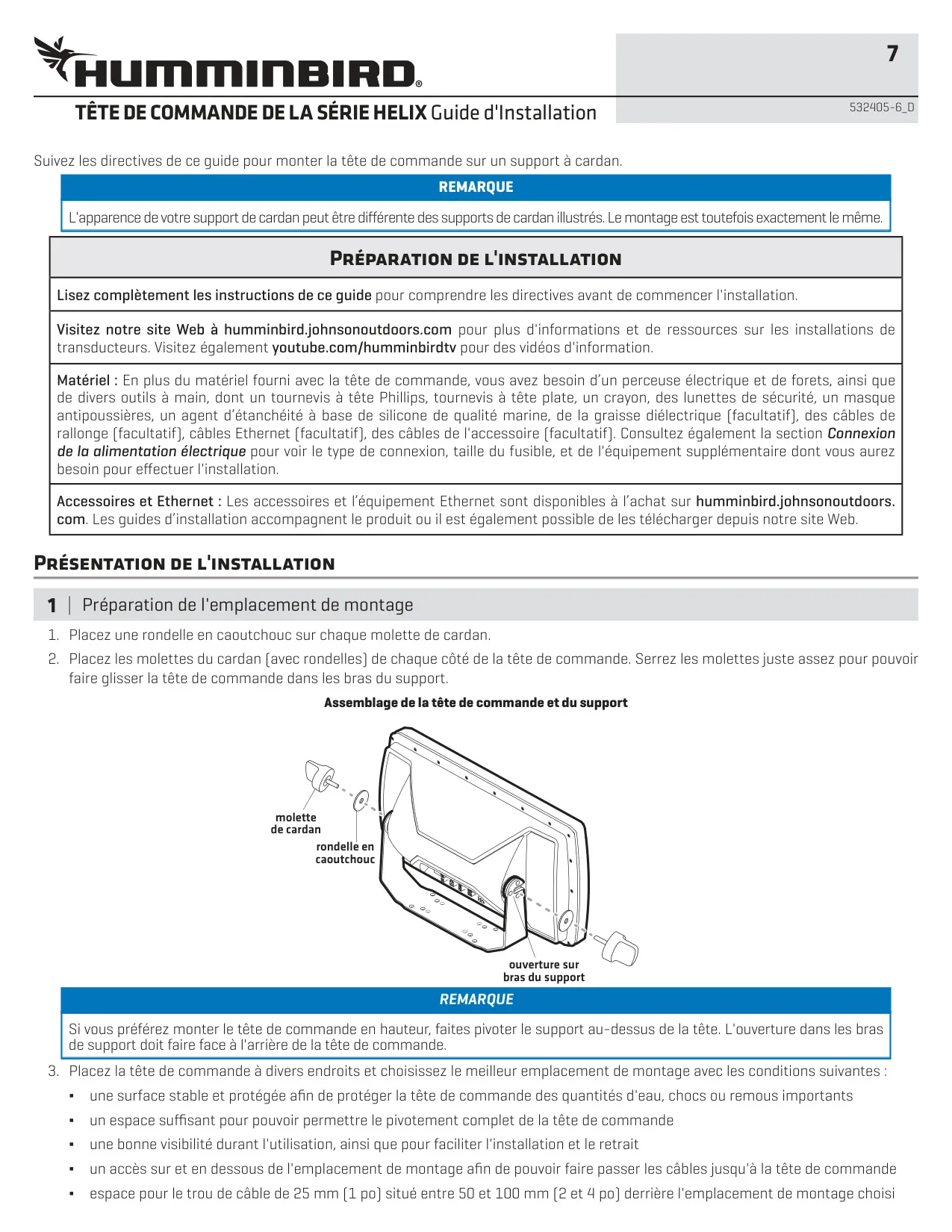


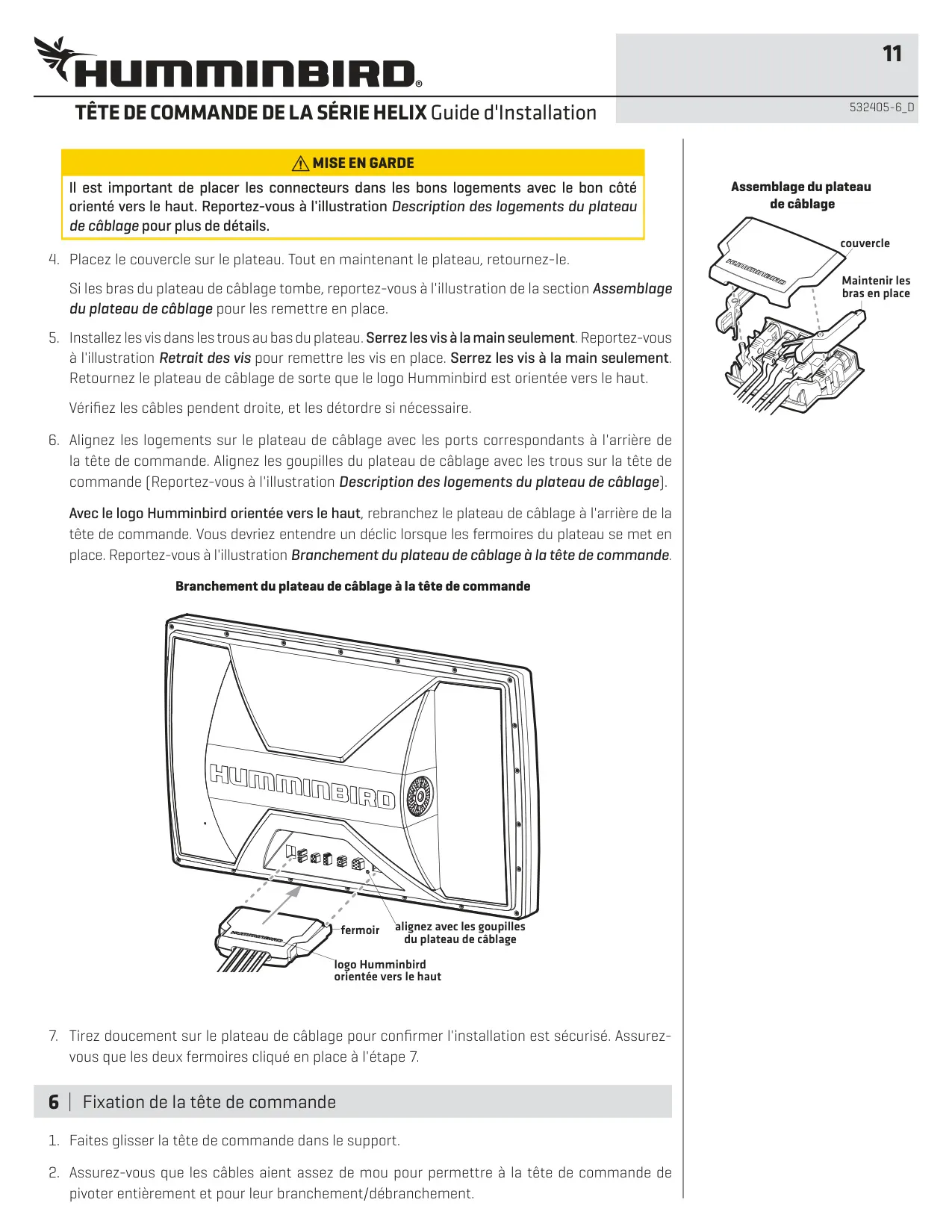
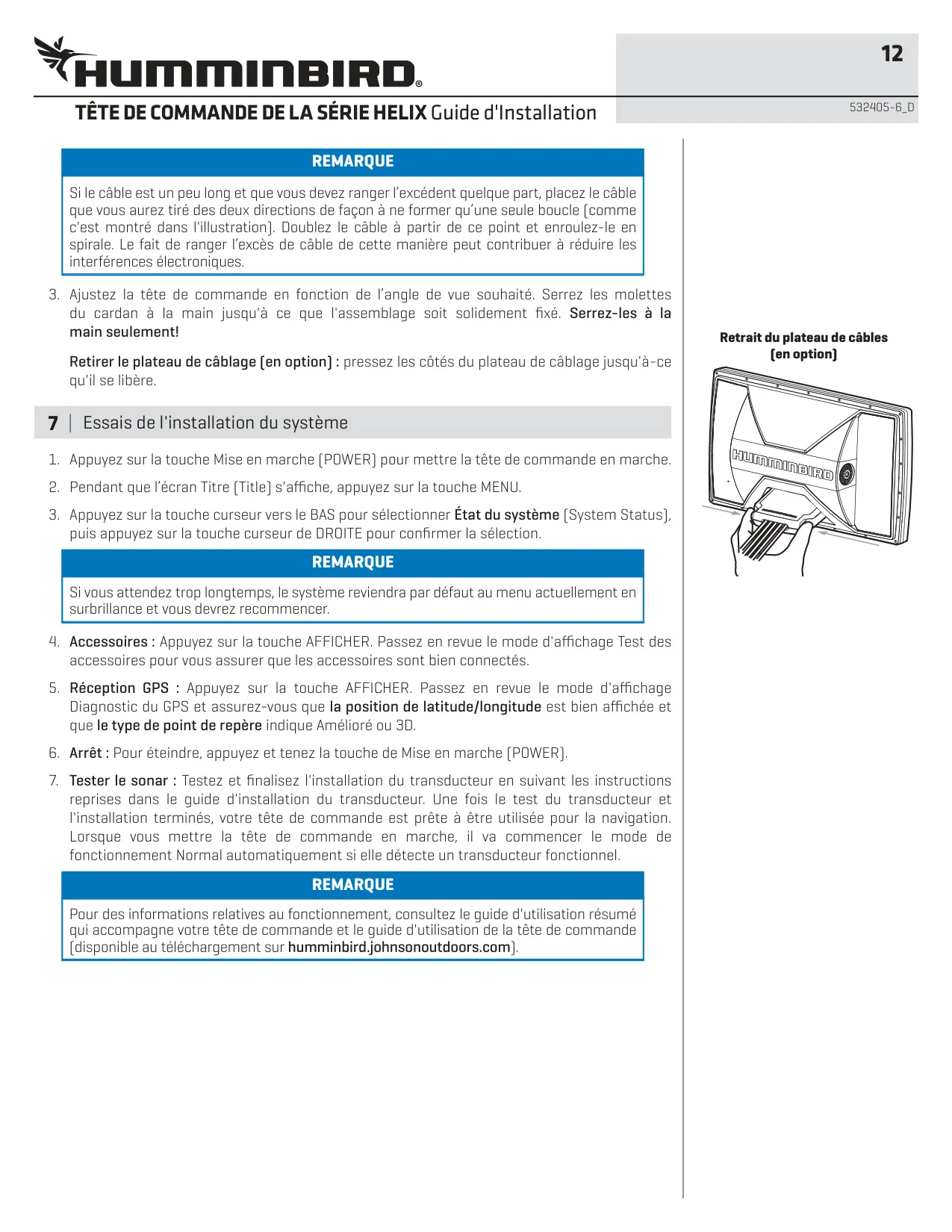

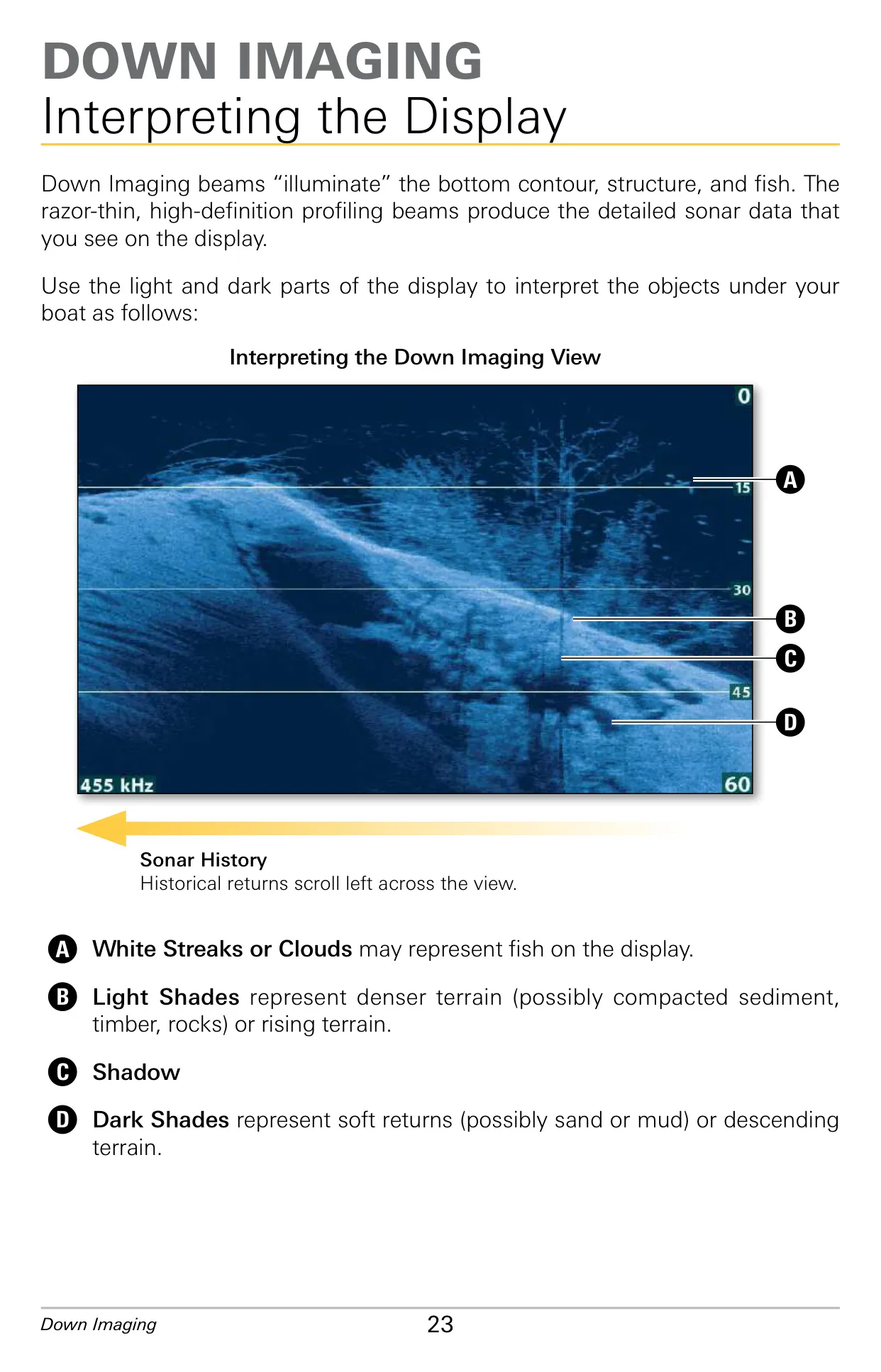
Humminbird Helix 9 Instructions
Here we offer the Humminbird Helix 9 Fishfinder manual completely free and in English. We have cataloged this manual in the Fishfinders section on Manualverse, and it has been rated by 1 users with an average rating of 5. If you have any specific questions about Humminbird Helix 9 Fishfinder, we suggest checking the Frequently Asked Questions (FAQs) section of this manual.
Product Images
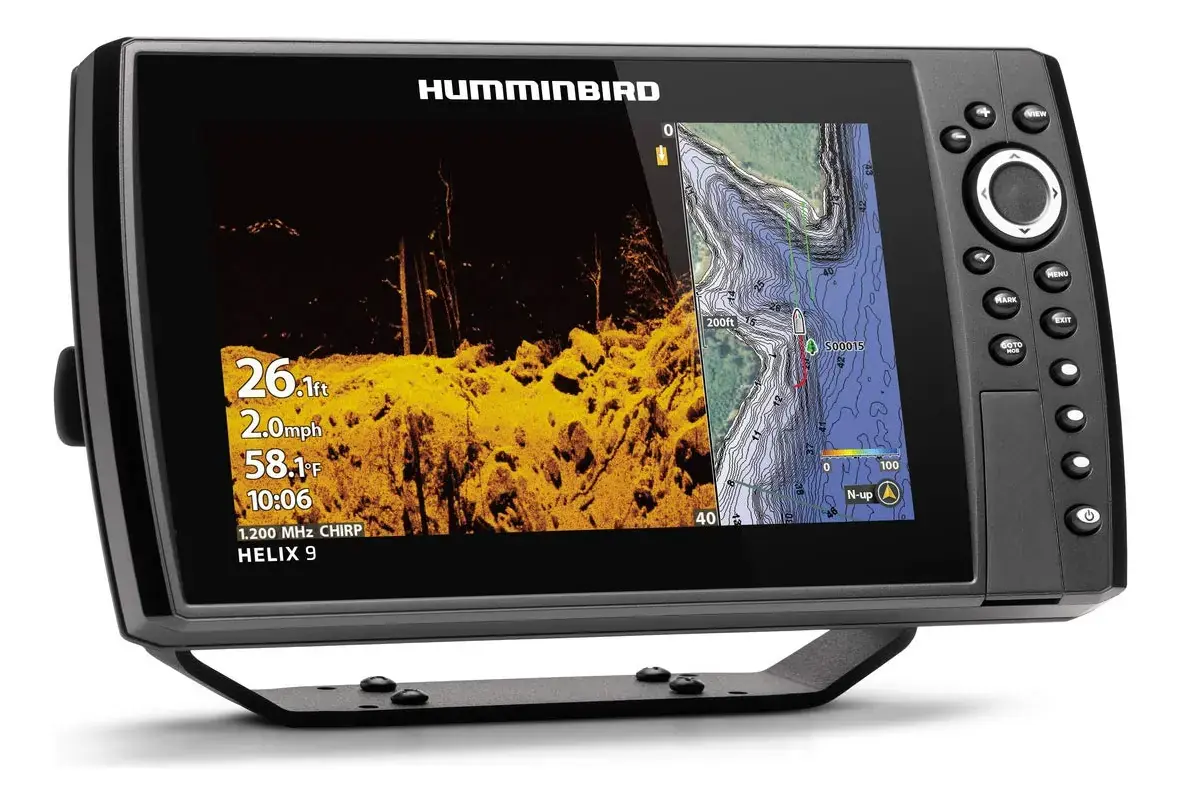
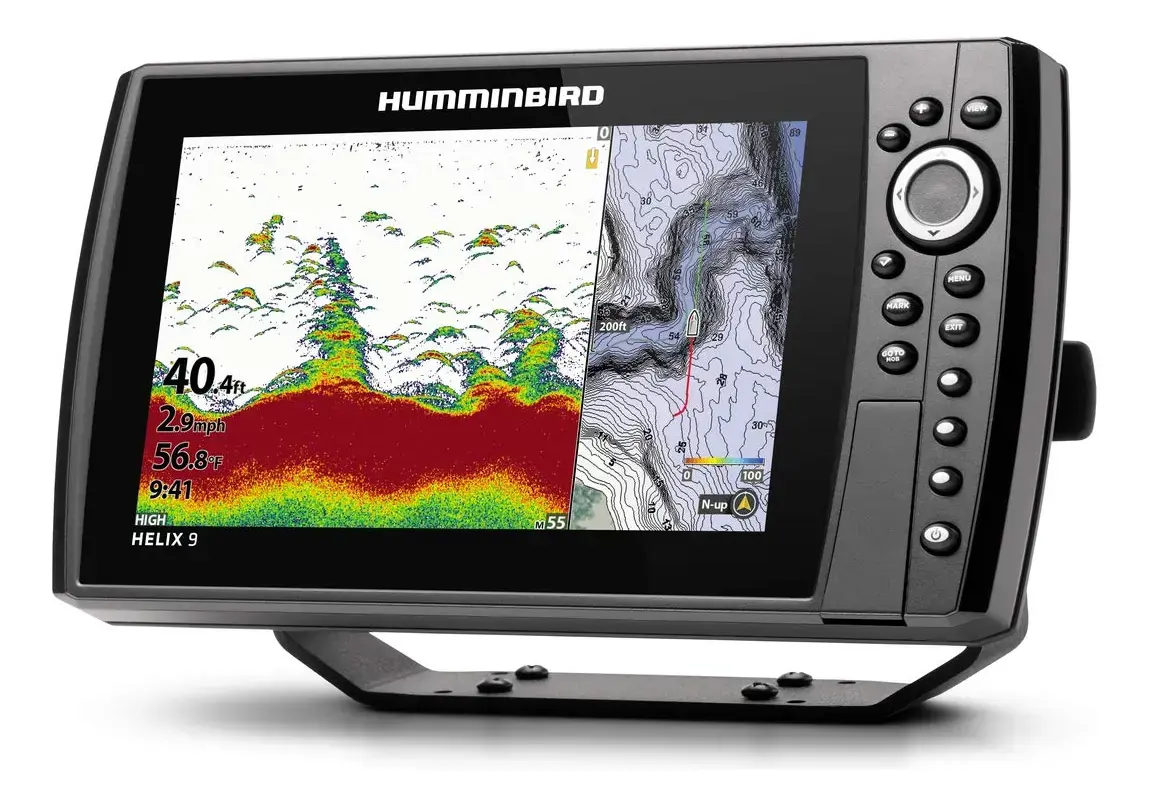
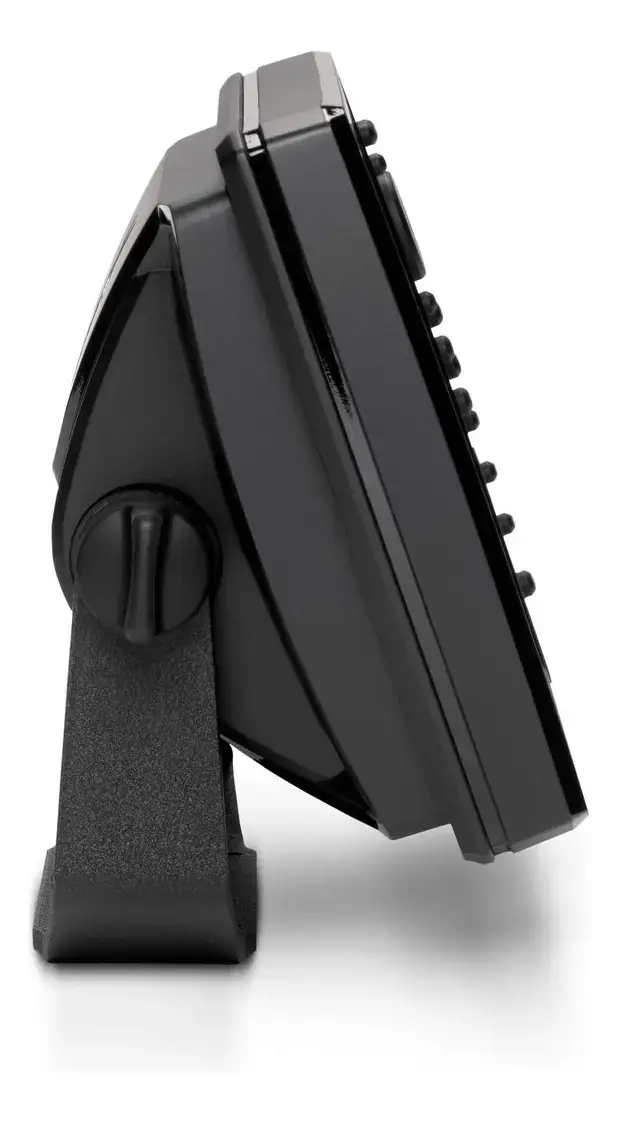
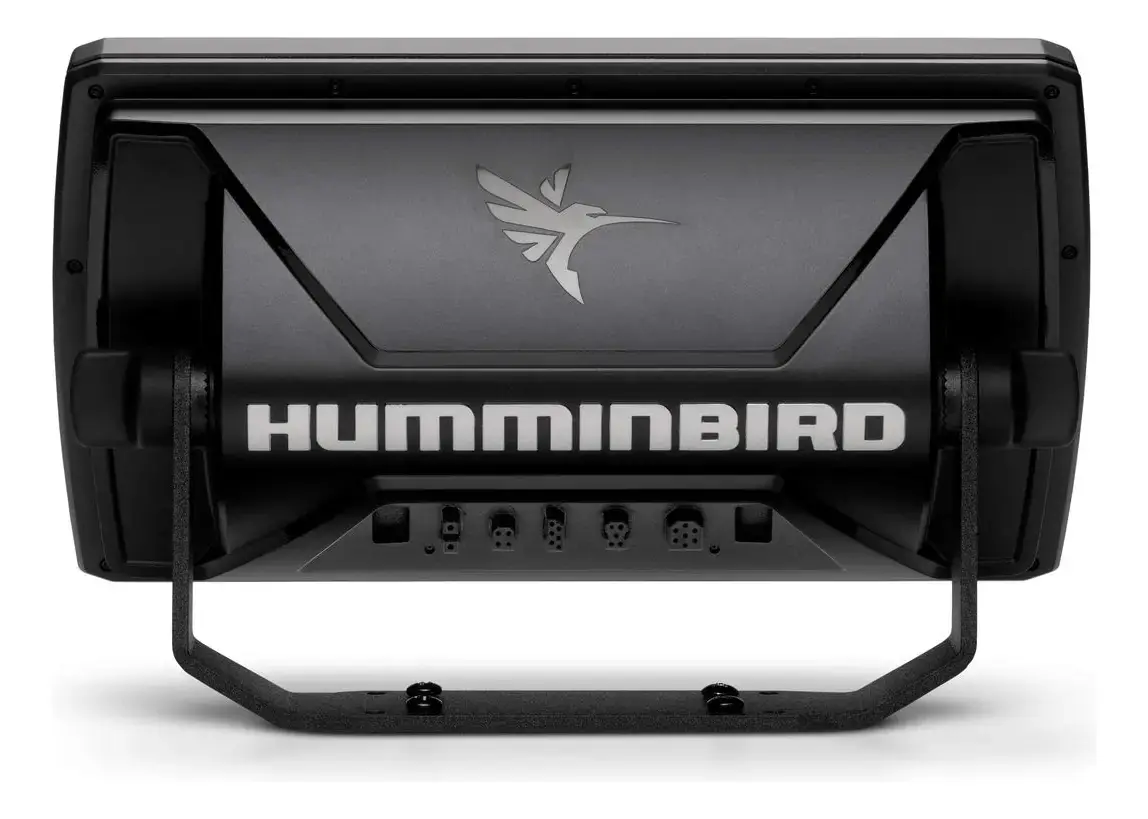
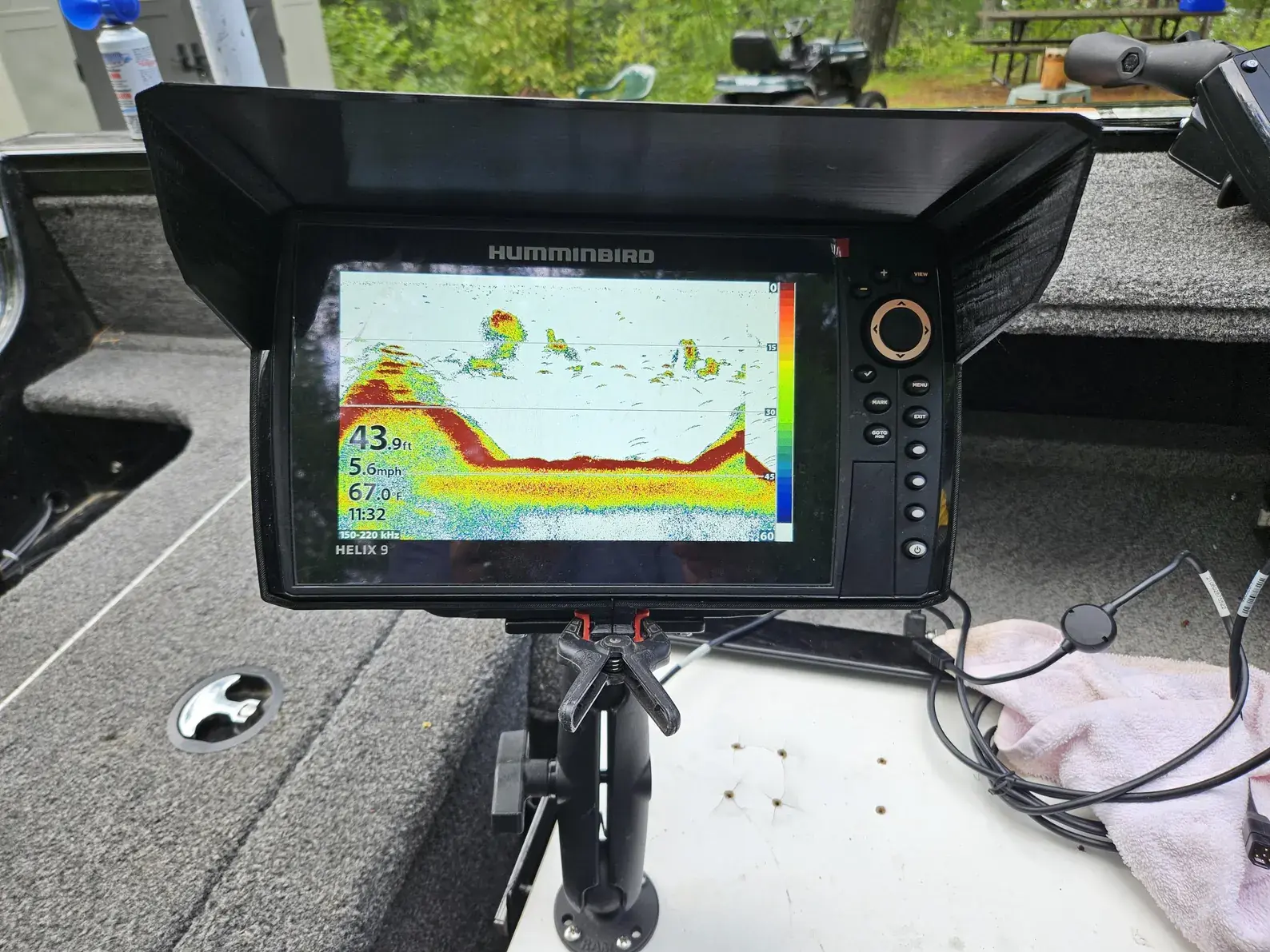
Humminbird Helix 9 Fishfinder Specifications
| Feature | Specification |
|---|---|
| Available Models | HELIX 9 SONAR GPS, HELIX 9 DI GPS, HELIX 9 SI GPS |
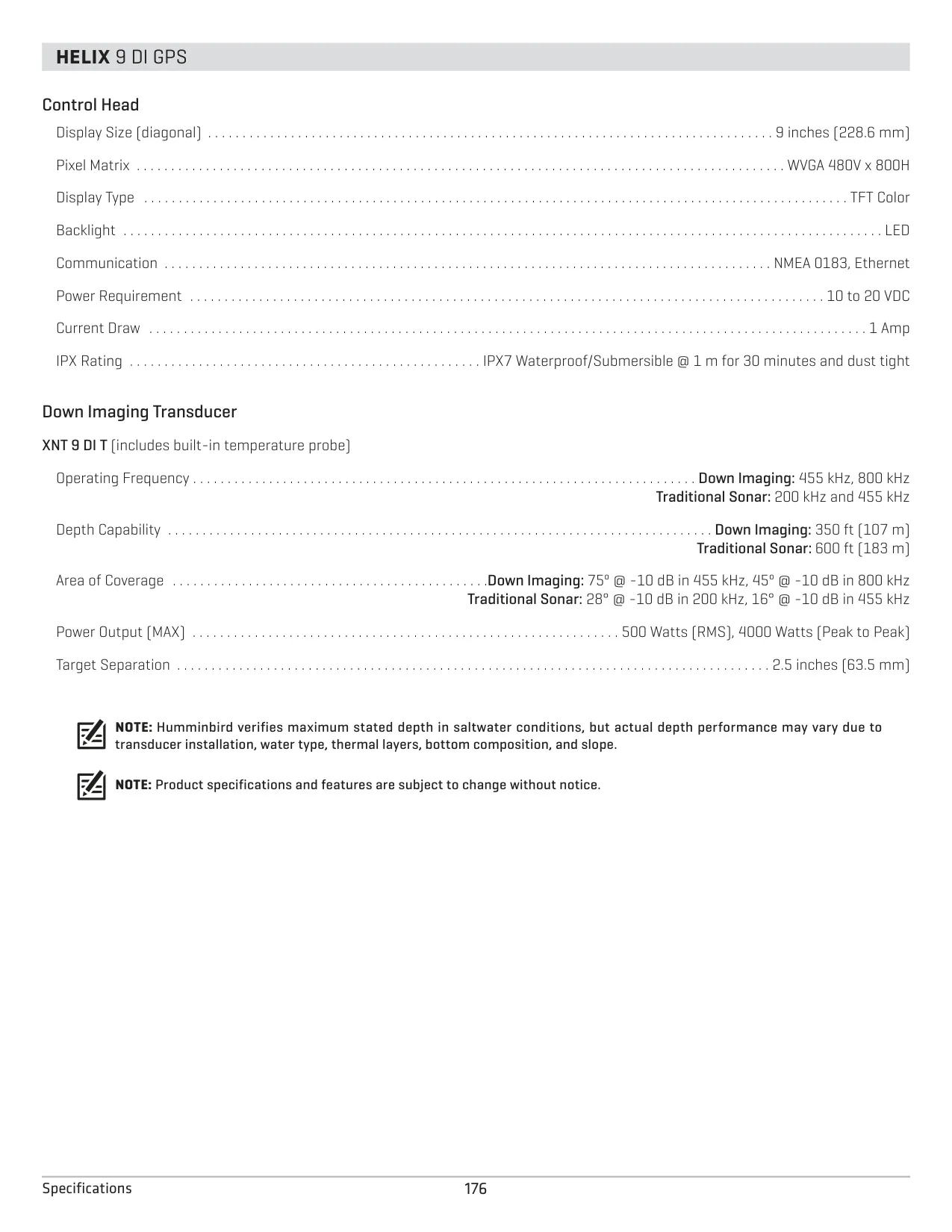
| Display Size (diagonal) | 9 inches (228.6 mm) |
| Pixel Matrix | WVGA 480V x 800H |
| Display Type | TFT Color |
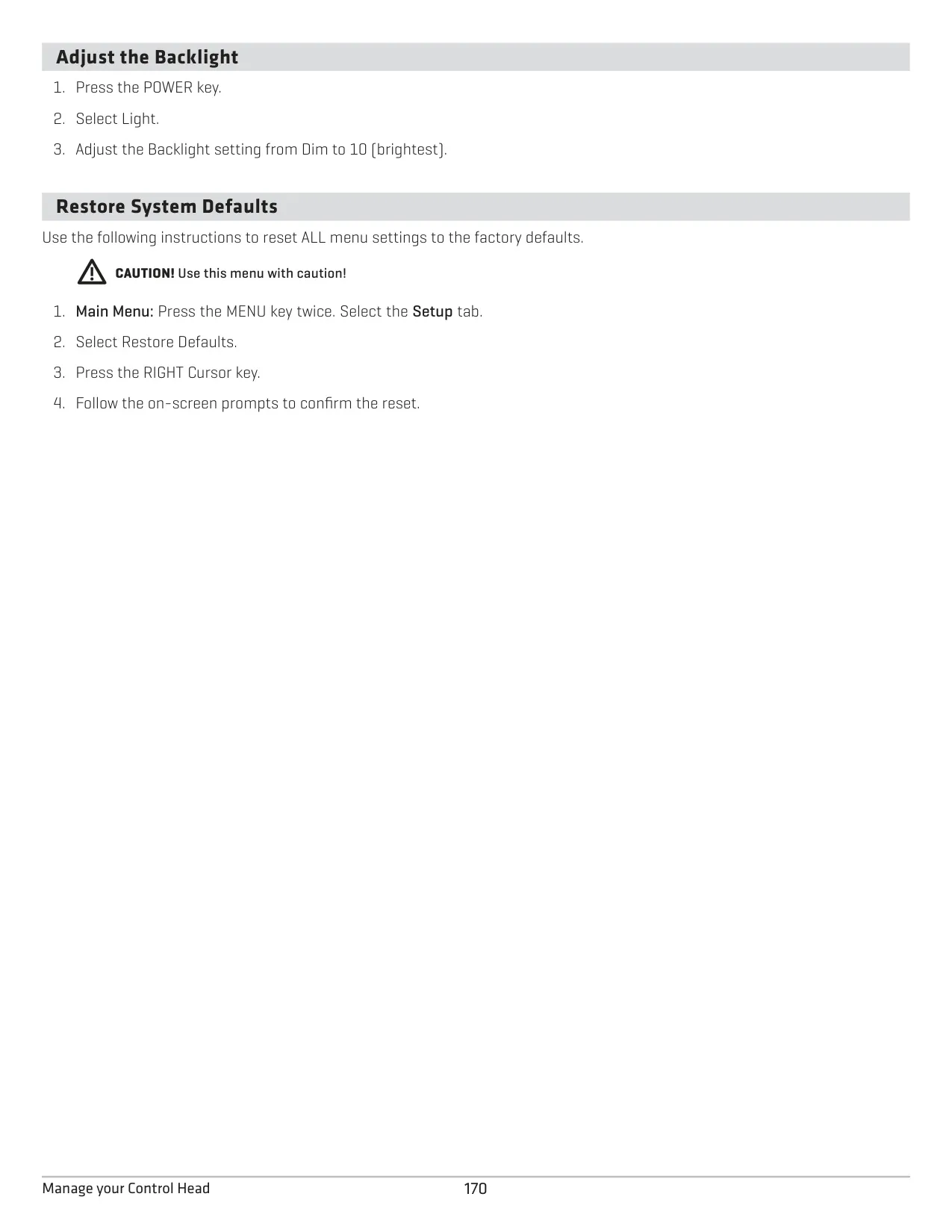
| Backlight | LED, adjustable from Dim to 10 (brightest) |
| Communication | NMEA 0183, Ethernet |
| Power Requirement | 10 to 20 VDC (must be connected to a 12 VDC power supply) |
| Current Draw | 1 Amp |
| Required Fuse | 5 A slow-blow or MDL equivalent |
| Power Cable | 6 ft (2 m) included, 18 gauge multi-stranded copper wire |
| Power Cable Extension | 1 to 6 ft: 18 AWG; 6 to 12 ft: 14 AWG; 12 to 24 ft: 12 AWG |
| Over-Voltage Protection | Input voltage must not exceed 20 Volts; minimum 10 Volts to power up |
| Water Resistance | IPX7 Waterproof/Submersible @ 1 m for 30 minutes and dust tight |
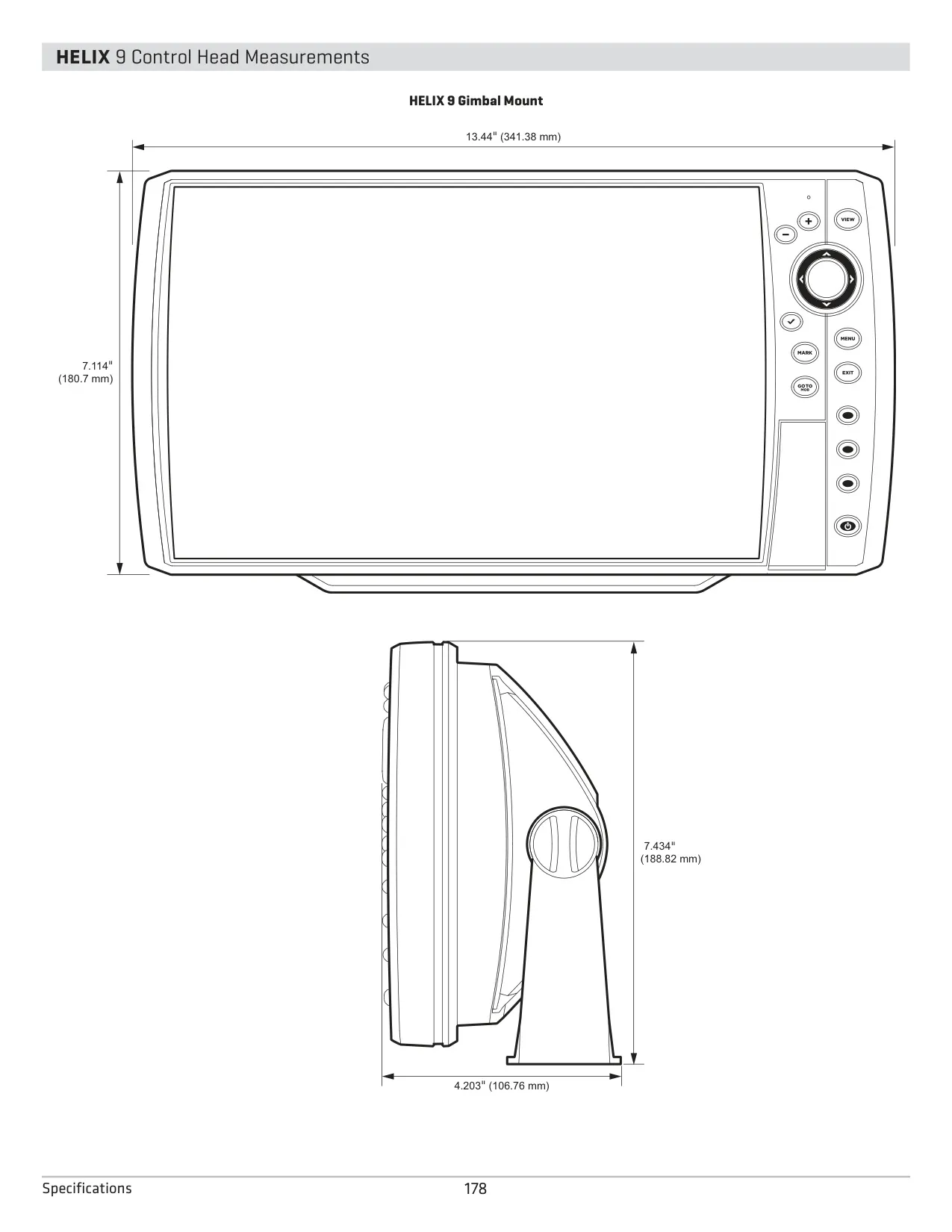
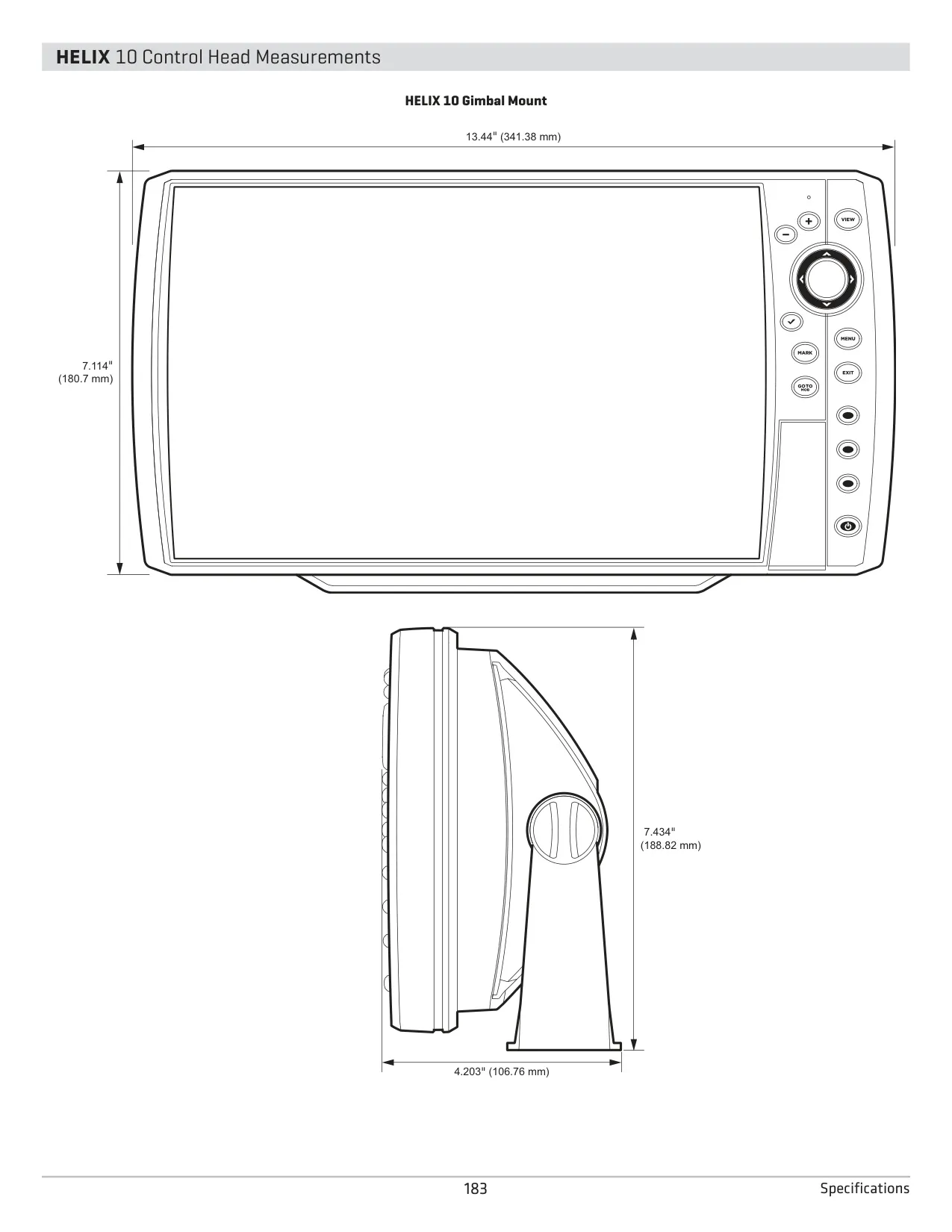
| Gimbal Mount Dimensions | 13.44 in (341.38 mm) W x 7.114 in (180.7 mm) H; depth 7.434 in (188.82 mm), 4.203 in (106.76 mm) |
| In-Dash Mount Dimensions | 13.44 in (341.38 mm) W x 7.114 in (180.7 mm) H; depth 3.991 in (101.37 mm), 1.324 in (33.63 mm), 3.685 in (93.59 mm) |
| Gimbal Bracket Installation | 4 x #10 x 1 in wood screws, 5/32 in (4 mm) pilot holes, 1 in (25 mm) cable hole 2 to 4 in (50 to 100 mm) behind bracket |
| Built-in Cartography | Contour XD (domestic models) or UniMap (international models) |
| Card Slot | SD card slot (card sold separately) |
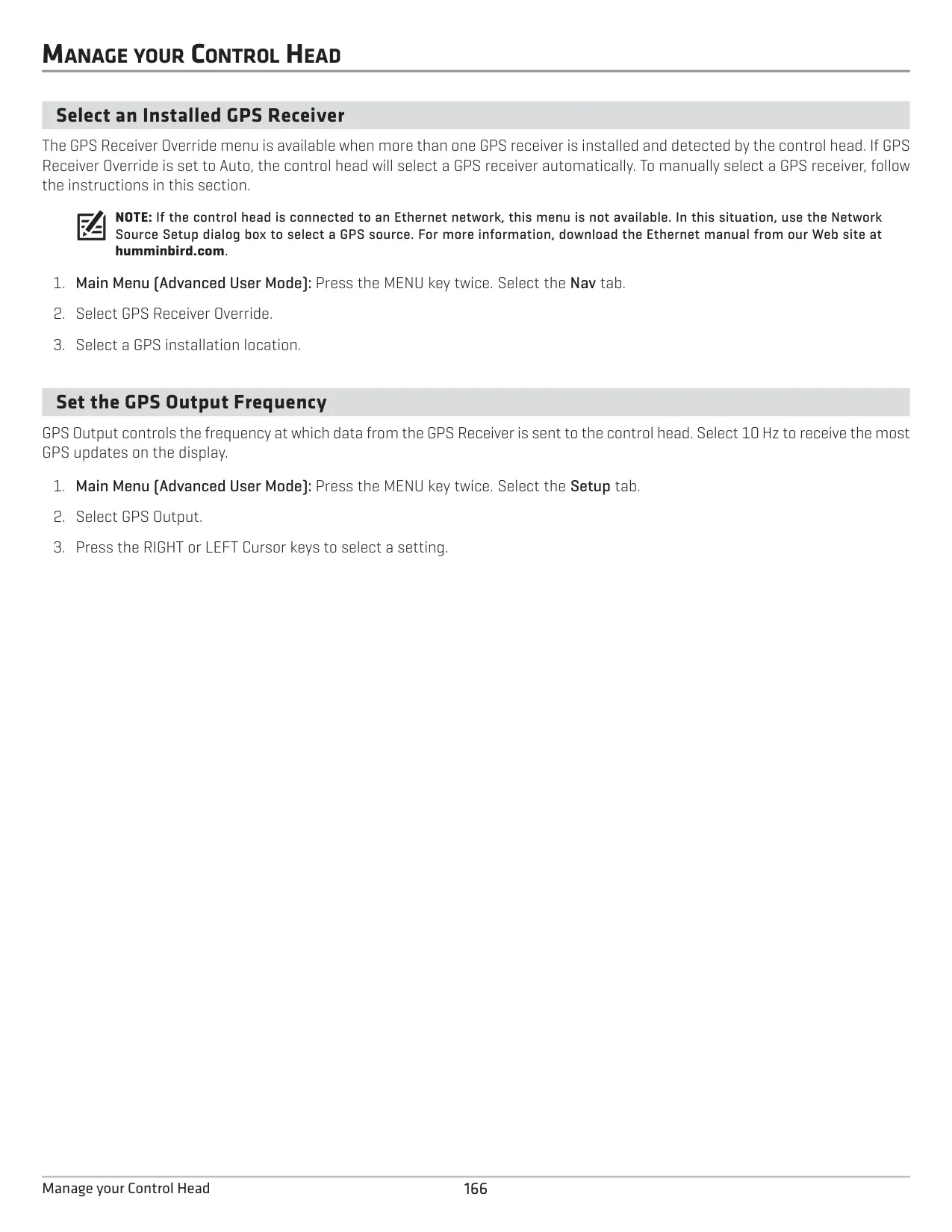
| GPS Output Frequency | Selectable, up to 10 Hz |
| Waypoint Capacity | 2,500 waypoints |
| Route Capacity | 47 routes (50 waypoints each) |
| Track Capacity | 50 tracks (20,000 track points each) |
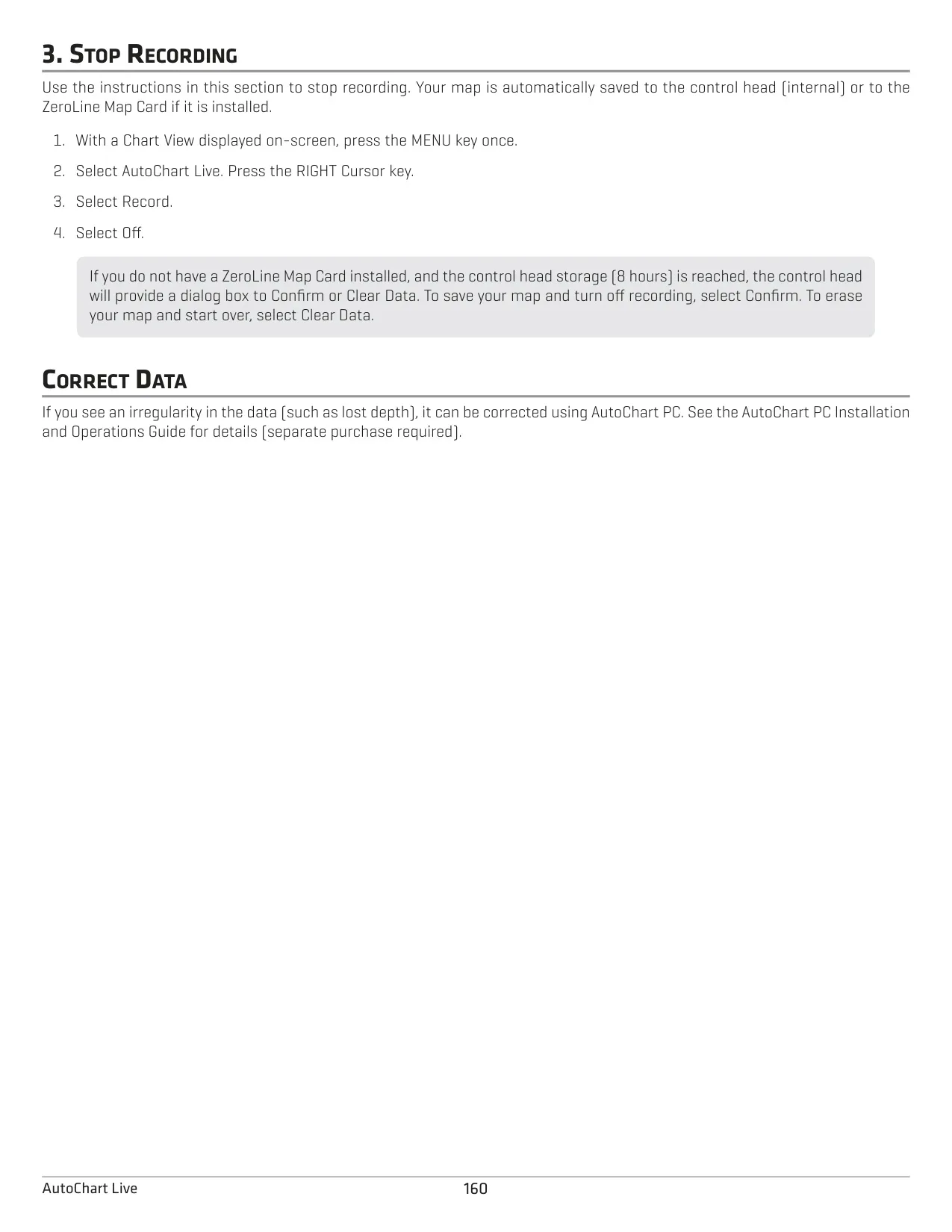
| AutoChart Live Internal Storage | 8 hours of mapping data (unlimited with ZeroLine Map Card) |
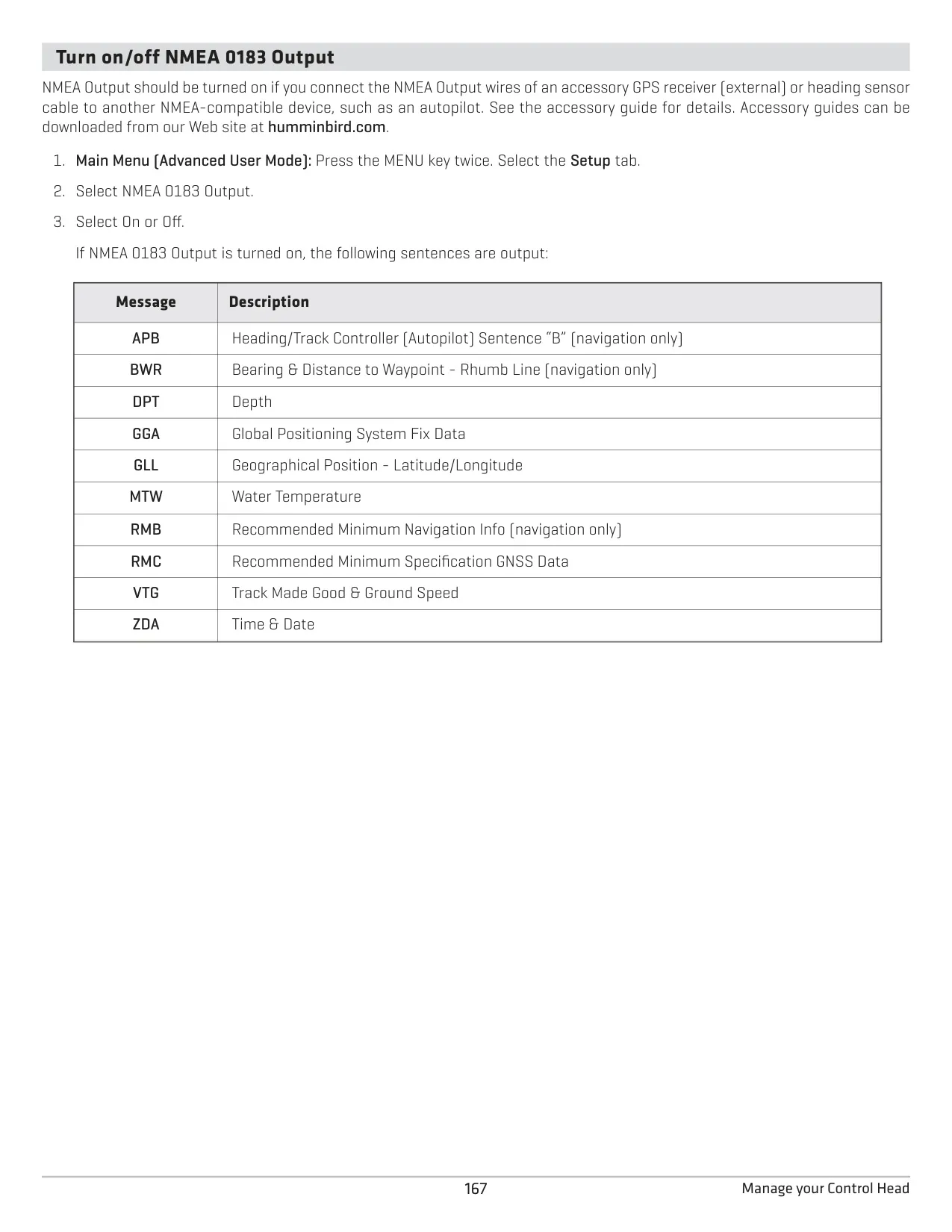
| NMEA 0183 Output Sentences | APB, BWR, DPT, GGA, GLL, MTW, RMB, RMC, VTG, ZDA |
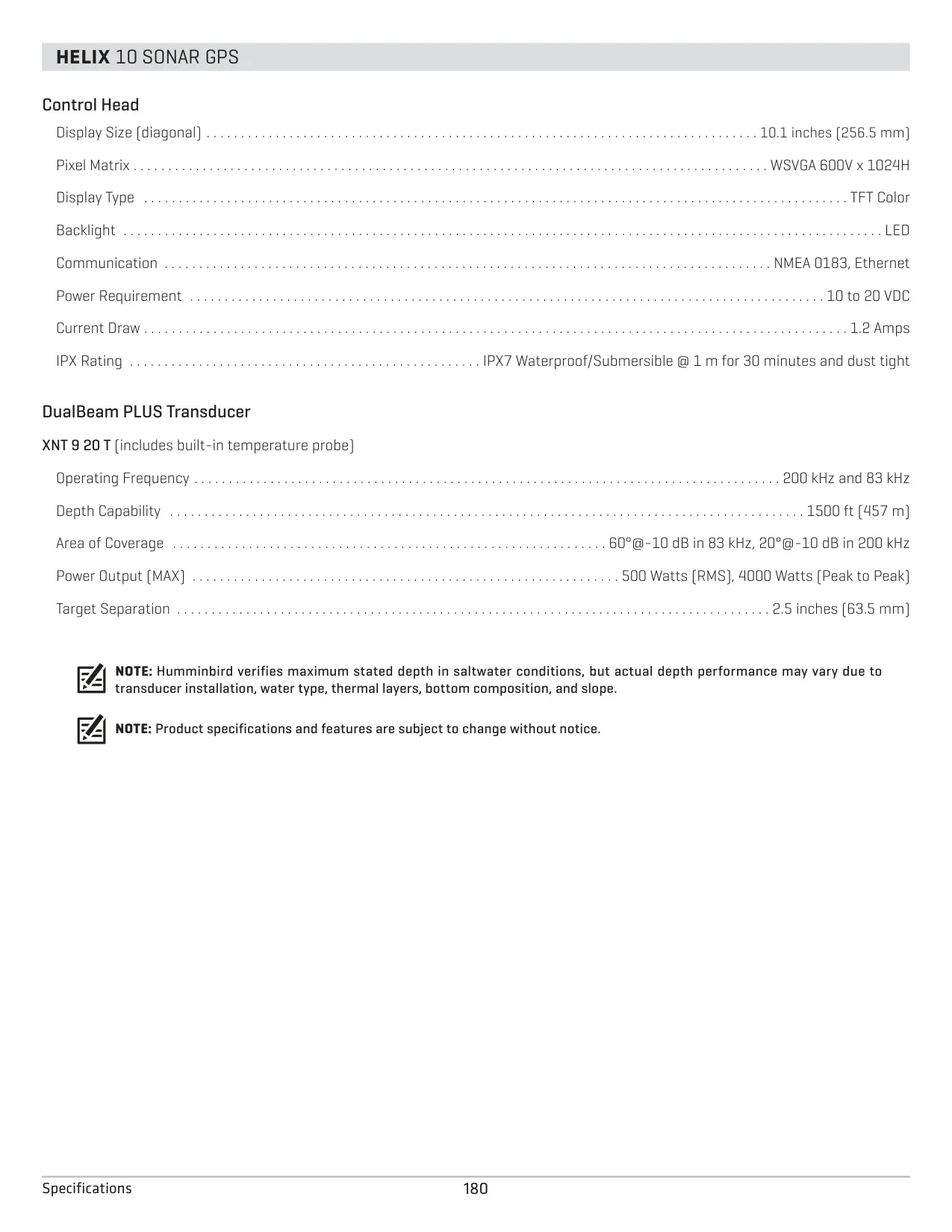
| SONAR GPS Transducer | XNT 9 20 T DualBeam PLUS with built-in temperature probe |
| SONAR GPS Frequencies | 200 kHz and 83 kHz |
| SONAR GPS Depth Capability | 1500 ft (457 m) |
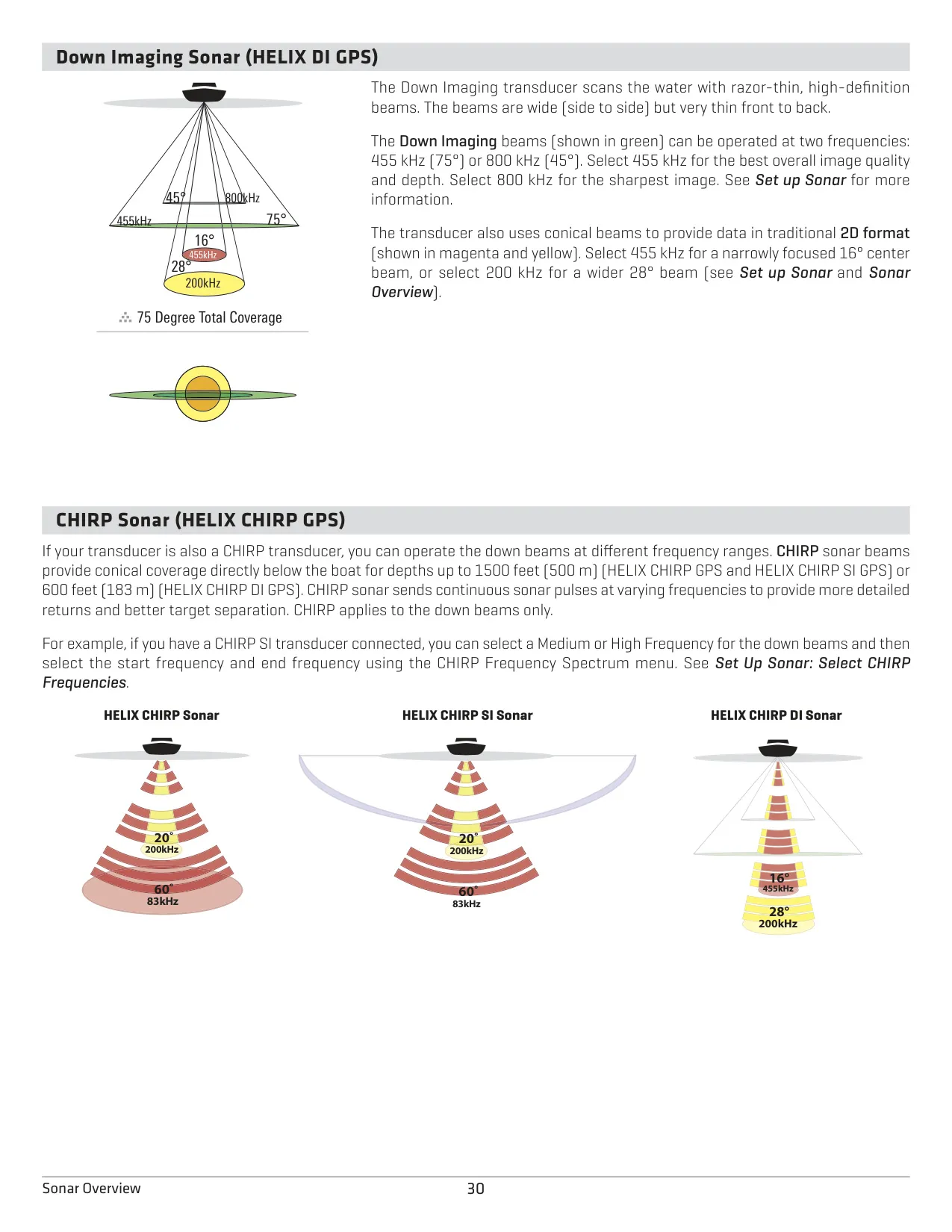
| SONAR GPS Area of Coverage | 60° @ -10 dB in 83 kHz, 20° @ -10 dB in 200 kHz |
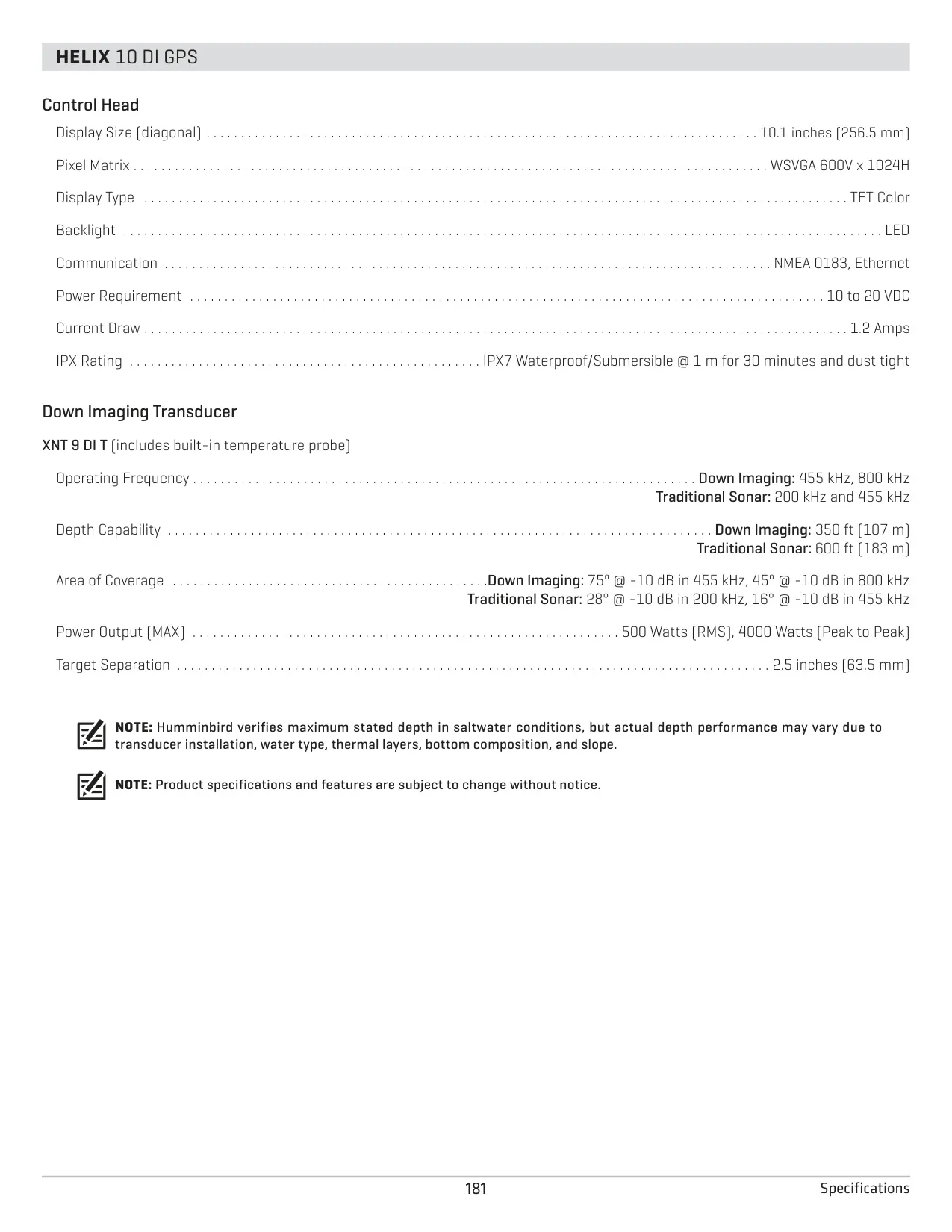
| DI GPS Transducer | XNT 9 DI T Down Imaging with built-in temperature probe |
| DI GPS Frequencies | Down Imaging: 455 kHz, 800 kHz; Traditional Sonar: 200 kHz and 455 kHz |
| DI GPS Depth Capability | Down Imaging: 350 ft (107 m); Traditional Sonar: 600 ft (183 m) |
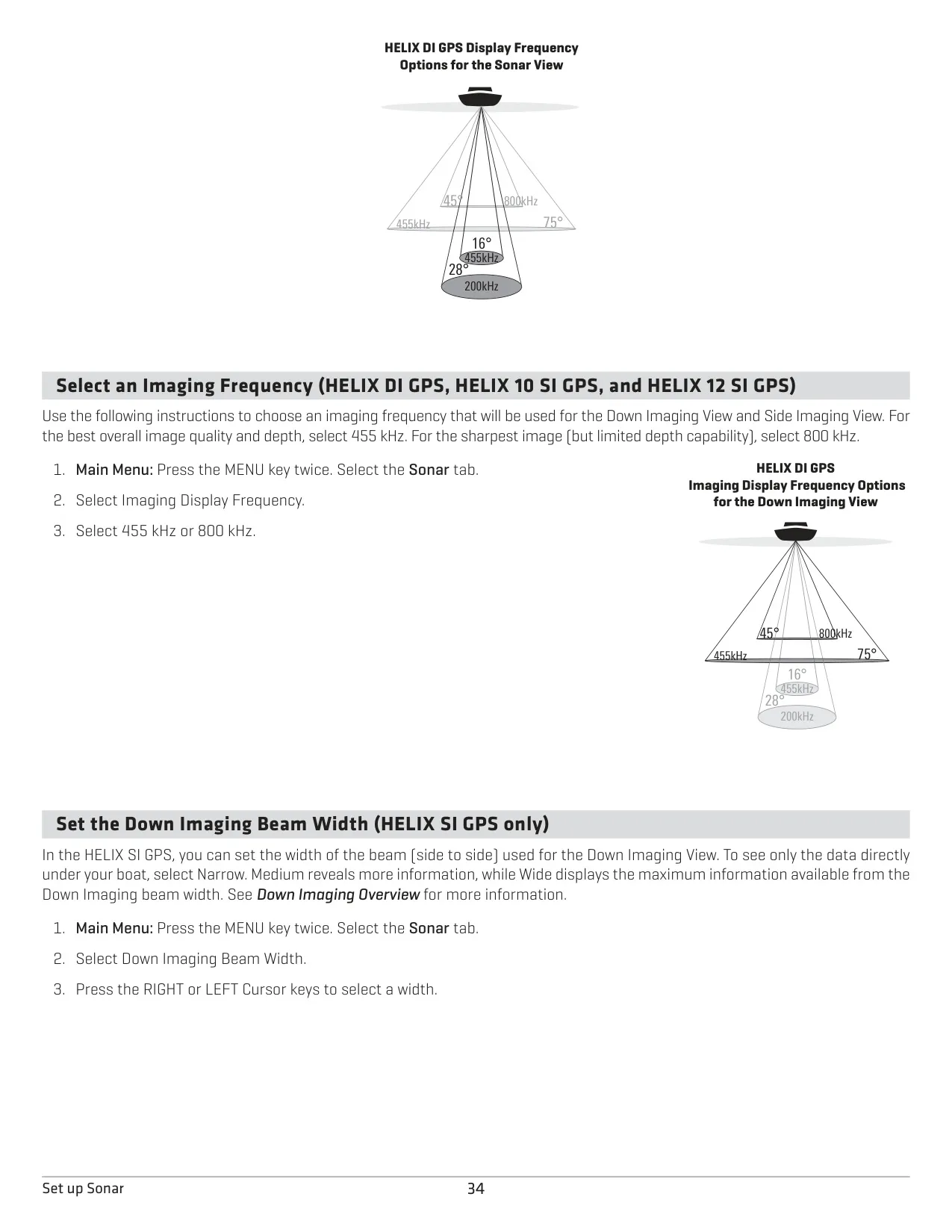
| DI GPS Area of Coverage | Down Imaging: 75° @ -10 dB in 455 kHz, 45° @ -10 dB in 800 kHz; Traditional Sonar: 28° @ -10 dB in 200 kHz, 16° @ -10 dB in 455 kHz |
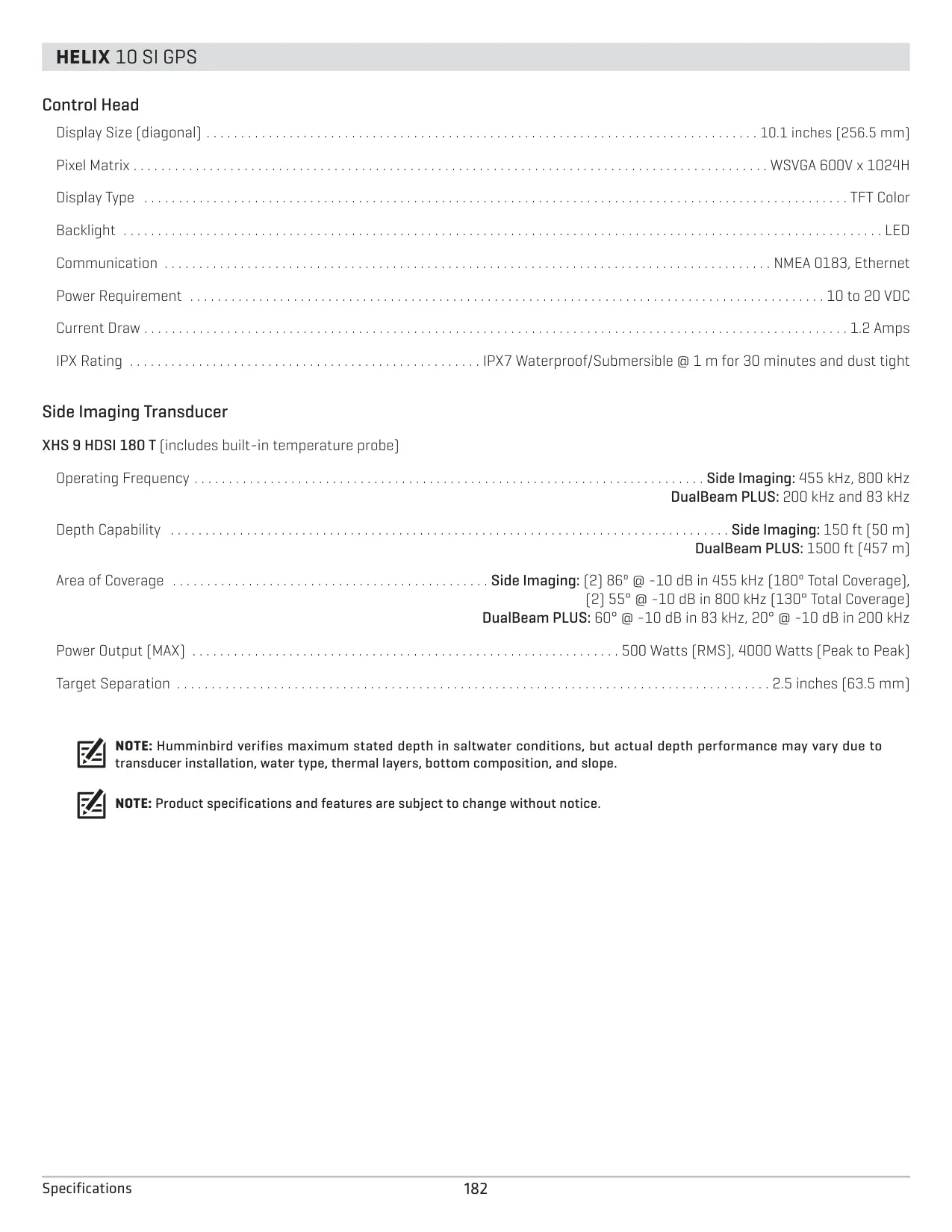
| SI GPS Transducer | XNT 9 SI 180 T Side Imaging with built-in temperature probe |
| SI GPS Frequencies | Side Imaging: 455 kHz; DualBeam PLUS: 200 kHz and 83 kHz |
| SI GPS Depth Capability | Side Imaging: 150 ft (50 m); DualBeam PLUS: 1500 ft (457 m) |
| SI GPS Area of Coverage | Side Imaging: (2) 86° @ -10 dB in 455 kHz (180° total); DualBeam PLUS: 60° @ -10 dB in 83 kHz, 20° @ -10 dB in 200 kHz |
| Typical Side Imaging Search Width | 480 ft (240 ft to each side) at 455 kHz |
| Transducer Power Output (MAX) | 500 Watts (RMS), 4000 Watts (Peak to Peak) |
| Target Separation | 2.5 inches (63.5 mm) |
| Operating System | Linux |
Humminbird Helix 9 Fishfinder Details
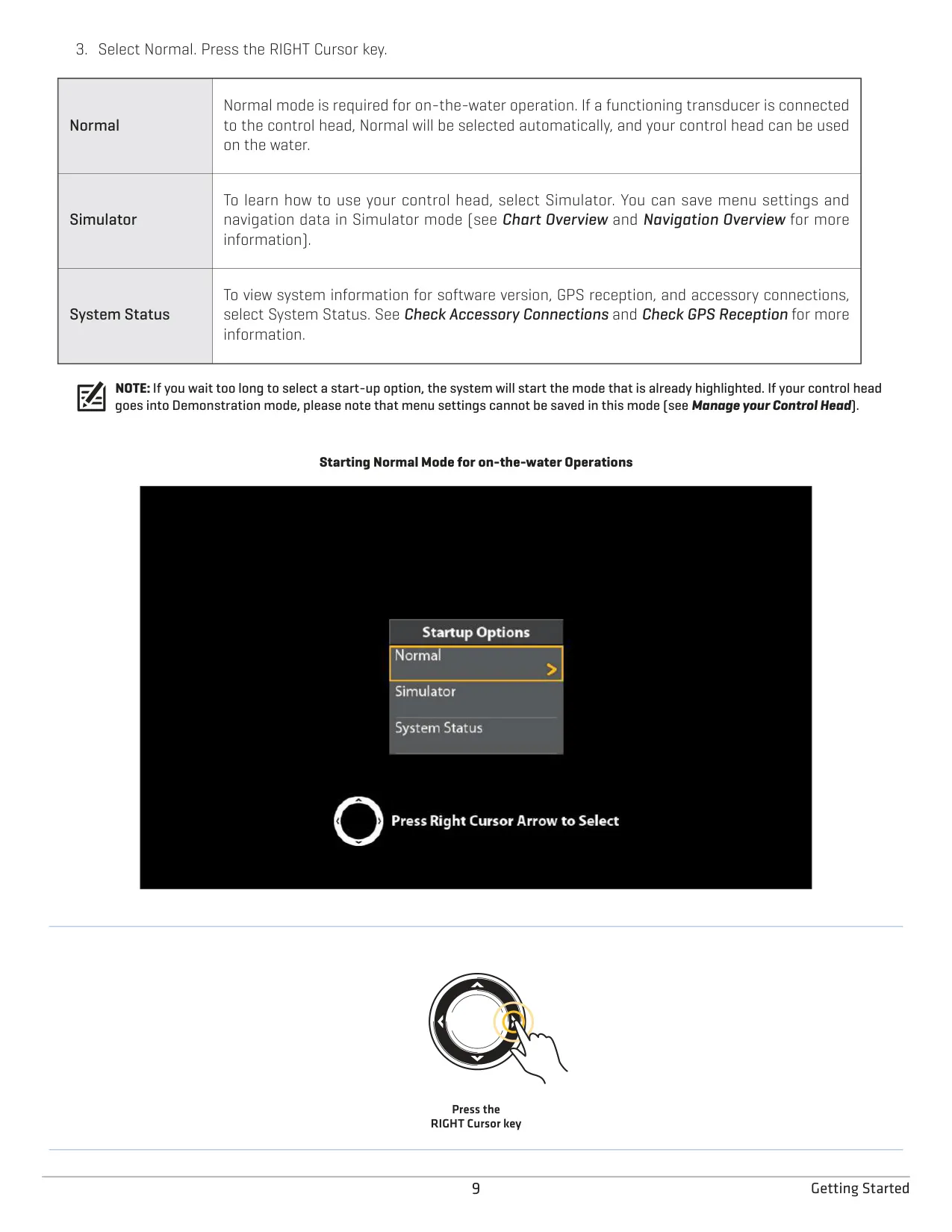
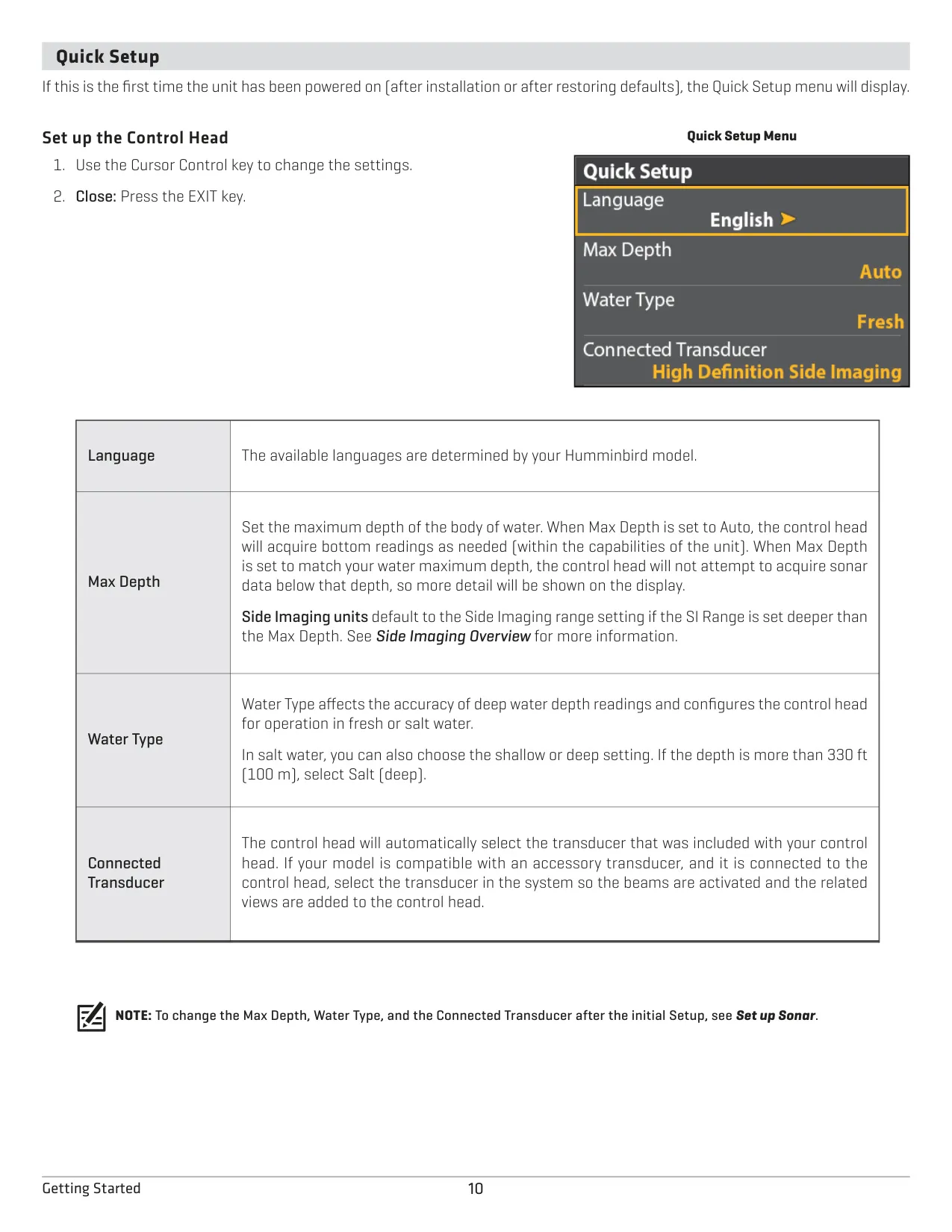
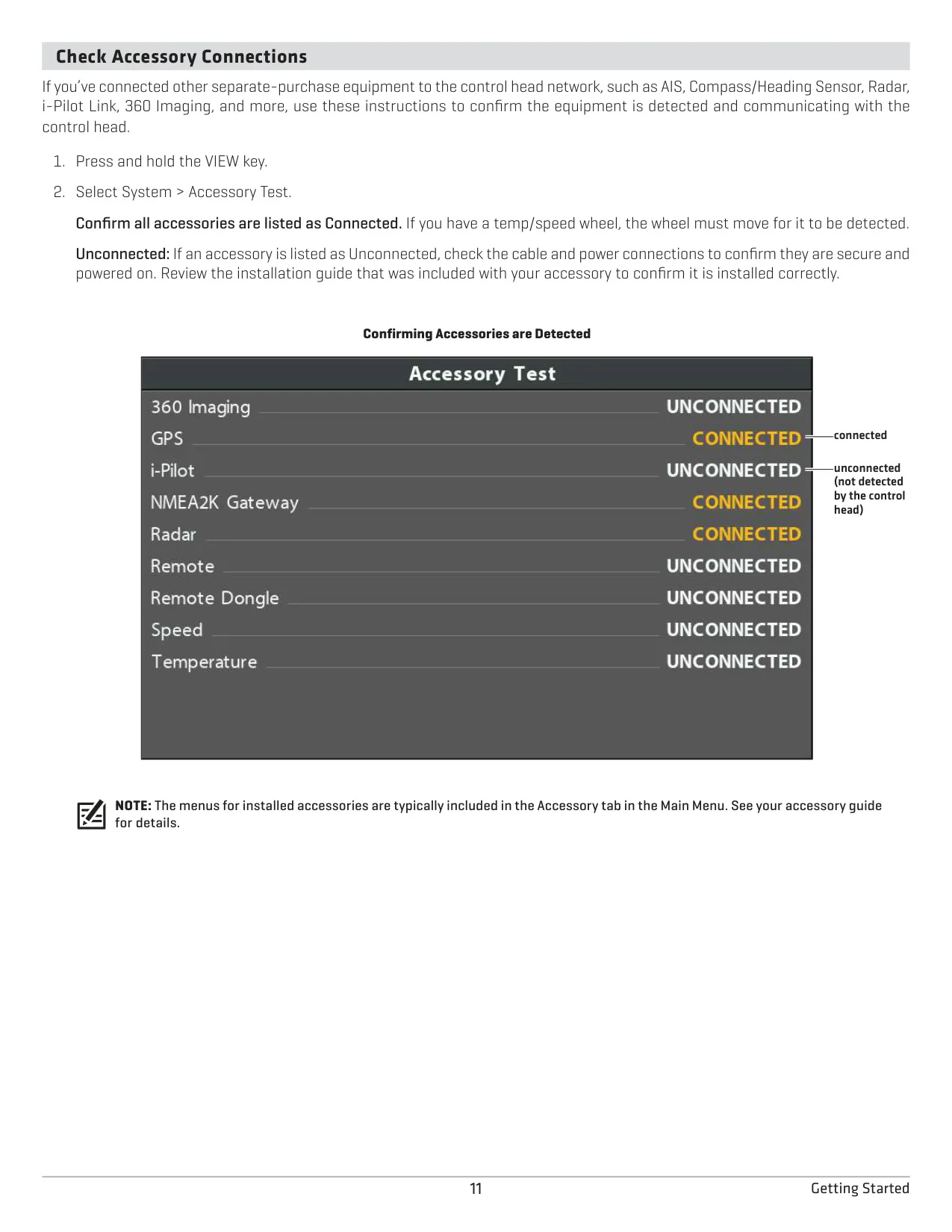
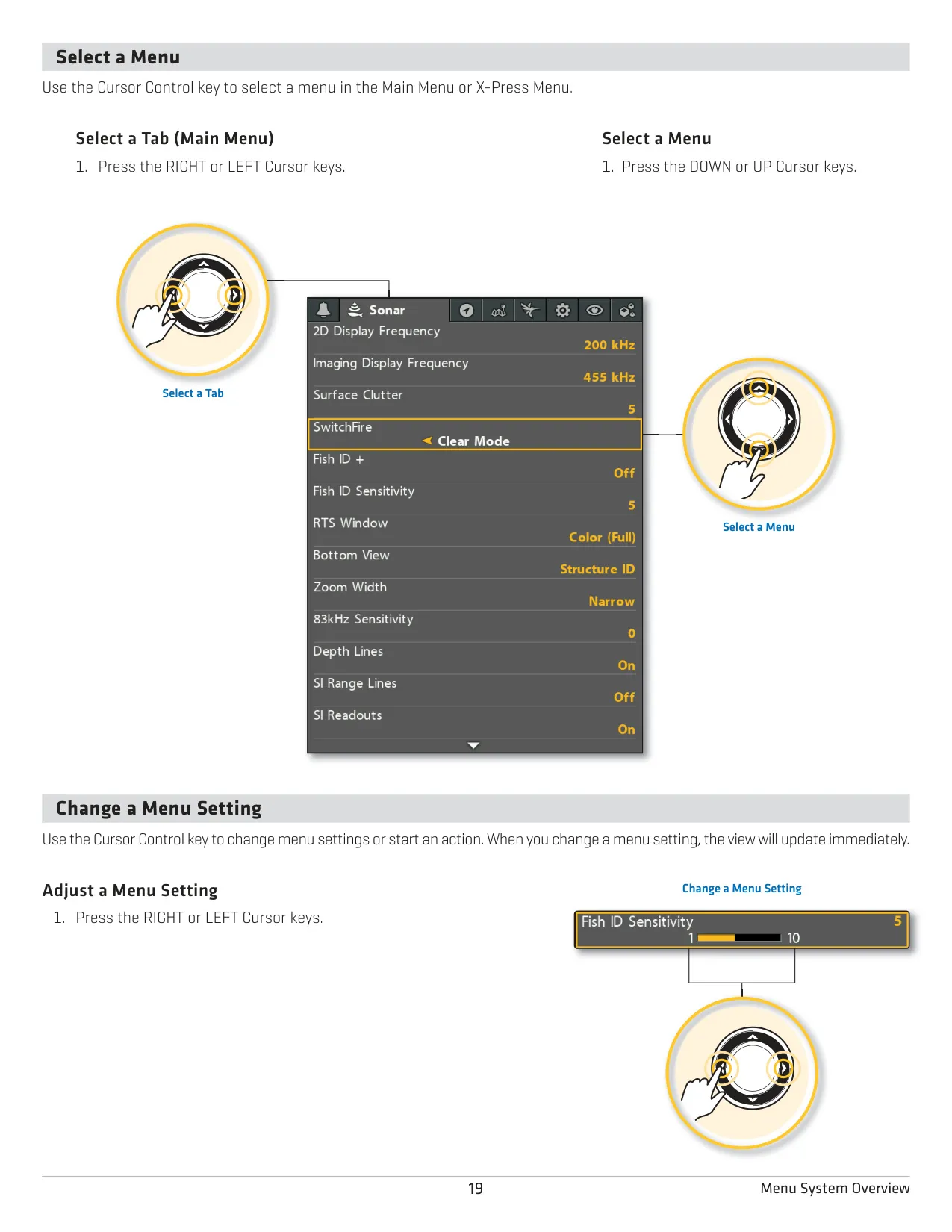
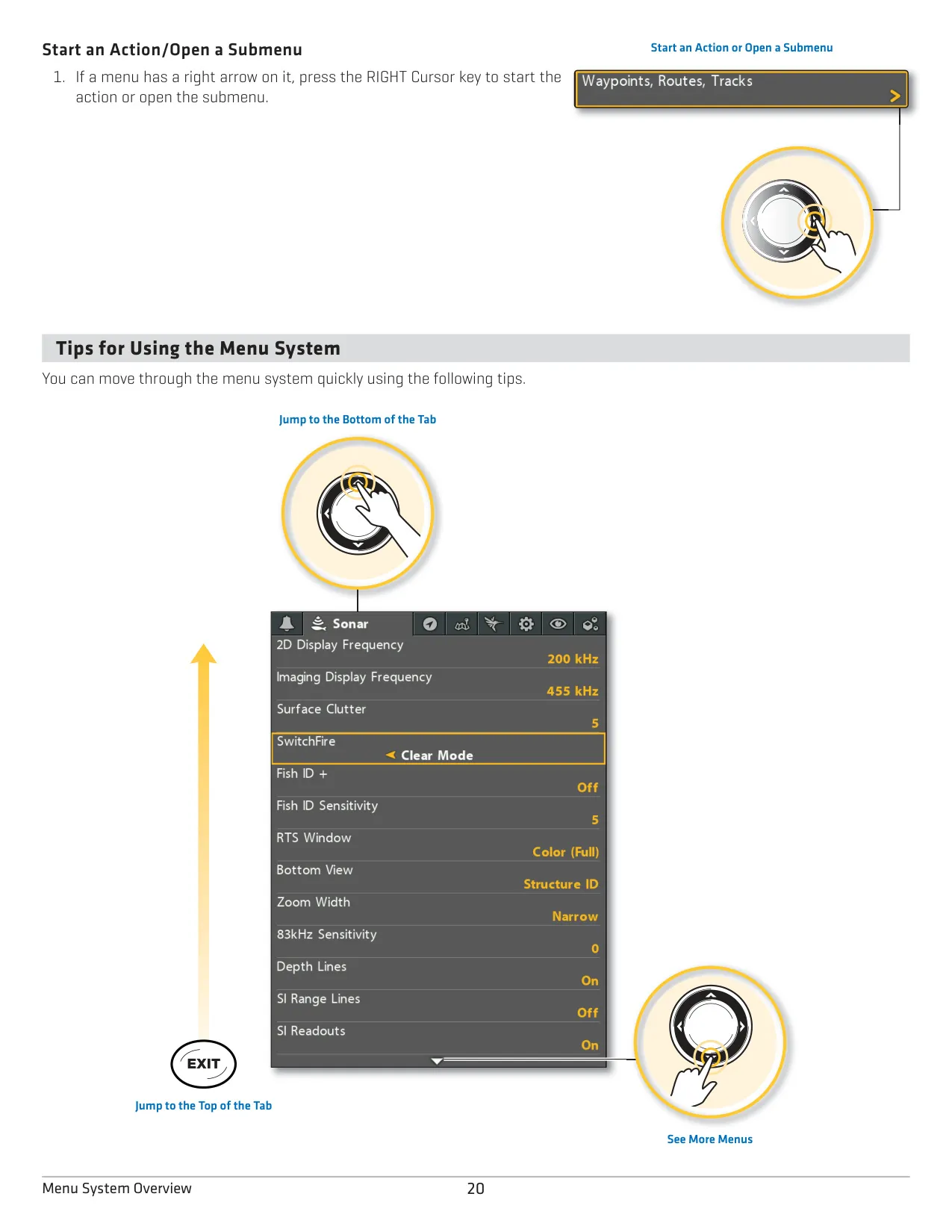
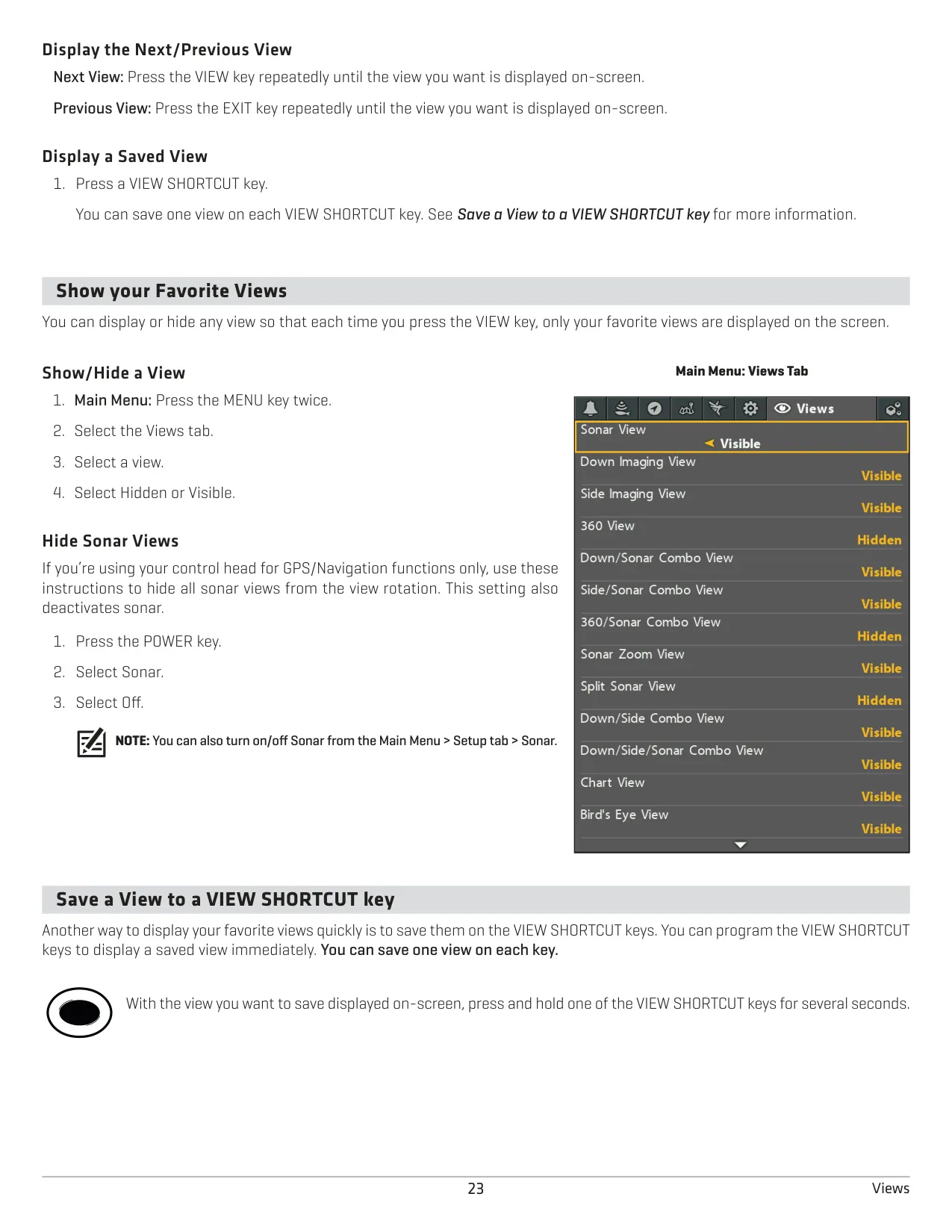
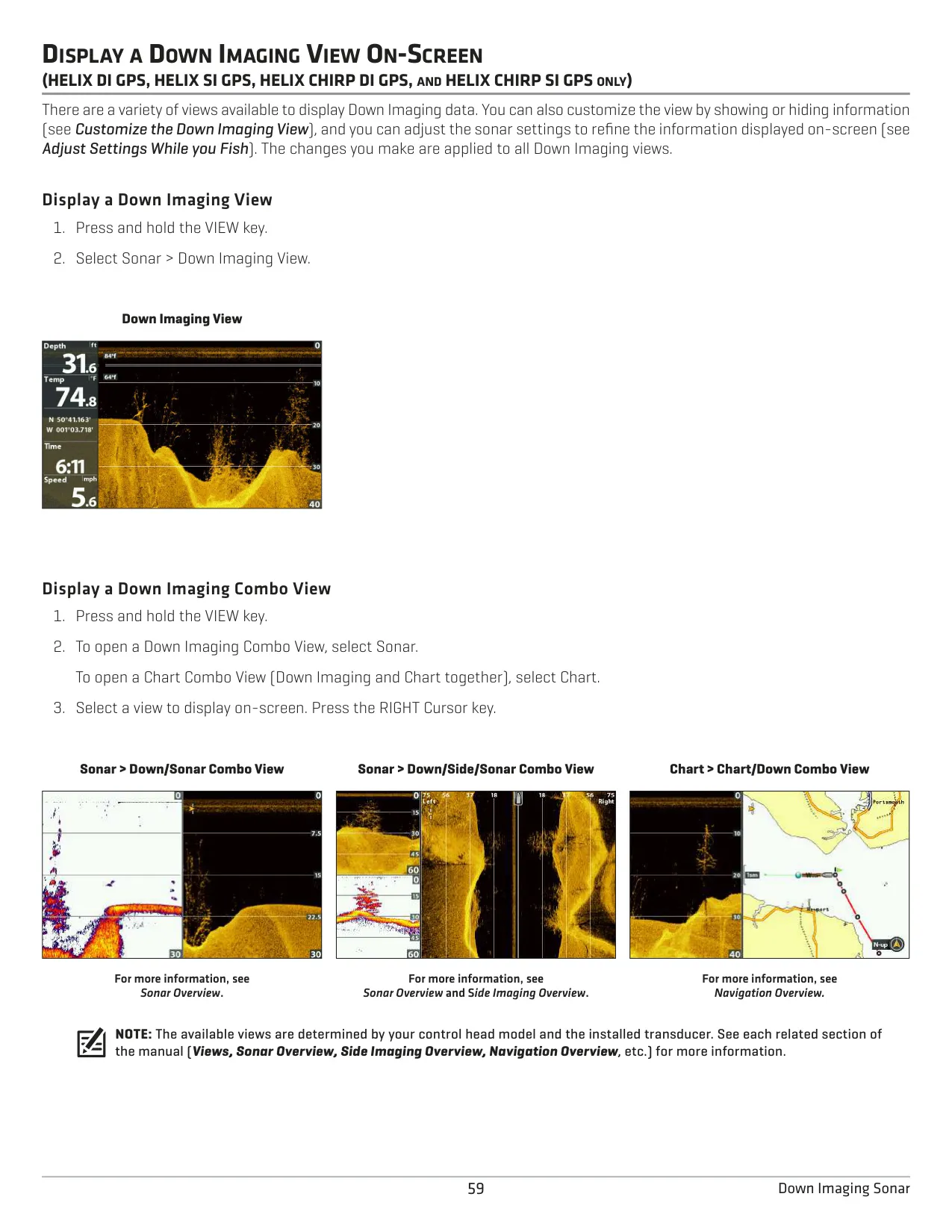
The Humminbird HELIX 9 is a 9-inch control head built around a tabbed menu system with two levels of access. The X-Press Menu opens with one press of the MENU key and shows settings for the current view. Pressing MENU twice opens the Main Menu, with tabs for Alarms, Sonar, Navigation, Chart, Setup, Views and Accessories. The User Mode can be set to Normal, which shows fewer menus, or Advanced, which shows every option. Two VIEW SHORTCUT keys each store one favorite view, and combo views place two or more panes side by side.
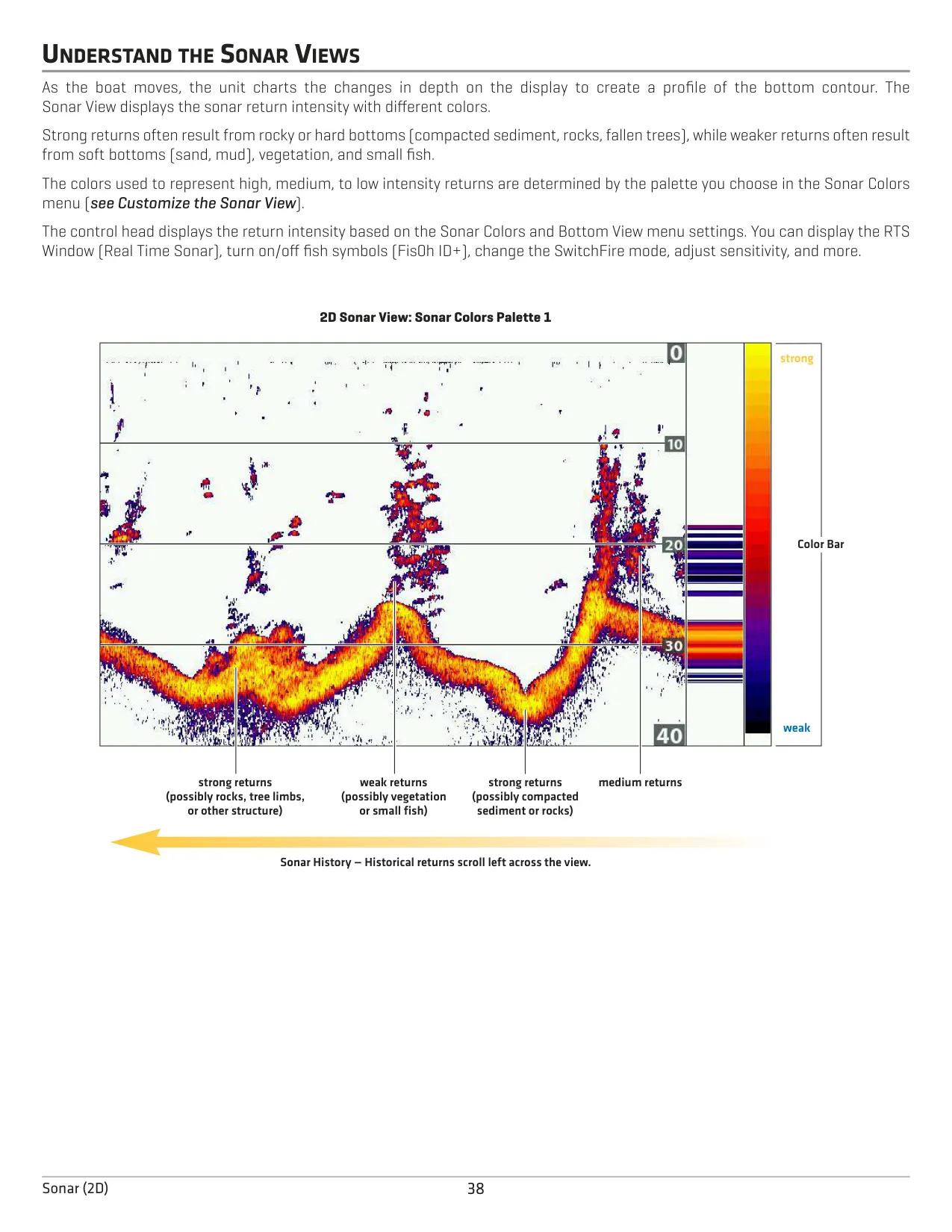
In the 2D sonar views, SwitchFire has two modes. Clear Mode filters clutter and interprets returns so fish sizes read more accurately, and Max Mode shows all raw returns for better jig tracking. Fish ID+ draws fish symbols on the view: orange for targets in the narrow beam and green for targets in the wide beam. Its sensitivity runs from 1 to 10. The RTS Window, available in Mono, Color Full or Color A-Scope, keeps updating in real time even when the history is frozen. Bottom View can be set to WhiteLine or Structure ID.
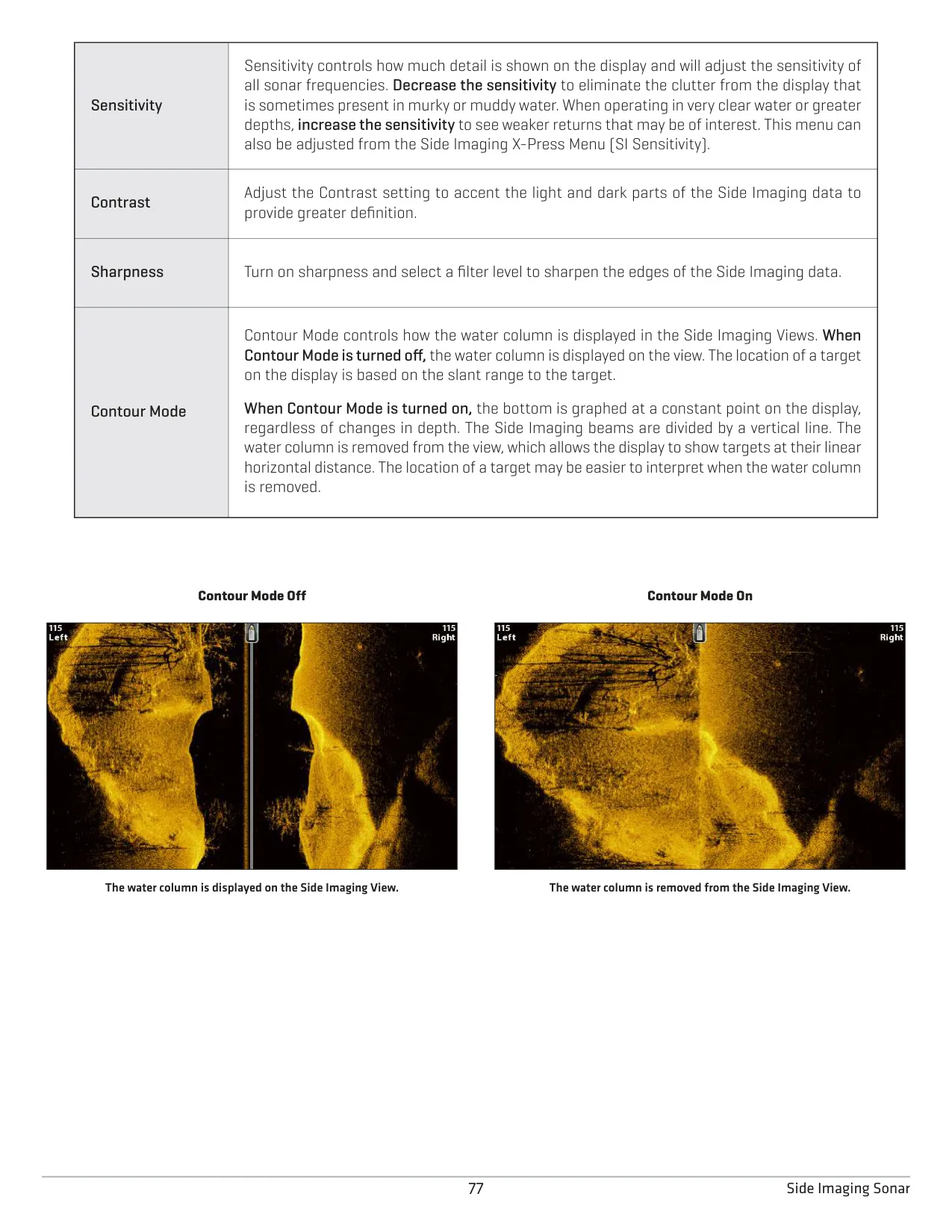
The Sonar Zoom View includes Bottom Lock, which draws the bottom as a flat line so fish holding near it are easier to separate. Split Sonar View shows the two frequencies side by side. Surface Clutter, a Noise Filter with levels up to High 3, and separate sensitivity controls for each beam help you tune the display. SI GPS owners also get a Jigging Mode. On imaging models, the SI Enhance and DI Enhance menus adjust contrast and sharpness. SI models also include Contour Mode, which removes the water column so targets appear at their true horizontal distance.
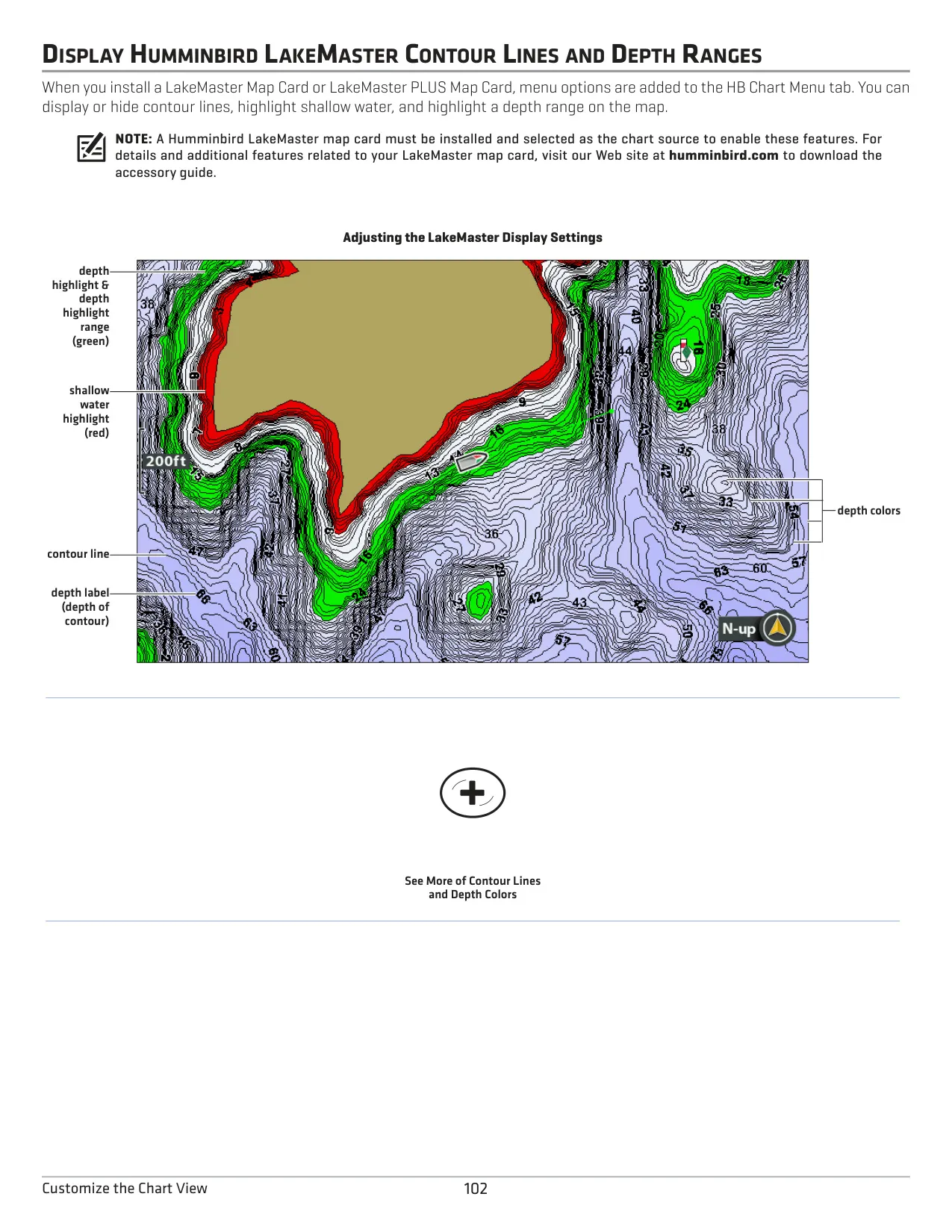
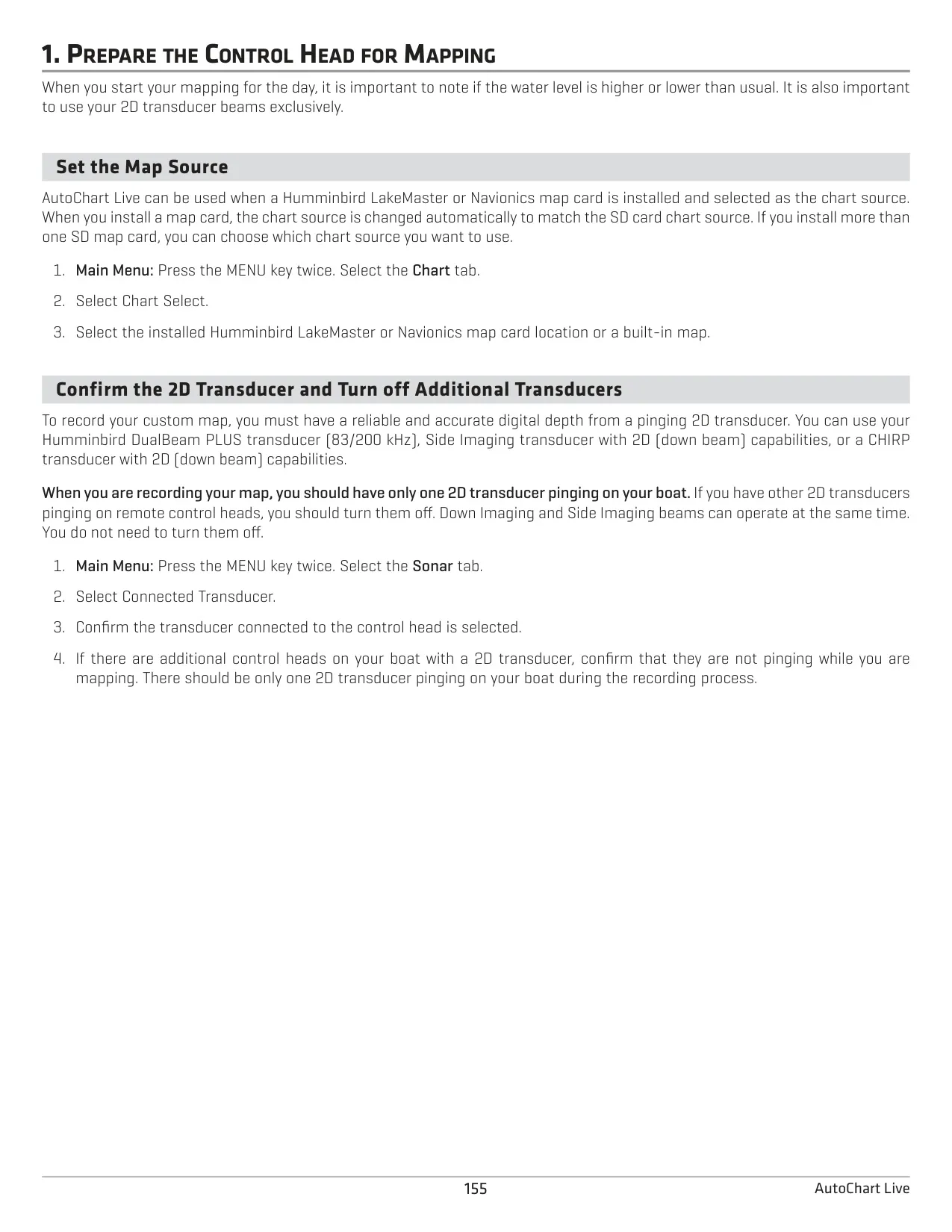
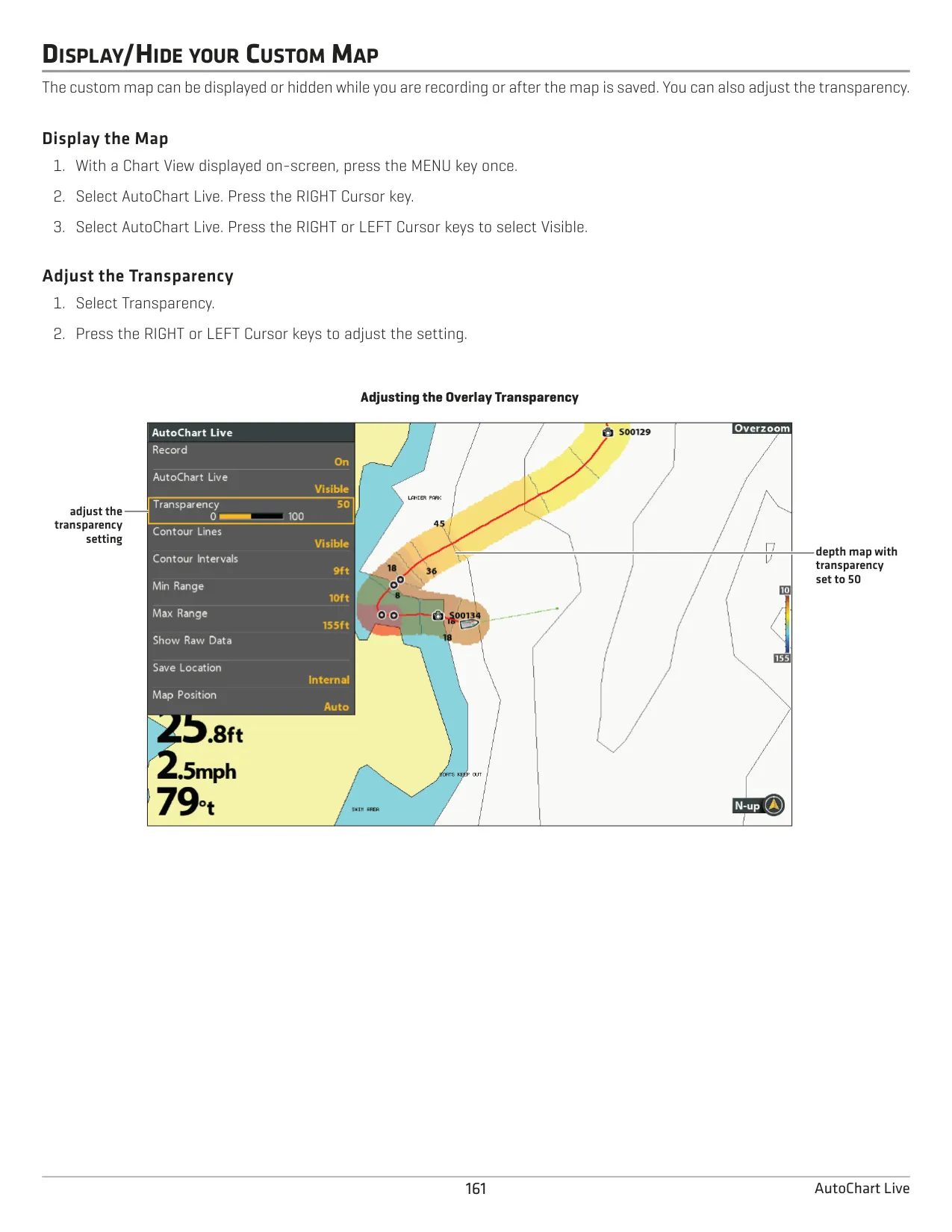
For charting, you can add Humminbird LakeMaster, ChartSelect or Navionics cards. LakeMaster cards add a Water Level Offset, depth highlight ranges shown in green, and shallow water highlighting shown in red. AutoChart Live builds your own depth maps from the 2D down beam. Humminbird recommends steady speeds of 0 to 8 mph and a zig-zag survey pattern. Chart options include North-Up, Head-Up and Course-Up orientation, Auto Zoom, Vessel Offset, the Bird's Eye 3D view, and custom chart layers.
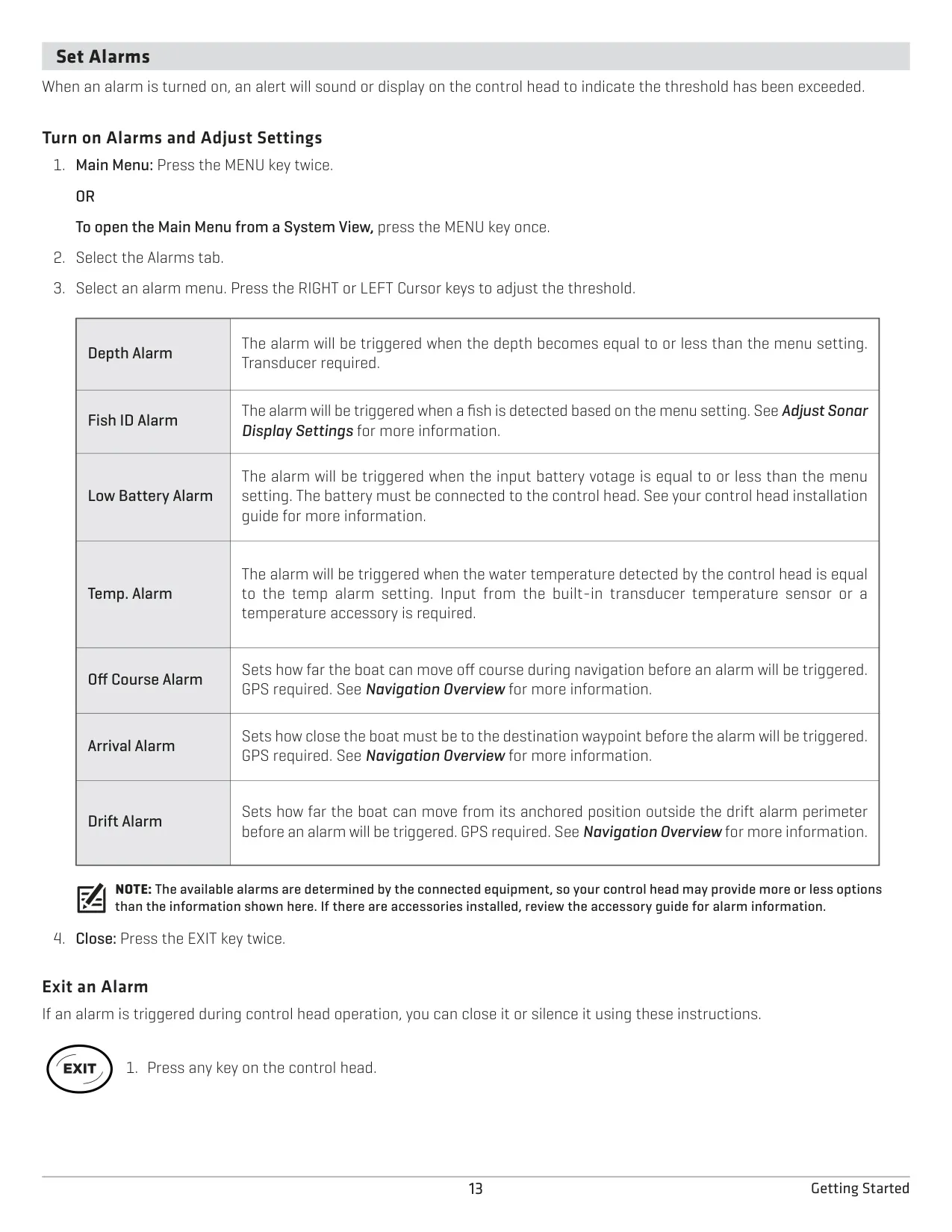
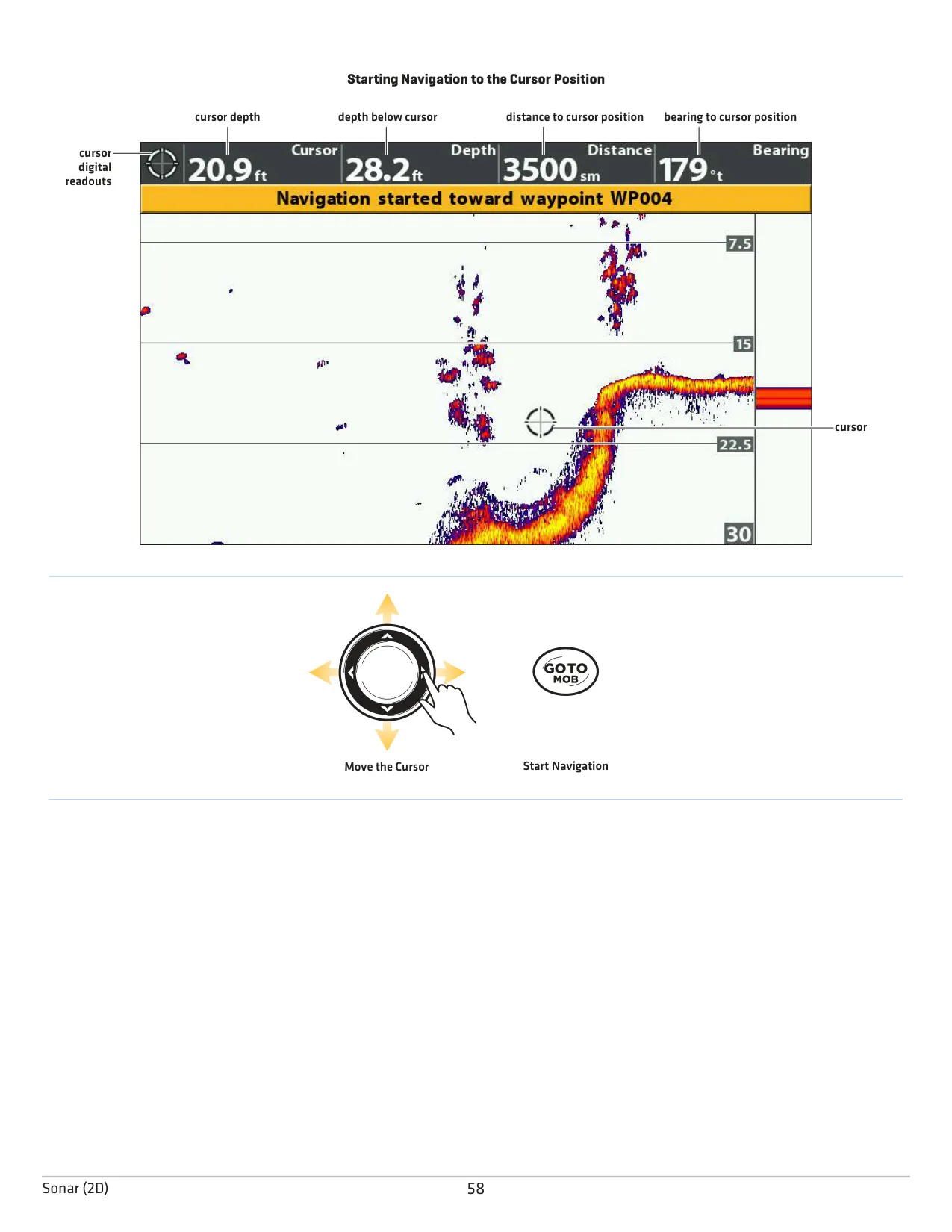
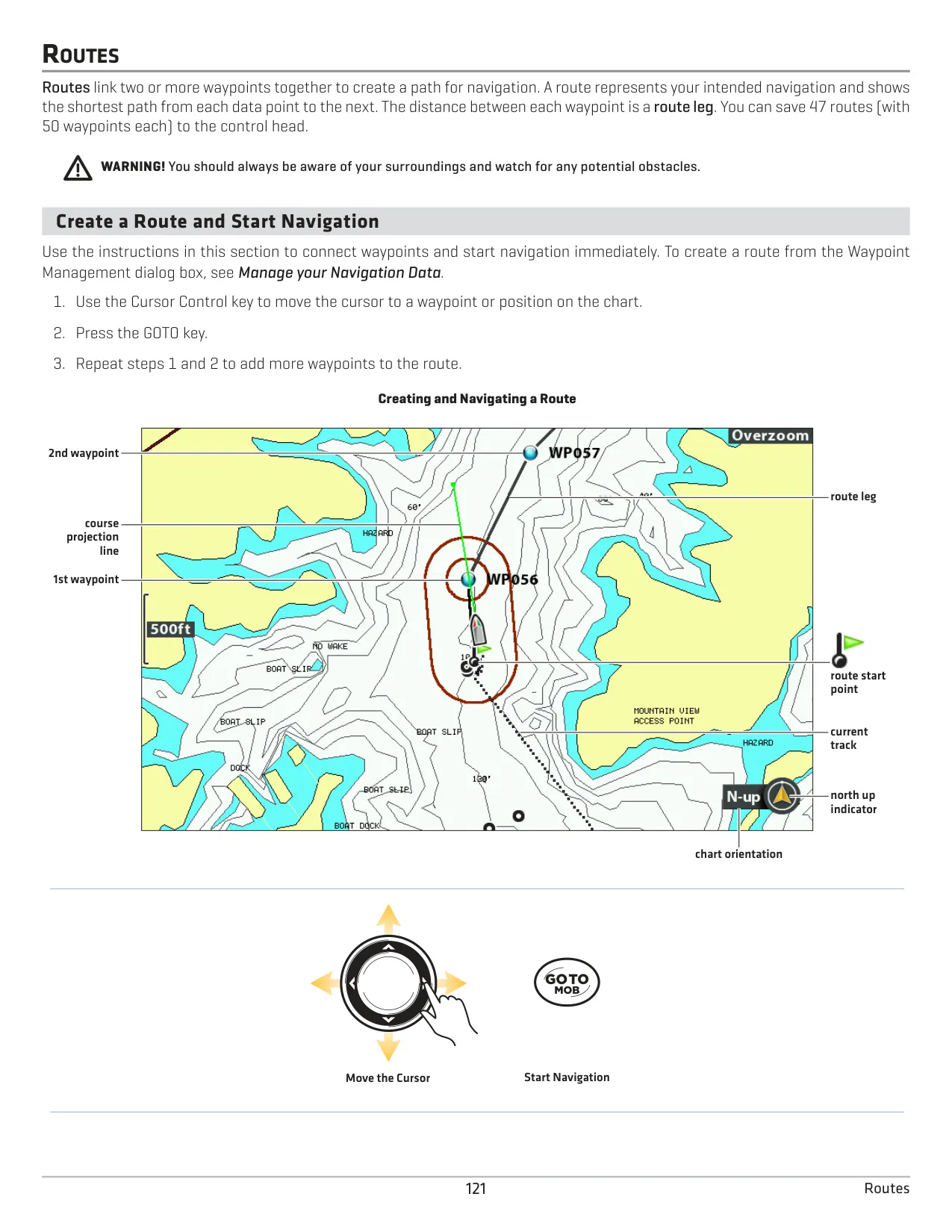
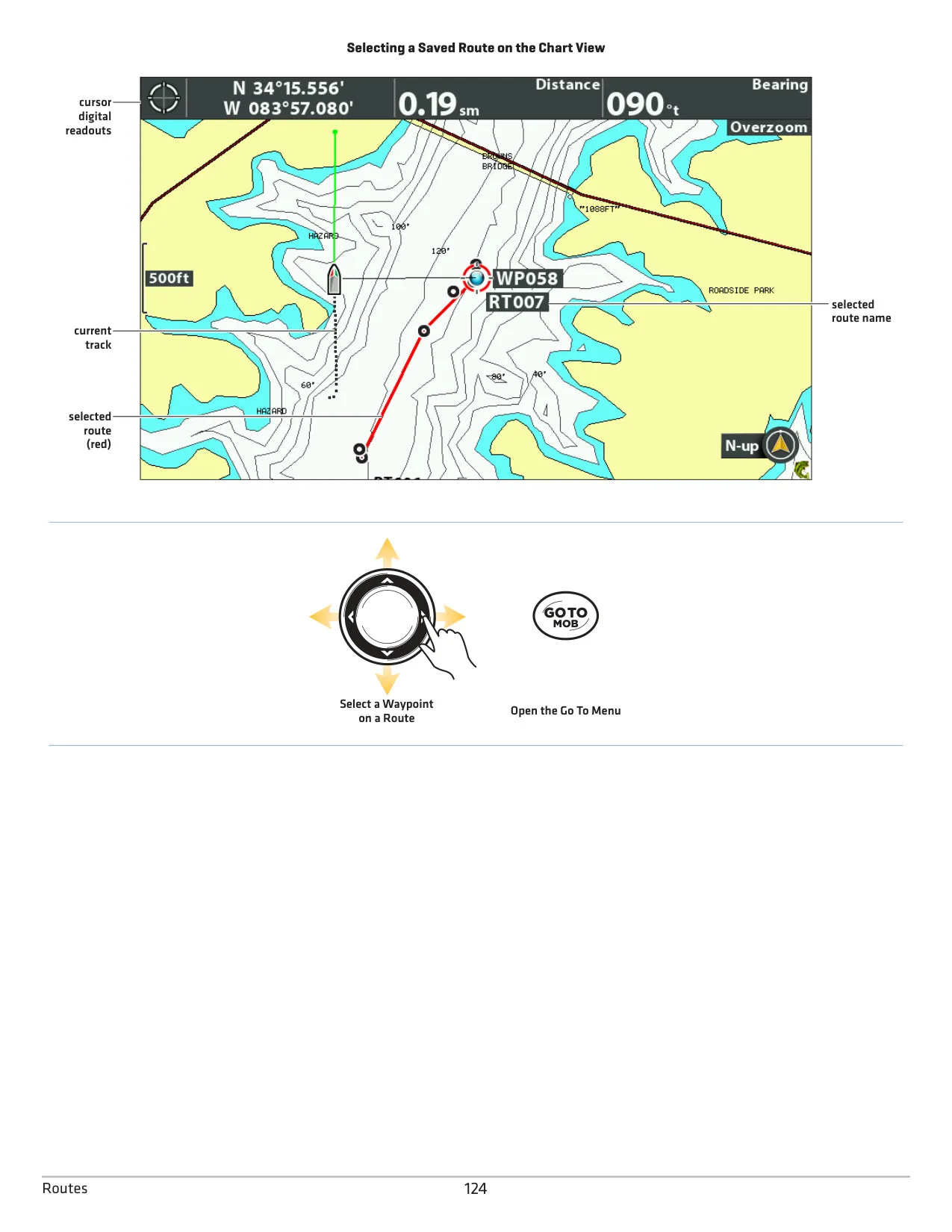
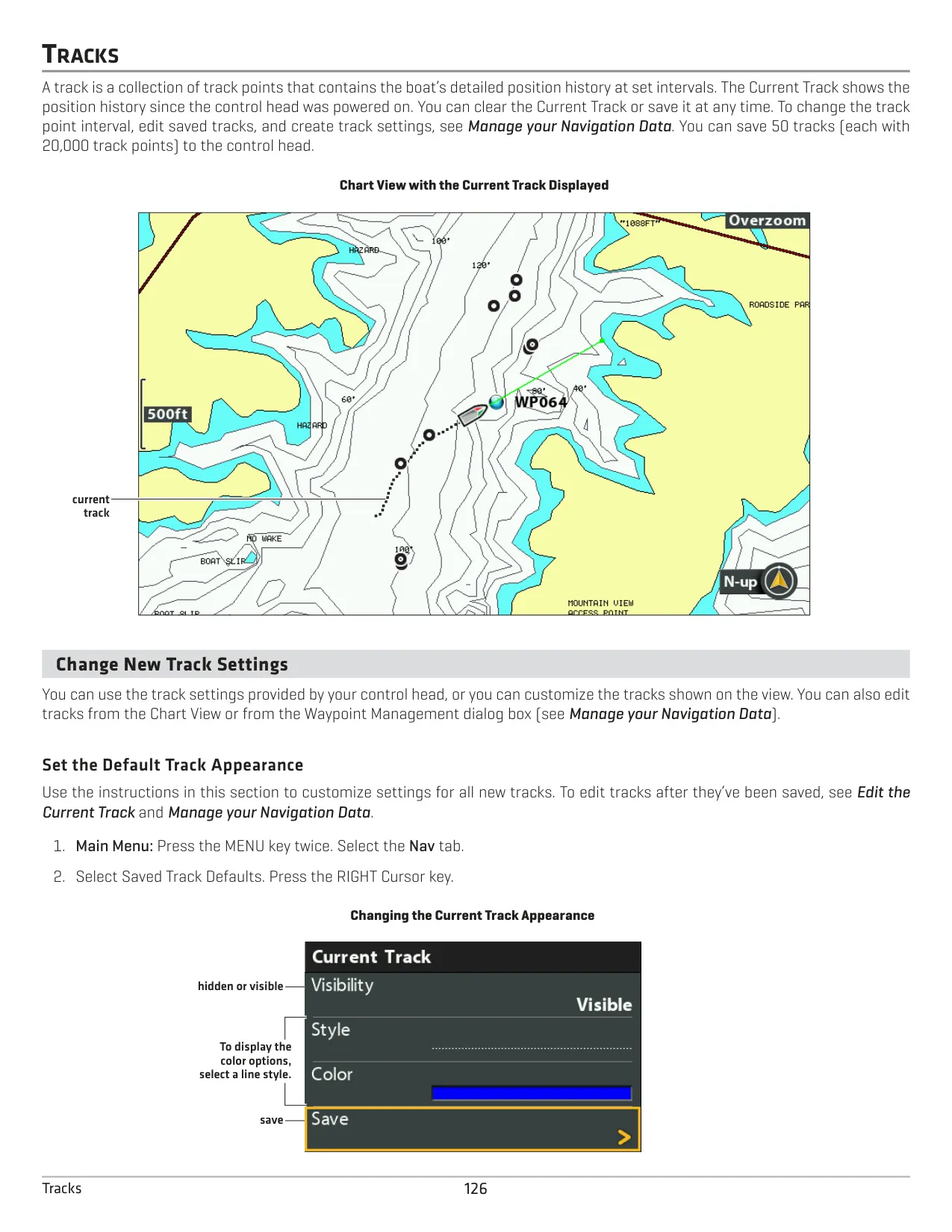
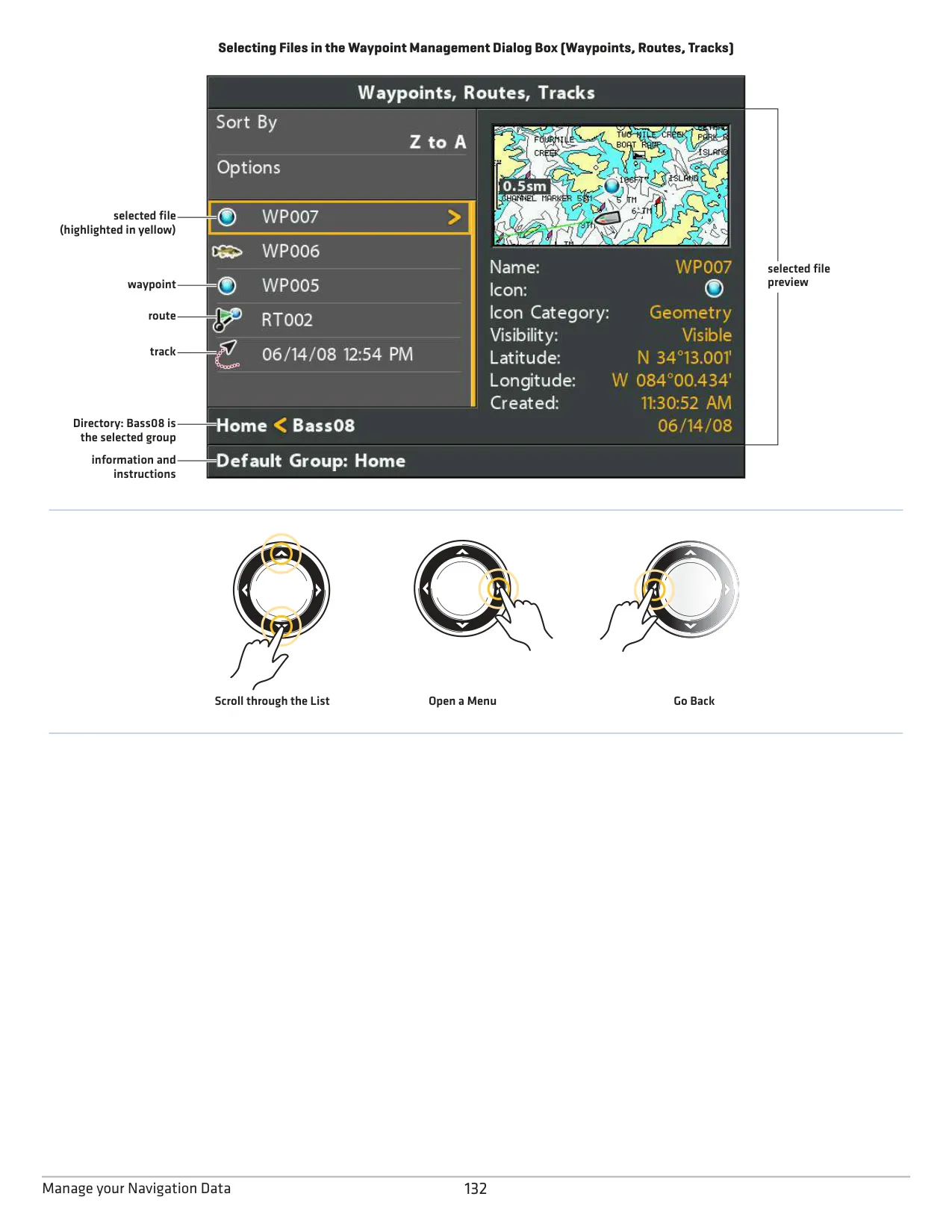
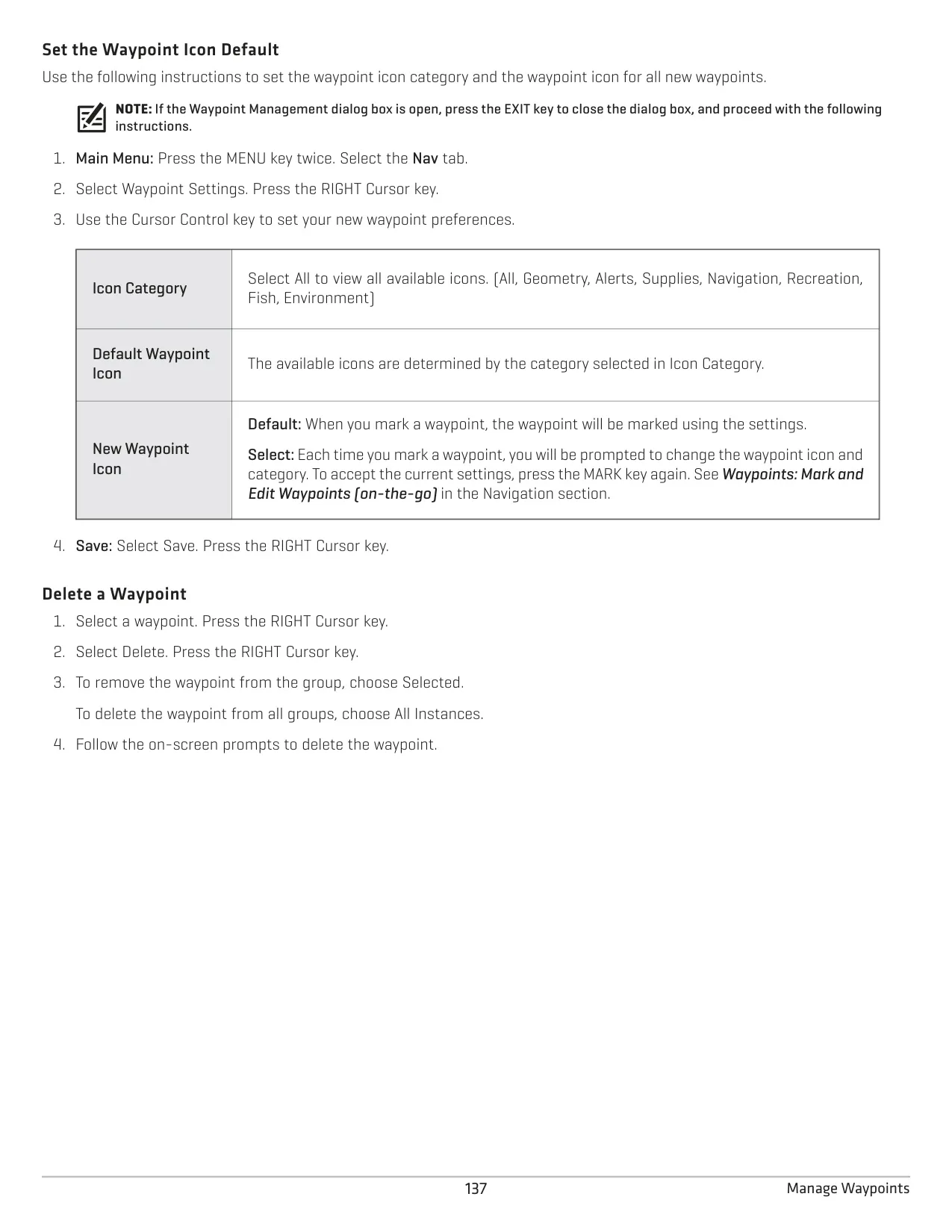
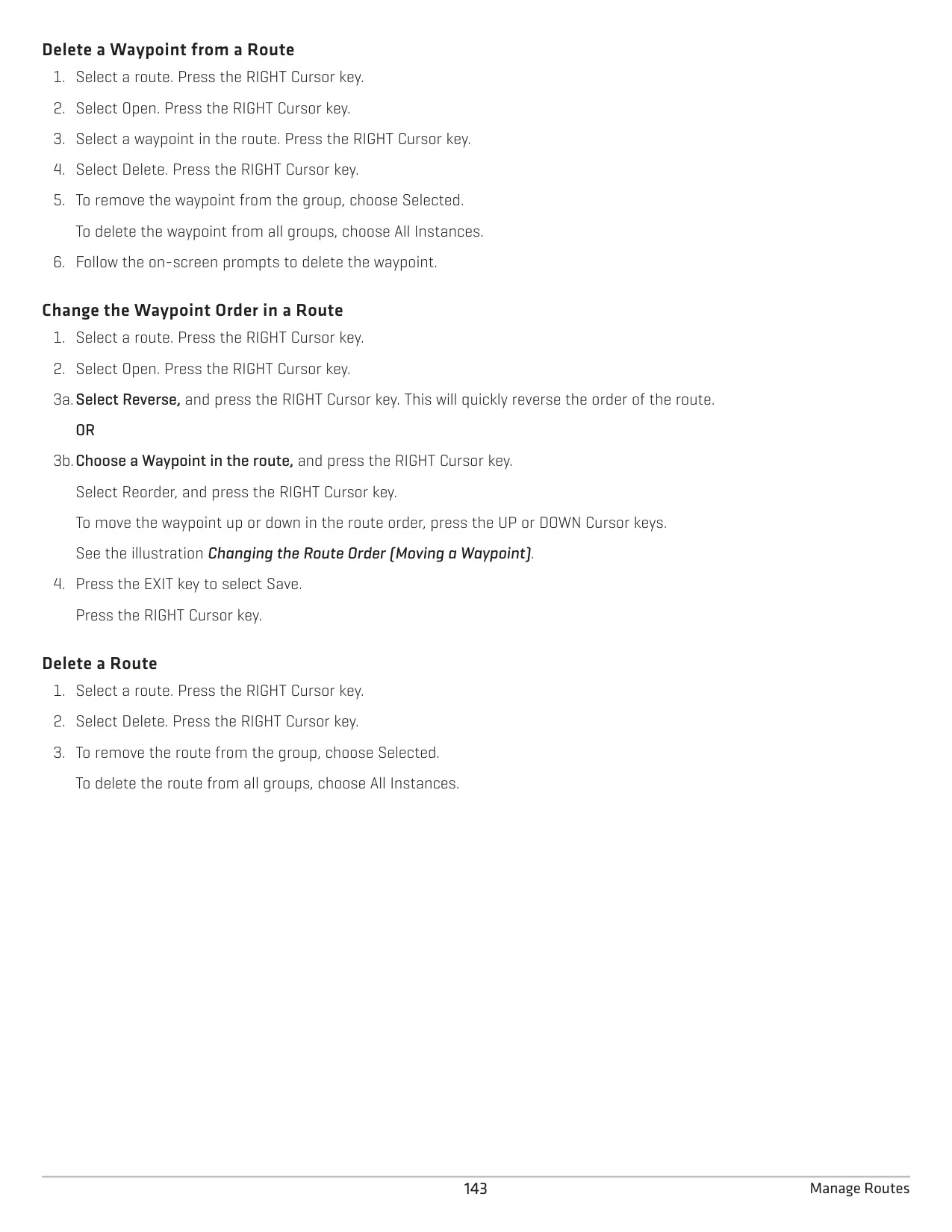
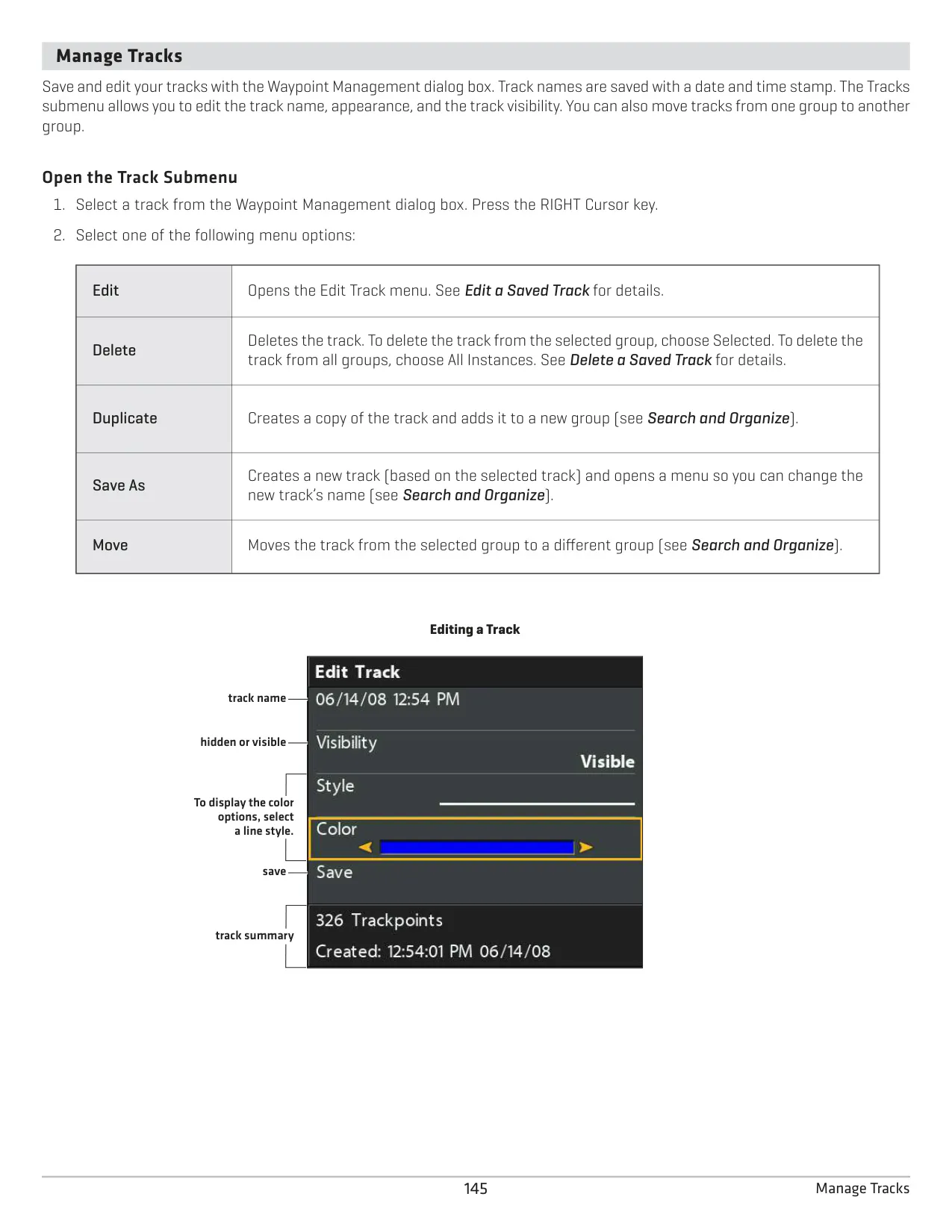
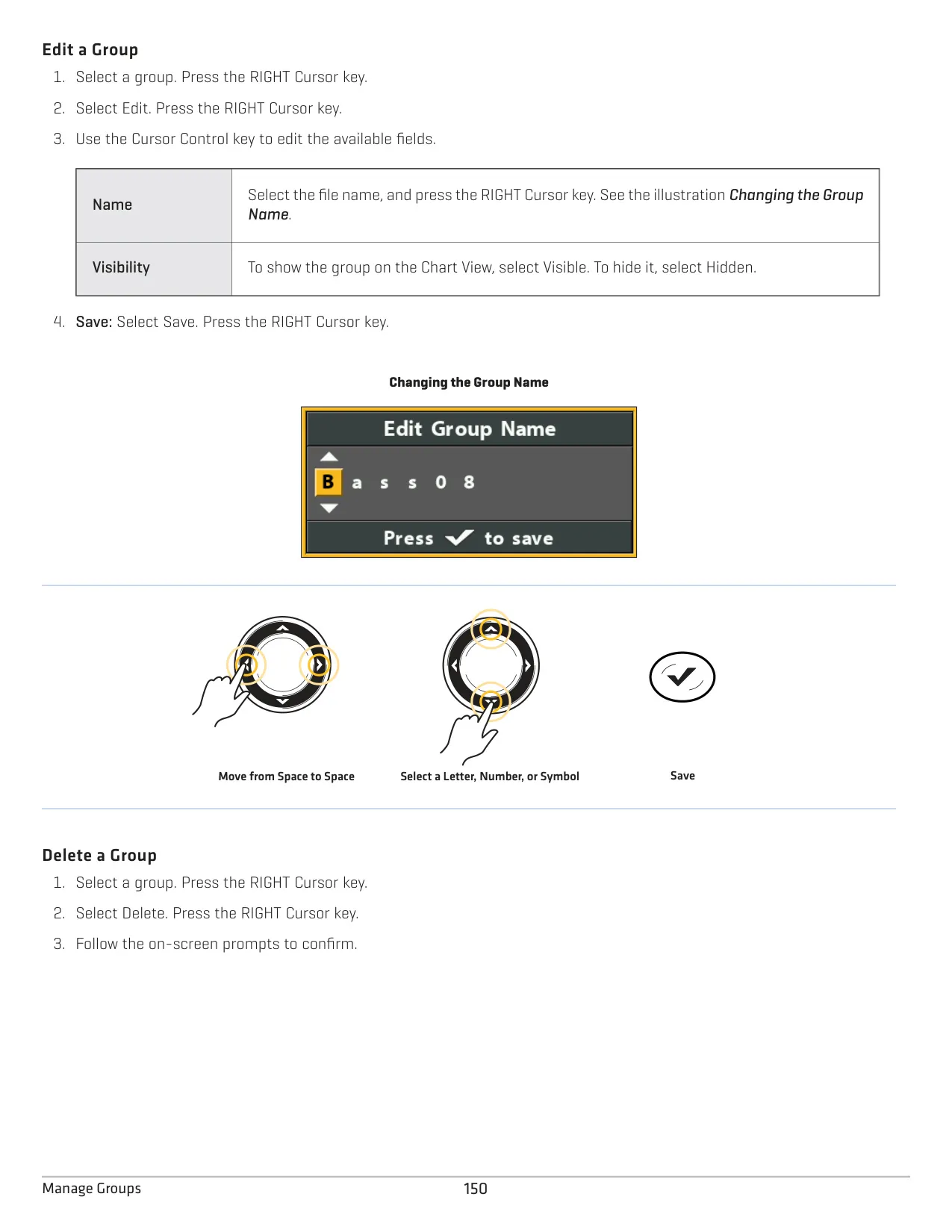
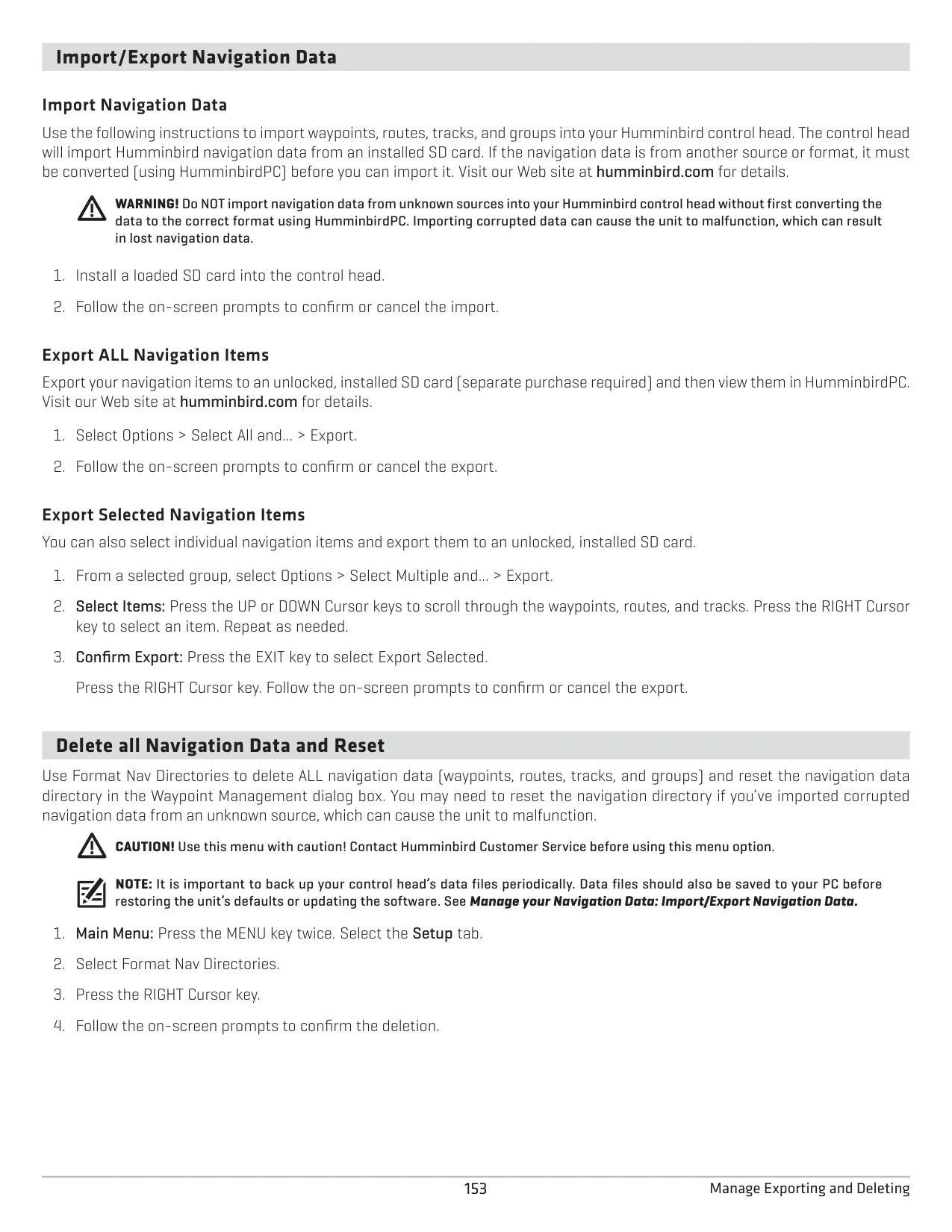
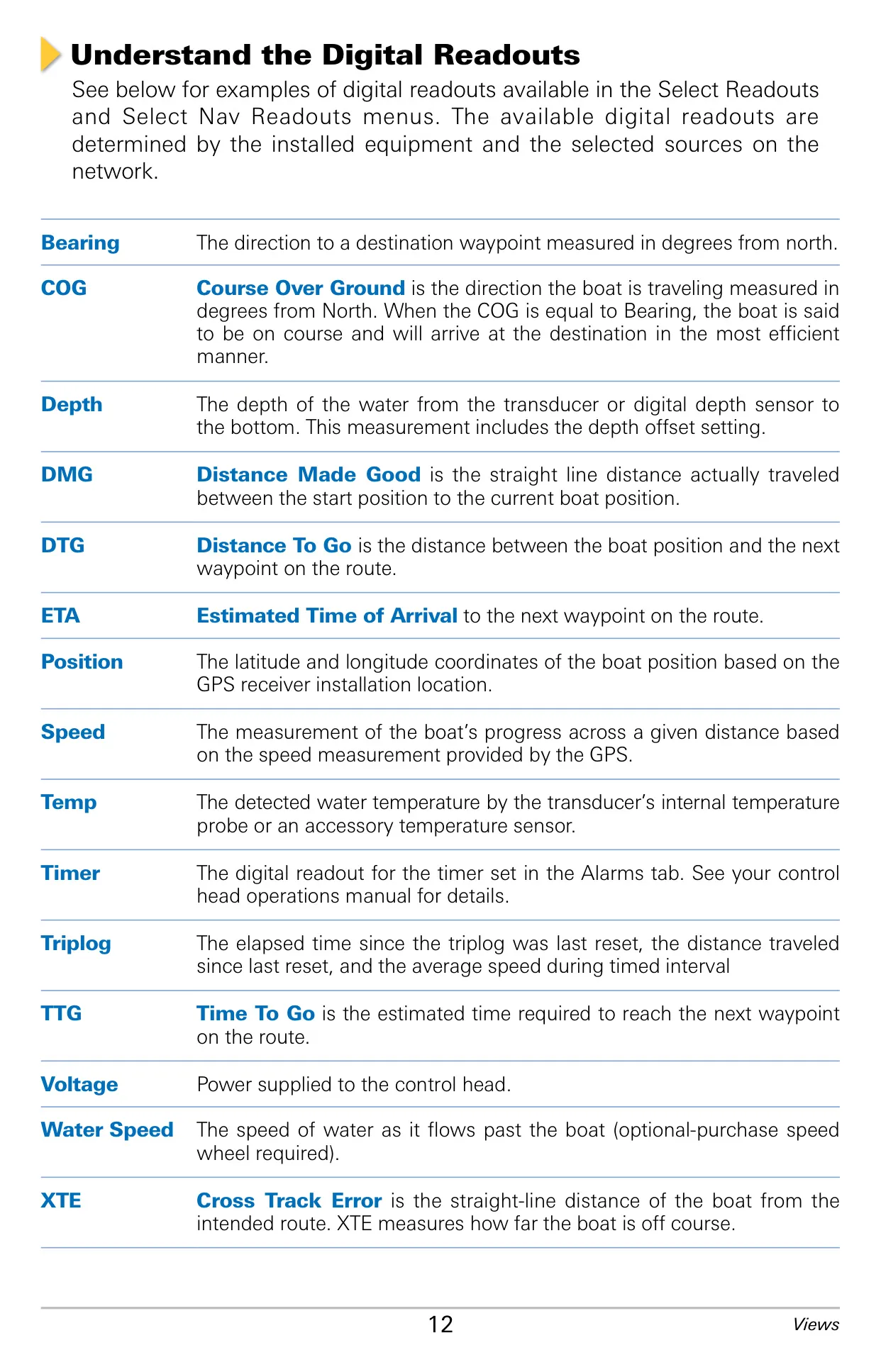
Navigation tools include Man Overboard, which you start by pressing and holding the GOTO/MOB key. It marks the position and begins navigating back to it right away. Other tools include trolling grids, casting rings, continuous navigation around a waypoint, and proximity flags for the ten closest waypoints. Waypoints, routes and tracks can be sorted into groups, searched, and exported to HumminbirdPC. Alarms cover depth, Fish ID, low battery, water temperature, off course, arrival and drift. A Triplog and a countdown timer can also be shown as digital readouts.
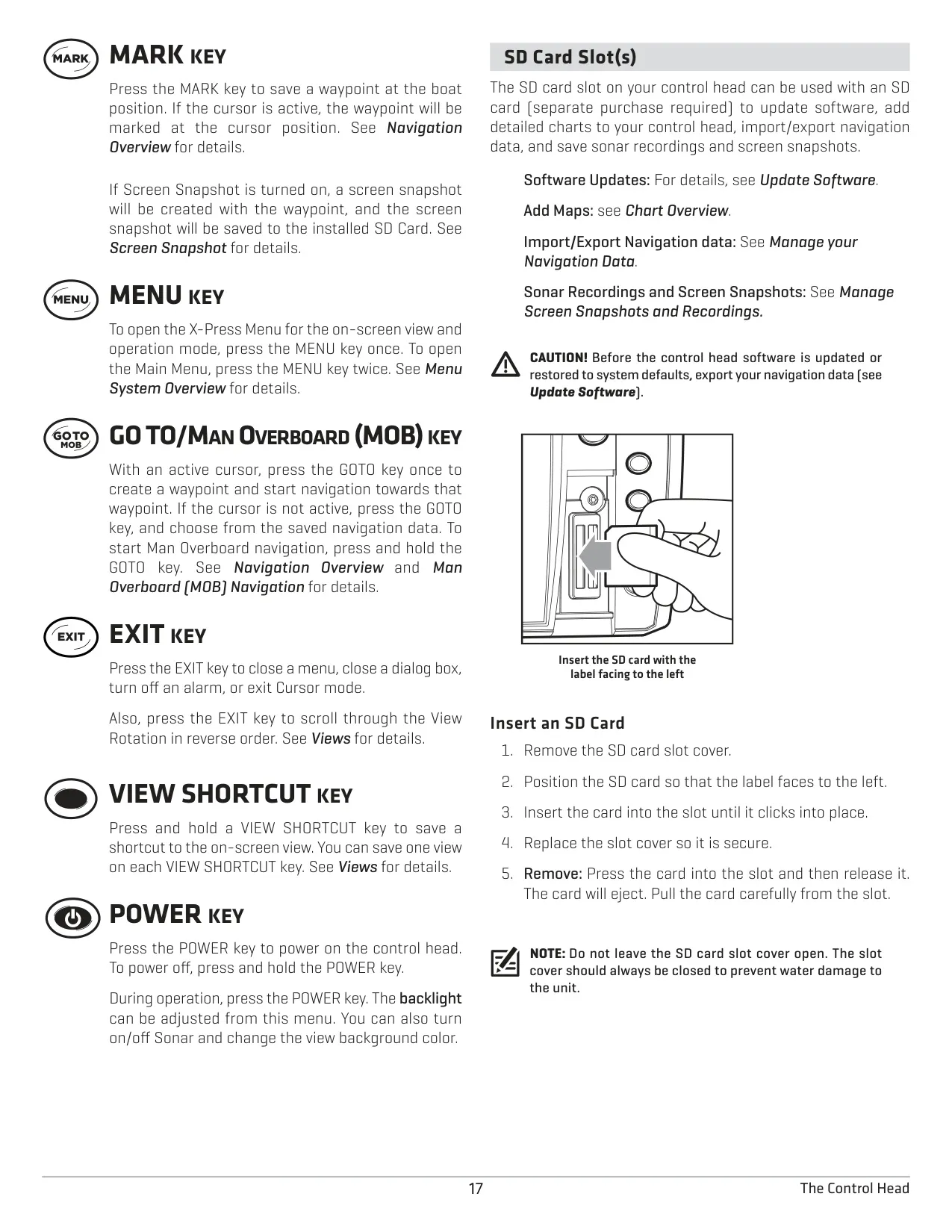
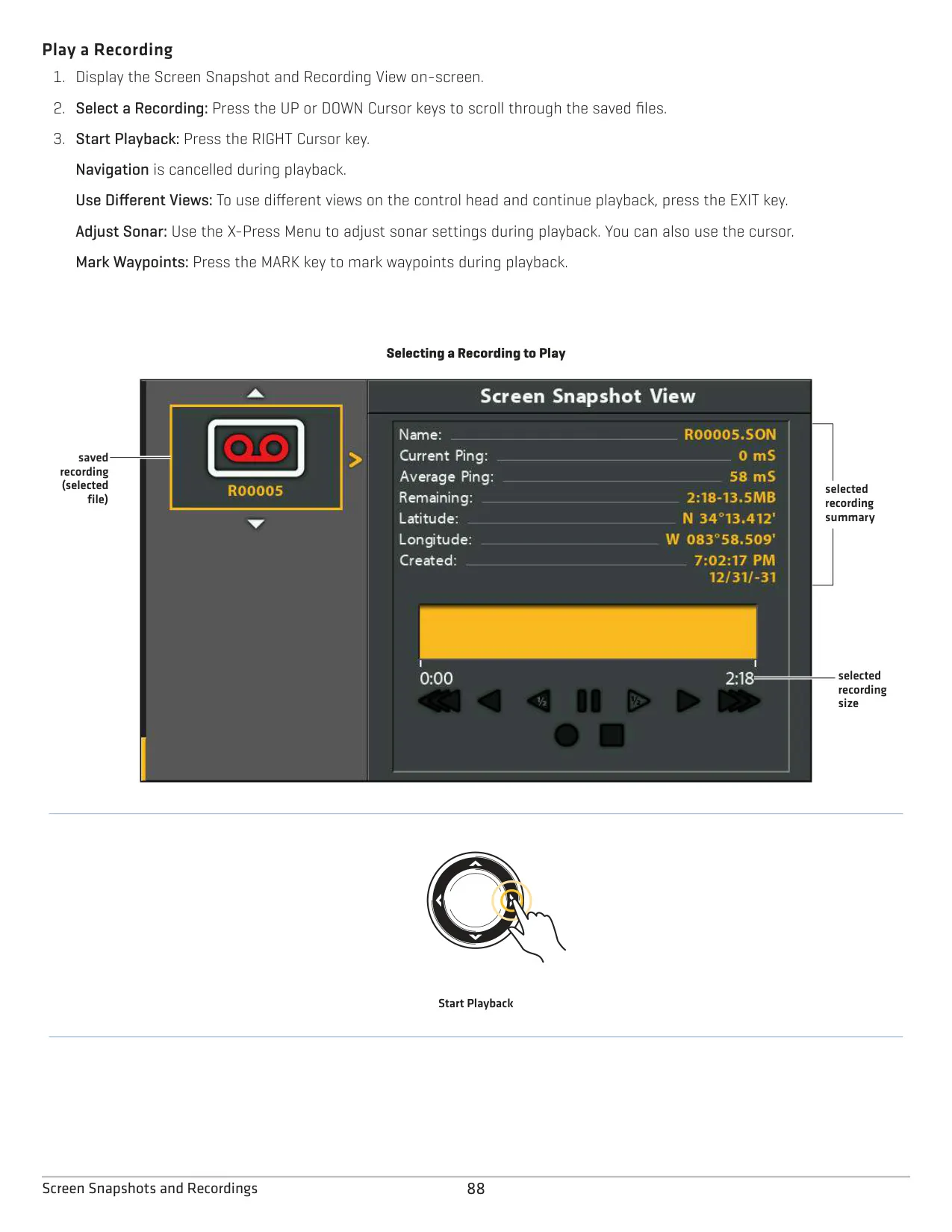
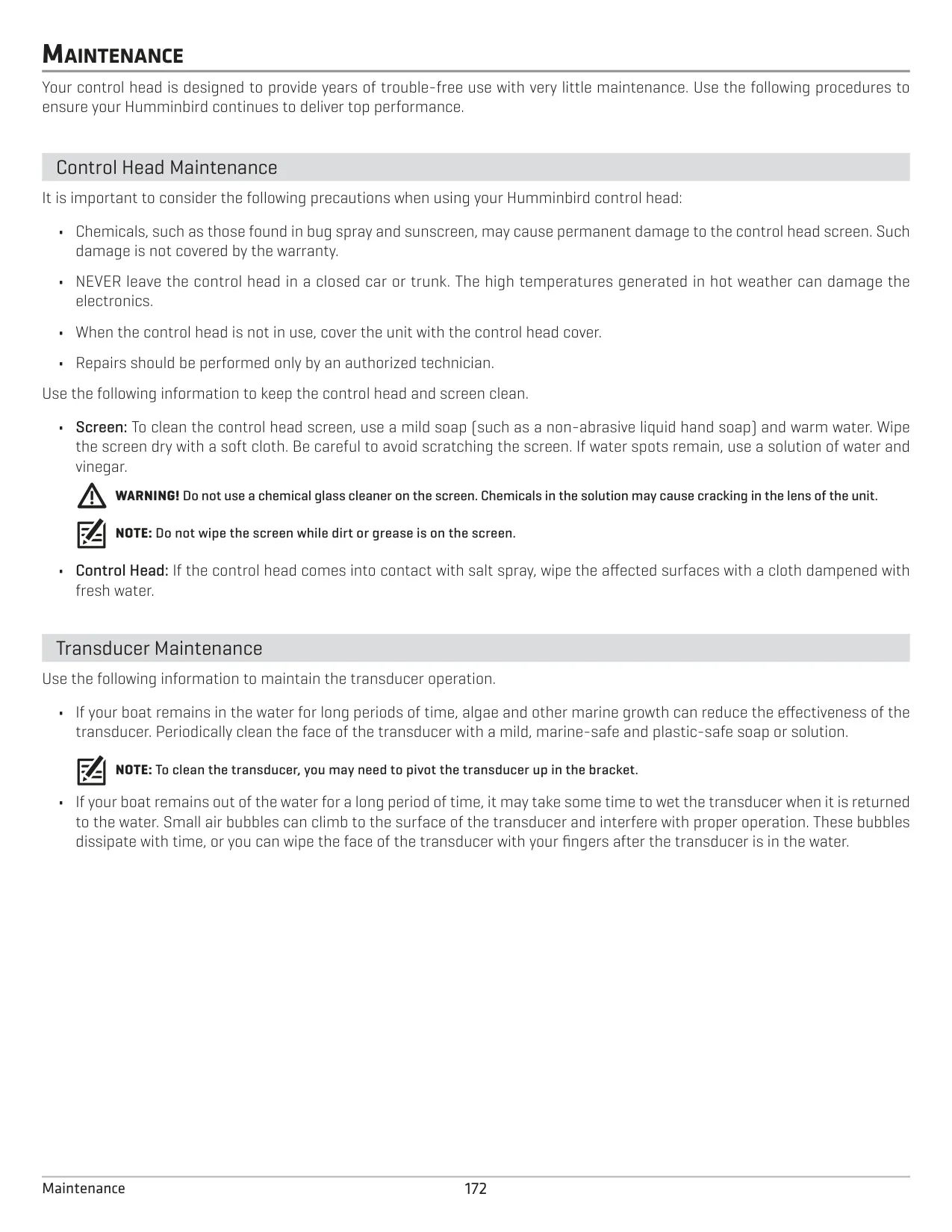
With an SD card installed, pressing MARK saves a screen snapshot (.PNG) along with a waypoint, and the recording feature saves sonar data as .SON files. You can adjust the Pings Per Second setting to save card space and change the playback speed. For care, clean the screen only with mild soap and warm water and never use a chemical glass cleaner. Keep the SD slot cover closed, and don't leave the unit in a hot car. If you see sonar noise, first check the engine wiring, propeller cavitation and nearby electronics.
Frequently Asked Questions (FAQs)
Can't find the answer you need? Here are some frequently asked questions about the Humminbird Helix 9 Fishfinder, and we answer them below.