Humminbird Helix 5 Chirp GPS G3 Fishfinder Instruction Manual

Humminbird Helix 5 Chirp GPS G3 Fishfinder
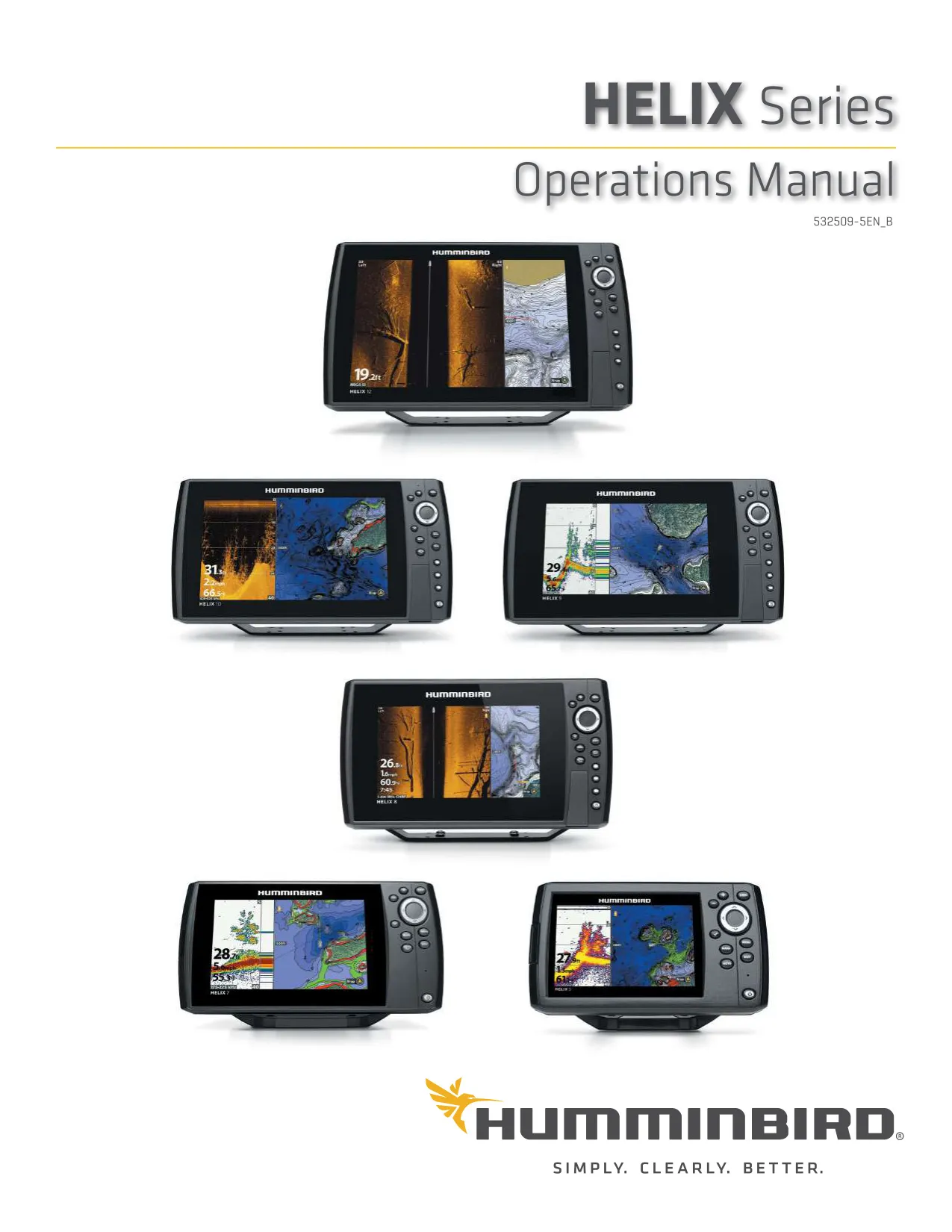





































































































Humminbird Helix 5 Chirp GPS G3 Fishfinder






Humminbird Helix 5 Chirp GPS G3 Fishfinder





Helix 5 Chirp GPS G3 Instructions
Here we offer the Humminbird Helix 5 Chirp GPS G3 Fishfinder manual completely free and in English. We have cataloged this manual in the Fishfinders section on Manualverse, and it has been rated by 1 users with an average rating of 5. If you have any specific questions about Humminbird Helix 5 Chirp GPS G3 Fishfinder, we suggest checking the Frequently Asked Questions (FAQs) section of this manual.
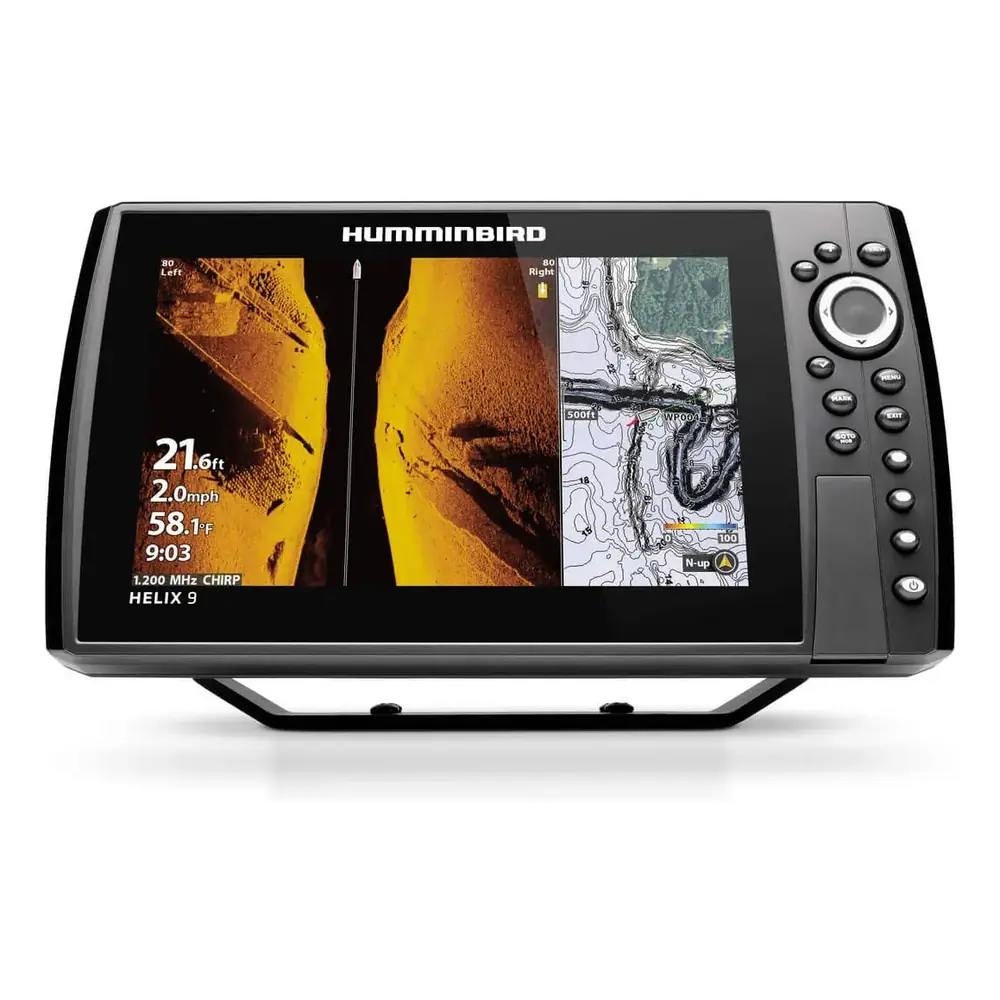
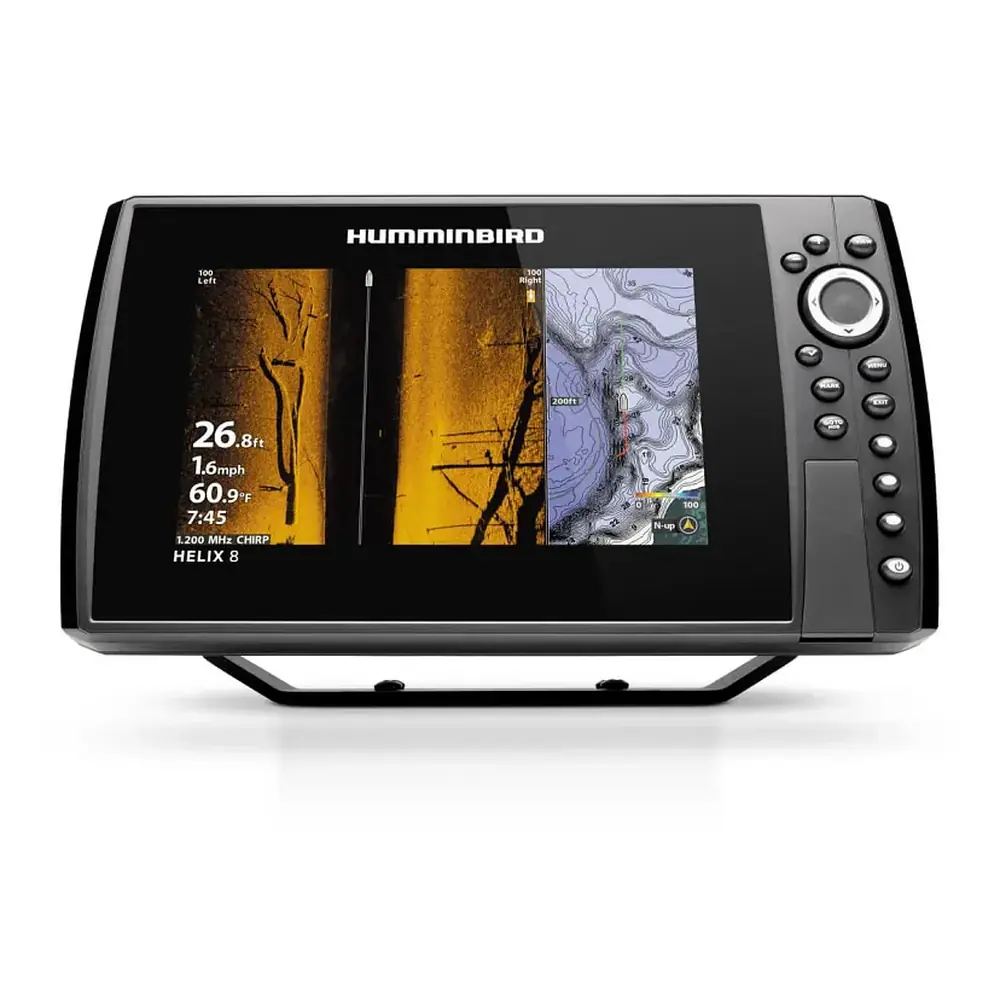
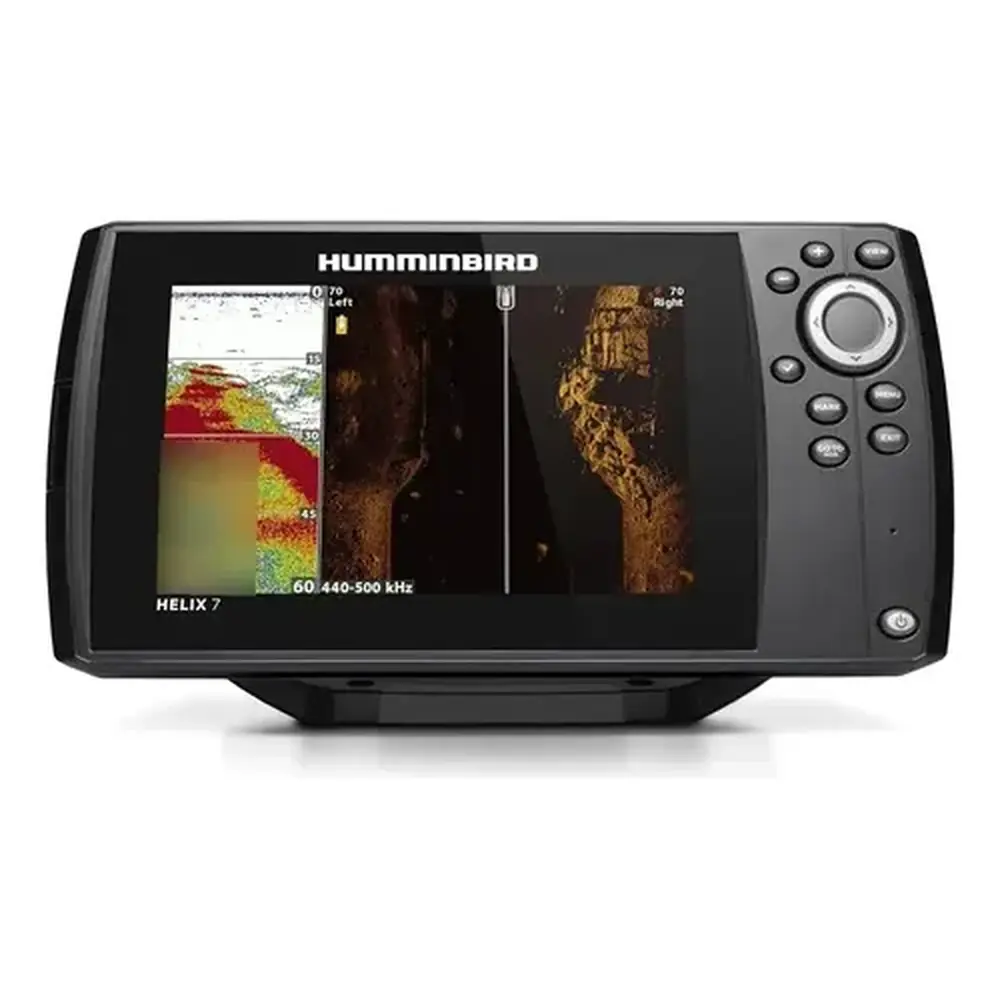
Product Images



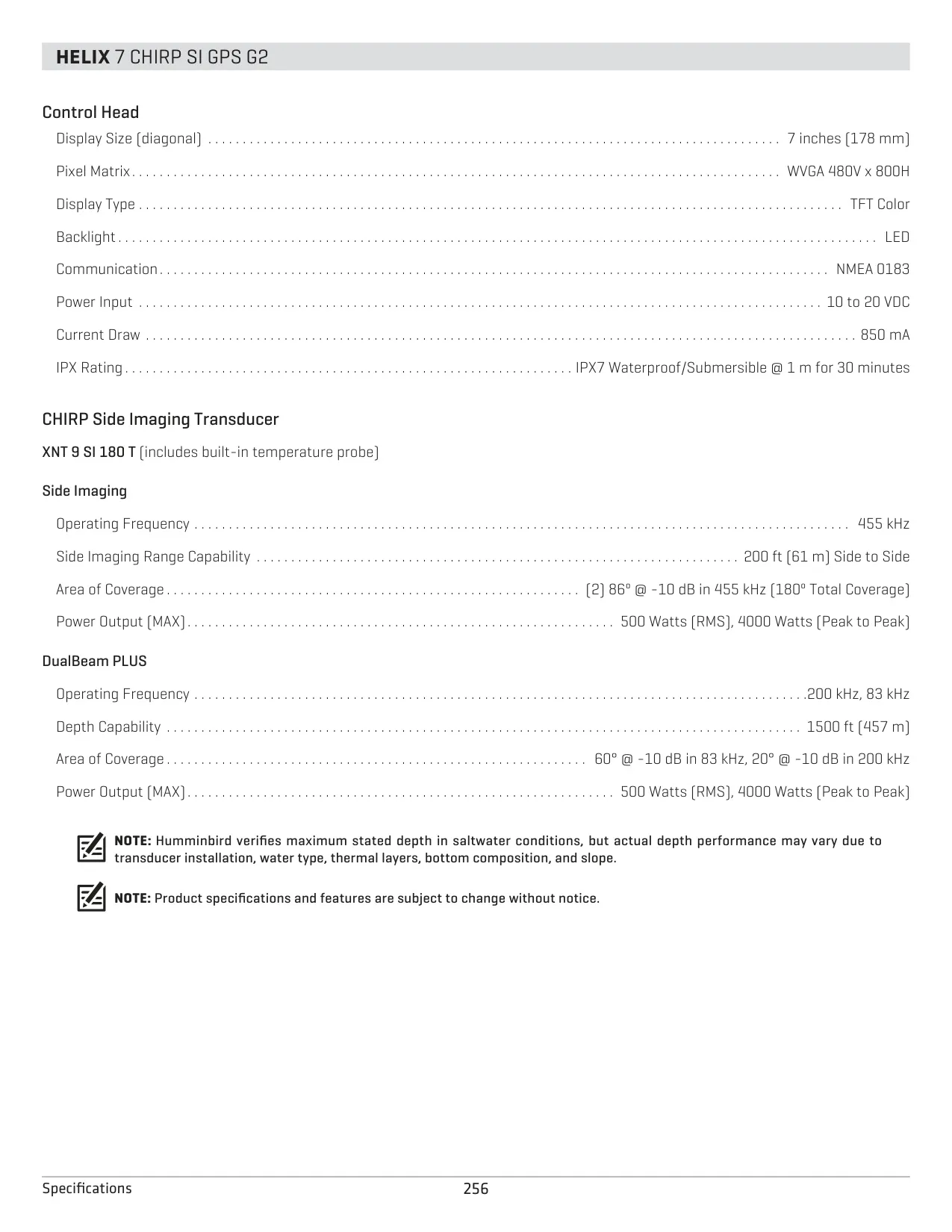
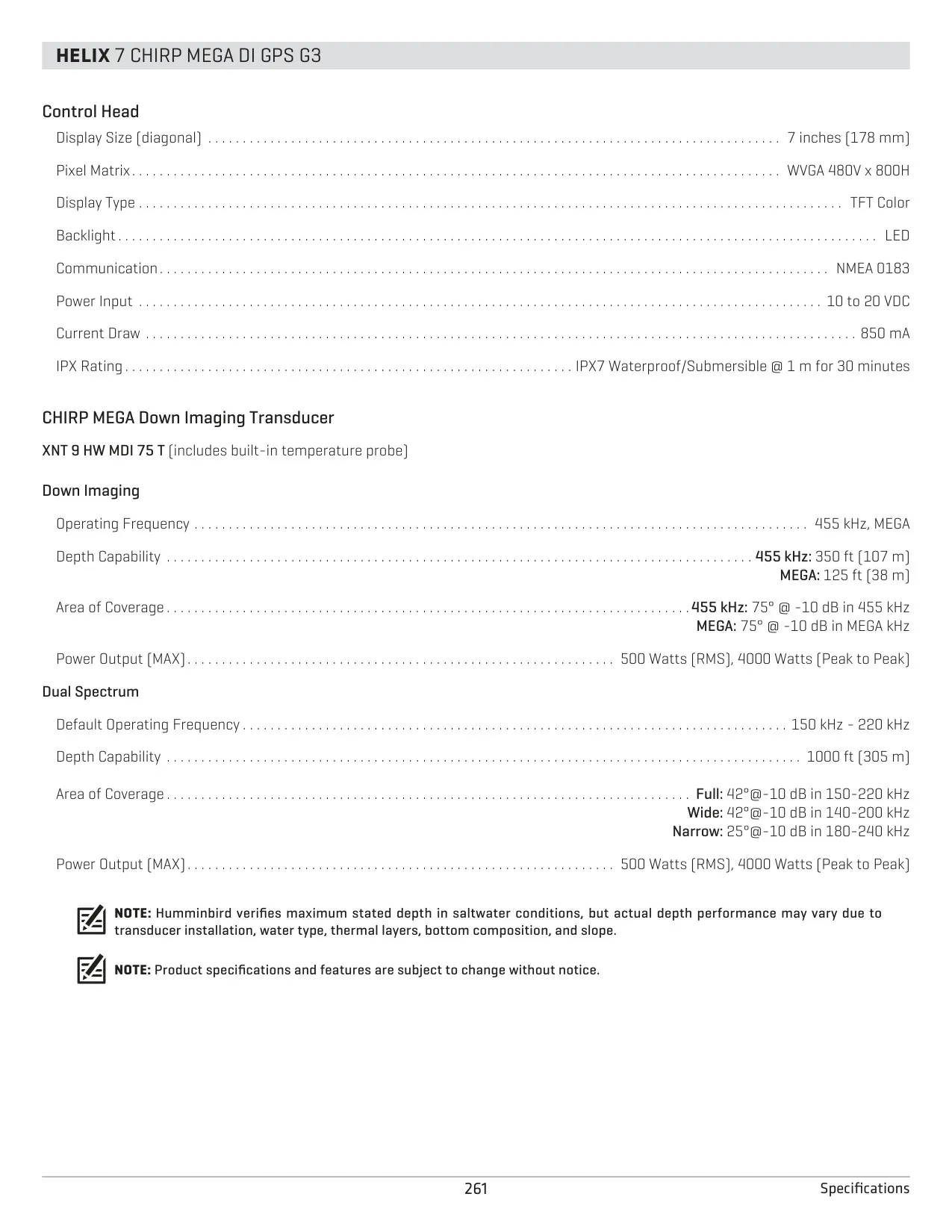
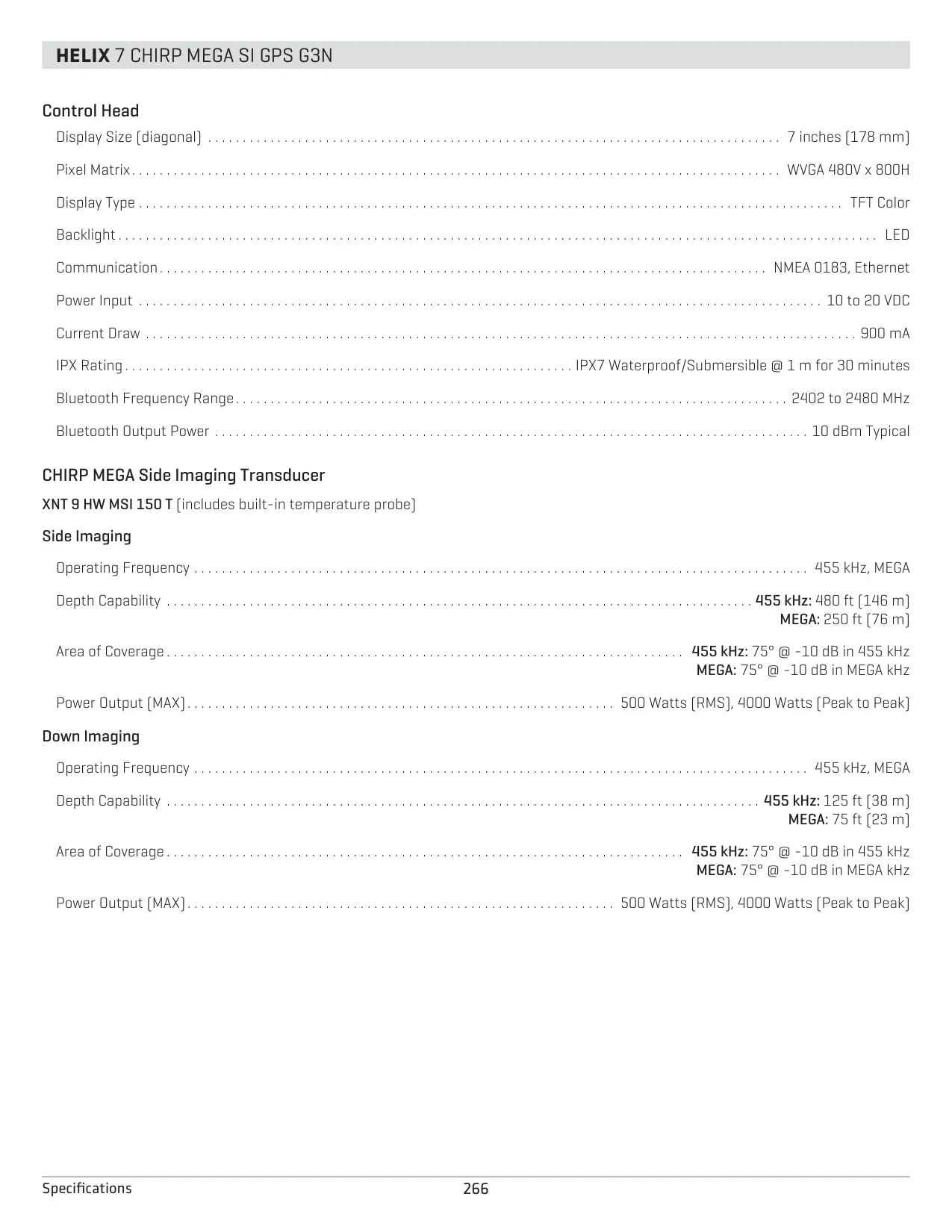
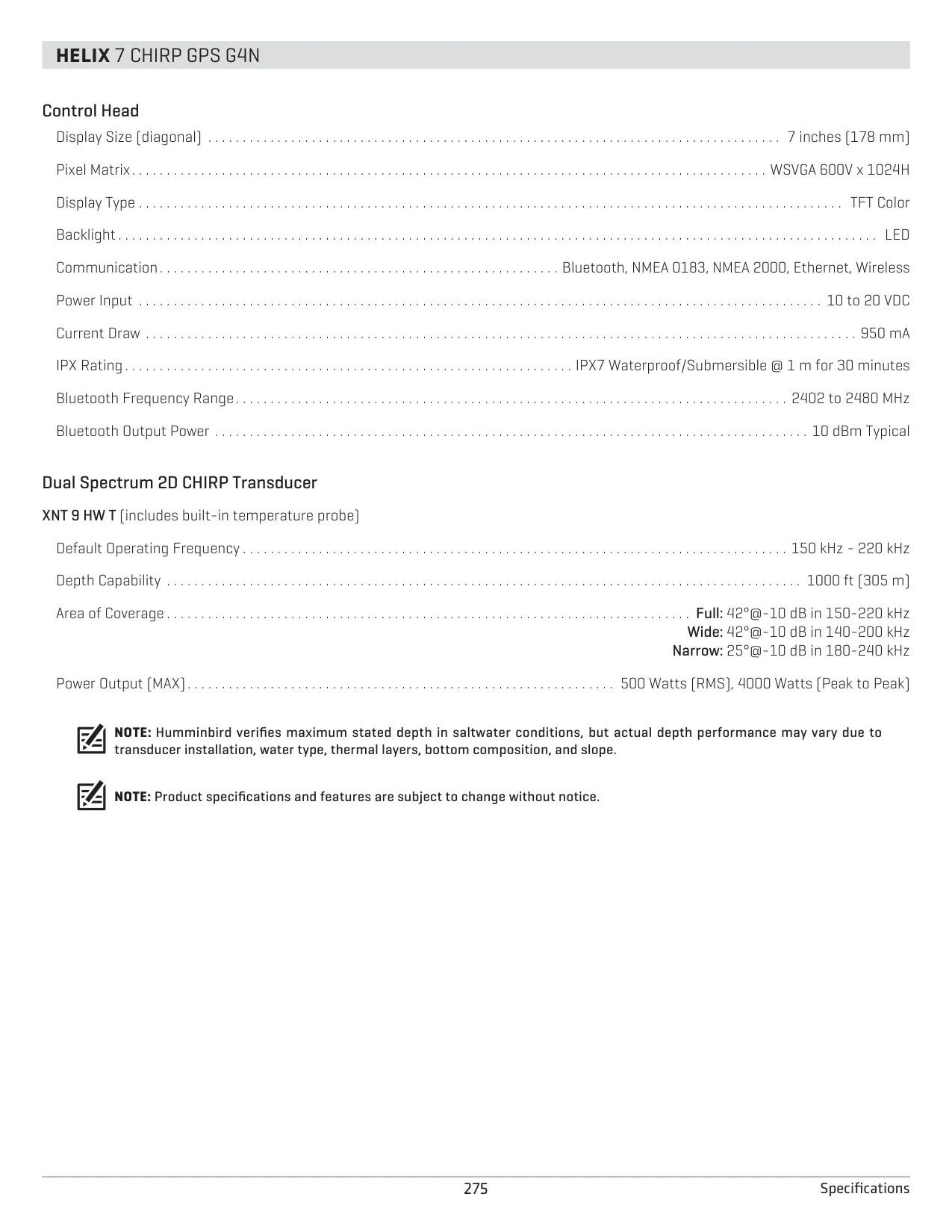
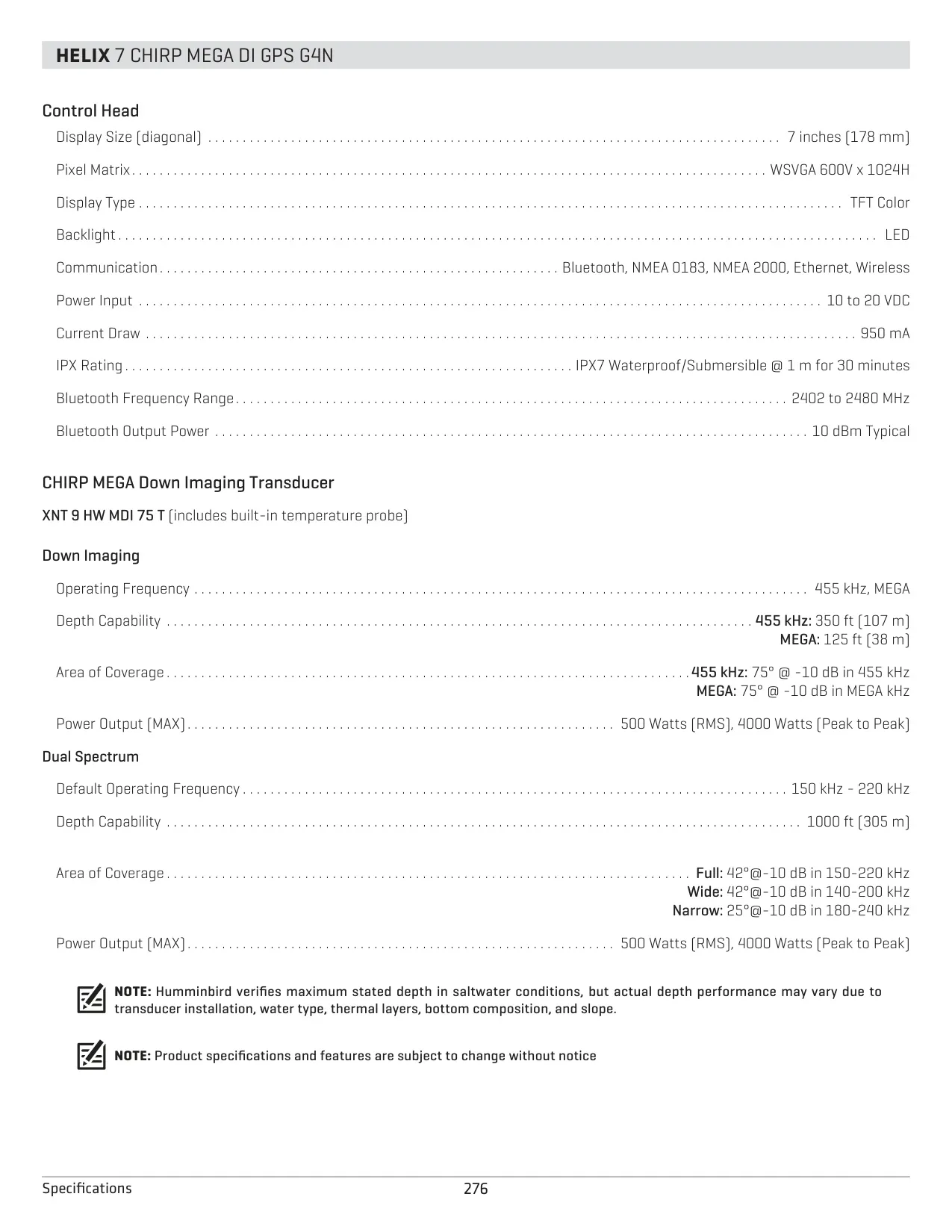
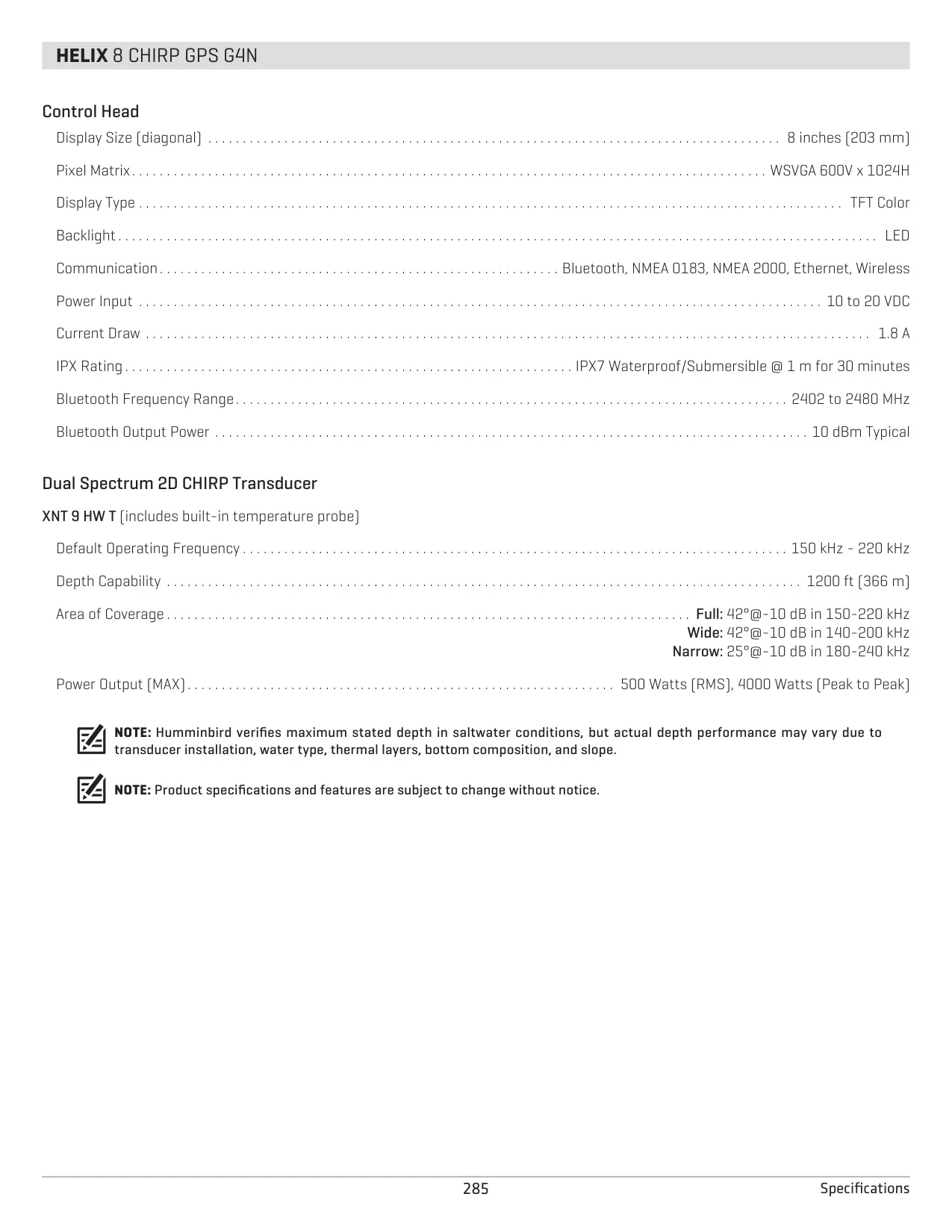
Humminbird Helix 5 Chirp GPS G3 Fishfinder Specifications
| Feature | Specification |
|---|---|
| Model | HELIX 5 CHIRP GPS G3 |
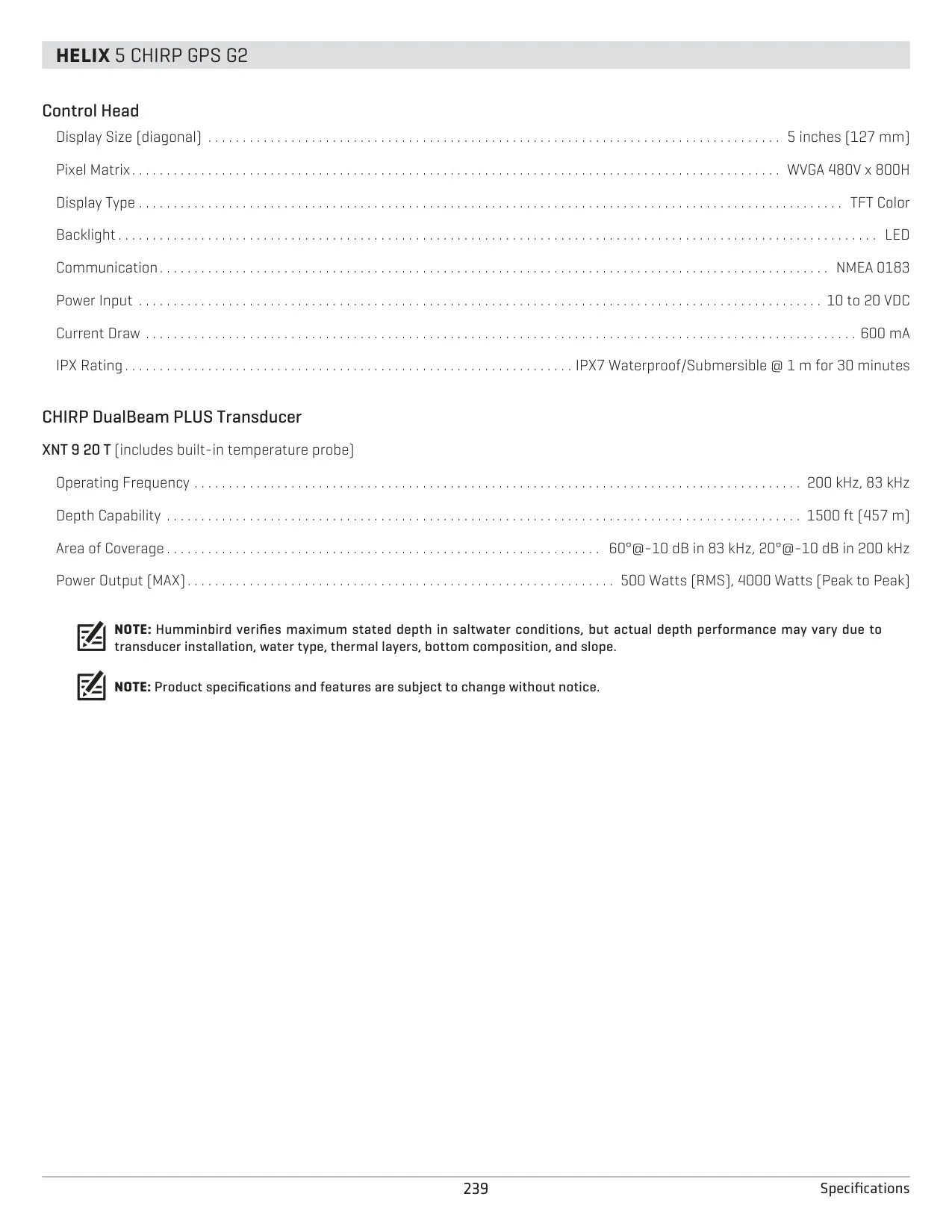
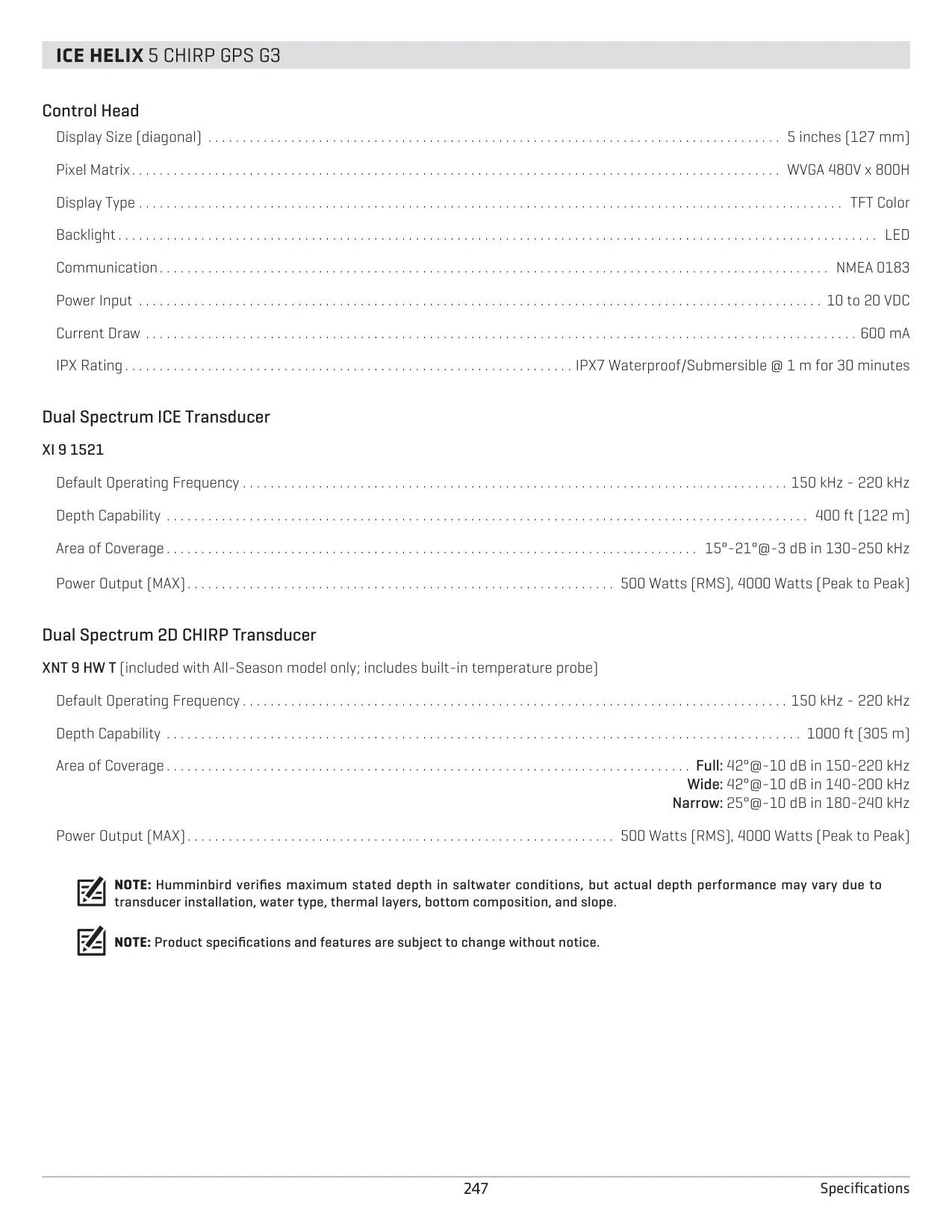
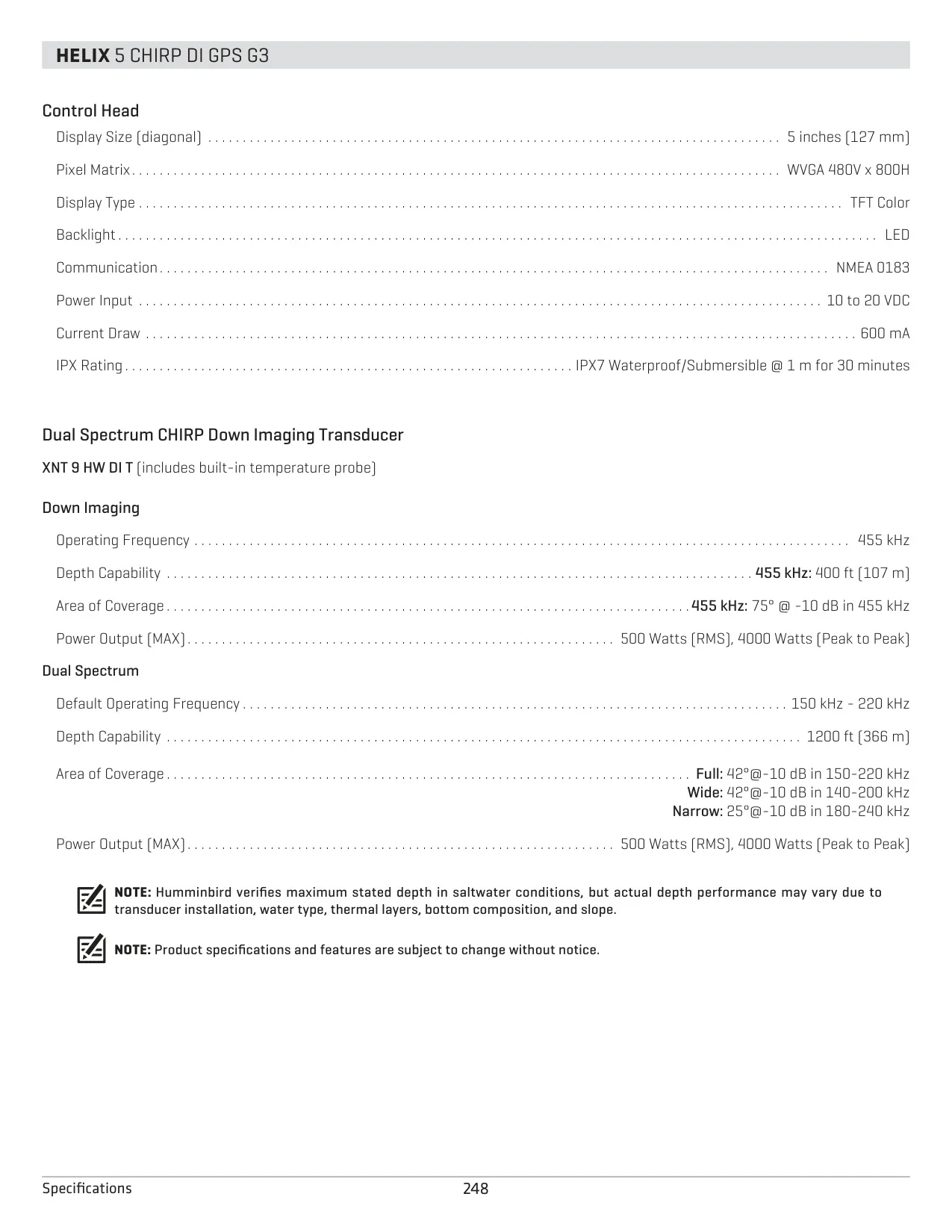
| Display Size | 5" (127 mm) diagonal |
| Display Type | Color TFT with LED backlight |
| Display Matrix | WVGA 480V x 800H |
| Backlight Levels | Dim to 10, plus Standby mode |
| Input Power | 10 to 20 VDC (12 VDC system) |
| Current Draw | 600 mA |
| Recommended Fuse | 3 A |
| Power Cable Length | 6' (2 m) |
| Minimum Operating Voltage | 12.2 V |
| Maximum Input Voltage (Overvoltage Protection) | 20 V |
| Water Resistance | IPX7 (submersible to 1 m for 30 minutes) |
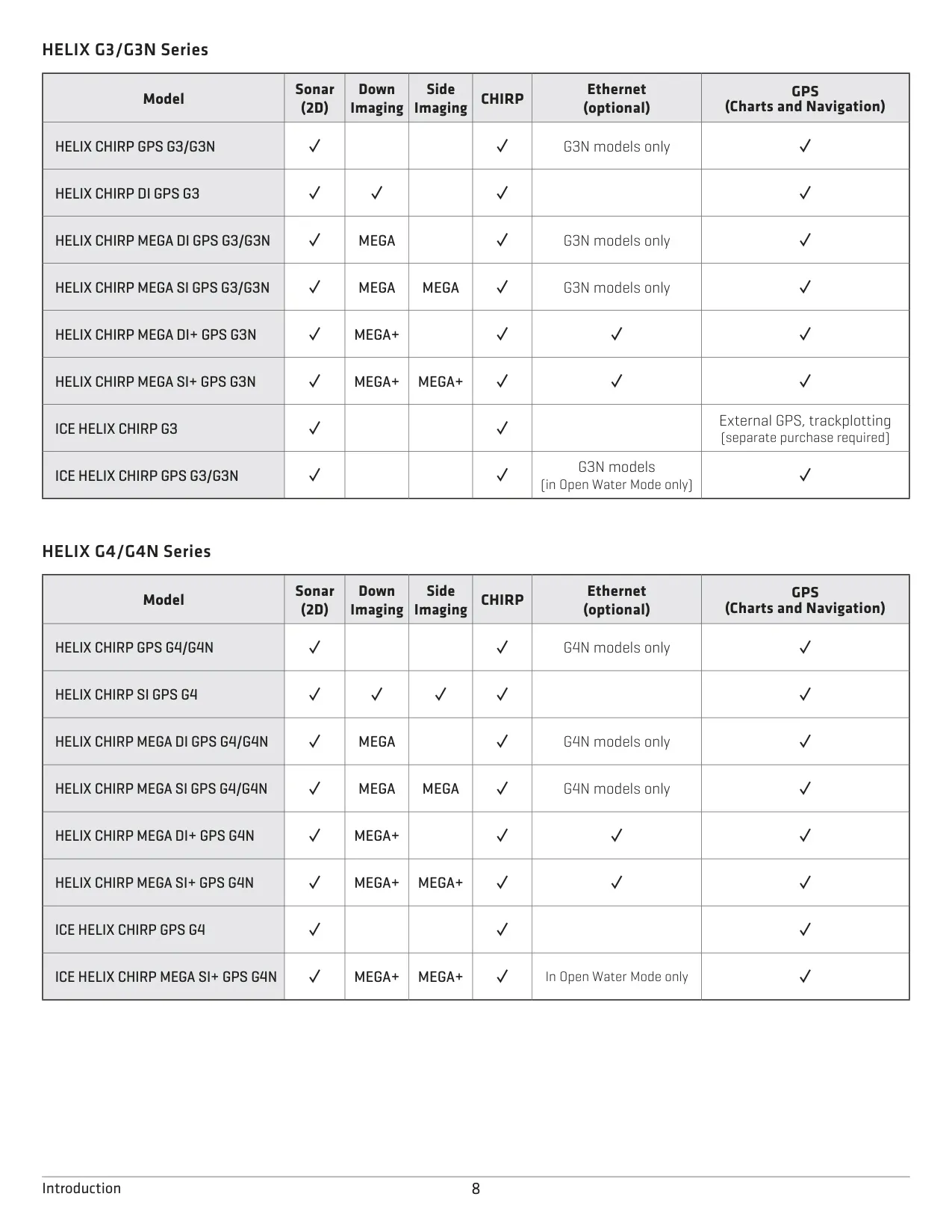
| Communications | NMEA 0183 (no Ethernet on the non-N G3) |
| Unit Ports | Power (COM) and Transducer |
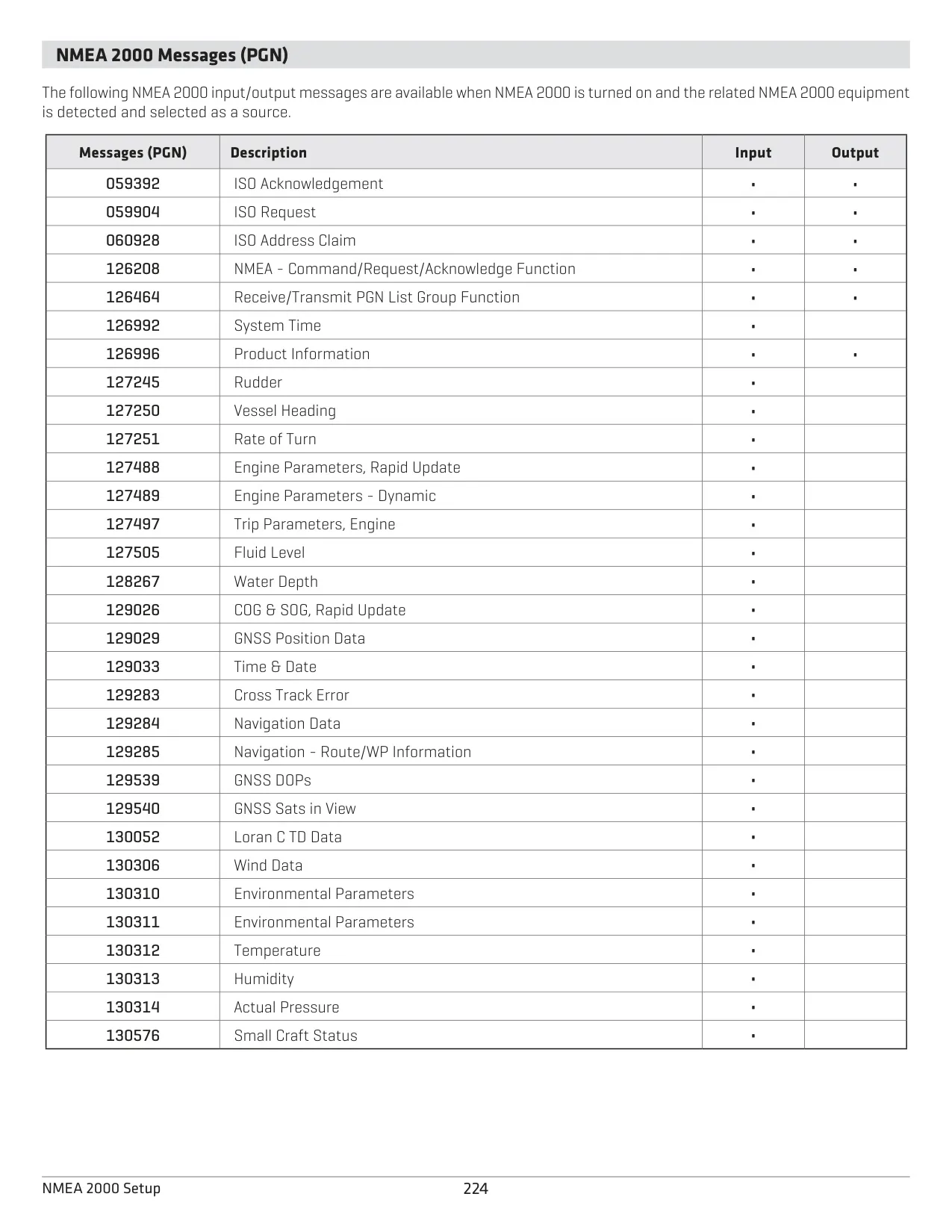
| NMEA 0183 Output Sentences | DPT, GGA, GLL, MTW, RMC, VTG, ZDA; APB, BWR, RMB (only while navigating) |
| NMEA Talker ID | IN (default) or GP |
| GPS Output Rate | Up to 10 Hz |
| GPS Fix Types | No Fix, 2D, 3D, Enhanced (WAAS/EGNOS/MSAS) |
| GLONASS | On/Off selectable |
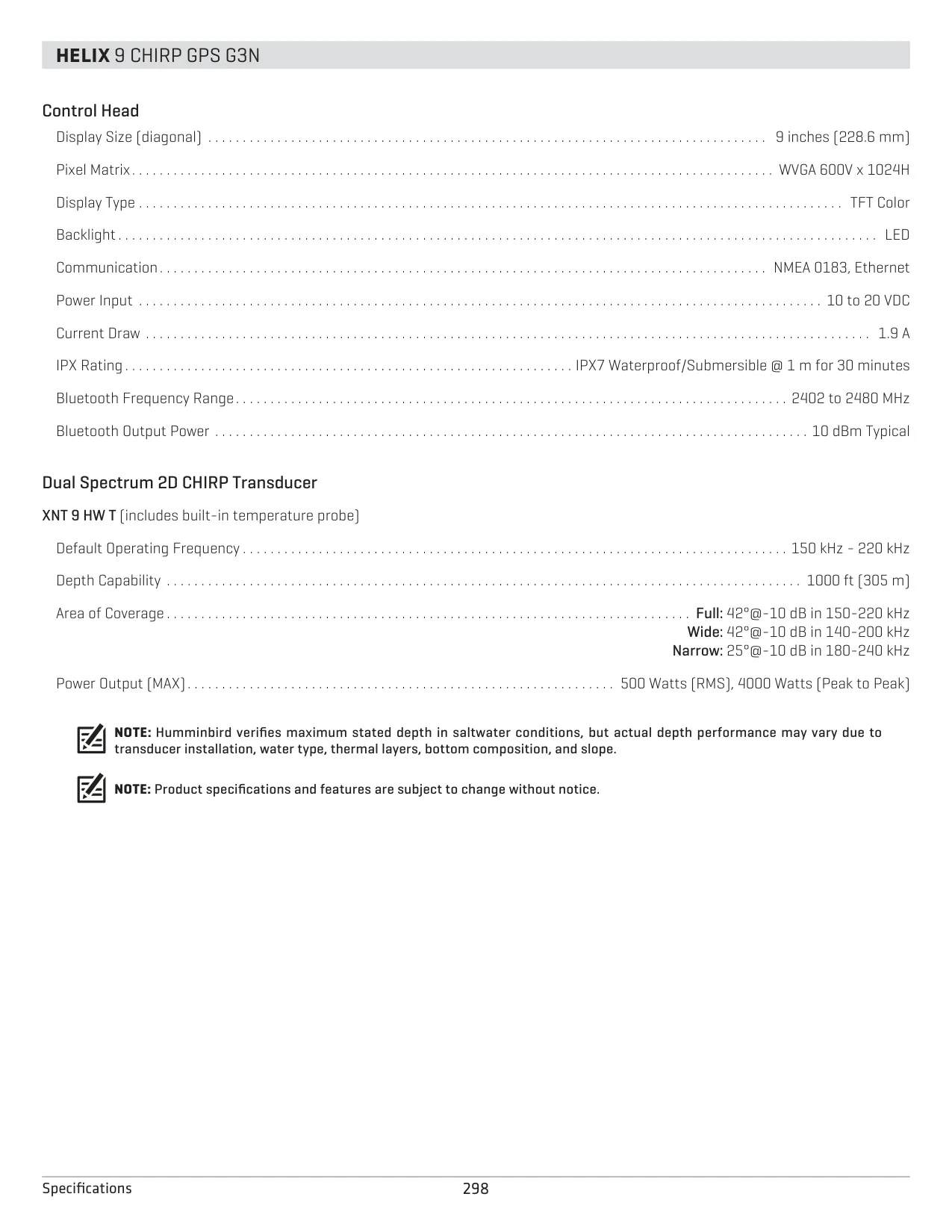
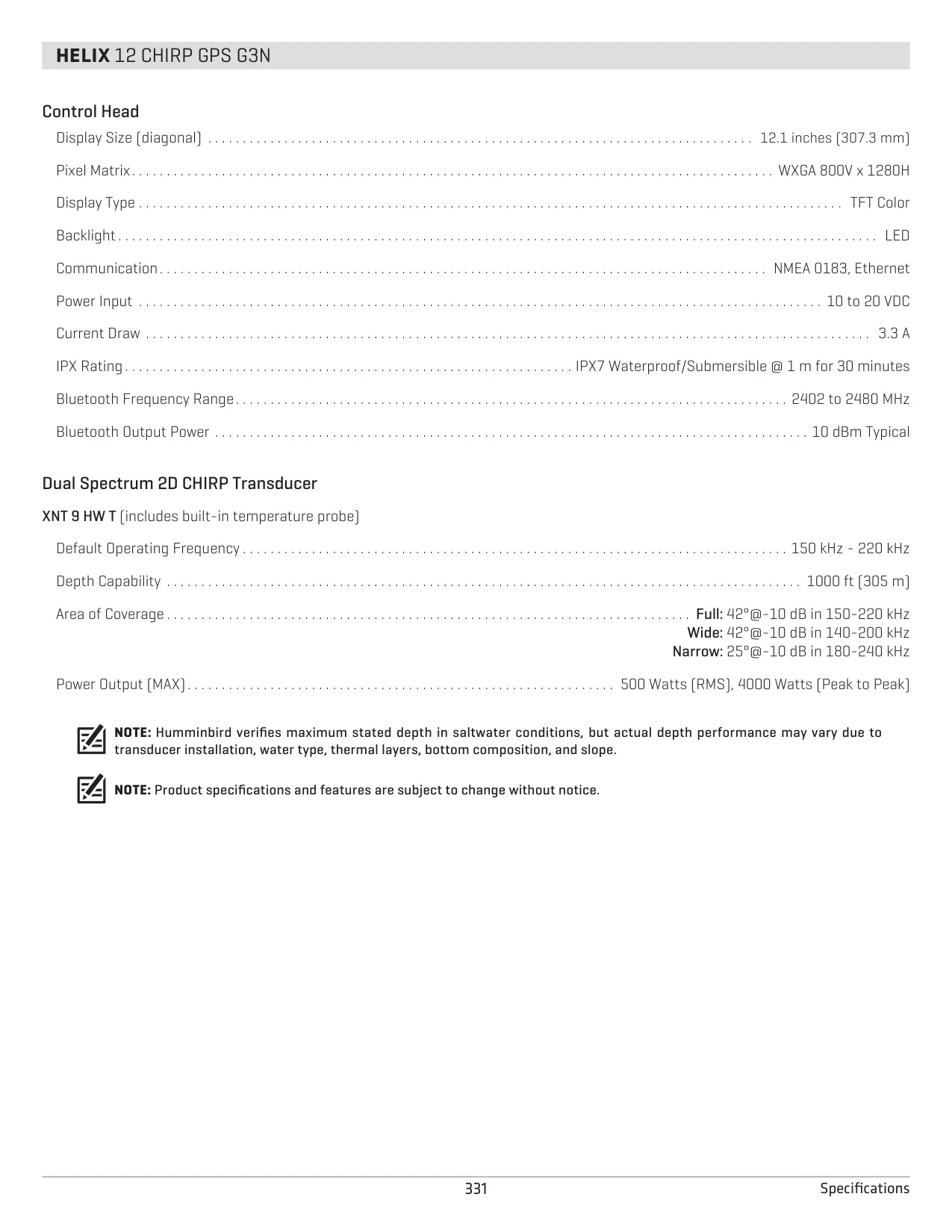
| Included Transducer | XNT 9 HW T (Dual Spectrum 2D CHIRP) with built-in temperature sensor |
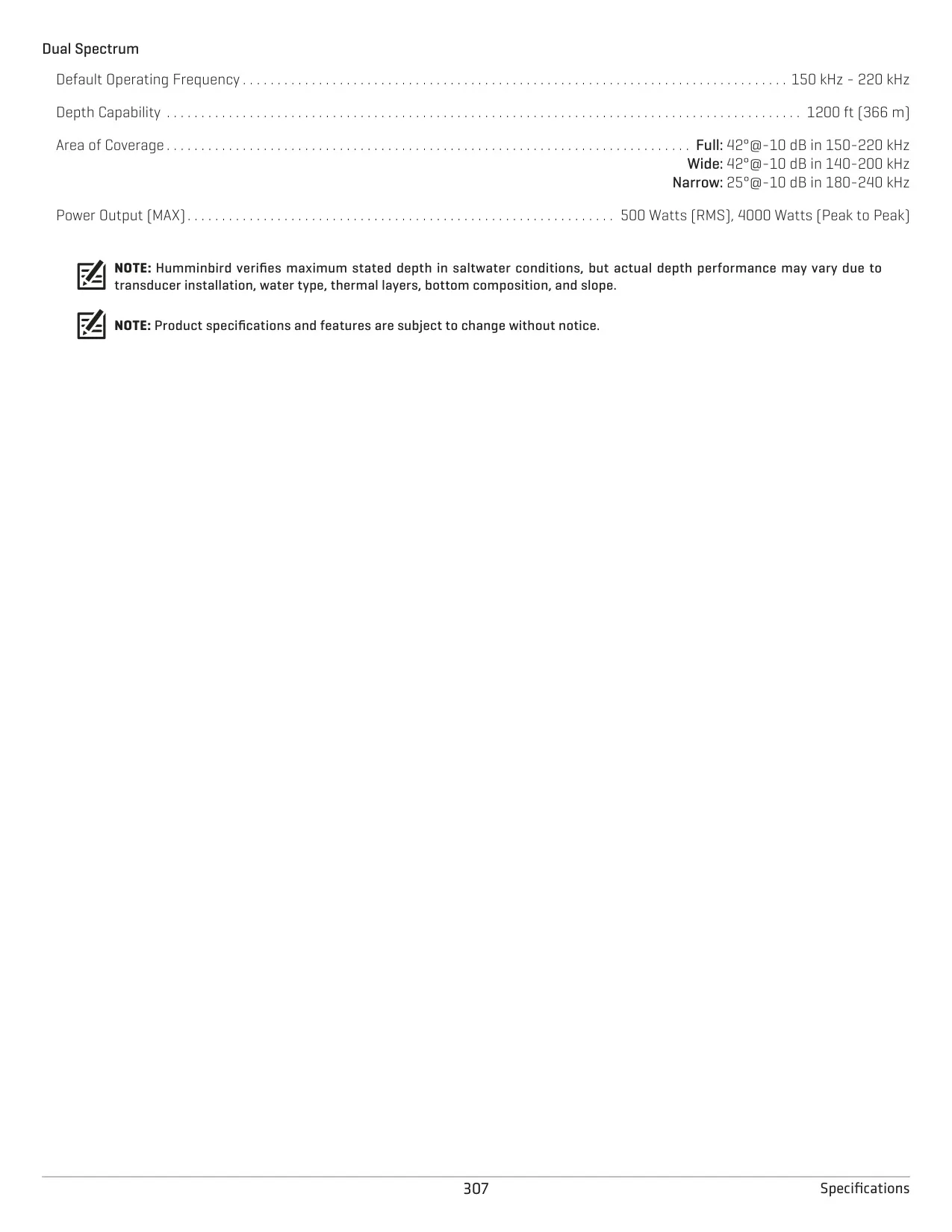
| Transducer Frequency | 150–220 kHz (default) |
| Beam Coverage (@ -10 dB) | Full 42° (150–220 kHz), Wide 42° (140–200 kHz), Narrow 25° (180–240 kHz) |
| Maximum Depth Capability | 1000 ft (305 m) |
| Transducer Power Output | 500 W RMS, 4000 W peak-to-peak |
| Built-in Cartography | Humminbird Basemap, Contour XD |
| Waypoints | 2,750 |
| Routes | 47 routes, up to 50 waypoints each |
| Tracks | 50 tracks, up to 20,000 points each |
| AutoChart Live Internal Storage | 8 hours (unlimited with ZeroLine Map Card) |
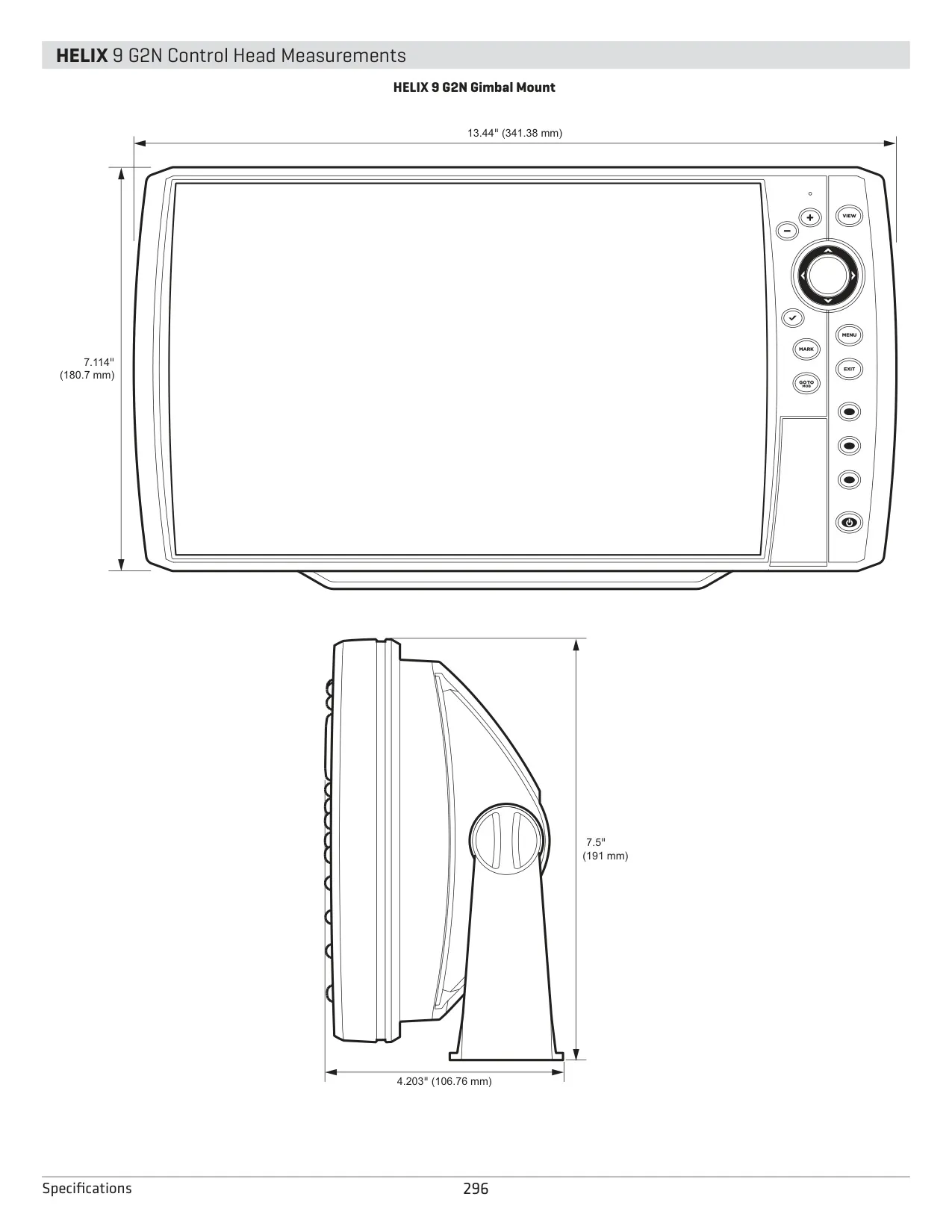
| Dimensions (Gimbal Mount) | 7.55" (191.77 mm) W x 4.28" (108.71 mm) H; 4.64" (117.86 mm) H with bracket; 2.90" (73.66 mm) / 3.30" (83.82 mm) D |
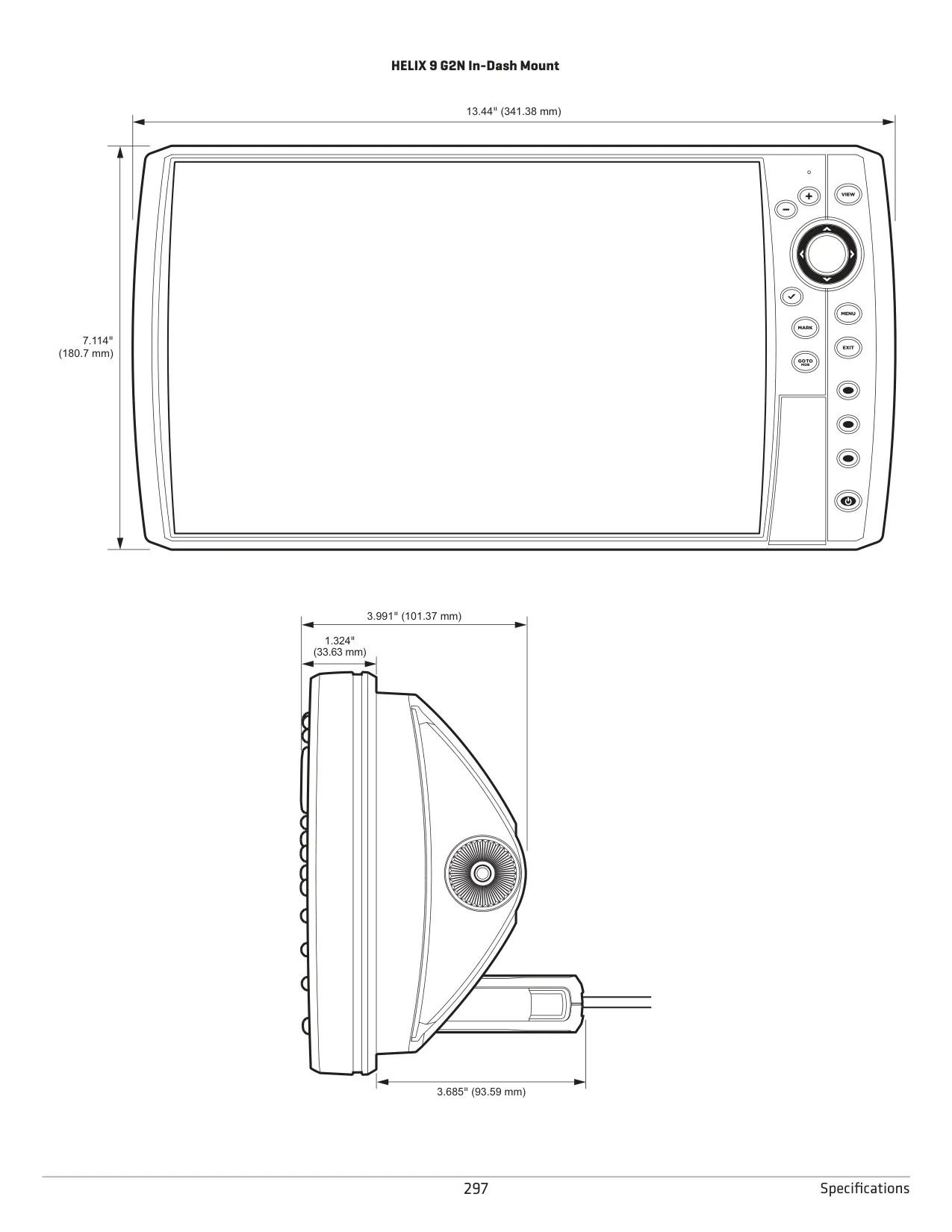
| Dimensions (In-Dash Mount) | 7.55" x 4.28"; 2.90" (73.66 mm) depth; 2.17" (55.12 mm) |
| Gimbal Mounting Hardware | 4 x #8 x 1.25" (32 mm) screws, 9/64" (3.5 mm) pilot holes, 1" (25 mm) cable hole |
| Compliance | FCC Part 15 Class B, WEEE 2002/96/EC |
Humminbird Helix 5 Chirp GPS G3 Details
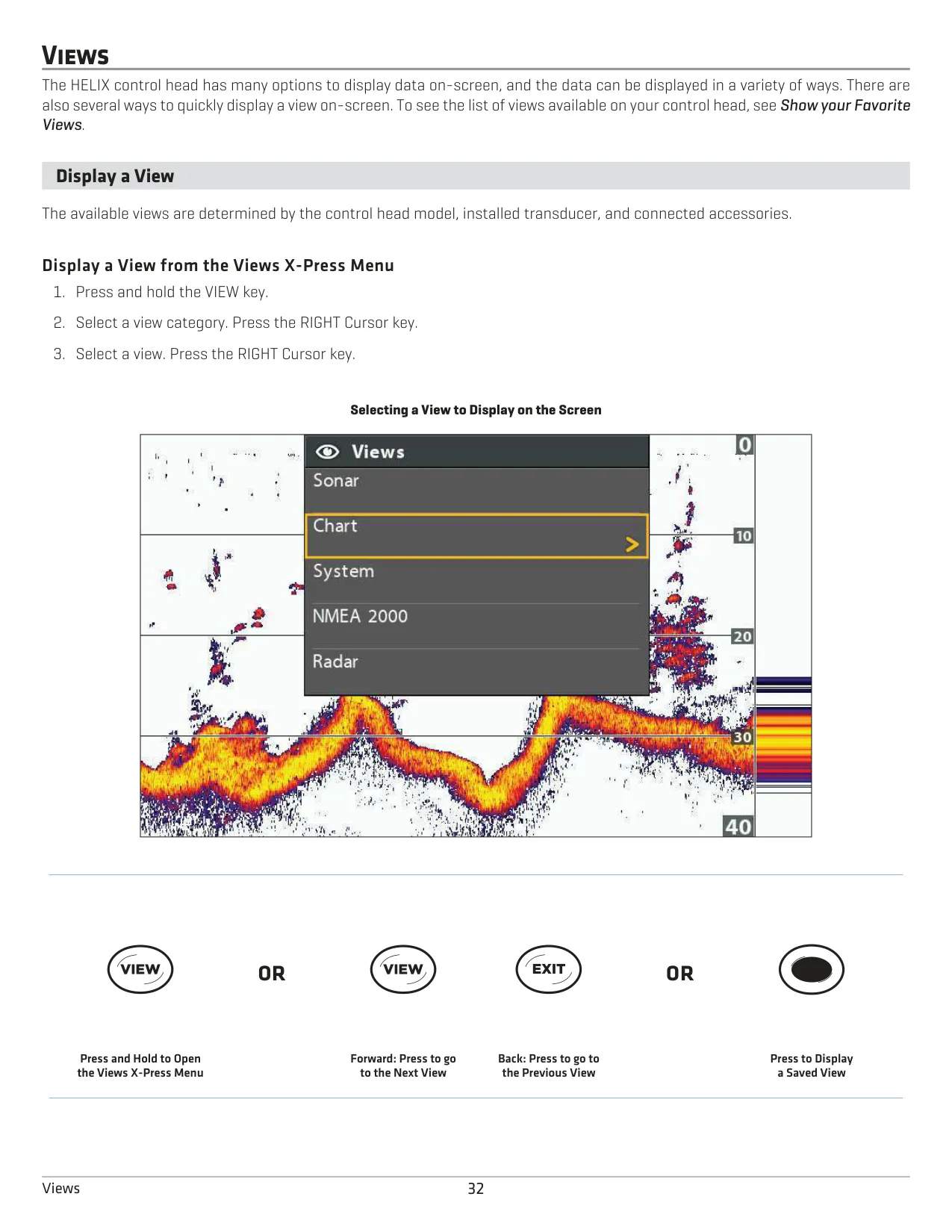
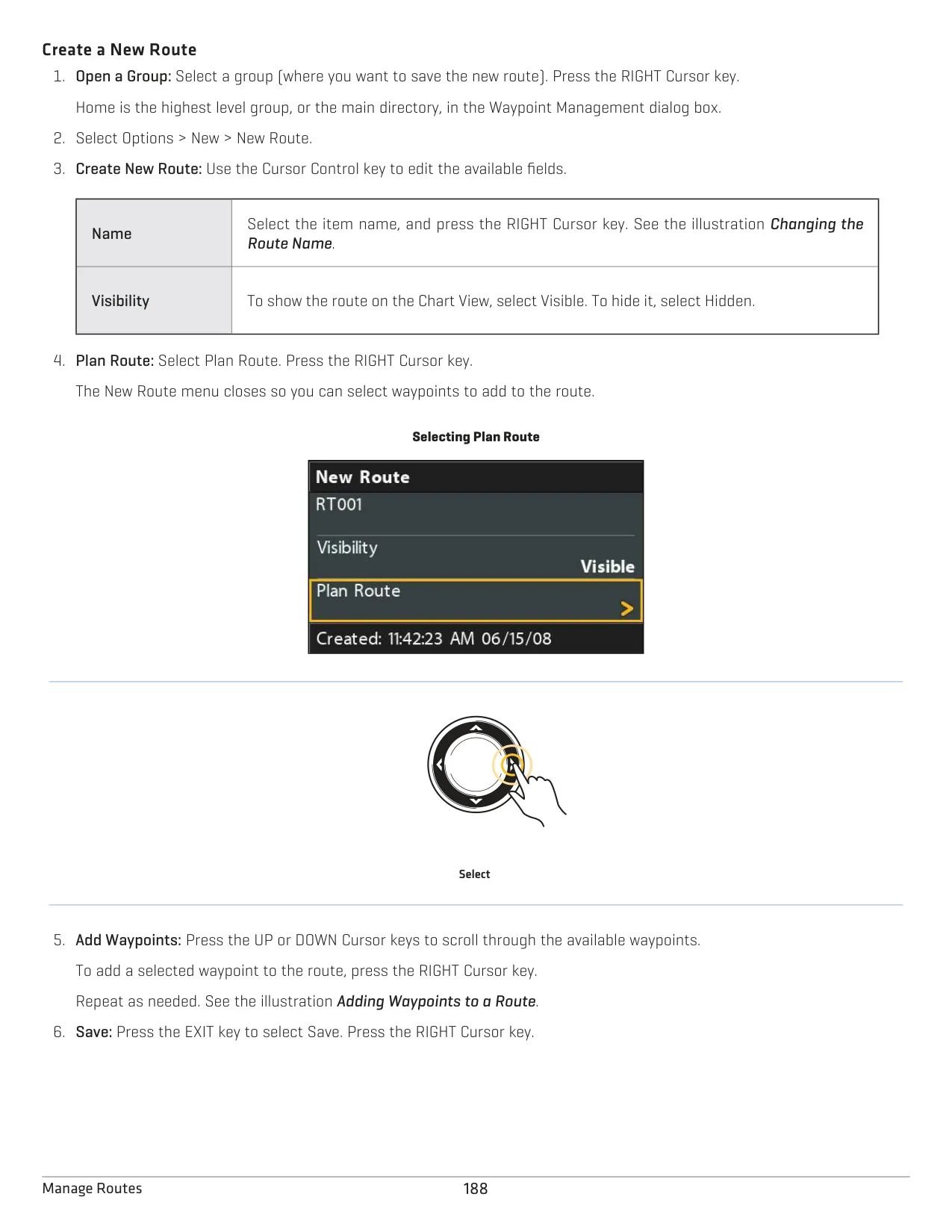
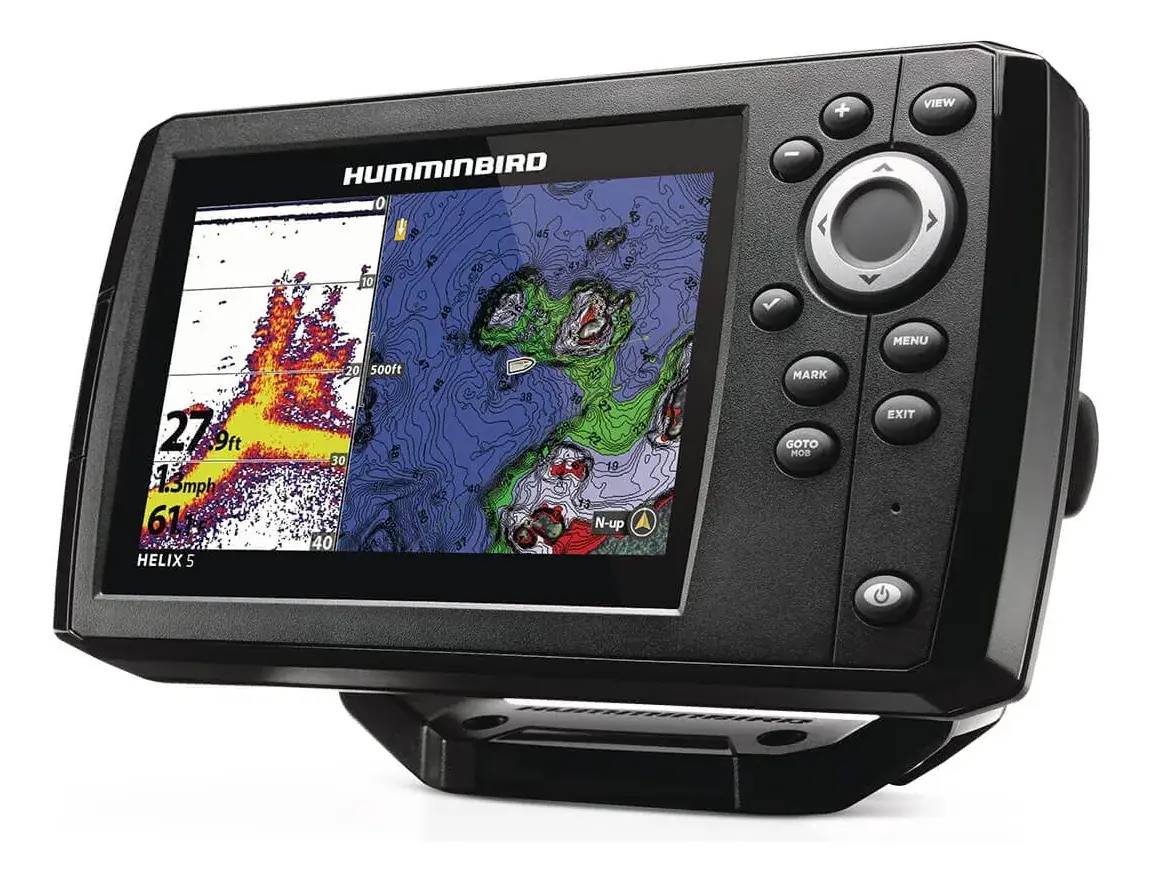
The Humminbird Helix 5 Chirp GPS G3 is a compact fishfinder and GPS chartplotter. When you power it on, pressing MENU at the title screen lets you choose Normal, Simulator or System Status. A Quick Setup routine configures the language, Max Depth, the connected transducer and Water Type (Fresh, Salt shallow or Salt deep). Use Salt (deep) in water deeper than 330 ft (100 m). The Angler user mode simplifies the menus, while Custom shows every setting.
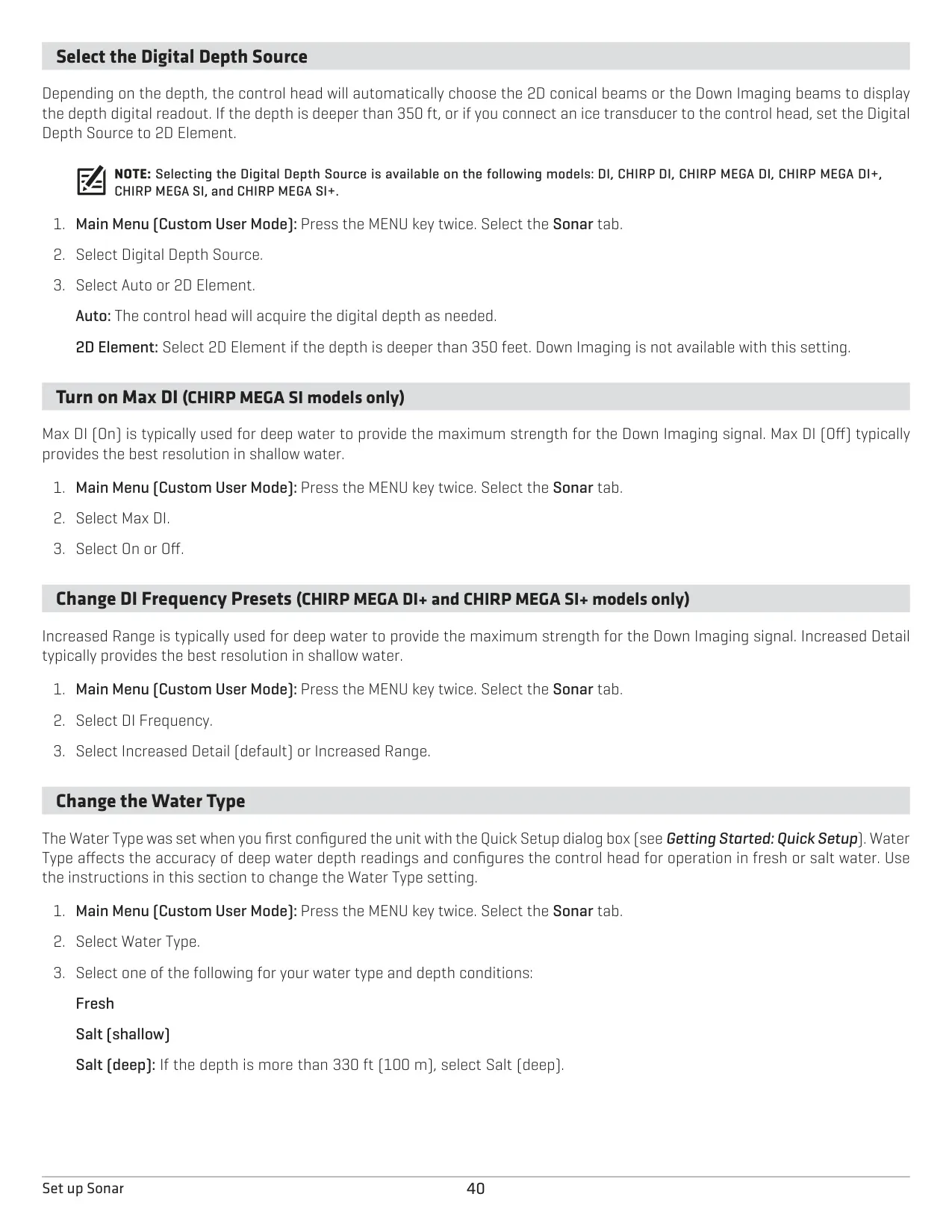
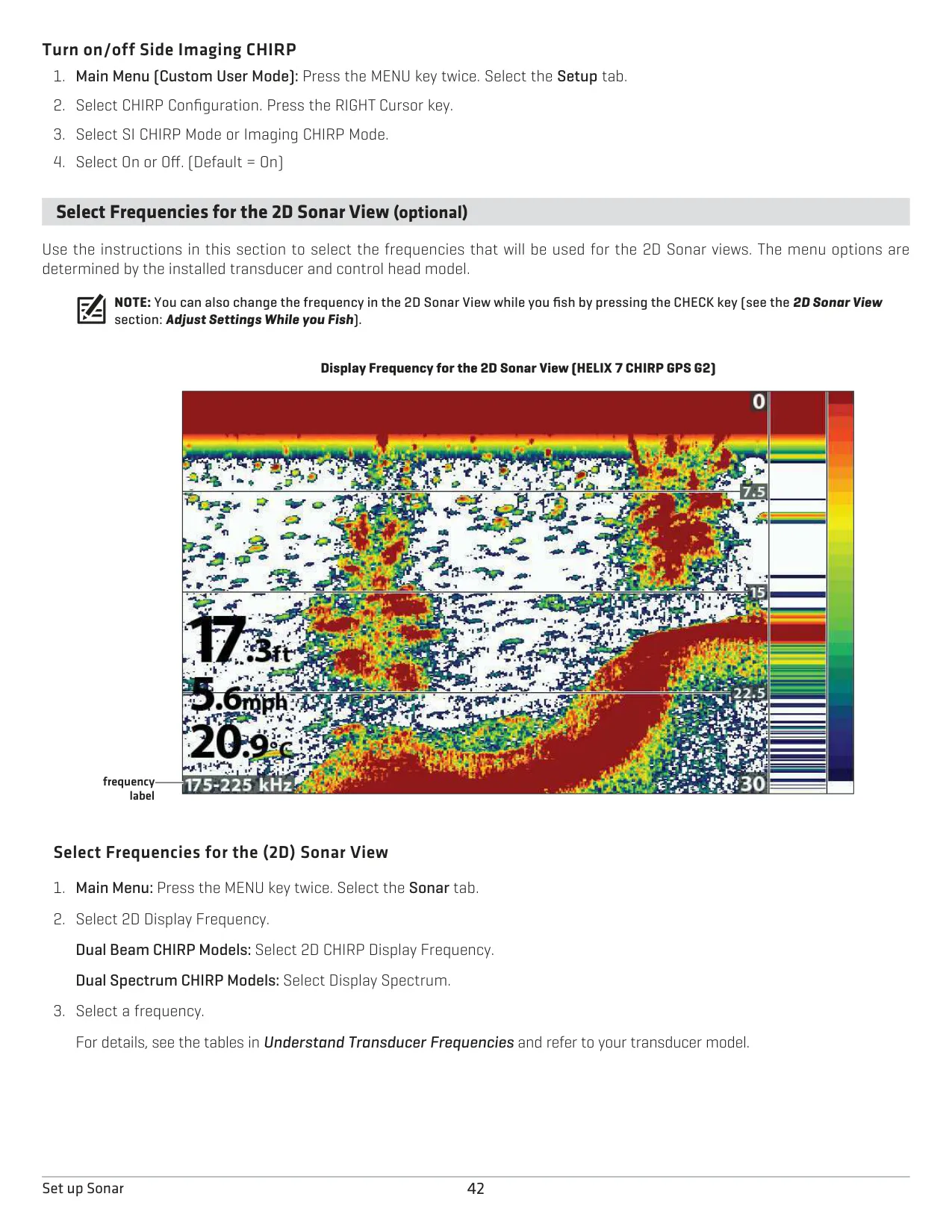
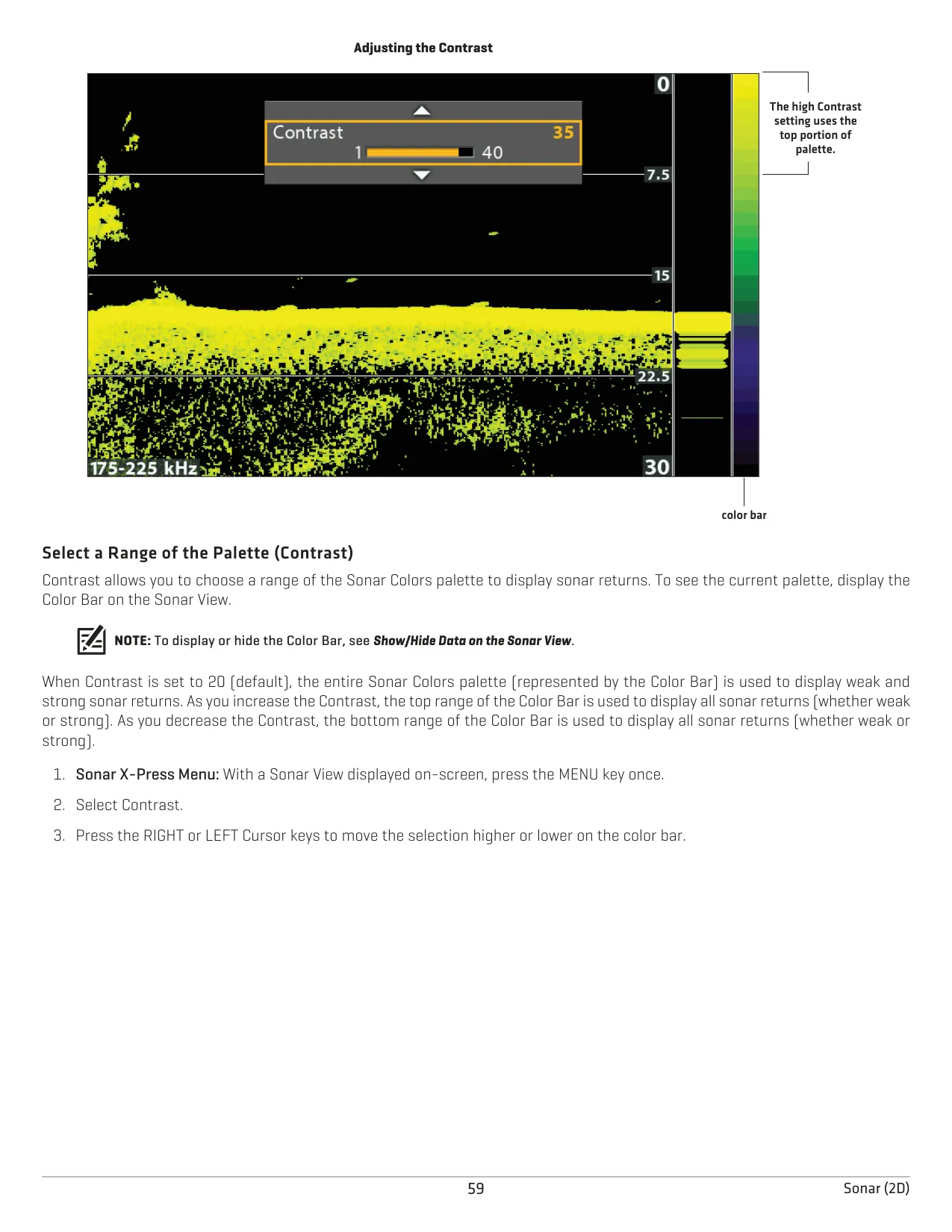
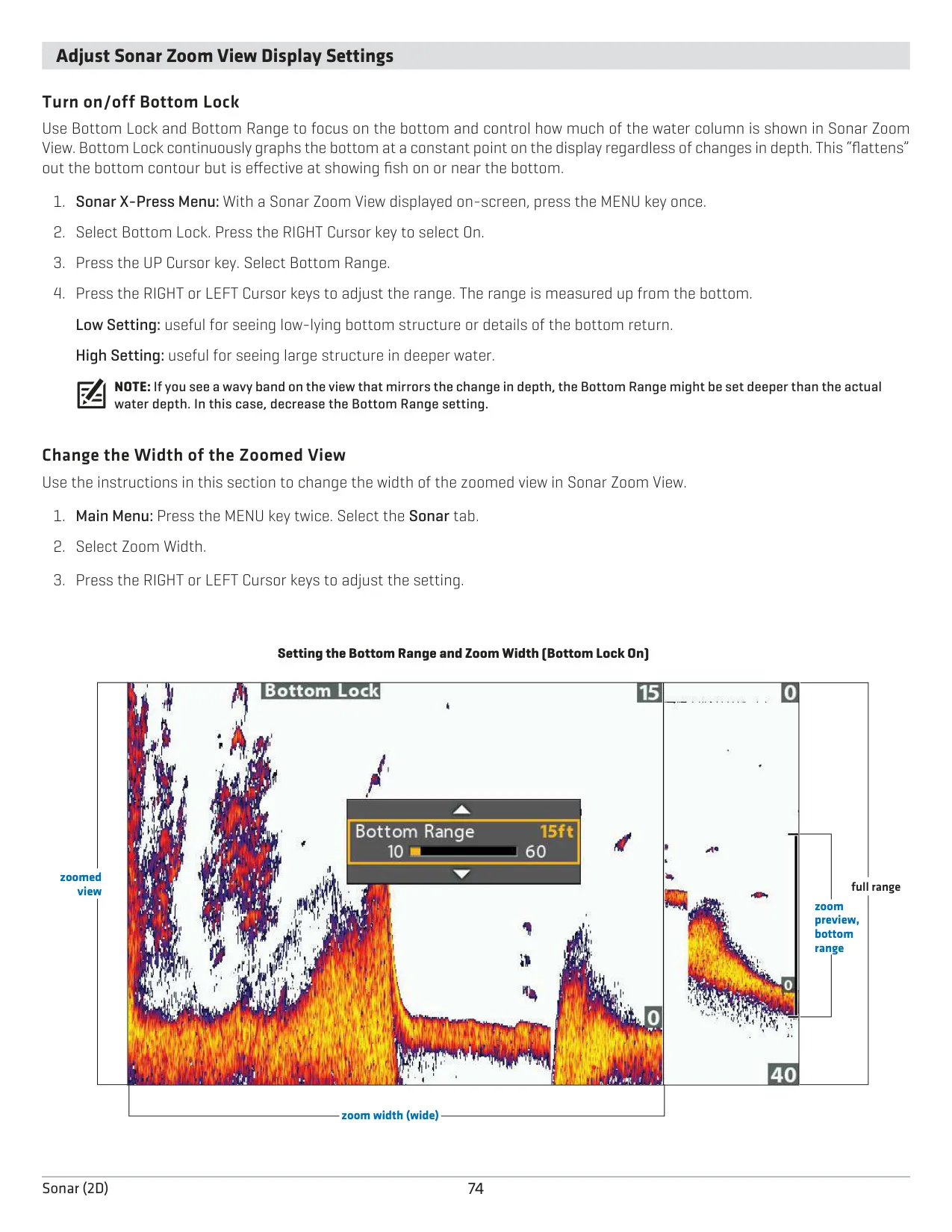
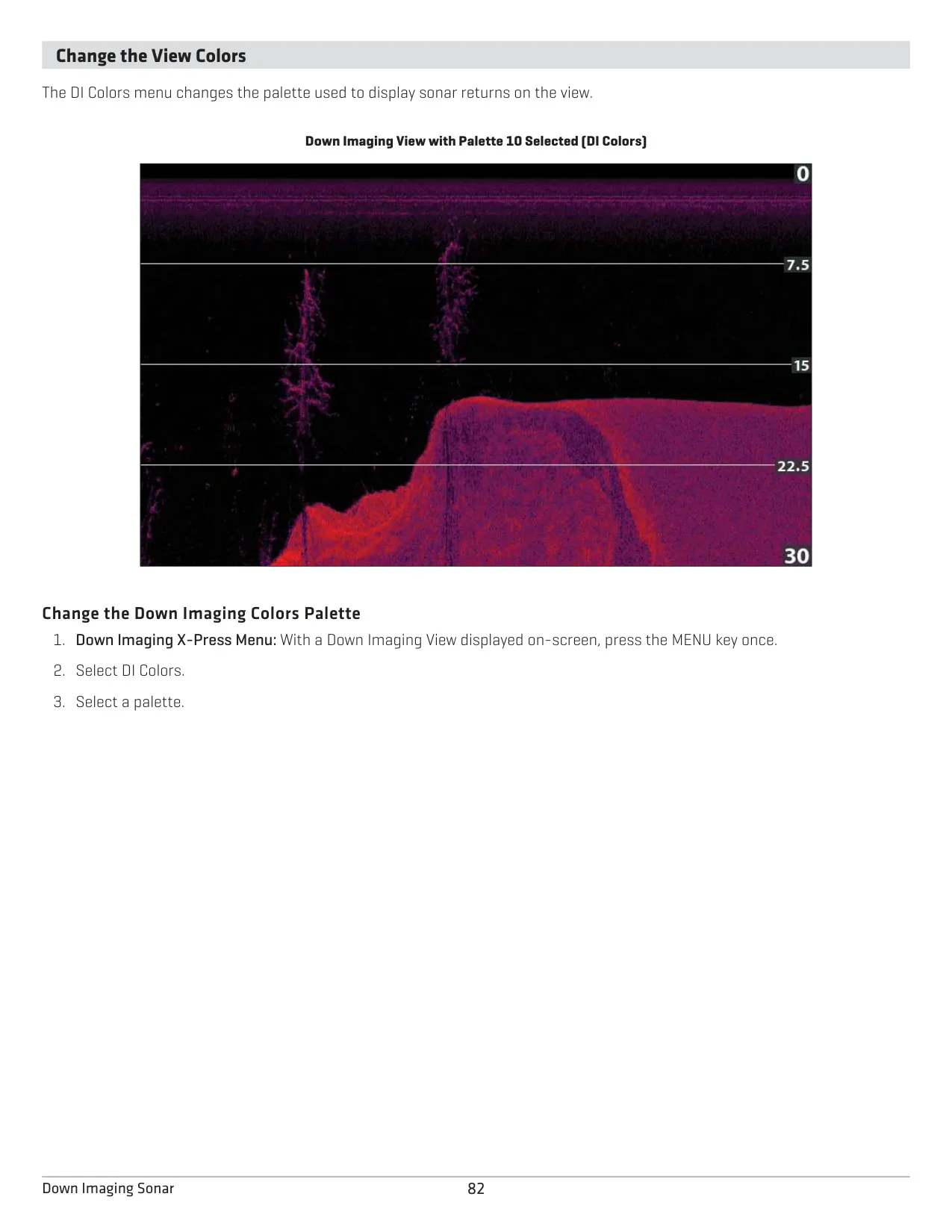
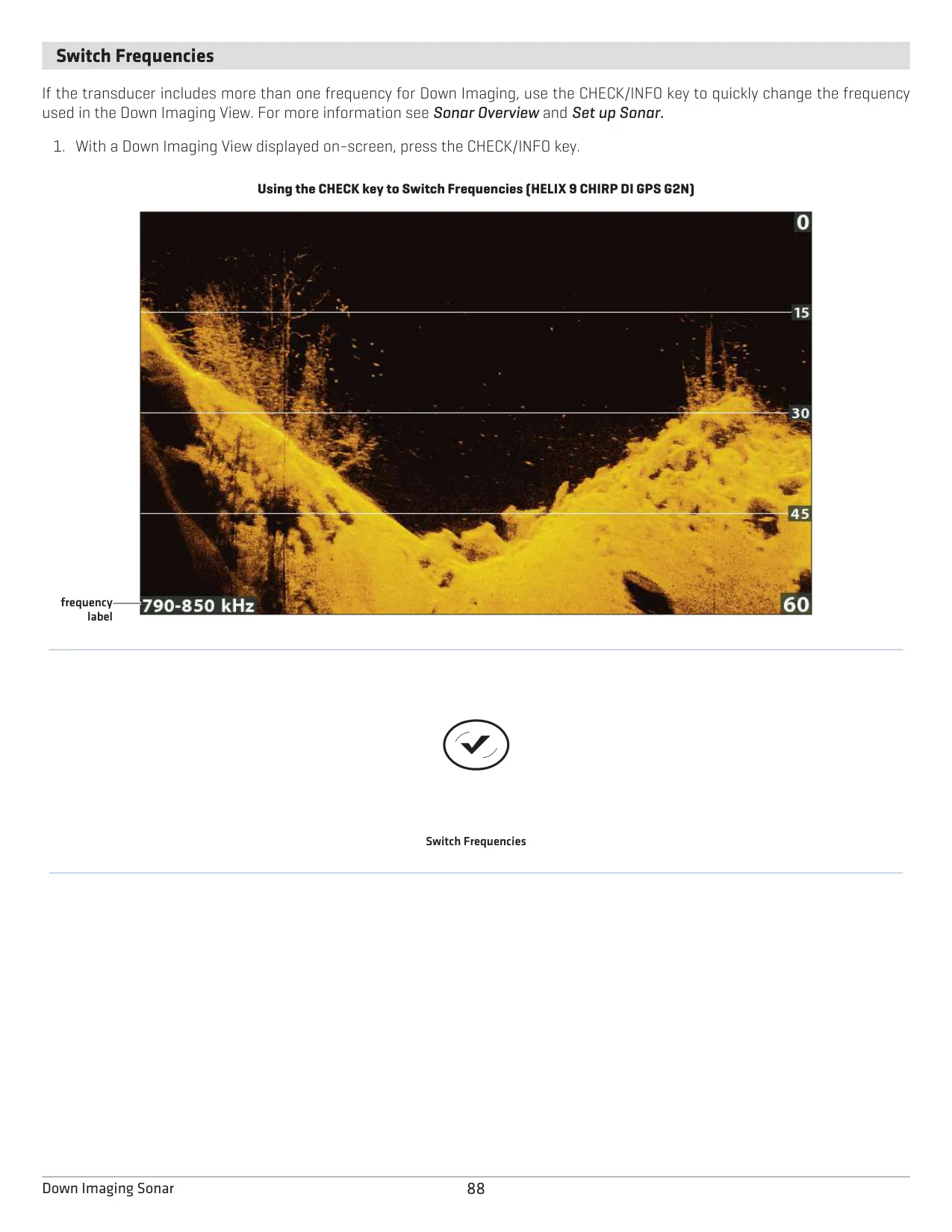
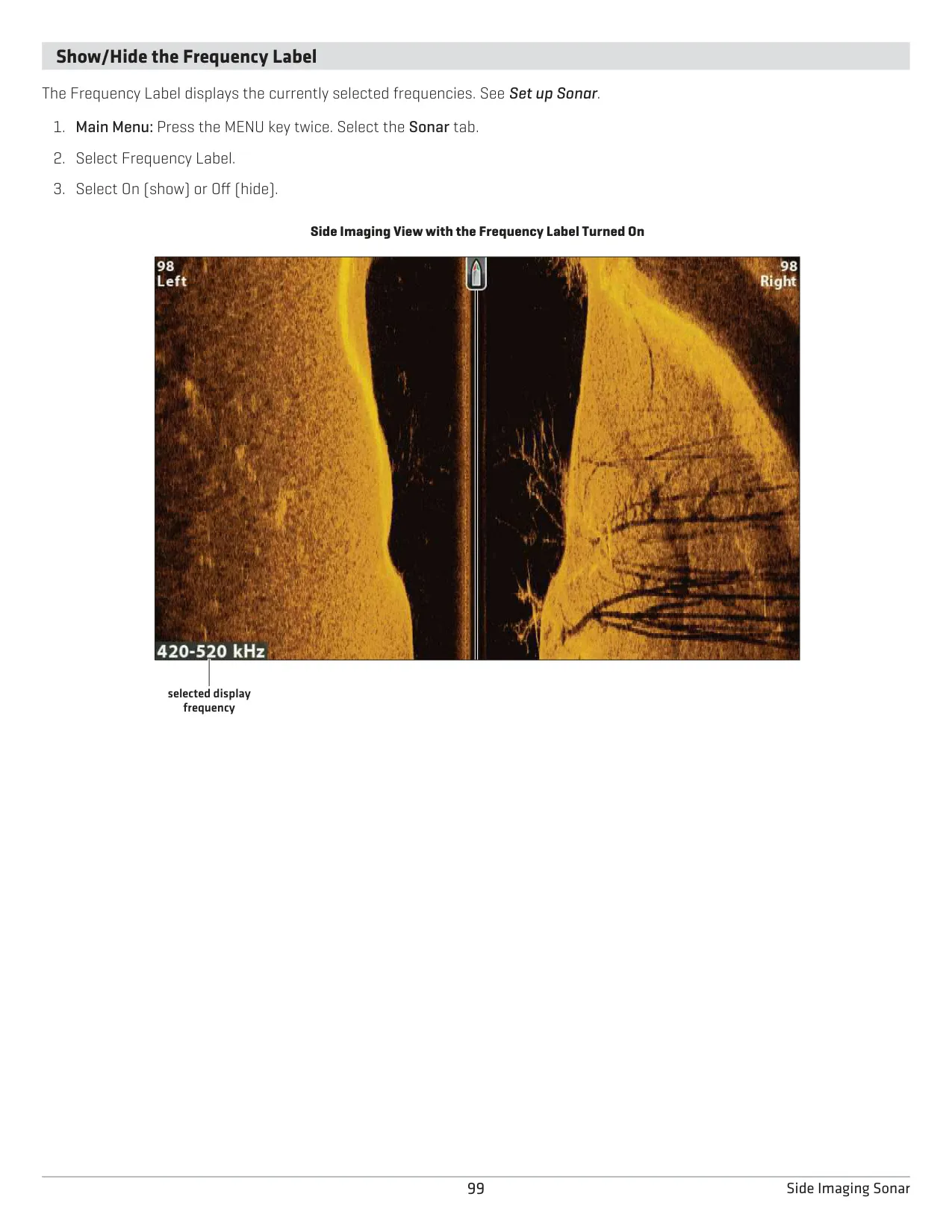
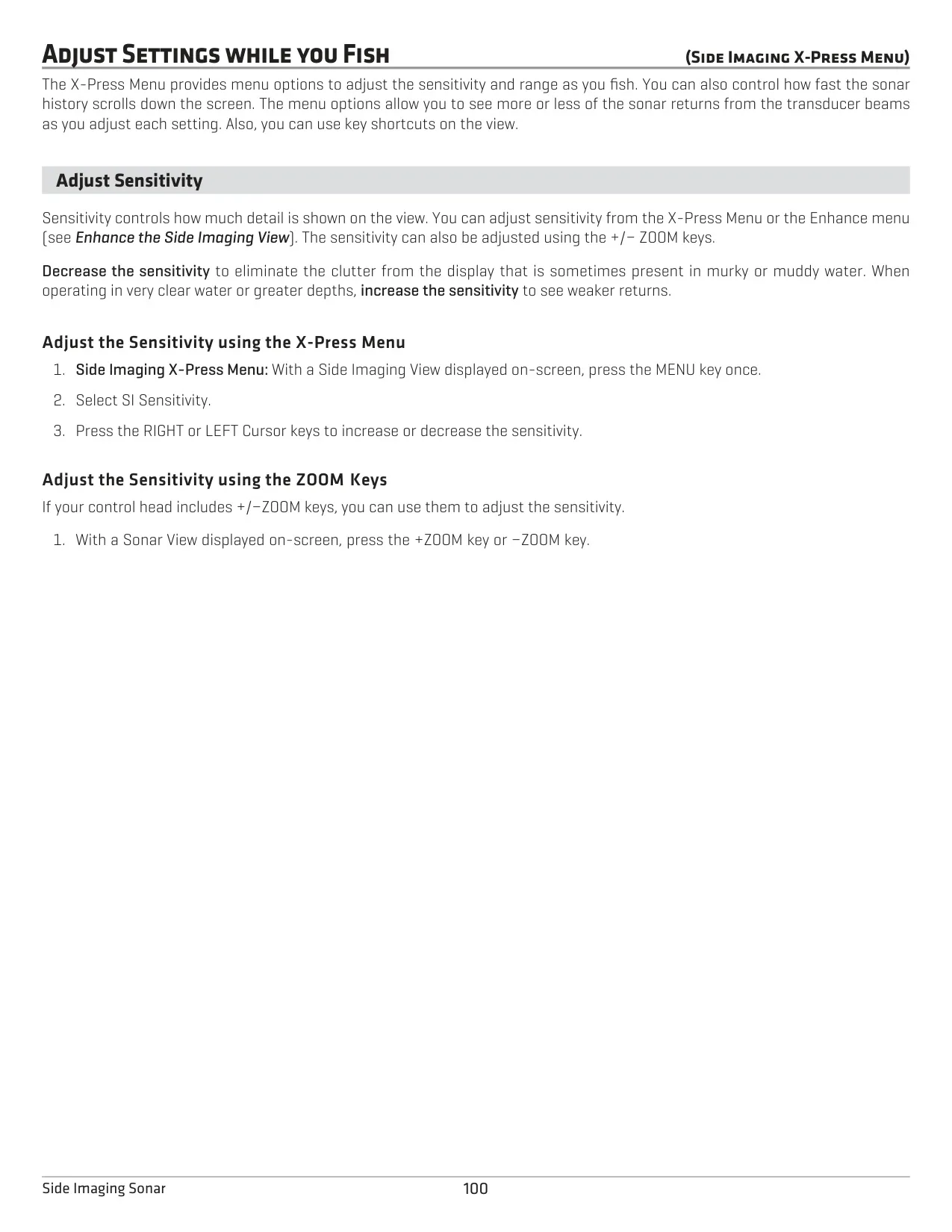
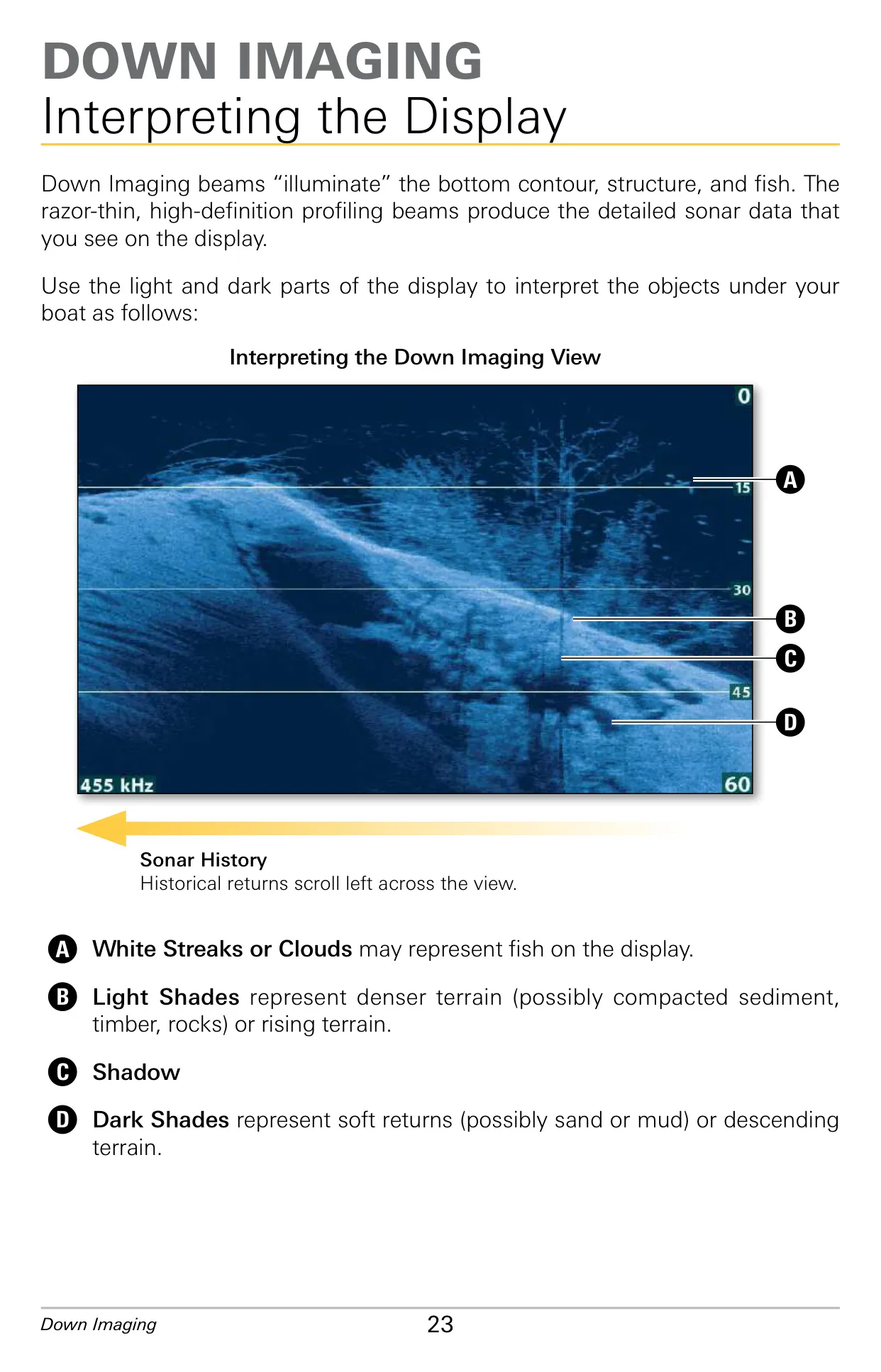
The Dual Spectrum CHIRP sonar gives you several ways to read what is below the boat. SwitchFire offers Clear Mode, which filters returns and gives more accurate fish sizes, and Max Mode, which shows unprocessed returns. Fish ID+ draws fish symbols with sensitivity from 1 to 10 and can trigger an alarm for all, medium or large targets. Bottom View can use Structure ID or WhiteLine. Sonar Zoom with Bottom Lock, an adjustable Noise Filter, Surface Clutter and Chart Speed help clean up the display.
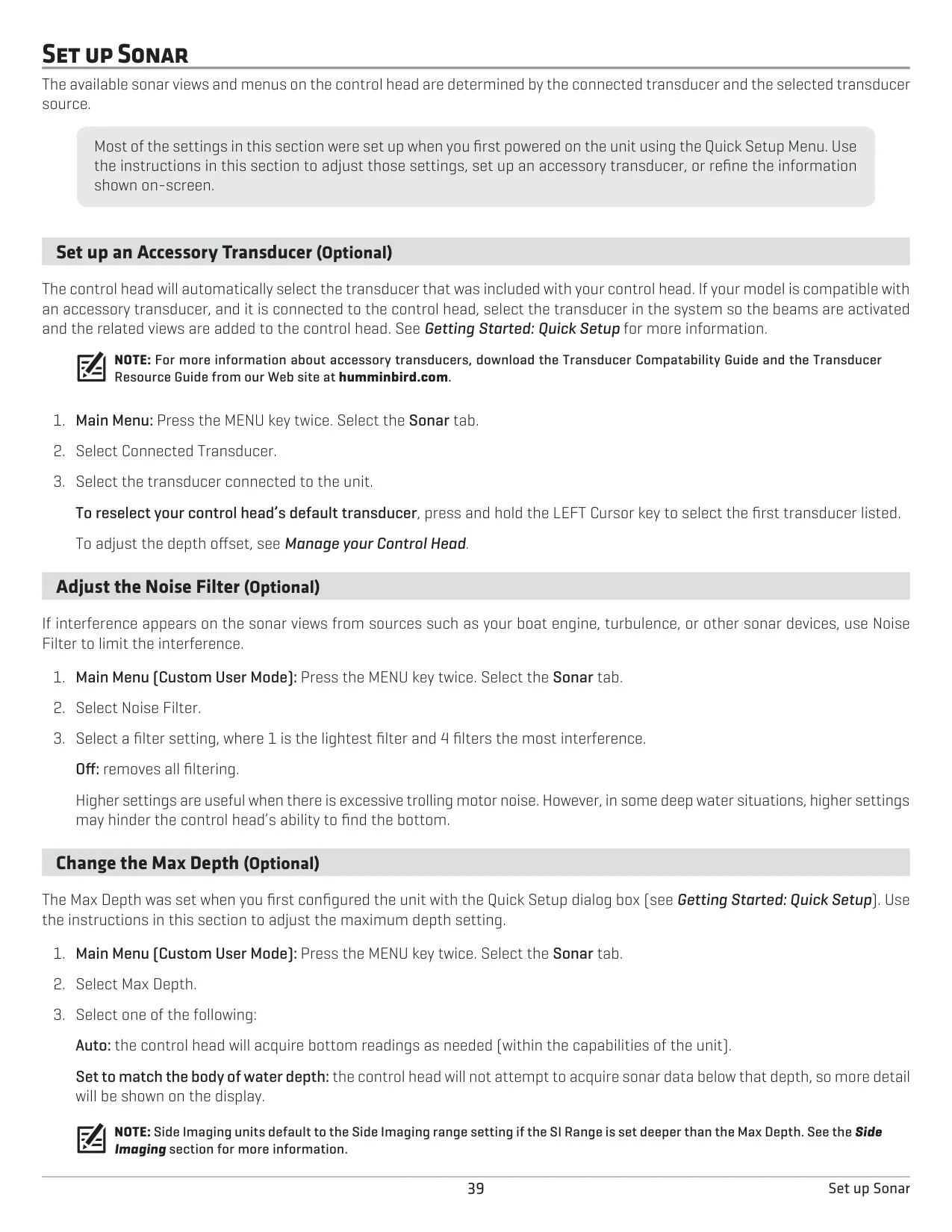
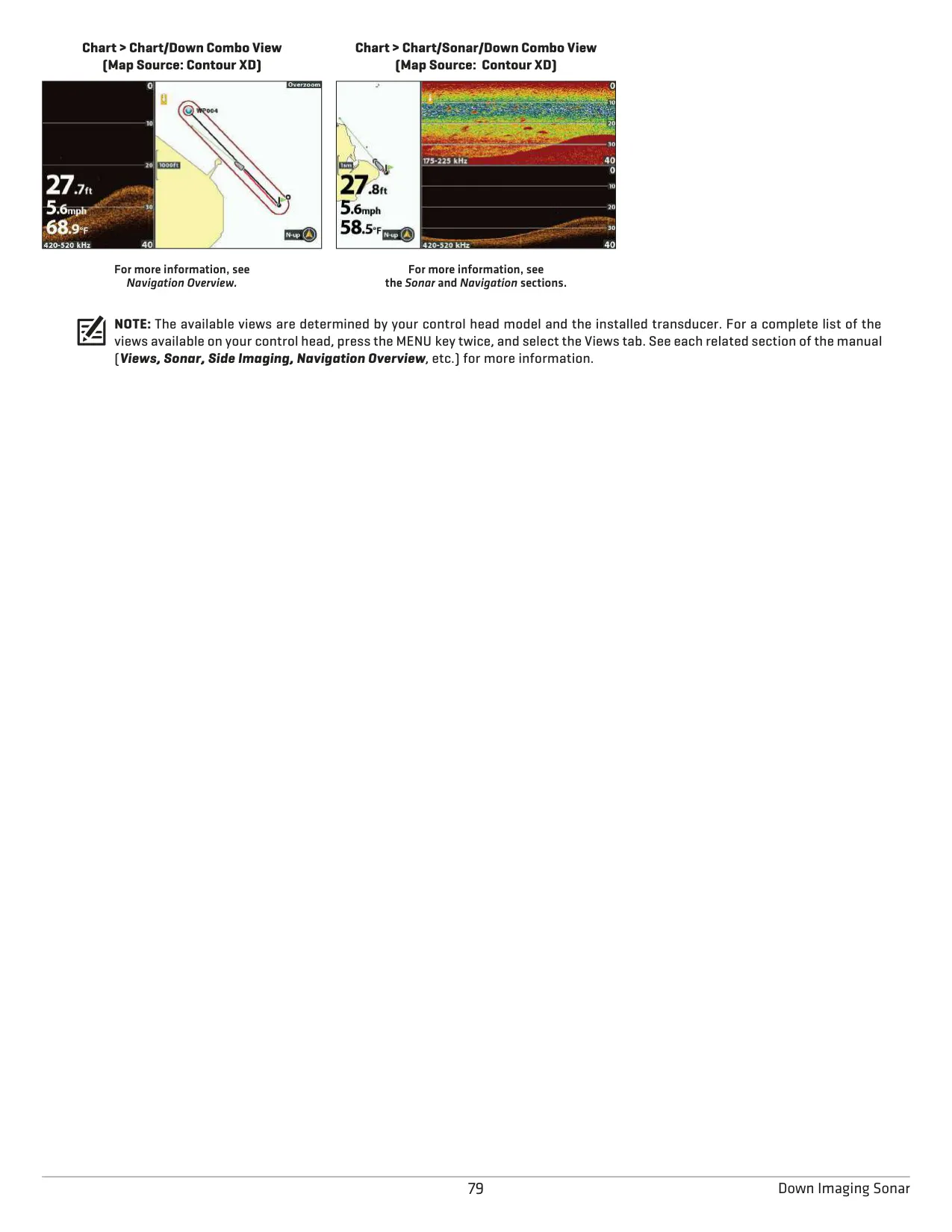
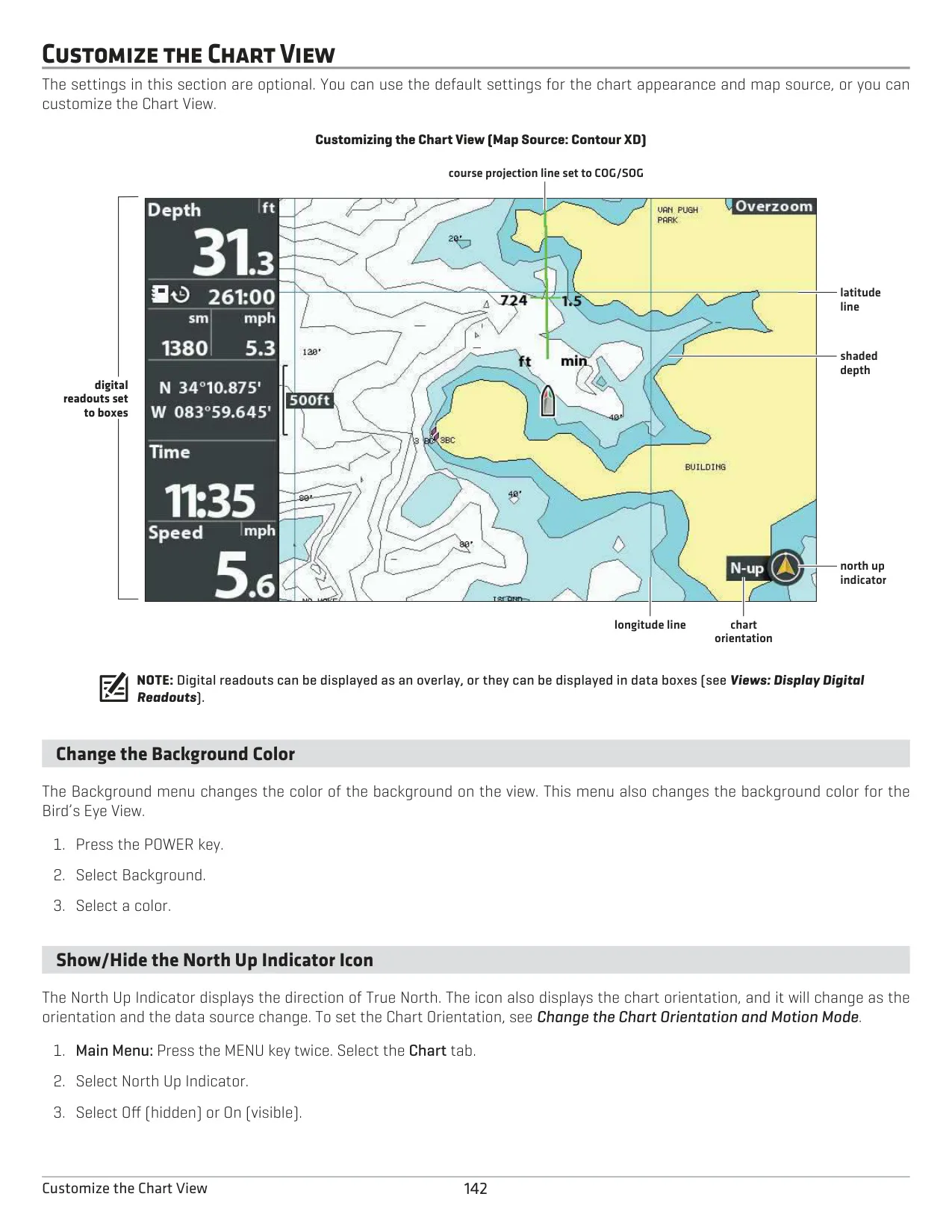
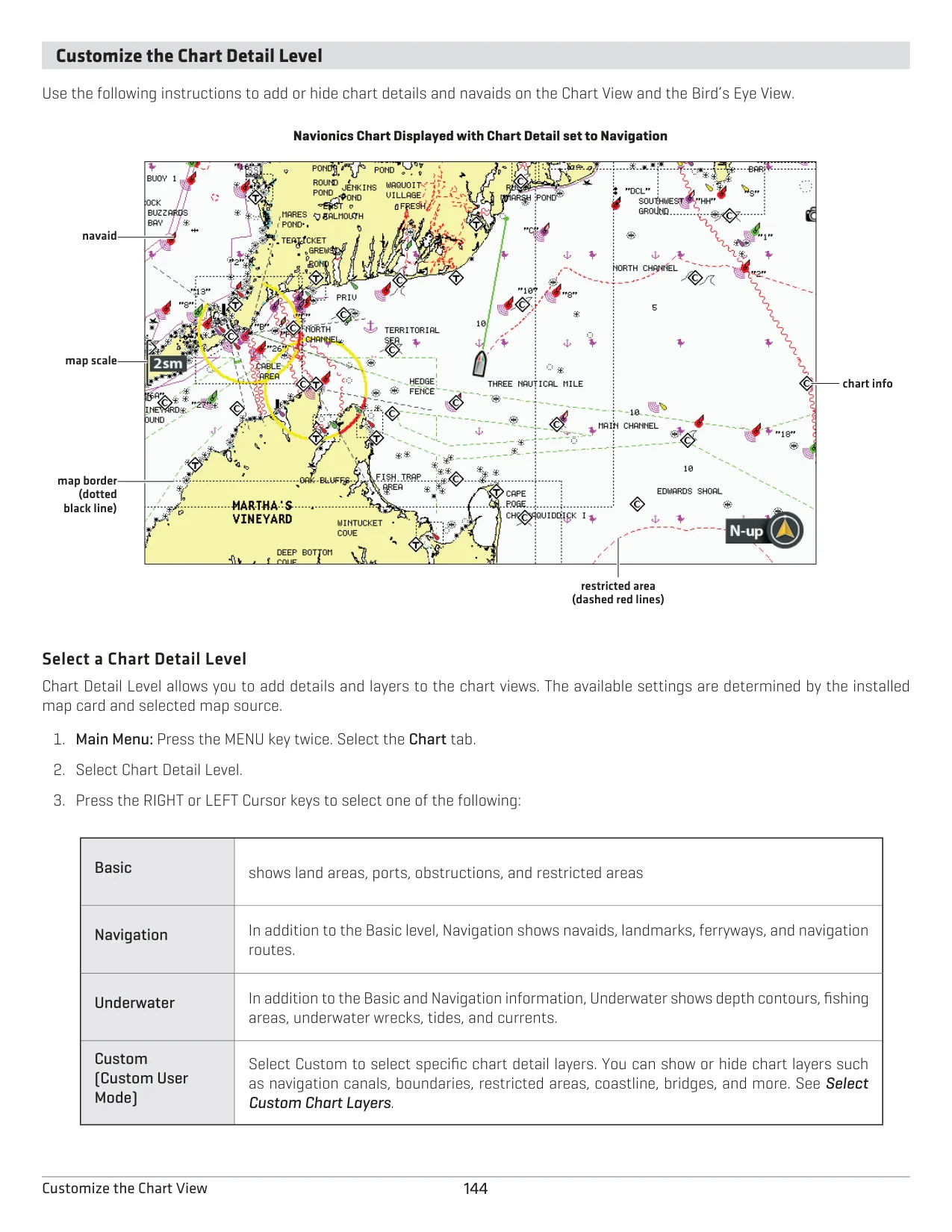
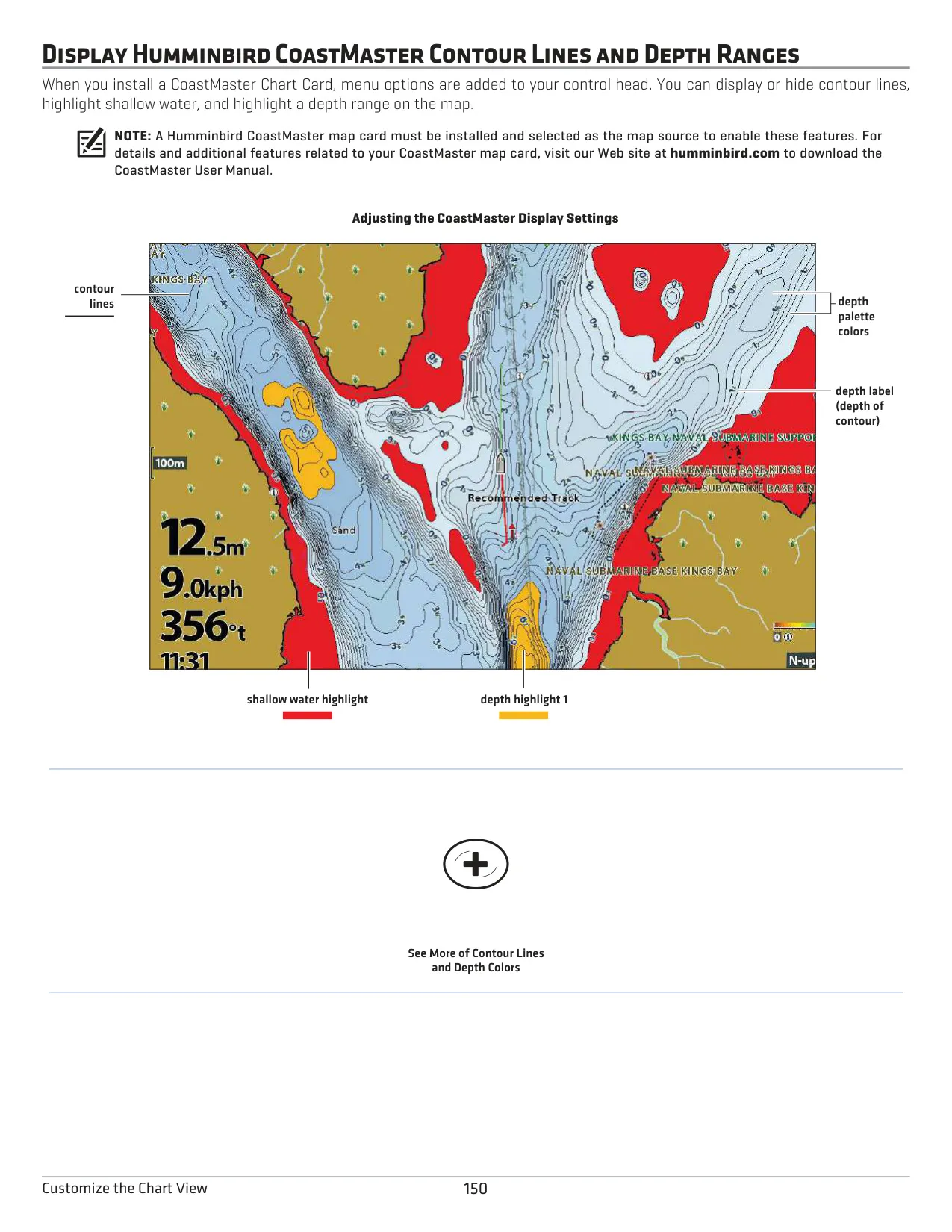
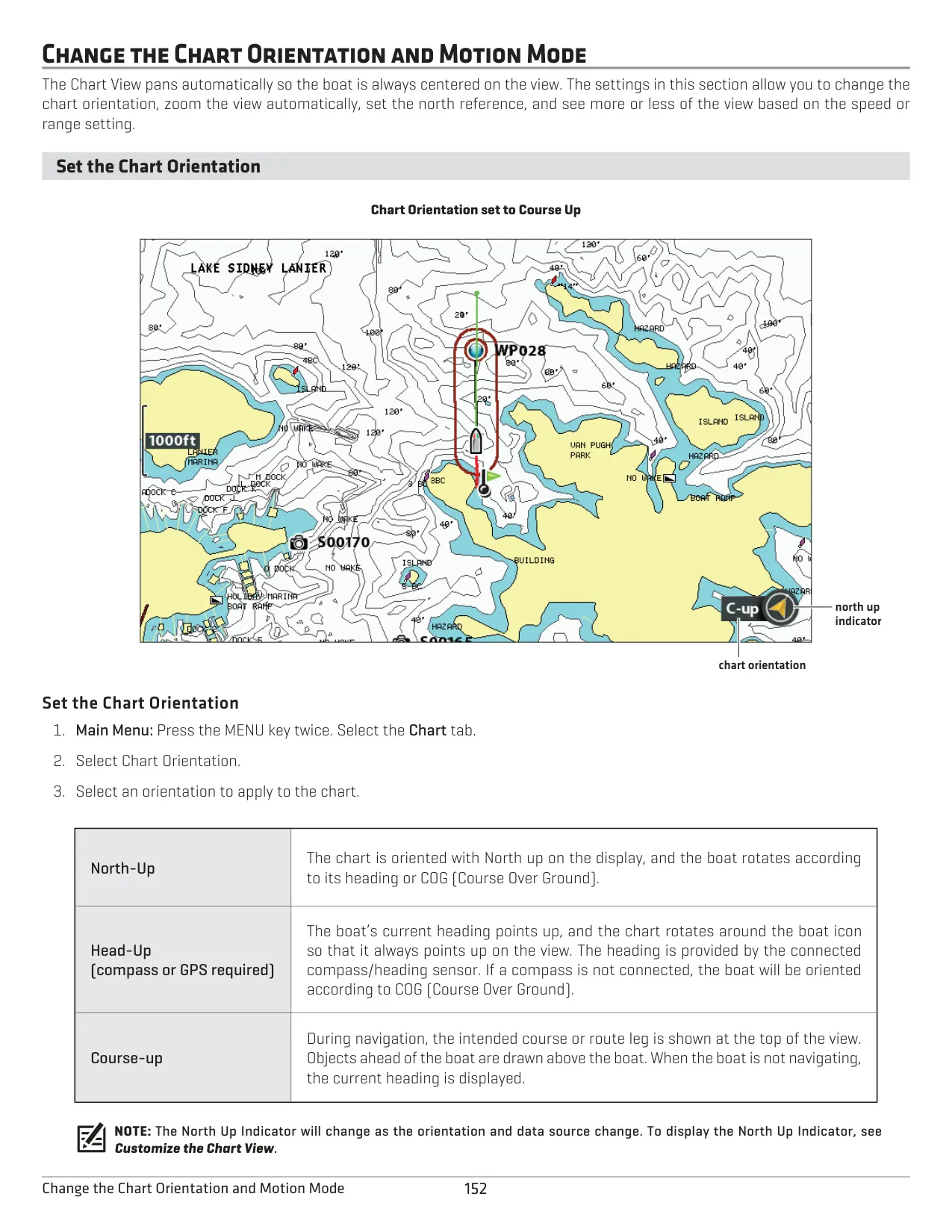
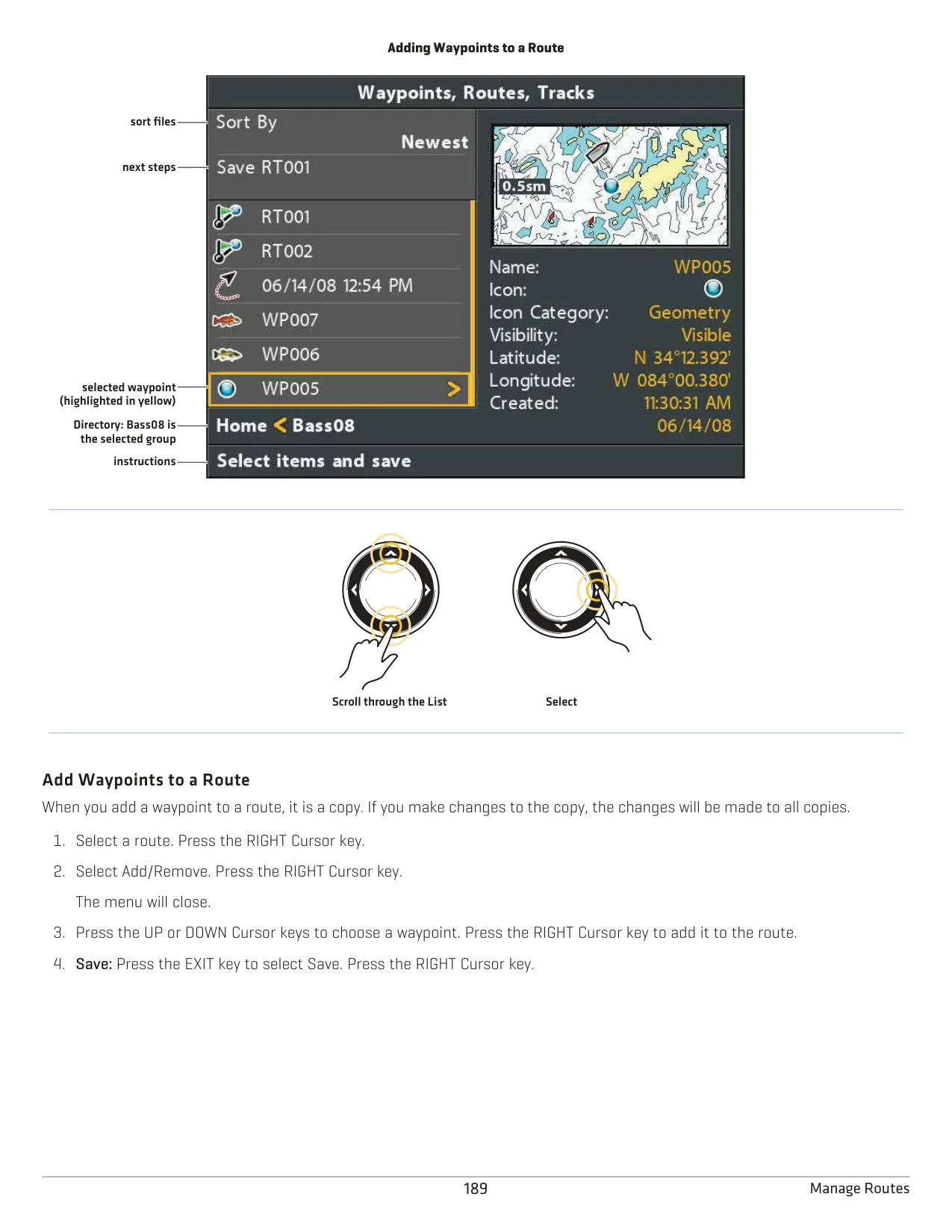
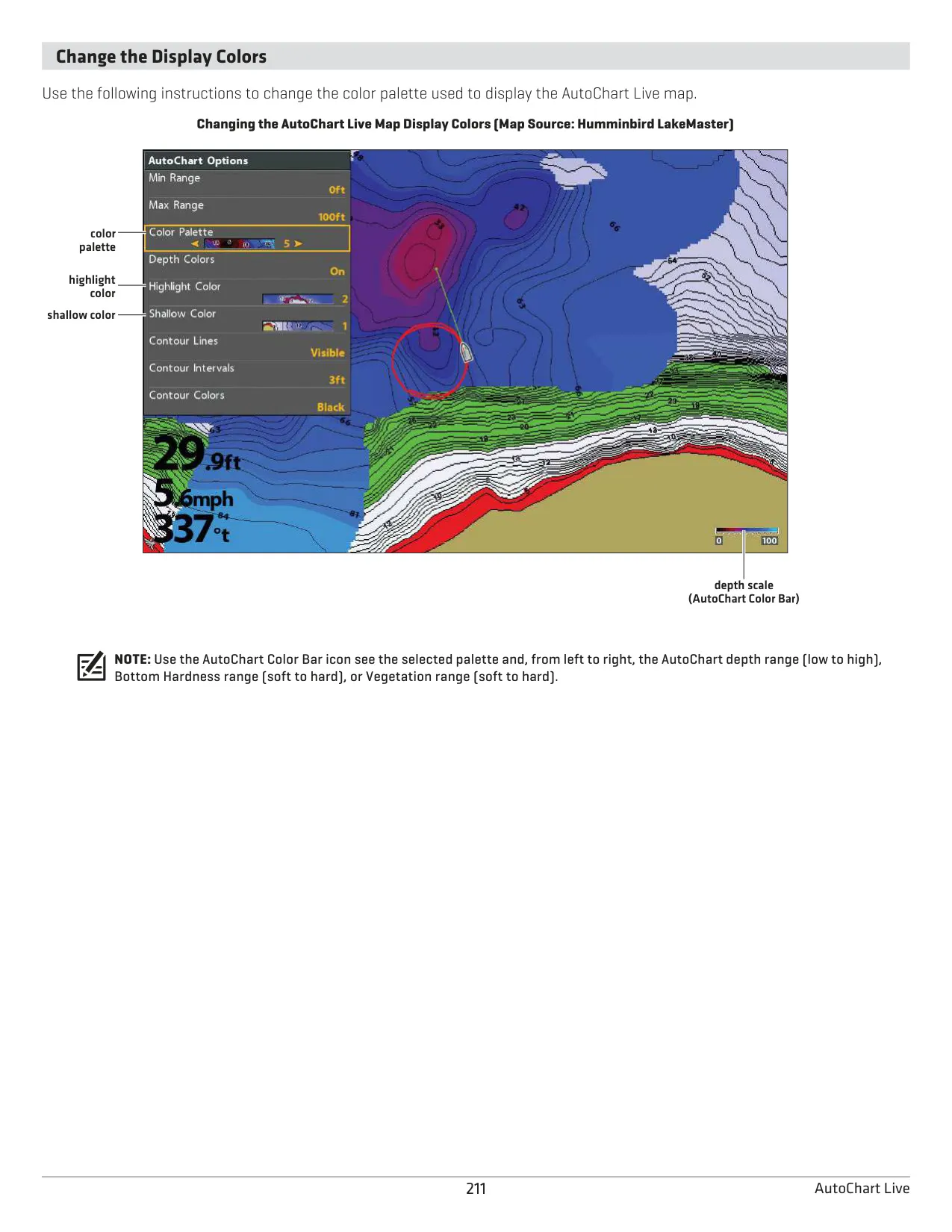
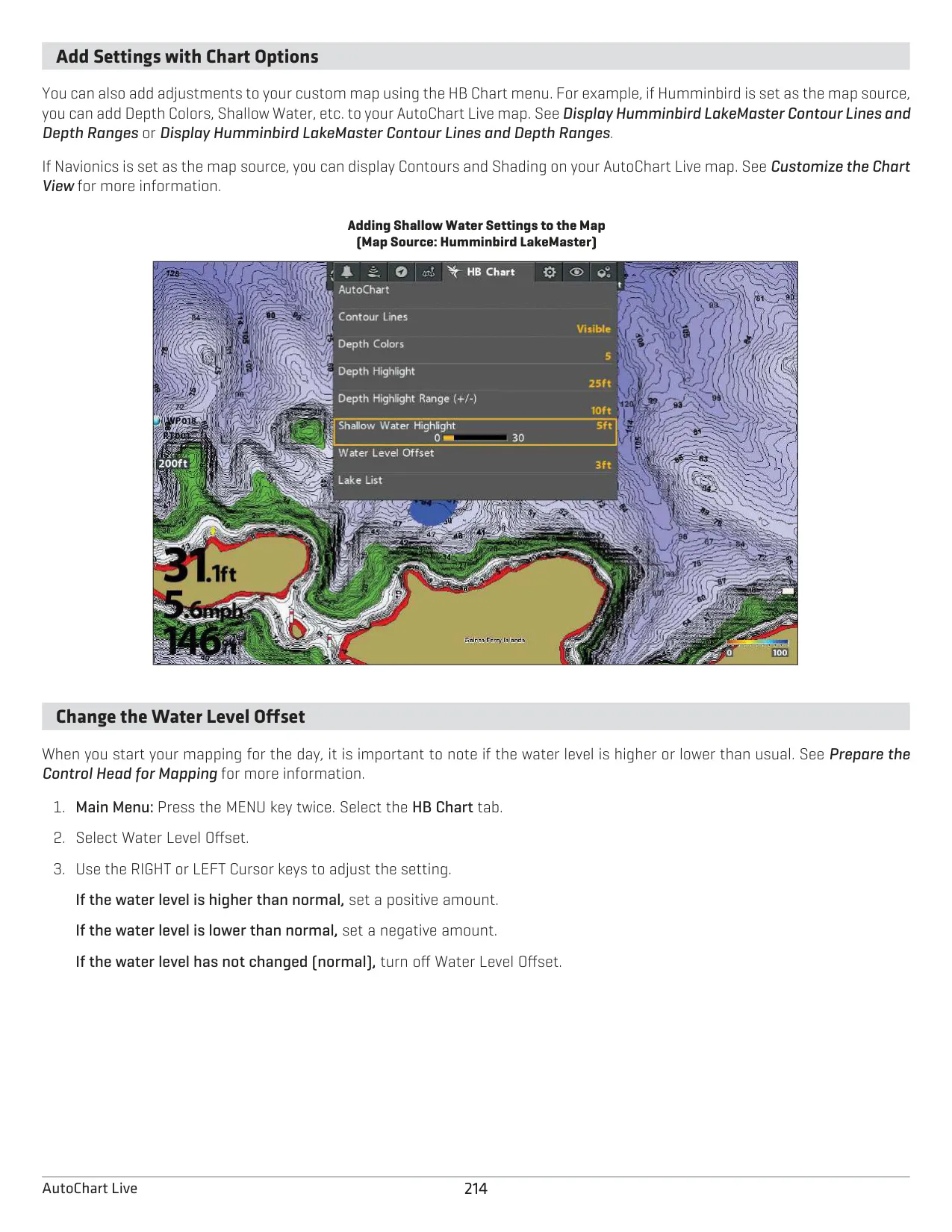
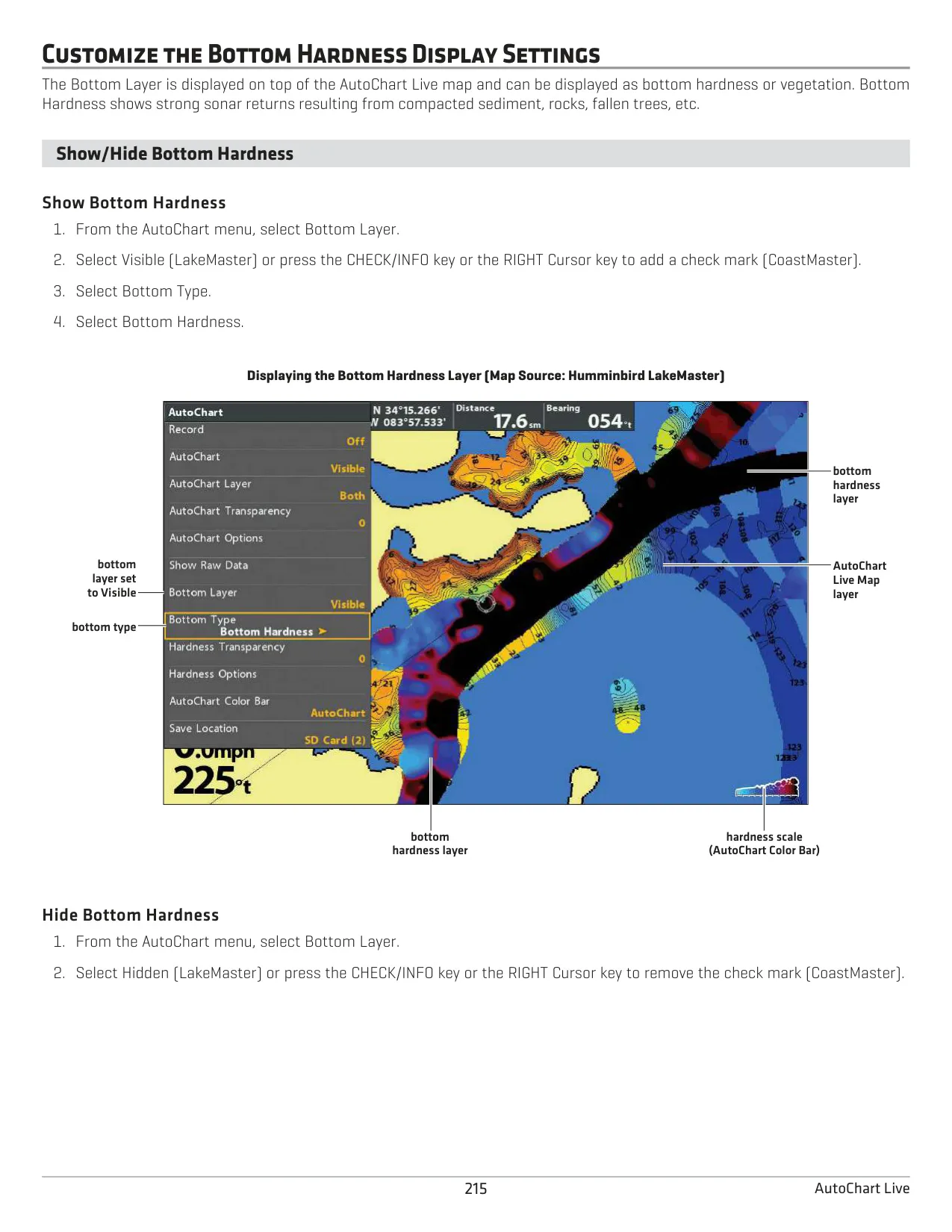
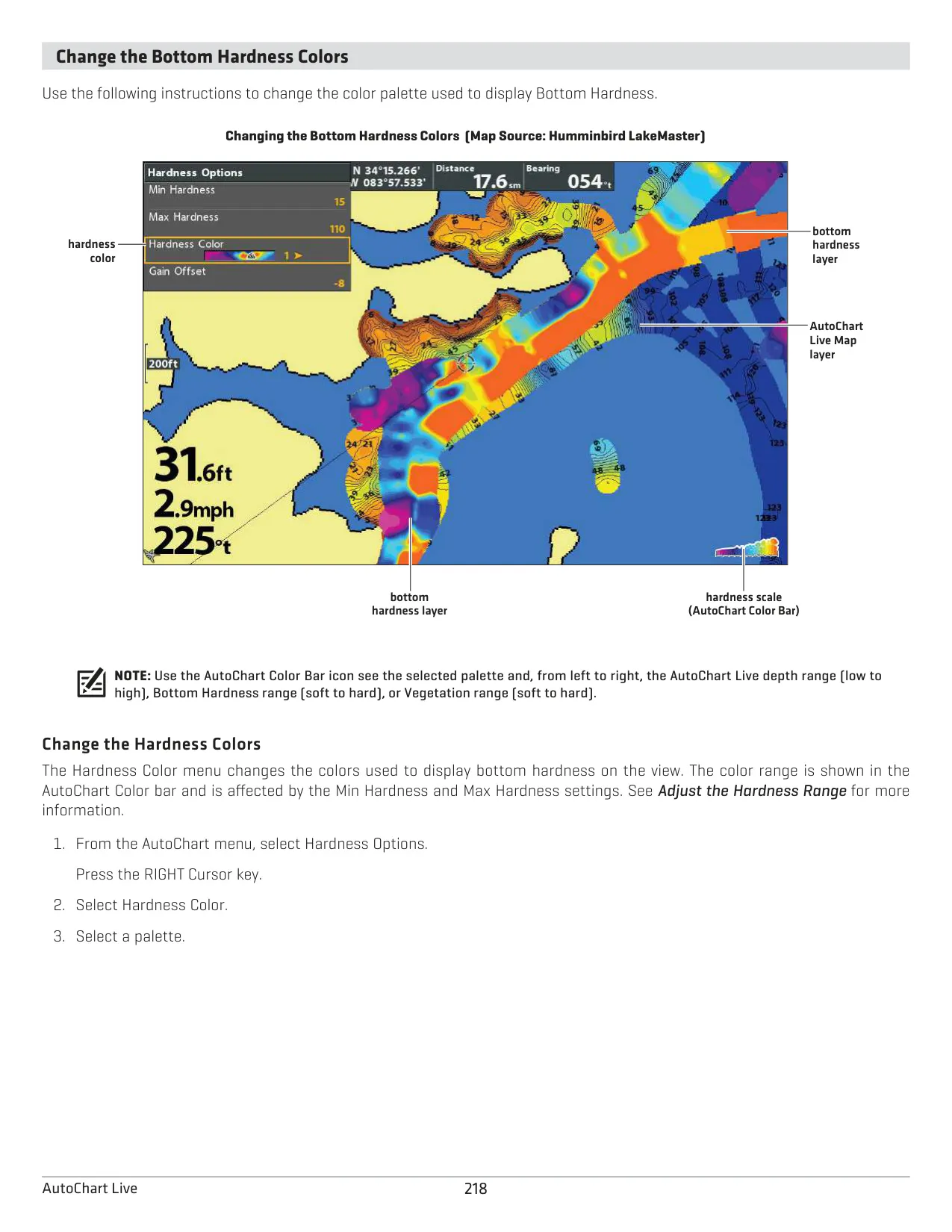
Chart mode supports LakeMaster, CoastMaster, ChartSelect and Navionics cards. LakeMaster adds Water Level Offset, Depth Highlight and Shallow Water Highlight. CoastMaster lets G3 units show up to four depth highlights. You can orient the chart North-Up, Head-Up or Course-Up. Course Projection, Auto Zoom and Chart Declutter keep the view readable. AutoChart Live builds your own contour maps in real time and can add Bottom Hardness or Vegetation layers. For best results, drive a zigzag pattern at a steady speed of 0 to 8 mph.
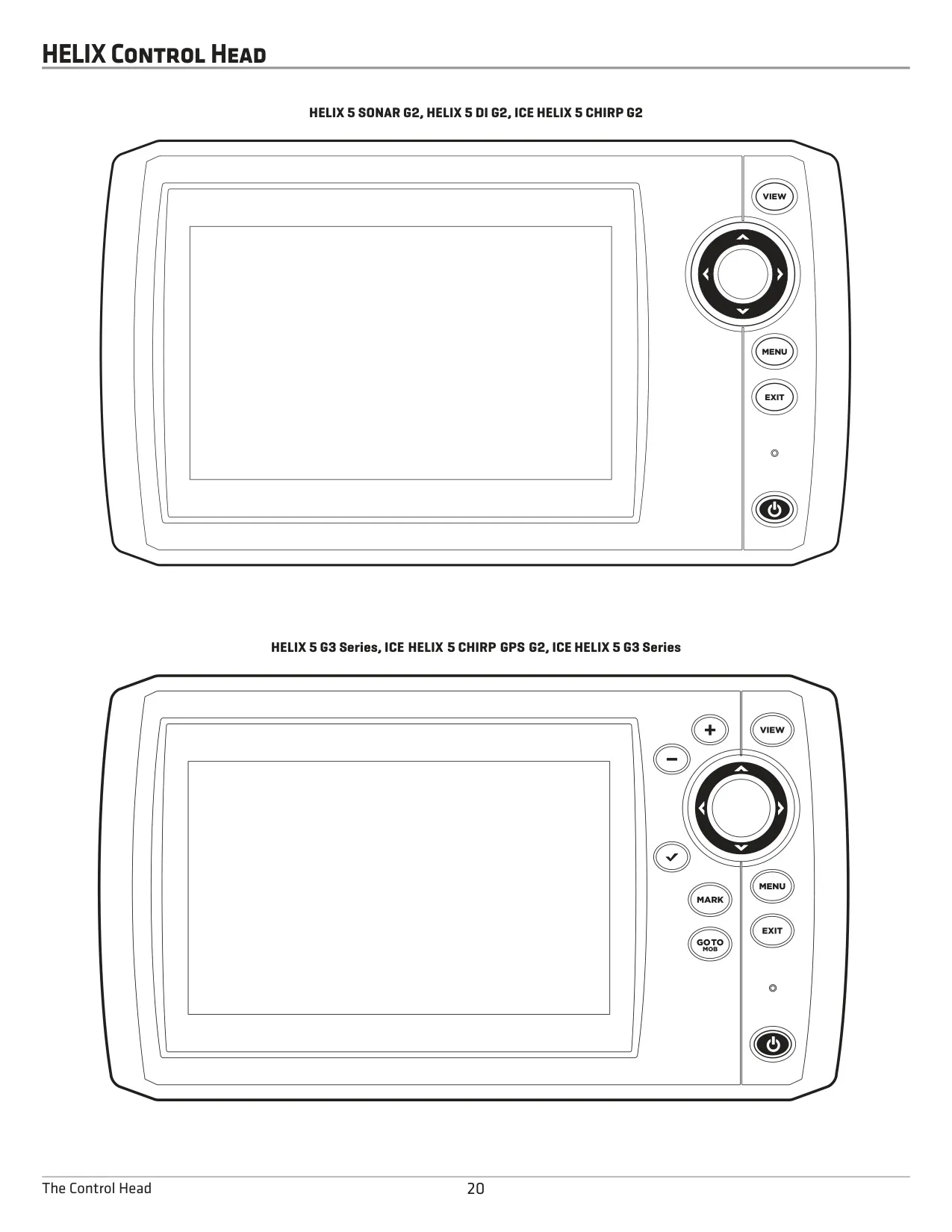
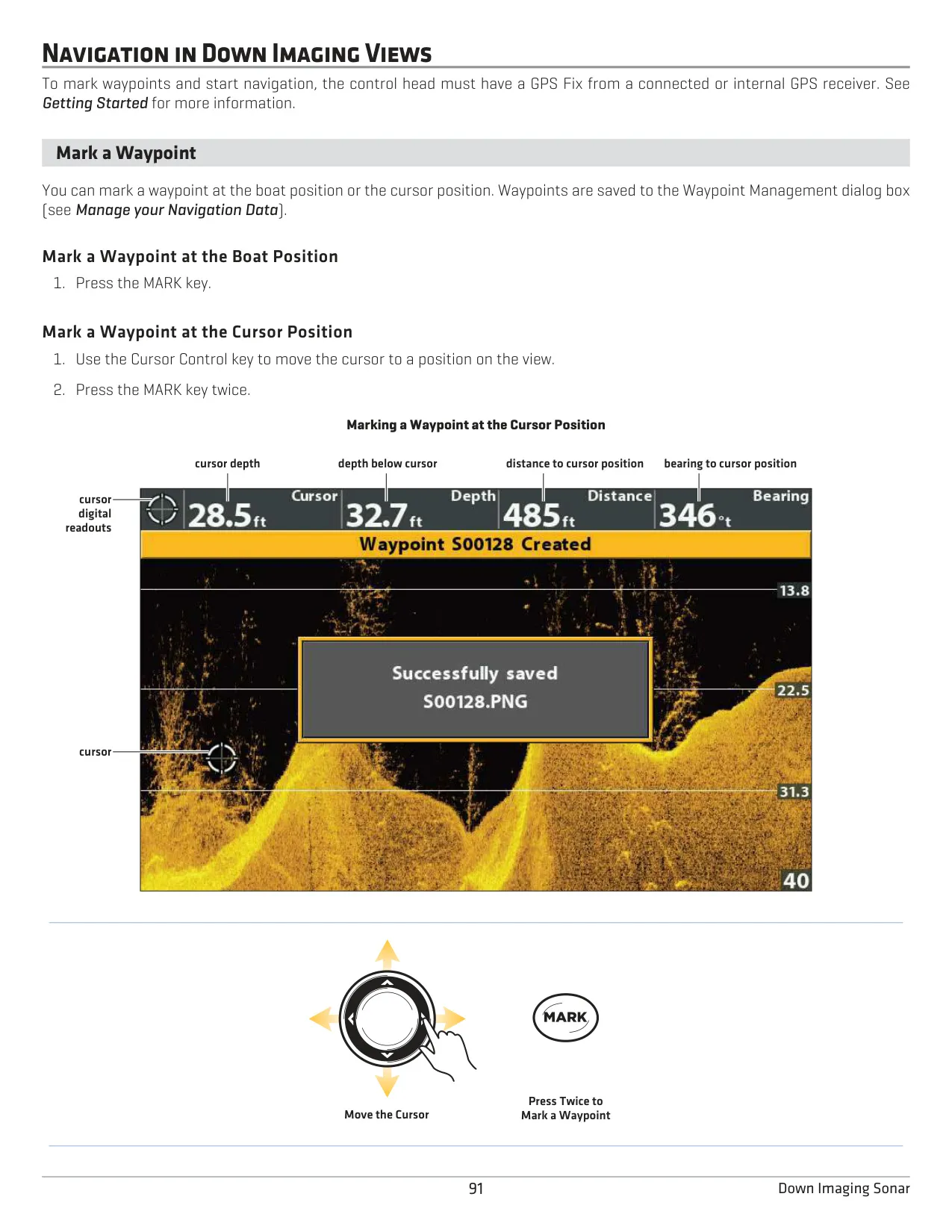
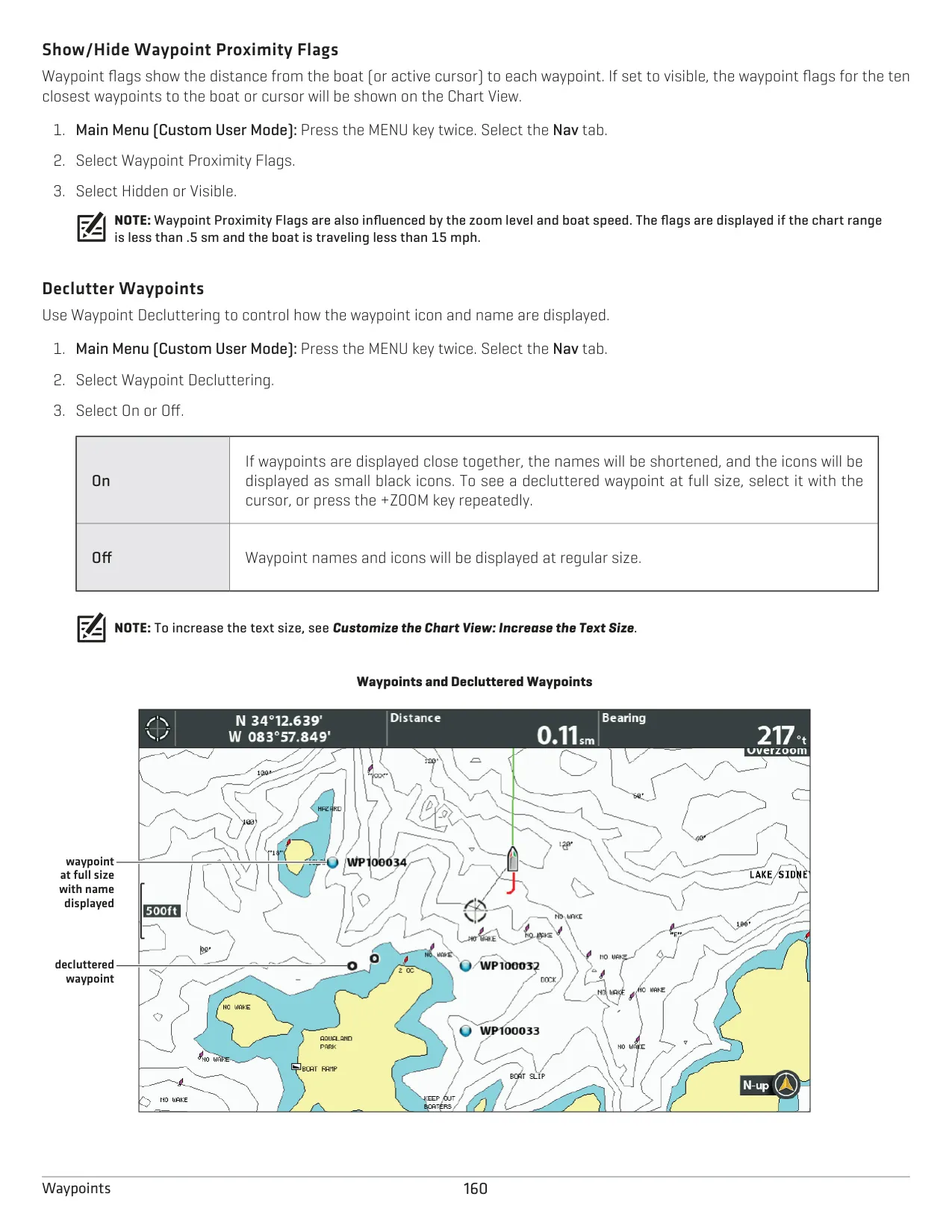
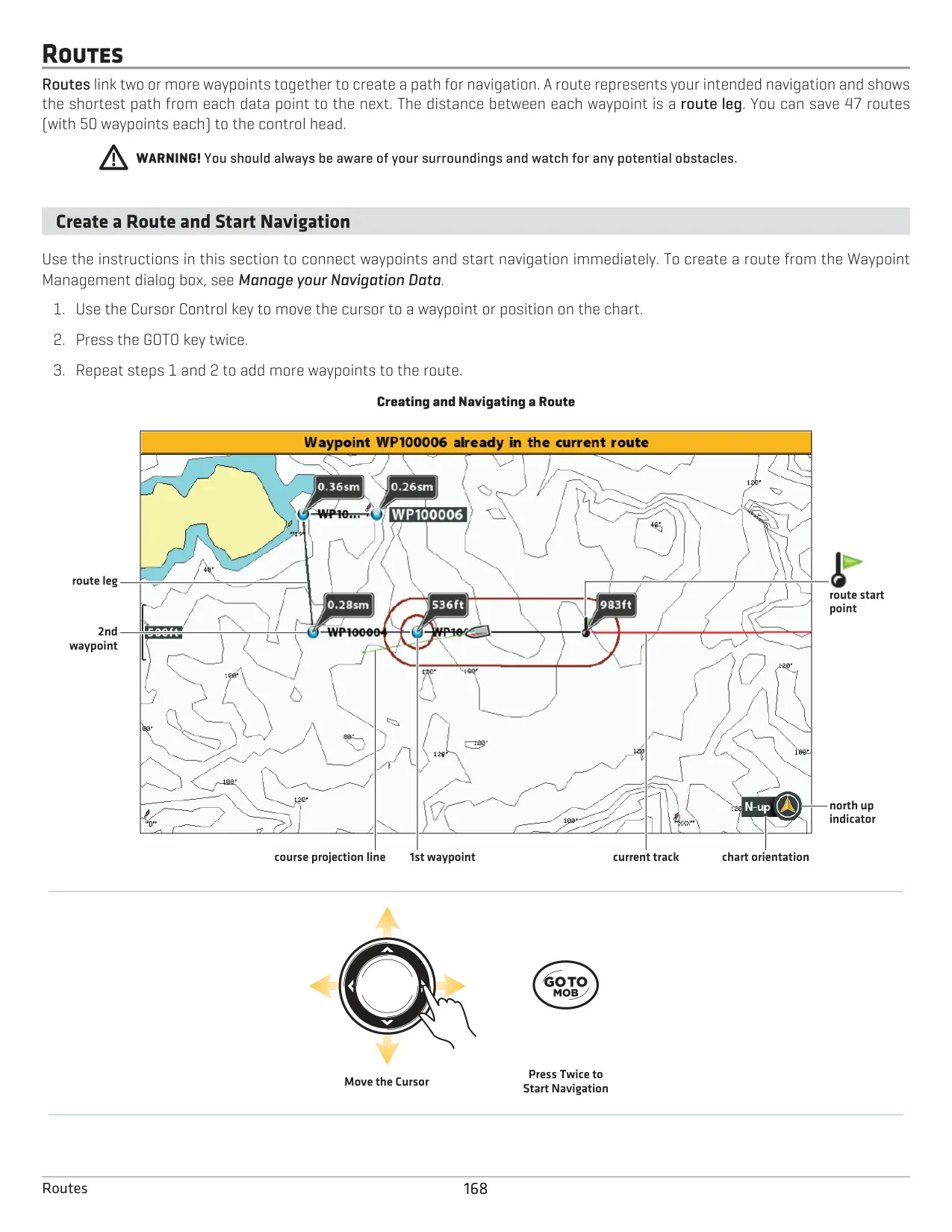
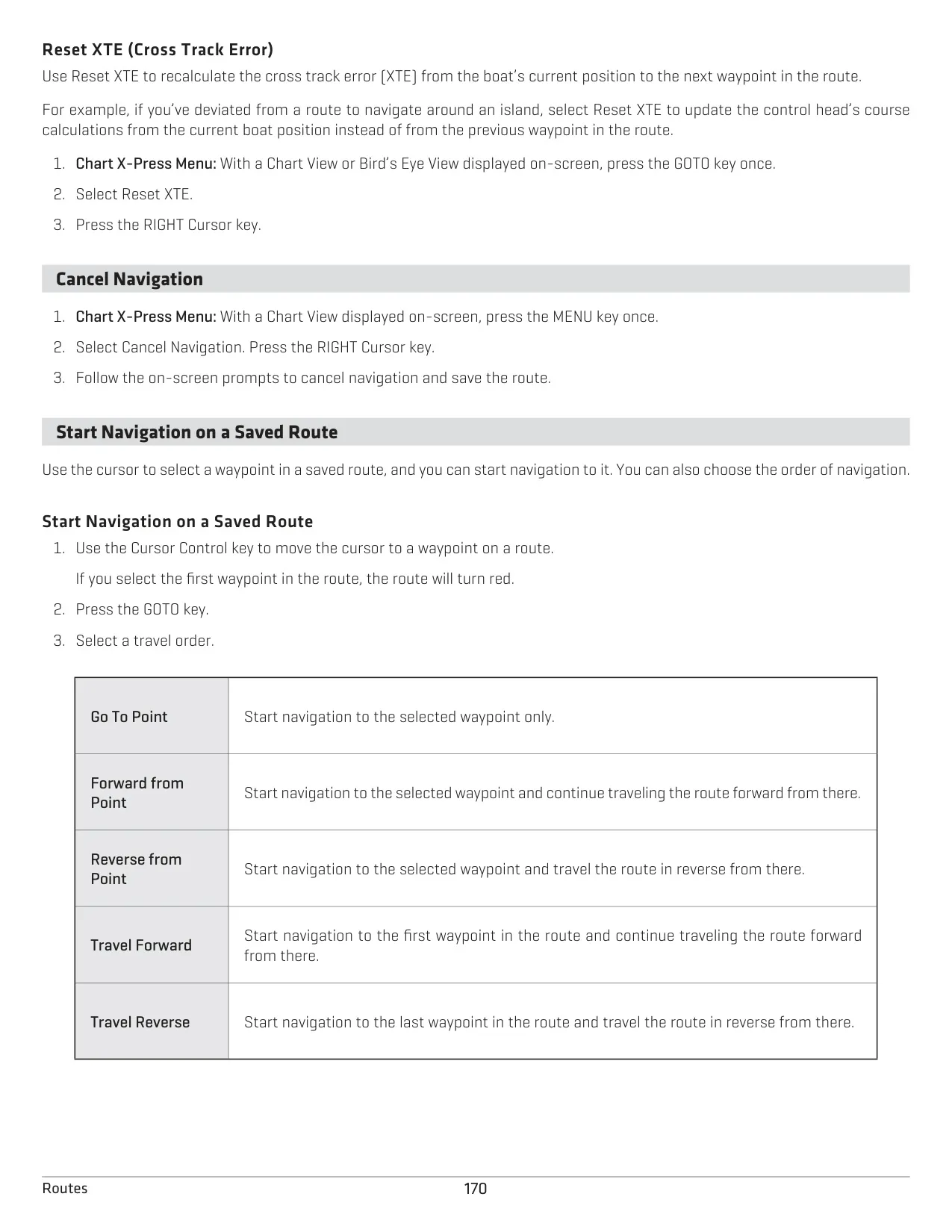
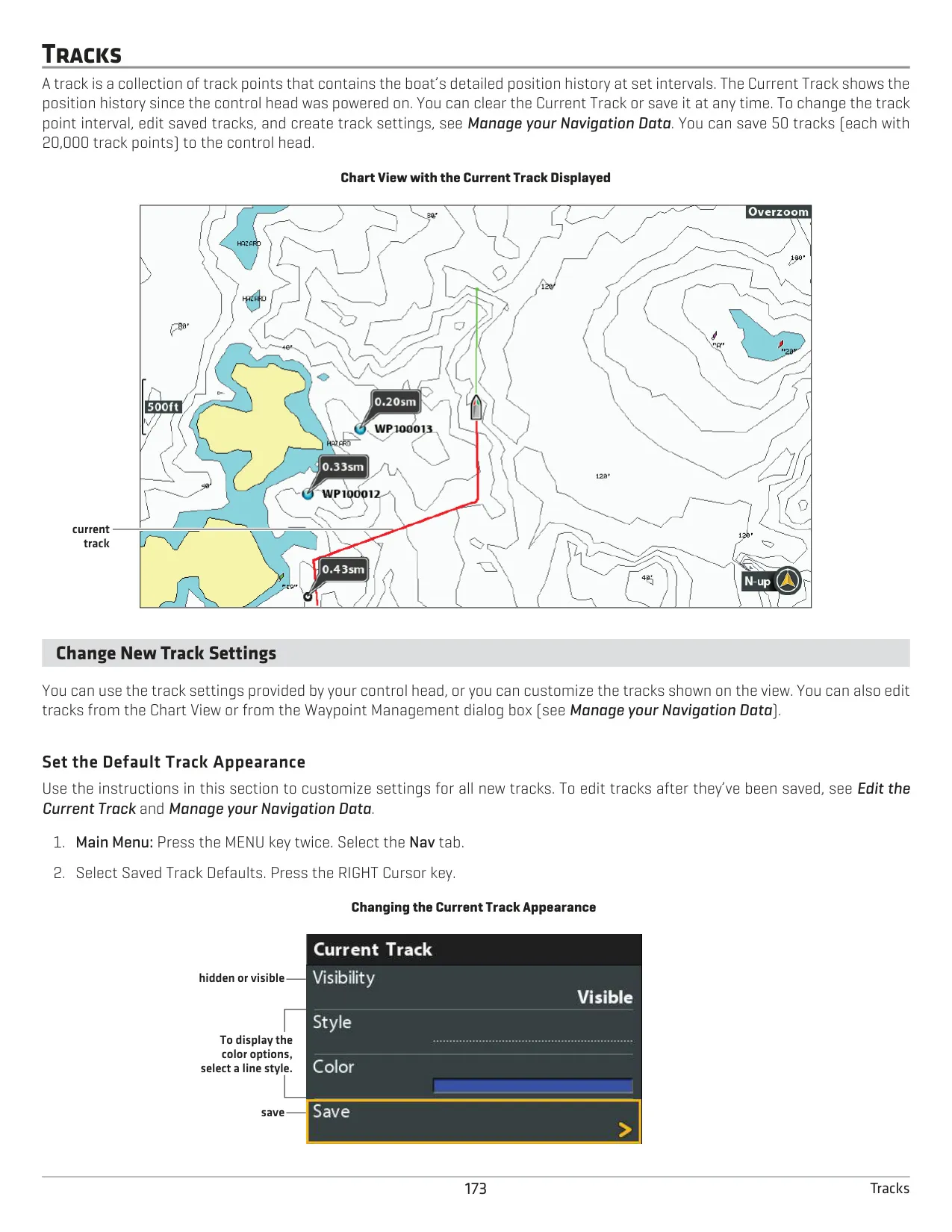
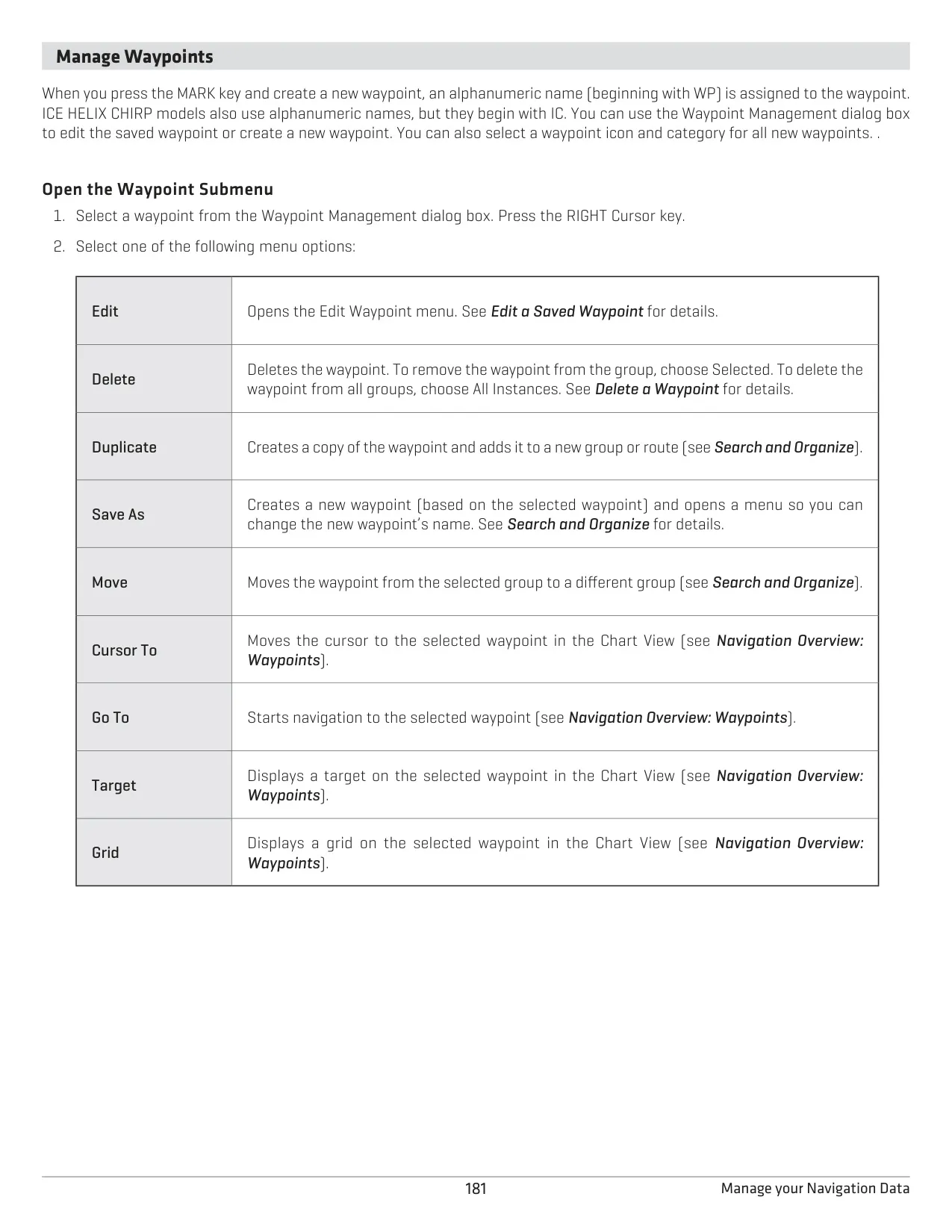
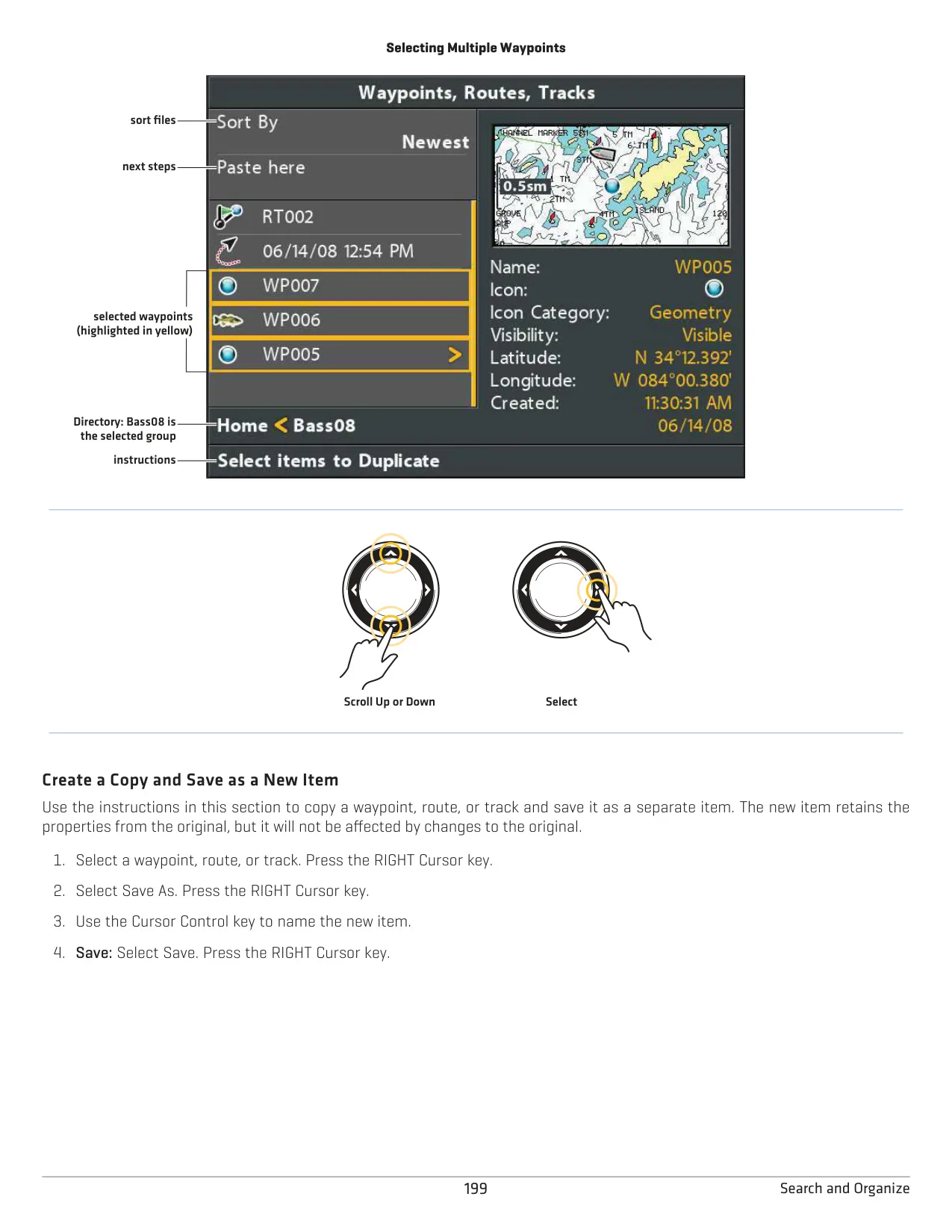
Navigation tools include Man Overboard: hold GOTO/MOB to mark the spot and start navigating back to it right away. Waypoints can display Casting Rings, Proximity Flags and a Trolling Grid. Routes can be run forward or in reverse, and you can skip waypoints. Tracks have adjustable point intervals and styles. The unit also provides Depth, Temperature, Low Battery, Fish ID, Off Course, Arrival and Drift alarms, and any key silences an active alarm. Save your current track before turning the unit off.
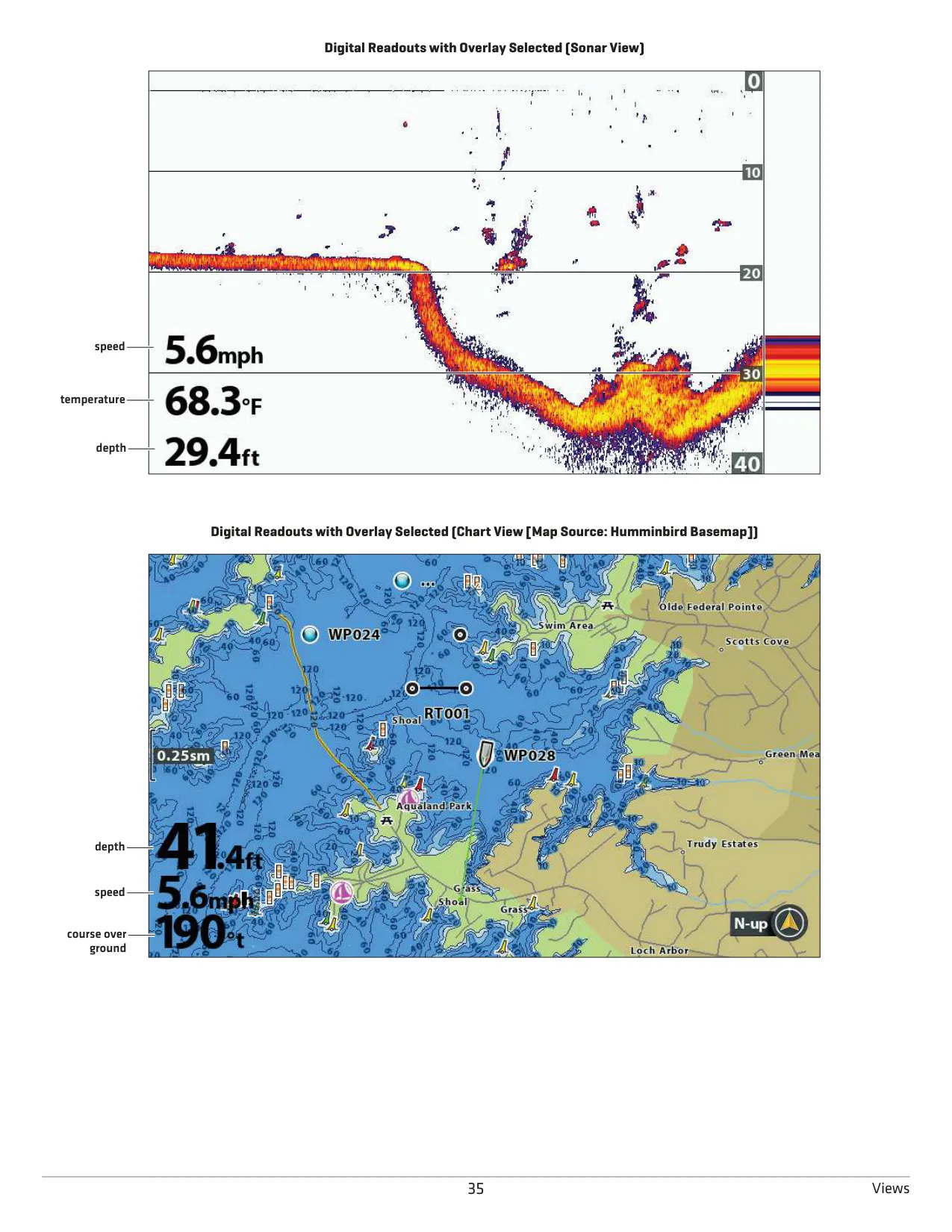
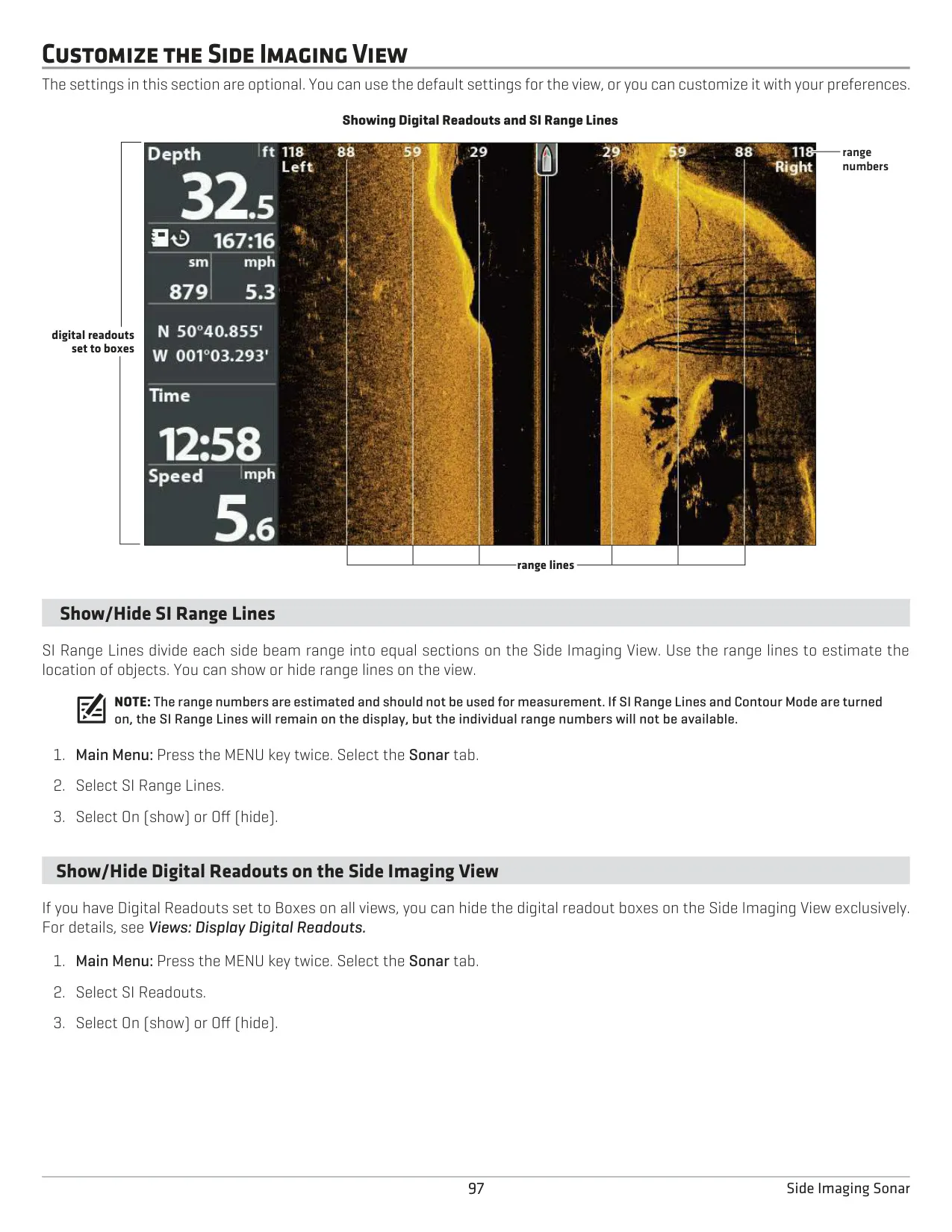
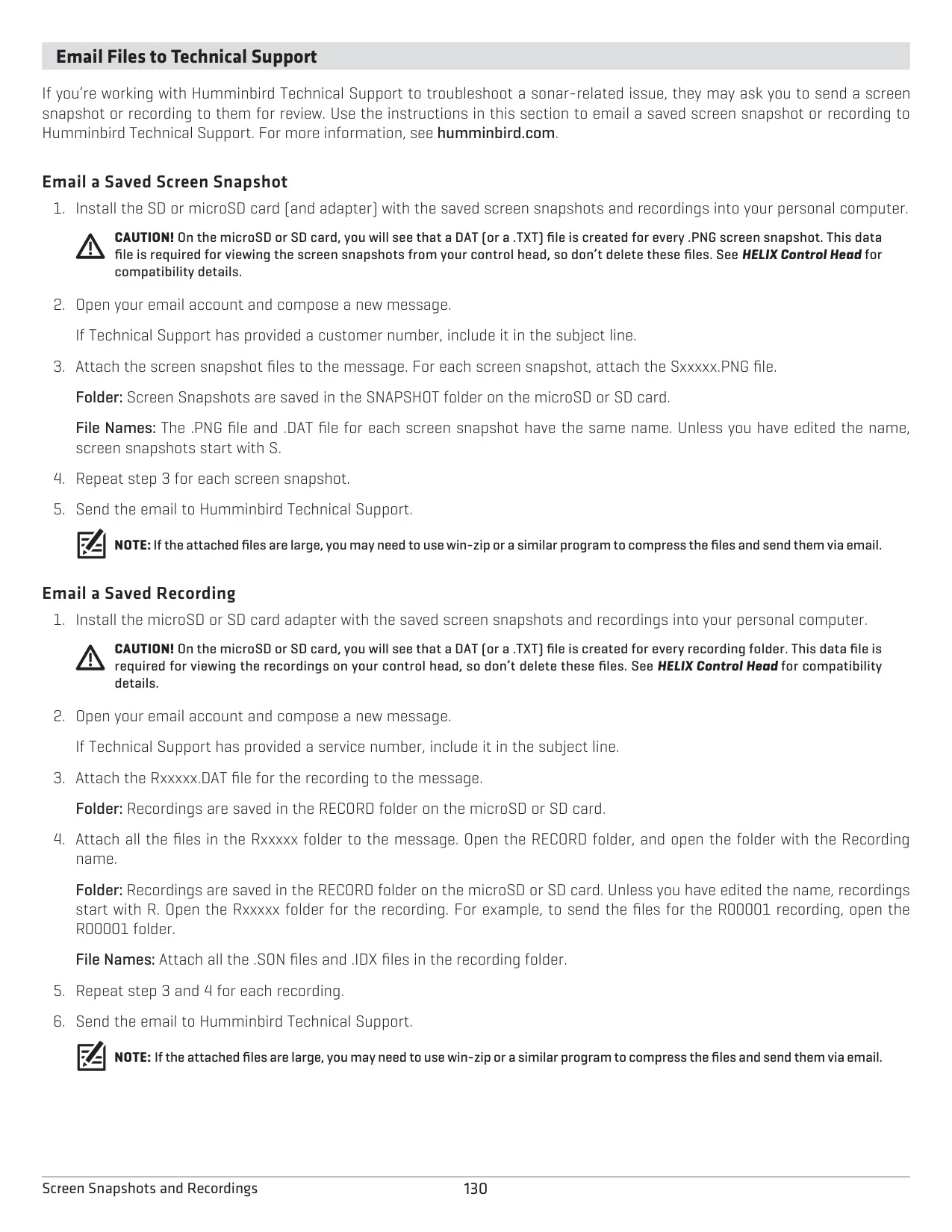
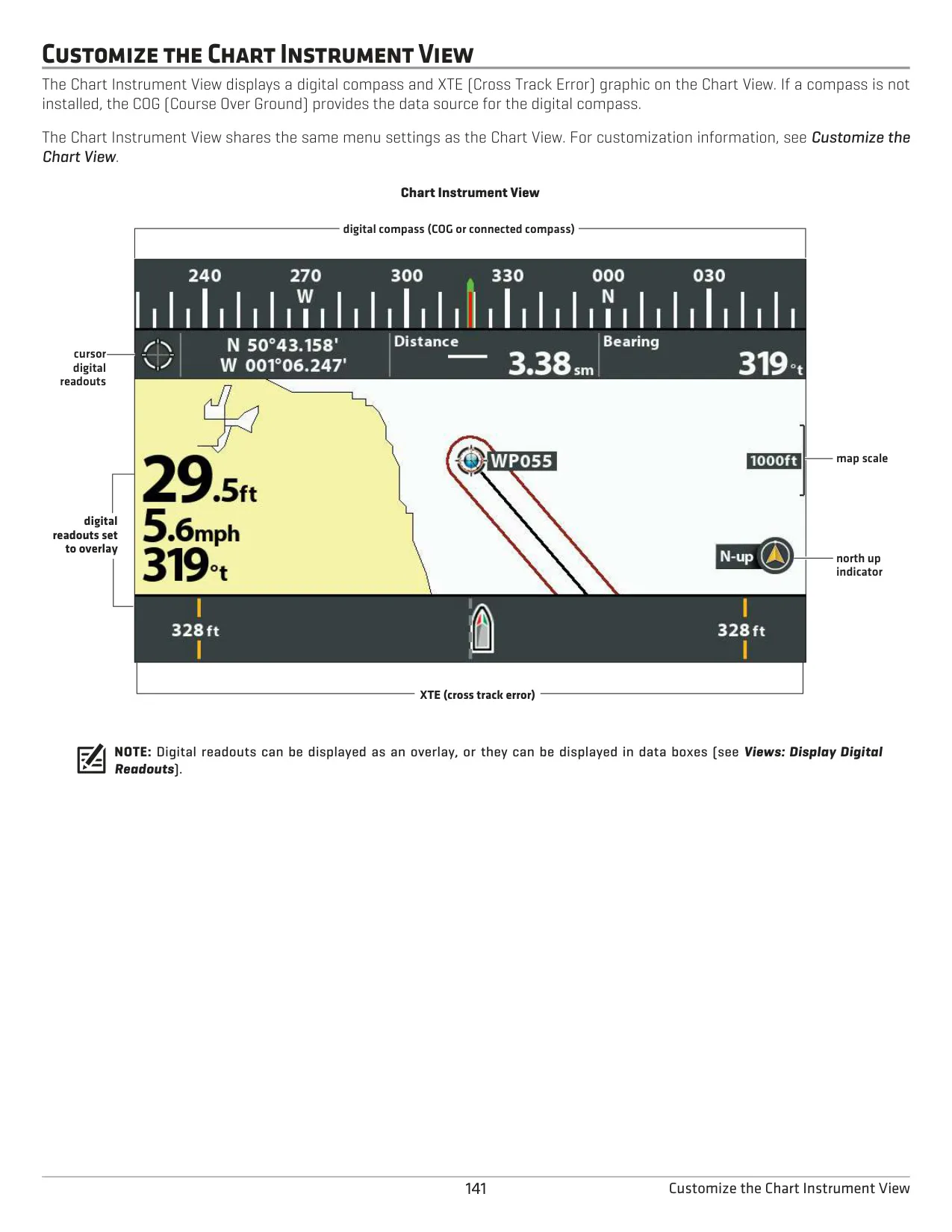
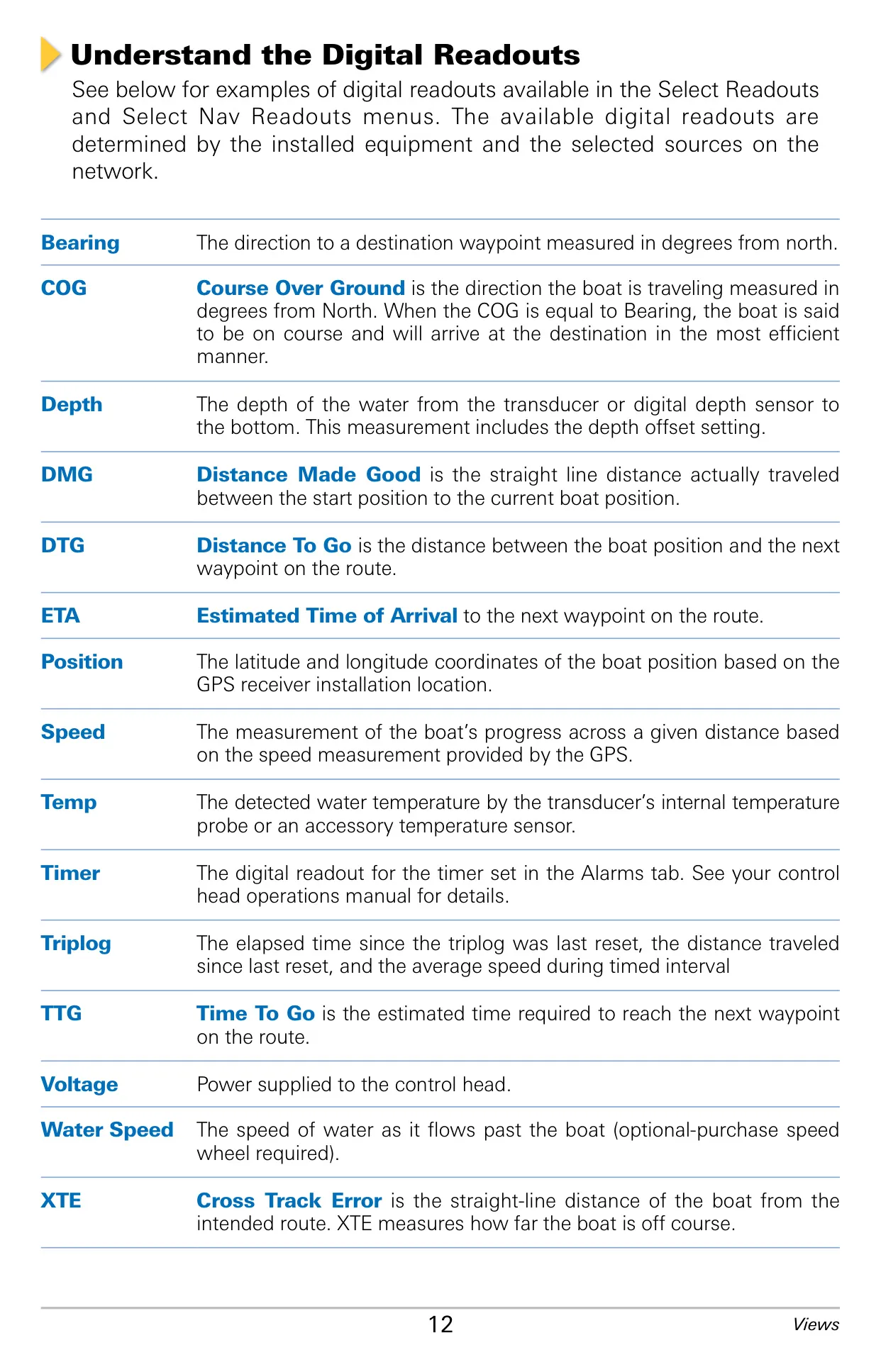
With a card in the slot, holding MARK saves a screen snapshot as a PNG file. The unit can also record sonar to play back later at adjustable speeds. On-screen digital readouts include Bearing, COG, DTG, ETA, Speed, Time, Triplog, TTG, Voltage and XTE. You can show them as Boxes or Overlay, or turn them off. To update the software, copy the file from humminbird.com to a formatted card and power on the unit with the card inserted.
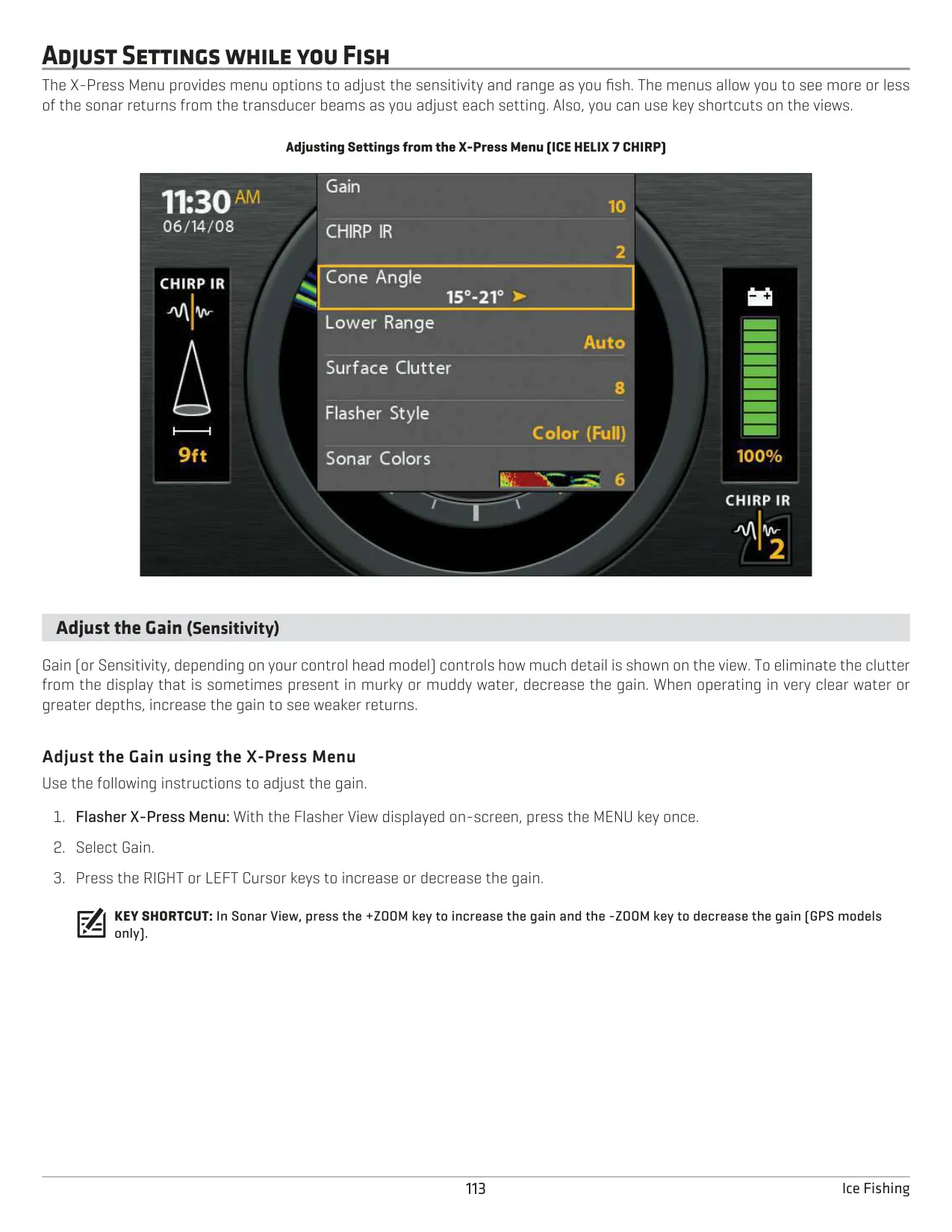
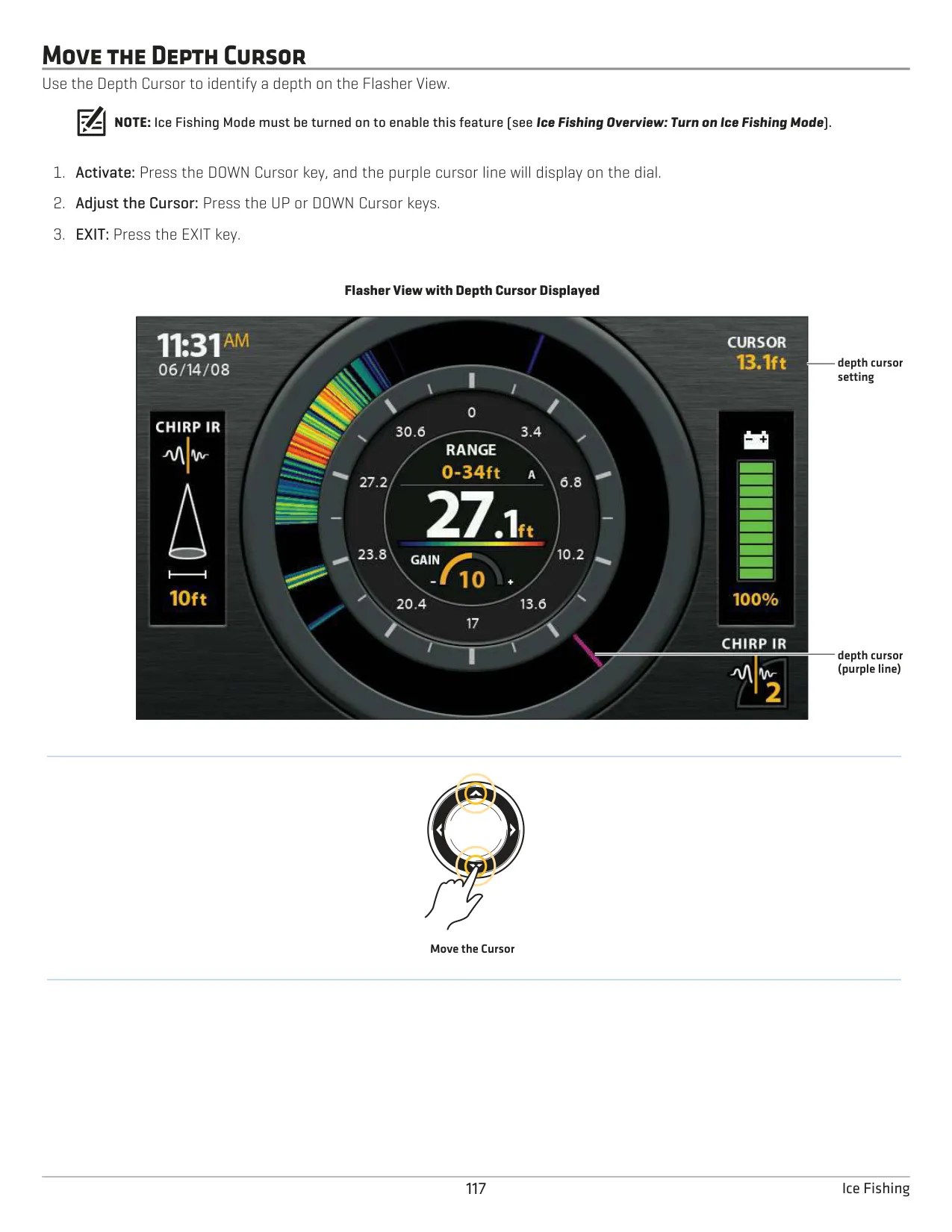
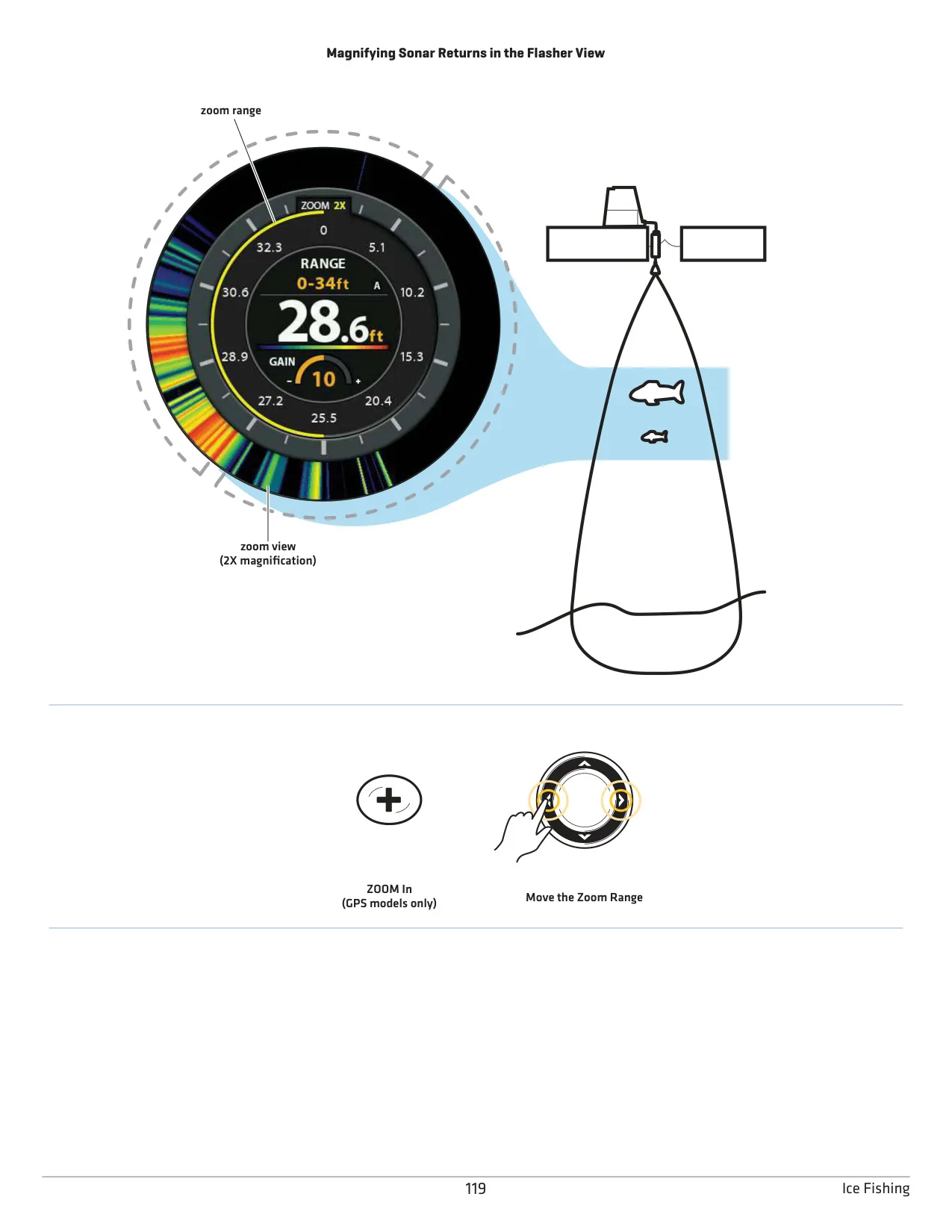
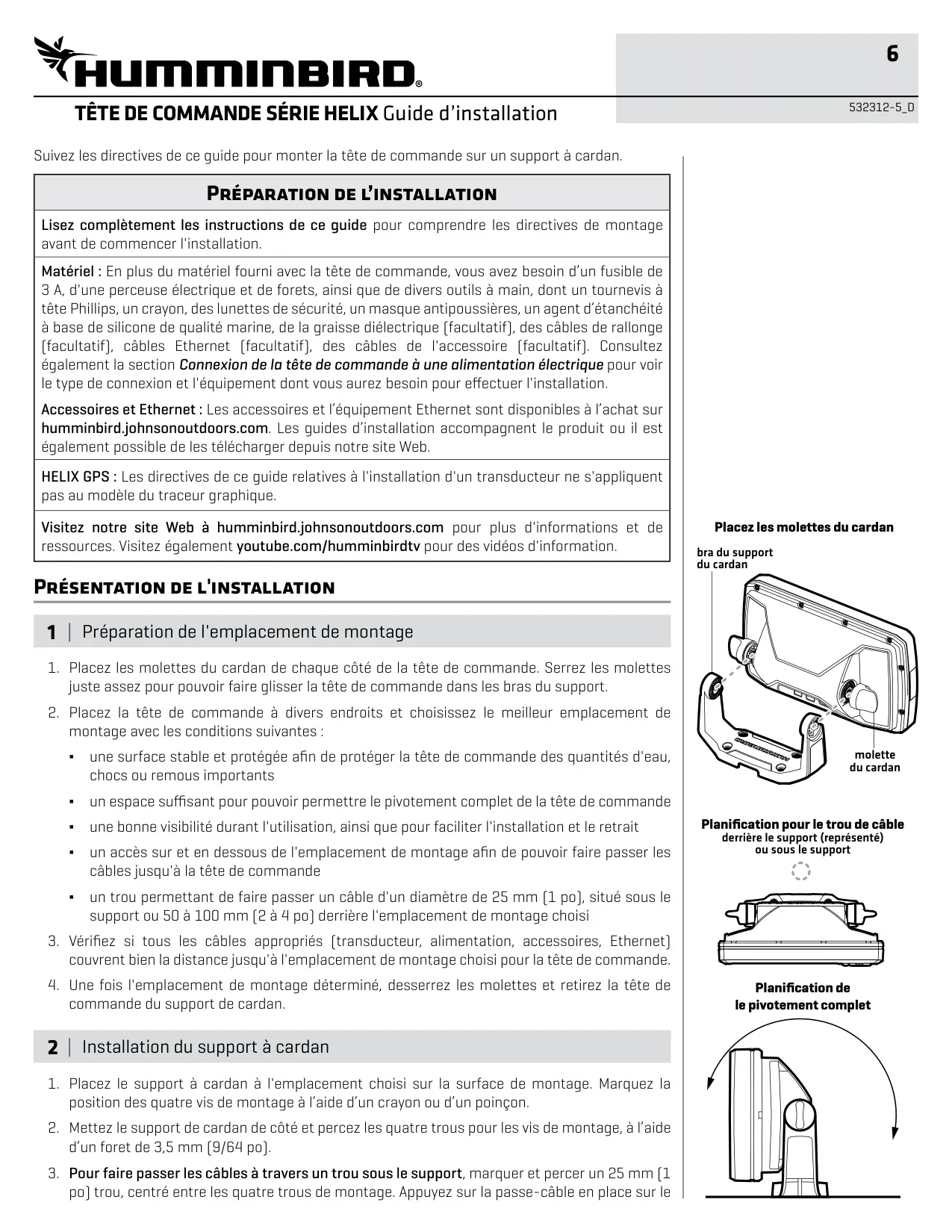
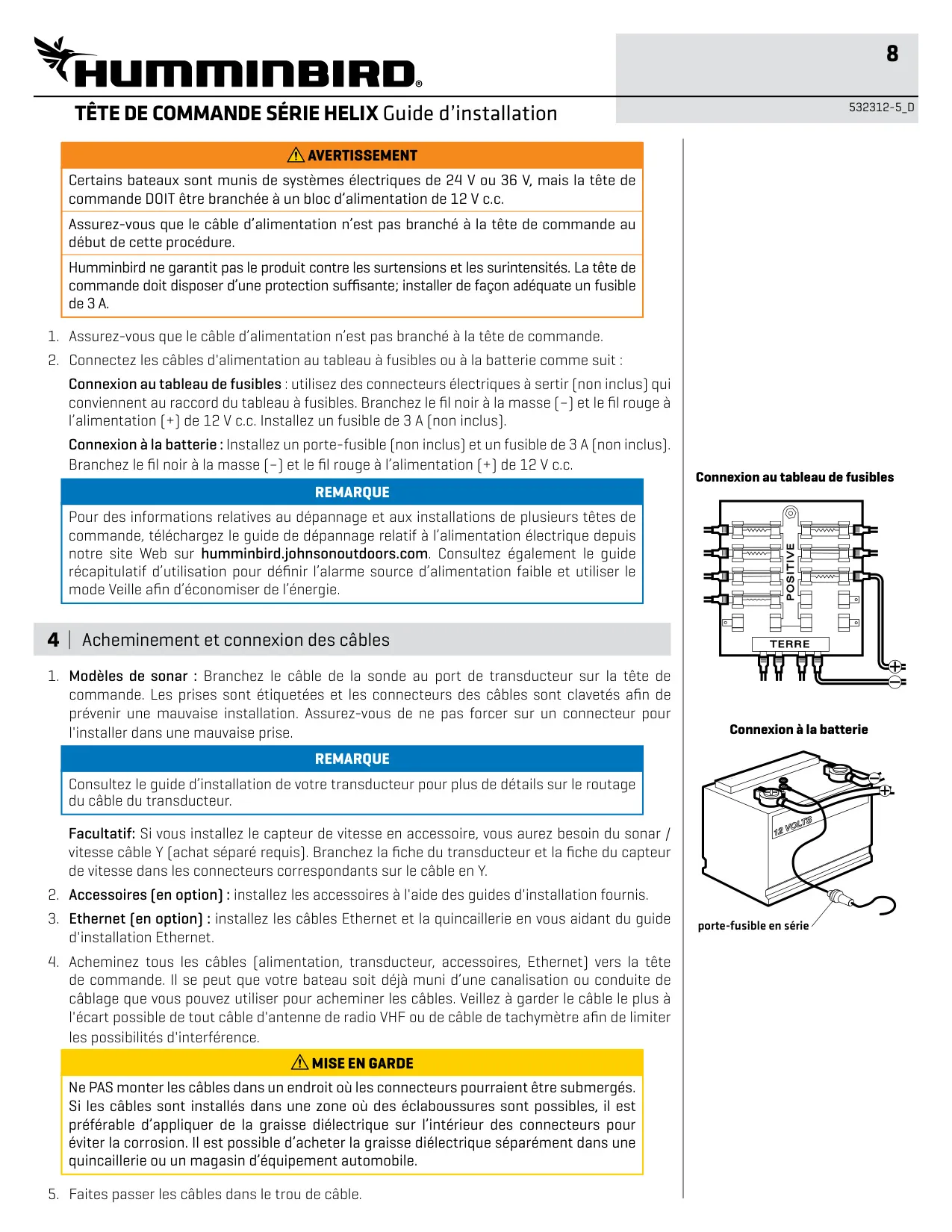
The HELIX 5 also supports ice fishing once its software is updated. Turning on Ice Fishing mode restarts the unit and adds a Flasher view with Color (Full) or A-Scope styles, 2X zoom, a Depth Cursor, Declutter and a Jig Charge feature. When installing, make sure there is room to tilt the unit, leave enough cable slack, and route power and transducer cables away from VHF antennas and tachometer wiring. Use dielectric grease on connectors in areas exposed to spray.
For maintenance, clean the screen with mild soap and warm water, or with water and vinegar. Avoid chemical glass cleaners, and note that the warranty does not cover damage from sunscreen or insect repellent. Keep the transducer free of marine growth and air bubbles. Sonar noise can come from other electronics, spark plugs, the alternator or propeller cavitation. Remove the protective cover before traveling faster than 20 mph. Back up your waypoints, routes and tracks regularly.
Frequently Asked Questions (FAQs)
Can't find the answer you need? Here are some frequently asked questions about the Humminbird Helix 5 Chirp GPS G3 Fishfinder, and we answer them below.