Humminbird Helix 5 DI G2 Fishfinder Instruction Manual

Humminbird Helix 5 DI G2 Fishfinder





























































Humminbird Helix 5 DI G2 Fishfinder






Humminbird Helix 5 DI G2 Fishfinder





Humminbird Helix 5 DI G2 Instructions
Here we offer the Humminbird Helix 5 DI G2 Fishfinder manual completely free and in English. We have cataloged this manual in the Fishfinders section on Manualverse, and it has been rated by 1 users with an average rating of 5. If you have any specific questions about Humminbird Helix 5 DI G2 Fishfinder, we suggest checking the Frequently Asked Questions (FAQs) section of this manual.
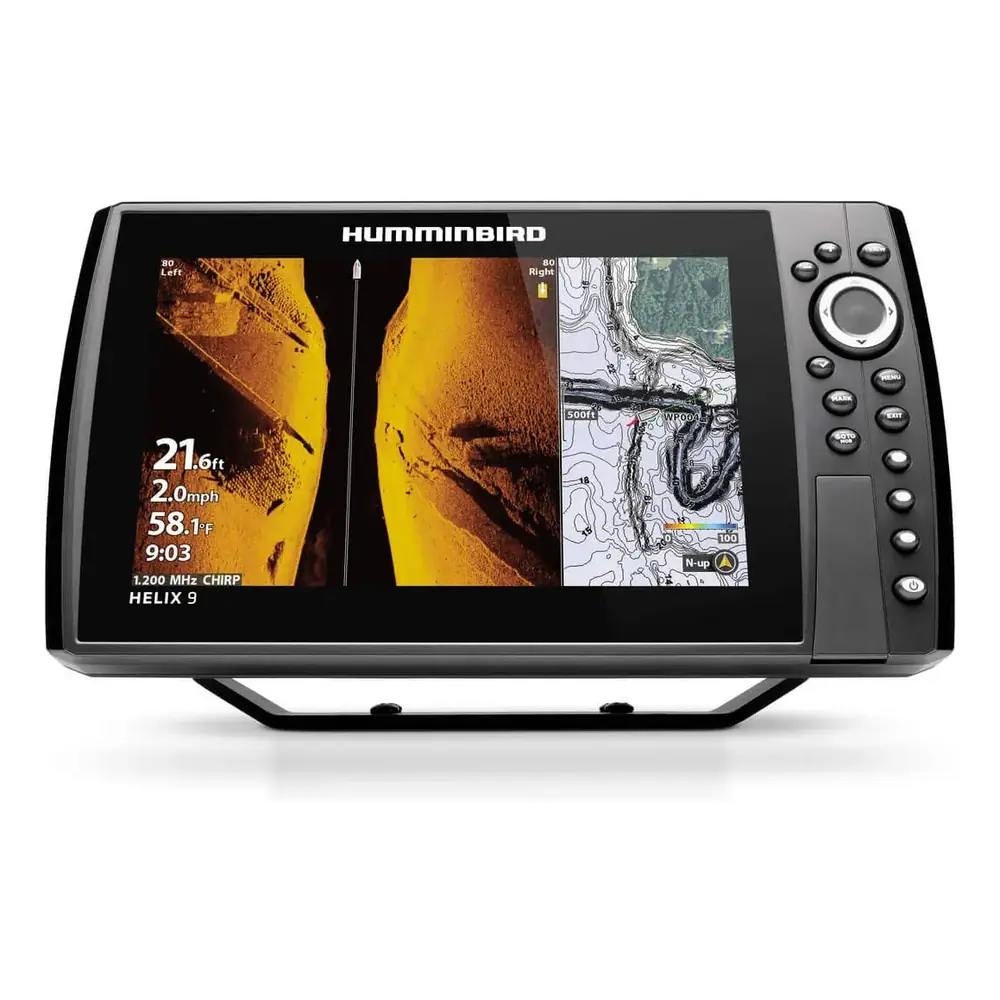
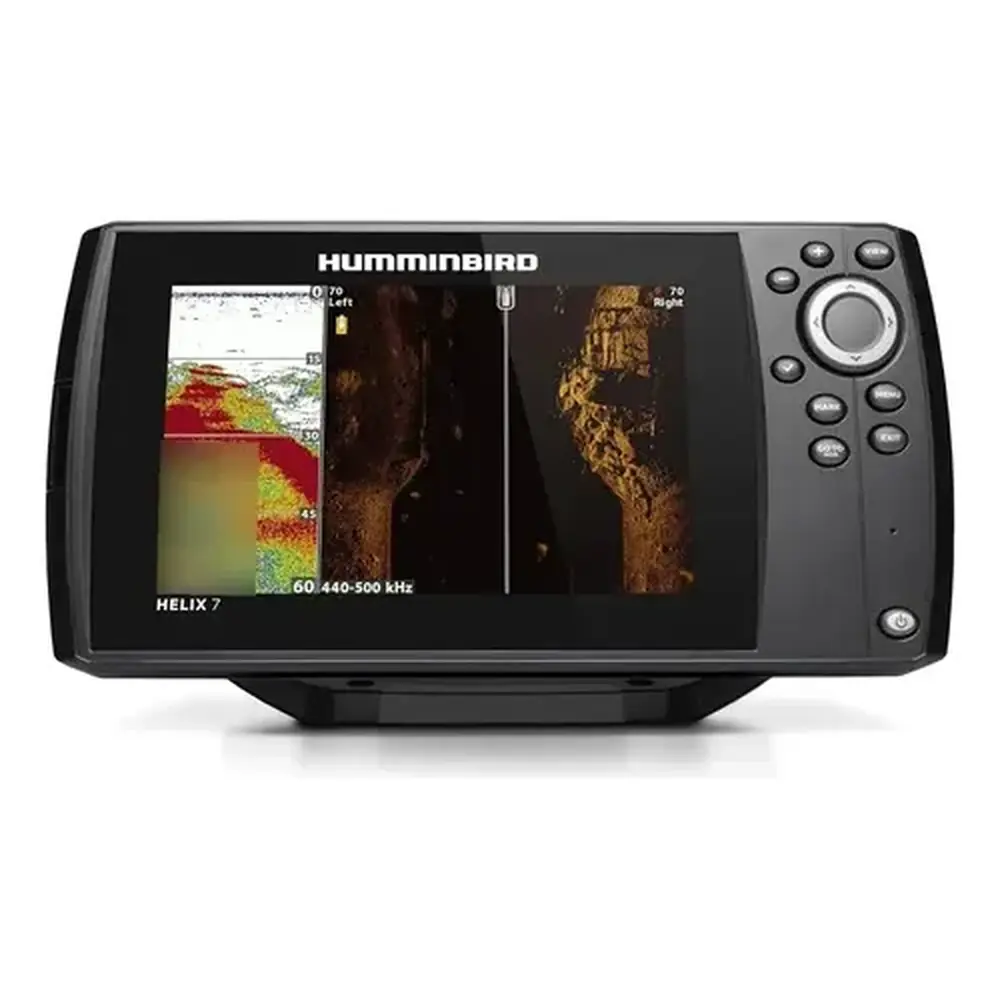
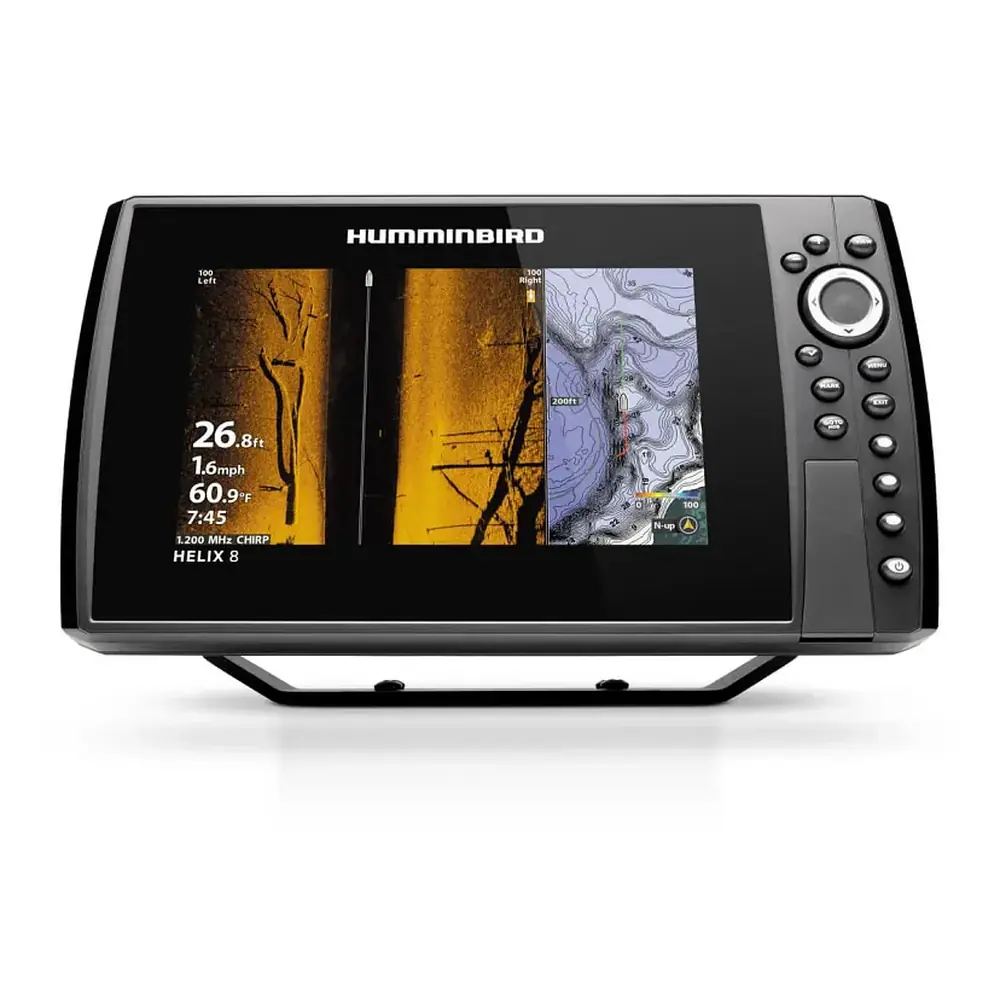
Product Images


Humminbird Helix 5 DI G2 Fishfinder Specifications
| Feature | Specification |
|---|---|
| Model | HELIX 5 DI G2 (2D Sonar + Down Imaging) |
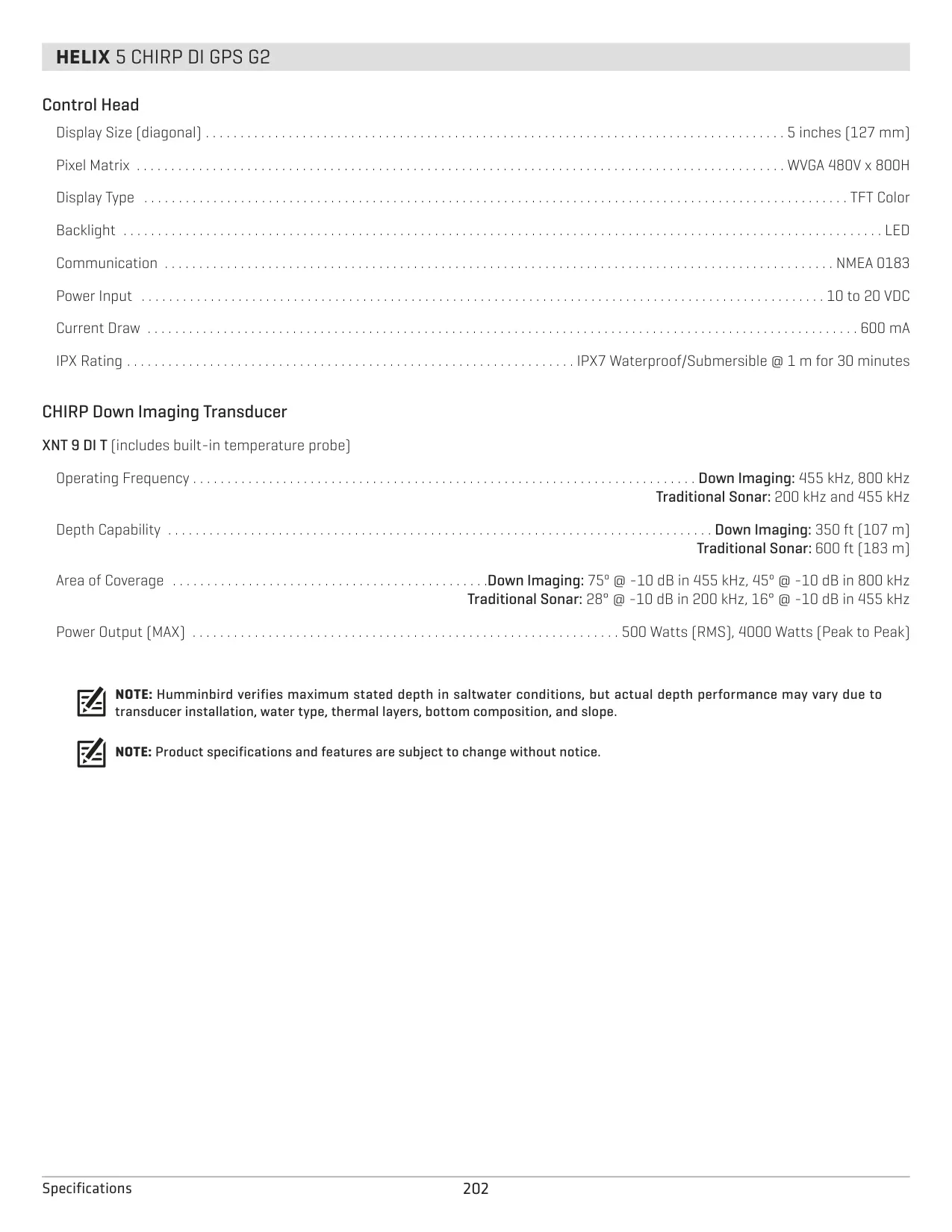
| Display Size (diagonal) | 5 inches (127 mm) |
| Pixel Matrix | WVGA 480V x 800H |
| Display Type | TFT Color |
| Backlight | LED, adjustable from Dim to 10 (brightest) |
| Communication | NMEA 0183 |
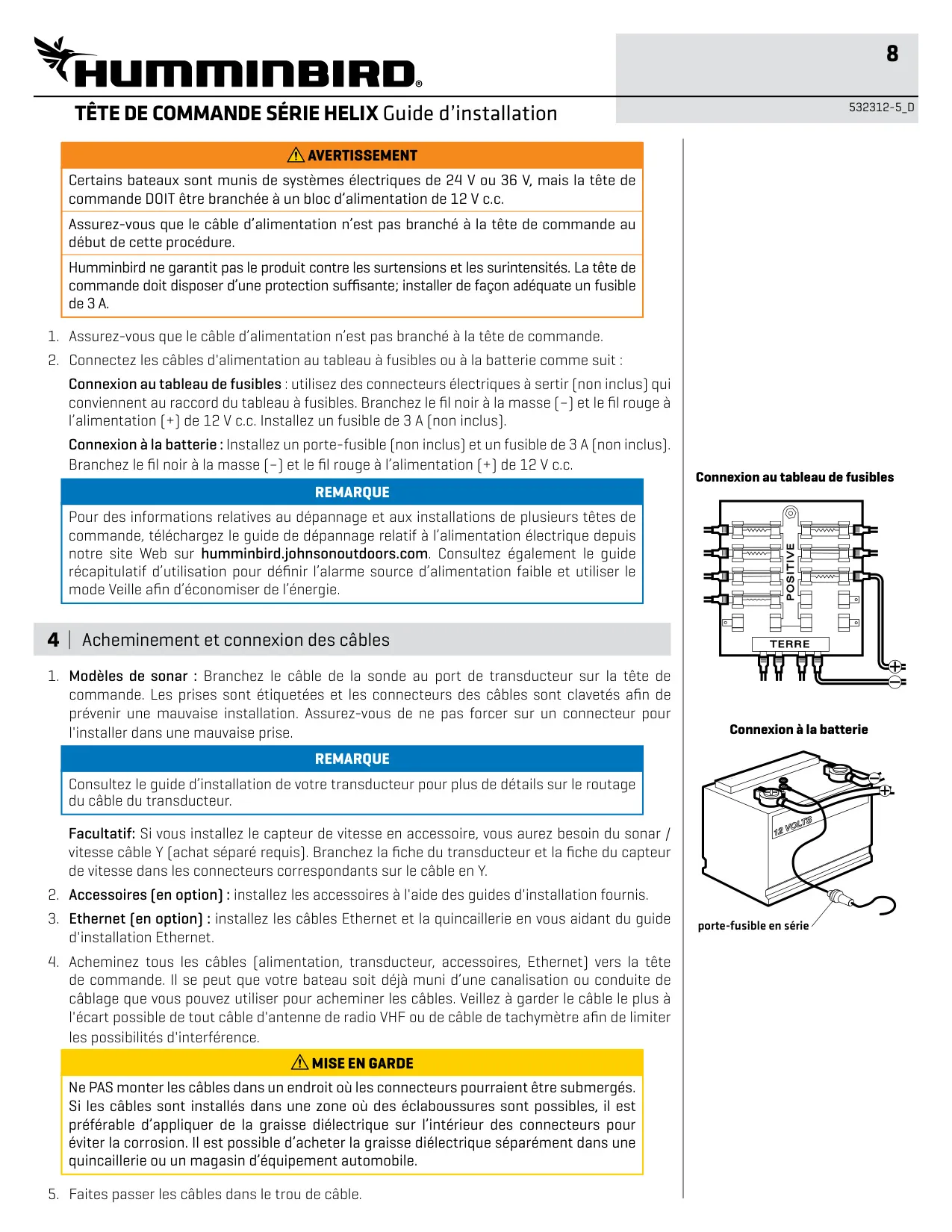
| Power Input | 10 to 20 VDC (connect to a 12 VDC supply) |
| Current Draw | 650 mA |
| Required Fuse | 3 Amp |
| Minimum Battery Voltage at Power Connector | 12.2 Volts |
| Over-Voltage Limit | Input voltage must not exceed 20 Volts |
| Included Power Cable Length | 6 ft (2 m) |
| Water Resistance | IPX7 Waterproof/Submersible @ 1 m for 30 minutes |
| Included Transducer | XNT 9 DI T (built-in temperature probe) |
| Down Imaging Frequencies | 455 kHz and 800 kHz |
| Traditional 2D Sonar Frequencies | 200 kHz and 455 kHz |
| Down Imaging Depth Capability | 350 ft (107 m) |
| Traditional Sonar Depth Capability | 600 ft (183 m) |
| Down Imaging Coverage | 75° @ -10 dB in 455 kHz, 45° @ -10 dB in 800 kHz |
| Traditional Sonar Coverage | 28° @ -10 dB in 200 kHz, 16° @ -10 dB in 455 kHz |
| Power Output (MAX) | 500 Watts (RMS), 4000 Watts (Peak to Peak) |
| GPS | External GPS receiver, trackplotting (separate purchase required) |
| Waypoint Capacity | 2,750 waypoints |
| Route Capacity | 47 routes (50 waypoints each) |
| Track Capacity | 50 tracks (20,000 track points each) |
| Storage Slot | microSD card (separate purchase) |
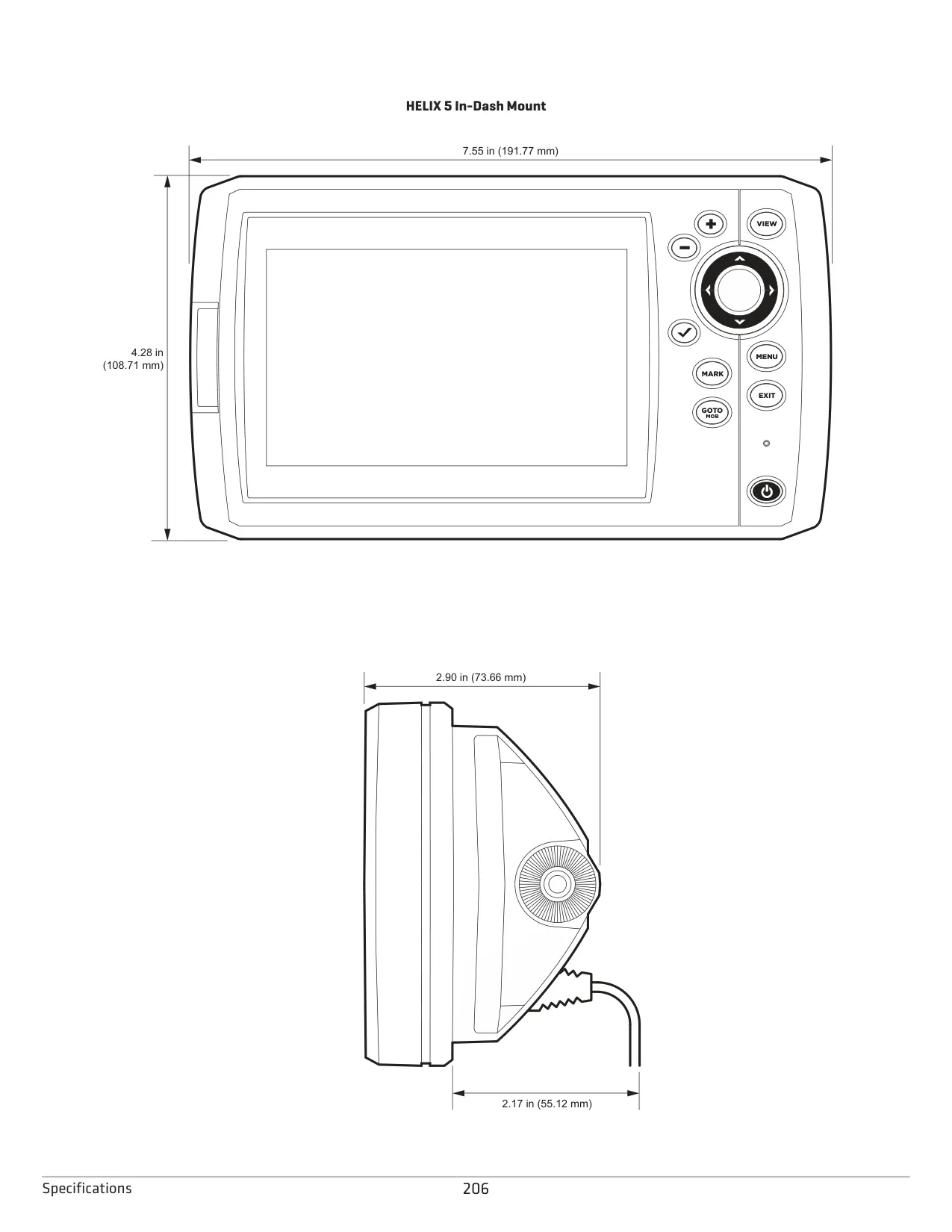
| Width | 7.55 in (191.77 mm) |
| Height (unit / on gimbal) | 4.28 in (108.71 mm) / 4.64 in (117.86 mm) |
| Depth (gimbal mount) | 2.90 in (73.66 mm) unit, 3.30 in (83.82 mm) with bracket |
| Depth (in-dash mount) | 2.17 in (55.12 mm) behind dash |
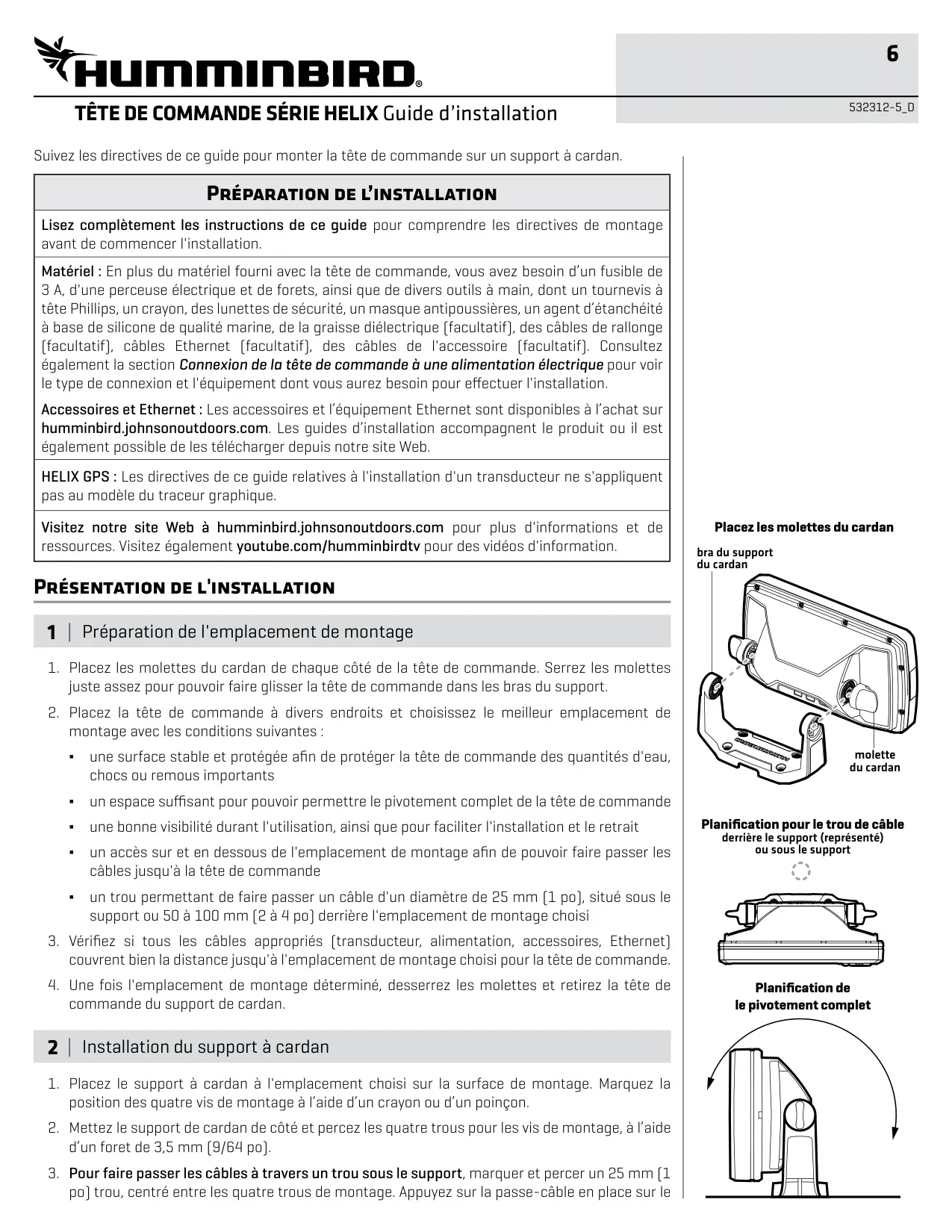
| Gimbal Mounting Hardware | Four #8 x 1.25 in (32 mm) screws, 9/64 in (3.5 mm) pilot holes |
| Cable Pass-Through Hole | 1 in (25 mm) |
| Operating System | Linux |
Humminbird Helix 5 DI G2 Details
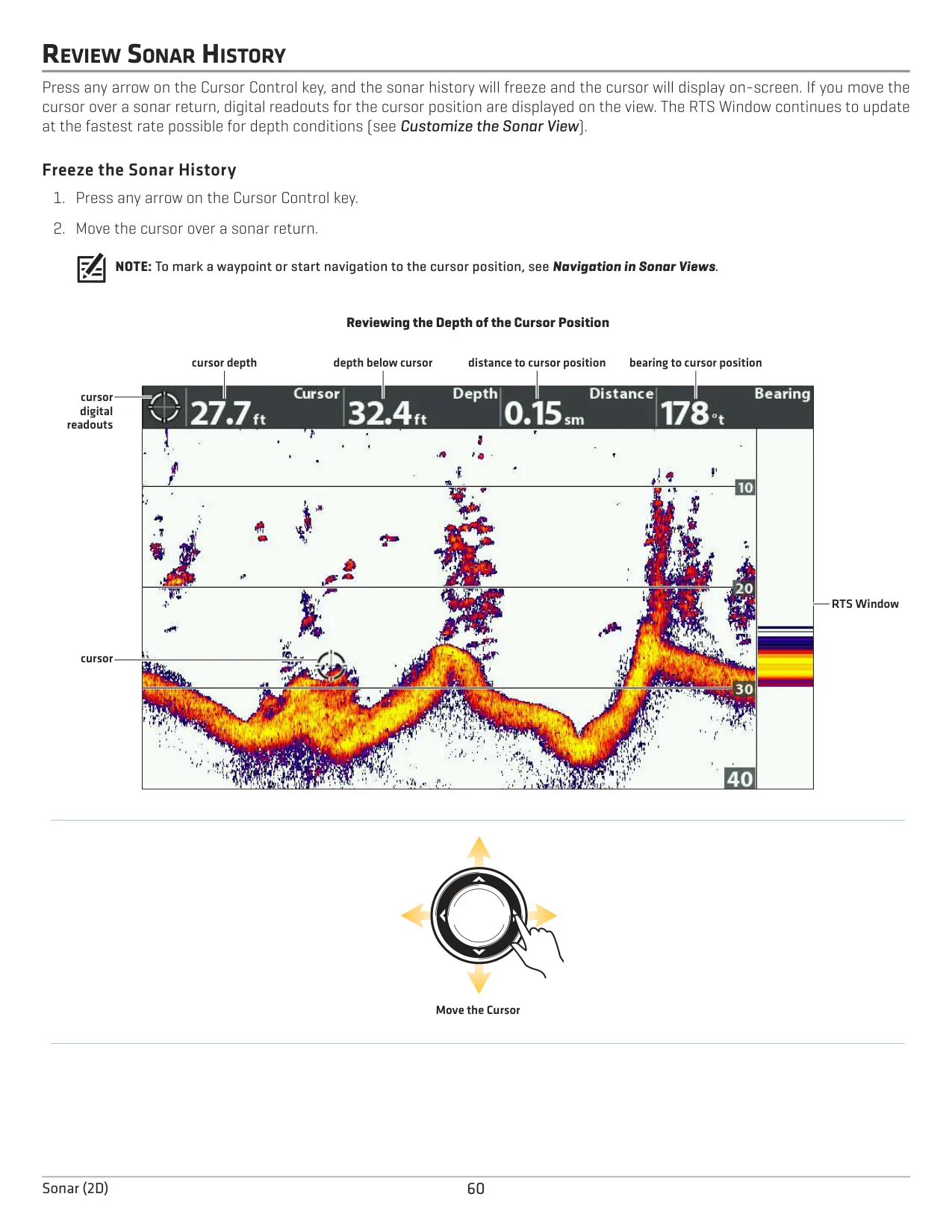
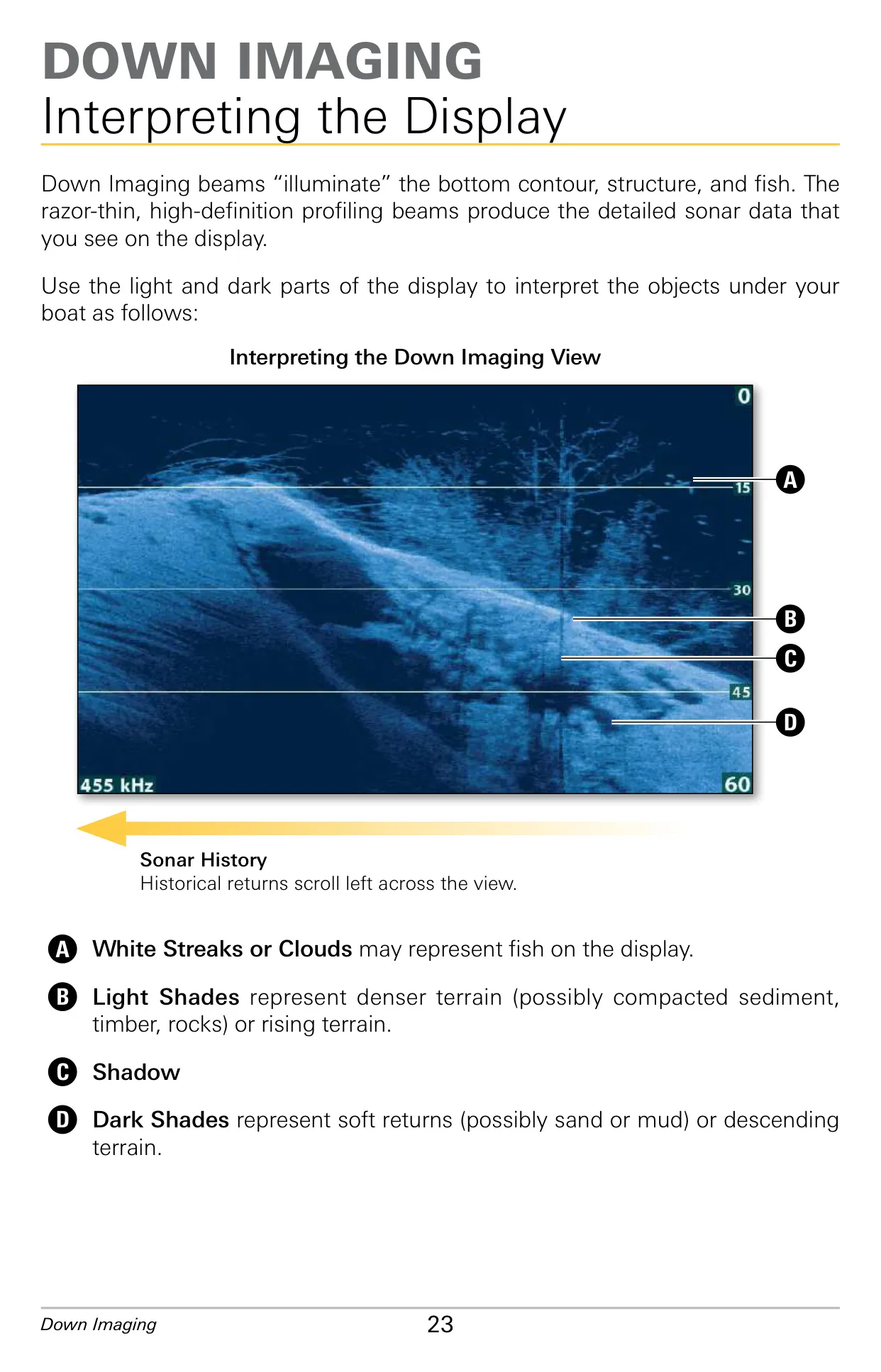
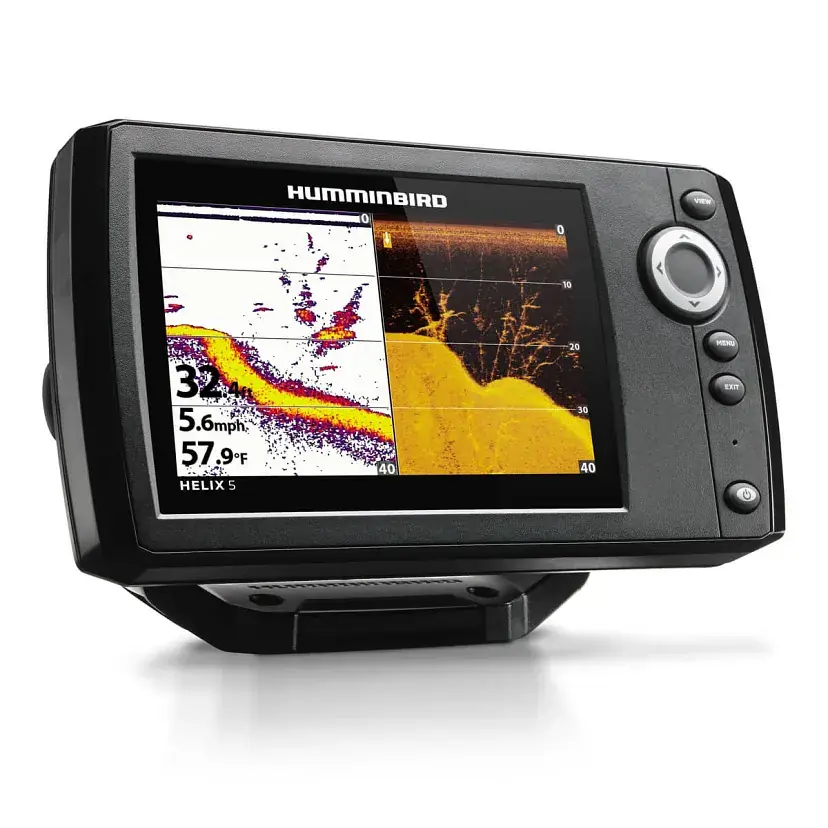
The Humminbird Helix 5 DI G2 pairs traditional 2D sonar with Down Imaging in one compact control head. Its Down Imaging beams are razor-thin from front to back but wide from side to side. They show the bottom contour, structure and fish almost like a photograph. Dark shades mean soft bottoms or terrain that drops away. Light shades mean denser material such as timber or rock. White streaks often mean fish, and longer shadows mean taller objects.
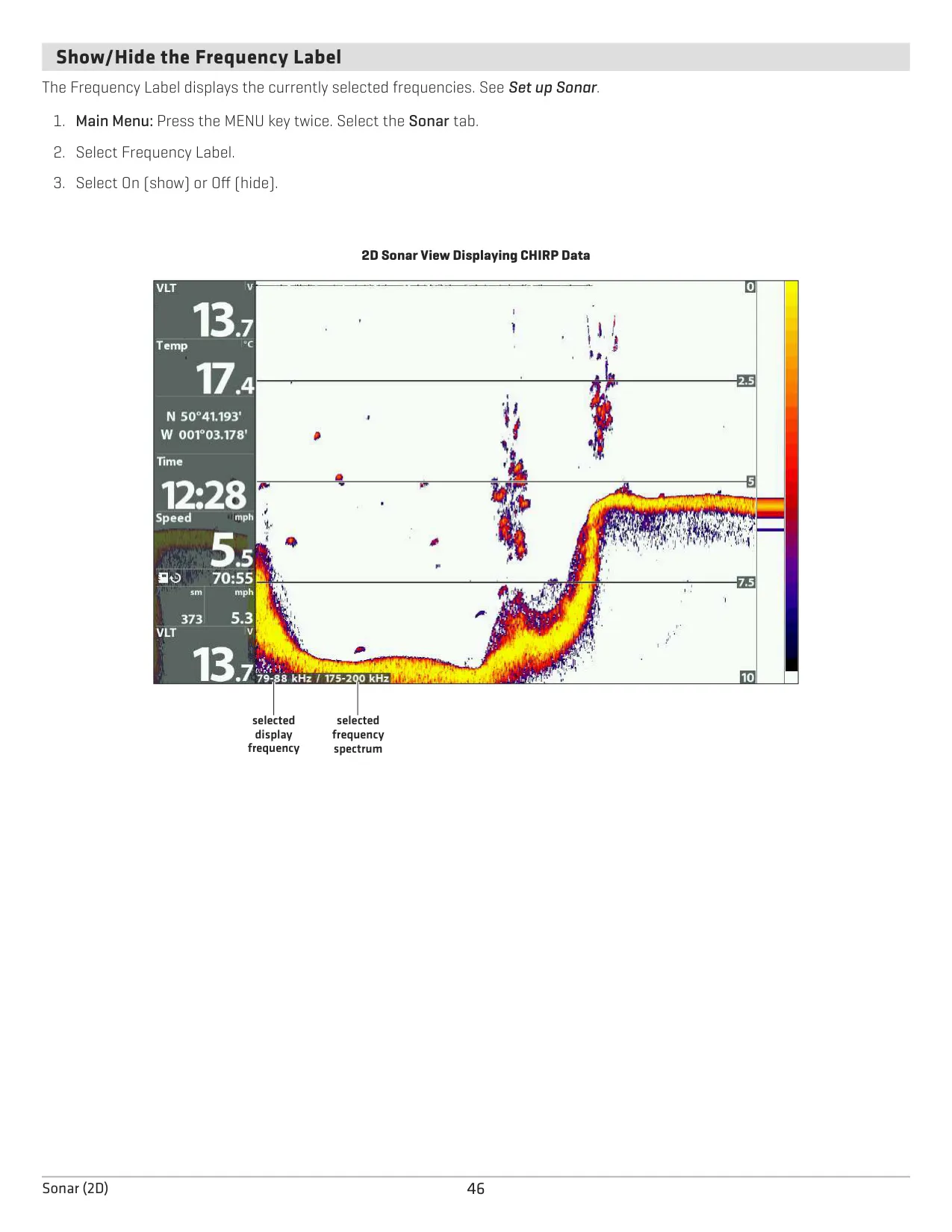
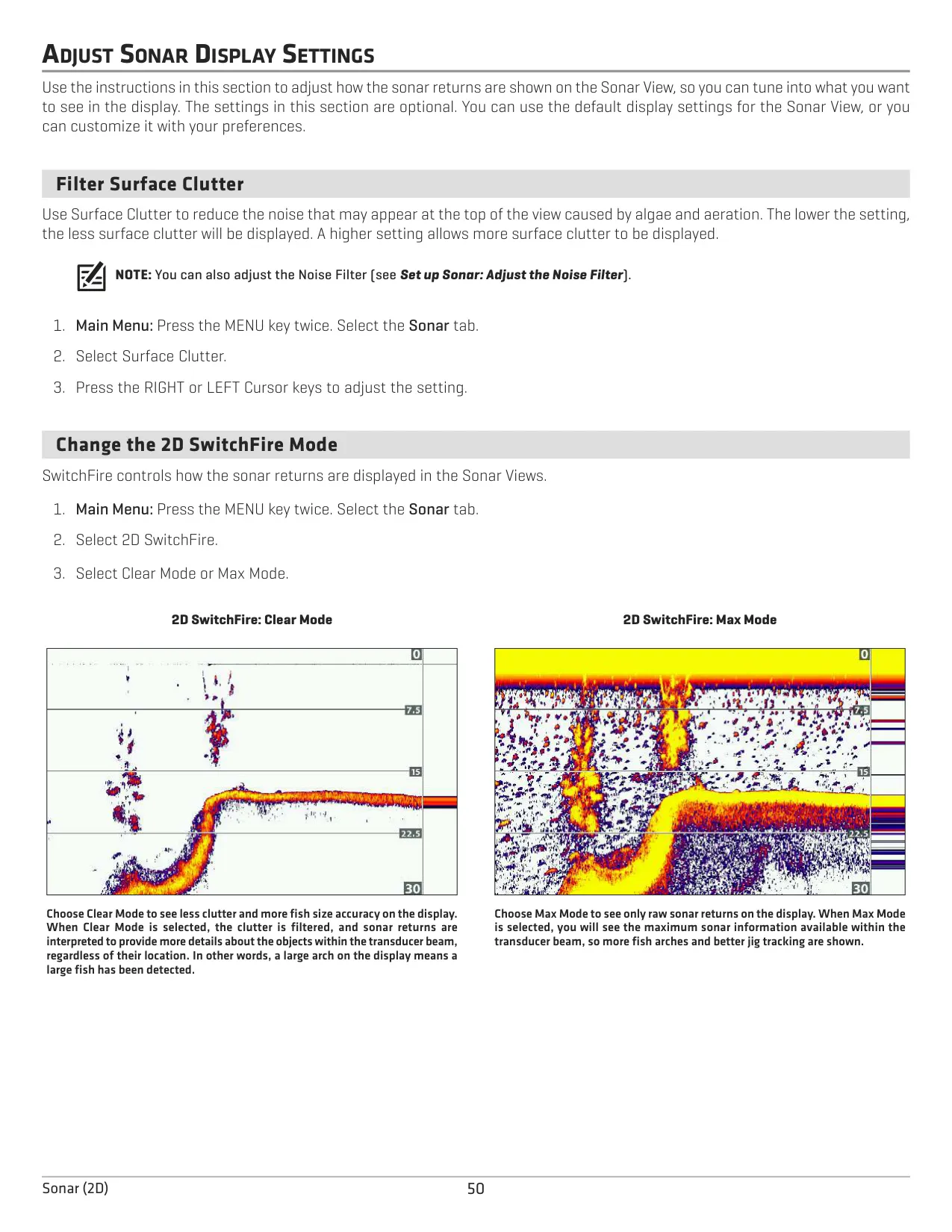
Choose 455 kHz for the best overall Down Imaging quality and depth, or 800 kHz for the sharpest picture. The DI Enhance menu sets sensitivity, contrast and sharpness, and each change shows on screen right away. Imaging SwitchFire has two modes. Clear Mode filters out clutter, and Max Mode shows all the raw returns. If the water is deeper than 350 feet or you connect an ice transducer, set the Digital Depth Source to 2D Element.
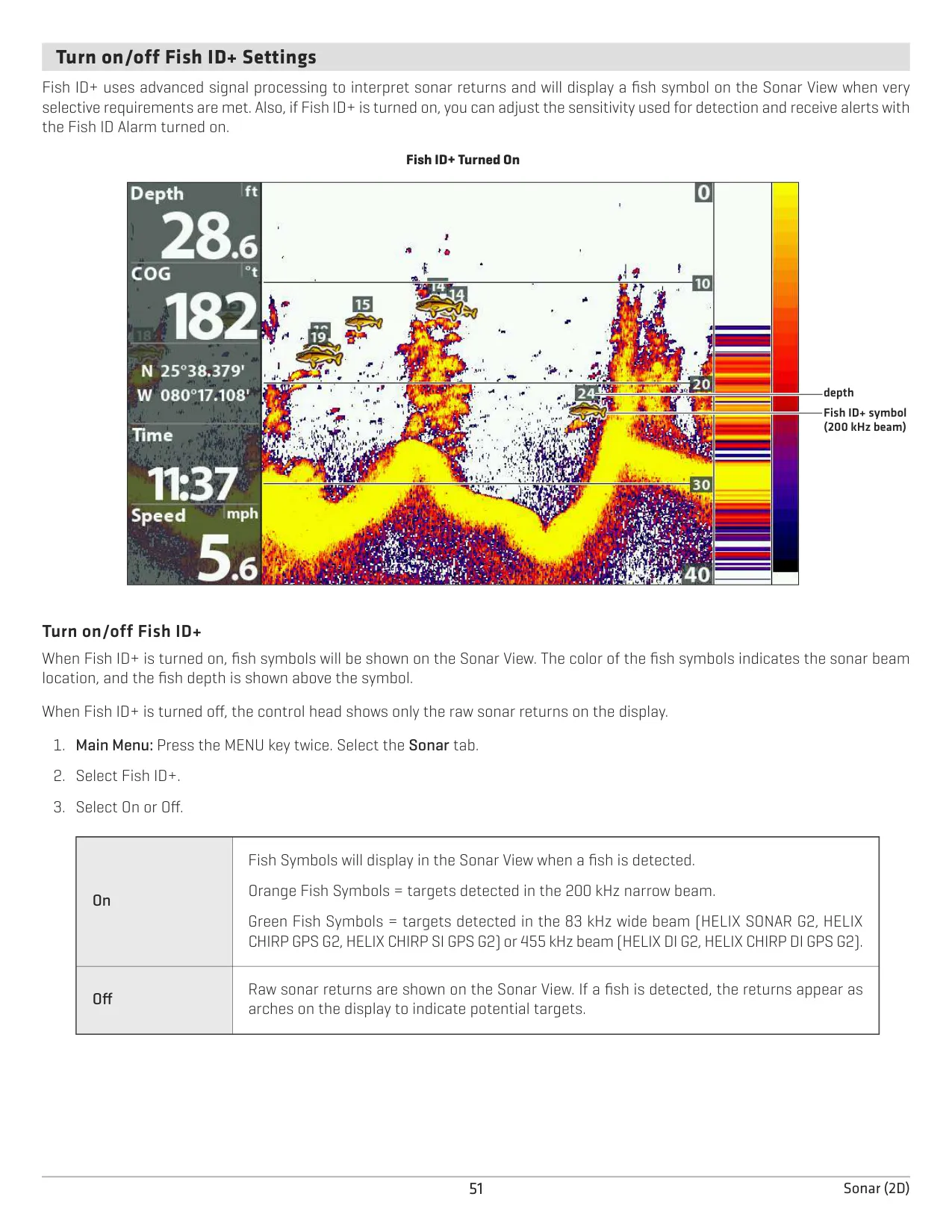
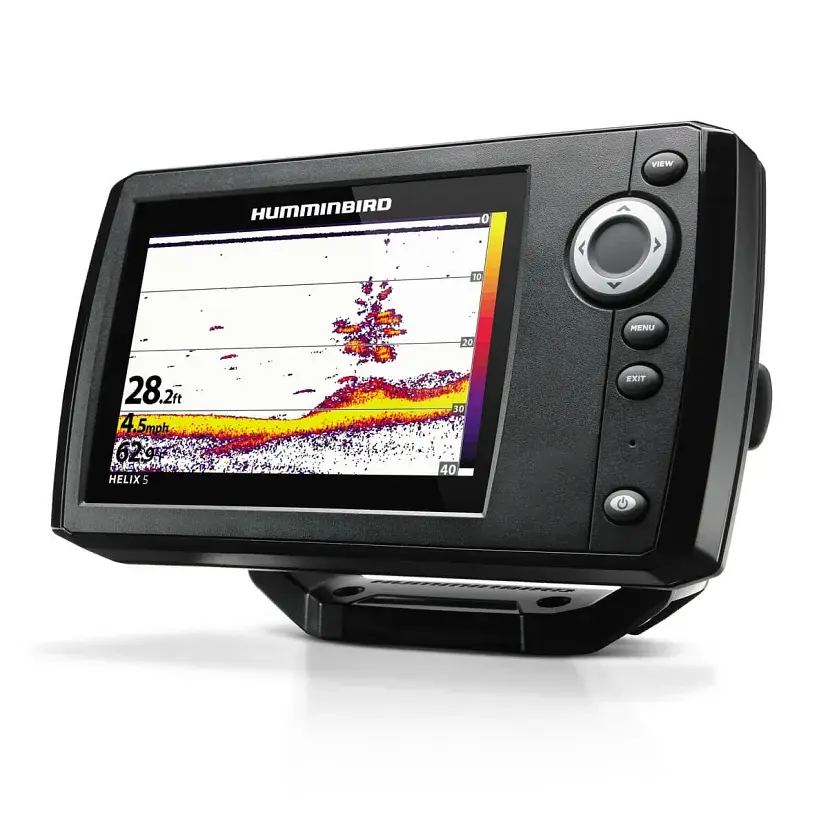
In 2D sonar views, Fish ID+ uses signal processing to show fish symbols with their depth. Orange symbols mark targets in the 200 kHz beam and green symbols mark targets in the 455 kHz beam. Fish ID Sensitivity runs from 1 (large fish only) to 10 (all sizes). You can also turn on a Fish ID Alarm. 2D SwitchFire, WhiteLine, Structure ID and the RTS Window help you read the bottom and see targets in real time.
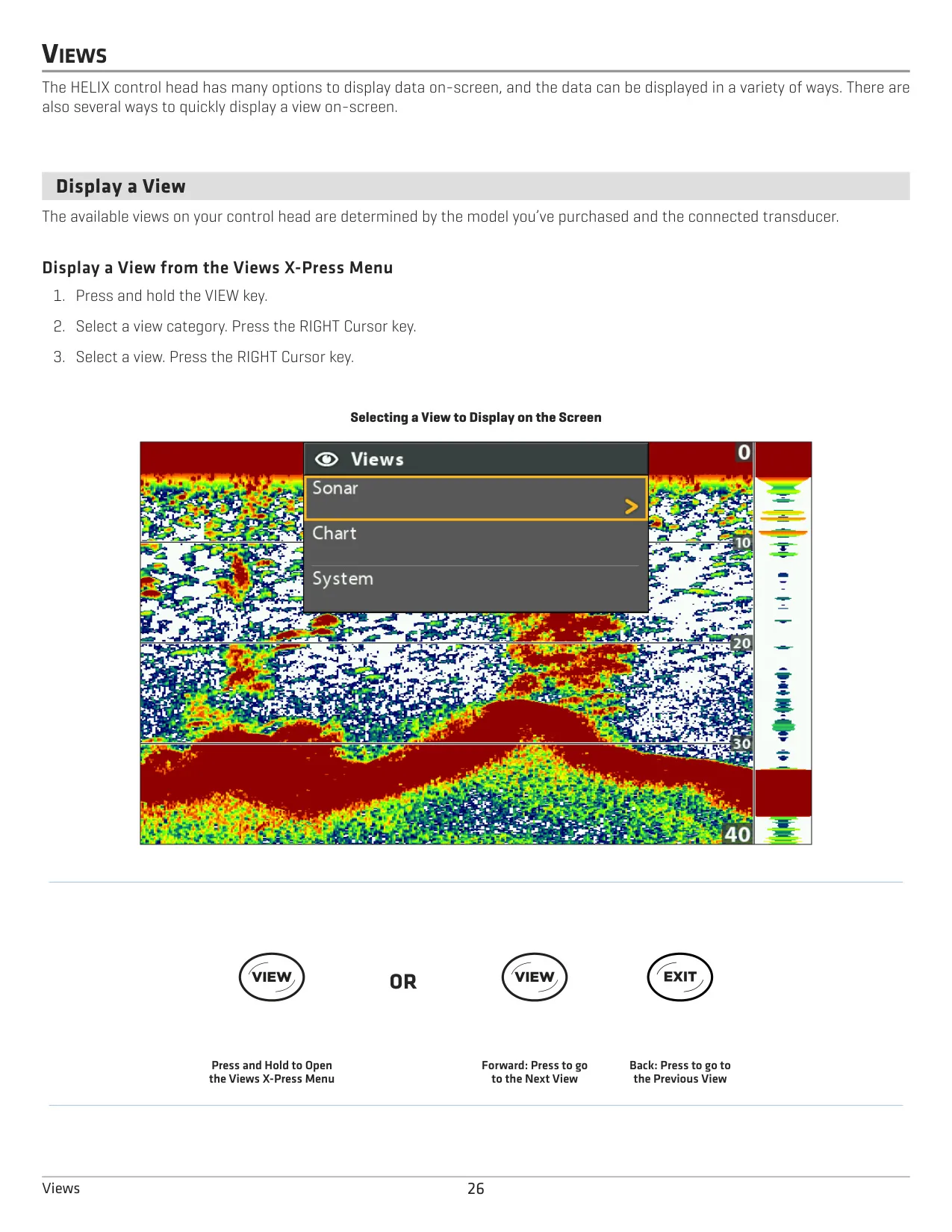
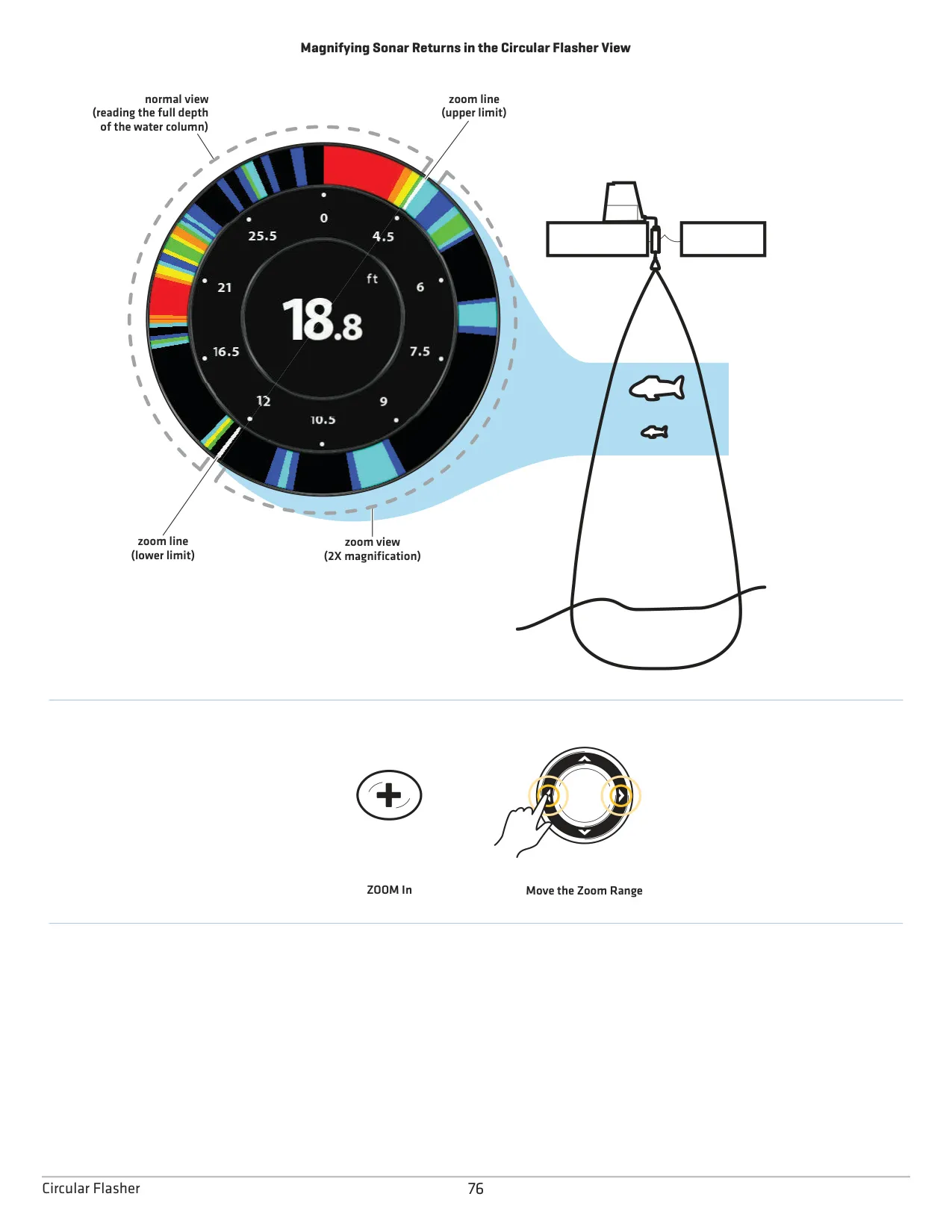
The Split Sonar View shows the 455 kHz and 200 kHz beams side by side, and the Sonar Zoom View with Bottom Lock magnifies fish holding near the bottom. The Circular Flasher View gives you a traditional flasher display. With Ice Fishing Mode turned on, you also get a depth cursor, 2x zoom, a battery percentage readout and the extra palettes F1 to F3. Combo views such as Down/Sonar display two panes at once, and you can resize them with Split Position.
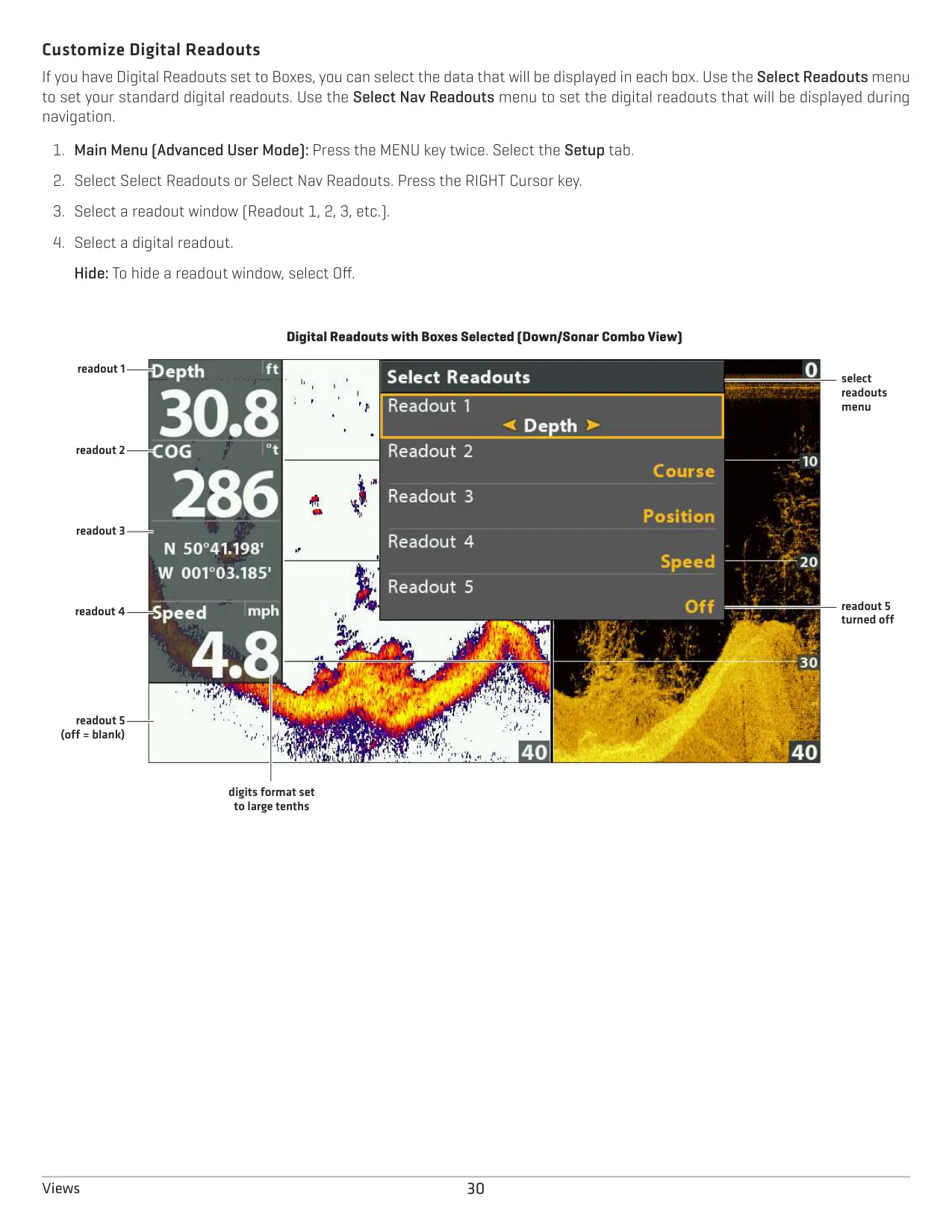
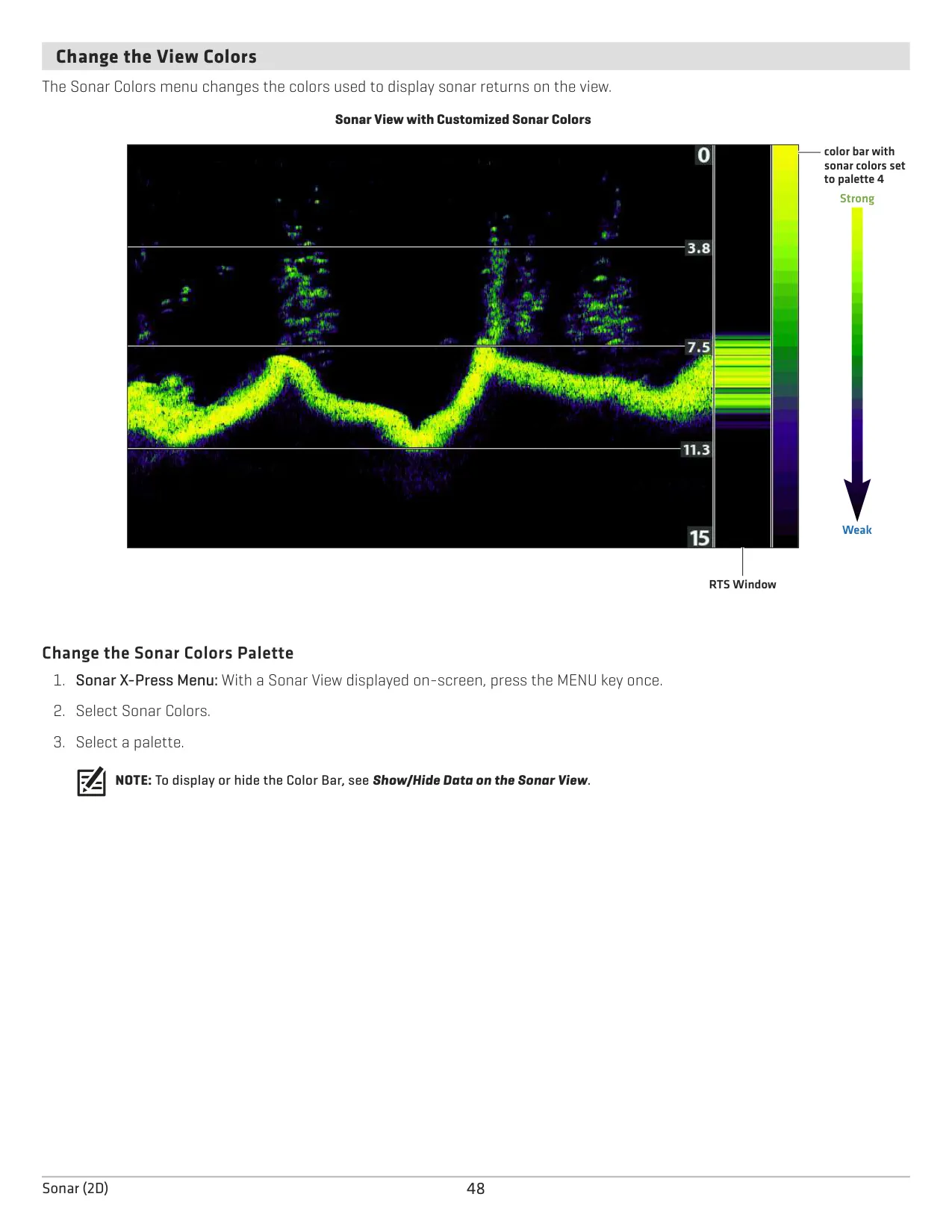
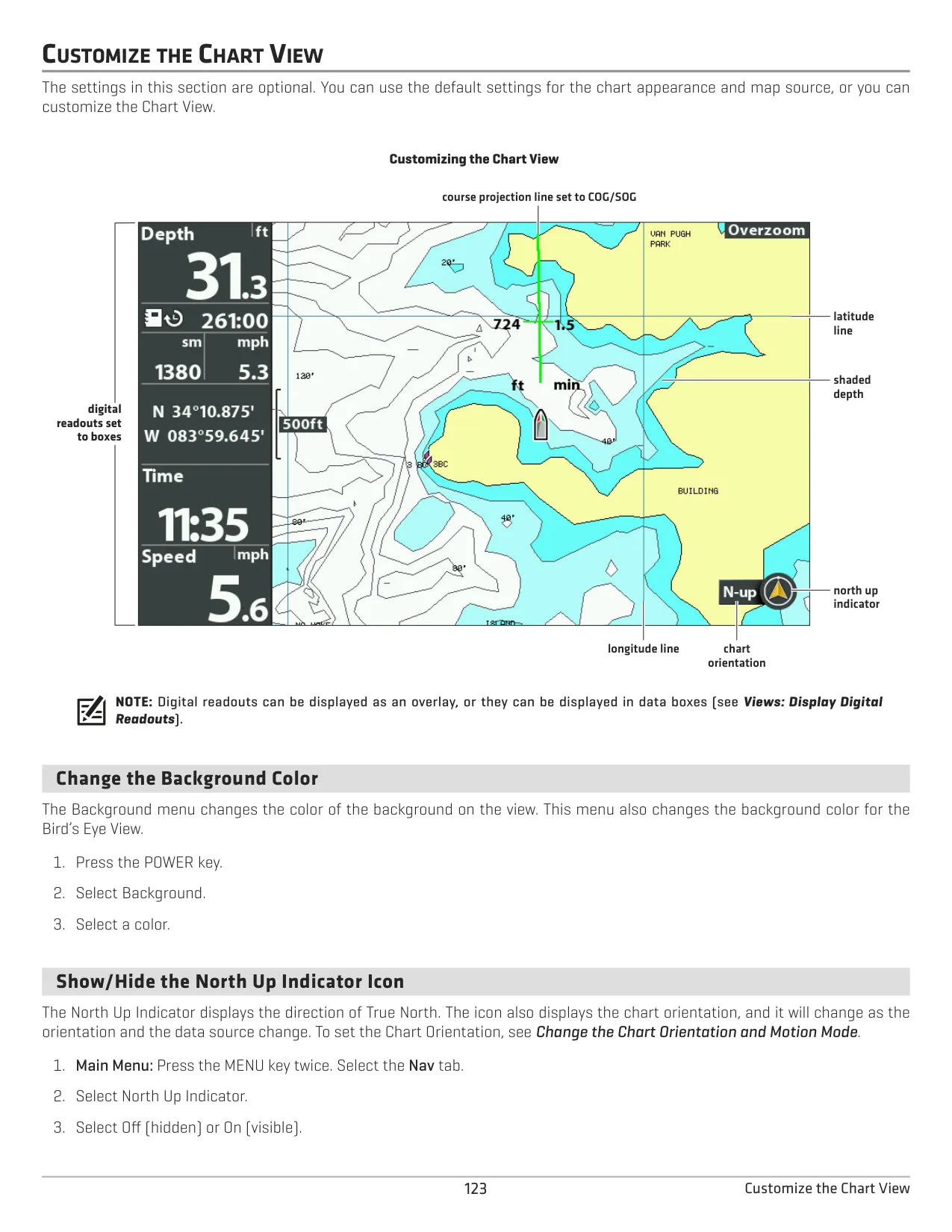
The menu has two user modes: Normal for everyday use and Advanced for full control. Settings include Noise Filter (Low to High 3), Surface Clutter, Upper and Lower Range, Chart Speed and several color palettes. Digital readouts can appear as an overlay or in customizable boxes, showing data such as depth, temperature, voltage, a timer and a triplog. Alarms cover depth, fish, low battery and water temperature.
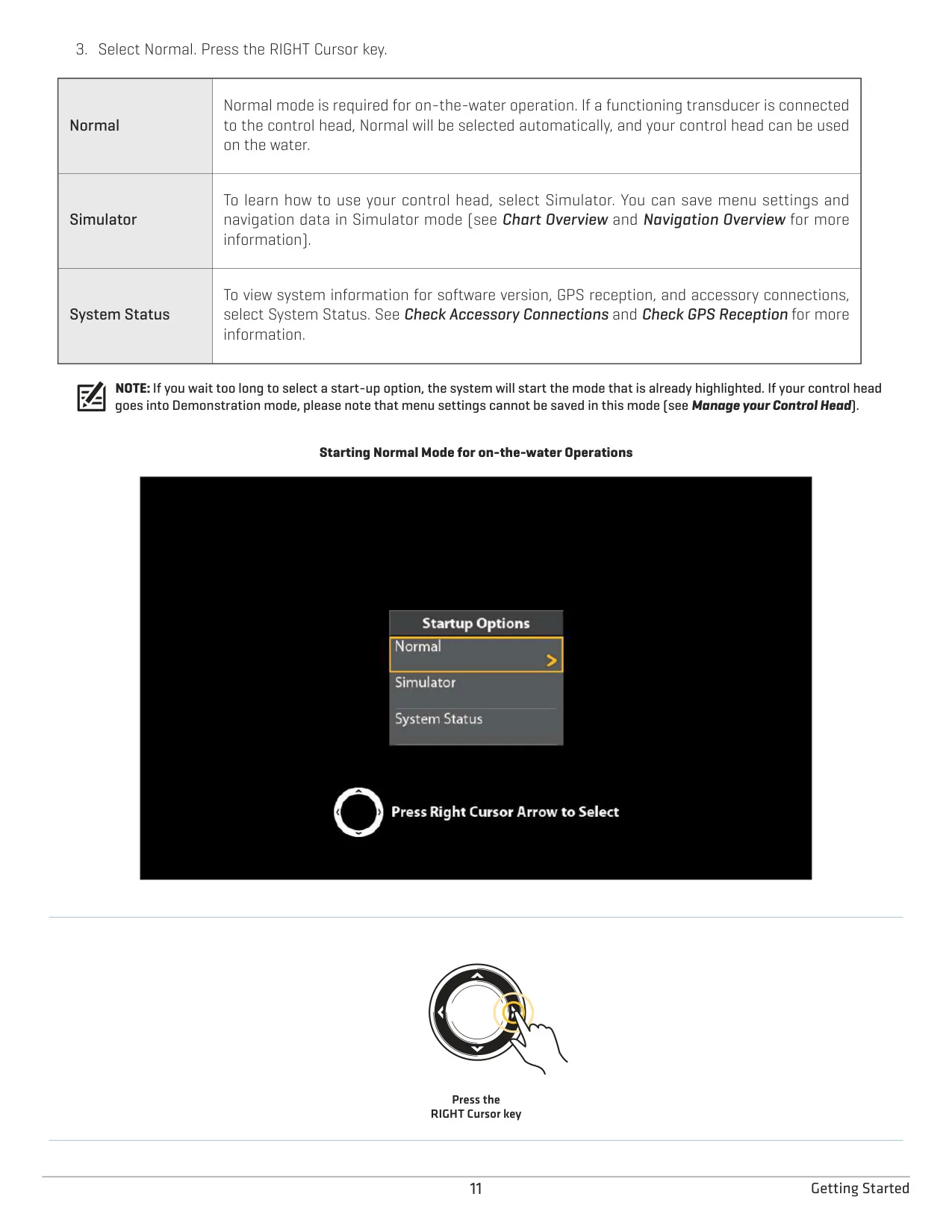
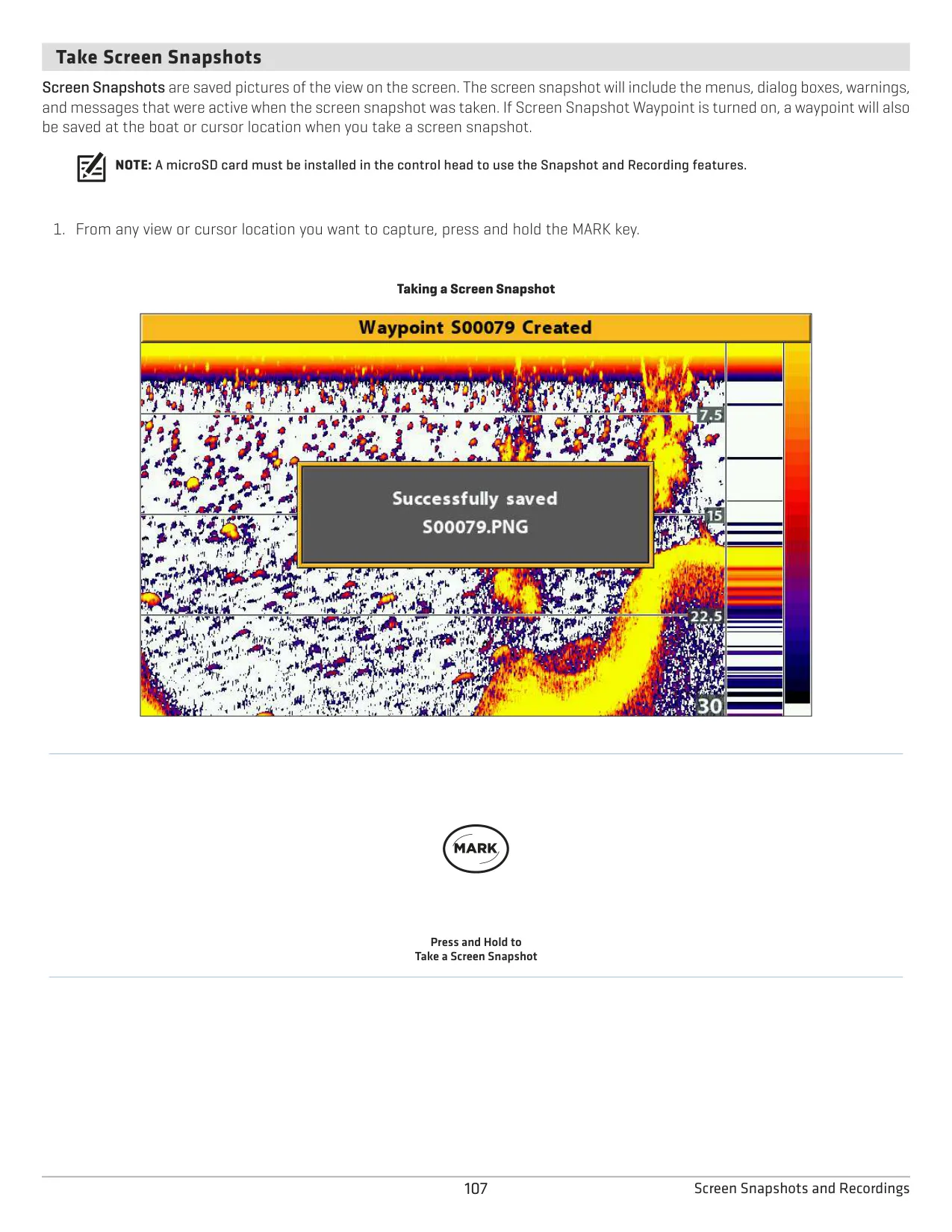
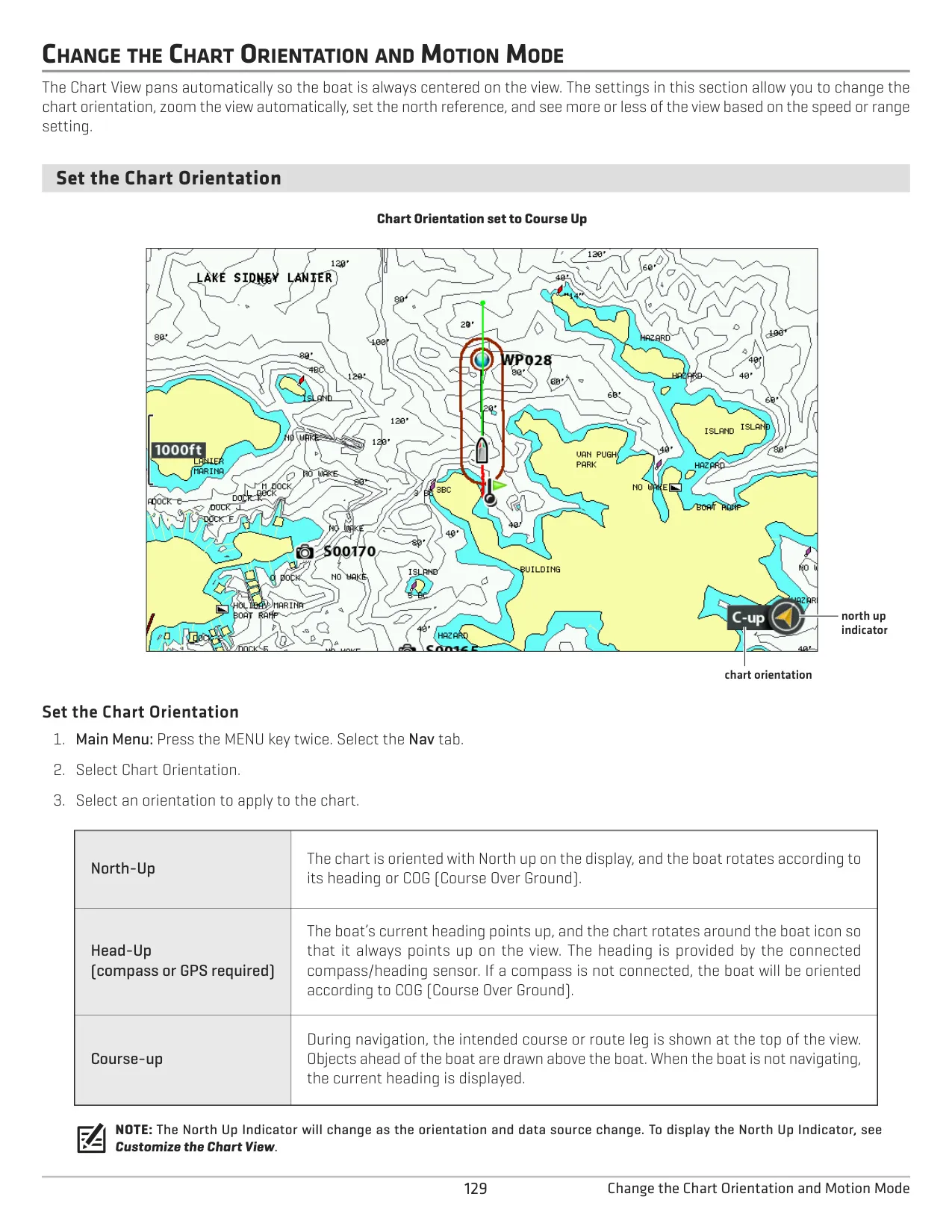
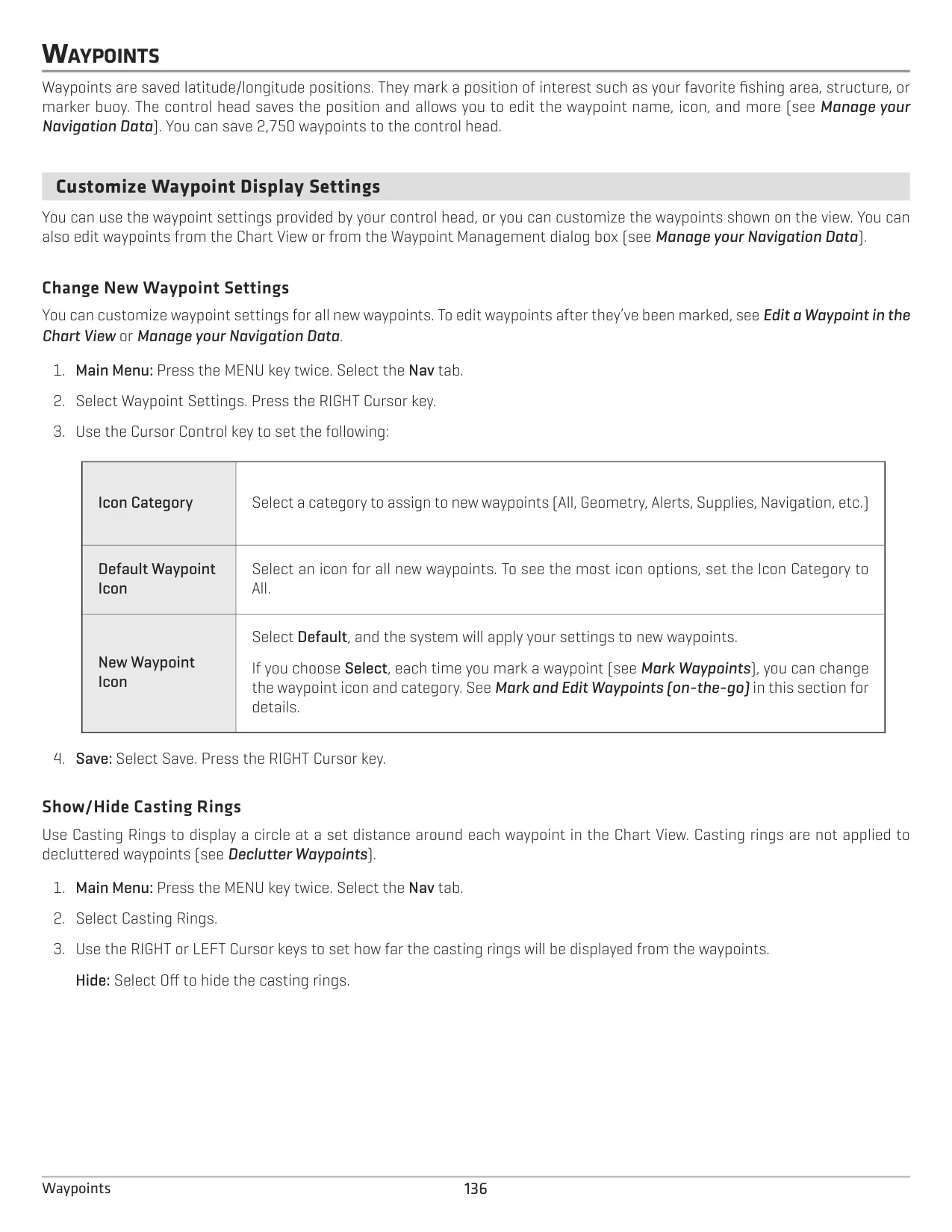
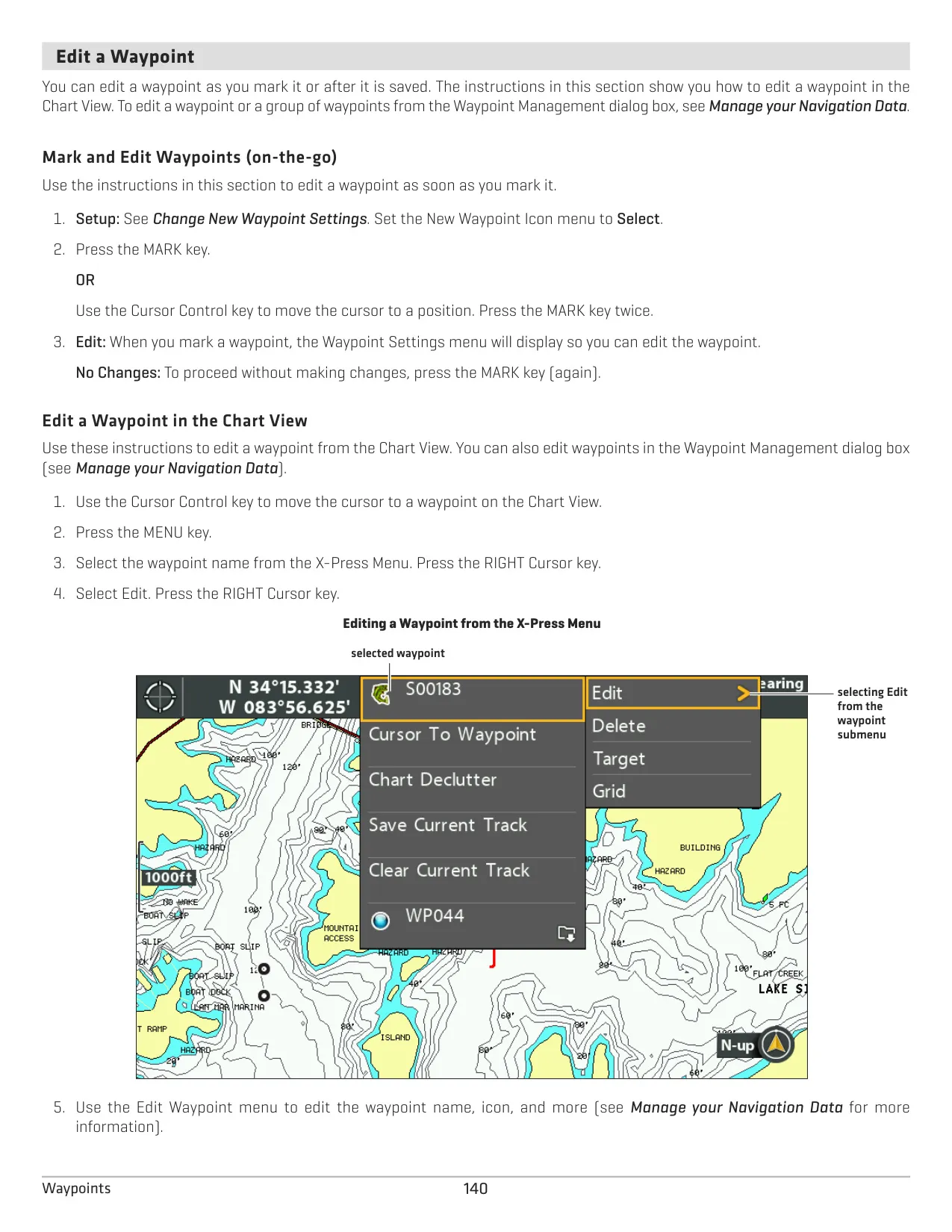
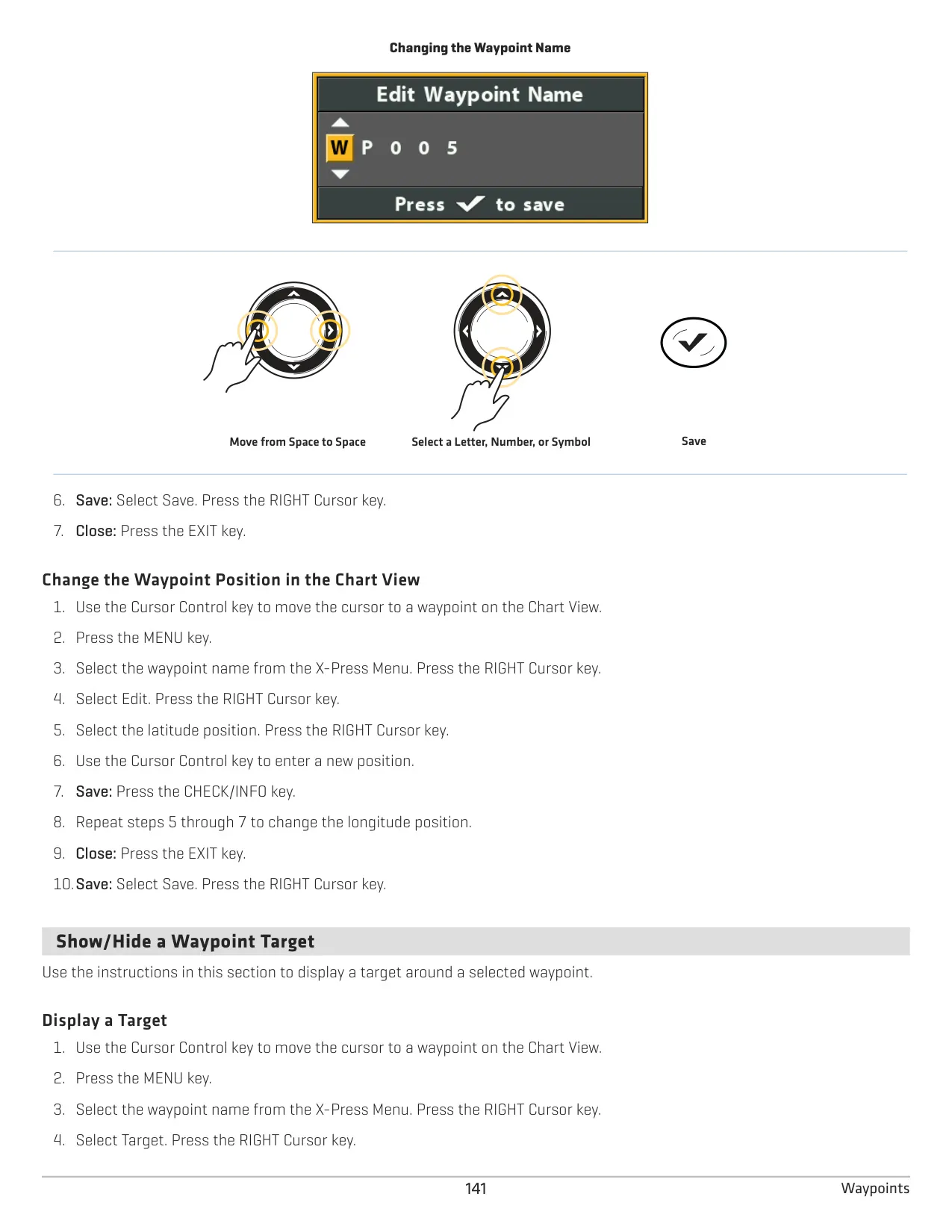
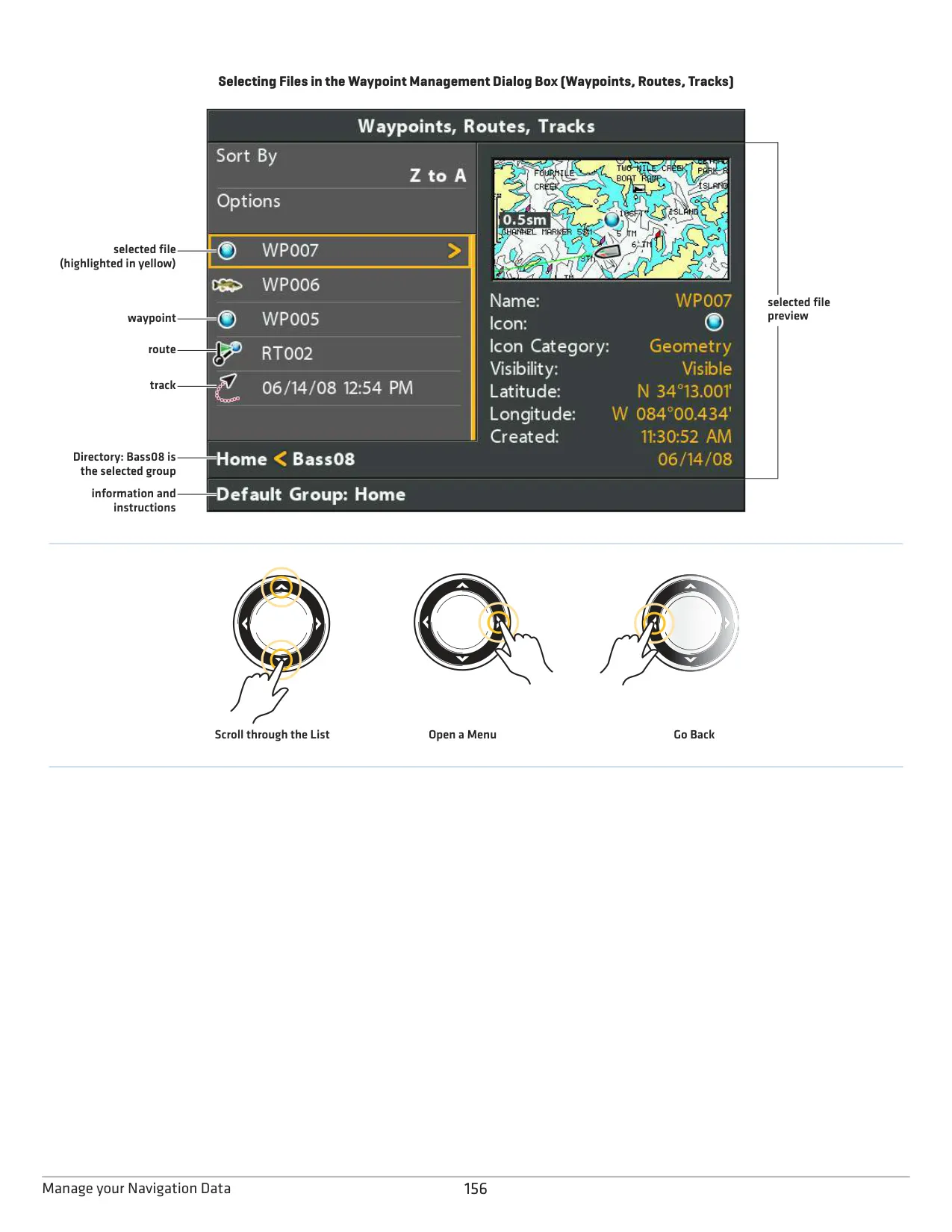
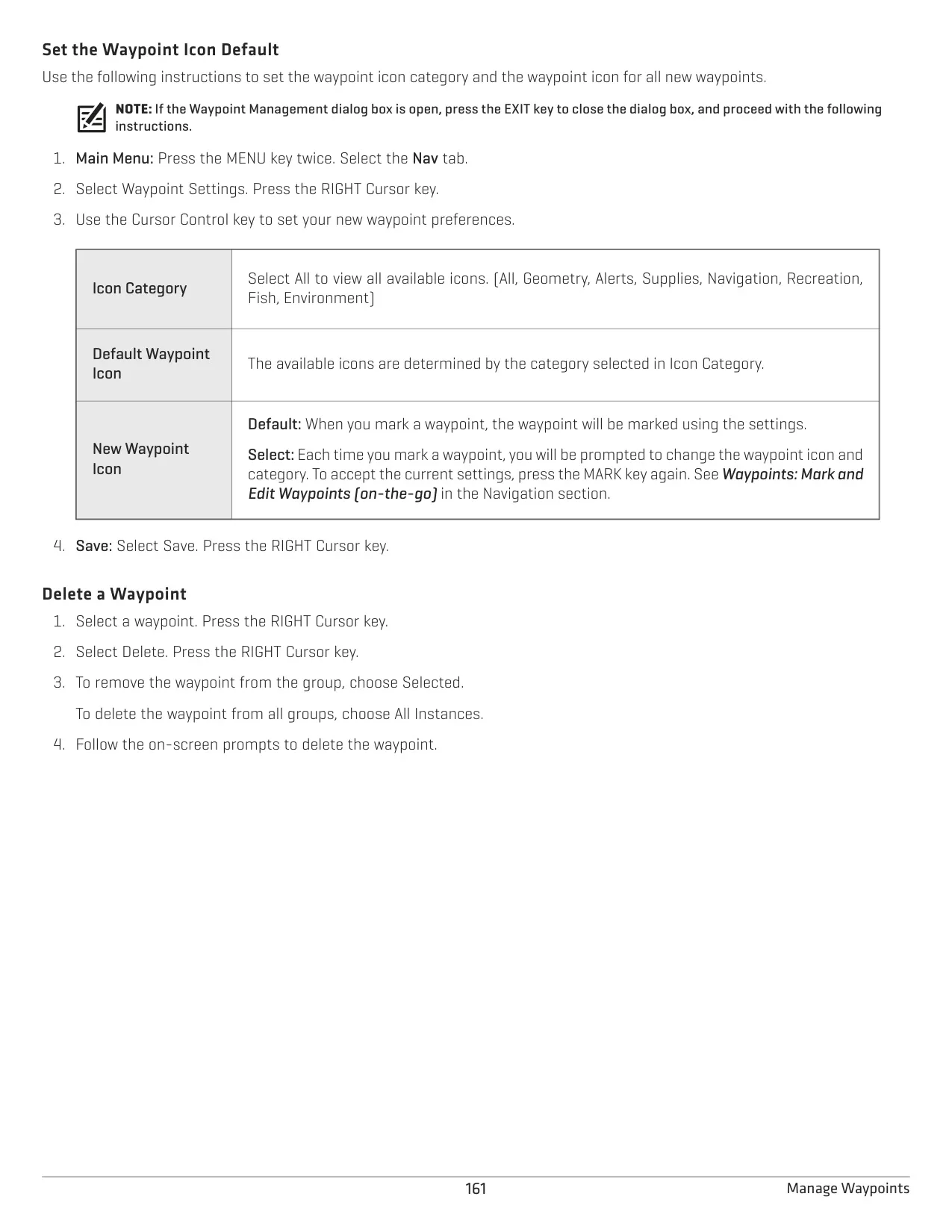
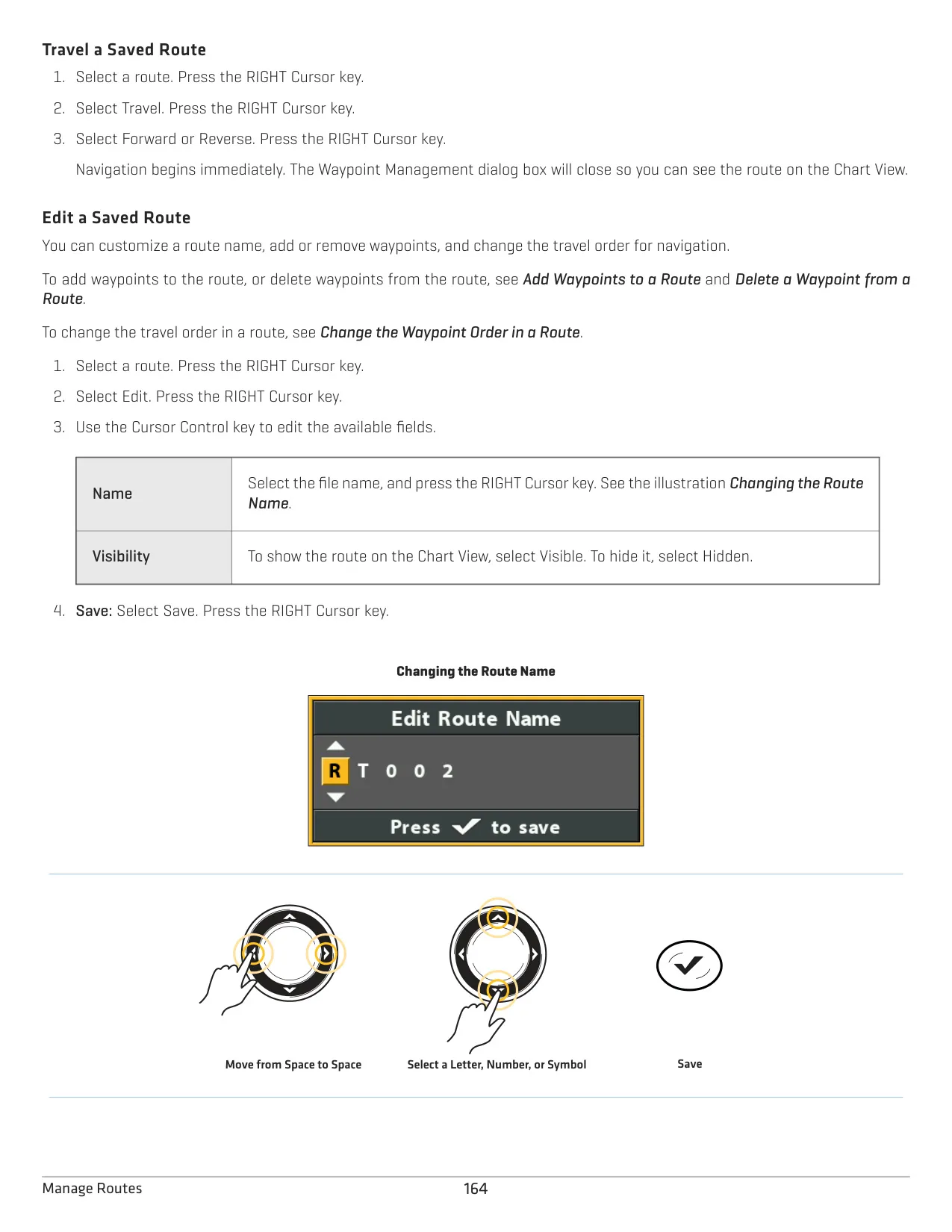
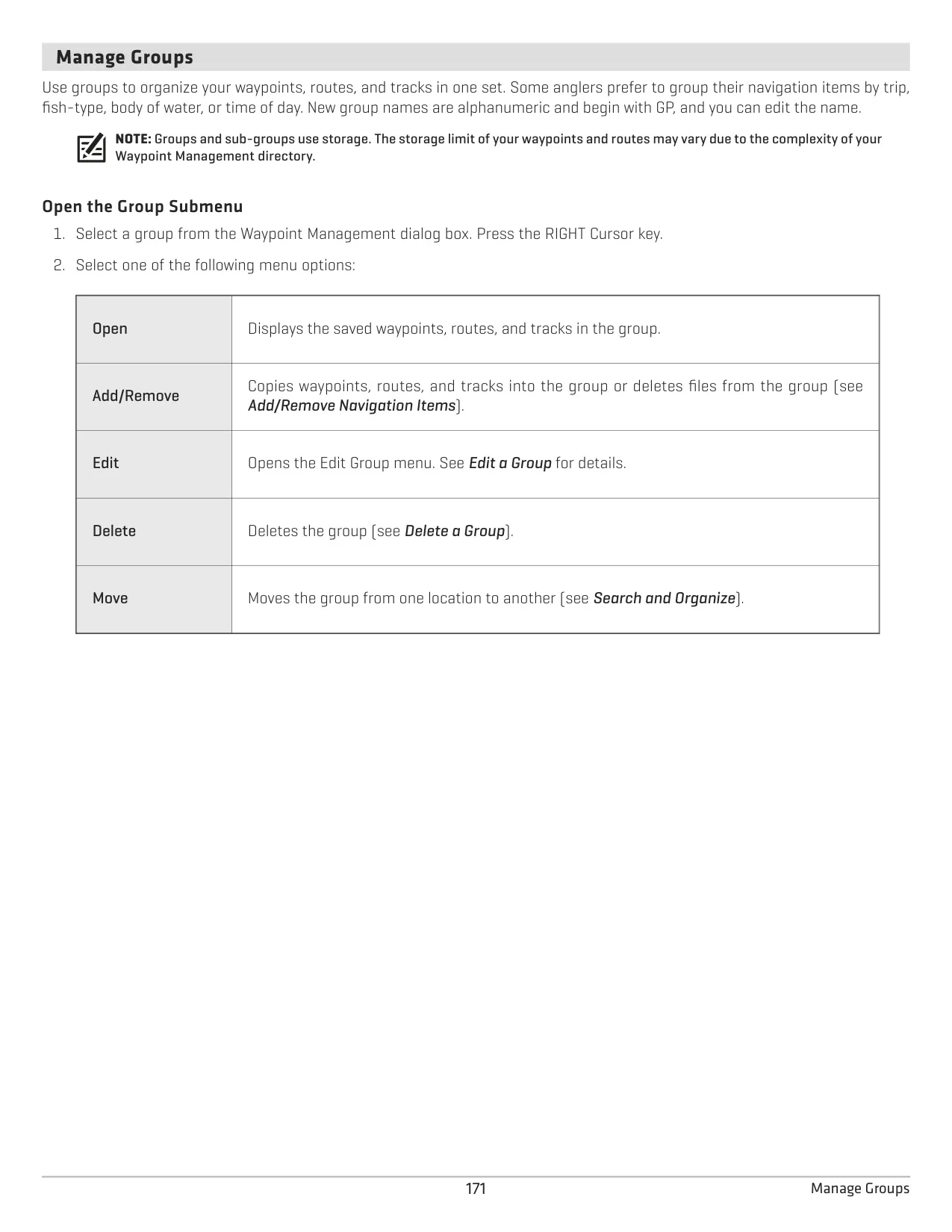
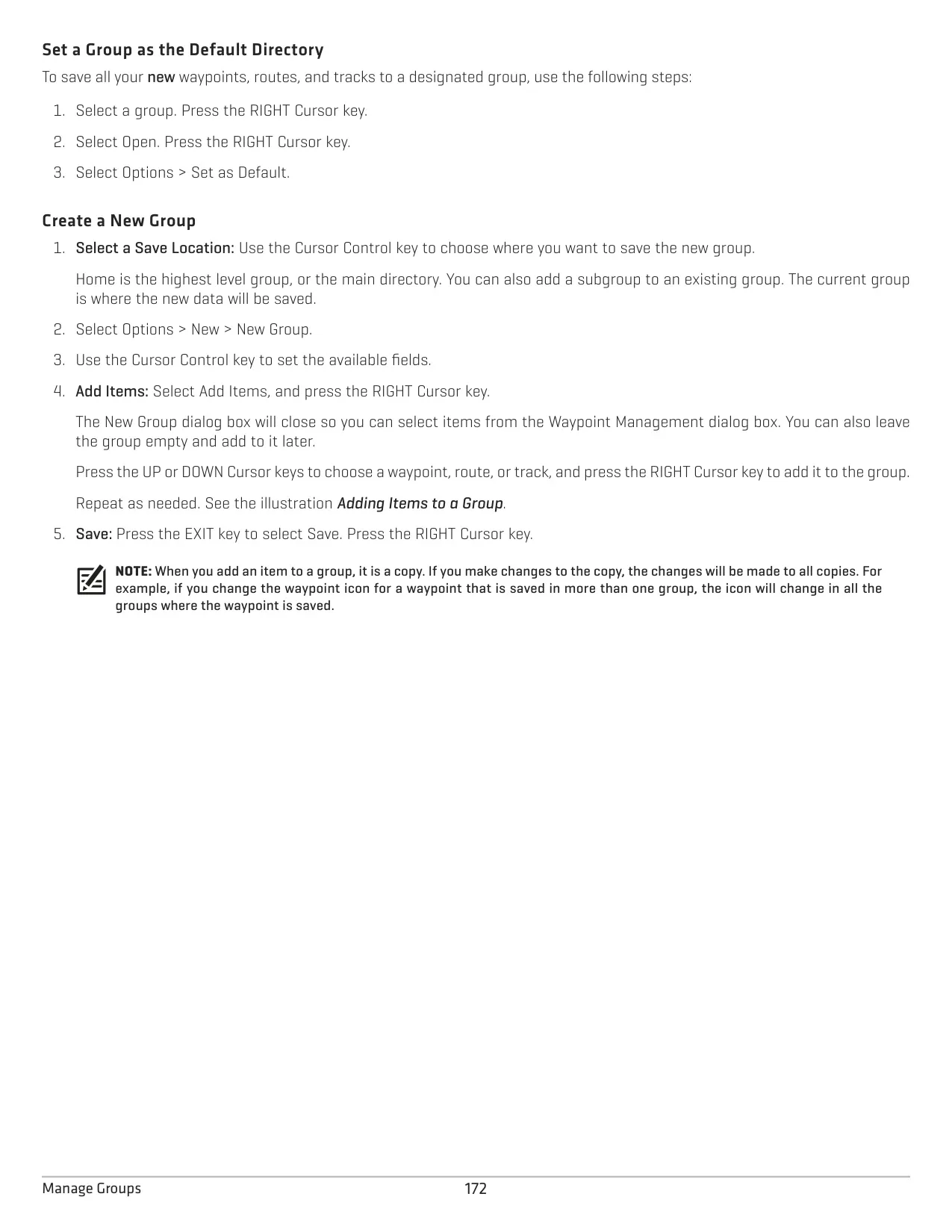
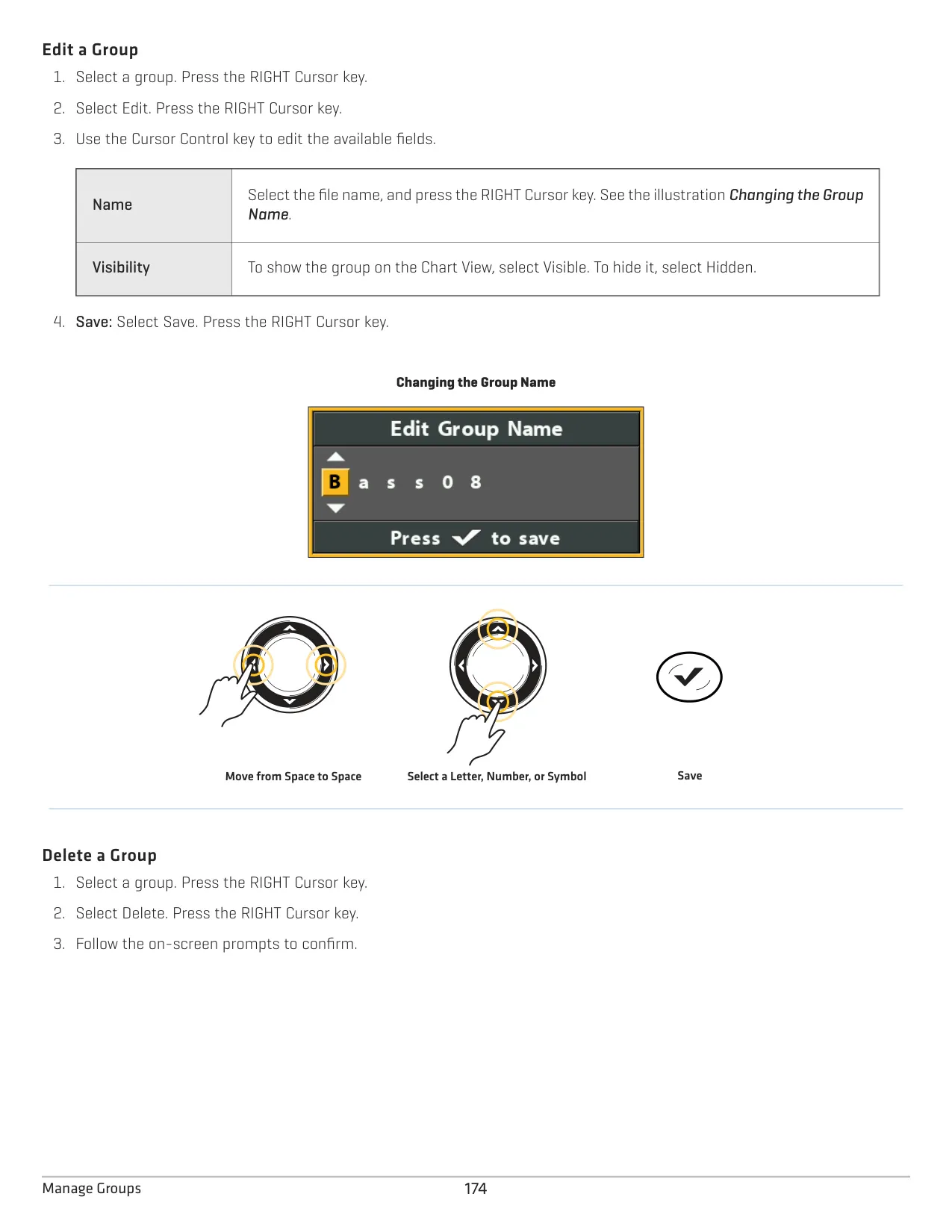
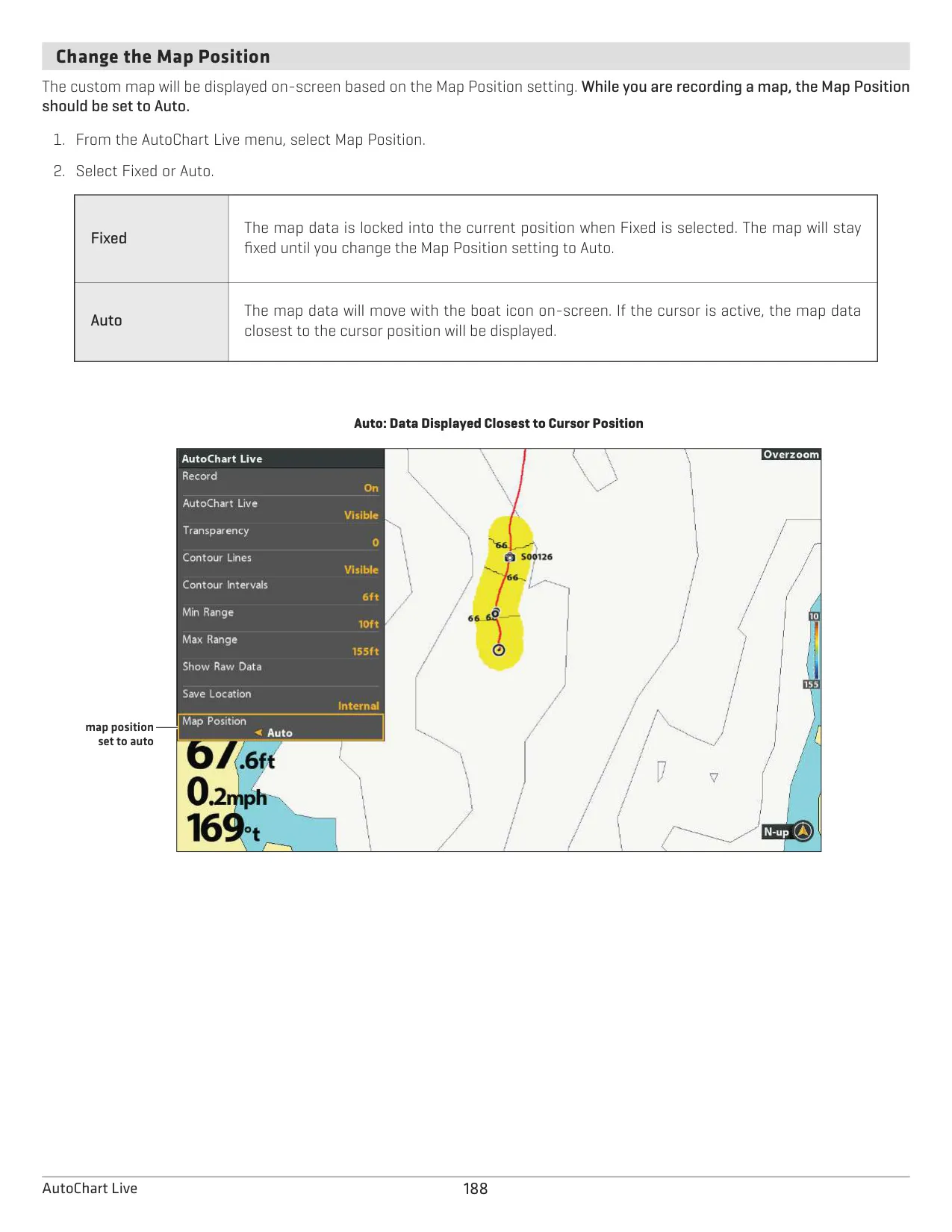
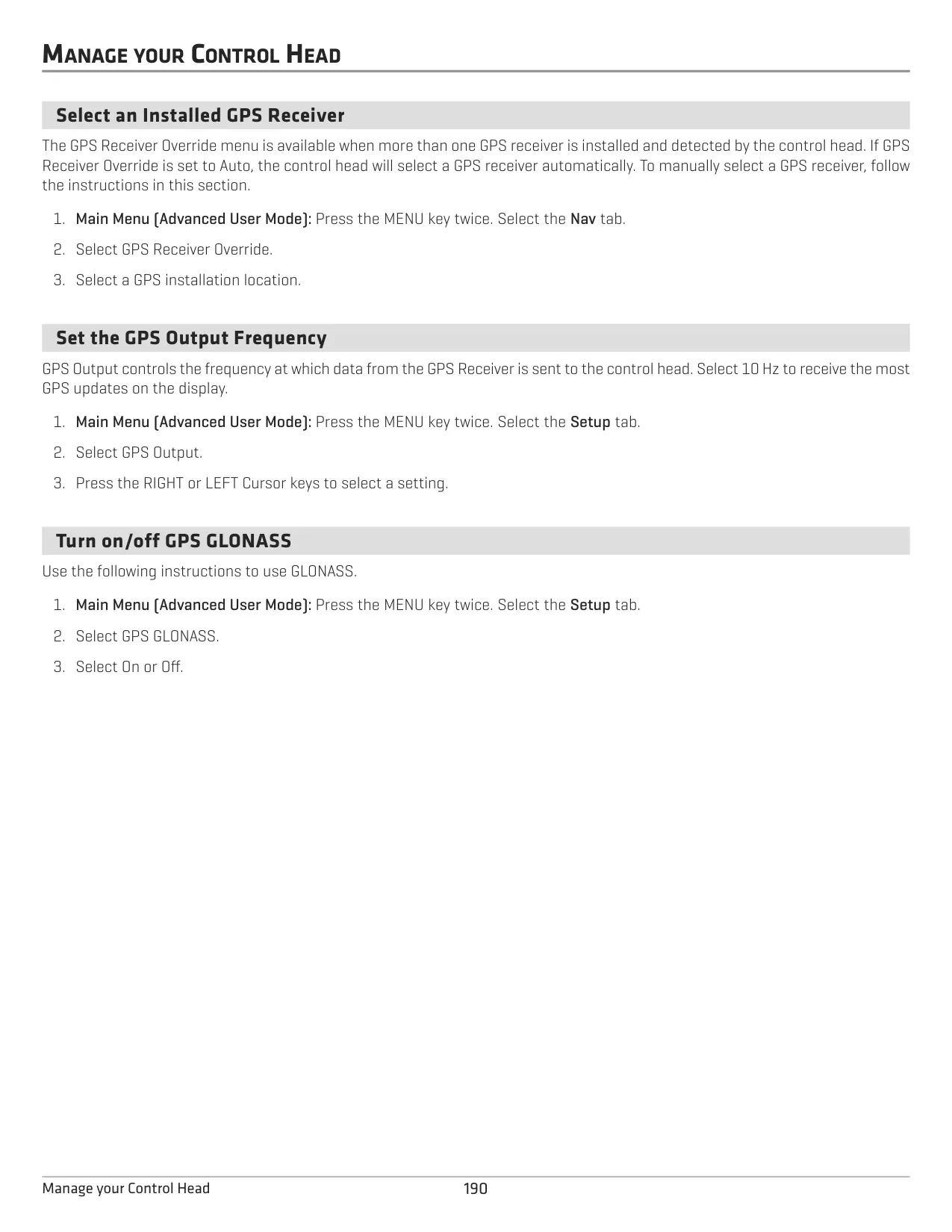
A microSD card (sold separately) lets you take screen snapshots by holding the MARK key and record sonar with adjustable pings per second. You can play recordings back at different speeds, import and export navigation data through HumminbirdPC, and install software updates. If you add an external GPS receiver, you get waypoints, routes, tracks, Man Overboard navigation and a Simulator mode to practice in.
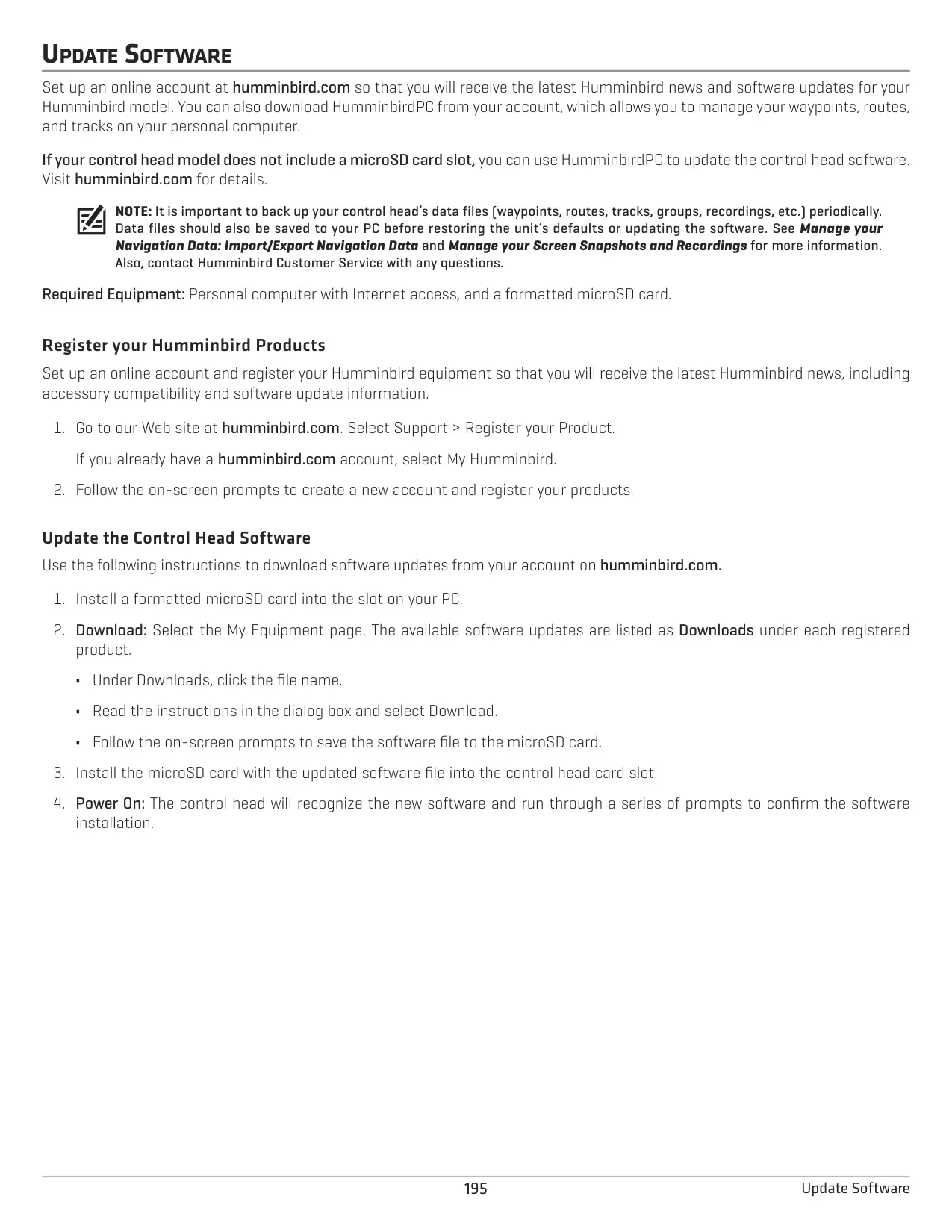
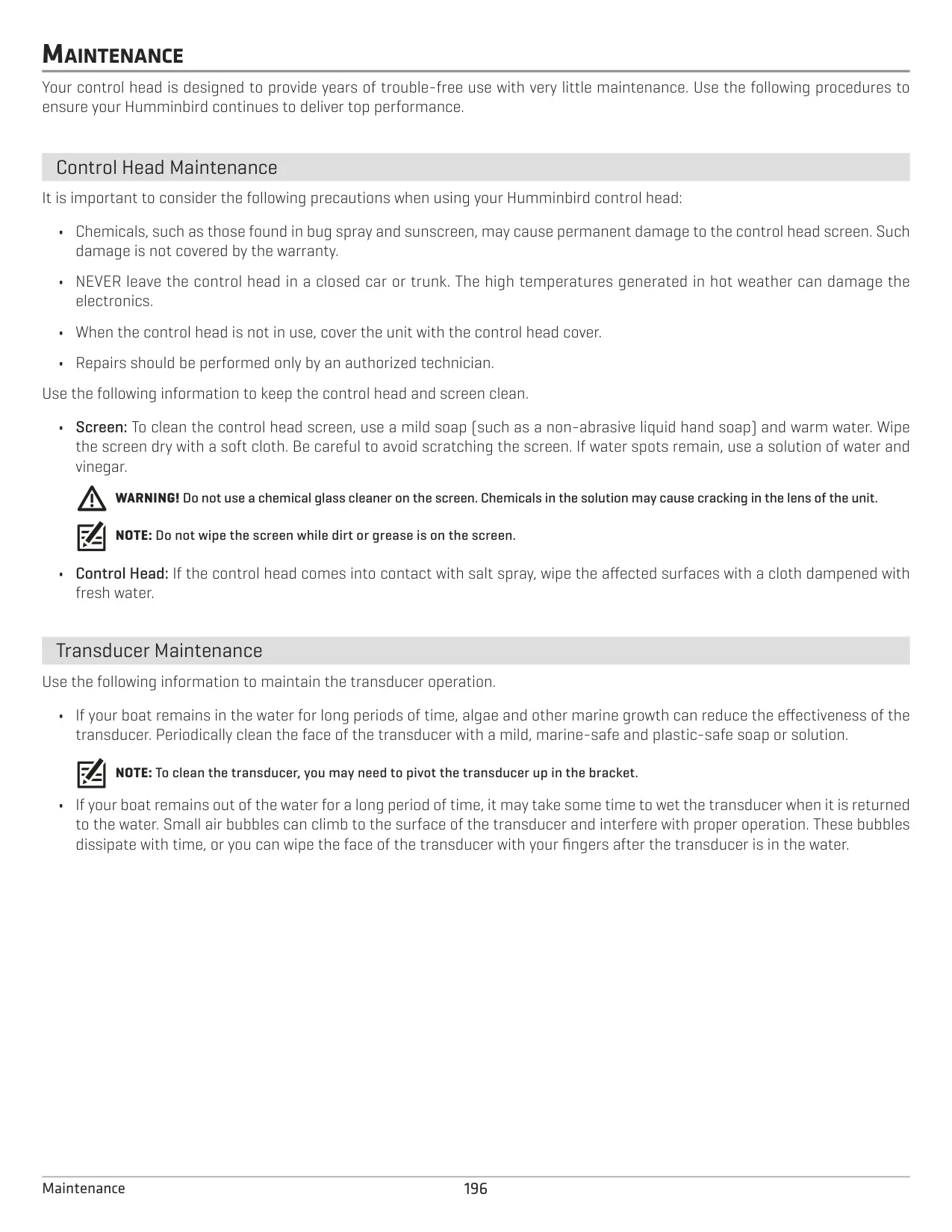
To care for the unit, keep sunscreen and bug spray away from the screen. Clean it with mild soap and warm water, never with glass cleaner. Rinse off salt spray with fresh water and never leave the unit in a hot car. Clean marine growth off the transducer face regularly. Remove the unit cover before traveling faster than 20 mph.
Frequently Asked Questions (FAQs)
Can't find the answer you need? Here are some frequently asked questions about the Humminbird Helix 5 DI G2 Fishfinder, and we answer them below.