Pro1 IAQ T705 Thermostat Instruction Manual

Pro1 IAQ T705 Thermostat




Pro1 IAQ T705 Thermostat Instructions
Here we offer the Pro1 IAQ T705 Thermostat manual completely free and in English. We have cataloged this manual in the Thermostats section on Manualverse, and it has been rated by 1 users with an average rating of 5. If you have any specific questions about Pro1 IAQ T705 Thermostat, we suggest checking the Frequently Asked Questions (FAQs) section of this manual.
Product Images


Pro1 IAQ T705 Thermostat Specifications
| Feature | Specification |
|---|---|
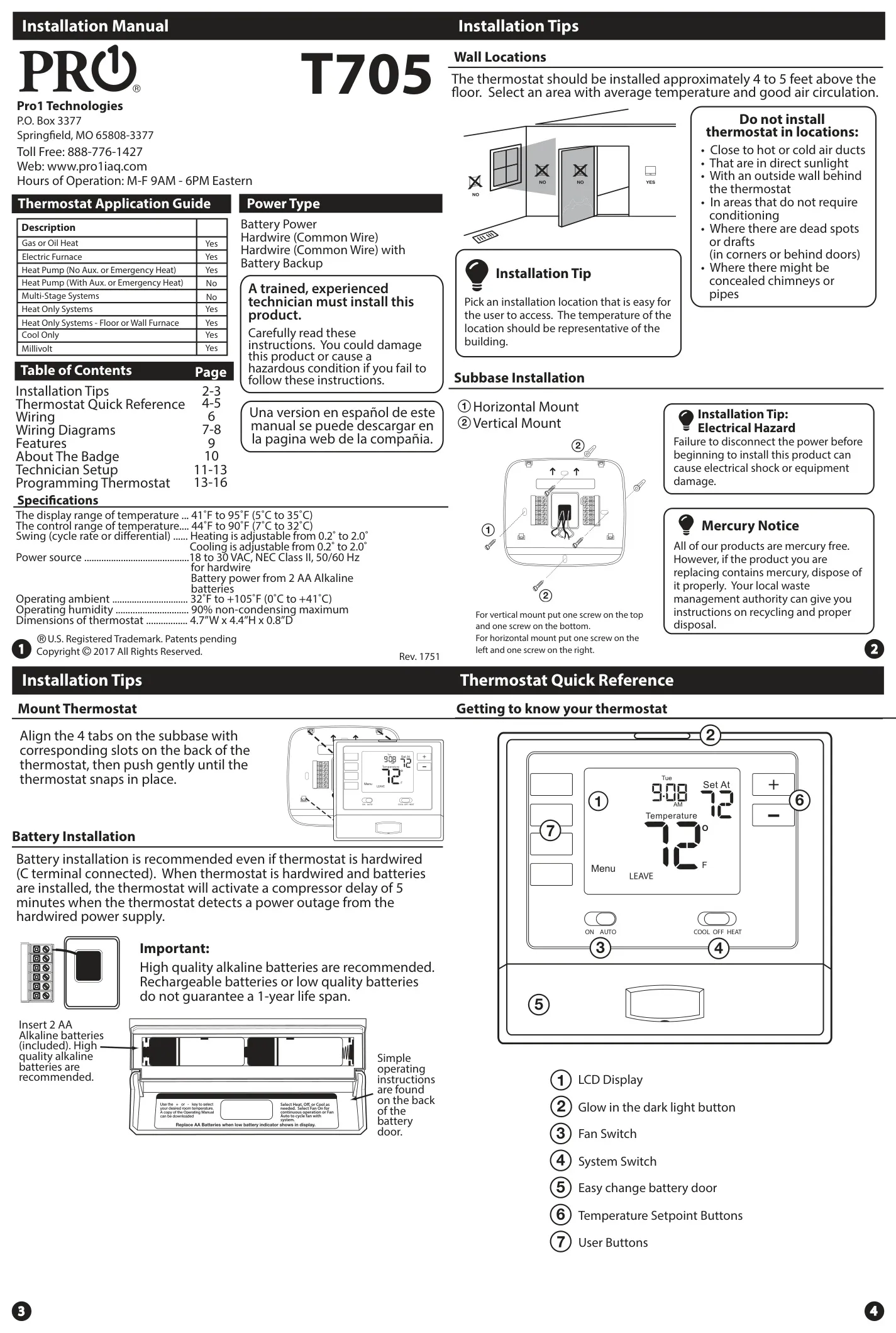
| Temperature Display Range | 41˚F to 95˚F (5˚C to 35˚C) |
| Temperature Control Range | 44˚F to 90˚F (7˚C to 32˚C) |
| Heating Swing (Differential) | Adjustable from 0.2˚ to 2.0˚ |
| Cooling Swing (Differential) | Adjustable from 0.2˚ to 2.0˚ |
| Hardwire Power Source | 18 to 30 VAC, NEC Class II, 50/60 Hz |
| Battery Power Source | 2 AA Alkaline batteries |
| Operating Ambient Temperature | 32˚F to +105˚F (0˚C to +41˚C) |
| Operating Humidity | 90% non-condensing maximum |
| Thermostat Dimensions | 4.7”W x 4.4”H x 0.8”D |
| Wire Gauge (Thermostat) | 18-22 gauge (shielded or non-shielded) |
| Terminal Block Max Torque | 6 in-lbs |
Pro1 IAQ T705 Thermostat Details
The Pro1 IAQ T705 Thermostat is designed with both user convenience and system efficiency in mind. Its installation requires selecting an appropriate wall location, approximately 4 to 5 feet above the floor, in an area with average temperature and good air circulation. Care must be taken to avoid locations near hot or cold air ducts, direct sunlight, outside walls, dead spots, drafts, or concealed chimneys and pipes, as these can affect temperature readings and overall performance.
This thermostat offers versatile power options and broad system compatibility. It can operate on battery power alone, supporting Gas or Oil Heat, Electric Furnaces, Heat Pumps without auxiliary or emergency heat, Heat Only Systems (including floor or wall furnaces), Cool Only systems, and Millivolt setups. For enhanced reliability, especially in systems like Electric Furnaces, hardwiring with a common wire is recommended. Notably, for Heat Pumps without auxiliary or emergency heat, hardwiring with a common wire alongside battery backup is advised.
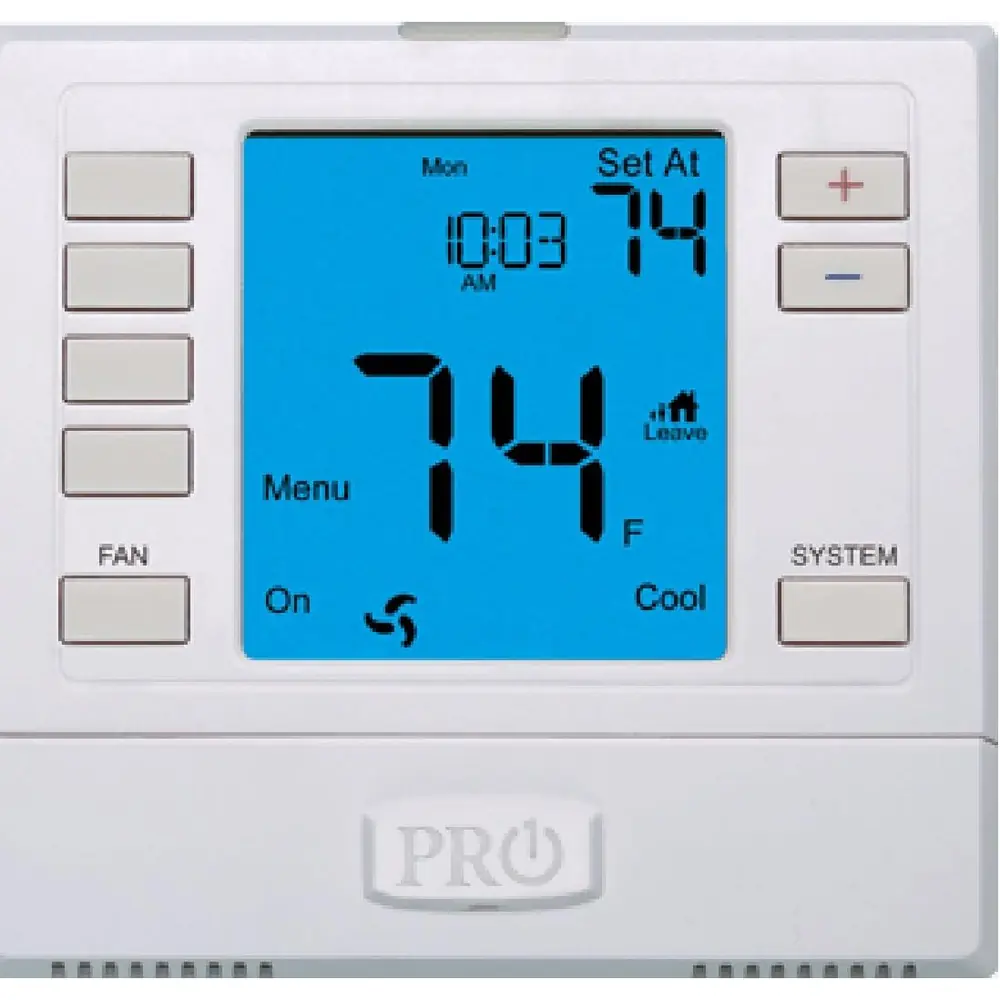
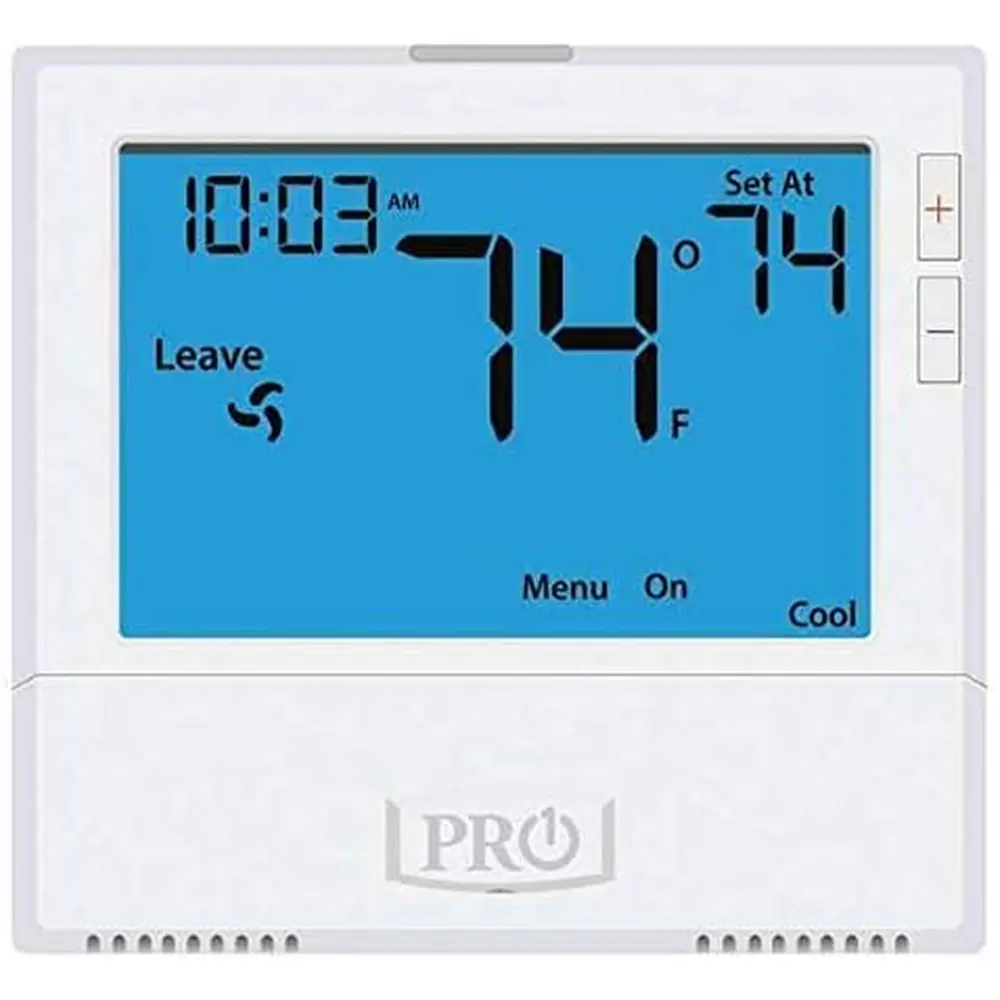
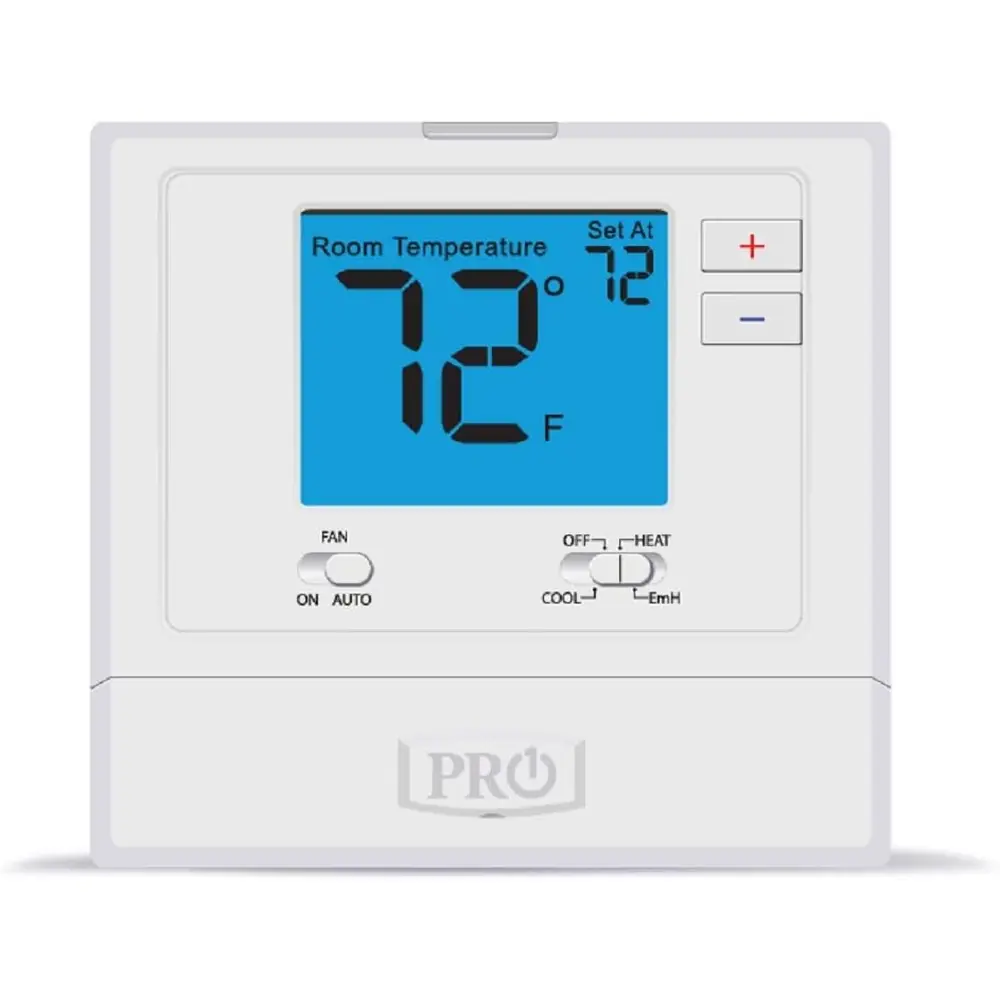
The user interface of the T705 features a clear LCD display, complemented by a glow-in-the-dark light button, fan and system switches, and easy-to-use temperature setpoint buttons. The display provides essential information such as the current room temperature, time, and day of the week. Key system operation indicators, including "COOL ON" or "HEAT ON," flash to signify an active compressor delay, safeguarding the system from short cycling.
An important safety feature is the low battery indicator. When this icon appears, replacing the 2 AA Alkaline batteries promptly is crucial. If batteries are not replaced within 21 days, the thermostat will continue to function but after an additional 21 days, setpoints will default to 55˚F (Heating) and 85˚F (Cooling) for safety. Failing to replace batteries after 63 days will cause the unit to shut off, preventing potential freezing or overheating.
Wiring is critical for proper operation, and the manual provides detailed terminal designations such as C (Common), RH (Heating Transformer), RC (Cooling Transformer), O/B (Heat Pump changeover valve), G (Fan relay), Y (Compressor relay), and W (Heat relay). For single transformer systems, a factory-installed jumper between RH and RC should remain in place. For heat pump systems without auxiliary heat, a small wire must connect the W and Y terminals. The use of 18-22 gauge shielded or non-shielded thermostat wire is specified.
Beyond basic operation, the T705 offers convenient user-facing features. The Temporary and Permanent Hold function allows users to override the programmed schedule with a new setpoint. A temporary hold lasts until the next programmed time period, while a permanent hold maintains the desired temperature indefinitely until manually released. The thermostat also includes a customizable Filter Change Reminder, which displays "FILT" after a configurable runtime (up to 2000 hours), prompting users to change their air filter and reset the reminder with a simple button press.
For professional installers, the thermostat provides a comprehensive technician setup menu. Accessible via a three-second press of the "TECH SET" button, this menu allows for fine-tuning various operational parameters. Options include adjusting the filter change reminder duration, calibrating the room temperature display (up to ±4˚), enabling or disabling the compressor short cycle delay, and customizing both heating and cooling swing settings for optimal comfort and efficiency. It also enables setting heating and cooling setpoint limits, changing between Fahrenheit and Celsius, and selecting a 12 or 24-hour clock.
The programming flexibility of the T705 caters to diverse user needs. It supports 7-Day, 5+1+1 (weekdays, Saturday, Sunday), or non-programmable modes, each with four daily time periods: WAKE, LEAVE, RETURN, and SLEEP. The "Pro Recovery" feature can be enabled to intelligently start heating or cooling early, ensuring the building reaches its programmed setpoint by the beginning of the WAKE or RETURN periods. Furthermore, unique time-saving functions allow copying program times and temperatures to other days or even transposing times to the opposite heating/cooling system.
Finally, the Pro1 IAQ T705 incorporates a distinctive universal magnetic badge, which can be easily customized. This feature allows for private labeling, offering a personalized touch to the thermostat. The careful design, comprehensive features, and flexible programming options make the T705 a robust and user-friendly thermostat for a wide range of HVAC applications.
Frequently Asked Questions (FAQs)
Can't find the answer you need? Here are some frequently asked questions about the Pro1 IAQ T705 Thermostat, and we answer them below.