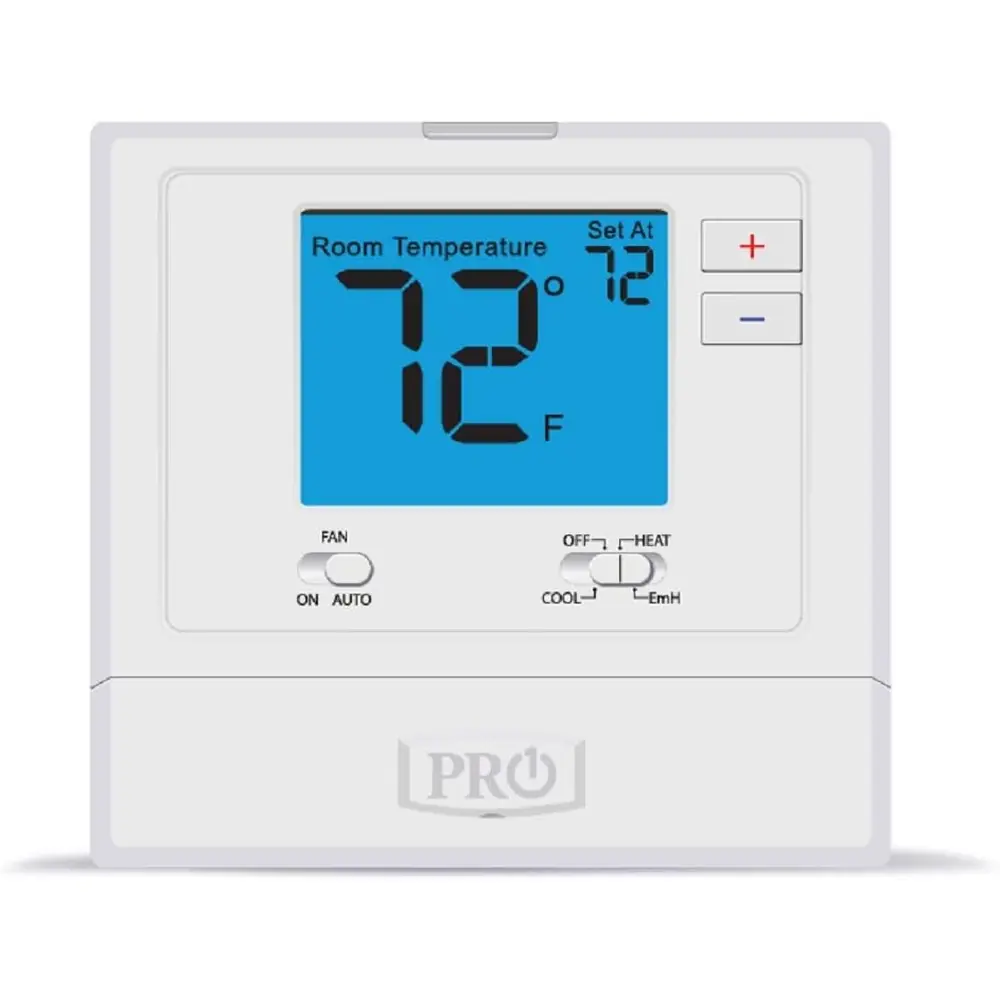
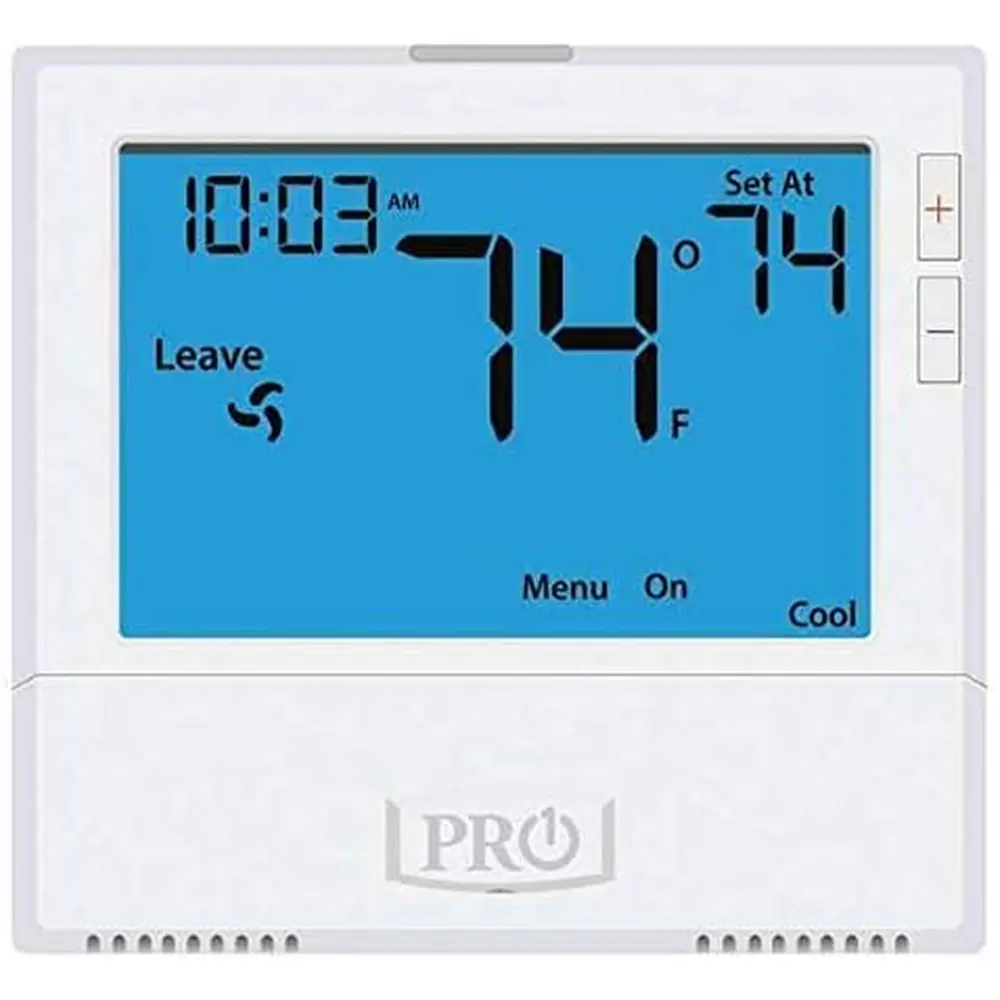
Pro1 IAQ 755S Thermostat Instruction Manual
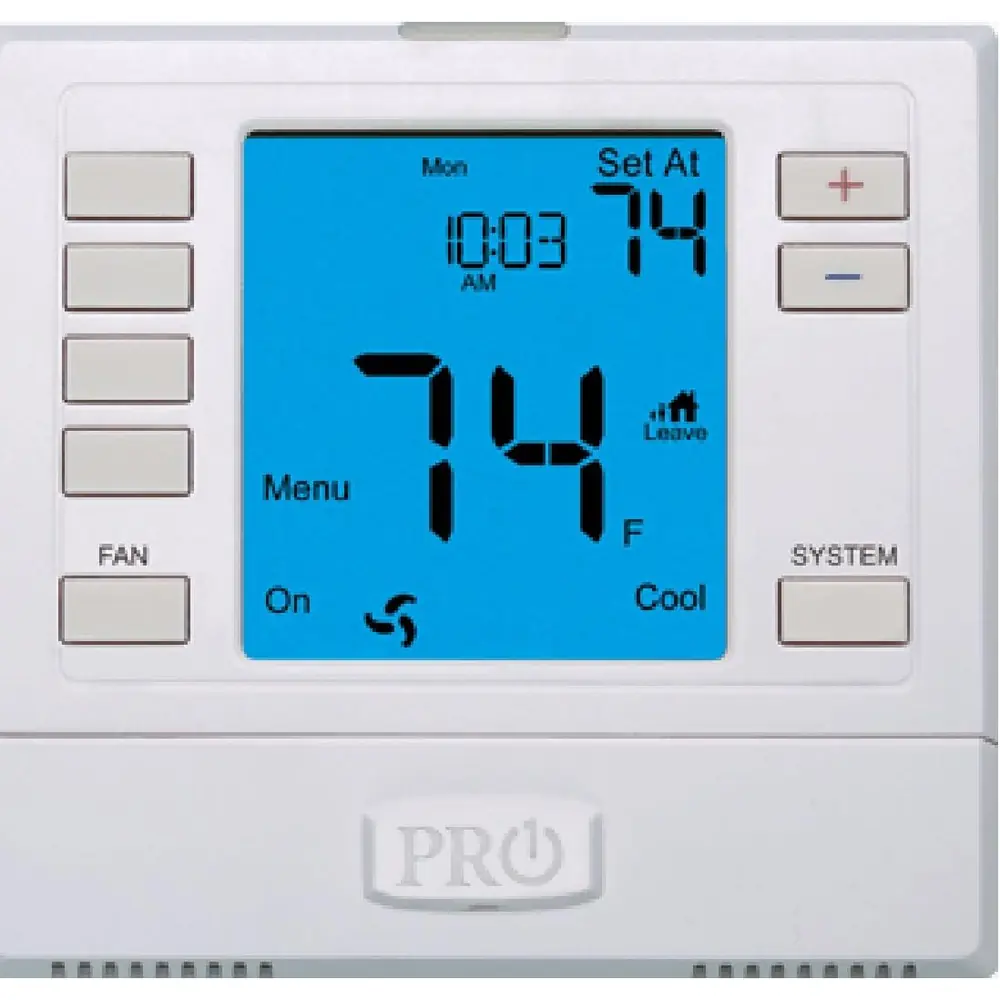
Pro1 IAQ 755S Thermostat
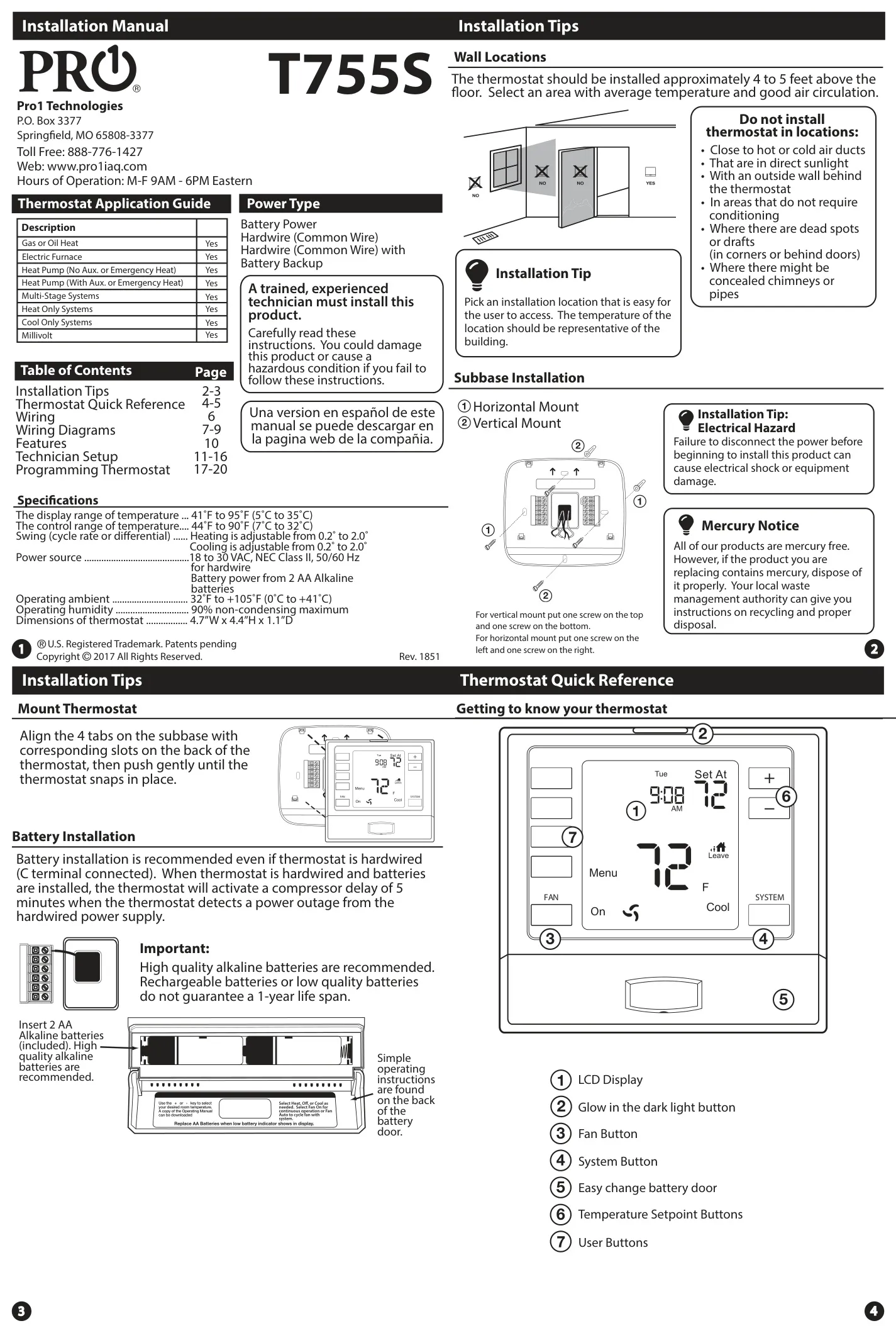



Pro1 IAQ 755S Thermostat Instructions
Here we offer the Pro1 IAQ 755S Thermostat manual completely free and in English. We have cataloged this manual in the Thermostats section on Manualverse, and it has been rated by 1 users with an average rating of 5. If you have any specific questions about Pro1 IAQ 755S Thermostat, we suggest checking the Frequently Asked Questions (FAQs) section of this manual.
Product Images
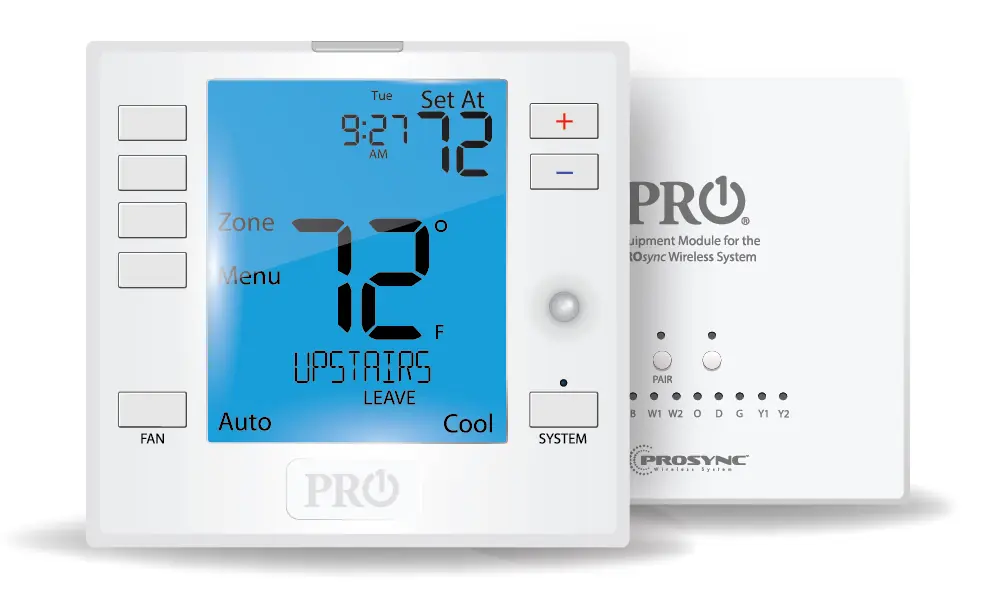

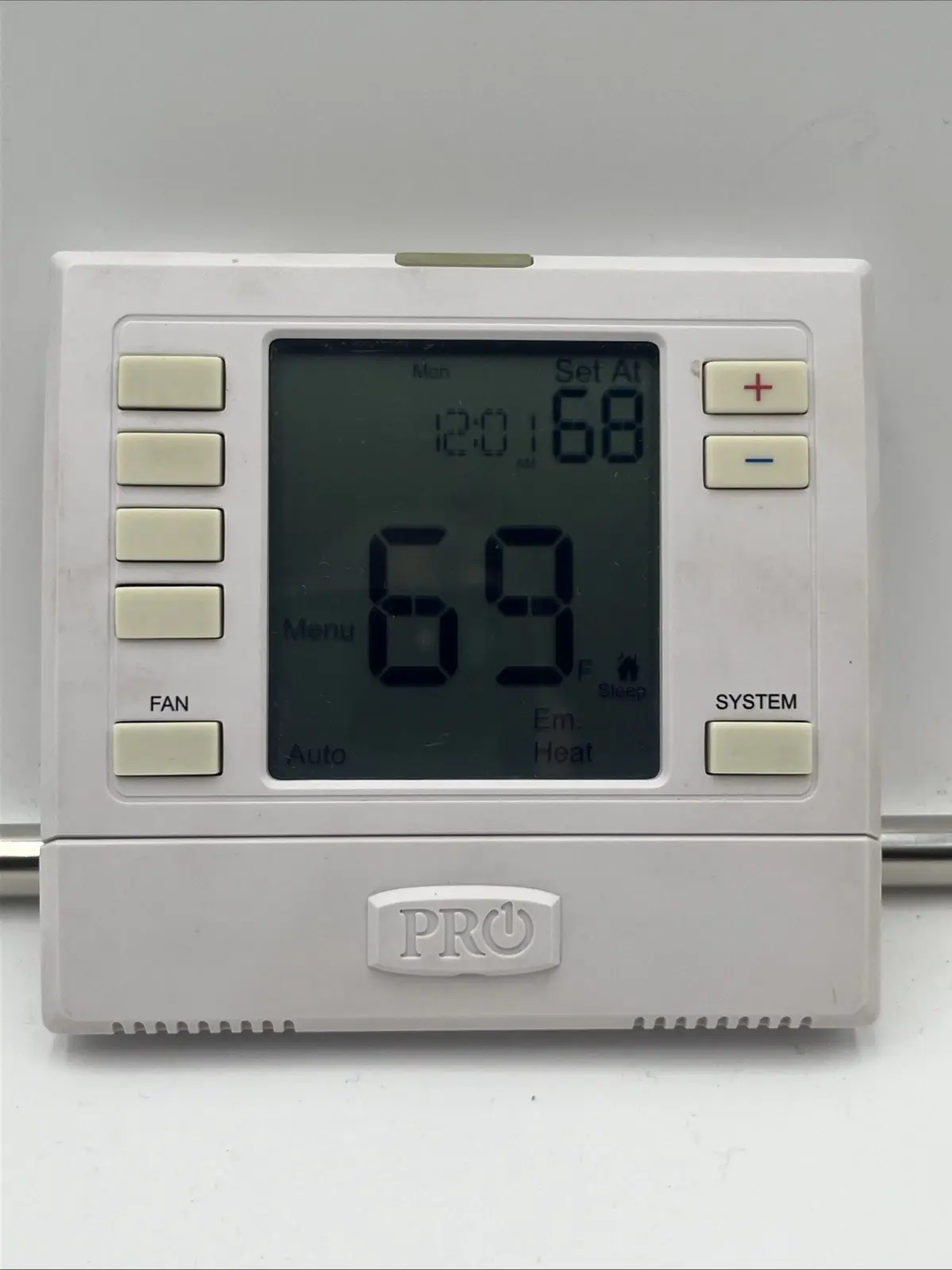
Pro1 IAQ 755S Thermostat Specifications
| Feature | Specification |
|---|---|
| Display Temperature Range | 41˚F to 95˚F (5˚C to 35˚C) |
| Control Temperature Range | 44˚F to 90˚F (7˚C to 32˚C) |
| Heating Swing (Cycle Rate) | Adjustable from 0.2˚ to 2.0˚ |
| Cooling Swing (Cycle Rate) | Adjustable from 0.2˚ to 2.0˚ |
| Hardwire Power Source | 18 to 30 VAC, NEC Class II, 50/60 Hz |
| Battery Power Source | 2 AA Alkaline batteries |
| Operating Ambient Temperature | 32˚F to +105˚F (0˚C to +41˚C) |
| Operating Humidity | 90% non-condensing maximum |
| Thermostat Dimensions | 4.7”W x 4.4”H x 1.1”D |
| Recommended Wire Gauge | 18-22 gauge (shielded or non-shielded) |
Pro1 IAQ 755S Thermostat Details
The Pro1 IAQ 755S Thermostat requires careful installation, ideally by a trained technician, approximately 4 to 5 feet above the floor in an area with average temperature and good air circulation. Crucially, it should avoid direct sunlight, concealed pipes, or drafts. The thermostat offers flexible power options: it can be hardwired (18-30 VAC) with a common wire or operate solely on two AA alkaline batteries. For optimal reliability, it's recommended to install batteries even if hardwired; this provides a vital backup, activating a 5-minute compressor delay during power outages to protect your system.
The thermostat features a low battery indicator, prompting users to replace the two AA alkaline batteries. Ignoring this warning for 21 days will cause the screen to show only the indicator, maintaining functionality. After an additional 21 days (total 42 days), setpoints will default to 55°F (heating) and 85°F (cooling), with any adjustments holding for only 4 hours. Critical shutdown occurs after 63 days without battery replacement, preventing freezing or overheating. The intuitive LCD display shows current room temperature, time, day, system operation, and setpoint, with dedicated buttons for fan, system mode, and temperature adjustments.
The Pro1 IAQ 755S boasts broad compatibility, supporting various HVAC systems including Gas or Oil Heat, Electric Furnaces, and Heat Pumps (with or without auxiliary/emergency heat). It's also suitable for Multi-Stage, Heat Only, Cool Only, and Millivolt systems, making it a versatile choice. For user convenience, it incorporates both Temporary and Permanent Hold features. A temporary hold keeps the adjusted temperature for 4 hours, ideal for short deviations, while a permanent hold maintains the setpoint indefinitely until manually overridden by pressing the "RUN SCHED" button.
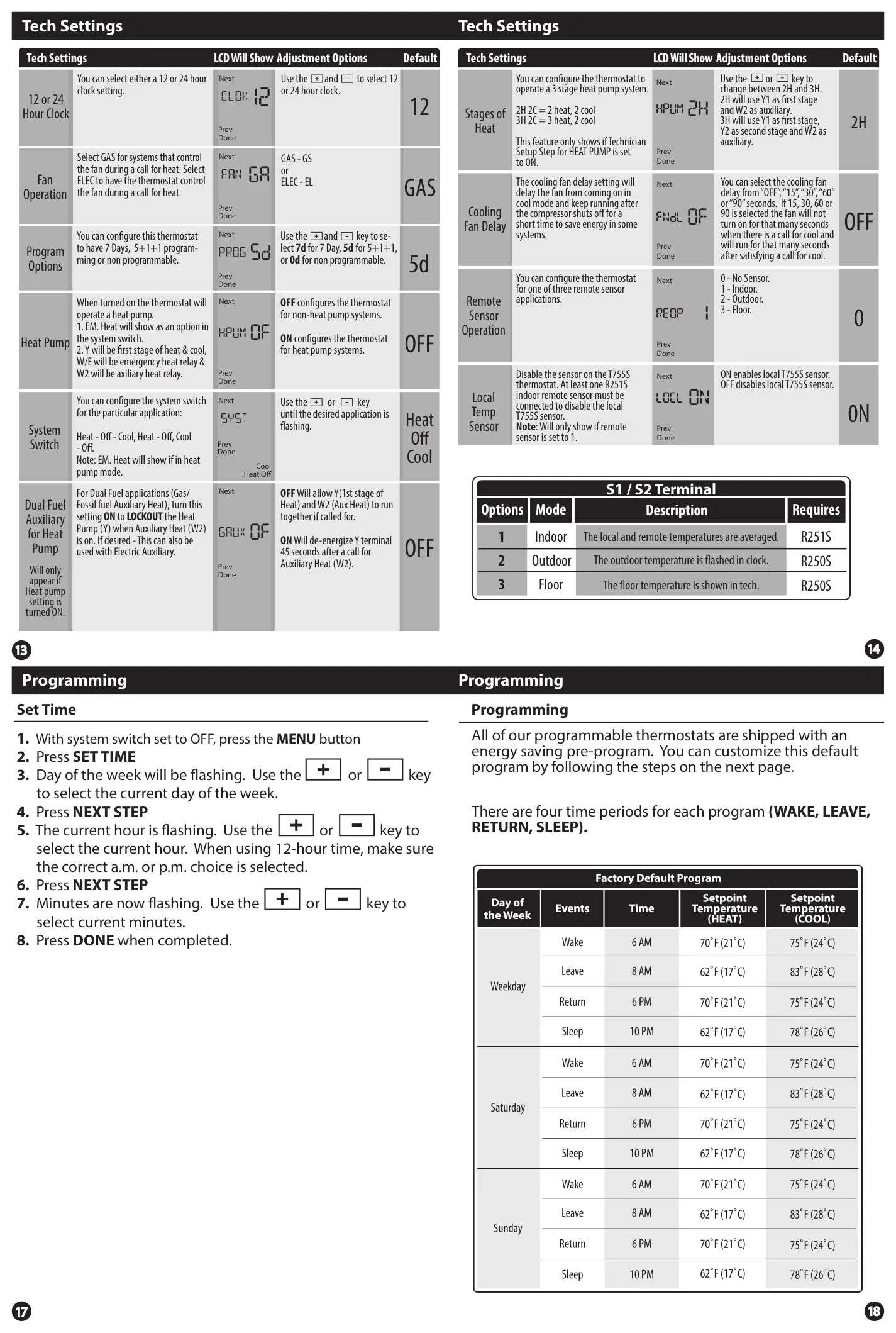
Maintaining indoor air quality is simplified with the thermostat's Filter Change Reminder. When the air filter needs replacement, "FILT" will appear on the display, configured based on elapsed runtime by the installer. Resetting this reminder is a simple process, involving holding a specific button for three seconds after changing the filter. Beyond user-facing features, a comprehensive Technician Setup menu allows for detailed customization, including precise temperature swing settings, room temperature calibration, minimum compressor run-time, and short cycle delays, ensuring optimal performance tailored to specific system requirements.
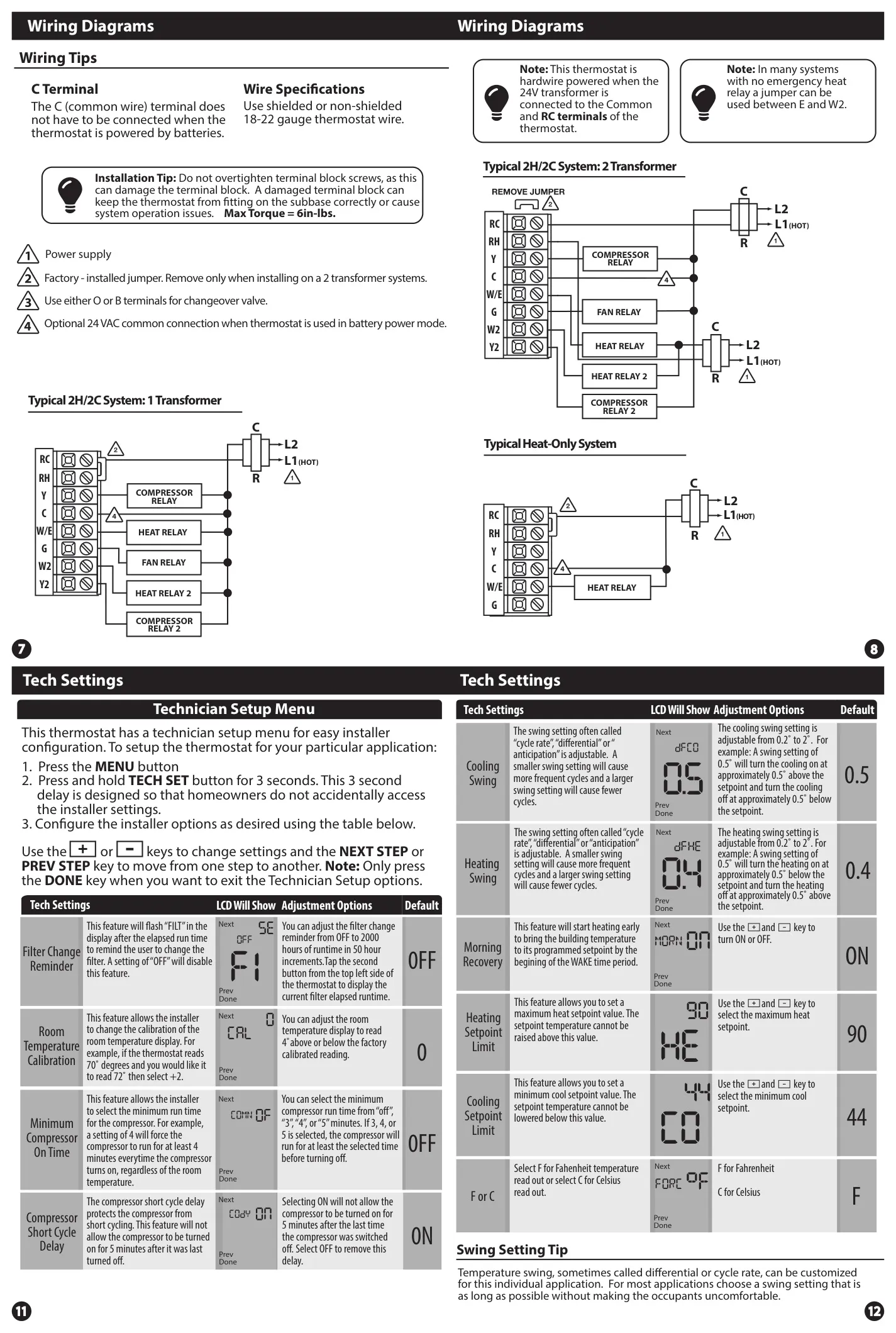
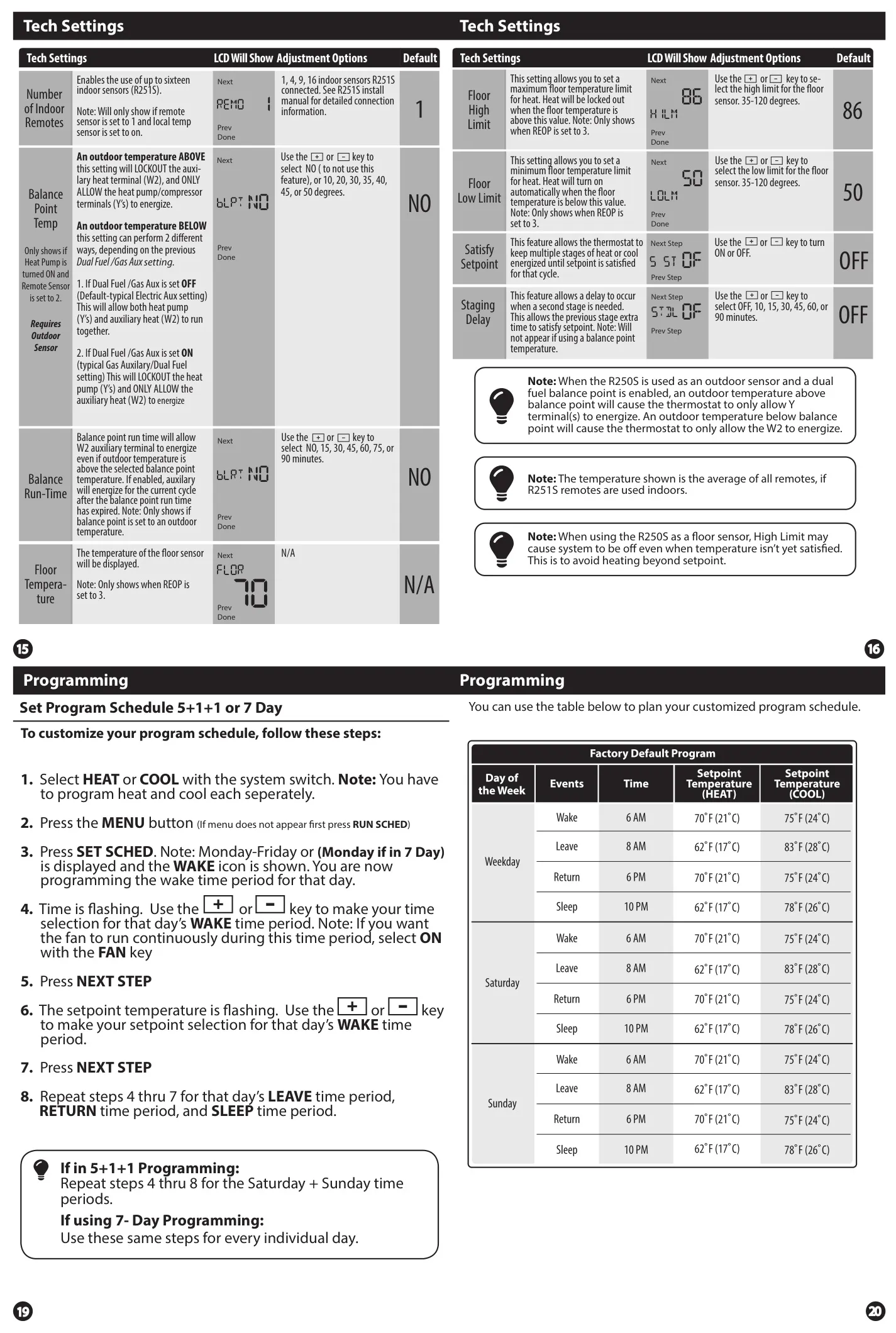
The thermostat supports comprehensive programming with options for 7-Day or 5+1+1 (weekdays/weekend) schedules, or it can be configured as non-programmable. Each day can be divided into four customizable time periods: WAKE, LEAVE, RETURN, and SLEEP, allowing users to set distinct temperatures for energy efficiency and comfort. Wiring the thermostat requires adherence to electrical safety, with cautions against overtightening terminal screws (max torque 6in-lbs) to prevent damage. Although the C (common) terminal is optional when running on batteries, using it ensures hardwire power.
Frequently Asked Questions (FAQs)
Can't find the answer you need? Here are some frequently asked questions about the Pro1 IAQ 755S Thermostat, and we answer them below.