Pro1 IAQ T805 Thermostat Instruction Manual

Manual Pro1 IAQ T805 Thermostat Instruction Manual

Pro1 IAQ T805 Thermostat Instruction Manual
5/5 (1👤)
📕 Manual PDF 📄 14 Pages
★Rate It★

How many stars do you give this manual?

Pro1 IAQ T805 Thermostat
Full Screen

Pro1 IAQ T805 Thermostat Instructions

Here we offer the Pro1 IAQ T805 Thermostat manual completely free and in English. We have cataloged this manual in the Thermostats section on Manualverse, and it has been rated by 1 users with an average rating of 5. If you have any specific questions about Pro1 IAQ T805 Thermostat, we suggest checking the Frequently Asked Questions (FAQs) section of this manual.


Product Images
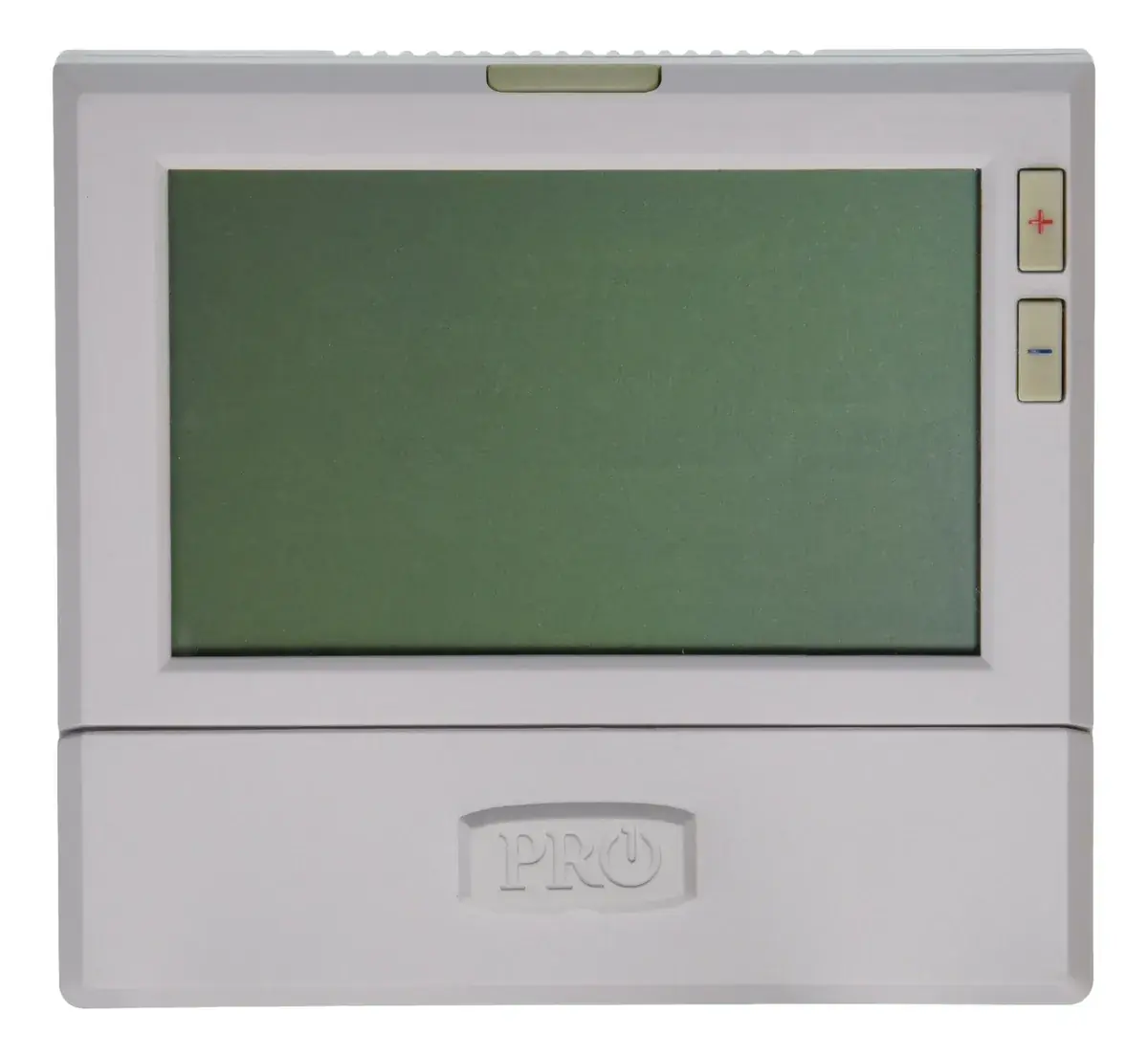
Imagen 1
Imagen 2
Imagen 3
Imagen 4
Imagen 5
Miniatura 1
Miniatura 2
Miniatura 3
Miniatura 4
Miniatura 5

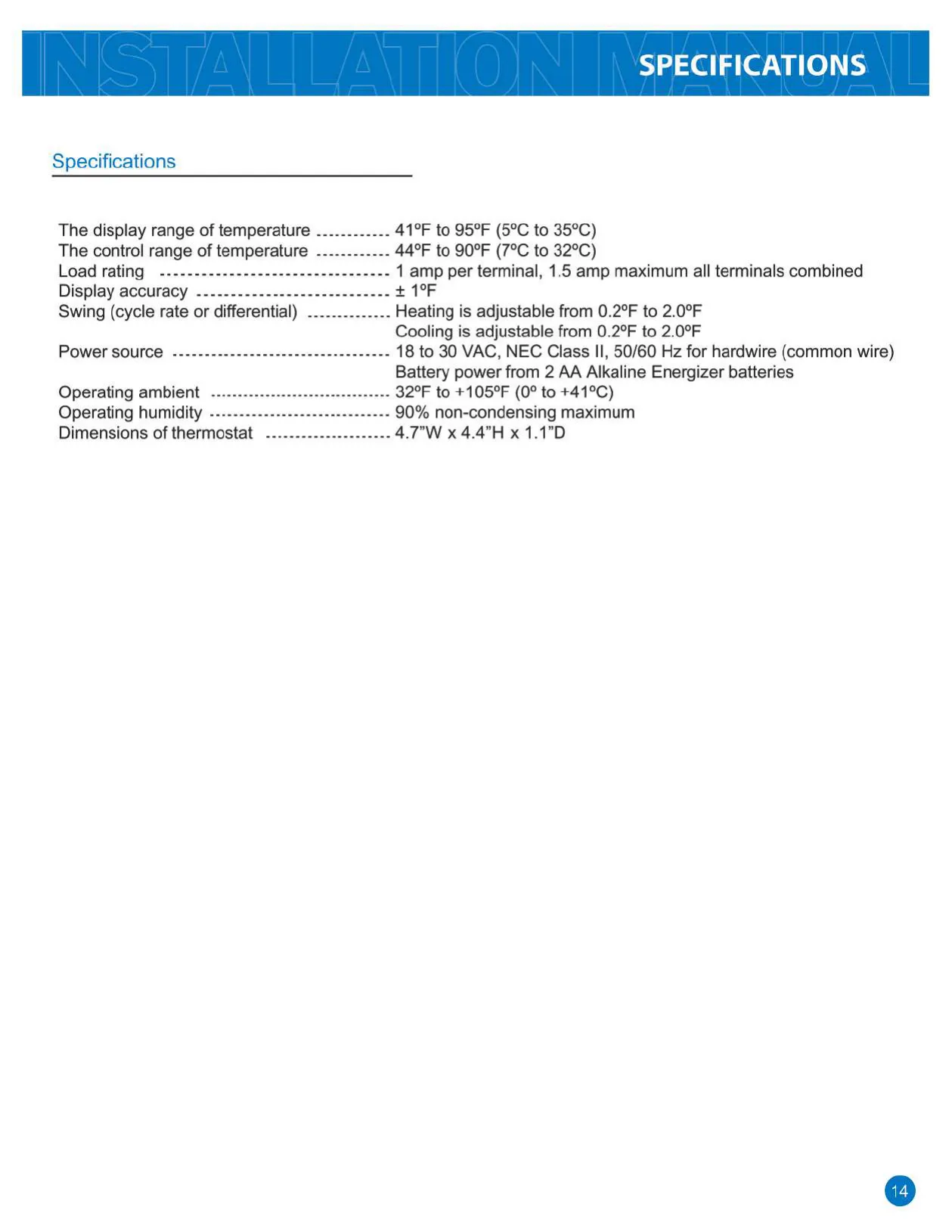
Pro1 IAQ T805 Thermostat Specifications

Specification Detail
Display Range of Temperature 41°F to 95°F (5°C to 35°C)
Control Range of Temperature 44°F to 90°F (7°C to 32°C)
Load Rating 1 amp per terminal, 1.5 amp maximum all terminals combined
Display Accuracy ±1°F
Swing (Cycle Rate or Differential) Heating: Adjustable from 0.2°F to 2.0°F
Cooling: Adjustable from 0.2°F to 2.0°F
Power Source 18 to 30 VAC, NEC Class II, 50/60 Hz (hardwire) OR 2 AA Alkaline Energizer batteries
Operating Ambient Temperature 32°F to +105°F (0° to +41°C)
Operating Humidity 90% non-condensing maximum
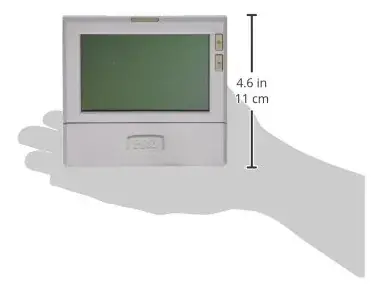
Dimensions 4.7”W x 4.4”H x 1.1”D

Pro1 IAQ T805 Thermostat Details

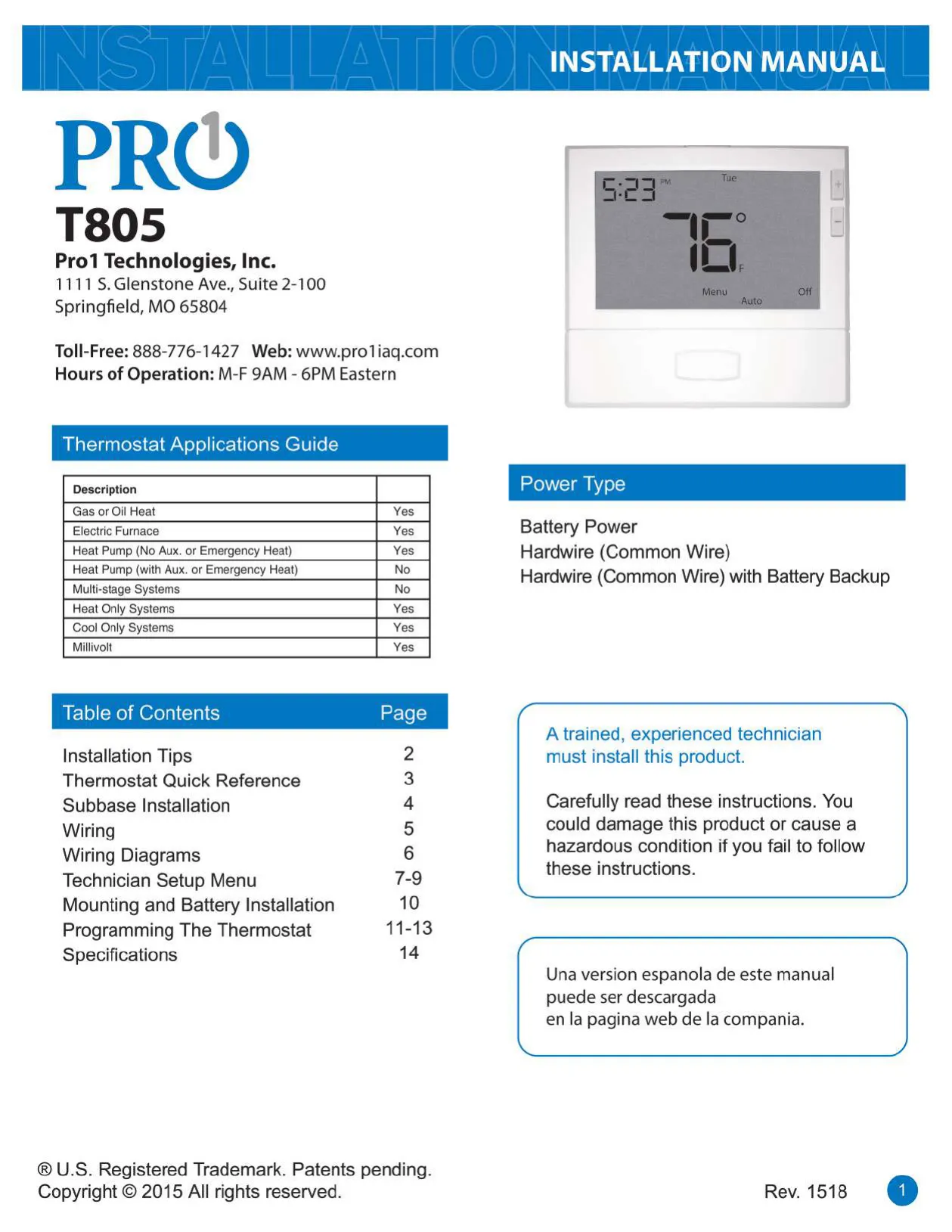
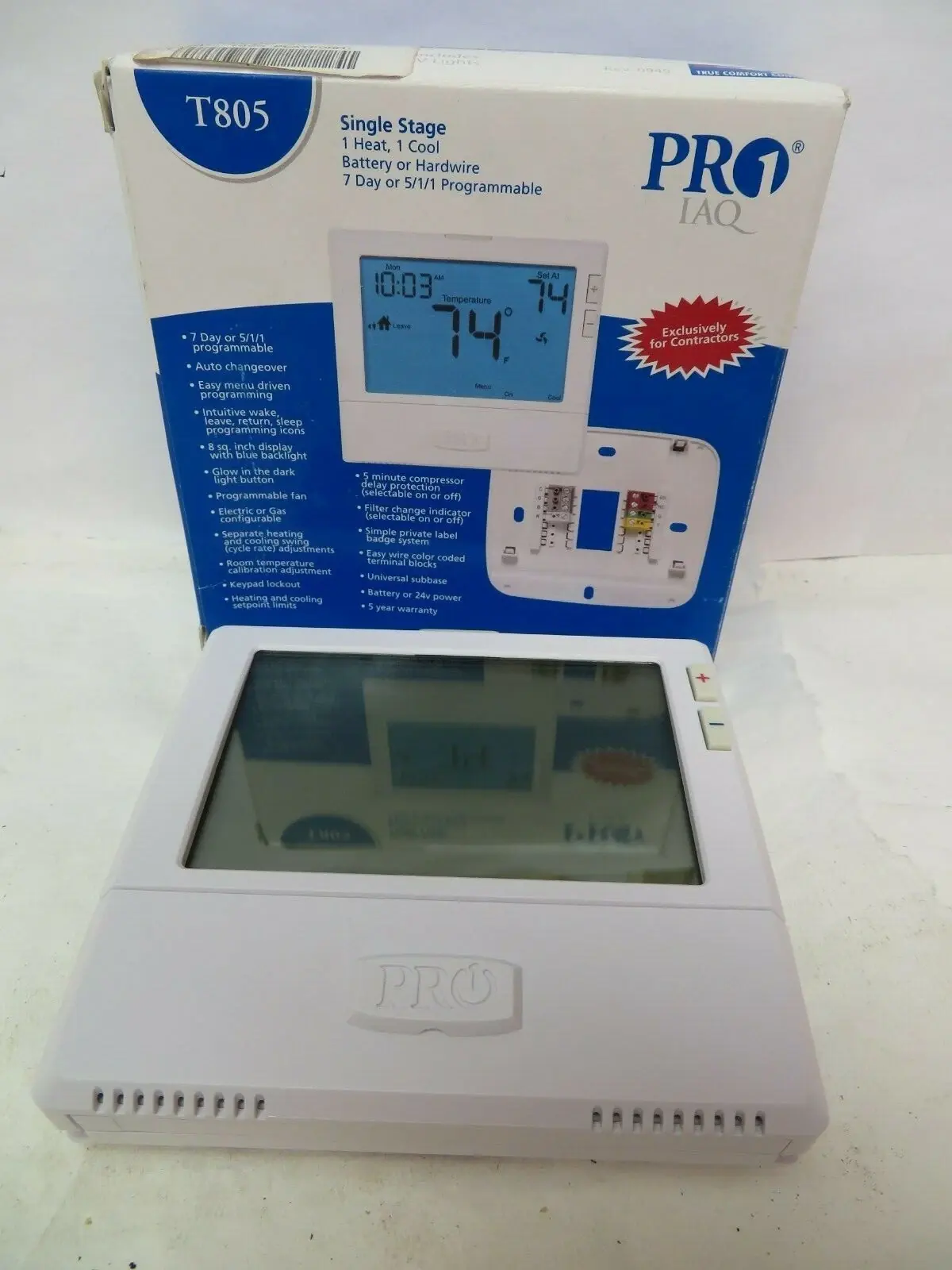
The Pro1 IAQ T805 Thermostat offers broad compatibility with various HVAC systems, including Gas or Oil Heat, Electric Furnace, Heat Only, Cool Only, and Millivolt systems. It provides flexible power options, supporting battery power, hardwiring via a common wire, or a combination of hardwire with battery backup. This versatility ensures the thermostat can be integrated into a wide range of residential setups, emphasizing ease of installation and dependable operation in areas with good air circulation and representative temperatures.

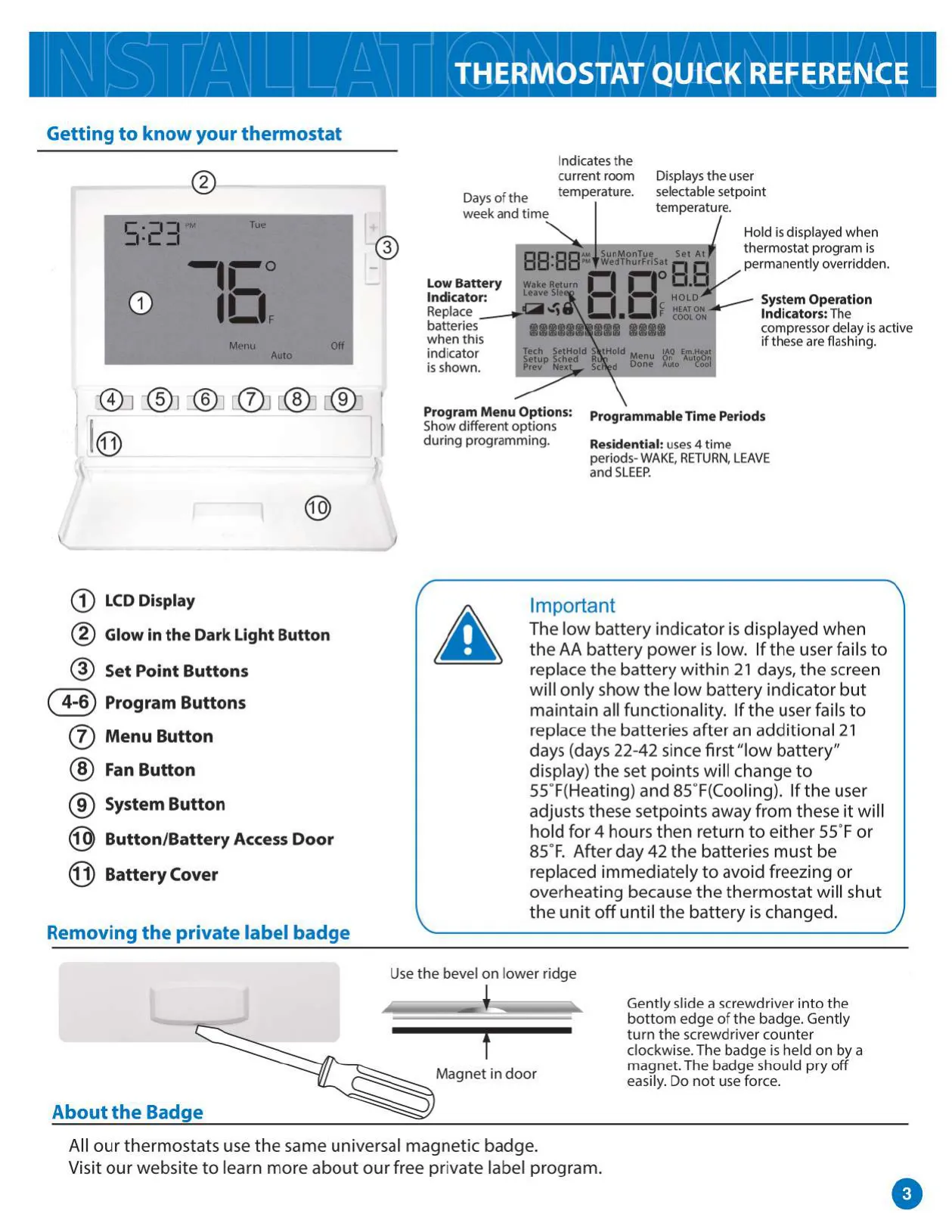
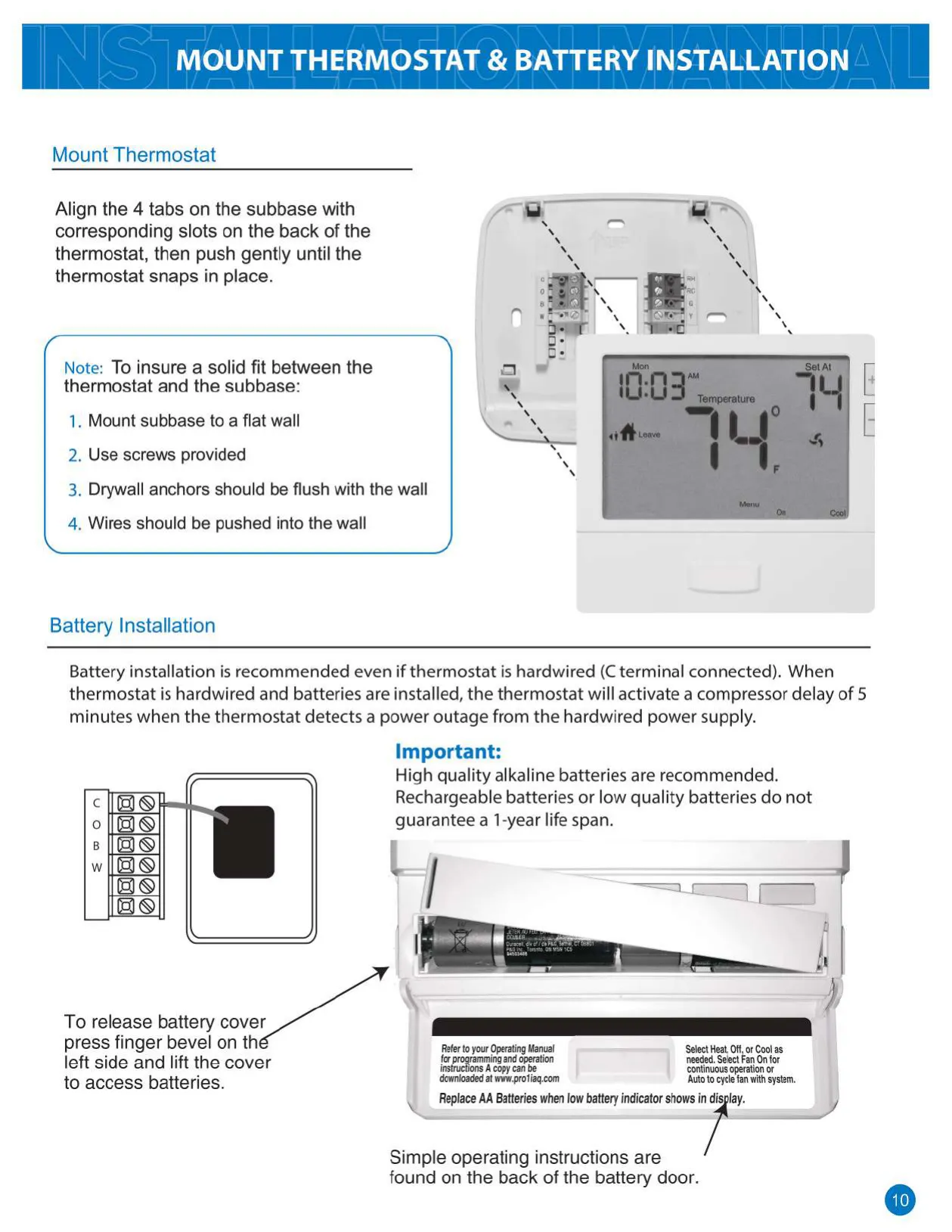
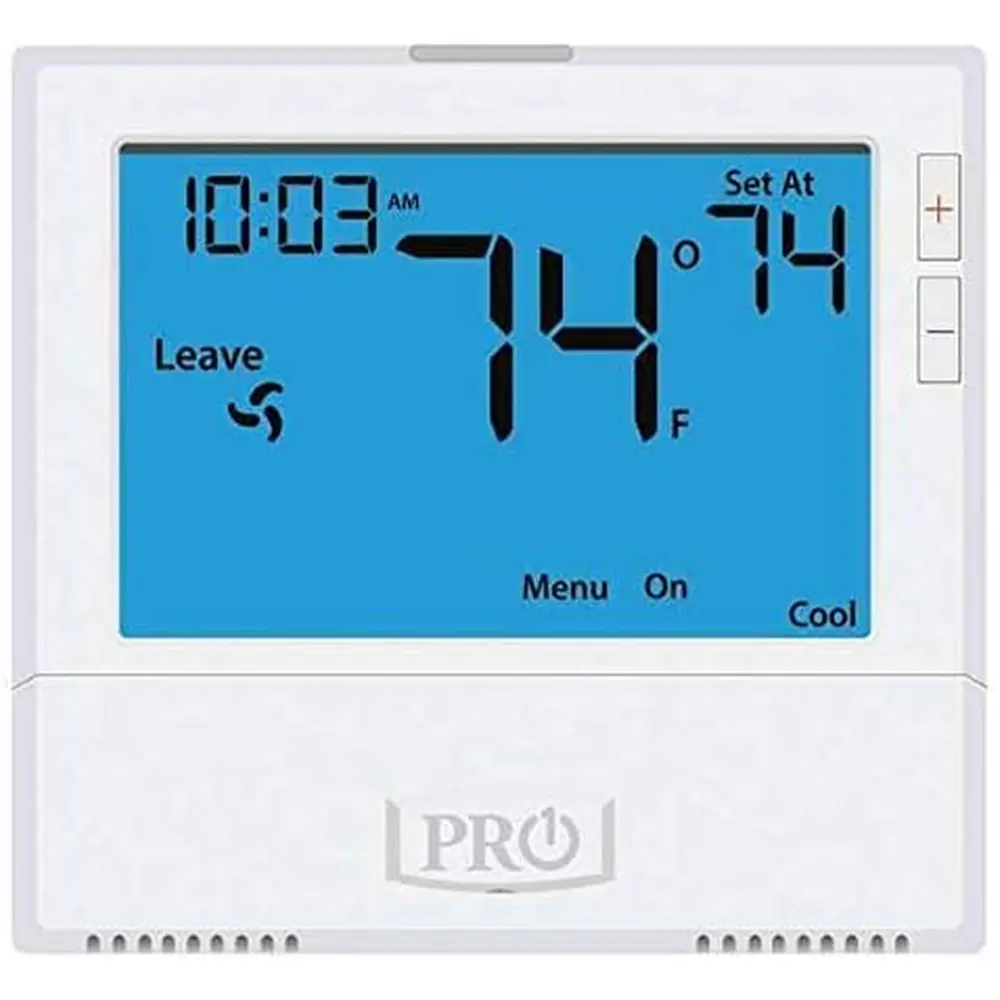
Its user interface is designed for simplicity, featuring an intuitive LCD display and responsive buttons for setting points, programming, and accessing menus. A convenient Glow in the Dark Light Button enhances visibility in low-light conditions. A critical feature is the multi-stage Low Battery Indicator: it first displays an alert, then after 21 days, limits setpoints to prevent system damage. After 42 days without replacement, the unit will shut off until new batteries are installed.

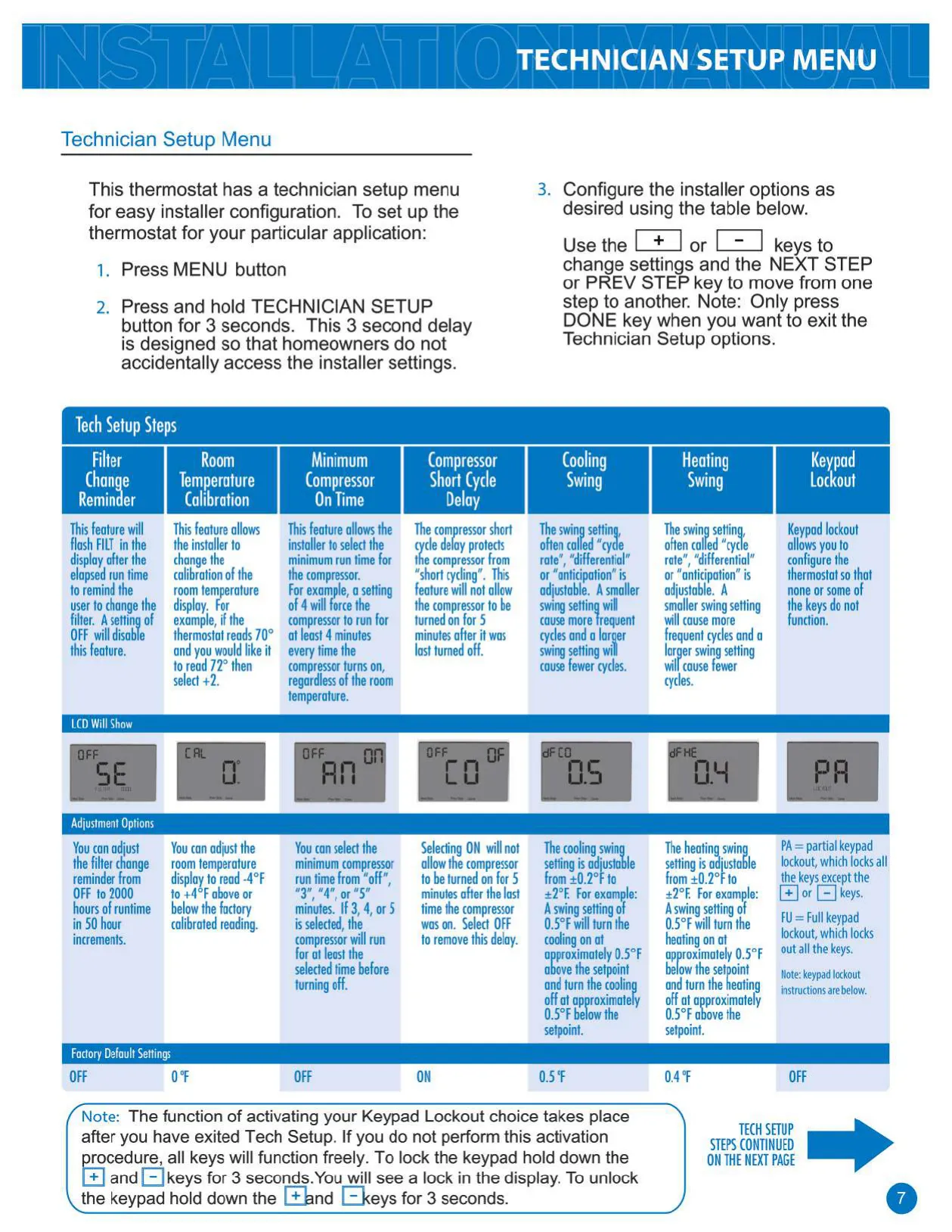
For advanced configuration, the T805 includes a comprehensive Technician Setup Menu, accessible via a secure 3-second button press. This menu allows installers to fine-tune settings such as a configurable filter change reminder, precise room temperature calibration (from -4°F to +4°F), and compressor protection features like a minimum run time and a short cycle delay. These options ensure optimal system performance and longevity.

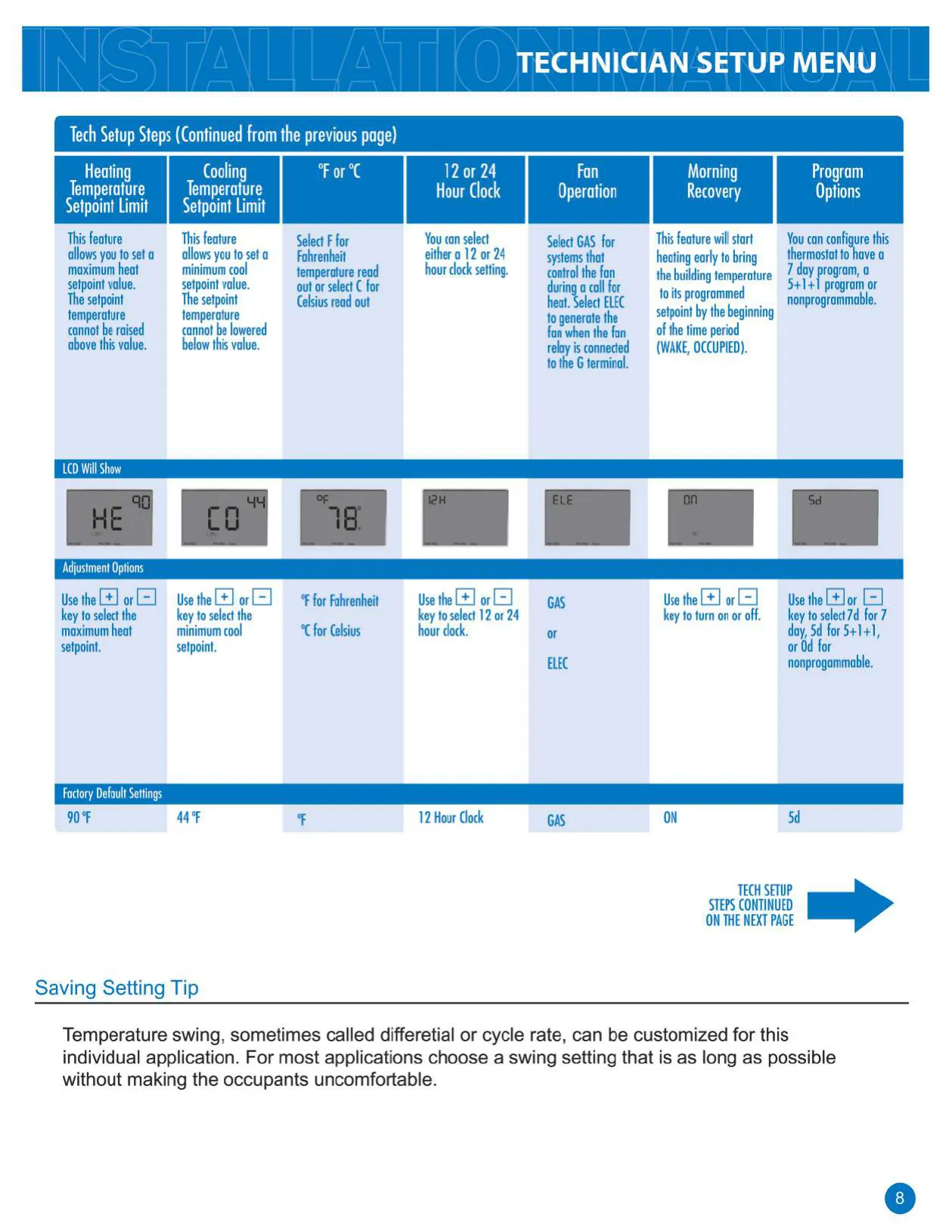
Further customization for comfort and efficiency is available through adjustable heating and cooling temperature setpoint limits, ensuring the system operates within safe boundaries. Users can choose between Fahrenheit or Celsius temperature display and 12 or 24-hour clock formats. The Morning Program Recovery feature intelligently activates heating or cooling early to achieve the desired temperature by the start of a programmed time period, enhancing daily comfort.

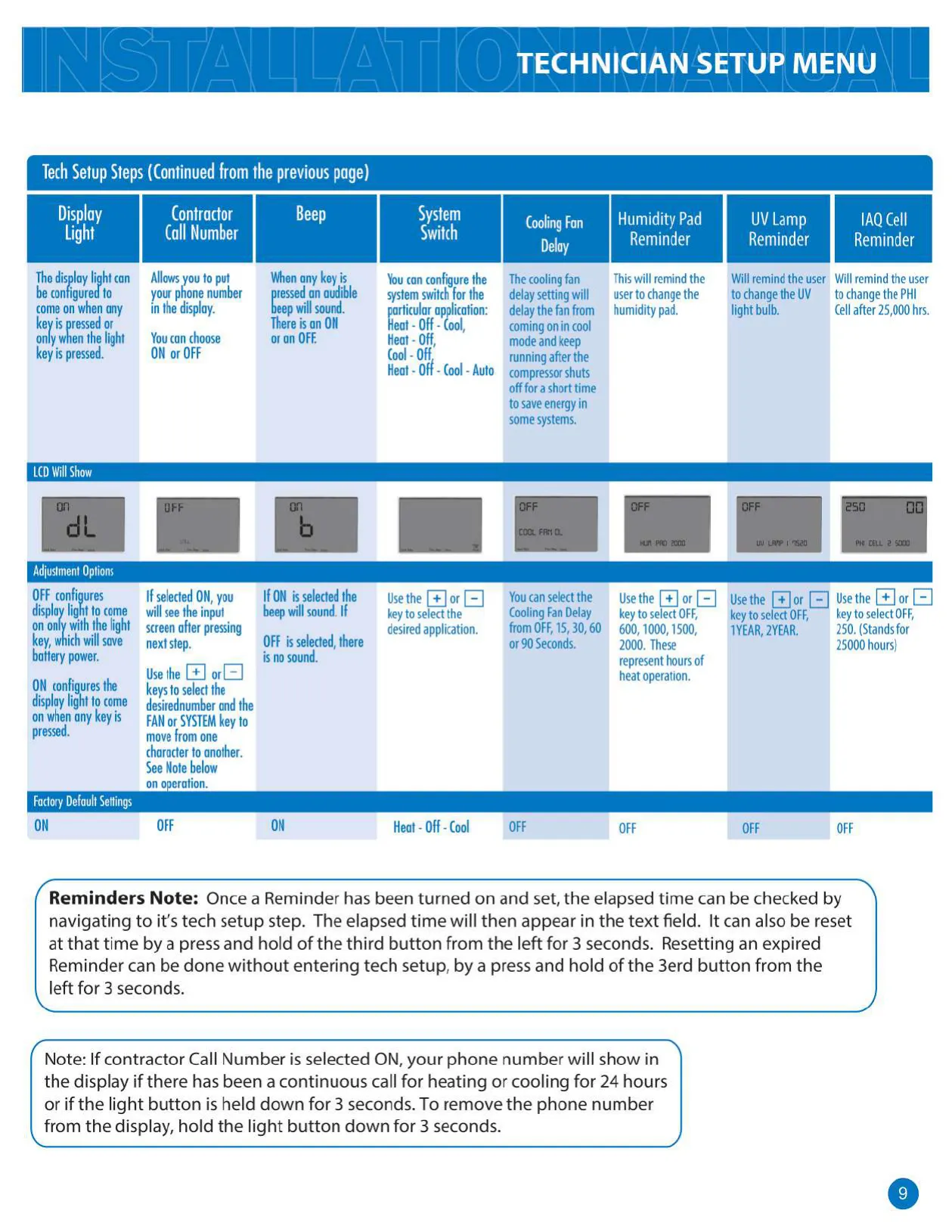
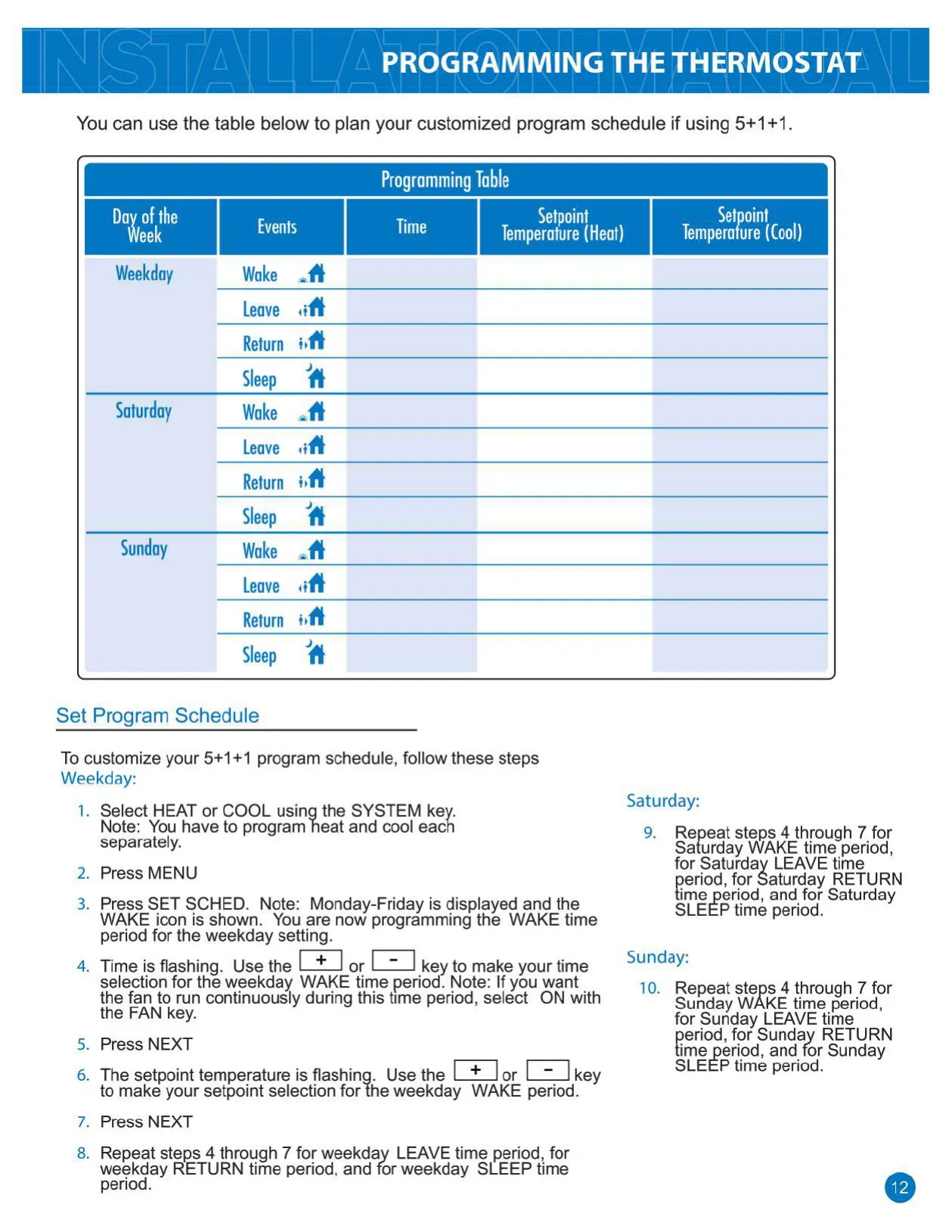
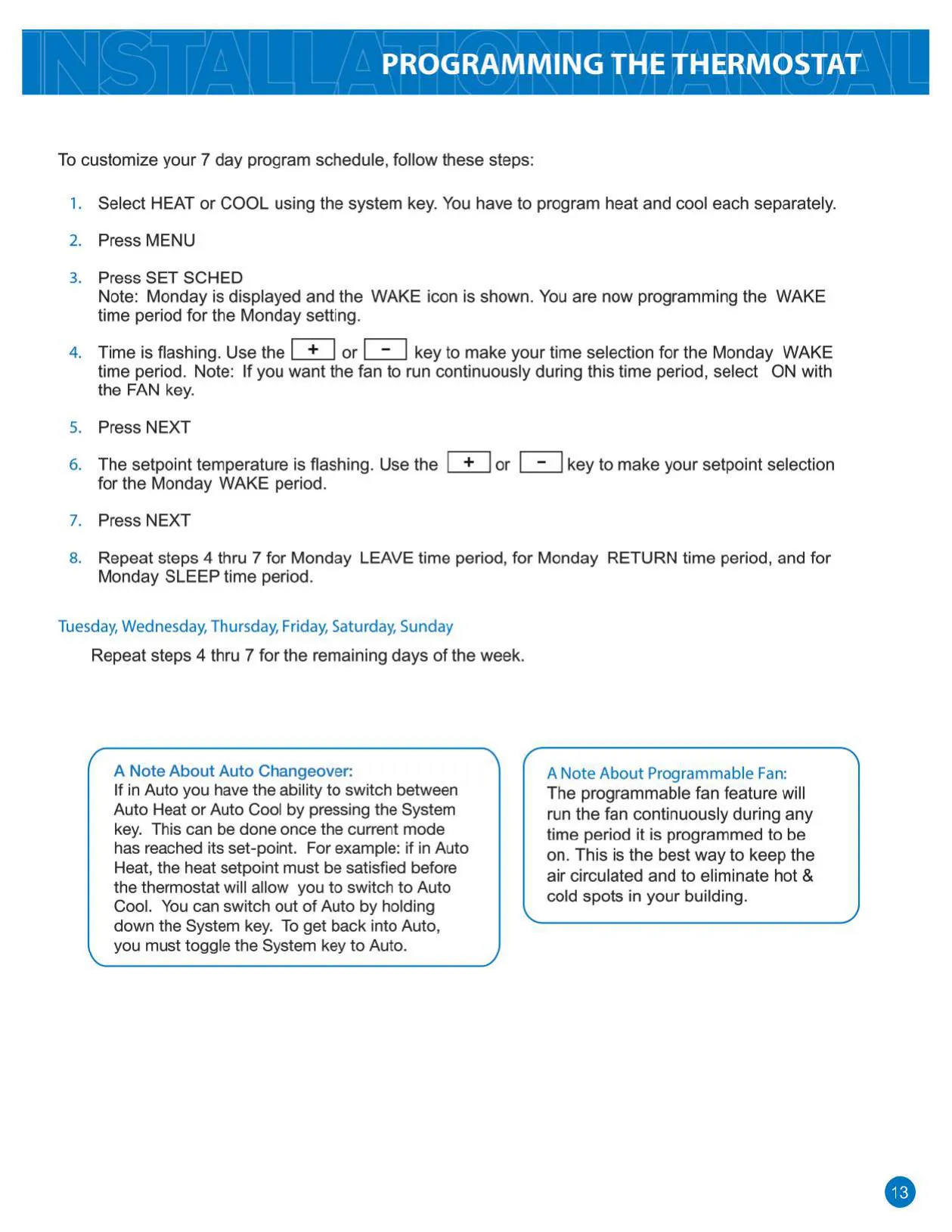
The T805 supports various programming schedules, including 7-day, 5+1+1 (weekdays, Saturday, Sunday), or non-programmable modes, each with four customizable time periods: WAKE, LEAVE, RETURN, and SLEEP. It also incorporates a programmable fan feature, which can run continuously during any time period to improve air circulation and eliminate hot and cold spots throughout the building. Maintenance reminders for humidity pads, UV lamps, and IAQ cells ensure timely upkeep of indoor air quality components.

Frequently Asked Questions (FAQs)

Can't find the answer you need? Here are some frequently asked questions about the Pro1 IAQ T805 Thermostat, and we answer them below.
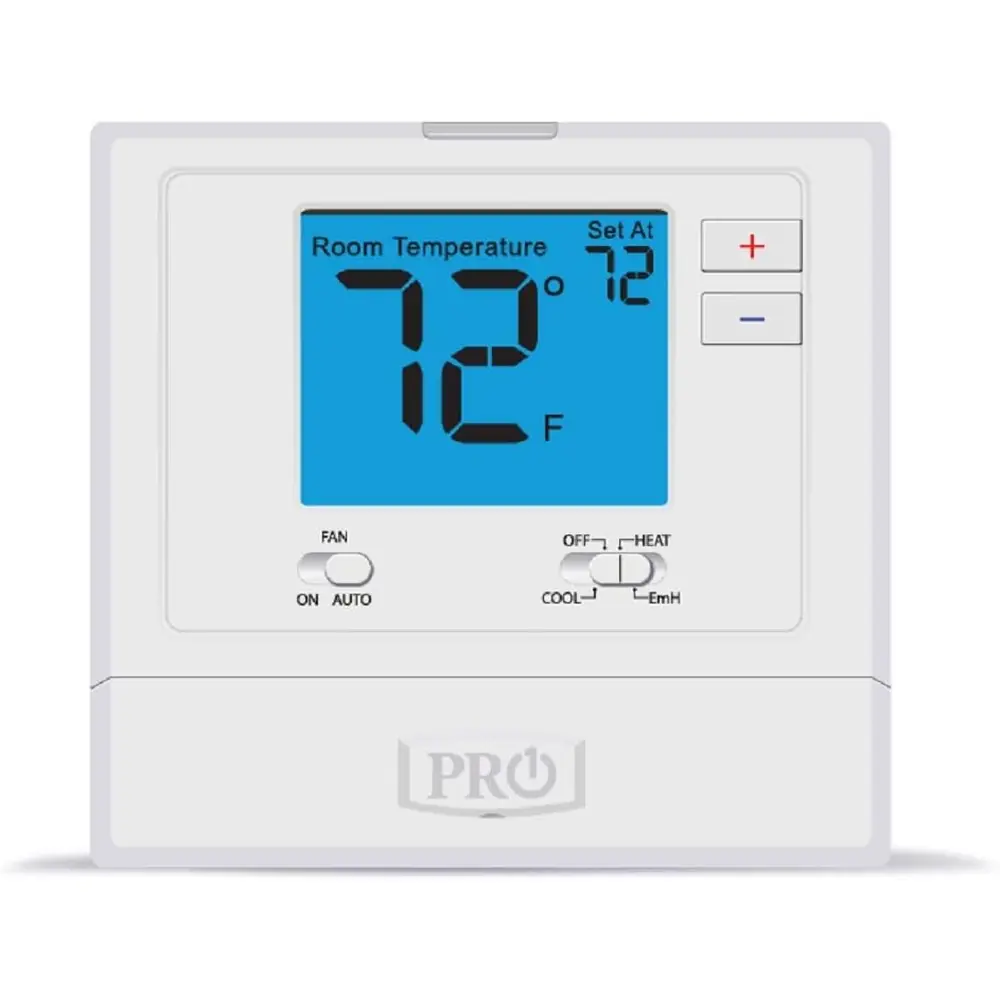

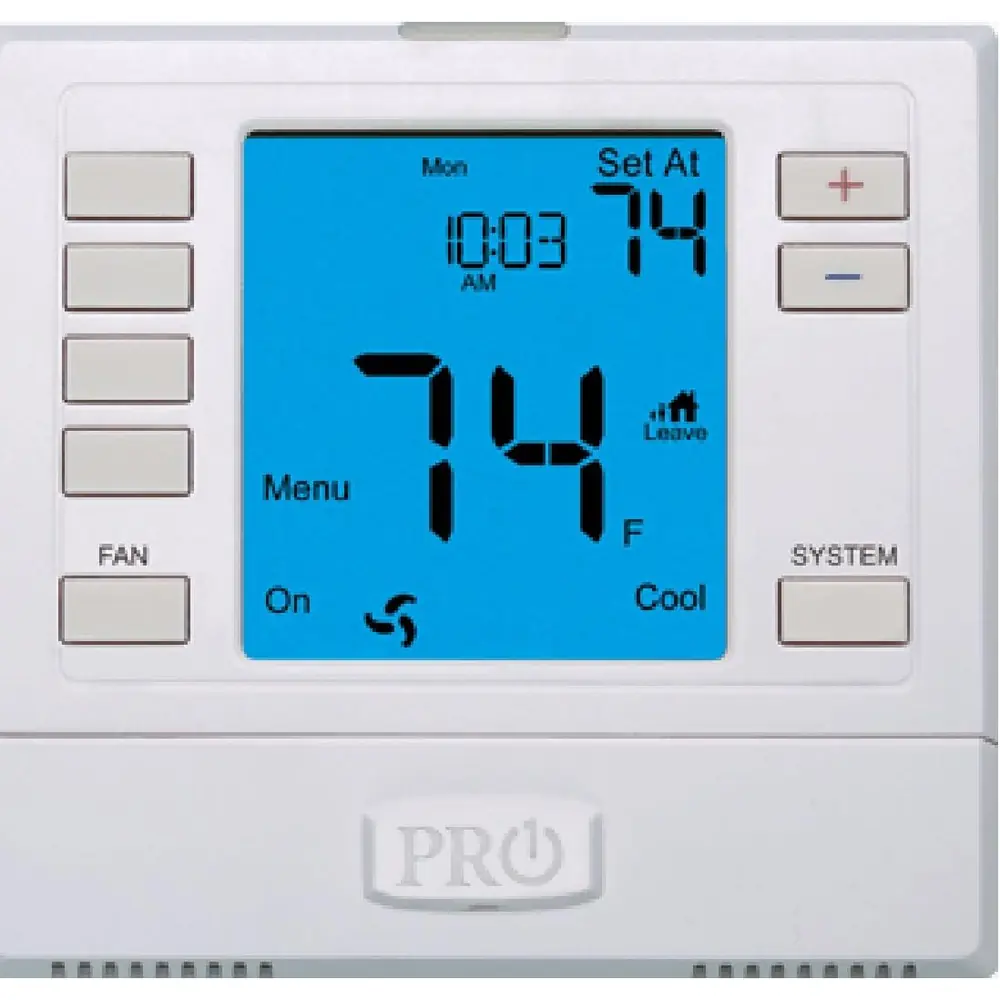
What types of HVAC systems are compatible with the Pro1 IAQ T805 Thermostat?
The Pro1 IAQ T805 is compatible with Gas or Oil Heat, Electric Furnace, Heat Only, Cool Only, and Millivolt systems. It is not designed for multi-stage systems or heat pumps with auxiliary or emergency heat.

How can the Pro1 IAQ T805 Thermostat be powered?
It can be powered by 2 AA alkaline batteries, hardwired using a common wire (18-30 VAC), or by a combination of hardwire with battery backup for added reliability.

What does the low battery indicator signify, and what should I do?
A low battery indicator means the AA battery power is low. You have approximately 21 days to replace them before the screen shows only the indicator. If not replaced within another 21 days (days 22-42), setpoints will default to 55°F (heating) and 85°F (cooling). After day 42, the thermostat will shut off until batteries are changed to prevent freezing or overheating.

How do I access the Technician Setup Menu?
Press the MENU button, then press and hold the TECHNICIAN SETUP button for 3 seconds. This delay prevents accidental access by homeowners.

What is the 'swing setting' and how does it affect thermostat operation?
The swing setting, also known as cycle rate or differential, determines how frequently the system cycles on and off. A smaller swing setting (e.g., 0.2°F) results in more frequent, shorter cycles, while a larger setting (e.g., 2.0°F) leads to fewer, longer cycles. Both heating and cooling swings are adjustable.

Can I lock the thermostat keypad?
Yes, the technician setup menu allows for Keypad Lockout. Options include OFF, Partial (locks all keys except the setpoint buttons), and Full (locks all keys).

How do I program a schedule for the thermostat?
You press MENU, then SET SCHED. You can choose between a 7-day program, a 5+1+1 program, or non-programmable. For each program type, you set WAKE, LEAVE, RETURN, and SLEEP time periods and desired setpoint temperatures.

What is the 'Morning Program Recovery' feature?
This feature allows the thermostat to start heating or cooling early to ensure the building reaches its programmed setpoint temperature by the beginning of the scheduled time period (e.g., WAKE or OCCUPIED).

Can I set temperature limits for heating and cooling?
Yes, within the technician setup menu, you can set a maximum heat setpoint value (default 90°F) and a minimum cool setpoint value (default 47°F) to restrict user adjustments beyond these limits.

What is the programmable fan feature, and why would I use it?
The programmable fan allows you to run the fan continuously during specific programmed time periods. This is beneficial for circulating air, eliminating hot and cold spots, and improving overall comfort and air quality in your building.

How do I reset a reminder like 'Change Filter' or 'Change UV Lamp'?
To reset an expired reminder, simply press and hold the third button from the left (often a ‘NEXT STEP’ or ‘PREV STEP’ equivalent during setup) for 3 seconds. You can also check and reset elapsed times within the technician setup menu for each reminder.

How do I set the current time and day of the week on the thermostat?
Press MENU, then SET TIME. Use the < or > keys to select the current day, hour, and minutes. Ensure the correct A.M./P.M. is selected for 12-hour format.

What should I do if my system is a heat pump?
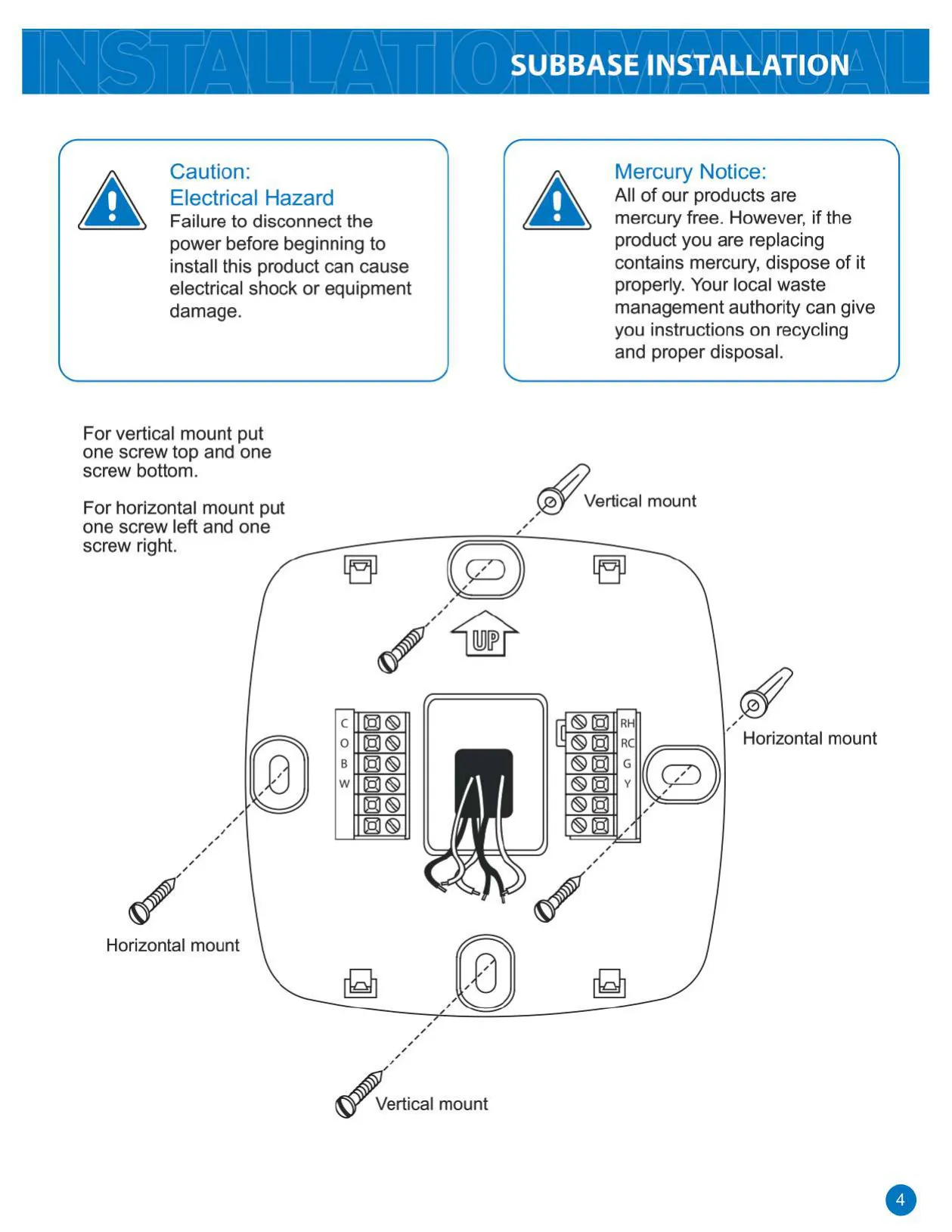
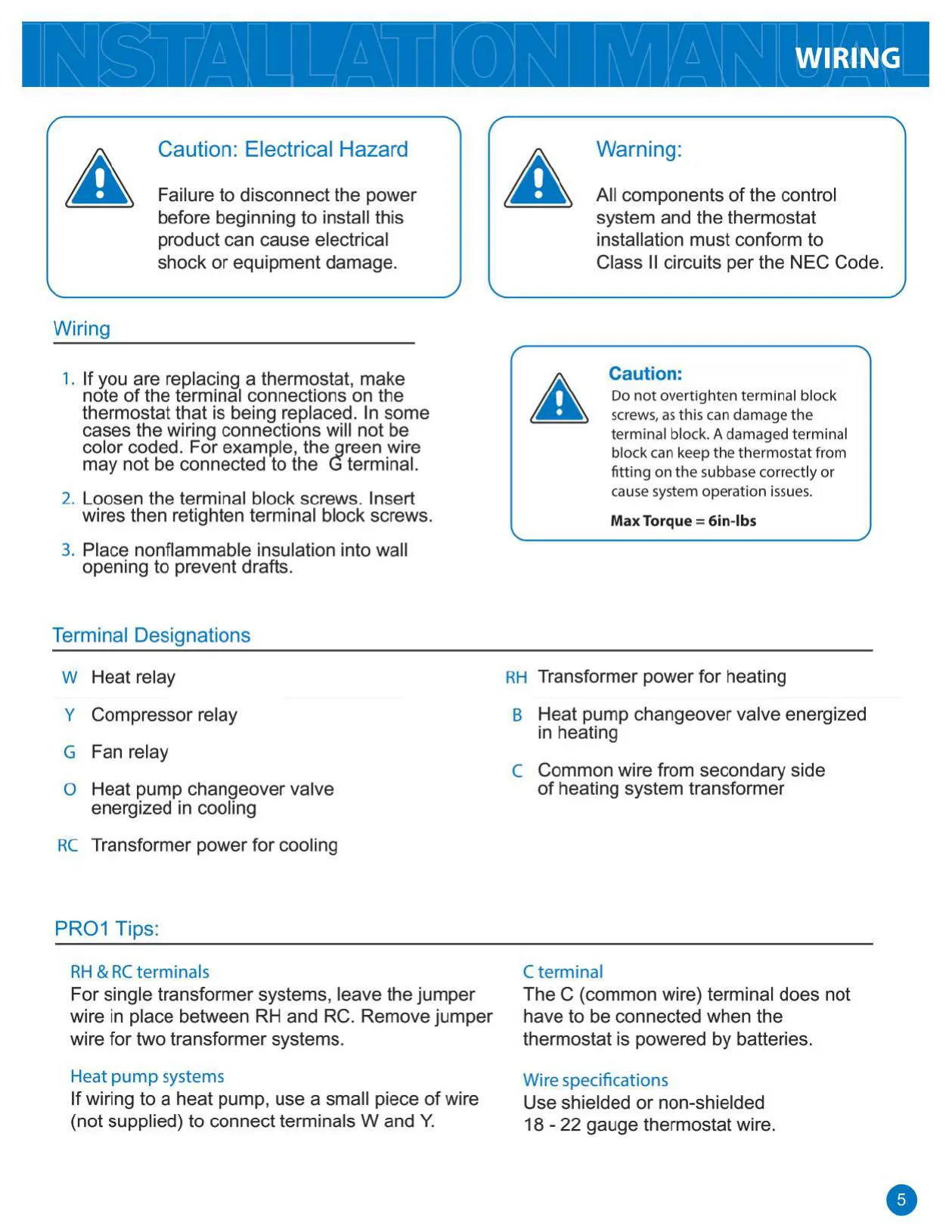
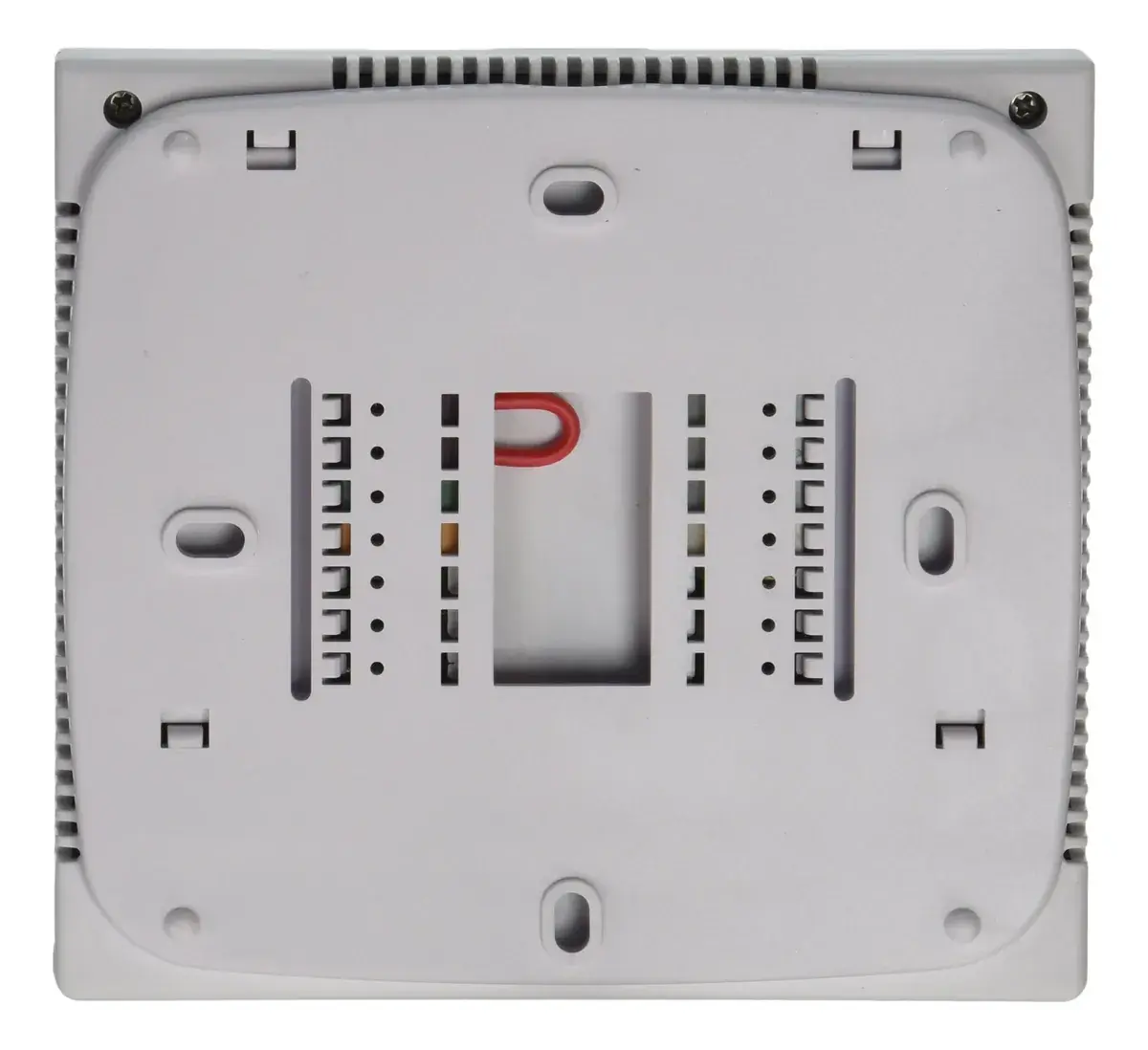
If wiring to a heat pump, you will need to use a small piece of wire (not supplied) to connect the W and Y terminals on the subbase. The manual's wiring diagrams provide specific guidance for heat pump installations.

Where is the ideal location to install the thermostat?
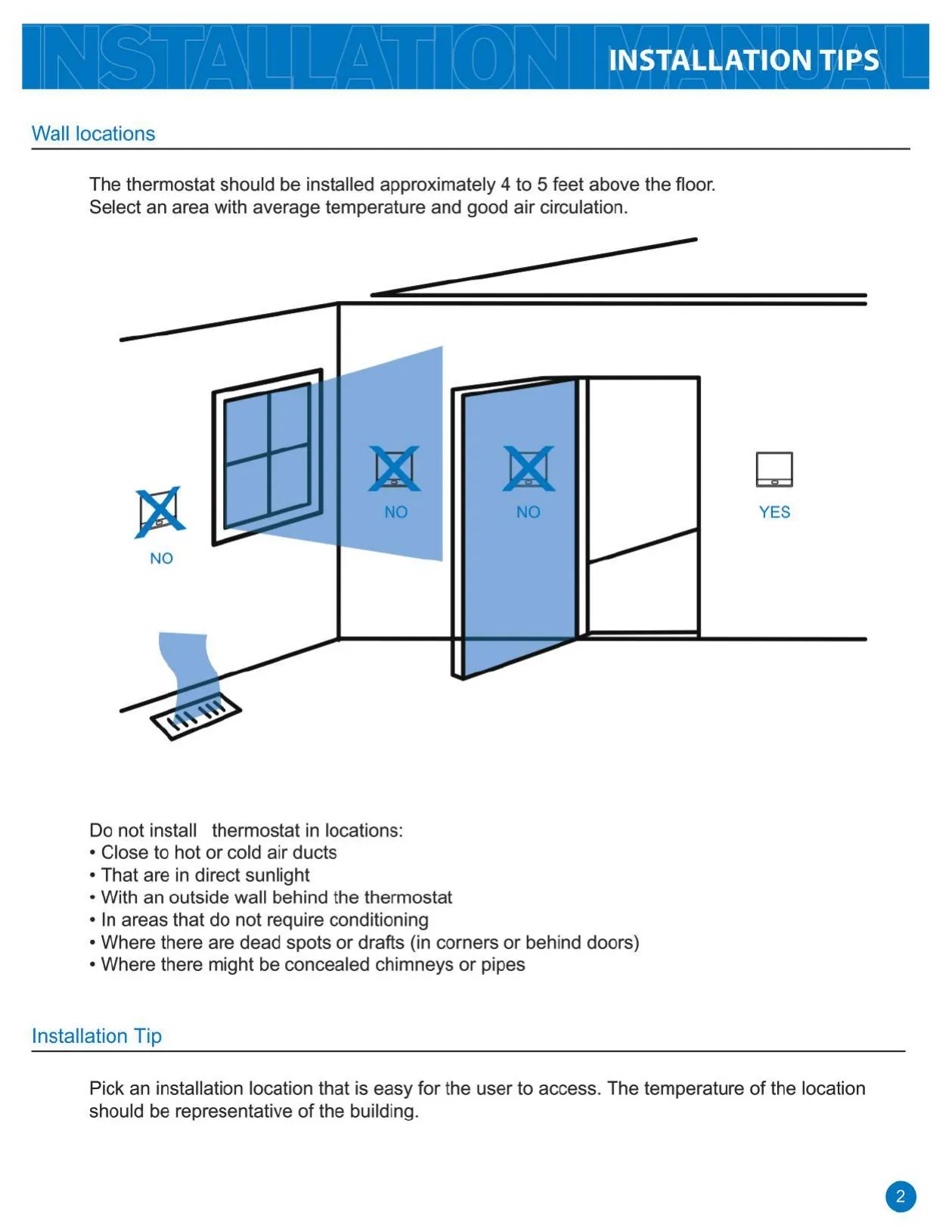
The thermostat should be installed approximately 4 to 5 feet above the floor in an area with average temperature and good air circulation. Avoid locations near hot/cold ducts, direct sunlight, outside walls, or behind doors where drafts or dead spots might occur.

What is the purpose of the 'Compressor Short Cycle Delay'?
The compressor short cycle delay protects the compressor from damage caused by rapid cycling. When activated, it prevents the compressor from turning on for 5 minutes after it was last turned off, extending the lifespan of your HVAC unit.

Related product manuals

Go up