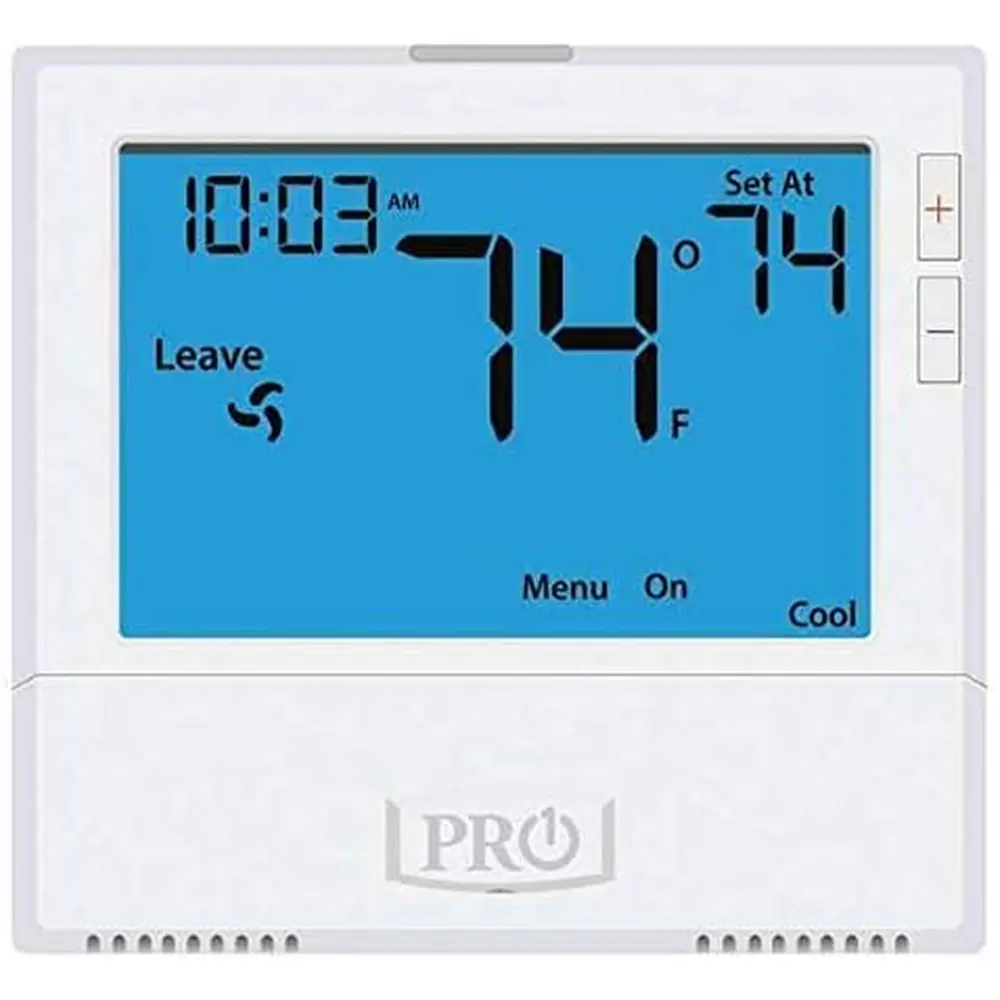
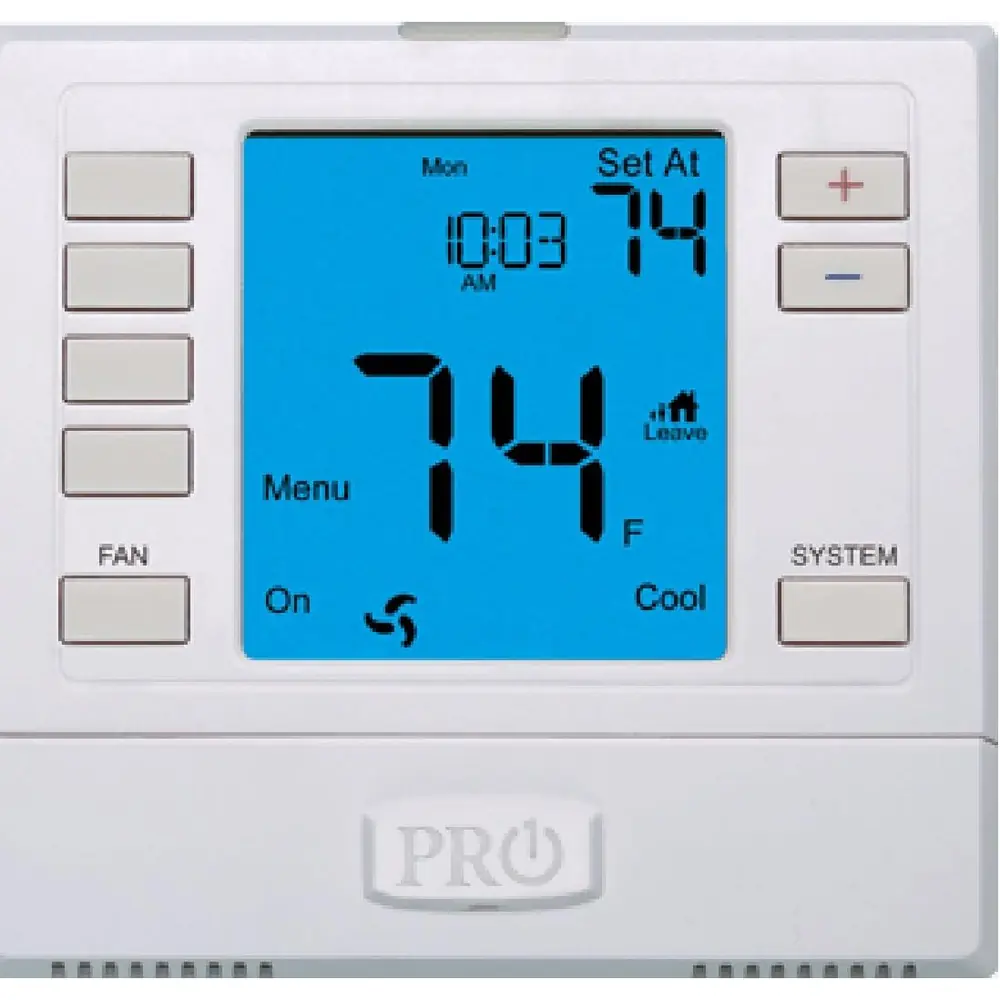
Pro1 IAQ T721 Thermostat Instruction Manual
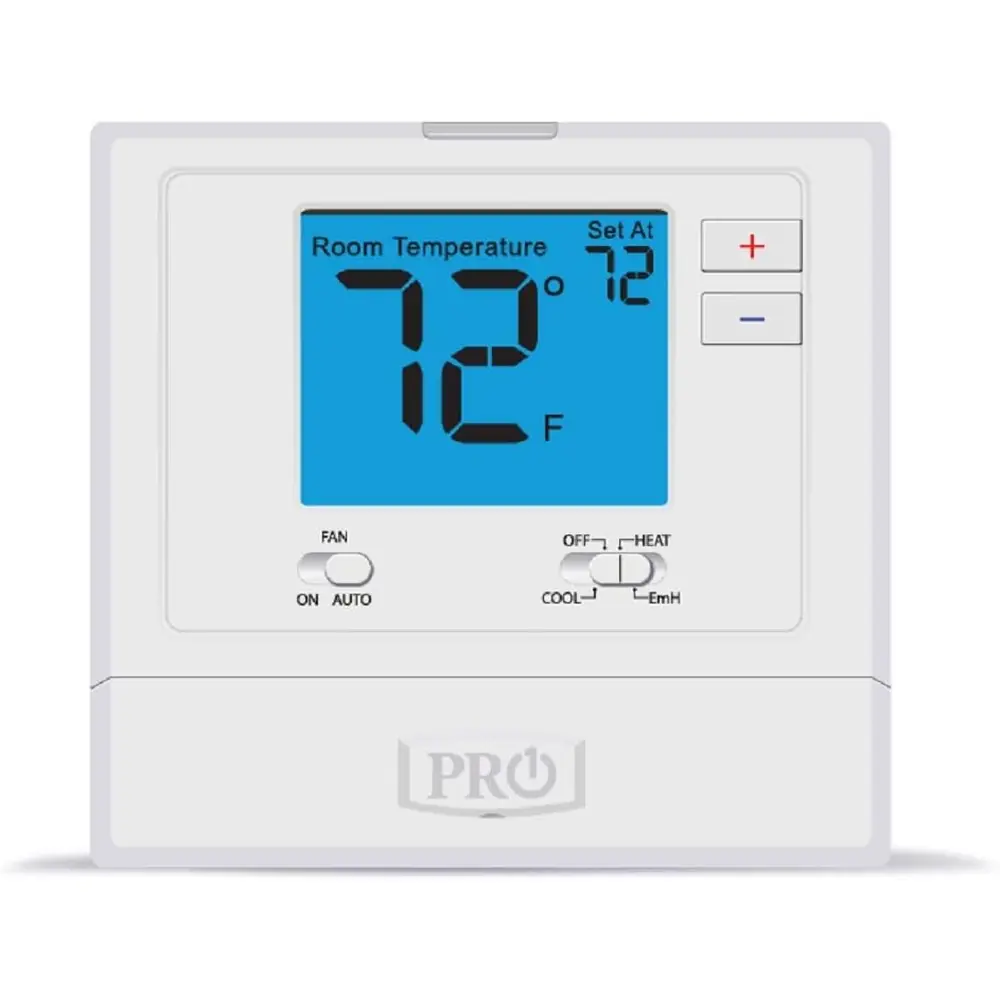
Pro1 IAQ T721 Thermostat
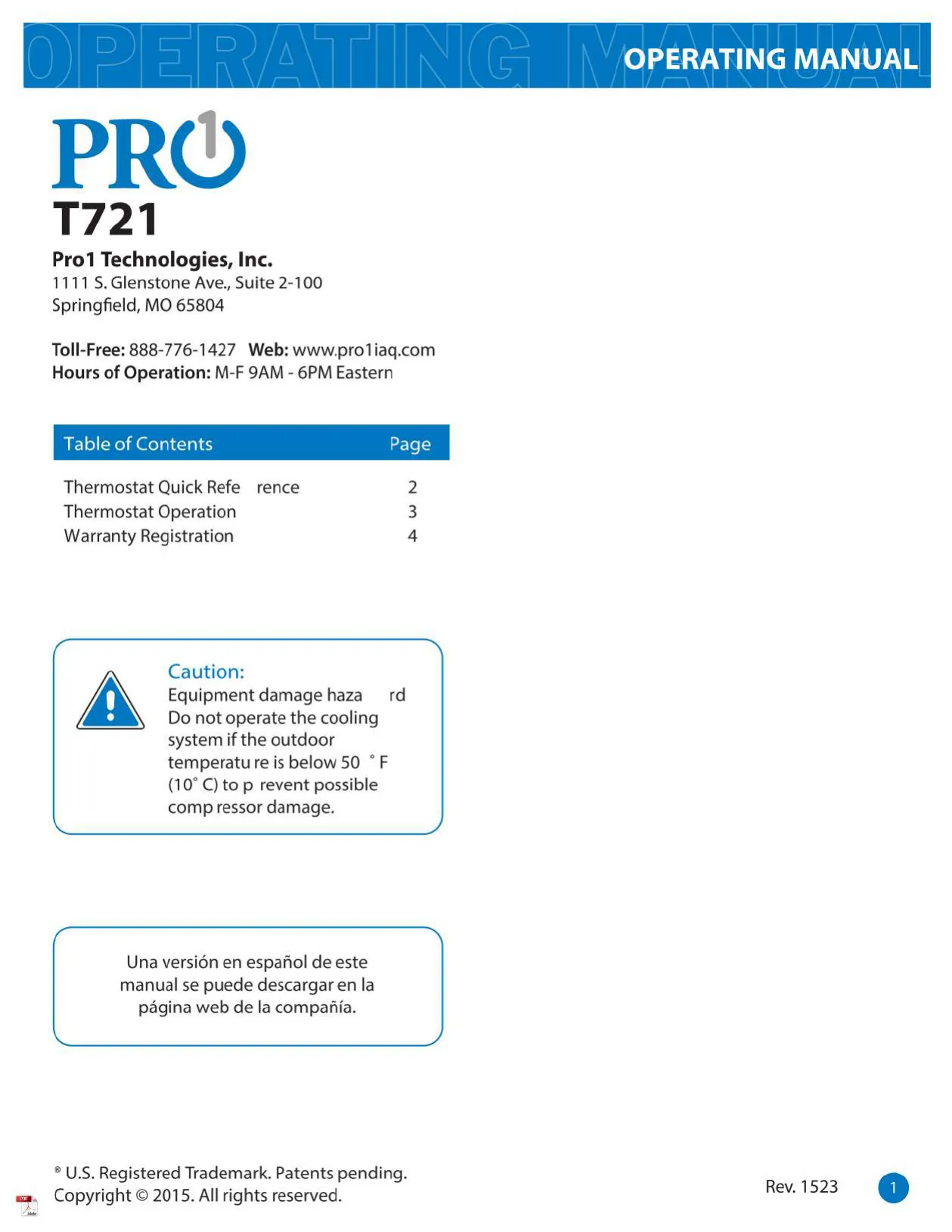



Pro1 IAQ T721 Thermostat Instructions
Here we offer the Pro1 IAQ T721 Thermostat manual completely free and in English. We have cataloged this manual in the Thermostats section on Manualverse, and it has been rated by 1 users with an average rating of 5. If you have any specific questions about Pro1 IAQ T721 Thermostat, we suggest checking the Frequently Asked Questions (FAQs) section of this manual.
Product Images
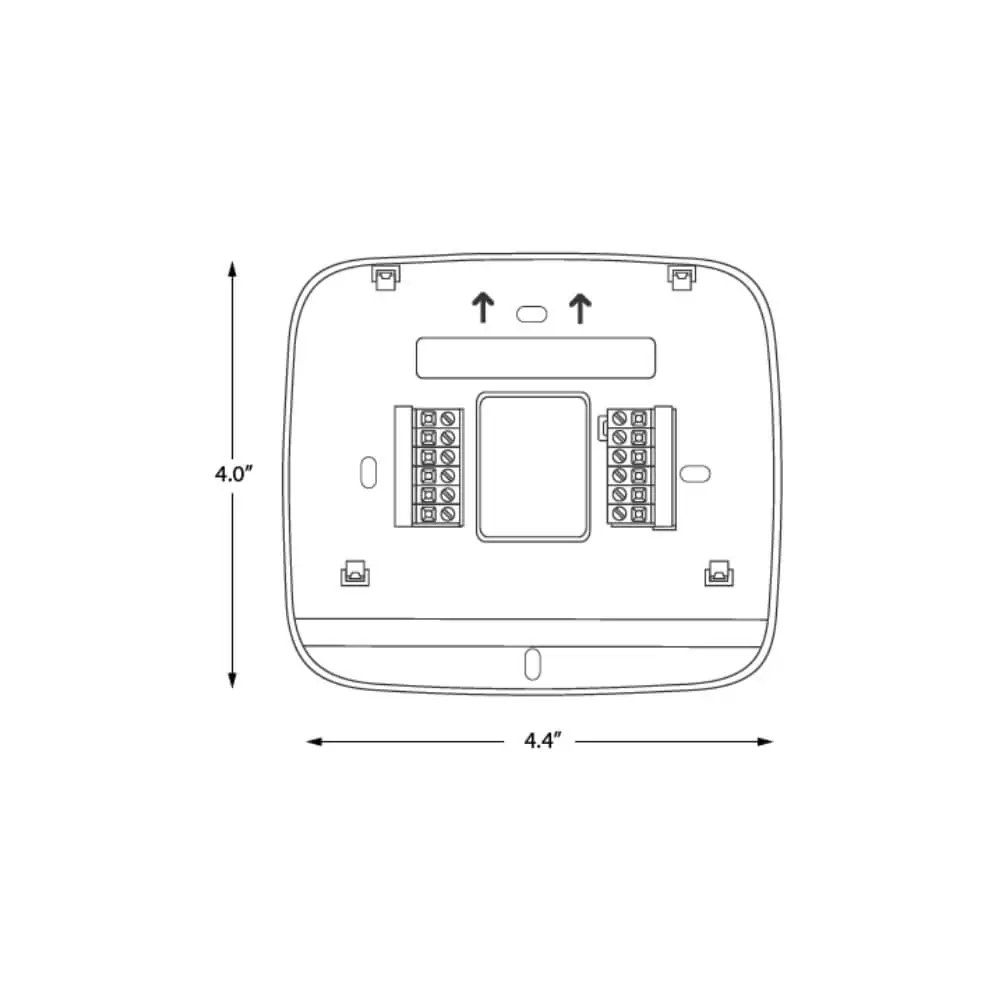
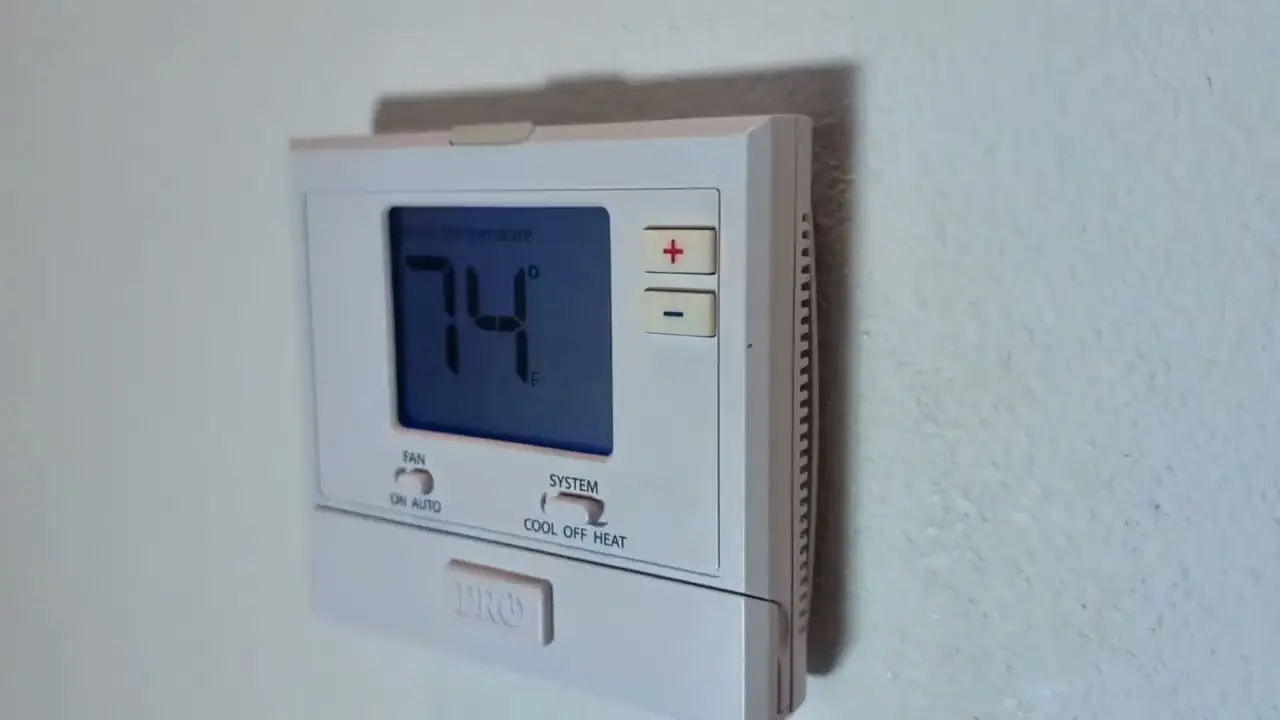
Pro1 IAQ T721 Thermostat Specifications
| Feature | Specification |
|---|---|
| Product Name | Pro1 IAQ T721 Thermostat |
| Manufacturer | Pro1 Technologies, Inc. |
| Manufacturer Address | 1111 S. Glenstone Ave., Suite 2-100, Springfield, MO 65804 |
| Toll-Free Support | 888-776-1427 |
| Website | www.proliag.com |
| Support Hours | M-F 9AM - 6PM Eastern |
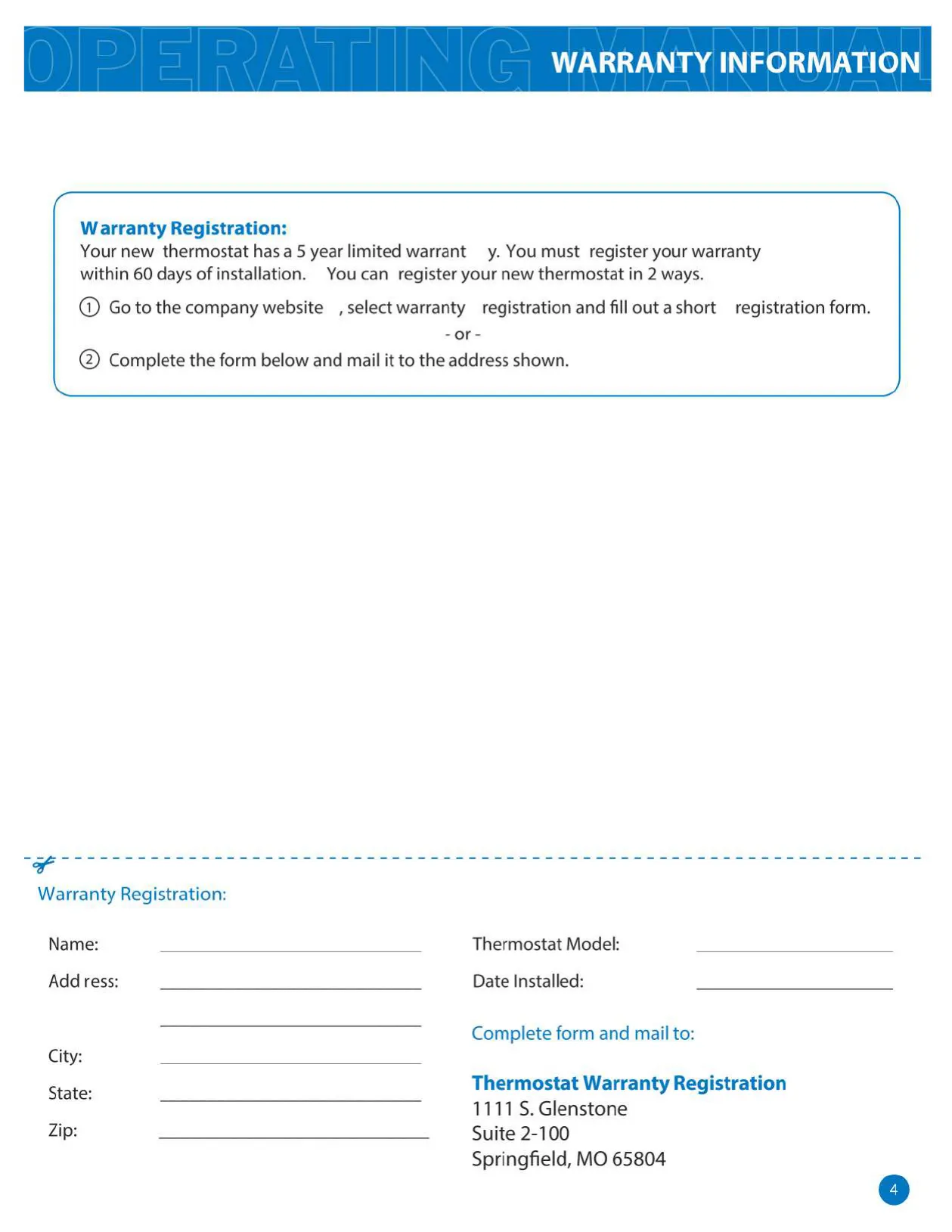
| Warranty | 5-year limited (registration required within 60 days of installation) |
| Battery Type | 2 AA Alkaline batteries (included, high quality recommended) |
| Cooling Operation Caution | Do not operate if outdoor temperature is below 50°F (10°C) |
| Heating Stages Controlled | Two stages (Stage 1 for energy efficiency, Stage 2 for supplemental heating) |
| Display Type | LCD (Liquid Crystal Display) |
| Display Indicators | Setpoint temp, current room temp, COOL ON, HEAT ON, EmH ON, FAN, Low Battery, Stage 1 & 2 (heat) |
| Low Battery Threshold 1 | Indicator displayed when AA battery power is low |
| Low Battery Threshold 2 | After 21 days: Screen shows only indicator, full functionality maintained |
| Low Battery Threshold 3 | After 42 days: Setpoints default to 55°F (Heating) / 85°F (Cooling); user adjustments hold for 4 hours |
| Low Battery Threshold 4 | After 84 days: Thermostat shuts off unit until batteries are replaced (to prevent freezing/overheating) |
Pro1 IAQ T721 Thermostat Details
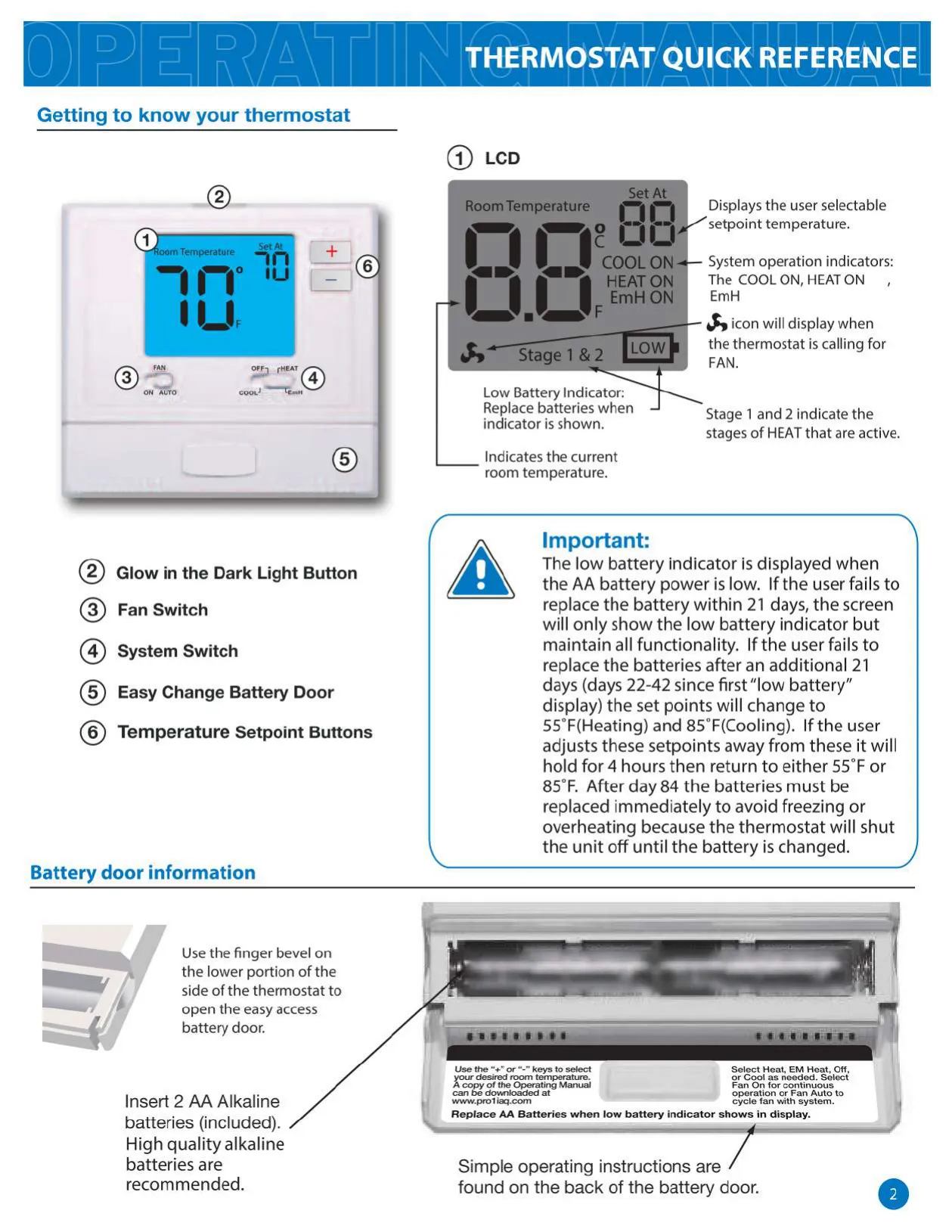
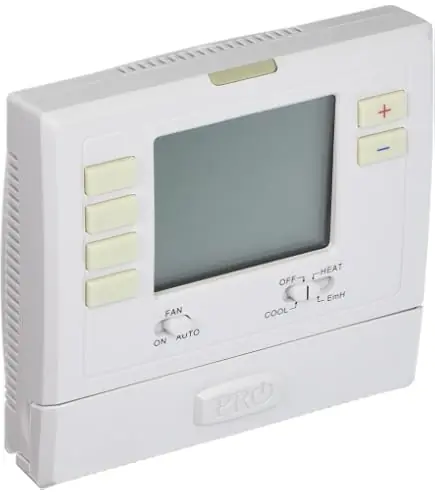
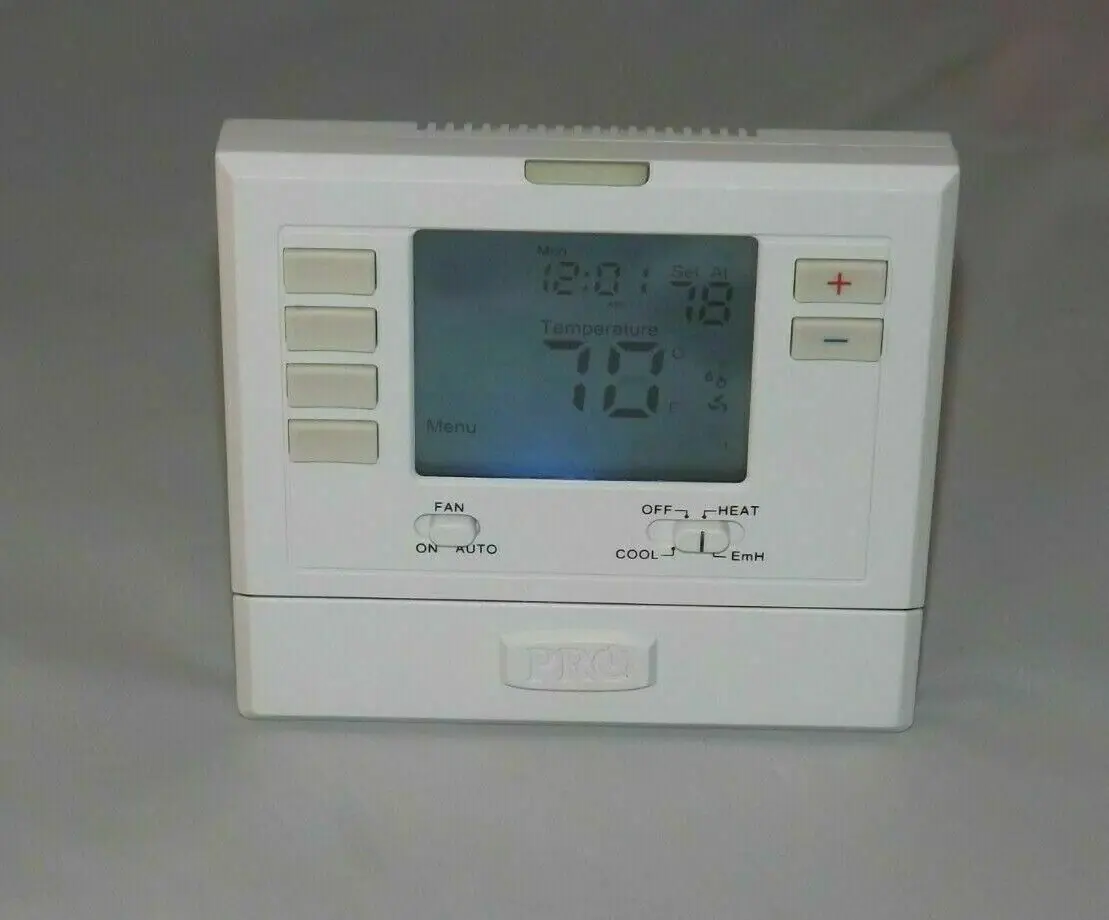
The Pro1 IAQ T721 Thermostat prioritizes user convenience, featuring a Glow in the Dark Light Button that self-illuminates for hours after light exposure, ensuring visibility in low-light conditions. Pressing it activates the display backlight. The LCD display clearly shows the user-selected setpoint, current room temperature, and system operation indicators like "COOL ON" or "HEAT ON." An Easy Change Battery Door on the side simplifies access for battery replacement.
Climate control is straightforward with the System Switch. Select HEAT for heating, COOL for air conditioning, or OFF to disable both. A unique EmH (Emergency Heat) option is also available. When selected, EmH locks out the compressor and exclusively engages the secondary heat mode, providing an alternative heating solution in specific situations.
The Fan Switch offers flexible air circulation control. Choosing ON runs the fan continuously, providing constant air movement. Alternatively, selecting AUTO cycles the fan on only when the heating or cooling system is actively running. This conserves energy by operating the fan solely when necessary to distribute conditioned air throughout your space efficiently.
Temperature adjustments are simple using the Temperature Setpoint Buttons for precise control. Pay critical attention to the Low Battery Indicator: it appears when AA battery power is low. Failure to replace batteries within 21 days maintains functionality but shows only the indicator. After 42 days, setpoints default to 55°F (Heating) and 85°F (Cooling); user adjustments hold for only 4 hours. Beyond 84 days, the thermostat shuts off the unit entirely until batteries are changed, preventing freezing or overheating.
The T721 is engineered for efficient heating via its Thermostat Staging. It controls two stages of heating, prioritizing energy efficiency with Stage 1. The second stage is only engaged if Stage 1 cannot maintain the desired comfort setting. When activated, "stage 2" will display on the screen, indicating the system is using its full heating capacity to meet your demands.
Frequently Asked Questions (FAQs)
Can't find the answer you need? Here are some frequently asked questions about the Pro1 IAQ T721 Thermostat, and we answer them below.