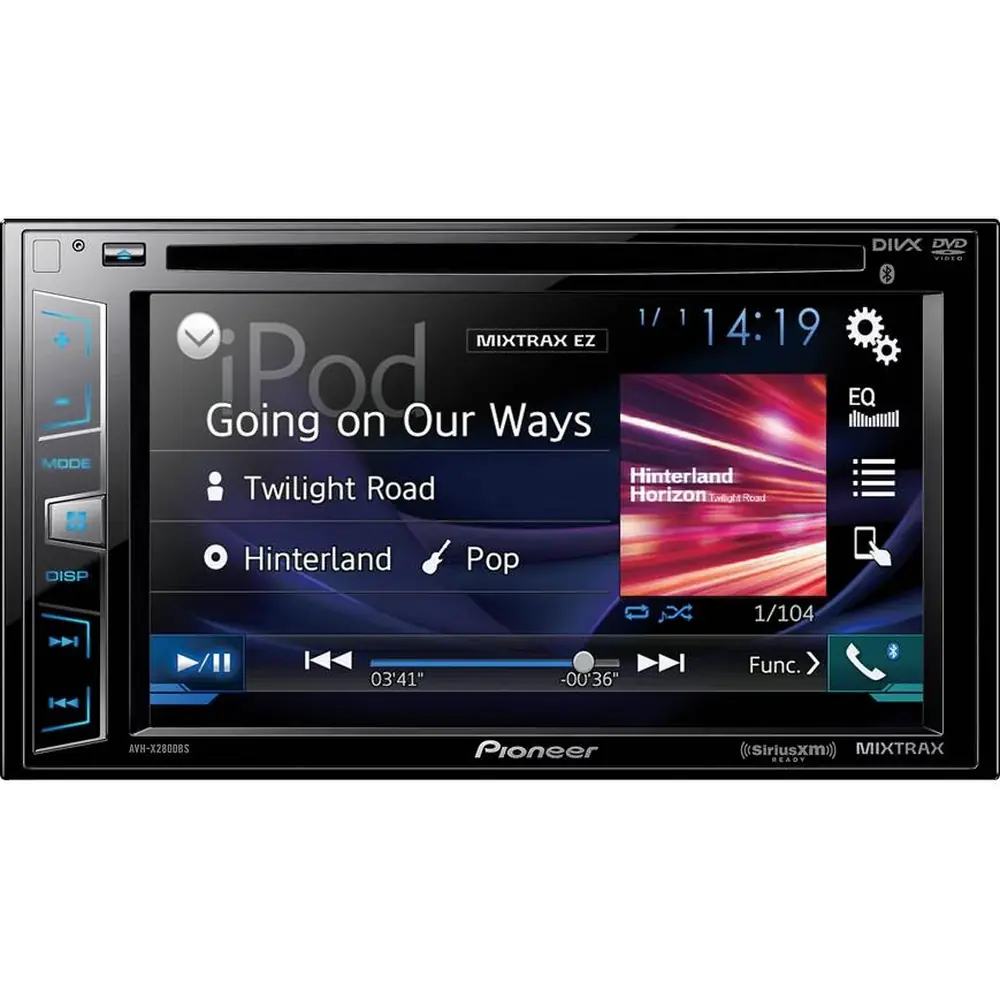
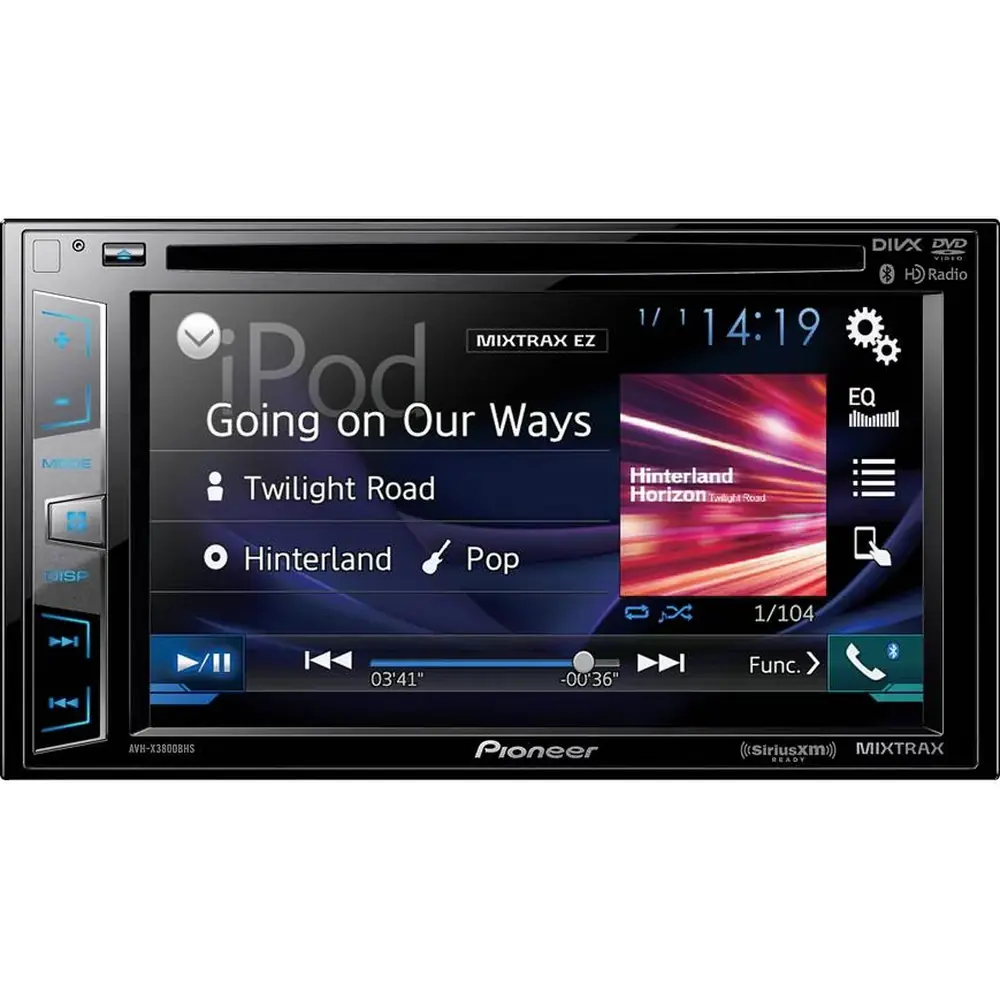
Pioneer DMH-160BT Multimedia Receiver Instruction Manual
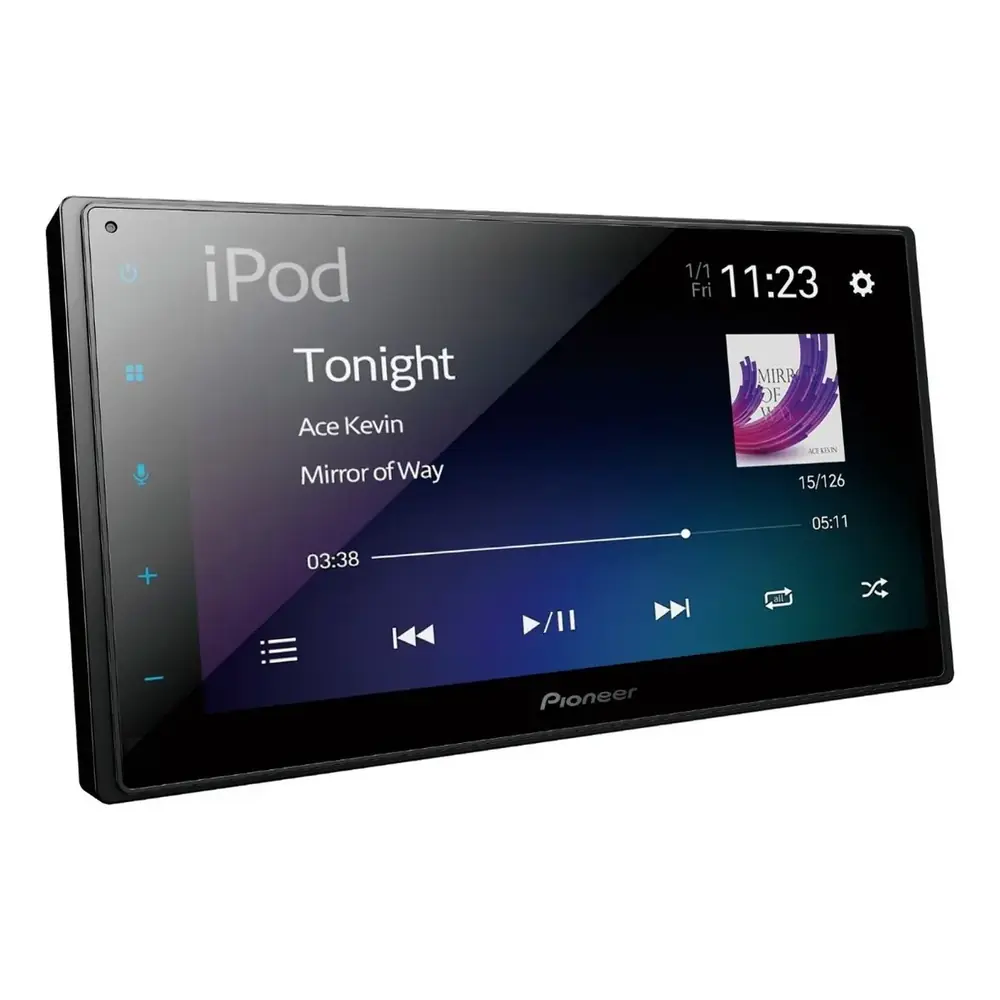
Pioneer DMH-160BT Multimedia Receiver












Pioneer DMH-160BT Multimedia Receiver


Pioneer DMH-160BT Instructions
Here we offer the Pioneer DMH-160BT Multimedia Receiver manual completely free and in English. We have cataloged this manual in the Multimedia Receivers section on Manualverse, and it has been rated by 1 users with an average rating of 5. If you have any specific questions about Pioneer DMH-160BT Multimedia Receiver, we suggest checking the Frequently Asked Questions (FAQs) section of this manual.
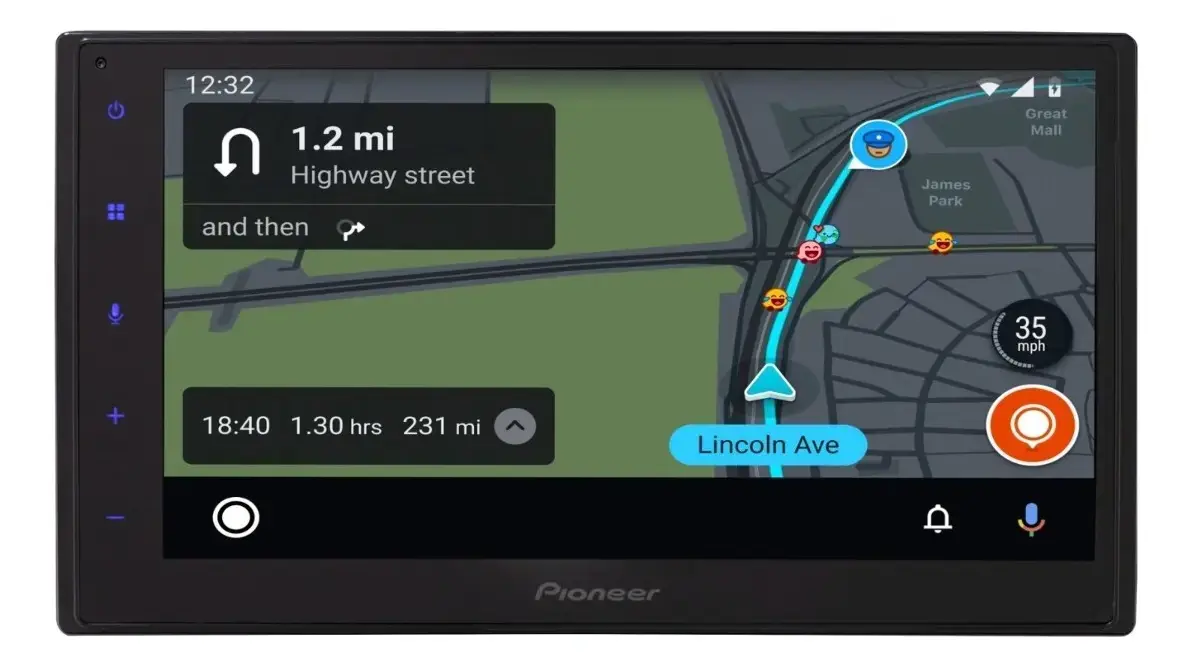
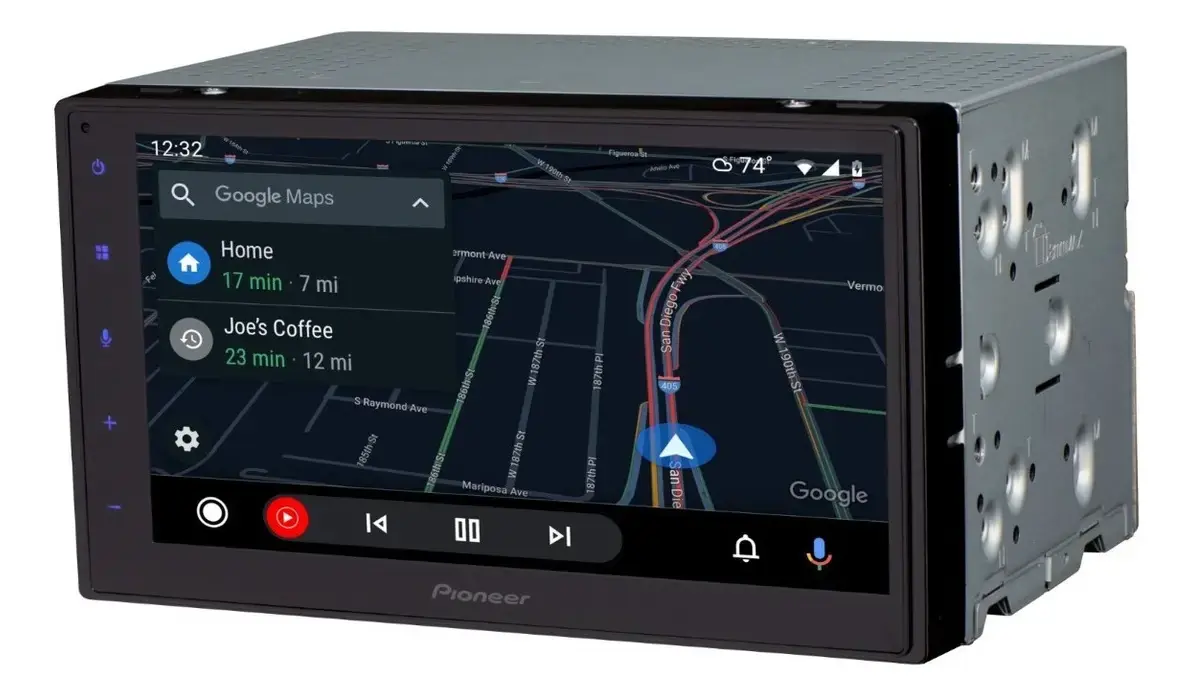
Product Images

Pioneer DMH-160BT Multimedia Receiver Specifications
| Feature | Specification |
|---|---|
| Product type | RDS AV Receiver (digital media receiver, no disc mechanism) |
| Rated power source | 14.4 V DC (10.8 V to 15.1 V allowable), 12 V battery systems only |
| Grounding system | Negative type |
| Maximum current consumption | 10.0 A |
| Fuse | 10 A |
| Chassis dimensions (W × H × D) | 178 mm × 100 mm × 125 mm (7 in. × 3-7/8 in. × 4-7/8 in.) |
| Nose dimensions (W × H × D) | 171 mm × 97 mm × 2 mm (6-3/4 in. × 3-7/8 in. × 1/8 in.) |
| Weight | 1.1 kg (2.4 lbs) |
| Installation angle | Horizontal, within 0° to 60° tolerance |
| Rear ventilation clearance | 5 cm |
| Screen size / aspect ratio | 6.75 inch wide / 16:9 |
| Effective display area | 151.8 mm × 79.68 mm (6 in. × 3-1/8 in.) |
| Pixels | 800 (W) × 480 (H) × 3 (RGB) |
| Display method | TFT active matrix driving, touch panel |
| Backlight | LED, lifetime more than 10 000 hours |
| Color system | PAL / NTSC / PAL-M / PAL-N / SECAM compatible |
| Operating temperature range | -10 °C to +60 °C (+14 °F to +140 °F) |
| Maximum power output | 50 W × 4 |
| Continuous power output | 22 W × 4 (50 Hz to 15 kHz, 5 % THD, 4 Ω load, both channels driven) |
| CTA2006 power output | 14 W RMS × 4 channels (4 Ω and ≤ 1 % THD+N) |
| CTA2006 S/N ratio | 91 dBA (reference: 1 W into 4 Ω) |
| Load impedance | 4 Ω (4 Ω to 8 Ω allowable) |
| Recommended speakers | Over 50 W maximum input power, 4 Ω to 8 Ω (do not use 1 Ω to 3 Ω speakers) |
| Preout outputs | Front L/R, Rear L/R, Subwoofer L/R (RCA) |
| Preout output level (max) | 2.0 V |
| Equalizer | 13-band graphic equalizer |
| Equalizer frequencies | 50 Hz / 80 Hz / 125 Hz / 200 Hz / 315 Hz / 500 Hz / 800 Hz / 1.25 kHz / 2 kHz / 3.15 kHz / 5 kHz / 8 kHz / 12.5 kHz |
| Equalizer gain | ±12 dB (2 dB/step) |
| HPF frequencies | 25 Hz / 32 Hz / 40 Hz / 50 Hz / 63 Hz / 80 Hz / 100 Hz / 125 Hz / 160 Hz / 200 Hz / 250 Hz |
| Subwoofer LPF frequencies | 25 Hz / 32 Hz / 40 Hz / 50 Hz / 63 Hz / 80 Hz / 100 Hz / 125 Hz / 160 Hz / 200 Hz / 250 Hz |
| Subwoofer phase | Normal / Reverse |
| Bass boost gain | +12 dB to 0 dB (2 dB/step) |
| Speaker level | +10 dB to -24 dB (1 dB/step) |
| USB standard | USB 1.1, USB 2.0 full speed, USB 2.0 high speed |
| USB max current supply | 1.5 A |
| USB class | MSC (Mass Storage Class), bulk protocol |
| USB file system | FAT16, FAT32, NTFS |
| USB cable length (supplied) | 1.5 m (4 ft. 11 in.) |
| MP3 decoding | MPEG-1 & 2 & 2.5 Audio Layer 3, 8 kHz to 48 kHz, CBR 8 kbps to 320 kbps / VBR, ID3 tag ver. 1.0/1.1/2.2/2.3/2.4 |
| WMA decoding | Ver. 7, 8, 9, 9.1, 9.2 (2 ch), 32 kHz to 48 kHz, CBR 8 kbps to 320 kbps / VBR |
| AAC decoding | MPEG-4 AAC (iTunes encoded only, ver. 12.5 and earlier), 8 kHz to 48 kHz, CBR 16 kbps to 320 kbps |
| FLAC decoding | Ver. 1.3.0, 8 kHz to 192 kHz, 8/16/24 bit |
| WAV decoding | Linear PCM, 16 kHz / 22.05 kHz / 24 kHz / 32 kHz / 44.1 kHz / 48 kHz, 8/16 bit |
| JPEG decoding | .jpeg, .jpg; 4:2:2, 4:2:0; max 5 000 × 5 000, min 32 × 32; max file size 6 MB |
| PNG decoding | .png; max 576 (H) × 720 (W), min 32 × 32 |
| BMP decoding | .bmp; max 936 (H) × 1 920 (W), min 32 × 32 |
| Video containers | .avi, .mpg/.mpeg, .mp4, .3gp, .mkv, .mov, .flv, .wmv/.asf, .m4v, .ts, .m2ts, .mts |
| Video codecs | H.264 (Baseline/Main/High), H.263 (Baseline 0/3), VC-1 (Simple/Main/Advanced), MPEG4 (Simple/Advanced Simple), MPEG1/2 (Main) |
| Max video resolution / frame rate | 1 920 × 1 080 at 30 fps (MPEG2 .mpg/.mpeg: 720 × 576) |
| Max audio file playback time | 7.5 h (450 minutes) |
| File / folder name recognition | Up to 32 characters including extension |
| Bluetooth version | Bluetooth 5.0 certified |
| Bluetooth output power | +4 dBm max. (Power class 2) |
| Bluetooth frequency band | 2 402.0 MHz to 2 480.0 MHz |
| Bluetooth profiles | HFP, PBAP, A2DP, AVRCP |
| Bluetooth paired devices | Up to 5 |
| Bluetooth operating range | 10 m or less (line of sight) |
| Microphone | External, 3 m (9 ft. 10-1/8 in.) cable |
| FM frequency range | 87.9 MHz to 107.9 MHz |
| FM usable sensitivity | 13 dBf (1.1 μV/75 Ω, mono, S/N: 30 dB) |
| FM signal-to-noise ratio | 50 dB (IHF-A network) |
| AM frequency range | 530 kHz to 1 710 kHz |
| AM usable sensitivity | 28 μV (S/N: 20 dB) |
| AM signal-to-noise ratio | 45 dB (IHF-A network) |
| Radio bands / presets | FM1, FM2, FM3, AM1, AM2; 6 presets per band |
| SiriusXM presets | 3 bands × 6 channels = 18 presets (tuner sold separately) |
| Smartphone integration | Apple CarPlay, Android Auto, USB Mirroring (all wired via USB) |
| USB Mirroring requirement | Android 5.0 or higher (up to Android 10) |
| Video inputs / outputs | Rear view camera input (RCA), AUX IN (mini-jack AV), rear monitor out (V OUT) |
| Remote control output (blue/white lead) | Max. 300 mA, 12 V DC |
| Steering wheel control | Wired remote input (adapter sold separately) |
Pioneer DMH-160BT Receiver Details
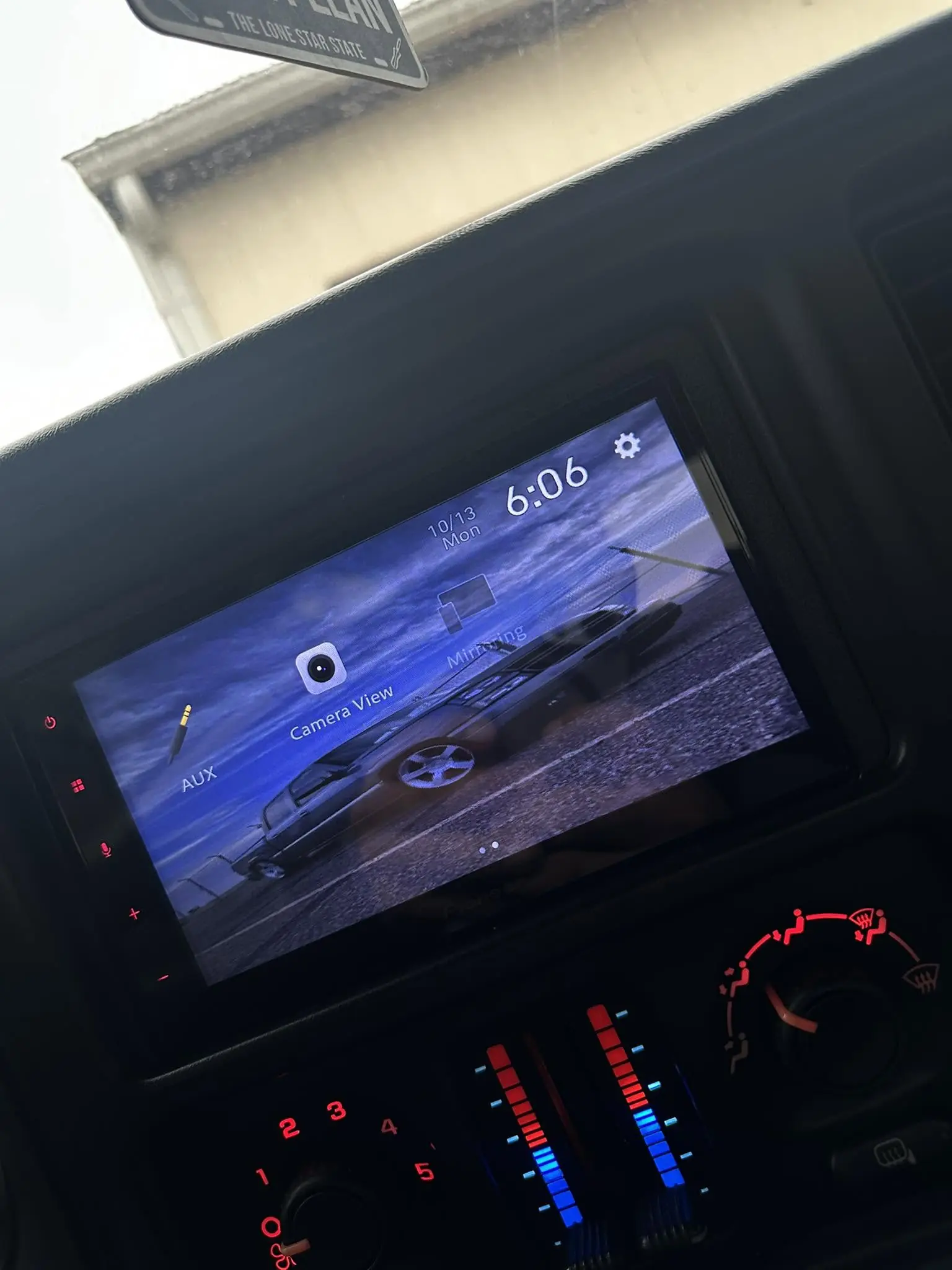
The Pioneer DMH-160BT is a single-chassis digital media receiver with no disc drive. Everything happens on its touchscreen. The top menu shows source icons, and you swipe left to reach hidden ones such as Mirroring, AUX and Camera. A short touch on the power key turns the display information off, and touching and holding it powers the unit down. Even when powered off, the unit wakes up for an incoming hands-free call, when a reverse camera signal arrives, or when the ignition cycles from ACC OFF to ACC ON.
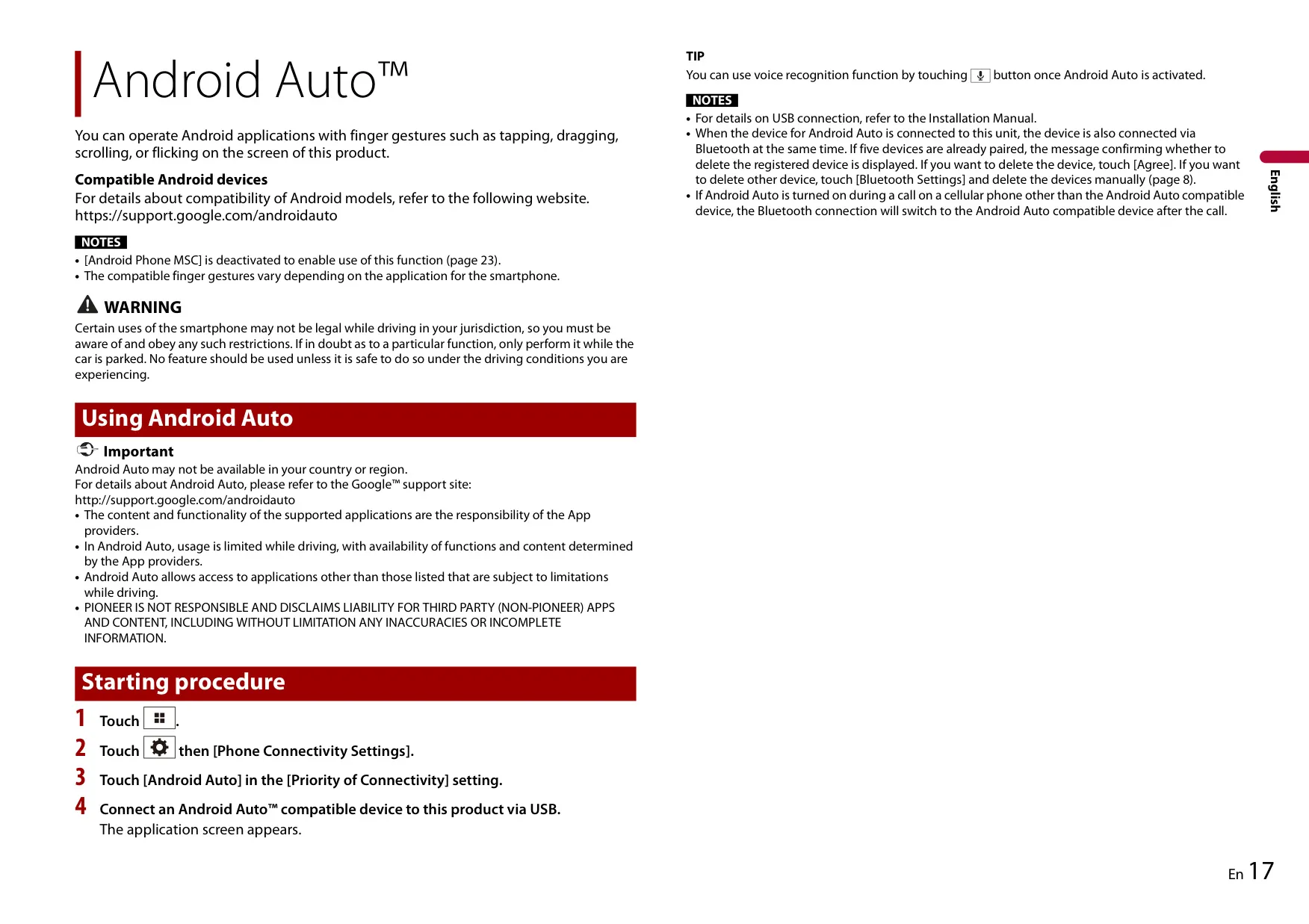
Smartphone integration is the main attraction. Apple CarPlay and Android Auto run over USB, and the voice key starts Siri or Google voice recognition. The Priority of Connectivity setting picks whether an Android phone opens in Android Auto or USB Mirroring. Mirroring needs a compatible app on the phone and lets you control it with taps, drags and flicks. While CarPlay is active, hands-free calling over Bluetooth is not available. An Android Auto phone pairs over Bluetooth automatically when you connect it.
For Bluetooth calls, the receiver transfers your phonebook automatically, and you can also sync it manually. It may not download every contact if the phone holds more than 1 000 entries. You can dial from the phonebook, from received, dialed and missed call lists, or from a keypad. Auto Answer picks up incoming calls, and the other party's listening volume has three levels. With SSP pairing, you confirm a six-digit code on screen. Audio streaming works with A2DP, and AVRCP adds track control, repeat and shuffle.
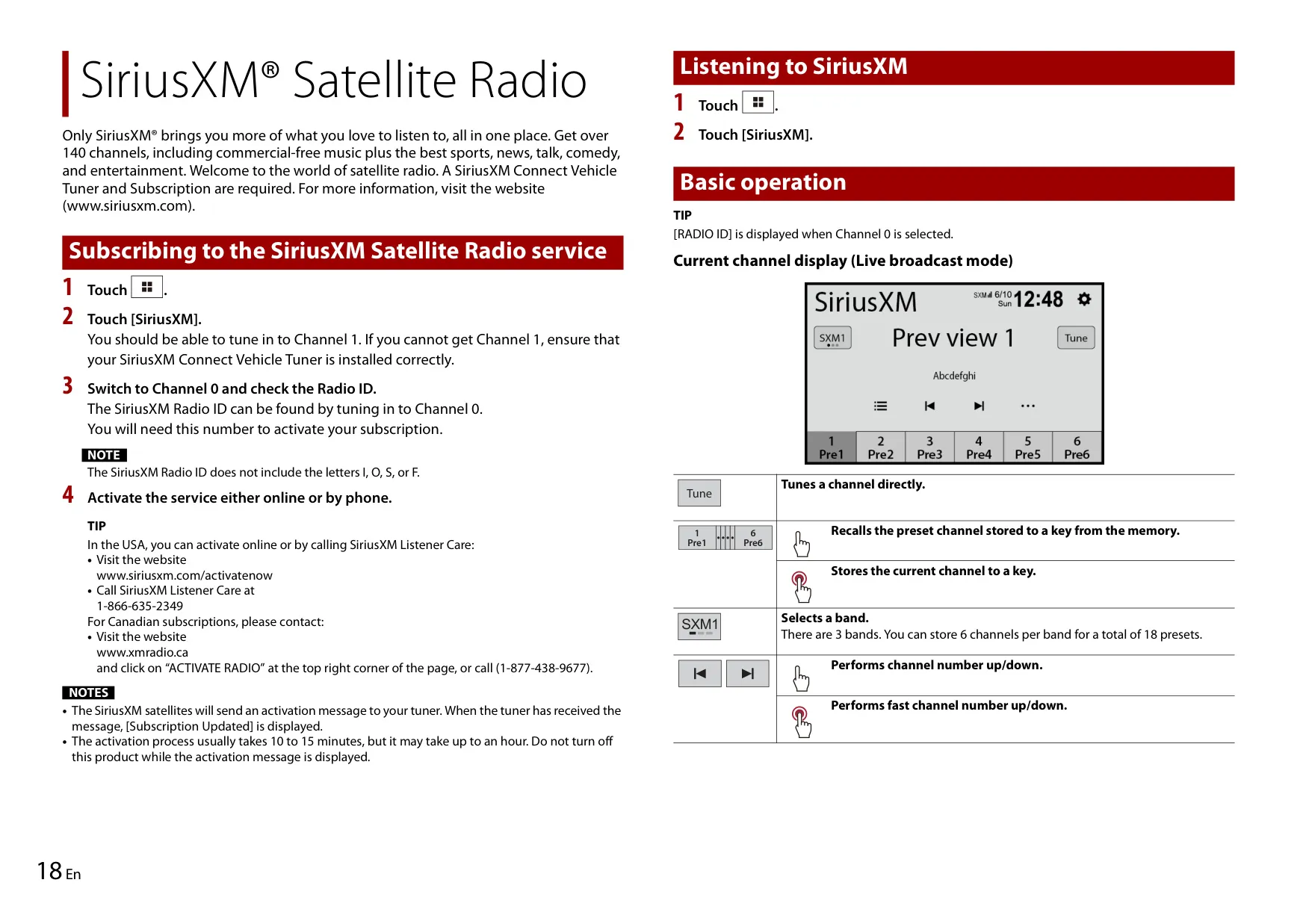
The radio uses BSM (best stations memory) to store the six strongest stations automatically. It also has a Local seek mode for strong signals only, and a PS scan that plays each preset for 10 seconds before moving to the next. With a SiriusXM Connect Vehicle Tuner and a subscription, you get satellite radio. The Radio ID is on Channel 0, channel lists can be sorted by category, and a passcode-based Parental Control locks mature channels. The default passcode is 0000.
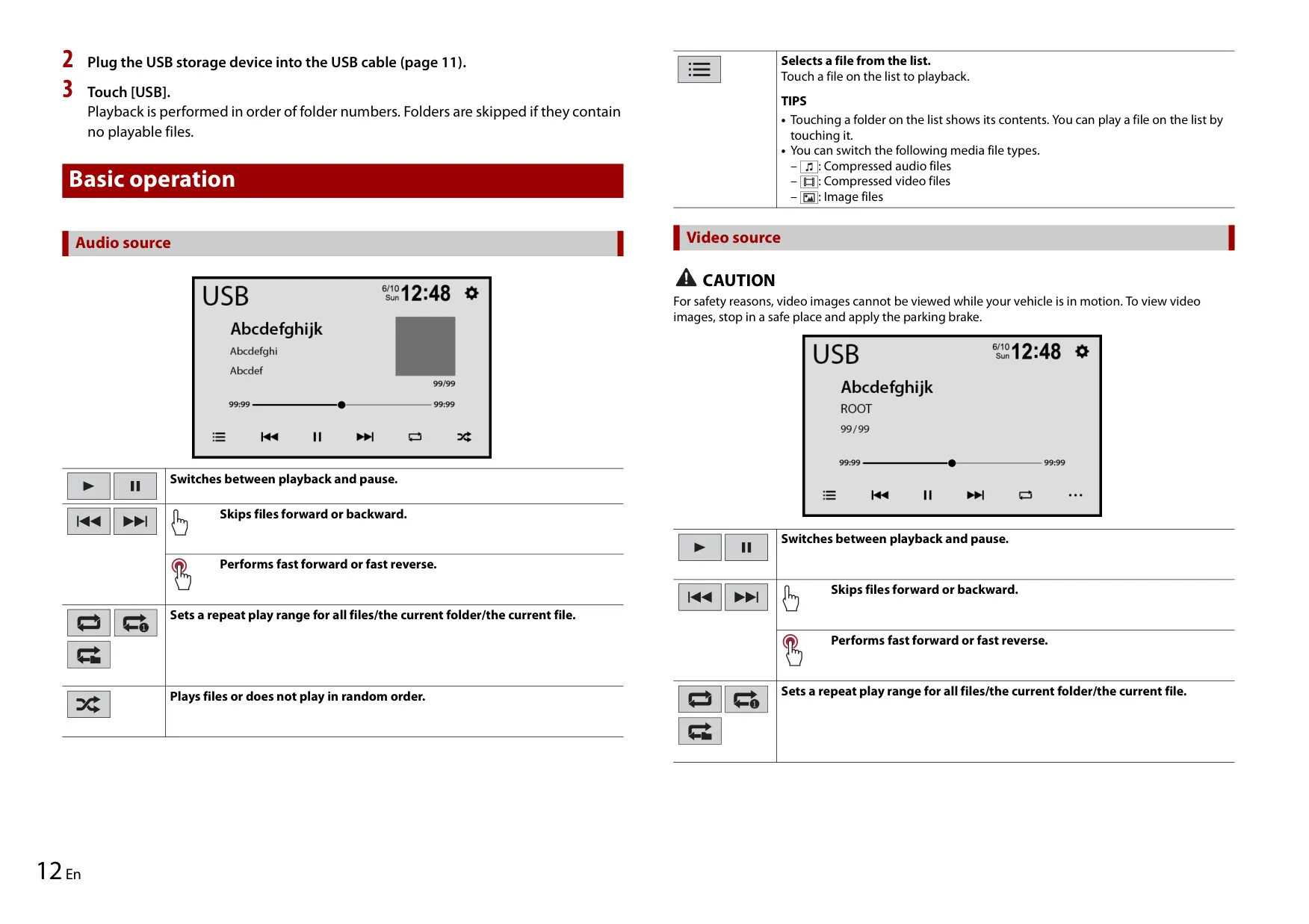
USB playback covers audio, video and still images, and you can switch between file types from the list screen. Folders play in numerical order, and folders with no playable files are skipped. For videos, you can adjust Brightness, Contrast and Color. Photos can be rotated 90° clockwise and shown as a slideshow. On an iPhone, the music library is limited to 2000 songs. If English is the system language, an alphabet search bar helps you scroll quickly through long song lists.
Sound tuning goes beyond the numbers. The equalizer has five presets, Super Bass, Powerful, Natural, Vocal and Flat, plus one Custom curve shared by all sources. You can drag a finger across the bands to draw the curve. Fader and balance can be set by dragging a point on a graph. Volume is adjusted separately for main, ring, talking, navigation, voice and TA audio. Loudness has Low, Mid and High settings, and the subwoofer output can be switched on or off.
The rear camera input switches to a full-screen image automatically when you shift into reverse. Camera View mode can show the camera at any time. You can turn parking assist guidelines on, adjust them against tape markings at measured distances, and fine-tune camera brightness, contrast and color from -10 to +10. Display options include automatic dimming when the headlights come on, separate day and night brightness, preset illumination colors, and custom wallpapers loaded from USB. Firmware updates are installed from a USB drive.
Frequently Asked Questions (FAQs)
Can't find the answer you need? Here are some frequently asked questions about the Pioneer DMH-160BT Multimedia Receiver, and we answer them below.