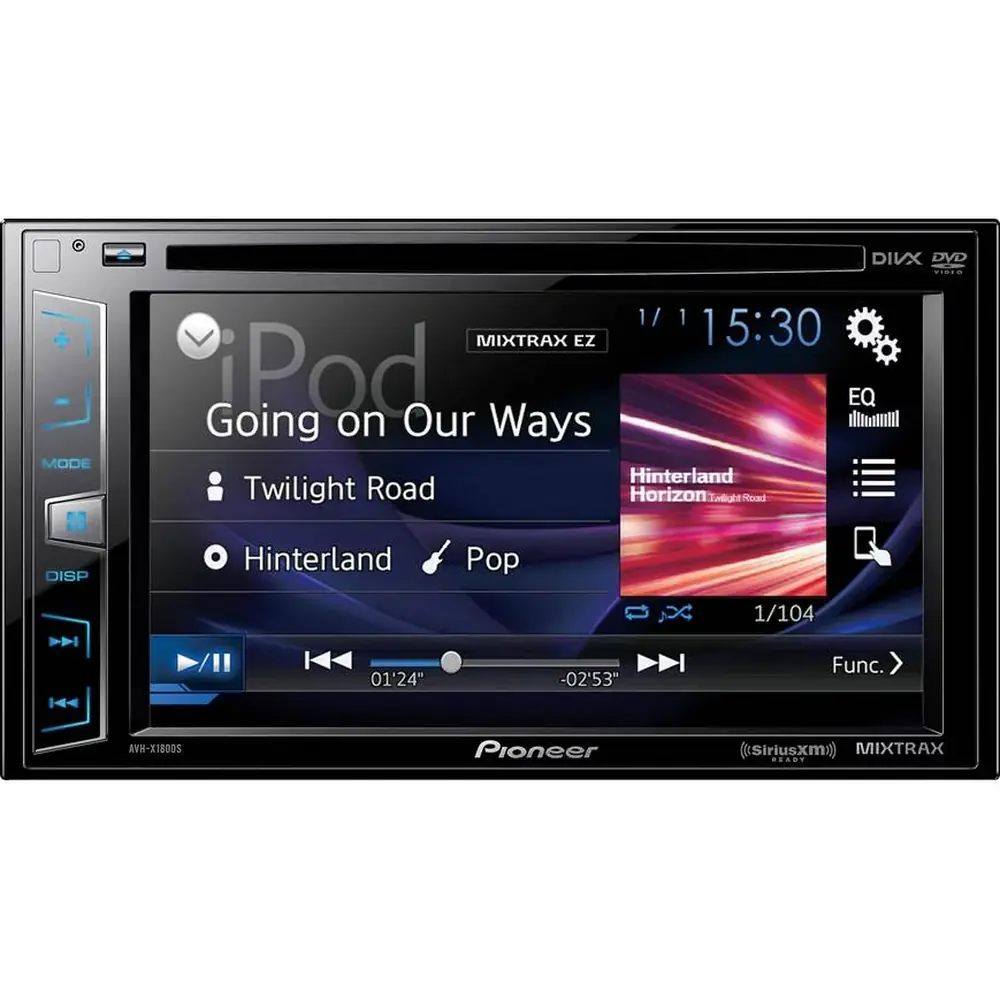
Pioneer MVH-S21BT Audio Receiver Instruction Manual

Pioneer MVH-S21BT Audio Receiver




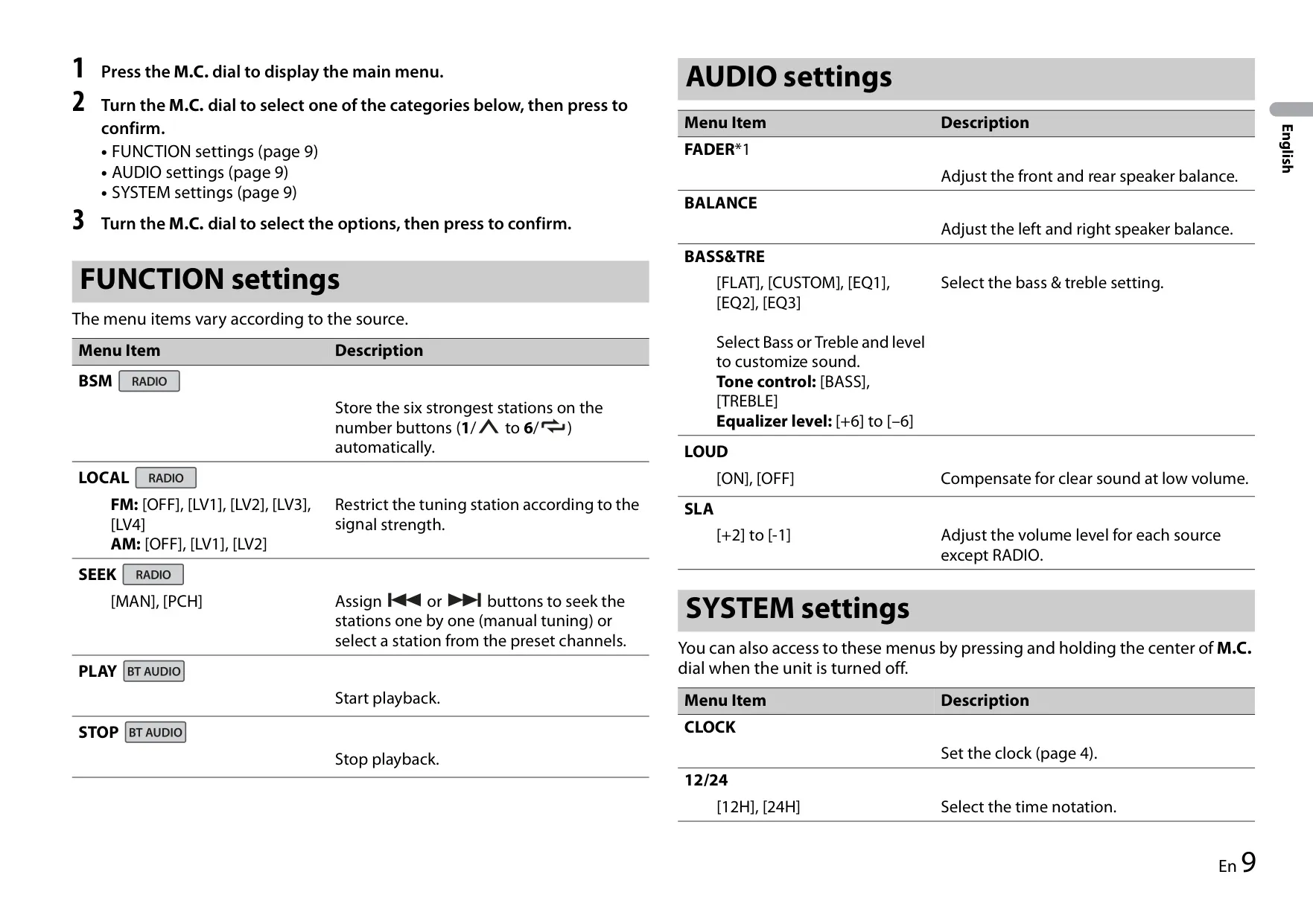


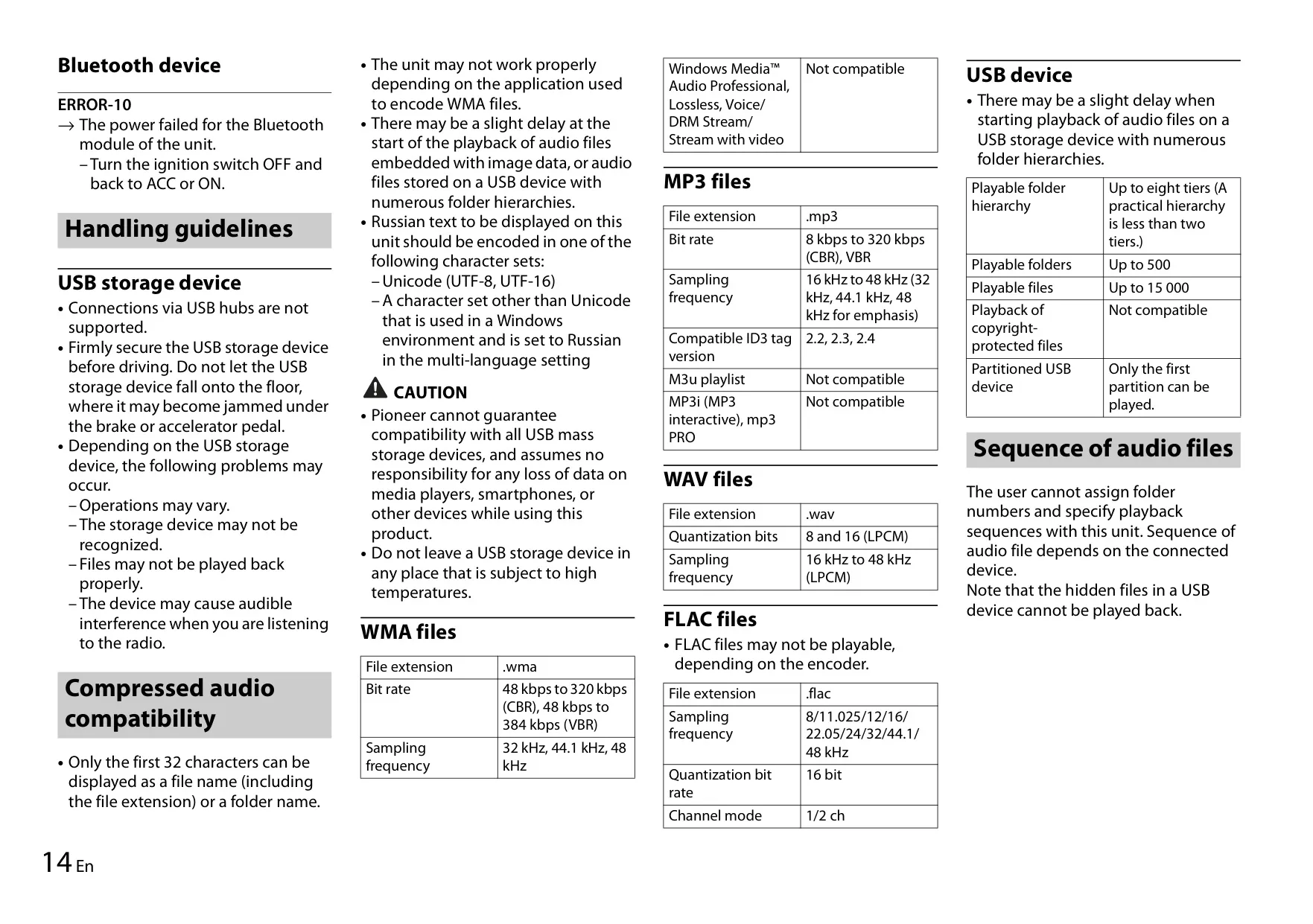




Pioneer MVH-S21BT Receiver Instructions
Here we offer the Pioneer MVH-S21BT Audio Receiver manual completely free and in English. We have cataloged this manual in the Audio Receivers section on Manualverse, and it has been rated by 1 users with an average rating of 5. If you have any specific questions about Pioneer MVH-S21BT Audio Receiver, we suggest checking the Frequently Asked Questions (FAQs) section of this manual.
Product Images

Pioneer MVH-S21BT Audio Receiver Specifications
| Feature | Specification |
|---|---|
| Product Type | Digital Media Receiver (no CD mechanism) |
| Power Source | 14.4 V DC (10.8 V to 15.1 V allowable) |
| Grounding System | Negative type |
| Maximum Current Consumption | 10.0 A |
| Fuse | 10 A |
| Dimensions DIN (W × H × D) | Chassis: 178 × 50 × 97 mm; Nose: 188 × 58 × 17 mm |
| Dimensions D (W × H × D) | Chassis: 178 × 50 × 97 mm; Nose: 170 × 46 × 17 mm |
| Weight | 0.5 kg |
| Maximum Power Output | 50 W × 4 ch / 4 Ω |
| Continuous Power Output | 22 W × 4 (50 Hz to 15 000 Hz, 5 % THD, 4 Ω load, both channels driven) |
| Load Impedance | 4 Ω (4 Ω to 8 Ω allowable) |
| Preout Maximum Output Level | 2.0 V |
| Preamp Outputs | Rear output (RCA) |
| Loudness Contour | +8 dB (100 Hz), –1 dB (10 kHz) at volume 28 |
| Tone Control Frequency | 100 Hz (bass) / 10 kHz (treble) |
| Tone Control Equalization Range | ±12 dB (±2 dB step) |
| USB Standard | USB 2.0 Full Speed |
| USB Maximum Current Supply | 500 mA |
| USB Protocols | MSC (Mass Storage Class), AOA (Android Open Accessory) 2.0 |
| File System | FAT12, FAT16, FAT32 |
| MP3 Decoding | MPEG-1 & 2 Audio Layer 3; 8 to 320 kbps (CBR), VBR; 16 to 48 kHz |
| WMA Decoding | Ver. 7, 7.1, 8, 9 (2 ch); 48 to 320 kbps (CBR), 48 to 384 kbps (VBR); 32/44.1/48 kHz |
| FLAC Decoding | v1.2.1; 8 to 48 kHz; 16 bit; 1/2 ch |
| WAV Format | Linear PCM; 8 and 16 bit; 16 to 48 kHz |
| ID3 Tag Versions | 2.2, 2.3, 2.4 |
| USB Playback Limits | Up to 8 folder tiers, 500 folders, 15 000 files |
| AUX Input | 3.5 mm stereo mini jack (front panel) |
| FM Frequency Range | 87.5 MHz to 108.0 MHz |
| FM Usable Sensitivity | 6 dBf (1.0 μV/75 Ω, mono, S/N: 30 dB) |
| FM Signal-to-Noise Ratio | 72 dB (IEC-A network) |
| AM Frequency Range | 531 to 1 602 kHz (9 kHz step); 530 to 1 640 kHz (10 kHz step) |
| AM Usable Sensitivity | 25 μV (S/N: 20 dB) |
| AM Signal-to-Noise Ratio | 58 dB (IEC-A network) |
| Radio Presets | 3 FM bands (F1, F2, F3) and 1 AM band, 6 presets per band |
| Bluetooth Version | Bluetooth 3.0 + EDR certified |
| Bluetooth Output Power | +4 dBm maximum (Power class 2) |
| Bluetooth Frequency Band | 2 400 MHz to 2 483.5 MHz |
| Bluetooth Profiles | GAP, SDAP, HFP 1.6, A2DP, AVRCP 1.5, SPP 1.2 |
| Microphone | Built-in, located in the front grill |
| Remote Output (Blue/White Lead) | Max. 300 mA, 12 V DC |
| Recommended Mounting Angle | Less than 60° |
Pioneer MVH-S21BT Audio Receiver Details
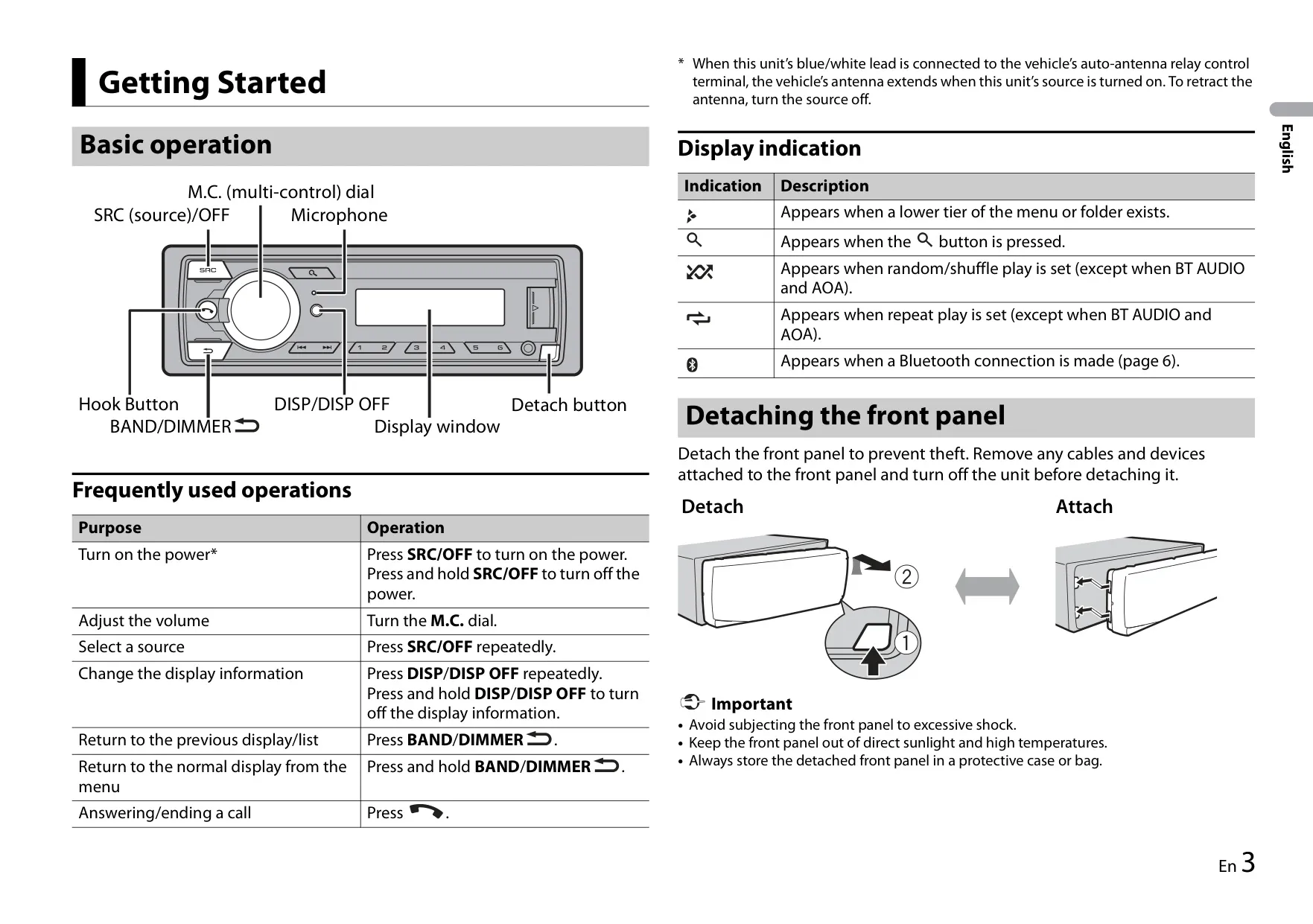
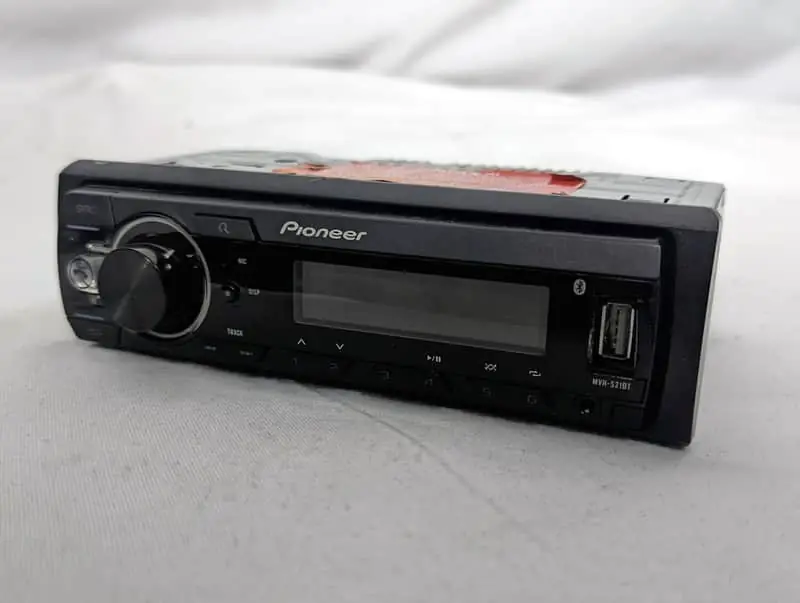
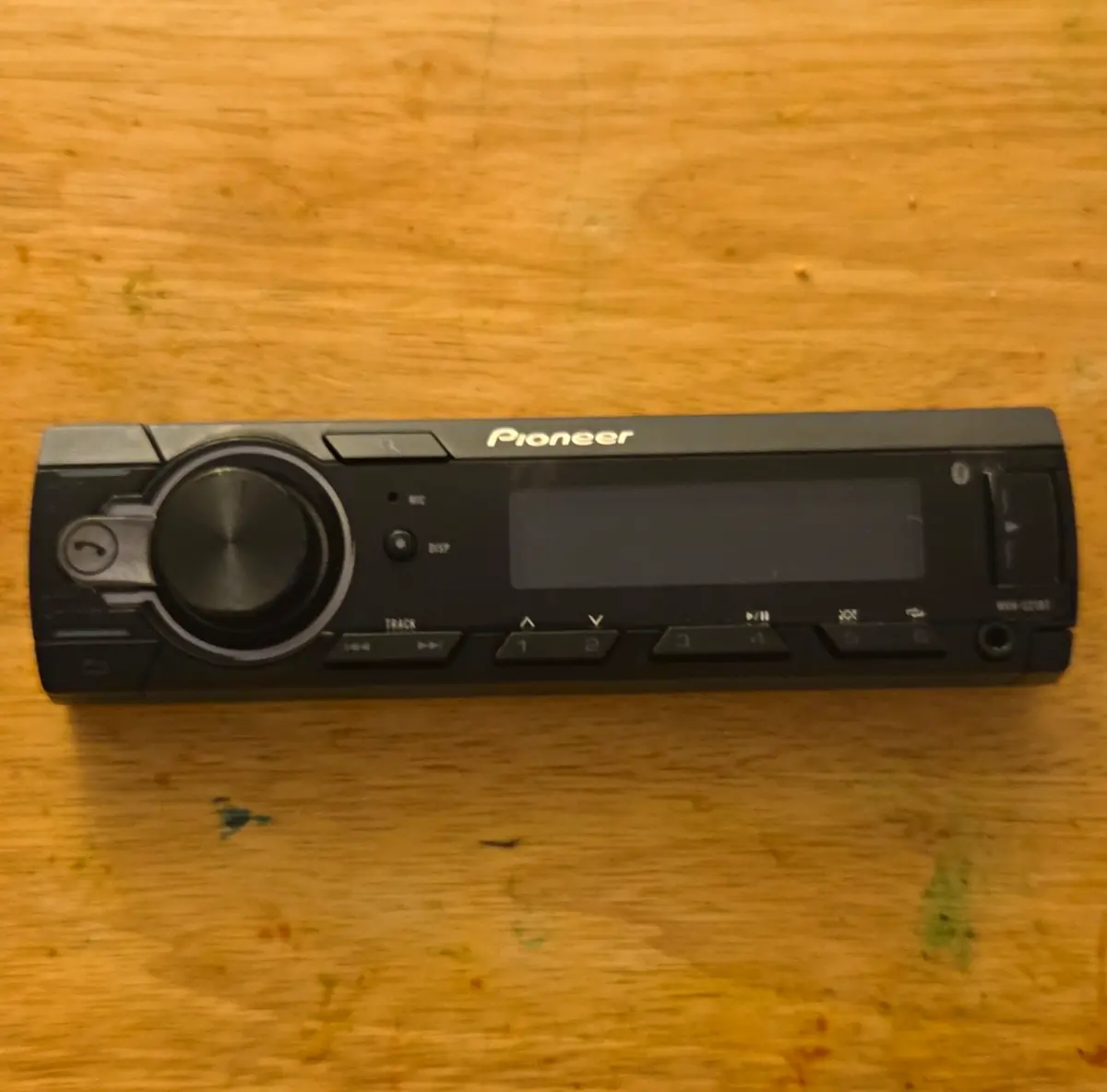
The Pioneer MVH-S21BT is a mechless digital media receiver controlled mainly through its M.C. (multi-control) dial. You turn the dial to set the volume and press it to open the main menu. The SRC/OFF button switches the power on and cycles through sources. DISP changes the information shown on screen, and BAND/DIMMER takes you back to the previous display.
To help prevent theft, the front panel can be removed. Pioneer recommends unplugging any cables and switching the unit off before you take the panel off. Store the panel in a protective case, away from shocks, direct sunlight and high temperatures. The first time you power the unit on, a setup menu asks for the clock, the FM tuning step (100 or 50 kHz) and the AM tuning step (10 or 9 kHz). A demo display mode can be turned off with DEMO OFF in the SYSTEM menu.
The radio includes RDS support and Best Stations Memory (BSM), which saves the six strongest stations automatically. To save a station manually, press and hold a number button. The LOCAL setting only accepts stations above a signal-strength threshold: four levels on FM and two on AM. With SEEK, the arrow buttons can either tune manually or step through your preset channels.
For USB and Android playback, you can browse folders, search lists, use repeat and shuffle, and play an entire folder by holding the dial down. Android devices running OS 5.0 or later connect through AOA 2.0. When USB AUTO is on, the receiver switches to the USB source as soon as a device is plugged in. Turn it off if you only want to charge the device. Pioneer recommends its optional CD-U50E cable so that nothing sticks out dangerously from the dash.
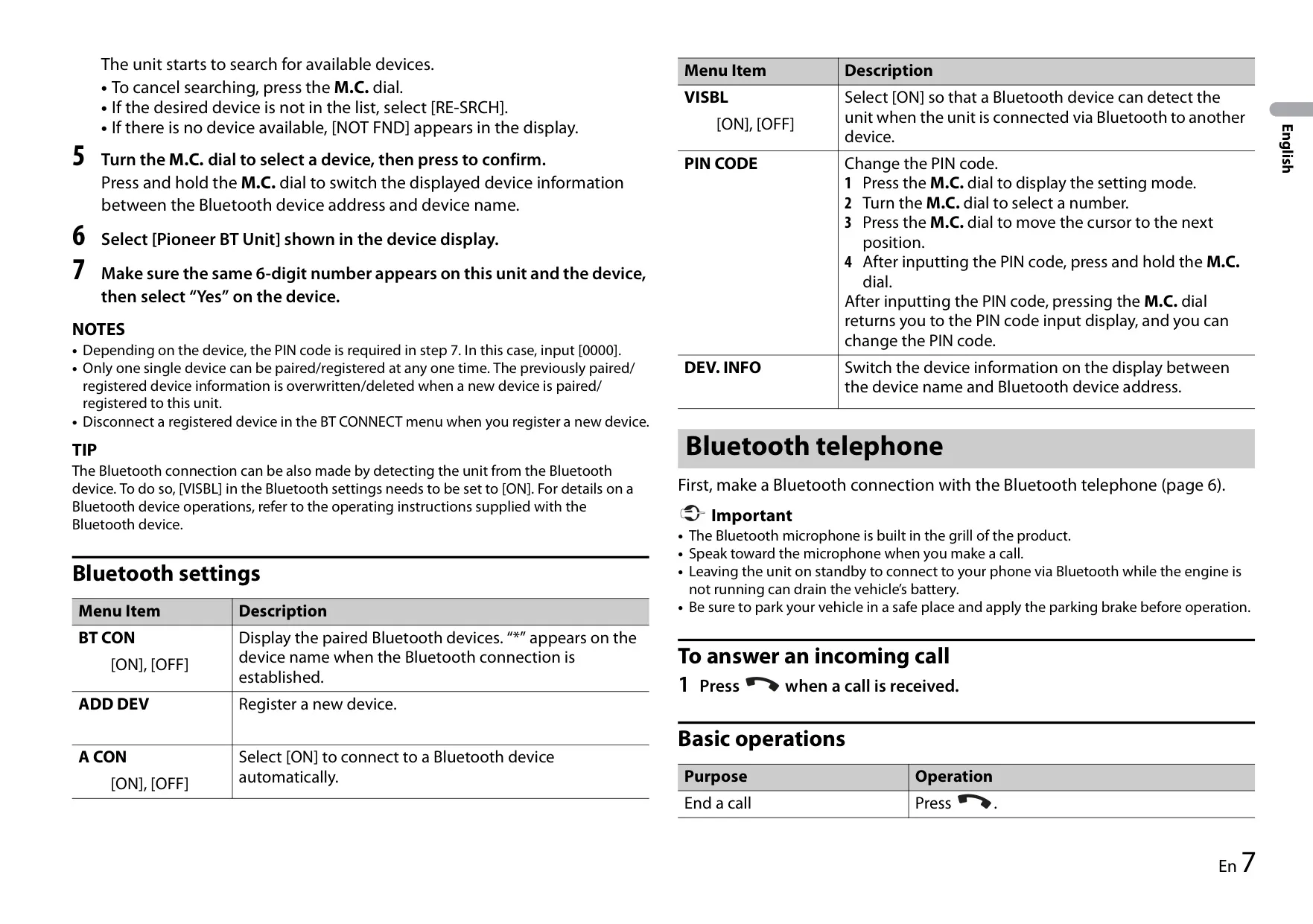
Bluetooth pairing uses a confirmation with a 6-digit number. Older phones may ask for the PIN 0000 instead. The unit stores only one paired device, and pairing a new device replaces the old one. Hands-free features include auto-answer, rejecting calls, switching between a held call and the current call, private mode, and ringtone output through the car speakers. Contacts usually transfer automatically when the phone connects.
Under AUDIO settings you will find fader, balance, three EQ presets plus a CUSTOM curve, loudness, and SLA (Source Level Adjustment, from +2 to –1), which evens out volume differences between sources. In the SYSTEM menu you can choose 12- or 24-hour time, set text scrolling, clear stored Bluetooth data and check the firmware versions. The dimmer can follow the clock or be switched by hand.
For installation, the vehicle needs a 12 V battery with a negative ground. Use speakers rated above 50 W, or above 70 W when a 2 Ω subwoofer is connected to the rear output. Leave about 5 cm of ventilation space behind the unit. It mounts with the supplied sleeve or with side brackets and screws, and extraction keys are included for removal.
On-screen error codes help with troubleshooting. Examples include ERROR-23 (the USB drive is not formatted correctly), CHEK USB (the device draws too much current), HUB ERR (USB hubs are not supported) and AMP ERR (a speaker wiring fault).
Frequently Asked Questions (FAQs)
Can't find the answer you need? Here are some frequently asked questions about the Pioneer MVH-S21BT Audio Receiver, and we answer them below.