Honeywell Chronotherm III Thermostat Instruction Manual
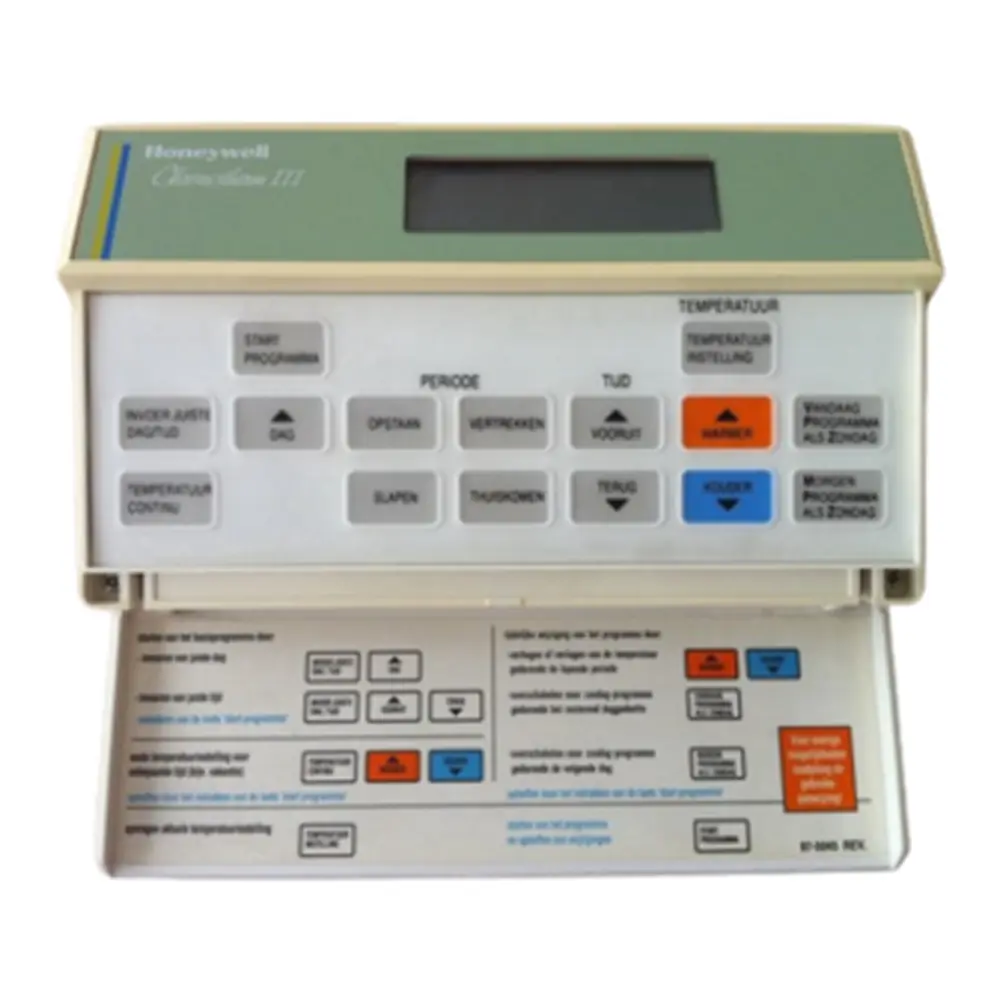
Honeywell Chronotherm III Thermostat

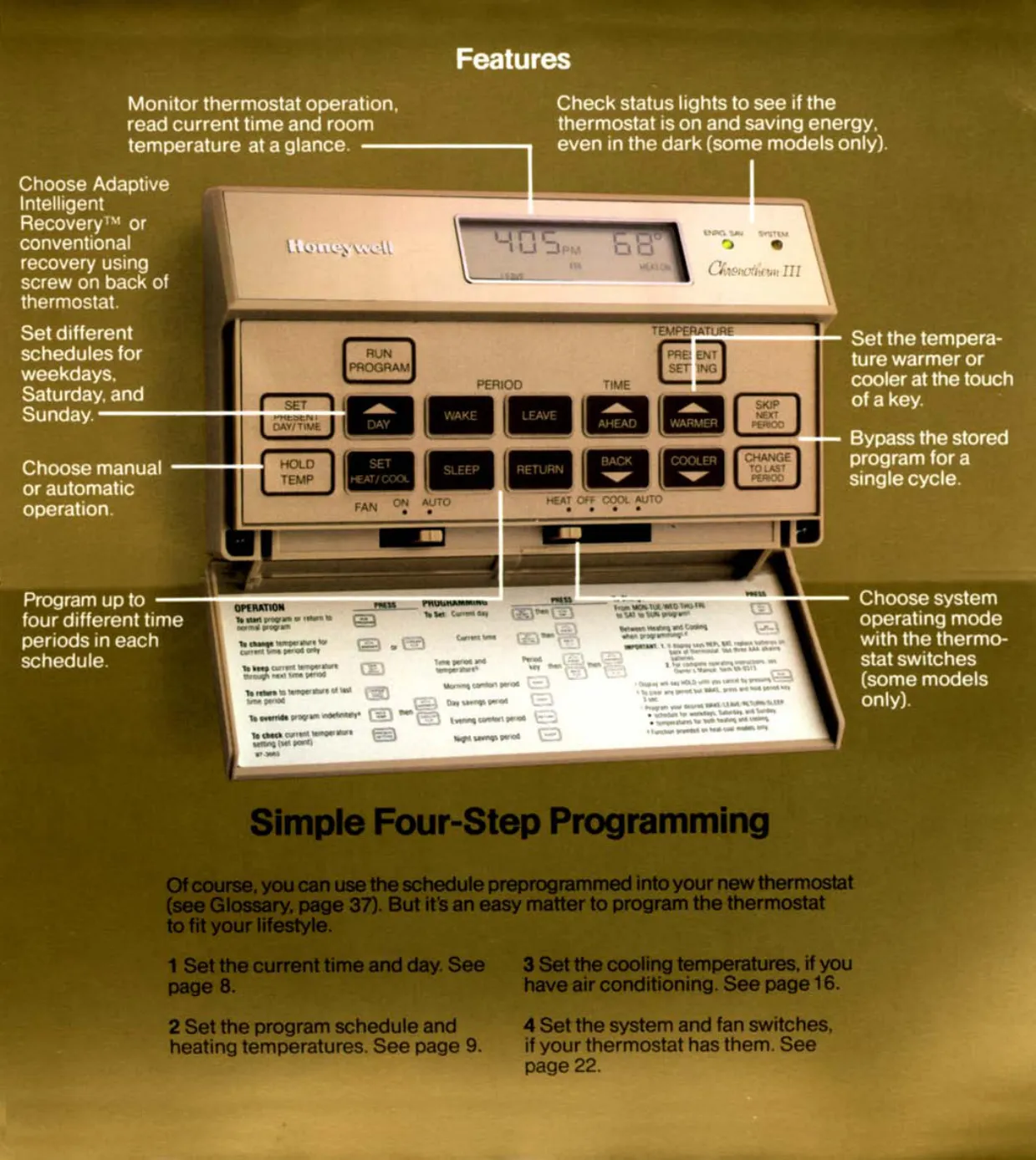


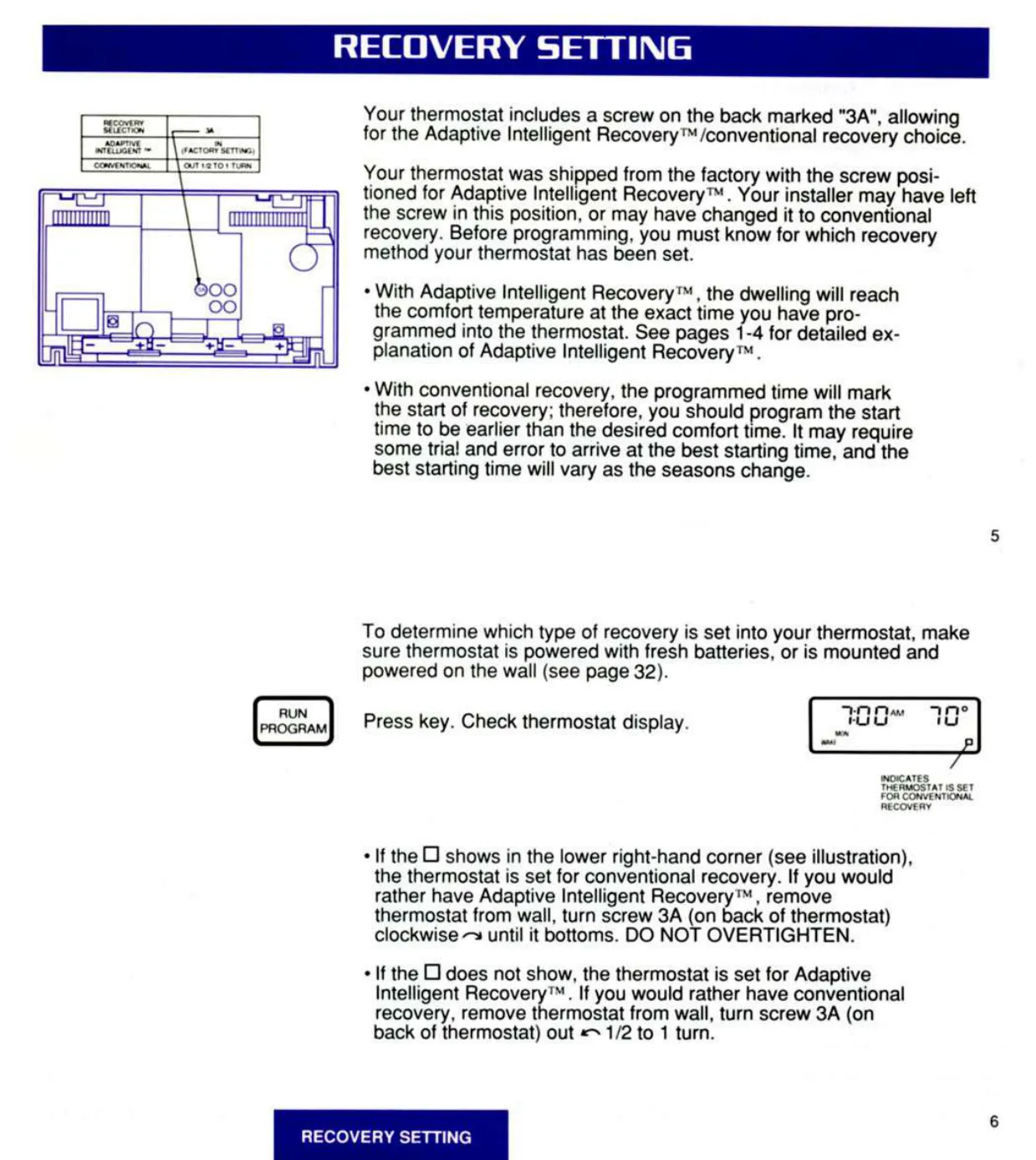


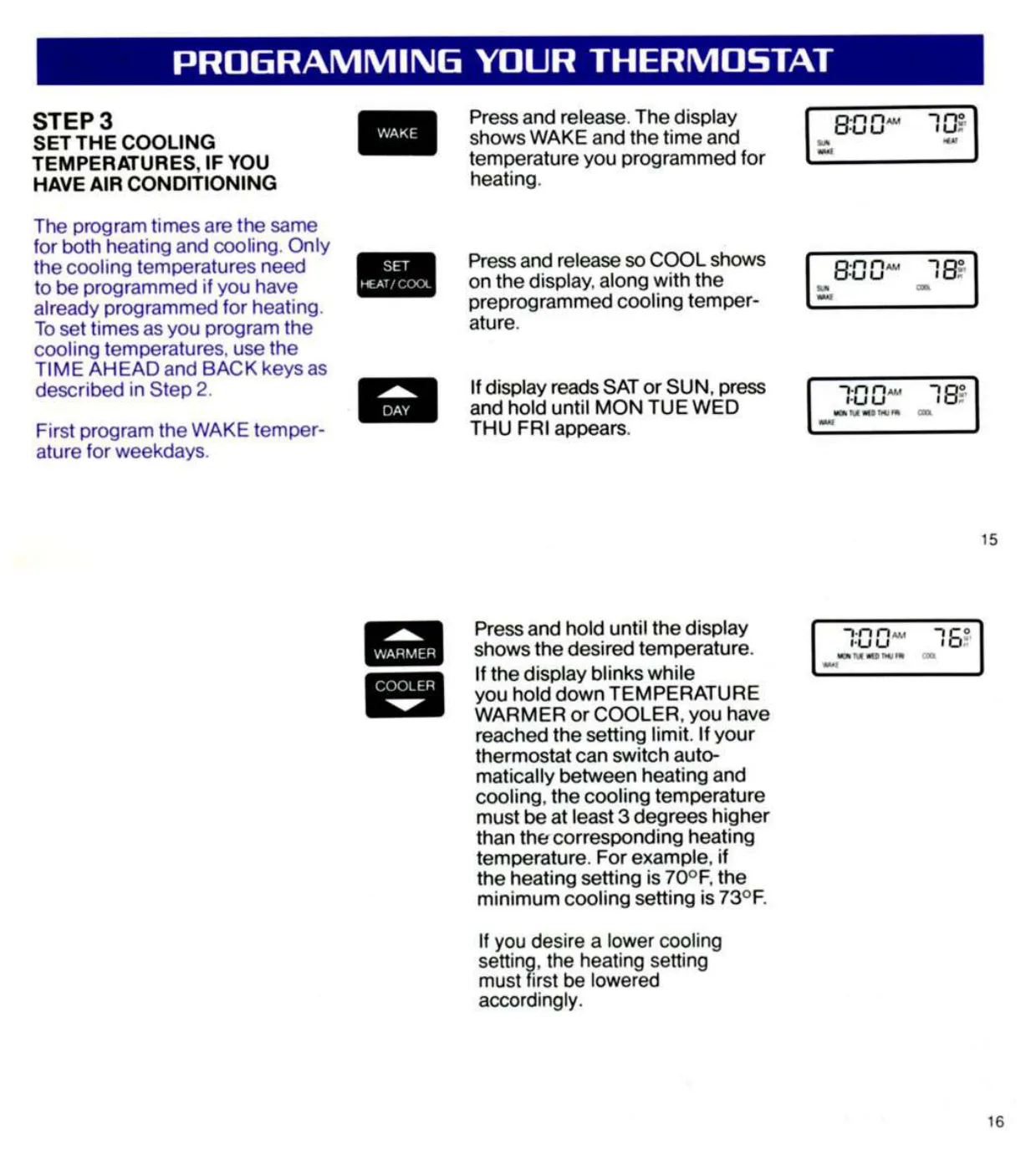







Honeywell Chronotherm III Thermostat



Honeywell Chronotherm III Instructions
Here we offer the Honeywell Chronotherm III Thermostat manual completely free and in English. We have cataloged this manual in the Thermostats section on Manualverse, and it has been rated by 1 users with an average rating of 5. If you have any specific questions about Honeywell Chronotherm III Thermostat, we suggest checking the Frequently Asked Questions (FAQs) section of this manual.
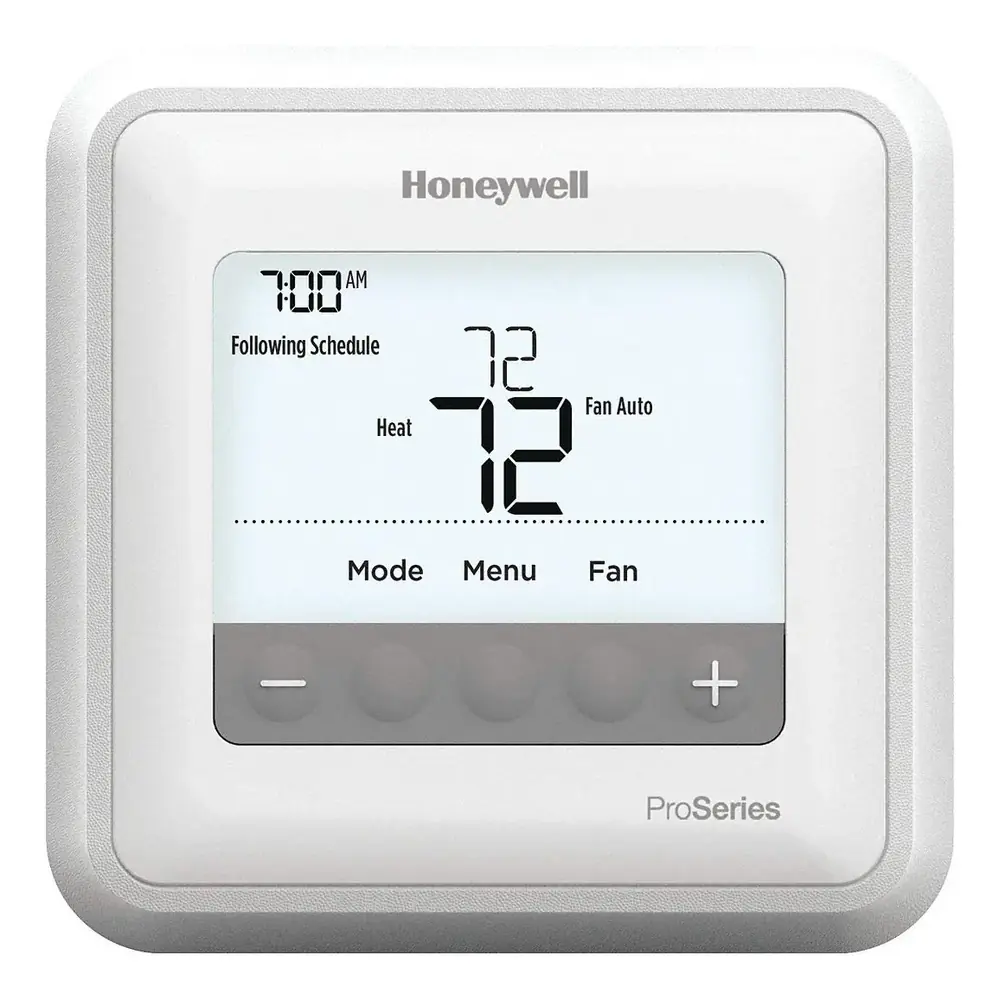
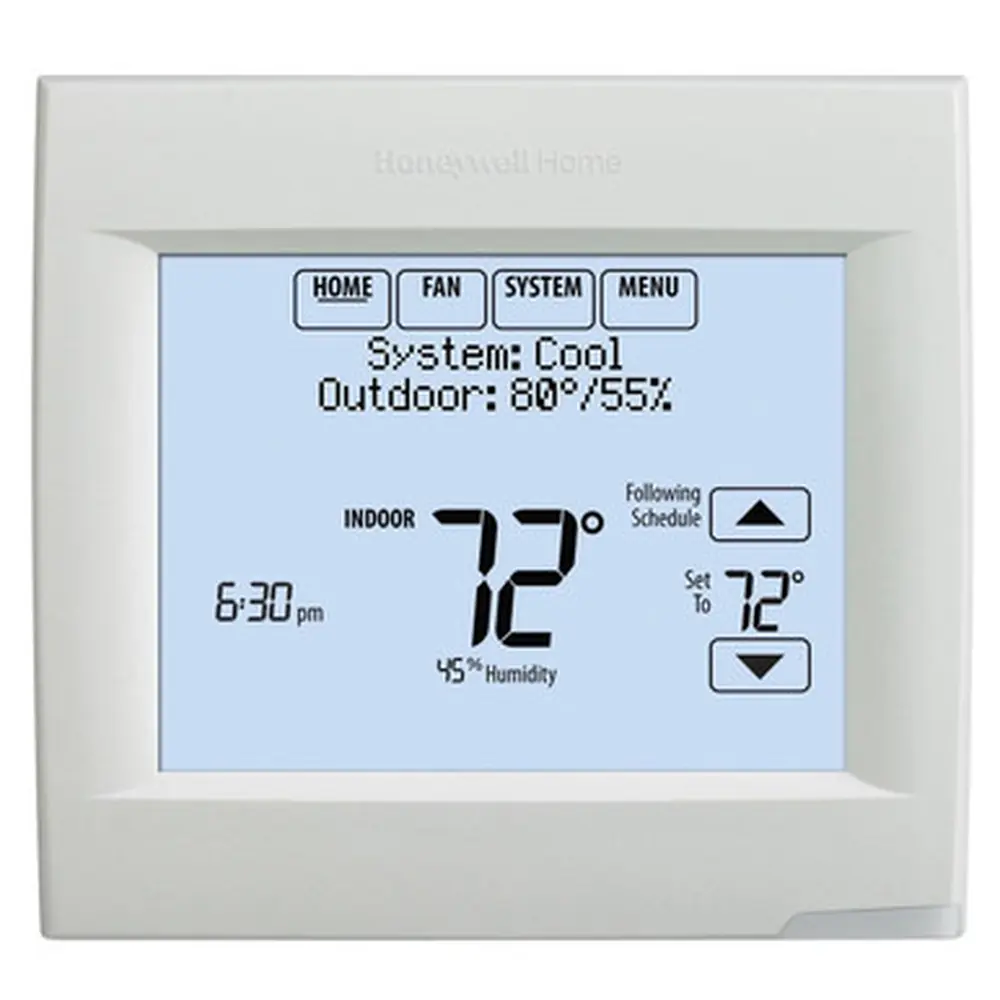
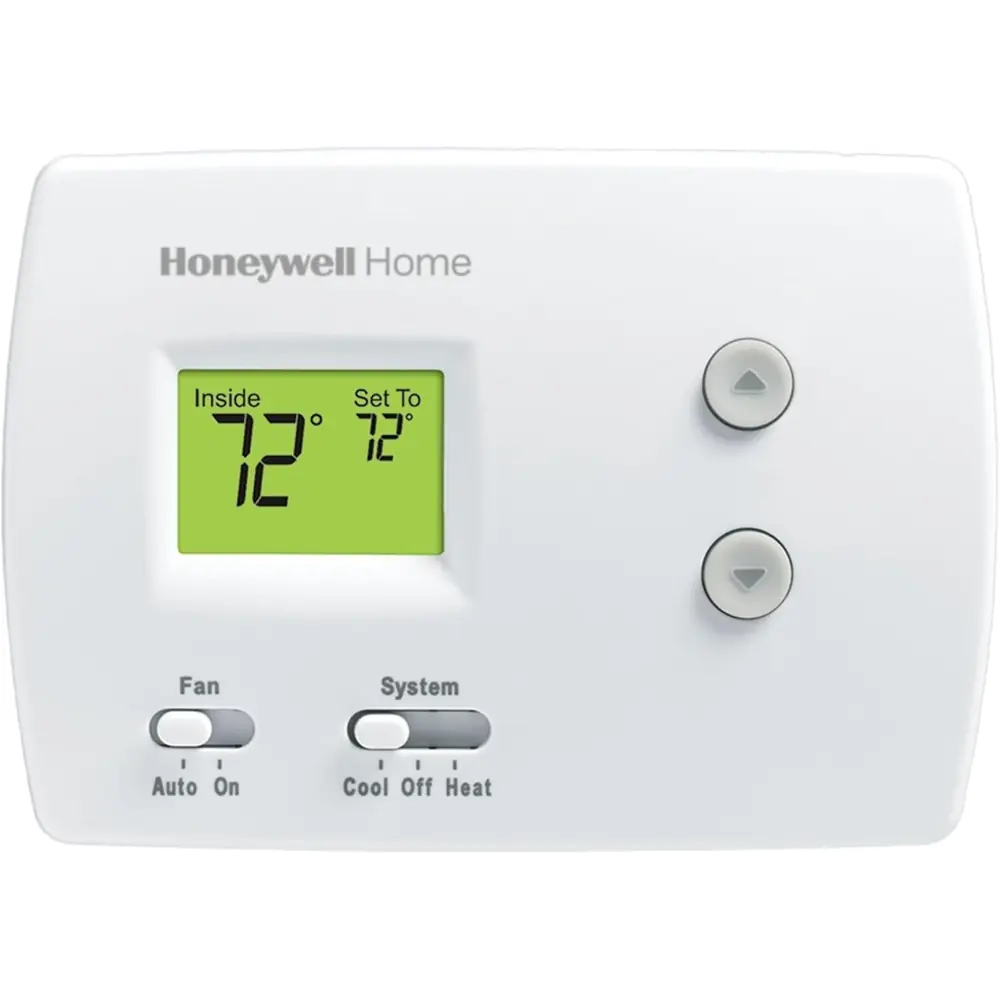
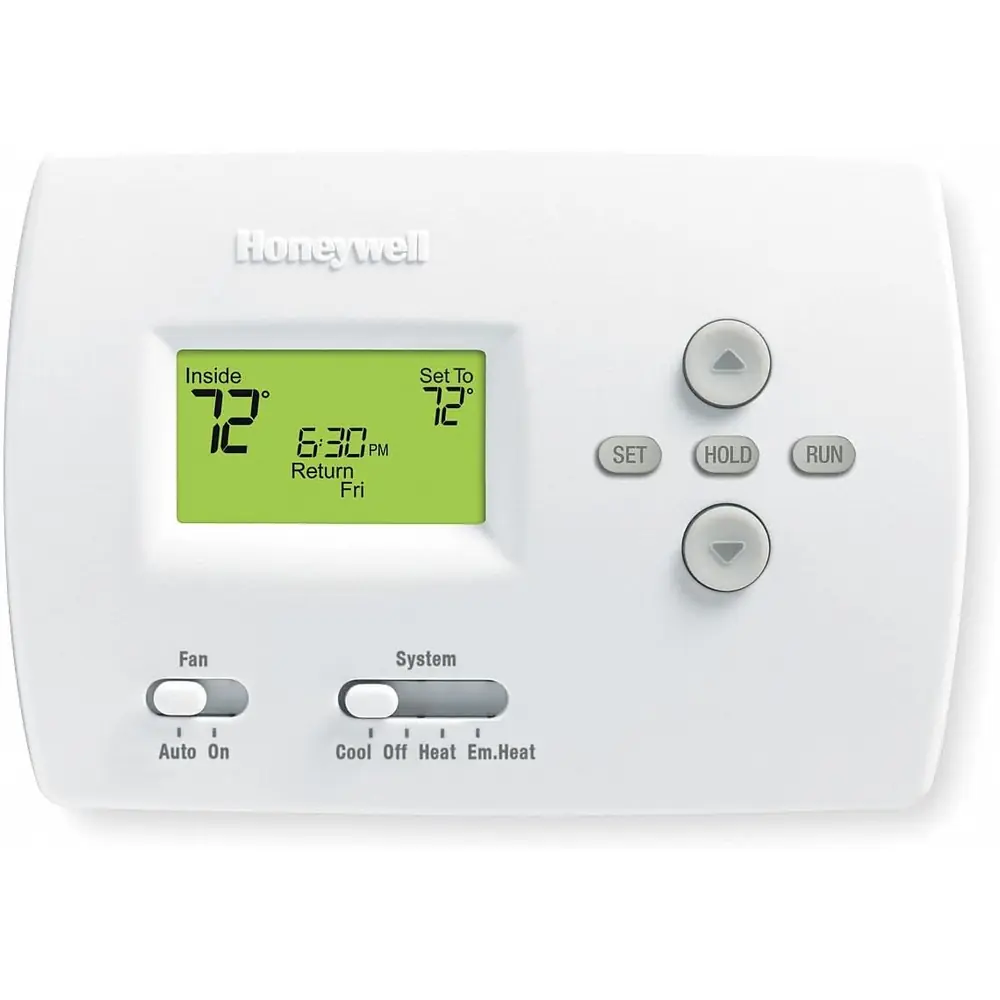
Product Images


Honeywell Chronotherm III Thermostat Specifications
| Feature | Specification |
|---|---|
| Models covered | T8631A and T8631R Communicating Chronotherm III |
| Communication protocol | HBus (Honeywell) for connection to the TotalHome system |
| Power source | Powered directly from the 24 Vac control transformer (both sides of the transformer secondary) |
| Required voltage between R and C | 20 to 30 Vac |
| Compatible systems | 24 Vac conventional heating/cooling, or multistage heat pump heating/cooling |
| T8631A stages | 1 heat / 1 cool |
| T8631R stages | 2 heat / 1 cool (heat pump with auxiliary heat) |
| T8631A system switching | HEAT-OFF-COOL |
| T8631R system switching | EM. HT.-HEAT-OFF-COOL |
| Fan switching | ON-AUTO (both models) |
| Program schedule type | 5-1-1 (weekdays, Saturday, Sunday) |
| Program periods per day | 4 (WAKE, LEAVE, RETURN, SLEEP); only WAKE is required |
| Temperature setting range | 45°F to 88°F |
| Minimum heat/cool separation (auto changeover models) | 3°F (cooling setting at least 3°F above heating setting) |
| Temperature response | Responds to changes as small as 1°F; senses both air and wall temperature |
| Recovery modes | Adaptive Intelligent Recovery™ (factory setting) or conventional recovery |
| Recovery conversion | Screw 2A on back of thermostat (T8631A: IN = Adaptive, OUT = Conventional) |
| Maximum early start (Adaptive Recovery) | 24 minutes per degree of setback ahead of the programmed time |
| Display units | °F or °C, selected with screw 2B (IN = °C, OUT = °F) |
| T8631A cycle rate (factory) | 6 cycles per hour heating; 3 cycles per hour cooling |
| T8631A heating cycle rate adjustment | Screws 1A/1B: gravity, hot water, warm air gas/oil (factory), warm air electric |
| T8631R cycle rate | Factory-set for heat pumps; only auxiliary heat cycle rate adjustable (screw 1B) |
| Heat/cool anticipation | Fixed, no adjustment required |
| Compressor protection delay | Up to 5 minutes after a cooling setting change |
| Indicator LEDs | SYSTEM LED (both models); AUX. HT. and EM. HT. LEDs on the T8631R subbase |
| Backup batteries | 3 x AAA alkaline (included) |
| Program retention without batteries | About 20 seconds after power loss |
| HBus bus power supply | 13.7 VDC |
| HBus cable | Unshielded, 3 twisted pairs of #22 AWG solid wire (Belden #8742, Alpha #1304 or equivalent) |
| Recommended thermostat cable | Color-coded 18-gauge, one conductor per terminal (excluding H terminals) |
| Wire stripping length | 5/16 in. [8 mm] straight insertion; 7/16 in. [11 mm] wraparound |
| Mounting height | About 5 ft [1.5 m] above the floor |
| Drywall anchor drill bit | 3/16 in. |
| Factory preprogrammed schedule | WAKE 6:00 AM, 70°F heat / 78°F cool; SLEEP 10:00 PM, 60°F heat / 78°F cool; LEAVE and RETURN not programmed |
| Regulatory compliance | Class B digital apparatus, Canadian Radio Interference Regulations |
| Warranty | Limited one-year (batteries excluded) |
| Installation guide form number | 69-0689-2 (Rev. 3-93) |
Honeywell Chronotherm III Details
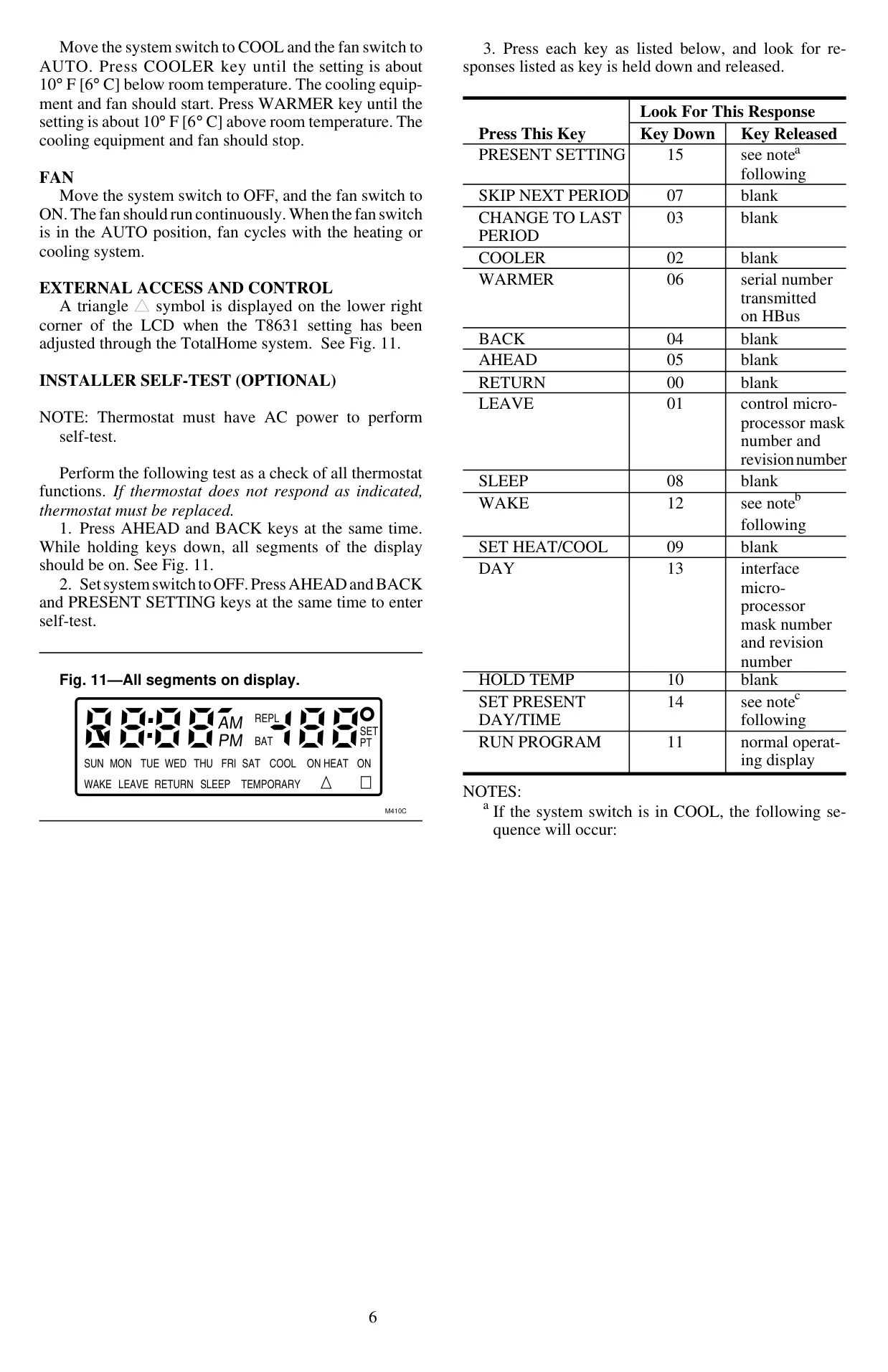
The Honeywell Chronotherm III in its communicating T8631A and T8631R versions works as a standalone programmable thermostat and also as part of the Honeywell TotalHome system. When a setting is changed from the TotalHome system, a triangle symbol appears in the lower right corner of the LCD. The subbase has a dedicated HBus switch. Moving it up disconnects the thermostat from the external control device, so the homeowner can isolate the unit whenever they need to.
The Adaptive Intelligent Recovery™ algorithm does more than a simple timer. It reads both air and wall temperature, much as the human body senses heat from its surroundings. It then raises the control setting gradually and cycles the equipment several times so the room does not overshoot the comfort point. The thermostat checks every day how close it came to the target. It usually needs four to eight days to adapt to the home and calculates LEAVE/RETURN and SLEEP/WAKE recovery separately.
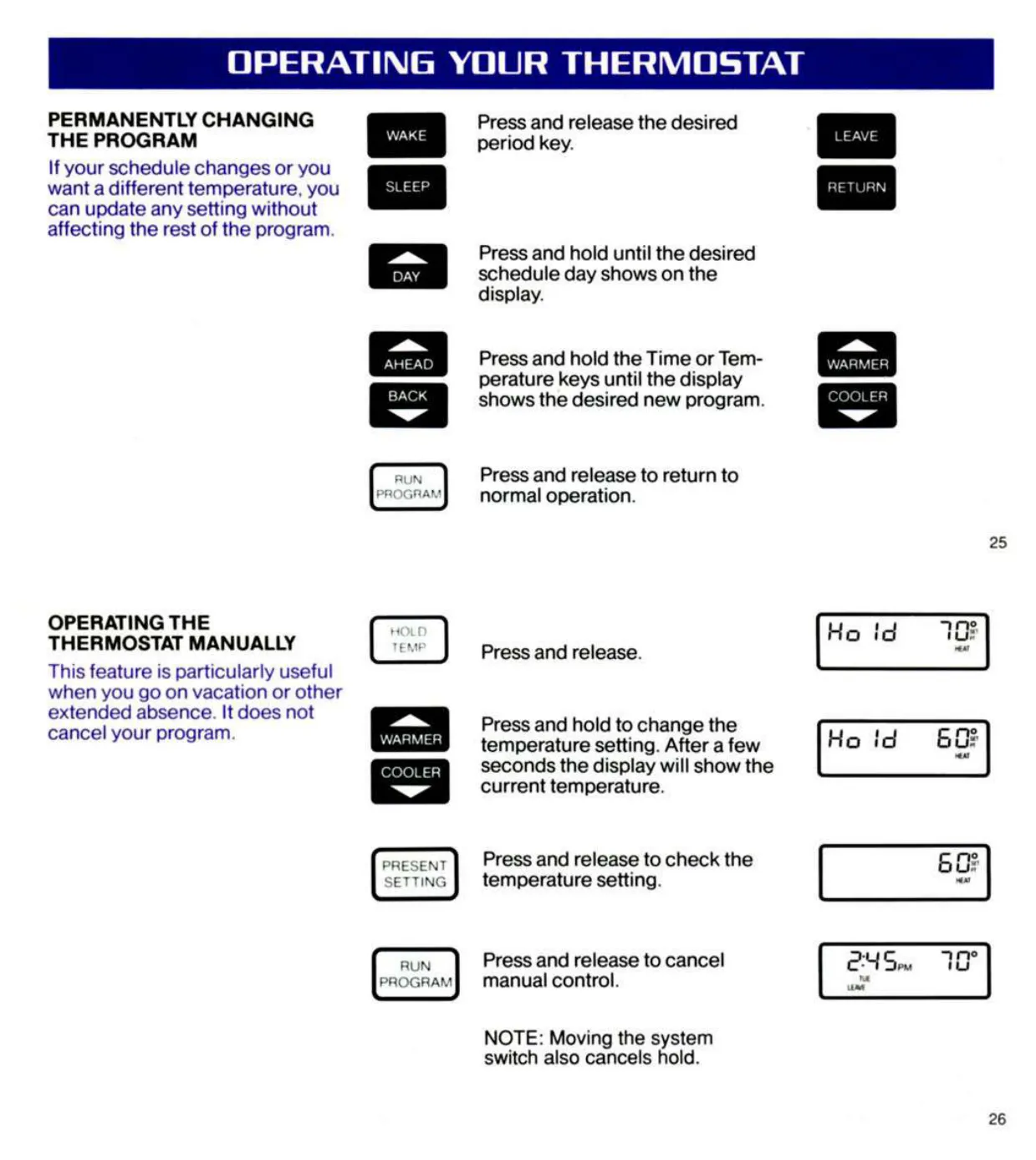
For day-to-day changes, the keypad offers several overrides. SKIP NEXT PERIOD keeps the current temperature through the following period. CHANGE TO LAST PERIOD goes back to the previous set point. The WARMER and COOLER keys make a temporary change that lasts until the next scheduled period, and the display flashes "temporary" while it is active. HOLD TEMP keeps a setting indefinitely, which makes it ideal for vacations. RUN PROGRAM, or moving the system switch, cancels any override.
Owners can review every stored time and temperature with the period keys without changing the permanent program. They can also press PRESENT SETTING to see the active set point. During adaptive recovery, the displayed setting may differ from the programmed value because the thermostat ramps the temperature gradually. On models with status lights, the SYSTEM and ENERGY SAVING indicators can be lit at the same time while the system recovers in energy-saving mode.
The T8631A subbase has a fan operation switch that can be set for electric or conventional heat. In the electric position, the system uses a single transformer, with R jumpered to RC. With conventional gas or oil systems, the fan keeps running briefly after the burner shuts off. On the T8631R, the AUX. HT. LED shows when backup heat is running, which costs more than the heat pump itself. The EM. HT. LED shows when the system switch is in the emergency heat position.
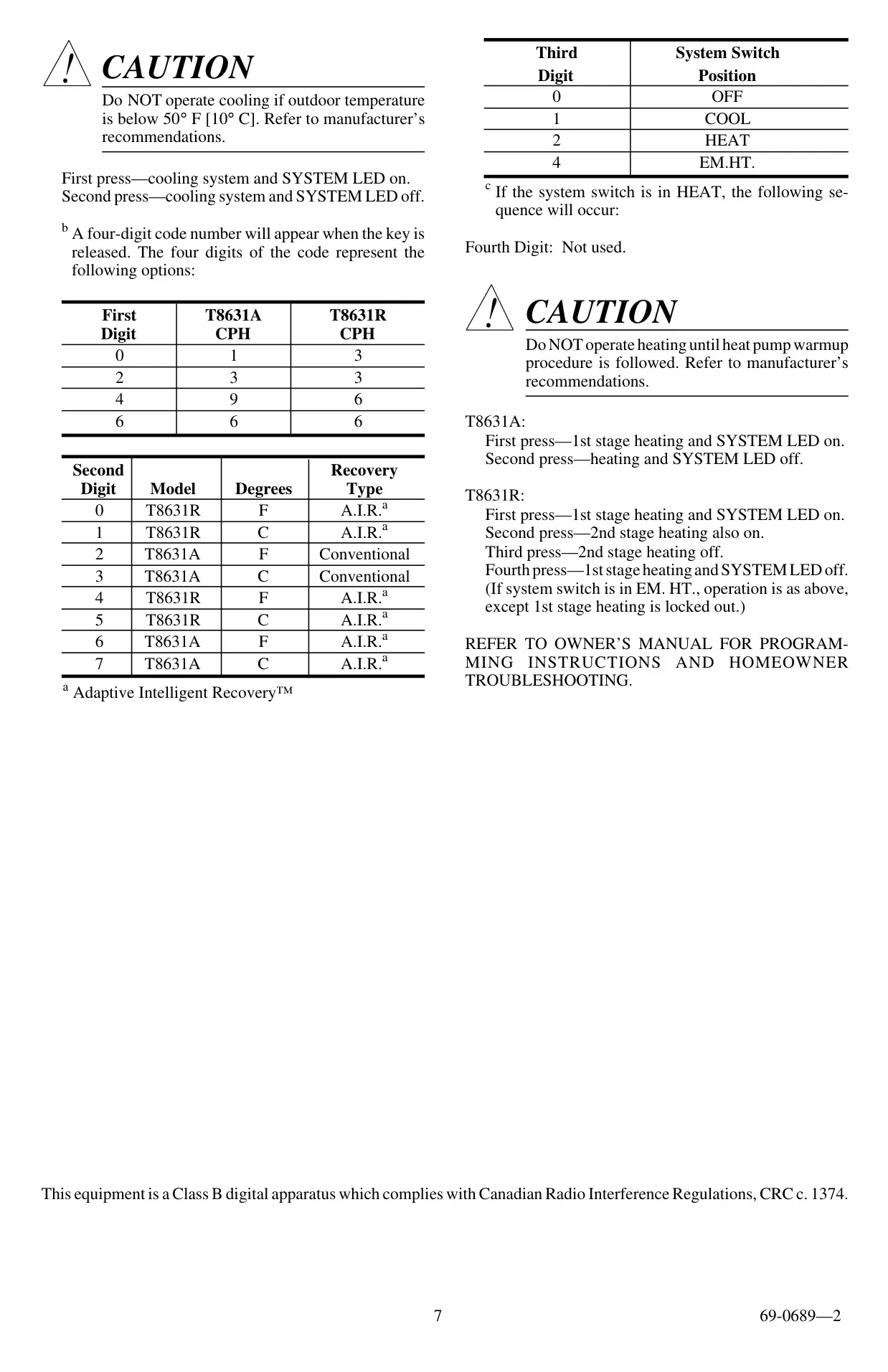
For installers, an optional self-test checks every function. Pressing AHEAD and BACK together lights all display segments. Adding PRESENT SETTING with the system switch at OFF starts a test that returns key codes and a four-digit configuration code. That code shows the cycle rate, model, temperature units, recovery type and switch position. Pressing LEAVE shows the microprocessor mask and revision numbers, and pressing WARMER transmits the serial number over HBus.
When the batteries run low, the display flashes REPL BAT. After fresh cells are installed and the thermostat is back on the powered subbase, this message can take up to 15 minutes to clear. Mount the thermostat away from drafts, ducts, sunlight, hidden pipes and outside walls. Seal the wall opening with non-hardening caulk to keep readings accurate. Honeywell estimates heating savings of up to 30% with two 10°F setback periods. A setback period must last at least two hours to save any energy.
Frequently Asked Questions (FAQs)
Can't find the answer you need? Here are some frequently asked questions about the Honeywell Chronotherm III Thermostat, and we answer them below.