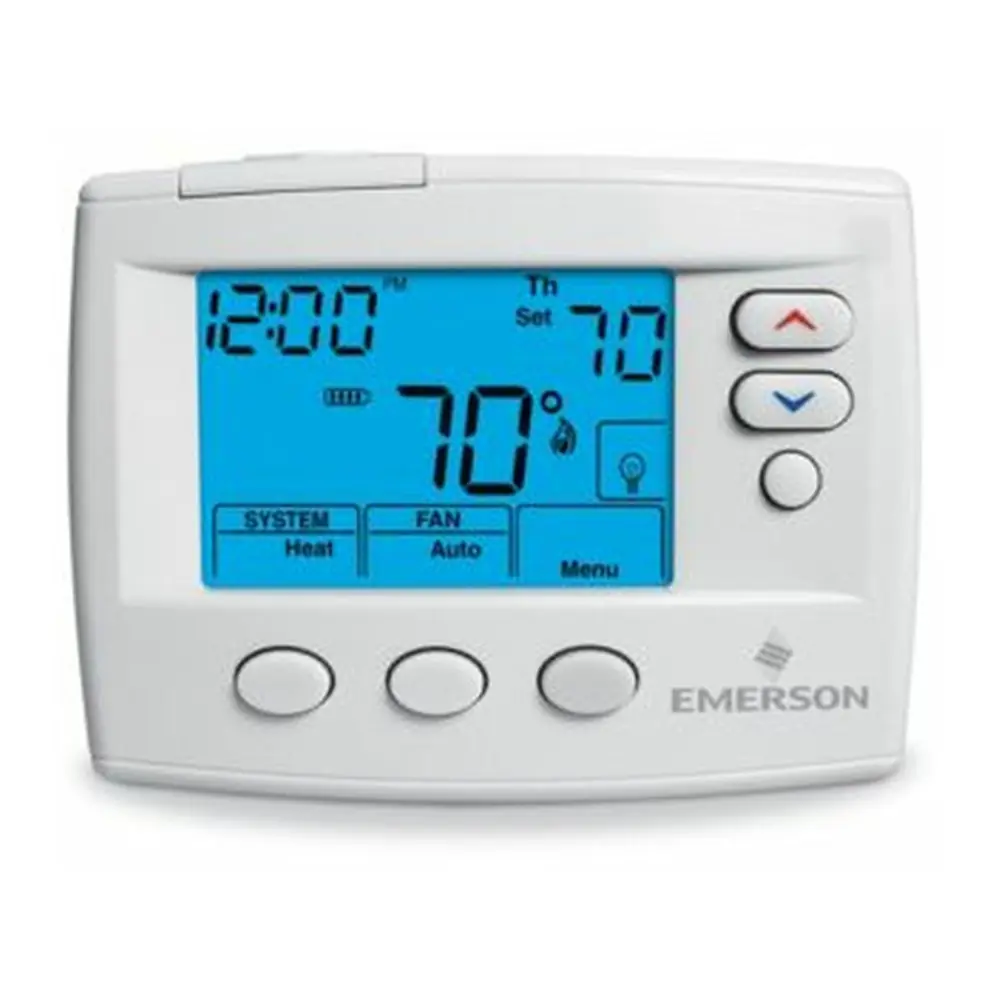
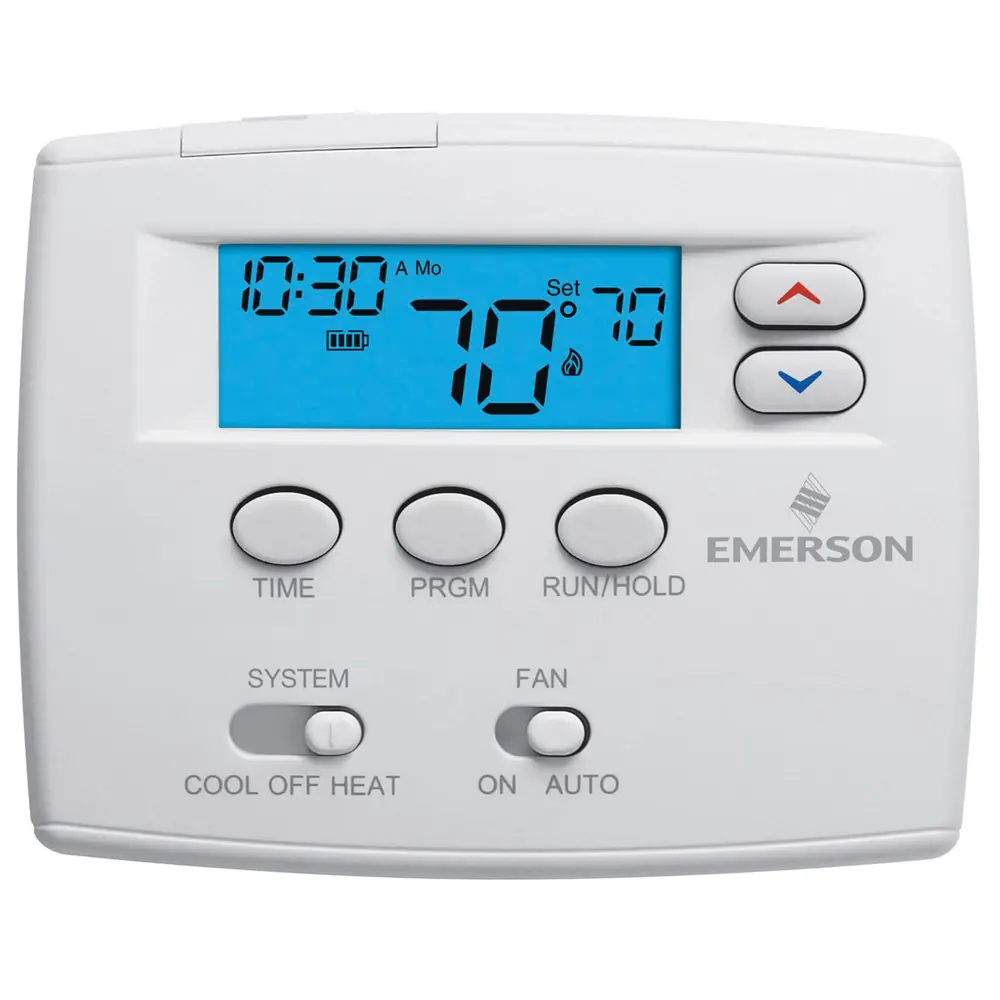
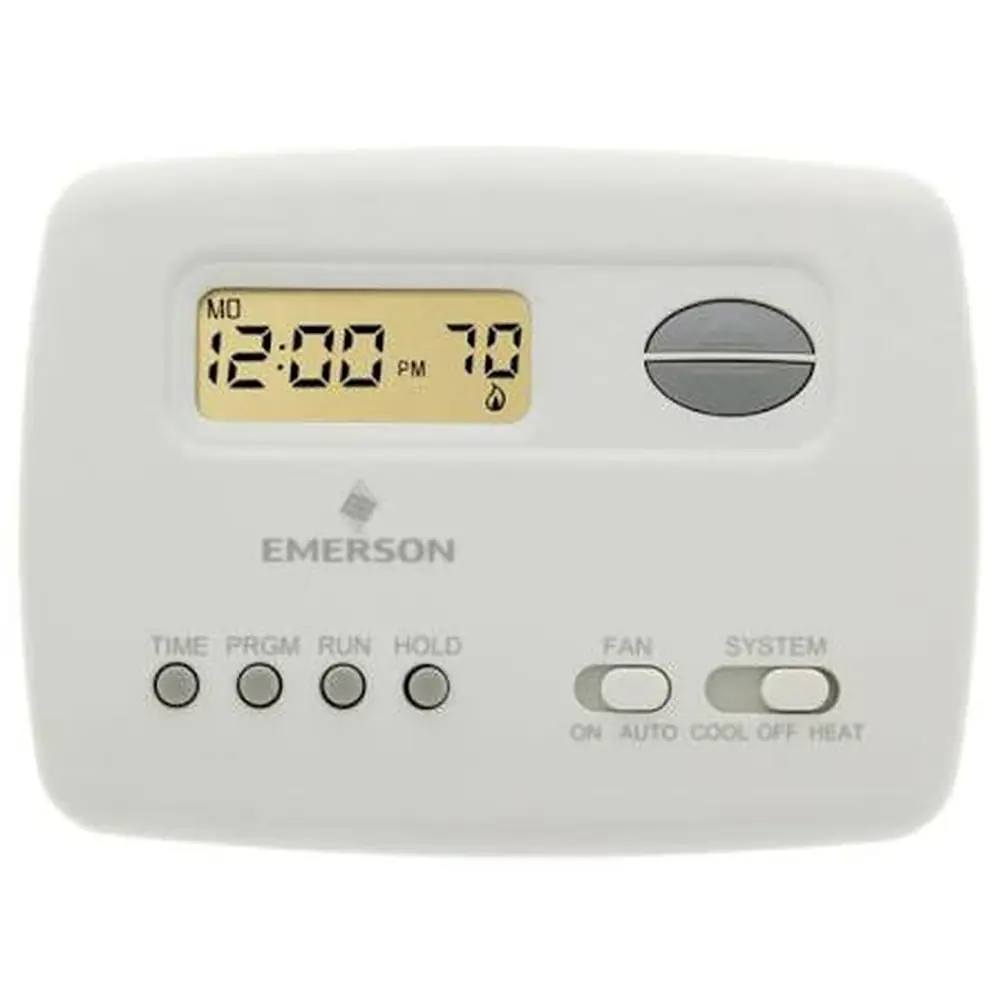
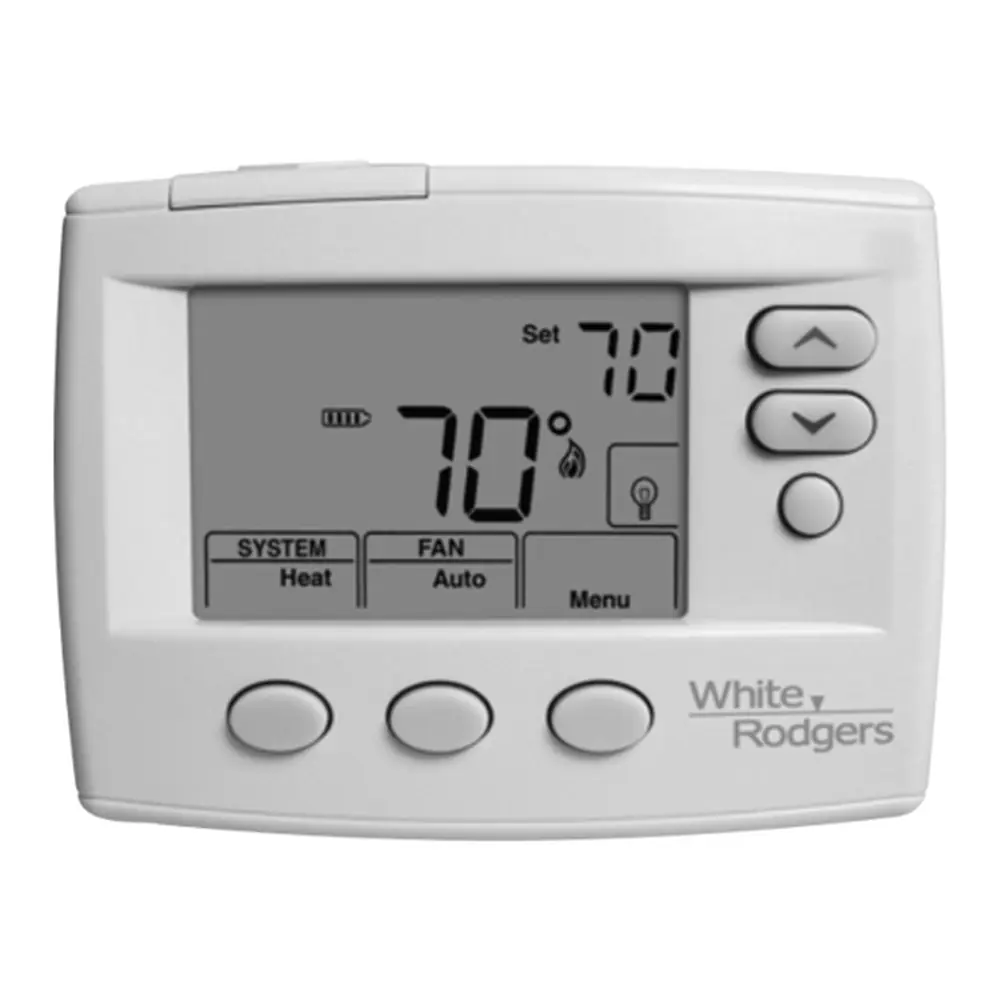
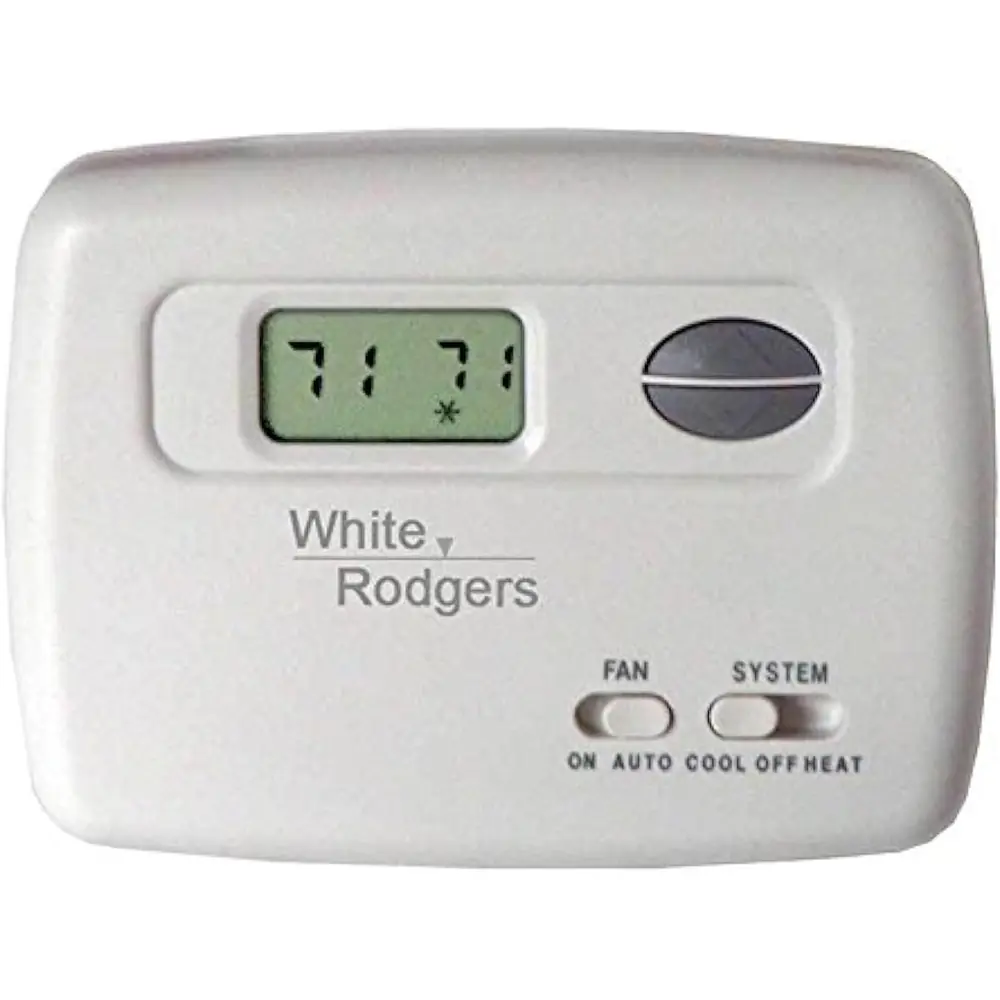
White-Rodgers 1F80-361 Thermostat Instruction Manual
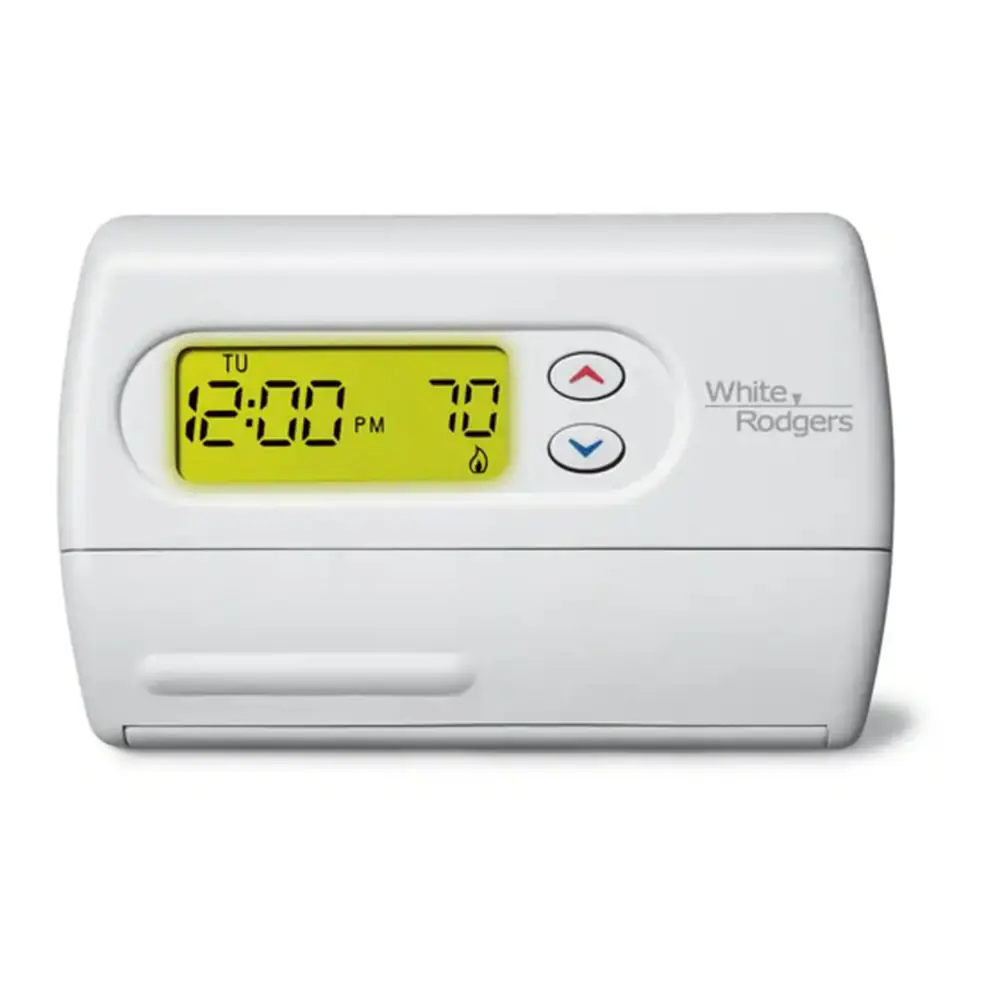
White-Rodgers 1F80-361 Thermostat
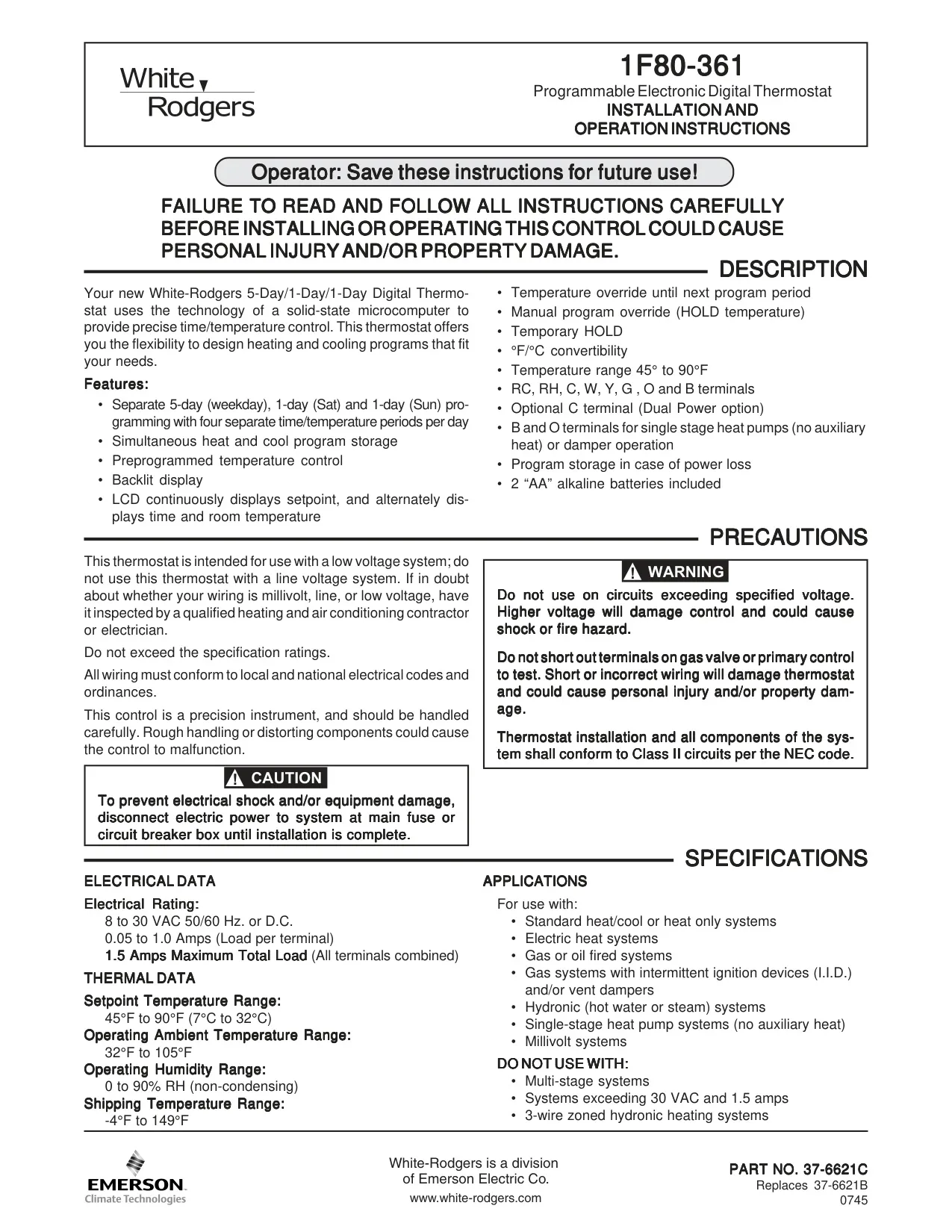
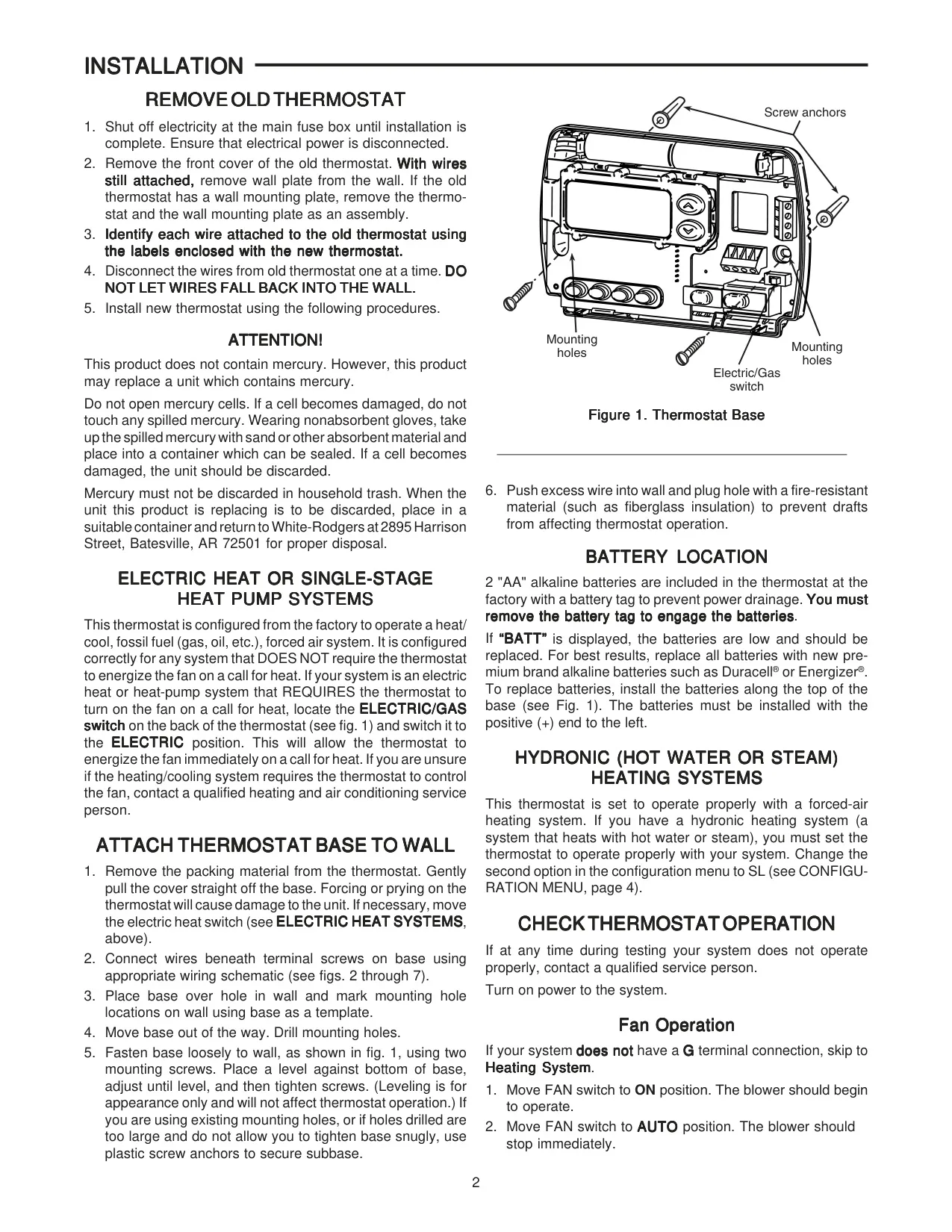




White-Rodgers 1F80-361 Instructions
Here we offer the White-Rodgers 1F80-361 Thermostat manual completely free and in English. We have cataloged this manual in the Thermostats section on Manualverse, and it has been rated by 1 users with an average rating of 5. If you have any specific questions about White-Rodgers 1F80-361 Thermostat, we suggest checking the Frequently Asked Questions (FAQs) section of this manual.
Product Images
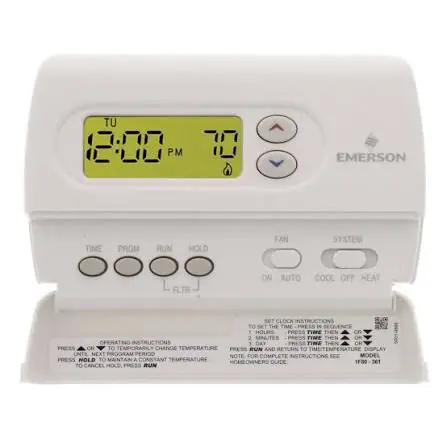
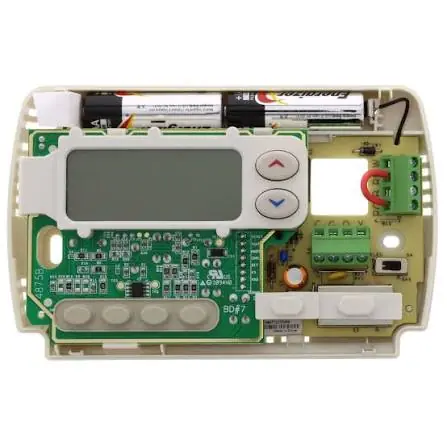
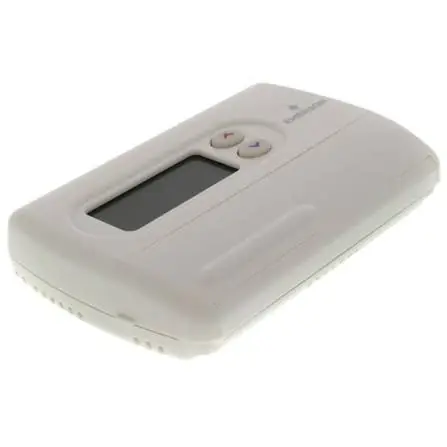
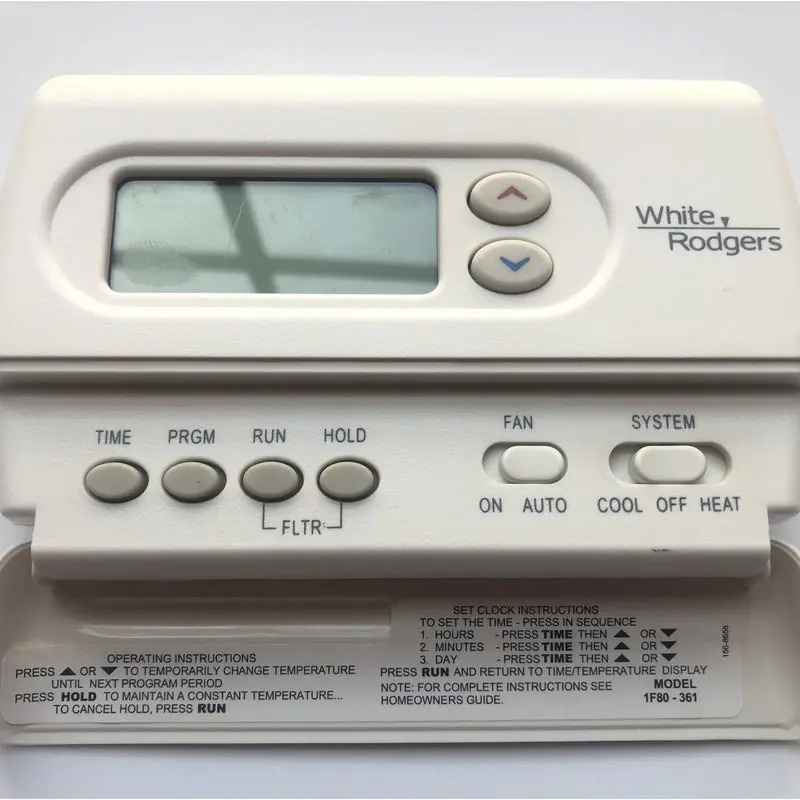
White-Rodgers 1F80-361 Thermostat Specifications
| Category | Specification |
|---|---|
| Model Number | 1F80-361 |
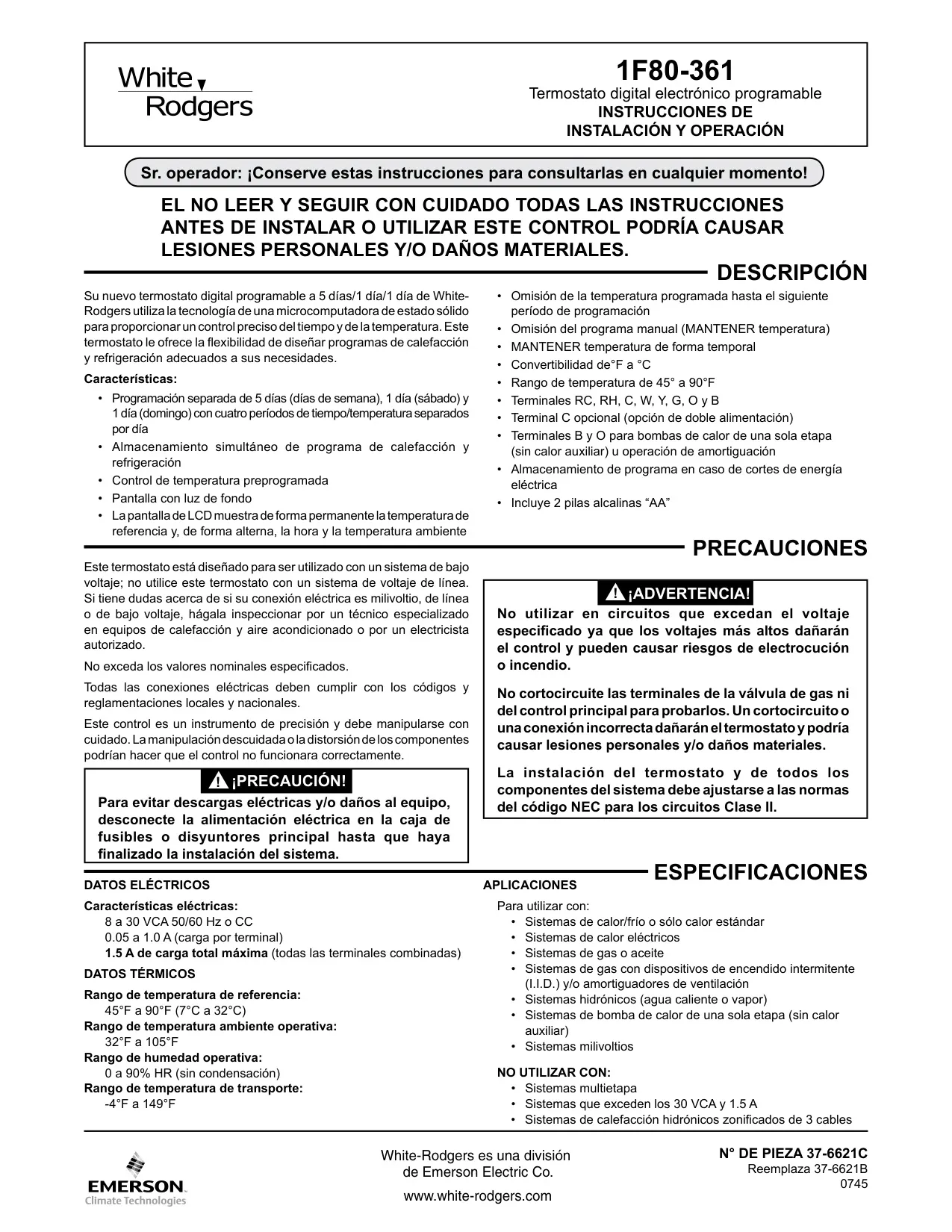
| Electrical Rating | 8 to 30 VAC 50/60 Hz. or D.C. |
| Load per Terminal | 0.05 to 1.0 Amps |
| Maximum Total Load (All terminals combined) | 1.5 Amps |
| Setpoint Temperature Range | 45°F to 90°F (7°C to 32°C) |
| Operating Ambient Temperature Range | 32°F to 105°F |
| Operating Humidity Range | 0 to 90% RH (non-condensing) |
| Shipping Temperature Range | -4°F to 149°F |
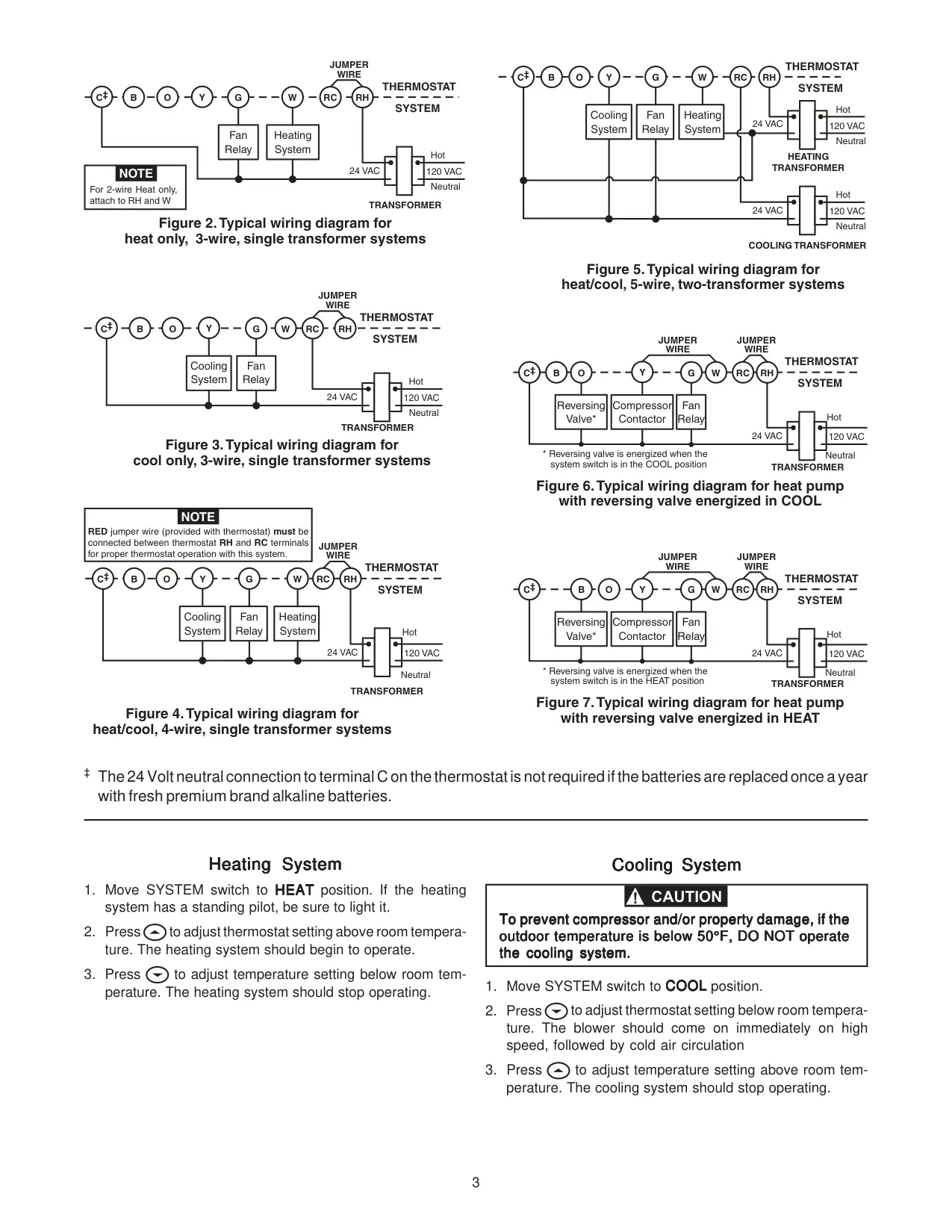
| Supported Systems | Standard heat/cool, Heat only, Electric heat, Gas or oil fired, Gas with I.I.D. and/or vent dampers, Hydronic (hot water or steam), Single-stage heat pumps (no auxiliary heat), Millivolt systems |
| Unsupported Systems | Multi-stage systems, Systems exceeding 30 VAC and 1.5 Amps, 3-wire zoned hydronic heating systems |
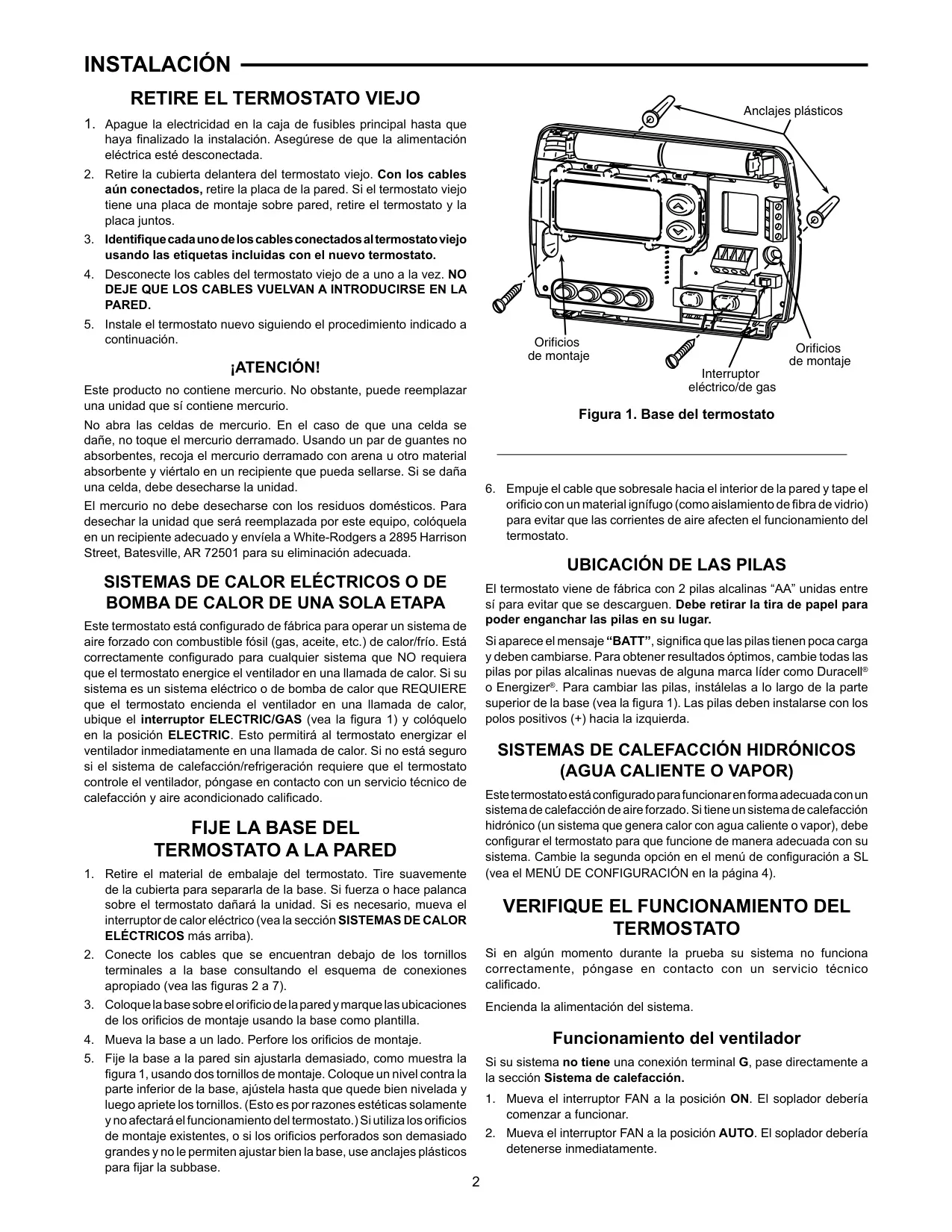
| Power Source | 2 "AA" alkaline batteries (included), Optional 24V C terminal |
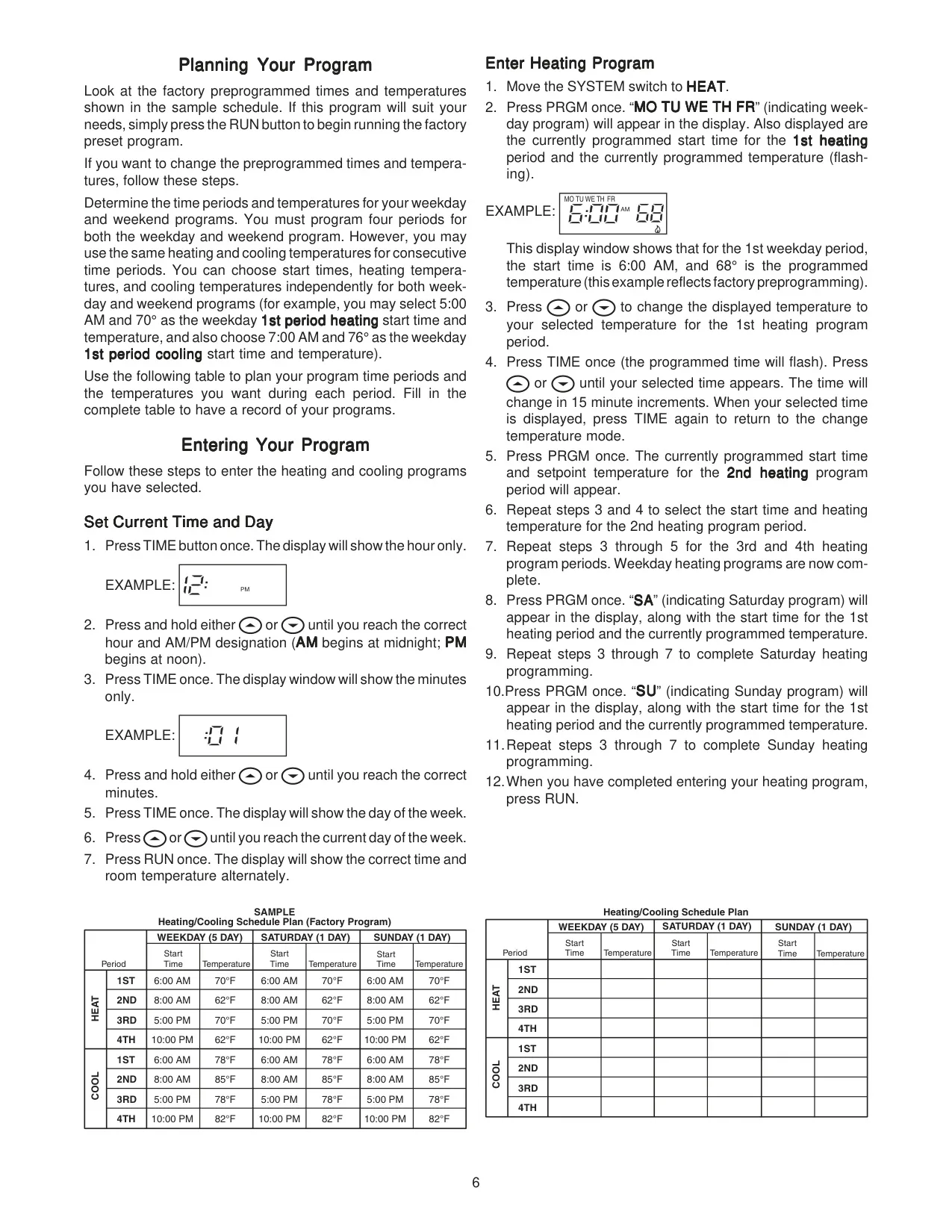
| Programming | 5-Day (weekday), 1-Day (Saturday), 1-Day (Sunday) |
| Programming Periods per Day | 4 separate time/temperature periods |
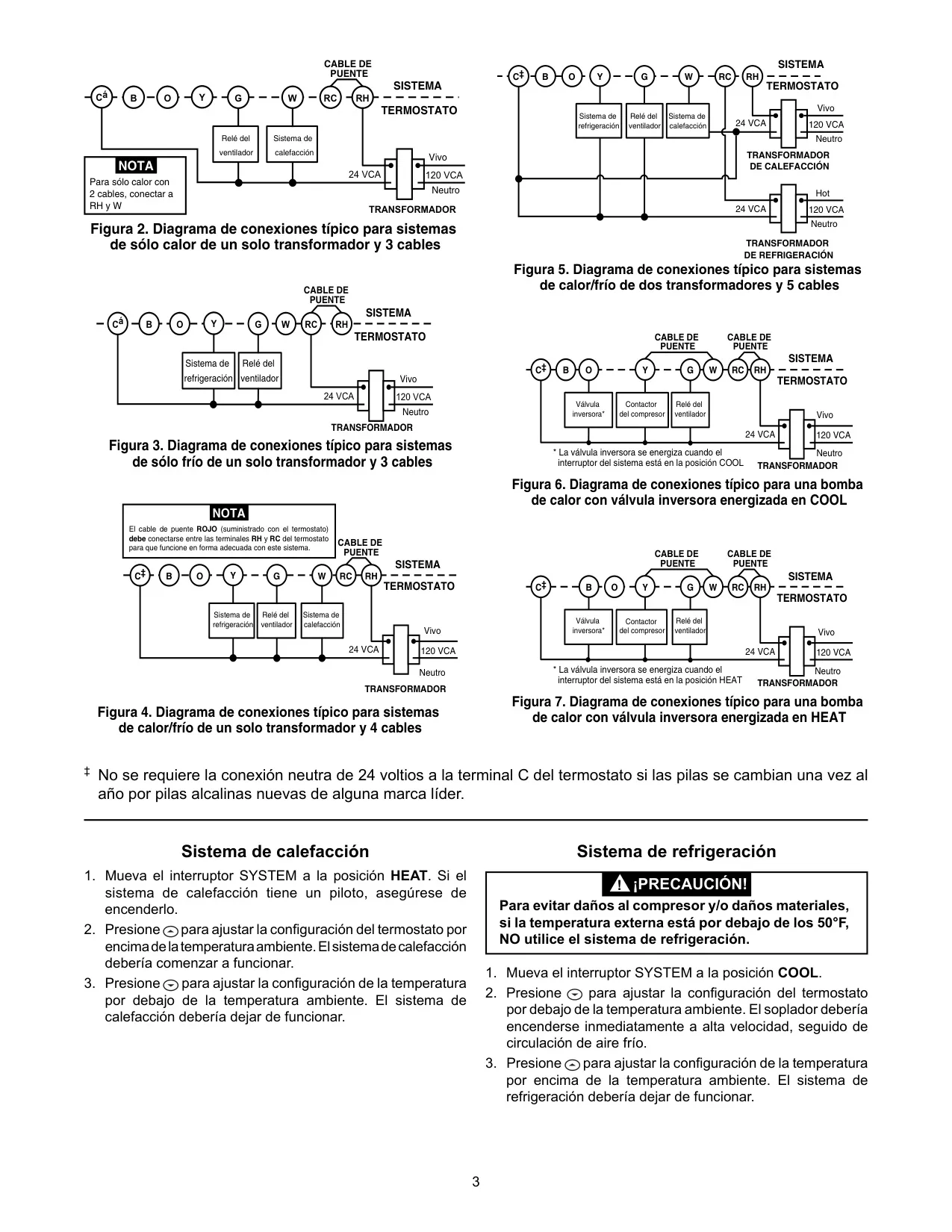
| Terminal Connections | RC, RH, C, W, Y, G, O, B |
White-Rodgers 1F80-361 Thermostat Details
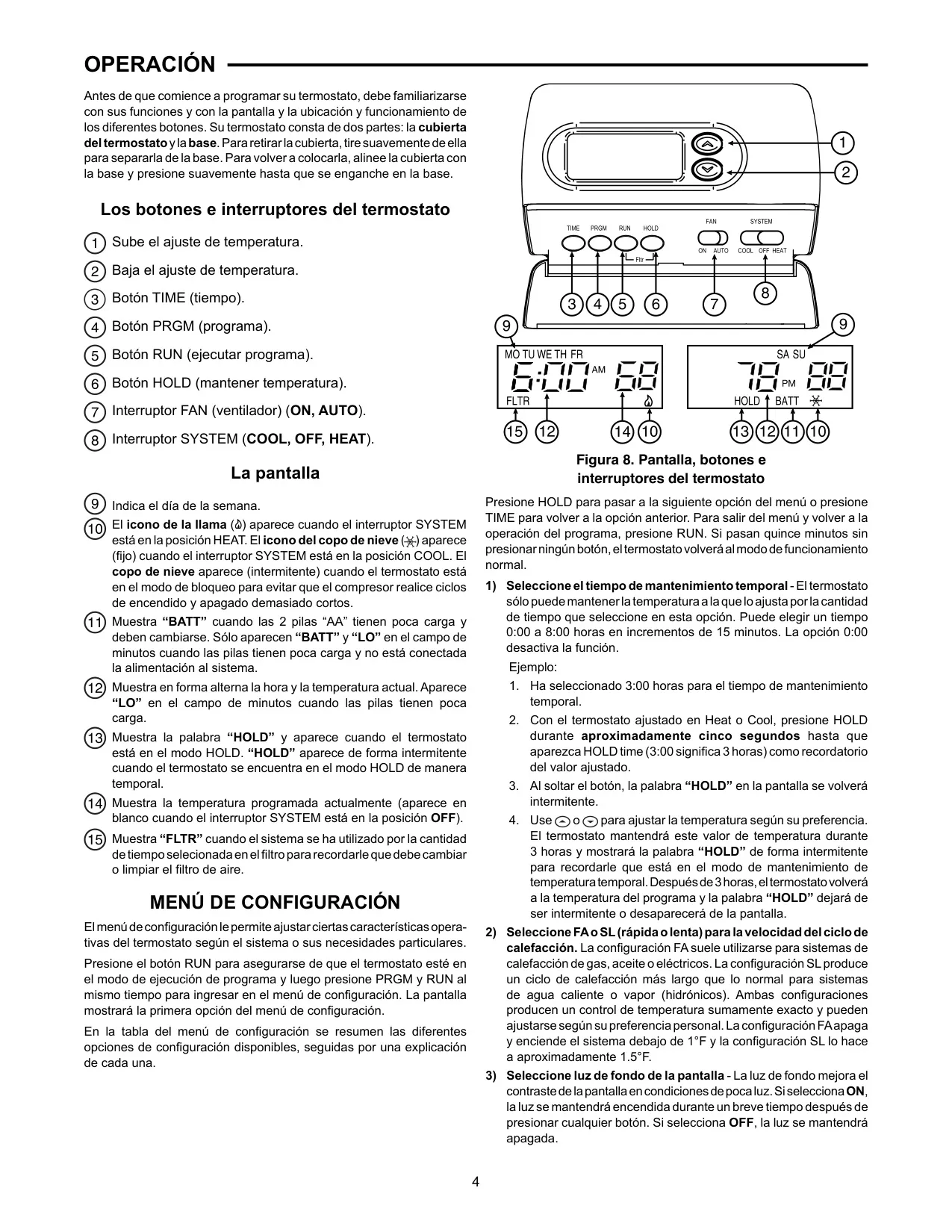
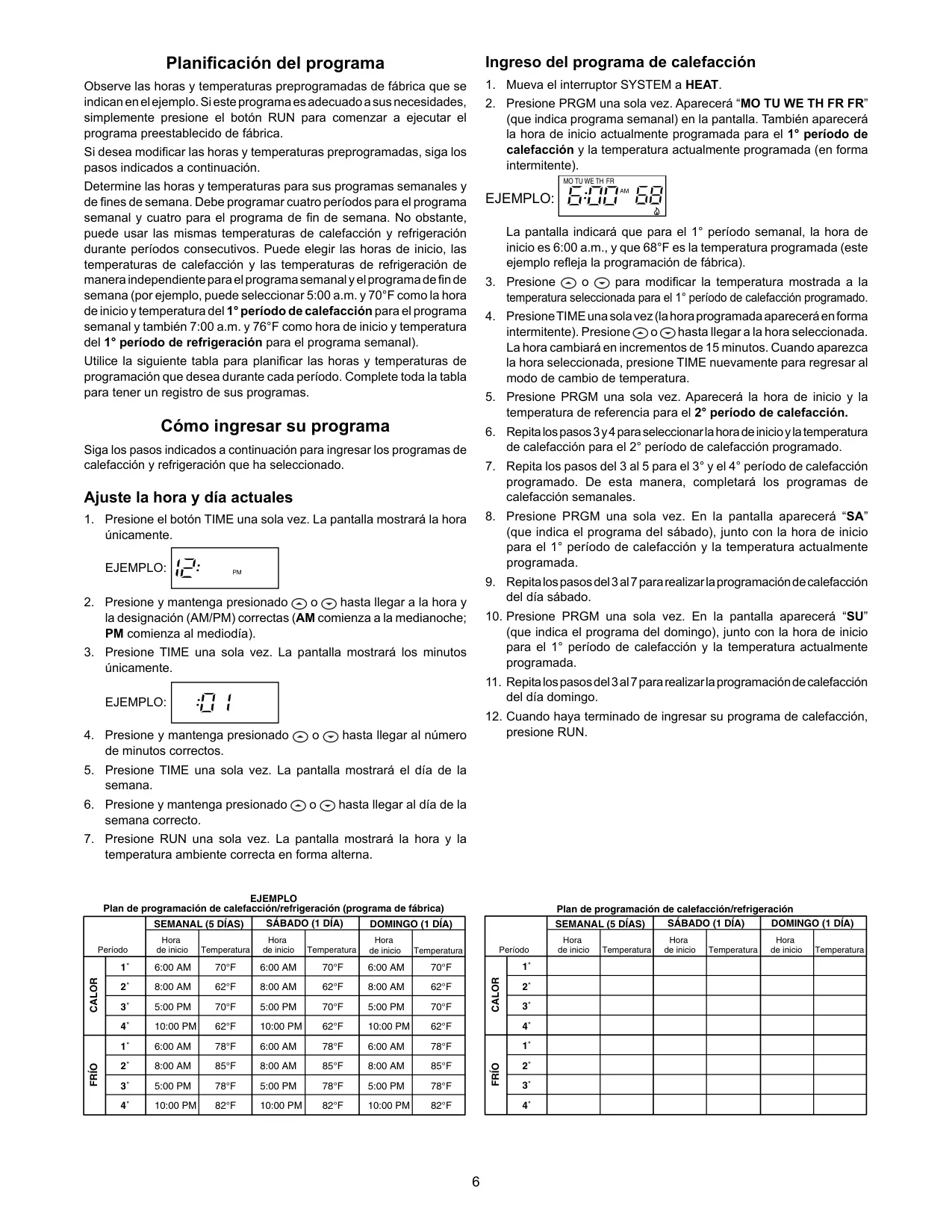
The White-Rodgers 1F80-361 is a highly versatile programmable electronic digital thermostat, designed to offer homeowners precise and flexible control over their indoor climate. Its core strength lies in its customizable programming, allowing for separate schedules for weekdays (5-day), Saturday (1-day), and Sunday (1-day). Each day can be divided into four distinct time and temperature periods, enabling users to optimize energy usage and comfort based on their daily routines.
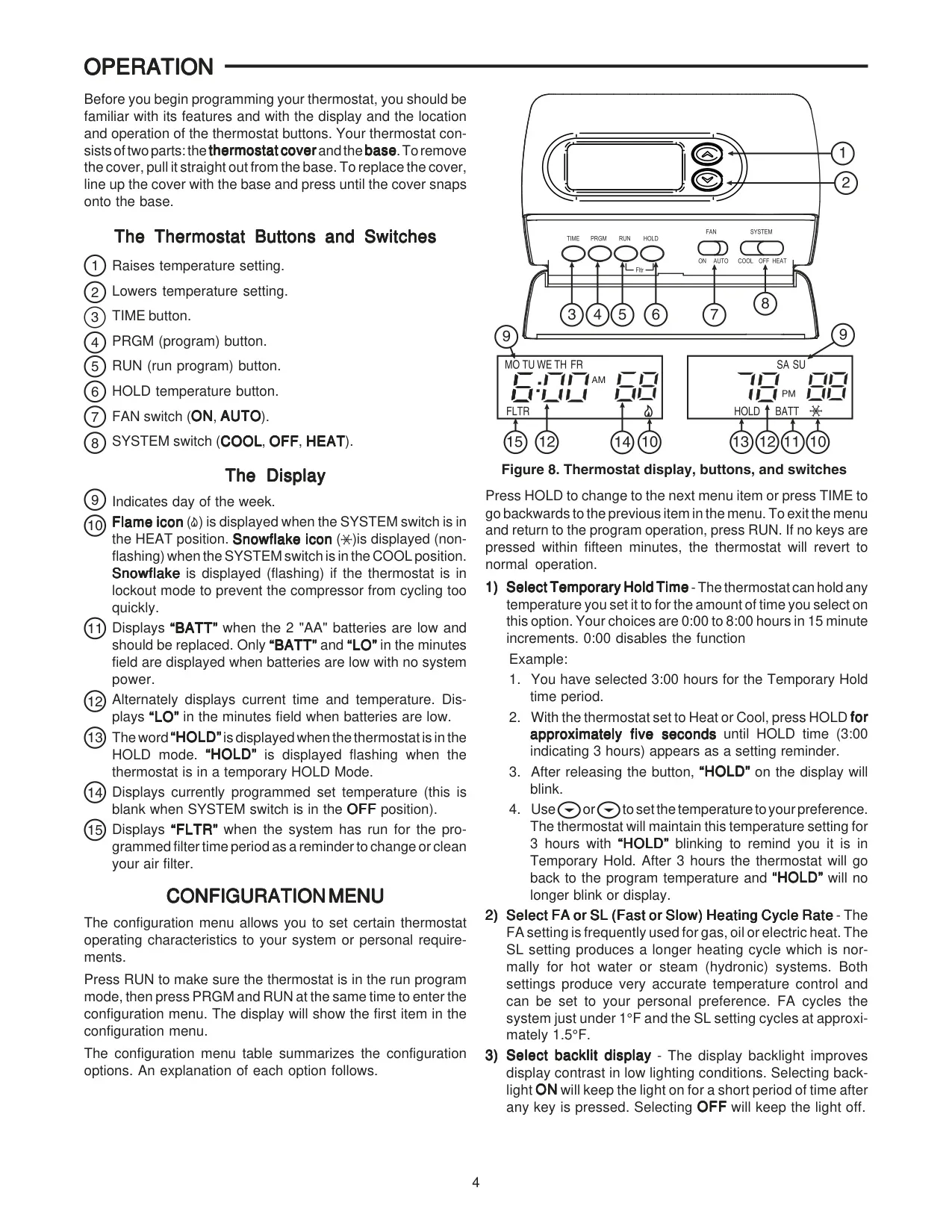
Beyond its robust scheduling capabilities, the 1F80-361 features simultaneous heat and cool program storage, eliminating the need for seasonal reprogramming. Its backlit LCD provides excellent visibility in low-light conditions, continuously displaying the setpoint and alternately showing the current time and room temperature. Users can effortlessly adjust settings with features like temperature override, which holds a selected temperature until the next program period, and a manual HOLD function for indefinite temperature maintenance.
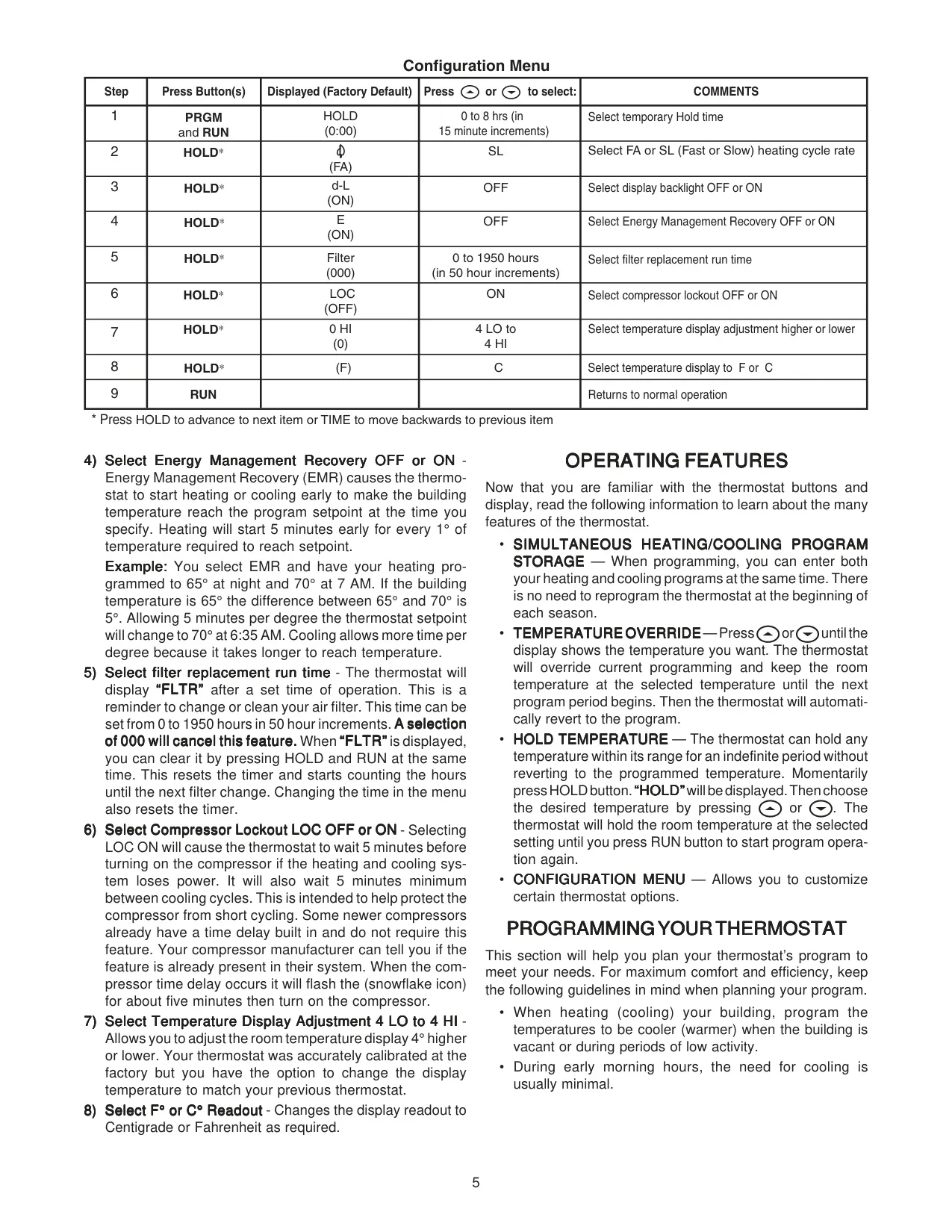
Advanced functionalities are accessible through its configuration menu, including a selectable temporary HOLD time (from 0 to 8 hours in 15-minute increments). The thermostat also offers an Energy Management Recovery (EMR) option, which intelligently initiates heating or cooling early to ensure the desired temperature is reached precisely at the programmed time, enhancing efficiency and comfort without manual intervention.
For system maintenance, the 1F80-361 incorporates a configurable filter replacement reminder, displaying "FLTR" after a user-defined operating time (0 to 1950 hours). Another protective feature is the Compressor Lockout ("LOC ON"), which introduces a 5-minute delay before restarting the compressor, safeguarding it from potential damage caused by short cycling—a valuable asset for extending the lifespan of HVAC equipment.
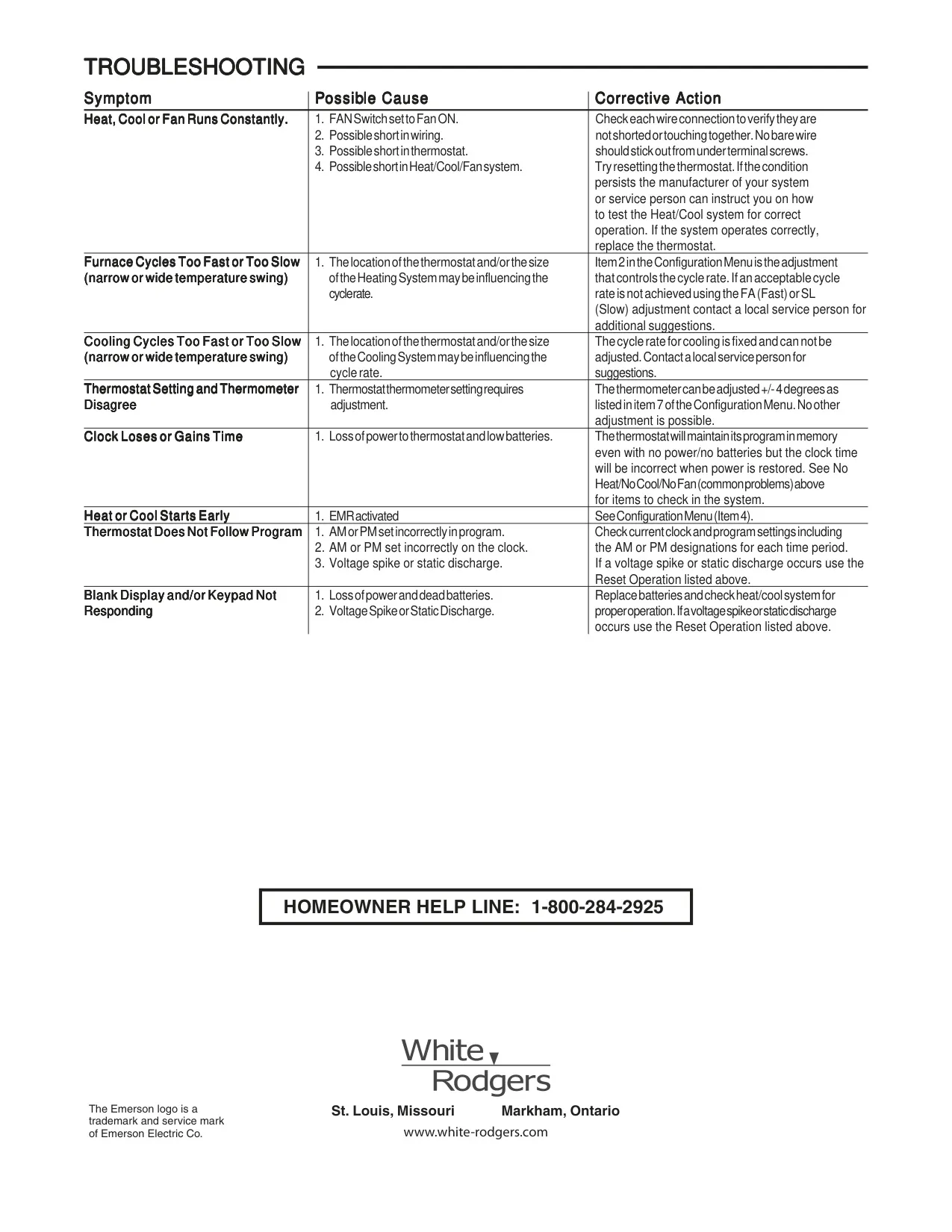
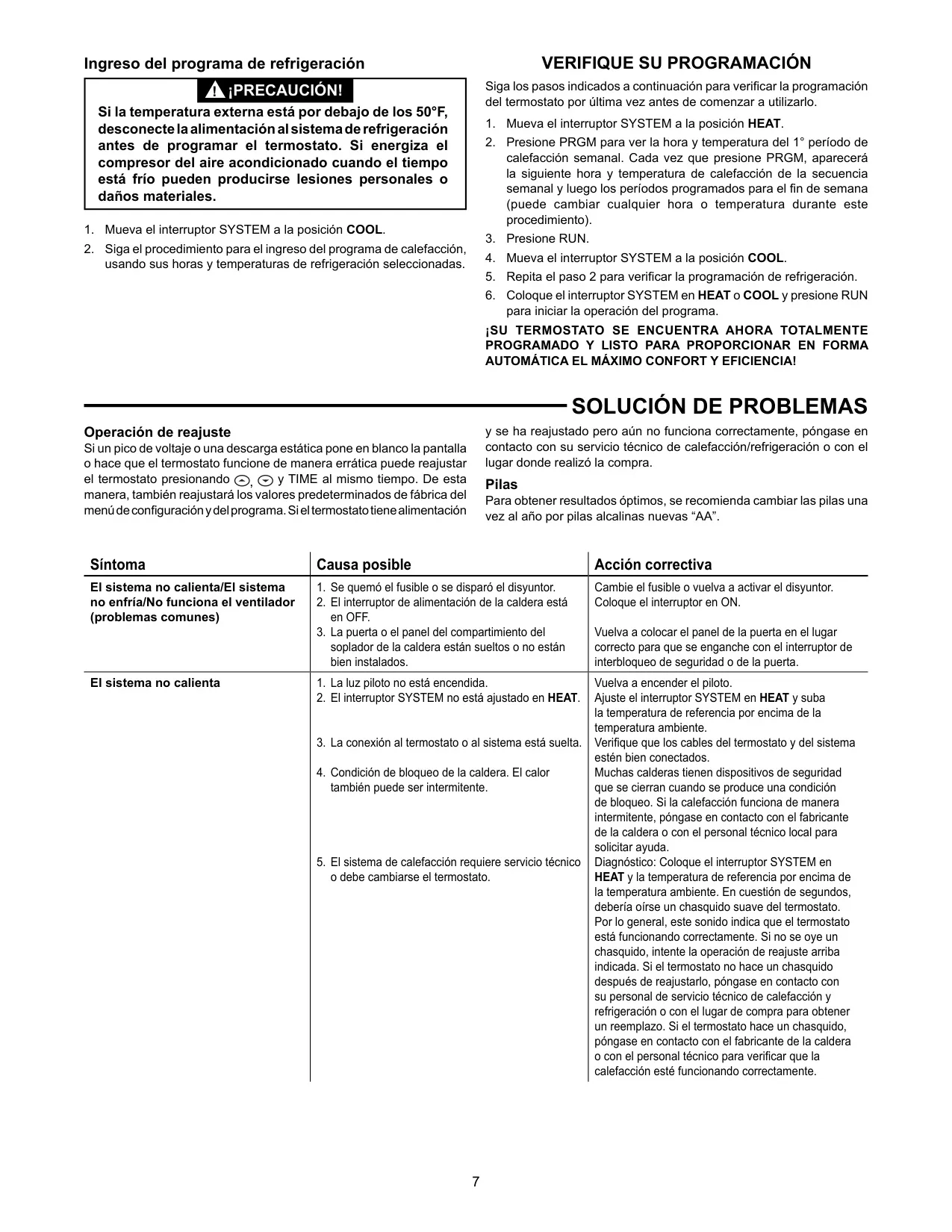
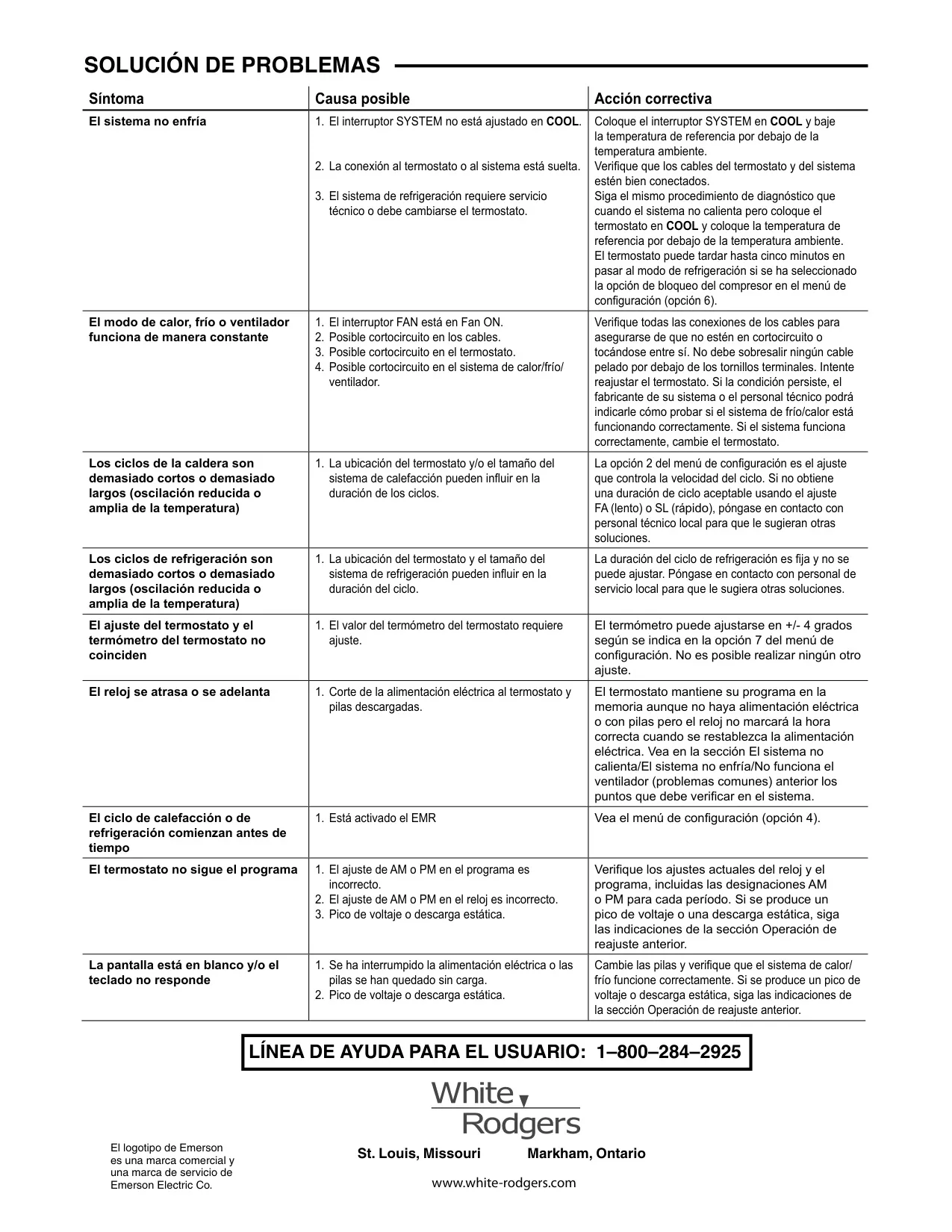
Further customization is available through adjustable heating cycle rates (Fast or Slow) to suit different system types like gas, oil, electric, or hydronic heating. Users can even fine-tune the displayed room temperature by ±4°F to match previous thermostat readings. Powered by two "AA" alkaline batteries and offering an optional C terminal for dual power, the thermostat ensures program retention during power outages and notifies users with a "BATT" indicator when batteries are low.
Frequently Asked Questions (FAQs)
Can't find the answer you need? Here are some frequently asked questions about the White-Rodgers 1F80-361 Thermostat, and we answer them below.