White-Rodgers 1F80-0471 Emerson 80 Series Instruction Manual

Manual White-Rodgers 1F80-0471 Emerson 80 Series Instruction Manual

White-Rodgers 1F80-0471 Emerson 80 Series Instruction Manual
5/5 (1👤)
📕 Manual PDF 📄 8 Pages
★Rate It★

How many stars do you give this manual?

White-Rodgers 1F80-0471 Emerson 80 Series
Full Screen

White-Rodgers 1F80-0471 Instructions

Here we offer the White-Rodgers 1F80-0471 Emerson 80 Series manual completely free and in English. We have cataloged this manual in the Thermostats section on Manualverse, and it has been rated by 1 users with an average rating of 5. If you have any specific questions about White-Rodgers 1F80-0471 Emerson 80 Series, we suggest checking the Frequently Asked Questions (FAQs) section of this manual.


Product Images

Imagen 1
Imagen 2
Imagen 3
Imagen 4
Imagen 5
Miniatura 1
Miniatura 2
Miniatura 3
Miniatura 4
Miniatura 5

White-Rodgers 1F80-0471 Emerson 80 Series Specifications
Feature Specification
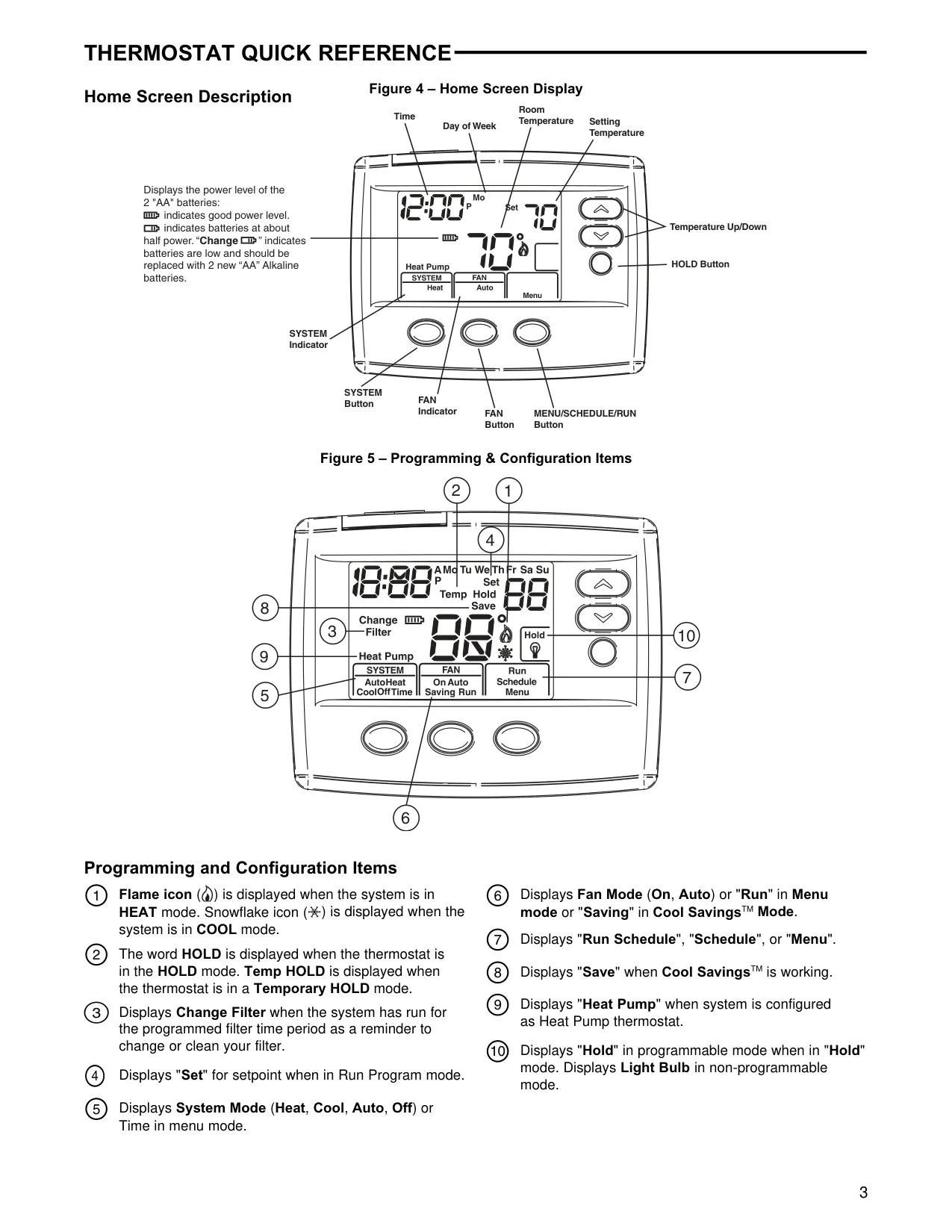
Model 1F80-0471
Programming Choices 5/2 Day, 5/1/1 Day, Non-Programmable
Electrical Rating (Control Circuit) mV to 30 VAC, NEC Class II, 50/60 Hz or DC
Input-Hardwire Voltage 20 to 30 VAC
Terminal Load 1.0 A per terminal, 1.5A maximum all terminals combined
Setpoint Range 45° to 90°F (7° to 32°C)
Differential (Single Stage) Heat 0.6°F; Cool 1.2°F (adjustable)
Differential (Heat Pump) Heat 1.2°F; Cool 1.2°F (adjustable)
Operating Ambient Temperature 32° to +105°F (0° to +41°C)
Operating Humidity 90% non-condensing max.
Shipping Temperature Range -4° to +150°F (-20° to +65°C)
Thermostat Dimensions 3.4"H x 4.4"W x 1.3"D
Compatible Heating Systems Gas or Oil Heat, Electric Furnace, Heat Only Systems, Millivolt Heat Only Systems, Hydronic (Hot Water) Zone Heat (2 or 3 Wires)
Compatible Cooling Systems Electric Furnace, Cool Only Systems, Heat Pump (No Aux. or Emergency Heat)
Incompatible Systems Heat Pump (with Aux. or Emergency Heat), Systems with up to 3 Stages Heat, 2 Stages Cool

White-Rodgers 1F80-0471 Details

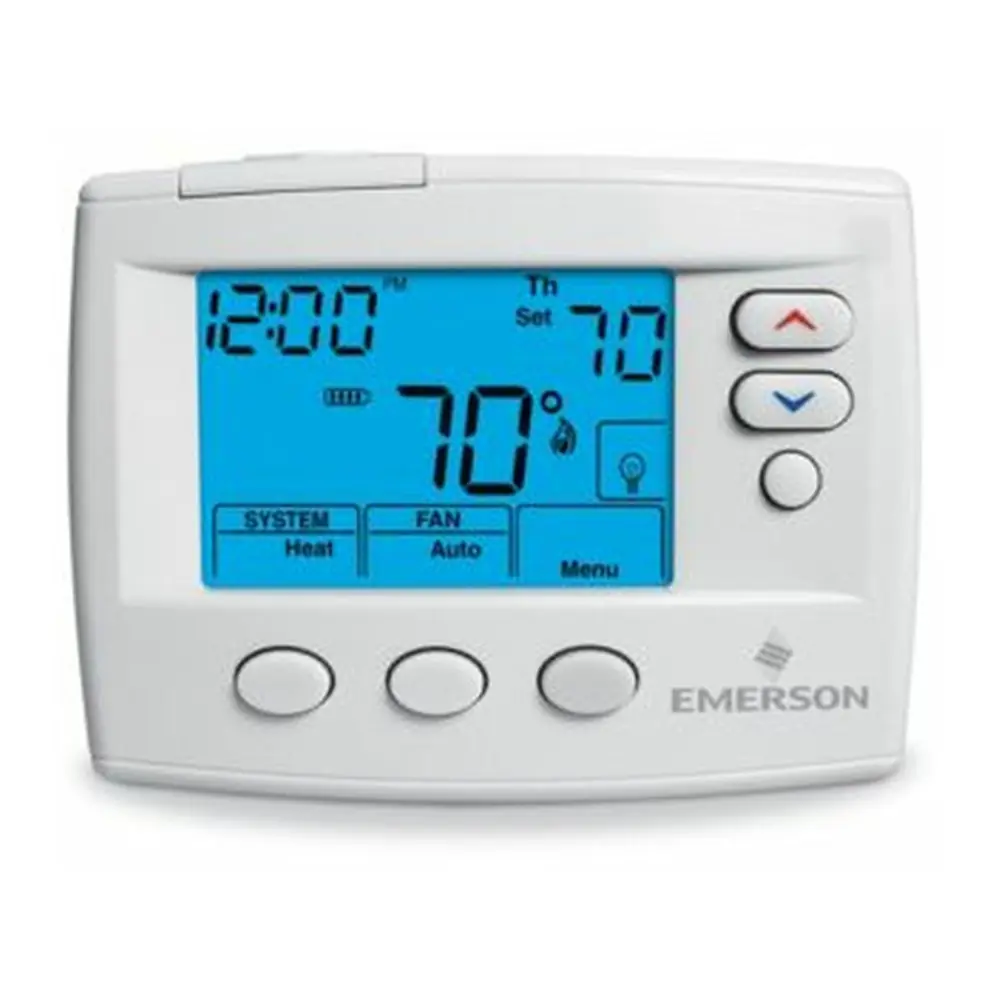
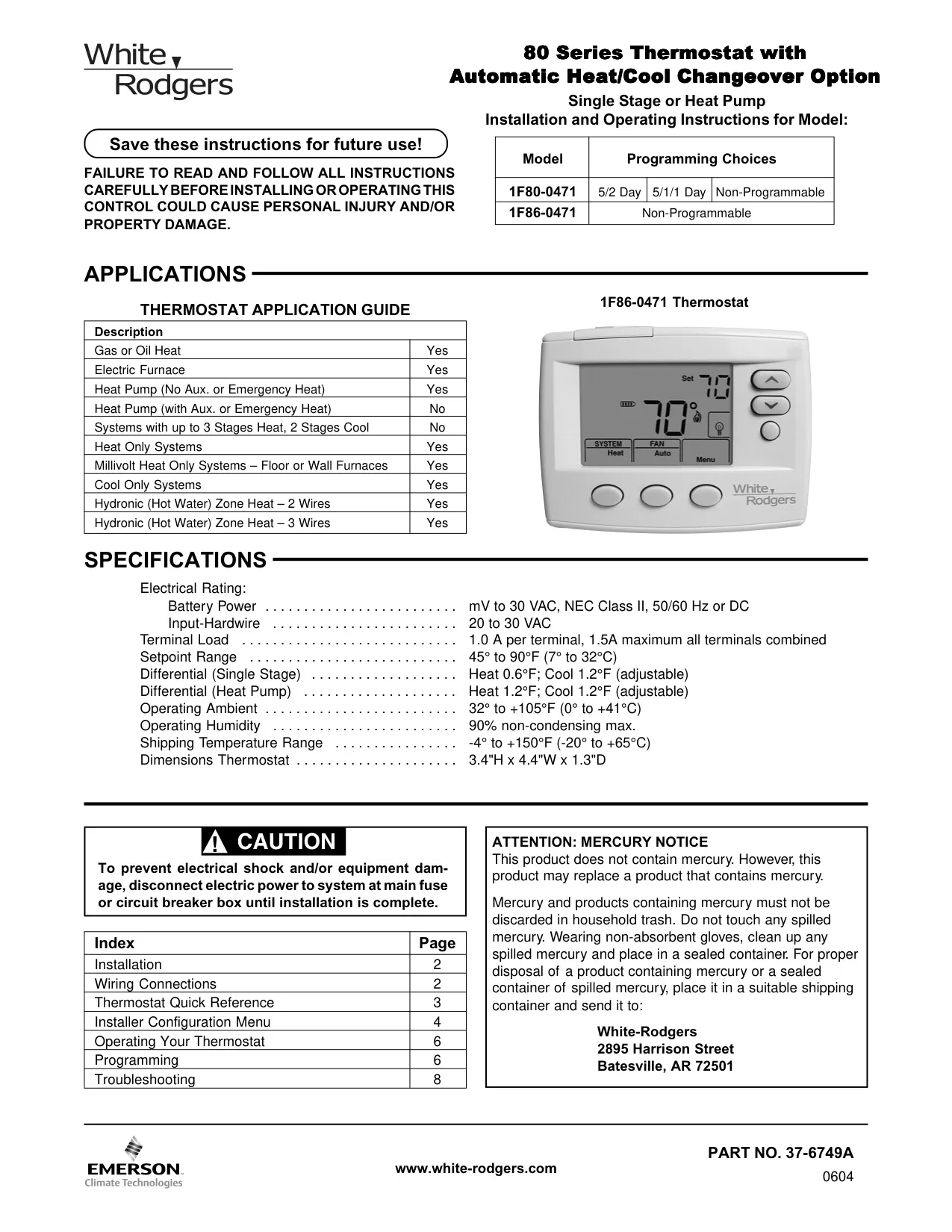
The White-Rodgers 1F80-0471 Emerson 80 Series thermostat offers robust control for a wide array of HVAC systems, excluding those with auxiliary heat pumps or complex multi-stage setups. It supports standard gas or oil heat, electric furnaces, heat-only and cool-only systems, and even millivolt and hydronic zone heating. This broad compatibility makes it a versatile choice for many residential applications.
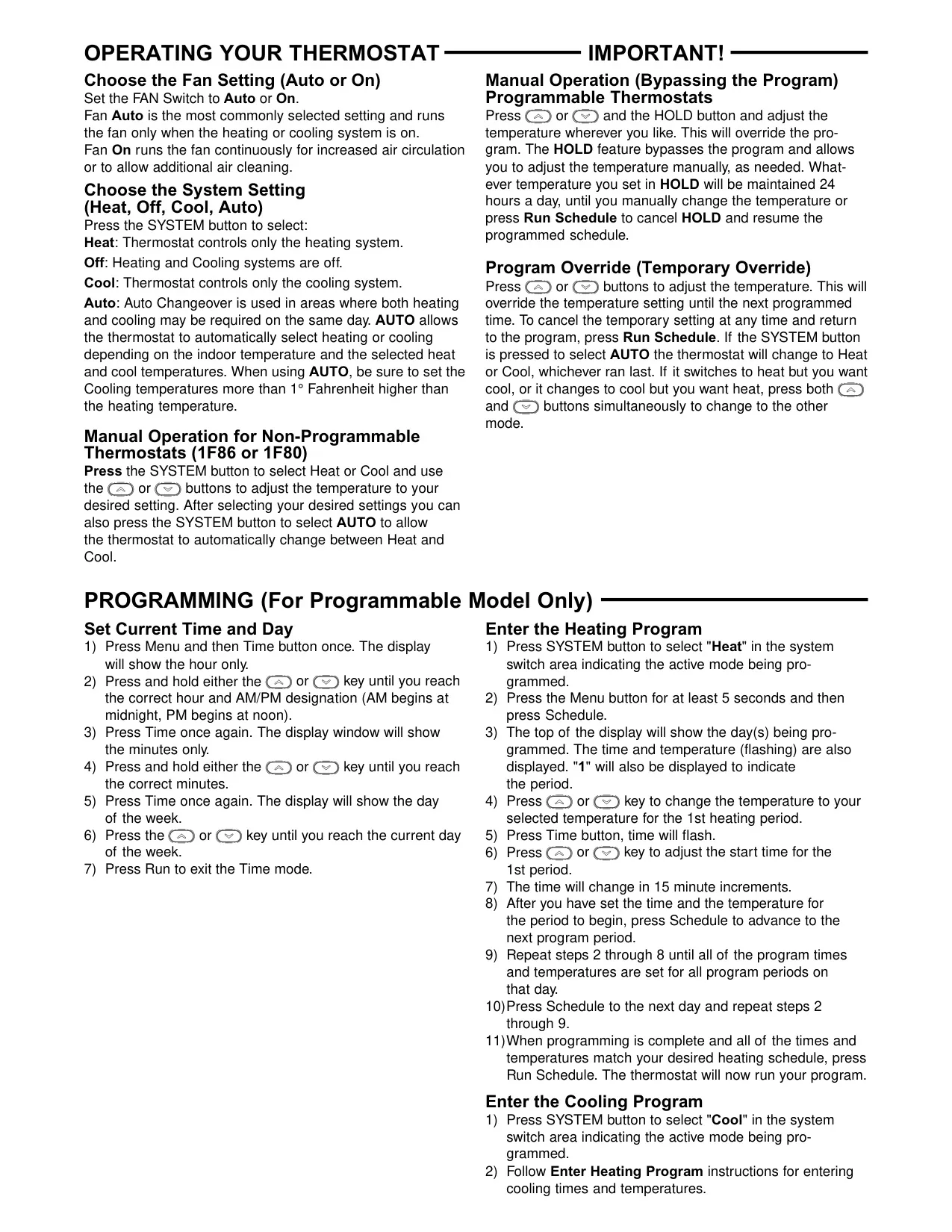
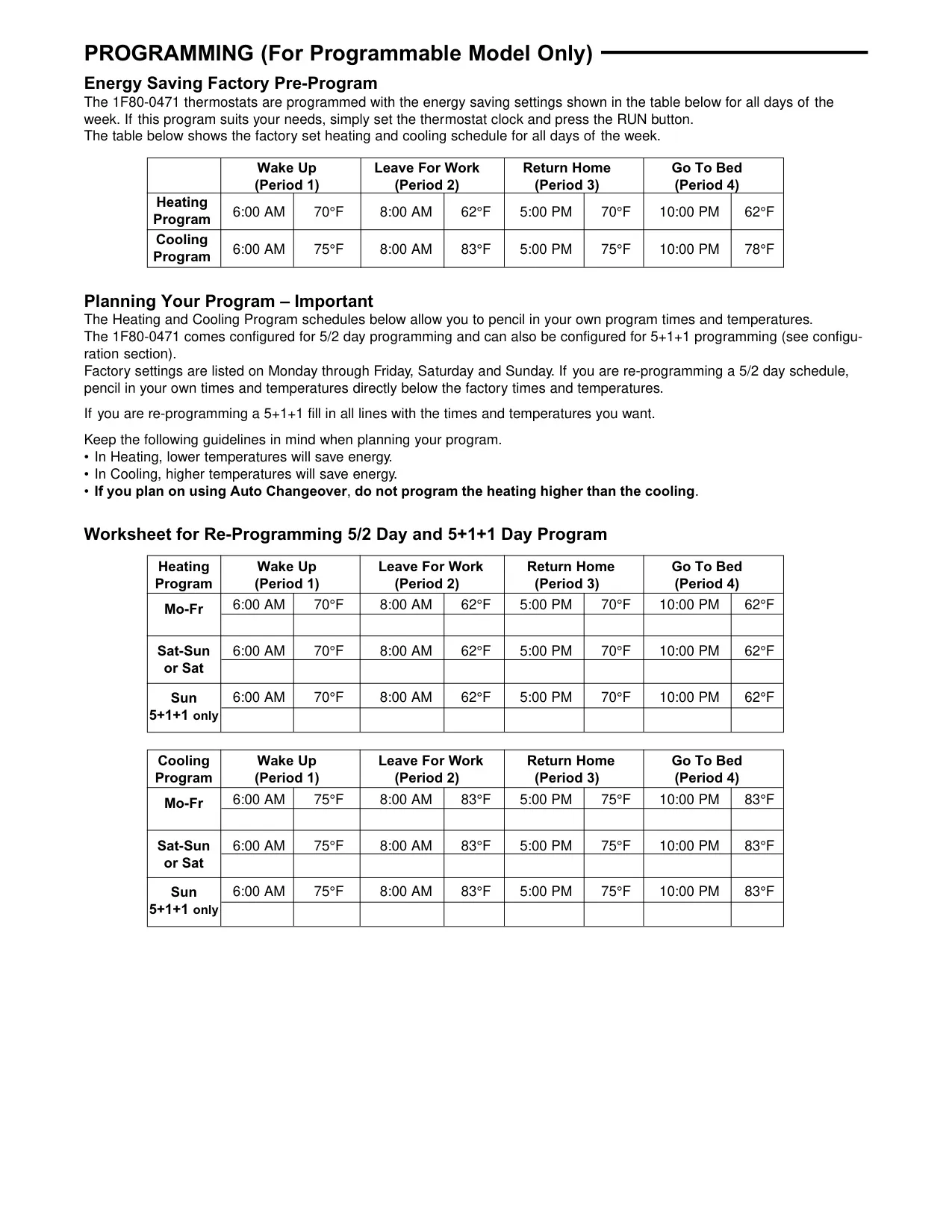
Users can configure the thermostat for different programming preferences: a 5/2 day schedule, 5/1/1 day schedule, or a non-programmable mode for straightforward manual control. This flexibility caters to varying lifestyle demands, allowing for consistent comfort or energy savings based on daily routines. The programming options are easily accessible through the installer configuration menu.

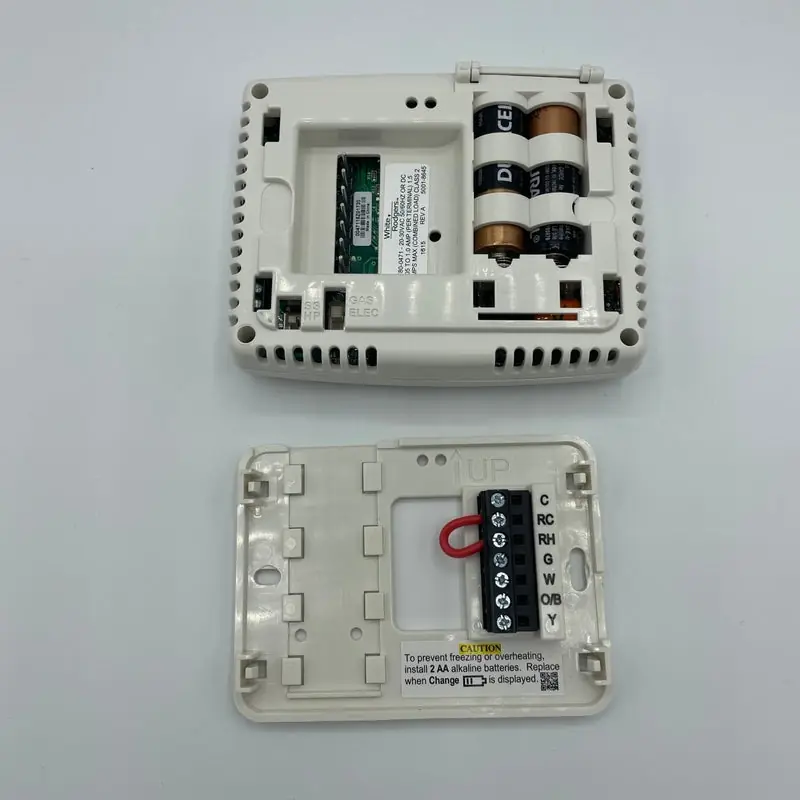
Powering the unit can be done via two AA alkaline batteries, which are included, or through the system's AC power supply if a common wire (C terminal) is connected. The thermostat intelligently displays battery status with icons, alerting users when power levels are halfway or critically low, ensuring timely replacement to prevent operational interruptions.

Installation is designed to be user-friendly, guiding homeowners through the safe removal of old thermostats and the secure mounting of the new unit. Critical internal switches, such as the SS/HP switch, allow configuration for conventional single-stage or heat pump systems, ensuring correct operational logic. The Electric/Gas switch determines if the thermostat controls the circulator fan during a call for heat, typically set to "GAS" for gas/oil systems.

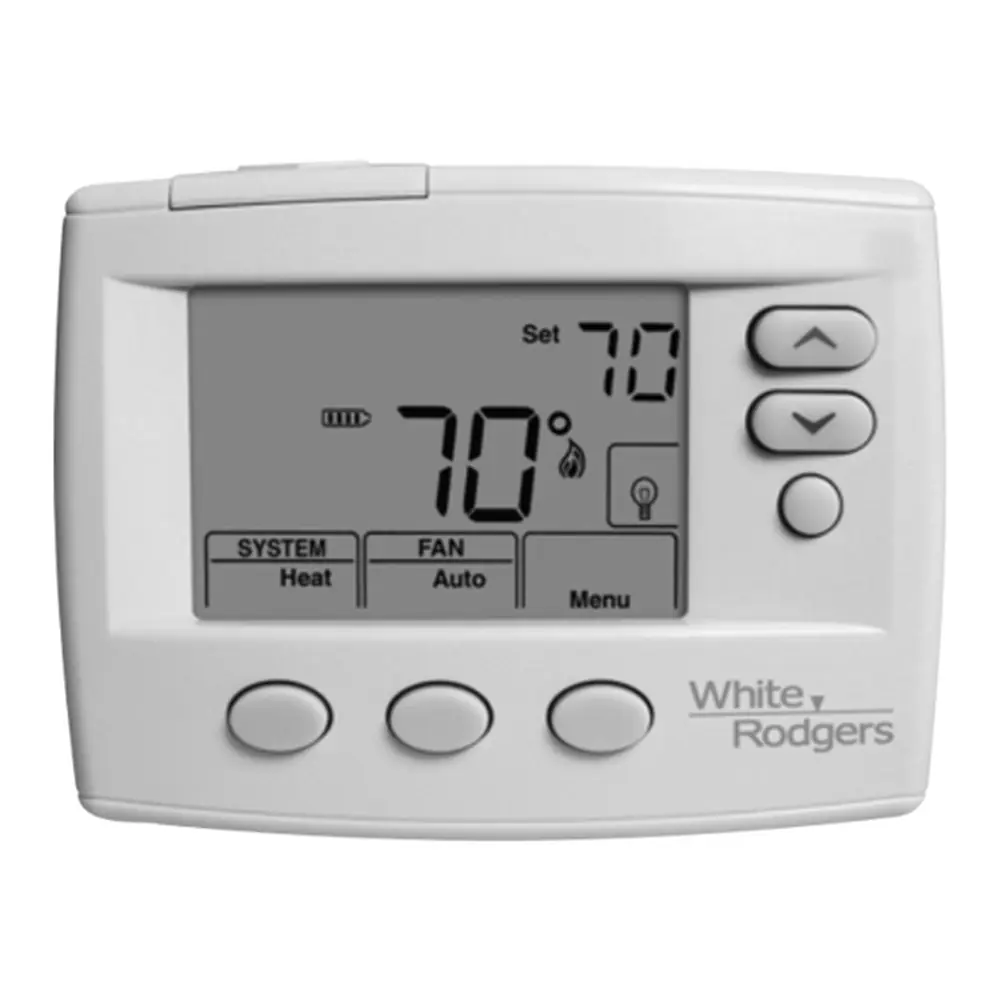
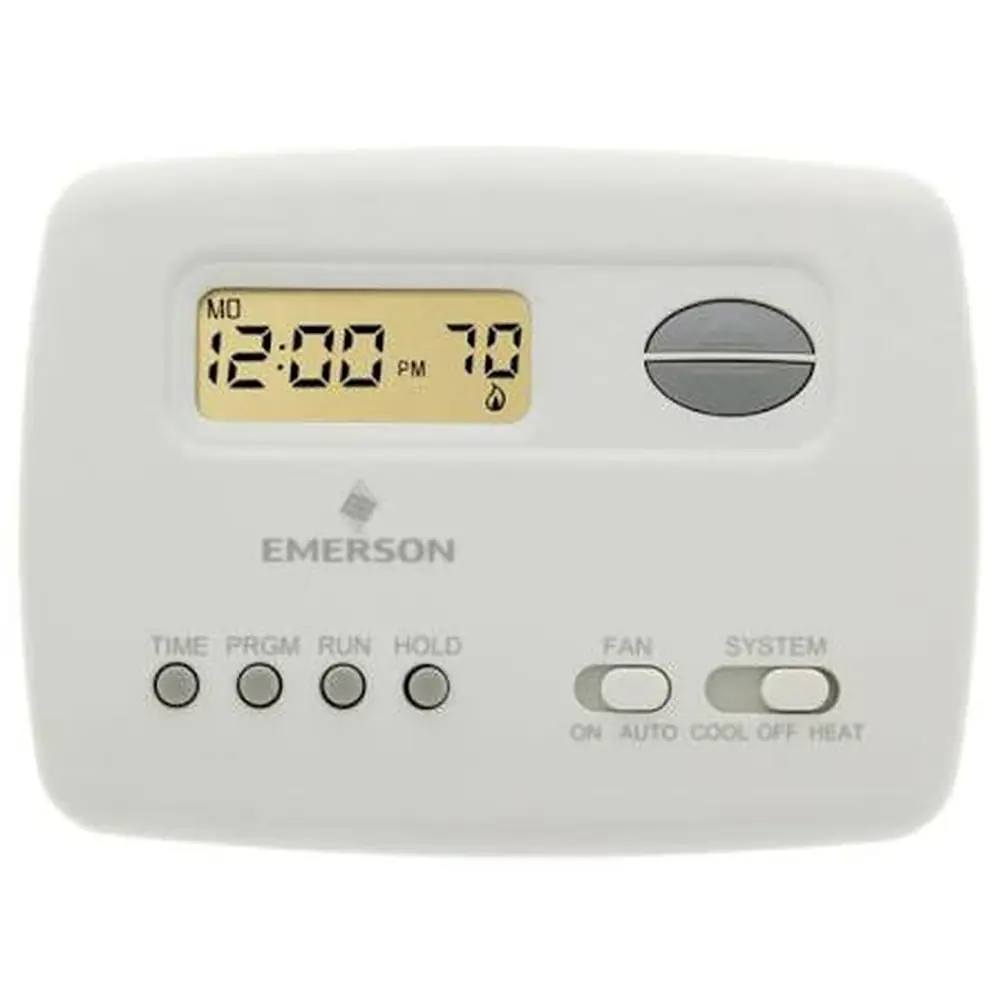
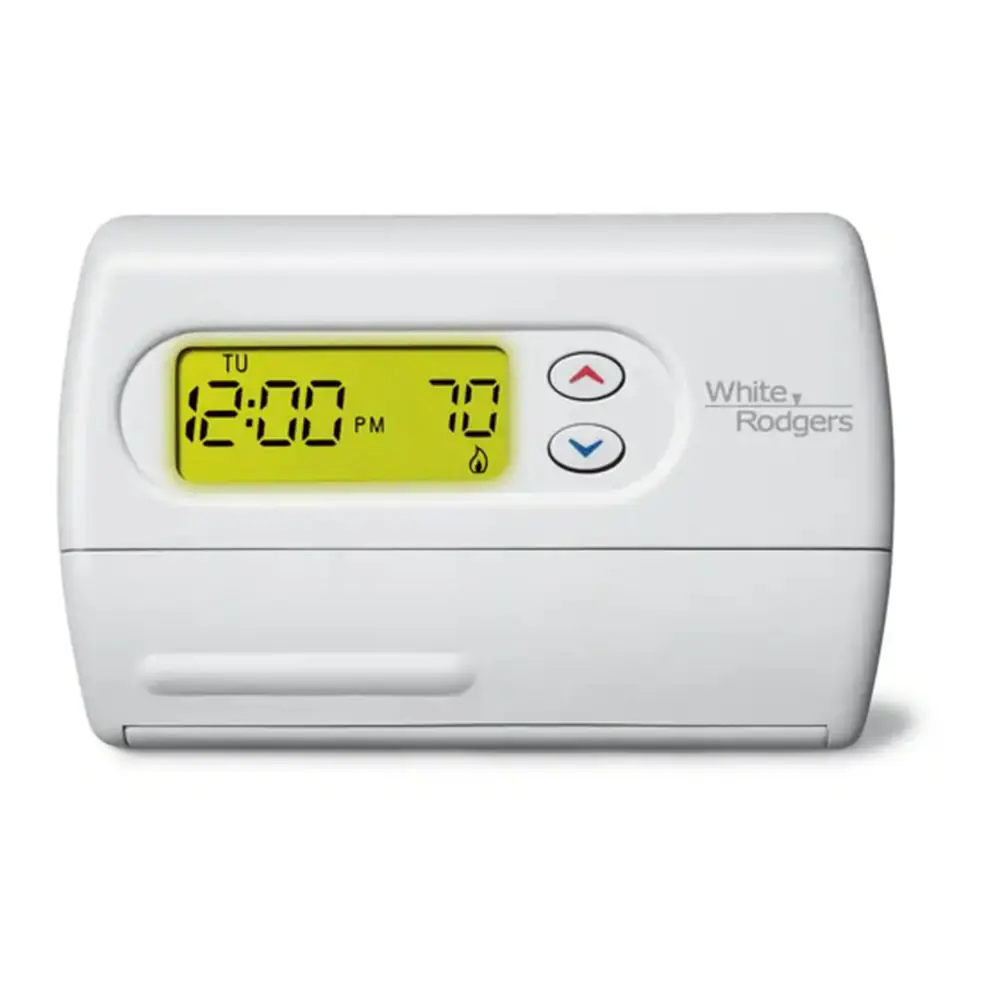
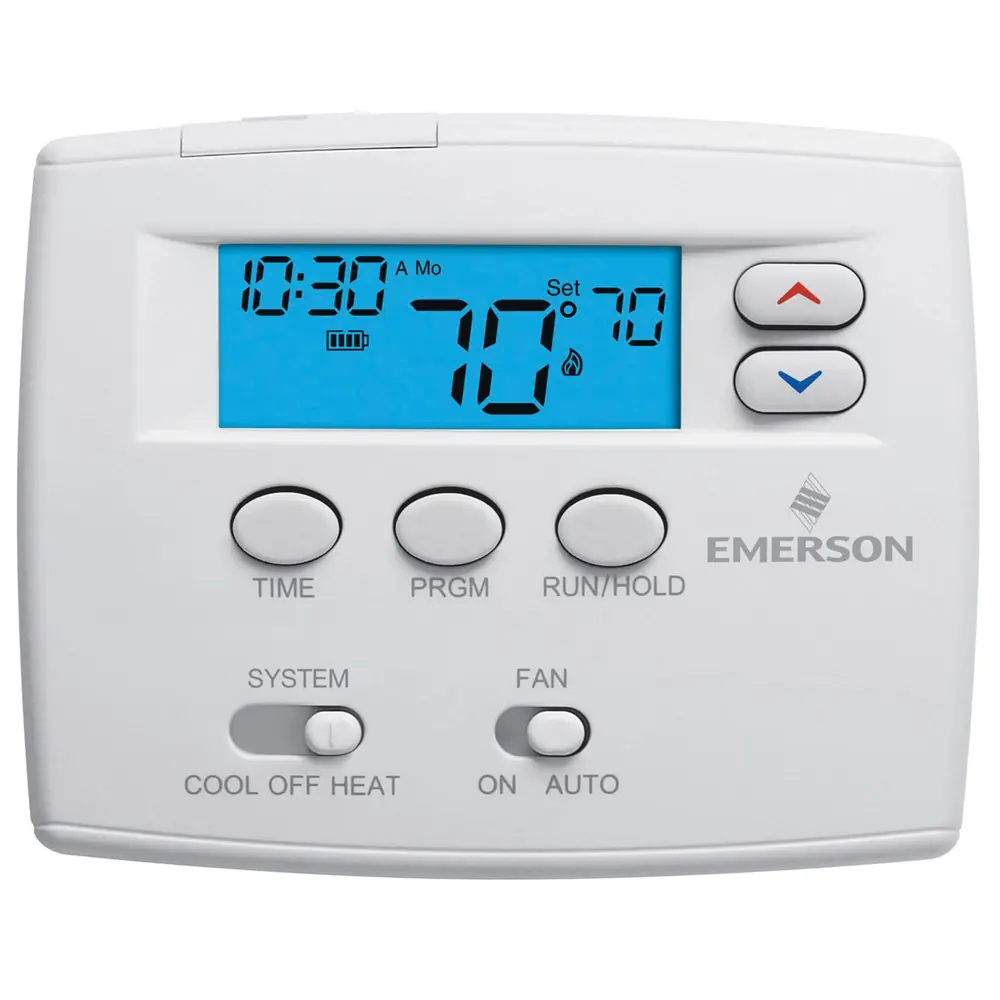
The clear home screen display provides essential information including room temperature, time, day, system mode, and fan mode. Icons like the flame (heat) and snowflake (cool) provide immediate visual feedback. Additional indicators, such as "HOLD" for manual overrides and "Change Filter" for maintenance reminders, enhance user convenience and system longevity.

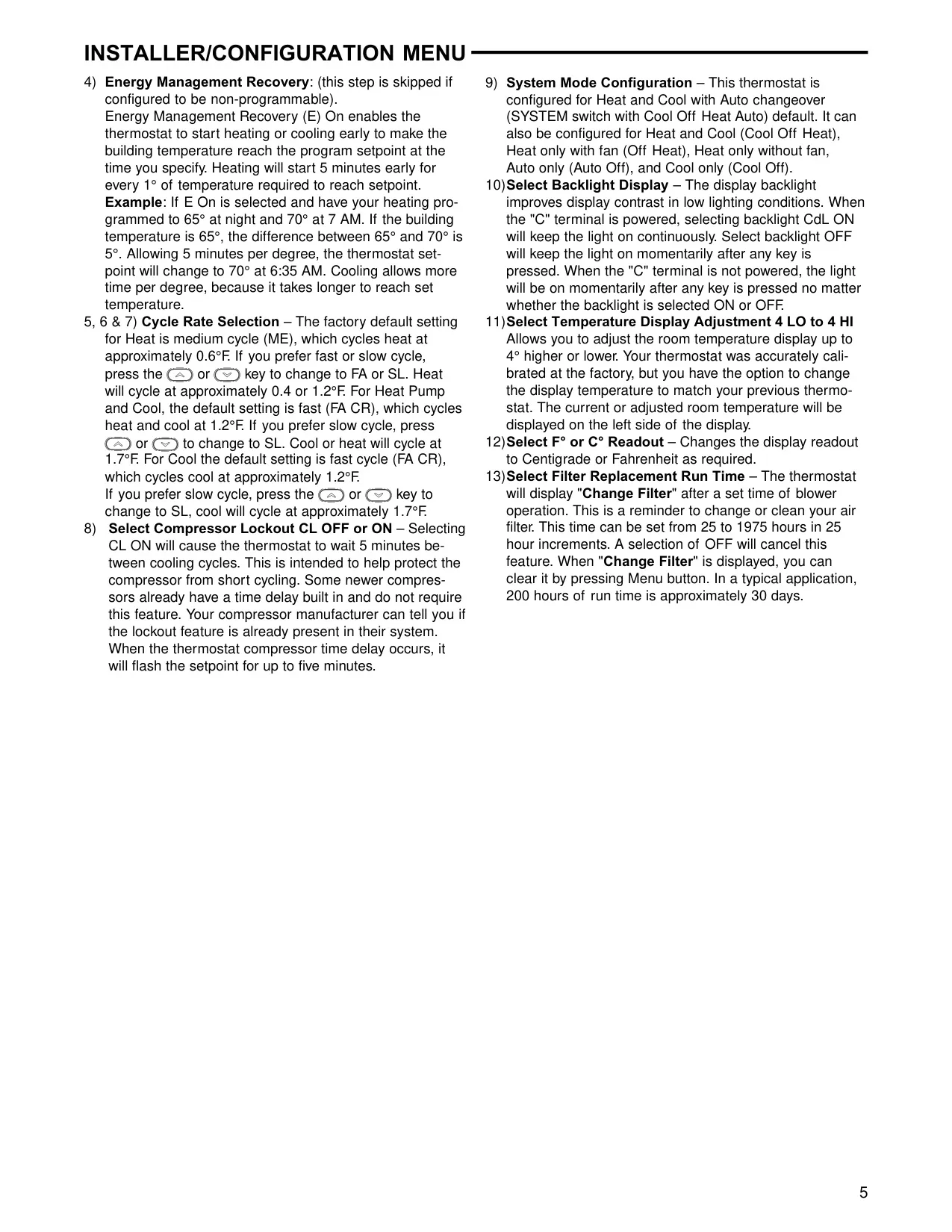
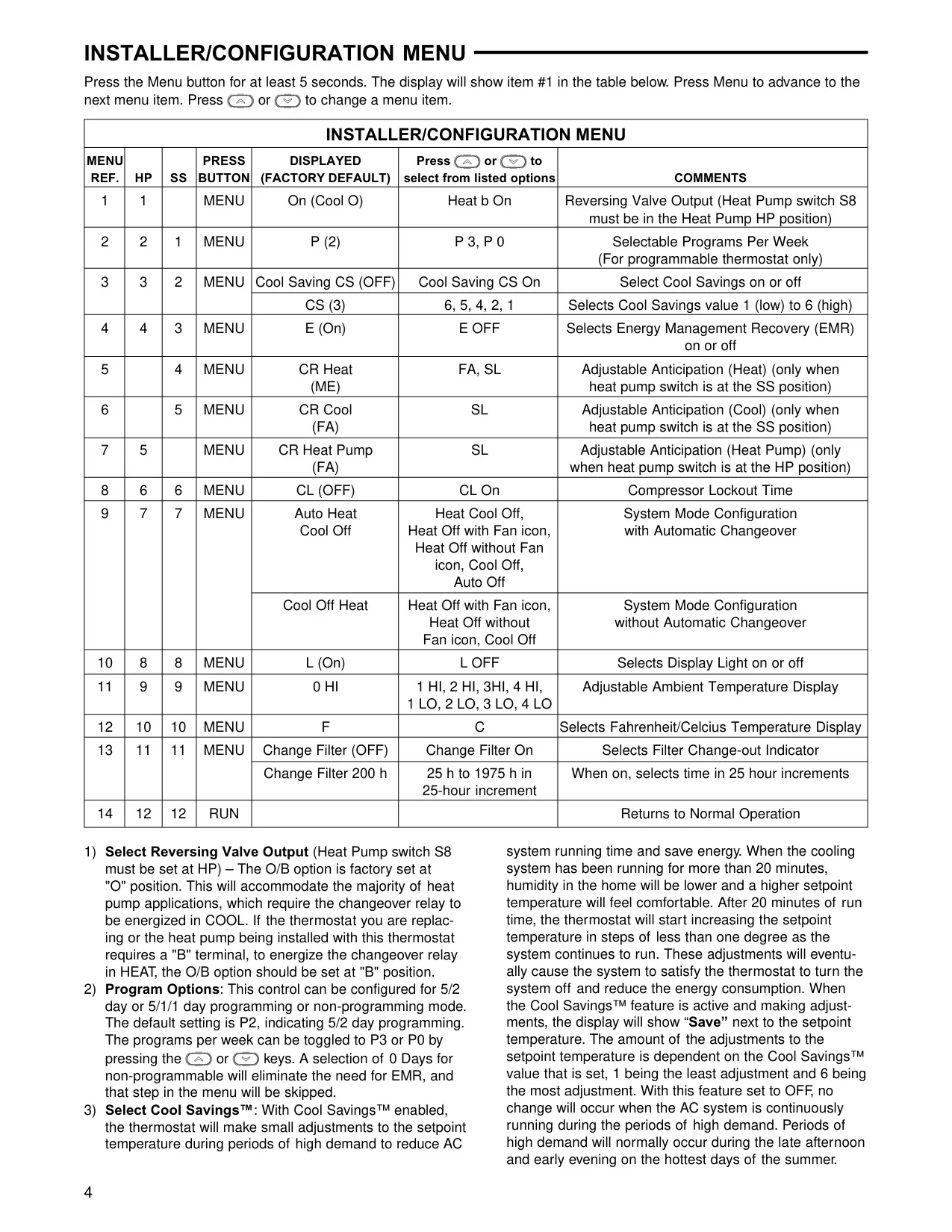
Advanced configuration options are available through a hidden installer menu, allowing precise customization. These include adjusting the reversing valve output for heat pumps, enabling Cool Savings™ for energy optimization, and activating Energy Management Recovery (EMR) to pre-start heating or cooling for optimal comfort at programmed times. Users can also fine-tune cycle rates for heating and cooling, set compressor lockout delays, and configure the overall system mode (Heat, Cool, Auto, Off).

Further customization extends to display backlight settings, ambient temperature display adjustments, and selecting between Fahrenheit or Celsius readouts. The configurable filter change reminder, adjustable in 25-hour increments up to 1975 hours, ensures regular maintenance. Operating the thermostat is intuitive, with dedicated buttons for SYSTEM and FAN modes, along with options for permanent or temporary program overrides.

Frequently Asked Questions (FAQs)

Can't find the answer you need? Here are some frequently asked questions about the White-Rodgers 1F80-0471 Emerson 80 Series, and we answer them below.
What programming options are available for the 1F80-0471 thermostat?
The 1F80-0471 model can be configured for 5/2 Day programming, 5/1/1 Day programming, or as a Non-Programmable thermostat. These settings are adjustable in the installer configuration menu.

Which HVAC systems are compatible with the White-Rodgers 1F80-0471?
This thermostat is compatible with Gas or Oil Heat, Electric Furnaces, Heat Pumps (without Auxiliary or Emergency Heat), Heat Only Systems, Millivolt Heat Only Systems, Cool Only Systems, and Hydronic (Hot Water) Zone Heat (both 2-wire and 3-wire setups).

What do the battery indicators on the display mean?
A solid battery icon indicates good power. A half-filled icon indicates batteries are at about half power. "Change" displayed next to the icon means batteries are low and should be replaced immediately with two new AA alkaline batteries.

How do I perform a complete reset of the thermostat to factory settings?
To reset, remove wires from terminals R and C (do not short them) and remove batteries for 2 minutes. After resetting, replace wires and batteries. Note that this will revert installer configuration menu settings and programming to factory defaults. To reset programming, clock, and configuration settings, press and hold the UP, DOWN, and FAN buttons simultaneously until the display goes blank and all segments appear momentarily.

What is Cool Savings™ and how does it function?
Cool Savings™ is an energy-saving feature that, when enabled, makes small adjustments to the setpoint temperature during high-demand cooling periods to reduce AC system running time. After 20 minutes of continuous cooling, it gradually increases the setpoint by less than one degree at a time, eventually satisfying the thermostat to turn the system off and save energy. The "Save" icon appears when active.

What is Energy Management Recovery (EMR) and how does it help save energy?
EMR is a feature that starts heating or cooling early to ensure your building reaches the programmed setpoint temperature by the time you specify. For heating, it starts 5 minutes early for every 1°F required to reach the setpoint, saving energy by optimizing system run time to meet your schedule efficiently. This feature is skipped if the thermostat is set to non-programmable mode.

Can I use this thermostat with a heat pump that includes auxiliary or emergency heat?
No, the White-Rodgers 1F80-0471 is not compatible with heat pump systems that have auxiliary or emergency heat. It is designed only for heat pump systems without these additional heating stages.

How do I permanently override the programmed schedule?
To permanently override the program, press the UP or DOWN button and then the HOLD button. Adjust the temperature to your desired setting. The thermostat will maintain this temperature 24 hours a day until you manually change it or press "Run Schedule" to cancel HOLD and resume the programmed schedule.

How can I temporarily adjust the temperature without altering my program?
Simply press the UP or DOWN buttons to adjust the temperature. This temporary setting will override the program until the next scheduled program period. To cancel the temporary setting at any time, press the "Run Schedule" button.

What is the purpose of the SS/HP switch?
The SS/HP (Single Stage/Heat Pump) switch configures the thermostat for either a conventional single-stage system (SS position) or a single-stage heat pump system (HP position). It is factory set to SS.

When should I set the Electric/Gas switch to 'ELEC' or 'GAS'?
The ELEC/GAS switch controls whether the thermostat powers the circulator fan on a call for heat. Set it to "GAS" (factory default) if your heating system (typically gas or oil) does not require the thermostat to power the fan. Set it to "ELEC" if your system (e.g., electric furnace) requires the thermostat to energize the fan during heating. For heat pumps, the thermostat always powers the fan in HEAT mode regardless of this switch.

My furnace or air conditioner cycles too fast or too slow. Can I adjust this?
Yes, you can adjust the cycle rate (anticipation) in the installer configuration menu. The default for heat is "ME" (medium, approx. 0.6°F cycle), which can be changed to "FA" (fast, approx. 0.4°F) or "SL" (slow, approx. 1.2°F). For Cool and Heat Pump, the default is "FA" (approx. 1.2°F), adjustable to "SL" (approx. 1.7°F).

What does 'Change Filter' on the display mean and how do I clear it?
"Change Filter" is a reminder that appears after the system has run for a programmed period (set in the installer menu, from 25 to 1975 hours) to indicate it's time to change or clean your air filter. To clear this message, press the Menu button.

Related product manuals

Go up